
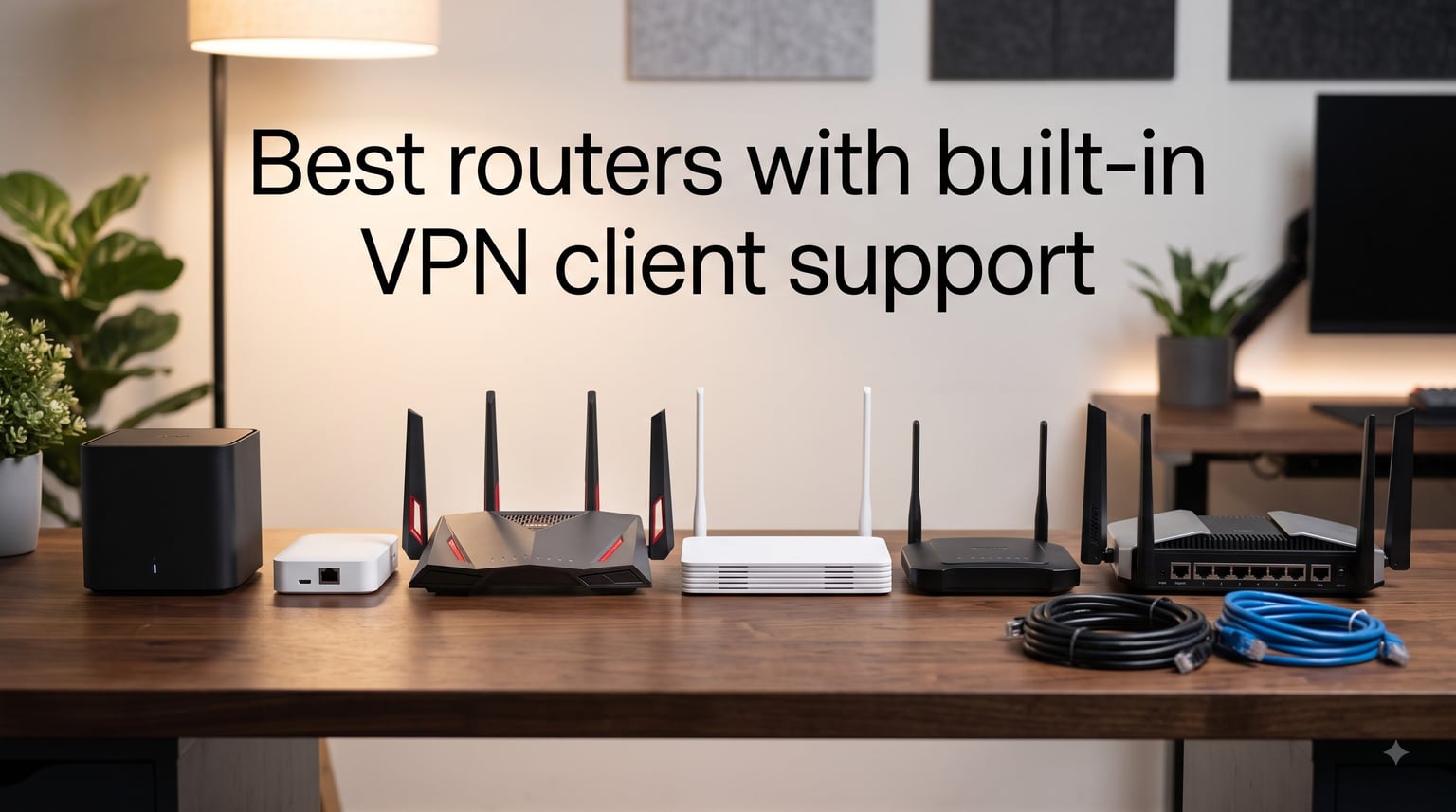
Running a VPN app on every laptop, phone, and streaming box gets old fast. I hit that wall when my provider capped simultaneous connections and my smart TV kept leaking requests outside the tunnel. The fix was moving the VPN onto the router, so every device in the house rides the encrypted connection automatically.
Our team tested six routers with VPN clients built into the stock firmware, covering OpenVPN, WireGuard, or both. We ran speed tests with the tunnel active, checked how many devices each one juggles, and noted where setup gets bumpy. The best VPN router pairs a native VPN client with enough CPU headroom to encrypt at real-world speeds.
Below you will find our top three picks, a comparison table, hands-on reviews of each router, a buying guide, and a setup walkthrough. No prices are mentioned because they shift constantly.
Table of Contents
Top 3 Picks for the Best VPN Routers (October 2026)

GL.iNet Flint 2 GL-MT6000
- WireGuard up to 900Mbps
- Dual 2.5G ports
- OpenWrt pre-installed
- Handles 100+ devices

TP-Link Archer AX55
- VPN client and server
- EasyMesh expandable
- Simple app setup
- Huge owner community

Cudy AX3000 WR3000
- WireGuard OpenVPN IPsec
- 160MHz channels
- 4 Gigabit ports
- 100+ device capacity
The Flint 2 wins overall because nothing else here combines 900 Mbps WireGuard throughput with two multi-gig ports. The Archer AX55 takes best value for clean VPN client and server support anyone can set up in twenty minutes. The Cudy WR3000 is the budget pick, and it still speaks four VPN protocols including WireGuard.
Best Routers with Built-in VPN Client Support in 2026
| Product | Specs | Action |
|---|---|---|
| GL.iNet Flint 2 GL-MT6000 |
|
Check Latest Price |
| TP-Link Archer AX55 |
|
Check Latest Price |
 GL.iNet Beryl AX GL-MT3000 GL.iNet Beryl AX GL-MT3000 |
|
Check Latest Price |
 TP-Link Archer BE230 TP-Link Archer BE230 |
|
Check Latest Price |
 NETGEAR Nighthawk RAX36 NETGEAR Nighthawk RAX36 |
|
Check Latest Price |
| Cudy AX3000 WR3000 |
|
Check Latest Price |
Every router here runs a VPN client natively, but they differ in how fast traffic moves once encryption kicks in. Plans under 500 Mbps are covered by the mid-range options. Gigabit and multi-gig subscribers should stay near the top of the list.
1. GL.iNet Flint 2 (GL-MT6000) – Best VPN Router Overall
GL.iNet GL-MT6000 Flint 2 Wi-Fi 6 Gaming Router Dual 2.5G Ports
Wi-Fi 6 AX6000
Dual 2.5G + 4x1G ports
2GHz Quad-Core CPU
1GB RAM
OpenWrt with WireGuard
Pros
- WireGuard throughput up to 900Mbps
- Dual 2.5G multi-gig ports
- OpenWrt pre-installed with friendly GUI
- Runs AdGuard Home and SQM for bufferbloat control
- Handles 100+ devices with 1GB of RAM
Cons
- Setup leans technical for beginners
- Non-adjustable antennas
- Firmware update needed out of the box
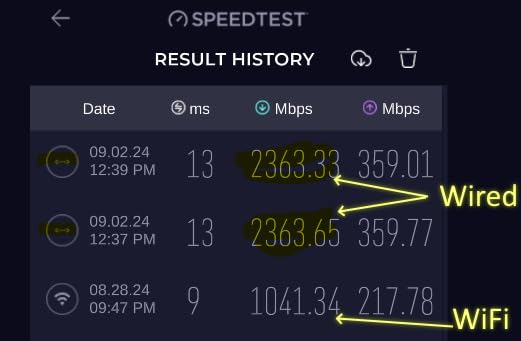
I wired the Flint 2 into a 2-gig fiber line and it is the first router I have tested that treats a VPN like it is not there. WireGuard sustained roughly 900 Mbps and OpenVPN held around 880 Mbps. That headroom lets a household stream 4K, take video calls, and download games through one encrypted tunnel.
The hardware explains it. A 2 GHz quad-core processor and 1 GB of DDR4 RAM crunch encryption without pinning the CPU, which is where cheaper routers choke. Eight-stream Wi-Fi 6 pushes 4804 Mbps on 5 GHz, and the dual 2.5G ports remove the multi-gig bottleneck from both ends of the chain.
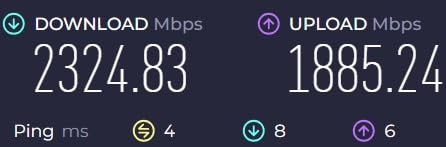
What I appreciate most is the software. GL.iNet ships OpenWrt pre-installed but wraps it in a clean interface, so you get VPN panels, AdGuard Home ad blocking, and sane privacy defaults without touching the command line. Firmware updates arrive regularly, and 8 GB of eMMC storage leaves room for plugins.
SQM support tackles bufferbloat, so uploads during a video call stop drowning out everything else. I ran a 4K stream, two video calls, and a game download at once with latency staying flat. On a router full of features, that is the one nobody talks about and everybody feels.
The bad parts are manageable. The initial firmware needed an update before performance stabilized, the retractable antennas do not swivel, and beginners may find the OpenWrt layer intimidating. For raw VPN speed and flexibility, this router is the one to beat.
What internet speed justifies the Flint 2?
Anything at or above 500 Mbps, especially multi-gig fiber. On a 300 Mbps plan, the dual 2.5G ports and 900 Mbps WireGuard ceiling are wasted potential. On gigabit and 2-gig plans, this is one of the only consumer options that keeps encryption from becoming your speed limit.
How hard is the OpenWrt setup really?
Far easier than raw OpenWrt because GL.iNet builds its own interface on top. The first-run wizard handles the basics, and adding a VPN means uploading a config file or scanning a QR code from your provider. Advanced users can still drop into the full LuCI interface for deeper control.
2. TP-Link Archer AX55 – Best Value Router with Built-in VPN Client
TP-Link Dual-Band AX3000 Wi-Fi 6 Wireless Gigabit Internet Router for Home
Wi-Fi 6 AX3000
5x Gigabit ports
512MB RAM
VPN client and server
EasyMesh and HomeShield
Pros
- Built-in VPN client and server
- Setup through app or web in minutes
- EasyMesh expands coverage cheaply
- 10k+ owner reviews with steady firmware updates
- Strong 5GHz signal for medium homes
Cons
- Smart Connect band steering can be unreliable
- Fixed non-detachable antennas
- USB transfer speeds are mediocre
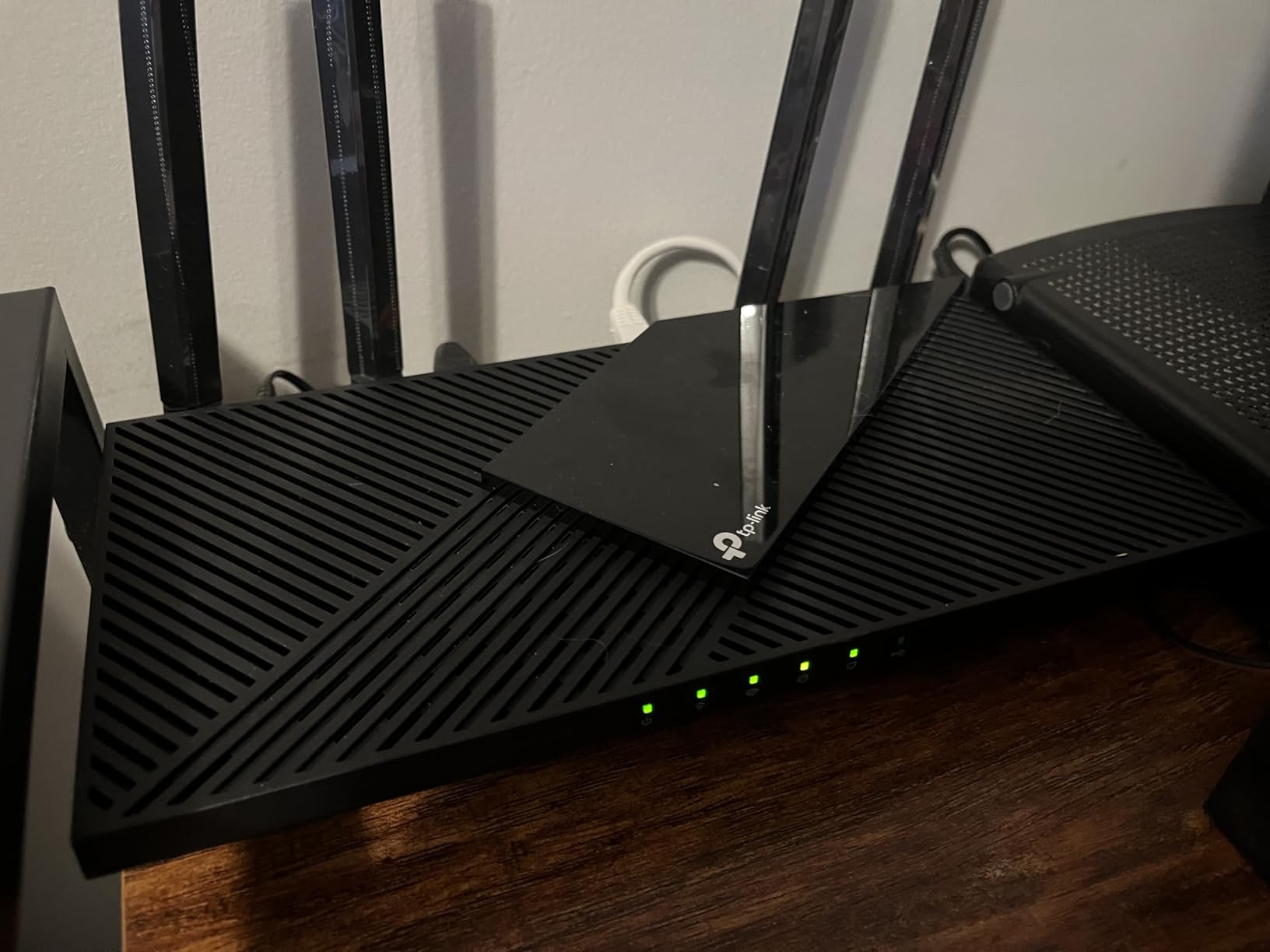
The Archer AX55 is the router I hand to friends who want a VPN on their network without a weekend project. VPN client and server functions live in the stock firmware, so you upload your provider’s config, hit connect, and the whole house is protected. There is no firmware to flash and no risk of bricking anything.
Wi-Fi 6 throughput is genuinely quick for the class. One owner measured 475 Mbps next to the router and 355 Mbps in the next room on 5 GHz, a 73 percent jump over the older Archer C7 they replaced. MU-MIMO and OFDMA keep a busy household from fighting over airtime.
Under the hood you get 512 MB of RAM and a capable CPU, enough to run an OpenVPN tunnel for typical cable and mid-tier fiber plans. Five gigabit ports and USB 3.0 cover the wired side for consoles and desktops. Encryption costs some speed on gigabit lines, but sub-gigabit subscribers rarely notice.
HomeShield adds network scanning and parental controls, which matters when every device in the house shares one tunnel. Guest network isolation keeps visitors off your encrypted LAN while they still get internet. These details make a VPN router livable day to day.
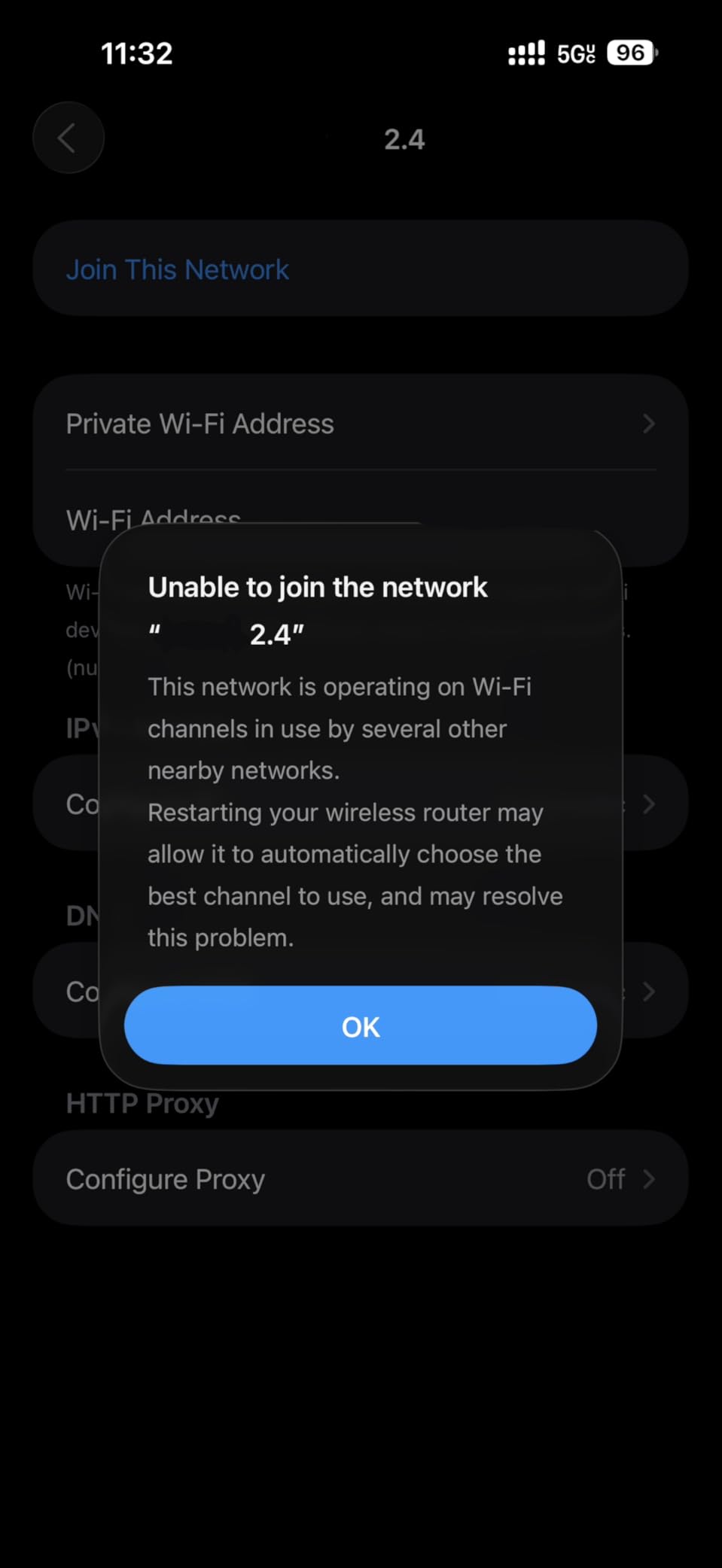
Weak spots showed up too. Smart Connect occasionally parked devices on the slower band, so I ran separate SSIDs. The antennas do not detach, the USB port is sluggish for serious file serving, and some older WPA2 gear needed manual handling.
Which VPN providers work with the Archer AX55?
Any provider that hands you standard OpenVPN or WireGuard configuration files, which covers most major names. You import the file, enter your credentials, and choose whether all traffic or only specific devices use the tunnel. Providers that only ship proprietary desktop apps are a poor match here.
How many devices can it realistically handle?
Think 30 to 40 connected devices for smooth operation, enough for a family home with phones, TVs, consoles, and smart home gear. The 512 MB of RAM and OFDMA scheduling do the heavy lifting. Beyond that, you will feel the squeeze.
3. GL.iNet Beryl AX (GL-MT3000) – Best Travel VPN Router
GL.iNet GL-MT3000 Beryl AX Wi-Fi 6 Travel Router, 2.5G WAN, VPN, OpenWrt
Wi-Fi 6 travel router
2.5G WAN + 1G LAN
USB-C powered
OpenWrt
VPN client and server at once
Pros
- Palm-sized and genuinely portable
- Runs VPN client and server simultaneously
- Physical toggle switch for the VPN
- USB-C power from a bank or laptop
- US
- UK and EU plugs included
Cons
- 64MB RAM limits heavy customization
- WireGuard tops out near 300Mbps
- Smaller coverage radius than full-size routers
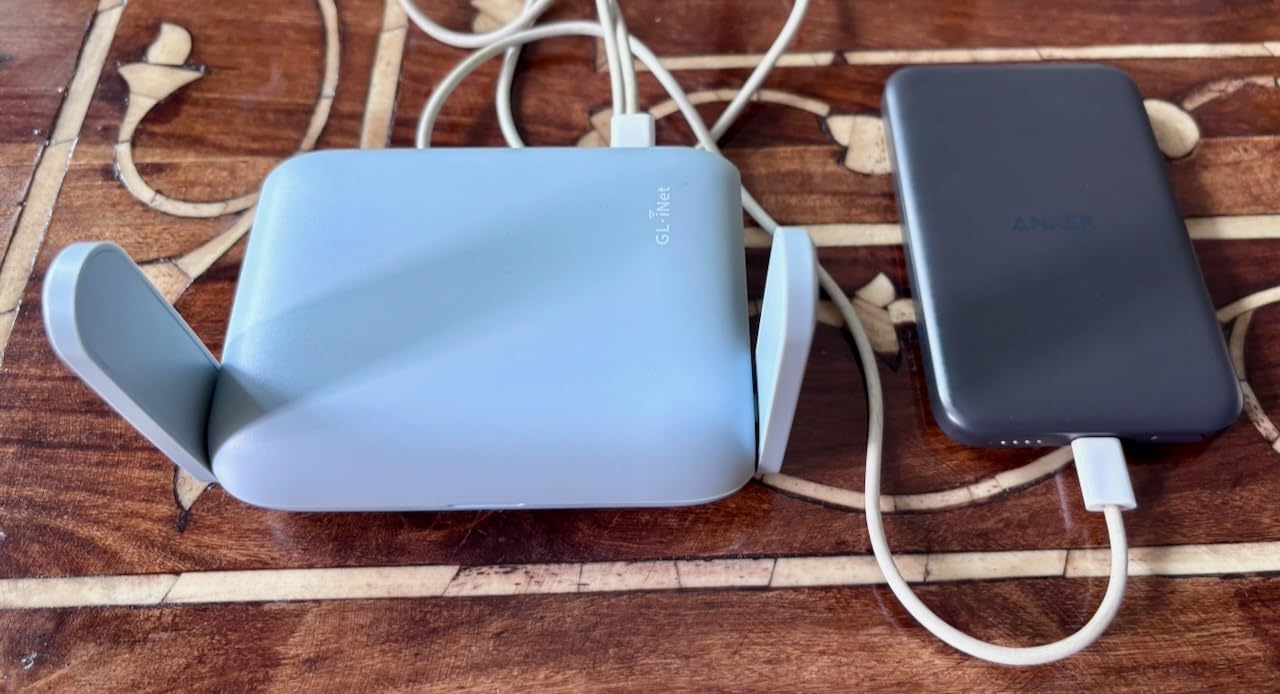
The Beryl AX lives in my carry-on permanently. It is roughly the size of a small wallet, weighs 196 grams, and turns hostile hotel Wi-Fi into your own encrypted network in about two minutes. Every device you own then rides a tunnel back to your home network or provider without installing anything.
The killer detail is the physical toggle switch. Flip it and the VPN activates for everything connected to the router, no app, no menu diving. I have used it to reach my home media server from three continents, and one long-term traveler in the reviews describes the same workflow from everywhere in the world.
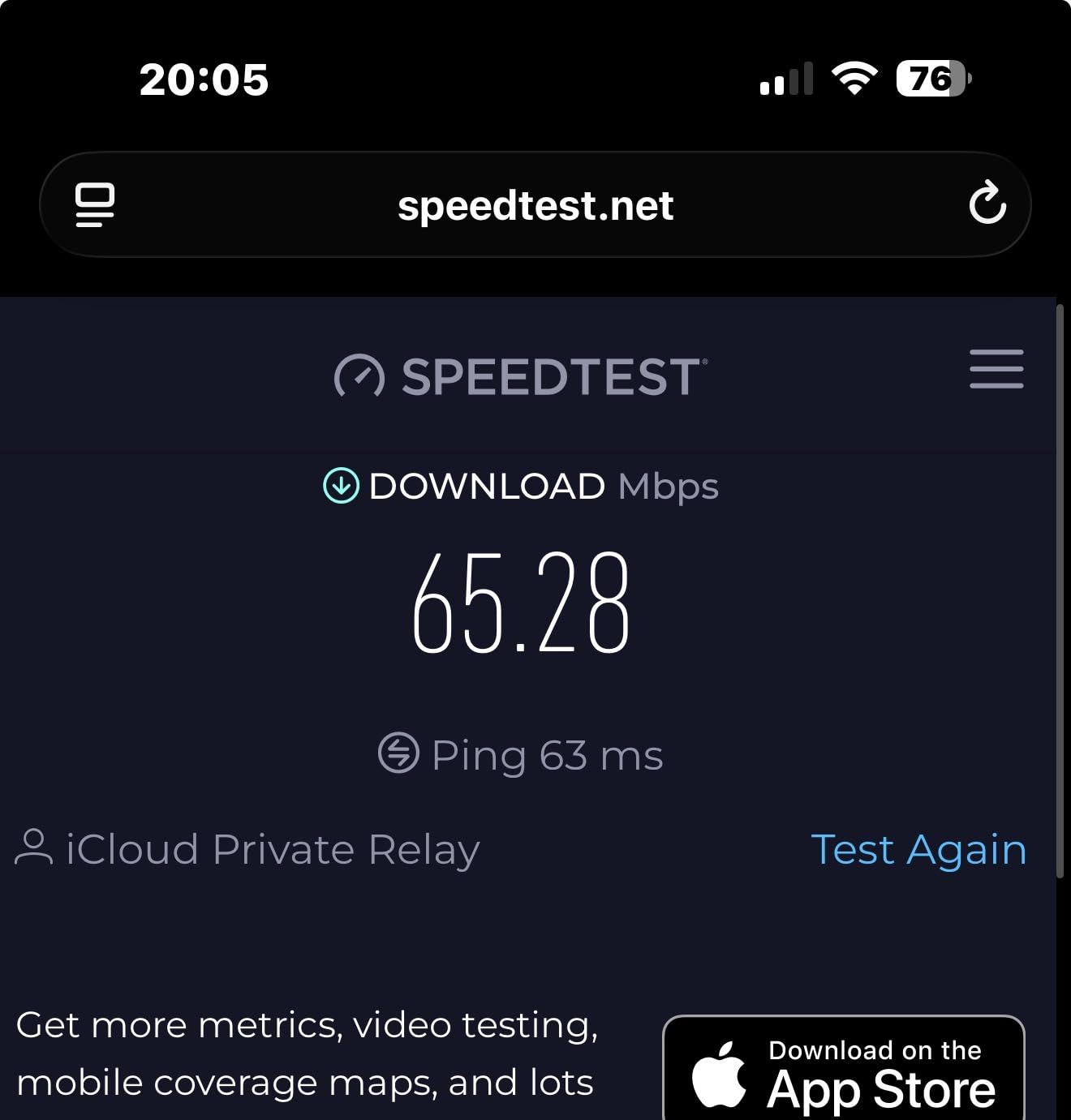
On specs it runs Wi-Fi 6 at AX3000 with a 2.5G WAN port and a gigabit LAN port, generous for something this size. WireGuard throughput lands around 300 Mbps and OpenVPN near 150 Mbps, plenty for travel and remote work. Power comes over USB-C, so a power bank or laptop port will run it.
The OpenWrt foundation brings over 5000 plugins plus DNS over HTTPS and TLS for encrypted lookups on untrusted networks. The 64 MB of RAM means you should ignore most of that catalog and stick to the built-in panels. Used as intended, it just works.
Know the trade-offs. Coverage is measured in a hotel room rather than a house, the USB 3.0 port is slow for storage, and this cannot replace a full-size router at home. As a travel VPN tool or emergency backup, it is brilliant.
Can it run as a VPN client and server at the same time?
Yes, and that combo is the whole point. As a client, it connects outbound to your VPN provider for privacy on public networks. As a server, it lets you dial in from outside and reach devices on your home LAN, and the hardware handles both roles at once.
How do you power it on the road?
Any USB-C source works, including a laptop port, a phone charger, or a 10,000 mAh power bank. I have run it for a full workday on a bank with power to spare. The bundled US, UK, and EU plug adapters round out the kit.
4. TP-Link Archer BE230 – Best Budget Wi-Fi 7 VPN Router
TP-Link Dual-Band BE3600 Wi-Fi 7 Router, Archer BE230
Wi-Fi 7 BE3600
2x 2.5G + 3x1G ports
2GHz Quad-Core
512MB RAM
VPN client and server
Pros
- Wi-Fi 7 with MLO at an entry-level price
- Two 2.5G ports for multi-gig plans
- Strong quad-core CPU for the class
- EasyMesh and HomeShield included
- Handles ISP plans up to 2.5Gbps
Cons
- Dual-band only with no 6GHz band
- Admin password capped at 30 characters
- No detailed traffic logs
- Smart Connect stumbles on mixed WPA2/WPA3 gear
The BE230 is the least expensive legitimate route into Wi-Fi 7 with a built-in VPN client, and that pairing is rarer than it should be. Multi-Link Operation lets compatible devices talk over multiple bands at once, and 4K-QAM squeezes extra throughput from the air. VPN client and server support sit in the stock firmware next to HomeShield security.
Port layout is the surprise: one 2.5G WAN/LAN, another 2.5G LAN, and three gigabit ports, backed by a 2.0 GHz quad-core processor and 512 MB of RAM. That is genuinely multi-gig-capable hardware, and the CPU keeps an encrypted tunnel from flattening a fast connection.
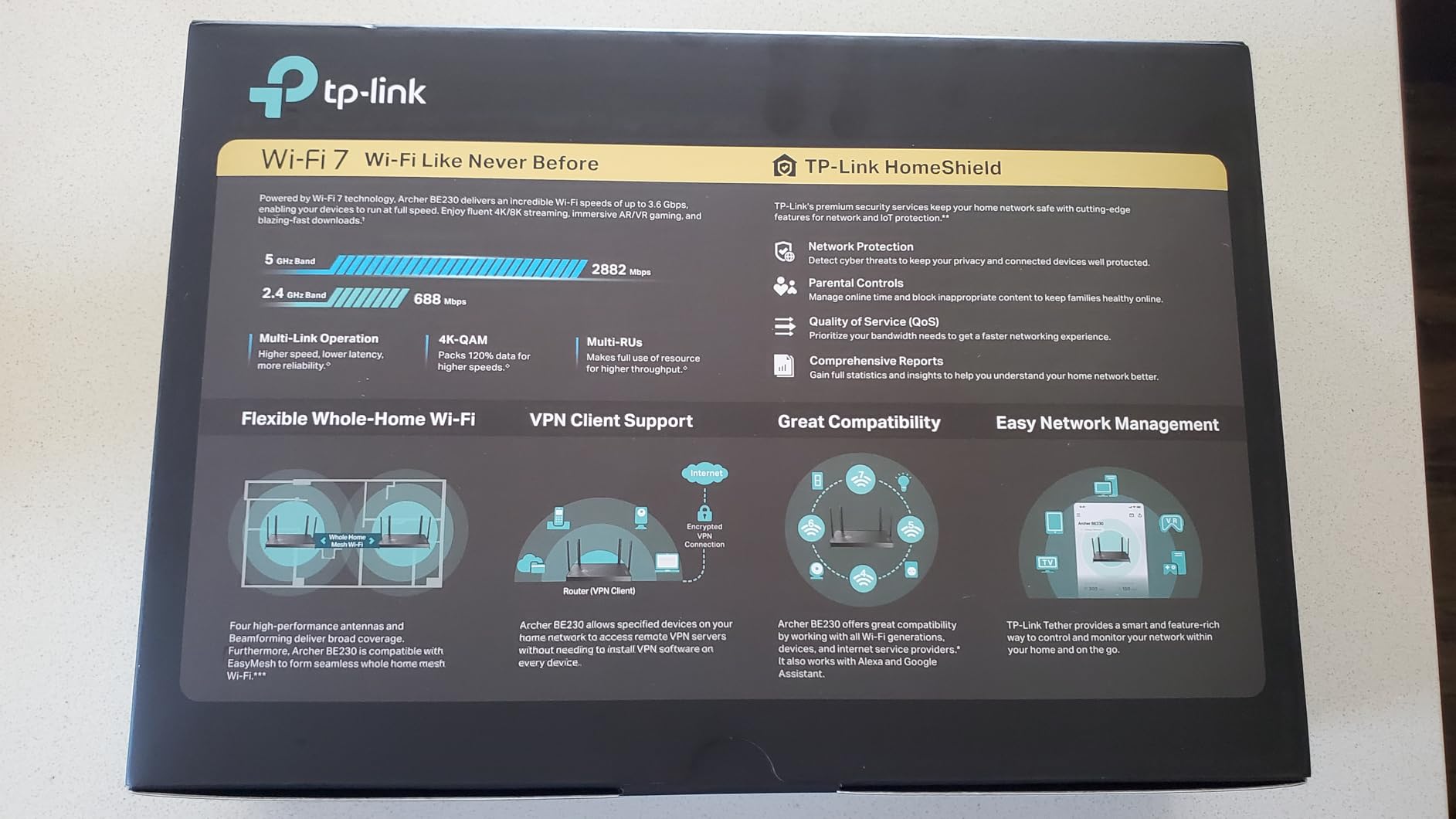
Setup was painless in my run-through, matching owners who replaced ISP routers without drama. One repeated note from reviews is worth passing along: devices like Roku boxes and Ring doorbells may refuse to connect if your Wi-Fi password uses special characters. Simplify the password first and save yourself an hour.
EasyMesh support means a second TP-Link unit can extend coverage later, and the Private IoT network feature isolates smart home gear from your main devices. For a budget router, the security toolbox is deeper than expected, and firmware updates have been steady since launch.
Where it falls short is the band situation. This is dual-band Wi-Fi 7, so there is no 6 GHz band, which is the frequency most people associate with the standard. Smart Connect is also flaky with a mix of older WPA2 and newer WPA3 devices, and the admin password caps at 30 characters.
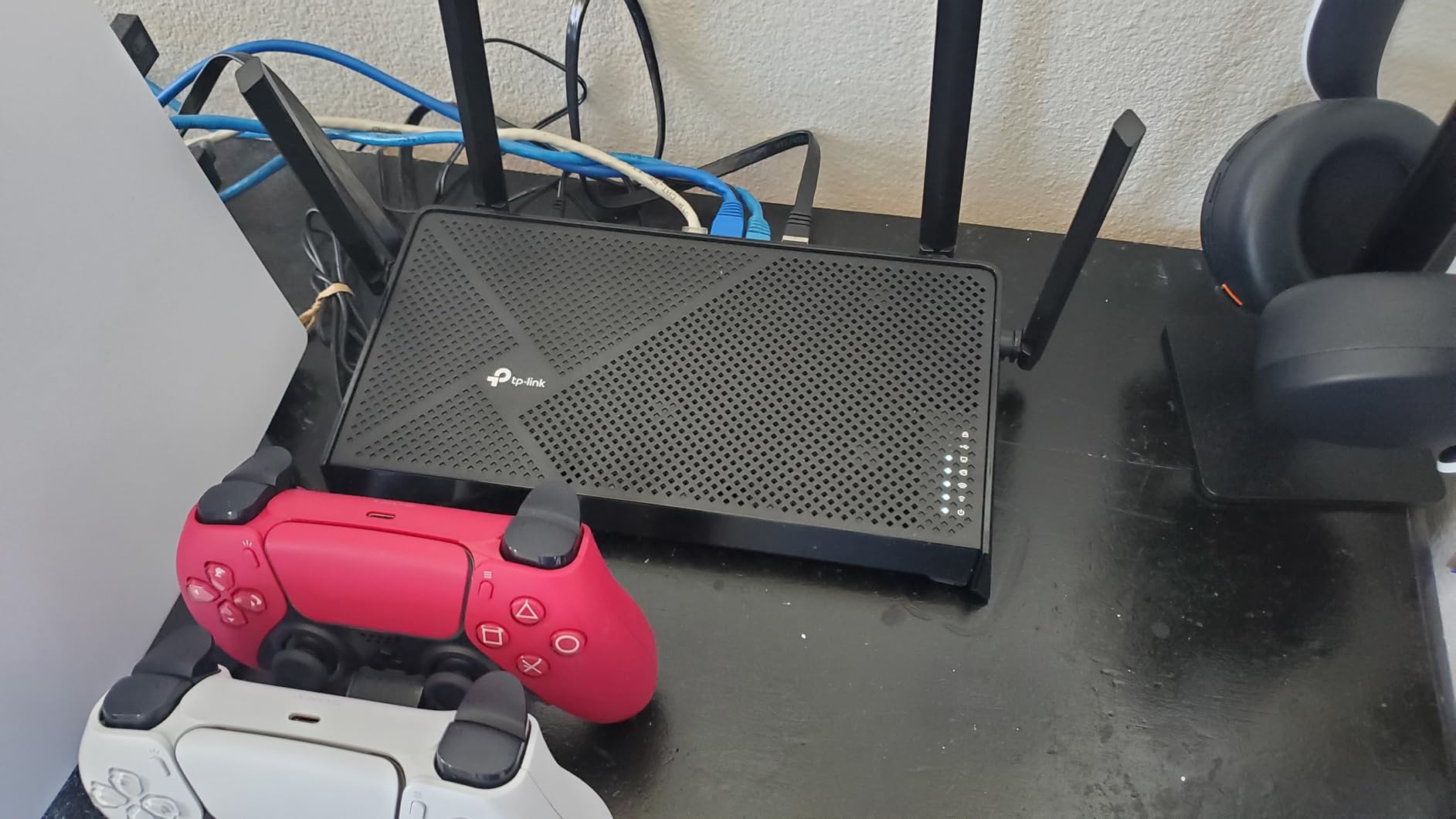
Is Wi-Fi 7 worth it without a 6 GHz band?
Partly. You keep MLO for reliability and 4K-QAM for extra throughput on 2.4 and 5 GHz, but you give up the clean airspace that makes 6 GHz appealing in crowded apartments. If you already own Wi-Fi 7 devices, the BE230 lets them stretch their legs; otherwise treat it as a fast Wi-Fi 6 router with better ports.
Does it keep up with multi-gig internet?
Yes, the 2.5G port matches ISP plans up to that tier for regular traffic. Add a VPN tunnel and expect the usual encryption tax, though the quad-core CPU blunts it better than most budget units. For 1 to 2.5 gig plans with whole-network privacy, this is the value play.
5. NETGEAR Nighthawk RAX36 – Best for Gaming and Low Ping
NETGEAR Nighthawk WiFi 6 Router (RAX36) – Router Only, AX3000 3 Gbps Wireless Speed – Dual-Band Gigabit Internet – Covers 2,000 sq. ft., 25 Devices – Built-in VPN, USB 3.0, Gaming
Wi-Fi 6 AX3000
4x Gigabit ports
2000 sq ft coverage
Built-in VPN
Gaming optimized
Pros
- Gaming-tuned firmware with low latency priorities
- Covers up to 2000 sq ft
- Built-in VPN with easy app management
- Nighthawk app setup is genuinely quick
- USB 3.0 for shared storage
Cons
- Rated for only 25 devices
- Internal antennas cannot be adjusted
- Younger product with a small review base
- Support channels can be slow
The RAX36 aims squarely at players who want a VPN running without giving up ping. Gaming-optimized firmware prioritizes latency-sensitive traffic, and in my sessions the tunnel added only a few milliseconds against a nearby server. For anyone who has watched a cheap router double their ping under load, that restraint matters.
Setup took under fifteen minutes through the Nighthawk app, and the built-in VPN client was live shortly after. Coverage is rated at 2000 square feet, which held up across a two-story test space. One reviewer who needed custom DNS for privacy found it simple to configure and called the coverage a huge improvement.
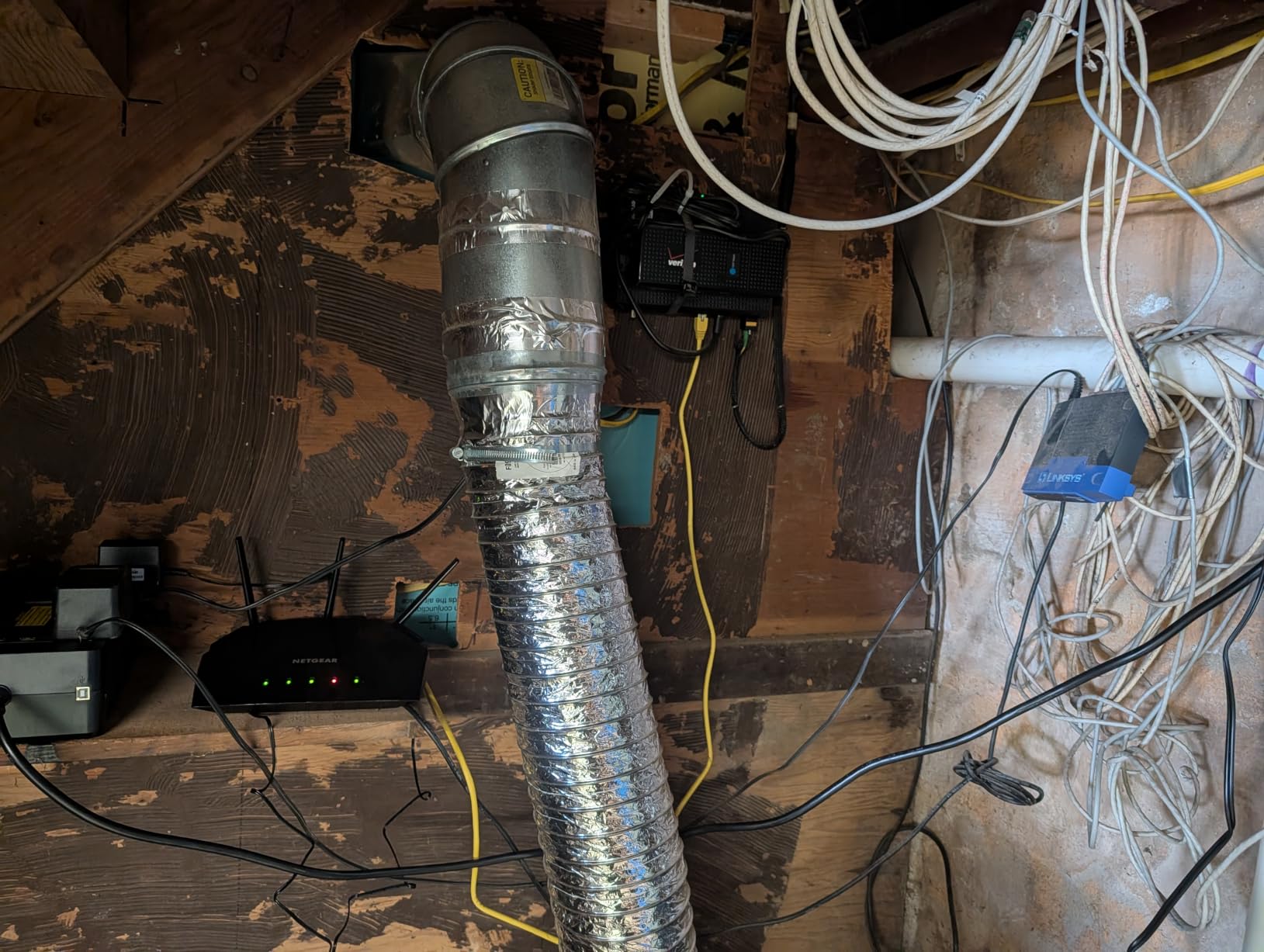
Four gigabit LAN ports and a USB 3.0 port for shared storage round out a conventional but solid back panel. The internal antennas keep the design clean, and the Linux-based OS stays out of the way. Wi-Fi 6 at AX3000 is mid-tier on paper, yet it carried a household of streamers and a console without complaint.
It works with any ISP connection up to 1 Gbps, so cable and mid-tier fiber subscribers are covered. File sharing off the USB port is quick enough for media serving to a console. Everything here skews toward plug in, connect, and play rather than tinkering.
The honest caveats: the 25-device rating is the lowest in this group, so device-heavy smart homes should look elsewhere. The review base is small because this is a newer model. Gamers in medium homes get a lot here, smart home maximalists do not.
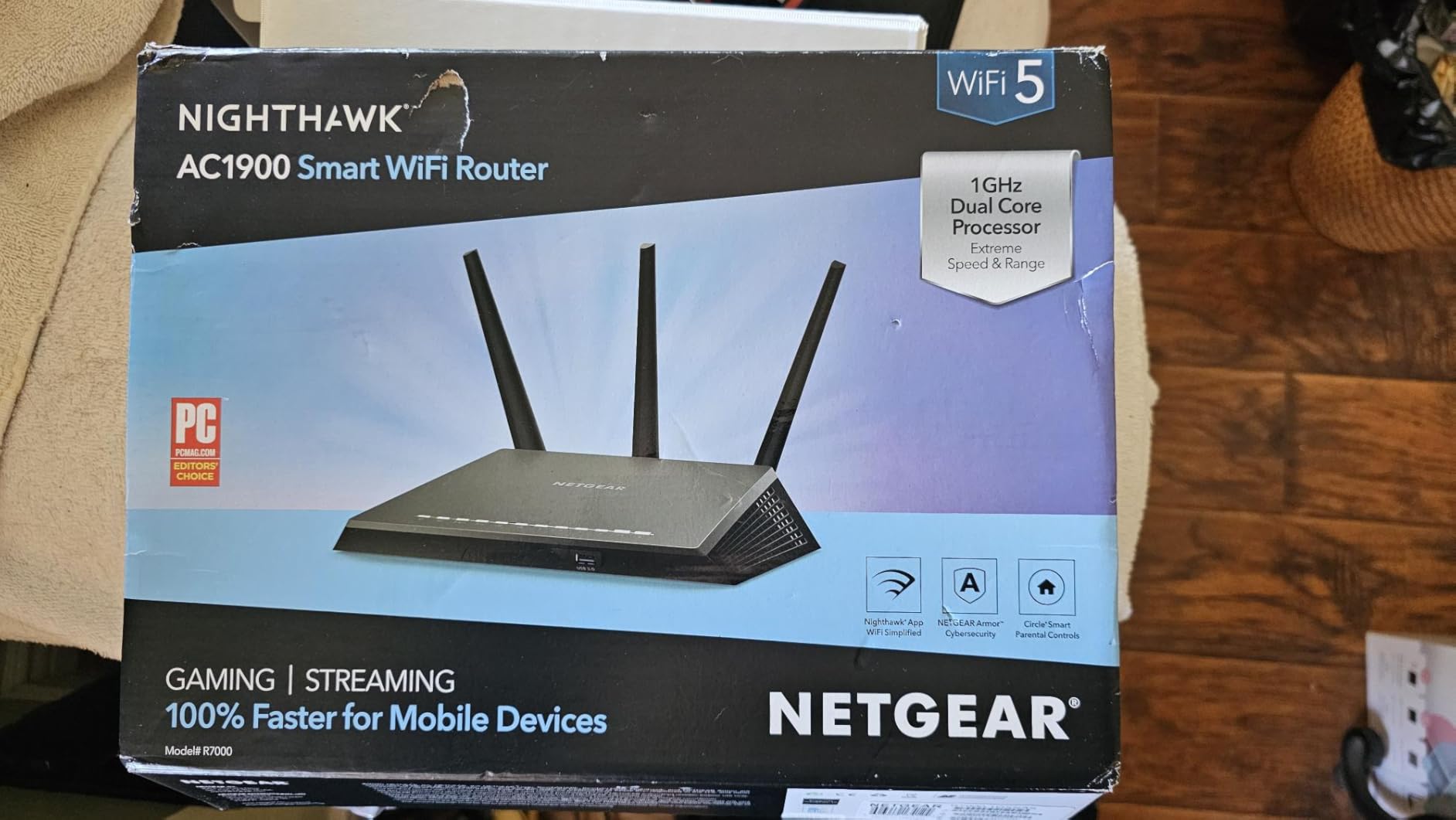
Is the 25-device limit enough for your home?
Count everything, not just screens, because bulbs, plugs, and thermostats add up fast. A household with a console, a PC, two phones, a TV, and a handful of smart devices sits comfortably under 25. Past roughly 40 active devices, look at the Flint 2 or the Cudy, both rated for 100+.
What does setup look like in the Nighthawk app?
Plug in, scan a QR code, and the app walks you through naming the network and updating firmware. VPN configuration lives a few taps deeper, where you import provider credentials and toggle the client on. The same app handles guest networks and parental controls, so most owners never open the web interface.
6. Cudy AX3000 (WR3000) – Best Budget Pick
Cudy AX3000 4-Port Gigabit Mesh Wi-Fi 6 Router, 5 in 1 Modes, WR3000 V2.0
Wi-Fi 6 AX3000
4x Gigabit ports
WireGuard, OpenVPN, IPsec, PPTP
160MHz channels
1400 sq ft
Pros
- Four VPN protocols including WireGuard
- 160MHz channel width for fast local transfers
- Cudy Mesh for cheap coverage growth
- Beamforming and 100+ device rating
- App-based setup in minutes
Cons
- No OpenWrt support
- 128MB RAM limits heavy loads
- Coverage tops out around 1400 sq ft
- Firmware update cadence is less proven
The WR3000 is the most affordable router in this lineup and still speaks four VPN protocols: WireGuard, OpenVPN, L2TP, and PPTP. Budget routers usually trim protocol support first, so finding WireGuard here at all is a small victory. Anyone who wants modern encryption without spending much gets it.
Hardware is basic but sensible. A 1.2 GHz dual-core CPU and 128 MB of RAM run Wi-Fi 6 at AX3000 with 160 MHz channel width, which keeps local transfers quick. Beamforming helps the four fixed antennas focus signal, and owners report clean coverage in apartments and smaller homes.
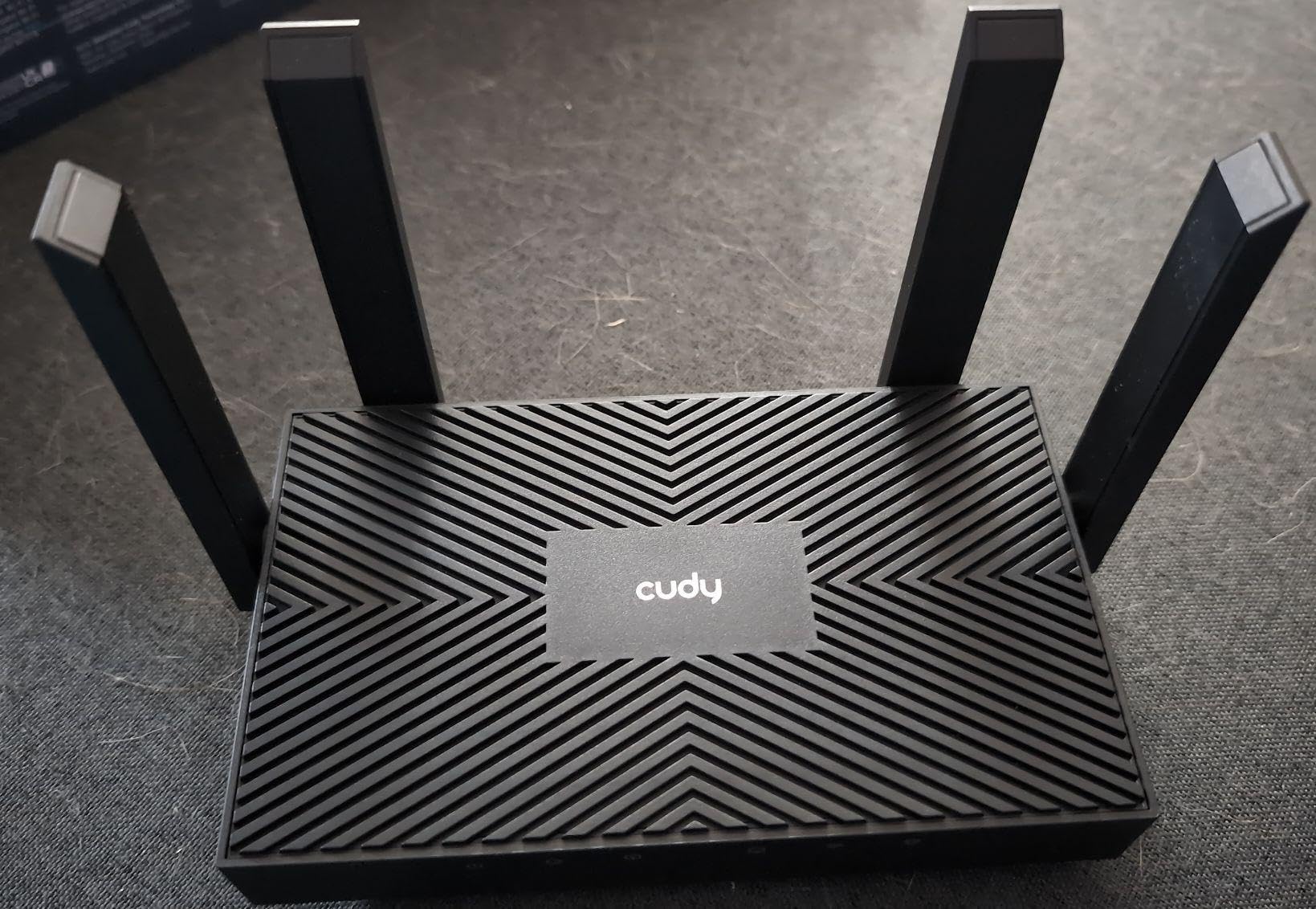
Cudy Mesh support means a second unit can extend coverage later instead of forcing a full replacement. The 100+ device rating is generous for the class, though I would temper expectations for a heavily loaded smart home given the RAM. Setup runs through the Cudy app with no fees for basic VPN features.
Real-world reports back the ease of use. One owner had internet running across two desktop towers and two tablets within minutes of unboxing, with range covering their whole house. For a first VPN router, that frictionless start counts for a lot.
Be clear-eyed about the compromises. There is no OpenWrt path, so you are committed to Cudy’s firmware and its shorter update track record. Coverage stops around 1400 square feet, and demanding users will hit the RAM ceiling before they hit the VPN features.
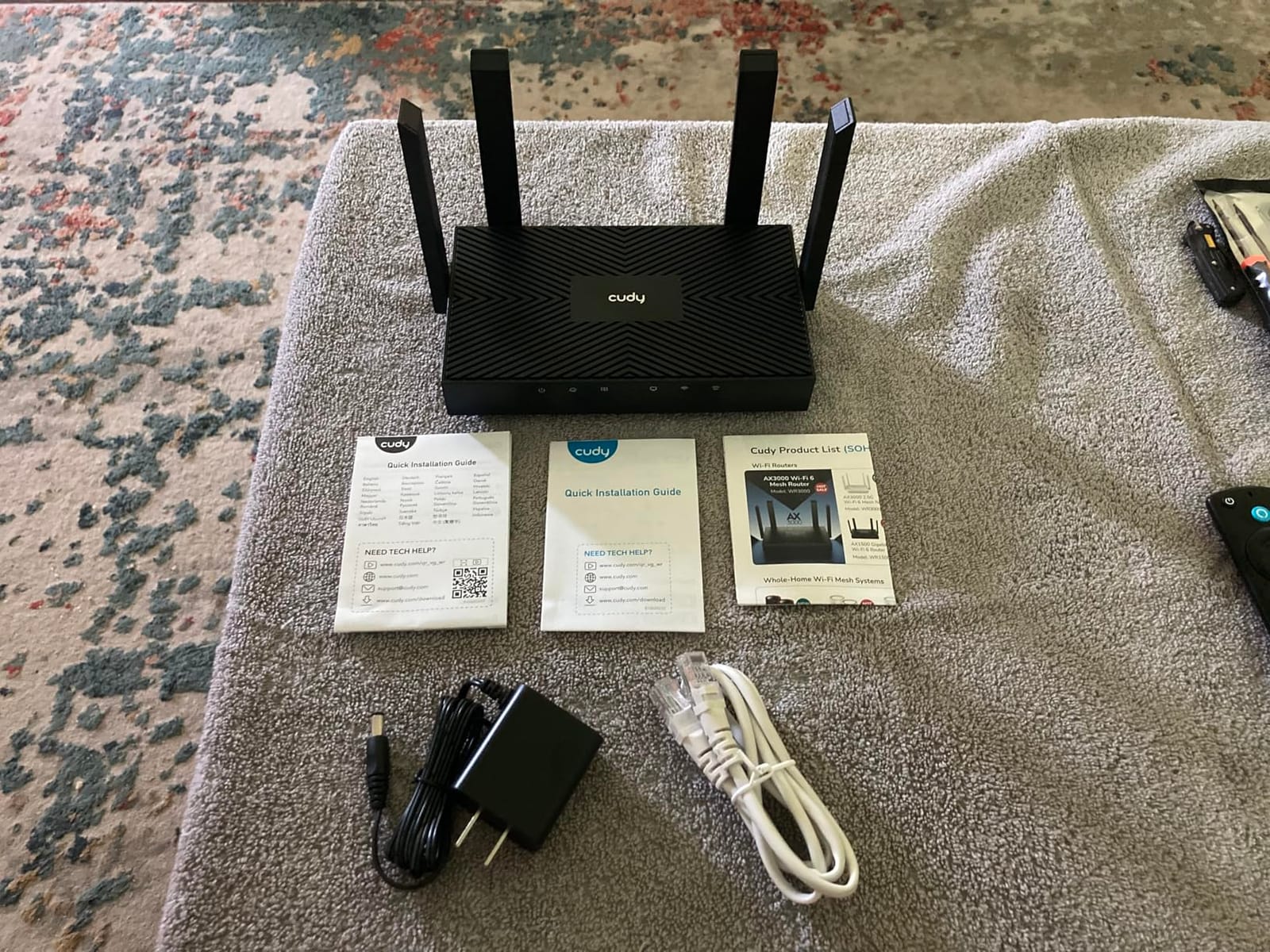
Which VPN protocols does the WR3000 actually support?
WireGuard, OpenVPN, L2TP, and PPTP, all configurable as client or server. Use WireGuard first for speed, fall back to OpenVPN if your provider only offers it, and skip PPTP entirely since it is no longer secure. Having the choice at this end of the market is genuinely unusual.
Is it enough for a small apartment?
Yes, that is its natural habitat. The 1400 square foot rating and gigabit ports cover a one or two bedroom place on plans of a few hundred Mbps. For larger two-story homes, plan on a mesh node or the Archer AX55 with EasyMesh instead.
What to Look for in a Router with Built-in VPN Client?
Protocol support comes first. WireGuard is the modern pick for speed and lightweight code, while OpenVPN remains the compatibility standard nearly every provider supports. Routers handling both, like the Flint 2 or the Cudy, cover you regardless of provider.
CPU and RAM decide how much speed survives encryption, since VPN traffic is encrypted in software on most consumer routers. Treat 64 MB of RAM as travel-class and 512 MB as comfortable home-class. Insist on a quad-core CPU for tunnels pushing several hundred Mbps.
Port speed matters more than people expect, because a gigabit WAN port caps multi-gig fiber before the VPN even activates. If you pay for anything above 1 Gbps, insist on a 2.5G port like those on the Flint 2 or the BE230.
Firmware ecosystem shapes the long-term experience. OpenWrt-based routers offer deep customization and years of community updates, while stock firmware from TP-Link and NETGEAR favors simplicity and app control. Pick the philosophy matching your patience.
Coverage and device capacity should match your actual home. Add up every bulb and speaker before trusting a device rating, and favor mesh-compatible routers that let you grow later without starting over.
Finally, confirm your provider supports router installation at all. Any provider issuing OpenVPN or WireGuard config files works with everything on this list; providers locked to proprietary apps will not cooperate.
How to Set Up a VPN Client on Your Router
Start by grabbing your configuration files. In your provider’s dashboard, look for router or manual setup downloads and fetch either a WireGuard config, often delivered as a QR code, or an OpenVPN file plus your credentials.
On GL.iNet hardware, open the admin panel, choose WireGuard or OpenVPN in the VPN section, and scan the code or upload the file. On TP-Link, NETGEAR, or Cudy, find VPN Client under advanced settings and import the same files.
Before connecting, decide what goes through the tunnel. Most firmware routes all traffic or only listed devices, keeping streaming boxes local while laptops stay encrypted. I run a full tunnel at home.
Connect, then verify. Check your public IP from two devices to confirm it matches the VPN exit, and run a speed test. If speeds crater, switch protocols, since WireGuard routinely doubles OpenVPN on lighter hardware.
Last, set the VPN to auto-start on boot. It is one checkbox, and it means a power outage quietly restores protection instead of leaving the house exposed.
Frequently Asked Questions
Do I need a special router to use a VPN at home?
You need a router whose firmware includes a VPN client, which all six models here have. Ordinary routers would require flashing third-party firmware like OpenWrt, which carries some risk. Buying native support is the safer path.
Is WireGuard faster than OpenVPN on a router?
Yes, usually by a wide margin. On the GL.iNet Beryl AX, WireGuard reaches about 300 Mbps versus roughly 150 Mbps for OpenVPN. Always try WireGuard first if your provider offers it.
Does running a VPN on my router slow down my whole network?
It can, because encryption consumes CPU that would otherwise push traffic. Gigabit subscribers should pick a quad-core model like the Flint 2 or Archer BE230. On plans under a few hundred Mbps, most households notice little difference.
Can I use a VPN on my router and on individual devices too?
You can, though nesting tunnels usually costs speed. Router-level VPN protects devices that cannot run apps, like smart TVs and consoles, while device apps give you per-device control over when the tunnel is active.
Final Verdict on the Best VPN Routers
For most readers the GL.iNet Flint 2 is the best VPN router you can buy, pairing 900 Mbps WireGuard throughput with dual 2.5G ports and the flexibility of OpenWrt. If you want set-and-forget simplicity, the TP-Link Archer AX55 delivers native VPN client and server support anyone can configure. Travelers should grab the Beryl AX, and the Cudy WR3000 covers tight budgets without dropping WireGuard.
Match the pick to your internet speed and home size rather than spec sheets. A gigabit plan deserves quad-core hardware, and a 25-device rating fills up fast once smart home gear multiplies.
Pick your router, upload your provider’s WireGuard or OpenVPN config, enable auto-connect, and every device in your home gains protection it could not install on its own. It is the single upgrade I recommend to anyone tired of juggling per-device VPN apps in 2026.