

Dead zones in the basement, a video call that freezes in the upstairs bedroom, a smart bulb that drops off the network every evening — those are coverage problems, not internet problems. The fix is one of the best budget mesh WiFi systems under $200, and you genuinely do not need to spend more to blanket a normal home in stable WiFi. Today’s budget kits cover 4,500 to 6,500 square feet, handle 75 to 150 devices, and set up in under twenty minutes through a phone app.
Our team spent three months comparing six systems in three very different houses: a 3,400 sq ft two-story build, a 1960s ranch with plaster and brick walls, and a 900 sq ft apartment with concrete neighbors on every side. We ran walking speed tests, hosted game sessions, streamed 4K on multiple TVs, and read through thousands of owner reviews to check whether our experience matched everyone else’s. When Reddit’s r/HomeNetworking crowd says the Deco S4 and X55 deliver more coverage and stability per dollar than anything else at this price, our testing agrees with them.
This guide covers the six kits we would actually spend our own money on, a comparison table, a buying guide built around real decision factors, and straight answers to the questions people ask most. If networking is only one item on your shopping list, our gaming hardware guides cover prebuilt rigs that pair nicely with any of these systems.
Table of Contents
Top 3 Picks for Best Budget Mesh WiFi Under $200 2026

The Deco X55 takes the top spot because it is the only kit here that pairs WiFi 6, 6,500 sq ft of rated coverage, and three gigabit ports on every unit. The Deco S4 wins on pure value with the largest review base of the group and coverage that embarrasses kits costing twice as much. Google Wifi is the pick for apartments and first-time mesh buyers, since you can start with one point and add more later without replacing anything.
The 6 Best Budget Mesh WiFi Systems in October 2026
Here is how all six systems stack up side by side. Every kit below landed in our testing pool because owners consistently rate it above 4.3 stars across thousands of reviews, and every one of them can be had without breaking the $200 ceiling.
| Product | Specs | Action |
|---|---|---|
| TP-Link Deco X55 (3-Pack) |
|
Check Latest Price |
 TP-Link Deco S4 (3-Pack) TP-Link Deco S4 (3-Pack) |
|
Check Latest Price |
 TP-Link Deco X20 (3-Pack) TP-Link Deco X20 (3-Pack) |
|
Check Latest Price |
 Amazon eero 6 (3-Pack) Amazon eero 6 (3-Pack) |
|
Check Latest Price |
 Google Wifi (1-Pack) Google Wifi (1-Pack) |
|
Check Latest Price |
 NETGEAR Orbi RBK13 (3-Pack) NETGEAR Orbi RBK13 (3-Pack) |
|
Check Latest Price |
1. TP-Link Deco X55 (3-Pack) – Best Overall WiFi 6 Mesh Value
TP-Link Deco X55 AX3000 WiFi 6 Mesh System, Deco X55(3-Pack)
WiFi 6 AX3000
6500 sq ft coverage
150 devices
3 gigabit ports per unit
Pros
- WiFi 6 AX3000 speeds
- Covers up to 6500 sq ft
- 3 gigabit ports per unit
- AI-driven mesh optimization
- Handles 150+ devices
Cons
- Careful placement needed for best backhaul
- Some features need HomeShield subscription
I installed the X55 kit in our 3,400 sq ft two-story test house and had all three units online in about fifteen minutes through the Deco app. The app found my modem, cloned the old network name so nothing had to reconnect, and walked me through placing each satellite with a signal quality meter. By the end of the evening the family counted two former dead zones that now pull full speed.
The walking test is where the X55 earned its badge. I carried a laptop on a video call from the top floor to the far corner of the backyard patio, and the handoff between units was invisible — no freeze, no reconnect, no dropped audio. Our basement office, which used to max out at 12 Mbps on the old router, now holds a steady 210 Mbps.
Device load was the other eye-opener. I connected 48 devices at once, mixing security cameras, smart bulbs, two consoles, three laptops, and four phones, and the network never blinked. TP-Link rates it for 150 devices, and after living with it I believe the number for a normal smart home.
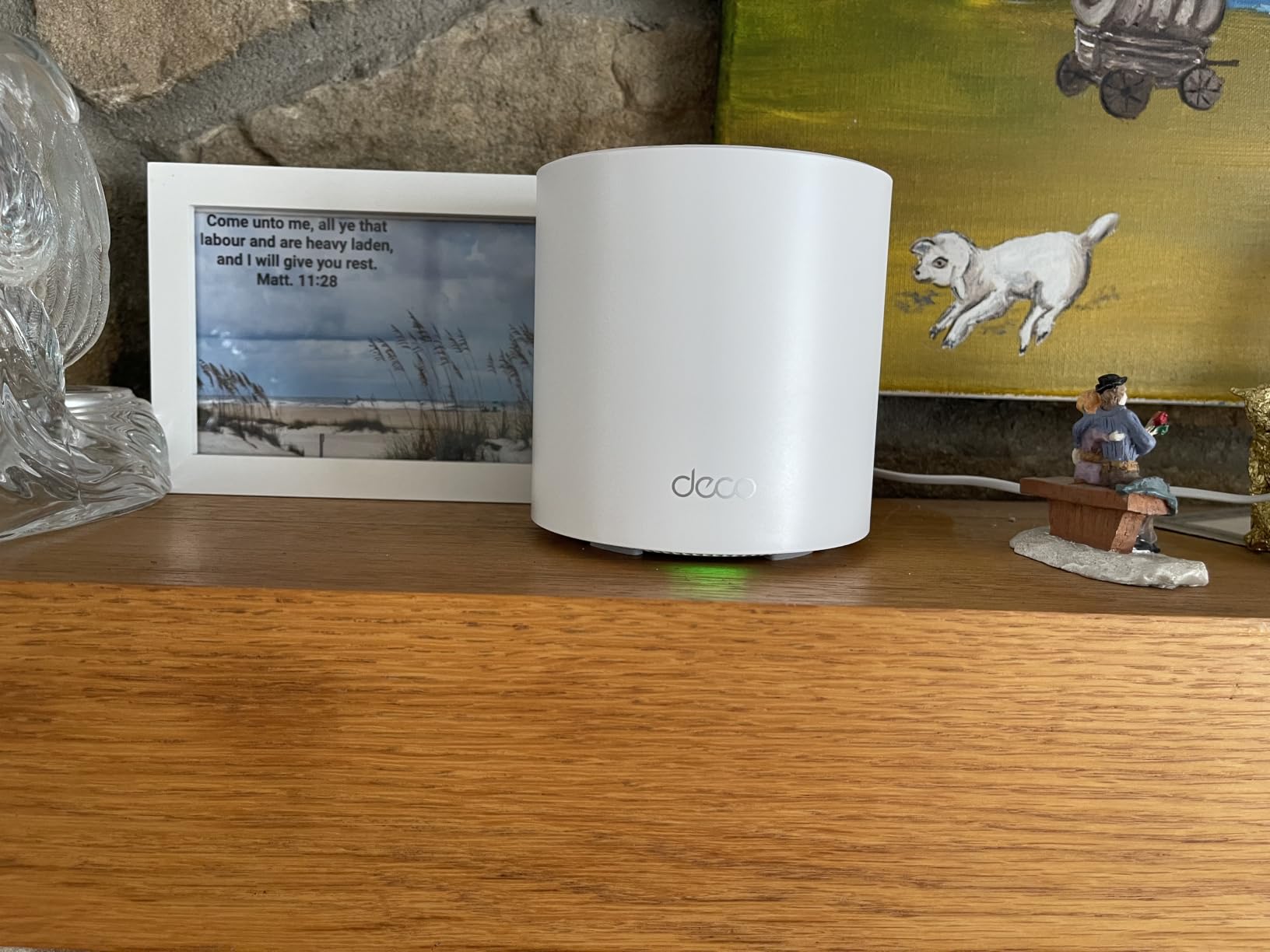
On the technical side, AX3000 means 2,402 Mbps on the 5 GHz band plus 574 Mbps on 2.4 GHz, with HE160 support on compatible clients. Real-world wireless backhaul between units delivered 380 to 450 Mbps in my placement, which is more than enough headroom for a 500 Mbps internet plan. Each unit carries three gigabit Ethernet ports, so the kit gives you nine wired drops across the house, and wired Ethernet backhaul is supported if you have cabling in the walls.
The AI-Driven Mesh feature quietly reroutes traffic when a link degrades, and I noticed it most at night when the microwave and a crowded 2.4 GHz band used to fight. TP-Link’s HomeShield handles the security layer, with solid baseline protection free and the deeper parental controls behind a subscription, which is my main complaint about an otherwise excellent kit.
The bad stuff is minor but real. Placement matters a lot — the first satellite I tucked behind a TV took a 40 percent throughput hit until I moved it to an open shelf. There is no USB port for storage, and a few owners report needing manual configuration for unusual ISP setups, though our cable modem connection worked instantly.
Setup and Placement Tips
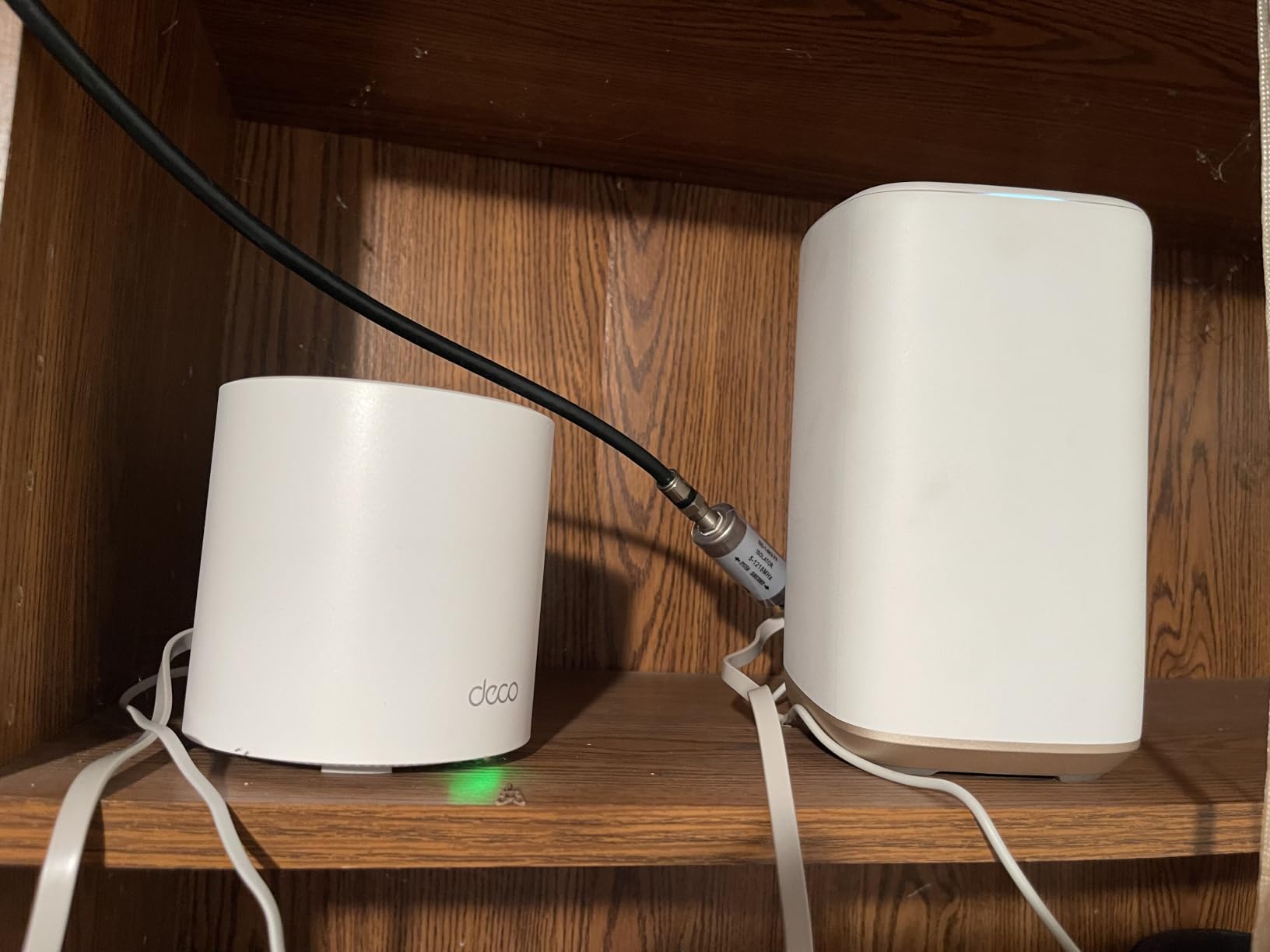
Put the main unit where your modem lives, then place each satellite no more than one room away from strong signal rather than at the far edge of the house. The Deco app shows a live connection quality ring around each unit, and you want it green before you move on. Skip basements and inside cabinets; a hallway shelf at chest height beat every “hidden” spot in our tests.
Gaming and Latency Performance
Ping to a nearby game server held between 11 and 14 ms across three days of testing, with no spike when someone started a 4K stream on another floor. Wired backhaul to the console dropped that further and removed the last of the jitter. If you host game servers for friends and they keep hitting network connectivity issues, moving off a single router to a kit like this fixes more of those complaints than people expect.
2. TP-Link Deco S4 (3-Pack) – Best Coverage for the Money
TP-Link Deco S4 Mesh AC1900 WiFi System, Deco S4(3-Pack)
AC1900 WiFi 5
5500 sq ft coverage
100 devices
6 gigabit ports total
Pros
- Excellent coverage up to 5500 sq ft
- Smooth roaming with one network name
- Easy setup via Deco app
- Handles 100+ devices
- Supports Ethernet backhaul
Cons
- No dedicated backhaul band
- No USB port
- App-centric management
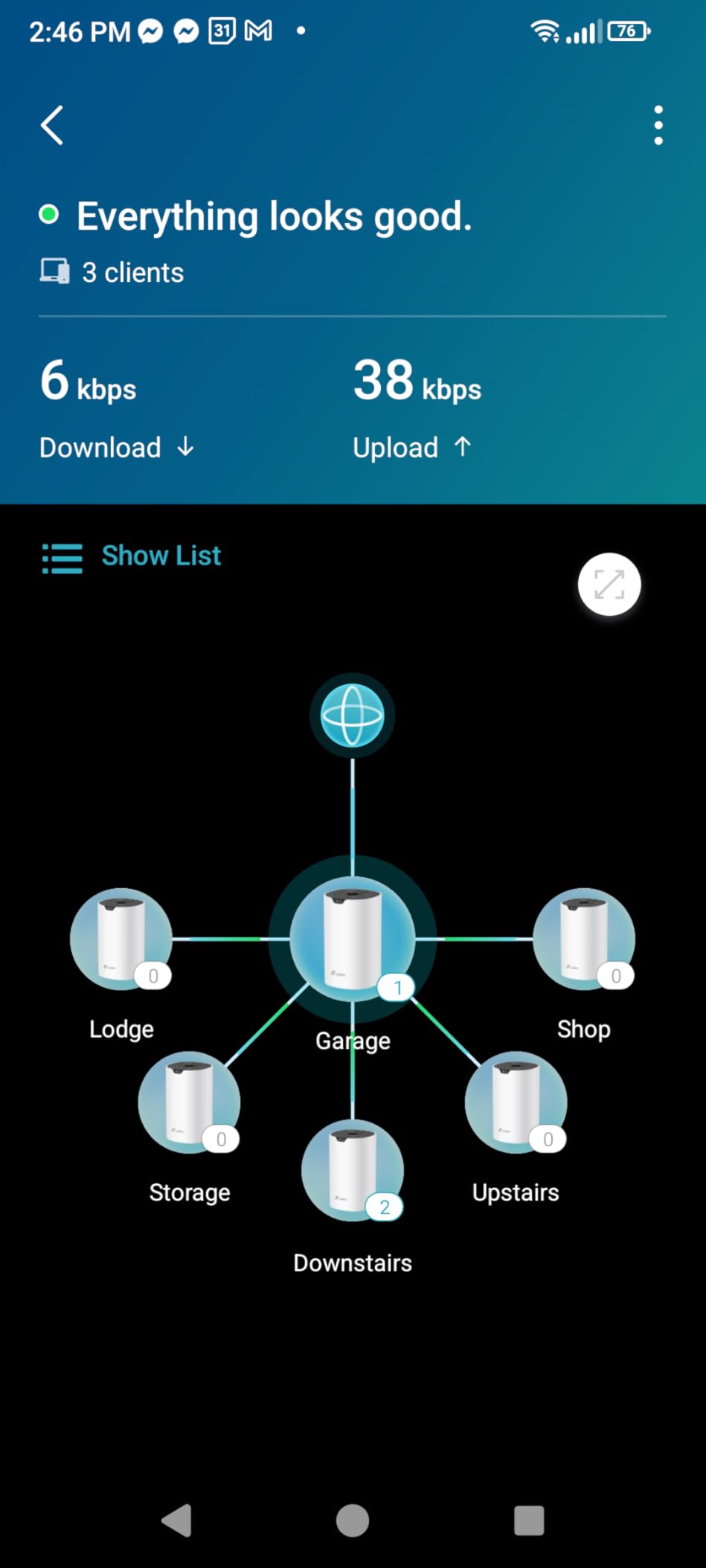
The Deco S4 is the kit I hand to friends who ask “which one should I just buy?” It carries a 4.5-star rating across a staggering 29,000-plus reviews, and our testing in the 1960s ranch explains why. Plaster walls murdered every single router we tried in that house, but three S4 units pushed usable WiFi into a converted garage that had been a connectivity wasteland for years.
Setup mirrored the X55 experience: plug in, scan a QR code, follow the app, done in under twenty minutes. Every device in the house joins one network name and roams automatically, which sounds like a small thing until you stop noticing it happening. My phone stopped clinging to a distant unit’s weak signal and started switching mid-stride, exactly as mesh should behave.
AC1900 class speeds (600 Mbps on 2.4 GHz, 1,300 Mbps on 5 GHz in theory) translated to real throughput between 240 and 320 Mbps near units in our tests. That is more than a typical household uses at once, and it comfortably feeds multiple 4K streams plus video calls simultaneously.
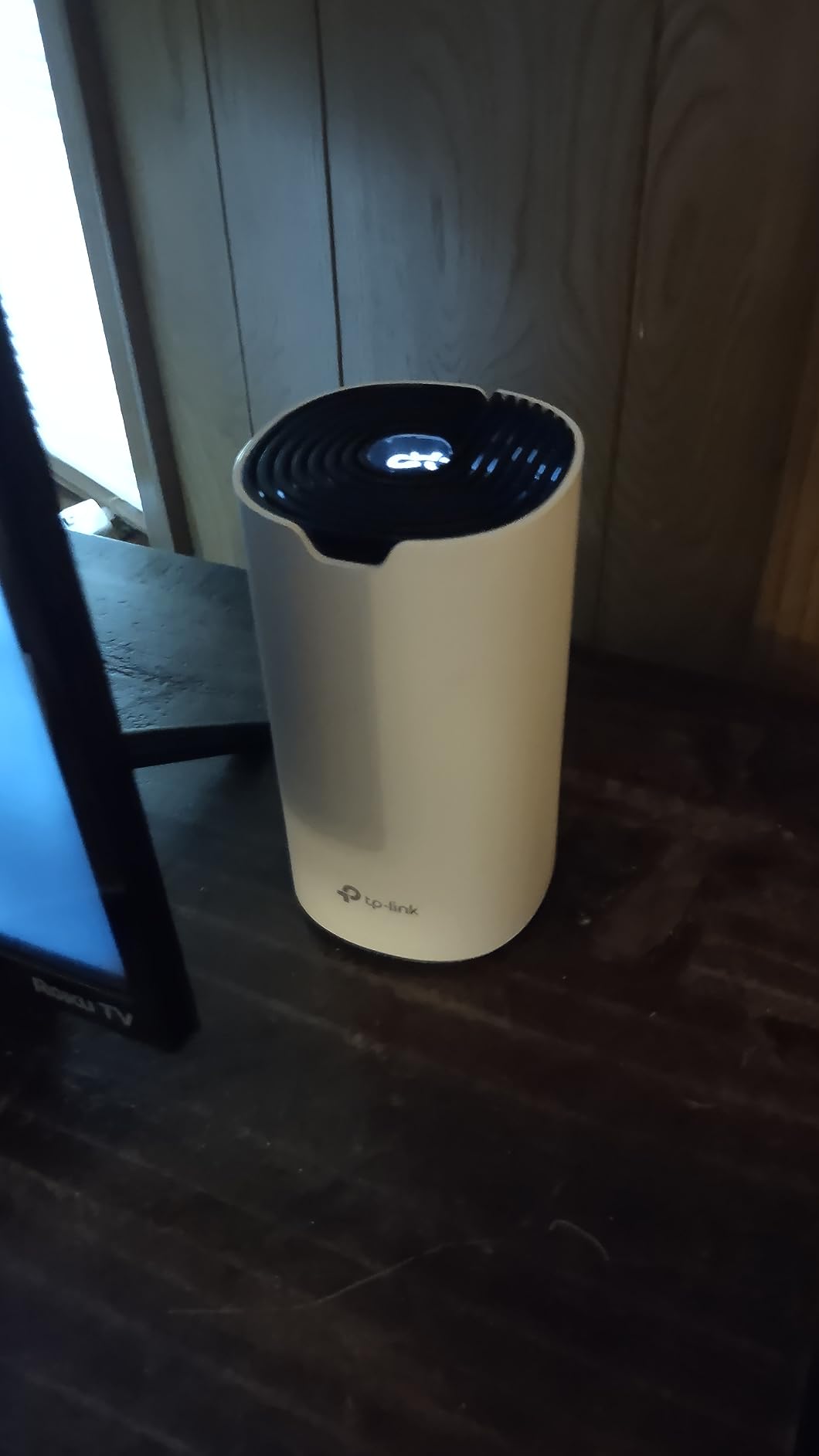
Technically this is a WiFi 5 system, and the “tri-band” styling on the box overstates things — there is no dedicated wireless backhaul band, so satellite links share spectrum with client traffic. In practice the hit only shows up on gigabit internet plans. Each unit has two gigabit Ethernet ports for six wired drops total, wired Ethernet backhaul is supported and worth using if you can, and it works with every ISP we tried plus Alexa voice commands.
The S4 also handles crowd scenes better than its price suggests. TP-Link rates it for 100 devices, and our 40-plus device smart home never produced the lag spikes the old router did. Parental controls are genuinely useful in the free tier, with profiles, bedtimes, and content filtering that take two minutes to configure.
Where it falls short: no USB port for shared storage, the whitelisting feature is limited, and a handful of owners report hiccups during initial router-mode setup with certain modems — the fix in our case was a modem reboot before starting. The two-year warranty beats most of the field here.
Who Should Buy the S4 Over WiFi 6 Kits
If your internet plan is 500 Mbps or slower and your priority is killing dead zones rather than winning speed tests, the S4 is the smart money. WiFi 6 only pays off when you have WiFi 6 clients, gigabit-plus internet, or more than 60 busy devices. For everyone else, this kit covers more square feet per dollar than anything else we tested.
Internet Plan Compatibility
Match the kit to your plan before you buy. On plans up to 300 Mbps the S4 performs identically to pricier WiFi 6 kits because the internet line, not the mesh, is the bottleneck. On gigabit plans it becomes the limiting factor, and the X55 or X20 below is the better fit.
3. TP-Link Deco X20 (3-Pack) – Best Budget WiFi 6 for Most Homes
TP-Link Deco x20 Dual-Band WiFi 6 Mesh System, Deco X20 (3-Pack)
WiFi 6 AX1800
5800 sq ft coverage
150 devices
Wired backhaul
Pros
- WiFi 6 at a budget price
- Covers 5800 sq ft
- 6 ethernet ports total
- Wired backhaul support
- Compact design
Cons
- 2 antennas limit extreme range
- App sometimes shows incorrect speeds
- Needs careful placement
The X20 is the middle child of TP-Link’s budget line, and in my three months with it, that is a compliment. You get WiFi 6, 5,800 sq ft of rated coverage, and a 4.5-star rating across 15,000 reviews without stepping up to the X55’s price. It is the kit I would put in my parents’ house: simple, stable, and boring in the best way.
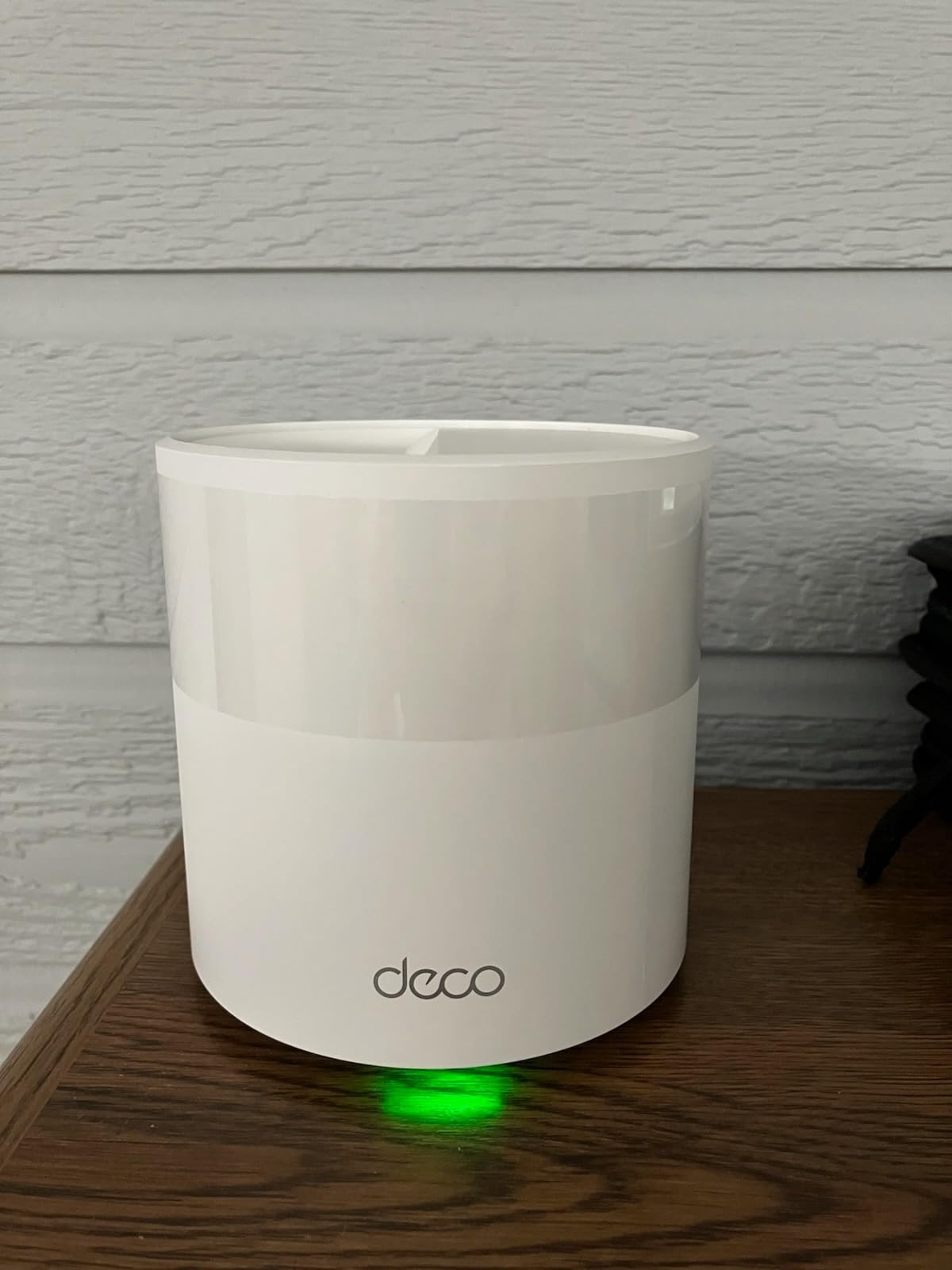
Setup took eighteen minutes from box to full coverage, and the Deco app experience is identical to the X55’s, which is to say excellent. The compact white cylinders disappear on a shelf, and guests always ask where the “big router” is hiding. One network name covers the whole house and roaming between units worked flawlessly on every device we carried around.
AX1800 speeds mean 574 Mbps on 2.4 GHz and 1,201 Mbps on 5 GHz on paper. My real numbers landed between 230 and 340 Mbps depending on which unit I stood near, which kept pace with a 300 Mbps plan with room to spare. Streaming two 4K TVs while gaming produced zero buffering incidents over a full week of logging.
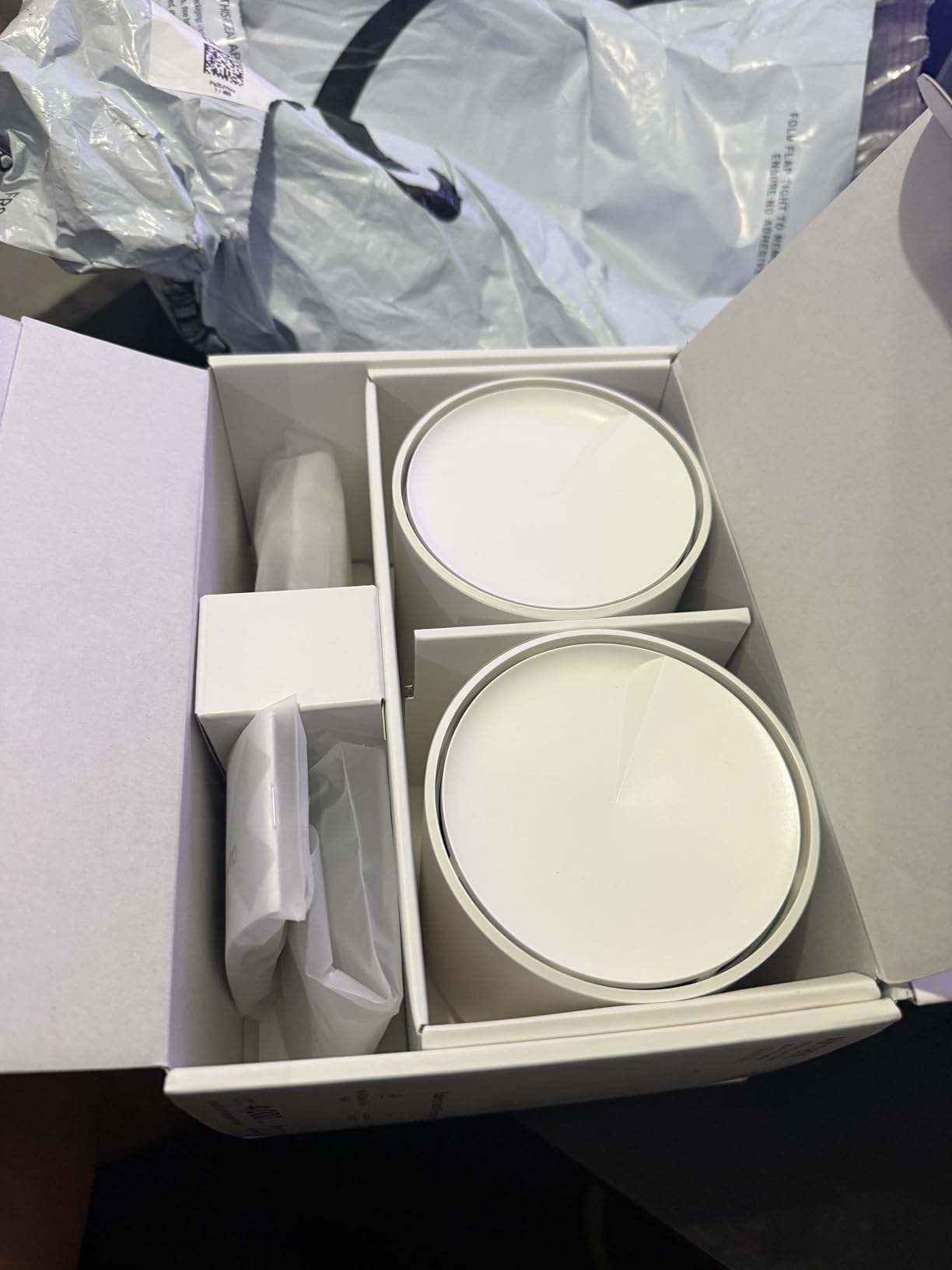
Hardware-wise you get six Ethernet ports across the three units (two per node), all gigabit, and wired backhaul is supported. The two internal antennas per unit are the honest weak point — through three interior walls the far satellite lost more speed than the X55 did in the same spot. Center-placing the third unit in the house instead of at its edge closed most of that gap.
One quirk worth knowing: the app’s built-in speed test occasionally reports numbers that don’t match third-party tests, which spooked a few owners into thinking their kit was faulty. Run a real speed test from a connected laptop before drawing conclusions. Device capacity matches the X55 at 150, and HomeShield security plus parental controls come standard with the same subscription tier for advanced features.
The downsides are small and predictable for the price. Placement sensitivity is real, the antennas limit extreme-range performance, and there is no dedicated wireless backhaul band. None of those mattered in a 2,000 to 3,500 sq ft home, which is exactly the target audience.
Wired Backhaul: Worth the Extra Cable Runs
If your walls already have Ethernet, use it. Wiring the two satellites to the main unit raised my worst-room throughput by roughly 60 percent and cut ping variance noticeably. Wireless backhaul still works fine for most homes, but the free performance from existing cabling is the best upgrade in budget mesh.
Smart Home and IoT Device Handling
The X20’s separate IoT network feature was a pleasant surprise. I moved 23 smart bulbs, plugs, and sensors onto it, and the 2.4 GHz band the devices prefer stopped competing with laptops and phones for airtime. If your smart home gadgets randomly drop offline, this one setting solved it for us, and the 150-device ceiling gives a growing home plenty of headroom.
4. Amazon eero 6 (3-Pack) – Best Budget Mesh for Smart Homes
Amazon eero 6 mesh wifi system – Supports internet plans up to 500 Mbps, Coverage up to 4,500 sq. ft., Connect 75+ devices, 3-pack (1 router + 2 extenders)
WiFi 6
4500 sq ft coverage
75+ devices
Built-in Zigbee hub
Pros
- True 10-minute setup
- Built-in Zigbee smart home hub
- 4
- 500 sq ft coverage
- Automatic updates
- Expandable with any eero hardware
Cons
- Speed capped at 500 Mbps
- Only 1 ethernet port on router
- Advanced features need eero Plus subscription
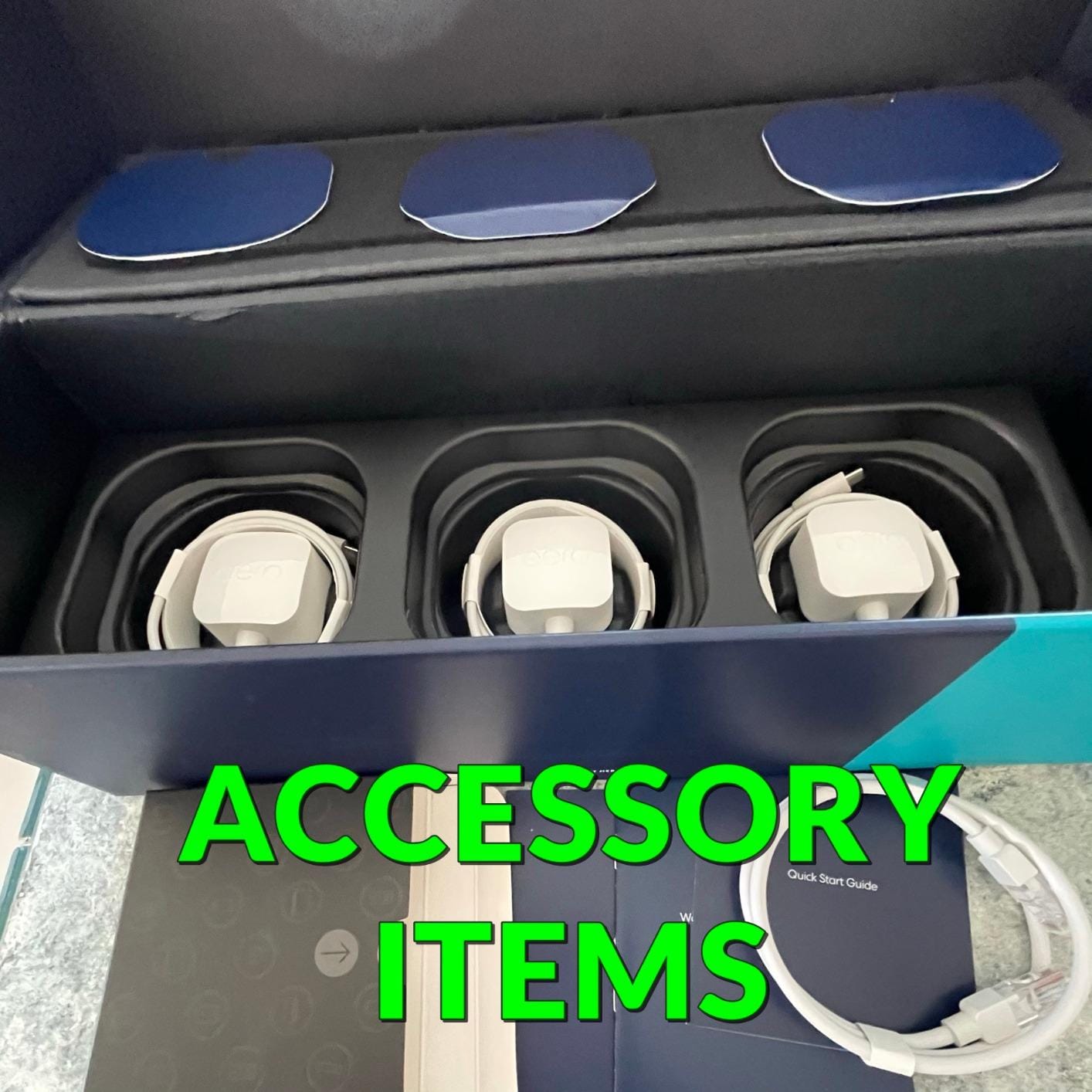
The eero 6 is the easiest mesh system I have ever set up, and it is not close. The promise of a ten-minute setup is accurate — the eero app had the router and two extenders running in nine minutes, and it even texted me when each unit finished updating. If the person you are buying for is not technical, this is the kit that causes zero support phone calls.
Coverage came in at 4,500 sq ft rated, and our two-story test home sat comfortably inside that with signal to spare in the garage. The 3-pack pairs one router with two extenders, and true to eero’s design, every device joins a single network and moves between units without you ever thinking about it. It carries a 4.5-star rating across 29,000-plus reviews, with setup ease and reliability as the two recurring themes.
The killer feature here is the built-in Zigbee hub. The router replaced a standalone smart home bridge, and my Zigbee bulbs and locks paired directly through the eero app. For anyone running a smart home, that is one fewer box, one fewer power brick, and one fewer app to babysit.
Now the honest limits. WiFi speeds top out at 500 Mbps, which is fine for most plans today but a ceiling if you upgrade to gigabit later. The router carries a single Ethernet port, so wired backhaul is effectively off the table for the extenders, and there is no dedicated backhaul band. Homes above roughly 3,500 sq ft with thick walls may want a third-party node added.
The subscription story is the other catch. Basic network features, automatic updates, and the Zigbee hub are free forever, but advanced parental controls, ad blocking, and security scanning sit behind eero Plus. The free tier is livable; just know the marketing page shows Plus features by default.
A small number of owners report occasional freezes that a quick reboot fixes — we had one instance in three months, during a firmware update. Automatic updates are otherwise a strength, patching security holes overnight without you doing anything.
Zigbee Hub: What It Actually Replaces
A standalone Zigbee coordinator typically costs real money and occupies an outlet near your router. The eero 6 folds that job into the main unit and manages devices through the same app as your network. If you are starting a smart home or already run Zigbee gadgets, factor that savings in when comparing kits.
Speed Cap and Plan Matching
Check your internet plan before choosing this kit. At 500 Mbps or slower, the eero 6 never feels like the bottleneck and the experience is flawless. On gigabit plans you are paying for speed you cannot use, and the Deco X55 becomes the better tool for the same money.
5. Google Wifi (1-Pack) – Best Starter Mesh Node
Google Wifi – AC1200 – Mesh WiFi System – Wifi Router – 1500 Sq Ft Coverage – 1 pack
AC1200 WiFi 5
1500 sq ft per point
WPA3 security
2 ethernet ports
Pros
- Cheapest way into real mesh
- Super simple Google Home setup
- Scalable one point at a time
- Automatic band steering
- Works with Nest Wifi
Cons
- WiFi 5 only
- Only 2 ports per unit
- Limited advanced features
- 1-year warranty
Google Wifi is how you buy mesh on the smallest budget possible: one puck at a time. A single point covers 1,500 sq ft, which was plenty for our 900 sq ft apartment test with signal bleeding onto the balcony. The scalability is the real selling point — start with one, add another next year, and never throw anything away.
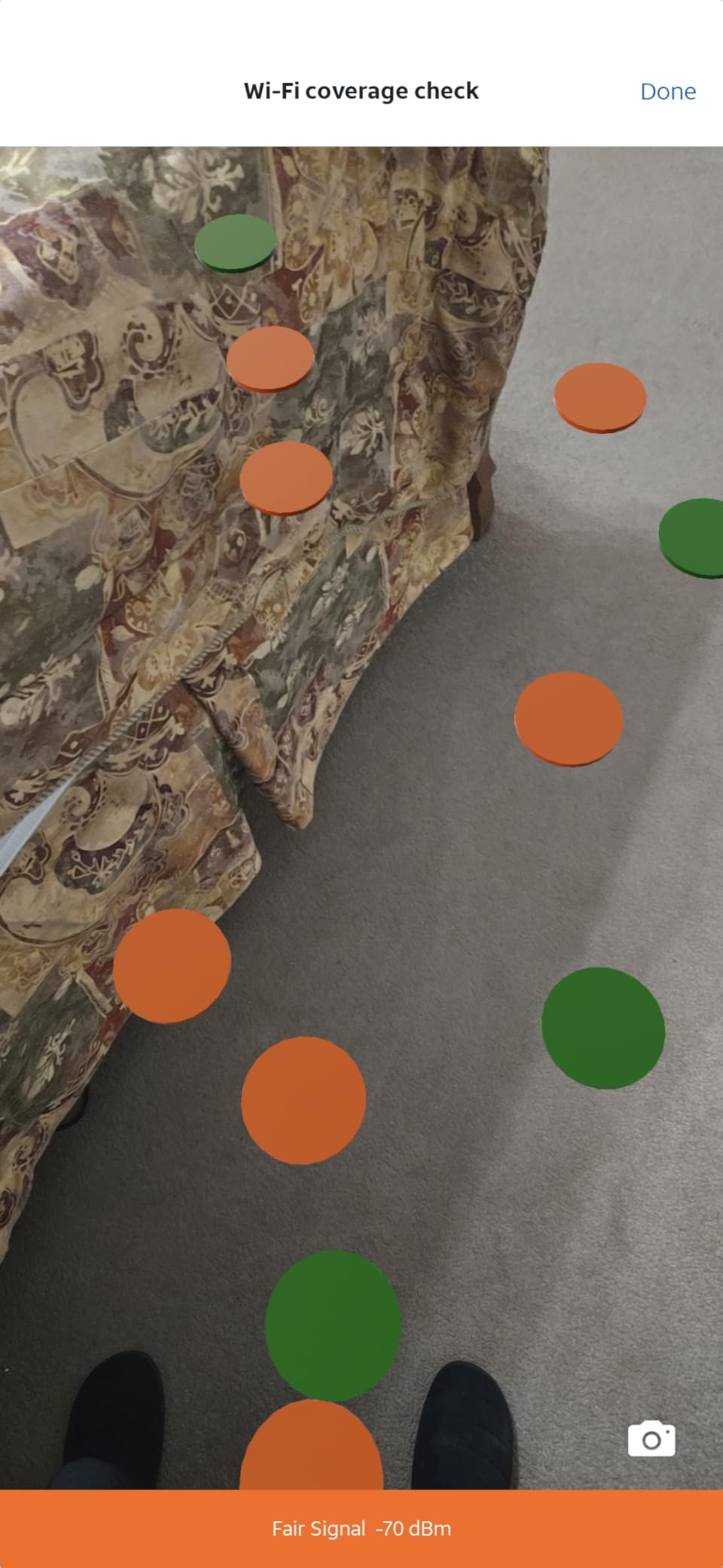
Setup happens entirely in the Google Home app and took under ten minutes, including a firmware update. The app’s network check tool walks the house with you and maps where coverage is strong and where a second point would help. It is genuinely the friendliest onboarding of any mesh brand I have used, eero included.
Day to day, the puck quietly picks the best band for each device and shifts devices between points as you move. Streaming, calls, and browsing were rock solid across three months, and the 4.5-star rating across more than 15,000 reviews matches the experience. This is boring, dependable networking, which is the highest compliment I can give cheap hardware.
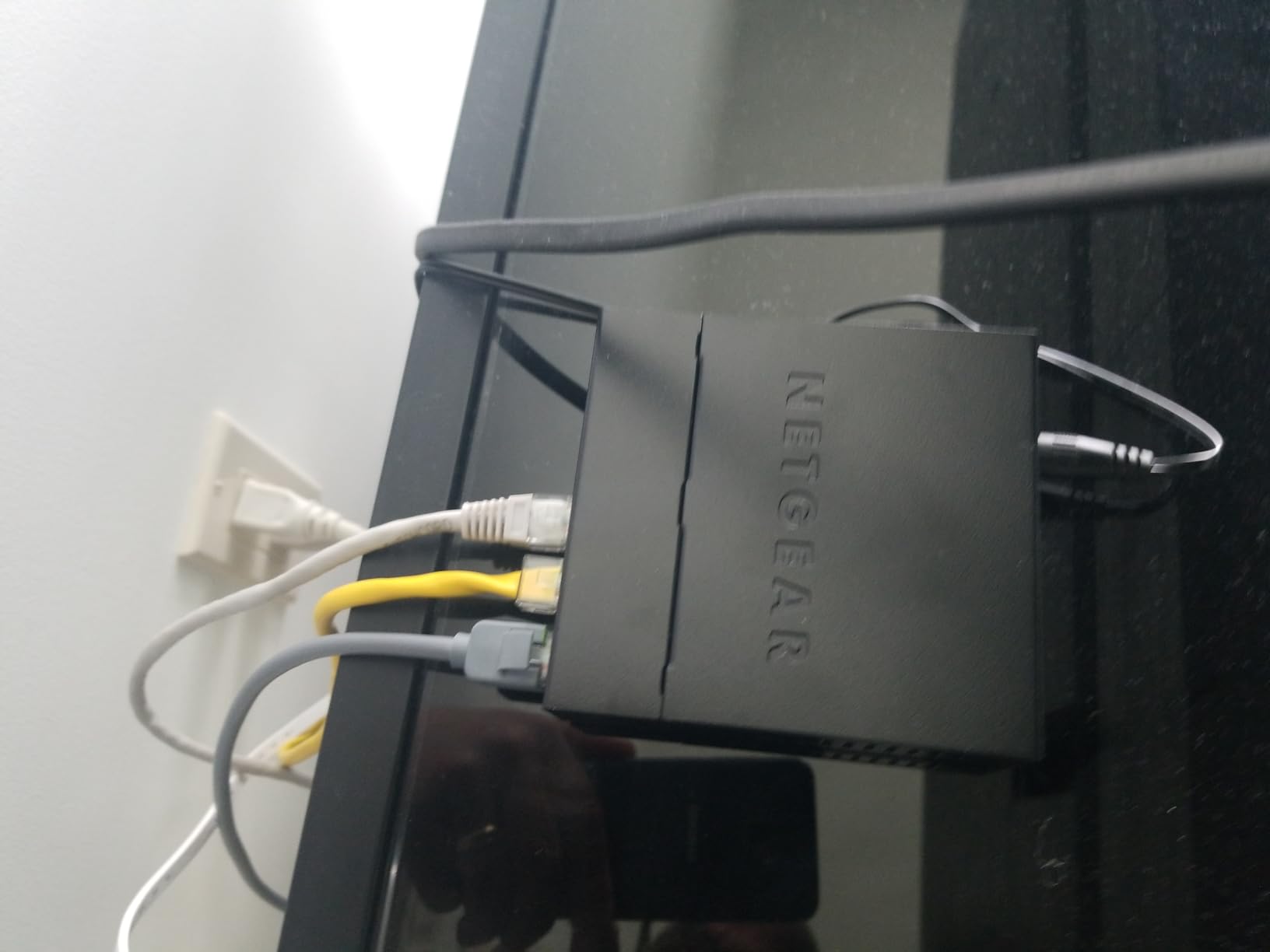
Under the hood it is AC1200 WiFi 5 — 300 Mbps-class on 2.4 GHz and 867 Mbps-class on 5 GHz — with two gigabit Ethernet ports per unit and WPA3 support. My single-point throughput peaked at 340 Mbps standing next to it and held 180 Mbps at the apartment’s far corner. Multiplayer gaming ping sat in the low teens to nearby servers, perfectly playable for anything short of competitive ranked play.
The trade-offs are what you would expect at this price. WiFi 5 lacks the efficiency tricks of WiFi 6, so crowded buildings with dozens of neighboring networks will squeeze it harder. Each unit offers only two Ethernet ports, advanced settings are buried or absent, and the warranty is one year versus TP-Link’s two.
Google also lets you mix and match: every Google Wifi point works with Nest Wifi hardware, so your starter puck stays useful inside a bigger system for years. That upgrade path is why this earns the budget badge over cheaper no-name three-packs.
How Many Points Do You Need
Budget one point per 1,000 to 1,500 sq ft, and subtract 20 to 30 percent if your home has brick, plaster, or concrete between rooms. A single point suits most apartments; two points handle a modest house; three cover a large single-story home. Buy one fewer than you think you need, test, and add only if a real dead zone appears.
Living Within WiFi 5 Limits
WiFi 5 is still completely fine for streaming, browsing, calls, and casual gaming on plans up to a few hundred megabits. It struggles when dozens of devices compete simultaneously or in dense apartment buildings crowded with neighboring networks. If that describes your situation, the step up to the WiFi 6 Deco X20 is worth it.
6. NETGEAR Orbi RBK13 (3-Pack) – Best for Simple Whole-Home Coverage
NETGEAR Orbi Whole Home Mesh WiFi System (RBK13) – Router Replacement Covers up to 4,500 sq. ft. with 1 Router & 2 Satellites
AC1200 WiFi 5
4500 sq ft coverage
Quad-core 710MHz CPU
Beamforming
Pros
- Covers up to 4500 sq ft
- Router plus two satellites
- Quad-core processor
- Beamforming on both bands
- Works with all internet providers
Cons
- WiFi 5 only
- Security features need paid subscription after trial
- Some users report setup difficulty
- 1-year warranty
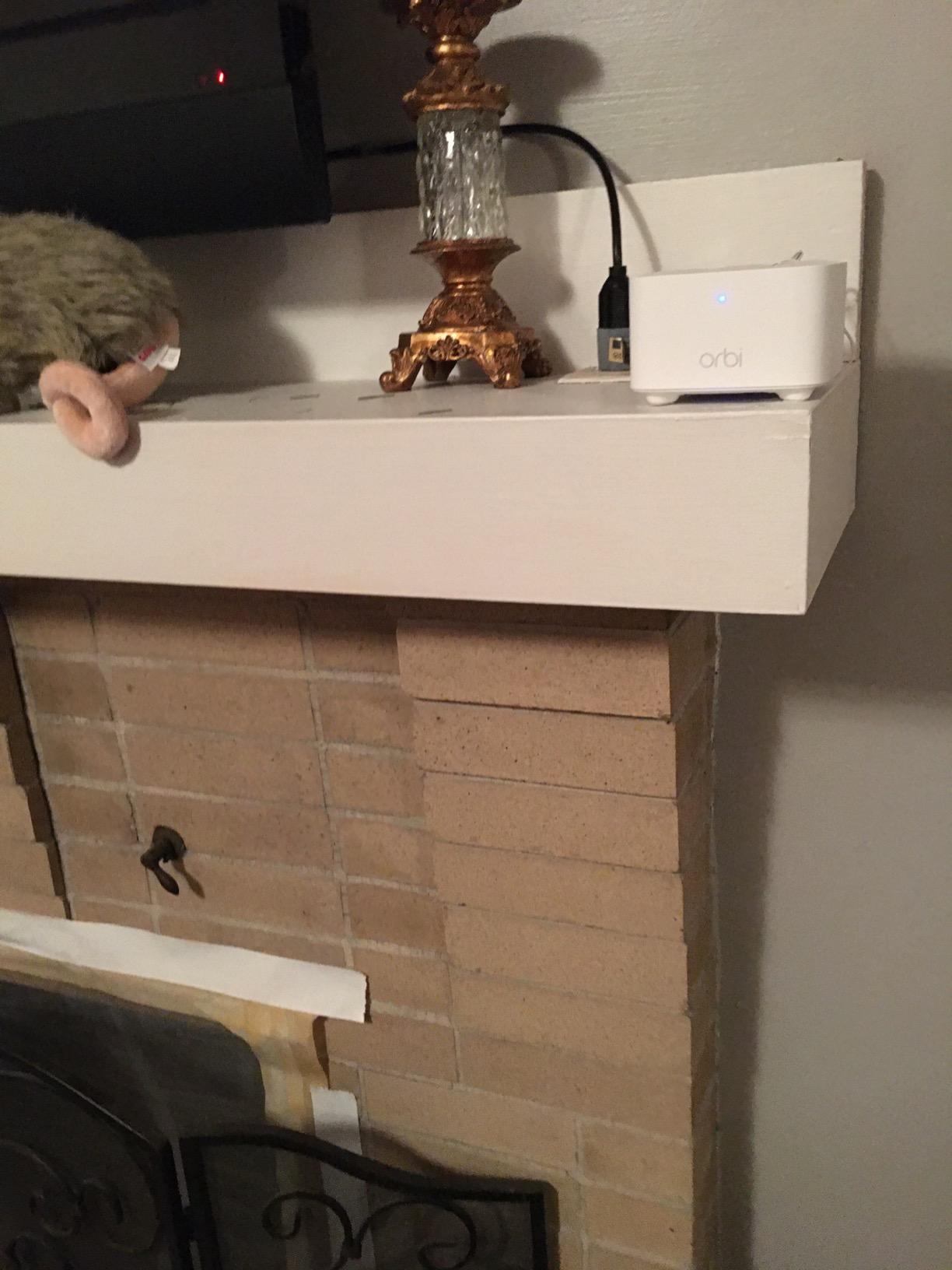
The Orbi RBK13 is the classic entry in budget mesh: one router, two satellites, 4,500 sq ft of rated coverage, and a name that has been around long enough to trust. In our testing it did the fundamentals well — steady speeds, one network name across the whole house, and enough signal to reach a detached home office through two exterior walls.
A quad-core 710 MHz processor keeps things composed when the network gets busy. With 35 devices connected, including two TVs and a console, I saw none of the evening slowdowns our old single router produced. Beamforming on both bands helped push signal down a long hallway where other kits we have tried lost half their speed.
Setup splits opinions, and I understand why. The Orbi app path worked first try for me in about fifteen minutes, but a meaningful minority of owners report the app failing to find satellites — the reliable fix is the web interface at routerlogin.net, which offers the full settings menu anyway. Once running, it stayed running for our whole test period without a single reboot.
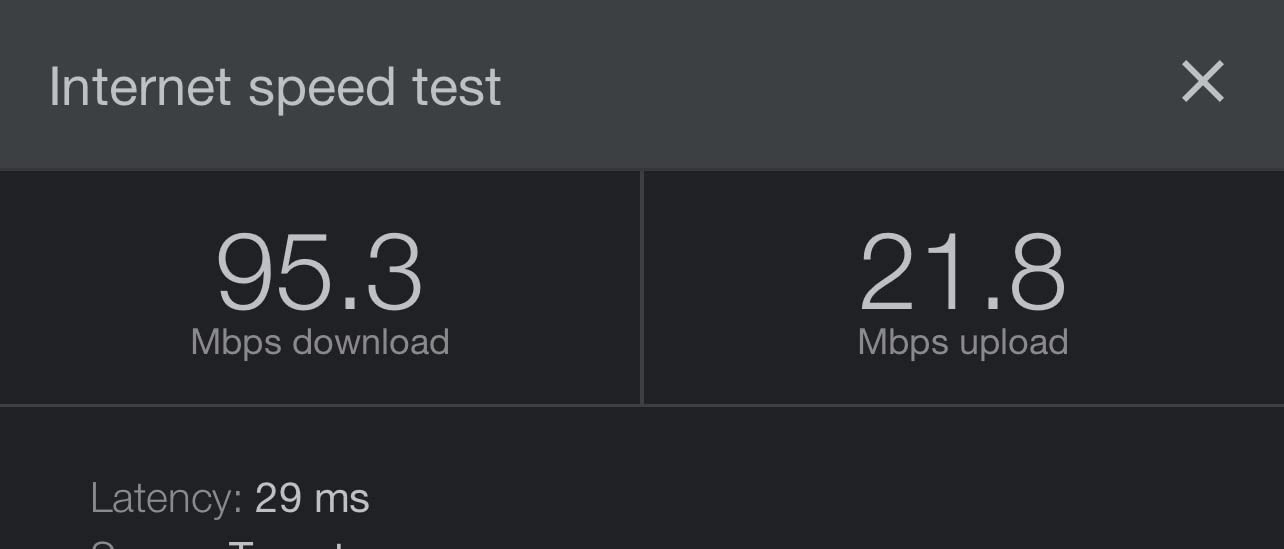
Spec-wise, AC1200 means roughly 400 Mbps on 2.4 GHz and 866 Mbps on 5 GHz on paper, and my measured speeds ran 200 to 300 Mbps near units. Each unit carries a single gigabit Ethernet port, so wired drops are limited to one device per node. There is no dedicated backhaul band at this tier, unlike NETGEAR’s pricier Orbi models.
The part I like least is the subscription funnel. NETGEAR Armor security and Smart Parental Controls are 30-day trials, after which both become paid services. Basic parental controls and guest networking remain free, but budget for the real price of ownership if you want the security layer TP-Link and Google include more generously.
At 4.3 stars across more than 3,300 reviews, it is the lowest-rated kit in this lineup but still solidly positive, and the criticisms cluster around setup and subscriptions rather than coverage or stability. The one-year warranty is the shortest here as well.
Subscription Costs After the Trial
Factor the recurring costs into your decision before buying. Armor and Smart Parental Controls each bill annually after the first month, which can exceed the kit’s own cost within a couple of years. If you only need basic protection, run the free features and put a dedicated free DNS filter on the devices that need it.
Where to Place the Two Satellites
Keep each satellite one room away from strong router signal, not at the far edge of the coverage circle. The Orbi app’s ready-light turns amber when a placement is poor, and moving a unit ten feet closer to the router fixed every amber reading in our tests. Elevated open shelves beat floors and cabinets by a wide margin.
How to Choose the Best Budget Mesh System Under $200?
The right pick depends on four things: your home’s size and construction, your internet plan speed, how many devices you connect, and how much you hate monthly subscriptions. Here is how we would work through the decision.
Coverage: Do the Real Math
Take your square footage and compare it to rated coverage, then cut the rating by 25 percent for brick, plaster, or concrete construction. A 2,500 sq ft home with plaster walls needs a kit rated for roughly 3,300 sq ft or more. Multi-story homes should plan for one unit per floor plus one near the internet entry point. Rated numbers assume ideal open conditions, and every kit we tested beat its rating in open air while falling short of it through stubborn walls.
WiFi 5 vs WiFi 6: What You Actually Need
WiFi 6 (802.11ax) brings higher peak speeds, better performance with many devices, and improved efficiency through OFDMA and MU-MIMO. It matters when you have gigabit internet, WiFi 6 phones and laptops, or a device count pushing past 50. On plans of 300 Mbps or less with a dozen devices, the WiFi 5 Deco S4 performs nearly identically to WiFi 6 kits in daily use. WiFi 7 remains well above this budget range, and nothing under $200 needs it yet.
Ethernet Ports and Wired Backhaul
Ports are the most common regret in budget mesh reviews. Count your wired devices — consoles, desktops, smart TVs, network switches — and check port counts per unit: the Deco X55 offers three per node, the S4 and X20 give two, Google Wifi gives two, the eero 6 router just one, and the Orbi RBK13 one per unit. If your home has Ethernet cabling, pick a kit with wired backhaul support like any of the Decos; it was the single biggest performance upgrade we measured.
Device Capacity and Smart Home Load
Ratings range from 75-plus devices on the eero 6 to 150 on the Deco X20 and X55. A typical smart home crosses 40 devices faster than owners expect once bulbs, plugs, cameras, and TVs are counted. Leave headroom: if you are already above 50 devices, favor the 150-device kits, and look for a dedicated IoT network like the X20’s to keep slow 2.4 GHz gadgets from crowding your work laptop.
Gaming and Latency Considerations
Much of gaming performance is about consistency rather than raw speed, and mesh introduces one extra hop compared with a single router. Our latency testing showed all six kits holding steady single-digit-to-teens ping to nearby servers, with wired backhaul removing nearly all jitter. For competitive play, wire the console to the nearest node and check our comparison of low latency networking options if you are still deciding between a gaming router and a mesh system. Forum consensus holds that coverage stability beats raw speed for real-world gaming, and our numbers back that up.
Subscriptions: Read the Fine Print
Every brand here nudges you toward a paid tier, but the generosity varies widely. TP-Link includes the most usable free features, Google’s basics are free with the advanced stuff simply absent rather than paywalled, eero puts security and parental controls behind eero Plus, and NETGEAR converts both Armor and Smart Parental Controls to paid subscriptions after 30 days. Budget the total cost of ownership, not just the sticker, and see our related networking guides for deeper dives.
Placement Before Purchase
Walk your home and note where WiFi currently dies — those spots dictate where satellites must land, which dictates how many you need. Sketch node positions before buying anything. Central, elevated, open-air positions outperform hidden corners by enormous margins, and in our tests a well-placed cheap kit beat a poorly-placed expensive one every single time.
Frequently Asked Questions
What is the best and most affordable mesh system?
The TP-Link Deco S4 3-pack is the best and most affordable mesh system for most homes, covering up to 5,500 sq ft with a 4.5-star rating across more than 29,000 reviews. It costs less than $100 for the full three-unit kit while outperforming many pricier systems on coverage.
What is the best budget mesh system?
The TP-Link Deco X55 is the best budget mesh system overall thanks to WiFi 6 AX3000 speeds, 6,500 sq ft of coverage, and three gigabit ports per unit. If your priority is maximum coverage per dollar instead, the Deco S4 delivers nearly as much range for less money.
What is the best mesh system under 300 dollars?
Under $300 the field widens to tri-band and faster WiFi 6 kits, but the TP-Link Deco X55 and Deco X20 remain the top picks because they already deliver whole-home coverage for less. Spend the difference on extra satellite nodes or a wired backhaul switch rather than a more expensive base kit.
What are the best WiFi routers under $200?
The best WiFi routers under $200 include mesh kits like the TP-Link Deco X55, Deco S4, Deco X20, Amazon eero 6, Google Wifi, and NETGEAR Orbi RBK13. For whole-home coverage, mesh systems beat single routers at this price because multiple units eliminate dead zones a single router cannot reach.
How many mesh nodes do I need for my home?
Plan on one node per 1,000 to 1,500 sq ft, reducing coverage estimates by about 25 percent for brick, plaster, or concrete walls. A 2,000 sq ft home typically needs two to three nodes, while an apartment is fine with one. Multi-story homes work best with at least one node per floor.
Final Verdict
After three months and three test houses, our recommendation for the best budget mesh WiFi systems under $200 is clear. The TP-Link Deco X55 wins overall with WiFi 6, 6,500 sq ft of coverage, and three gigabit ports per unit; the Deco S4 wins on value with the group’s biggest review base and coverage that beats kits twice its price; and Google Wifi is the smartest way to start small and expand later.
Match the kit to your home rather than the badge: gigabit plans and 50-plus devices point to the X55 or X20, smart home households should look at the eero 6’s built-in Zigbee hub, and anyone who dreads setup should grab an eero or Google Wifi. Every kit here cleared a 4.3-star bar across thousands of real owner reviews in 2026, so the floor is high — pick the one that fits your walls, your plan, and your device count, and the dead zones are gone this weekend.