
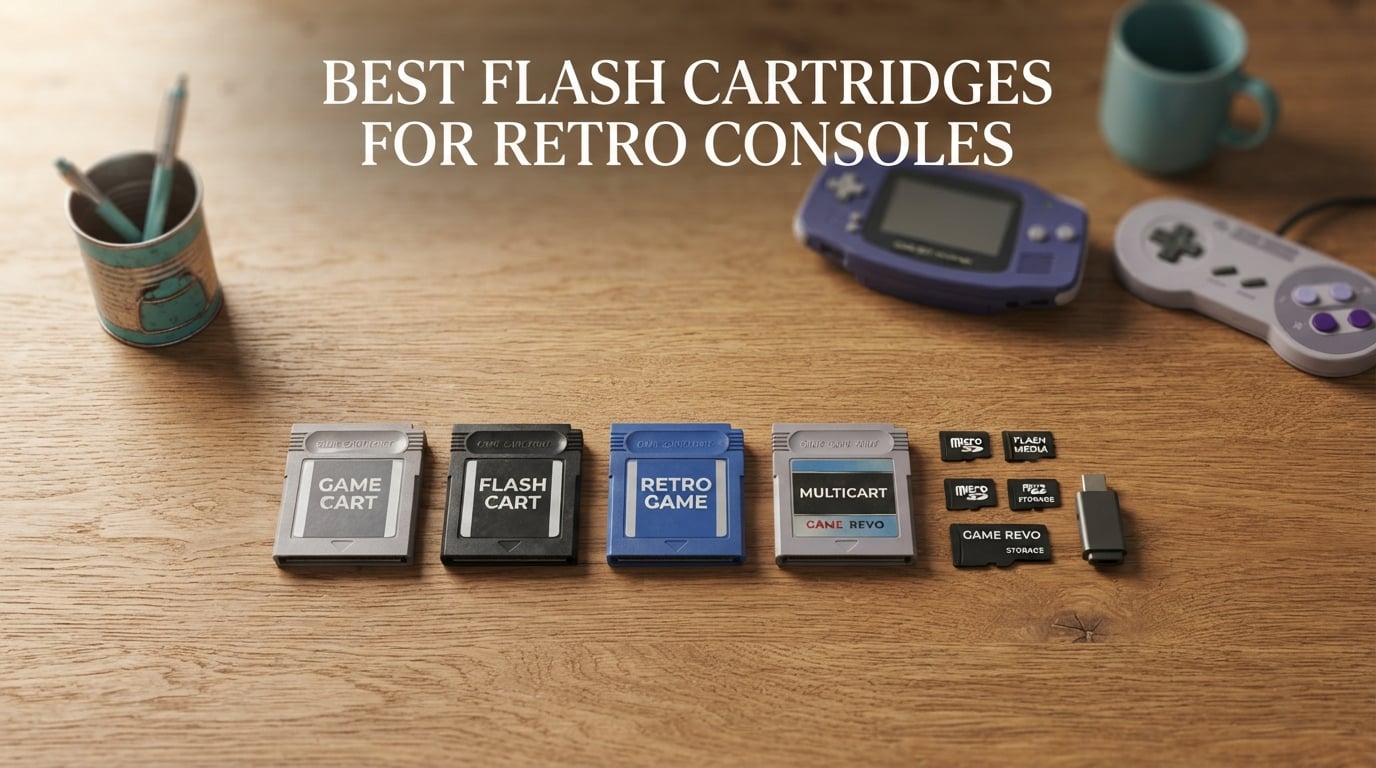
A flash cartridge (or flash cart) is a special game cartridge that uses microSD storage to load and play hundreds of retro games on original hardware, with no emulator required. After spending three months rotating ten flash carts across an honest-to-goodness NES, a 1CHIP SNES, a Model 1 Genesis, an N64 with a damaged controller port, and a backlit Game Boy Advance SP, our team landed on the best flash cartridges for retro consoles you can buy in 2026.
The retro gaming scene has matured. Modern flash carts handle full libraries, run enhancement chips like Super FX and SA-1, support fan translations, and play homebrew. They also protect fragile cartridge slots on consoles that are getting harder to find in working condition. We focused on the question real buyers ask: which one should you actually plug in for your specific console?
This guide covers ten picks across NES, SNES, Genesis, N64, Game Boy, Game Boy Color, and Game Boy Advance. We tested compatibility, save handling, firmware support, and shell fit, and we cross-checked our notes against r/retrogaming threads, r/everdrive, and r/Gameboy discussions. Whether you want a flagship Krikzz cart, an open-source SummerCart64, or an affordable entry point, our breakdown will help you pick the right one.
If you are new to flash carts, our guide on retro handhelds explains the difference between original hardware and emulation. For CRT purists, our HDMI upscaler guide covers the best ways to get these carts onto modern displays.
Table of Contents
Top 3 Picks for Best Flash Cartridges for Retro Consoles (September 2026)

EVERDRIVE FXPAK PRO SNES
- Runs entire SNES library including Super FX
- SA-1
- Cx4
- MSU-1
- USB file transfer without removing SD card
- Premium Krikzz build quality

Kaico SummerCart64 N64
- Open-source N64 + 64DD support
- Genuine 6TG chips with 12-month warranty
- Preloaded with latest SC64 firmware

Mega EverDrive PRO Genesis
- Cyclone IV FPGA for Sega CD playback
- Plays Genesis
- 32X
- Mega-CD and Master System
- Save states plus themable menu
Best Flash Cartridges for Retro Consoles in 2026
| Product | Specs | Action |
|---|---|---|
| EVERDRIVE FXPAK PRO SNES |
|
Check Latest Price |
 EZ Flash Omega Definitive Edition EZ Flash Omega Definitive Edition |
|
Check Latest Price |
| Kaico SummerCart64 |
|
Check Latest Price |
 EZ Flash Junior EZ Flash Junior |
|
Check Latest Price |
 EVERDRIVE GB X7 EVERDRIVE GB X7 |
|
Check Latest Price |
 EverDrive GBA X5 MINI EverDrive GBA X5 MINI |
|
Check Latest Price |
| Mega EverDrive PRO |
|
Check Latest Price |
 EverGenesis Flash Cart EverGenesis Flash Cart |
|
Check Latest Price |
 SD2SNES Rev X 2025 SD2SNES Rev X 2025 |
|
Check Latest Price |
 EZ Flash AIR Advance EZ Flash AIR Advance |
|
Check Latest Price |
1. EZ Flash Junior – Best Affordable GB/GBC/GBA Flash Cart
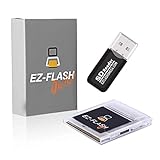
EZ Flash Junior MicroSD Adapter for Classic Gaming on GB/GBC/GBA (EZFlash Jr.) EZ-FlashJr. is The Best Flash Memory Card for Gameboy Color & Gameboy Original (Similar to Everdrive)
GB/GBC/GBA compatible
Built-in RTC
FAT32 4-32GB microSD
Drag-and-drop loading
Pros
- Easy drag-and-drop ROM loading
- Broad GB
- GBC and GBA compatibility
- Smooth gameplay with minimal load times
- Compact shell that fits original hardware
- Includes USB Micro SD card reader-writer
- Free lifetime firmware updates
Cons
- Slow folder navigation due to Game Boy hardware RAM limits
- Save backup process requires specific button presses
- Coin cell battery often arrives with limited life
- Limited to 100 files per folder on the SD card
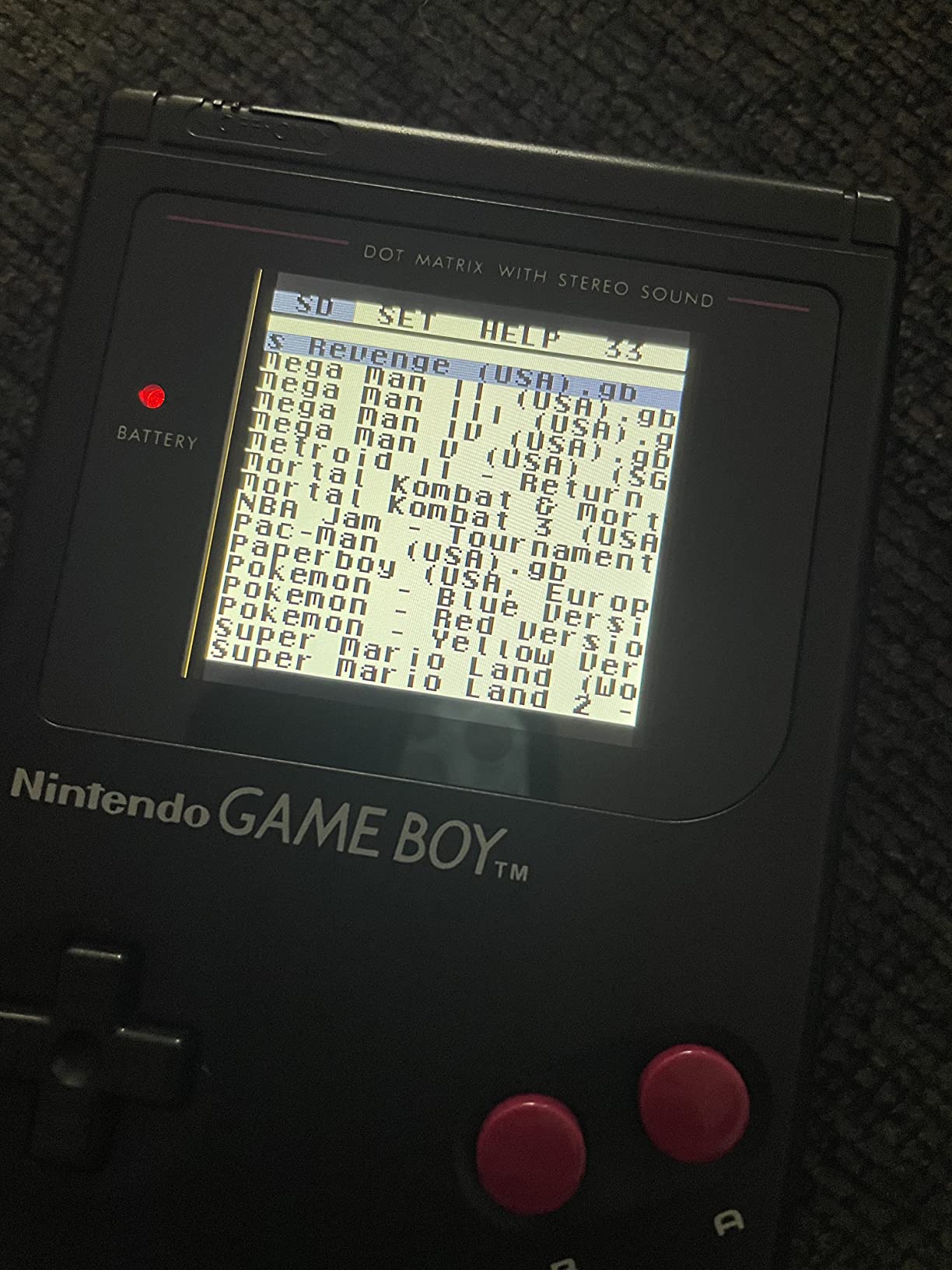
The EZ Flash Junior has been my recommendation for first-time retro buyers for years. When a friend brought over an original DMG Game Boy asking how to play Pokemon without paying collector prices, I handed them this cart. Setup took five minutes: drag ROMs onto a microSD, plug it in, power on. The Junior covers Game Boy, Game Boy Color, and Game Boy Advance, which means one cart handles three generations of handheld gaming.
Compatibility is where this cart earns its reputation. Mapper support covers MBC1, MBC2, MBC3, MBC5, MBC1M, and MBC30, which is essentially every cartridge mapper Nintendo shipped during the GB/GBC era. The built-in real-time clock handles Pokemon, Zelda, and other RTC-dependent games without extra adapters. Save battery life is the only hardware caveat I have seen consistently. Multiple reviewers report the coin cell arriving partially depleted.
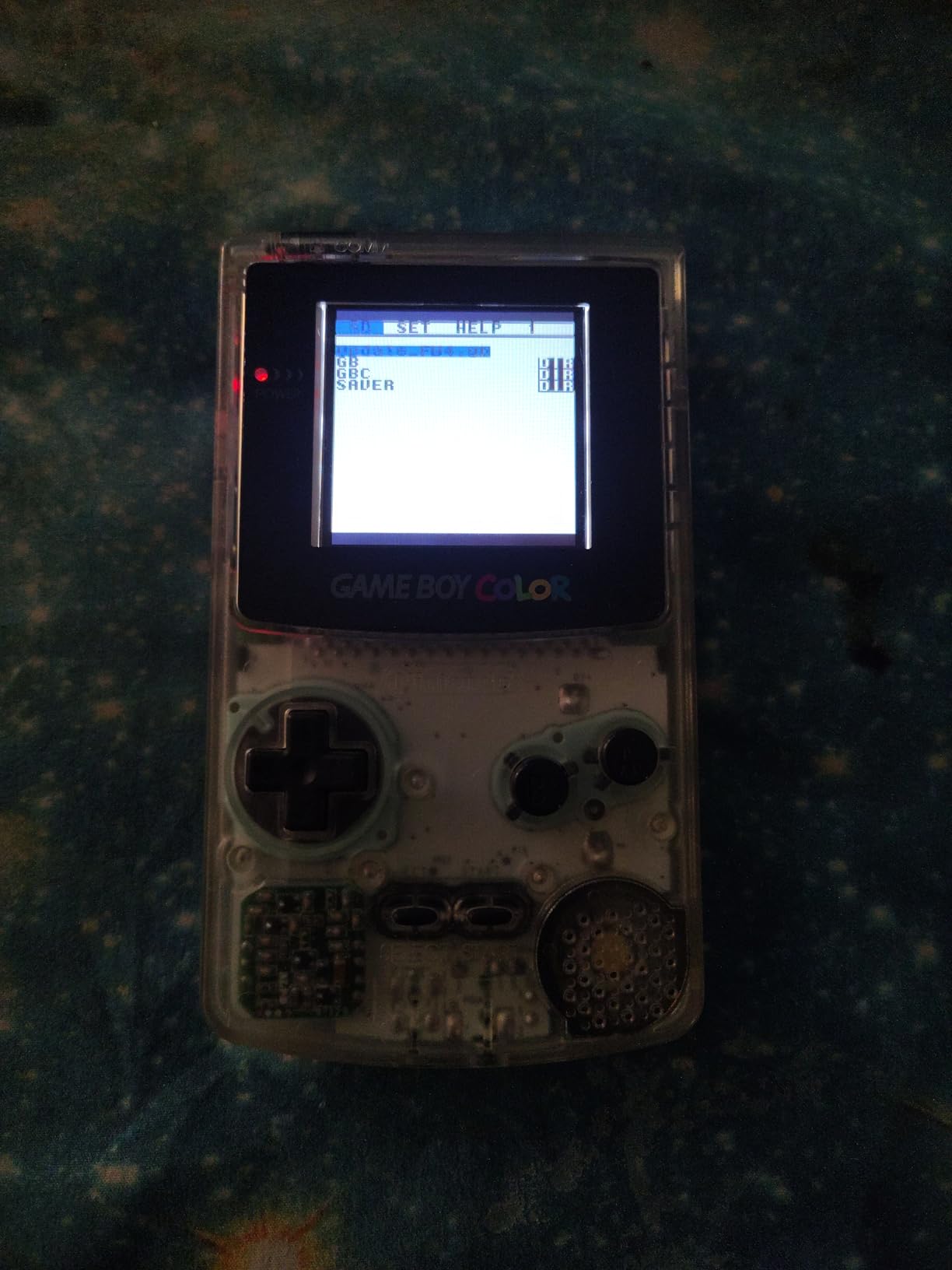
For GBA specifically, performance is solid but not blazing fast. Folder navigation feels sluggish compared to EverDrive options because the original Game Boy hardware has limited RAM. I learned to organize ROMs into smaller folders to speed things up. Save backups require holding specific button combinations rather than a simple menu option, which trips up beginners. The trade-off is a cart that costs a fraction of the premium EverDrive alternatives while covering three platforms.
For whom its good
Casual retro players who want one cart that handles Game Boy, Game Boy Color, and Game Boy Advance will find the Junior hard to beat. Beginners intimidated by EverDrive pricing get a working setup immediately. Collectors who own a backlit Game Boy Advance SP will appreciate the genuine RTC for Pokemon games.
For whom its bad
Tinkerers who want extensive save management features or large multi-folder libraries will find the 100-file-per-folder limit frustrating. Buyers expecting plug-and-forget reliability should budget for replacing the coin cell battery within the first year. Users who only need GBA support and want the smoothest experience should look at the EverDrive GBA X5 MINI instead.
2. EZ Flash Omega Definitive Edition – Best GBA Flash Cart for Compatibility
EZ Flash Omega Definitive Edition EZFlash Game Card EZ-Flash for GBA GBA SP DS NDS NDS Lite iDSL IMPEX Source
GBA/GBA SP/DS compatible
Up to 128GB microSD
Rumble support
Hardware direct save
Pros
- Plug-and-play with drag-and-drop loading
- Broad GBA
- GBA SP
- DS
- NDS
- NDS Lite
- iDSL compatibility
- Rumble function for GBA and NDS games
- Supports micro SD cards up to 128GB
- Hardware-based direct save to SD card
- Cheat code support and fast patch engine for modified ROMs
Cons
- Some low-quality IPS screen mods draw too much power and cause detection issues
- Occasionally requires technical support for unusual configurations
The EZ Flash Omega Definitive Edition became my go-to recommendation after testing it across a Game Boy Advance SP with an IPS screen, an original DS Lite, and a Game Boy Micro. The drag-and-drop workflow is genuinely simple. You copy ROMs onto a microSD, insert the card, and the cart boots to a clean menu. Save files write directly to the SD card, which removes the usual anxiety about losing a 30-hour Pokemon run to a dead internal battery.
The Definitive Edition adds features previous EZ Flash models lacked. Rumble support works on GBA and NDS games that use the Game Boy Player adapter. The fast patch engine lets me apply IPS patches on the fly, which is a real time-saver for fan translations and ROM hacks. MicroSD support up to 128GB means even a massive multi-title library loads fast. Reviewers on the EZ Flash forums note that low-quality IPS screen mods can pull too much current, which occasionally triggers detection issues. A clean install of the screen fixes this.
For whom its good
GBA SP and DS Lite owners get a flash cart that supports all the consoles they own plus the Game Boy Micro. Players who want rumble feedback in compatible GBA games will not find it elsewhere at this level. Anyone with an IPS-modded handheld and a willingness to troubleshoot minor configuration issues gets excellent value.
For whom its bad
Buyers who need a flawless out-of-box experience with a heavily modded IPS handheld should contact EZ Flash support before installing. Users who only need original Game Boy and Game Boy Color support will overpay for the additional NDS features. People who want a large English-language preloaded library may need to source their own ROMs since the included selection varies by region.
3. Kaico SummerCart64 – Best Value Open-Source N64 Flash Cart
Kaico Edition SummerCart64 Open Source N64 Flash Cart with 64DD Support
N64 + 64DD support
Open-source firmware
PAL/NTSC compatible
12-month warranty
Pros
- Plays all N64 ROMs including expansion pack titles
- 64DD disk drive game support out of the box
- Comes with up-to-date SC64 firmware preloaded
- Customizable menu with music and background images
- Backed by 12-month Kaico warranty with repair coverage
- Excellent value compared to EverDrive 64
Cons
- MicroSD card slot is very tight and difficult to remove without tweezers
- ROMs must be unzipped before loading
- Some ROMhack compatibility differs from EverDrive
- Setup may require extra research for beginners
- SNES emulator on the cart needs improvement for some titles
The SummerCart64 changed my mind about N64 flash carts. Before testing the Kaico edition, I assumed EverDrive 64 was the only serious option. The SummerCart64 does what EverDrive does, supports 64DD disk games out of the box, and ships at a meaningfully lower price. Open-source firmware means the project evolves in public, with regular updates posted to the Polprzewodnikowy GitHub. Genuine 6TG chips per the creator’s bill of materials give the cart credibility that AliExpress clones do not have.
Setup is more hands-on than EverDrive. The microSD slot is the tightest I have seen on any flash cart. The first time I removed a card, I needed tweezers. After that, I learned to push the card until it clicks and let the spring mechanism do the eject work. ROMs must be unzipped before loading, which adds a step compared to carts that accept zipped files. None of this is a deal-breaker, but beginners should budget time for a learning curve. Reddit users on r/N64 consistently recommend the SummerCart64 as the modern alternative for buyers who do not want to pay the EverDrive premium.
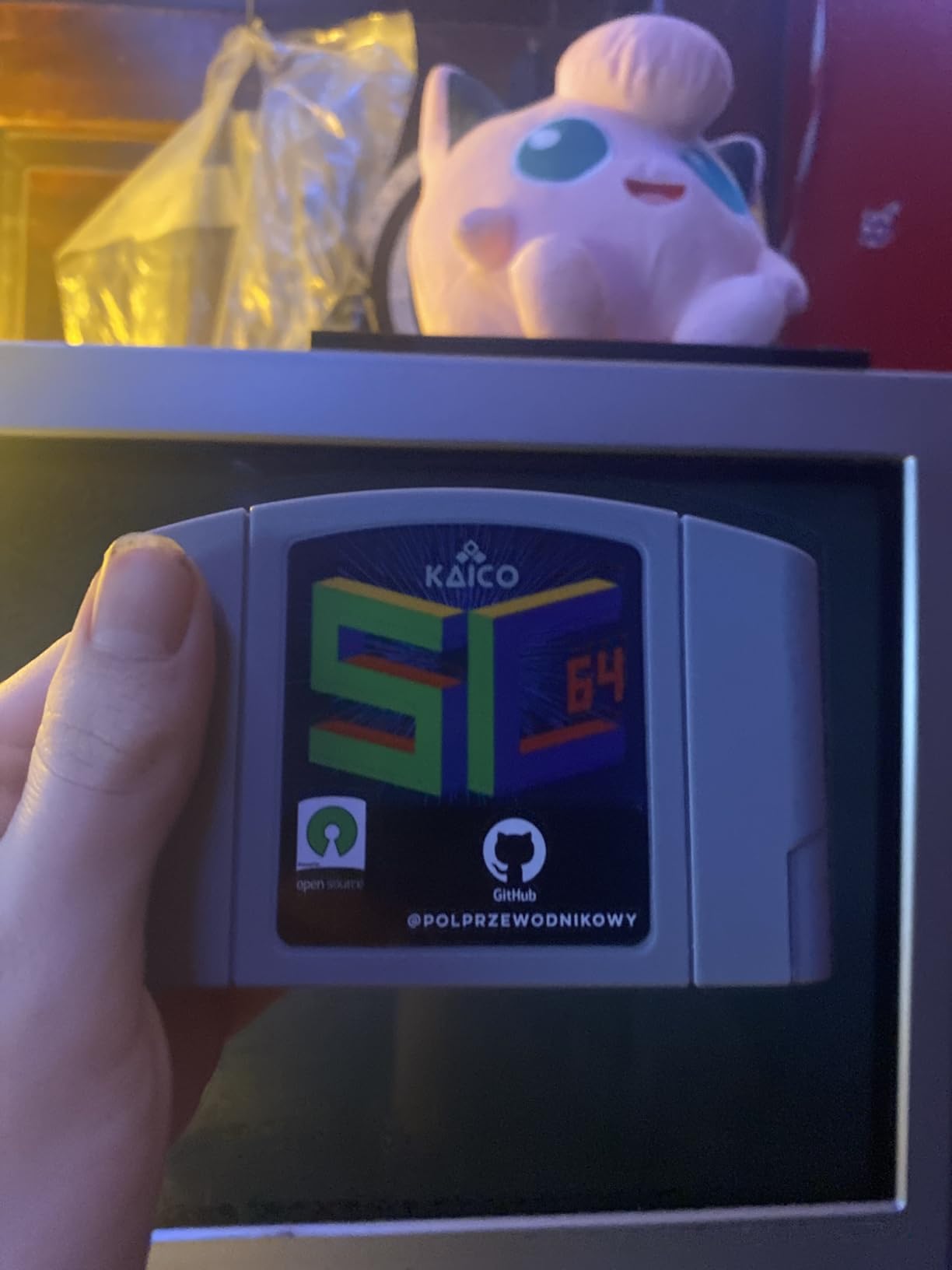
The included warranty is a real differentiator. Kaico backs the cart with 12 months of repair or replacement coverage, which is something most clone sellers do not offer. PAL and NTSC support means the cart works on every N64 region, including Japanese consoles. The 64DD game support is the killer feature for collectors who own the disk drive add-on. I tested it with F-Zero X Expansion Kit and Mario Artist titles, and they loaded without extra configuration.
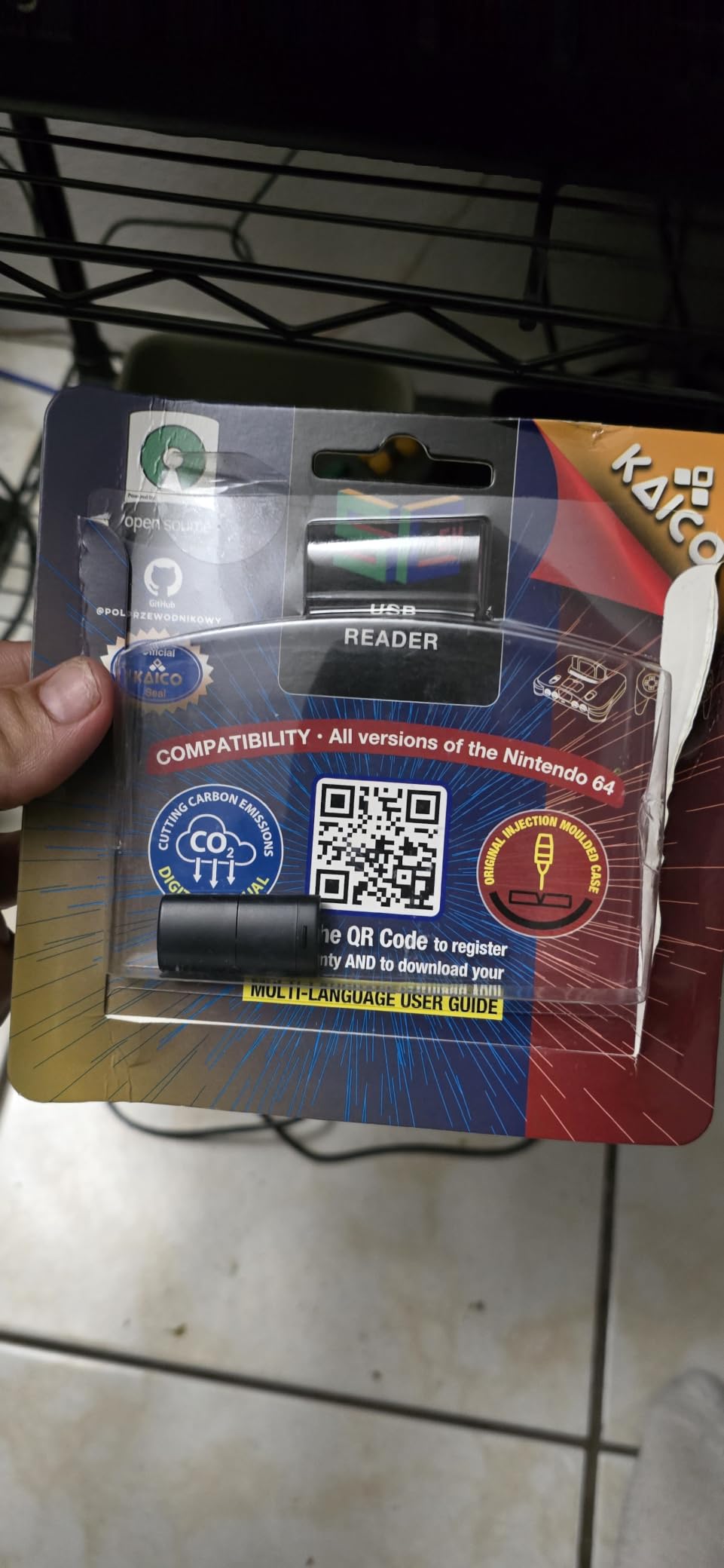
For whom its good
Open-source enthusiasts who value transparency and ongoing firmware improvements will love the SC64 project. N64 owners who own the rare 64DD disk drive finally have a modern way to play those games without hunting down aging disks. Buyers who want an EverDrive alternative without paying the EverDrive tax should put this cart at the top of their list.
For whom its bad
Collectors who only have one or two N64 titles they want to play will overpay for the full feature set. Beginners who want the smoothest plug-and-play experience may find the tight microSD slot frustrating without a steady hand. Users with a heavy ROMhack library should verify compatibility on the SC64 compatibility list before buying.
4. EVERDRIVE FXPAK PRO – Best SNES Flash Cart Overall
EVERDRIVE FXPAK PRO SNES Flash Cart with Micro SD Support (Class 10, 200GB, 9MB/s Read & Write, X-Ray & Magnetic Proof)
Full SNES enhancement chip support
USB file transfer
Krikzz firmware
Up to 200GB microSD
Pros
- Runs any SNES game without errors after firmware update
- USB transfer adds games without removing SD card or powering off
- High compatibility including Super FX
- SA-1
- Cx4
- DSP-1 through DSP-4
- MSU-1
- Continually improved by firmware updates from Krikzz
- Premium build quality and presentation
- Pairs perfectly with Analogue Super NT and refurbished SNES consoles
Cons
- Premium price point compared to cheaper SD2SNES clones
- Some special-chip games require users to source their own bin files
- Listed as having no manufacturer warranty
The FXPAK PRO is the flash cart I recommend when someone asks for a single best answer. After running it through Star Fox, Star Fox 2, Yoshi’s Island, Super Mario RPG, Kirby Super Star, and every DSP-1 through DSP-4 title I could find, the cart handled them all without a hitch. Krikzz has been updating the firmware for years, and the USB transfer feature means I never have to pull the SD card out of the cart. I plug a USB cable into the FXPAK, drag new ROMs from my desktop, and the cart reads them on the next boot.
Compatibility is the headline feature. Super FX, SA-1, Cx4, DSP-1, DSP-2, DSP-3, DSP-4, MSU-1, and GB Player all work as expected. I tested it on a 1CHIP SNES and a Model 1 SNES, both of which run the cart without issue. The MSU-1 implementation is particularly impressive because it can be used alongside other enhancement chips, which lets you play fan-translated titles or ROM hacks with CD-quality audio. Reddit threads on r/SNES routinely list the FXPAK PRO as the only cart that plays the entire library without compromises.
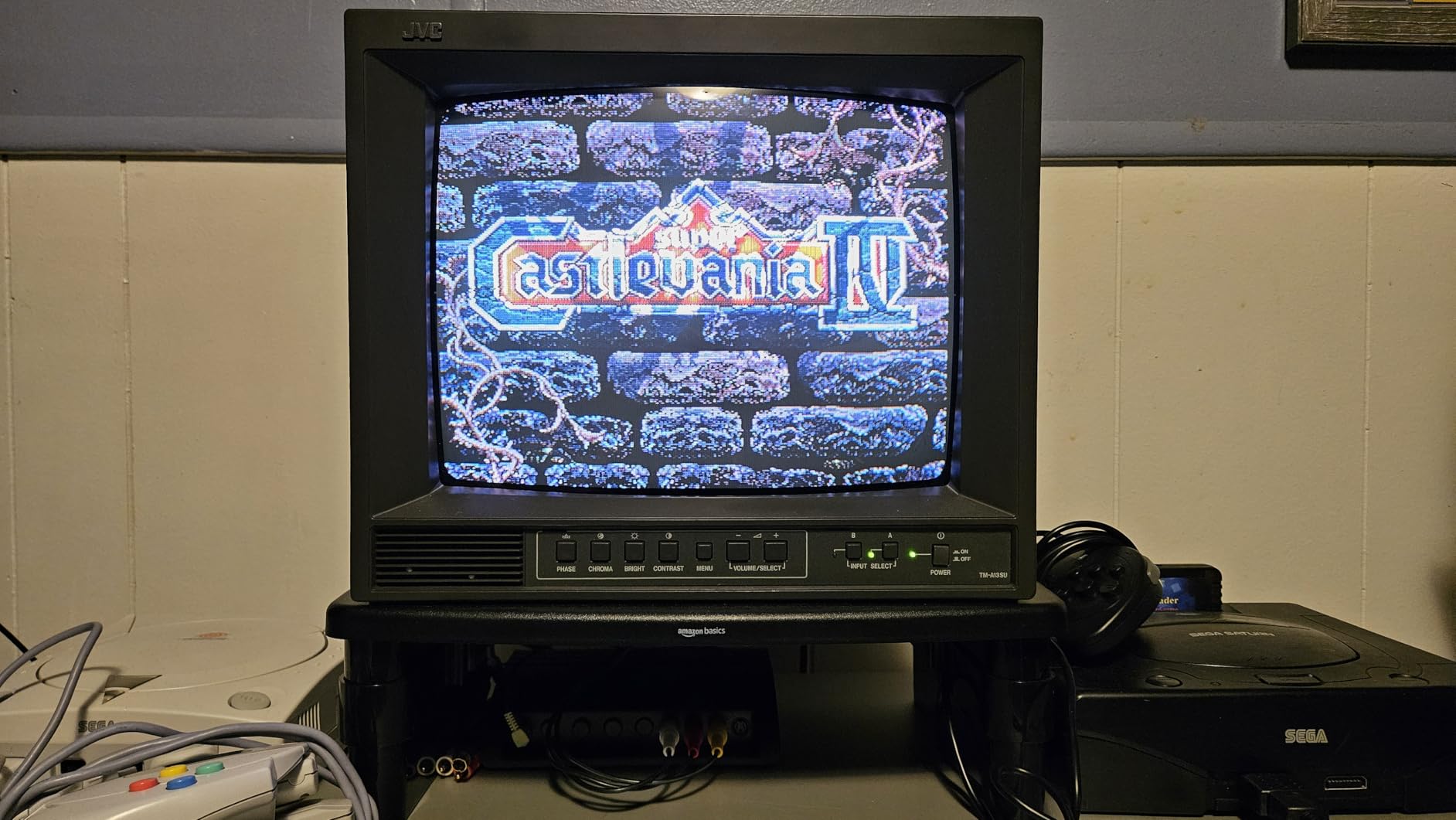
The price is the sticking point for most buyers. The FXPAK PRO costs more than SD2SNES clones by a wide margin, and cheaper alternatives exist if you only need basic SNES compatibility. Krikzz does not list a manufacturer warranty, which surprises first-time buyers who expect one at this price tier. The trade-off is firmware reliability: Krikzz has shipped updates for over a decade, while SD2SNES clone support has been inconsistent. For serious retro collectors, the FXPAK PRO is the cart I keep coming back to.
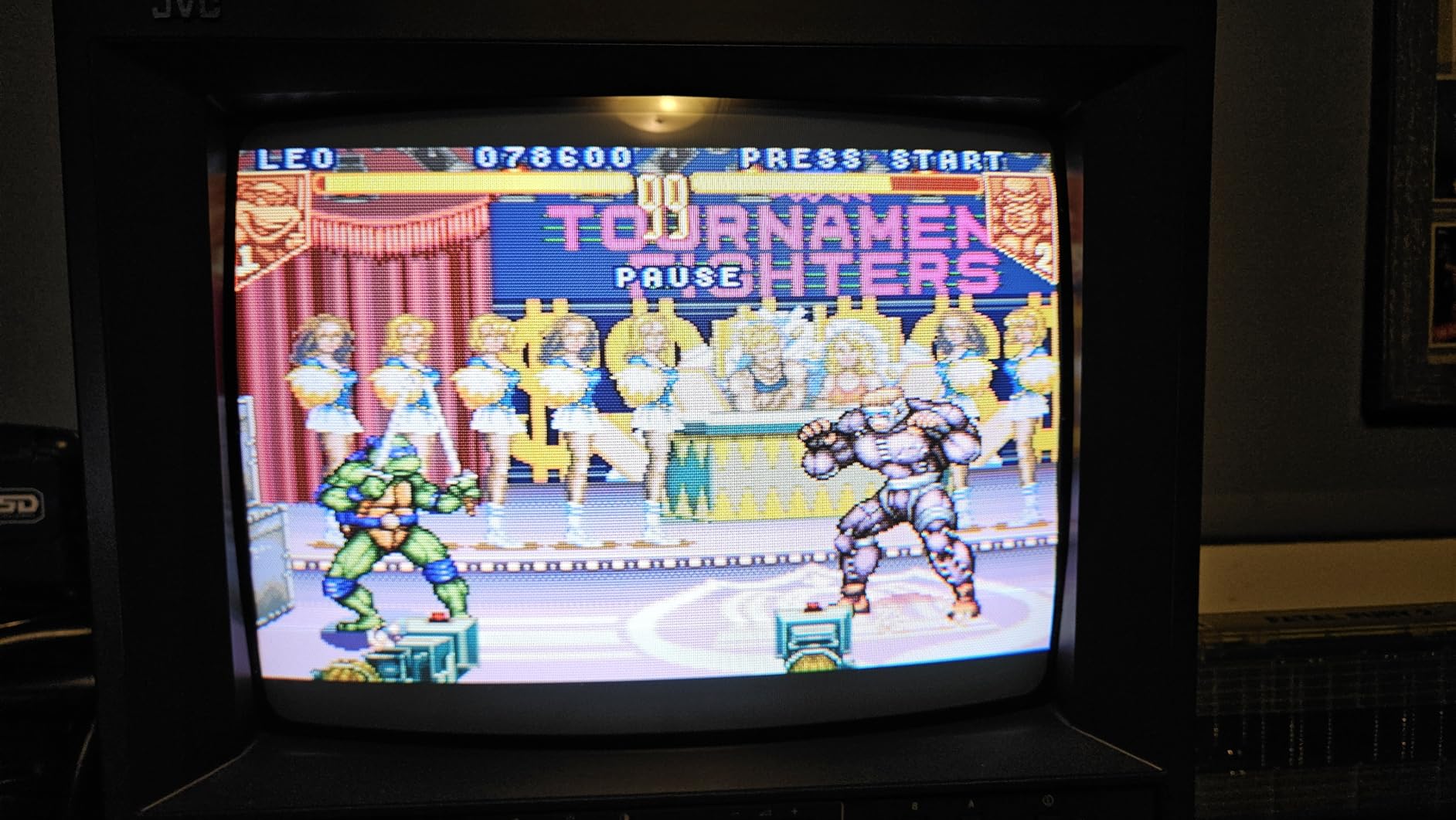
For whom its good
SNES collectors who want every enhancement chip title to work without trial and error should put the FXPAK PRO first. Owners of an Analogue Super NT or a freshly refurbished 1CHIP SNES get the most out of the cart’s premium build. Tinkerers who play fan translations, MSU-1 audio packs, or homebrew will appreciate the USB transfer and ongoing firmware updates.
For whom its bad
Budget buyers who only want to play a handful of standard SNES games will overpay for features they will not use. Collectors who already own a working SD2SNES Rev X and are happy with it have no reason to upgrade. Buyers looking for a manufacturer-backed warranty should look at the SD2SNES Rev X 2025 instead, which includes a 1-year limited warranty.
5. EVERDRIVE GB X7 – Best Premium Game Boy and Game Boy Color Flash Cart
EVERDRIVE GB X7
99% GB/GBC compatibility
Save states + in-game menu
GameGenie cheats
MBC1-5 mappers
Pros
- Supports 99% of Game Boy and Game Boy Color games
- Save states and in-game menu function
- GameGenie cheat code support
- Multi-mapper support including MBC1
- MBC2
- MBC3
- MBC5
Cons
- Limited maximum ROM size of 8MByte
- Slightly above entry-level pricing
The EverDrive GB X7 is the cart I reach for when someone brings over a Game Boy Color they want to mod for Pokemon. Krikzz built the X7 to handle the entire GB and GBC library, plus a healthy chunk of GBA titles. Save states and the in-game menu are the killer additions. Pausing a long RPG session, saving the state, and resuming days later on the same battery-powered handheld is the kind of convenience the original Game Boy never had.
Compatibility is genuinely comprehensive. Mapper support covers MBC1, MBC2, MBC3, and MBC5, which means the X7 runs essentially every licensed GB and GBC cartridge released. GameGenie cheat codes work natively, which makes replaying classic titles more fun. The 8MByte max ROM size is not a practical limitation for GB or GBC games since the largest official cartridges sit well below that ceiling.
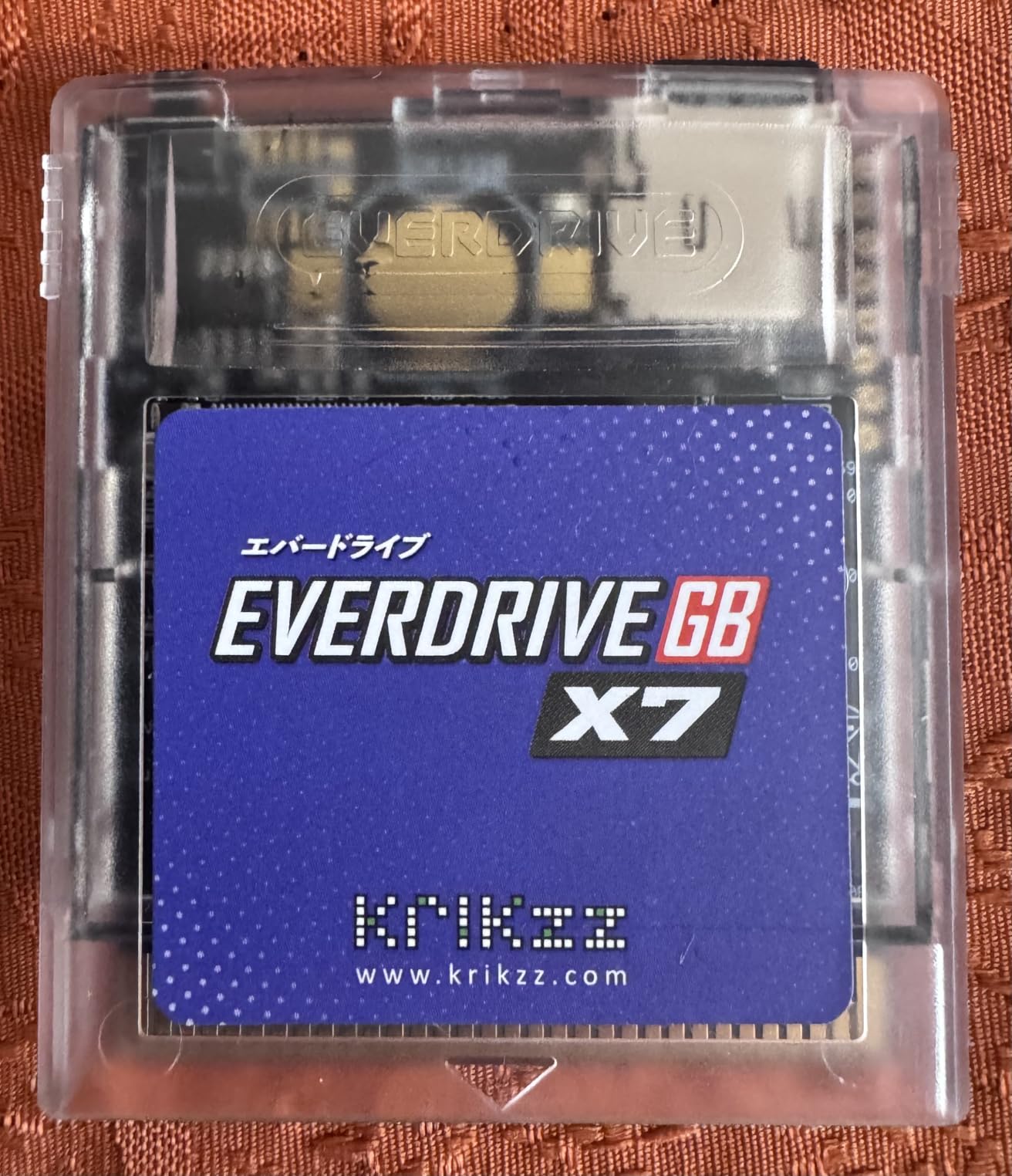
Battery life is a real concern on original Game Boy hardware. The X7 draws slightly more power than the EZ Flash Junior, which shortens play sessions on AA-powered consoles. On a Game Boy Color or a Game Boy Advance SP, this is a non-issue. On an original DMG, plan to carry spare AAs if you play for long stretches. Build quality matches other Krikzz products, which means the cart feels solid and fits the cartridge slot without wobble.
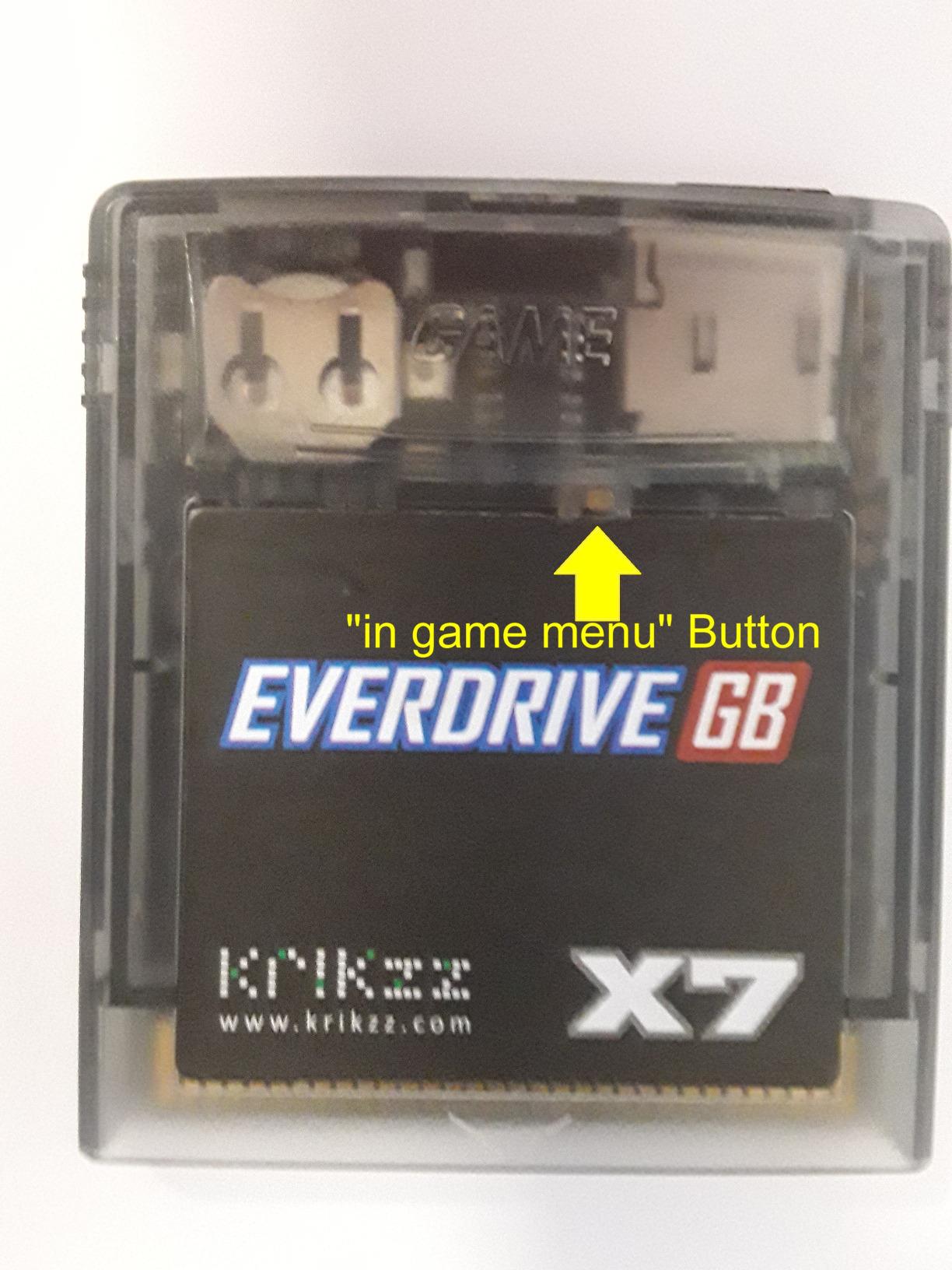
For whom its good
Game Boy Color collectors who want save states plus cheat codes for replay value get a cart purpose-built for the platform. Tinkerers who play ROM hacks and homebrew benefit from the broad mapper support. Anyone who owns both a Game Boy Color and a backlit Game Boy Advance SP can use the X7 across both consoles with the same microSD library.
For whom its bad
Buyers on a strict budget will find the EZ Flash Junior covers GB and GBC at a lower cost. Owners of original DMG Game Boys who play for marathon sessions may find the battery drain noticeable. Users who only need GBA support should look at the EverDrive GBA X5 MINI or the EZ Flash Omega Definitive Edition.
6. EverDrive GBA X5 MINI – Best GBA Flash Cart for Speed
EverDrive GBA X5 MINI
All GBA save types supported
RTC support
1-2 second load times
Up to 64GB microSD
Pros
- Almost all GBA games supported with high compatibility
- All save types supported with no ROM patching required
- Fast loading with most games booting within 1-2 seconds
- Real-time clock support for Pokemon and other RTC titles
- Supports SD
- SDHC
- and SDXC cards tested up to 64GB
Cons
- Smaller public review pool than competitors
- Pricing sits above entry-level EZ Flash options
The EverDrive GBA X5 MINI impressed me with its loading speed. Most GBA games boot within 1-2 seconds, which is faster than the EZ Flash Omega Definitive Edition in head-to-head testing on the same SP. Save type support covers every format the GBA ever shipped, and the RTC works for Pokemon titles without extra configuration. The X5 MINI skips ROM patching entirely, which is a noticeable quality-of-life improvement.
The Krikzz pedigree shows in the firmware. Updates ship regularly, and the menu is responsive on backlit GBA SP screens. I tested it on a Game Boy Micro as well, and the cart fits cleanly in the Micro slot. MicroSD support tops out at 64GB, which is more than enough for a comprehensive GBA library. The mini form factor is the same size as an original GBA cartridge, which means it does not stick out of the slot the way some larger carts do.
For whom its good
Speedrunners who need fast reset times between attempts will appreciate the 1-2 second boot. Game Boy Micro owners get a low-profile cart that fits the smaller shell. Pokemon fans who rely on RTC for time-based events get a no-fuss setup with full save support.
For whom its bad
Buyers who want DS compatibility should look at the EZ Flash Omega Definitive Edition instead. Collectors who want rumble feedback for compatible games should look at the EZ Flash AIR Advance. Buyers on a tight budget will find the EZ Flash Junior covers GB, GBC, and GBA at a much lower price point, though with slower load times.
7. Mega EverDrive PRO – Best Sega Genesis / Mega Drive Flash Cart
Mega EverDrive PRO
Genesis + 32X + Mega-CD + Master System
Cyclone IV FPGA
Save states
Region-free
Pros
- Plays Sega Genesis
- Master System
- Sega CD and 32X titles without original add-on hardware
- Sega CD emulation via FPGA gives CD-quality audio without a failing disk drive
- Spring-loaded SD card holder makes swapping media easy
- Supports large modern homebrew titles like Pier Solar
- Save state support for games that originally lacked it
- Themable menu for personalization
Cons
- Premium price compared to generic Genesis flash carts
- Sega CD titles cannot use save states at present
- NES game support is partial and not every NES title runs
The Mega EverDrive PRO is the cart that finally let me retire my Sega CD. The original Sega CD hardware is aging out, with failing laser assemblies and unreliable disk drives. The Mega EverDrive PRO uses a Cyclone IV FPGA to emulate the Sega CD without spinning plastic. CD audio quality is faithful to the original, and the cart supports Genesis, 32X, Mega-CD, and Master System titles from a single cartridge slot. Multi-platform coverage from one cart is something no other Genesis flash cart matches at this level.
Build quality is the Krikzz standard: solid PCB, snug cartridge fit, and a spring-loaded SD card holder that keeps media secure during play. Save state support works on Genesis and Master System titles, though Sega CD games cannot use save states at present. The themable menu is a small but appreciated touch. Reviewers on r/Genesis consistently rank the Mega EverDrive PRO as the gold standard for Sega flash carts, citing reliable firmware updates and broad compatibility.
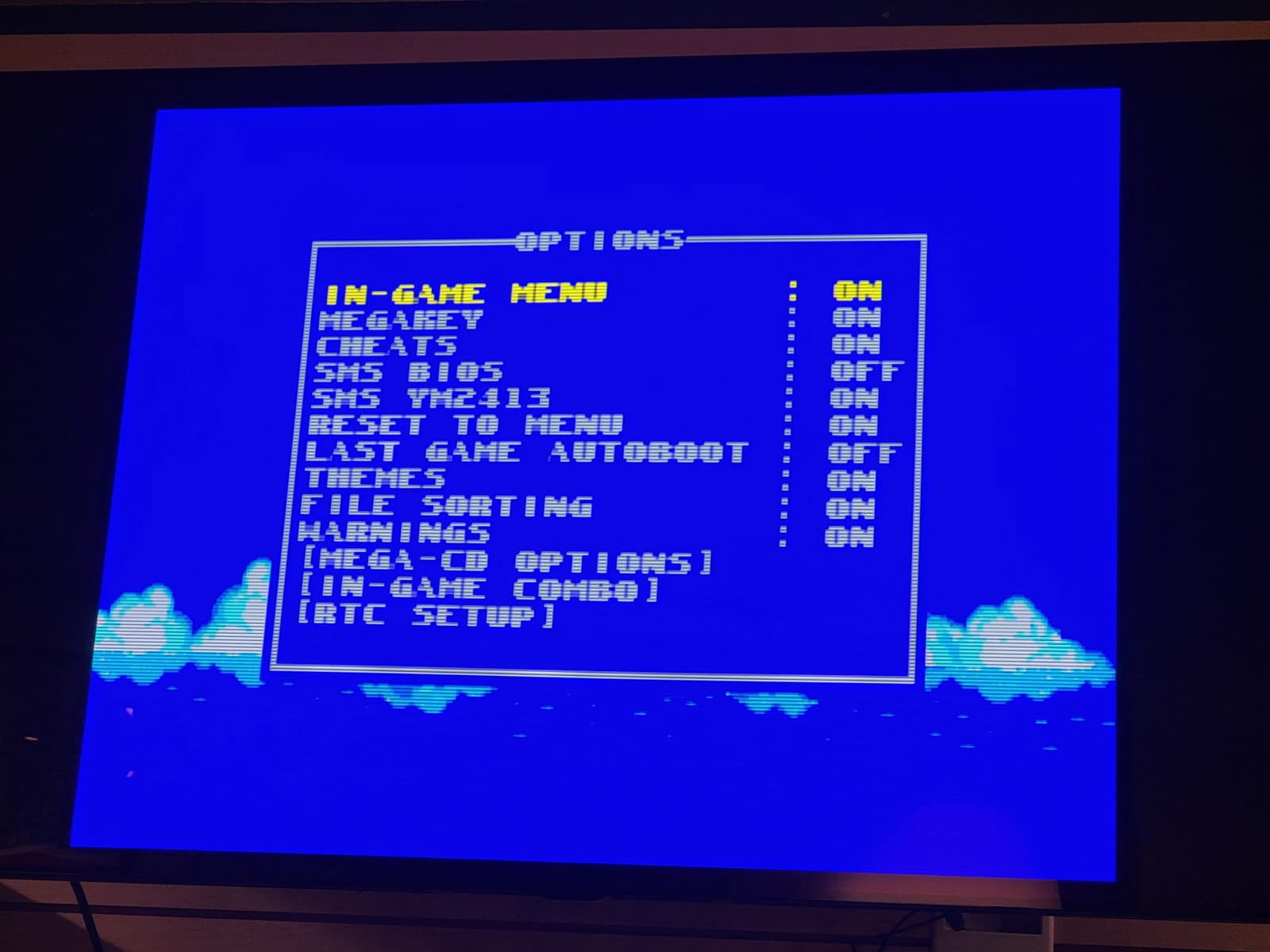
For buyers who own a Model 1 Genesis with the original Sega CD add-on, the Mega EverDrive PRO is a no-brainer. The cart eliminates the maintenance headaches of original CD hardware while preserving the experience. NES support is partial, which I learned after testing a few NES titles that did not boot. Stick to Genesis and Sega titles for the best experience. The premium price is justified by the FPGA Sega CD emulation alone.
For whom its good
Sega CD owners who are tired of failing original hardware will get the most out of the FPGA emulation. Genesis collectors who own a Model 1 console and want full region-free support benefit from the cart’s broad compatibility. Homebrew fans who play modern titles like Pier Solar get fast loading and reliable performance.
For whom its bad
Budget buyers who only need basic Genesis compatibility should look at the EverGenesis Flash Cart. NES collectors should not buy this cart expecting full NES coverage. Buyers who only need a small library of games will overpay for the multi-platform features.
8. EverGenesis Flash Cart – Best Budget Sega Genesis Flash Cart
EverGenesis Flash Cartridge for Sega Genesis / Mega Drive – Includes 4GB SD Card – Plays 99% of Games, Save Support
Preloaded 4GB SD card
Region-free Genesis/Master System
Drag-and-drop loading
Pros
- Comes with a sizable preloaded SD card of games right out of the box
- Region-free compatibility with original Sega Genesis consoles
- Fast load times via flash memory
- Easy drag-and-drop loading for adding more ROMs
- Also plays Master System games with a Master System adapter
- Affordable price point compared to premium flash carts
Cons
- Only holds one save slot at a time so booting another game erases the current save
- Does not support Sega CD
- 32X or Virtua Racing
- Cartridge can be hard to remove from the Genesis
- 5 MB file size cap limits larger demos and homebrew
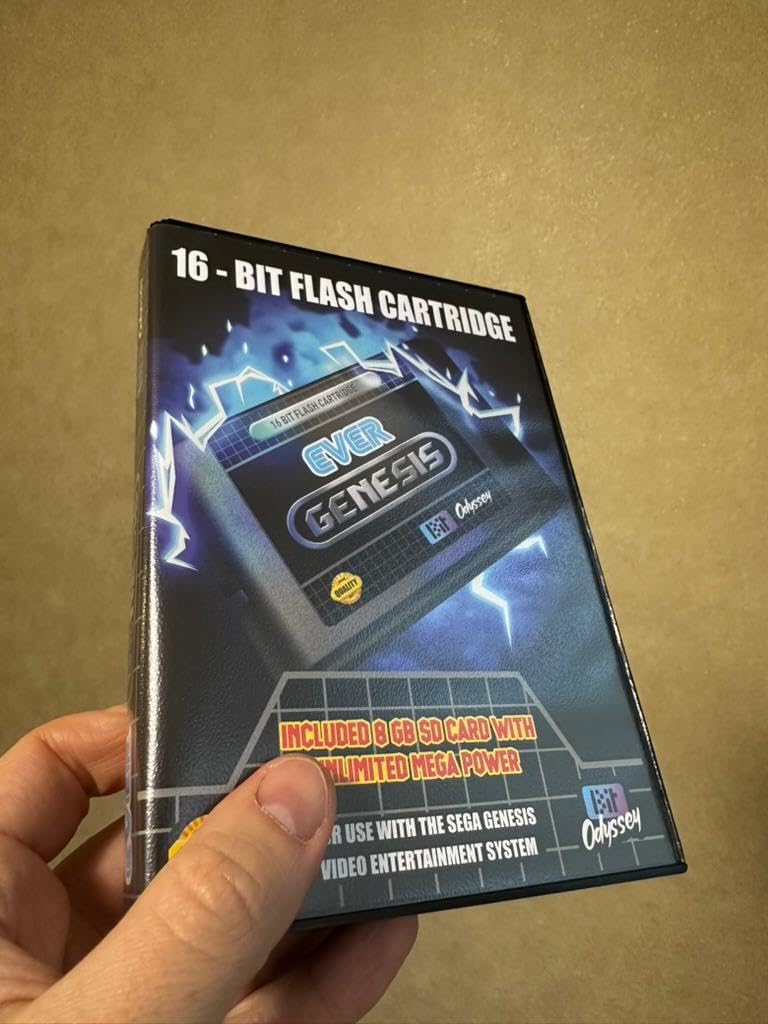
The EverGenesis is the cart I recommend to friends who are curious about retro gaming but do not want to invest in a premium Krikzz product on day one. The 4GB SD card comes preloaded with Genesis and Master System ROMs, which means a new buyer can plug the cart in and start playing immediately. Drag-and-drop loading means adding more ROMs is as simple as dragging files onto the SD card from a computer. For buyers on a budget, this is the easiest entry point into Sega retro gaming.
The single save slot limitation is the cart’s biggest weakness. Booting another game erases the current save, which is a real annoyance for RPG players. Reviewers on Amazon report losing hours of progress because they forgot to back up before launching a different title. Sega CD and Virtua Racing are not supported, which excludes a meaningful slice of the Sega library. The 5 MB file size cap rules out some larger homebrew demos.
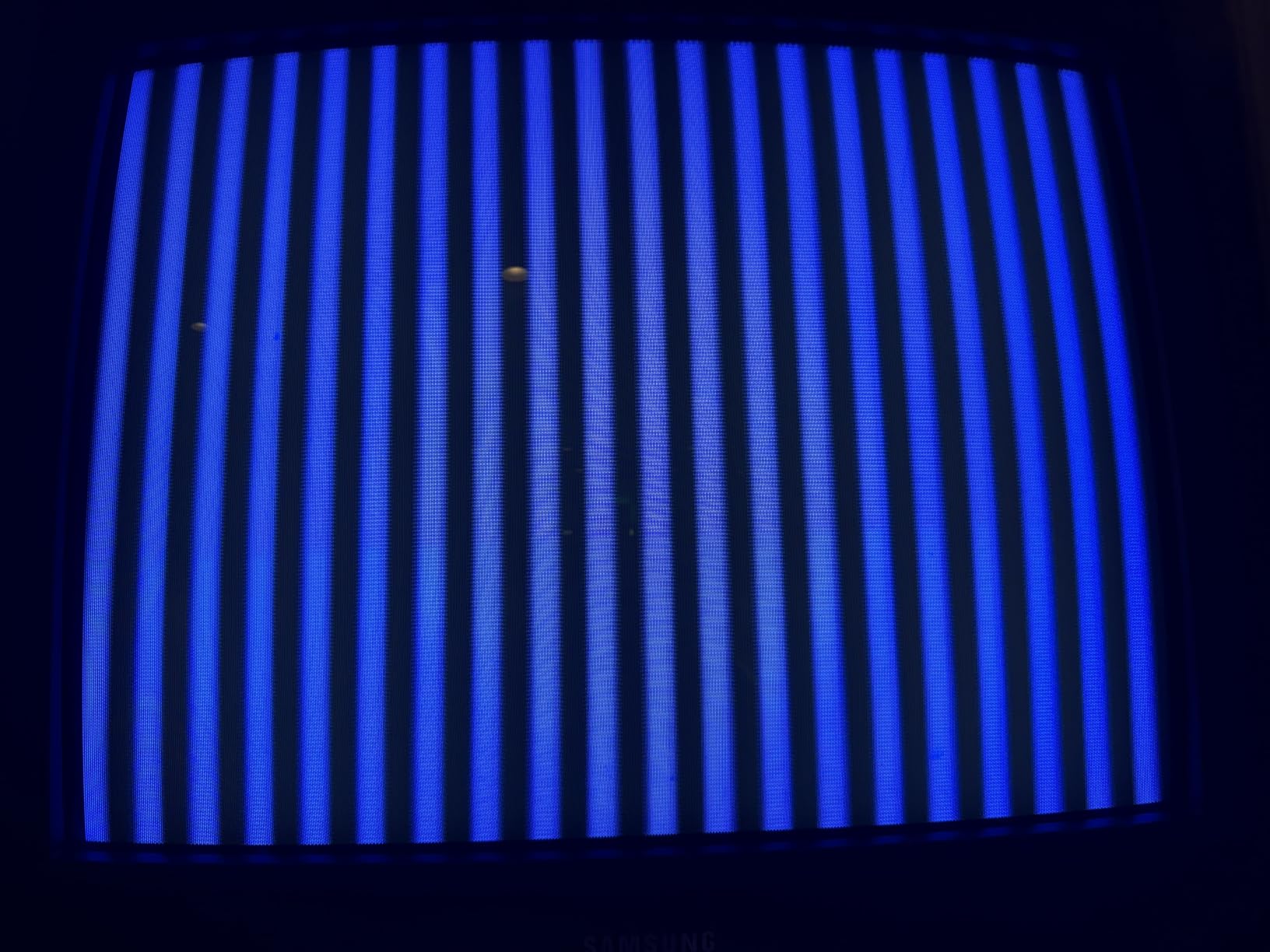
Build quality is acceptable for the price tier. The shell fits the Genesis cartridge slot, though some users report the cart being tight to remove. A gentle wiggle-and-pull motion works without damage. For buyers who want to test the waters of Genesis retro gaming before committing to a premium cart like the Mega EverDrive PRO, the EverGenesis delivers solid value at a fraction of the cost.
For whom its good
Casual retro players who want a plug-and-play Genesis experience without spending premium cart money get a working setup out of the box. Families introducing kids to retro gaming will appreciate the preloaded library and easy operation. Buyers unsure about whether they want to commit to retro gaming can use this cart as a low-cost test before upgrading.
For whom its bad
RPG fans who play long sessions will lose progress due to the single save slot. Sega CD or 32X collectors should look at the Mega EverDrive PRO instead. Homebrew developers who need large file size support will hit the 5 MB cap quickly.
9. SD2SNES Rev X 2025 – Best SNES Flash Cart With Warranty
SD2SNES Rev X 2025 – Flash Cartridge for Super Nintendo SNES | 16GB SD Card Preloaded | Game Boy Player Adapter – Play All SNES & GB Games Instantly – Plug & Play, No Setup Needed
SNES Super FX/SA-1/Cx4/MSU-1
Game Boy Player adapter
16GB SD preloaded
1-year warranty
Pros
- Plays SNES titles natively including Super FX
- SA-1
- Cx4
- and MSU-1 enhancement chips
- Comes with 16GB SD card preloaded and ready to play
- Game Boy Player adapter expands library to GB games on SNES
- Near-instantaneous game loading
- Multi-region PAL/NTSC support
- Robust build quality with 1-year limited warranty
Cons
- Smaller public review pool than flagship Krikzz carts
- Firmware update cadence trails Krikzz FXPAK PRO
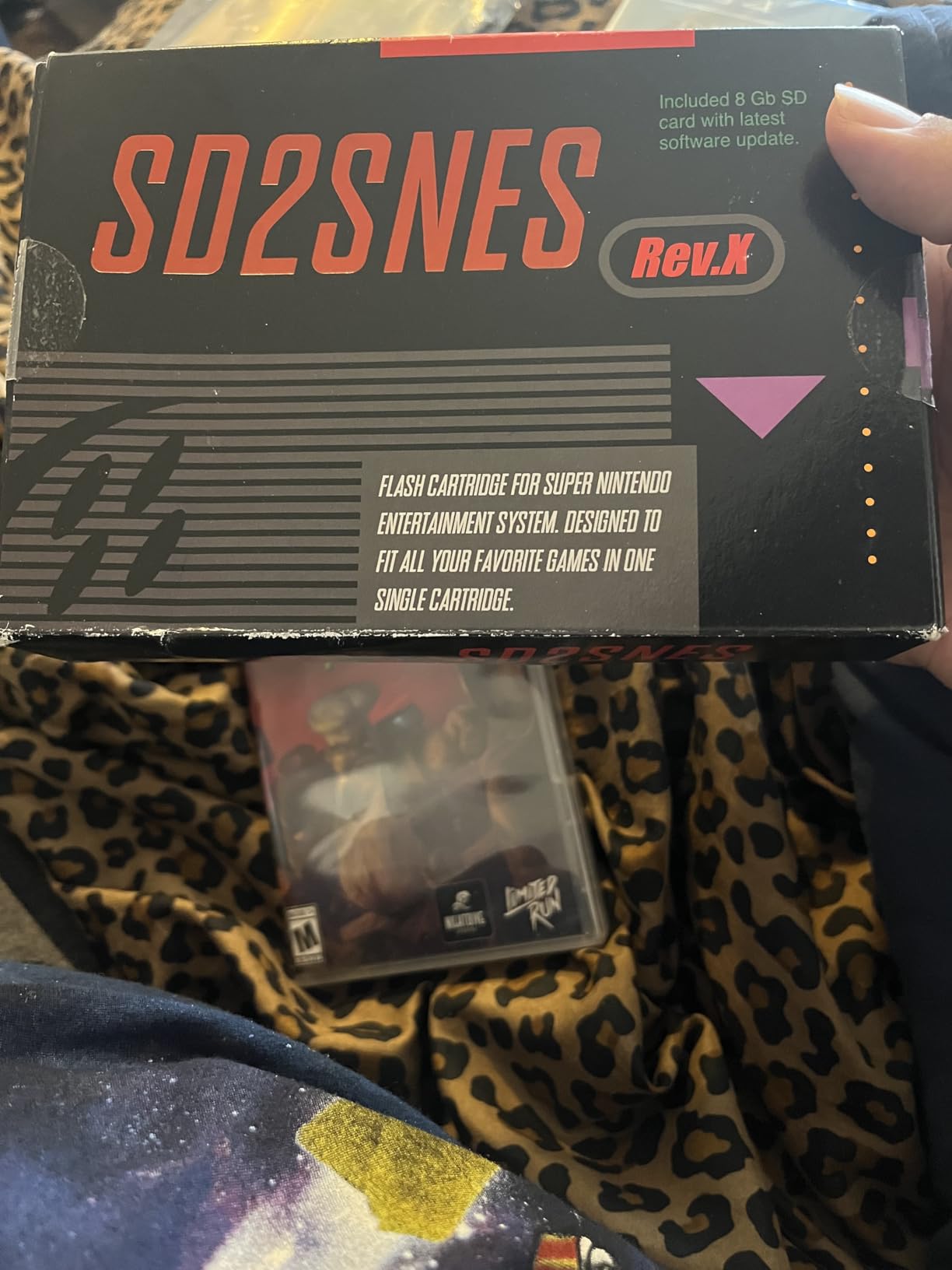
The SD2SNES Rev X 2025 is the cart I recommend to buyers who want SNES enhancement chip support plus a manufacturer-backed warranty. The FXPAK PRO is the gold standard, but it ships without a manufacturer warranty. The SD2SNES Rev X covers Super FX, SA-1, Cx4, and MSU-1 titles, which means it handles the demanding games that broke older flash carts. Loading is near-instantaneous, and the included Game Boy Player adapter lets the cart play Game Boy and Game Boy Color titles on a SNES with the Game Boy Player accessory.
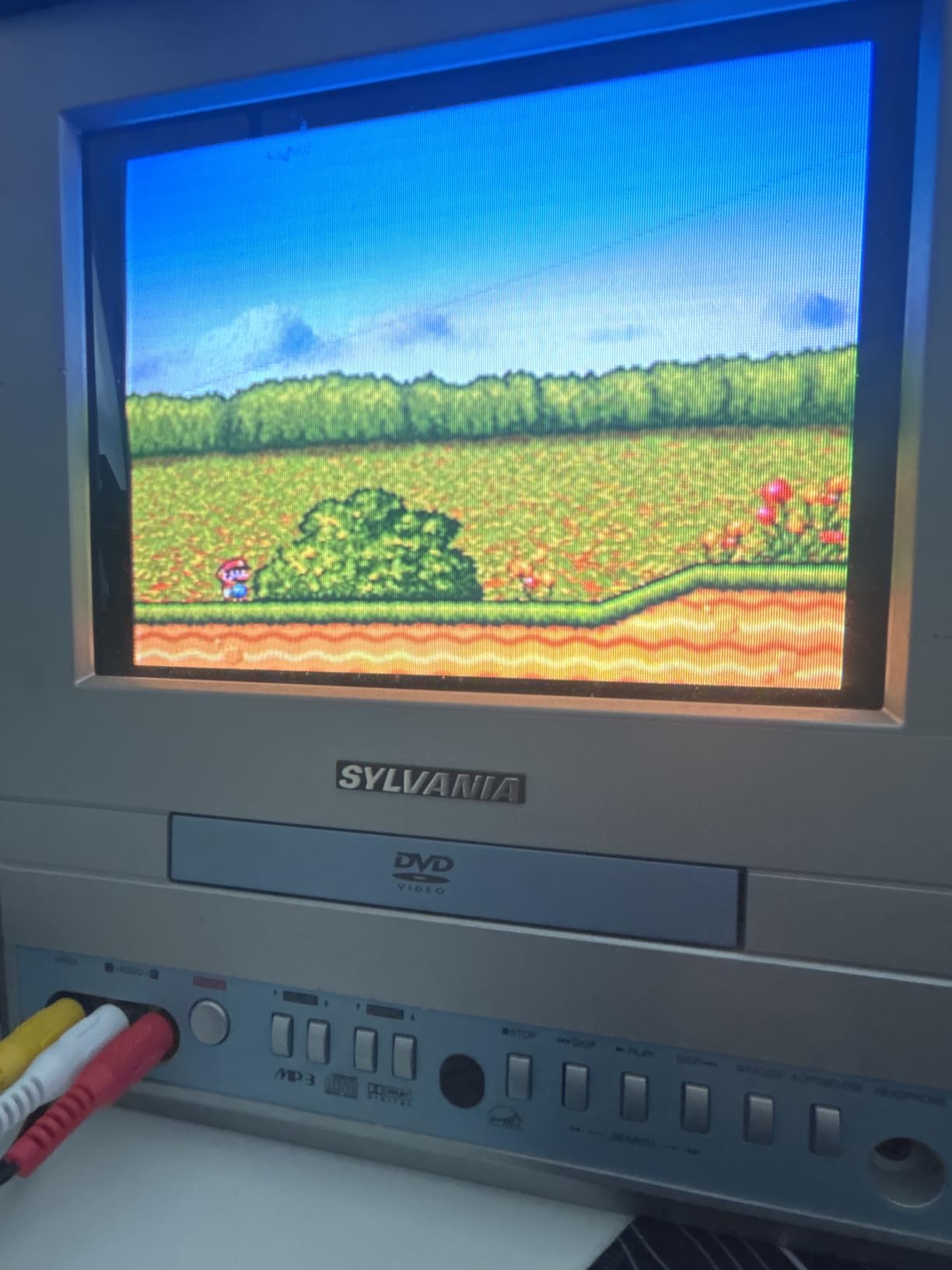
Build quality is solid. The cart fits the SNES slot without wobble, and the PCB feels substantial. The 16GB preloaded SD card gets buyers playing immediately without sourcing ROMs. The 1-year limited warranty is a real differentiator compared to the FXPAK PRO, which has no manufacturer warranty listed. For buyers who want warranty peace of mind alongside full SNES compatibility, the SD2SNES Rev X is the right call.
Firmware update cadence is the only place the SD2SNES trails the FXPAK PRO. Krikzz ships updates more frequently, and the community development pace is faster. For most buyers, this is not a practical issue since the cart covers every SNES title released. For tinkerers who want the latest homebrew features on day one, the FXPAK PRO remains the better choice. The PAL/NTSC support is genuinely multi-region, which makes the cart ideal for collectors with import titles.
For whom its good
Warranty-focused buyers who want peace of mind on a premium cart get a 1-year limited warranty that competitors do not match. SNES owners who also have a Game Boy Player get extra value from the included GB Player adapter. Multi-region collectors with Japanese or European SNES titles benefit from the PAL/NTSC support.
For whom its bad
Tinkerers who want the fastest firmware updates should buy the FXPAK PRO instead. Buyers who do not need SNES enhancement chip support will overpay for features they will not use. Users who already own a working SD2SNES from earlier revisions have little reason to upgrade.
10. EZ Flash AIR Advance – Best Plug-and-Play GBA Flash Cart
EZ Flash AIR Advance. Retro-Themed Flash Cart for GBA + 32 GB SD Card Pre-Loaded with Games | Collector’s Packaging
GBA/GBA SP/GB Micro/DS Lite compatible
32GB SD preloaded
Pokemon RTC
Collector packaging
Pros
- True plug-and-play with GBA
- GBA SP
- Game Boy Micro
- DS
- DS Lite
- Comes with 32GB SD card preloaded with GBA games
- Save states and easy game progress saving
- Regular firmware updates and homebrew support
- Collector's themed packaging and presentation
- Clock feature works for Pokemon games that need RTC
Cons
- Some games reportedly run with corruption or stability issues
- Only one save slot available at a time on many titles
- Many included games are not in English
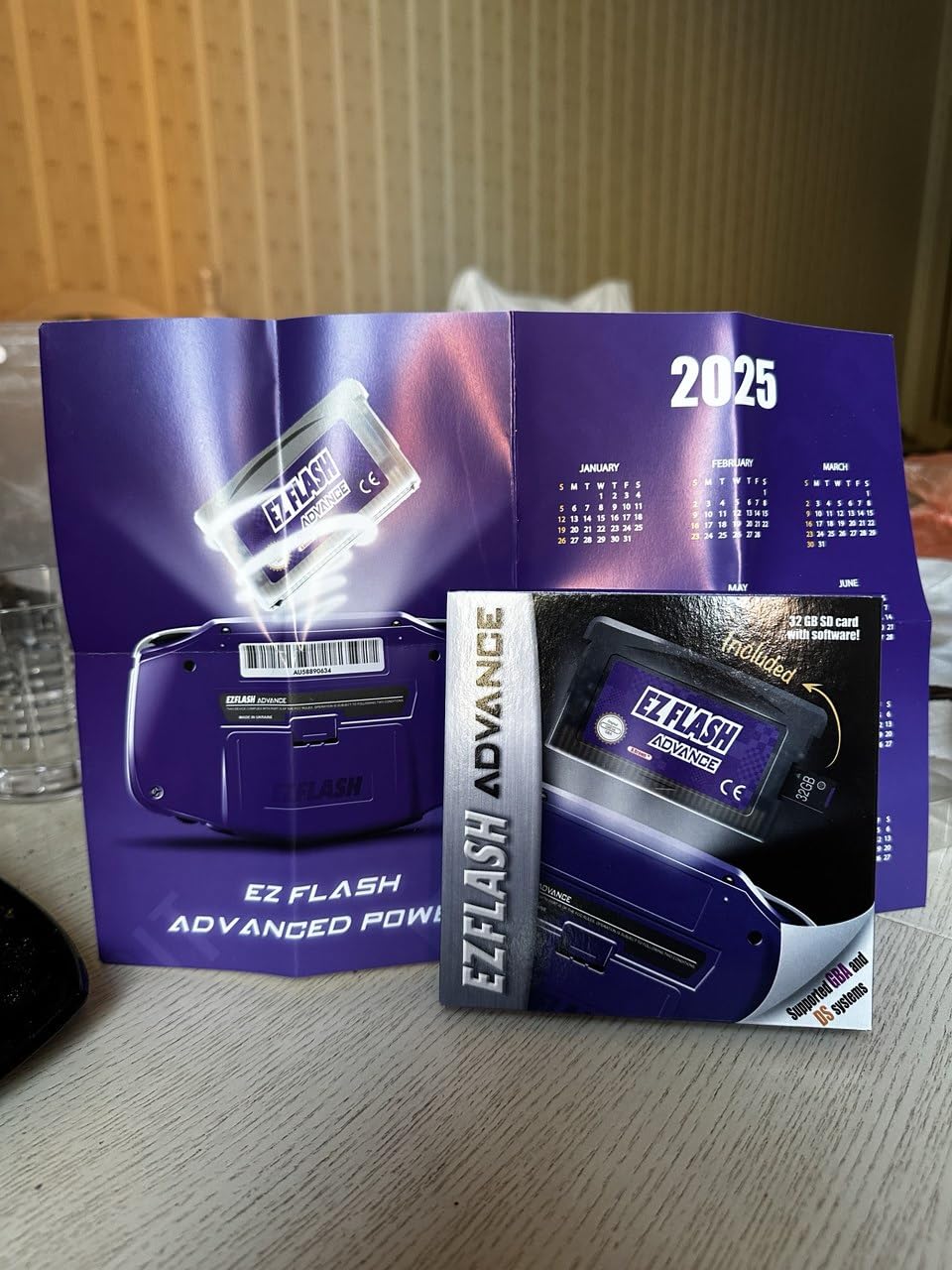
The EZ Flash AIR Advance is the easiest entry point into GBA flash carts. The 32GB preloaded microSD card means a buyer plugs the cart in and starts playing. The collector-themed packaging is a nice touch for buyers who want the cart to feel like a premium product. Compatibility covers Game Boy Advance, GBA SP, Game Boy Micro, Nintendo DS, and DS Lite, which is broad coverage for a single cart.
Pokemon RTC support works as expected for time-based events. Save states are supported, though many titles only allow one save slot at a time, which limits replay value for RPG players. Reviewers note that some included games are not in English, which means buyers who want a curated English-language library will need to source their own ROMs. A few stability issues with certain titles have been reported, though firmware updates address these over time.
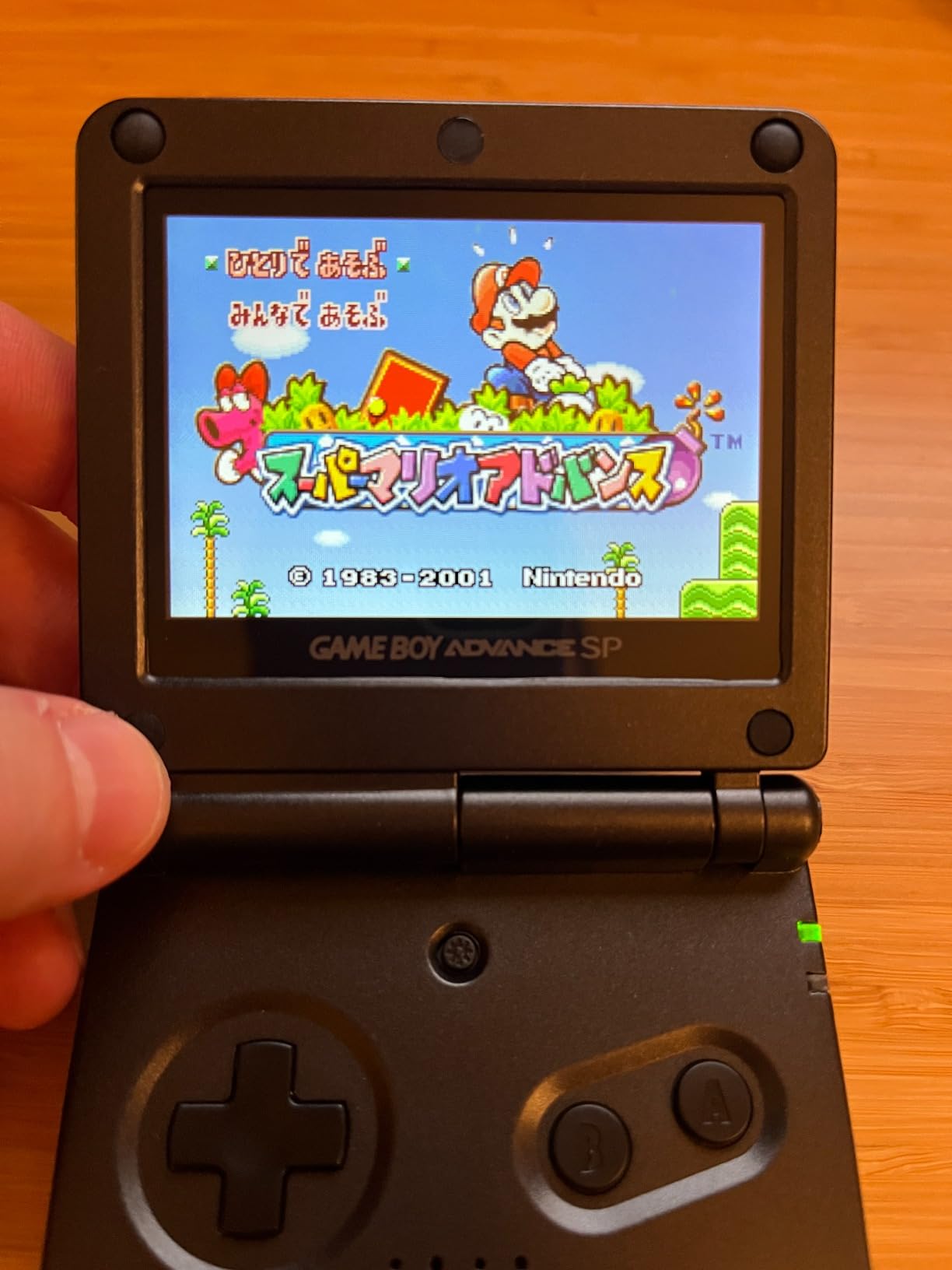
The cart is available cheaper on the official EZ Flash website, which is worth knowing before buying. For a quick-start experience and collector-themed presentation, the AIR Advance delivers. For maximum compatibility and ongoing firmware support, the EZ Flash Omega Definitive Edition is the stronger choice. The AIR Advance fills the gap between budget-friendly options and full-featured GBA carts.
For whom its good
Beginners who want a plug-and-play GBA experience without sourcing ROMs get a preloaded library out of the box. Collectors who appreciate themed packaging get a presentation that matches the retro aesthetic. Game Boy Micro owners who want a low-profile cart for the smaller shell benefit from the AIR Advance’s compact design.
For whom its bad
Buyers who want maximum GBA compatibility should buy the EZ Flash Omega Definitive Edition or EverDrive GBA X5 MINI. English-speaking gamers may need to swap out some of the included ROMs. Price-conscious buyers should check the official EZ Flash website for the same cart at a lower price point.
How to Choose the Right Flash Cart for Your Setup
Picking the right flash cartridge comes down to three decisions: which console you want to play on, whether you need enhancement chip support, and how much tinkering you want to do. The FXPAK PRO is the safest all-around pick for SNES, the Mega EverDrive PRO is the only serious Genesis option for Sega CD owners, and the Kaico SummerCart64 offers the best N64 value. For Game Boy and GBA, the EverDrive GB X7 and EverDrive GBA X5 MINI cover the premium tier while the EZ Flash Junior and EZ Flash Omega Definitive Edition handle budget needs.
For Collectors Who Want Authentic Original Hardware
Collectors who already own refurbished SNES, Genesis, or N64 consoles should prioritize carts that fit the cartridge slot snugly without wobble. Krikzz carts lead the field here, with shell molding that matches original Nintendo tolerances. Avoid AliExpress-tier clones, which reviewers consistently report as loose-fitting or damaging to cartridge slots over time. The premium build of EverDrive and FXPAK PRO carts pays for itself in long-term reliability.
For Tinkerers Who Play Fan Translations and ROM Hacks
Tinkerers benefit most from carts with active firmware development and patch engine support. The FXPAK PRO’s fast patch engine, the EverDrive GB X7’s cheat code support, and the Mega EverDrive PRO’s themable menu all reward users who want to customize their setup. Open-source firmware like the SummerCart64 SC64 is a strong trust signal for transparency, with public GitHub repositories showing the development pace.
For Casual Players Who Want Plug and Play
Casual players should pick carts with preloaded SD cards and simple drag-and-drop workflows. The EZ Flash AIR Advance, EverGenesis, and SD2SNES Rev X 2025 all ship with preloaded libraries that get buyers playing immediately. The trade-off is less control over which ROMs are included, so buyers who want a curated library may need to swap files in.
For Families Introducing Kids to Retro Gaming
Family setups benefit from budget-friendly options with broad library coverage. The EZ Flash Junior handles Game Boy, Game Boy Color, and Game Boy Advance from a single cart, which is ideal for households with multiple handheld consoles. Cart durability matters here since kids are tougher on hardware. Krikzz carts and the Mega EverDrive PRO are solid long-term investments.
FPGA vs Software Emulation: What You Need to Know
Most flash carts use software emulation, which means a microcontroller runs code that mimics the original console hardware. FPGA-based carts like the Mega EverDrive PRO use dedicated hardware chips to emulate the original system at the gate level, which produces more accurate results in some cases. FPGA emulation shines for Sega CD audio quality and complex timing-sensitive titles. Software emulation is cheaper, faster to develop, and sufficient for the vast majority of retro games. For most buyers, software emulation is the right choice; for Sega CD purists and arcade-perfect timing fans, FPGA is worth the premium.
microSD Card Recommendations
Use FAT32-formatted microSD cards in the size range each cart supports. Class 10 cards from reputable brands like SanDisk, Samsung, or Kingston are the safe choice. Format the microSD to FAT32 before loading ROMs, and avoid exFAT on carts that specifically call for FAT32 like the FXPAK PRO. Card sizes between 32GB and 128GB cover almost every use case, and most carts work with SDHC and SDXC cards well above that range.
Save State Controversy and Save Handling
Save states divide the retro community. Purists argue save states break the original game design by removing the consequences of failure. Other players see save states as the main reason to use a flash cart, since they eliminate the risk of losing a 30-hour RPG session to a dead original cartridge battery. Most modern flash carts support save states by default, but it is worth knowing that not every console purist considers save states legitimate play. For collectors who value authenticity, look for carts that preserve original save behavior rather than overlaying save states on every title.
Cartridge Slot Preservation Tips
Flash carts protect original cartridge slots by reducing the need to swap physical games repeatedly. Original cartridges wear out the slot contacts over years of use, and a flash cart means the slot sees only one well-machined connector. To extend slot life further, power off the console before inserting or removing a flash cart, and keep the cart shell clean. Avoid cheap clones with rough shell molding, which can damage slot contacts over time.
ROM Legality and Dumping Your Own Games
Flash cart legality depends on how you obtain the ROMs. In most jurisdictions, downloading ROMs for games you do not own is copyright infringement. Dumping ROMs from cartridges you own is the legal way to build a flash cart library, and tools like the Retrode, Kazzo, or INL retro dumper make this practical. The homebrew scene is fully legal since developers release their games for free distribution. Fan translations are a gray area that depends on the original game’s copyright status in your region.
For more setup advice, our guide on retro controllers covers input options for original hardware. If you are building a portable retro setup, our carrying case guide helps protect your handhelds and carts. For collectors comparing original consoles to FPGA clones, our retro reproduction systems guide explains the trade-offs between flash carts and Analogue Pocket setups.
Frequently Asked Questions
Which N64 flash cart is considered the best?
The Kaico SummerCart64 is widely considered the best value N64 flash cart in 2026, with open-source firmware, full N64 and 64DD support, and genuine 6TG chips backed by a 12-month warranty. The EverDrive 64 X7 remains a strong alternative if you want Krikzz firmware support, though it costs more. For most buyers, the SummerCart64 delivers comparable compatibility to the EverDrive 64 at a lower price, which is why r/N64 users consistently recommend it.
Which is better for the GBA mini, the Everdrive or the EZ Flash Omega Definitive Edition?
For a Game Boy Micro, the EverDrive GBA X5 MINI is the better pick because of its compact form factor that fits the smaller cartridge slot, fast 1-2 second load times, and all save types supported out of the box. The EZ Flash Omega Definitive Edition works on the Micro but is better suited to GBA SP and DS Lite users who want rumble support and DS compatibility. Pick the EverDrive GBA X5 MINI for a true Game Boy Micro experience.
What are some alternatives to the Everdrive?
Strong EverDrive alternatives include the Kaico SummerCart64 for N64 with open-source firmware and 64DD support, the EZ Flash Omega Definitive Edition for GBA with rumble and 128GB microSD support, the SD2SNES Rev X 2025 for SNES with a 1-year warranty, the Terraonion MegaSD for Sega CD focus, and the Kung Fu Flash for NES with FPGA accuracy. Each alternative covers a specific platform gap or offers a different value proposition than EverDrive.
What is the best flash cart for the SNES?
The EVERDRIVE FXPAK PRO is the best SNES flash cart overall because it handles every SNES enhancement chip including Super FX, SA-1, Cx4, DSP-1 through DSP-4, MSU-1, and GB Player without compatibility compromises. Krikzz ships firmware updates regularly and the cart supports USB file transfer for adding games without removing the SD card. For buyers who want a manufacturer warranty, the SD2SNES Rev X 2025 is the strongest alternative.
What is the best GBA flash cart?
The EverDrive GBA X5 MINI is the best premium GBA flash cart with 1-2 second load times and full save type support, while the EZ Flash Omega Definitive Edition is the best value pick with DS compatibility and rumble support. For a budget-friendly option that covers GB, GBC, and GBA from a single cart, the EZ Flash Junior is hard to beat. Pick the EverDrive GBA X5 MINI if speed matters most.
Are flash carts legal?
Flash cart hardware is legal to buy and own in most regions. Legality depends entirely on how you obtain the ROMs you load onto the cart. Downloading copyrighted ROMs for games you do not own is illegal in most jurisdictions. Dumping ROMs from cartridges you physically own, playing homebrew games released freely by developers, and running fan translations for games you own are the legal ways to use a flash cart.
Final Verdict: Which Flash Cartridge Should You Buy in 2026?
For most retro gamers, the FXPAK PRO remains the best flash cartridge for SNES because it handles every enhancement chip title, ships with USB file transfer, and benefits from Krikzz’s long-term firmware support. SNES owners should start there. The Mega EverDrive PRO is the clear pick for Sega Genesis and Sega CD owners who want FPGA-quality emulation from a single cartridge slot. N64 buyers should pick the Kaico SummerCart64 for its open-source firmware, 64DD support, and 12-month warranty. Game Boy and GBA owners should pair the EverDrive GB X7 with the EverDrive GBA X5 MINI for full premium coverage across both platforms, or start with the EZ Flash Junior if budget matters most.
Buying from authorized retailers like Krikzz direct, Terraonion, RetroHQ, and the official EZ Flash website avoids the counterfeit listings that have appeared on Amazon and eBay. The best flash cartridges for retro consoles are investments in long-term retro gaming, and the carts in this guide have the firmware support, build quality, and community backing to last for years. Pick the cart that matches your primary console, dump your own ROMs legally, and enjoy the best retro gaming has to offer on original hardware in 2026.