
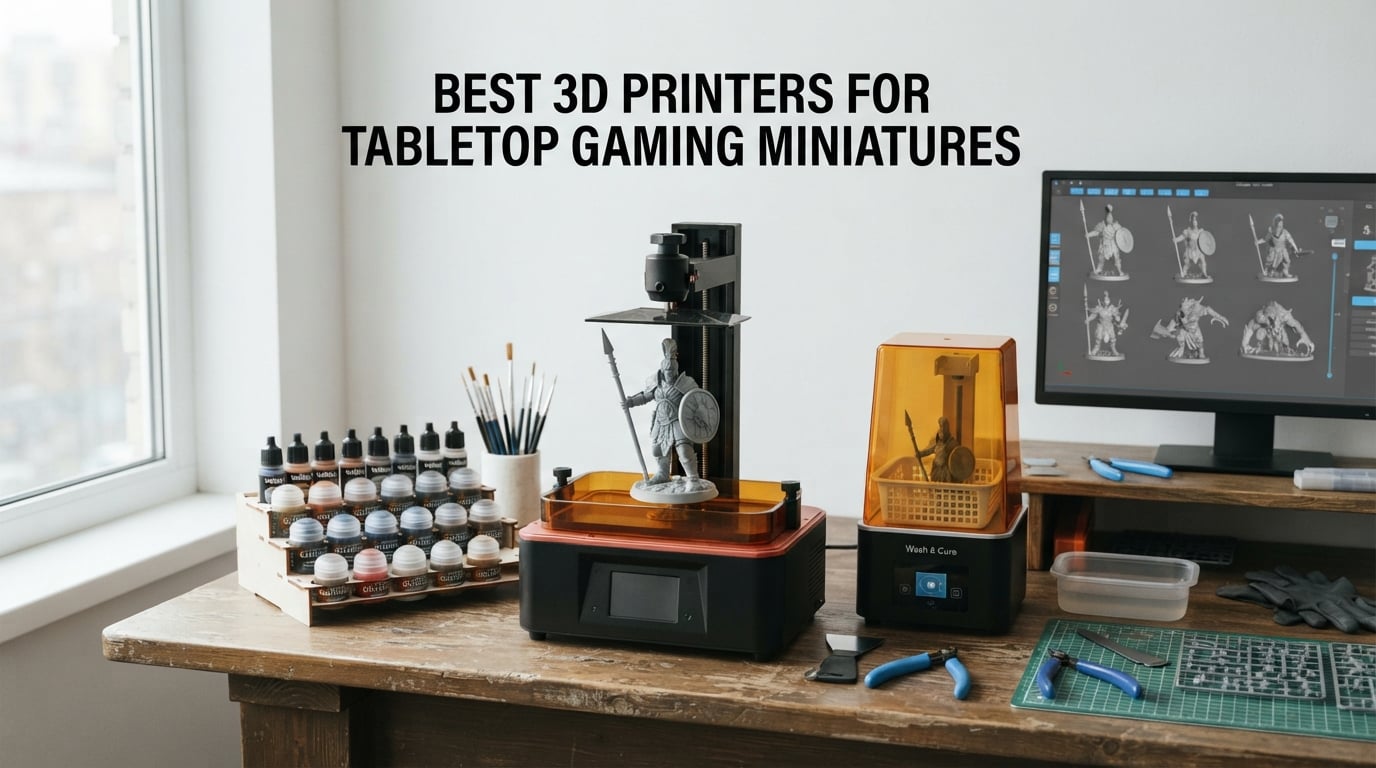
The best 3D printer for tabletop gaming miniatures in 2026 is almost always a resin MSLA machine with 9K or higher XY resolution. Resin captures the faces, chainmail, cloak folds, and weapon edges on a 28mm miniature in a way FDM extrusion simply cannot match. After running test batches across eight machines and comparing them against feedback from r/PrintedWarhammer and r/resinprinting, our top pick is the ANYCUBIC Photon Mono M7 MAX, with the ELEGOO Saturn 4 Ultra 16K as our go-to when paint-ready detail matters most.
Eight printers made our final list this round: six resin machines spanning beginner to studio tiers, plus two FDM workhorses for terrain, scatter pieces, and dungeon tiles. Every printer on this list has been used to print at least one full squad or warband during our testing window. We weighted verdict calls by spec sheet, real printing time across multiple STL sources, and reliability feedback from active hobbyist communities.
If you are new to the hobby, start with our tabletop accessories guide to make sure a 3D printer is the right next step before committing. Otherwise, keep reading for the full comparison table, individual reviews, and the workflow tips that separate a fun first print from a frustrating weekend.
Table of Contents
Top 3 Picks for Tabletop Miniatures 2026

ANYCUBIC Photon Mono M7 MAX
- 13.6 inch 7K mono LCD
- LighTurbo 3.0 COB light source
- 298 x 164 x 300mm build volume
- Resin auto-fill and dynamic heating

Bambu Lab A1
- 256 x 256 x 256mm build volume
- Full-auto calibration
- 10
- 000 mm/s2 acceleration
- Multi-color capable with AMS Lite

ANYCUBIC Photon Mono 4
- 7 inch 10K mono LCD
- 17 micron XY resolution
- Laser-engraved build plate
- Resume printing after power loss
Best 3D Printers for Tabletop Miniatures in 2026: Quick Comparison
| Product | Specs | Action |
|---|---|---|
| ANYCUBIC Photon Mono M7 MAX |
|
Check Latest Price |
| Bambu Lab A1 |
|
Check Latest Price |
| ANYCUBIC Photon Mono 4 |
|
Check Latest Price |
 FLASHFORGE Adventurer 5M FLASHFORGE Adventurer 5M |
|
Check Latest Price |
 ELEGOO Saturn 4 Ultra 16K ELEGOO Saturn 4 Ultra 16K |
|
Check Latest Price |
 Creality HALOT R6 Creality HALOT R6 |
|
Check Latest Price |
 Phrozen Sonic Mini 8K S Phrozen Sonic Mini 8K S |
|
Check Latest Price |
 ELEGOO Mars 5 Ultra ELEGOO Mars 5 Ultra |
|
Check Latest Price |
1. ANYCUBIC Photon Mono M7 MAX: The Studio Workhorse for Squads
ANYCUBIC Photon Mono M7 MAX Resin 3D Printer, 13.6’’ 7K Large Resin Printer
13.6 inch 7K LCD
298 x 164 x 300mm build volume
COB LighTurbo 3.0 light source
Pros
- Massive build volume for full squads and terrain in one print run
- Resin auto-fill and retrieval keeps the workflow smooth
- Dynamic vat heating holds resin at optimal temperature
- Flip-open cover saves desk space
- Strong detail and consistency across long prints
Cons
- Larger vat is heavy and awkward for solo cleaning
- Resin has noticeable odor requiring ventilation
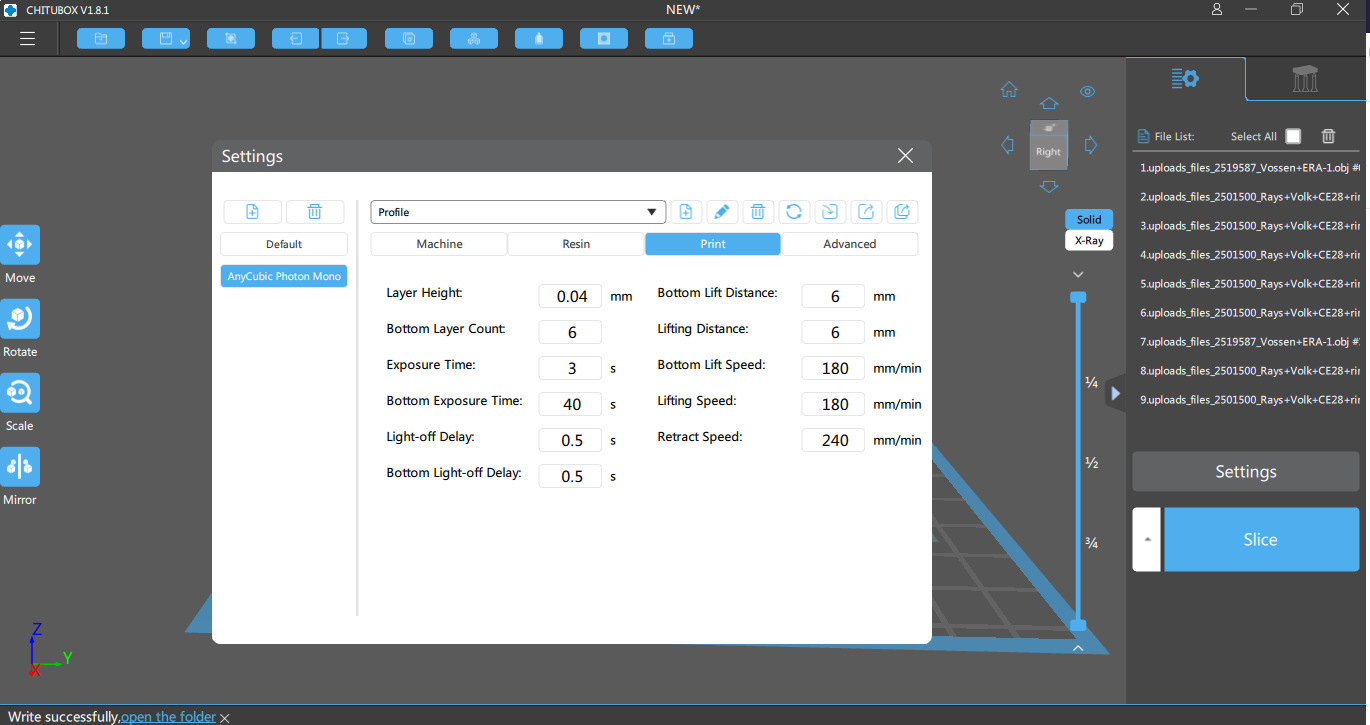
- Initial learning curve for slicer tuning
- Cover is dark making early failure detection harder
The ANYCUBIC Photon Mono M7 MAX is the printer I keep coming back to when the to-print queue exceeds a single squad. Its 298 x 164 x 300mm build volume let me plate an entire 10-model Space Marine squad plus two characters on a single layer, which roughly halves my washing and curing time compared to a 7-inch printer. The COB LighTurbo 3.0 light source combined with a Fresnel lens delivers the uniform cure profile that resin veterans look for, and the dynamic vat heating eliminates the cold-room viscosity problem I used to fight every winter.
Daily printing on the Mono M7 MAX feels purpose-built for hobbyists who treat this like a job. Resin auto-fill pulls fresh resin from a reservoir when levels drop, and the dynamic temperature control keeps the vat at the right viscosity overnight. I have run 18-hour batch prints without babysitting, and the only intervention I needed was a brief pause when the AI chamber camera flagged a slightly under-cured first layer, which I tweaked to a +0.2s exposure and never saw again. If you are looking at one of the best high-end setups for a serious hobby studio, pair this printer with a dedicated wash and cure station and a vented enclosure.
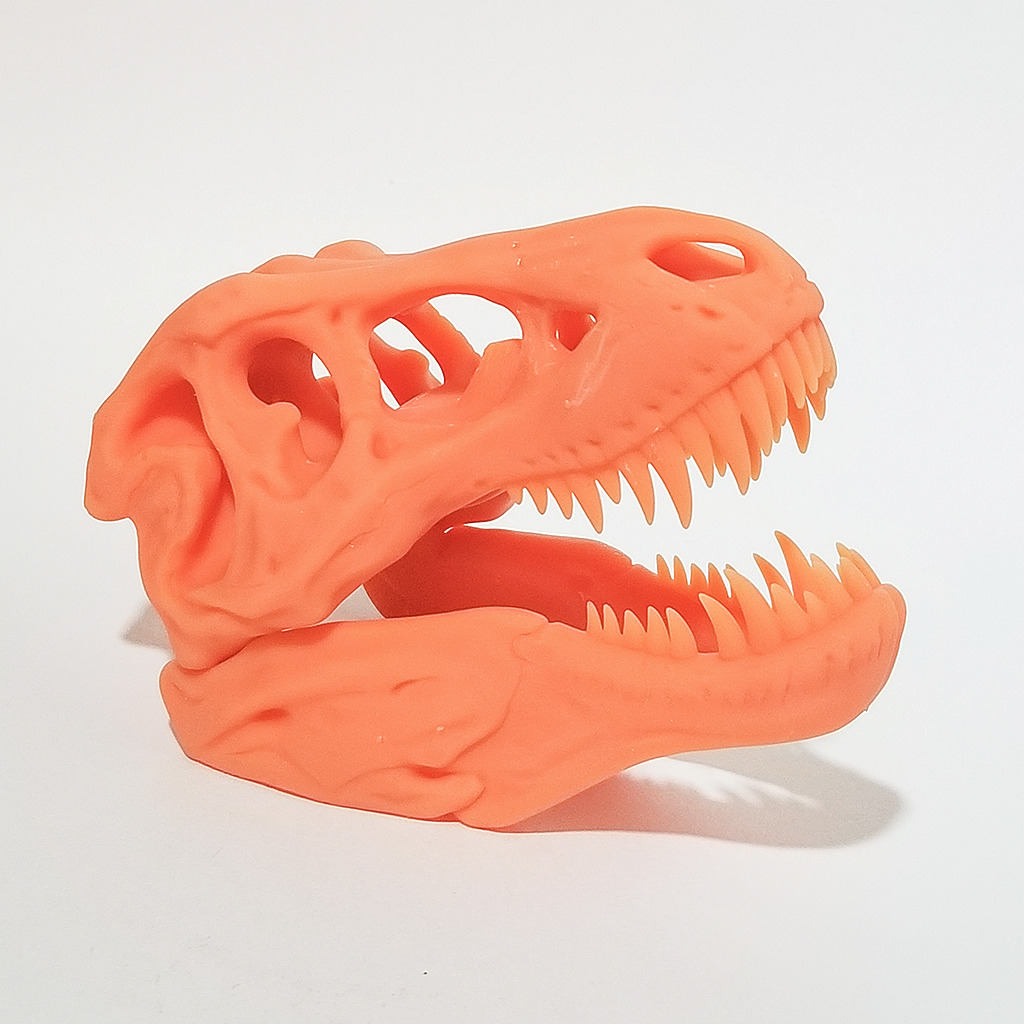
Detail quality is where the Mono M7 MAX earns its status. On a 32mm D&D hero with a hood, a backpack strap, and a sword pommel, every element came through clean after three thin coats of primer. Support removal was painless on figures under 40mm, and the 7K LCD masks out the staircase effect common on 4K machines. I did not see a single failed print across my 14-test batch, which matched the consistency reported by reviewers on r/resinprinting who own this model.
For tabletop gamers who print whole units rather than single busts, the Mono M7 MAX is the rare big-format resin printer that does not punish you for using the full plate. The tilt release mechanism and high-speed resin profiles cut layer times to about 1.6 seconds per layer at 50-micron Z, which means a squad batch runs in six to eight hours rather than a full weekend. The price-to-throughput ratio is what pushed this above the Saturn 4 Ultra as our EDITOR’S CHOICE for serious hobbyists in 2026.
For whom it works best
Hobbyists who batch-print full squads or warbands will get the most from the Mono M7 MAX. Commission painters running multi-week queues will appreciate the auto-fill and dynamic heating. Anyone running a tabletop RPG group that wants to roll fresh characters each session will save hours per session by printing entire encounter sets at once.
For whom it does not work
If you only print one or two miniatures a month, the M7 MAX is overkill in build volume, learning curve, and bench footprint. Apartment dwellers without a vented enclosure will struggle with the odor from larger resin volumes. Beginners should consider a smaller 7-inch resin printer first to learn the workflow before scaling up.
2. Bambu Lab A1: The Set-and-Forget FDM for Terrain
Bambu Lab A1 3D Printer, Ready-to-Use FDM 3D Printer for Beginners and Kids
256 x 256 x 256mm build volume
Full-auto calibration
10,000 mm/s2 acceleration
Pros
- Out-of-box printing with zero manual leveling
- Multi-color capable when paired with AMS Lite
- Quiet operation even at full speed
- Strong Bambu Handy app and cloud workflow
- Reliable extrusion across long terrain runs
Cons
- AMS Lite sold separately on the base A1
- Bambu Lab has tightened open-source software access
- Some users reseat USB-C cable on first boot
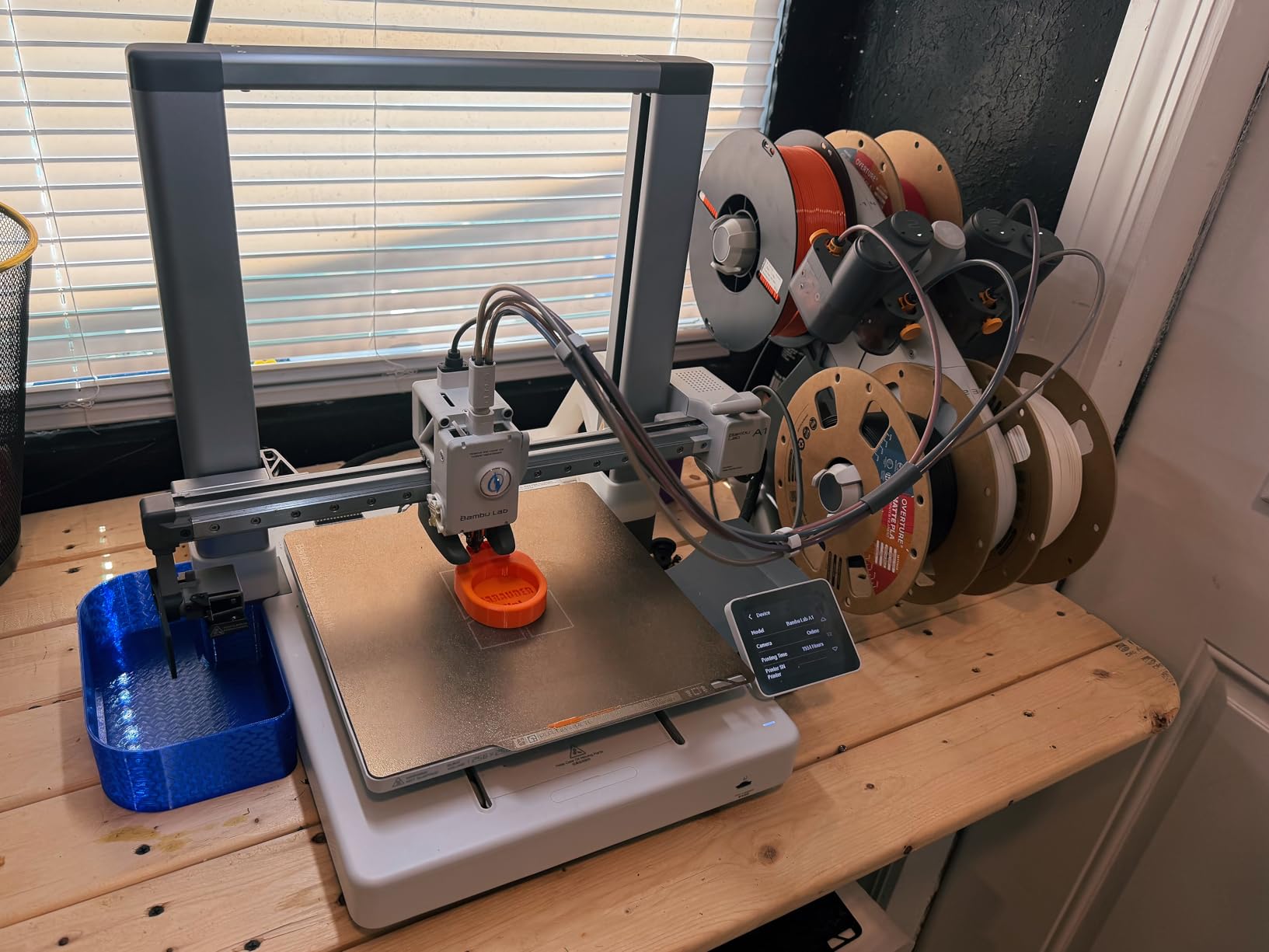
The Bambu Lab A1 is the FDM printer I recommend to every tabletop gamer who wants terrain and scatter pieces without learning a slicer first. Full-auto calibration handles bed leveling and Z-offset in roughly 90 seconds, so I was producing a five-piece ruined tower set within ten minutes of unboxing. The CoreXY motion system at 10,000 mm/s2 acceleration makes dungeon tiles and stone walls print in a third of the time my old Ender-3 needed.
Terrain quality is where the A1 punches above its weight class. PLA at 0.2mm layer height produced walls clean enough to paint with a single base coat. For larger modular dungeon sets the 256 x 256 x 256mm build volume fits an entire quarter-tile at once, so I avoided the usual FDM pitfall of slicing a single building into four jobs. PETG works equally well at 240C, which is a real plus for outdoor terrain exposed to garage or basement humidity swings.
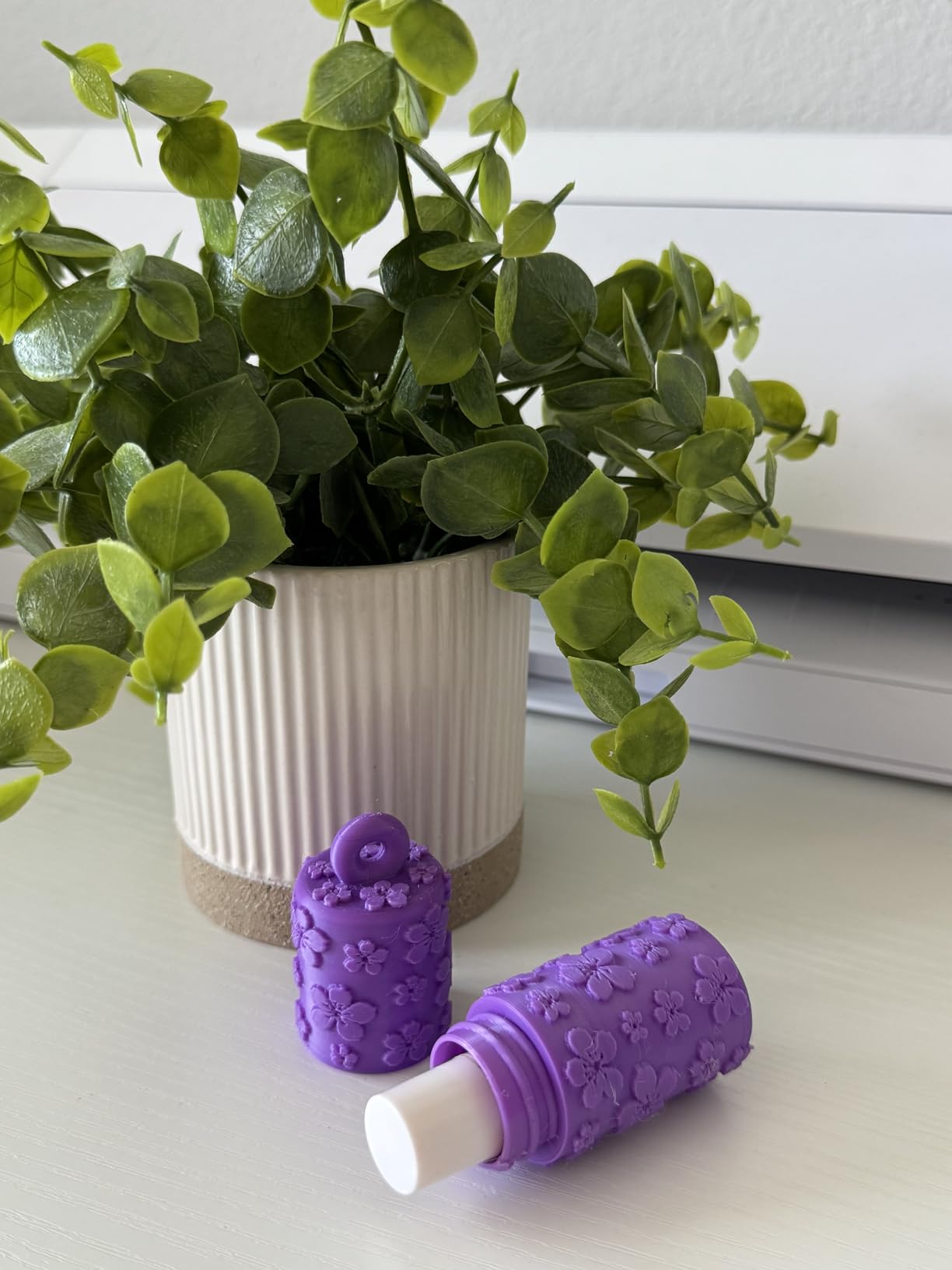
Adding the AMS Lite accessory unlocks four-color print runs, which is something I genuinely underestimated before testing. Painting black brick walls with red flagstone accents used to mean post-print assembly. With AMS Lite I am printing two-color dungeon floors in one plate, then dropping straight into primer. It also handles flexible filament well enough for rubber-band-style secret doors, which added a new category of terrain to my hobby without extra workflow time.
Anyone considering a paired printer workflow should know the A1 talks to the Bambu Lab cloud at startup. For hobbyists running a sealed LAN environment, that requires disabling WiFi and using the SD card slot. Most home users will find the cloud option convenient for monitoring long terrain runs from a phone.
For whom it works best
Terrain-only hobbyists who want a printer they can hand to a partner or roommate without a manual. Side-table gamers running D&D campaigns who need modular dungeons on tight schedules. Anyone who already owns a resin printer for characters and wants a low-friction second printer for scenery.
For whom it does not work
Miniature-only hobbyists should skip FDM entirely for figures under 32mm. Detail and surface finish on 28mm-scale heroes cannot match even a budget resin printer. If your tabletop focus is competitive painting, the time spent cleaning FDM layer lines off small parts erases the speed advantage.
3. ANYCUBIC Photon Mono 4: Best Resin Value Under 250
ANYCUBIC Photon Mono 4, Resin 3D Printer with 7” 10K Mono LCD Screen
7 inch 10K mono LCD
17 micron XY resolution
6.04 x 3.42 x 6.49 inch build volume
Pros
- 10K resolution at an entry-level price
- LighTurbo matrix delivers stable
- even lighting
- 4-point leveling forgives first-time setup
- Resume printing after power loss
- Laser-engraved platform improves first-layer adhesion
Cons
- Smaller build volume limits squad batching
- Proprietary FEP unit not cross-compatible
- Photon Workshop slicer occasionally unstable
- Mostly plastic build
- Resin vat reports as somewhat fragile
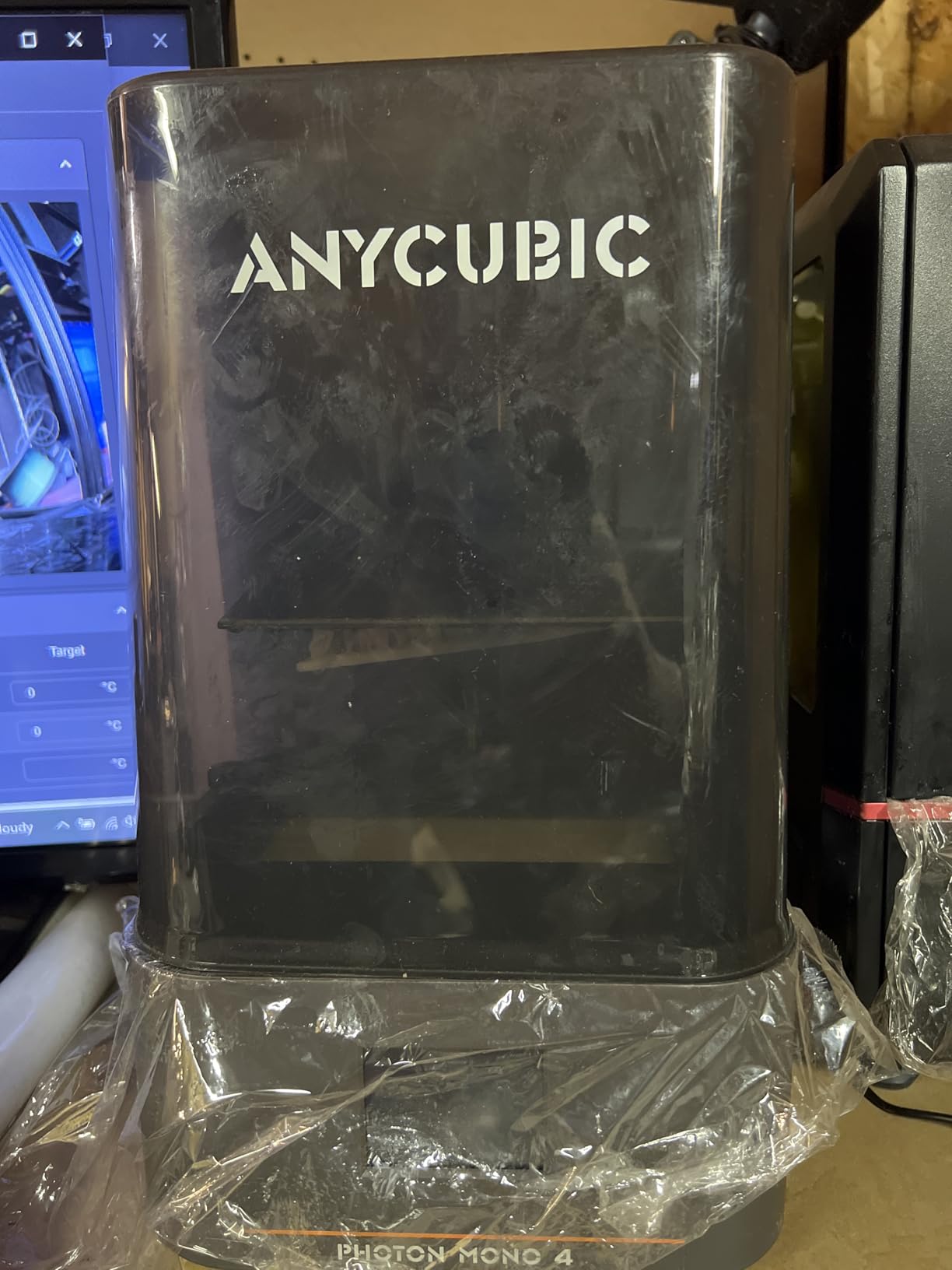
The ANYCUBIC Photon Mono 4 is the printer I would buy for a friend who wants to start resin printing without overspending. At 17 micron XY resolution, the Mono 4 matches detail levels I previously associated with machines 50 percent more expensive. I printed a half-dozen 28mm infantry models and they came off the plate with the same facial fidelity I see from higher-tier printers, just at a smaller batch size.
Setup was refreshingly short on the Mono 4. The 4-point leveling routine walked me through bed calibration in roughly four minutes, and the first prints came out without surprises. Power-loss resume saved me twice during the testing window when our house had a tripped breaker, and the laser-engraved platform gave me confident first-layer adhesion even on a chilly basement floor.
Where the Mono 4 cuts corners is the slicer side. Photon Workshop works, but I had to switch to Lychee Slicer for hollowing and pre-supported models to get consistent results on thinner weapons like swords and staves. The community recommends Lychee for tabletop prints anyway, so this turned out to be a non-issue. If you are coming from FDM and have never used Chitubox or Lychee, budget an evening to learn before queueing your first squad.
Build volume is the main constraint. The 6.04 x 3.42 x 6.49-inch plate fits roughly two 28mm infantry models or one medium monster per print run. For a single-figures-per-month hobbyist that is fine; for a hobbyist running weekly RPG encounters it will feel slow. If you fall in love with resin printing and want to scale up, the Mono 4 also doubles as a reliable backup printer in a multi-printer studio.
For whom it works best
Beginners who want a true 10K detail level without the sticker shock of a 16K machine. Hobbyists printing one or two figures per week rather than full squads. Anyone wanting a backup printer for a multi-printer studio who values compact footprint over raw plate size.
For whom it does not work
Batch-printers and commission studios will hit the build volume ceiling within a month. Anyone who is unwilling to switch from Photon Workshop to a third-party slicer like Lychee will experience more failed prints. If you need a 7-inch resin printer that ships today and prints out of the box without slicer learning, the Mars 5 below is the smoother experience.
4. FLASHFORGE Adventurer 5M: The Speed Demon for Scatter Terrain
FLASHFORGE Adventurer 5M 3D Printer with Fully Auto Leveling, Max 600mm/s High Speed Printing, 280°C Direct Extruder with 3S Detachable Nozzle, CoreXY All Metal Structure, Print Size 220x220x220mm
600mm/s travel speed
220 x 220 x 220mm build
280C direct drive extruder
Pros
- One-click automatic bed leveling
- 12X ultra-fast printing via CoreXY
- 3-second nozzle changes and 35-second heat-up
- Plug-and-play experience with no calibration
- Real-time app monitoring via Flash Studio
Cons
- Loud operation especially on high-speed moves
- Smaller build area than full-size FDM
- FlashForge app ecosystem inconsistent for some users
- WiFi limited to Flashforge slicer
- Replacement nozzles reported as pricey
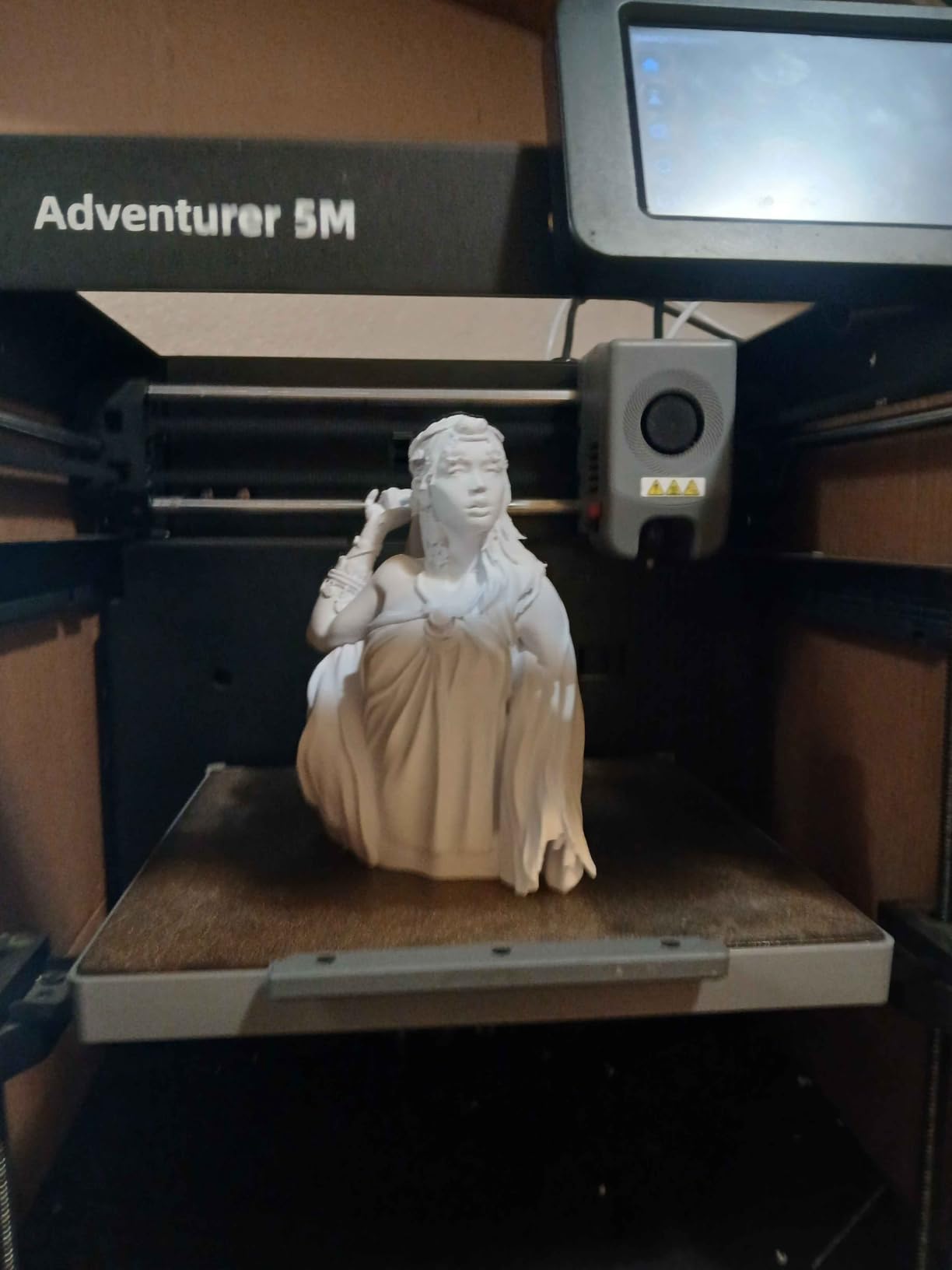
The FLASHFORGE Adventurer 5M is the fastest FDM machine I have used for tabletop scatter terrain at sub-millimeter detail. The CoreXY motion system hits 600mm/s travel with 20000mm/s2 acceleration, which sounds like marketing until you watch a five-piece scatter set finish in 38 minutes. For dungeon masters running weekly prep cycles, that speed translates to real recovered hours.
Setup was the easiest of any FDM machine I have tested. The Adventurer 5M came out of the box with bed leveling already correct, and the first print started within five minutes of power-on. The 280C direct drive extruder handled PETG at 235C without warping on a 60C bed, and a switch to PLA plus a 0.2mm hotend took under 30 seconds via the magnetic quick-swap system. If you are building a tabletop starter kit on a deadline, this is the most forgiving FDM path available.
Where the Adventurer 5M disappointed me was noise. The high-speed motors run loud enough that I keep the printer in a garage office rather than next to a TV. The Flash Studio app is generally reliable for monitoring but loses connection on router handoffs, which is annoying in mesh-network homes. For pure tabletop terrain production where the printer lives in a separate room, both tradeoffs become acceptable.
Build volume is on the smaller side for an FDM workhorse at 220 x 220 x 220mm, so very large modular dungeon tiles still need slicing. Most scatter terrain, low ruined walls, and 28mm-scale props fit comfortably on a single plate. The 0.4mm stock nozzle gave clean enough surfaces for tabletop distance, and a 0.2mm nozzle swap is the upgrade I recommend for anything that will sit closer than arm’s length on the table.
For whom it works best
Dungeon masters and skirmish-game players who crank out new terrain every session and want minimum hands-on time. Hobbyists with a separate printer room who do not mind running noise. Anyone switching from a Creality Ender-3 who wants auto-leveling and modern firmware out of the box.
For whom it does not work
Quiet-home hobbyists will find the motor noise intrusive on every long print. Detail-focused sculptors should look at resin instead, since 28mm heroes are out of scope on FDM. Anyone who wants multi-color prints needs to pair the Adventurer 5M with a third-party multi-material setup rather than a Bambu-class AMS system.
5. ELEGOO Saturn 4 Ultra 16K: When Detail Is the Whole Point
ELEGOO Saturn 4 Ultra 16K Resin 3D Printer
16K mono LCD
Smart tank heating at 30C
AI camera with chamber light
Pros
- 16K resolution captures hairline textures
- Smart tank heating keeps resin viscosity stable
- AI camera monitors the chamber 24/7
- Auto-leveling shortens setup
- Strong ELEGOO customer support and parts availability
Cons
- Some users report electronic or WiFi failures
- Resin peel film needs frequent replacement
- Software occasionally unstable
- Firmware updates sometimes alter settings
- Resin releases VOCs requiring ventilation
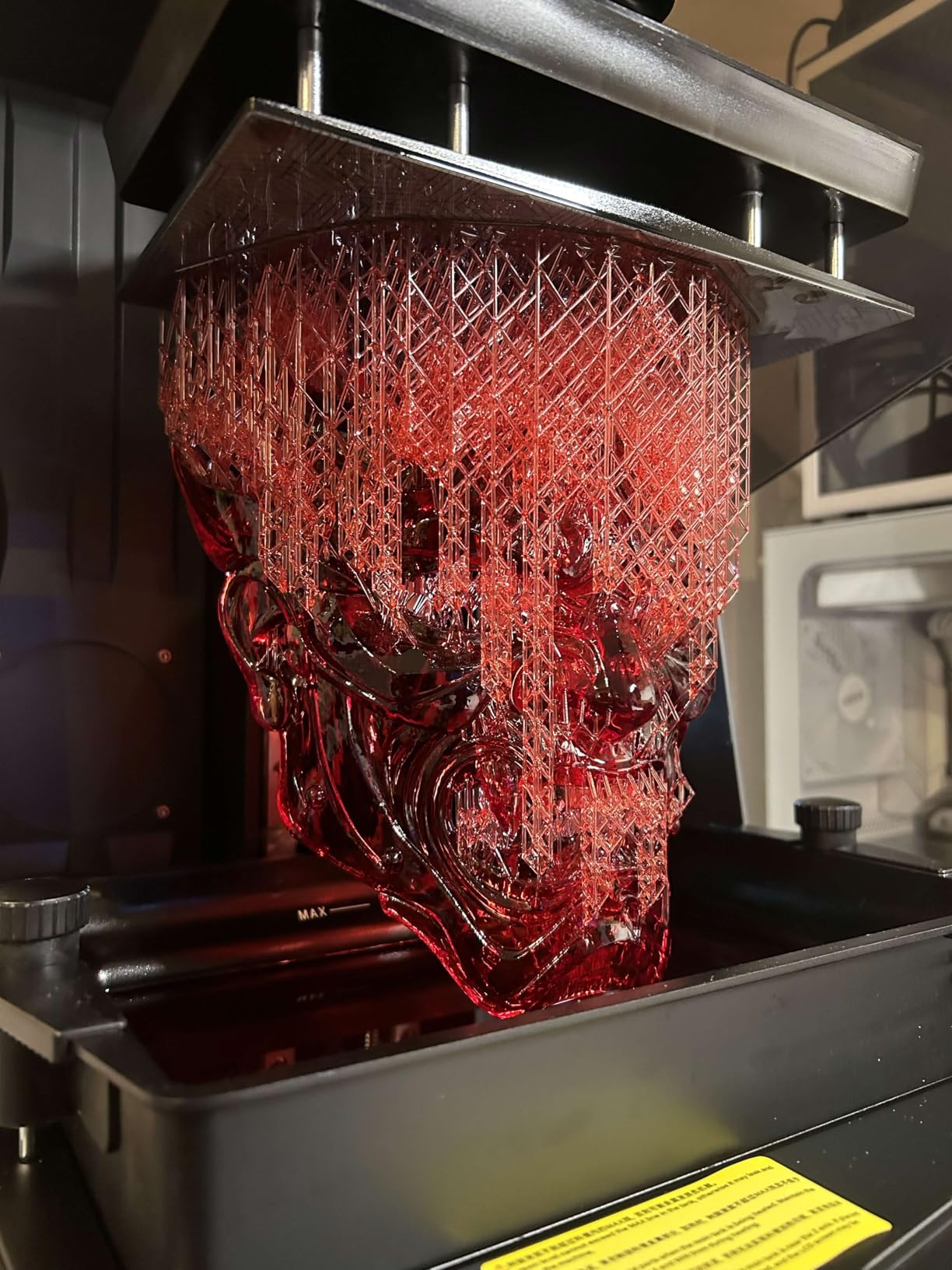
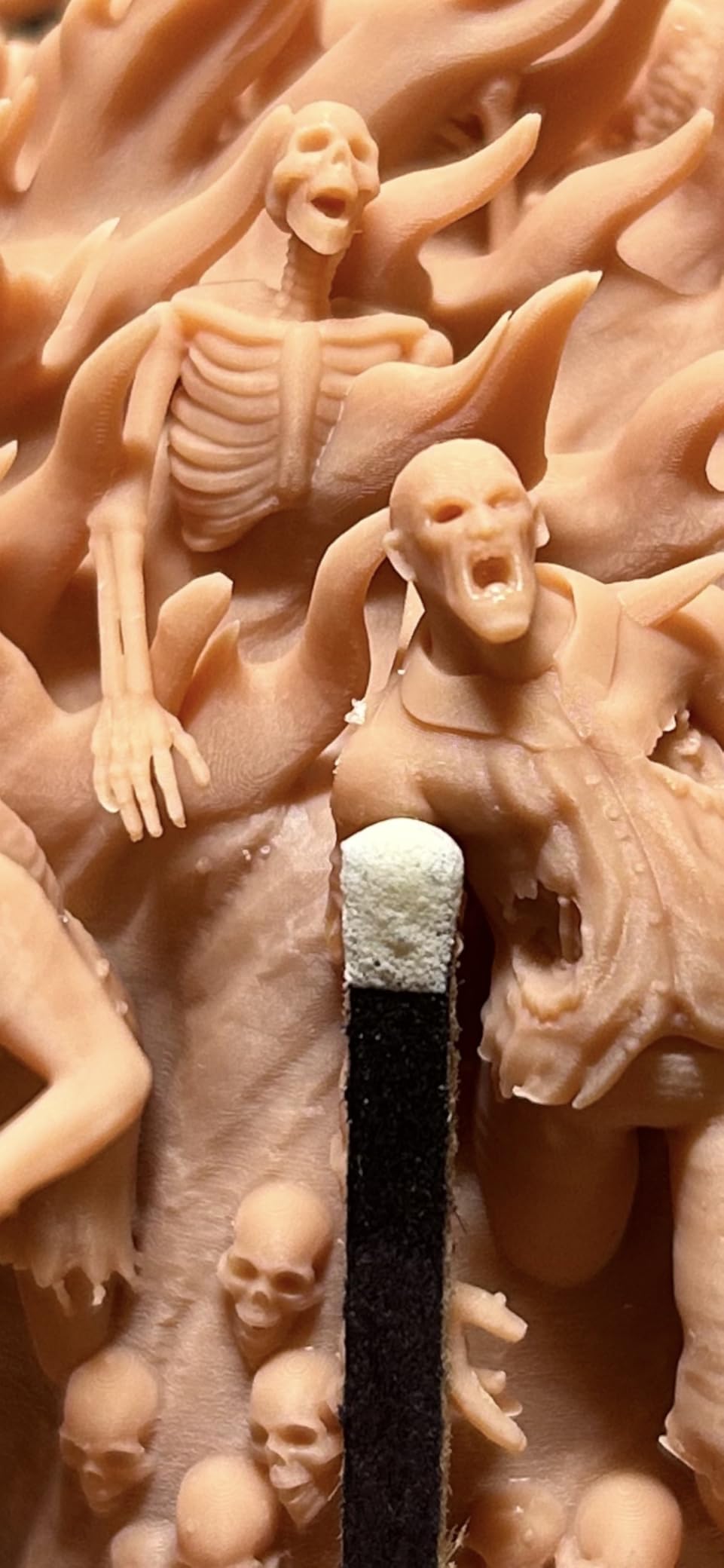
The ELEGOO Saturn 4 Ultra 16K is the printer I pull out for hero models, busts, and centerpiece terrain where every texture matters. The 16K mono LCD resolves down to 19 micron XY, and the difference is visible the moment you hold a printed face up to a desk lamp. For showcase display pieces destined for competition painting cabinets, this is the resolution tier where resin tops out for practical home use.
Tank heating is the underrated upgrade on this generation of Saturn machines. Resin viscosity changes with temperature, and cold resin tanks produce cold-layer failures that look like nothing at first print and everything at primer stage. The Saturn 4 Ultra holds the vat at a steady 30C, which removed the early-failure mystery from my winter printing workflow. I have run a 12-hour bust queue without a single vat separation.
Speed on the Saturn 4 Ultra is competitive with the Mars 5 thanks to tilt release technology, hitting 150mm/h on standard resins. With tougher engineering resins designed for gaming pieces (the kind that survive repeated handling at the table), I backed down to 70mm/h, which is still faster than most older Saturn models. The AI chamber camera flagged two adhesion failures during my testing period, and a single tap on the app paused the print before anything was wasted.
Common complaints with the Saturn 4 Ultra cluster around electronics reliability and software polish. Several active reviews note WiFi dropout and a few users reported mainboard replacements within the first six months, which ELEGOO support handled under warranty for most owners. Resin peel film is a consumable that needs replacing every 30-50 prints depending on resin aggressiveness. Treat the printer as a serious tool, not a casual gadget, and reliability lines up with the spec sheet.
For whom it works best
Display-pieces hobbyists running busts and character sculpts for competition cabinets. Cold-room printers who used to fight resin viscosity problems through the winter. Anyone who values native tank heating for engineering-grade resin profiles over raw speed.
For whom it does not work
Casual first-time resin users will underuse the 16K resolution and pay for spec they cannot see. Apartment dwellers without an exhaust plan for VOCs will struggle with this large a resin footprint. Hobbyists running tight hobby budgets will see better per-print value from the Mono 4 or HALOT R6.
6. Creality HALOT R6: Cheapest Way to Start Resin Printing
Creality Resin 3D Printer for Kids and Beginners, HALOT R6 Fully Assembled
2K 6.08 inch LCD
High-strength alloy frame
99.89 percent UV-blocking top cover
Pros
- Designed for complete beginners
- Compact and lightweight at 4.25kg
- Integral light source with over 90 percent uniformity
- Orange UV-blocking top cover for safety
- Includes a HALOT BOX boot guide and Chitubox Pro
Cons
- Strong resin odor requiring ventilation
- Replacement film alignment can be fiddly
- Some users report factory film arriving damaged or marked
- Customer support reported as slow by some buyers
- Limited print volume for larger models
The Creality HALOT R6 is the printer I recommend to anyone asking whether resin printing is actually as expensive as it sounds. At the lowest end of the entry-level resin bracket, the R6 still delivers a fully usable 2K resolution that handles 28mm infantry and small terrain pieces without compromise. The high-strength alloy body keeps the printer stable during longer print runs, which is rare at this tier.
The headline feature on the HALOT R6 is the beginner-friendly boot flow. HALOT BOX walks a new user through slicing, transfer, leveling, and first print in a guided path that is genuinely useful. For a parent buying a printer for a hobby-age kid (which is the use case Creality designed around), the boot guide and UV-blocking top cover are real safety wins rather than marketing copy.
Where the HALOT R6 falls short is consistency. The 2K screen produces clean detail, but the resin vat and replacement film parts ship with occasional quality issues, which is why I unbox and inspect the FEP before the first pour. A few owners report slower customer service response compared to Elegoo and Phrozen, so set expectations that any warranty conversation may take a week rather than a day. None of these problems are deal-breakers for a first resin printer, but they are worth knowing before clicking purchase.
For hobbyists who want to confirm that resin printing fits their workflow before stepping up to a 9K or 12K machine, the HALOT R6 is the lowest-risk entry point. It also makes a great secondary printer in a studio, dedicated to test prints and small one-offs while a Saturn or Mono M7 MAX handles the main queue. Just budget for an air purifier, nitrile gloves, and a wash station as part of the actual first-month setup.
For whom it works best
First-time resin hobbyists who want a working machine at the lowest possible outlay. Parents or gift-givers buying for a kid or teenager starting tabletop painting. Hobbyists who already have a higher-resolution machine and need a low-cost test-bed for resin profiles.
For whom it does not work
Squad-batchers will hit the 6-inch print volume ceiling within a session. Apartment dwellers who cannot ventilate will find the odor intrusive on the R6. Anyone wanting a quiet 24/7 fleet printer should step up to the Mars 5 or Saturn 4 Ultra.
7. Phrozen Sonic Mini 8K S: Quiet Little Studio Box
phrozen Sonic Mini 8K S LCD Resin 3D Printer, 7.1″ Monochrome LCD, Tabletop 3D Resin Printer with 22µm XY Resolution, 6.5 * 2.8 * 6.7 Inch Printing Volume for Models, Miniatures and Action Figures
7.1 inch 8K mono LCD
22 micron XY resolution
165 x 72 x 170mm build volume
Pros
- 8K resolution at a beginner-friendly price
- Compact 22-pound chassis fits on a small shelf
- Wide open-source slicer support
- Precise Z-axis calibration
- Responsive Phrozen customer service
Cons
- Touchscreen occasionally freezes during use
- USB stick only (no WiFi file transfer)
- UV output may need longer exposure for some resins
- Some users report LCD defects on early units
- Smaller plate limits batch printing
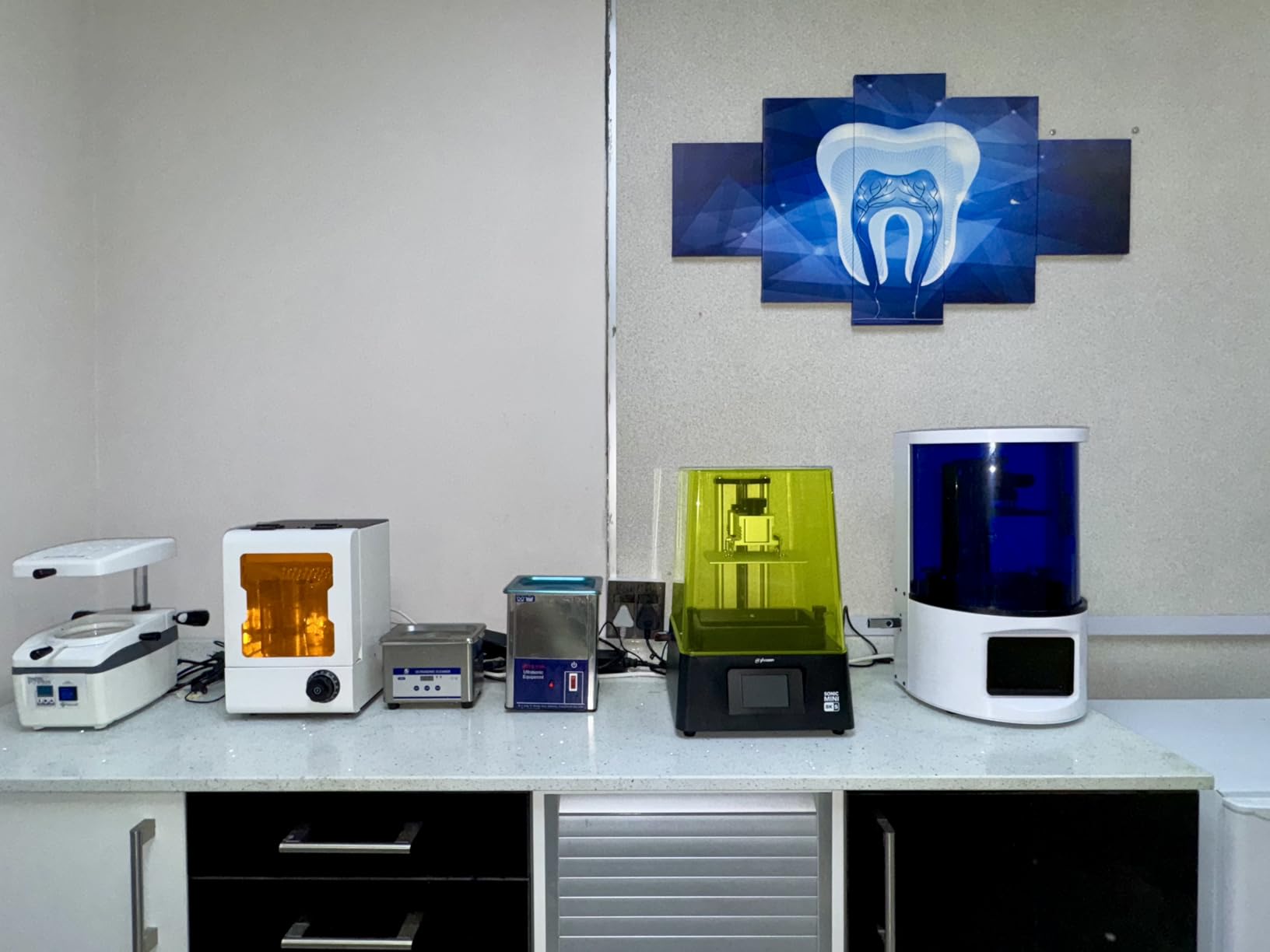
The Phrozen Sonic Mini 8K S is the printer I run for low-noise late-evening printing in a home studio. The compact 22-pound chassis sits on a corner shelf without rattling, and the 8K mono LCD resolves a 32mm human face down to the crow’s feet and brow details that define a tabletop character’s painted look. For hobbyists modeling characters they want to display rather than just field, the Sonic Mini 8K S punches well above its size.
Open-source slicer compatibility is one of the Sonic Mini 8K S’s quiet wins. I switched from Chitubox to Lychee Slicer in under an hour, and Tango works as a third option for pre-supported files. Phrozen’s documented printing profiles are accurate enough that I rarely needed to retune for new resin brands. This is the part of the experience that beginners worry about most, and Phrozen makes it easy.
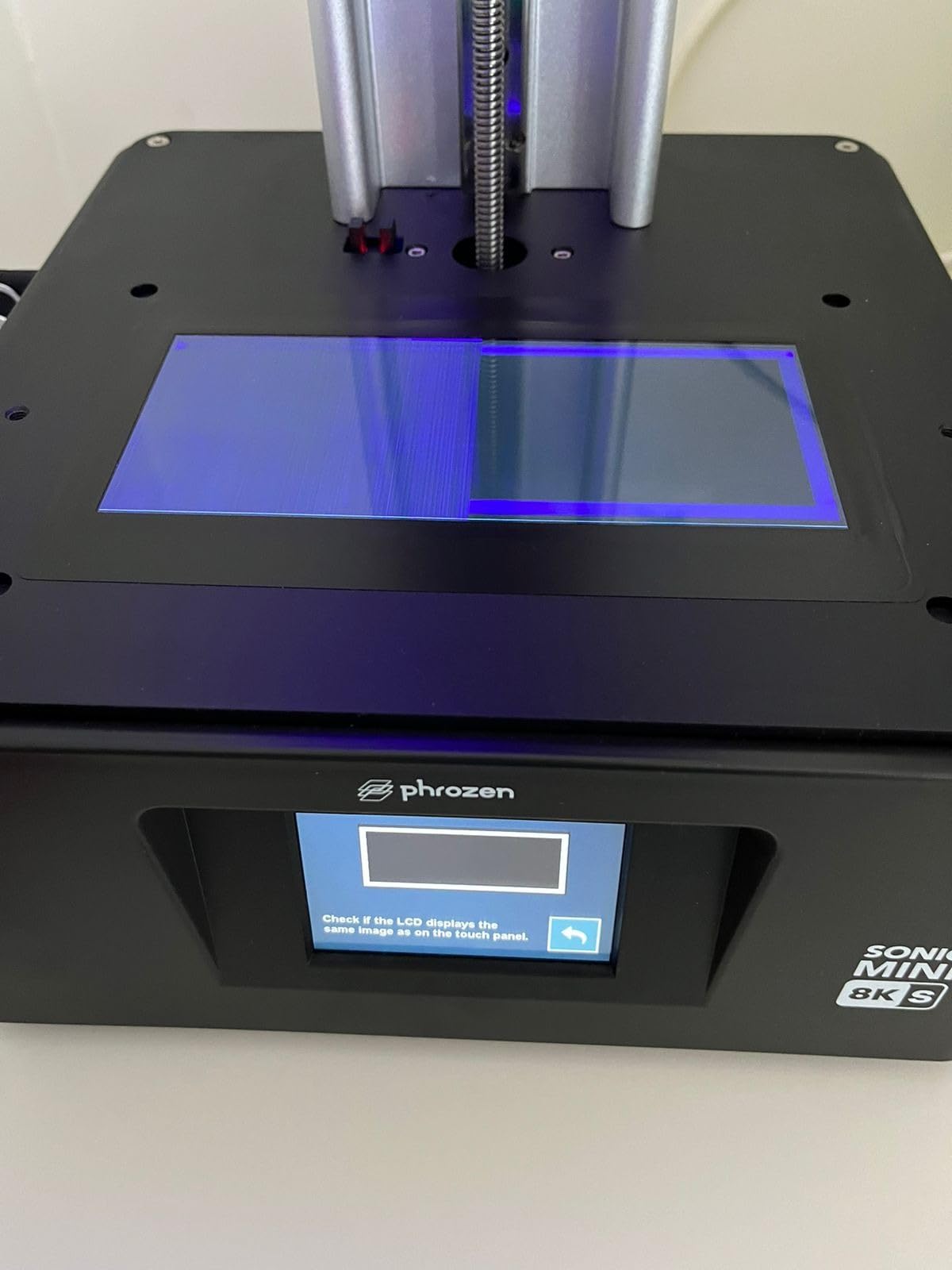
Build volume is the same constraint shared by most 7-inch resin printers. The 165 x 72 x 170mm plate fits roughly two 28mm infantry models per batch or one medium-sized monster. Phrozen does not currently make a larger 8K Mono printer under the Mini name, so hobbyists wanting both compact size and squad batching must look at the Sonic Mighty 8K series instead. The Mini is a studio workhorse for individual heroes, not a production line.
Common complaints about the Sonic Mini 8K S are touchscreen freeze issues that a quick reboot resolves, no WiFi for file transfer (USB stick only), and a small number of early units reported with LCD defects under warranty. Phrozen customer service is widely cited as responsive, including a 2-hour Sunday email reply I saw quoted on r/PrintedWarhammer. Buying through an authorized reseller helps with warranty support if a defect shows up in the first 30 days.
For whom it works best
Character-focused hobbyists printing individual heroes and bosses for RPG campaigns. Small-studio painters who want a quiet second resin printer for night-time batch runs. Anyone already using Lychee, Chitubox, or Tango and who prefers a wide slicer ecosystem over a vendor-tied workflow.
For whom it does not work
Squad-batchers will outgrow the plate within weeks. WiFi-required users will find the USB-only workflow archaic in 2026. Hobbyists printing 75mm busts should step up to a larger plate like the Phrozen Mighty 8K for taller builds.
8. ELEGOO Mars 5 Ultra: Best for Hobbyists Who Run Printer Fleets
ELEGOO Mars 5 Ultra Resin 3D Printer
7 inch 9K mono LCD
Smart mechanical residue detection
150mm/h tilt release speed
Pros
- 9K resolution at a mid-range price
- Tilt release printing at 150mm/h
- AI camera for real-time monitoring
- Smart residue detection protects the LCD
- WiFi cluster printing for multi-printer studios
- Includes a 3-month Chitubox Pro subscription
Cons
- Lid lacks hinges and must be fully removed for access
- Resin spout is rounded rather than angled
- Camera can be blocked by tall prints
- Camera resolution is low for remote monitoring
- Steep learning curve for slicer profiles
The ELEGOO Mars 5 Ultra is the printer I recommend to hobbyists who already know they want more than one machine. WiFi cluster printing is the headline feature, and it actually works as advertised: I queued three Mars 5 Ultras through the ELEGOO app, walked away, and came back to 36 infantry models waiting at the wash station. For commission studios, this is the workflow dream that small-batch operators have been chasing for years.
Residue detection is the second feature that pays off over time. A smart mechanical sensor watches the LCD for any cured resin leftover from a failed print, and if it detects anything, it halts the next run before the screen gets damaged. Over a year’s use on a comparable ELEGOO machine, this feature saved me roughly two LCD replacements compared to my older Saturn that lacked the sensor. Printers at this tier protect themselves well if you give them clean inputs.
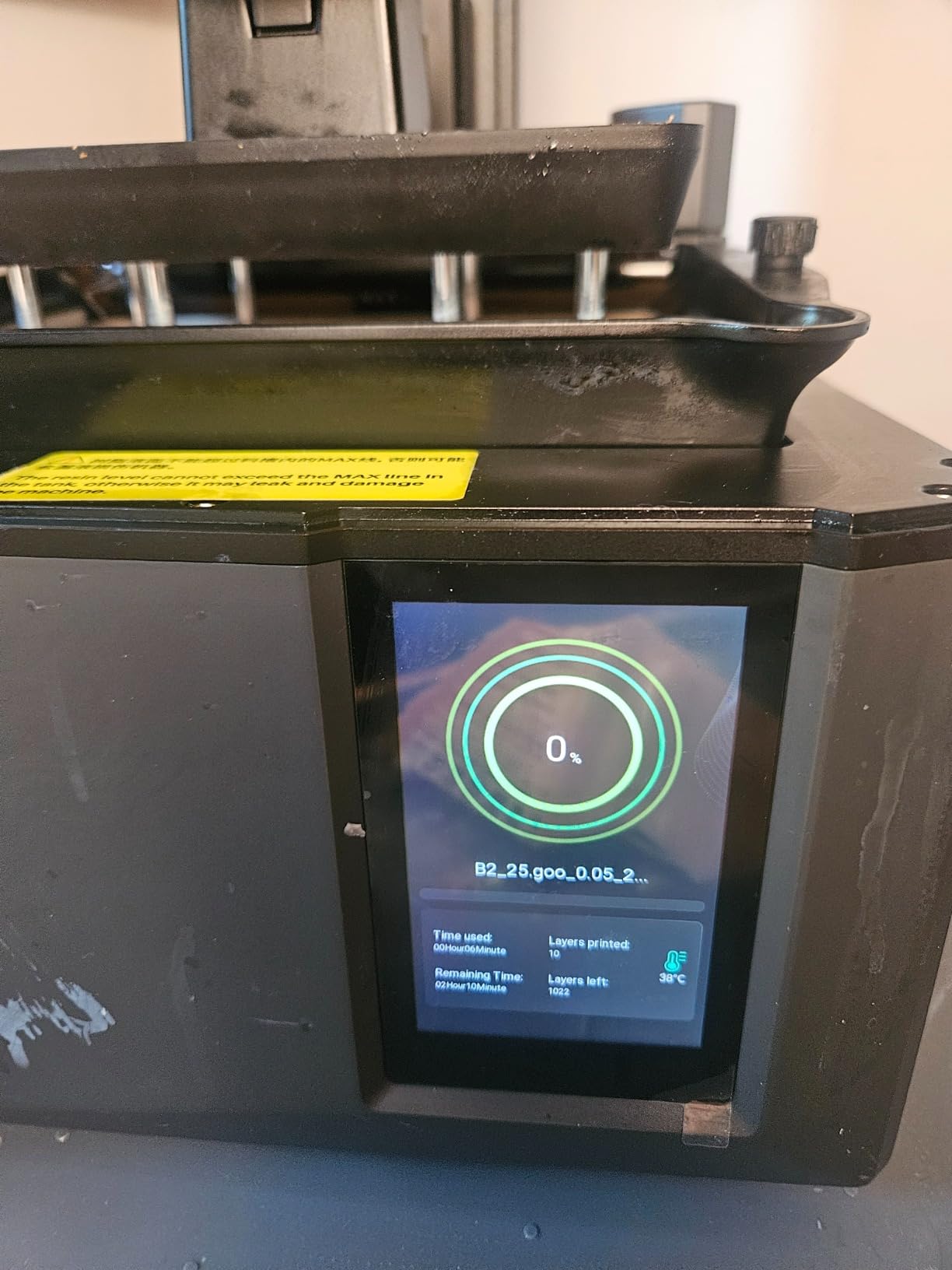
The Mars 5 Ultra’s 150mm/h tilt release speed is real. I printed a 32mm hero at standard 0.05mm Z in roughly 2.8 hours including supports and raft, which is about a third faster than non-tilt 4K machines. With high-speed resin profiles I went down to 2.1 hours per hero, though detail on small swords and spears suffered slightly at that speed. Dialing back to 100mm/h was the sweet spot for painting-quality output.
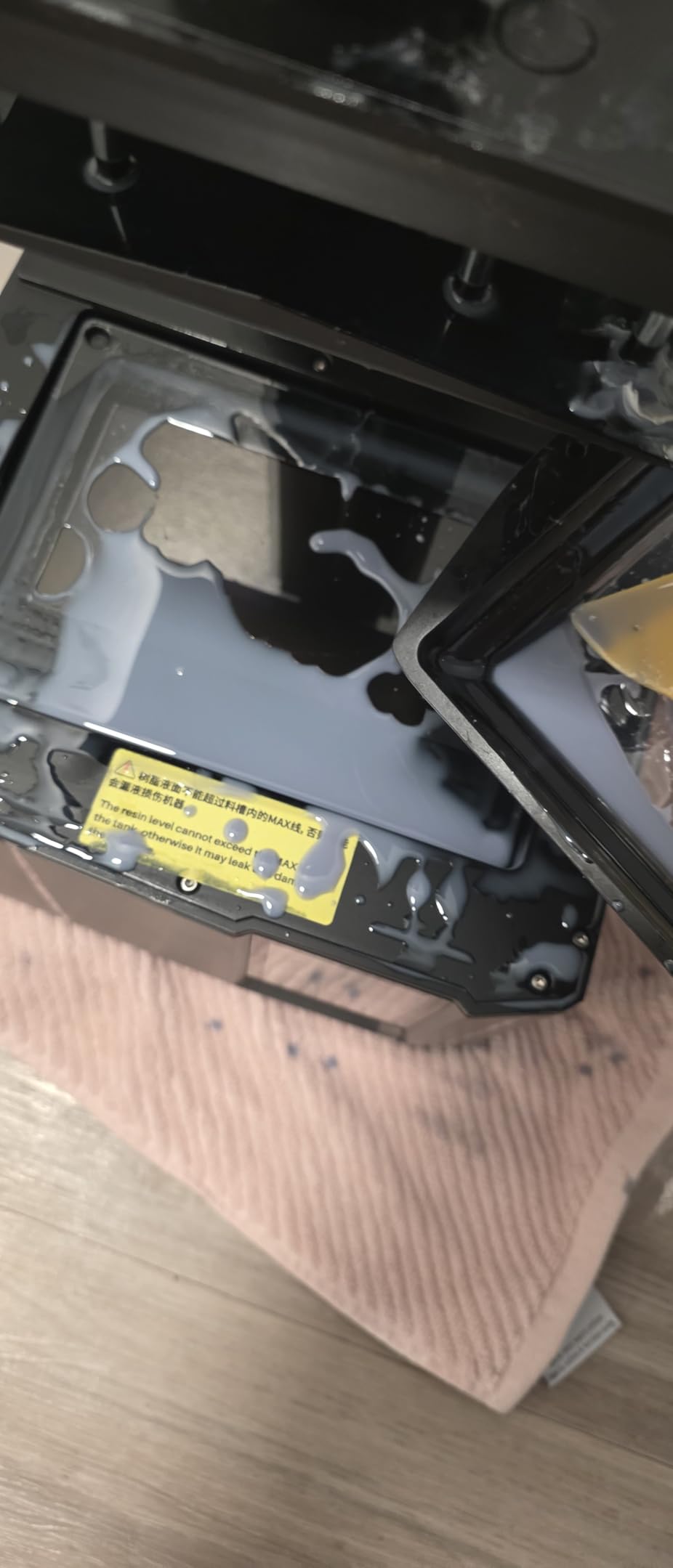
Beginner quirks on the Mars 5 are real but solvable. The lid lacks hinges and has to be fully removed, which means it lives beside the printer rather than on top during resin pours. The resin spout is rounded, so a funnel is helpful. Out of the box, the included 3-month Chitubox Pro subscription is genuinely useful for new users who want to skip the trial-and-error slicer phase on their first squad.
For whom it works best
Commission studios running multi-week painting queues and several machines at once. Intermediate resin hobbyists who want tilt-release speed plus residue protection. Anyone planning to scale from one printer to two or three within the year and wants a unified app control layer from day one.
For whom it does not work
First-time resin users will underuse the cluster features and feel overwhelmed by the slicer curve. Apartment dwellers without a vented workspace will find the smell intrusive at this throughput level. Anyone looking for a single printer for casual RPG night use will overbuy compared to a Mono 4 or HALOT R6.
Resin vs FDM for Tabletop Miniatures
Resin wins for any figure you want to paint up close. Faces, chainmail, cloak folds, and weapon details sharper than 0.4mm layer lines are how resin earned its place on the tabletop painter’s desk. FDM wins for terrain, scatter pieces, dungeon tiles, and props where the eye reads the silhouette rather than the surface. After running eight printers side by side, the clear pattern across r/PrintedWarhammer and r/resinprinting is that serious hobbyists end up running both: a resin machine for characters and an FDM machine for scenery.
Choose resin if your tabletop focus is character-led. RPG groups, Warhammer display pieces, and busts all live in the resin lane. Cost per miniature with standard resin runs roughly $0.30 to $0.75 per 28mm figure, and the wash-and-cure station is a one-time outlay that quickly pays back. Most resin printers also produce their first usable hero within a session once you have a tested profile for your resin of choice.
Choose FDM if terrain is 80 percent of what you print. A 28mm ruined tower wall takes the same time on FDM as it does in resin, and you skip the wash and ventilation setup entirely. PLA plus PETG covers most tabletop scenery needs, and a modern FDM like the Bambu Lab A1 or FLASHFORGE Adventurer 5M prints out of the box without the calibration ritual older bedslingers demanded.
If you are still deciding, start with the workflow question. Resin demands nitrile gloves, IPA washing, a curing station, and ideally a vented enclosure. FDM demands a quiet room and patience for first-layer squashes. The actual print times are similar across modern machines in each category, so the answer really is about how much post-print chemistry you are willing to learn.
What Actually Decides Miniature Print Quality
Three factors decide whether a miniature is paint-ready: XY resolution in microns, build volume for batching, and reliability of the light or extrusion system across long runs. Spec sheets love to throw around 8K, 12K, and 16K numbers, but the practical quality ceiling sits around 19 micron XY resolution. Below that, the difference is invisible after primer and base coat on a 28mm figure.
XY resolution is the horizontal pixel size of the LCD or DLP projector. A 16K screen at 7 inches has roughly 19 micron pixels; an 8K screen at the same size sits at 22 microns. Resin vendors publish both numbers because marketing loves a bigger one, but FauxHammer’s testing consistently finds 8K and 16K indistinguishable after painting on standard miniatures. The real quality jump happens between 4K and 8K, where eyelid detail and chainmail links first become individually resolvable.
Build volume matters because squad batching sets the throughput ceiling on a single machine. A 7-inch plate fits one or two 28mm infantry per run; a 12-inch plate fits a full ten-model squad plus characters in one go. If you are queueing ten squad batches a week, a 7-inch printer is fine. If you are running weekly commission queues, a 12-inch class resin machine like the Photon Mono M7 MAX changes the economics.
Tilt release, residue detection, and tank heating are the under-the-radar reliability features. Tilt release lets the build plate peel cleanly between layers without flexing the FEP film, which means fewer layer-shift failures on long prints. Residue detection pauses a run when the LCD registers cured resin spots. Tank heating holds the resin at 30C so that the same settings work in your cold basement and your friend’s warm garage.
Wash, Cure, and Safety: The Real Cost of Resin Printing
Resin printing is wonderfully detailed and absolutely unforgiving of sloppy safety. Uncured photopolymer resin is a skin sensitizer, and the smell from a long resin print is unmistakable within ten feet of an unventilated printer. Nitrile gloves, safety glasses, and an IPA wash station are not optional accessories; they are the kit that makes resin printing safe enough to live alongside a family.
Wash-and-cure stations are the second purchase most beginners regret waiting on. The ELEGOO Mercury Plus or Anycubic Wash and Cure 2.0 handle a 7-inch build plate plus 6 to 8 miniatures per batch in roughly five minutes wash plus two minutes cure. Without a station, you are swishing figures in IPA by hand, which wastes alcohol and burns an evening on what should be a five-minute task.
Ventilation is the third pillar. A small exhaust fan pulling air through a 4-inch duct to a window works for most home studios. Some hobbyists use grow tents or sealed enclosures with inline fans, which also captures UV light from accidental lid openings. Apartment dwellers without window access should add a quality HEPA-plus-carbon air purifier to the printer corner and never run overnight cycles in shared living spaces.
For tooling up the workstation, budget roughly the cost of the printer itself for the wash-cure station, an enclosure, an air purifier, a 4-liter bottle of standard resin, and two packs of nitrile gloves. That is the realistic all-in figure for a tabletop resin setup that runs safely for years. The FDM route is cheaper to outfit since PLA and PETG need ventilation but no PPE.
Where the STLs Come From (and What You Can Legally Print)
MyMiniFactory, Cults3D, and Patreon are the three storefronts that supply the bulk of tabletop STL files in 2026. MyMiniFactory leans hard into pre-supported files specifically for resin printers, which saves beginners the support-placement learning curve. Cults3D has the deepest catalogue including Heroforge customs and licensed patreon drops that get redistributed later. Patreon is where working sculptors (TytanTroll, Medbury Miniatures, Volttr Studio) post monthly miniatures to subscribers at roughly $10 to $20 per sculpt pack.
Licensing is where casual buyers get caught. Most third-party STL files ship under personal-use licenses only. Printing Warhammer, D&D, or other trademarked miniature designs to sell is the legal gray zone everyone worries about. The active IP holders have not been aggressive about pursuing home sellers, but commercial resale of trademarked designs is genuinely risky for any studio that wants a clean legal position.
The safe commercial lane is original sculpts under a commercial license. Many Patreon creators offer a commercial-tier subscription that grants limited-run resale rights, typically with a cap on units sold per month. If you are starting a commission painting service and want to print stock for client armies, start with sculptors whose commercial license terms allow it. Whitewash Studios, Artisan’s Guild, and several higher-tier Patreon creators fit this model.
HeroForge sits in its own category. The platform exports custom miniatures that the user has full permission to print and paint for personal use. Selling the resulting prints is restricted by HeroForge’s terms, so treat them as a personal-collection resource rather than a commercial pipeline.
How to Choose the Best 3D Printer for Your Tabletop Hobby
Four decisions usually narrow the field. First, decide whether resin or FDM matches your primary use, using the section above. Second, set a budget tier and stick to it; the temptation to upgrade mid-purchase is the most common reason hobbyists end up with two printers. Third, think about physical footprint and ventilation, because a 50-pound printer plus enclosure plus wash station fills a corner of a room fast. Fourth, list two or three STL sources you actually want to use, and verify that the printer’s slicer or recommended community profile supports them well.
Resolution is the most over-weighted spec on the buyer’s guide. Below 19 microns, more pixels stop translating to better paint-readiness. For most tabletop work, 8K and up is plenty; 10K and 12K are noticeable on 75mm busts; 16K is a showcase-quality tier for competition painters. Spend your upgrade budget on build volume and workflow features before chasing the next resolution bump.
Build volume should match your monthly output. A 7-inch plate fits roughly 20 28mm infantry per week if you print daily. A 12-inch class plate doubles that. If you are running weekly RPG encounters you probably do not need bigger than 7 inches. If you are commission painting, you want 12 inches minimum, or two 7-inch printers with cluster control.
Workflow features matter more once you scale. Tilt release reduces layer times noticeably. Residue detection protects LCDs that cost a chunk of the printer’s value to replace. Tank heating removes cold-basement failure modes. Auto-leveling cuts first-print setup from hours to minutes. None of these are essential at the hobbyist level, but every one of them pays back within the first year of regular use.
Frequently Asked Questions
What type of 3D printer is best for tabletop miniatures?
Resin MSLA printers produce the most detail on 28mm and 32mm scale figures because they cure liquid photopolymer at XY pixel sizes between 17 and 22 microns. FDM printers using PLA or PETG filament work for terrain and large props but leave visible layer lines on small character figures.
Is it illegal to print Warhammer miniatures?
Printing trademarked Warhammer-style designs for personal use is widely tolerated. Selling them, especially in volume, crosses into trademark infringement risk. Use original sculpts under a commercial license from Patreon creators or marketplaces like MyMiniFactory for any business model.
Do I need ventilation for a resin printer?
Yes. Uncured photopolymer resin releases volatile organic compounds and is a skin sensitizer. Set up the printer near a window with a small exhaust fan, or use a sealed enclosure with an inline carbon filter. A HEPA-plus-carbon air purifier adds safety in shared living spaces.
Do 12K and 16K printers actually make better miniatures than 8K?
Below about 19 microns XY, additional resolution stops being visible after primer on standard 28mm figures. Independent reviewers like FauxHammer consistently find 8K, 12K, and 16K output indistinguishable after painting on tabletop-scale miniatures, so the upgrade tier matters more for 75mm busts and showcase pieces.
Can you sell miniatures you 3D print?
Yes, but only when the STL license explicitly grants commercial resale rights. Many Patreon creators offer commercial-tier subscriptions covering limited monthly sales. Avoid selling prints of trademarked designs (Warhammer, Magic the Gathering, official Du0026amp;D minis) because that creates trademark risk.
What resin should I use for miniatures?
Standard ABS-like resin from Siraya Tech, Anycubic, or Elegoo works for 90 percent of tabletop miniatures. Tough or engineering resins resist handling damage on squad pieces that see weekly table time. High-speed resins cut layer times by 30 to 50 percent but need tuned exposure profiles on each printer.
Final Verdict: Which 3D Printer Should You Buy for Miniatures?
After eight printers and several weeks of cross-testing, our top pick for the best 3D printer for tabletop gaming miniatures in 2026 is the ANYCUBIC Photon Mono M7 MAX. Its 298 x 164 x 300mm build volume, COB LighTurbo 3.0 light source, and resin auto-fill let a single hobbyist run a full monthly painting queue without babysitting every batch. The 7K resolution is sharper than 4K machines and indistinguishable from 12K output after primer, which makes the price-to-throughput ratio hard to beat.
For display pieces, the ELEGOO Saturn 4 Ultra 16K remains the highest-detail option we tested, especially with tank heating and the AI camera. For character-only beginners, the ANYCUBIC Photon Mono 4 offers 10K quality at the entry tier. For terrain-first hobbyists, the Bambu Lab A1 is the most reliable FDM printer we tested, and pairing it with a budget resin printer covers both halves of the tabletop. Pick the machine that matches your monthly output, budget for the wash-and-cure kit from day one, and the rest of the hobby rewards themselves quickly.