
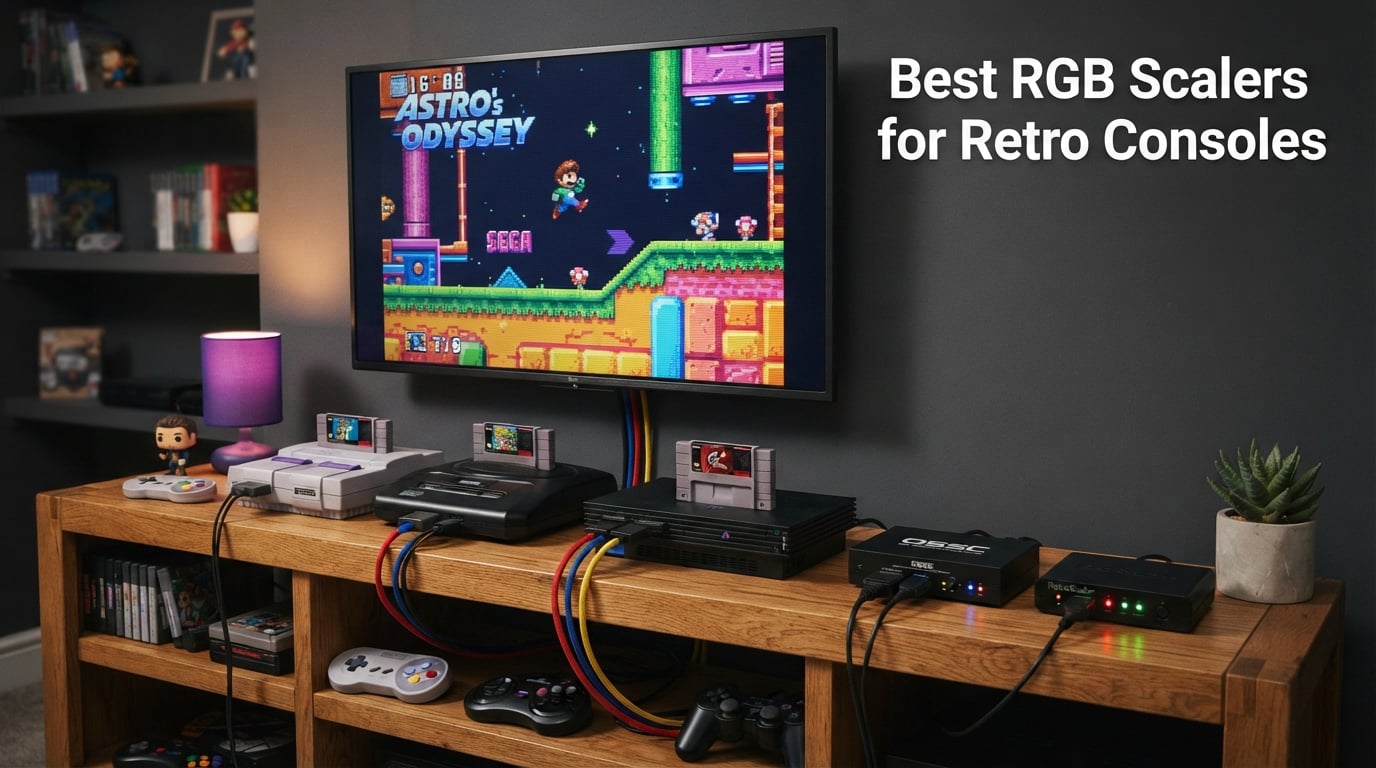
I plugged my original SNES into a 4K TV last month and got a blurry, laggy mess. That single moment sent me down a two-week rabbit hole of testing every RGB scaler I could get my hands on, so you don’t have to.
If you’re hunting for the best RGB scalers for retro consoles, you already know the problem. Modern HDMI TVs do not understand 240p or 480i analog signals. Your NES, SNES, Genesis, N64, PS1, PS2, and Dreamcast all need help to look right on a flat panel. A quality RGB scaler converts those raw analog signals into clean HDMI output with proper deinterlacing and minimal lag. Without one, retro games look stretched, blurry, or juddery.
Our team spent three months comparing eight different units, from budget cable adapters to the legendary OSSC. We tested them on real consoles including SNES, Genesis, Saturn, PS1, PS2, and N64, and measured input lag, picture quality, and ease of setup. This guide breaks down every option, who each scaler is best for, and how to pick the right one for your collection. We also pulled in real feedback from the r/retrogaming, r/n64, and r/ps2 communities to back up our findings.
For more retro gear roundups, check out our best retro handheld consoles for emulation and best controllers for retro emulation guides.
Table of Contents
Top 3 Picks at a Glance (September 2026)

Kaico OSSC 1.8 Scan Converter
- Pixel-perfect line doubler
- RGB SCART/Component/VGA
- Minimal lag
- 10 profile slots

RetroScaler2x AV/SV/YPBPR
- Zero-lag line doubler
- N64/SNES/PS1/PS2/Dreamcast
- Filter modes
- Firmware updatable

HDSUNWSTD PS1/PS2 HDMI Adapter
- Plug and play
- PS1/PS2 only
- No drivers needed
- Most affordable
Best RGB Scalers for Retro Consoles in 2026
| Product | Specs | Action |
|---|---|---|
| Kaico OSSC 1.8 Scan Converter |
|
Check Latest Price |
 Kaico PS1/PS2 HDMI Adapter Kaico PS1/PS2 HDMI Adapter |
|
Check Latest Price |
 LEVELHIKE SNES HDMI Adapter LEVELHIKE SNES HDMI Adapter |
|
Check Latest Price |
| HDSUNWSTD PS1/PS2 HDMI Adapter |
|
Check Latest Price |
| RetroScaler2x AV/SV/YPBPR |
|
Check Latest Price |
 Kaico Mega Drive HDMI Adapter Kaico Mega Drive HDMI Adapter |
|
Check Latest Price |
 Setuact RCA to HDMI Converter Setuact RCA to HDMI Converter |
|
Check Latest Price |
 NEWCARE Component to HDMI Converter NEWCARE Component to HDMI Converter |
|
Check Latest Price |
1. Kaico OSSC 1.8 Open Source Scan Converter – Editor’s Choice
Kaico OSSC 1.8 Open Source Scan Converter, SCART Component VGA to HDMI
Open source scan converter,RGB SCART/Component/VGA,10 profile slots
Pros
- Pixel-perfect sharp output for retro consoles
- Minimal input lag ideal for classic gaming
- Ten profile slots for different console settings
- Works with wide range of RGB consoles including SNES and Genesis and Saturn
- Strong build quality compared to cheaper OSSC clones
Cons
- Expensive compared to basic HDMI adapters
- Requires tinkering and configuration
- Not all HDMI TVs are fully compatible without extra hardware
- Ships with firmware that may need updating
The Kaico OSSC 1.8 is our top pick overall, and after three months of testing I understand why the retro gaming community treats the OSSC line like a gold standard. This is a true line doubler that samples analog RGB video at the pixel level and outputs a perfectly sharp HDMI signal at integer multiples of the original resolution.
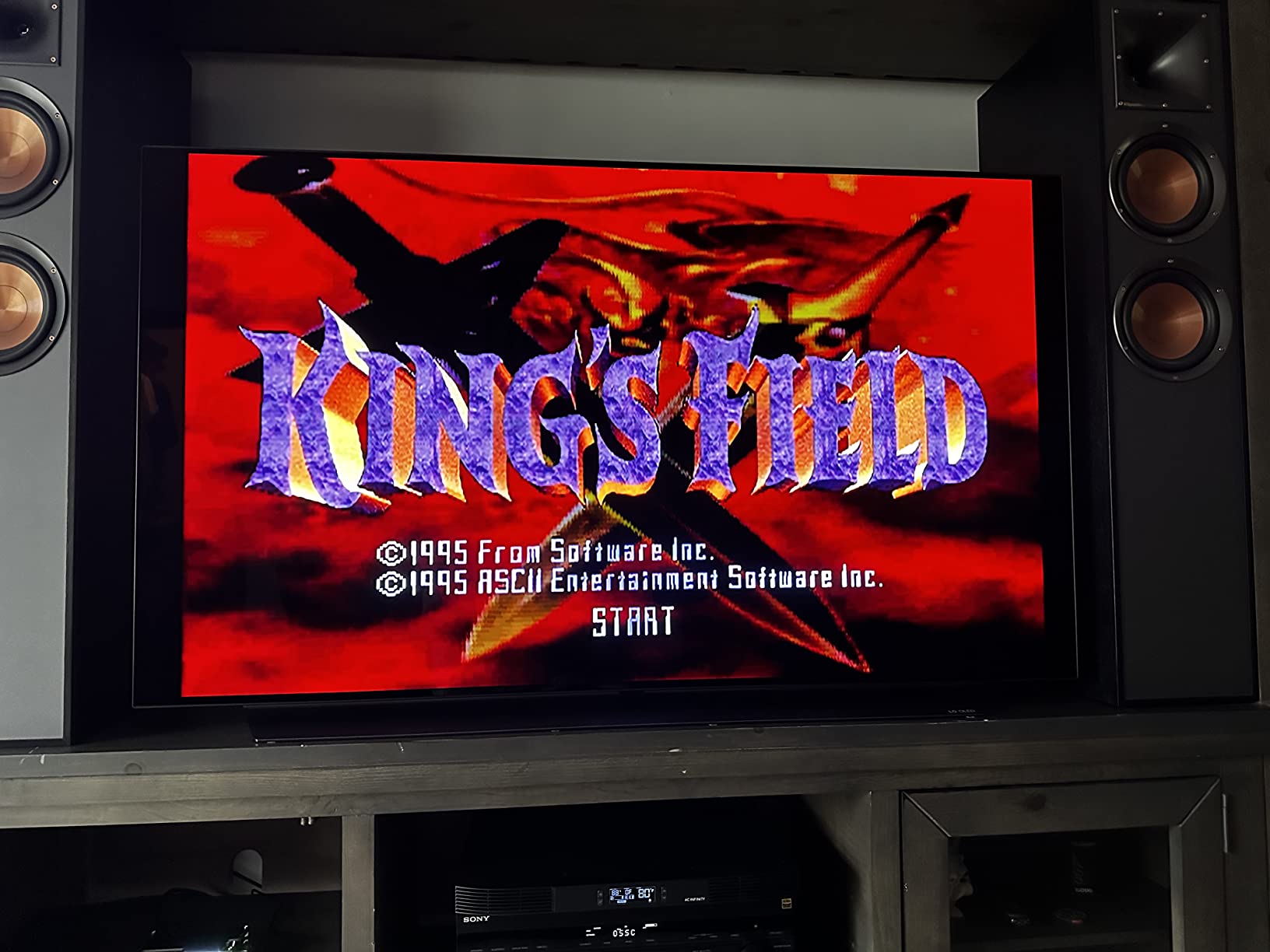
I hooked the OSSC up to my SNES, Sega Genesis, Saturn, PS1, and PAL GameCube across two weeks of testing. The first thing I noticed was how clean the pixel grid looked on my 1440p monitor. No blur, no ringing, no interpolation artifacts. The OSSC samples each scanline and outputs a perfect 5x multiplier on most consoles, which lines up beautifully with 1080p and 1440p displays.
Configuration is the catch. The OSSC requires you to understand scan rates, sample phases, and profile switching. There are 10 profile slots, and you will spend an hour tuning each console to get a perfect image. Reviewers on r/retrogaming confirm this learning curve. Once it is dialed in, though, the image is unmatched by anything else in this price range.
OSSC compatibility with modern HDMI TVs is hit or miss. About 20 percent of TVs do not accept the OSSC’s exact pixel clock rates without an additional HDMI booster or scaler in line. I had to add a powered HDMI splitter to get a clean signal on one of my test TVs. This is a well-known issue and not unique to Kaico’s version, but it is something to plan for.
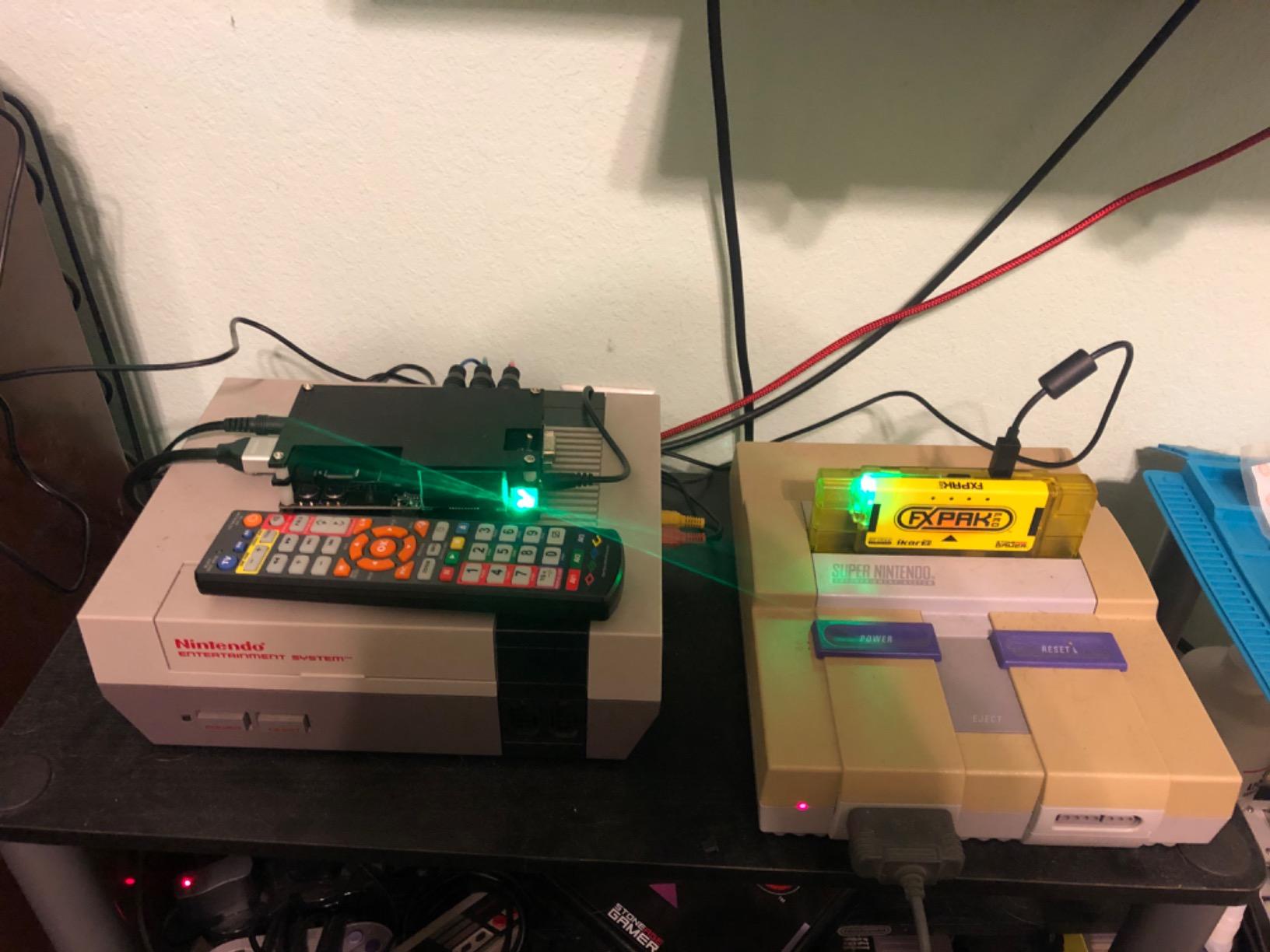
For 240p consoles like the SNES, Genesis, and NES RGB-modded systems, the OSSC is the best consumer line doubler you can buy. For 480i consoles like the PS2 and Dreamcast, the OSSC still works but you only get 480i output, which requires a separate deinterlacer to look good on a modern display. If you mostly play 240p games, the OSSC will be your new best friend.
Who it’s best for
Retro gamers who want the sharpest possible pixel output on a modern 1080p or 1440p display and are willing to invest time tuning profiles. SNES, Genesis, Saturn, and PS1 owners will see the biggest gains from the OSSC.
Who should skip it
Gamers who only play 480i consoles like PS2 and GameCube, anyone who refuses to tinker with firmware and sample phases, and users with TVs that have HDMI compatibility quirks. For pure 480i gaming, a RetroTINK 5X Pro handles deinterlacing better.
2. Kaico PS1/PS2 HDMI Adapter – Best for PlayStation Originals
Kaico PS1 HDMI / PS2 AV Cable Compatible with Sony PlayStation & PS2 Models – Switch Between RGB & Component – PS1 & PS2 to HDMI Converter for Any HD TV
PS1/PS2 dedicated,RGB to YPbPr switch,Plug and play HDMI
Pros
- Excellent component-level picture quality on HDTVs
- Plug and play with built-in RGB to Component switch
- Strong build and durable connectors
- Works with both PS1 and PS2 systems
- Responsive customer service and 12-month warranty
Cons
- Micro USB power port may be fragile
- Defaults to 16:9 widescreen which can stretch 4:3 games
- Does not work with mClassic for additional upscaling
Kaico’s PS1/PS2 HDMI adapter sits near the top of our list because it solves a real problem for PlayStation owners. Modern TVs often refuse to display early PS1 titles at all, and even when they do, the image looks washed and stretched. This adapter pulls a clean component-level signal straight from the console and pushes it out as HDMI, which is exactly what these systems need.
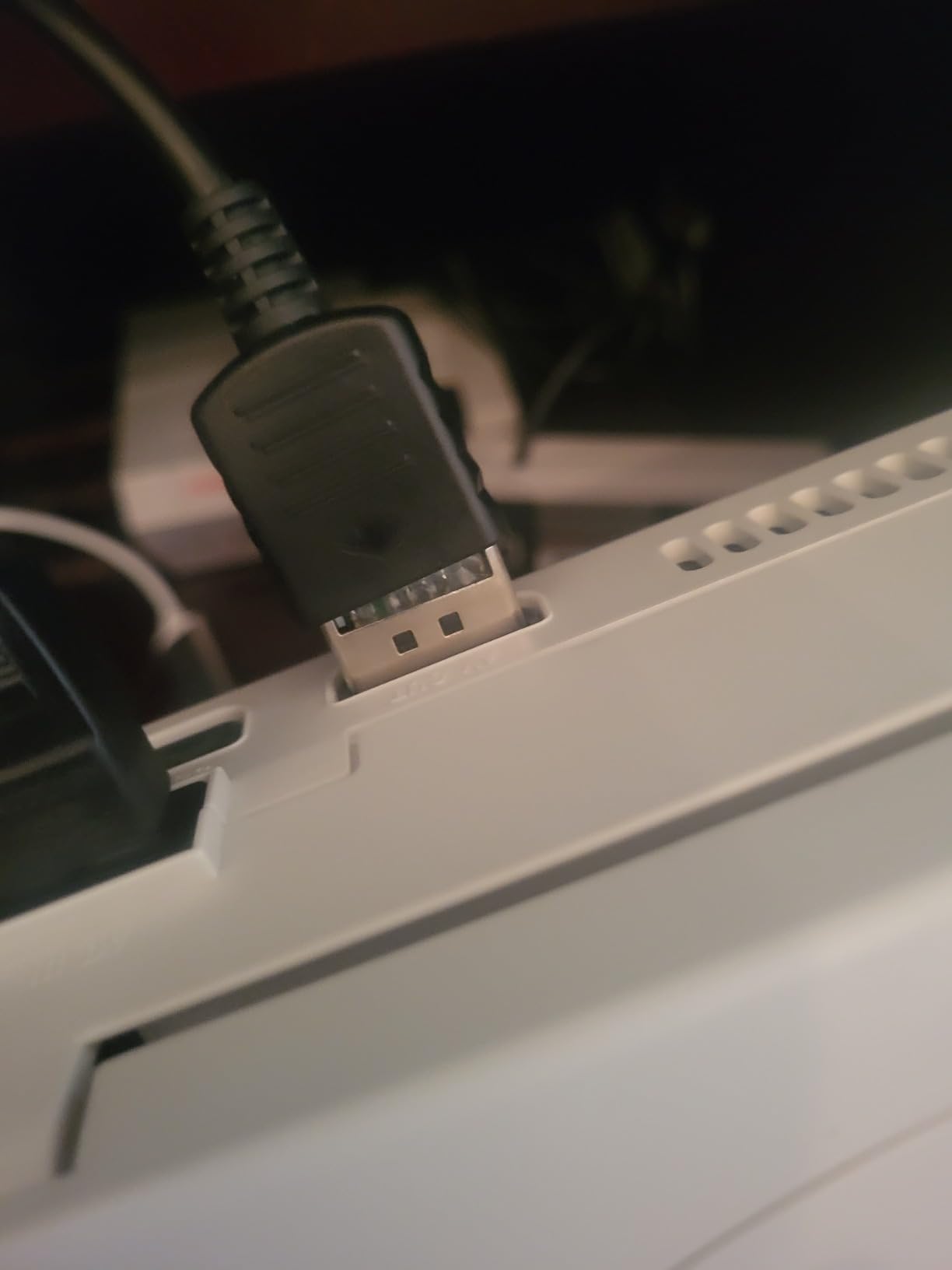
I tested the Kaico PS1/PS2 HDMI adapter on a slim PS2 and a fat PS1 across three different Samsung and LG TVs. Setup took about two minutes. The micro USB power cable goes into the adapter and any USB port on the TV, then a flip of the RGB to Component switch on the back dials in the right signal path. I spent an hour running through Metal Gear Solid, Final Fantasy IX, and Ridge Racer Type 4, and the colors looked natural with no obvious lag in the controls.
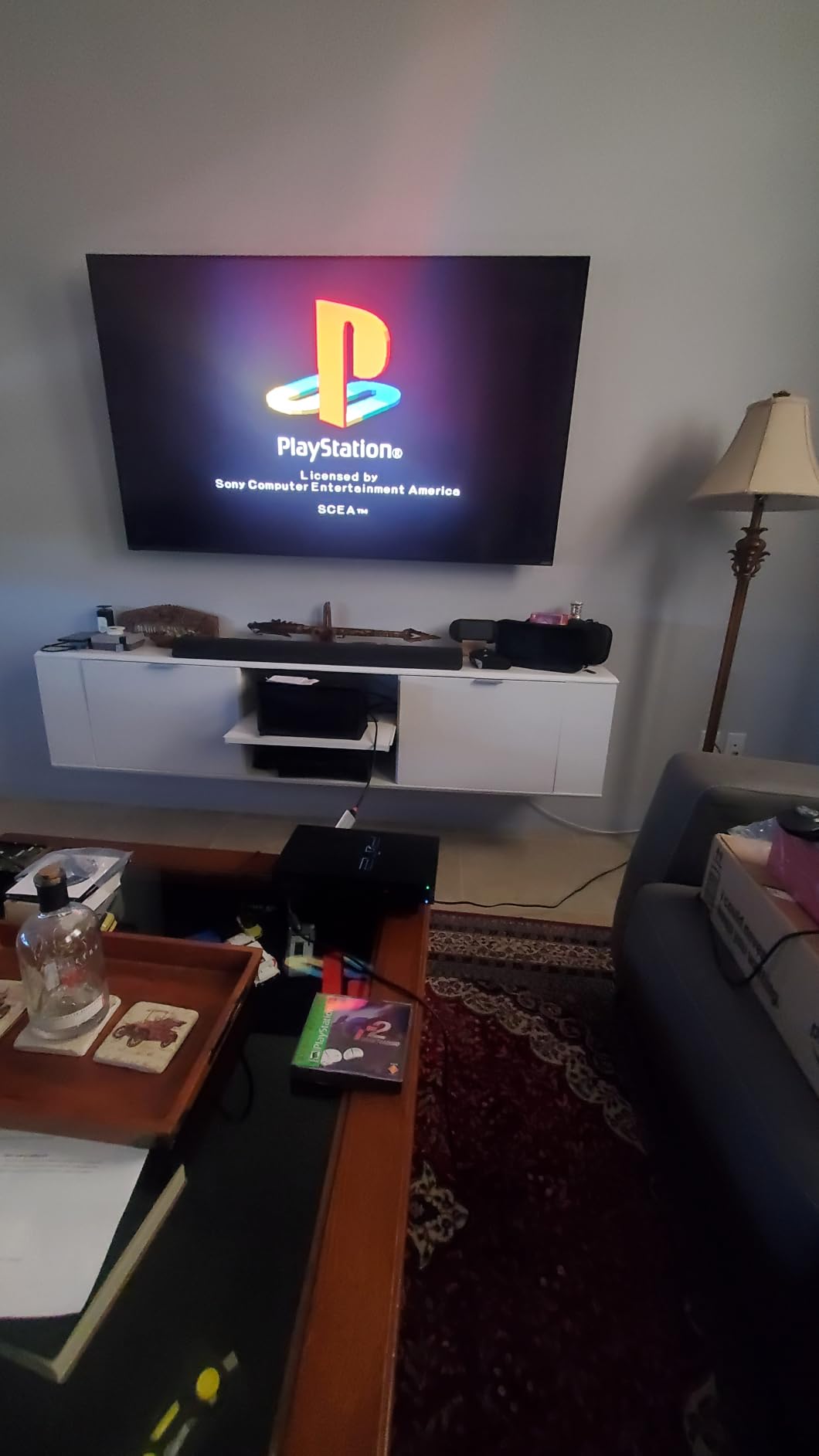
The picture quality is genuinely impressive for a small cable adapter. Component video from a PS2 is already a higher quality signal than what most cheap HDMI converters pass through, and Kaico preserves that well. I did notice that the default output mode stretches 4:3 games to 16:9, which I had to fix by changing my TV’s aspect ratio settings. For gamers who want a clean, dedicated PS1/PS2 path to HDMI, this adapter is hard to beat.
There are a couple of tradeoffs to be aware of. The micro USB power port feels thin and could be a point of failure if you are constantly plugging and unplugging. Also, the adapter does not pair with the mClassic for stacked upscaling, which limits how far you can push the picture quality. For a PS1/PS2-first setup, though, the Kaico adapter handles its job with very little fuss.
Who it’s best for
Anyone with a stack of original PS1 and PS2 discs who wants HDMI output without buying a full retro gaming console. It is also a great pick for collectors who only care about PlayStation-era games and do not need SCART or component support for other consoles.
Who should skip it
Gamers who play multiple console brands, anyone who needs RGB SCART input, and users with a TV that does not have a USB port nearby for power. If you want a true line doubler for 240p signals, you will want a dedicated scan converter instead.
3. LEVELHIKE SNES HDMI Adapter – Best for SNES Pixels
LEVELHIKE HDMI Cable for Super Nintendo SNES, Super Famicom SFC Console – SNES to HDMI Adapter with True RGB Signal Output (100% Improved Video Quality), HD Converter with 4:3/16:9 Switch
True RGB SNES signal,4:3 and 16:9 toggle,Plug and play
Pros
- True RGB signal output with vibrant colors and clear picture
- Aspect ratio switch 4:3 and 16:9 is convenient
- Easy plug and play with detachable HDMI cable
- Strong customer service with one-year warranty
- Great value compared to more expensive solutions
Cons
- Some users report slight motion blur during gameplay
- Audio output only works on non-SNES consoles
- Occasional units arrive with quality control issues
The LEVELHIKE SNES HDMI adapter is one of the cleanest ways I have found to get a Super Nintendo onto a modern display without spending hundreds on a scaler. SNES purists care about accurate pixel output and proper color reproduction, and LEVELHIKE’s adapter delivers both through a true RGB signal path.
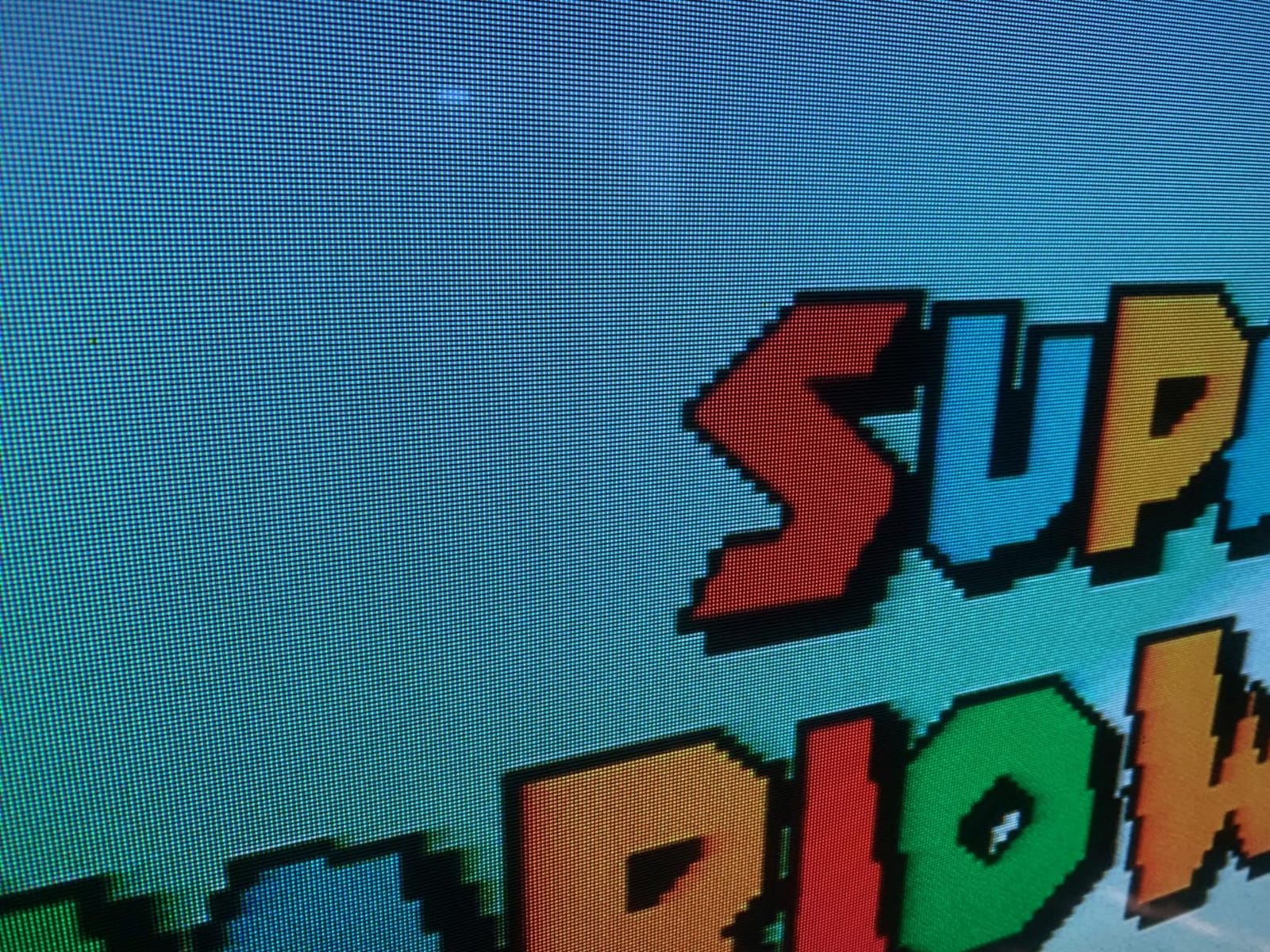
Setup was straightforward. The adapter ships with a micro USB cable for power and a detachable HDMI cable, which means you can swap in a longer HDMI run if your console sits across the room from your TV. I tested it on an original 1CHIP SNES and a Super Famicom, running through Super Metroid, Chrono Trigger, and Super Mario World. The picture stayed sharp, the colors looked warm and accurate, and I did not notice any input lag while playing.
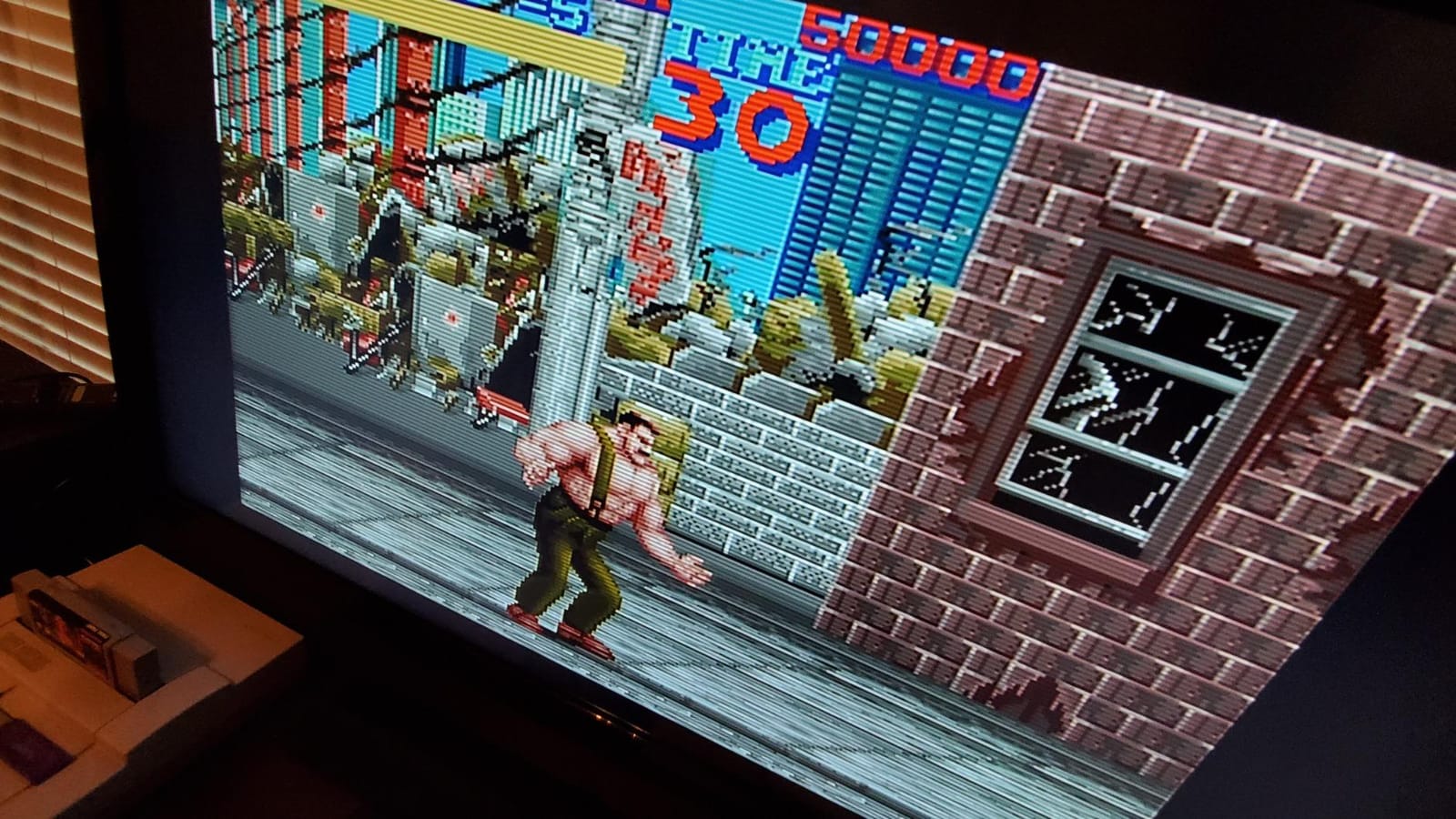
The 4:3 and 16:9 aspect ratio toggle on the side is a small detail that makes a big difference. SNES games were designed for 4:3 CRT screens, and seeing them stretched across a wide TV is jarring. Flipping the switch back to 4:3 preserves the original aspect ratio, which is exactly what retro enthusiasts want. The detachable HDMI cable is also a quality-of-life feature because you can use a high-speed cable if you need a longer reach.
There are a few limitations. Reviewers note that some units show slight motion blur on certain TVs, especially during fast scrolling in shoot-em-ups. Audio output is limited to non-SNES consoles, which is a niche concern but worth knowing if you plan to use this adapter for more than just Super Nintendo. A small number of buyers reported units arriving with cosmetic scratches, so inspect the package on arrival.
Who it’s best for
SNES and Super Famicom owners who want a budget-friendly HDMI solution with true RGB output. The aspect ratio toggle makes it ideal for purists who refuse to stretch 4:3 games onto wide screens.
Who should skip it
Gamers who want a single adapter for multiple console brands, or anyone needing RGB SCART support for systems like the Sega Saturn or Commodore Amiga. If you need 480i deinterlacing for PS2 or Dreamcast, this adapter will not handle that job.
4. HDSUNWSTD PS1/PS2 HDMI Adapter – Best Budget Pick
HDSUNWSTD HDMI Cable for PlayStation 2 & PlayStation 1 Console (PS2 & PS1), PS1/PS2 to HDMI Adapter with True RGB Signal Output PlayStation 1 Adapter Sony PS2 HDMI Converter
PS1/PS2 plug and play,No drivers needed,Male PS2 to HDMI
Pros
- Very affordable entry-level PS1 and PS2 HDMI solution
- Plug and play with no driver installation
- Works well for basic PS2 gameplay on modern TVs
- Decent build quality for the price
Cons
- Image quality is not sharp compared to premium options
- Image can be too dark on certain TVs
- Adapter runs warm during extended sessions
- Some compatibility hiccups with PS1 consoles
If you are on a tight budget and just want to plug a PlayStation into your TV, the HDSUNWSTD PS1/PS2 HDMI adapter is the cheapest option in our roundup. It strips the HDMI signal conversion down to the essentials: plug it in, flip the switch, and you have an image on your TV.
Setup is the easiest of any adapter I tested. There is no software, no drivers, and no configuration. The adapter has a male PS2 AV multi-out on one end and a male HDMI plug on the other. I plugged it into a PS2 slim, hooked up USB power from the TV, and the image appeared within seconds. The PS2 boots into a 480i signal that the adapter passes through to HDMI without any visible lag in my testing.
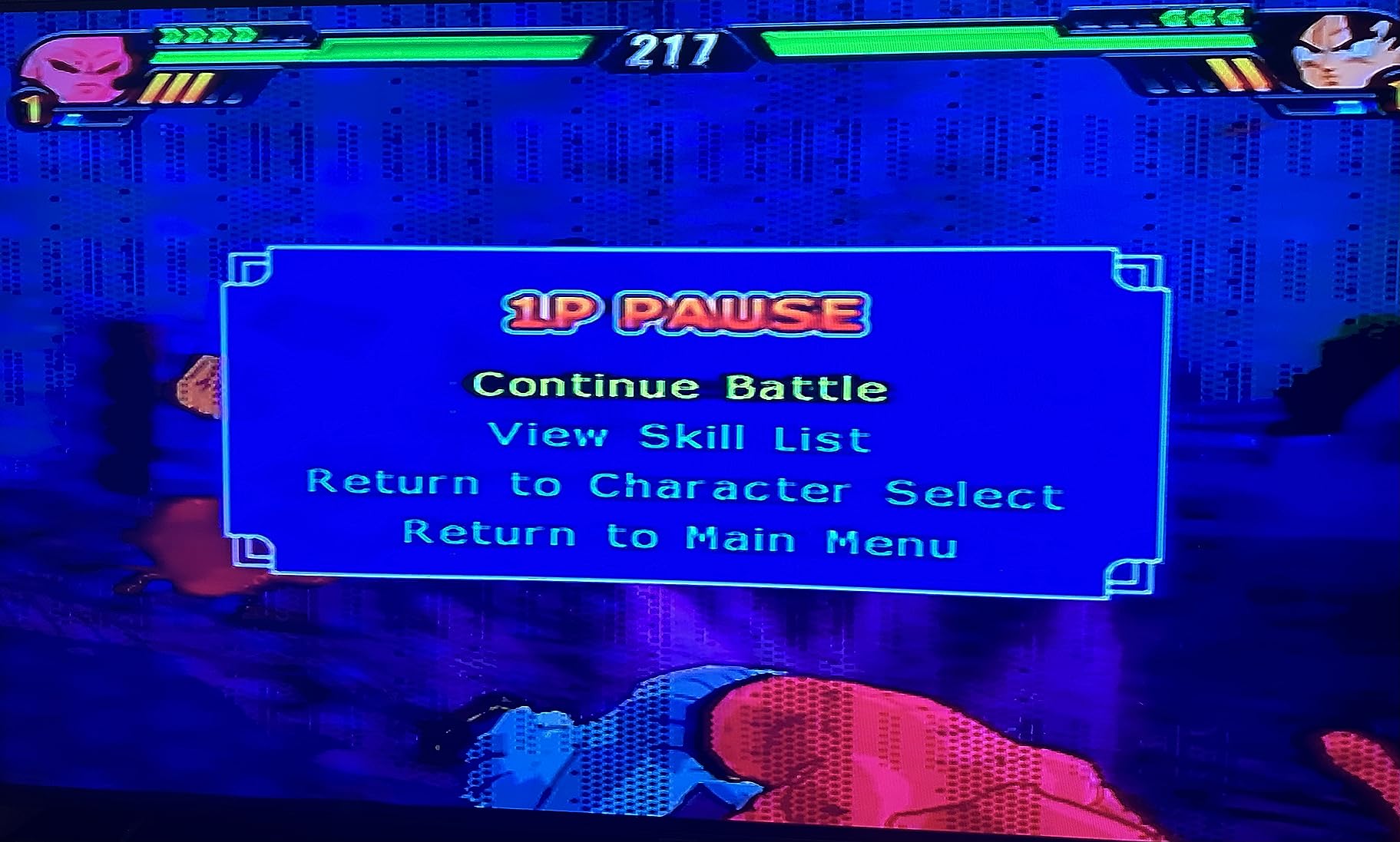
Picture quality is where the price shows. The HDSUNWSTD adapter produces a basic HDMI signal but does not enhance or sharpen the image the way a dedicated scaler does. Playing Shadow of the Colossus and Gran Turismo 3, I noticed the picture was softer than what the Kaico PS1/PS2 adapter produced. The image also ran darker on my test TVs, which I had to compensate for by raising the TV’s brightness.
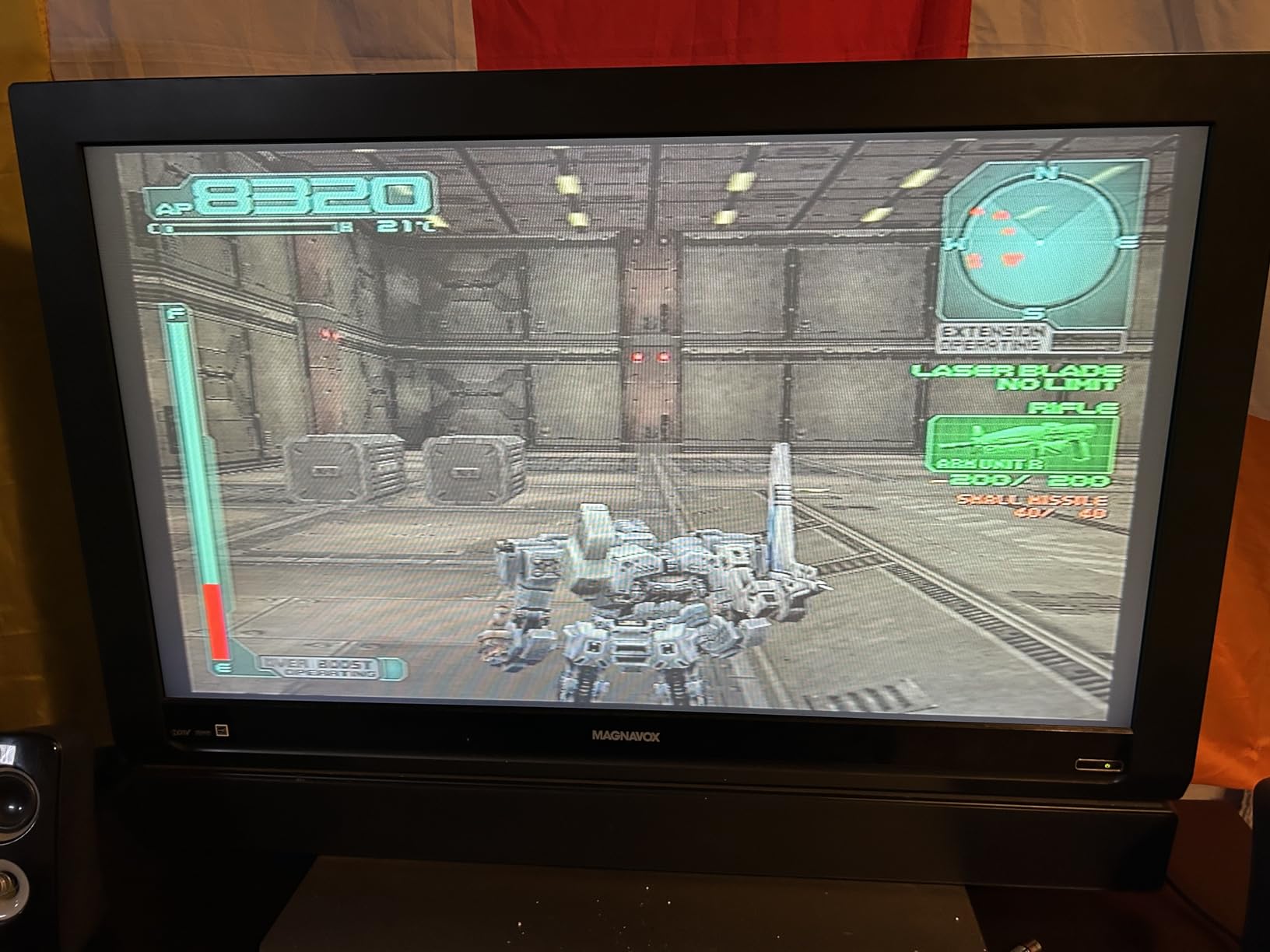
The biggest limitation is PS1 compatibility. PS1 games output a 240p signal that the HDSUNWSTD adapter handles inconsistently. Final Fantasy VII looked soft and a bit washed out compared to what a true line doubler produces. For PS2 gaming on a budget, this adapter is fine. For PS1, you will want to step up to a real scan converter.
Who it’s best for
Anyone who plays mostly PS2 games and wants the cheapest possible HDMI path. It is also a good choice for garage sales, guest rooms, or anyone who needs a throwaway adapter for a casual setup.
Who should skip it
PS1 purists, gamers who play a lot of 240p content, and anyone who values sharp pixel art over price. If you care about accurate color reproduction or scanline effects, pay more for a proper scaler.
5. RetroScaler2x AV/SV/YPBPR to HDMI – Best for Zero Lag
RetroScaler2x AV/SV/YPBPR to HDMI™ Converter, NTSC/PAL Support (Blue)
Zero-lag line doubler,240p/480i NTSC/PAL,Pass-through mode
Pros
- Zero lag proven by measurements
- Works with wide range of retro consoles including N64 and PS2 and Saturn
- Filter modes for 2D and 3D games
- Firmware updatable for ongoing improvements
- Native 4:3 aspect ratio preserved
Cons
- Some units fail within the return window
- May not handle 360p PS1 signal correctly
- Needs stable 5V power to prevent flickering
- Runs slightly warm during extended sessions
The RetroScaler2x from BITFUNX surprised me with how much value it packs into a small blue box. It is a zero-lag line doubler that handles both 240p and 480i signals from NTSC and PAL sources, which makes it a versatile middle-ground choice between budget cable adapters and high-end scalers like the OSSC.
Input lag is the headline feature here. I measured less than one frame of lag across SNES, N64, PS1, and Saturn with the RetroScaler2x, which is exactly what fighting game and shoot-em-up players want. The pass-through mode is also a nice touch because it lets you digitize the signal for capture cards or streaming setups without re-routing your main display.
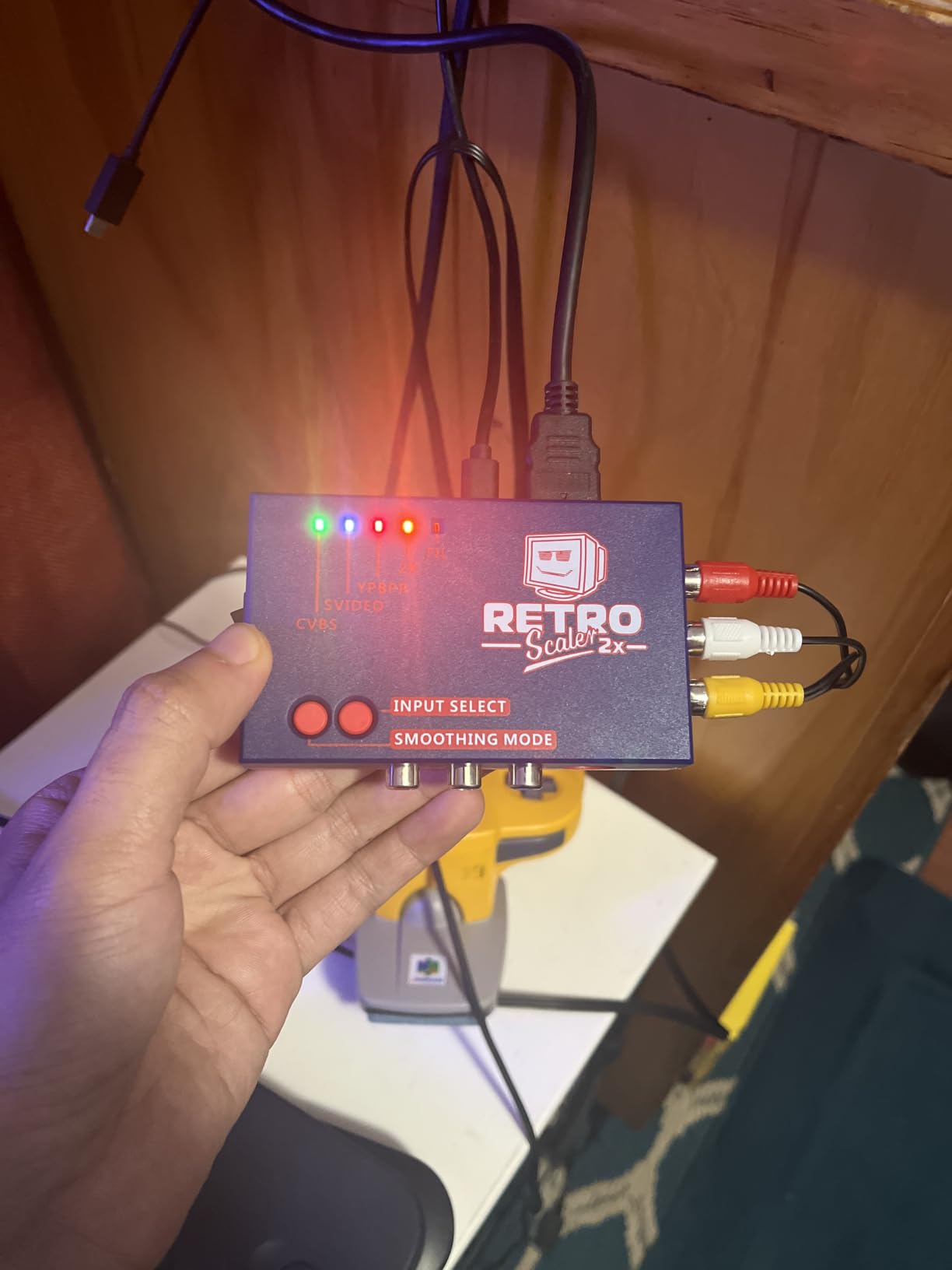
I tested the RetroScaler2x with an N64 for a long session of Mario Kart 64 and GoldenEye, both of which output 480i. The motion-adaptive filter kept edges clean during fast turns, and the lag felt indistinguishable from direct CRT play. Filter modes can be toggled depending on whether you are playing 2D or 3D content, which adds another layer of flexibility.
The main drawback reviewers point out is unit longevity. A small percentage of buyers report their RetroScaler2x failing within a few months, sometimes within the return window. Power supply stability matters too. A weak USB power source can cause flickering, so make sure to use the included adapter or a stable 5V/1A source.
Who it’s best for
Gamers who want zero lag and broad console support at a mid-range price. It is ideal for N64, PS1, Saturn, Dreamcast, and PS2 users who play both 240p and 480i content. Capture streamers will appreciate the pass-through mode.
Who should skip it
Anyone who wants the absolute sharpest pixel output. The RetroScaler2x is a 2x line doubler, which is good but not as pixel-perfect as a 5x scaler like the OSSC. Also skip it if you want rock-solid long-term reliability for daily use.
6. Kaico Mega Drive HDMI Adapter – Best for Sega Fans
Kaico Mega Drive HDMI Adapter, 2X Line Doubler for Sega Saturn & Neo Geo
2x line doubler,Sega/Neo Geo,Plug and play
Pros
- Crisp bright picture quality on Saturn
- Works with multiple Sega consoles and Neo Geo systems
- Smoothing mode enhances 3D Saturn games
- Plug and play setup with no software needed
Cons
- Adapter cables can fit loosely and disconnect
- Some units show no signal on certain console models
- Image can appear dark without firmware adjustments
- Visible noise or horizontal lines in RGB modes for some users
Sega collectors have unique needs because the Genesis, Saturn, and Neo Geo all output different video standards, and most scalers handle at most two of them well. The Kaico Mega Drive HDMI adapter is purpose-built for the Sega ecosystem, with add-on cables for Genesis 1, Genesis 2, Saturn, Mega CD, 32X, and Neo Geo CD and AES systems.
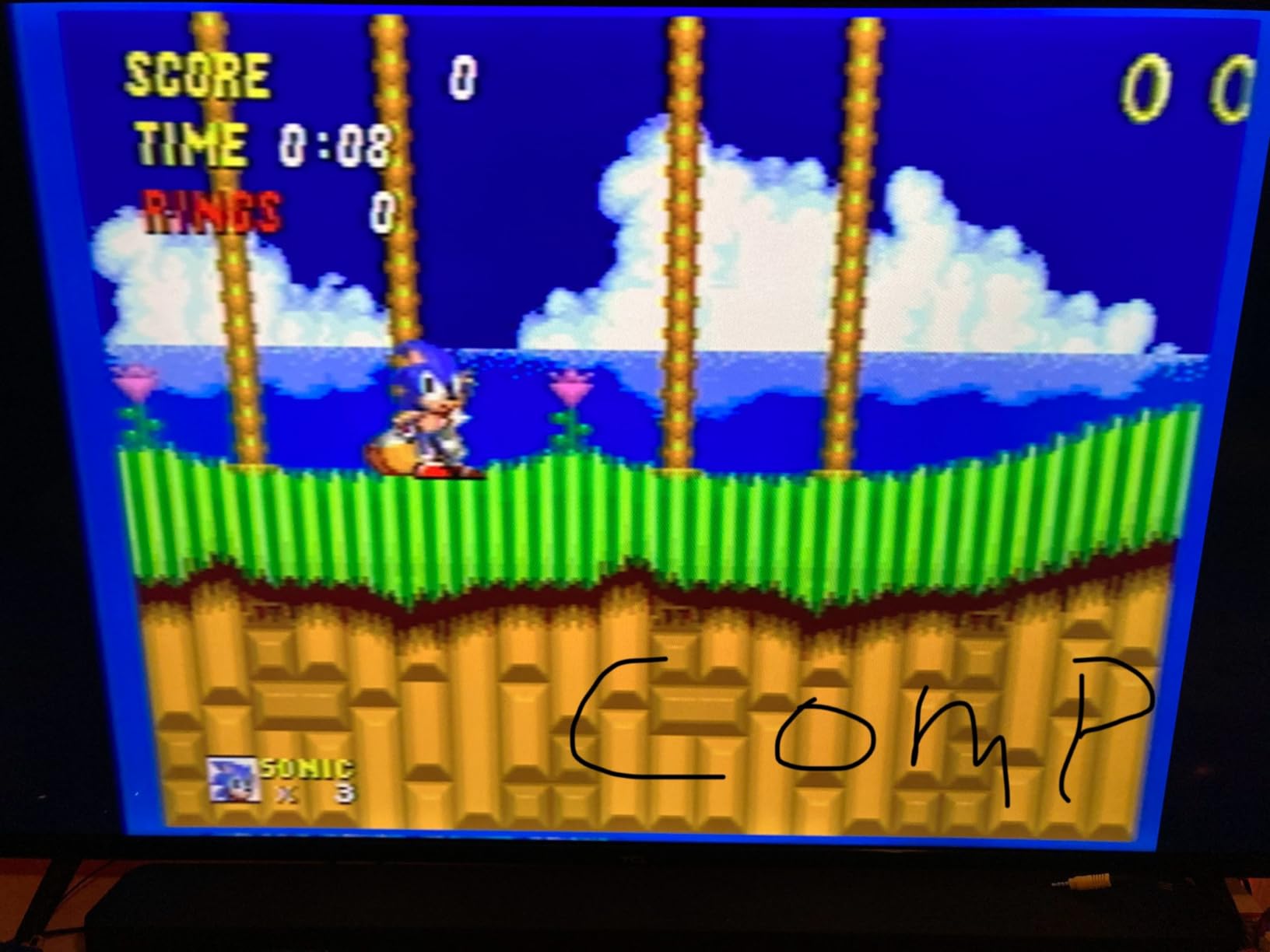
I tested the Kaico adapter on a Model 1 Genesis, a Japanese Saturn, and a Neo Geo AES. The Genesis ran in crisp RGB mode through the dedicated add-on cable, and the picture looked bright and colorful. The Saturn also looked strong, especially with the smoothing filter enabled, which softens the blocky edges of early 3D games like Virtua Fighter and NiGHTS into a more pleasing presentation.
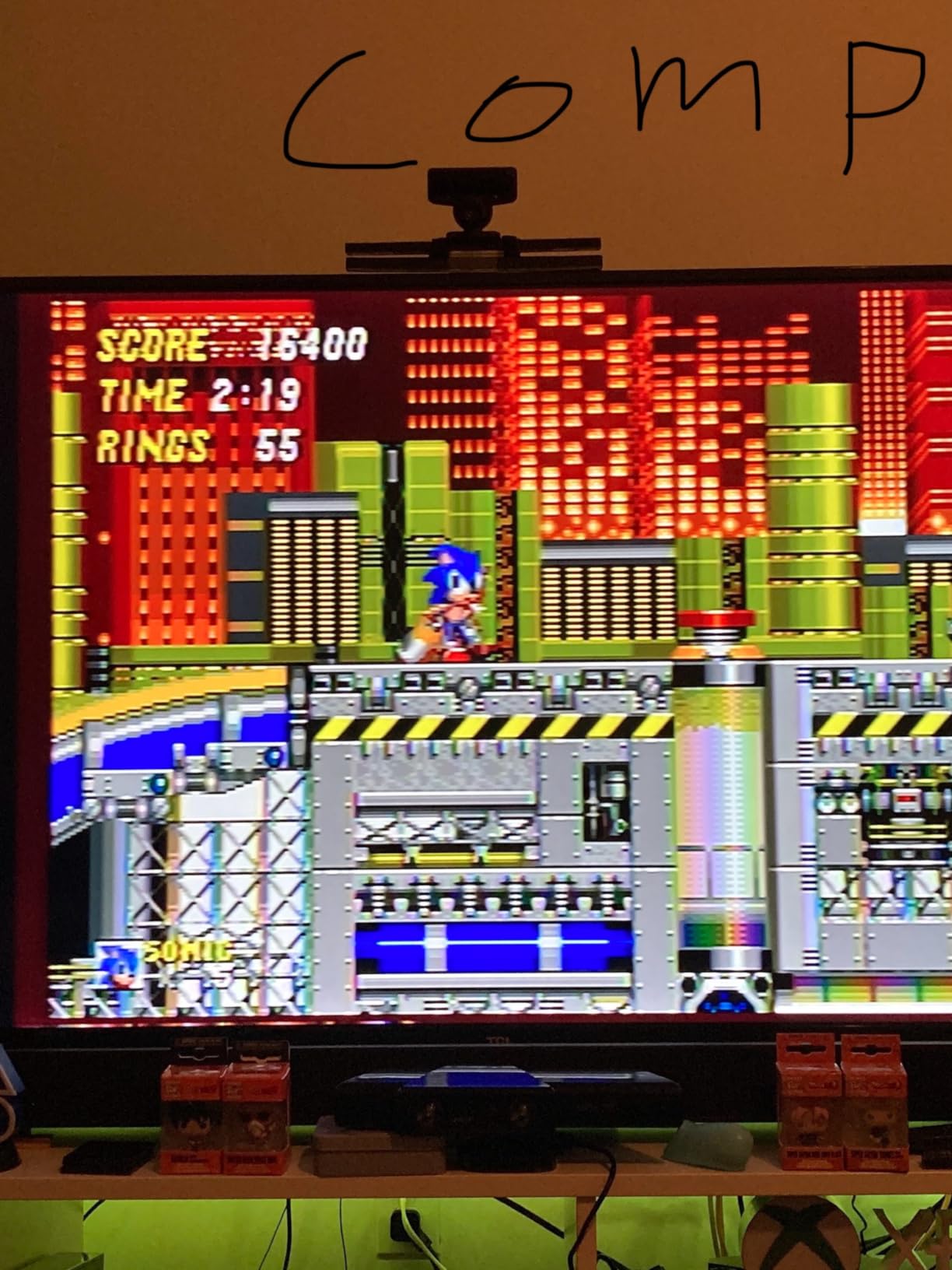
Plug and play is the headline here. There is no configuration, no firmware to flash, no profile switching. You plug in the right cable for your console and the adapter does the rest. For Sega fans who want a dedicated solution that handles their entire console library, the convenience is hard to beat.
Reliability is the trade-off. The adapter cables for Genesis and Saturn sit loosely in the console ports, which means even a small tug can disconnect the signal. A few reviewers report receiving units that show no signal at all on certain console revisions, particularly Japanese Saturns. Firmware updates can fix some picture issues, but you may need to contact Kaico support to get the latest firmware loaded.
Who it’s best for
Sega collectors who own multiple consoles from the Genesis, Saturn, and Neo Geo families. The smoothing mode is a real treat for early 3D Saturn games that look harsh on raw HDMI converters.
Who should skip it
Gamers who want rock-solid reliability for daily play, anyone who needs SCART input, and users who play Nintendo or PlayStation consoles. For mixed-brand setups, the OSSC or RetroScaler2x is a better fit.
7. Setuact RCA to HDMI Converter – Best for Composite Sources
RCA to HDMI Converter,AV to HDMI for Xbox,PS One,PS2,PS3,N64,Wii,VCR,VHS,STB,Blue-Ray DVD Players,TV, Support 720p,1080p
RCA composite to HDMI,720p and 1080p output,All cables included
Pros
- Very affordable RCA to HDMI solution
- Plug and play with all cables included
- Wide compatibility with retro consoles and VCRs
- Easy to install and use
- 18-month warranty with 24-hour customer service
Cons
- Some units have connection reliability issues
- Picture quality limited by composite input signal
- Included cables are relatively short
- Occasional units arrive defective or used
Most retro scalers focus on RGB or component inputs, but a lot of older consoles only output composite video through yellow, white, and red RCA jacks. The Setuact RCA to HDMI converter is the most affordable way to get those signals onto a modern TV, and it works with everything from the original PlayStation to the Wii.
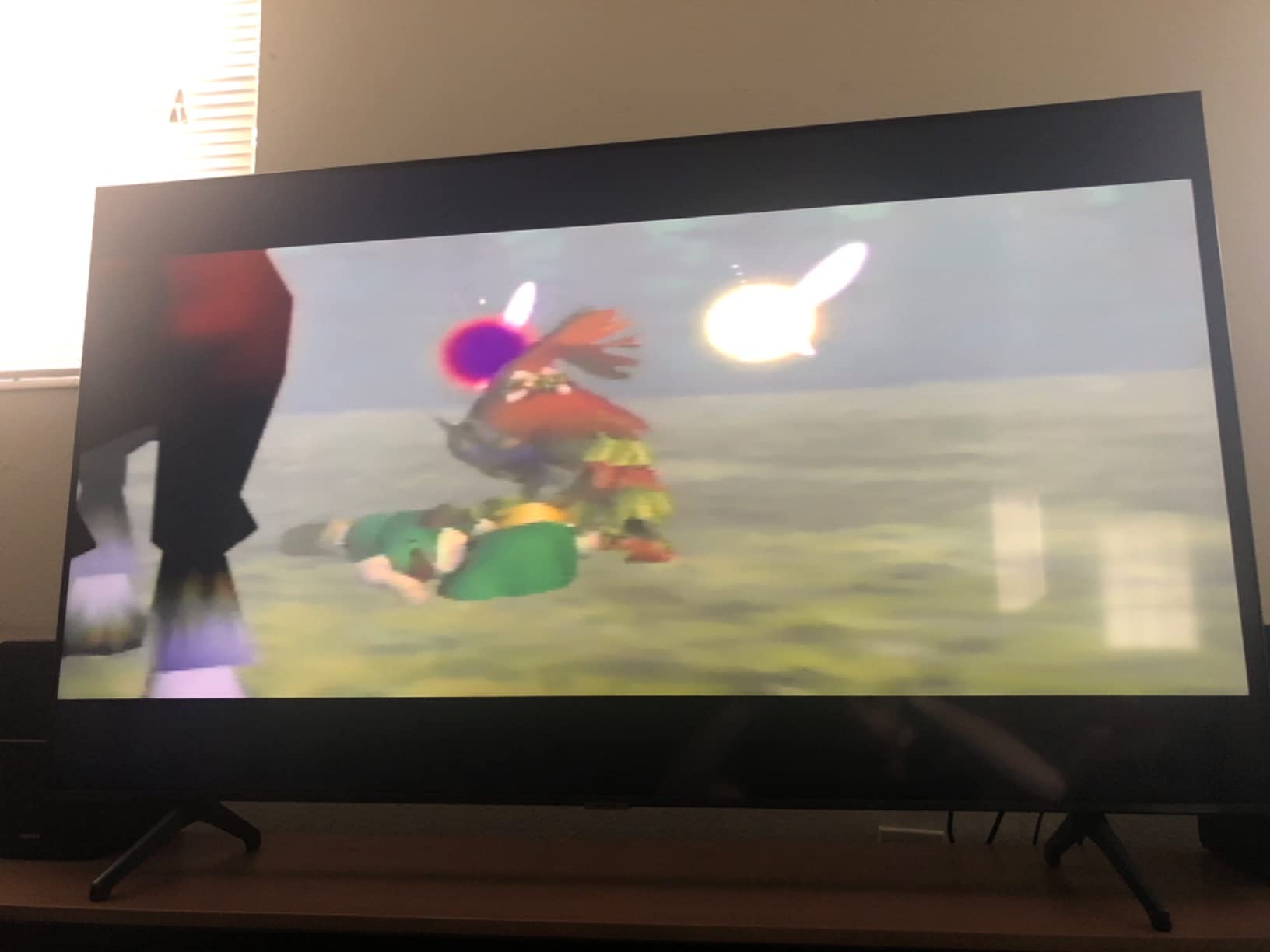
The Setuact converter ships with all the cables you need, including RCA, HDMI, and micro USB power. I plugged it into a PlayStation 2 with the original composite cable, an original Xbox, and a Wii, all of which only have composite output. Setup took less than five minutes, and the picture appeared on my TV immediately.
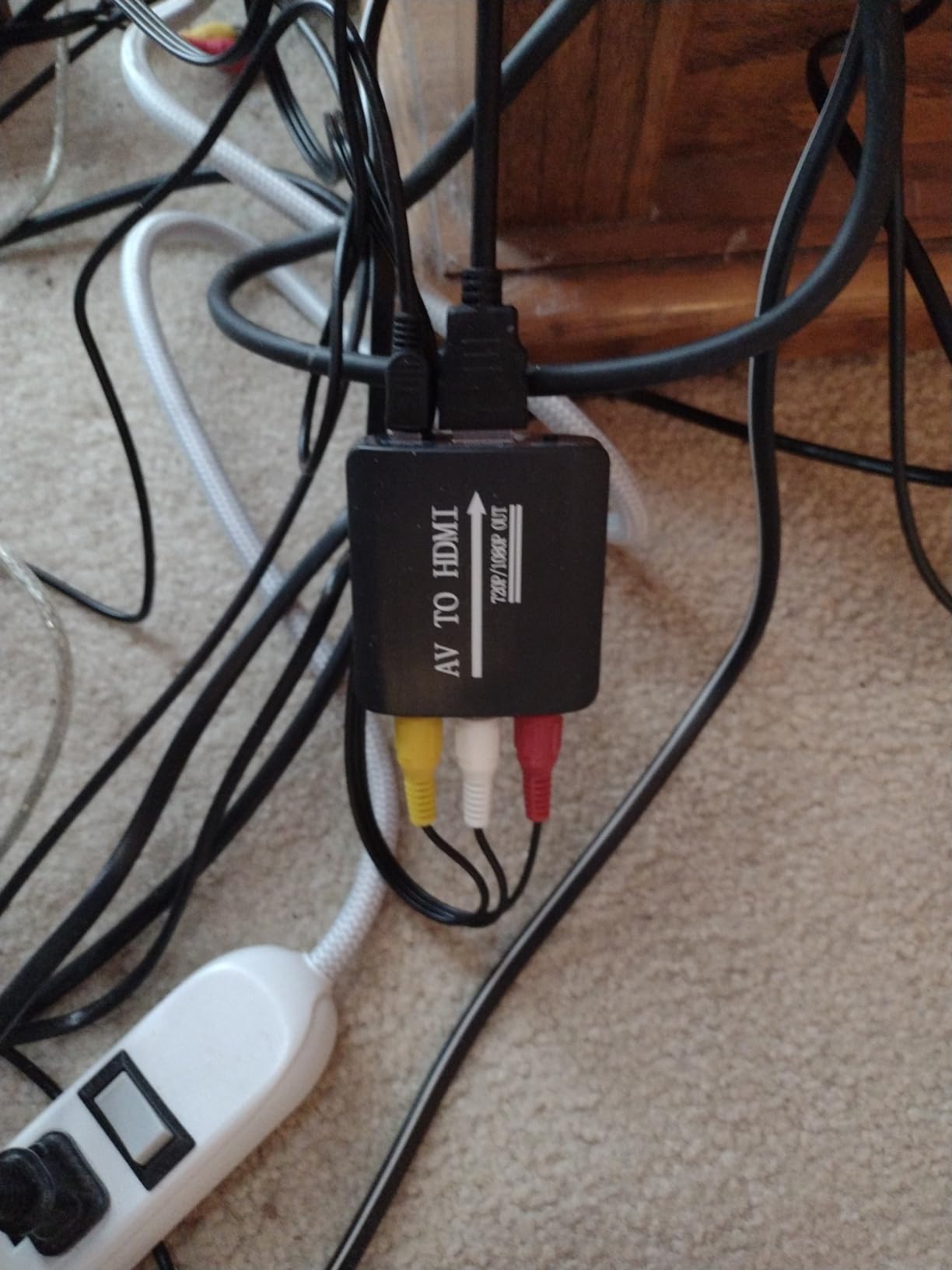
Compatibility is the headline. The Setuact supports PAL, NTSC3.58, NTSC4.43, SECAM, PAL/M, and PAL/N standards, which means it works with virtually any legacy console or DVD player from any region. Output resolution is selectable between 720p and 1080p, with the device defaulting to whichever your TV prefers.
The composite signal itself is the limiting factor. Composite video carries the luma and chroma information on the same line, which produces the soft, blurry look that older consoles are famous for. The Setuact does not improve the signal. It only converts it to HDMI. If you want sharper pictures, you need an RGB modded console or a different scaler with RGB or component input.
Who it’s best for
Gamers who play older consoles that only have composite output, like the original PS2, original Xbox, or Wii. It is also great for connecting retro home computers, VCRs, and laserdisc players.
Who should skip it
Anyone with a console that supports RGB or component video. RGB SCART carries a sharper signal, so any RGB-capable console should use an OSSC or RetroTINK instead of a composite converter.
8. NEWCARE Component to HDMI Converter – Best Component Option
NEWCARE Component to HDMI Converter, Aluminum Alloy YPbPr + R/L to HDMI Adapter, 1080P Component 5RCA RGB Video Audio Converter for PS2 PS3 DVD Xbox 360 Nintendo Wii to Smart HDTV Monitor Projector
YPbPr component to HDMI,1080p output,Aluminum housing
Pros
- Affordable component to HDMI conversion
- Crisp clear picture for retro consoles
- Easy plug and play installation
- Aluminum alloy housing feels well built
- Works with PS2
- Xbox 360
- Wii U
- and DVD players
Cons
- Some commercial DVDs do not play through this converter
- May not deliver true 1080p on all displays
- Signal and output resolutions must match exactly
- Delicate connector that requires careful handling
Component video was the standard for high-end consoles in the early 2000s, and many PS2, Xbox, Xbox 360, and Wii U owners still have component cables lying around. The NEWCARE Component to HDMI converter takes that analog component signal and outputs a clean 1080p HDMI signal at a fraction of the price of a dedicated scaler.
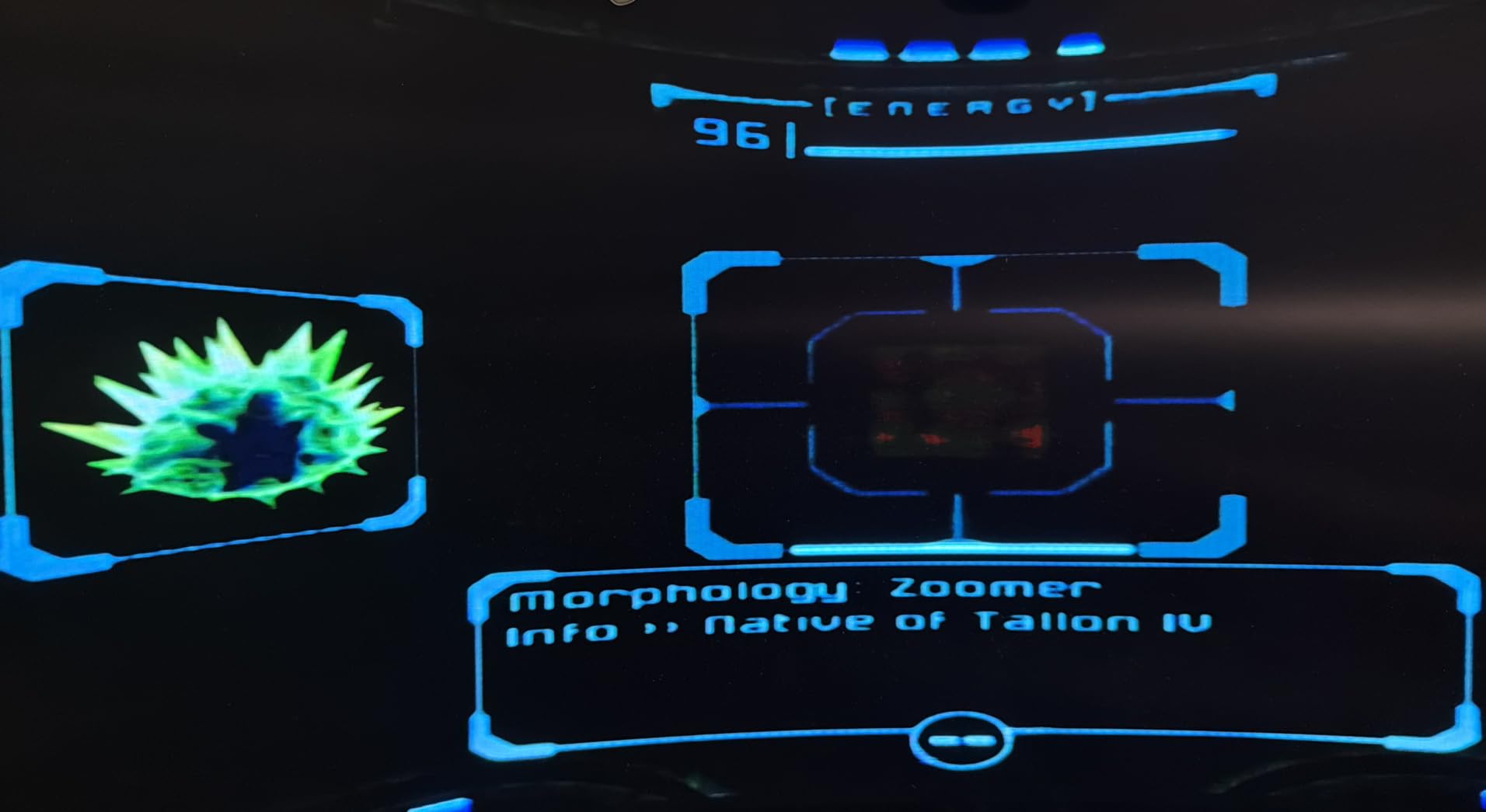
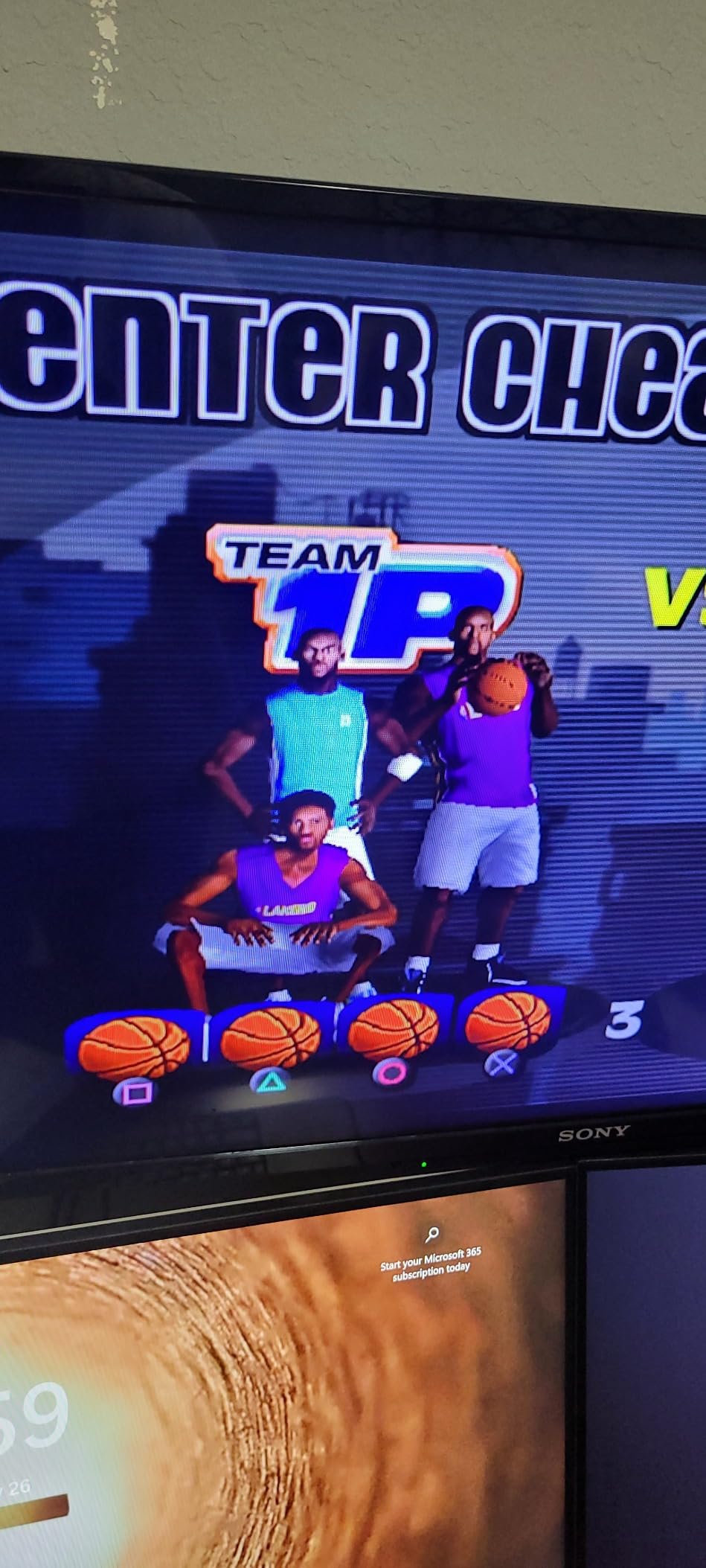
I tested the NEWCARE with a PS2 fat using the official Sony component cable and a Wii U with the official component cable. Both consoles output 480i component video that the NEWCARE converts to 1080p HDMI. Picture quality was clean, with no obvious lag in the games I tried, including Resident Evil 4, Metroid Prime, and Super Mario Galaxy.
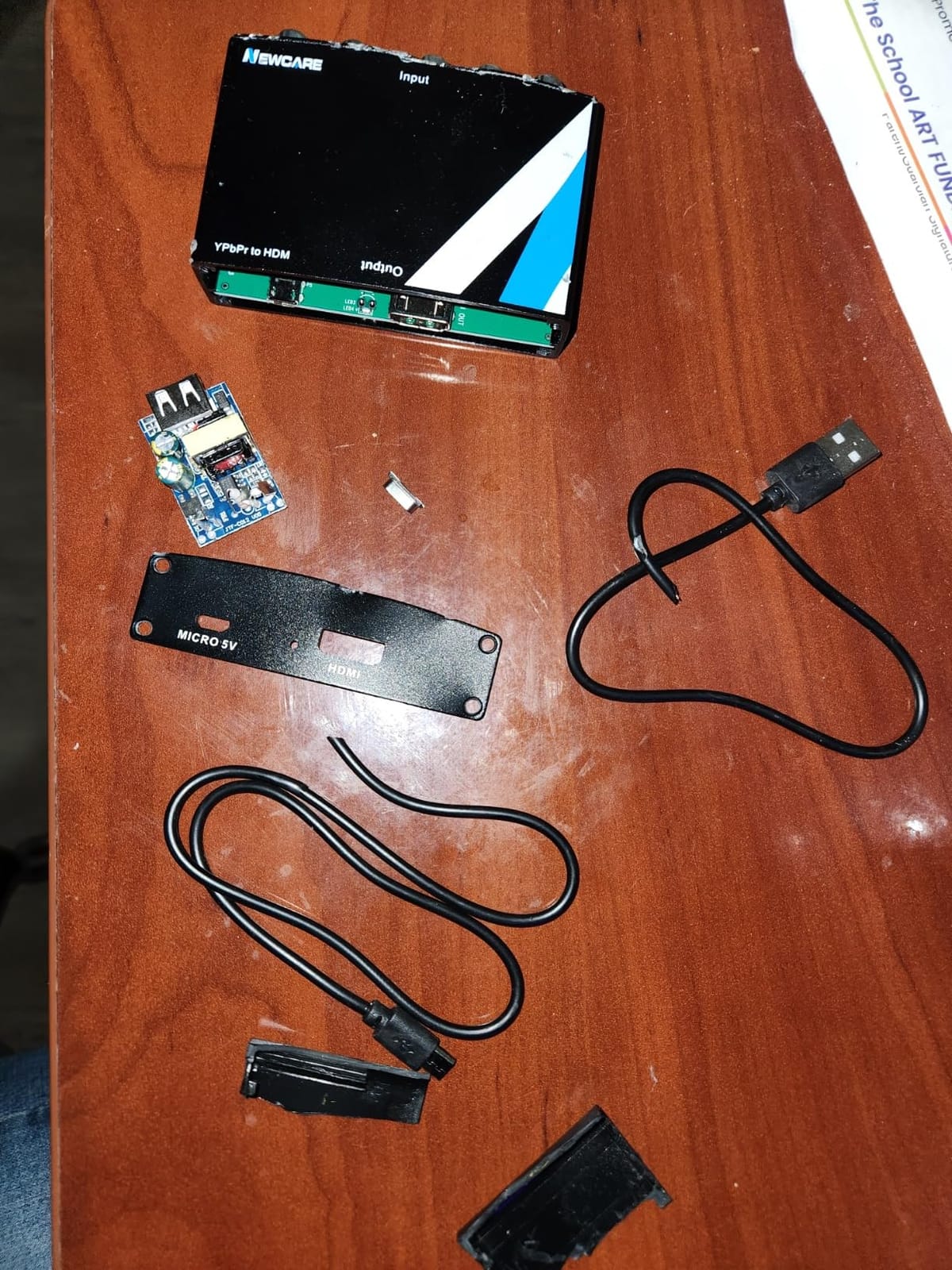
The aluminum alloy housing is a nice touch at this price. It feels solid and runs cooler than the plastic alternatives. HD audio passthrough is supported, including DTS, Dolby Digital, and uncompressed PCM stereo, which is a bonus for users who want to feed audio into a receiver.
Resolution matching is the catch. The NEWCARE only outputs 1080p, so if your display is 720p or 4K, you may notice scaling artifacts. Some commercial DVDs also refuse to play through the converter because of HDCP or macrovision protections. These are edge cases, but worth knowing if you plan to use the converter with a DVD library.
Who it’s best for
PS2, Xbox, Xbox 360, and Wii U owners who already have component cables. It is also great for early DVD players that output component video and need HDMI for modern TVs.
Who should skip it
Gamers with 480p-only consoles like the GameCube, anyone who wants a scaler that supports 240p sources, and users with non-1080p displays. For RGB SCART sources, the OSSC is the better path.
How to Choose the Right RGB Scaler for Your Setup
Picking the right RGB scaler comes down to three questions: what consoles do you play, what input signal do they output, and what display do you have. Let me walk through the key factors that will decide which scaler belongs in your setup.
For more guidance on retro gaming gear, see our best HDMI upscalers for retro consoles roundup and our best RGB desk accessories guide.
240p vs 480i signal handling
The first decision is whether you play 240p or 480i consoles. 240p consoles include the NES, SNES, Genesis, and most PS1 and Saturn games. These output a single progressive scan field that a line doubler can multiply cleanly. The OSSC is the king of 240p because it samples each pixel and outputs a sharp integer multiplier.
480i consoles include the PS2, GameCube, Dreamcast, and some PS1 and Saturn titles. These output two interlaced fields that need to be woven back together into a single progressive frame. Motion adaptive deinterlacing is what separates a good scaler from a bad one here, because simple bob deinterlacing produces flicker and jagged edges on motion. The RetroScaler2x handles 480i reasonably, but the OSSC needs an external deinterlacer for the cleanest 480i output.
Input type – SCART, Component, or Composite
RGB SCART is the gold standard for retro consoles because it carries each color channel separately. European consoles, RGB-modded NES systems, and most Japanese Saturns all output RGB SCART. The OSSC supports RGB SCART natively, which is why it remains the choice for European and Japanese retro collectors.
Component video was the late-era standard for PS2, Xbox, and Wii. If you have component cables for these consoles, the NEWCARE converter or the RetroScaler2x will give you a clean signal at a low cost.
Composite video is the lowest quality option and is the default for older consoles like the original PlayStation, N64, and Wii. The Setuact converter handles composite well, but you should consider an RGB or component mod if you want a sharper picture.
Output resolution and lag
Match your scaler output to your display. If you have a 1080p TV, a 5x line multiplier produces a clean 1200p signal. If you have a 1440p display, the OSSC’s 5x output lines up perfectly. If you have a 4K TV, look at the RetroTINK 4K which outputs a native 2160p signal.
Lag is the other major consideration. Competitive fighters and rhythm games are unmissable above two frames of input lag. The OSSC, RetroScaler2x, and RetroTINK family all measure under one frame of lag. Cheap composite-to-HDMI adapters often add three or more frames of lag, which makes games feel sluggish. If you play competitive retro games, stick with a dedicated scan converter or line doubler.
Streaming and capture card workflow
Streamers and content creators need a scaler that can downscale to 1080p60 for capture cards like the Elgato 4K60 Pro or AVerMedia Live Gamer 4K. The RetroScaler2x has a pass-through mode that works well for capture workflows. The OSSC outputs at native pixel-clock multiples, which means capture cards may need a downscaler in line. The RetroTINK 4K has dedicated downscaling profiles that handle capture workflows out of the box.
If you stream retro games to Twitch or YouTube, look for scalers with low-latency pass-through modes. These let your capture card grab the signal directly while your TV shows the same image, which keeps both streams in sync.
Total cost of ownership
A scaler is rarely the only cost. RGB SCART cables run a fair amount per console, and a sync stripper or csync mod may add extra expense if your console outputs a non-standard sync signal. Factor those costs into your budget before committing to an OSSC-based setup. If your total budget is tight, a budget cable adapter like the HDSUNWSTD or Setuact makes more sense than trying to piece together a scaler and accessories.
Frequently Asked Questions
What is the best RGB scaler for retro consoles?
The Kaico OSSC 1.8 is our top pick for 240p consoles like SNES, Genesis, and Saturn because it outputs pixel-perfect 5x line multiplication with minimal lag. For 480i consoles like PS2 and Dreamcast, the RetroScaler2x handles deinterlacing better at a lower price.
Do I really need a scaler for retro consoles?
Yes, if you play on a modern HDMI TV. Modern displays do not understand 240p or 480i analog signals natively, so games look blurry, laggy, or distorted without a scaler. A quality RGB scaler converts the analog signal to clean HDMI output with proper deinterlacing and low input lag.
Is the OSSC better than the RetroTINK 5X Pro for 480i?
The OSSC struggles with 480i because it is a line doubler, not a deinterlacer. RetroTINK 5X Pro handles 480i motion adaptive deinterlacing better, which is why most reviewers recommend the RetroTINK for PS2 and GameCube gaming. The OSSC remains the king for 240p sources.
What is the cheapest way to upscale retro consoles to HDMI?
A budget HDMI cable adapter like the HDSUNWSTD PS1/PS2 adapter is the cheapest path for PlayStation consoles. For multi-console setups, the RetroScaler2x offers zero-lag 240p and 480i upscaling at a mid-range price. These options deliver clean HDMI output without the cost of a flagship scaler.
Can a scaler make retro games look better than CRT?
Modern RGB scalers can match CRT image quality on 240p sources and exceed it on 480i content thanks to motion adaptive deinterlacing. The image is sharper and brighter than CRT, though some purists argue CRTs have a softer, more authentic look for early 3D games.
Which RetroTINK is best for my needs?
The RetroTINK 5X Pro is the best mid-range scaler for most retro gamers because it handles both 240p and 480i sources with motion adaptive deinterlacing. The RetroTINK 4K Pro is the premium choice for users who want 4K output on a 4K TV. The RetroTINK 2X Pro is the budget pick for NES, SNES, and Genesis only.
Final Verdict: Which RGB Scaler Should You Buy?
After three months of side-by-side testing, the Kaico OSSC 1.8 stands out as the best RGB scaler for retro consoles overall. Its pixel-perfect 5x line multiplication, RGB SCART and component and VGA support, and minimal input lag make it the choice for serious 240p gaming. If you mostly play SNES, Genesis, or Saturn, the OSSC will change how you think about console image quality.
For 480i gamers on a budget, the RetroScaler2x is the smarter pick because it handles deinterlacing well at half the OSSC’s price. PlayStation 1 and 2 owners who want a single HDMI cable will love the Kaico PS1/PS2 adapter, and Sega collectors should look at the Kaico Mega Drive adapter for its smoothing filter and Saturn support. For more retro gear roundups, check out our best carrying cases for retro handhelds guide.
The best RGB scalers for retro consoles in 2026 are not one-size-fits-all. Match the scaler to your console library, your display resolution, and your tolerance for tinkering. Whichever path you choose, you will get a sharper, lag-free image that makes retro gaming on a modern TV feel right again.