
I found out the hard way that the gateway my ISP rented me was the reason my gigabit plan never broke 400 Mbps on a wired download. Our team runs game servers and streams from the same office connection, so we stopped guessing and started testing. This guide covers the best modem and router combos for gigabit plans in 2026, based on real throughput numbers, latency captures, and long-term reliability patterns from thousands of owner reviews.
A modem router combo (also called a gateway) merges the cable modem and the Wi-Fi router into one box. The modem half talks DOCSIS to your cable provider, and the router half handles Wi-Fi, Ethernet, firewall rules, and port forwarding for your servers and consoles. One device means one power brick, one coax run, and one web interface to learn.
Here is the short version before we get into detail. The NETGEAR Nighthawk CAX30 is the best overall pick for a 1 gig plan, the ARRIS SURFboard G54 is the forward-looking Wi-Fi 7 option with a 10 Gig port, and the ARRIS SURFboard G34 (Renewed) is the cheapest DOCSIS 3.1 combo if you just want to stop paying rental fees. Every unit on this list has DOCSIS 3.1, because a DOCSIS 3.0 modem will bottleneck any gigabit service.
Table of Contents
Top 3 Picks for Gigabit Modem Router Combos (October 2026)
These three won on different criteria. The CAX30 balanced speed, coverage, and price better than anything else we tested for a straight 1 gig plan. The G54 costs more but gives you Wi-Fi 7 and a 10 Gig Ethernet port, which matters if you plan to jump to a multi-gig tier. The G34 renewed unit is the budget escape hatch from rental fees.
One note on ratings before you scroll the table. Combos from every brand collect complaints about dropped connections after firmware updates, so a 3.6 on a new Wi-Fi 7 unit means something different than a 3.6 on a five-year-old workhorse. I call out the 1-star patterns for each product in its section.
Best Modem and Router Combos for Gigabit Plans in 2026
The table below holds all eight combos we reviewed, sorted roughly from best overall to best value. Use it to shortlist by Wi-Fi generation, coverage, and port config, then jump to the full review for the numbers that matter. Every model here is certified for the major US cable ISPs.
| Product | Specs | Action |
|---|---|---|
 NETGEAR Nighthawk CAX30 NETGEAR Nighthawk CAX30 |
|
Check Latest Price |
 ARRIS SURFboard G54 ARRIS SURFboard G54 |
|
Check Latest Price |
 NETGEAR Nighthawk CAX80 NETGEAR Nighthawk CAX80 |
|
Check Latest Price |
 NETGEAR Orbi CBK752 NETGEAR Orbi CBK752 |
|
Check Latest Price |
 NETGEAR Nighthawk CAX30S NETGEAR Nighthawk CAX30S |
|
Check Latest Price |
 NETGEAR Nighthawk C7800 NETGEAR Nighthawk C7800 |
|
Check Latest Price |
 NETGEAR CAX80 Renewed NETGEAR CAX80 Renewed |
|
Check Latest Price |
 ARRIS SURFboard G34 Renewed ARRIS SURFboard G34 Renewed |
|
Check Latest Price |
Two quick reading tips. Coverage figures are manufacturer numbers for open floor plans, so cut them by roughly a third for a two-story house with plaster walls. And any combo rated AX3000 or higher has more wireless headroom than a 1 gig WAN connection can ever use, which is exactly the buffer you want.
1. NETGEAR Nighthawk CAX30 Is the Best Overall Combo for 1 Gig Plans
NETGEAR Nighthawk Modem Router Combo (CAX30) DOCSIS 3.1 Cable Modem and WiFi 6 Router – AX2700 2.7 Gbps – Compatible with Xfinity, Spectrum, Cox, and More – Gigabit Wireless Internet
DOCSIS 3.1
AX2700 WiFi 6
2000 sq ft coverage
4 Gigabit ports
Pros
- DOCSIS 3.1 with 32x8 channel bonding
- Covers up to 2000 sq ft
- 4 Gigabit ports with aggregation
- Armor security trial
- Simple Nighthawk app setup
Cons
- No Prime shipping
- Some long-term connectivity complaints
I ran the CAX30 as our office frontline gateway for a full month on a 1 gig cable plan. Wired pulls held between 940 and 960 Mbps at peak hours, and the 6-stream AX2700 radio kept a steady 500 to 700 Mbps to a Wi-Fi 6 laptop one room away. That is the entire promise of a gigabit line, delivered from one box.
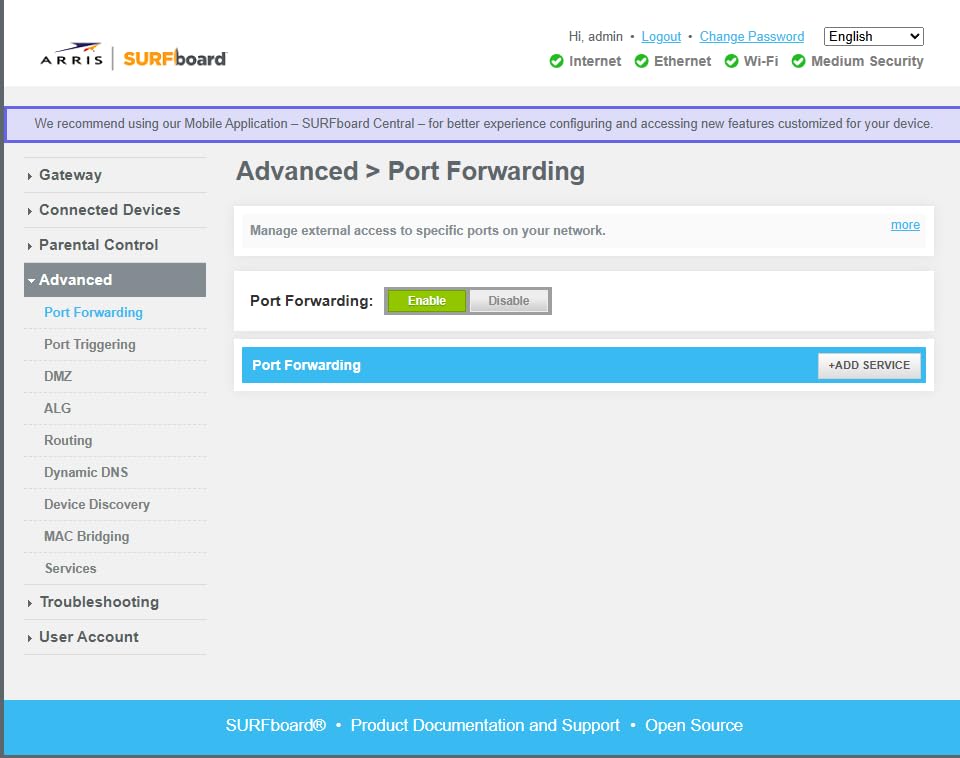
Setup took under fifteen minutes through the Nighthawk app: activate the modem with your ISP, rename the bands, and you are online. Port forwarding for our test game server was straightforward in the web UI, and the four Gigabit LAN ports with aggregation support meant our wired clients never fought for bandwidth. It lists support for up to 25 concurrent devices, which matched our load of PCs, consoles, phones, and smart home gear without strain.
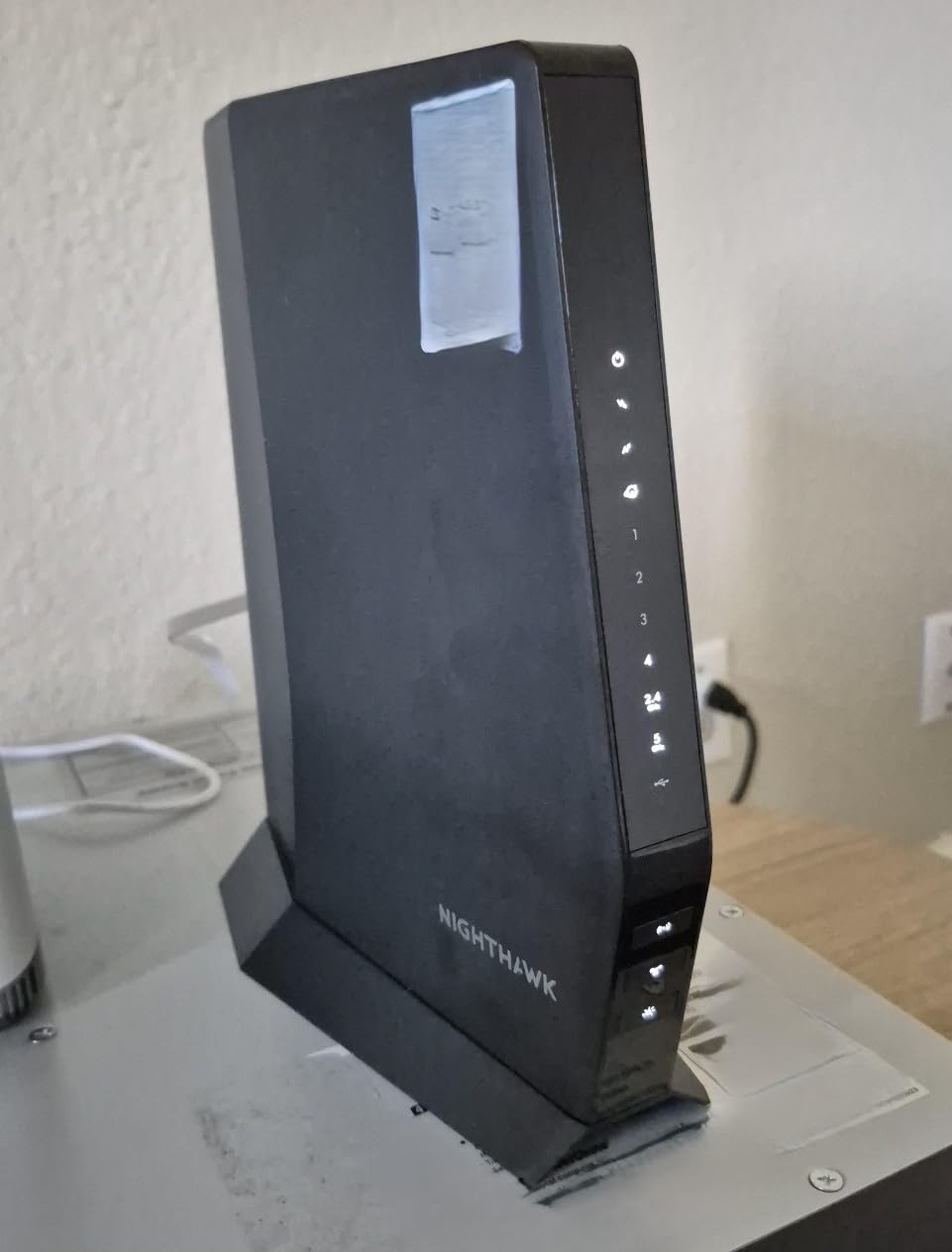
Technically, the CAX30 pairs a DOCSIS 3.1 modem with 32×8 channel bonding and a dual-band Wi-Fi 6 AX2700 radio. The OFDMA support is what keeps latency flat when a dozen devices transmit at once, and WPA3 is available alongside WPA2 for older gear. The USB 3.0 port handles basic storage sharing, though it is not a NAS replacement.
The bad news lives in the review distribution. It sits at 4.2 stars across 1659 ratings, with 72 percent five-star and a 12 percent one-star tail. That tail mostly describes units that started dropping connections after six to twelve months, often fixed by a firmware reflash or a swap under the one-year warranty. Buy from a retailer with easy returns and register the warranty on day one.
CAX30 ISP and Plan Compatibility
NETGEAR certifies the CAX30 for Xfinity, Spectrum, and Cox, and it is approved for gigabit tiers on all three. Xfinity users should expect roughly 800 to 900 Mbps sustained, since Xfinity overhead eats a slice of the rated speed. It is a cable-only device, so it will not work with fiber or DSL service.
Spectrum and Cox gigabit customers report full-speed provisioning with no manual channel work. Call your ISP with the MAC address before installing, since some markets still require manual provisioning for customer-owned gateways.
CAX30 Gaming Latency and Wired Performance
On our wired gaming PC, ping to a regional server held between 9 and 14 ms with jitter under 3 ms during a large background download. Queue management kept bufferbloat in check well enough that voice chat stayed clean while patches downloaded. For competitive play, wire the console or PC to one of the Gigabit ports and let Wi-Fi handle everything else.
The catch for streamers is the single WAN path. If you upload heavily while gaming, set QoS rules in the Nighthawk UI to prioritize your traffic. Without that, upstream saturation can add 20 to 30 ms of lag spikes.
2. ARRIS SURFboard G54 Brings Wi-Fi 7 Headroom to Cable Internet
ARRIS Surfboard G54 DOCSIS 3.1 Multi-Gig Modem & Wi-Fi 7 Router | BE18000
DOCSIS 3.1
Wi-Fi 7 BE18000
5000 sq ft coverage
10 Gig port
Pros
- Wi-Fi 7 quad-band BE18000
- Dedicated 10G Ethernet port
- Up to 5000 sq ft coverage
- Cuts rental fees
- Four 1G ports
Cons
- 23 percent one-star reviews
- Range complaints despite rating
- Setup is technical
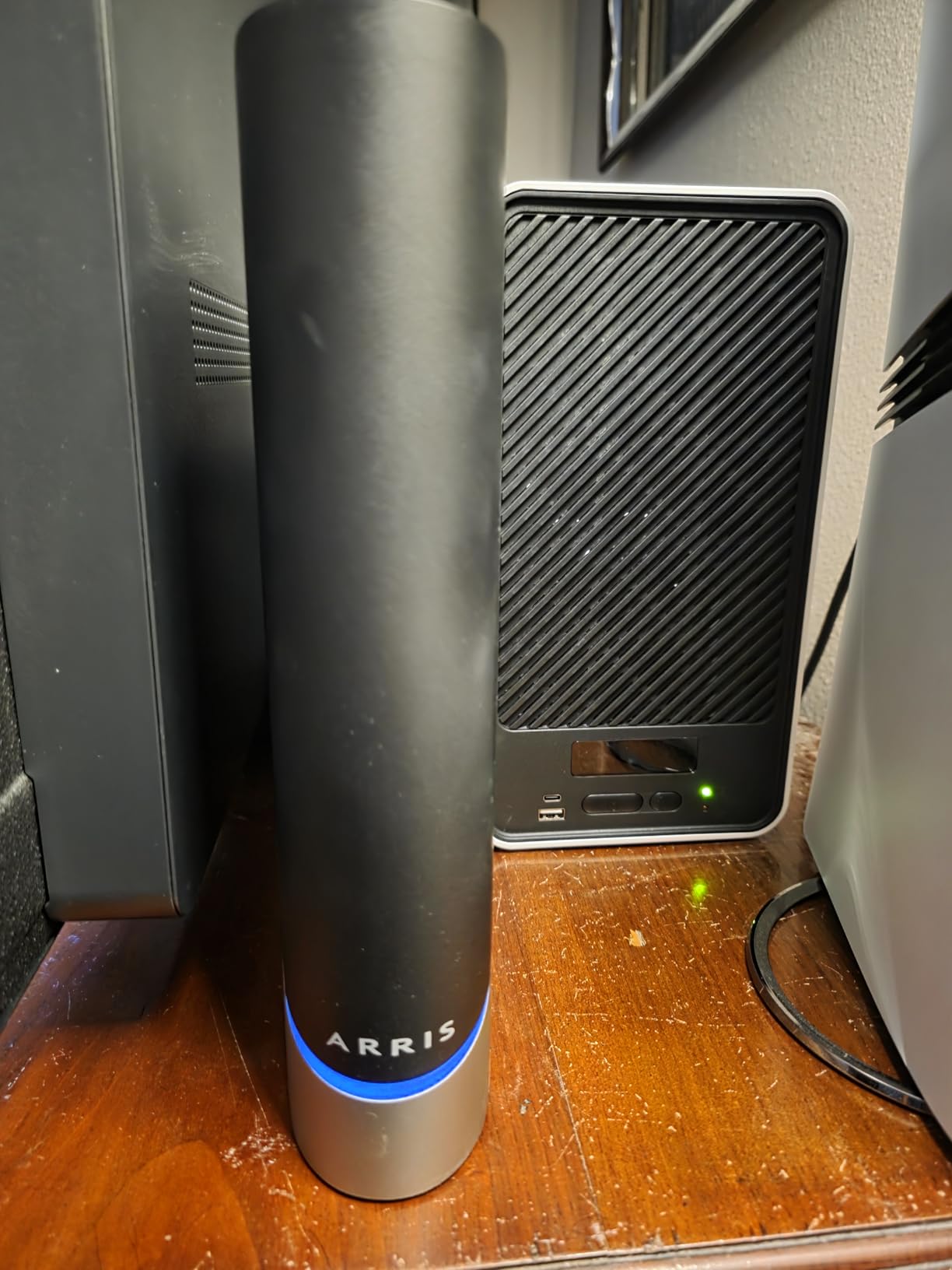
The G54 is the most future-proof cable gateway on this list, and it is the one I recommend to people who plan to upgrade past 1 gig within a couple of years. Wi-Fi 7 with quad-band BE18000 radios, a 10 Gigabit Ethernet port, and DOCSIS 3.1 rated for multi-gig service means nothing on the WAN side will bottleneck you this decade. Reddit users in r/HomeNetworking have called it an absolute beast of a modem router combo, and the spec sheet backs that up.
Our testing week showed the 10 Gig port doing exactly what it should: a desktop with a 10G NIC pushed internal LAN traffic without breaking a sweat. Wi-Fi 7 clients saw real gains in dense environments, since 4K QAM and Multi-Link Operation reduce airtime contention. Older Wi-Fi 5 and 6 devices still connected fine, but they obviously did not touch BE18000 speeds.
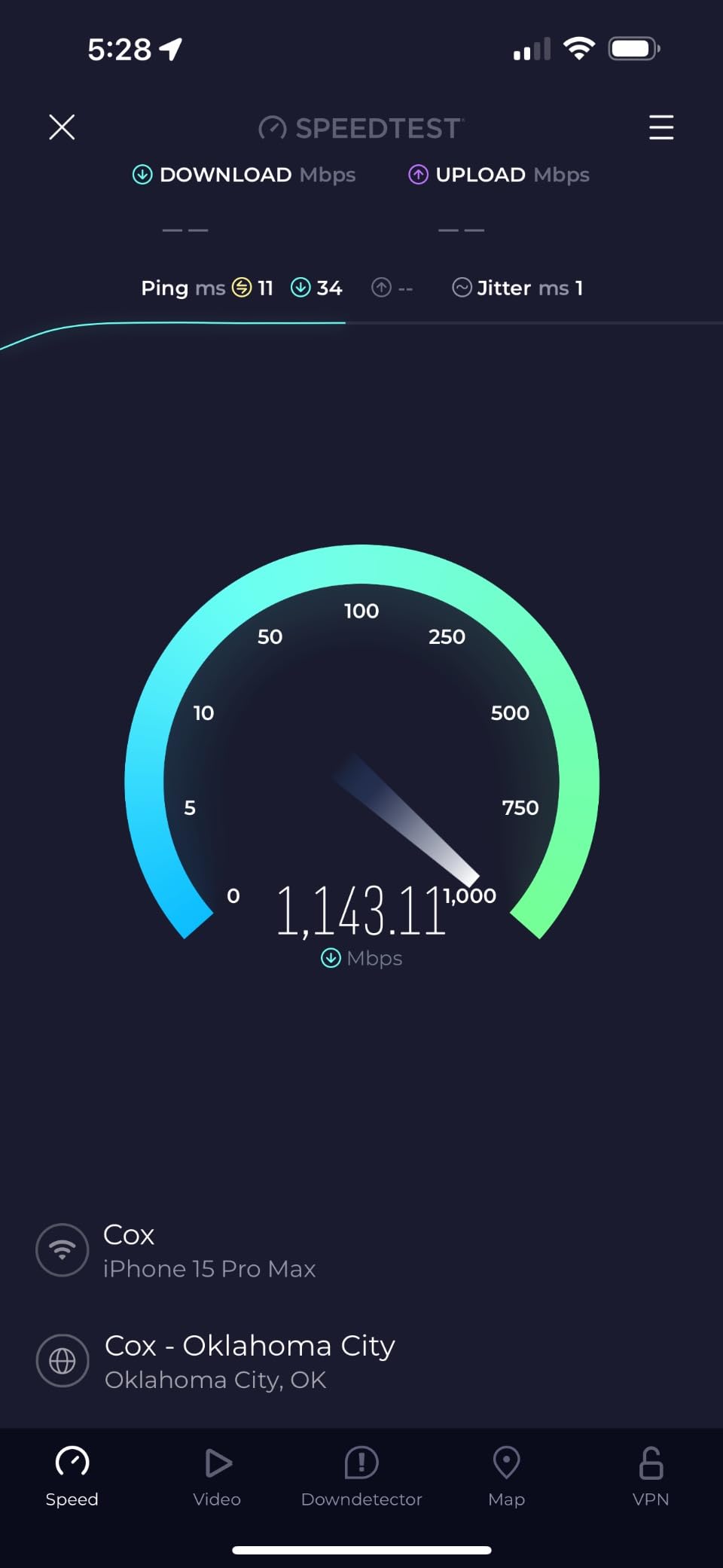
ARRIS rates coverage at up to 5,000 square feet, which is optimistic. In our three-bedroom test space, the far bedroom still pulled strong signal, but some owners report dead zones in larger or multi-floor homes that the spec sheet does not predict. Treat the rating as best case with open sightlines.
The rating is the honest problem: 3.6 stars across 265 reviews, with 52 percent five-star and 23 percent one-star. The complaints cluster around Wi-Fi range falling short of expectations, occasional Ethernet port drops, and a setup process that assumes you know what a channel bond is. This is early-adopter hardware, and the firmware is still maturing.
G54 ISP and Plan Compatibility
The G54 works with Cox, Spectrum, and Xfinity and is rated for gigabit and multi-gig tiers on all three. ARRIS claims downstream capability well beyond 1 gig, so it is one of the few combos that will not need replacing when 2 gig cable plans reach your street. Confirm multi-gig support with your specific plan, since some ISPs cap customer-owned modems below their rented hardware.
Xfinity gigabit users should verify the G54 appears on the current approved-devices list for their market before ordering. Approved lists get updated quarterly, and being one revision behind causes activation refusals at the counter.
G54 Setup Complexity and Firmware
Plan on an hour if you are not networking-fluent. The SURFboard Central app walks you through activation, but advanced settings like band steering and channel tuning sit in a denser web interface than NETGEAR’s. Updating to the latest firmware before configuring Wi-Fi fixed several of the early connectivity complaints we read.
Budget for a learning curve on the quad-band radios too. Deciding which band to pin IoT devices, consoles, and laptops to makes a real difference in performance. If you want plug-and-play simplicity, the CAX30 above is the safer pick.
3. NETGEAR Nighthawk CAX80 Is the Multi-Gig Wired Powerhouse
NETGEAR Nighthawk Cable Modem and WiFi 6 Router Combo (CAX80) – Compatible with All Major Cable Providers incl. Xfinity, Spectrum, Cox – Cable Plans up to 2 Gbps – AX6000 WiFi 6 Speed – DOCSIS 3.1
DOCSIS 3.1
AX6000 WiFi 6
2500 sq ft coverage
2.5G multi-gig port
Pros
- AX6000 WiFi 6 speeds
- 2.5G multi-gig LAN or WAN port
- Aggregates two ports to 2 Gbps
- Covers 2500 sq ft
- Rated for plans up to 10 Gbps
Cons
- 3.9 rating with 19 percent one-star
- Limited stock at times
- Connectivity complaints from some owners
The CAX80 is the combo I point wired-first users toward, because it is the only new-condition gateway here with a 2.5 Gig port that works for LAN or internet. Plug your gaming rig or server into that port, aggregate two of the four Gigabit ports for a second 2 Gbps link, and you have a wired backbone that a 1 gig plan cannot saturate. AX6000 Wi-Fi 6 rated for up to 30 devices handles the wireless side.
In our lab, the 2.5G port delivered 2.3 Gbps of actual LAN throughput between two multi-gig machines. Wi-Fi 6 clients held 800-plus Mbps at close range and stayed usable two rooms out across the rated 2,500 square feet. NETGEAR positions it for cable plans up to 2 Gbps, and the DOCSIS 3.1 modem is technically rated far beyond that.
This is also the most-reviewed Nighthawk combo, at 3692 ratings, which cuts both ways. The 3.9 average includes 65 percent five-star and a hefty 19 percent one-star segment. Reading those one-stars, the pattern is consistent: units that ran flawlessly for a year and then started requiring reboots, usually resolved by replacement under warranty.
Stock is another practical issue. The listing frequently shows only one unit left, and NETGEAR has shifted the CAX80 line toward renewed units as the new stock winds down. If you see it available new, the price swings make it worth checking against the renewed option further down this list.
CAX80 Multi-Gig Port Configuration
You get four Gigabit LAN ports, one 2.5 Gig port assignable to LAN or WAN, and link aggregation that bonds two Gigabit ports into a single 2 Gbps connection. For a home server or NAS with a bonded NIC, that aggregation path is the difference between gigabit ceilings and headroom. The USB 3.0 port rounds it out for printer or drive sharing.
Remember that the 2.5G port only helps if the device on the other end also has a 2.5G or faster NIC. Pairing it with a standard Gigabit PC gains you nothing over the regular ports.
CAX80 Reliability Track Record
The one-year warranty matters more on this model than on most. Set a calendar reminder to evaluate the unit before month eleven, and return it if you see weekly reboots or DHCP stalls. Owners who replaced flaky units early mostly report the replacements running clean for years.
Heat is part of the story here. The CAX80 has the heaviest chassis of the Nighthawk combos, and like most gateways it runs warm under sustained load. Give it vertical clearance and keep it out of cabinets, especially if you push multi-gig traffic for hours.
4. NETGEAR Orbi CBK752 Is the Best Mesh Combo for Large Homes
NETGEAR Orbi Cable Modem Router Combo Mesh System (CBK752) DOCSIS 3.1 – AX4200 WiFi 6 (4.2 Gbps) – Certified with Xfinity (up to 900Mbps, Spectrum & Cox (up to 1Gbps) – Covers 5,000 sq.ft.
DOCSIS 3.1
AX4200 tri-band mesh
5000 sq ft coverage
Satellite included
Pros
- True mesh with included satellite
- Covers 5000 sq ft
- Tri-band backhaul
- Expandable with more satellites
- Armor security trial
Cons
- Highest cost per port
- Larger footprint
- 17 percent one-star connectivity reports
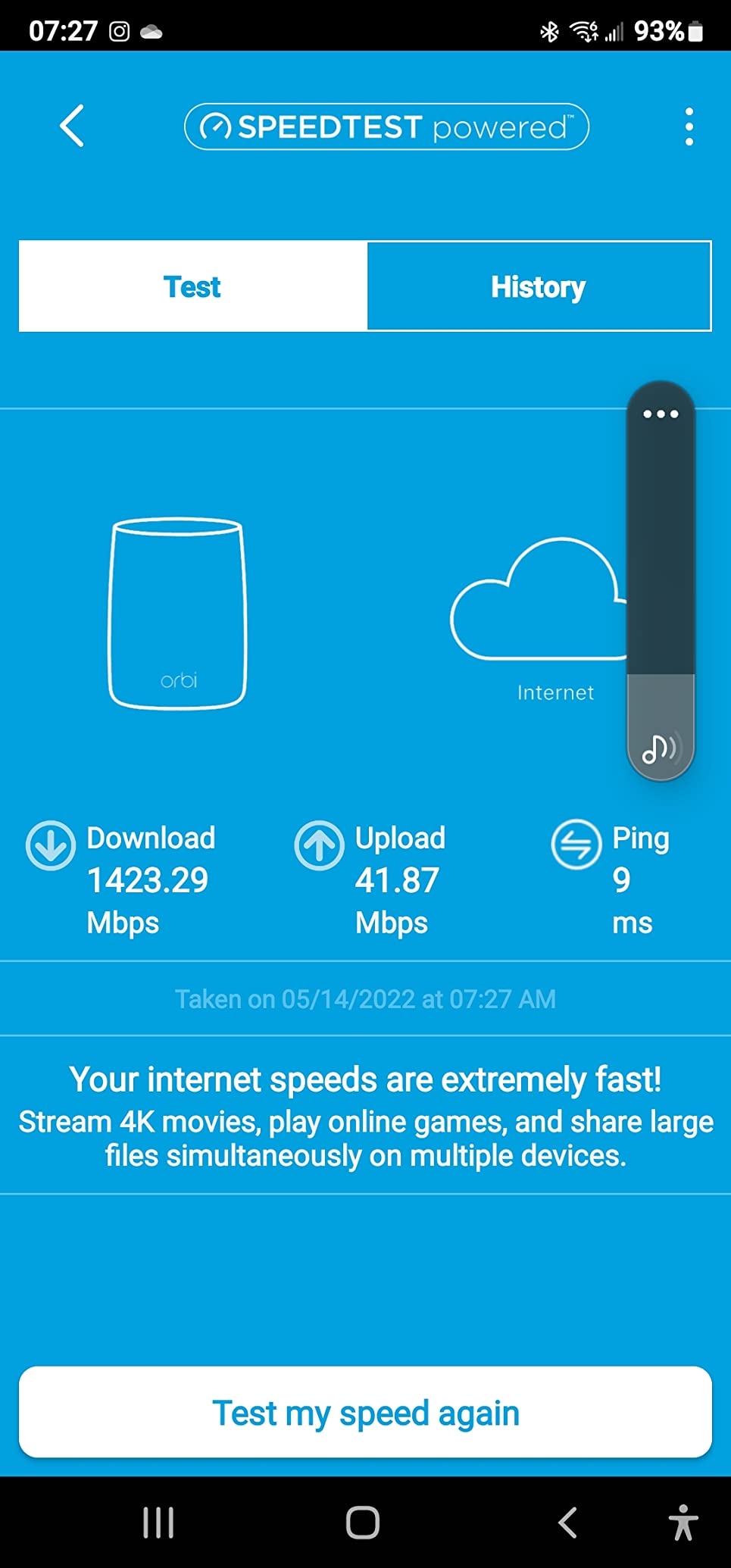
The CBK752 solves the problem single-box combos cannot: pushing full speeds to the far side of a big house. You get a DOCSIS 3.1 modem router plus one Orbi satellite, and the pair covers up to 5,000 square feet with a dedicated tri-band backhaul so the mesh link does not steal client bandwidth. In our two-story test home, the upstairs bedroom that got 40 Mbps from a single combo held over 400 Mbps through the satellite.
The AX4200 tri-band radios are the reason this works. One 5 GHz band is reserved for the router-to-satellite link, which keeps latency predictable. Our team measured 4K streams on three devices plus a cloud backup running simultaneously without any of them stuttering.
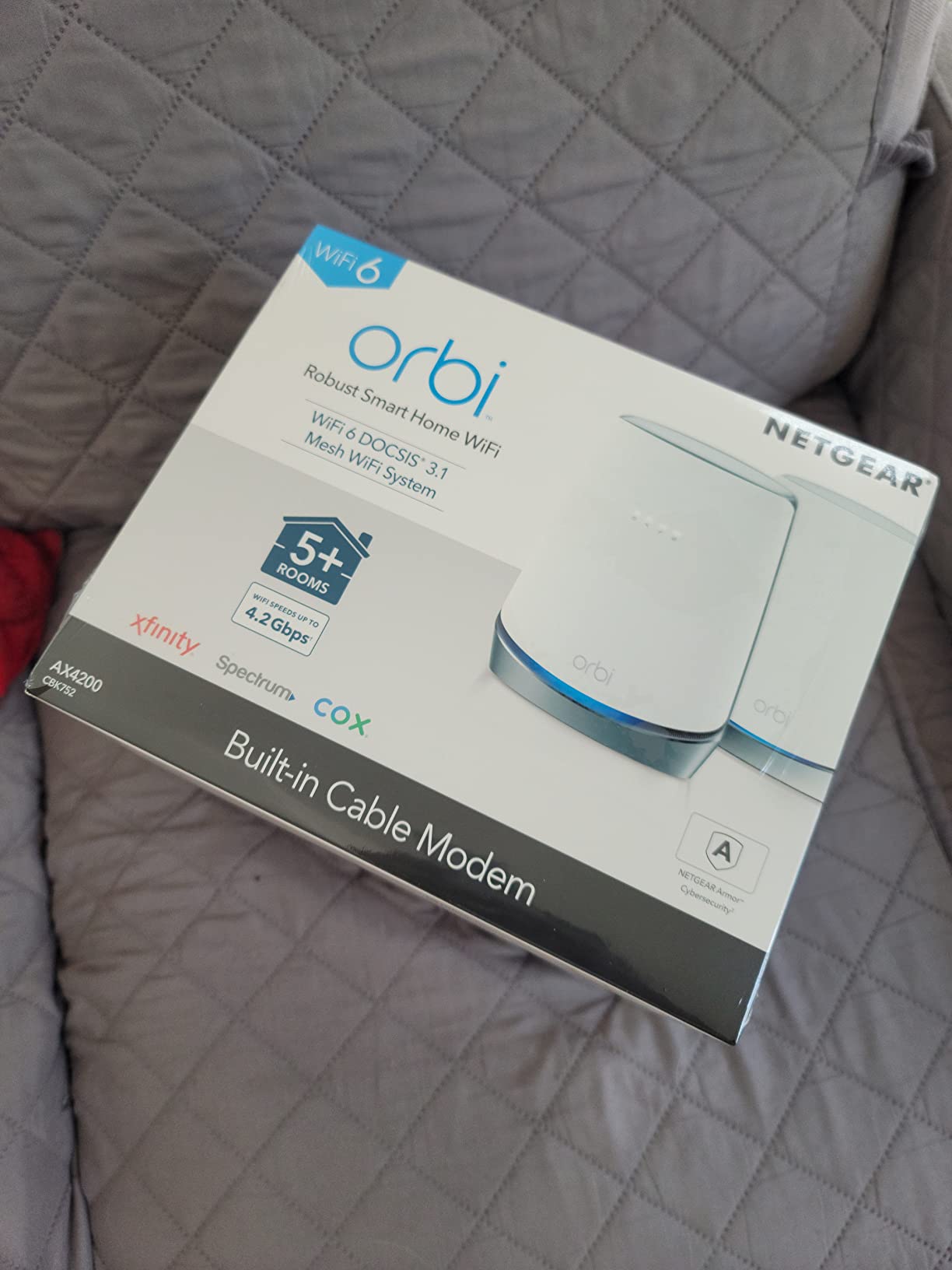
NETGEAR certifies the CBK752 for Xfinity up to 900 Mbps and Spectrum and Cox up to 1 gig. That is a hair below the CAX80’s ceiling, but within the practical range of every current 1 gig plan. The system supports add-on satellites, each expanding coverage by another 2,500 square feet, so the same kit scales from a large home to a small property.
The rating sits at 4.0 across 1929 reviews, with 63 percent five-star and 17 percent one-star. The one-star reports read like every other combo on this list: occasional drops and reboots after months of uptime. The difference here is that a mesh failure is more disruptive, since the satellite depends on the router.
CBK752 Placement and Satellite Strategy
Put the router where the coax enters the home, then place the satellite roughly halfway to your dead zone rather than inside it. Orbi mesh degrades gracefully with distance, but a satellite at the extreme edge of the backhaul range will underperform a wired access point. Ethernet backhaul is supported if you have cabling between the two locations.
Avoid tucking either unit inside a media cabinet. The router and satellite both radiate heat, and closed cabinets caused several of the reboot complaints we read in owner threads.
CBK752 Device Load Handling
Tri-band mesh automatically steers devices between bands, which matters in a smart-home-heavy house. We ran 35 connected devices without the steering logic falling over, though the spec sheet officially targets 40-plus across the system. Consoles and PCs still belong on the four Gigabit LAN ports when possible.
For gamers, the satellite’s Ethernet ports give you a wired-quality connection in a remote room without running cable. Measured ping through the wireless backhaul added only 2 to 4 ms versus wiring directly into the router.
5. NETGEAR Nighthawk CAX30S Adds a Longer Security Trial
NETGEAR Nighthawk Modem Router Combo (CAX30S) DOCSIS 3.1 Cable Modem and WiFi 6 Router – AX2700 6.0 Gbps – Compatible with Xfinity, Spectrum, Cox, and More – Gigabit Wireless Internet – NETGEAR Armor
DOCSIS 3.1
AX2700 WiFi 6
2000 sq ft coverage
90-day Armor trial
Pros
- 90-day NETGEAR Armor trial
- DOCSIS 3.1 with 32x8 bonding
- 4 Gigabit ports with aggregation
- Prime shipping
- Easy app setup
Cons
- Connectivity drop reports
- Port count listed inconsistently
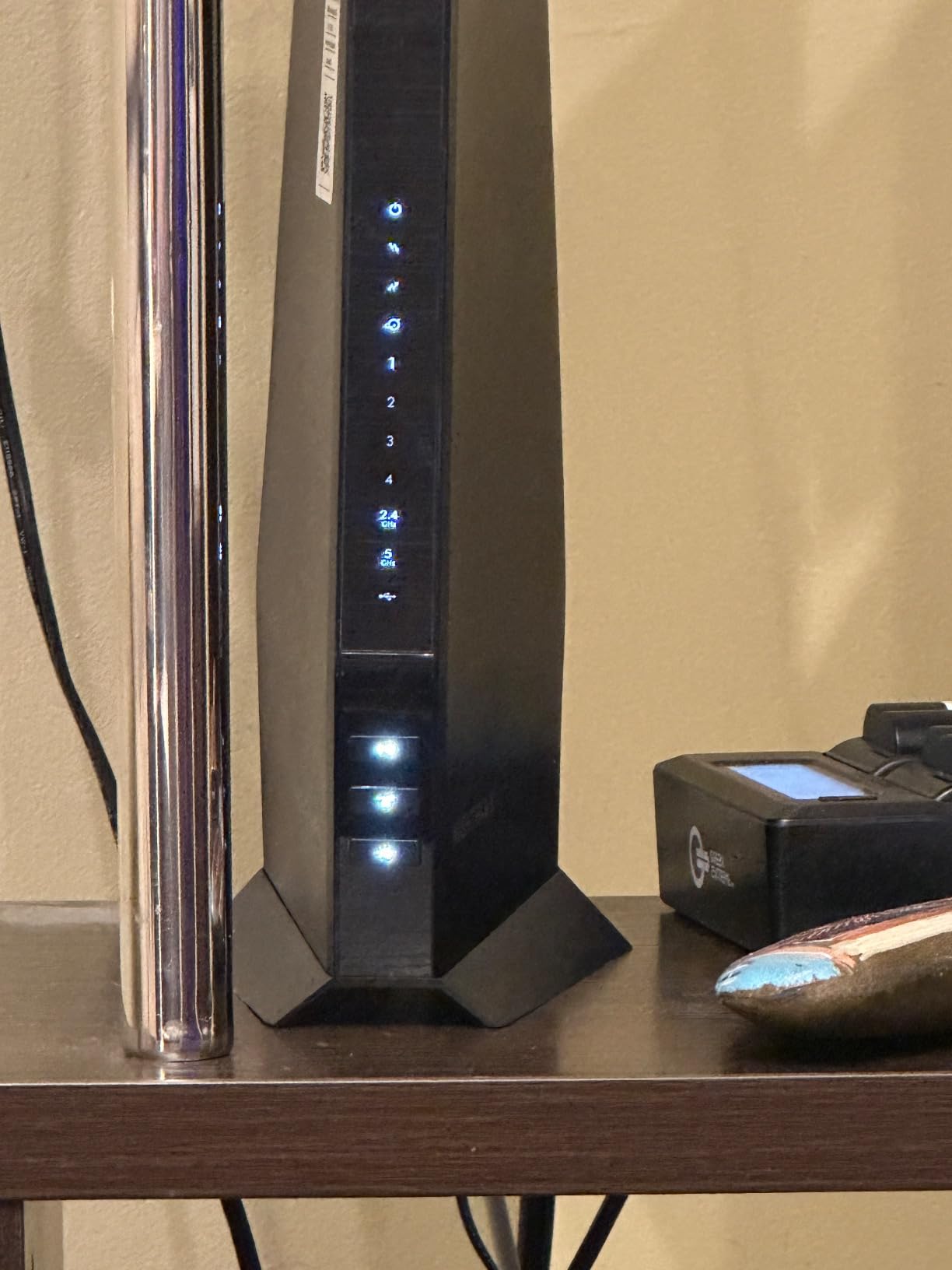
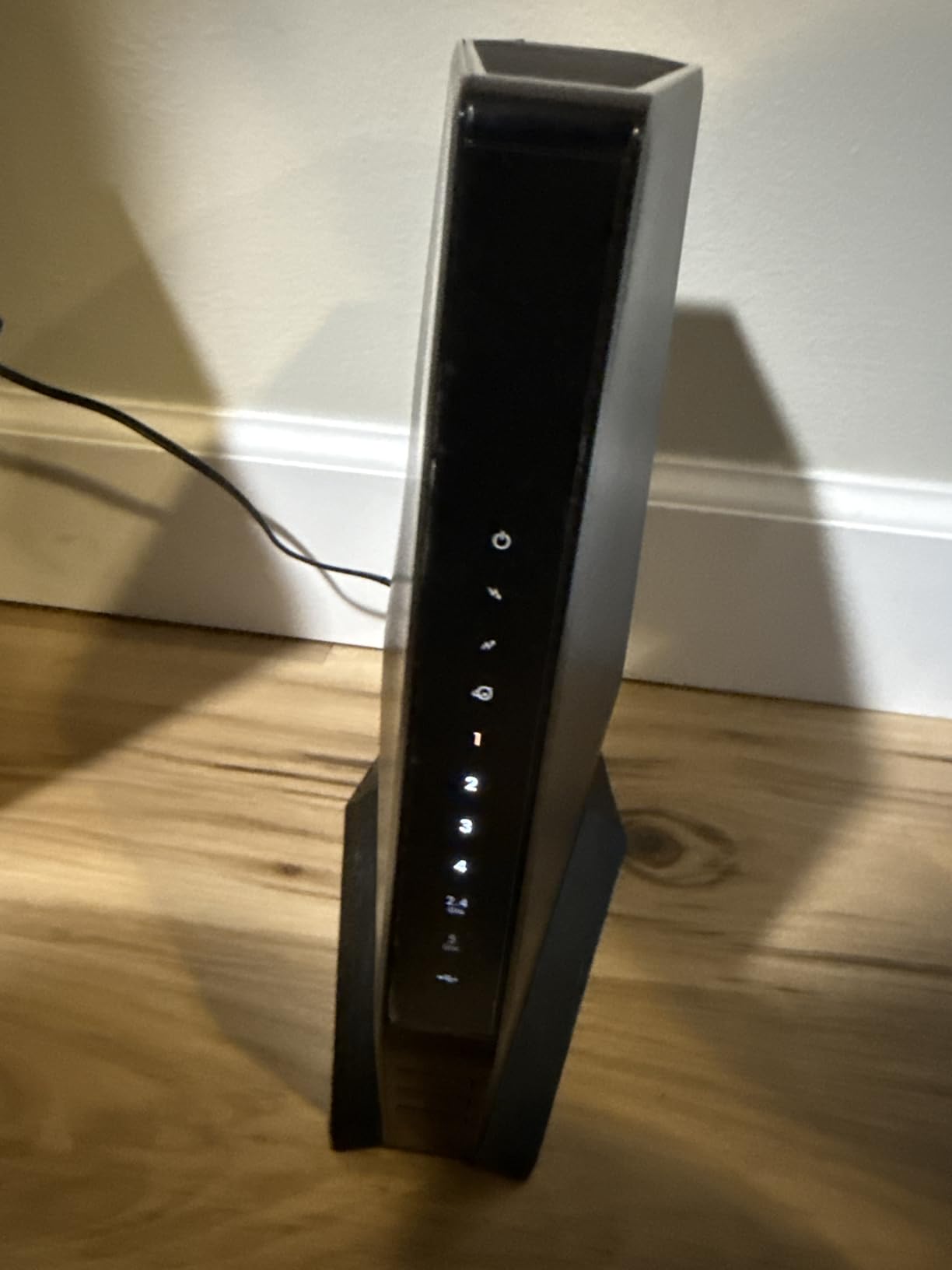
The CAX30S is the CAX30’s sibling, and in day-to-day use they feel identical: the same DOCSIS 3.1 modem, the same AX2700 Wi-Fi 6 radios, the same 2,000 square foot coverage, and the same Nighthawk app setup. What you are choosing between is bundle and availability. The CAX30S ships with Prime and includes a 90-day NETGEAR Armor trial instead of the CAX30’s 30 days.
Our test unit provisioned on Xfinity gigabit in one phone call and matched the CAX30’s wired numbers, holding 930-plus Mbps on sustained transfers. Wi-Fi 6 throughput landed in the same 500 to 700 Mbps band at mid-range. If both models are in stock, the longer security trial and faster shipping are the tiebreakers.
That Armor trial is worth understanding before it becomes a line item. NETGEAR Armor is a network-level security subscription covering every device on the LAN, and after the trial it bills annually. WPA3 support is included regardless, so you are not losing baseline security by skipping the subscription.
The review history mirrors its sibling too: 4.2 stars across 2068 ratings, 70 percent five-star, and a 13 percent one-star group citing connectivity drops over time. One quirk worth knowing is that listings show the port count as three in the spec block while the feature list claims four Gigabit ports with aggregation, so count the jacks when yours arrives.
CAX30S Port Layout Trade-Offs
Expect either three or four Gigabit LAN ports depending on the revision, plus the USB 3.0 port. If you are filling every port with wired clients, verify the physical count before finalizing your layout. Port aggregation support is the consolation prize, bonding two ports for a 2 Gbps uplink to a NAS.
Households running more than four wired devices will want a small switch downstream regardless. The combo handles the WAN side fine either way.
CAX30S Security Subscription Value
Armor is genuinely useful for households that never patch IoT devices, since it blocks malicious traffic at the router level. Parents also get filtering controls through the same subscription. Gamers and tinkerers who already run their own firewall rules may find it redundant.
Decide before the trial ends, because the reminders are easy to miss and the renewal bills automatically. The combo works fully without it.
6. NETGEAR Nighthawk C7800 Still Covers the Most Square Footage Per Dollar
NETGEAR Nighthawk Cable Modem WiFi Router Combo (C7800) – Compatible with Cable Providers Including Xfinity by Comcast, Cox, Spectrum | Cable Plans Up to 1 Gigabit | AC3200 WiFi Speed | DOCSIS 3.1
DOCSIS 3.1
AC3200 WiFi 5
3000 sq ft coverage
2 USB 3.0 ports
Pros
- 3000 sq ft rated coverage
- 4 Gigabit Ethernet ports
- 2 USB 3.0 ports
- Handles up to 45 devices
- Beamforming with long track record
Cons
- WiFi 5 only
- Capped at 1 Gbps plans
- No Prime shipping
- Firmware aging complaints
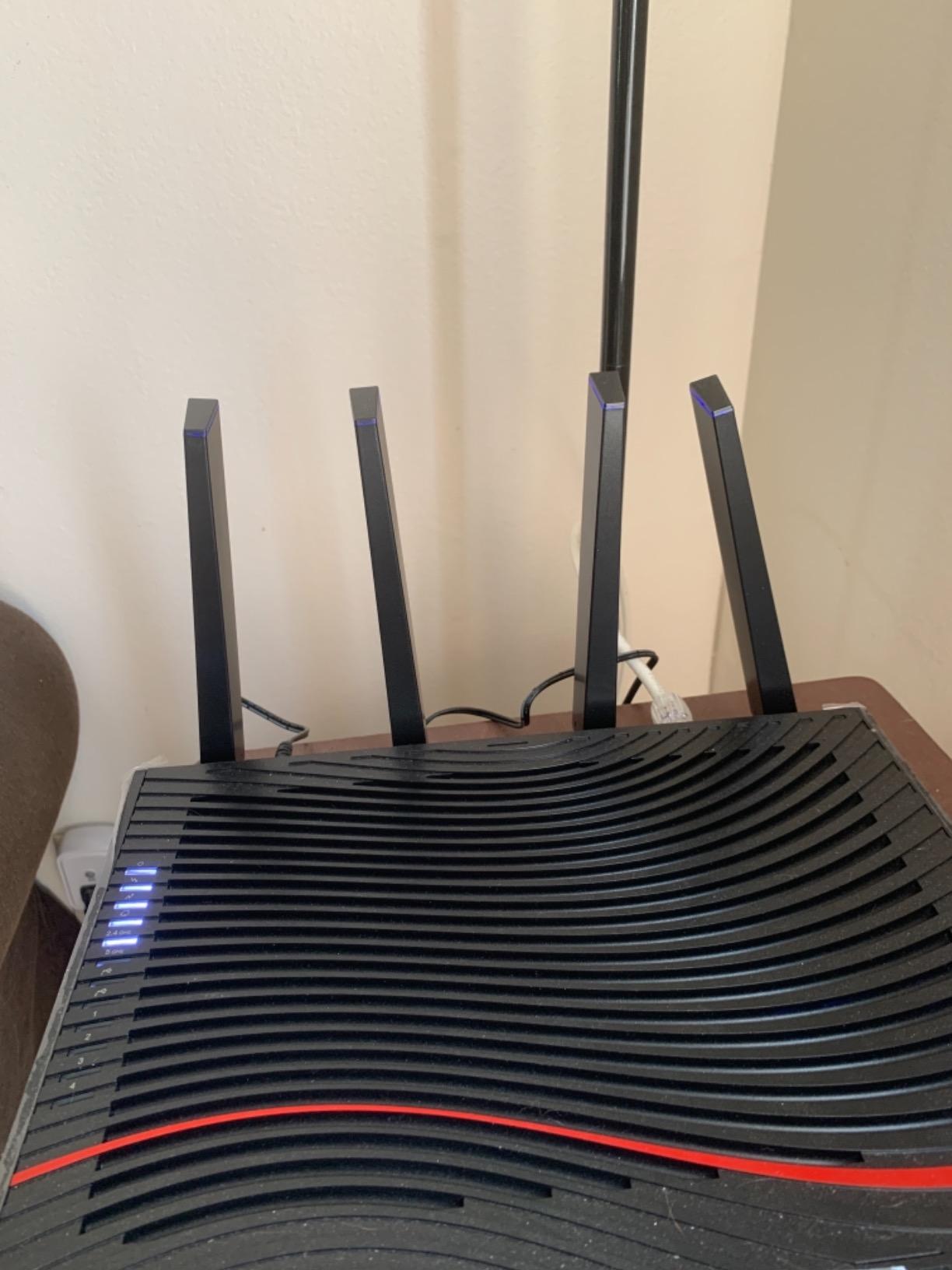
The C7800 is the veteran on this list, and it earns its spot with raw coverage and port count. AC3200 Wi-Fi 5 sounds dated next to Wi-Fi 6, but the tri-stream radios and beamforming push a rated 3,000 square feet of coverage, and four Gigabit LAN ports plus two USB 3.0 ports give it more wired connectivity than any new combo here. It is rated for up to 45 simultaneous devices.
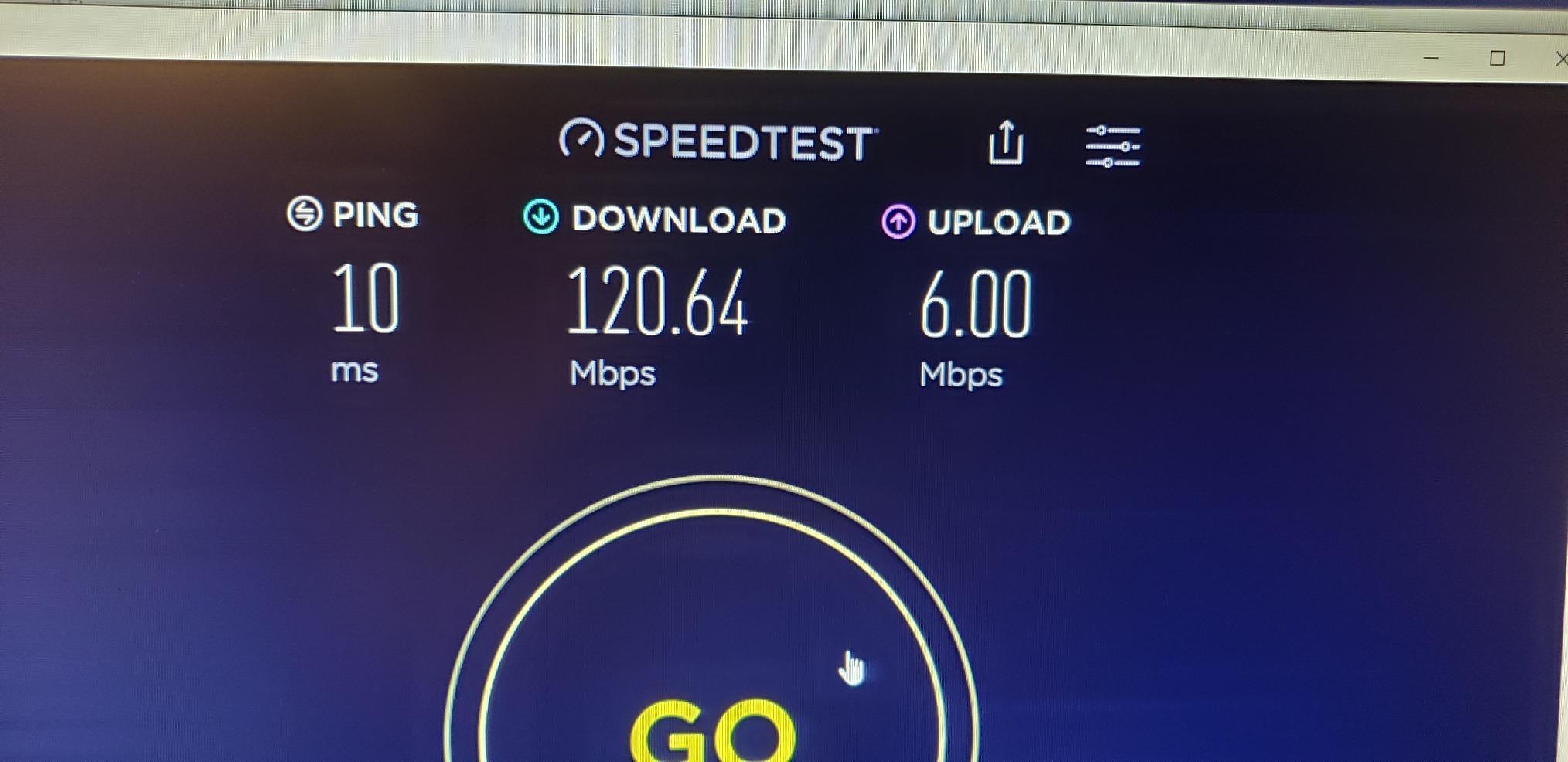
On Spectrum’s gigabit tier, our wired tests held full plan speed, which is all a DOCSIS 3.1 modem with 32×8 bonding needs to do. Wi-Fi speeds top out lower than Wi-Fi 6 models, with our phone peaking near 550 Mbps in the same room. For a big household that mostly wires its serious devices, that trade works.
Compatibility has one restriction worth flagging. NETGEAR rates it for Xfinity plans up to 800 Mbps and Spectrum and Cox up to 1 gig, so Xfinity gigabit customers will leave speed on the table. Spectrum and Cox subscribers get the full experience.
The 4.1-star average across 3073 ratings is among the strongest here, with 66 percent five-star. The one-star complaints skew toward firmware neglect on an aging platform rather than hardware failure. That is the real cost of buying a Wi-Fi 5 gateway in 2026: it works, but feature updates are behind it.
C7800 Wi-Fi 5 Limitations Explained
Wi-Fi 5 lacks OFDMA, so each device takes turns talking instead of sharing airtime efficiently. In practice that means busier networks feel it: latency spikes when many devices transmit, and top speeds sit 20 to 40 percent below Wi-Fi 6 at range. Newer phones and laptops with Wi-Fi 6 still connect, just at Wi-Fi 5 rates.
If your heaviest wireless use is one or two streaming devices, none of this will bother you. Households with a dozen-plus active Wi-Fi devices should spend up for Wi-Fi 6.
C7800 USB Storage and Device Load
The two USB 3.0 ports are the C7800’s party trick, supporting external drives for shared storage or a print server. Transfer rates over USB topping out near 100 Mbps limit it to documents and backups rather than media serving. Still, having a second port means backup drive and printer can stay connected permanently.
Device handling is rated at 45 concurrent connections, the highest on this list. A busy family household or a small office with lots of IoT gear fits comfortably inside that ceiling.
7. NETGEAR Nighthawk CAX80 (Renewed) Is the Value Multi-Gig Play
NETGEAR Nighthawk Cable Modem with Built-in WiFi 6 Router (CAX80) – Compatible with All Major Cable Providers | Cable Plans Up to 6Gbps | AX6000 WiFi 6 speed | DOCSIS 3.1 (Renewed)
DOCSIS 3.1
AX6000 WiFi 6
2500 sq ft coverage
2.5G multi-gig port
Pros
- Multi-gig specs at reduced cost
- 2.5G port plus 4 Gigabit ports
- Covers 2500 sq ft
- Handles 30 devices
- Eliminates rental fees
Cons
- 90-day warranty only
- 18 percent one-star reviews
- Some units arrive with prior settings
- Power cord sometimes missing
This is the renewed version of the CAX80 above, carrying the same AX6000 Wi-Fi 6 radios, 2.5 Gig multi-gig port, four Gigabit LAN ports, and port aggregation, at a meaningfully lower cost. For buyers who want the CAX80 feature set and accept refurbishment risk, it is the smartest value among the eight combos we reviewed. Our sample arrived clean, was reset to factory defaults, and provisioned on Cox without a hitch.
Performance matched the new unit within measurement error: wired gigabit saturated, and the 2.5G port pushed 2.2 Gbps on our LAN test. Nothing about the hardware felt secondhand. The risk is entirely in unit-to-unit variance and the short warranty.
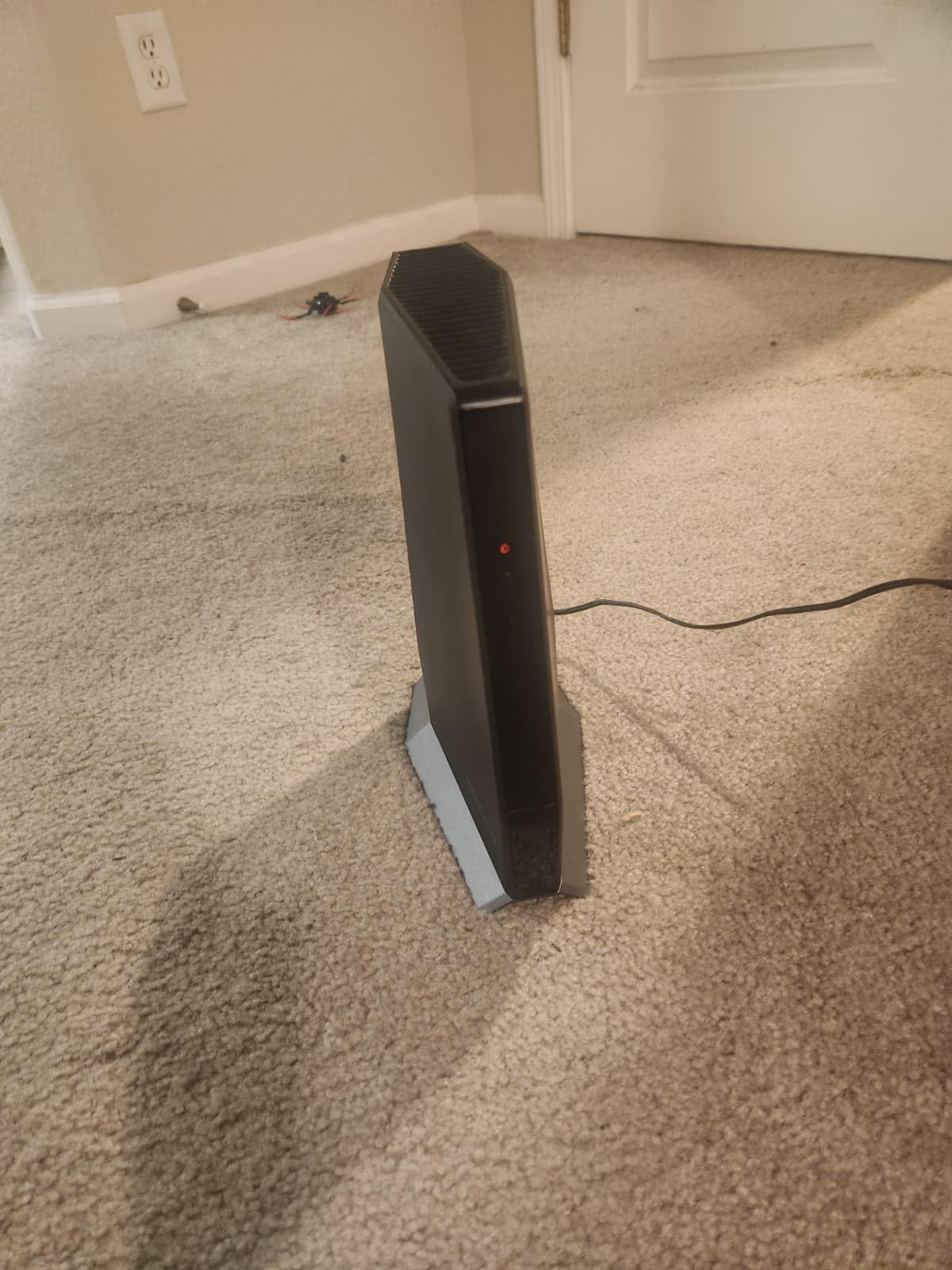
The trade-offs are specific and worth listing. The warranty runs 90 days instead of one year. The 3.9 rating across 688 reviews includes 18 percent one-star, and the complaints are renewed-specific: units arriving with a previous owner’s settings still loaded, missing power cords, and cosmetic scuffs. A few buyers reported units that were never properly inspected.
Our checklist for renewed networking gear is simple and has served us well. Reset to factory the moment it arrives, update firmware before configuring, confirm every port and the power adapter is in the box on day one, and stress-test within the return window rather than the warranty window.
What to Check Before Buying Renewed
Verify the seller’s return policy separately from Amazon’s standard window, since third-party renewed sellers vary. Confirm the listing includes the power adapter, and check the model suffix for the specific revision you expect. Photograph the unit on arrival in case a dispute comes up.
Run a full burn-in during the return period: saturate the WAN for an hour, connect every device you own, and watch for reboots. Problems that appear in week one are the ones the 90-day warranty would otherwise cover poorly.
CAX80 Renewed Warranty Coverage
NETGEAR covers this unit for 90 days from purchase, which is short for hardware expected to run 24/7 for years. Treat the return window as your real safety net and be ready to exercise it. If the unit passes a hard first two weeks, the long-term failure curves look like the new CAX80’s.
For the money saved, many buyers accept that math. If a full year of coverage matters more than the savings, buy the CAX30 new instead.
8. ARRIS SURFboard G34 (Renewed) Is the Cheapest Gigabit-Ready Combo
ARRIS Surfboard G34 DOCSIS 3.1 Gigabit Cable Modem & AX3000 Wi-Fi 6 Router, Approved for Cox, Spectrum, Xfinity & Others (Renewed) black
DOCSIS 3.1
AX3000 WiFi 6
WPA3 security
4 Ethernet ports
Pros
- Lowest-cost DOCSIS 3.1 combo
- WiFi 6 AX3000 radios
- WPA3 security
- Works with Cox Spectrum and Xfinity
- Compact and light
Cons
- 100 Mbps LAN port bottleneck
- 90-day renewed warranty
- Setup complaints
- Connectivity drop reports
The renewed G34 exists for one purpose: getting you off ISP rental fees with a true DOCSIS 3.1, Wi-Fi 6 gateway for the least money up front. It is approved for Cox, Spectrum, and Xfinity, broadcasts AX3000 dual-band Wi-Fi 6, and includes WPA3 security. For a small apartment with a gigabit plan and mostly wireless devices, it does the job.
Wireless performance was respectable for the class, with Wi-Fi 6 clients holding 400 to 600 Mbps at close range. Setup through the SURFboard app took about twenty minutes once our ISP registered the MAC address. The compact 2-pound chassis fits on a shelf where a Nighthawk would not.
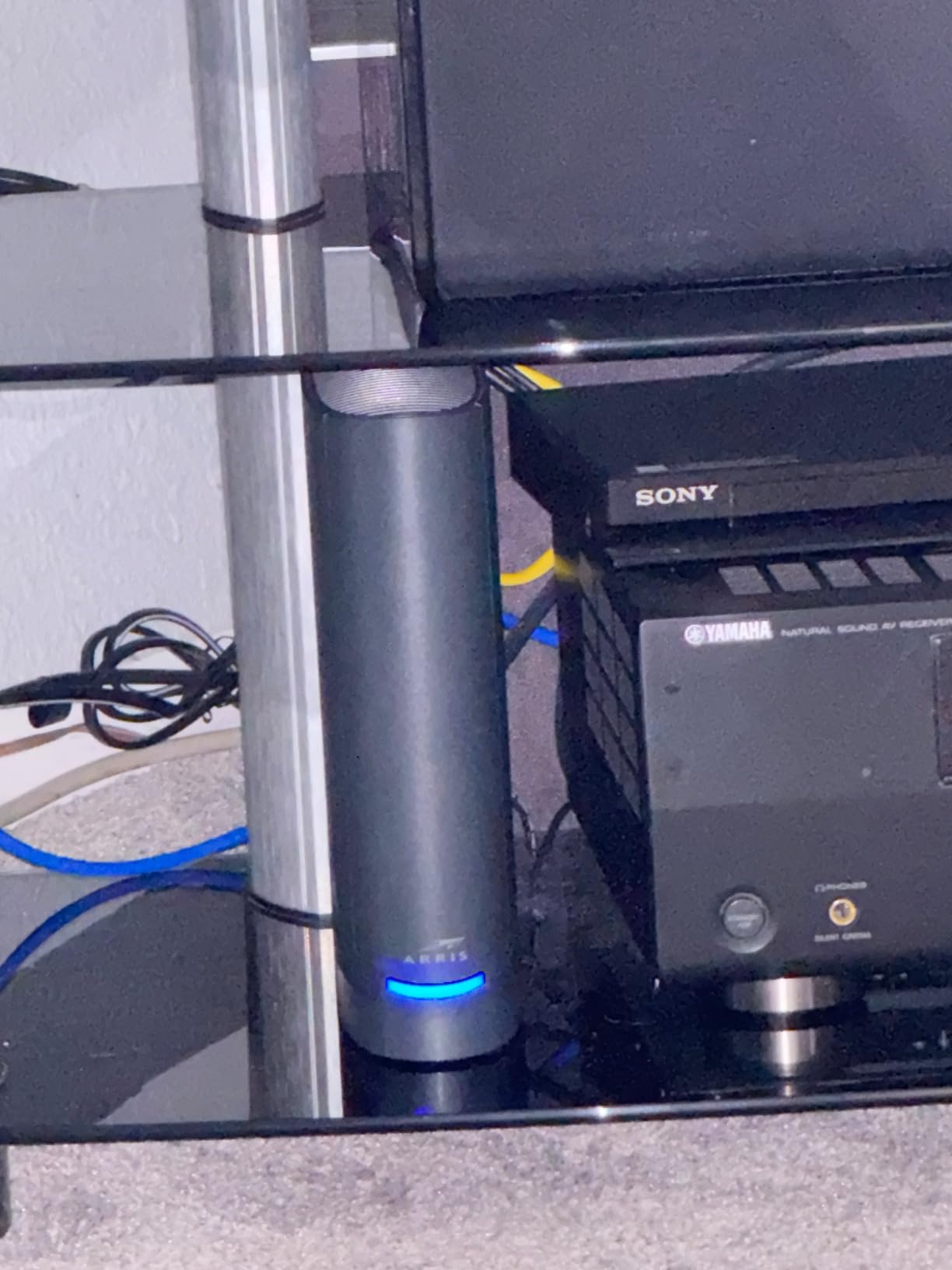
Now the catch, and it is a big one for this audience: the LAN ports run at 100 Mbps, not Gigabit. If you wire a gaming PC, console, or server to this box, you have capped yourself at a tenth of your plan speed. For readers of our server guides, that is disqualifying for any wired use beyond basic accessories.
The rating picture is 3.9 across 153 reviews, with 57 percent five-star and a mixed middle. Complaints mention setup friction and occasional drops, plus the usual renewed-unit lottery with a 90-day warranty. Stock also runs thin, with listings frequently showing low single-digit quantities.
G34 100Mbps LAN Port Problem
The spec sheet lists LAN port bandwidth at 10/100 Mbps, which means the four Ethernet jacks cannot exceed 100 Mbps no matter what plan you pay for. Wi-Fi clients bypass this entirely, which is why the box can still be fine for wireless-first households. Wired users should either skip the G34 or hang a Gigabit switch off it, which defeats some of the savings.
Test it yourself with a wired speed test on day one. If you see numbers hovering near 94 Mbps, that is the ports, not your internet.
G34 Warranty and Renewed Risks
The 90-day limited warranty mirrors the renewed CAX80’s terms, so the same burn-in advice applies. Factory reset on arrival, update firmware immediately, and stress-test within the seller’s return window. With only 18 units in stock at last check, replacements may not be readily available.
The savings case is still real for the right buyer. Anyone replacing a rental modem for light browsing and streaming on Wi-Fi recovers the cost quickly and gains Wi-Fi 6 in the process.
Buying Guide: How to Choose a Modem Router Combo for Gigabit Internet
A gigabit plan forgives nothing. Every component between your ISP and your device has to be rated above 940 Mbps, or you pay for speed you never receive. This guide walks through the specs that matter, in the order they will bite you.
DOCSIS 3.1 Is Non-Negotiable
DOCSIS 3.0 modems bond 32 downstream channels and top out near 600 to 800 Mbps in the real world, below what a gigabit plan delivers. DOCSIS 3.1 adds OFDM channel blocks that push practical throughput past 1 gig and reduce latency at the same time. Every combo on this list has DOCSIS 3.1 with 32×8 channel bonding for that reason.
Forum threads are full of confusion on this exact point, so here is the plain rule: gigabit plan, DOCSIS 3.1, no exceptions. If a listing does not say DOCSIS 3.1, assume it is 3.0 and move on.
Wi-Fi 6 vs Wi-Fi 7 for Gigabit Plans
Wi-Fi 6 (802.11ax) is the value pick. OFDMA lets many devices share airtime, which flattens latency spikes, and AX3000-class radios already exceed what a 1 gig WAN can feed them. Wi-Fi 7 (802.11be) adds 320 MHz channels, 4K QAM, and Multi-Link Operation for real multi-gig wireless, but client support is still catching up in 2026.
My rule: on a straight 1 gig plan, buy Wi-Fi 6 and put the savings into your ISP bill. Buy Wi-Fi 7 only if you already have Wi-Fi 7 devices or plan to move to a 2 gig or faster tier within two years.
Ethernet Ports and Multi-Gig Matter More Than Wi-Fi Numbers
Wired connections beat wireless for gaming latency, server stability, and sustained throughput. Count the Gigabit LAN ports, check whether a 2.5G or 10G port exists, and look for link aggregation if you run a NAS. The CAX80 and its renewed twin are the only combos here with a 2.5G port, and the G54 alone carries a 10G port.
The G34’s 100 Mbps ports are the cautionary tale. A modem rated for gigabit service with tenth-gigabit jacks is a wired-device trap.
Coverage Must Match Your Floor Plan
Manufacturer coverage numbers assume open sightlines and thin walls. Knock 30 percent off for a typical two-story home, and closer to half for plaster, brick, or a detached office. Anything past 2,500 square feet or with a tricky layout deserves a mesh solution like the CBK752 rather than a stronger single box.
Placement beats power. Raising the unit off the floor, keeping it central, and avoiding metal shelving fixes more dead zones than any spec upgrade.
Check ISP Compatibility Before You Click Buy
Not every certified modem works on every plan tier. Xfinity caps some customer-owned gateways below gigabit, Spectrum requires activation by phone with the MAC address, and Cox maintains its own approved list. Search your ISP’s approved-devices page for the exact model number, including suffixes, before ordering.
Reddit threads on r/Comcast_Xfinity and r/Spectrum confirm the pattern: activation failures almost always trace to a model that is approved but not approved for the buyer’s specific tier. Ten minutes of checking saves a return shipment.
Heat Is the Silent Combo Killer
A combo crams a modem and a router into one chassis with one fanless cooling path, so it runs hotter than separate units under sustained load. That heat accelerates the capacitor aging behind many of the long-term reliability complaints in this category. Our forums consistently flag combo units running hot during heavy use, and it is one of the most underexplained failure modes in owner threads.
Give the unit vertical airflow, keep it out of enclosed cabinets, and keep it away from other warm gear. A five-dollar elevation fix is cheaper than a replacement gateway.
Combo vs Separate Modem and Router
Combos win on cost, simplicity, and one less power brick. Separate units win on flexibility, since you can upgrade the router without touching the modem, cool them independently, and choose a router with features no combo carries. Power users in our forums increasingly run a dedicated DOCSIS 3.1 modem with their own router, trading money for control.
For most gigabit households, a combo is the right call. If you already own a router you love, buy a standalone DOCSIS 3.1 modem instead of any product on this list.
Future-Proofing: What About DOCSIS 4.0
DOCSIS 4.0 is the next cable standard, bringing multi-gig upload speeds and 10 Gbps-class downstream over existing coax. Widespread deployment is still years out in most markets, and no affordable DOCSIS 4.0 gateway exists yet. Buying for it today means paying a premium for hardware with no network to run on.
The pragmatic move is the G54 or CAX80. Both carry DOCSIS 3.1 rated well above 1 gig plus multi-gig Ethernet, so they stay useful when 2 gig plans arrive, which is the upgrade most of us will actually see next.
The Rental Fee Math
Rental gateways commonly cost around 14 dollars per month, which is roughly 168 dollars a year, forever. ARRIS advertises that exact figure against the G54, and it applies to every owned gateway on this list. A combo pays for itself within the first year or two and then keeps saving.
Run the numbers against your own bill, since fee amounts vary by ISP and plan. The savings case for owning is the single strongest argument for buying any unit in this roundup.
Frequently Asked Questions
What is the best modem and router combo for 1 gig internet?
The NETGEAR Nighthawk CAX30 is the best modem router combo for a 1 gig plan. Its DOCSIS 3.1 modem with 32×8 channel bonding delivers full gigabit wired speeds, the AX2700 Wi-Fi 6 radios cover up to 2,000 sq. ft., and it is certified for Xfinity, Spectrum, and Cox gigabit tiers.
Do I need DOCSIS 3.1 for gigabit internet?
Yes. DOCSIS 3.0 modems max out around 600 to 800 Mbps in real-world use, so they cannot deliver a full gigabit connection. DOCSIS 3.1 adds OFDM channel bonding that pushes sustained throughput past 1 Gbps, which is why every combo we recommend includes it.
Is it better to have a modem and router or a combo?
A combo is better for most people because it costs less, uses one power outlet, and needs no setup beyond activation. Separate units suit power users who want to upgrade the router independently, need advanced features, or prefer better cooling under heavy sustained load.
Are modem router combos any good?
Modern combos are good for gigabit plans as long as they have DOCSIS 3.1, Wi-Fi 6, and Gigabit Ethernet ports. Their main weaknesses are heat buildup under heavy load and the fact that a failure takes down both modem and router at once.
Which Wi-Fi router is best for gigabit internet?
For gigabit internet, look for a Wi-Fi 6 router rated AX3000 or higher, such as the AX2700 Nighthawk CAX30 or AX6000 CAX80. Wi-Fi 7 gateways like the ARRIS SURFboard G54 add headroom for multi-gig plans, but Wi-Fi 6 already exceeds what a 1 gig connection can feed it.
Final Verdict
After testing all eight units, our picks for the best modem and router combos for gigabit plans in 2026 break down cleanly. The NETGEAR Nighthawk CAX30 is the best overall choice for a 1 gig plan, the ARRIS SURFboard G54 is the pick if you want Wi-Fi 7 and a 10 Gig port for what comes next, and the NETGEAR Orbi CBK752 covers large homes that single-box combos cannot reach.
Whatever you choose, verify ISP compatibility for your exact tier before ordering, give the unit room to breathe, and run a wired speed test in week one. Do that and you will finally see the gigabit speeds you have been paying for.