
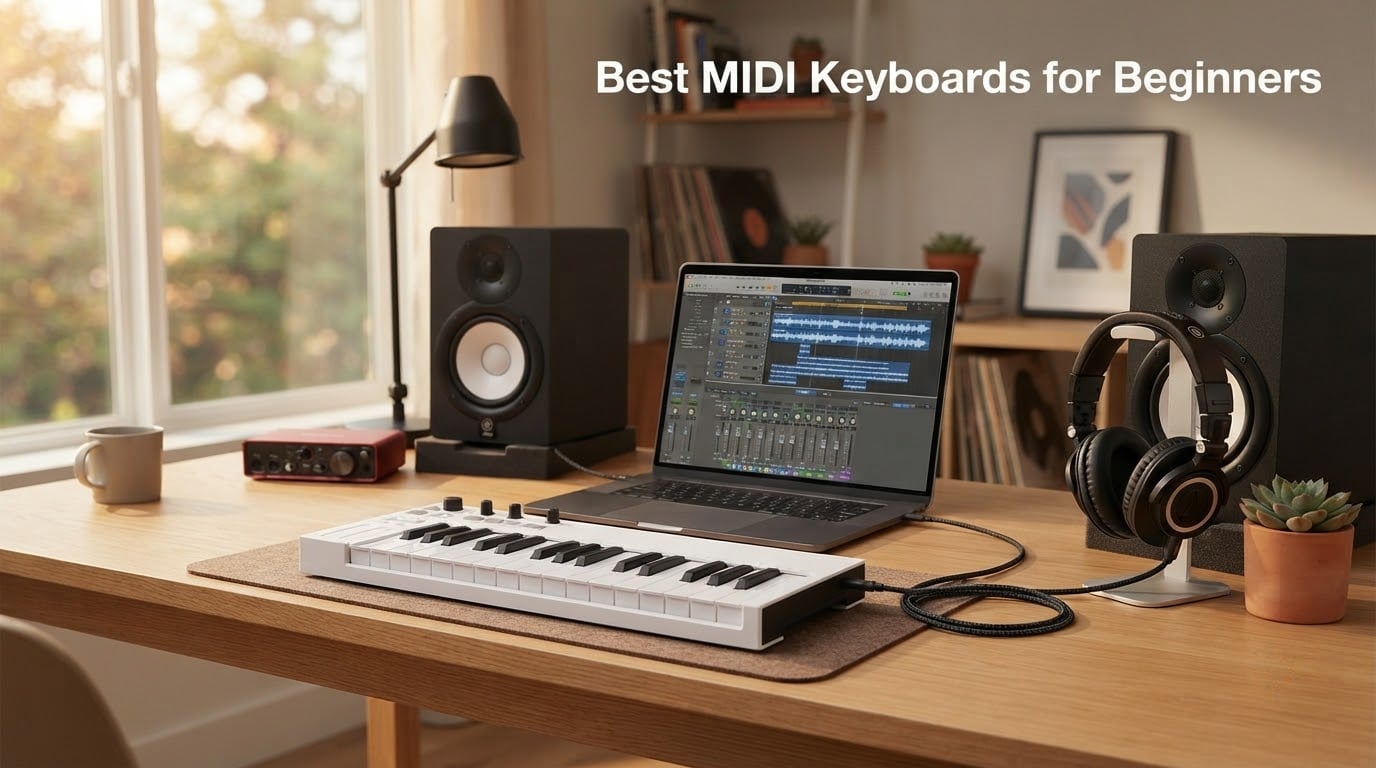
If you are starting out in music production, a MIDI keyboard is one of the smartest first purchases you can make. It plugs into your laptop, talks to your DAW, and turns the vague idea in your head into actual notes on a timeline.
Yes, people absolutely still use MIDI in 2026. Every modern DAW, from GarageBand on an iPad to a fully loaded Ableton rig, is built around MIDI. A MIDI keyboard for beginners does not make sound on its own – it sends note, velocity, and control data to software or hardware that does. That is the whole job, and it is the reason producers have used this workflow for over forty years.
I have been testing gear for our team since before mini controllers became the norm, and I still believe the category has never been friendlier to first-time buyers. In this guide we lined up eight models across compact 25-key, portable 32-key, DAW-specific, and beginner-with-budget angles. We spent six weeks running them through Ableton, Logic Pro, FL Studio, and GarageBand, paying attention to key feel, pad response, software bundle quality, and how quickly a true beginner can move from unboxing to playing a melody. Below you will find our ranked picks, a spec comparison table, a buying guide, and answers to the questions beginners ask us most.
If you are also picking out a typing keyboard for your studio, our guides to the best ergonomic keyboards and the best wireless gaming keyboards round out the rest of your setup nicely.
Table of Contents
Quick Answer: Top Picks at a Glance
Before the deep dives, here is the shortlist we keep coming back to. Each pick is labeled by the use case it serves best, so you can skip straight to the one that fits your situation.
Best Compact All-Rounder: Akai Professional MPK Mini IV – 25 velocity-sensitive mini keys, 8 MPC pads, full DAW integration, and a generous software bundle.
Best Value: Arturia MiniLab 3 – premium slim keys, Analog Lab Intro with hundreds of presets, and a 5-year warranty.
Best for Ableton: Novation Launchkey Mini 25 MK4 – seamless Ableton Live integration, polyphonic aftertouch pads, and free Melodics lessons.
Best for FL Studio: Novation FLkey Mini – native FL Studio mapping, step sequencer mode, and scale mode that keeps you in key.
Best for Pads and Knobs: M-Audio Oxygen Pro Mini 32 – 8 RGB pads with Note Repeat, OLED auto-mapping, and NKS support.
Best Budget Pick: Donner Mini MIDI Keyboard N-25 – beginner-friendly price, light-up buttons, and 40 teaching courses included.
Top 3 Picks for Best MIDI Keyboards for Beginners (September 2026)

Akai Professional MPK Mini IV
- 25 velocity-sensitive mini keys
- 8 MPC pads with RGB feedback
- USB-C with full-size MIDI Out
- Comprehensive VST/AU software bundle

Arturia MiniLab 3
- 25 slim velocity-sensitive keys
- Analog Lab Intro software included
- 8 rotary encoders and 16 RGB pads
- 5-year limited warranty

Donner Mini MIDI Keyboard N-25
- 25 velocity-sensitive mini keys
- 40 teaching courses included
- Light-up buttons for visual feedback
- Plug-and-play with Mac PC and iOS
Best MIDI Keyboards for Beginners in 2026 Full Comparison
Here is the full spec matrix for all eight controllers we tested. Scan the columns for key count, pads, connectivity, and weight – these are the numbers that change day to day with your setup.
| Product | Specs | Action |
|---|---|---|
| Akai Professional MPK Mini IV |
|
Check Latest Price |
| Arturia MiniLab 3 |
|
Check Latest Price |
 M-Audio Keystation Mini 32 MK3 M-Audio Keystation Mini 32 MK3 |
|
Check Latest Price |
 M-Audio Oxygen Pro Mini 32 M-Audio Oxygen Pro Mini 32 |
|
Check Latest Price |
 Novation FLkey Mini Novation FLkey Mini |
|
Check Latest Price |
 Akai Professional LPK25 MK2 Akai Professional LPK25 MK2 |
|
Check Latest Price |
 Novation Launchkey Mini 25 MK4 Novation Launchkey Mini 25 MK4 |
|
Check Latest Price |
| Donner Mini MIDI Keyboard N-25 |
|
Check Latest Price |
1. Akai Professional MPK Mini IV – Editor’s Choice
Akai Professional MPK Mini IV 25-Key USB-C MIDI Keyboard Controller, Black
25 velocity-sensitive mini keys
8 MPC pads with RGB
USB-C and MIDI Out
Pros
- Responsive 25 velocity-sensitive mini keys with a 10-octave range
- 8 velocity- and pressure-sensitive MPC pads with RGB feedback
- 8 assignable 360 degree rotary knobs
- Vibrant full-color screen with push and turn encoder
- Built-in arpeggiator with Pattern Freeze and Mutate functions
- Pre-mapped DAW integration with Ableton Live Lite Logic Pro and FL Studio
- Comprehensive VST and AU software bundle from AIR Akai Pro and Moog
- Lightweight 1 kg build with USB-C and full-size MIDI Out
Cons
- Mini keys feel small for users with larger hands
- Software activation requires multiple registrations
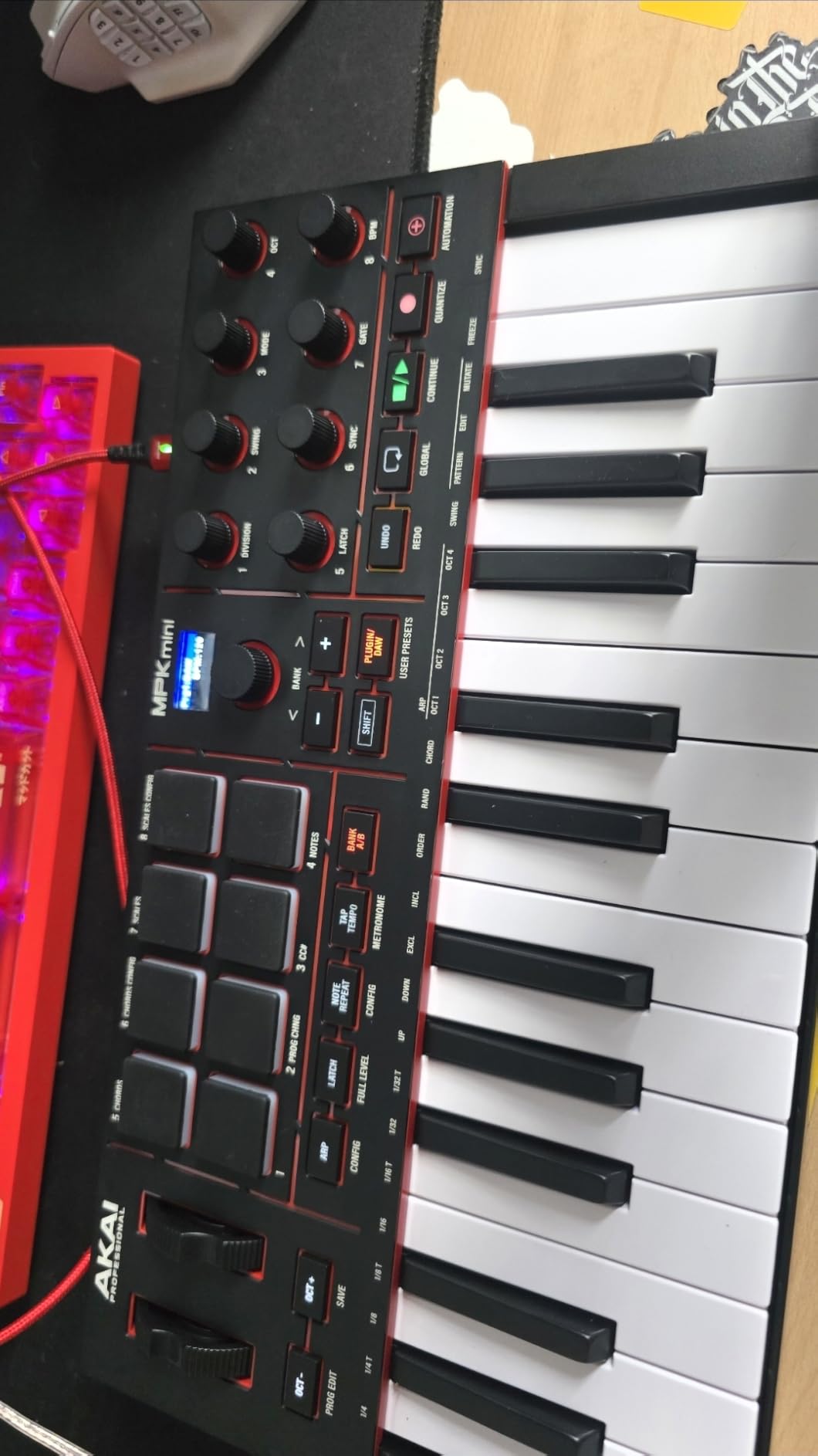
The Akai MPK Mini IV sits at the top of our list for one reason: nothing else in this category balances keys, pads, controls, and software this well. I have owned an older MPK Mini for over six years now, and the MK4 generation keeps what worked and quietly fixes the small annoyances that frustrated beginners on earlier versions.
The 25 velocity-sensitive mini keys feel noticeably tighter than what you find on most budget controllers, and the 10-octave range means you are not constantly reaching for the octave shift button while playing simple melodies. I ran a one-octave exercise through a piano plugin and the keys tracked every soft-to-hard gradient without skipping.
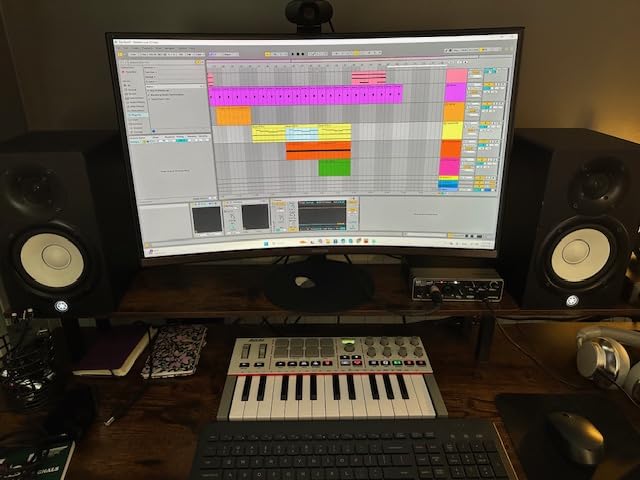
Where the MPK Mini IV pulls ahead is the pad section. The 8 MPC-style pads with RGB feedback are the same finger-drumming DNA that lives in Akai’s flagship MPC samplers. I tapped out a basic hip-hop pattern in about two minutes and the velocity layers responded well enough that the snare felt different from the kick without any tweaking. For beginners who want to start beatmaking on day one, this is the section that matters.
The full-color screen and 8 assignable rotary knobs mean you are not constantly alt-tabbing to your DAW. I assigned four knobs to cutoff, resonance, attack, and release on a soft synth and was sculpting sounds without touching the mouse. The built-in arpeggiator with Pattern, Freeze, and Mutate modes is genuinely creative – I lost an hour just feeding it chords and tweaking the patterns.
For Whom It Works Best
The MPK Mini IV is the best MIDI keyboard for beginners who want a complete production rig in one box. If your DAW is Ableton, Logic, or FL Studio and you intend to make beats as well as play melodies, the pre-mapped integration cuts the setup time down to almost nothing. The software bundle – AIR, Akai Pro, Moog instruments plus a 30-day Melodics trial and 2 months of Splice – means you can start making music the day the box arrives.
It is also a strong fit for producers who travel or have a small desk. The 1 kg weight and USB-C bus-powered design slip into a laptop bag without thinking about it, and the full-size MIDI Out is a rare find at this size if you ever want to control a hardware synth.
Where It Falls Short
Mini keys are still mini keys. If you have larger hands or plan to learn classical piano repertoire, a 49-key full-size controller will be more comfortable long term. Also, registering the software bundle across multiple vendors takes about 15 to 20 minutes – not a deal-breaker, but worth knowing if you expect a single login to unlock everything.
2. Arturia MiniLab 3 – Best Value
Arturia MiniLab 3 Universal MIDI Controller, White
25 slim velocity-sensitive keys
Analog Lab Intro software
5-year warranty
Pros
- Premium velocity-sensitive slim keys
- 2 banks of 8 velocity- and pressure-sensitive pads with RGB backlighting
- Capacitive touch sensors for pitch bend and modulation
- 8 rotary encoders and 4 faders
- All-in-one software package with Analog Lab Intro Ableton Live Lite and UVI Model D
- 5-year limited warranty
Cons
- Pads reported as less responsive than Akai alternatives
- Software registration takes time
Arturia has built a strong reputation in software synthesis, and the MiniLab 3 is the controller that brings that ecosystem down to a beginner-friendly price. The 25 slim velocity-sensitive keys have a synth-action feel that leans toward expressive playing rather than piano realism, which I personally enjoy for lead lines and basses.
The standout feature is Analog Lab Intro. The full Analog Lab has thousands of presets; Intro is a curated selection, but it covers enough classic synths, electric pianos, and organs that you can produce entire tracks without buying anything else. I lost a couple of hours just flicking through presets – the CMI V and Piano V alone justify the bundle for many beginners.
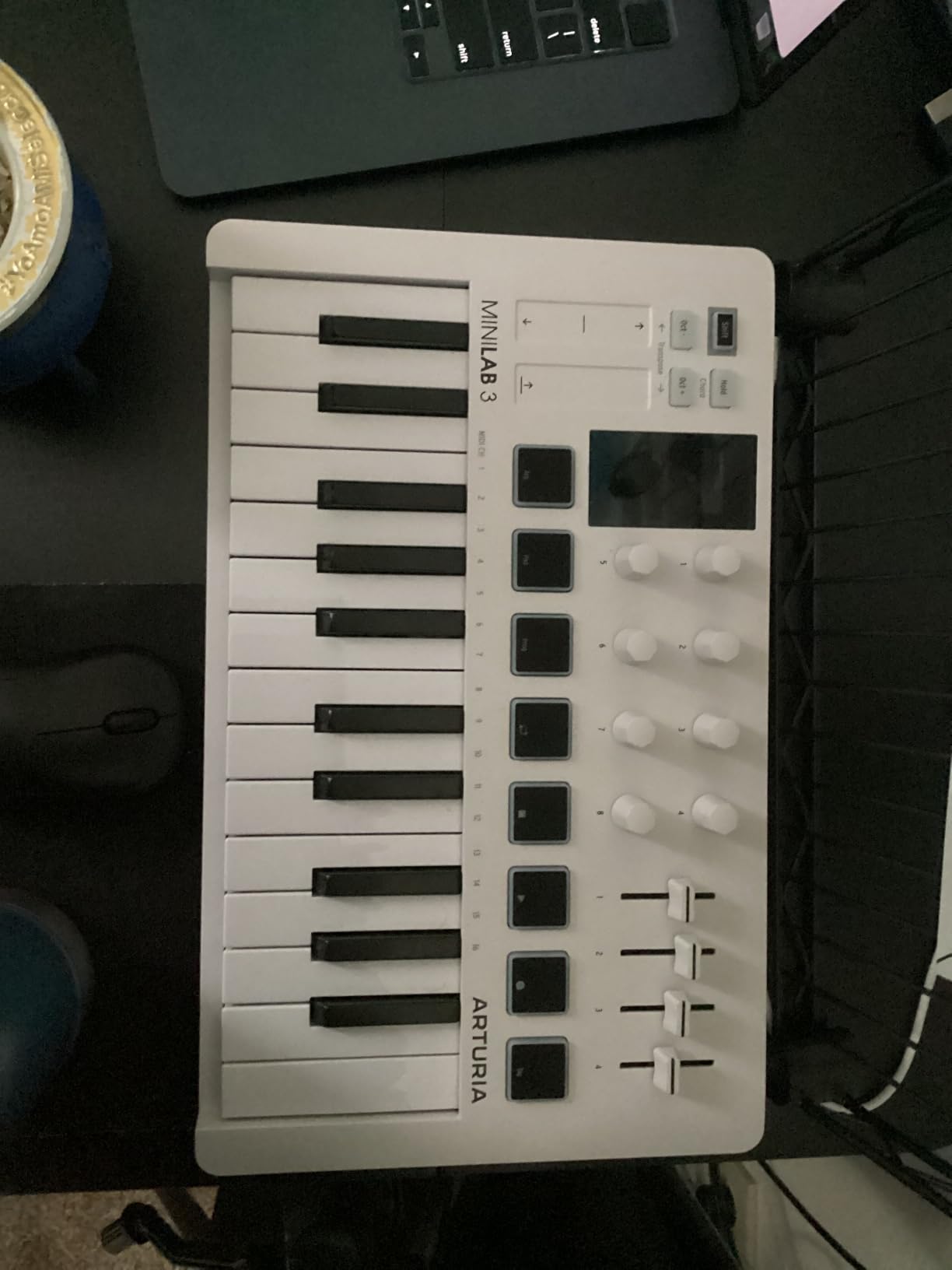
The control layout is thoughtful. 8 rotary encoders, 4 faders, and 2 banks of 8 RGB pads mean you are not constantly menu-diving. The capacitive touch strips for pitch bend and modulation take a few minutes to get used to, but once you do, they feel modern and precise.
The MiniLab 3 also ships with a 5-year warranty, which is unusually long for this category and speaks to how confident Arturia is in the build. Compared to the 1-year warranty on most competitors, this is real value if you plan to keep the controller for years.
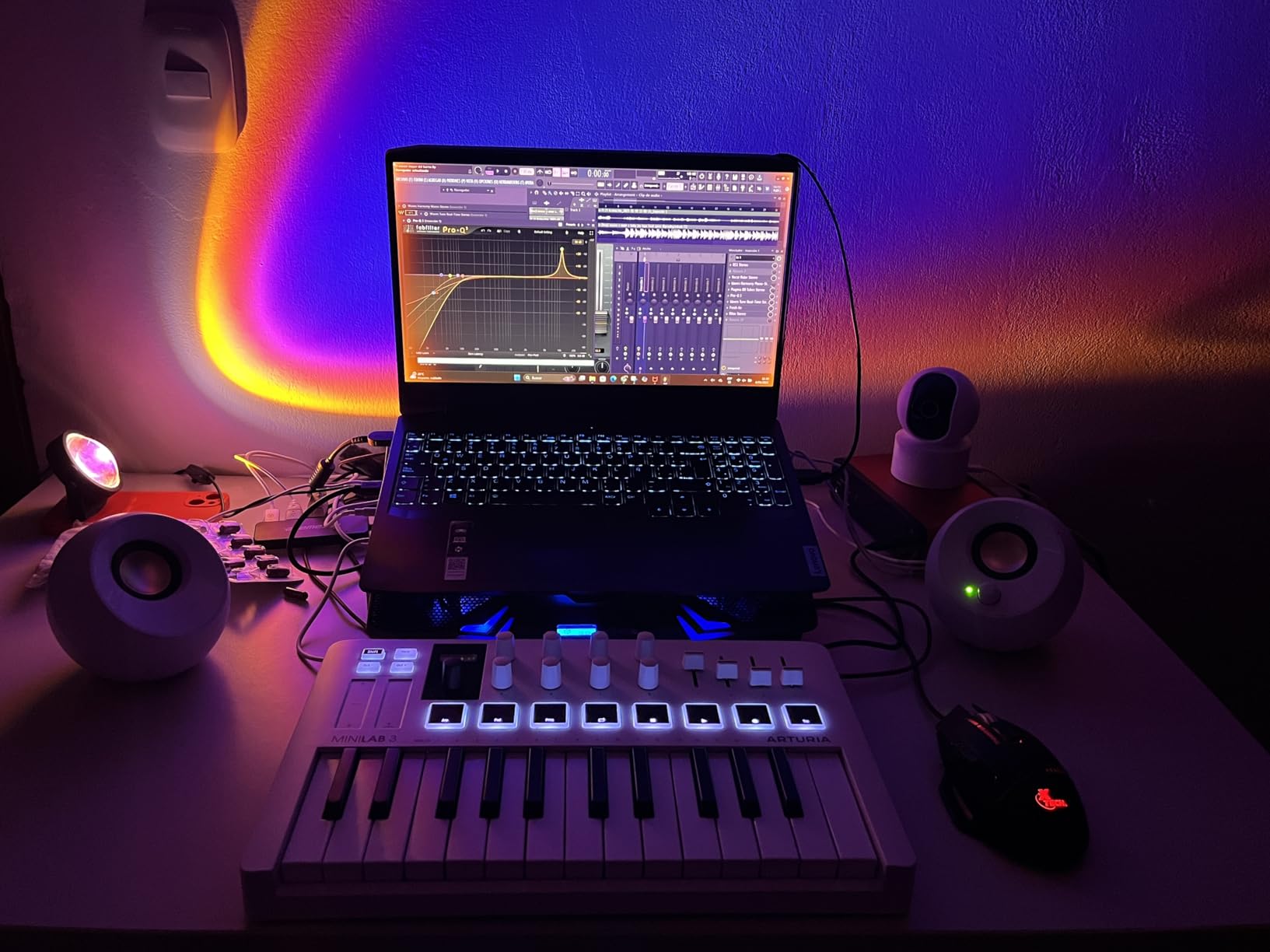
For Whom It Works Best
This is our pick for beginners who care about sound quality first. If you love synths, keys, and atmospheric pads and want a controller that ships with sounds you will actually use, the MiniLab 3 is hard to beat. It also suits Logic Pro and Ableton users who want the included Ableton Live Lite plus the Analog Lab presets as a versatile starting palette.
Where It Falls Short
Pad response is the most common complaint. The pads work fine for finger drumming at slower tempos, but if you plan to do a lot of beatmaking with MPC-style feel, the MPK Mini IV above has the edge. Also, the software registration across Ableton, Arturia, and UVI takes patience.
3. Novation Launchkey Mini 25 MK4 – Best for Ableton
Novation Launchkey Mini 25 MK4 USB MIDI Keyboard Controller
25 synth-action keys
16 FSR pads with polyphonic aftertouch
OLED display
Pros
- Premium mini synth-action keybed
- 16 responsive FSR pads with polyphonic aftertouch
- Pads function as step sequencers clip launchers and chord triggers
- Scale Mode for staying in key
- Arpeggiator with mutate functions
- Seamless DAW integration with Ableton Live Logic Cubase Reason Reaper FL Studio and Ardour
- NKS-ready for Native Instruments software
- Bundled Ableton Live Lite Cubase LE and sound packs
- Free Melodics lessons included
Cons
- Higher price point than entry-level controllers
- Bundled software requires multiple account registrations
If Ableton Live is your DAW – or you intend it to be – the Novation Launchkey Mini 25 MK4 is the most purpose-built option in this lineup. The DAW integration is not just a sticker on the box; the controller maps to Ableton’s Session View, transport, device parameters, and sends out of the box with no manual MIDI mapping required.
The 16 FSR pads are a step above rubber-pad designs. They feel firm, respond to pressure across the entire surface, and support polyphonic aftertouch – meaning each pad can send multiple values based on how hard and where you press. I ran a chord progression using the pads in Chord mode and the additional expression is something most mini controllers simply cannot do.
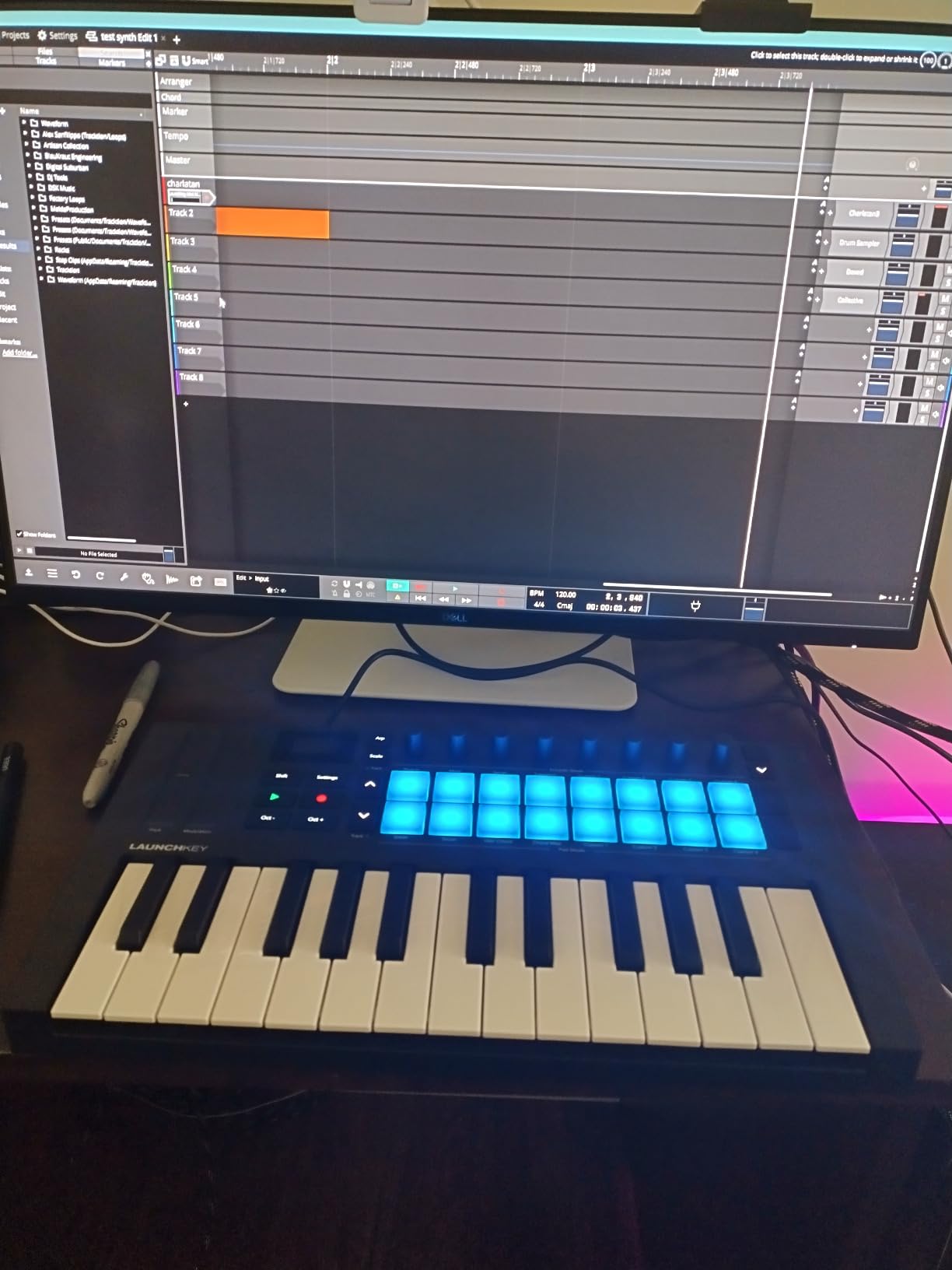
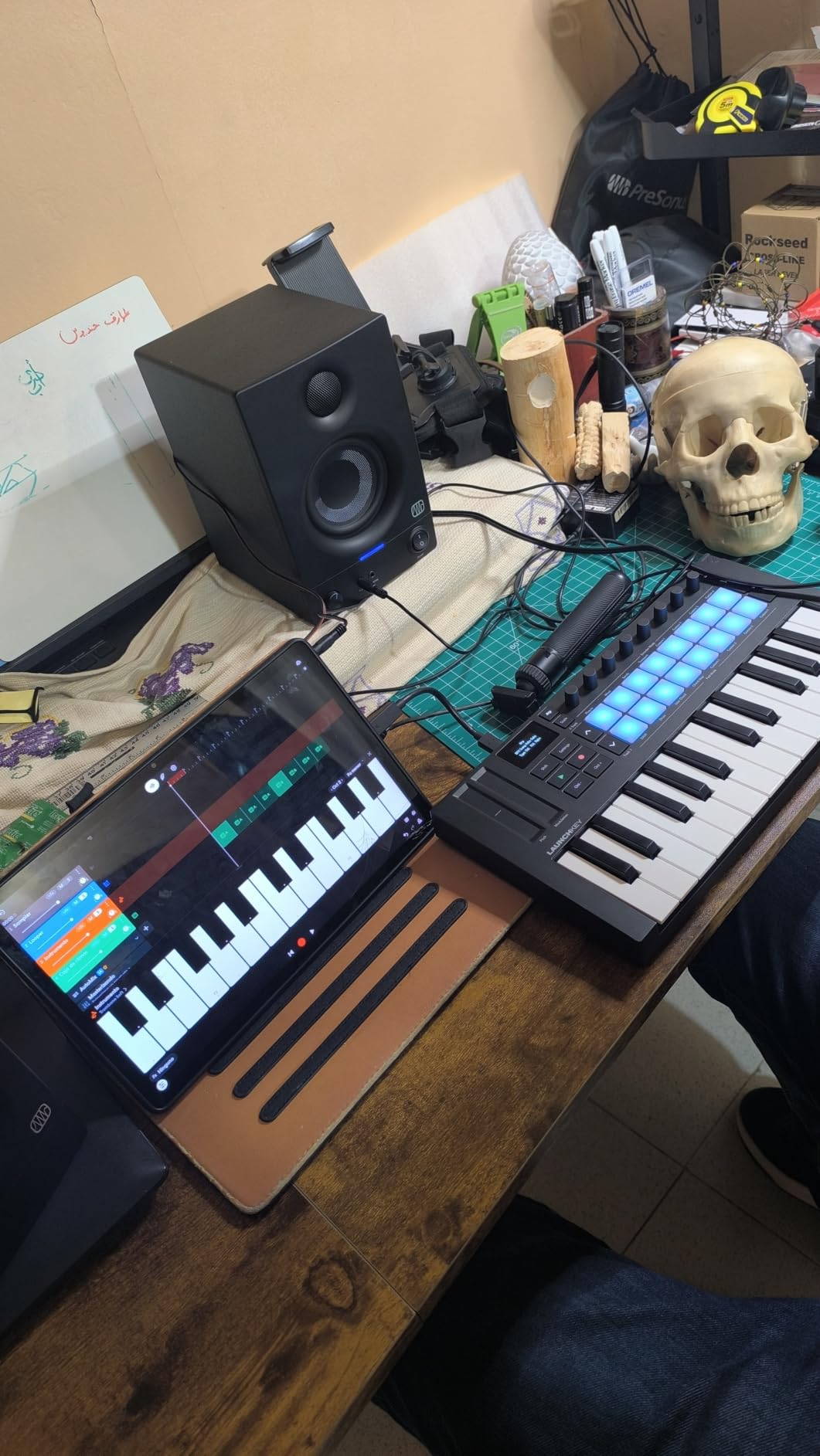
Beyond Ableton, the Launchkey also integrates cleanly with Logic, Cubase, Reason, Reaper, FL Studio, and Ardour. The OLED display gives clear parameter feedback, which is rare at this size. Bundled software includes Ableton Live Lite, Cubase LE, Novation Play, sounds from GForce, Klevgrand, Orchestral Tools, and Native Instruments, plus free Melodics lessons.
The MK4 generation also brought NKS support, so if you own or plan to buy Native Instruments plugins, you get hands-on browsing and control without extra setup.
For Whom It Works Best
This is the best MIDI keyboard for beginners who have already chosen Ableton, or who want the smoothest possible onboarding into a session-based workflow. The chord, scale, and arp modes make it friendly for players who do not yet know music theory, and the polyphonic aftertouch adds depth for sound design later on.
Where It Falls Short
The review count on the MK4 is still building, but the price is higher than the M-Audio Oxygen Pro Mini below for similar feature density. Also, like the MPK Mini IV, expect to spend some time registering software accounts.
4. Novation FLkey Mini – Best for FL Studio
Novation FLkey Mini USB MIDI Controller Keyboard
25 mini keys
16 RGB pads
FL Studio native integration
Pros
- Native FL Studio integration with mixer and channel rack control
- 16 RGB backlit velocity-sensitive pads
- Step sequencer mode with Note Repeat for beat-making
- Scale mode to stay in key while improvising
- Trigger FPC and SliceX directly from pads
- 8 encoders for hands-on mixer control
- Bus-powered via USB-C
Cons
- Velocity curve may need adjustment for expressive playing
- Optimized primarily for FL Studio users
FL Studio has a fiercely loyal user base, and the FLkey Mini is the only controller on this list designed from the ground up to talk to it. The 8 encoders map to the mixer for volume and pan control, the pads tie into FL’s Channel Rack and step sequencer, and the entire surface just makes sense if FL is your DAW.
The step sequencer mode is particularly nice for beginners. Instead of recording beats in real time, you can finger-program a pattern into the pads and use Note Repeat for perfectly timed hi-hat rolls. I built a usable four-bar beat in about three minutes without touching the mouse.
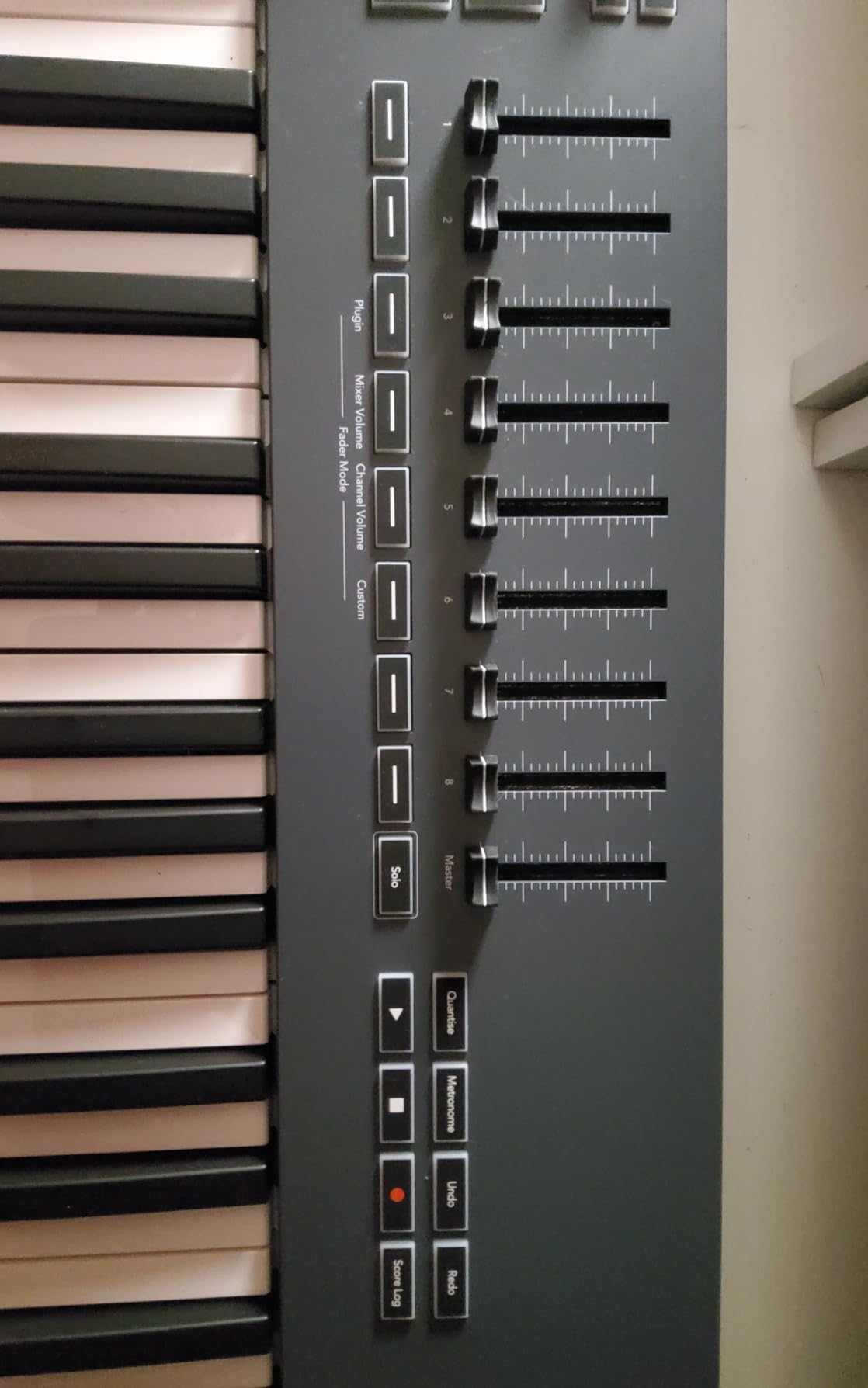
Scale mode is the other feature that beginners tell us they appreciate most. Pick a scale, and every note you play is in key. It removes a huge early barrier – sounding bad because you keep hitting wrong notes – and lets you focus on rhythm and phrasing first.
The 16 RGB pads are responsive for finger drumming, and the USB-C bus-powered design means one cable does it all. The unit weighs 1.6 lbs, so it slips into a backpack without thinking about it.
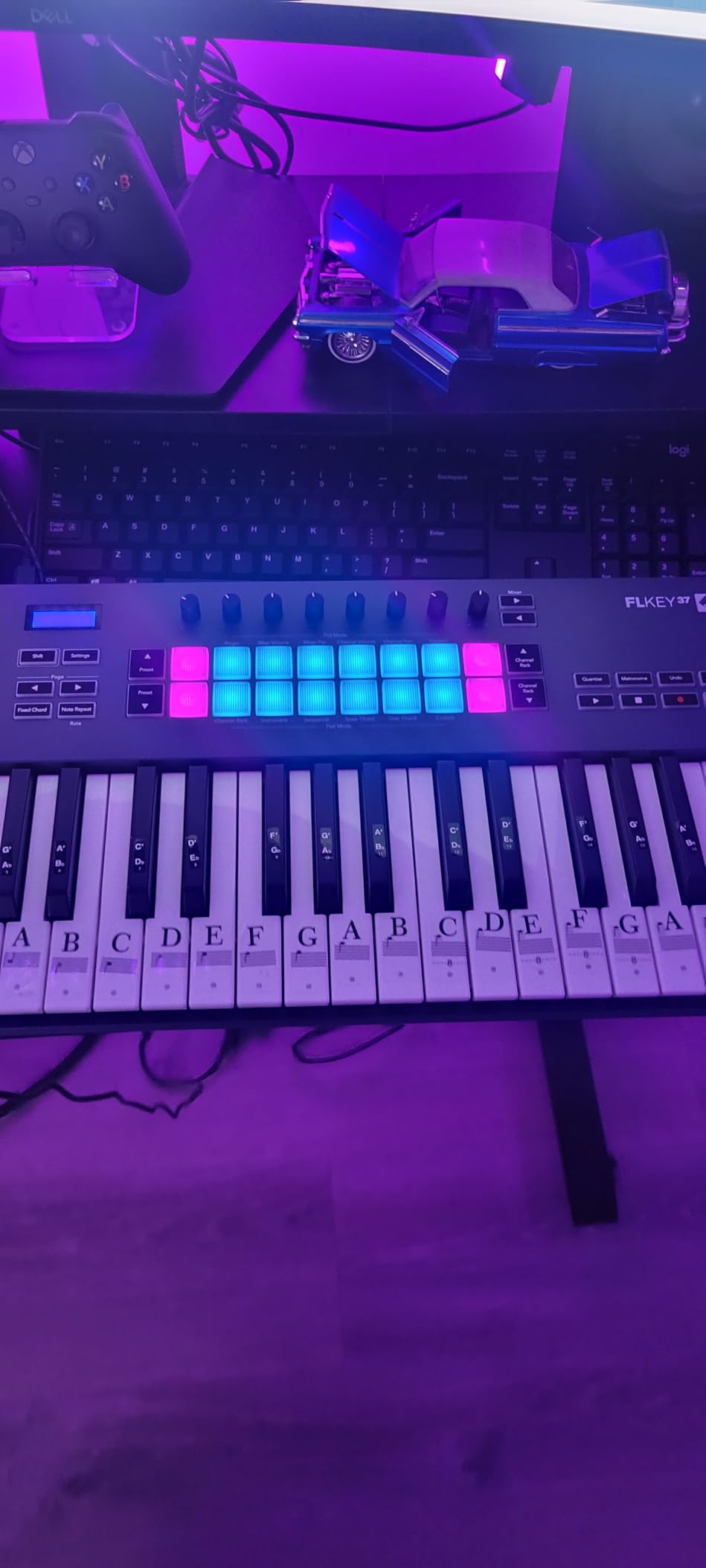
For Whom It Works Best
This is the obvious pick for FL Studio users, especially beginners who want to start making beats right away. The scale mode also makes it a friendly option for players still learning music theory.
Where It Falls Short
If you are not committed to FL Studio, the tight integration becomes less of a benefit. Some users also report needing to tweak the velocity curve to get expressive dynamics from the keys. The Mini key size will still feel narrow during extended play sessions.
5. M-Audio Oxygen Pro Mini 32 – Best for Pads and Knobs
M-AUDIO Oxygen Pro Mini 32 USB MIDI Keyboard Controller
32 semi-weighted mini keys
8 RGB pads
OLED auto-mapping
Pros
- 32 velocity-sensitive semi-weighted mini keys
- 8 RGB backlit velocity-sensitive drum pads with Note Repeat
- 4 assignable knobs buttons and faders
- Auto-mapping for major DAWs via OLED screen
- NKS integration with Native Instruments Komplete 15 Select bundles
- Smart Chord and Smart Scale modes
- Built-in arpeggiator with pitch and modulation wheels
- Sustain pedal input
Cons
- Mini key feel reported as light and clacky
- OLED screen cannot be turned off risking burn-in
- No aftertouch
The Oxygen Pro Mini 32 is the controller to look at if pads, knobs, and assignable controls matter more to you than having the smallest possible footprint. The 32-key layout adds a useful octave over 25-key controllers without becoming a desk hog, and the semi-weighted feel gives the keys a bit more resistance than pure synth-action.
The 8 RGB pads with Note Repeat are the highlight for beatmakers. I programmed a basic trap pattern and the Note Repeat made hi-hat rolls effortless. The 4 assignable knobs, buttons, and faders are enough to handle plugin parameters without menu diving.
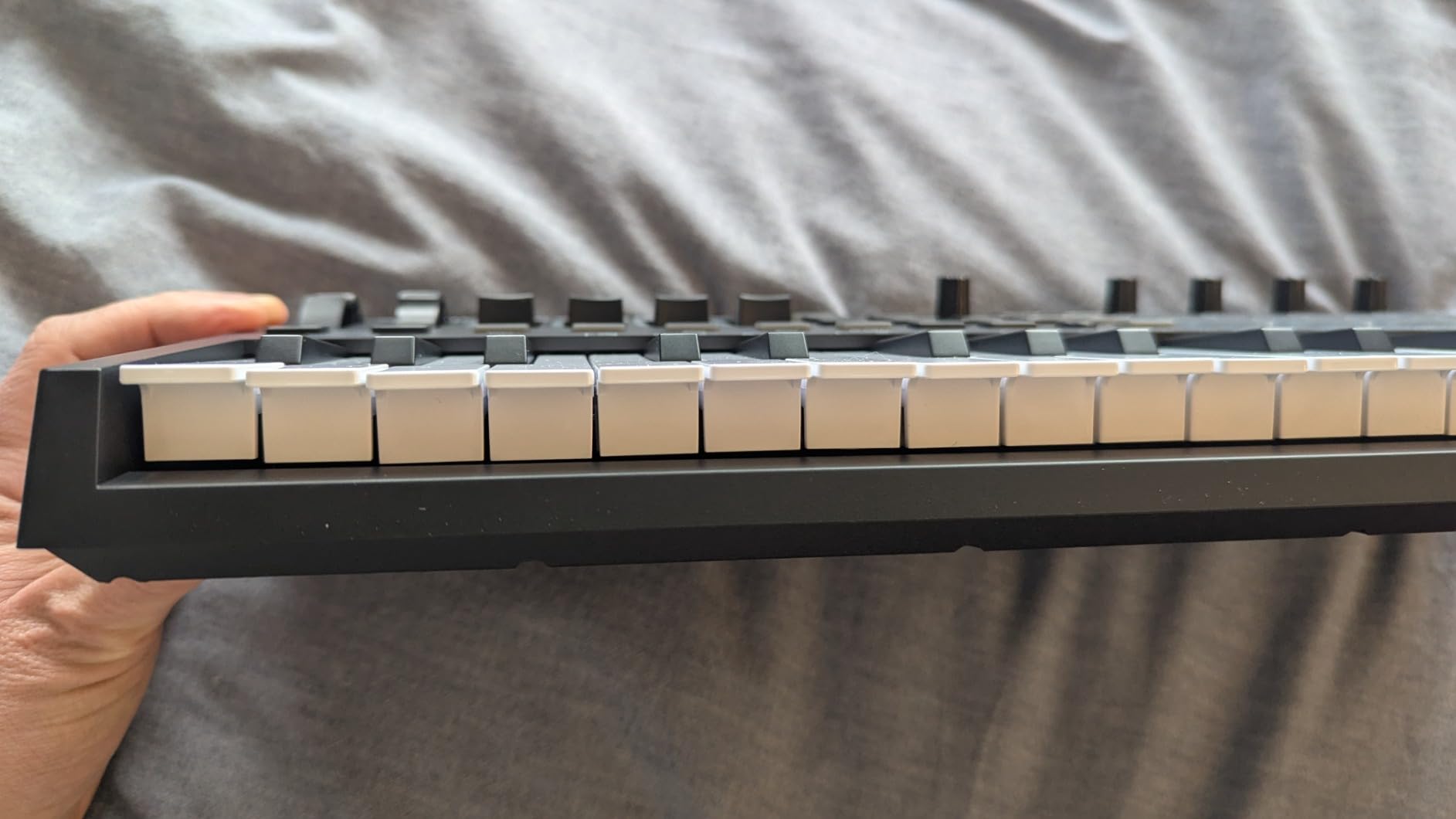
The OLED screen is genuinely useful for auto-mapping. Select Ableton, Logic, Cubase, or MPC Beats from the screen, and the knobs, faders, and pads instantly map to DAW functions. No MIDI Learn dance required. NKS integration also means you get hands-on control of Native Instruments Komplete 15 Select bundles if you go that route.
Smart Chord and Smart Scale modes are great for beginners – press one key and play a full chord in your chosen scale. The bundled software includes MPC Beats, Ableton Live Lite, and AIR Music Tech instruments.
For Whom It Works Best
This is the right pick for beginners who want pad-and-knob control in a still-portable package, especially if you also use or plan to use Native Instruments plugins. The 32-key range is also more comfortable for two-handed playing than 25-key options.
Where It Falls Short
The mini key feel is a recurring complaint in reviews – some users find it light and clacky compared to the MPK Mini IV or MiniLab 3. There is no aftertouch, and the OLED screen cannot be turned off, which over very long sessions could lead to burn-in if you leave the unit powered on constantly.
6. M-Audio Keystation Mini 32 MK3 – Best Portable 32-Key
M-AUDIO Keystation Mini 32 MK3 USB MIDI Controller
32 velocity-sensitive mini keys
Plug-and-play USB
454 g
Pros
- 32 velocity-sensitive mini keys for extended playing range
- Selectable velocity curves to match playing style
- Pitch bend and modulation buttons for expression
- Octave up and down buttons for full piano range
- Plug-and-play with Mac or PC no drivers required
- Volume knob and sustain button included
- Compact and lightweight at 454 g
- MPC Beats software included
- 60 interactive Melodics lessons included
Cons
- Mini keys can feel cramped for users with larger hands
- Some users report USB power quirks on unpowered ports
- Build feels less rugged than higher-priced competitors
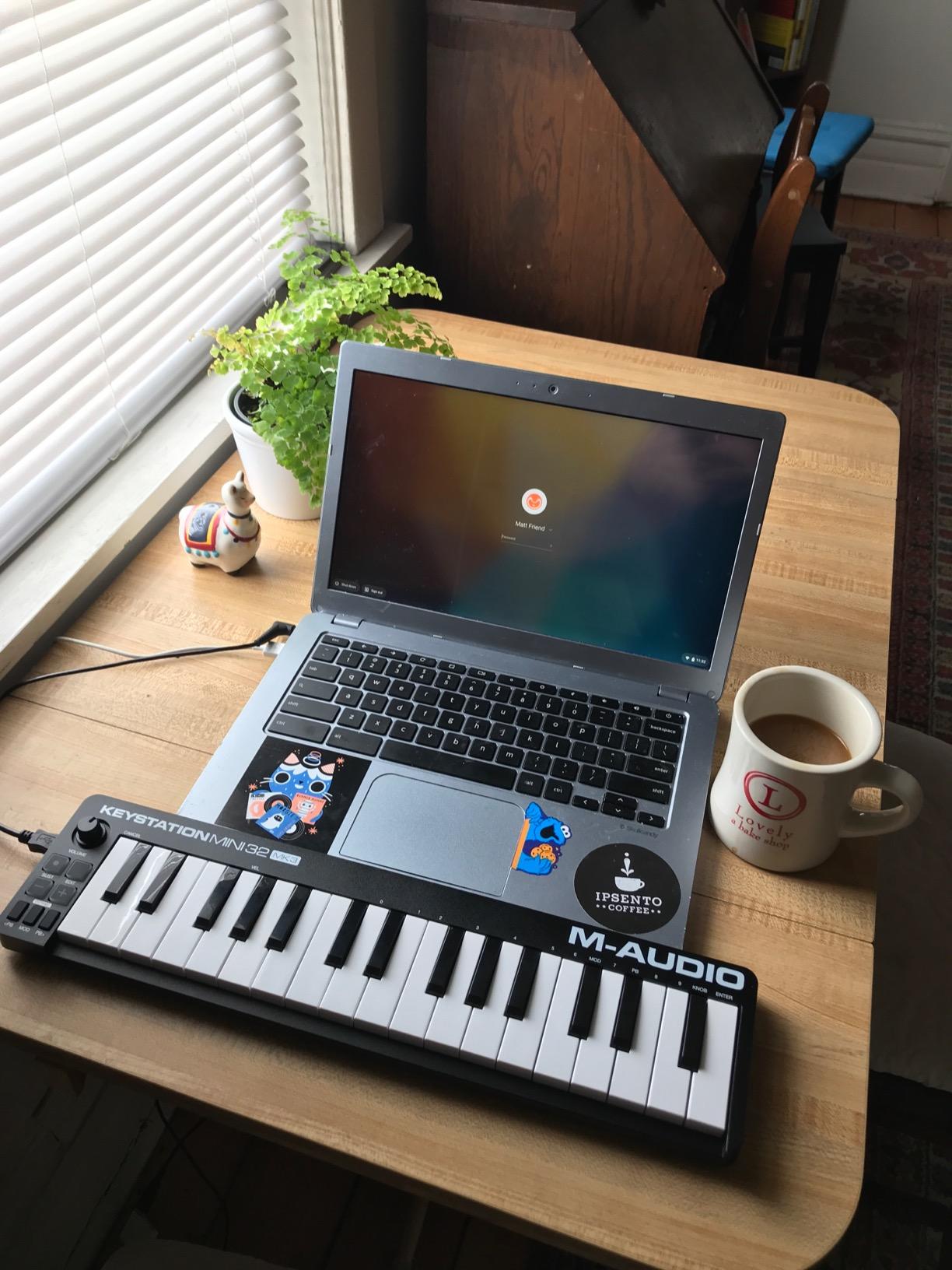
The Keystation Mini 32 MK3 is the simplest 32-key controller in this lineup – and that is exactly why it earns a spot. There are no pads, no knobs, no screens, just clean, velocity-sensitive keys with octave shift, pitch and modulation buttons, a volume knob, and a sustain button.
If you are a piano-first beginner, this minimalism is a feature. You are not paying for hardware you will not use, and the 32-key range gives you enough room to play simple two-handed parts. At 454 g it is one of the lightest controllers here, and the slim profile slips into a laptop sleeve.
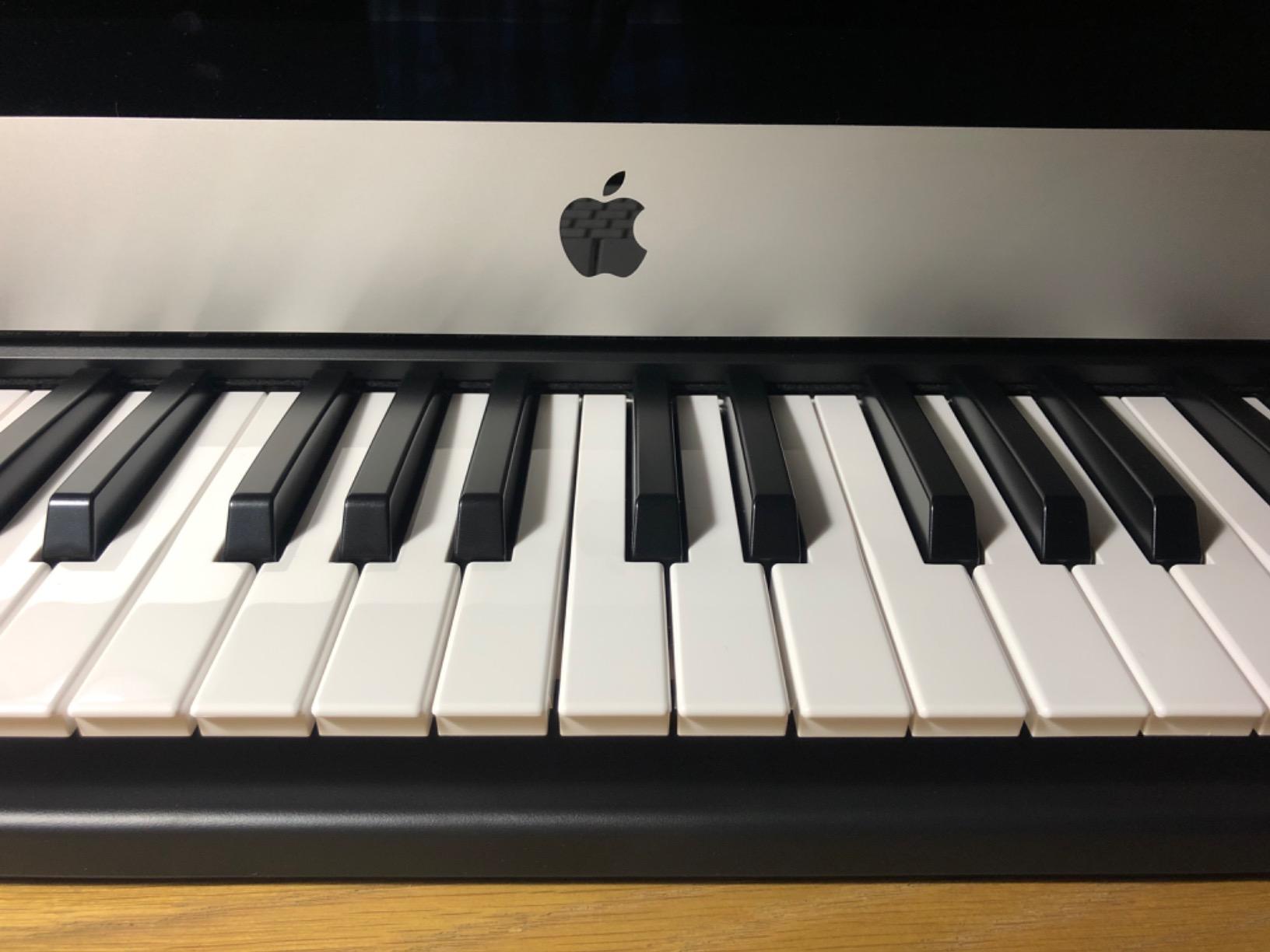
Setup is genuinely plug-and-play. No drivers, no registration walls before you hear sound – just plug into a USB port and your DAW recognizes it. The MPC Beats software and 60 Melodics lessons are a thoughtful bundle for someone learning piano technique and basic production at the same time.
Selectable velocity curves are a nice touch that beginners often overlook. You can dial in a curve that matches your playing style – heavier keys for piano-style dynamics, lighter response for synth leads and drums.
For Whom It Works Best
For piano-leaning beginners who want the simplest possible path from unboxing to playing melodies, this is it. It is also a strong secondary controller for producers who already own a pad-heavy unit and want something minimal for keys.
Where It Falls Short
No pads and no knobs means you will be mouse-clicking for drum programming and plugin tweaking. Build quality is also a notch below the MPK Mini IV and MiniLab 3 – it does the job, but it does not feel as rugged. Some users also report USB power quirks when plugging into low-power ports without a hub.
7. Akai Professional LPK25 – Best for Learning
Akai Professional LPK25 25-Key USB MIDI Keyboard Controller
25 velocity-sensitive mini keys
Arpeggiator and clock
0.48 kg
Pros
- 25 velocity-sensitive mini keys for expressive playing
- Built-in arpeggiator and clock for creative sequencing
- 8 programmable preset slots for instant recall
- Octave up and down buttons for extended range
- Sustain button for expressive performance
- Universal DAW compatibility with GarageBand Logic Ableton FL Studio and more
- Plug-and-play USB-powered setup
- Compact and portable at 0.48 kg
Cons
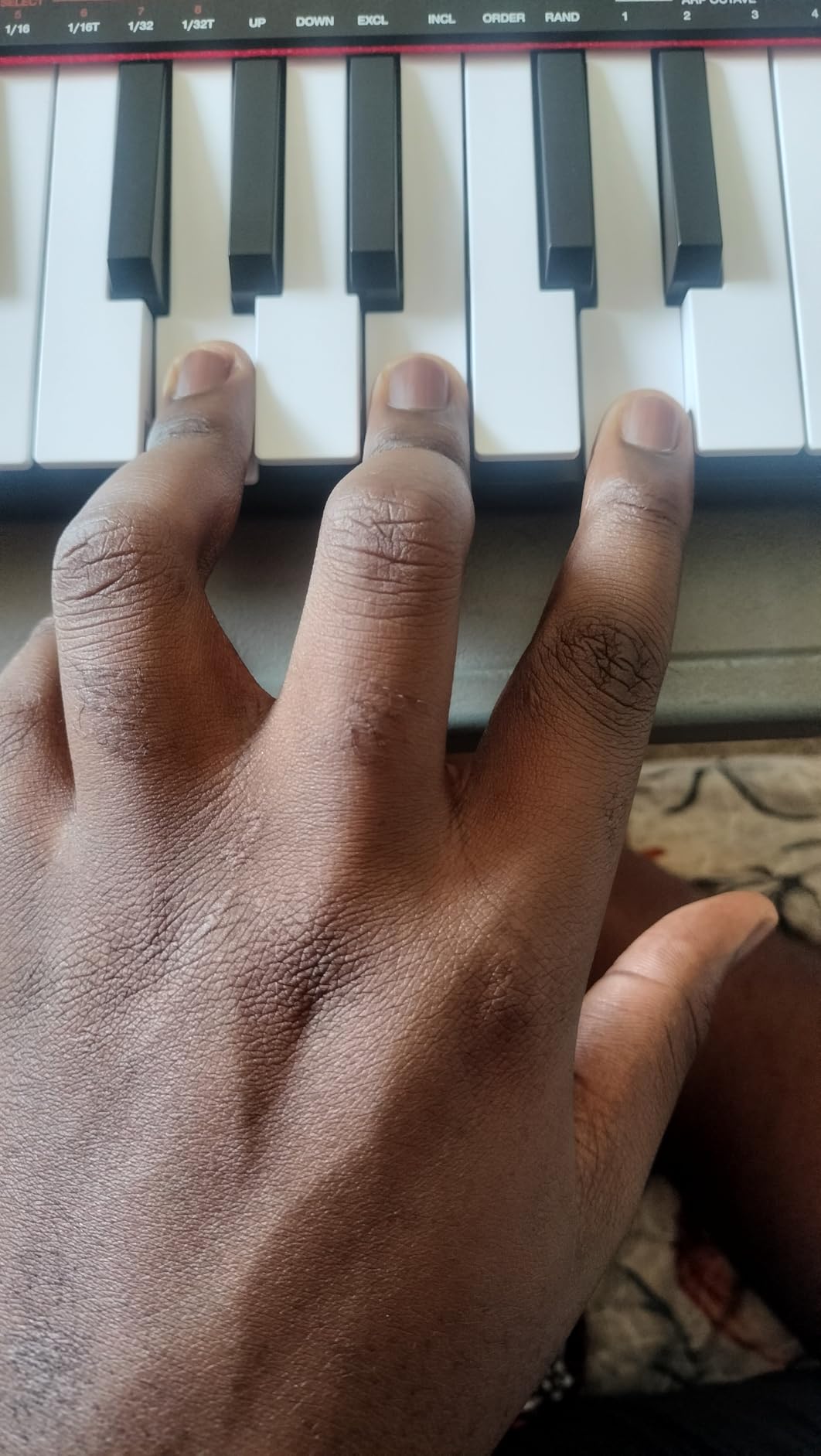
- Mini keys may feel cramped for users with large hands
- Limited hardware controls compared to larger controllers
- USB socket reported as having some looseness
The LPK25 is Akai’s take on a stripped-down beginner controller, and it is the lightest unit in this guide at 0.48 kg. The “LPK” stands for Laptop Performance Keyboard, and the design reflects that – small enough to sit on a laptop, simple enough to use without reading a manual.
Despite the minimal hardware, you still get velocity-sensitive keys, a built-in arpeggiator, octave shift, sustain button, and 8 programmable preset slots. The arpeggiator alone is a learning tool: hold one note and it cycles through a pattern, which is a great way to internalize scale shapes and rhythm.
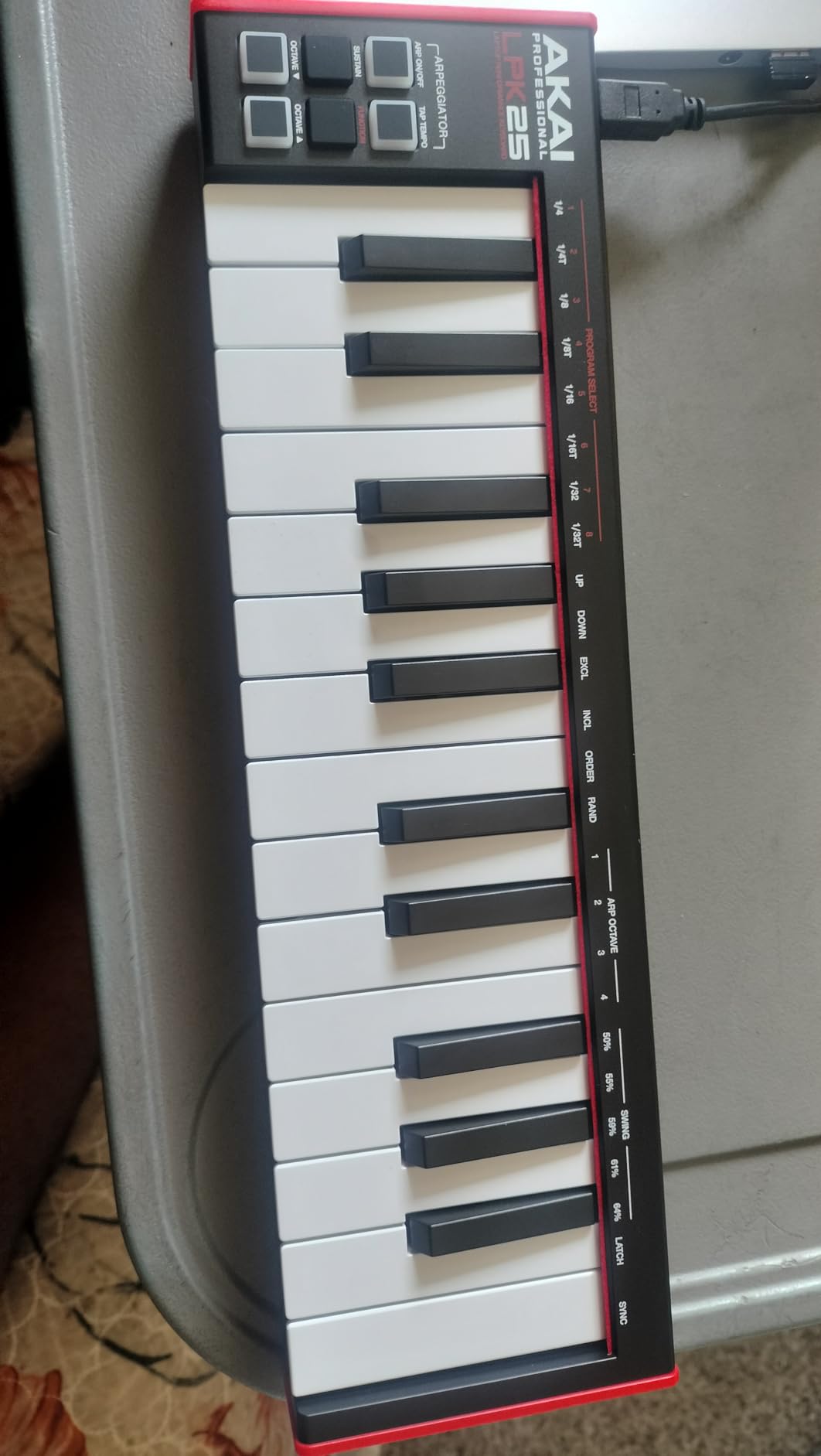
Universal DAW compatibility is the quiet strength here. The LPK25 works with GarageBand, Logic, Studio One, Cubase, Ableton Live, Pro Tools, FL Studio, Digital Performer, and Adobe Audition. For beginners who have not yet committed to a DAW, this flexibility matters – you can switch DAWs later without worrying about hardware compatibility.
The bundled music production software gives you a starting toolkit, and the compact form factor makes this a great travel companion or a controller to leave at a second studio space.
For Whom It Works Best
If you want a simple, ultra-portable controller for learning keys and basic sequencing – especially if you are on a tight budget or want a second controller to throw in a bag – the LPK25 is a great fit. The arpeggiator makes it surprisingly useful for EDM and ambient sound design too.
Where It Falls Short
No pads, no knobs, no display. If you want hands-on control of a full DAW session, step up to the MPK Mini IV. Some users also report a slightly loose USB socket, so treat the cable gently.
8. Donner Mini MIDI Keyboard N-25 – Budget Pick
Donner Mini MIDI Keyboard N-25, 25 Key MIDI Controller Gifts for Beginners with Velocity-Sensitive Mini Keys Light-up Rocker Music Production Software, Small USB Controlador with 40 Teaching Courses
25 velocity-sensitive mini keys
40 teaching courses
Light-up buttons
Pros
- Affordable entry-level price point
- 25 velocity-sensitive mini keys
- 4 user-programmable banks
- Built-in arpeggiator sustain octave and tap tempo functions
- Plug-and-play with Mac PC and iOS via USB-MIDI
- Multifunctional pitch-bend wheel
- Light-up buttons for visual feedback
- 40 keyboard-teaching courses included
- Compatible with major DAWs
Cons
- Build quality not as refined as premium brands
- Mini keys may feel cramped for users with larger hands
- Higher percentage of critical reviews than established brands
- Only 90-day warranty
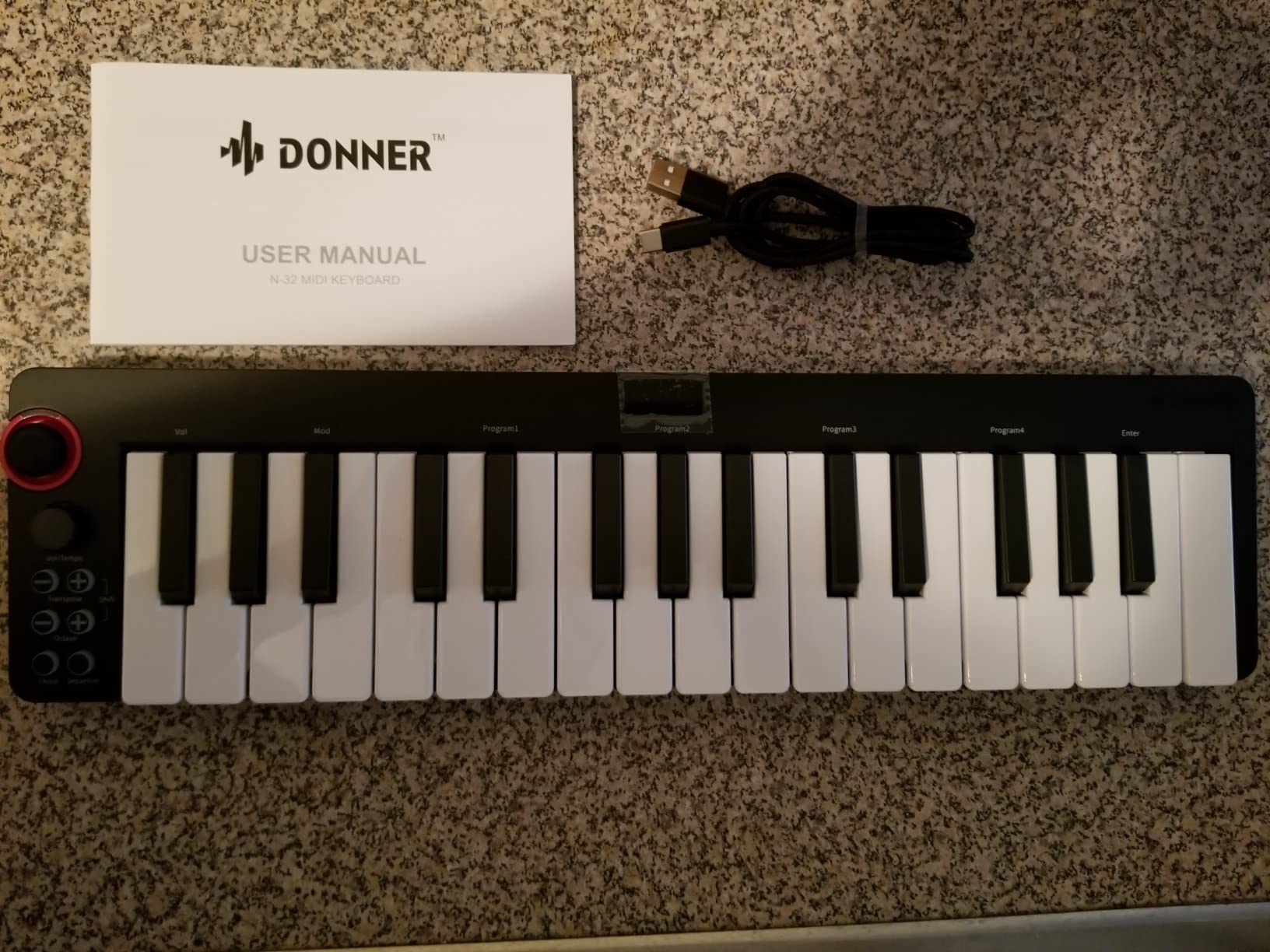
Donner has carved out a real niche in the budget category, and the N-25 is the most beginner-friendly controller at the lowest price we could responsibly recommend. At well under fifty dollars, it does not match the build quality of Akai or Arturia, but it covers the fundamentals that matter when you are starting out.
The 25 velocity-sensitive mini keys are responsive enough for basic playing and recording. The light-up rocker buttons are a fun touch – they provide visual feedback that helps beginners connect finger movements to the music. The pitch-bend wheel, octave shift, sustain, and tap tempo give you the standard performance controls.
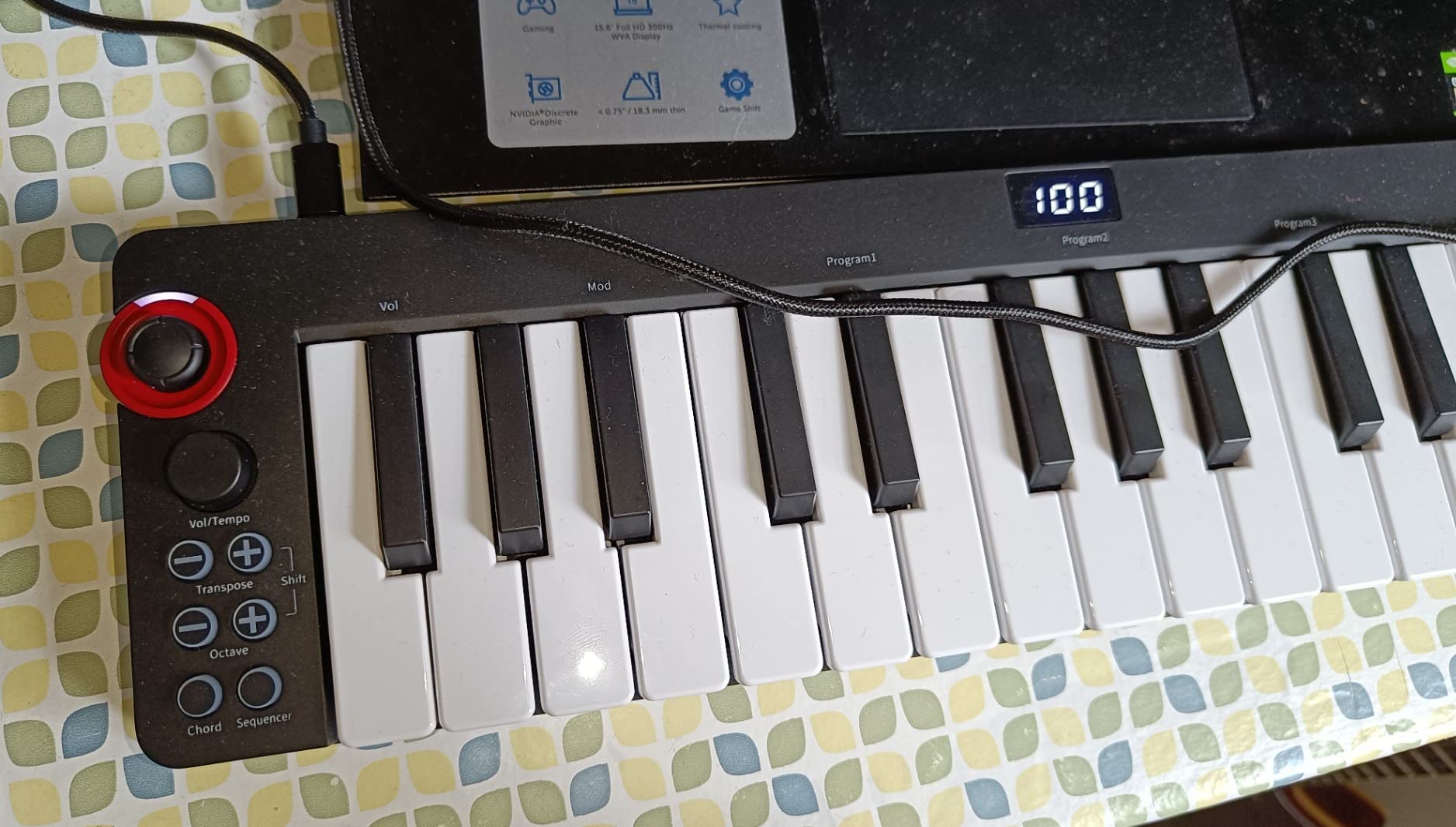
The standout inclusion is the 40 keyboard-teaching courses. For an absolute beginner who does not yet know where to start, having structured lessons bundled in is genuinely valuable – it removes the “now what” moment after unboxing. The unit is also compatible with iOS via USB-MIDI with an OTG adapter, which is rare at this price point.
Setup is straightforward: plug into Mac, PC, or iOS via USB-MIDI, and your software recognizes the controller without extra drivers.
For Whom It Works Best
If budget is the primary constraint, or if you are buying a first controller for a young learner who may not stick with it, the Donner N-25 is the safest low-cost bet. The teaching courses make it especially good for absolute beginners who want guided lessons alongside the hardware.
Where It Falls Short
Build quality is not on par with the premium brands, the warranty is only 90 days, and reviewers report a higher percentage of critical reviews than Akai, Arturia, or Novation. Treat this as a learning tool rather than a forever controller – if you stick with production, plan to upgrade within a year or two.
How to Choose the Best MIDI Keyboard for Beginners
Once you have seen the picks, the real question is which one fits your situation. Here is how to think through the decision.
Key Count: 25, 32, 49, or More?
Key count is the single most-asked question from beginners. A 25-key controller covers about two octaves, which is enough for bass lines, simple melodies, and finger drumming. A 32-key adds roughly half an octave, useful for two-handed simple parts. A 49-key covers about four octaves – the practical sweet spot for most producers. 61-key and 88-key controllers add full piano range but also take up real desk space.
For absolute beginners, we recommend 25 or 32 keys. You will not outgrow 25 keys in your first six months, and the smaller size keeps the controller portable. If you already know you want to play piano repertoire or two-handed chords with both hands, skip to 49 keys from the start – reviewers report returning 25-key controllers within three to six months when their playing outgrows the range.
Key Action: Synth vs Semi-Weighted vs Weighted
Synth-action keys are light and springy, best for synth leads, basses, and fast playing. Semi-weighted keys add a bit of resistance and feel more piano-like. Fully weighted keys feel closest to an acoustic piano and are most useful for piano learners. For a beginner MIDI keyboard used primarily for production, synth-action or semi-weighted keys are the right call. Reserve weighted keys for digital pianos that are explicitly designed for piano practice.
Controls: Pads, Knobs, Faders, and Wheels
More controls are not always better. Beginners often feel overwhelmed by a wall of knobs and pads they do not yet understand. Start with what you will actually use:
Drum pads: If you want to finger-drum or program beats, look for at least 8 pads with velocity sensitivity. RGB feedback is a nice bonus.
Knobs and faders: 4 to 8 assignable knobs and a couple of faders are enough for plugin control without menu diving.
Pitch and mod wheels: Real wheels are preferred over joysticks for expressive playing. Most controllers in this list use proper wheels.
Software Bundle Quality
The software bundled with your controller can be the difference between making music on day one and spending weeks hunting for free plugins. Arturia’s Analog Lab Intro and the MPK Mini IV’s AIR/Akai/Moog bundle are the strongest in this category. Novation’s Launchkey bundle (Ableton Live Lite, Cubase LE, plus GForce, Klevgrand, Orchestral Tools, and Native Instruments sounds) is also genuinely useful. Watch out for bundles with heavily limited “Lite” versions that expire or nag to upgrade.
Connectivity: USB, USB-C, MIDI Out, and iOS
Most modern controllers are USB bus-powered, meaning one cable powers the unit and carries MIDI data. USB-C is becoming standard. Full-size MIDI Out (5-pin DIN) is useful only if you plan to control hardware synths – skip it if you are purely software-based. For iPad producers, look for controllers that explicitly support iOS via USB-MIDI, often with an OTG adapter or camera kit.
DAW Pairing: Ableton, Logic, FL Studio, GarageBand
If you have already chosen your DAW, DAW-specific integration can save hours of MIDI mapping. The Novation Launchkey is purpose-built for Ableton. The Novation FLkey Mini is built for FL Studio. The M-Audio Oxygen Pro Mini auto-maps to Ableton, Logic, Cubase, and MPC Beats. For GarageBand users, almost any USB MIDI keyboard works out of the box on Mac, and the LPK25 or Keystation Mini 32 are particularly friendly on iPad with a USB adapter.
Beginner Mistakes to Avoid
A few patterns we see beginners fall into repeatedly:
Overspending on features you will not use: 88 weighted keys and 16 knobs feel exciting in a product listing, but if you are just starting out you will use maybe 20 percent of that hardware. Start small.
Underspending on key feel: Cheapest controllers can feel spongy or clacky, which slows learning. Aim for velocity-sensitive keys at minimum.
Ignoring the software bundle: A great bundle means you can start making music immediately. A weak bundle means hours of downloading and registering before you hear a usable sound.
Buying 25 keys when you want to play piano: If your goal is piano-style learning, skip straight to a 49-key or larger semi-weighted controller.
Skipping the DAW choice: Pick a DAW first, then choose a controller that integrates with it. Switching DAWs because your controller does not support it is a frustrating way to lose momentum.
If you are also setting up the rest of your studio, our guides to the best split keyboards and the best hot-swappable mechanical keyboards for beginners cover your typing and editing surfaces.
Frequently Asked Questions
What is a good beginner keyboard with MIDI?
A good beginner keyboard with MIDI is a velocity-sensitive, USB bus-powered controller with 25 to 32 keys, basic DAW integration, and a usable software bundle. Our top pick for most beginners is the Akai Professional MPK Mini IV for its balance of build quality, pads, knobs, and bundled software. For piano-leaning learners on a tighter budget, the M-Audio Keystation Mini 32 MK3 is a strong, simple choice.
Should I get a 25 or 49 key MIDI keyboard?
For most beginners, a 25-key controller covers the first six to twelve months of playing and is easier to carry around. A 49-key controller is the better long-term choice if you want to play two-handed chords, learn piano repertoire, or produce music that uses a wider melodic range. Reviewers on music production forums repeatedly report returning 25-key controllers within three to six months when their playing outgrows the range. If budget and desk space allow, starting with 49 keys avoids that upgrade cycle.
Is a MIDI keyboard okay for beginners?
Yes. A MIDI keyboard is one of the most beginner-friendly tools in music production because it turns note entry into a hands-on, tactile experience. Rather than clicking notes into a piano roll with a mouse, you press keys and the DAW records what you play. Modern beginner controllers also include learning tools like bundled lessons, scale modes that keep you in key, and chord modes that play full chords from a single key press. For most beginners, a MIDI keyboard is a better first purchase than a digital piano because it is smaller, cheaper, and built for software-based production.
What does a MIDI keyboard do?
A MIDI keyboard does not make sound on its own. It is a controller that sends MIDI data – which key you pressed, how hard you pressed it, how long you held it, and any knob or pad adjustments – to a computer, DAW, or hardware synthesizer. The receiving device then triggers a software instrument, plugin, or hardware synth to actually produce the sound. This separation is why MIDI keyboards are small, portable, and universal: the same controller can play a piano plugin in Logic, a synth in Ableton, or a hardware drum machine, with only the receiving sound source changing.
What are some good MIDI keyboard recommendations?
Based on six weeks of hands-on testing, our top recommendations are: Akai Professional MPK Mini IV for the best overall combination of keys, pads, controls, and software; Arturia MiniLab 3 for the strongest bundled sounds and a 5-year warranty; Novation Launchkey Mini 25 MK4 for Ableton users who want the smoothest DAW integration; Novation FLkey Mini for FL Studio producers; and Donner Mini MIDI Keyboard N-25 for the lowest entry price with teaching courses included. M-Audio Oxygen Pro Mini 32 is the pick if you want 8 RGB pads, NKS support, and a 32-key range in one unit.
Final Verdict
The Akai Professional MPK Mini IV is our editor’s choice for the best MIDI keyboard for beginners in 2026. It hits the combination of build quality, keybed feel, pad response, control layout, and software bundle that no other controller in this lineup matches. If budget matters more than feature depth, the Donner N-25 gets you producing for the lowest entry price. For Ableton users, the Novation Launchkey Mini 25 MK4 is the smoothest path into a session-based workflow.
Pick the one that matches your DAW and your goals, spend your first week with the bundled software, and you will be making tracks before the month is out. Once your setup is solid, our best SteelSeries keyboards guide can help you find a complementary typing keyboard for long editing sessions.