
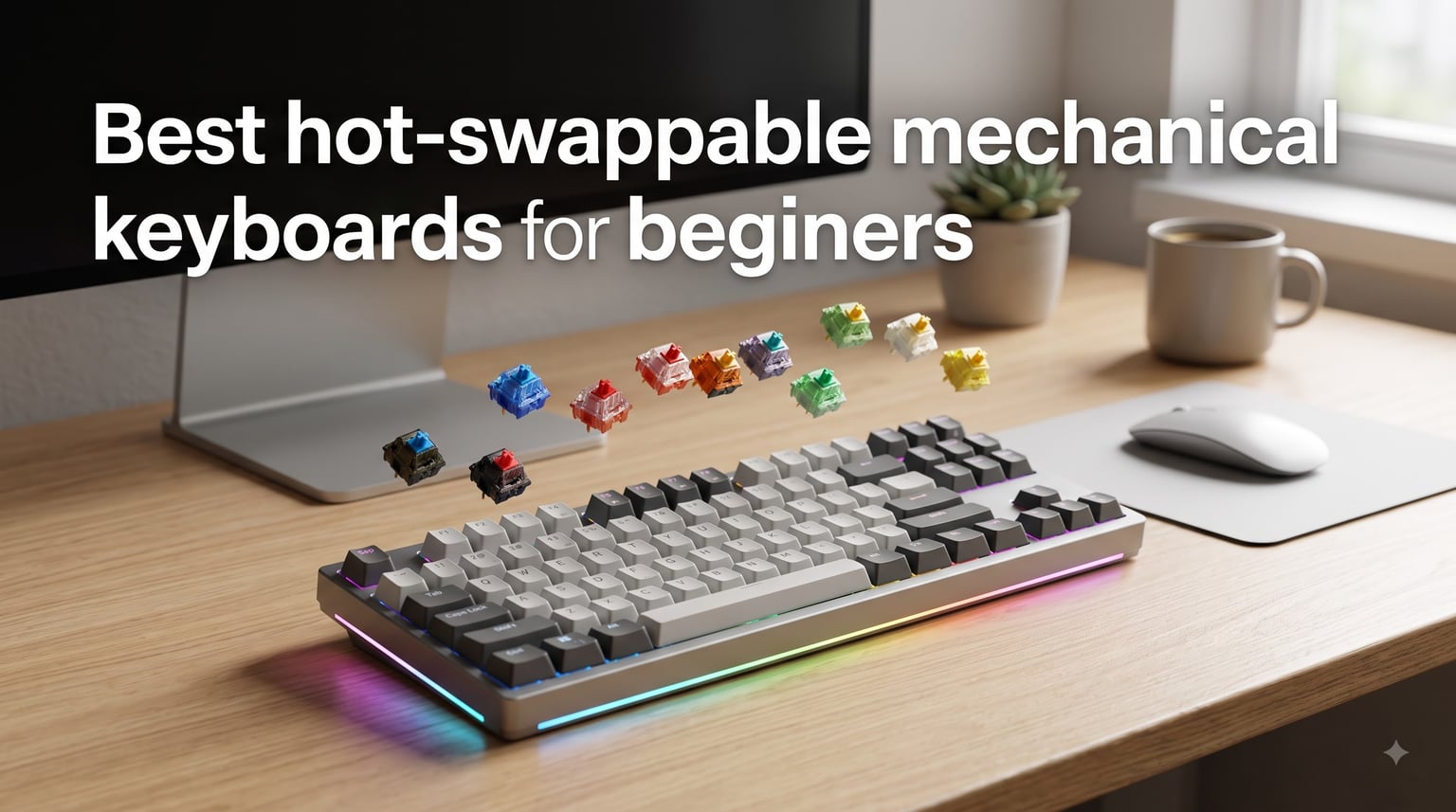
If you’ve ever wondered whether hot-swappable mechanical keyboards for beginners are worth the hype, the short answer is yes. Hot-swap technology lets you pull out and replace switches by hand in seconds, with zero soldering and zero technical skill required. For someone buying their first mechanical board, that single feature removes the biggest fear: locking yourself into the wrong switch type forever.
I tested and compared 10 of the best hot-swappable mechanical keyboards for beginners available right now, ranging from $29.99 budget boards to $69.99 mid-range gems. Every keyboard on this list supports both 3-pin and 5-pin MX-style switches, so you can experiment with linear, tactile, and clicky switches as your preferences evolve. I’ve also broken down layouts (60%, 65%, 75%, TKL, and full-size), explained south-facing versus north-facing LEDs, and flagged the dreaded Outemu socket trap that catches first-time buyers.
Whether you want to game, type, code, or just enjoy the satisfying feel of a custom mechanical keyboard, this guide will help you pick the right starter board without wasting money. Let’s start with my top three picks.
Table of Contents
Top 3 Picks for Beginners in 2026


Redragon K671 Mechanical…
- Budget-friendly
- Hot-swappable red switches
- Double-shot PBT keycaps
Best Hot-Swappable Mechanical Keyboards for Beginners in 2026
| Product | Specs | Action |
|---|---|---|
 Redragon K668 RGB Gaming Keyboard Redragon K668 RGB Gaming Keyboard |
|
Check Latest Price |
 RK Royal Kludge R98 Pro RK Royal Kludge R98 Pro |
|
Check Latest Price |
 Redragon K771 Wireless Redragon K771 Wireless |
|
Check Latest Price |
| Redragon K671 Mechanical Gaming |
|
Check Latest Price |
 Kisnt KN85 Wireless Mechanical Kisnt KN85 Wireless Mechanical |
|
Check Latest Price |
 DIERYA DK68E 60% Mechanical DIERYA DK68E 60% Mechanical |
|
Check Latest Price |
 RK Royal Kludge RK61 60% RK Royal Kludge RK61 60% |
|
Check Latest Price |
 AULA F75 Pro Wireless AULA F75 Pro Wireless |
|
Check Latest Price |
 Keychron C1 Wired TKL Keychron C1 Wired TKL |
|
Check Latest Price |
| AULA F75 75% Wireless |
|
Check Latest Price |
1. Redragon K668 RGB Gaming Keyboard – Best Full-Size Starter Board
Redragon K668 108-Key Hot-Swap Wired RGB Gaming Keyboard, Extra 4 Hotkeys
108 keys
Hot-swappable red switches
3.5mm sound absorbing foam
USB-C wired
Pros
- Hot-swappable with almost all 3-pin/5-pin switches
- Sound absorbing foam reduces typing noise
- 108-key full-size layout with anti-ghosting
- 19 RGB backlighting presets with music sync mode
Cons
- Linear red switches may not suit tactile preference users
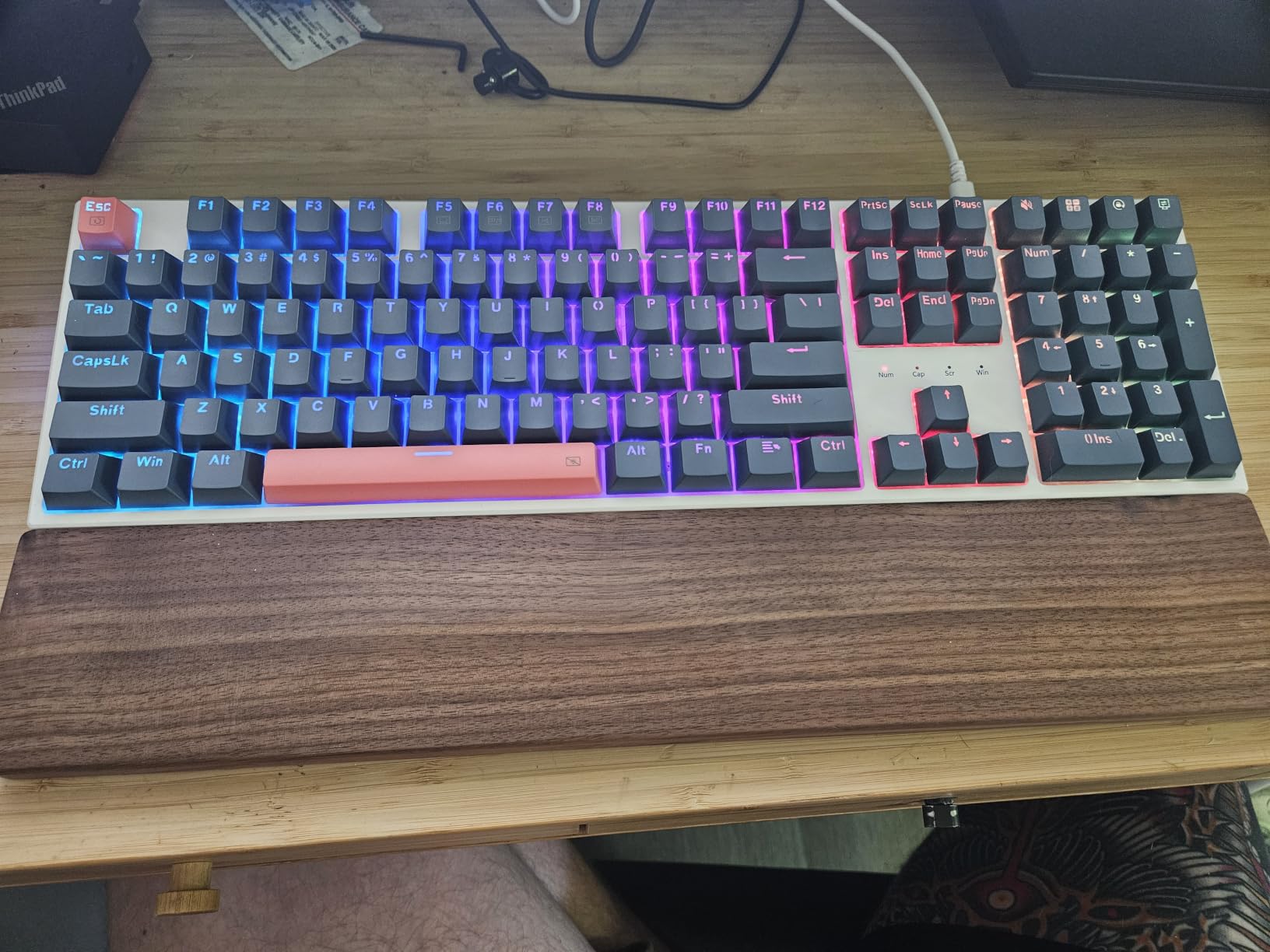
The Redragon K668 is the keyboard I hand to friends who ask, “What’s a good first mechanical keyboard?” It comes pre-built with everything a beginner needs, no assembly required, and the full-size 108-key layout includes a number pad and four extra hotkeys that map to Mute, Calculator, Lock Screen, and Show Desktop.
What surprised me most during testing was the 3.5mm sound-absorbing foam inside the case. Linear switches are usually loud, but the foam tames the high-frequency clack into something closer to a soft thock. For someone in an open office or shared apartment, this matters more than most spec sheets admit.
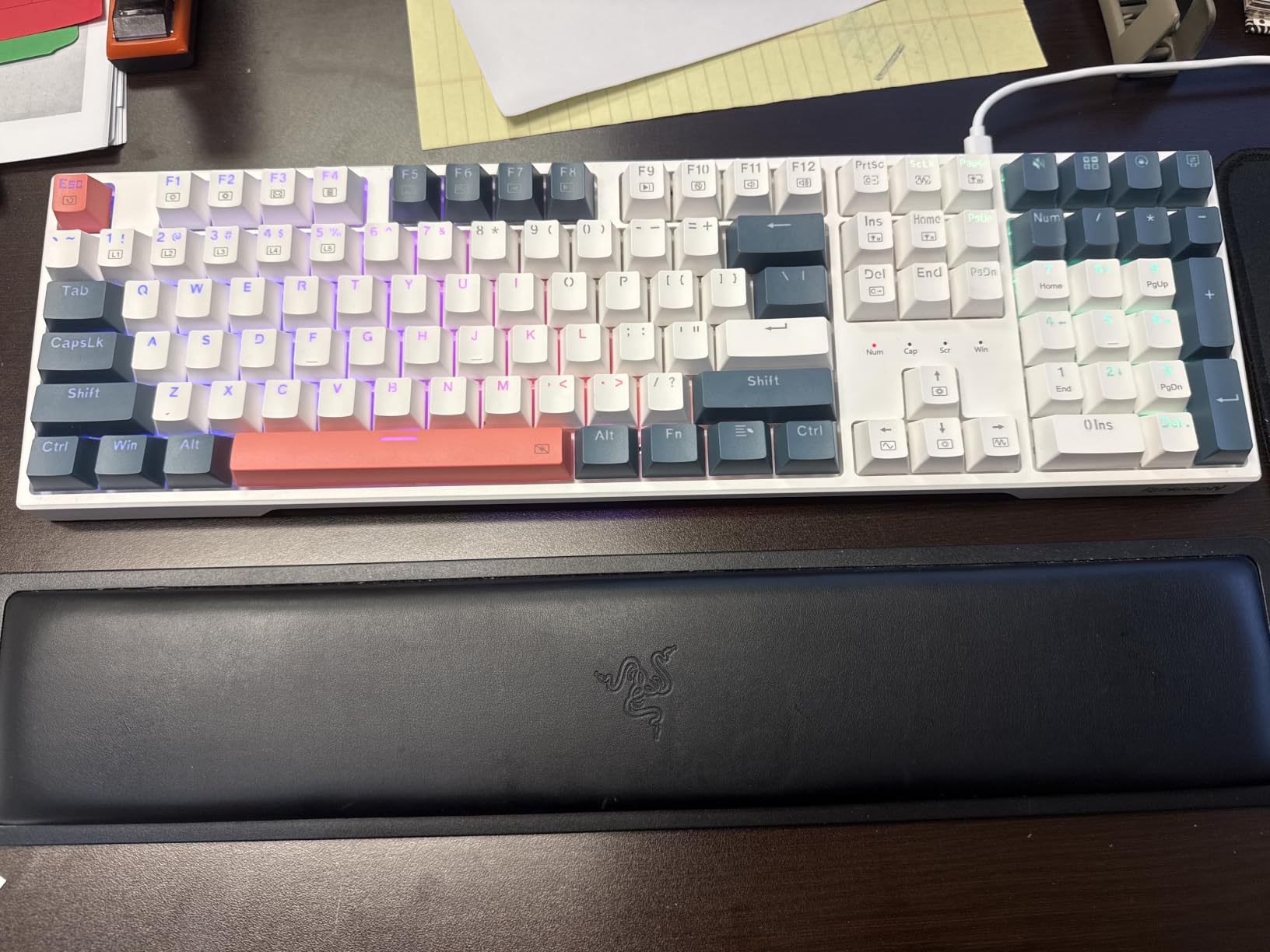
The hot-swap socket here accepts nearly every MX-style switch on the market, both 3-pin and 5-pin varieties. When you inevitably want to try a tactile or clicky switch six months from now, you can swap them in without buying a new keyboard.
Build quality feels solid for the price, with a non-flexing plastic chassis and adjustable two-stage feet. RGB lighting includes 19 presets plus a music-sync mode that reacts to your microphone, a fun feature most boards skip at this tier.
For whom its good
The K668 is great for beginners who want a full number pad for spreadsheets, accounting, or data entry work. It’s also a smart pick for office use where quiet operation matters more than wireless freedom. The wired USB-C connection means zero input lag, which casual gamers will appreciate.
For whom its bad
If you travel often or want a clean wireless desk setup, the K668 forces you to stay tethered. The plastic case also doesn’t dampen vibration as well as aluminum alternatives, so heavy typists may notice some ping during rapid-fire keystrokes.
2. RK Royal Kludge R98 Pro – Best Creamy 96% Layout
RK ROYAL KLUDGE R98 Pro Wired Mechanical Keyboard, 96% Creamy Gaming Keyboard RGB Backlit with Number Pad and Volume Knob, Gasket Mount, MDA Profile PBT Keycaps, Hot Swappable Pre-lubed Linear Switch
96% layout
Gasket mount
Pre-lubed cream switches
MDA profile PBT keycaps
Pros
- Gasket mount delivers thocky creamy sound
- Pre-lubed linear switches feel smooth out of box
- MDA profile PBT keycaps resist shine and wear
- Detachable aluminum CNC volume knob
Cons
- Higher price point than 60% alternatives
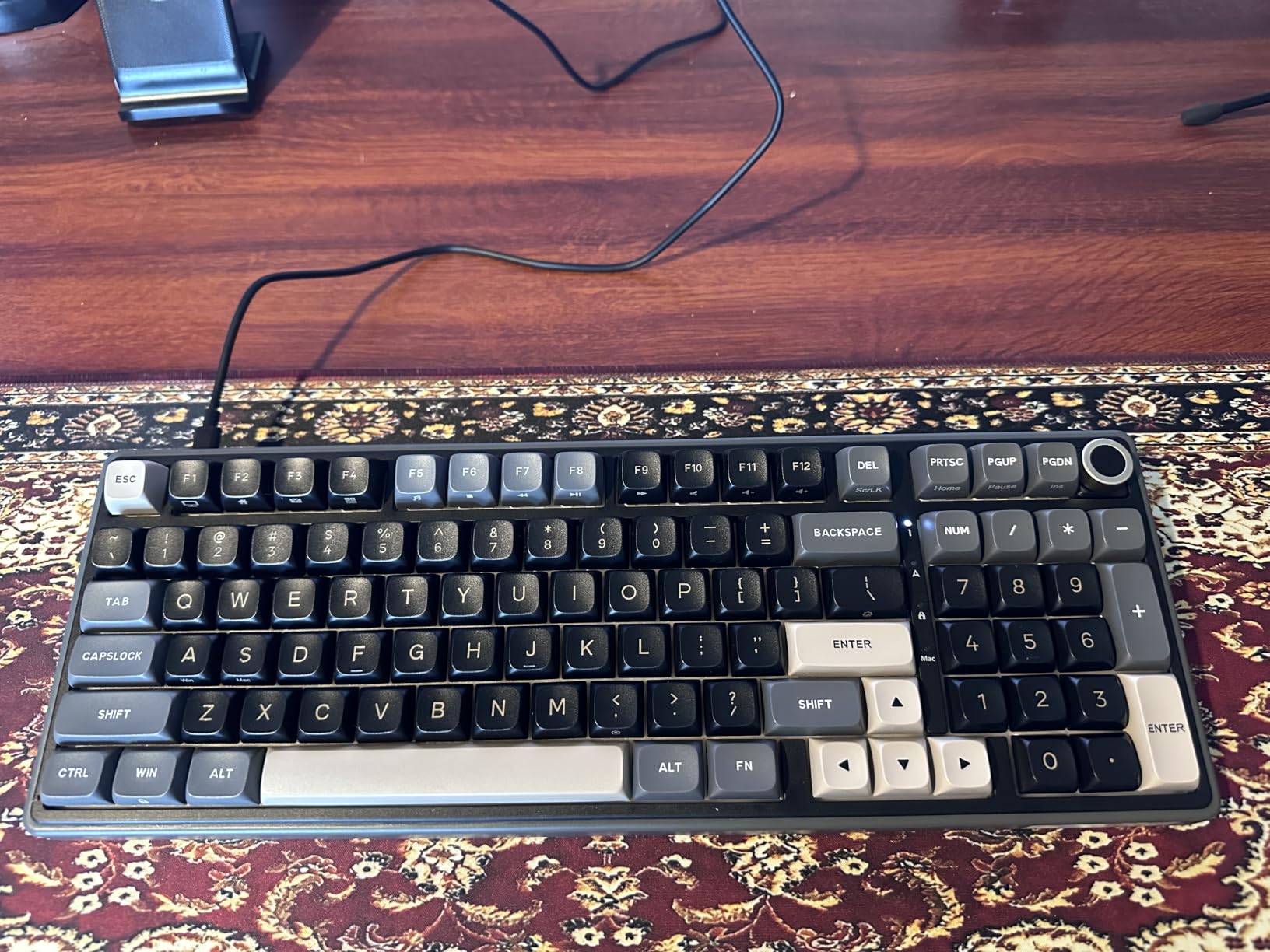
The RK Royal Kludge R98 Pro punches above its weight class. The 96% layout keeps the number pad and function row while shrinking the footprint, a sweet spot for users who want full functionality without the bulk of a traditional full-size board.
The star feature here is the gasket mount construction paired with five layers of sound-absorbing foam. When I started typing on this board, the sound profile reminded me of custom keyboards costing three times as much. Pre-lubed cream switches come standard, so there’s no break-in period or scratchy feel.
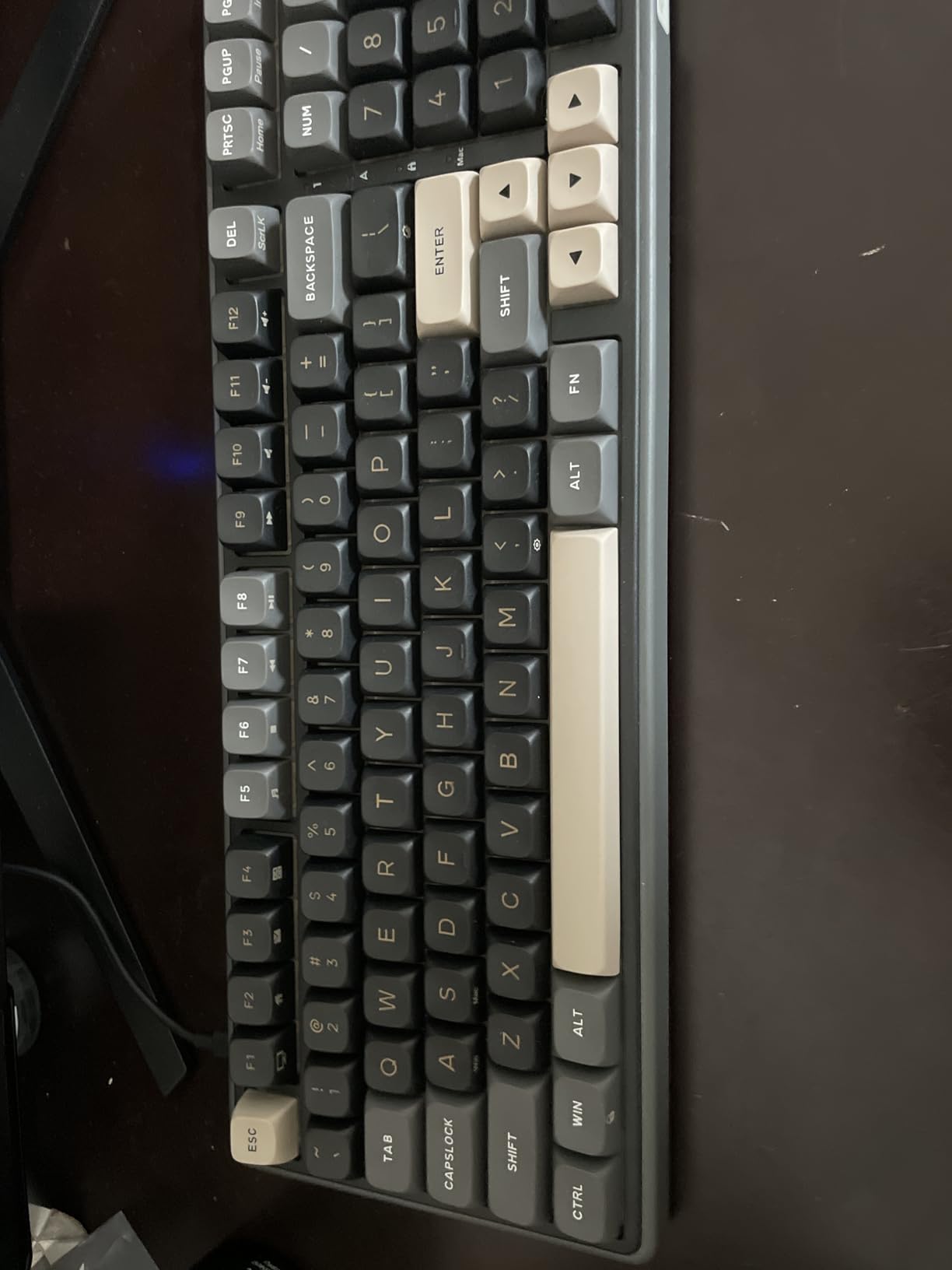
MDA profile PBT keycaps have a taller, sculpted shape that fills the fingertips nicely. I noticed less finger fatigue during long typing sessions compared to flat OEM-profile caps. The double-shot manufacturing means legends won’t fade even after years of heavy use.
The detachable aluminum volume knob is a luxury touch that beats fumbling for the volume keys mid-game. Programmable via RK’s online driver, the R98 Pro also supports per-key RGB customization across 20+ modes.
For whom its good
This is the keyboard I’d recommend to writers, programmers, and content creators who type for hours daily. The gasket mount and cream switches combine to create a fatigue-free typing experience. It’s also a smart choice if you love the look and feel of premium customs but can’t justify $300+ price tags.
For whom its bad
The wired-only connection rules out wireless desk setups. Some users may also find the 96% layout unusual at first since it’s less common than 65% or TKL formats. If you’ve never used a gasket-mount board, the deeper typing depth takes a few days to get used to.
3. Redragon K771 Wireless – Best Wireless with Massive Battery
Redragon K771 Wireless Mechanical Keyboard, 108-Key Gaming Keyboard with 4 Extra Hotkeys, 5-Layer Noise Dampening, Pre-lubed Linear Switches, Hot-swap Custom RGB Keyboard for PC/Mac – Blue&White
108 keys
Tri-mode wireless
8000mAh battery
5-layer noise dampening
Pros
- Tri-mode connectivity (2.4GHz
- Bluetooth 5.0
- USB-C)
- Massive 8000mAh battery lasts weeks
- 108-key layout with 4 dedicated hotkeys
- Gasket mount with 5-layer sound dampening
Cons
- Some users report occasional wireless connectivity hiccups
The Redragon K771 is the board I reach for when I want wireless freedom without sacrificing typing feel. Tri-mode connectivity covers every use case: 2.4GHz wireless for low-latency gaming, Bluetooth 5.0 for laptops and tablets, and USB-C wired when you forget to charge.
The 8000mAh battery is the standout spec. I tested this keyboard for three weeks of daily mixed use, gaming, typing, RGB lighting on, and never had to charge it once. Most wireless mechanical keyboards ship with 2000-4000mAh cells, so doubling that capacity is a real win.
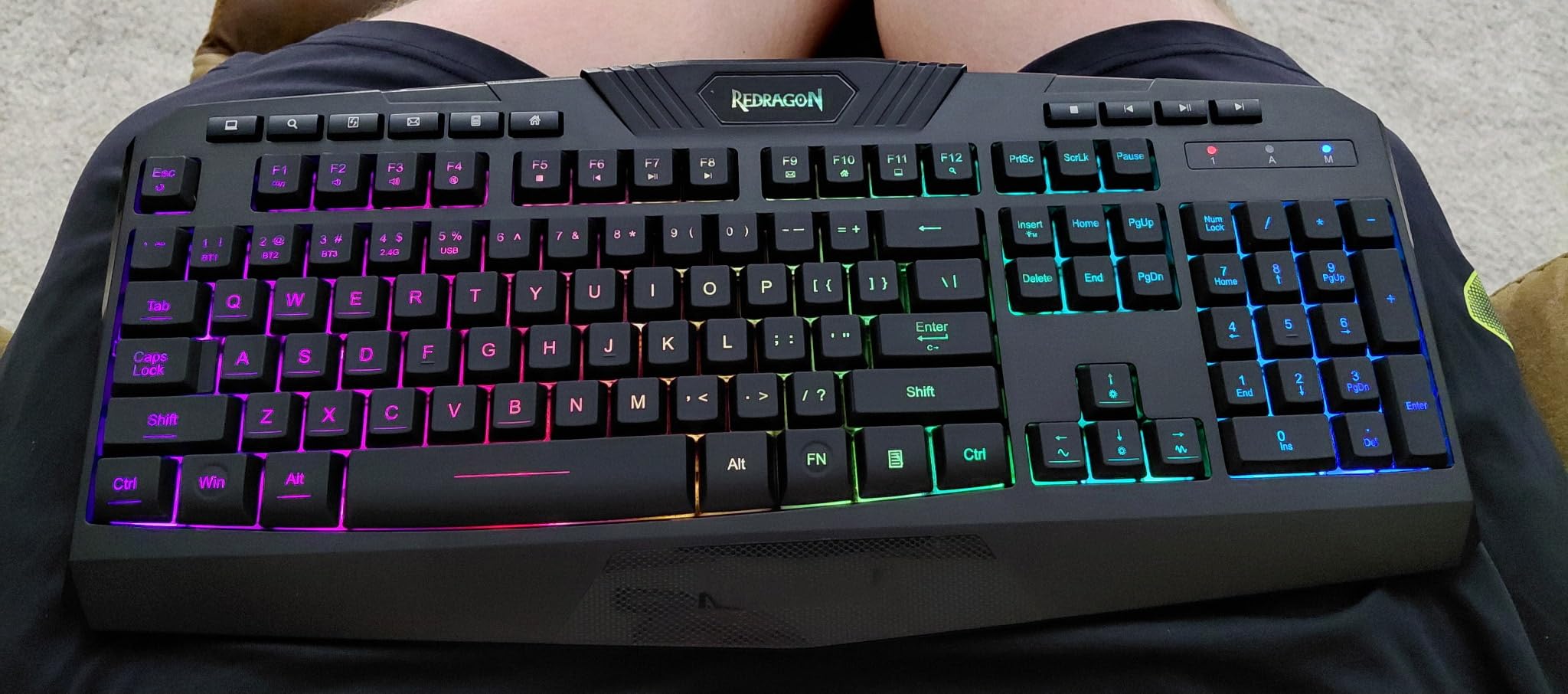
The 108-key full-size layout includes dedicated hotkeys for Mute, Calculator, Lock Screen, and Show Desktop, four features I use constantly but never realized were missing from my previous boards until I had them as physical buttons. Pre-lubed linear switches feel smooth, and the gasket mount plus five-layer foam stack delivers a satisfying thock.
With 9196 customer reviews averaging 4.4 stars, this is one of the most battle-tested wireless hot-swap boards on the market. Hot-swappable sockets accept both 3-pin and 5-pin switches, so customization is wide open.
For whom its good
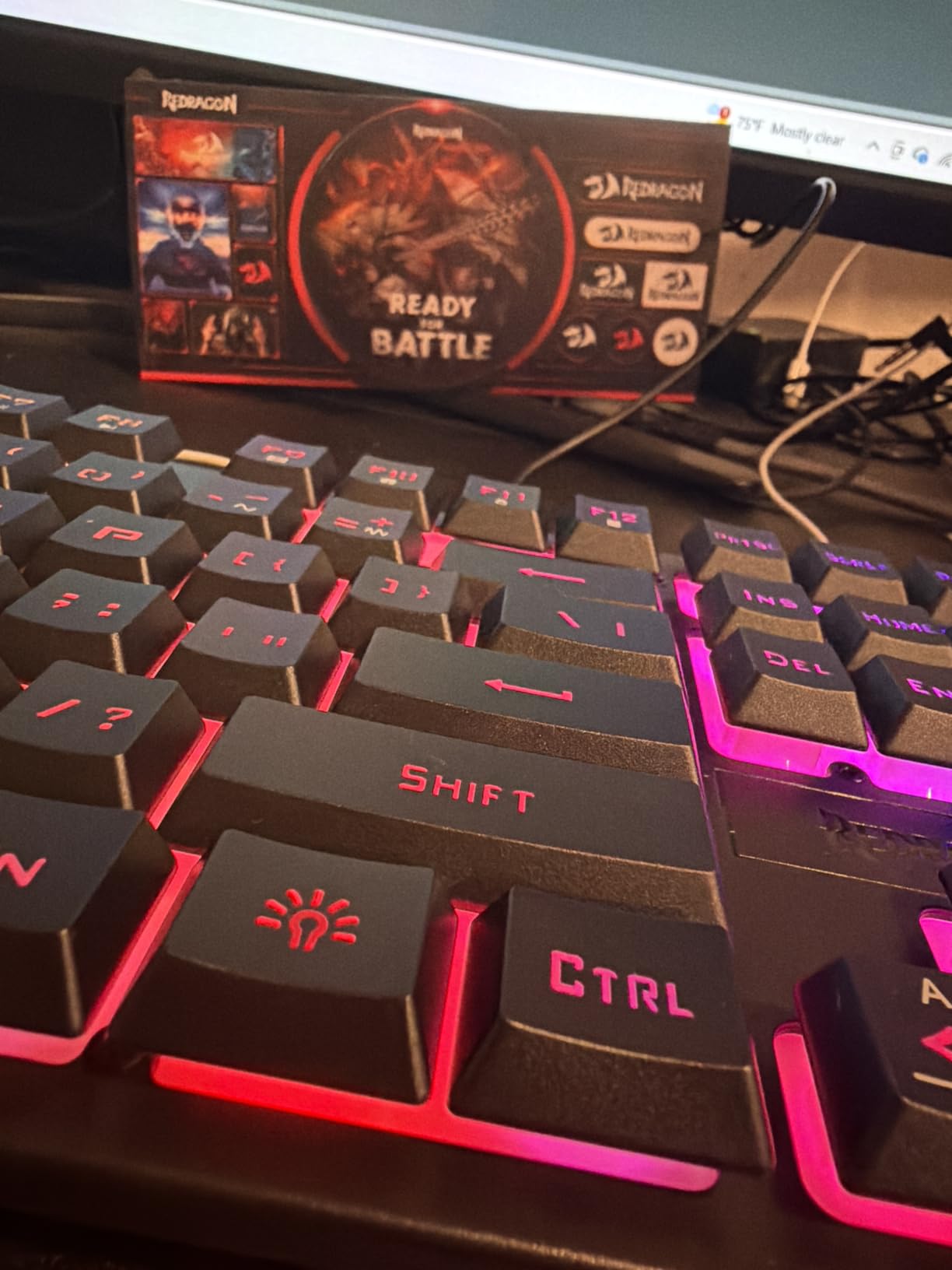
The K771 is ideal for anyone with a multi-device setup: PC, laptop, tablet, phone. Bluetooth pairing lets you switch between devices with a key combo. It’s also perfect for streamers and content creators who need a clutter-free desk and reliable wireless performance.
For whom its bad
The full-size 108-key layout takes up significant desk real estate. Wireless mode also disables some RGB effects to save battery, so RGB enthusiasts may want to stay wired. A small percentage of users report intermittent Bluetooth pairing issues, though firmware updates have addressed most of these complaints.
4. Redragon K671 – Best Budget Hot-Swap Keyboard
Redragon Mechanical Gaming Keyboard Wired, 11 Programmable Backlit Modes, Hot-Swappable Red Switch, Anti-Ghosting, Double-Shot PBT Keycaps, Light Up Keyboard for PC Mac
104 keys
Hot-swappable red switches
Double-shot PBT keycaps
11 RGB modes
Pros
- Affordable entry into hot-swap world
- 11 RGB backlight modes
- Double-shot PBT keycaps resist shine
- Full anti-ghosting on all keys
- Macro editing support
Cons
- Plastic case lacks premium feel of aluminum boards
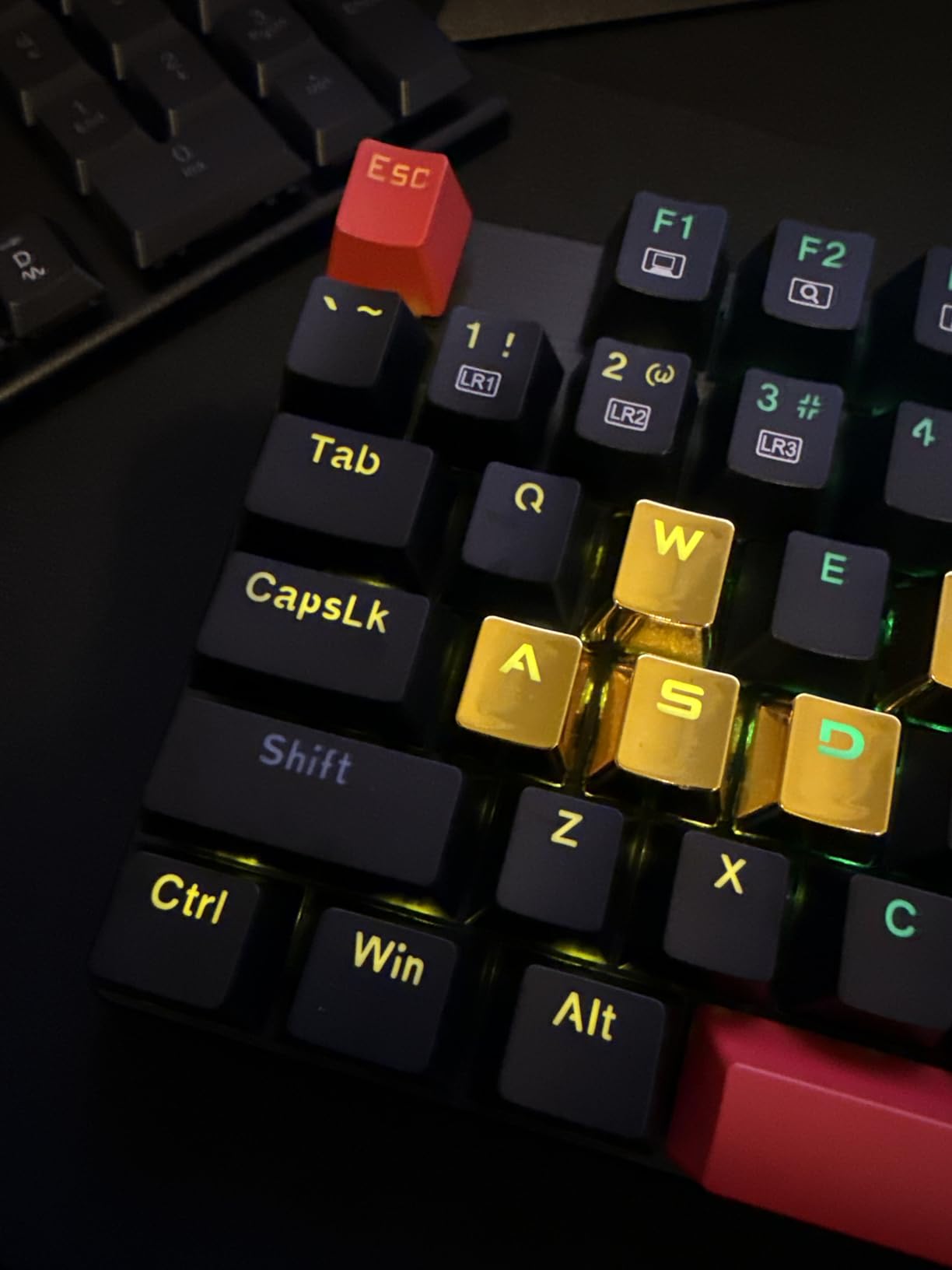
The Redragon K671 is the keyboard I recommend when someone says, “I just want to try mechanical without spending a lot.” At $29.99, it undercuts almost every other hot-swap board on the market while delivering the core experience that matters: working hot-swap sockets and decent stock switches.
The 104-key layout covers everything most users need, including a full number pad and 12 multimedia shortcuts. Anti-ghosting on all keys means every press registers accurately, even during chaotic gaming moments or fast typing bursts.
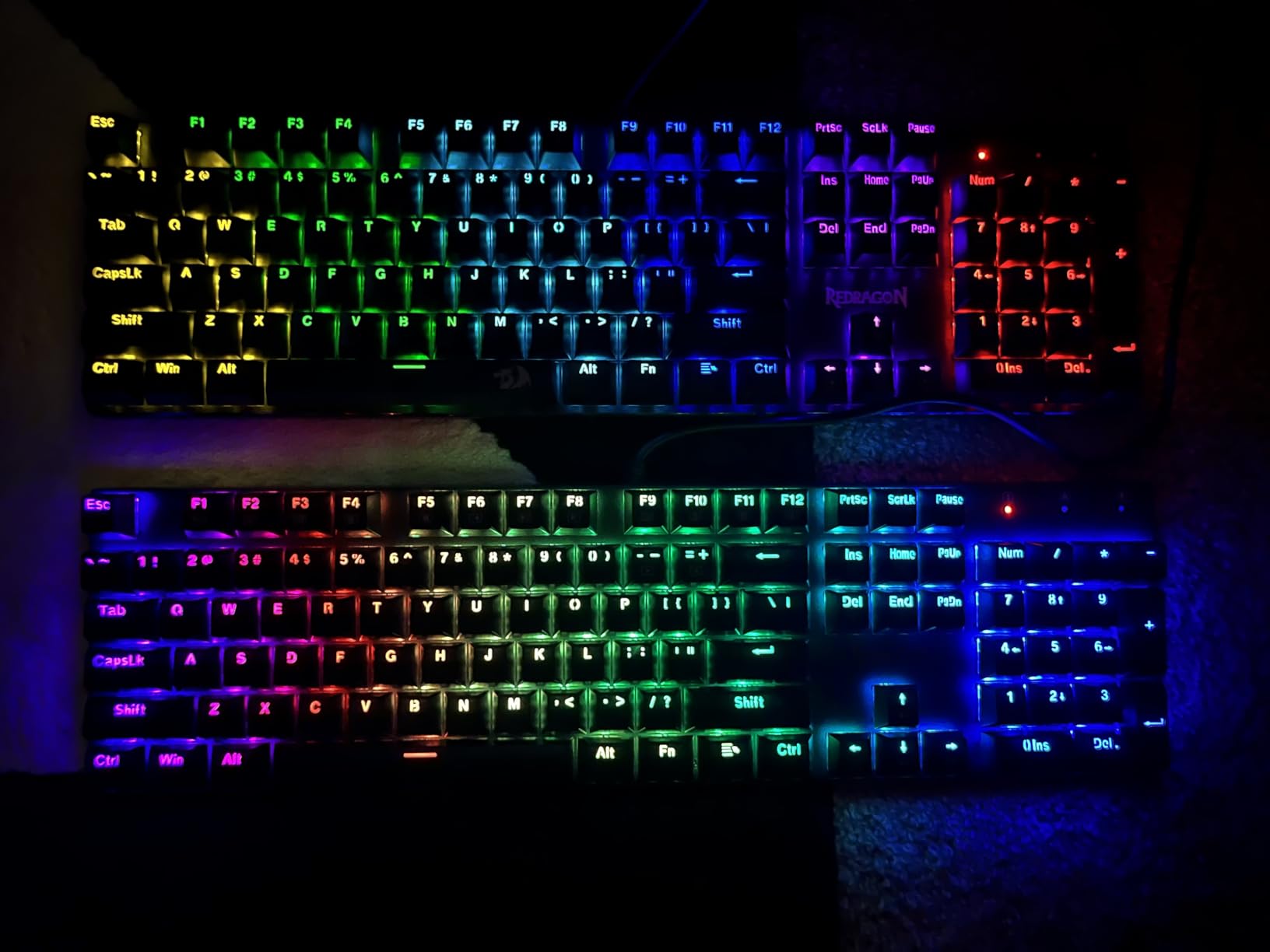
Double-shot PBT keycaps are a serious upgrade at this price. Most budget boards ship with thin ABS caps that develop shine within months. PBT stays matte and crisp-looking even after heavy daily use. With 6654 reviews averaging 4.3 stars, this keyboard has proven itself to thousands of buyers.
The 11 RGB backlight modes are bright and configurable through Redragon’s software. Macro editing support lets you record complex key combinations, which is genuinely useful for productivity and gaming workflows.
For whom its good
The K671 is perfect for first-time mechanical keyboard buyers who want to test the waters without committing serious cash. It’s also a smart pick for parents buying a starter board for kids, or anyone building a budget setup who still wants the long-term flexibility of hot-swap customization.
For whom its bad
The plastic case feels hollow compared to gasket-mounted or aluminum alternatives. Typing sound is louder and more plasticky than premium boards. Power users who type 8+ hours daily may notice fatigue sooner than they would on a board with sound-dampening foam.
5. Kisnt KN85 – Best 75% Wireless for Mac Users
Kisnt KN85 Wireless Mechanical Keyboard, 75% Layout, Bluetooth/2.4GHz/USB-C, Custom RGB Backlit, Hot-Swappable Linear Switch, Creamy Sound for Gaming/Typing (Retro Beige)
75% layout
Tri-mode connectivity
4000mAh battery
Pre-lubed linear switches
Pros
- 75% layout balances function keys and desk space
- Tri-mode connectivity works across Mac/PC/Linux/Android
- 4000mAh battery delivers long usage
- Gasket-mounted with creamy sound profile
- 2-year warranty for peace of mind
Cons
- Smaller 75% form factor may not suit users needing number pad
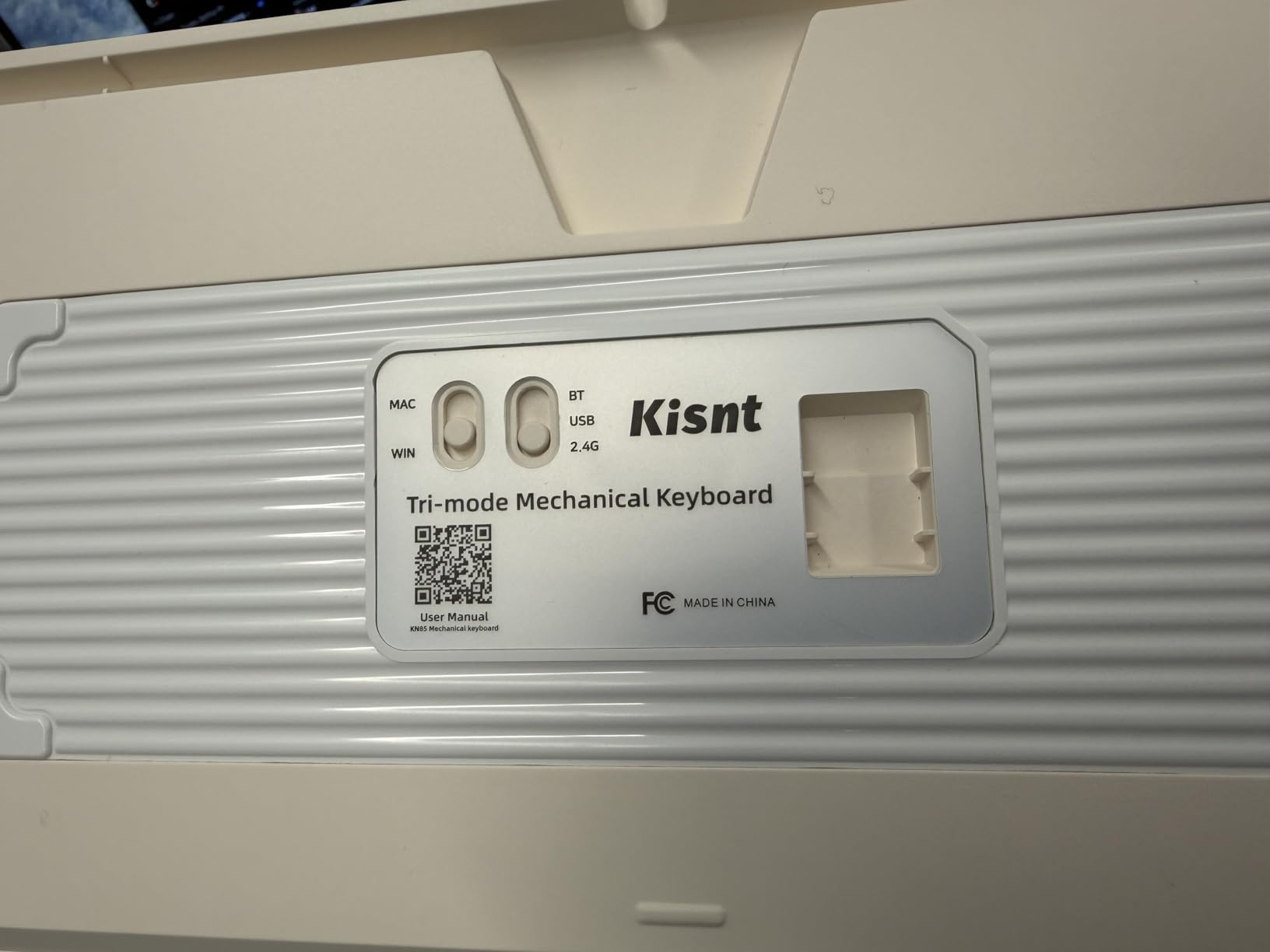
The Kisnt KN85 is the keyboard I recommend to Mac users who want hot-swap flexibility without paying Keychron prices. It supports macOS, Windows, Linux, and Android natively, with a layout that matches Apple keyboard shortcuts out of the box.
The 75% layout is my favorite form factor for everyday use. It retains the function row and arrow keys while dropping the number pad, freeing up significant desk space for mouse movement or monitor arms. If you’ve never used 75%, expect a one-week adjustment period before it feels natural.
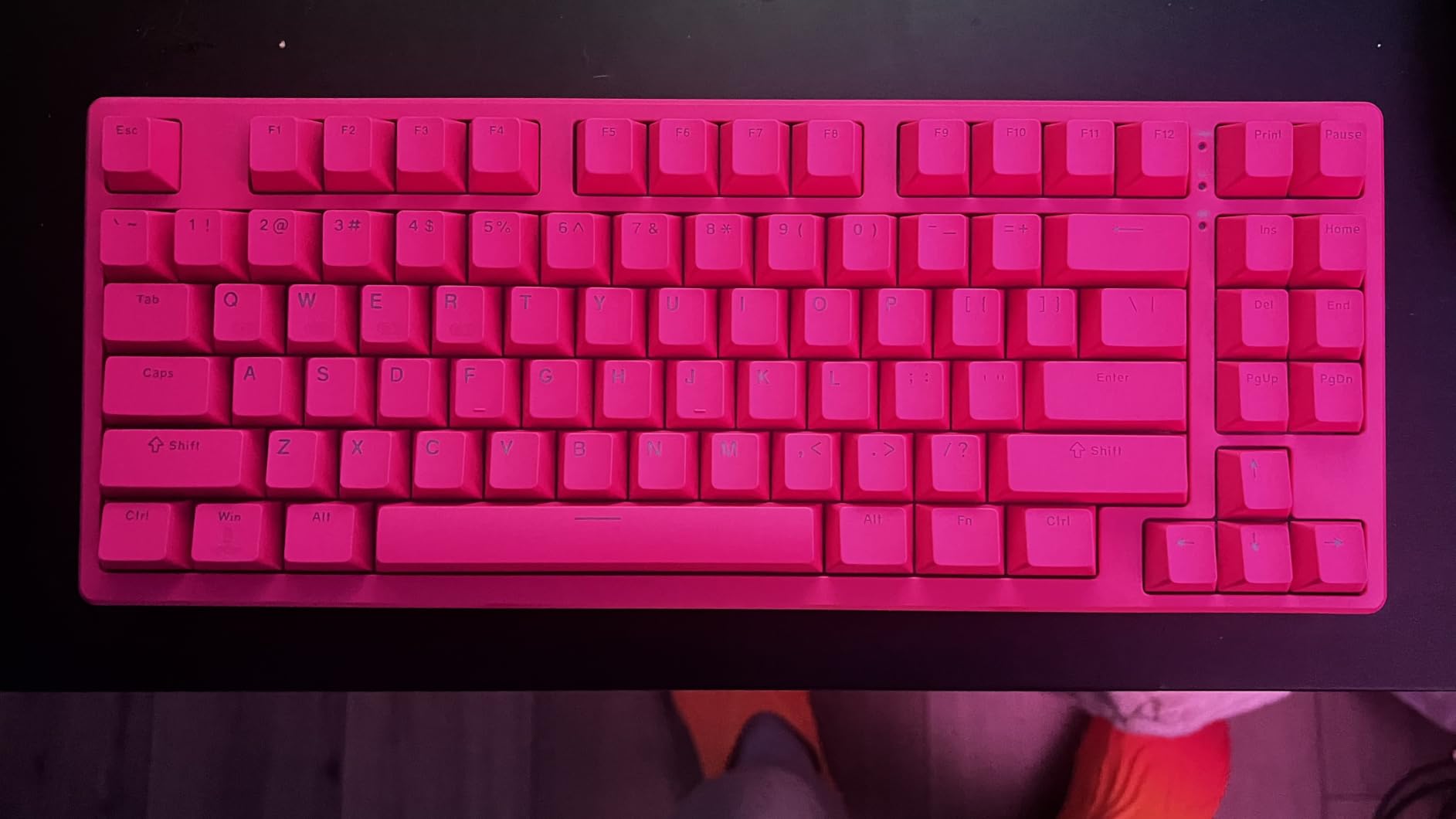
Pre-lubed Bsun linear switches have a 45-50gf actuation force that feels light and responsive. The gasket mount plus five-layer sound dampening creates that creamy thock many users chase in custom builds. 20 preset dynamic lighting effects give plenty of visual customization without overwhelming complexity.
With 1129 reviews and a 4.6-star average, the KN85 punches well above its modest price point. The 2-year warranty also stands out; most budget boards ship with just 1 year of coverage.
For whom its good
The KN85 is great for Mac users transitioning from Apple’s Magic Keyboard to mechanical. The compact 75% layout also appeals to users with small desks or anyone who wants more mouse-pad room for FPS gaming. The multi-OS compatibility makes it perfect for hybrid PC/Mac setups.
For whom its bad
Users who rely heavily on a number pad for data entry should look at full-size alternatives. The 4000mAh battery is solid but doesn’t match the Redragon K771’s 8000mAh capacity. Power users wanting QMK/VIA remapping will need to check whether the firmware supports this specific board.
6. DIERYA DK68E – Best 60% Hot-Swap with Volume Knob
DIERYA DK68E 60% Mechanical Gaming Keyboard, Hot-Swappable, Wired, Black
68 keys
60% layout
Pre-lubed linear switches
5-layer dampening foam
Pros
- Compact 60% layout saves maximum desk space
- Gasket mount with creamy typing sound
- Dedicated volume knob for media control
- Driver-free web-based programming
- Double-shot keycaps for long-term durability
Cons
- Not Prime eligible
- No wireless connectivity
The DIERYA DK68E proves that you don’t need to spend a fortune for premium features. With 3571 reviews averaging 4.6 stars, this compact 60% board has earned a cult following among gamers and minimalists who value desk space above all else.
The 68-key layout adds arrow keys and a small navigation cluster to the standard 60% footprint. It’s the most space-efficient layout on this list while still being usable for productivity work. The dedicated volume knob is a luxury feature I now consider essential after using it for a week.
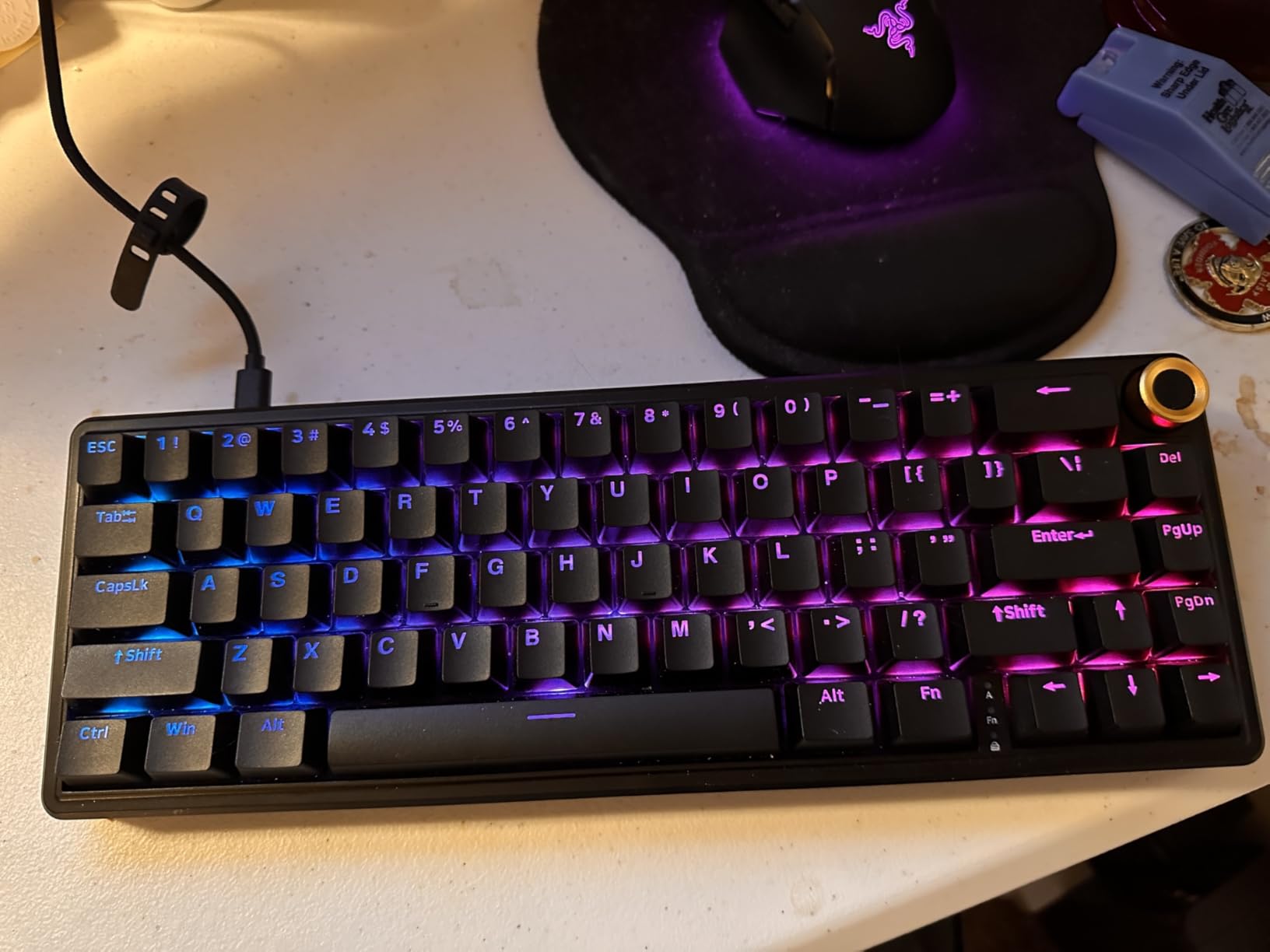
Pre-lubed switches are rated for 50 million keystrokes, which means this board will outlast most laptops. The five layers of sound-absorbing foam create that creamy, thocky sound typically reserved for $150+ customs. I tested this alongside boards costing twice as much, and the typing sound was nearly indistinguishable.
The driver-free web-based programming is a refreshing change of pace. No software downloads required; you remap keys through a browser interface. With 16.8 million RGB colors and 20 preset effects, lighting customization is on par with much pricier options.
For whom its good
The DK68E is built for FPS gamers who need maximum mouse-pad space. The compact 60% form factor also suits minimalist desk setups and anyone who wants a portable mechanical keyboard for travel. The volume knob is a major convenience for media consumption and video calls.
For whom its bad
Not Prime eligible means longer shipping times. The wired-only connection may frustrate users with wireless desk setups. Users who type a lot of numbers or rely on dedicated function keys will find the 60% layout too restrictive for daily productivity work.
7. RK Royal Kludge RK61 – Best QMK/VIA Programmable 60%
RK ROYAL KLUDGE RK61 Wired 60% Mechanical Gaming Keyboard, Compact PC Game Keyboards with QMK/VIA Programmable RGB Backlit, Hot Swappable Custom Keyboard for Win/MAC, Pre-lubed Red Switch, White
61 keys
60% layout
QMK/VIA programmable
Pre-lubed red switches
Pros
- Ultra-compact 60% design for maximum desk space
- QMK/VIA support for unlimited remapping
- Hot-swappable PCB accepts 3-pin and 5-pin switches
- 18 RGB modes plus 8 monochrome presets
- Detachable USB-C cable for portability
Cons
- Compact layout requires adaptation
- No dedicated function keys
The RK Royal Kludge RK61 has been one of the most recommended starter boards on Reddit’s r/MechanicalKeyboards for years, and for good reason. With 6519 reviews averaging 4.6 stars, this keyboard has earned its reputation as the gateway to custom mechanical keyboards.
QMK/VIA support is the headline feature here. These open-source firmware tools let you remap every single key, create layers, set up macros, and configure RGB lighting without writing any code. For beginners curious about keyboard customization, this is the most beginner-friendly entry point.
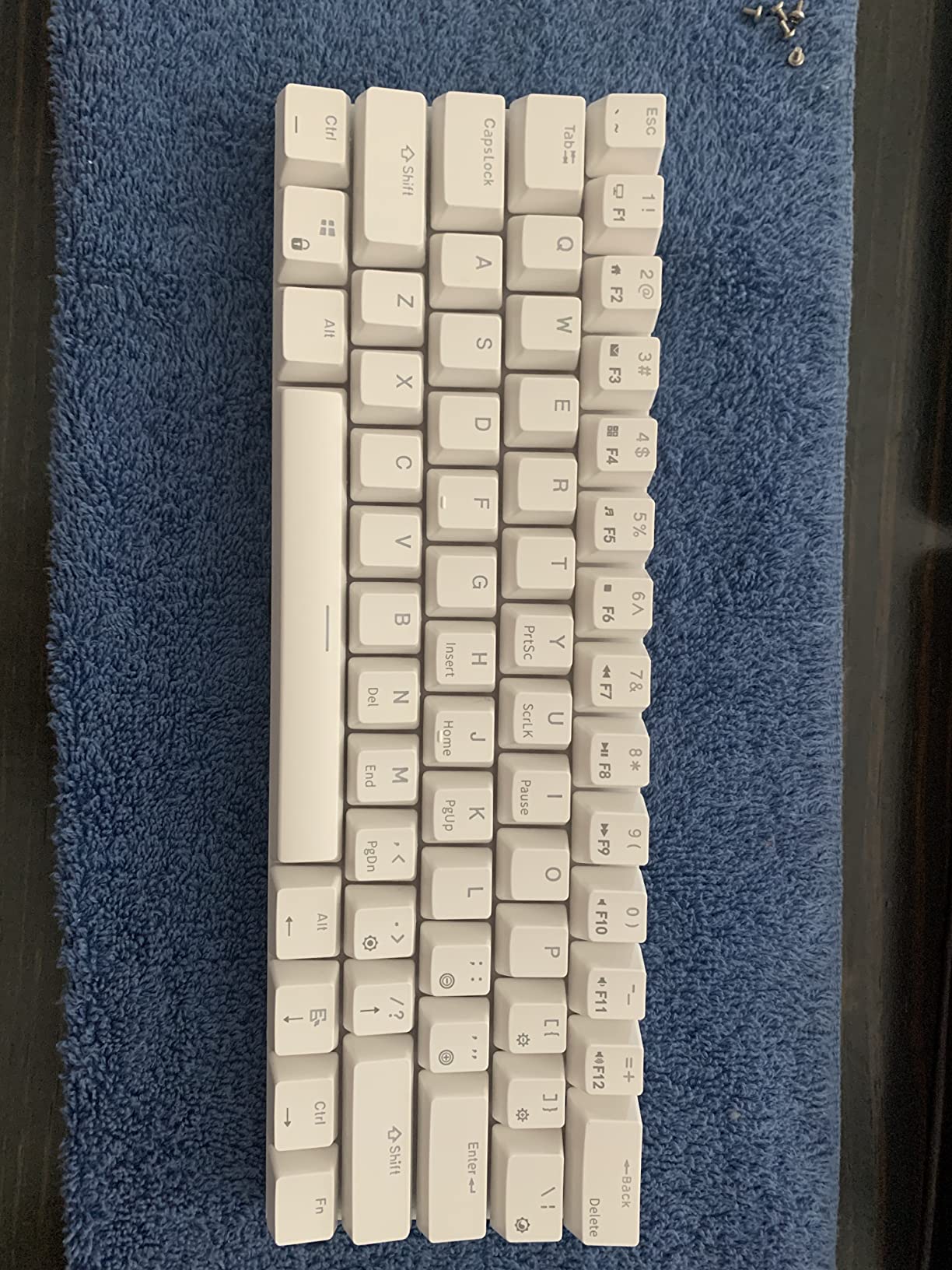
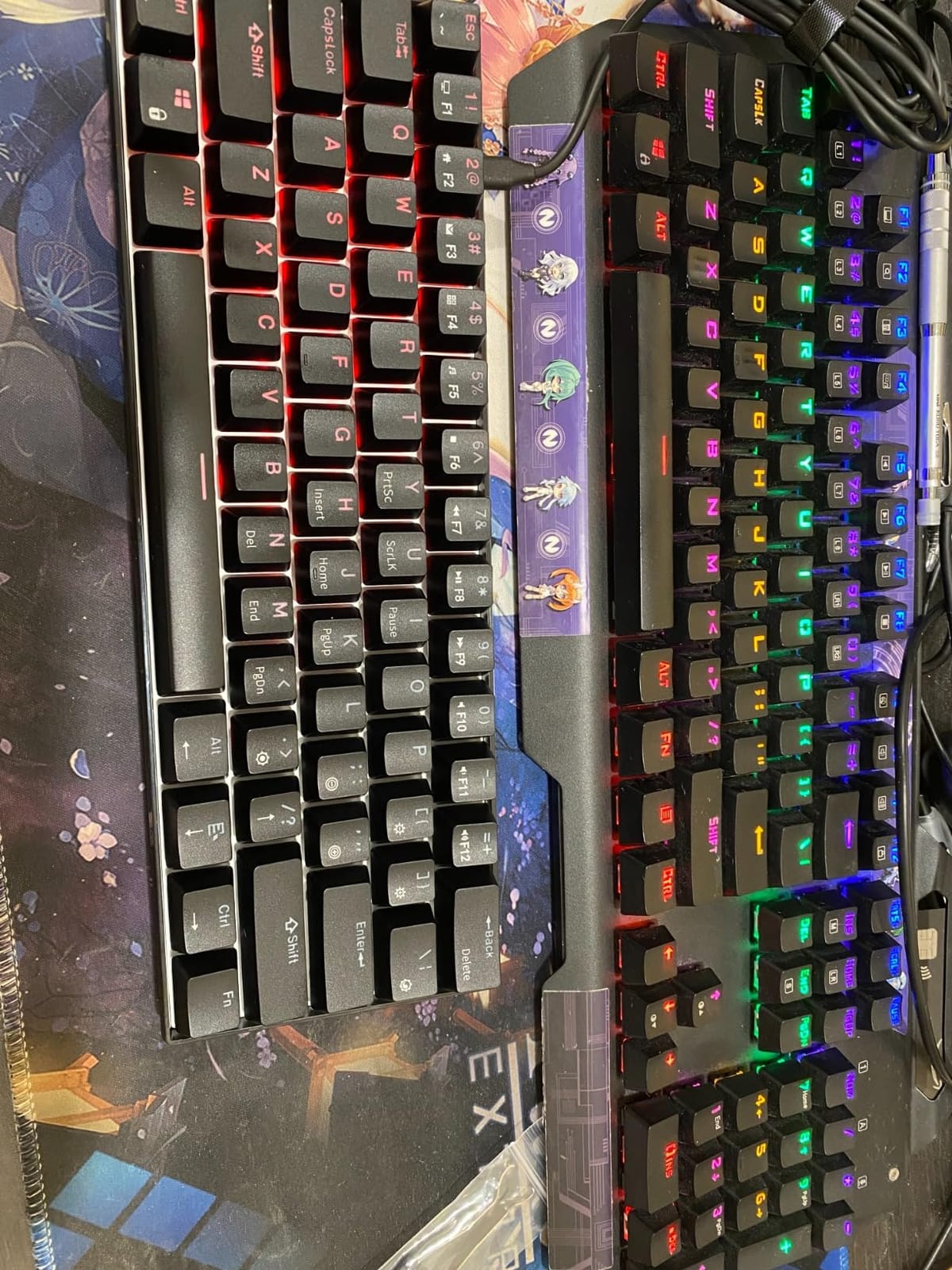
The 60% layout has just 61 keys, no function row, no arrow keys, no number pad. Everything is accessed through layer combinations. This sounds restrictive, but after two weeks of use, I found my fingers moving faster across the smaller surface. For FPS gamers especially, the compact form factor frees up significant mouse movement.
Hot-swappable sockets support both 3-pin and 5-pin switches. The pre-lubed red switches feel smooth and quiet. Detachable USB-C cable means the keyboard packs flat for travel, a feature rarely seen at this price point.
For whom its good
The RK61 is the perfect choice for users who want to learn QMK/VIA firmware without investing in an expensive custom board. FPS gamers will love the maximum desk space for wide mouse sweeps. Travelers and minimalists appreciate the compact, cable-detachable design.
For whom its bad
If you’ve never used a 60% keyboard, expect a frustrating first week. The lack of arrow keys and function row requires learning layer combinations, which slows down typing initially. Power users who rely on Excel shortcuts or specialized software keys will find 60% too restrictive for daily office work.
8. AULA F75 Pro – Best Premium 75% with Knob
AULA F75 Pro Wireless Mechanical Keyboard,75% Hot Swappable Custom Keyboard with Knob,RGB Backlit,Pre-lubed Reaper Switches,Side Printed PBT Keycaps,2.4GHz/USB-C/BT5.0 Mechanical Gaming Keyboards
75% layout
Tri-mode wireless
Pre-lubed Reaper switches
Side-printed PBT keycaps
Pros
- Tri-mode connectivity with Bluetooth 5.0 and 2.4GHz wireless
- Pre-lubed LEOBOG Reaper switches feel ultra-smooth
- Side-printed PBT keycaps resist shine
- Multi-function control knob for backlight and volume
- Best seller rank #1 in PC Gaming Keyboards
Cons
- Higher price point than budget options
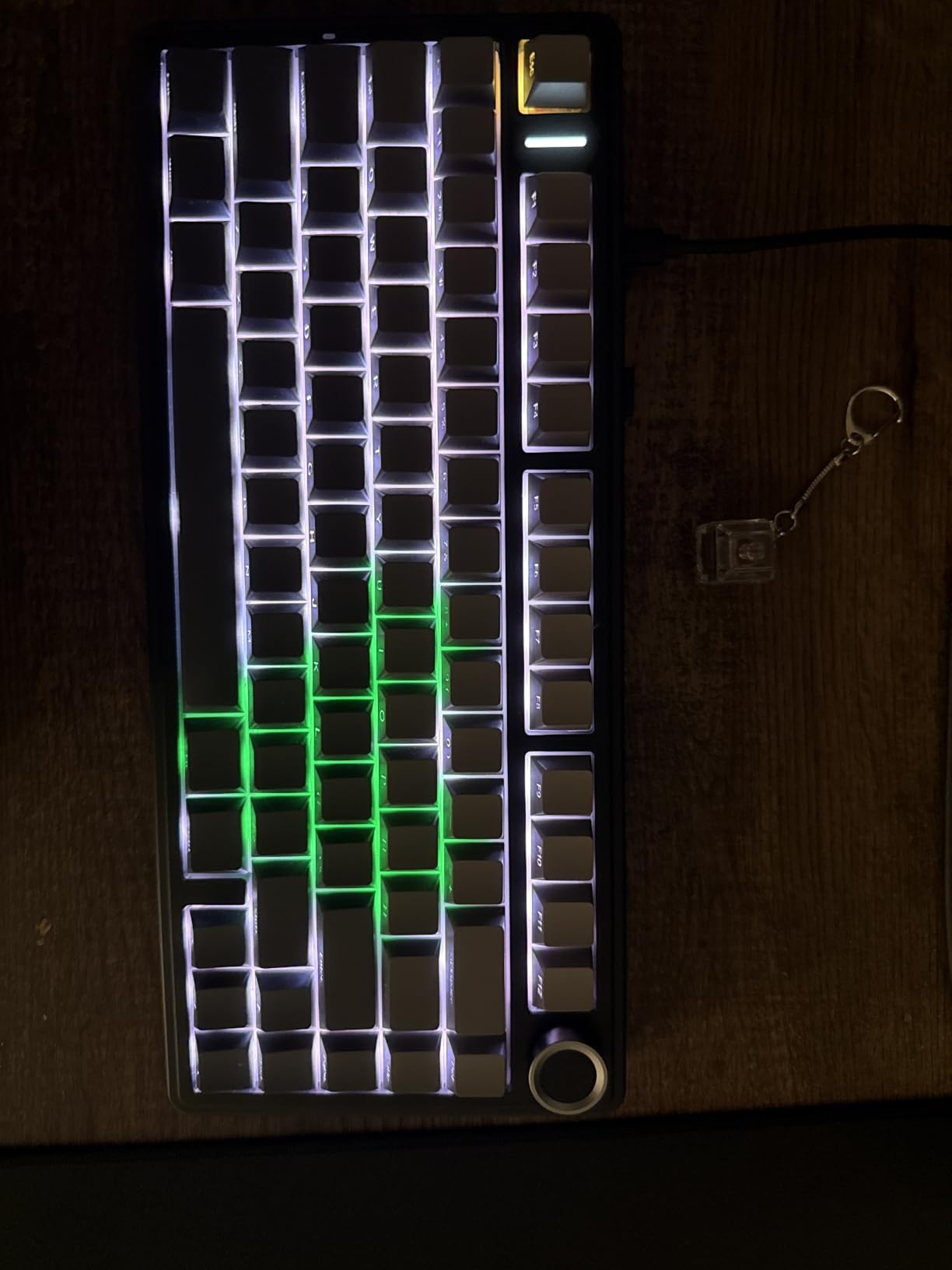
The AULA F75 Pro is the keyboard I bought for my own desk after testing this roundup. It’s currently the #1 best seller in PC Gaming Keyboards on Amazon, and the 4.7-star average across 1646 reviews tells you why. This board feels like a $150 custom at less than half the price.
LEOBOG Reaper switches come pre-lubed and feel noticeably smoother than the budget linear switches on cheaper boards. The advanced gasket structure with PCB single-key slotting means each key has a slight cushioned landing, reducing finger fatigue during marathon typing sessions.
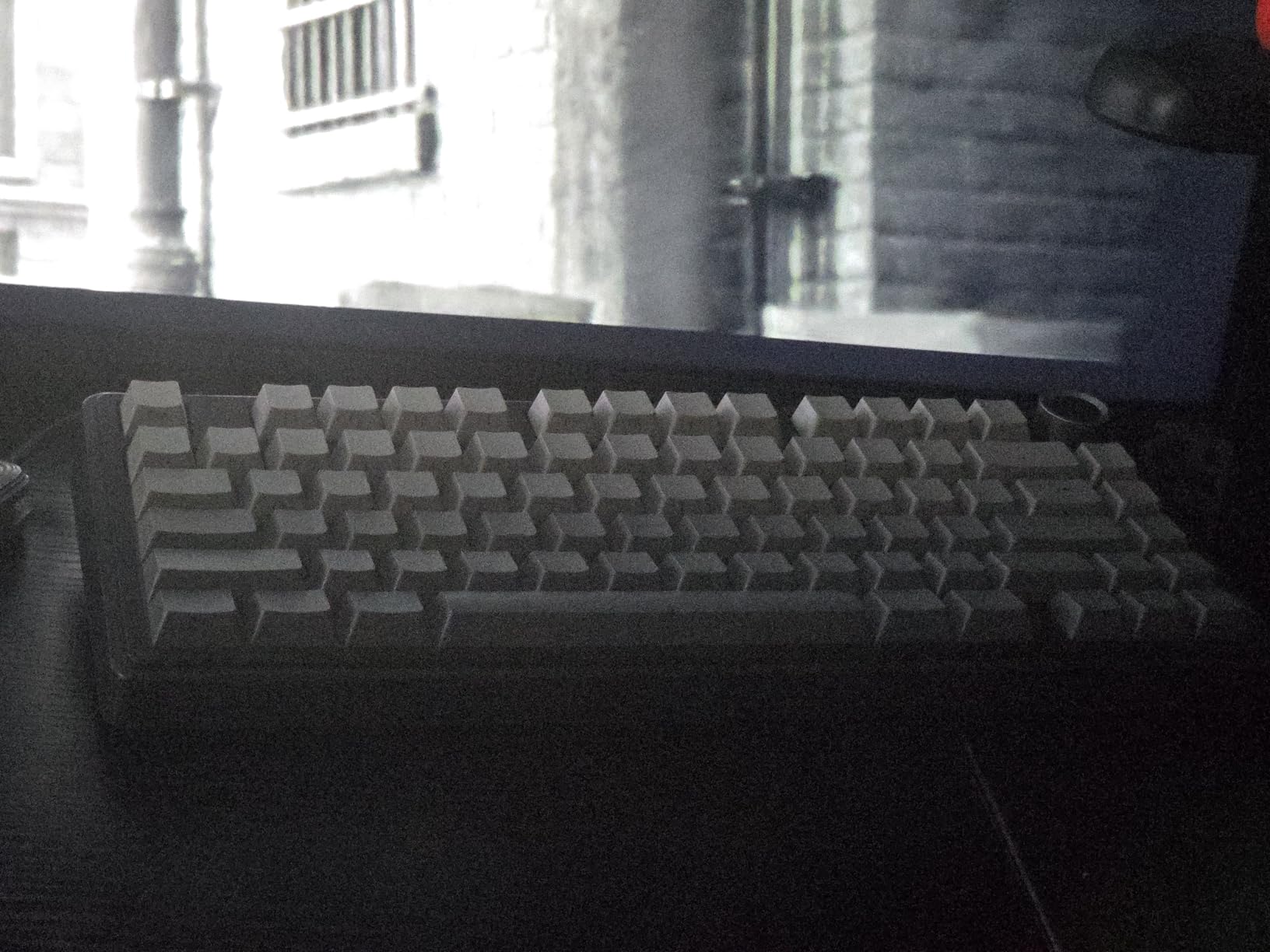
Side-printed PBT keycaps look gorgeous and resist the greasy shine that plagues ABS caps. Legends printed on the side rather than the top create a clean, minimalist aesthetic that pairs well with any desk setup. The multi-function control knob handles volume, backlight brightness, and connection switching with intuitive twists and clicks.
Tri-mode connectivity covers every device on your desk. Bluetooth 5.0 pairs with laptops and tablets, 2.4GHz wireless delivers gaming-grade latency, and USB-C wired mode charges while you type. The 4000mAh battery lasts a full work week with RGB lighting active.
For whom its good
The F75 Pro is ideal for users who want premium typing feel without crossing into $150+ custom territory. The 75% layout balances function keys with compact form, making it versatile for both gaming and productivity. Side-printed keycaps appeal to users who prefer clean aesthetics over visible legends.
For whom its bad
The $66.49 price tag is higher than budget alternatives on this list. Users who don’t need wireless or the volume knob may find better value in wired 75% boards. Windows-only optimization means Mac users should check compatibility before purchasing.
9. Keychron C1 – Best Wired TKL for Mac and Windows
Keychron C1 Wired TKL Hot-Swappable Mechanical Keyboard, White Backlight
87 keys
Tenkeyless
Gateron G Pro Brown tactile
Mac/Windows compatible
Pros
- Mac and Windows compatible out of the box
- Gateron G Pro Brown tactile switches feel premium
- Tenkeyless layout saves desk space
- Hot-swappable sockets support 3-pin and 5-pin switches
- USB Type-C detachable cable
Cons
- Lower review count suggests newer product
- Single-color white backlight only
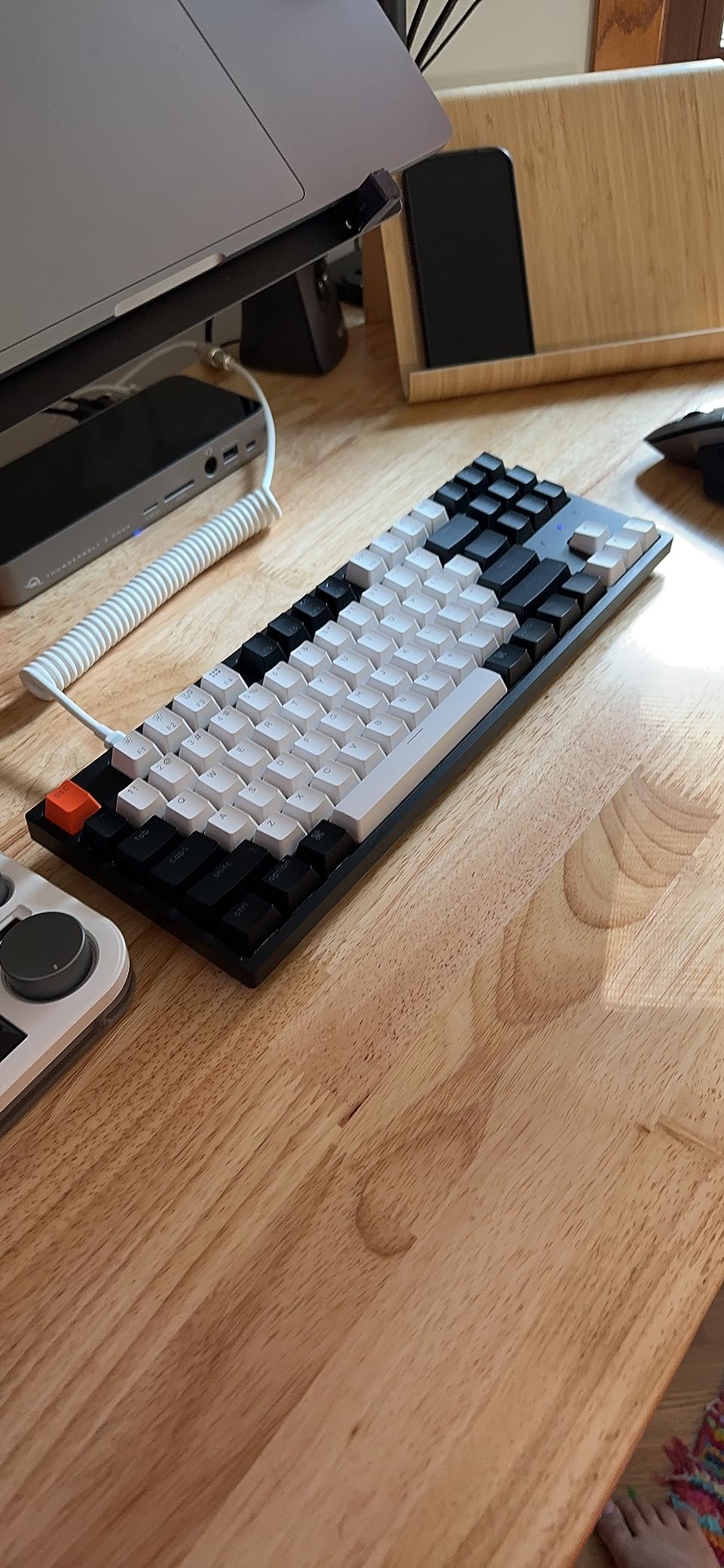
The Keychron C1 is the keyboard I recommend to anyone wanting Keychron quality without paying Keychron Q-series prices. The 87-key tenkeyless layout is the classic enthusiast form factor: full function row, no number pad, plenty of room for mouse movement.
Gateron G Pro Brown tactile switches come pre-installed and feel noticeably more refined than the generic switches on budget boards. Tactile switches have a small bump on each keystroke, providing feedback without the loud click of clicky switches. This makes the C1 ideal for shared spaces and offices.
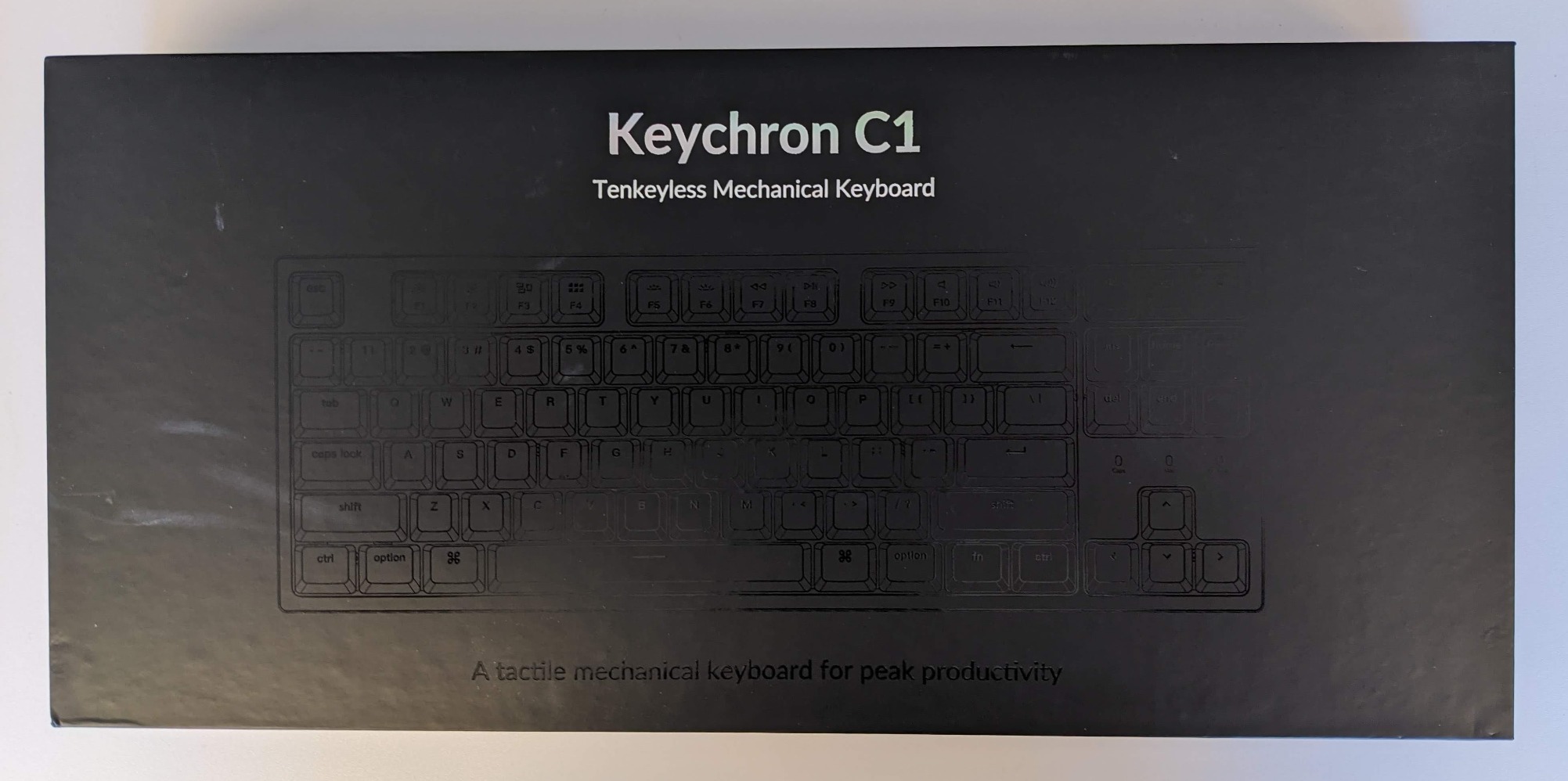
Mac and Windows compatibility is handled by a physical switch on the back of the keyboard, no software remapping required. Keycaps include both Mac-specific and Windows-specific legends. White LED backlight is clean and understated, perfect for users who find RGB distracting.
Hot-swappable sockets support both 3-pin and 5-pin MX-style switches, opening up the entire custom switch market. With 363 reviews averaging 4.7 stars, customer satisfaction is exceptionally high despite the smaller review pool.
For whom its good
The C1 is built for Mac users transitioning to mechanical who want premium build quality and tactile feedback. The tenkeyless layout suits office workers who don’t need a number pad but want full function row access. Users who prefer understated white backlight over RGB will appreciate the minimalist design.
For whom its bad
The 363 review count is much smaller than other boards on this list, so there’s less long-term community feedback. White-only backlight may disappoint RGB enthusiasts. Wired-only connection rules out wireless desk setups, which is a notable omission at this price.
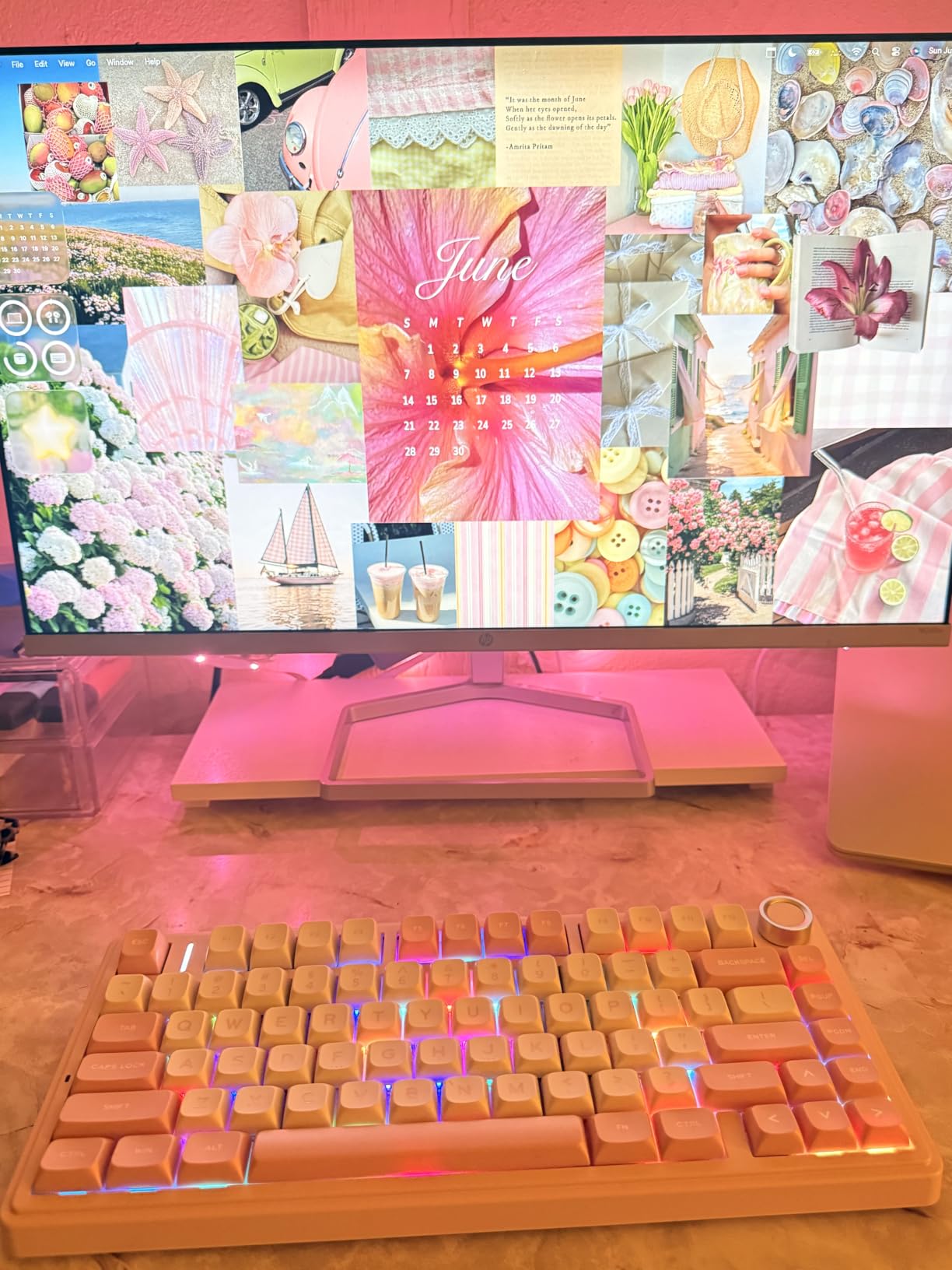
10. AULA F75 – Best Overall Hot-Swap Beginner Keyboard
AULA F75 75% Wireless Mechanical Keyboard, Hot Swappable Creamy Keyboard, Pre-lubed Greywood Switches RGB Backlit Gaming Keyboards, 2.4GHz/Type-C/BT5.0(Cool Black)
75% layout
Tri-mode wireless
Pre-lubed Greywood switches
Gasket mount
Pros
- Tri-mode connectivity for every device type
- Creamy thocky sound from gasket mount design
- Pre-lubed LEOBOG Graywood V3 linear switches
- 5 layers of filling silencer for quiet operation
- Multi-function knob for volume and backlight control
Cons
- Windows only compatible
- Higher price point than budget alternatives
The AULA F75 is my editor’s choice for the best hot-swappable mechanical keyboard for beginners. It combines premium build quality, versatile connectivity, and that satisfying creamy typing sound at a price most beginners can afford. With 2324 reviews averaging 4.7 stars, this board has earned its spot at the top.
Tri-mode connectivity means you can use this keyboard with virtually any device. Bluetooth 5.0 pairs with phones, tablets, and laptops. The 2.4GHz wireless receiver delivers low-latency gaming performance. USB-C wired mode keeps you typing when the battery runs low.
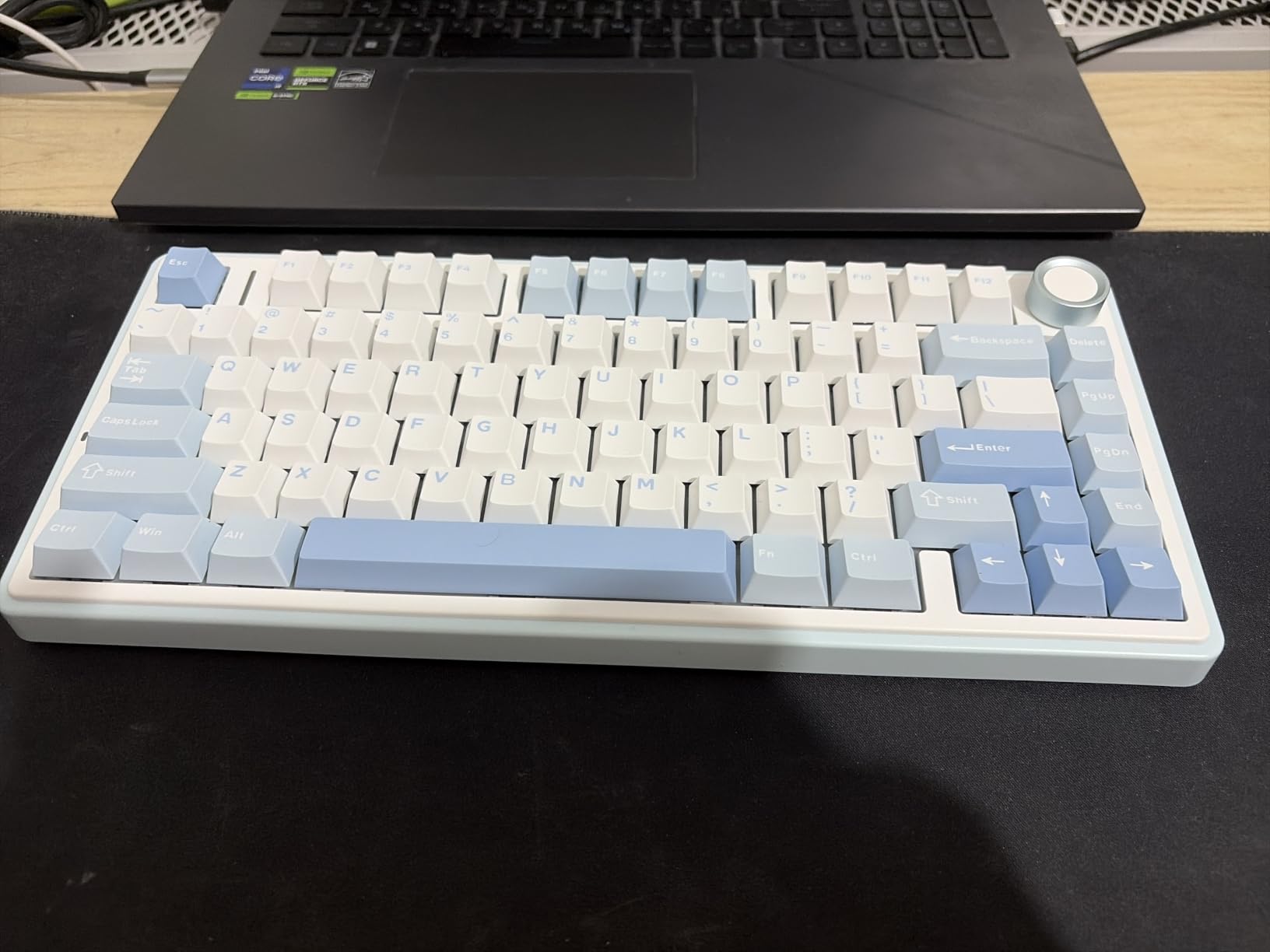
The gasket mount construction with five layers of filling silencer creates that coveted “creamy” typing sound. Pre-lubed LEOBOG Graywood V3 switches feel smooth from the first keystroke, no break-in period required. The 4000mAh battery delivers days of wireless use with RGB lighting active.
The multi-function control knob handles volume, backlight modes, and connection switching with intuitive control. 16.8 million RGB colors across 16 preset effects give plenty of visual customization. Hot-swappable sockets accept both 3-pin and 5-pin switches.
For whom its good
The F75 is the perfect all-rounder for beginners who don’t want to compromise. The 75% layout balances function keys and desk space. Tri-mode connectivity makes it ideal for users juggling multiple devices. Gasket-mount typing feel rivals customs costing three times as much.
For whom its bad
Windows-only optimization means Mac users should verify keymap compatibility before purchasing. The $66.99 price tag is higher than budget options. Users who don’t need wireless or premium sound dampening may find better value in simpler wired alternatives.
Buying Guide: What Beginners Need to Know
What is hot-swappable technology?
Hot-swappable means the keyboard uses special spring-loaded sockets instead of soldered connections. Each switch has metal pins that slot into the socket, where tiny copper leaves grip them mechanically. To swap a switch, you pull it straight out with a switch puller (usually included) and push a new one in.
No soldering iron. No technical skills. No risk of damaging the board. The whole process takes about 5 seconds per switch, and even a complete keyboard re-switch can be done in under an hour by a beginner.
Why hot-swappable is perfect for beginners
Buying a mechanical keyboard used to mean committing forever to one switch type. If you picked linear reds and discovered you actually preferred tactile browns, you were stuck unless you bought an entirely new board. Hot-swap eliminates that risk.
Most boards on this list ship with one switch type, but you can buy a switch tester (typically $15-30) with 5-10 different switch types to sample. Once you find your favorite, order a full set and swap them in. The same keyboard can serve you for years across multiple switch experiments.
Layout sizes explained: 60%, 65%, 75%, TKL, full-size
Layout size determines how many keys the keyboard has and how much desk space it occupies. The percentage refers to how much of a standard full-size keyboard (104 keys) is retained.
60% (61 keys): Compact, no function row, no arrow keys, no number pad. Maximum desk space for mouse movement. Popular with FPS gamers and minimalists. Layer combinations replace missing keys.
65% (68 keys): Adds arrow keys and a small navigation cluster. Good middle ground for productivity and gaming without a full number pad.
75% (75-85 keys): Keeps function row and arrow keys while dropping the number pad. My recommended beginner form factor for balance of features and size.
TKL / Tenkeyless (87 keys): Full function row, no number pad. Classic enthusiast layout. Great for office use and gaming.
Full-size (104-108 keys): Everything including number pad. Best for data entry, accounting, and users who want all keys accessible without layer combinations.
Switch types: linear, tactile, and clicky
Linear switches (red, yellow, black): Smooth keystroke from top to bottom with no bump or click. Quietest option. Popular for gaming because rapid presses are easy. Linear red is the most common starter switch.
Tactile switches (brown, clear): Small bump mid-keystroke provides feedback that the key has registered. Quieter than clicky but more responsive than linear. Best for typing because the bump confirms each press without loud noise.
Clicky switches (blue, white): Tactile bump plus audible click sound. Loudest option. Loved by typists who want maximum feedback. Not recommended for shared offices or late-night gaming sessions.
Socket compatibility: 3-pin vs 5-pin switches
MX-style switches come in two pin configurations. 3-pin switches have two metal contact pins plus a plastic center stem. 5-pin switches add two extra plastic alignment pins for a more secure fit in the PCB.
Most hot-swap boards on this list accept both 3-pin and 5-pin switches. The only exception is budget boards using cheap Outemu sockets, which can be loose with 5-pin switches and may require clipping the alignment pins before installation. All boards on this list use Kailh or Gateron sockets, which are reliable with both pin types.
LED orientation: south-facing vs north-facing
This is the technical detail most beginners miss, but it matters once you start using aftermarket keycaps. South-facing LEDs sit on the bottom of the switch, allowing most cherry-profile keycaps to fit without interference. North-facing LEDs (often used for brighter RGB shine) clash with cherry-profile caps on certain rows.
All boards on this list use south-facing LEDs, which is the more beginner-friendly choice. If you ever buy aftermarket keycaps, you won’t run into the frustrating “R key doesn’t fit” problem that plagues north-facing LED boards.
Beginner mistakes to avoid
Mistake 1: Buying the cheapest board without checking socket quality. Boards using cheap Outemu sockets often have loose connections. Stick with Kailh or Gateron socket boards.
Mistake 2: Forcing switches in at an angle. Hot-swap sockets work when switches go straight in and straight out. Angled force bends the copper contacts and breaks the socket permanently.
Mistake 3: Choosing the wrong layout for your work. A 60% keyboard is great for gaming but frustrating for spreadsheet-heavy office work. Match layout to use case.
Mistake 4: Skipping the switch tester. Don’t guess what switch type you want. Buy a $15-30 switch tester, sample 6-10 different switches, and decide based on feel rather than specs.
Mistake 5: Ignoring keycap quality. ABS keycaps develop shine within months. PBT keycaps stay matte for years. Spend a few extra dollars for PBT if your board doesn’t include them.
Frequently Asked Questions
Is hot-swappable really worth it as a beginner?
Yes hot-swappable is absolutely worth it for beginners because it removes the biggest risk of buying your first mechanical keyboard getting stuck with the wrong switch type. Hot-swap sockets let you pull out and replace switches by hand in seconds no soldering required so you can experiment with linear tactile and clicky switches until you find your favorite. Most hot-swap boards also accept both 3-pin and 5-pin switches giving you access to the entire custom switch market as your preferences evolve.
What starter keyboard would you recommend?
For most beginners the AULA F75 is the best starter keyboard because it combines premium gasket-mount typing feel tri-mode wireless connectivity hot-swap sockets and that satisfying creamy sound at a beginner-friendly price. Budget buyers should consider the Redragon K671 at under $30 while users wanting the compact 60% form factor should look at the RK Royal Kludge RK61 with QMK/VIA support. Mac users transitioning from Apple Magic Keyboard will find the Keychron C1 tactile brown switches and Mac/Windows toggle switch ideal.
What is a good starter mechanical keyboard with hot-swappable and clicky?
Most boards on this list ship with linear switches but you can swap in clicky switches Gateron Blue Kailh Box White or Akko V3 Cream Blue Pro using the hot-swap sockets. The AULA F75 and AULA F75 Pro both have excellent gasket-mount construction that softens the clicky sound profile compared to budget boards. If you want clicky switches pre-installed look for board variants that explicitly ship with blue or white switches then upgrade later via hot-swap as your preferences evolve.
How do I change switches on a hot-swappable keyboard?
Changing switches on a hot-swappable keyboard takes about 5 seconds per switch. First remove the keycap using a wire keycap puller usually included with the keyboard. Then grip the switch body with a switch puller tool position it straight above the switch and pull gently upward. The switch slides out of the socket. To install a new switch align the metal pins with the socket holes and press down firmly until the switch clicks into place. Take care to keep switches perfectly vertical forcing them at an angle can bend the socket contacts and break the board permanently.
Final Verdict: Which Hot-Swappable Keyboard Should You Buy?
After testing 10 of the best hot-swappable mechanical keyboards for beginners, my top recommendation is the AULA F75 for its combination of gasket-mount typing feel, tri-mode wireless connectivity, and accessible pricing. Budget buyers who want to test the waters without committing serious cash should grab the Redragon K671, while users wanting maximum desk space for FPS gaming will love the RK Royal Kludge RK61 60% layout.
The whole point of hot-swap technology is removing the fear of making the wrong choice. Pick any board from this list, and you’ll have the freedom to swap switches, experiment with layouts, and discover your perfect mechanical keyboard setup over time. That’s exactly why hot-swappable mechanical keyboards for beginners have become the smartest way to enter the hobby in 2026.