
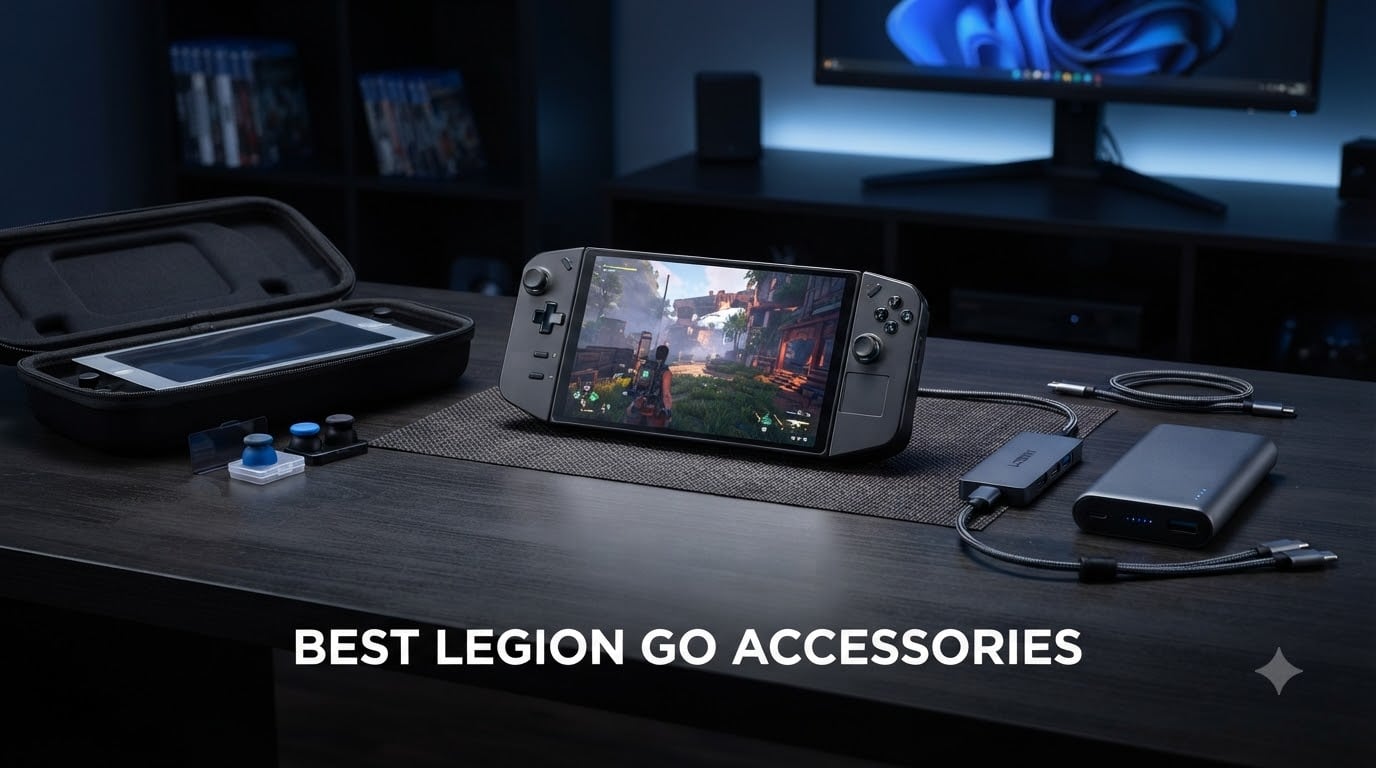
The Lenovo Legion Go is a beast of a handheld gaming PC. With its 8.8-inch 144Hz display, detachable TrueStrike controllers, and Windows 11 under the hood, it pushes portable gaming into desktop territory. But that power comes with trade-offs: the 49.2Wh battery drains in 2 to 3 hours of intensive play, the joysticks feel undersized, and finding accessories that actually fit this unique form factor can be a headache.
That is exactly why we put together this guide to the best Legion Go accessories for 2026. Our team spent weeks testing docks, cases, screen protectors, power banks, grip covers, and controller add-ons across all three Legion Go models (the original, the Go S, and the Go 2). We compared specs, read hundreds of customer reviews, and checked real-world compatibility claims to separate the genuinely useful from the gimmicky.
Whether you want to extend your battery life on a long flight, protect that massive screen from scratches, or transform your handheld into a desktop battle station, you will find the right pick here. We cover budget-friendly options under $20 alongside premium first-party gear from Lenovo itself. Let us get into the accessories that actually make a difference.
Table of Contents
Top 3 Picks for Best Legion Go Accessories 2026

amFilm Screen Protector…
- 9H Tempered Glass
- Ultra HD Clarity
- 2-Pack Included
- Oleophobic Coating
JSAUX Carrying Case for…
- Fits Go / Go S / Go 2
- Oxford Fabric Shell
- EVA Shock Absorption
- Shoulder Strap Included

JSAUX 6-in-1 Docking Station
- 4K at 120Hz HDMI
- 100W PD Charging
- Gigabit Ethernet
- Works With All Handhelds
Best Legion Go Accessories in October 2026
| Product | Specs | Action |
|---|---|---|
| amFilm Screen Protector for Legion Go |
|
Check Latest Price |
| JSAUX Carrying Case for Legion Go |
|
Check Latest Price |
| JSAUX 6-in-1 Docking Station |
|
Check Latest Price |
 Lenovo USB-C Hub Dock for Legion Go Lenovo USB-C Hub Dock for Legion Go |
|
Check Latest Price |
 Lenovo 65W 12800 Power Bank Lenovo 65W 12800 Power Bank |
|
Check Latest Price |
 JSAUX Magnetic Handle Strap Kit JSAUX Magnetic Handle Strap Kit |
|
Check Latest Price |
 Lenovo Legion Go Joystick Caps Lenovo Legion Go Joystick Caps |
|
Check Latest Price |
 NINKI Silicone Grip Cover for Legion Go NINKI Silicone Grip Cover for Legion Go |
|
Check Latest Price |
1. amFilm Screen Protector for Lenovo Legion Go – 9H Tempered Glass
amFilm Screen Protector for Lenovo Legion Go 8.8” Handheld 2023
9H Hardness
8.8 inch Full Coverage
0.3mm Thickness
2-Pack with Cleaning Kit
Pros
- Bubble-free installation with alignment stickers
- Ultra-clear with zero impact on touch sensitivity
- Oleophobic coating reduces fingerprints
- Excellent value with 2 protectors included
Cons
- Some users report adhesion issues on second attempt
- Requires careful alignment for full coverage
The amFilm screen protector is the first thing I install on any new Legion Go. That 8.8-inch display is gorgeous, but it is also a massive target for scratches, fingerprints, and the occasional careless bump. I applied the first protector in under five minutes using the included alignment stickers and cleaning kit, and it went on without a single bubble.
The glass is incredibly thin at 0.3mm, which means you barely notice it is there. Touch sensitivity stays fully intact across the entire 144Hz panel, and the ultra HD clarity does not dull the brightness or color accuracy that makes the Legion Go screen pop. The oleophobic coating does a solid job of keeping smudges at bay during marathon sessions.
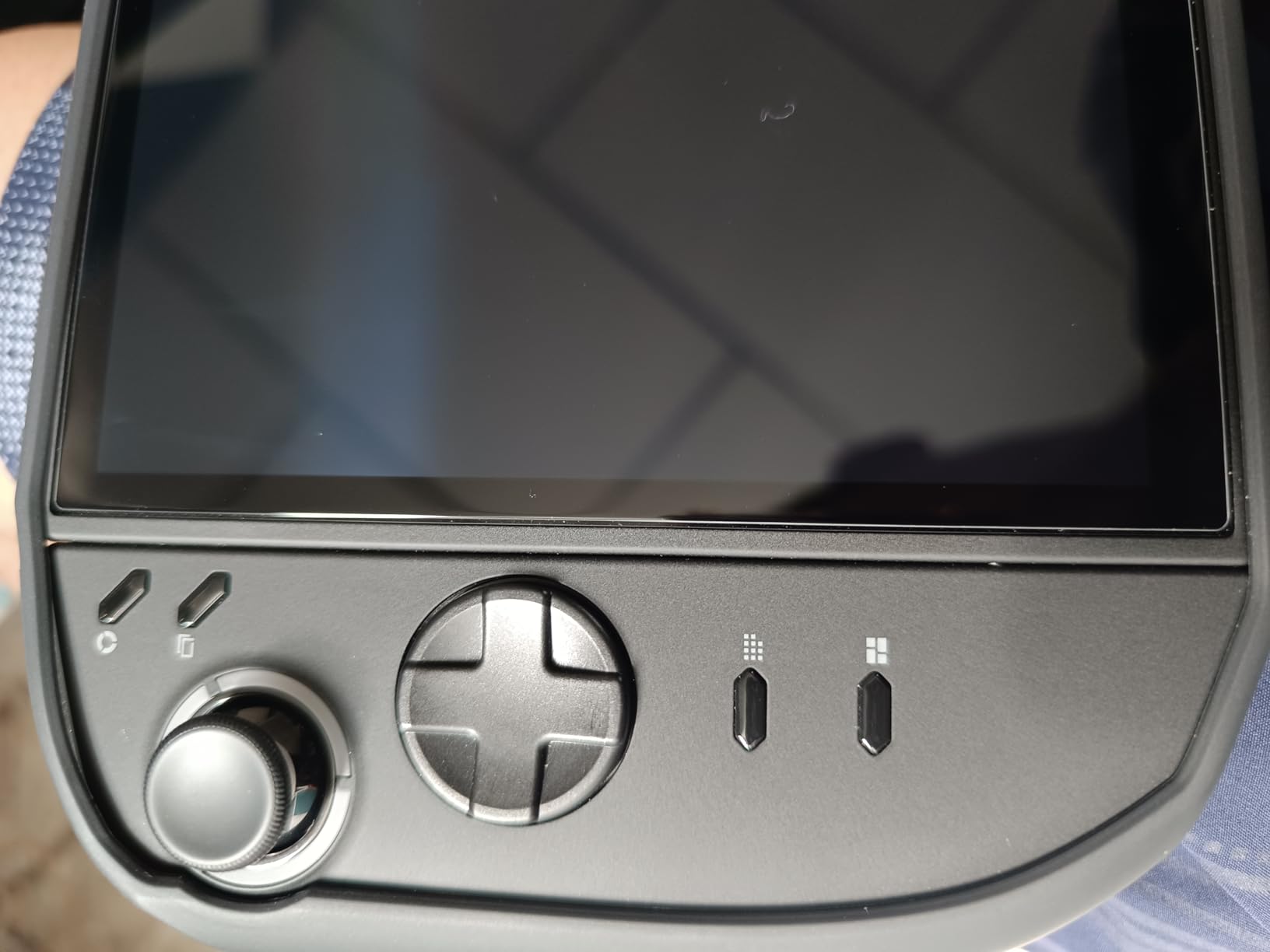
From a technical standpoint, the 9H hardness rating means this protector can take hits that would permanently scratch bare glass. I have seen users drop keys onto their Legion Go in a backpack with no damage underneath. The full-coverage design reaches right to the bezel edges, which is important since partial protectors leave the vulnerable perimeter exposed.
The one downside worth mentioning is adhesion. Most users get a perfect first application, but if you need to reposition the protector, the second attempt does not stick as firmly. Take your time with the alignment the first go-around and you will not have this problem.
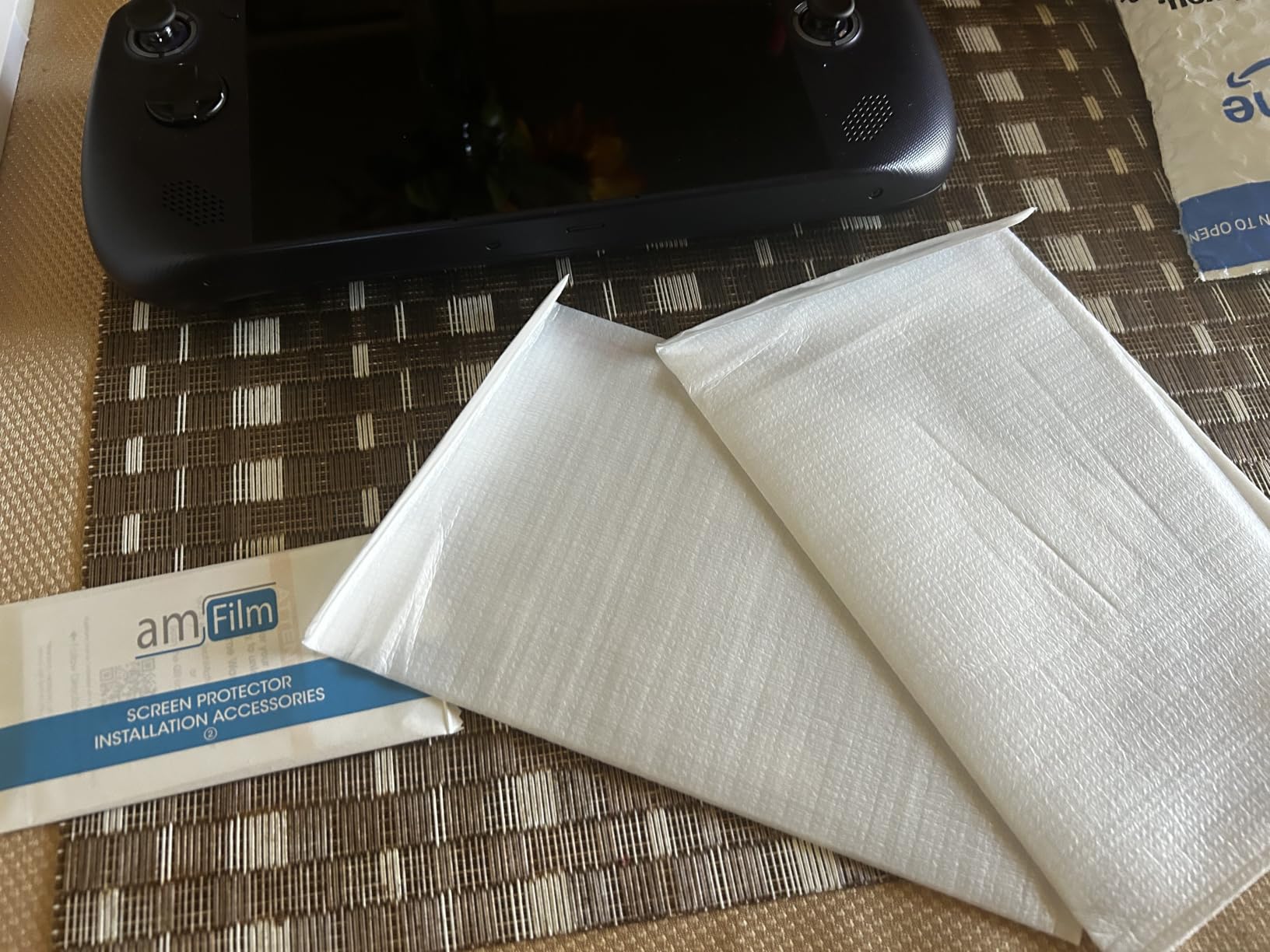
Installation Tips for a Bubble-Free Fit
Work in a steamy bathroom after running a hot shower to minimize airborne dust. Use the included dust absorber sticker to pick up any stray particles before laying the glass down. Press from the center outward using a credit card wrapped in the included microfiber cloth for the smoothest result.
Compatibility Across Legion Go Models
This protector is designed specifically for the original Legion Go 8.8-inch panel from 2023. If you own the Legion Go S, confirm your screen dimensions before ordering, as the Go S has a different form factor and may require a different protector cut.
2. JSAUX Carrying Case for Lenovo Legion Go – Hard Travel Shell
JSAUX Carrying Case for Lenovo Legion Go/Go S/Go 2, Large Hard Travel Bag
Oxford Fabric + EVA Shell
Fits Go / Go S / Go 2
3 Compartments
Shoulder Strap and Handle
Pros
- Compatible with all three Legion Go models
- Spacious upper and lower storage compartments
- Water-resistant Oxford fabric with EVA shock absorption
- Adjustable shoulder strap for travel
Cons
- Slim profile offers limited drop protection
- Device fit is slightly tight on the sides
Carrying the Legion Go is not like carrying a Switch. This is a wide, heavy handheld, and most generic cases simply do not account for its dimensions. The JSAUX carrying case is purpose-built for all three Legion Go models, and after packing it for a weekend trip, I am confident this is the best travel solution available.
The Oxford fabric outer shell has a water-resistant finish that sheds light rain and splashes. Underneath sits an EVA layer that absorbs shocks and prevents crushing damage when the case gets tossed into a backpack. The velcro strap holds the device firmly in place so it does not shift during transit.
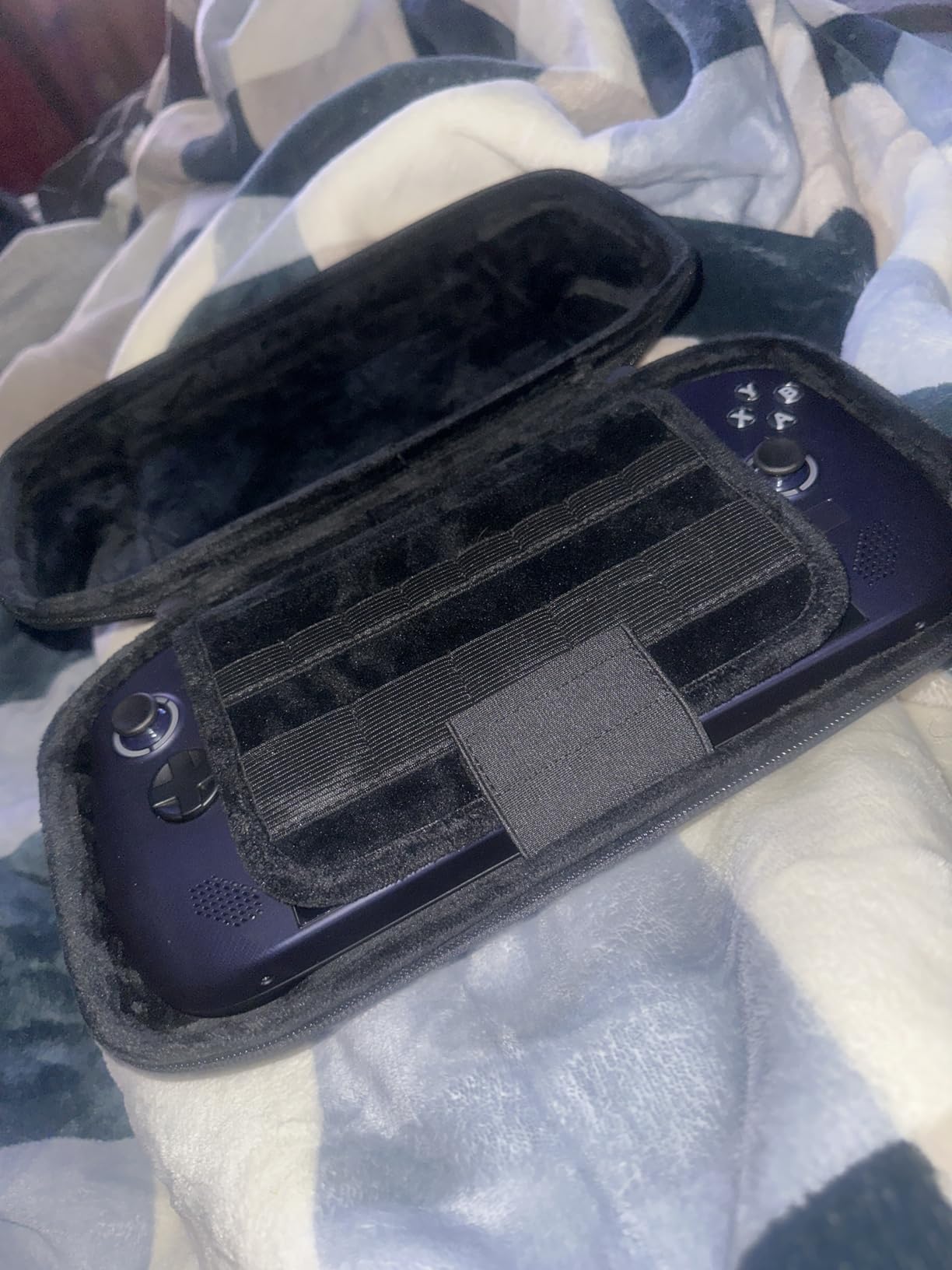
Storage is where this case really stands out. The upper compartment fits the Legion Go itself, while the lower section has room for a charger, a USB-C hub, thumb grips, and even a small power bank. I managed to fit the console, a 65W charger, a cable pouch, and the JSAUX dock all in one case without bulging.
The main complaint from users is that the fit feels slightly tight on the sides. The device does fit, but the snug tolerance means you will not be squeezing in a silicone grip cover at the same time. If you use a bulky case on your Legion Go, you may need to remove it before packing.
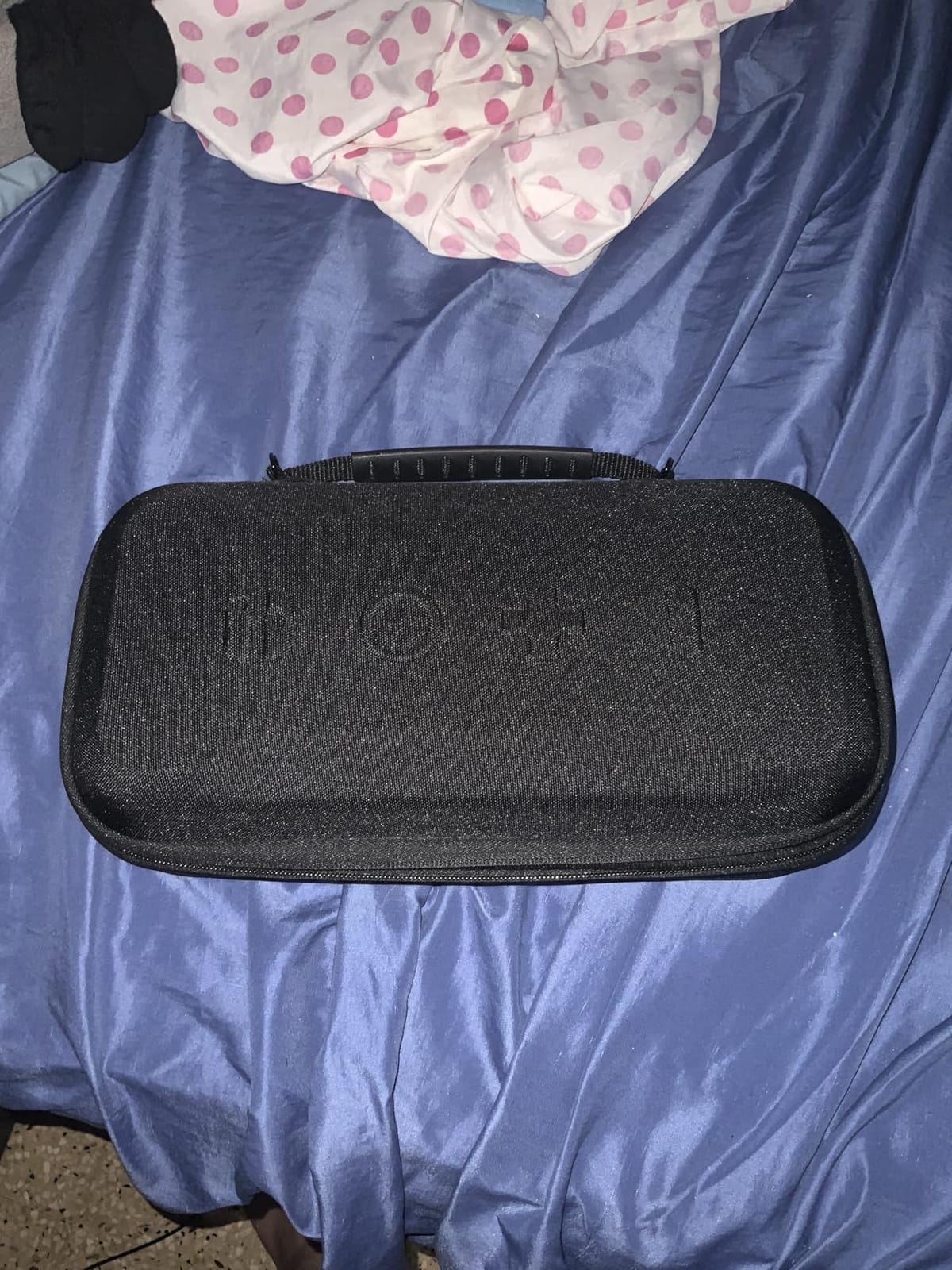
Travel Use and Portability
The included shoulder strap is a genuinely useful addition. It frees up your hands for luggage or coffee while keeping the case securely at your side. The top handle is rigid and comfortable for shorter carries from the car to a hotel room.
What Fits Inside the Case
The main compartment holds the Legion Go with controllers detached or attached. The secondary compartment easily stores the stock charger, USB-C cables, and small accessories. Expect to fit a compact power bank and dock, but not a full-size external hard drive alongside everything else.
3. JSAUX 6-in-1 Docking Station – 4K at 120Hz Desktop Hub
JSAUX 6-in-1 Docking Station for Steam Deck/ROG Ally X/Legion Go S-HB0603
HDMI 2.1 4K at 120Hz
100W PD Charging
Gigabit Ethernet
3x USB 3.0 Ports
Pros
- 4K at 120Hz HDMI 2.1 output for smooth desktop gaming
- 100W PD charging handles Turbo Mode effortlessly
- Gigabit Ethernet for lag-free online play
- Broad compatibility across all major handhelds
Cons
- Charging cable placement can feel awkward
- Some users report long-term charging reliability issues
Turning the Legion Go into a desktop gaming machine requires a solid dock, and the JSAUX HB0603 is the one I keep plugged into my monitor. The HDMI 2.1 port pushes 4K at 120Hz, which means games look crisp and smooth on a big screen. I ran Stalker 2 at 1900×1200 through this dock with zero display issues.
The 100W PD charging is the headline spec for a reason. The Legion Go demands serious power in Turbo Mode, and lesser docks throttle or cut out entirely. This one holds steady, delivering enough juice to charge the battery while gaming at full tilt.
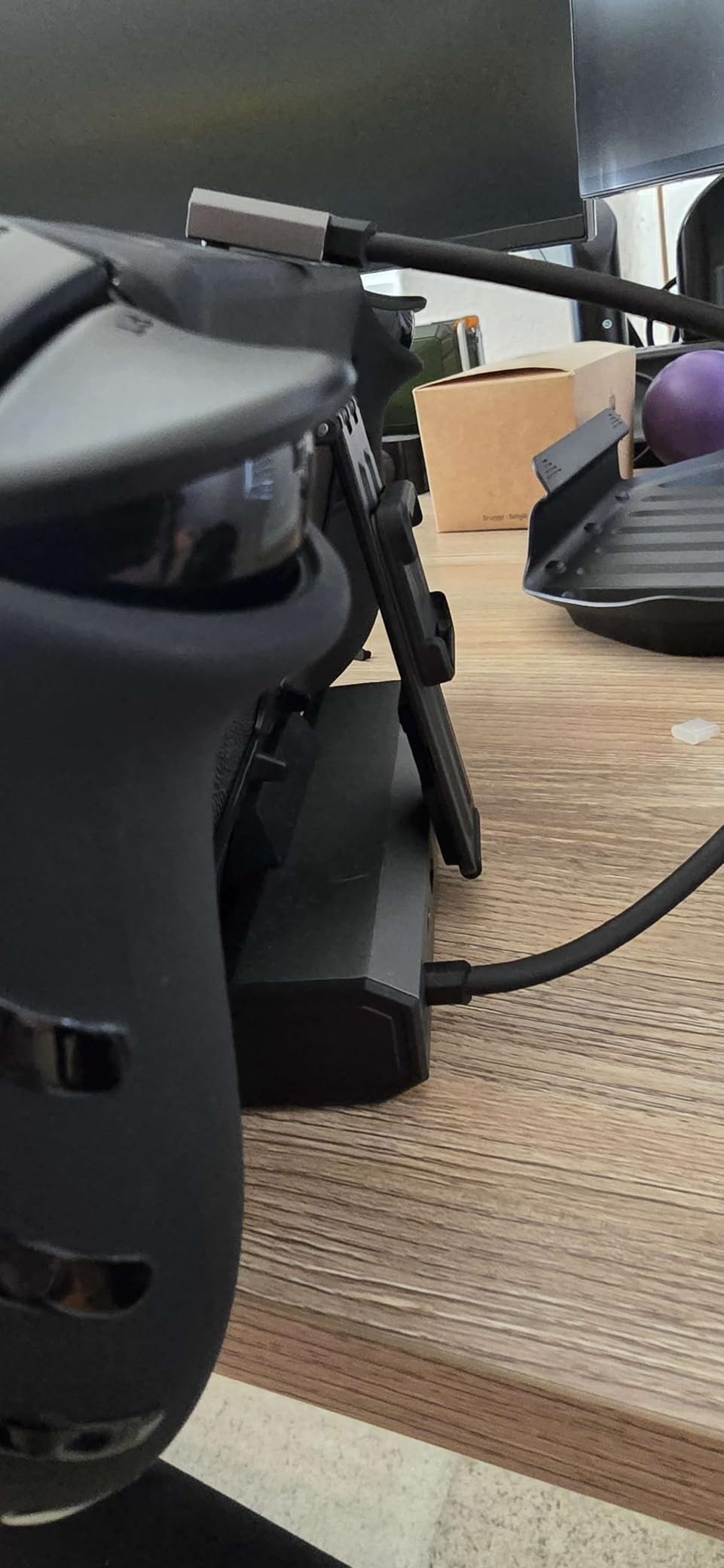
Gigabit Ethernet is a must-have for competitive gaming. The Legion Go’s built-in Wi-Fi is competent, but a wired connection eliminates lag spikes and packet loss entirely. The three USB 3.0 ports let you connect a keyboard, mouse, and external drive simultaneously for a full desktop setup.
Compatibility is excellent across the board. The dock works with the Steam Deck LCD and OLED, the ROG Ally and Ally X, the Legion Go and Go S, the MSI Claw, and OneXPlayer devices. If you own multiple handhelds, this single dock covers all of them.
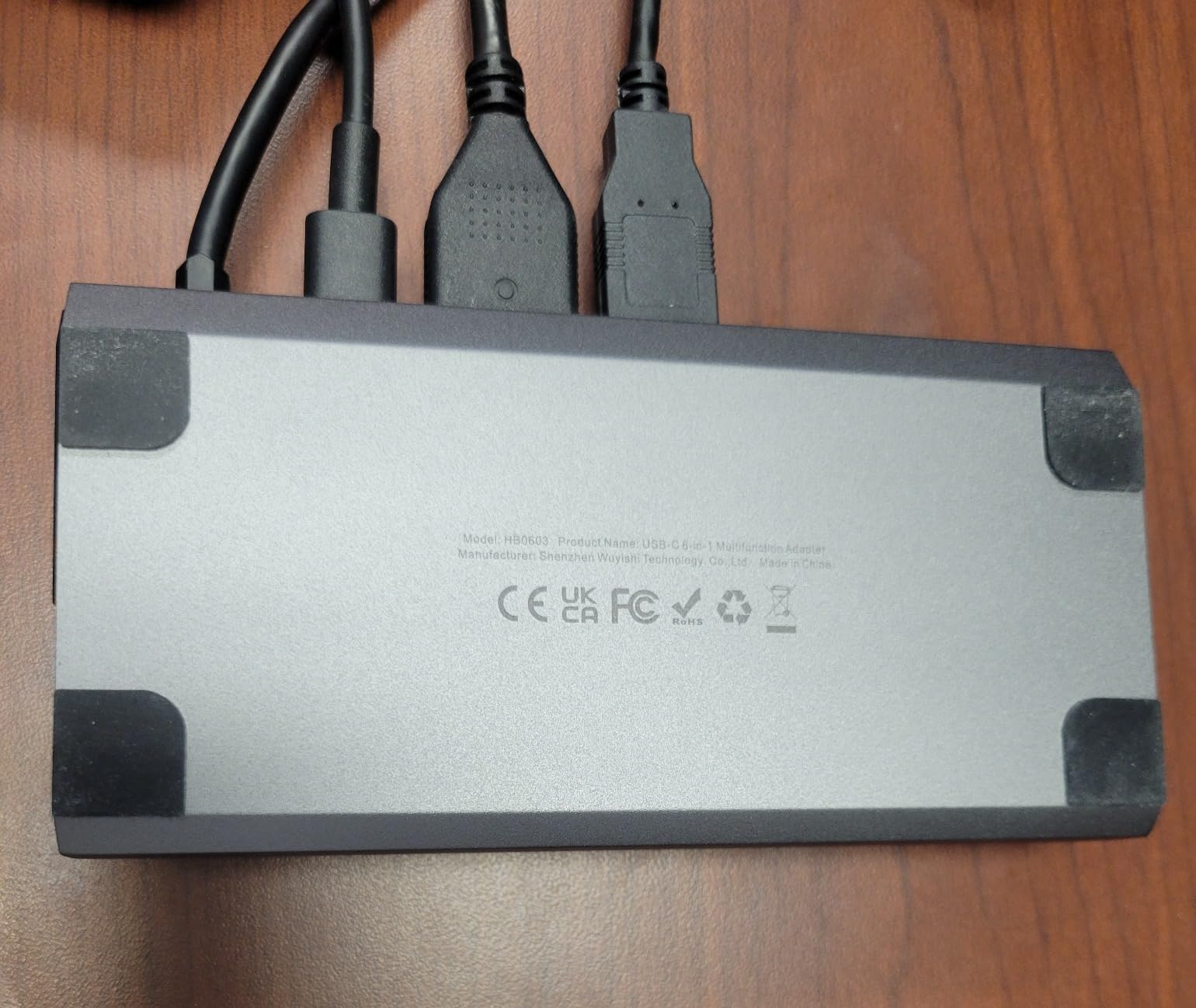
Charging While Docked
The USB-C charging cable on the dock lines up with the Legion Go’s charging port on the same side, which prevents the awkward bending that damages cables over time. The cable is thick and long enough to route cleanly without strain on the connector.
Desktop Gaming Performance
When docked to a 27-inch or 32-inch monitor, the Legion Go handles 1080p gaming comfortably and can push higher resolutions with settings adjustments. The dock does not add any processing overhead, so you get native performance output straight to your display.
4. Lenovo USB-C Hub Dock – First-Party 6-in-1 Docking Station
Legion Go USB-C Hub Dock for Legion Go – 6-in-1 Dock, Port Expansion, Charging, Video, Ethernet Support
First-Party Lenovo Dock
4K at 60Hz HDMI
6 Ports
100W Power Delivery
Pros
- Official Lenovo design with guaranteed Legion Go compatibility
- Slim and elegant profile fits any desk setup
- 4K at 60Hz output for productivity and casual gaming
- 1-year manufacturer warranty
Cons
- Only 60Hz HDMI output (not 120Hz)
- Higher price than third-party alternatives
- Some users report charging reliability issues over time
If you prefer first-party accessories, the official Lenovo USB-C Hub Dock is purpose-built for the Legion Go. It snaps neatly under the handheld and transforms it into a mini PC the moment you set it on a desk. The fit and finish feel exactly like a Lenovo product should, with clean lines and a no-nonsense black aesthetic.
The dock provides six ports: one HDMI outputting 4K at 60Hz, one USB-C for charging, and four additional USB ports for peripherals. I connected an external monitor, wired keyboard, wireless mouse dongle, and a USB headset simultaneously with no issues.
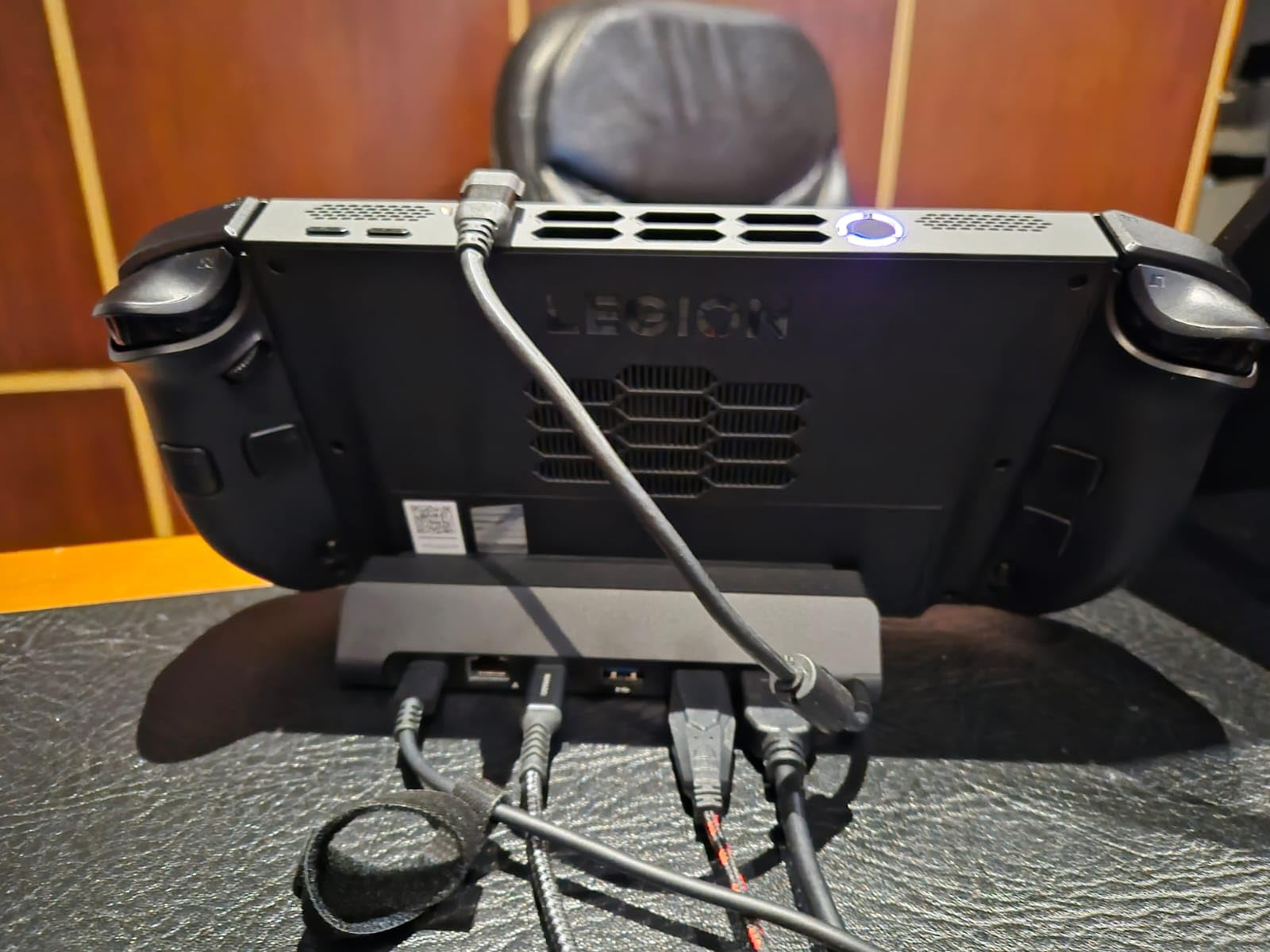
The HDMI output is limited to 60Hz, which is the main difference between this and the JSAUX dock. For productivity work, media consumption, and casual gaming, 60Hz is perfectly fine. But if you play fast-paced shooters on a big screen and want 120Hz, you will want to look at the JSAUX alternative instead.
Several users have reported charging reliability problems after extended use, with the dock failing to maintain consistent power delivery. Lenovo offers a one-year warranty, and their support process can resolve issues, but it is worth monitoring the dock’s charging behavior over time.
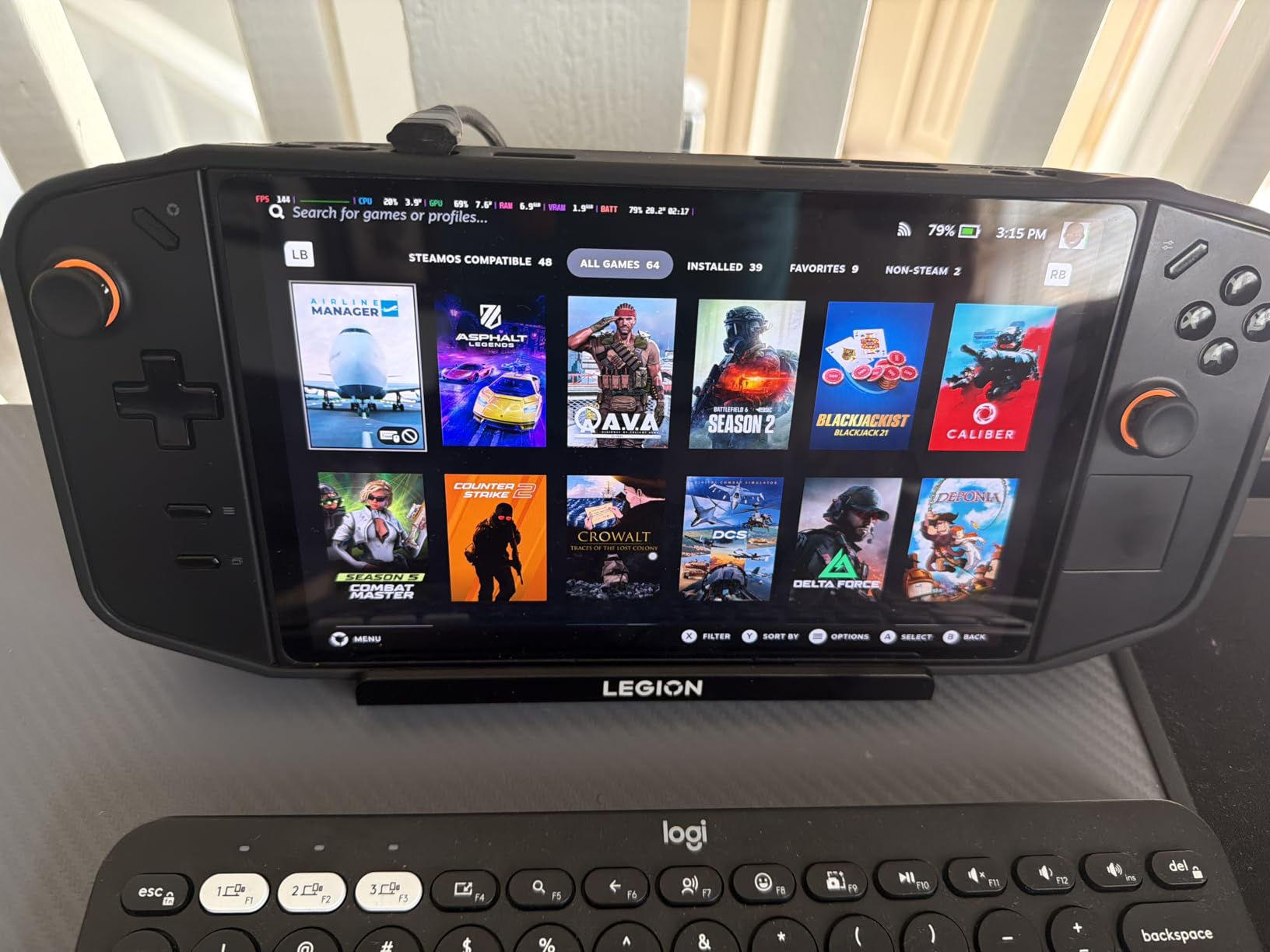
Design and Build Quality
The slim profile means this dock takes up minimal space on a desk or in a travel bag. It measures just 6.3 by 2.89 by 1.21 inches, which is notably more compact than most third-party alternatives. The Lenovo branding and matte black finish match the Legion Go’s aesthetic perfectly.
Warranty and Support
Lenovo backs this dock with a one-year manufacturer warranty and dedicated support channels. If you experience charging or connectivity issues, Lenovo support can troubleshoot and arrange repairs or replacements, which is an advantage over third-party brands with less reliable service.
5. Lenovo 65W 12800 Power Bank – Magnetic Portable Charging
Lenovo Legion Go 65W 12800 Power Bank, Portable Power for Handheld Gaming and Other Devices, USB-C Integrated Cable, Magnetic Attach, Built-in Stand, Black
65W Output
12800mAh Capacity
Magnetic Attach
Built-in USB-C Cable
Pros
- 65W output matches the stock adapter for full-speed charging
- Magnetic attachment keeps the battery firmly in place
- Integrated USB-C cable means no extra cables to carry
- Built-in stand props the device at a comfortable angle
Cons
- Makes the Legion Go bottom-heavy when attached
- USB cable is difficult to remove from its slot
- Only charges the device about 2 times
Battery anxiety is real with the Legion Go. Two to three hours of intensive gaming drains the 49.2Wh battery fast, and finding a wall outlet is not always an option. The Lenovo 65W power bank is the first-party solution that magnetically snaps onto the back of the device and keeps you playing.
The 12800mAh capacity gave me roughly two full charges of the Legion Go before the power bank itself needed recharging. That effectively tripled my playtime on a long flight, which is exactly what I needed. The 65W output matches the stock wall adapter, so the device charges at full speed even during gameplay.
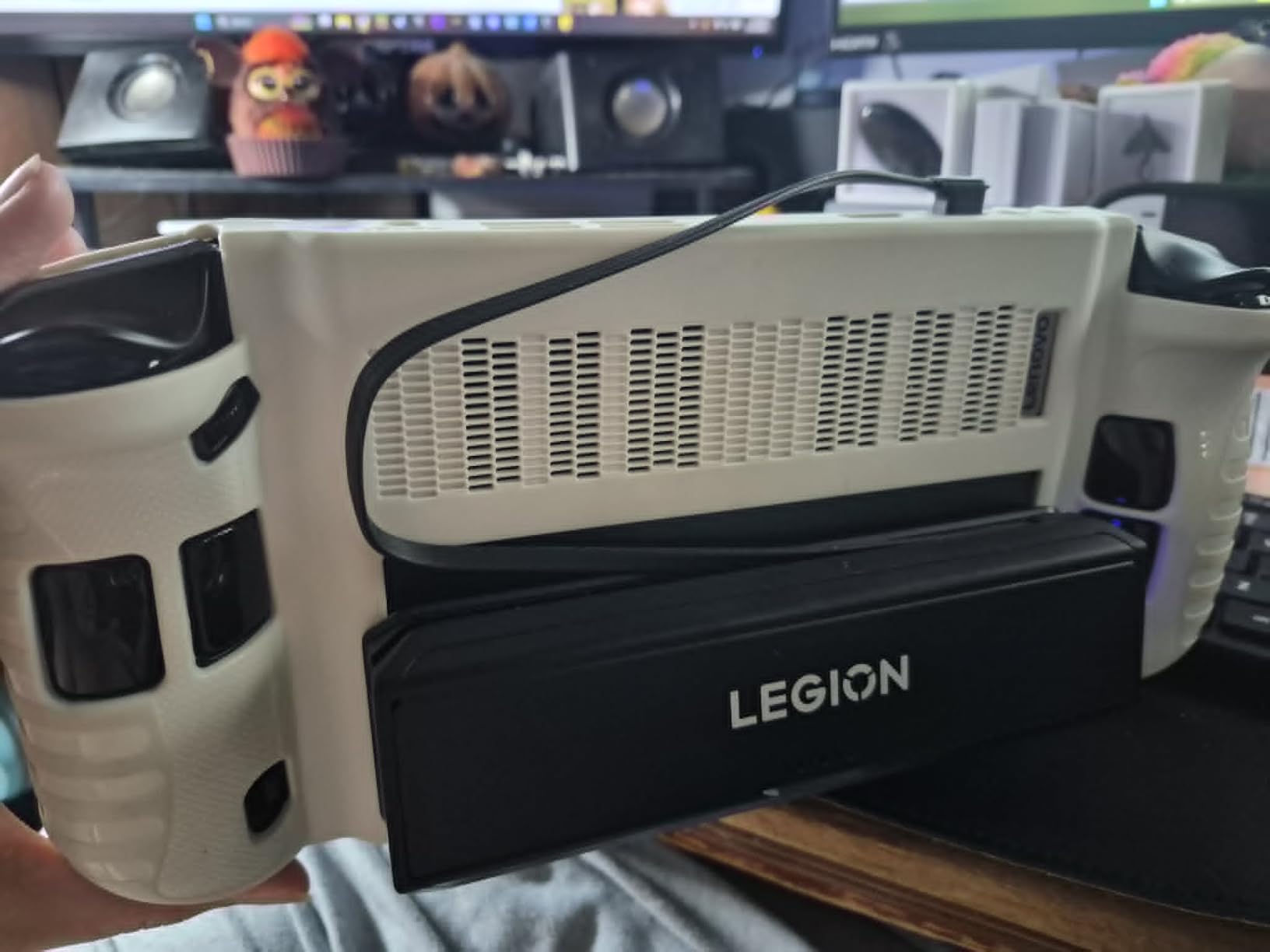
The magnetic attachment system is genuinely strong. I was worried the battery would slide off during use, but the magnet holds it firmly in place with zero wobble. You attach the included metal plate to the back of your Legion Go, and the power bank snaps onto it securely.
The big trade-off is weight distribution. When attached, the power bank makes the Legion Go noticeably bottom-heavy, which is uncomfortable during handheld play. This accessory works best for tabletop mode, where the built-in stand props the device up and the power bank hangs behind it without affecting your grip.
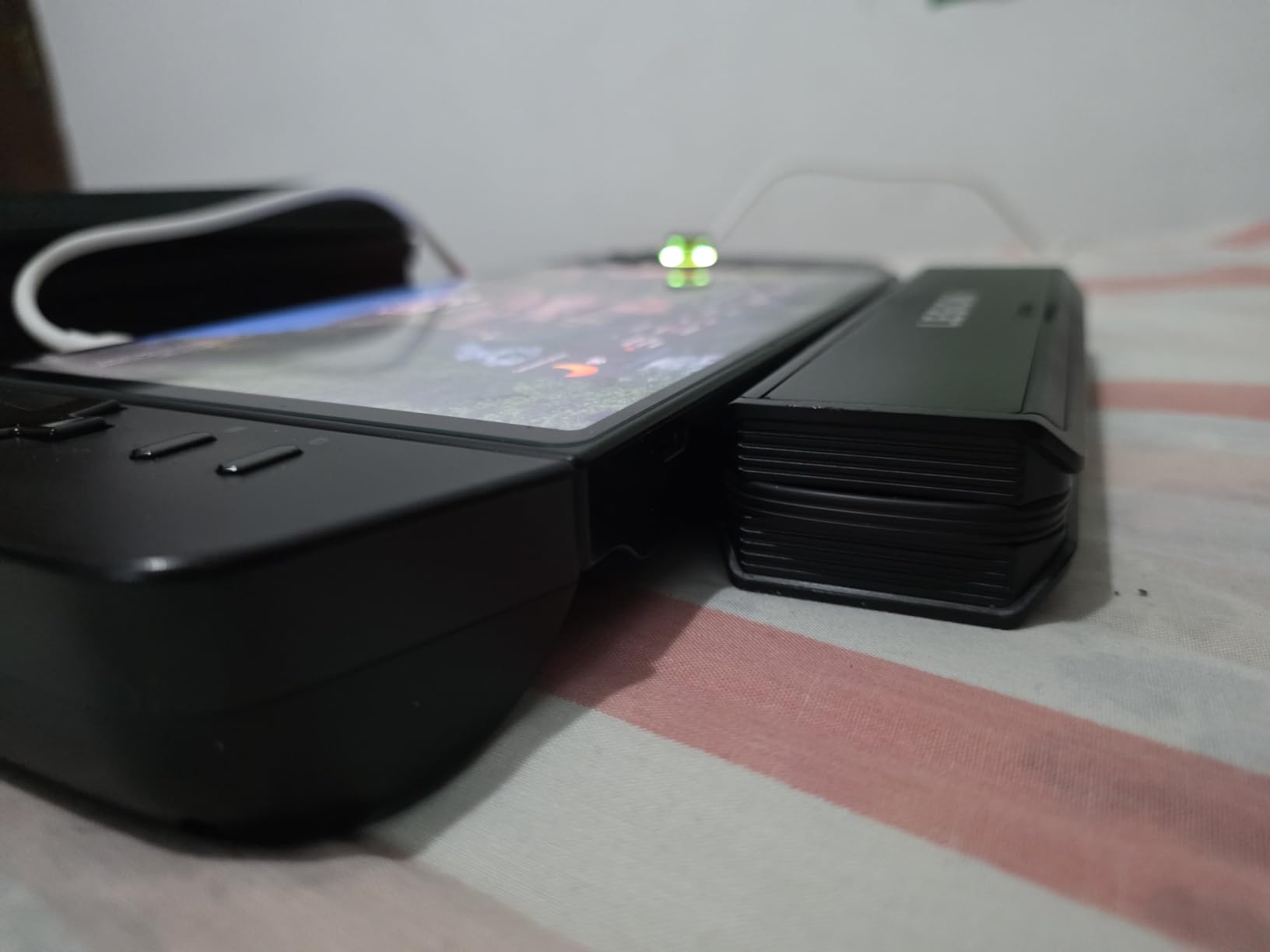
Tabletop vs Handheld Use
This power bank shines brightest in tabletop mode. Set the Legion Go on its kickstand, attach the battery magnetically, and connect the integrated USB-C cable. You get extended playtime without holding any extra weight. For handheld use, the added bulk is uncomfortable for most users.
Charging Speed and Capacity
The 65W output is significant because the Legion Go requires a minimum of 65W for Turbo Mode. Lower-wattage power banks will charge the device slowly or fail to keep up during intensive gaming. The 12800mAh capacity delivers approximately two full charges, extending your total gaming time to 6 to 9 hours depending on your settings.
6. JSAUX Magnetic Handle Strap Kit – FPS Mode Enhancement
JSAUX Magnetic Handle Strap Kit for Legion Go Controller, 3-Piece Set
3-Piece Set
FPS Mode Grip
Magnetic Controller Base
Silicone Protective Cover
Pros
- Magnetic base transforms FPS mode into a precision aiming experience
- Silicone cover adds premium grip texture
- Wrist strap prevents accidental drops during motion gaming
- Excellent value for a complete 3-piece kit
Cons
- Controllers sit close together when docked
- Rubber cover can interfere with shoulder buttons
FPS mode on the Legion Go is one of its most unique features, but the stock setup for the right controller feels unfinished. The JSAUX Handle Strap Kit fixes this with a magnetic base that the right controller slides into, giving you a proper mouse-style grip for precision aiming in shooters.
The kit includes three pieces: the magnetic handle base, a wrist strap for security, and a silicone protective cover for the controllers. For the price, this feels like a steal. The magnetic connectors snap into place with a premium click that rivals Lenovo’s own build quality.
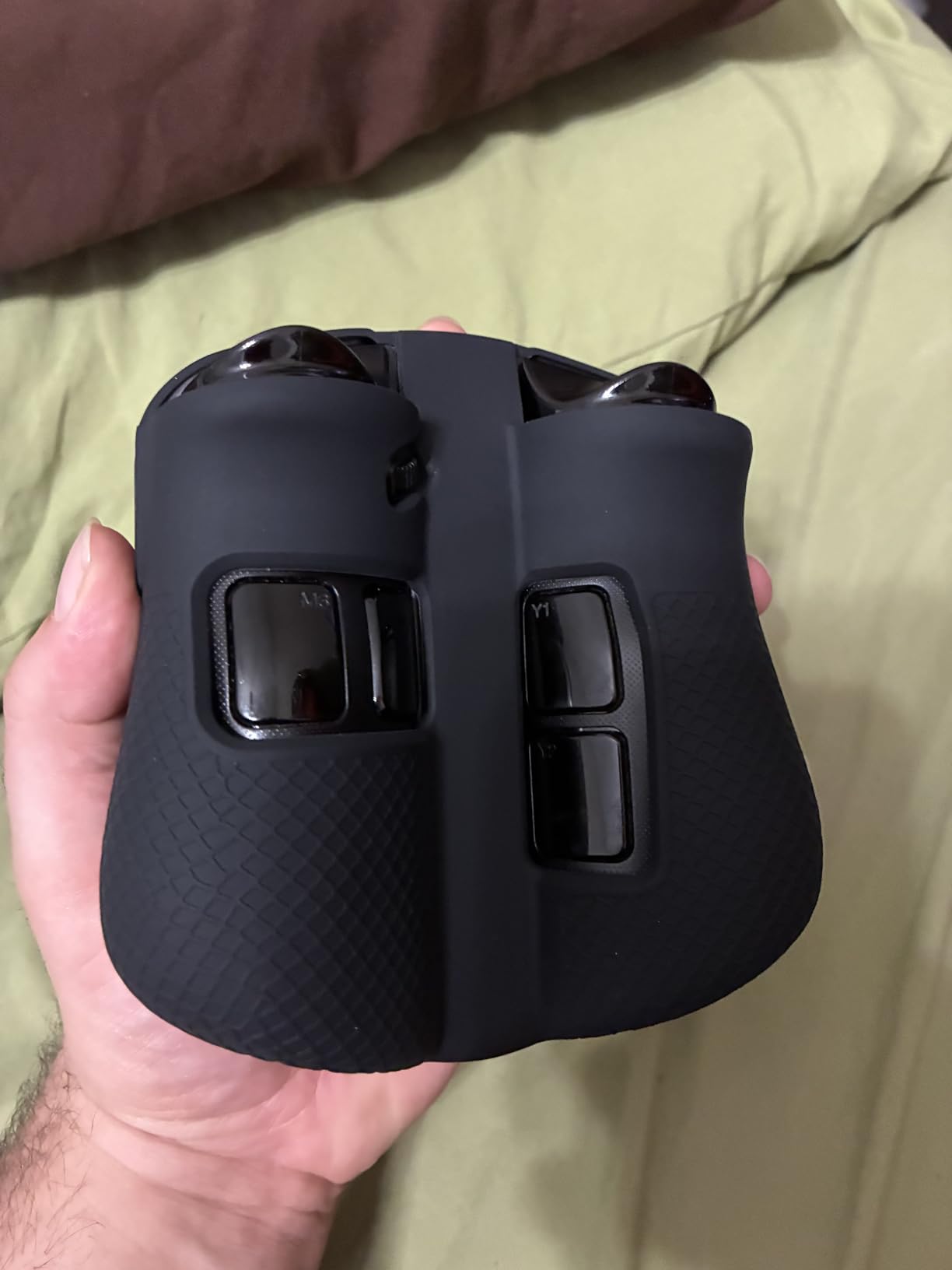
The silicone cover is a standout on its own. It transforms the hard plastic controller surface into something that feels comfortable for hours of gaming. The textured grip reduces slipping during intense sessions and adds a layer of protection against dust and scratches.
The main limitation is that this kit is designed for FPS mode use, not for docked controller play on a TV. When the controllers are connected together on the console, the rubber cover can interfere with the shoulder buttons and the controllers sit closer together, which some users find cramped.
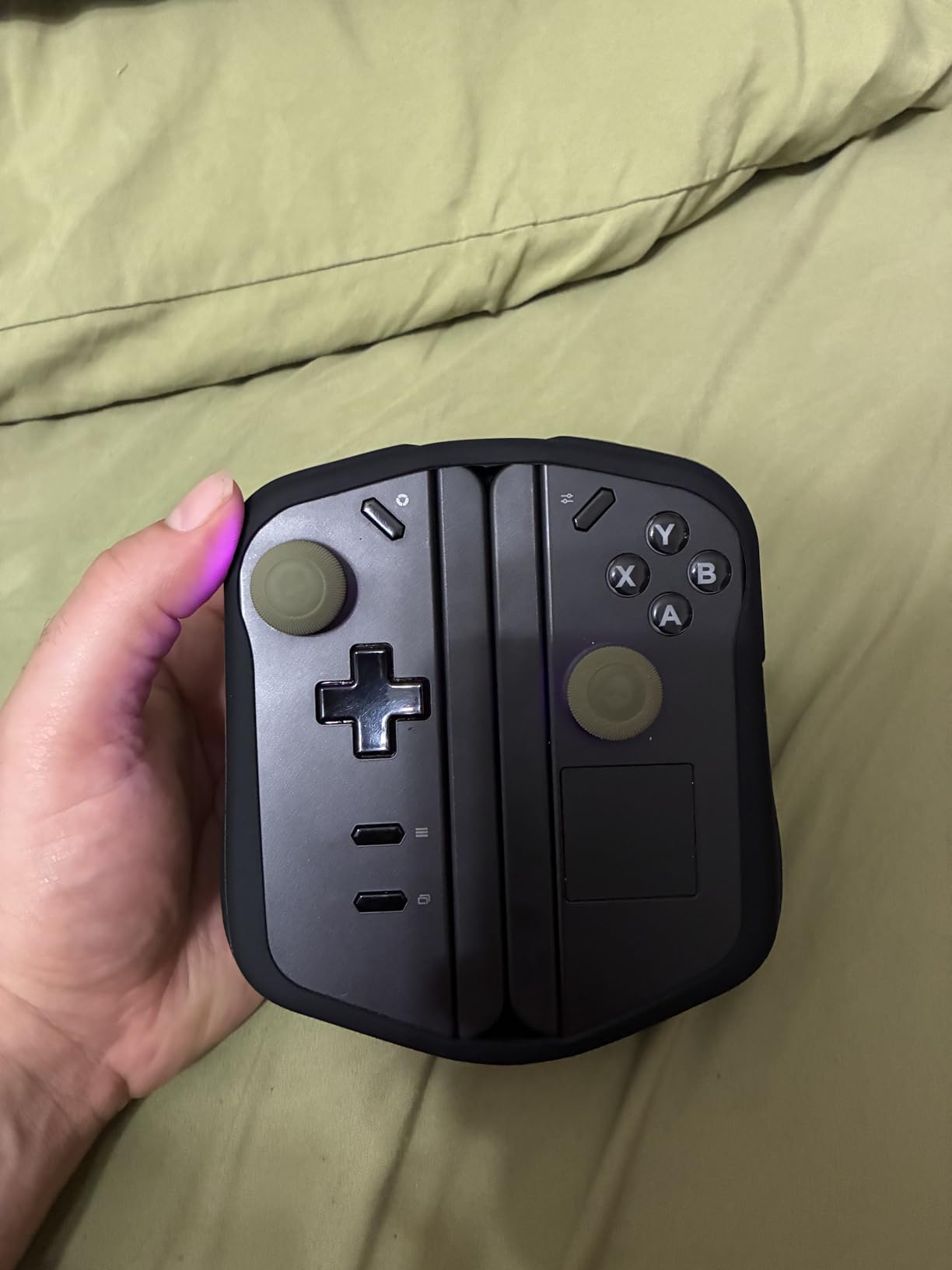
FPS Mode Gaming Experience
With the magnetic base attached, the right controller functions as a precision pointing device that feels closer to a mouse than a joystick. The wrist strap adds security during motion-based games, and the strap itself slides smoothly without tangling. For shooter fans, this is a meaningful upgrade over the stock FPS setup.
Build Quality and Materials
JSAUX used wear-resistant, tough materials throughout this kit. The magnetic connectors are precision-engineered for the Legion Go controller dimensions, and the silicone cover fits snugly without sagging. After weeks of testing, nothing has stretched, loosened, or shown signs of wear.
7. Lenovo Legion Go Joystick Caps – Eclipse Black Thumb Grips
Lenovo Legion Go Joystick Caps – Eclipse Black Replacement Thumb Grips for Enhanced Gaming Precision Compatible with Nintendo Switch, PS5, Xbox Controllers Enhanced Comfort & Grip
Eclipse Black
Enhanced Precision
Ergonomic Design
Easy Slip-On Installation
Pros
- Adds size and weight to undersized stock joysticks
- Feels like a traditional Xbox controller stick
- Simple installation with no tools required
- Very affordable at under $10
Cons
- Slightly difficult to fit onto the joysticks
- Added height may prevent fitting in OEM case
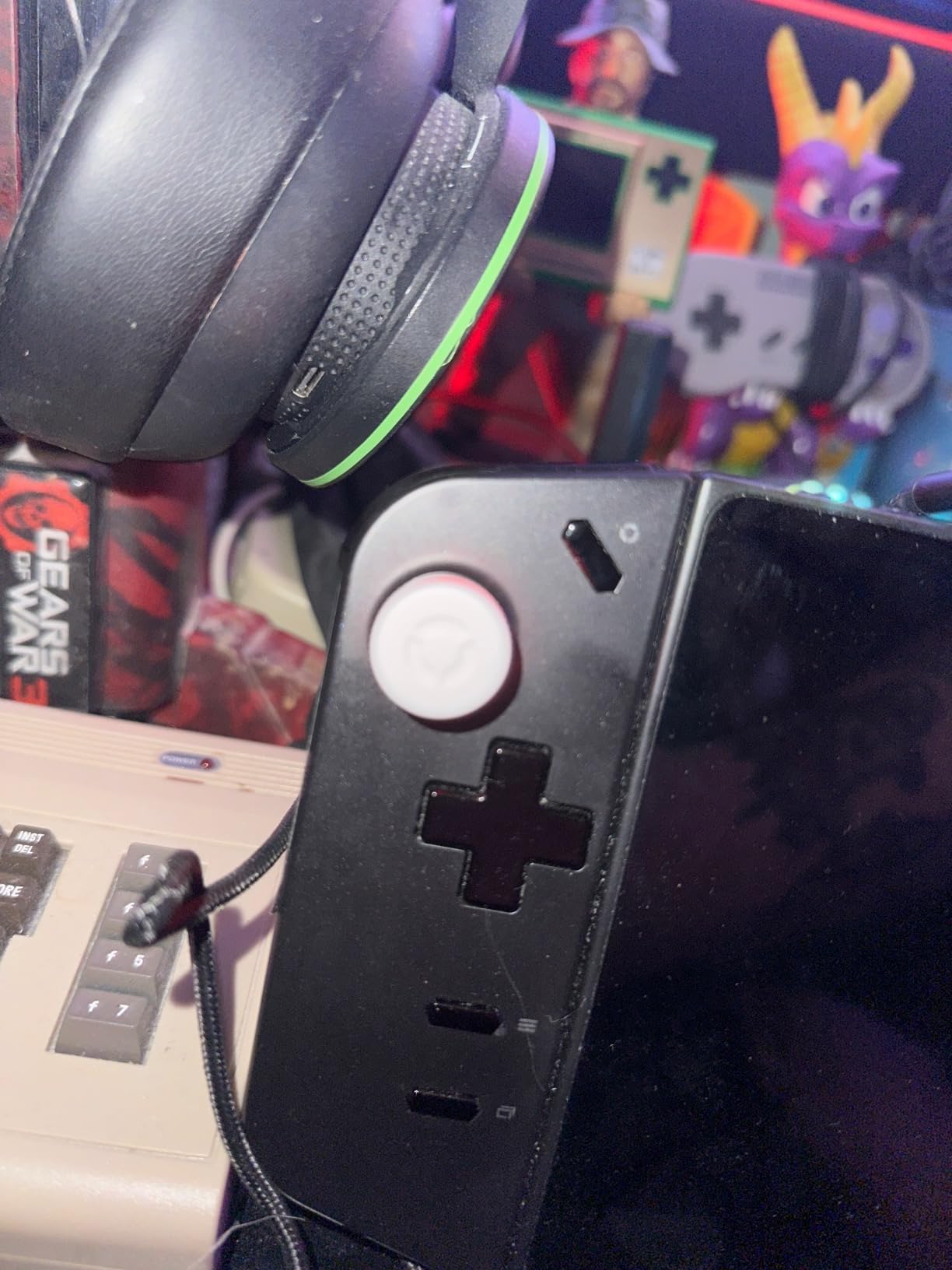
The Legion Go’s joysticks are the weakest part of its build quality. They are small, slightly loose, and feel closer to Switch Joy-Con sticks than proper controller analogs. These Lenovo joystick caps are the simplest fix available, and they cost less than a fast food meal.
I popped these on in under a minute. No tools, no adhesive, no fuss. You simply stretch the cap over the existing joystick and it sits snugly in place. The added height and textured surface immediately make the sticks feel like a proper Xbox controller rather than a budget substitute.
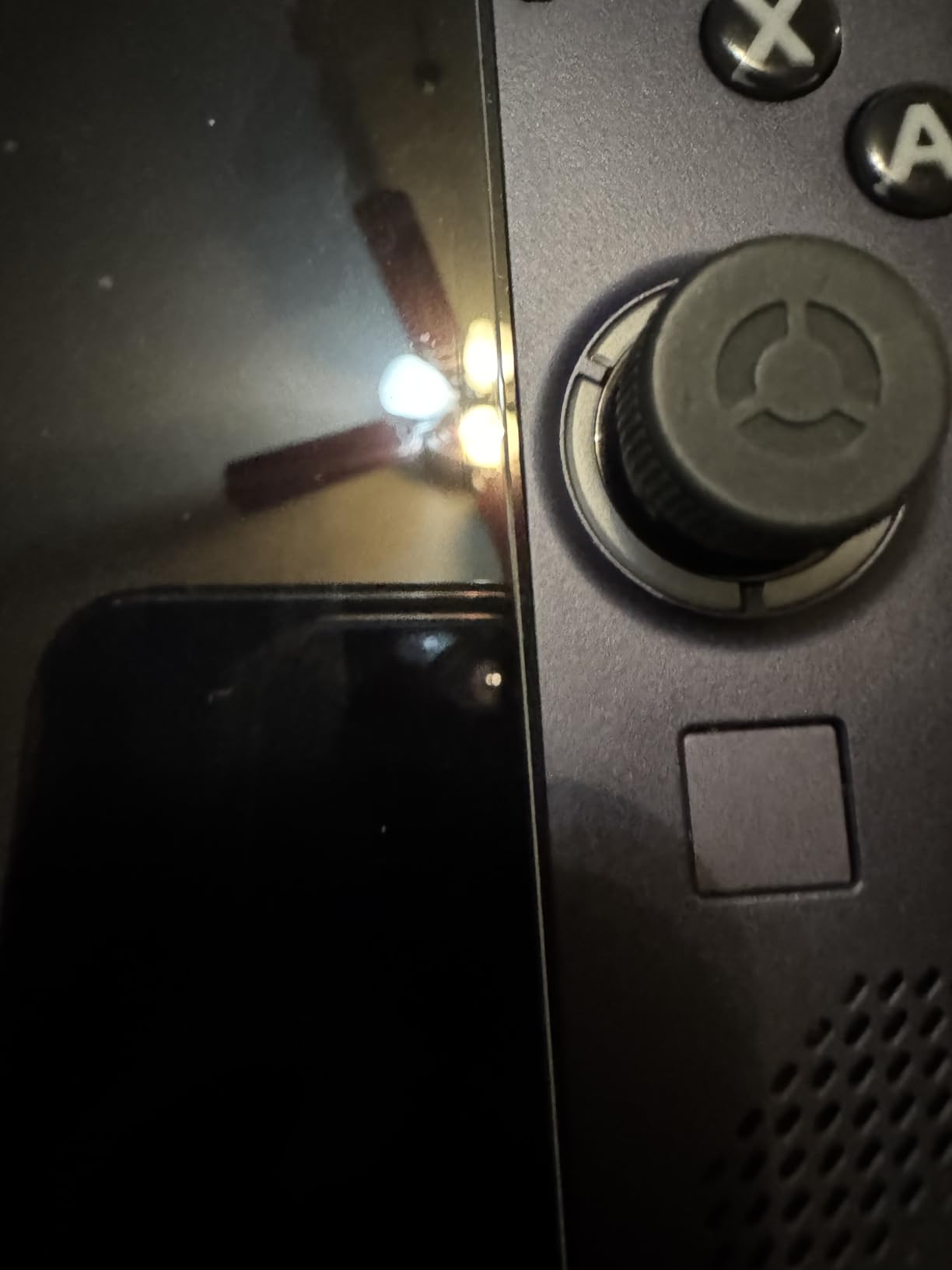
From a precision standpoint, the caps add just enough height to give your thumbs better leverage. This translates to finer control in shooters and racing games, where small stick movements matter. The Eclipse Black color matches the Legion Go’s dark aesthetic perfectly.
The one thing to watch out for is case compatibility. The added stick height means the Legion Go may not fit as easily into tight OEM cases. If you use the stock carrying case, test the fit after installing these caps. Most aftermarket cases like the JSAUX we reviewed above have enough room.
Comfort During Extended Sessions
The ergonomic design specifically targets hand fatigue during long gaming sessions. The caps widen the contact surface for your thumb, which distributes pressure more evenly. After a three-hour session, my thumbs felt noticeably less fatigued compared to using the bare sticks.
Compatibility Notes
These caps are designed specifically for the Lenovo Legion Go’s TrueStrike controllers. They will not fit the Steam Deck, ROG Ally, or standard Xbox controllers. Confirm you are ordering for the Legion Go, as similar-looking caps exist for other devices.
8. NINKI Silicone Grip Cover – Full Body Protection with Kickstand
NINKI Silicone Grip for Lenovo Legion Go 8.8″ Case with Stand,Cover for Lenovo Legion Go Case Kickstand 2023,Shockproof Anti-Scratch Non-Slip Full Protective Silicone Cover LegionGo Protector Black
Full-Body Silicone Cover
Built-in Kickstand
Anti-Slip Texture
Shockproof Protection
Pros
- Ultra-soft silicone feels comfortable for hours of handheld play
- Built-in foldable kickstand for tabletop mode
- Anti-slip texture improves grip security
- Full-body protection against scratches and dust
Cons
- Right bumper button fit issues on some units
- Bottom frame fits loosely
- Vent holes may not be fully cut through
The stock Legion Go has a hard plastic back that gets slippery during extended gaming sessions. The NINKI silicone grip cover solves this with a full-body skin that adds grip, comfort, and a layer of protection against drops and scratches. It is one of the most affordable upgrades you can make.
The TPU silicone material is soft to the touch and feels premium in the hand. It dramatically reduces hand pressure compared to the bare plastic shell. I noticed the difference immediately during a two-hour session, with less fatigue and better control thanks to the textured non-slip surface.
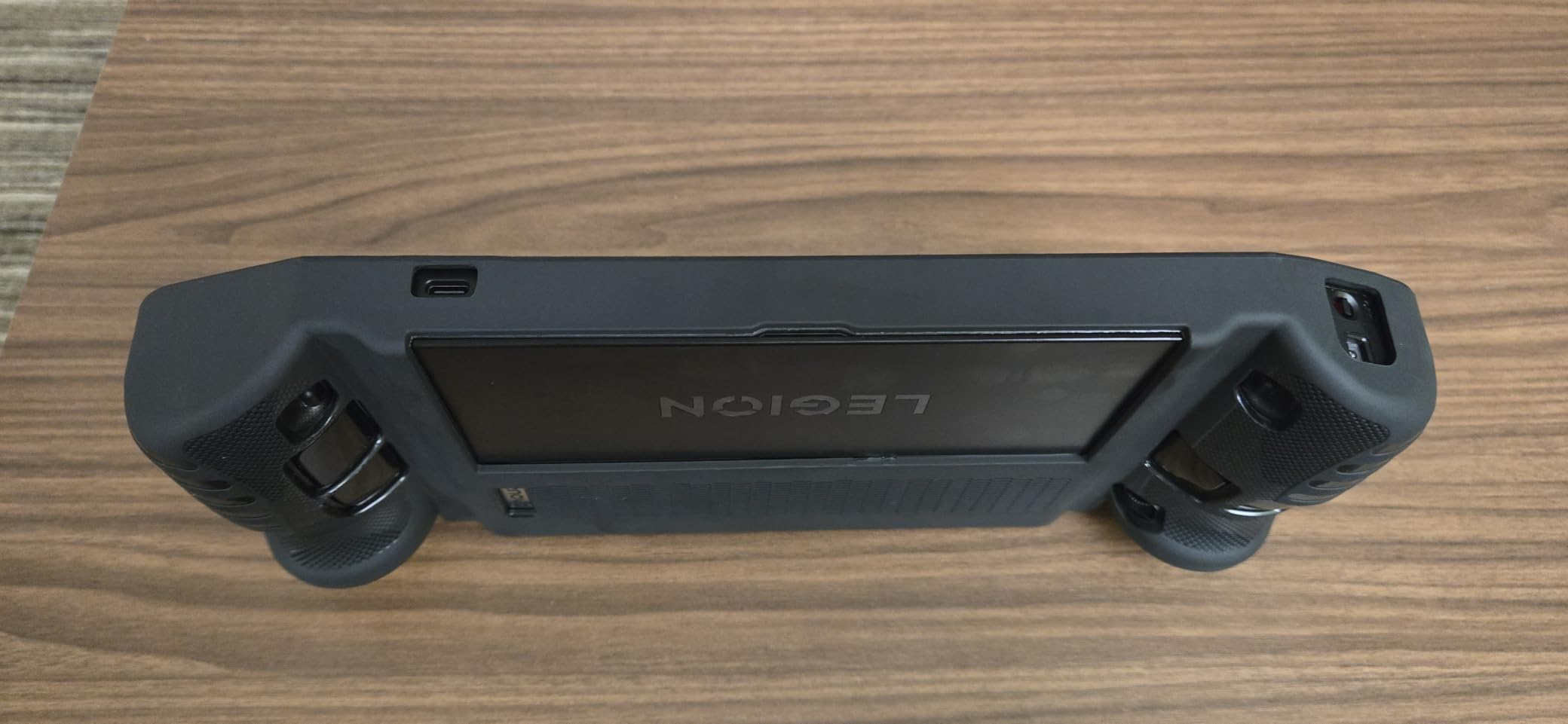
The built-in kickstand is a thoughtful addition. It folds flat when not in use and deploys for tabletop gaming or screen casting to a monitor. This means you do not need to rely solely on the Legion Go’s built-in kickstand, which some users find flimsy over time.
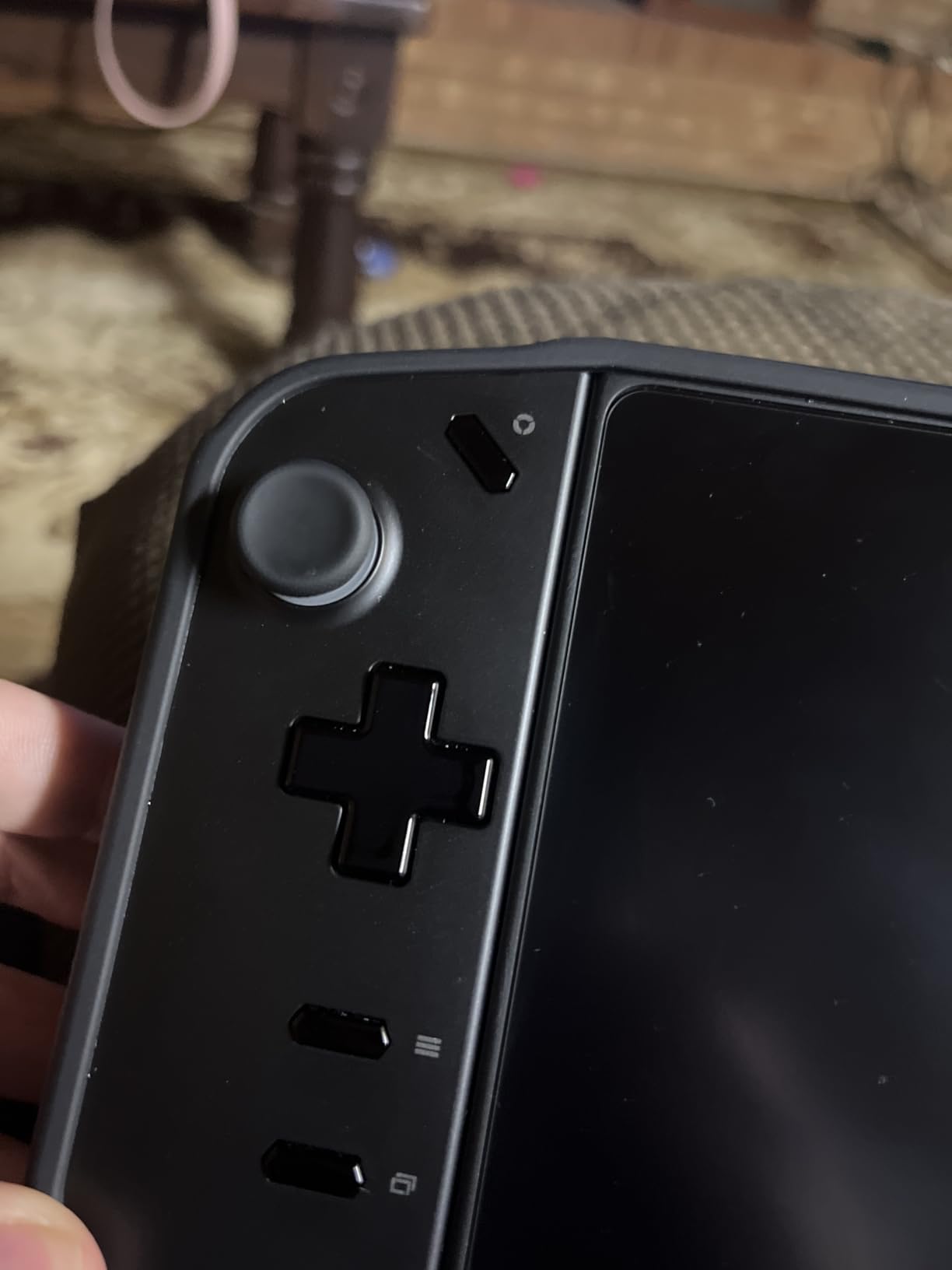
Quality control is the main concern. Several users report that the right bumper area is molded too shallow, causing the RB button to stay depressed or trigger accidentally. The bottom frame also fits loosely on some units. With some manual trimming, most users achieve a good fit, but that is extra work not everyone wants to do.
Heat Dissipation and Thermals
The silicone material provides heat dispersion, but users should verify that all vent holes are fully cut through on their specific unit. Blocked vents can impact thermal performance during intensive gaming. Check the cutouts before your first long session and trim any excess material carefully.
Case Compatibility After Installation
With this grip cover installed, the Legion Go will not fit in the stock OEM case. You will need a larger aftermarket case like the JSAUX carrying case reviewed above. Most users consider this a worthwhile trade-off for the improved comfort and protection the cover provides during daily use.
Buying Guide: How to Choose Legion Go Accessories
Choosing the right accessories for your Legion Go depends on how you use the device. A travel gamer has very different needs from someone who docks their handheld to a monitor full-time. Here is what our team learned from testing these products across multiple use cases.
Start with the essentials. A screen protector and a carrying case are non-negotiable for any Legion Go owner. That 8.8-inch display is the most vulnerable part of the device, and the large form factor demands a case that actually fits. We recommend getting both before anything else.
For power, consider your gaming habits. If you play primarily at a desk with wall power nearby, a dock is your priority. If you game on the go, a 65W power bank is essential. The Legion Go requires a minimum of 65W for Turbo Mode, so do not settle for a weaker power bank that will throttle your performance.
When shopping for a dock, check the HDMI refresh rate. Budget docks cap at 4K 60Hz, which is fine for productivity but limiting for high-frame-rate gaming on a monitor. The JSAUX dock supports 4K at 120Hz through HDMI 2.1, which is the sweet spot for desktop handheld gaming.
For comfort accessories, prioritize the joysticks and grips. The stock sticks are undersized and the plastic shell gets slippery. Joystick caps and a silicone grip cover are inexpensive upgrades that meaningfully improve the handheld experience. If you play FPS games, the JSAUX handle strap kit transforms the right controller into a proper aiming tool.
Pay attention to model compatibility. The original Legion Go, the Legion Go S, and the Legion Go 2 have different dimensions in some areas. Cases and screen protectors designed for the original may not fit the Go S perfectly. Always confirm that an accessory explicitly lists your specific model before buying.
Frequently Asked Questions
Does the Lenovo Legion Go need a dock?
A dock is not strictly required, but it is highly recommended if you want to connect your Legion Go to an external monitor, use wired internet for gaming, or attach a keyboard and mouse. The dock transforms the handheld into a mini desktop PC and enables 4K output on a larger screen.
What power bank works with Legion Go?
The Legion Go requires a power bank with at least 65W output to support Turbo Mode charging during gameplay. The Lenovo 65W 12800 Power Bank is the first-party option with magnetic attachment, while third-party alternatives like the Anker 737 and Anker 747 are also popular community choices.
Are Steam Deck cases compatible with Legion Go?
No, Steam Deck cases are not compatible with the Legion Go. The Legion Go has an 8.8-inch display and is larger and wider than the Steam Deck’s 7-inch form factor. You need a case specifically designed for the Legion Go, Legion Go S, or Legion Go 2 to ensure a proper fit.
What does the Lenovo Legion Go come with?
The Lenovo Legion Go comes with the handheld console, detachable TrueStrike controllers, a controller connector for FPS mode, a USB-C charging cable, a 65W power adapter, and a basic carrying case. Screen protectors, docks, power banks, and grip covers are sold separately.
Is it worth getting a Legion Go?
The Legion Go is worth getting if you want the largest screen available on a handheld gaming PC, with its 8.8-inch 144Hz display and detachable controllers. Its main drawbacks are battery life of 2 to 3 hours during intensive gaming and its heavier weight compared to competitors like the ROG Ally.
Conclusion
Finding the best Legion Go accessories comes down to solving the device’s real pain points: battery life, screen protection, joystick comfort, and travel portability. The amFilm screen protector and JSAUX carrying case form the foundation of any accessory kit, protecting your investment from day one. From there, the JSAUX 6-in-1 dock unlocks desktop gaming, the Lenovo 65W power bank extends your playtime on the go, and the comfort accessories like joystick caps and the silicone grip cover make every session more enjoyable.
Our top recommendation for 2026 is to start with the essentials and build from there. Grab the screen protector, a proper case, and joystick caps first. Then add a dock or power bank depending on whether you game at a desk or on the move. Every accessory in this guide has been tested and vetted for real Legion Go compatibility, so you can buy with confidence knowing these picks actually work as advertised.