
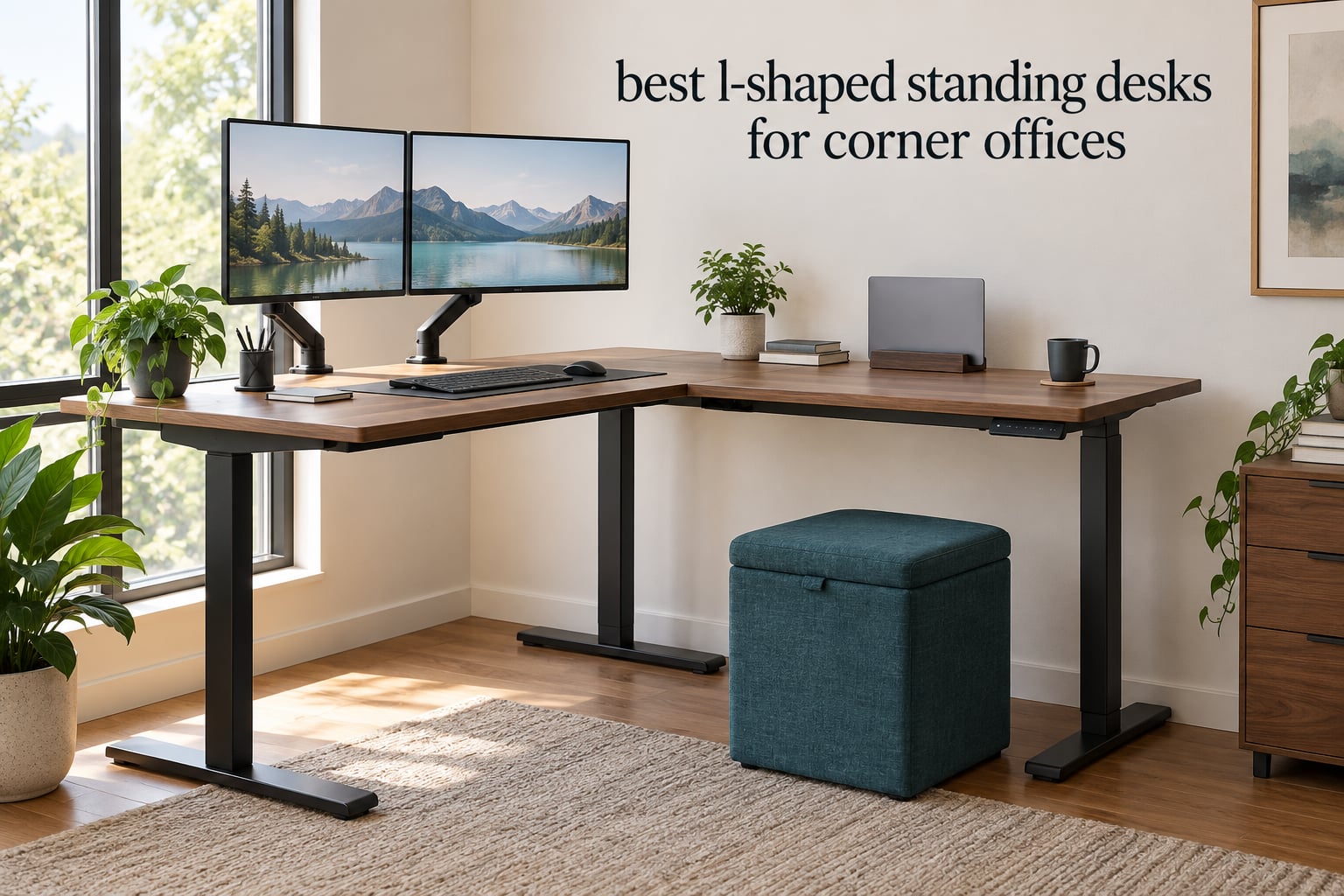
A corner office has the most awkward floor plan in the house. Two walls meet, a door swings through one of them, and yet the square footage under that junction is the least usable part of the room. A rectangular standing desk pushed into it either blocks a walkway or leaves a permanent gap along one wall.
An L-shaped sit-stand workstation solves that. Two perpendicular desktops sit on a three-leg frame, so the short return wing fills the corner exactly while the long main surface runs along the wall. Both halves rise and fall together as one unit, which turns dead corner space into two separate work zones you can switch between while seated or standing.
The best L-shaped standing desk for a corner office is the one whose main surface matches your wall length, whose return wing clears your door swing, and whose frame has enough rated capacity for everything you plan to put on it, monitors on arms included. In our set, the VIVO 63 x 55 corner desk set the standard on capacity, surface size, and how few complaints owners reported about the product itself. We picked these 12 after comparing published load ratings, real height travel in inches, warranty terms, and owner feedback across more than 5,000 reviews. Last updated for 2026.
Two things up front. These picks were ranked on published specifications, load ratings, warranty terms, and owner feedback rather than hands-on testing, so treat the numbers as our best available evidence rather than a lab result. And we have deliberately left prices out of every section, because what a given desk sells for changes from one day to the next. Use the check buttons to see the current figure, then match the capacity and sizing to your corner.
If you are still building out the rest of the workstation, our guides to the best L-shaped gaming desks for corner setups and the best L-shaped desks for multi-monitor setups cover the gear side of the same corner.
Table of Contents
Top 3 L-Shaped Standing Desks for Corner Offices in 2026
Three desks stood out above the rest. The VIVO paired an above-average 225 lb load rating with the fewest product-level complaints in the group, the Agilestic delivered a full 63 x 55 inch surface on a 176 lb frame at a build tier most buyers expect to pay more for, and the FEZIBO triple-motor build out-lifts everything else here.

VIVO 63 x 55 Corner Standing Desk
- 225 lb capacity
- 63 x 55.2 inch L-shaped top
- 28.5 to 46.8 inch travel
- 4 memory presets

Agilestic 63 x 55 L Shaped Desk
- 63 x 55 inch surface
- 176 lb alloy steel frame
- 28.3 to 46.5 inch range
- 3 memory presets

FEZIBO 63 Inch Triple Motor Desk
- 330 lb capacity
- Triple motor lift
- 27 to 48 inch range
- Anti-collision protection
All 12 L-Shaped Standing Desks Compared in 2026
Everything below in one view. The main surface is the long desktop that sits along the wall, the return is the shorter wing that fills the corner, and the capacity column is the stated maximum weight the frame will raise, including the top itself. Reversible means the long side can be assembled on either side of the frame, which matters if you ever move rooms.
| Product | Specs | Action |
|---|---|---|
| VIVO 63 x 55 Corner Standing Desk |
|
Check Latest Price |
 Acrolix 59 Inch Reversible L Desk Acrolix 59 Inch Reversible L Desk |
|
Check Latest Price |
| Agilestic 63 x 55 L Shaped Desk |
|
Check Latest Price |
 OffiGo 63 Inch L Desk with 4 Drawers OffiGo 63 Inch L Desk with 4 Drawers |
|
Check Latest Price |
 Cubiker 63 x 55 Reversible Desk Cubiker 63 x 55 Reversible Desk |
|
Check Latest Price |
 RedLemon 60 Inch L Shaped Desk RedLemon 60 Inch L Shaped Desk |
|
Check Latest Price |
 ErGear 63 Inch L Shaped Desk ErGear 63 Inch L Shaped Desk |
|
Check Latest Price |
| FEZIBO 63 Inch Triple Motor Desk |
|
Check Latest Price |
 Casaottima 63 Inch L Shaped Desk Casaottima 63 Inch L Shaped Desk |
|
Check Latest Price |
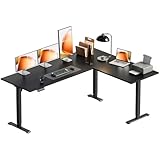 OffiGo 63 Inch Reversible L Desk OffiGo 63 Inch Reversible L Desk |
|
Check Latest Price |
 TIQLAB 63 x 55 L Shaped Desk TIQLAB 63 x 55 L Shaped Desk |
|
Check Latest Price |
 Grandder 63 x 55 L Shaped Desk Grandder 63 x 55 L Shaped Desk |
|
Check Latest Price |
1. VIVO 63 x 55 Corner Standing Desk – Best Overall for Corner Offices
VIVO Black 63 x 55 in Corner Standing Desk, DESK-E3CTB
63 x 55.2 inch L-shaped top
225 lb load capacity
28.5 to 46.8 inch height range
3 year parts and labor warranty
Pros
- 225 lb capacity holds heavy monitor arms without complaint
- Quiet smooth single-motor lift with anti-collision stop
- Four memory presets make sit-stand switching one press
- 63 x 55.2 inch surface reclaims a genuinely dead corner
- Three year parts and labor warranty
Cons
- Assembly instructions switch perspective between steps
- Some pre-drilled holes missing so you must self-drill
- Bundled cable tabs do not hold adhesive
The VIVO is the desk we would put in a corner without hesitating. Its frame is rated at 225 lb, one of the highest load ratings in this group, and that headroom is exactly what a multi-monitor corner office needs when two arms and a tower are all hanging off the same structure.
Surface area is the other half of the story. The top assembles to 63 x 55.2 inches, and the working diagonal runs the full 63 inches, which means a second screen, a laptop dock, and a stack of paperwork all fit without stacking one on top of another. The frame uses 2.4 inch wide steel legs on a T-shape base, and the 0.72 inch engineered top adds rigidity on top of that.
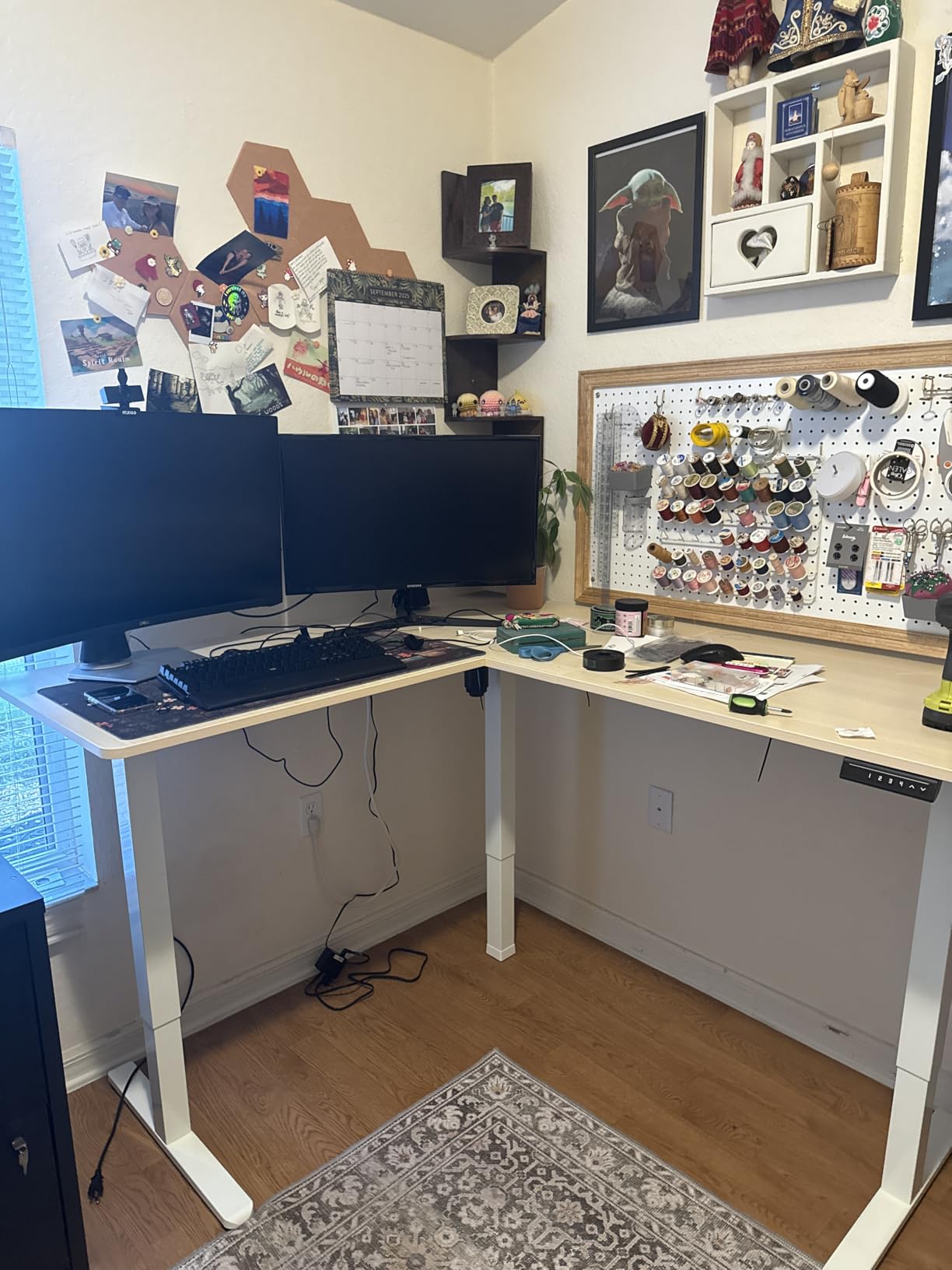
Height travel runs from 28.5 inches seated to 46.8 inches standing. That seated minimum is comfortable for shorter users, and the four memory presets on the push-button controller mean the switch between sitting and standing takes one press rather than holding a key. Owners also point out the motor is quiet enough for a video call, and the anti-collision sensor stops the lift if something is in the way.
What stands out most in the review record is what is absent. Across more than 1,100 reviews, the recurring complaint is documentation, not hardware. People describe confusing instructions, missing pre-drilled holes that need a drill, and cable tabs whose adhesive fails, and several owners bought a second VIVO after the first held up.
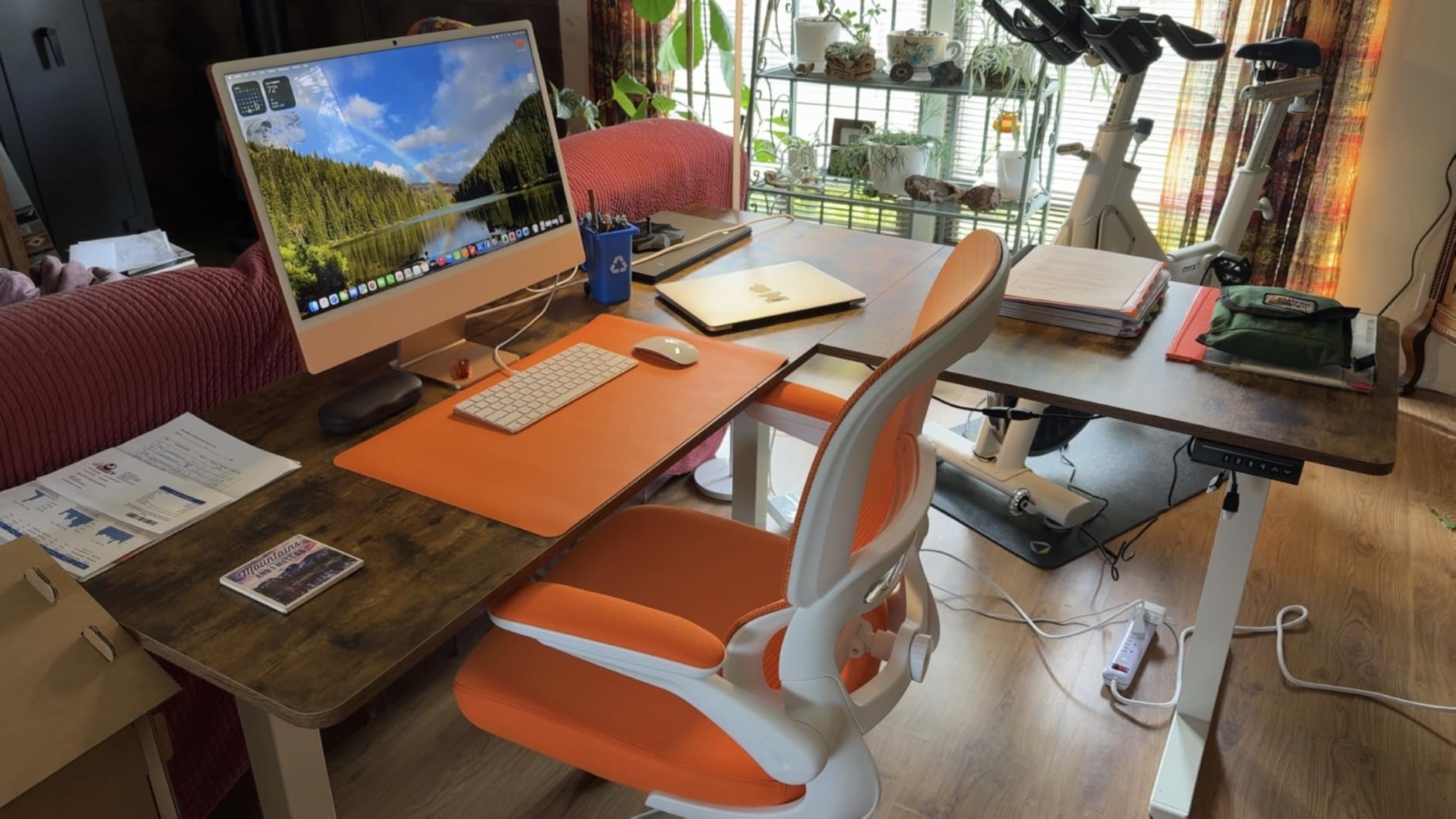
How it handles a multi-monitor corner office
At 225 lb rated capacity there is real headroom for two monitor arms and a mid-tower. The T-shape base keeps the footprint within the 55.2 inch depth, and the single motor holds all three lifting columns in sync as long as you stay within the rating.
If your gear list is modest and your wall is long, this is the safest bet on the list. You get a large surface, an above-average load rating, and a warranty that runs to three years for parts and labor, which is longer than most of what we reviewed.
Where it falls short
The three-piece top leaves visible seams where the panels join, and the top is particle board over steel rather than solid timber, so expect to use a desk mat if you work with a mouse all day. If documentation quality is a dealbreaker for you, budget extra time for assembly.
One genuine limitation for corner offices: the frame is not reversible in the way the Cubiker or Acrolix are, so this is a fixed handedness if you ever need to swap the orientation.
2. Acrolix 59 Inch Reversible L Shaped Electric Standing Desk – Best for Tight Corners
Acrolix L Shaped Electric Standing Desk,59×40 Reversible,Rustic Brown
59 x 40 inch reversible top
176 lb load capacity
28.3 to 46.4 inch height range
Runs under 45 dB
Pros
- Reversible return installs on either side for any corner
- Quiet motor under 45 dB keeps calls clear
- Dual-crossbar steel frame supports 176 lb
- Three memory presets plus manual up and down control
- Rotating cup holder and headphone hook included
Cons
- Dual crossbar adds bulk under the desk
- Laminated top shows seams where panels join
- Splice board assembly needs two people
Most 63 inch L-shaped desks assume a wide wall. The Acrolix at 59 x 40 inches is the one to look at when your corner is narrow or your doorway is, which is the situation in a surprising number of home offices. A 59 inch long side is easier to get through a standard interior door than a 63 inch top, and the 40 inch depth suits corners where a deeper unit would block a walkway.
Reversibility is the feature that quietly matters most here. The long side can be assembled on either side of the frame, so if the desk lives in a corner today and a peninsula position tomorrow, you do not have to buy a different desk. Several owners specifically call this out as the reason they picked it.
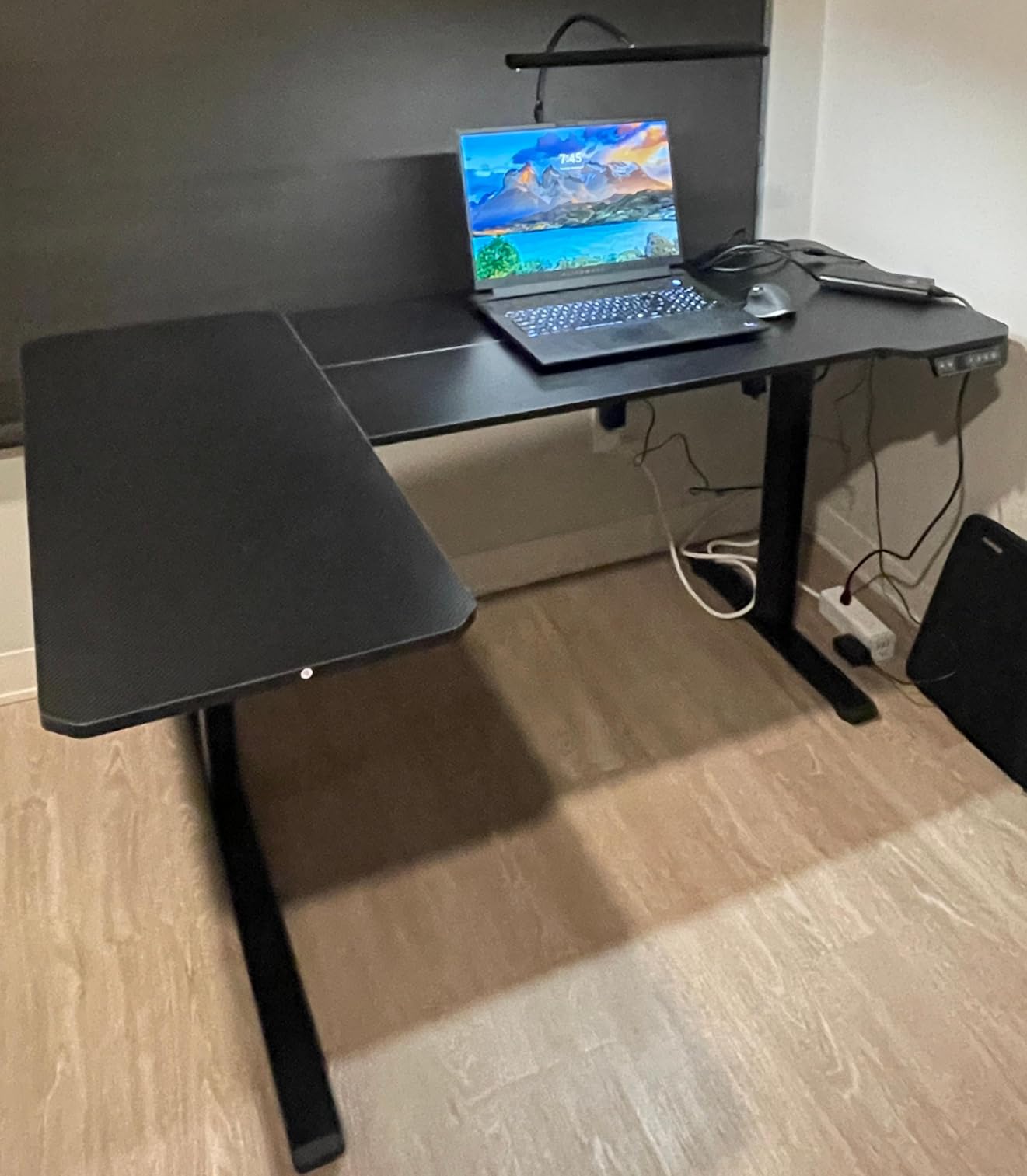
The frame uses a dual-crossbar steel design rated to 176 lb, and reviewers describe the lift as quiet at under 45 dB with minimal wobble for its class. Height travel is 28.3 to 46.4 inches across three memory presets, and the top is 0.8 inches thick, which is on the sturdy side for a laminate-and-steel build in this group.
It also arrives with the small accessories most desks leave out: a rotating cup holder, a headphone hook, and cable clips. The 66 lb build weight is moderate, so moving the desk between rooms takes two people but is not a project.

How it fits a small or awkward corner
The 40 inch depth is the real advantage. A 63 x 55 top needs a genuinely deep corner, and in a room with a radiator, a closet door, or a walkway past the desk, that depth is what pushes people back to rectangular desks. At 40 inches deep, this one tucks in.
Owners report good stability for a laminate-top desk and a lift that does not wake anyone on a call. The 176 lb rating covers a dual-monitor setup with a laptop comfortably.
Where it falls short
The dual crossbar under the desk is the honest trade-off for that stability. It eats knee and foot space, and users who cross their legs at a seated desk notice it. Assembly takes two people and somewhere between 30 and 60 minutes because of the splice board.
The top is wood veneer panels, so seams are visible across the surface. Treat it as a work desk rather than a display piece, and it performs well.
3. Agilestic 63 x 55 Inch L Shaped Electric Standing Desk – Best Value
Agilestic 63 x 55 Inch L Shaped Electric Standing Desk, Rustic Brown
63 x 55 inch L-shaped surface
176 lb alloy steel frame
28.3 to 46.5 inch range
3 memory presets
Pros
- Full 63 x 55 inch surface for a compact budget
- 176 lb alloy steel frame with anti-collision stop
- Three memory presets on a six-button keypad
- Cable management accessory and headphone hook included
- Stable and quiet through a full lift cycle
Cons
- Three-piece top leaves visible join lines
- 69 lb frame is heavy to reposition
- Cable management solution is basic
The Agilestic is the value case of this list. A 63 x 55 inch L-shaped electric desk with a 176 lb alloy steel frame is specification you would normally associate with a step up, and owner reviews consistently describe the lift as steady and quiet for the money.
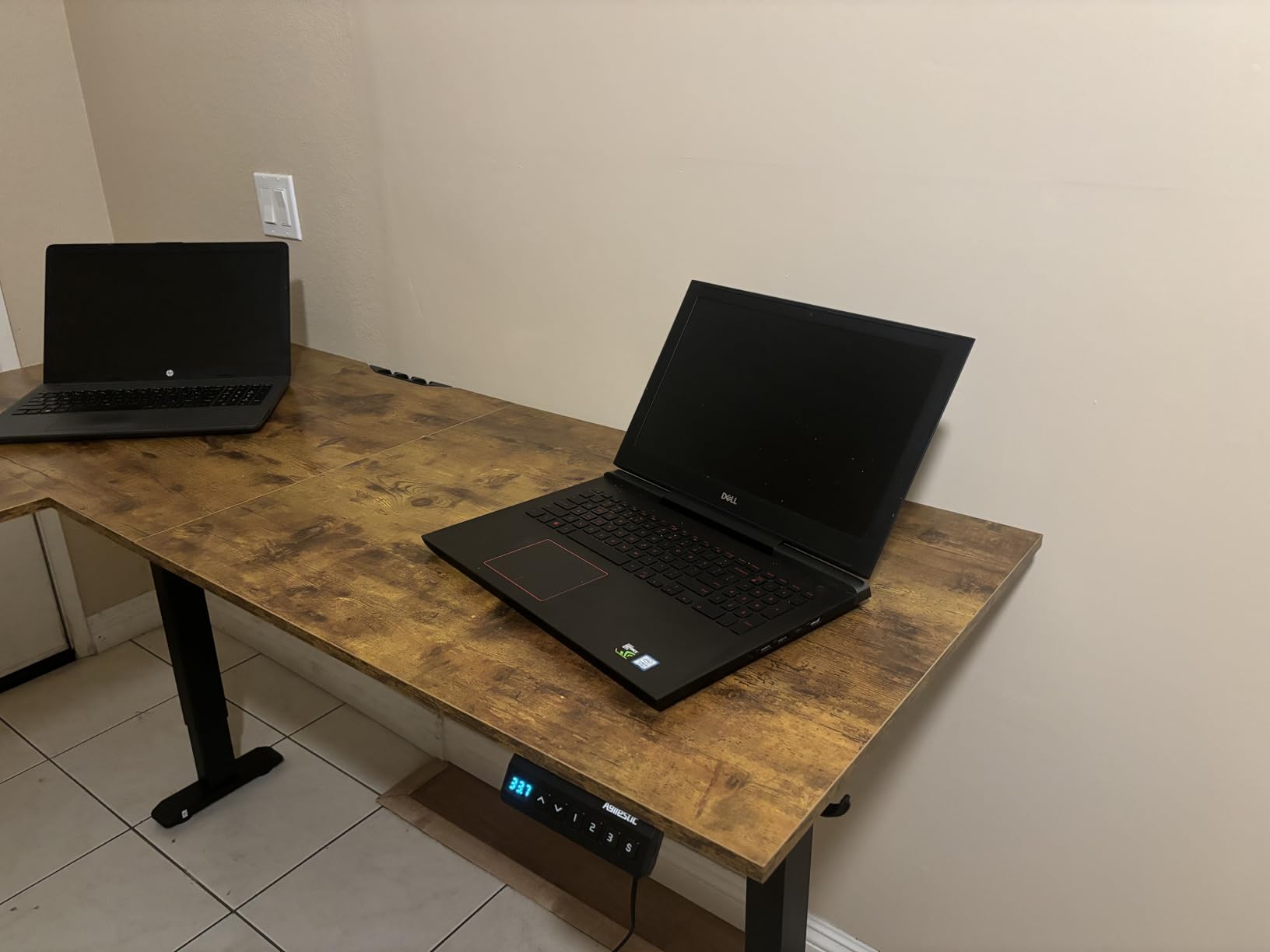
Surface area is where it pulls ahead of cheaper 59 inch models. Owners put three desktops plus a laptop on it, which is a real multi-PC or developer workflow rather than a marketing claim. The 69 inch working diagonal gives you room to spread out without the two screens colliding.
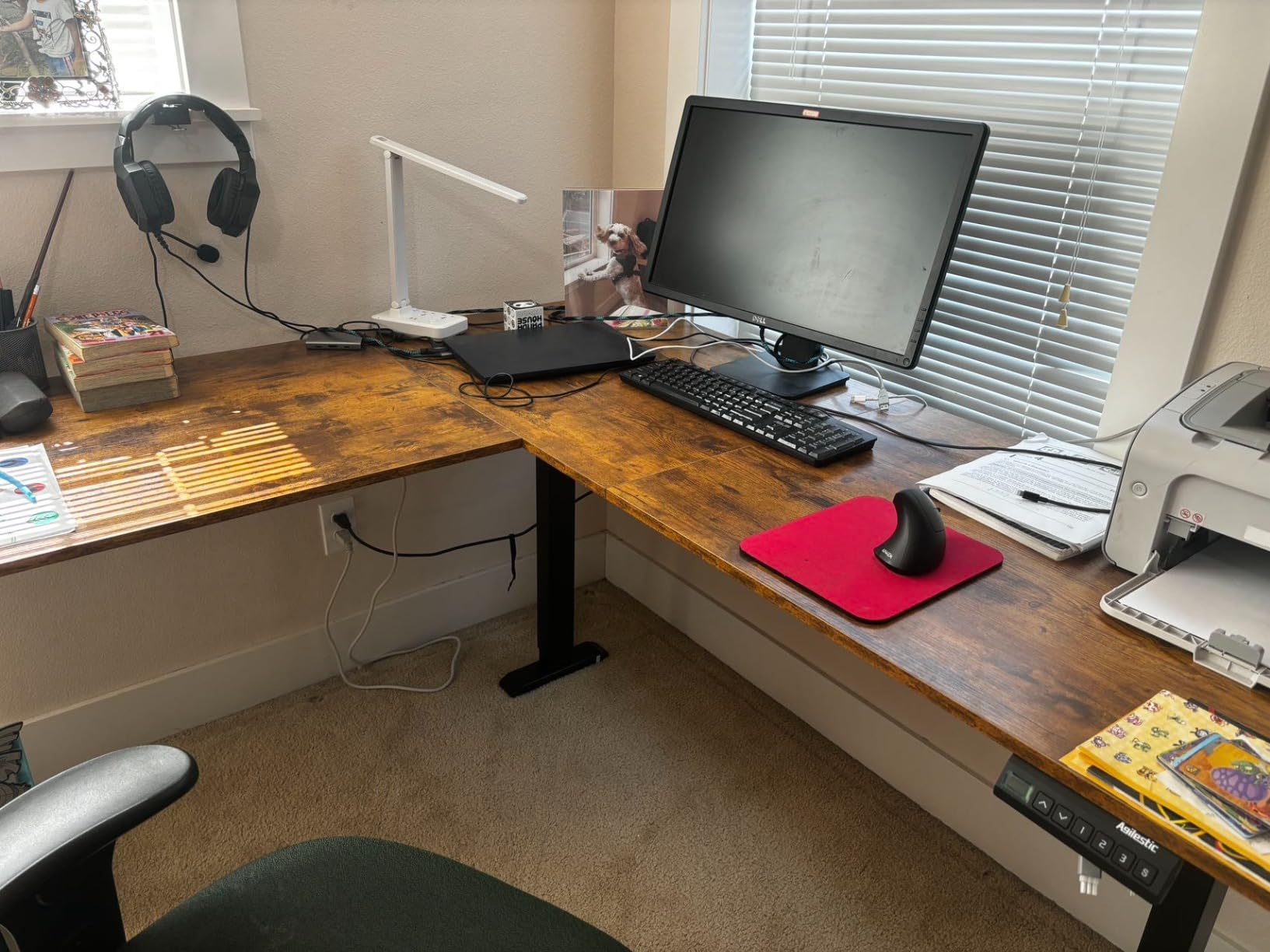
Height travel runs 28.3 to 46.5 inches, controlled by a six-button keypad with three memory presets. The seated minimum is standard for the category, so if you are under about 5 foot 3, check that your knees clear the frame at full sit. Anti-collision protection is included, which is not universal at this tier.
A cable management accessory and a headphone hook come in the box, which saves a small amount of desk clutter. The 4.5 average across 737 reviews sits comfortably among the higher-rated desks here.
Who it suits in a corner office
This is the pick for anyone whose gear does not fit a rectangular desk. Three screens, a tower, a dock, and a printer is the scenario described repeatedly in reviews, and the 63 x 55 footprint absorbs it where a 48 inch top would not.
For a shared room corner or a home office where a second person occasionally sits at the return, the extra width does real work. Just remember the return wing is not a second full-height seat for sustained work.
Where it falls short
The three-piece top produces visible join lines across the work surface, and at 69 lb the steel frame is heavy to reposition once assembled. If you plan to move the desk often, the OffiGo reversible model at #10 is lighter.
Basic cable management is the piece to plan around. Budget for a separate under-desk tray if you run several cables, because the included solution will not carry a full monitor and peripheral setup.
4. OffiGo 63 Inch L Shaped Electric Standing Desk with 4 Drawers – Best for Built-In Storage
OffiGo 63 Inch L Shaped Electric Standing Desk with 4 Drawers, Rustic Brown
4 fabric drawers and 40 L of storage
154 lb load capacity
30 to 47.6 inch height range
3 AC outlets plus USB and Type-C
Pros
- Four fabric drawers add storage without growing the footprint
- Built-in 3 outlets plus USB and Type-C charging keeps cords off the desk
- Reversible side plate with an extra 15 inch extension board
- Quiet height adjustment with three presets
- Instructions are well translated with clearly labelled parts
Cons
- Fabric drawers have no stops so contents can tip out
- Side-to-side sway with limited crossbeam support
- 73.6 lb build is heavy through tight doorways
If storage is the problem you are solving, this desk handles it inside the footprint. Four fabric drawers add 40 liters of space, and because they mount under the return wing they do not enlarge the desk or shrink the legroom on the main side.
The charging is the sleeper feature. Three AC outlets, one USB, and one Type-C port are built into the desk, so a laptop dock, a lamp, and a monitor power strip all connect at the surface instead of running to a wall outlet behind the frame. For a corner where wall access is awkward, that removes a cable problem rather than just tidying it.
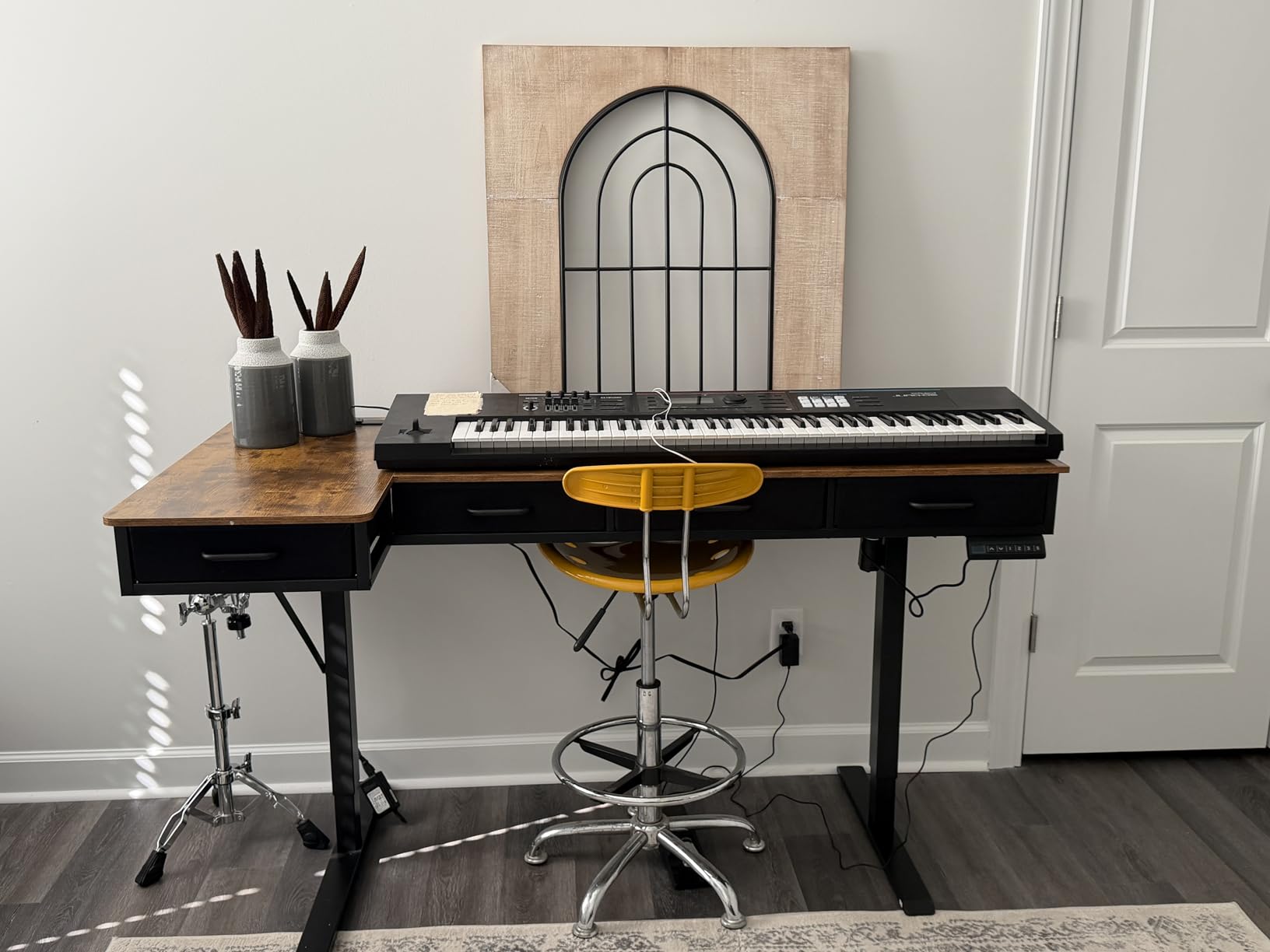
There is also a reversible side plate and an extra 15 inch extension board, which lets you widen the usable surface without replacing the whole desk. Height travel is 30 to 47.6 inches across three presets, and the lift is quiet enough for shared rooms.
Owners single out the instruction quality. Clearly labelled parts and well-translated diagrams are unremarkable until you are mid-assembly with three lifting columns and two tops, and then they are the reason a 73.6 lb desk goes together in one sitting.
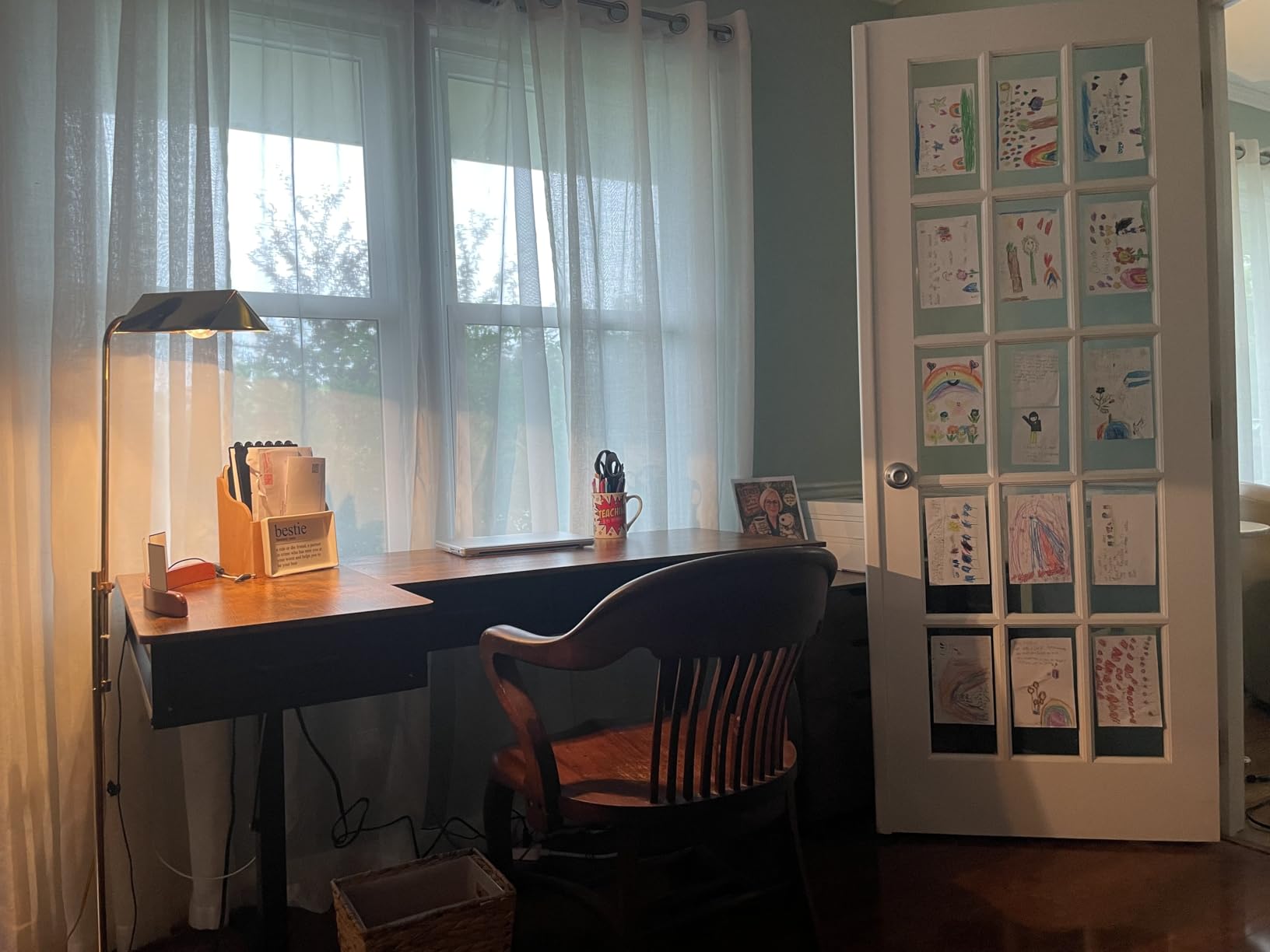
How it works for a paperwork-heavy corner
For someone who prints, files, and handwrites alongside a computer, the drawers turn the return wing into a real work surface rather than a spillover area. A printer sits on the main top while documents live one drawer down, which keeps the corner usable at seated height.
The 15 inch extension board also gives you a place to stage a second machine or a laptop, and the built-in charging means that laptop can sit there permanently instead of living on a separate table.
Where it falls short
The 154 lb load rating is among the lowest in this group. That is fine for a monitor, a laptop, and a printer, but it is not the desk to buy if you plan to hang three monitor arms and hang a tower off the outer edge of the return.
Wobble is the other theme in reviews. The frame has limited crossbeam support, so expect some side-to-side sway, and the fabric drawers have no stops, meaning a swinging movement can tip pens and papers onto the floor. At 73.6 lb, two people are needed to get it through a tight doorway.
5. Cubiker 63 x 55 Inch Reversible L Shaped Standing Desk – Best for a Solid Wood Top
Cubiker Reversible L Shaped Standing Desk – 63 x 55 Inch Electric Adjustable Height Corner Standing Desk, Ergonomic Sit Stand Up Table with 3 Memory Buttons, Splice Board for Home Office, Black Walnut
1 inch solid wood panels
176 lb steel frame
Reversible long side
5 year limited warranty
Pros
- Solid wood panels rather than particle board
- Reversible long side fits any corner layout
- Quiet motor lifting at 20 mm per second under 55 dB
- 63 x 55 inch surface with headphone hook and cord organiser
- Five year limited warranty
Cons
- Some wobble at full extension during aggressive typing
- Panel mismatch can leave a sharp exposed corner
- 84 lb build weight makes it a two-person move
- One reviewer reported undersized connecting rods
Most desks in this category use engineered board, and you can feel it. The Cubiker uses 1 inch solid wood panels, and owners comment specifically that the surface does not feel like cheap particle board. If you write, draw, or rest a bare elbow on the desk all day, the material difference is real.
It is also reversible, with the long side installable on either half of the frame, and the warranty is five years limited, one of the longest stated terms in this group. That combination of material and coverage is unusual below the mid tier.
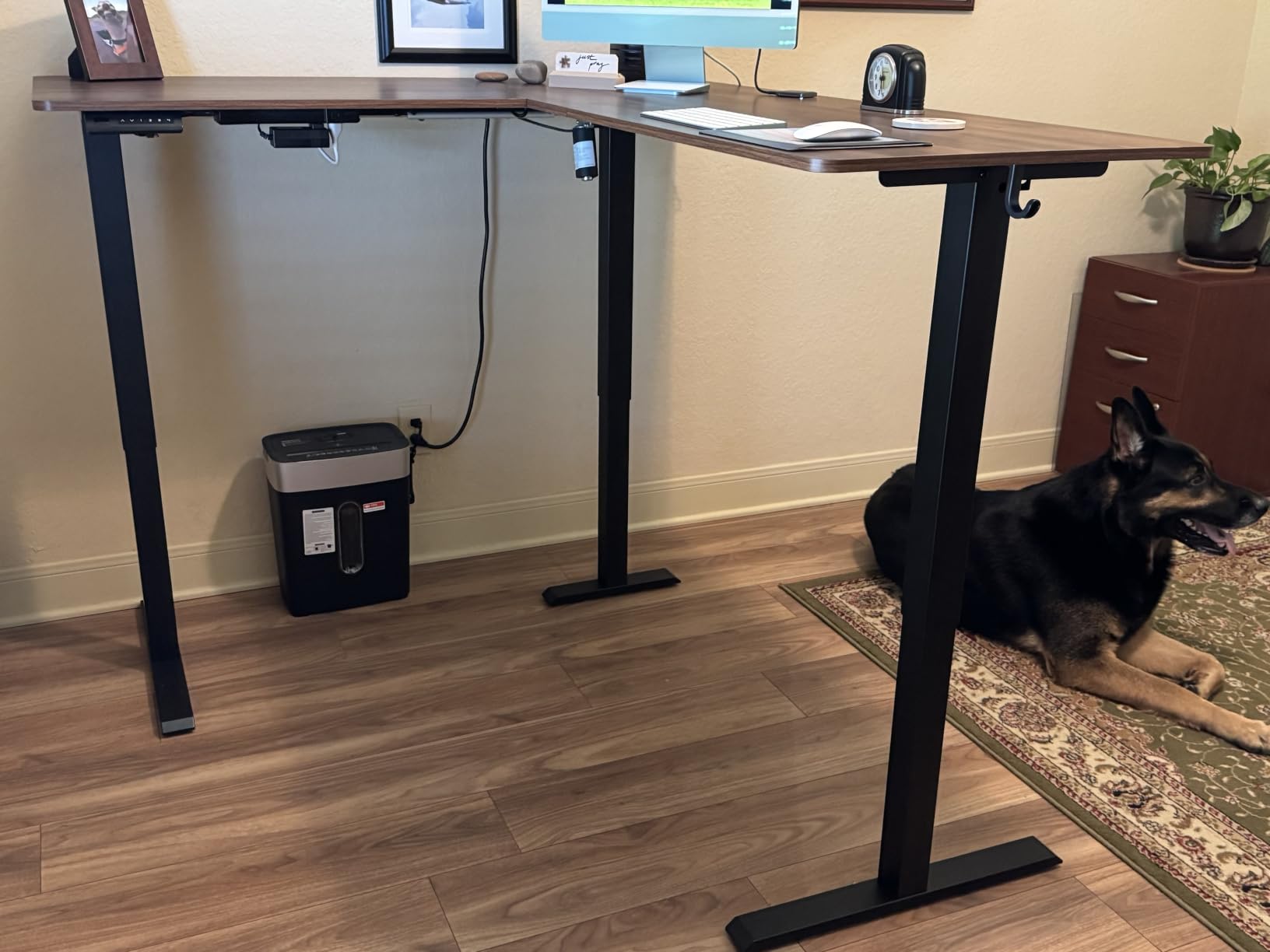
The lift is specified at 20 mm per second with no-load noise under 55 dB, and reviewers describe it as quiet and smooth through a full sit-stand conversion. Three preset buttons with collision avoidance handle the height switching, and the 63 x 55 inch surface arrives with a headphone hook and cord organiser.
Frame capacity is 176 lb on an industrial-grade steel frame, which covers two monitors on arms and a laptop dock comfortably. The 87 inch working diagonal is the longest quoted in this group, which tells you how much corner space it occupies.
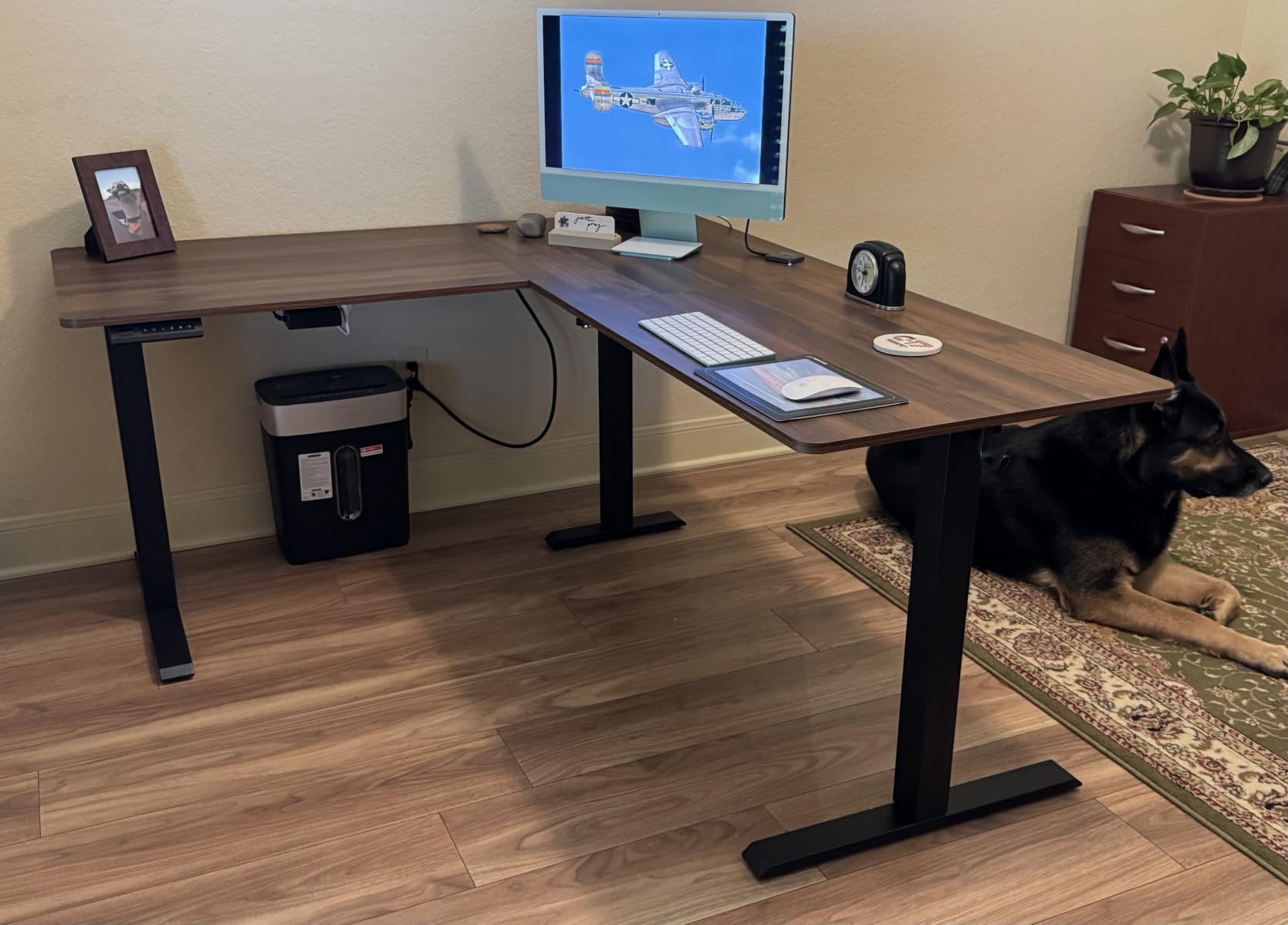
How it suits a drafting or writing corner
Solid wood with a 1 inch thickness gives you a surface that takes a stylus, a drawing tablet, or heavy paper without flexing. At 63 x 55 inches you can set a tablet on the main surface and keep the paperwork on the return without shifting the layout every time.
The headphone hook and cord organiser are positioned for a corner where cable access is limited, which is the normal case in an office nook. Reversibility means the same desk works if the room is rearranged.
Where it falls short
Wobble at full height is the recurring review theme, and it shows up when typing hard at standing height. If you are sensitive to that and work standing often, the VIVO at #1 with its heavier 225 lb rating is the steadier option.
At 84 lb this is one of the heavier builds here, so moving rooms is a two-person job with a dolly. Some owners also report slight panel mismatch, which can leave a sharp exposed corner that catches skin, and one reviewer reported undersized connecting rods. Check the panels for alignment before you tighten everything down.
6. RedLemon 60 Inch L Shaped Electric Standing Desk – Best for Gaming Setups
RedLemon 60 Inches L Shaped Electric Standing Desk, Dark Rustic Oak
60 x 60 inch two-tier top
28 to 46 inch range
4 memory presets
RGB lighting with 12 scene modes
Pros
- Most feature-packed desk here with monitor shelf and keyboard tray
- Silent smooth electric lift with four height memories
- RGB LED lighting with 12 scene modes
- Built-in power outlets plus hooks and a rotating cup holder
- Reported as very stable under a heavy multi-monitor load
Cons
- Keyboard tray is too shallow and has no backstop for a mouse
- Drawers are smaller than expected
- Carbon fibre finish shows fingerprints and dust
- 103 lb build needs two people to move
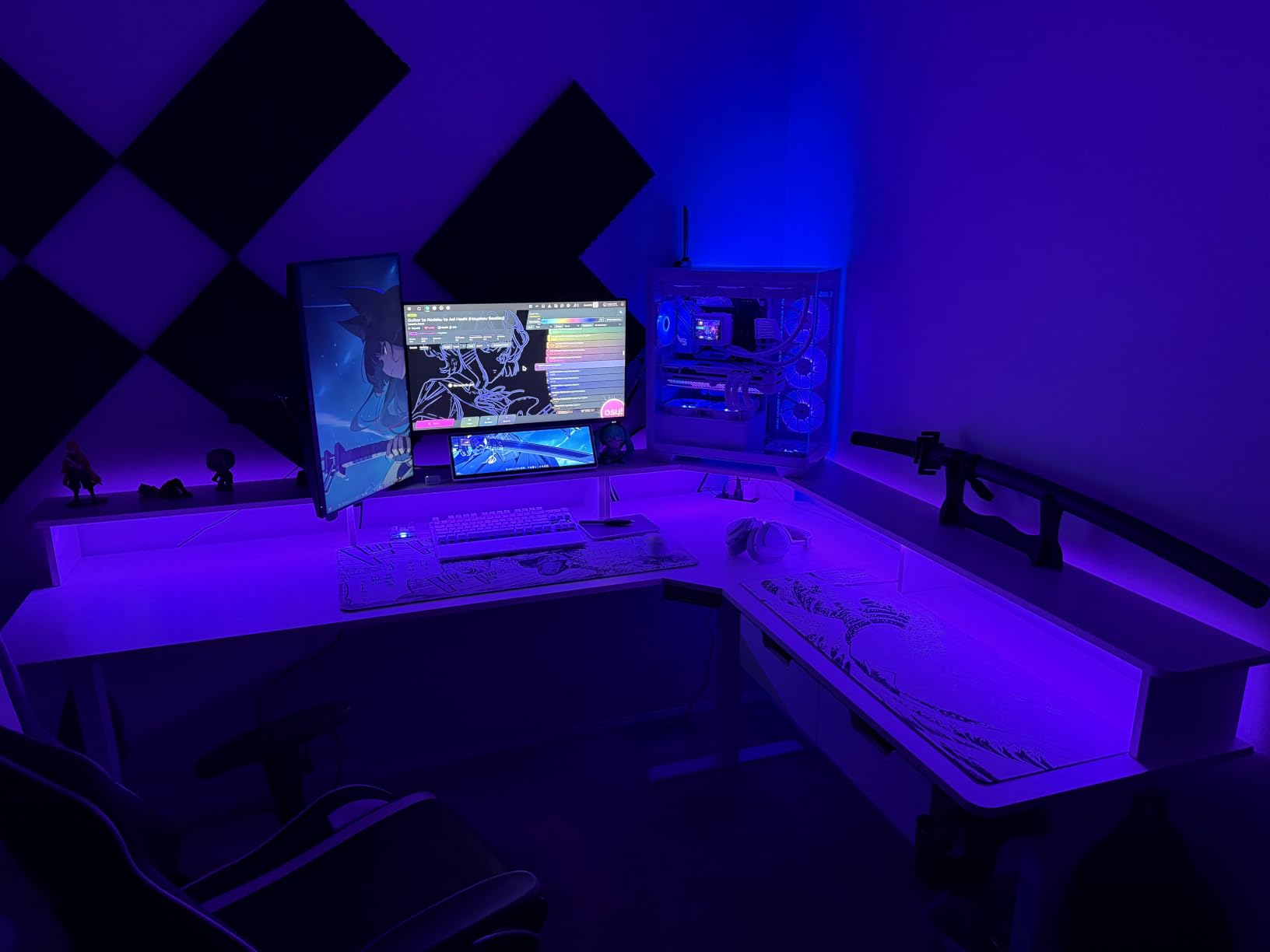
The RedLemon is the gaming corner pick, and not because of the RGB lighting alone. It is the only desk in this group with a two-tier 60 x 60 inch layout including a monitor shelf, which lifts your primary display to eye level and frees the main surface for a keyboard and a mat without stacking.
Owners report it holds a heavy multi-monitor load without complaint, and the silent lift with four height memories means the desk changes position without broadcasting the motor noise that a PC case makes obvious on stream. Built-in power outlets mean the whole rig plugs in at the desk rather than at a wall you cannot reach from a corner.
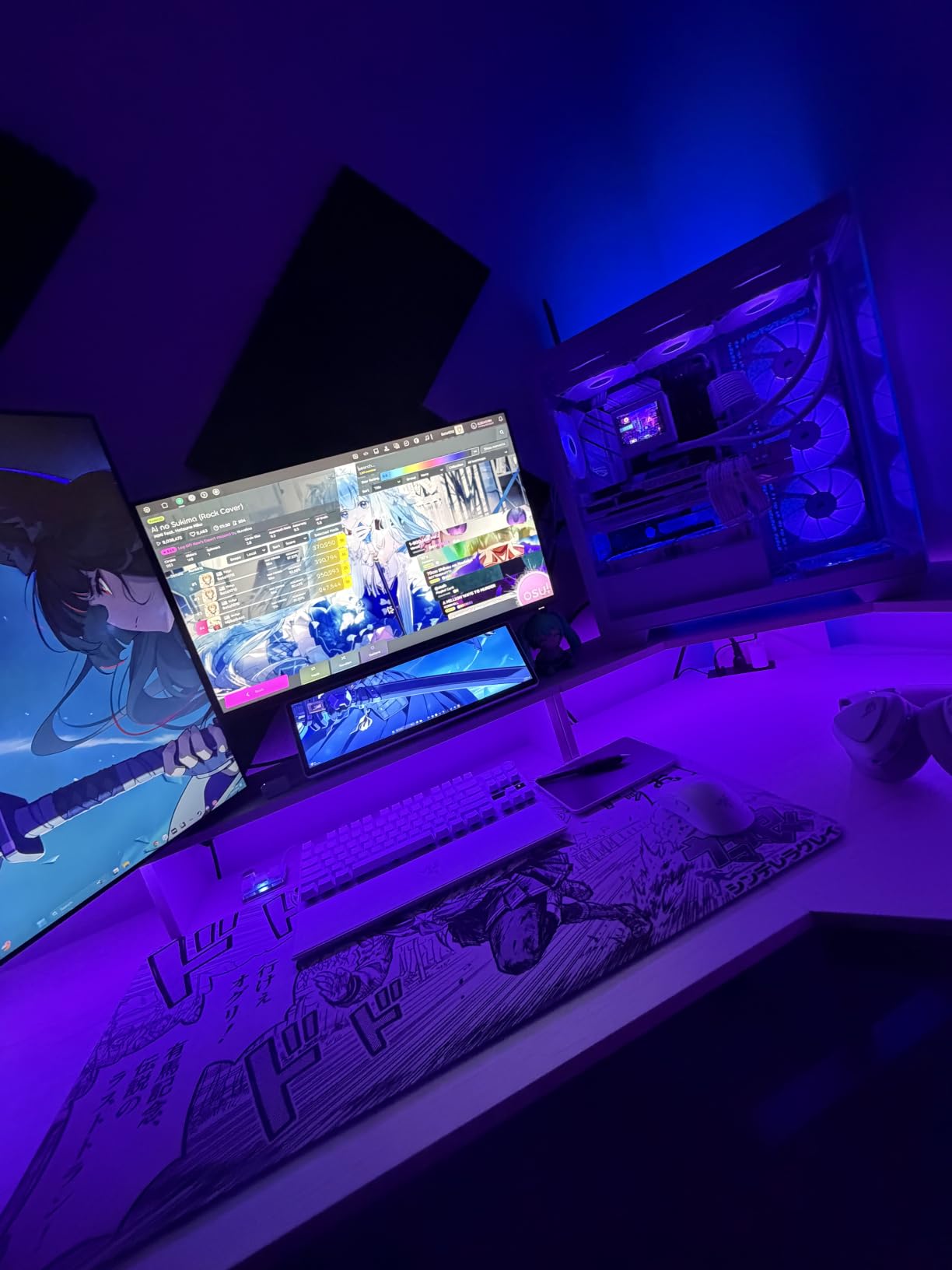
Height travel runs 28 to 46 inches, and the stainless steel frame is a step up from the carbon steel used by several budget models here. The extras are extensive: a keyboard tray, hanging hooks, a 360 degree rotating cup holder, and two drawers, all under a carbon fibre finish.
Packaging gets a mention too, with well-organised foam protection, which matters more than it sounds when a 103 lb desk comes in multiple boxes and you want the parts intact on the first day.
How it handles a gaming corner
For a streaming or gaming corner, the monitor shelf is the differentiator. It puts the screen at a fixed height regardless of where you set the desk surface, and the 60 x 60 inch footprint is symmetrical enough to work as a peninsula if your corner is not deep.
Two monitors on arms plus a mid-tower is a realistic configuration here, and the built-in outlets keep the cable run short. If your setup is RGB-heavy, the 12 scene modes are a genuine convenience rather than a gimmick. You can also read our standing desks for gamers picks for the wider picture.
Where it falls short
The keyboard tray is too shallow and has no backstop, so a full-size keyboard overhangs and there is nowhere for the mouse. Many owners simply stop using it and put the keyboard on the main surface, which defeats half the reason to buy this desk.
The two drawers are smaller than expected, and the carbon fibre finish shows fingerprints and dust readily. At 103 lb it is the heaviest build in this group, so moving it means two people and a furniture dolly.
7. ErGear 63 Inch L Shaped Electric Standing Desk – Budget Pick with a 220 lb Frame
ErGear 63″ L Shaped Standing Desk Electric Adjustable Height, Light Vintage
220 lb maximum load
63 x 55 inch top
28.35 to 46.46 inch range
Solid steel frame
Pros
- 220 lb load capacity on a solid steel frame
- Long side assembles on either side for any corner
- Four memory presets for one-touch switching
- Low-VOC materials meeting US federal and state air standards
- Published 50000 and 100000 cycle longevity testing
Cons
- Laminated finish over wood rather than solid timber
- Which height controller arrives varies between production runs
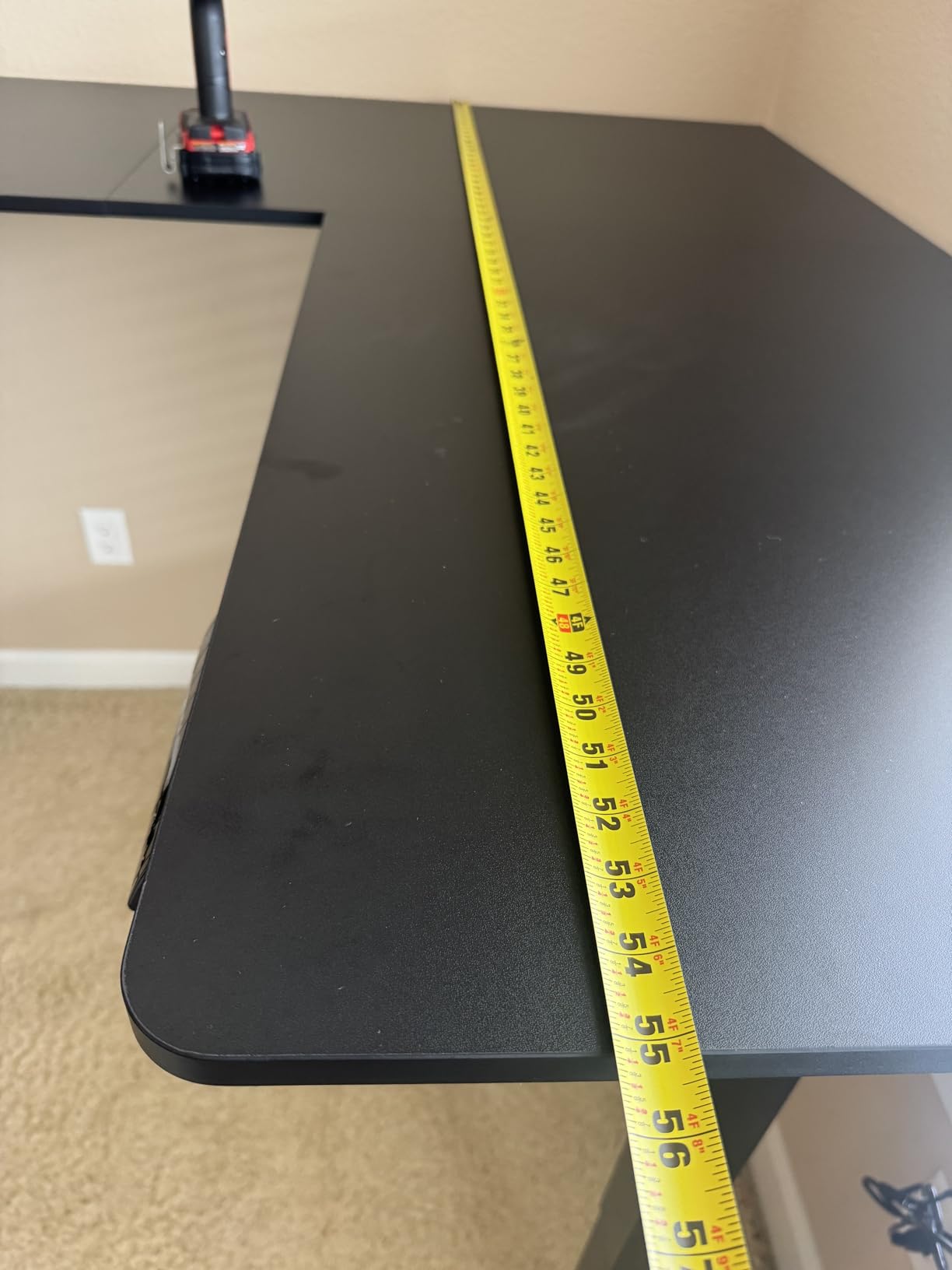
The ErGear is the specification outlier in this group. It publishes a 220 lb maximum load on a solid steel frame with aerospace-grade lifting column connectors, and it is one of only a handful of desks in this group rated above 176 lb. That combination is the whole pitch, and on paper it holds up.
It is also reversible, so the 63 x 55 inch top assembles with the long side on either side of the frame. For a corner office that might become a shared room or a peninsula, that flexibility is worth more than a slightly nicer finish.
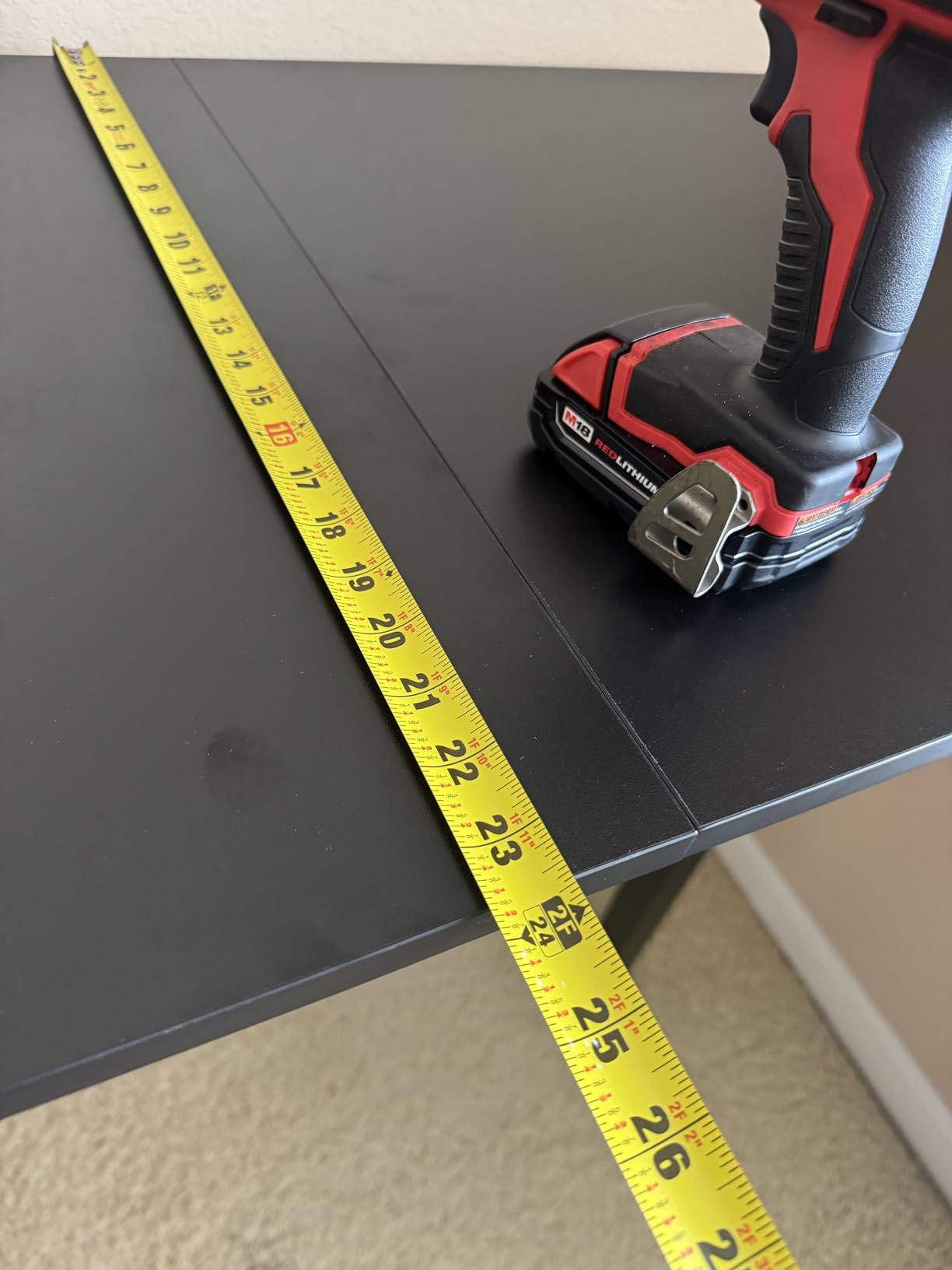
Height travel is 28.35 to 46.46 inches, which is a longer seated-to-standing span than most of the laminate models here and works for a wider range of user heights. Four memory presets make the switch one touch, and the build weighs 71.4 lb, which is on the heavy side for the money but manageable with two people.
Two details worth noting for an office. The materials are low-VOC and formaldehyde-reduced against US federal and state air standards, which matters in a home office where you sit eight hours. And the manufacturer publishes longevity testing, with 50,000 lift cycles on the max load and lifting columns cycle-tested 100,000 times.
How it handles a heavy corner load
At 220 lb, this is the desk to buy if your corner has two monitor arms, a tower, and a printer all on one structure and you want headroom without stepping up a tier. The solid steel frame is the reason the number is credible rather than marketing.
It is a sensible back-office or study corner desk too, where a low-VOC finish and a four-preset keypad matter more than a premium finish. The four presets let family members each store their own height without re-programming the controller.
Where it falls short
The top is a laminated finish over wood rather than solid timber, so expect a more utilitarian surface than the Cubiker at #5. It is fine for an office; it is not the desk to buy if the surface itself is the point.
One practical annoyance: the height controller is not always interchangeable with older parts, so check which version you have before you need a replacement keypad.
8. FEZIBO 63 Inch Triple Motor L Shaped Standing Desk – Premium Pick for Heavy Loads
FEZIBO Triple Motor 63″ L Shaped Standing Desk, Electric Standing Gaming Desk Adjustable Height, Corner Stand up Desk with Splice Board, Black Frame/Rustic Brown Top
Triple motor lift rated 330 lb
27 to 48 inch height range
63 inch L-shaped top with splice board
Anti-collision technology
Pros
- Triple motor lift stays smooth at full height under heavy load
- 330 lb capacity is the highest rating in the group
- Widest height travel here at 27 to 48 inches for taller users
- Casters let you roll the desk without scratching the floor
- Foam moulded packaging and picture-based instructions
Cons
- No keyboard tray for optimal ergonomics
- Particle board core can strip screws if over-tightened
- 66 lb box is effectively a two-person move
- Motors can fall out of sync until the controller is reset
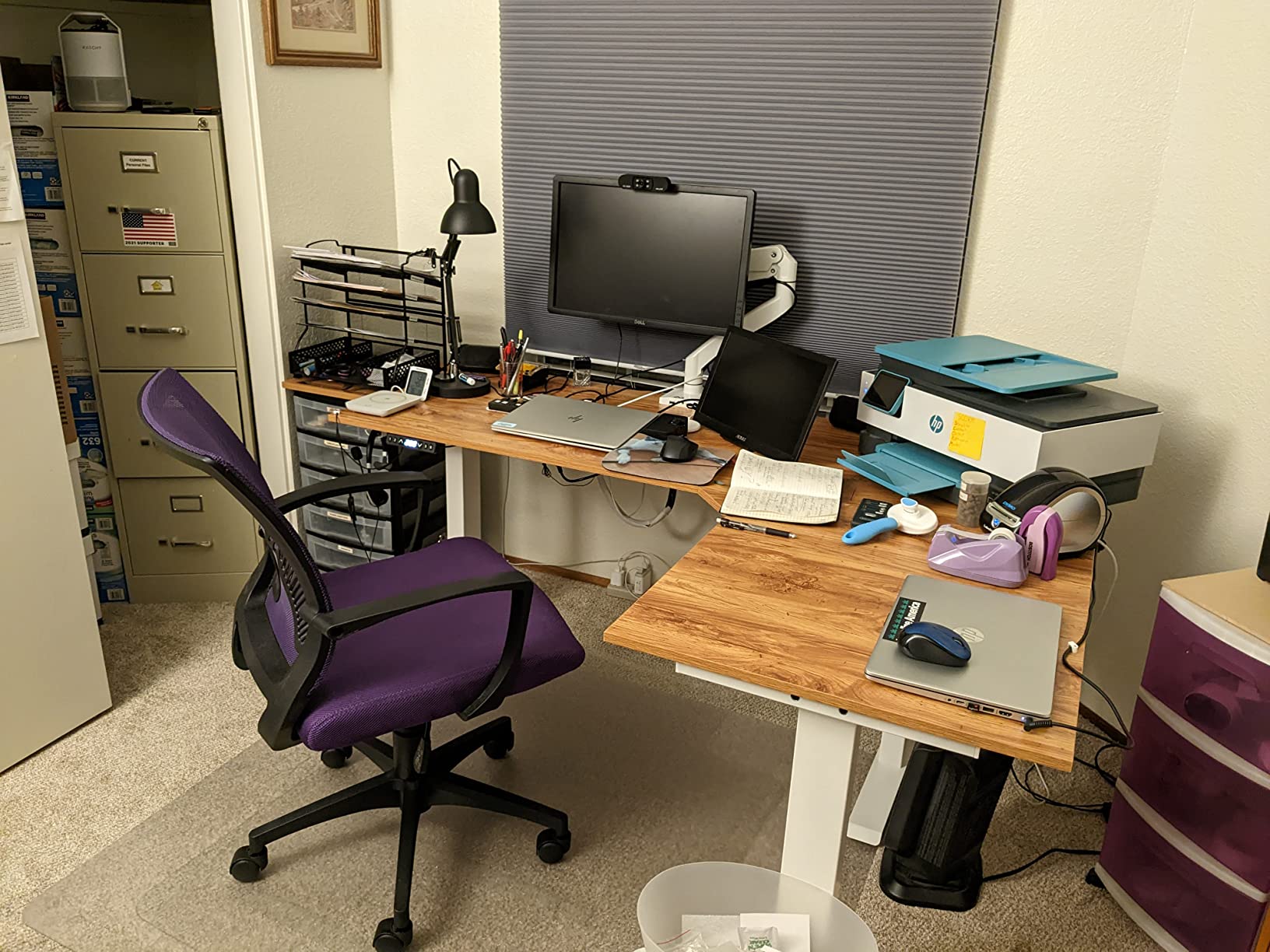
The FEZIBO is the heavy-load answer. A triple-motor frame rated at 330 lb is the highest capacity in this group by a wide margin, and three motors means the load is shared across six lifting columns rather than concentrated on the centre of a two-motor frame. That is the difference you feel when the desk is at 47 inches and you are typing hard.
It is also the tallest-travel desk here, running 27 to 48 inches. The 27 inch seated minimum suits shorter users who find 28 inch minimums cramped, and the 48 inch maximum clears the eye level of a 6 foot 2 or taller user, which is a real consideration in a shared or couple household.
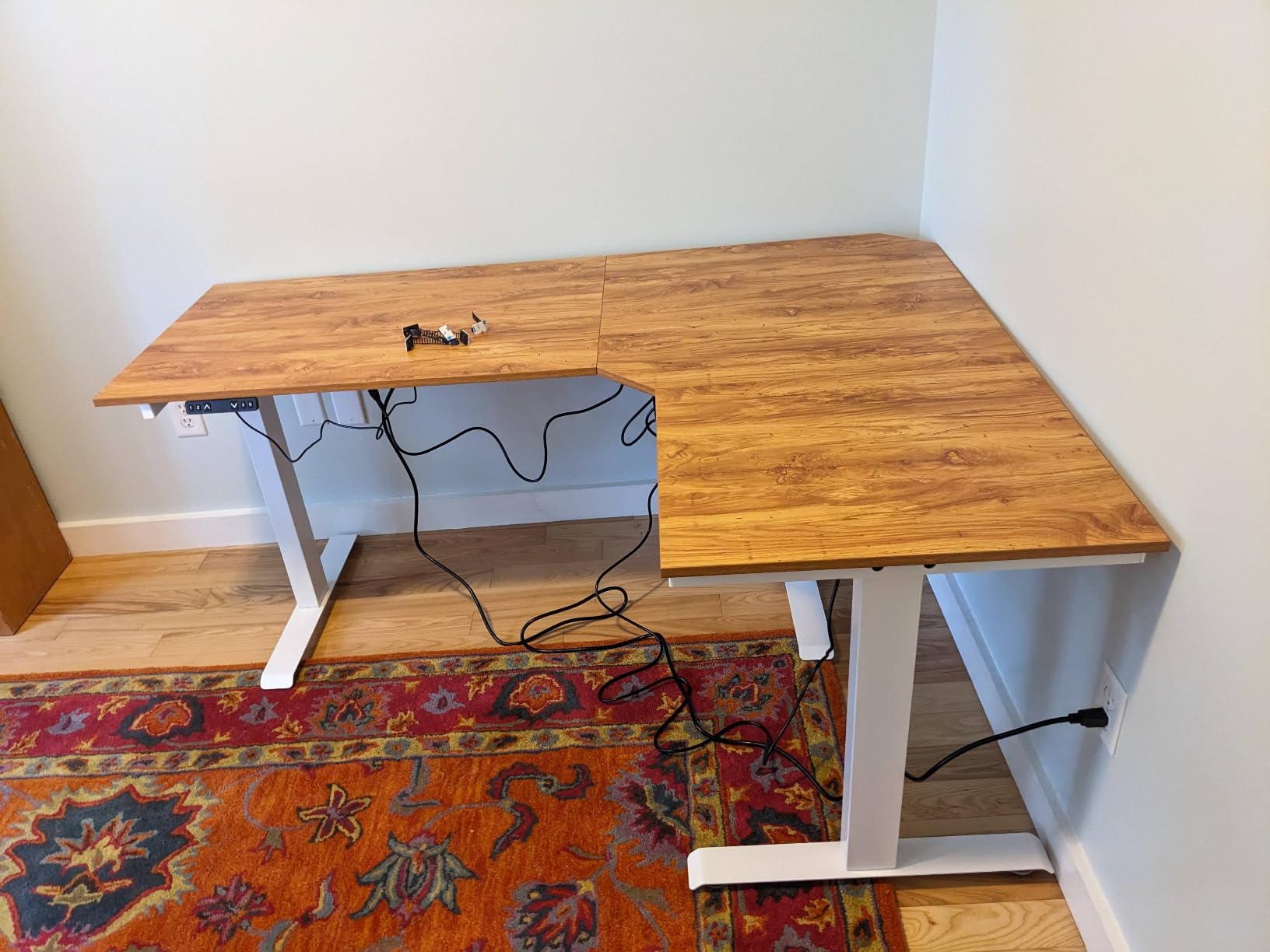
Owners with multi-year ownership describe it as very sturdy and quiet, and specifically praise the three-motor stability. The lift moves at 35 mm per second under 50 dB with anti-collision protection, and casters plus two hanging hooks are included, which means you can roll it into position rather than carrying it across the room.
The 63 inch L-shaped top uses a splice board, and the foam moulded packaging receives regular mention, which is worth noting for a product this size and weight.
Who needs a triple-motor frame
Three motors make sense when the load is genuinely heavy: three 27 inch monitors on arms, a desktop or mid-tower, a laptop, and peripherals, all moving together. On a dual-motor frame of this size, that load concentrates at the middle of the return wing and that is where you feel wobble first.
It is also the desk for a corner where two people use the setup at different heights, since the wide 27 to 48 inch travel serves both a 5 foot 4 and a 6 foot 3 user without re-adjusting the feet. If you want the multi-monitor dimension covered in more depth, our corner desks for a dual PC setup guide goes further.
Where it falls short
There is no keyboard tray, so at standing height your keyboard sits on the surface where a tray would put it. Ergonomically that is a compromise, and for long standing sessions a tray or a separate keyboard platform is worth adding.
The particle board core with laminate can strip its screws if you over-tighten a bracket during assembly, so torque by feel. At 66 lb, getting it into the corner takes two people, and one long-term owner reported the motors eventually failing. Owners also note the three motors can fall out of sync, though a controller reset resolves it.
9. Casaottima 63 Inch L Shaped Electric Standing Desk – Best for Multi-Screen Setups
Casaottima 63 Inch L Shaped Electric Standing Desk, Home Office, White
63 inch reversible L-shaped top
154 lb load capacity
28.4 to 45.7 inch range
3 memory presets
Pros
- Highest average rating in the group at 4.7 out of 5
- Reported wobble-free with multiple monitors and a laptop
- Very quiet memory keypad height changes
- Reversible return fits either room layout
- Works well with a walking pad underneath
- Clear part labelling plus an optional installation video
Cons
- Memory presets only persist while the desk stays plugged in
- White finish shows every mark
- Surface is slightly smaller than some competing models
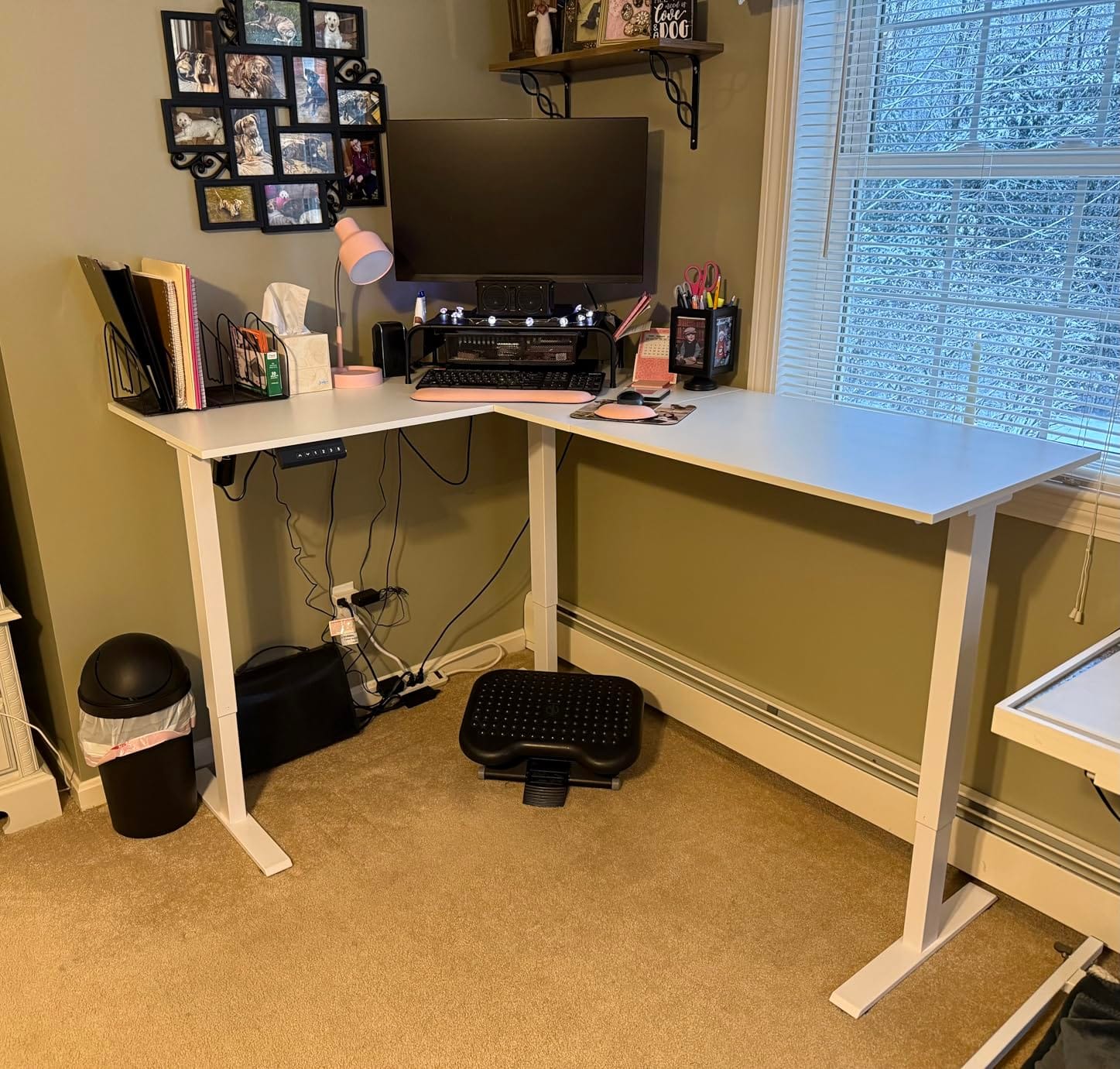
The Casaottima carries the highest average rating in this group at 4.7 out of 5, and the reviews explain why: owners describe it as sturdy and wobble-free with multiple monitors and a laptop, which is exactly the claim a corner office needs to be true.
The reversible return means the extra section can go on either side, so the desk adapts to a corner today and a wall tomorrow. That is also what makes it a good fit for a walk-in closet office, where the usable walls change depending on what is in the closet.
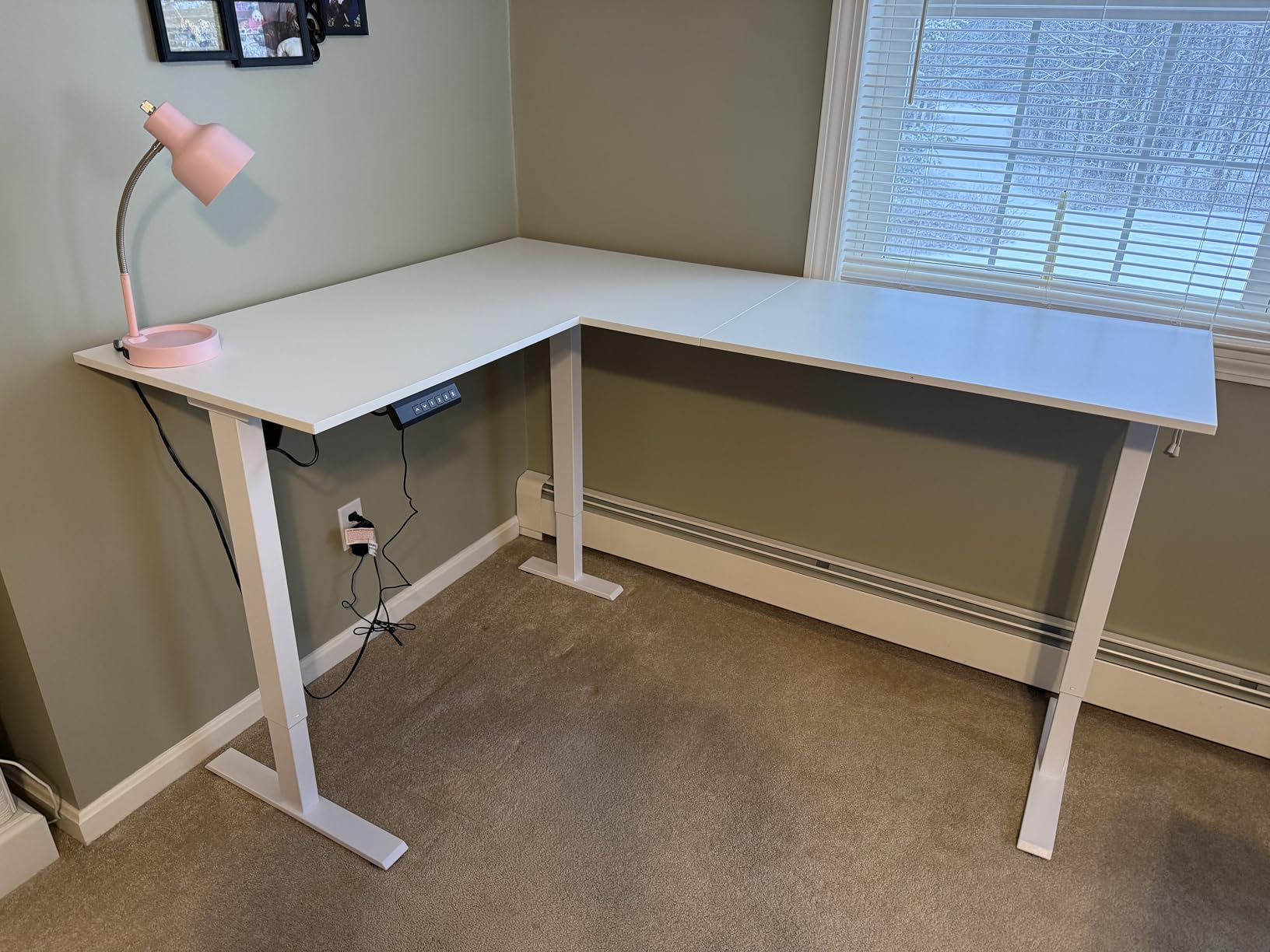
Height travel is 28.4 to 45.7 inches through a memory keypad, and owners call the transitions very quiet. The 63 inch top has a 78.74 inch working diagonal, and the reinforced carbon steel frame is rated at 154 lb, which is enough for two screens on arms and a laptop but not for a heavy tower plus three monitors.
Two practical details stand out. Several owners run a walking pad underneath, and the frame clearance works for it. And assembly is easy, with clear part labelling and an optional installation video for anyone who would rather watch than read a diagram.
How it works for a dual-screen corner
A developer, a video editor, or a trader running two screens gets a clean split: main screen on the long surface, second screen or laptop on the return at an angle. The review record specifically calls out stability with multiple monitors, which is the failure mode that makes a wide top feel cheap.
It is also the easiest desk here to move between layouts because of the reversible return, and the 68.3 lb build weight is lighter than several comparable models. For a corner office that doubles as a spare room, that matters more than the capacity number.
Where it falls short
The memory presets only persist while the desk stays plugged in. If you unplug to move it or to free a circuit, you reprogram your heights, which is a small daily friction for anyone who alternates positions often.
The white finish shows every mark, and owners recommend a desk pad as a matter of course. The 154 lb capacity is also the joint lowest here, so keep the load to monitors, a laptop, and light peripherals. The surface is slightly smaller than some 63 inch competitors, so measure your wall before you commit.
10. OffiGo 63 Inch Reversible L Shaped Electric Standing Desk – Best for Lightweight Relocation
OffiGo 63 Inch Reversible L Shaped Electric Standing Desk, Black
63 inch reversible L-shaped top
154 lb load capacity
27.9 to 46.1 inch range
61.6 lb build weight
Pros
- Reversible return installs on either side of the frame
- Reinforced legs and three-piece board give a steady lift
- Three one-touch presets across a 27.9 to 46.1 inch range
- Lifetime warranty stated by the brand
- Light 61.6 lb build weight aids relocation
Cons
- No integrated storage drawers or charging ports
- Engineered wood top rather than solid timber
This OffiGo is the lighter sibling of the drawer-equipped model at #4, and for one use case it is the smarter buy. At 61.6 lb it is one of the lighter L-shaped builds in this group, which matters if your corner office is rented, if the room gets rearranged, or if you would rather carry a desk up a set of stairs than arrange for two people to do it.
The reversible sub-desktop is the headline feature. It installs on either side of the frame, so the same desk works against a corner wall in one room and as a peninsula in an open-plan room. Our corner setup guide covers the layout decision in more detail.
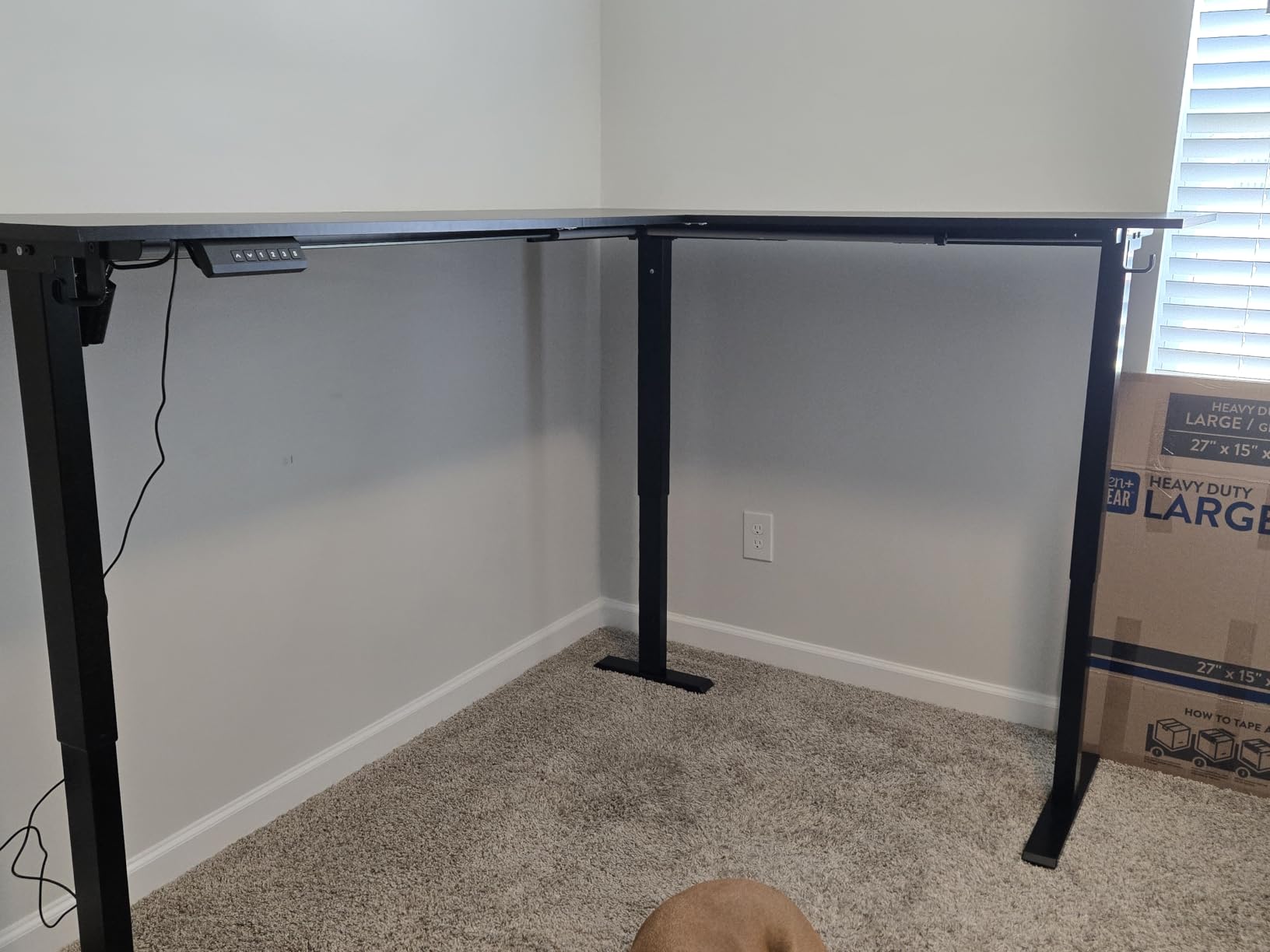
The frame uses reinforced legs with a three-piece board construction, and owners report good lift stability for the class. Height travel is 27.9 to 46.1 inches, a wide span for a 154 lb frame, with three one-touch custom preset buttons. The brand states a lifetime warranty, which is the strongest coverage term we saw.
Capacity is 154 lb, which suits a monitor, a laptop, and light peripherals comfortably. Think of it as a clean two-monitor corner desk rather than a heavy rig desk.
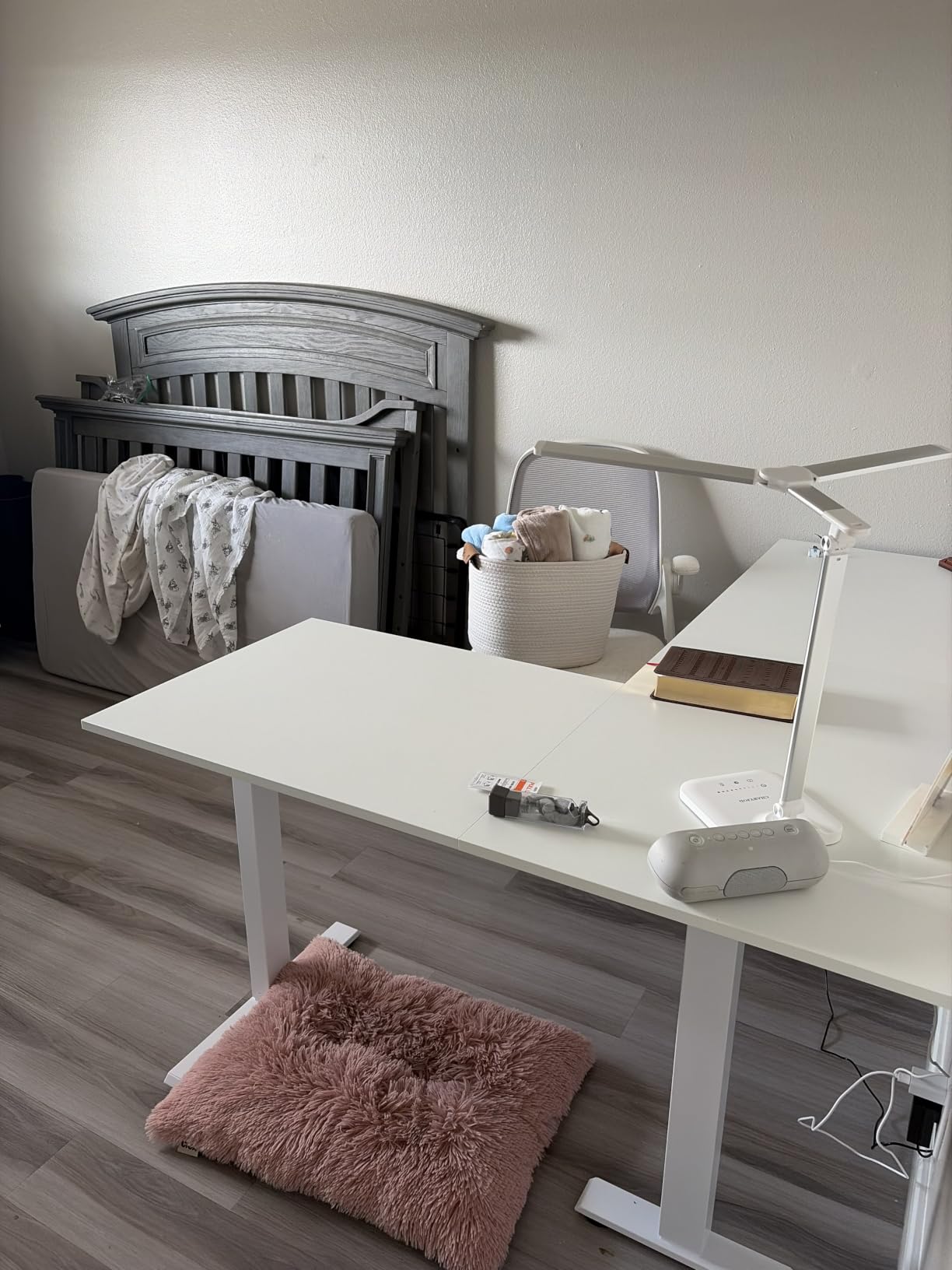
How it suits a room that changes
Reversibility plus a low build weight is a specific combination. If you rent, or if you use the same space for a home office during the week and something else at the weekend, you can move this desk between a corner and a wall without a second purchase or a disassembly.
It also solves the door problem. A 61.6 lb desk is one person and a furniture dolly, where a 103 lb desk is two people and a planned move.
Where it falls short
There is no integrated storage, no drawers, and no charging ports, unlike its sibling at #4. If your corner is short on storage, you will need a separate pedestal or a wall-mounted shelf, and that under-desk space has to be planned so it does not hit the lifting columns.
The top is a 0.6 inch laminate engineered wood rather than solid timber. It is perfectly serviceable for office work, but it will show water rings and scratches more readily than the Cubiker’s solid wood panels.
11. TIQLAB 63 x 55 Inch L Shaped Standing Desk – Best for an FSC-Certified Top
TIQLAB L Shaped Standing Desk Adjustable Height, Reversible Electric Corner Standing Desk, 63 x 55 inch Sit Stand Computer Table with Splice Board, Maple
63 x 55 inch reversible top
FSC-certified wood desktop
28.3 to 45.6 inch range
Headphone hook included
Pros
- FSC-certified wood desktop rather than uncertified board
- Interchangeable L-shape switches between sides
- Smooth quick rise to preset heights on one button press
- Headphone hook included with the frame
Cons
- Stated capacity of 176 lb is modest for a 63 inch top
- 80 lb build weight is heavy for an entry-level L-desk
- 4.3 average with the smallest review pool here
The TIQLAB is the pick when the sourcing of the top matters to you. It is the one desk in this group with an FSC-certified engineered wood desktop, which means the panel comes from a responsibly managed forest rather than an unverified supply chain. For a home office that doubles as a child’s study space, that is a real differentiator.
Mechanically it is a straightforward reversible L: the long side switches between one orientation and the other, height runs 28.3 to 45.6 inches, and a single button press takes you to a stored preset. A headphone hook is included, which is a small thing that matters in a corner where you cannot reach behind the frame.
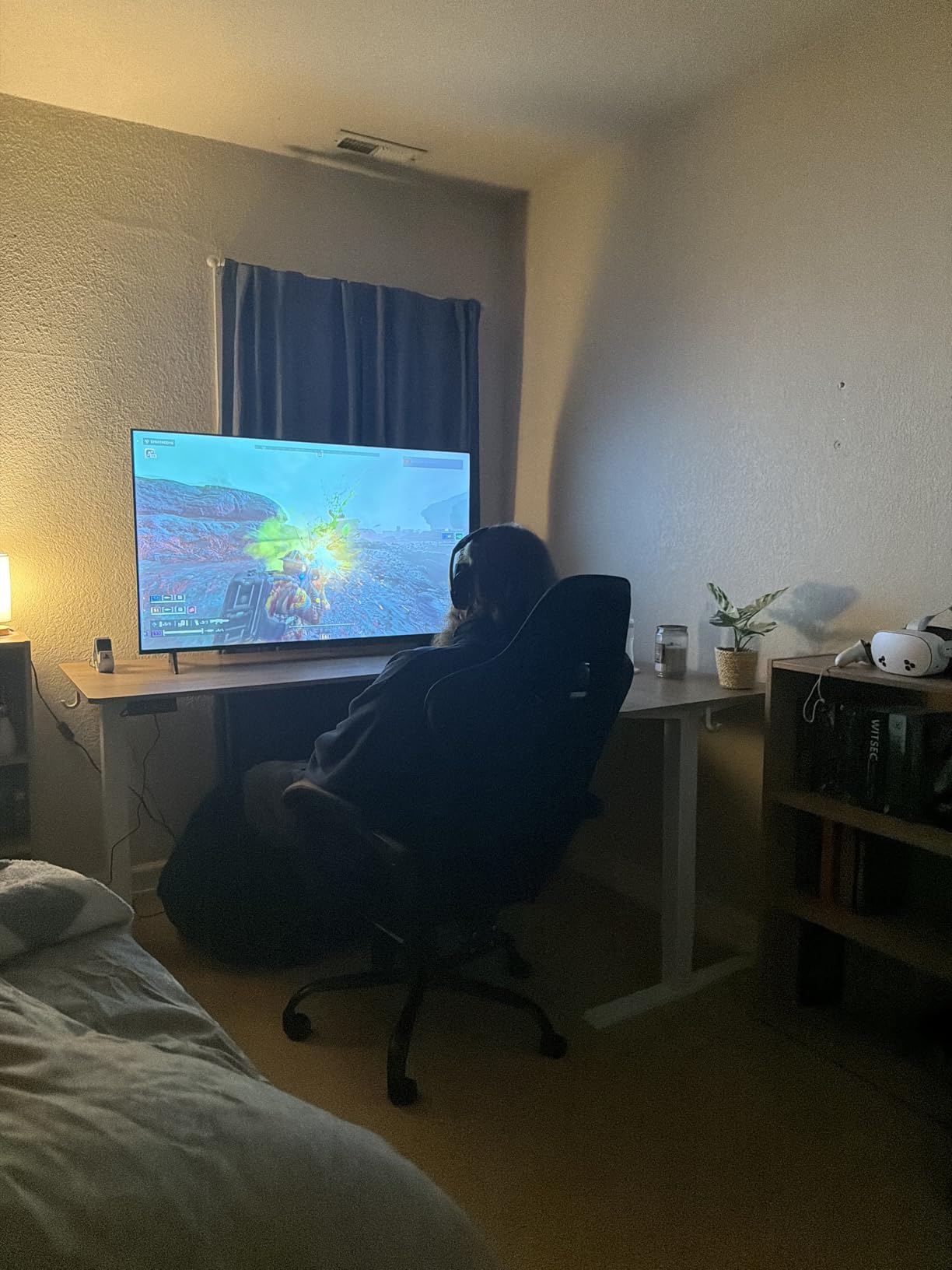
One thing to reconcile before you buy. The product listing states a 176 lb maximum weight recommendation while the technical details quote the motor lifting up to 264 lb at under 50 dB. Those are different claims about the same frame, and we would plan around the lower stated capacity of 176 lb unless the seller confirms the higher figure in writing.
The 4.3 average across 129 reviews comes with the smallest review pool in this group, so individual experiences carry more weight here than elsewhere. At 80 lb the build is heavy for an entry-level L-shaped desk, so moving it is a two-person job.
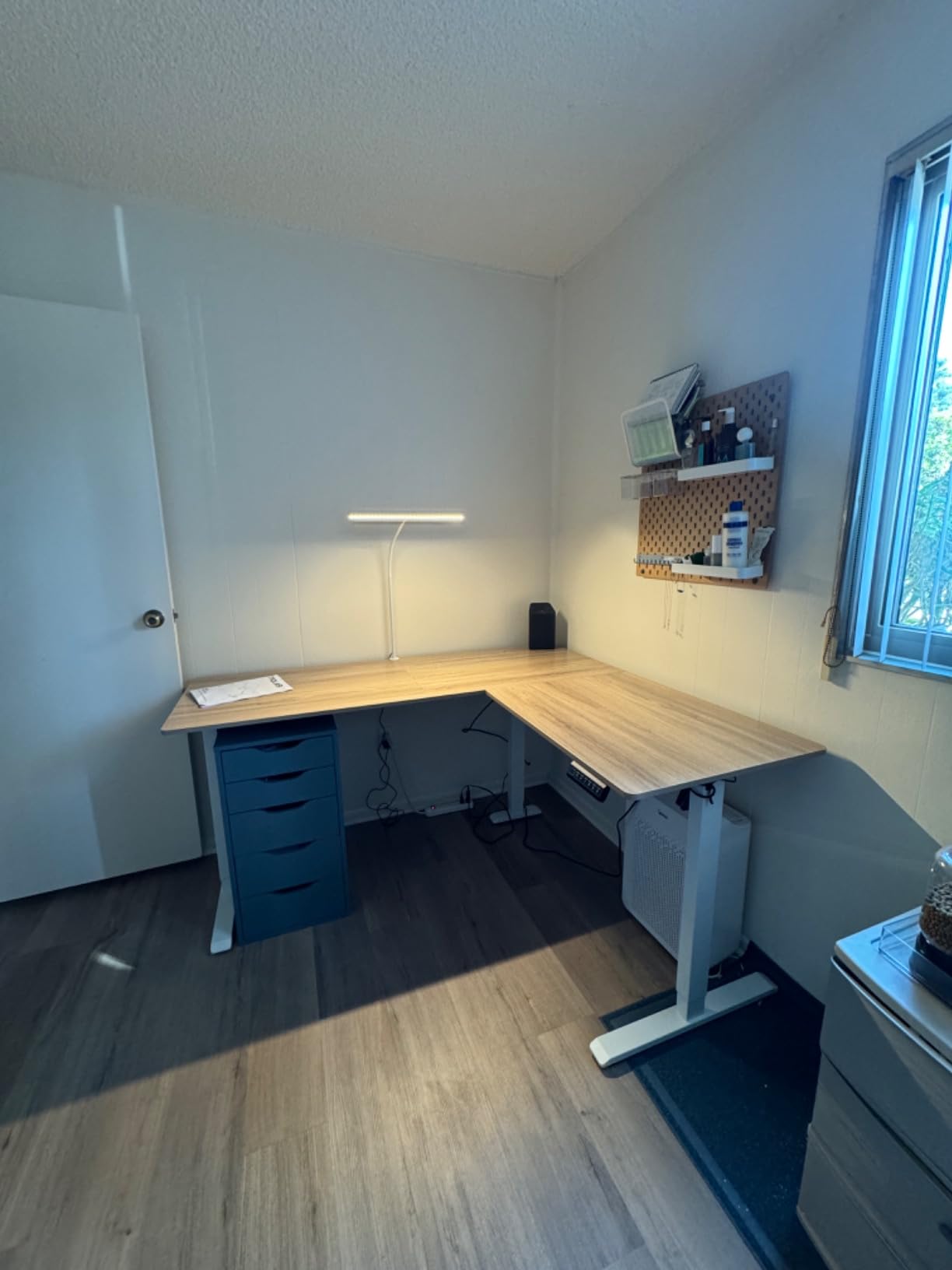
How it fits an eco-conscious corner office
For a shared family space, the FSC-certified top plus a reversible frame means one desk serves two rooms. A teenager doing homework in the corner and an adult working from the same room can each store a height and swap without reconfiguring anything.
At 63 x 55 inches the surface matches the mainstream size in this group, so it is not a compromise on workspace. Treat it as a solid two-monitor corner desk rather than a three-monitor-plus-tower station.
Where it falls short
The rating gap matters. At 4.3 with the smallest review pool here, you have less evidence to lean on than with the VIVO or the Casaottima, and the 10 percent one-star share suggests some buyers had a worse experience than the average implies.
Plan around 176 lb rather than 264 lb, and account for an 80 lb build weight if you may need to relocate it. If rated capacity is your top priority, the ErGear at #7 and the FEZIBO at #8 both publish figures well above that.
12. Grandder 63 x 55 Inch L Shaped Standing Desk – Best for One-Person Assembly
Grandder 63 x 55 Inch L Shaped Standing Desk, Electric Height Adjustable Corner Stand Up Desk, Sit Stand Corner Table Home Office Table, Oak Top White Frame
63 x 55 inch reversible top
220 lb rated frame
28 to 45.6 inch range
2 memory presets
Pros
- Reversible layout on either side sized for three PCs plus a laptop
- Quiet motor under 45 dB with a four-button controller
- Steel-reinforced frame with a 50000 cycle durability claim
- Simple one-person assembly with clear instructions
- Anti-collision safety plus a child safety lock and cable organiser
Cons
- Only two height presets
- lower than every other desk in this group
- Two reviewers reported motors that failed or did not stop on contact
- Slow replacement parts and customer service
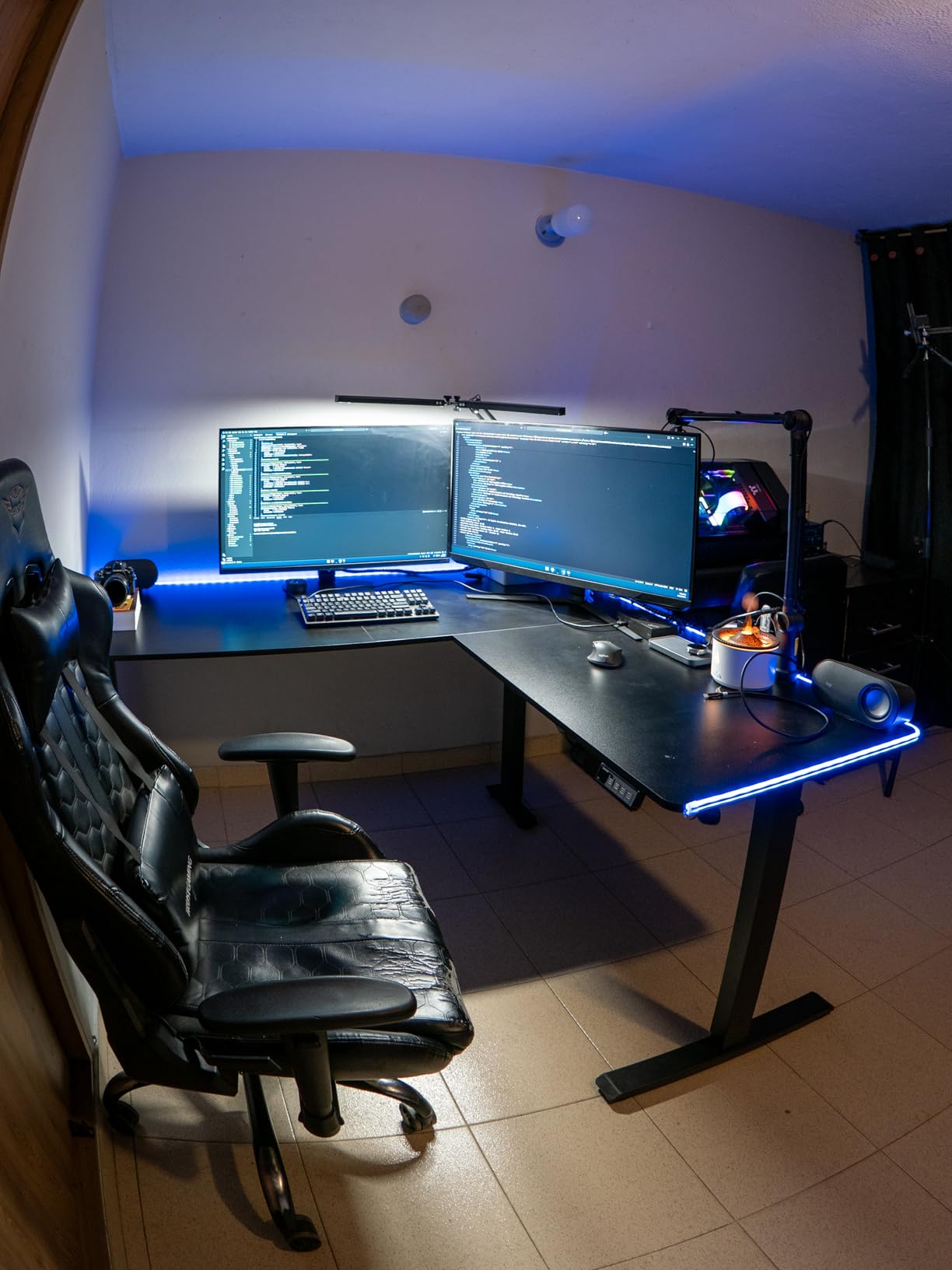
The Grandder earns its place on one specific strength: several owners put it together alone. For a 70 lb L-shaped desk with three lifting columns, one-person assembly is unusual and it means no waiting for a second person. The instructions are described as clear, and the steel frame goes together without specialist tools.
On paper the spec sheet is also competitive. A 63 x 55 inch reversible layout, a steel-reinforced frame rated at 220 lb per leg, a 50,000 cycle durability claim, and a motor that runs under 45 dB. Anti-collision safety, a child safety lock, and a cable organiser are all included, and the child lock is a genuine plus in a family home office.
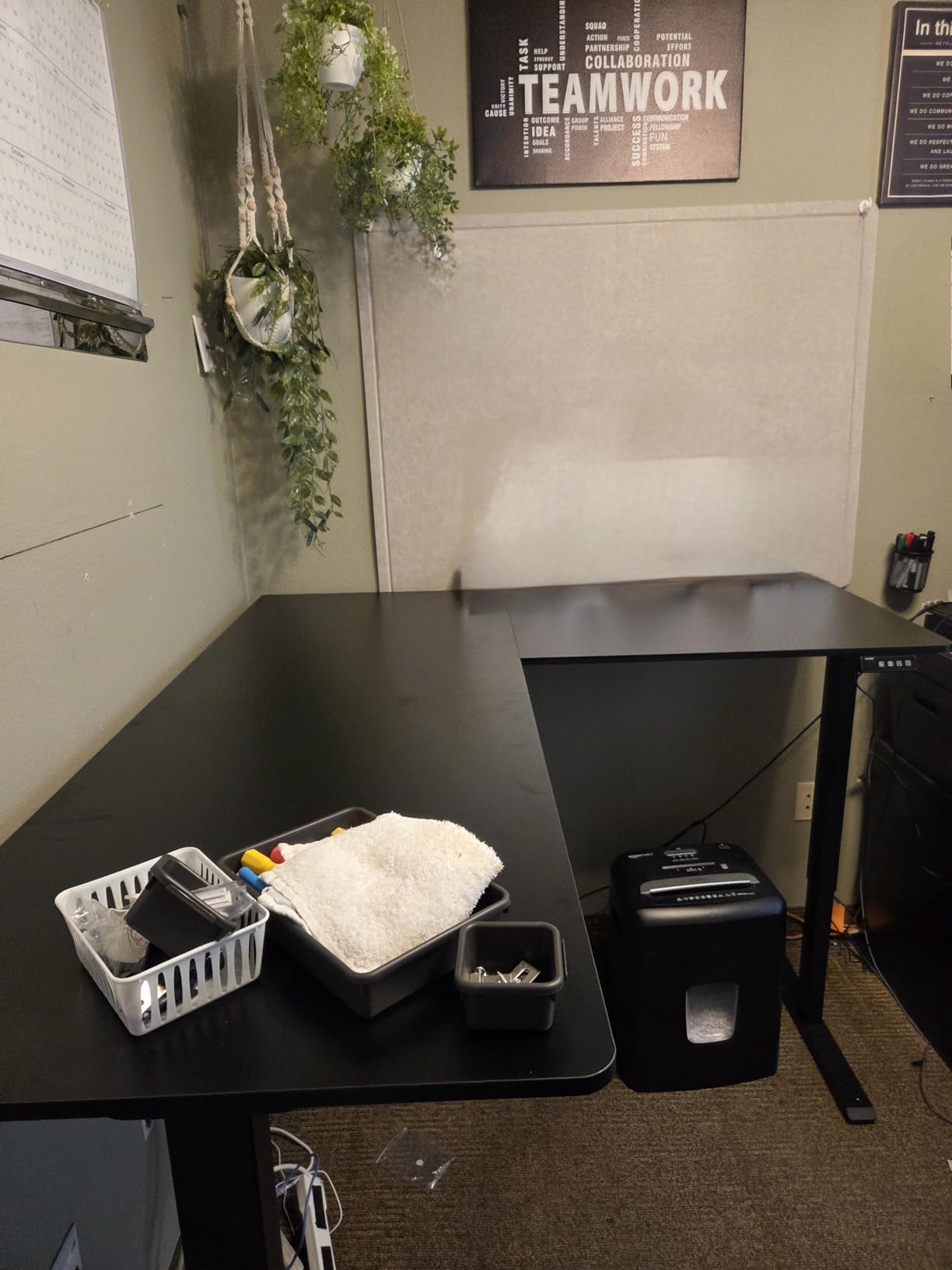
The 4.2 average is the lowest in this group, and the reasons are consistent enough to name rather than gloss over. Only two height presets, fewer than every other desk here. Two reviewers report motors that either failed outright or did not stop on contact, which is a safety-relevant failure on a desk that shares a room with children.
Customer service and replacement parts are also described as slow, and on an item this size that matters more than on a small appliance, because a failed motor is not something you can work around for a week.
How it works for a solo setter-up
If you are furnishing a corner alone, this removes the most common friction point. At 70 lb it is still a two-person lift into the corner, but the assembly itself is a one-person job, and the four-button controller is simple to program.
The reversible layout and the 220 lb per leg steel frame also suit a corner that will change, and the child safety lock is a detail none of the other desks in this group mentions.
Where it falls short
Two height presets is the practical limitation. A corner office shared by two people of different heights means reprogramming every time you switch, which is friction you will feel several times a day.
The motor reliability reports and slow warranty support are the reasons this sits at number 12. If you want the same 220 lb class frame with a stronger review record and four presets, the ErGear at #7 is the closer comparison. Keep the child safety lock in mind as a requirement if you have young children in the room, and test the anti-collision function the day it arrives.
How to Choose an L-Shaped Standing Desk for a Corner Office
Most sizing mistakes happen before anyone looks at a motor. Measure first, then read the frame spec, then think about storage. Work through these in order and the choice makes itself.
1. Measure the corner before the surface
Measure the wall lengths from the corner outward, not the room. If a door swings into the corner, measure the arc of the swing, not just the leaf. A 63 inch top needs a wall of at least that length plus clearance, and a 55 inch return needs matching depth on the perpendicular wall.
Compact models here sit at 59 x 40 inches, standard at 63 x 55 inches, and feature-packed 60 x 60. A narrow room or an awkward door argues for compact, a normal corner takes standard, and a 60 x 60 square only works if the corner is genuinely deep.
2. Count your legs and your motors
Every L-shaped sit-stand desk has three lifting columns: two at the outer ends and one at the inside corner. Some frames drive all three from a single motor, most use two, and the heaviest builds use three. More motors means more load spread and less wobble at standing height, and it also means more electronics that can desynchronise.
Yes, L-shaped standing desks need three legs, and that third leg is exactly why they wobble more than rectangular desks when the frame is light. A 176 lb frame with dual motors handles two monitors and a laptop. Three monitors on arms plus a tower wants a 220 lb frame or more, and the FEZIBO at 330 lb is the headroom option.
3. Check the real height range, not the word adjustable
Seated minimums in this group run from 27 inches on the FEZIBO to 30 inches on the OffiGo drawer model, and standing maximums run from 45.6 to 48 inches. If you are under 5 foot 4, a 30 inch seated minimum is genuinely uncomfortable and you should filter for a lower figure.
A span of around 18 inches or more covers most adults. Anything wider covers both a shorter and a taller user, which matters if the corner office is shared.
4. Add storage that does not fight the lift
Under-desk storage has to clear the lifting columns through the full travel of the frame, or it will bind at standing height. A mobile pedestal is the safest choice because you roll it aside. Fixed drawers like the four on the OffiGo at #4 are designed around the frame, so check the mounting method before adding anything of your own.
Count the extra weight too. Drawers full of paper sit on the same frame as your monitors, and on a 154 lb rated desk that is a meaningful chunk of the budget.
5. Set a sit-stand schedule before you buy
The 20-8-2 rule is the most useful ergonomic habit here. For every 30 minutes of standing, alternate with 8 minutes sitting and 2 minutes of movement. The point is not to stand all day, which trades one posture problem for another, but to change position on a predictable rhythm.
A desk with four presets and a one-touch keypad makes that rhythm automatic. A desk with two presets means reprogramming every time, which is how the habit dies in week two. That is the single clearest reason to pay for more presets than you think you need.
Why L-Shaped Standing Desks Wobble (and How to Fix It)
Wobble is the most common complaint in this entire category, and it is not a defect in most cases. It is the predictable behaviour of a wide top on a three-leg frame, made more visible by a monitor on an arm. Understanding where the movement starts tells you whether it is a floor problem, a frame problem, or an expectation problem.
Where wobble actually comes from
Trace the movement from the screen toward the floor. If the monitor moves but the surface does not, it is the monitor arm and the fix is repositioning within its permitted range. If the surface moves and the feet do not, it is the frame or the desktop-to-frame bracket. If the feet shift on the floor, nothing about the desk is wrong at all, and the floor is the problem.
The four causes we see most often: a light frame under a wide top, a telescoping leg joint that has loosened with use, a foot that has lost contact with the floor over a rug edge or a floor transition, and a load pushed to the outer edge of the return wing where there is no leg underneath it.
Six steps to stabilise a wobbly L-desk
First, identify what actually moves before you touch anything. A loose bracket and an uneven floor produce identical-looking movement from the chair.
Second, check the floor under each foot for rugs, transitions, and obstructions. A foot on the edge of a rug is the single most common and most fixable cause.
Third, use only the permitted leveling adjustment on the foot. Do not stack loose material, shims of packing foam, or folded cardboard under a foot, because that compresses over time and makes the wobble worse.
Fourth, re-check the frame and desktop-to-frame connections against the assembly manual. Over time, a bracket backed out a fraction of a turn is enough to produce visible movement.
Fifth, reposition the monitor arm within its permitted range. A single-arm clamp mounted at the far edge of a 63 inch top amplifies every small movement in the surface into visible screen motion.
Sixth, stop and contact support if a joint is opening, a surface is cracking, or travel is uneven between columns. Those are structural, not cosmetic, and no amount of adjusting fixes them.
Do any standing desks not wobble at all?
No desk of this size is perfectly rigid, and any roundup that claims otherwise is selling you something. What changes is magnitude. The VIVO with its 225 lb rated steel frame and the FEZIBO with three motors and a 330 lb rating sit at the stable end of this list, and the FEZIBO in particular stays solid with a heavy load at the top of its 27 to 48 inch travel.
The cheaper laminate models move more, especially the 154 lb frames, and the movement is most obvious when a monitor on an arm is at full standing height. The practical test is simple. If you can feel it through the desktop with a hand laid flat while typing, it is too loose for your setup. If you can only see it in a reflection, it is within normal range for a desk this wide.
One failure mode deserves its own warning. Owners on r/StandingDesk report that the rubber pad on the centre corner post can catch on the floor when an assembled L-desk is moved, tearing the screws out of the corner joint and requiring repair. Move these desks empty, use a furniture dolly, and never drag one across a floor. That single habit prevents the most commonly reported structural failure in the category.
The Downsides of L-Shaped Standing Desks
None of this undoes the recommendation, but you should know it before the desk is assembled.
Assembly is harder and longer than a rectangular desk. Three lifting columns, two tops, and more brackets mean more steps, and the models in this group commonly quote two people and 30 to 60 minutes. The Grandder at #12 is the notable exception.
The corner joint is a structural weak point. It is the single place where both desktops and the centre leg meet, and it is where movement concentrates if anything is loose.
The footprint is large and the build is heavy. Weights here range from 61.6 to 103 lb, and a 63 x 55 inch top needs a genuinely deep corner plus a doorway that will take it.
The inner corner is unusable dead space. Nothing fits flush into the angle, so you plan the layout around it rather than with it.
Most cost more than two separate rectangular standing desks of the same total surface area, and you give up the option of rearranging them independently later.
Fewer height presets than a rectangular premium desk at the same price, and a top thickness on budget models that flexes if you lean on the front edge.
Frequently Asked Questions
What is the best L-shaped standing desk for a home office?
For most home offices the VIVO 63 x 55 corner desk is the strongest all-round pick: a 225 lb rated steel frame, 28.5 to 46.8 inches of travel, and four memory presets. If your corner is narrow, the Acrolix at 59 x 40 inches fits where a 63 inch top will not. For a three-monitor-and-tower rig, the FEZIBO triple-motor frame rated at 330 lb has the headroom.
What is the 20-8-2 rule for standing desks?
For every 30 minutes of standing, alternate with 8 minutes sitting and 2 minutes of movement. The aim is to change position on a predictable rhythm rather than standing all day, which simply trades one posture problem for another. A desk with at least three or four one-touch memory presets makes that rhythm automatic, since reprogramming a keypad several times a day is how the habit gets abandoned.
What are the disadvantages of an L-shaped desk?
The main drawbacks are longer and harder assembly than a rectangular desk, a corner joint that is a structural weak point, a large footprint that needs a genuinely deep corner, unusable dead space in the inner angle, a heavier shipment, and usually a higher cost than two separate rectangular standing desks of the same total surface area.
Why is my standing desk so wobbly?
The usual causes are a light frame under a wide top, a telescoping leg joint that has loosened with use, a foot that has lost contact with an uneven floor or a rug edge, a loose desktop-to-frame bracket, or a load placed on the outer edge of the return wing where there is no leg beneath it. A monitor on an arm makes all of these more visible without necessarily causing them.
How can I stabilize my wobbly standing desk?
Identify what actually moves first, then check the floor under each foot for rugs, transitions, and obstructions. Use only the permitted leveling adjustment rather than shimming a foot with loose material, re-check the frame and desktop brackets against the manual, and reposition the monitor arm within its permitted range. Stop and contact support if a joint is opening or travel is uneven between columns.
Are there any standing desks that do not wobble?
No L-shaped desk of this width is perfectly rigid, but the difference between models is real. A 225 lb steel frame or a three-motor frame rated at 330 lb sits at the stable end, while a 154 lb frame with a monitor on an arm moves noticeably at standing height. If you can feel movement through the desktop with a hand laid flat, it is too loose for your setup.
Conclusion: The Best L-Shaped Standing Desk for Corner Offices in 2026
After weighing all 12, the VIVO 63 x 55 corner standing desk is our pick for the best L-shaped standing desk for corner offices in 2026. A 225 lb rated steel frame, 28.5 to 46.8 inches of travel, four memory presets, and a three year parts and labor warranty give it the most complete spec sheet in the group, and its review record is about paperwork rather than hardware failing.
Buy the FEZIBO triple-motor instead if your corner holds three monitors on arms and a tower, the Acrolix if your corner is too narrow or your doorway too tight, and the OffiGo with four drawers if storage is the actual problem you are solving. Measure your corner before any of them, and move the desk empty if you ever need to relocate it.
Use the check buttons above to see the current figure for each model, and hold the load rating above your real gear weight rather than the other way around.