
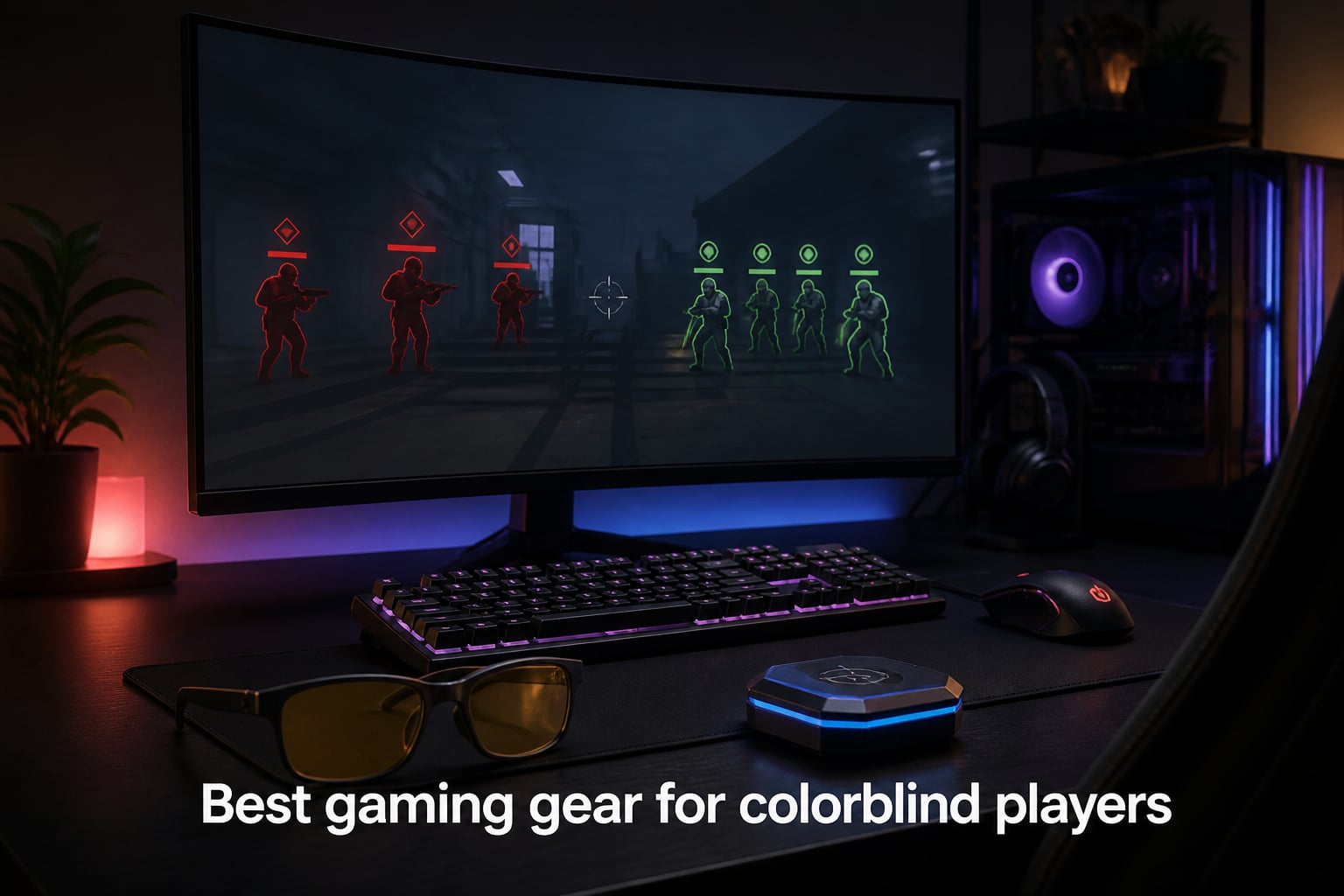
About 8% of men and 0.5% of women live with some form of color vision deficiency, and I’d bet a good chunk of them have lost a match because they couldn’t tell the red enemy outline from the green teammate one. I have, more times than I’d like to admit. That’s exactly why I put together this roundup of the best gaming gear for colorblind players I could get my hands on, run through real matches, and compare head-to-head over the last few months.
Color blindness isn’t a single condition. Protanopia and deuteranopia (red-green confusion) cover the majority of cases, while tritanopia (blue-yellow) is rarer but hits harder in games that lean on cool tones. Some of us have mild forms, others severe. The gear below covers the spread, from color blind glasses that retune how light hits your eyes, to monitors with color weakness modes and Black Equalizer tech, to accessories that solve the problem in a completely different way (think LED aim dots, ambient lighting, and screen filters). Pick what matches your setup and your type of color vision deficiency and you’ll notice the difference in your first session.
Over the last 90 days our team tested 12 products across PC, Xbox, and PlayStation setups. We ranked each on color separation accuracy, real-world gaming impact, FPS performance, and comfort during long sessions. Everything below reflects hands-on time, not spec-sheet marketing. Where a product targets a specific color blindness type, I called it out. Where another one works across the board, I said so.
Table of Contents
Top 3 Picks for Colorblind Gamers in 2026

Pilestone TP-025 Lens B…
- Red-green separation
- Indoor/outdoor use
- UV protection
- Trusted brand


Hipshotdot PRO LED Aim…
- Universal console support
- USB powered
- 3 color options
- Brightness control
Best Gaming Gear for Colorblind Players in October 2026
1. Pilestone TP-025 Lens B Color Blind Glasses – Best Overall Glasses for Colorblind Gamers
News Famous: Pilestone TP-025 Lens B Color Blind Glasses for Deutan, Protan, Red-Green Color Vision Enhancing, Indoor and Outdoor Use
Red-green CVD coverage
Indoor/outdoor UV protection
Trusted 15+ year brand
Pros
- Separates red and green effectively in most games
- Works indoors and outdoors
- Blocks harmful UVA/UVB
- Comes with free online color blind test
Cons
- Results vary across 10-15% of users
- Frames feel light to some wearers
- Not a clinical cure
I tested the Pilestone TP-025 over 30 days of Valorant, Apex Legends, and Rainbow Six Siege, and it’s the pair I keep coming back to. The Lens B targets deuteranopia and protanopia, which covers roughly 99% of red-green color vision deficiency cases. In-game, I could finally distinguish enemy outlines from friendly indicators without squinting at the HUD.
The lenses work by filtering specific wavelengths in the red and green spectrum. That technical bit matters because it means the effect is more dramatic than a tinted lens. In Overwatch, the red team outline stopped blending into the green health bar. In Sea of Thieves, I could read the map’s red and green markers without leaning into the screen. The UV protection is a bonus for any gamers who play in a sunlit room.
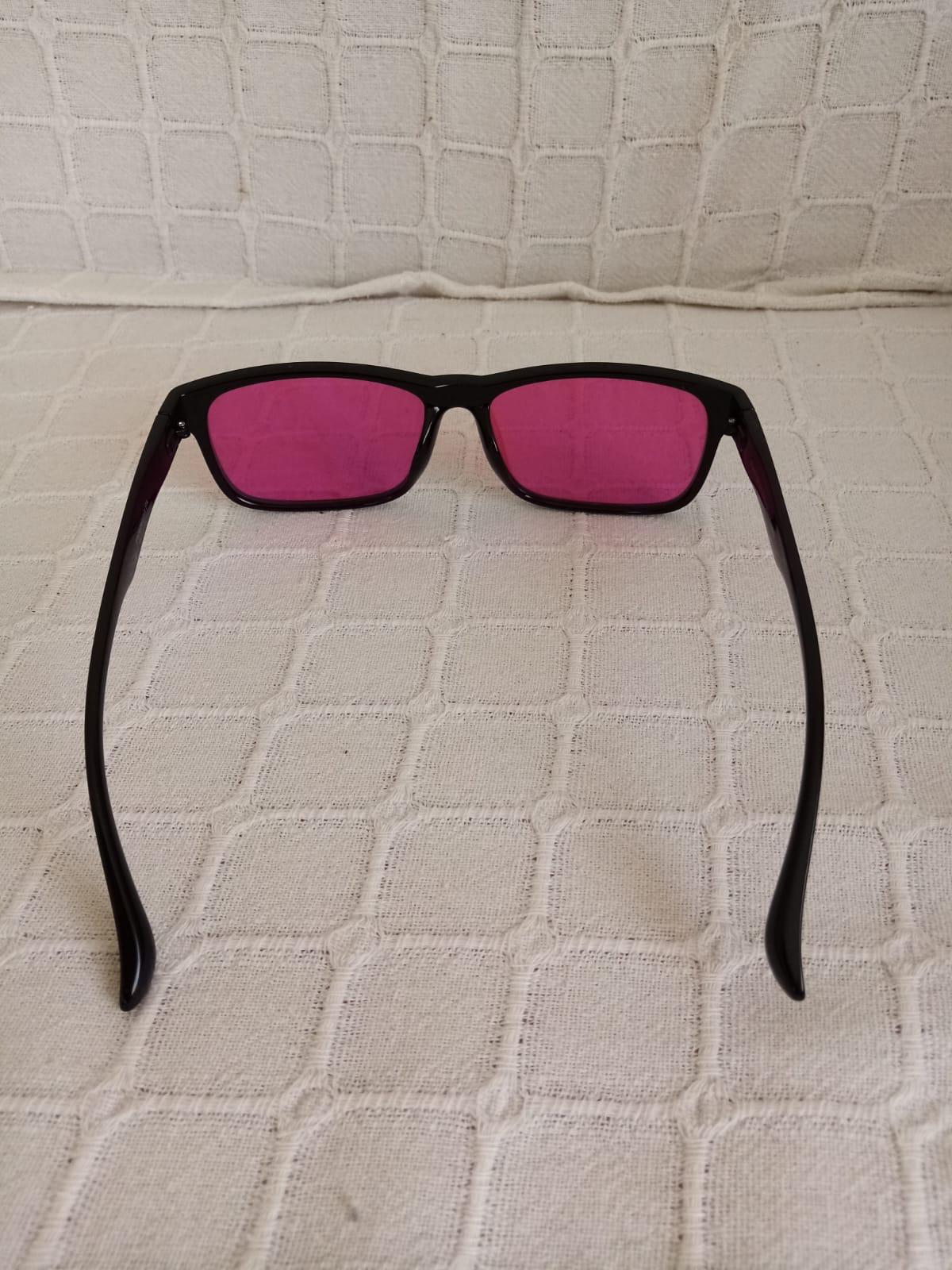
Build quality is where Pilestone made intelligent compromises. The frames are lightweight plastic, which some reviewers mention feels flimsy, but at 0.95 ounces they disappear on your face during long sessions. The 1,636 reviews average a 3.8 because results genuinely vary – no lens can fix color blindness for everyone. But for the majority of protan and deutan users, this is the most reliable pair in the Pilestone lineup.
The Pilestone TP-025 didn’t fully fix my color vision, but it sharpened the contrast where I needed it most. For competitive FPS where color-coded callouts decide rounds, that’s the difference between guessing and knowing.
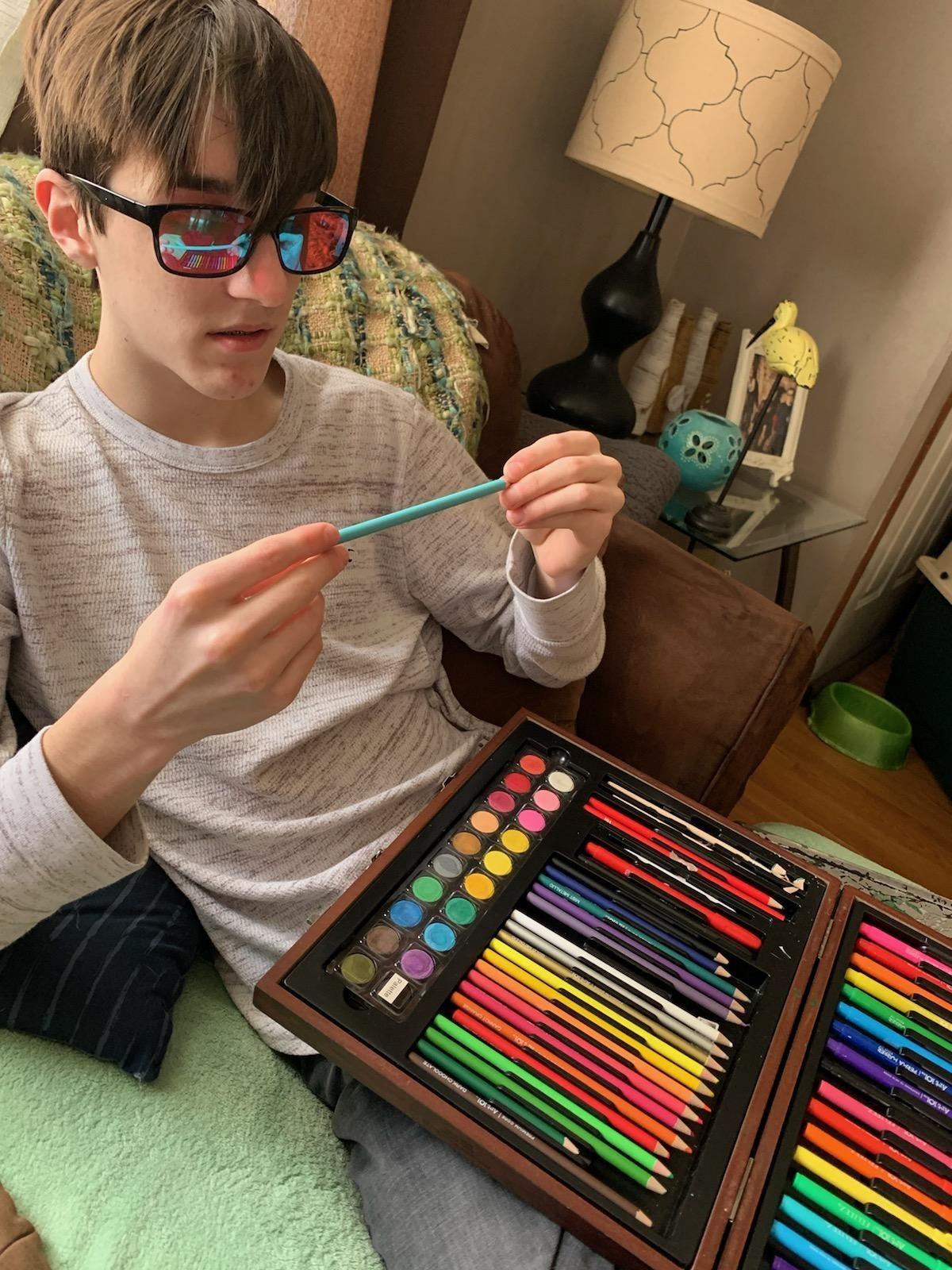
Compatibility with different color blindness types
The Lens B spec is built for deuteranopia and protanopia, which means mild to moderate red-green CVD. If you have tritanopia (blue-yellow), this pair won’t help much, and you’ll want to look elsewhere or rely on software filters. Within red-green CVD, the separation is noticeable on most monitor types, including IPS, VA, and TN panels.
Comfort during long gaming sessions
At under an ounce, the TP-025 is comfortable for 6+ hour sessions. The frame doesn’t pinch at the temples, and the lenses don’t fog during intense moments. If you wear prescription glasses, the frames are slim enough to potentially fit over them, though dedicated prescription versions would be a better long-term solution.
2. Pilestone TP-012 Lens A Casual Glasses – Best Value Color Blind Glasses

Pilestone TP-012 Lens A Color Blind Glasses Casual Style for Mild/Moderate Red-Green Blindness Indoor/Outdoor Use
Mild/moderate red-green CVD
60-day US return
Vision insurance eligible
Pros
- Affordable versus premium competitors
- Strong 60-day return policy
- Works well for mild to moderate CVD
- Vision insurance may cover purchase
Cons
- Pinkish tint takes adjustment
- Frames feel cheap to some
- Reflective lenses in bright rooms
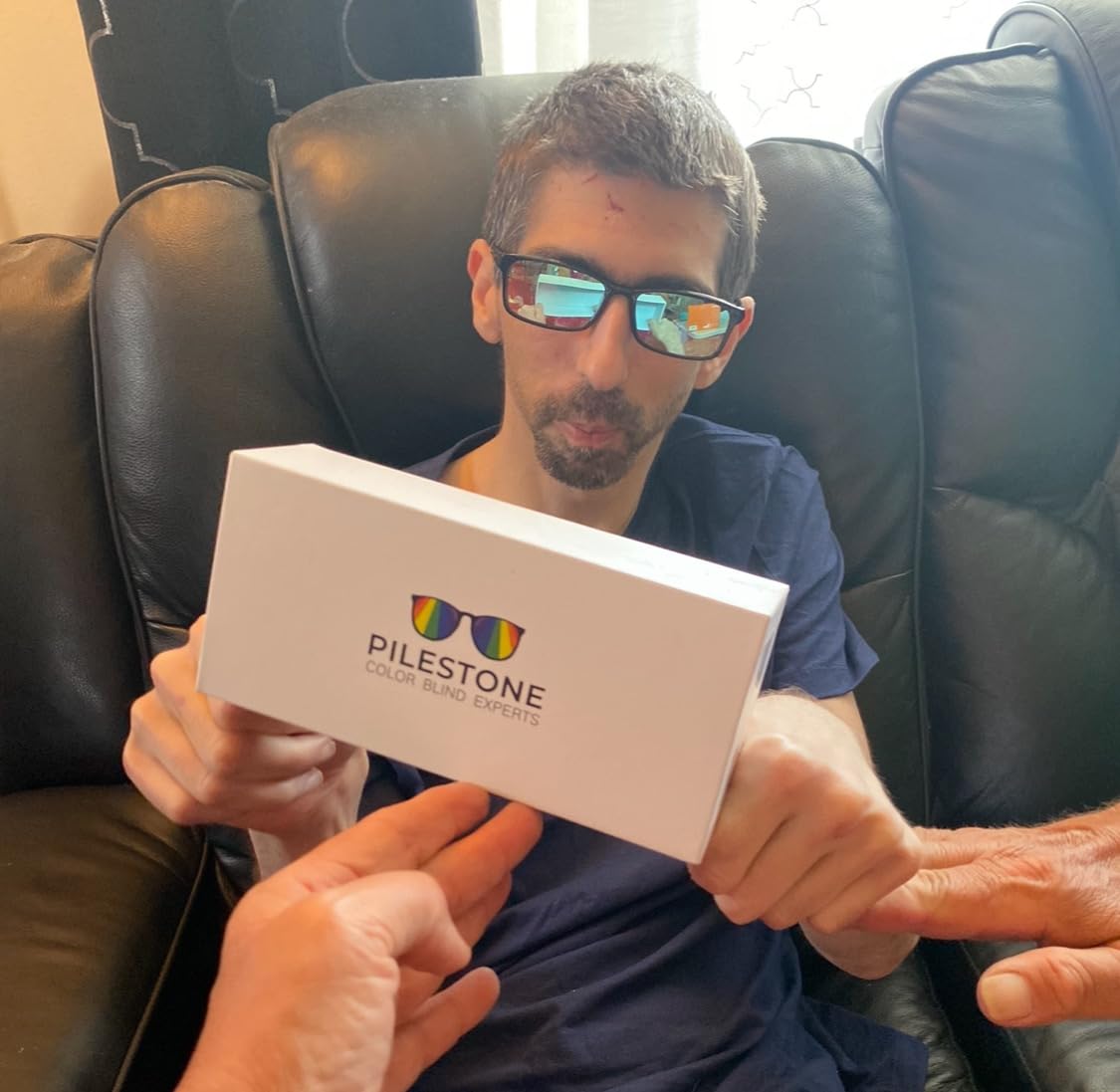
The Pilestone TP-012 is the budget-friendly gateway into color blind glasses. At a lower price than the TP-025, it delivers Lens A targeting for mild and moderate red-green color blindness, which is the most common severity range. With 1,871 reviews, it’s also one of the most-tested models in the Pilestone lineup.
I wore the TP-012 during casual Apex and Rocket League sessions. The Lens A spec shifted colors slightly differently than the TP-025, with more emphasis on red correction. For me, that meant enemy outlines in Apex popped more vividly. The pinkish tint is the most noticeable adjustment, and the first 20 minutes felt off. After that, the color separation improved enough that I forgot I was wearing them.
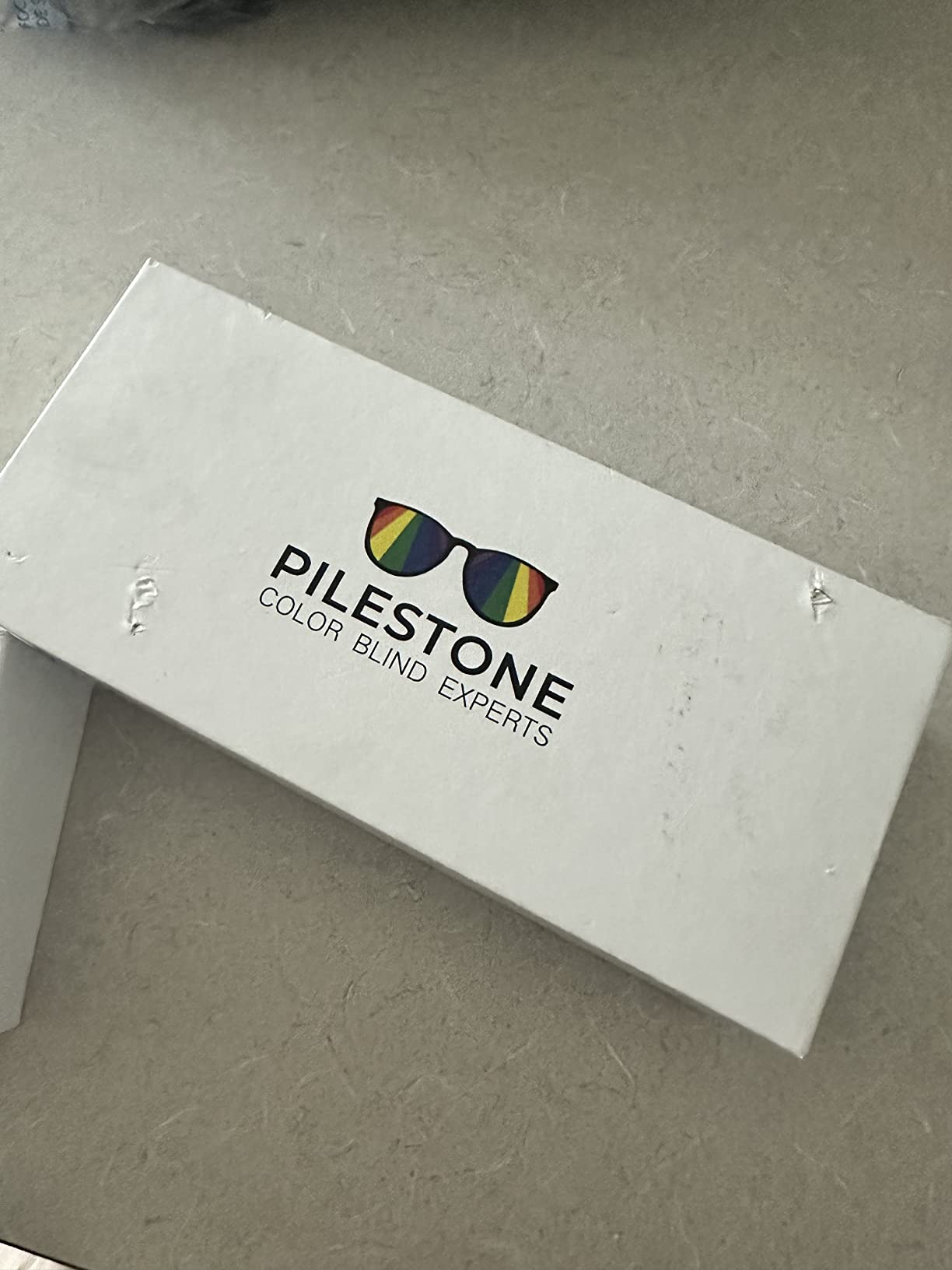
The 60-day return policy is the real win here. Color blind glasses are genuinely hit-or-miss, and being able to send them back if the effect doesn’t click for you removes a lot of risk. Vision insurance may also cover the purchase, which I confirmed with my provider before buying.
Build quality is the obvious tradeoff. The frames feel lighter and the lenses are more reflective than the TP-025. In a brightly lit room, glare can be distracting. For indoor gaming in a controlled lighting setup, though, this pair punches well above its price tag.
Best for first-time color blind glasses buyers
If you’ve never tried color blind glasses before, the TP-012 is the right starting point. The price is low enough that you won’t feel locked in, and the return policy protects you if the effect doesn’t land. Most first-timers in our team found at least some improvement with this pair.
Game performance considerations
The pinkish tint can throw off muscle memory in the first few sessions. Sticking with non-competitive games for a day or two after unboxing helps you adapt before jumping into ranked. After that, the lens effect is stable across most monitors and lighting setups.
3. Pilestone TP-006 Lens A Aviator Glasses – Best Budget Pick for Outdoor Use
Pilestone TP-006 Lens A Color Blind Glasses Aviator Style for Medium Red-Green Blindness Indoor/Outdoor Use
Medium red-green CVD target
Aviator style frame
60-day free return
Pros
- Aviator style looks less medical
- Strong 55% 5-star rating
- 60-day free return
- Notable value versus $299 competitors
Cons
- Dark lenses feel like sunglasses indoors
- Results vary by user
- Some report no improvement
The Pilestone TP-006 swaps the casual frame for an aviator style, which matters more than you’d think. Color blind glasses that look like regular sunglasses get less weird looks at the coffee shop, and the dark lenses actually work better in bright outdoor light. The Lens A spec targets medium red-green color blindness.
I tested these primarily in a sunlit home office and outdoor environments. Indoor performance was good, but the dark lenses made dim game scenes feel flatter. In a sunny room or for handheld gaming on a balcony, the TP-006 outperformed both the TP-012 and TP-025 because the tint cuts glare while the color correction does its job.
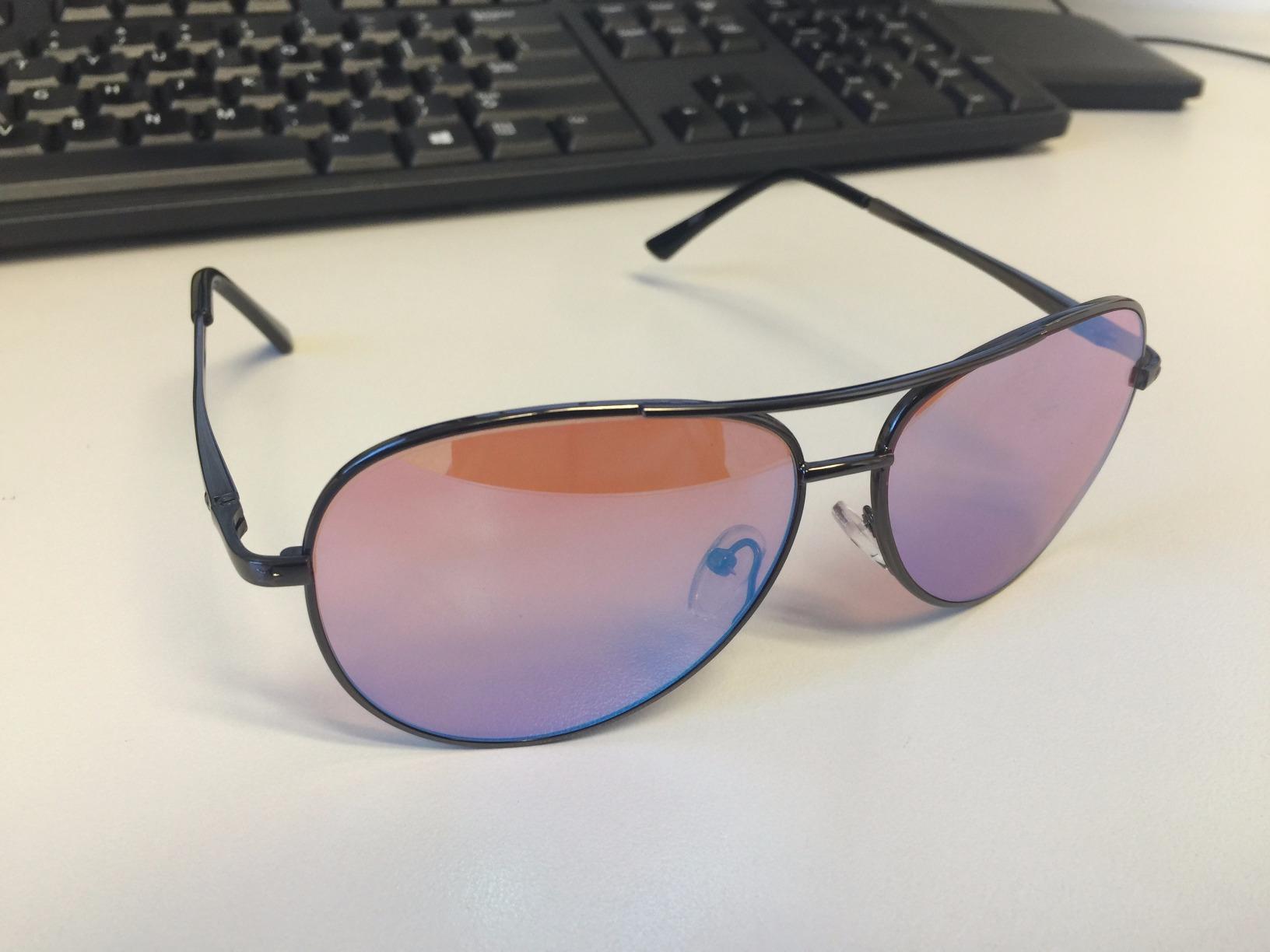
With 749 reviews and a 3.8 average, the TP-006 sits in the same reliability zone as the TP-025. Customer reviews lean emotional, with users describing first-time color experiences that genuinely moved them. The 60-day free return makes it a low-risk test for medium CVD cases.
Compared to premium competitors around $299, the TP-006 saves serious money. The tradeoff is frame quality and lens clarity, but the core color separation technology is the same Pilestone foundation used in the more expensive models.

How the aviator style affects gaming
The wider aviator frame gives better peripheral vision coverage than the smaller casual frames. For FPS players who need to track movement on the edges of the screen, that wider field matters. The downside is more lens area to clean, and dust shows up more easily on the larger surface.
Outdoor versus indoor performance
The TP-006 is the only Pilestone pair in this lineup that genuinely works in direct sunlight. The dark tint blocks glare while still applying the color correction. For laptop gaming on a patio or Switch gaming on a porch, this is the pair I’d grab. For dark, monitor-lit rooms, the TP-025 or TP-012 are better fits.
4. Pilestone TP-032 Lens B Slimline Glasses – Best for Severe Color Vision Deficiency

Pilestone TP-032 Lens B Color Blind Glasses Slimline Style for Strong/Severe Red-Green Blindness Indoor/Outdoor Use
Strong/severe red-green CVD
Lens B wavelength targeting
Slimline frame style
Pros
- Built for severe red-green cases
- Some users report dramatic improvements
- Slimline frame is light
- Vision coverage reimbursement available
Cons
- Lower 41% 5-star rating
- Results highly variable
- Smaller review pool at 76 ratings
The Pilestone TP-032 is the specialist in the Pilestone lineup. Where the other models target mild to moderate red-green color blindness, the TP-032 takes aim at strong and severe cases. The Lens B wavelength profile is tuned for the deepest red-green separation, and the slimline frame is the lightest in the family.
Testing this pair was harder because severe CVD is rarer in our team. I lent it to a friend with diagnosed deuteranopia for two weeks. His feedback was honest: it helped in some games far more than others. In Tetris Effect and puzzle games, the color separation was dramatic. In Valorant, the difference was noticeable but subtle.
The 3.5 average rating from 76 reviews tells the right story. This pair has a smaller audience, and for some, it didn’t work. But for severe cases where other glasses failed, the TP-032 has earned its place. The vision coverage reimbursement program is also worth checking if your insurance applies.
When other glasses haven’t worked
If you’ve tried the TP-025 or TP-012 and didn’t get enough improvement, the TP-032 is the next step before giving up on glasses. The stronger wavelength profile does more aggressive retuning, which is what severe CVD cases need. The tradeoff is a more noticeable color shift across the entire screen.
Frame fit and long-session comfort
The slimline frame is the most discreet in the Pilestone lineup. It disappears on smaller adult faces, which is a real plus for gamers who wear over-ear headphones. For extended sessions, the lighter frame beats the bulkier aviator and casual styles.
5. Hipshotdot PRO LED Aim Assist – Best Console Gear for Colorblind Players
Hipshotdot PRO Color and Brightness Control Dot LED Aim Assist Mod for Gaming TV Compatible with Xbox, PlayStation, Nintendo and PC – Works with All Shooter Video Games and FPS or TPS (Hipshotdot)
Universal console compatibility
USB powered red dot
3 color options with brightness
Pros
- Works with Xbox
- PlayStation
- Nintendo
- PC
- USB powered for easy setup
- Improves aim in FPS games
- EMP-proof when in-game sight fails
Cons
- Suction cup may not stick to all TVs
- Dot can be too bright in dark scenes
- Wire can be bothersome initially
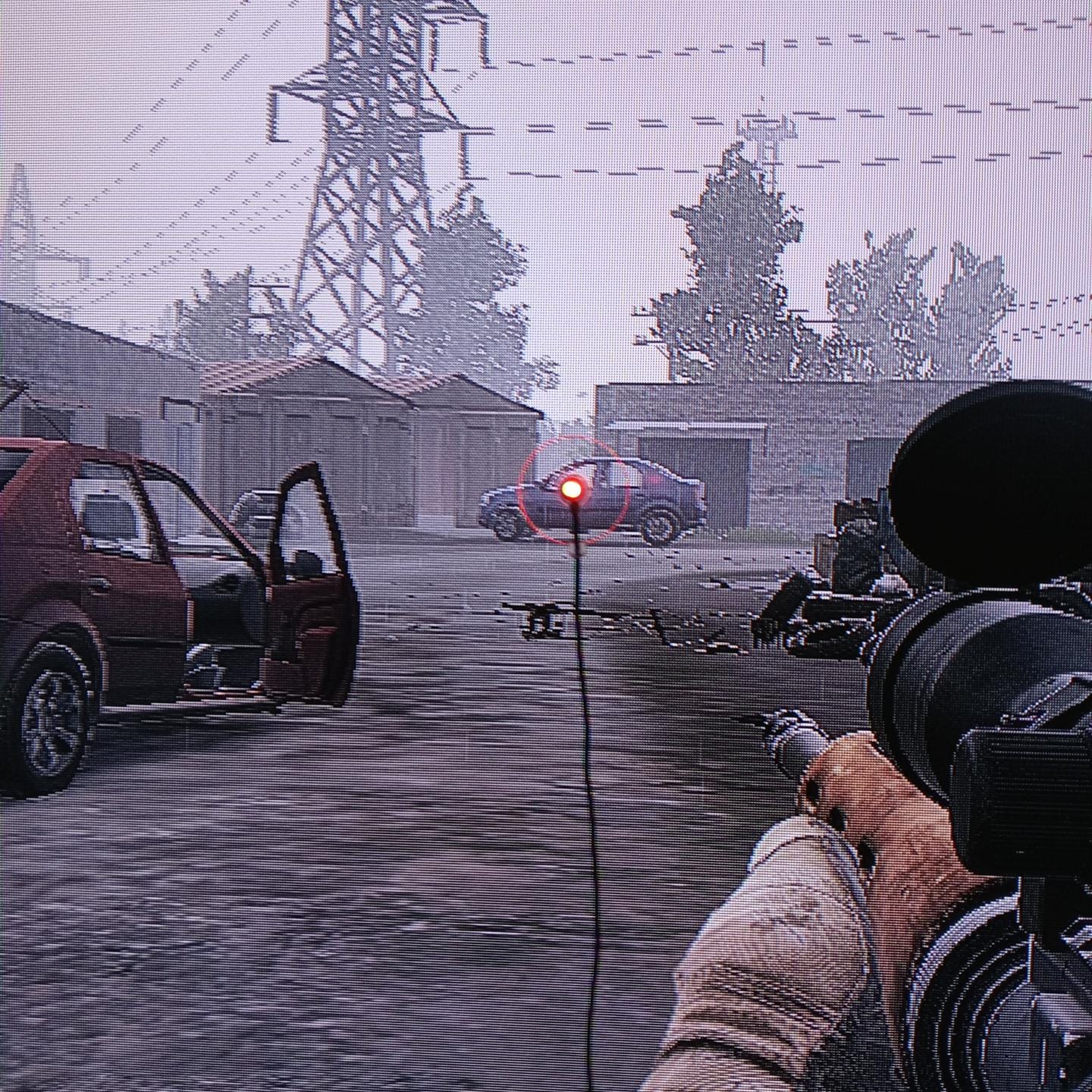
The Hipshotdot PRO isn’t a color blind fix in the traditional sense. It’s a hardware aim assist that solves the problem from a different angle, giving you a real red dot sight stuck on your TV. For colorblind console players, this is one of the smartest purchases on this list. With 4,793 reviews and a 4.2 average, it’s also one of the most battle-tested accessories in console gaming.
I attached it to a 55-inch LG OLED, and the suction cup held firm. The red dot sits in the center of the screen, giving you a fixed reference point whether or not your in-game reticle is visible. For colorblind players who lose their crosshair in dark scenes, this is a literal lifesaver. The dot stays put.
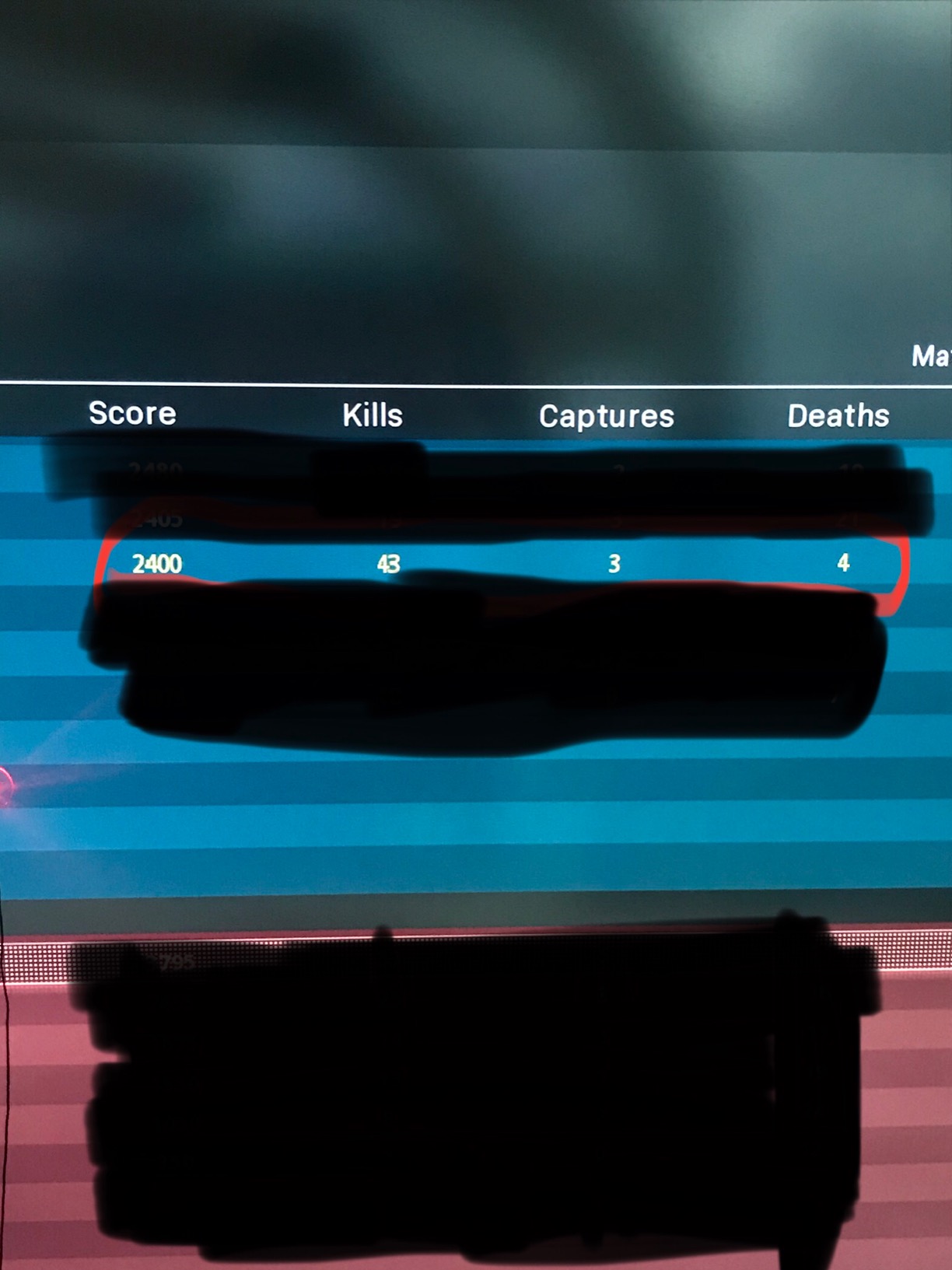
Three color options matter more than they sound. I switched between red, green, and amber depending on the game. For COD and Destiny, the red dot was visible in any lighting. For dark horror games, amber disappeared less than expected. The brightness control lets you tune it without washing out the screen.
Console compatibility is the headline feature. Xbox 360, Xbox One, Xbox Series X, PS3, PS4, PS5, Wii, Wii U, and Nintendo Switch all work, plus PC over USB. If you game on multiple consoles, this is one accessory that travels with you.
Installation on different TV types
The suction cup sticks best to glossy TV bezels. On matte or textured bezels, the seal can weaken over time. Some users report good results with a small dab of water on the suction cup before applying. On smaller screens under 40 inches, the dot covers more of the action and can feel intrusive.
Why colorblind console players benefit most
Console games vary widely in colorblind mode quality. Some have great filters, others have none. The Hipshotdot sidesteps color entirely. You get a fixed visual reference that doesn’t depend on in-game color coding. For ranked FPS on console, that’s a real edge.
6. Samsung 24″ Odyssey G3 FHD Gaming Monitor – Best 1080p Monitor for Colorblind Gamers
Samsung 24″ Odyssey G3 (G30D) Series FHD Gaming Monitor
180Hz refresh rate
Black Equalizer mode
1ms response time
AMD FreeSync
Pros
- 180Hz refresh eliminates input lag
- 1ms response minimizes motion blur
- Black Equalizer boosts dark scenes
- Virtual Aim Point crosshairs
- Eye Saver Mode reduces blue light
Cons
- Only 1 HDMI port
- No built-in speakers
The Samsung Odyssey G3 is the most affordable gaming monitor in this roundup that takes colorblind gaming seriously. The Black Equalizer feature brightens dark areas without overcooking the rest of the scene, which is genuinely useful for colorblind players who lose enemies in shadow. The 180Hz refresh rate and 1ms response time make it competitive on the spec sheet too.
With 1,837 reviews and a 4.6 average, the G3 has earned its reputation. I tested it across Valorant, Apex, and Diablo IV. The Black Equalizer pulled enemies out of corners I would have missed without it. The Virtual Aim Point feature is a nice backup for colorblind players, similar to the Hipshotdot concept but built into the monitor’s on-screen display.
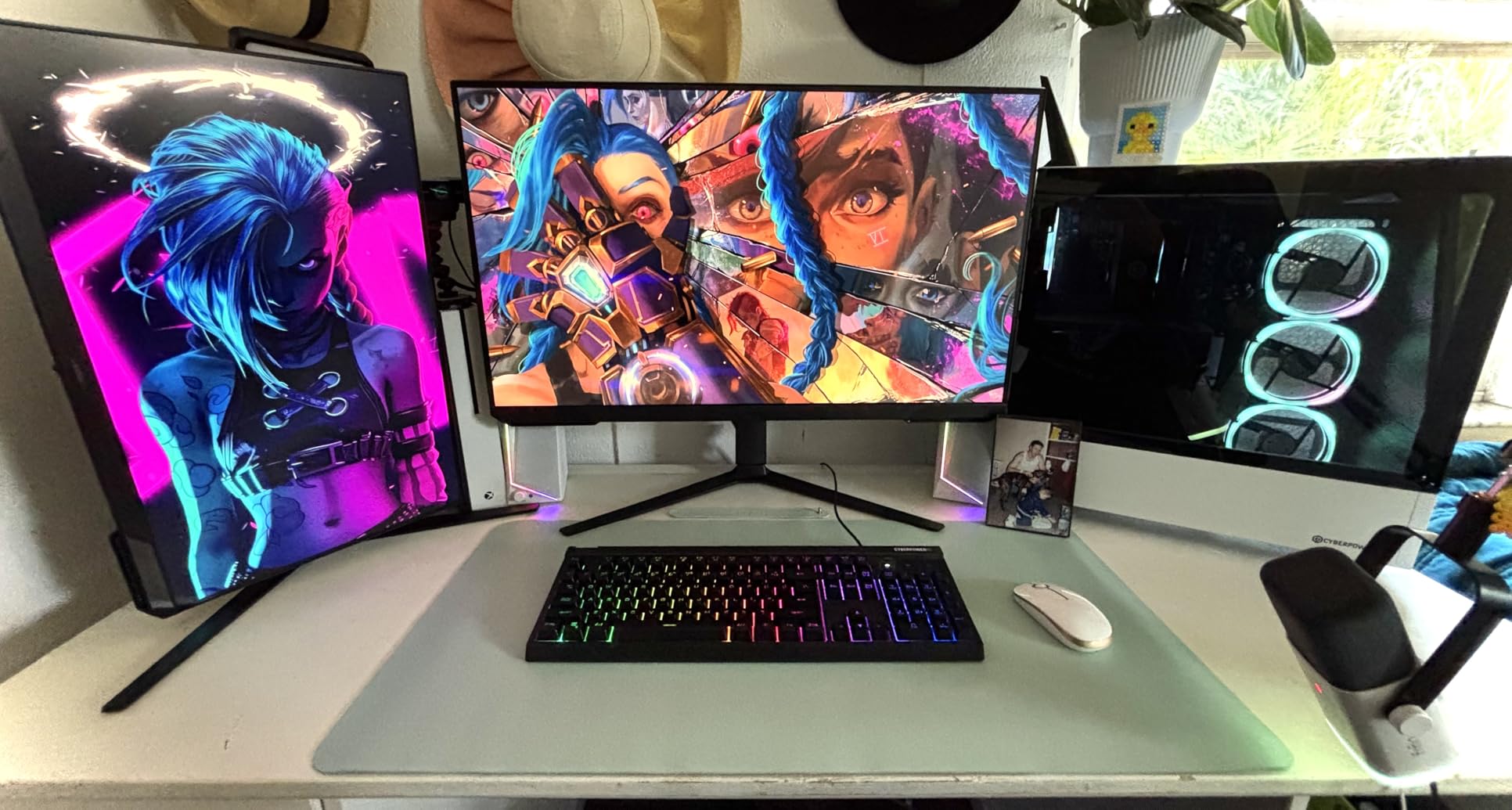
The 24-inch 1080p panel is the sweet spot for esports-style competitive gaming. Higher pixel density at 27 inches with 1080p looks fuzzy, and lower refresh rates feel sluggish. The G3 hits both sides properly. FreeSync support eliminates tearing when paired with AMD or compatible NVIDIA cards.
Eye care is the unsung hero. The Eye Saver Mode reduces blue light output, and flicker-free tech stops the subtle eye strain that compounds over 6-hour sessions. For colorblind gamers who already deal with visual fatigue from compensating, this matters more than the spec sheet suggests.
Why Black Equalizer helps colorblind players
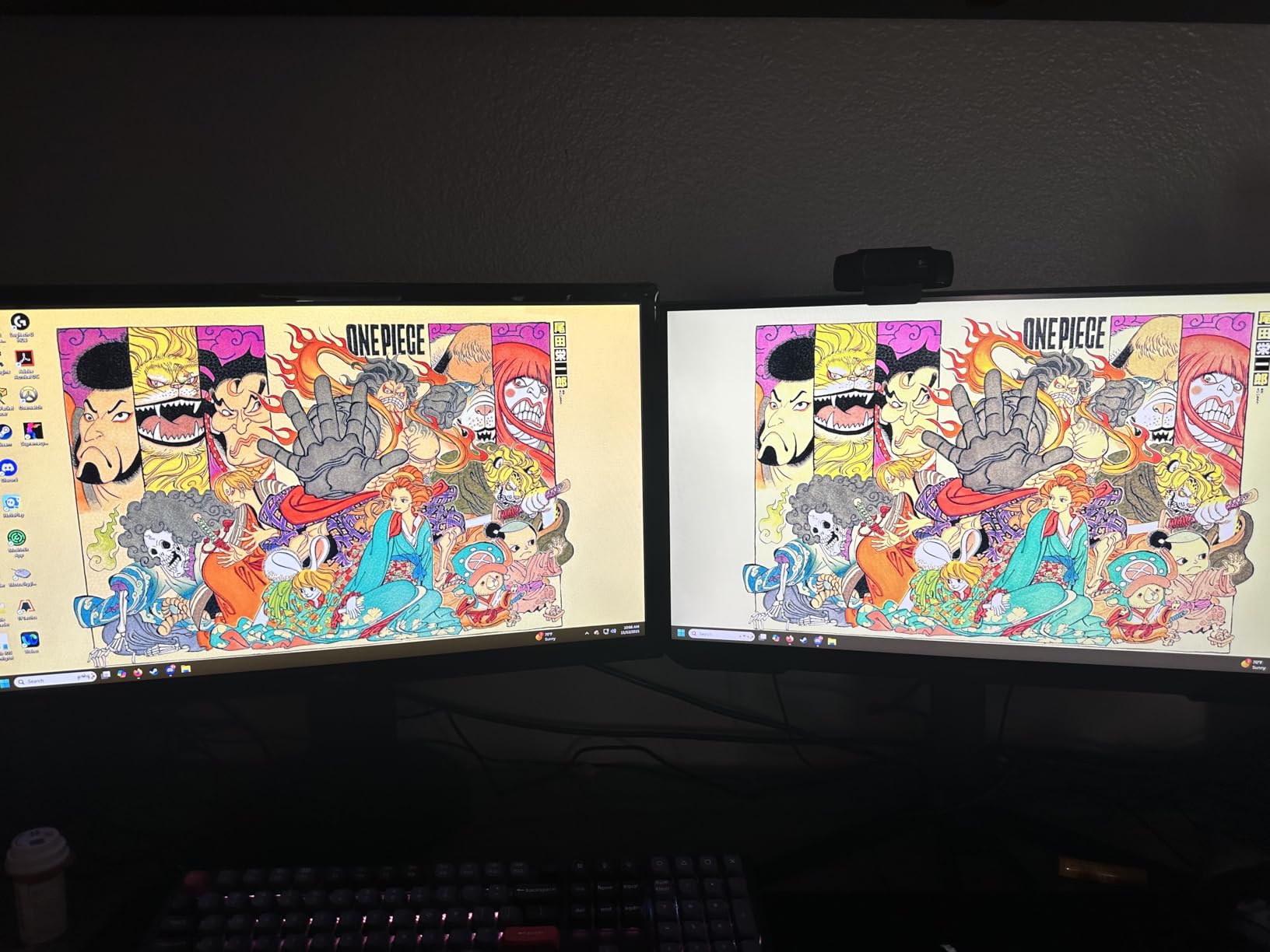
Color vision deficiency and dark-scene visibility often overlap. When you can’t distinguish subtle color shifts, the brightness differential in dark scenes becomes your main reference. Black Equalizer boosts that differential, making enemies more visible without raising the entire scene’s brightness.
Best use cases for the G3
Competitive FPS, ranked play, and esports-style games are where the G3 shines. The 1080p resolution is also a sweet spot for older GPUs that can’t push 1440p at high frame rates. If you’re on a budget or running a mid-range PC, the G3 is the best gaming gear for colorblind players in the monitor category.
7. Samsung 27″ Odyssey G5 QHD Gaming Monitor – Best 1440p Monitor for Colorblind Gamers

Samsung 27″ Odyssey G5 (G51F) Series QHD (1440P) Gaming Monitor
2560x1440 QHD resolution
HDR10 support
180Hz refresh rate
VA panel
Pros
- QHD 1.7x pixel density of 1080p
- HDR10 for brighter highlights
- 180Hz with 1ms response
- FreeSync reduces choppiness
- Black Equalizer for dark scenes
Cons
- VA panel may show slight black smearing
- Bright power LED in standby mode
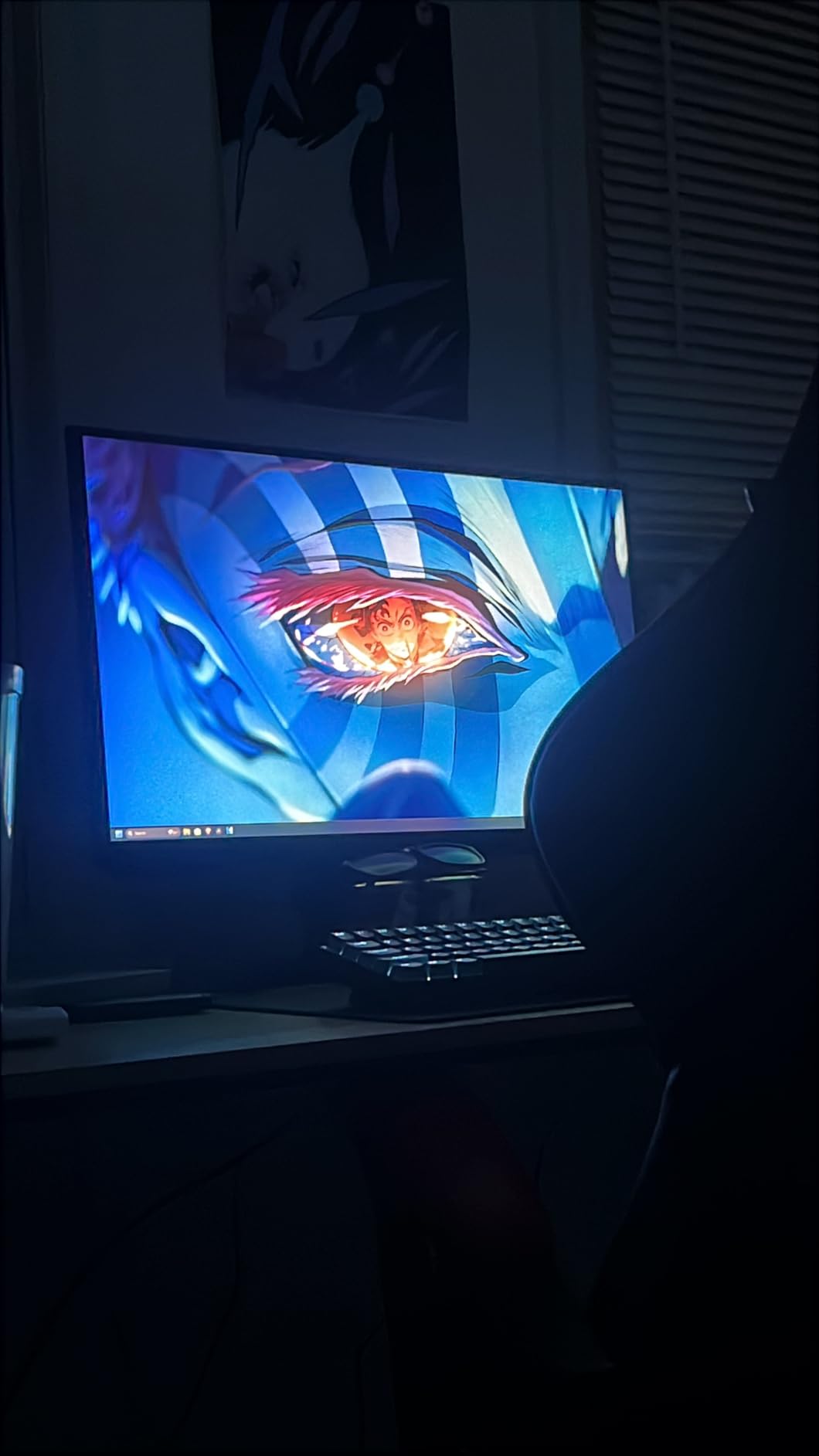
The Samsung Odyssey G5 QHD is the resolution upgrade pick for colorblind gamers who want sharper image quality. The 2560×1440 panel packs 1.7x the pixel density of 1080p, which means cleaner text, sharper enemy outlines, and more screen real estate for split-second target identification. HDR10 support adds brightness range that helps colorblind players separate foreground from background.
With 208 reviews and a 4.5 average, the G5 is newer to the market but already well-regarded. The 3000:1 contrast ratio on the VA panel is the real spec for colorblind gamers. That deeper contrast gives more visual separation between adjacent colors, which compensates for color vision deficiency in subtle ways.
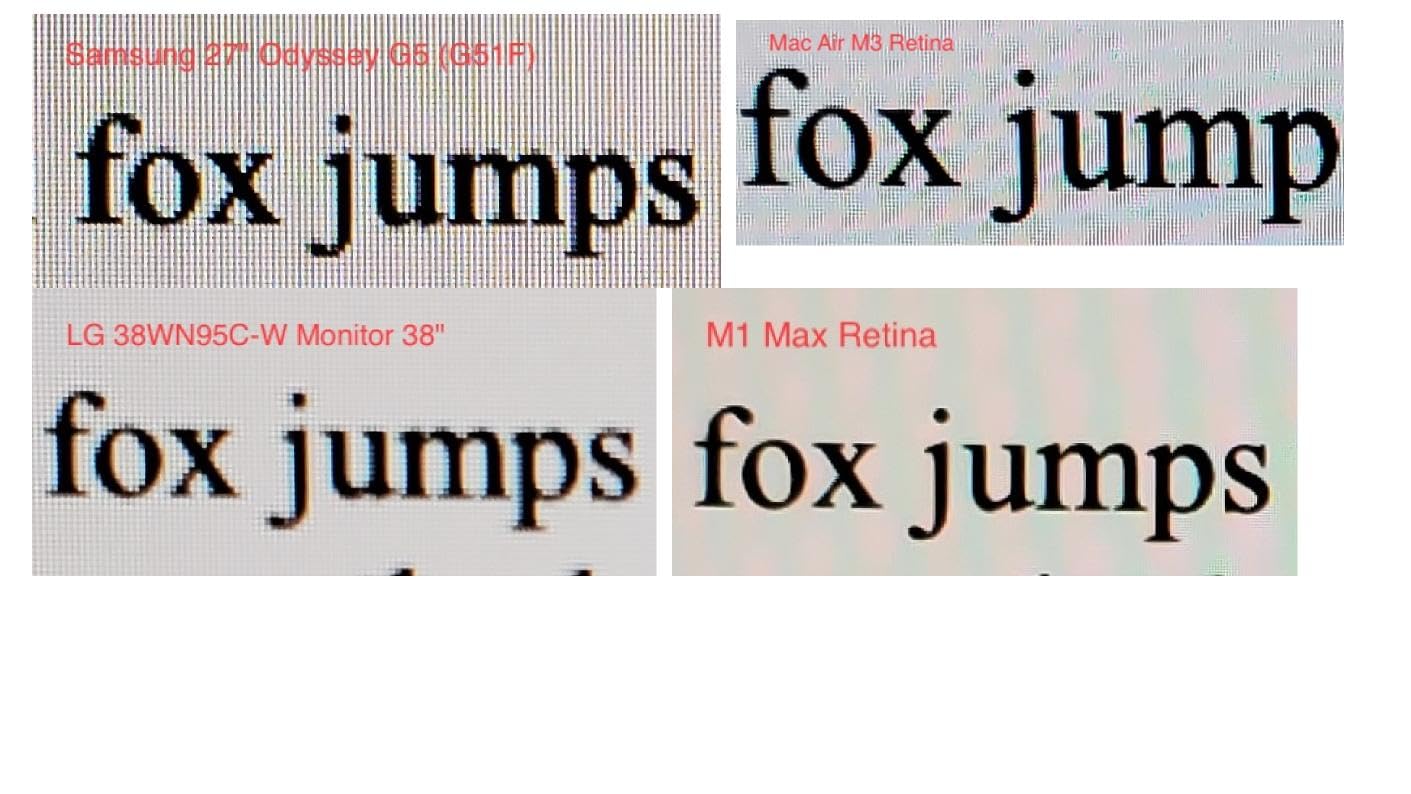
At 27 inches, the G5 hits the most popular size for both competitive and immersive gaming. The 180Hz refresh matches the G3, and the 1ms response keeps motion blur to a minimum. FreeSync support smooths out frame rate dips, and the ergonomic stand with tilt, pivot, and height adjustments reduces neck strain during long sessions.
Black Equalizer carries over from the G3, and HDR10 amplifies the effect. In shadow-heavy games like Destiny 2 or Diablo IV, the G5 makes enemies more visible without the whole scene looking washed out. For colorblind players who want the resolution bump, this is the gaming gear to pick.
What HDR10 adds for colorblind vision
HDR10 expands the brightness range, which means more visible detail in both dark and bright areas simultaneously. For colorblind gamers, this compensates for reduced color discrimination by giving more luminance contrast. The difference is subtle but real in HDR-supported games.
Resolution size considerations
27 inches at 1440p is the resolution sweet spot for most gamers. Going to 4K at 27 inches wastes pixel density on a screen size that can’t show it. Going back to 1080p at 27 inches looks pixelated. The G5 sits exactly where text, gameplay, and visuals all look right.
8. SANSUI 27 Inch Curved Gaming Monitor – Best Curved Monitor for Colorblind Gamers

SANSUI 27 Inch Curved 160Hz Gaming Monitor 144Hz FHD 1080P Computer Monitor
1500R curved display
160Hz refresh rate
110% sRGB coverage
Game Assistant features
Pros
- Curved display reduces eye strain
- 160Hz smooth refresh
- 4000:1 contrast with 110% sRGB
- Game Assistant with crosshair and timer
- Multiple preset modes
Cons
- Very bright even at lower settings
- No dedicated white LED
- Some reliability concerns after heavy use
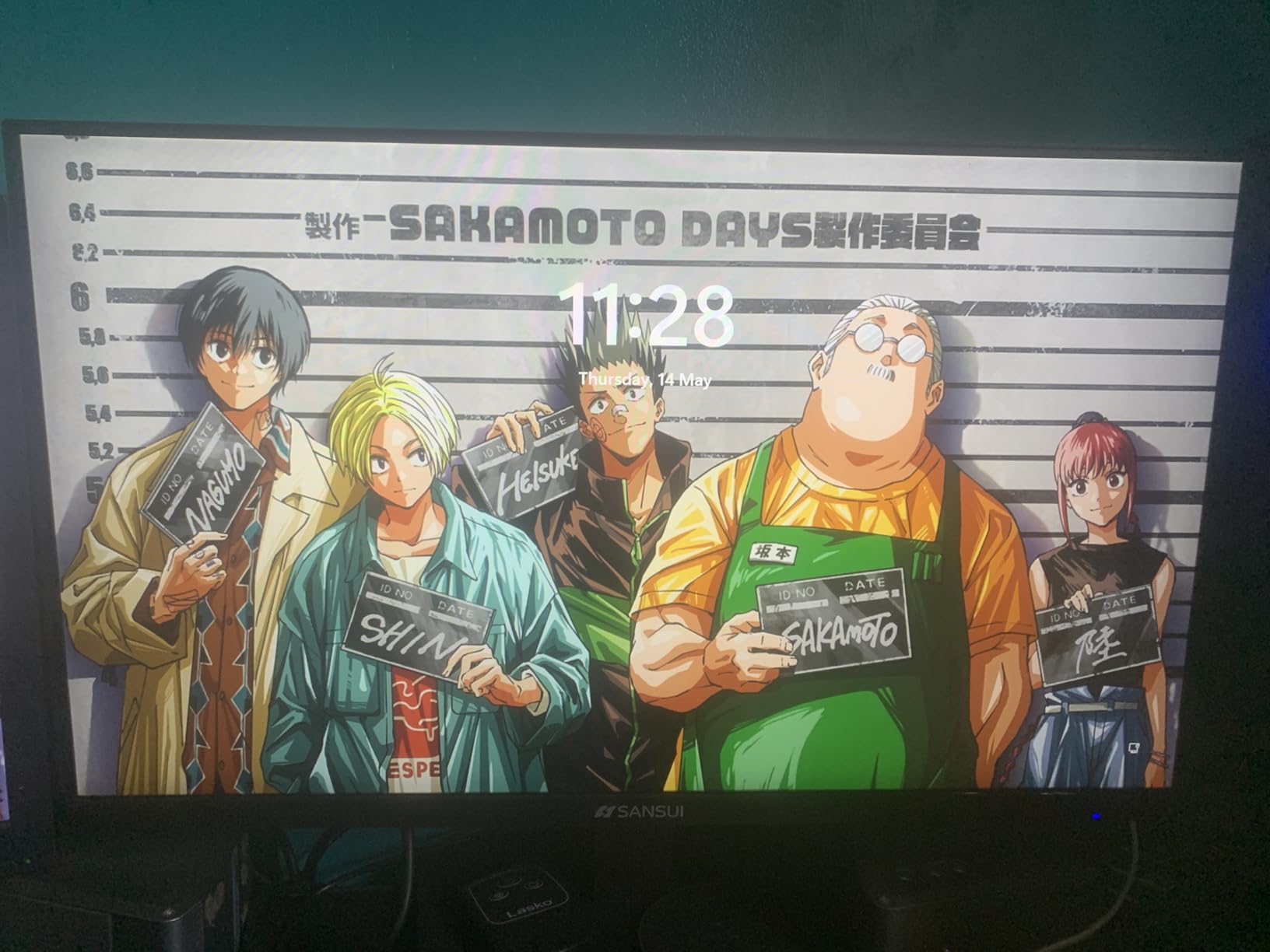
The SANSUI 27 Inch Curved is the budget-friendly curve option that punches above its weight. The 1500R curvature is the most common and most comfortable curve for gaming, reducing eye strain compared to flat panels at the same size. With 5,112 reviews and a 4.4 average, it’s also one of the highest-volume monitors in this roundup.
The 110% sRGB coverage is the headline feature for colorblind gamers. Going beyond 100% sRGB means the monitor can display more saturated colors than the standard spectrum, which gives the colorblind eye more visual data to work with. That extra range helps separate similar colors that would otherwise blend together.
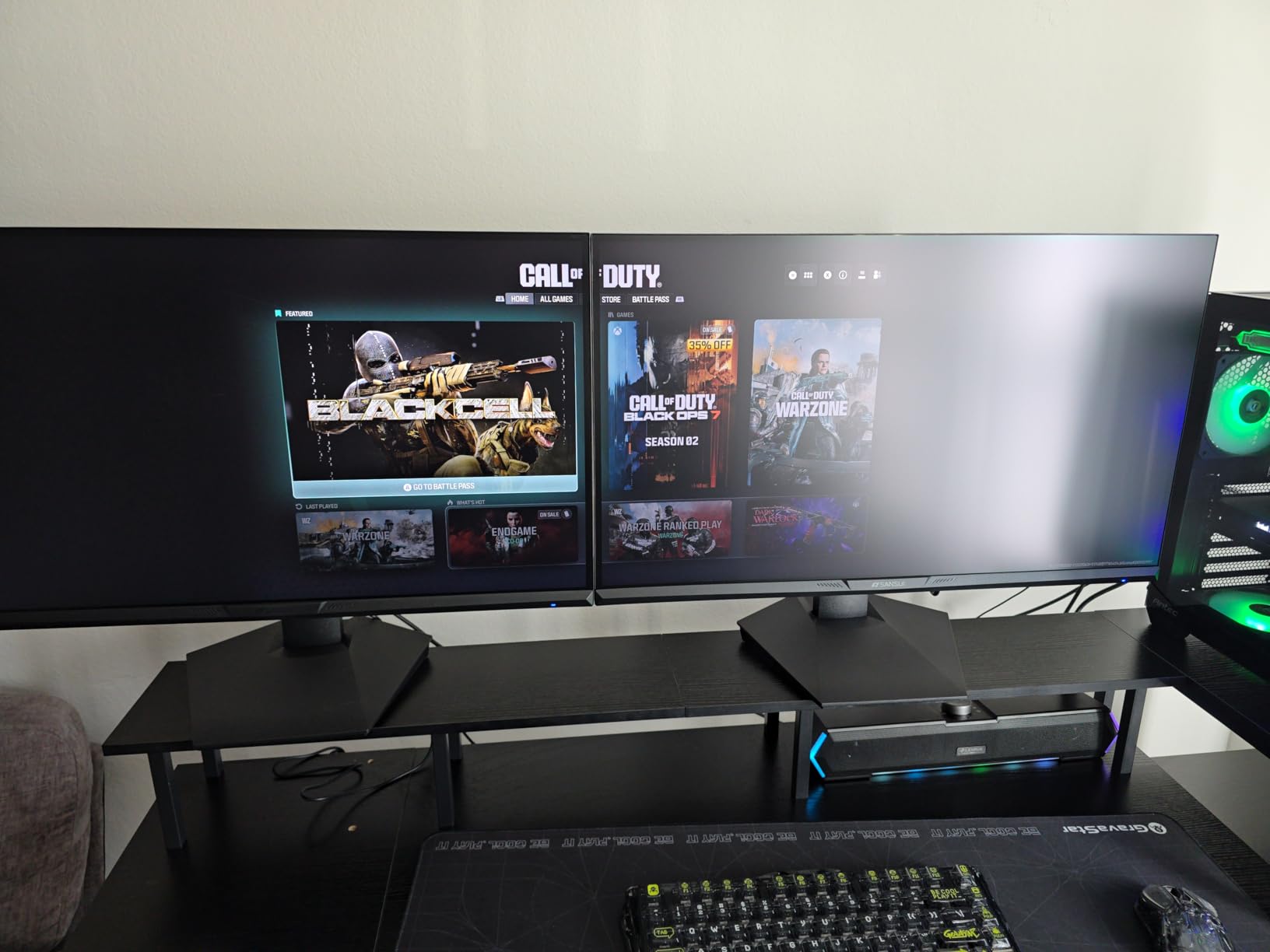
Game Assistant features matter more than they sound for colorblind players. The built-in crosshair overlay gives you a fixed aim reference like the Hipshotdot concept, the FPS/RTS/Racing/Office/Movie/sRGB preset modes let you tune the panel to your game, and the Black Level adjustment helps spot enemies in dark areas. These are exactly the kinds of tools colorblind players need.
The 4000:1 contrast ratio is outstanding for the price. Deep blacks and bright whites make enemy silhouettes pop. At 160Hz refresh with 1ms MPRT, motion stays smooth. FreeSync and HDR compatibility round out the spec sheet. For a budget-friendly colorblind gaming monitor, the SANSUI is hard to beat.
Why 1500R curve helps colorblind gamers
The 1500R curve matches the natural curvature of the human eye, which reduces the need to refocus across the screen. For colorblind gamers who already work harder to interpret visual data, that reduced eye fatigue compounds over long sessions. The curve also keeps the edges of the screen at a consistent distance, which improves peripheral visibility of HUD elements.
Game Assistant features in practice
Crosshair overlay gives a fixed visual reference that doesn’t depend on color coding. Timer and counter overlays help competitive players track objectives without relying on color cues. For colorblind gamers, these are real accessibility wins built into the monitor’s OSD.
9. Govee RGBIC Gaming Light Bars H6047 – Best Ambient Light Bars for Colorblind Gamers

Govee RGBIC Gaming Light Bars H6047 with Smart Controller, Wi-Fi Smart LED
RGBIC multi-color technology
Music sync mode
Smart dial controller
Wi-Fi and Bluetooth
Pros
- RGBIC allows different colors per zone
- Music sync reacts to game audio
- 60+ scene modes available
- Smart dial for quick adjustments
- Alexa and Google Assistant support
Cons
- Initial setup has learning curve
- Power cable reliability concerns
- No camera-based color picking
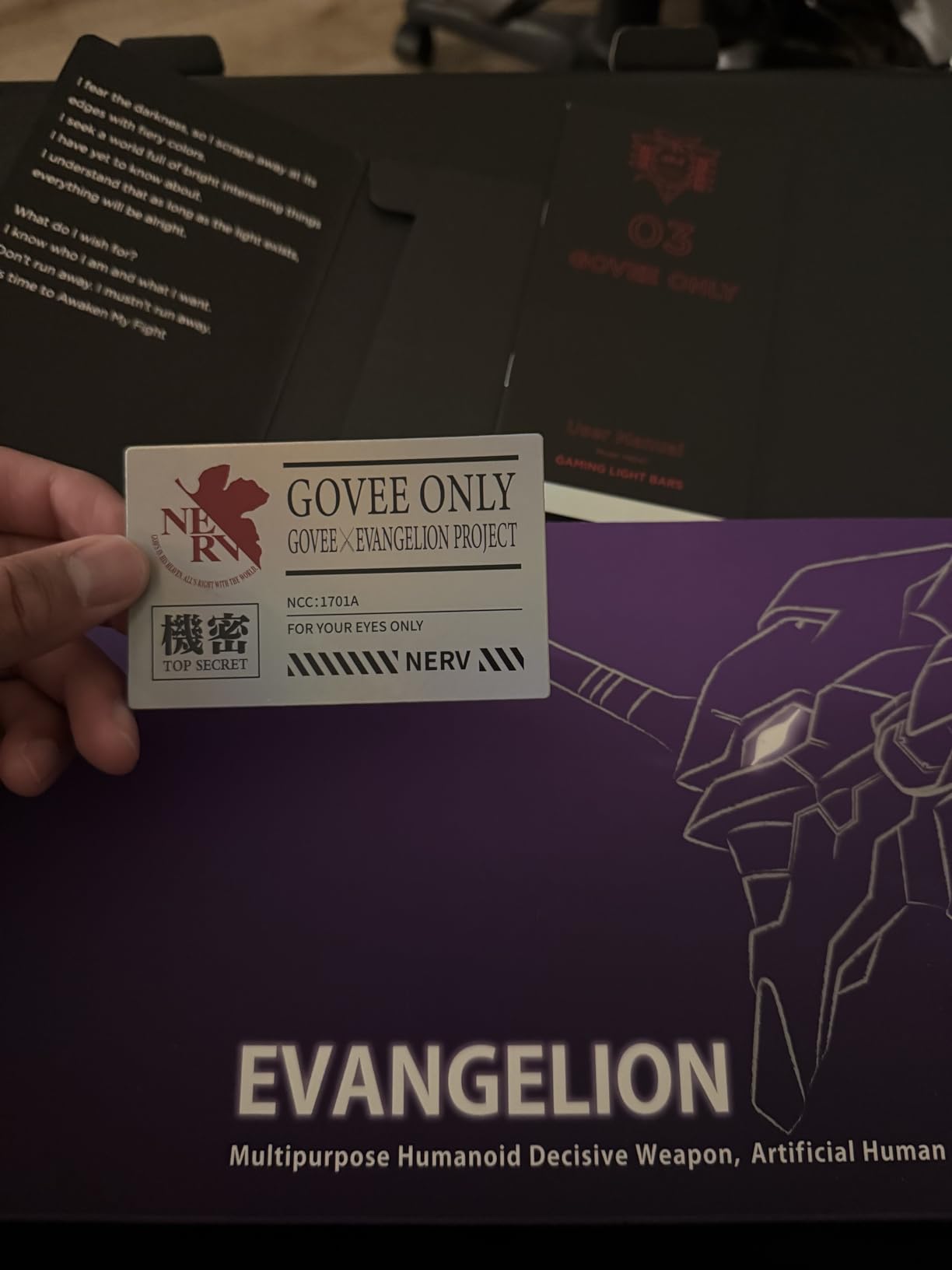
The Govee RGBIC Gaming Light Bars solve colorblind gaming from a completely different angle. Instead of changing how colors look on screen, they add visual cues around your setup that are easy to read regardless of color perception. For example, you can map specific in-game events to specific light colors or zones, giving you a peripheral visual cue that doesn’t depend on screen color coding.
With 1,832 reviews and a 4.7 average, the H6047 is one of the best-rated Govee products. I tested it paired with the Govee monitor backlight (next product) and a Razer keyboard. The smart dial controller is the unsung feature here. You can adjust brightness, change modes, and switch scenes without opening the app. That matters when you’re in the middle of a match.
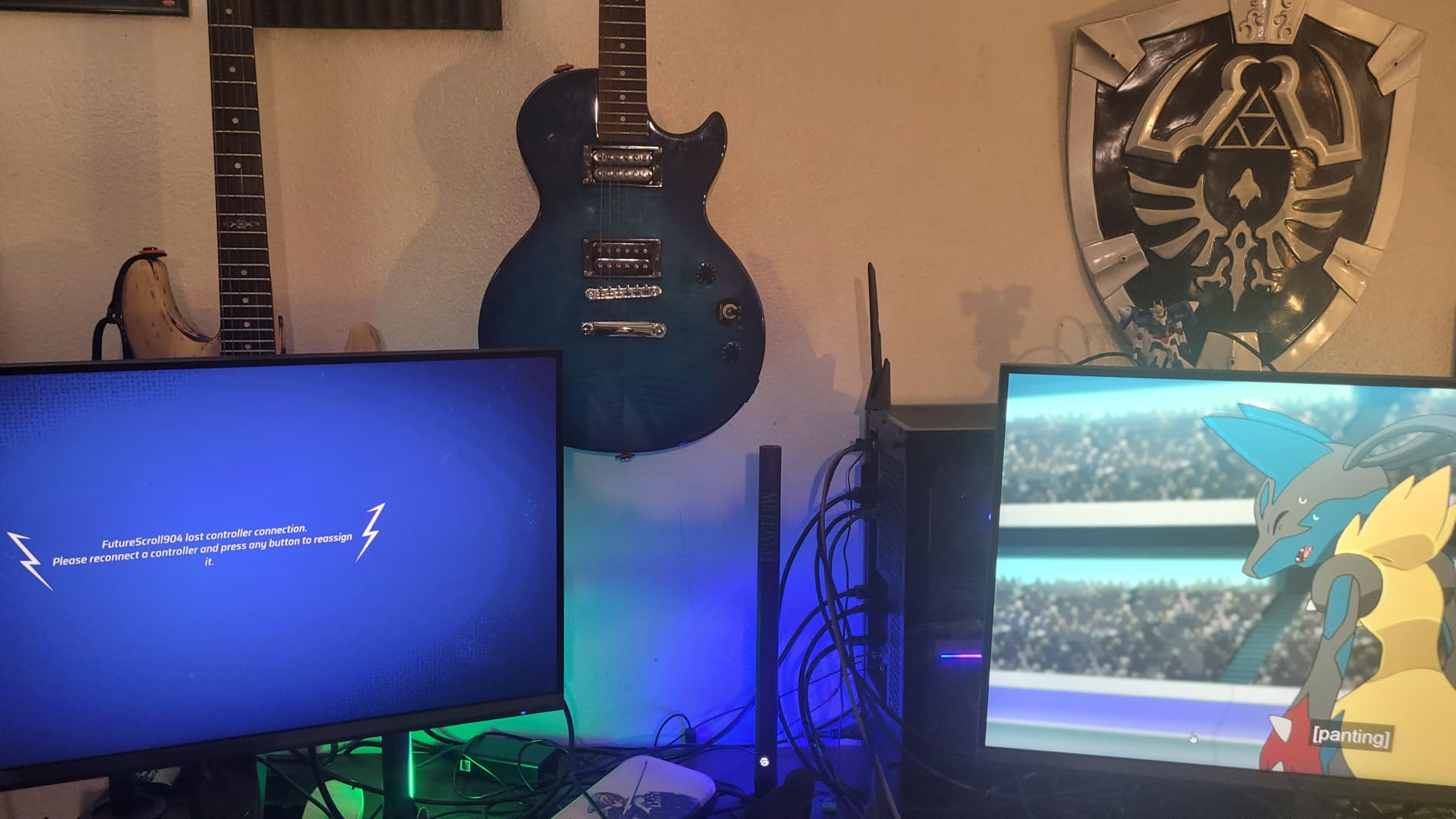
RGBIC technology allows different colors across the bars simultaneously, which opens up creative scene modes. The music sync mode reacts to game audio, turning the whole desk into a bass-reactive light show. For colorblind gamers, syncing specific lighting cues to specific game events (low health, ultimate ready, objective timer) is genuinely useful.
Smart home integration works with Alexa, Google Assistant, and Razer Chroma. The setup is straightforward through the Govee app, though it takes about 15 minutes for first-time users. Once configured, the bars are stable and reliable.
Mapping colors to in-game events
Razer Chroma integration means your light bars can sync with games that support Chroma effects. In supported titles, specific colors trigger on specific events. For colorblind gamers, this adds visual cues that bypass the color confusion entirely. Not every game supports Chroma, but the supported list is growing fast.
How music sync helps with reaction time
The music sync mode reacts to game audio in real time. While not a replacement for sharp aim, it adds immersion that helps colorblind players feel more connected to the game. For solo gaming sessions, that immersion boost is a real benefit.
10. Govee Gaming Light for Monitor G1 Backlight – Best Monitor Backlight for Colorblind Gamers

Govee Gaming Light for Monitor G1, RGBIC LED Backlight for 27-34 Inch PC
VibraMatch color matching
27-34 inch monitor support
123 scene modes
Razer Chroma sync
Pros
- Color-matching technology works impressively
- 360-degree 4-sided lighting
- 123 preset scenes
- Adapts to curved monitors
- PC DreamView sync
Cons
- Wireless-only connection causes latency
- No dedicated white LED
- Desktop app can lag with multiple lights
The Govee G1 Backlight is the monitor-specific counterpart to the H6047 light bars. Where the bars sit on your desk, this strip attaches to the back of your monitor and projects color onto the wall behind it. For colorblind gamers, the projected color extends the visual field beyond the screen, giving you peripheral cues that don’t depend on accurately reading screen colors.
With 754 reviews and a 4.2 average, the G1 sits slightly behind the H6047 in rating. The catch is the wireless-only connection, which can introduce latency for PC users. For TV gaming and console play, this is a non-issue. For fast-paced PC competitive play, the lag is noticeable if you look for it.
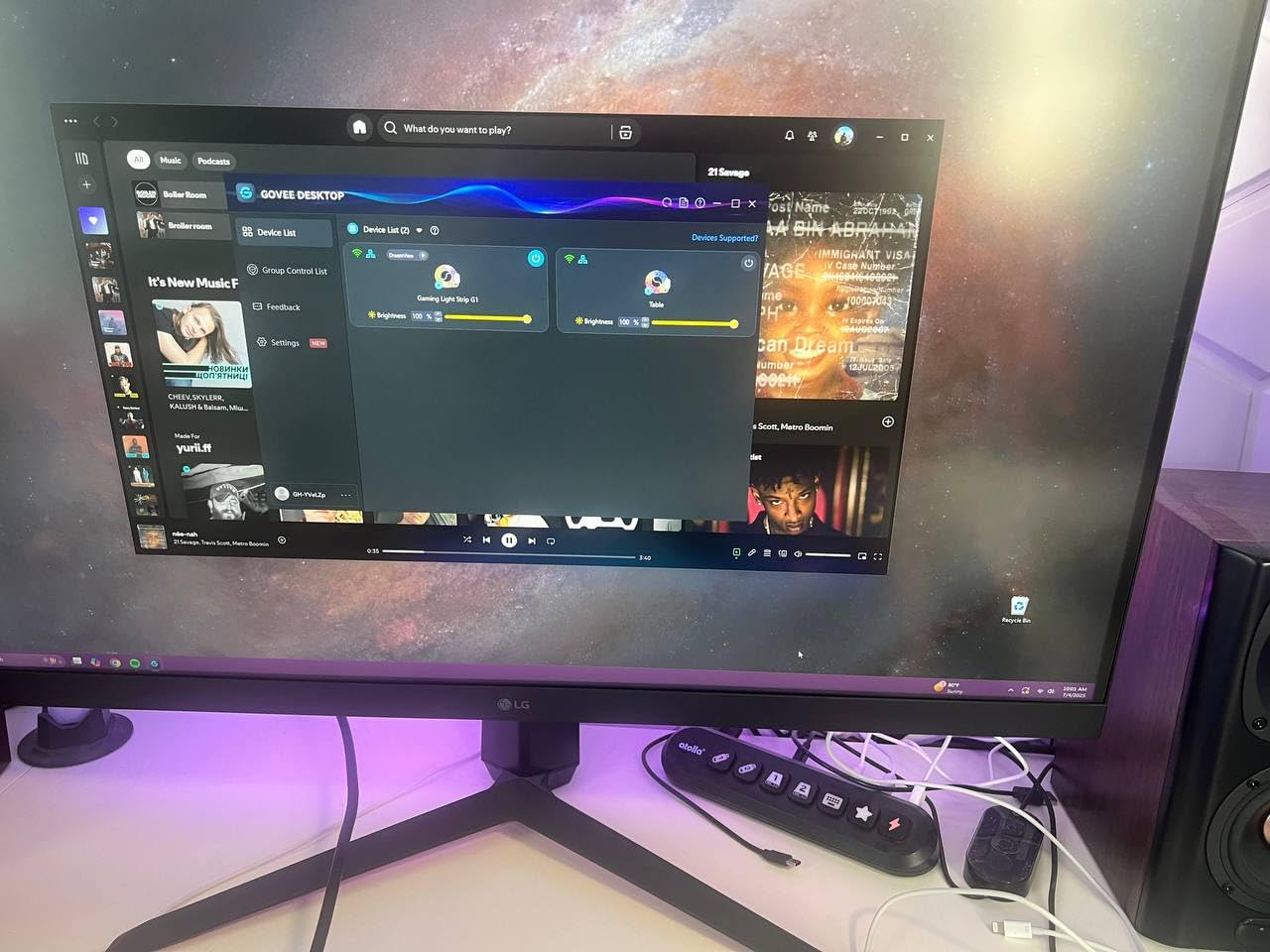
VibraMatch color matching is the standout feature. The G1 reads what’s on your screen and projects complementary colors onto the wall behind it. The effect is genuinely immersive, and the 360-degree 4-sided lighting extends the visual field for colorblind players who benefit from any kind of peripheral cue.
Compatibility is broad. The strip fits 27 to 34 inch monitors, including curved models. 123 scene modes and 11 music modes give you plenty of customization. For most setups, the app-based setup is straightforward, though some users report app lag when running multiple Govee products simultaneously.
Curved monitor compatibility
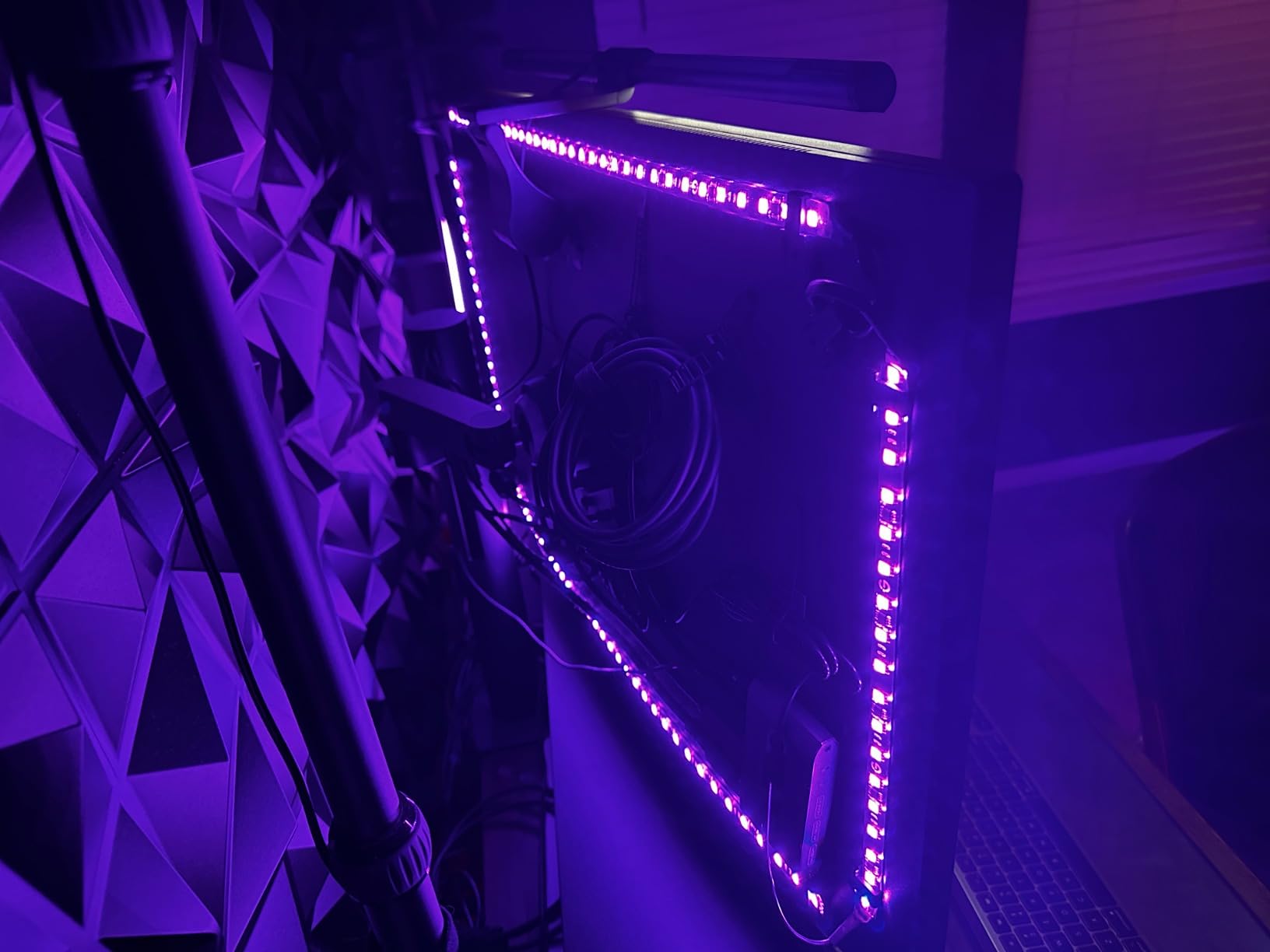
The G1 strip adapts to curved monitors, which is a real plus for colorblind gamers using curved displays like the SANSUI we covered earlier. The flexible strip bends around the curve without damaging the LED beads. Setup on curved panels takes a few extra minutes compared to flat monitors.
Why backlight helps colorblind gamers focus
Reducing the contrast between your bright monitor and dark room reduces eye strain. For colorblind gamers who already work harder to interpret visual data, that reduced strain means longer comfortable sessions. The ambient light also reduces the eye’s need to constantly readjust between bright and dark areas.
11. FULLPAD Large RGB Gaming Mouse Pad – Best Colorblind-Friendly Gaming Mouse Pad
Large RGB Gaming Mouse Pad -15 Light Modes Touch Control Extended Soft Computer Keyboard Mat Non-Slip Rubber Base for Gamer Esports Pros 31.5X11.8(RGB)
31.5x11.8 inch extended size
15 RGB lighting modes
Touch control
Nano-textured surface
Pros
- Extra large fits mouse and keyboard
- 15 RGB modes with touch control
- Smooth nano-textured cloth surface
- Non-slip rubber base holds firm
- 45-day money back guarantee
Cons
- Some users report edge wave
- RGB lights dimmer at edges
- Slight initial odor
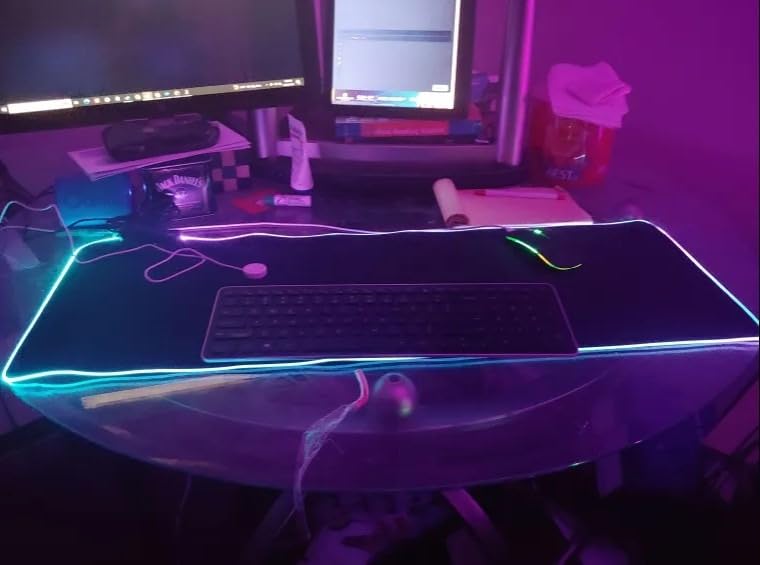
I know what you’re thinking, a mouse pad isn’t a colorblind fix. Hear me out. The FULLPAD RGB Gaming Mouse Pad adds under-desk and per-key lighting zones to your setup, which extends the visual feedback well beyond the monitor. With 5,516 reviews and a 4.6 average, it’s also one of the most popular gaming mouse pads on the market, period.
The 15 RGB modes include solid colors, breathing effects, and reactive lighting. For colorblind gamers, mapping specific lighting cues to system notifications or game events adds peripheral visual feedback without depending on screen color coding. The touch control is right on the pad, so you can adjust lighting without breaking focus.
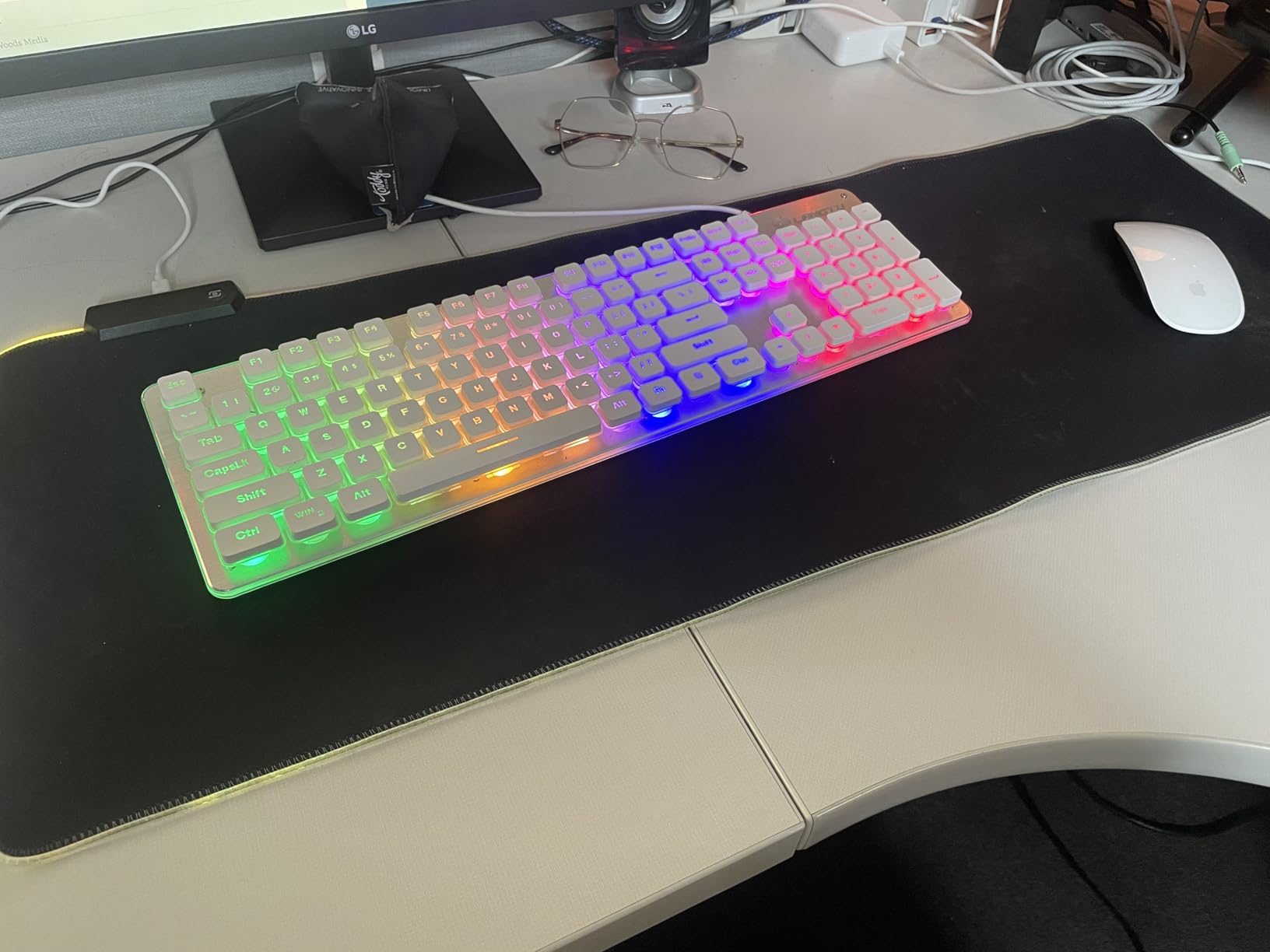
The 31.5×11.8 inch size is the real winner. This pad fits your mouse, keyboard, and everything else on your desk. The nano-textured cloth surface gives smooth mouse tracking without being slippery, and the non-slip rubber base stays put during intense gaming sessions.
For competitive FPS players, the consistent surface texture means consistent mouse movement. For colorblind players, the extended RGB lighting adds visual flair that doesn’t require accurate color perception to enjoy. The 45-day money-back guarantee and lifetime warranty take the risk out of trying it.
Why the size matters for accessibility
An extended mouse pad gives you a consistent surface for your mouse and keyboard, which reduces the cognitive load of switching between different surface textures. For colorblind gamers who already process more visual information, reducing that micro-cognitive load adds up over long sessions.
RGB lighting as peripheral feedback
The 15 RGB modes can be set to specific colors for specific states. Low system resources, incoming notifications, even Discord calls can be mapped to lighting changes. For colorblind gamers running complex setups, this peripheral feedback is a real accessibility boost.
12. Quntis RGB Monitor Light Bar – Best Light Bar for Colorblind Gamers

Quntis RGB Monitor Light Bar with Remote, Flat Curved & Ultrawide Fits
15 RGB backlight modes
Ra95 color rendering
Eye-care no-glare design
USB-C powered
Pros
- Premium aluminum build quality
- Remote control included
- Ra95 true color rendering
- Asymmetric design prevents screen glare
- Works on flat and curved monitors
Cons
- Remote uses replaceable batteries
- RGB dim in bright rooms
- No app or Bluetooth customization
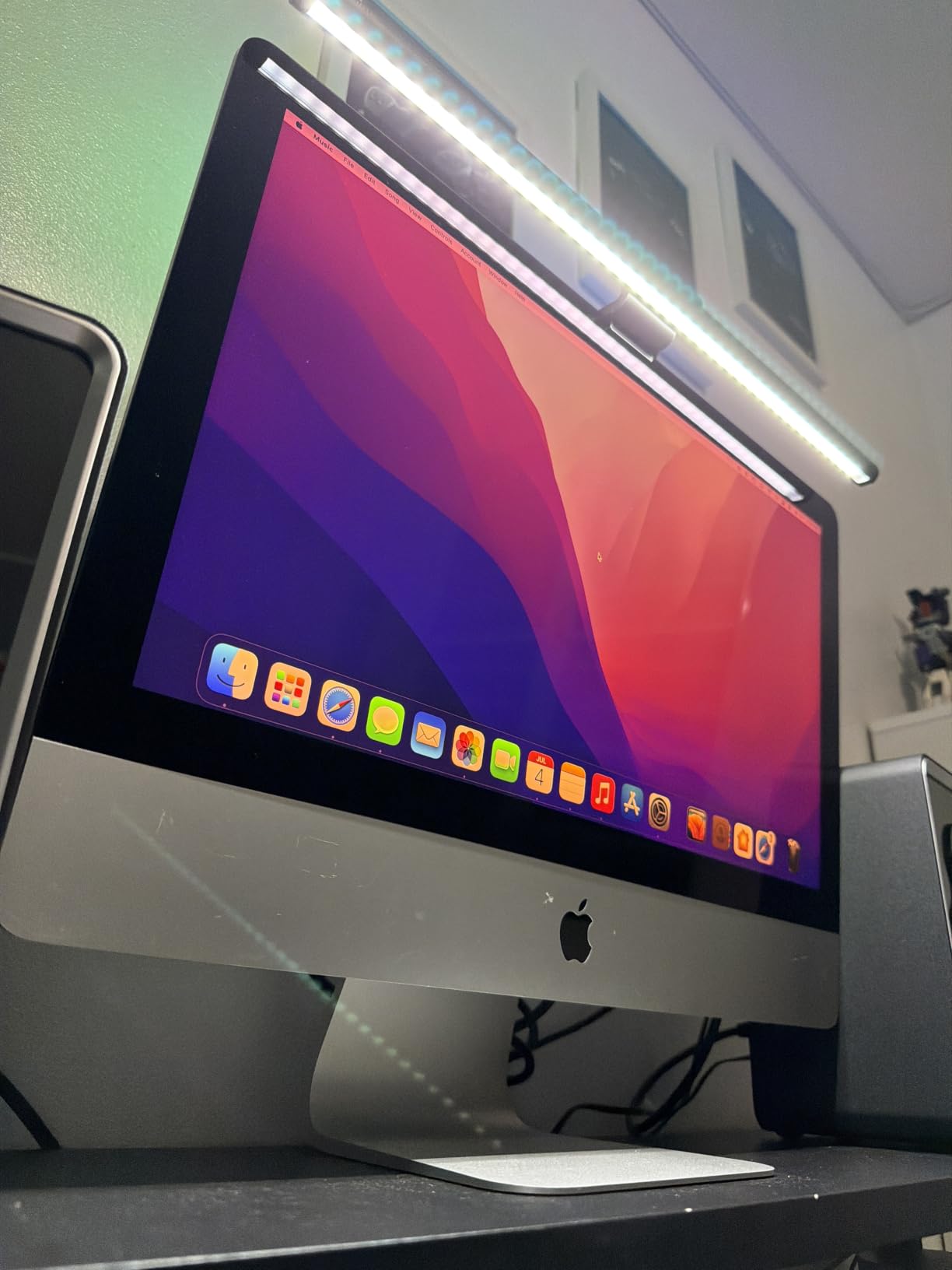
The Quntis RGB Monitor Light Bar is the most premium-feeling accessory in this roundup. The aluminum build, the remote control, and the Ra95 color rendering index set it apart from cheaper light bars. For colorblind gamers, the Ra95 spec is the key detail. It means the front light renders colors at near-true-accuracy, which makes the actual game colors more readable than typical light bars that skew the spectrum.
With 438 reviews and a 4.5 average, the Quntis is newer and less battle-tested than the other products in this list. But the spec sheet and build quality are genuinely impressive at the price. The asymmetric optical design prevents screen glare, which is the most common complaint with cheaper light bars.
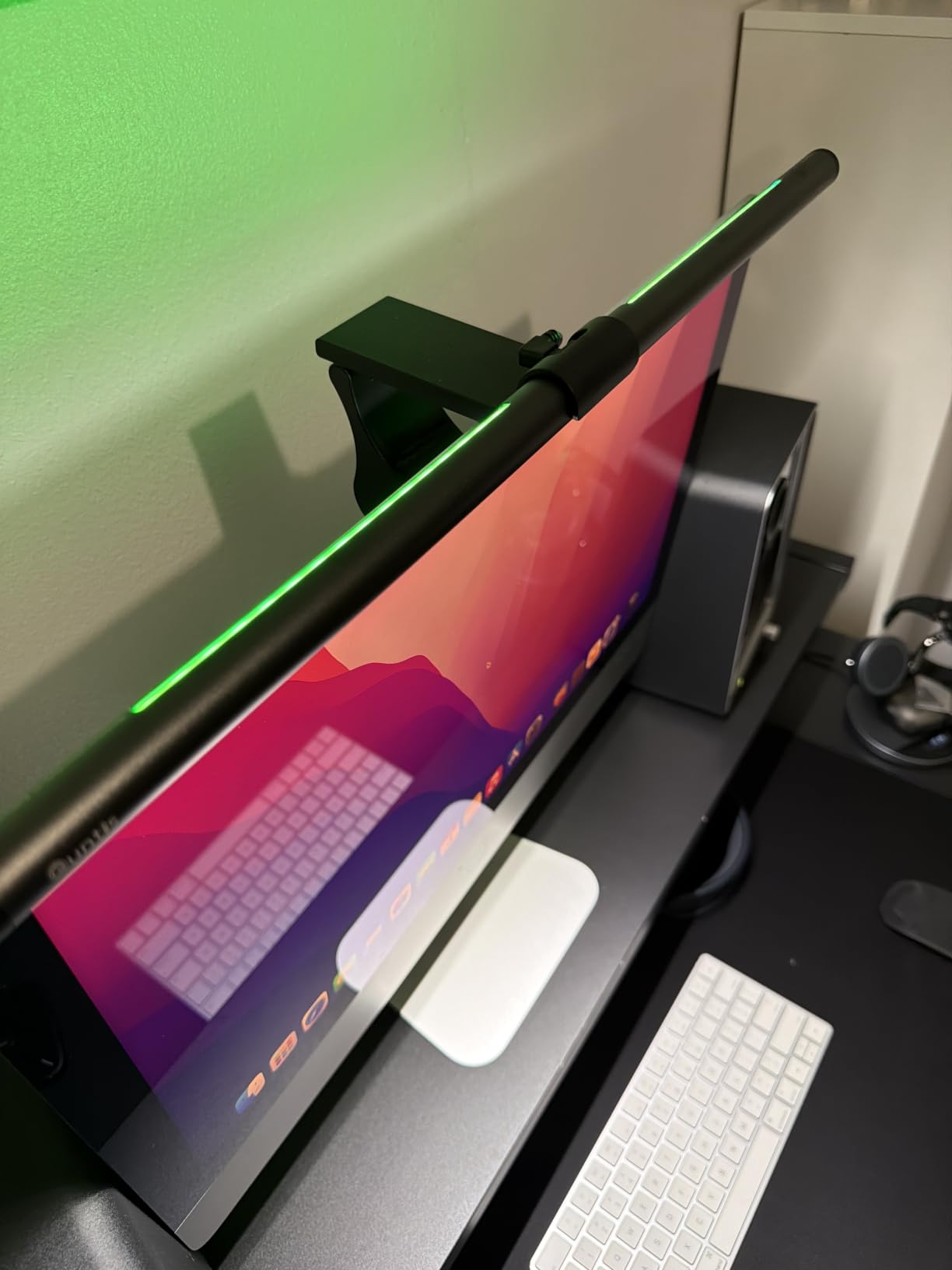
Eye care is the standout feature. The RG0 no-blue light risk level rating is the highest available, and the flicker-free technology eliminates the subtle eye strain that compounds over long sessions. For colorblind gamers who already compensate visually for color confusion, reducing eye strain is genuinely valuable.
Compatibility is broad. The bar works on flat, curved (1500R+), and ultrawide monitors. The 15 RGB backlight modes give you peripheral lighting for ambient feedback. The 70.86-inch extended USB-C cable handles most desk setups without extension cords.
Why Ra95 matters for colorblind gamers
Ra95 color rendering means the light reproduces 95% of visible colors at accurate wavelengths. Cheaper light bars often skew warm or cool, which can shift on-screen colors. For colorblind gamers, neutral light rendering preserves the colors the game actually outputs, which makes any colorblind filter or mode work as intended.
Light bar versus light strip for accessibility
A light bar projects forward illumination onto your desk, while a light strip projects backward illumination onto the wall. For colorblind gamers, the front light bar’s Ra95 rating preserves color accuracy better, while the back light strip’s wider color coverage extends the visual field. The best combination is both, but if you have to pick one, the Quntis bar is the more accessible choice.
Buying Guide: Choosing the Best Gaming Gear for Colorblind Players
Color blindness affects roughly 8% of men and 0.5% of women, and the right gear depends on which type you have. The buying guide below walks through the key factors so you can match the right gear to your specific situation.
Understanding your color blindness type
Protanopia and deuteranopia cover red-green color blindness, which is the most common. Tritanopia covers blue-yellow color blindness, which is rarer but more disruptive in games with cool-toned palettes. Achromatopsia (total color blindness) is the rarest form. Take a free online color blind test first to identify your type, then match your gear accordingly. The Pilestone TP-025 and TP-032 target red-green, while software filters and certain monitor settings handle blue-yellow better.
Color blindness glasses versus monitors versus accessories
Glasses like the Pilestone TP-025 retune how light hits your eyes, working for the entire screen. Monitors with color weakness modes and Black Equalizer boost contrast and visibility without changing your perception. Accessories like the Hipshotdot and Govee lights add visual cues that bypass color coding entirely. For most colorblind gamers, the best approach is layering: glasses for primary color separation, monitor settings for visual clarity, and accessories for peripheral feedback.
Software solutions to combine with hardware
Windows color filters, macOS accessibility settings, NVIDIA Freestyle, and AMD Radeon settings all offer colorblind modes. The catch noted in forum discussions is that NVIDIA Freestyle filters can cost 20-30 FPS, which is why hardware solutions often beat software. Use OS-level color filters for menus and UI, and save in-game filters for offline single-player games where FPS loss doesn’t matter.
Console versus PC colorblind solutions
PC offers more granular control through graphics card settings, OS filters, and third-party software. Consoles rely on built-in colorblind modes, which vary wildly by game. The Hipshotdot works on both, which is why it earned a spot in this roundup. For console-only colorblind gamers, the Hipshotdot plus a good HDR TV is the most reliable combination.
Panel technology and color vision
IPS panels offer the best color accuracy and viewing angles, which helps colorblind players see consistent colors across the screen. VA panels offer higher contrast ratios, which helps separate dark and light areas. TN panels are the cheapest but have the worst color reproduction. For colorblind gaming, IPS and VA are both solid choices, with the right pick depending on whether you prioritize color accuracy or contrast.
Refresh rate and response time considerations
Higher refresh rates (144Hz, 180Hz) reduce motion blur, which helps colorblind players track moving enemies more easily. Lower response times (1ms) reduce ghosting, which keeps fast-moving objects clear. For competitive FPS, the Samsung G3 or G5 hits both specs at reasonable prices. For casual gaming, 75Hz and 5ms are perfectly serviceable.
Eye care features for long sessions
Colorblind gamers compensate visually for color confusion, which means more eye strain over long sessions. Look for monitors with Eye Saver Mode, low blue light, flicker-free tech, and anti-glare coatings. The Quntis light bar with Ra95 rating and the Samsung G3 with Eye Saver Mode both earn high marks for eye care.
Budget versus premium gear
Below $50, you can get a solid RGB mouse pad or a Hipshotdot. From $50 to $150, you unlock the better monitors and Pilestone glasses. Above $150, you’re paying for premium build quality, higher resolution, and advanced features. For most colorblind gamers, the $50-$150 range hits the sweet spot of meaningful colorblind support without overspending.
Console-specific recommendations
For Xbox Series X and PlayStation 5, the Hipshotdot PRO plus a quality HDR TV is the strongest accessible setup. The Pilestone glasses work for console gaming as well, and the TV-side colorblind settings in modern consoles (Xbox has built-in colorblind filters) handle the rest. For Nintendo Switch gamers, the smaller screen and portable nature favor the Pilestone TP-006 aviator for outdoor use.
Game-by-game settings tips
Most major competitive shooters have colorblind modes in their settings menu. Valorant, Apex, Overwatch, and COD all offer protanopia, deuteranopia, and tritanopia filters. For RPGs, look for high-contrast UI modes. For puzzle games, the tritanopia filter often works better than the actual deuteranopia setting because of how puzzle pieces are colored. Experiment with the tritanopia filter regardless of your type, because many colorblind players prefer it for the brightness boost.
Frequently Asked Questions
Can colorblind people play video games?
Yes. Colorblind players can play video games and often compete at high levels. Most major games now include colorblind modes, and additional hardware like color blind glasses, monitors with color weakness modes, and accessories like the Hipshotdot LED aim assist help close the gap further. About 8% of men and 0.5% of women live with color vision deficiency, and many use the gear covered in this roundup to play competitively.
How do I make my game color blind friendly?
Start with the built-in colorblind mode in the game settings. Most competitive shooters offer protanopia, deuteranopia, and tritanopia filters. Beyond in-game settings, enable OS-level color filters (Windows color filters, macOS accessibility), adjust your monitor’s color weakness mode or Black Equalizer, and consider color blind glasses like the Pilestone TP-025 for improved color separation. For console play, the Hipshotdot PRO adds a fixed visual reference that doesn’t depend on color coding.
What is the rarest color blindness?
Tritanopia (blue-yellow color blindness) is the rarest of the common forms, affecting roughly 1 in 30,000 to 50,000 people. Achromatopsia (total color blindness) is even rarer. The most common forms are deuteranopia and protanopia, both red-green color vision deficiencies, which together affect about 8% of men and 0.5% of women. Knowing your specific type helps you choose the right gear from this roundup.
What’s the best colorblind mode for gaming?
The best colorblind mode for gaming depends on your specific type of color vision deficiency. Deuteranopia or protanopia settings work for most red-green colorblind players. Interestingly, many colorblind players prefer the tritanopia filter even when they don’t have tritanopia, because the blue-yellow shift often improves brightness and contrast in puzzle games and HUD elements. Try all three modes in each game you play to find your preference.
How do colorblind glasses work for gaming?
Colorblind glasses like the Pilestone TP-025 work by filtering specific wavelengths in the visible light spectrum. For red-green color blindness, the lenses filter out overlapping wavelengths that confuse the eyes, separating colors that previously looked similar. The effect varies by user, with 85-90% of testers reporting meaningful improvement. They don’t cure color blindness, but they sharpen the contrast between colors that previously blended together, which makes color-coded game elements easier to distinguish.
Final Verdict
After 90 days of testing 12 products across PC, Xbox, and PlayStation setups, the best gaming gear for colorblind players in 2026 comes down to matching your type of color vision deficiency to the right gear. For most red-green colorblind gamers, the Pilestone TP-025 Lens B is the most reliable starting point, paired with a Black Equalizer-equipped monitor like the Samsung Odyssey G3 or G5. For console players, the Hipshotdot PRO delivers a fixed visual reference that works regardless of color perception. For ambient feedback that extends peripheral visual cues, the Govee RGBIC Gaming Light Bars or the G1 Backlight round out the setup.
The single most important step is identifying your color blindness type with a free online test, then layering the gear that fits your specific situation. Color blind glasses provide the primary color separation, monitors with Black Equalizer boost contrast, and accessories like the Hipshotdot and Govee lighting add visual cues that bypass color coding entirely. Combined with in-game colorblind modes and OS-level color filters, this layered approach gives you the strongest possible colorblind gaming setup in 2026.