
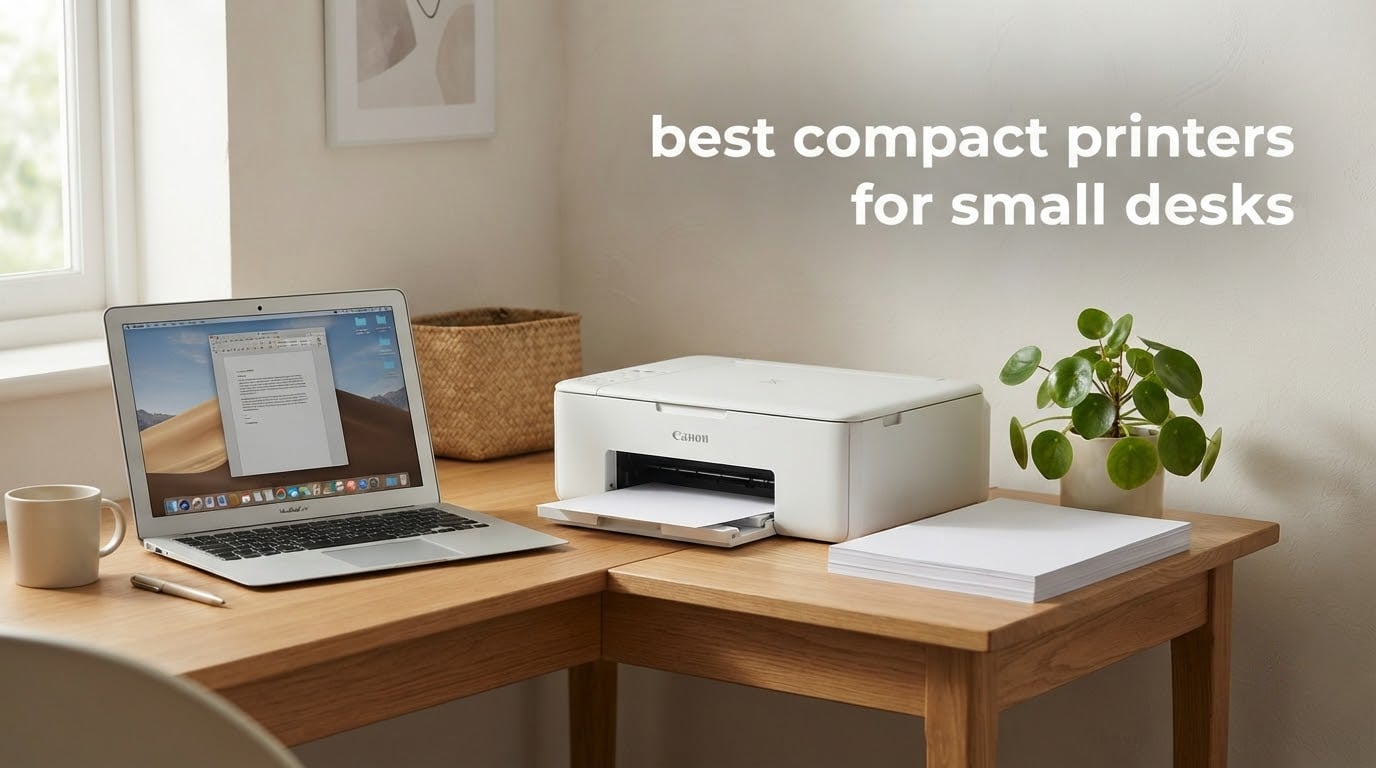
A small desk changes what a printer has to be. Most machines sold as “compact” are still 14 to 22 inches deep, which means the rear tray, the scanner lid, and a tangle of cables all compete with your keyboard tray for the same few inches of surface. We spent weeks measuring bodies, paper trays, and control panels to find the best compact printers for small desks that still print well and still connect wirelessly.
The short version: footprint matters more than any other spec here. Depth decides whether a printer sits beside a monitor or disappears onto a shelf, and height decides whether the scanner lid can open without hitting a cabinet above it. After that, the split is between inkjet all-in-ones for color and photos, refillable ink tanks for low running cost, and monochrome laser for speed and low maintenance.
Our team compared all ten models below on the same criteria: published dimensions, paper capacity, connectivity, duplex handling, and the running complaints that show up repeatedly in owner reviews. If your desk is part of a wider setup, our small gaming desk guide and compact monitor picks cover the rest of the surface area. If you are printing labels rather than documents, our label printer roundup is a better fit.
One thing to say up front: the smallest machine here is not the best machine here, and the biggest is not automatically worst. What matters is whether a printer matches your desk depth, how often you actually print, and whether you can live with the ink or toner system it ships with.
Table of Contents
Top 3 Compact Printers for Small Desks in 2026
The Epson EcoTank ET-2800 takes the top slot because its refillable tanks and 11.4-pound body solve the two biggest small-desk problems at once: ink cost and desk weight. The Brother DCP-L2640DW is the pick for anyone who needs scanning and copying without giving up laser speed. The Canon MegaTank G3270 rounds out the top three with long ink intervals, though its 21.9-inch depth is the one compromise you need to plan around.

Epson EcoTank ET-2800
- Refillable ink tanks
- Up to 4500 black pages per fill
- Wireless color print scan copy


Canon MegaTank G3270
- MegaTank refill system
- Up to 6000 black pages per ink set
- Wireless print copy scan
Quick Comparison of Every Printer in This Roundup in 2026
This table gives you the short version of all ten machines: what each one does, and the one or two traits that decide whether it belongs on your desk. Dimensions and paper capacity are covered in the individual reviews that follow.
| Product | Specs | Action |
|---|---|---|
| Epson EcoTank ET-2800 |
|
Check Latest Price |
| Brother DCP-L2640DW |
|
Check Latest Price |
| Canon MegaTank G3270 |
|
Check Latest Price |
 Canon PIXMA TS4320 Canon PIXMA TS4320 |
|
Check Latest Price |
 Canon PIXMA TS3720 Canon PIXMA TS3720 |
|
Check Latest Price |
 Brother HL-L2460DW Brother HL-L2460DW |
|
Check Latest Price |
 Brother HL-L2405W Brother HL-L2405W |
|
Check Latest Price |
 HP LaserJet M140w HP LaserJet M140w |
|
Check Latest Price |
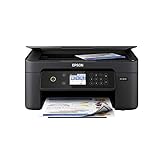 Epson Expression Home XP-4100 Epson Expression Home XP-4100 |
|
Check Latest Price |
 Epson Expression Premium XP-7100 Epson Expression Premium XP-7100 |
|
Check Latest Price |
1. Epson EcoTank ET-2800 – Best Overall With the Lowest Running Cost
Epson EcoTank ET-2800 Wireless Color All-in-One Supertank Printer – Black
Ink tank color all-in-one
14.8 in deep x 22.8 in wide
11.4 pounds
Up to 4500 black pages per fill
Pros
- Lowest ink cost per page in this group
- Hundreds of pages between refills
- Light body that is easy to shift
- Guided setup and mess-free refilling
Cons
- Single-sided printing only
- Scanning to a computer often needs the USB cable
- Occasional paper-type mismatch errors
The ET-2800 is the machine I keep coming back to because its cost per page sits far below anything else in this roundup. Epson rates a single ink fill at up to 4,500 black pages and 7,500 color pages, and owners with more than a year of use describe refilling as a twice-a-year event rather than a monthly chore. That changes the math completely for anyone printing homework, invoices, or shipping labels from a small desk.
It is also a wireless all-in-one, so print, scan, and copy all come from one body instead of a separate scanner. Setup is guided from the LCD, and refilling uses sealed bottles that do not involve squeezing ink through a narrow nozzle. The 11.4-pound weight means you can lift it onto a shelf above the desk when you need the surface for other work.
Now the part that matters most for small desks: the published dimensions are 14.8 inches deep, 22.8 inches wide, and 10 inches high. The depth is friendly, but the width is the widest body here because the tank housing sits beside the paper path. It fits a desk with a deep surface, or it works well on a shelf where the width does not compete with your monitor.
Print speed is 10 pages per minute black and 5 color, with 5760 x 1440 dpi maximum color resolution. There is no automatic duplex, so double-sided documents mean flipping the stack by hand. Owners also report that scanning to a computer usually needs the USB cable rather than Wi-Fi.
What this printer does well for small desks
It removes the cartridge budget question entirely, which is the single biggest reason to pick it. Over a year of regular home office documents and occasional color, the ink outlives most competing cartridge systems by a wide margin, and there is no subscription to sign up for.
At 11.4 pounds it is one of the lighter bodies here, so moving it to a shelf or a small side table is a one-hand job. The flatbed scanner and copier are built in, which saves desk space you would otherwise lose to a separate device.
Where it falls short
Duplex is simplex only, so two-sided paperwork is manual work every time. Scanning over Wi-Fi to a laptop is also less reliable than owners would like, and the USB cable ends up back in the mix for anyone archiving documents.
For high-volume users it is the wrong tool, at 10 ppm black. A few owners have reported nozzle problems or paper-feed errors on individual units, so treat it as a color and occasional-document machine rather than a workhorse.
2. Brother DCP-L2640DW – Best Compact Laser With a Scanner and ADF
Brother DCP-L2640DW Wireless Compact Monochrome Multi-Function Printer, Copy, Scan, Duplex, Mobile Printing
Monochrome laser all-in-one
15.7 in deep x 16.1 in wide
25 pounds
50-page ADF
Pros
- Print scan and copy with a 50-page feeder
- 36 ppm with automatic duplex
- Much less maintenance than inkjet
- Wi-Fi Ethernet and USB
Cons
- Heaviest body here at 25 pounds
- Scan resolution only 300 x 300 dpi
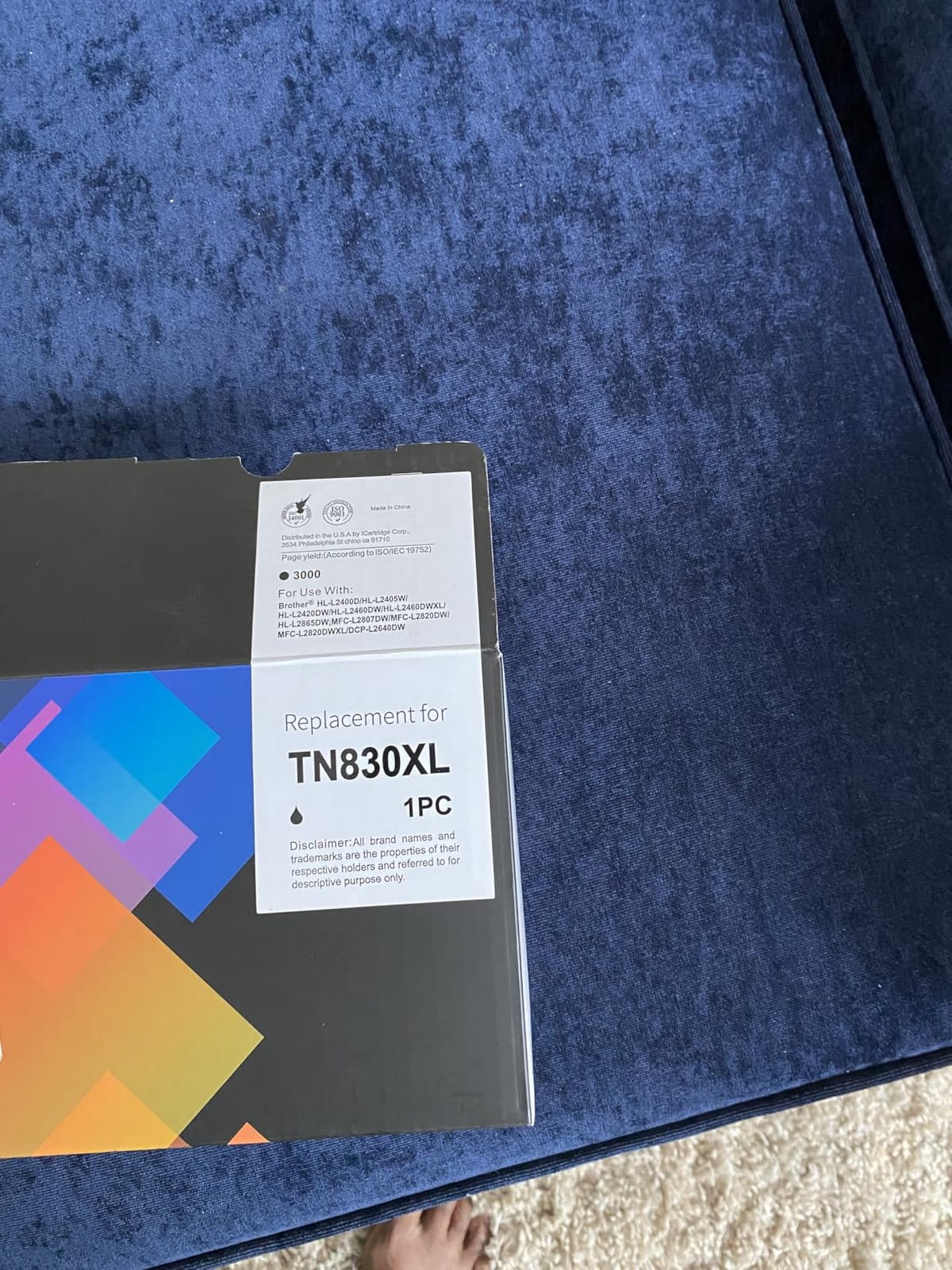
- Uses proprietary TN830 toner only
This is the option I recommend when a small desk also has to handle paperwork volume. It prints 36 pages per minute in monochrome with automatic duplex, and the 50-page automatic document feeder means a stack of signed forms goes through without you standing there turning pages. At 4.1 stars across 3,850 reviews, it carries the highest review count among the Brother machines here.
Laser toner is the quiet advantage for a home office. There is no printhead to clean and no ink that dries in a nozzle during three quiet weeks, which is the single complaint we hear most from owners of occasional-use inkjets. First page prints in 8.5 seconds and text comes out crisp at 1200 x 1200 dpi.
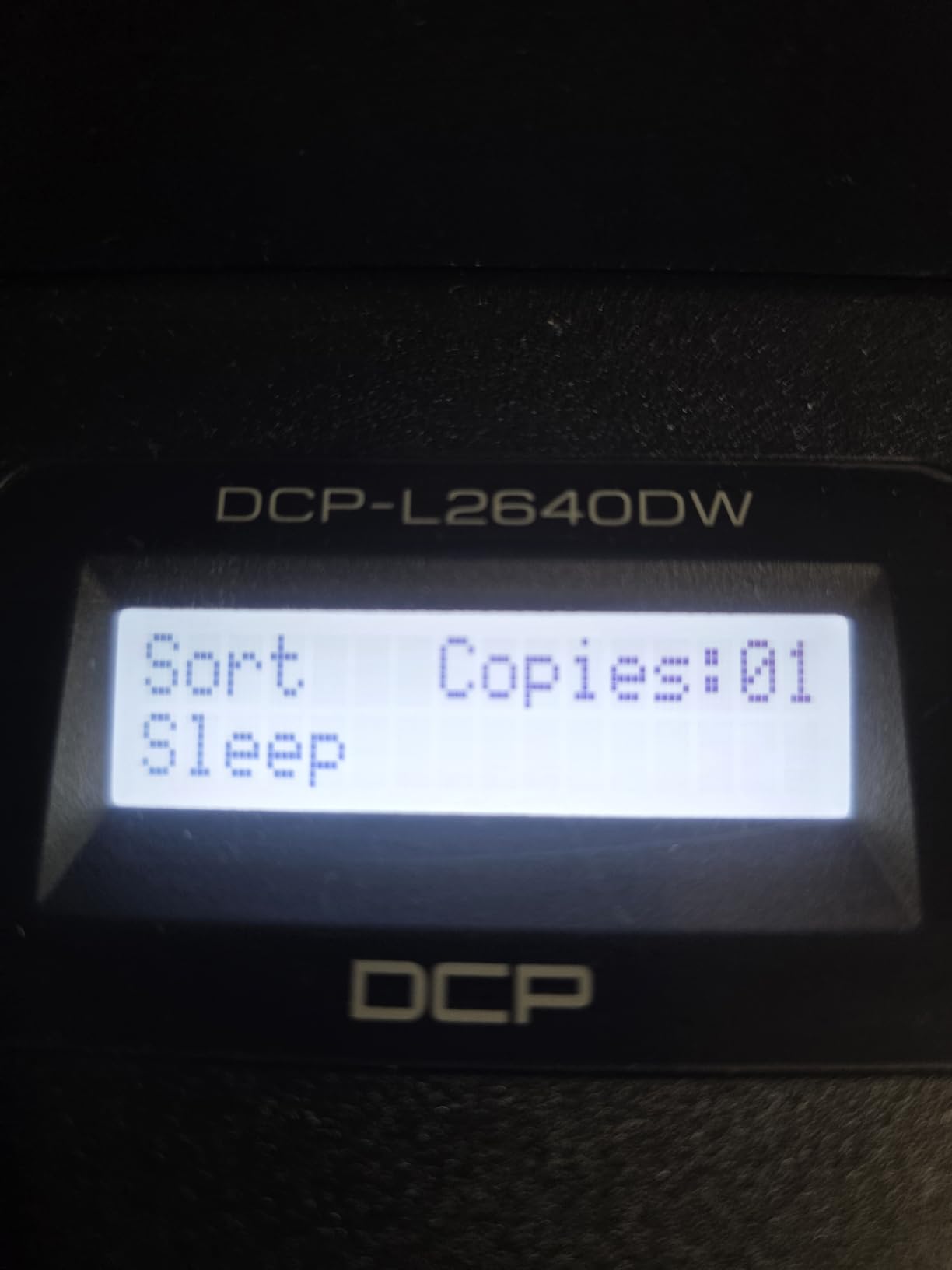
Being honest about size: at 15.7 inches deep, 16.1 inches wide, and 12.5 inches high, this is a full multifunction laser rather than a true desktop miniature. The scanner glass and feeder add both width and height, and the ADF needs clearance above the machine to feed properly. It fits a 48-inch desk or a dedicated shelf far better than a 24-inch dorm surface.
Weight is 25 pounds, the heaviest in the group, so treat it as a permanent fixture rather than something you shift around. Scan resolution is 300 x 300 dpi, which is fine for documents and receipts but soft for photos. Copy runs top out at 50 sheets per job.
What this printer does well for small desks
It is the only machine in this roundup that combines laser speed, automatic duplex, and a sheetfed scanner in a body you can still call compact. Dual-band Wi-Fi, Ethernet, and USB mean you can place it away from the router and connect it however the desk layout allows.
For a small business printing invoices or shipping paperwork daily, the maintenance profile is the real win. Toner changes a few times a year instead of cartridges every few weeks, and the 250-sheet tray means you refill rarely.
Where it falls short
The 25-pound weight and 12.5-inch height mean you need vertical clearance above it for the feeder. Scan output at 300 x 300 dpi will not satisfy anyone archiving photographs, and the toner is proprietary to the TN830 and TN830XL cartridges.
If your desk is a shallow dorm unit, this body is a stretch. Look at the HP LaserJet MFP M140w instead, which is over five inches shallower.
3. Canon MegaTank G3270 – Best Ink Tank for Long Print Intervals
Canon MegaTank G3270 All-in-One Wireless Color Printer
MegaTank color all-in-one
21.9 in deep x 16.4 in wide
13.2 pounds
Up to 6000 black pages per ink set
Pros
- Ink lasts a very long time between refills
- Strong monochrome output with few jams
- Wide media support including envelopes
- Wireless print copy and scan
Cons
- Deepest body in the roundup at 21.9 inches
- Single-sided printing only
- Some owners report unreliable Wi-Fi
The G3270 is Canon’s answer to the EcoTank, and the numbers are similar: up to 6,000 black-and-white pages and 7,700 color pages from a single ink set, with up to two years of ink in the box. Long-term owners report still having original ink after two years of ordinary home use, which makes it one of the lowest running costs in this group.
It prints 11 pages per minute in black and 6 in color, with a 100-sheet tray, a 1.35-inch square LCD, and wireless print, copy, and scan. Media support is unusually wide, covering square formats, card size, and US #10 envelopes, which helps if you print craft projects or shipping materials.
Here is the honest drawback for a small-desk buyer: at 21.9 inches deep and 16.4 inches wide, this is the deepest body in the roundup. It needs a genuinely deep desk or a low shelf, and on a shallow surface the rear paper path becomes awkward to access. The 10.6-inch height is also one of the taller units.
Other reported issues include single-sided printing only, some owners describing Wi-Fi as unreliable, and a few noting washed-out color on certain papers. The scanner is generally rated as weaker than the print engine, so this is a printer first with scanning as a secondary function.
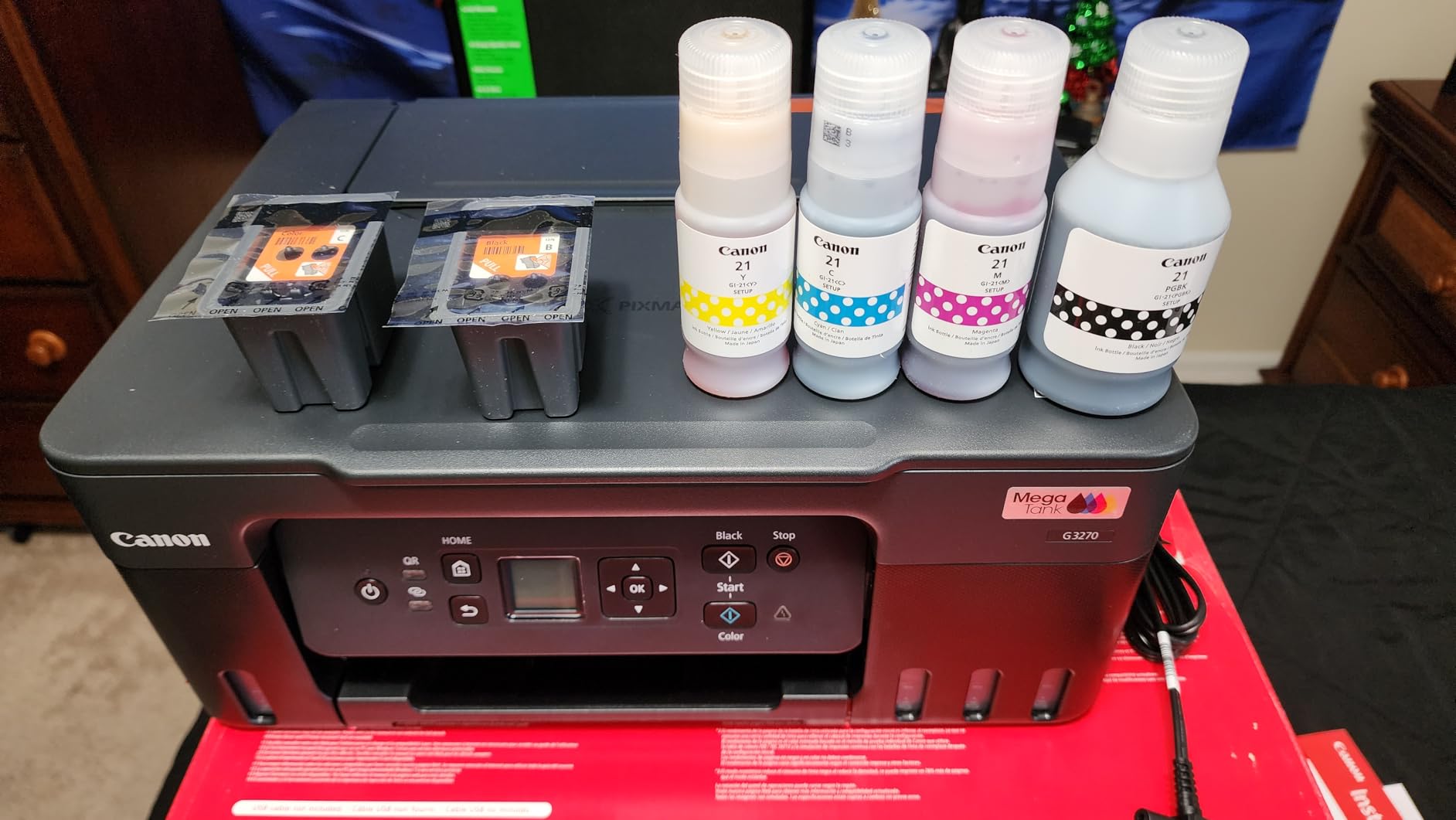
What this printer does well for small desks
If you can give it a shelf rather than desk space, the ink economics are hard to argue with. Refills cost a fraction of cartridge replacements, and there is no subscription program attached to keep you inside a brand ecosystem.
Black-and-white output is a strength, with owners reporting few paper jams even over long ownership. The wireless connection plus copy and scan means one device covers documents, labels, and occasional photos.
Where it falls short
Depth is the dealbreaker on a shallow desk. There is no automatic duplex either, and the reported wireless dropouts mean a USB connection is worth keeping nearby for reliability.
Choose the ET-2800 instead if desk depth is your binding constraint. It does the same job in a body that is over seven inches shallower.
4. Canon PIXMA TS4320 – Best Value Compact All-in-One
Canon PIXMA TS4320 – Wireless Color Inkjet Printer with Print, Copy, Scan
Color inkjet all-in-one
14.8 in deep x 14 W x 6.7 in high
Automatic duplex
100-sheet tray
Pros
- Automatic two-sided printing in a small body
- Dual-band Wi-Fi plus USB
- 100-sheet capacity for its size
- EPEAT Silver and ENERGY STAR certified
Cons
- Hybrid two-cartridge system limits photo quality
- Color speed is modest
- Scan and copy resolution only 600 x 600 dpi
The TS4320 is the pick when you want an all-in-one that does not feel like a compromise. It prints 14 pages per minute black and 9 color, includes automatic two-sided printing, and holds 100 sheets, all inside a 14.8 by 14 by 6.7-inch body. For a compact printer with duplex built in, that is a lot of function in a small frame.
Setup is quick from a phone or computer, dual-band Wi-Fi is supported on both 2.4GHz and 5GHz, and the Canon PRINT app works alongside AirPrint and Mopria. A 3-year manufacturer warranty backs it up, which is longer than most competitors offer.
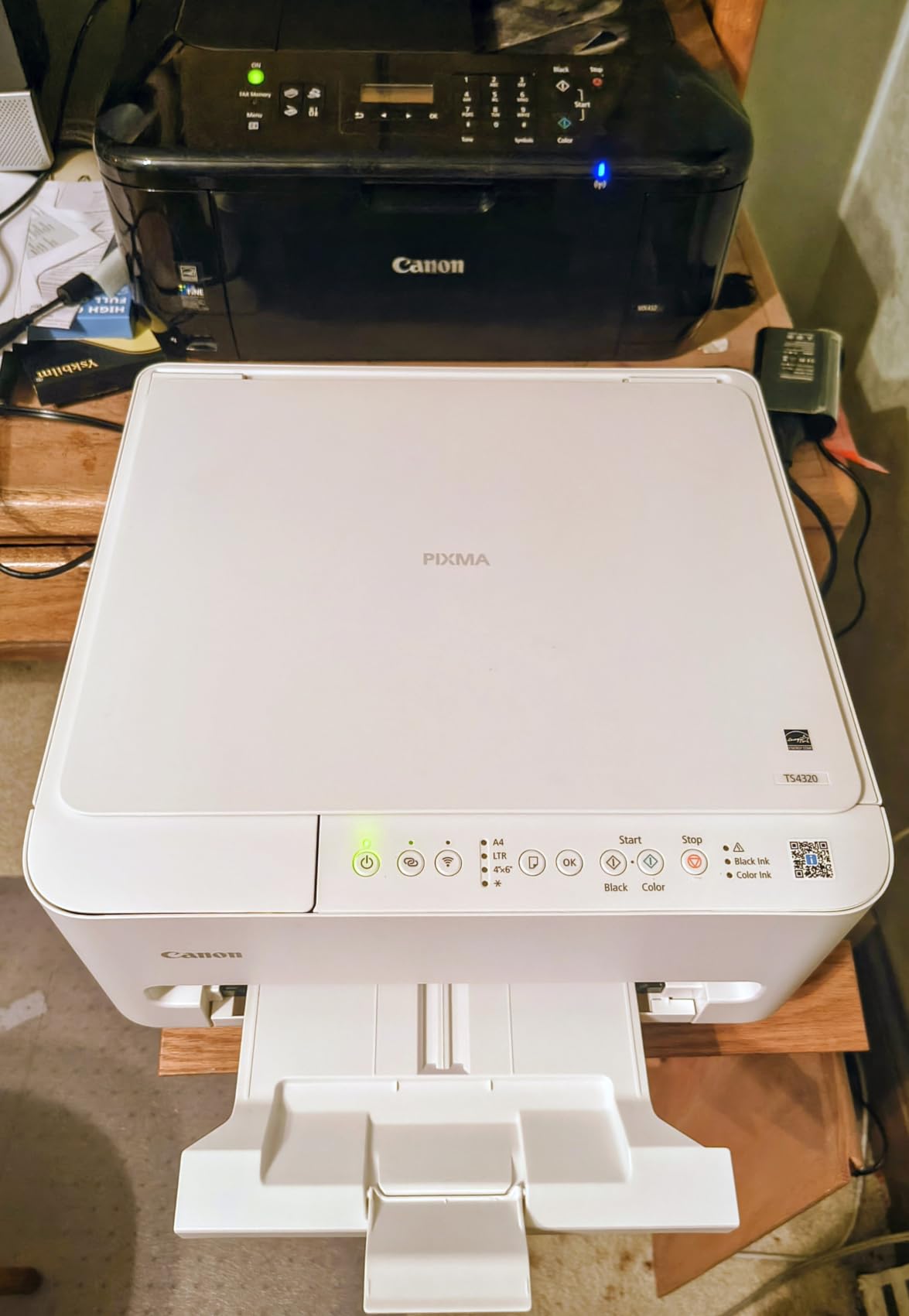
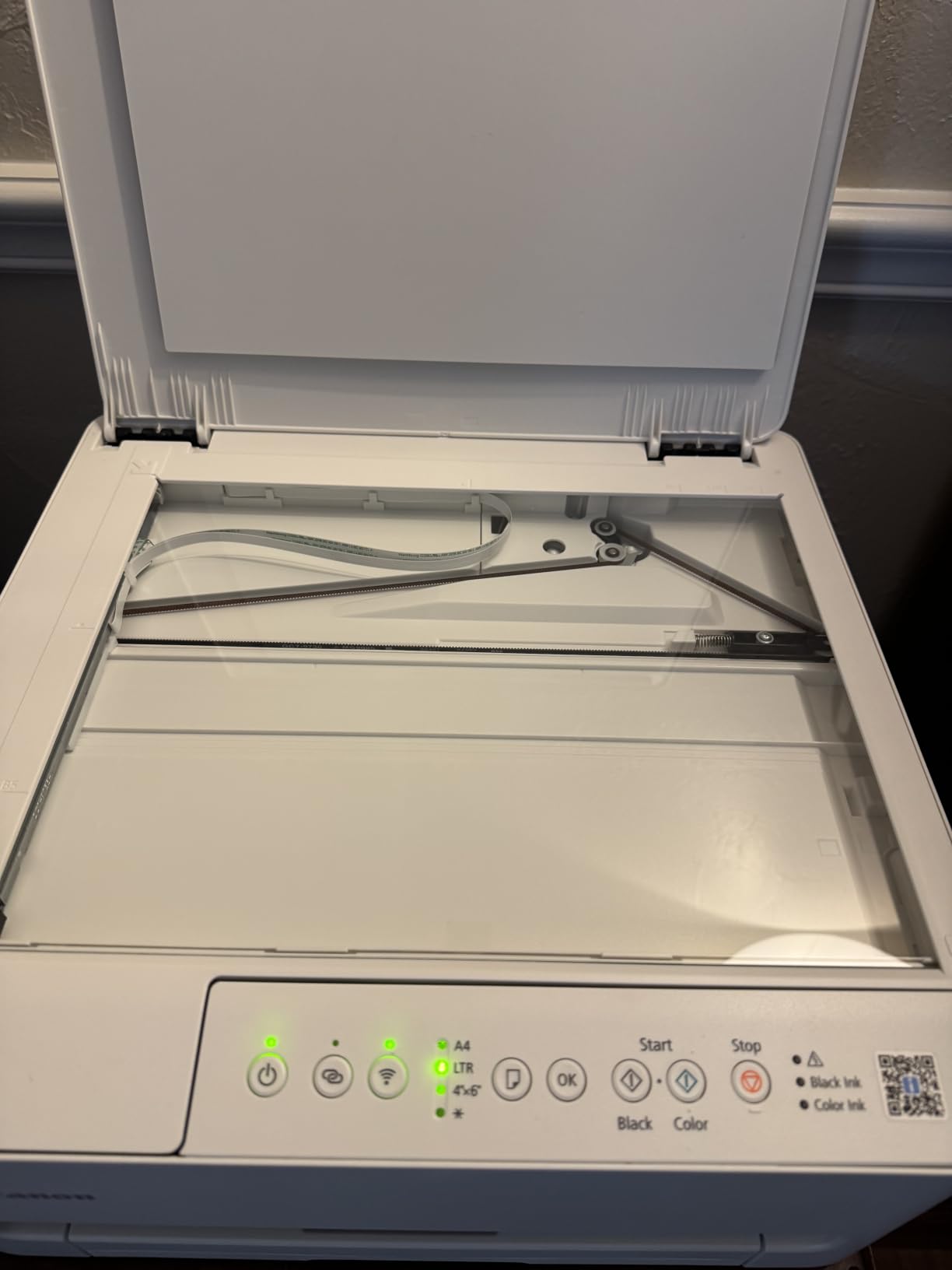
For a small desk, the 6.7-inch height is the number that matters most. The scanner lid clears easily, and the body can sit under a monitor arm or a wall shelf where taller machines cannot. At 14 inches wide it takes up less lateral space than the ink tank models in this roundup.
The limitation is the two-cartridge hybrid ink system. It is cheaper per page than a four-cartridge machine but produces entry-level color photos, and color output at 9 ppm is well behind its 14 ppm black speed. Scanning and copying resolve at 600 x 600 dpi, so reproduced documents look fine while images look soft.
What this printer does well for small desks
Automatic duplex in a 6.7-inch-tall body is unusual at this size, and it saves both paper and the desk depth a manual duplex workflow needs. The 100-sheet tray is generous for a printer that small, so you are not refilling weekly.
It is also one of the few units here with ENERGY STAR and EPEAT Silver certification, which matters if you run it in a closed room all day. Wireless setup is stable on both bands, and the app support covers every major mobile platform.
Where it falls short
Color photos are the weak point. A two-cartridge hybrid system blends colors rather than using separate inks, so skin tones and gradients show the difference against a three-ink or tank model.
If you print photos more than documents, spend the difference on a refillable tank unit. If you mostly print text and forms, this is the machine that fits a small desk and a tight budget at the same time.
5. Canon PIXMA TS3720 – Lightest Body for a Truly Tight Surface
Canon PIXMA TS3720 Wireless All-in-One Printer for Basic Home Printing, White
Wireless color all-in-one
8.7 pounds
7.7 ppm black 4 ppm color
1.5 inch LCD
Pros
- Easy setup with printing often within minutes
- Light body that is easy to reposition
- Dual-band Wi-Fi with AirPrint and Mopria
- Good output for documents and snapshots
Cons
- Single-sided printing only
- Color photo quality is entry level
- Some Wi-Fi pairing trouble reported
The TS3720 is the simplest machine here and the easiest to justify for occasional use. At 8.7 pounds it is the body you can move with one hand, which matters when the printer shares a surface with a laptop and gets shoved aside for other work. Owners commonly report printing within minutes of unboxing.
It handles print, copy, and scan over a flatbed, with a 1.5-inch segment LCD for basic settings. Output runs about 7.7 pages per minute black and 4 color, up to 4800 x 1200 dpi, and borderless photos up to 5×7 inches are supported alongside envelopes, banners, and photo paper.
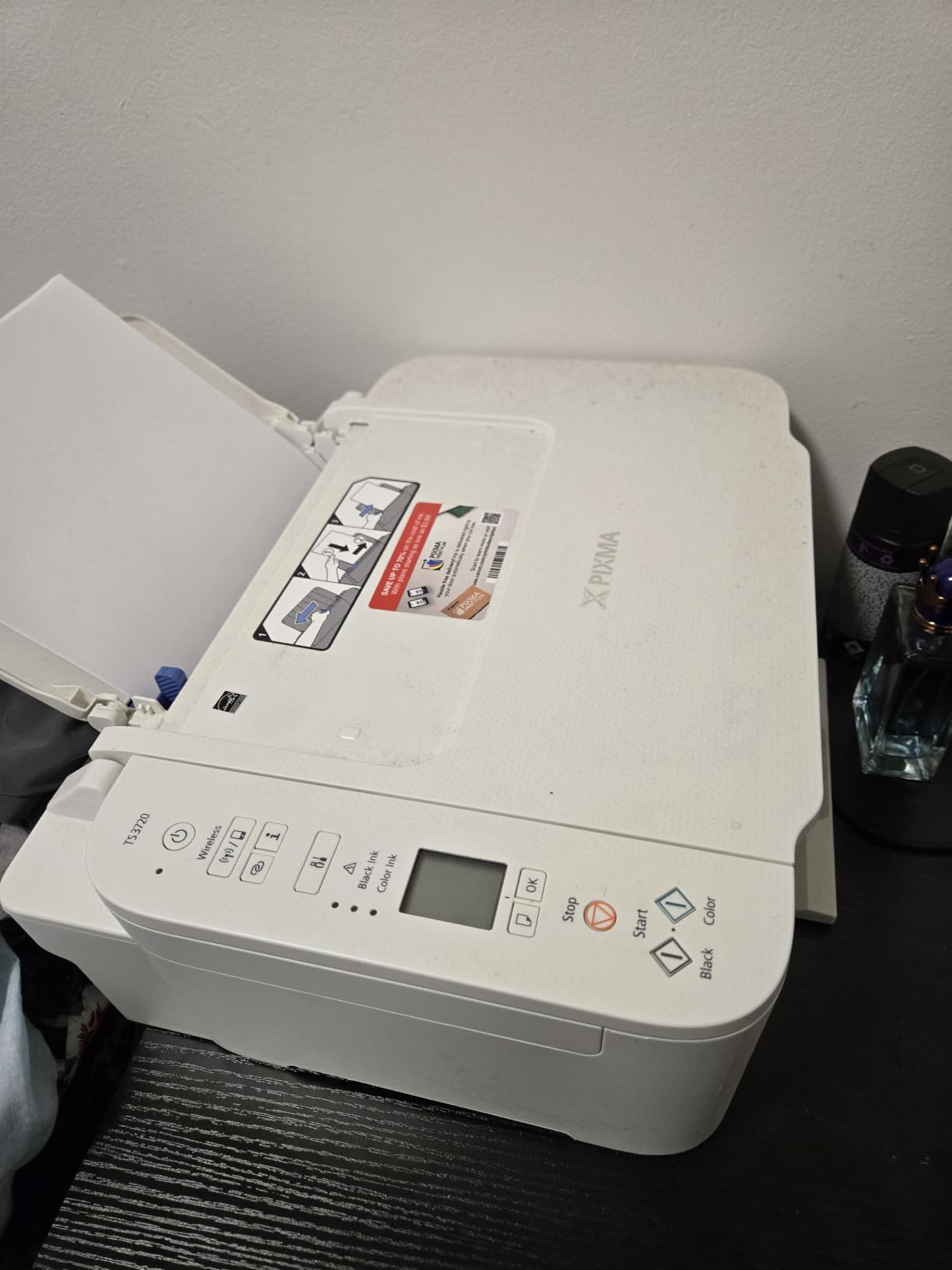
The catch is depth. At 17.2 inches deep and 12.9 inches wide, it is deeper than most machines in this roundup, so on a shallow desk the body overhangs or pushes your keyboard forward. The 5.8-inch height is the saving grace, letting it slide under a shelf.
Printing is simplex only, and the two-cartridge system produces entry-level color photos. Some owners report difficulty getting it onto Wi-Fi the first time, and setup documentation is thin enough that most troubleshooting happens on Canon’s support site rather than in the box.

What this printer does well for small desks
Weight is the underrated spec here. A printer you can lift and set on a shelf is a printer that can share a small desk, and at 8.7 pounds this is the easiest to reposition in the group.
The wireless stack is complete for a basic machine: dual-band Wi-Fi, USB, the Canon PRINT app, AirPrint, and Mopria. Document quality is good for the price class, and a 1-year warranty is included.
Where it falls short
Depth works against it on shallow furniture, and single-sided printing means double-sided documents are a manual task. The cartridge system also costs more per page than any tank model in this roundup once you factor in replacement frequency.
Buy it for occasional documents and snapshots. If you print regularly in color, the running cost will outrun any savings from the body size within a year.
6. Brother HL-L2460DW – Best for Automatic Duplex in a Laser Body
Brother HL-L2460DW Wireless Compact Monochrome Laser Printer with Duplex, Mobile Printing, Black & White Output | Includes Refresh Subscription Trial(1), Works with Alexa
Monochrome laser print only
14.2 in deep x 14 W x 7.2 in high
36 ppm with auto duplex
250-sheet tray
Pros
- Automatic two-sided printing
- 36 ppm at 1200 x 1200 dpi
- Ethernet alongside Wi-Fi and USB
- Laser toner sits idle without attention
Cons
- No scanner or copier
- Wireless pairing can be a long process
- Deep Sleep can drop it from mesh networks
The HL-L2460DW takes the automatic duplex feature and strips out the scanner. That trade is what makes it fit: 14.2 inches deep, 14 inches wide, and only 7.2 inches tall, with 250 sheets in the tray. If you print contracts, invoices, and reports but never scan anything, this is the most function you get per square inch of desk.
Speed is 36 ppm in monochrome at 1200 x 1200 dpi, with an 8.5-second first page. Connectivity covers dual-band Wi-Fi, Ethernet, and USB, and the Brother Mobile Connect app handles remote printing and supply tracking.
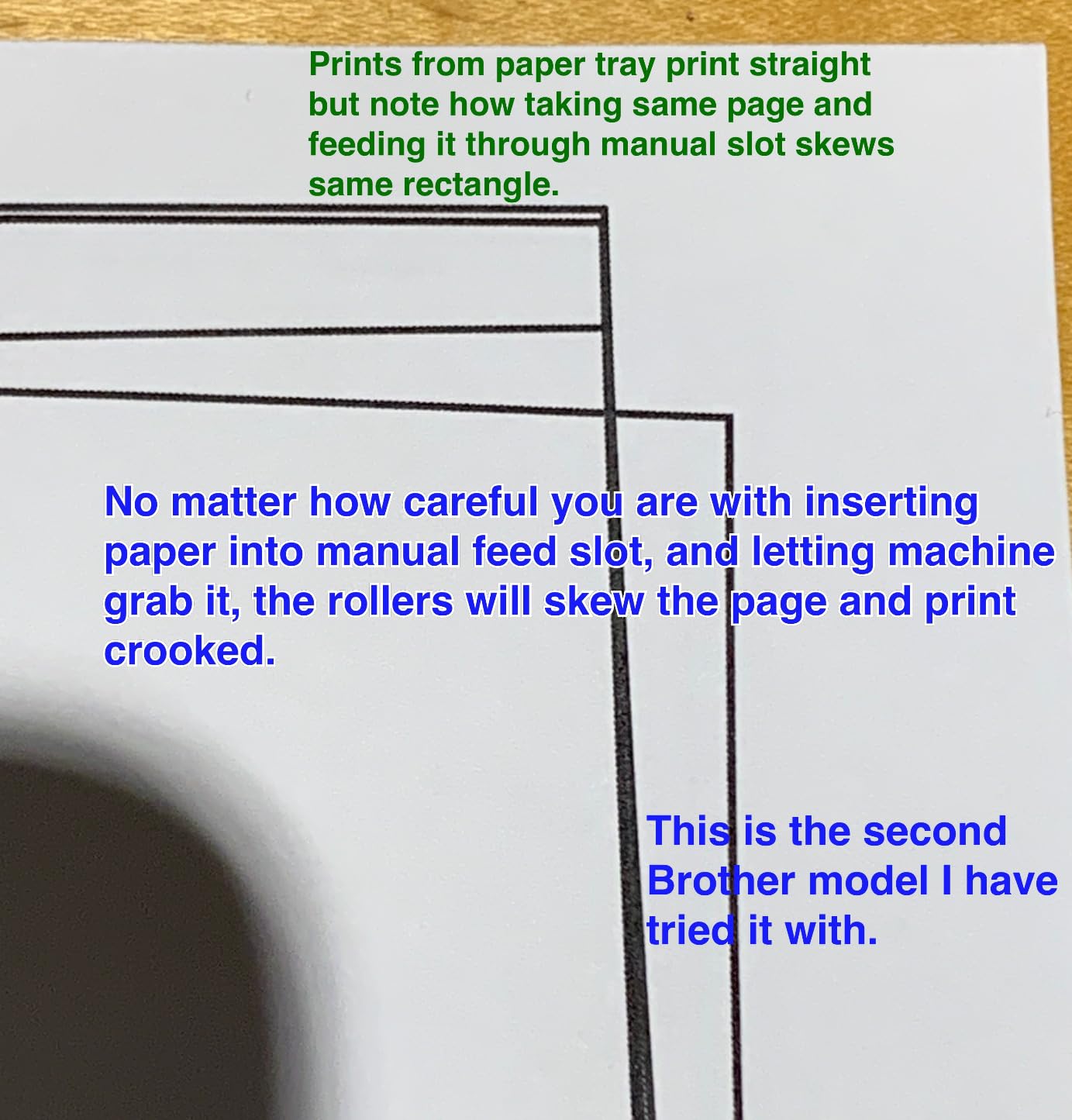
Owners who switch from inkjet to this machine tend to stay for the maintenance profile. Toner needs no periodic printhead cleaning, and unlike an inkjet it does not matter if it sits untouched for a month. That reliability is why laser units end up on shelves in shared home offices.
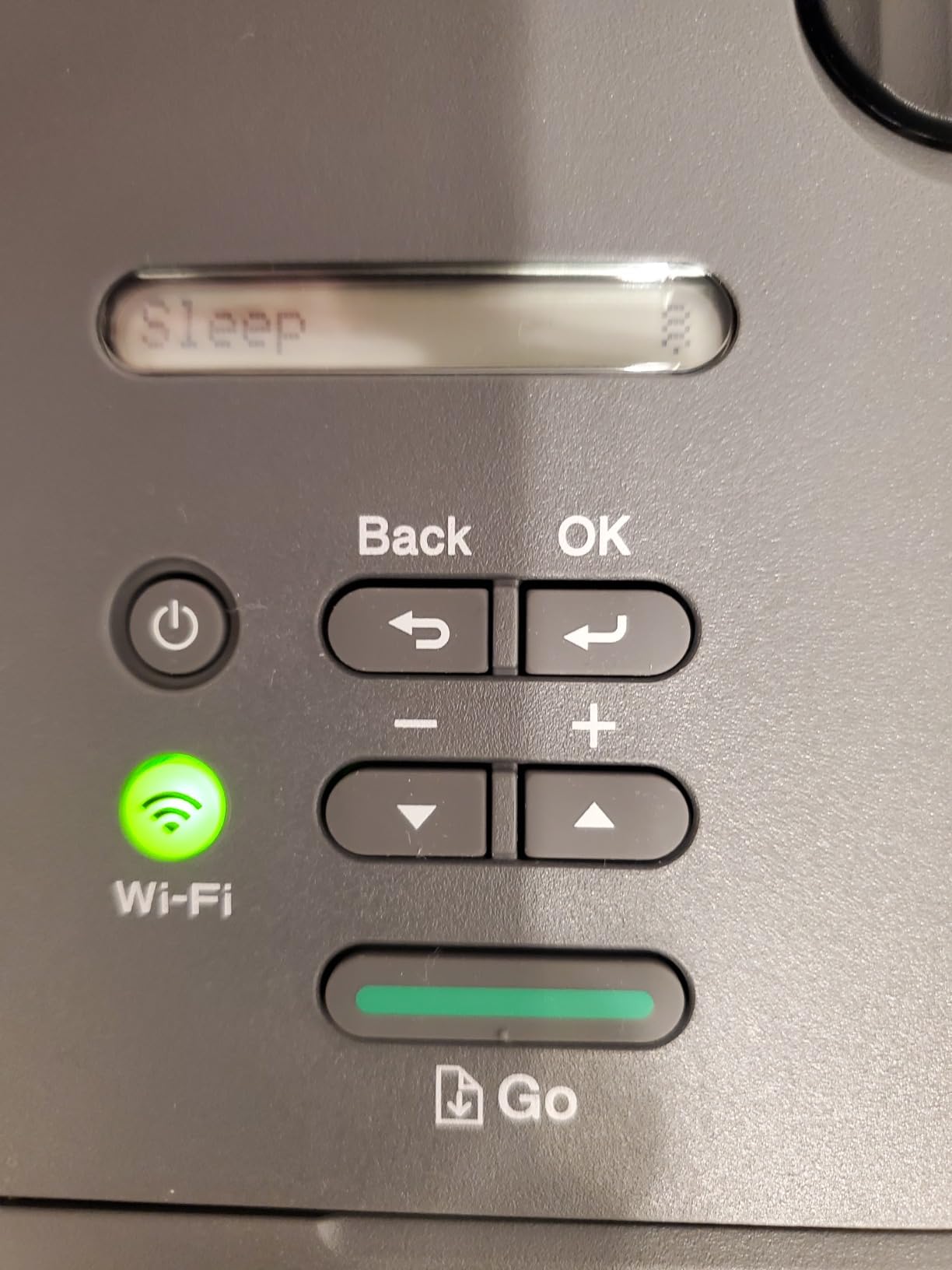
The negatives are consistent across reviews. There is no scanner or copier at all, the QR-code-driven Wi-Fi setup can be a long process for laptop-first users, and Deep Sleep mode has been reported to make the printer disappear from some mesh networks until it is woken.
What this printer does well for small desks
Seven inches of height is the standout. It clears under almost any shelf, and the flat top leaves room for a small document stack, which taller multifunction units do not allow.
The 250-sheet tray is the largest here, and combined with a print-only chassis it means you are loading paper far less often than with any inkjet in the roundup. It also runs cooler and quieter than a color inkjet during long jobs.
Where it falls short
Print-only is a real limit for a home office that still files paper. If you need a flatbed or an automatic document feeder, step up to the DCP-L2640DW and accept the extra size.
Mesh network users should also test the Deep Sleep behavior on their own router before committing, since the recurring complaint here is connectivity rather than print quality.
7. Brother HL-L2405W – Best for a Simple, Bloatware-Free Setup
Brother HL-L2405W Wireless Compact Monochrome Laser Printer with Mobile Printing, Black & White Output | Includes Refresh Subscription Trial(1), Works with Alexa
Monochrome laser print only
14.2 in deep x 14 W x 7.2 in high
15.1 pounds
30 ppm
Pros
- No forced software or account sign-ups
- Clean straightforward setup
- Sharp output over long print jobs
- Toner lasts far longer than cartridges
Cons
- Single-sided printing with manual duplex
- QR-code setup takes patience
- No scanner or copier
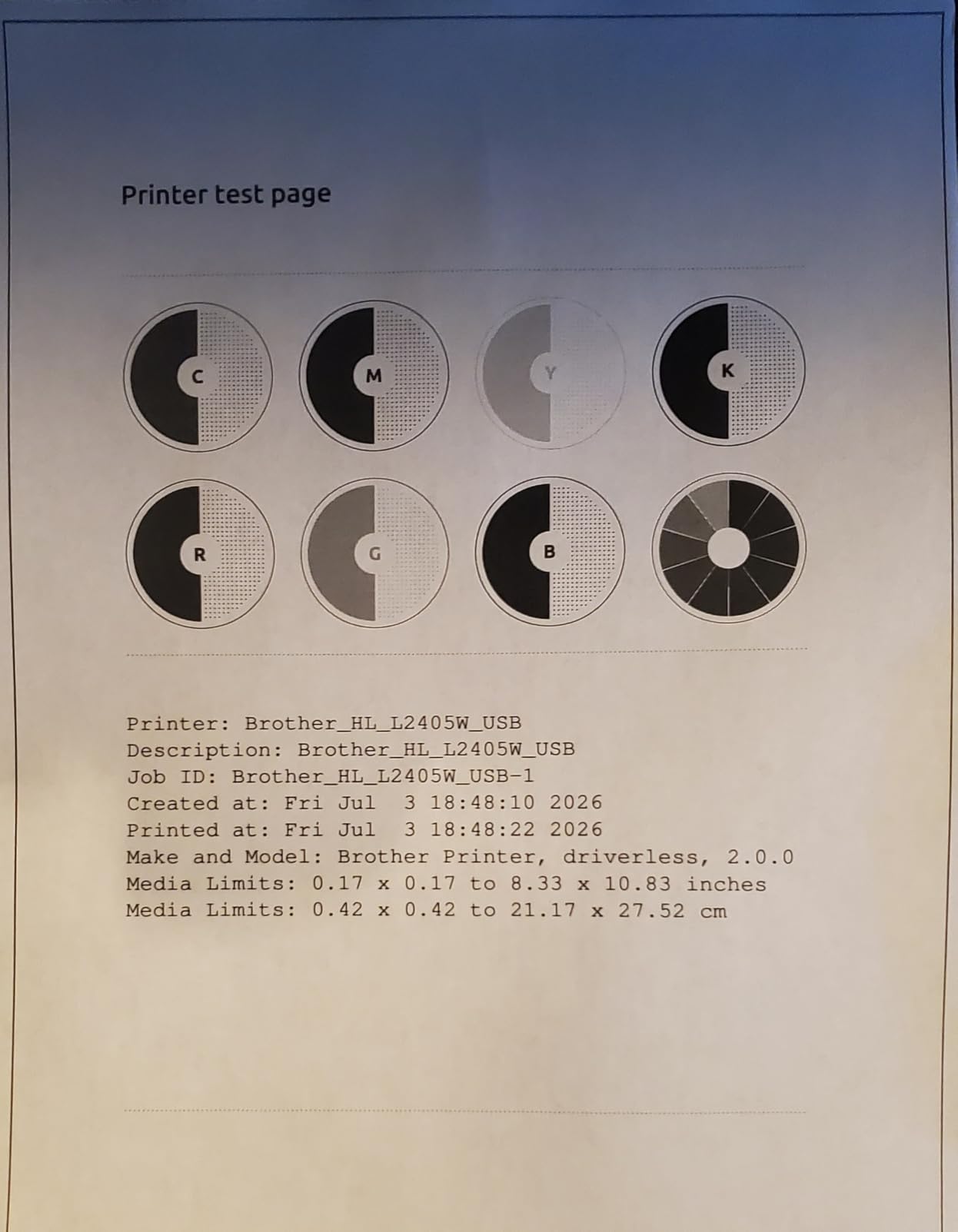
The HL-L2405W is the simpler sibling of the model above, and for a lot of desks that is the right one. Reviewers specifically call out a setup with no forced software install and no account requirement, which is refreshing in a category where sign-up prompts are standard. Print speed is 30 ppm in monochrome with 8.5-second first pages.
Paper handling is the same 250-sheet tray plus a manual feed slot for envelopes and specialty stock. Dual-band Wi-Fi and local USB cover the connection options, and the Brother Mobile Connect app handles remote printing and supply status.
At 14.2 by 14 by 7.2 inches and 15.1 pounds, the physical footprint matches the HL-L2460DW closely, so the desk fit question is the same. The low profile is what makes it work under a shelf or beside a monitor arm.
The trade-offs are the ones you would expect from the step-down model. Duplex is manual, so double-sided documents mean re-inserting the stack, and there is no scanner. Reviewers also mention that the QR-code setup path can be long if you have never done it, and that Deep Sleep has knocked the printer off some mesh networks.
What this printer does well for small desks
A 7.2-inch height and 250-sheet tray in one body is a good desk-space return. Low owners describe the same pattern: a laser that sits for weeks between uses and still prints perfectly when you finally need it.
If you are setting up a small office for the first time and do not want to manage printer software, the lack of bloat is a genuine advantage. Built-in drivers carry the job on Windows and macOS without an installer.
Where it falls short
Manual duplex is the main limitation, and anyone printing two-sided documents regularly will notice it quickly. The mesh network dropout issue appears in reviews of both Brother laser models here, so check your router before setup day.
Consider the HL-L2460DW if auto duplex matters, or the Canon TS4320 if you need a scanner and duplex in a body that is even lower.
8. HP LaserJet MFP M140w – Best for Shallow Desks and ID Cards
HP Laserjet MFP M140w Wireless Black & White Printer, Print, scan, Copy, Fast speeds, Easy Setup, Mobile Printing, Best-for-Small Teams
Monochrome laser all-in-one
Only 10.4 inches deep
11.9 pounds
21 ppm single-sided
Pros
- Shallowest laser body in this roundup
- Print scan and copy plus ID card copying
- Wireless with self-reset plus USB
- Survives long gaps between uses
Cons
- Slowest print speed here at 21 ppm
- Works only with genuine HP chip toner
- Some reports of misfeeds and scan errors
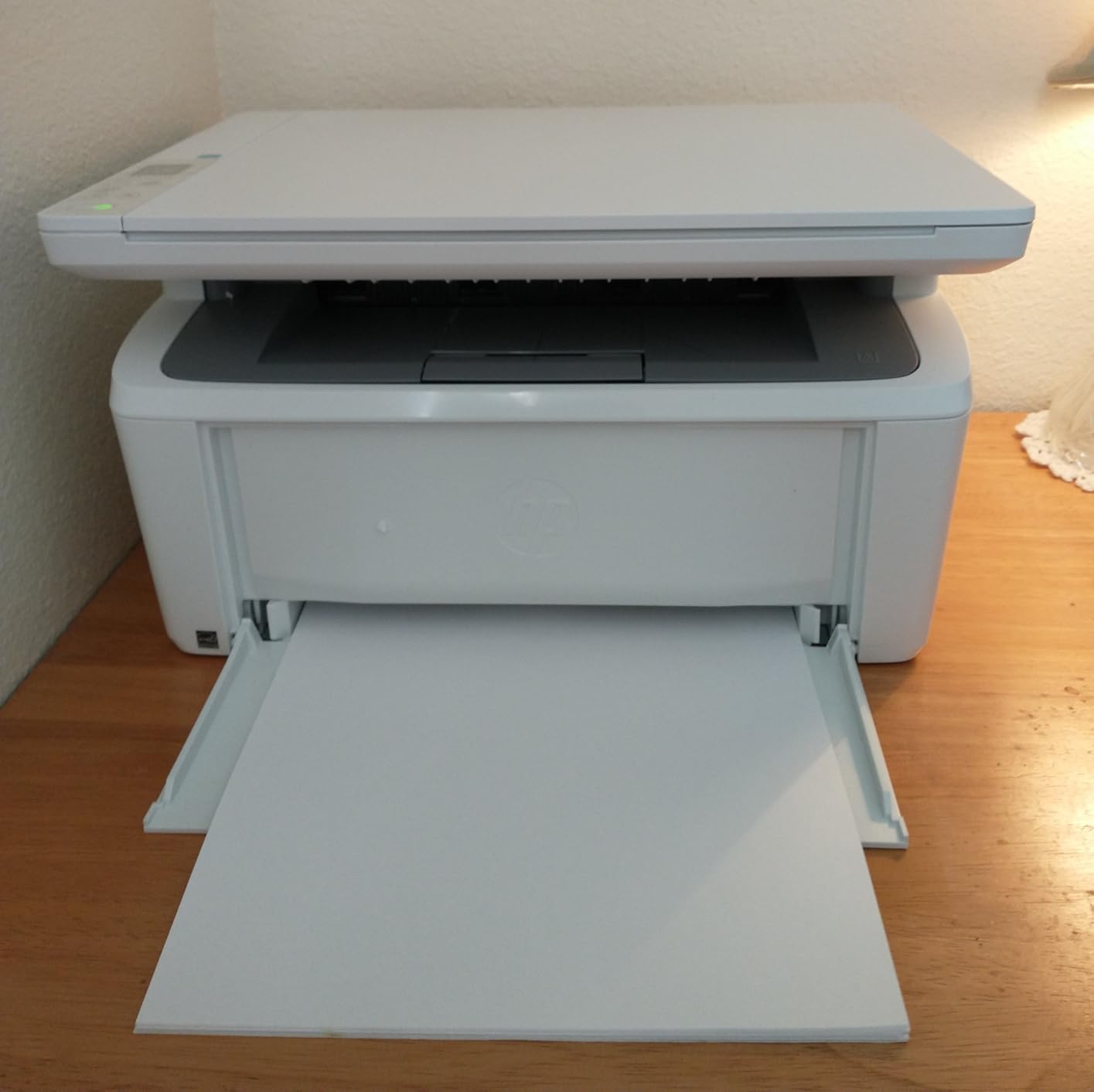
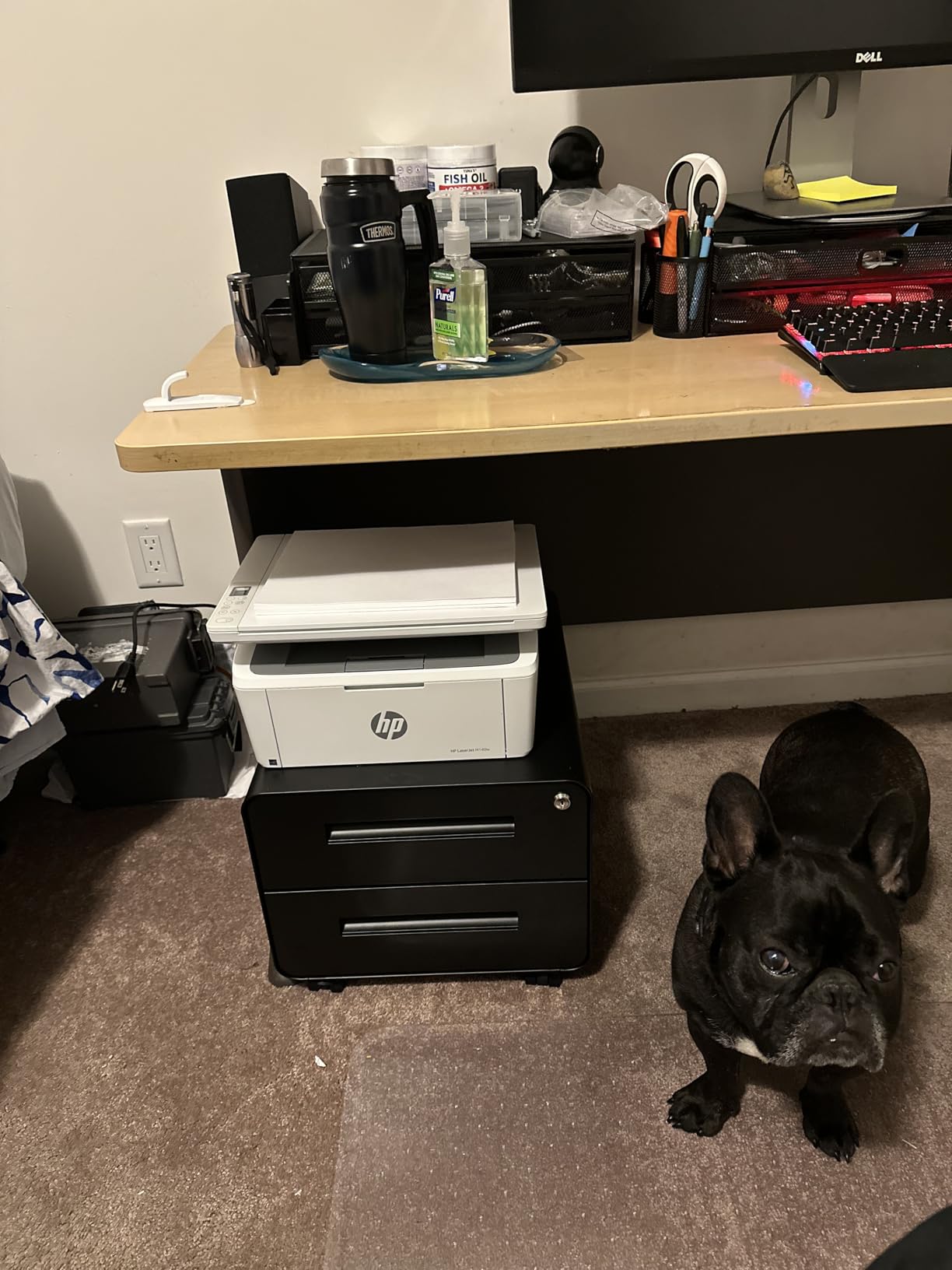
The M140w answers the shallow desk question better than anything else here. At 10.4 inches deep, 14.2 inches wide, and 7.8 inches tall, it is the least laser body in this roundup by a wide margin, which means it can sit against a wall or at the back of a shallow desk without pushing everything forward.
You still get print, scan, and copy from one body, plus a feature that turns out to matter for small businesses: it copies both sides of a small document onto a single sheet, which is handy for ID cards and laminated badges. Wireless includes a self-reset function, so the unit reconnects on its own after a network change.
Speed is 21 ppm single-sided with a 600 x 600 dpi maximum resolution and an 8.3-second first page, making it the slowest printer in this group. There is no automatic duplex, and the paper tray holds 99 sheets with copy runs up to 99 at a time.
The larger concern is cartridge lock-in. HP states this printer works only with cartridges containing original HP chips, and several owners describe frustration at that restriction. The included starter cartridge also runs out quickly on moderate use, so budget for a replacement sooner than you expect.
What this printer does well for small desks
Depth is the whole argument, and 10.4 inches is roughly four inches less than the Brother laser bodies here. It is the printer to pick when the printer has to share a shallow surface with a keyboard rather than live on its own shelf.
It is also built for intermittent use. Owners report the laser working reliably across long gaps between jobs, and the low 11.9-pound weight makes repositioning simple. AirPrint and Mopria support covers phones and Chromebooks without extra software.
Where it falls short
Reliability reports are mixed after the first few months, with some owners describing paper misfeeds and scan errors. Proprietary toner restricts your options, and the speed figure is the lowest here.
If you have a deeper desk and print more than a few pages a week, the Brother HL-L2405W or HL-L2460DW will serve you better for less money per page.
9. Epson Expression Home XP-4100 – Compact Color With a Real Screen
Epson Expression Home XP-4100 Wireless Color Printer with Scanner and Copier
Compact wireless color all-in-one
Automatic two-sided printing
2.4 inch color LCD
100-sheet tray
Pros
- Compact footprint suited to a small desk
- Automatic duplex and Wi-Fi Direct built in
- Color LCD for on-device navigation
- Replace only the cartridge that runs out
Cons
- Ink cartridges are expensive and deplete quickly
- About 10 ppm black is slow
- Epson cartridges only
The XP-4100 stands out for a control panel most printers at this tier skip. The 2.4-inch color LCD lets you view jobs, check ink levels, and print without opening a laptop, and it also supports voice-activated printing through a compatible assistant. Automatic two-sided printing and Wi-Fi Direct are both built in.
Output is 10 pages per minute black and 5 color at up to 5760 x 1440 dpi, and the tray holds 100 sheets of Letter paper. At 9.5 pounds it is among the lighter bodies here, and the chassis is marketed specifically as a space-saving design for home or office use.
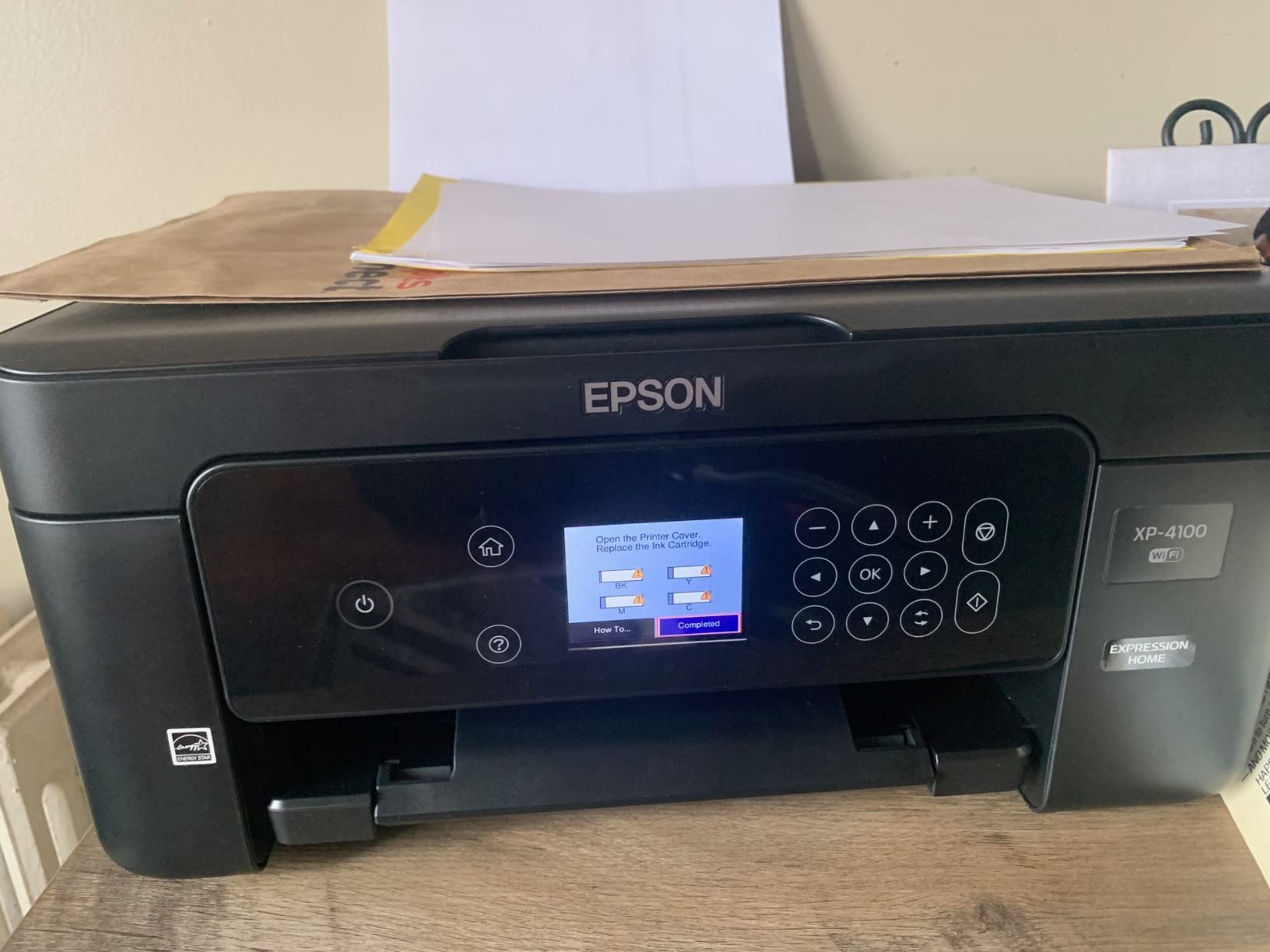
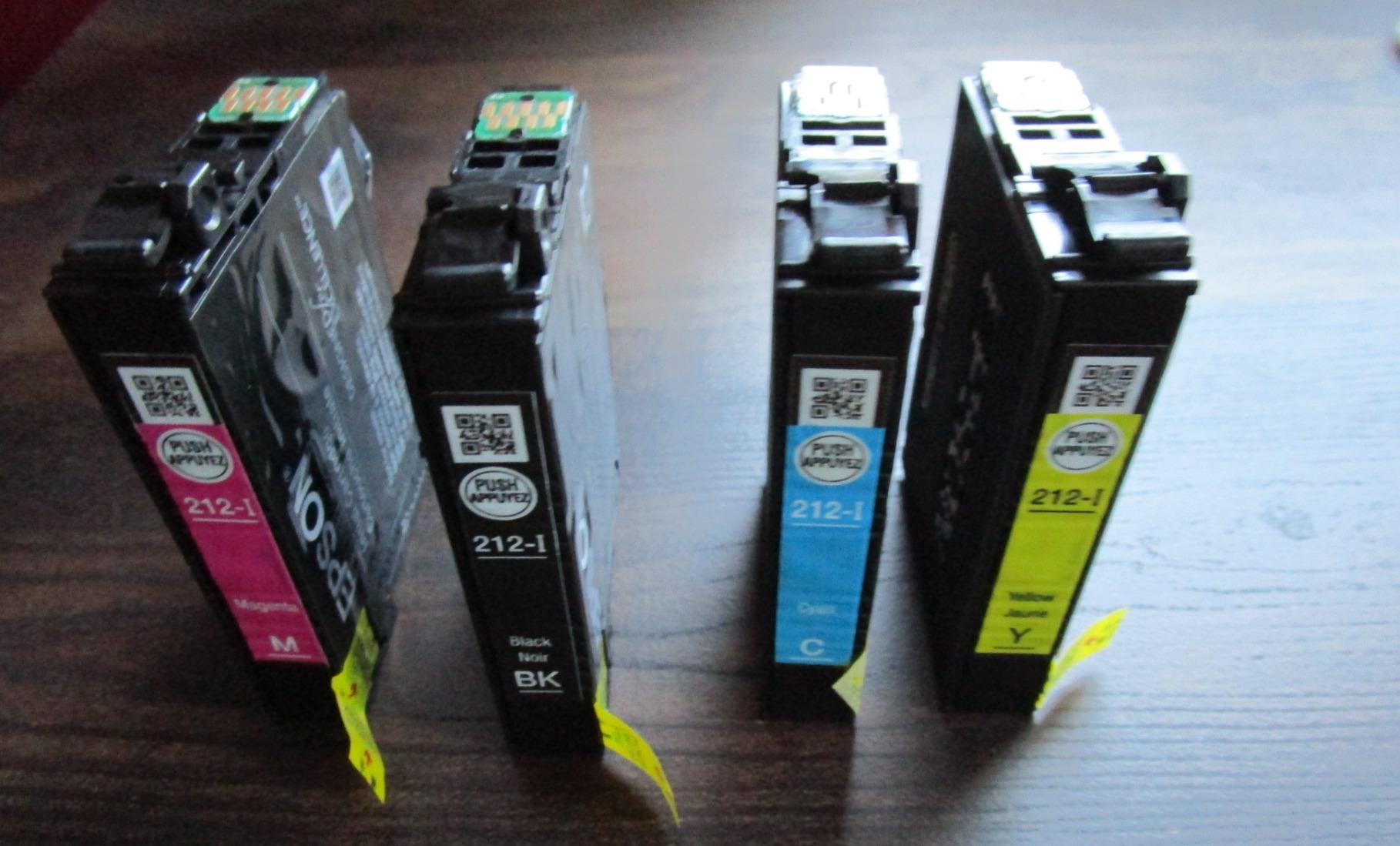
Running cost is the issue that decides this one. Owners describe the individual Claria cartridges lasting only a handful of prints, and Epson designs the machine to reject third-party ink. Over a year of regular use, that expense overtakes the tank printers on this list several times over.
A few owners also report cartridge-recognition problems after firmware updates, which is a maintenance headache for infrequent users. Scan quality on color images is described as weak, so think of it as a printer with a scanner attached rather than a photo solution.
What this printer does well for small desks
The screen is the real advantage. A 2.4-inch color display means checking a job or confirming ink levels does not require pulling out a phone or a laptop, which saves time and desk clutter in a tight setup.
Automatic duplex in a light, low-cost body is rare, and Wi-Fi Direct means it can print without being on your network at all, which solves the shared-apartment and dorm router problem neatly.
Where it falls short
Cartridge expense is the decisive drawback for anyone printing more than occasionally. Restriction to Epson cartridges removes your ability to shop around for cheaper ink.
Ten pages per minute black is also slow for long documents, and the scan bed is not strong on color images. If you print regularly, switch to a refillable tank model for a far lower cost per page.
10. Epson Expression Premium XP-7100 – Best for Photo Printing
Epson Expression Premium XP-7100 Wireless Color All-in-One Inkjet Printer
Wireless color all-in-one
17.2 in deep x 19 W x 8.1 in high
30-page ADF
4.3 inch touchscreen
Pros
- Excellent photo and document quality
- 30-page feeder with duplex print copy scan
- 4.3-inch touchscreen with USB and SD slots
- Borderless photos up to 8x10 inches
Cons
- Bulky at 21.5 pounds and 19 inches wide
- Touchscreen can misread swipes as taps
- Scans and copies come out skewed
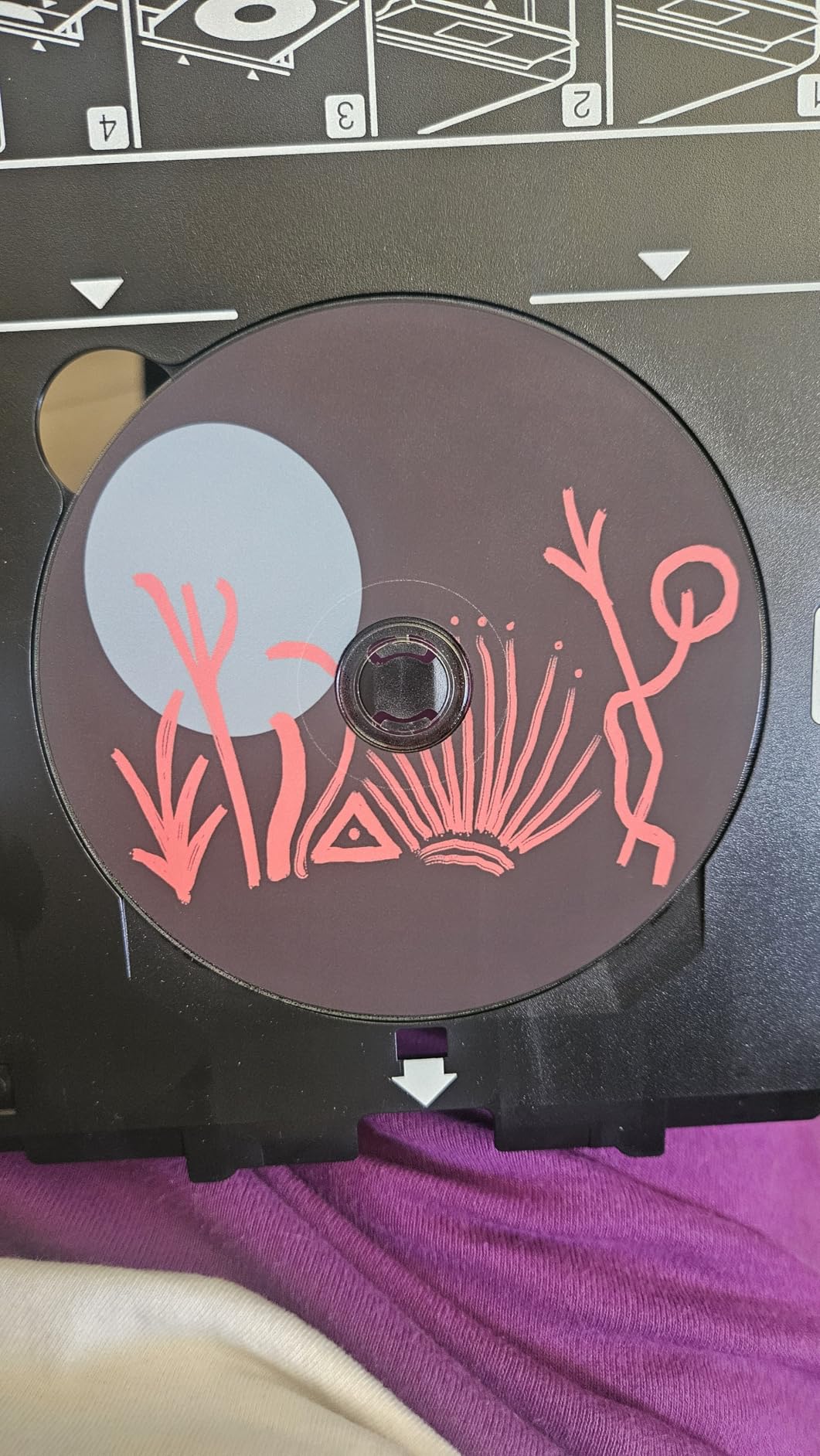
The XP-7100 is the photo pick, and the quality difference is real. It prints sharp text and noticeably better color photos and graphics, handles borderless output up to 8×10 inches, and adds CD and DVD printing plus specialty paper support. Most home inkjets in this roundup stop at 4×6 or 5×7 inches.
It is also fully equipped for documents. A 30-page automatic document feeder, automatic two-sided printing, copying, and scanning, and a 4.3-inch touchscreen for viewing, editing, and printing from a USB drive or SD card make it a genuine multifunction unit rather than a printer with a basic scanner.
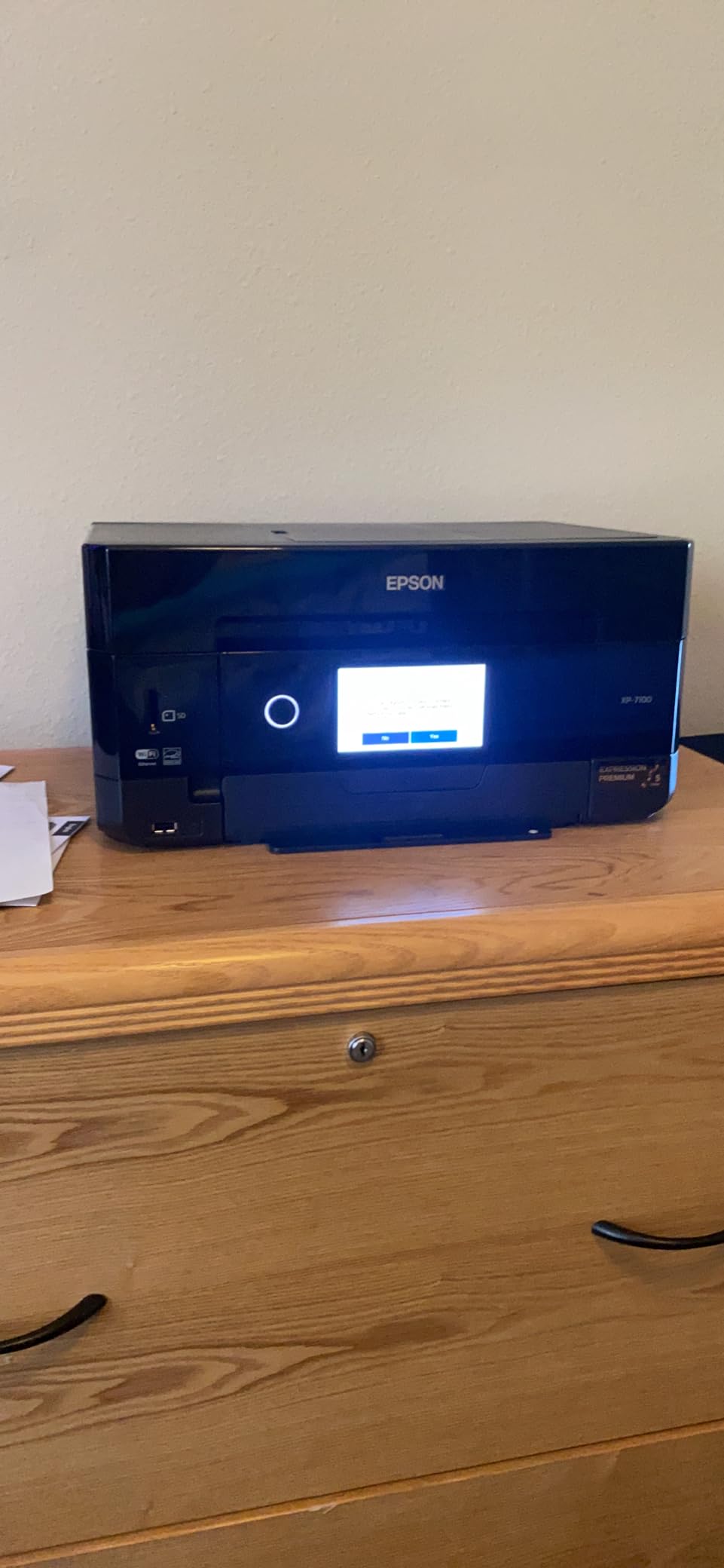
This is where small desks push back. At 19 inches wide, 17.2 inches deep, and 21.5 pounds, it is the second-heaviest body here and needs real surface area, plus vertical room for the ADF. It belongs on a shelf or a side table, not squeezed beside a monitor.
The touchscreen is also awkward in practice, with owners reporting swipes registering as taps. Scans and copies frequently come out skewed, particularly through the document feeder. Color output runs at only 1 page per minute, and the three-ink setup produces less vivid results than a five-ink photo printer.
What this printer does well for small desks
If photos matter, this is the only unit here that handles 8×10 borderless output, and the motorized slide-out output tray catches prints neatly instead of letting them curl on the desk. The 4.3-inch screen also makes it easy to preview images before printing.
For a small creative business, the combination of a document feeder, duplex, and photo printing in one body saves an entire device from the work surface.
Where it falls short
Size and weight are the honest limits here. At 21.5 pounds it is not something you move around a small desk, and the skewed scan and copy output is a recurring complaint across reviews.
One page per minute in color will feel slow for anyone printing photo batches. Buy it for quality and occasional large prints, not volume.
How to Choose a Compact Printer for a Small Desk
Start with depth, because that is the spec most listings bury. Measure the clear depth of your desk from the back edge to wherever your keyboard or monitor base already sits, then subtract an inch for cable slack. Anything under 12 inches of clear depth pushes you toward the HP LaserJet MFP M140w, while a 15-inch-plus surface opens up most of the list.
Measure your usable footprint first
Add width and depth together, then compare that number against your surface area, not just the depth. The Canon PIXMA TS4320 and the Brother HL-L2460DW both sit around 14 inches in each direction, which is a balanced footprint that leaves side space for a mug. The Epson EcoTank ET-2800 trades depth for width at 22.8 inches, so it works on a wide desk or a shelf rather than a corner.
Height is the third measurement and the one that decides whether a scanner can open. The TS4320 at 6.7 inches and the Brother laser units at 7.2 inches slide under almost any shelf. The XP-7100 at 8.1 inches plus its feeder, and the HP M140w at 7.8 inches, need more clearance above.
Inkjet, ink tank, or laser
Choose a cartridge inkjet like the TS3720, TS4320, or XP-4100 if you print mostly text with occasional color. Running cost is the highest of the three groups, but the bodies are small and the setup is quick.
Choose a refillable ink tank like the ET-2800 or MegaTank G3270 if you print regularly in color. Page yields of 4,500 to 6,000 black pages per fill are what make these the cheapest to run over time, and the tradeoff is a wider body and manual duplex.
Choose a monochrome laser like the HL-L2405W, HL-L2460DW, or DCP-L2640DW if your output is documents and invoices. Laser sits idle without drying out, prints faster at 30 to 36 ppm, and needs no printhead cleaning. A fourth option is the HP M140w, a laser all-in-one that trades speed and cartridge freedom for a much shallower body.
Paper handling on a shallow desk
Front-loading trays are friendlier when the printer sits against a wall, because you can refill paper without pulling the machine forward. Rear-loading designs need access behind the unit, which is a problem when the back of the printer is 2 inches from a wall.
Tray capacity changes how often you refill. The 250-sheet Brother trays outlast the 100-sheet inkjet trays, and the 60-sheet Canon TS3720 tray is the smallest here. The XP-7100 holds only 30 sheets, so expect more frequent paper loading in exchange for its photo features.
Connectivity and cable clutter
Dual-band Wi-Fi at both 2.4GHz and 5GHz is now standard across most of these models and reduces dropouts on busy apartment networks. Wi-Fi Direct, offered on the HP M140w and the XP-4100, lets you print without joining a network at all, which is the cleanest answer on shared Wi-Fi.
Ethernet shows up on the two Brother laser models and the Epson XP-7100, which matters if you are running a wired desk and do not want a Wi-Fi password stored in a printer sitting in an open room. Keep one USB cable routed through a desk tray regardless, because several models report that scanning to a computer falls back to USB even when Wi-Fi is connected.
Noise, heat, and placement
Color inkjets are quieter when idle and during short jobs, and their warm exhaust stays close to the machine. Lasers run cooler at the vent but put out more heat in a short burst and add a fan noise that is noticeable in a bedroom office late at night.
Placement matters more than most buyers expect. Leave clearance behind for the paper path, above for the scanner lid and feeder, and in front for the output tray. Many compact setups end up with the printer on a separate shelf or stand, and that is a better answer than a printer that overhangs the desk edge.
Frequently Asked Questions
What is the best printer for a small office?
The Brother DCP-L2640DW is our pick for a small office because it combines 36 ppm monochrome printing, automatic duplex, and a 50-page document feeder in one unit. It measures 15.7 by 16.1 by 12.5 inches, so it needs a deep desk or a low shelf rather than a small work surface.
What is the best mini printer for a small business?
For a small business that prints documents rather than photos, the Brother HL-L2460DW is the strongest compact option, with automatic duplex, a 250-sheet tray, and a 14.2 by 14 by 7.2-inch body. If color work is part of the job, the Epson EcoTank ET-2800 has a far lower cost per page thanks to its refillable tanks.
Which printer is good for small office use?
Any of the Brother monochrome laser models suit a small office, because toner does not dry out during quiet weeks. The HL-L2405W is the simplest with no account sign-up, the HL-L2460DW adds automatic duplex, and the DCP-L2640DW adds scanning with a document feeder. Canon PIXMA models are the better choice when color photos are part of the work.
What is the smallest compact printer?
By depth, the HP LaserJet MFP M140w is the smallest laser body here at 10.4 inches deep, 14.2 inches wide, and 7.8 inches tall. By height, the Canon PIXMA TS4320 at 6.7 inches and the Brother HL-L2405W and HL-L2460DW at 7.2 inches are the lowest, which matters most when the printer needs to slide under a shelf.
What type of printer is best for a small office?
For documents and invoices, a monochrome laser wins on speed, maintenance, and cost per page. For color photos and occasional graphics, a refillable ink tank printer wins on running cost. A cartridge inkjet only makes sense for light, infrequent use because replacement cartridges are the most expensive per page of the three types.
Our Verdict on Compact Printers for Small Desks in 2026
The best compact printers for small desks in 2026 come down to two variables. If desk depth is tight, the HP LaserJet MFP M140w and the Canon PIXMA TS4320 are the bodies that fit without negotiation. If you print regularly, the Epson EcoTank ET-2800 wins on cost per page and the Brother DCP-L2640DW wins on speed, duplex, and scanning.
Measure your clear depth before you buy, check the height against the shelf above, and decide between cartridges, tanks, and toner based on how many pages a month you actually run. Pick the machine that fits the surface first, then the ink system second, and the rest of the spec sheet sorts itself out.