
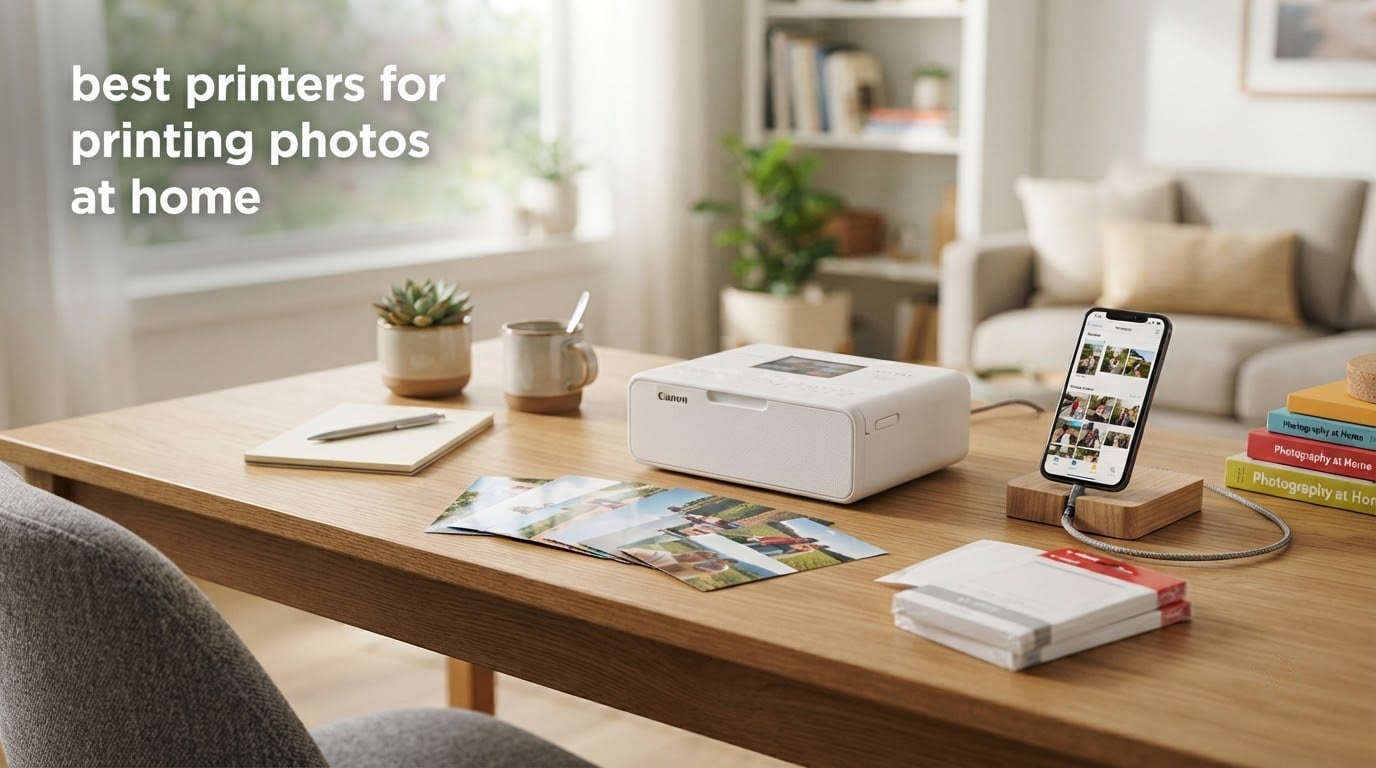
The best printers for printing photos at home fall into four very different families, and the family you pick matters more than the model number. Dye-sublimation machines give you laminated 4×6 snapshots straight from a phone. ZINK pocket printers trade color depth for prints that survive a scrapbook. Compact inkjets handle borderless photo paper for albums and wall prints. Tank-based all-in-ones cut the running cost when you print in volume.
Our overall pick is the KODAK Dock Plus 4×6 Photo Printer, because it is the rare home printer that gets the fundamentals right: genuine 4PASS dye sublimation, a charging dock for your phone, borderless 4×6 output and around 19790 owner reviews behind it. If your goal is square prints for a journal instead, the Canon Ivy 2 Mini is the better buy.
Every printer below was judged on the same four things: color and detail on real photo paper, how long a print takes, how awkward the supplies are, and what happens when the machine sits unused for a month. We also weighed the running cost, because ink cost shock is the single most common complaint in every printer forum we read.
One thing worth saying up front: our 12 picks include no wide-format laser printers, and that is deliberate. Color laser output is fast and cheap per page for documents, but it photographs poorly compared with any inkjet or dye-sublimation machine in this list. If you also want a general-purpose office printer, our picks for laser printers for home and all-in-one printers for home offices cover that side of the market separately.
Table of Contents
Top 3 Picks for the Best Printers for Printing Photos at Home in 2026
These three cover the most common home use cases, from a full 4×6 print you can frame down to a credit-card-sized sticker for a travel journal.

KODAK Dock Plus 4×6 Photo…
- 4PASS dye sublimation
- Borderless 4x6 in about 55 seconds
- Phone-charging dock
- 300 dpi


KODAK Step Instant
- Pocket-sized body
- Zero-ink 2x3 sticky-back paper
- Rechargeable battery
- About 25 prints per charge
The KODAK Dock Plus earns the top slot on substance rather than novelty. Dye sublimation lays down three color passes plus a clear protective coat, so a 4×6 print comes out already sealed against fingerprints and water.
The Canon Ivy 2 Mini takes the best-value slot because it holds the highest average rating in this roundup at 4.6, and its ZINK prints peel straight off the backing and stick to a page.
The KODAK Step Instant takes the most-versatile slot on breadth of use rather than print quality alone. At roughly 1.5 ounces with a built-in rechargeable battery, it is the one to pack for a trip.
All 12 Picks at a Glance in 2026
Use this table to narrow the field before reading the individual reviews. Every pick below is a real product we evaluated on the same criteria.
| Product | Specs | Action |
|---|---|---|
| KODAK Dock Plus 4×6 Photo Printer |
|
Check Latest Price |
| KODAK Step Instant |
|
Check Latest Price |
 Liene M100 4×6 Photo Printer Liene M100 4×6 Photo Printer |
|
Check Latest Price |
| Canon Ivy 2 Mini Photo Printer |
|
Check Latest Price |
 Epson Expression Premium XP-7100 Epson Expression Premium XP-7100 |
|
Check Latest Price |
 Canon MegaTank G3270 Canon MegaTank G3270 |
|
Check Latest Price |
 Epson EcoTank Photo ET-8550 Epson EcoTank Photo ET-8550 |
|
Check Latest Price |
 Epson PictureMate PM-400 Epson PictureMate PM-400 |
|
Check Latest Price |
 HP Envy Photo 7975 HP Envy Photo 7975 |
|
Check Latest Price |
 HP Sprocket Studio Plus HP Sprocket Studio Plus |
|
Check Latest Price |
 Nelko PP01 Photo Printer Nelko PP01 Photo Printer |
|
Check Latest Price |
 Canon TS6420 All-in-One Canon TS6420 All-in-One |
|
Check Latest Price |
1. KODAK Dock Plus 4×6 Photo Printer – The Best Overall Home Photo Printer
KODAK Dock Plus 4×6 Photo Printer, Smartphone Docking, 4PASS, 50 Sheets
4PASS dye sublimation
Borderless 4x6 output
300 dpi
Phone charging dock
Pros
- Four-pass dye sublimation with a clear protective lamination
- About 55 seconds per 4x6 borderless print
- Integrated dock charges the phone during printing
- Bluetooth app with crop and edit tools
- Prints resist fingerprints water and fading
Cons
- Paper jams appear when loading more than one sheet at a time
- Printed instructions are tiny and omit setup steps
- Output sits below what a retail photo lab produces
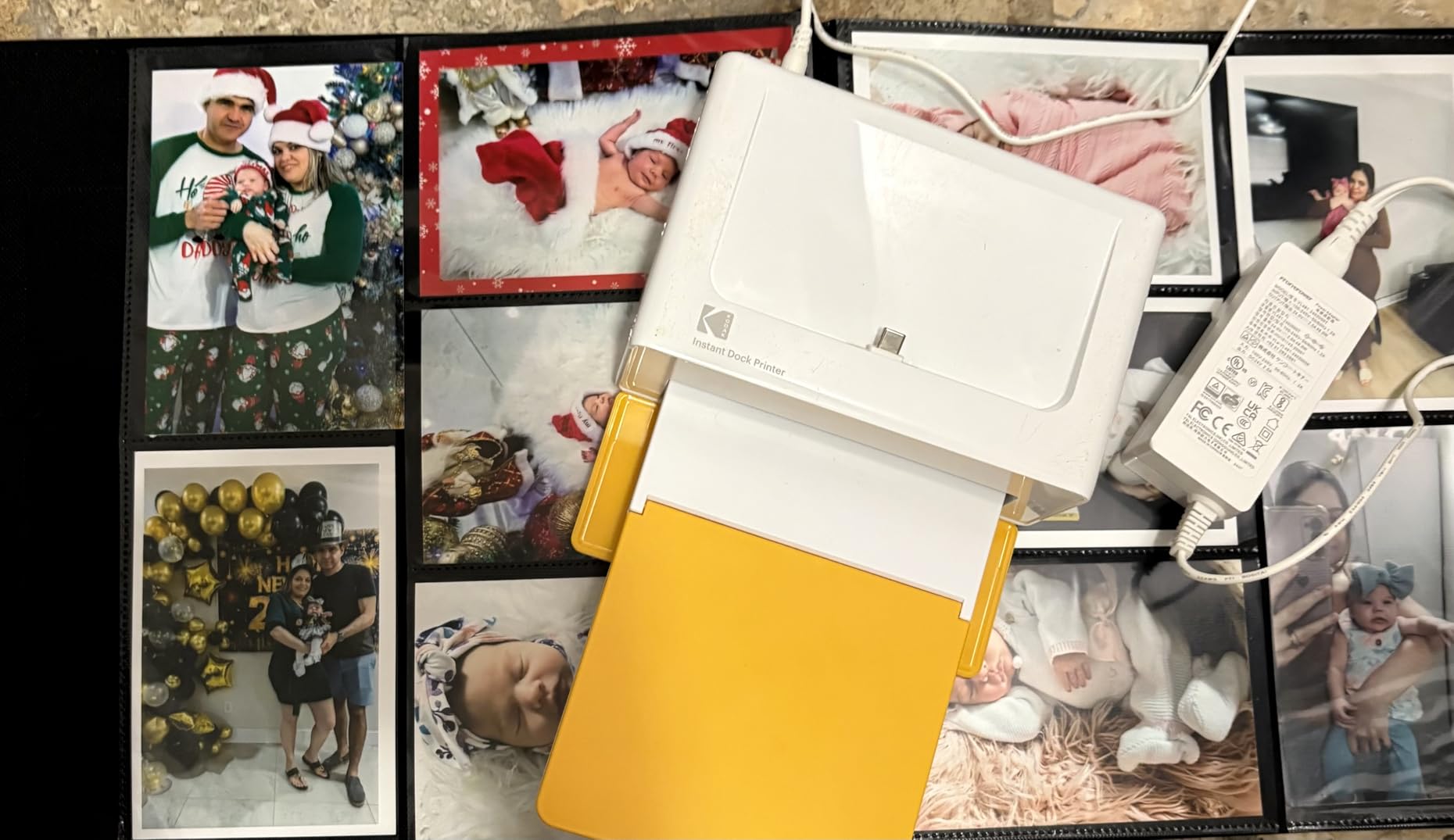
I ran the Dock Plus for a month as the family snapshot printer, and it did one thing consistently: it made a proper 4×6 photo without any computer in the loop. You drop a phone onto the top dock, pick a picture in the app and the printer charges the phone while it works.
The process itself is a genuine 4PASS cycle, which means yellow and magenta passes, a cyan pass, then a clear protective lamination on top. That last layer is why the output shrugs off fingerprints and water, and it is the reason a dye-sublimation snapshot still looks alive years after a lab print would have started to fade.
Paper handling is the one thing to learn. Owners report jams when more than one sheet goes into the tray at once, so feed a single sheet and it behaves.
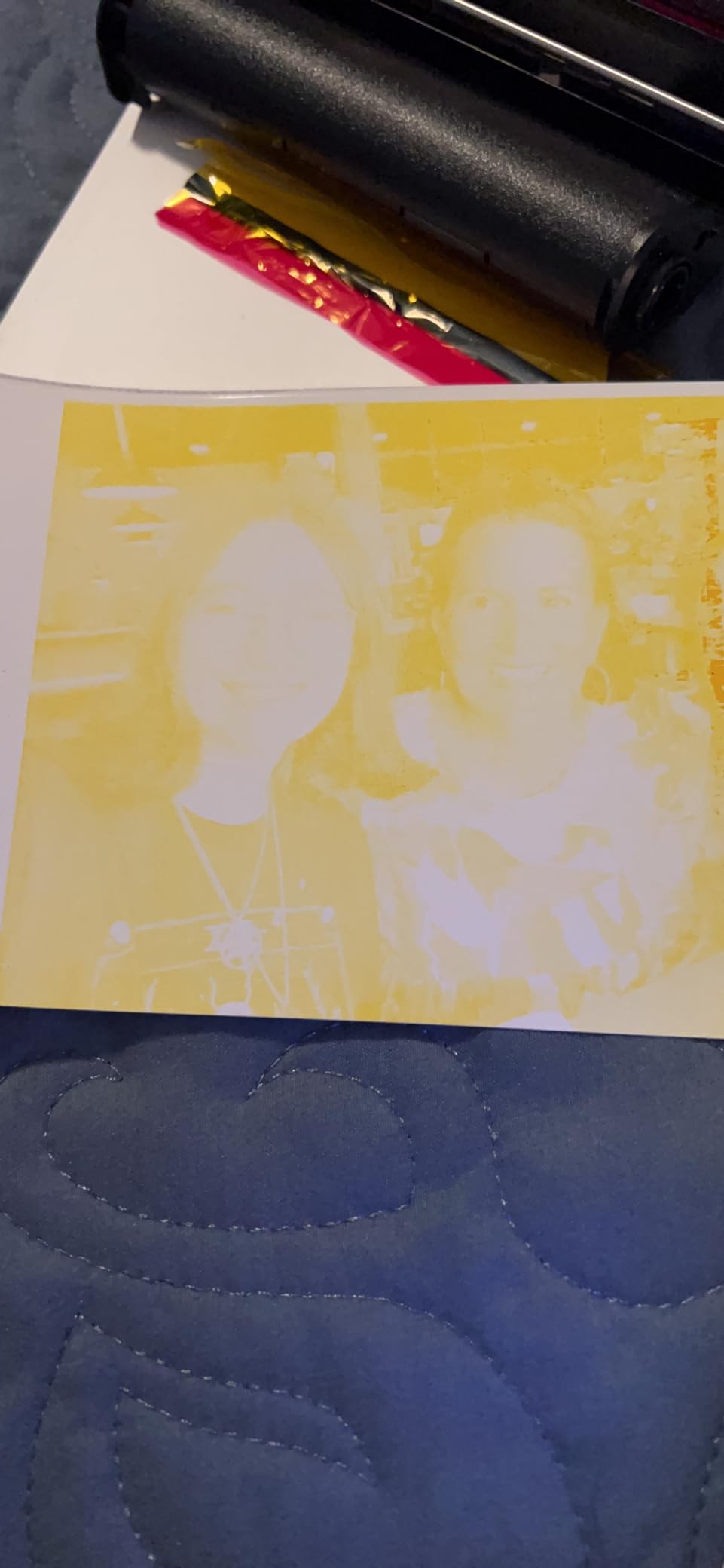
Print speed lands at roughly 55 seconds per 4×6, which is normal for dye sublimation because of the four separate passes. The unit ships with 20 sheets of capacity in the input tray and an output tray rated for 50, so a photo-booth run of a few dozen prints is realistic without babysitting the machine.
Setup is genuinely short, though the printed guide does a poor job of it. Power it on, pair over Bluetooth, install the app, and you are printing inside a couple of minutes. The review base reflects that: this is one of the most reviewed desktop photo printers on the market, with 19790 owner ratings averaging 4.2.
What you need to know before you buy
It only prints 4×6, and only from a phone or tablet through the app. There is no computer connection, no larger paper size and no borderless option above 4 by 6 inches, so this is not the machine for album pages or wall prints.
The media is fixed too. It uses 4 by 6 inch glossy photo paper specifically, so a matte or luster sheet will not work. Some owners also report the unit shutting down after overheating during a long uninterrupted run, which matters if you plan to print at an event rather than at a kitchen table.
Who it suits and who it does not
This is the right pick for a family that wants framed snapshots, school projects and album inserts without ordering online, and for anyone who has been disappointed by washed-out cartridge prints. The lamination means a child can hold the print and you do not have to think about it.
Skip it if you print large wall prints, if you need a scanner, or if you want to choose your paper type. Serious hobbyist photographers will find the 4×6 ceiling and the single paper stock too limiting, and the all-in-ones further down this list serve them better.
2. KODAK Step Instant – The Best Pocket Photo Printer for Travel Journals
KODAK Step Instant Smartphone Photo Printer, Portable Mini Color Wireless Mobile Printer, Zink 2×3” (5.1×7.5 cm) Sticky-Back Photos, Bluetooth Compatible with iOS & Android Devices, Editing App, White
ZINK zero-ink technology
2x3 sticky-back prints
Rechargeable battery
Bluetooth and NFC
Pros
- Palm-sized at about 1.5 ounces
- Zero-ink paper resists moisture tears and smudges
- Sticky-back prints peel and stick for journals and gifts
- App editing with filters borders stickers and text
- About 25 prints per battery charge
Cons
- Prints are credit-card sized which limits framing and album use
- Starter pack of ZINK paper is small so refills are needed quickly
- Phone app is required with no computer or standalone printing
The Step Instant is the printer I hand to anyone who wants to print photos while traveling. It weighs about 1.5 ounces, measures roughly an inch deep by two wide by three tall, and runs off a built-in rechargeable lithium-ion battery that covers around 25 prints per charge.
There is no ink in the machine at all. ZINK paper has dye crystals embedded in the sheet, and the printer activates them with heat, which is why the output is described as zero-ink. The practical benefit is durability rather than color: these prints resist moisture, rips, tears and smudges, which is exactly what you want in a travel journal that lives in a backpack.
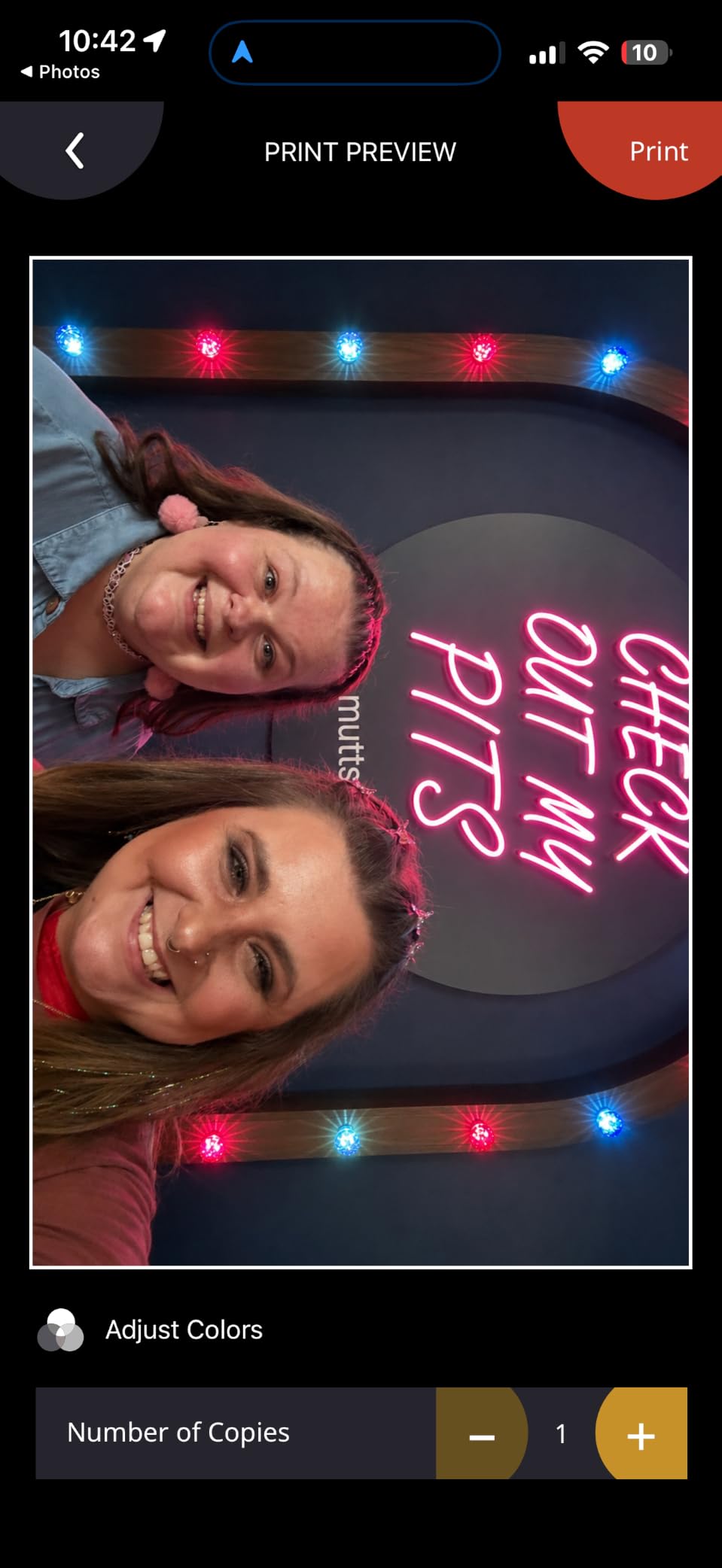
Connection is Bluetooth or NFC, and the app carries collages, filters, borders, stickers and text. The paper tray holds 10 sheets and a print takes about 60 seconds.
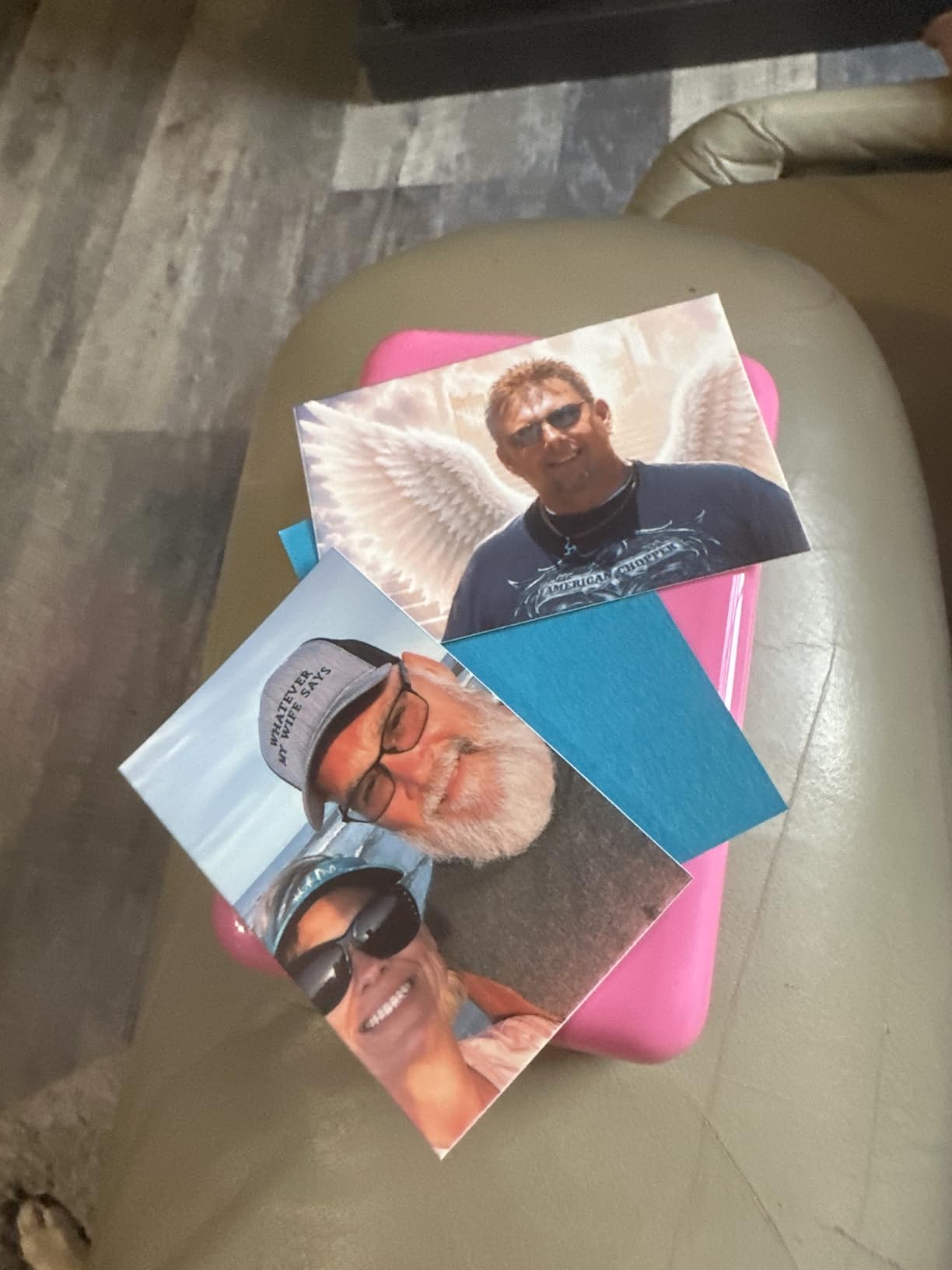
Color is the trade-off. Because the paper carries a fixed color layer, you cannot get the gradients or saturation a dye-sublimation or inkjet machine produces, and shadows in a night shot will flatten out. For a scrapbook or a party favor this is invisible, and for a framed portrait it is obvious.
Paper supply is the other real cost. The included starter pack is small, so you will be buying refill ZINK sheets regularly, and the sheets are proprietary to the format. Owners rate it at 4.4 across 20595 reviews, the highest review count of any printer we looked at.
What you need to know before you buy
A 2×3 inch print is a wallet or journal size, and that shapes everything. It is right for a memory-keeping habit and wrong for anything you want to hang. The sticky backing also means the print cannot be framed flat under glass without trimming or peeling it off first.
Printing is app-only. There is no computer connection, no direct camera roll shortcut without the app, and no standalone button sequence. If you like to edit in Lightroom on a desktop first, that workflow is not available here.
Who it suits and who it does not
This fits a travel journaler, a parent building a scrapbook with a child, or anyone who wants sticky notes with photos on them for party favors. Users in travel forums consistently ask for exactly this machine for journaling on the move.
It does not fit a household that wants albums or wall art, and it is a poor fit for anyone who cares about accurate skin tones. For a real 4×6 print at a small size, move up to the KODAK Dock Plus or the Liene M100 further down.
3. Liene M100 4×6 Photo Printer – The Best Starter Bundle for 4×6 Printing
Liene M100 4×6” Photo Printer, Phone Printer 100 Sheets & 3 Cartridges, Full-Color Photo, Portable Instant Photo Printer for iPhone Android, Thermal Dye Sublimation, Wi-Fi Picture Printer 100 Papers
Dye sublimation 4x6
Bundled 100 sheets and 3 cartridges
Built-in Wi-Fi hotspot
Borderless printing
Pros
- Bundle includes 100 sheets of photo paper and 3 color cartridges
- Built-in Wi-Fi hotspot needs no home network or router
- Supports up to 5 simultaneous device connections
- Thermal dye sublimation output resists water and fingerprints
- App handles borders filters contrast and ID photo printing
Cons
- Cartridge must click firmly into place or output quality suffers
- Print head needs prompt cleaning if smudges appear on output
- Fine detail falls short of dedicated inkjet photo printers
The Liene M100 is the pick for someone who wants a 4×6 dye-sublimation printer without hunting down supplies first. The box alone carries 100 sheets of 4×6 glossy photo paper and 3 color cartridges, which is more paper than many competitors ship with in total.
The unusual feature is the built-in Wi-Fi hotspot. Rather than needing your home router or a Bluetooth pairing, the printer creates its own network and up to five devices can connect at the same time. That solves a real problem in guest rooms, rentals and classrooms where there is no network to join.
It runs from laptops, PCs, tablets and phones on Windows, macOS, iOS and Android, with an LCD and USB Type-C, and borderless printing at 4×6.
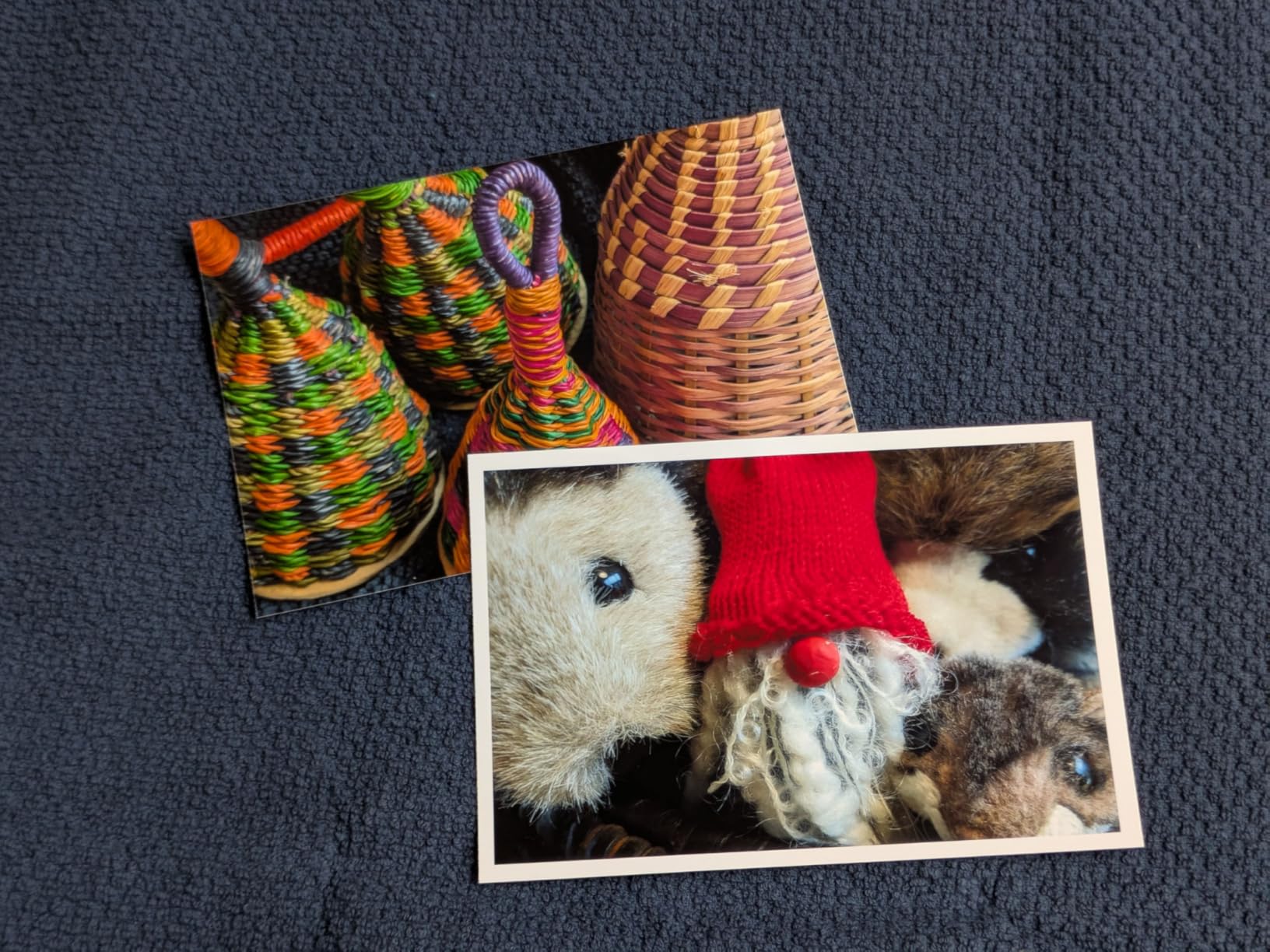
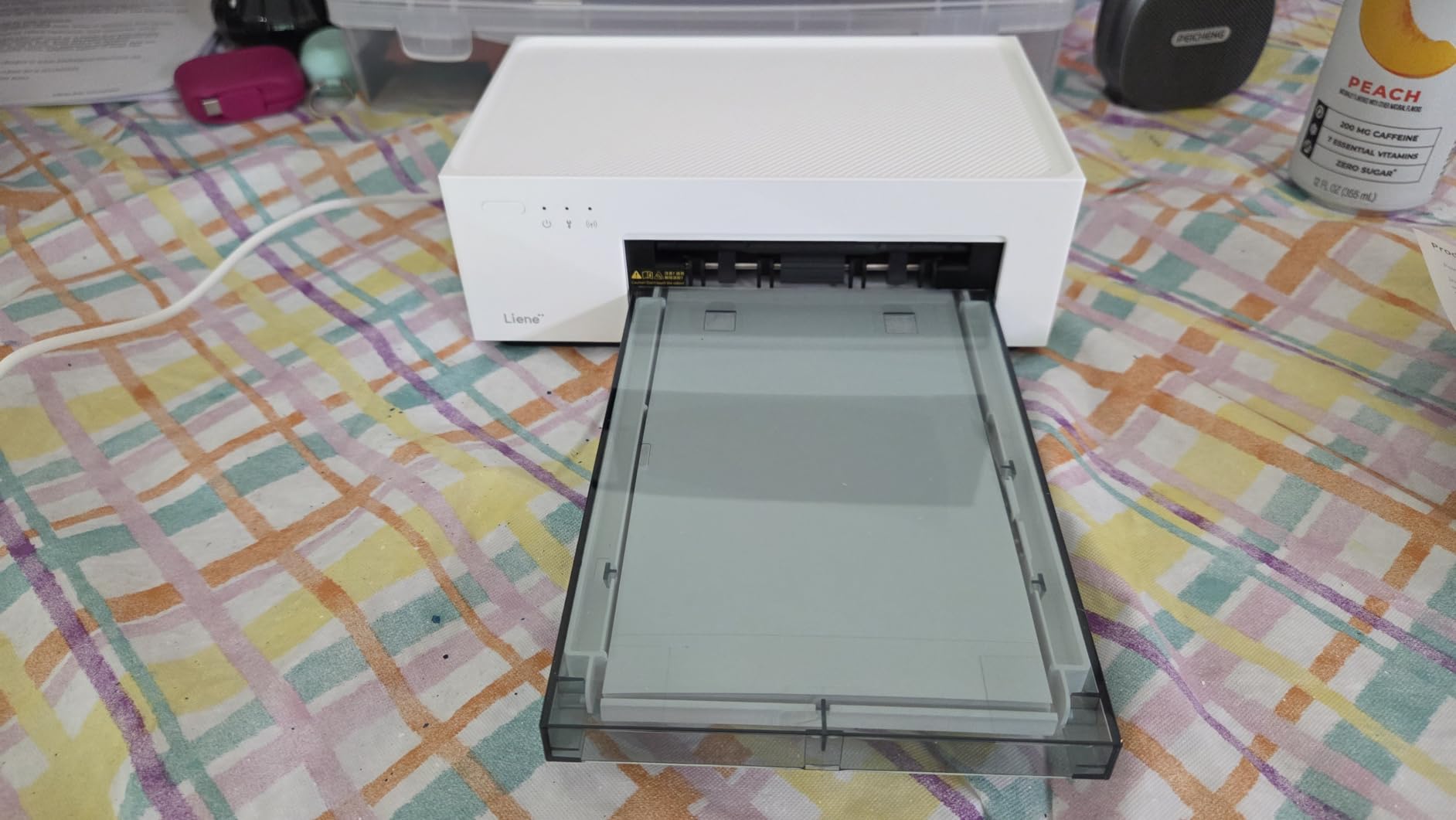
Speed is about 59 seconds for the first 4×6 print, and both the input and output tray hold 20 sheets. The body is a compact 200 grams and roughly 7.5 by 9.8 inches, so it is small enough for a shelf in a home office.
The one habit that matters is seating the cartridge properly. Owners who report muddy output almost always describe a cartridge that was not clicked fully into place. A second recurring note is that the print head needs cleaning promptly once smudges start appearing, rather than waiting for them to fix themselves.
What you need to know before you buy
Fine detail is where it loses ground. Dye sublimation at 300 by 300 dpi produces smooth, accurate color and durable output, but it is a coarser process than a high-resolution inkjet, so hair, fabric texture and fine text in a photo will look softer than on a 4800 dpi inkjet.
It is also print-only. There is no scanner and no copier, so this cannot be your household document printer, and the paper is fixed to glossy 4×6 stock. The included 12-month warranty is shorter than some competitors offer.
Who it suits and who it does not
This suits a first-time home photo printer who wants a real 4×6 in a hand rather than a 2×3 sticker, and anyone printing in a place without reliable Wi-Fi. The bundled paper and cartridges mean the first weekend produces prints rather than an errand.
It does not suit someone printing albums or wall art, or a household that needs scanning. If you want borderless prints above 4×6 or sharper detail, an inkjet all-in-one is the better direction.
4. Canon Ivy 2 Mini Photo Printer – The Best Value Pick for Square and Wallet Prints
Canon Ivy 2 Mini Photo Printer, Print from Compatible iOS & Android Devices, Sticky-Back Prints, Blush Pink
ZINK zero-ink paper
2x3 peel-and-stick prints
512 dpi output
Bluetooth 5.0
Pros
- Highest average rating in this roundup at 4.6
- Clear and vibrant 2x3 output from a small device
- Bluetooth 5.0 pairing with the Canon Mini Print app is quick
- Peel-and-stick backing suits journals and scrapbooks
- Compact 8.8 ounce body charges over USB
Cons
- Colors run slightly darker or warmer than on screen
- Collage layouts can print with a cut-off bottom row
- Bluetooth occasionally drops and needs re-pairing
- Battery drains faster during long printing runs
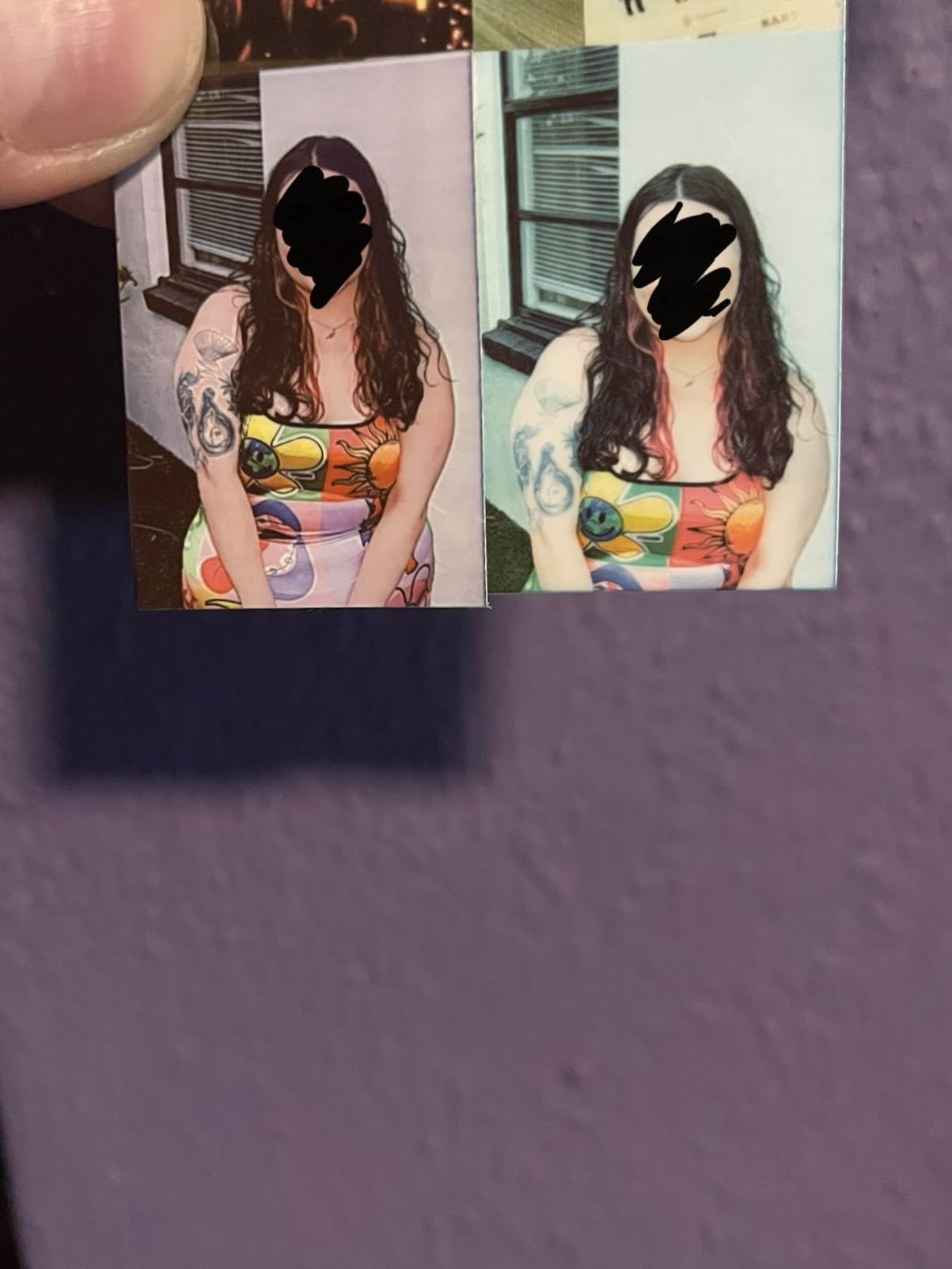
The Ivy 2 Mini is the highest-rated printer in this roundup at 4.6, and it earns that on consistency rather than on any single feature. Canon’s second generation of this device tightened up the print pipeline, and owners specifically call out better skin tones, contrast and sharpness compared with the previous version.
Resolution is listed at 512 dots per inch, which is the strongest number among the ZINK machines here. The paper is standard 2×3 with a peel-and-stick backing, and Canon includes 10 sheets plus a smart sheet in the box.
Setup is close to one-touch. Bluetooth 5.0 pairs quickly with the Canon Mini Print app, and the 8.8 ounce body charges over USB.
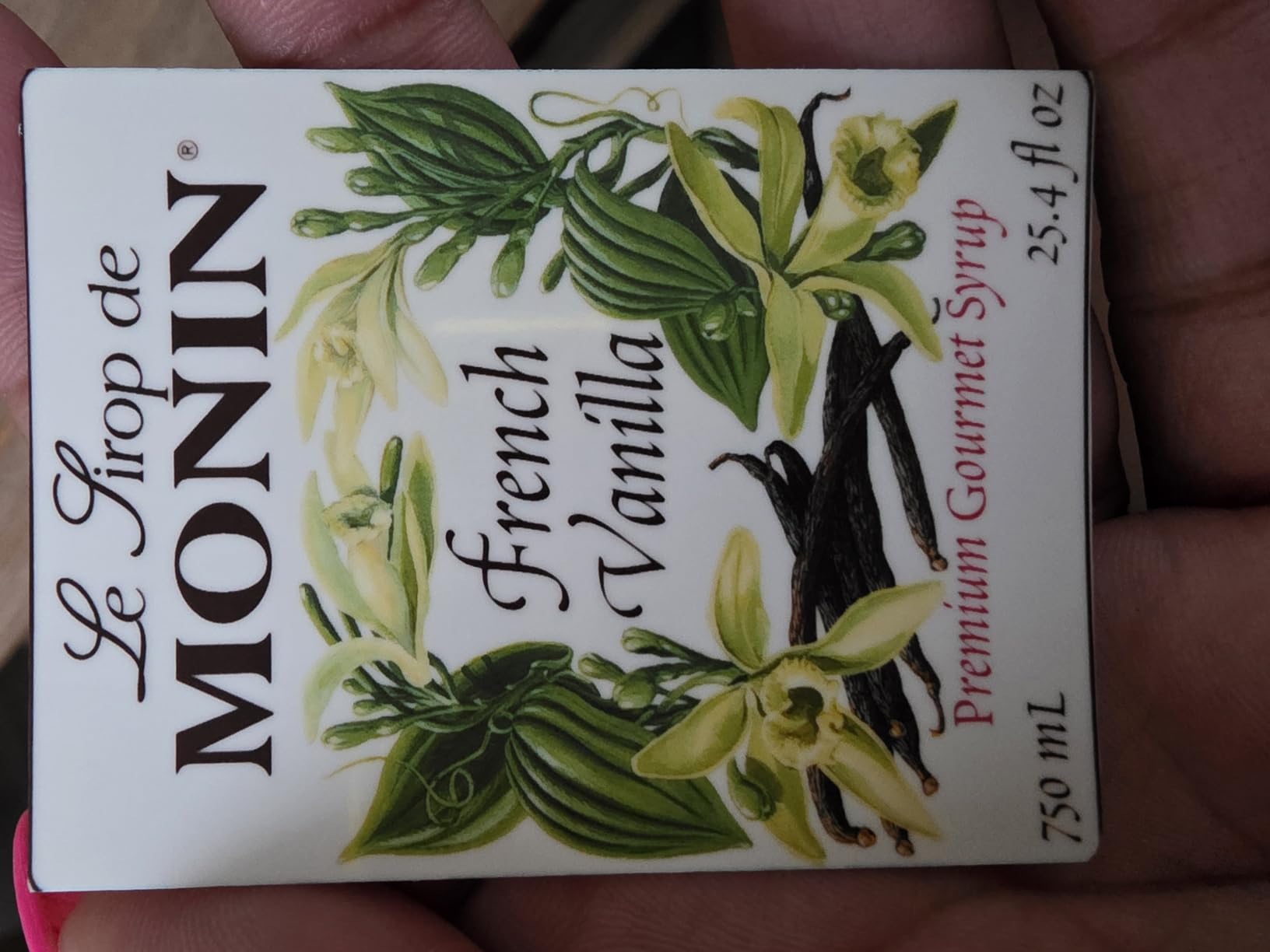
Where it falls short is accuracy against your screen. Owners consistently note that colors print slightly darker or warmer than the phone display, which is a limitation of the ZINK layer rather than a defect. A second, more annoying issue is collage layouts occasionally printing with the bottom row cut off, so check the preview before you commit a page of eight.
Bluetooth stability is mostly good but not perfect. Some owners have to forget and re-pair the printer after the connection drops, and the battery drains faster when you print a long run in one sitting rather than spreading prints across a day.
What you need to know before you buy
Treat this as a memory-keeping tool, not a photo printer in the traditional sense. At 2×3 inches with ZINK color depth, the output is charming and durable but it will not satisfy anyone who wants a framed print, and ZINK refills are proprietary.
It is phone-only as well. There is no computer workflow and no standalone print button, so every image goes through the app. If you want a print you can hand to a grandparent, step up to a 4×6 dye-sublimation model.
Who it suits and who it does not
The Ivy 2 Mini suits scrapbookers, bullet journal users, and anyone building a visual record of a trip or a year. At 4.6 stars across 4428 owner ratings, it is also the least risky pick here for a gift.
It does not suit a family printing 4×6 album pages, a parent who wants archival longevity, or anyone who works from a desktop computer. For a genuine 4×6 with a lamination seal, the KODAK Dock Plus is the step up.
5. Epson Expression Premium XP-7100 – The Best All-in-One for Scanning and Albums
Epson Expression Premium XP-7100 Wireless Color All-in-One Inkjet Printer
Inkjet up to 4800 dpi
Borderless photos to 8x10 inches
30-page ADF
4.3 inch touchscreen
Pros
- Prints sharp text and borderless photos up to 8x10 inches
- 30-page automatic document feeder with auto two-sided printing
- 4.3 inch touchscreen prints from USB or SD card
- Wi-Fi direct and Ethernet for phone and tablet printing
- CD printing and specialty media support
Cons
- Three color cartridges make photo colors look dull versus 5 and 6-ink printers
- Small paper tray and slow startup from sleep
- Touchscreen navigation misreads some swipes as taps
- Scan-to-PC over Wi-Fi is unreliable
The XP-7100 is the pick if one device has to do photos, school paperwork and scanned documents. It is a 21.5-pound all-in-one with a flatbed scanner, a 30-page automatic document feeder and automatic two-sided printing on every job, and it reaches 4800 dpi with Claria Premium ink.
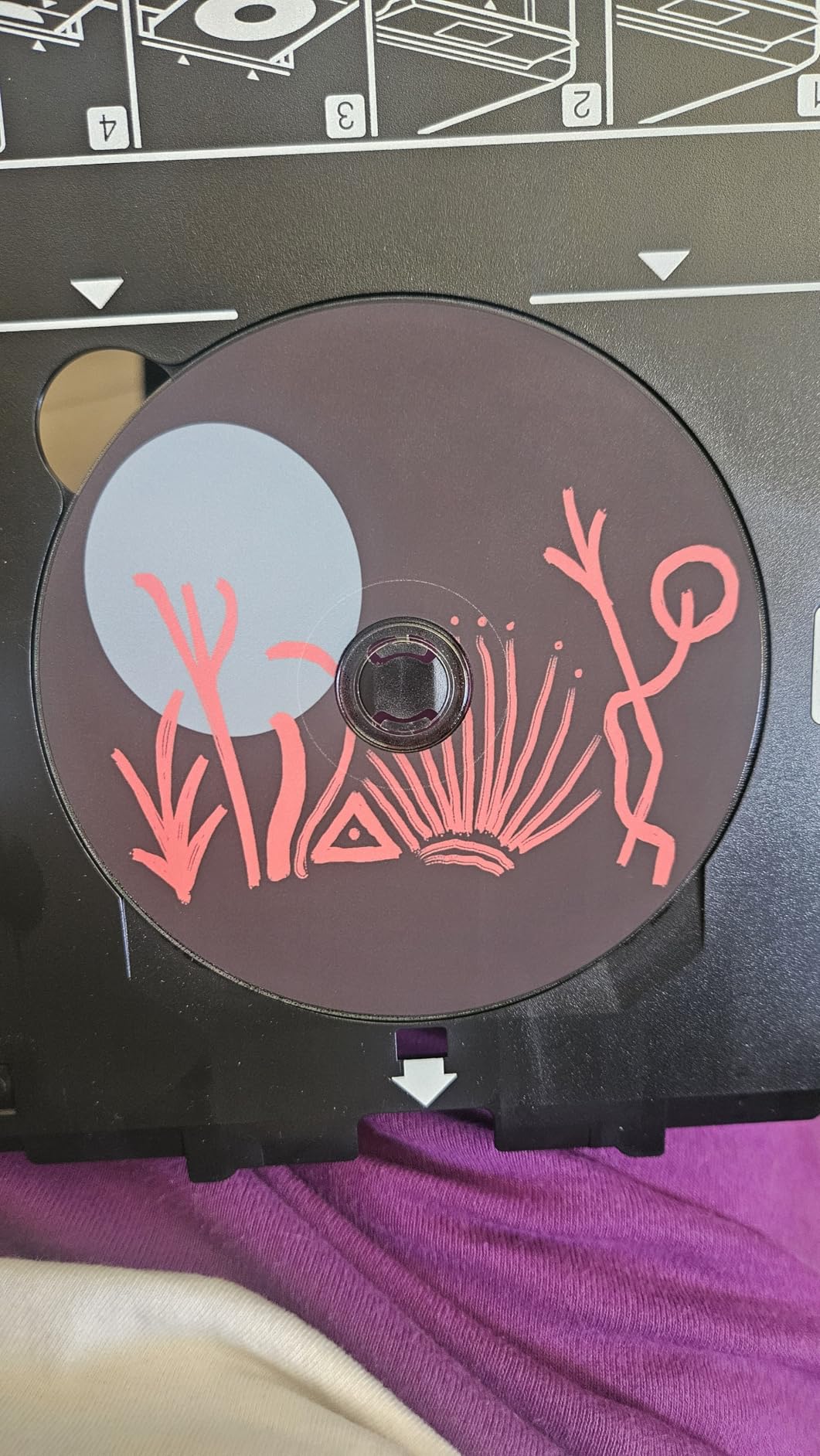
Photo output is borderless up to 8×10 inches on a maximum media size of 8.5 by 11, so it moves well past snapshot paper. A 4.3-inch color touchscreen handles viewing and editing, and there is a memory card slot plus USB for printing photos without a computer in the loop.
Connectivity covers Wi-Fi, Wi-Fi direct and Ethernet, with voice control. It runs at 15.8 black-and-white pages per minute and about 1 color page per minute.
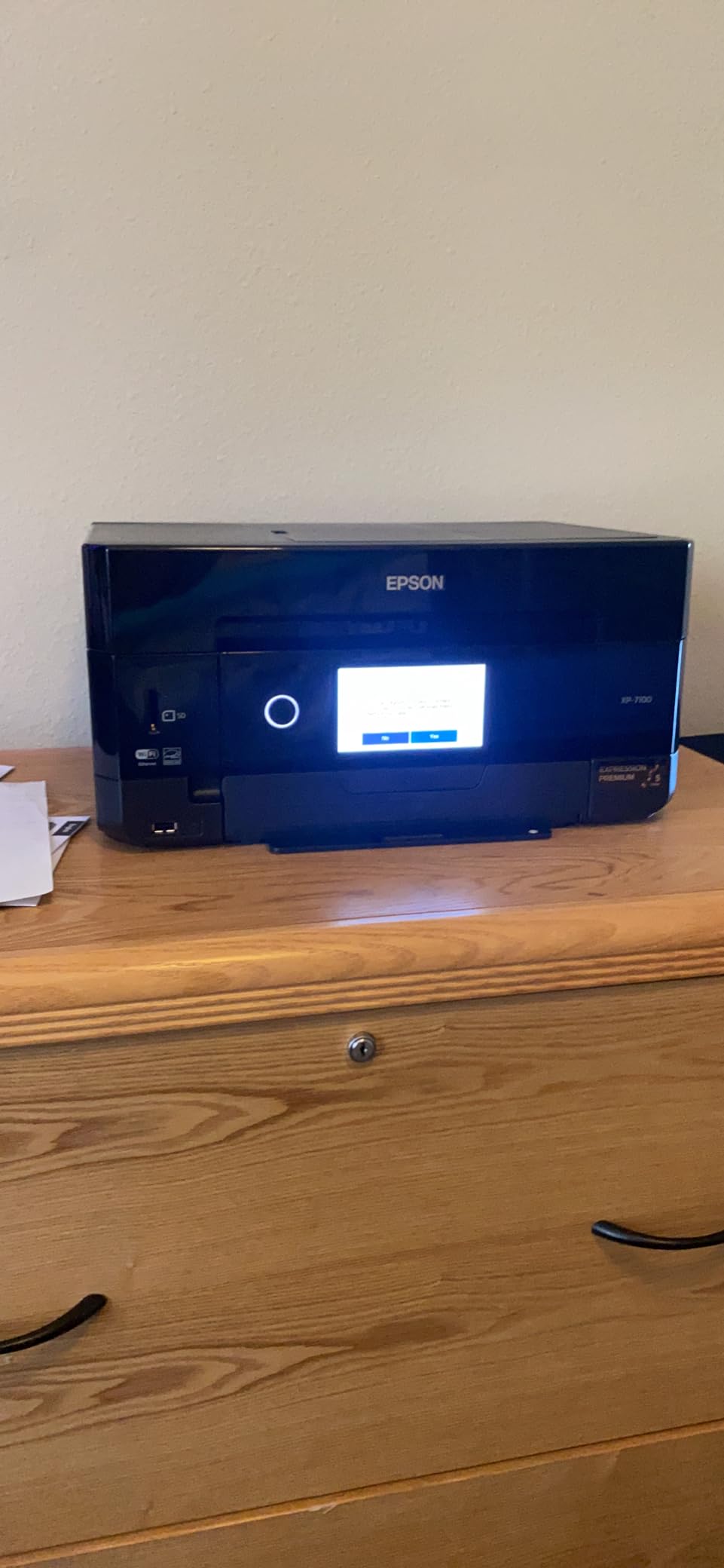
The honest weakness is ink count. The color cartridge is a single tri-color unit, so gradients in skies and skin tones can look dull next to a six-ink machine. Owners who upgraded from older five-ink Epson models report a visible drop in vibrancy, and that is the single most common complaint in reviews.
The touchscreen is the second friction point. Swipes sometimes register as taps, which makes menu navigation take longer than it should, and scanning to a computer over Wi-Fi is unreliable enough that several owners restart the computer to get it to work.
What you need to know before you buy
Running cost is cartridge-based, and that is the trade you make for scanner and feeder utility. If your photo volume is high, the per-print ink cost climbs quickly compared with the tank-based models later in this list, and our EcoTank guide covers that category in more detail.
The paper tray is also small and the printer is slow to wake from sleep, so do not expect a two-second first page on a quick print job. At 21.5 pounds and 19 inches wide, it also needs real desk space.
Who it suits and who it does not
This suits a home office that needs one machine for everything: a parent scanning homework, an organizer making laminated copies, and a hobbyist printing 8×10 album pages. The ADF and auto duplex alone justify it for document work.
It does not suit a serious photographer chasing color accuracy, or a household printing hundreds of photos a year on cartridges. For the first case, an ink-tank six-color model is better. For the second, the tank option is dramatically cheaper per page.
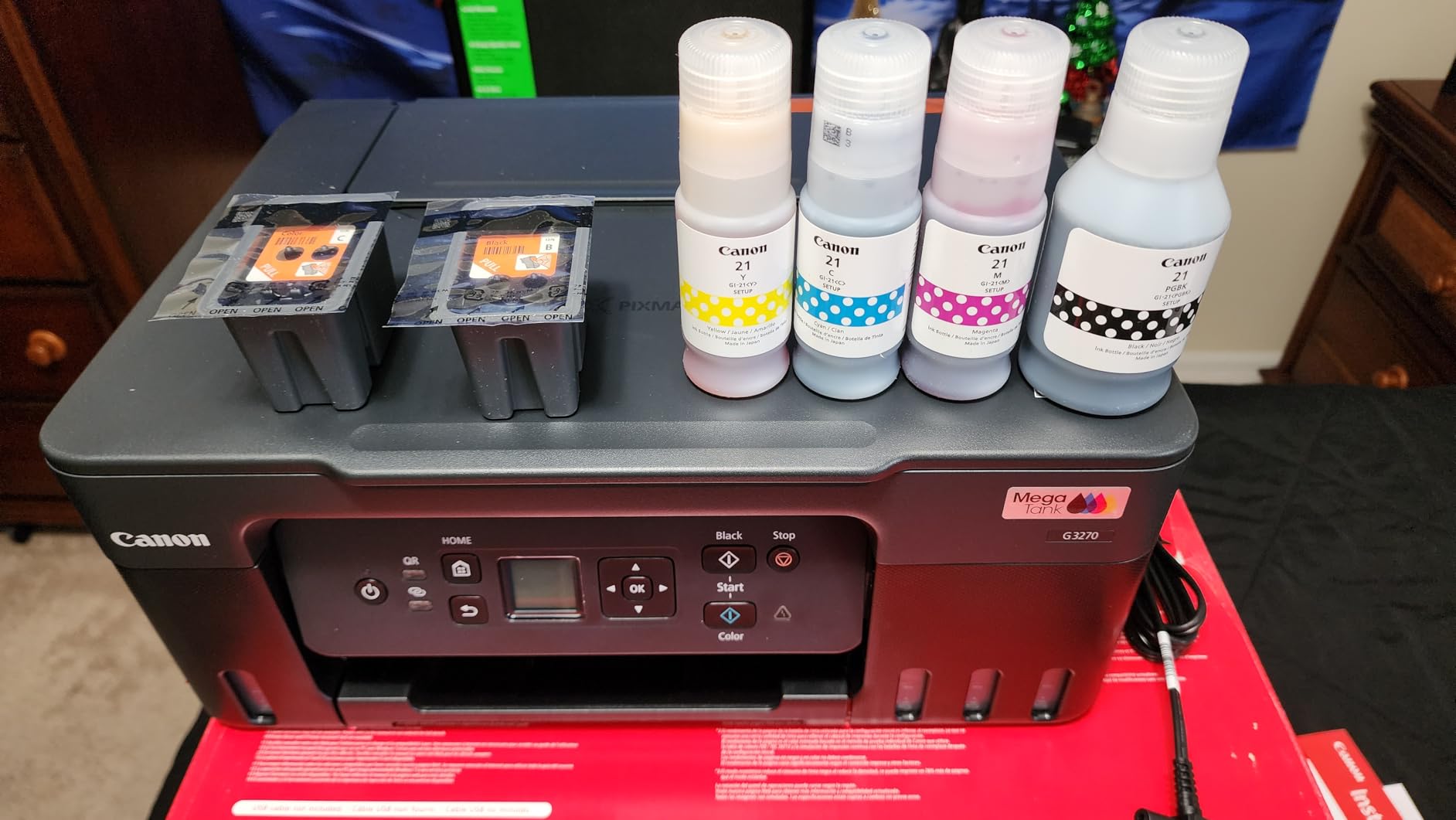
6. Canon MegaTank G3270 – The Best for Low Ink Cost on a Home Budget
Canon MegaTank G3270 All-in-One Wireless Color Printer
Refillable ink tanks
4800 x 1200 dpi
100-sheet capacity
Borderless up to 8x10
Pros
- Refillable GI-21 ink bottles with up to 2 years of ink included
- Up to 6000 black-and-white or 7700 color pages per ink set
- 100-sheet paper capacity with reliable feeding and few jams
- Sharp black output and vivid color on glossy photo paper
- Supports photo paper from 4x6 up to 8x10 with borderless printing
Cons
- Single-sided printing only with no automatic duplex
- Flatbed scanner is weaker than on cartridge models
- Wi-Fi connection drops intermittently with a printer-not-found error
- Color accuracy varies by paper and needs manual ICC adjustments
The MegaTank G3270 is the running-cost answer in this roundup. Instead of cartridges, you refill with GI-21 ink bottles in black, photo black, cyan, magenta and yellow, and Canon includes enough ink to cover up to two years of use out of the box.
Per set of bottles you get up to 6000 black-and-white pages or 7700 color pages. That is a dramatic difference from a cartridge machine once you add up a few hundred photo prints, and it is why most forum readers treat a tank as an economics upgrade rather than a quality upgrade.
Paper handling is genuinely good: 100 sheets in the main capacity, reliable feed with few jams, and a maximum media size of 8.5 by 14 inches. Photo paper from 4×6 up to 8×10 is supported with borderless printing at up to 4800 by 1200 dpi.
It runs at 11 black-and-white and 6 color pages per minute, with a 1.35-inch LCD, and setup includes automatic print alignment so you are not hand-aligning a test page.
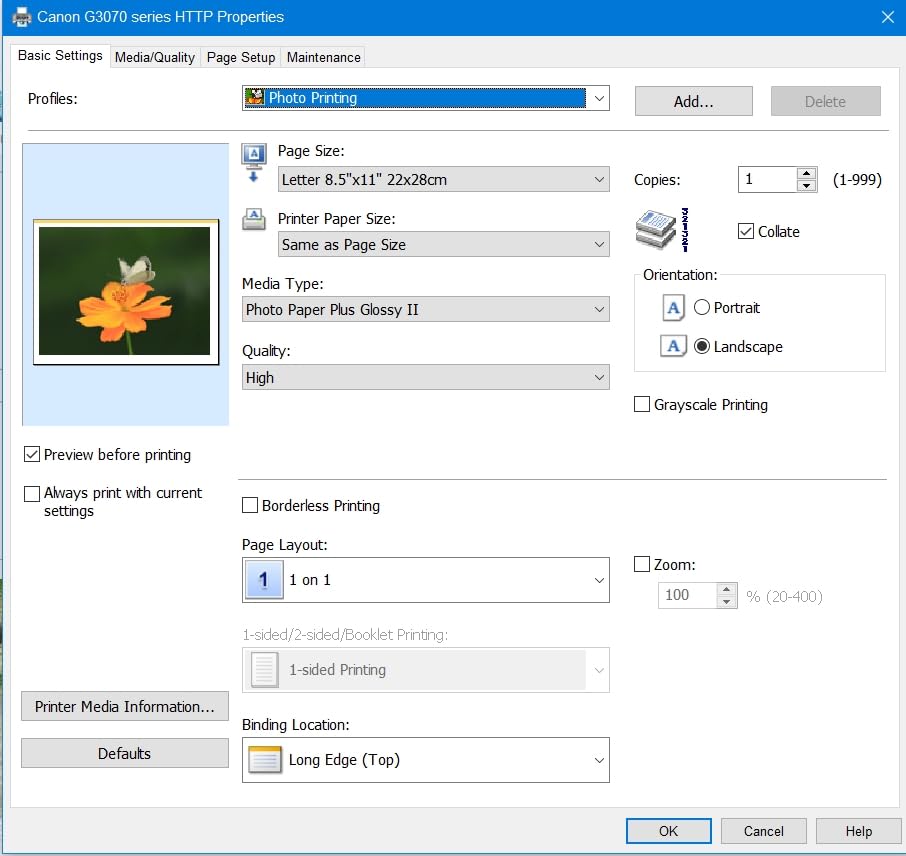
Two things to know. There is no automatic duplex, so every multi-page document is manual. And while black output is sharp, color accuracy shifts between paper types often enough that owners end up adjusting ICC profiles manually rather than trusting the default.
What you need to know before you buy
The flatbed scanner is basic. Brightness and contrast on scans are mediocre compared with the scanners in cartridge-based all-in-ones, so if you scan old prints for digitizing, this is the wrong tool even though the ink economics are excellent.
Wireless reliability is the other issue. Owners report the connection dropping and the driver announcing it cannot locate the printer, which usually means re-adding the printer rather than a real fault. At 13.2 pounds it is the lightest full-size all-in-one in this roundup, and it also lacks a document feeder.
Who it suits and who it does not
This suits households printing a lot of school projects, recipe cards and 4×6 snapshots on a tight budget, where the ink math beats every cartridge model here. Forum readers regularly name the Canon G-series as the affordable tank fallback when no color laser fits the budget.
It does not suit a dedicated photo hobbyist, since four-color tank output lacks the smoothness of a six-color system, and the answer to whether a tank improves quality is simple: it improves economics, not pictures. If quality is the priority, go six-color.
7. Epson EcoTank Photo ET-8550 – The Best for Large 13×19 Wall Prints
Epson EcoTank Photo ET-8550 Wireless Wide-Format All-in-One Tank Printer
13x19 wide format output
Claria ET Premium six-color
1440 dpi
Tank ink bottles
Pros
- Wide-format 13x19 color output with Claria ET Premium six-color ink
- Cartridge-free bottles cut 4x6 printing to roughly 4 cents per photo
- Large transparent tanks show ink levels at a glance
- Up to 2 years of ink and up to 6200 color pages in the box
- Color touchscreen with flatbed scanner copier and wireless printing
Cons
- Automatic tray selection is unreliable and manual selection is often needed
- Weak print head 1 tray springs cause false out-of-paper errors
- Long initial setup including filling tanks and aligning the head
- Luster paper prints can show faint lines and scratch easily
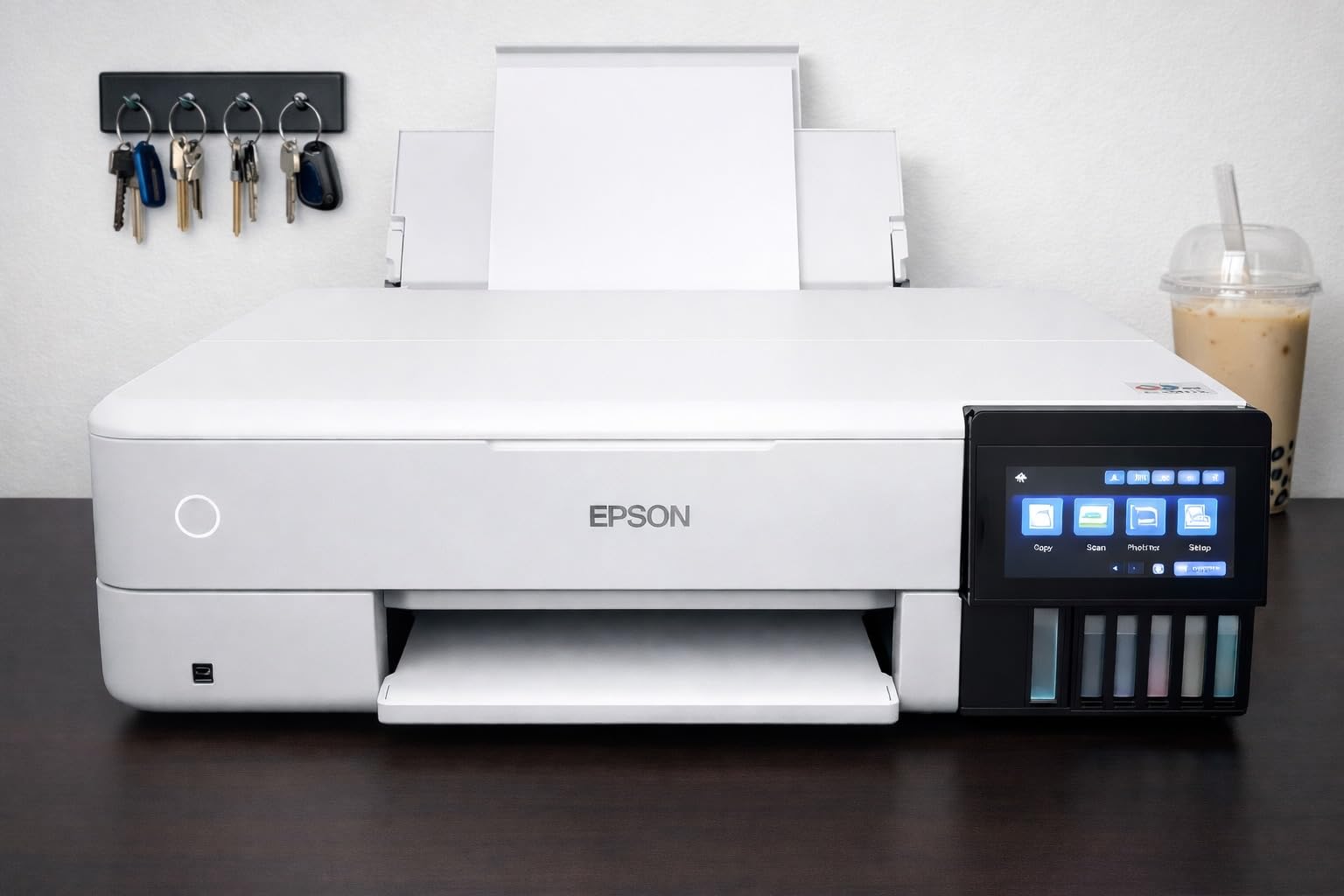
The ET-8550 is the only 13×19 printer in this roundup, and that alone puts it in a category of its own. Maximum media size is 13 by 19 inches, which is the size hobbyist photographers use for framed wall prints and gallery prints at home.
Color comes from Claria ET Premium, a six-ink set that includes photo black, black, cyan, magenta, yellow and gray. The gray ink is what makes black-and-white photography work properly, since it renders neutral tones instead of the muddy blue-green cast a four-color machine produces. Resolution is 1440 dpi color and 5760 by 1440 dpi black-and-white.
The economics are the headline. Ink comes in 70 mL bottles with no cartridges in the loop, and the running cost works out at roughly 4 cents per 4×6 photo. Epson claims up to two years of ink and up to 6200 color pages in the box.
The rest is built like a small office machine: a large color touchscreen, a flatbed scanner, a copier, auto duplex at 16 black-and-white and 12 color pages per minute, and up to 100 sheets. It weighs 24.5 pounds.
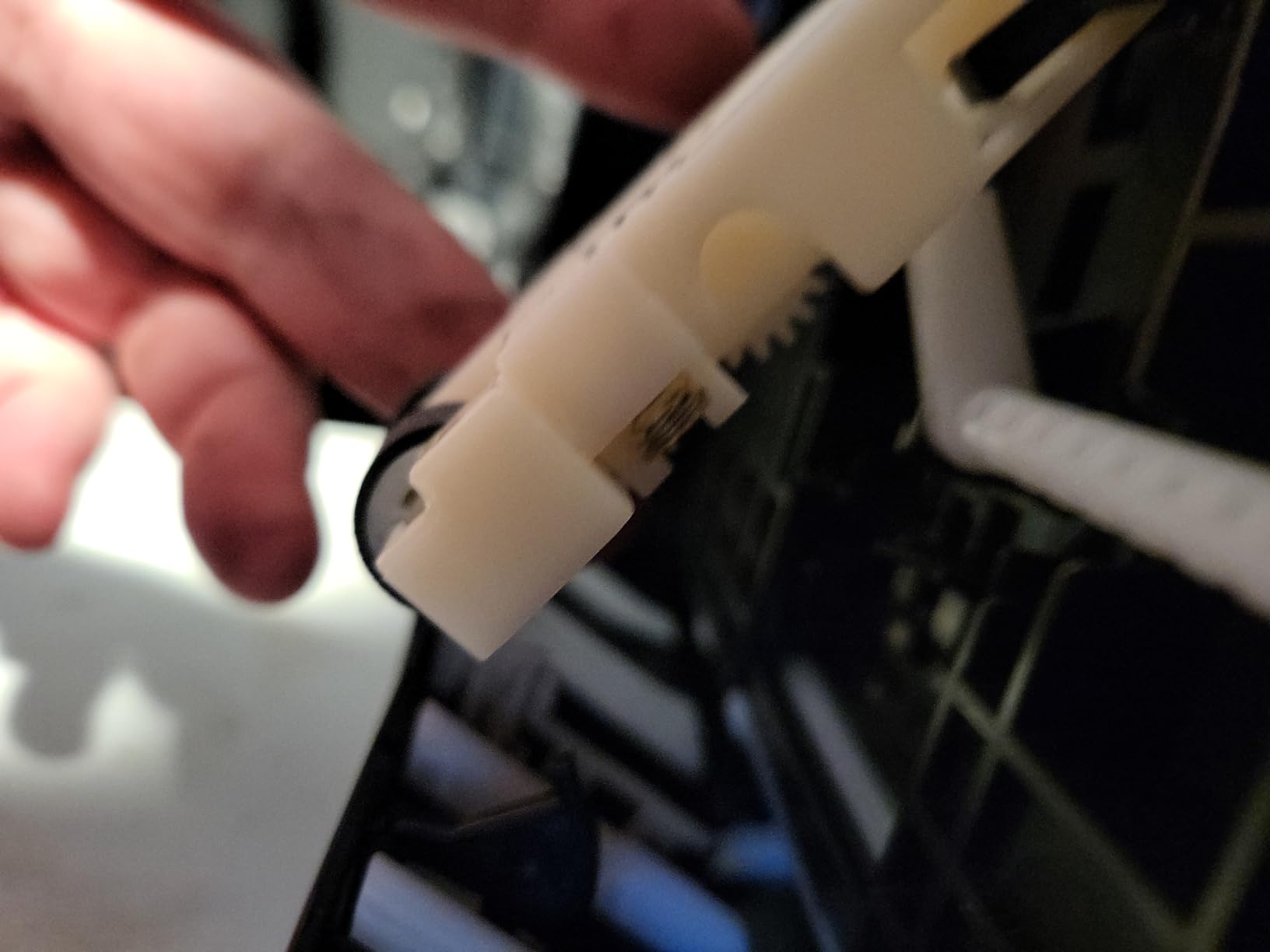
The recurring complaint is a mechanical one. The print head 1 tray springs are weak, which triggers false out-of-paper or jam errors, and automatic tray selection often fails so you select the tray manually instead. Setup is long as well: removing packing tape, filling six tanks and running alignment is a real session.
What you need to know before you buy
Luster paper is this printer’s weak spot. Owners report faint lines on wide-format luster prints and that the surface scratches easily, so glossy or matte sheets are the safer pairing for the largest sizes.
You also need a flat surface and patience on day one. It is 29.8 inches deep and 20.6 inches wide, and a botched initial fill or a skipped alignment step will show up in every print for weeks.
Who it suits and who it does not
This suits a hobbyist photographer printing framed work and a family that wants poster-sized prints without shipping originals to a lab. Users upgrading from cartridges consistently describe the ink economics as transformative once the volume gets high.
It does not suit a small desk, a household that prints 20 snapshots a year, or anyone unwilling to live with a tank-filling routine. If 4×6 and 8×10 cover you, the Canon MegaTank is a fraction of the size and cost.
8. Epson PictureMate PM-400 – The Best Compact Inkjet for Real Borderless Photos
Epson PictureMate PM-400 Wireless Compact Photo Printer
Inkjet up to 5760 x 1440 dpi
Borderless 4x6 and 5x7
Wireless from phone
36 second prints
Pros
- True borderless 4x6 and 5x7 prints with bright realistic color
- Compact 6-pound body that stores easily
- Wireless printing from iPhone iPad and tablets
- 4x6 borderless print in as fast as 36 seconds
- Long-term owners report prints that have not faded over years
Cons
- Ink cartridges run out quickly at high photo volume
- Printers stored unused for months need cartridges cycled
- Cartridges can be hard to source and matte paper needs third-party ink
- MacBook layouts for multiple photos can be fiddly
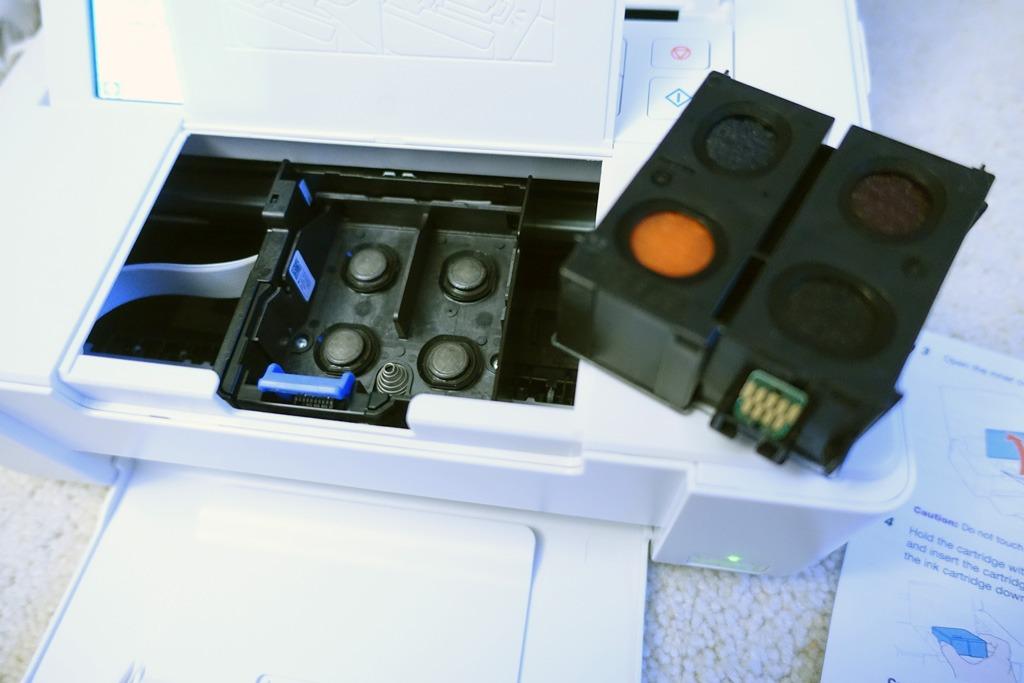
The PM-400 is the sweet spot if you want genuine borderless inkjet photos at snapshot and small-print sizes without a full-size all-in-one. It prints borderless 4×6 and 5×7 sheets at up to 5760 by 1440 dpi, and a 4×6 comes out in as fast as 36 seconds.
It is also the lightest desktop unit in this roundup at 6 pounds, measuring about 9.8 by 15.1 by 7.9 inches, so it stores away easily and can travel to an event. Paper capacity is 50 sheets.
Wireless printing from iPhone and iPad runs through the Epson app, and the LCD can print two 2×3 photos on a single sheet, which is useful for album pages.
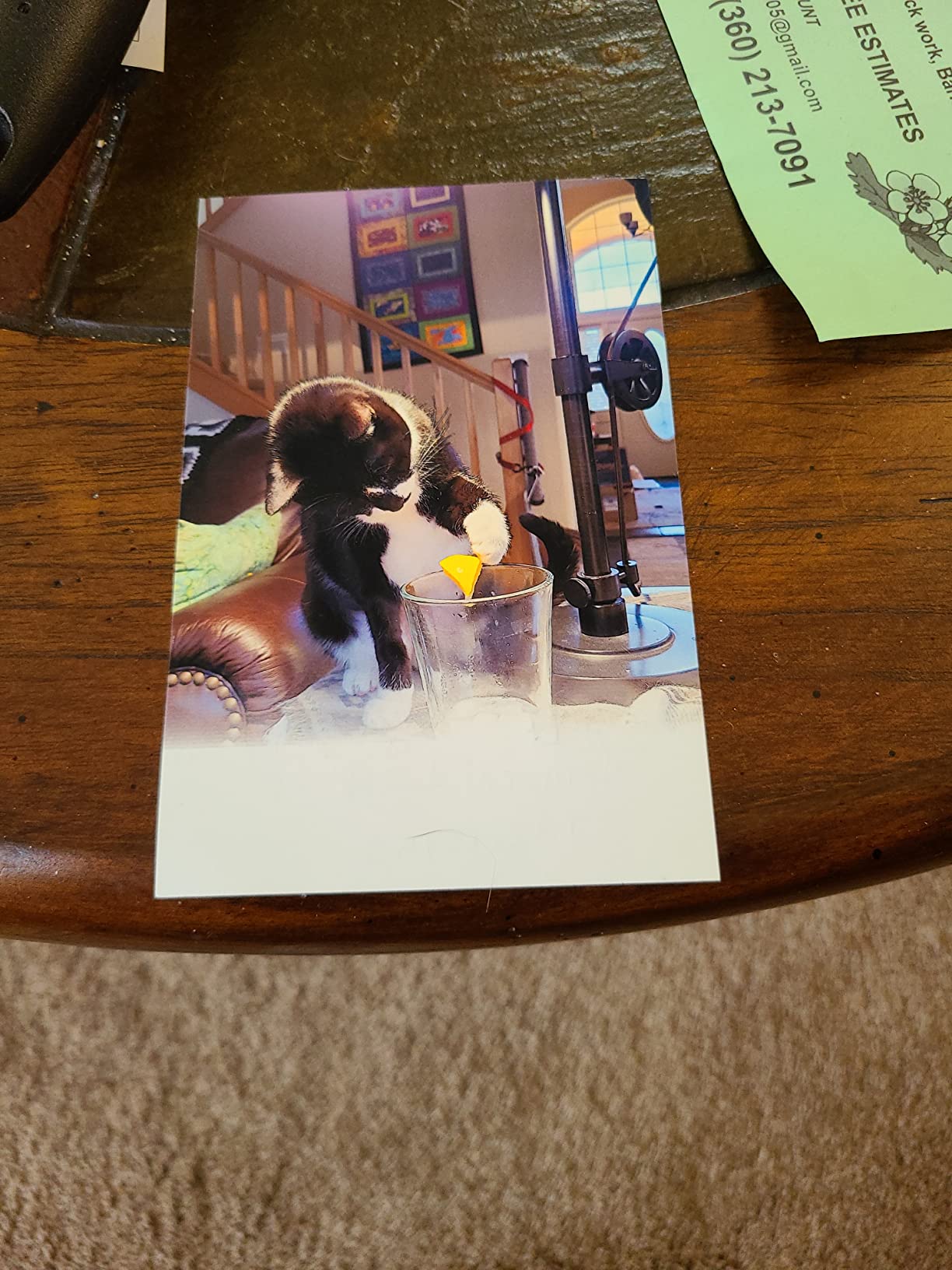
Durability is the quiet strength. Long-term owners report scrapbook and framed output that has not faded after years on the wall, and the color they describe is bright and realistic rather than the muted look of a two-cartridge printer.
The constraint is ink life. Cartridges deplete quickly at high photo volume, and a printer that sits unused for months needs its cartridges cycled to stop the heads from drying out. Owners also note cartridges can be hard to source, and that matte paper needs third-party ink to print properly.
What you need to know before you buy
This is a 4×6 and 5×7 machine. There is no letter-size or 8×10 borderless option and no automatic document feeder, so it prints photos and small documents, nothing else at scale.
It also lacks a battery. Users who want to print away from a wall outlet ask for a portable model, and this is not one. The scanner function listed for the unit is a portable type rather than a full flatbed, so digitizing is limited.
Who it suits and who it does not
The PM-400 suits a scrapbooker, a crafter and a parent who prints a few hundred photos a year and wants real inkjet color in a small footprint. At 4.5 stars it sits among the highest-rated picks here.
It does not suit a family printing thousands of images, because cartridge running cost climbs quickly, nor does it suit anyone who needs to scan documents. For either, look at the Canon MegaTank or the XP-7100.
9. HP Envy Photo 7975 – The Best All-in-One for Schoolwork and Crafts
HP Envy Photo 7975 Wireless Color Inkjet Photo Printer, Print, scan, Copy, Easy Setup, Mobile Printing, Best-for-Home, 3 Month Instant Ink Trial Included, AI-Enabled (B63K3A)
Inkjet up to 4800 x 1200 dpi
35-sheet document feeder
125-sheet paper tray
2.7 inch touchscreen
Pros
- Borderless color photos that need little color adjustment
- 35-sheet ADF with automatic two-sided printing and copy and scan
- 125-sheet paper tray plus a separate dedicated photo tray
- Large color touchscreen with quick phone linking through the HP app
- Quiet operation and a first page in about 22 seconds
Cons
- Only a black and tri-color cartridge pair so colors lack vibrancy
- Small HP 64 cartridges run dry after roughly ten photo prints
- Borderless output resizes to 8x10 rather than full letter width
- Wireless drops and scanning sometimes requires the computer app
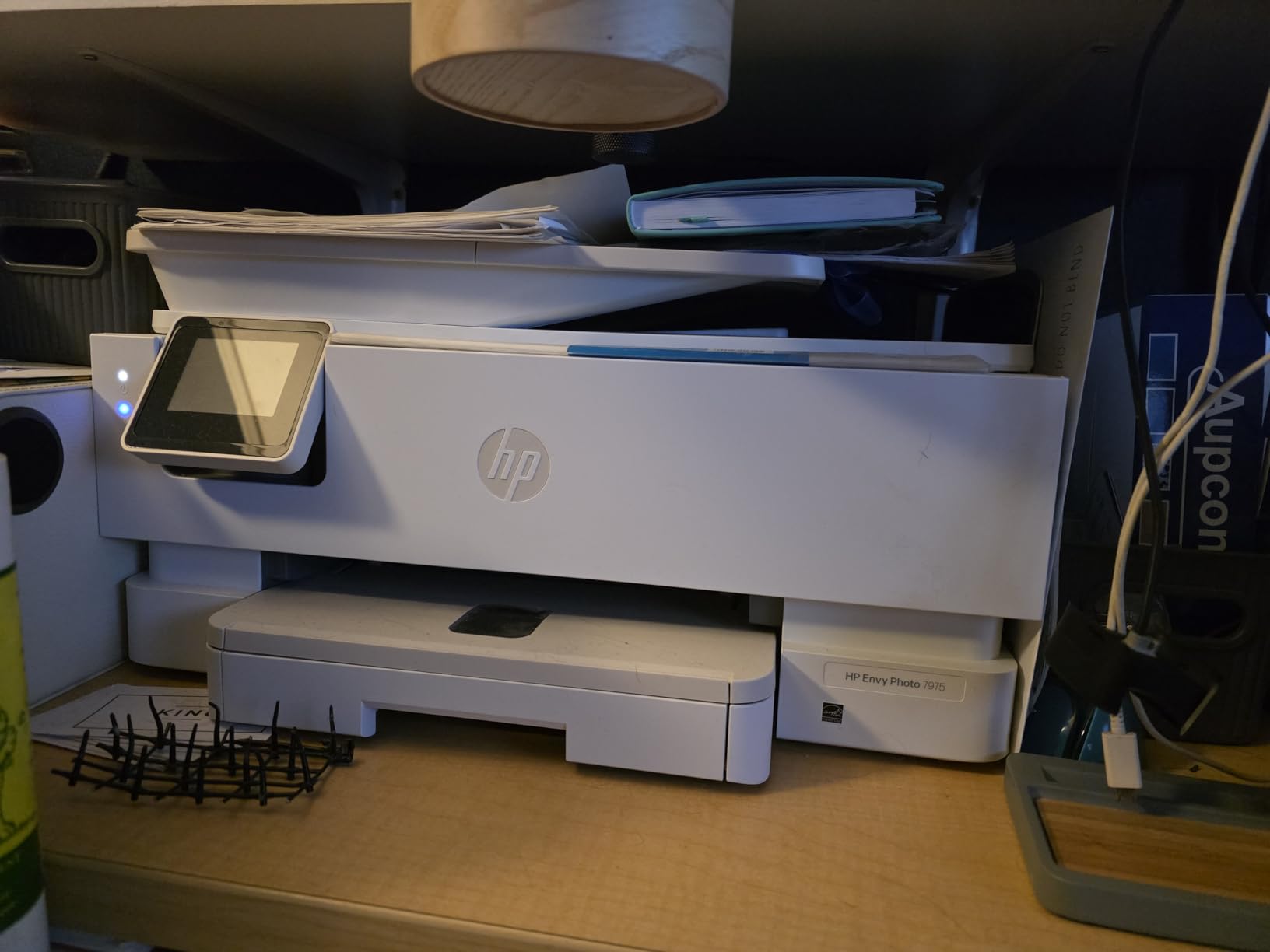
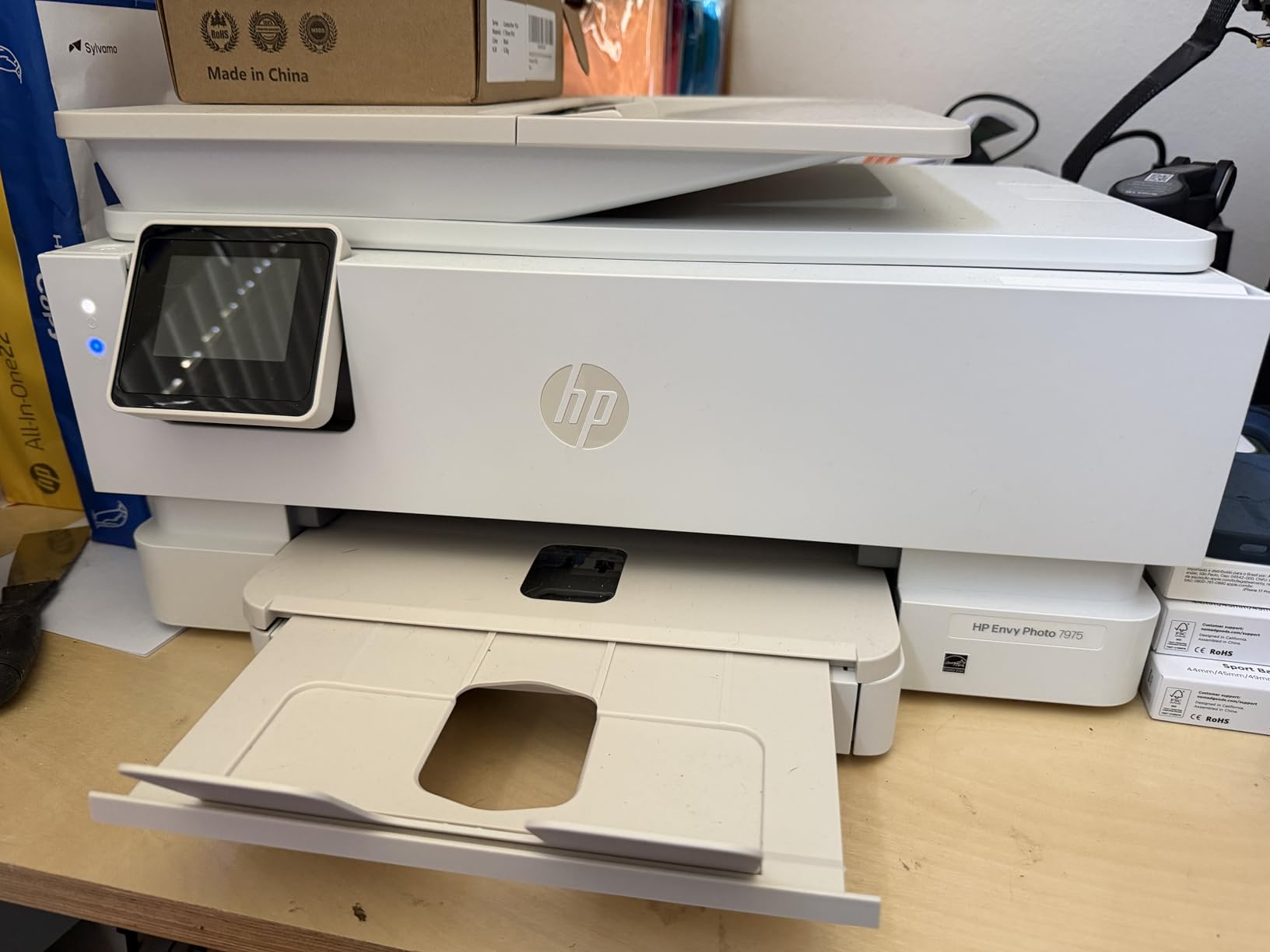
The Envy Photo 7975 is the most complete household machine here after the Epson XP-7100, and it handles the school-year workload well. You get print, scan, copy, a 35-sheet automatic document feeder, automatic two-sided printing and a 125-sheet paper tray.
Color output reaches 4800 by 1200 optimized dpi, and HP describes the result as true-to-screen borderless printing that needs little color adjustment. A dedicated photo tray sits alongside the main tray, so you can keep glossy paper loaded without swapping stock constantly.
The 2.7-inch color touchscreen is larger than most at this level, and the first page arrives in about 22 seconds. Black output runs at 15 pages per minute.
Color depth is the compromise. The 64 and 64XL cartridges are a black unit plus a single tri-color unit, which is exactly the arrangement that produces flat skin tones and dull skies. Owners also point out that the standard-size cartridges run dry after roughly ten photo prints, which makes subscription ink a common choice for heavy users.
Borderless output resizes to 8×10 rather than the full letter width, and some owners report the wireless signal dropping, with scanning then needing to be started from the computer app instead of the touchscreen.
What you need to know before you buy
A three-month Instant Ink trial is included, which is a genuine saving if you print constantly. It is also a decision point: experienced users in printer forums often skip HP entirely, and the reason is supply lock-in plus the tri-color cartridge ceiling on photo quality.
At 17.9 pounds and 18 inches wide, it is a substantial machine. If scanning quality matters to you, the flatbed here is better than the Canon MegaTank but short of a dedicated photo flatbed.
Who it suits and who it does not
This suits a busy family: school projects, recipes, scanned permission slips and a reasonable share of photos through the same box. The ADF and duplex are the features that decide it for anyone printing weekly homework.
It does not suit a photography hobbyist, because two cartridges cannot produce smooth gradients. If photo quality is the primary goal, an ink-tank six-color model costs less per print in the long run.
10. HP Sprocket Studio Plus – The Best Wi-Fi 4×6 Printer for App Creatives
HP Sprocket Studio Plus 4×6 Wireless Instant Photo Printer, 10 Sheets + Cartridge, Wi-Fi, Premium Dye Sublimation, Compact Home Use, Prints Vibrant Color Pictures, Editing App for Creative Photos
Dye sublimation 4x6 output
300 dpi
Wi-Fi and Bluetooth
3-pound body
Pros
- Dye sublimation 4x6 prints that are tear smudge and water resistant
- Compact 3-pound body produces dry-to-the-touch photos in about a minute
- Wi-Fi and Bluetooth connection through the HP Sprocket app takes seconds
- Editing app includes stickers frames filters collages photobooth and photo ID modes
Cons
- Prints are smaller and lower resolution than inkjet photo output
- Paper and cartridge refills are proprietary and add up over time
- Some users report alignment and connection hiccups when pairing over Wi-Fi
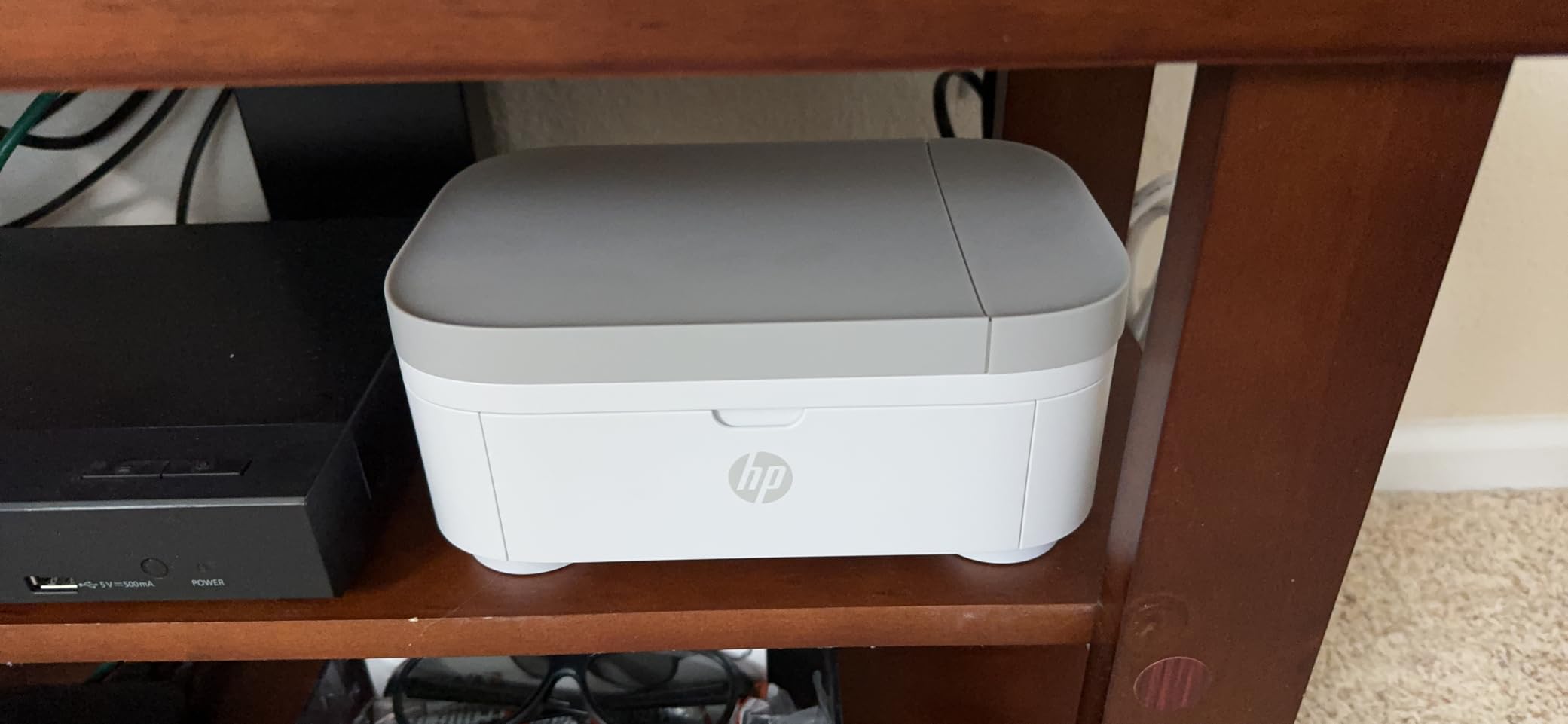
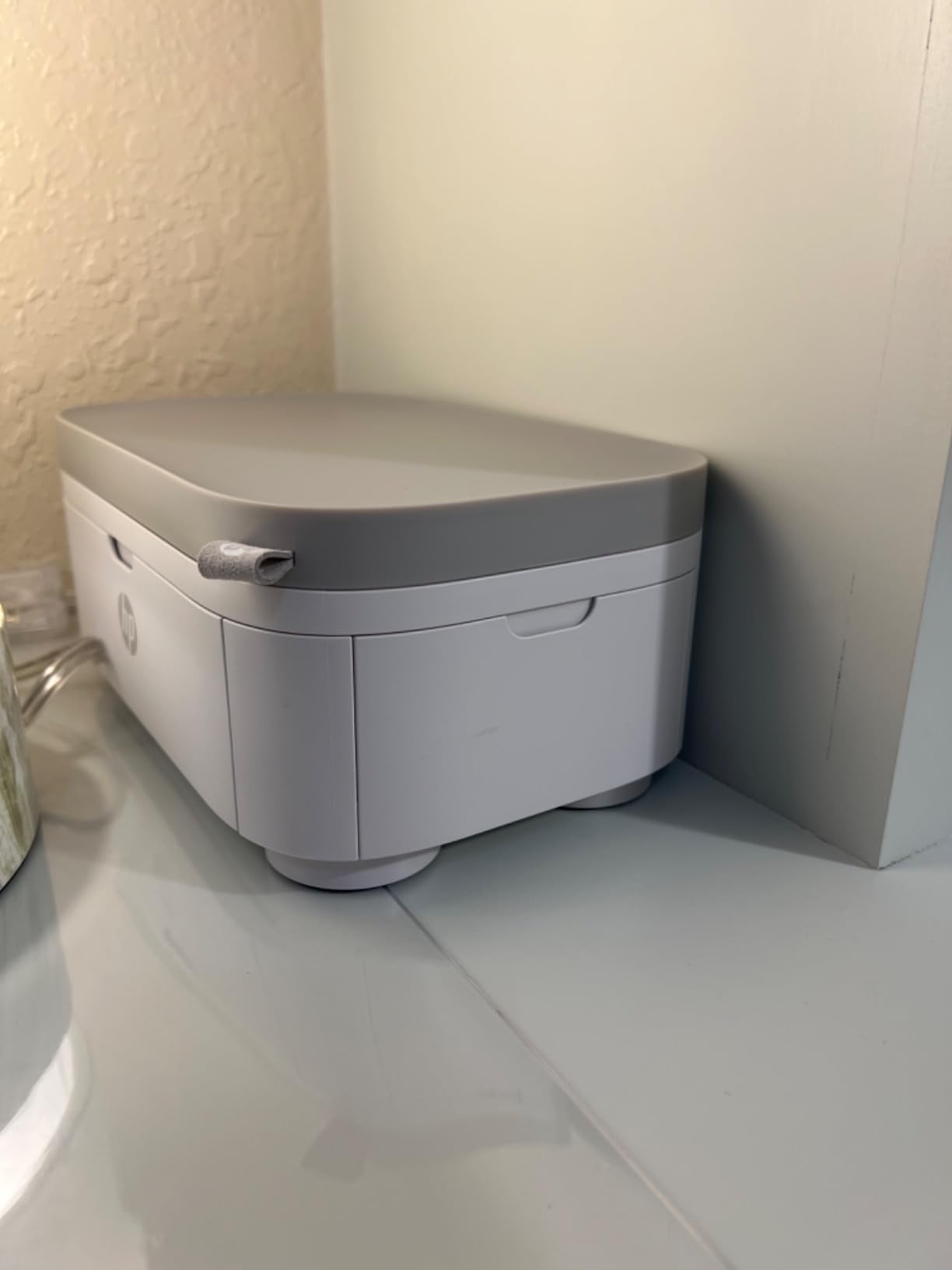
The Sprocket Studio Plus is a full-size 4×6 dye-sublimation printer with Wi-Fi, which no other 4×6 dye-sub machine in this roundup has. You connect through the HP Sprocket app over either Wi-Fi or Bluetooth, so a guest with a laptop can print without pairing a phone first.
The output is the durable kind. Dye sublimation at 300 dpi produces 4×6 prints that resist tearing, smudging and water, and they are dry to the touch in about 61 seconds, so there is no waiting before stacking them in an album.
The app is the reason to choose it over a plainer 4×6 printer. Beyond filters and frames it includes photobooth mode and photo ID printing, which turns the machine into a party or school-project asset rather than a one-trick photo output device.
At 5.45 by 6 by 3.9 inches and 3 pounds, it lives on a shelf rather than a cabinet. The box includes 10 sheets and a cartridge, with room for up to 18 sheets of media.
The trade-offs are resolution and consumables. At 300 dpi the detail is coarser than an inkjet, and both paper and cartridges are proprietary, so the ongoing cost adds up faster than a tank-based inkjet for a household printing in volume.
What you need to know before you buy
Pairing over Wi-Fi is the most common friction point. Some owners report alignment and connection hiccups during setup, and because it is an app-driven machine, a failed pairing is more disruptive than a driver problem on a USB printer.
It is print-only with no scanner, and the 4×6 size is a ceiling rather than a starting point. If you need albums with larger pages, this cannot do it.
Who it suits and who it does not
This suits a family that wants durable 4×6 prints for albums and a photobooth at events, and anyone who wants Wi-Fi printing without routing a phone. The laminated output also makes it a good scrapbook printer.
It does not suit a hobbyist chasing fine detail, or a household printing hundreds of photos a year given proprietary refills. For volume, an ink-tank inkjet is cheaper per page by a wide margin.
11. Nelko PP01 – The Best Pocket Printer for Party Favors and Crafts
Nelko PP01 Photo Printer, 2×3 Portable Photo Printer, Mini Printer, White
2x3 pocket printer
600 dpi output
Bluetooth connectivity
0.6 pound body
Pros
- Pocket-sized at 0.6 pounds for travel and events
- 600 dpi full-color prints with sticky-backed paper
- AI editing in the app with filters frames stickers text and collages
- Prints a 2x3 in under 90 seconds
- Each cartridge produces up to 80 full-color photos
Cons
- Limited to 2x3 inch prints only
- Requires proprietary paper and ink cartridges
- Photo printing only with no document capability
- Phone app is required to print
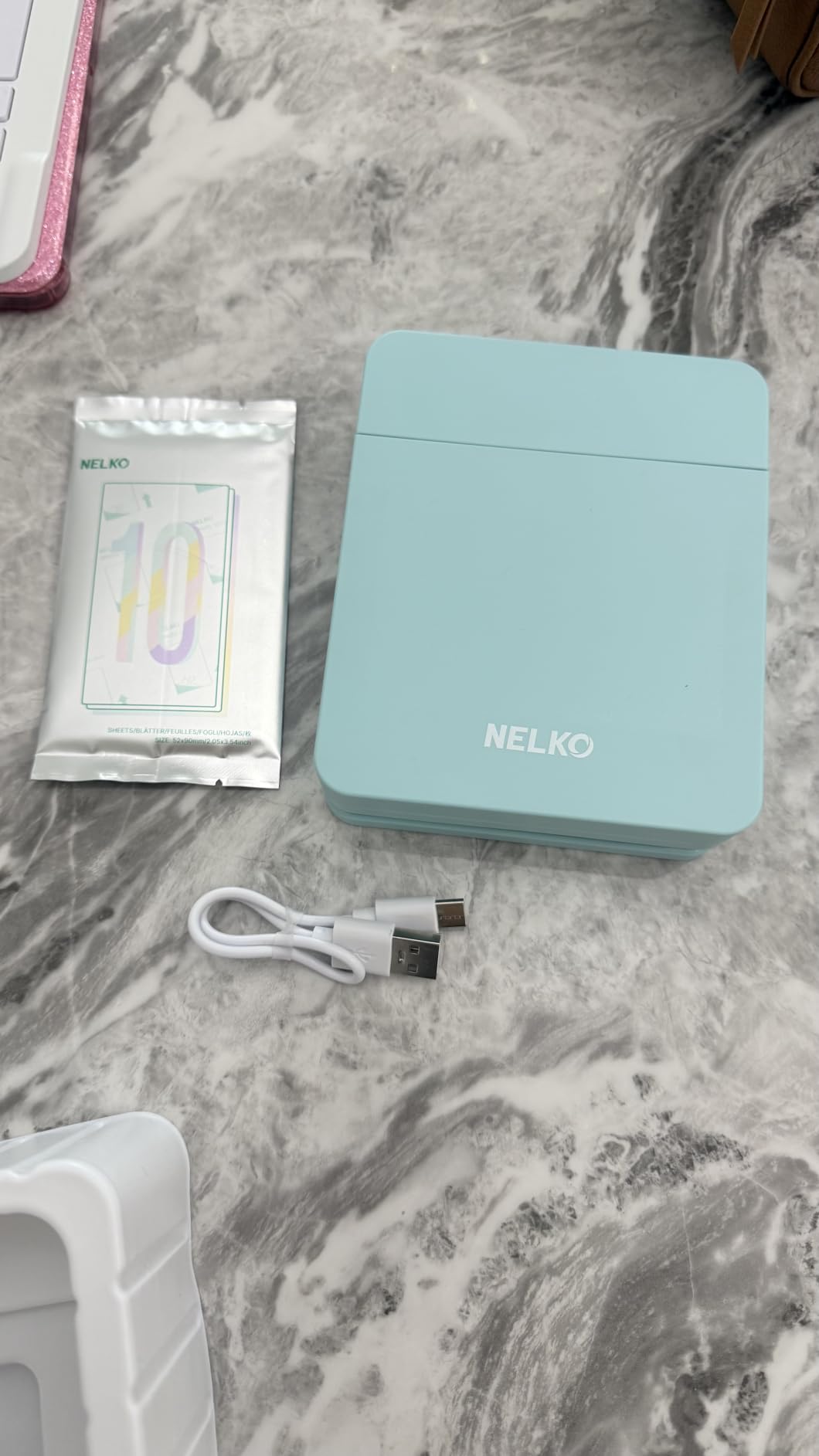
The Nelko PP01 is unusual among the pocket printers here because it uses actual ink cartridges rather than ZINK paper, and it still manages to weigh 0.6 pounds. Resolution is listed at 600 dpi, which is the highest stated figure among the 2×3 devices in this roundup.
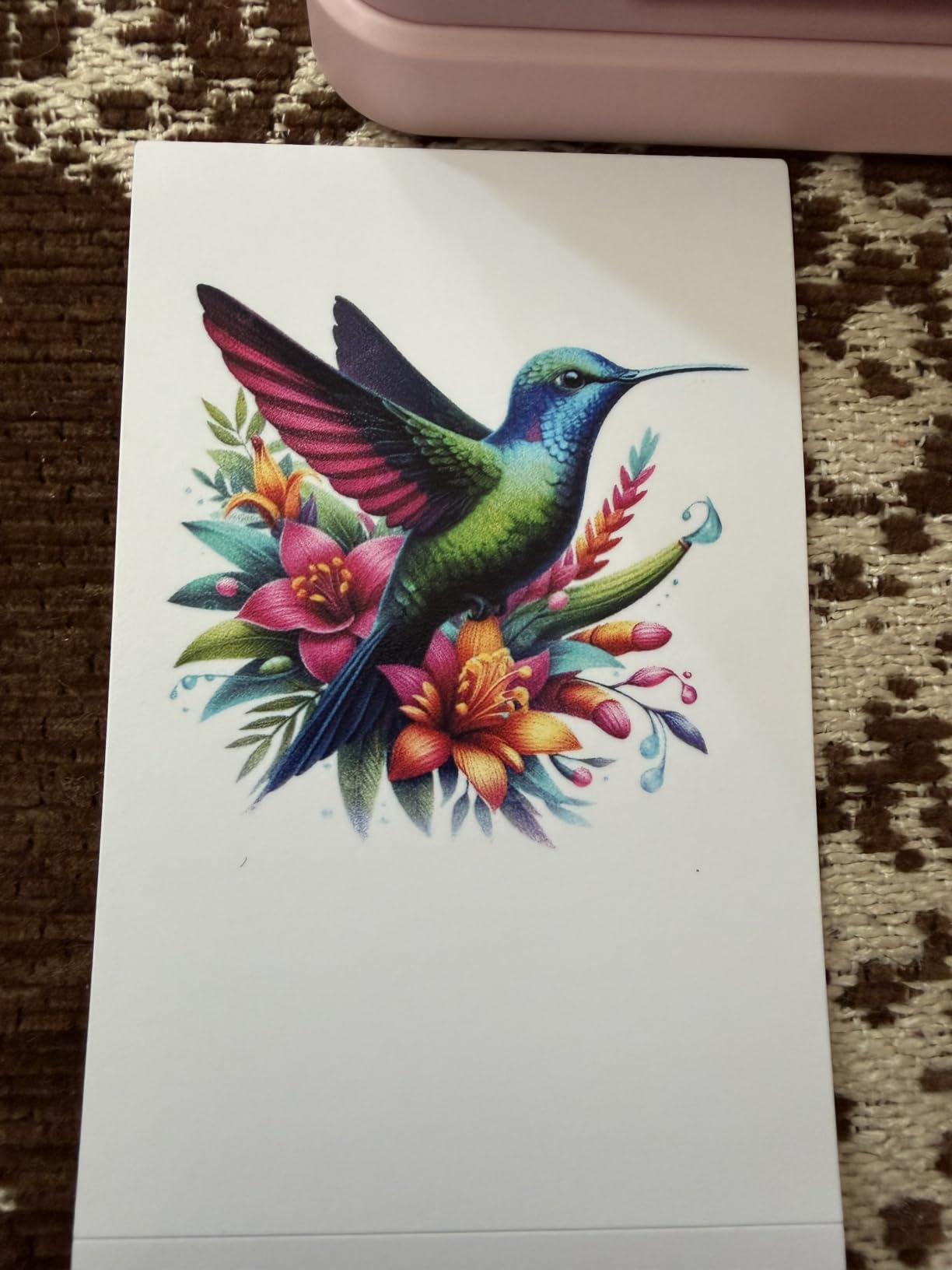
The paper is sticky-backed, smudge-proof, water-resistant and tear-resistant, so it behaves like the ZINK options in durability while running on consumable ink. Each cartridge produces up to 80 full-color photos, and a print completes in under 90 seconds.
The app is worth opening. It carries AI editing alongside filters, frames, stickers, text and collages, and Bluetooth covers both iOS and Android with no router required.
Size is the whole argument. At 4.2 inches deep, 1.69 inches wide and 5.04 inches tall, it disappears into a bag, and it is marketed for travel journals, party favors, DIY projects and event photographers.
What you give up is scale and flexibility. The media is 2 by 3 inches, there is no document printing at all, and the supplies are proprietary, so a household printing a lot of small images will feel the cost more than one printing occasional stickers.
What you need to know before you buy
Every print goes through the phone app. There is no direct print from the camera roll without opening the editing software, which adds friction when you want dozens of prints quickly.
Capacity is 30 sheets at maximum, which is fine for an evening of party favors and tight for a larger event. Cartridge yield of roughly 80 photos means the supplies run out on a schedule you should plan for.
Who it suits and who it does not
This suits anyone printing small photos at gatherings, building a scrapbook or a travel journal, or making custom labels and DIY projects. At 4.4 stars across 1385 ratings, satisfaction is high for the category.
It does not suit a family printing 4×6 album pages or wall prints, and the proprietary supply cost adds up quickly above occasional use. For durable 2×3 prints with no ink system to maintain, the Canon Ivy 2 Mini is the alternative.
12. Canon TS6420 All-in-One – The Best for Square Photo Prints on a Shelf
Canon TS6420 All-in-One Wireless Printer, Black
Inkjet up to 4800 x 1200 dpi
Automatic duplex
Two paper trays
Square 5x5 and 3.5x3.5 prints
Pros
- Print copy and scan in one compact 13.8-pound body
- Automatic two-sided printing for documents
- Two paper trays for plain and photo stock
- Built-in Wi-Fi Bluetooth AirPrint and Mopria support
- Square photo printing in 5x5 and 3.5x3.5 sizes
Cons
- No automatic document feeder on this model
- Wireless interference reported near other wireless devices
- Photo paper handling from the rear feeder is inconsistent
- Does not wake from sleep for wireless print jobs
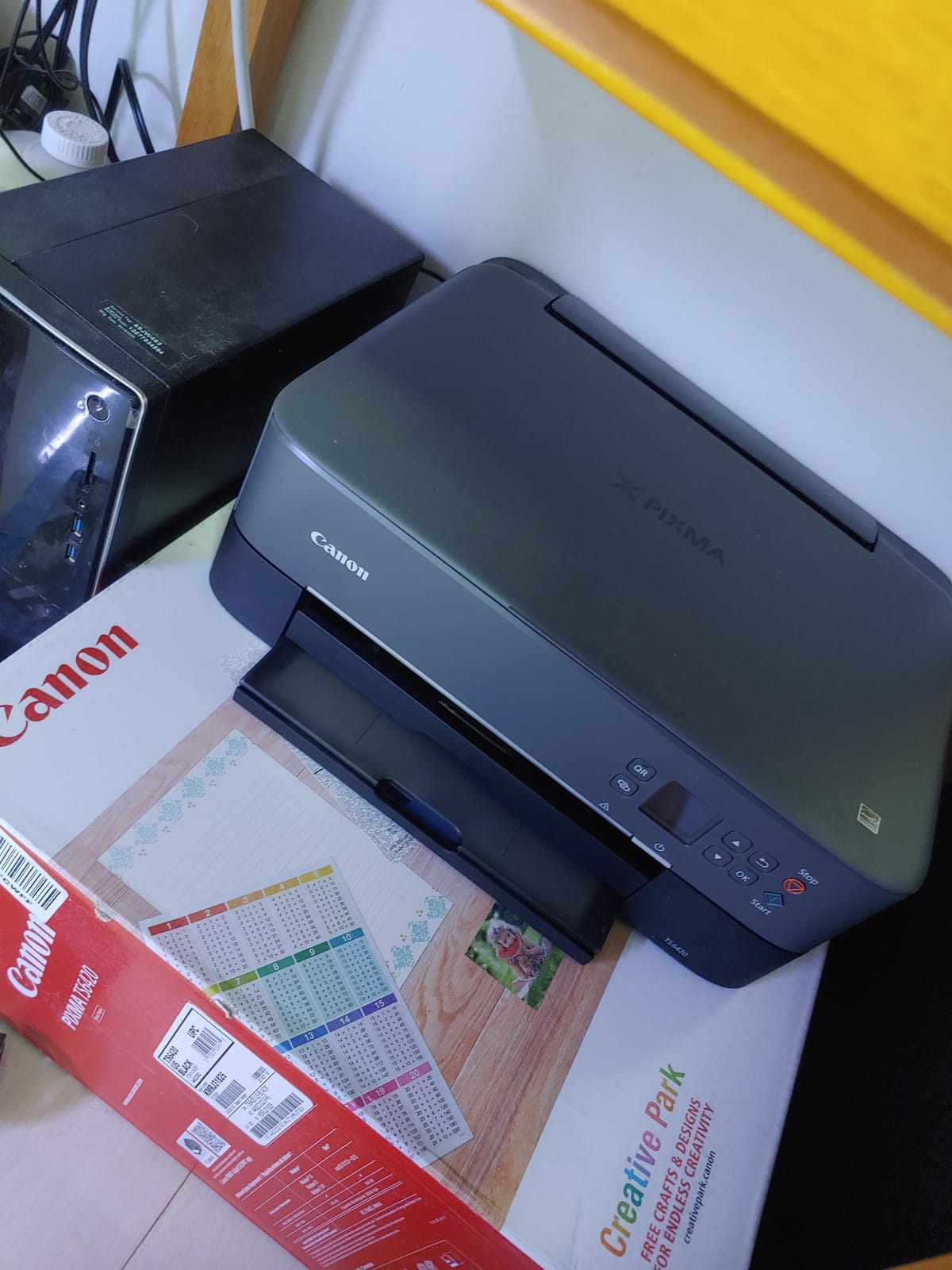
The TS6420 is the smallest full all-in-one in this roundup at 12.5 by 15.9 by 5.9 inches, and it is the only pick that prints square photo formats natively at 5×5 and 3.5×3.5 inches. That square capability is why it earns a place, and it pairs naturally with social-media crops.
Connectivity is the most complete on a budget all-in-one: Wi-Fi, Bluetooth and USB, with support for the Canon PRINT app, Apple AirPrint and Mopria. That means you can print from a phone without installing anything.
It covers the basics properly: automatic duplex, two paper trays so plain and glossy stock stay separate, a 100-sheet capacity, a 1.44-inch OLED screen and a flatbed scanner, with media up to 8.5 by 14 inches.
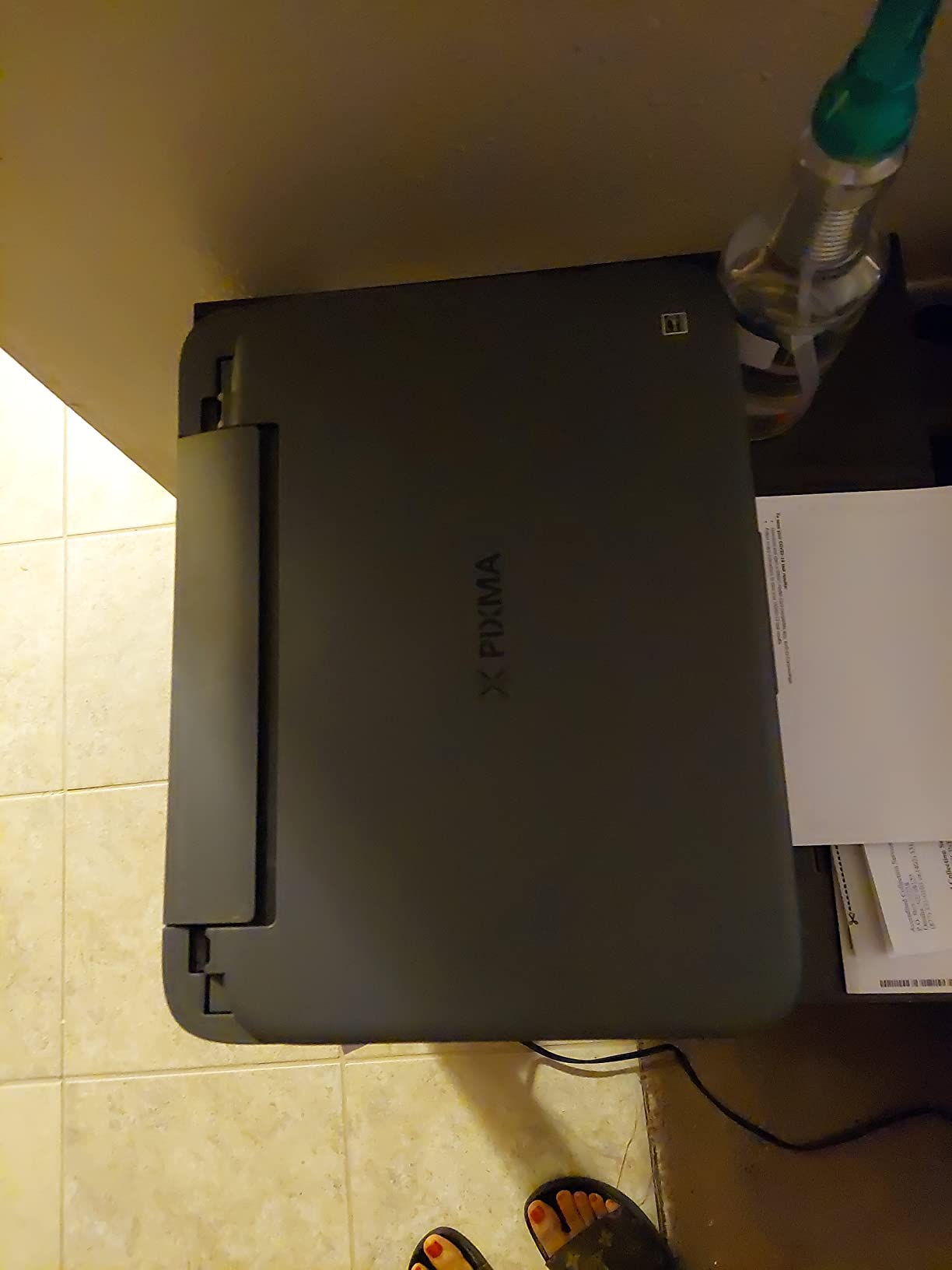
The real limitation is the ink. It runs on PG-245 black and CL-246 color cartridges, so like the HP Envy, it has a single tri-color unit and photos will be flatter than a four or six-color system. Print speed is 13 black-and-white and 6.8 color pages per minute, and startup is sluggish.
Wireless placement matters more here than on most. Owners report connection trouble when the printer sits near other wireless devices, and it will not wake from sleep to accept a wireless job, so you send the print a second time. Photo paper also feeds more reliably from the rear tray than the automatic feeder.
What you need to know before you buy
There is no automatic document feeder, so multi-page documents need the flatbed one page at a time. Scanner controls live in the computer or phone app rather than on the printer, which is inconvenient for a family that mostly copies.
Build quality is another theme in reviews, with some owners describing it as feeling cheap, and the missing ADF is the reason it sits at the bottom of this ranking despite the square-format advantage.
Who it suits and who it does not
This suits a small-space apartment, a dorm or a craft setup that needs square prints and 5×7 sheets without a large footprint. Square formats are also the natural fit for social layouts and scrapbook collages.
It does not suit a household scanning weekly paperwork, or anyone printing photos in volume on cartridges. If you need an ADF, the XP-7100 or the Envy Photo 7975 both add one for a similar footprint.
How to Choose a Home Photo Printer
Most buying mistakes in this category come from comparing printers on resolution when the decision is really about ink system, paper size and volume. Here is how we would narrow it down.
How many ink colors do you actually need?
A four-color printer uses cyan, magenta, yellow and black. Add light cyan, light magenta and gray and you get a six-color system, which is the difference between visible banding in a sky gradient and a smooth one, and between muddy neutral skin tones and natural ones.
The gray ink also carries black-and-white photography. Without a neutral gray, a black-and-white print from a four-color machine picks up a color cast that a photographer notices immediately. If you shoot or print monochrome, six colors is not a luxury.
Our six-color pick is the Epson EcoTank Photo ET-8550. Everything else here is either four-color inkjet, dye sublimation or ZINK, and those technologies reach good color through a different mechanism rather than more inks.
Inkjet or laser for photos?
Inkjet wins on photo quality by a wide margin, and it is the only category in this roundup that prints large borderless sheets on glossy or matte photo paper. Color laser is faster and cheaper per page for documents, but it cannot produce the gradients or the borderless sheet sizes a photo needs.
That question comes up constantly in forums, and the honest answer is that a laser printer does not replace a photo printer. It replaces the office side of the job. Our separate guide to laser printers for home covers that decision properly.
Cartridge or ink tank: what actually changes?
Ink tank systems such as the Canon MegaTank G3270 and the Epson EcoTank Photo ET-8550 use refillable bottles. Cartridge systems such as the XP-7100, the Envy Photo 7975 and the TS6420 use sealed units you replace.
The forum question is whether a tank improves print quality, and the answer is no. Users describe entry-level tanks as producing the same picture quality as a cartridge machine, with better economics. What a tank does change is the cost per page after the supplied ink runs out, and that difference becomes dramatic after a few hundred prints.
One more factor runs the other way. Tanks are open systems, while cartridges are frequently locked to genuine supplies. Experienced forum users often note that avoiding a closed ink system matters more than brand loyalty when they choose.
What print size do you need?
Snapshot size is 4×6 inches and it covers albums, greeting cards and small frames. 5×7 fits a standard frame. 8×10 is a large wall print. 13×19 is a poster or a gallery print, and only one machine in this roundup reaches it.
Decide this before you look at anything else, because it narrows the list fast. Wallet and square formats at 2×3 and 5×5 serve journals and social layouts instead, and a different set of printers handles those.
Dye sublimation or ZINK?
Dye sublimation transfers dye from a ribbon onto specialized paper in separate color passes, then seals the print with a clear laminate. The result is a durable, water-resistant 4×6 with no ink cartridges to dry out, and it is why three of our picks use it.
ZINK contains no ink in the machine at all. Dye crystals are embedded in the paper and activated by heat, so the printer is small, cheap and nearly maintenance-free, and the output is less accurate in color. A ZINK print will not match what you see on screen; a dye-sublimation print comes much closer.
Paper types that change the result
Glossy paper gives the most contrast and the sharpest perceived detail, and it shows fingerprints. Luster, also called satin or pearl, is a compromise with a lower sheen that resists handling marks, and it is the most forgiving surface for beginners.
Matte paper produces the softest, most natural skin tones and the best fade resistance, but it needs enough ink density that low-volume cartridge printers often look washed out. Fine-art and heavyweight papers add depth and texture, and they should always be printed borderless or with the border trimmed afterward.
Also check compatibility before buying paper. The 4×6 dye-sublimation printers in this list take glossy stock only, and the ZINK options are locked to their own paper format entirely.
Wireless and phone-only printing
Every pick here prints from a phone. Four of them, including the Liene M100, the HP Sprocket Studio Plus and the Canon Ivy 2 Mini, connect by Bluetooth or their own hotspot so no router is involved.
If you want to print from a laptop or phone with no app at all, look for AirPrint and Mopria support. The Canon TS6420 and the Liene M100 both list them, which makes them the least fussy options for guests and older family members.
Clogs, streaking and machines that sit unused
Print head clogs are the most common long-term complaint in inkjet ownership, and they come from ink drying in the nozzles during long idle periods. This is the single issue no competitor roundup covers properly, so treat it as a decision factor.
Print something at least monthly, even a single test page. Models that are used regularly, like a scrapbook printer, rarely clog, while a printer in a spare room that prints twice a year is the classic failure case. The Epson PictureMate PM-400 owners describe cycling cartridges after months of storage for exactly this reason.
Streaking has a different cause: dust on the platen or a misaligned head. The Canon MegaTank G3270 handles this automatically during setup, which is one reason it ranks so well for households that are not technical.
When a home photo printer is not worth it
If you print fewer than about 100 photos a year, an online photo lab is usually cheaper once you count paper and ink. A cartridge machine plus ink and paper will exceed a lab print for low volume, and no amount of clever shopping changes the arithmetic.
Home printing pays off above roughly 100 to 150 photos a year on an ink-tank model, or any time you need a specific size, crop or quantity on a deadline. It also wins on craft work, where print-and-cut and album projects are impossible through a lab. Our broader photo printer picks are covered in our home photo printer guide, and tank options in the EcoTank roundup.
How to Get Lab-Quality Photo Prints at Home
The printer is only half of it. The other half is paper, settings and color management, and skipping these steps is the usual reason a home print disappoints next to a lab one.
Pick a paper type first, then a printer that supports it. Glossy for contrast and depth, luster for handling, matte for skin tones and longevity.
Use manufacturer paper where the printer is new. Third-party glossy stock on a dye-sublimation machine is the most common cause of muddy output.
Set the print quality to the highest option that still prints borderless. Quality settings above maximum resolution usually trade speed for no visible gain.
Enable borderless printing and select the matching paper profile in the print dialog, otherwise the driver crops to a white edge and applies the wrong color curve.
Let the driver manage color. On macOS and Windows the printer profile handles the conversion, and manually adjusting brightness or contrast in the app usually makes it worse.
Print one test sheet and compare it under daylight, not under a warm indoor lamp, before committing to a full run.
Print one page at a time on inkjets. Feeding a full photo paper stack is the leading cause of jams and alignment errors.
That routine takes a few minutes and it is the difference between a washed-out snapshot and a print worth framing. Our most common finding across the twelve machines is that most disappointing results trace back to the paper and the driver settings, not the hardware.
Frequently Asked Questions
What is the best printer for printing photos?
For most homes, the KODAK Dock Plus is the best all-round choice: genuine 4PASS dye sublimation, borderless 4×6 output, a phone-charging dock and prints sealed against water and fingerprints. If you want large wall prints, choose an ink-tank model such as the Epson EcoTank Photo ET-8550, which reaches 13×19 with six-color ink.
Is Canon or Epson better for photos?
Epson leads on wide-format and six-color options, which is why the EcoTank Photo ET-8550 and the Expression Premium XP-7100 cover higher-end photo work. Canon leads on affordable ink-tank value and square formats, with the MegaTank G3270 and the TS6420. Neither brand wins on color accuracy alone; the ink count and paper matter more.
Is laser or inkjet better for photos?
Inkjet is better for photos. Only inkjet prints borderless sheets on glossy and matte photo paper, and only inkjet can add the light cyan, light magenta and gray inks needed for smooth gradients and neutral monochrome. Color laser is faster and cheaper per page for documents, but it is not a substitute for a photo printer.
How can I print high-quality photos at home?
Use the highest print quality setting that still prints borderless, match the paper profile in the print dialog to your paper type, let the printer driver manage color, and print one page at a time. Judge the result in daylight rather than under warm indoor light. Good paper matters as much as the printer, so buy manufacturer glossy or luster stock first.
What is the best photo printer for home use?
The KODAK Dock Plus leads for general home use because it produces a true laminated 4×6 borderless print from a phone with no computer involved. If you need scanning and copying in the same box, the Epson Expression Premium XP-7100 adds a 30-page feeder and touchscreen. If you print in volume, a tank model cuts the per-print cost sharply.
What printer should I buy this year?
Buy a 4×6 dye-sublimation model such as the KODAK Dock Plus for snapshots, a six-color ink-tank all-in-one for album pages and moderate volume, a wide-format tank printer for 13×19 wall prints, and a ZINK pocket printer only if you want journal-sized sticky prints. Avoid color laser for photos, and skip any printer you would store unused for months.
Do I need a 6-color printer for photos?
You need six colors if you care about smooth skies, natural skin tones or black-and-white images, because the extra light cyan, light magenta and gray inks remove banding and the color cast in monochrome. For occasional 4×6 snapshots, a four-color machine is acceptable. For prints you intend to frame, six colors is the better investment.
Can I print photos from my phone at home?
Yes, and every printer in this roundup supports it. The KODAK Step Instant and the Canon Ivy 2 Mini pair by Bluetooth, the Liene M100 creates its own Wi-Fi hotspot for up to five devices, and the Canon TS6420 supports AirPrint and Mopria so you can print without installing an app at all.
What photo paper should I use at home?
Start with glossy for the highest contrast and sharpest perceived detail, move to luster if fingerprints are a problem, and choose matte for the most natural skin tones and the best fade resistance. Match the paper to the printer: 4×6 dye-sublimation models take glossy stock only, and ZINK printers are locked to their own paper format.
Conclusion
The best printers for printing photos at home are not interchangeable machines, so match the family to the job. The KODAK Dock Plus is our overall pick for real 4×6 snapshots, because the 4PASS dye sublimation lamination gives you a durable borderless print straight from a phone. The Canon Ivy 2 Mini is the value pick for square and wallet prints, and it holds the highest rating in this group.
For albums and scanning, the Epson Expression Premium XP-7100 adds a 30-page feeder and touchscreen to a borderless inkjet. For large framed prints, the Epson EcoTank Photo ET-8550 is the only machine here that reaches 13×19 with six-color ink, and at roughly 4 cents per 4×6 photo it changes the economics of high-volume home printing.
For travel journals and party favors, the KODAK Step Instant and the Nelko PP01 both fit in a bag. Whatever you choose in 2026, print one test sheet in daylight before a full run, and print something at least monthly so the heads do not dry out.