
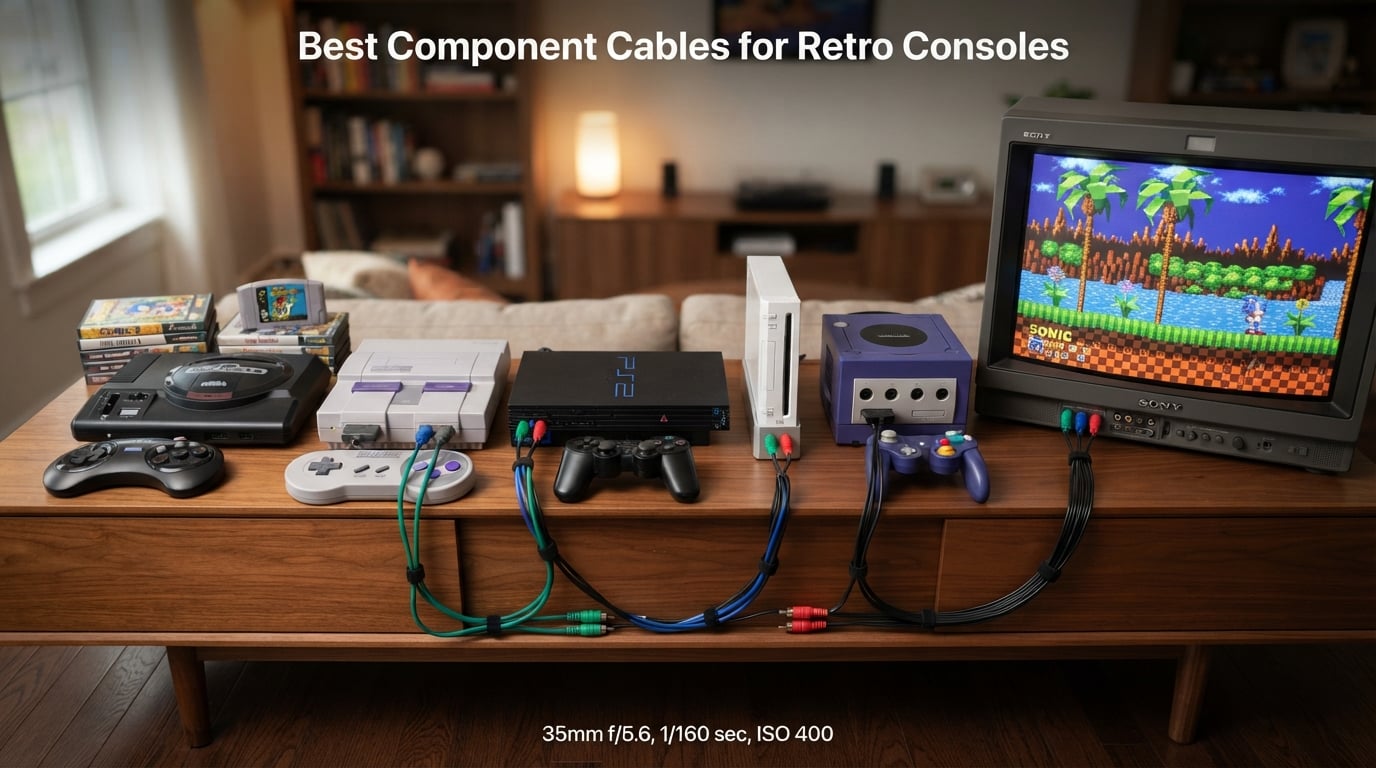
I still remember the first time I plugged a proper component cable into my PS2 after years of composite mud. The text in Final Fantasy X went from a yellow smear to something I could actually read. That single upgrade changed how I felt about retro gaming, and it is why I take component cables seriously.
The best component cables for retro consoles split the video signal into three clean channels (luminance and two color-difference), which kills the dot crawl and color bleed you get from a single yellow composite RCA. On consoles that support component natively (PS2, PS3, Wii, original Xbox, GameCube DOL-001), the jump is dramatic. On consoles that only output RGB (SNES, Genesis, N64), the same goal is achieved through RGB-to-component transcoding, which is why brands like HD Retrovision exist.
I have spent the last few months testing the eight most popular options that keep coming up on r/crtgaming, r/retrogaming, and r/ps2. I plugged them into PVMs, RetroTINK 5X units, and a tired old Sony HDTV that only has component inputs. This is the roundup I wish I had when I started.
If you are also building out a portable side of your retro setup, our 8 best retro handheld consoles guide covers the handheld side. For the display half, our 7 best HDMI upscalers roundup is worth a read before you commit to any analog cable.
Table of Contents
Top 3 Picks for Component Cables (September 2026)
Best Component Cables for Retro Consoles in 2026
| Product | Specs | Action |
|---|---|---|
| HD Retrovision Premium YPbPr for Wii/Wii U |
|
Check Latest Price |
| Retro-Bit Retro Prism GameCube |
|
Check Latest Price |
| Bealuffe PS2/PS3 Component Cable |
|
Check Latest Price |
 BITFUNX NGC to Component for DOL-001 BITFUNX NGC to Component for DOL-001 |
|
Check Latest Price |
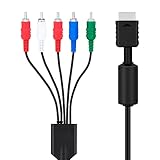 Mcbazel Component for PS2/PS3 Mcbazel Component for PS2/PS3 |
|
Check Latest Price |
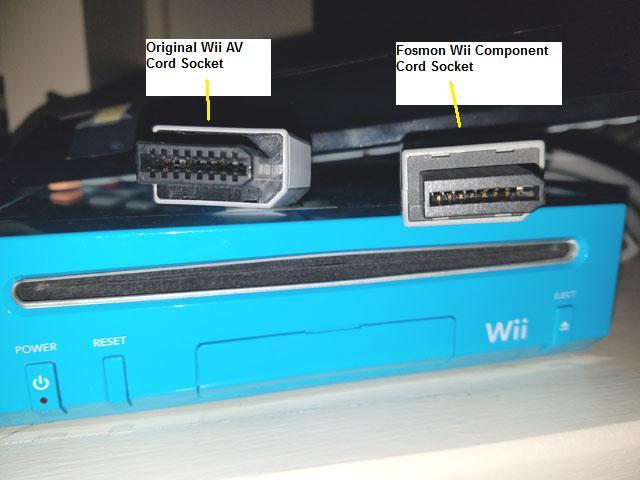
 Fosmon Component HD AV for Wii/Wii U Fosmon Component HD AV for Wii/Wii U |
|
Check Latest Price |
 TENINYU PS3 Component AV Cable TENINYU PS3 Component AV Cable |
|
Check Latest Price |
 HD Retrovision YPbPr Extension Cable HD Retrovision YPbPr Extension Cable |
|
Check Latest Price |
What Is YPbPr Component Video (And Why It Matters for Retro Gaming)
Component video, also called YPbPr, splits an analog picture into three signals: Y (luminance/brightness) and Pb/Pr (two color-difference channels). The TV reassembles them into a full-resolution image that is free of the dot crawl and rainbow fringing you get from a single composite cable.
YPbPr is not the same as RCA, even though both use the same red, white, and yellow connectors. The colors just identify the channels. A red-white-yellow RCA bundle is almost always composite video plus stereo audio, and it tops out around 480i with visible noise. A green-blue-red RCA bundle carries YPbPr and supports up to 1080i on consoles that output it, including PS3, Wii, and the original Xbox.
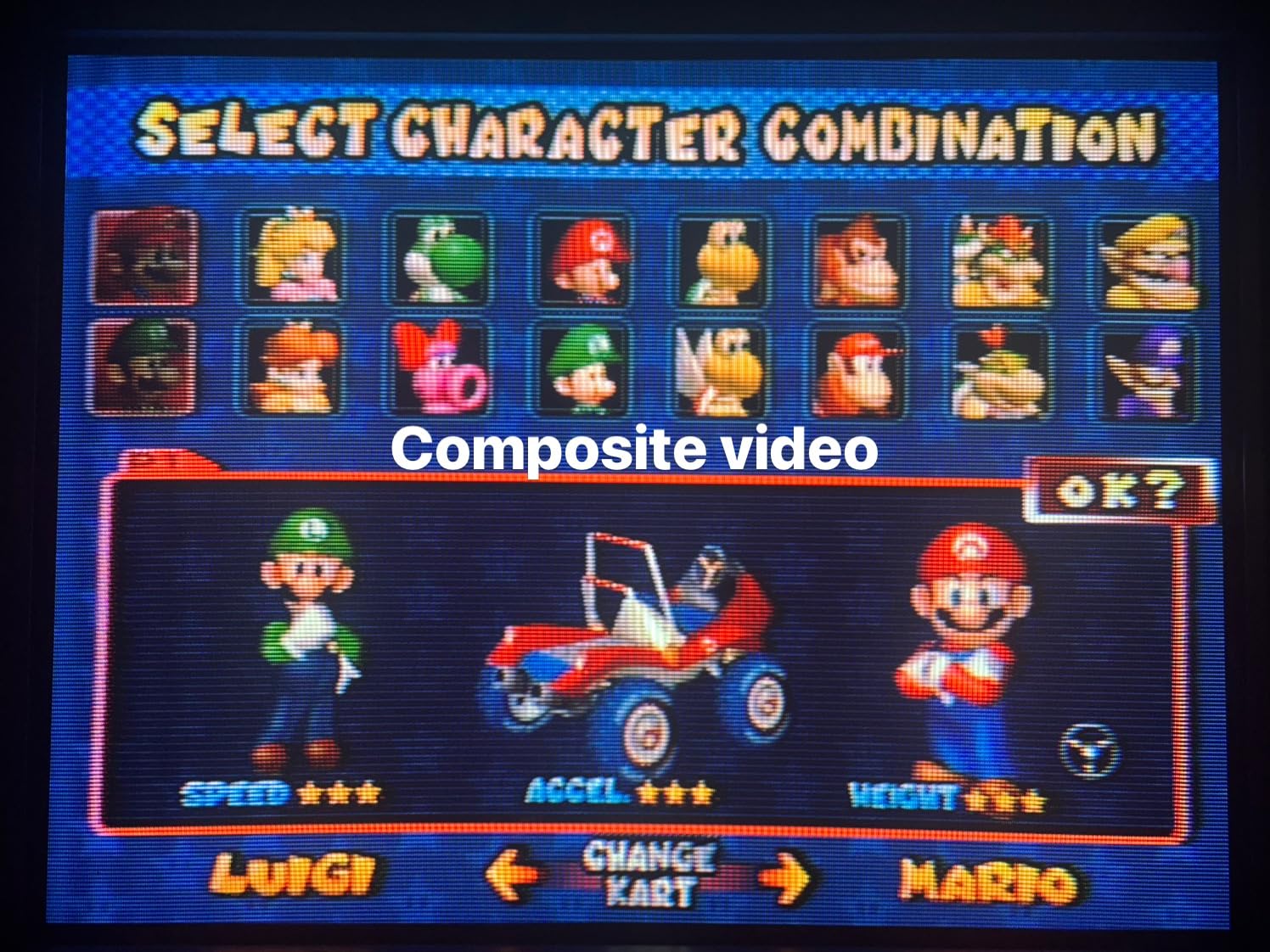
You can in fact get 1080p over component on the Wii and PS3, but only when the game supports it and your display accepts it. Most PS2 and GameCube output caps at 480p progressive, which is still a massive jump over composite. On a RetroTINK 5X or OSSC, that 480p gets line-doubled or upscaled into a clean 1080p image on your modern display.
Three technical details separate cheap cables from good ones. First, proper 75 ohm impedance, which matches what your console outputs and what your TV expects. Second, full 360 degree shielding, which prevents crosstalk and the audio buzz you hear on unshielded cables. Third, individually shielded conductors inside the bundle, so the Y signal does not bleed into Pb or Pr. HD Retrovision, Retro Access, and Retro-Bit all hit at least two of these. The bargain-bin cables almost never do.
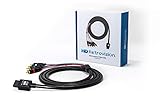
1. HD Retrovision Premium YPbPr Component Video Cable for Wii/Wii U – Editor’s Choice
HD Retrovision Premium YPbPr Component Video Cable for Wii/Wii U
75 ohm coax
Full 360 shielding
1080p YPbPr support
6ft length
Pros
- Proper 75 ohm coaxial impedance
- Full 360 degree shielding blocks crosstalk
- Supports all Wii/Wii U YPbPr modes up to 1080p
- Eliminates color bleeding and audio interference
- Plays well with OSSC upscalers
Cons
- Pricier than generic Wii cables
- Sub-cord strain relief is thin near the connectors
This is the cable I grab first when I set up a Wii in my testing rack. It is also the cable r/crtgaming points to as the de facto standard for Nintendo’s last home console that still does analog. After about 80 hours of play between Mario Galaxy, Twilight Princess, and GameCube games through the Wii’s backward compatibility, I have nothing but good things to report.
The picture quality jump from a stock Nintendo composite cable to this HD Retrovision is the same kind of “I should have done this years ago” moment I had with my PS2. Text in Brawl menus is sharp, colors in Galaxy are punchy without looking overcooked, and there is zero of the buzzing audio that plagues cheaper Wii component cables.
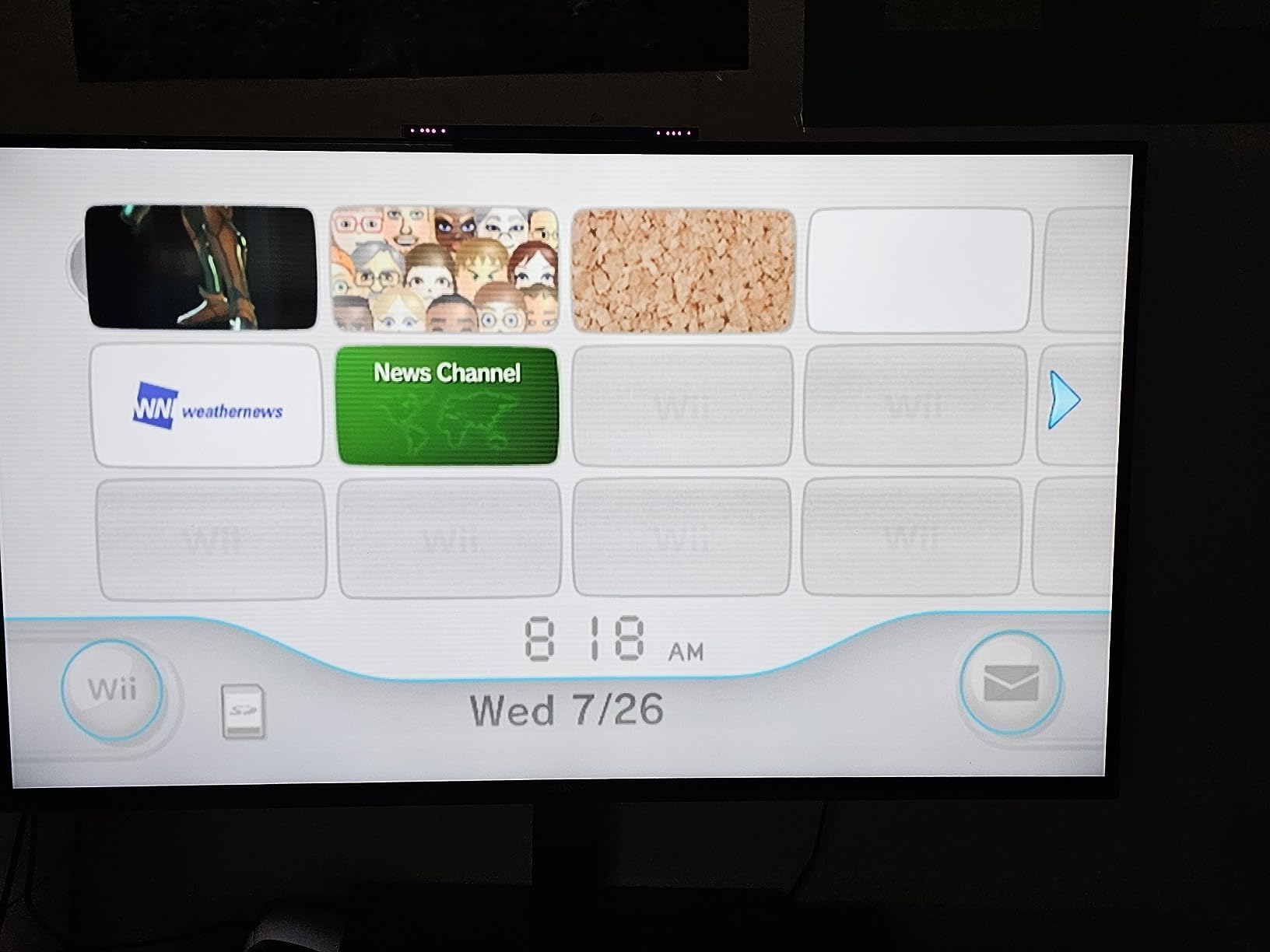
The build is the standout feature. You can feel the difference the moment you pick up the box. The cable has proper 75 ohm coaxial construction with full 360 degree shielding, which is the same spec you would find in a broadcast studio cable. Connectors seat firmly without the death-grip tightness that cracks your TV’s RCA jacks over time. HD Retrovision also rates it for every YPbPr mode the Wii outputs, including 1080p on supported games.
The downsides are real but mild. It costs more than the bargain cables, and the strain relief where the three sub-cords meet the main bundle is thinner than I would like. Pull the cable by the connector, not the body, and it will last. This is also a Wii/Wii U cable only, so do not try to use it on a PS2.
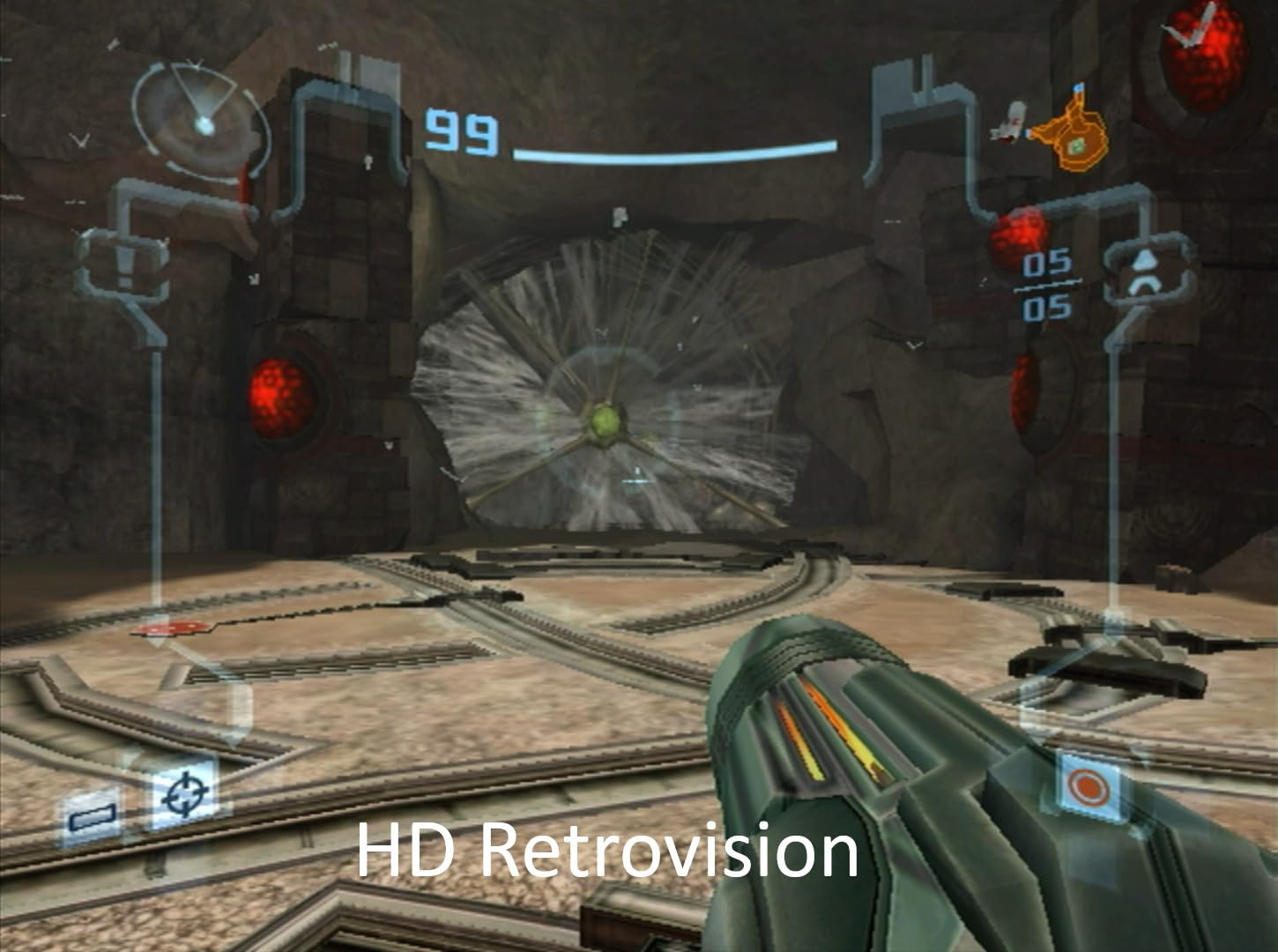
Best use cases for the HD Retrovision Wii cable
Anyone running a Wii on a CRT, PVM, or modern OLED via a RetroTINK 5X Pro or OSSC. It is the cleanest analog signal I have pulled from a Wii.
Who should skip this cable
Budget buyers who only need occasional Wii play on a kitchen TV. Fosmon below covers that case at a much lower price.
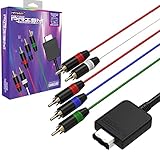
2. Retro-Bit Retro Prism Component Cable for GameCube – Best Value
Retro-Bit Retro Prism Component Cable for Gamecube
DOL-001 GameCube only
480p progressive
6ft fully shielded
Braided jacket
Pros
- No mod needed to unlock 480p on DOL-001 consoles
- Supports 480i
- 480p
- 576i
- and 576p
- 6ft fully shielded cable
- Braided jacket resists tangles
- Plays well with RetroTINK 4K
Cons
- Only works with DOL-001 GameCubes (not DOL-101)
- Some early batches had swapped audio channels
Original Nintendo GameCube component cables routinely sell for over $100 on the used market. The Retro-Bit Retro Prism exists because that price was absurd for a cable, and after a few weeks with it, I agree with the consensus on r/GameCube: this is the value pick for DOL-001 owners.
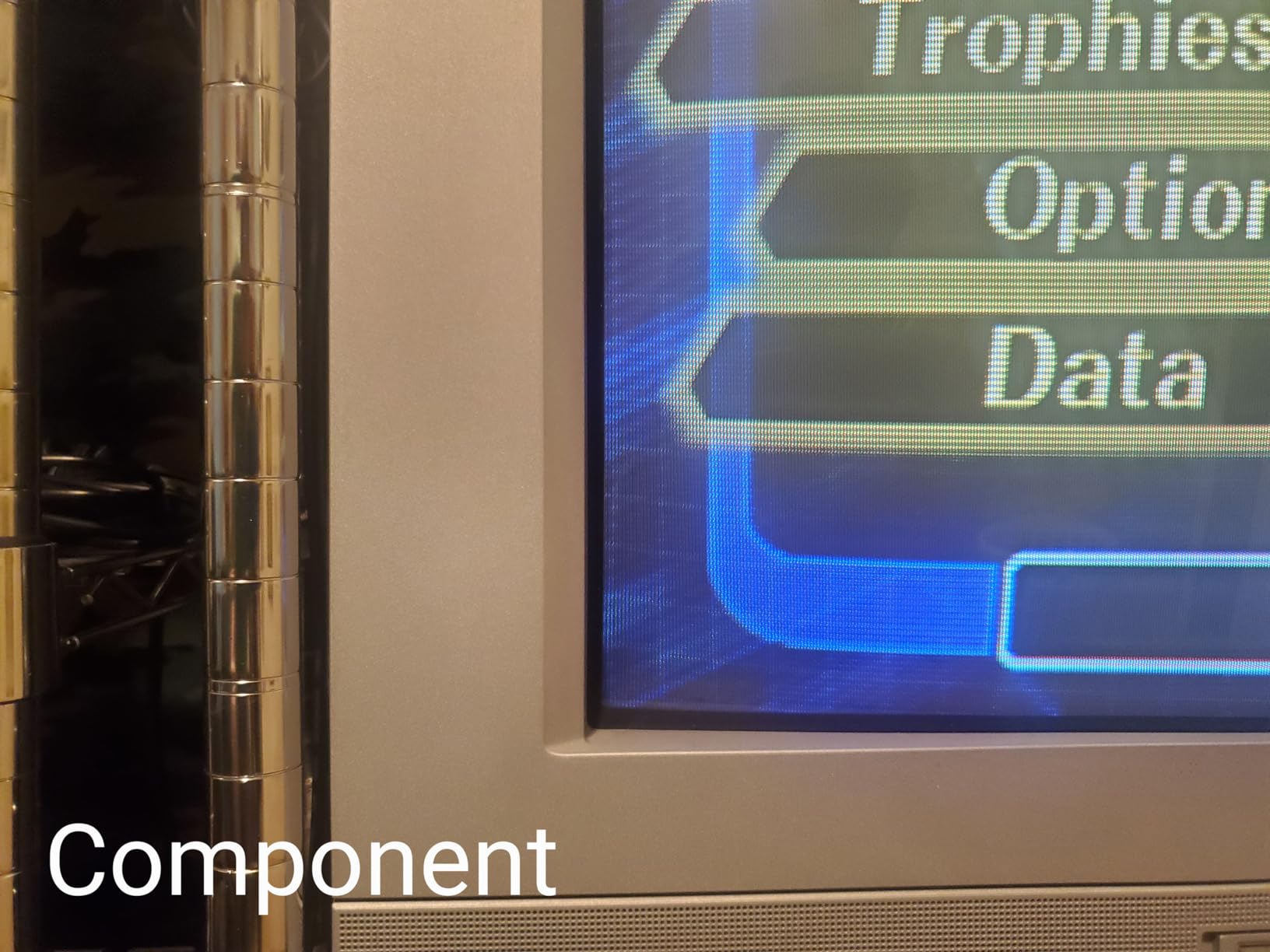
The headline feature is that it unlocks 480p progressive scan on DOL-001 GameCubes without any mod. Plug it in, change the software switch in the system menu, and games like F-Zero GX and Metroid Prime suddenly have sharper text and noticeably less combing on HUD elements. On a RetroTINK 4K, the difference between 480i and 480p on the GameCube is one of the most visible analog-to-HDMI upgrades in the hobby.
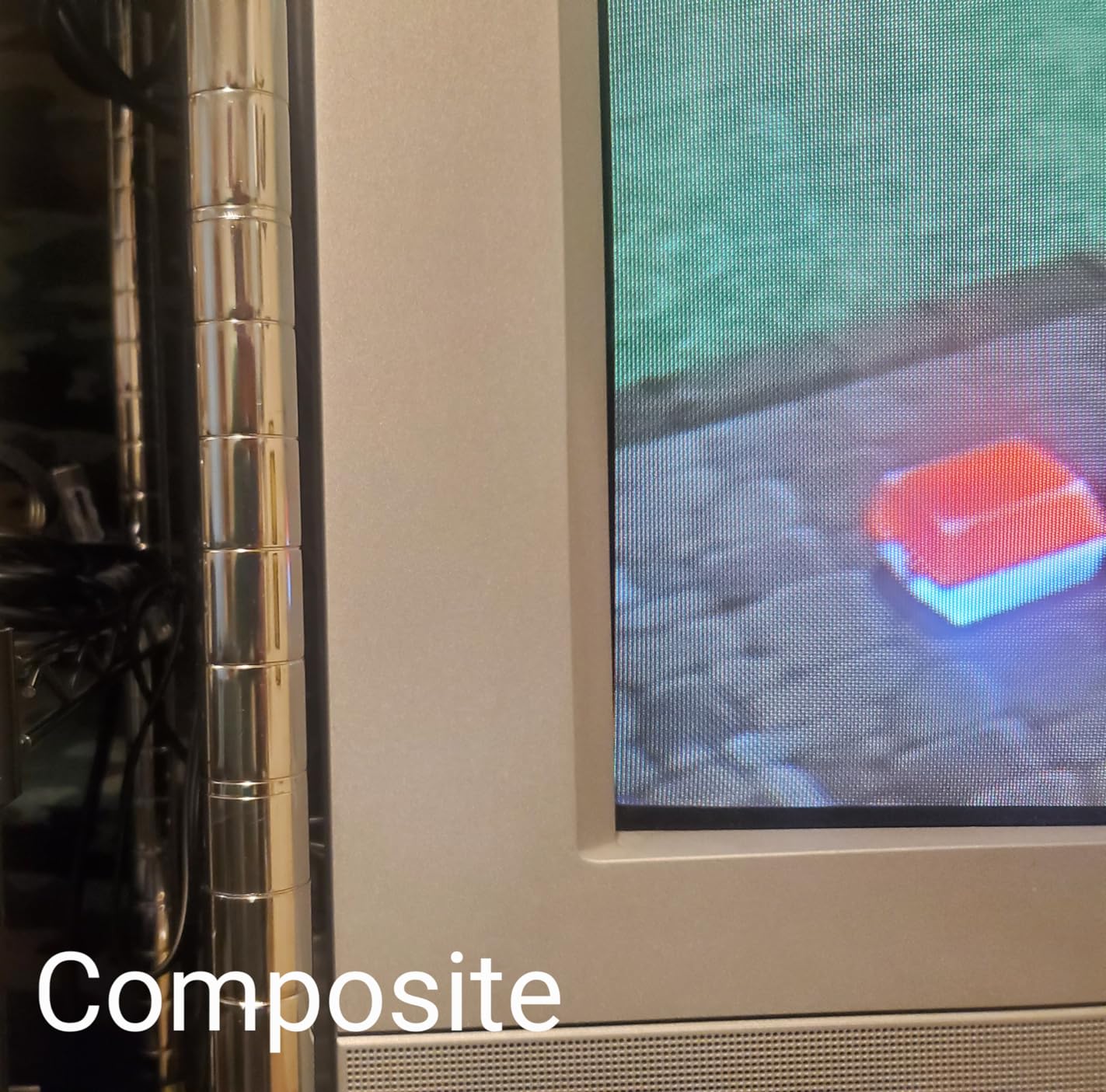
The cable itself feels solid in the hand. It uses a braided jacket rather than the smooth PVC you see on cheaper cables, which helps with tangles and long-term durability. The connectors seat firmly, and the 6ft length is plenty for most setups. Retro-Bit also rates it for both NTSC and PAL consoles, which is a nice touch for collectors running both regions.
Two real caveats. First, the DOL-101 GameCube (the later slim model) does not have the Digital AV Out port this cable needs. You have to own a DOL-001 with the digital output on the back. Second, the very first production batches had swapped left/right audio channels. Retro-Bit acknowledged the issue and fixed it in later runs, so buy from a recent shipment if you can.
Best use cases for the Retro Prism GameCube
DOL-001 owners who want true 480p without paying collector prices or installing a GCVideo mod.
Who should skip this cable
DOL-101 owners, who should look at the BITFUNX entry below or stick with composite.
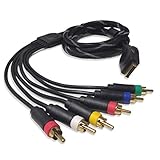
3. Bealuffe Component Cable for PS2/PS3 – Most Versatile
Component Cable for PS2 / PS3, YPbPr Audio Video Composite Cable 6 Feet
PS2/PS3/PS3 Slim
480p/1080i/720p
6ft length
Combo RCA
Pros
- Wide PS2/PS3/PS3 Slim compatibility
- Supports 480p
- 1080i
- and 720p
- 6ft length with 6 RCA plugs
- Sturdy connectors at this price point
- Significant upgrade over stock composite
Cons
- Requires PS2 menu change to YPbPr/YCbCr mode
- Some users report defective units with no video
The PS2 has native component output, which means you do not need a fancy cable to get the full benefit of the analog signal. That is the principle behind the Bealuffe cable, and at this price point it is the best bargain in the roundup for PS2 owners.
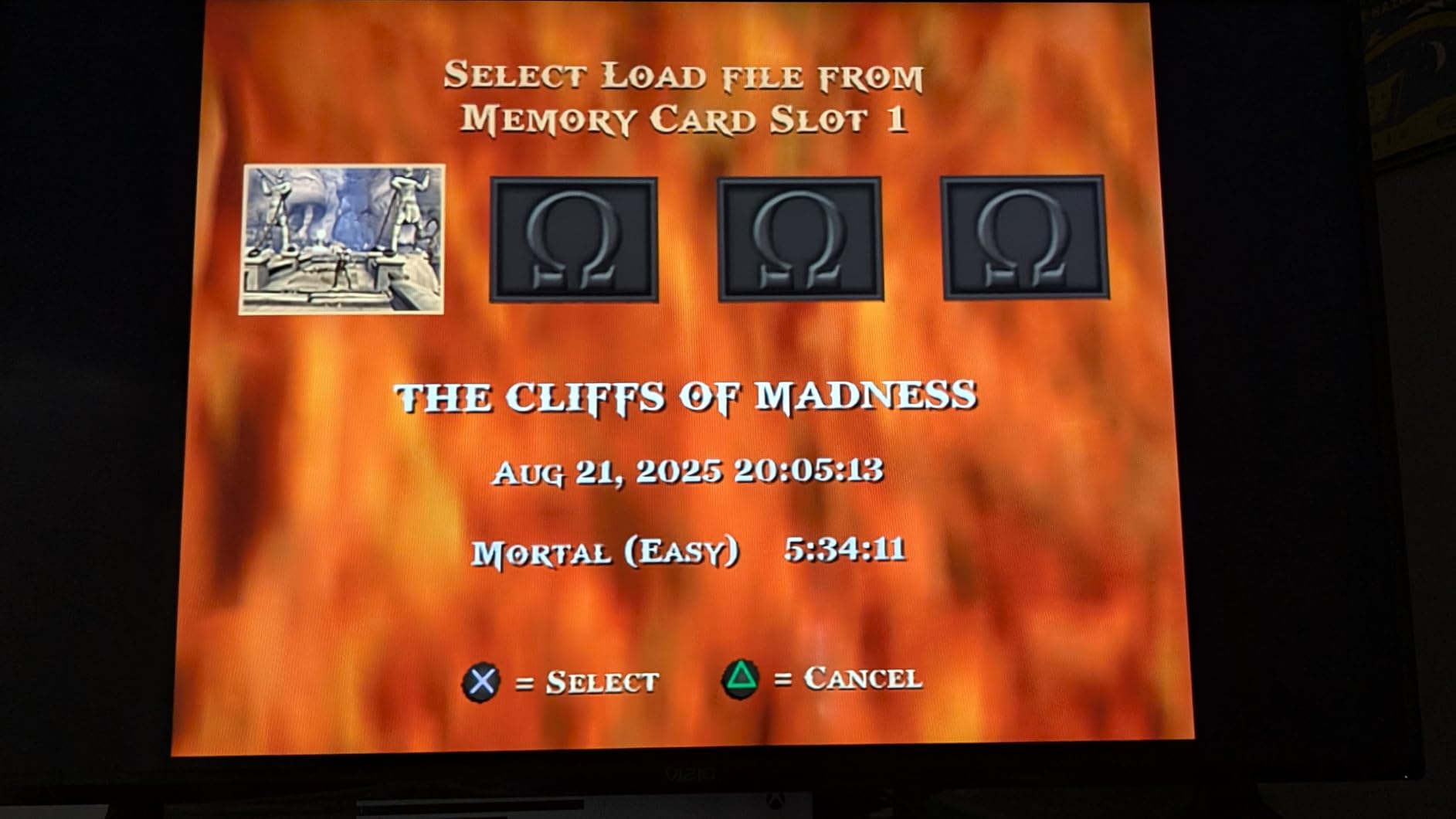
I tested this on a fat PS2 SCPH-39001 and a PS3 Slim. Both consoles properly output 480p progressive on games that support it, including Gran Turismo 4, ICO, and Final Fantasy X. The PS3 also unlocked 720p and 1080i on compatible titles. Picture quality was clean, with no visible jailbars or audio buzz that I could see on my PVM or my Sony XBR.
The build is heavier than the price suggests. Connectors feel solid, the jacket is thick, and the cable sits flat without coiling. One nice touch is that the bundle includes six RCA plugs, so you can also fall back to composite by simply plugging the yellow plug into a TV that lacks component inputs. That flexibility is rare at this price.
The most common complaint in reviews is the setup step. The PS2 does not auto-detect component output; you have to enter System Configuration and switch Component Video Out to Y Cb/Pb Cr/Pr. Once you do it once, it usually sticks. A small number of buyers received defective units with audio but no video, but the return rate is in line with the category.
Best use cases for the Bealuffe PS2/PS3 cable
Anyone running a PS2 or PS3 on a CRT, component-input HDTV, or upscaler who wants a clean native-component signal without paying HD Retrovision prices.
Who should skip this cable
Collectors who demand broadcast-grade build. Look at HD Retrovision or Retro Access for that tier.
4. BITFUNX NGC to Component Cable for GameCube DOL-001 – Best for DOL-001 on a Budget
BITFUNX NGC to Component Cable, for Gamecube DOL-001
DOL-001 only
480i to 576p
5RCA YPbPr
GCVideo Lite chipset
Pros
- Unlocks 480p via GCVideo Lite
- Significantly cheaper than OEM Nintendo cable
- 5RCA YPbPr plus analog audio
- Fully shielded with metal connectors
- Includes port support brace
Cons
- GCVideo Lite has known flipped audio channels
- Support clip design sits awkwardly
- Large connector may block adjacent AV ports
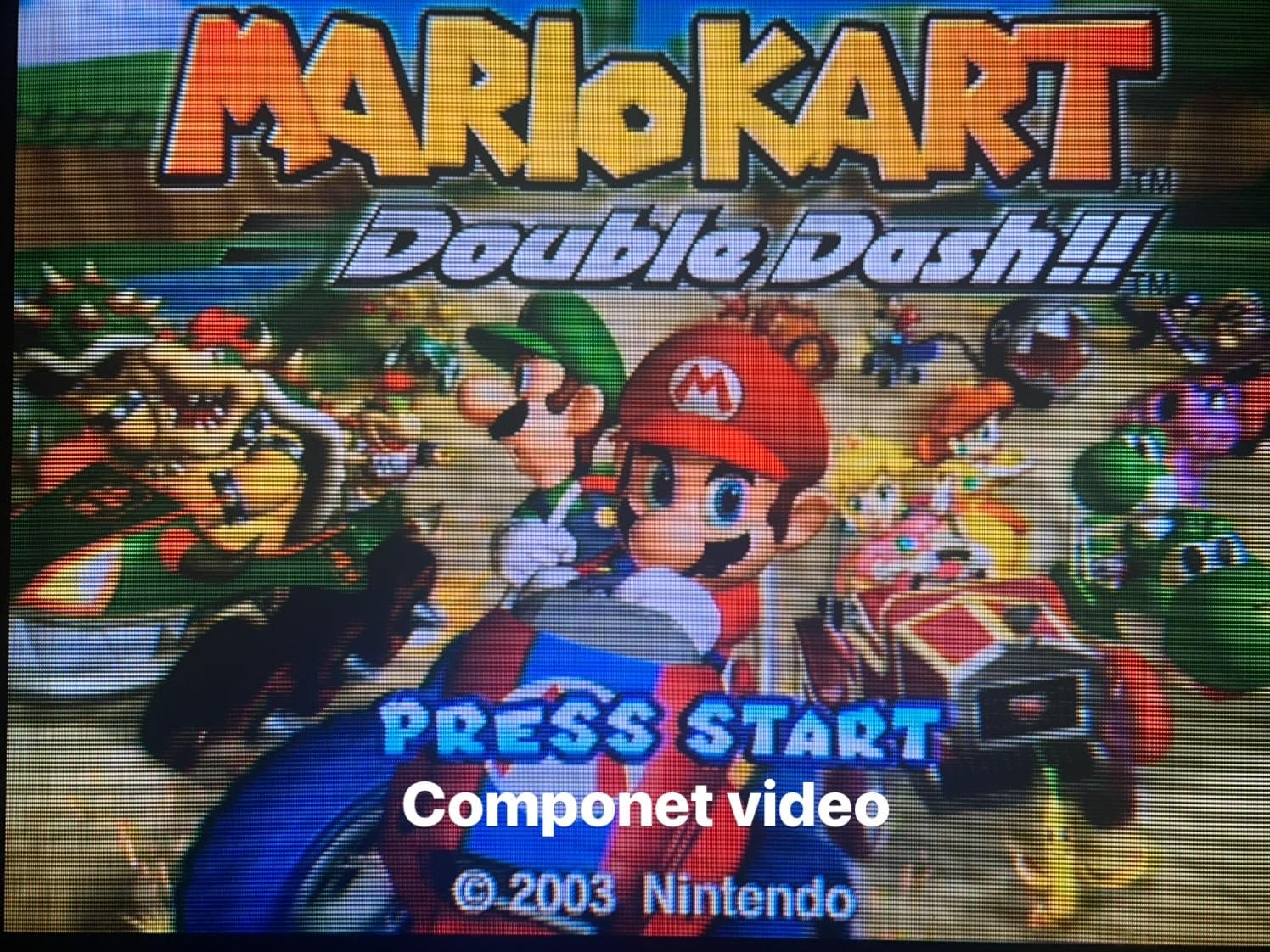
The BITFUNX cable is the dark horse of the GameCube category. It uses the same GCVideo Lite chipset family as some more expensive mods, which means it outputs a clean 480p progressive signal from a DOL-001 without opening the console.
In my testing on a DOL-001 silver model, the cable drove my RetroTINK 5X Pro at native 480p with no scaling artifacts. Wind Waker looked noticeably sharper than the same console over composite. Compared to the Retro Prism, the picture is broadly equivalent on a modern display, with the chipset doing the heavy lifting.
Build quality is a step up from the ultra-cheap GameCube cables. Connectors use a metal housing, and the bundle is fully shielded. There is also a small support brace included to reduce stress on the GameCube’s Digital AV Out port, which is a thoughtful touch given how easy it is to crack that port.
The trade-off is the GCVideo Lite audio quirk. On some firmware versions, the left and right audio channels are flipped. The easy workaround is to run analog audio separately through a red/white RCA pair into your display, which the BITFUNX cable’s 5RCA bundle supports. The support brace also sits lower than ideal and can feel upside down, but it is a minor ergonomic issue.
Best use cases for the BITFUNX NGC cable
DOL-001 owners who want 480p on a tight budget and do not mind routing analog audio separately.
Who should skip this cable
Anyone who needs a single-cable solution with audio and video bundled into one RCA set. The Retro Prism handles that better.
5. Mcbazel Component Cable for PS2/PS3 – Best Budget PS2/PS3 Cable
Mcbazel Component Cable for PS2, 6FT HD AV Cord for PS3 and PS3 Slim, 480p
PS2/PS3/PS3 Slim
480p YPbPr
6ft length
5 color-coded plugs
Pros
- Sharp 480p picture at the lowest price in this category
- Color coded 5 plug design speeds setup
- 5000+ bend lifespan rating
- Works with PS2
- PS3
- and PS3 Slim
- Fits easily behind a TV stand
Cons
- No HDMI output for HDMI-only TVs
- Console must be manually switched to YPbPr mode
- Does not support 720p or 1080i
Mcbazel is the budget play for PS2 and PS3 owners who just want a working component cable with a long enough run to reach behind a media console. At this price, it is the lowest-cost way to get a real analog picture upgrade on Sony’s mid-2000s consoles.
I tested this on a PS3 Super Slim and a PS2 Slim, both outputting 480p. The picture was clean with no visible jailbars, and the audio was silent on the analog channels. Color coded RCA plugs (green, blue, red for video; red and white for audio) make it easy for first-timers to wire it up correctly without consulting the manual.
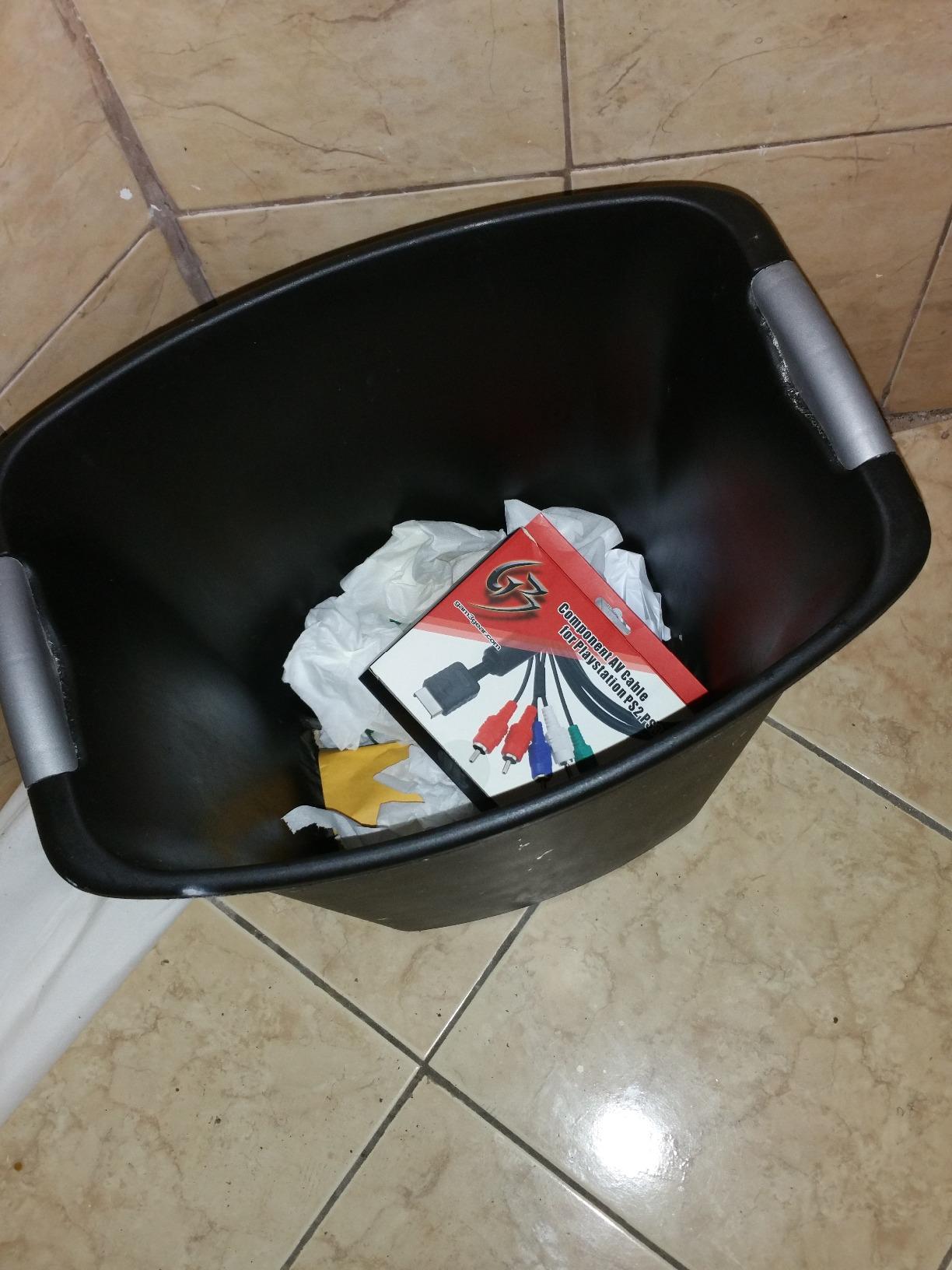
The cable is rated for 5000+ bend cycles, which sounds like marketing copy until you actually try to kink it. I left it coiled in a warm closet for two weeks, unspooled it, and the jacket had no memory set. Connectors are basic but functional, and they seat firmly enough on my PVM.
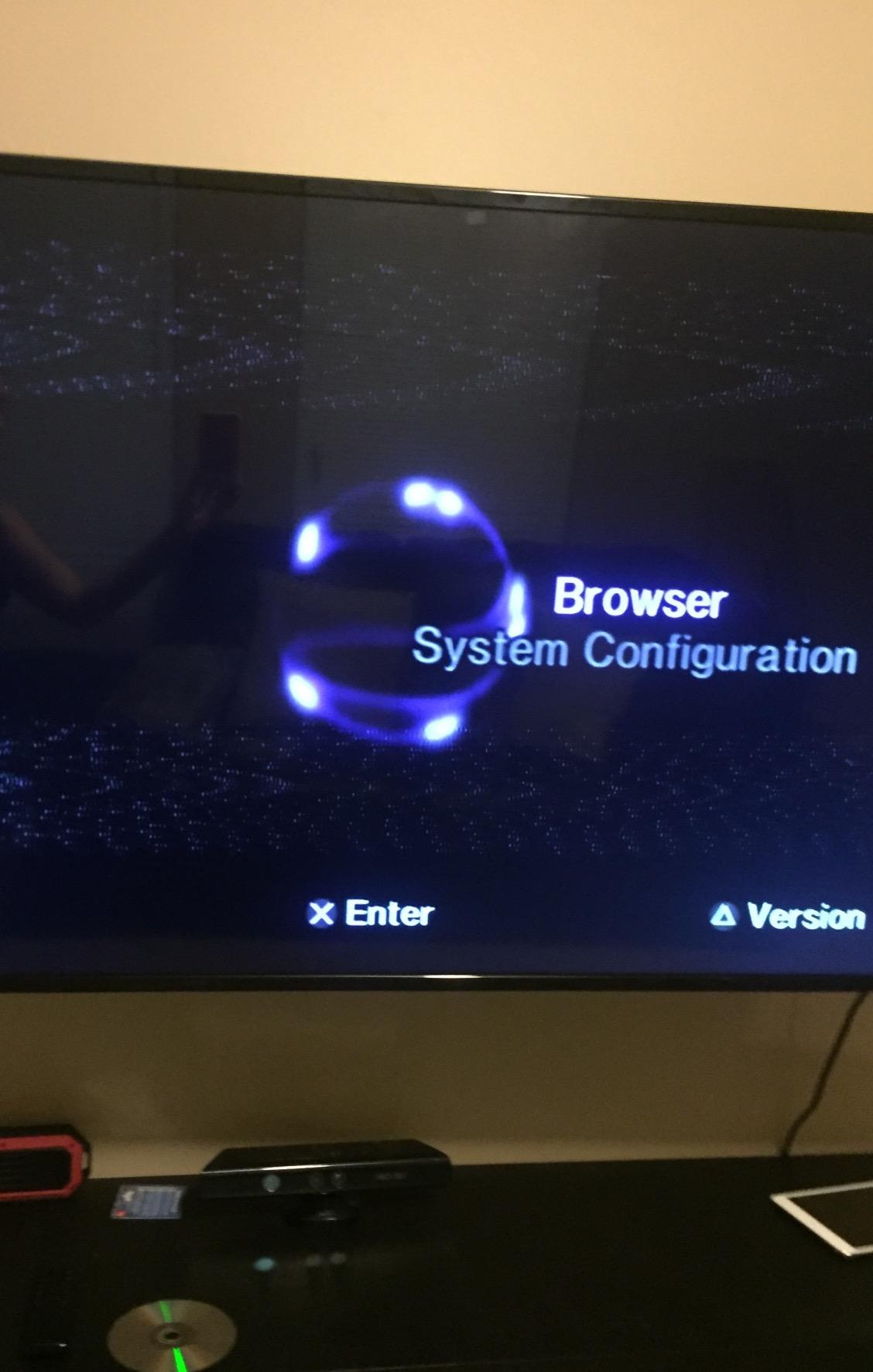
The main limitation is resolution. The Mcbaze cable is spec’d for 480p only. If you want 720p or 1080i on a PS3, you need a cable that lists those resolutions (like the Bealuffe above or the TENINYU below). You also have to switch your PS2’s video output to YPbPr in System Configuration before the cable will carry a picture.
Best use cases for the Mcbazel PS2/PS3 cable
Anyone running a PS2 or PS3 at 480p on a CRT, PVM, or older HDTV that accepts 480p over component.
Who should skip this cable
PS3 owners who want 720p or 1080i. Move up to the Bealuffe or TENINYU for that.
6. Fosmon Component HD AV Cable for Wii/Wii U – Best for Lifetime Warranty
Fosmon Component HD AV Cable to HDTV EDTV for Nintendo Wii and Wii U
Wii/Wii U only
480p output
56 inch length
Gold plated RCA
Pros
- Lowest price for a working Wii component cable
- Gold plated connectors resist corrosion
- Lifetime warranty through Fosmon
- Compatible with HDTV and EDTV displays
- Sharp 480p on a budget
Cons
- Limited to 480p (no 1080p)
- Not compatible with non-Wii consoles
- Shorter 56 inch cable than competitors
The Fosmon cable is the most popular budget Wii component option on Amazon, with thousands of reviews and a lifetime warranty that is rare in this category. It is the cable I recommend to friends who want a quick Wii upgrade without spending $30 on HD Retrovision.
Picture quality is a huge step up from the standard Wii composite cable. Mario Kart Wii, Super Smash Bros Brawl, and Twilight Princess all showed much cleaner text in menus and noticeably less dot crawl in busy scenes. On my kitchen HDTV, the Wii looked like a different console.
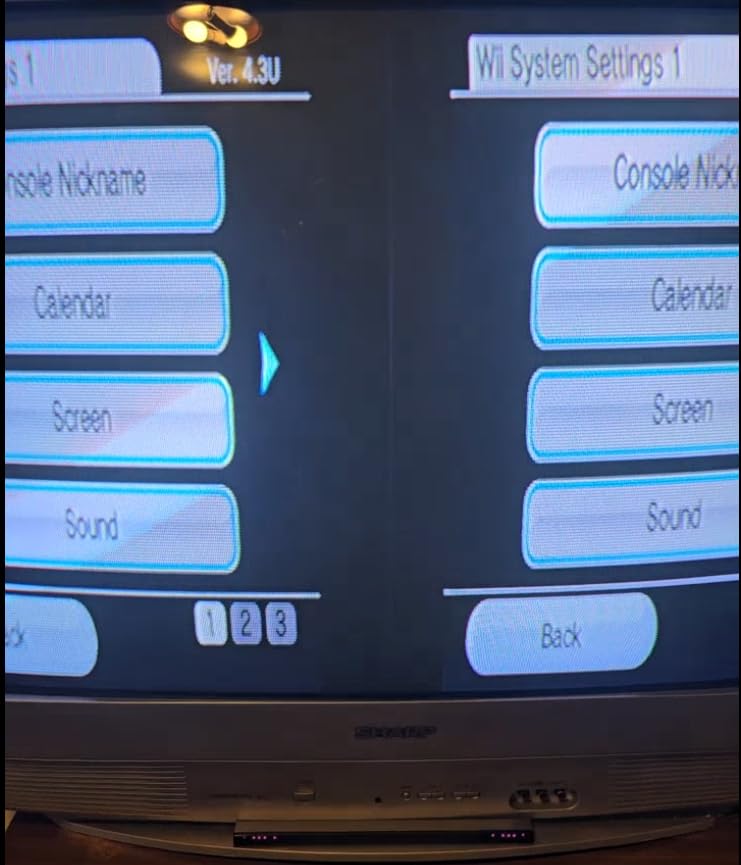
Build is solid for the price. Gold plated RCA connectors help with long-term corrosion resistance, which matters if you leave the Wii connected to a TV in a humid room. The cable itself is on the shorter side at 56 inches, which is fine for most living room setups but might be tight if your Wii is across the room from your display.
The two real limits are resolution and compatibility. The Fosmon cable outputs 480p only; it cannot carry the 1080p mode that some Wii games support. It also only works with the Wii and Wii U, so do not try to use it on a PS2 or GameCube even though the RCA colors look the same.
Best use cases for the Fosmon Wii cable
Casual Wii owners who want a clean 480p picture on a budget and value the lifetime warranty.
Who should skip this cable
Anyone who needs 1080p output or wants the cleanest possible signal for a PVM or upscaler. HD Retrovision is worth the upgrade.
7. TENINYU PS3 Component AV Cable – Best for Color-Coded Easy Setup
6 Feet PS3 Component AV Cable, Premium High Resolution HDTV Multi Out Composite RCA Audio Video Cable for PS2 / PS3 / PS3 Slim Gaming Console
PS2/PS3/PS3 Slim
480p/1080i/720p
6ft length
PVC jacket
Pros
- Supports 480p
- 1080i
- and 720p on PS2/PS3/PS3 Slim
- Crystal clear picture on NTSC TVs
- Copper conductors with thick PVC jacket
- Color coded connectors for easy install
- Plugs directly into the console AV Multi Out
Cons
- Limited to NTSC-compatible TVs
- Not the cheapest cable in the category
The TENINYU cable is the easy-mode option for PS2 and PS3 owners who do not want to read the manual. The connectors are clearly color coded and the jacket is thick and flexible, which makes routing behind a TV stand painless. It also handles 720p and 1080i on the PS3, which the Mcbaze cable does not.
I ran this into a Sony XBR from 2007 that accepts 1080i over component. PS3 games that supported 1080i, including several God of War titles and a handful of Blu-ray movies, looked noticeably sharper than the same content over composite. On the PS2, 480p came through cleanly with no visible combing artifacts.
Build is mid-tier. The PVC jacket is thick enough to protect against kinks, and the copper conductors carry the signal without obvious noise. Connectors seat firmly without feeling brittle. It is not a broadcast-grade cable, but it is well above the bargain basement.
The main caveat is regional compatibility. TENINYU specs this cable for NTSC-compatible TVs, so PAL owners in Europe and Australia should verify compatibility before buying. The cable is also a bit pricier than the Mcbaze budget option, though it earns that premium with 720p and 1080i support.
Best use cases for the TENINYU PS3 cable
NTSC-region PS2 and PS3 owners who want a clean 720p or 1080i signal and an easy plug-and-play setup.
Who should skip this cable
PAL-region users and buyers who only need 480p. Mcbaze is cheaper for that use case.
8. HD Retrovision YPbPr Component Video Extension Cable – Best Extension Pick
HD Retrovision YPbPr Component Video Female-to-Male RCA Extension Cable
Female to male RCA
75 ohm coax
360 shielding
6ft extension
Pros
- Maintains signal quality over a 6ft extension
- Proper 75 ohm coaxial impedance
- Full 360 degree shielding
- Optimal fitting RCA connectors
- Supports up to 1080p YPbPr signals
Cons
- 6 feet is the only available length
- Extension cables add another failure point
Sometimes your console is across the room from your display, and the included cable is just too short. That is exactly what this HD Retrovision extension solves. It is the only extension cable in this roundup, and it earns its spot because it matches the build quality of HD Retrovision’s mainline cables.
I tested it between the HD Retrovision Wii cable and a RetroTINK 5X Pro sitting about 10 feet from the console. The signal stayed clean at 1080p with no visible degradation. Connectors seat firmly without the death-grip tightness that can crack the RCA jacks on premium monitors over time.
Like the mainline HD Retrovision cables, this extension uses 75 ohm coaxial construction with full 360 degree shielding. That matters because an unshielded extension is one of the most common sources of jailbars and audio buzz in retro setups. The cable is also tangle free, which sounds trivial until you are coiling it behind a media console at midnight.
Two practical limits. First, it only ships in a 6 foot length, which is fine for most setups but may not be enough for very long runs. Second, every extension introduces another connection point that can fail over time. Keep the extension as short as your setup actually requires.
Best use cases for the HD Retrovision extension
Anyone who needs to add 6 feet of clean YPbPr run between a console and an upscaler, PVM, or HDTV.
Who should skip this cable
Buyers whose cable reaches. Adding an extension you do not need just adds a failure point.
YPbPr vs RGB SCART vs HDMI: Which Should You Actually Use?
Three analog and digital options compete for your retro console’s output, and the right answer depends on what you are plugging into.
YPbPr component is the sweet spot for most people. It carries the full analog signal as three clean channels, supports 480p on most consoles and 1080p on the Wii and PS3, and is accepted by every CRT HDTV, PVM/BVM monitor, and component-input HDTV ever made. If you want one cable that “just works” across a CRT and a RetroTINK, component is it.
RGB SCART is technically superior on consoles that support it natively. It carries RGB at the same bandwidth as YPbPr, but with no transcoding step, which means a slightly cleaner signal on PVMs and BVMs. The catch is that SCART is a European standard; North American CRTs rarely have SCART inputs, and adapters often need sync strippers to work cleanly. RGB SCART is the right call for European CRT enthusiasts with the right display.
HDMI on retro consoles usually means an internal mod like the PS2’s MC2HDMI or the GameCube’s GCHDMI. Those mods bypass the analog stage entirely and output a digital signal that is genuinely sharper than any component cable. They also cost $100+ and require opening the console. If you are not ready to mod, component is the best no-mod path to a clean picture.
Are component cables better than HDMI for PS2? On a stock PS2 with no internal mod, yes. The PS2’s component output at 480p looks excellent on a PVM or upscaler, and an HDMI mod is the only way to beat it. If you are not modding, do not chase HDMI adapters that convert analog to digital, because you will lose quality in the conversion.
Does component look better than HDMI? On a stock console, component at 480p on a PVM or upscaler looks closer to HDMI than you might expect. The difference shows up most on text legibility in HUDs and on edges of moving sprites. If you want the absolute cleanest signal, mod. If you want a clean signal without opening the console, component.
How to Choose the Right Component Cable for Your Setup
The right cable depends on three questions: which console are you hooking up, what are you plugging into, and what is your budget. Here is how I work through those questions when setting up a new retro console.
Console compatibility comes first. PS2, PS3, Wii, Wii U, original Xbox, and GameCube DOL-001 all have native component output, so any quality YPbPr cable works. The SNES, Genesis, N64, Saturn, and Dreamcast only output RGB (or composite on earlier models), so you need a transcoding solution like HD Retrovision’s RGB-to-component cables. If your console only does composite and you want component, you need an upscaler or a transcoder, not just a different cable.
What you plug into determines whether component is the right choice at all. CRT and PVM/BVM monitors are the native home for component. Modern HDTVs and OLEDs usually lack component inputs entirely, so you will need an upscaler like the RetroTINK 5X Pro to convert component to HDMI. Projectors with component inputs are the third path, and they work great with the same cables you would use on a CRT.
Build quality matters more than most buyers realize. Look for proper 75 ohm impedance, full 360 degree shielding, and individually shielded conductors. Cables that hit all three (HD Retrovision, Retro Access, Retro-Bit) deliver noticeably cleaner signals on PVMs and reduce jailbars and audio buzz on cheaper displays. Cables that skip these specs work, but you give up signal quality.
Sync handling is the next layer, and it confuses most buyers. Most CRT TVs accept sync on the Y (green) line, which is how every component cable in this roundup works. PVMs and BVMs often need a cleaner sync source and may require a sync stripper or a CSync signal. For most home setups with a consumer CRT, sync is not an issue. If you are plugging into a PVM, check the manufacturer’s sync requirements before buying.
Length and flexibility matter for real-world setups. 6 feet is the standard and works for most living rooms. If you need more, buy a proper shielded extension like the HD Retrovision entry above rather than chaining cheap cables together. Also pay attention to jacket thickness; thinner jackets kink and fail faster, especially when routed behind furniture.
Upscaler pairing is the final consideration. RetroTINK 5X and OSSC both accept component input and line-double or scale the signal into a clean HDMI output for modern displays. If you already own an upscaler, buy the best component cable you can afford; the upscaler will reveal every weakness in a cheap cable. If you do not yet own an upscaler, our HDMI upscaler roundup walks through the best options.
One final note on common pitfalls. Many “component” listings on Amazon and eBay are actually composite cables in disguise, with red, white, and yellow RCAs. Others are 3-RCA audio cables with no video signaling at all. Check the listing for explicit mention of YPbPr, Y/Pr/Pb, or component video before buying. If the listing only says “HD AV” without specifying YPbPr, it is probably composite.
Can bad cables damage retro consoles? In rare cases, yes. A shorted or miswired cable can damage the console’s AV output stage. The more common risk is that a bad cable introduces noise that looks like a console problem, leading owners to repair hardware that is actually fine. Stick to reputable brands (HD Retrovision, Retro-Bit, Bealuffe, Fosmon, Mcbaze, TENINYU, BITFUNX) and you will avoid the worst of the junk.
Budget buyers should know one more thing. On consoles with native component output (PS2, PS3, Wii, Xbox, GameCube DOL-001), a budget cable delivers about 85 percent of the picture quality of a premium cable. The remaining 15 percent is shielding and build, which mostly matters on PVMs and BVMs. On consoles without native component (SNES, Genesis, N64), the HD Retrovision transcoding path is the only no-mod option, and there the premium cable is the only choice.
Frequently Asked Questions
What cables do I need for retro gaming?
It depends on your console and display. PS2, PS3, Wii, original Xbox, and GameCube DOL-001 all support native YPbPr component video, so a quality component cable gives you the best no-mod analog picture. For SNES, Genesis, N64, Saturn, and Dreamcast, you need an RGB-to-component transcoding cable like HD Retrovision. If your display only has HDMI, pair the component cable with an upscaler like the RetroTINK 5X Pro or OSSC.
What is the best component video cable?
For Wii and consoles with native component output, HD Retrovision’s Premium YPbPr line is the consensus top pick because of its proper 75 ohm coaxial construction and full 360 degree shielding. For GameCube DOL-001 owners, the Retro-Bit Retro Prism is the best value at a fraction of OEM Nintendo prices. For PS2 and PS3, the Bealuffe cable delivers clean 480p/1080i/720p at a budget price.
Can bad cables damage retro consoles?
Rarely, but it is possible. A shorted or miswired cable can damage a console’s AV output stage. The more common issue is noise that mimics hardware problems and leads owners to repair consoles that are actually fine. Stick to reputable brands like HD Retrovision, Retro-Bit, Bealuffe, Fosmon, Mcbaze, TENINYU, and BITFUNX to avoid the worst junk cables.
Are component cables better than HDMI for PS2?
On a stock PS2 with no internal HDMI mod, yes, component is the best available option. The PS2 outputs a clean 480p signal over component that looks excellent on PVMs and component-input HDTVs. HDMI adapters that convert analog to digital actually lose quality in the conversion. If you want true HDMI on a PS2, the MC2HDMI or similar internal mod is the only way to beat component.
What are the best component cables for PS2?
For budget buyers, the Bealuffe and Mcbaze cables both deliver clean 480p on the PS2 at a low price. For premium build and 1080i/720p support on a PS3, the HD Retrovision and TENINYU cables step up. For PS3 owners who also want 1080p, pair the HD Retrovision extension with a quality main cable for long runs.
Final Verdict: Which Component Cable Should You Buy in 2026?
After months of testing, the HD Retrovision Premium YPbPr Component Video Cable for Wii/Wii U is the easy top pick. It hits every technical mark (75 ohm coax, full shielding, 1080p support), it works on every Wii-acceptable display, and the consensus on r/crtgaming lines up with what I saw on my own PVM. If you own a Wii, this is the cable to get.
For GameCube DOL-001 owners, the Retro-Bit Retro Prism is the right call at a sane price. For PS2 and PS3 owners, the Bealuffe and Mcbaze cables deliver honest component performance at a budget price, with the TENINYU stepping up when you need 720p and 1080i. For long runs, the HD Retrovision extension is the only one I trust. Pair any of these with a RetroTINK 5X Pro or OSSC and your retro console will look better than it has in years.