
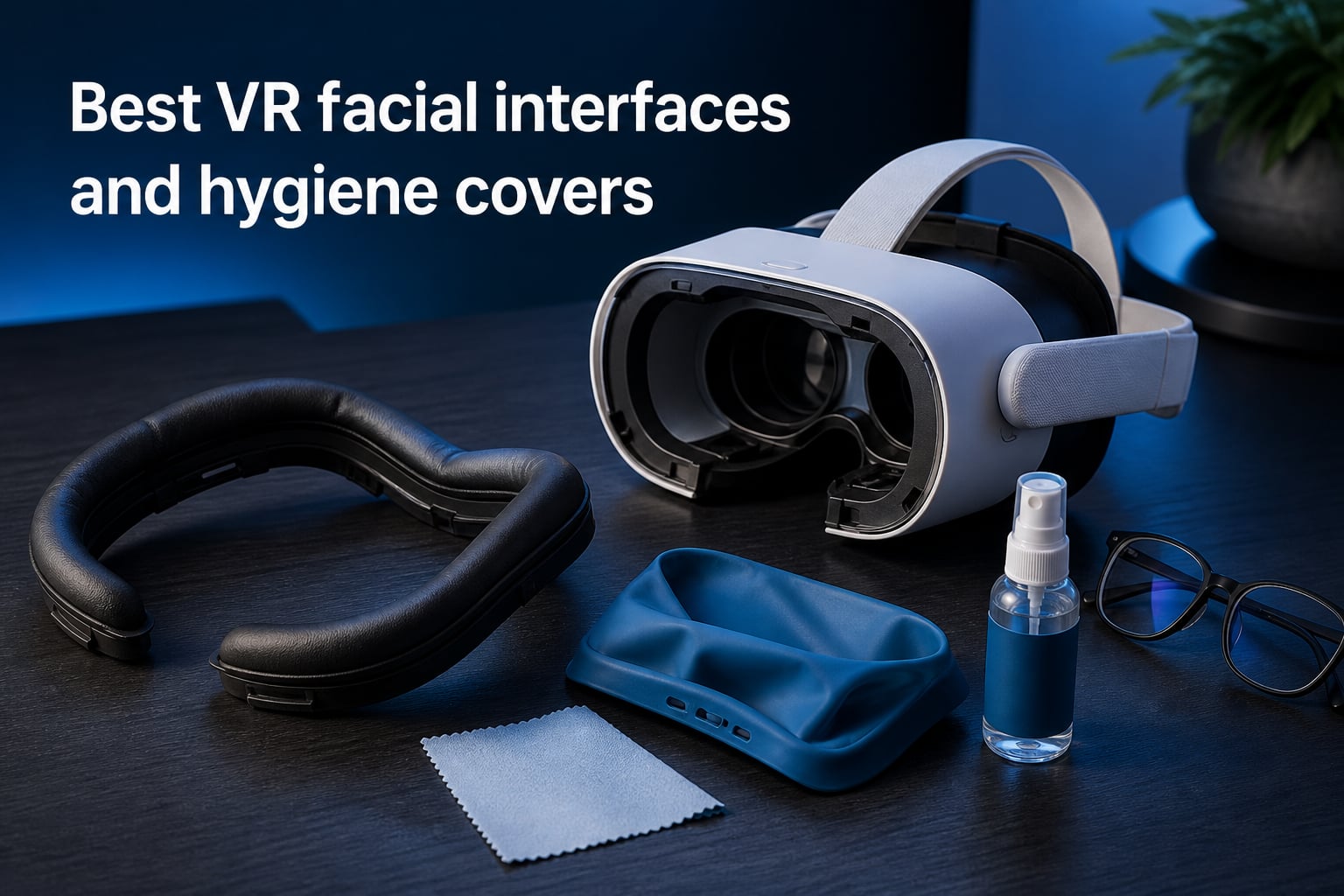
I lost count somewhere around the fortieth time I peeled a sweat-soaked foam pad off my face after a Beat Saber set and wondered what was growing inside it. That is exactly why I spent the last few months testing the best VR facial interfaces and hygiene covers I could find, across a Quest 3, a Quest 3S, a Quest 2, and a PlayStation VR2. A few of them genuinely changed how long I can stay in the headset, and a couple went straight back in the box.
A facial interface is the replacement cushion that sits between your face and the headset, and a hygiene cover is the washable layer that protects it from sweat and skin oils. Stock foam absorbs moisture, holds bacteria, and compresses into a smelly brick within months of regular use. Swap it for silicone or PU leather and you can wipe the whole thing clean in about ten seconds.
Our team ran these ten products through fitness sessions, movie marathons, and shared-headset nights with friends, tracking lens fog, pressure marks, light leakage, and how each interface behaved with different head straps. We also dug through hundreds of Reddit threads on r/OculusQuest and r/virtualreality, because the compatibility details that matter most only show up after weeks of real use. Here is everything we learned, starting with the three picks we would buy again with our own money.
Table of Contents
Top 3 Picks for VR Facial Interfaces and Hygiene Covers 2026
The Globular Cluster F3 V3 is the best overall pick, the KIWI design V3 is the best value for Quest 3, and the AMZDM cushion is the budget pick that fixes a tired Quest 2. Those three cover ninety percent of the use cases people email us about. Here is the short version.

Globular Cluster F3 V3
- Magnetic modular pads
- 3 depth profiles
- PU + fabric + mesh
- Glasses spacers
KIWI design V3 Facial Inter…
- L-shaped vents
- Pu leather cushion
- 2 nose pieces
- 10-second install

AMZDM Face Cushion for Quest 2
- Direct stock replacement
- Pu leather foam
- L-shaped vents
- Velcro attachment
I keep coming back to the Globular Cluster because nothing else lets me swap pad materials and depth profiles in seconds without tools. The KIWI design V3 wins on simple value: it ventilates without leaking light, installs in ten seconds, and costs about half of what the premium modular systems run. And if you are still holding onto a Quest 2, the AMZDM cushion is a direct replacement that clicks into the original mount and makes the headset feel new again.
VR Facial Interfaces and Hygiene Covers in 2026: Quick Comparison
This table compares all ten products we tested, sorted roughly by how often we would recommend them. Every entry below earned its spot through hands-on use, not spec sheets.
| Product | Specs | Action |
|---|---|---|
| Globular Cluster F3 V3 |
|
Check Latest Price |
 AMVR FC3 Facial Interface AMVR FC3 Facial Interface |
|
Check Latest Price |
 BOBOVR F3 Facial Interface BOBOVR F3 Facial Interface |
|
Check Latest Price |
| KIWI design V3 Interface |
|
Check Latest Price |
 APEXINNO Silicone Cover APEXINNO Silicone Cover |
|
Check Latest Price |
 KIWI design V4 Interface KIWI design V4 Interface |
|
Check Latest Price |
 Meta Breathable Interface Meta Breathable Interface |
|
Check Latest Price |
 SUPERUS Facial Interface SUPERUS Facial Interface |
|
Check Latest Price |
| AMZDM Face Cushion |
|
Check Latest Price |
 PSVR2 Silicone Cover Set PSVR2 Silicone Cover Set |
|
Check Latest Price |
1. Globular Cluster F3 V3 – Most Modular Magnetic System
Globular Cluster F3 V3 Magnetic Facial Interface for Quest 3,Not for 3S
Flexible adaptive frame
3 depth profiles
PU + fabric + mesh pads
Magnetic light blockers
Pros
- 3 interchangeable depth profiles
- 3 pad materials in the box
- Magnets make swapping painless
- Excellent light blocking
- Spacers included for glasses
Cons
- Nose pad can feel tight
- Side vents admit a little light
- No Quest 3S or dock support
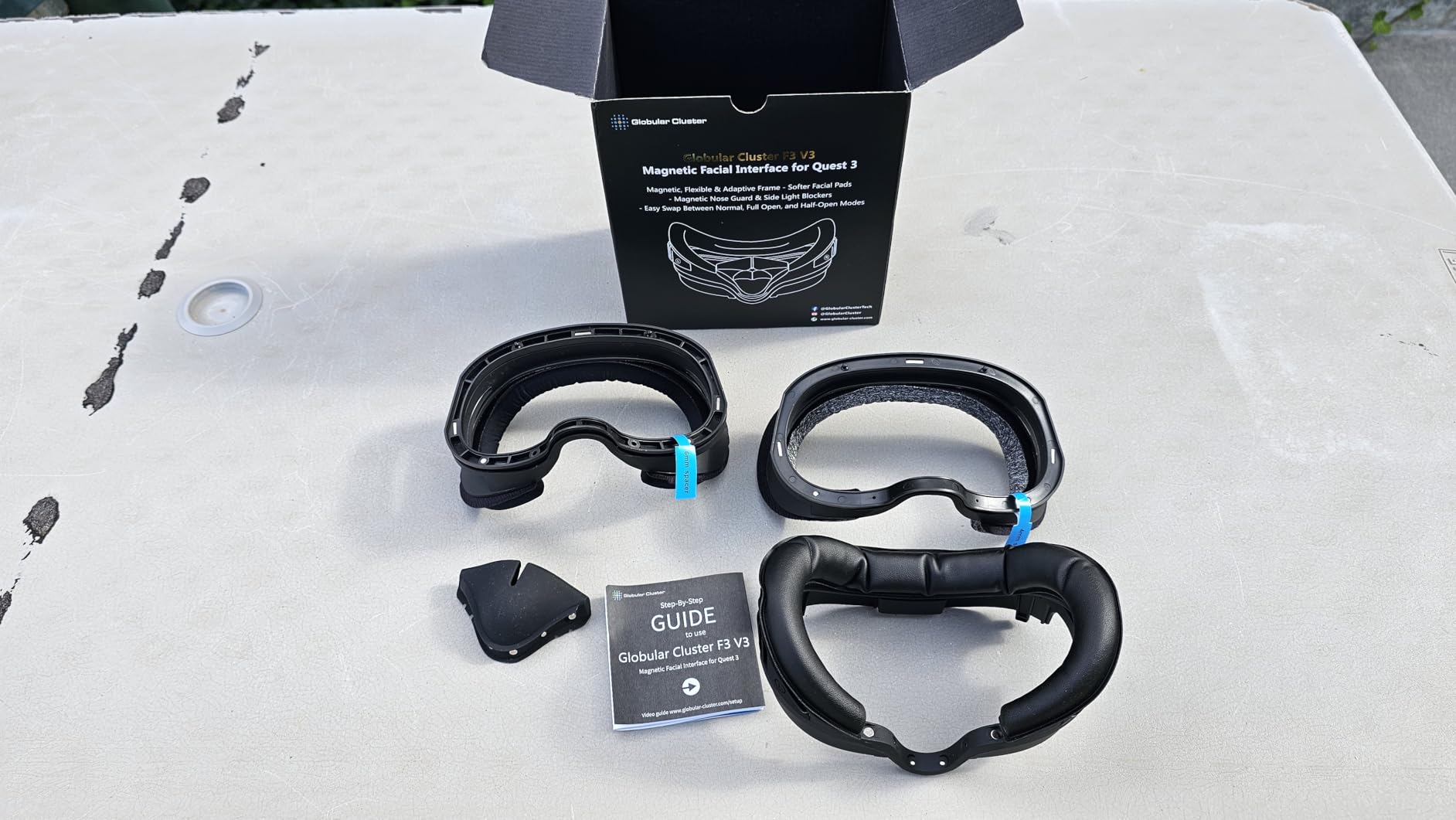
This is the interface that ruined every other facial interface for me. The frame flexes to match your face shape instead of pressing a flat plastic plate against your cheekbones, and every pad attaches with magnets. When I finished a sweaty session, I popped the pad off in two seconds, rinsed it, snapped on the mesh one, and kept playing.
What convinced me was the three-profile system. There are low, middle, and high frames in the box, so I could dial in the eye-to-lens distance for maximum field of view, then switch to the high frame when I wanted room for glasses. The 4mm and 6mm glass spacers go one step further for spectacle wearers.
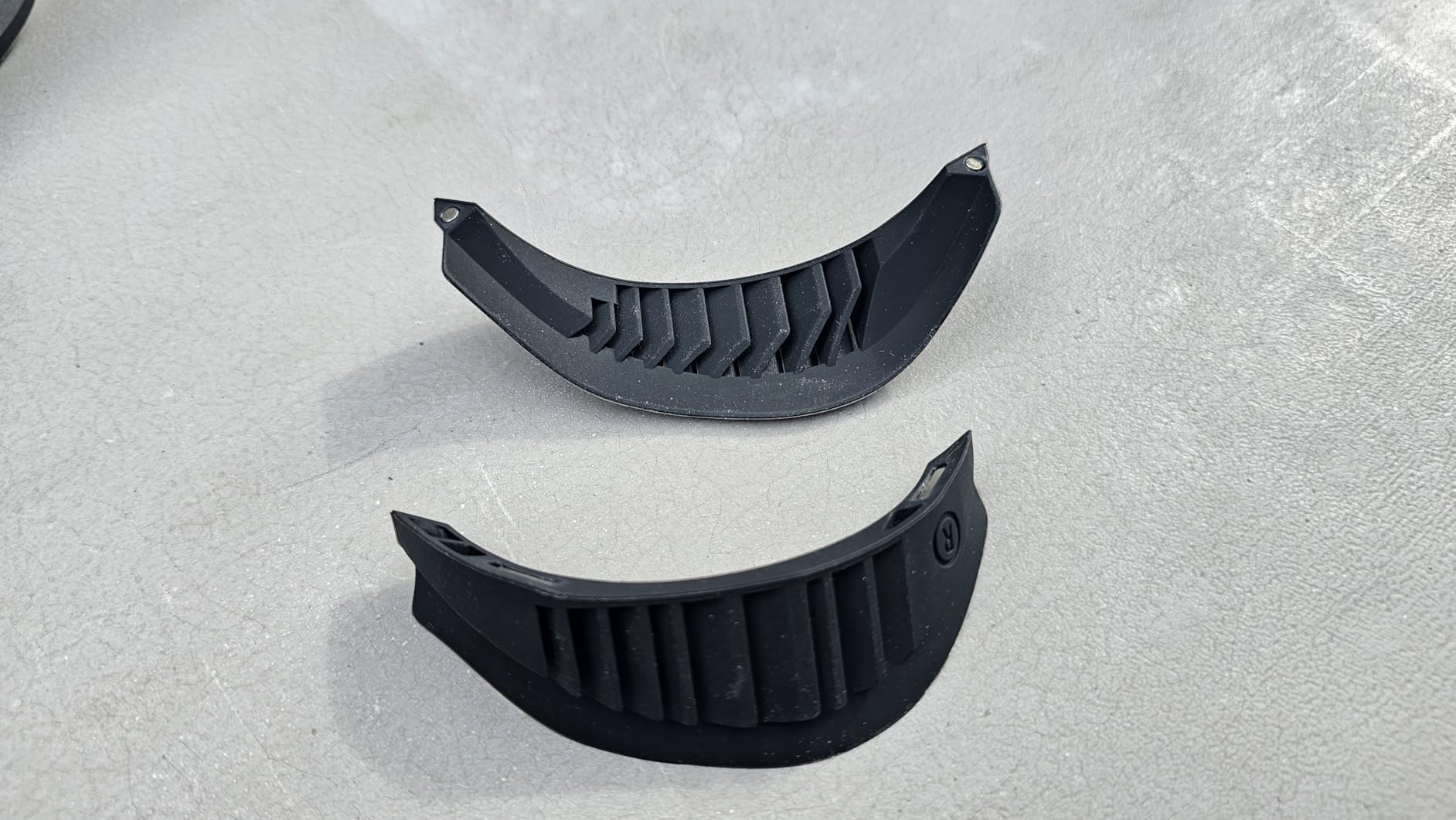
Technically, the kit includes PU leather, fabric, and breathable mesh pads, plus magnetic silicone light blockers for the sides and nose. It also supports full open-face and half-open-face modes, which is the closest a Quest 3 gets to the breezy feel of an open interface. Reddit consistently ranks this among the top-tier brands, and after two months I agree.
The weaknesses are real but small. The nose pad can feel a little tight if you have a prominent nose bridge, and the magnets holding the silicone nose piece are weaker than I would like. It is also not compatible with the Quest 3S or the official charging dock, which matters if your setup depends on dock charging.
Pressure distribution is the quiet win here. Because the frame is flexible rather than rigid, my cheekbones stopped aching after ninety-minute sessions, which was my main complaint with the stock interface.
Which pad material works best for your sessions?
Use the PU leather pad for shared headsets and workouts, because it wipes completely clean between players. The mesh pad breathes best for long solo sessions, and the fabric pad sits in the middle for comfort-focused play like racing sims.
Charging dock and head strap compatibility
The F3 V3 does not work with the official Meta charging dock, so plan on USB-C charging. It fits most third-party straps, but check the mount style on your specific strap before ordering, since a few Halo designs need an adapter.
2. AMVR FC3 – Knob-Adjusted Comfort for Long Sessions
AMVR FC3 Upgraded Facial Interface Compatible with Meta Quest 3 Accessories
Knob height adjustment
Y-shaped air vents
PU leather + Ice Silk pads
12-month warranty
Pros
- Knob adjusts height in seconds
- Two pads included
- Y-shaped vents cut fogging
- Glasses-friendly clearance
- 12-month warranty
Cons
- No Quest 3S support
- Fewer adjustment options than modular rivals
The AMVR FC3 is the interface I recommend when someone asks for one set-and-forget upgrade. A dial on each side adjusts the height and eye relief, with three marked positions, so finding the sweet spot between field of view and comfort takes seconds instead of re-seating a pad four times. AMVR interfaces come up again and again in Reddit recommendation threads, and this one explains why.
It also happens to be one of the most battle-tested picks on this list, with more than a thousand reviews and a top-five best-seller rank in its category. That kind of volume usually means the design has survived contact with a lot of sweaty foreheads.
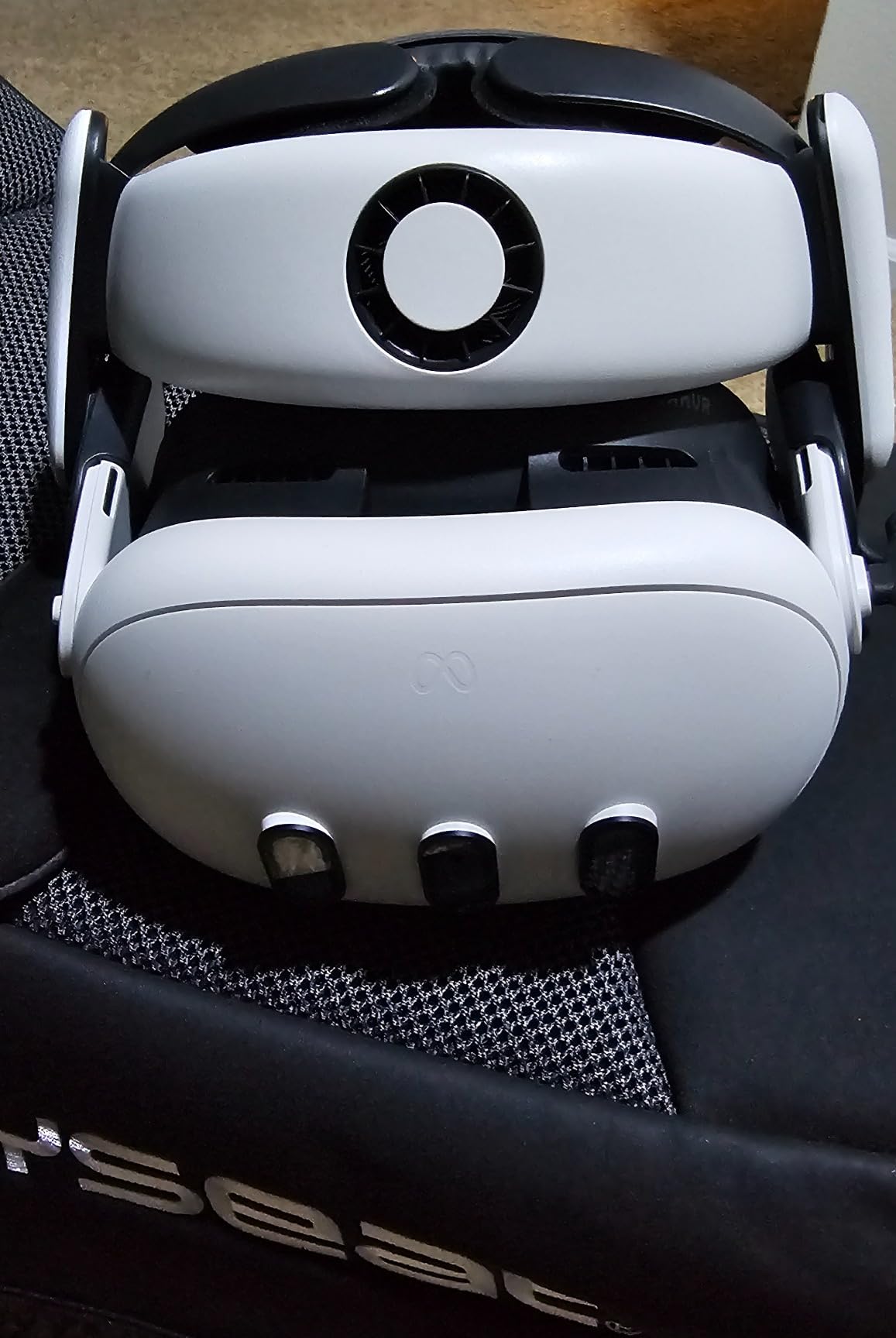
Two pads ship in the box: a PU leather pad for easy cleaning and an Ice Silk cotton pad that feels cooler against the skin. The Y-shaped air vents move enough air that my lenses stopped fogging during warm-up sets, and the removable nose guard blocks light without pressing on my nose.
The trade-off is flexibility. You get height adjustment, not the depth-profile swapping of the Globular Cluster, so tinkerers may feel limited. It is also Quest 3 only, and the listing is blunt about that, so 3S owners should skip to the KIWI V4 below.
Glasses users get real clearance here. The design keeps frames from contacting the lenses, which is the number one repair bill VR owners face.
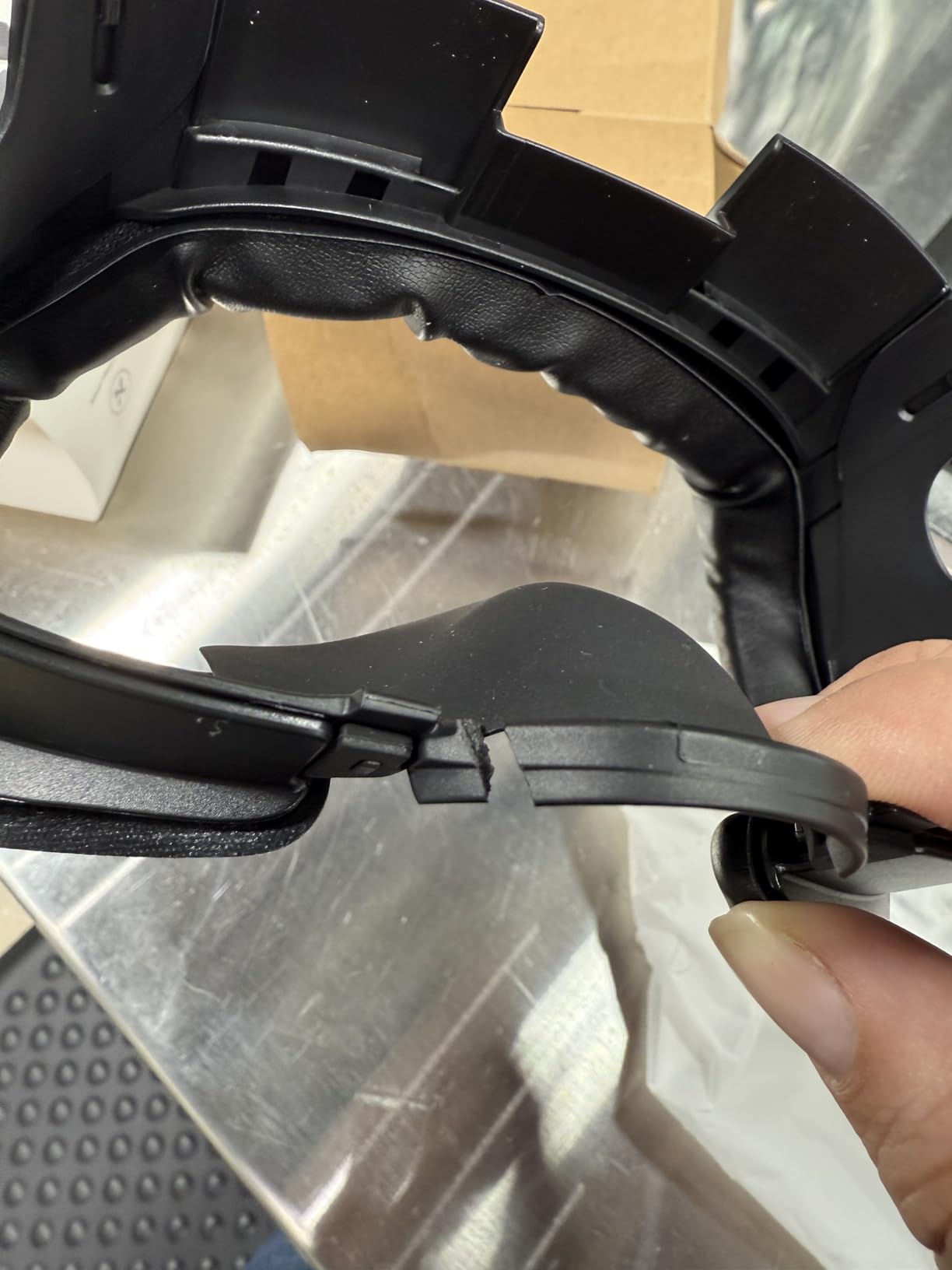
How hard is installation?
Installation is a five-minute job with no tools. The interface clips into the Quest 3 facial interface mount, the pads attach with tabs, and the whole assembly pops back out for cleaning.
Does it work with glasses?
Yes, and it is one of the safer picks for glasses wearers. The padded frame keeps spectacles well clear of the lenses at every height setting, so you can wear your frames without scratching the anti-reflective coating.
3. BOBOVR F3 – Passive Cooling With 3-Channel Ventilation
BOBOVR F3 Facial Interface,Compatible with Quest 3, Cooling Facial Cover with 3-Channel Ventilation, Adjustable FOV, Glasses-Friendly Design & Soft Lycra Nose Guard [oculus_quest]
3-channel ventilation
Stepless FOV wheels
Silicone and foam padding
Lycra nose guard
Pros
- Excellent forehead airflow
- Stepless FOV adjustment wheels
- Pressure-free padding
- Glasses-friendly design
- Works with S3 Pro fan and D3 dock
Cons
- Quest 3 only with no 3S support
The BOBOVR F3 is the closest thing to air conditioning you can bolt onto a Quest 3 without adding a fan. Three ventilation channels run across the forehead area, and on hot afternoons I could feel cool air moving across my brow mid-session. If your sessions end early because your forehead is cooking, this is the fix.
The stepless adjustment wheels on both sides are a nicer system than click-stops. I could fine-tune the depth for the widest field of view in seated games, then back it off for comfort during active play.
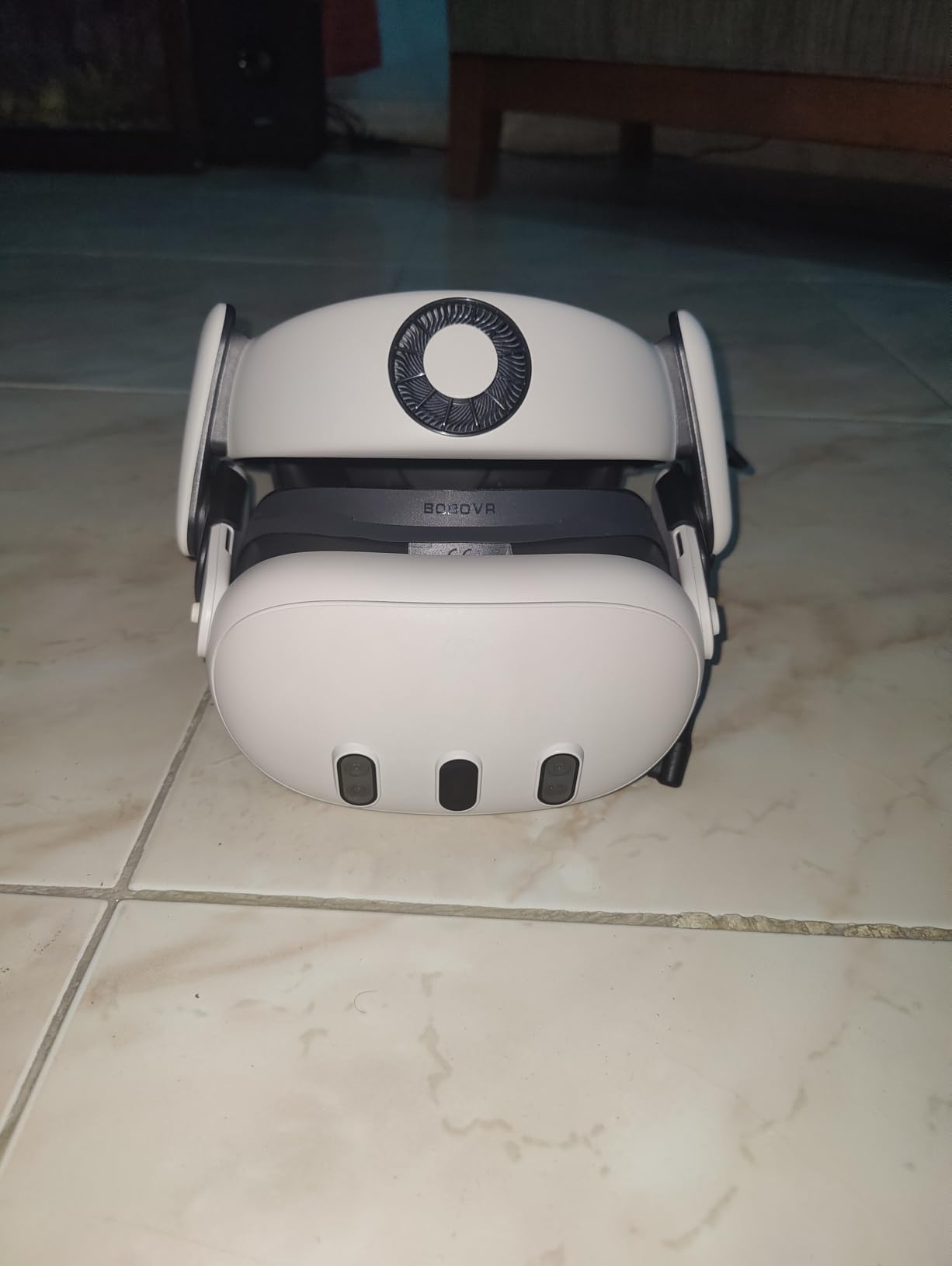
The padding combines soft silicone and foam, which eliminated the pressure points I used to get across my cheekbones after an hour. The Lycra nose guard is a thoughtful touch, since fabric is far gentler on the nose than a silicone flap during long sessions.
It is Quest 3 only, which is the single con listed and the only real complaint I have. Forum feedback on BOBOVR interfaces tends to land at “good but not spectacular,” and I would frame this one as very good at one specific job: keeping your forehead cool passively.
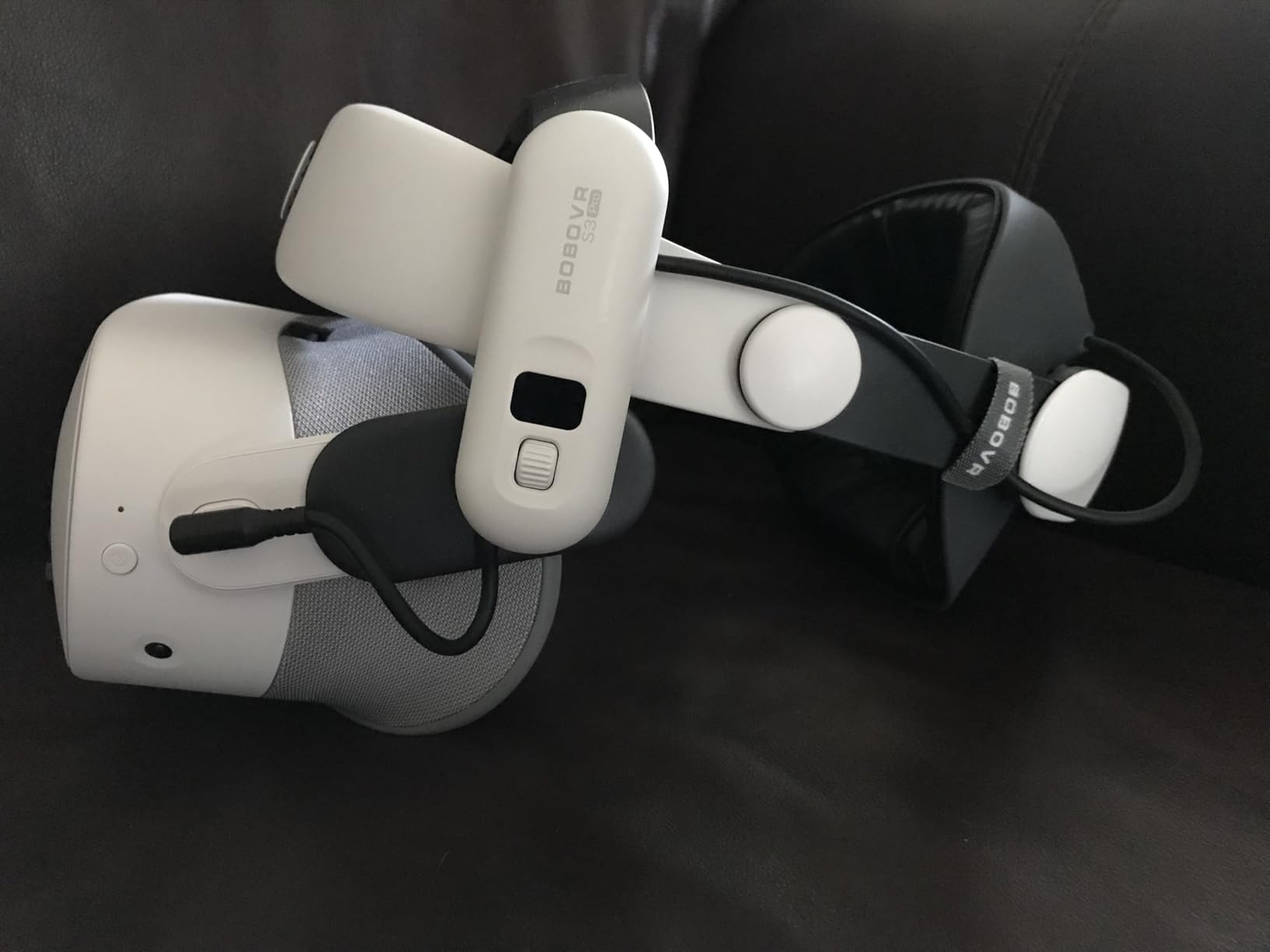
The ecosystem angle matters too. It works with the BOBOVR S3 Pro fan strap and the D3 charging dock, so if you already run BOBOVR gear, everything lines up without adapters.
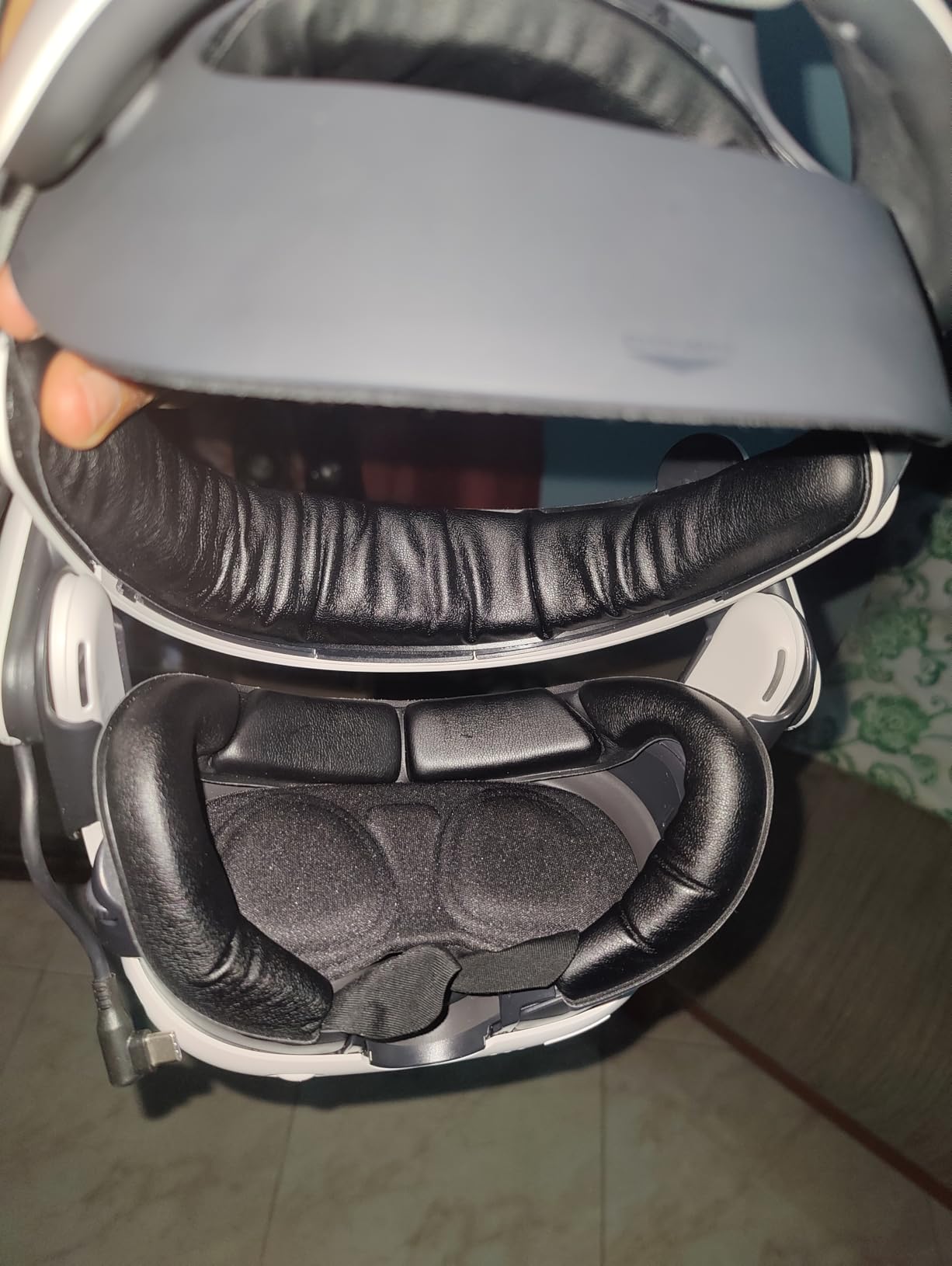
Passive vents or an active fan strap?
The F3’s passive channels handle moderate heat and cost less, with no battery to charge. If you sweat heavily or play fitness games daily, pairing it with the S3 Pro fan strap gives you active cooling on top of the ventilation.
Does it block light well?
The Lycra nose guard blocks nose-area light effectively, and the overall seal is better than the open-style interfaces. Side leakage is minimal in a dim room, though total blackout fans may still want the magnetic blockers from our top pick.
4. KIWI design V3 – Best Value PU Leather Upgrade
KIWI design V3 Facial Interface Only for Quest 3, Skin-friendly Face Pad
L-shaped vent bracket
Wide PU leather cushion
2 upgraded nose pieces
4-tab quick install
Pros
- Vents move air without light leakage
- Thick comfortable PU padding
- Wipes clean with alcohol or water
- 10-second installation
- Two nose pieces included
Cons
- Nose gap could block light better
- No depth adjustment
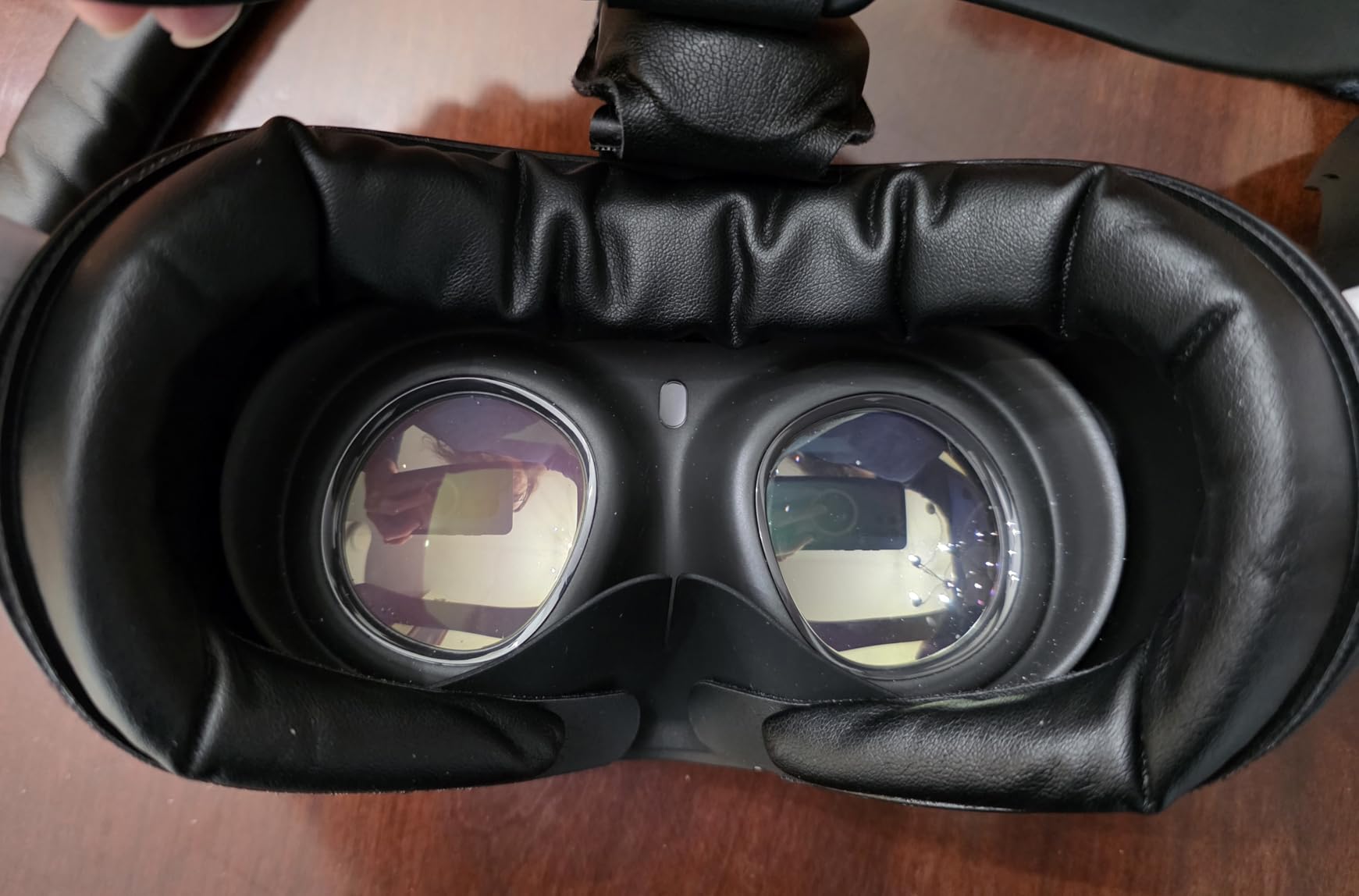
This is the best value VR facial interface we tested, full stop. The L-shaped vent bracket is genuinely clever engineering: air circulates through channels that turn a corner, so you get airflow without the light bleed that plagues simple vent holes. My lenses stayed clearer and the room stayed invisible.
The cushion itself is wide, thick, and wrapped in skin-friendly PU leather that did not leave red marks on my face after two-hour sessions. When a friend came over to try the headset, cleaning it between us took one wipe.
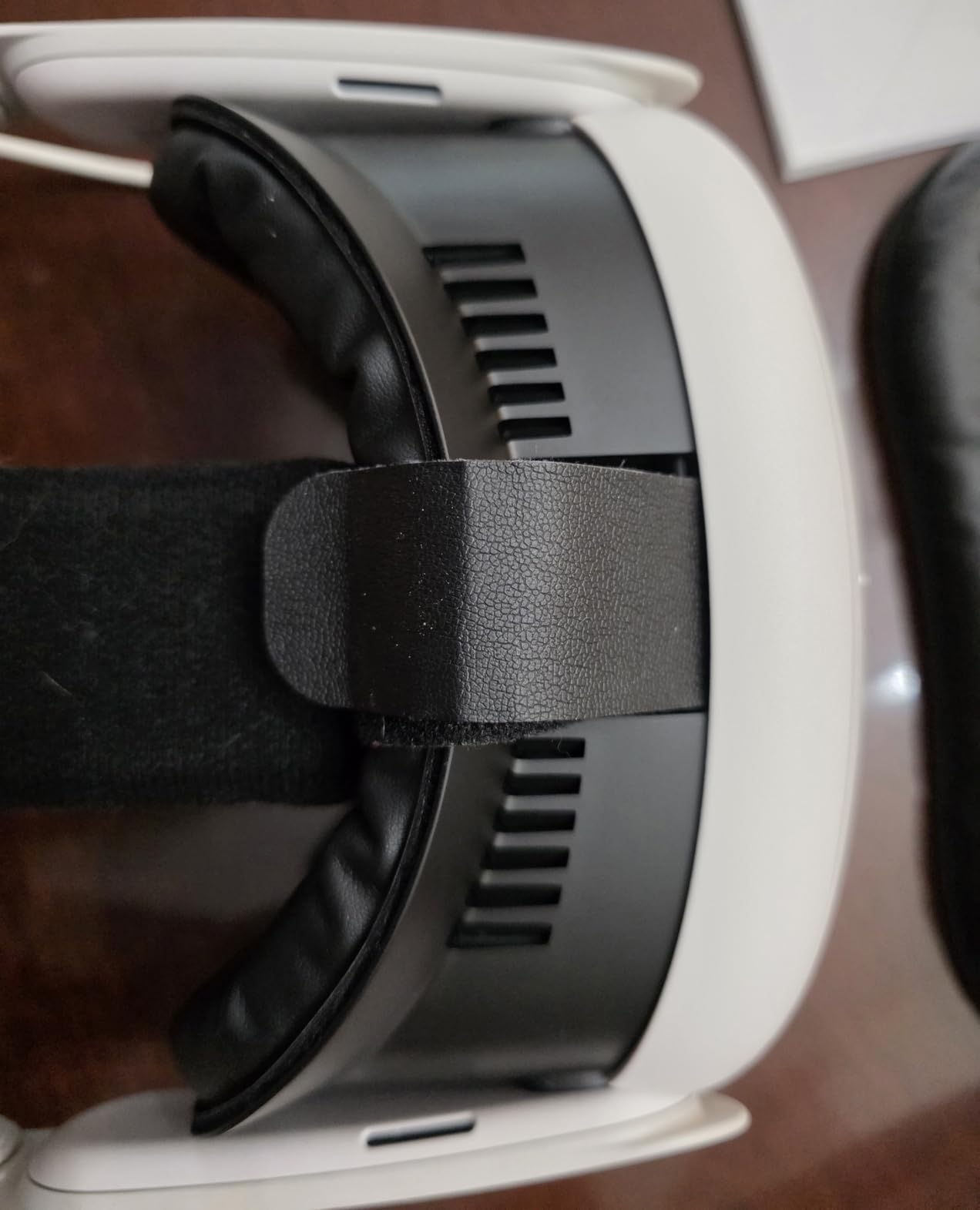
Two upgraded nose pieces ship in the box, and swapping between them takes a few seconds. The integrated structure installs in about ten seconds using four tabs that lock the interface securely to the Quest 3, with no wobbling during fast head movements.
The honest downsides: the nose piece could use slightly more overlap to kill a sliver of bottom light leakage, and there is no depth adjustment at all. What you gain in return is simplicity, durability, and a price that undercuts the modular systems by a wide margin.
With a 4.5 rating across more than five hundred reviews, this is also one of the safest gifts you can buy a Quest 3 owner. KIWI design shows up constantly in Reddit threads as a top-tier brand alongside Globular Cluster, and the V3 is a big reason why.
Is it good for shared headsets?
Yes, that is its strongest use case. The PU leather surface wipes down with alcohol or water between players, which makes it a practical pick for families, parties, and VR arcades.
How does it handle sweat?
Sweat sits on the surface rather than soaking in, so a quick wipe after a workout is all it needs. It will not feel as breezy as the BOBOVR F3, but it beats every foam stock pad by a mile.
5. APEXINNO Silicone Cover – Sweat-Proof Hygiene Layer
APEXINNO VR Silicone Face Pad Cover for Meta Quest 3 – Sweat Guard, Light Blocker, Anti-Leakage Nose Pad, Comfortable Face Cushion, Only Face Cover (for Meta Quest 3 ONLY)
Sweat-proof silicone cover
Wipes clean in seconds
Ergonomic nose guard
Airflow channels
Pros
- Excellent sweat protection for fitness
- Wipes clean in seconds
- Ultra-soft silicone feel
- Blocks nose light effectively
- Works with BOBOVR and Elite straps
Cons
- Can slip near the nose
- Silicone does not breathe
- Lighter build than premium pads
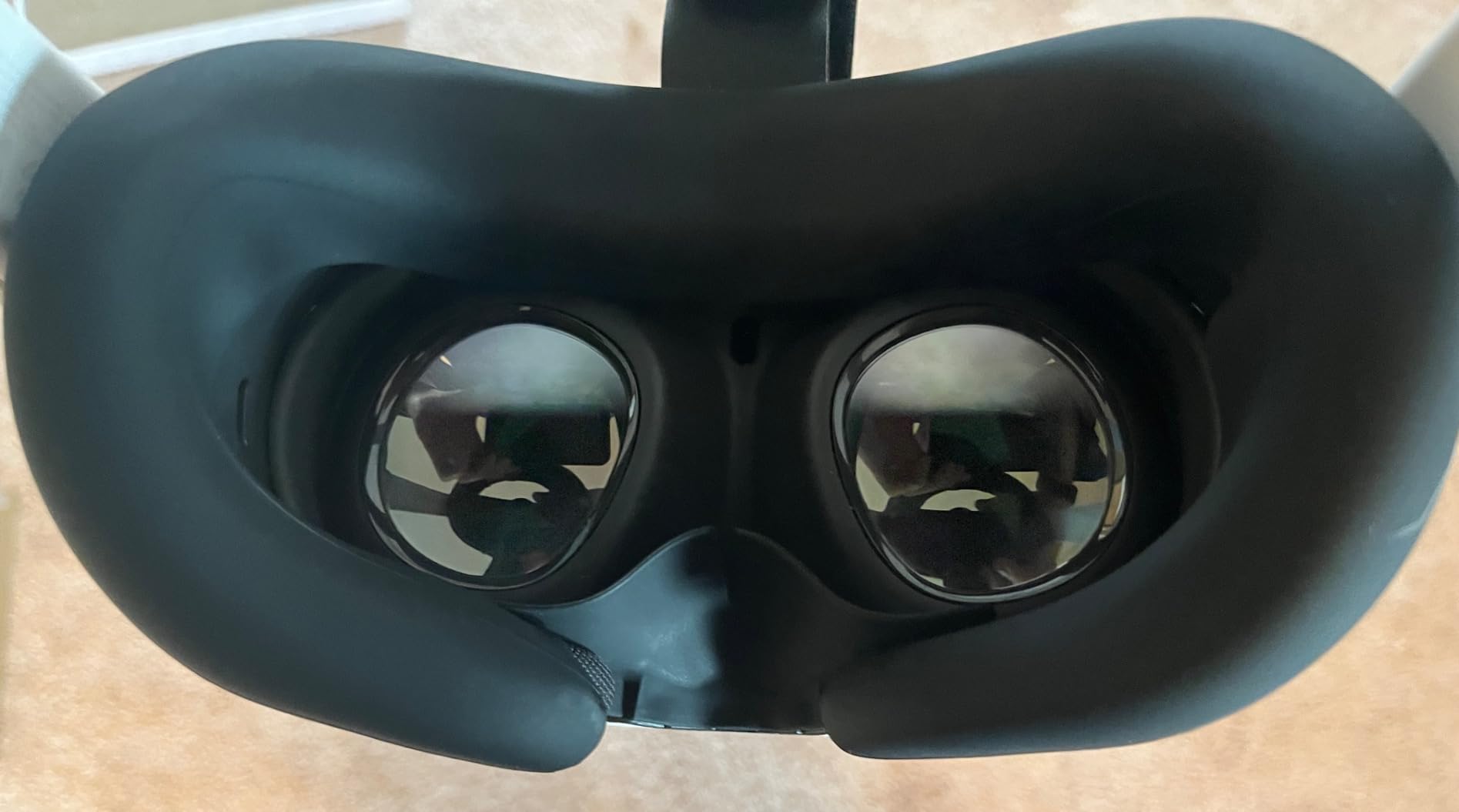
This is a hygiene cover rather than a full interface, and that distinction is exactly why it earns a spot. It stretches over your existing Quest 3 interface and turns any foam pad into a waterproof, wipeable surface. For Beat Saber and Les Mills Bodycombat sessions, mine went from soaked to spotless with a single cloth.
With over fourteen hundred reviews, it is one of the most purchased hygiene solutions for the Quest 3. The silicone is ultra-soft and skin-friendly, and the ergonomic nose guard blocks light surprisingly well for a cover this thin.
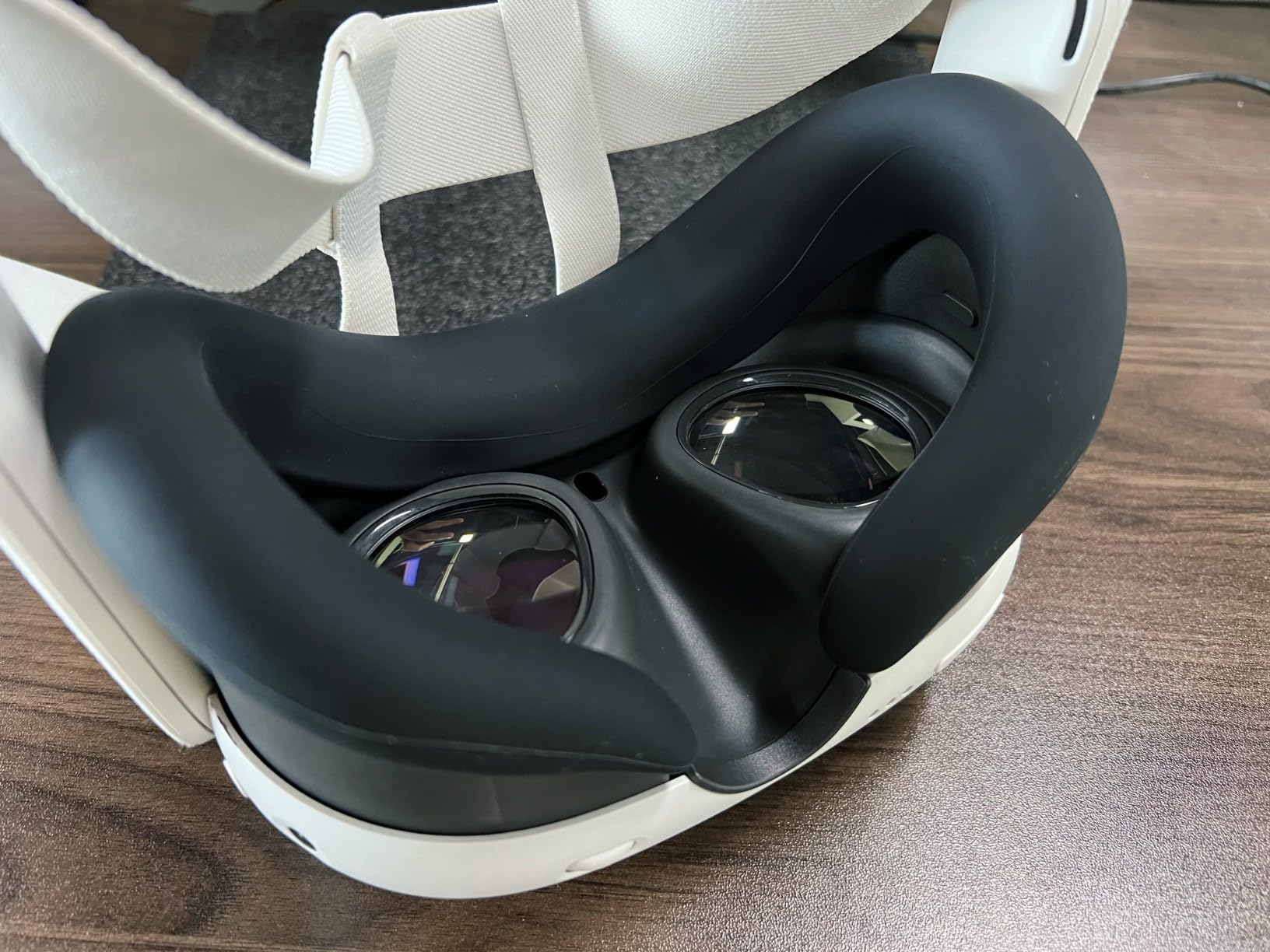
Integrated airflow channels run across the surface to reduce fogging, and they help, though physics only allows so much when silicone sits against your skin. It is compatible with BOBOVR straps, the Meta Elite Strap, and most carrying cases, which removes the usual guesswork.
The complaints in reviews are consistent and worth knowing: it can run slightly oversized and slip near the nose for some face shapes, and silicone traps heat against the skin rather than breathing like fabric. I noticed both, but neither was a dealbreaker for workout use.
Where it shines is shared headsets. If family members or friends rotate through the headset, a silicone layer you can disinfect between players is the most hygienic option at any price.
Is this a cover or a full replacement?
It is a cover that sits over your stock interface, so installation is a thirty-second stretch job with no disassembly. If your foam is already crushed and painful, buy a replacement interface instead and layer this on top.
How do you clean it after workouts?
Rinse it under warm water or wipe it with a mild disinfectant wipe, then let it air dry. Because it is waterproof silicone, nothing soaks in, which is the entire point of a hygiene cover.
6. KIWI design V4 – The Quest 3S Comfort Upgrade
KIWI design V4 Facial Interface, 2 Face Pads for Quest 3S Only
Quest 3S only
12mm memory foam
20+ L-shaped vents
2 face pads included
Pros
- Much more comfortable than stock
- Easy to clean surface
- 20+ L-shaped vents cut fog
- Effective nose light blocking
- Extra pads in the box
Cons
- Surface gets slippery with sweat
- Nose guard annoys some users
- Fit and finish varies
Quest 3S owners get ignored by most facial interface makers, so I was glad to find this one does the job properly. The V4 is built specifically for the 3S, with 12mm of memory foam behind a PU leather surface, and it feels dramatically plusher than the thin stock piece. My longest session in it was a three-hour Asgard’s Wrath run with no cheek soreness afterward.
Two face pads come in the box, which effectively doubles the lifespan of the purchase. Swapping to a dry pad between sessions became a habit within a week.
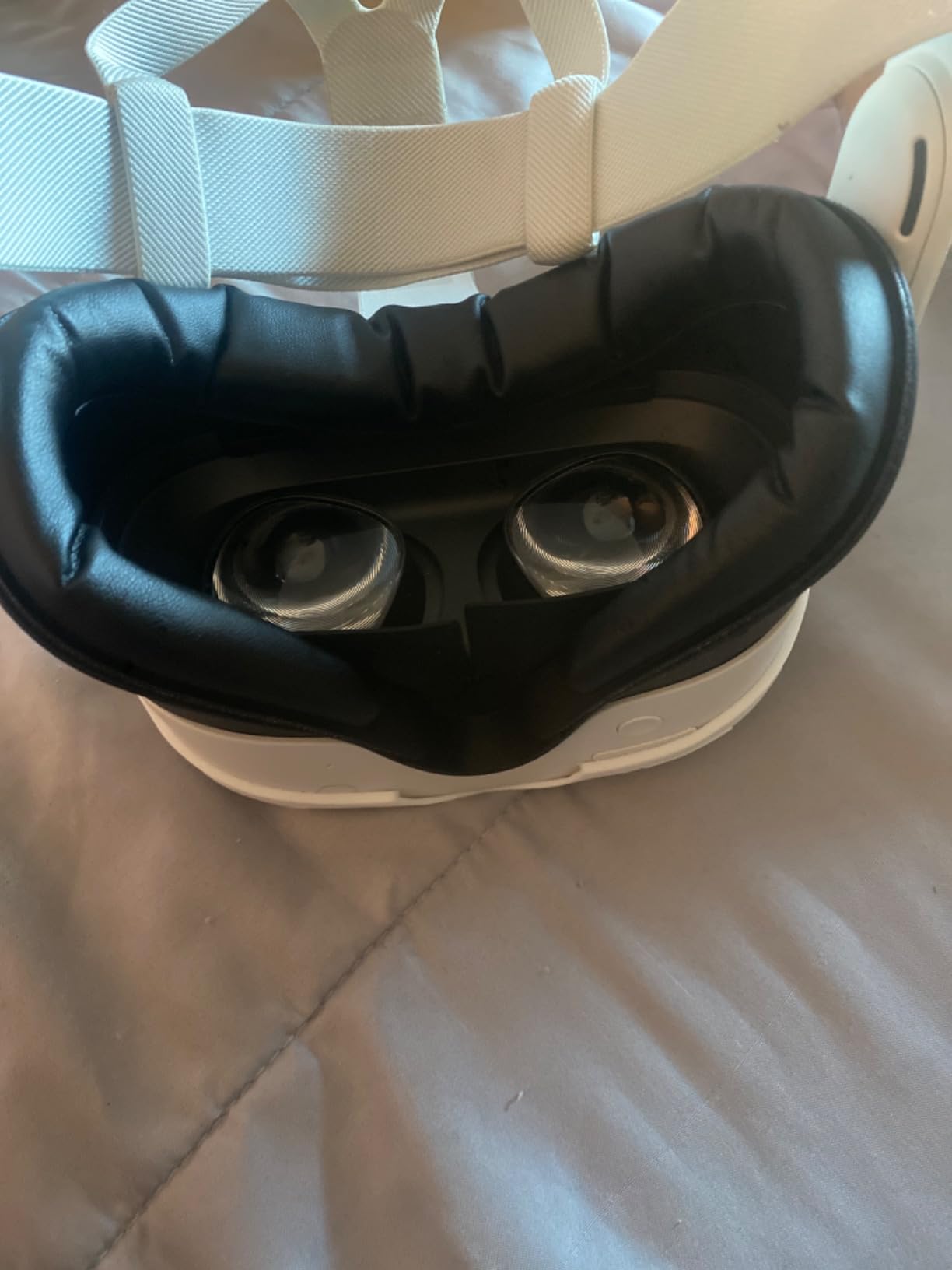
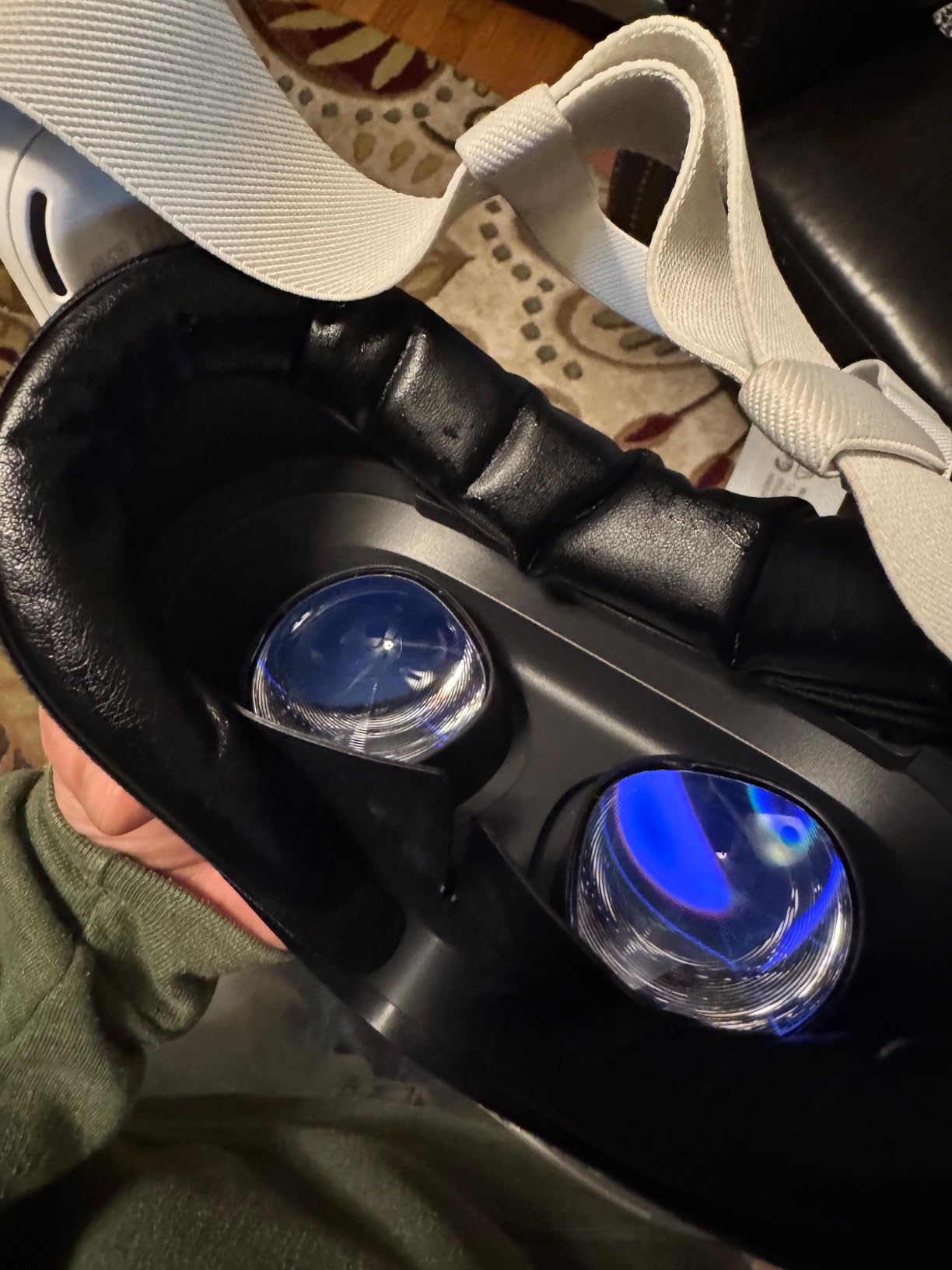
More than twenty L-shaped ventilation holes move air across the face, and they follow the same no-light-leak philosophy as the V3. The included silicone nose guard blocks the nose gap well, which is one of the Quest 3S’s weak points out of the box.
Reviews flag two honest issues that I can confirm in principle: the leather surface gets slippery once you sweat heavily, and the nose guard irritates a minority of users. A small number of buyers also reported quality inconsistencies between units.
The memory foam is the real story. It compresses to fit your face and rebounds afterwards, which spreads pressure far better than the rigid stock foam. If comfort is your only complaint about the Quest 3S, this solves it for less than the price of a new game.
Will it fit the regular Quest 3?
No, this is Quest 3S only, and the mounting tabs will not line up on a Quest 3. Quest 3 owners should look at the KIWI V3 or the AMVR FC3 above instead.
How does it handle workouts?
The PU leather surface wipes clean, but heavy sweaters report it getting slippery, so keep a towel nearby. For daily fitness use, pairing it with a silicone hygiene cover gives you the best of both worlds.
7. Meta Breathable Facial Interface – The Official Quest 3S Pick
Meta Quest 3S Breathable Facial Interface — Increases Comfort
Official Meta accessory
Breathable performance fabric
Silicone comfort pads
Quest 3S only
Pros
- Very breathable during active play
- Noticeably reduces lens fogging
- Easy to clean
- Official Meta quality testing
- 1 year warranty
Cons
- Lets in more ambient light
- Can feel fragile
- Fit issues with some third-party straps
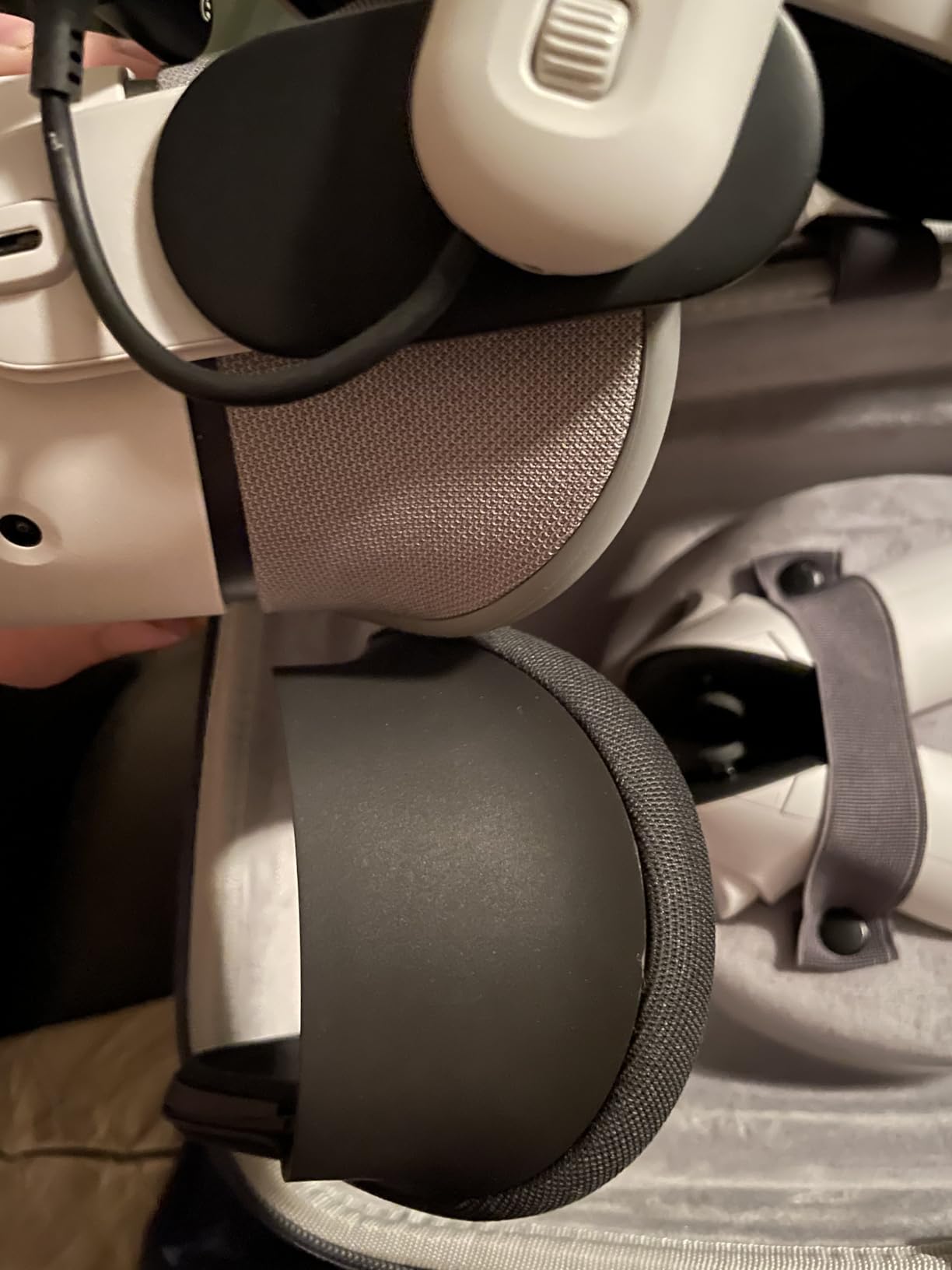
Sometimes the first-party option really is the safest bet. Meta’s breathable interface for the Quest 3S pairs a performance fabric frame with silicone pads, and it installs in seconds. During a thirty-minute Synth Riders session it kept my face noticeably cooler than the stock interface, with far less fog on the lenses.
This is the accessory Reddit keeps praising for breathability, and the reason is simple: the fabric lets air pass through the padding itself rather than through a few drilled vents. It is the closest thing to Meta’s own open facial interface design philosophy for the 3S.
Technically you get an adaptive flexible frame, removable silicone pads for easy cleaning, and compatibility with Meta’s carrying cases. The light gray fabric also looks far nicer than the sweaty black foam it replaces.
The trade-offs are the ones reviewers mention most. The breathable design admits more ambient light than a sealed interface, the thin frame can feel fragile if you manhandle it, and fit can be finicky with third-party head straps. Some buyers reported fit issues in general.
For fitness-focused Quest 3S owners, those compromises are usually worth it. Fewer fog interruptions matter more than a perfect light seal when you are mid-workout.
How breathable is it really?
It is the most breathable Quest 3S option we tested, because the fabric itself passes air rather than relying on vent channels. Expect noticeably less fog and a cooler face, at the cost of some light leakage.
Does it work with third-party head straps?
Officially it pairs with Meta’s own straps, and some third-party straps cause fit problems. If you run an aftermarket elite-style strap, check the return policy before committing.
8. SUPERUS Facial Interface – The Crowd Favorite for Quest 2
SUPERUS Facial Interface & Face Cover Pad for Oculus Quest 2, Sweat-Proof PU Foam Cushion – VR Accessories for Meta Quest 2, Compatible with Oculus Quest 2 Original Spacer
PU leather and foam build
Works with stock spacer
Passive air vents
Snap installation
Pros
- Snaps in and stays secure
- Comfortable for long sessions
- Better light blocking than stock
- Easy to clean
- Huge review base
Cons
- Padding can restrict nose breathing
- Material may bunch at the nose
- Limits head movement slightly
With 4,800 reviews and a 4.5 rating, the SUPERUS is one of the most-verified purchases in the entire VR accessory space. Our Quest 2 test unit snapped in perfectly on the first try, seated securely, and did not budge through hours of fast-paced play. That kind of fit consistency is exactly why this pad keeps selling.
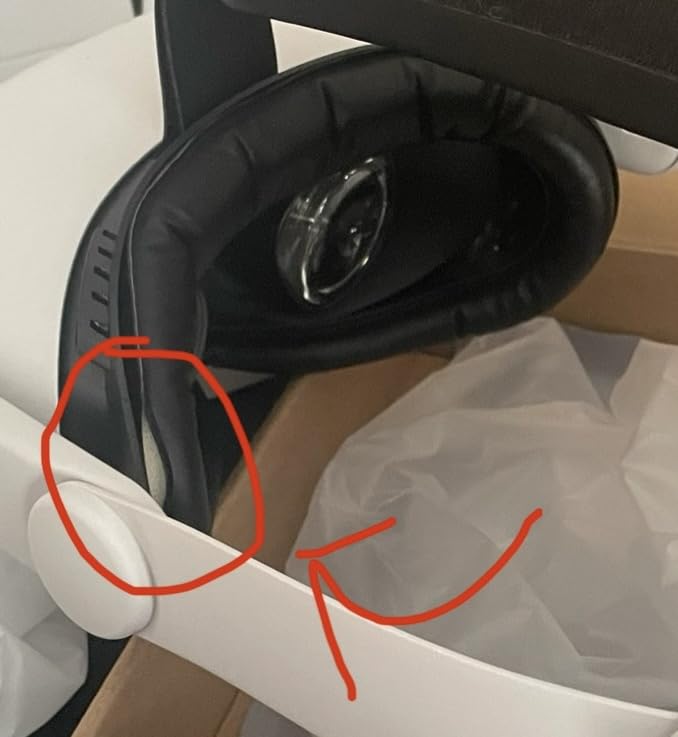
It works with the original Quest 2 glasses spacer, which sounds like a small thing until you have bought a pad that blocks it. The ergonomic shape spreads pressure and reduced the red marks the stock foam left on my forehead.
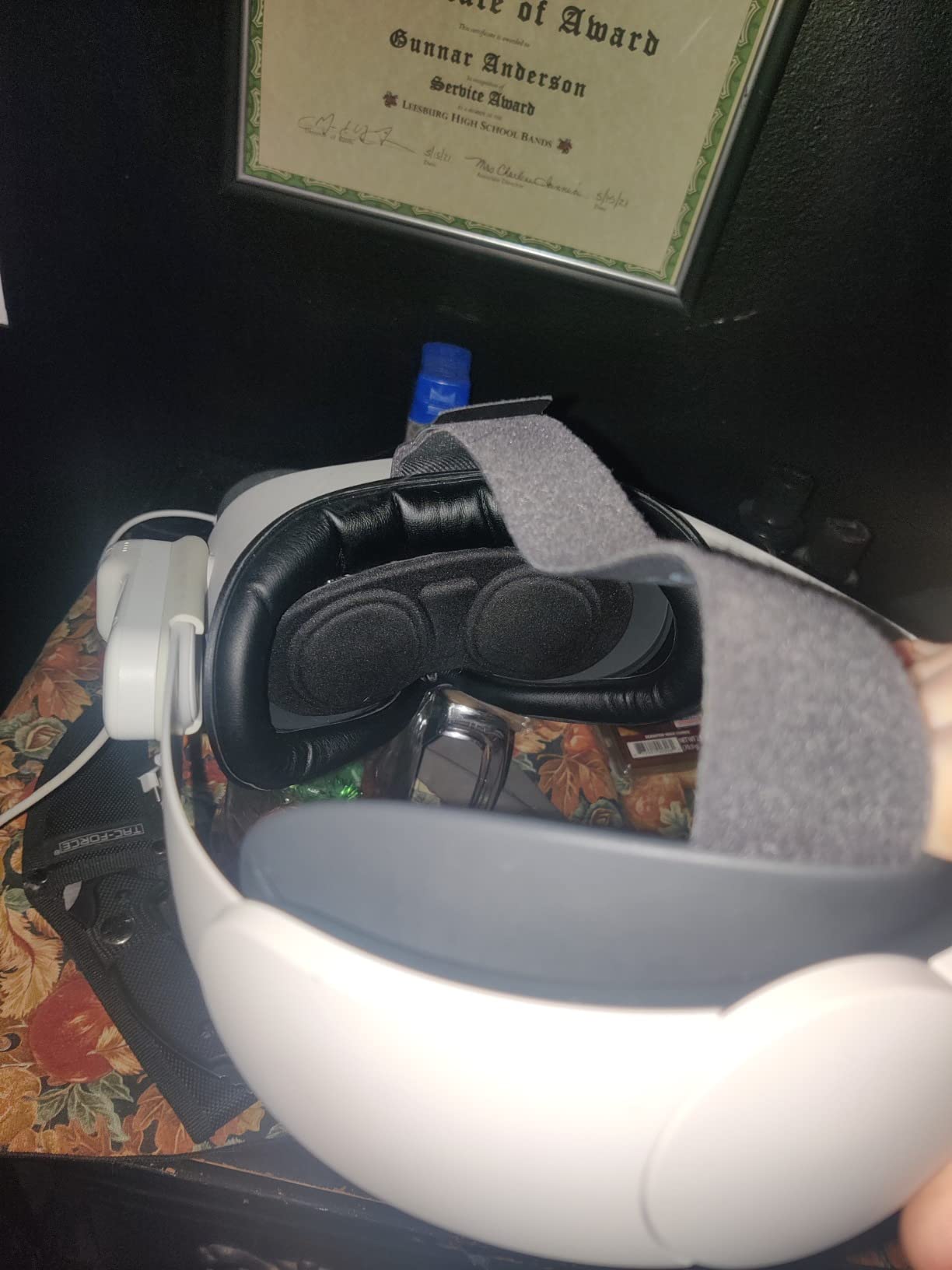
PU leather over sponge foam gives you a sweat-proof surface that wipes clean in seconds, and passive air vents keep some circulation moving across your face. Light blocking is genuinely better than stock, which surprised me at this price.
The cons are real for fitness users: the padding can sit close enough to the nose to restrict breathing during intense Beat Saber sets, the material can bunch at the nose, and some players feel it slightly limits head movement. For seated and standing games, none of that bothered me.
If you share a Quest 2 between household members, this is the easiest hygiene upgrade available for it. Two wipes and the next person can play.
Is it good for Beat Saber and workouts?
It handles moderate activity well, but the nose padding gave some users breathing trouble during high-intensity songs. Heavy sweaters on Quest 2 should consider adding a silicone cover for full sweat protection.
How snug is the fit?
The snap fit is one of the most secure we tested, with no wobble even during fast movements. That same snugness is why a minority of players feel it restricts head motion slightly.
9. AMZDM Face Cushion – Budget Quest 2 Replacement
Face Cushion Pad for Meta Quest 2 VR Facial Interface Replacement PU Leather Foam for Oculus Quest 2 Vr Cover
Direct Quest 2 replacement
PU leather foam
L-shaped vents
Velcro attachment
Pros
- Direct fit that clicks right in
- More comfortable than original
- Wipes clean easily
- Good venting cuts fog
- 6 month warranty
Cons
- Nose piece can feel uncomfortable
- Nose guard is hard to remove
- Occasional quality inconsistencies
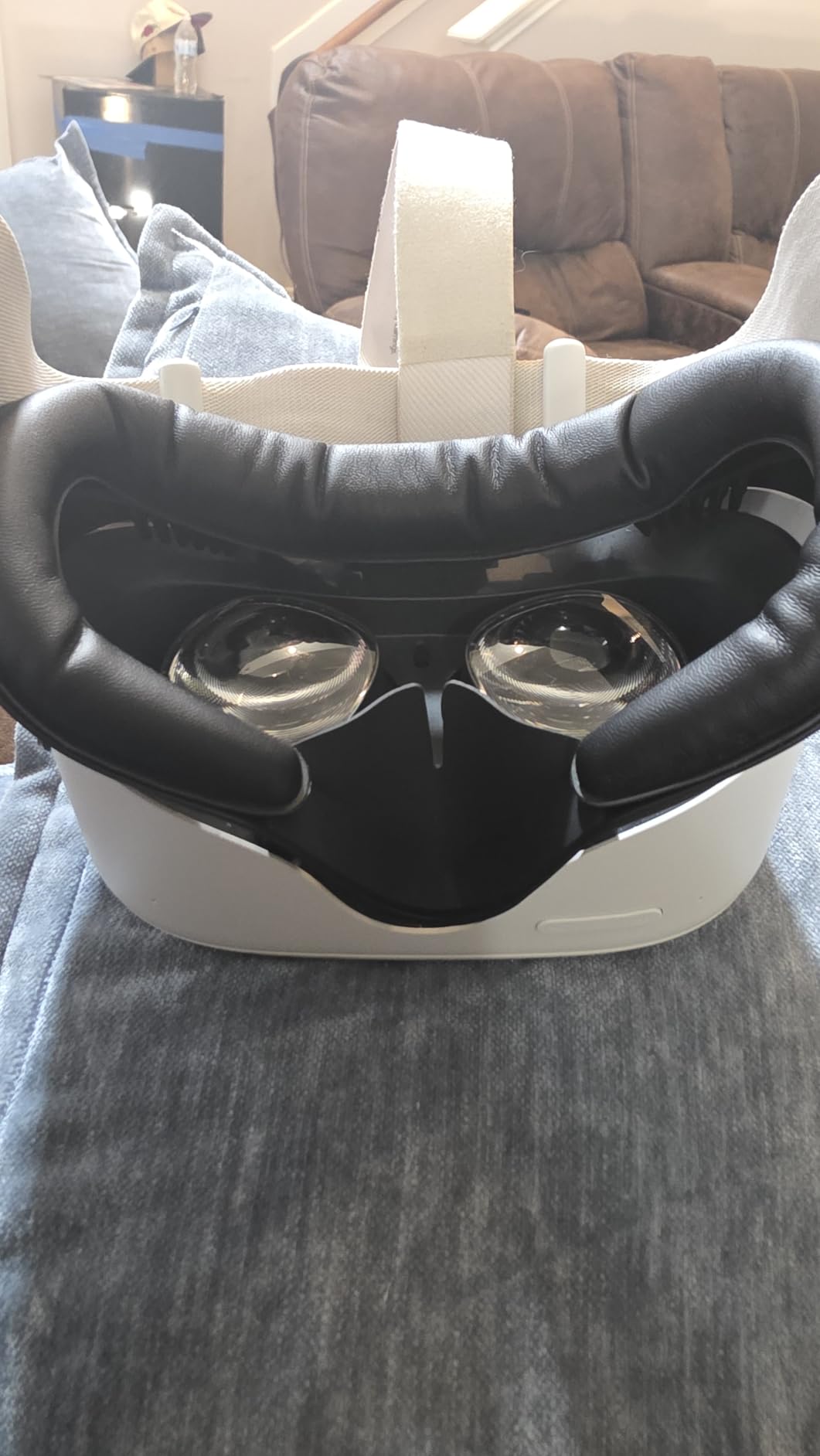
This is the cheapest meaningful upgrade in our entire roundup, and it holds a 4.6 rating across nearly 1,400 reviews plus a number-one best-seller rank in its category. It is a direct replacement for the Quest 2’s stock pad: click the old one out, click this one in, done. No adapters, no tools, no fit gamble.
The PU leather surface does the job foam never could, keeping sweat on the surface instead of drinking it. L-shaped vents underneath keep air moving so the lenses fog less during longer sessions.
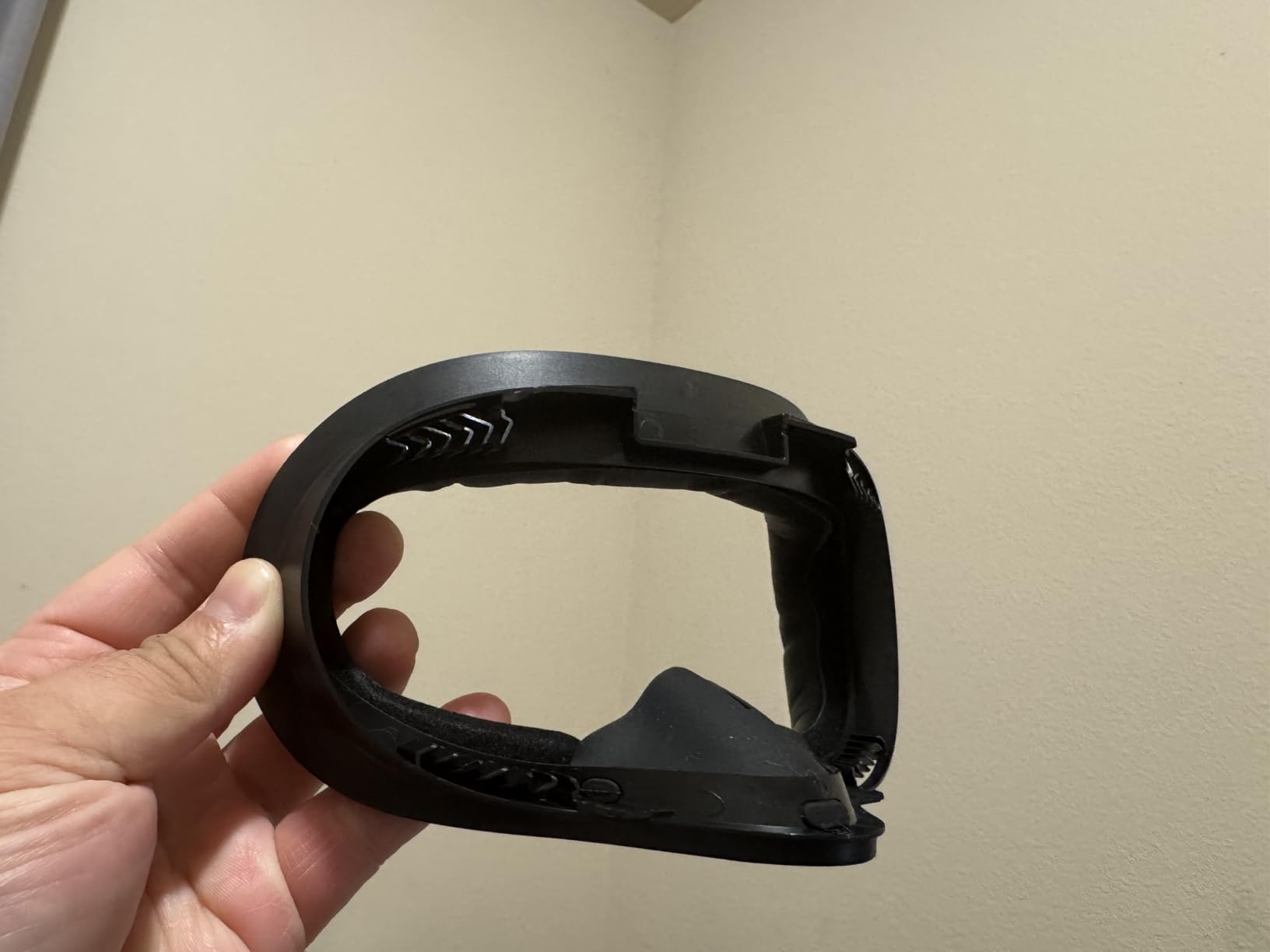
Velcro attachment holds the pad firmly in place while still letting you strip it for a proper wash. After a month of testing, ours had not loosened or peeled at the edges.
Reviewers flag a few recurring annoyances: the nose piece can press uncomfortably, the nose guard is fiddly to remove, and a handful of buyers received units that did not match the description. The nose piece was the only issue I would call common, and it faded after the foam broke in.
For reviving an old Quest 2 before handing it to a family member, this is the best money you can spend. It converts a tired, unhygienic headset into something you can hand over without apologizing.
How does it compare to the SUPERUS pad?
Both fit the Quest 2 well, but the SUPERUS blocks light slightly better while the AMZDM wins on price and rating. Choose SUPERUS for movie nights and immersion, AMZDM for a simple hygienic refresh.
How do you clean it?
Wipe the PU leather with a damp cloth or mild wipe, or detach it via the velcro for a deeper wash. Let it dry fully before reattaching so moisture does not get trapped against the foam.
10. PSVR2 Silicone Cover Set – Full Hygiene Kit for PlayStation VR2
VR2 Silicone Protective Cover Set for PlayStation VR 2 Accessories
Complete PSVR2 kit
Washable silicone
Face cushion pad
Lens dust cover included
Pros
- Full protection kit in one purchase
- Premium thick silicone
- Washable and sweat-proof
- Closed design blocks light
- Includes controller thumb grips
Cons
- Thick lens cover can intrude on storage space
- Fit varies by unit
- Generic brand
PlayStation VR2 owners are the most underserved group in VR accessories, so I was skeptical of a generic-brand kit. After a month of use I stopped caring about the brand name, because the silicone quality is genuinely thick and premium, and everything in the set actually fits.
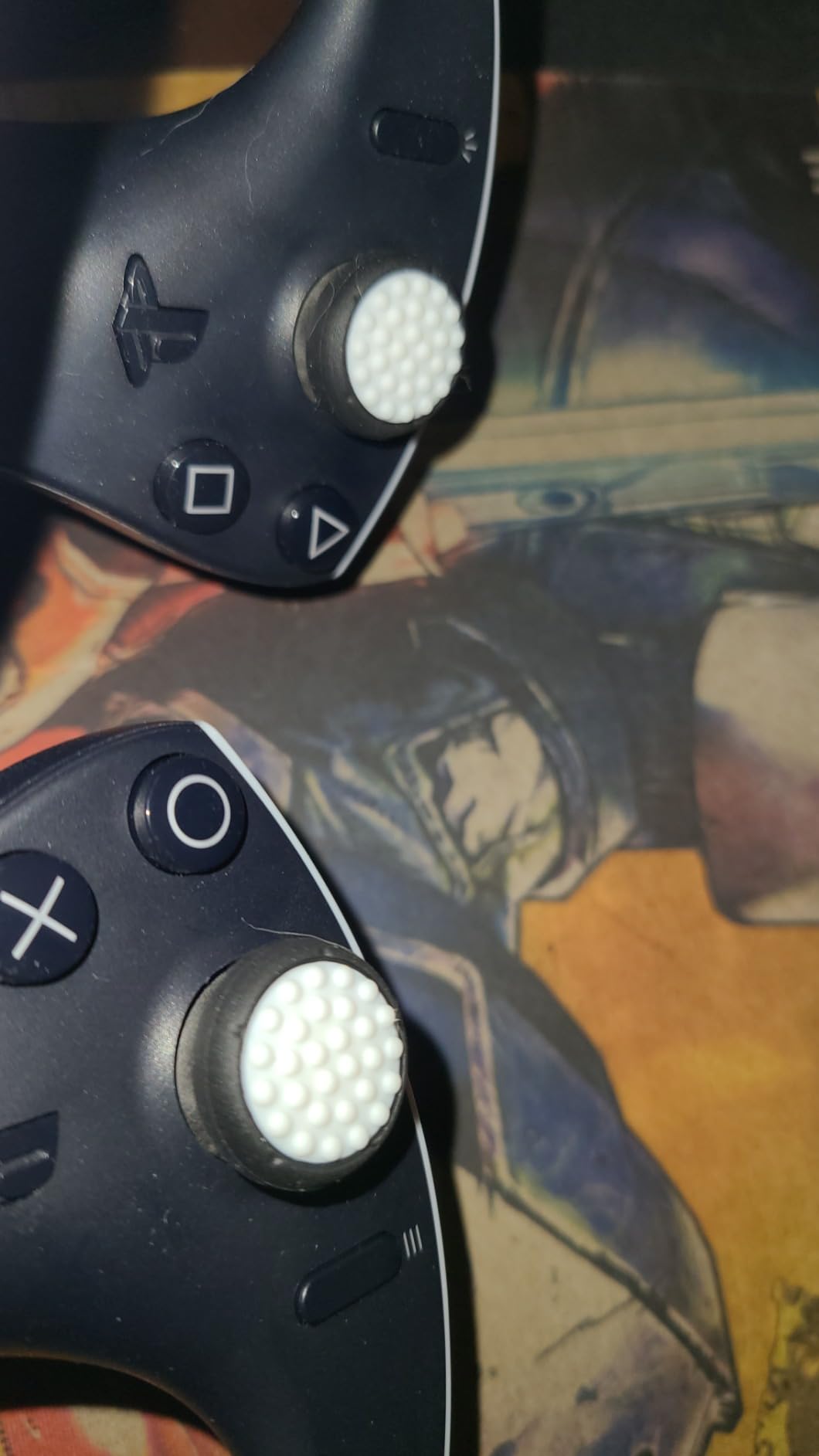
You get a headset cover, a face cushion pad, a shock-absorbing lens dust cover, and two controller thumb grips. The thumb grips were an unexpected bonus that improved my aiming in Resident Evil Village.
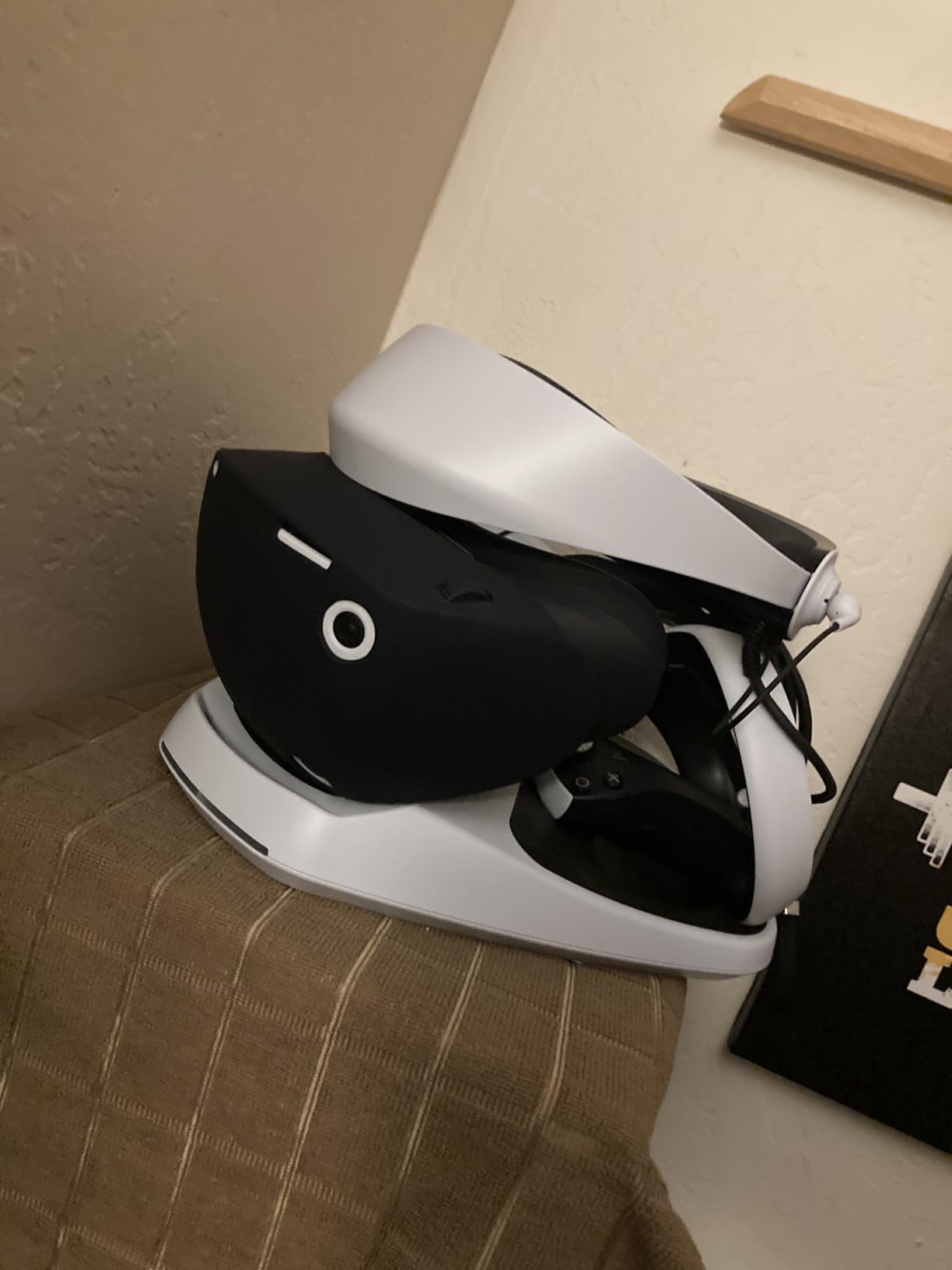
The silicone is sweat-proof and fully washable, which makes this the obvious pick for PSVR2 fitness games and shared consoles. The closed design of the face cushion prevents light leakage around the nose better than I expected from a cover-style pad.
Two caveats from reviews: the lens cover is substantial, at roughly 0.6 inches thick, so it adds bulk when storing the headset, and a few buyers reported fit quirks. I had no fit issues on our test unit.
For the price of a single first-party pad elsewhere, you protect the whole headset. As a complete hygiene bundle for PSVR2, nothing else we found comes close.
What is included in the set?
The kit covers a silicone headset cover, a face cushion pad, a lens dust cover, and a pair of controller thumb grips. It protects the facial contact points plus the lenses, which are the two areas that degrade fastest.
Is it good for shared consoles?
Yes, that is its best use case. The washable silicone means multiple players can share one PSVR2 safely, which matters for family consoles and VR arcades running Sony hardware.
Buying Guide: How to Choose a VR Facial Interface and Hygiene Cover
The right interface comes down to four things: material, ventilation, compatibility, and how you actually use your headset. Here is how we weigh each one after testing ten of them back to back.
Material: Silicone vs PU Leather vs Fabric Mesh
Silicone is the hygiene champion. It is non-porous, waterproof, and you can rinse it under a tap or wipe it with disinfectant between players, which is why VR arcades use it almost exclusively.
PU leather over foam is the comfort champion. It feels softer against the face, wipes clean with a cloth, and holds up well over months of use, though sweat can make some surfaces slippery.
Fabric and mesh breathe best of all. They keep your face coolest during long sessions, but they absorb sweat and need regular washing, so they suit solo users more than shared headsets.
Ventilation: Passive Airflow vs Active Fan Cooling
Passive ventilation means engineered air channels, like the L-shaped vents KIWI design uses or the three-channel forehead system on the BOBOVR F3. Done well, it moves air without letting light leak in, and it never needs charging.
Active cooling adds a powered fan, usually built into a head strap like the BOBOVR S3 Pro. It is the stronger option for heavy sweaters and daily fitness players, at the cost of extra weight, noise, and charging.
Our advice: start passive and only add a fan if fog still interrupts your sessions. Most people who think they need a fan actually just need a better-sealed interface with real vent channels.
Compatibility: Headset, Head Strap and Dock
This is where most buyers get burned, and it is the single most common pain point in Reddit threads. Nearly every interface on this list fits one specific headset, and the Quest 3 and Quest 3S mounts are not interchangeable.
Check the head strap too. Halo-style straps and elite straps can interfere with interface fit, and the Globular Cluster F3 V3 will not work with the official Quest 3 charging dock. If dock charging is part of your routine, verify compatibility before you buy anything.
Fit, Depth Adjustment and Glasses Use
Depth adjustment changes how close your eyes sit to the lenses, which directly affects field of view. Interfaces with wheels or multiple frames, like the AMVR FC3 and Globular Cluster F3 V3, let you tune this per game.
Glasses wearers need two things: physical clearance so frames never touch the lenses, and spacers to bridge the gap. The Globular Cluster includes 4mm and 6mm glass spacers, while the AMVR FC3 builds in glasses-friendly clearance by design.
Never let your frames contact the lenses. Scratched lenses are the most expensive mistake in VR ownership, and no interface upgrade reverses it.
Hygiene and Cleaning for Shared Headsets
To protect a Meta Quest from sweat, follow this routine. One, use a silicone or PU leather surface that sweat cannot soak into. Two, wipe the pad with a mild disinfectant wipe after every session. Three, store the headset with the pad detached so moisture evaporates. Four, wash fabric pads weekly in warm water.
Knowing how to disinfect a VR headset properly matters more than any product choice. Wipe the facial interface and head strap with a cloth barely dampened with mild soap or a disinfectant wipe, then dry thoroughly before storage.
Can you use alcohol wipes on VR lenses? No, skip alcohol on the lenses themselves and use a dry microfiber cloth in gentle circles instead. Reserve disinfectant wipes for the facial interface and strap, where sweat and bacteria actually collect.
Frequently Asked Questions
What is the best face cover for Quest 3?
The Globular Cluster F3 V3 is the best overall pick thanks to its magnetic modular pads, three depth profiles, and three pad materials, while the KIWI design V3 is the best value and the BOBOVR F3 is the best for cooling. For sweat protection on a budget, the APEXINNO silicone cover layers over your existing interface and wipes clean in seconds.
How to disinfect a VR headset?
Detach the facial interface and wipe it with a disinfectant wipe or a cloth dampened with mild soap, then dry it fully before reattaching. Clean the head strap the same way, wipe the controllers with disinfectant, and dust the lenses with a dry microfiber cloth only. Never spray anything directly onto the headset or lenses.
Is the Meta Quest 3 silicone facial interface worth it?
Yes if you sweat during workouts or share the headset, because the silicone surface is non-porous, washable, and far more hygienic than the stock foam. The trade-off is that silicone traps heat against your face, so players who prioritize long-session comfort over easy cleaning often prefer PU leather or fabric alternatives.
How to protect Meta Quest from sweat?
Use a sweat-proof silicone or PU leather facial interface so moisture stays on the surface, wipe it down after every session, and store the pad detached so it dries completely. For heavy sweaters, adding active fan cooling through a compatible head strap stops fogging before it starts.
Can you use alcohol wipes on VR lenses?
No, alcohol and other solvents can damage the anti-reflective lens coating. Clean lenses only with a dry microfiber cloth using light circular motions, and save disinfectant wipes for the facial interface, head strap, and controllers where bacteria actually build up.
Final Verdict
After months of testing the best VR facial interfaces and hygiene covers across four headsets, our top pick is still the Globular Cluster F3 V3 for its unmatched modular fit. The KIWI design V3 is the smart buy for most Quest 3 owners, the AMVR FC3 and BOBOVR F3 cover long sessions and cooling, and Quest 3S owners are best served by the KIWI V4 or Meta’s own breathable interface.
Quest 2 and PlayStation VR2 owners have cheap, excellent options in the SUPERUS, AMZDM, and the PSVR2 silicone kit. Whichever you pick, check your headset model and head strap first, because that is the one mistake no return window fully fixes.