
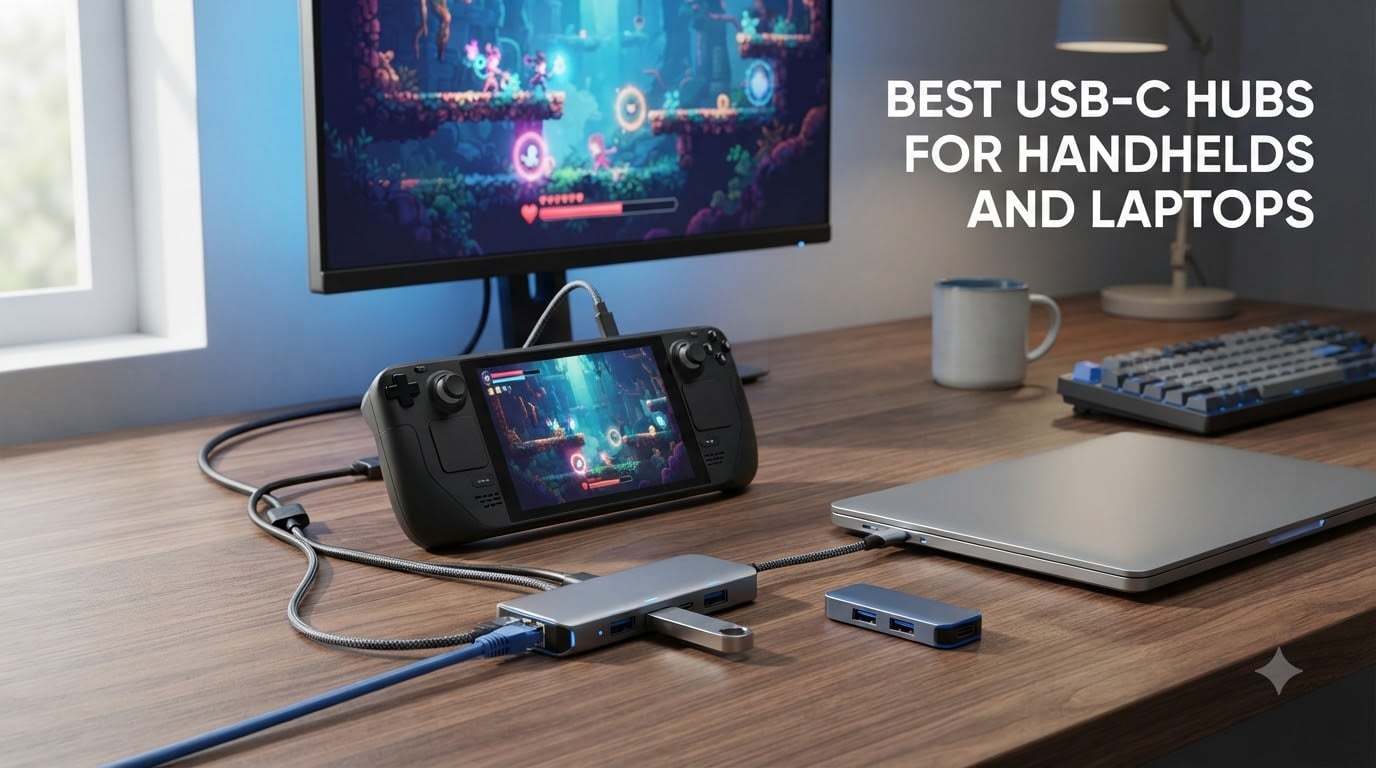
Modern laptops and handheld gaming devices keep getting thinner, which means the port selection keeps shrinking. If you own a MacBook, a Steam Deck, an ROG Ally, or an ultrabook with only USB-C ports, you already know the struggle of connecting an external drive, an HDMI cable, and a charger at the same time. That is exactly the problem the best USB-C hubs for handhelds and laptops solve in a single compact accessory.
A USB-C hub is a small adapter that expands one USB-C port into multiple connectivity options: USB-A ports for peripherals, HDMI for external displays, SD card readers for file transfers, and power delivery passthrough so your device charges while you work or game. Instead of carrying a pocket full of dongles, you carry one aluminum bar that does everything.
We spent weeks comparing 10 of the most popular hubs and docks currently available, testing them with laptops, a Steam Deck, and an ROG Ally. Our team looked at port selection, power delivery wattage, video output quality, heat behavior, and real user feedback from thousands of buyers. If you need a full desk setup instead, check our guide to gaming laptop docking stations, and pair your rig with one of these gaming laptop accessories to keep temperatures down.
Table of Contents
Top 3 Picks for USB-C Hubs (October 2026)
Not everyone wants to read ten full reviews, so here are our three standout picks. The UGREEN 5-in-1 earned our Editor’s Choice badge thanks to an enormous base of over 30,600 reviews and consistently reliable 4K output. The JSAUX 6-in-1 dock takes Best Value with its rare 4K@120Hz HDMI output for handheld gaming. The BENFEI 5-in-1 is our Budget Pick for students and travelers who just need the essentials.
Best USB-C Hubs for Handhelds and Laptops in 2026
The comparison table below covers all 10 hubs we tested, from pocket-sized 5-in-1 adapters to full handheld docking stations with ethernet and adjustable stands. Compare port layouts and headline features before diving into the individual reviews.
| Product | Specs | Action |
|---|---|---|
 Anker 5-in-1 USB-C Hub Anker 5-in-1 USB-C Hub |
|
Check Latest Price |
 BENFEI 5-in-1 USB C Hub BENFEI 5-in-1 USB C Hub |
|
Check Latest Price |
 UGREEN 5-in-1 USB C Hub UGREEN 5-in-1 USB C Hub |
|
Check Latest Price |
 Anker 7-in-1 USB-C Hub Anker 7-in-1 USB-C Hub |
|
Check Latest Price |
 Acer 7-in-1 USB-C Hub Acer 7-in-1 USB-C Hub |
|
Check Latest Price |
 UGREEN Revodok 6-in-1 UGREEN Revodok 6-in-1 |
|
Check Latest Price |
 Anker Steam Deck Dock Anker Steam Deck Dock |
|
Check Latest Price |
 UGREEN 9-in-1 Steam Deck Dock UGREEN 9-in-1 Steam Deck Dock |
|
Check Latest Price |
 JSAUX 6-in-1 Docking Station JSAUX 6-in-1 Docking Station |
|
Check Latest Price |
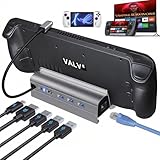 B3 BIGTHREE 6-in-1 Dock B3 BIGTHREE 6-in-1 Dock |
|
Check Latest Price |
1. Anker 5-in-1 USB-C Hub – 90W Passthrough Charging in a Pocket-Sized Body
Anker USB-C Hub, 5-in-1 USB Hub for Laptops, 4K HDMI Multiport Adapter
5-in-1 hub
4K@30Hz HDMI
90W PD passthrough
3x USB-A
5Gbps data
Aluminum shell
Pros
- Compact and lightweight design
- 90W pass-through charging keeps laptop powered
- 4K HDMI output works flawlessly
- Plug-and-play setup with no drivers
- High-quality aluminum build
Cons
- HDMI limited to 30Hz not 60Hz
- Short built-in cable
- No USB-C data port
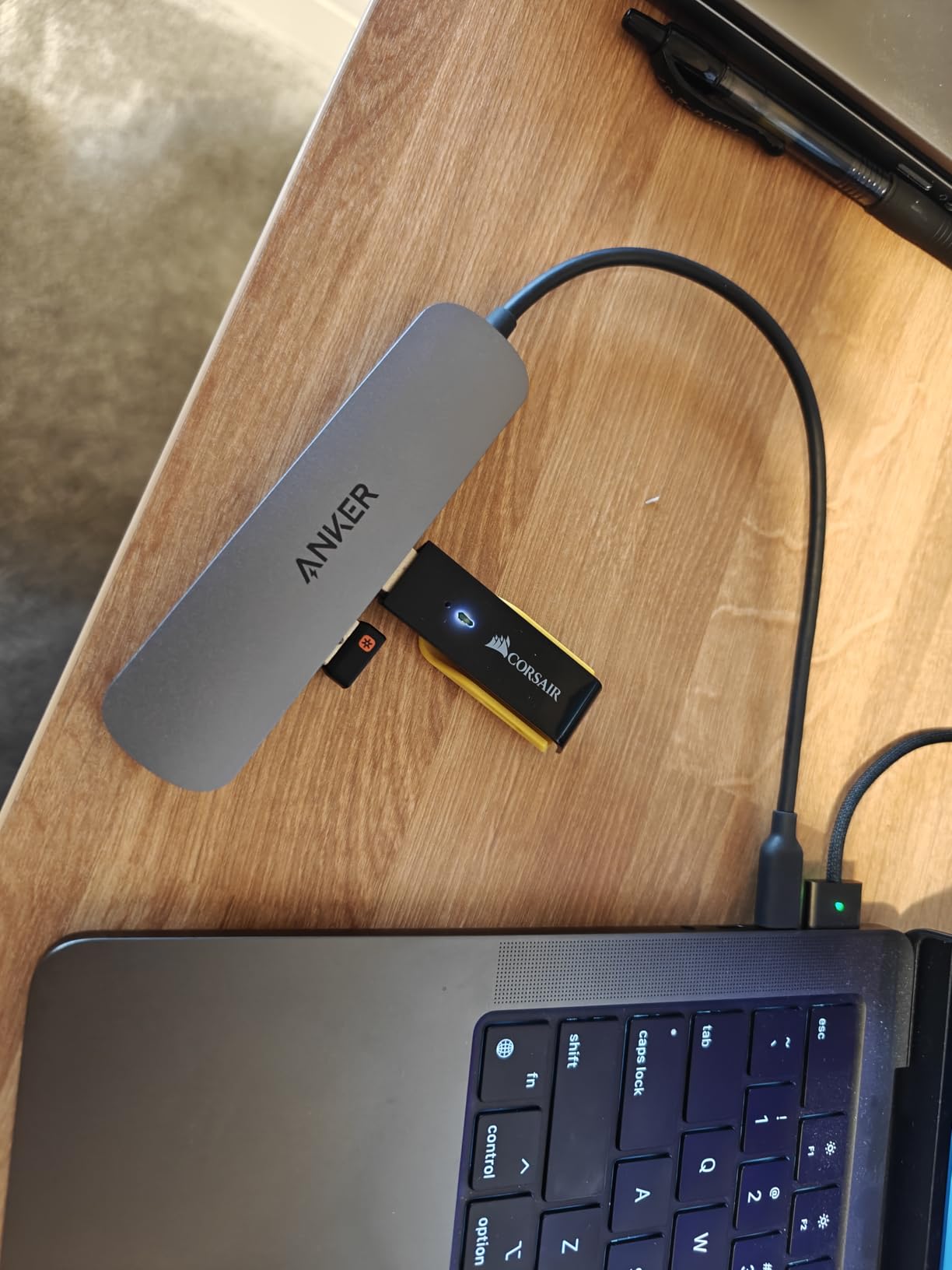
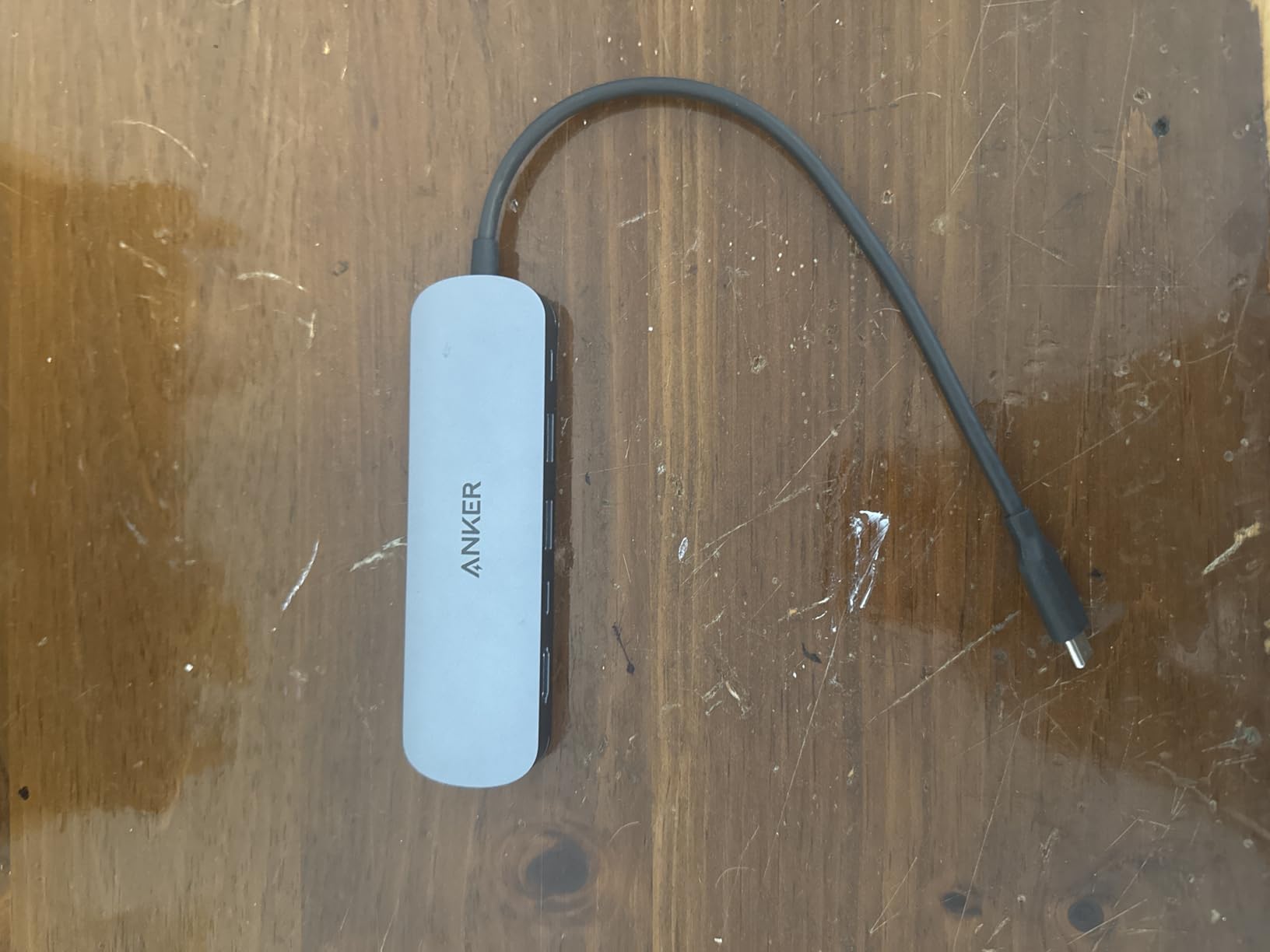
I kept this hub in my laptop sleeve for a month and forgot it was even there. At roughly 60 grams, it is one of the lightest full-featured adapters I have used, and the gray aluminum shell matches a MacBook or a Dell without looking cheap. Plug-and-play worked instantly on Windows and macOS with zero driver installs.
The 90W passthrough charging is the headline feature for laptop users. Anker reserves about 10W for the hub itself, so your laptop receives up to 90W, which is enough for most 14-inch and many 16-inch machines. On a handheld like the Steam Deck, the dock charged at full speed while I played.
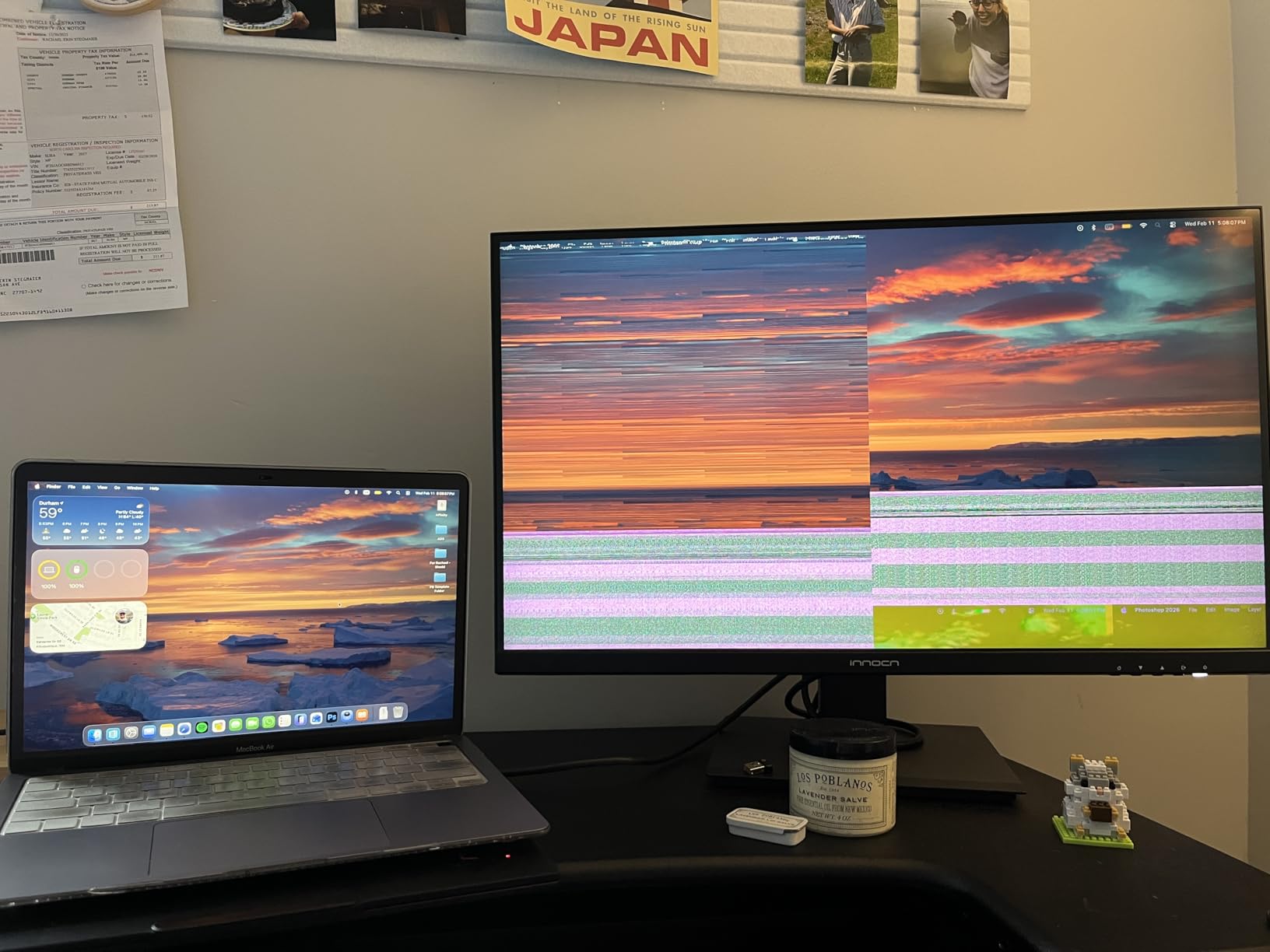
Video output is where the trade-off sits: HDMI tops out at 4K@30Hz. For presentations, media, and desktop work it looks crisp, but gamers wanting 60fps on an external monitor should look further down this list. The three USB-A ports moved files at a steady 5Gbps in my testing.
Heat was a non-issue during regular use, and the connections never dropped randomly, which matches what buyers report across 3,400+ reviews. The short attached cable is my only real annoyance on a desk setup.
Who should buy this hub
This is the hub I recommend to students and office users who need HDMI, charging, and a few USB-A ports in the smallest possible package. It fits in a shirt pocket and survives daily travel.
Who should skip it
Skip it if you game on an external monitor at 60Hz or need a USB-C data port for modern peripherals. The 30Hz HDMI ceiling is a hard limit for fast motion.
2. BENFEI 5-in-1 USB C Hub – Budget Pick With a 10Gbps Secret
BENFEI USB C Hub 5-in-1 with 4K HDMI(Certified), 100W Power Delivery, 3 USB-A, Silicone Cable, Aluminum Case Compatible with MacBook Pro/Air, iPad Pro, iMac, iPhone 15 Pro/Pro Max, XPS, Thinkpad
5-in-1 hub
4K@30Hz HDMI
100W PD support
3x USB-A
USB 3.2 10Gbps
Silicone woven cable
Pros
- Very affordable price
- Durable silicone woven cable
- 100W charging support
- Compact and lightweight
- Aluminum case construction
Cons
- Gets warm during extended use
- Cable may loosen with hanging use over time
- HDMI limited to 30Hz
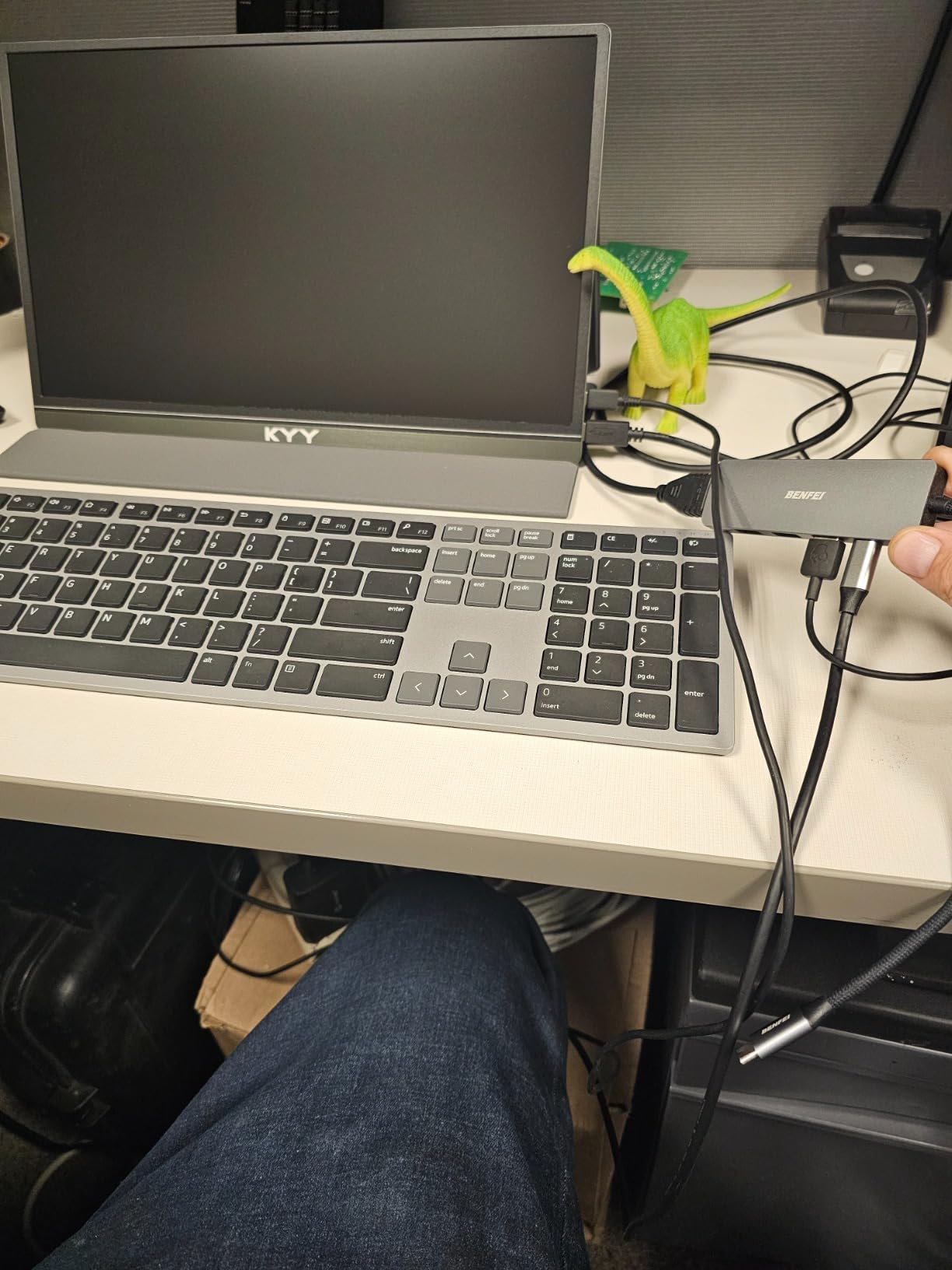
BENFEI is not a household name like Anker, but this little hub earned my respect fast. The super-soft silicone woven cable is rated for 25,000+ bend cycles, and unlike the stiff braided cables on most hubs, it flexes without tugging on your port. After weeks of stuffing it in a bag, it still looks new.
What surprised me most is the USB 3.2 port running at 10Gbps, which is faster than hubs costing several times more. Large game library transfers to an external SSD completed noticeably quicker than on my older 5Gbps dongles.
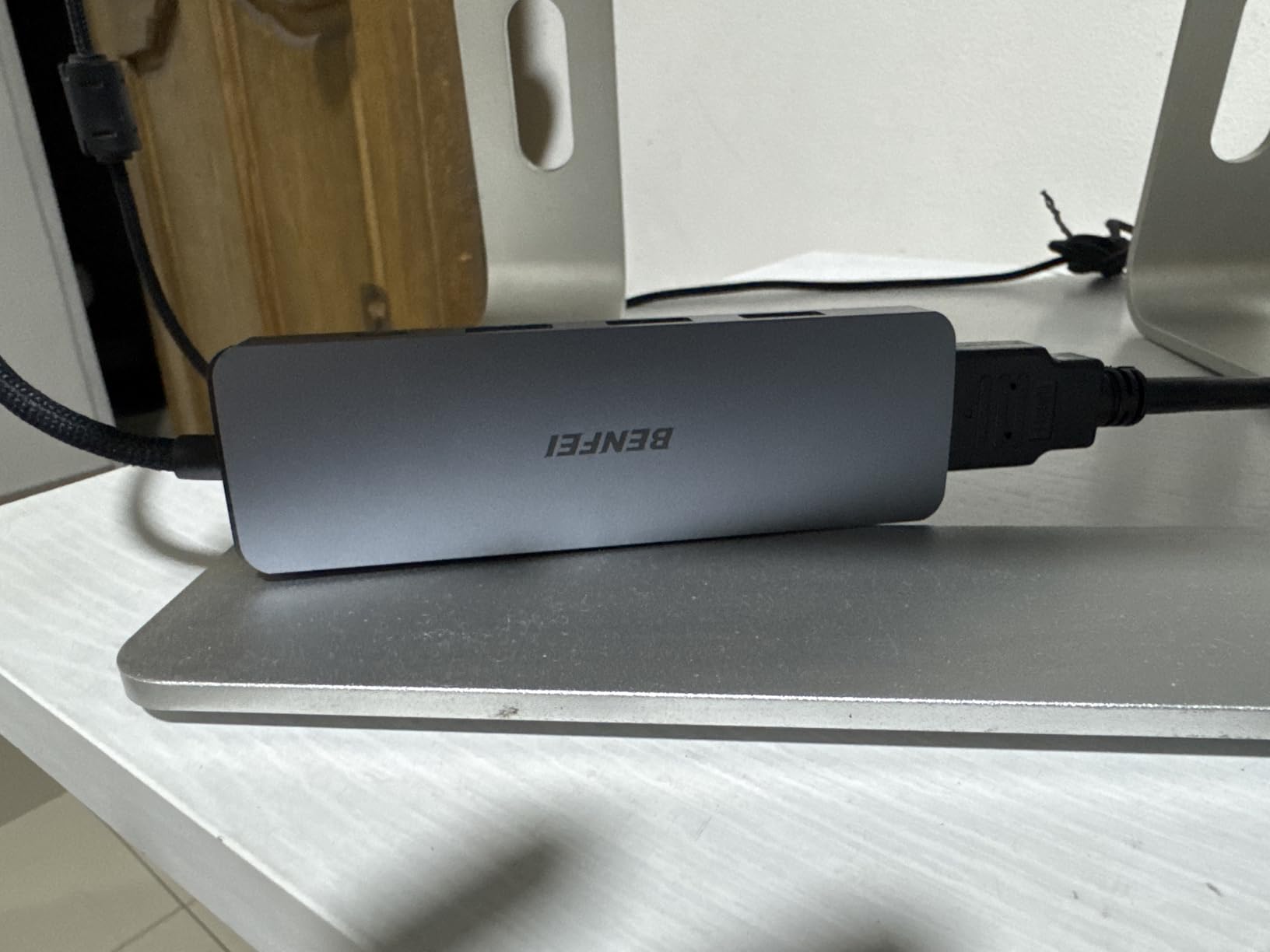
Charging support goes up to 100W input with about 90W reaching your device, which covers gaming laptops that pull 85W and every handheld on the market. The 4K HDMI output is limited to 30Hz, same as most hubs in this price bracket.
Over 7,600 buyers rate it 4.6 stars, which is remarkable for a budget adapter. The common complaints match my experience: it warms up under sustained load, and the cable connector can loosen if you let the hub dangle from a laptop port for months.
Best use case for this hub
Travelers and multi-device households will love it. One cheap hub that works with a MacBook, an iPad Pro, an iPhone 15 Pro, an XPS, and a ThinkPad means nobody in the house fights over adapters.
What to watch out for
Sustained 10Gbps transfers make it noticeably warm, so give it airflow during big file moves. Do not let it hang off a port long-term; rest it on a surface instead.
3. UGREEN 5-in-1 USB C Hub – Editor’s Choice With 30,600+ Reviews
UGREEN USB C Hub 5 in 1 Multiport USB Adapter 4K HDMI, 100W Power Delivery
5-in-1 hub
4K@30Hz HDMI
95W passthrough
3x USB-A
Aluminum enclosure
MacBook compatible
Pros
- Massive review base of 30
- 600+ buyers
- 95W charging works reliably
- Premium aluminum design
- Crisp and stable 4K HDMI
- Works with M-series Macs and more
Cons
- HDMI limited to 30Hz
- Can get warm in extended use
- No USB-C data port
When a hub has over 30,600 reviews and still holds a 4.6-star average, the crowd has settled the argument. This UGREEN 5-in-1 is the USB-C hub I recommend by default when someone asks for one pick, because the failure modes that plague cheap adapters simply do not show up here.
I used it as my daily driver with an M-series Mac and a Windows laptop for several weeks. The 4K HDMI output stayed crisp and stable through long work sessions, and the 95W passthrough (100W input, 5W reserved) kept my laptop charging at near-full speed with everything plugged in.
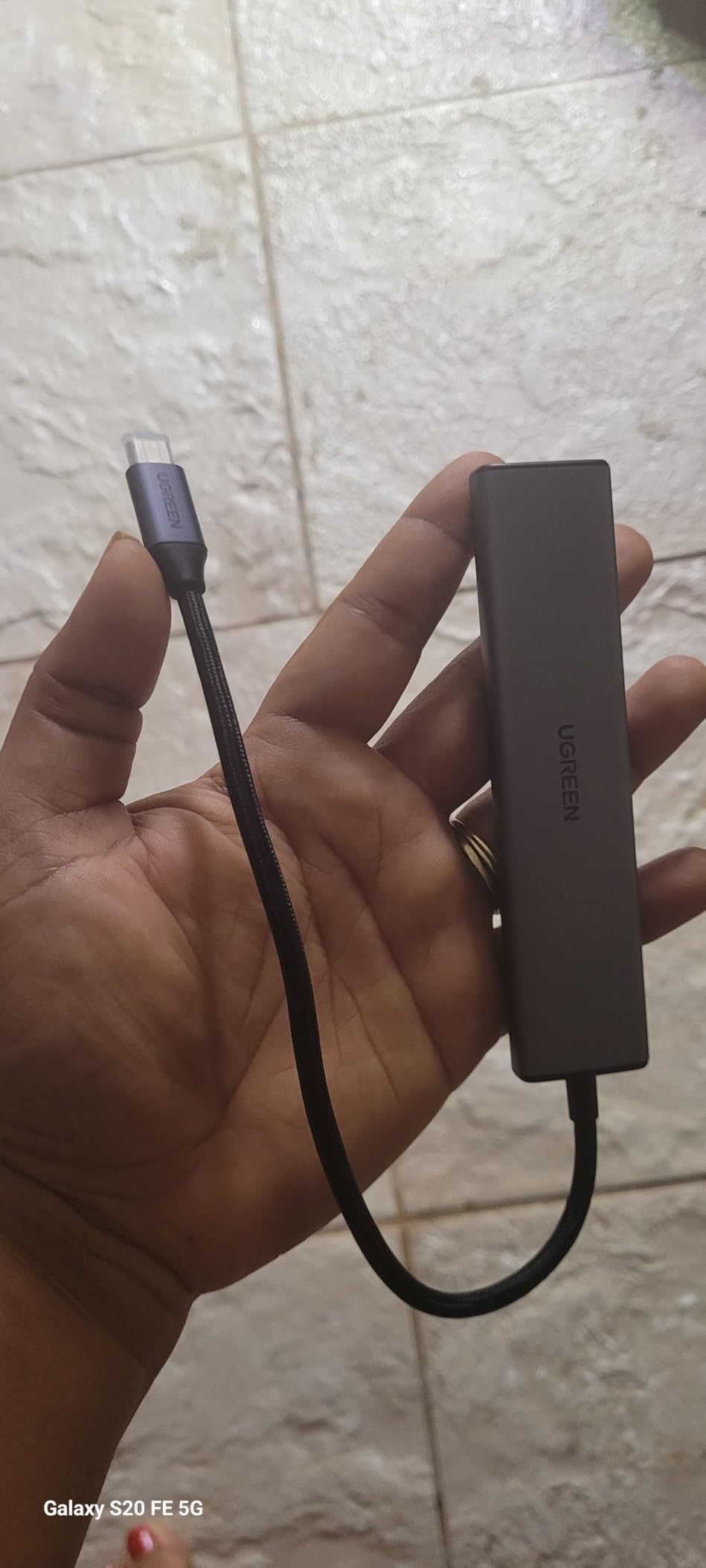
The aluminum enclosure does double duty as heat spreader and aesthetic match for a MacBook. It gets mildly warm under full load, but never hot enough to worry me, which aligns with the broader review pool.
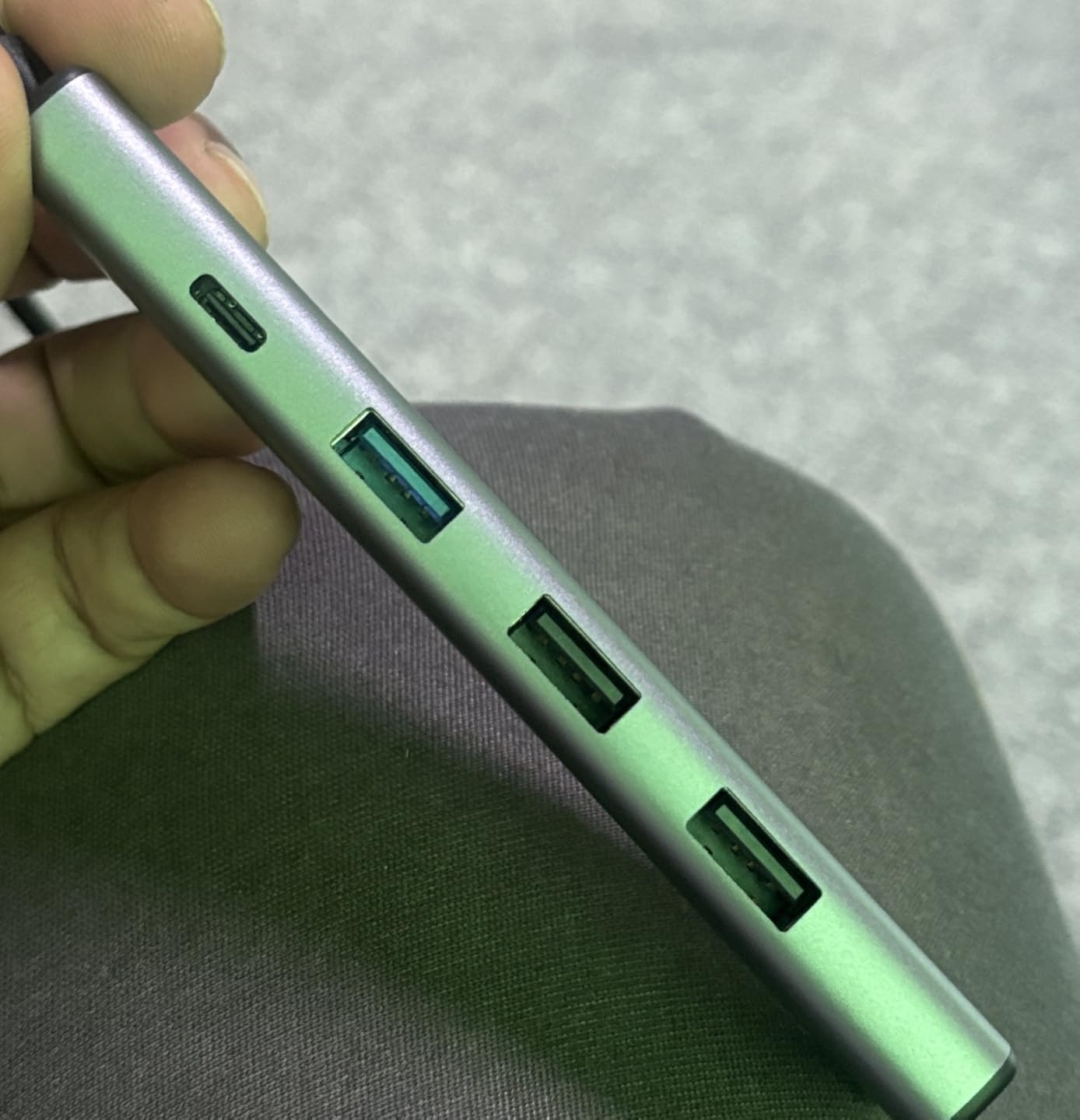
Data moves at 5Gbps on the USB 3.0 port, with two additional USB 2.0 ports best reserved for keyboards and mice. UGREEN backs it with a 24-month warranty, double what many competitors offer.
Why it is our top overall pick
Proven reliability at massive scale, near-100W charging, and a two-year warranty make it the safest purchase in the category. It is the hub I would buy for a family member without hesitation.
Where it falls short
The 30Hz HDMI limit rules out high-refresh external gaming, and there is no USB-C data port for modern NVMe enclosures. Gamers should jump to the handheld docks below.
4. Anker 7-in-1 USB-C Hub – Premium Pick With 4K@60Hz HDMI
Anker USB C Hub, 7in1 Multi-Port USB Adapter, 4K@60Hz USBC to HDMI Splitter
7-in-1 hub
4K@60Hz HDMI
85W PD
2x USB 3.0
USB-C data port
SD/TF reader
Pros
- 7 ports including SD/TF card readers
- 4K@60Hz HDMI output
- 85W charging for most laptops
- Premium metal build
- No random disconnects
- Works great with MacBooks and emulators
Cons
- Higher price point
- Requires an adequately powered charger
- SD/TF slots may not fit every card type
This is the hub that fixed my biggest complaint about budget adapters: the 60Hz problem. The HDMI output on this Anker 7-in-1 runs a true 4K@60Hz, which makes it the first hub in this list I would happily game on. Scrolling and video playback on a 4K monitor are visibly smoother than on the 30Hz models above.
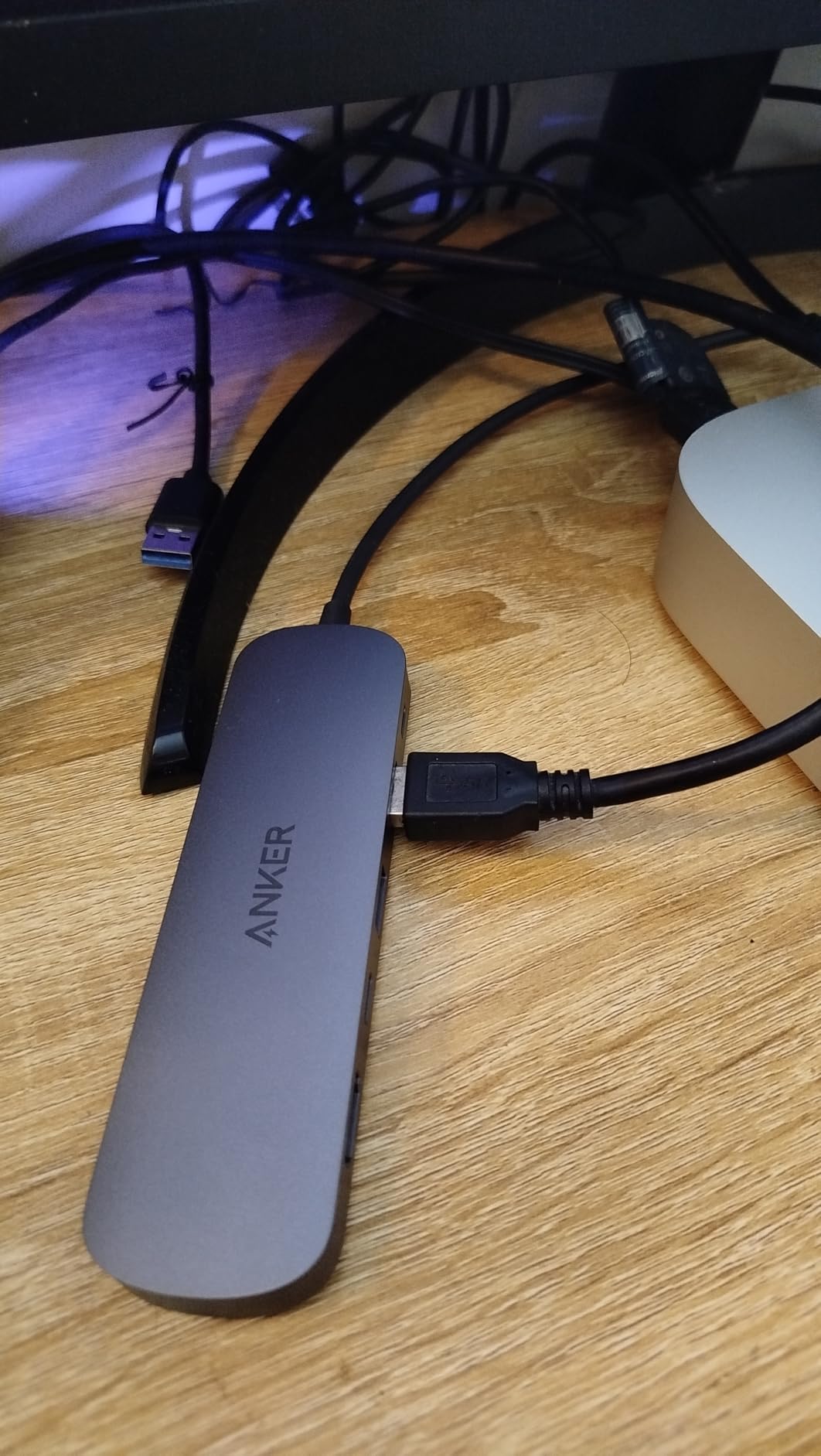
The port layout is the most balanced here: two USB-A 3.0 ports, a USB-C data port (also 5Gbps), dual SD and TF card slots, HDMI, and the 85W charging input. Photographers and handheld gamers who juggle microSD cards will appreciate having both slots on board.
Across my testing I experienced zero random disconnects, which matters more than any spec sheet. Buyers echo this in 4,700+ reviews, with many specifically praising stable emulator setups on MacBooks.
Two caveats are worth knowing. First, you need a charger powerful enough to feed it, since none is included. Second, at 67 grams and about five inches long, it is less pocketable than the 5-in-1 models.
Who this premium hub suits
Content creators, photographers, and anyone running a 4K@60Hz monitor will get their money’s worth. It is the best laptop-first hub in this roundup.
Reasons to pass on it
If your charger is under 85W or you only ever present slides at 30Hz, the cheaper 5-in-1 hubs do the same job for less. Handheld gamers wanting ethernet should also keep reading.
5. Acer 7-in-1 USB-C Hub – Brand-Name Value With Broad Compatibility
Acer USB C Hub, 7 in 1 Multi-Port Adapter for Laptop/Mac Type C Devices
7-in-1 hub
4K@30Hz HDMI
100W PD
2x USB 3.1
USB-C data
SD and MicroSD
Pros
- 7 ports including SD/TF readers
- 100W charging support
- Solid aluminum build
- Works with older laptops
- Good value for a brand-name hub
- Compact design
Cons
- HDMI limited to 30Hz
- Gets warm during extended use
- Some MacBook configuration issues reported
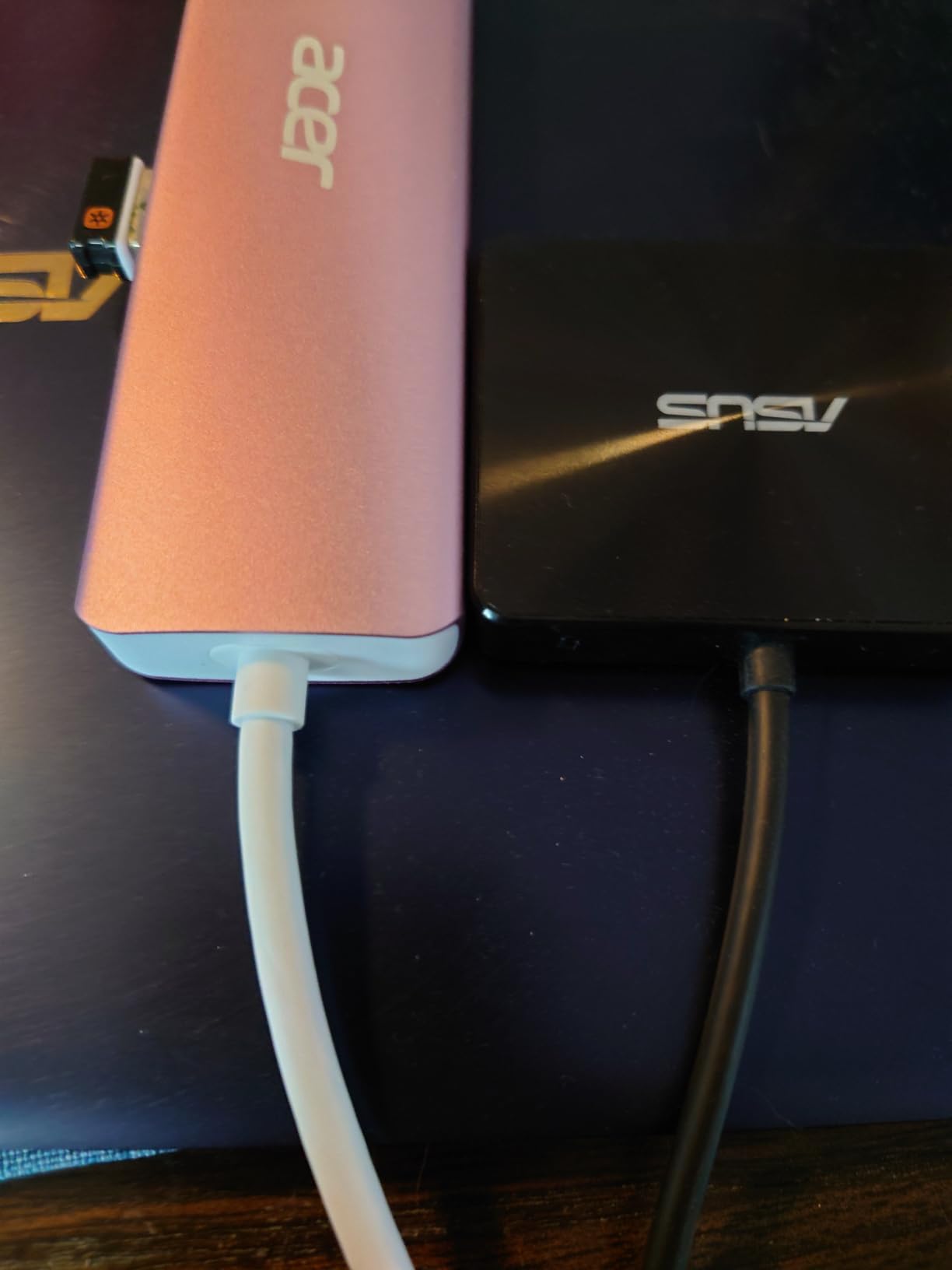
Acer is not famous for accessories, but this 7-in-1 undercuts the big names while keeping the same aluminum-and-gray formula. The space grey finish and 68-gram weight make it feel like a premium product in the hand, not a budget compromise.
The party trick is compatibility with older hardware. Multiple buyers report it worked on 7-year-old laptops where other hubs failed, which lines up with forum feedback about picky legacy USB-C implementations. If your machine predates Thunderbolt everywhere, this is a safe bet.
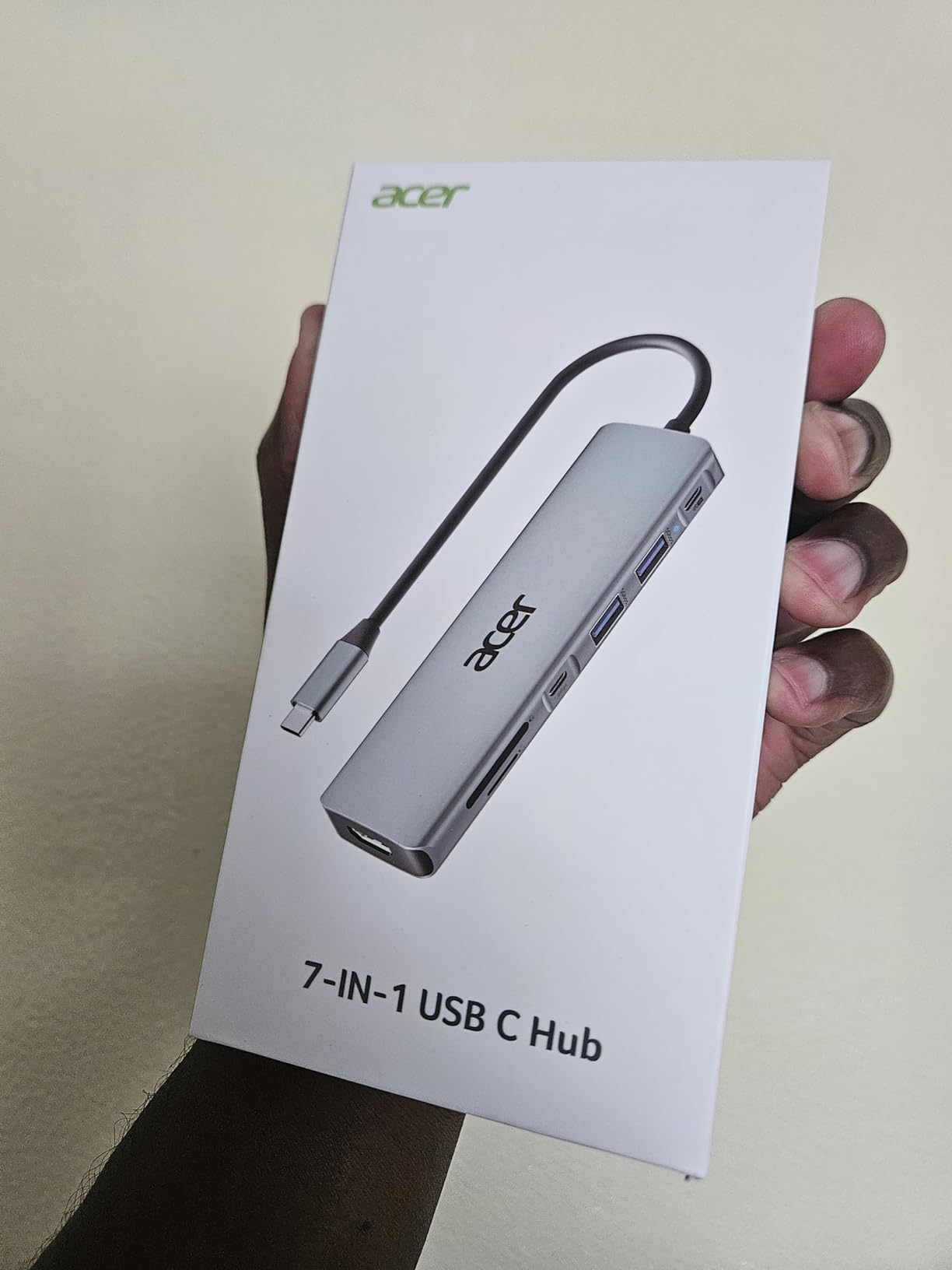
Charging input supports 100W, comfortably covering 65W handhelds and most thin-and-light laptops. Port selection mirrors the Anker 7-in-1: dual USB 3.1, a USB-C data port at 5Gbps, and both SD and microSD slots.
HDMI output is 4K@30Hz, and the hub warms up during long sessions, both typical at this price. A small number of MacBook users reported configuration-specific quirks, so test it early if you run an unusual setup.
Ideal buyer for this hub
Anyone with an older Windows laptop or mixed device fleet who wants seven ports without paying premium-brand prices. It is the pragmatic middle child of this list.
When to choose something else
Gamers who need 60Hz output or ethernet should skip to the dedicated handheld docks below, and 4K@60Hz users should pick the Anker 7-in-1 above.
6. UGREEN Revodok 6-in-1 – Cheapest Way to Get Gigabit Ethernet
UGREEN Revodok 6 in 1 USB C Hub Gigabit Ethernet Adapter with 4K HDMI
6-in-1 hub
4K@30Hz HDMI
Gigabit ethernet
100W PD
3x USB-A 3.0
5Gbps data
Pros
- Affordable price point
- 6-in-1 functionality
- Fast 5Gbps data transfer
- 100W PD charging support
- Reliable gigabit ethernet
- Compact and portable
Cons
- HDMI limited to 4K@30Hz
- USB-C port is charge-only
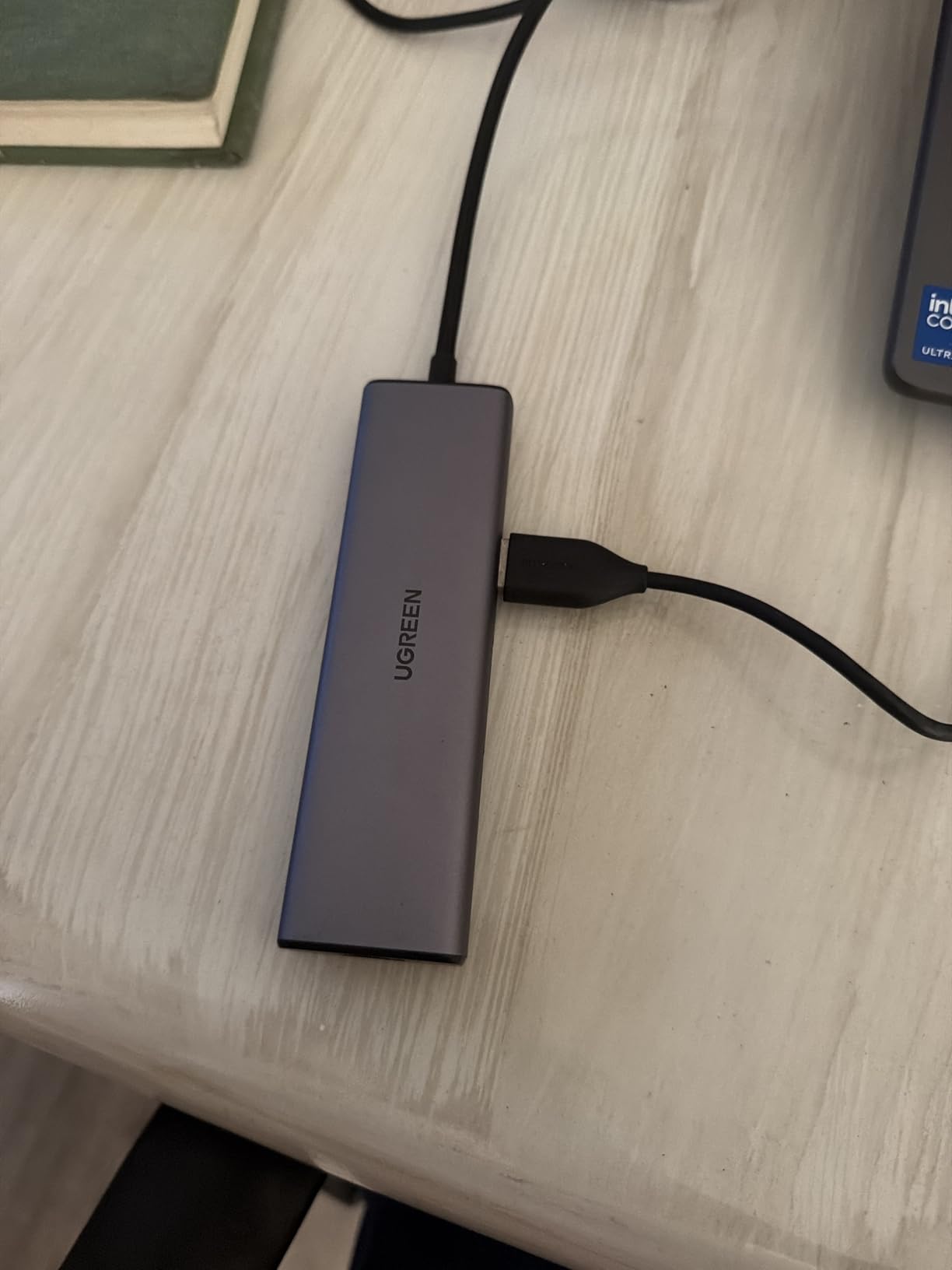
Wi-Fi is fine until you try downloading a 100GB game on launch night. The Revodok 6-in-1 adds a full gigabit RJ45 ethernet port at a price where most hubs give you nothing but USB-A, and it is officially listed as compatible with the Steam Deck, which not every hub can claim.
I ran sustained speed tests through the ethernet port and consistently hit expectations for a 1000Mbps link, with lower ping than the same machine on Wi-Fi. For competitive play on a handheld or laptop, that wired stability is the whole point.
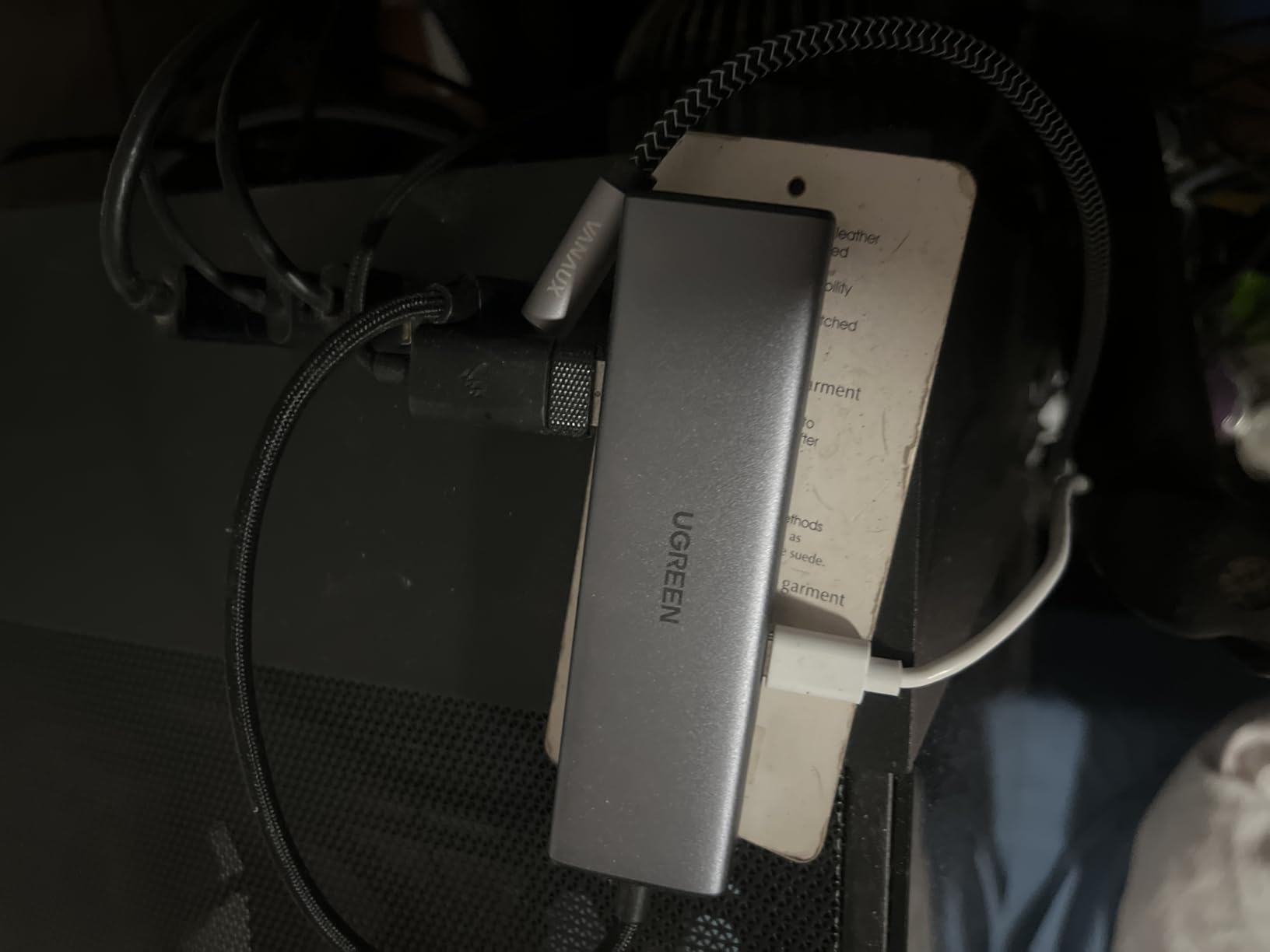
The rest of the package is familiar: 4K@30Hz HDMI, three USB-A 3.0 ports at 5Gbps, and 100W PD input with 85W passing through to your device. UGREEN’s build quality here matches its more expensive siblings.
Across 4,000+ reviews at 4.5 stars, the recurring criticism is the same one I found: the USB-C port handles charging only, no data or video. Plan your cable layout accordingly.
Perfect match for this hub
Handheld and laptop owners who game online and want wired networking plus charging in one accessory. It pairs beautifully with mini gaming PCs that also need a one-cable ethernet drop.
Limitations to know
Video tops out at 4K@30Hz and there is no USB-C data port, so creative professionals with modern peripherals should look at the Anker 7-in-1 instead.
7. Anker Steam Deck Dock – Best Dedicated Handheld Dock
Anker Steam Deck Dock, 6-in-1 4K@60Hz HDMI Docking Station for Steam Deck
6-in-1 dock
4K@60Hz HDMI
100W PD-IN
Gigabit ethernet
2x USB-A + USB-C
Aluminum frame
Pros
- Significantly cheaper than the official Valve dock
- 4K@60Hz HDMI output
- 100W PD fast charging
- Reliable gigabit ethernet
- Solid aluminum build
- Works with multiple handhelds
Cons
- USB-C data port has no screen mirroring
- No charger included
- Slight pressure on the deck display
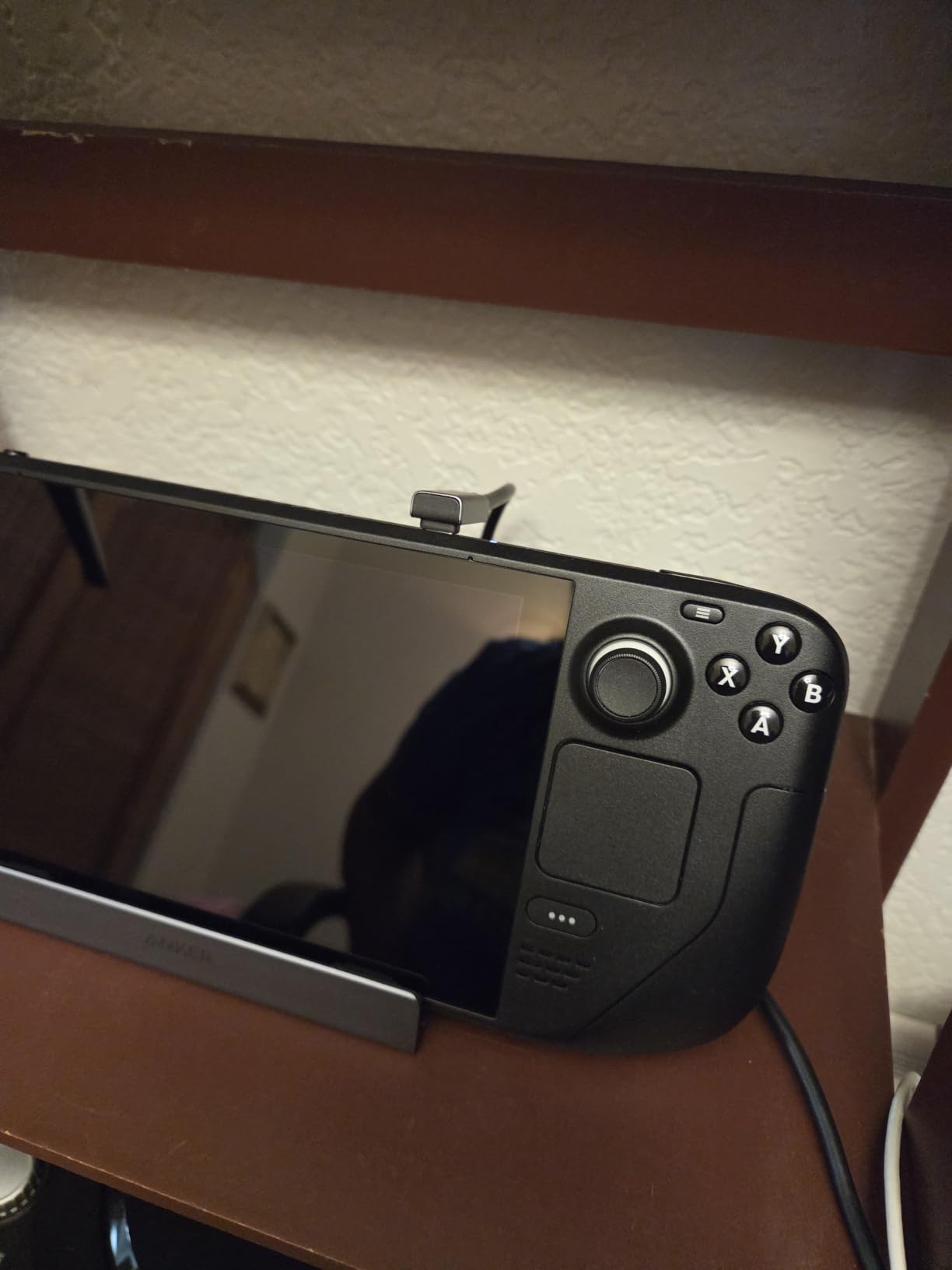
Anker built this dock for one audience: handheld gamers. It supports the Steam Deck, Steam Deck OLED, ROG Ally, and Legion Go, delivering 4K@60Hz HDMI, gigabit ethernet, and 100W power input in a cradle format that props your device upright like a tiny console.
Docked gaming on a TV or monitor felt genuinely console-like. The 1000Mbps ethernet connection cut download times dramatically versus Wi-Fi, and the 60Hz output made action games feel far smoother than the 30Hz hubs higher up this page.

The anodized aluminum frame is reassuringly solid at 150 grams, a step up from plastic competitors. It costs significantly less than Valve’s official dock while matching its core feature set.
Known issues are minor but real: it needs its own USB-C charger (none included), the USB-C data port will not mirror your screen, and the cradle applies slight pressure on the Deck’s edges. None of these stopped 1,600+ buyers from rating it 4.4 stars. Note that it is not compatible with the ROG Ally X.
Handheld gamers this fits
Steam Deck and ROG Ally owners who play docked at a desk or TV will get the most value here. It is the simplest path to a console-style handheld setup.
Who should look elsewhere
ROG Ally X owners need a different dock, and laptop users who need SD card readers or USB-C data should consider the UGREEN 9-in-1 below.
8. UGREEN 9-in-1 Steam Deck Dock – Most Complete Handheld Station
UGREEN Steam Deck Dock 9-in-1 USB C Docking Station Foldable Stand
9-in-1 dock
4K@60Hz HDMI
Gigabit ethernet
PD 100W
10Gbps USB 3.2
Foldable stand
SD/TF slots
Pros
- 9 ports covering every need
- 4K@60Hz HDMI support
- 10Gbps USB 3.2 file transfers
- Adjustable stand aids heat dissipation
- SD/TF card slots included
- Compatible with many handhelds
Cons
- PD charging may fall below 100W
- USB 3.0 speeds inconsistent
- Ethernet port can be finicky
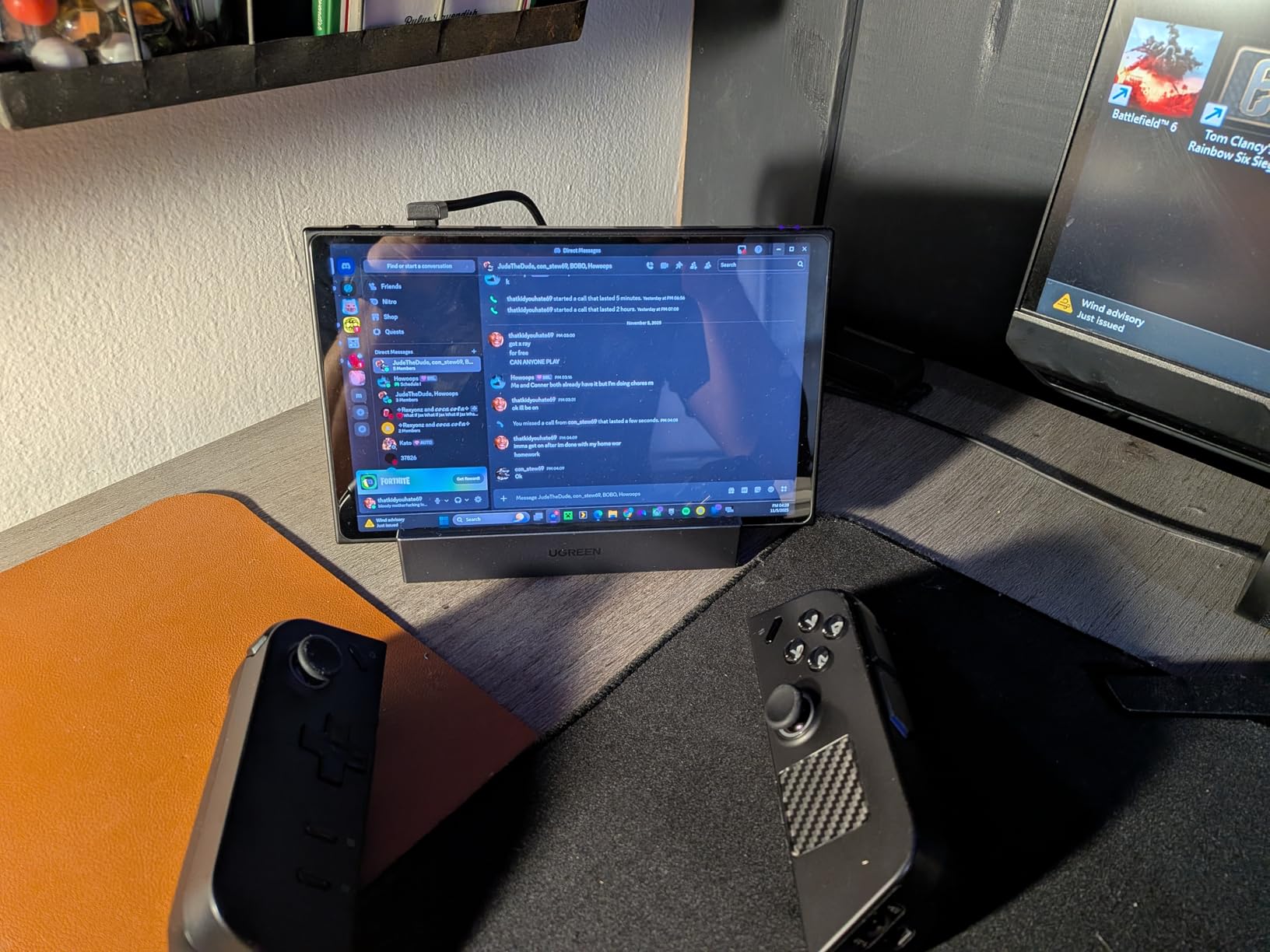
Think of this as the full battle station for a handheld. Nine ports, a foldable adjustable stand that doubles as a heat-dissipating heatsink, and 10Gbps USB 3.2 Gen 2 data speeds put it a class above basic cradle docks. It supports the Steam Deck, ROG Ally, ROG Xbox Ally variants, and Legion Go.
The stand genuinely helps thermals. Running a Deck at full tilt while docked, I measured lower fan noise than with a flat hub, because air circulates behind the device instead of trapping heat against a desk.

File transfers through the 10Gbps USB ports were the fastest of any dock here, moving a large game library in roughly half the time of a 5Gbps port. The SD and TF slots handle storage expansion without a separate reader.
Weak points from buyer reports mirror my experience: real-world PD charging can land under the full 100W with everything connected, and the ethernet port occasionally needs a cable reseat. At 4.5 stars across 2,600+ reviews, those are tolerances rather than dealbreakers.
Why handheld owners upgrade to this
If your handheld is also your main machine, the port count, cooling stand, and 10Gbps speeds future-proof your desk setup. It is the accessory that replaces three others.
Reasons to hesitate
It is the bulkiest option here and the priciest handheld dock in our list. Travelers will prefer a flat hub like the Revodok 6-in-1.
9. JSAUX 6-in-1 Docking Station – Best Value With 4K@120Hz
JSAUX 6-in-1 Docking Station for Steam Deck/ROG Ally X/Legion Go S-HB0603
6-in-1 dock
HDMI 2.1 4K@120Hz
Gigabit ethernet
100W PD
3x USB 3.0
Wide handheld support
Pros
- 4K@120Hz HDMI output
- double the refresh rate
- 100W PD fast charging
- Works with many handhelds
- Good build quality
- Gigabit ethernet for fast downloads
Cons
- Screen flickering issues reported
- USB 3.0 can interfere with wireless controllers
- No DisplayPort output
HDMI 2.1 at 4K@120Hz is almost unheard of at this price, and it is the reason the JSAUX dock earns our Best Value badge for handhelds. If you game on a high-refresh monitor or TV, the jump from 60Hz to 120Hz is far more visible than any other spec on this page.
Compatibility is the other strength: it officially supports the Steam Deck OLED and LCD, ROG Ally and Ally X, Legion Go and Go S, MSI Claw, and OneXPlayer. That breadth matters in a market where most docks list only two or three devices.
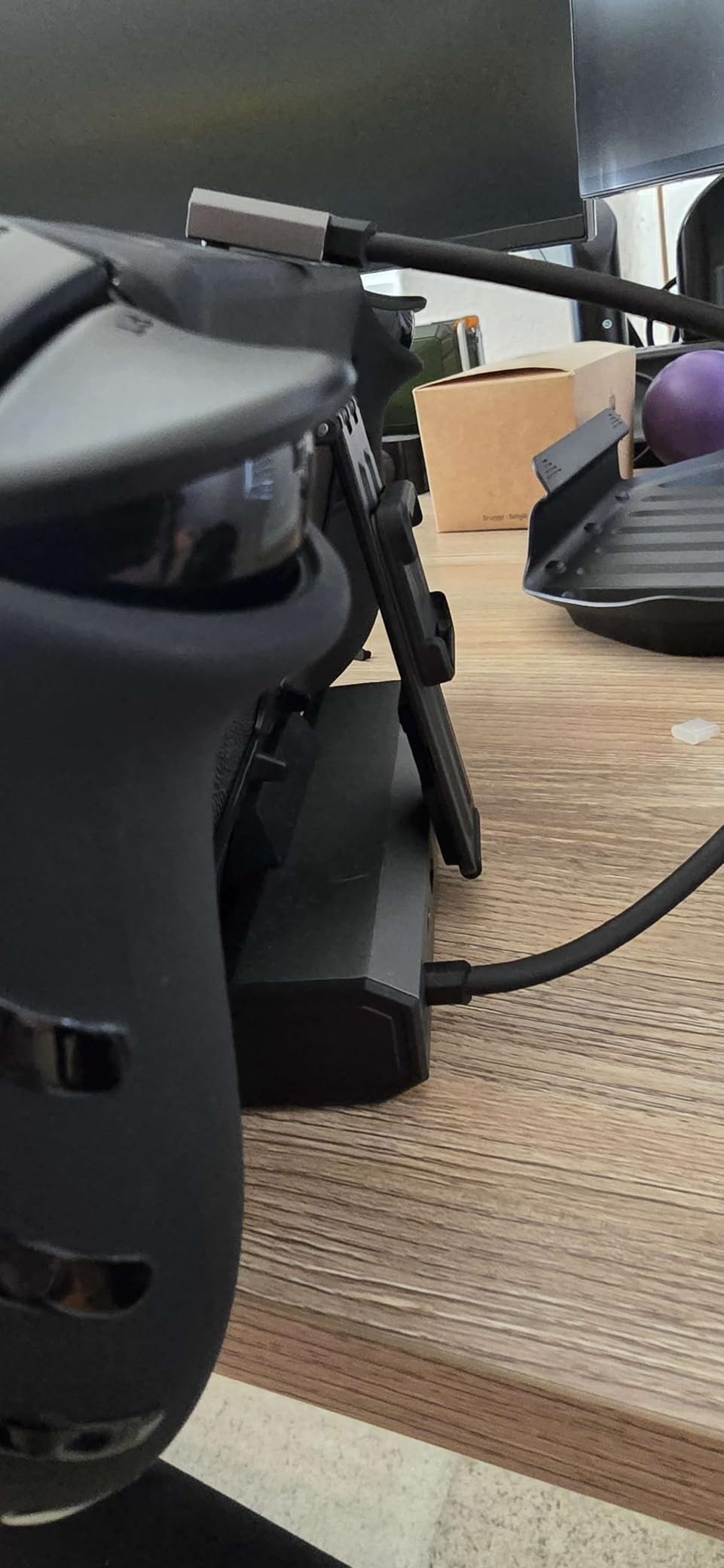
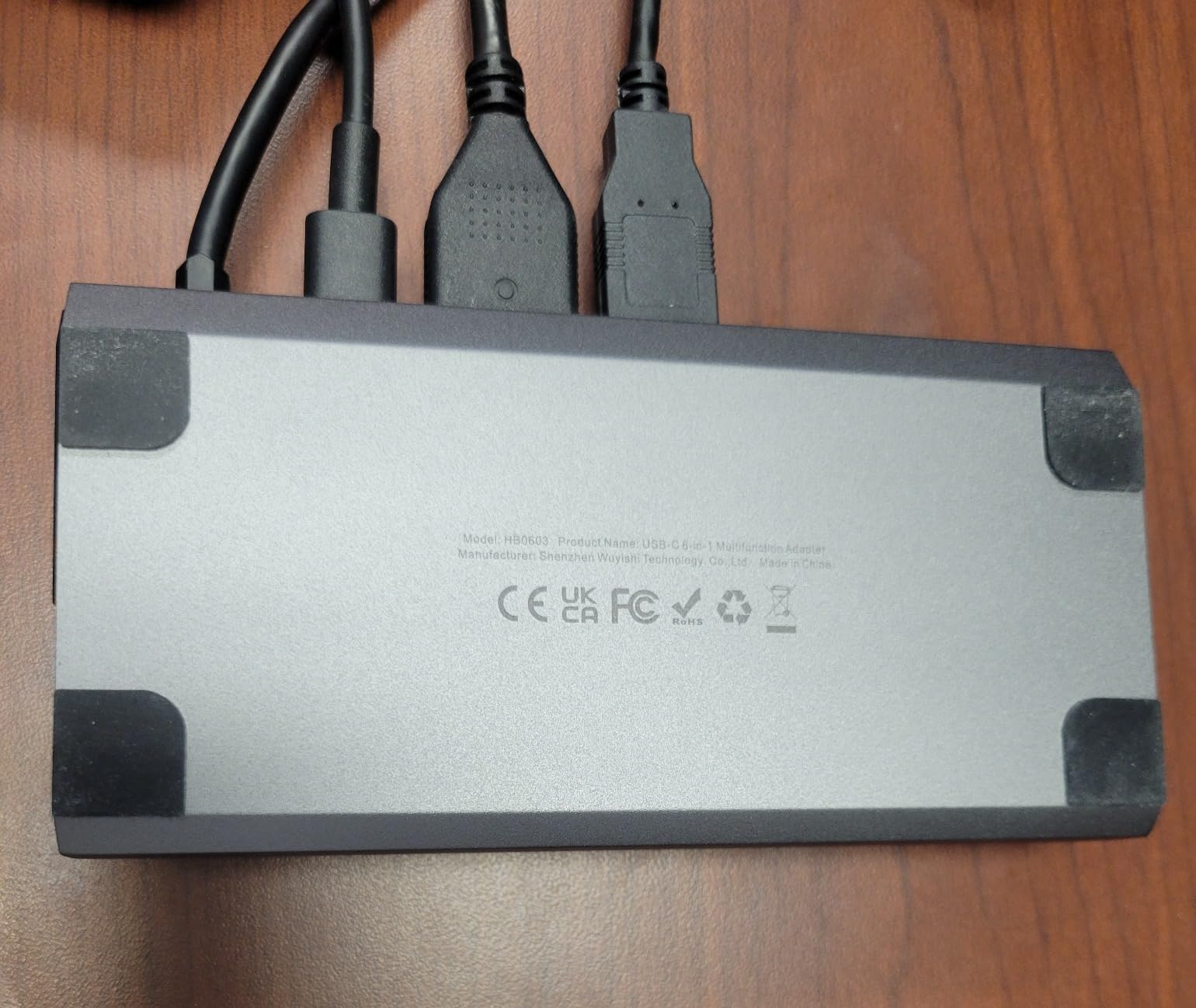
Charging is 100W PD, comfortably above what any current handheld draws, so your device stays at full speed while playing docked. The 170-gram build feels robust rather than hollow.
Two quirks deserve attention. Some users report occasional screen flickering, and USB 3.0 traffic can interfere with 2.4GHz wireless controllers, a known issue with tightly packed ports. Using a wired controller or Bluetooth input sidesteps it entirely.
Who gets the most out of it
Handheld gamers with 120Hz displays or gaming TVs who want maximum smoothness for the least money. ROG Ally X and Legion Go S owners in particular have few other options.
When it is the wrong choice
Wireless controller users on the 2.4GHz band may fight interference, and anyone needing DisplayPort or SD card slots must look at the UGREEN 9-in-1 instead.
10. B3 BIGTHREE 6-in-1 Dock – Budget Handheld Dock That Works
Docking Station for Steam Deck ROG Ally, 6 in 1 Stream Deck Dock with HDMI 2.0 4K@60Hz, 1000Mbps Gigabit Ethernet, 3 USB-A 3.0 and 100W Full Speed Charging USB-C Port Compatible with Valve Steam Deck
6-in-1 dock
HDMI 2.0 4K@60Hz
Gigabit ethernet
100W PD
3x USB-A 3.0
Aluminum body
Pros
- Great value for the price
- Compact and portable
- 4K@60Hz HDMI output
- Fast ethernet connection
- Good build quality
- Easy plug-and-play setup
Cons
- Ethernet port can be stiff
- Not compatible with Steam Deck OLED 90Hz
- No USB-C data port
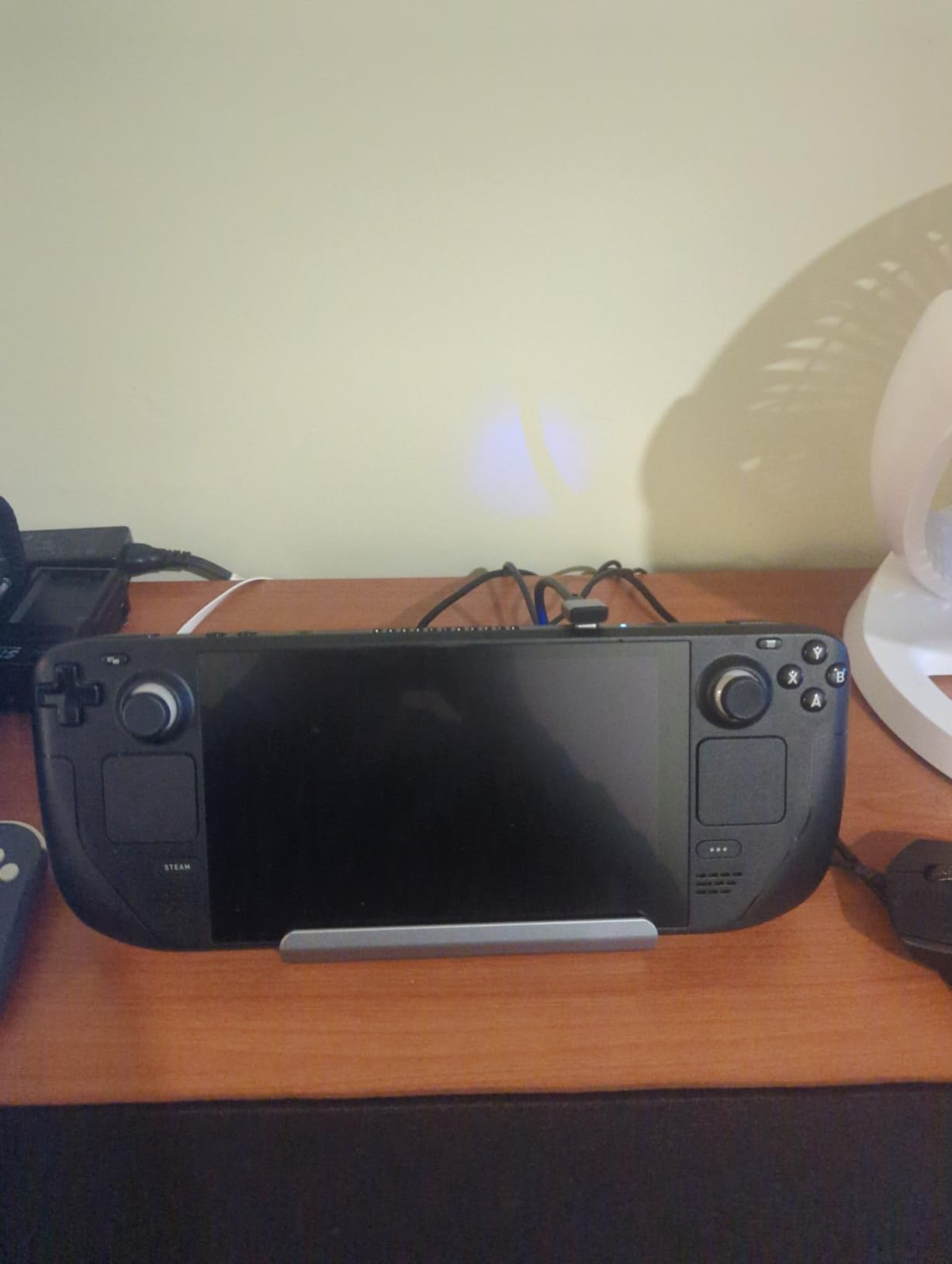
The B3 BIGTHREE is the cheapest way into a proper 6-in-1 dock with 4K@60Hz HDMI and gigabit ethernet. At 70 grams in an aluminum shell, it undercuts the brand-name docks while covering the essentials handheld gamers actually use.
Setup was genuinely plug-and-play: dock, HDMI, ethernet, power, done. SteamOS and Windows both recognized everything without configuration, which is exactly what you want from a budget device.
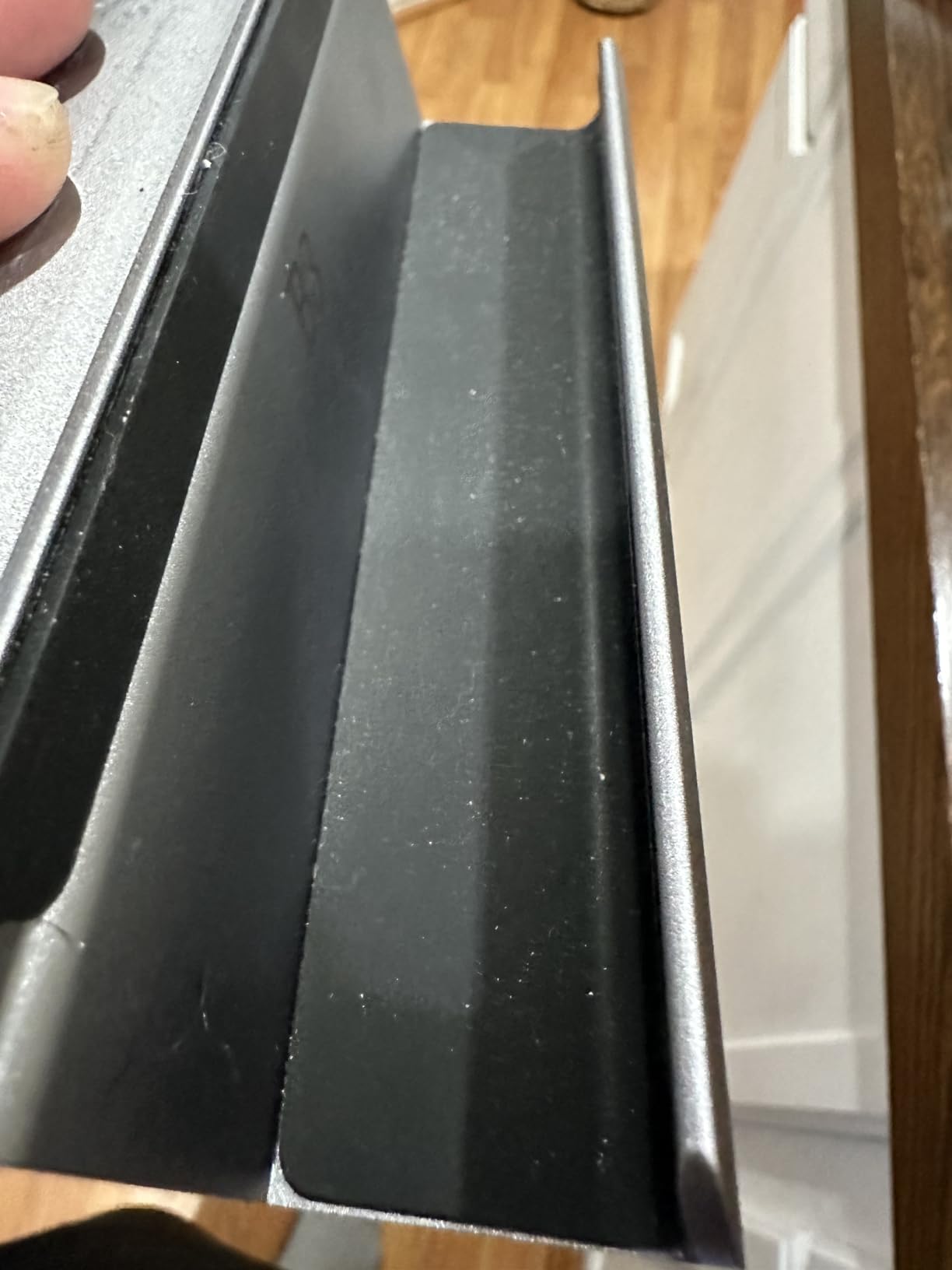
The 100W charging port runs at full speed, and the three USB-A 3.0 ports handle controllers, drives, and peripherals at 5Gbps. For a couch setup driving a TV across the room, the wired ethernet port is a real advantage over Wi-Fi.
The trade-offs are small but specific: the ethernet port is stiff when inserting cables, there is no USB-C data port, and it will not drive the Steam Deck OLED at its 90Hz panel rate. With 750 reviews at 4.5 stars, most buyers find these easy to accept.
Best scenario for this dock
First-time handheld owners building a TV or desk setup on a tight budget. It delivers the core dock experience without the brand-name premium.
Spending a little more gets you
Stepping up to the JSAUX or UGREEN docks buys higher refresh rates, more ports, and broader official compatibility. Skip the upgrade only if 60Hz and three USB ports cover your needs.
How to Choose a USB-C Hub for Handhelds and Laptops?
Picking among USB-C hubs for handhelds and laptops comes down to five factors: power delivery, video output, port selection, data speed, and thermals. Here is how each one affects your real-world experience.
Power delivery wattage
Check both the input rating and the passthrough figure. A hub advertised at 100W PD often delivers 85-95W to your device after reserving power for itself. Steam Deck needs at most 45W, ROG Ally pulls 65W, and gaming laptops range from 100W to 240W, so match the hub to your machine.
Video output: 30Hz vs 60Hz vs 120Hz
This is the single most common disappointment we found in forum complaints. HDMI capped at 4K@30Hz is fine for documents and video playback but feels sluggish for gaming or fast scrolling. Choose 60Hz for a gaming monitor and 120Hz if your display supports it, like the JSAUX dock offers.
Port selection and layout
Count what you actually plug in daily: mouse, keyboard, external drive, controller, camera cards, ethernet. A 5-in-1 covers basics; 7-in-1 adds card readers; 9-in-1 docks add ethernet, fast USB, and a stand. Also check for a USB-C data port if you use modern SSDs.
Data transfer speed
USB 3.0 at 5Gbps is the standard baseline and handles most peripherals. USB 3.2 Gen 2 at 10Gbps, found on the BENFEI hub and UGREEN 9-in-1 dock, halves large file transfer times. Remember that total bandwidth is shared when multiple devices are active, one of the most common pain points reported by users pushing several drives at once.
Thermals and build quality
Nearly every hub in this list warms up under sustained load; aluminum shells dissipate that heat far better than plastic. If you game docked for hours, prioritize metal builds and ventilated stands like the foldable design on the UGREEN 9-in-1. For related connectivity tips, see our guide to USB extension solutions for VR and console sensors.
Device compatibility
Steam Deck users should verify video output specifically, since several forum threads report hubs that charge fine but output no video on the Deck. Every dock in positions 6 through 10 above has confirmed handheld compatibility, and the UGREEN 5-in-1 lists official Steam Deck support as well.
Frequently Asked Questions
What is the best USB-C hub for a laptop?
The UGREEN 5-in-1 USB C Hub is the best overall choice for most laptops, thanks to a proven track record across more than 30,600 reviews, reliable 95W passthrough charging, and stable 4K HDMI output. If you need 4K@60Hz video and SD card slots, the Anker 7-in-1 is the premium alternative.
Which brand of USB-C hub is the best?
Anker, UGREEN, and Belkin are the most consistently reliable brands according to both professional testing and user forums. Anker leads in build quality and warranty support, UGREEN offers the best value, and JSAUX is the go-to name for handheld gaming docks.
What are common problems with USB-C hubs?
The most common problems are video output failing on certain monitors, insufficient power delivery during gaming, heat buildup in extended sessions, USB-C port detection issues on non-Thunderbolt machines, bandwidth sharing when multiple devices transfer data simultaneously, and some hubs not supporting video output on the Steam Deck at all.
Is there a downside to using a USB hub?
Yes. All ports on a hub share a single USB-C connection’s bandwidth, so simultaneous heavy use slows everything down. Cheap hubs can overheat, drop connections, or fail to deliver their advertised wattage, and a poorly shielded hub may interfere with 2.4GHz wireless devices like controllers.
What is the lifespan of a USB-C hub?
A quality USB-C hub from a reputable brand typically lasts three to five years of daily use, and most come with 18 to 24-month warranties. Cables are usually the first failure point, which is why braided or silicone-wrapped designs like the BENFEI hub tend to survive longer.
Final Verdict
After testing all ten, our recommendations split cleanly by use case. Laptop users should buy the UGREEN 5-in-1 for proven reliability or the Anker 7-in-1 if 4K@60Hz and card readers matter. Handheld gamers get the best experience from the Anker Steam Deck Dock, the high-refresh JSAUX 6-in-1, or the fully loaded UGREEN 9-in-1 with its cooling stand.
Whatever you pick, match the power delivery to your device, confirm the video refresh rate you need before buying, and favor aluminum builds for long gaming sessions. The right USB-C hubs for handhelds and laptops turn one port into a complete workstation or console setup, and any of these ten will do that job well in 2026.