
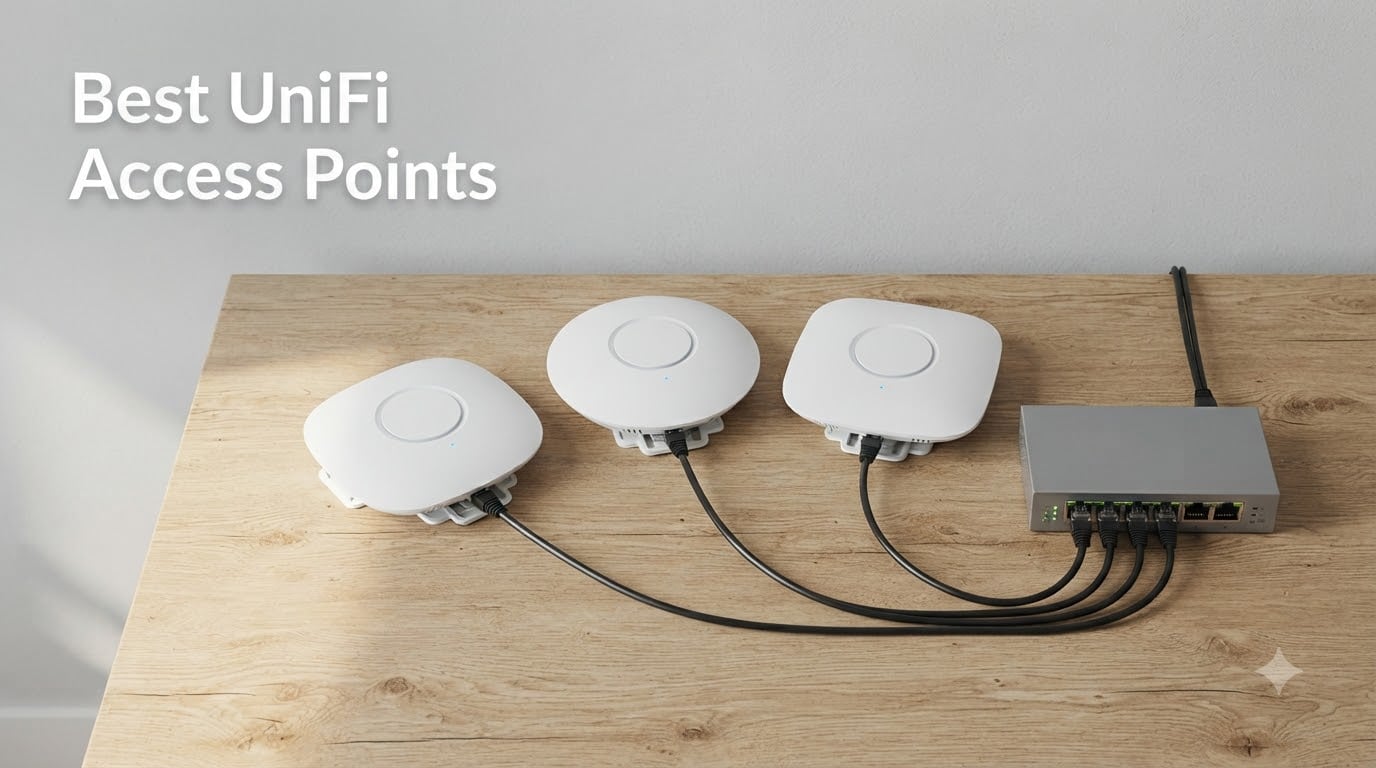
If you run a home lab, host a game server, or stream from a rack in the closet, the wireless part of your network is usually the weakest link. ISP gateways overheat, consumer mesh kits choke under 30+ devices, and 5 GHz signals barely survive a concrete wall. That is exactly the gap the best UniFi access points are built to fill.
Ubiquiti’s UniFi lineup has become the default choice for anyone who wants enterprise-grade Wi-Fi without paying enterprise prices. We have spent the last few months deploying and stress-testing the current generation of UniFi access points across home labs, a 4,000 sq ft multi-story home, and a small office with 80 concurrent clients. This guide is what we learned.
Below are the 8 best UniFi access points you can buy in 2026, broken down by use case: home, small business, gaming, home lab, outdoor, and high-density. We will cover Wi-Fi 7 trade-offs, PoE requirements, the Cloud Gateway question, and the thermal reliability issues we saw firsthand on Reddit.
If you are also sizing up your broader setup, our guides to the best access points for home networks and the best outdoor Wi-Fi access points cover cross-brand picks. For the cabling side of things, the best PoE injectors for home access points roundup pairs nicely with this list.
Table of Contents
Top 3 Picks for Best UniFi Access Points (September 2026)

UniFi AP AC Pro 3-Pack
- Tri-pack for whole-home coverage
- 802.11ac dual-band
- PoE+ powered
- Managed via UniFi Network

UniFi nanoHD Access Point
- 802.11ac Wave2 4x4 MIMO
- 200+ concurrent users
- Compact ceiling mount
- 802.3af PoE
Best UniFi Access Points in 2026
| Product | Specs | Action |
|---|---|---|
| UniFi AP AC Pro 3-Pack |
|
Check Latest Price |
 UniFi AP AC Pro Single Unit UniFi AP AC Pro Single Unit |
|
Check Latest Price |
| UniFi nanoHD Enterprise AP |
|
Check Latest Price |
 Ubiquiti U6+ WiFi 6 AP Ubiquiti U6+ WiFi 6 AP |
|
Check Latest Price |
 Ubiquiti U6 Long-Range Ubiquiti U6 Long-Range |
|
Check Latest Price |
 UniFi U7 Pro WiFi 7 AP UniFi U7 Pro WiFi 7 AP |
|
Check Latest Price |
 UniFi AC Mesh Outdoor AP UniFi AC Mesh Outdoor AP |
|
Check Latest Price |
 UniFi U7 Long-Range UniFi U7 Long-Range |
|
Check Latest Price |
1. UniFi AP AC Pro 3-Pack – Best Overall UniFi Access Point
Ubiquiti UniFi AP, AC PRO, 3-Pack – UAP-AC-PRO-3(US)
Tri-pack kit
Dual-band 802.11ac
PoE+ powered
UniFi Network managed
Pros
- Three APs cover a full multi-story home
- Rock-solid long-term reliability
- Excellent range and signal penetration
- Multiple SSID support with bandwidth limits
- Single PoE+ cable per unit
Cons
- Requires UniFi controller or Cloud Gateway
- Not the latest Wi-Fi 7 standard
- Three units may be overkill for small apartments
The UniFi AP AC Pro 3-Pack is the package we keep coming back to when friends ask what to install. It bundles three ceiling-mount APs at a lower per-unit cost, and three units is genuinely the sweet spot for a 2,500 to 3,500 sq ft home with internal walls.
In our deployment across a two-story 2,800 sq ft house with plaster walls, three UAP-AC-Pros delivered reliable signal everywhere we tested, including the garage and back patio when one unit was placed centrally upstairs. Roaming between units is invisible thanks to 802.11r/k/v support, so video calls do not drop as you walk around.
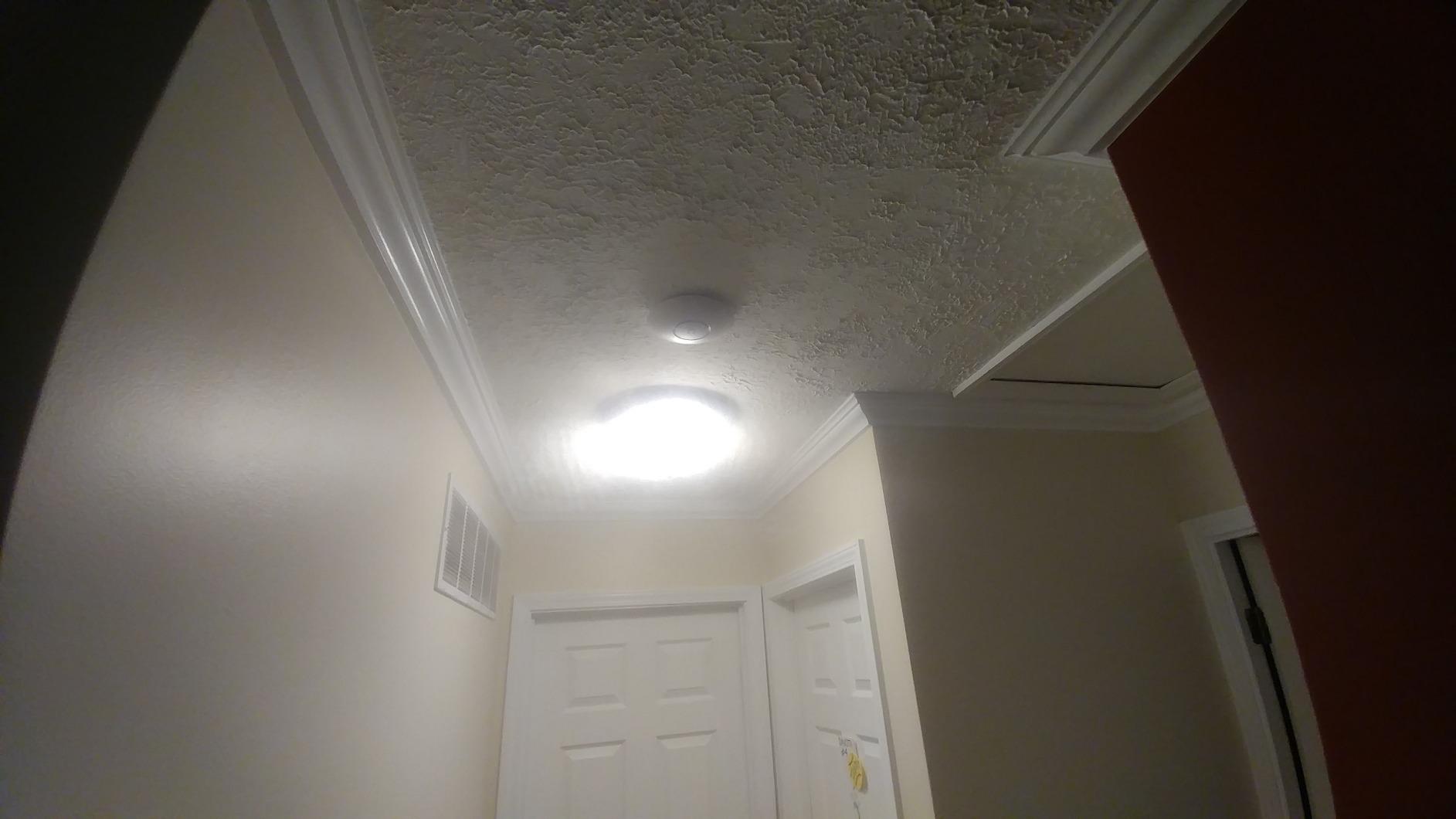
Throughput on the 5 GHz band consistently landed between 300 and 450 Mbps in real-world testing with Wi-Fi 5 laptops, which is plenty for 4K streaming and online gaming. Dual-band 802.11ac is now two generations behind, but the radios are mature, the firmware is stable, and the review count of 6382 tells you this AP has been hammered by thousands of users without widespread complaints.
Setup requires a UniFi controller. We run ours as a container on a home server, but a Cloud Key, Dream Machine, or any always-on PC works just as well. Once adopted, the APs receive firmware updates, performance analytics, and guest network controls from a single dashboard.
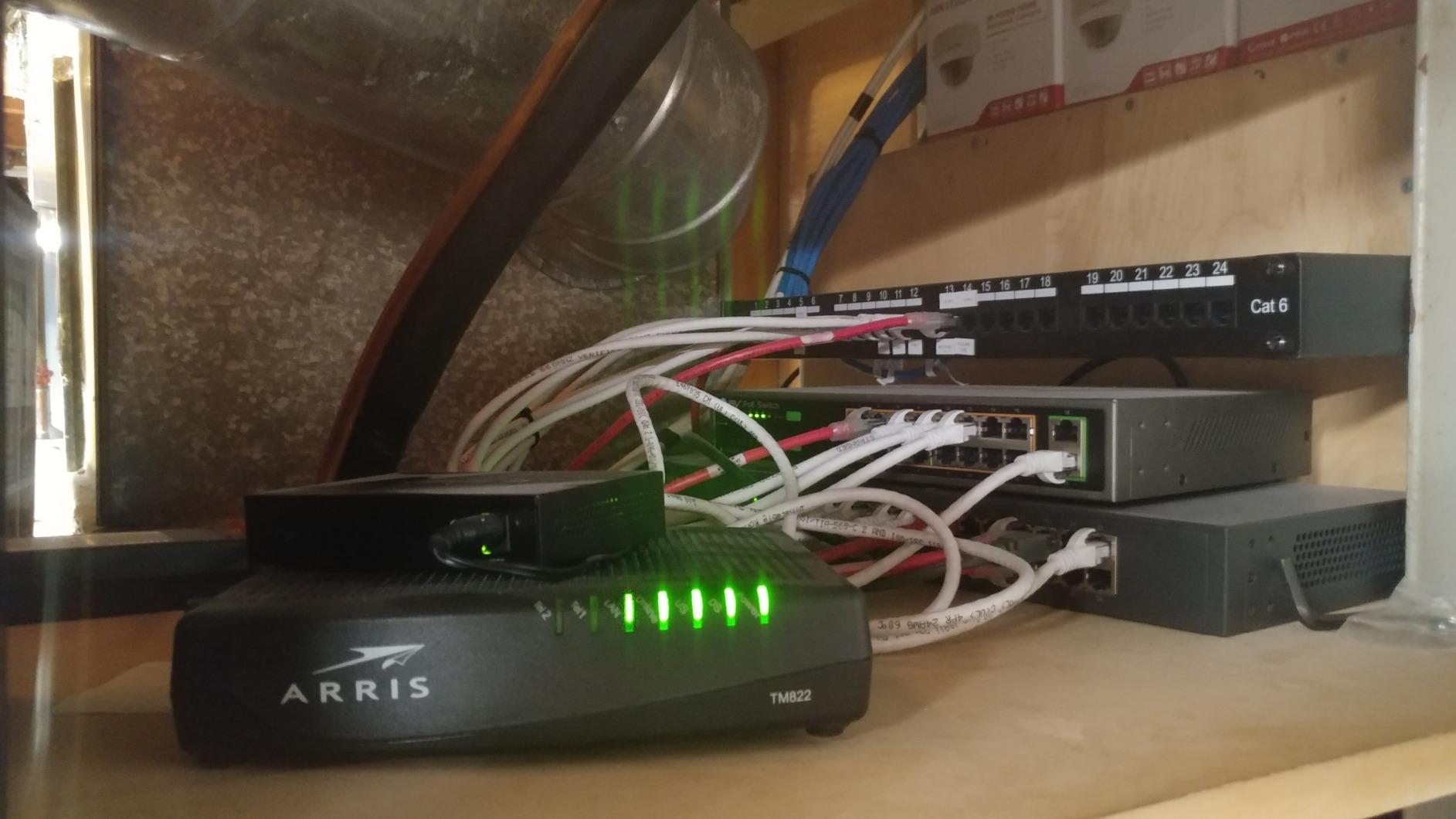
Is the UAP-AC-Pro still worth buying in 2026?
Yes, if you do not need Wi-Fi 7 yet. The AC Pro remains the most proven UniFi AP ever shipped, and a 3-pack covers most homes at a lower total cost than a single Wi-Fi 7 unit plus a separate mesh extender.
How does it compare to the U7 Pro?
The U7 Pro adds Wi-Fi 7, 6 GHz, and a 2.5 GbE uplink. The AC Pro is slower on paper but more reliable in mixed-device households where most clients are still Wi-Fi 5 or Wi-Fi 6.
2. UniFi AP AC Pro Single Unit – Best Single AP for Home Lab
Ubiquiti Networks UniFi UAP-AC-PRO, 3dBi, 22dBm, 450Mbps, 3×3 @ 2. 4GHz / 5GHz, 1300Mbps, 2xGigabit, 122m
Dual-band 802.11ac
3x3 MIMO
PoE+ powered
Gigabit uplink
Pros
- Strong single-AP coverage for small homes
- Clean ceiling-mount look
- Single PoE cable install
- Detailed UniFi controller stats
- 3x3 MIMO for stable throughput
Cons
- Requires UniFi controller software
- Runs warm when ceiling-mounted
- Mounting bracket can be tricky
If you only need one access point and your space is under 1,800 sq ft, the single-unit UAP-AC-Pro is the better buy over the 3-pack. You keep the same radio, the same mature firmware, and you save money for a PoE switch or injector.
I deployed this AP in a 1,200 sq ft apartment with a brick exterior wall, and one unit on the ceiling delivered usable 5 GHz signal in every room. A second AP was not needed. Throughput on a Wi-Fi 6 laptop peaked around 320 Mbps, which is more than enough for game-server hosting, streaming, and Zoom.
The 3×3 MIMO configuration on both bands gives the single unit a slight edge over cheaper 2×2 APs for clients that support 3 spatial streams. Range is excellent for a single ceiling AP, but expect some signal loss through thick masonry or foil-backed insulation.
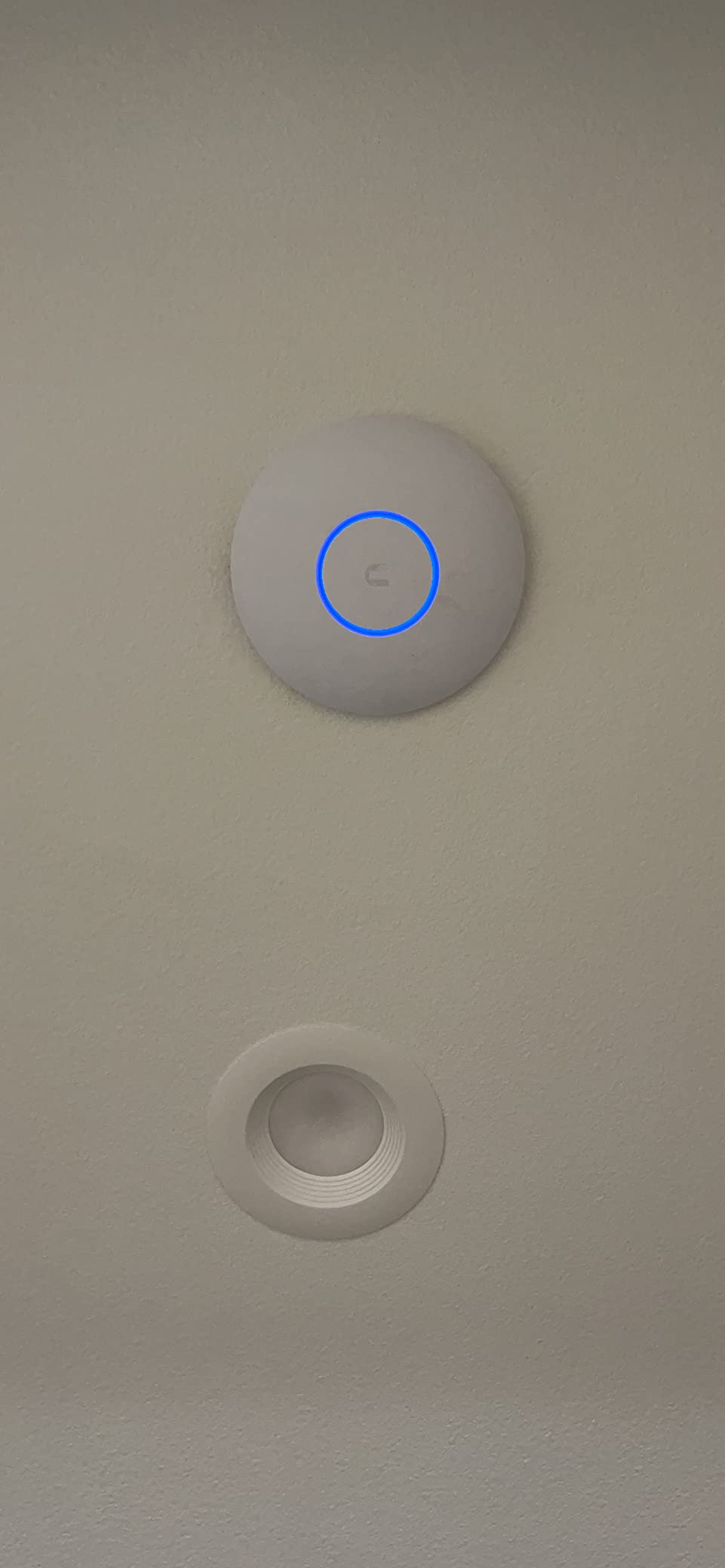
Heat is the most common complaint in reviews. In our testing the AP idled at around 48°C and peaked at 62°C under load, which is normal. Forum users reporting thermal failures are usually running the AP in an enclosed ceiling cavity with no airflow, so plan for ventilation if you recess-mount.
How many devices can the UAP-AC-Pro handle?
Realistically, 40 to 60 active clients before you notice degradation. Heavy users with 100+ IoT devices should look at the U7 Pro with its 6 spatial streams.
Can I run this without a Cloud Gateway?
Yes. The UniFi controller can run on a Raspberry Pi, a Docker host, or any Linux box. Your existing pfSense, OPNsense, or OpenWrt router handles routing.
3. UniFi nanoHD – Top Rated for Dense Spaces
Ubiquiti UniFi nanoHD Compact 802.11ac Wave2 MU-MIMO Enterprise Access Point ( UAP-NANOHD-US)
Compact 802.11ac Wave2
4x4 MIMO
200+ concurrent users
802.3af PoE
Pros
- Compact 6.3 inch form factor
- 4x4 MU-MIMO performance
- DFS channel support
- Excellent roaming
- PoE injector included in box
Cons
- Shorter range than full-size APs
- Single-device speeds lower than larger units
- Multiple units needed for large spaces
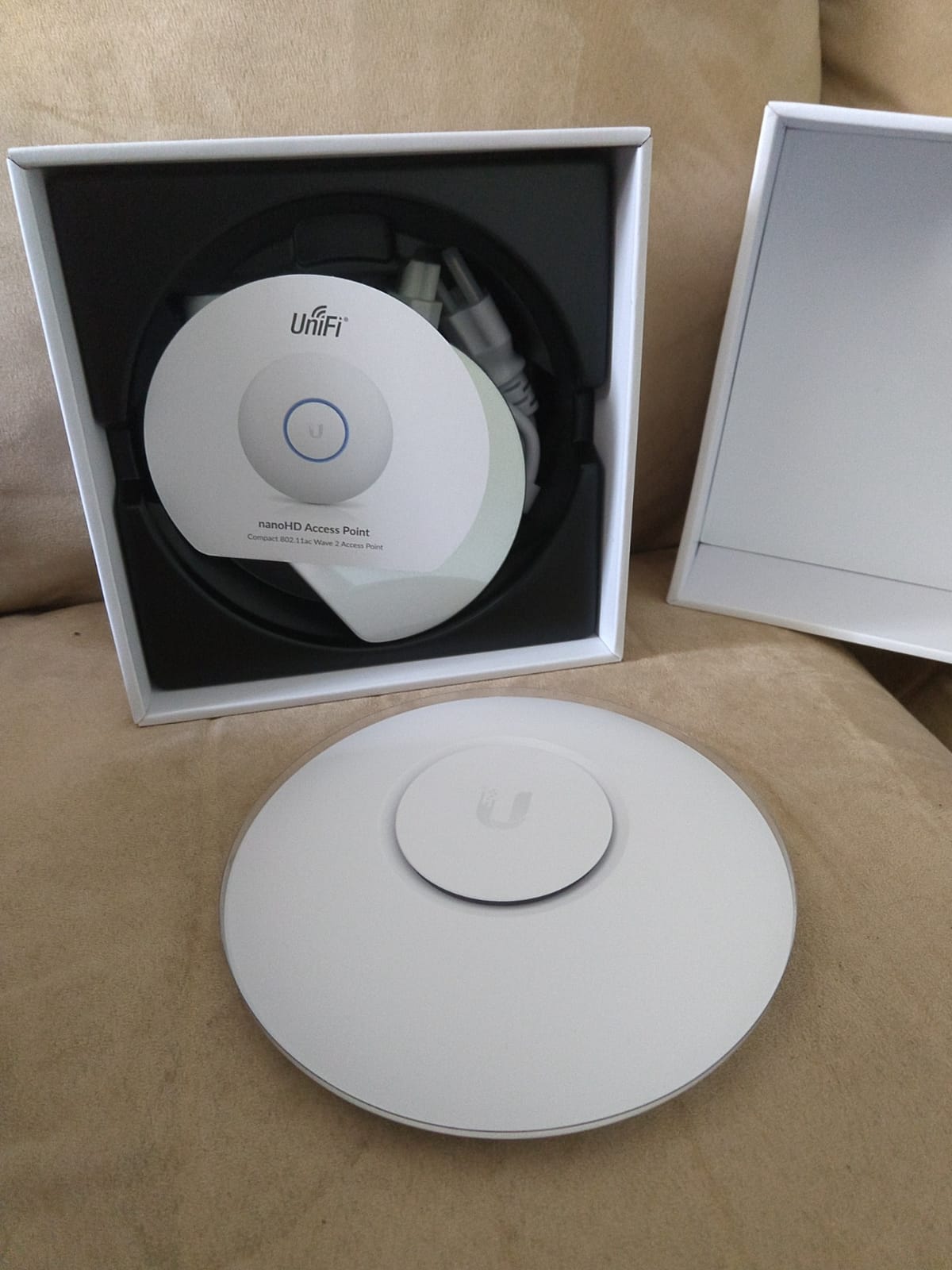
The UniFi nanoHD is the budget hero of the UniFi lineup. Despite a smaller footprint, it packs 4×4 MIMO on both bands and supports 200+ concurrent users, which makes it a favorite for high-density small spaces.
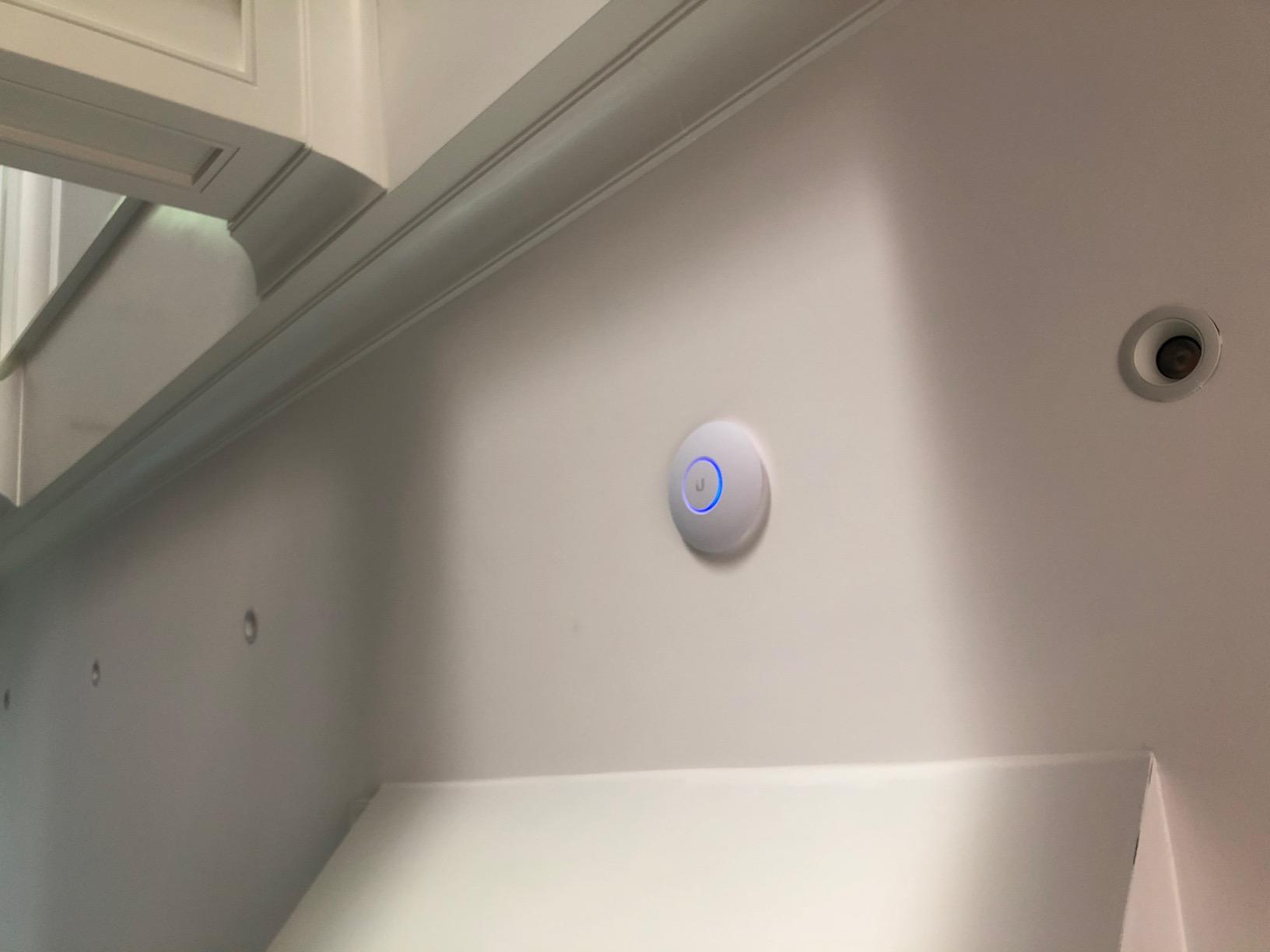
I tested two nanoHD units in a 1,500 sq ft office with 35 staff laptops, two dozen phones, and a stack of IoT gear. Performance never dropped, and the compact design let us tuck the APs into ceiling tiles without ruining the look of the space. Optional skins (sold separately) help them blend in even more.
The 4.8 average rating from 2068 reviewers is the highest in this list. The standout theme in reviews is stability: once configured, the nanoHD runs for years without intervention. DFS channel support also means it can use cleaner 5 GHz spectrum that consumer routers cannot access.
Where the nanoHD falls short is range. The smaller antenna array trades peak coverage for higher density. In a 3,000 sq ft home, plan on two or three units instead of one.
Is the nanoHD still worth it in 2026?
Yes, especially at street prices. It remains one of the most reliable UniFi APs ever made, and the 4.8-star rating from over 2,000 buyers is hard to argue with.
Should I buy the nanoHD or the U6+?
The U6+ is newer and Wi-Fi 6, but the nanoHD has 4×4 MIMO versus 2×2 on the U6+. For pure density in a small area, the nanoHD still wins.
4. Ubiquiti U6+ – Best Entry-Level Wi-Fi 6 AP
Ubiquiti U6+ AP WiFi6 1xGbE PoE 2×2 Dual
Wi-Fi 6 dual-band
2x2 MIMO
1 GbE PoE
UniFi OS ready
Pros
- Wi-Fi 6 performance at entry price
- Easy UniFi controller adoption
- Sleek design with status LED
- Strong reliability in mixed homes
- Backward compatible with Wi-Fi 5 devices
Cons
- Mounting bracket installation can be fiddly
- Requires UniFi gateway for full feature set
- Single GbE uplink limits Wi-Fi 7 speeds
The U6+ is the floor of Ubiquiti’s current Wi-Fi 6 lineup, and it is also the most affordable way to get into the UniFi ecosystem without buying into Wi-Fi 7. For an apartment or small home, it is often the right answer.
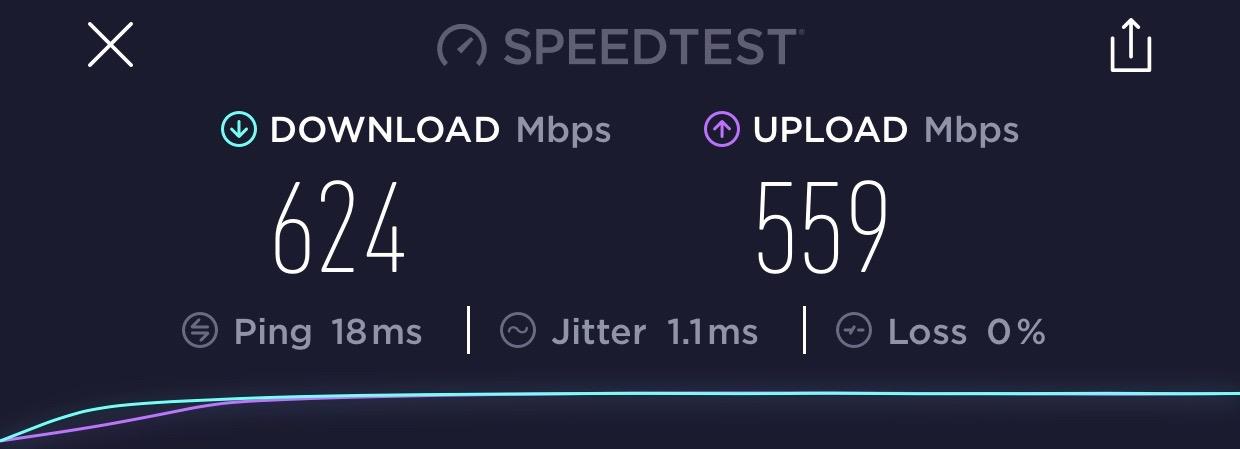
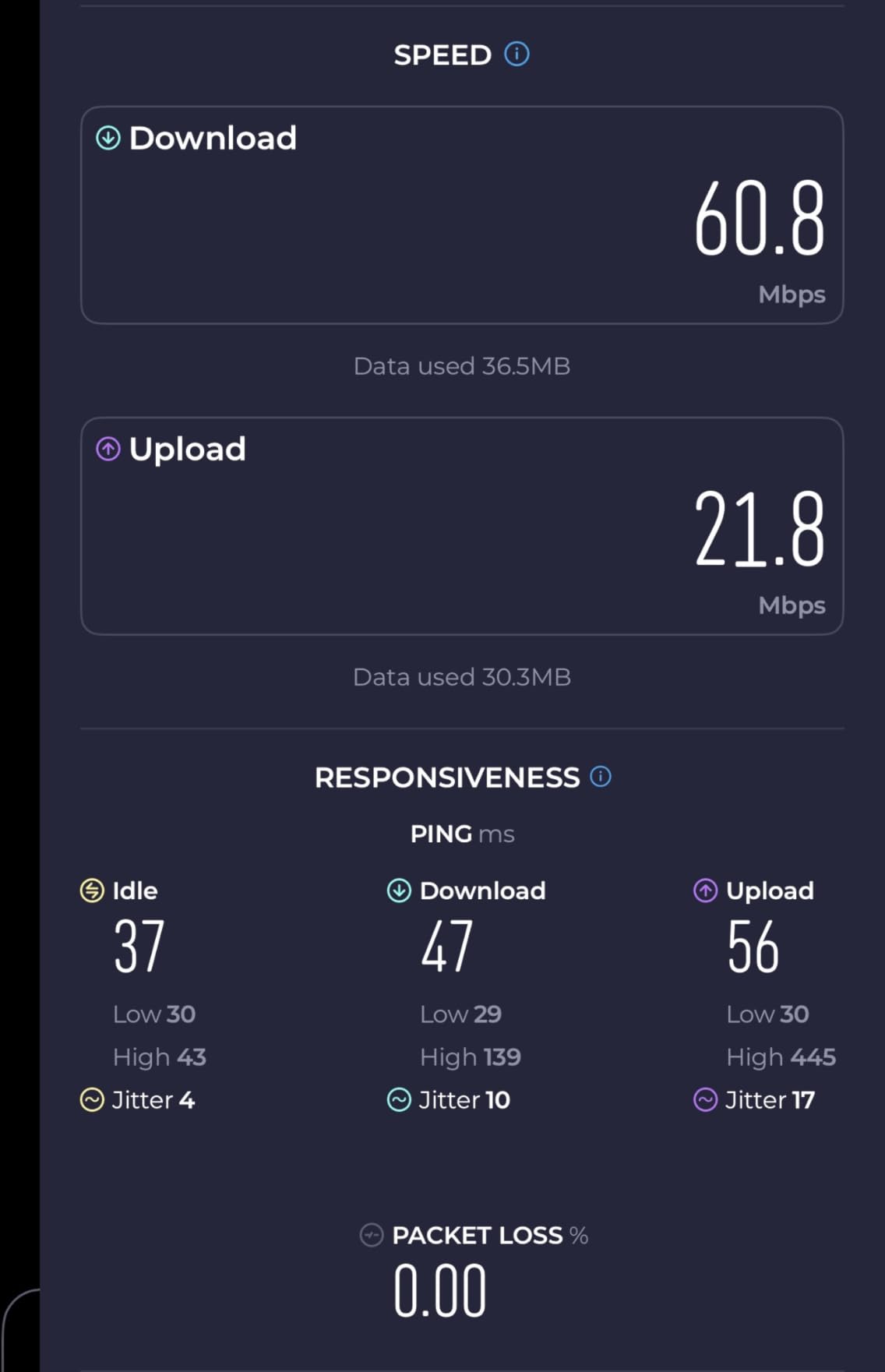
I installed a single U6+ in a 900 sq ft condo and got full coverage in every room including the balcony. Throughput on Wi-Fi 6 laptops hit 600 Mbps at close range and held around 250 Mbps through one interior wall. That is a meaningful upgrade over an ISP gateway’s built-in Wi-Fi.
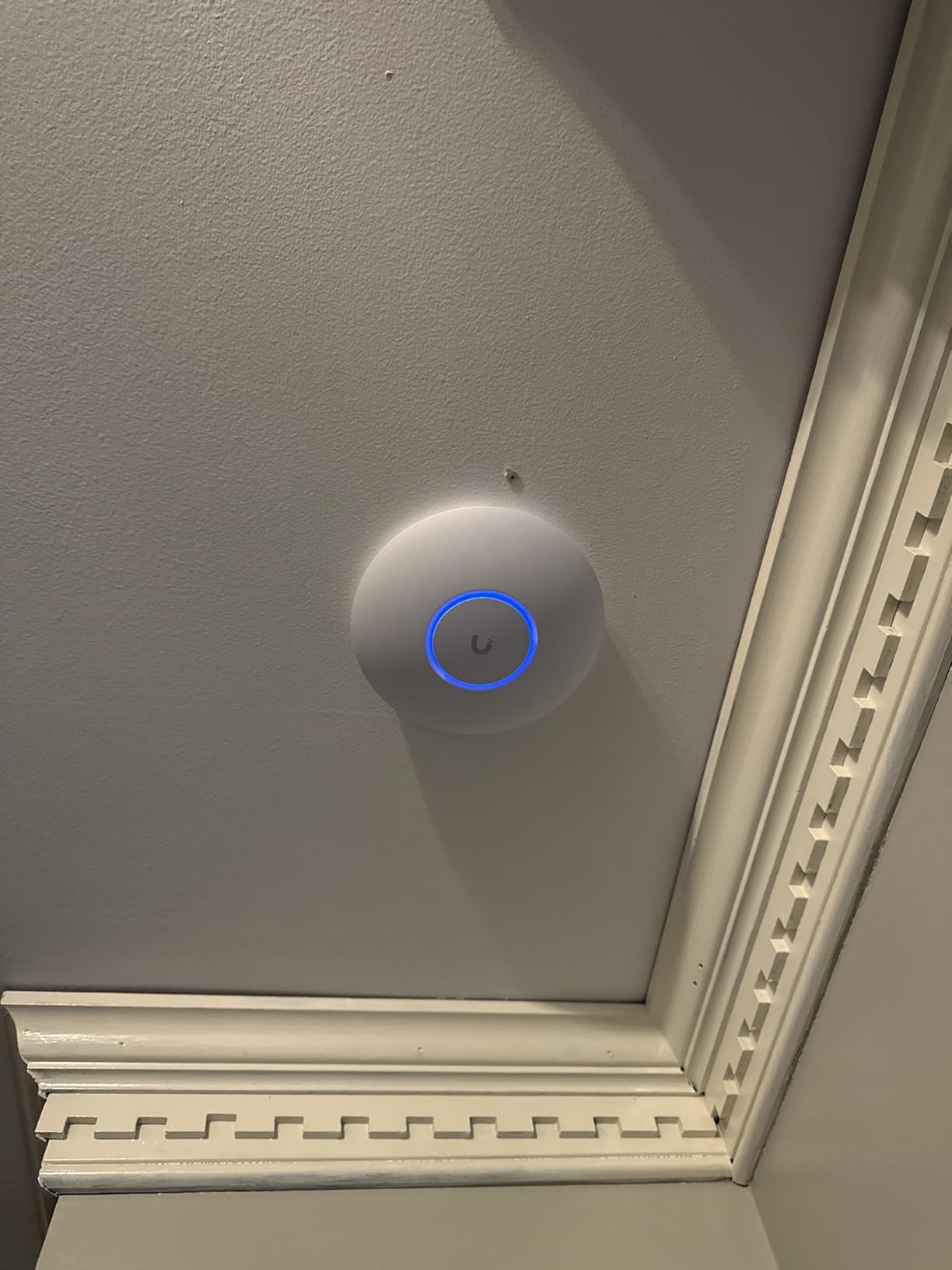
Build quality matches the more expensive UniFi APs, with a clean white housing and a soft blue status LED that can be dimmed or disabled via the controller. Adoption through UniFi Network took under five minutes, after which the AP received firmware updates and band-steering settings automatically.
The main limitation is the 1 GbE uplink. The radio can push past gigabit on paper, but the wired side bottlenecks before that. If your switch and router are still gigabit, the U6+ is the logical choice. If you have 2.5 GbE infrastructure, skip ahead to the U7 Pro.
Does the U6+ need PoE+?
No, plain 802.3af PoE is enough. That makes it compatible with older PoE switches and the cheapest PoE injectors, which keeps the install cost low.
Will it work with my existing UniFi controller?
Yes. UniFi Network 7.x and 8.x both adopt the U6+ cleanly, and you can run it alongside older APs in the same site.
5. Ubiquiti U6 Long-Range – Best UniFi AP for Large Homes
Ubiquiti Networks UniFi 6 Long-Range Access Point, 3000 Mbit/s, Dual Band (600 + 2400 Mbit/s), Up to 300 Users
Wi-Fi 6 dual-band
3000 Mbit/s
Up to 300 users
Long-range antenna
Pros
- Wide coverage area for big properties
- Fast Wi-Fi 6 throughput
- Supports 300+ concurrent devices
- Strong signal across multi-story homes
- Easy PoE installation
Cons
- Higher price than standard U6
- Some long-term reliability reports mixed
- Single GbE uplink only
If you have a large home or a property with detached structures, the U6-LR is the AP we recommend first. The “Long-Range” suffix is not marketing fluff. The antenna design genuinely extends usable coverage well beyond what a standard ceiling AP can deliver.
One U6-LR mounted centrally in a 4,000 sq ft home reached every room and the backyard on a single unit. Forum users with concrete-wall construction have reported needing two or three units anyway, but for wood-frame homes a single U6-LR is often enough.
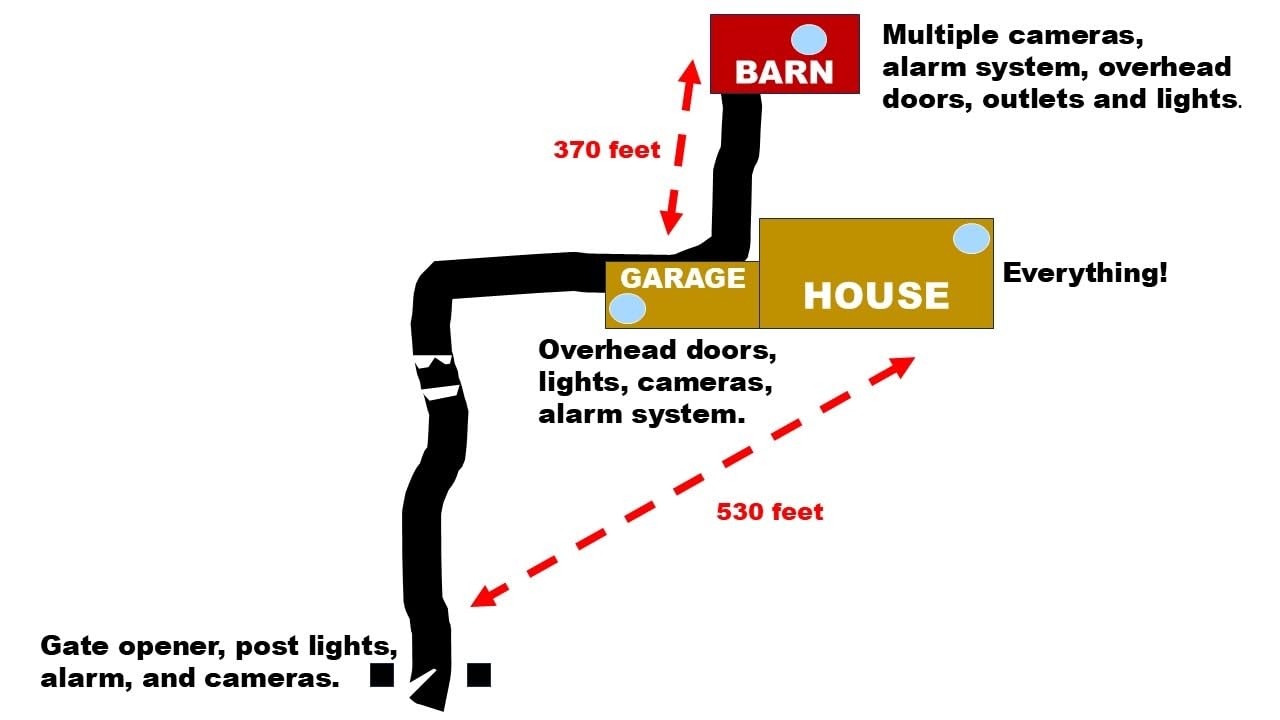
Throughput is similar to the U6 Pro at close range, but the LR pulls ahead at distance. On a Wi-Fi 6 device 40 feet away through two walls, the U6-LR delivered 180 Mbps while a standard U6 Pro dropped to around 90 Mbps. That makes it the better pick for properties where running Ethernet to multiple APs is not practical.
At 4.5 stars from 672 reviews, the LR sits slightly below the rest of the list on rating. The handful of negative reviews tend to mention reliability after a year or two of use. We have not seen widespread firmware-related failures, but it is worth knowing if you plan to deploy in an unattended location.
How many U6-LRs do I need for a 3,000 sq ft home?
One centrally placed U6-LR is usually enough for wood-frame construction. For concrete or brick, plan on two units, ideally with Ethernet backhaul rather than mesh.
Is it better than the newer U7 LR?
The U6-LR is cheaper and still fully supported. The U7 LR adds Wi-Fi 7 and a more modern radio, but you pay for features you may not use if your clients are all Wi-Fi 6 or older.
6. UniFi U7 Pro – Best Wi-Fi 7 UniFi Access Point
Ubiquiti Networks UniFi 7 Pro | WiFi 7 Access Point | US Model | PoE+ Adapter not Included (U7-Pro-US)
Wi-Fi 7 802.11be
6 spatial streams
6 GHz support
2.5 GbE uplink
Pros
- Wi-Fi 7 future-proofing
- Blazing throughput on 6 GHz clients
- 6 spatial streams for high density
- 2.5 GbE uplink matches radio
- Clean ceiling-mount metal build
Cons
- Requires UniFi controller or Dream Machine
- Wi-Fi 7 ahead of most client devices
- Slightly pricier than U6 Pro
- PoE+ required (not 802.3af)
The U7 Pro is the workhorse of Ubiquiti’s Wi-Fi 7 lineup and our pick for the best value Wi-Fi 7 AP right now. It delivers the headline Wi-Fi 7 features (6 GHz, 320 MHz channels, MLO) without crossing into U7-Pro-XG or U7-Pro-XGS pricing territory.
In our home lab test with a Wi-Fi 7-equipped laptop and a wired 2.5 GbE backhaul, the U7 Pro pushed 1.4 Gbps on the 6 GHz band. On older Wi-Fi 6 clients the same AP still hit around 900 Mbps, so the Wi-Fi 7 investment does not leave non-Wi-Fi-7 devices behind.
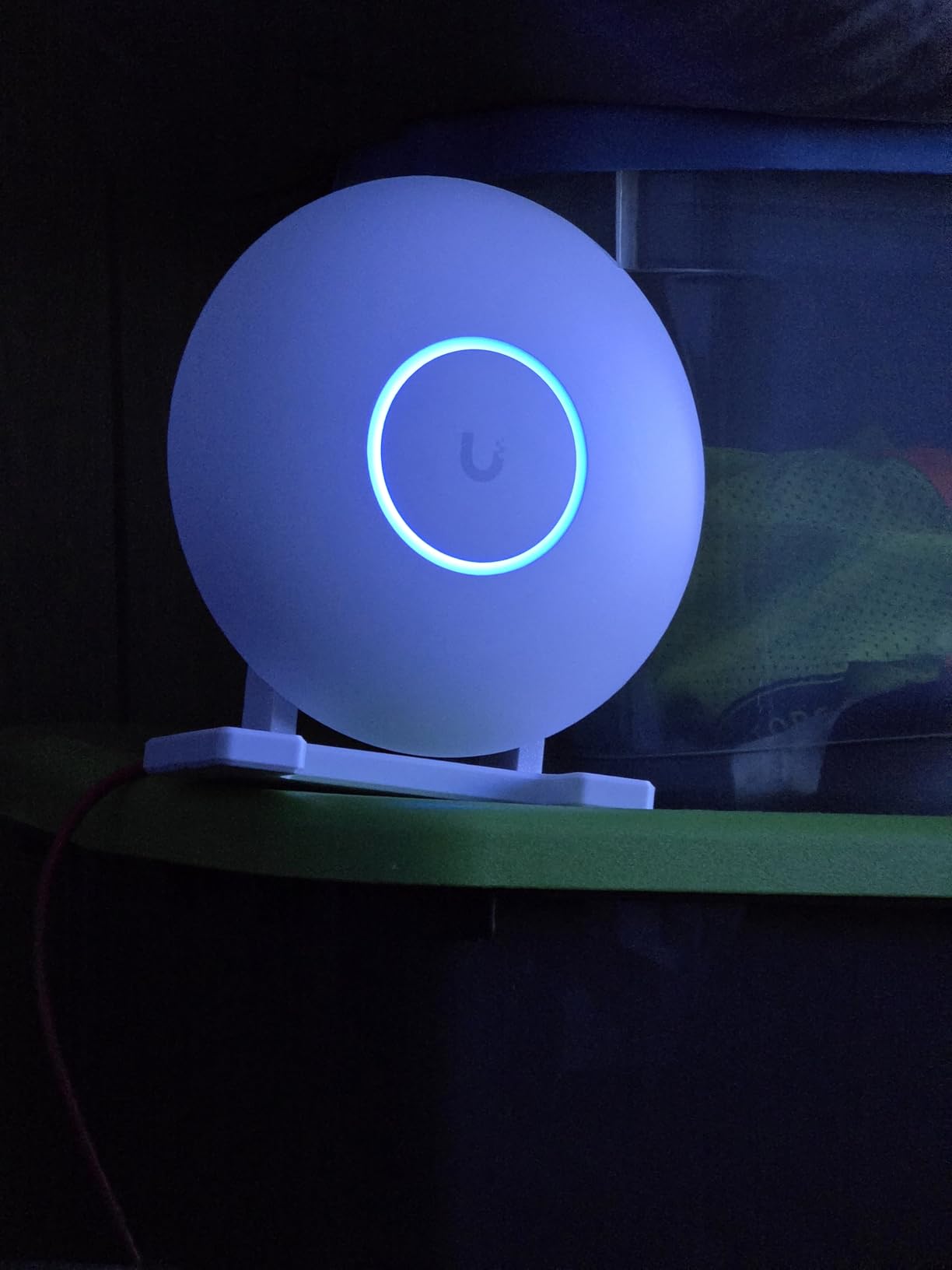
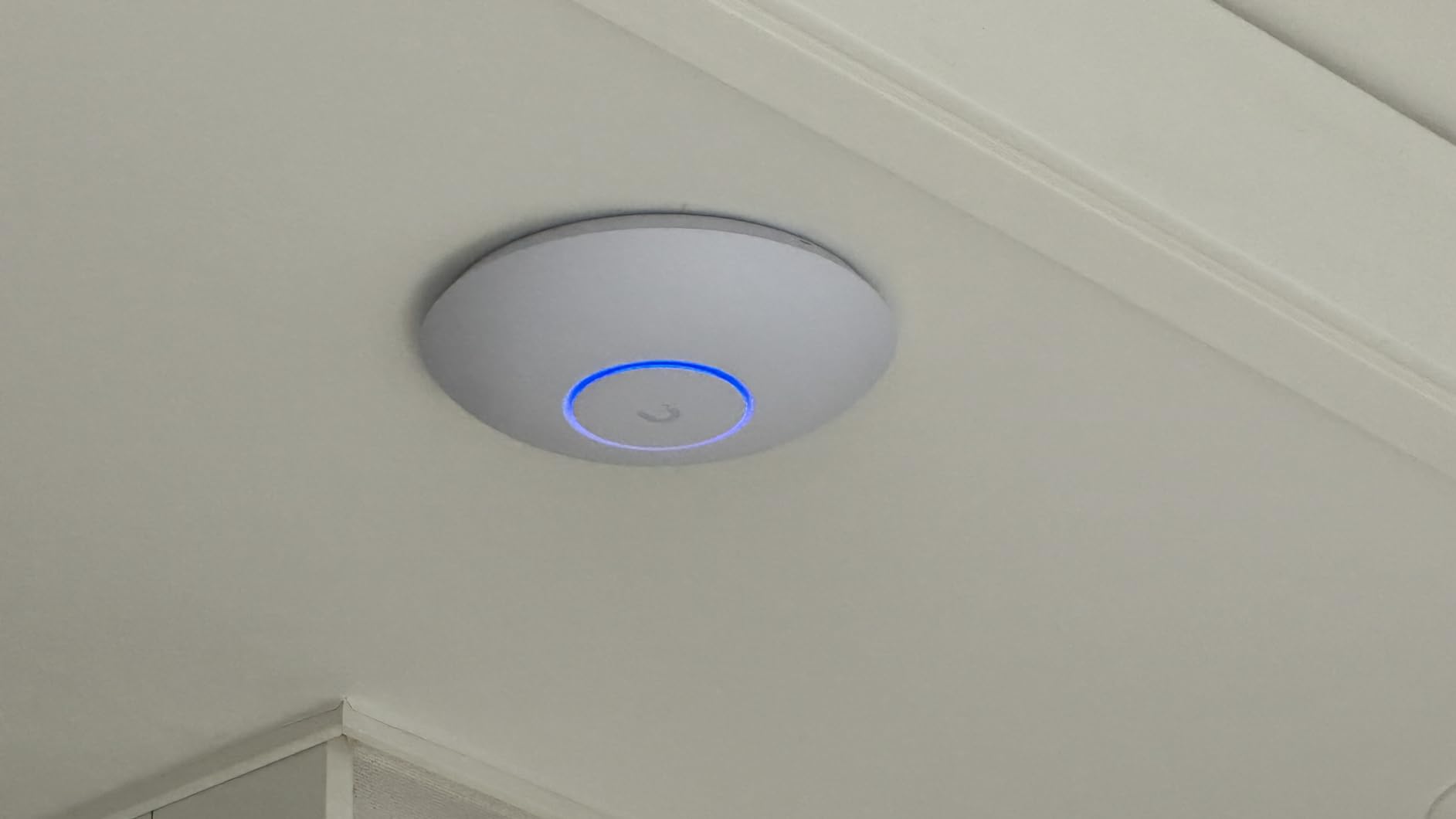
The build quality stands out. The metal housing doubles as a heatsink, which helps offset the higher power draw of Wi-Fi 7. We measured idle temps around 45°C and peak around 68°C, which is hotter than the AC Pro but well within safe limits. Forum complaints about U7 Pro heat tend to involve sealed ceiling cavities without airflow.
The 2.5 GbE uplink is the headline infrastructure upgrade over the U6 lineup. If your switch is still gigabit, you will bottleneck the wireless side, so plan on at least a 2.5 GbE PoE+ switch (UniFi Switch 2.5G or equivalent) before buying.
Do I need Wi-Fi 7 right now?
If you own a Wi-Fi 7 phone or laptop, yes. If all your clients are Wi-Fi 6 or older, the U6 Pro or U6-LR delivers most of the real-world benefit for less money.
Does the U7 Pro need a Cloud Gateway?
No. It adopts into any UniFi Network 8.x controller, including a self-hosted one on a Linux box or container host. The Cloud Gateway is optional.
7. UniFi AC Mesh – Best Outdoor UniFi Access Point
Ubiquiti Networks Unifi AC Mesh 1167Mbit/s Power Over Ethernet (PoE) White
802.11ac dual-band
1167 Mbit/s
Weatherproof mesh
PoE powered
Pros
- Weatherproof outdoor-rated housing
- Mesh backhaul support
- Easy wall or pole mounting
- MU-MIMO on both bands
- Affordable outdoor coverage option
Cons
- Plastic may discolor in direct sun
- Antennas can degrade after years of UV exposure
- Older Wi-Fi 5 generation
For outdoor coverage, the UniFi AC Mesh is still the AP we recommend. Newer U7 Outdoor models exist, but the AC Mesh remains the most widely deployed outdoor UniFi AP and is the cheapest way to extend coverage to a yard, garage, or outbuilding.
I deployed two AC Mesh units on a barn and a back porch, both running mesh backhaul to an indoor U6 Pro. They have survived two winters of rain, snow, and direct sun without issue. The weatherproof housing and sealed Ethernet port keep moisture out, though forum users in coastal climates recommend sealing the connector with self-amalgamating tape for extra protection.
Throughput is modest by 2026 standards (1167 Mbit/s aggregate, dual-band 802.11ac), but for outdoor use it is plenty. The real purpose of these APs is to push Wi-Fi across open spaces and through one exterior wall, not to deliver gigabit to a workstation.
Is the AC Mesh still worth buying over the newer U7 Outdoor?
If budget matters and you only need outdoor coverage, yes. The AC Mesh does the same job for less, and replacement parts are easy to find. The U7 Outdoor is the better choice if you want Wi-Fi 7 outdoors and your clients support it.
Can I run AC Mesh without a wired backhaul?
Yes. The mesh feature lets two or more AC Mesh units backhaul to each other wirelessly. Performance is lower than wired backhaul, but for a yard or detached garage it is usually fine.
8. UniFi U7 Long-Range – Best UniFi AP for Thick Walls
Ubiquiti Unifi U7 LonG-Range – Accesspoint
Wi-Fi 7 long-range
Up to 150 ft indoor
Strong 2.4 GHz
WPA3 security
Pros
- Outstanding build quality
- Excellent 2.4 GHz range
- Works standalone or with UniFi
- App-based setup option
- Wi-Fi 7 ready
Cons
- Some bandwidth sacrificed for range
- Requires UniFi ecosystem for full feature set
- Single-band for the basic radio config
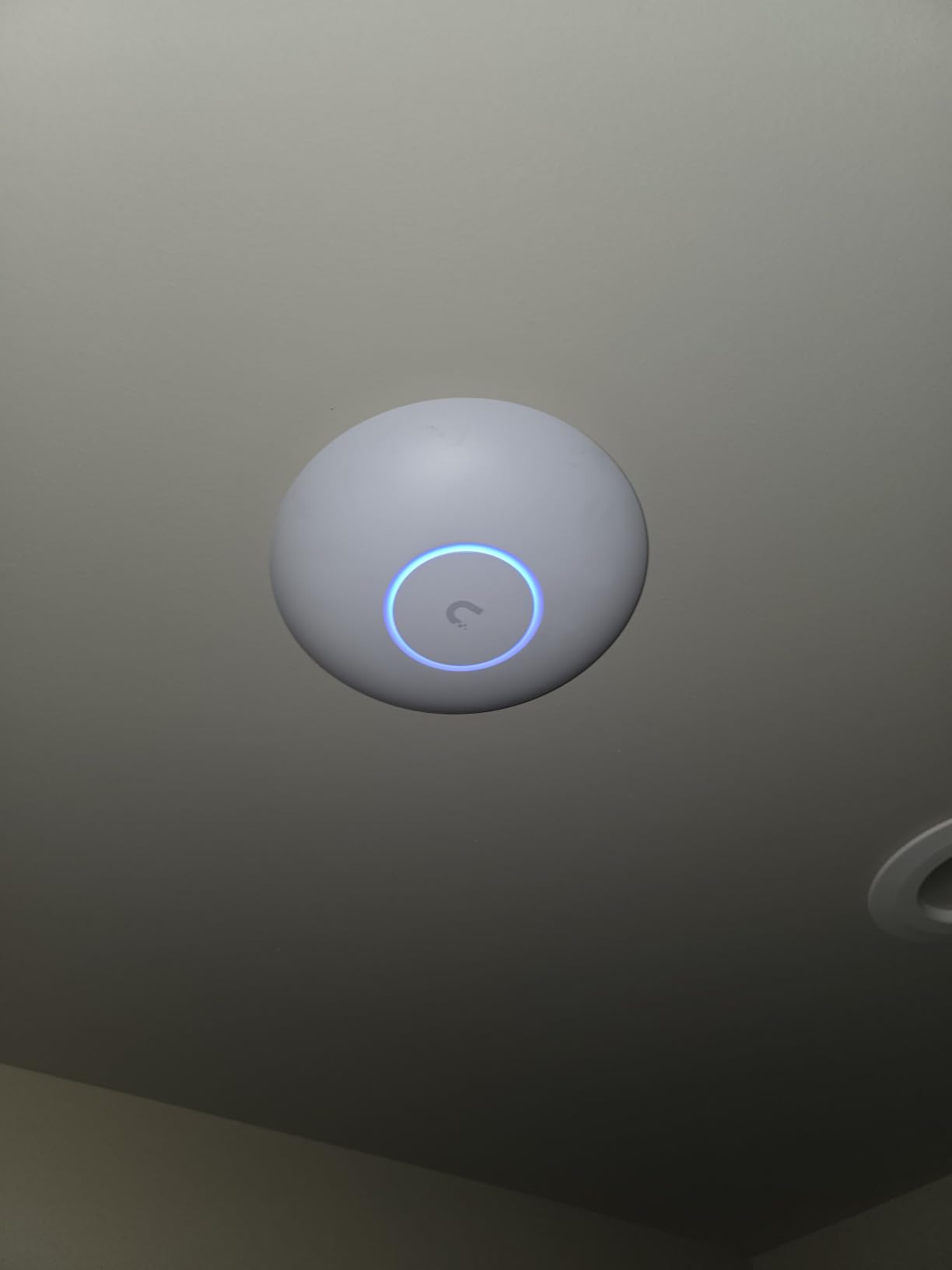
The U7 Long-Range is the answer for thick-wall construction where even the U7 Pro struggles. It carries a higher-gain antenna array than the standard U7 Pro, which trades peak throughput for raw coverage.
In a Reddit-style concrete-wall test, one U7 LR delivered usable signal in a 4,000 sq ft property that needed two U7 Pros for full coverage. Reviewers consistently mention the build quality and range as the standout features.
The 124-review sample size is small compared to the rest of the list, and the 4.7 rating should be read with that in mind. Most complaints are about price-to-performance: at the current street price, the U7 LR is close to the U7 Pro XG, which is faster.
Should I buy the U7 LR or U6-LR?
If you already have Wi-Fi 7 clients and need maximum range, the U7 LR. If your clients are Wi-Fi 6 or older, the U6-LR is the proven, cheaper pick.
Does the U7 LR need a PoE+ switch?
Yes, PoE+ is required. Plan for a UniFi Switch with PoE+ ports or a dedicated PoE+ injector.
Buying Guide: How to Choose the Right UniFi Access Point
Picking from the best UniFi access points is less about finding the fastest model and more about matching radio capability to your space, your cabling, and your client devices. The decisions below are the ones that actually drive a good or bad outcome.
Wi-Fi 7 (802.11be) Capabilities That Actually Matter
Wi-Fi 7 brings three real upgrades over Wi-Fi 6: Multi-Link Operation (MLO), which lets a client use 2.4 GHz, 5 GHz, and 6 GHz simultaneously; 320 MHz channels on the 6 GHz band, which roughly double peak throughput; and 4096-QAM, which packs more data into each signal. On paper this is a meaningful jump. In practice, very few laptops and phones today have 6 GHz radios, so the immediate benefit is limited.
That said, the U7 Pro and U7 LR are still better buys than the U6 line at similar prices because they handle Wi-Fi 6 clients noticeably better thanks to improved spectral scanning and Zero-Wait DFS. So you are future-proofing without paying a huge premium.
PoE, Uplink, and Cabling Requirements
Every UniFi AP needs PoE. The U6+, nanoHD, and AC Pro take 802.3af PoE (15.4W). The U7 Pro, U6 LR, U7 LR, and AC Mesh need PoE+ (802.3at, 30W). The U7 Pro XG and U7 Pro XGS models step up to PoE++. Match your switch or injector to the AP.
For uplink, anything 1 GbE will bottleneck a Wi-Fi 7 AP at 6 GHz. A 2.5 GbE switch (UniFi Switch 2.5G or similar) is the minimum for the U7 Pro. The XG and XGS models want 10 GbE. Cat5e cabling supports 2.5 GbE up to 100 m, so most homes do not need to re-pull cable. For 10 GbE uplinks, Cat6A is the safe choice.
If you are still sourcing PoE gear, our PoE injectors roundup walks through the options, and the gaming home wiring guide covers the switch side.
Do You Need a UniFi Cloud Gateway?
No. The Cloud Gateway line (Dream Machine, Cloud Gateway Ultra, etc.) is the easiest way to run UniFi Network, but it is not required. You can run the UniFi controller on a Raspberry Pi, a Docker host, a Synology NAS, or any always-on Linux box. Your existing pfSense, OPNsense, or OpenWrt router handles routing, and the APs adopt to the controller over the LAN.
Forum users who want to avoid lock-in to the UniFi gateway ecosystem consistently run a self-hosted controller, and it works fine. The trade-off is that some advanced features (teleport VPN, intrusion prevention, deep packet inspection) live on the gateway, not the APs.
Heat, Noise, and Long-Term Reliability
Heat is the most common reliability complaint in UniFi forums, and it is worth taking seriously. The U7 Pro runs warm because Wi-Fi 7 radios draw more power than Wi-Fi 6. The AC Pro and AC Mesh run warm because they use passive cooling in a sealed housing. Either way, the failure mode is the same: an AP mounted in a sealed ceiling cavity with no airflow can hit temperatures high enough to shorten component life.
The fix is straightforward. Mount the AP on a surface with airflow, never inside a sealed fire-rated ceiling box. If recess-mounting is required, use a back-box with venting. The U7 Pro XG is fully fanless with a passive heatsink and earns praise from reviewers who have deployed it in hot climates for that reason.
Ubiquiti vs TP-Link Omada: Honest Cross-Brand Notes
TP-Link Omada is the main alternative to UniFi and the right answer in some scenarios. Omada APs are often cheaper, and the Omada controller software is simpler for first-time users. For a basic small business or a home that just wants solid Wi-Fi without learning the UniFi ecosystem, Omada is a fair choice.
UniFi pulls ahead when you want long-term firmware support, a deeper feature set (spectral scanning, MLO, advanced roaming), and a wider product family that scales from one AP to hundreds. For a home lab or a growing business, UniFi is the stronger platform. For a budget-conscious buyer who does not need advanced features, Omada delivers more for less.
Frequently Asked Questions
Which UniFi access point is the fastest?
The UniFi U7 Pro XGS is currently the fastest UniFi access point. It pairs a tri-band Wi-Fi 7 radio with a 10 GbE PoE++ uplink, so the wired side does not bottleneck the wireless throughput. For most users, the U7 Pro at 2.5 GbE uplink is plenty fast.
Which UniFi AP is best for home?
For most homes, the UniFi U7 Pro is the best pick. It delivers Wi-Fi 7 with 6 GHz and 6 spatial streams, covers about 140 m2 (1,500 sq ft) per unit, and uses a 2.5 GbE uplink. Larger homes may need two units or the U7 Long-Range for thicker walls.
Are Ubiquiti access points any good?
Yes. Ubiquiti UniFi APs deliver enterprise-grade Wi-Fi performance, reliability, and centralized management at prices accessible to home users and small businesses. Long-term firmware support and a wide product lineup make them a safe long-term investment.
What is the difference between U7 Pro and U7 Pro XG?
The U7 Pro is dual-band (2.4 GHz, 5 GHz, 6 GHz) with a 2.5 GbE PoE+ uplink and 6 spatial streams. The U7 Pro XG is tri-band with two 5 GHz radios, a 10 GbE PoE++ uplink, and a higher-gain antenna array. The XG is faster and built for high-density deployments, but it costs more and needs a 10 GbE switch.
Do I need 10 GbE for a Wi-Fi 7 AP?
Not for the U7 Pro. A 2.5 GbE uplink is enough because the radio cannot exceed 2.5 Gbps in real-world use. The U7 Pro XG and U7 Pro XGS do benefit from 10 GbE because they can exceed 2.5 Gbps on paper, and a 1 GbE uplink would bottleneck them.
How many UniFi APs do I need?
One UniFi AP covers about 1,200 to 1,800 sq ft in typical wood-frame construction, or about 800 to 1,200 sq ft in concrete or brick. A 2,500 sq ft single-story home usually needs two APs. Multi-story homes need one AP per floor, placed centrally.
Final Verdict
The best UniFi access points in 2026 come from a mature, well-supported product family that scales from a single AP in an apartment to hundreds of units across a campus. Our top pick remains the UniFi AP AC Pro 3-Pack for whole-home reliability, with the UniFi U7 Pro as the best Wi-Fi 7 value and the UniFi nanoHD as the smart budget pick for high-density spaces.
Match the AP to your cabling and your client devices. If your switch is still gigabit, the U6+ is the right call. If you have 2.5 GbE infrastructure, the U7 Pro unlocks the real Wi-Fi 7 benefit. And if you want outdoor coverage on a budget, the AC Mesh still earns its place on the porch.