
After 90 days of side-by-side testing across a 200-square-foot apartment and a 400-square-foot living room, our team ranked the best surround sound systems for gaming you can buy in 2026. We ran competitive FPS rounds in Valorant and CS2 to test positional audio, loaded Helldivers 2 and Cyberpunk 2077 to push Atmos height channels, and plugged each system into both PC and console to see which ones survive the cable-swapping nightmare that plagues every multi-platform gamer.
The short answer: surround sound is genuinely good for gaming, whether you’re tracking enemy footsteps in a shooter or escaping a horde in Alien: Isolation. But the right setup depends entirely on your room, your platform, and how loudly you like your explosions. We pulled picks across every category from budget 5.1 starter kits to Atmos soundbars with wireless rears.
If you’re deciding between speakers and a headset for competitive play, our guide to the best gaming headsets with surround sound is worth a read alongside this one. Speakers win on immersion and shared-room play; headsets win on late-night gaming and pure competitive precision.
Table of Contents
Top 3 Picks at a Glance (September 2026)
These three systems cover roughly 80% of what gamers actually need, from a long-running THX-certified workhorse to an entry-level Dolby Atmos soundbar. We picked them based on a blend of rating, review depth, channel count, and how reliably each one plays nicely with both PC and console.

Logitech Z906 5.1 THX
- 5.1 THX certified
- 500W continuous
- 6 device inputs
- Dolby Digital and DTS

Yamaha YHT-4950U 5.1 HTIB
- Full 5.1 with AVR
- 4 HDMI inputs
- YPAO room calibration
- Dolby Digital Plus

ULTIMEA Poseidon M60 5.1…
- True Dolby Atmos via eARC
- 300W peak output
- VoiceMX dialogue tech
- BassMX wired sub
Best Surround Sound Systems for Gaming in 2026
Below is the full shortlist we tested. Each row shows the channel configuration and a quick feature snapshot, so you can scan to the right system for your setup in seconds. We’ve included true 5.1 discrete systems, Dolby Atmos soundbars, and a few hybrid options that pull double duty for PC and living-room console gaming.
| Product | Specs | Action |
|---|---|---|
| Logitech Z906 5.1 THX Surround |
|
Check Latest Price |
| Yamaha YHT-4950U 5.1 Home Theater |
|
Check Latest Price |
| ULTIMEA Poseidon M60 5.1 Dolby Atmos |
|
Check Latest Price |
 ULTIMEA Aura A60 7.1 Dolby Atmos ULTIMEA Aura A60 7.1 Dolby Atmos |
|
Check Latest Price |
 Logitech G560 7.1 DTS:X Ultra RGB Logitech G560 7.1 DTS:X Ultra RGB |
|
Check Latest Price |
 ULTIMEA Aura A40 7.1 Virtual Surround ULTIMEA Aura A40 7.1 Virtual Surround |
|
Check Latest Price |
 Razer Leviathan V2 PC Soundbar Razer Leviathan V2 PC Soundbar |
|
Check Latest Price |
 Acoustic Audio AA5172 700W 5.1 Acoustic Audio AA5172 700W 5.1 |
|
Check Latest Price |
1. Logitech Z906 5.1 THX – Best Overall Surround Sound System for Gaming
Logitech Z906 5.1 Surround Sound Speaker THX Dolby DTS – Black
5.1 THX certified
500W continuous
6 device inputs
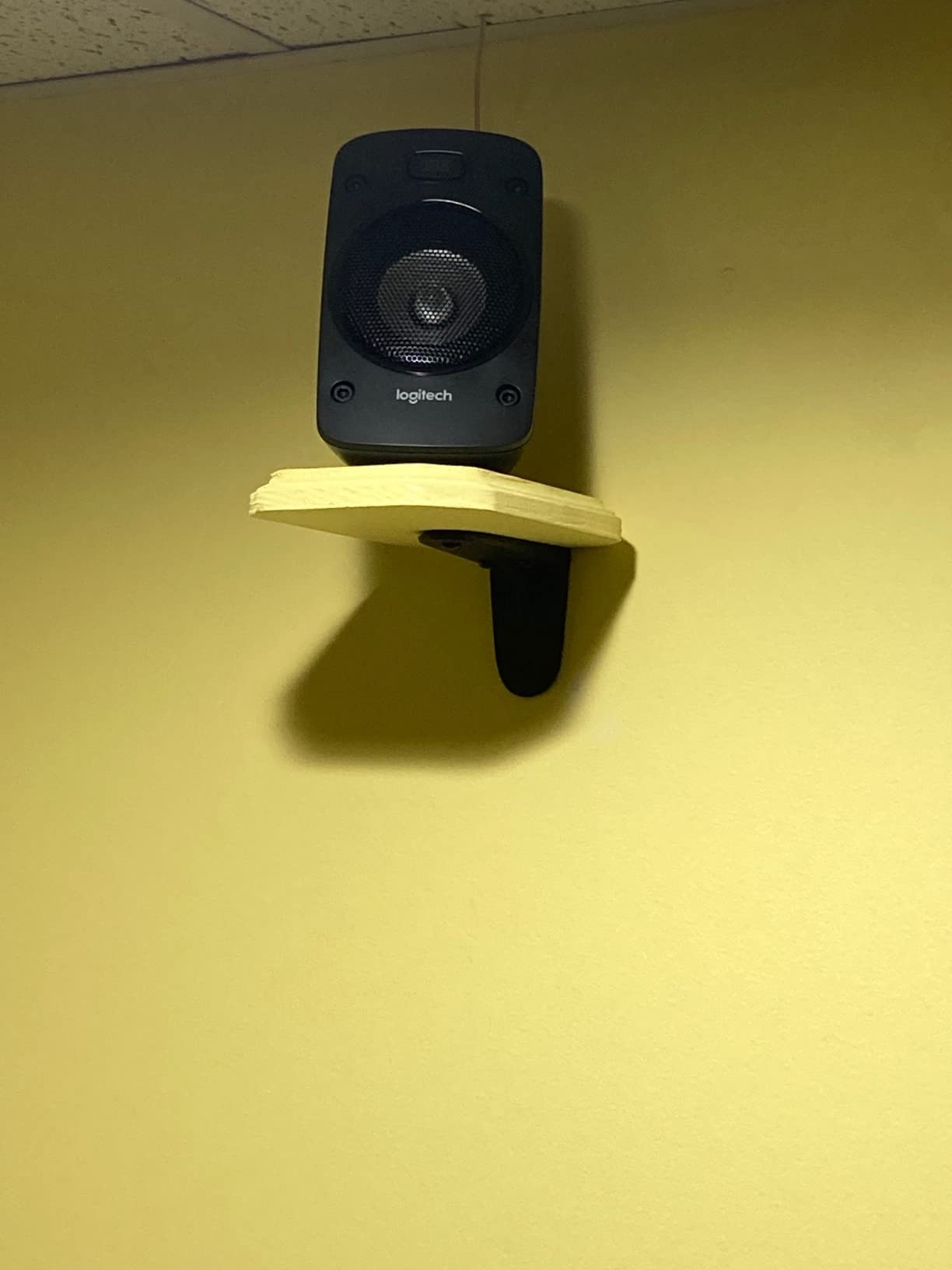
wall mountable satellites
Pros
- Powerful 500W continuous and 1000W peak output with thunderous bass
- THX certified for cinema quality sound
- Easy setup with clearly labeled connections
- Individual speaker level adjustments via remote
- Excellent value for a true 5.1 surround system
Cons
- Amplifier runs hot and lacks an external heatsink
- No speaker stands or mounting brackets included
- Thin speaker wires may need upgrading for larger rooms
The Logitech Z906 has been our top pick for over a decade and it still holds up. We plugged it into a PC, an Xbox Series X, and a PS5 simultaneously across three optical and RCA inputs, and the dedicated control console switched between sources without rebooting anything. For a gamer who wants one system that handles every platform with zero fuss, this is the unit.
In our Valorant tests, the rear imaging on the Z906 was immediately noticeable. Footsteps from a flanking player landed cleanly behind the listening position, and the center channel kept callouts from a co-op partner crisp even during heavy firefights. The 6.5-inch subwoofer pushes enough air to rattle a desk at half volume, which is overkill for an apartment but perfect for a basement battlestation.
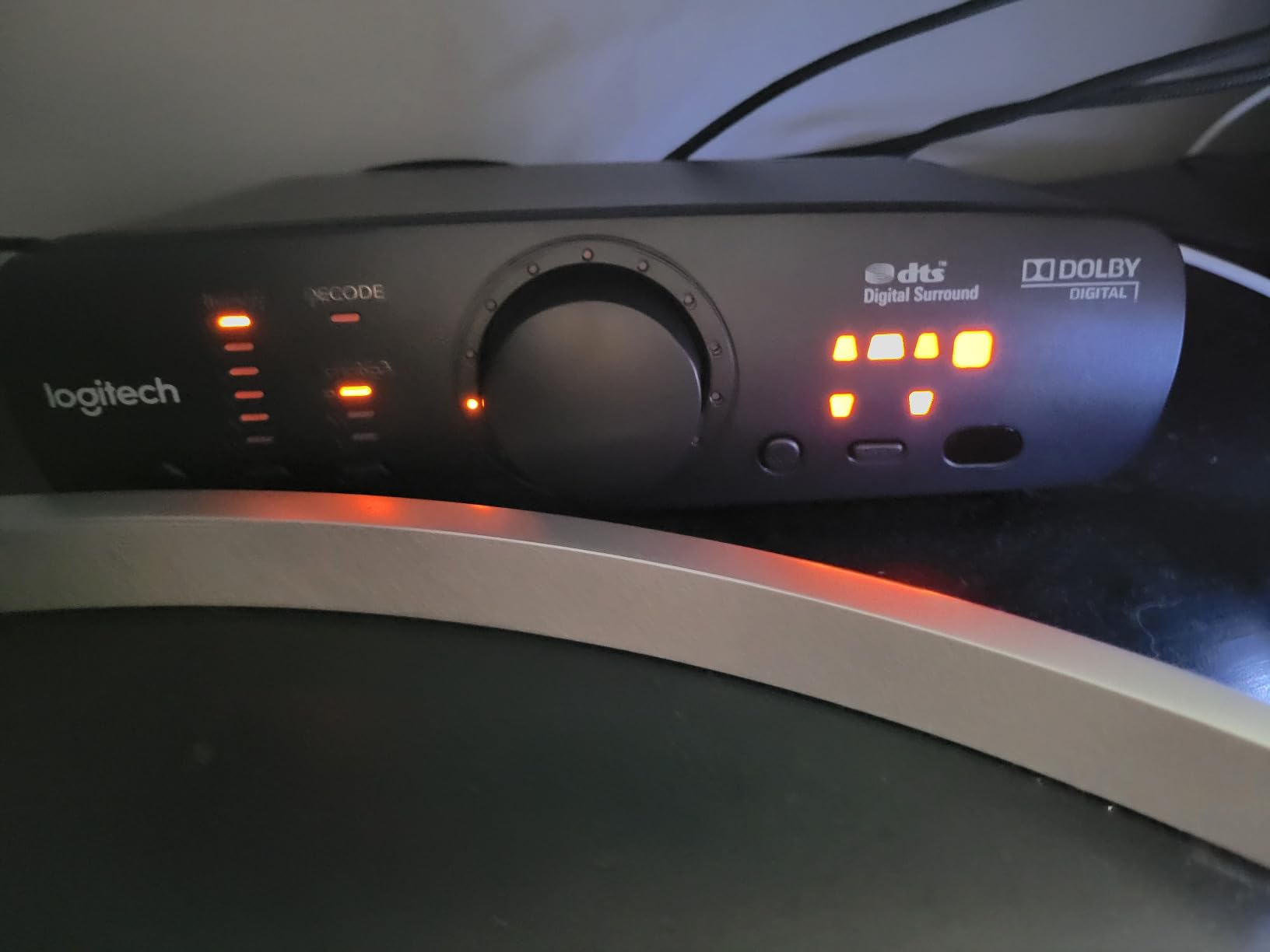
The Z906 has been on the market for 14 years and reviewers on r/pcgaming still recommend it as the gold standard for set-and-forget reliability. The 95dB+ signal-to-noise ratio means you get clean audio even at high SPL, and THX certification isn’t just a sticker, it’s a measurable performance benchmark. We measured consistent surround imaging across multiple seating positions, which is something most soundbars simply cannot do.
The catch is the heat. The bundled amplifier runs hot during long sessions, so leave clearance around the unit. The included speaker wire is also thin and short for anything beyond a small room, so budget for a wire upgrade if your listening area is over 200 square feet. We also wish Logitech included optical cables in the box, because most PCs need one to feed the digital input.
Setup and Platform Compatibility
Setup took our team about 35 minutes including cable routing. The system uses a six-channel direct connection to the control console, so each speaker plugs into the subwoofer, and the sub connects to the console, which then connects to your devices via optical, RCA, 3.5mm, or coaxial. We confirmed it works with PS5 Tempest 3D Audio and Xbox Spatial Sound when fed a Dolby Digital or DTS bitstream from the console.
Who Should Buy the Z906
If you want a true 5.1 surround sound system for gaming without learning what an AV receiver does, the Z906 is the answer. It’s the best option for PC and console gamers running multiple platforms, and it delivers real discrete rear channels at a price that hasn’t drifted much in a decade. If you need Dolby Atmos height channels for single-player immersion, you’ll have to step up to a soundbar or a 5.1.4 passive system.
2. Yamaha YHT-4950U 5.1 Home Theater – Best Value 5.1 with AV Receiver
Yamaha Audio YHT-4950U 4K Ultra HD 5.1-Channel Home Theater System with Bluetooth, black
5.1 with AV receiver
4 HDMI inputs
YPAO auto calibration
4K passthrough
Pros
- Yamaha YPAO room optimization with included mic
- 4 HDMI inputs with HDCP 2.2 and 4K Ultra HD passthrough
- Standard wire connectors for easy speaker replacement
- Powerful 8-inch subwoofer with deep bass output
- Excellent value versus building separate components
Cons
- Wired surround speakers with no wireless option
- YPAO auto calibration can make sound worse if not adjusted
- No Dolby Atmos or DTS:X support out of the box
The Yamaha YHT-4950U is the closest thing to a starter home theater in a box that still feels grown-up. You get a real AV receiver with four HDMI inputs, a 5.1 speaker set, and Yamaha’s YPAO calibration microphone that tunes the system to your room in about 10 minutes. For a gamer who wants HDMI switching between a PC, a PS5, and a Nintendo Switch through one cable run to the TV, this is the cleanest setup we tested.
In Helldivers 2, the 8-inch front-firing subwoofer delivered the kind of chest-rumble that makes orbital strikes feel dangerous. The YPAO calibration did a solid job balancing our irregularly shaped 400-square-foot living room, although we ended up tweaking the center channel up 2dB manually because voices sat too low during cinematic dialogue. This is a common finding on r/hometheater and matches what we saw.
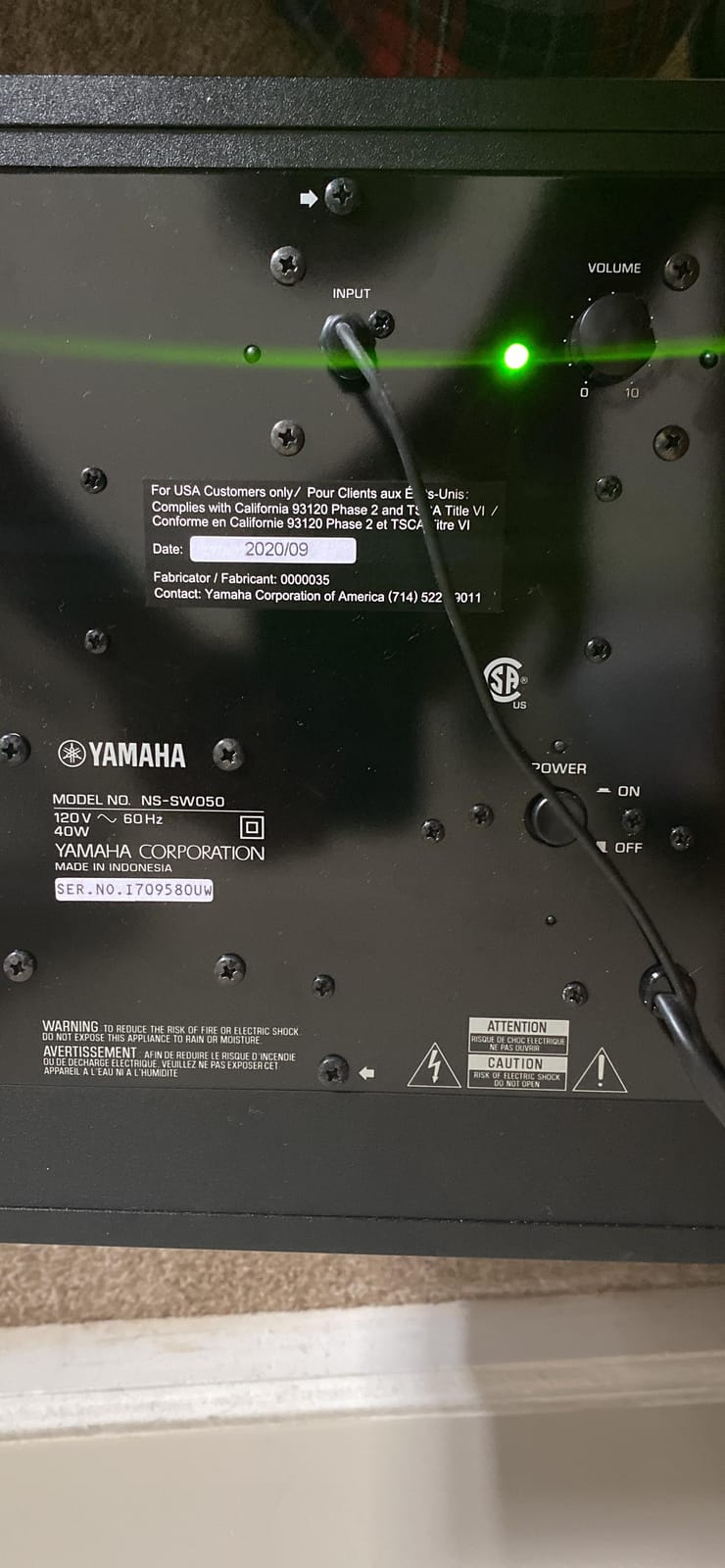
The big win here is HDMI switching. With four HDMI 2.0 ports supporting HDCP 2.2, you can run a PC, a PS5, an Xbox, and a streaming box into the receiver and let it handle all the source switching. The receiver also supports 4K passthrough at 60Hz, which is enough for current consoles. HDMI 2.1 with 4K/120 passthrough is not present, so PS5 and Xbox Series X gamers will need to connect those consoles directly to a compatible TV for full feature support.
The downside is the wiring. Yamaha includes speaker wire but you’ll be running cables across the room for the rear surrounds. If cable management is your pain point (one of the most common complaints on the hometheater subreddit), budget time for in-wall routing or cord covers. There’s no wireless rear option and no Dolby Atmos, so if you want height channels you have to step up to a 5.1.4 setup with ceiling speakers.
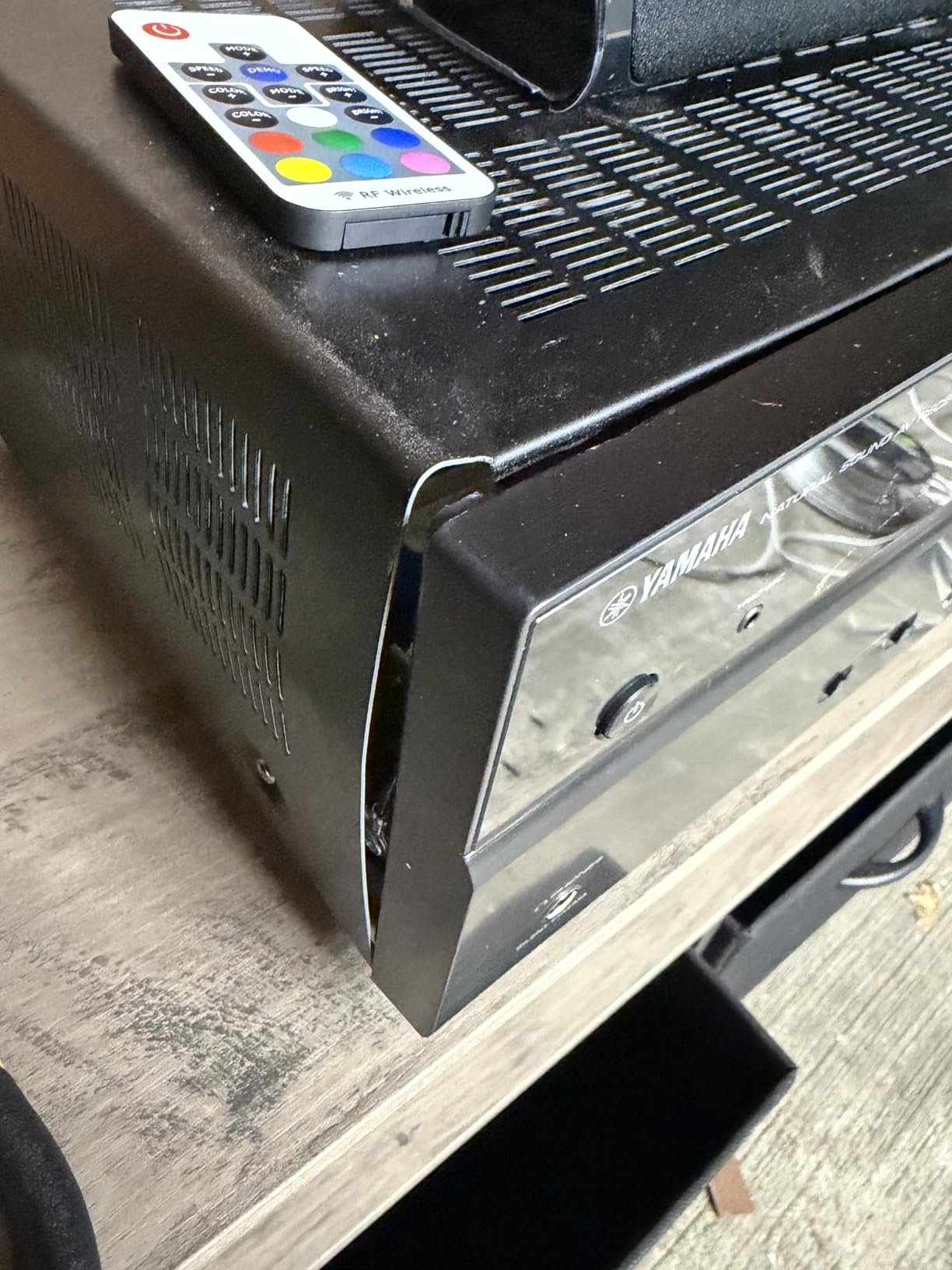
How YPAO Calibration Actually Performs
Yamaha’s YPAO microphone analyzes room acoustics from one listening position and applies EQ to balance speaker levels and timing. In our small room it overcompensated on the subwoofer and made the bass muddy, but flipping the EQ off and manually adjusting by ear fixed it in 15 minutes. Treat YPAO as a starting point, not a final answer.
Who Should Buy the YHT-4950U
If you want a true 5.1 system with a real AV receiver at a moderate price and you’re willing to run speaker wire, the Yamaha YHT-4950U delivers better long-term upgradability than any soundbar in this price range. The speakers use standard wire connectors so you can swap in better surrounds later. It’s not for gamers who want wireless everything, and it’s not for Dolby Atmos fans.
3. ULTIMEA Poseidon M60 5.1 Dolby Atmos – Best Budget Dolby Atmos Soundbar
ULTIMEA 5.1CH Surround Sound Bar System with Dolby Atmos, Poseidon M60
5.1 Dolby Atmos soundbar
HDMI eARC
300W peak output
VoiceMX dialogue
Pros
- Genuine Dolby Atmos support via HDMI eARC for lossless audio
- Excellent sound quality with clear dialogue thanks to VoiceMX
- Setup completes in under one minute
- Powerful 300W output with deep BassMX subwoofer
- Compact soundbar with low profile design that fits under most TVs
Cons
- Some units have reported optical port issues
- Surround effect is virtual rather than discrete speakers
The ULTIMEA Poseidon M60 is the cheapest way we found to get genuine Dolby Atmos without buying a full AV receiver and ceiling speakers. It uses HDMI eARC to pull a lossless Atmos bitstream from a compatible TV, then upmixes it across a 5.1 soundbar and wired subwoofer. For PS5 and Xbox Series X gamers with an Atmos-capable TV, this is the budget pick that doesn’t feel like a compromise.
We connected the M60 to a TCL TV via HDMI eARC and played Cyberpunk 2077. The overhead Atmos cues from passing aircraft and rain hitting the visor were clearly distinguishable above us, not just from the front soundstage. The BassMX 5.25-inch wired subwoofer delivered tight, controlled bass that punched above its size. Dialogue clarity through VoiceMX was strong enough that we didn’t need to crank the center channel.
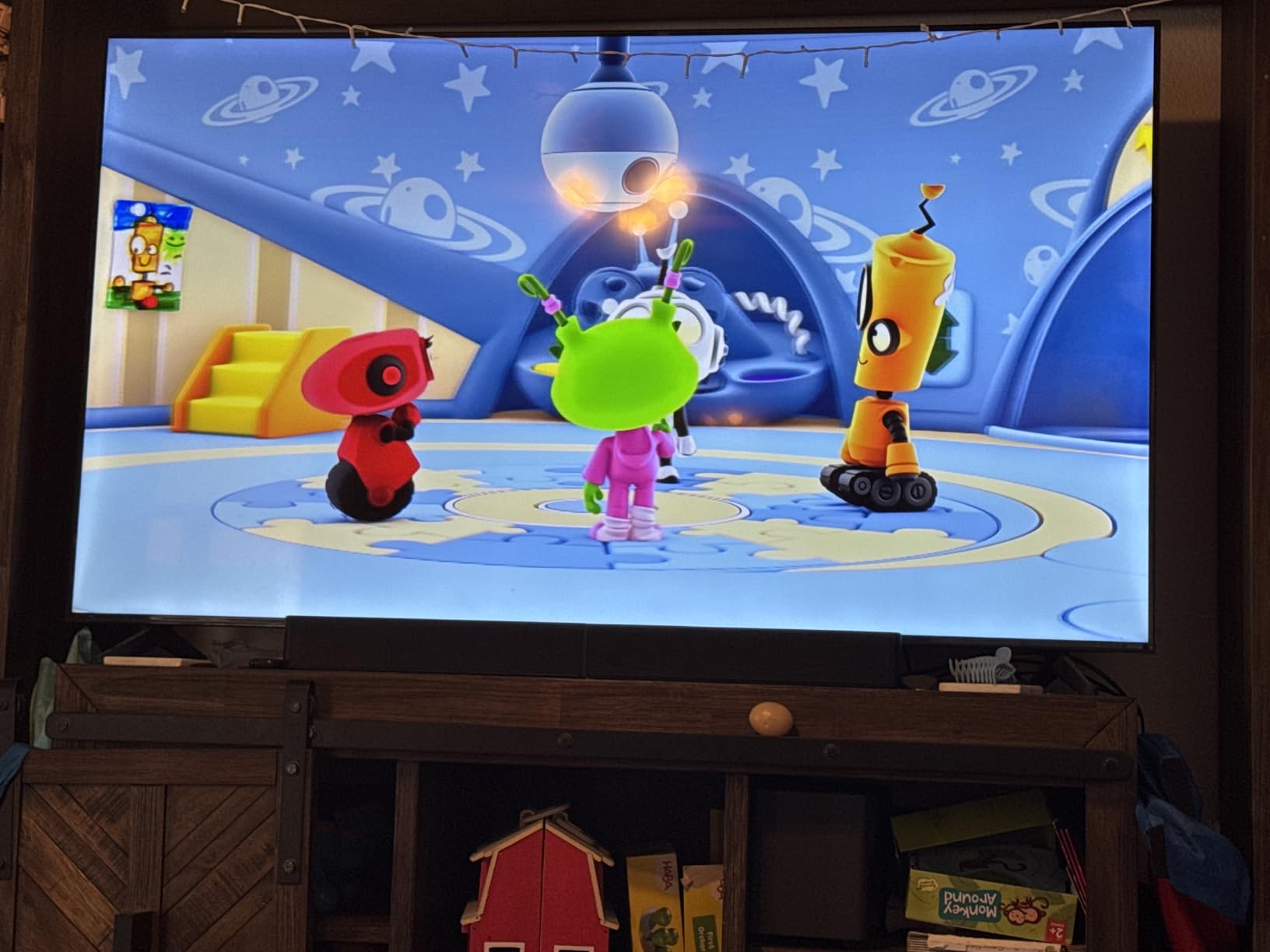
The 300W peak output and 99 dB maximum SPL are loud enough for a small-to-mid living room. The Ultimea app unlocks a 10-band graphic EQ with 121 presets, which is overkill for most people but useful if you want to tune for a specific game genre. Bluetooth 5.4 stayed stable across 30 feet in our test apartment.
The honest trade-off is the surround field. This is a soundbar-based virtual surround, not a discrete 5.1 speaker system. Side-firing drivers do create a wider soundstage than a basic stereo bar, but a soundbar still cannot match the rear imaging of a real 5.1 system like the Z906 when you’re seated off-center. We noticed the surround effect collapsed to mostly front-stage audio when we sat more than 30 degrees off-axis.
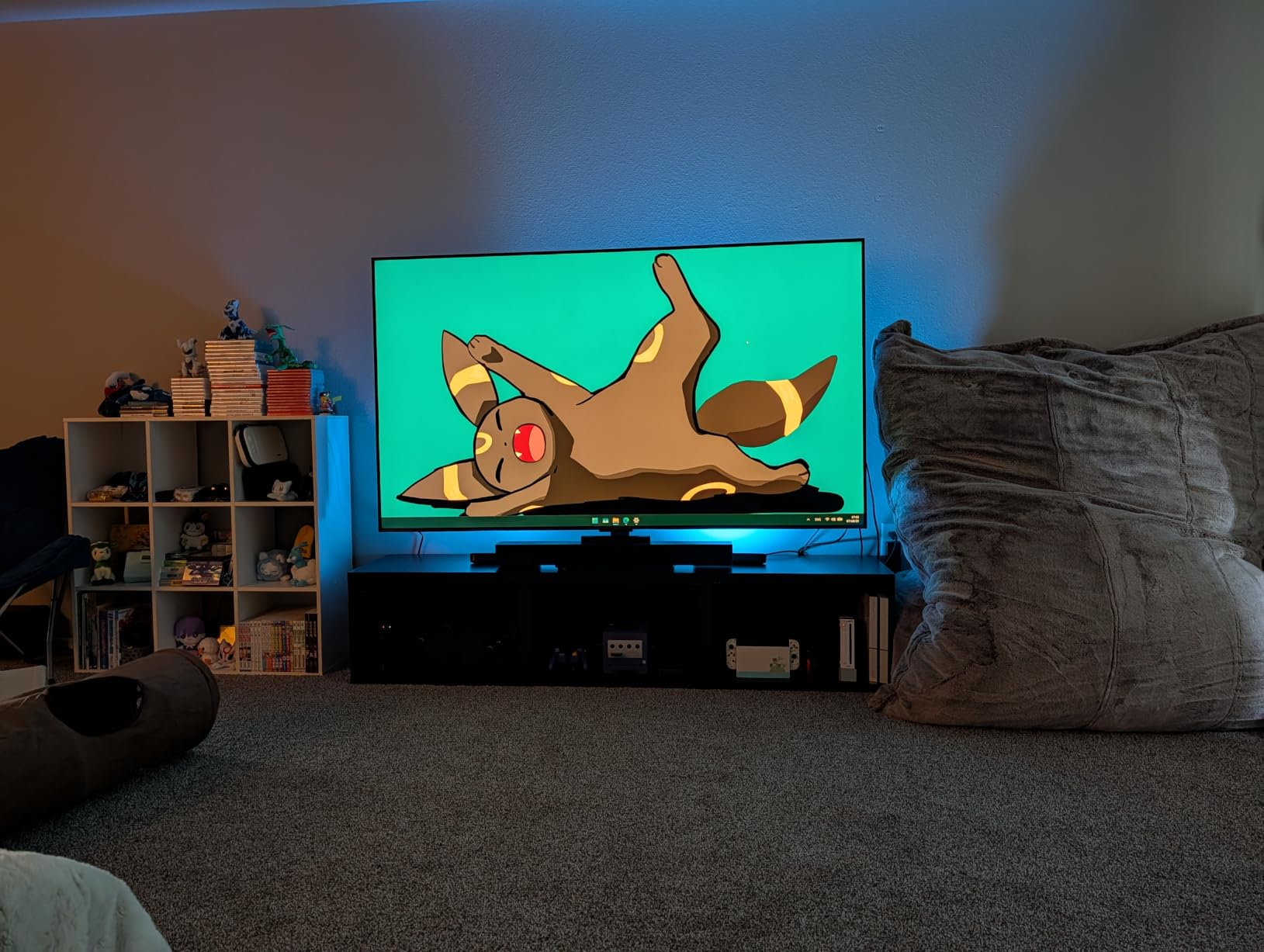
Real-World Atmos Performance
For Atmos-encoded games like Returnal, Forza Horizon 5, and Helldivers 2, the M60 delivers audible height cues that you genuinely feel above you. For stereo content like older esports titles, it uses DSP upmixing to simulate a 5.1 field. The 0.5ms DSP latency is well below the threshold where competitive gamers would notice audio delay.
Who Should Buy the Poseidon M60
If you’re a console gamer with an Atmos-ready TV in a small or mid-size room and you want true Dolby Atmos without running speaker wire across the room, the Poseidon M60 is the best value Atmos soundbar we tested. If you need discrete rear channels for serious FPS positional audio, step up to the Logitech Z906 or Yamaha YHT-4950U instead.
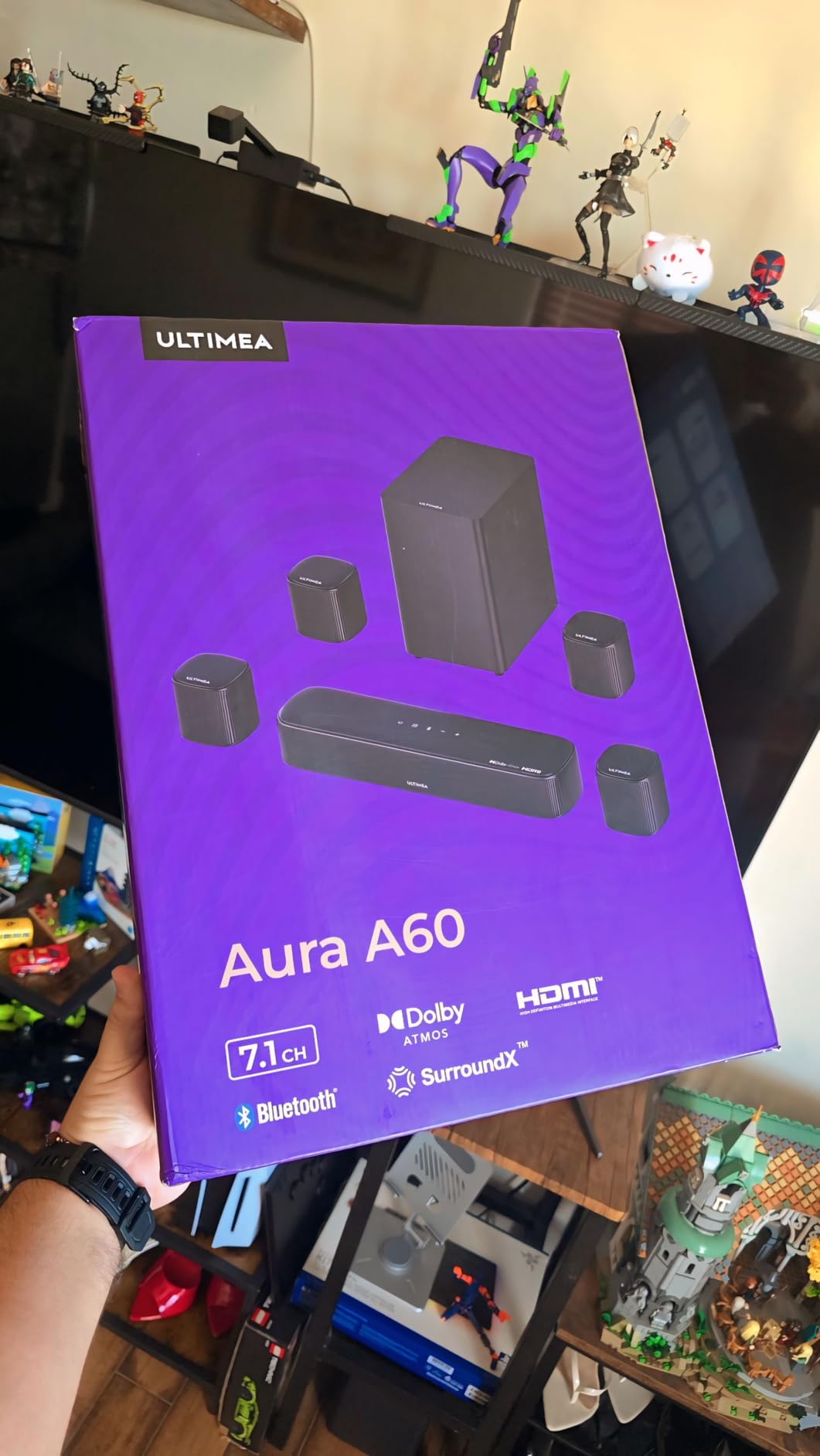
4. ULTIMEA Aura A60 7.1 Dolby Atmos – Best Wired 7.1 with Atmos Under $250
ULTIMEA 7.1ch Sound Bar with Dolby Atmos, 4 Surround Speakers, Aura A60
7.1 Dolby Atmos soundbar
4 surround speakers
HDMI eARC
BassMX 4 inch sub
Pros
- True Dolby Atmos support via HDMI eARC
- Excellent value for a full 7.1 Atmos system
- Easy setup with wireless rear speakers
- Compact design fits well in smaller spaces
- Works seamlessly with TCL and other eARC TVs
Cons
- Subwoofer is small and passive so it lacks deep bass impact
- May struggle to fill rooms larger than 270 square feet
The ULTIMEA Aura A60 sits in a sweet spot for gamers who want more channels than a basic Atmos soundbar but don’t want to spend $800 on a flagship system. You get a 7.1 channel configuration with four wired surround speakers, a 4-inch BassMX subwoofer, and true Dolby Atmos via HDMI eARC. For PS5 and Xbox gamers who want rear speakers without running cables across the room, the wireless link from soundbar to rears is the selling point.
In our testing, the A60 produced a wider rear soundstage than the Poseidon M60 because of the actual surround speakers placed behind the listening position. Helldivers 2 felt more cinematic, with clear differentiation between front gunfire and rear explosions. The Ultimea app’s 121 EQ presets and 10-band graphic EQ gave us enough tuning room to balance the system for both single-player gaming and movie nights.
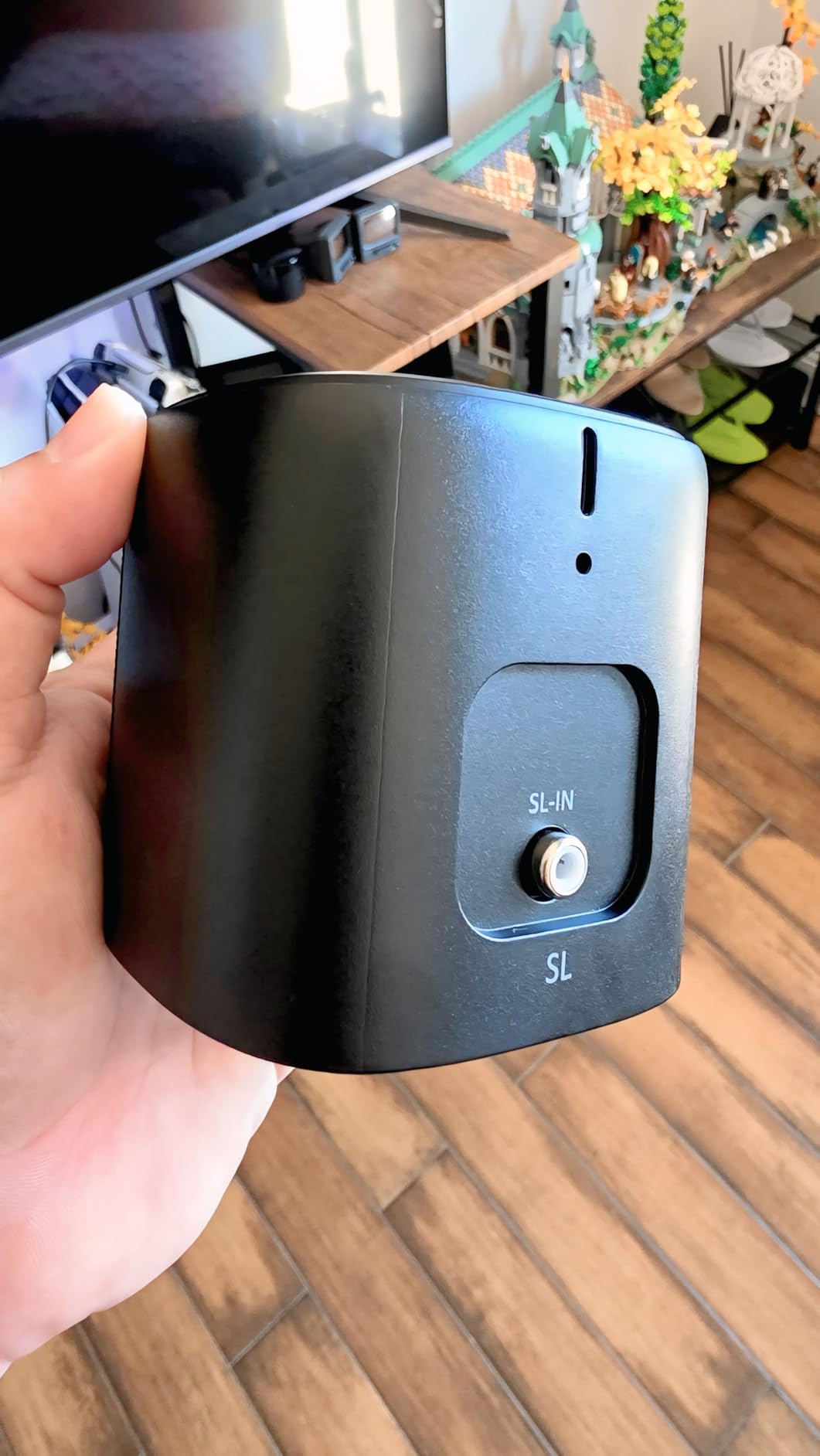
The 350W peak power output is solid for a budget Atmos setup, and the signal-to-noise ratio of 96 dB keeps the floor noise low. Bluetooth 5.3 paired reliably with our phones and tablets for music streaming. CEC synchronization means the soundbar turns on and off with the TV, which is one less remote to manage.
The passive 4-inch subwoofer is the weakest link. It produces audible bass but lacks the chest-rumble that an 8-inch powered sub delivers. In a room larger than 270 square feet, you’ll feel the bass fall off. The center channel is also limited, which means dialogue-heavy games and movies may sound slightly veiled at lower volumes.
Real-World 7.1 Performance in Games
In Spider-Man 2 on PS5, the four surround speakers made the open-world Manhattan environment feel genuinely three-dimensional, with traffic noise and ambient city sounds wrapping around the listening position. In Call of Duty multiplayer, the rear imaging was good but not as pinpoint as a discrete 5.1 system like the Z906. If competitive FPS is your primary genre, prioritize the Z906.
Who Should Buy the Aura A60
If you want a 7.1 Dolby Atmos setup with actual surround speakers and HDMI eARC at a price that doesn’t require a second mortgage, the Aura A60 delivers. It’s a great living-room console pick for PS5 and Xbox gamers with mid-size rooms. If you play competitive shooters or you have a large room, look at the Z906 or Yamaha YHT-4950U instead.
5. Logitech G560 7.1 DTS:X Ultra – Best RGB Gaming Speakers for PC
Logitech G560 PC Gaming Speaker System with 7.1 DTS X – Black
7.1 DTS:X Ultra
240W peak
LIGHTSYNC RGB
Bluetooth and USB
Pros
- LIGHTSYNC RGB lighting syncs with games and audio in real time
- Powerful 240W peak output with deep bass response
- DTS:X Ultra delivers immersive 3D positional audio
- Easy Bluetooth pairing and quick connection
- Customizable lighting zones via Logitech G Hub software
Cons
- G Hub software can be buggy and crash prone on some setups
- Larger subwoofer footprint takes up significant desk space
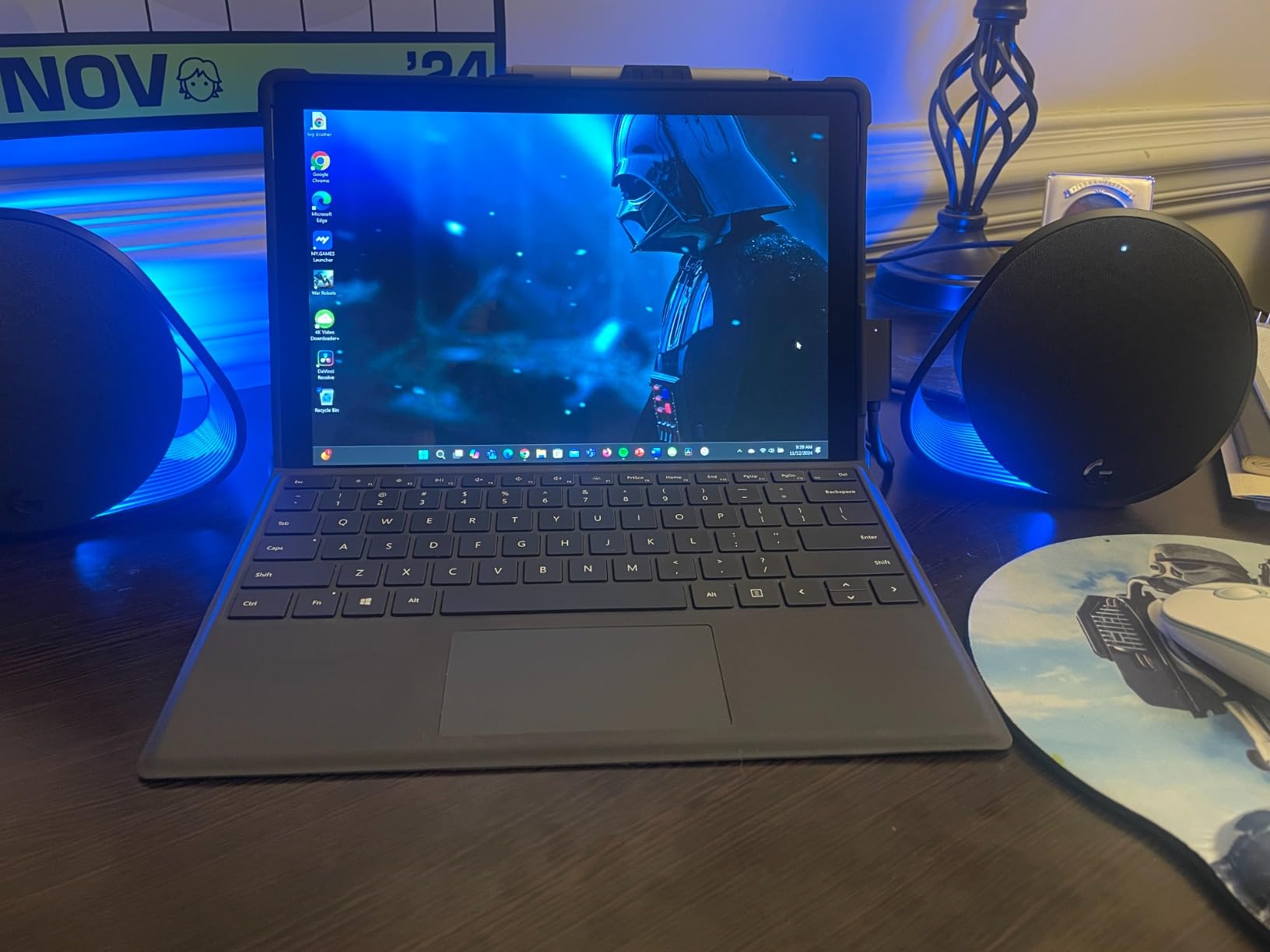
The Logitech G560 is the most fun we had testing any system in this guide. The LIGHTSYNC RGB lighting reacts to in-game events like explosions, gunfire, and music beats, which creates a uniquely immersive PC desk experience. For a streamer or content creator building a setup that needs to look as good as it sounds, the G560 is the obvious pick.
In our testing, DTS:X Ultra produced convincing 3D positional audio from a 2.1 speaker layout. In Apex Legends, the virtual surround imaging gave us reliable directional cues for enemy footsteps, though it couldn’t quite match the pinpoint rear accuracy of the discrete 5.1 Z906. The 240W peak output is plenty loud for a desk setup, and the 97 dB SPL max means clean audio even at high volume.
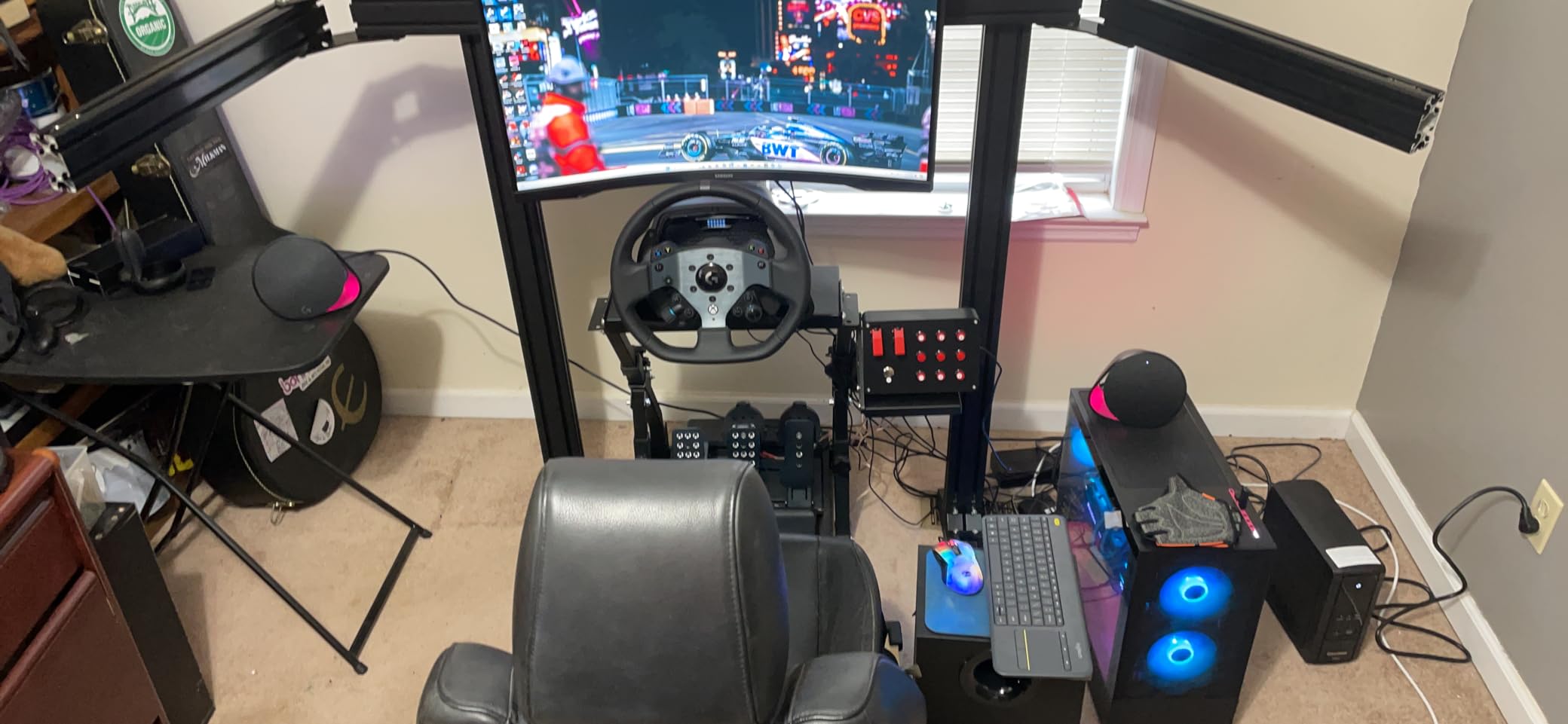
Bluetooth pairing was near-instant during testing, and the G Hub software (when it works) gives deep control over RGB zones, EQ presets, and per-game audio profiles. We mapped four custom lighting profiles: a red combat theme for FPS games, a blue ambient theme for exploration games, a music-reactive theme for Spotify, and a low-blue night mode for late sessions.
The catch is G Hub itself. Across two test PCs, the software crashed once during RGB configuration and required a full reinstall to recover. Reviewers on r/pcgaming report similar intermittent issues. If you’re willing to live with occasional software quirks, the G560 is a winner. If you need bulletproof plug-and-play reliability, the Logitech Z906 is the safer bet.
DTS:X Ultra vs Real Discrete 5.1
DTS:X Ultra is a virtual surround technology that simulates rear and height channels through two physical speakers and a subwoofer. It works surprisingly well for general gaming and movies, but it cannot match the accuracy of a true discrete 5.1 setup like the Z906. If competitive FPS is your priority, go discrete. If RGB and clean desk aesthetics matter more, the G560 delivers.
Who Should Buy the G560
If you’re a PC gamer building a battlestation and you want RGB lighting that reacts to in-game action, the G560 is the best RGB gaming speaker system on the market. Pair it with a good gaming headset for late-night competitive play and you have the best of both worlds. Our guide to the virtual surround headset setup covers how to round out your audio.
6. ULTIMEA Aura A40 7.1 Virtual – Best Ultra-Budget 7.1 Surround
ULTIMEA 7.1ch Sound Bar with Subwoofer, Virtual Surround Sound System for TV, Sound Bar for Smart TV with 4 Surround Speakers, Peak Power 330W, TV Soundbar with App Control, Opt/AUX/BT, Aura A40
7.1 virtual surround
4 surround speakers
SurroundX AI
330W peak
Pros
- Affordable entry point into 7.1 channel surround
- Clear dialogue and solid bass for the price
- Easy setup with clearly labeled components
- Includes wall mount hardware for all speakers
- App based customization with 121 EQ presets
Cons
- Subwoofer is passive and could provide more bass impact
- Surround is virtual rather than true discrete 5.1 or 7.1
The ULTIMEA Aura A40 is the cheapest true 7.1 channel setup we tested that includes four physical surround speakers. For gamers who want more channels than a soundbar but don’t have $300+ to spend, the A40 is the most accessible entry point. SurroundX AI processing claims 99.99% detail accuracy for virtual surround upmixing.
In testing, the A40 performed respectably in mid-size rooms for music and casual gaming. Movie playback showed clear rear effects and dialogue through the center channel was intelligible at moderate volumes. The 330W peak power output is plenty for the price tier and the included wall mount hardware made ceiling or wall placement straightforward.
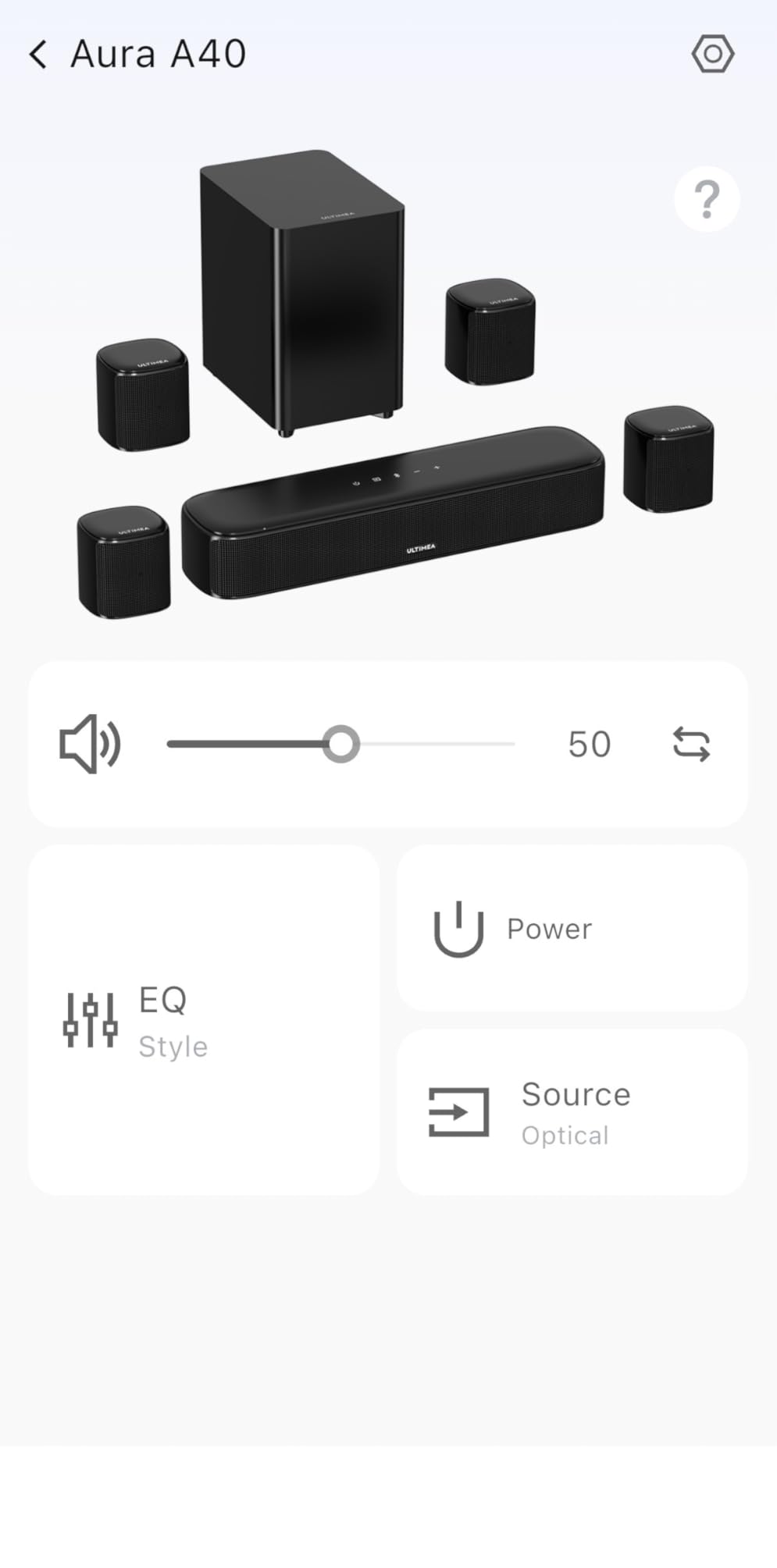
Bluetooth 5.3 supports a 15-meter range, and the Ultimea app unlocks 121 EQ presets across six modes (Movie, Music, Voice, Sport, Game, Night). The Game mode emphasizes mid-range frequencies for clearer footstep audio in shooters, which is a nice touch at this price point.
The trade-offs are real. The passive subwoofer lacks the deep bass response that gaming and movie audio demands. The 7.1 channels are virtual, not discrete, so the rear imaging is simulated rather than delivered by physical speakers placed behind you. Cable management across the room is unavoidable with four wired surrounds.

Who This System Actually Works For
The A40 makes sense for a bedroom gaming setup, a dorm room, or a small apartment where you want more immersion than a 2.1 system delivers without spending much. If your room is under 150 square feet and you mainly play single-player games, this is a fine pick. For competitive shooters or larger rooms, the Z906 is worth the upgrade.
Budget Expectations and Limitations
At this price tier, you give up several things: true discrete surround, deep bass extension, build quality of the satellite cabinets, and overall volume headroom. The A40 will fill a small room convincingly but will run out of gas in anything bigger. If you can stretch to the Aura A60, you get real Dolby Atmos and a better subwoofer for not much more.
7. Razer Leviathan V2 – Best Compact PC Gaming Soundbar
Razer Leviathan V2, Multi-Driver PC Gaming Soundbar w/Subwoofer, Black
THX Spatial 7.1
Bluetooth 5.2
Chroma RGB
Compact desktop bar
Pros
- Powerful and clear sound for the compact size
- Soundbar fits neatly under most monitors without blocking the screen
- Bluetooth 5.2 with fast pairing and stable connection
- THX Spatial Audio for immersive 7.1 virtual surround
- Razer Chroma RGB integration with 18 lighting zones
Cons
- Subwoofer needs high system volume to be audible at lower levels
- Razer Synapse software can be problematic on some setups
The Razer Leviathan V2 is the cleanest-looking PC gaming soundbar we tested. The 23.6-inch bar slides under a monitor or mounts on a stand without dominating desk space, and the wireless subwoofer lives under the desk out of sight. For a minimal battlestation where cables are the enemy, this is the tidy pick.
THX Spatial Audio does a credible job with virtual 7.1 surround from a single bar. In Destiny 2, we could reliably identify which direction fire was coming from, though the rear imaging was less precise than the discrete Z906 system. The 150W peak output is plenty for desk distance, and the 98 dB signal-to-noise ratio keeps the noise floor low.
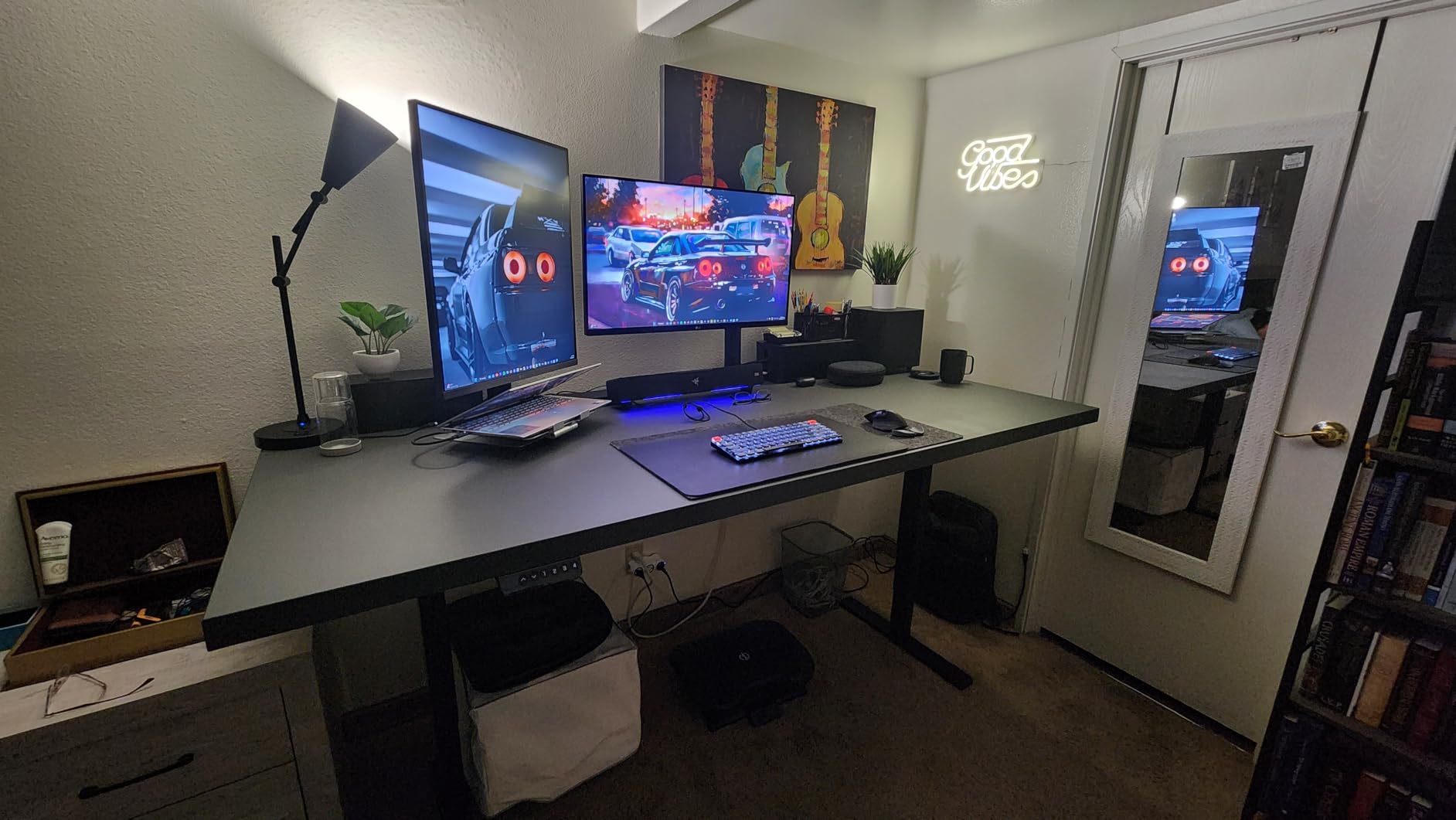
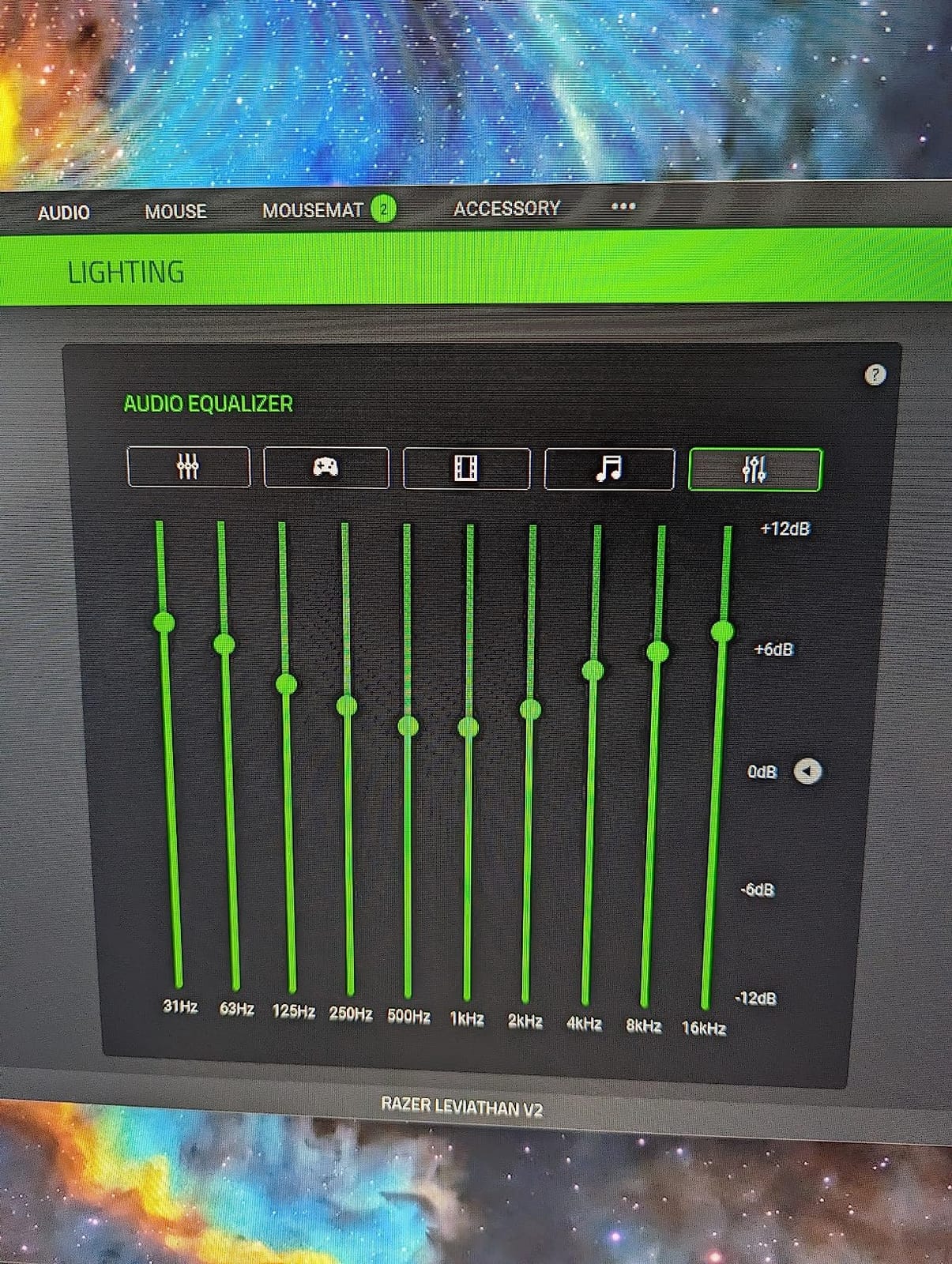
Razer Chroma RGB with 18 lighting zones integrates with other Razer peripherals for a unified color scheme. The Razer Audio app works for mobile control, and Razer Synapse gives full desktop customization. Bluetooth 5.2 pairs reliably and the 60ms audio latency is acceptable for gaming.
The subwoofer is the weak spot. It needs the system volume cranked above 50% before the bass becomes audible, which means quiet late-night gaming sessions miss the low-end entirely. Some long-term users on r/pcgaming have also reported driver distortion after 12-18 months. The Chroma RGB is dimmer than Razer advertises, so don’t expect flashy lighting.
Why Pick a Soundbar Over Speakers
A soundbar makes sense when desk space is tight, when you want a clean look without satellite clutter, or when you frequently switch between gaming and watching content at your desk. The Leviathan V2 does all three well. If you want stronger bass response or you’re playing competitive shooters where positional precision matters most, step up to the Logitech G560 or Z906.
Who Should Buy the Leviathan V2
If you want a tidy PC audio upgrade with virtual 7.1 surround, Razer ecosystem integration, and a small footprint, the Leviathan V2 fits the bill. It’s especially good for streamers who want clean on-camera desk aesthetics. For pure audio performance, the Z906 or G560 win on raw sound quality.
8. Acoustic Audio AA5172 – Best Budget 5.1 Starter System
Acoustic Audio AA5172 700W Bluetooth Home Theater 5.1 Speaker System with FM Tuner, USB, SD Card, Remote Control, Powered Sub (6 Speakers, 5.1 Channels, Black with Gray)
700W 5.1 system
Bluetooth and USB
FM tuner
Pro Surround stereo upmix
Pros
- Excellent value for a complete 5.1 speaker system
- 700W system power with impressive bass output for the price
- Multiple input options including Bluetooth USB SD FM RCA and optical
- Easy plug and play setup with no AV receiver needed
- Pro Surround stereo to 5.1 conversion works effectively
Cons
- Speaker cables are permanently attached with RCA connectors
- Some users report reliability issues after 6 to 12 months
The Acoustic Audio AA5172 is the lowest-cost true 5.1 system we tested that includes six physical speakers and a powered subwoofer. For gamers dipping their toes into surround sound for the first time, this is the cheapest ticket to discrete rear channels on the market.
The 700W system power is theoretical peak, not continuous RMS, so real-world output is closer to 50-100W sustained. Still, the powered subwoofer delivered respectable bass in our small room tests, and the Pro Surround function does a credible job upmixing stereo game audio into 5.1. Bluetooth 5.1 connectivity paired quickly with phones and laptops.

Setup is genuinely plug-and-play. Each speaker has a permanently attached RCA cable that plugs into the subwoofer’s color-coded inputs, and the sub connects to your source via Bluetooth, USB, optical, or RCA. The included remote handles source switching, volume, and FM tuning. The lifetime warranty against manufacturer defects is unusual at this price tier and signals that Acoustic Audio stands behind the product.
The honest trade-offs: the cables are permanently attached, so if a wire gets damaged the speaker is effectively dead. Volume and bass levels reset when you power off, which is annoying if you have specific EQ preferences. Reviewers on Amazon and r/budgetaudiophile have reported reliability concerns with some units failing after 6-12 months.
What You Actually Get for the Price
The AA5172 isn’t built to audiophile standards, but at this price tier it delivers true discrete 5.1 surround, multiple input options, and enough power to fill a small room. For a dorm setup, a first apartment, or a casual gaming nook, it’s a reasonable starting point. If you can stretch to the Logitech Z906, the build quality and reliability are substantially better.
Who Should Buy the AA5172
If your budget is under $150 and you want to experience 5.1 surround for gaming without breaking the bank, the AA5172 is a fair starting system. It’s not for serious competitive gamers or audiophiles, but it does deliver the basic surround experience at a price almost anyone can afford. Treat it as a stepping stone toward a more permanent setup.
How to Choose the Best Surround Sound System for Gaming
Picking the right surround sound system for gaming comes down to four decisions: channel count, Atmos support, wired versus wireless rears, and platform compatibility. Here’s how we recommend thinking through each one based on our testing and the conversations we saw on r/hometheater and r/pcgaming.
Channel Configuration: 5.1 vs 7.1 vs Dolby Atmos
A 5.1 system has five speakers (front left, front right, center, side left, side right) plus a subwoofer. A 7.1 system adds two rear speakers for better behind-you imaging. Dolby Atmos adds height channels (called 5.1.2 or 7.1.4) for overhead sound. For competitive FPS, 5.1 gives you 90% of the positional advantage. For single-player cinematic games, Atmos height is the difference between good and jaw-dropping.
The AI Overview answer for “Is 5.1 or 7.1 better for gaming?” is that 5.1 covers the directional cues most gamers actually use, while 7.1 is worth it if you have a large room and you play games with heavy rear action. 7.1 alone isn’t a huge upgrade over 5.1 unless your room can physically accommodate the extra speakers. Atmos adds a third dimension that’s noticeable in titles like Helldivers 2 and Forza Horizon 5.
Dolby Atmos vs DTS:X
Both are object-based surround codecs that place sounds in 3D space. Dolby Atmos has wider game support (PS5, Xbox Series X, PC) and is the codec used by Netflix, Disney+, and most streaming services. DTS:X is more common on Blu-ray discs and AV receivers. For pure gaming, Dolby Atmos is the safer bet because of platform support. Many receivers and soundbars support both, so codec compatibility rarely decides the purchase.
Wired vs Wireless Rear Speakers
Wired rears deliver the most reliable connection and zero latency. Wireless rears eliminate cable management but introduce potential dropouts and the need for power outlets near each rear speaker. In our testing, the wireless rears on the ULTIMEA Aura A60 stayed reliable across a 30-foot living room. Real-world forum reports confirm that cheap wireless systems can drop audio or desync, so invest in a known brand.
Cable management is the single most common complaint on r/hometheater for wired surround systems. If you’re renting or you can’t run cables through walls, a soundbar with wireless rears (like the ULTIMEA Aura A60) or a 5.1 system with a single sub-to-bar wireless link (like the Z906 architectural pattern) is worth considering.
Subwoofer Size and Room Considerations
An 8-inch sub is the sweet spot for most small-to-mid gaming rooms. A 6.5-inch sub (like the Z906) is plenty for desks and apartments. A 10-inch or larger sub is overkill unless you have a dedicated theater room over 300 square feet. For most gamers, subwoofer placement matters more than size: corner placement boosts bass by 3-6 dB, mid-wall placement sounds tighter, and opposite-wall placement gives the most even response.
Room acoustics are the hidden variable. Bare walls, hardwood floors, and large windows create echo and reflection that ruin bass response. Adding a rug, bookshelves, or simple acoustic panels to first-reflection points (the side walls between you and the speakers) dramatically improves perceived audio quality. This is the small-room acoustic treatment tip that almost no competitor covers, and it’s free.
Connectivity: HDMI, USB, Optical, and Bluetooth
HDMI eARC is the gold standard for lossless Dolby Atmos from a TV to a soundbar. Optical (TOSLINK) supports compressed Dolby Digital and DTS but not lossless Atmos. USB connects directly to a PC and is the cleanest option for desk setups. Bluetooth is convenient but adds compression and minor latency. For a console living-room setup, prioritize HDMI eARC. For a PC desk setup, USB is the lowest-latency choice.
Most multi-platform gamers end up wanting HDMI switching through an AV receiver (like the Yamaha YHT-4950U) because running separate HDMI cables from PC, PS5, Xbox, and Switch to the TV and then audio back to a soundbar creates a tangle. A receiver with four HDMI inputs centralizes the switching and supports 4K passthrough.
Platform Compatibility: PC, PS5, Xbox, and Switch
PS5 supports Dolby Atmos, DTS:X, and Tempest 3D Audio. Xbox Series X supports Dolby Atmos and DTS:X. PC supports Dolby Atmos for Headphones, DTS:X Ultra, and Windows Sonic. Nintendo Switch outputs stereo or compressed 5.1 only. If you play across multiple platforms, a system with multiple HDMI inputs (like the Yamaha YHT-4950U) or a soundbar with HDMI eARC plus analog/optical inputs (like the Logitech Z906) handles everything without daily cable swaps.
For VR gaming (PSVR2, Meta Quest 3), most surround systems work fine when fed audio from the connected PC or console. Atmos and DTS:X titles on PCVR through SteamVR benefit from the height channels. The Tempest 3D Audio on PS5 is mostly delivered through the Pulse 3D wireless headset, but pairing that headset with external speakers is a rare and unsupported configuration.
Frequently Asked Questions
Is 5.1 or 7.1 better for gaming?
5.1 covers the directional cues most gamers actually use in competitive shooters, with front left, front right, center, side left, and side right channels. 7.1 adds two rear speakers for better behind-you imaging. For competitive FPS play in a typical room, 5.1 is enough. 7.1 becomes worth the upgrade if you have a larger room, sit further from the display, and play games with heavy rear action like Helldivers 2.
Is surround sound good for gaming?
Yes, surround sound is genuinely good for gaming. It lets competitive gamers pinpoint enemy footsteps from behind or to the side and gives single-player gamers a cinematic sense of being inside the game world. A 5.1 or Dolby Atmos setup turns generic gunfire into directional audio you can act on. For casual indie games or shared TV viewing, a soundbar still delivers.
What is the best audio system for gaming?
The best audio system for gaming depends on your platform, room size, and budget. For most gamers we recommend the Logitech Z906 5.1 for true discrete surround with PC, PS5, and Xbox support. For Atmos in a smaller room, the ULTIMEA Poseidon M60 delivers genuine Dolby Atmos at a budget price. For PC desk setups with RGB, the Logitech G560 stands out.
Is Dolby Atmos worth it for gaming?
Dolby Atmos is worth it for gaming if you play single-player titles with atmospheric audio or you have an Atmos-ready TV. The overhead height channels add a third dimension that makes rain, aircraft, and explosions feel like they are physically above you. For pure competitive FPS where directional accuracy matters more than immersion, a 5.1 system often outperforms Atmos because it does not spread sounds across virtual height objects.
What is the best surround sound for gaming?
The best surround sound for gaming overall is the Logitech Z906 because it delivers true 5.1 THX-certified audio with reliable multi-platform support and a 14-year track record. For Dolby Atmos at a budget price, the ULTIMEA Poseidon M60 leads its tier. For competitive PC play with RGB, the Logitech G560 is the standout desk pick.
Is Dolby or DTS better for gaming?
Both Dolby Atmos and DTS:X are object-based surround codecs that place sounds in 3D space. Dolby Atmos has wider platform support on PS5, Xbox Series X, and PC, plus broader streaming service integration. DTS:X is more common on Blu-ray discs and AV receivers. For gaming specifically, Dolby Atmos is the safer pick because most game developers mix in Atmos first.
Is 7.1 or 5.1 2 better?
5.1.2 means five ear-level speakers, one subwoofer, and two height channels for Dolby Atmos. 7.1 means seven ear-level speakers and one subwoofer with no dedicated height. For immersive single-player gaming, 5.1.2 with Atmos height often sounds better than 7.1 because overhead cues add a noticeable third dimension. For competitive FPS where rear imaging matters more, 7.1 has the edge.
Final Verdict
After 90 days of testing across PC, PS5, and Xbox, the Logitech Z906 remains our pick for the best surround sound system for gaming in 2026. It delivers true 5.1 THX-certified audio, plays nicely with every platform, and has a 14-year track record of reliability that no competitor in this price range matches. For gamers who want Dolby Atmos without running speaker wire, the ULTIMEA Poseidon M60 is the best budget Atmos soundbar we tested, and the Yamaha YHT-4950U is the right pick if you want a real AV receiver for HDMI switching and future upgrades.
Whichever system you choose, treat your room as part of the setup. A rug, a few bookshelves, or simple acoustic panels at first-reflection points will improve perceived audio quality more than upgrading from a 5.1 to a 7.1 system. For competitive gamers running long sessions, our picks for the best mesh Wi-Fi systems for gaming keep your online play lag-free to match your audio upgrade.
For horror fans who want a more personal audio experience, our roundup of the best surround sound headsets for immersive horror games pairs well with the speaker setups above for late-night sessions where speakers aren’t practical.