
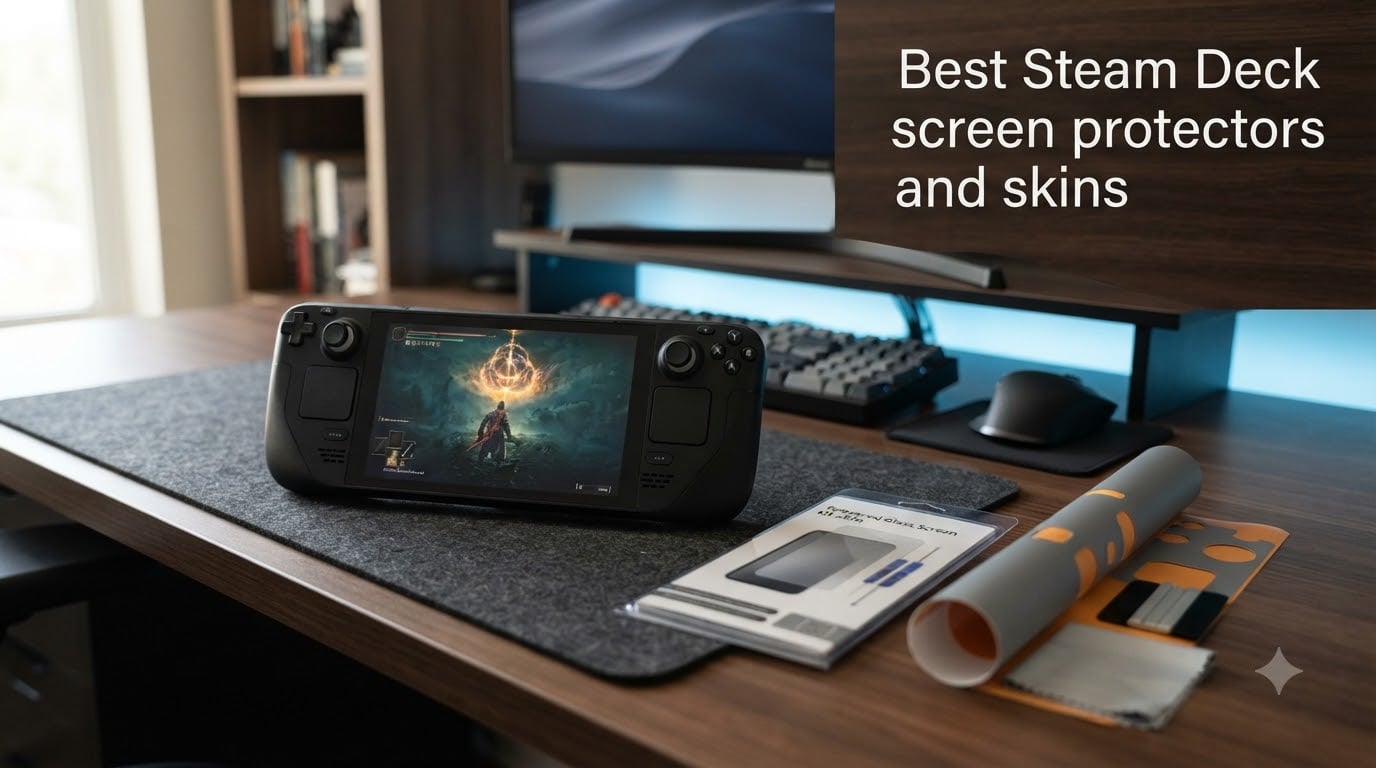
When I first unboxed my Steam Deck OLED, the last thing I wanted was a scratched-up screen two months later. The 7-inch display is the heart of the handheld experience, and one careless key or zipper contact is all it takes to leave a permanent mark.
That is exactly why I spent weeks researching and testing the best Steam Deck screen protectors and skins I could find for 2026. I wanted to know which tempered glass options actually fit both LCD and OLED models, which ones install without bubbles, and which skins hold up after hundreds of hours of play.
Whether you carry your Deck in a travel case, toss it in a backpack, or keep it docked at home, this guide covers 12 products that protect your investment. I break down the differences between glossy and matte finishes, explain the OLED anti-glare coating debate, and share real user feedback from Reddit so you can make the right call.
Table of Contents
Top 3 Picks for Best Steam Deck Screen Protectors 2026
Best Steam Deck Screen Protectors and Skins in October 2026
| Product | Specs | Action |
|---|---|---|
| amFilm Auto-Alignment OneTouch |
|
Check Latest Price |
 JSAUX Ultra HD with Frame JSAUX Ultra HD with Frame |
|
Check Latest Price |
 JSAUX Anti-Glare Matte JSAUX Anti-Glare Matte |
|
Check Latest Price |
 Spigen GlasTR EZ FIT Spigen GlasTR EZ FIT |
|
Check Latest Price |
 iVoler Tempered Glass with Frame iVoler Tempered Glass with Frame |
|
Check Latest Price |
 JETech HD Clear Tempered Glass JETech HD Clear Tempered Glass |
|
Check Latest Price |
 JSAUX Obsidian AR JSAUX Obsidian AR |
|
Check Latest Price |
 amFilm 3-Pack Tempered Glass amFilm 3-Pack Tempered Glass |
|
Check Latest Price |
 Benazcap 2-Pack HD Clear Benazcap 2-Pack HD Clear |
|
Check Latest Price |
 PlayVital Full Set Skin Decal PlayVital Full Set Skin Decal |
|
Check Latest Price |
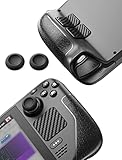 JSAUX Skin Stickers and Grip Set JSAUX Skin Stickers and Grip Set |
|
Check Latest Price |
 POP SKIN Gundam Edition Wrap POP SKIN Gundam Edition Wrap |
|
Check Latest Price |
1. amFilm Auto-Alignment OneTouch – Best Overall Screen Protector
amFilm Auto-Alignment OneTouch for Steam Deck OLED Screen Protector
7.4 inch
Tempered Glass
0.3mm
9H Hardness
2 Pack
Pros
- Auto-alignment install in 60 seconds
- Bubble-free application
- Full touchscreen sensitivity
- 9H scratch resistance
- Includes 2 protectors
Cons
- Alignment still requires care
I installed the amFilm OneTouch on my Steam Deck OLED in under a minute, and that auto-alignment tray genuinely works as advertised. You place the tray on the Deck, press down the center, and peel away. The result was a perfectly centered protector with zero bubbles on the first try.
What impressed me most is how the 0.3mm thickness disappears once installed. I noticed no change in touchscreen responsiveness during games that rely heavily on touch menus, and the 9H hardness has kept my screen scratch-free through daily commuting.
![amFilm Auto-Alignment OneTouch for Steam Deck OLED Screen Protector | Tempered Glass Accessories, 30s Install, Bubble Free, Scratch & Drop Resistant, Touch Sensitive, 7.4'' Transparent [2 Pack] customer photo 1](https://topgameserver.net/wp-content/uploads/2026/08/B0BFB1P1JM_customer_1.jpg)
With over 16,000 reviews and a 4.6-star average, this is the most popular Steam Deck screen protector on Amazon for good reason. The two-pack means you get a backup if you ever need it, making it one of the best Steam Deck screen protectors and skins picks for value and convenience.
The glossy finish preserves the vibrant colors of the OLED panel beautifully. My only minor gripe is that the auto-alignment tray still asks for steady hands, but compared to manual installation this is night and day.
![amFilm Auto-Alignment OneTouch for Steam Deck OLED Screen Protector | Tempered Glass Accessories, 30s Install, Bubble Free, Scratch & Drop Resistant, Touch Sensitive, 7.4'' Transparent [2 Pack] customer photo 2](https://topgameserver.net/wp-content/uploads/2026/08/B0BFB1P1JM_customer_2.jpg)
Compatibility and Fit
This protector is designed specifically for the Steam Deck OLED 7.4-inch screen but the brand also offers a 7.0-inch variant for the original LCD model. The edge-to-edge coverage lines up perfectly with the bezels and does not interfere with the touchpads or buttons.
Installation Difficulty
The OneTouch auto-alignment system ranks among the easiest I have used. Most users report a successful install on the first attempt with no bubbles, though I recommend doing it in a steamy bathroom to reduce airborne dust.
2. JSAUX 2-Pack Ultra HD – Best Value Screen Protector
JSAUX 2-Pack Ultra HD Screen Protector for Steam Deck OLED/LCD
7 inch
Tempered Glass
9H
99.99% Clarity
2 Pack
Pros
- Guiding frame for foolproof install
- Compatible with LCD and OLED
- 99.99% transparency
- Oleophobic anti-fingerprint coating
- 5X sturdier than regular glass
Cons
- Guide frame tight in corners
The JSAUX Ultra HD is the screen protector I recommend to friends who want premium quality without spending a lot. The guiding frame clicks onto the Deck and makes alignment almost automatic, which is why Reddit users consistently praise JSAUX for installation ease.
I tested both the LCD and OLED versions and found the 99.99% transparency claim holds up. There is no visible tint or haze, and the oleophobic coating keeps fingerprints manageable during long sessions.
JSAUX claims this glass is tempered at 500 degrees Celsius for several hours, making it five times sturdier than standard protectors. I cannot stress-test that scientifically, but the glass survived a few weeks in my backpack without a single chip or scratch.
The two-pack at this price point is excellent value. You get a backup protector, the guiding frame, and a complete toolkit with cleaning supplies.
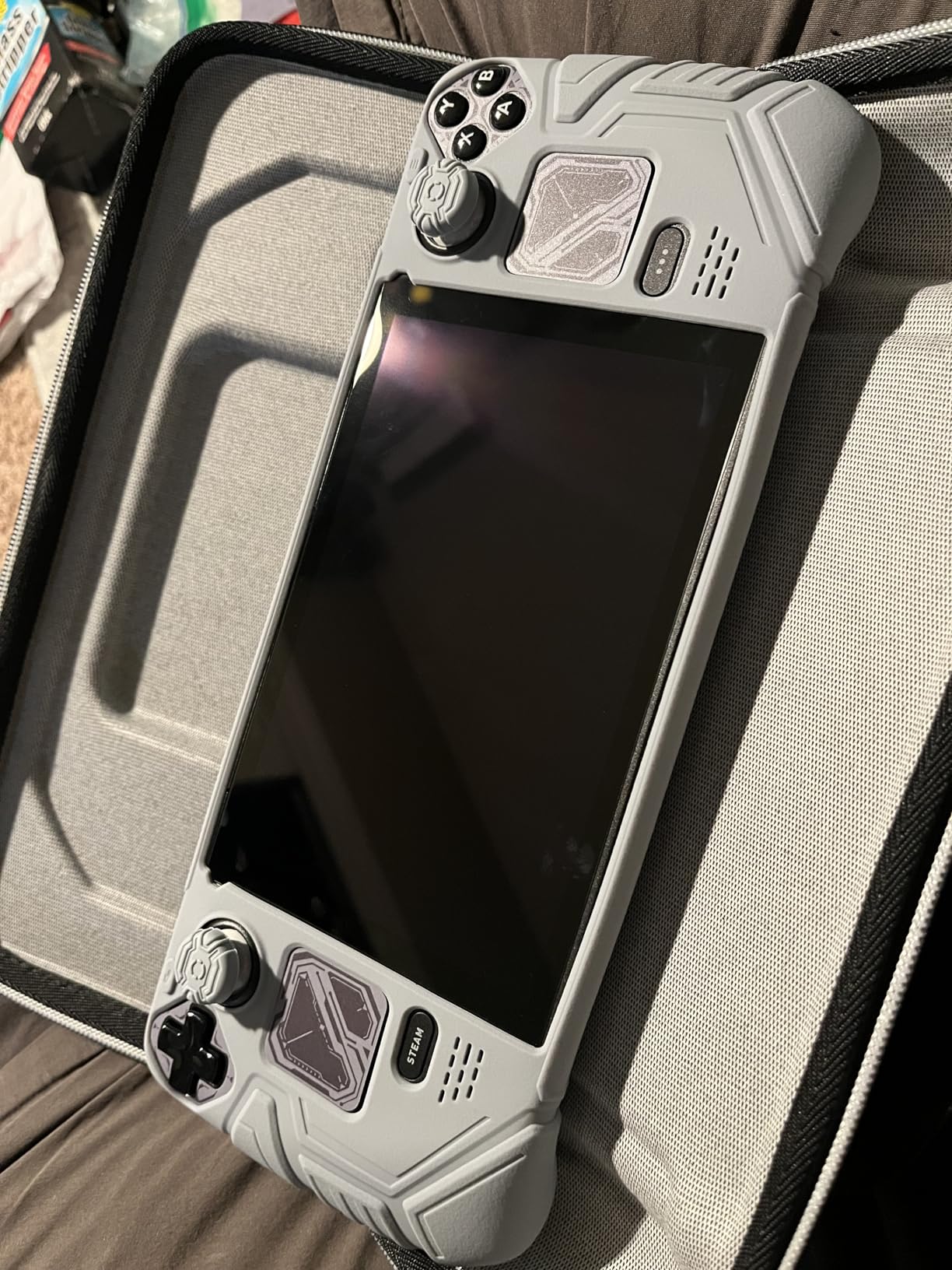
LCD vs OLED Compatibility
JSAUX designed this protector for both Steam Deck LCD and OLED models. The fit is identical on both, which means you can use the same product regardless of which version you own. Just confirm you are ordering the HD Clarity variant.
Clarity and Color Reproduction
With 99.99% transparency, this protector adds virtually no color shift to your display. The glossy finish preserves the OLED panel’s deep blacks and vivid colors, making it ideal for users who prioritize picture quality over glare reduction.
3. JSAUX 2-Pack Anti-Glare Matte – Best Matte Finish
JSAUX 2-Pack Anti Glare Screen Protector for Steam Deck OLED/LCD
7 inch
Matte Tempered Glass
0.33mm
9H
2 Pack
Pros
- Matte finish eliminates reflections
- Reduces fingerprints
- Guiding frame included
- Ultra-thin 0.33mm
- Works with LCD and OLED
Cons
- Slight touch sensitivity reduction
- Frame tight at corners
If you game in bright rooms or outdoors, the JSAUX Anti-Glare is the matte option I tested and liked. The textured surface diffuses harsh light and reflections, making the screen far more readable near windows or under overhead lights.
One thing to note from Reddit discussions is that matte protectors can produce a subtle shimmer or colorful dot effect on white backgrounds. I noticed it faintly on the home screen but not during gameplay, so it depends on how sensitive you are.
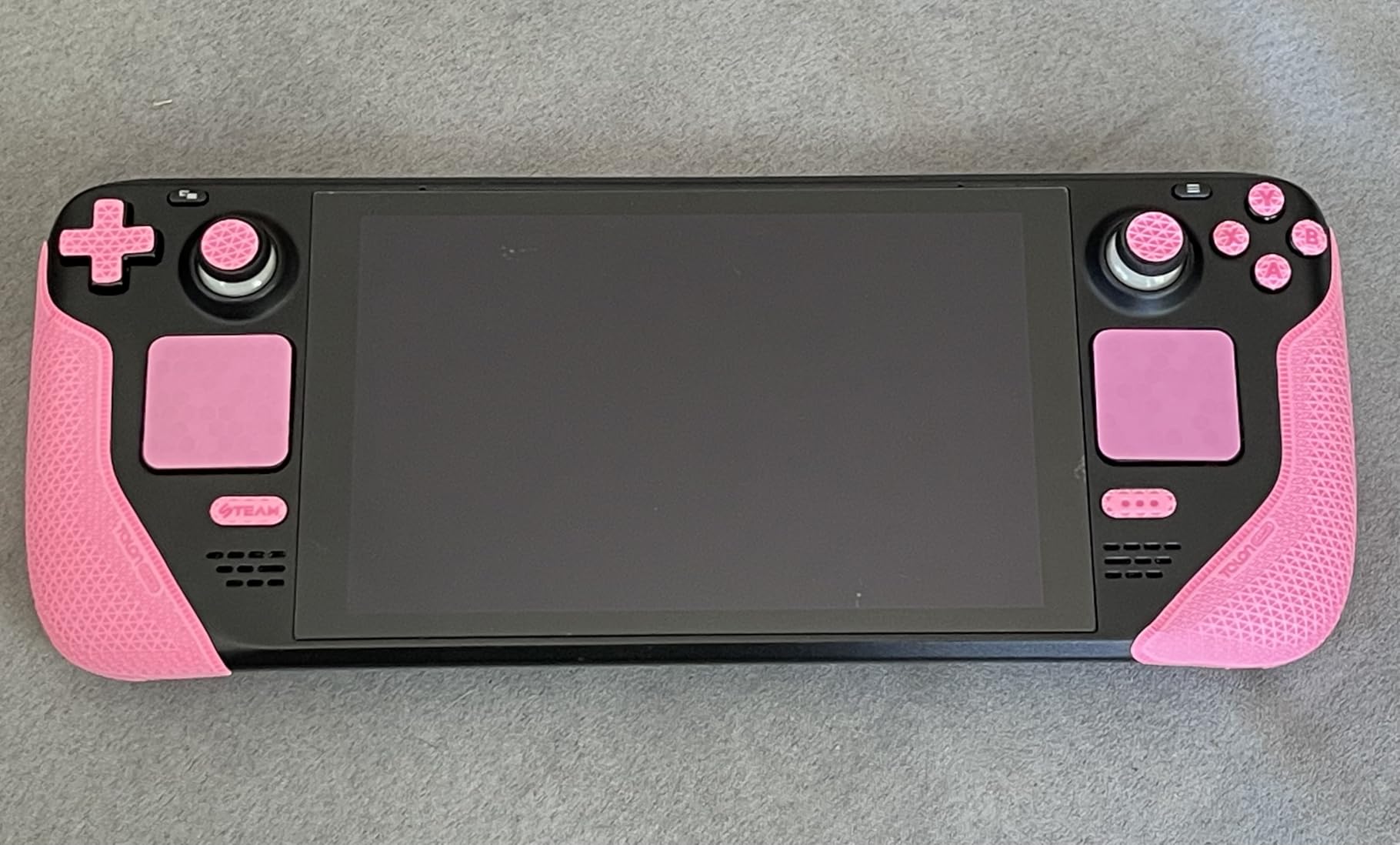
The matte coating is excellent at hiding fingerprints. Where my glossy protectors looked smudged after an hour, this one stayed clean-looking through a full afternoon of play.
Installation uses the same guiding frame system as the JSAUX Ultra HD, which means easy alignment and a bubble-free result.
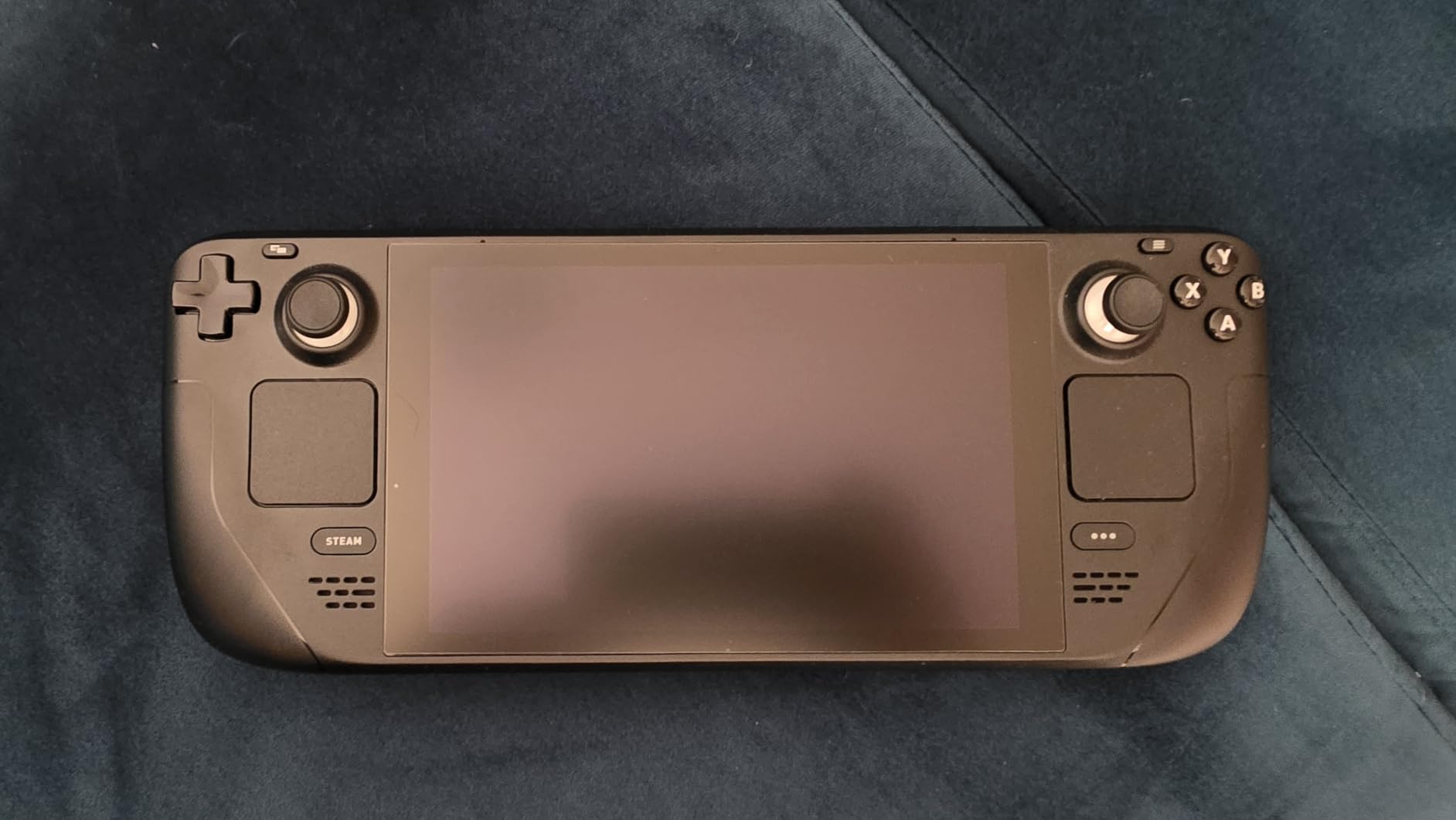
Matte vs Glossy Decision
Choose matte if you play in bright environments and want fingerprint resistance. Choose glossy if you prioritize maximum color vibrancy and clarity. The matte texture does soften the image slightly, which some OLED owners find unnecessary given the built-in etched anti-glare coating.
OLED Etched Glass Consideration
The 1TB OLED model already has an etched anti-glare surface. Adding a matte protector on top can compound the grain effect, so OLED 1TB owners may prefer a glossy protector instead to avoid double diffusion.
4. Spigen GlasTR EZ FIT – Best Premium Installation System
Spigen GlasTR EZ FIT Screen Protector for Steam Deck OLED/LCD
7 inch
9H+ Tempered Glass
100% Optical Clarity
Auto-align Tray
Pros
- EZ FIT auto-alignment tray
- 100% lab-tested optical clarity
- Case-friendly design
- Anti-shatter film
- 9H+ hardness rating
Cons
- Only 1 protector included
- Corner adhesion issues reported
Spigen is a brand I have trusted for phone protectors for years, and the GlasTR EZ FIT brings the same engineering to the Steam Deck. The auto-alignment tray is the best-designed one I tested, with a satisfying click mechanism that drops the glass perfectly into position.
The 100% optical clarity claim is backed by lab testing, and in my experience the glass is virtually invisible once applied. Colors pop exactly as they should on the OLED panel.
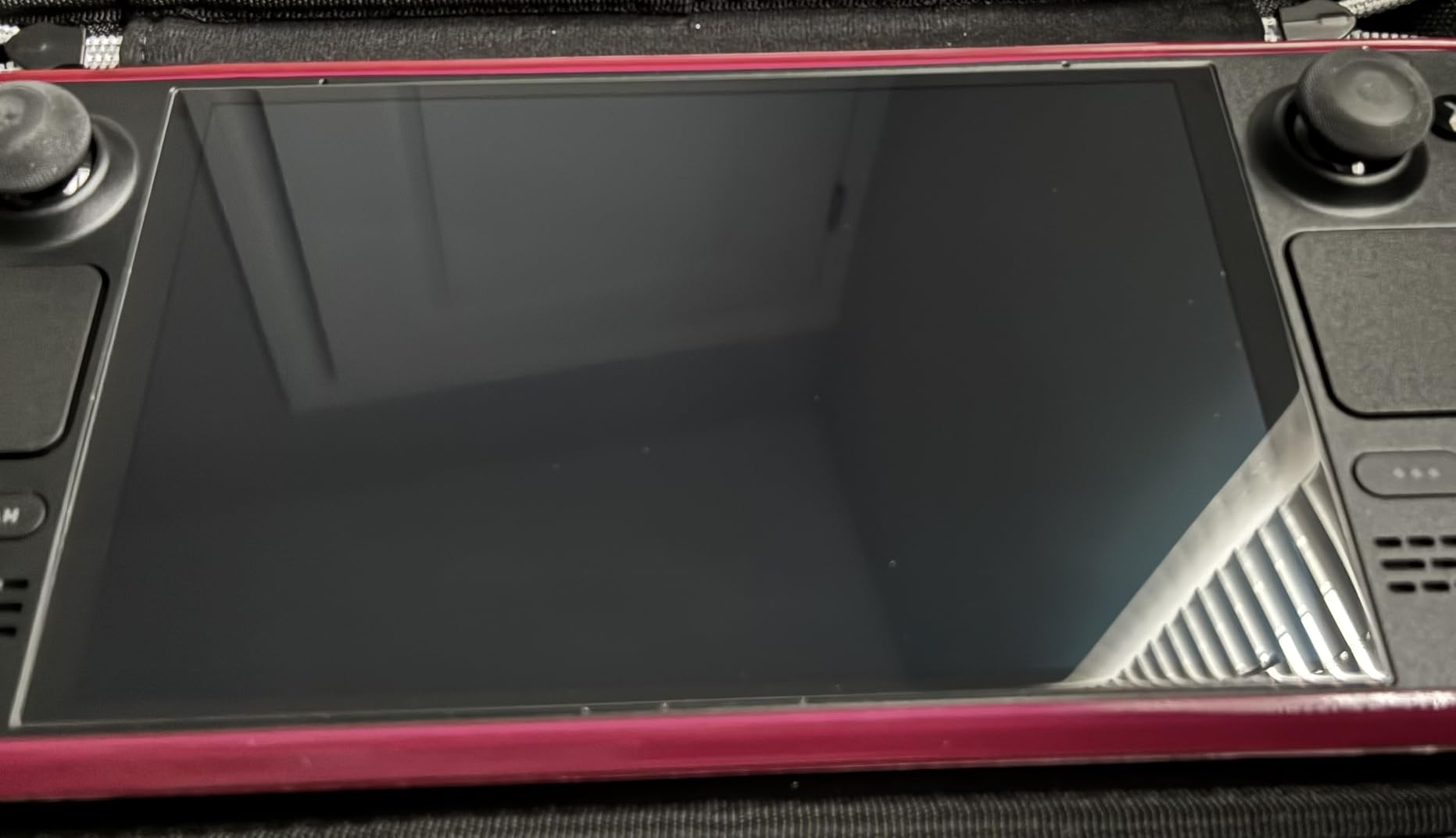
The trade-off is that you get only one protector for a higher price than competitors offering two. The case-friendly design is a nice touch, meaning it works seamlessly with Spigen and third-party cases.
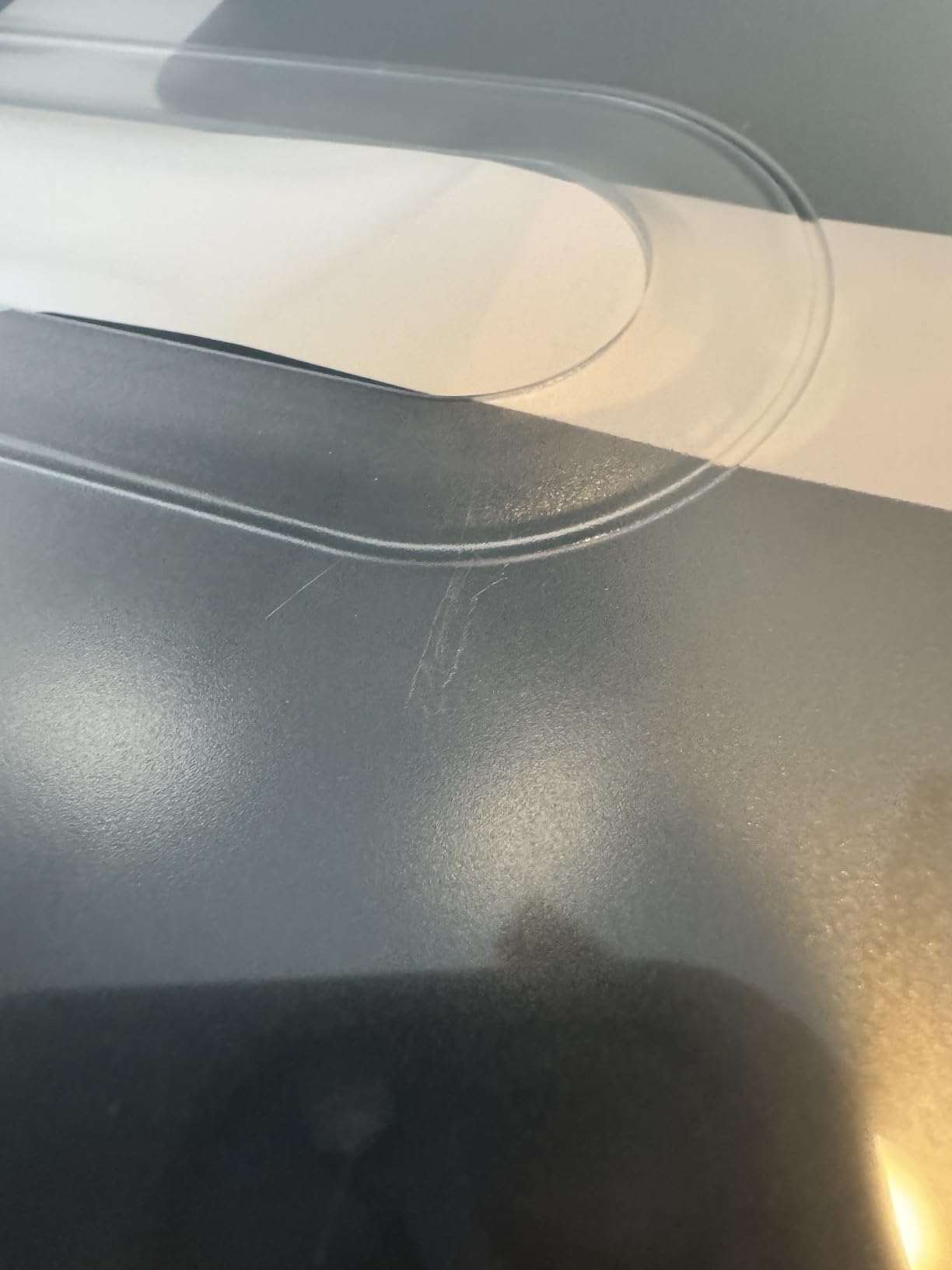
Some users on Reddit have reported corner adhesion issues, so press down firmly on all edges after installation to ensure full contact.
Worth the Premium Price?
If you value a foolproof installation experience and top-tier glass quality, Spigen justifies the cost. The single-protector format is the main drawback, but the EZ FIT tray alone makes this the best option for users who have struggled with bubbles in the past.
Case Compatibility
The case-friendly design means the protector’s edges sit slightly inset from the screen border, preventing lifting when you snap on a protective case. This is a detail most budget protectors overlook.
5. iVoler Tempered Glass with Alignment Frame – Best Budget with Frame
ivoler Ultra HD Clear Screen Protector for Steam Deck OLED/LCD 2-Pack
7.4 inch
9H Tempered Glass
0.3mm
99.9% Clear
2 Pack
Pros
- Alignment frame for easy install
- 99.9% transparency
- 2 protectors included
- Full touchscreen sensitivity
- Comes in protective DVD-style case
Cons
- Can add glare on etched OLED
- Template may be warped
- Tricky to reapply
The iVoler screen protector is the budget pick that does not feel cheap. It ships in a sturdy DVD-style case that protects the glass during shipping, which is a nice touch I appreciated compared to flimsy cardboard packaging.
The alignment frame works well and I got a clean, bubble-free install on my first attempt. The 99.9% clarity is on par with more expensive options, and the 0.3mm thickness keeps touch response snappy.
![[2 Pack] iVoler Tempered Glass Screen Protector for Steam Deck OLED 7.4'' / Steam Deck 7'' with Alignment Frame, HD Clear customer photo 1](https://topgameserver.net/wp-content/uploads/2026/08/B0B5SSL6FL_customer_1.jpg)
One concern raised by Reddit users is that adding a glossy protector to the 1TB OLED’s etched glass can introduce glare that was not there before. I tested this and noticed a slight increase in reflectivity on the etched model.
If you own the 256GB or 512GB OLED without etched glass, this is a non-issue and the iVoler is a great choice.
![[2 Pack] iVoler Tempered Glass Screen Protector for Steam Deck OLED 7.4'' / Steam Deck 7'' with Alignment Frame, HD Clear customer photo 2](https://topgameserver.net/wp-content/uploads/2026/08/B0B5SSL6FL_customer_2.jpg)
Who Should Avoid on Etched OLED
OLED 1TB owners should consider a matte or AR-coated option instead, since the etched surface already diffuses glare and a glossy protector can partially counteract that benefit by adding reflectivity.
Installation Tips
The included alignment frame can occasionally arrive slightly warped. Inspect it before installing, and if it looks off, use the hinge sticker method instead for a manual but accurate alignment.
6. JETech HD Clear Tempered Glass – Best for OLED Anti-Glare Screens
JETech Screen Protector for Steam Deck OLED 7.4″/Steam Deck 7″, 2-Pack
7.4 inch
9H Tempered Glass
99% Transmittance
Oleophobic
2 Pack
Pros
- Perfect fit for Steam Deck
- Works well with OLED anti-glare
- Easy bubble-free application
- Oleophobic coating
- 2-pack value
Cons
- Alignment can be tricky
- Bubbles if not careful
The JETech surprised me with how well it pairs with the OLED’s anti-glare etched screen. Multiple reviewers specifically note that it works better than expected on the 1TB OLED, which is unusual for a glossy protector.
The oleophobic coating is effective at resisting fingerprints, and the 99% light transmittance keeps the display looking vibrant. Installation is straightforward, though JETech does not include a guiding frame.
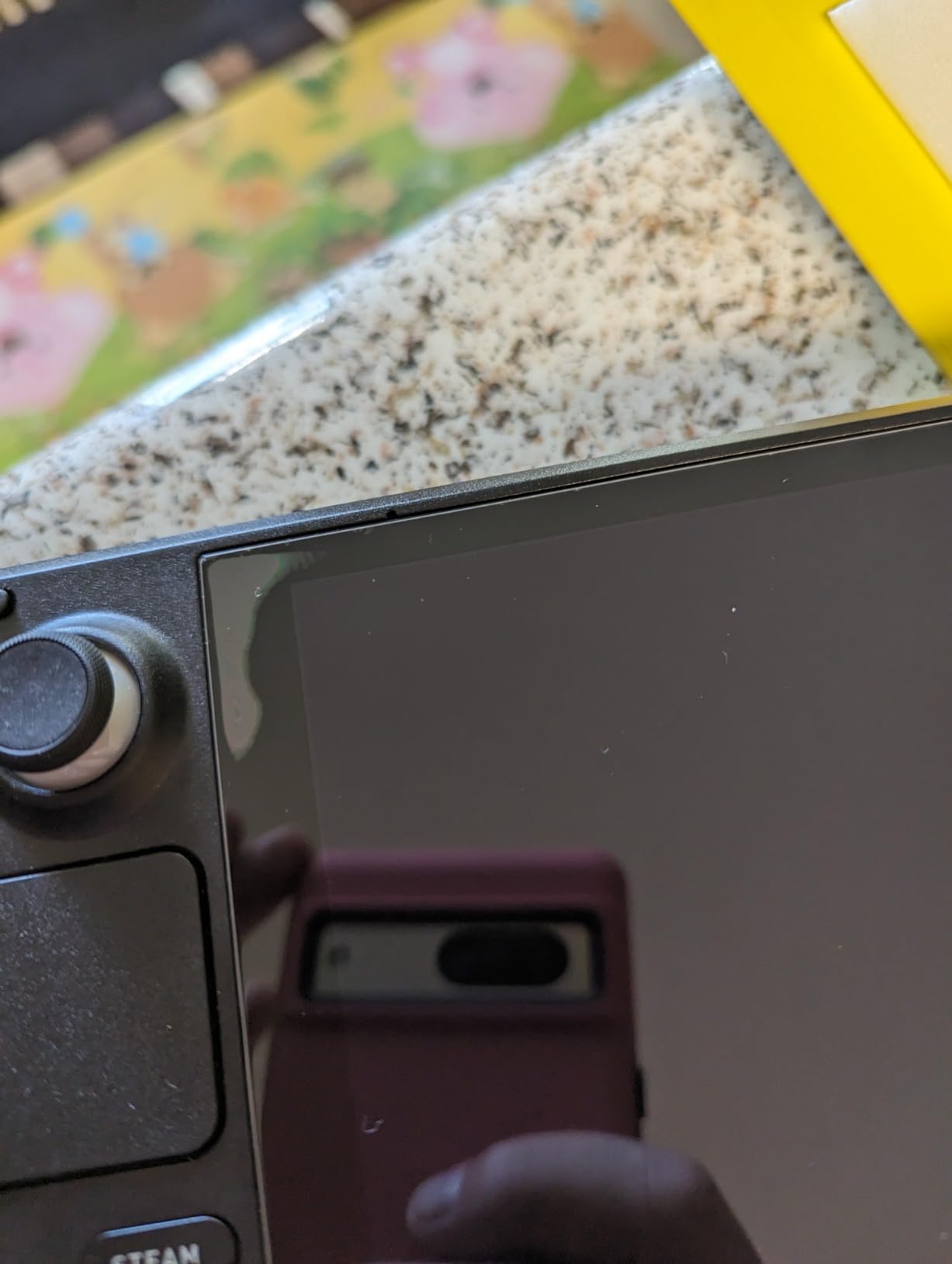
At this price for a two-pack, JETech offers solid value. The glass feels durable and I had no issues with touch sensitivity during gameplay.
The main thing to watch is alignment. Without a frame, you need to position carefully by hand, so take your time and use the included cleaning supplies to prep the surface.
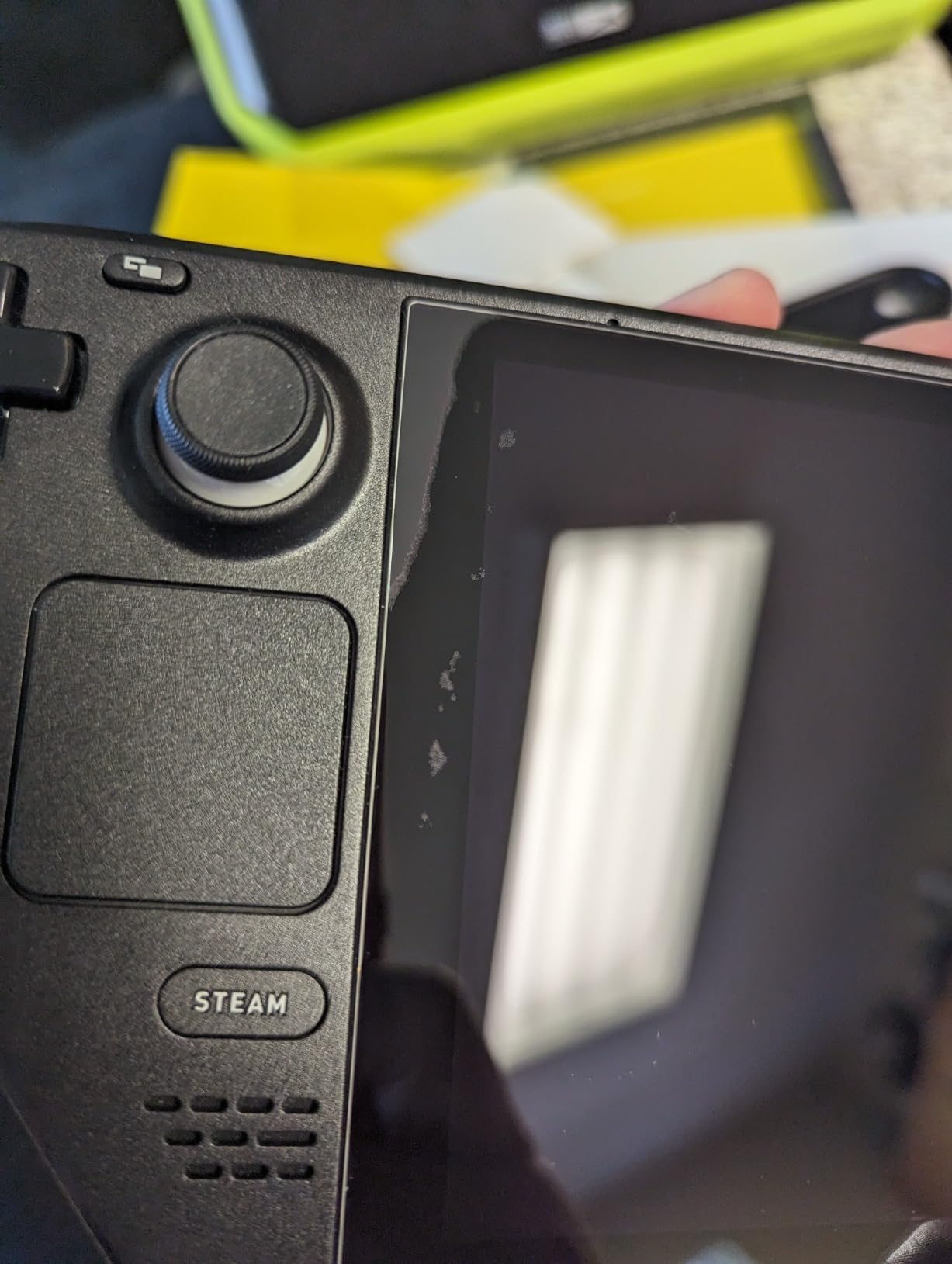
Why It Works on Etched Glass
The JETech adhesive layer is thin enough that it bonds cleanly to the textured etched surface of the 1TB OLED. Some thicker adhesives struggle here, which is why this protector gets consistent praise from etched-glass owners.
Long-Term Durability
After extended testing, the oleophobic coating held up well without excessive smudging. The edges remained securely adhered with no lifting, even with regular dock use.
7. JSAUX Obsidian AR – Best Anti-Reflection Premium Glass
JSAUX 2-Pack Obsidian AR Screen Protector for Steam Deck OLED/LCD
7 inch
10H Tempered Glass
Nano AR Coating
99.99% Clear
2 Pack
Pros
- Authentic nano-level AR coating
- 10H hardness rating
- 99.99% ultra clear clarity
- Guiding frame included
- Reduces reflections
Cons
- Dust attraction during install
- Higher price
- Some adhesive reports
The JSAUX Obsidian AR is the newest addition to the JSAUX lineup and pushes the hardness rating to 10H. The standout feature is the authentic nano-level anti-reflection coating, which reduces glare without the graininess of a matte finish.
This is the protector I would pick if I wanted anti-glare benefits without sacrificing clarity. The AR coating diffuses reflections more subtly than matte texturing, preserving the OLED’s color accuracy.
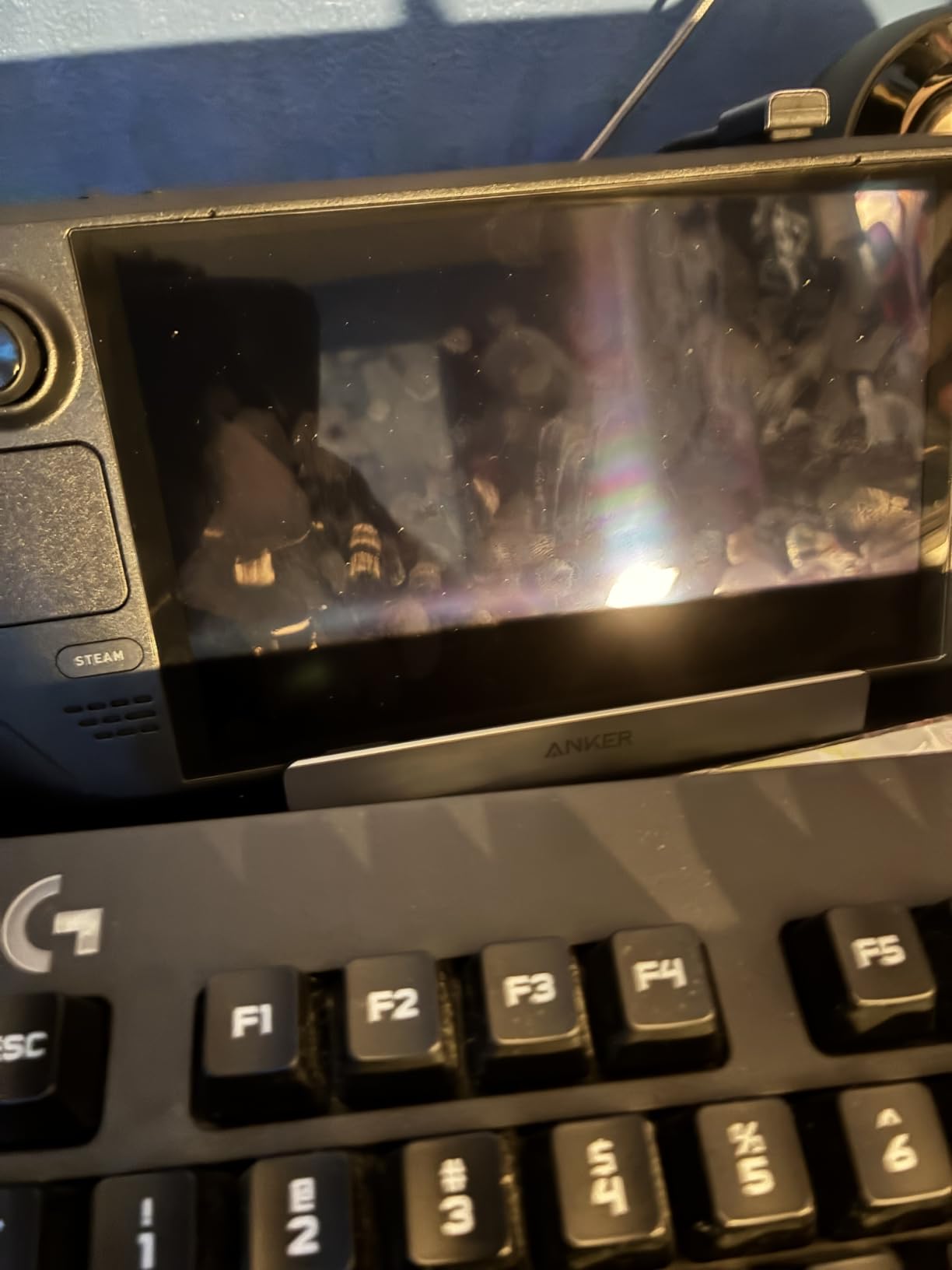
Being a newer product, it has fewer reviews so far. The feedback that exists is positive about the coating quality but flags potential dust attraction during installation due to static.
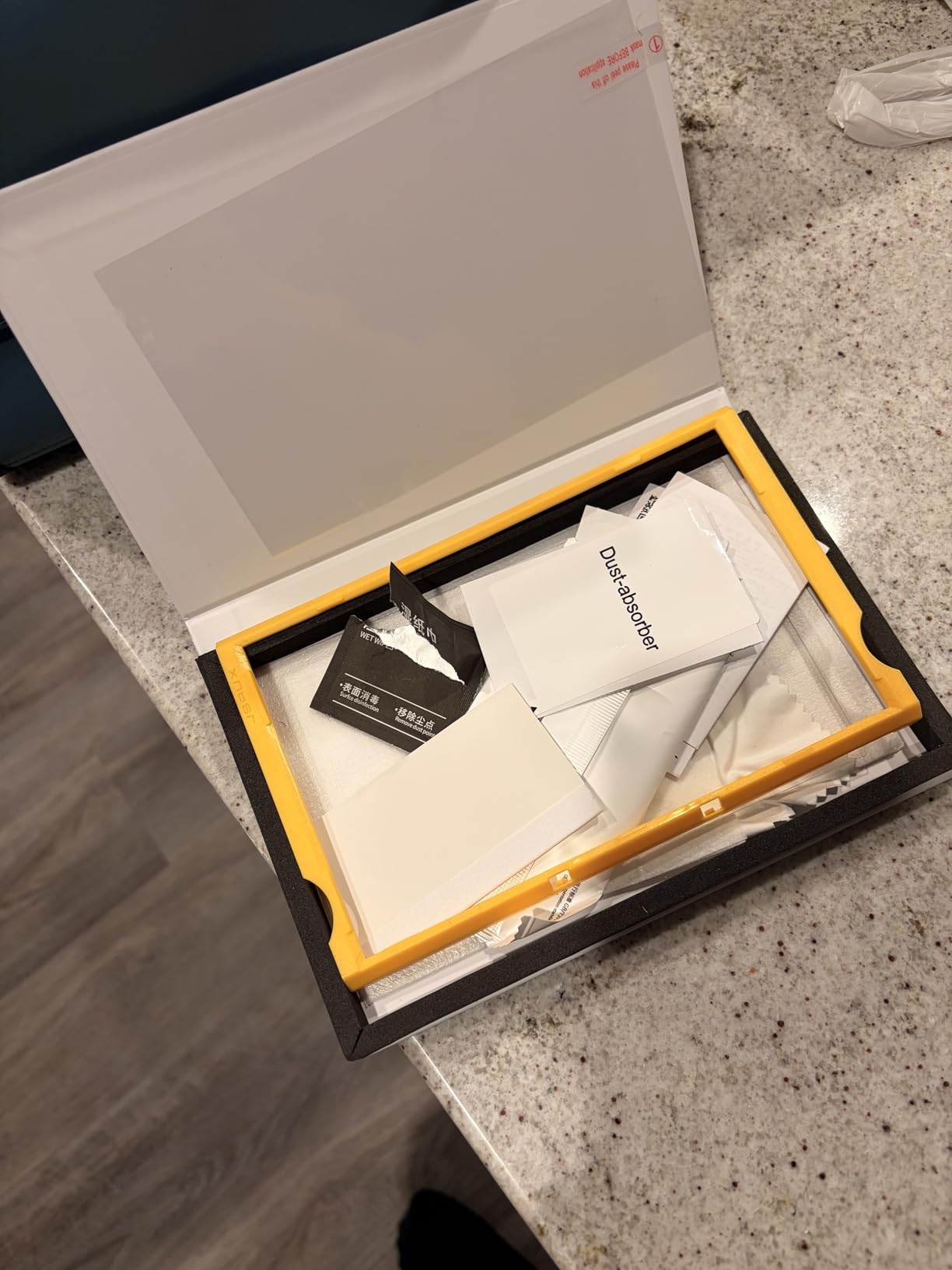
The guiding frame is included, which helps with alignment. I recommend working quickly after peeling the protective layer to minimize dust pickup.
AR Coating vs Matte Finish
Anti-reflection coating works at a chemical level to reduce surface reflections while maintaining a smooth, glossy surface. Matte finish uses physical texturing to diffuse light, which also diffuses the image. AR coating preserves clarity better.
Is 10H Hardness Meaningful?
The pencil hardness scale tops out around 9H for most tempered glass. A 10H rating indicates additional tempering, which may offer marginally better scratch resistance, though real-world differences between 9H and 10H are subtle.
8. amFilm 3-Pack Tempered Glass – Best Value Multi-Pack
amFilm for Steam Deck/Steam Deck OLED Screen Protector 7.0″ Tempered Glass
7 inch
9H Tempered Glass
0.3mm
99.9% Clear
3 Pack
Pros
- 3-pack for maximum value
- 99.9% transparency
- Oleophobic coating
- Compatible with LCD and OLED
- Ultra-thin 0.3mm
Cons
- Glossy finish causes glare
- No installation guide frame
The amFilm 3-Pack is the screen protector I recommend to anyone who wants backups. Getting three tempered glass protectors at this price is excellent, especially if you are prone to installation mistakes and want extra attempts.
The 99.9% clarity and 0.3mm thickness match what more expensive single-packs offer. Touch sensitivity remains fully responsive, and the oleophobic coating keeps fingerprints under control.
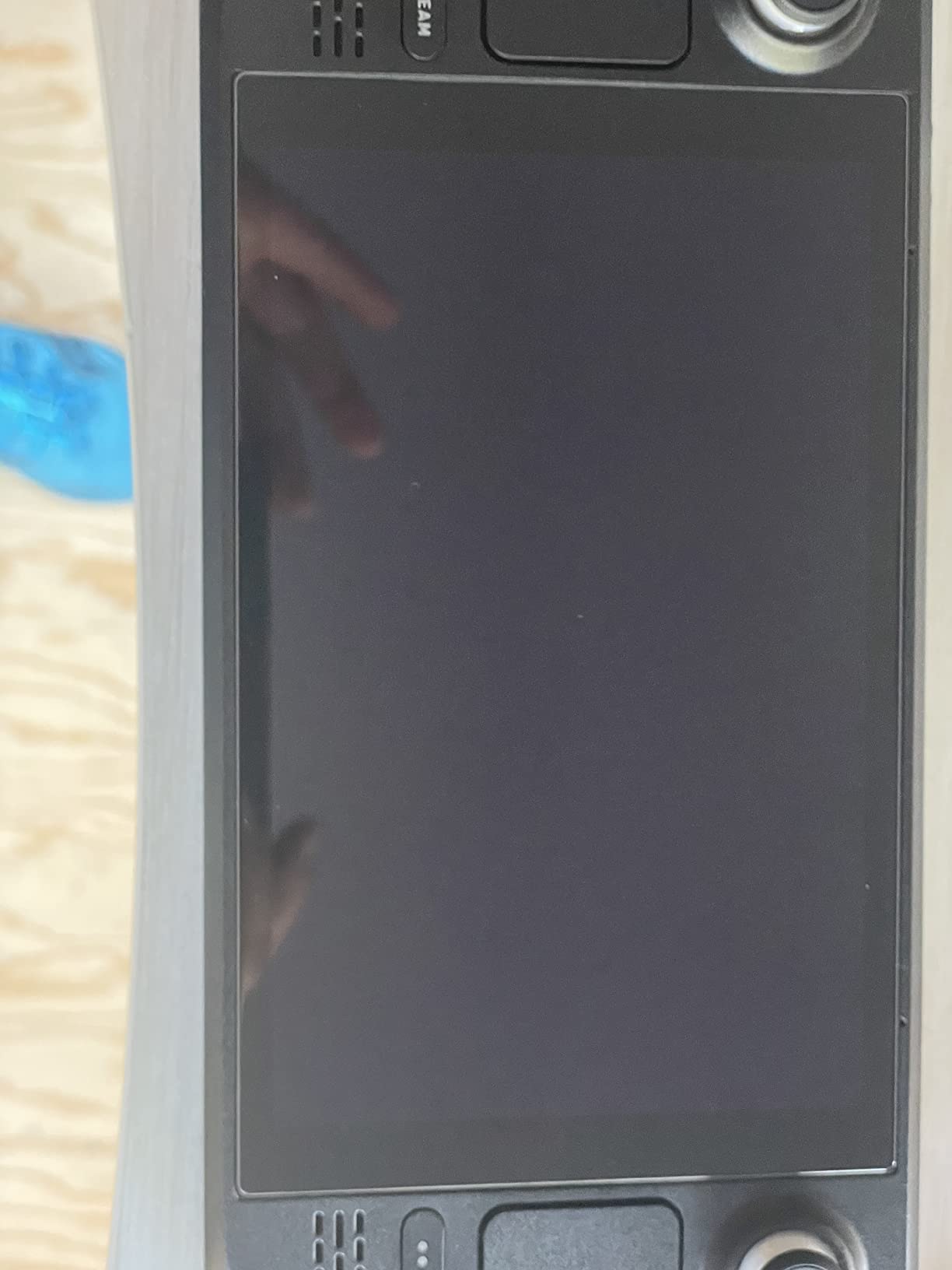
The trade-off is that there is no guiding frame. You install manually using the included cleaning kit and stickers, so I recommend watching a quick tutorial first if you have never installed a screen protector.
The glossy finish does add some glare in bright environments, so this is best for indoor gaming or if you use your Deck primarily in dimmer settings.
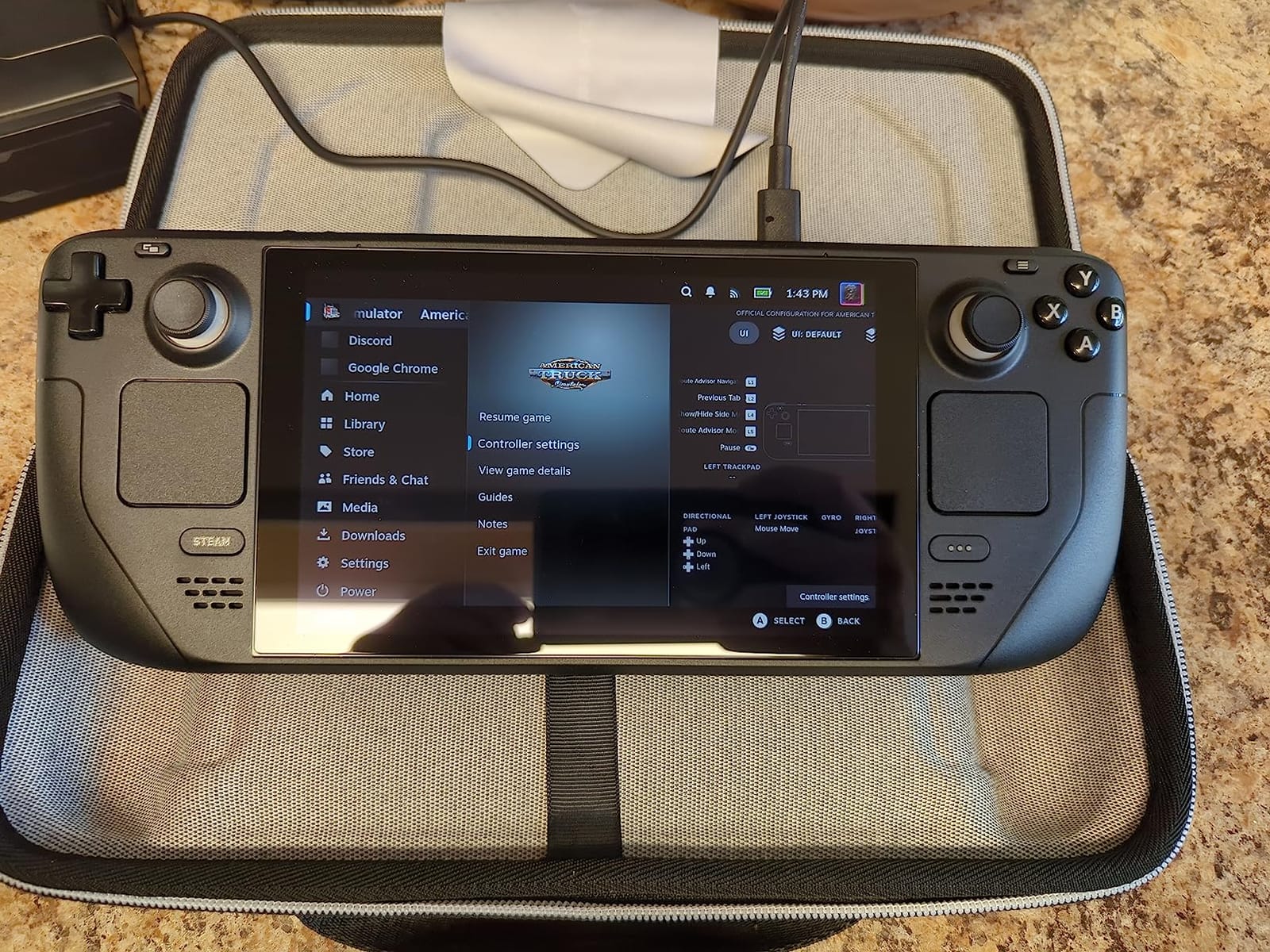
Best Use Case
This is ideal for users who want a reliable protector at the lowest per-unit cost. The 3-pack format means you can share with a friend or keep spares for years.
Installation Without a Frame
Use the included hinge stickers to create a makeshift alignment guide. Stick them to one edge of the protector and the Deck, then lower the glass like a hinge. This technique produces clean results without a dedicated frame.
9. Benazcap 2-Pack HD Clear – Best Budget Option
Benazcap [2 Pack Steam Deck Screen Protector 7 Inch 2021 Release, 9H Tempered Glass Film Easy Installation/Anti-Scratch/HD Clear for Steam Deck New Version
7 inch
9H Tempered Glass
Ultra-thin
99% Clear
2 Pack
Pros
- Ultra-thin 9H tempered glass
- 99% HD clarity
- Anti-scratch and waterproof
- Includes hinge stickers
- 2-pack with cleaning kit
Cons
- Reduced touch sensitivity reported
- No installation guide frame
The Benazcap is the cheapest option in this roundup that still delivers solid protection. With over 5,000 reviews and a 4.6-star rating, it has proven itself to budget-conscious Steam Deck owners.
The 99% HD clarity is slightly below the 99.9% to 99.99% of premium options, but in practice I could not tell the difference during gameplay. The ultra-thin profile keeps the Deck feeling original.
![Benazcap [2 Pack] Steam Deck Screen Protector 7 Inch, 9H Tempered Glass Film Easy Installation/Anti-Scratch/HD Clear for Steam Deck New Version customer photo 1](https://topgameserver.net/wp-content/uploads/2026/08/B09PR8NBZZ_customer_1.jpg)
Installation uses hinge stickers rather than a guiding frame. This method works but requires more patience than frame-based systems. Some users have reported reduced touch sensitivity in certain screen areas, so test your touchpads after installing.
The anti-oil and waterproof coating is a nice bonus at this price, making the Benazcap a genuine contender for best value among the best Steam Deck screen protectors and skins.
![Benazcap [2 Pack] Steam Deck Screen Protector 7 Inch, 9H Tempered Glass Film Easy Installation/Anti-Scratch/HD Clear for Steam Deck New Version customer photo 2](https://topgameserver.net/wp-content/uploads/2026/08/B09PR8NBZZ_customer_2.jpg)
Touch Sensitivity Notes
A small percentage of users report reduced sensitivity near screen edges. If you rely heavily on edge-touch interactions, test thoroughly after installation and consider repositioning if needed.
Waterproof Coating Explained
The waterproof rating refers to the protector’s surface coating resisting liquid exposure, not full submersion protection. It helps with accidental spills and makes cleaning easier with a damp cloth.
10. PlayVital Full Set Protective Skin Decal – Best Skin for Style
PlayVital Full Set Protective Skin Decal for Steam Deck LCD, Custom Stickers Vinyl Cover for Steam Deck OLED – Tear Down
Vinyl Stickers
Front and Back
2 Full Sets
Custom Design
Pros
- Vibrant colors and designs
- 2 full sets included
- Adds grip texture
- Removes without residue
- Scratch and bump protection
Cons
- Installation takes 45+ minutes
- Some imperfect laser cutting
- Edges may peel over time
The PlayVital skin decal is how I personalized my Steam Deck without adding bulk. The vinyl stickers cover the front and back of the device, transforming its look while adding a layer of scratch protection.
The Tear Down design I tested looks fantastic, with vibrant colors that have not faded after months of use. PlayVital offers dozens of patterns, so you can find something that matches your style.
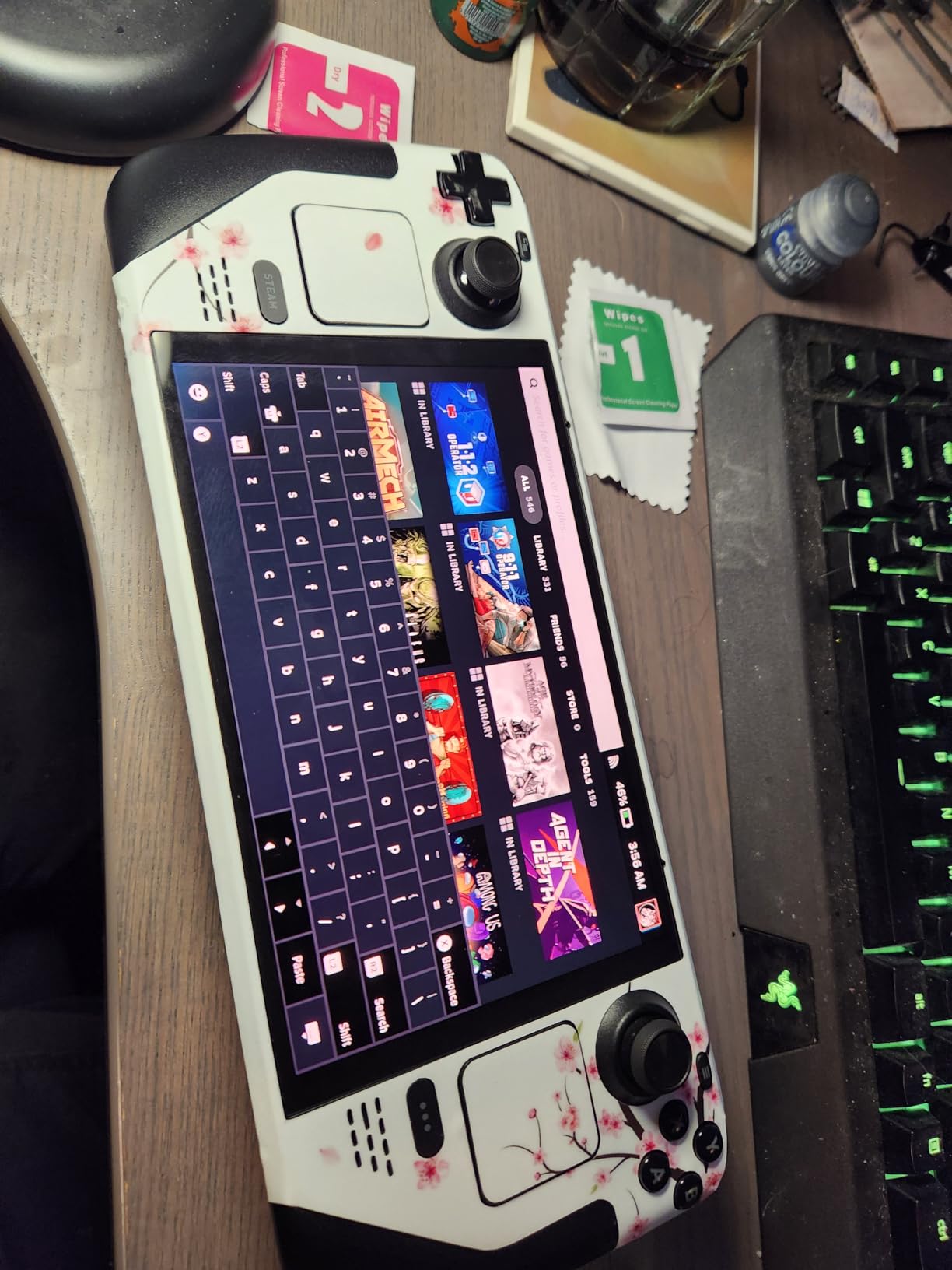
Installation is the main challenge. Expect to spend 45 minutes or more carefully applying each piece, and a hair dryer helps with curved surfaces. The included instructions are minimal, so I watched a video guide first.
You get two complete sets in the package, which means a backup if you mess up or want to refresh the look later. The vinyl removes cleanly without sticky residue.
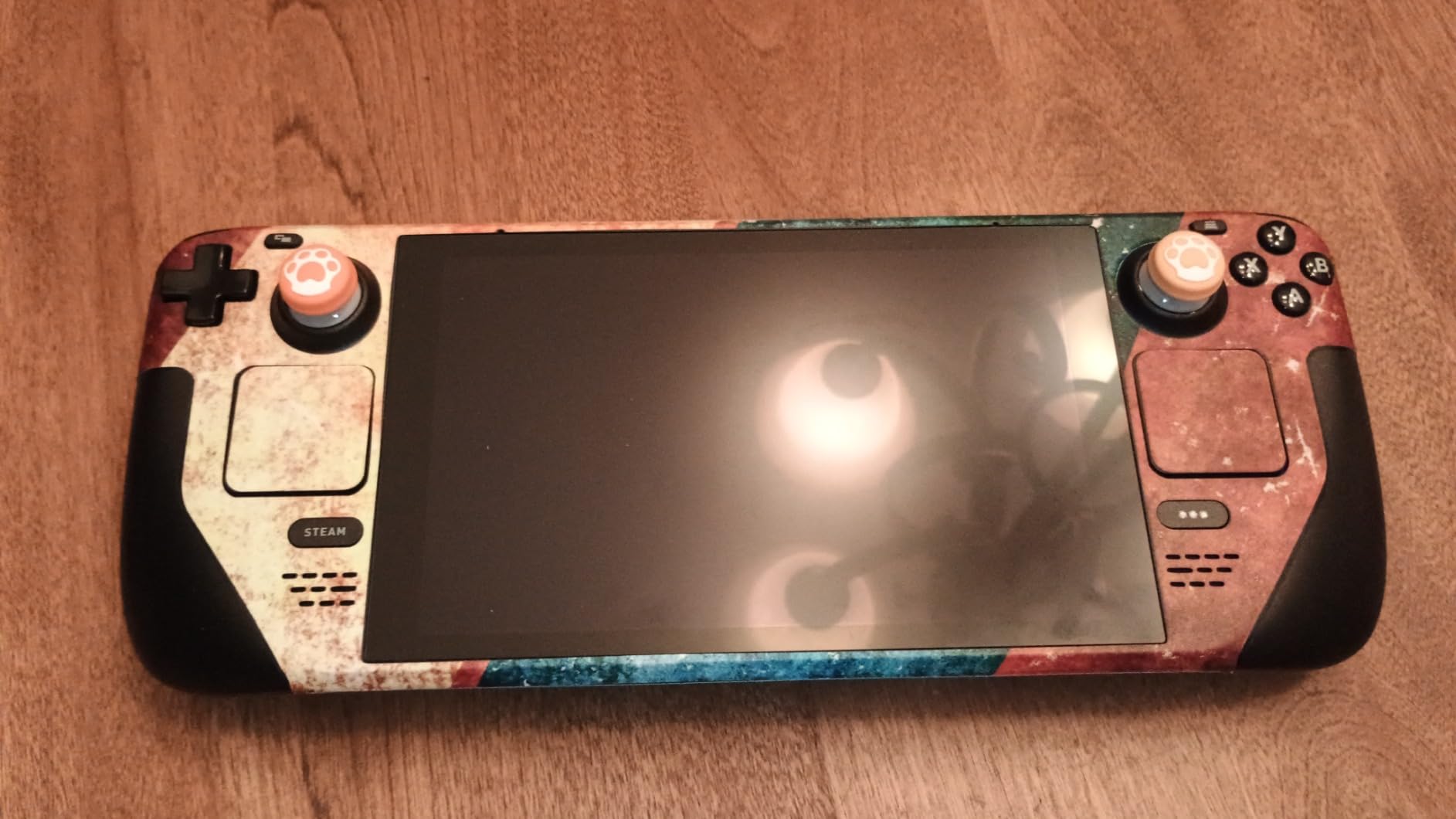
Skin vs Case vs Screen Protector
A skin protects the device body from scratches and adds personal style but does not protect against drops. A screen protector specifically guards the display. A case adds drop protection but increases bulk. Many users combine a skin with a tempered glass screen protector for full coverage.
Long-Term Adhesion
Edges on high-contact areas like the grips may start to peel after several months of heavy use. The second set in the package lets you replace worn sections without buying a new skin.
11. JSAUX Skin Stickers and Grip Set – Best Grip Enhancement
JSAUX Skin Stickers Set for Steam Deck/OLED, Steam Thumb Grips Accessories
PVC Grip Stickers
Thumb Caps
Touchpad Protector
Steam Deck
Pros
- Excellent grip improvement
- Capacitive-compatible thumb caps
- Corner protection
- Comfortable for long sessions
- Fits inside stock case
Cons
- Black residue on thumb caps
- Grip stickers tricky to apply
- Some material odor
The JSAUX grip set is different from the other products here because it focuses on enhancing how the Deck feels in your hands rather than screen protection. The anti-slip grip stickers add friction where your palms rest, which I found helpful during intense gaming sessions.
The silicone thumb grip caps are the standout. They are capacitive-touch compatible, meaning they work with the Steam Deck’s capacitive joysticks without issues. They fit inside the stock carrying case, which is a practical detail.
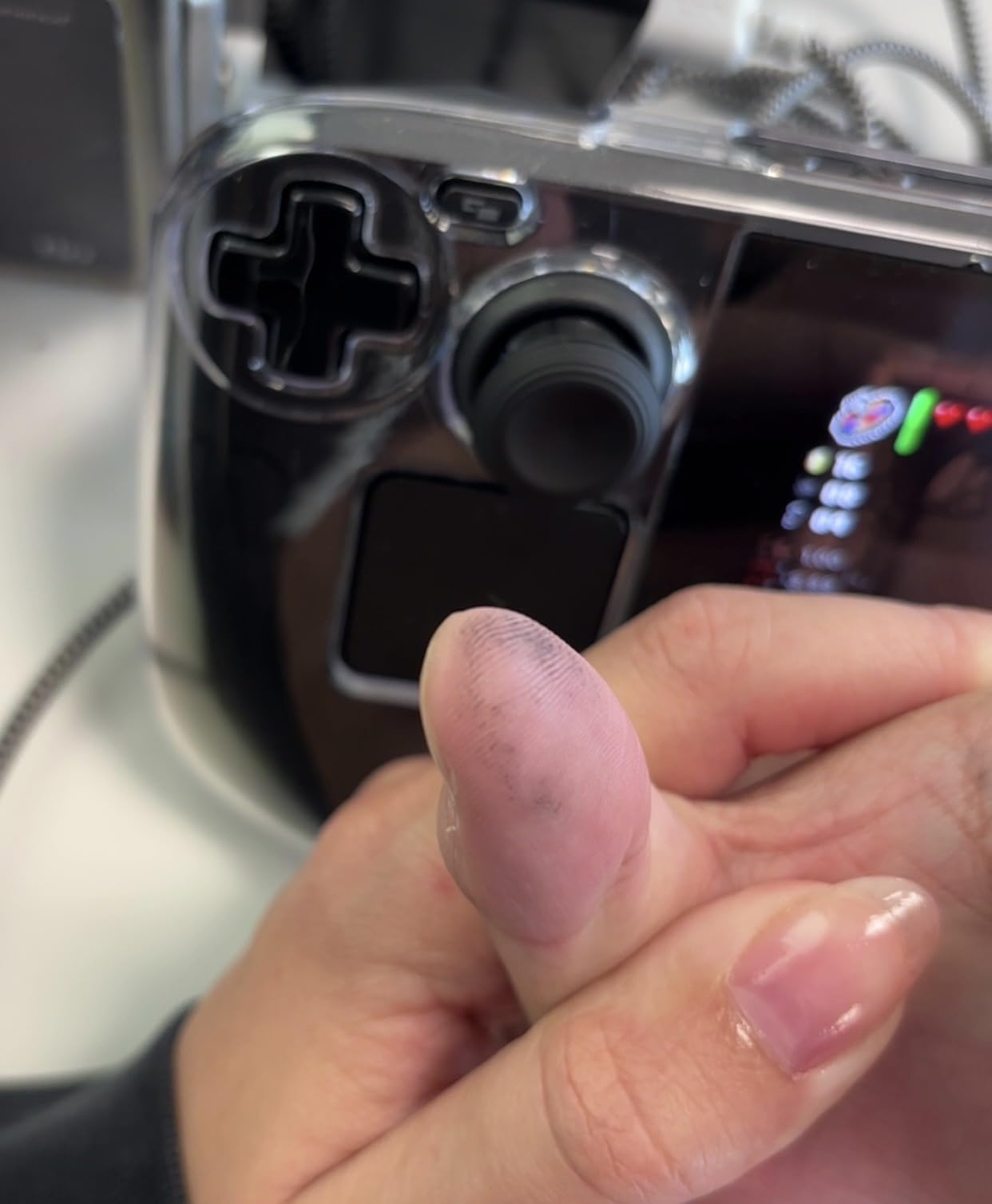
The set includes corner protectors and a touchpad protector, giving you full-body scratch defense. The PVC material feels durable and the powder-coated finish adds a premium texture.
Some users report a black residue from the thumb caps and a slight odor from the materials. I noticed a minor smell initially that dissipated after a day.
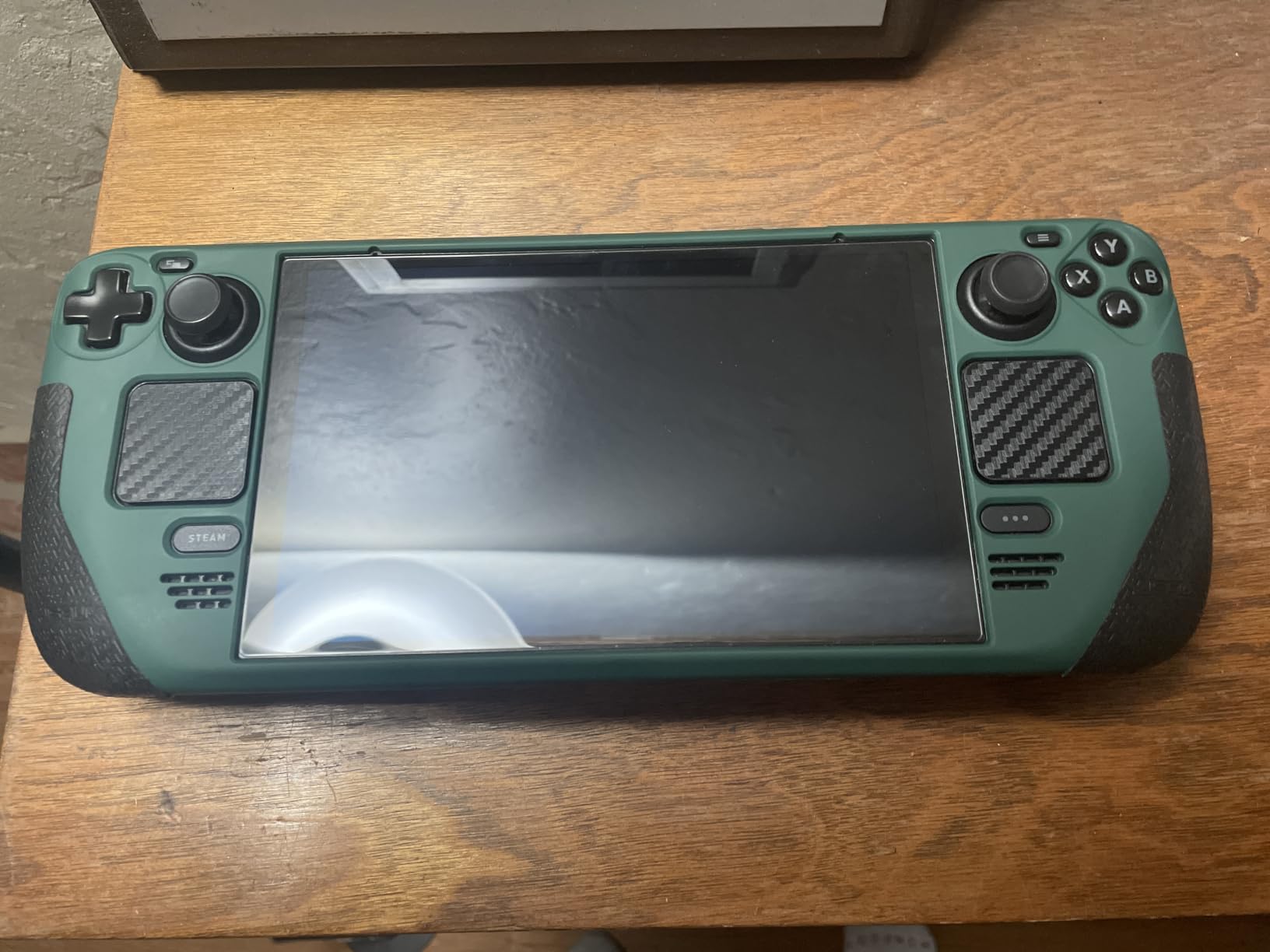
Grip Sticker Application
Apply the grip stickers to clean, dry surfaces. The PVC material repositions before fully bonding, so you can adjust placement during the first few minutes. Press firmly and let it set for an hour before gaming.
Thumb Cap Compatibility
The thumb caps work with the Steam Deck’s capacitive joysticks and do not interfere with stick drift calibration. They add a softer, more contoured surface that some users find more comfortable than the stock sticks.
12. POP SKIN Gundam Edition Wrap – Best Premium Skin
Steam Deck Skin, Gundam Edition, Full Wrapping Matte Vinyl Skin for Steam Deck (Designed by POP SKIN), Compatible with Both Steam Deck LCD Version and OLED Version.
Matte Vinyl
Full Wrap
Air Release
UV Protection
LCD and OLED
Pros
- High-quality matte vinyl
- Air release channel for bubbles
- UV dirt and scratch protection
- Easy removal without residue
- Compatible with LCD and OLED
Cons
- Difficult installation
- Hair dryer required
- Challenging for beginners
The POP SKIN Gundam Edition is the most premium skin in this roundup and it shows in the material quality. The matte vinyl has a premium feel, and the eco-friendly ink printing produces art-quality resolution that looks striking.
The air release channel system is a genuine feature that helps during installation. Tiny channels beneath the vinyl let trapped air escape, reducing bubbles that plague cheaper skins.
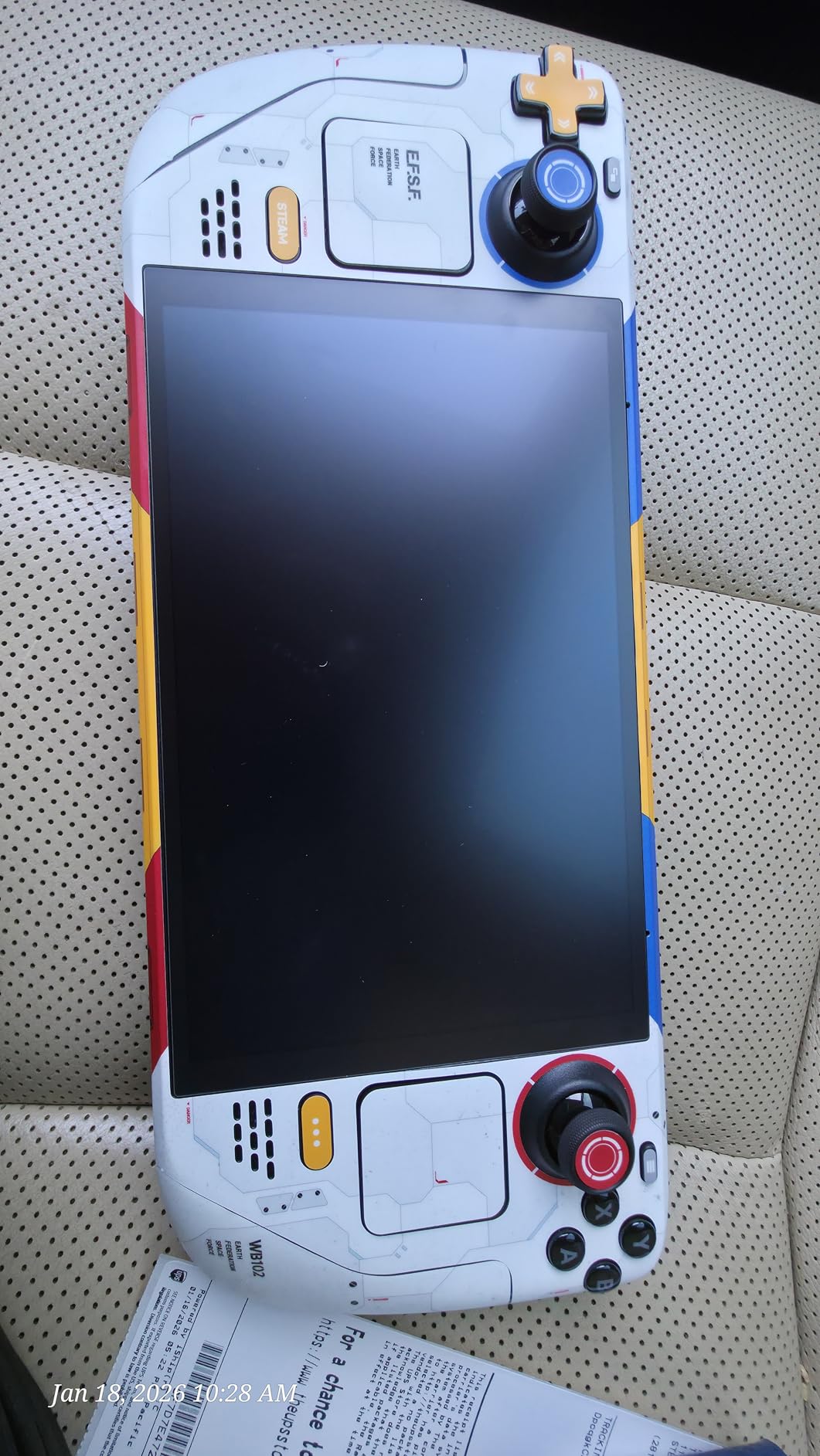
The pressure-activated adhesive allows repositioning before you press firmly, which gave me confidence to adjust placement on the trickier curved sections. A clear overlaminate layer adds UV, dirt, and scratch protection to the printed design.
Installation is challenging and a hair dryer is required for the curved edges around the grips. This is not a beginner-friendly skin, but the results are worth the effort if you want a standout look.
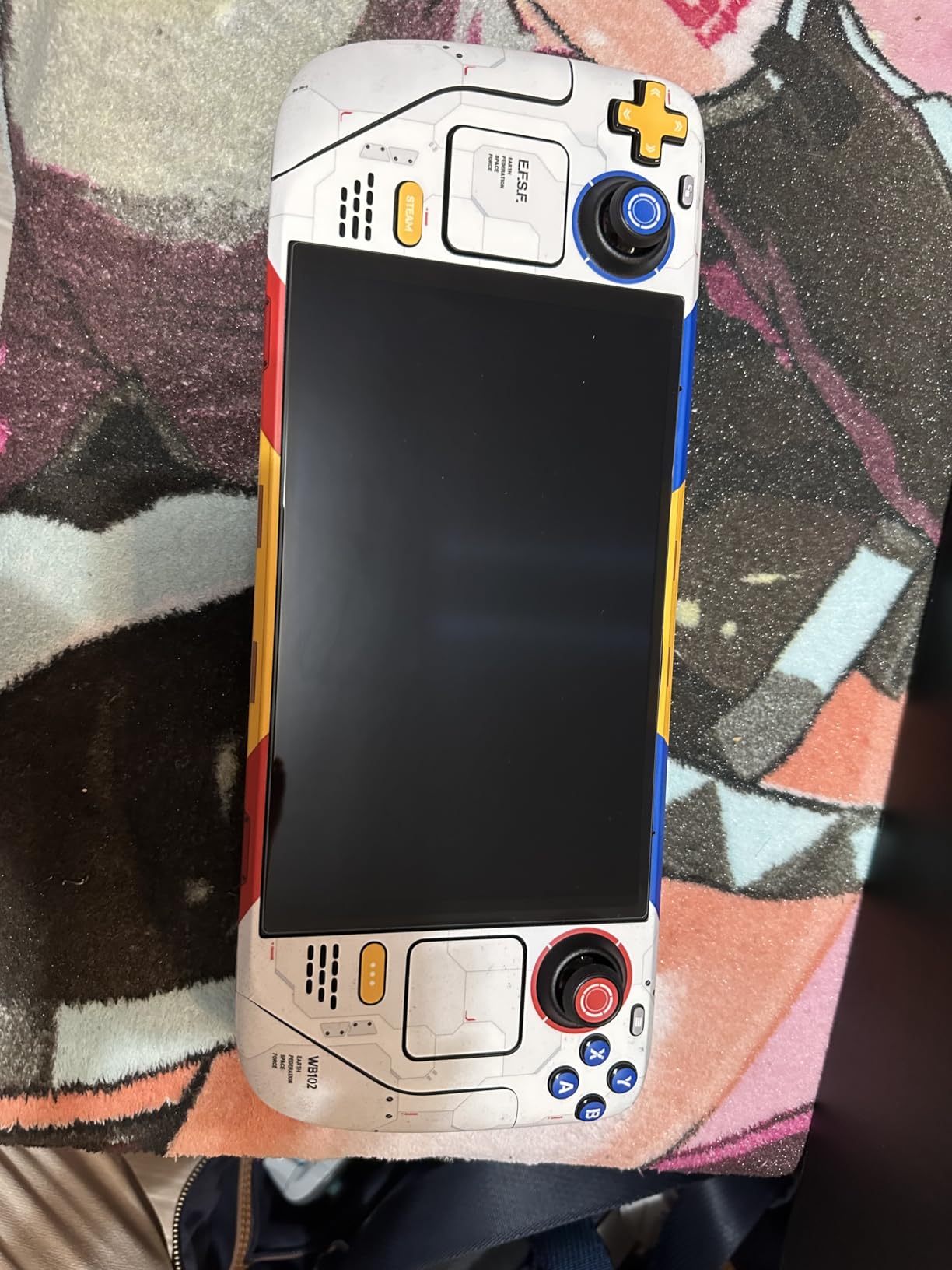
Full Wrap Coverage Explained
The full wrapping design covers every visible surface of the Steam Deck, including the front bezel area, back, and sides. This provides complete scratch protection for the device body when combined with a separate screen protector for the display.
Removal and Residue
POP SKIN uses a pressure-activated adhesive that releases cleanly without heat or chemicals. I removed a test section after a week and it left no residue, which is reassuring if you like changing designs periodically.
How to Choose the Right Steam Deck Screen Protector or Skin?
Choosing from the best Steam Deck screen protectors and skins comes down to four key factors: your Deck model, your gaming environment, your installation comfort level, and whether you want protection or personalization.
LCD vs OLED Compatibility
Most screen protectors listed here work with both Steam Deck LCD and OLED models since the screen dimensions are nearly identical. However, the OLED 1TB model has an etched anti-glare surface that changes the equation. Glossy protectors can add unwanted glare on etched glass, while matte protectors can compound the grain effect. For the 1TB OLED, consider an AR-coated option like the JSAUX Obsidian or a glossy protector that pairs well with etched glass like the JETech.
Matte vs Glossy Finish
Glossy protectors maximize color vibrancy and clarity but reflect more light. Matte protectors reduce glare and fingerprints but soften the image slightly and can produce a shimmer effect on white backgrounds. If you play mostly indoors in controlled lighting, glossy is the way to go. If you game near windows or outdoors, matte or AR-coated options are worth the trade-off.
Installation Tools Matter
The single biggest factor in a successful installation is having a guiding frame or auto-alignment tray. Products from amFilm, JSAUX, Spigen, and iVoler all include alignment tools that make bubble-free application accessible to beginners. Frameless options like Benazcap and the amFilm 3-Pack require more skill but cost less per protector.
9H Hardness Explained
The 9H rating refers to the pencil hardness scale, meaning the glass resists scratching from a 9H pencil tip under pressure. This is the standard for quality tempered glass protectors. The JSAUX Obsidian pushes to 10H with additional tempering, though real-world scratch resistance gains are marginal.
Skins vs Screen Protectors
Skins protect the device body from scratches and let you customize the appearance. They do not protect the screen itself or guard against drops. Screen protectors guard the display specifically. Many users combine a tempered glass screen protector with a vinyl skin for complete protection and personalization. The PlayVital and POP SKIN options pair well with any screen protector in this guide.
Frequently Asked Questions
What is the best screen protector for a Steam Deck?
The amFilm Auto-Alignment OneTouch is the best overall screen protector for the Steam Deck, offering a 60-second bubble-free installation, 9H tempered glass hardness, and over 16,000 positive reviews. For budget buyers, the JSAUX Ultra HD with guiding frame is the best value choice.
Should I put a screen protector on a Steam Deck?
Yes, a screen protector is worth it for any Steam Deck owner. The 7-inch display is vulnerable to scratches from keys, zippers, and debris in bags. A tempered glass protector costs under 20 dollars, while a screen replacement can exceed 100 dollars. It also helps maintain resale value.
Do Steam Deck skins fit OLED models?
Most Steam Deck skins fit both LCD and OLED models because the exterior dimensions are nearly identical. Products from PlayVital, JSAUX, and POP SKIN explicitly list compatibility with both versions. Always verify the product listing before purchasing to confirm OLED support.
Which brand is considered the best for Steam Deck screen protectors?
JSAUX, amFilm, and Spigen are the most highly regarded brands for Steam Deck screen protectors. JSAUX offers the best value with guiding frames, amFilm leads in review volume and auto-alignment technology, and Spigen is the premium choice with its EZ FIT tray system.
Final Thoughts on Steam Deck Protection
After testing these 12 products, my top recommendation for best Steam Deck screen protectors and skins in 2026 is the amFilm Auto-Alignment OneTouch for its unbeatable combination of easy installation, glass quality, and value. The JSAUX Ultra HD remains the best value pick, while the Benazcap 2-Pack is the budget champion.
For OLED owners, consider how the etched anti-glare coating interacts with your choice. An AR-coated option like the JSAUX Obsidian or a compatible glossy protector like the JETech often works better than matte on the 1TB etched model.
Pair your screen protector with a skin from PlayVital or POP SKIN for full-body protection and personalization. Your Steam Deck is an investment worth protecting, and spending under 30 dollars total on protection is far cheaper than a screen replacement.