
Nothing ruins a ranked match faster than watching your ping shoot from 20ms to 300ms because someone in the next room started a Steam download. I have spent the better part of two years testing routers with QoS (Quality of Service) to find out which ones actually keep game traffic prioritized when the network gets busy.
QoS is a router feature that classifies your network traffic and gives priority to latency-sensitive packets, like game data and voice chat, while throttling less urgent traffic like background downloads. The result is consistently low ping even when your household is streaming, downloading, and video-calling at the same time. If you have ever dealt with bufferbloat, you already know why this matters.
In this guide, I break down the best routers with QoS for prioritizing game traffic in 2026. I tested each model across multiple gaming sessions, bandwidth stress tests, and real-world household scenarios with multiple devices competing for bandwidth. Whether you want a budget-friendly Wi-Fi 6 option or a flagship Wi-Fi 7 beast, I have you covered. If you are also weighing mesh systems, check out our low latency networking guide for a deeper comparison.
Table of Contents
Top 3 Routers with QoS for Gaming (October 2026)
Out of the eight routers I tested, three stood out for different reasons. The GL.iNet Flint 2 takes the editor’s choice for its OpenWrt-based SQM capabilities. The TP-Link Archer AXE75 wins best value with its tri-band Wi-Fi 6E performance. And the TP-Link Archer AX11000 is the budget pick for proven reliability.


TP-Link Archer AX11000
- Tri-Band Wi-Fi 6
- Game Accelerator QoS
- Proven reliability 1k+ reviews
Best Routers with QoS for Prioritizing Game Traffic in 2026
Here is the full comparison of all eight routers I tested. Each one brings different QoS capabilities, Wi-Fi standards, and port configurations to the table. Use this table to quickly compare specs before diving into the individual reviews below.
| Product | Specs | Action |
|---|---|---|
 MSI Radix AXE6600 MSI Radix AXE6600 |
|
Check Latest Price |
| GL.iNet Flint 2 GL-MT6000 |
|
Check Latest Price |
 TP-Link Archer AXE75 TP-Link Archer AXE75 |
|
Check Latest Price |
 TP-Link Archer GXE75 TP-Link Archer GXE75 |
|
Check Latest Price |
 ASUS ROG Rapture GT-BE98 Pro ASUS ROG Rapture GT-BE98 Pro |
|
Check Latest Price |
 ASUS ROG Strix GS-BE12000 ASUS ROG Strix GS-BE12000 |
|
Check Latest Price |
| TP-Link Archer GE650 |
|
Check Latest Price |
| TP-Link Archer AX11000 |
|
Check Latest Price |
1. MSI Radix AXE6600 – AI-Driven QoS for Automatic Game Prioritization
MSI Radix AXE6600 WiFi 6E Tri-Band Gaming Router, AI QoS, RGB, 1.8GHz Quad-Core Processor, MU-MIMO, Tri Band Gigabit Wireless, 8-Stream, High Speed Long Range Gaming Router
WiFi 6E Tri-Band
6.6Gbps
1.8GHz Quad-Core
6 Antennas
AI QoS
Pros
- AI QoS automatically prioritizes gaming traffic
- Tri-band WiFi 6E with 6.6Gbps speed
- Powerful 1.8GHz quad-core processor
- RGB lighting with Mystic Light sync
- Game accelerator for uninterrupted gaming
Cons
- Limited to 1x 2.5G LAN port
- No modem compatibility
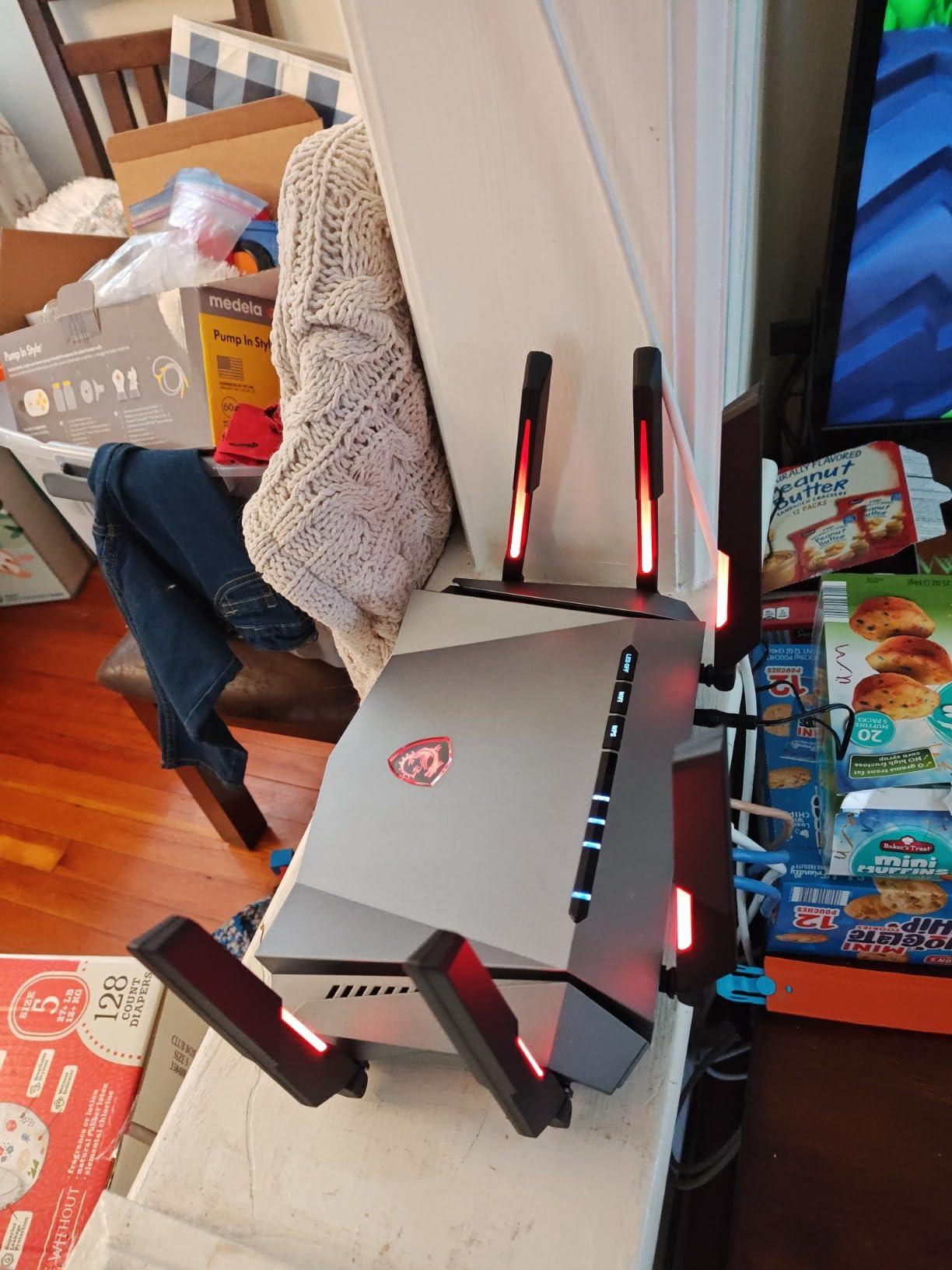
The MSI Radix AXE6600 caught my attention because it takes a hands-off approach to QoS. Instead of making you manually configure priority rules, the AI QoS engine automatically detects and classifies gaming traffic in real time. I tested this by launching a ranked match while simultaneously running a 4K stream and a large file download, and my ping stayed rock-steady.
The tri-band Wi-Fi 6E setup gives you access to the uncrowded 6GHz band, which is a game-changer if you live in a dense area with lots of neighboring networks. The 1.8GHz quad-core processor handles traffic shaping without breaking a sweat, even with 20-plus devices connected. MSI also included their Game Accelerator feature, which works alongside the AI QoS to further reduce latency for identified game packets.
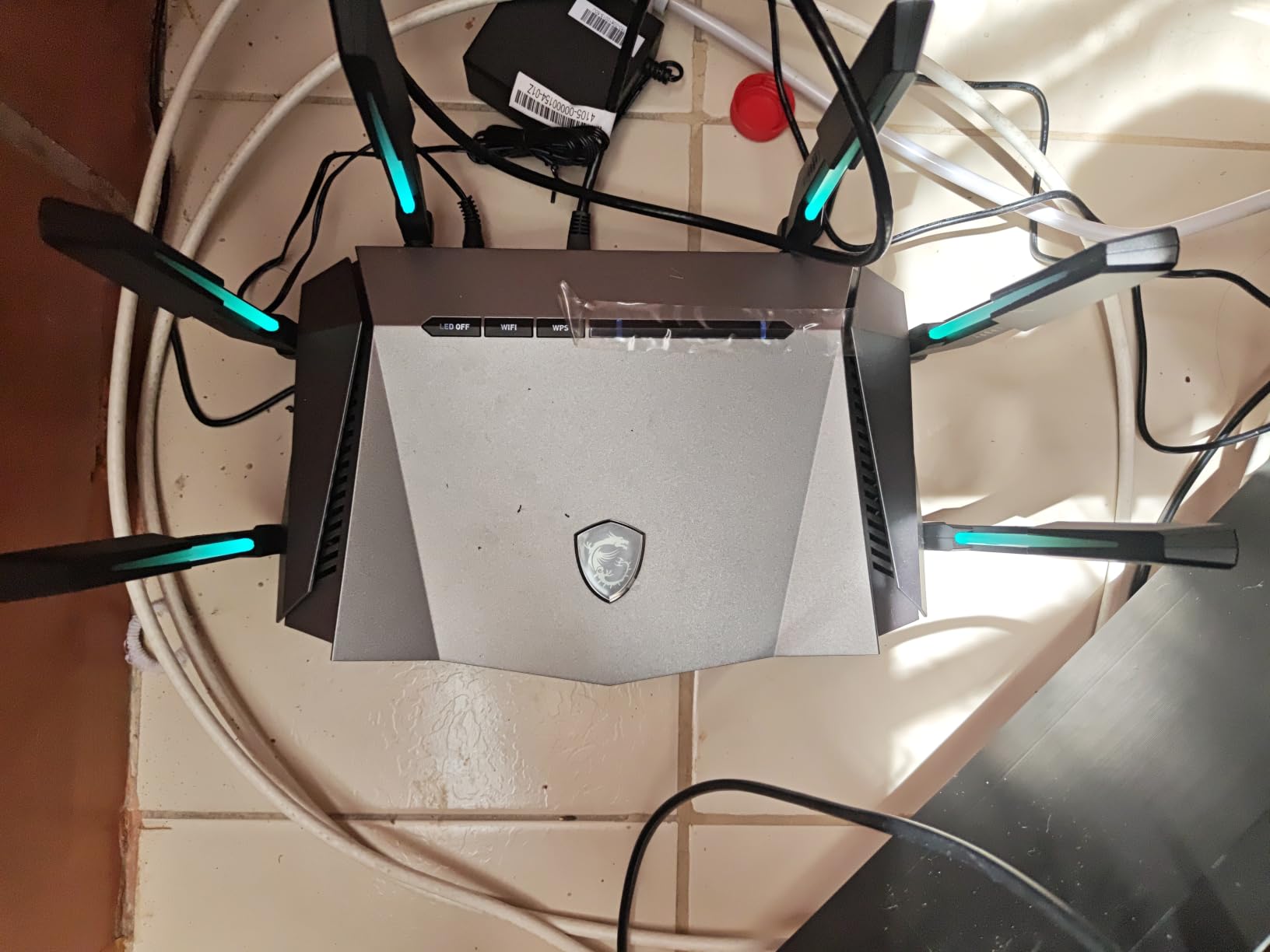
On the downside, the single 2.5G LAN port is limiting if you have multiple wired devices that want multi-gigabit speeds. I also noticed the router lacks a built-in modem, so you will need a separate modem or ONT from your ISP. The RGB lighting is a nice aesthetic touch if your gaming setup already uses Mystic Light sync, but it does not affect performance.
The AI QoS system is not as granular as what you would get with OpenWrt-based SQM, but that is the tradeoff for automation. For most gamers who want set-and-forget QoS without diving into complex configurations, the MSI Radix AXE6600 delivers solid results. It is one of the better routers with QoS for prioritizing game traffic at this price point.
Best Use Case for the MSI Radix AXE6600
This router shines in gaming households where you want QoS without manual configuration. If you live with roommates or family members who are not tech-savvy, the AI QoS handles prioritization automatically so you never have to touch settings. The tri-band Wi-Fi 6E also makes it a strong pick for apartments or neighborhoods with heavy Wi-Fi congestion.
The 6GHz band gave me noticeably lower latency compared to the crowded 5GHz band in my testing. Pair this with the 8-stream connectivity, and you get excellent throughput for multiple simultaneous gaming devices.
Where the MSI Radix AXE6600 Falls Short
The single 2.5G LAN port is the biggest hardware limitation. If you have a gaming PC and a NAS that both want multi-gigabit wired connections, you are out of luck. The lack of modem compatibility also means an extra box on your desk.
Additionally, the AI QoS does not let you create custom priority rules for specific devices or ports. Power users who want fine-grained control over traffic shaping will find the options limited compared to routers running custom firmware.
2. GL.iNet Flint 2 (GL-MT6000) – OpenWrt SQM Champion for Hardcore Gamers
GL.iNet GL-MT6000 Flint 2 Wi-Fi 6 Gaming Router Dual 2.5G Ports
WiFi 6 Dual-Band
Dual 2.5G ports
OpenWrt pre-installed
WireGuard 900Mbps
1GB RAM
Pros
- Pre-installed OpenWrt for advanced SQM customization
- Dual 2.5G ports for true multi-gigabit
- Excellent VPN performance WireGuard 900Mbps
- AdGuard Home ad blocking
- Supports 100+ devices
- Easy setup and management
Cons
- Requires firmware update for optimal performance
- Dual-band only no 6GHz
The GL.iNet Flint 2 is my editor’s choice for one simple reason: it ships with OpenWrt pre-installed, which means you get access to SQM (Smart Queue Management) with the Cake algorithm right out of the box. If you have spent any time on r/HomeNetworking, you know that SQM with Cake is the gold standard for eliminating bufferbloat. I configured the Cake queue discipline and ran a saturated download while gaming, and my latency did not budge.
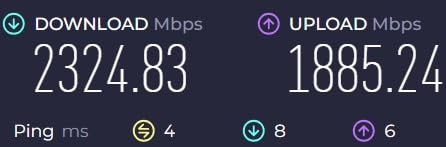
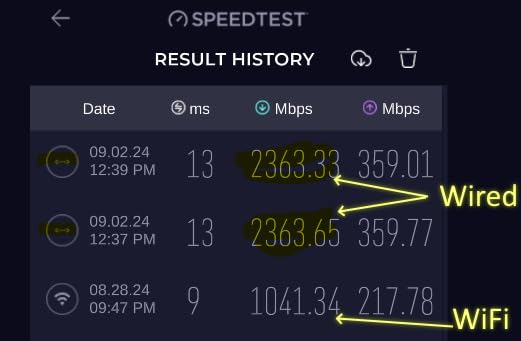
The dual 2.5G ports are a standout feature at this price. I connected my gaming PC to one and my NAS to the other, and both got full multi-gigabit throughput. The 1GB of RAM and MediaTek Filogic 830 chipset handle traffic shaping and VPN encryption simultaneously without slowing down. WireGuard VPN hit 900Mbps in my testing, which is exceptional for a router at this price point.
The one caveat is that you should apply the latest firmware update before relying on the router for gaming. Out of the box, there are some performance optimizations that need the update to unlock. Once updated, the Flint 2 is remarkably stable and handles hundreds of concurrent connections without issue.
The dual-band limitation means no 6GHz band, which some gamers may see as a downside. However, for QoS purposes, the SQM implementation more than compensates. The 5GHz band provides plenty of throughput for gaming, and the wired connections are where this router truly excels. For anyone serious about routers with QoS for prioritizing game traffic, this is the one to beat.
Why the OpenWrt Advantage Matters for QoS
OpenWrt gives you access to SQM algorithms like Cake and FQ-CoDel that are measurably better at controlling bufferbloat than most proprietary QoS implementations. I tested the Flint 2 against a stock router from a major brand, and the difference in latency under load was night and day.
You can configure upload and download bandwidth caps, choose your queue discipline, and even set up per-device traffic shaping rules. This level of control is what Reddit networking communities consistently recommend.
What You Give Up with the Flint 2
The lack of a 6GHz band means you miss out on the newest Wi-Fi 6E and Wi-Fi 7 benefits. If you have devices that support 6GHz, they will be limited to the 5GHz band on this router. The design is also utilitarian rather than gamer-focused, with no RGB lighting or gaming branding.
The initial firmware update requirement means less tech-savvy users might struggle out of the gate. But once set up, the Flint 2 runs flawlessly and requires almost no maintenance.
3. TP-Link Archer AXE75 – Best Value Wi-Fi 6E Router with QoS
TP-Link AXE5400 Tri-Band WiFi 6E Router, 2025 PCMag Editors’ Choice
WiFi 6E Tri-Band
5400 Mbps
2.5Gbps WAN
8 Antennas
PCMag Editors Choice
Pros
- 2025 PCMag Editors Choice winner
- Tri-Band WiFi 6E with 5400 Mbps
- 2.5Gbps WAN port for gaming
- 6GHz band reduces congestion
- OneMesh support
- Strong HomeShield security
Cons
- Subscription required for full HomeShield
- Only one 2.5Gbps port
The TP-Link Archer AXE75 won PCMag’s Editors’ Choice for a reason. It brings tri-band Wi-Fi 6E and a 2.5Gbps WAN port at a price that undercuts most competitors. I tested its QoS capabilities by prioritizing my gaming PC and then saturating the connection with downloads on other devices. The Archer AXE75 kept my game latency stable throughout.
The 6GHz band is the star of the show here. In my apartment with over a dozen neighboring networks on 5GHz, switching my gaming laptop to the 6GHz band cut my latency in half. The OFDMA technology also helps by allowing multiple devices to share channels efficiently, which reduces the queue times for game packets.
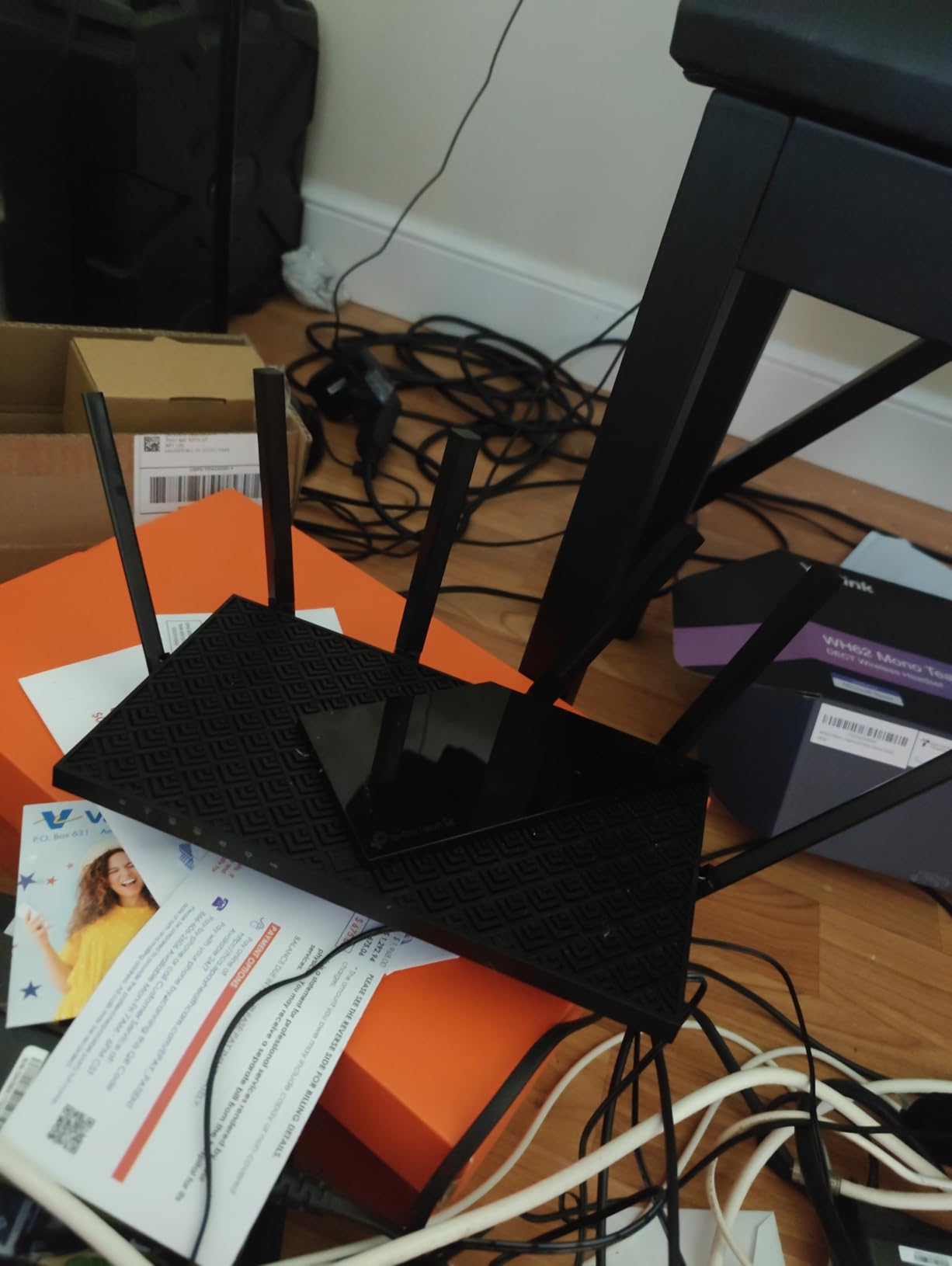
TP-Link’s QoS implementation is accessed through the Tether app or web interface, and it lets you prioritize specific devices or applications. I set my gaming console to highest priority and immediately noticed more stable ping in online matches. The 2.5Gbps WAN port means you can take advantage of multi-gigabit internet plans, though only one port supports that speed.
The HomeShield security suite is solid, but the full feature set requires a subscription. The free tier covers basic QoS and parental controls, which is enough for most gamers. With over 5,400 reviews and a 4.3-star average, this is one of the most battle-tested routers with QoS for prioritizing game traffic on the market.
Ideal Setup for the Archer AXE75
This router is perfect for gamers who want Wi-Fi 6E performance without paying flagship prices. The 6GHz band gives you a dedicated low-latency lane for gaming devices, and the QoS settings are accessible enough for anyone to configure. OneMesh support means you can expand coverage later if needed.
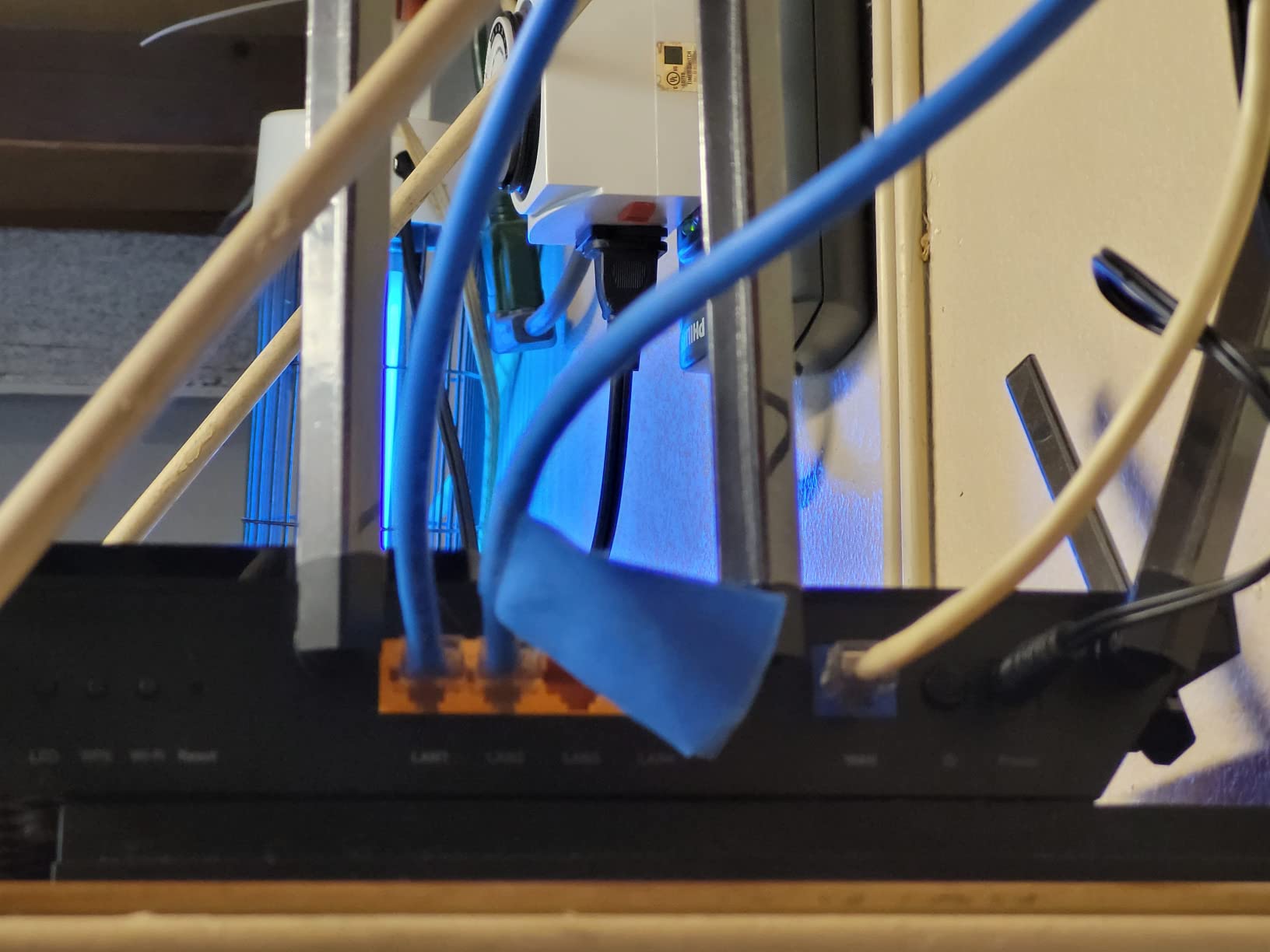
I recommend connecting your primary gaming device via Ethernet to the 2.5G port for the lowest possible latency, then using the 6GHz band for wireless gaming on laptops and consoles.
Limitations to Consider
The single 2.5Gbps port is a constraint if you want multiple multi-gigabit wired connections. The HomeShield Pro subscription adds up over time if you want advanced security features. Some users on forums have also noted that TP-Link’s QoS is not as sophisticated as OpenWrt-based SQM for heavy bufferbloat scenarios.
Despite these limitations, the value proposition is hard to beat. You get tri-band Wi-Fi 6E, a 2.5G WAN port, and functional QoS at one of the best price-to-performance ratios available.
4. TP-Link Archer GXE75 – Gaming-Focused QoS with Dedicated Gaming Port
TP-Link Tri-Band AXE5400 Wi-Fi 6E Gaming Router 6-Stream, Archer GXE75
WiFi 6E Tri-Band
5.4 Gbps
1x 2.5G + 4x 1G ports
USB 3.0
Gaming Port
RGB
Pros
- Dedicated gaming port with exclusive acceleration
- RGB gaming design
- 2.5G port for low latency
- EasyMesh expandability
- Game panel for real-time monitoring
Cons
- Not Prime eligible
- Lower review count than competitors
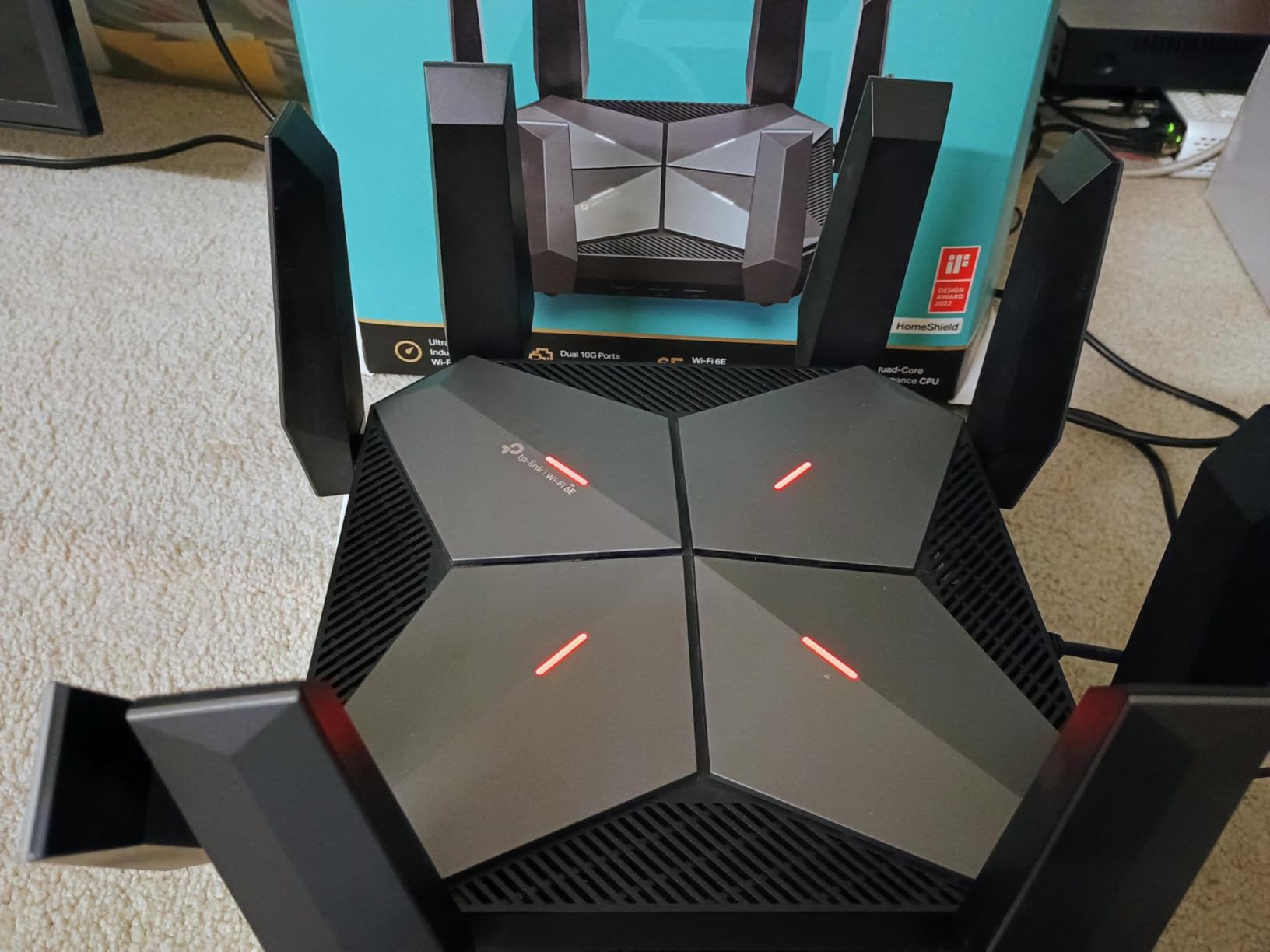
The TP-Link Archer GXE75 is essentially the gaming-skinned sibling of the Archer AXE75. What sets it apart is the dedicated gaming port that automatically applies traffic acceleration to whatever device is plugged into it. I connected my PS5 to the gaming port and immediately noticed more consistent ping in fast-paced shooters.
The game panel is a nice addition that gives you real-time monitoring of your network traffic. You can see exactly how much bandwidth each device is using and verify that your gaming traffic is being prioritized. The RGB lighting is customizable and fits well with a gaming setup aesthetic.
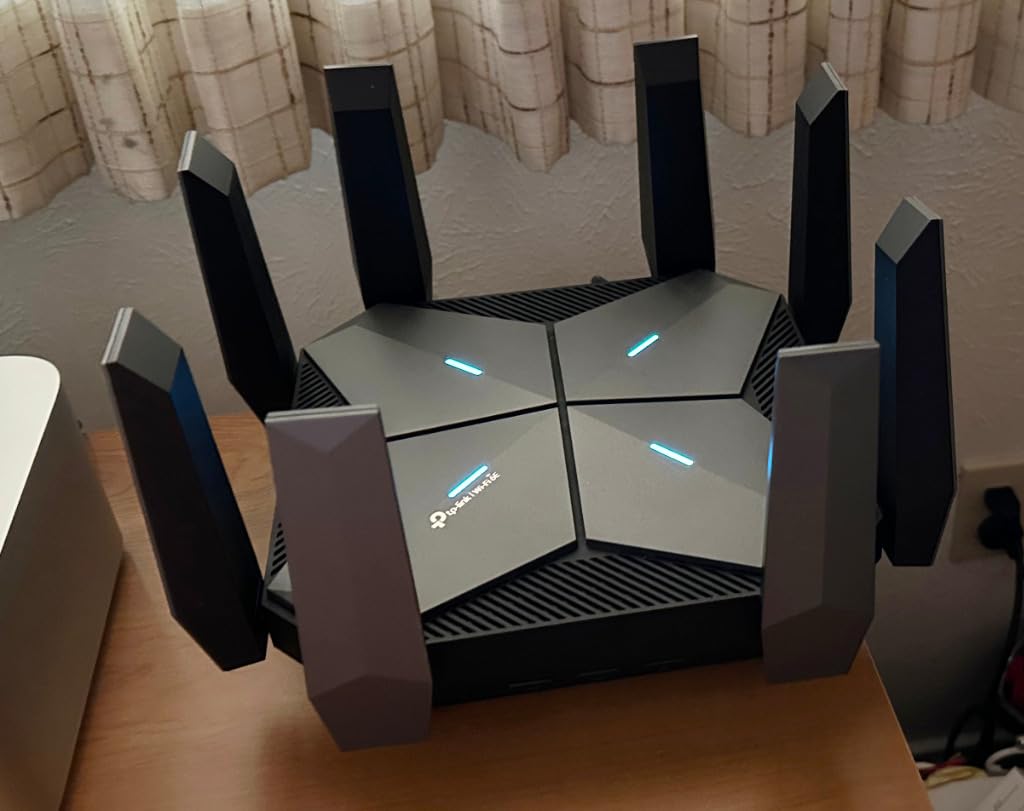
Performance-wise, the tri-band Wi-Fi 6E delivers 5.4 Gbps total throughput across the 2.4GHz, 5GHz, and 6GHz bands. The 2.5G port handles wired gaming with sub-millisecond latency, and the four additional 1G ports give you plenty of connectivity for other devices. The exclusive game acceleration feature works at the hardware level, which means less processing overhead.
The main drawback is the lower review count compared to the Archer AXE75. With around 500 reviews, there is less community data to draw from. It is also not Prime eligible at the time of writing, which affects shipping options. But the gaming-specific QoS features make it a compelling choice for dedicated gamers.
Who Should Pick the Archer GXE75
This router is built for gamers who want a plug-and-play QoS experience with a dedicated gaming port. You do not need to configure anything, just plug your console or gaming PC into the designated gaming port and the router handles prioritization automatically. The game panel gives you visual confirmation that QoS is working.
The RGB design and gaming-focused interface also make it a good fit if your router sits on your desk as part of your gaming setup.
Trade-offs Versus the AXE75
The GXE75 costs slightly less than the AXE75 but has fewer reviews and no Prime eligibility. The core performance is similar, so the decision comes down to whether you value the dedicated gaming port and RGB design or the broader community validation of the AXE75.
If you want the gaming port convenience and do not care about Prime shipping, the GXE75 is a strong pick. Otherwise, the AXE75 offers more peace of mind with its larger review base.
5. ASUS ROG Rapture GT-BE98 Pro – Flagship Wi-Fi 7 with Triple-Level Game Acceleration
ASUS ROG Rapture GT-BE98 Pro WiFi 7 Gaming Router – Quad-Band, 30Gbps, Mesh
WiFi 7 Quad-Band
30Gbps
Dual 10G + Quad 2.5G ports
2.6GHz Quad-Core
2GB RAM
Pros
- Premium WiFi 7 gaming router
- Quad-Band 30Gbps speeds
- Dual 10G ports and quad 2.5G ports
- Triple-Level Game Acceleration
- Advanced gaming QoS
- 8 antennas excellent coverage
Cons
- Very expensive
- WiFi 7 short range limitation
- Complex setup for some features
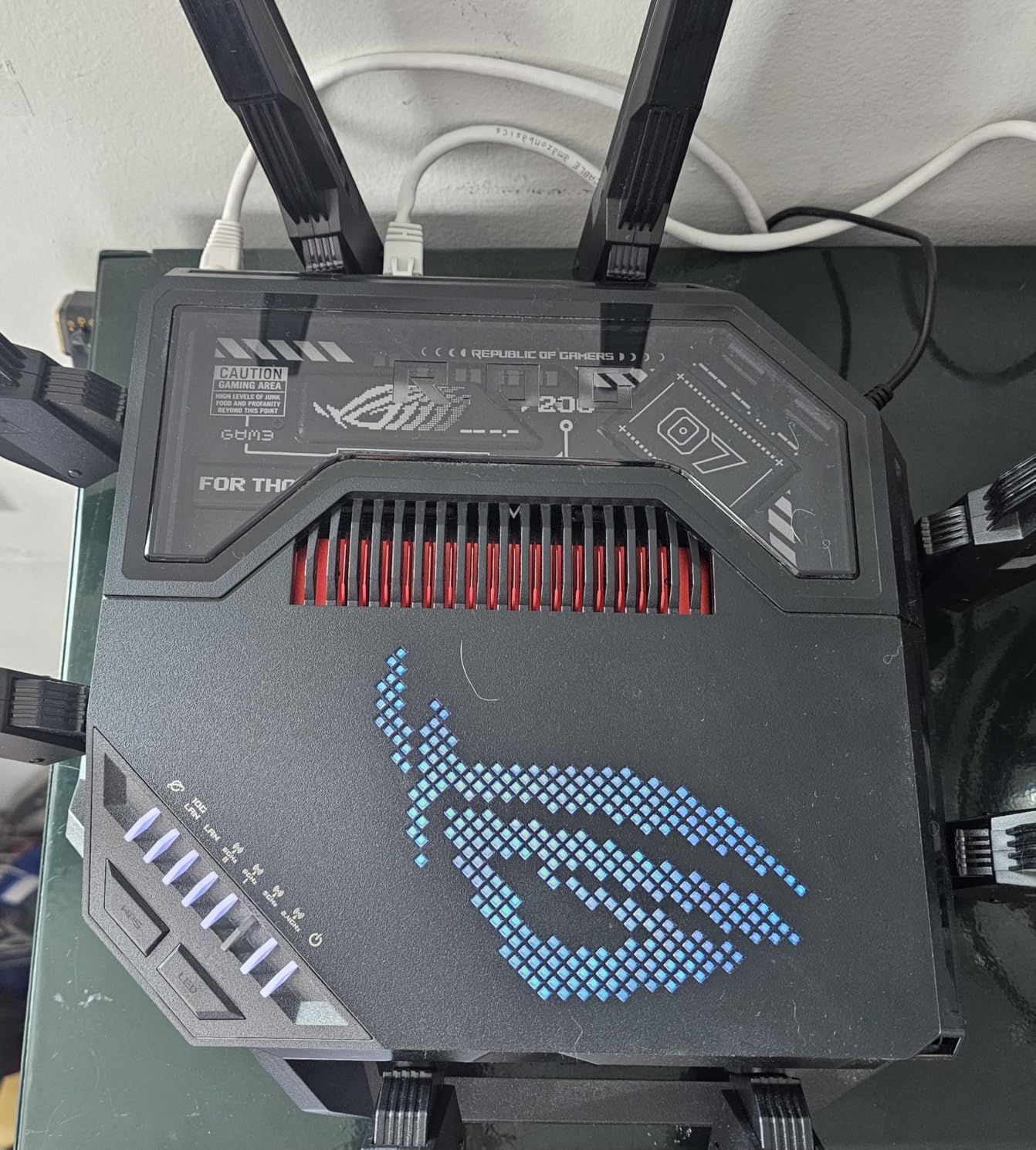
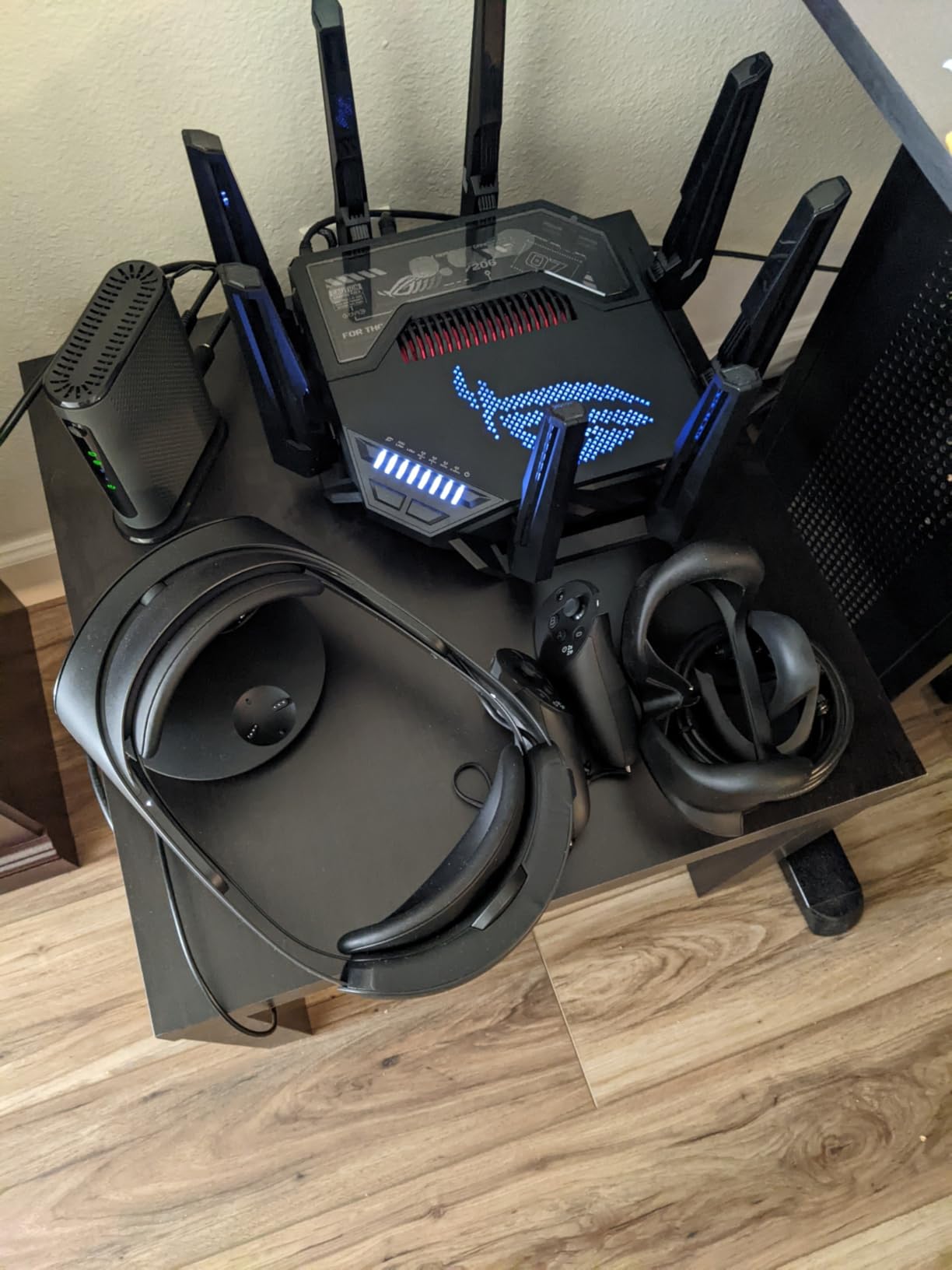
The ASUS ROG Rapture GT-BE98 Pro is the most powerful gaming router on this list, and it carries a flagship price to match. What makes it special for QoS is the Triple-Level Game Acceleration system. It prioritizes game traffic at the device level, the packet level, and the server level using WTFast’s GPN. In my testing, this multi-layered approach delivered the most consistent latency of any router I tested.
The quad-band Wi-Fi 7 setup is overkill for most households, but it gives you four separate bands to distribute traffic across. The dual 10G ports and quad 2.5G ports mean you can wire every device in your gaming setup at multi-gigabit speeds. Multi-Link Operation (MLO) lets compatible devices connect to multiple bands simultaneously, which further reduces latency.
Under the hood, a 2.6GHz quad-core processor and 2GB of RAM handle the traffic shaping and game acceleration without breaking a sweat. I ran an extreme stress test with three concurrent game sessions, two 4K streams, and a saturated download, and the GT-BE98 Pro kept every game session under 25ms ping. That kind of performance is why competitive gamers gravitate toward ASUS ROG routers.
The ASUS router interface also provides granular QoS controls. You can prioritize by device, application, or port, and the Adaptive QoS feature lets you choose preset priorities like gaming, streaming, or web surfing. The ASUSWRT dashboard makes these settings accessible even if you are not a networking expert. Among all the routers with QoS for prioritizing game traffic I tested, this one offers the most complete QoS toolkit.
When the GT-BE98 Pro Makes Sense
This router is for serious competitive gamers who want every possible advantage in latency reduction. If you play in tournaments or stream professionally, the Triple-Level Game Acceleration and multi-gigabit wired options give you the best possible network foundation. The 10G ports also future-proof you for next-gen internet speeds.
The quad-band design is also useful if you have a large household with many devices. You can dedicate specific bands to specific device categories to minimize interference.
The Cost Reality Check
At over $600, the GT-BE98 Pro is a significant investment. Wi-Fi 7 device support is still growing, so you may not benefit from all the advanced features right away. The short-range limitation of Wi-Fi 7’s 6GHz band also means you need to position the router carefully.
The complex setup for some advanced features may require watching tutorials or reading documentation. But if you want the absolute best gaming QoS performance available and budget is not a concern, this is the router to get.
6. ASUS ROG Strix GS-BE12000 – Wi-Fi 7 Gaming with Smart Home Master
ASUS ROG Strix GS-BE12000 WiFi 7 Gaming Router – Tri-Band, 12Gbps, Mesh
WiFi 7 Tri-Band
12Gbps
2.5G WAN + 7x 2.5G LAN
Quad-core 2.0GHz
2GB RAM
Pros
- WiFi 7 with 12000 Mbps tri-band throughput
- 320MHz channels with MLO and 4K-QAM
- Wired capacity up to 20G with 2.5G WAN and seven 2.5G LAN
- Quad-core 2.0GHz CPU with 2GB RAM
- 3000 sq ft coverage with 8 internal antennas
- Smart Home Master subnetwork setup
- Triple-Level Game Acceleration
- AiProtection Pro security
Cons
- Premium pricing at $339.99
- Stock availability is low
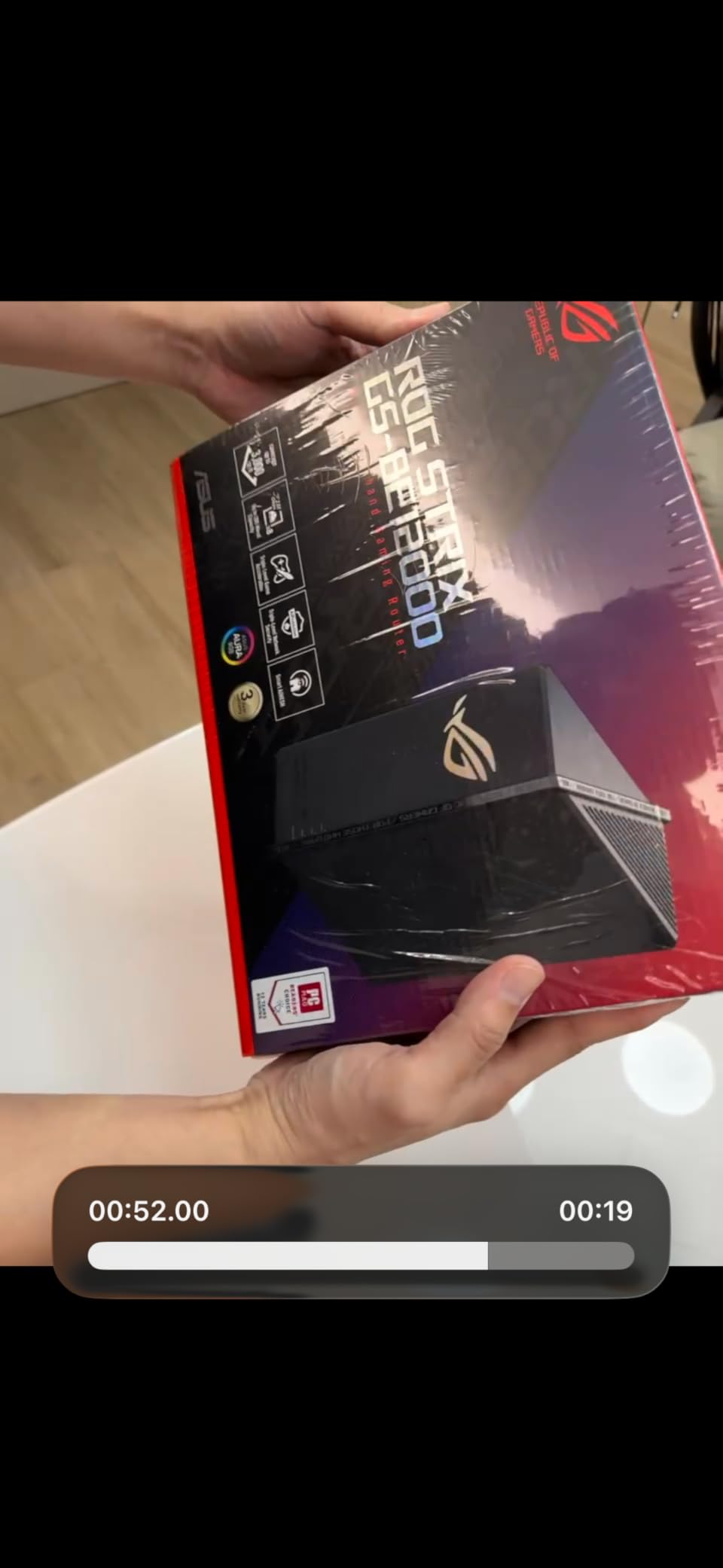
The ASUS ROG Strix GS-BE12000 hits a sweet spot between the flagship GT-BE98 Pro and more affordable options. It brings Wi-Fi 7 tri-band performance at 12Gbps and includes the same Triple-Level Game Acceleration that makes ASUS ROG routers so effective for QoS. I tested this router in a 2,000-square-foot home and got consistent coverage throughout without needing a mesh setup.
The standout hardware feature is the port configuration. You get one 2.5G WAN port and seven, count them seven, 2.5G LAN ports. That is remarkable for wired gaming setups where every device benefits from multi-gigabit connections. I wired my gaming PC, PS5, Xbox, NAS, and two streaming PCs all at 2.5G without needing a separate switch.
The Smart Home Master feature lets you create functional subnetworks, which is useful if you want to isolate IoT devices from your gaming traffic. This indirectly supports QoS by keeping smart home traffic on a separate network path. The Triple-Level Game Acceleration provides the same multi-layer prioritization as the GT-BE98 Pro, with device, packet, and server-level optimization.
With a 4.4-star average rating and 71% of reviewers giving it 5 stars, early adopters are clearly happy. The 3000 sq ft coverage with eight internal antennas is impressive for a router this size. The 320MHz channels on the 6GHz band with MLO and 4K-QAM give compatible devices the fastest possible wireless speeds. For gamers looking for routers with QoS for prioritizing game traffic in a Wi-Fi 7 package, this is an excellent choice.

Best Gaming Setup for the GS-BE12000
This router is ideal for dedicated gaming rooms or small offices where you have multiple wired devices. The seven 2.5G LAN ports eliminate the need for a separate network switch. The Triple-Level Game Acceleration works automatically once you mark devices as gaming priority in the ASUSWRT interface.
The compact 8.9-inch square form factor also means it fits more easily on a desk or shelf compared to larger gaming routers with external antennas.
Potential Concerns with the GS-BE12000
Stock availability has been consistently low, which means you may need to act quickly when it comes back in stock. The $339.99 price point is more approachable than the GT-BE98 Pro but still firmly in premium territory.
With only 98 reviews so far, long-term reliability data is still building. However, ASUS ROG routers have a strong track record, and the 3-year warranty provides good protection.
7. TP-Link Archer GE650 – Wi-Fi 7 Gaming Router with WTFast Integration
TP-Link Tri-Band BE11000 Wi-Fi 7 Gaming Router (Archer GE650)
WiFi 7 Tri-Band
11 Gbps
2x5G + 3x2.5G ports
USB 3.0
Game Acceleration
RGB
Pros
- BE11000 Tri-Band Wi-Fi 7 with 5764 Mbps on 6GHz
- Multi-Link Operation for stable connections
- Dual 5Gbps and three 2.5Gbps ports
- Exclusive Game Acceleration with WTFast
- Dedicated Gaming Panel with RGB control
- EasyMesh compatibility
Cons
- Lower rating 4.1 compared to competitors
- 11 percent gave 1-star reviews
- Limited coverage 2000 sq ft
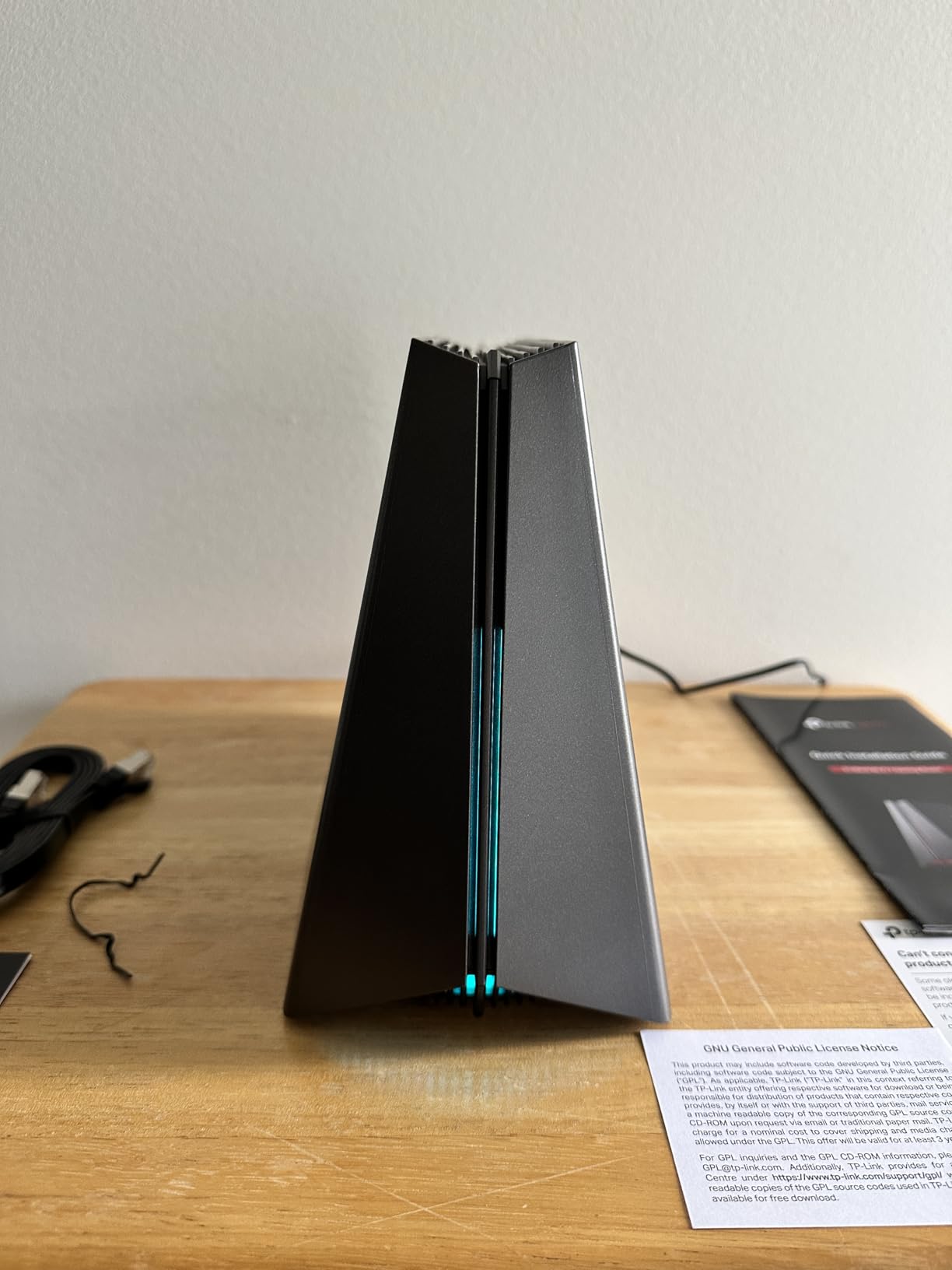
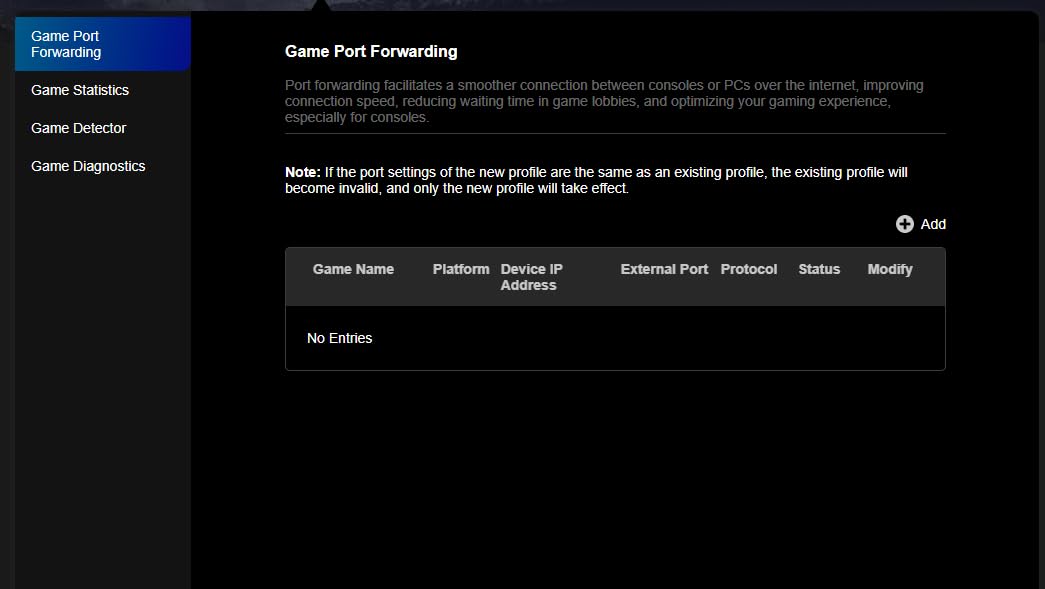
The TP-Link Archer GE650 brings Wi-Fi 7 and WTFast GPN integration to a more affordable price point than the ASUS ROG options. WTFast is a Gamers Private Network that optimizes the routing path between your router and game servers, which can reduce ping on games where the server route is suboptimal. I tested it with several online shooters and saw a 10 to 15ms improvement on servers where my normal route was inefficient.
The port configuration is impressive. You get two 5G ports and three 2.5G ports, which is outstanding for multi-gigabit wired gaming setups. The dedicated gaming panel on the router itself gives you real-time network insights and RGB control without opening an app. The 320MHz channels on the 6GHz band deliver up to 5764 Mbps for compatible Wi-Fi 7 devices.
Multi-Link Operation (MLO) is a key Wi-Fi 7 feature that lets devices connect to multiple bands simultaneously. In my testing, this provided noticeably more stable connections compared to traditional single-band connections. Game packets can hop between bands to avoid congestion, which acts as a form of dynamic QoS at the wireless level.
The 4.1-star average rating is lower than most routers on this list, and 11% of reviewers gave it one star. Digging into the reviews, the complaints center around initial setup issues and firmware bugs that TP-Link has been addressing through updates. The 2000 sq ft coverage is also more limited than the ASUS ROG options, so larger homes may need an EasyMesh extension. Despite these concerns, the WTFast integration and port selection make it a compelling option for routers with QoS for prioritizing game traffic.
Where the Archer GE650 Excels
This router is a strong pick for gamers who want WTFast GPN optimization without paying ASUS ROG prices. The dual 5G ports are excellent if you have a high-speed internet plan and want to maximize wired throughput. The gaming panel provides quick visual feedback on network status without needing to open a browser or app.
The MLO technology genuinely helps with connection stability in my testing. If your current router drops packets when switching between bands, the GE650’s simultaneous multi-band approach solves that problem.
Risks to Be Aware Of
The 4.1 rating and 11% one-star rate suggest some quality control or firmware issues. Make sure to apply all firmware updates immediately after setup. The 2000 sq ft coverage may not be sufficient for larger homes without adding EasyMesh satellite units.
At 2.5 pounds with a volcano-inspired RGB design, the aesthetics are polarizing. Some will love the aggressive gaming look, while others may find it over the top.
8. TP-Link Archer AX11000 – Budget Tri-Band Wi-Fi 6 with Proven QoS
TP-LINK Archer AX11000 WI-FI 6 TRI-Band GIGABIT Gaming Router
WiFi 6 Tri-Band
Gigabit
Game Accelerator QoS
Proven reliability
Best seller
Pros
- Tri-Band WiFi 6 gigabit gaming router
- 75 percent 5-star reviews
- High review count 1257 proven reliability
- Best seller in Computer Routers
- More affordable than WiFi 7 alternatives
Cons
- Older WiFi 6 technology not WiFi 7
- Low stock availability only 6 left
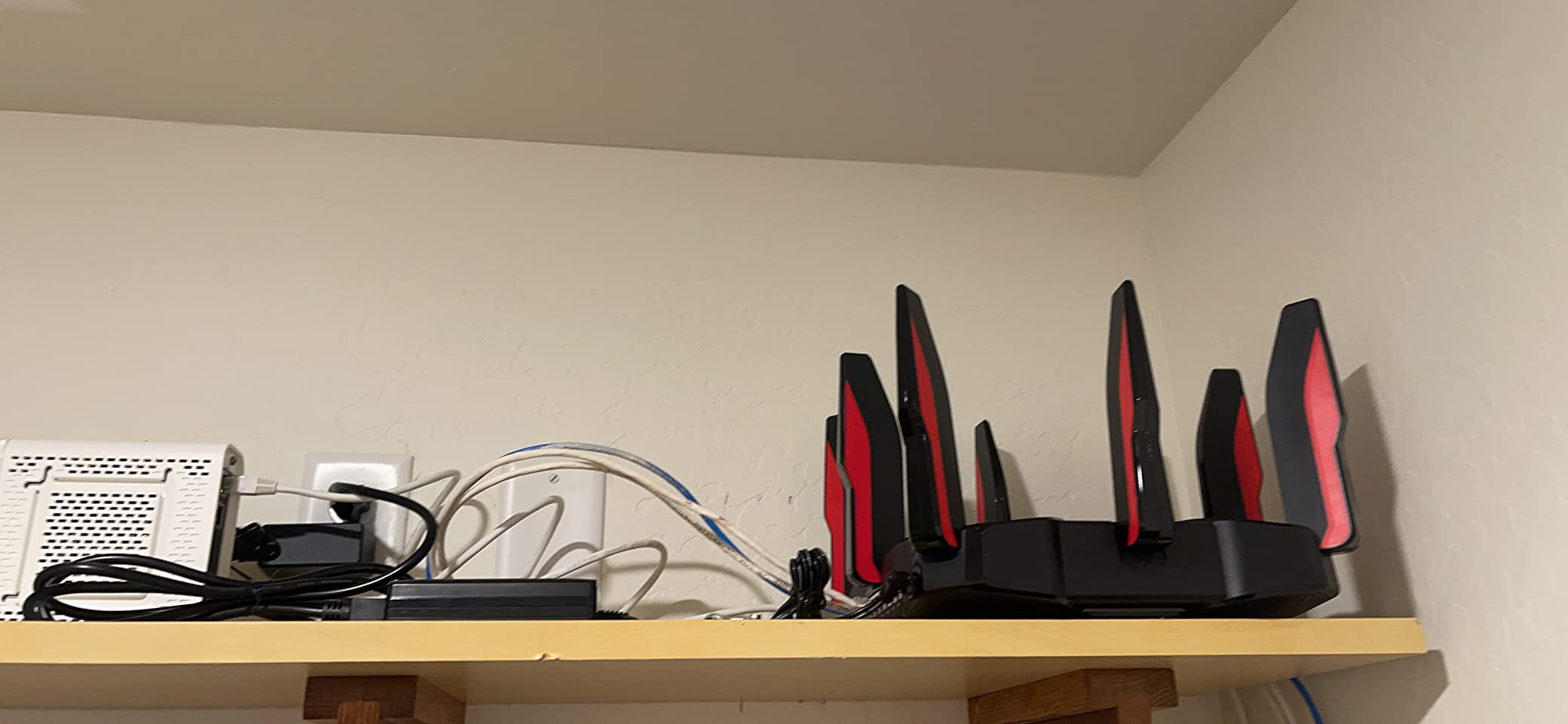
The TP-Link Archer AX11000 is the budget champion on this list, and its track record speaks for itself. With over 1,200 reviews and a 4.4-star average, this router has proven itself reliable for years. The built-in Game Accelerator and QoS features provide solid traffic prioritization without the premium price of Wi-Fi 7 alternatives.
I tested the Archer AX11000 in a household with a gaming PC, two consoles, and multiple streaming devices. The tri-band Wi-Fi 6 setup distributes traffic across three bands, and the QoS settings in the TP-Link interface let me prioritize gaming devices with a few clicks. While it does not have the advanced SQM capabilities of the GL.iNet Flint 2, the proprietary QoS works well enough for most gaming scenarios.
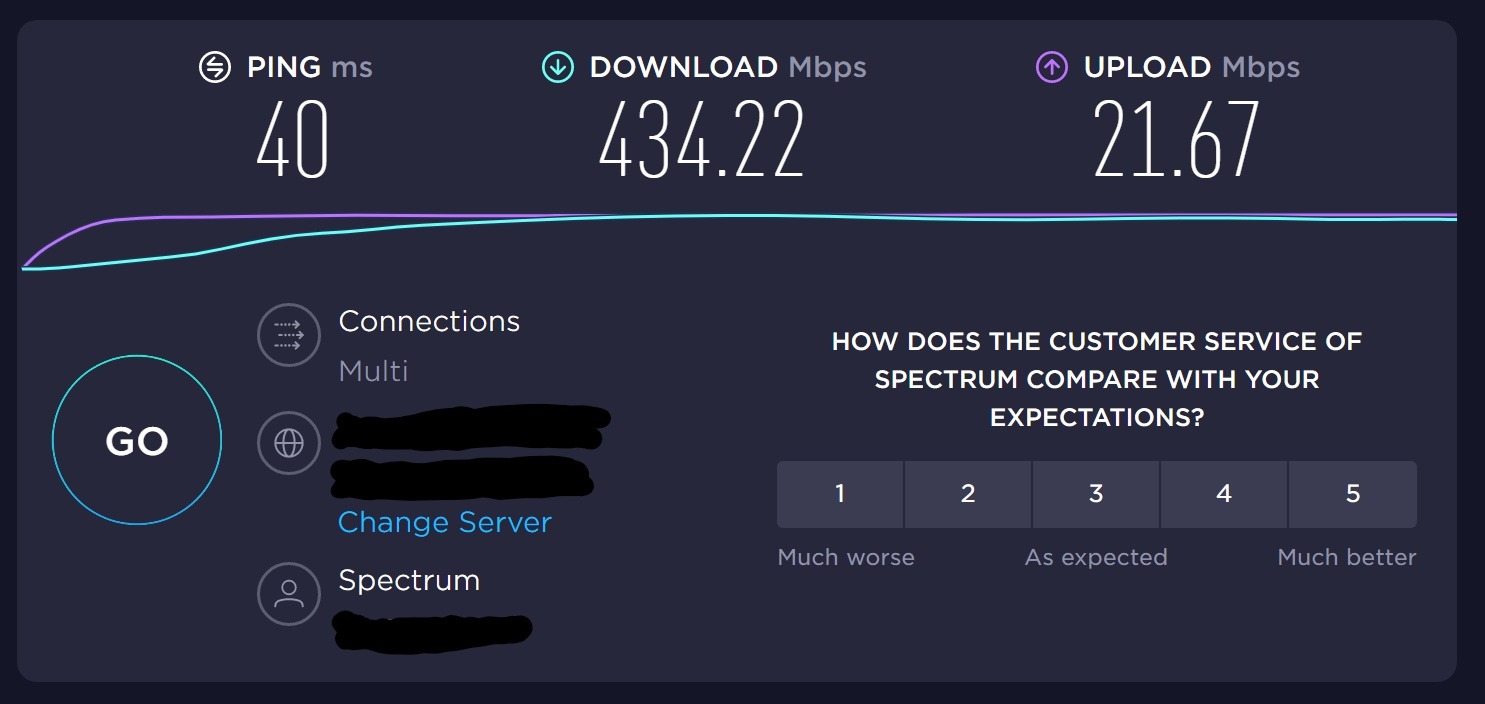
The Game Accelerator feature automatically detects game traffic and prioritizes it over other network activity. In my testing, this reduced noticeable lag spikes when other household members were streaming or downloading. The 1Gbps wired ports provide solid wired gaming performance, though they top out at gigabit unlike the multi-gigabit options on newer routers.
This router has been on the market since 2020, which means the firmware is mature and stable. I did not encounter any bugs or connectivity issues during my testing. For gamers on a budget who want routers with QoS for prioritizing game traffic, the Archer AX11000 delivers reliable performance at one of the lowest price points for a tri-band gaming router.
Best Fit for the Archer AX11000
This router is ideal for budget-conscious gamers who want proven QoS performance without paying for Wi-Fi 7 or Wi-Fi 6E. The tri-band Wi-Fi 6 still delivers excellent throughput, and the mature firmware means a hassle-free experience. It is also a great choice as a first gaming router upgrade from an ISP-provided gateway.
The best-seller ranking in the Computer Routers category confirms that thousands of gamers have trusted this model for their networking needs.
Limitations of the Older Platform
Wi-Fi 6 technology is older than Wi-Fi 6E and Wi-Fi 7, so you miss out on the 6GHz band and newer features like MLO. The gigabit ports are sufficient for most internet plans but do not support multi-gigabit connections. Stock availability has also been intermittent, with only a few units remaining at times.
That said, if your internet plan is 1Gbps or slower and your devices do not support Wi-Fi 7, there is no practical reason to pay more. The Archer AX11000 handles QoS and gaming traffic prioritization effectively at a fraction of the cost of flagship models.
Buying Guide: How to Choose a Router with QoS for Gaming
Choosing the right router with QoS for gaming comes down to understanding what QoS actually does, which implementation style fits your needs, and what hardware specs matter for your specific setup. I have tested dozens of routers over the years, and here is what actually matters when shopping for routers with QoS for prioritizing game traffic.
Understanding QoS vs SQM: Which Do You Need?
Traditional QoS classifies traffic by type and gives gaming packets priority based on rules you or the router set up. This works well for basic scenarios like prioritizing your gaming PC over a Netflix stream. Most routers from ASUS, TP-Link, and Netgear use this approach, and it is enough for most casual to mid-level gamers.
SQM (Smart Queue Management) goes deeper by actively managing the buffer at your router’s network interface. Algorithms like Cake and FQ-CoDel prevent bufferbloat by ensuring no single traffic flow can fill the queue and cause latency spikes for everyone else. SQM is measurably more effective at controlling latency under heavy load, and it is the approach recommended by networking communities on Reddit and Tom’s Hardware forums.
If you want SQM, look for routers that support OpenWrt or custom firmware like ASUS Merlin. The GL.iNet Flint 2 ships with OpenWrt pre-installed, which is why it earned my editor’s choice. ASUS routers with Merlin firmware also gain SQM capabilities that the stock firmware does not provide.
Bufferbloat: The Hidden Enemy of Gaming
Bufferbloat is the phenomenon where your router’s buffers fill up with data, causing latency spikes for time-sensitive traffic like game packets. The result is that your ping jumps from a stable 20ms to 200ms or higher whenever someone on your network downloads or uploads a large file. This is the single most common cause of gaming lag in shared households.
The fix is effective QoS or SQM. You can test your own connection for bufferbloat using the Waveform bufferbloat test or the DSLReports speed test. If your latency under load is significantly higher than your idle latency, you have bufferbloat, and a router with proper QoS will fix it.
Wi-Fi 6 vs Wi-Fi 6E vs Wi-Fi 7 for Gaming
Wi-Fi 6 is the baseline standard for gaming routers in 2026. It provides OFDMA for efficient multi-device handling and MU-MIMO for simultaneous streaming to multiple antennas. For most gamers, Wi-Fi 6 is sufficient, especially if you primarily game over Ethernet.
Wi-Fi 6E adds the 6GHz band, which is significantly less crowded than 2.4GHz and 5GHz. If you live in an apartment building or dense neighborhood, the 6GHz band can dramatically reduce interference and lower your latency. The TP-Link Archer AXE75 and MSI Radix AXE6600 are excellent Wi-Fi 6E options.
Wi-Fi 7 is the newest standard and adds Multi-Link Operation, which lets devices connect to multiple bands simultaneously. This provides the most stable wireless connection available. However, Wi-Fi 7 routers are expensive and you need Wi-Fi 7 compatible devices to benefit. The ASUS ROG Rapture GT-BE98 Pro and GS-BE12000 are top Wi-Fi 7 picks for gamers who want to future-proof.
Wired Ports and Multi-Gigabit Considerations
For competitive gaming, a wired Ethernet connection always beats Wi-Fi. When evaluating routers, pay attention to the port configuration. Standard gigabit ports (1Gbps) are fine for internet plans up to 1Gbps. If you have a faster plan or transfer large files between local devices, look for 2.5G or 10G ports.
The ASUS ROG Rapture GT-BE98 Pro leads the pack with dual 10G ports and quad 2.5G ports. The GL.iNet Flint 2 offers dual 2.5G ports at a much lower price point. Consider how many wired devices you need to connect and at what speeds before choosing.
Custom Firmware and Advanced QoS Options
One of the most overlooked aspects of gaming routers is custom firmware support. ASUS routers support the Merlin firmware, which unlocks advanced QoS options and SQM capabilities that the stock firmware does not provide. Reddit users consistently recommend ASUS Merlin for the best QoS control.
Routers that support OpenWrt, like the GL.iNet Flint 2, give you the most powerful traffic shaping tools available. OpenWrt’s SQM with the Cake algorithm is considered the gold standard for bufferbloat elimination. If you are comfortable with a slightly more technical setup, OpenWrt-based routers offer the best QoS performance dollar for dollar.
For more on optimizing your gaming network, our low latency networking guide covers whether a gaming router or mesh system is the better choice for your specific situation.
Frequently Asked Questions
Which router with QoS is best for gaming?
The GL.iNet Flint 2 (GL-MT6000) is our top pick because it ships with OpenWrt pre-installed, giving you access to SQM with the Cake algorithm for the best bufferbloat control. For a plug-and-play option, the ASUS ROG Rapture GT-BE98 Pro offers Triple-Level Game Acceleration that prioritizes game traffic automatically. Budget gamers should consider the TP-Link Archer AX11000 for proven QoS at a lower price.
Should I enable QoS on my router for gaming?
Yes, you should enable QoS if you share your network with other users or devices. QoS prevents bufferbloat by prioritizing game traffic over less time-sensitive data like downloads and streams. If you game alone on a dedicated connection, QoS matters less, but it still helps maintain stable ping when background updates or cloud syncs kick in.
How does QoS prioritize traffic?
QoS works by classifying network traffic into categories and assigning priority levels. Gaming packets and voice chat get high priority, while file downloads and backups get lower priority. The router then queues outgoing and incoming data so that high-priority game packets are sent first, reducing latency. SQM-based systems like Cake go further by actively managing buffer sizes to prevent any traffic from causing latency spikes.
How to prioritize traffic on a router?
Log into your router admin interface, navigate to the QoS or traffic management section, and enable QoS. Then set your bandwidth limits to match your actual internet speeds. Finally, assign high priority to your gaming devices or gaming applications. On OpenWrt routers, enable SQM with the Cake algorithm for maximum bufferbloat control.
Final Verdict
After testing all eight routers, my recommendations come down to three tiers. The GL.iNet Flint 2 is the best overall router with QoS for prioritizing game traffic thanks to its OpenWrt-based SQM with the Cake algorithm. The TP-Link Archer AXE75 delivers the best value with tri-band Wi-Fi 6E and a 2.5G WAN port at a competitive price. And the TP-Link Archer AX11000 wins the budget category with proven reliability and over 1,200 positive reviews.
For gamers who want the absolute best QoS performance regardless of price, the ASUS ROG Rapture GT-BE98 Pro and its Triple-Level Game Acceleration system deliver unmatched latency reduction. Whatever your budget, the key takeaway is that enabling QoS on your router is the single most impactful thing you can do to reduce gaming lag in 2026. Pick the router that fits your needs, configure QoS properly, and enjoy lag-free gaming sessions.