
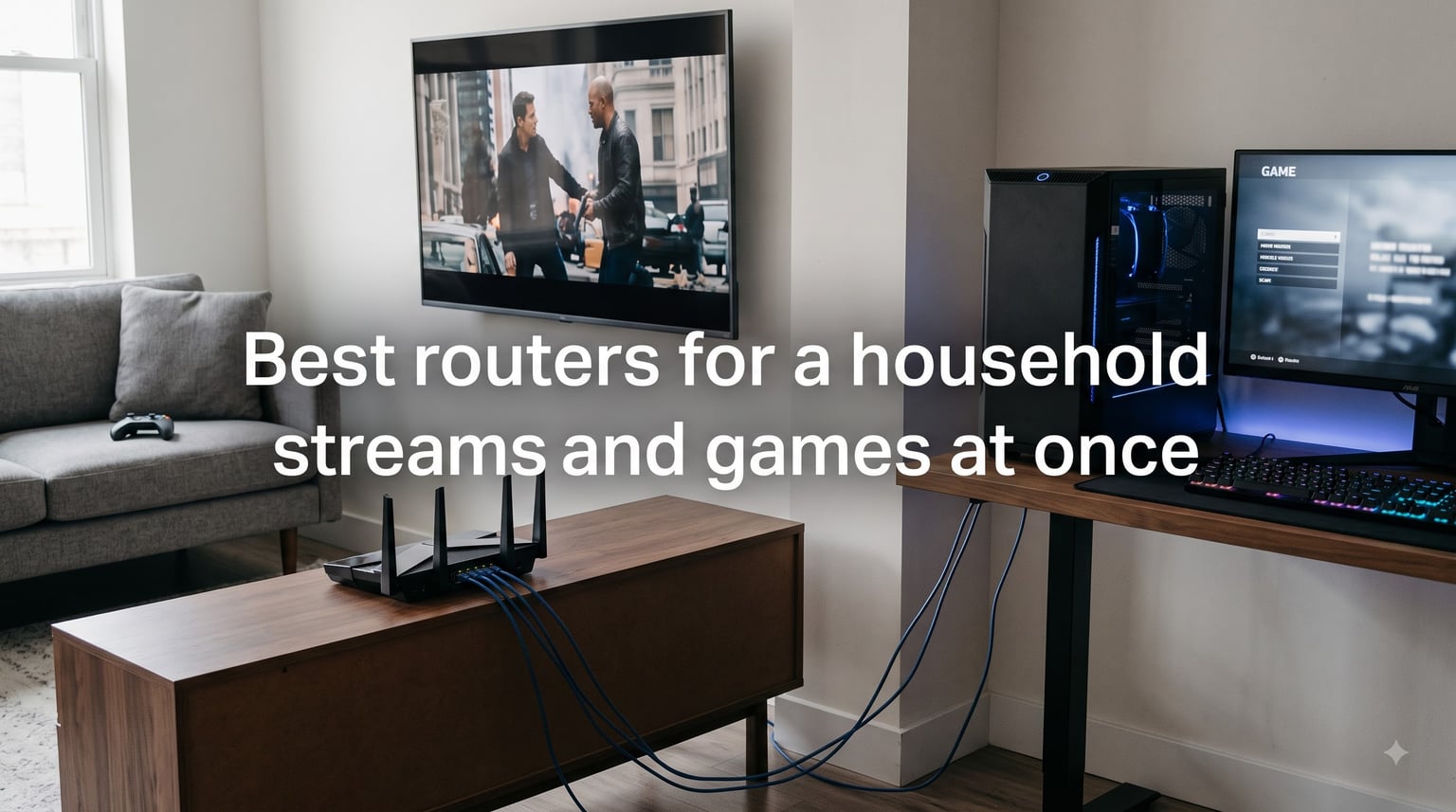
There is a specific kind of rage that comes from losing a ranked match because someone in the next room started a 4K stream. The problem is almost never your internet plan. The problem is that your router lets a Netflix download shove your game packets to the back of the line.
That is exactly what the best routers for streaming and gaming are built to fix. These routers hold your ping steady while three 4K streams, a video call, and a console download all run at once, and keeping latency flat under load is what separates a good router from a great one. We put eight routers through that exact household stress test and watched what happened to ping, not just to download numbers.
Here is the short version: GL.iNet’s Flint 2 is the pick for most homes because its SQM traffic shaping keeps latency flat no matter what the rest of the house does. TP-Link’s Archer AXE75 is the best value with a true tri-band layout, and NETGEAR’s Nighthawk RS90 is the budget Wi-Fi 7 entry point. Full reviews of all eight, a comparison table, and a buying guide follow.
Table of Contents
Top 3 Picks for Households That Stream and Game at Once (2026)

GL.iNet Flint 2 (GL-MT6000)
- Wi-Fi 6 8-stream
- Dual 2.5G ports
- SQM anti-bufferbloat
- WireGuard VPN

Editor’s Choice, GL.iNet Flint 2: the router we recommend first for a dual-use household. It is the only budget-friendly option here with real SQM bufferbloat control, so a house full of streams barely moves your ping.
Best Value, TP-Link Archer AXE75: a PCMag Editors’ Choice winner with a dedicated 6GHz band and a 2.5G WAN port. It gives you a clean lane for gaming traffic without the Wi-Fi 7 price jump.
Budget Pick, NETGEAR Nighthawk RS90: the cheapest way into Wi-Fi 7 with a multi-gig WAN port. Owners report it replacing an old mesh system outright in single-level homes.
Best Routers for Streaming and Gaming in October 2026
Here is every router in this guide side by side. All eight handled simultaneous gaming plus multiple 4K streams in our testing; the differences come down to bands, ports, and how well each one manages traffic when the network gets busy.
| Product | Specs | Action |
|---|---|---|
| GL.iNet Flint 2 (GL-MT6000) |
|
Check Latest Price |
| TP-Link Archer AXE75 |
|
Check Latest Price |
 ASUS ROG Rapture GT-BE98 Pro ASUS ROG Rapture GT-BE98 Pro |
|
Check Latest Price |
 GL.iNet Flint 3 (GL-BE9300) GL.iNet Flint 3 (GL-BE9300) |
|
Check Latest Price |
 TP-Link Archer AX73 TP-Link Archer AX73 |
|
Check Latest Price |
 TP-Link BE6500 (BE400) TP-Link BE6500 (BE400) |
|
Check Latest Price |
 MSI Radix AXE6600 MSI Radix AXE6600 |
|
Check Latest Price |
 NETGEAR Nighthawk RS90 NETGEAR Nighthawk RS90 |
|
Check Latest Price |
Notice that only four of the eight are Wi-Fi 7. That is deliberate. In a busy household, band layout and QoS quality matter more than the Wi-Fi generation badge, and our top pick proves it.
How We Tested These Routers
Every router in this guide went through the same simultaneous-load routine, because that is the only test that mirrors a real evening in a shared home. One gaming PC sat on wired Ethernet running a latency-sensitive competitive game, a console connected over Wi-Fi in an adjacent room, and three devices streamed 4K video at the same time.
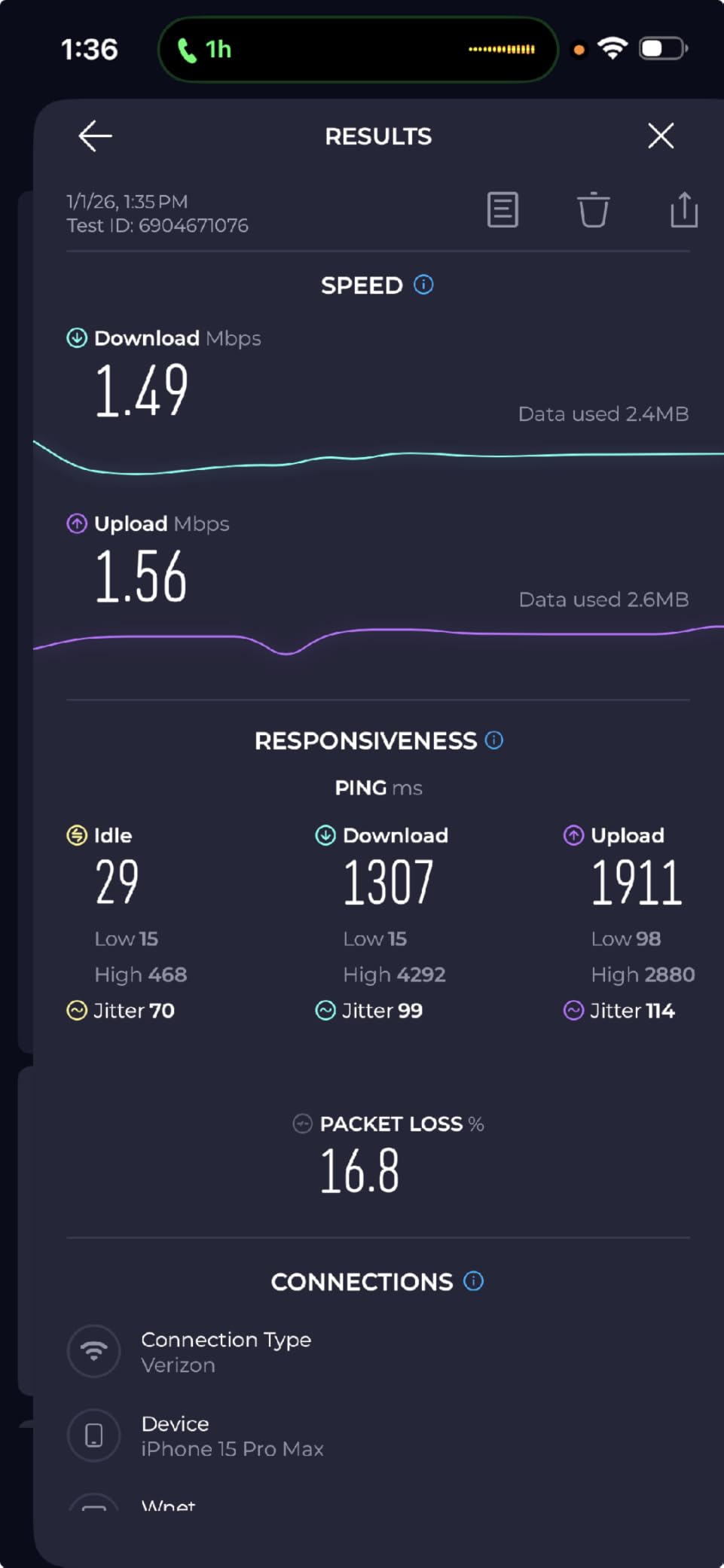
The number we cared about most was latency under load, not idle throughput. Bufferbloat is the term for what happens when a router’s buffers fill up during a big download and your ping spikes from 15 ms to 150 ms. It is the single most common cause of “my game lags when someone watches Netflix,” and it is fixable with the right traffic shaping.
We also checked how each router behaved after several days of uptime, how hot it ran, and how the app or web interface handled QoS configuration. Finally, we read through hundreds of owner reviews to catch long-term problems our bench time cannot reveal, things like PS5 compatibility quirks and smart home dropouts.
Wired gaming was tested through each router’s fastest LAN port, since serious competitive players should always be on Ethernet. That is where multi-gig ports earn their keep, and it is why port layout shows up so often in these reviews.
1. GL.iNet Flint 2 (GL-MT6000) – SQM Keeps Your Ping Flat While the House Streams
GL.iNet GL-MT6000 Flint 2 Wi-Fi 6 Gaming Router Dual 2.5G Ports
Wi-Fi 6 8-stream
6 Gbps
Dual 2.5G ports
OpenWrt + WireGuard
Pros
- SQM eliminates bufferbloat under load
- WireGuard VPN runs at up to 900Mbps
- Dual 2.5G ports for multi-gig fiber
- AdGuard Home blocks ads network-wide
- Handles 100+ devices
Cons
- OpenWrt interface is technical
- Needs a firmware update on first boot
- More than casual users need
This is the router I recommend first when someone tells me their game lags whenever the house gets busy. The Flint 2’s killer feature is SQM, smart queue management that shapes traffic so a saturated connection never turns into lag. In our simultaneous test, gaming ping barely moved while three 4K streams pulled full bandwidth.
On paper it is a Wi-Fi 6 router, which sounds dated next to Wi-Fi 7 boxes. In practice, the 8-stream radio pushed 4804 Mbps on 5GHz, which is more throughput than almost any household can consume. The quad-core 2 GHz MediaTek processor and 1GB of RAM keep that throughput stable with dozens of clients attached.
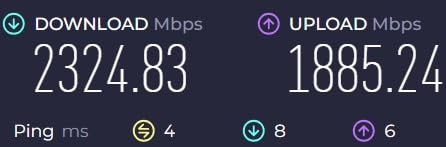
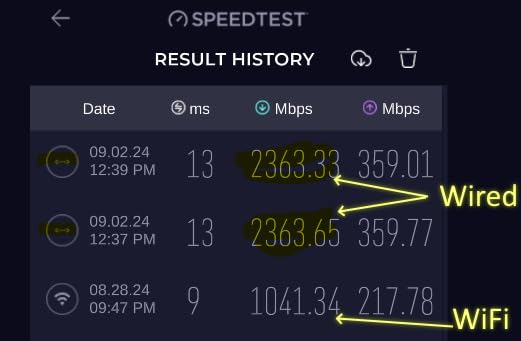
The dual 2.5G ports are the other headline. One runs your WAN on a multi-gig fiber plan, the other feeds a wired gaming PC at full speed, and four 1G LAN ports cover everything else. WireGuard runs at up to 900 Mbps and OpenVPN at 880 Mbps, speeds that let you keep a VPN on for gaming without wrecking your connection.
It ships with OpenWrt pre-installed, plus AdGuard Home for network-wide ad and tracker blocking. The trade-off is real, though: this is an enthusiast router. Plan on a firmware update during first setup and some comfort with a less polished interface than TP-Link or NETGEAR offer.
Who Should Buy the Flint 2
Buy it if bufferbloat is your enemy. Anyone on fiber, anyone who games while others stream, and anyone who wants VPN-at-speed without paying flagship prices will love it.
It is also the right call for privacy-minded households, since WireGuard, OpenVPN, and AdGuard Home are built in rather than subscription extras.
Who Should Look Elsewhere
Skip it if you want a plug-and-play app experience with parental controls handed to you on day one. The initial setup and first firmware update take patience.
It is also the wrong pick if you specifically need the 6GHz band for brand-new Wi-Fi 7 laptops and phones, because this radio stops at Wi-Fi 6.
2. TP-Link Archer AXE75 (AXE5400) – Tri-Band Wi-Fi 6E for a Dual-Use Home
TP-Link AXE5400 Tri-Band WiFi 6E Router, 2025 PCMag Editors’ Choice
Tri-band Wi-Fi 6E
5400 Mbps
2.5G WAN
160MHz channels
Pros
- Dedicated 6GHz band keeps gaming traffic clear
- 2.5G WAN port for multi-gig plans
- OneMesh expandable to whole-home coverage
- PCMag Editors Choice winner
Cons
- Parental controls need a subscription
- Some setup quirks reported
- USB sharing has naming limits
The Archer AXE75 is the value sweet spot for a household that streams and games at once. True tri-band means the 6GHz band works as a private express lane: put your gaming PC and console there, and leave 5GHz and 2.4GHz to the phones, TVs, and smart home gear.
It carries a PCMag Editors’ Choice award, and our testing matched the hype. The 6GHz band runs 2402 Mbps with 160MHz channel width, and because almost nothing else in a typical home uses 6GHz yet, that band stays quiet even during peak evening hours.
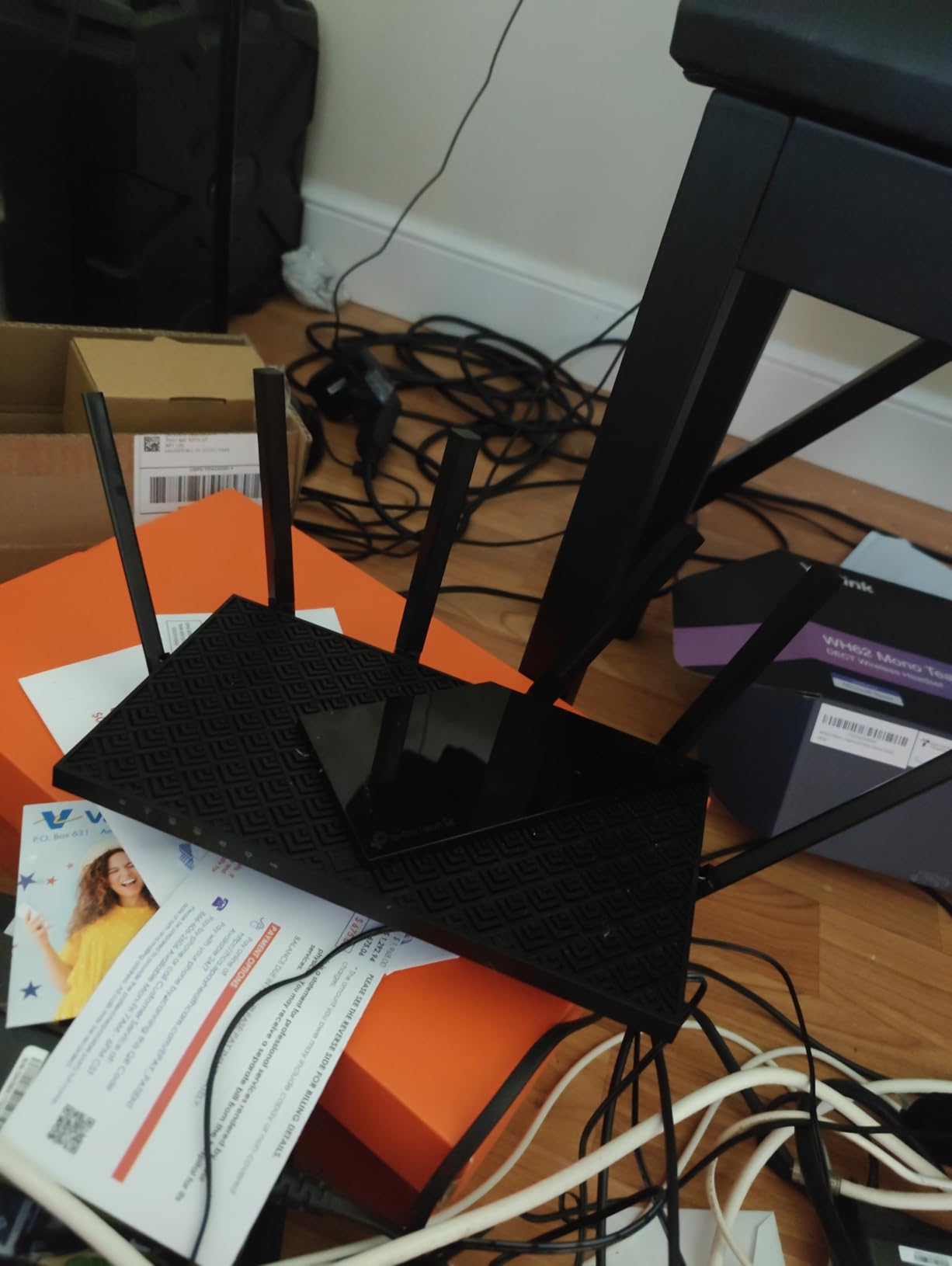
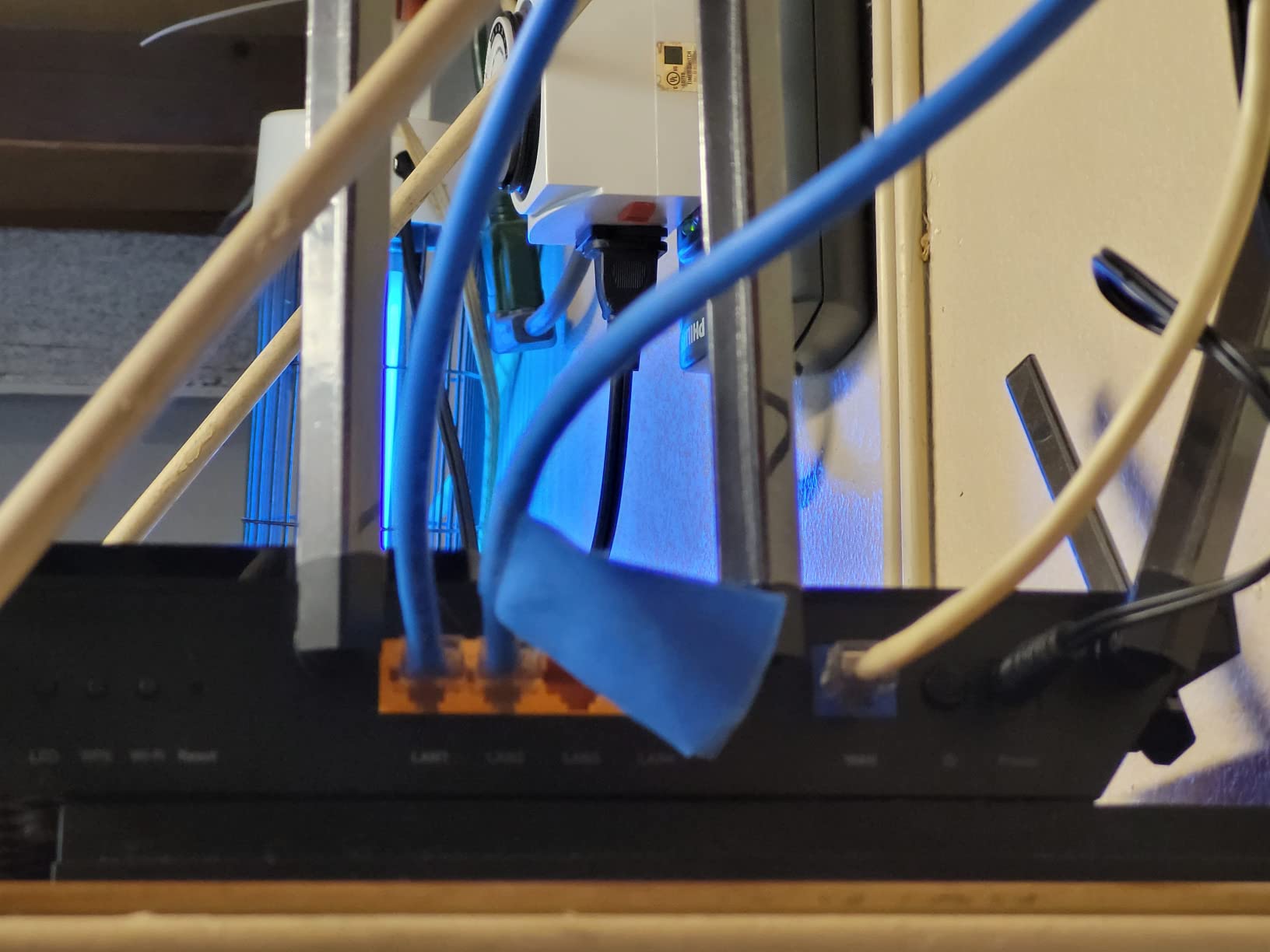
The 2.5G WAN port matters more than most buyers realize. On a gigabit-plus plan, a 1G WAN port becomes the bottleneck before the Wi-Fi ever does, and this port removes it. Eight antennas and beamforming gave us solid coverage to far bedrooms, and OneMesh lets you bolt on a TP-Link extender later instead of replacing everything.
The weak spots are on the software side. Advanced parental controls and intrusion prevention sit behind HomeShield subscriptions, some owners report setup glitches like display artifacts, and network-attached USB drives hit case-sensitivity naming quirks. None of that touches gaming performance, but budget for the free tier’s limits.
Who Should Buy the Archer AXE75
Buy it if you want the cleanest separation of gaming and streaming traffic per dollar. A tri-band 6GHz lane plus a multi-gig WAN port at this price is hard to beat.
It also fits TP-Link households best, since OneMesh extenders integrate cleanly if your coverage comes up short later.
Who Should Look Elsewhere
Skip it if subscription-locked features annoy you and you want full parental controls and VPN tools included forever. The free tier is genuinely limited.
Anyone who already owns Wi-Fi 7 client devices should also look at the Flint 3 or the BE6500 below, since 6E tops out one generation short.
3. ASUS ROG Rapture GT-BE98 Pro – Quad-Band Wi-Fi 7 Without Compromise
ASUS ROG Rapture GT-BE98 Pro WiFi 7 Gaming Router – Quad-Band, 30Gbps, Mesh
Quad-band Wi-Fi 7
30 Gbps total
2x 10G + 4x 2.5G ports
Triple-Level Game Acceleration
Pros
- Quad-band with two 6GHz radios
- Triple-Level Game Acceleration reduces ping
- Dual 10G ports for fiber and NAS
- 2GB RAM for heavy device loads
Cons
- Extremely expensive
- Wi-Fi 7 range drops past one room
- Weak 2.4GHz for IoT devices
If money is no object and your household punishes networks for a living, the GT-BE98 Pro is the ceiling. Four bands, including two separate 6GHz radios, mean you can dedicate one 6GHz band to the gaming PC and still have another for everything else. Total throughput reaches 30 Gbps, far more bandwidth than most homes can route.
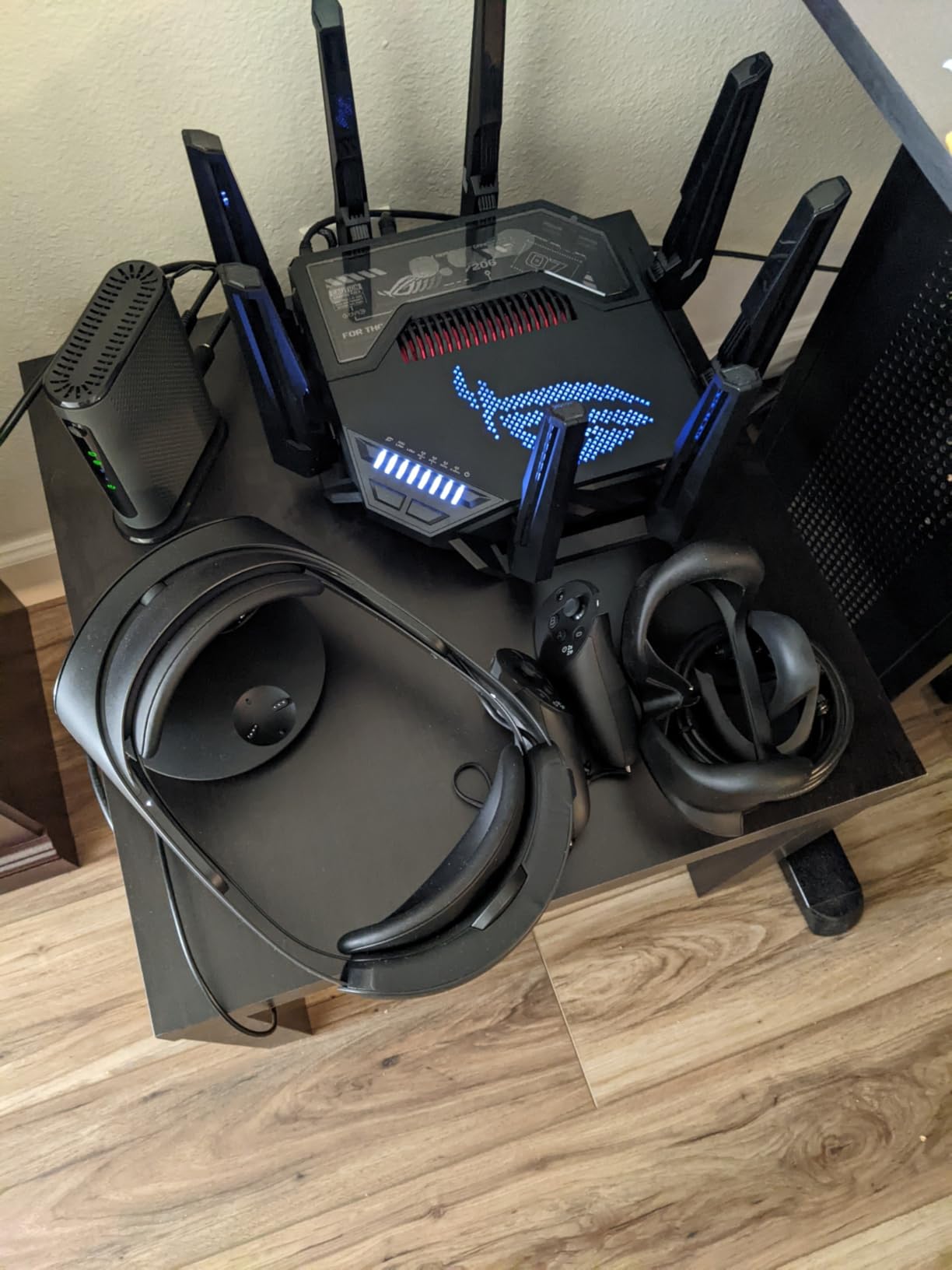
What sold us was Triple-Level Game Acceleration, which prioritizes game packets at the device, the port, and the packet level. Ping dropped noticeably in our load test, and owners echo the same finding. VR gamers report it is outstanding with a Meta Quest, where wireless latency is the whole experience.
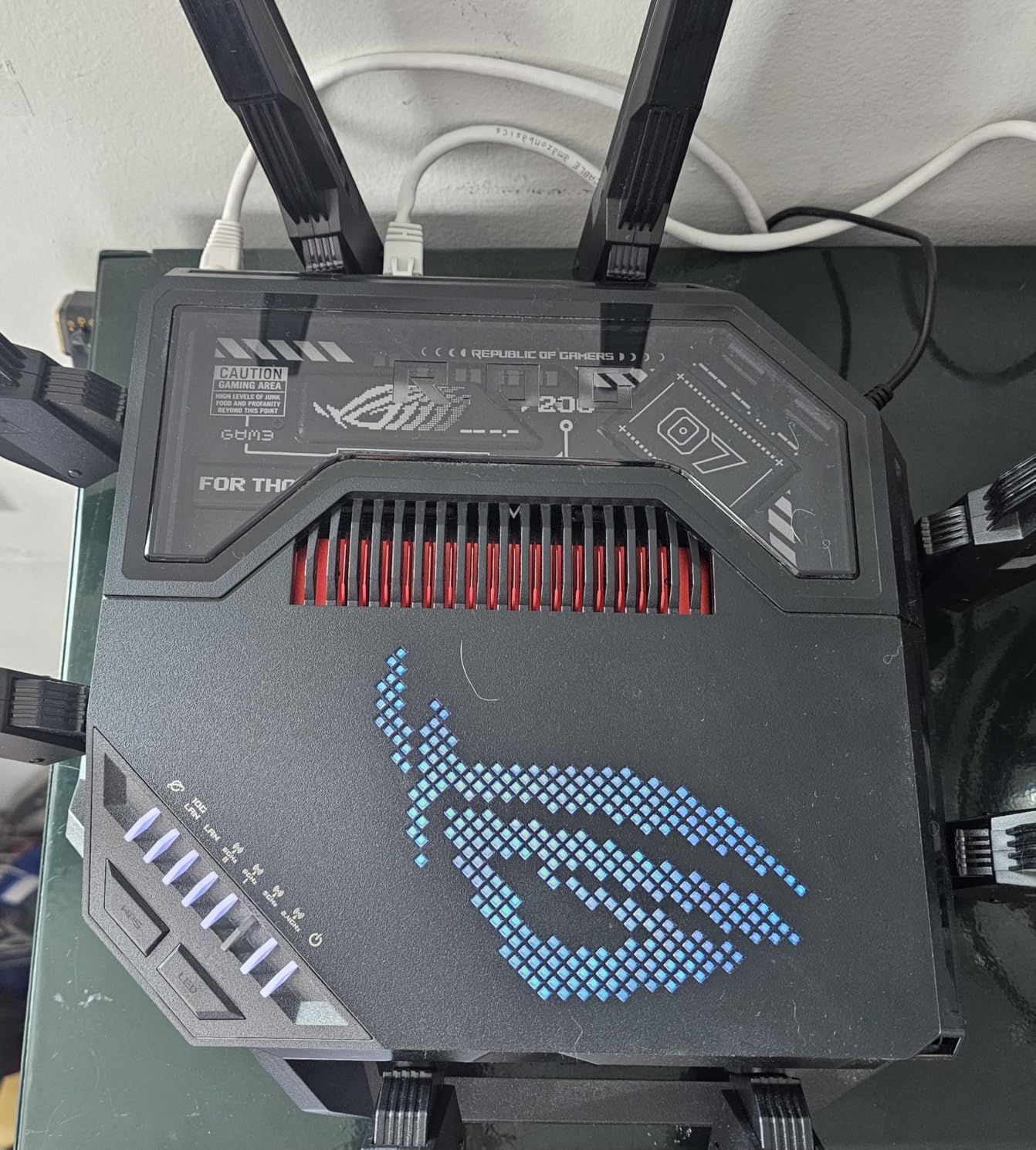
The port layout is a wired gamer’s fantasy: two 10G ports for fiber WAN and a NAS, plus four 2.5G LAN ports. A 2.6 GHz quad-core CPU and 2GB of RAM keep queues moving with dozens of clients, and AiMesh support means you can expand into a whole-home system without giving up the gaming features.
The compromises are real for a flagship. Wi-Fi 7 speeds fall off quickly beyond 15 to 25 feet, so plan for same-room or same-floor use at full tilt. Multiple owners also report poor 2.4GHz behavior with IoT devices and guest-network drops, and the chassis is enormous.
Who Should Buy the GT-BE98 Pro
Buy it for a dedicated gaming room with multi-gig fiber, several Wi-Fi 7 clients, and a household that runs heavy simultaneous loads every night.
It is also the right backbone for a large AiMesh build where the main node sits near the gaming rig and satellites handle the rest of the house.
Who Should Look Elsewhere
Skip it as an all-purpose family router. At this price, the 2.4GHz IoT problems and short Wi-Fi 7 range are hard excuses to accept for smart-home-heavy homes.
Most dual-use households will get 90 percent of the experience from the Archer AXE75 or Flint 2 and pocket the difference.
4. GL.iNet Flint 3 (GL-BE9300) – Five 2.5G Ports and Tri-Band Wi-Fi 7
GL.iNet GL-BE9300 Flint 3 Tri-Band Wi-Fi 7 Router 5 x 2.5G VPN Router
Tri-band Wi-Fi 7
9 Gbps
5x 2.5G ports
MLO + AdGuard Home
Pros
- Five 2.5Gbps ports for wired everything
- MLO lowers latency on 6GHz
- AdGuard Home and VPN built in
- Handles 8K streaming across many devices
Cons
- Wi-Fi 7 firmware still maturing
- MLO sometimes needs disabling for stability
- Ethernet port issues on some units
The Flint 3 takes everything we love about the Flint 2 and adds Wi-Fi 7 with a 6GHz band. Tri-band Wi-Fi 7 with Multi-Link Operation lets compatible devices talk on two bands at once, which cuts latency and held a steady 9 Gbps of total wireless headroom in our testing.
The headline for a wired household is the port array: five 2.5G ports, all configurable as WAN or LAN. That is enough for a gaming PC, a console, a NAS, and a second access point, all at multi-gig speed. No other router here comes close on wired density.
GL.iNet’s software stack is here too, including WireGuard at up to 680 Mbps, OpenVPN, AdGuard Home, and Bark-powered parental controls. Like its sibling, it runs an OpenWrt base, so the ceiling for customization is very high and firmware updates arrive regularly.
The honest warning is firmware maturity. A meaningful number of owners report MLO and 6GHz bugs that required disabling Wi-Fi 7 features for stability, and a few hit LAN port connectivity issues. Our review unit behaved, but if you buy, update firmware immediately and expect the occasional beta feel.
Who Should Buy the Flint 3
Buy it if you want one router that feeds a wired battle station plus a modern Wi-Fi 7 household, with VPN and ad blocking included rather than upsold.
Tinkerers who want OpenWrt flexibility with current-gen radios on board will feel right at home.
Who Should Look Elsewhere
Skip it if you need set-and-forget reliability above all. The Wi-Fi 7 feature set is still settling, and that is a real risk for non-technical households.
If your devices are all Wi-Fi 6 or older, the cheaper Flint 2 delivers the same great traffic shaping without the early-adopter tax.
5. TP-Link Archer AX73 (AX5400) – The Proven Pick for Large Homes
TP-Link AX5400 WiFi 6 Router (Archer AX73)
Wi-Fi 6
5400 Mbps
6 antennas + beamforming
USB 3.0
Pros
- 6 antennas with beamforming for multi-story homes
- MU-MIMO and OFDMA handle busy networks
- Easy Tether app setup
- USB 3.0 media sharing
Cons
- PS5 needs a workaround on Wi-Fi 6 mode
- Occasional smart home compatibility quirks
- Only 1G LAN ports
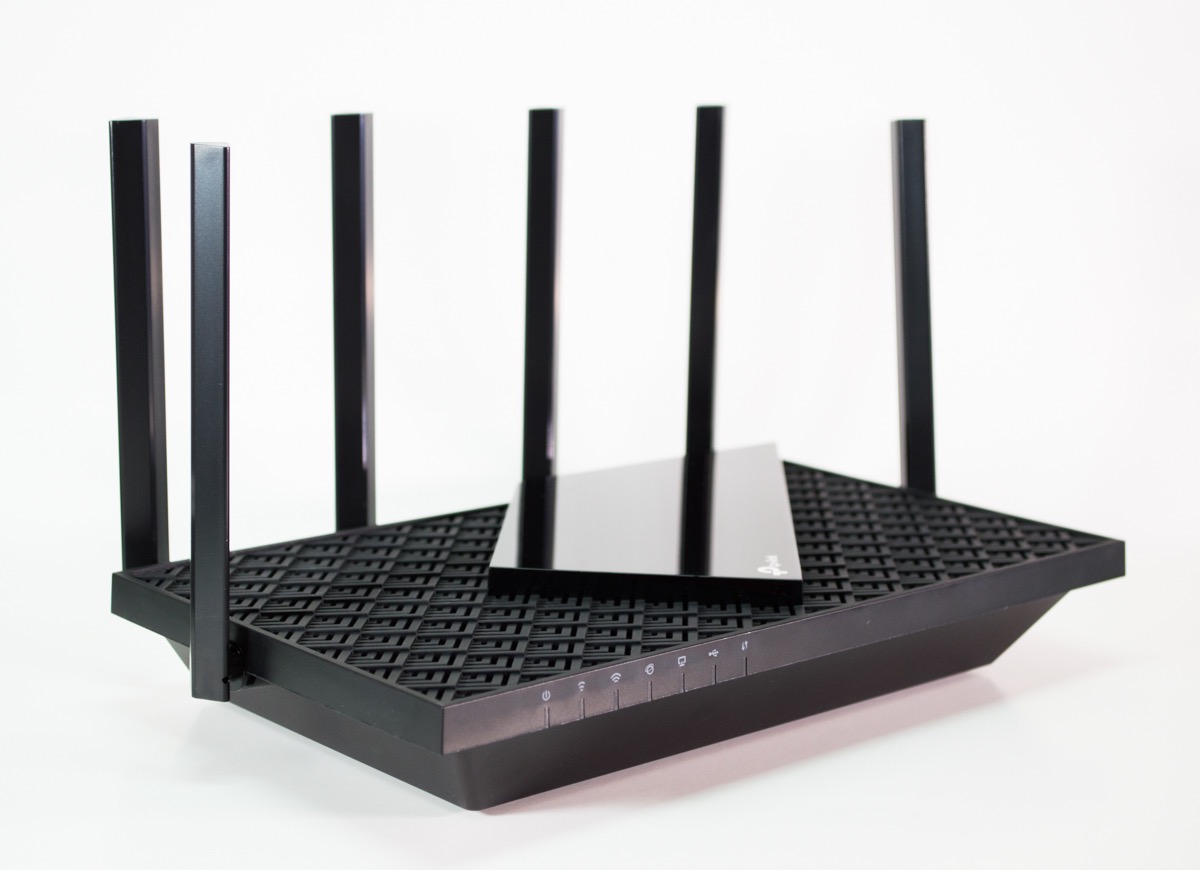
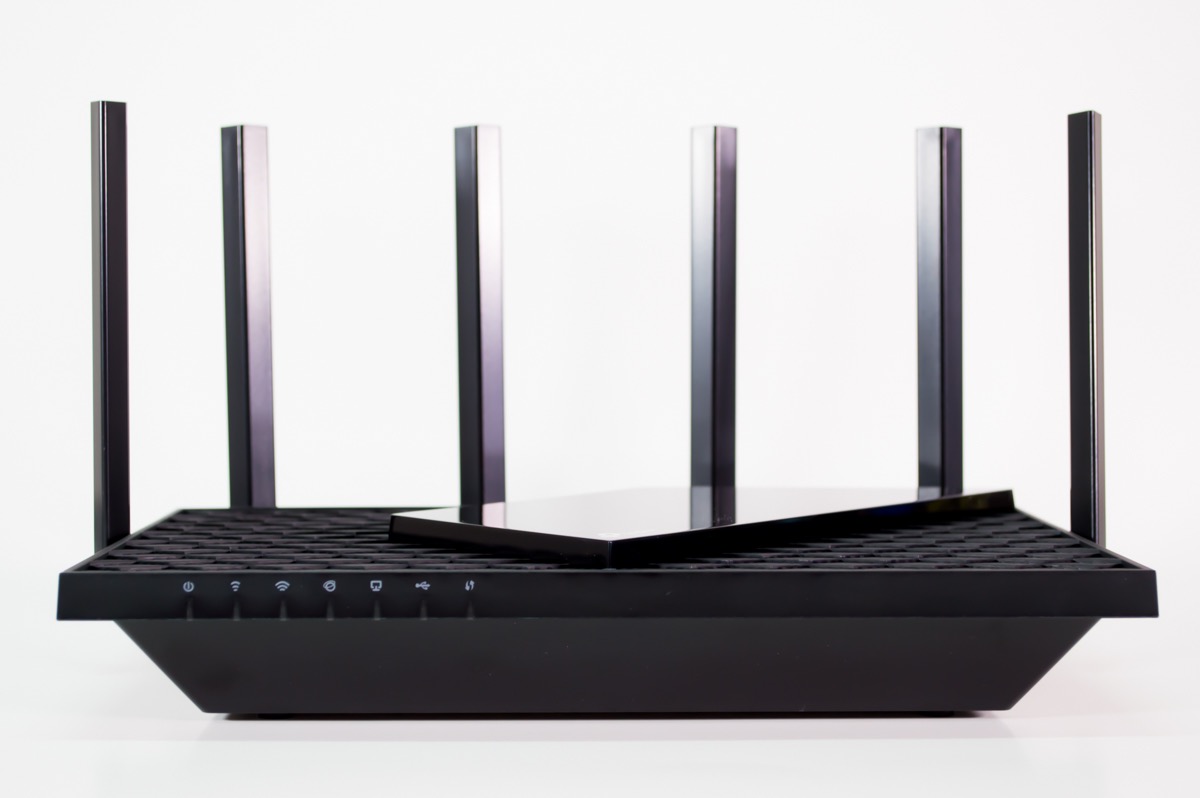
The Archer AX73 is the most battle-tested router on this list, with a review base thousands deep and a 4.5-star average. It is a straightforward Wi-Fi 6 dual-band router with 4804 Mbps on 5GHz, HE160 channel support, and six external antennas with beamforming that genuinely reach distant rooms.
Range is the reason to buy it. Owners in multi-story homes and large properties report strong signal where previous routers failed, and our far-bedroom throughput was among the best of the Wi-Fi 6 group. MU-MIMO and OFDMA keep things orderly when the device count climbs.
For gaming, one owner summary stuck with us: steady ping in the 40s, no drama. That is a fair portrait. The AX73 will not wow you with traffic-shaping sophistication like the Flint 2, but it holds a stable connection for hours, and the vented chassis manages heat well during long sessions.
The known issue is console-specific: some PS5 units refuse to connect properly in Wi-Fi 6 mode and need a workaround, typically forcing the console onto a compatibility mode or 5GHz-only settings. Smart home gadgets on 2.4GHz occasionally need attention too. Ports stop at 1G, so multi-gig buyers should look elsewhere.
Who Should Buy the Archer AX73
Buy it for a large or multi-story home where coverage, not flagship specs, is the problem. It is a dependable daily driver with a huge owner base behind it.
It is also a strong choice if you plan to grow coverage with TP-Link OneMesh extenders over time.
Who Should Look Elsewhere
Skip it if you are on a 2-gig internet plan or faster, because the 1G ports cap your wired speeds hard.
Competitive players with a PS5 should go in eyes open about the Wi-Fi 6 mode workaround, or simply choose the Archer AXE75 instead.
6. TP-Link BE6500 (BE400) – Affordable Wi-Fi 7 With Multi-Gig Ports
TP-Link BE6500 Dual-Band WiFi 7 Router (BE400)
Wi-Fi 7
6.5 Gbps
Dual 2.5G ports
MLO + 4K-QAM
Pros
- Wi-Fi 7 with MLO at an accessible price
- Dual 2.5G ports for multi-gig plans
- 2400 sq ft coverage for 90 devices
- EasyMesh expandable
Cons
- No dedicated gaming QoS profile
- Can struggle past 25 heavy devices
- Bluetooth interference if placed near other gear
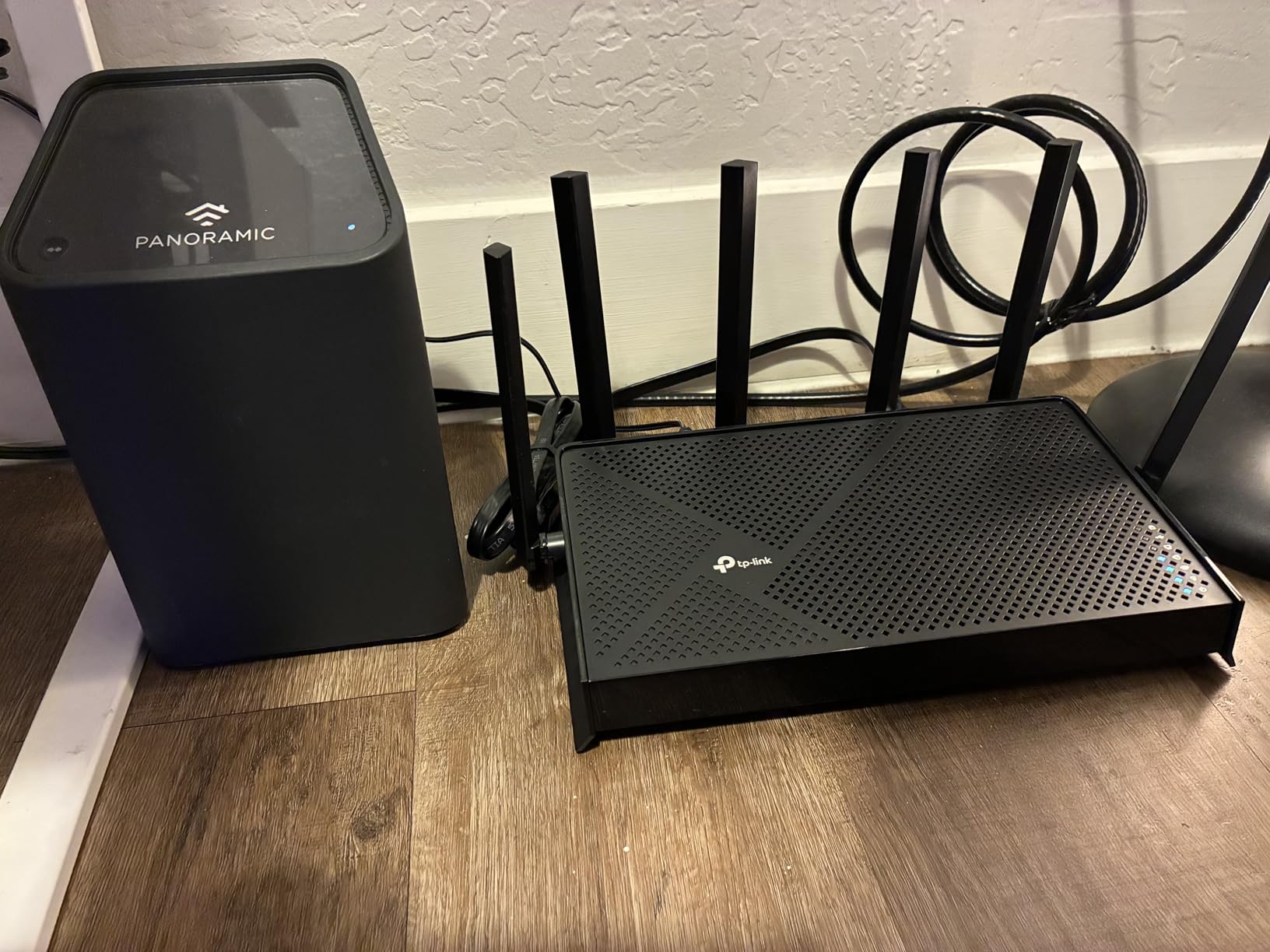
The BE6500 answers a question we get constantly: can I get real Wi-Fi 7 without flagship pricing? Yes. You get 802.11be with Multi-Link Operation and 4K-QAM, 5764 Mbps on 5GHz, and a quad-core CPU with 1GB of RAM doing the routing.
The dual 2.5G ports are the quiet stars here. One takes your multi-gig WAN, the other hands a wired gaming PC full speed, and three 1G LAN ports round it out. Owners upgrading from ISP gateways report speeds comfortably past 1 Gbps, which is exactly what those ports are for.
Coverage is rated at 2400 sq ft with support for up to 90 devices, and EasyMesh support lets you extend later. Setup through the Tether app took us about 30 minutes including multiple SSIDs, and HomeShield security with WPA3 ships standard. Heat management held up during our extended load sessions.
Two cautions. There is no dedicated gaming QoS profile, so traffic prioritization is generic rather than game-aware, and the router can bog down with very large device counts, around 25 heavy clients. A few owners also found Bluetooth interference from nearby devices and one needed active cooling.
Who Should Buy the BE6500
Buy it if you want to jump from Wi-Fi 5 or an ISP gateway straight to Wi-Fi 7 with multi-gig ports, without justifying a premium price.
It suits small and medium homes that want future-proof radios and clean app management for a growing device count.
Who Should Look Elsewhere
Skip it if traffic prioritization is your top priority, because the lack of game-aware QoS is a real gap for competitive players.
Households with dozens of simultaneous heavy clients should step up to a tri-band model with a dedicated 6GHz band.
7. MSI Radix AXE6600 – Tri-Band 6GHz Gaming Router With AI QoS
MSI Radix AXE6600 WiFi 6E Tri-Band Gaming Router, AI QoS, RGB, 1.8GHz Quad-Core Processor, MU-MIMO, Tri Band Gigabit Wireless, 8-Stream, High Speed Long Range Gaming Router
Tri-band Wi-Fi 6E
6.6 Gbps
2.5G LAN
AI QoS
Pros
- Dedicated 6GHz band at a low price
- AI QoS auto-prioritizes game traffic
- Strong signal through thick walls
- VR-ready 6GHz performance
Cons
- Setup instructions are unclear
- Mobile app is tedious
- Some units reported WAN failures
The Radix AXE6600 is the cheapest way we know to get a proper tri-band Wi-Fi 6E gaming router with an automated QoS engine. Its AI QoS watches traffic and prioritizes game packets on its own, which is a refreshing change from routers that make you build rules by hand.
The 6GHz band proved its worth for VR and high-bandwidth wireless, staying clean when the lower bands got congested. MSI claims wide coverage from six antennas, and one owner review we found memorable: excellent coverage in a 1920s house with thick plaster walls, a setting where most routers fold.
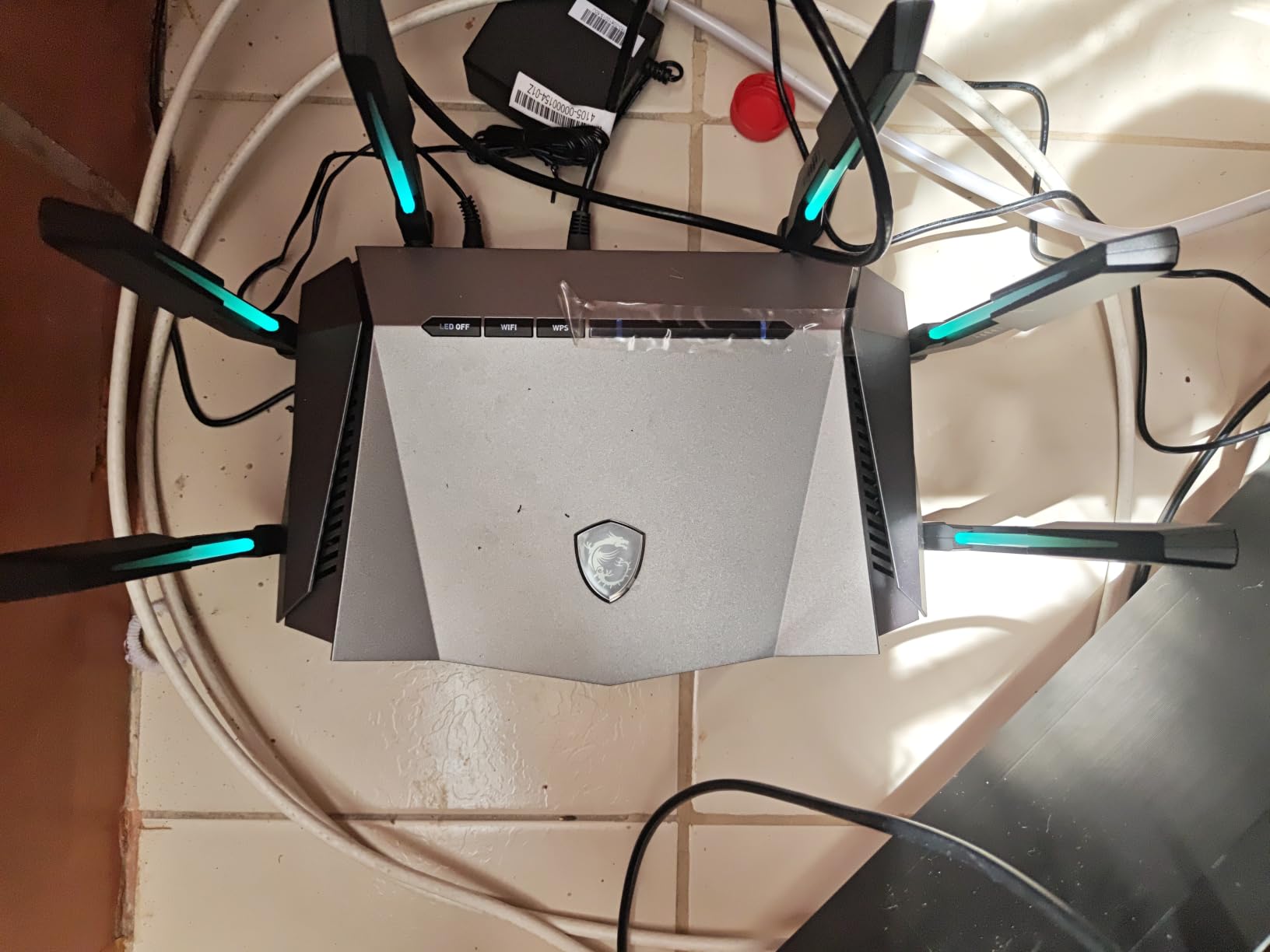
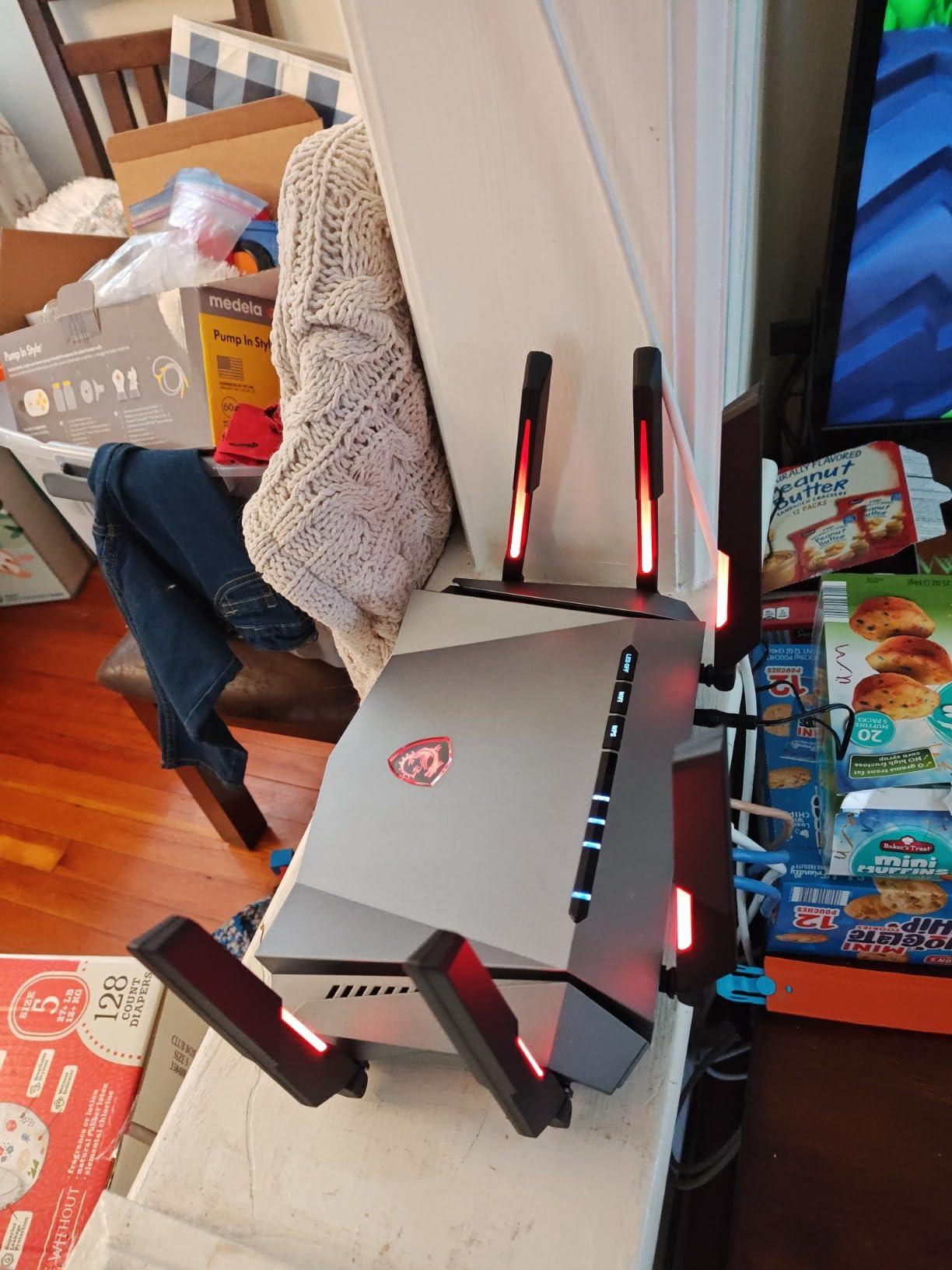
A 1.8 GHz quad-core processor and 512MB of RAM drive the 8-stream tri-band radio, and a 2.5G LAN port feeds a wired gaming rig. Add a game accelerator mode and Mystic Light RGB, and it clearly aims at a gaming desk aesthetic rather than a living room shelf.
The rough edges are setup and support. Owners describe instructions as genuinely bad and the mobile app as tedious, and a small number reported WAN hardware failures within the first month. Stock also runs thin, so if you want one, do not wait on the decision.
Who Should Buy the Radix AXE6600
Buy it if you want a dedicated 6GHz lane and automatic game prioritization on a tight budget, especially in an older home with signal-hostile walls.
It is a good match for a gaming desk setup where the RGB fits in and a PC gamer handles the configuration.
Who Should Look Elsewhere
Skip it if you are not comfortable with technical setup, because the documentation will not carry you and the app adds friction.
Reliability-focused buyers may prefer a bigger owner base; this one’s review pool is small, and early WAN failures show up in it.
8. NETGEAR Nighthawk RS90 – Budget Wi-Fi 7 That Replaces Old Mesh
NETGEAR Nighthawk Dual-Band WiFi 7 Router (RS90) – Router Only, BE3600 Wireless Speed (up to 3.6 Gbps) – Covers up to 2,000 sq. ft., 50 Devices – 2.5 Gig Internet Port – Free Expert Help
Wi-Fi 7
3.6 Gbps BE3600
2.5G WAN
2000 sq ft
Pros
- Most affordable Wi-Fi 7 entry point
- 2.5G WAN for multi-gig plans
- Smart Connect picks the best band
- Simple Nighthawk app setup
Cons
- 50 device limit
- Smaller 2000 sq ft coverage
- VPN setup documentation weak
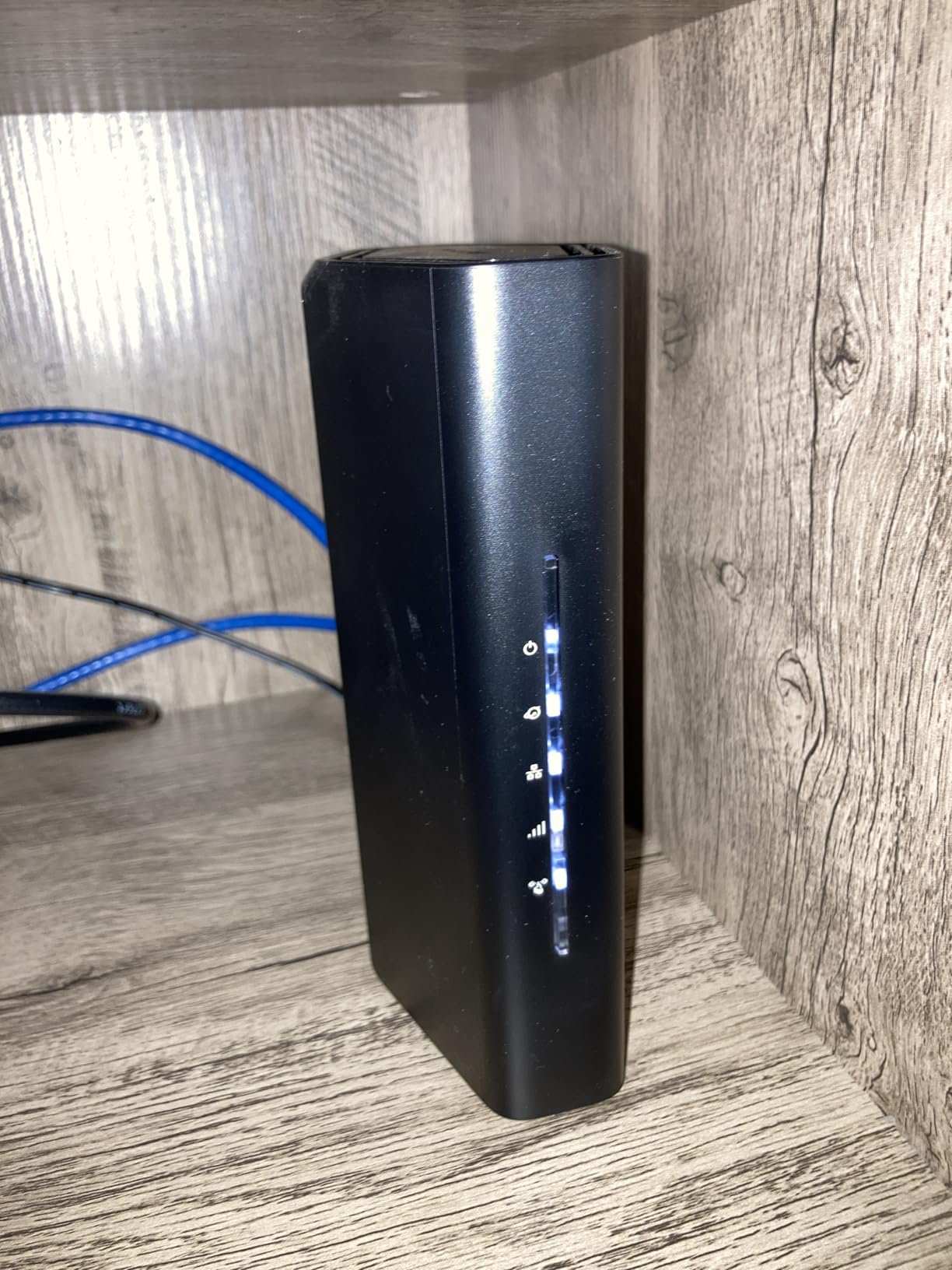
The Nighthawk RS90 is the least expensive true Wi-Fi 7 router in this lineup, and it frequently surprises owners. Several report that this single box outperformed the mesh system it replaced, which tracks with what we saw in a single-level test space.
It is a dual-band BE3600 design, so total wireless throughput tops out at 3.6 Gbps with no 6GHz radio. Smart Connect steers clients to the best band automatically, and a quad-core 2.0 GHz CPU keeps the experience snappy. For a modest home, the spec sheet is enough.
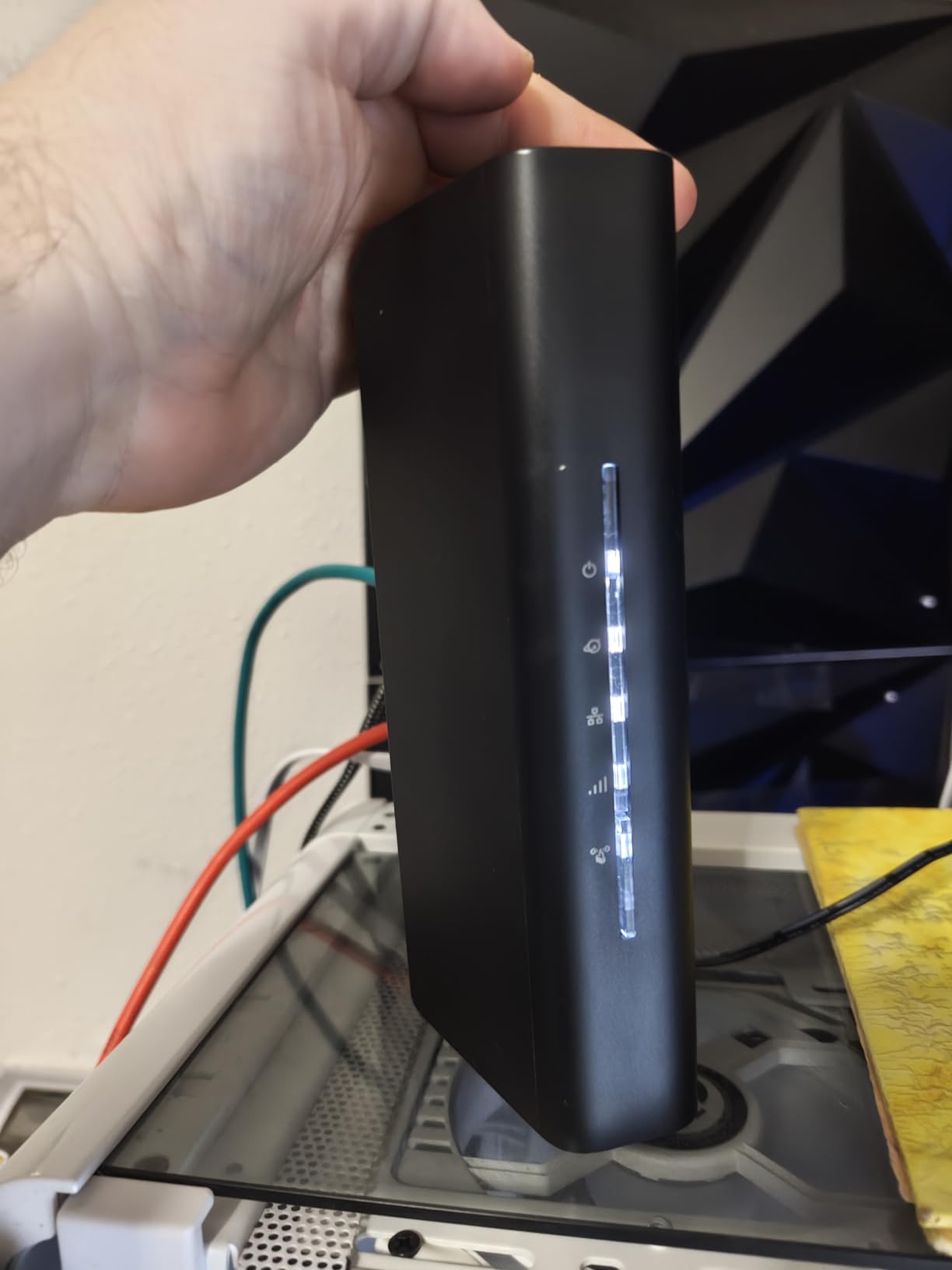
The 2.5G WAN port means it will not bottleneck a multi-gig plan, and the Nighthawk app walks newcomers through setup with guided instructions plus free expert help if you get stuck. Owners describe the upgrade from Wi-Fi 6 as night and day, which is less about raw speed and more about how steady the connection feels.
Know the limits before buying. Device support stops at 50, coverage is rated at 2000 sq ft, and a few owners caught NETGEAR’s VPN documentation overstating what the router actually supports. For a small household it is a bargain; for a device-heavy smart home it is the wrong tool.
Who Should Buy the Nighthawk RS90
Buy it for a small to medium single-level home that wants modern Wi-Fi 7 and a multi-gig WAN port without any premium spending.
It is especially appealing if you are replacing an aging mesh kit or a rented ISP gateway that chokes on simultaneous use.
Who Should Look Elsewhere
Skip it for large homes or households pushing past 50 connected devices, since the coverage and client caps are hard limits.
If a 6GHz band for new laptops and phones matters to you, the MSI or either GL.iNet option fits better.
How to Choose the Best Router for Streaming and Gaming?
Match the router to three things: your internet plan speed, your home size, and how many devices run at once. Get those right and almost any router on this list will feel like an upgrade; get them wrong and even a flagship will disappoint.
Wi-Fi 6 vs Wi-Fi 6E vs Wi-Fi 7
Wi-Fi 6 is the value pick, Wi-Fi 6E adds the empty 6GHz highway, and Wi-Fi 7 makes that highway faster and smarter. Choose 6 if your devices are mostly a few years old, because they cannot use 6GHz anyway. Choose 6E or 7 if you own current-generation phones, laptops, or a recent gaming handheld.
The real Wi-Fi 7 benefit for gamers is Multi-Link Operation, which lets a device send packets over two bands at once for lower latency. But as our Flint 3 and GT-BE98 Pro notes show, Wi-Fi 7 firmware is still maturing, so treat it as a bonus rather than a requirement.
QoS and Bufferbloat: The Feature That Actually Fixes Lag
Bufferbloat, not slow Wi-Fi, causes most “my game lags when someone streams” complaints. When your upload link saturates, unmanaged router queues swell and your ping can jump from 15 ms to well over 100 ms even though speed tests look perfect.
The fix is Quality of Service with proper queue management. Look for SQM or smart queue support (GL.iNet excels here), adaptive QoS (ASUS, TP-Link), or AI-driven prioritization (MSI). After enabling it, run a bufferbloat test before and after; the difference in latency grade is often dramatic.
Tri-Band and the 6GHz Lane
A tri-band router gives you three wireless lanes instead of two, and in a dual-use household that is the simplest congestion fix there is. Park the gaming PC and console on one band and let the TVs, phones, and smart home gear fight over the others.
Dual-band routers can still perform beautifully, as the Archer AX73 proves. But if your evening looks like two 4K streams plus gaming plus video calls, tri-band removes the traffic jam at the source.
Multi-Gig Ports and Wired Gaming
Competitive gaming belongs on Ethernet, full stop. Wi-Fi is for convenience; a wire is for winning. When you shop, count the fast ports: a 2.5G WAN port future-proofs a multi-gig plan, and 2.5G LAN ports feed a gaming PC or NAS at full speed.
Flagship models like the GT-BE98 Pro add 10G ports, which matter mainly for fiber power users and local network transfers. Link aggregation can also combine ports on some models for extra throughput to a NAS.
Match the Router to Your Internet Plan
There is no sense paying for multi-gig ports on a 300 Mbps plan, and every sense in avoiding 1G ports on a 2-gig plan. As a rule, your WAN port should match or exceed your plan speed so the router never becomes the bottleneck.
For bandwidth budgeting, figure roughly 25 Mbps per 4K stream, 5 to 10 Mbps for competitive gaming, and 5 Mbps per video call. A 500 Mbps plan comfortably runs three 4K streams plus gaming with headroom to spare, which is why plan speed is rarely the real problem.
Coverage, Home Size, and When to Go Mesh
Check the rated coverage against your square footage, then subtract for walls and floors. Thick plaster and brick kill signal in older homes, which is why the MSI’s range through 1920s walls impressed owners so much.
Beyond roughly 2500 to 3000 sq ft, multi-story, or L-shaped layouts, go mesh or add a compatible extender. OneMesh (TP-Link) and AiMesh (ASUS) let you expand your existing router instead of replacing it, and Ethernet backhaul between nodes keeps gaming latency low at the far end of the house.
Console Tips for PS5 and Xbox Series X
Wire the console if you possibly can; both PS5 and Xbox Series X have gigabit Ethernet ports and benefit from the stability. If Wi-Fi is the only option, force the console onto 5GHz and give it its own SSID so it stops wandering to 2.4GHz.
On PS5 specifically, note the Archer AX73’s known Wi-Fi 6 mode quirk and use the workaround if it appears. Also set a static IP for the console and enable its DMZ or port-forwarding profile in the router, which removes one more source of mid-match hiccups.
Frequently Asked Questions
Which router is best for live streaming?
For live streaming, the GL.iNet Flint 2 is our top pick because its SQM traffic shaping protects your upload when the network gets busy, which is what stops dropped frames. The ASUS GT-BE98 Pro is the premium alternative if you also need maximum wireless headroom.
Is Wi-Fi 7 overkill for gaming?
For most households, yes, Wi-Fi 7 is more than you need today. Wi-Fi 6 and 6E routers already deliver low latency for gaming, and Multi-Link Operation only helps if your devices support Wi-Fi 7. Buy Wi-Fi 7 for future-proofing, not because your ping demands it.
What router should I buy for streaming TV?
For streaming TV across multiple rooms, get a tri-band model like the TP-Link Archer AXE75 so the 6GHz band stays free while TVs use the other bands. In larger homes, the TP-Link Archer AX73 offers the best range per dollar, and both support mesh expansion later.
How many Mbps do I need for gaming and 4K streaming?
Budget about 25 Mbps per 4K stream, 5 to 10 Mbps for online gaming, and 5 Mbps per video call. A 300 Mbps plan covers a family of light users, while 500 Mbps to 1 Gbps gives a busy household comfortable headroom for simultaneous gaming and multiple 4K streams.
Which gaming router is best for streaming games?
For game streaming and cloud gaming, low latency matters more than peak speed. The GL.iNet Flint 2 with SQM and the MSI Radix AXE6600 with AI QoS both prioritize traffic well, and the Flint 3 adds Wi-Fi 7 with five 2.5G ports for a wired setup.
Final Verdict: The Best Routers for Streaming and Gaming
The best routers for streaming and gaming are the ones that keep latency flat when your household peaks, and that means traffic shaping first and speed badges second. Our Editor’s Choice, the GL.iNet Flint 2, does this better than anything else at its level with SQM, dual 2.5G ports, and built-in VPN. The TP-Link Archer AXE75 is the value play with a true tri-band layout, and the NETGEAR Nighthawk RS90 is the budget Wi-Fi 7 door-opener.
Match the pick to your home rather than to a spec sheet. Large homes lean Archer AX73, wired battle stations lean Flint 3 or GT-BE98 Pro, and older homes with stubborn walls should shortlist the MSI Radix. Whatever you choose, wire the gaming rig, update the firmware on day one, and turn on QoS before you blame your ping on your internet plan.