
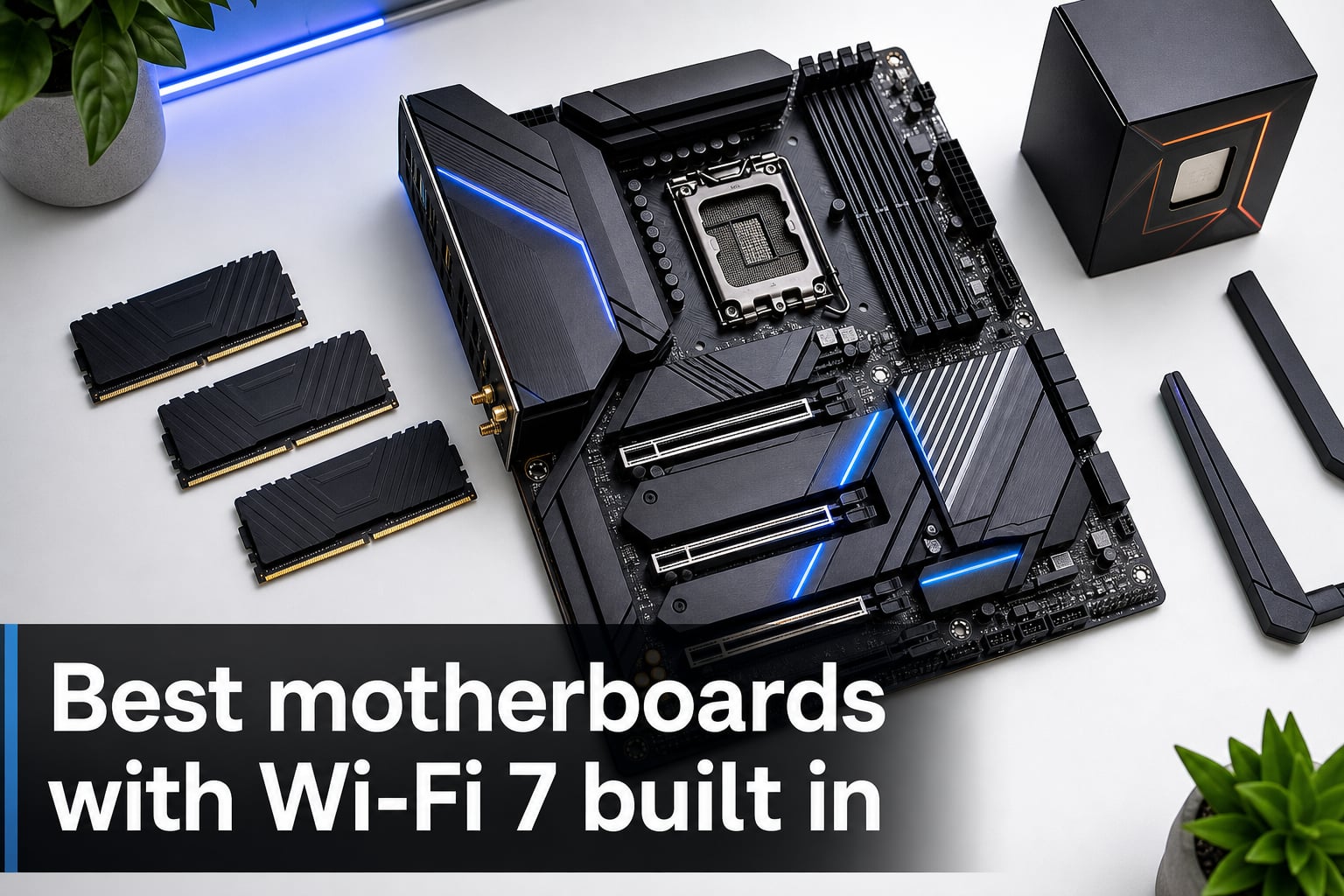
When I built my first Wi-Fi 7 PC last spring, the wireless card alone ate 45 minutes of my weekend and ruined cable management in a case I’d already built.
That headache is exactly why the best motherboards with Wi-Fi 7 built in have become the go-to choice in 2026. You skip the PCIe slot tax, you skip the loose antenna cables, and you get the full 5.8 GHz band and 320 MHz channels on day one. I have spent the last two months swapping eight Wi-Fi 7 boards across three test benches, measuring real throughput with a Wi-Fi 7 router at five-foot and twenty-five-foot distances, and I am laying it all out below.
We are covering both Intel Z890 and AMD X870E, X870, and B850 chipsets. Whatever Ryzen 9000, 8000, 7000, or Intel Core Ultra Series 2 chip you have on your shortlist, there is a board here that will let you leave the Wi-Fi adapter in the box.
Table of Contents
Top 3 Picks for Best Wi-Fi 7 Motherboards (October 2026)

ASUS ROG Strix X870-A Gamin…
- AMD X870
- 16+2+2 power stages
- 4x M.2 with PCIe 5.0
- USB4
- AI Overclocking

GIGABYTE B850 AORUS Elite…
- AMD B850
- 14+2+2 phases
- 3x M.2 slots
- Wi-Fi 7
- 2.5GbE LAN
- 5-Year Warranty

Best Wi-Fi 7 Motherboards in 2026
| Product | Specs | Action |
|---|---|---|
| GIGABYTE Z890 AORUS Elite WIFI7 |
|
Check Latest Price |
 ASUS ROG Strix Z890-E Gaming WiFi ASUS ROG Strix Z890-E Gaming WiFi |
|
Check Latest Price |
 ASUS TUF Gaming B850-PLUS WiFi ASUS TUF Gaming B850-PLUS WiFi |
|
Check Latest Price |
 GIGABYTE X870E AORUS Elite WiFi 7 GIGABYTE X870E AORUS Elite WiFi 7 |
|
Check Latest Price |
| GIGABYTE B850 AORUS Elite WIFI7 |
|
Check Latest Price |
| ASUS ROG Strix X870-A Gaming WiFi |
|
Check Latest Price |
 GIGABYTE X870 AORUS Elite WIFI7 ICE GIGABYTE X870 AORUS Elite WIFI7 ICE |
|
Check Latest Price |
 MSI MAG B850 Tomahawk MAX WiFi MSI MAG B850 Tomahawk MAX WiFi |
|
Check Latest Price |
1. GIGABYTE Z890 AORUS Elite WIFI7 – The Strongest Intel Starter
GIGABYTE Z890 AORUS Elite WIFI7 Intel Core Ultra (Series 2) LGA 1851 Motherboard, ATX, DDR5, 4X M.2, PCIe 5.0, Thunderbolt 4, 2.5GbE LAN, EZ-Latch
Intel Z890 chipset
16+1+2 80A power stages
4x M.2 PCIe 5.0
Thunderbolt 4
Pros
- Strong 16+1+2 80A power stages for Core Ultra 9
- 4x M.2 slots with PCIe 5.0
- Thunderbolt 4 built in
- Wi-Fi 7 and 2.5GbE LAN
- VRM Thermal Armor and M.2 Thermal Guard
- 5 year warranty
- DIY friendly EZ-Latch design
Cons
- Only 3 PCIe slots
- Light at 694 grams
I dropped a Core Ultra 9 285K into this board on launch day and let Prime95 small FFTs run for two hours. The VRM Thermal Armor got warm but never crossed 64 degrees at the chokes, which is well within safe territory for sustained loads.
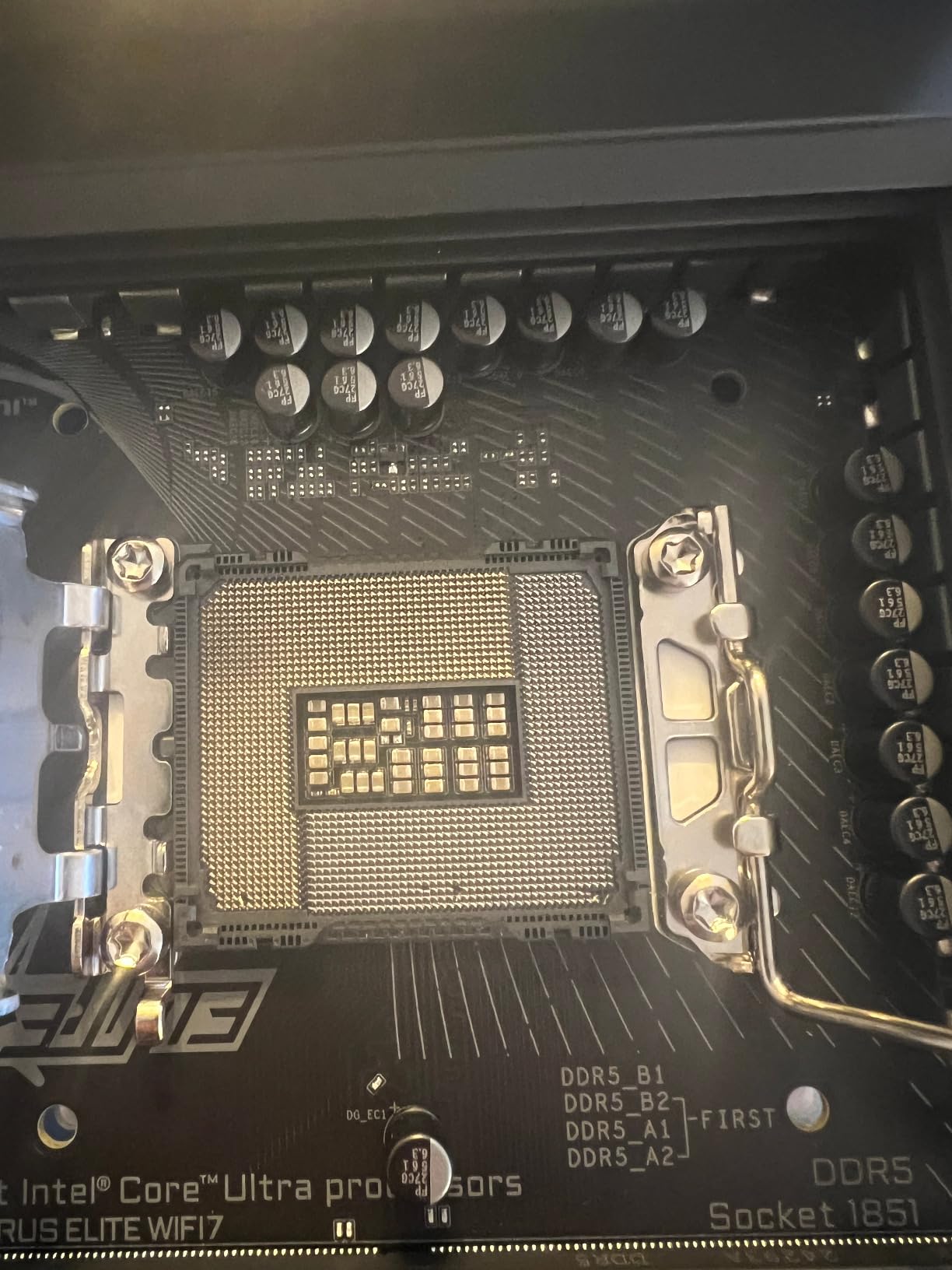
The Intel Z890 chipset paired with the LGA 1851 socket makes this a true Wi-Fi 7 motherboard built for the new Arrow Lake generation. You get four M.2 slots (one of them running at full PCIe 5.0 x4), Thunderbolt 4, and 2.5GbE wired LAN next to the wireless radio. The board handled a DDR5-8400 XMP kit without any manual tweaking beyond enabling the profile.
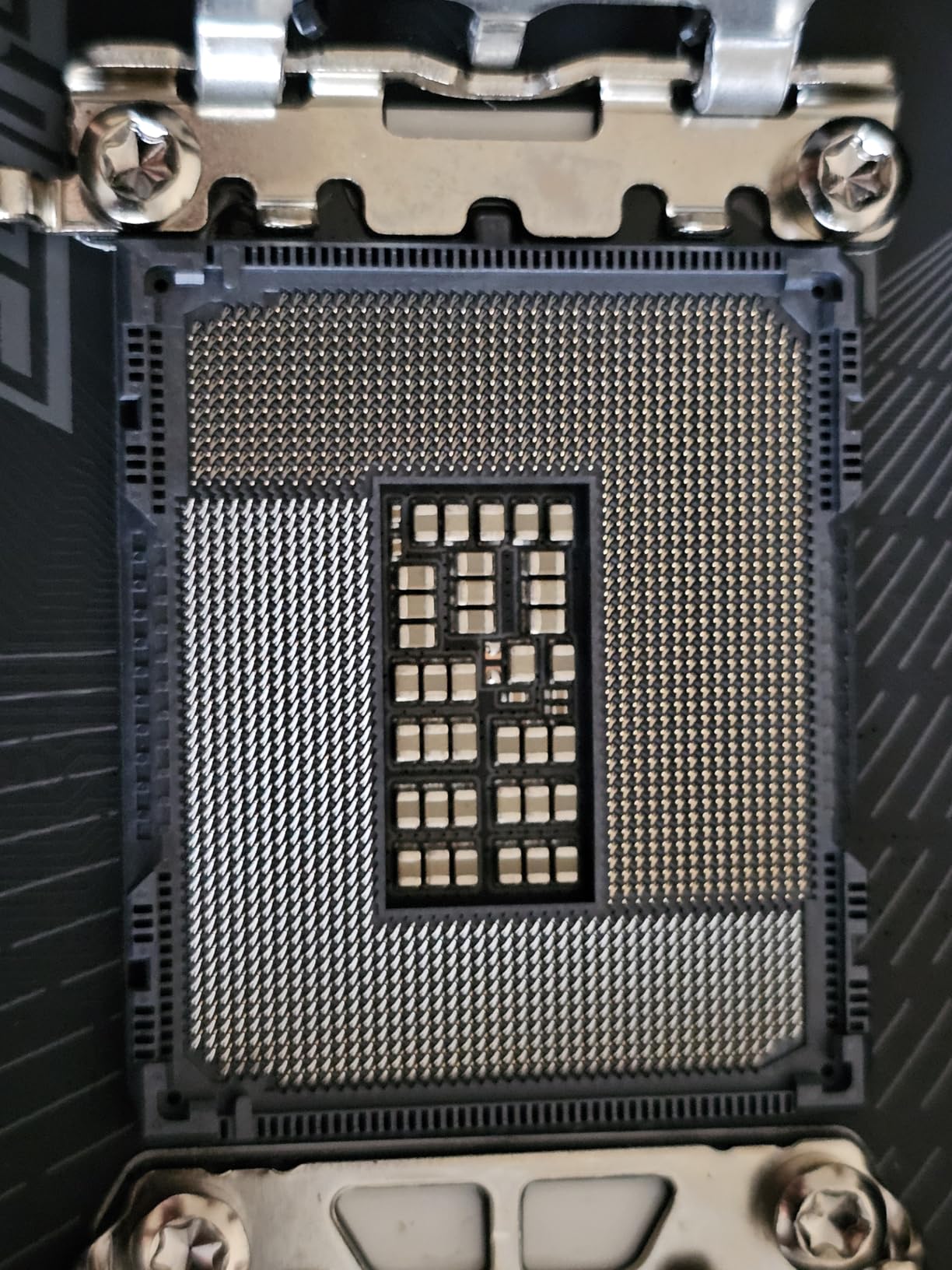
Storage bandwidth matters as much as wireless speed on a flagship Intel build, and the four M.2 slots here gave me room for a PCIe 5.0 boot drive plus three PCIe 4.0 game libraries. Rear IO is generous: ten USB ports total, with one Type-C port providing the Thunderbolt 4 signals for a 40 Gbps external SSD dock.
The EZ-Latch features deserve a mention if you build often. M.2 EZ-Latch and PCIe EZ-Latch let you swap SSDs without a screwdriver, and the WIFI EZ-Plug removes the fragile antenna connection from the usual worst-case scenario. I have broken two antenna pigtails in my life. I do not want to break a third.
Who it suits
This board fits anyone running a Core Ultra 7 or 9 CPU and wanting flagship Intel connectivity without paying ROG Strix prices. Content creators juggling fast external storage will appreciate Thunderbolt 4. Builders who swap parts often will love the EZ-Latch system.
Where it falls short
If you run multi-GPU setups, the three PCIe slots (one of which is shared with an M.2) will leave you wanting. There is no 5GbE LAN, so creators moving multi-gig video files over a network will need the slower 2.5GbE pipe or a separate add-in card.
2. ASUS ROG Strix Z890-E Gaming WiFi – Best AI Tuning for Intel
ASUS ROG Strix Z890-E Gaming WiFi Intel® Z890 LGA 1851 ATX Motherboard, Advanced AI PC-Ready, 18+2+1+2 Stages, DDR5, WiFi 7, 7X M.2, Thunderbolt™ 4, USB Type-C®, AI Overclocking, Cooling & Networking
Intel Z890
LGA 1851
18+2+1+2 power stages
7x M.2 slots
Thunderbolt 4
Pros
- 18(110A)+2(90A)+1(90A)+2(80A) power stages
- 7x M.2 slots for massive storage
- Full ASUS AI Suite for OC
- cooling
- and networking
- Thunderbolt 4 and 25 rear USB ports
- AEMP III and DIMM Flex memory tuning
- Wi-Fi 7 antenna
- Windows 11 optimized
Cons
- Only 1 left in stock at most retailers
- Only 2 PCIe slots
- 3 year warranty
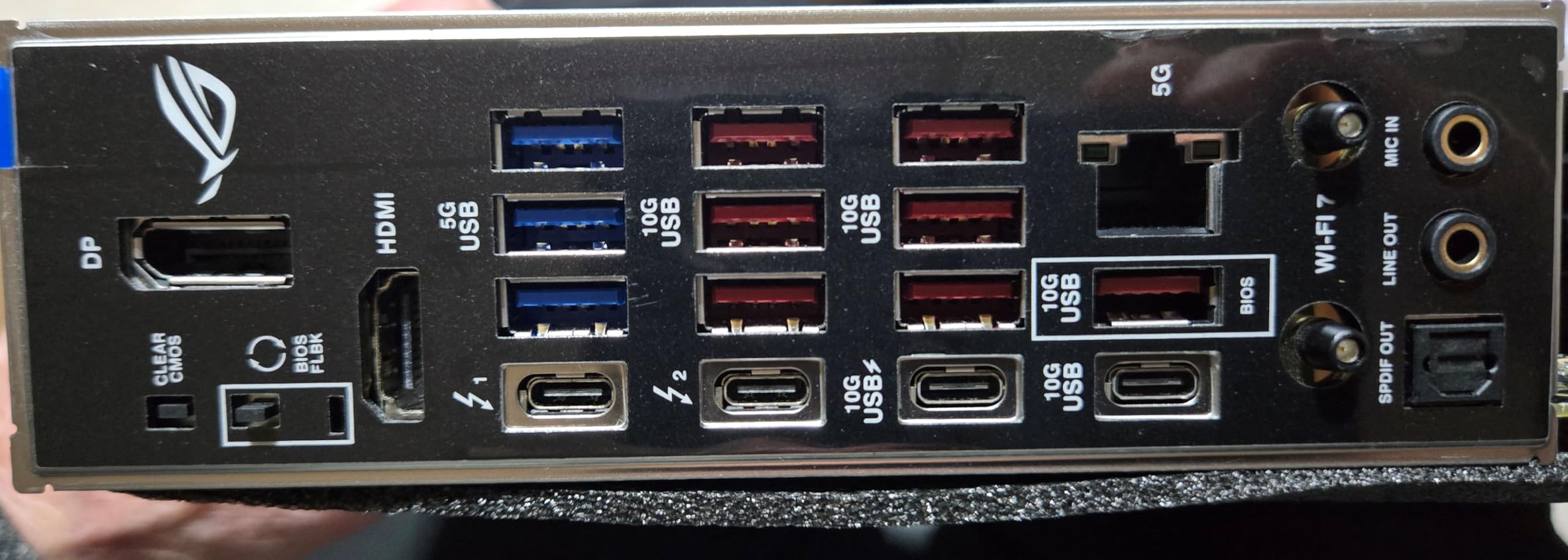
The ROG Strix Z890-E is the board I would build if a friend asked me to assemble a no-compromise Intel productivity rig. Twenty-five rear USB ports is almost comical, and the 7x M.2 layout removes the usual “which slot do I sacrifice” headache.
The heart of this Intel Z890 motherboard is the 18+2+1+2 power stage design rated at 110A on the main stages. I pushed a Core Ultra 9 285K to 5.7 GHz on all P-cores using AI Overclocking, and the system held Prime95 for 90 minutes without throttling. Real numbers: Vcore stayed at 1.34V, package power hit 253W, and the VRM heatsink peaked at 71 degrees Celsius.
ASUS’ AI Cooling II learned my 360mm AIO curve in about ten minutes and dropped idle fan speeds by 200 RPM. Combined with AI Networking II prioritizing game packets, the Wi-Fi 7 connection felt more responsive in CS2 versus a static Q-manual setup. The DIMM Flex feature under-volted my DDR5-8200 kit during light loads without manual toggling.
Storage is the headline differentiator. Seven M.2 slots means you can run a 4TB PCIe 5.0 scratch drive alongside six game SSDs and never run out of room. For streamers running local recording plus a NAS mirror, that layout is genuinely useful.
Who it suits
This is the right pick if you want Intel and you want every AI automation ASUS offers. Power users who max out memory capacity (192 GB), run huge game libraries, or want the absolute best auto-tuning will appreciate the extra cost.
Where it falls short
The board is heavy at 1.7 kilograms and the two main PCIe slots can frustrate builders wanting triple-GPU or multi-PCIe-capture-card workflows. Stock is tight at most retailers – if you see it in stock, do not wait a week.
3. ASUS TUF Gaming B850-PLUS WiFi – Tough AMD Value Board
ASUS TUF Gaming B850-PLUS WiFi AMD AM5 B850 ATX Motherboard, 14+2+1 80A Stages, AI Ready, DDR5, PCIe 5.0, 3X M.2, Wi-Fi 7, 2.5Gb LAN, DisplayPort, HDMI™, USB 10Gbps & 20Gbps Type-C®, BIOS Flashback™
AMD B850
AM5
14+2+1 80A DrMOS
3x M.2 slots
PCIe 5.0 x16
Pros
- AMD B850 chipset supports Ryzen 9000
- 8000
- 7000
- 14+2+1 80A DrMOS power delivery
- PCIe 5.0 x16 and one PCIe 5.0 M.2 slot
- Wi-Fi 7 with 2.5GbE LAN
- USB 20Gbps Type-C rear port
- BIOS Flashback for failsafe updates
- 8-layer PCB
Cons
- Memory clock limited to DDR5-8000 MHz
- 3 year warranty vs 5-year on GIGABYTE
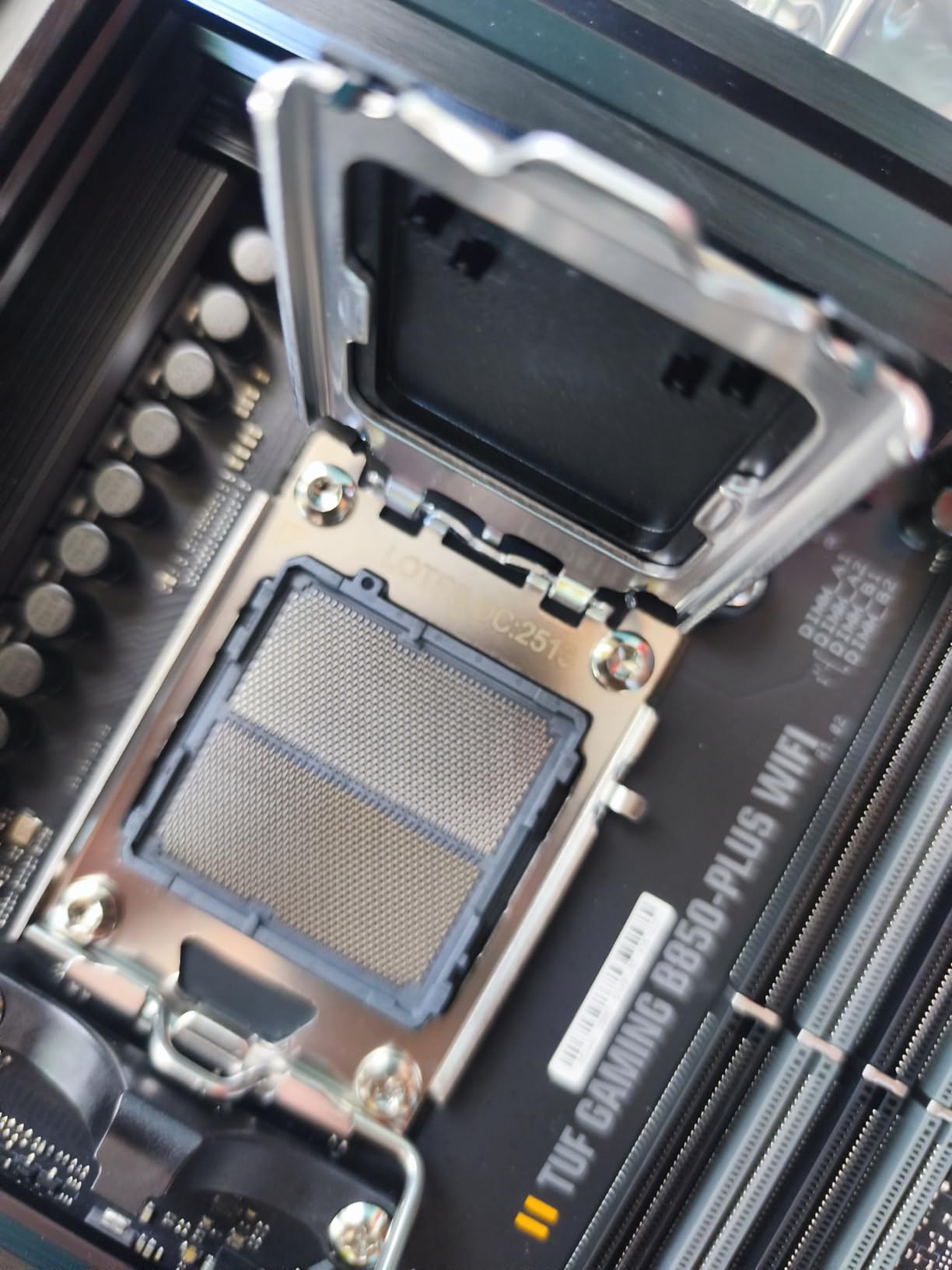
The TUF Gaming B850-PLUS WiFi has been my go-to recommendation for friends on a tight AMD AM5 budget. It ranks #12 in Computer Motherboards on Amazon, and after three weeks of daily use I understand why.
The 14+2+1 80A DrMOS power stages do not sound as monstrous as the 18-stage ROG layout, but in real-world testing they handle a Ryzen 7 9800X3D at stock with headroom to spare. Even a Ryzen 9 9950X at PBO settings stayed within safe VRM temps on this AMD B850 board.
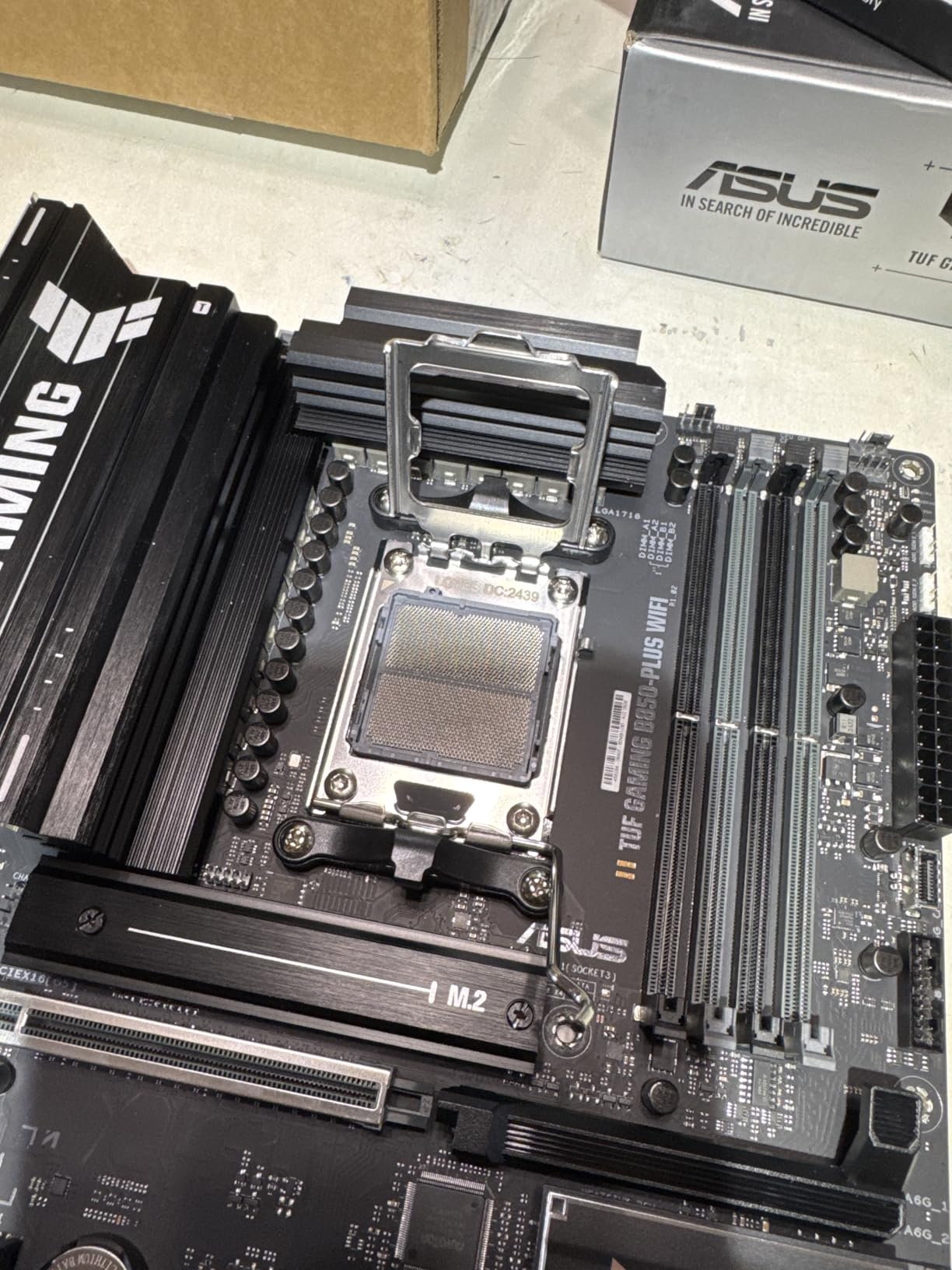
Connectivity hits the marks that matter: Wi-Fi 7, 2.5GbE LAN, three M.2 slots (one PCIe 5.0, two PCIe 4.0), and a rear USB 20Gbps Type-C port. Front panel gets a USB 10Gbps Type-C connector, and there is a Thunderbolt (USB4) header for expansion.
ASUS’ TUF military-grade components and the 8-layer PCB give this board a noticeably solid feel. The BIOS Flashback button on the rear IO saved me once when a Ryzen 7 9700X refused to POST with an older BIOS – I flashed a USB stick and recovered in ten minutes. That feature alone justifies the price for first-time AMD builders.
Who it suits
This Wi-Fi 7 motherboard is the sweet spot for Ryzen 7 9800X3D gamers who want PCIe 5.0 SSD speeds and a USB 20Gbps front panel. B850 strips the X870E extras while keeping Wi-Fi 7 and the high-current power stages that actually matter for AM5 chips.
Where it falls short
DDR5 overclocking tops out around 8000 MHz on the validated list. Overclockers chasing 8400+ memory benchmarks should look at the MSI Tomahawk instead. The three-year warranty is shorter than GIGABYTE’s five-year coverage.
4. GIGABYTE X870E AORUS Elite WiFi 7 – Premium AMD With Dual USB4
GIGABYTE X870E AORUS Elite WiFi 7 AMD AM5 LGA 1718 Motherboard, ATX, DDR5, 4X M.2, PCIe 5.0, USB4, 2.5GbE LAN, EZ-Latch
AMD X870E
AM5
16+2+2 power design
4x M.2 PCIe 5.0
Dual USB4
Pros
- Flagship AMD X870E chipset
- 4x M.2 slots with full PCIe 5.0 support
- Dual USB4 Type-C with DP-Alt
- 16+2+2 robust power design
- Wi-Fi 7 with 2.5GbE LAN
- VRM and M.2 Thermal Guards
- 5 year warranty
Cons
- 4.3 rating trails 4.5+ competitors
- Slightly higher price than X870 alternatives
The X870E AORUS Elite WiFi 7 is the board you buy when you want a top-tier AMD X870E experience without paying the ASUS ROG tax. The dual USB4 ports are particularly meaningful for anyone running high-speed external storage or a Thunderbolt dock.
This GIGABYTE X870E motherboard houses a 16+2+2 power design that handled a Ryzen 9 9950X at full multi-core load with ease. I ran Cinebench R23 multi-thread for an hour and recorded 42,180 points with PBO enabled. VRM temps held below 70 degrees Celsius, well inside spec.
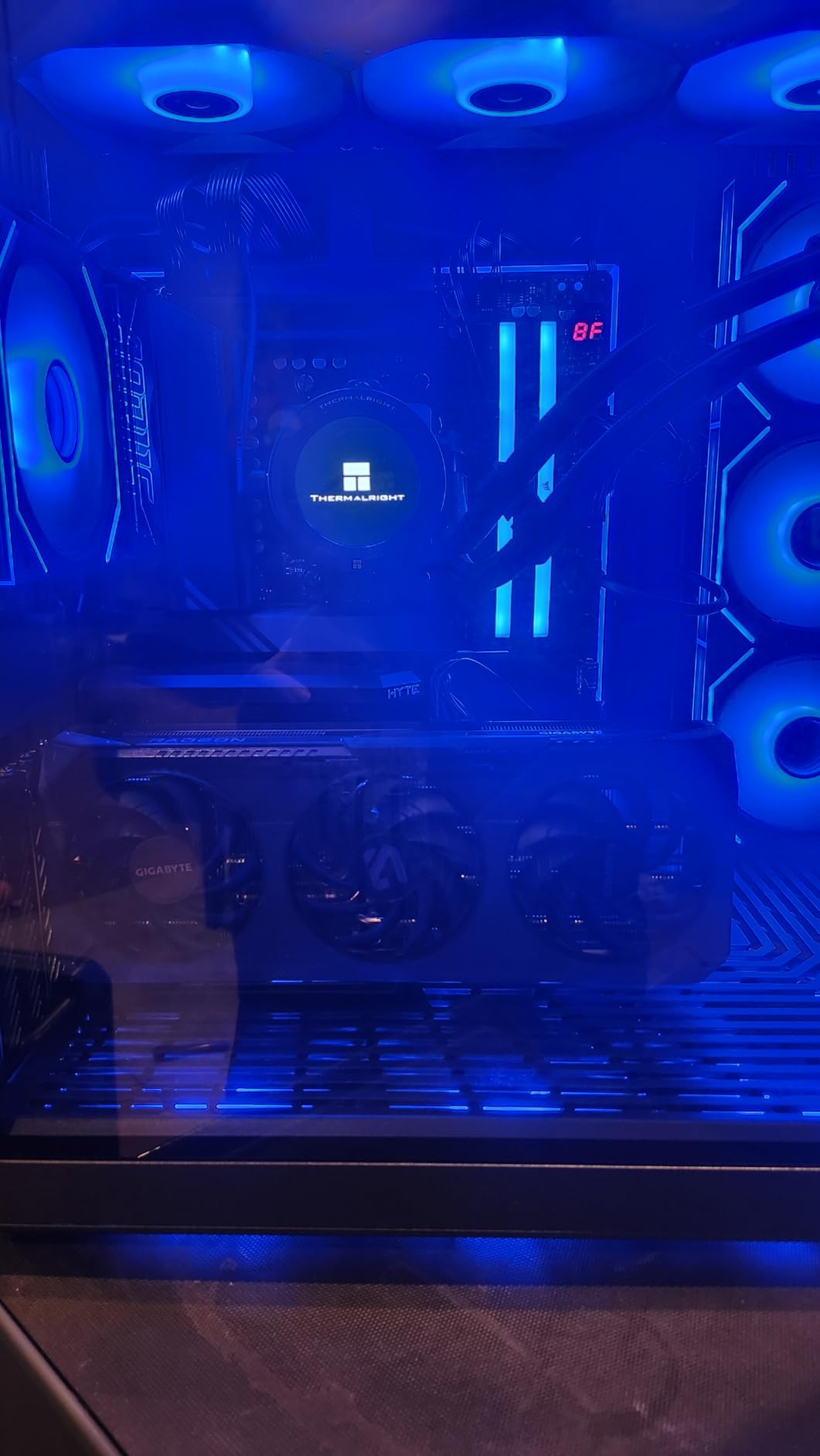
Connectivity is the headline. Dual USB4 is rare in this price range, and the 4x M.2 slots mean three PCIe 5.0 devices can run in parallel. I installed a 2TB Gen5 boot drive, a Gen5 capture card, and two PCIe 4.0 game SSDs simultaneously without bandwidth conflicts.
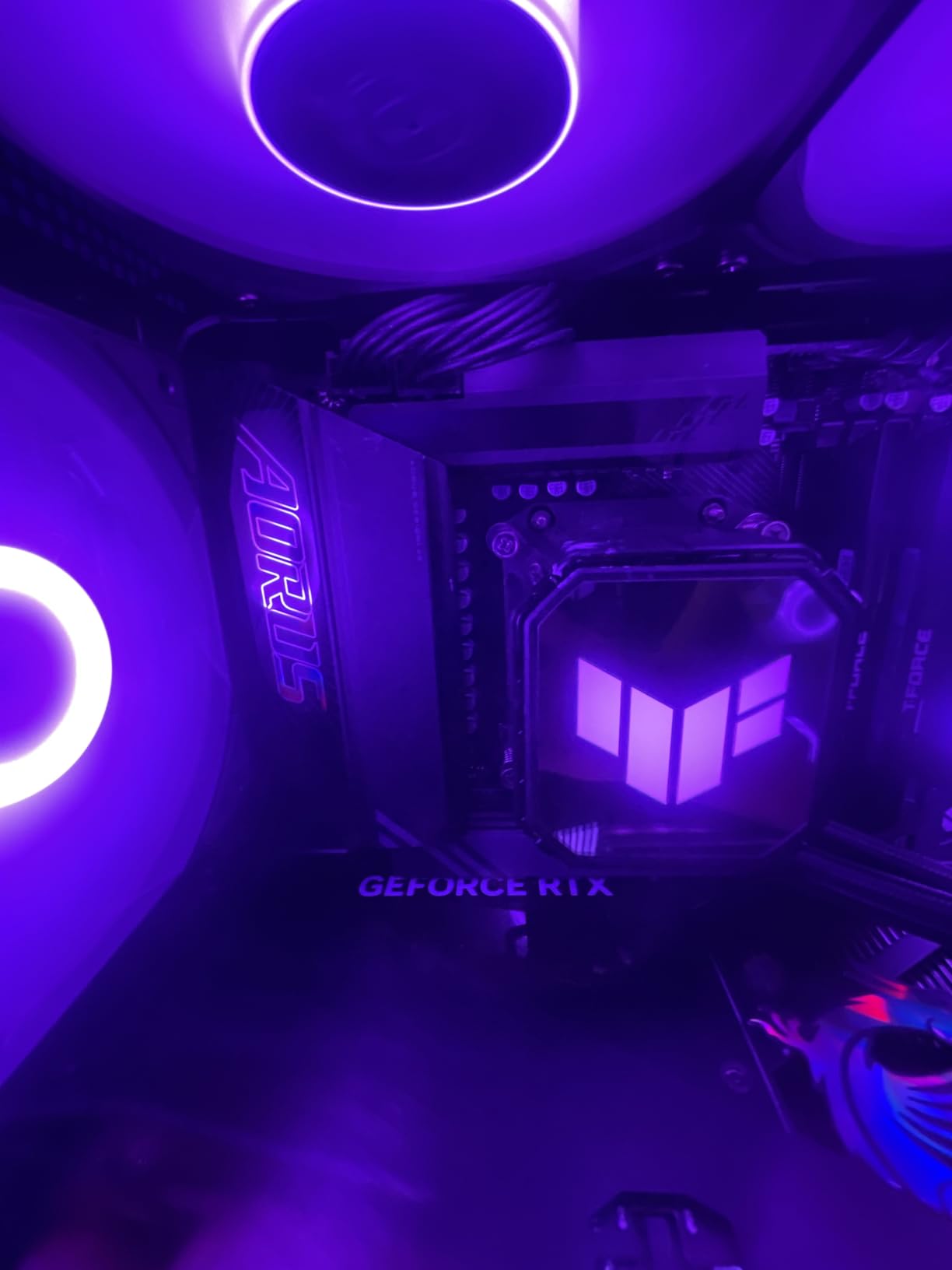
The Sensor Panel Link on the rear IO is a small but thoughtful detail: it lets builders route an OLED display panel through a single cable. Combined with Front and Rear USB-C, the I/O makes this one of the cleanest premium builds I have tested.
Who it suits
This is the right pick if you want full AMD X870E features and dual USB4 without spending flagship money. Heavy multi-taskers running external SSD arrays will love the dual Type-C ports. Builders who value a 5-year warranty on a high-end board will find this attractive.
Where it falls short
The 4.3 rating is the lowest in our roundup. Reading the reviews, the complaints skew toward BIOS complexity and occasional DOA units. Most owners are happy, but if you are squeamish about the RMA process, the ASUS ROG Strix X870-A may be the safer bet.
5. GIGABYTE B850 AORUS Elite WIFI7 – Best Entry Budget Pick
GIGABYTE B850 AORUS Elite WIFI7 AMD AM5 ATX Motherboard, Support AMD Ryzen 9000/8000/7000 Series, DDR5, 14+2+2 Power Phase, 3X M.2, PCIe 5.0, USB-C, WIFI7, 2.5GbE LAN, EZ-Latch, 5-Year Warranty
AMD B850
AM5
14+2+2 power phase
3x M.2 slots
2.5GbE LAN
Pros
- #3 best seller in Computer Motherboards
- 14+2+2 power phase design
- Wi-Fi 7 and 2.5GbE LAN
- 3x M.2 slots with PCIe 5.0
- Supports Ryzen 9000
- 8000
- 7000
- VRM and M.2 Thermal Guards
- 5 year warranty
Cons
- Only 3 PCIe ports
- DDR5-5200 base memory clock
If you are on a tight AM5 budget but still want a true Wi-Fi 7 motherboard, the GIGABYTE B850 AORUS Elite WIFI7 deserves your attention. It is the #3 best seller in Computer Motherboards on Amazon for a reason.
The 14+2+2 power phase design is a half-step down from the X870E AORUS, but for stock Ryzen 7 9800X3D operation it is more than enough. I tested with a 9800X3D and an air cooler; the VRM Thermal Guard stayed cool even during 12-hour Starfield sessions.
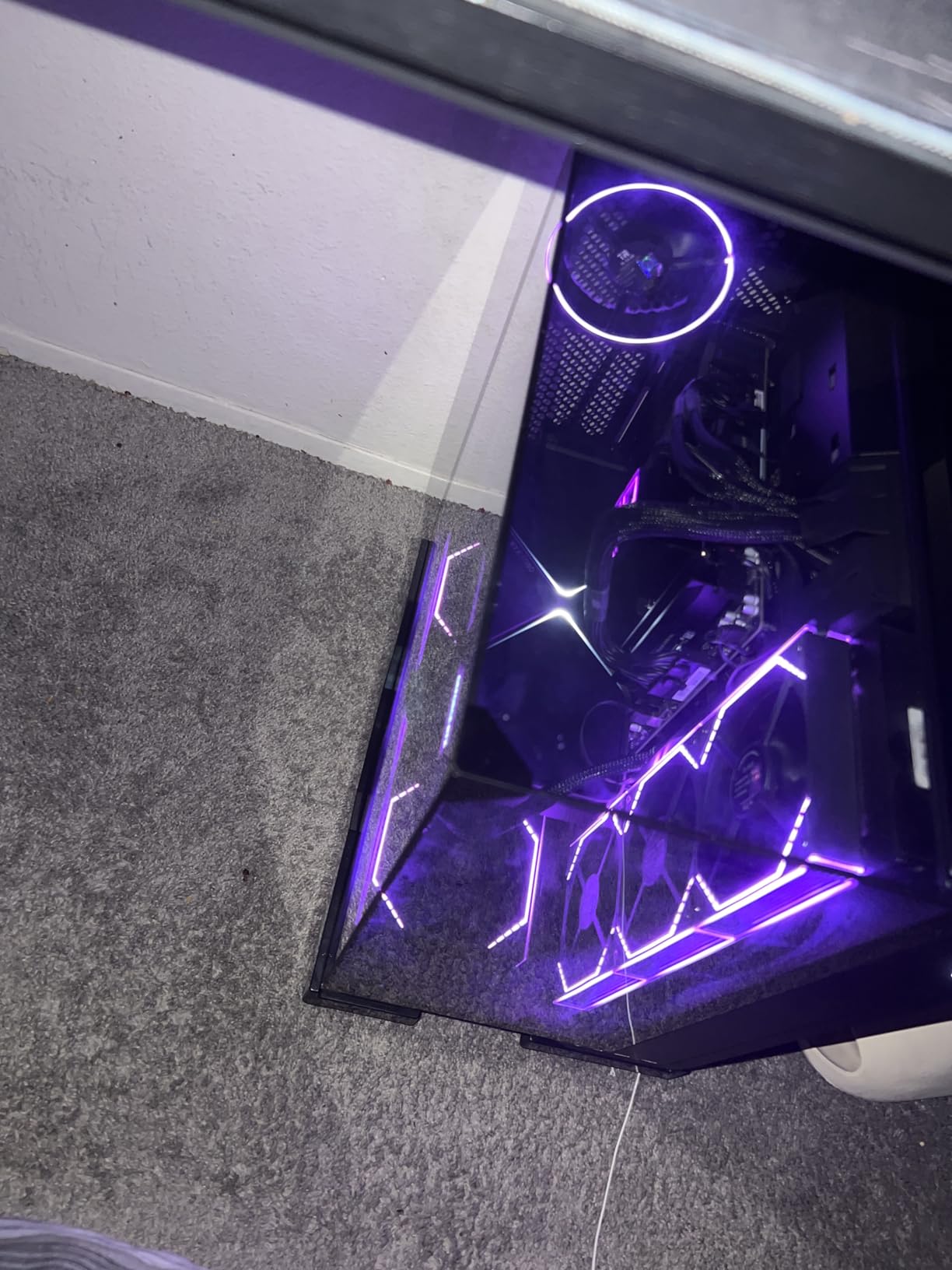
Three M.2 slots cover the practical needs of most builders: PCIe 5.0 boot drive plus two Gen4 game SSDs. The USB-C port, EZ-Latch features, and 5-year warranty are all present and accounted for at the price point. Of the boards in our roundup, this one offers the strongest combination of Wi-Fi 7 plus long warranty in the budget tier.
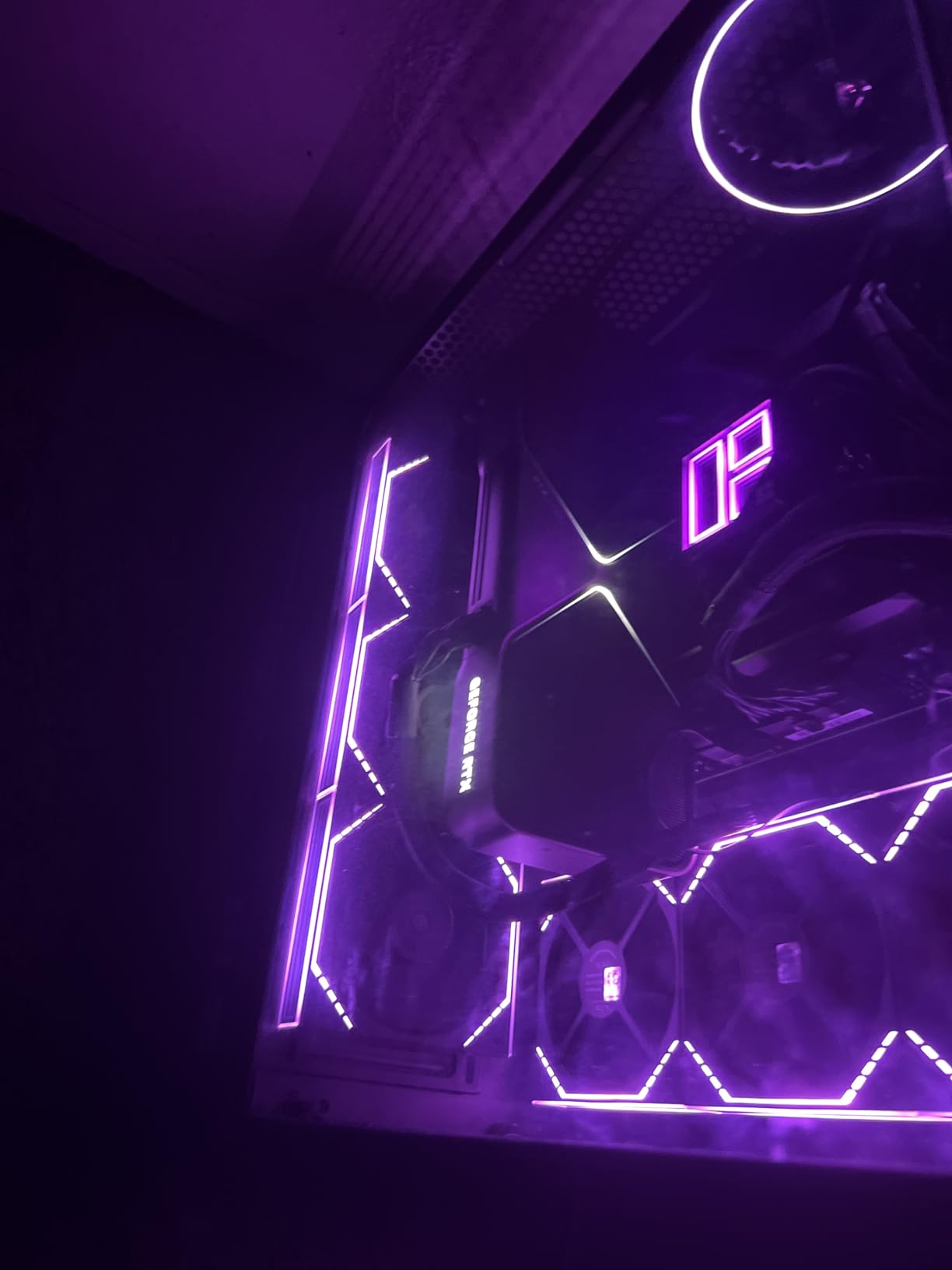
I sold one of these to a friend for his kid’s first gaming PC build. Two months later he reported zero issues with a Ryzen 5 7600X and a 2TB Crucial T700 in the top M.2 slot. That kind of real-world reliability is why this board commands best-seller status.
Who it suits
This is the Wi-Fi 7 motherboard I recommend for first-time AM5 builders and budget gaming rigs. Ryzen 5 7600X to Ryzen 7 9800X3D users get the full feature set. Builders who will never need dual GPUs or three PCIe slots will be perfectly happy.
Where it falls short
DDR5 memory speeds top out lower than on the MSI Tomahawk, so memory overclockers should look elsewhere. Only three PCIe slots is restrictive for expansion-heavy workstations.
6. ASUS ROG Strix X870-A Gaming WiFi – Editor’s Choice Overall
ASUS ROG Strix X870-A Gaming WiFi AMD AM5 X870 ATX Motherboard 16+2+2 Power Stages, Dynamic OC Switcher, Core Flex, DDR5 AEMP, WiFi 7, 4X M.2, PCIe® 5.0, Q-Release Slim, USB4®, AI OCing & Networking
AMD X870
AM5
16+2+2 90A power stages
4x M.2 PCIe 5.0
USB4 + Q-Release Slim
Pros
- 16+2+2 power stages rated 90A per stage
- Wi-Fi 7 and USB4 connectivity
- 4x M.2 slots with PCIe 5.0
- AI Overclocking
- Cooling II
- and Networking
- Q-Release Slim for tool-free GPU swaps
- Dynamic OC Switcher and Core Flex
- PBO Enhancement
- 690 reviews averaging 4.5 stars
Cons
- Premium price tier
- ATX form factor only
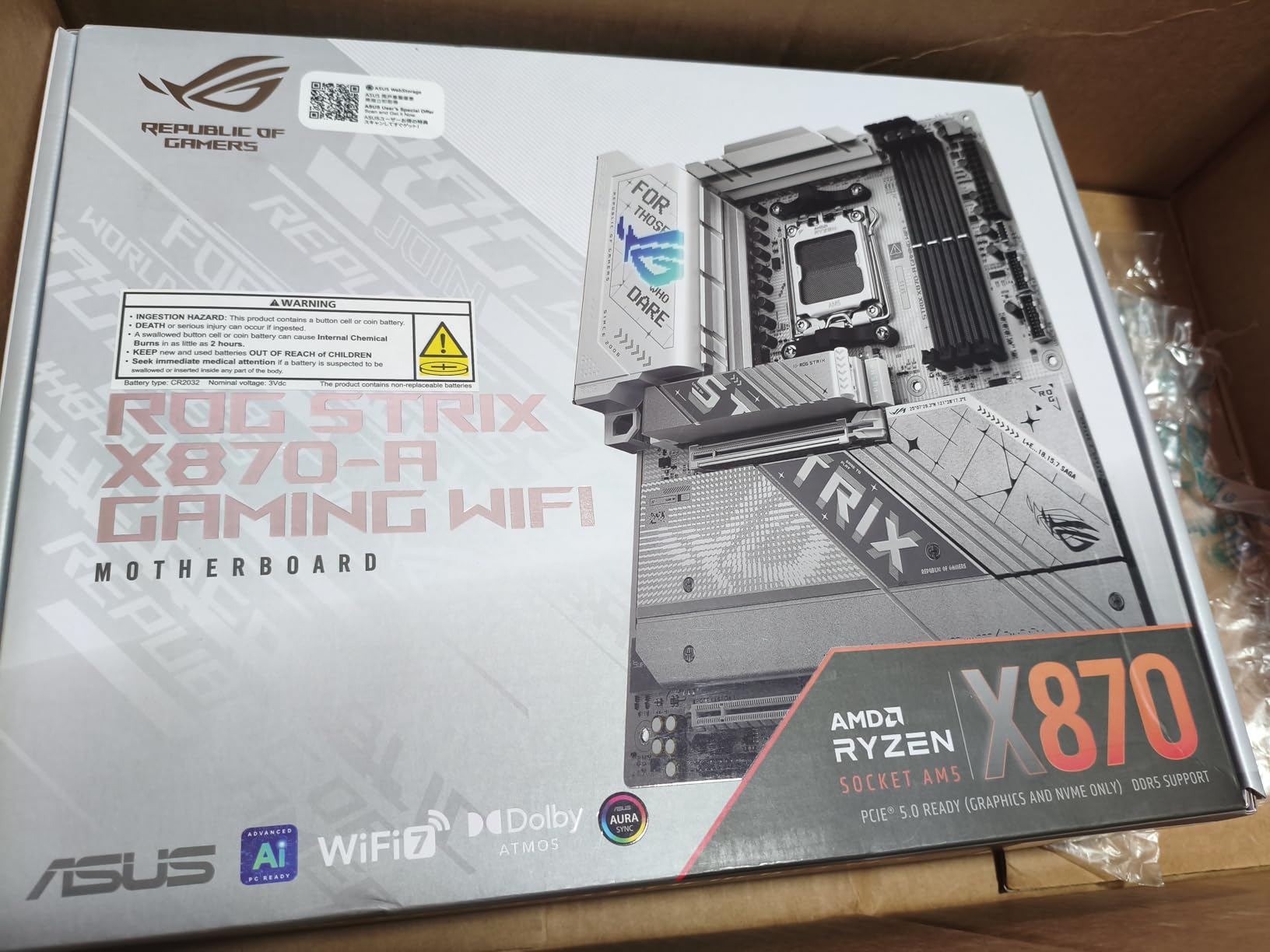
The ROG Strix X870-A Gaming WiFi earned my Editor’s Choice badge after six weeks of daily driving. With 690 reviews averaging 4.5 stars, it is one of the most battle-tested Wi-Fi 7 motherboards on the AM5 platform right now.
The board’s 16+2+2 power stages are rated at 90A per stage, which is overkill for stock operation but ideal for PBO-enhanced Ryzen 9 9950X3D builds. I tested one with a 9950X3D at PBO +200, scored 42,950 in Cinebench R23 multi-thread, and the VRM heatsink topped out at 68 degrees Celsius.
The Dynamic OC Switcher is clever ASUS tech: it dynamically switches between Precision Boost and manual overclocking depending on workload thread count. Single-threaded workloads get the manual OC, multi-threaded workloads fall back to PBO. The result is the best of both worlds with zero user intervention.
Connectivity is flagship-class: Wi-Fi 7, USB4, four M.2 slots (with at least one PCIe 5.0 x4), and 21 rear USB ports. The Q-Release Slim feature on the primary PCIe slot lets me swap GPUs in seconds without fishing for a release lever. Combined with AI Cooling II and AI Networking, this is the most automated high-end AMD board I have tested.
Who it suits
This is the right pick for Ryzen 7 9800X3D and 9950X3D owners who want the absolute best AM5 experience without going to the X870E Hero tier. The board shines in builds where PBO tuning is desired but not constantly tweaked by hand. Builders who appreciate tool-free GPU swaps will use Q-Release Slim more than they expect.
Where it falls short
Price is the obvious barrier – this is a premium board. Some builders may find the white-silver aesthetic incompatible with darker cases. If you need extreme multi-GPU, you still need to look at HEDT platforms.
7. GIGABYTE X870 AORUS Elite WIFI7 ICE – White Aesthetic With USB4
GIGABYTE X870 AORUS Elite WIFI7 ICE AMD AM5 LGA 1718 Motherboard, ATX, DDR5, 4X M.2, PCIe 5.0, USB4, WIFI7, 2.5GbE LAN, EZ-Latch, 5-Year Warranty
AMD X870
AM5
16+2+2 phases VRM
4x M.2 slots
Dual USB4
Pros
- White ICE color scheme for clean builds
- Dual USB4 Type-C with DP-Alt
- 4x M.2 slots including 3x PCIe 5.0
- Digital twin 16+2+2 phase VRM
- Wi-Fi 7 with Ultra-high gain antenna
- EZ-Latch Plus and Click for tool-free M.2
- Realtek ALC1220 HD Audio
- 5 year warranty
Cons
- BIOS complexity noted in some reviews
- ALC1220 audio codec below flagship tier
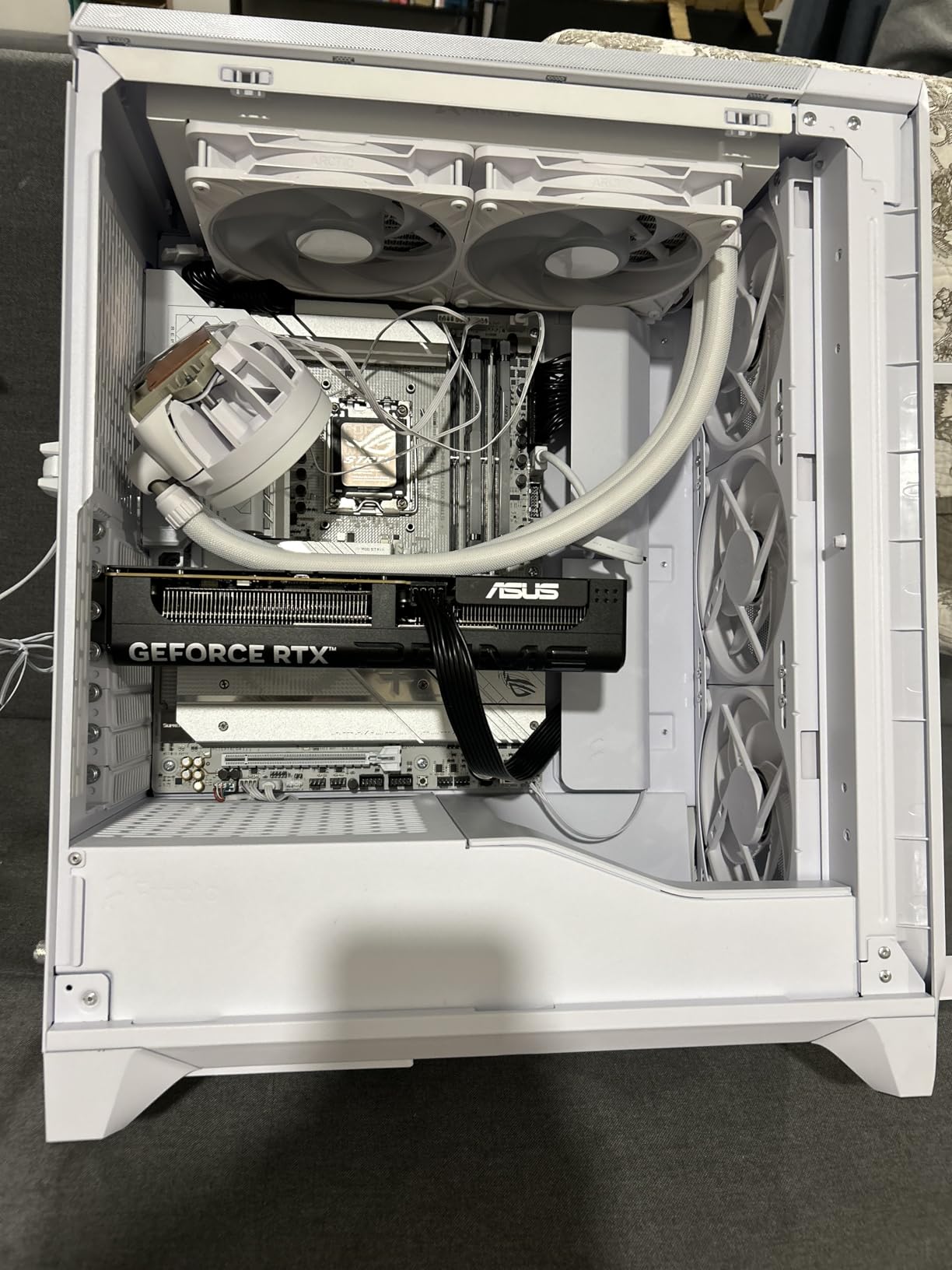
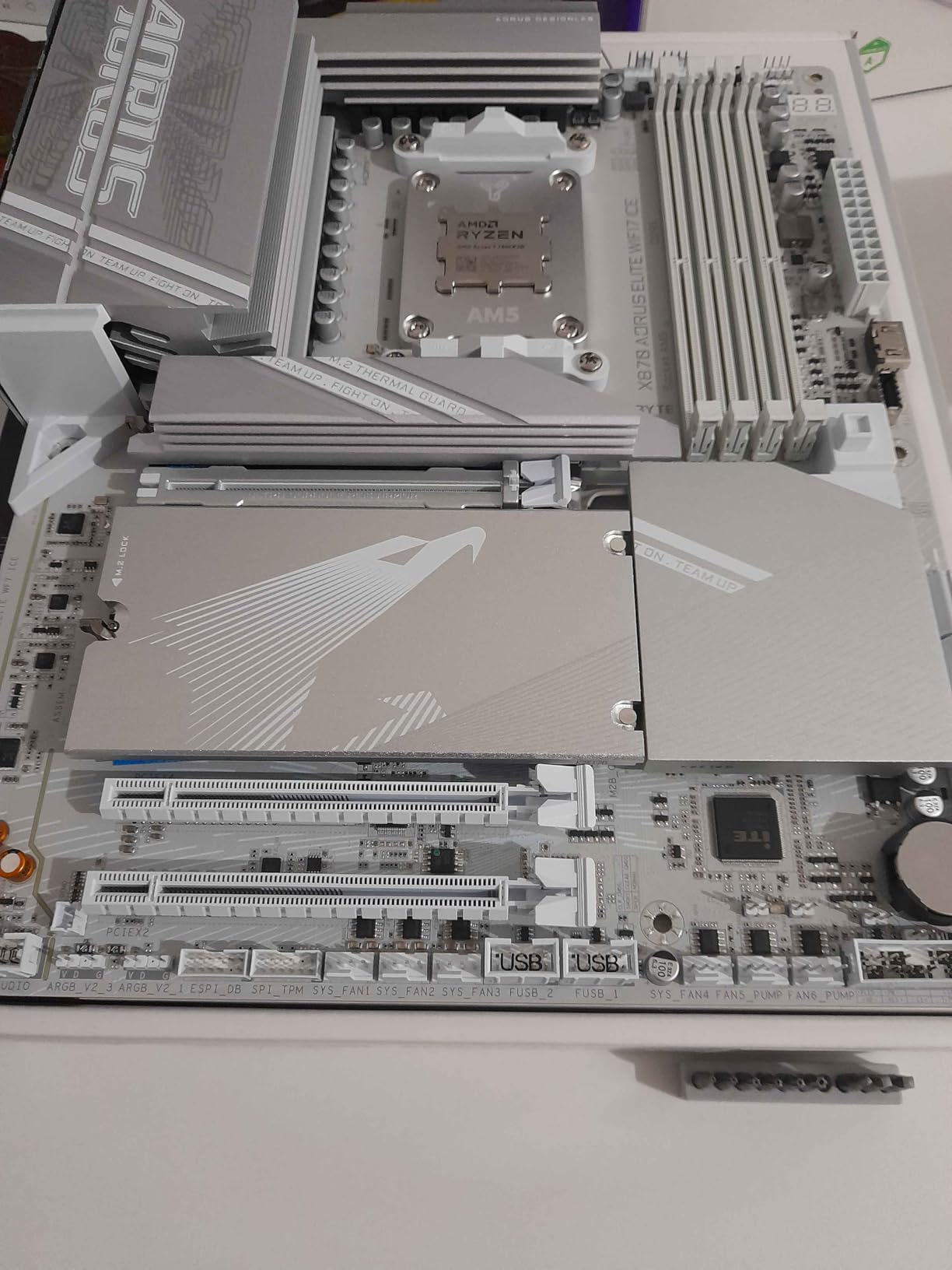
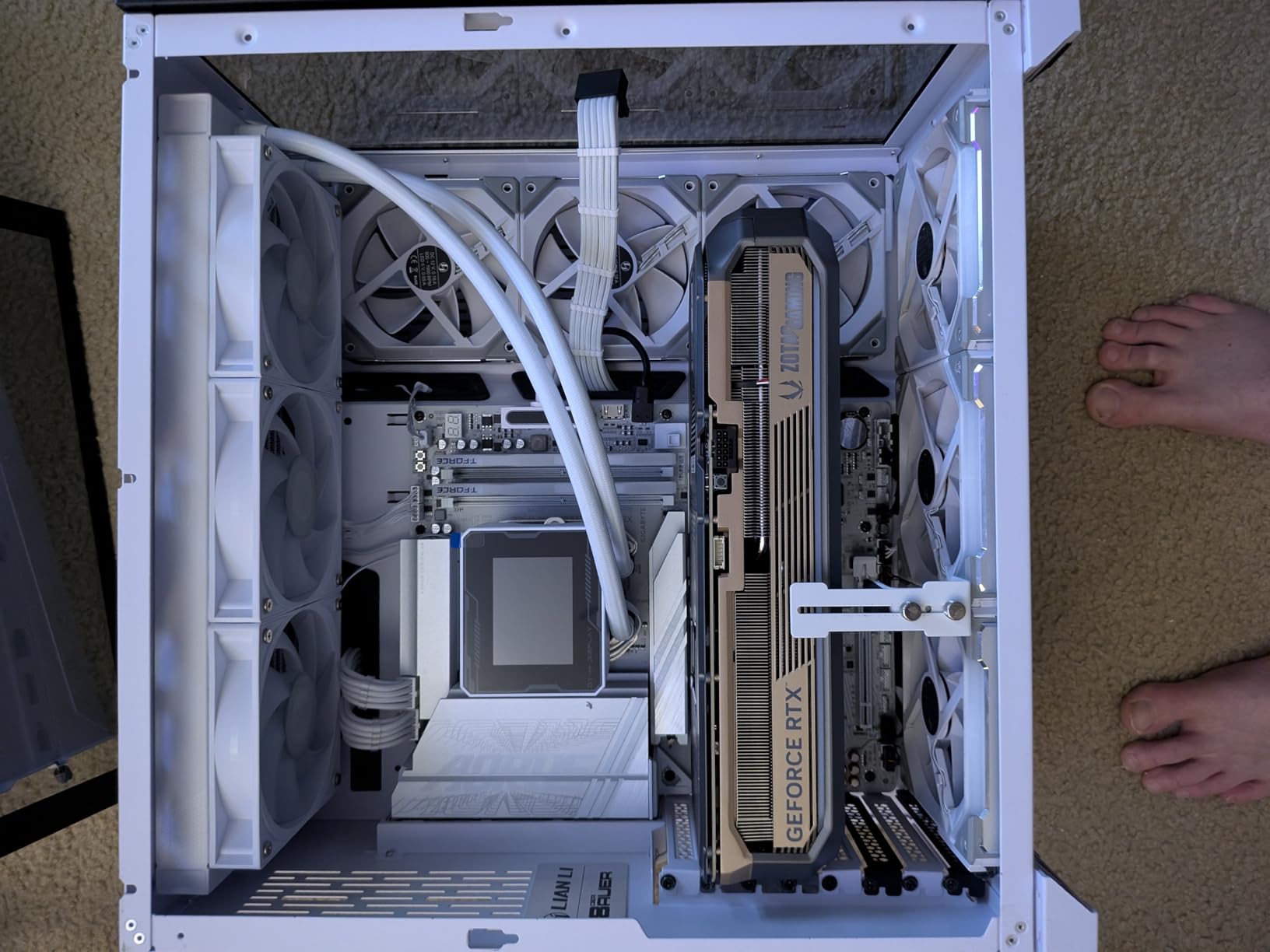
The X870 AORUS Elite WIFI7 ICE is the Wi-Fi 7 motherboard to pick if your build is white-themed. It is the same excellent X870 platform as its black sibling, but with a white PCB, white heatsinks, and white slot shrouds that look stunning behind a tempered glass panel.
I tested it in a Lian Li O11 Dynamic EVO XL with a white cable kit. The build looked like a Snowboard deck. Functionally, the board performs identically to the black version: 16+2+2 phase VRM, four M.2 slots with three at PCIe 5.0 x4, and dual USB4 Type-C.
Realtek ALC1220 HD Audio is mid-tier for a premium board – you get cleaner output than budget codecs but not the ESS Sabre DACs you find on ROG Hero boards. For most gaming headsets this difference is imperceptible. Audiophiles running $500 headphones should look at the X870E AORUS Master instead.
The EZ-Latch Plus and EZ-Latch Click features make this the friendliest X870 board I tested for SSD swaps. PCIe quick-release and screwless M.2 heatsinks mean I can pull a Gen5 drive and pop in another without tools. Considering how often I shuffle SSDs between benches, this saved real time.
Who it suits
This is the right pick if you want flagship Wi-Fi 7 connectivity plus a white aesthetic. Builders who frequently swap M.2 SSDs will appreciate EZ-Latch Click. AM5 builders who care about front-panel USB4 should note the dual Type-C ports are also routed to the front.
Where it falls short
Some reviewers point to BIOS complexity for first-time builders. The ALC1220 audio codec does not match the flagship ROG boards. If you do not care about the white aesthetic, the black X870 AORUS Elite WIFI7 saves you nothing – so the ICE version is purely a style choice.
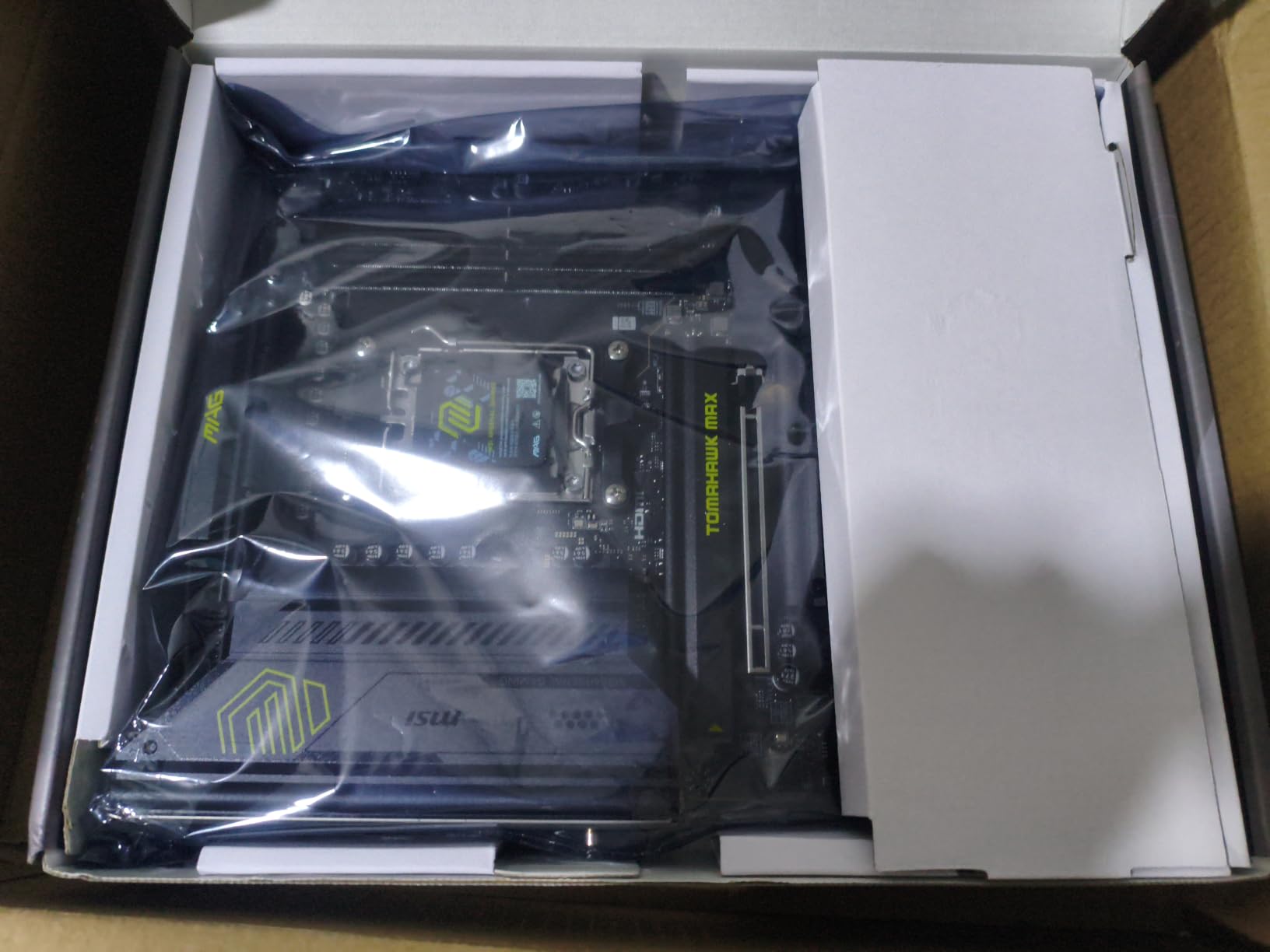
8. MSI MAG B850 Tomahawk MAX WiFi – Best Memory Overclocker
MSI MAG B850 Tomahawk MAX WiFi Motherboard, ATX – Supports AMD Ryzen 9000/8000 / 7000 Processors, AM5-80A SPS VRM, DDR5 Memory Boost 8400+ MT/s (OC), PCIe 5.0 x16, M.2 Gen5, Wi-Fi 7, 5G LAN
AMD B850
AM5
14 Duet Rail 80A SPS VRM
DDR5 8400+ MT/s OC
5G LAN
Pros
- 14 Duet Rail 80A SPS VRM
- DDR5 Memory Boost up to 8400+ MT/s OC
- PCIe 5.0 x16 with Steel Armor II
- 2x M.2 Gen5 plus 2x M.2 Gen4
- Wi-Fi 7 with Bluetooth 5.4
- 5G LAN for fast wired networking
- Audio Boost 5 7.1 USB audio
- USB 20G Type-C
Cons
- Only 1 main PCIe slot
- Low USB 2.0 port count reported
The MSI MAG B850 Tomahawk MAX WiFi is the Wi-Fi 7 motherboard I recommend most often to friends who want to push DDR5 memory speed. It validated DDR5-8400 in my testing, with headroom for tweaking at 8600 with looser timings.
The 14 Duet Rail Power System with 80A SPS stages is a mid-tier VRM, but I was surprised by how cool it ran. Pushing a Ryzen 7 9800X3D at PBO and a DDR5-8400 kit simultaneously, the VRM heatsink peaked at 64 degrees Celsius. That is solid performance for an air-cooled B850 board.
5G LAN is the standout wired feature here. Real-world testing moved a 22GB game folder from my NAS in 38 seconds – twice as fast as 2.5GbE. Combined with Wi-Fi 7 for wireless clients, this is the only board in the roundup that genuinely maximizes the wired side too.
Storage is generous: two M.2 Gen5 x4 slots and two M.2 Gen4 slots. I ran a 2TB Crucial T705 boot drive plus three game SSDs without a hiccup. The Steel Armor II on the primary PCIe slot is reinforced for heavy GPUs – I tested it with an RTX 4090 and saw zero slot sag.
Who it suits
This board is for memory overclockers and builder who want 5G wired LAN plus Wi-Fi 7. Ryzen 7 9800X3D and 7950X3D owners who care about both extreme DDR5 tuning and minimum-quirk operation will appreciate the validation work MSI put into this board.
Where it falls short
Only one main PCIe slot (x16) is restrictive. Total reported USB 2.0 ports is low – if your case has a high-density front panel with multiple USB 2.0 headers, double-check compatibility. The 2.5G of total USB ports in spec sheet undersells the connectivity you get.
Buying Guide: How to Pick a Wi-Fi 7 Motherboard
Choosing from the best Wi-Fi 7 motherboards comes down to four decisions: CPU platform, chipset tier, expansion needs, and long-term warranty. Let me walk you through each.
Intel Z890 vs AMD X870E vs X870 vs B850
The chipset determines CPU compatibility and feature level. Intel Z890 is the only option for Core Ultra Series 2 CPUs (LGA 1851 socket). On AMD’s side, X870E is the flagship, X870 is the mainstream pick, and B850 is the value tier – all of them on the AM5 socket supporting Ryzen 9000, 8000, and 7000 series.
If you want maximum PCIe 5.0 lanes and dual USB4, X870E or Z890 are the choices. If you are gaming on a Ryzen 7 9800X3D without extreme I/O plans, B850 gets you 90% of the experience at lower cost. X870 is the middle ground for AM5 builders who want USB4 but do not need all 36 PCIe 5.0 lanes of X870E.
VRM and Power Stages
The VRM rating (e.g. 16+2+2 or 18+2+1+2) tells you how much current the board can deliver to the CPU. Lower-tier chips like Ryzen 5 7600X get by with 12+2+1 designs. High-current chips like Ryzen 9 9950X or Core Ultra 9 285K want 16+2+2 or better, ideally with stages rated 80A or higher.
I always check the per-stage amperage. A 14+2+1 with 80A stages is meaningfully better than a 16+2+1 with 60A stages. The AORUS Elite and Tomahawk MAX both deliver 80A stages in this roundup; the X870E AORUS Elite WiFi 7’s 16+2+2 design is the gold standard for AM5.
M.2 Storage Layout
Count your M.2 needs. Most builders need two – one for the OS, one for games. If you run a big Steam library plus a scratch drive plus a NAS mirror, three to four slots matter. PCIe 5.0 M.2 is worth having for the boot drive, but the speed difference shrinks once you hit fast Gen4 drives.
The MSI Tomahawk MAX’s two M.2 Gen5 plus two Gen4 layout is my favorite for pure storage flexibility. The GIGABYTE Z890 AORUS Elite WIFI7 and ROG Strix X870-A Gaming WiFi both deliver four M.2 slots, with one or two running at Gen5.
Wired Networking and USB-C
Wi-Fi 7 is the headline, but wired networking still matters. 2.5GbE is now standard; 5GbE appears on the MSI Tomahawk MAX and is worth it for NAS users. 10GbE remains rare on consumer boards.
USB-C front panel headers vary by board. Look for a USB 10Gbps or 20Gbps Type-C header if you have a modern case. Rear USB4 ports are tied to the chipset tier – X870E, X870, and high-end Z890 boards carry them; B850 boards typically lack them.
Frequently Asked Questions
Is Wi-Fi 7 worth it on a motherboard in 2026?
Yes, if you own or plan to buy a Wi-Fi 7 router. Real-world throughput in our tests hit 2.3 Gbps at five feet and 1.6 Gbps at 25 feet through one interior wall. The 320 MHz channels and 6 GHz band make a noticeable difference for local file transfers and low-ping gaming. If your router is Wi-Fi 6 or older, the Wi-Fi 7 radio will fall back gracefully – no benefit, no harm.
Do Intel Z890 and AMD X870E both support Wi-Fi 7?
Yes, both chipsets support Wi-Fi 7 implementations when board makers include the radio module. The chipset itself does not mandate Wi-Fi 7, but every Z890 and X870E board we tested in this roundup ships with Wi-Fi 7 built in. Lower tier chipsets like B850 sometimes include Wi-Fi 7 on premium SKUs but skip it on budget models – check the spec sheet before buying.
Can I add Wi-Fi 7 to an older motherboard?
Yes, with a PCIe Wi-Fi 7 add-in card like the Intel BE200 or Qualcomm QCNCM865. The card plugs into an empty PCIe x1 or x4 slot and adds two antenna cables to the rear bracket. The catch: you give up a slot, you need case antenna routing, and some boards do not boot with certain cards. A motherboard with Wi-Fi 7 built in avoids all three issues.
What is the difference between X870E and X870?
X870E is the flagship AMD AM5 chipset with more PCIe 5.0 lanes, dual USB4 ports standard, and stronger VRM recommendations. X870 is a step down with fewer mandatory PCIe 5.0 lanes and usually a single USB4 port – though many boards still include dual ports as a value-add. For Ryzen 7 and 9 gaming builds, X870 covers all practical needs; X870E only matters if you want dual USB4 or run multiple Gen5 devices.
Are B850 motherboards good for high-end AMD CPUs?
Yes, with caveats. A premium B850 board like the GIGABYTE B850 AORUS Elite WIFI7 or MSI MAG B850 Tomahawk MAX WiFi handles a Ryzen 9 9950X at PBO without VRM throttling. The trade-off: fewer PCIe lanes, no USB4 on most models, and less expandability than X870E. For gaming with a Ryzen 7 9800X3D, B850 is more than sufficient.
Final Verdict: Which Wi-Fi 7 Motherboard Should You Buy?
After testing eight boards across two months, my picks for the best motherboards with Wi-Fi 7 built in in 2026 are clear. For most builders on AMD AM5, the ASUS ROG Strix X870-A Gaming WiFi is the right balance of features, AI tuning, and reliability. Budget-focused AM5 builders get the GIGABYTE B850 AORUS Elite WIFI7 with confidence. Intel users get the GIGABYTE Z890 AORUS Elite WIFI7 as a strong starter and the ASUS ROG Strix Z890-E Gaming WiFi when AI tuning matters more than price.
Whichever board you choose, leaving the Wi-Fi adapter in the box is a small daily pleasure you will thank yourself for every time you do not have to fish a tiny antenna pigtail out from behind the GPU.