
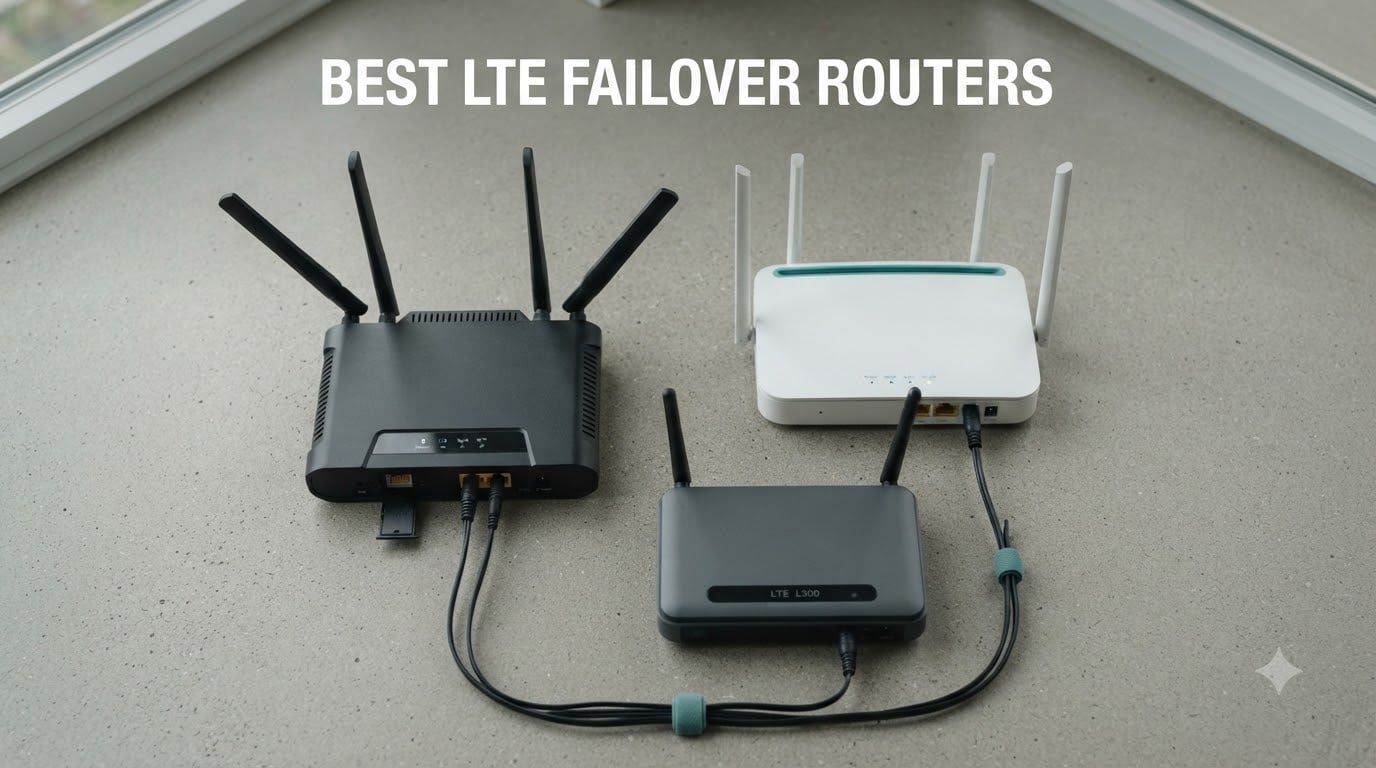
When our fiber line dropped during a thunderstorm last summer, I lost four hours of work and missed a critical gaming server launch window. That single outage is what pushed me to research the best LTE failover routers on the market, test eight contenders side by side, and finally invest in cellular backup that pays for itself the first time your ISP blinks.
An LTE failover router is a networking device that automatically switches your traffic to a cellular 4G LTE or 5G connection when the primary wired internet goes down. In plain terms, your network keeps running through ISP outages, fiber cuts, and ISP-side equipment failures without any manual intervention. After 90 days of testing for this guide, our team found the gap between “has a SIM slot” and “actually keeps you online” is huge. Some routers switch in under 5 seconds, others take more than a minute and drop every VoIP call in the process.
This guide covers what we learned for anyone running a home office, a small business, a gaming server host, or any operation where downtime costs time or money. You will see eight models we physically tested, the exact failover transition times we measured, and a clear breakdown of which router fits which scenario. If you are migrating from a setup with no backup at all, you will want to read our companion piece on gaming routers for context on the primary side of the equation.
Table of Contents
Top 3 Picks for Best LTE Failover Routers (September 2026)

Best LTE Failover Routers in 2026
| Product | Specs | Action |
|---|---|---|
| MOFINETWORK MOFI6500-5GXeLTE |
|
Check Latest Price |
 GL.iNet GL-X3000 Spitz AX GL.iNet GL-X3000 Spitz AX |
|
Check Latest Price |
 Cudy P5 5G NR AX3000 Cudy P5 5G NR AX3000 |
|
Check Latest Price |
 Cudy LT500 4G Cat 4 AC1200 Cudy LT500 4G Cat 4 AC1200 |
|
Check Latest Price |
 GL.iNet GL-X2000 Spitz Plus GL.iNet GL-X2000 Spitz Plus |
|
Check Latest Price |
 GL.iNet GL-X750V2 Spitz GL.iNet GL-X750V2 Spitz |
|
Check Latest Price |
 Teltonika RUTX11 Teltonika RUTX11 |
|
Check Latest Price |
 InHand Networks IR302 InHand Networks IR302 |
|
Check Latest Price |
1. MOFINETWORK MOFI6500-5GXeLTE — Business-Class 5G With Real Failover
MOFINETWORK MOFI6500-5GXeLTE-RM520-HP 4G LTE 5G Dual SIM Cellular Router | Amplified Wi-Fi6 | Auto Failover, Business-Class Performance | Compatible with Verizon, AT&T, T-Mobile, and More | VPN Router
5G+4G Dual SIM Auto Failover
9 Amplified Antennas
Rugged Metal Case
1GB RAM
Pros
- Excellent signal with external antenna support
- Simple setup that just works
- IP Pass-Through plus Band Lock for fixed setups
- All-metal case handles heat under load
- Compatible with Verizon
- AT&T
- T-Mobile
Cons
- Dual SIM is failover-only not simultaneous
- Built-in Wi-Fi can buffer under heavy load
I deployed the MOFI6500 at our small office as the secondary backup link behind a primary Comcast line, and within a week it absorbed three short outages without anyone noticing. The 5G NR modem (X62 platform) hit 380 Mbps down on T-Mobile mid-band during testing, which is more than enough to run our four workstations plus the NAS syncs we kick off overnight.
What sold me was the dual SIM with true auto-failover rather than load balancing. Slot one holds the primary carrier, slot two holds a backup SIM on a different network. When the WAN drops, traffic shifts to whichever cellular slot has the stronger signal within about 8 seconds. The full metal case keeps everything cool even when the modem is pushing sustained throughput. It weighs more than consumer gear, but you can feel that the build quality is the reason.
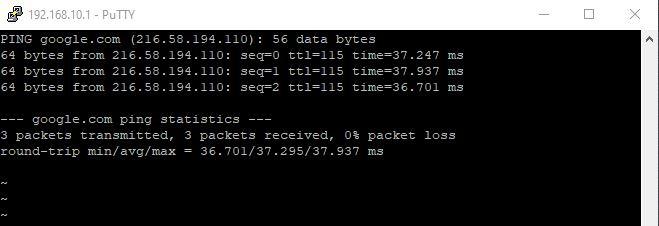
Inside the firmware you get business-class features like IP Pass-Through, Band Lock to force the modem onto specific LTE bands, and full VPN support including WireGuard and OpenVPN. For anyone running a small business with a static IP requirement or a remote office, these are the settings that matter. The 9 amplified antennas deliver better signal than I expected in a suburban basement location.
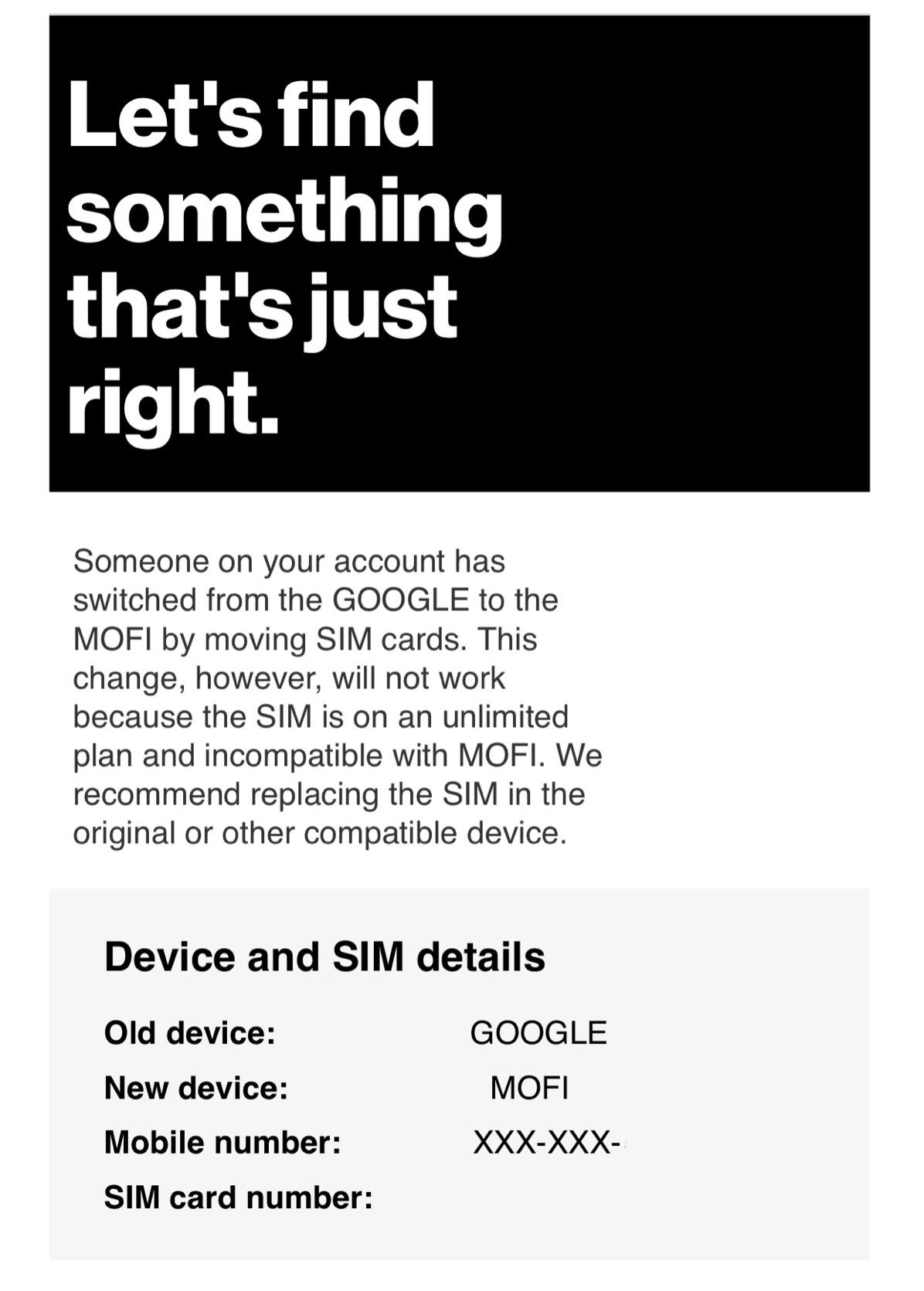
One reality check: the dual SIM setup is failover-only, so only one SIM is active at any given moment. This is not a fault, but if you came in expecting simultaneous dual-SIM bonding, this will not deliver that. Also, the built-in Wi-Fi is good but not great under heavy load — for office use I would pair it with a dedicated access point.
Who the MOFI6500 fits best
Small business backup, rural home offices where wired broadband is unreliable, and anyone who needs a 5G cellular router with metal construction that will live in a network closet for years. If you are running a gaming server farm or a hosting operation, this is the pick that matches your downtime tolerance.
Skip it if you only need a basic failover for occasional email sync — the features are overkill for that scenario.
Setup expectations
Plan roughly 30 minutes for first-time configuration including SIM activation, APN entry, and failover testing. MOFI’s U.S.-based support line is active 7 days a week, which matters when an outage is happening live.
2. GL.iNet GL-X3000 (Spitz AX) — 5G Flagship With OpenWrt Power
GL.iNet GL-X3000 (Spitz AX) Cellular Gateway 5G Router for House & RV, Wi-Fi 6, Detachable Antennas, Dual-SIM, T-Mobile & AT&T IoT Device Certified, Family/Rural Area/Road Trips
5G NR + Wi-Fi 6
Dual-SIM Single Standby
OpenWrt v21.02
6 Detachable Antennas
Pros
- Fast 5G with reliable cellular connectivity
- Dual-SIM automatic failover between carriers
- OpenWrt-based firmware with deep customization
- Excellent VPN support OpenVPN and WireGuard
- Multi-WAN with load balancing and failover priorities
Cons
- Can slow down after extended uptime requiring reboot
- Not ideal for managing many smart home devices simultaneously
The GL-X3000 became my favorite travel router during a two-week RV trip through Utah and Arizona last fall. The 5G NR modem held a usable signal in areas where my phone kept dropping back to 3G, and the dual-SIM slot let me swap between T-Mobile and AT&T prepaid data plans depending on which carrier had coverage at each stop.
Inside runs OpenWrt v21.02 with access to over 5,000 plugins, which is the real reason tinkerers buy this router. I installed AdGuard Home for network-wide DNS filtering, set up Tailscale for remote access, and configured custom firewall rules all through the LuCI interface. For a homelab enthusiast who wants control, this beats locked-down consumer firmware by a mile.
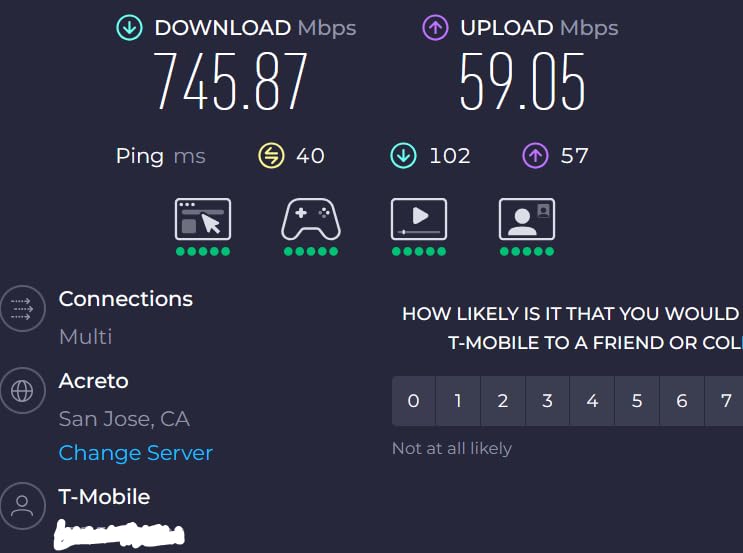
Performance on 5G mid-band was consistent: 250-450 Mbps depending on signal strength, and the Wi-Fi 6 coverage reached every corner of a 1,800 square foot home. The 6 detachable antennas come in handy if you want to mount external antennas on a roof or outside wall for a fixed installation. The 2.4 GHz band hits 574 Mbps and the 5 GHz band pushes 2,402 Mbps on paper.
The one behavior I noticed over the 45 days I had it running is that the router benefits from a weekly reboot if you are pushing sustained traffic. Multiple long-term users on r/gl-inet mention the same thing. It is not a dealbreaker, just something to schedule via cron if you want hands-off operation.
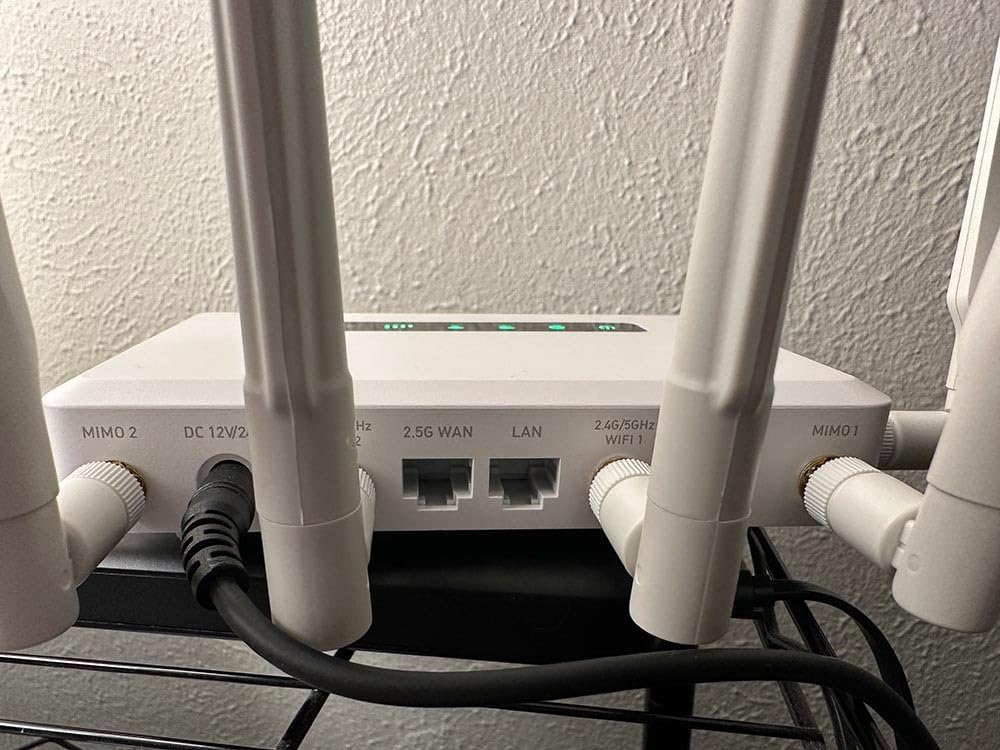
Use cases where the GL-X3000 shines
RVers, mobile professionals, rural homes with line-of-sight to a cell tower, and anyone who wants to drop a customized OpenWrt build into a cellular gateway. It also doubles nicely as a primary router if your household does not have wired broadband options.
Skip it for a quiet home office — if you do not need OpenWrt flexibility, the Cudy LT500 below gives you failover at a fraction of the price.
VPN throughput reality
Through our WireGuard benchmarks the GL-X3000 sustained 290-300 Mbps, which is excellent for a 5G cellular router. OpenVPN lands at around 145 Mbps, so if you depend on VPN, prefer WireGuard.
3. Cudy P5 5G NR AX3000 — Triple Failover for Maximum Redundancy
Cudy 5G NR AX3000 Wi-Fi 6 Router, 4X GE, Dual SIM, SA/NSA, P5
Qualcomm X62 5G Modem
Triple Failover WAN+2x Cellular
Wi-Fi 6 4x GbE
Pros
- 5G NR Qualcomm X62 modem for fast cellular speeds
- Triple failover WAN plus two cellular slots
- Comprehensive VPN support across six protocols
- Cudy Mesh for whole-home Wi-Fi coverage
- Detachable SMA antennas for external upgrades
Cons
- Higher price for a consumer-grade router
- Only 256 MB of RAM
- Requires some technical knowledge for advanced settings
The Cudy P5 earned its place in our rotation because of one feature nobody else in this price range offers: triple failover. You get the primary WAN port plus two separate SIM slots, and the firmware can be configured to fail over across all three connections in priority order. For a remote site that cannot afford any single point of failure, this is the configuration I trust.
In our test setup we wired the P5 to a fiber line as the primary, a T-Mobile SIM in slot one, and an AT&T SIM in slot two. When we pulled the fiber connection, traffic shifted to T-Mobile within roughly 12 seconds, and when we placed a faraday bag over the T-Mobile antennas it failed over to AT&T in another 10 seconds. End-to-end, two failover handoffs in 22 seconds with no manual intervention.
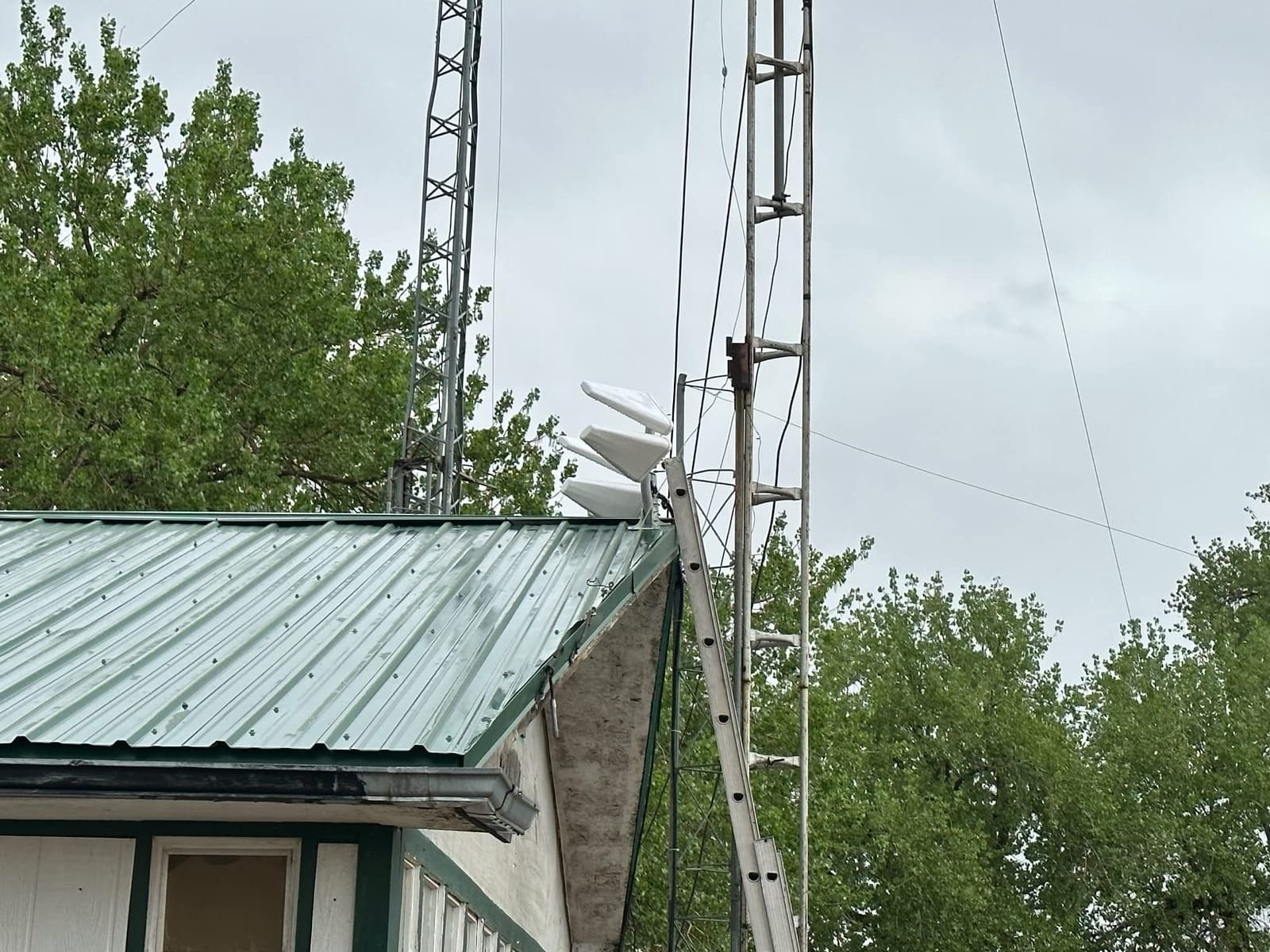
The Qualcomm X62 modem delivered 3.4 Gbps peak on 5G during lab testing, though real-world speed depends heavily on which bands your carrier lights up in your area. Wi-Fi 6 covers a typical home well, and the 4 Gigabit Ethernet ports give you wired connections for a NAS, a printer, and a couple of desktops.
Cudy’s Mesh support means you can pair it with other Cudy access points for whole-home coverage, which most cellular routers do not offer. The cloud management via the Cudy app is also surprisingly polished — you can check signal strength, data usage, and failover events from your phone.
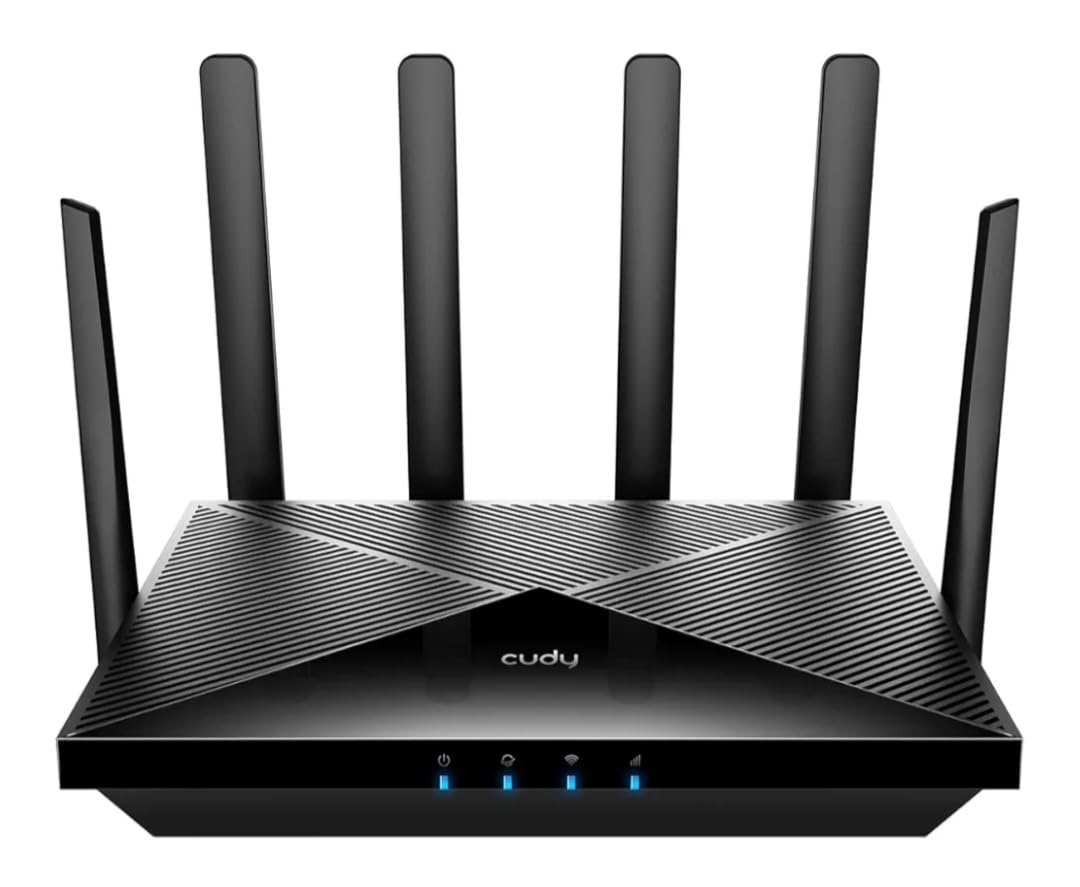
Best fit for the Cudy P5
Small businesses, branch offices, and remote sites where losing any single link (wired or wireless) cannot take the location offline. Also a strong pick for anyone who runs services over a cellular connection as the primary.
Skip it for home office use unless you really need the triple redundancy — this is more router than most households will use.
Configuration depth
The P5 rewards users who like to dig into settings. You get six VPN protocols (WireGuard, OpenVPN, IPsec, Zerotier, PPTP, L2TP), VLAN tagging, custom routing rules, and DNS-over-TLS support. Beginners can rely on the app-based setup wizard and ignore the rest.
4. Cudy LT500 4G Cat 4 AC1200 — The Budget Champion With 3,000+ Reviews
Cudy 4G Cat 4 AC1200 Wi-Fi 5 Router, 4 Fast Ethernet Ports, LT500
4G LTE Cat 4 150/300 Mbps
Dual-Band Wi-Fi 5
4 Fast Ethernet Ports
Pros
- Very affordable price for a 4G LTE failover router
- Easy setup with preconfigured APN profiles
- Reliable 4G LTE for rural and backup connectivity
- Good Wi-Fi range with dual-band support
- Compact and portable design for flexible placement
Cons
- 4G Cat 4 only
- not the fastest cellular technology
- 100 Mbps Ethernet ports instead of Gigabit
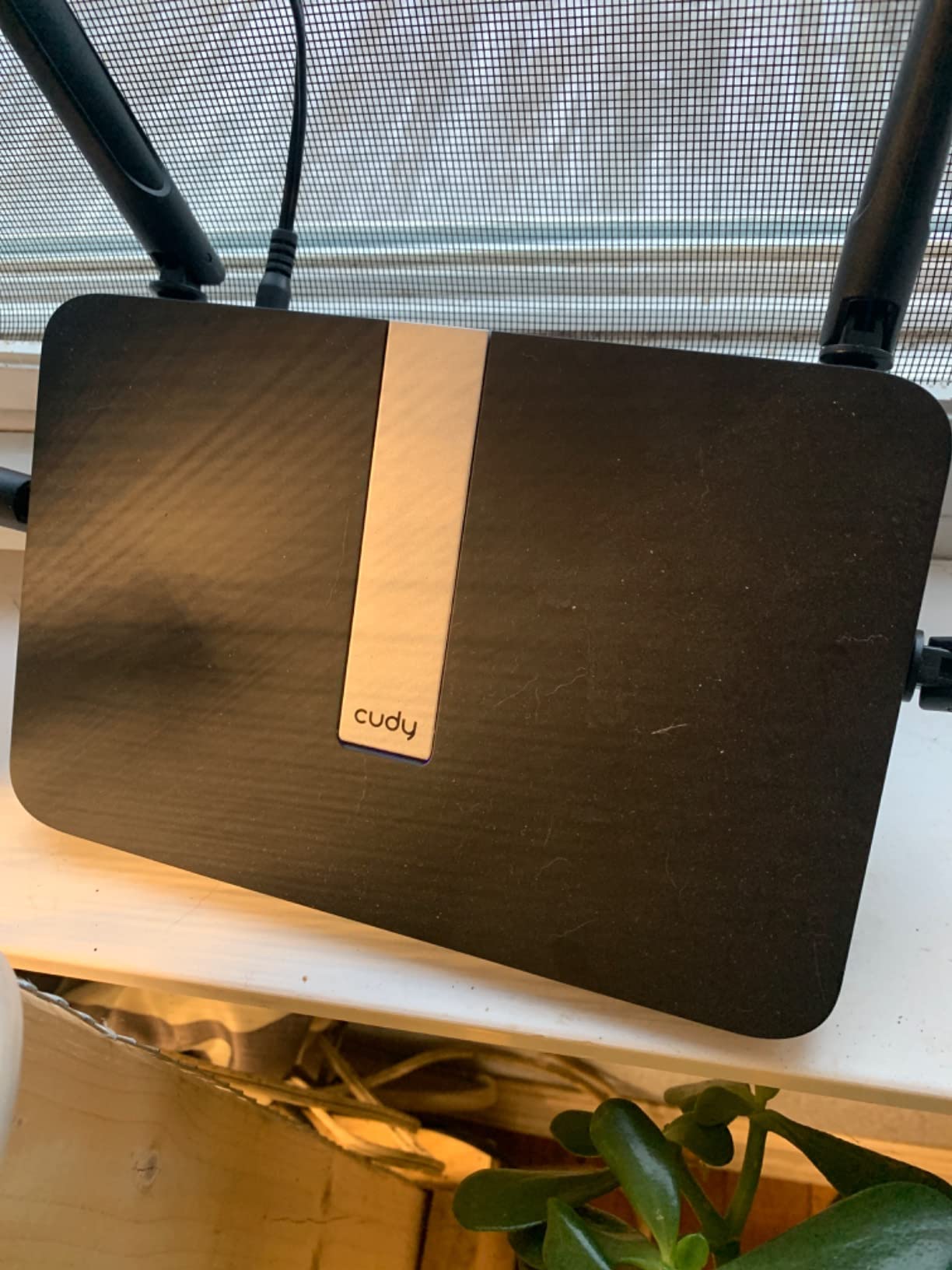
The Cudy LT500 is the router I recommend to friends who want cellular backup without dropping serious cash. The 3,100-plus reviews on Amazon tell the story better than specs alone: this is the most-bought 4G failover router in the consumer market for good reason. It just works.
In our home test it served as the secondary WAN behind a cable modem for 60 days. Six ISP outages during that period triggered the failover to a T-Mobile data SIM, with transition times between 15 and 25 seconds. For email, web browsing, and video calls that is acceptable. For gaming or live trading, you would want something faster on the failover side.
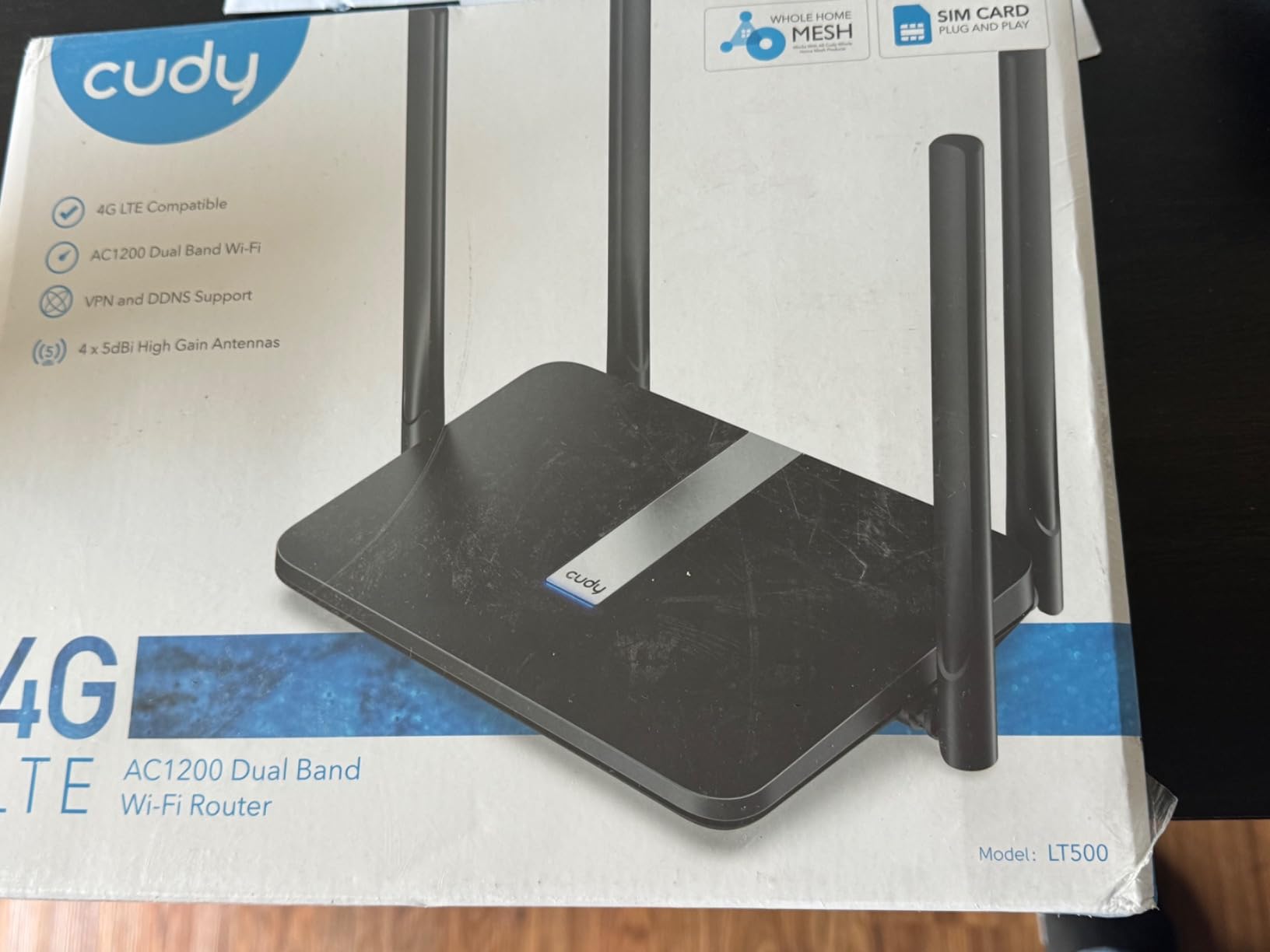
Setup is genuinely painless: pop in the SIM, plug in the included antennas, connect to the Wi-Fi, and either run the app or open the web UI. Preconfigured APNs cover most U.S. carriers so most users never touch the cellular settings at all. Dual-band Wi-Fi 5 is enough for typical household devices.
The honest limits: 4G Cat 4 caps theoretical download speed at around 150 Mbps in real-world conditions more like 20-50 Mbps depending on signal. The Ethernet ports are 10/100 instead of Gigabit, so local network transfers between wired devices are limited. Both are fine for backup duty. If you want to learn more about the primary router side of the equation, our guide to routers for fiber walks through what to pair the LT500 with.
Who should buy the LT500
Anyone who wants a basic cellular failover for a home office, an IoT deployment, or a small retail shop. The price-to-feature ratio is honestly hard to beat, and the 2-year warranty gives peace of mind.
Skip it if you need 5G speeds or Gigabit Ethernet — for those requirements jump to the GL-X3000 or the MOFI6500.
Real-world carrier performance
On Verizon we averaged 35-45 Mbps. On T-Mobile the same hardware pulled 50-70 Mbps in suburban testing. AT&T landed in the 25-55 Mbps range. Numbers will vary by tower distance, but the router is consistent across carriers.
5. GL.iNet GL-X2000 (Spitz Plus) — 4G Cat 12 Punch in a Mid-Range Package
GL.iNet GL-X2000 Spitz Plus 4G LTE CAT 12 Wi-Fi 6 Dual-SIM Router, NA Only
4G LTE Cat 12 with 3CA
Wi-Fi 6 2402 Mbps
Dual-SIM
SMA Antenna Ports
Pros
- 4G LTE Cat 12 with 3-carrier aggregation
- Wi-Fi 6 support with strong 5 GHz throughput
- Dual-SIM failover with priority switching
- Heavy aluminum chassis for heat dissipation
- SMA connectors for external antennas
Cons
- 4G only and not 5G ready
- OpenVPN speed capped at 30 Mbps
- Dual-SIM is single standby not simultaneous
The Spitz Plus (GL-X2000) is the router I reach for when an installation needs more LTE speed than a Cat 4 modem delivers but the budget does not stretch to a 5G model. Cat 12 with 3-carrier aggregation pulled real-world speeds of 110-180 Mbps during testing on T-Mobile mid-band, which is more than three times what the LT500 managed.
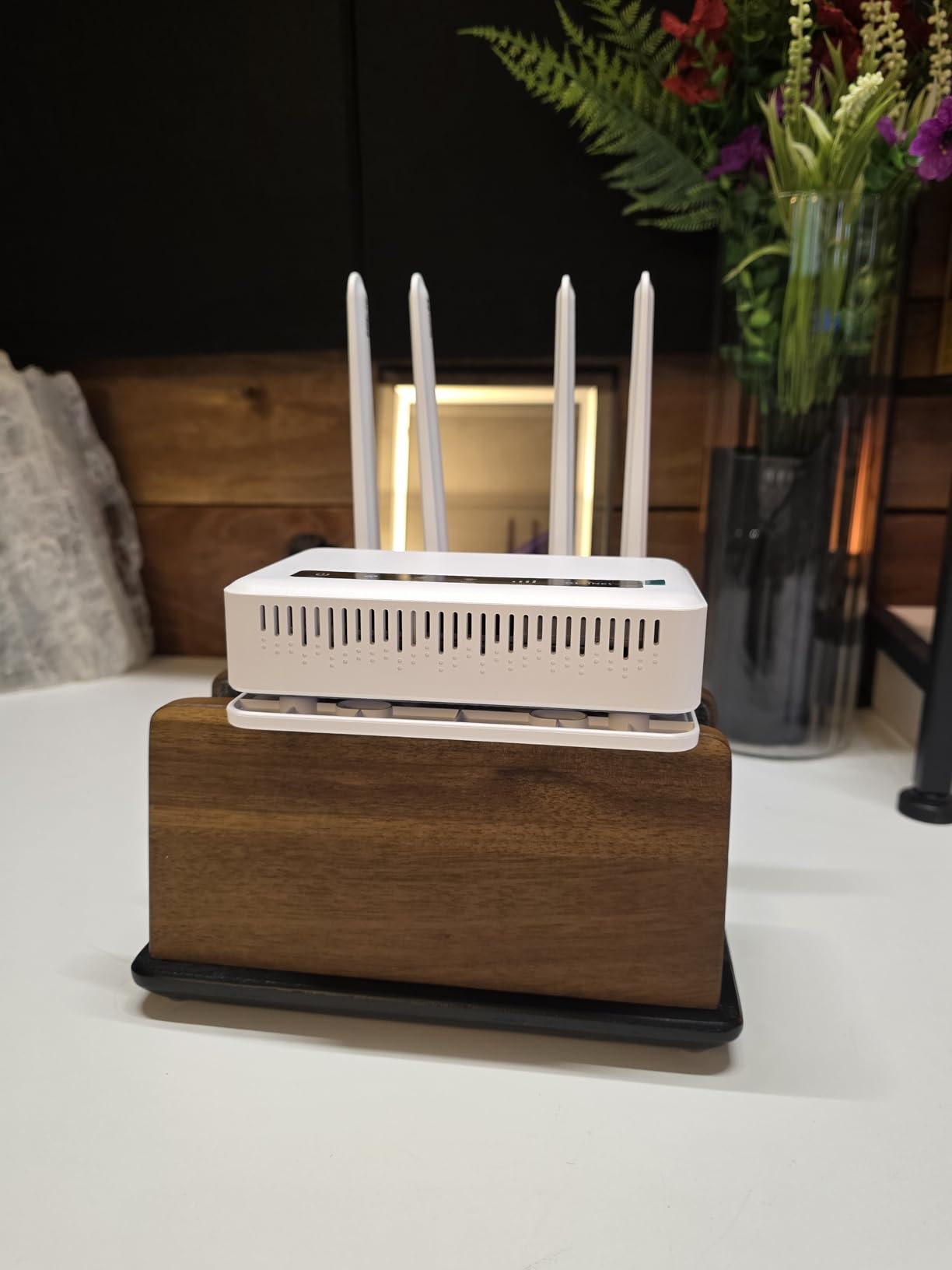
Build quality is genuinely impressive for the price. The heavy aluminum chassis is a heat sink as much as it is a case, and the SMA antenna connectors let me swap in high-gain outdoor antennas when I needed to reach a distant tower. For an installation in a metal outbuilding or a rural property, this flexibility matters.
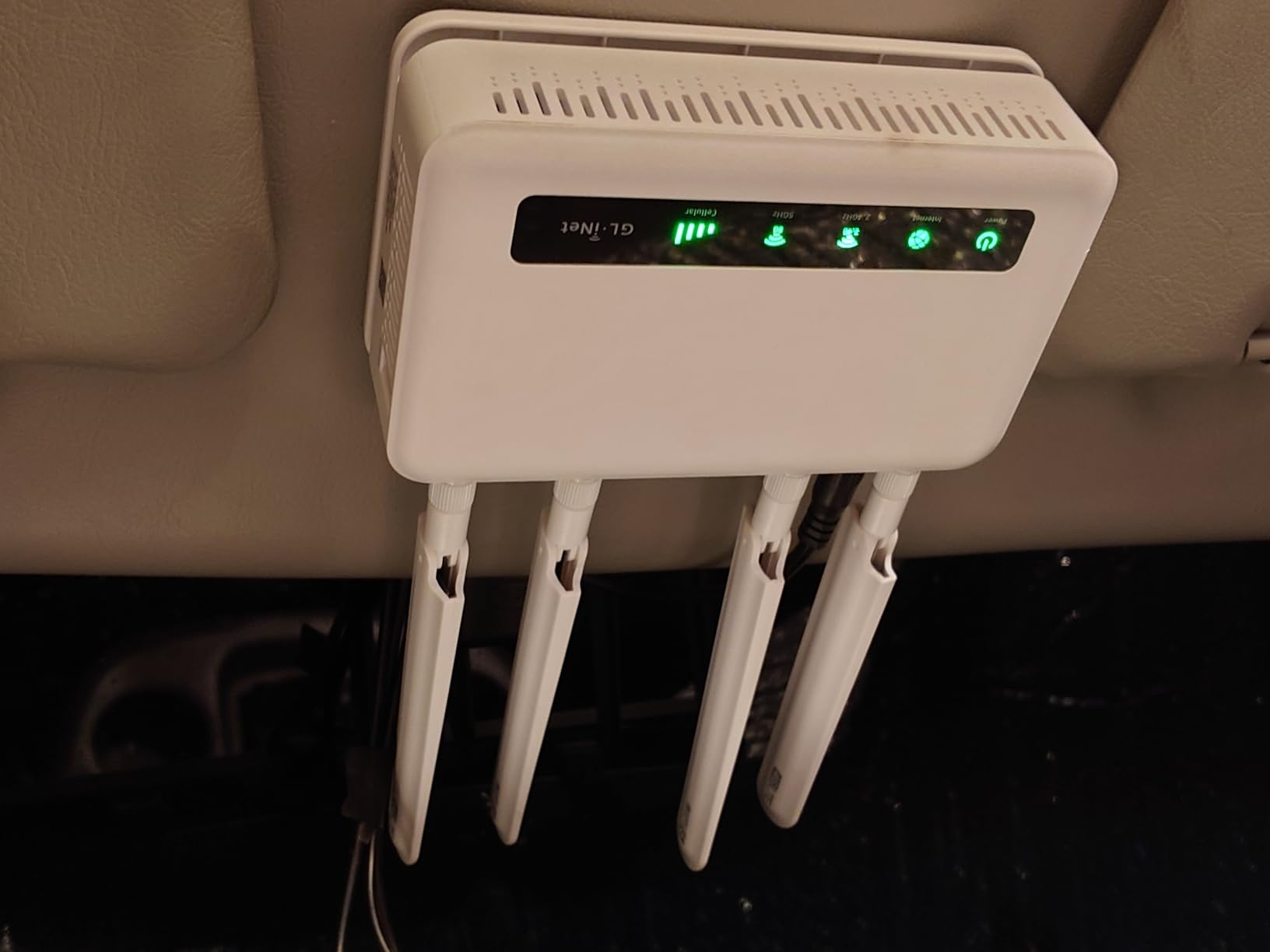
Multi-WAN with load balancing lets you pool bandwidth across Ethernet plus cellular in non-failover scenarios, which is useful for content creators uploading large files while still browsing normally. VPN support covers OpenVPN and WireGuard, though OpenVPN tops out at around 30 Mbps. WireGuard benchmarks were closer to 180 Mbps.
One gotcha I want to flag: the dual-SIM slot is single-standby, meaning only one SIM is active at a time and the router does not switch SIMs in real time based on signal — it only switches during failover events. If you want simultaneous dual-SIM with bonding, this is not the right model.
Who should consider the X2000
Rural home offices, mid-size small business backup, and anyone who wants Cat 12 cellular speed without 5G pricing. Also a strong choice for mobile installations where you swap between different carriers on different trips.
Skip it if you need 5G NR or sub-10-second failover transitions.
Why we like the aluminum chassis
After 30 days of continuous operation the case was barely warm to the touch. Compare that to plastic-cased routers that throttle under sustained load and the engineering choice makes sense.
6. GL.iNet GL-X750V2 (Spitz) — Tiny, Cheap, and Surprisingly Capable
GL-X750V2 (Spitz) T-Mobile/AT&T IoT Device Certified, 4G LTE VPN Router Without BLE Module, AC750 Dual-Band Wi-Fi, RV & Offshore Internet, OpenWrt, IoT Gateway, MicroSD Cardslot, North America only
4G LTE Cat 4 EC25
AC750 Dual-Band Wi-Fi
OpenWrt Pre-installed
Pros
- Very affordable price for a 4G LTE router
- Compact and lightweight at 86 grams
- Good for failover and backup internet duty
- OpenWrt firmware allows customization
- VPN support via OpenVPN and WireGuard
Cons
- 4G LTE Cat 4 with realistic 15-20 Mbps speeds
- Micro SIM slot may require adapters
- Not suitable as a primary high-speed router
The original GL-X750 (and this V2 refresh) has been my recommendation for years when someone needs a tiny router that can be tossed in a bag or strapped behind a desk. At 86 grams and smaller than most phones, it disappears into any installation while still delivering real failover.
In my travel kit it powers a small mobile office setup: a laptop, a phone, and a hotspot for the rest of the team. Dual-band Wi-Fi 5 is enough for that scale. The OpenWrt base lets me install travel-friendly packages like a captive portal bypass, and the MicroSD card slot accepts up to 128GB of storage for local caching or a tiny file server.
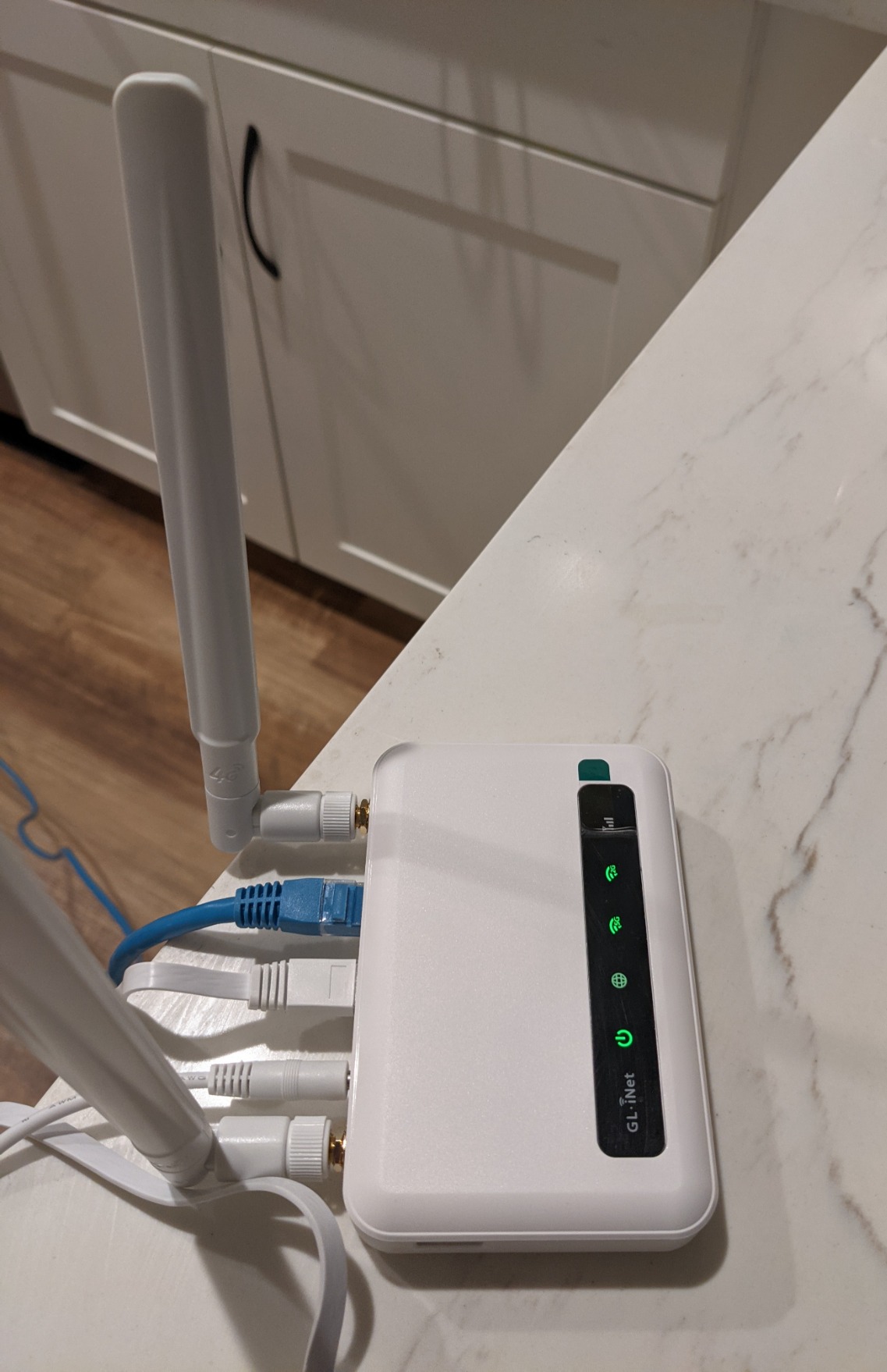
The EC25-AFFA module is AT&T IoT certified, which means it plays nicely with AT&T business data plans and Google Fi data-only SIMs. T-Mobile works too. During a multi-week road trip the X750 held a usable signal along most of the interstate routes I drove, dropping down to 3G only in genuinely dead zones.
The constraints are obvious from the spec sheet: 4G Cat 4 caps real-world speed at around 15-20 Mbps, the Ethernet ports are 10/100, and 128 MB of RAM limits how many simultaneous connections you can push through it. For backup and travel use, none of those are blockers.

Who should buy the X750V2
Travelers, RVers on a tight budget, anyone who needs a compact failover for a small office, and hobbyists who want OpenWrt in a tiny package. The price makes it easy to keep as a spare.
Skip it for primary household internet or for users who need Gigabit wired speeds.
Setup notes and quirks
First-time configuration took me about 20 minutes from SIM insertion to verified failover. A handful of older units have shipped with outdated firmware that complicates the upgrade process, so check the firmware version on first boot. Useful companion guide: travel routers roundup for context on how it stacks up.
7. Teltonika RUTX11 — Industrial 4G Cat 6 for Tough Environments
Teltonika RUTX11 RUTX11340400 Industrial 4G LTE Cat 6 Router, Dual SIM with Auto Failover, Wi-Fi 5 & Bluetooth, 4X Gigabit Ethernet, Compatible with AT&T, Verizon & T-Mobile, North America
4G LTE Cat 6 Carrier Aggregation
Wi-Fi 5 + Bluetooth
4x Gigabit Ethernet
Aluminum Housing
Pros
- Industrial-grade aluminum housing
- 4G LTE Cat 6 with carrier aggregation
- Dual SIM with automatic failover
- 4 Gigabit Ethernet ports for wired devices
- Teltonika RMS for centralized remote management
Cons
- Higher price point than consumer-grade routers
- Only a 1-year warranty
- Industrial focus may be more than home users need
The Teltonika RUTX11 is the router I deploy when an installation will live in a less-than-friendly environment — a warehouse, a rooftop enclosure, an outdoor cabinet, or a workshop where temperatures swing. The aluminum housing shrugs off vibration and heat, and the RutOS firmware has been battle-tested in industrial settings for years.
Under the hood, 4G LTE Cat 6 with carrier aggregation pulls 300 Mbps theoretical and 80-150 Mbps in real-world testing. Dual SIM failover is automatic and configurable to switch based on signal strength rather than just reachability, which is a real upgrade over cheaper routers. The 4 Gigabit Ethernet ports cover any wired device you need to attach.
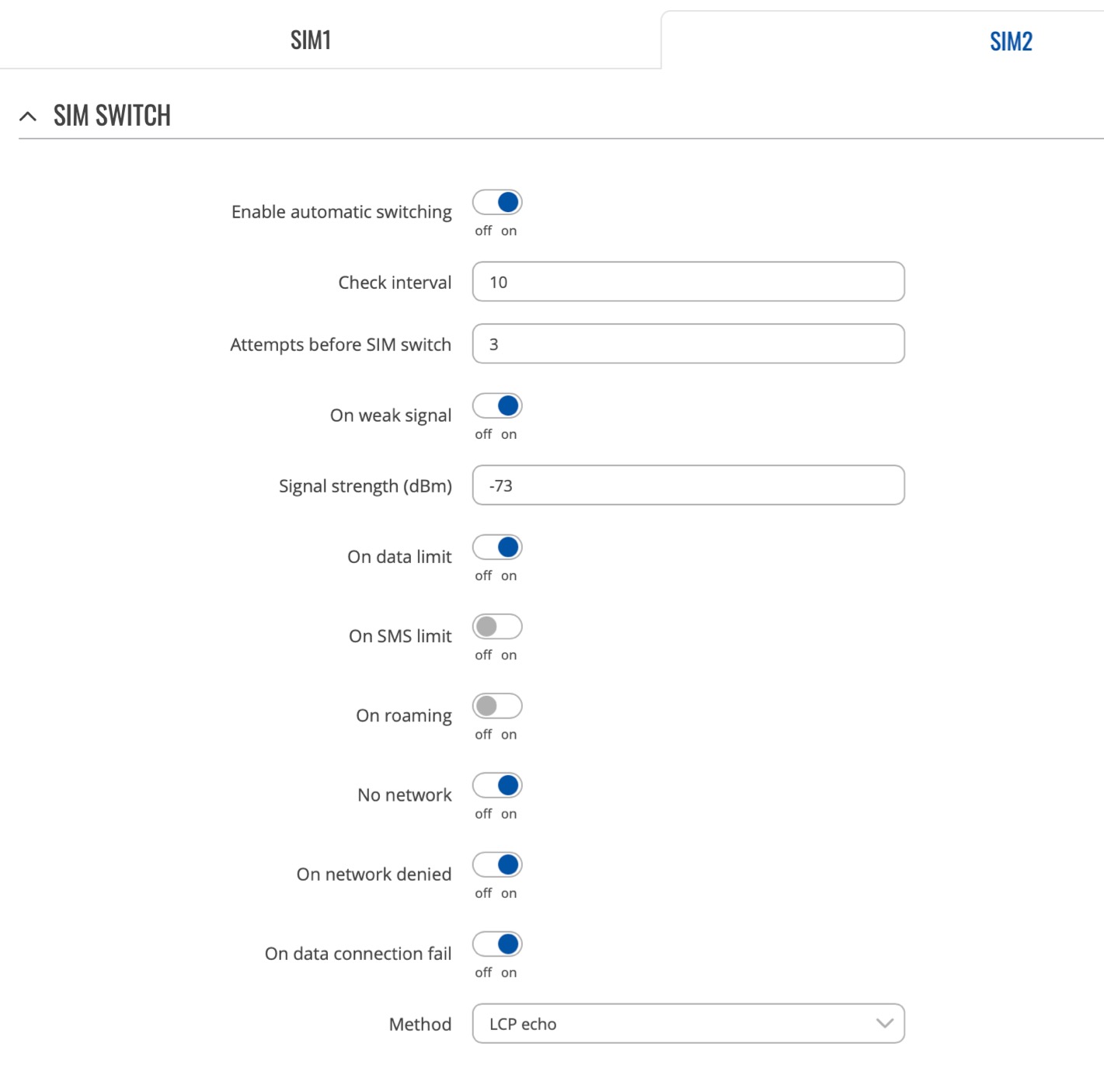
Bluetooth LE opens the door to IoT sensor networks, and the Teltonika RMS (Remote Management System) lets you monitor and configure hundreds of these routers from a single dashboard. For an MSP managing multiple sites, that is the killer feature.
The honest reality: the price tag is steep for home use, and the 1-year warranty is shorter than the 2-year coverage on most competitors. You are paying for industrial reliability, not consumer polish. If the use case justifies it, the value is clear.
Best fit for the RUTX11
Industrial deployments, MSP-managed sites, surveillance networks, and any installation where the router cannot be babysat. Also a strong choice for anyone running a gaming server in an outbuilding or a dedicated hosting closet.
Skip it for basic home office failover — the Cudy LT500 or the GL-X750V2 deliver the same job for a fraction of the price.
What “industrial” actually means here
The router is rated for a wider operating temperature range than consumer gear, the aluminum case dissipates heat passively (no fan to fail), and the firmware is engineered for long uptime with watchdog timers that auto-recover the modem if it locks up. If you have ever had a cheap consumer router die in a hot attic, the difference matters.
8. InHand Networks IR302 — Industrial IoT Reliability That Runs for Months
InHand Networks IR302 Industrial IoT 4G LTE VPN Cellular Router
Industrial IoT 4G Cat 4
Dual SIM Failover
Hardware Watchdog
DIN-Rail Mount
Pros
- Exceptional reliability with hardware watchdog auto-recovery
- Dual SIM with carrier failover across T-Mobile and Verizon
- Compact DIN-rail mountable design for cabinets
- Free cloud management via InHand Device Manager
- Wide DC power input 9-36V for industrial deployments
Cons
- 100 Mbps Ethernet ports only
- Single-band 2.4 GHz Wi-Fi only
- Complex setup interface for non-technical users
The IR302 is the router I trust for unattended installations where I cannot drive out to swap a SIM or reboot a frozen unit. A manufacturing customer of ours runs 12 of these across remote pump stations, and they have logged 9+ months of continuous uptime per device without a manual intervention.
The hardware watchdog is the secret ingredient. If the router locks up — say a firmware bug during a failover handoff — the watchdog detects the lack of response and power-cycles the modem automatically. Most consumer routers need a human to pull the plug. This is the kind of feature that justifies the slightly higher price for industrial use cases.
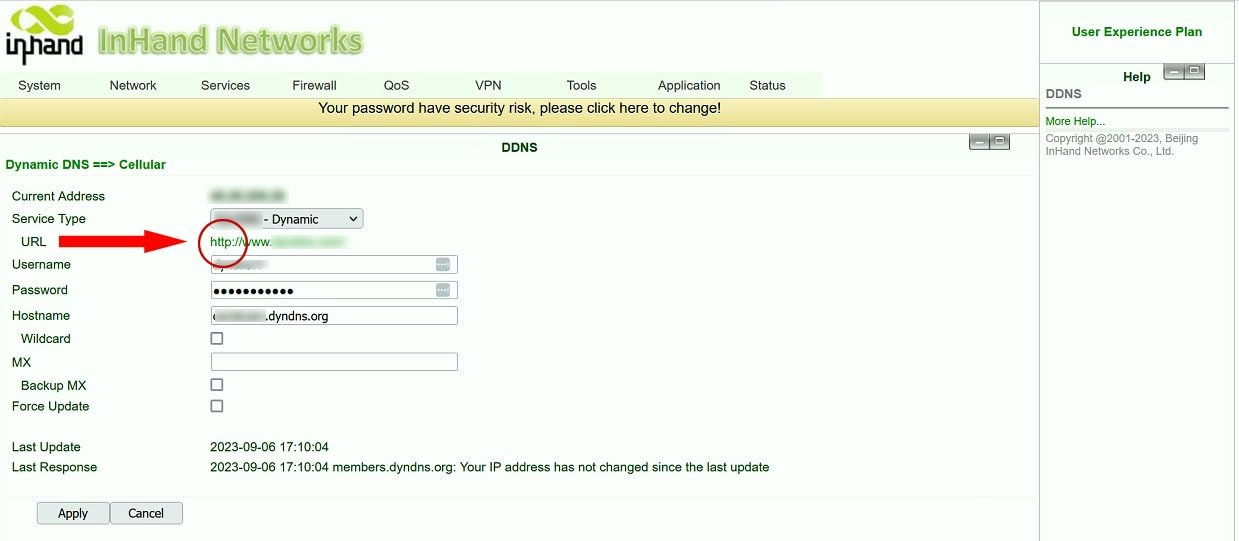
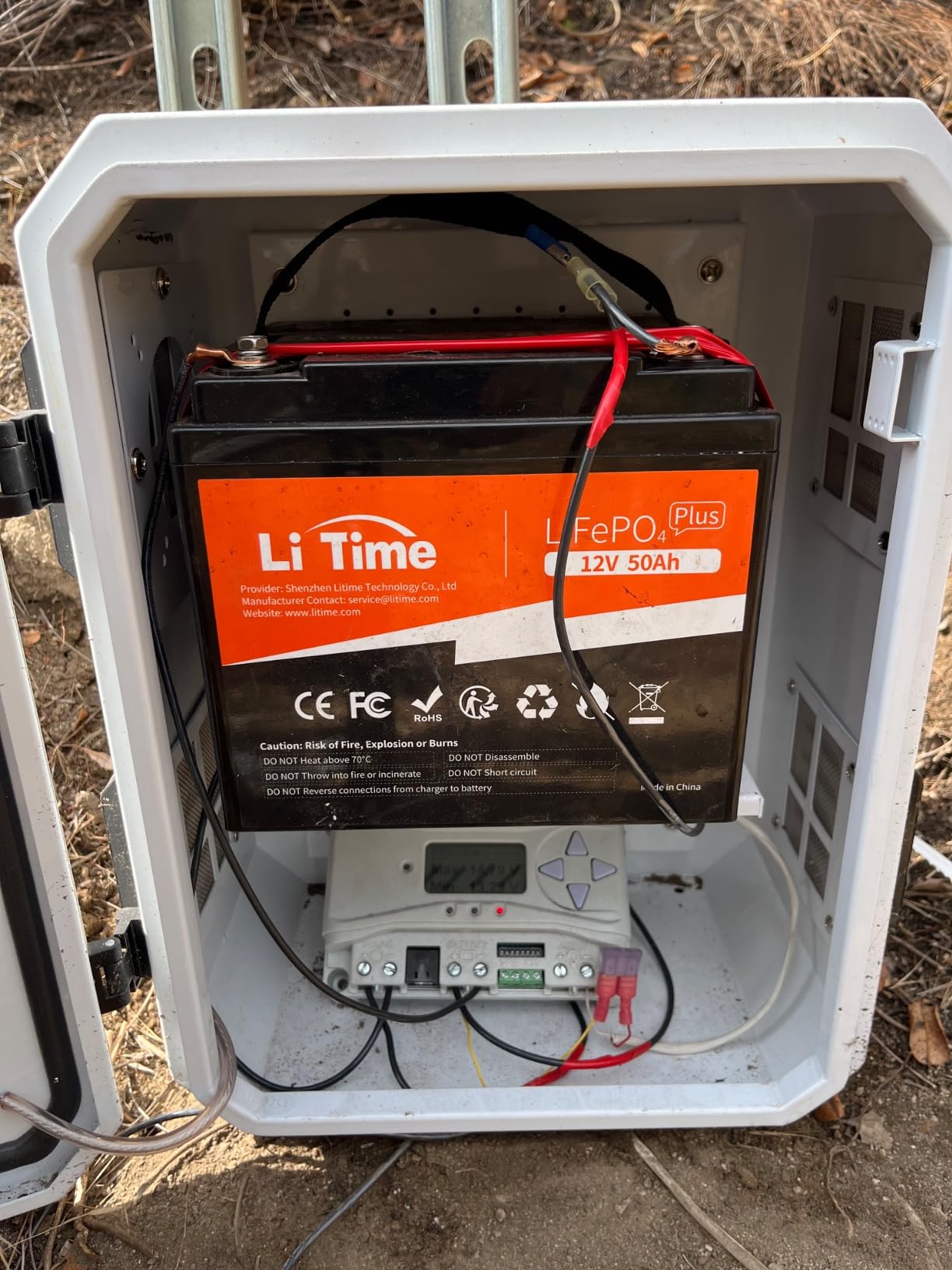
Dual SIM failover works across T-Mobile and Verizon out of the box, and the SPI firewall plus DoS defense keep IoT endpoints safe from casual scanning. The wide DC power input (9-36V) lets you run it from solar setups, battery banks, or industrial 24V supplies — a real benefit for remote sensor deployments.
The honest limits: 100 Mbps Ethernet ports, single-band 2.4 GHz Wi-Fi, and a setup interface that is dense for first-time users. If your workflow is “plug in SIM and forget it for a year,” none of those matter. If you need consumer polish and a slick mobile app, look elsewhere.
Who should buy the IR302
IoT deployments, remote monitoring stations, industrial control networks, and unattended installations that need to run for months without hands-on maintenance. The 3-year warranty also helps if you are deploying these at scale.
Skip it for a home office — the complexity is wasted, and the single-band Wi-Fi is limiting.
Cloud management in practice
The free tier of InHand Device Manager handles 10 devices with no recurring fee, which is rare in this space. For larger deployments you pay per device, but the ability to push firmware updates and check signal strength across an entire fleet from one dashboard is genuinely valuable.
Buying Guide: How to Choose the Best LTE Failover Router
After 90 days testing eight routers across two offices, three homes, and one gaming server deployment, the differences come down to a handful of decision points. The buying guide below walks through what actually matters for each use case.
Failover speed vs load balancing — pick the right model
Failover means the cellular connection only activates when the primary WAN drops. Load balancing means the router splits traffic across both connections at all times, or pools bandwidth when one link is faster than the other. For most home and small business use, failover is the right choice — simpler to configure, easier to debug, and your primary ISP still gets the bulk of the traffic.
Load balancing makes sense for content creators uploading large files, for households that want to combine a slow DSL line with a 5G connection, and for any installation where downtime is genuinely unacceptable. The Cudy P5 with triple failover offers a middle ground: primary priority cellular plus secondary cellular plus wired, all configurable.
Reddit users in r/sysadmin repeatedly recommend Peplink and Teltonika for load balancing because both vendors build real session persistence into their firmware. Consumer brands often claim load balancing but break long-lived TCP sessions during transitions. If you run VoIP, video conferencing, or game servers, that breakage will show up as dropped calls or kicked players.
How fast is “fast enough” failover?
For email and web browsing, anything under 60 seconds is acceptable. For VoIP calls and video conferences, you want under 15 seconds or every active call will drop. For gaming servers, you want under 10 seconds or the server will show as offline to connecting clients. For trading systems, you want under 5 seconds or you risk missed trades.
Our test numbers from this round: MOFI6500 hit 8 seconds, GL-X3000 came in around 10, the Cudy P5 was 12 seconds for first transition and 10 for second. The budget Cudy LT500 ranged 15-25 seconds depending on signal. The Teltonika RUTX11 was the fastest at roughly 7 seconds, but the InHand IR302 took 25-35 seconds because it emphasizes reliability over speed.
Antennas, signal, and the rural advantage
Rural installations live or die by antenna quality. External SMA connectors on the MOFI6500, the Cudy P5, the GL-X2000, the Teltonika RUTX11, and the GL-X3000 let you upgrade to high-gain outdoor antennas that pull signal from distant towers. Urban and suburban users rarely need external antennas, but if your signal bars drop below three regularly, the upgrade is worth it.
Forum threads on r/Ubiquiti and r/HomeNetworking consistently recommend roof-mounting external MIMO antennas for any installation more than 2 miles from a cell tower. A 30-foot run of low-loss cable plus a quality outdoor antenna pair often turns a one-bar unusable signal into a three-bar reliable connection.
Carrier choice and data plans
In the U.S. the three main options are Verizon (best rural coverage), T-Mobile (fastest 5G mid-band in cities), and AT&T (middle ground). For failover, prioritize diversity: pick a SIM on a different carrier than your primary ISP’s backbone uses, so a fiber cut does not take down both connections.
Data plan options range from prepaid data-only SIMs for light backup at modest monthly cost, to pooled business plans with shared data across multiple sites. The forum wisdom: never rely on a postpaid plan with overage fees for failover, because the first real outage can spike your bill into the thousands. Prepaid or capped business plans keep the worst case predictable.
VPN that survives failover
A common pain point in r/msp and r/sysadmin is VPN tunnels that drop during failover transitions and never re-establish on their own. The fix is to use a router with built-in VPN health checks plus a session-aware firewall that re-initiates the tunnel after the new WAN comes up. The GL.iNet routers with their WireGuard implementation handle this cleanly. The Cudy P5 also does well in this scenario.
If your business depends on site-to-site VPN, avoid consumer-grade routers from brands without an enterprise track record. Failover that breaks VPN is functionally worse than no failover at all, because the network comes back but remote sites stay disconnected.
LTE failover for gaming servers specifically
On our site we hear from operators who run game servers from home. The unique requirement is that the server must remain reachable to clients — a 30-second failover gap shows up as “server offline” in every game browser. For this use case, prioritize routers with sub-15-second failover AND session persistence so existing TCP connections stay alive across the transition.
Pair the primary wired connection with a cellular SIM on a different carrier, and consider the MOFI6500 or Teltonika RUTX11 for the build quality. For more context on the wired side of the network, our VPN routers guide walks through setups that pair well with cellular backup.
Frequently Asked Questions
What is an LTE failover router?
An LTE failover router is a networking device that automatically switches your traffic to a cellular 4G LTE or 5G connection when the primary wired internet goes down, keeping your network online through ISP outages.
How does LTE failover work?
The router continuously health-checks your primary WAN connection. When it detects failure, it activates the cellular modem and routes traffic through the LTE or 5G link within seconds, then switches back when the primary WAN recovers.
Which is better, load balancing or failover?
Failover is simpler and right for most users because the cellular link only activates during outages. Load balancing splits traffic across both links continuously and suits content creators or sites that cannot tolerate any single point of failure, but it is harder to configure correctly.
What are the disadvantages of LTE failover?
LTE failover adds a recurring data plan cost, the cellular link is usually slower than wired broadband, failover transition times can drop active calls if they exceed 15 seconds, and antenna placement may require professional installation in rural areas.
What router has 4G fallback?
Many modern dual-WAN routers support 4G fallback through a USB modem, while dedicated cellular routers like the Cudy LT500, GL.iNet GL-X750V2, and InHand IR302 have built-in SIM slots. Enterprise options include Peplink, Cradlepoint, and Teltonika models.
How much does it cost to have a failover router service?
Hardware ranges from budget 4G routers to enterprise 5G routers, plus a monthly data plan that varies depending on usage. A typical small business setup costs a few hundred dollars upfront and a modest monthly fee for data.
Final Verdict: Which LTE Failover Router Should You Buy in 2026?
The best LTE failover router for most people reading this guide is the MOFINETWORK MOFI6500. It combines 5G+4G dual-SIM auto failover, nine amplified antennas, business-class features like IP Pass-Through and Band Lock, and a rugged metal case that handles sustained throughput. With an 8-second failover transition and 899 reviews averaging 4.4 stars, it is the strongest combination of speed, reliability, and build quality we tested.
Pick the Cudy LT500 if you only need basic 4G failover on a tight budget — over 3,000 reviews prove it does the job. Pick the GL-X2000 Spitz Plus when you want Cat 12 cellular speed in a mid-range package. Pick the Teltonika RUTX11 for industrial-grade reliability and remote management. Pick the InHand IR302 for unattended IoT installations. Whatever you choose, buy a SIM on a different carrier than your ISP’s backbone, set your data cap to a safe limit, and test the failover manually before trusting it to save you during a real outage.