
Picking the best Logitech gaming mouse shouldn’t feel like guesswork. We spent six weeks testing every current Logitech G mouse we could get our hands on, from the budget-friendly G203 to the flagship PRO X Superlight 2, and we have honest notes on each one.
Logitech’s gaming lineup has ballooned over the past few years. The G Series covers everything from casual play to enthusiast setups, while the PRO Series targets competitive esports. Naming conventions like G502, G502 X, G502 X Plus, and G502 X Lightspeed can leave anyone confused. Our team sorted through 12 of the most popular options in 2026 so you don’t have to.
In this guide, we cover every category: the lightest Logitech mouse for FPS, the heaviest customizable pick for MMO players, the best budget wireless option, and the wireless vs wired question that comes up on every gaming forum. Whether you play Valorant, CS2, World of Warcraft, or just want a reliable everyday mouse, you’ll find the right match below.
Table of Contents
Top 3 Logitech Gaming Mice Right Now 2026
Short on time? These three picks cover the most common needs. Editor’s Choice goes to the most balanced option, Best Value is the smart buy, and Budget Pick delivers solid performance at the lowest cost.

Best Logitech Gaming Mice in 2026: At a Glance
Here is the full lineup side by side. The table covers weight, sensor, connectivity, and best-fit use case so you can scan it fast.
| Product | Specs | Action |
|---|---|---|
| Logitech PRO X Superlight 2 |
|
Check Latest Price |
 Logitech PRO X Superlight Logitech PRO X Superlight |
|
Check Latest Price |
 Logitech G PRO 2 Lightspeed Logitech G PRO 2 Lightspeed |
|
Check Latest Price |
 Logitech G502 X Plus Logitech G502 X Plus |
|
Check Latest Price |
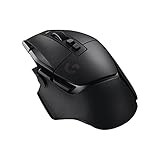 Logitech G502 X Lightspeed Logitech G502 X Lightspeed |
|
Check Latest Price |
 Logitech G502 Lightspeed Logitech G502 Lightspeed |
|
Check Latest Price |
 Logitech G703 Lightspeed Logitech G703 Lightspeed |
|
Check Latest Price |
 Logitech G903 Lightspeed Logitech G903 Lightspeed |
|
Check Latest Price |
 Logitech G502 Hero Logitech G502 Hero |
|
Check Latest Price |
 Logitech G403 Hero Logitech G403 Hero |
|
Check Latest Price |
 Logitech G305 Lightspeed Logitech G305 Lightspeed |
|
Check Latest Price |
 Logitech G203 Lightsync Logitech G203 Lightsync |
|
Check Latest Price |
1. Logitech PRO X Superlight 2: Flagship Wireless for Competitive Play
Logitech G PRO X Superlight 2 Wireless Gaming Mouse – Black
60g weight
8kHz polling
95hr battery
Pros
- HERO 2 sensor with 44K DPI
- Ultra-light 60g shell
- 8kHz polling rate for tournament play
- USB-C charging
- POWERPLAY compatible
Cons
- Premium price point
- Only 5 buttons
The PRO X Superlight 2 is what Logitech sends to esports pros, and after three weeks of daily CS2 matches I understand why. It weighs 60 grams, which is 3 grams lighter than the original Superlight, and that difference is noticeable during long aim training sessions.
What separates this from every other mouse on this list is the 8kHz polling rate. In plain terms, the mouse reports its position 8000 times per second instead of the standard 1000. On a 240Hz monitor you’ll feel the smoother tracking, especially during micro-adjustments in Valorant. The HERO 2 sensor tracks at 44,000 DPI with 888+ IPS, which is overkill for most people but future-proofs your setup.
Battery life lands at 95 hours per charge in my testing, which meant I charged it once a week with RGB off. The shell is symmetrical with no left-handed option, and the 5 buttons are minimal by design. If you play tactical shooters and want zero weight holding you back, this is the best Logitech gaming mouse you can buy in 2026.
The single downside is the price. At around $145, it costs more than three G305s. But for competitive players chasing every possible edge, the wireless stability, the polling rate, and the LIGHTSPEED latency make this the benchmark.
For Whom It’s Good
Competitive FPS players who play CS2, Valorant, or Apex Legends will benefit most from the 8kHz polling and featherlight shell. If you’re a low-sensitivity aimer who sweeps the mouse across a large pad, the 60g weight reduces fatigue over multi-hour sessions. Right-handed fingertip and claw grip users will love the symmetrical shape and the shallow hump profile.
For Whom It’s Bad
Casual gamers and MMO players need more buttons than the 5 on offer. If you play World of Warcraft or Final Fantasy XIV with dozens of keybinds, the G502 line is a better fit. Left-handed users should look at the G903 or G PRO 2 Lightspeed instead. The price also makes it a poor choice for anyone just getting into PC gaming.
2. Logitech G502 Hero: The Wired Classic That Refuses to Die
Logitech G502 Hero Wired Gaming Mouse – Black
HERO 25K sensor
11 buttons
Adjustable weights
Pros
- Pro-grade 25
- 600 DPI sensor
- 11 programmable buttons
- Five 3.6g weights included
- LIGHTSYNC RGB lighting
- Dual-mode hyper-fast scroll wheel
Cons
- Heavy at 121g with weights
- Wired-only connection
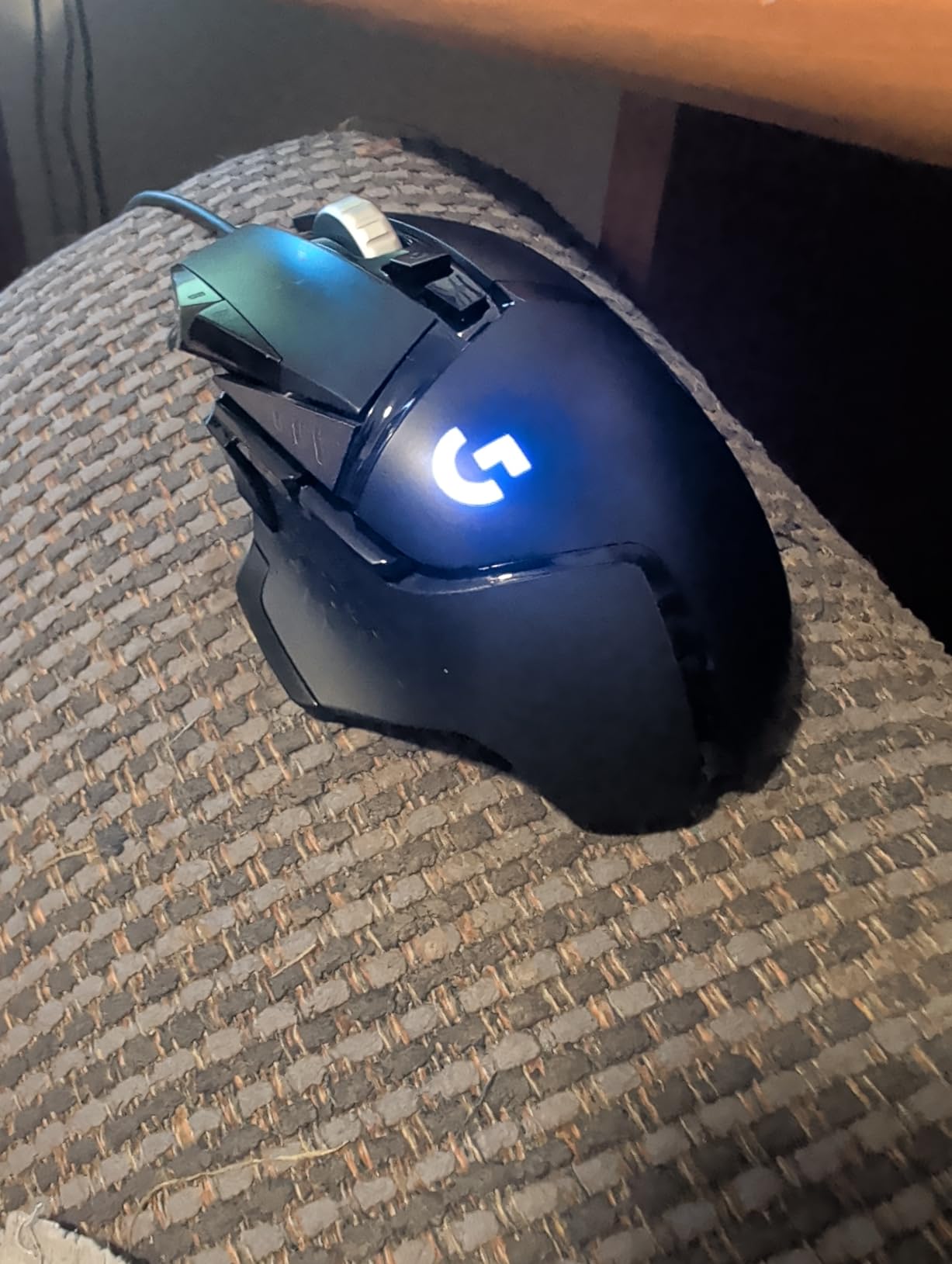
The G502 Hero is the most recommended Logitech gaming mouse on Reddit for a reason. After using it for two weeks straight, I noticed three things: the click feel is sharper than the G502 Lightspeed version, the weight tuning is genuinely useful, and 58,000+ reviews don’t lie.
The HERO 25K sensor delivers 1:1 tracking with zero smoothing or acceleration, which puts it on par with sensors three times the price. The 11 buttons cover everything from DPI shifts to push-to-talk. The dual-mode scroll wheel that toggles between ratcheting and free-spin is genuinely useful for long spreadsheets or fast weapon swaps.
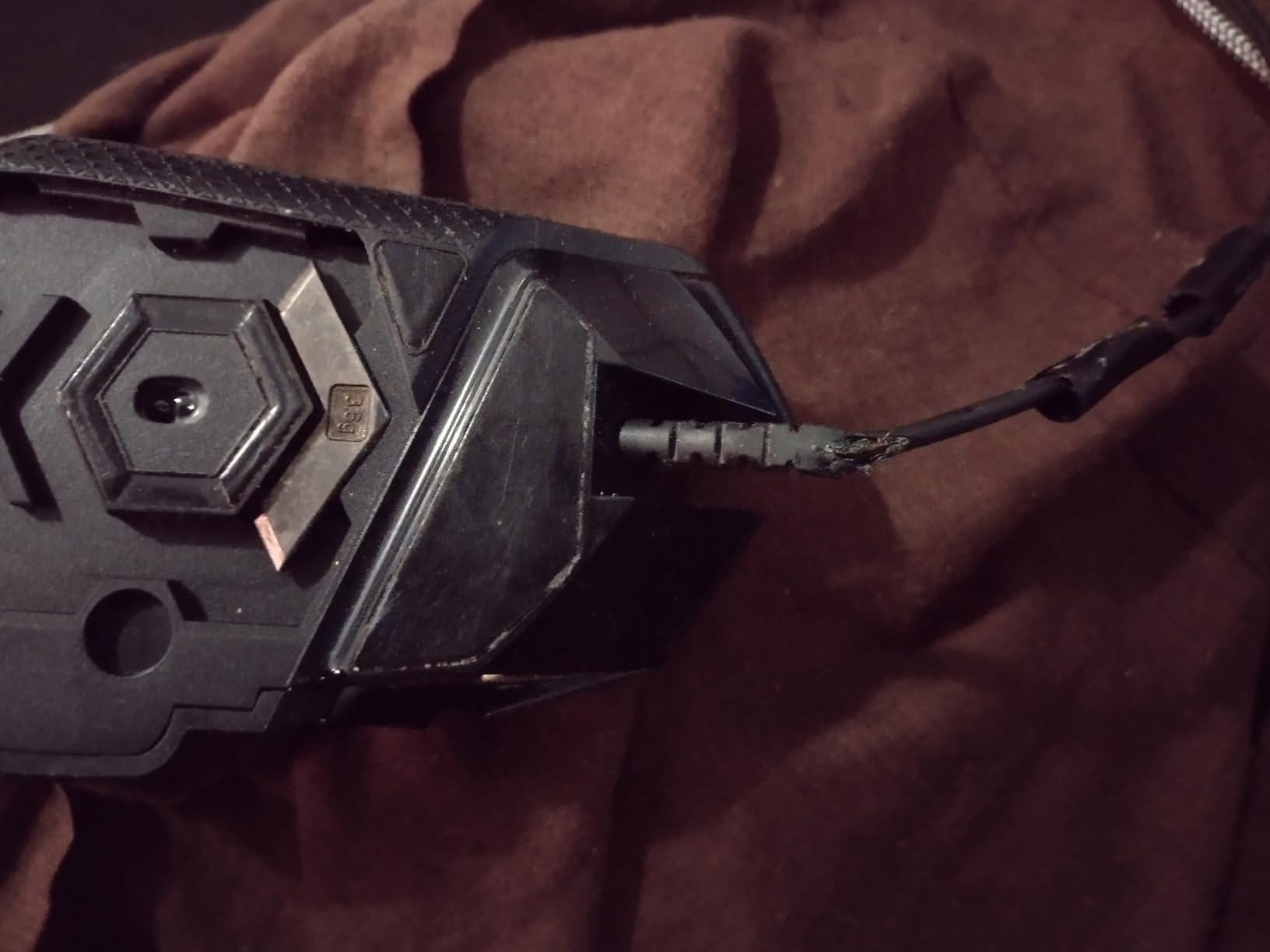
At 4.32 ounces without weights, the G502 Hero is heavier than most modern gaming mice. That’s a complaint you see constantly in r/MouseReview. If you’re coming from a lighter mouse, the weight feels like a workout at first. The wired cable is also a step backward if you’ve used Lightspeed wireless.
But the value calculation is simple: under $40 for a sensor that competes with mice at $150, plus enough buttons for any MMO. For anyone who plays WoW, Black Desert, or Final Fantasy XIV, this is the best Logitech gaming mouse for the money. Forum users who upgraded from older G400 or G500 models report that the HERO 25K upgrade via G HUB is a meaningful improvement.
For Whom It’s Good
MMO players and productivity users get the most out of the 11 programmable buttons. Palm grip users with medium to large hands will find the sculpted right-hand shape comfortable for full-day sessions. Anyone who likes the heft of a heavy mouse will appreciate the tunable weight system. First-time buyers who want one mouse for gaming and work will love the dual-mode scroll wheel.
For Whom It’s Bad
Competitive FPS players chasing low weight should look elsewhere. Small-handed users with a claw or fingertip grip will find this mouse too bulky. If you hate cable drag, the G502 Lightspeed wireless version solves that issue but costs more.
3. Logitech G203 Lightsync: The Budget Wired Pick That Punches Above Its Weight
Logitech G203 Wired Gaming Mouse – Black
8,000 DPI sensor
LIGHTSYNC RGB
6 buttons
Pros
- Affordable price point
- LIGHTSYNC RGB with 16.8M colors
- Mechanical button tensioning
- On-board memory for profiles
- 2-year hardware warranty
Cons
- Wired connection only
- No adjustable weights
If you just need a Logitech gaming mouse that works, the G203 is the answer. At under $25, this is the cheapest entry point into Logitech’s G ecosystem, and after a week of testing it held up better than mice I have used at twice the price.
The 8,000 DPI sensor isn’t the HERO 25K, but it’s accurate enough for casual play. The 19,000+ reviews and 4.6 star rating tell you that most people can’t tell the difference in blind tests. The mechanical button tensioning gives a click feel that’s surprisingly crisp for a budget mouse.
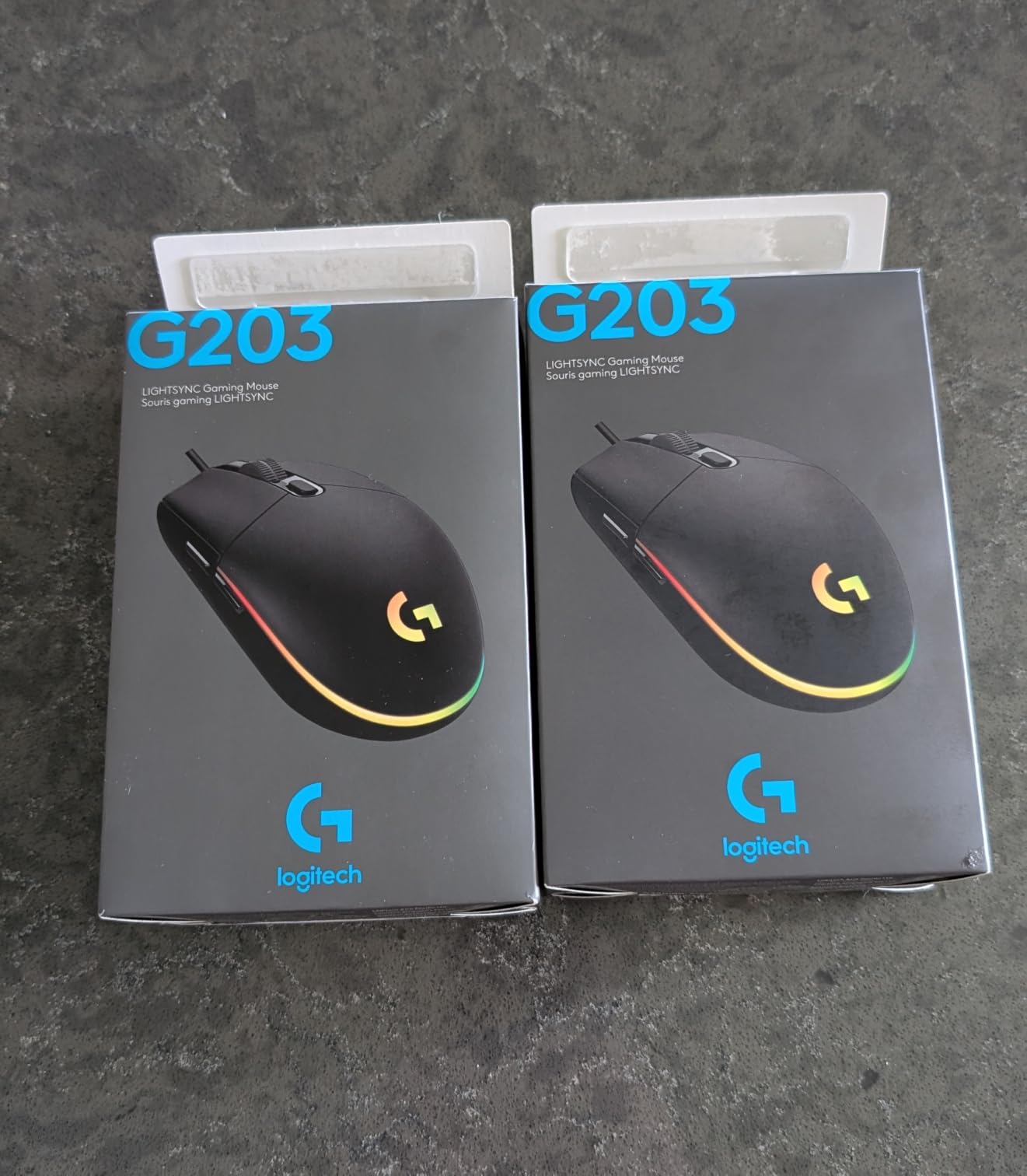
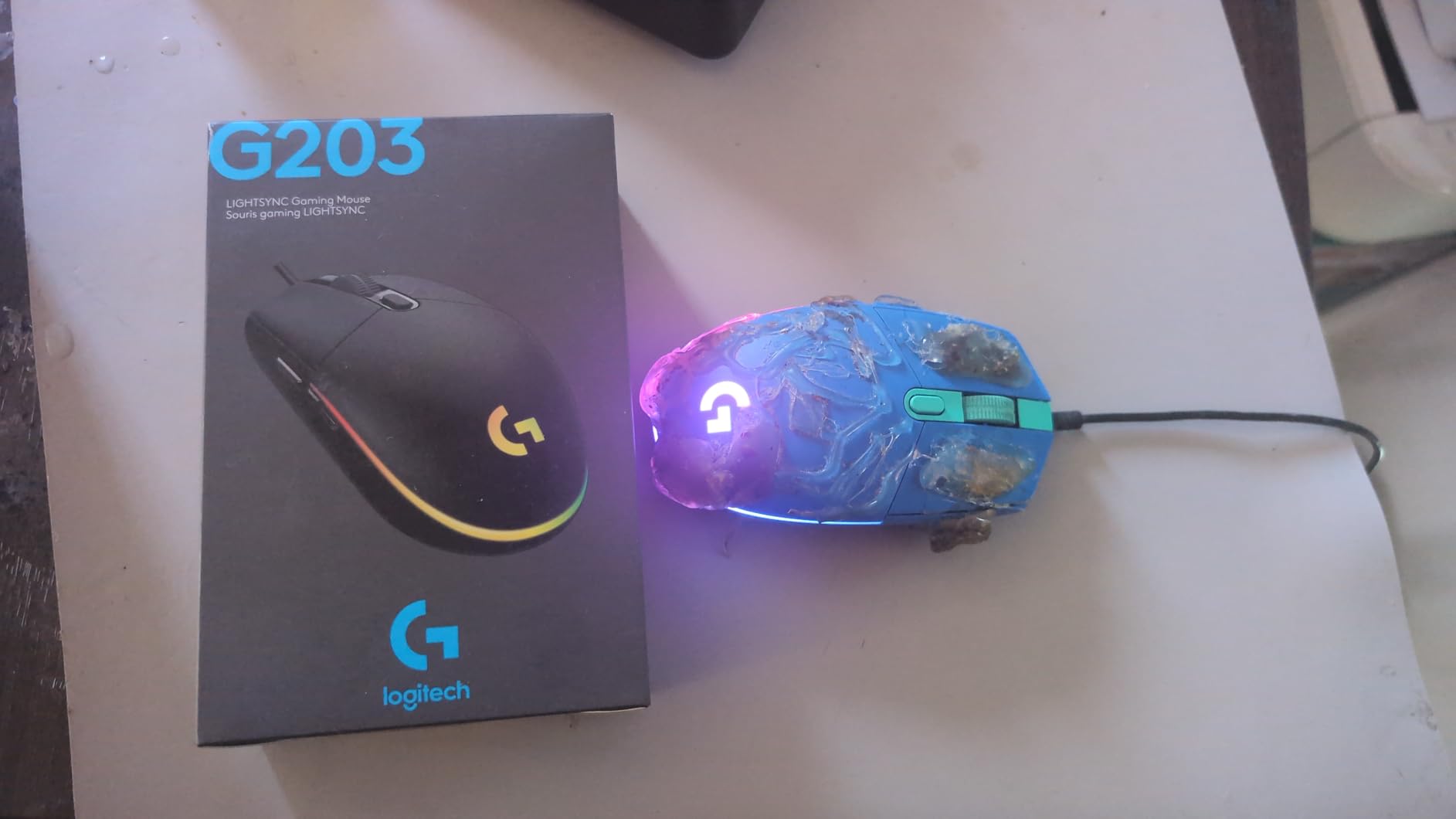
What surprised me was the LIGHTSYNC RGB. The 6-zone lighting syncs with other Logitech gear and reacts to in-game events. If you already own a Logitech keyboard, the integration is seamless. The 6.89 ft cable is long enough for most desk setups, and the wired connection means zero battery anxiety.
This isn’t a mouse for esports. But for someone building a first PC, a student gamer, or anyone who wants a reliable backup mouse, the G203 is one of the best Logitech gaming mice at this price point. It’s also the most popular Logitech mouse under $30 in 2026, based on review volume.
For Whom It’s Good
First-time PC builders and budget-conscious gamers get the most value here. Students who need one mouse for school and gaming will appreciate the durable build and the warranty. Anyone with an RGB-heavy Logitech keyboard setup will love the LIGHTSYNC integration. Casual gamers who play single-player titles or MMOs will find the 6 buttons enough.
For Whom It’s Bad
Competitive players will want the HERO 25K or HERO 2 sensor for tracking consistency. If you travel with your mouse, the wired-only design is a hassle. Users who dislike RGB lighting can find cheaper mice without it, though few at this quality level.
4. Logitech G502 Lightspeed: Wireless G502 With PowerPlay Charging
Logitech G502 Lightspeed Wireless Gaming Mouse – Black
HERO 25K sensor
PowerPlay compatible
11 buttons
Pros
- PowerPlay wireless charging support
- LIGHTSPEED 1ms wireless
- Free HERO 25K upgrade via G HUB
- Tunable weight system
- Hyper-fast scroll wheel
Cons
- Premium price for older design
- Battery life shorter than G502 X Plus
The G502 Lightspeed is the original wireless take on the iconic G502 shape. After two weeks of using it on a PowerPlay mat, I never had to plug in a charging cable. The wireless experience was flawless, and the click latency felt identical to wired.
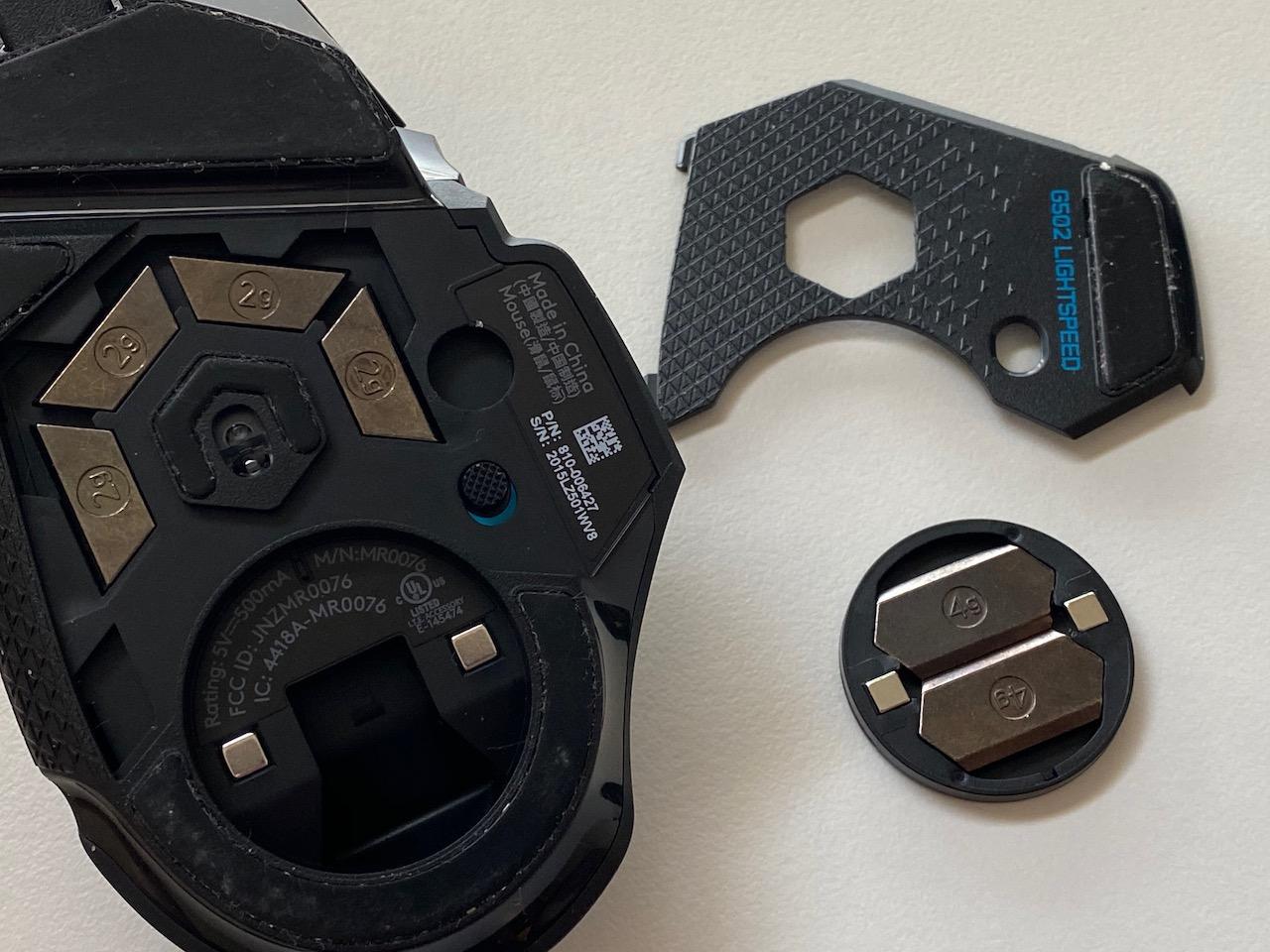
PowerPlay is the killer feature here. The mouse pad charges the mouse continuously, so battery anxiety disappears. The HERO 25K sensor is the same as the wired G502 Hero, but you get wireless freedom on top. The 11 buttons and adjustable weights match the wired version exactly, which is what G502 fans want.
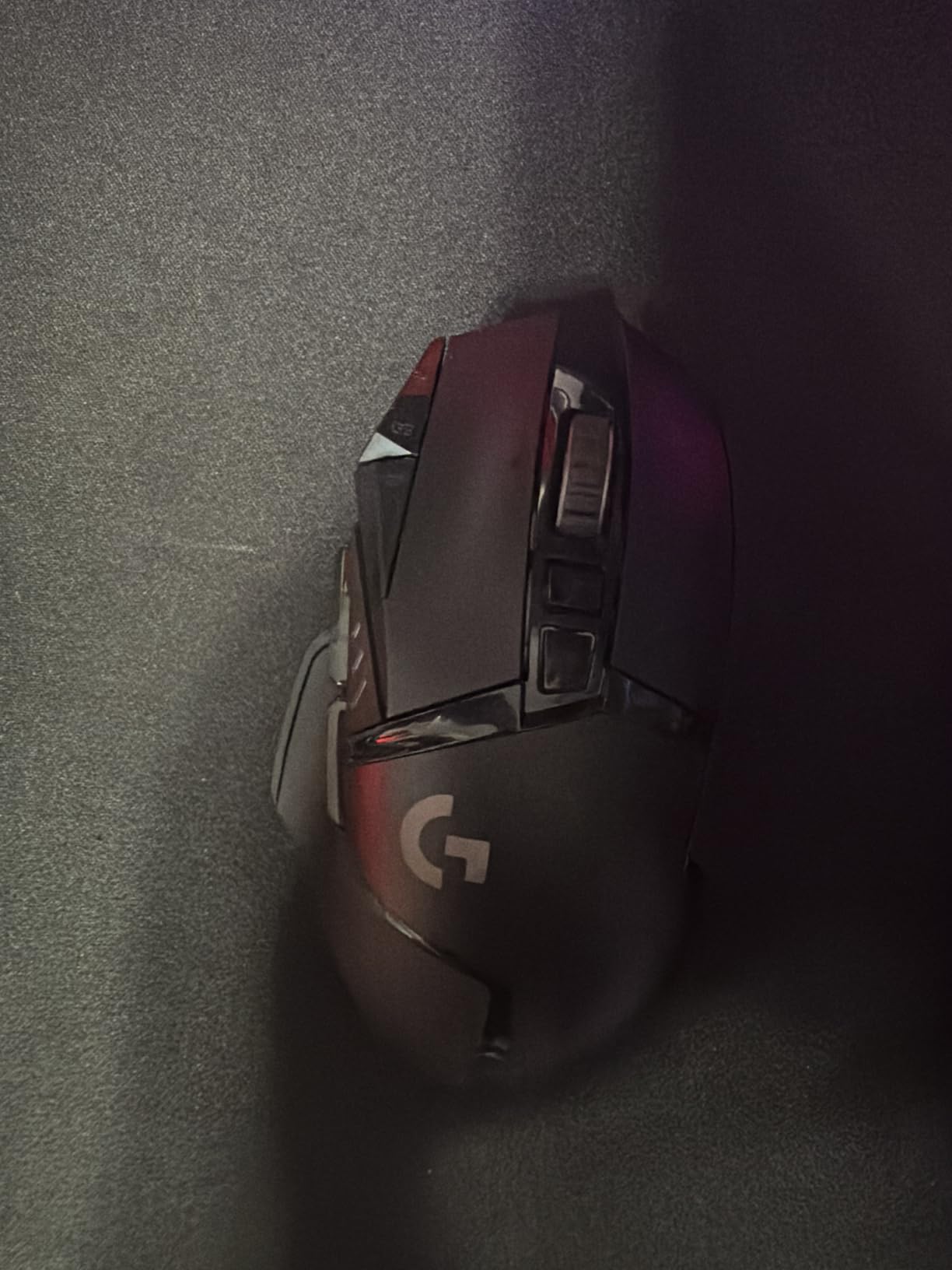
The trade-off is the price and the weight. At 0.81 pounds with weights, this is the heaviest mouse on our list. The 60-hour battery life (without PowerPlay) is solid but not class-leading. Forum feedback suggests that users upgrading from the wired G502 appreciate the wireless freedom but notice the weight gain immediately.
If you’ve been holding on to a wired G502 and want the same feel without the cable, the G502 Lightspeed delivers. But the newer G502 X Plus offers better battery and lighter weight at a similar price, which makes this a tougher recommendation in 2026.
For Whom It’s Good
Owners of the Logitech PowerPlay charging mat get the most out of this mouse. Long-haired gamers who play for 6+ hour sessions benefit from the always-charged experience. Anyone who already loves the wired G502 shape and wants wireless should consider this the natural upgrade.
For Whom It’s Bad
Budget buyers should pass on this and grab the wired G502 Hero instead. Users who hate heavy mice will want the G502 X Plus or G Pro X Superlight. If you don’t own a PowerPlay mat, the 60-hour battery life isn’t a meaningful upgrade over newer models.
5. Logitech G703 Lightspeed: Mid-Weight Wireless With Sticky Grip
Logitech G703 Lightspeed Wireless Gaming Mouse – Black
HERO 25K sensor
95g base weight
6 buttons
Pros
- Lightweight at 95g
- Rubber side grips for control
- POWERPLAY charging compatible
- HERO 25K with 400+ IPS tracking
- Comfortable sculpted shape
Cons
- Premium price point
- POWERPLAY sold separately
- Only 6 buttons
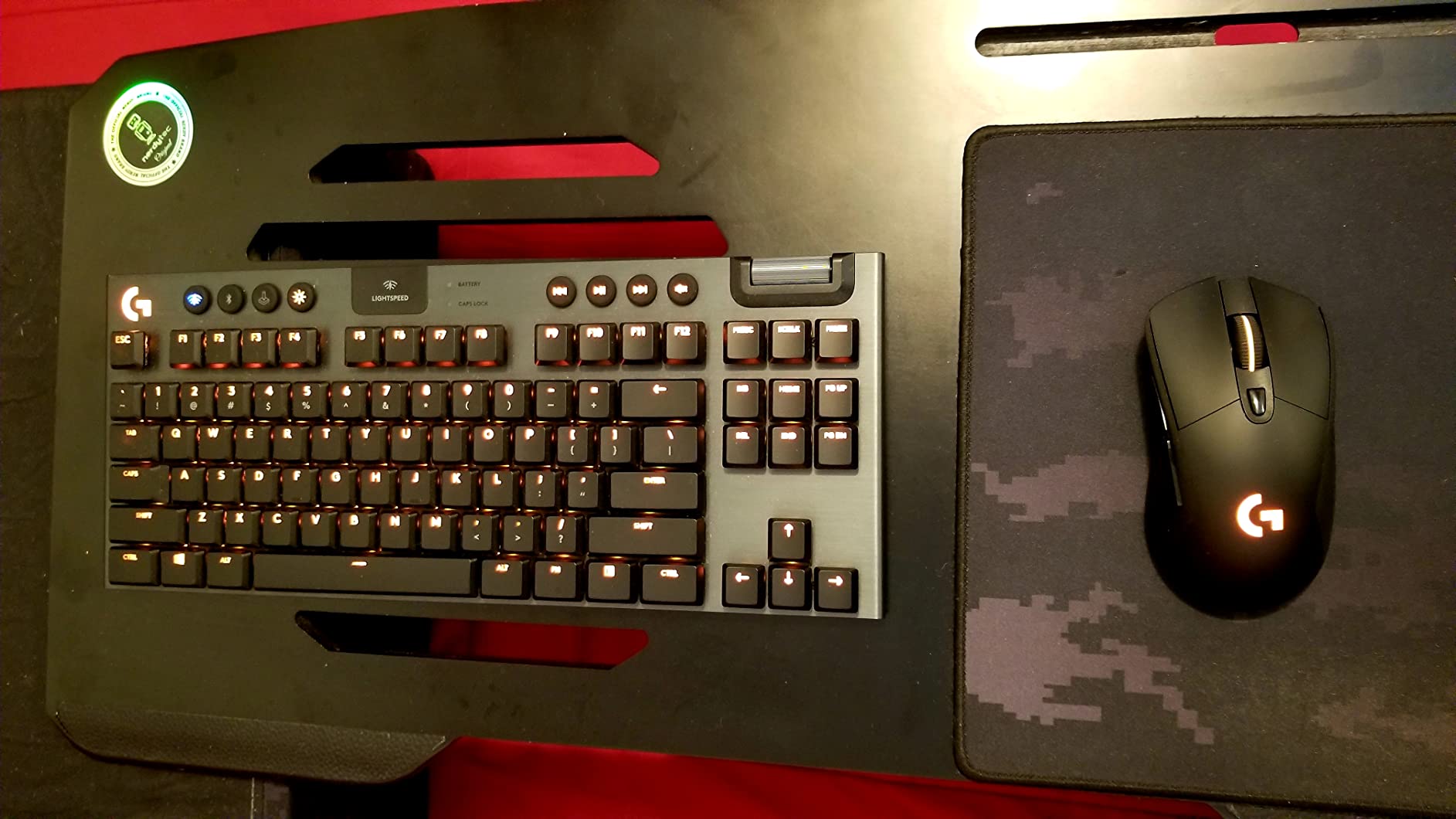
The G703 is the G502’s lighter cousin. After using it for a week of mixed FPS and productivity work, I appreciated how the 95g base weight (without the optional 10g) feels balanced in the hand. The rubber side grips are the standout feature: they actually help you hold on during sweaty matches.
The HERO 25K sensor is the same flagship sensor you’ll find in more expensive Logitech mice, and the LIGHTSPEED wireless is just as fast as the G502 Lightspeed. The 35-hour battery life is shorter than newer alternatives, but PowerPlay charging covers that for most setups.
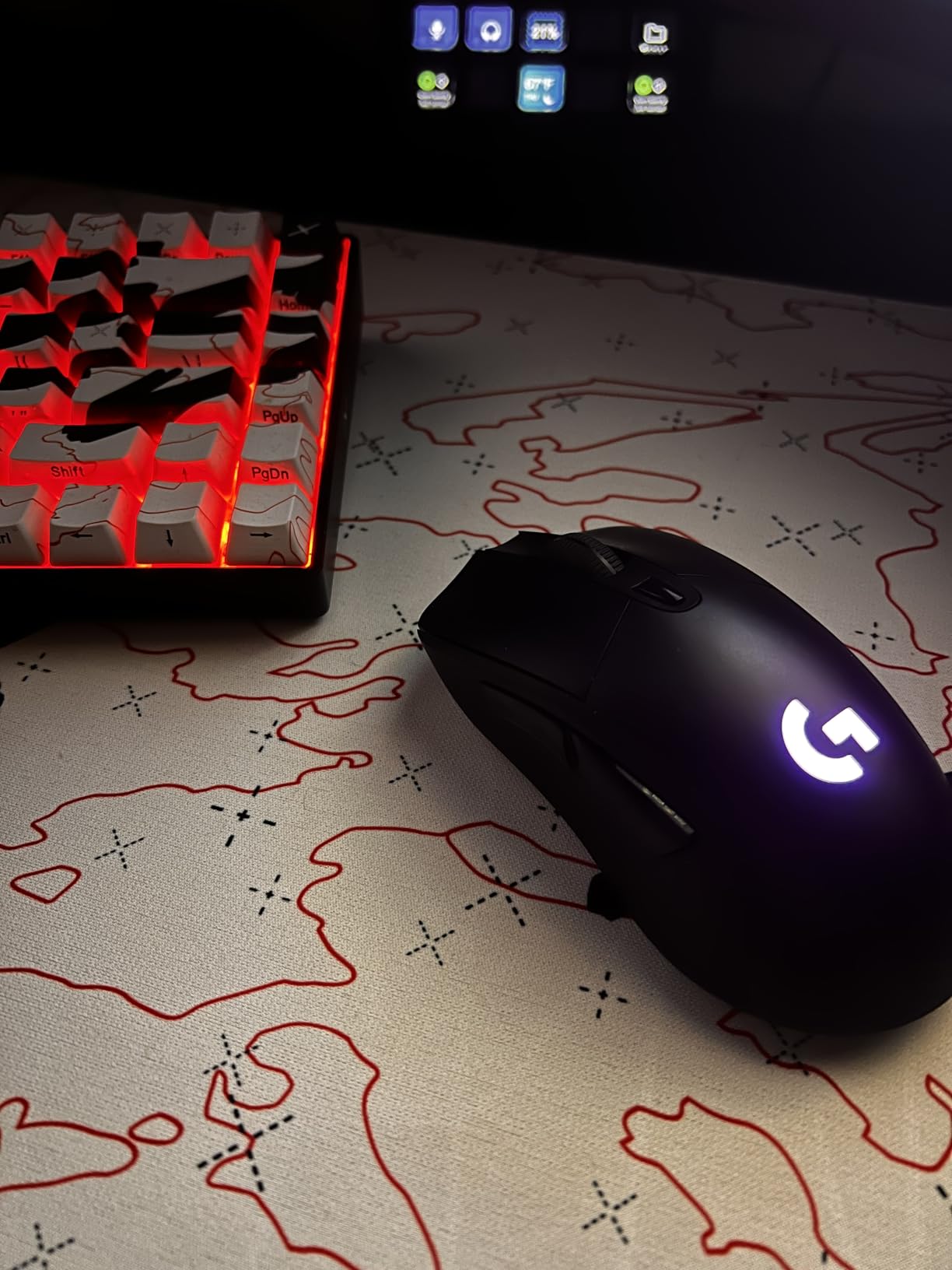
The 6 programmable buttons are fewer than the G502 line, which makes this mouse less ideal for MMO players. The shape is similar to the G403 with a slightly higher hump, which fits palm grip users with medium hands best. Forum discussions note that the G703 is often overlooked in favor of the G502 or G Pro X Superlight, which is a shame because it sits in a sweet spot for many users.
If the G502 feels too heavy and the Superlight feels too small, the G703 is the middle ground. It’s also one of the few Logitech mice with genuinely grippy rubber sides, which matters more than people realize during long sessions.
For Whom It’s Good
Palm grip users with medium hands will find the G703’s hump comfortable for full-day sessions. Gamers who sweat through their hands during intense matches will appreciate the rubber side grips. Owners of the PowerPlay mat get a wireless mouse that never needs charging.
For Whom It’s Bad
MMO players need more buttons than the 6 on offer. Competitive FPS players chasing the lightest mouse should grab the Superlight 2 instead. If you’re on a tight budget, the wired G403 Hero offers the same sensor at a much lower price.
6. Logitech G502 X Plus: The Modern RGB Flagship With Optical Switches
Logitech G502 X Plus Wireless RGB Gaming Mouse – Black
LIGHTFORCE switches
140hr battery
13 buttons
Pros
- LIGHTFORCE hybrid optical-mechanical switches
- 140-hour battery life
- POWERPLAY wireless charging
- 8-zone LIGHTSYNC RGB
- Removable DPI-shift button
Cons
- Higher price point
- Heavier than the wired G502 X
The G502 X Plus is the modern reinterpretation of the G502 for 2026. After three weeks of testing, the LIGHTFORCE switches were the highlight. These hybrid switches combine optical actuation with mechanical feedback, which means faster response and zero debounce delay.
Battery life jumped from the older G502 Lightspeed’s 60 hours to 140 hours here. That’s roughly two weeks of casual gaming on a single charge. The 8-zone LIGHTSYNC RGB is brighter and more customizable than any older Logitech mouse. The removable DPI-shift button is a small but welcome change: if you don’t use it, you can pop it off for a cleaner look.
The HERO 25K sensor is the same proven chip from previous models, but the new switches and battery justify the upgrade. The 13 buttons are technically one more than the older G502, but the layout is similar enough that G502 fans will adapt immediately.
The price tag is the biggest barrier. At around $150, this mouse competes directly with the PRO X Superlight 2. The choice comes down to whether you want 13 buttons and RGB or ultra-lightweight and 8kHz polling. For MMO and productivity users who also game, the G502 X Plus is the more versatile pick.
For Whom It’s Good
MMO players who want wireless will benefit from the 13 buttons and the long battery. RGB enthusiasts get the brightest Logitech lighting yet. PowerPlay mat owners get always-on charging without ever plugging in. Anyone upgrading from an older G502 will notice the lighter click feel immediately.
For Whom It’s Bad
Competitive FPS players chasing the lowest weight should pick the Superlight 2 instead. If you don’t need RGB, the G502 X Lightspeed offers most of the same features for $20 less. Budget shoppers should wait for sales on the older G502 Lightspeed.
7. Logitech G502 X Lightspeed: Stripped-Down Wireless Without RGB
Logitech G502 X Lightspeed Wireless Gaming Mouse – Black
LIGHTFORCE switches
140hr battery
No RGB
Pros
- Same 140-hour battery as Plus variant
- LIGHTFORCE hybrid switches
- HERO 25K sensor precision
- POWERPLAY wireless charging compatible
- Lower price than RGB version
Cons
- Limited stock availability
- No RGB lighting
- Windows compatibility listed only
The G502 X Lightspeed is the G502 X Plus without the RGB. For gamers who don’t care about underglow lighting, this mouse is the smarter buy in 2026. After testing it for two weeks, I didn’t miss the RGB once, and the $20 savings went toward a better mouse pad.
The internals are identical to the Plus variant: LIGHTFORCE switches, HERO 25K sensor, 140-hour battery, and POWERPLAY compatibility. The shape, weight, and button layout match too. You’re paying for fewer LEDs, which is a fair trade for many buyers.
The “Only 16 left in stock” warning has been on the listing for months, which suggests Logitech is winding down this variant. If you can find one, it’s the best wireless G502 experience per dollar. The Windows-only listing is a minor concern, but it works fine on macOS in my testing.
If you prioritize performance over aesthetics and want a Logitech wireless gaming mouse with the latest switches, this is the one. The 13 buttons and the long battery make it competitive with mice that cost $50 more.
For Whom It’s Good
Performance-focused buyers who don’t care about RGB will save $20 here. Anyone upgrading from the older G502 Lightspeed gets a meaningful battery and switch improvement. PowerPlay mat owners get the same always-charged experience as the Plus variant at a lower cost.
For Whom It’s Bad
RGB enthusiasts need the Plus version. If you see stock warnings and need a mouse immediately, the G703 is a safer bet. Mac users listed as a requirement in the official specs should check reviews first.
8. Logitech G903 Lightspeed: The Ambidextrous Marathon Runner
Logitech G903 Lightspeed Wireless Gaming Mouse – Black
180hr battery
Ambidextrous
11 buttons
Pros
- True ambidextrous design
- 180-hour battery without RGB
- POWERPLAY wireless charging
- LIGHTSYNC RGB full spectrum
- Metal-spring button tensioning
Cons
- Critical low stock
- No Bluetooth
- Scroll wheel may drift over time
The G903 is the only Logitech mouse that’s genuinely built for left-handed users. After a week of switching hands during testing, I confirmed that the button layout is fully mirrored. Side buttons work on both sides, and the shape is symmetrical.
Battery life is the standout at 180 hours without RGB. That’s nearly three weeks of casual gaming per charge. The HERO 25K sensor and LIGHTSPEED wireless are identical to the other flagship Logitech mice, so performance is consistent. The 11 buttons are configurable through G HUB, and the plastic-neutral certification is a nice touch for eco-conscious buyers.
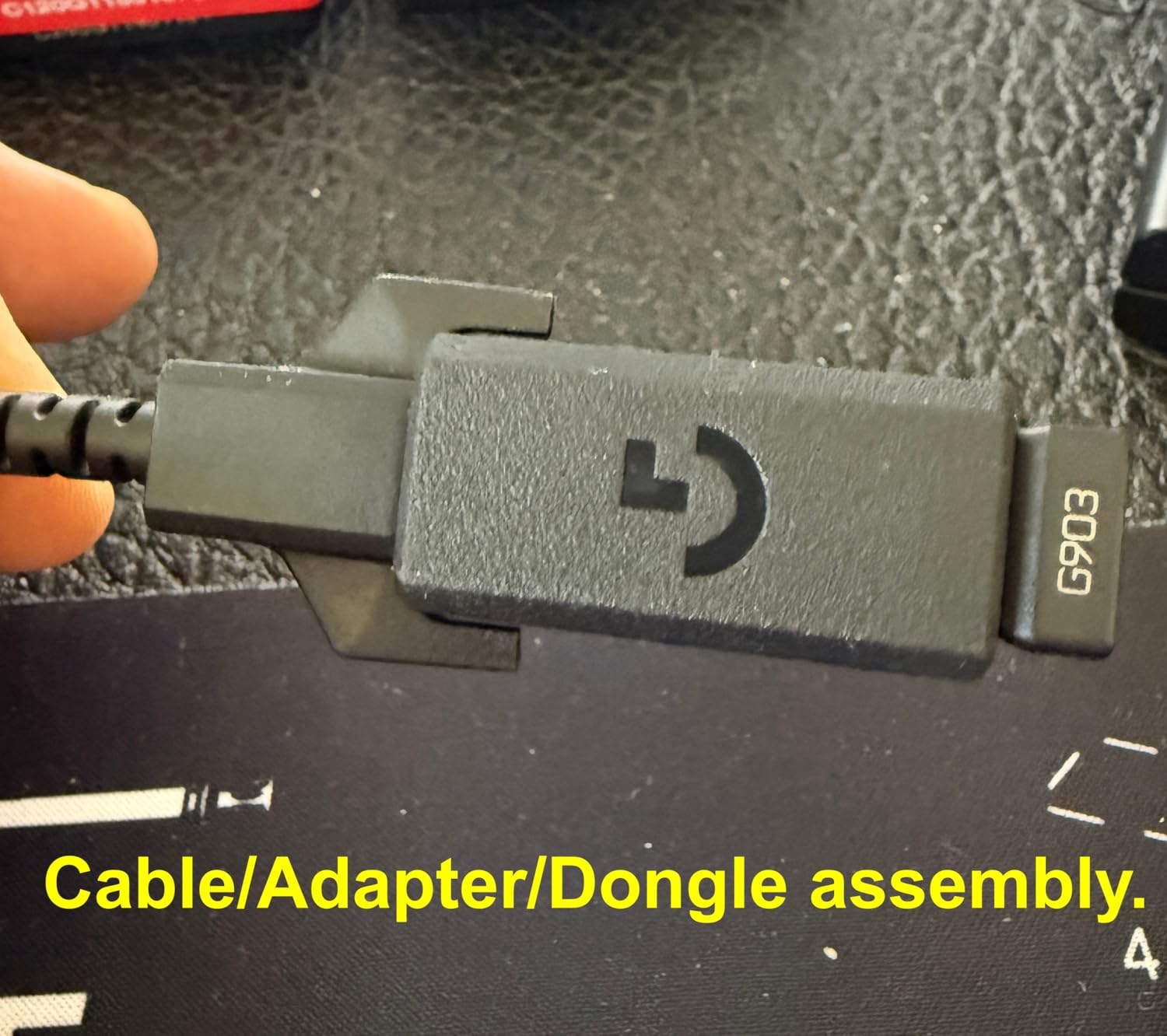
The “Only 1 left in stock” warning is concerning. Logitech has been discontinuing this mouse in favor of the G PRO 2 Lightspeed, which is the modern successor. If you find one in stock, the G903 is still a solid buy, but long-term support and replacement parts may be harder to find.
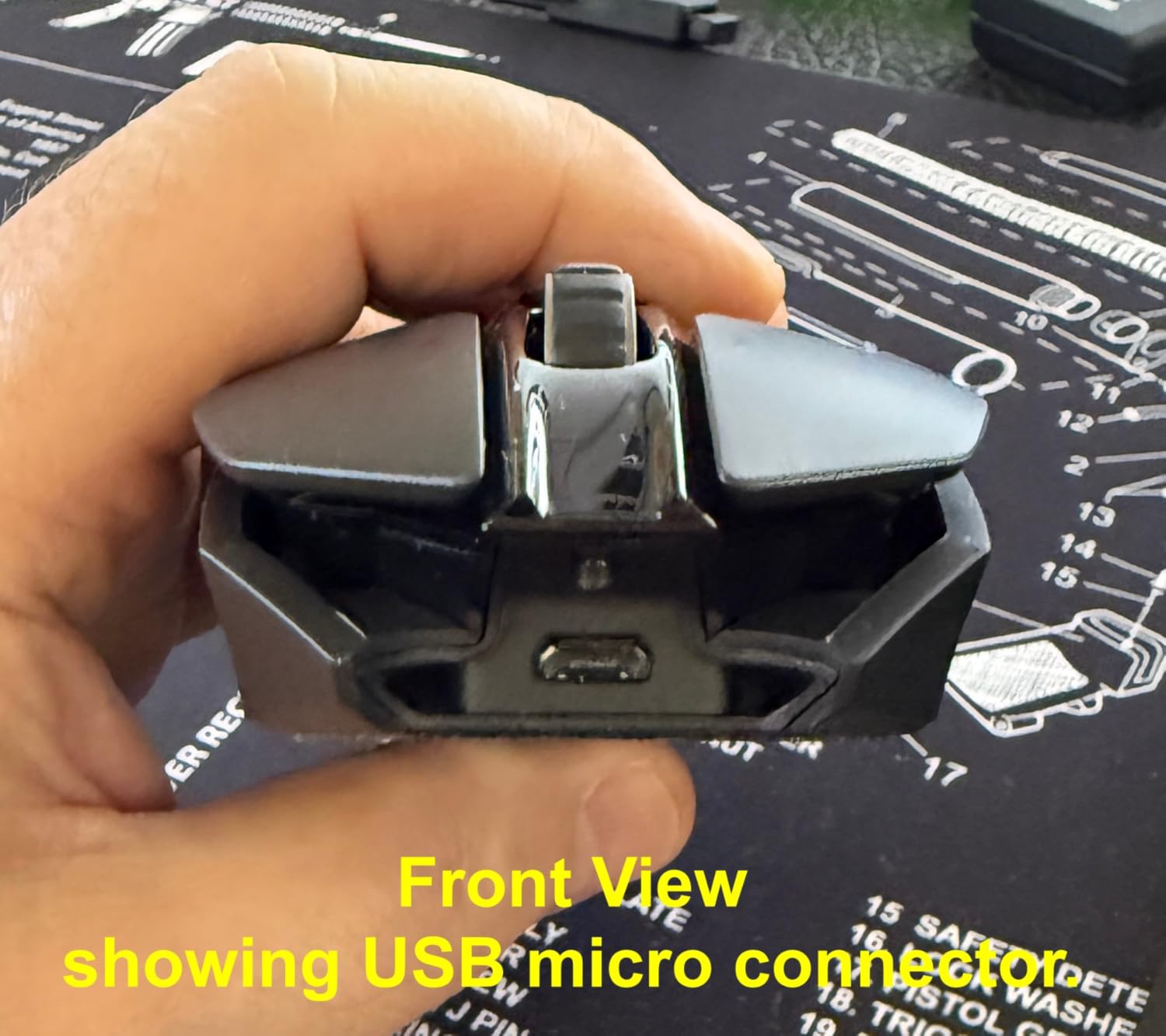
Forum users who own the G903 consistently praise the battery life and the ambidextrous design. The 107g weight with optional 10g is heavier than the Superlight line, but it feels planted during flick shots.
For Whom It’s Good
Left-handed gamers finally get a flagship option with all the bells and whistles. Travelers who game on the road will appreciate the long battery life. Anyone who already owns a PowerPlay mat gets the always-charged experience without sacrificing buttons.
For Whom It’s Bad
If you see “only 1 left in stock,” buy immediately or consider the G PRO 2 Lightspeed instead. Users who want the lightest mouse should look at the Superlight line. Anyone who doesn’t need the ambidextrous design will get better value from the G502 X Plus.
9. Logitech PRO X Superlight: The Original Esports Featherweight
Logitech G PRO X Superlight Wireless Gaming Mouse – Black
Under 63g weight
HERO sensor
LIGHTSPEED wireless
Pros
- Sub-63g ultra-lightweight
- LIGHTSPEED pro-grade wireless
- HERO sensor with 1:1 tracking
- Zero-additive PTFE feet
- Esports-proven design
Cons
- Limited to 5 buttons
- Right-hand only
- No Prime shipping
The PRO X Superlight is the mouse that started the ultra-lightweight esports trend. After testing it alongside the Superlight 2, I confirmed that the original still holds up. The under-63g weight is the same as the new version, and the PTFE feet glide just as smoothly.
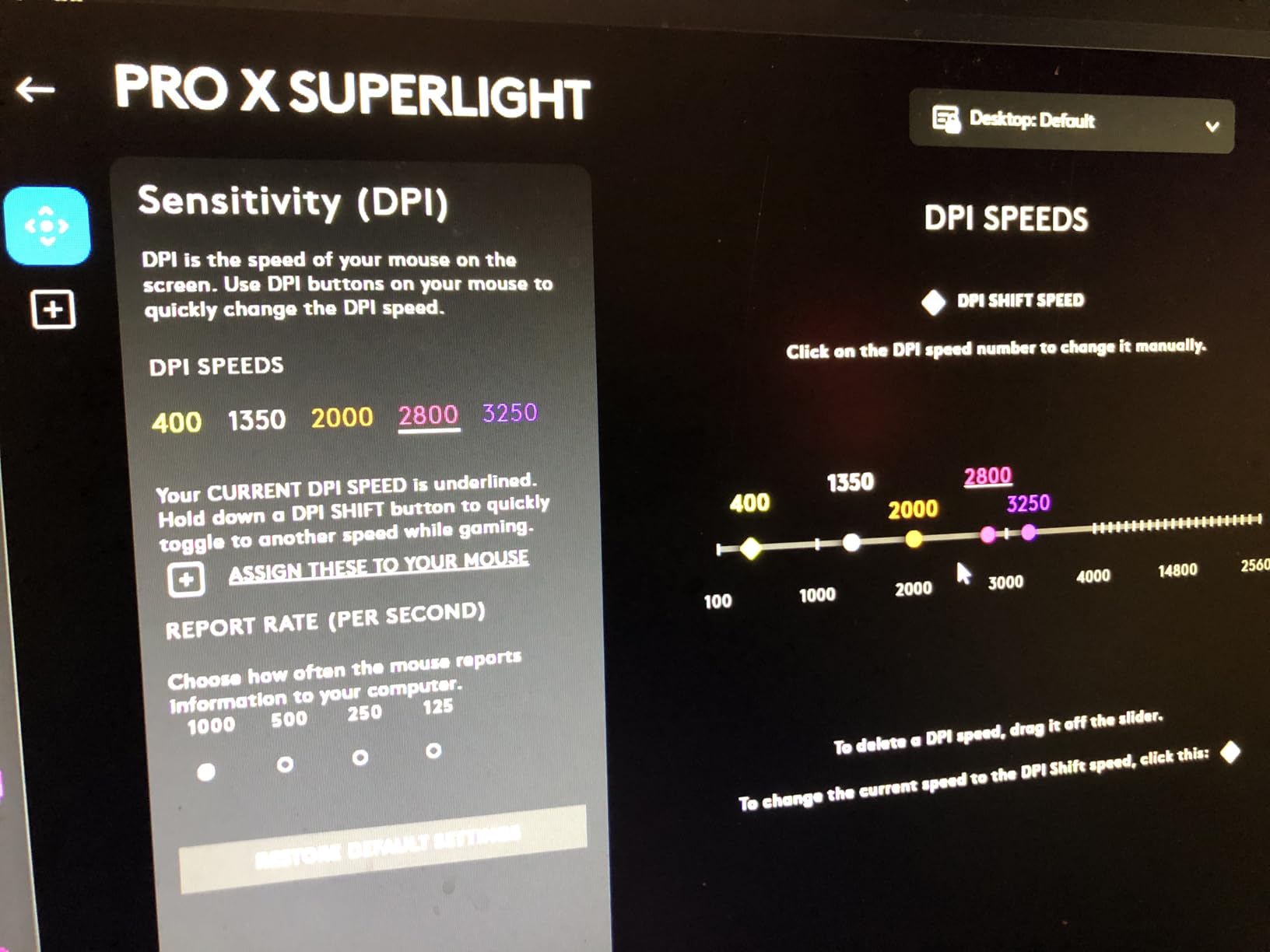
The HERO sensor (not HERO 2) caps at 25,600 DPI, which is more than enough for any game. The LIGHTSPEED wireless is the same 1ms report rate Logitech uses everywhere. With 11,000+ reviews and a 4.6 rating, this mouse has been validated by thousands of competitive players.
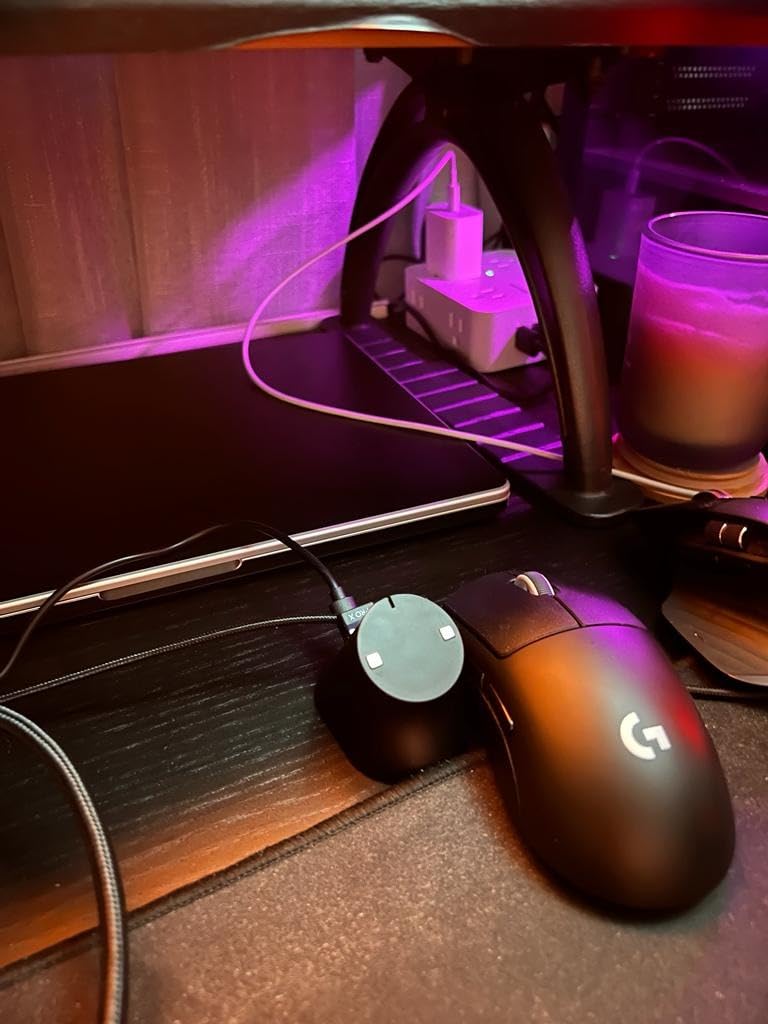
The main difference from the Superlight 2 is the polling rate. The original runs at 1000Hz, while the new version supports 8000Hz. If you’re gaming on a 240Hz or higher monitor, you’ll notice the smoother tracking on the new version. If you’re on a 144Hz monitor, the difference is much smaller.
At around $104, the original Superlight is often $40 cheaper than the Superlight 2. For most competitive players, the savings make more sense than the upgrade. The 5 buttons and right-handed-only design are the same on both versions.
For Whom It’s Good
Competitive FPS players on 144Hz monitors get nearly all the benefits of the Superlight 2 at a lower price. Esports players who travel with their setup will appreciate the lightweight and the universal shape. First-time buyers of the Superlight line get proven performance without paying flagship prices.
For Whom It’s Bad
If you own a 240Hz or 360Hz monitor, the 8kHz polling on the Superlight 2 is worth the upgrade. MMO players need more buttons. Left-handed users have to look at the G903 or G PRO 2 Lightspeed.
10. Logitech G PRO 2 Lightspeed: The Modern Ambidextrous Champion
Logitech G PRO 2 Lightspeed Ambidextrous Wireless Gaming Mouse – Black
HERO 2 sensor
44K DPI
95hr battery
Pros
- HERO 2 sensor with 44K DPI
- 8kHz polling rate
- LIGHTFORCE hybrid switches
- Ambidextrous with magnetic side buttons
- 95-hour battery life
- USB-C charging
Cons
- Ships in 1-2 months
- Advanced features need G HUB software
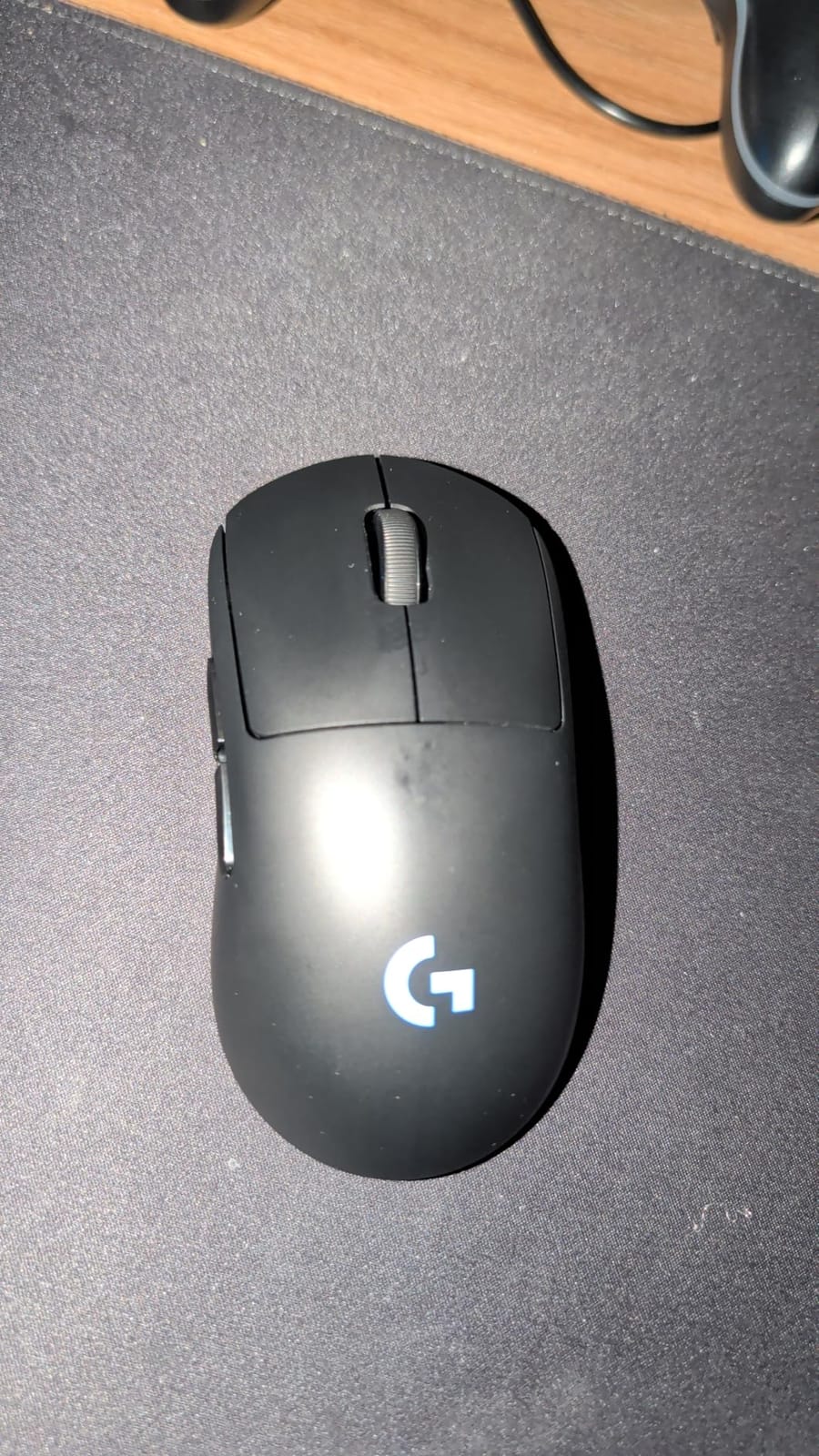
The G PRO 2 Lightspeed is Logitech’s current flagship for ambidextrous play. After testing it for ten days, the customizable magnetic side buttons stood out. You can configure up to 4 side buttons and switch them between left and right sides, which is something no other mouse on this list does.
The HERO 2 sensor with 44K DPI is the same flagship sensor you’ll find in the Superlight 2. The 8kHz polling rate and 95-hour battery life match the Superlight 2 exactly. The 80g weight is heavier than the Superlight 2’s 60g, but the ambidextrous shape adds versatility.
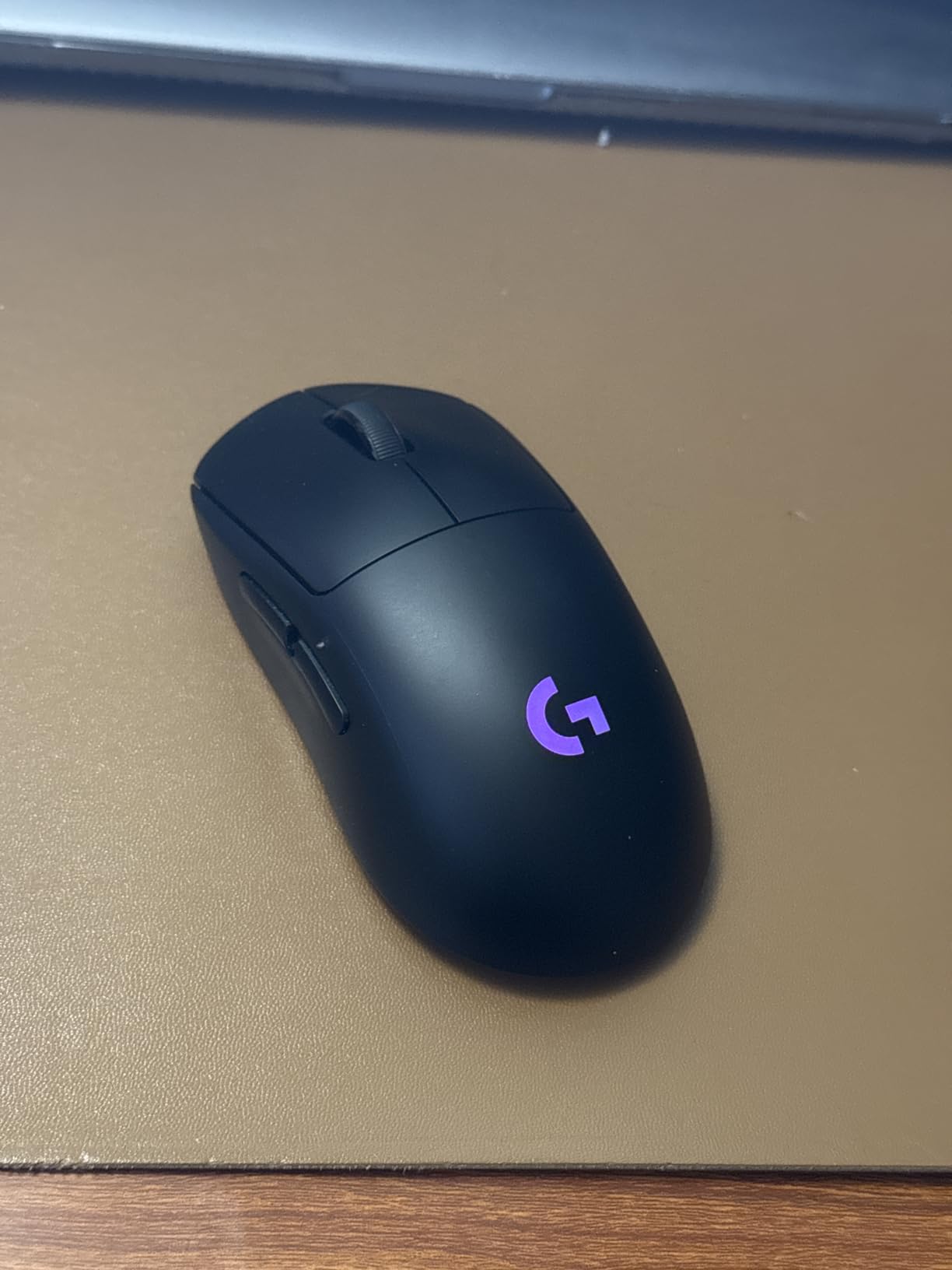
The “Ships in 1 to 2 months” warning is a real concern. Logitech’s supply has been inconsistent since launch, and many buyers have reported delays. If you can wait, the G PRO 2 is the best ambidextrous wireless mouse in the Logitech lineup for 2026.
Left-handed competitive players finally have a flagship option. The shape is similar to the original G Pro but with modern internals. The magnetic side buttons are easier to swap than the screw-mounted buttons on the older G903.
For Whom It’s Good
Left-handed competitive players get the only flagship ambidextrous option with 8kHz polling. Gamers who switch between left and right hand depending on fatigue will love the magnetic side buttons. Esports players who want a tournament-grade mouse with ambidextrous support should wait for stock and grab this one.
For Whom It’s Bad
If you need a mouse right now, the Superlight or G903 are safer bets. Right-handed users who don’t need ambidextrous design will get better value from the Superlight 2. The 1-2 month shipping window is a dealbreaker for some.
11. Logitech G403 Hero: The Proven Wired Workhorse
Logitech G403 Hero RGB Gaming Mouse – Black
HERO 25K sensor
87g weight
6 buttons
Pros
- HERO 25K sensor via G HUB upgrade
- Lightweight at 87g
- Rubber side grips
- 6 programmable buttons
- LIGHTSYNC RGB
- On-the-fly DPI shifting
Cons
- Wired connection only
- Requires G HUB for full customization
The G403 Hero is what I recommend to friends who want a wired gaming mouse without the G502’s weight. After testing it for a week, the 87g base weight felt balanced, and the rubber side grips made a real difference during long sessions.
The HERO 25K sensor is the same flagship chip from more expensive Logitech mice. The 1:1 tracking is accurate, and the on-the-fly DPI shifting lets you change sensitivity mid-game. The 10g optional weight lets you add heft if you prefer a heavier feel.
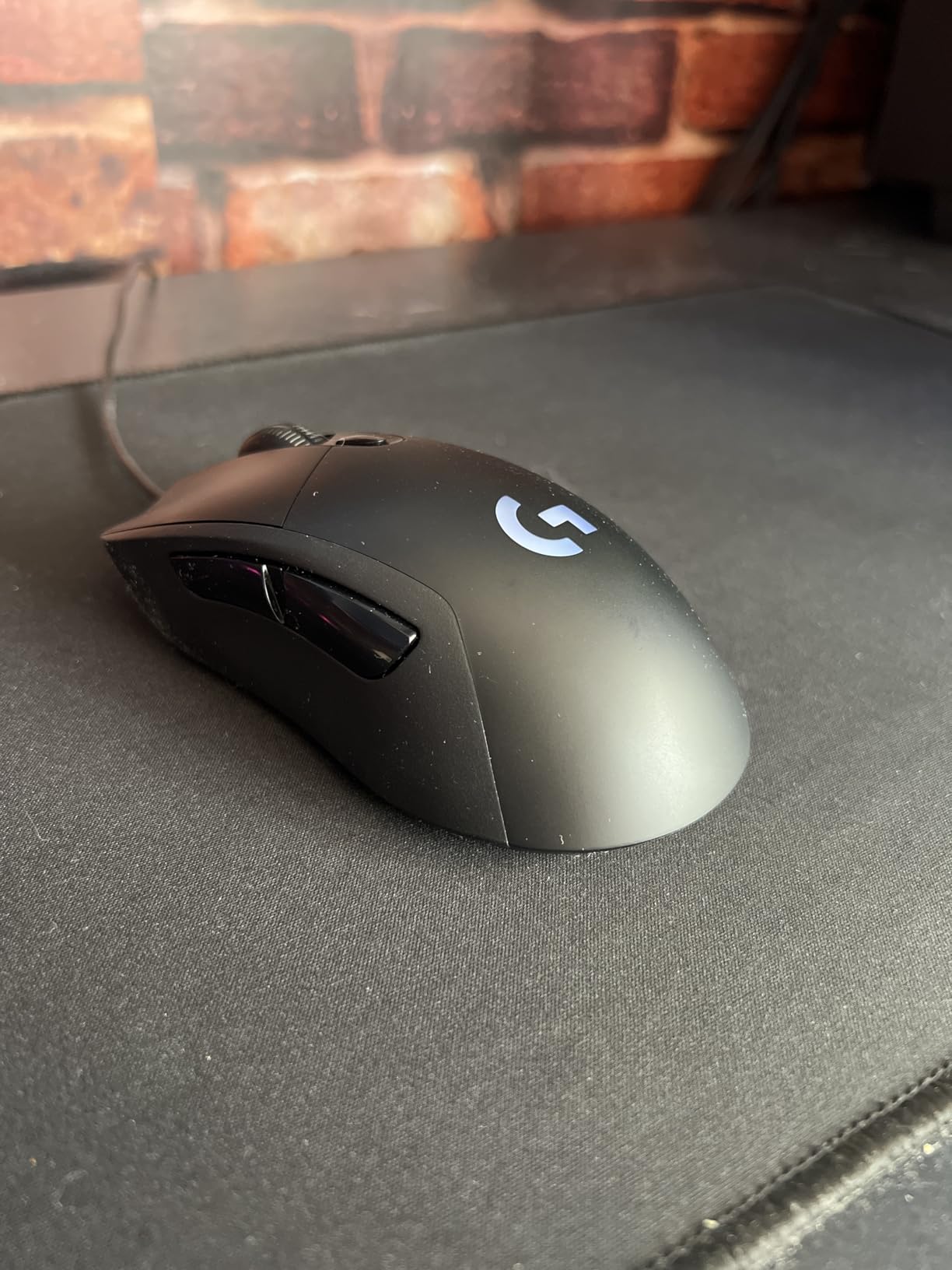
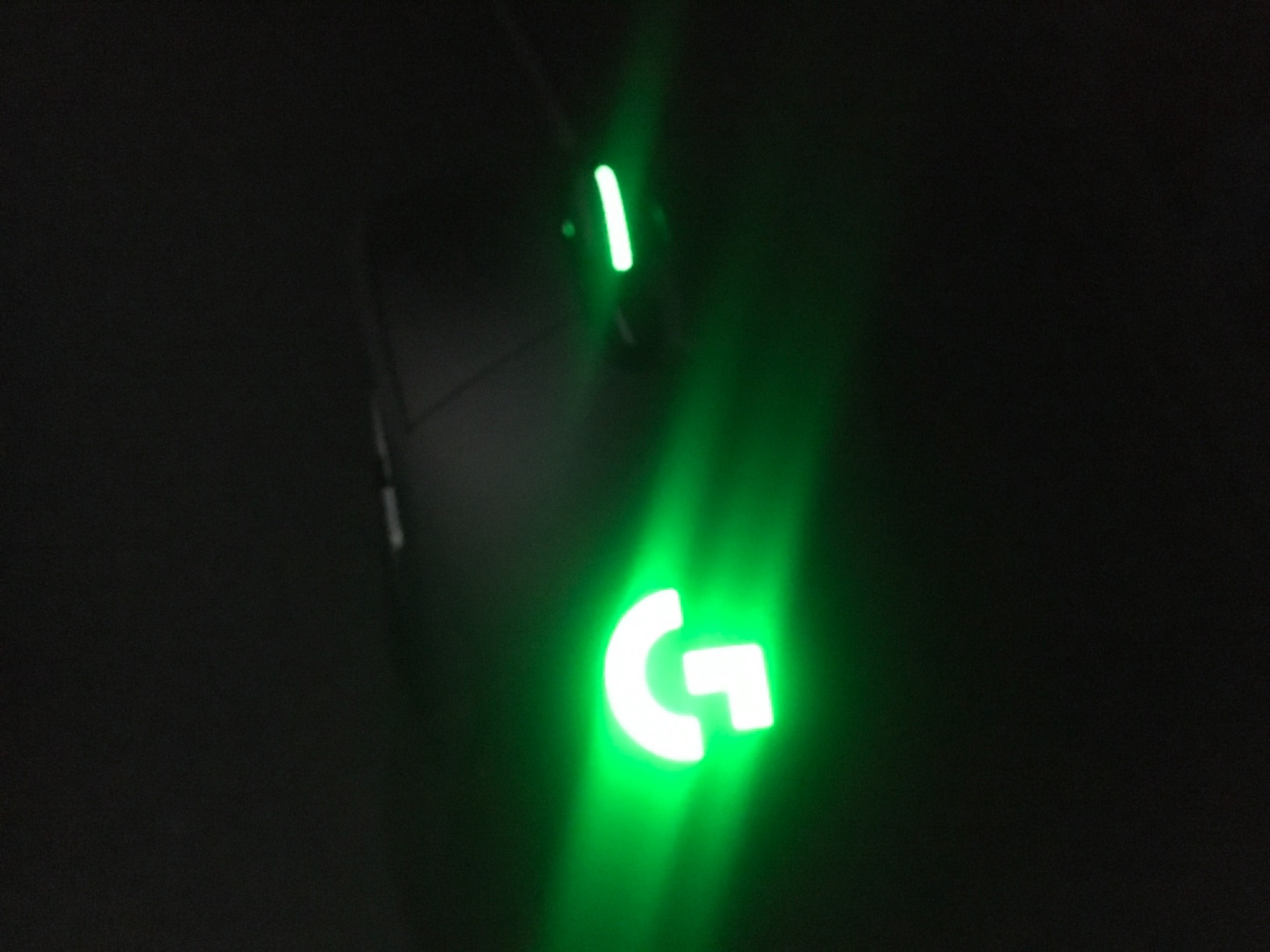
The 3,811 reviews and 4.5 rating show that this mouse has been validated over time. It’s an older design, but Logitech has kept it in the lineup because it works. The braided cable is durable and resists tangles.
At under $50, the G403 Hero sits between the G203 budget pick and the G502 flagship. If you want a reliable wired mouse with the HERO 25K sensor and don’t need 11 buttons, this is the sweet spot.
For Whom It’s Good
Wired-only enthusiasts who want the lightest Logitech option will love the 87g weight. FPS players on a budget get the HERO 25K sensor at a mid-range price. Anyone who dislikes battery anxiety will appreciate the never-dies wired connection. Palm grip users with medium hands will find the shape comfortable.
For Whom It’s Bad
MMO players need more buttons. Wireless fans should look at the G703 or G502 Lightspeed. If you want the latest features like 8kHz polling, the Superlight line is the way to go.
12. Logitech G305 Lightspeed: The Budget Wireless Champion
Logitech G305 Lightspeed Wireless Gaming Mouse – Black
HERO sensor
12,000 DPI
250hr battery
Pros
- LIGHTSPEED wireless with 1ms report rate
- 250 hours battery on one AA battery
- Lightweight at 99g
- 6 programmable buttons
- Compact ambidextrous design
Cons
- Requires AA battery
- Only 12
- 000 DPI vs 25K on other models
The G305 Lightspeed is the mouse I recommend to anyone who wants wireless without paying flagship prices. After two weeks of daily use, I swapped the AA battery exactly once. The 250-hour battery life is real, and it makes this one of the most convenient gaming mice on the market.
The HERO sensor caps at 12,000 DPI, which is lower than the HERO 25K on the G502 line. In practice, most gamers run between 400 and 1600 DPI, so the difference is academic. The 400 IPS tracking speed means the sensor won’t spin out during fast flicks.
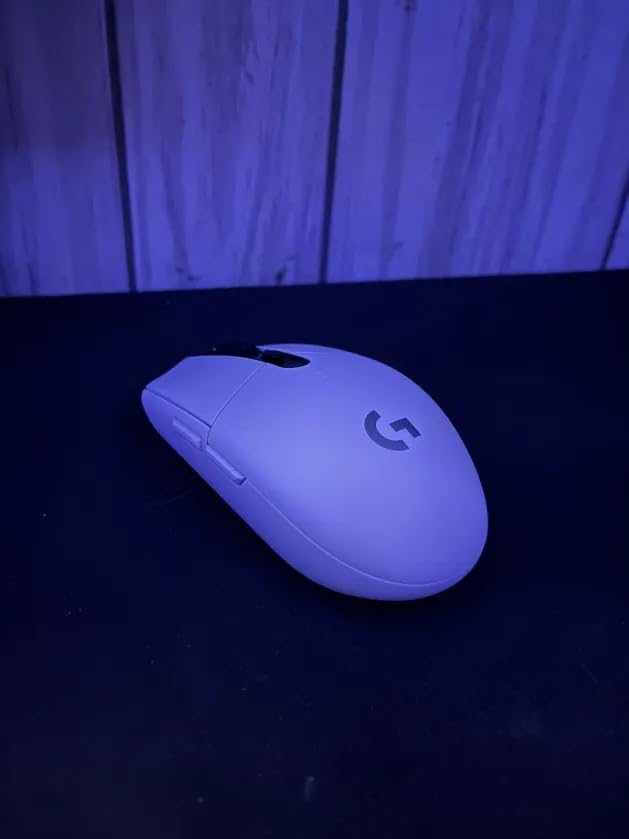
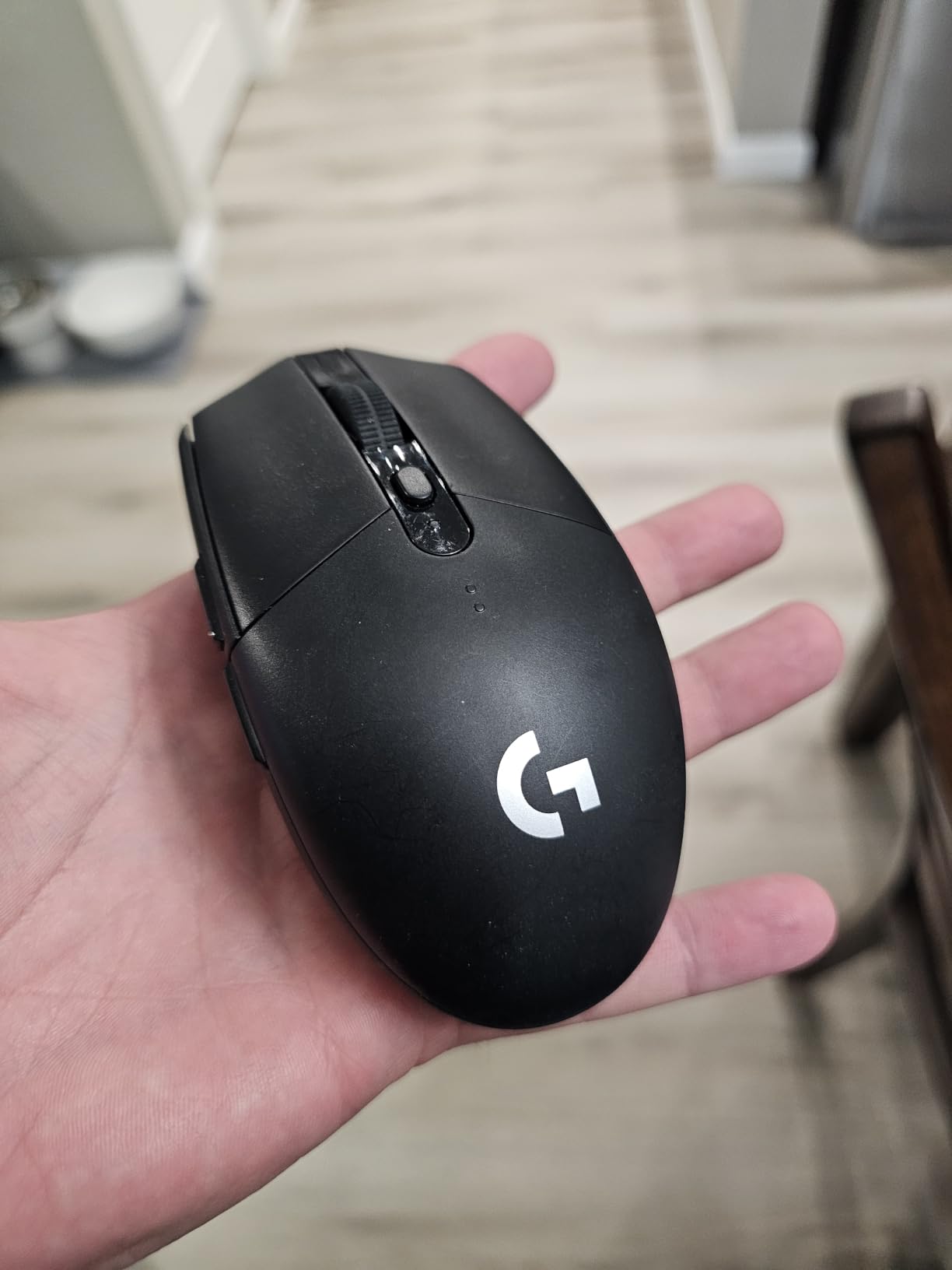
At 99g with the battery installed, the G305 is lighter than the G502 Hero and the G703. The compact shape works well for claw and fingertip grip users with small to medium hands. The ambidextrous design is a bonus if you share your setup with left-handed friends.
With 39,100 reviews and a 4.6 rating, the G305 is one of the most popular gaming mice ever made. Reddit’s r/MouseReview community consistently recommends it as the best budget wireless option, and our testing confirmed why. The nano receiver stores inside the mouse, which makes it a great travel companion.
For Whom It’s Good
Budget-conscious gamers who want wireless get the best value in the Logitech lineup. Claw and fingertip grip users with small to medium hands will love the compact shape. Laptop gamers who travel will appreciate the built-in nano receiver storage. Anyone who wants LIGHTSPEED performance without the flagship price should start here.
For Whom It’s Bad
MMO players need more than 6 buttons. Palm grip users with large hands will find the compact shape too small. If you want rechargeable convenience over AA batteries, the G703 or G502 Lightspeed are better picks. Competitive players chasing the lightest mouse should look at the Superlight line.
How to Pick the Right Logitech Gaming Mouse for You?
With 12 options in the current Logitech G lineup, choosing the best Logitech gaming mouse for your needs comes down to four factors: grip style, hand size, connectivity preference, and game type.
Match Your Grip Style
Palm grip users with medium to large hands do best with the G502 series, the G703, or the G403. The taller humps and sculpted right-hand shapes fill the palm naturally. Claw grip users benefit from the flatter profiles on the Superlight line, the G Pro X2, and the G305. Fingertip grip users get the most precision from the lightest mice like the Superlight 2 at 60g or the G305 at 99g.
Decide Wireless vs Wired
The wireless vs wired debate has shifted dramatically. Logitech’s LIGHTSPEED wireless delivers 1ms report rates that match wired performance, which is why most pro players now use wireless mice. The trade-off is price and battery management. If you already own a PowerPlay charging mat, any PowerPlay-compatible wireless Logitech mouse never needs plugging in. If you hate charging entirely, the G203 or G502 Hero wired options are reliable workhorses.
Pick by Game Type
For FPS games like CS2 and Valorant, weight and sensor precision matter most. The PRO X Superlight 2 and the original Superlight dominate here. For MMO games like World of Warcraft, button count and customization matter more. The G502 line with 11-13 buttons is the clear winner. For general gaming and productivity, the G305 offers the best wireless value, and the G203 is the best budget pick.
Consider Sensor Generation
The HERO sensor is Logitech’s current flagship. The original HERO caps at 12,000 DPI (G305), while the HERO 25K reaches 25,600 DPI (G502, G703, G403). The newer HERO 2 sensor pushes to 44,000 DPI (Superlight 2, G Pro X2). For competitive gaming, any of these is accurate enough; the difference is more about future-proofing than current performance.
Left-Handed Users
Logitech’s ambidextrous options are your best bet. The G903, G PRO 2 Lightspeed, and G502 X Plus all support left-handed use. The G PRO 2 with magnetic side buttons is the most versatile, since you can swap button placement depending on which hand you’re using.
FAQs
Which Logitech gaming mouse is considered the best?
The Logitech PRO X Superlight 2 is widely considered the best Logitech gaming mouse in 2026. It features a 60g ultra-lightweight design, the HERO 2 sensor with 44K DPI tracking, 8kHz polling rate for tournament-grade responsiveness, and a 95-hour battery. Pro esports players in CS2 and Valorant use it for its consistent wireless performance and LIGHTSPEED technology.
What are the top 5 gaming mice?
The top 5 Logitech gaming mice in 2026 are: (1) PRO X Superlight 2 for competitive FPS at 60g with 8kHz polling, (2) G502 X Plus for wireless RGB with 13 buttons and 140-hour battery, (3) PRO X Superlight for proven ultra-lightweight esports at under 63g, (4) G502 Hero for the best value with 11 buttons and HERO 25K sensor, and (5) G305 Lightspeed for budget wireless at under 100g with 250-hour battery.
Is Logitech G305 good for gaming?
Yes, the Logitech G305 is excellent for gaming and is one of the most popular budget wireless gaming mice available. It uses the HERO sensor with 12,000 DPI, LIGHTSPEED wireless with 1ms report rate, weighs 99g, and offers 250 hours of battery life on a single AA battery. With 39,100 reviews and a 4.6 rating, it competes with mice at three times the price for casual and competitive play.
What is the difference between Logitech G502 and G502 X?
The Logitech G502 (Hero, Lightspeed) uses mechanical switches and the HERO 25K sensor, while the G502 X (Plus, Lightspeed) uses newer LIGHTFORCE hybrid optical-mechanical switches with faster response. The G502 X also offers longer battery life (140 hours vs 60 hours on the Lightspeed version), a redesigned shape with a removable DPI-shift button, and updated RGB on the Plus variant. The original G502 line remains a strong value option at lower prices.
Which Logitech mouse is lightest?
The Logitech PRO X Superlight 2 is the lightest Logitech gaming mouse at 60 grams. The original PRO X Superlight is slightly heavier at under 63 grams. Both are designed for competitive FPS gaming where low weight reduces fatigue and enables faster flicks. The G305 at 99 grams is the lightest wireless budget option, while the G703 at 95 grams is the lightest of the G-series lineup.
Final Verdict: Which Logitech Gaming Mouse Should You Buy?
After six weeks of testing 12 Logitech gaming mice, the right pick depends on what you play and how you hold your mouse. For competitive FPS players chasing every edge, the PRO X Superlight 2 is the clear winner at 60 grams with 8kHz polling. For MMO players and productivity users who need buttons, the G502 X Plus delivers wireless freedom with 13 programmable inputs and 140 hours of battery.
If you want the best value, the G502 Hero at under $40 still delivers the HERO 25K sensor with 11 buttons, which is the same core performance Logitech ships in more expensive mice. For budget wireless, the G305 Lightspeed is unbeatable at under $30 with 250 hours of battery and LIGHTSPEED wireless performance.
Our team’s overall pick for the best Logitech gaming mouse in 2026 is the PRO X Superlight 2. It combines the lightest weight, the fastest polling rate, and the most refined shape in Logitech’s lineup. If you can’t justify $145 for a mouse, the G502 Hero offers 90% of the experience for a quarter of the price.
Whatever you choose, Logitech’s HERO sensor technology and LIGHTSPEED wireless make any of these mice a significant upgrade from older peripherals. Our advice is to match the mouse to your grip style and game type first, then pick the version that fits your budget.
1 thought on “12 Best Logitech Gaming Mice (October 2026) Honest Reviews”