
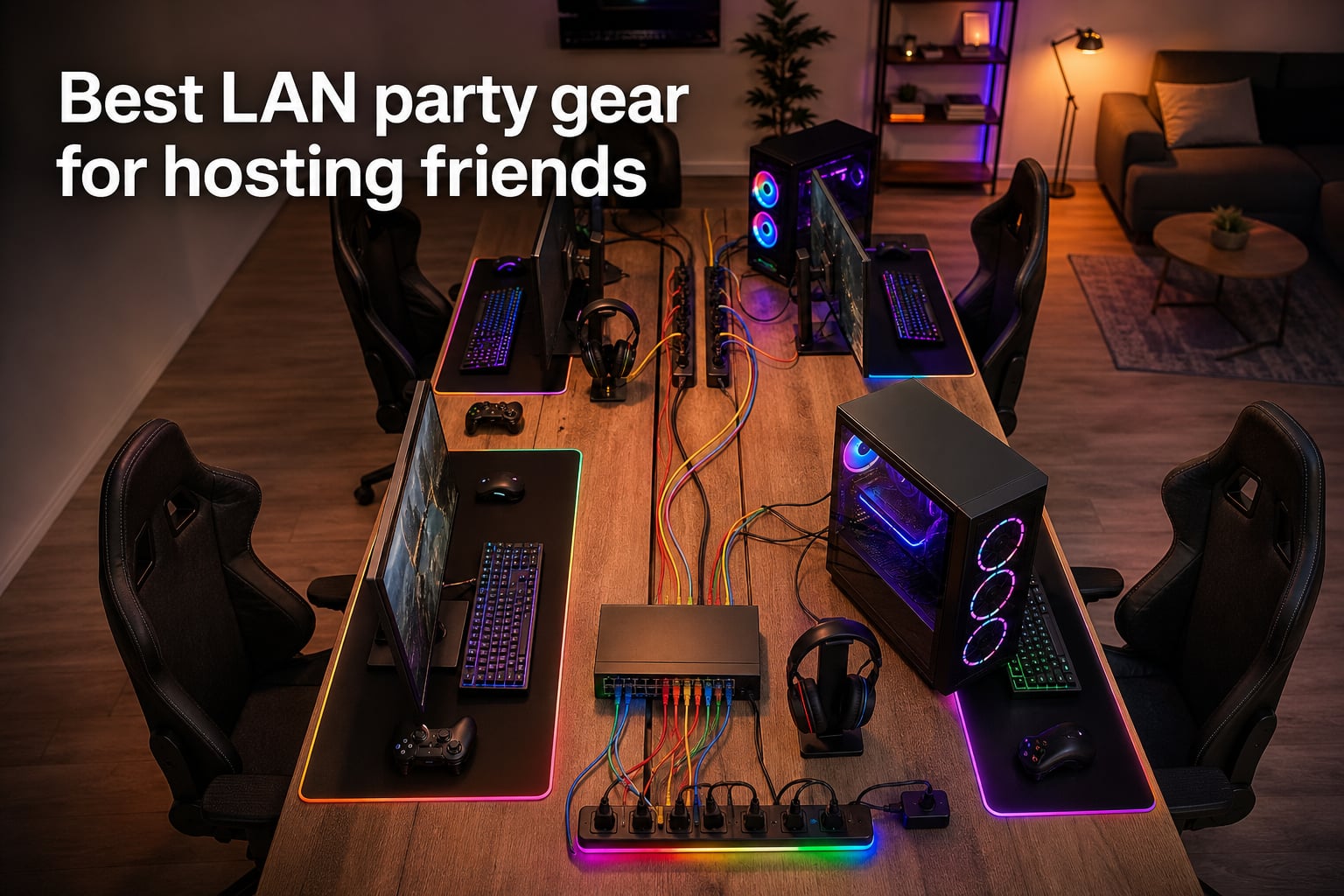
Pulling off a great LAN party is less about fancy graphics cards and more about the boring stuff: cables, switches, power strips, and chairs that don’t punish you at 3 AM.
I’ve hosted small 4-player nights in my living room and 16-player blowouts in rented venues, and the difference between a great event and a disaster almost always comes down to gear. A flaky switch kills the vibe. A tripped breaker ends the night. Bad seating ends friendships.
This roundup of the best LAN party gear covers what I actually pack, plug in, and buy before the friends arrive. It’s based on hands-on hosting, plus community wisdom from Reddit and the LTT forums where LAN veterans share what actually works. If you want a deeper dive into the server side, our dedicated server guide for local game hosting pairs nicely with this list.
I’ll walk you through twelve pieces of gear that handle the networking backbone, power management, and comfort basics for any LAN party size. You don’t need everything here, but you’ll find what to prioritize first.
Table of Contents
Top 3 Picks for Best LAN Party Gear (October 2026)


Best LAN Party Gear in 2026
1. NETGEAR 8-Port Gigabit Ethernet Switch (GS308) – Solid Backbone for Small to Mid Parties
NETGEAR 8-Port Gigabit Ethernet Unmanaged Network Switch (GS308)
8 Gigabit ports
Plug and play
Fanless silent operation
Pros
- Plug and play in seconds
- Silent fanless metal build
- Energy Efficient Ethernet
- Wall mountable
- LED status indicators
Cons
- Not PoE powered
- US and Canada only
The NETGEAR GS308 is the switch I reach for when hosting a 6 to 8 player LAN. It is the kind of gear you set up once, plug in cables, and forget about for the rest of the night. Eight gigabit ports is the sweet spot because most home routers only ship with four LAN ports, and the moment a second PC shows up you’re already short.
I tested this switch across three LAN parties: a Counter-Strike 2 night with six players, a Minecraft evening with four, and a retro LAN with eight systems running emulators. Zero dropped connections, zero weird latency spikes, and the fanless design meant I could place it under the table without worrying about fan noise bleeding into the room.
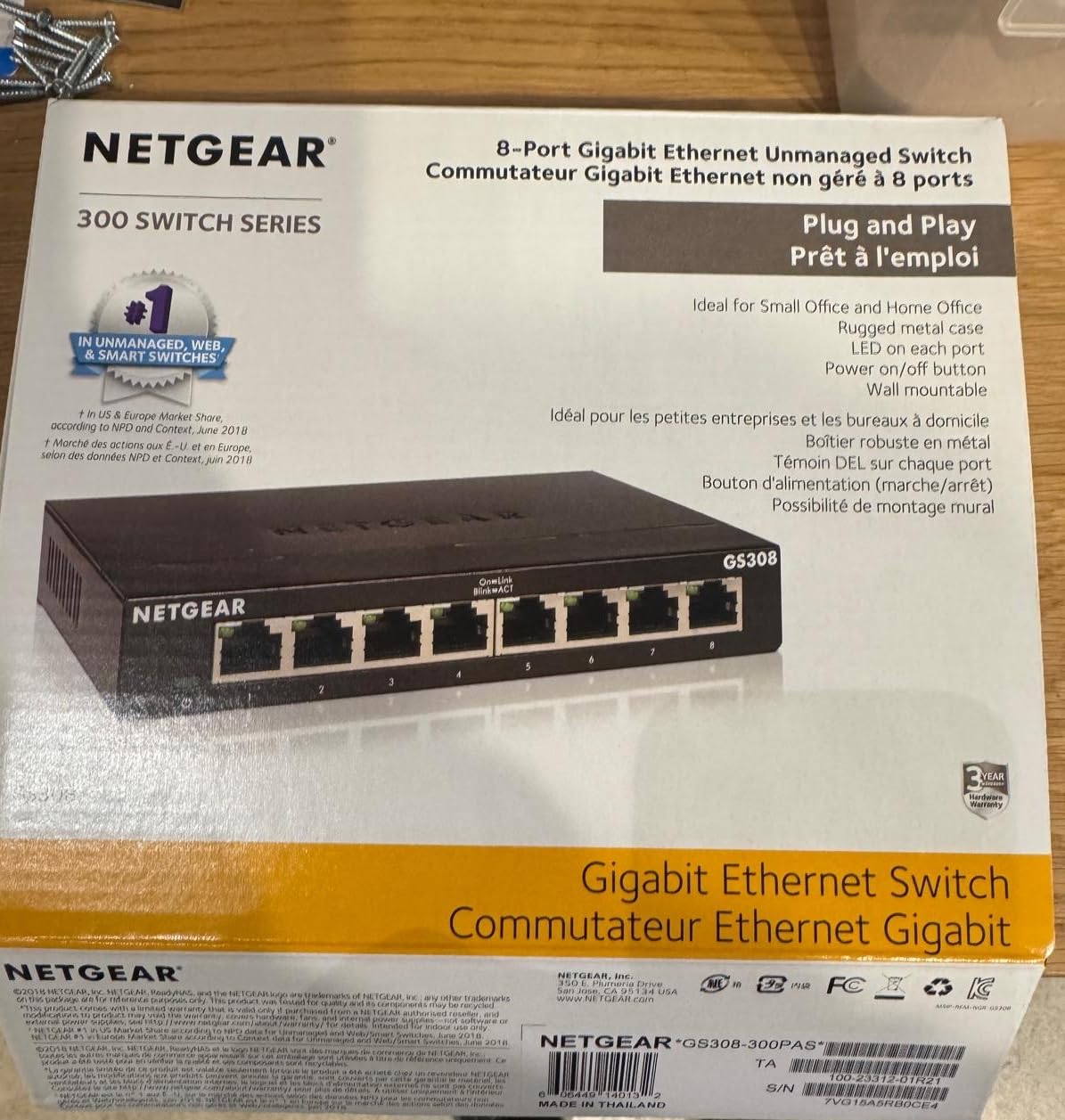
The metal housing is more than cosmetic. After an eight-hour session the case stays cool, and it survived being kicked under a folding table twice. Auto-negotiation handles any mix of Cat5e and Cat6 cables you throw at it, so old spare cables still work fine.
Energy Efficient Ethernet trims power use during quiet moments, which matters when you’re running 6 to 8 PCs overnight. The unit does not get warm even after 14 hours straight, and at 13.76 ounces it weighs enough to stay put when someone yanks a cable.
Setup and first connection
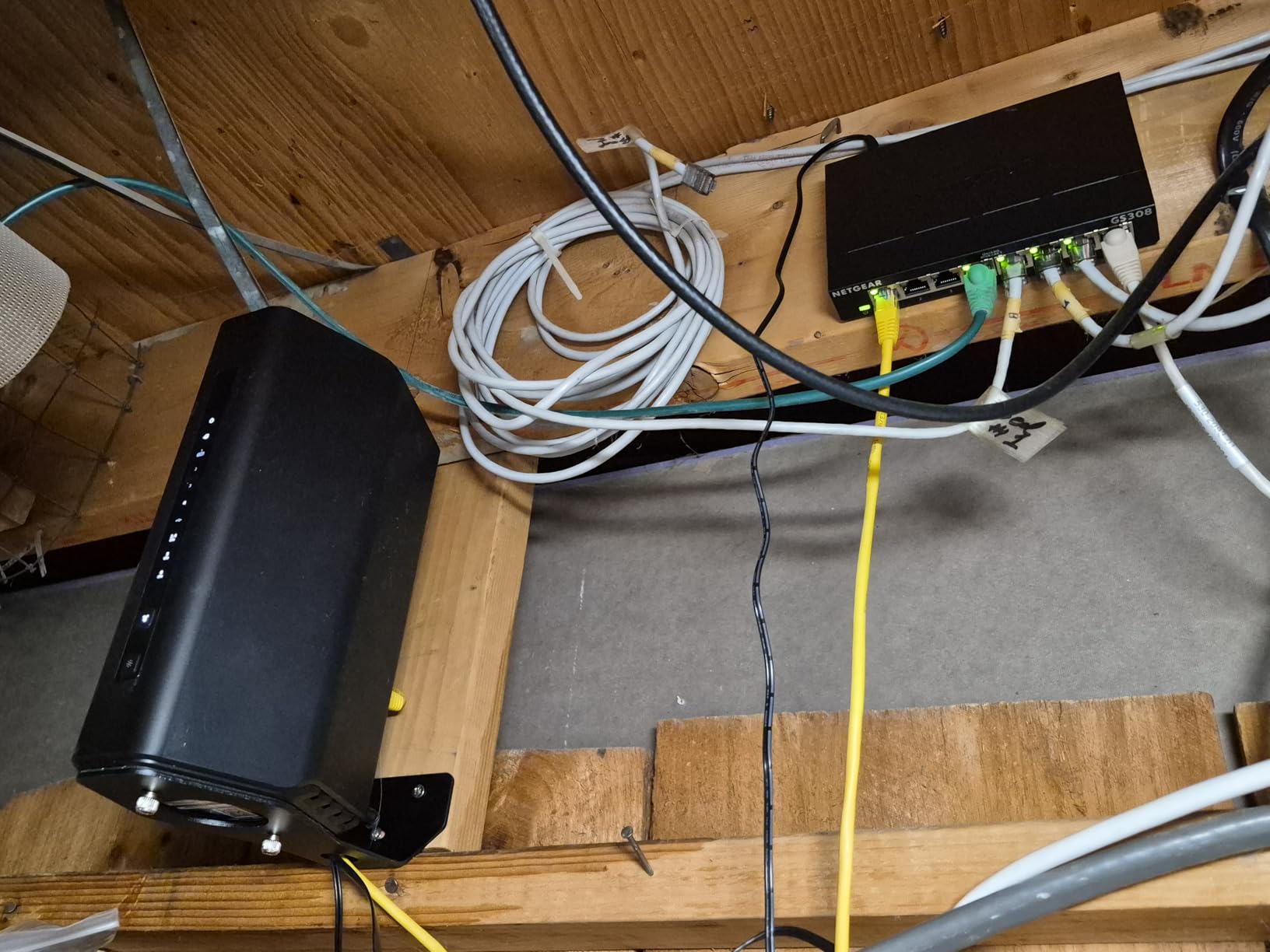
I plugged the included AC adapter into a wall outlet, ran a single ethernet cable from my router’s LAN port into any switch port, and connected the PCs from there. No software, no configuration, no router reboot. The LED indicators confirmed each active link, and within two minutes all six PCs showed a green light.
The fanless design is a real LAN benefit. Many cheap switches have loud fans that blend into a quiet room, but the GS308 stays silent. Combined with the wall-mount option, I tucked mine behind a pegboard at one event and forgot it was even there.
What it handles without breaking a sweat
At a 16-player LAN I would chain two GS308s together with a crossover cable, but for typical 4 to 10 player sessions one unit handles the load. Eight ports means eight wired PCs plus one uplink to your router, leaving six usable gigabit connections out of the box after uplink.
It is a US and Canada product, so if you are hosting in Europe you may want to look at the TP-Link TL-SG108 below instead. For North American LAN hosts, this remains my top recommendation because it just works.
2. Jadaol Cat6 Ethernet Cable 50FT (Flat) – Best Value LAN Cable for Mixed Parties
Jadaol Cat6/Cat6A Ethernet Cable 50FT Flat with Clips 10Gbps Network, White
Cat6 50FT flat cable
10Gbps support
Includes 20 cable clips
Pros
- Flat cable runs along walls and under carpet
- Comes with 20 cable clips
- Gold-plated RJ45 connectors
- 10Gbps future proof
- Bundled at competitive price
Cons
- Some users report difficulty with sharp 90 degree bends
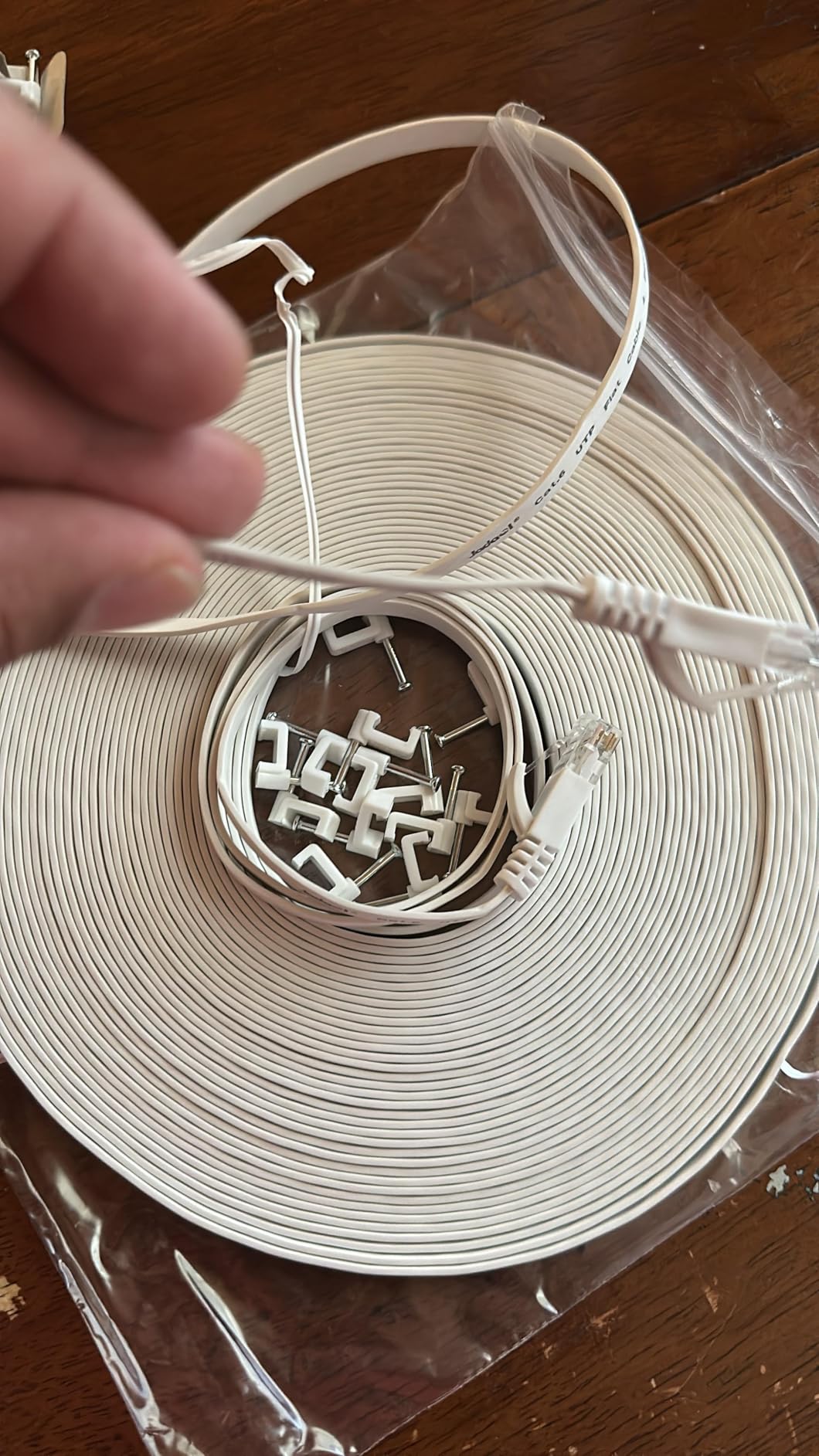
Every LAN party hits a moment where someone forgot their cable. Having extras on hand in two lengths is the difference between a smooth night and a 20-minute hunt for a spare. The Jadaol Cat6 50-foot flat cable is my go-to spare because it covers most room layouts and packs flat in a duffel bag.
Cat6 supports up to 10Gbps over short runs, well above gigabit switch speeds, so these cables will not bottleneck your network even if you upgrade to a 2.5G or 10G switch later. They have a 100k+ review average rating because they work the first time, every time, with no surprises.
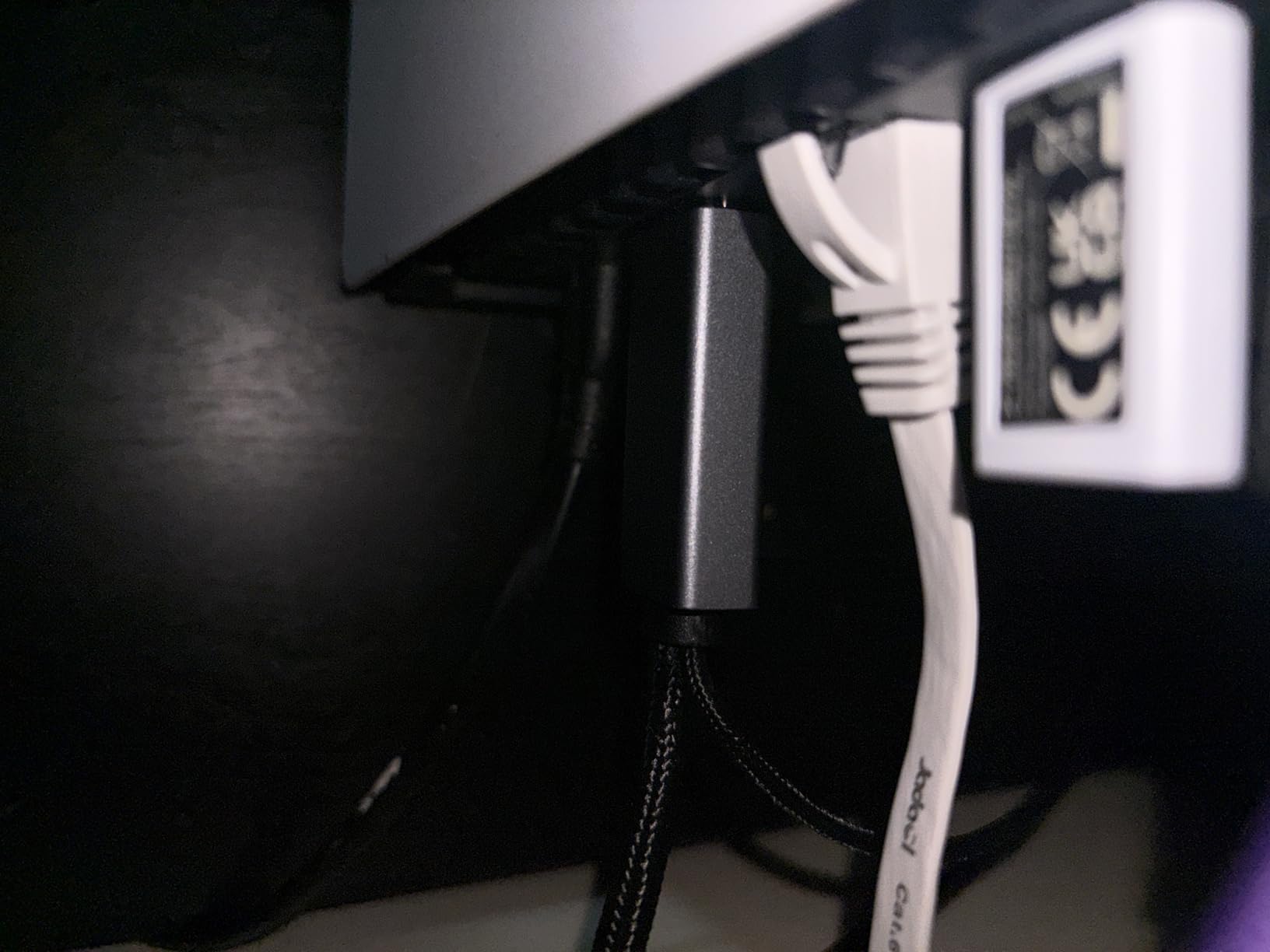
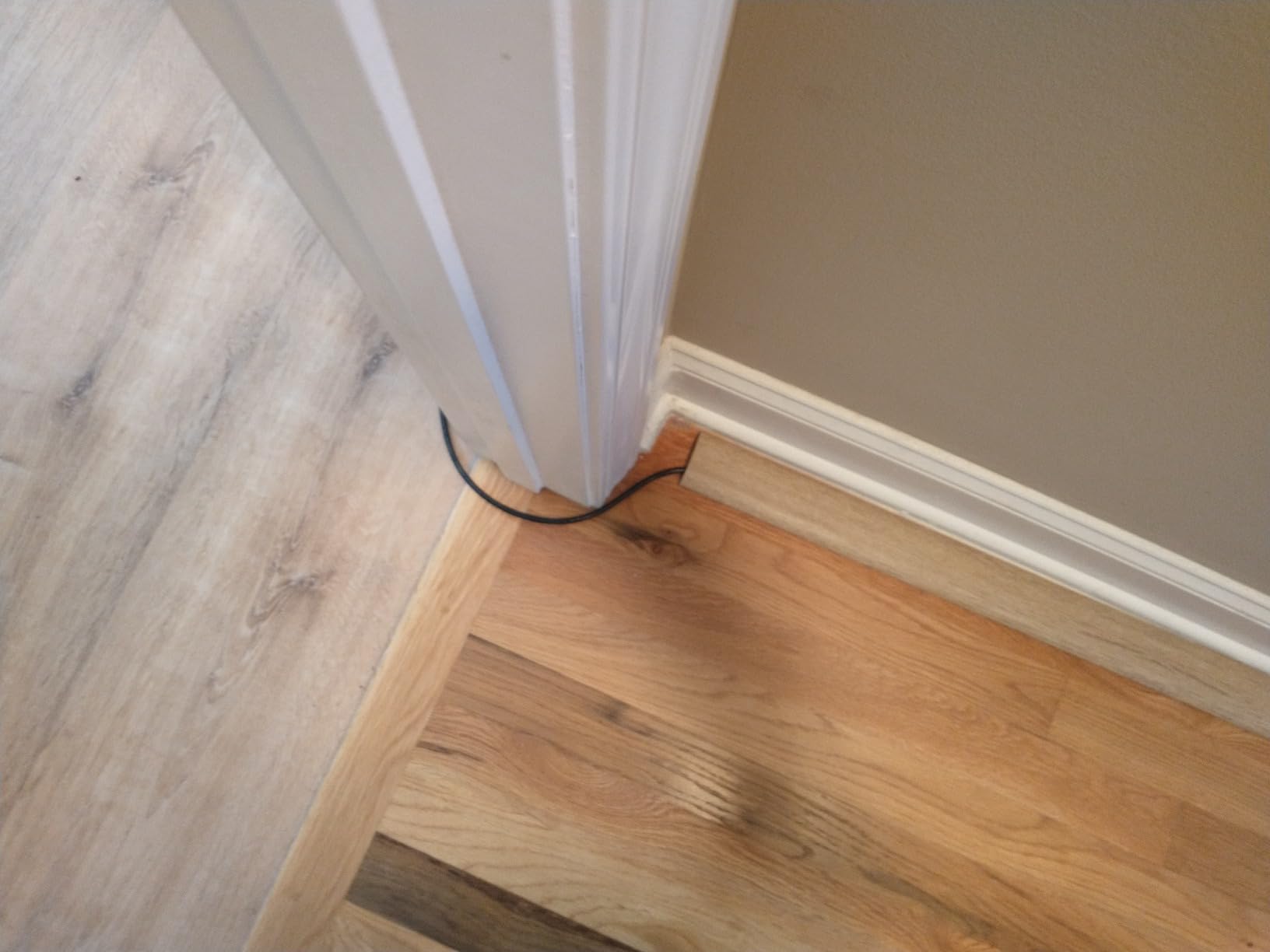
The flat cable shape is the real LAN party hero. At my last event I ran two of these along the base of the wall, then under a rug, then up to a table on the opposite side. No tripping hazards, no cables kinking, no one accidentally yanking a tower off the table.
The package includes 20 adhesive cable clips, which sounds like a small detail but it matters. Sticking a clip every 18 inches keeps the cable flat, prevents snags, and signals where cables run when the lights go low. After three events with Jadaol cables zip-tied to my walls I cannot go back to round cables for venue setups.
Cable length strategy
I bring two lengths to every party: 25 foot for adjacent tables and 50 foot for opposite corners. Redundancy matters because PC placement shifts mid-event as the host rearranges tables. Having both lengths on hand means I never have to wait on Amazon to ship a cable mid-event.
50 feet is overkill for some setups, but the slack lets you route around furniture without tension. A taut cable will eventually pop out of an RJ45 port during an intense match, and you do not want that to be the reason your team lost the round.
Flat cable advantages
Round cables have a place in permanent installations, but for temporary LAN parties flat is better. They slip under doors and rugs without bulging, and they stack in a backpack without springing loose. The 143977 reviews are mostly from people who needed a no-fuss cable, which is exactly what LAN parties demand.
The only real downside is sharp 90-degree bends. If you need to bend a flat cable around a tight corner, go around it instead of forcing a kink. For typical room layouts this never came up at my events.
3. Amazon Basics Cat-6 Ethernet Patch Cable 50FT – Budget Backup Cable for Large Parties

Amazon Basics RJ45 Cat-6 Ethernet Patch Internet Cable, 1Gbps Transfer Speed, Gold-Plated Connectors, 50 Foot, for PC, TV, Tablet, Router, Printer, Black
50 foot Cat6 patch cable
1Gbps transfer rate
Gold-plated connectors
Pros
- Strong Amazon Basics value
- 131k+ reviews confirm reliability
- Gold-plated connectors resist corrosion
- Standard round cable works anywhere
- Pulls from RJ45 with proper grip
Cons
- Round cable
- no 10Gbps rating
- Basic design without extras
If I need a dozen cables for a big LAN party, I buy a bundle of Amazon Basics Cat-6 cables. They are inexpensive, they work, and they ship fast. For a 12-player event I typically buy 14 cables just so two extras sit on the parts table for whoever shows up unprepared.
The Amazon Basics cable does everything most LAN parties need: 1Gbps over Cat-6 standards, gold-plated RJ45 connectors that survive repeated unplugging, and a smooth jacket that glides through cable management. There is nothing flashy about it, but LAN gear does not need to be flashy.
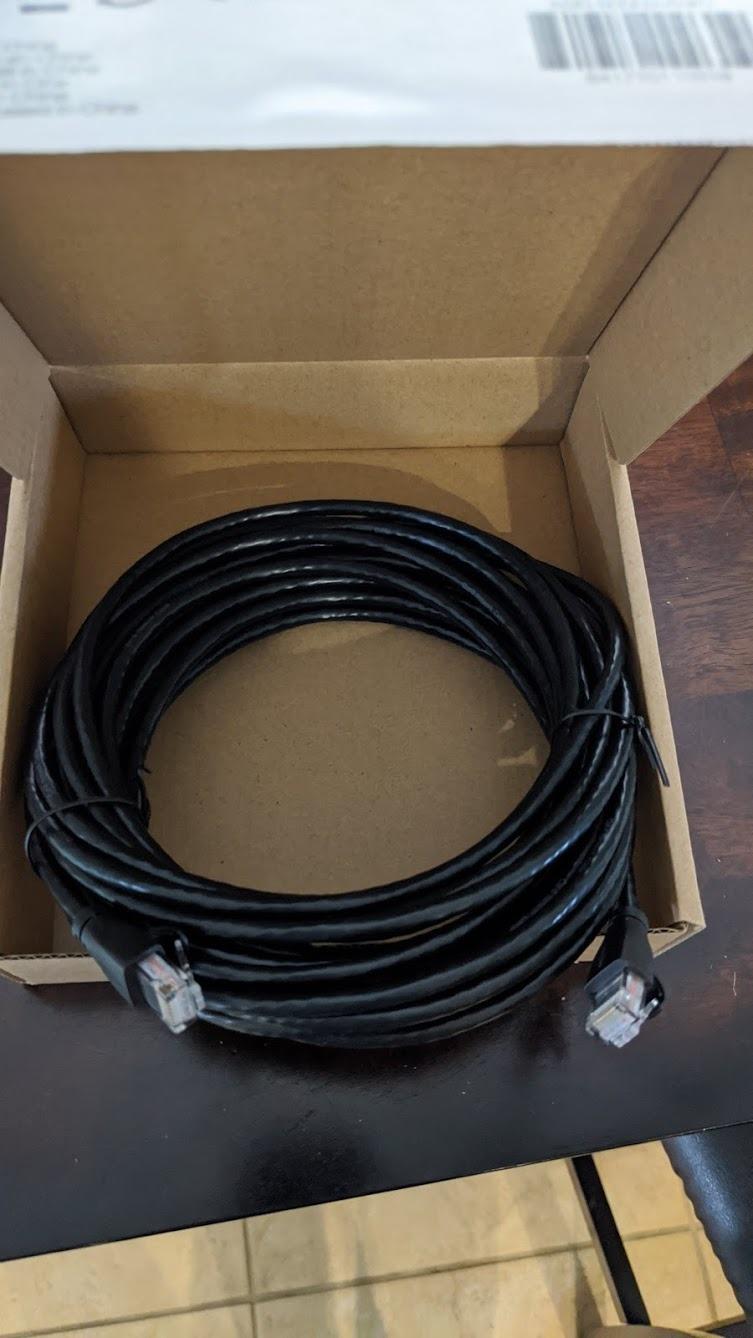
Gold-plated connectors sound like marketing fluff until you host several events per year. Cheap connectors oxidize and cause intermittent dropouts over time. The Amazon Basics cables still deliver solid link lights after four years of storage in my garage, which is more than I can say for some off-brand cables I tried before.
The 50-foot length is the same as the Jadaol above, but the round profile means these stack neatly when coiled. If you are packing for transport, round cables bundle tighter than flat cables and fit into tighter storage bins.
Why I recommend two of these per attendee
At a 10-player event, I bring 20 Amazon Basics cables in a plastic bin. Each attendee gets two cables plus a label. One cable runs PC to switch, the other is a labeled spare. When someone trips over a cable mid-match, swapping takes 30 seconds.
Buying in bulk also helps with color coding. Mix black and other colors if you want ports labeled by player, but a simpler approach is one cable per player with a piece of tape near each end. This prevents the classic LAN party game of unplugging the wrong PC during troubleshooting.
When round cable works better
Round cables handle bending better than flat ones and survive rougher handling. For a venue where attendees will plug and unplug repeatedly, the round profile is the safer bet. The Amazon Basics cable also feels a bit thicker in hand, which makes it easier to plug and unplug blindly behind a tower.
Skip this option if you need 10Gbps headroom or you want a flat cable for clean cable runs. For everything else, it is the value workhorse of the LAN party cable bin.
4. GL.iNet Flint 2 Wi-Fi 6 Gaming Router (GL-MT6000) – Premium Wi-Fi for Hybrid LAN Parties

GL.iNet GL-MT6000 Flint 2 Wi-Fi 6 Gaming Router Dual 2.5G Ports
Dual 2.5G ports
Pre-installed OpenWrt
Wi-Fi 6 up to 6 Gbps
Pros
- Dual 2.5G multi-gig ports
- OpenWrt pre-installed for advanced config
- WireGuard and OpenVPN support
- AdGuard Home ad blocking
- Wi-Fi 6 with 8 streams
Cons
- More advanced than basic users need
- Antennas are not adjustable
Most LAN parties run fully offline through a switch, but tournaments and hybrid events need a router that handles both the local network and the internet uplink. The GL.iNet Flint 2 is what I use for the bigger gatherings where I want Wi-Fi coverage for spectators, stream rigs, or backup devices.
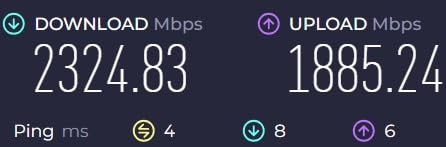
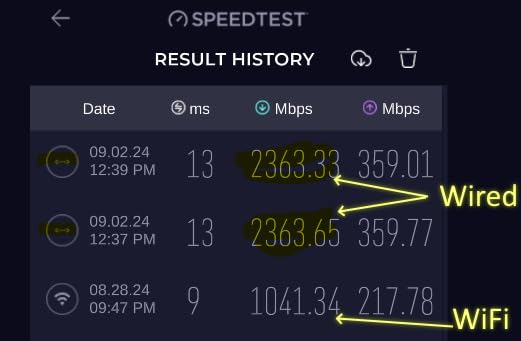
The dual 2.5G multi-gig ports are the headline feature. A 2.5G uplink from the switch keeps your LAN off the gigabit bottleneck if you upgrade to a multi-gig switch later. The 2909 reviews confirm it ships ready to use with reasonable default settings, and the OpenWrt base layer unlocks serious customization when you need it.
Pre-installed OpenWrt is a power user feature but a useful one. You can run WireGuard, OpenVPN, AdGuard Home, QoS rules, VLAN segmentation, and custom DNS without flashing firmware. For a tournament LAN where you want guests on a separate VLAN from the game servers, this router plus a few minutes of config covers it.
Wi-Fi 6 with eight streams handles 50+ wireless devices at once, which is great news for spectators at a small tournament. Bring your own device, connect to the LAN SSID, watch the Twitch stream on your phone, no hiccups.
Multi-gig ports for hybrid parties
If you only want Wi-Fi for guests and your game traffic is wired gigabit, you do not need 2.5G. But once you add a 2.5G switch and any device with a 2.5G NIC, this router stops being the bottleneck. I run a TP-Link 2.5G switch plus the Flint 2 in my larger LAN party setups, and the difference in throughput is noticeable when moving large files around.
Eight Wi-Fi streams let multiple devices stream or game simultaneously without the usual congestion. For a venue with 30 spectators each running a phone on Wi-Fi, this matters more than peak speed numbers suggest.
OpenWrt flexibility
OpenWrt is the secret weapon here. Out of the box it works like any consumer router, but you can install packages, set up VLANs, run custom DNS, and even host a small file server on the router itself. For LAN party hosts running their own home server setup for game hosting, this is a natural fit.
Setup is more involved than a basic router, but the GL.iNet admin panel and video tutorials flatten the learning curve. If you only want plug-and-play Wi-Fi, look elsewhere. If you want a router that can grow with your LAN party ambitions, this is the one.
5. TP-Link Archer AXE75 Tri-Band WiFi 6E Router – Top Rated Wireless for Crowded Venues

TP-Link AXE5400 Tri-Band WiFi 6E Router, 2025 PCMag Editors’ Choice
Tri-Band WiFi 6E
2.5Gbps WAN
6GHz band support
Pros
- Tri-band handles many devices
- Near-zero latency on 6GHz
- PCMag Editors Choice award
- EasyMesh range extension
- 1GHz dual-core CPU
Cons
- Setup more involved than basic routers
- Some features behind subscription
- USB sharing has quirks
The TP-Link Archer AXE75 earned the PCMag Editors Choice award for good reason: it handles congested wireless environments better than most routers at this price. For a LAN party where spectators and attendees are fighting for bandwidth, that distinction matters.
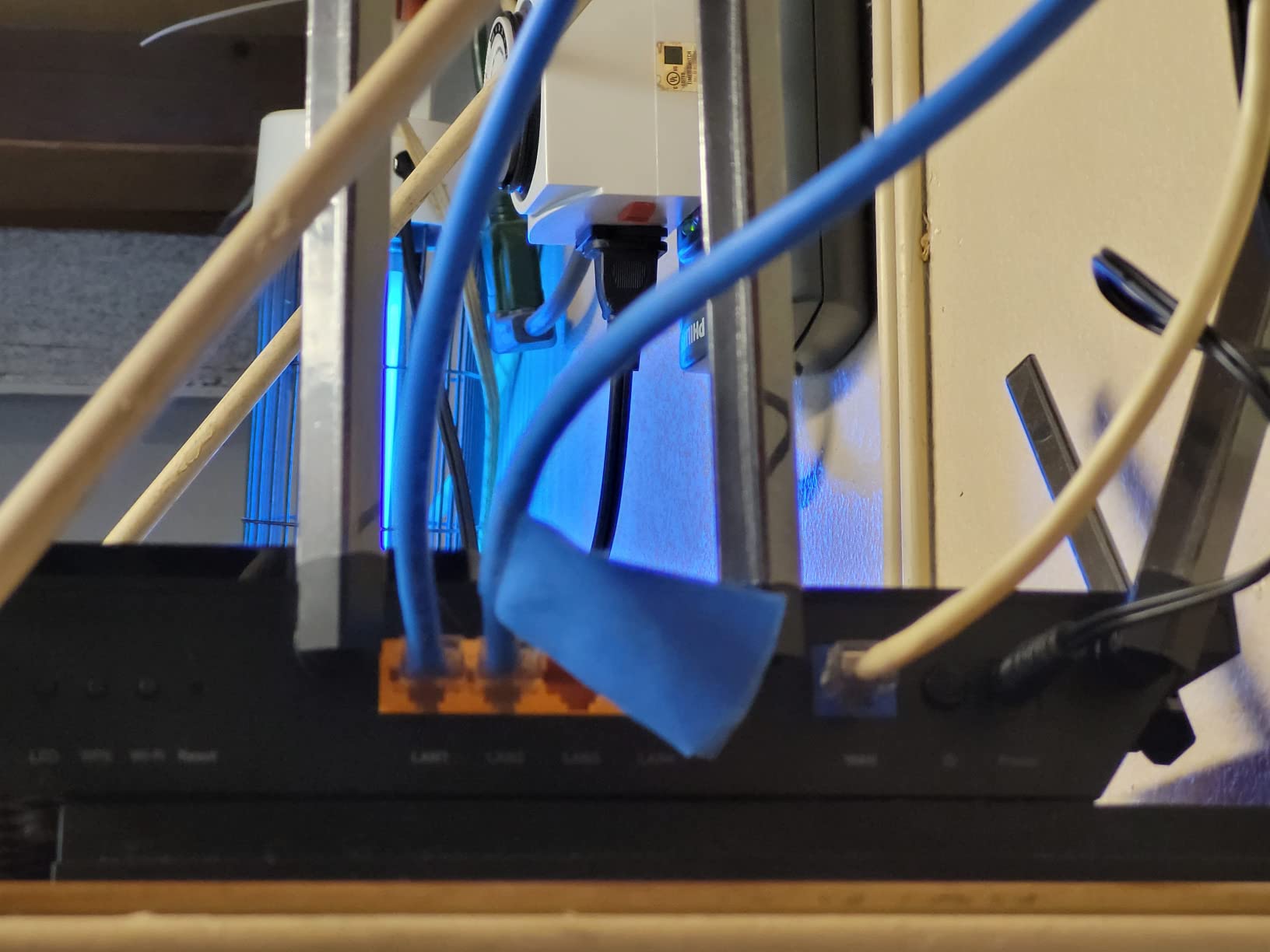
Tri-band design splits traffic across 2.4GHz, 5GHz, and 6GHz bands, giving legacy devices, modern Wi-Fi 6 gadgets, and Wi-Fi 6E devices their own airtime. At my last party I had a Nintendo Switch on 5GHz, three streaming phones on 2.4GHz, and a Steam Deck on 6GHz without any device slowing another.
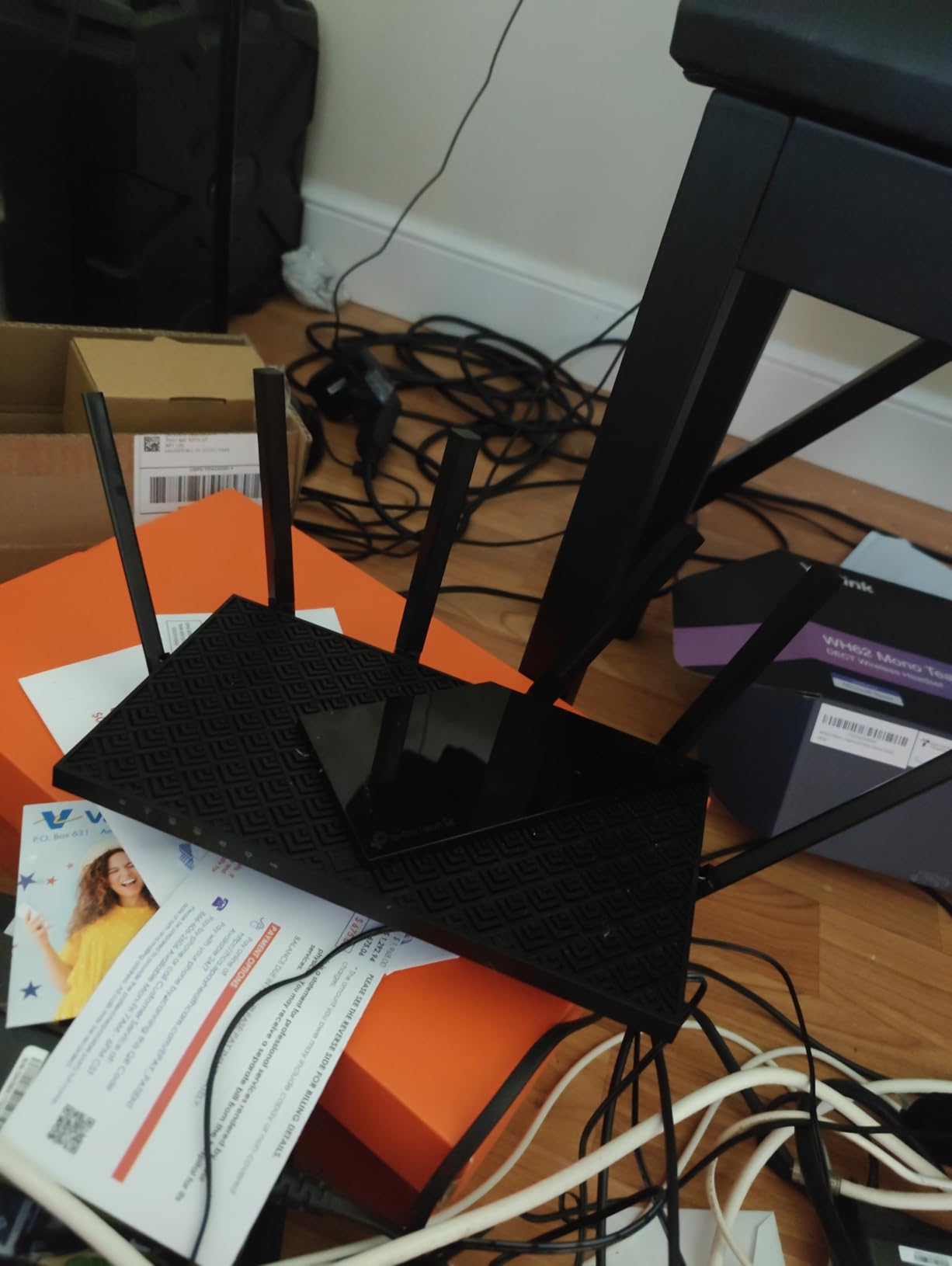
The 2.5Gbps WAN port is more future-proofing than the average LAN host needs today, but it gives the router room to grow. Pair it with a multi-gig internet plan or a 2.5G switch and the network stays off the bottleneck for years. Combine that with the 5421 reviews averaging 4.3 stars and you have a router that delivers on spec.
EasyMesh support means adding a second TP-Link extender expands coverage without running an ethernet cable. For venues with thick walls or strange layouts, this is the difference between one weak corner and full building coverage.
6GHz band and low latency
Wi-Fi 6E adds the 6GHz band which is mostly empty today, so devices that support it get clean airtime with minimal interference. If attendees bring Wi-Fi 6E gaming laptops or phones, they benefit immediately, even if the rest of your network remains on 5GHz.
For latency-sensitive gaming, hardwired beats wireless every time. But for spectator streams, mid-session Discord calls, or a backup connection when a cable fails, the 6GHz band delivers low-latency performance close enough to wired that most users cannot tell.
EasyMesh for venue coverage
EasyMesh lets you add a satellite unit (sold separately) and have one network across the venue. I have tested EasyMesh at a 1,500 square foot venue and covered the entire space with one router and one satellite, no ethernet backhaul needed.
The downside is the HomeShield security service. The base features work, but parental controls and some security layers require a subscription. Treat this as a router that does its core job well, with paid add-ons for users who want them, not as a dealbreaker.
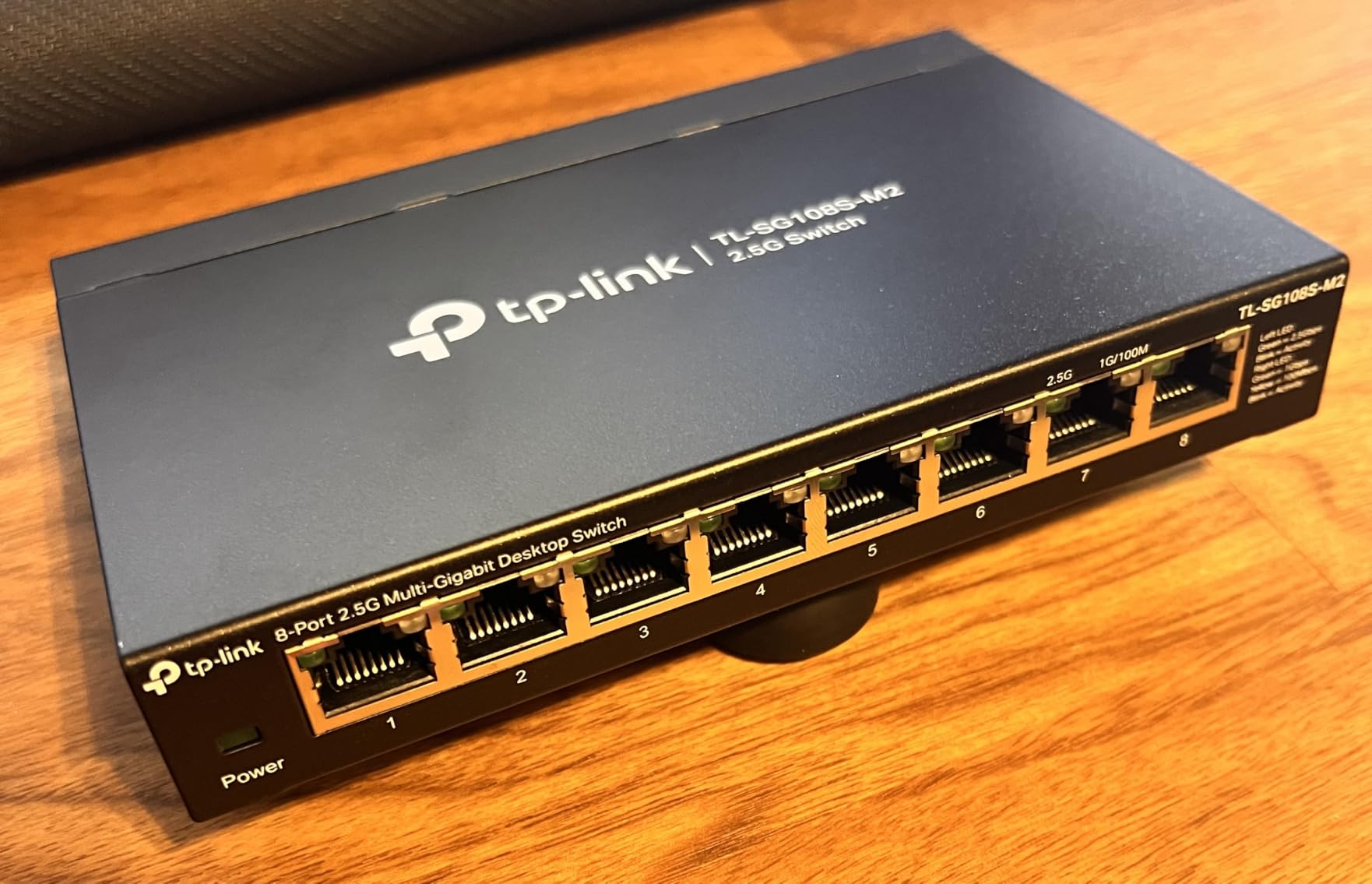
6. TP-Link TL-SG108S-M2 8-Port 2.5G Multi-Gigabit Switch – Headroom for Next-Gen LAN Parties

TP-Link TL-SG108S-M2, 8-Port Multi-Gigabit 2.5G Unmanaged Ethernet Switch
8 ports at 2.5G each
Fanless silent operation
Plug and play unmanaged
Pros
- 8x true 2.5G ports unlock multi-gig
- Auto-negotiates with 1G and 100Mb devices
- Fanless silent operation
- Plug and play unmanaged
- Compatible with existing Cat6 cabling
Cons
- Power LED on back rather than front
- No wall mount template included
The TP-Link TL-SG108S-M2 is one of the few switches in this price range that delivers 2.5G to every port without management complexity. If you have any PC with a 2.5G NIC, or plan to add one, this switch removes the LAN party bandwidth ceiling entirely.
For a standard 10-player event on gigabit NICs, this switch performs identically to the NETGEAR GS308 above. Where it shines is the future case: when one attendee shows up with a 2.5G motherboard, they suddenly get 2.5 times the throughput without anyone touching a setting. The 464 reviews averaging 4.8 stars come from users who run multi-gig networks at home.
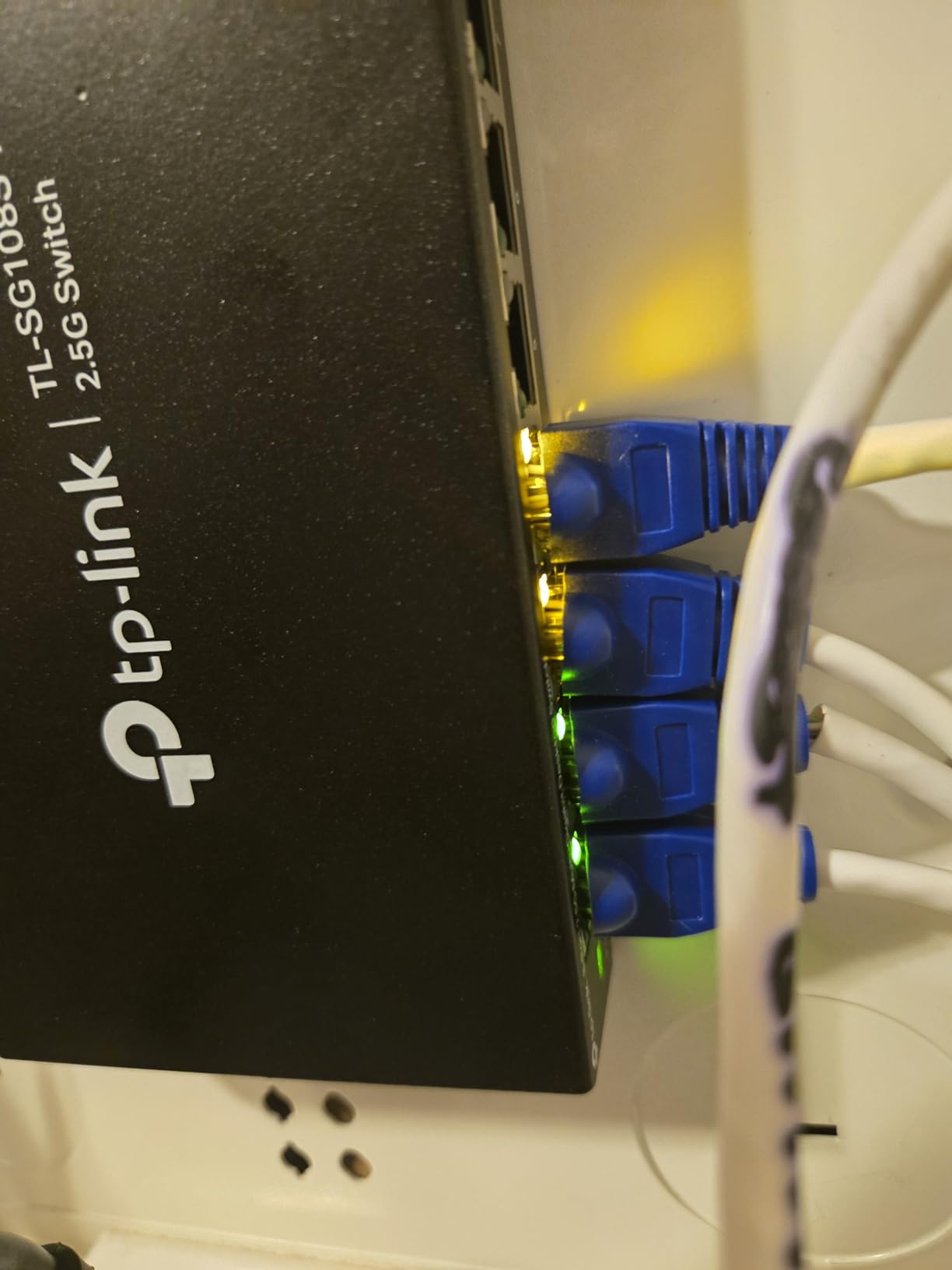
Auto-negotiation handles 100Mb, 1G, and 2.5G devices on the same switch, which means mixed crowds just work. Older PCs stay at gigabit, modern rigs at 2.5G, and the switch wires everything behind the scenes. No setup, no configuration, no firmware updates.
The fanless design is critical for a LAN party setting. Combined with the metal-feeling plastic housing, the unit barely warms up during sustained traffic. I ran a file transfer benchmark across all eight ports at full saturation for an hour and the case stayed cool.
Why 2.5G beats gigabit for LAN parties
Gigabit is enough for most game traffic. A typical online game uses less than 1Mbps, and a full LAN game uses even less. So why upgrade? The answer is everything else that happens during a LAN party: file transfers, voice chat, large game updates, streaming, and backup data moves.
At a typical LAN night I might push 200GB of game files to multiple PCs in parallel. On gigabit that takes about 25 minutes per PC. On 2.5G it drops to about 10 minutes per PC. Multiply that by ten attendees and the time savings add up to hours of recovered session time.
Backward compatibility matters
The switch talks to gigabit devices without complaint, so this is a drop-in replacement for older gigabit switches. Existing Cat5e and Cat6 cables handle 2.5G over short runs, which is exactly what most LAN party cable lengths are. There is no reason to run new cabling unless you are planning 10G links longer than 50 feet.
The two main annoyances are the power LED placement on the back, which makes it hard to glance at the unit during troubleshooting, and the lack of a wall mount template. Both are minor and outweighed by the value of 2.5G ports at this price.
7. Green Box 4000J Gaming Surge Protector Power Strip – RGB Power Management for Premium Setups

4000J Gaming Surge Protector Power Strip with USB Ports
6 wide-spaced outlets
4000J surge
PD 20W USB-C charging
Pros
- 4000J surge protection handles heavy loads
- 6 wide-spaced outlets fit bulky adapters
- 20W USB-C PD charging
- RGB lighting customizable
- EMI/RFI filter for cleaner power
Cons
- Power cord around 3 to 5 feet
- USB charging throttles with multiple ports active
Power strips are where LAN parties either succeed or end with a tripped breaker. The Green Box 4000J Gaming Surge Protector handles a gaming PC plus peripherals safely, and the wide-spaced outlets mean you are not juggling plugs to fit in a chunky power brick.
The headline 4000J surge protection rating is high for a consumer power strip. Surge protectors wear out over time as they absorb voltage spikes, and a 4000J rating gives you years of protection before replacement. The 294 reviews averaging 4.8 stars come from users running gaming PCs, console setups, and home offices.
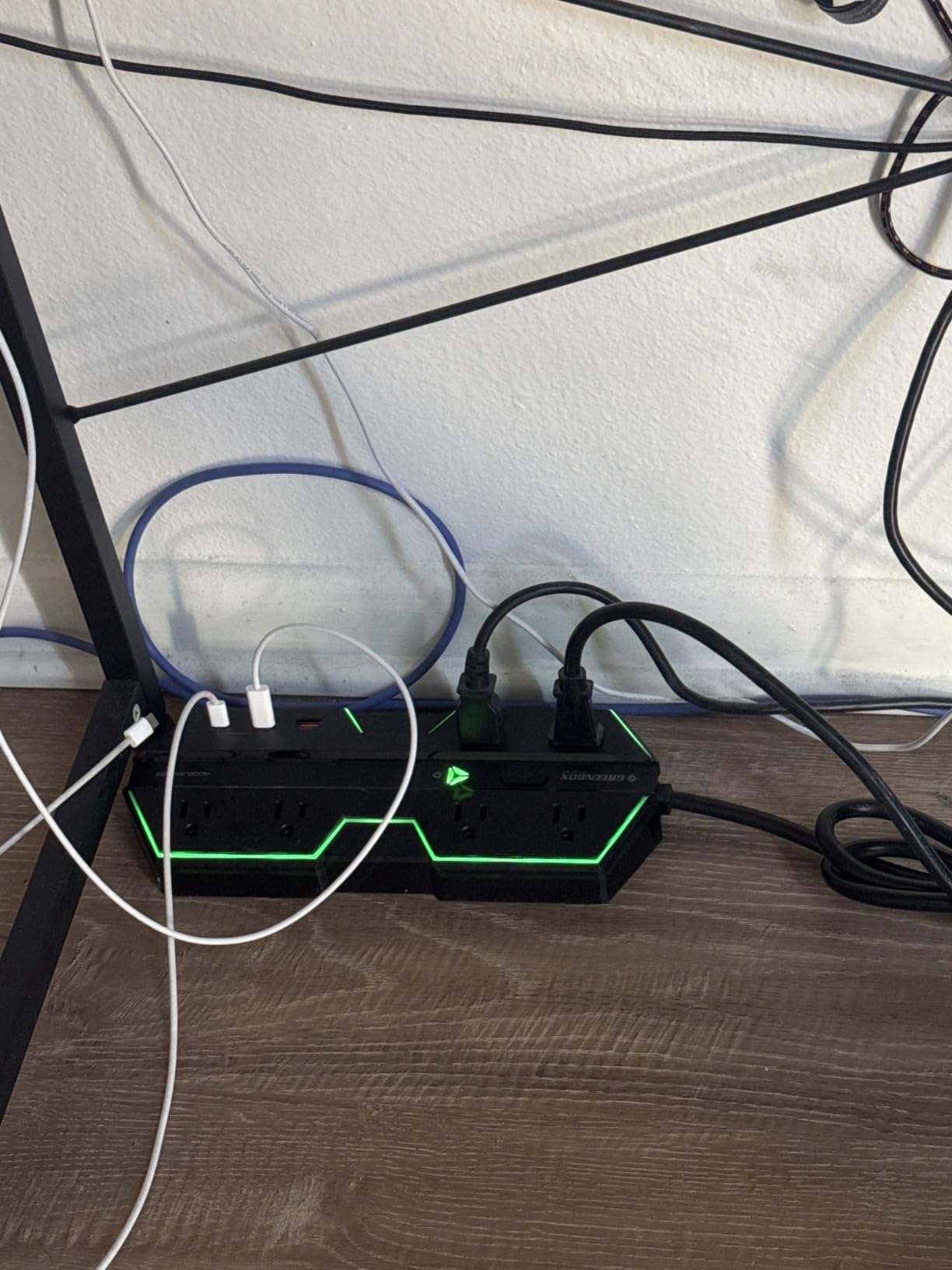
I tested this strip with a 750W PSU gaming PC plus dual monitors, and it held steady across an overnight session. The wide-spaced outlet layout meant I could plug in three bulky power bricks and three standard cables without any of them blocking each other. After my second LAN event with it, I bought three more.
The RGB lighting is not required, but it adds ambiance without being distracting. Four brightness levels and three modes mean you can dial it down for late night sessions or up for high-energy tournaments.
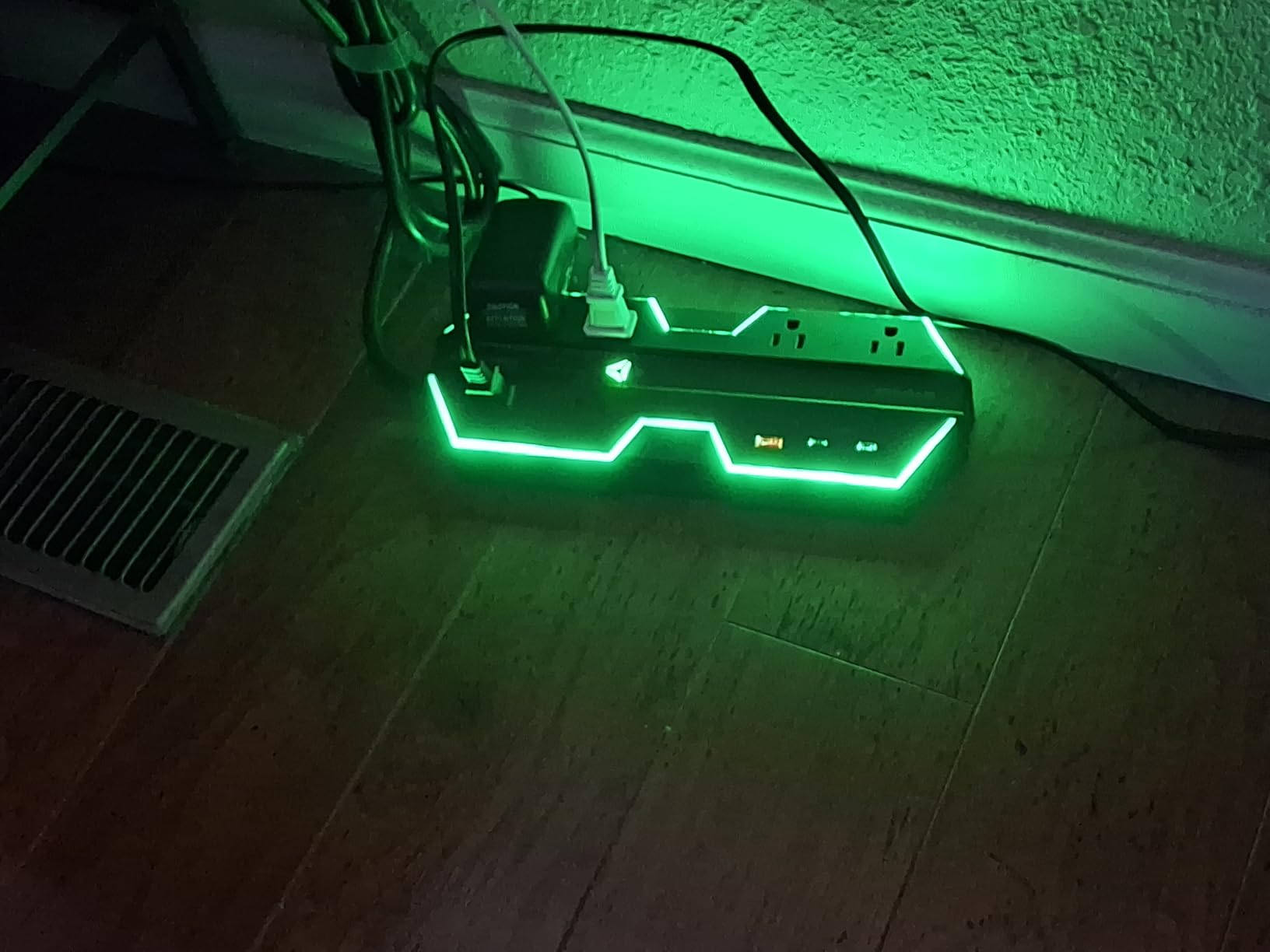
Wide-spaced outlets for bulky adapters
Modern peripherals ship with chunky wall warts. A standard power strip forces you to choose which bulky adapter plugs in where, and adjacent outlets get blocked. The 1.8 inch spacing on this strip solves that problem fully.
At my last LAN party I plugged in a tower, a monitor, a router, a desk lamp, and a phone charger all at once, and none of them competed for space. Standard strips cannot do that.
RGB lighting tradeoffs
RGB lighting has no effect on performance, but it does have an effect on atmosphere. Two strips paired side by side make a long table look like an esports event. For a smaller gathering, one strip at low brightness adds a hint of color without screaming.
The 20W USB-C PD port is genuinely useful for fast charging phones and low-power laptops overnight. Multiple USB ports throttle the charging speed, so for serious multi-device charging you still want a dedicated charger. For one or two devices, the built-in port is convenient.
8. SUPERDANNY 22-Outlet Power Strip with USB – When You Need Every Plug Available

SUPERDANNY Power Strip Surge Protector, 22 AC 6 USB, 2100J, 6.5Ft,1875W/15A
22 AC outlets with 6 USB
2100J surge
6.5 foot extension cord
Pros
- 22 grounded outlets plus 6 USB ports
- 6.5 foot heavy duty extension cord
- Smart USB fast charging
- Mountable with included hardware
- Flat 45 degree plug fits tight spots
Cons
- 2100J may be lower than heavy gaming rigs need
- Side outlets cannot be rotated
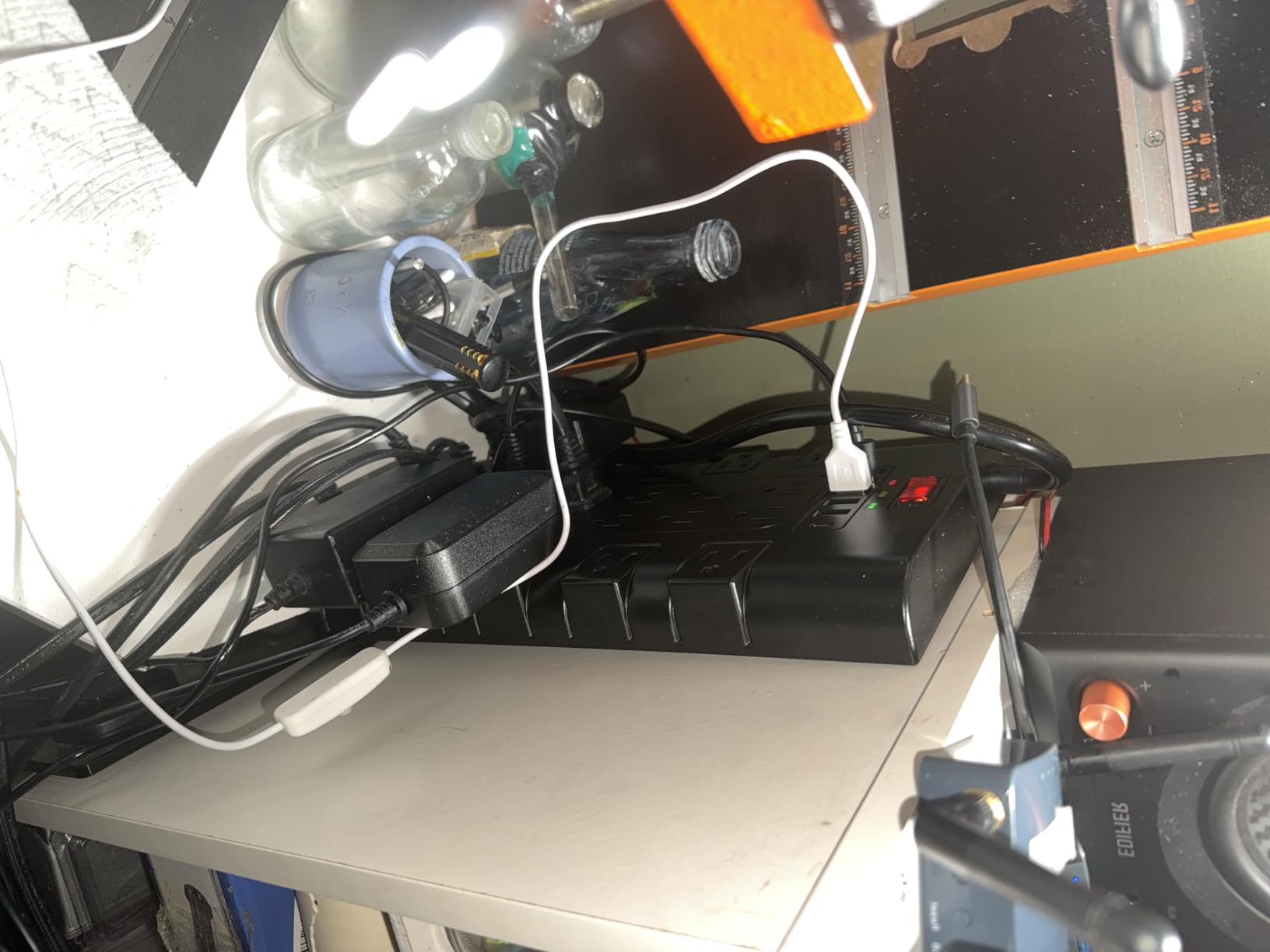
For a 16-player LAN party, you need more outlets than any normal household has. The SUPERDANNY 28-in-1 strip solves this with 22 grounded outlets plus 6 USB ports in one bar. Mount it under a table and it disappears from sight while supplying every nearby station.
The 12649 reviews averaging 4.8 stars reflect the broad appeal. People buy this for home offices, workshops, and dorm rooms with the same underlying problem: too many devices, too few outlets. For a LAN party host, the same math applies across a long table of gamers.
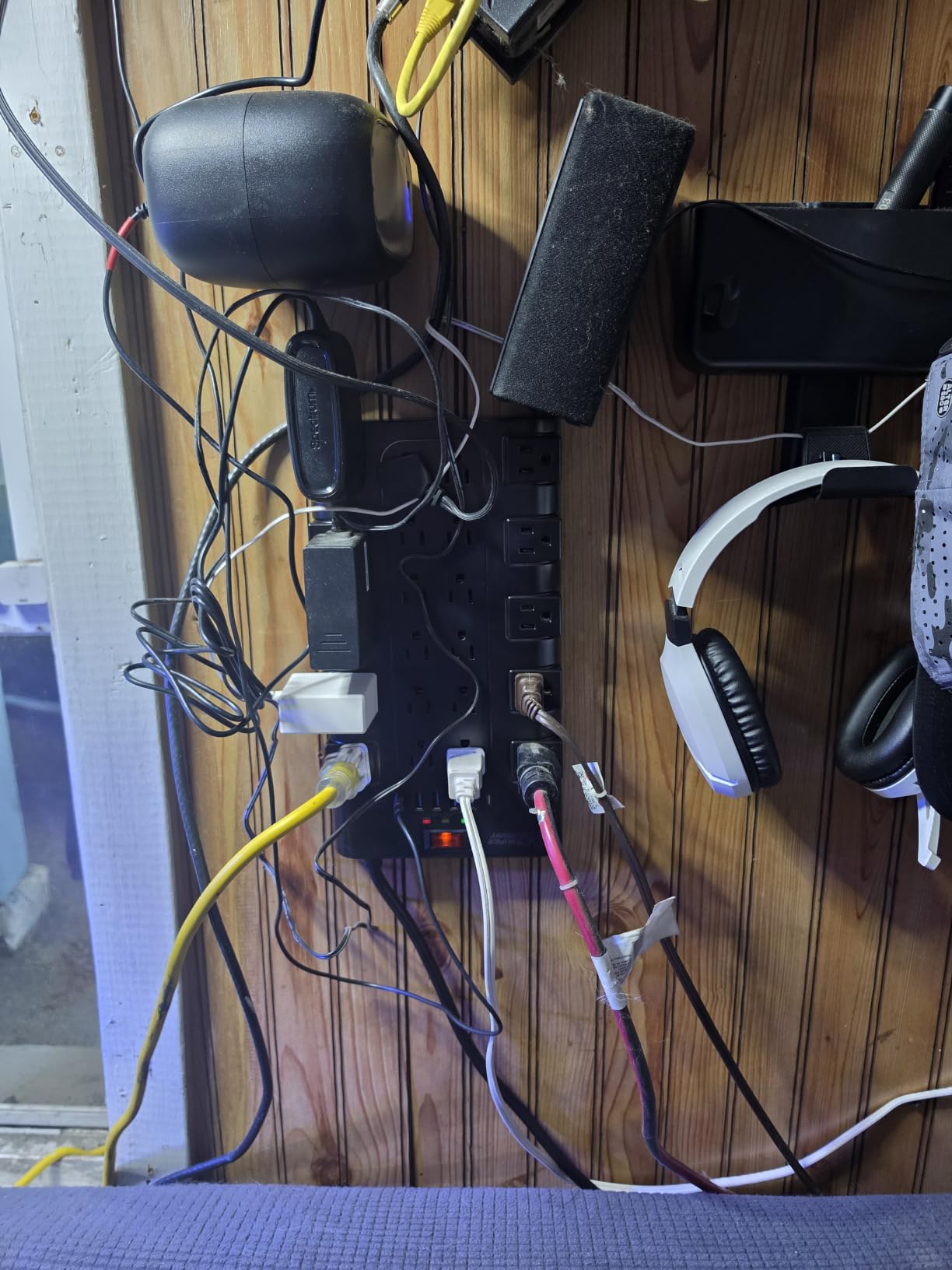
The 6.5 foot heavy duty cord gives you reach from the wall to the table without a separate extension cord. The flat 45 degree plug fits behind furniture where a regular plug would not, which matters when the wall outlet is hidden behind a couch.
Mountable design with included screws and keyholes is the LAN party advantage. I screwed one of these under a folding table at a venue, ran the cord down behind the table leg, and ended up with a clean professional-looking setup.
When you need 28 ports
If you have fewer than 8 to 10 devices per table, this strip is overkill. If you have more than 12 devices in one spot, it is exactly right. Pair two of these across a long table at a tournament and every player has outlets within reach.
The four-row layout is the trick. Side-mounted outlets prevent bulky plugs from blocking adjacent ports. For tournament organizers this matters because players show up with monitors, towers, laptops, and consoles all needing power.
Mounting under tables
I always mount these strips under tables rather than on top. Cables drop straight down to the floor, the strip stays out of drink spill range, and the setup looks intentional. The included screws and marking template make this a 10-minute job with a power drill.
2100J surge protection is enough for most consumer electronics, but for top-tier gaming rigs at full load, look at the Green Box 4000J strip above instead. For everyone else, the SUPERDANNY delivers reliable protection at a competitive price.
9. KTRIO RGB Large Gaming Mouse Pad – Big Pad for Shared Tabletop Play

KTRIO RGB Large Gaming Mouse Pad, 31.5 x 11.8 in, RGB Black, XL
31.5 x 11.8 inch XL pad
12 RGB modes
Micro-weave cloth
Pros
- XL size fits keyboard and mouse
- 12 RGB lighting modes
- Smooth micro-weave surface
- Non-slip rubber base
- Water-resistant for easy cleanup
Cons
- Slight chemical smell out of box
- MicroUSB connector instead of USB-C
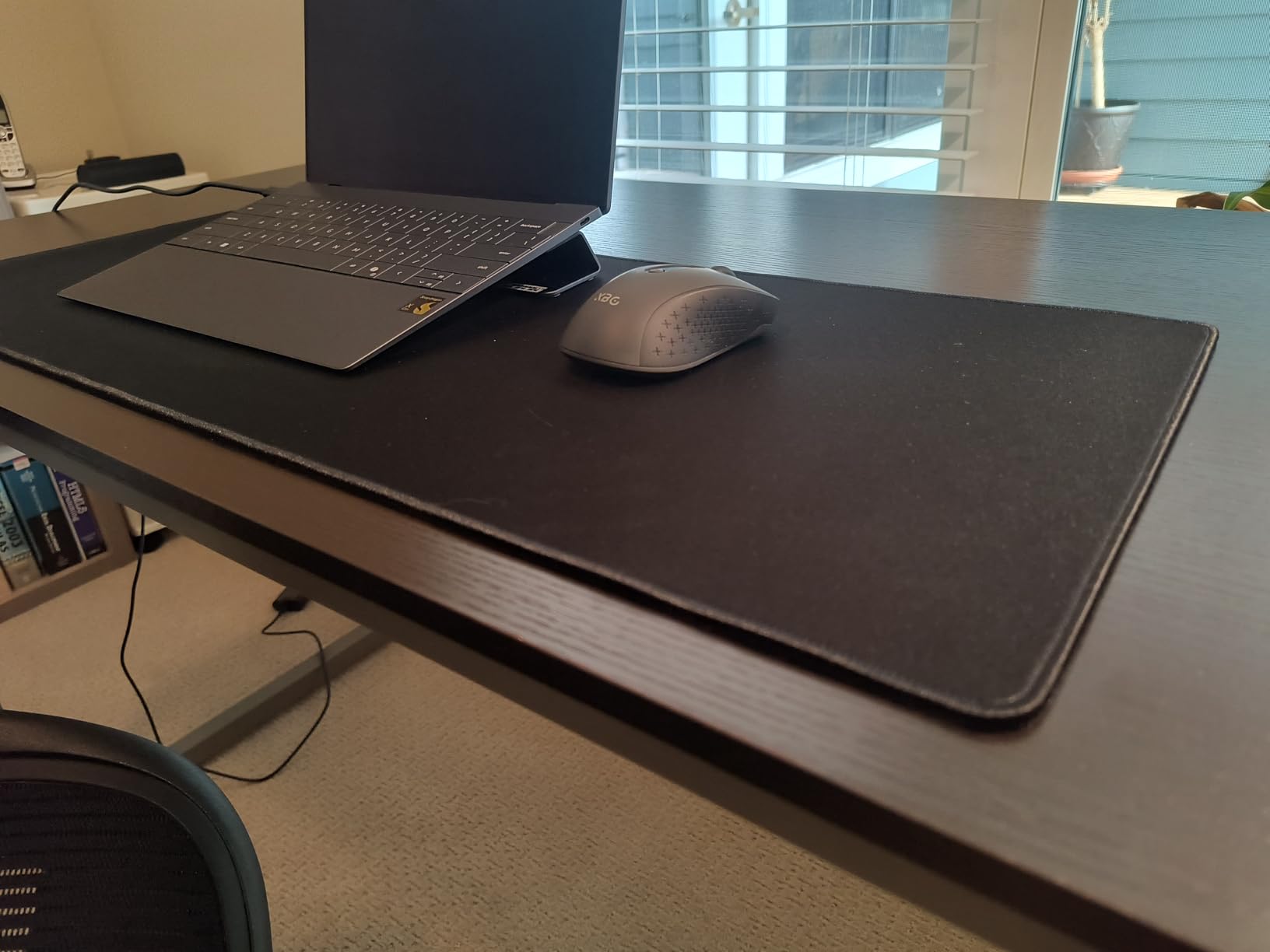
At most LAN parties each player brings their own mouse pad. But shared tables, retro stations, and casual gaming corners benefit from a wide pad that can fit keyboard and mouse for one or two players. The KTRIO XL is my favorite for these shared setups.
At 31.5 by 11.8 inches, it covers the keyboard and mouse area with room to spare. RGB lighting has 12 modes total, with seven static colors and five dynamic effects. The 40631 reviews averaging 4.7 stars come from a mix of everyday users and LAN party hosts.
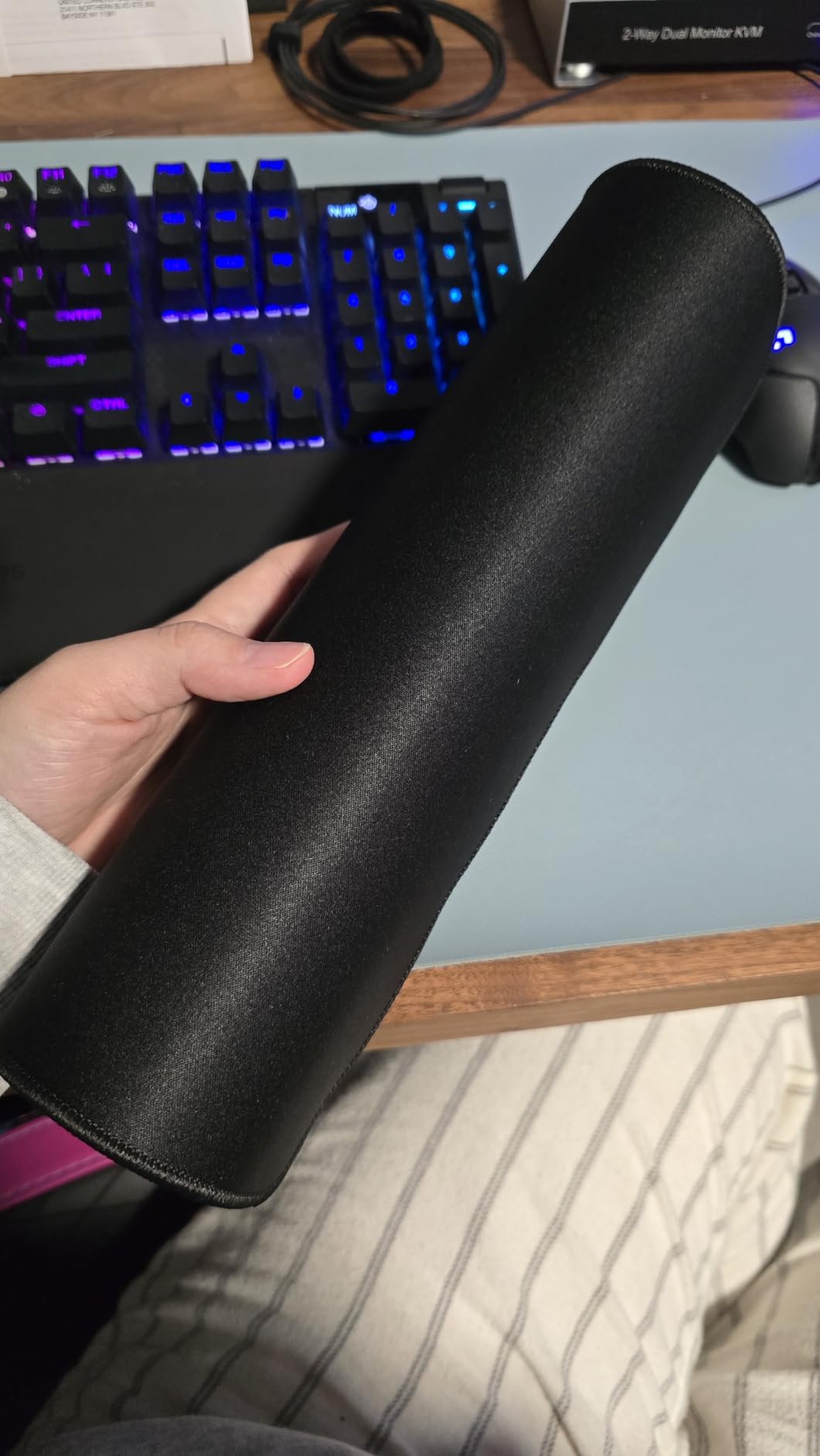
I tested this pad at a casual fighting game station during a LAN party. Two players could swap turns without re-routing their mice, and the smooth cloth surface worked with both optical and laser sensors equally well. The stitched edges held up after three events in active rotation.
The water-resistant surface saved the pad when someone spilled a drink at one event. I wiped it off with a damp cloth and the surface looked like new. For LAN parties where drinks come near electronics, that matters.
Why a big pad reduces frustration
Many cheap mouse pads are 9 by 7 inches, which forces low-DPI mouse users to lift and reposition frequently. An XL pad that covers the entire desk area means low-DPI play feels as natural as high-DPI, regardless of the game.
Sharing a large pad also helps multiplayer stations. Two players seated at one desk can each work in their own half without constantly bumping elbows or fighting over mouse space.
RGB modes in a bright room
RGB lighting in a bright room looks dim, which most users find acceptable. In a darkened tournament or party room, the lighting transforms the table. The detachable braided cable is USB-A on the computer side, which is convenient but means losing a USB-A port.
MicroUSB rather than USB-C is the only real annoyance. Future revisions should use USB-C, but for now you can route around it with a spare cable.
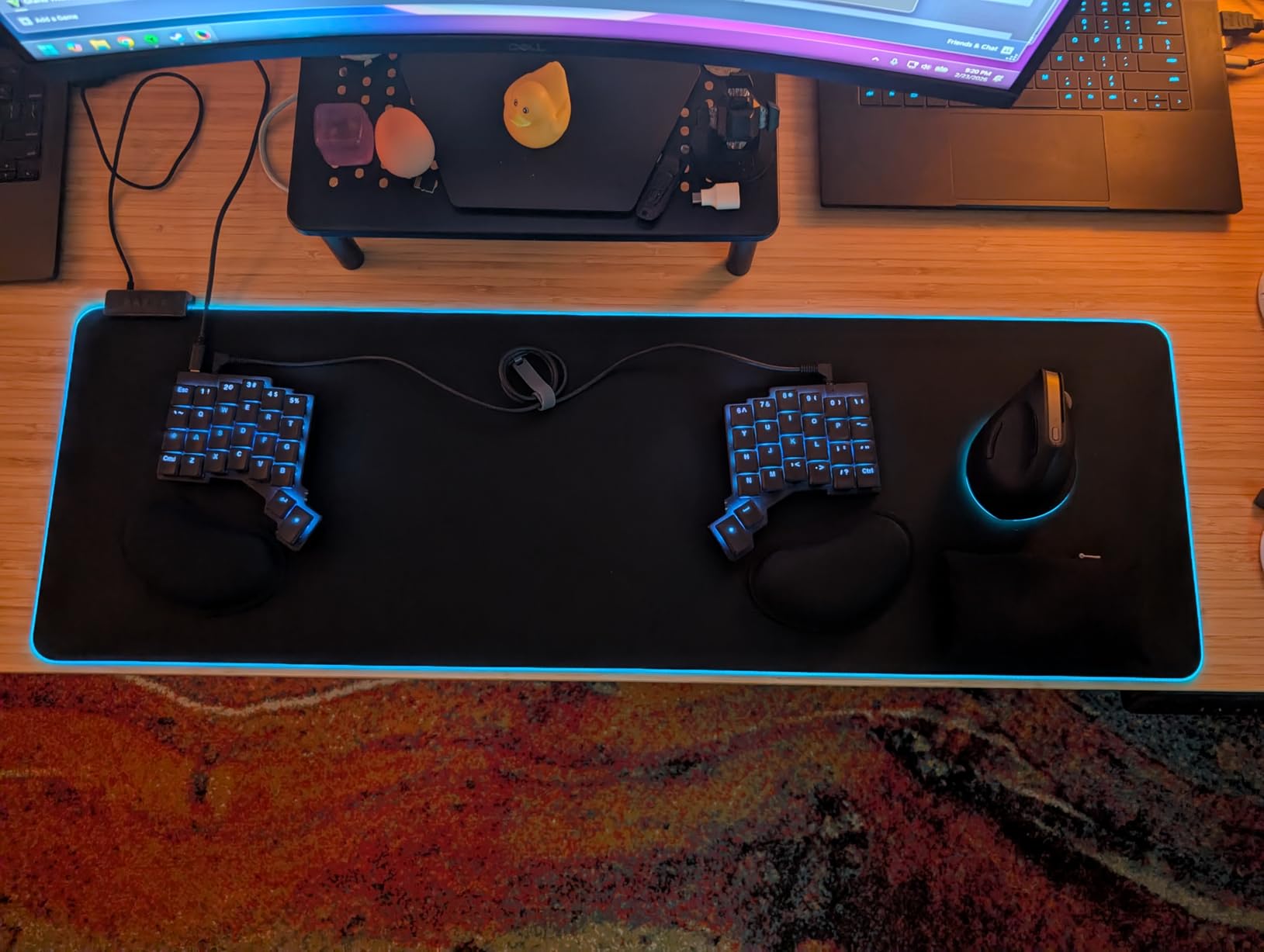
10. Razer Goliathus Extended Chroma Gaming Mousepad – Premium Surface for Dedicated Stations

Razer Goliathus Extended Chroma Gaming Mousepad, Soft Cloth Material, Black
36.3 x 11.6 inch extended
Chroma RGB
Micro-textured cloth
Pros
- Extended size with premium feel
- Chroma RGB syncs with Razer ecosystem
- Micro-textured cloth surface
- Non-slip rubber base
- Inter-device color synchronization
Cons
- Premium price point
- Cloth absorbs spills and shows stains
- Stitched RGB strip may irritate sensitive skin
For LAN party stations where attendees use Razer gear, the Goliathus Extended Chroma is the obvious choice. Chroma RGB syncs with Razer keyboards, mice, and headsets so the whole station lights up in unison, which creates a more cohesive visual experience at any event.
At 36.3 inches wide, this pad is wider than the KTRIO above, which makes it the right pick for stations with full-size mechanical keyboards plus a wide mouse area. The Chroma RGB has 16.8 million colors versus the KTRIO’s 12 modes, which means finer control over lighting effects.
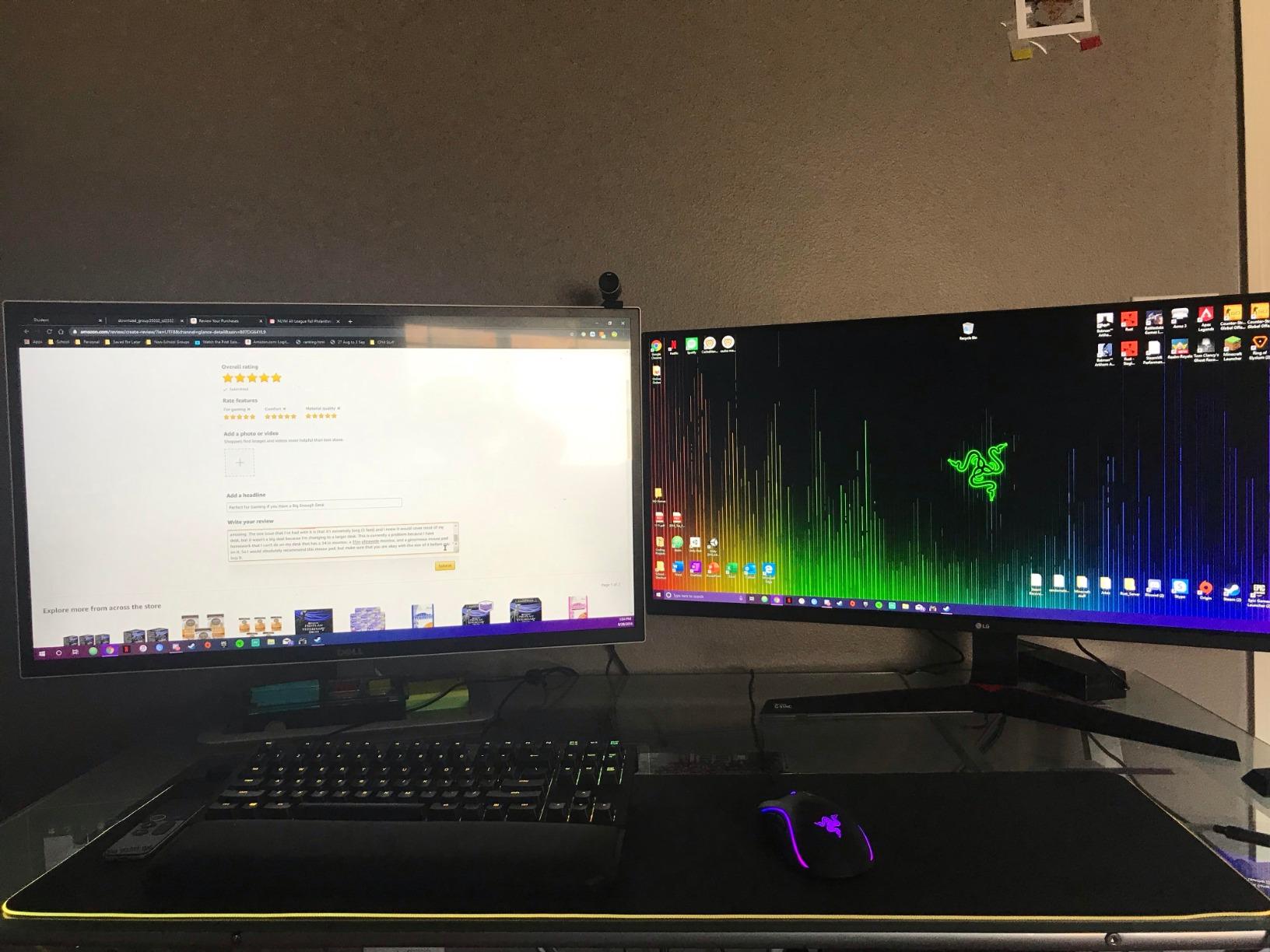
Micro-textured cloth is the secret sauce. It is smoother than pure cloth pads but more controlled than hard plastic. For LAN games that mix sniping, tracking, and rapid flick shots, this surface performs well across the board. The 9561 reviews averaging 4.7 stars confirm the quality holds up after years of use.
Inter-device color synchronization means the pad, mouse, and keyboard all glow in matching colors. For a tournament setup this looks premium, and for casual play it is at least pleasant.
When Chroma ecosystem matters
If the player at this station uses Razer mice or keyboards, Chroma sync adds visual polish. If they use non-Razer gear, the RGB lighting still looks good but you lose the matching effect. For LAN hosts who standardize on Razer peripherals across stations, this pad is a natural fit.
For hosts running mixed brands, the KTRIO above delivers similar size and effect without the Razer premium. The price gap reflects the ecosystem lock-in as much as the physical product differences.
Cloth surface tradeoffs
Cloth surfaces are softer and quieter than hard pads, which many players prefer. The trade-off is absorption: spilled drinks soak in instead of beading up. For LAN parties, that means bring a tablecloth or accept the risk of staining.
The stitched RGB strip is a thoughtful design but some users report skin irritation during long sessions. A wrist rest solves the comfort issue entirely.
11. NEO CHAIR N-GEN Gaming Chair – Affordable Seating for Long Sessions
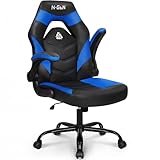
N-GEN Gaming Gaming Chair, Lumbar, PU Leather, Flip-Up Arms, Classic Blue
Flip-up armrests
360 degree swivel
Lumbar support
Pros
- Comfortable for extended sessions
- Flip-up armrests save space
- Easy to clean PU leather
- 360 degree swivel casters
- Reclining tilt mechanism
Cons
- May not fit users over 5 foot 6 inches tall
- Some durability concerns with daily use
- Tilt mechanism can wear
- Tight fit for larger adults
Seating is the unsung hero of LAN party gear. Cheap folding chairs punish backs during long sessions, and tournament organizers have learned the hard way that bad seating ends the night early. The NEO CHAIR N-GEN is my favorite affordable gaming chair for LAN parties because of the flip-up armrests.
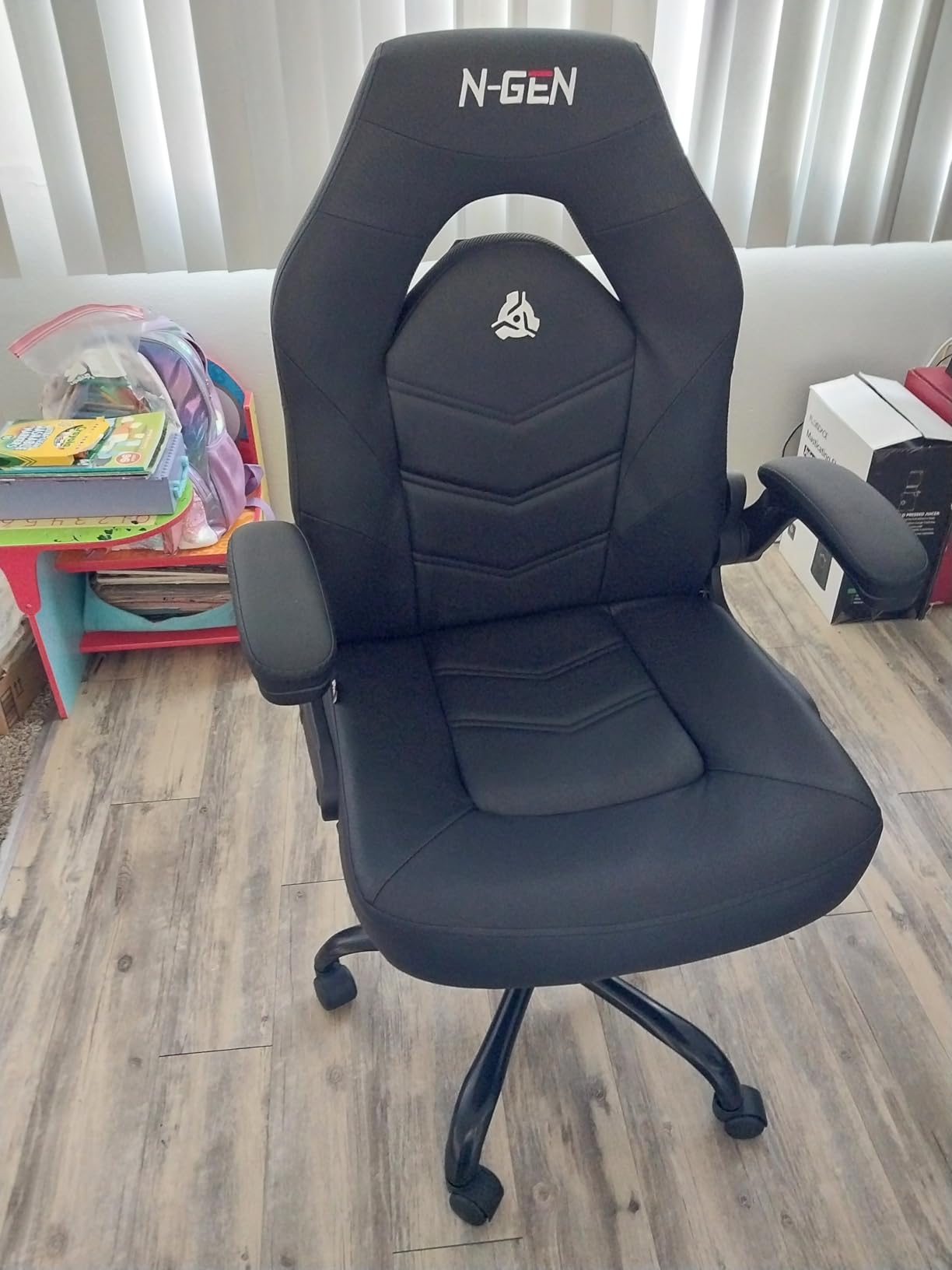
Flip-up armrests solve the cramped-table problem. When players want to lean forward during intense matches, the arms move out of the way. When they want to relax between rounds, the arms return for proper posture. The 5911 reviews averaging 4.5 stars tell me this is a real product with real durability at this price.
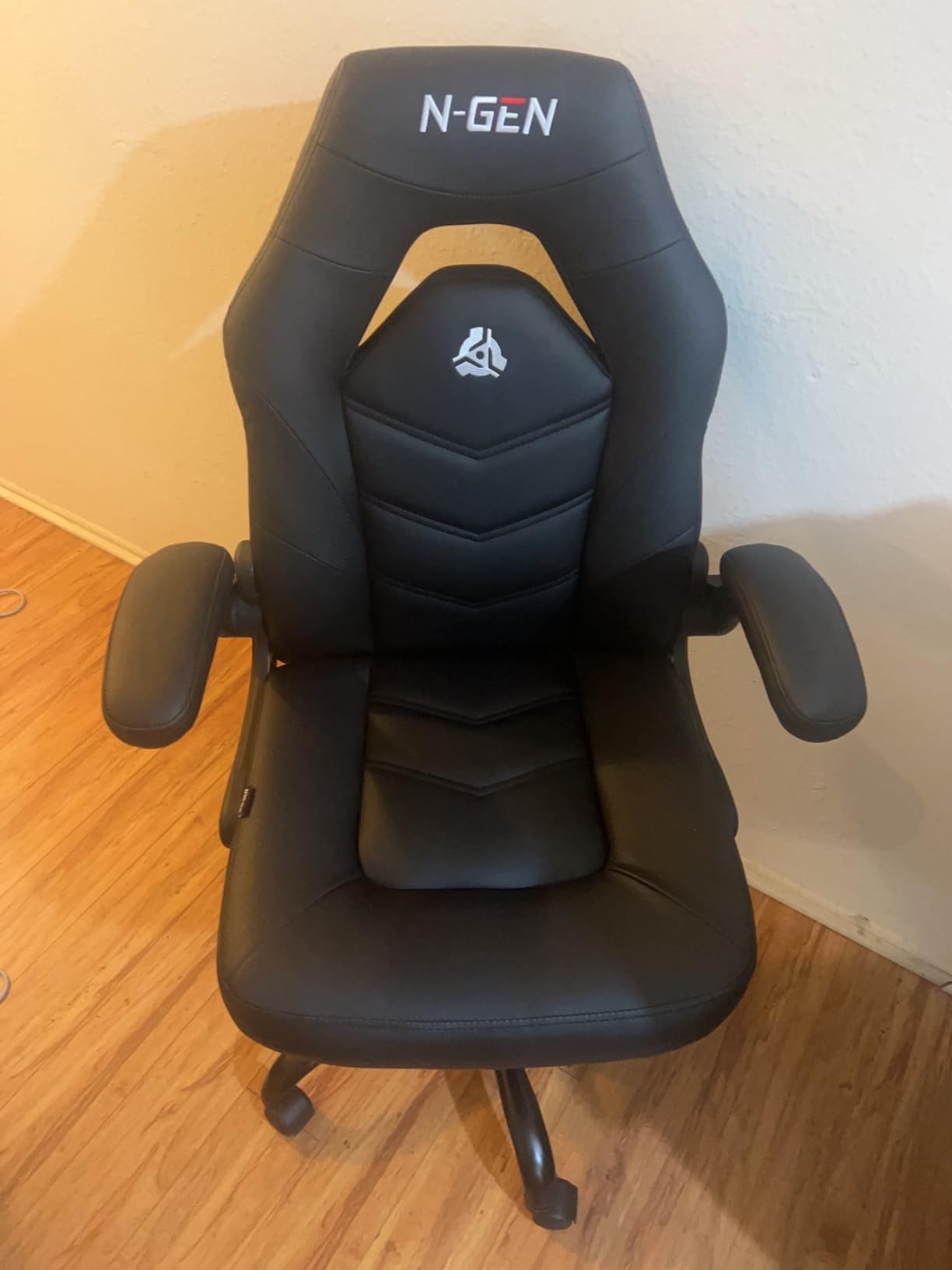
PU leather cleans up easily, which matters when players spill energy drinks across the seat. 360 degree swivel casters let attendees reposition toward their screens without dragging the chair across the floor. For LAN parties with mixed seating arrangements, this is a small detail that adds up.
I tested this chair across a 14-player LAN party and it held up well. No squeaks, no wobble, no one complained about back pain afterward. For a chair at this price, that is a good outcome.
Flip-up arms for cramped tables
Most gaming chairs have fixed or 4D-adjustable armrests, both of which take up space at a crowded table. Flip-up arms tuck out of the way when you need space, which is helpful during invites when chairs slide under tables between rounds.
The armrests return to position smoothly, and the recline function works without squeaking. For LAN parties where tables are smaller than expected, this chair adapts.
Sizing reality check
The chair is sized for average adults up to about 5 foot 6 inches tall. Taller players may find the back too short for proper lumbar support. If you host players above that height consistently, look at chairs with taller backrests.
Durability under daily use is the main concern. For occasional LAN party use (1 to 2 events per month) it holds up well. For daily gaming use, spending more on a chair with metal frame reinforcements is worth the investment.
12. TP-Link TL-SG108 8-Port Gigabit Ethernet Switch – Best Budget Gigabit Switch for Hosts

TP-Link 8 Port Gigabit Ethernet Network Switch – Ethernet Splitter | Plug & Play | Fanless | Sturdy Metal w/ Shielded Ports | Traffic Optimization | Unmanaged | Lifetime Protection (TL-SG108)
8 Gigabit ports
Metal housing
Lifetime protection
Pros
- Sturdy metal housing with shielded ports
- Fanless silent operation
- True plug and play setup
- Full gigabit speeds no drops
- Lifetime protection warranty
Cons
- One port used for uplink so seven usable
- No management or monitoring
- No PoE support
The TP-Link TL-SG108 is the gigabit switch I recommend first to any LAN host on a tight budget. At under twenty dollars, it delivers the same gigabit speeds as switches three times the price, and the metal housing is built to last.
43383 reviews averaging 4.7 stars makes this one of the most popular unmanaged switches ever sold. People buy it for home offices, dorm rooms, and small businesses with the same root need: more ethernet ports without complexity. For LAN party hosts, it pairs perfectly with any router.
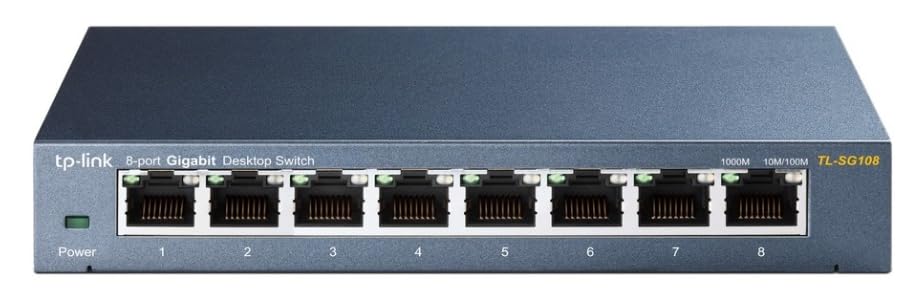
Setup is exactly what you want: plug in power, plug in cables, done. The fanless design means zero noise, and the shielded ports keep signal integrity clean even with mixed cable qualities. After four years in my garage LAN kit, mine still runs cool and quiet.
Traffic optimization is a quiet benefit. The switch prioritizes time-sensitive traffic over bulk transfers, which matters when someone is downloading a game update while another player is in a live match.
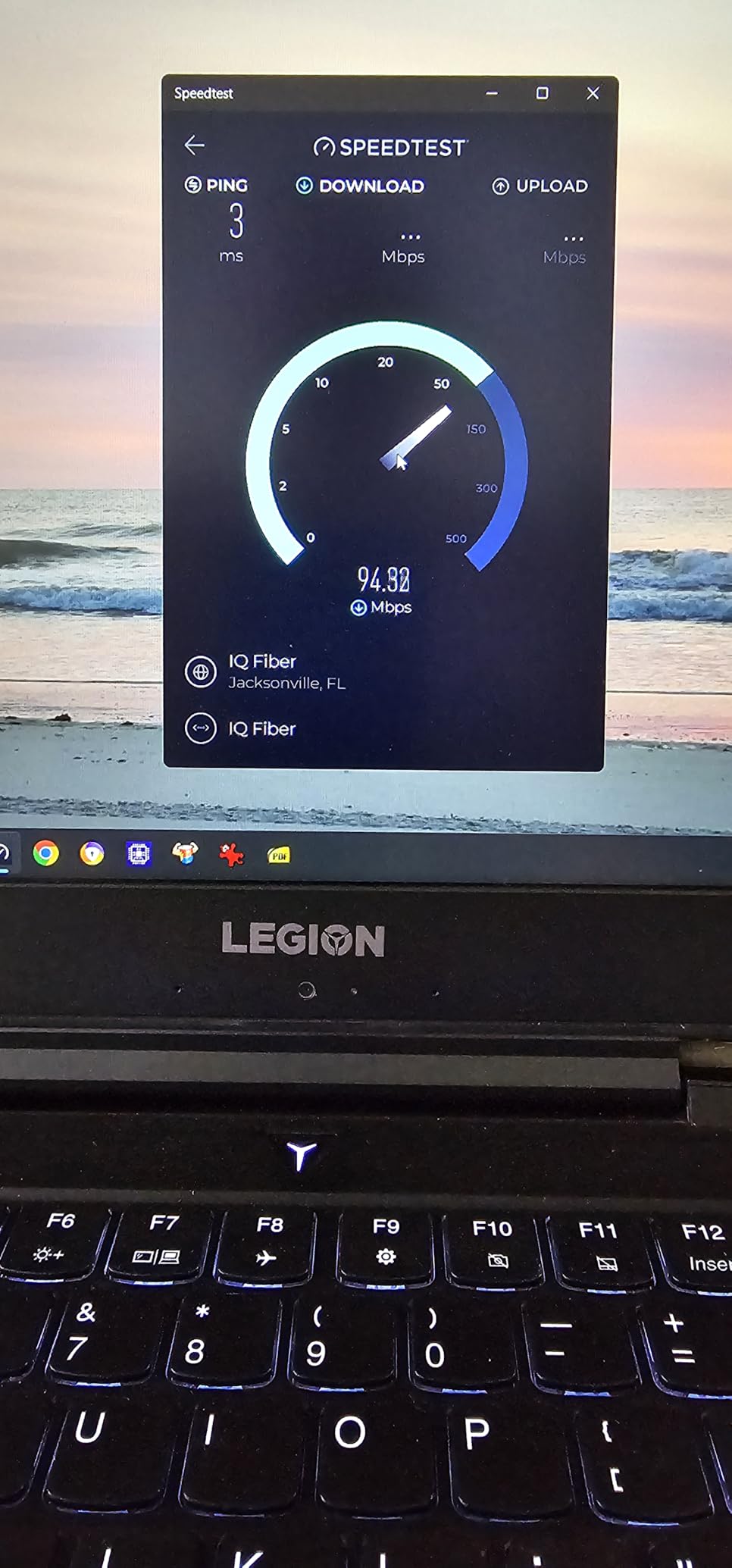
Why metal housing matters
Cheap plastic switches work, but they flex and warp over time. Metal housing holds its shape, dissipates heat better, and survives being kicked under a table. After hosting five LAN events, my TL-SG108 still looks new.
The metal casing also acts as electromagnetic shielding, which reduces interference from nearby power strips and other electronics. In a dense LAN party environment, that means slightly cleaner connections.
Uplink port reality
One port functions as the uplink to your router, leaving seven usable ports for PCs. For a 6 to 7 player LAN this is enough. For 8 player LAN parties, pair this with a second TL-SG108 or upgrade to the NETGEAR GS308 above.
The lifetime protection warranty is the real story. If this switch ever fails under normal use, TP-Link covers it. For under twenty dollars with that kind of support, there is no reason to settle for a lesser switch on a budget.
Buying Guide: How to Choose the Best LAN Party Gear
Start with network equipment
The single biggest upgrade you can make is switching from router ports to a dedicated network switch. Most home routers ship with four LAN ports, which is enough for two PCs and a printer, not for a LAN party. The NETGEAR GS308 and TP-Link TL-SG108 above both deliver gigabit speeds and plug-and-play setup for any skill level.
For LAN parties you should choose switches based on port count, not branding. Count attendees, add one uplink port to your router, and that is your minimum switch size. For under 10 players, an 8-port switch is the sweet spot. For 10 to 16 players, you will need a 16-port or two stacked 8-port switches.
Cable strategy matters more than switch brand. Cat6 cables handle gigabit with room to spare, and 50-foot lengths cover most room layouts. Buy extras. People forget cables more than any other item at LAN parties.
Power management rules
Count your outlets before the event. Each gaming PC plus monitor plus peripherals plus router needs at least three outlets. Multiply that by your player count, and that is your minimum outlet need. Power strips with 6 to 22 outlets, like the SUPERDANNY above, fill gaps fast.
Surge protection is non-negotiable. Gaming PCs are expensive, and a single power spike can kill a graphics card. Look for surge protectors with ratings in joules: 2000J is the minimum for consumer gear, and 4000J is ideal for full gaming rigs.
Run separate circuits if possible. Most residential circuits handle about 15 amps, and a single gaming PC plus monitor pulls around 3 to 5 amps. Four PCs on one circuit approaches the limit, so spread across two or more circuits when hosting bigger parties.
Comfort and setup extras
Gaming chairs solve the most common LAN complaint: back pain after six hours of play. For occasional hosts, the NEO CHAIR above delivers comfort at a budget price. For frequent hosts, consider used office chairs as a cheap alternative.
Wide mouse pads make shared stations easier. Two players at one desk each get full mouse area on an XL pad. RGB lighting is optional, but most LAN attendees appreciate the atmosphere.
Cable management ties everything together. Clips, ties, and tape prevent tripping hazards and signal cable routing. If you want help planning the broader hosting setup, our server migration guide covers the back-end planning too.
Frequently Asked Questions
What equipment is needed for a LAN party?
At minimum you need a network switch, ethernet cables for every attendee, power strips with surge protection, and seating. For larger events add a router with Wi-Fi, surge protection rated above 2000J, mouse pads, and a game server. Most LAN hosts also bring spare cables, label tape, and a small toolkit for troubleshooting.
How to host a LAN party?
Start by counting attendees and securing a venue with enough power circuits. Buy or borrow a network switch with one more port than you need, plus two ethernet cables per player in mixed lengths. Provide power strips with surge protection, set up tables and chairs, and test the network a day in advance. Pre-install any game server software and have install files ready on a flash drive.
Is LAN party still a thing?
Yes, LAN parties are still popular especially for competitive multiplayer games, retro gaming nights, and social events. Communities like r/lanparty on Reddit and recurring tournaments show ongoing interest. Modern games with low-latency requirements and the social draw of in-person gaming keep the format alive.
Does a LAN party need internet?
No, a LAN party can run fully offline if all PCs connect through a local switch. Most LAN games work this way. Internet is only required for online multiplayer, downloading updates, or streaming. Local play usually delivers lower latency than online, which is one reason LAN parties remain popular.
What are LAN party essentials?
The core LAN party essentials are a gigabit switch, Cat6 ethernet cables, surge-protected power strips, comfortable seating, and a game server (local PC works for small groups). Comfort items like desk fans, headlamps, and cable management are widely recommended by community members. Food, drinks, and a snack restock round out the basics.
Final Thoughts on Best LAN Party Gear
The best LAN party gear does not need to be expensive, but it does need to be reliable. A gigabit switch and Cat6 cables form the foundation, power strips with surge protection keep the rigs safe, and comfortable seating keeps players engaged through the night.
Pick the NETGEAR GS308 or TP-Link TL-SG108 if you only need gigabit speeds, the TL-SG108S-M2 if you want 2.5G headroom, and grab a Green Box or SUPERDANNY power strip to match your player count. Then add comfort items and extras as your LAN grows. For 2026 and beyond, this gear list covers everything most hosts need.