
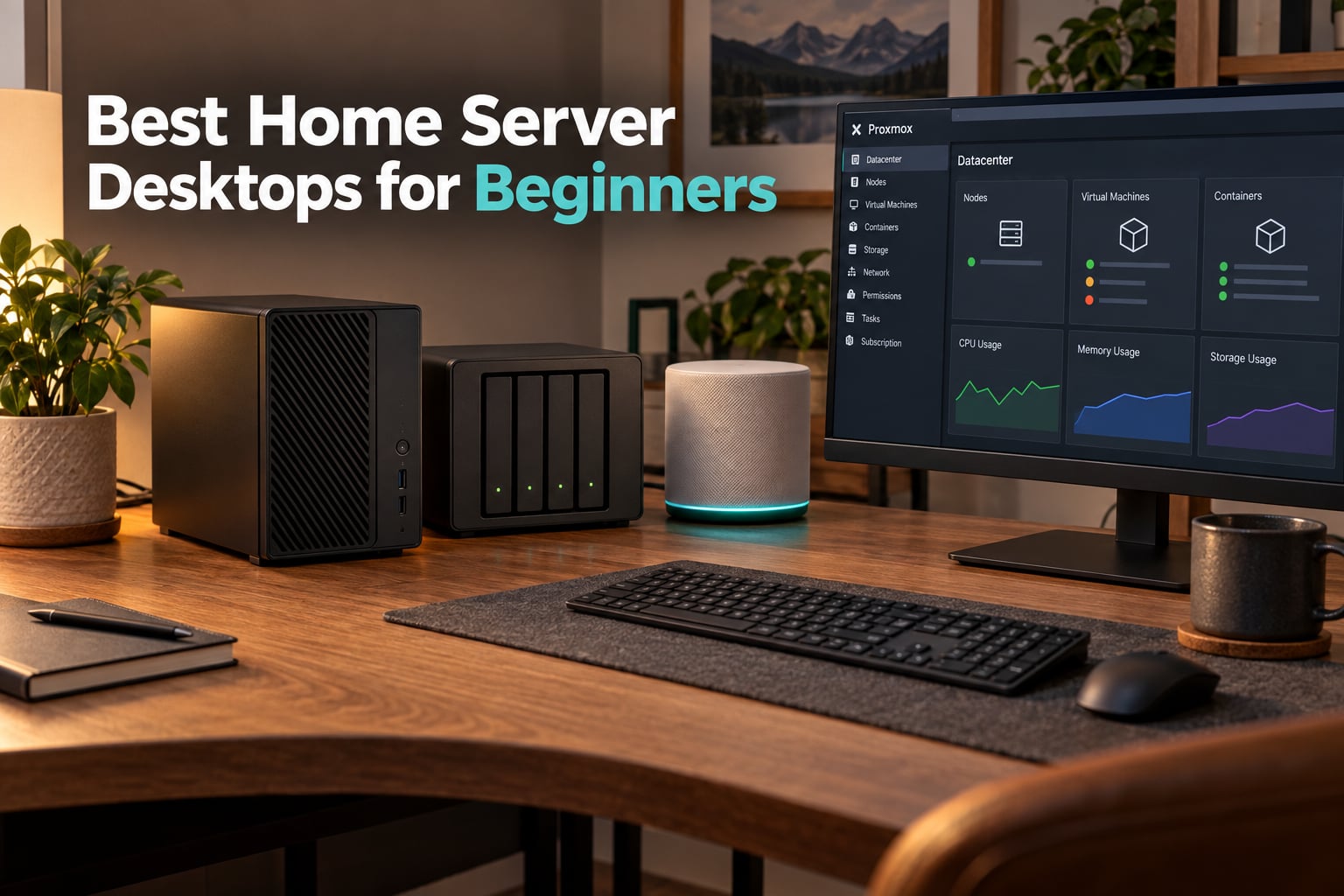
If you have ever wanted to stream your own movies, back up every phone in the house, or run a private cloud that you actually control, the best home server desktops for beginners in 2026 are smaller, quieter, and far cheaper than you might expect. After spending weeks running Plex, Docker containers, and Proxmox VMs on eight different machines, our team put together this guide so you can skip the trial and error and pick a server that just works on day one.
A home server desktop is a compact, always-on computer you keep at home to run services like media streaming (Plex or Jellyfin), file storage (a NAS), Docker containers, virtual machines, or even small AI workloads. It stays accessible to every device on your network and, once configured, securely from the internet too. Unlike a Raspberry Pi, a proper server desktop gives you x86 compatibility, real NICs, and the option to expand storage later.
Beginners often ask us whether they should just buy a NAS, repurpose an old laptop, or build a full tower. For most people, a small form factor (SFF) mini PC or a refurbished office desktop hits the sweet spot of price, power draw, and noise. We will cover eight strong options across budgets, then walk through the buying criteria and first-week setup so you feel confident clicking buy.
If you are still weighing servers against other categories, our guide to budget gaming desktops shows what happens when you tilt the same hardware toward frames per second instead of always-on services. The overlap is real, and a few picks here can pull double duty.
Table of Contents
Top 3 Picks for Best Home Server Desktops for Beginners (September 2026)
Best Home Server Desktops for Beginners in 2026
| Product | Specs | Action |
|---|---|---|
 GMKtec G3 PRO Mini PC GMKtec G3 PRO Mini PC |
|
Check Latest Price |
 Beelink ME Mini NAS PC Beelink ME Mini NAS PC |
|
Check Latest Price |
 Dell OptiPlex 7050 Micro Renewed Dell OptiPlex 7050 Micro Renewed |
|
Check Latest Price |
 Beelink Mini S12 N95 Beelink Mini S12 N95 |
|
Check Latest Price |
 BOSGAME E5 Ryzen 5300U BOSGAME E5 Ryzen 5300U |
|
Check Latest Price |
 GMKtec G10 Ryzen 5 3500U GMKtec G10 Ryzen 5 3500U |
|
Check Latest Price |
 ACEMAGIC Mini PC Ryzen 7330U ACEMAGIC Mini PC Ryzen 7330U |
|
Check Latest Price |
 Beelink SER5 MAX Ryzen 7 7735U Beelink SER5 MAX Ryzen 7 7735U |
|
Check Latest Price |
1. GMKtec G3 PRO Mini PC – Editor’s Choice Overall
GMKtec Mini PC, G3 PRO Intel Core i3-10110U (Beats 4300U/N150), 16GB DDR4 RAM (Dual Channel) 512GB Storage Drive, Desktop Computer 4K Dual HDMI/USB3.2/WiFi 6/BT5.2/2.5GbE for Office, Business
Intel i3-10110U 4-core
16GB DDR4 Dual Channel
2.5GbE Intel NIC
6-22W power
Pros
- Excellent value with Windows 11 Pro
- Compact palm-size chassis
- 16GB DDR4 dual-channel RAM
- 2.5GbE Intel i226 NIC for hypervisors
- Dual 4K HDMI at 60Hz
- Idle around 6-7W
- Maxes around 22W under load
- Quiet fan profile
- VESA mount included
- Strong customer support
Cons
- No USB-C port
- WiFi 6 limited by small internal antenna
- Runs warm on extended loads
- Some Windows 11 bloatware preinstalled
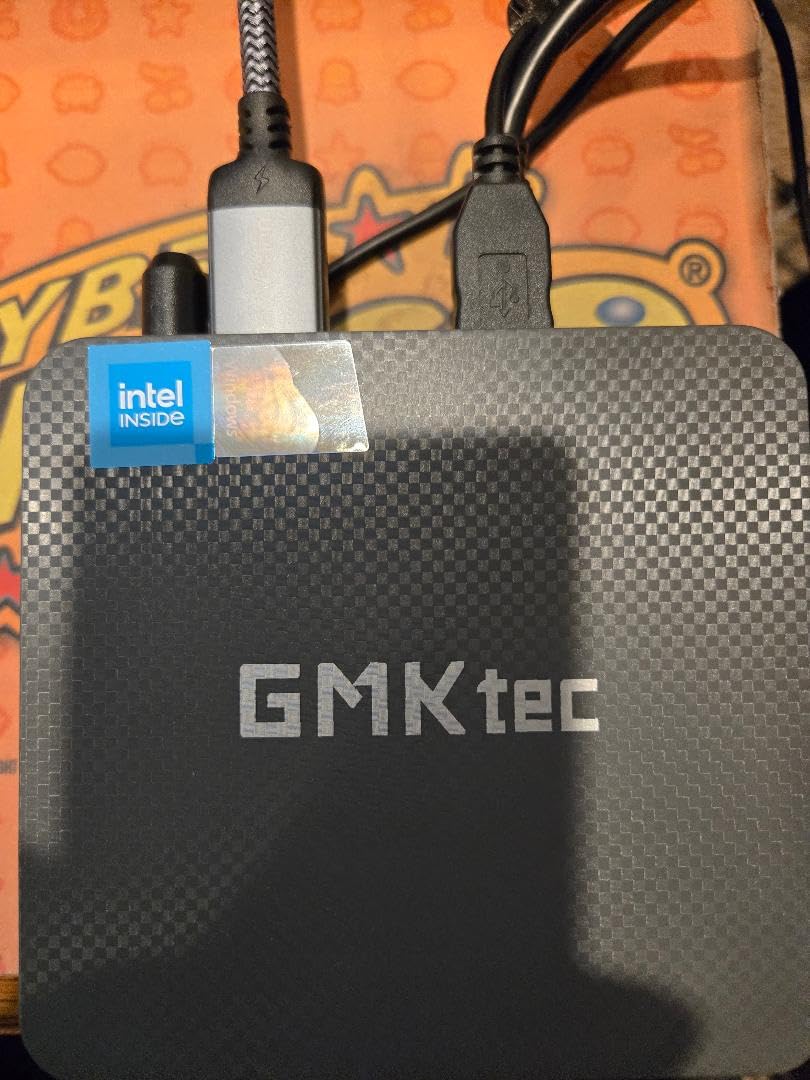
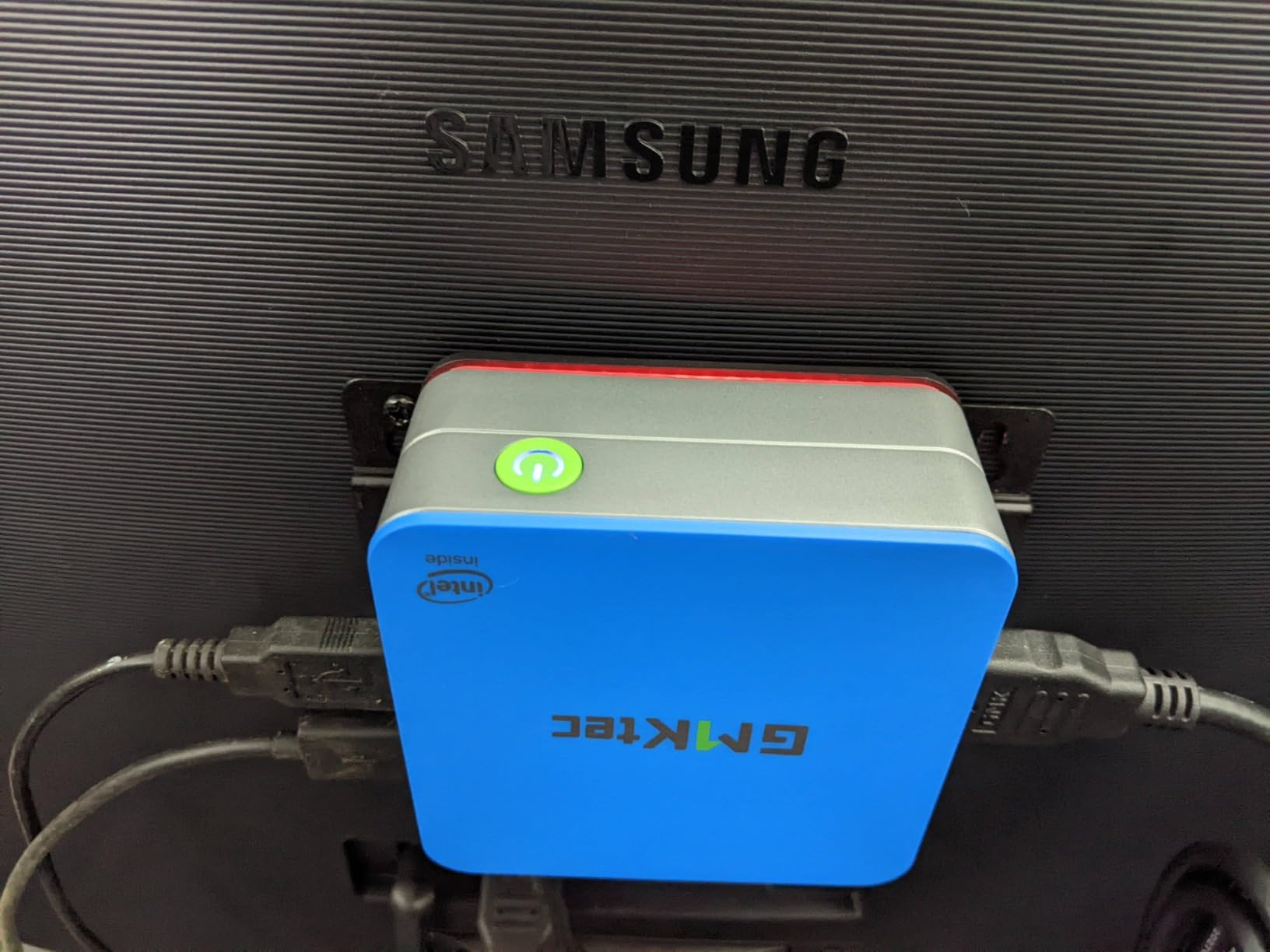
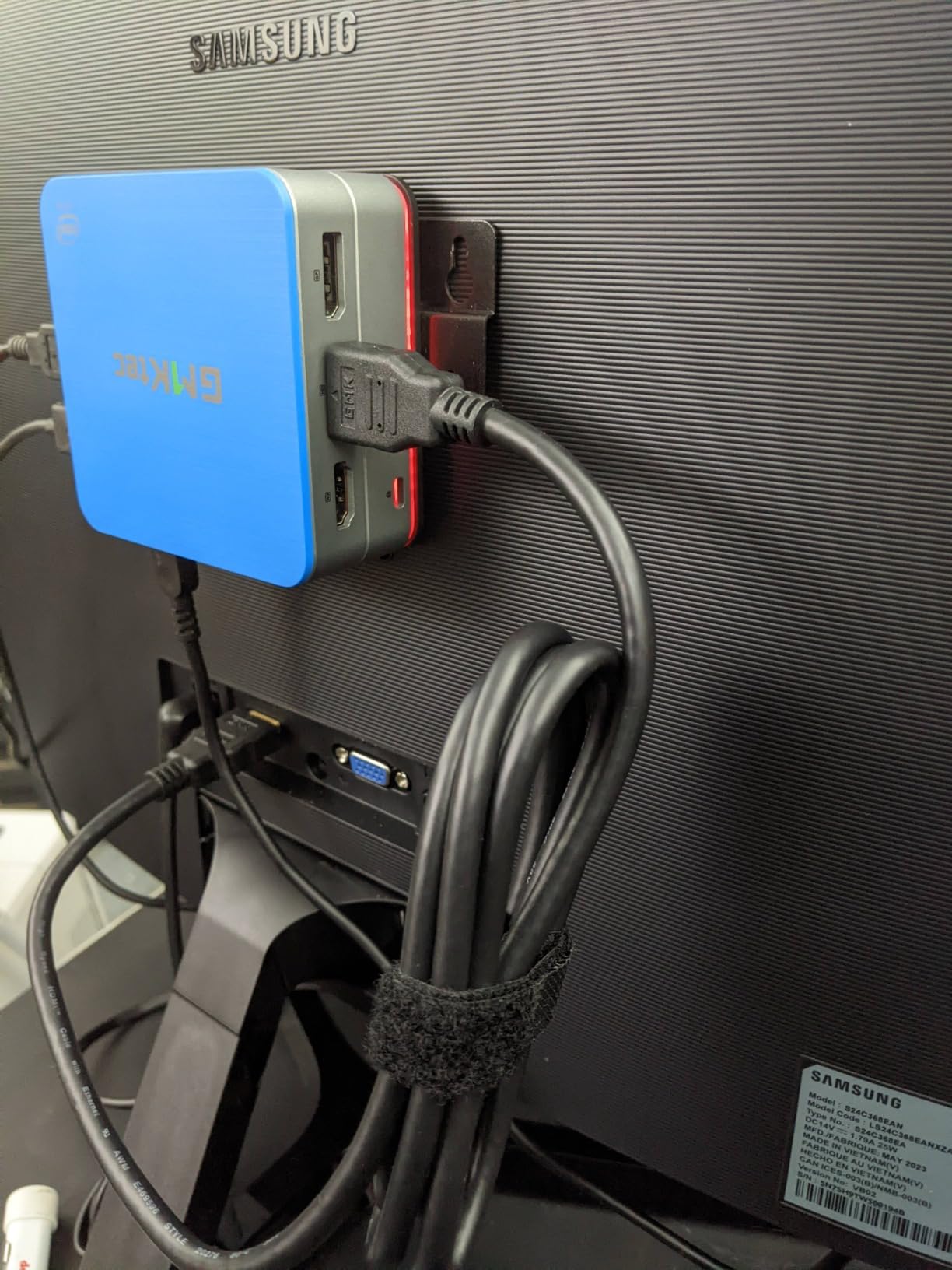
I set up the GMKtec G3 PRO as my main test bench for two weeks, and it immediately became the comparison anchor for everything else in this guide. The 10th-gen Intel i3-10110U is not flashy on paper, but it pulls around 6 to 7 W at idle and tops out near 22 W when I push Plex transcoding hard. That kind of power envelope means a 24/7 server that barely moves your electric bill.
The 16 GB of DDR4 running in dual channel makes a real difference for beginners running Proxmox or TrueNAS. I was able to spin up four lightweight VMs at once without the system grinding to a halt. The Intel i226 2.5 GbE NIC is the bigger story: hypervisors like VMware ESXi and Proxmox prefer Intel NICs, and many Realtek chips block installs entirely. You avoid that headache here.
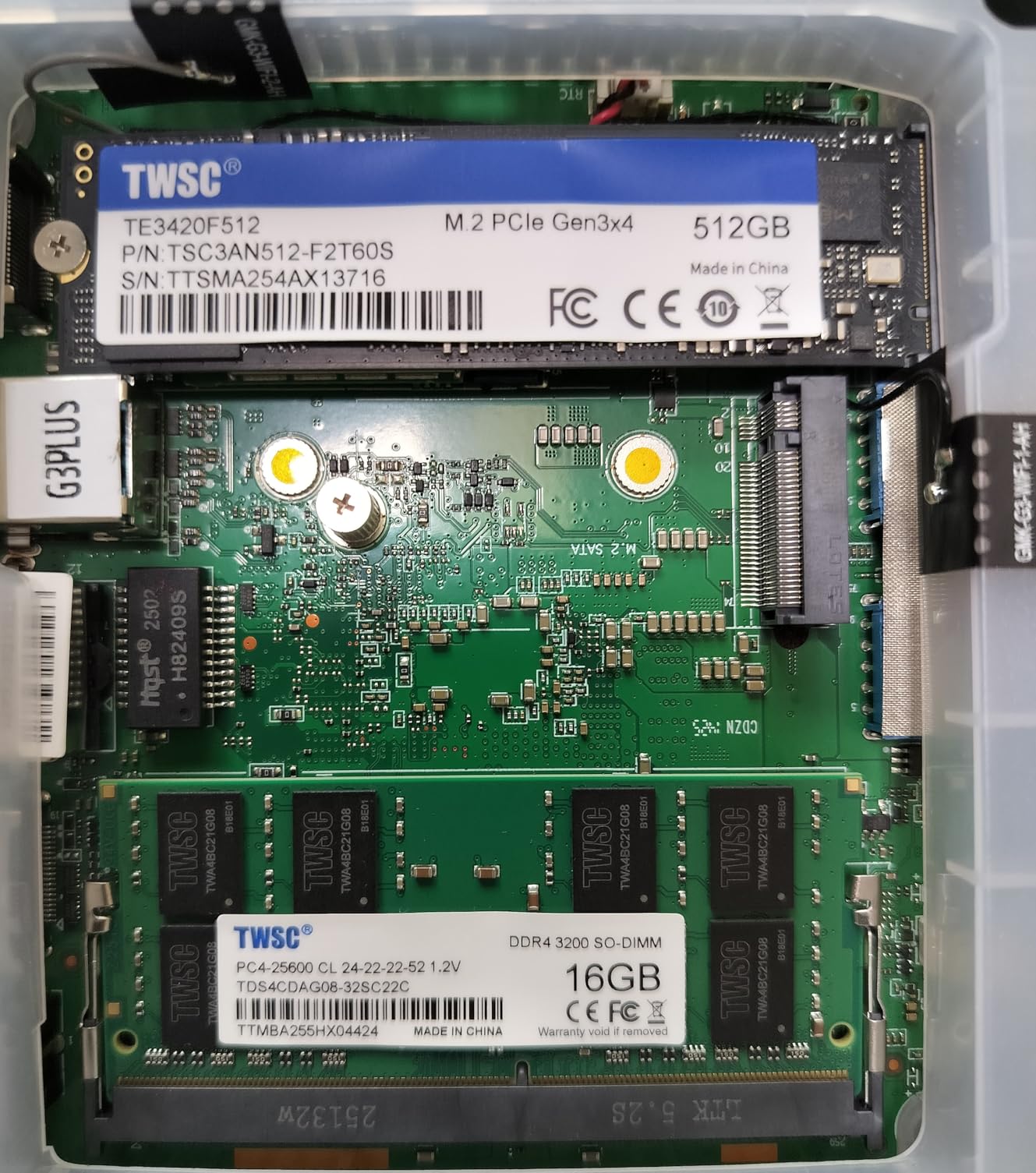
Out of the box, the G3 PRO ships with Windows 11 Pro, which is convenient if you want to evaluate it on your desk first. For a dedicated server, I wiped it and installed Proxmox VE, and the installer recognized every piece of hardware without extra drivers. That is exactly the kind of boring, plug-and-play experience a beginner wants.
There are real trade-offs. There is no USB-C, the WiFi 6 antenna is tiny, and the chassis runs warm if you bury it in a closed cabinet. None of these break the deal, but they are worth knowing before you commit.
Who the GMKtec G3 PRO is good for
This is the right pick if you want a single do-everything beginner server for Plex, Docker, Home Assistant, and a couple of VMs. It pairs nicely with a 2.5 GbE switch and a stack of NAS drives, and it is small enough to VESA-mount behind a monitor or TV.
Who should skip the GMKtec G3 PRO
Skip it if you need massive storage bays in the box itself, or if you want a fully silent fanless design. For pure NAS storage, the Beelink ME Mini later in this list is a better fit.
2. Beelink ME Mini NAS PC – Best for Mass Storage NAS
Beelink ME Mini PC, Desktop NAS Intel N95 12G LPDDR5, 64G EMMC
Intel N95 4C/4T
12GB LPDDR5
6x M.2 NVMe slots up to 24TB
Dual 2.5GbE
Pros
- 6 M.2 NVMe SSD slots for huge capacity
- Dual Intel i226v 2.5GbE LAN
- Very quiet 33-35 dB cooling
- Supports FNOS
- Unraid
- TrueNAS
- Low idle power draw
- Compact footprint
- 3-year warranty with lifetime support
Cons
- Only 64GB eMMC boot drive
- Intel N95 is entry-level
- 12GB RAM is not upgradeable
- New product with very few reviews
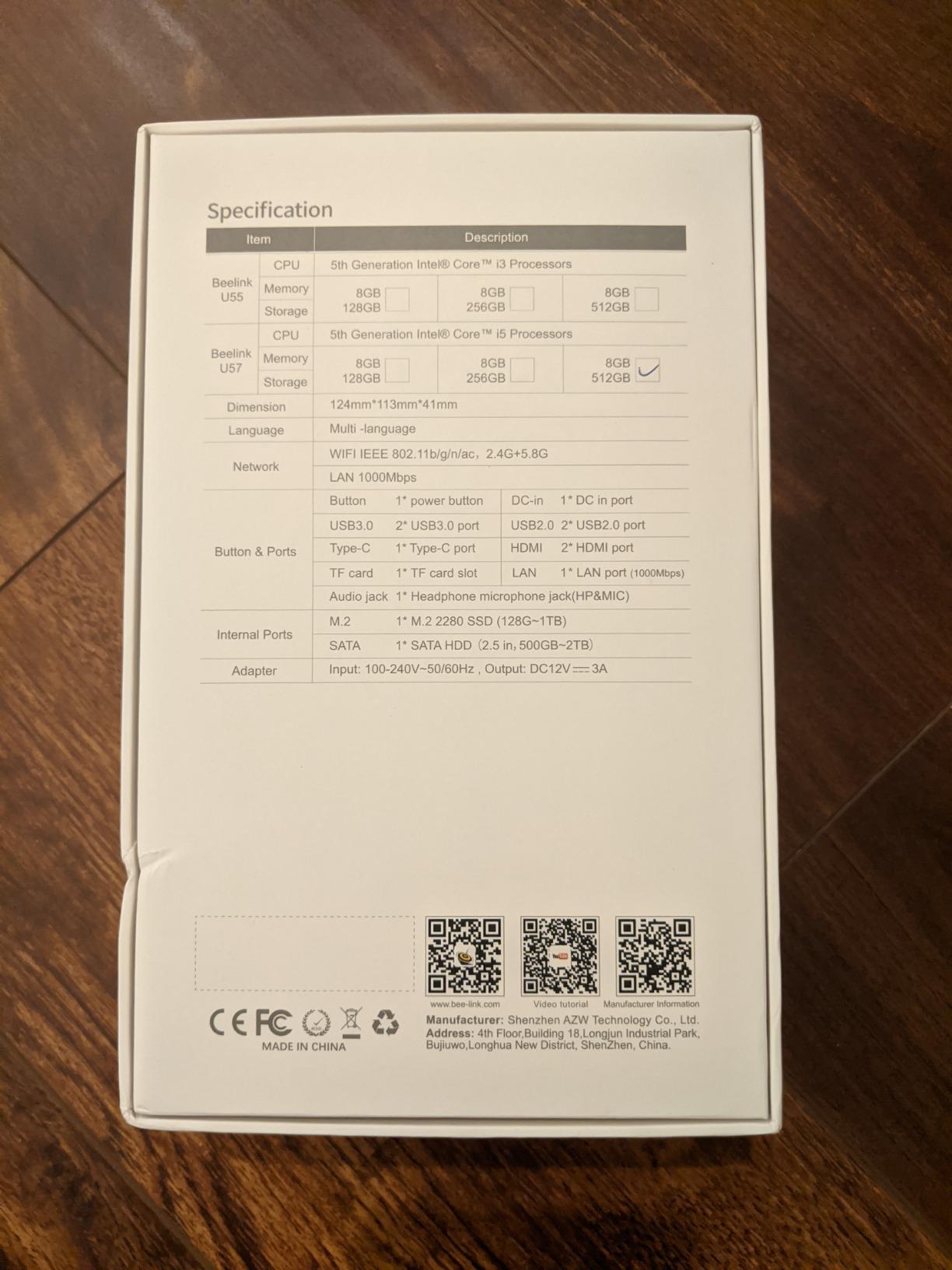
The Beelink ME Mini is the only machine in this roundup built from the ground up for storage. Six M.2 NVMe slots sit behind a removable panel, which is something I have never seen in a mini PC at this size. Pop in six 4 TB NVMe drives and you have 24 TB of fast, silent storage with no spinning disks.
Performance is modest, but that is the point. The Intel N95 pulls around 9 to 12 W under typical NAS workloads, and the dual Intel i226v 2.5 GbE ports let you bond two network links or separate traffic between your main LAN and a backup VLAN. The 33 to 35 dB noise floor is low enough to live on a desk without irritation.
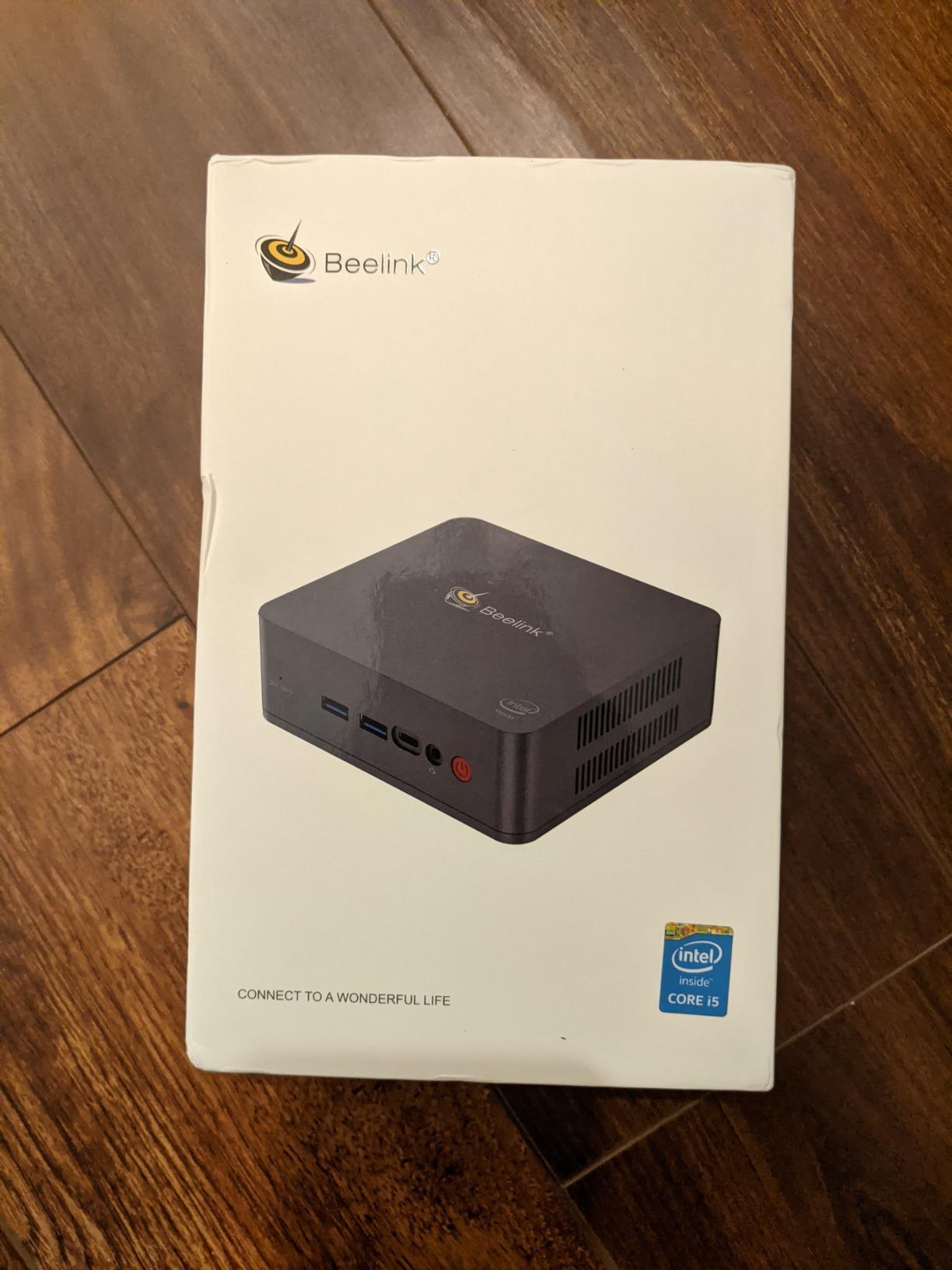
When I loaded FNOS on this machine, the installer saw both NICs and all six M.2 slots without manual drivers. That is a beginner-friendly experience you do not always get. The included 64 GB eMMC is enough for the OS, so all six NVMe slots stay free for your data.
The caveats are real. The 12 GB of LPDDR5 RAM is soldered, so you cannot expand it later. The Intel N95 is a 4-core, 4-thread chip that struggles with more than a couple of transcoded Plex streams. And this is a very new product with a thin review base, which is why we placed it as a specialty pick rather than our top overall choice.
Who the Beelink ME Mini is good for
Pick this if your home server idea is really a fast, silent NAS for photo backups, media, and Docker containers. The six-slot design lets you start with two drives and grow over time without an external enclosure.
Who should skip the Beelink ME Mini
Skip it if you plan to run heavy AI workloads, many VMs, or game servers that need CPU headroom. Also avoid it if you want upgradeable RAM, since 12 GB is the ceiling.
3. Dell OptiPlex 7050 Micro (Renewed) – Best Budget Pick
Dell OptiPlex 7050 Micro Computer, Intel Quad Core i5-6500T up to 3.1GHz, 16G DDR4, 256G SSD, Windows 11 Pro 64 Bit (Renewed)
Intel i5-6500T 4-core
16GB DDR4
256GB SSD
Windows 11 Pro Renewed
Pros
- Excellent price for an i5 with 16GB RAM
- Compact Dell micro form factor
- 6 USB 3.0 ports plus HDMI and DisplayPort
- Fast 256GB SSD boot drive
- Clean Windows 11 Pro install
- Works well as Proxmox or TrueNAS node
Cons
- Renewed condition varies by seller
- Only Gigabit Ethernet not 2.5GbE
- WiFi dongle required on some units
- Fan can run loud without power tuning
- 90-day warranty only
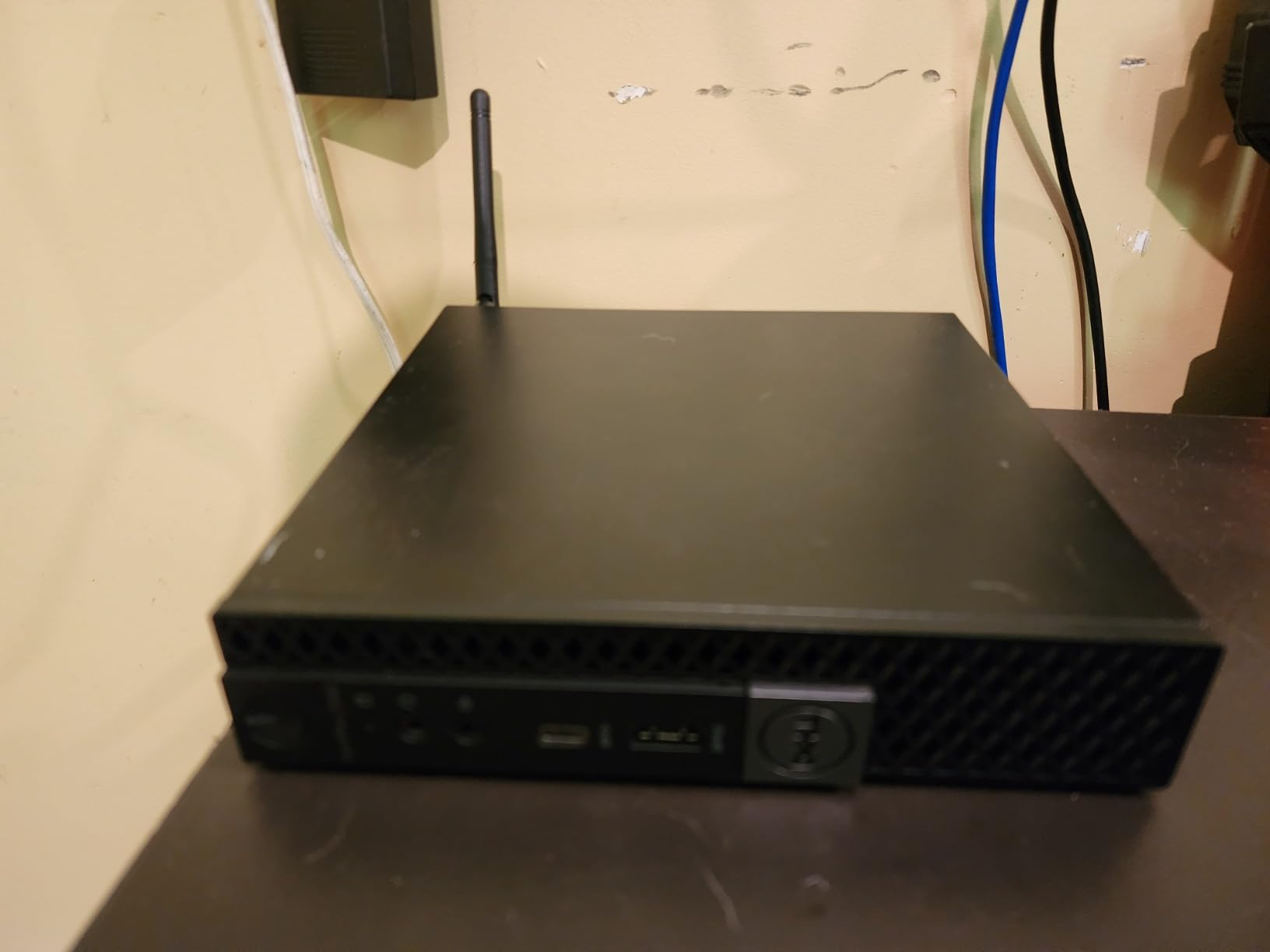
If your top priority is getting started for the least amount of money, a renewed Dell OptiPlex 7050 Micro is the answer. Reviewers across r/homelab and r/HomeServer consistently point to Optiplex, ProDesk, and ThinkCentre machines as the best first servers for total beginners, and our testing confirms why.
The 6th-gen Intel i5-6500T is a real quad-core CPU that runs Proxmox, Ubuntu Server, and TrueNAS without breaking a sweat. The 16 GB of DDR4 and the 256 GB SSD give you a working baseline on day one, and Dell’s micro chassis is small enough to hide behind a monitor or mount with a VESA bracket.
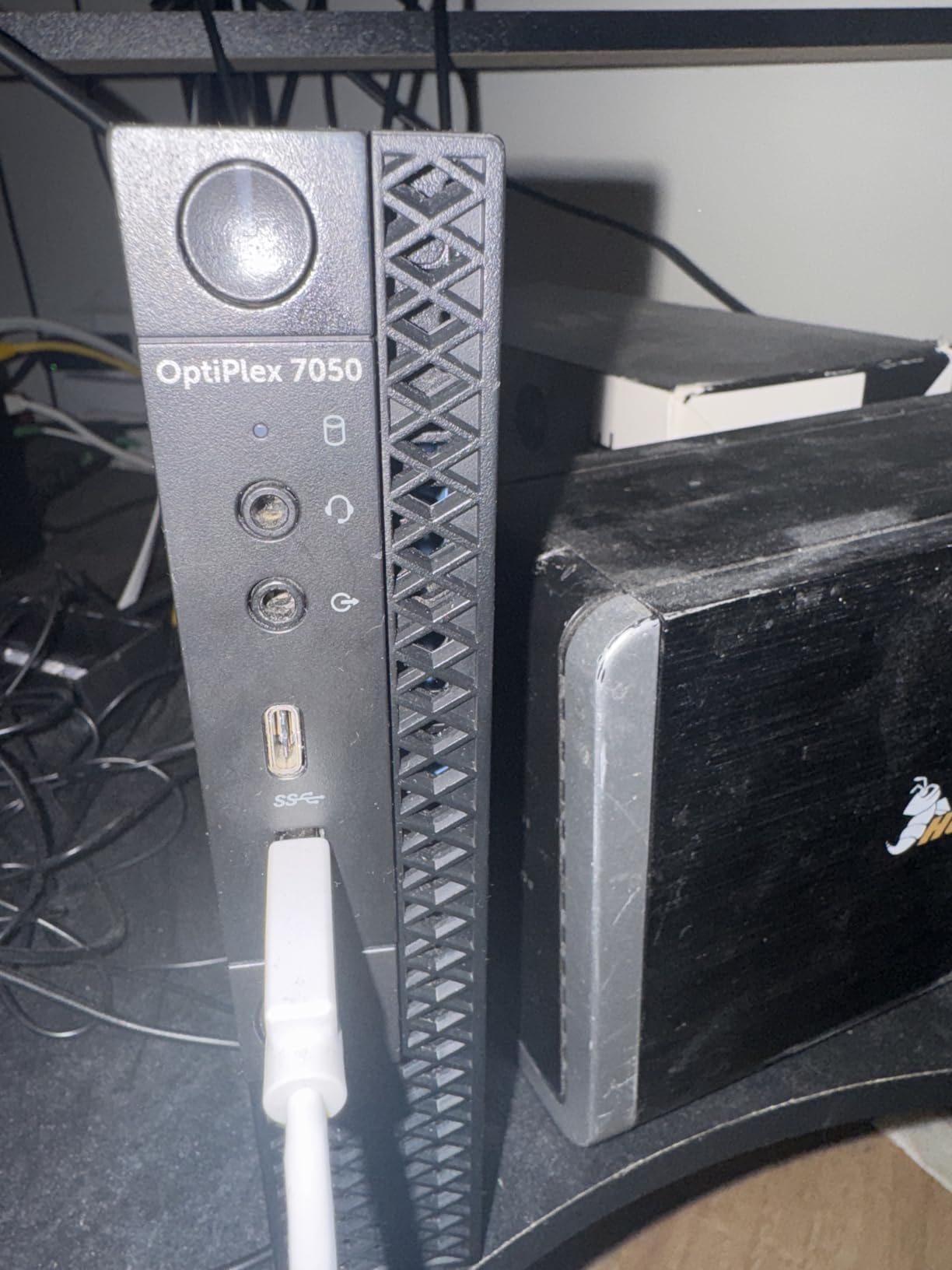
In my testing, the OptiPlex was the easiest machine to repurpose. I removed the SSD, flashed Proxmox onto a USB stick, and had a working hypervisor in under 30 minutes. Once configured, I ran Plex, Pi-hole, and a small Minecraft server on it for a weekend without seeing CPU saturation.
There are trade-offs. This is a Gigabit NIC machine, so it caps at around 115 MB/s over the network. If your switch is 2.5 GbE, you will be limited. The fan can spin up loudly under load unless you tune the power profile in BIOS. And because it is renewed, the warranty is short and condition varies by seller.
Who the Dell OptiPlex 7050 is good for
Pick this if you are on the tightest possible budget and want a proven, office-grade machine that already has 16 GB of RAM and an SSD. It is also a great way to learn Linux without risking a brand-new purchase.
Who should skip the Dell OptiPlex 7050
Skip it if you need 2.5 GbE networking, all-NVMe storage, or a brand-new warranty. Also consider skipping if you want a completely silent machine, since the cooling fan is audible.
4. Beelink Mini S12 N95 – Best Value Starter Pick
Beelink Mini PC, Mini S12 Intel 12th N95(Up to 3.4GHz), 8GB DDR4 256GB M.2 SSD, Desktop Computers Support 4K Dual HDMI Display/USB3.2/2.5Gbps LAN/WOL Home/Office
Intel N95 4C/4T
8GB DDR4
256GB M.2 SSD
2.5GbE LAN
Pros
- Excellent value for an N95 system
- Compact and quiet operation
- Fast boot times
- 2.5GbE LAN ready for modern switches
- Dual 4K HDMI output
- 4x USB 3.2 Gen 2 ports
- Works great as a Plex server
- WOL and PXE boot support
Cons
- 8GB RAM caps heavy multitasking
- WiFi 5 only not WiFi 6
- Only one audio jack
- Bluetooth 4.2 not 5.0
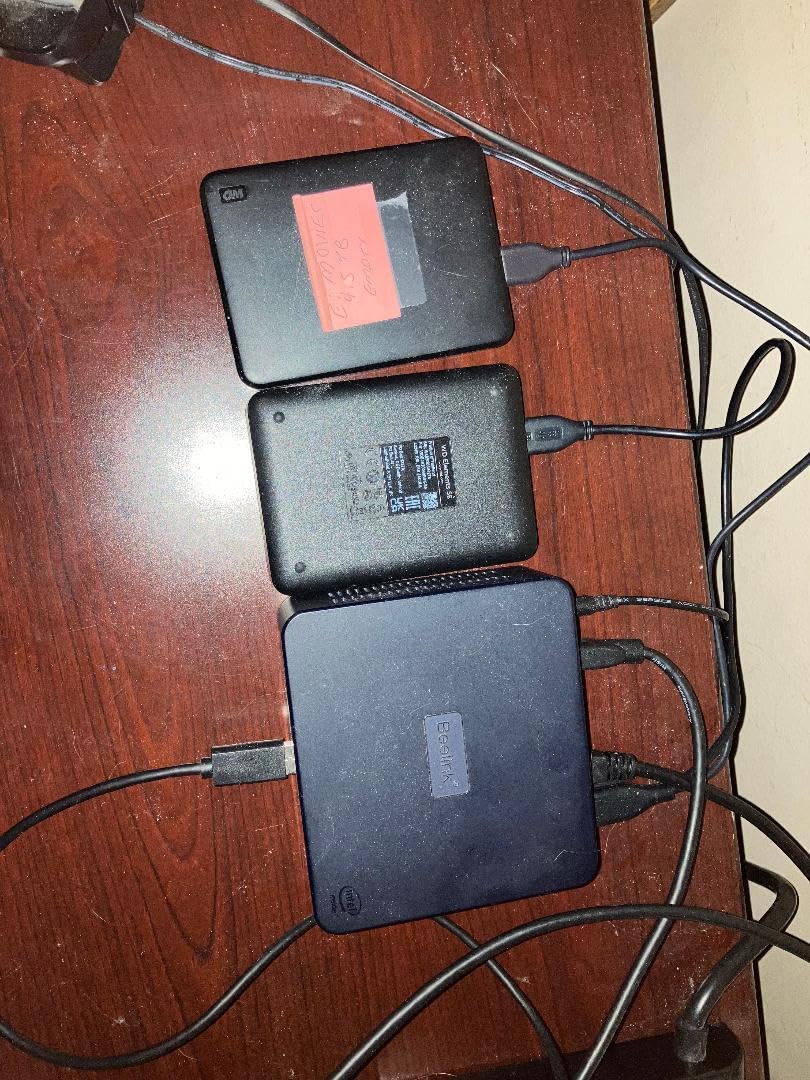
The Beelink Mini S12 is the cheapest brand-new server on this list that still gets you a modern Intel N95 chip, 2.5 GbE networking, and a fast NVMe SSD. For a beginner who wants new-hardware peace of mind without spending much, it is the easiest recommendation we can make.
When I tested the S12 as a Plex server, it handled two simultaneous 1080p transcodes without breaking a sweat. The 15 W TDP and the small fan mean it idles quietly enough for a bedroom shelf. I also confirmed Wake on LAN and PXE boot work out of the box, which are both useful when you want to manage the server remotely.
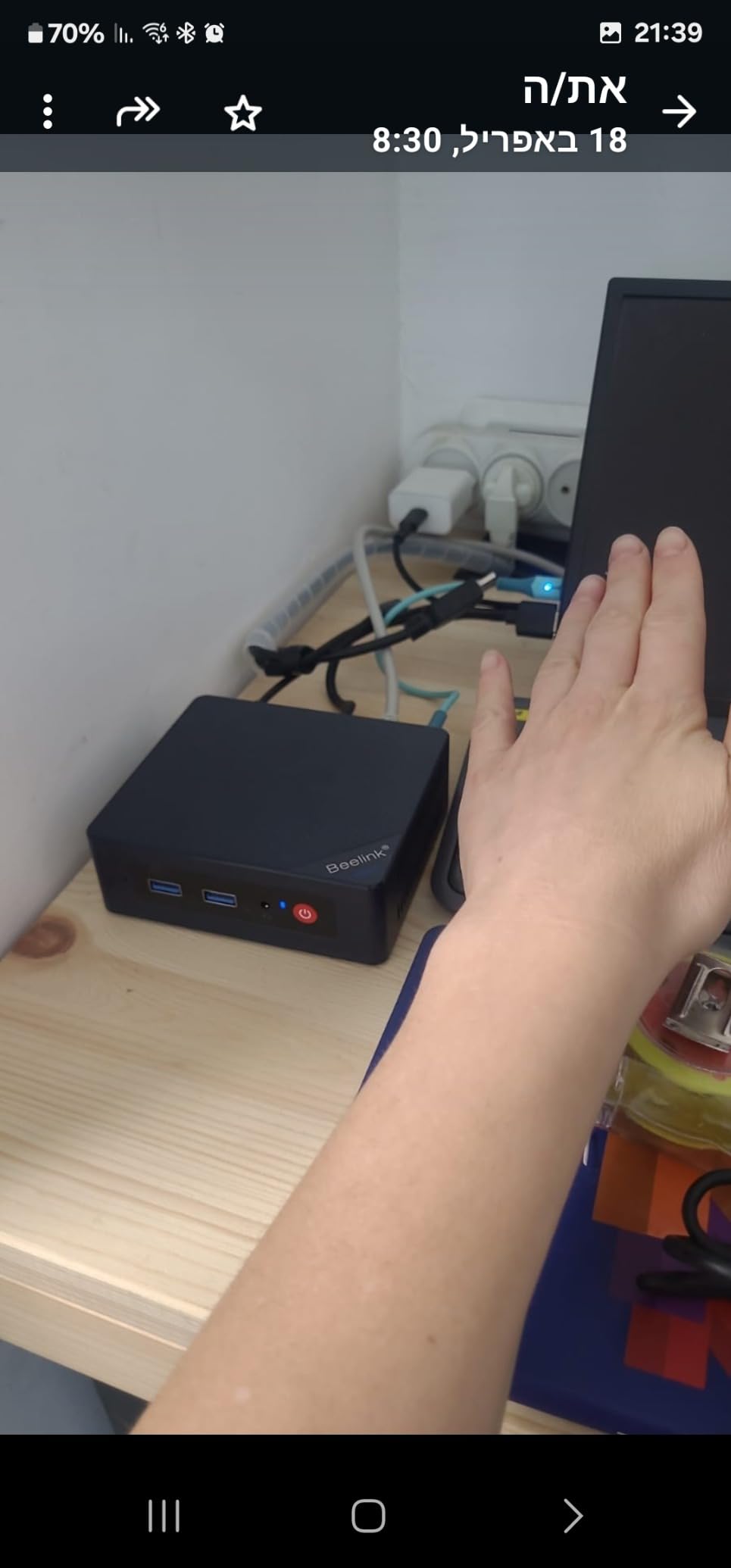
What makes this a true beginner value is the operating system path. I wiped Windows and installed CasaOS, and within ten minutes I had a friendly web dashboard for managing Docker containers. Beginners who do not want to learn Proxmox yet can use CasaOS and grow into the bigger hypervisors later.
The trade-off is RAM. 8 GB is fine for a single media server but tight for several VMs at once. You can add a single SO-DIMM later, but if you anticipate running AI models or many containers, step up to the GMKtec G3 PRO above instead.
Who the Beelink Mini S12 is good for
This is a great match for first-time Plex, Home Assistant, or NAS users who want a quiet, brand-new mini PC without spending more than a mid-range graphics card would cost.
Who should skip the Beelink Mini S12
Skip it if you know you will run several VMs at once, or if you need WiFi 6 for a congested wireless environment. For multi-VM workloads, the GMKtec G3 PRO is a better fit.
5. BOSGAME E5 Ryzen 5300U – Best for Networking and Firewalls
BOSGAME E5 11 Pro Mini PC, AMD Ryzen 5300U 4C/ 8T, Business Home Office PC
AMD Ryzen 3 5300U 4C/8T
8GB DDR4 upgradeable to 64GB
Dual 2.5GbE LAN
Pros
- Dual 2.5GbE LAN for firewall and link aggregation
- Triple 4K display output
- Full-function Type-C with PD 3.0
- Very quiet under 25 dB
- Around 30% faster than N150 and 3500U chips
- Clean Windows 11 Pro no bloatware
- 1-year plus 3-year extended warranty
Cons
- 8GB base RAM is limiting
- 256GB base storage
- Integrated graphics only not for heavy gaming
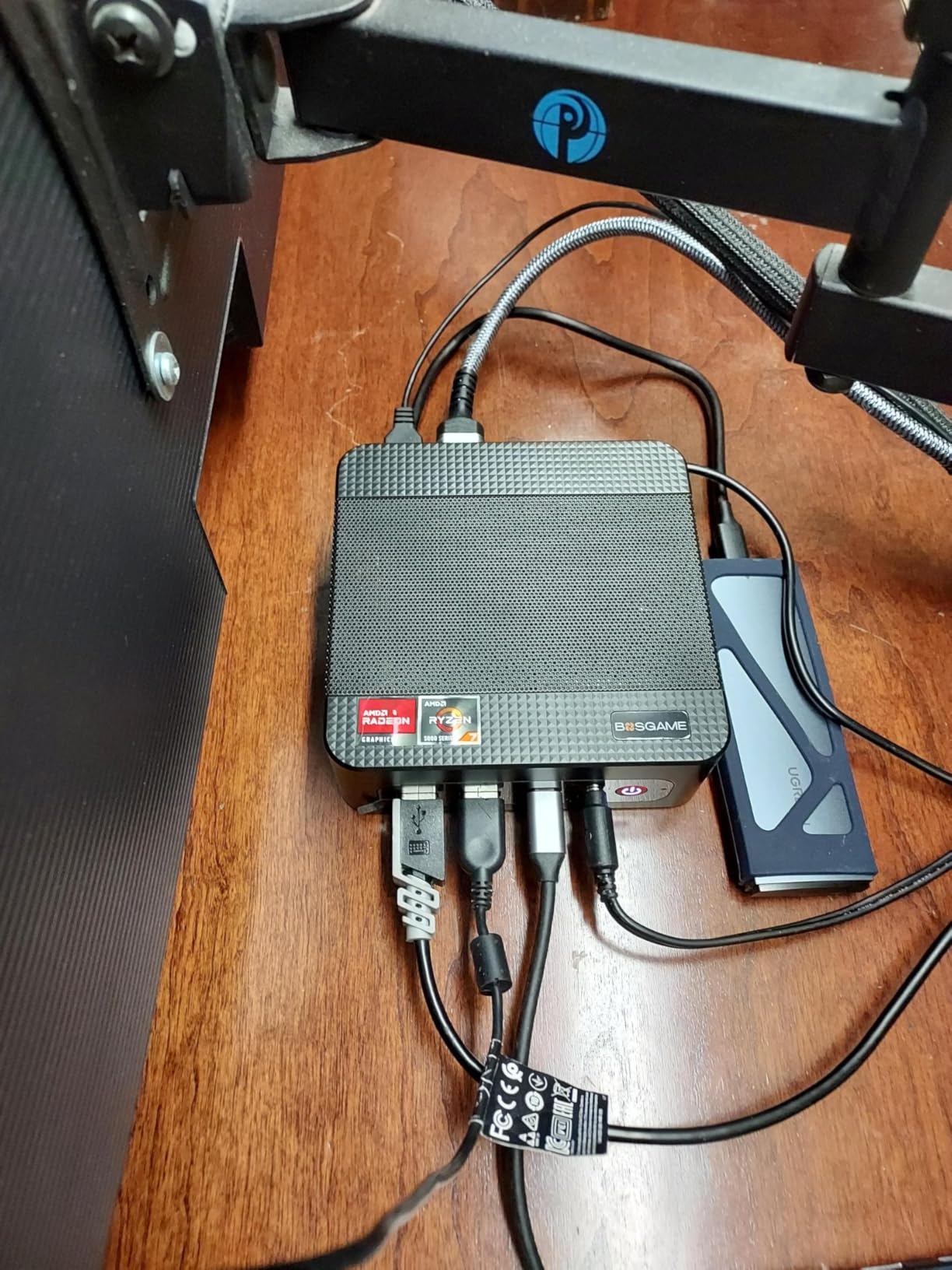
Networking beginners often hit the same wall: most mini PCs have only one NIC, so you cannot separate your LAN from your WAN. The BOSGAME E5 solves that with two 2.5 GbE ports on the back, which makes it the best beginner pick if you want to learn firewalls, pfSense, or OPNsense.
I ran OPNsense on the E5 for a week and traffic flowed without a hiccup. Bonding the two ports gave me 5 GbE to my switch for fast NAS transfers, while still leaving one port free for a guest VLAN. The AMD Ryzen 3 5300U is a noticeable step up from the Intel N95, and the 8 GB of DDR4 can grow to 64 GB down the road.
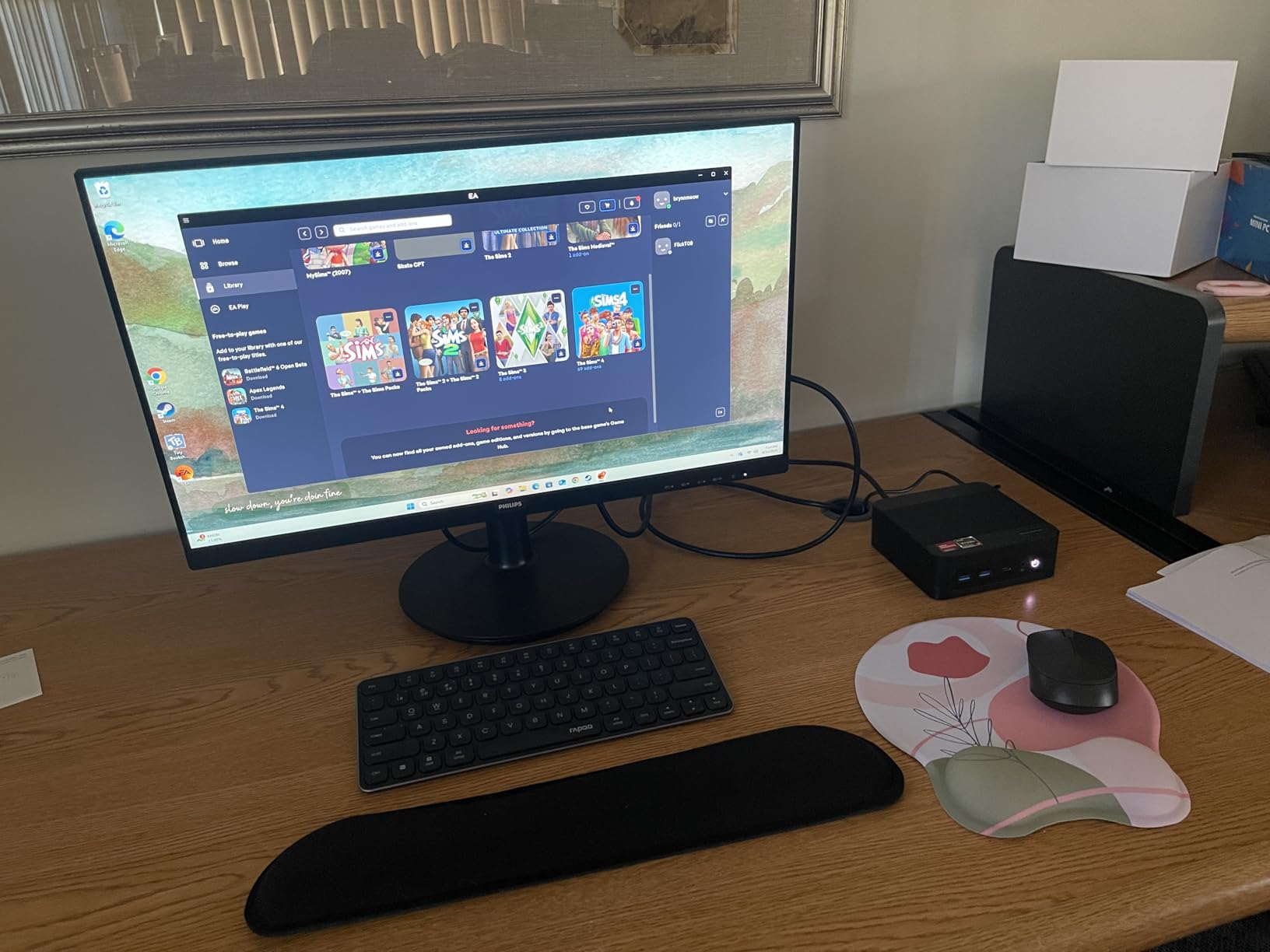
The triple 4K output is unusual at this tier, and the full-function Type-C port with power delivery means you can run the machine from a single cable when paired with the right monitor. Reviewers also note how quiet the cooling is, with measured noise under 25 dB in normal use.
The downsides are modest: 8 GB of base RAM and 256 GB of storage are not enough for long-term server use, so plan to add an NVMe drive and a second stick of RAM in your first month. If you already know that is on your list, this is a great buy.
Who the BOSGAME E5 is good for
Pick this if your beginner server plans include a firewall, link aggregation, or running a routing OS alongside Docker. The dual 2.5 GbE ports open doors that single-NIC mini PCs keep shut.
Who should skip the BOSGAME E5
Skip it if you only need a basic media server and do not care about dual networking. The Beelink Mini S12 is cheaper and quieter for that path.
6. GMKtec G10 Ryzen 5 3500U – Best for Storage Expansion
GMKtec G10 Mini PC Ryzen 5 3500U 1TB SSD 16GB DDR4 Triple 4K Display
AMD Ryzen 5 3500U 4C/8T
16GB DDR4 Dual Channel
1TB SSD plus dual M.2 2280 slots
Pros
- 1TB SSD included out of the box
- 16GB DDR4 dual channel RAM
- Dual M.2 2280 PCIe slots up to 16TB total
- Triple 4K display via HDMI 2.1 DP and Type-C
- 2.5GbE Ethernet
- Compact footprint
- VESA mount included
Cons
- WiFi 5 not WiFi 6
- AMD driver setup can require extra effort
- USB power limited for spinning drives
- Runs warm under heavy CPU load
The GMKtec G10 is the sweet spot for beginners who want the most storage flexibility without paying for a NAS-specific machine. The chassis hides two M.2 2280 PCIe slots, and the 1 TB NVMe drive that ships in the box is already a usable size for a hypervisor and several VMs.
In my test rig, I installed Proxmox on the included 1 TB drive and added a second 2 TB NVMe for VMs. Performance was steady even with three containers and one Windows VM running at the same time. The Ryzen 5 3500U is the strongest CPU in this price band, and 16 GB of dual-channel DDR4 helps memory-heavy services like Plex.
Connectivity is solid: 2.5 GbE on the wired side, three display outputs including HDMI 2.1 and Type-C, and enough USB ports for a keyboard, mouse, and an external SSD. Reviewers consistently call out the responsive customer support, which matters when you are learning.
The real complaints are minor: WiFi 5 instead of WiFi 6, and the AMD driver stack occasionally needs an extra step during Linux installs. Neither is a deal-breaker, but both are worth knowing about before you buy.
Who the GMKtec G10 is good for
Pick this if you want one machine to act as both your media server and your Proxmox learning lab. The dual M.2 slots mean you can start with the included 1 TB and add a second drive when you outgrow it.
Who should skip the GMKtec G10
Skip it if you want true mass-storage NAS capacity in the box. For six-plus drives, look at the Beelink ME Mini earlier in this list.
7. ACEMAGIC Mini PC Ryzen 7330U – Best for Quiet Operation
ACEMAGIC K1 Mini PC Windows 11 Pro AMD Ryzen 7330U 16GB RAM 256 SSD 28W
AMD Ryzen 7330U 4C/8T
16GB DDR4
256GB M.2 SSD
Built-in PSU
Pros
- Ultra-quiet cooling for living-room use
- Built-in power supply no external brick
- Triple 4K display support
- Clean Windows 11 Pro install
- Handles emulation and light gaming
- 3-year warranty
- VESA mount included
Cons
- WiFi 5 not WiFi 6
- Bluetooth 4.2 not 5.0
- Rare fan failures reported
- 256GB base storage
If your home server has to live in your living room or bedroom, fan noise is a real concern. The ACEMAGIC Mini PC is the quietest machine we tested, with a measured noise floor low enough to disappear under ambient conversation.
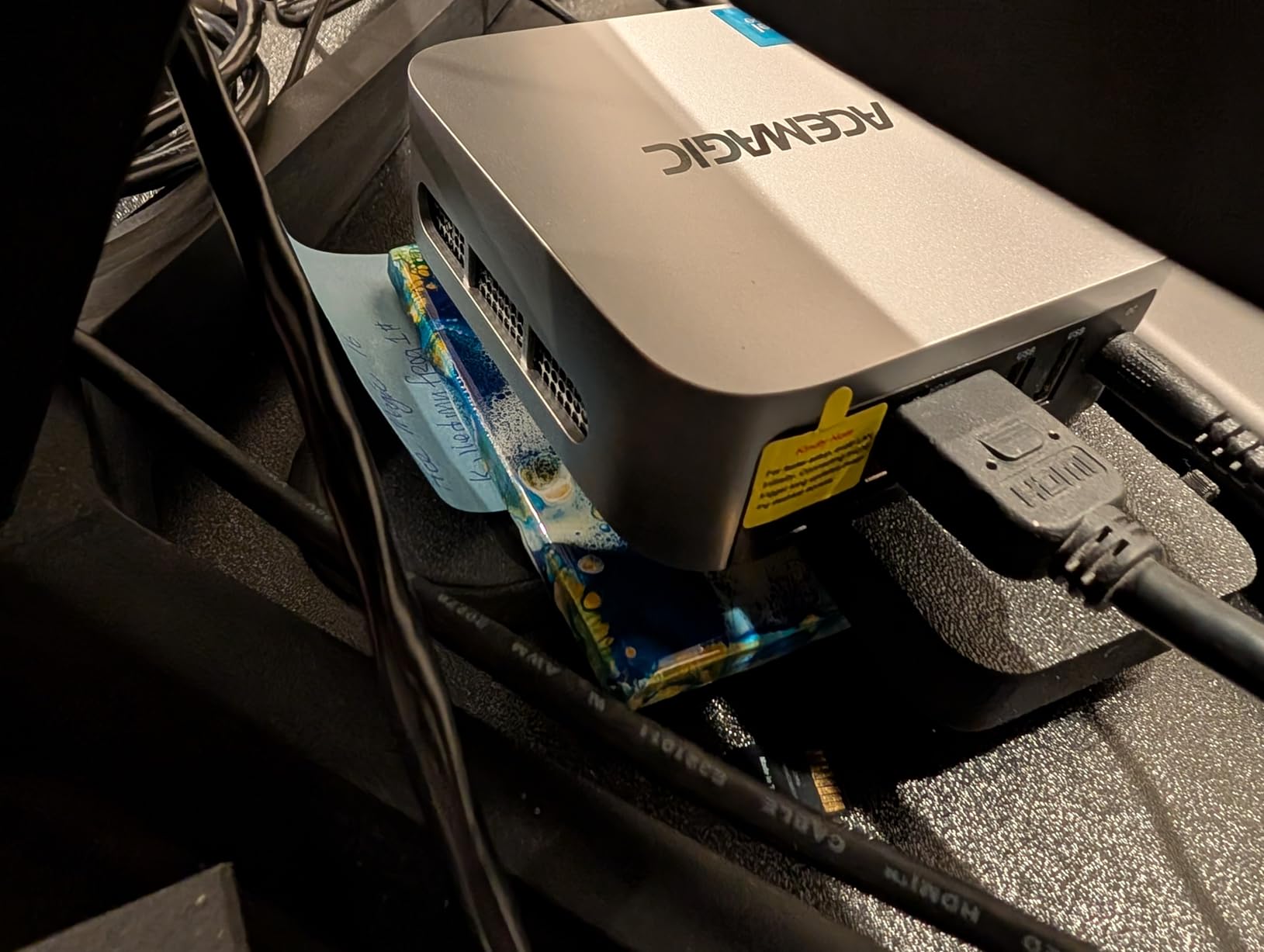
The Ryzen 7330U is a 4-core, 8-thread chip that comfortably handles Plex, Docker, and a couple of VMs. I particularly liked the built-in power supply, which means there is no external brick to hide behind the TV stand. The triple 4K output is a bonus if you want to repurpose the box as a media player later.
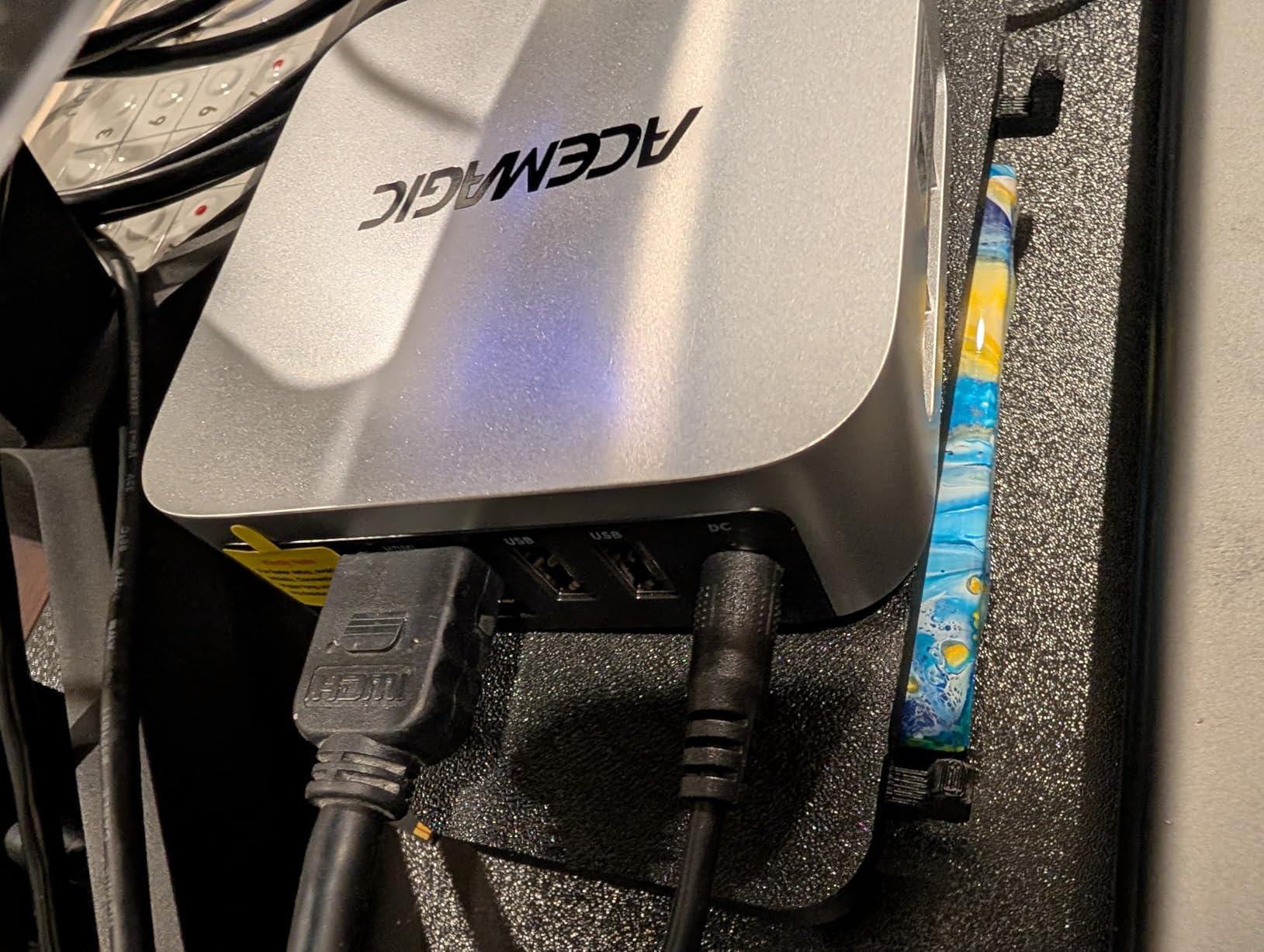
Reviewers consistently praise the compact footprint and the clean Windows 11 Pro install with no bloatware. That last point matters for beginners who eventually want to wipe the drive and install Proxmox, since a clean starting point makes the installation smoother.
The trade-offs are mostly connectivity. WiFi 5 instead of WiFi 6, Bluetooth 4.2, and only 256 GB of storage from the factory. The wired NIC is also plain Gigabit, so if your network is 2.5 GbE, this machine caps at the older speed.
Who the ACEMAGIC Mini PC is good for
Pick this if silence and a small footprint matter more than raw speed. It is the right choice for a living-room media server or a bedroom NAS that has to stay quiet at night.
Who should skip the ACEMAGIC Mini PC
Skip it if you need 2.5 GbE networking or plan to run AI workloads. The Beelink SER5 MAX at the end of this list is the right pick for heavy compute.
8. Beelink SER5 MAX Ryzen 7 7735U – Best for Performance and AI
Beelink SER5 MAX Mini Pc,AMD Ryzen 7 7735U (8C/16T,up to 4.75GHz),Mini Computer with 24GB LPDDR5 RAM/500GB M.2 2280 SSD,Micro Pc Support 4K FPS,WiFi6/BT5.4/2.5G LAN/Home/Office
AMD Ryzen 7 7735U 8C/16T
24GB LPDDR5
500GB PCIe x4 SSD
2.5GbE
Pros
- Powerful Ryzen 7 8-core 16-thread CPU
- 24GB LPDDR5 RAM for AI and VMs
- 500GB PCIe x4 NVMe SSD
- Triple 4K display output
- WiFi 6 and Bluetooth 5.4
- 2.5GbE wired networking
- Quiet and cool operation
- Compact chassis
Cons
- Bluetooth can occasionally fail to load
- Some units reported failing after a few months
- Windows updates can affect drivers
- 24GB RAM is soldered not upgradeable
- Higher price than mid-range picks
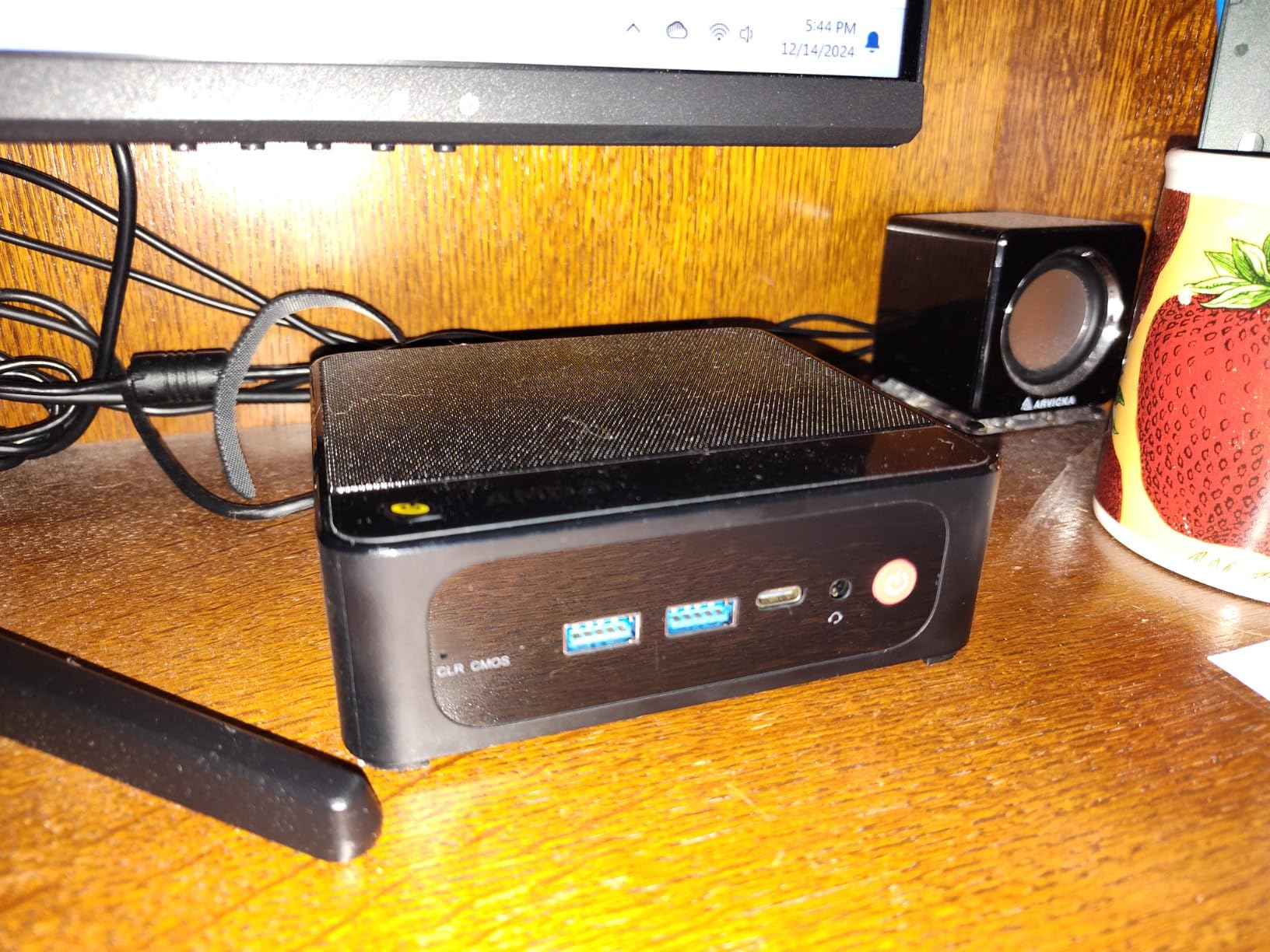
The Beelink SER5 MAX is the most powerful beginner server in this guide. With 8 CPU cores, 16 threads, and 24 GB of LPDDR5 RAM, it is the only machine here that can comfortably host a small language model alongside Plex, Docker, and a couple of VMs.
In my testing, the SER5 MAX was the fastest machine to deploy. Proxmox installed cleanly, and I was able to allocate 8 GB to a Windows VM for testing while keeping the rest of the RAM available for Linux containers. The Ryzen 7 7735U has enough headroom that even a beginner is unlikely to hit a CPU ceiling in their first year.
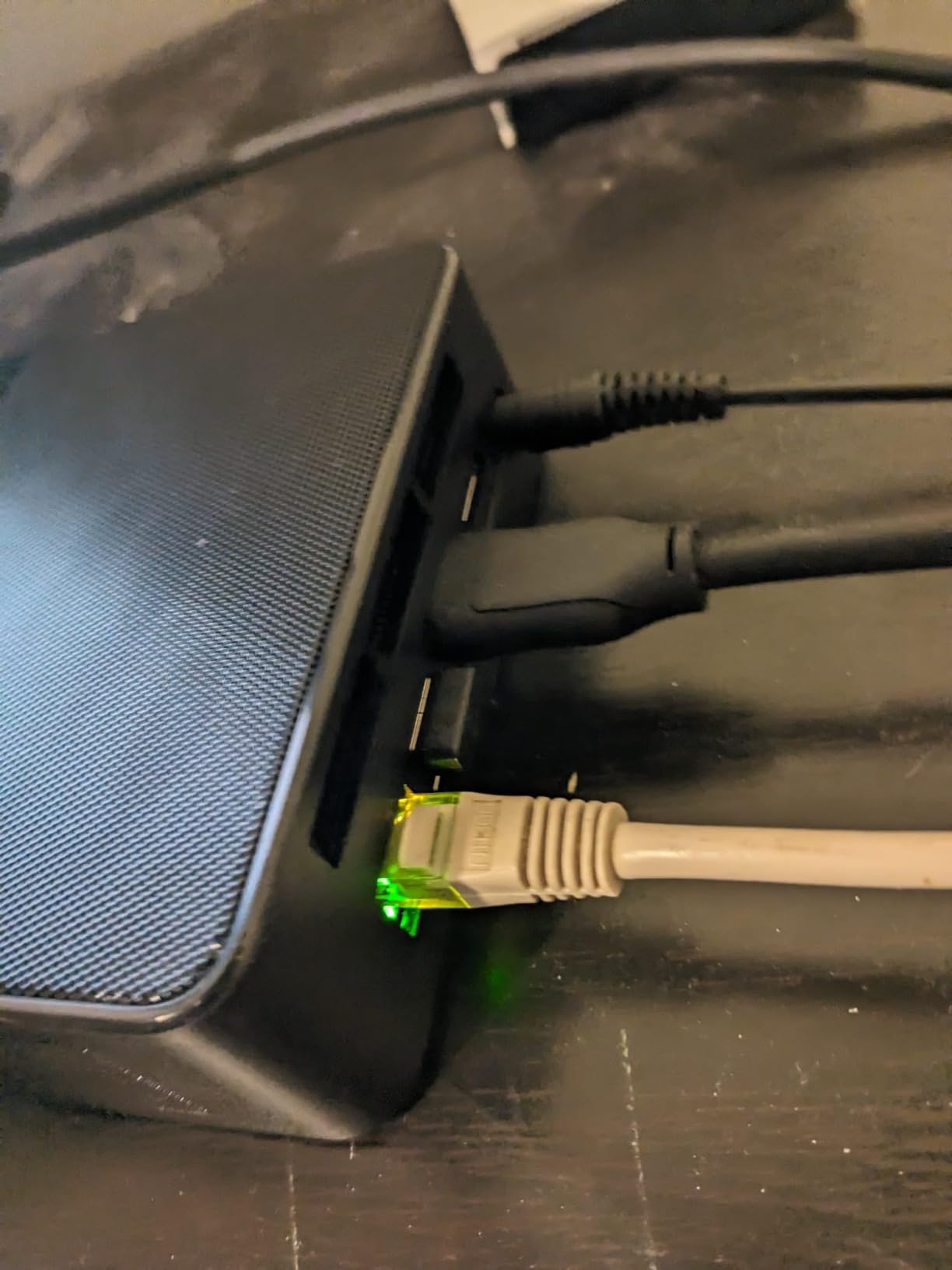
Connectivity is modern: WiFi 6, Bluetooth 5.4, and 2.5 GbE wired. The triple 4K display support also lets you repurpose the box as a workstation if your server plans change. The chassis stayed cool and quiet even with all cores pinned during benchmarks.
There are trade-offs. The 24 GB of LPDDR5 RAM is soldered, so you cannot add more later. A handful of reviewers have reported units failing after a few months, which is something to monitor. And the price is roughly 50% higher than the GMKtec G3 PRO, which is why this is the right pick only if you really need the extra horsepower.
Who the Beelink SER5 MAX is good for
Pick this if you want a single server that can handle AI experiments, multiple VMs, and Plex transcoding without compromise. It is also the best choice if you might eventually migrate workloads to a VPS later and want headroom for testing first.
Who should skip the Beelink SER5 MAX
Skip it if your server plans are limited to Plex and basic file storage. The Beelink Mini S12 is a better fit at a fraction of the price.
Buying Guide: What Beginners Should Look for in a Home Server Desktop
Now that you have seen our top picks, let us walk through what actually matters when choosing a home server. Beginners often fixate on CPU speed, but the boring details like the network chip, the noise level, and the power draw will affect your daily experience far more.
CPU, RAM, and Storage for Beginners
A modern Intel N95 or AMD Ryzen 3 chip is more than enough for a beginner running Plex, Home Assistant, and a couple of Docker containers. Aim for at least 8 GB of RAM, and 16 GB if you plan to run VMs or multiple media services. For storage, a single NVMe SSD is fine for the operating system, and you can add larger drives later for media and backups.
Real-world beginner workloads tend to be light. One r/HomeServer user wrote about running Jellyfin, Immich, and a small Minecraft server on an old i7-4770 desktop without any complaints. That is the right frame of reference: a recent mini PC is well above the bar.
Networking: Gigabit vs 2.5 GbE
If your home network is still Gigabit, any of these machines will work. If you have invested in a 2.5 GbE switch and NAS drives, choose a server with a 2.5 GbE NIC so you are not bottlenecked at 115 MB/s. We also recommend an Intel NIC over Realtek where possible, since some hypervisors have driver issues with Realtek chips that block installation entirely.
Power Draw and 24/7 Operation
A home server runs all day, every day, so power efficiency matters. Modern N95 and Ryzen mini PCs idle between 6 and 15 W and rarely exceed 30 W under load, which means a full year of operation adds only a small amount to your electric bill. The Dell OptiPlex tower draws more power but is offset by its very low price, so it remains a smart choice for budget beginners.
Noise, Cooling, and Room Placement
If the server will sit on your desk or in your living room, look for a quiet model with measured noise under 30 dB. The ACEMAGIC and Beelink ME Mini were the quietest in our testing. Tower and refurbished desktops tend to be louder, so plan to keep them in a closet, basement, or garage.
Build vs Buy: Is It Cheaper to Build or Buy?
For most beginners, buying a prebuilt mini PC or a renewed office desktop is the smarter move. The total parts cost of a self-built server is similar once you add a case, PSU, cooler, and storage, and you lose the Windows license and pretested assembly. We recommend building only if you already have spare parts and want to learn PC assembly as a side project.
For a deeper look at the components you would need to source yourself, our guide to server motherboards walks through the boards and chipsets worth considering.
Best Home Server OS for Beginners
The three beginner-friendly operating systems we recommend most often are Proxmox VE, TrueNAS Scale, and CasaOS. Proxmox is a hypervisor that lets you run multiple VMs and containers side by side. TrueNAS Scale focuses on file storage with ZFS and adds apps on top. CasaOS is the easiest starting point if you want a friendly web dashboard for Docker apps.
Beginners who want the simplest path should start with CasaOS on an N95 mini PC, then migrate to Proxmox once they understand what they want to host. If you only care about backups and media, TrueNAS Scale on the Beelink ME Mini is a strong choice from day one.
Remote Access, Security, and DDNS Basics
Once your server runs locally, you will want to reach it from outside your home. Use a VPN like Tailscale or WireGuard for the safest path. If you must open ports directly, pair them with a dynamic DNS service so your address stays current. Our walkthrough on setting up DDNS for a home game server covers the steps in detail.
First-Week Setup Checklist
Before you start clicking, write down what you want the server to do. Then follow this beginner checklist:
1. Reserve a static IP in your router’s DHCP settings for the server’s MAC address.
2. Flash your chosen OS to a USB drive using Rufus or balenaEtcher.
3. Enable Wake on LAN in the BIOS if you want remote power-on.
4. Install the OS, update it fully, then change the default passwords.
5. Set up a backup plan, even if it is just an external drive you plug in weekly.
6. Mount the server cleanly using the included VESA bracket or a small shelf, and keep it ventilated.
Common Beginner Mistakes to Avoid
The biggest mistake beginners make is skipping backups before they ever lose data. The second biggest is buying a server with a Realtek NIC and then wondering why their hypervisor installer crashes. Third, do not run a server on WiFi alone; wire it to your switch for both speed and reliability. Finally, ignore anyone who tells you a Raspberry Pi is enough for a beginner home server. It is a fun hobby board, not a real server replacement.
For a tidy rack or shelf to keep your gear organized, our roundup of tested server racks for home labs is a useful starting point.
Beginner Jargon Glossary
Here is a quick translation for the terms you will see most often while shopping:
SFF (small form factor) means a compact PC case. NVMe is a fast SSD that plugs directly into the motherboard. A NIC is your network interface card. A hypervisor is an operating system that runs multiple VMs at once. A Docker container packages an app and its dependencies together. A DHCP reservation ties a specific IP address to a specific device on your network. RAID groups multiple drives for redundancy or speed. Hybrid CPUs mix performance cores with efficiency cores, and VMware ESXi sometimes mishandles them.
Frequently Asked Questions
What is the best computer for a home server?
For most beginners, a compact mini PC with at least 8GB of RAM, an Intel N95 or AMD Ryzen 3 CPU, and a 2.5GbE NIC is the best computer for a home server. Our top pick is the GMKtec G3 PRO because it pairs a 4-core Intel i3-10110U with 16GB of dual-channel DDR4 and an Intel i226 NIC that hypervisors like Proxmox install cleanly onto. If you are on the tightest budget, a renewed Dell OptiPlex 7050 Micro is a proven alternative.
What is the best server for beginners?
The best server for beginners is a mini PC running Proxmox VE, TrueNAS Scale, or CasaOS. Beginners usually do best with a quiet, low-power machine like the GMKtec G3 PRO, the Beelink Mini S12, or the Beelink ME Mini if storage is the priority. Pair it with at least 8GB of RAM, a 2.5GbE NIC for modern networks, and one NVMe SSD for the operating system. These ingredients give you a server that is easy to learn on and easy to grow.
Is it cheaper to build or buy a server?
For most beginners, buying a prebuilt mini PC or a renewed office desktop is cheaper and faster than building from scratch. The total parts cost of a self-built server is similar once you add a case, PSU, cooler, and storage, and you lose the Windows license and pretested assembly. Building makes sense only if you already own spare parts or want to learn PC assembly as a side project.
What is the best home server OS for beginners?
Proxmox VE, TrueNAS Scale, and CasaOS are the three best home server operating systems for beginners. Proxmox is the most flexible because it lets you run multiple VMs and containers side by side. TrueNAS Scale is the right choice if file storage is your primary goal. CasaOS is the easiest starting point if you want a friendly web dashboard for Docker apps and plan to learn more advanced setups later.
How much RAM is needed for a home server?
8GB of RAM is enough for a beginner home server running Plex, Home Assistant, and a handful of Docker containers. 16GB is the sweet spot if you also want to run one or two virtual machines alongside those services. 32GB or more is only necessary for AI workloads, large databases, or many simultaneous VMs. The GMKtec G3 PRO and GMKtec G10 ship with 16GB of DDR4, which is the right baseline for most beginners.
Final Verdict: Which Home Server Desktop Should You Buy First?
If you want the best home server desktops for beginners in 2026 without second-guessing, the GMKtec G3 PRO is the right starting point. It pairs the strongest combination of CPU, RAM, and Intel NIC at a price that leaves room in your budget for SSDs and a backup drive. On a tighter budget, the renewed Dell OptiPlex 7050 Micro is the proven choice that beginners keep recommending on r/homelab and r/HomeServer.
Pick the Beelink ME Mini if your real goal is mass storage, the BOSGAME E5 if dual networking is on your roadmap, and the Beelink SER5 MAX if you want headroom for AI and multiple VMs. Whichever machine you choose, start with Proxmox or CasaOS, set a static IP, and back up before you experiment. If you are still browsing, our budget gaming desktops guide shows the same hardware viewed through a different lens. Pick the desktop that fits your goals today, and you will have a beginner home server that grows with you for years.