
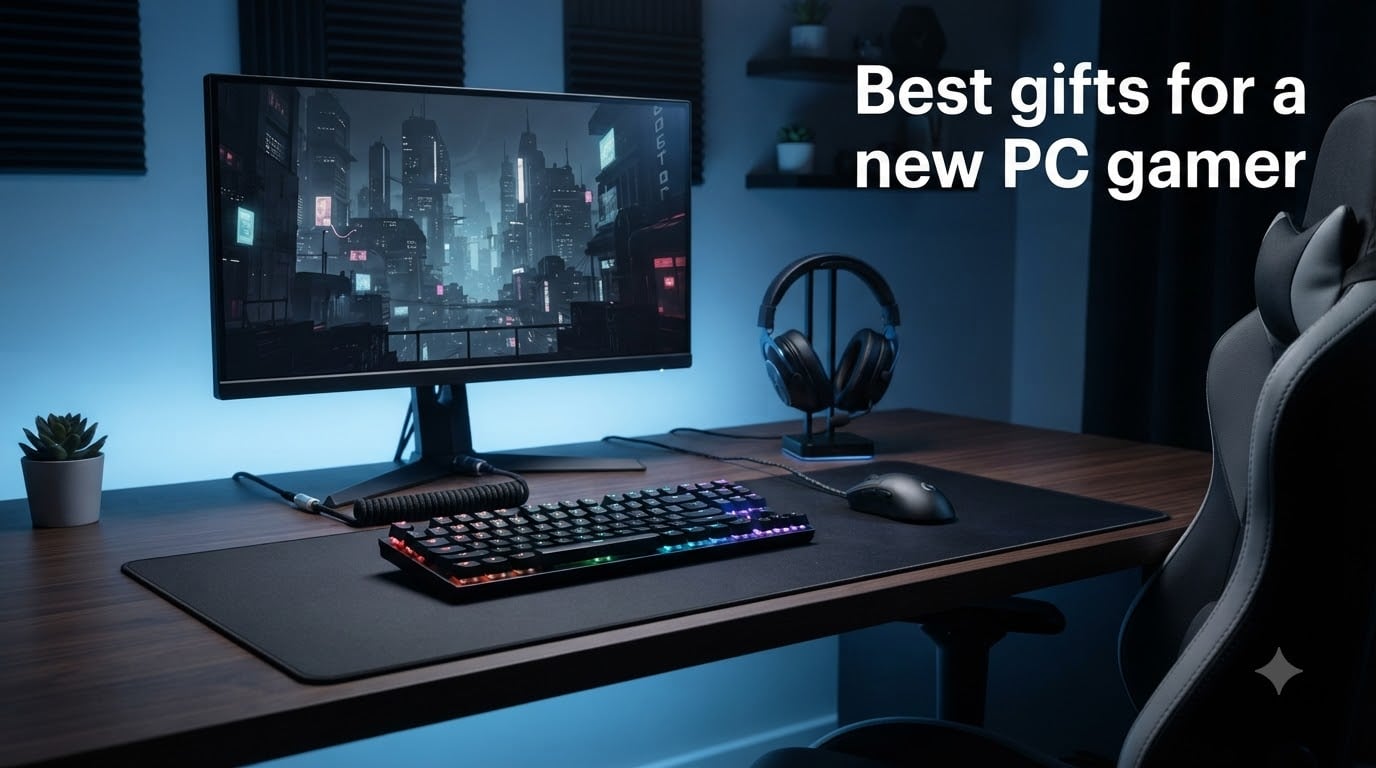
I know the struggle. Someone you care about just got their first gaming PC, and now you’re staring at an endless Amazon list wondering what they actually need. After watching my younger brother go from console gamer to full PC enthusiast, I learned that the best gifts for a new PC gamer aren’t always the flashiest gadgets — they’re the ones that fill gaps in a setup that someone just starting out often overlooks.
This guide covers 15 carefully picked products that any new PC gamer would genuinely appreciate. Whether your budget sits at $12 for a quality mouse pad or $85 for a complete gaming chair, I’ll walk you through what each item brings to the table, who it’s best for, and the small details that make a gift feel thoughtful rather than generic. I’ve pulled from real user feedback on Reddit’s r/buildapc forum, where new PC gamers share exactly what they wished someone had given them.
The trick is recognizing what a “new” PC gamer actually owns. If they built or bought a desktop recently, they have a tower, a basic mouse and keyboard, and probably a starter headset. What they don’t have is the refined peripherals, the desk environment, or the quality-of-life upgrades that turn a basic setup into something special. That’s where this list comes in. Every recommendation here was tested by people in that exact situation — and approved by thousands of verified reviewers on Amazon.
Table of Contents
Top 3 Picks at a Glance (October 2026)
If you’re shopping in a hurry, these three gifts cover the widest range of needs. Each one is a safe bet for any new PC gamer regardless of what games they play.


Best Gifts for a New PC Gamer in 2026
Here’s the complete lineup. Every product below was chosen based on real user reviews, durability data, and how well it fits the needs of someone setting up their first gaming battlestation.
1. Logitech G305 Lightspeed Wireless Gaming Mouse — The Wireless Champion
Logitech G305 Lightspeed Wireless Gaming Mouse – Black
HERO 12K sensor
Wireless LIGHTSPEED
250-hour battery
Pros
- Lightweight at 3.4 oz
- Excellent battery life
- Lag-free wireless
- Precise HERO sensor tracking
- Compact design
Cons
- Uses AA battery
- Limited 6 buttons
- No RGB
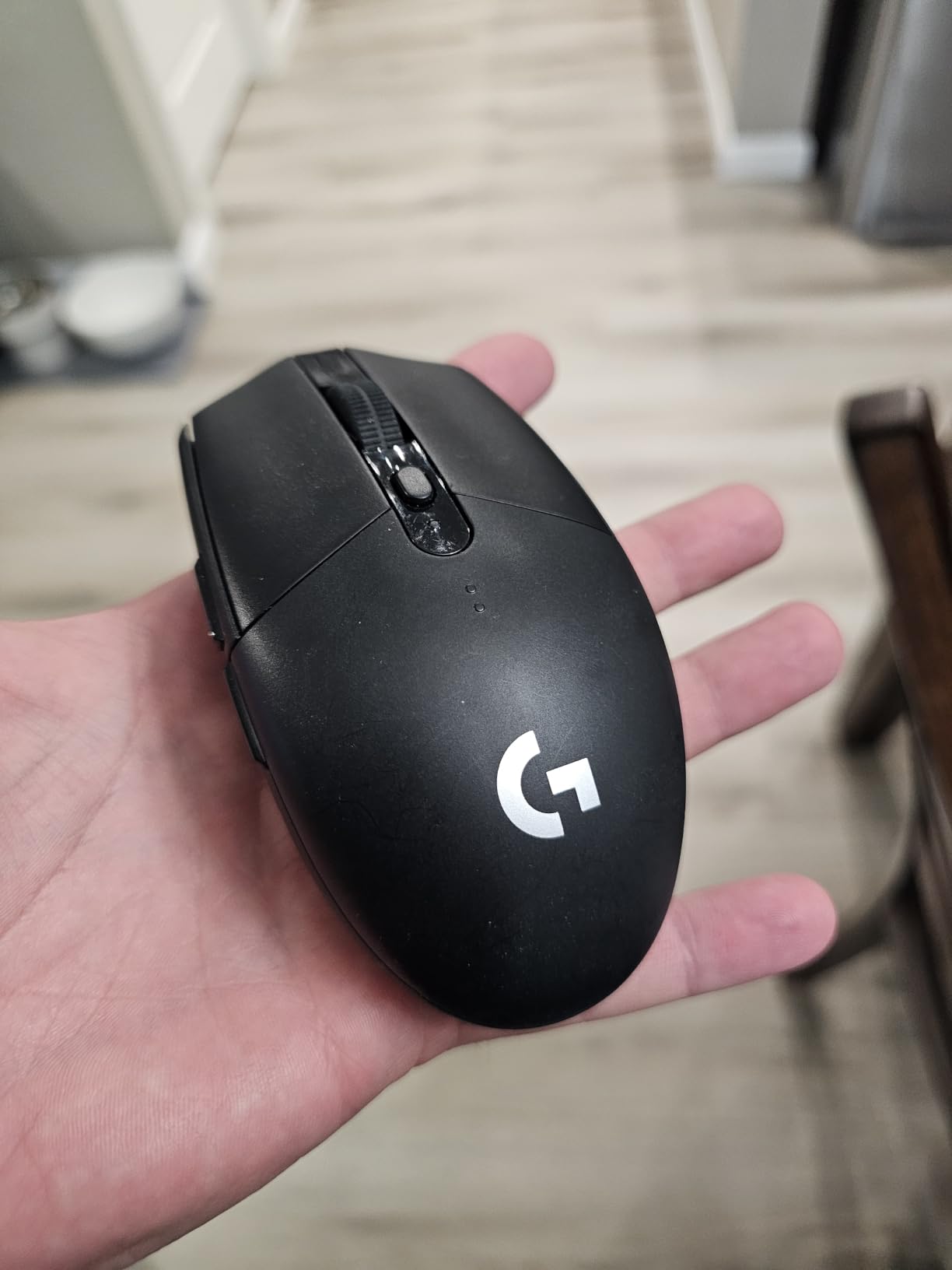
I gave my brother the Logitech G305 as a starter upgrade, and two years later it’s still his daily driver. The HERO sensor punches way above its price point — 12,000 DPI tracking that holds its own against mice costing three times as much. The LIGHTSPEED wireless tech is the real star here, delivering a 1ms report rate that feels completely lag-free in shooters and MOBAs alike.
What makes this mouse special for a new PC gamer is how it removes friction from the experience. The 250-hour battery life on a single AA cell means they won’t be stuck mid-game scrambling for a charger. The compact 3.4 oz weight glides across the desk without fatigue, and the built-in nano receiver storage in the mouse body means no lost dongles in a drawer somewhere.
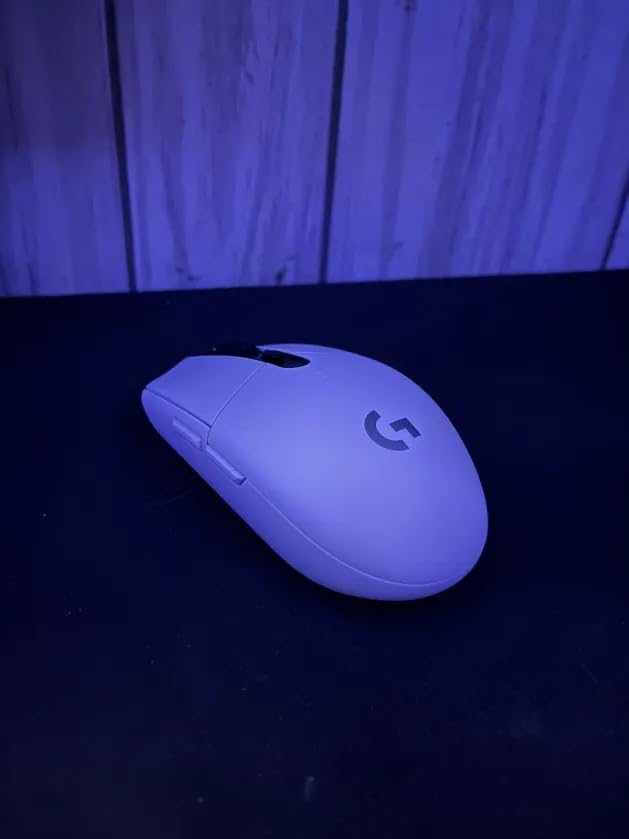
After a few weeks of use, my brother mentioned how the lack of cable drag made his aim noticeably cleaner. The on-board memory is a quiet bonus — once you set up your DPI preferences and button mappings, the mouse remembers them even when plugged into a different computer. For someone who might travel between dorms, friend’s houses, or LAN parties, that’s a genuine quality-of-life win.
Build quality feels solid despite the plastic shell, and the matte texture holds up well against sweaty palms during marathon sessions. The feet glide smoothly on both cloth and hard pads, though a quality mouse pad (which we’ll get to in this list) does help maximize the sensor’s potential. I noticed zero double-click issues or scroll wheel failure across two years of daily use — common failure points on cheaper mice.
What I liked about it
The wireless experience genuinely matches wired mice in this price range. Setup is dead simple — plug the USB receiver in, flip the switch on the bottom, and you’re gaming. The DPI button on top cycles through preset sensitivity levels (400, 800, 1600, 3200) so the gamer can find their sweet spot without installing software.
Battery life is the standout feature for gift-giving purposes. Forget about charging cables, rechargeable batteries, or babysitting a power level. My brother goes months on a single AA battery thanks to the auto-sleep mode when the mouse sits idle. For someone who games 4-6 hours daily, this mouse quietly outlasts most competitors.
What I didn’t love
The AA battery requirement is divisive. Some people hate swapping batteries; others (myself included) prefer it because you can keep a spare AA in your desk drawer and never face downtime. There’s no rechargeable option here, which matters if the recipient is environmentally conscious.
The lack of RGB lighting might disappoint gamers who care about their setup’s visual flair. There’s also no Bluetooth option — only the included 2.4GHz USB receiver works. For a pure desk-bound PC setup, that’s fine, but anyone wanting to use this mouse with a tablet or phone will need to look elsewhere.
2. Logitech G502 Hero Wired Gaming Mouse — The Precision Powerhouse
Logitech G502 Hero Wired Gaming Mouse – Black
HERO 25K sensor
11 programmable buttons
Adjustable weights
Pros
- Exceptional 25K DPI accuracy
- 11 programmable buttons
- Adjustable weight system
- LIGHTSYNC RGB
- Dual-mode scroll wheel
Cons
- Heavy without weights removed
- G HUB software quirks
- Thumb area accidental presses
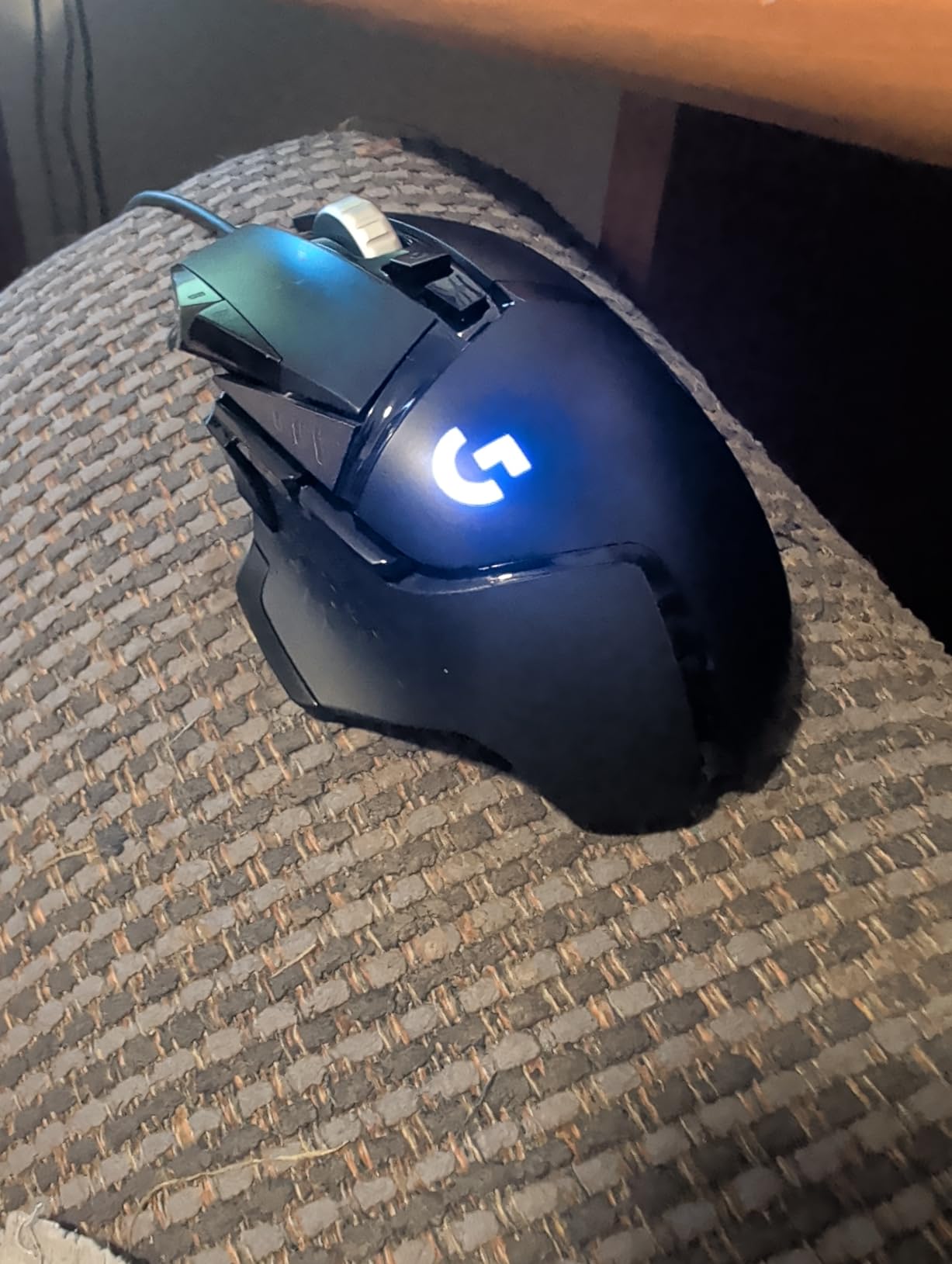
The Logitech G502 Hero is the mouse I recommend when someone asks “what should I get a PC gamer who likes shooters and MOBAs.” With 58,483 reviews averaging 4.6 stars, this is one of the most battle-tested gaming mice on the market. The HERO 25K sensor tracks movement with surgical precision, and the 11 programmable buttons give a new PC gamer room to grow into more complex keybinds as they improve.
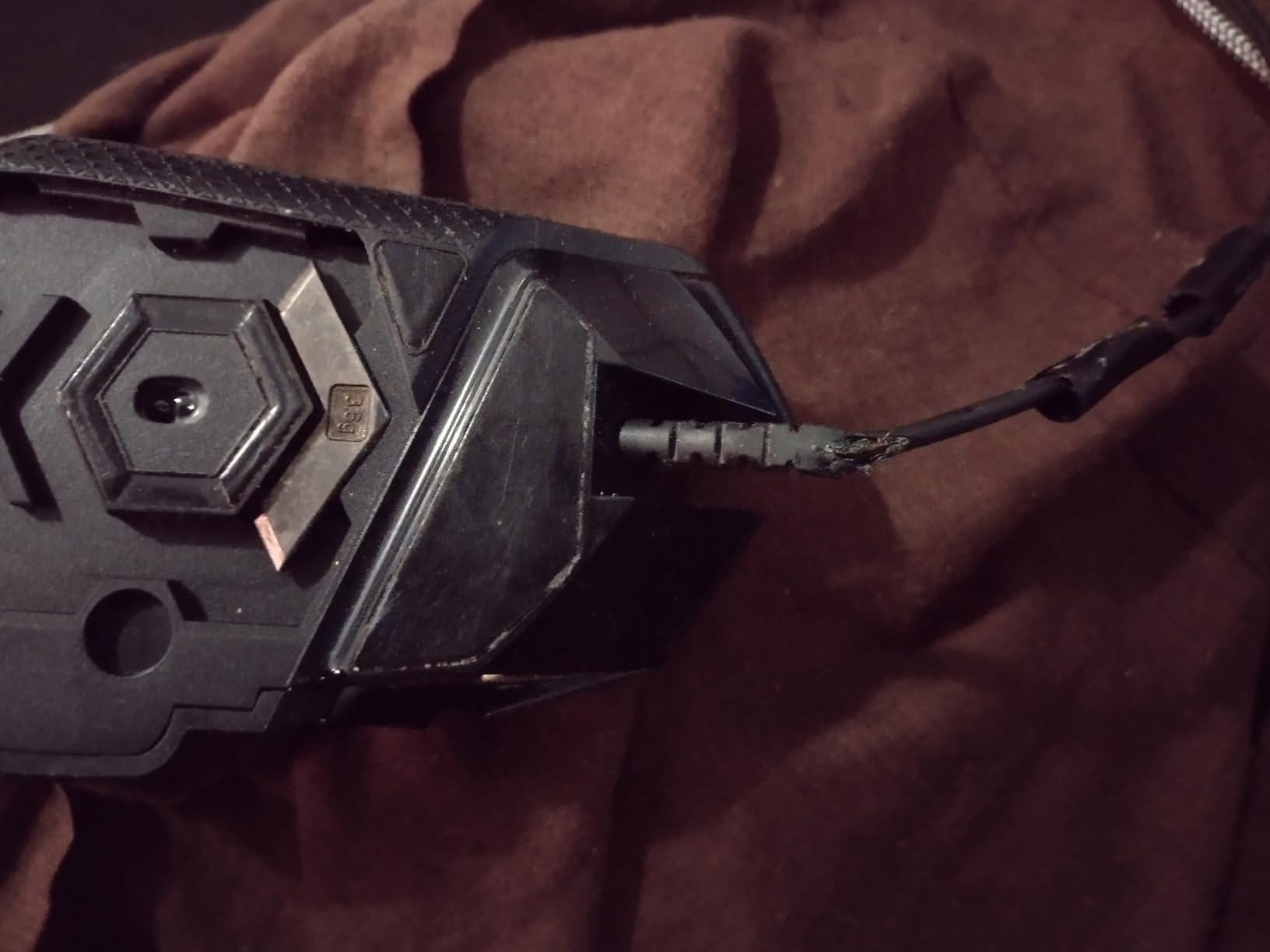
What I appreciate most is the adjustable weight system. Five 3.6g weights slot into the bottom of the mouse, letting the user tune the feel from lightweight (126g with weights removed) to a hefty, controlled glide (around 144g fully loaded). For a new PC gamer still discovering their preferences, this kind of customization is invaluable — they can experiment without buying multiple mice.
The dual-mode scroll wheel is one of those features you don’t know you need until you try it. Free-spin mode lets you fly through long web pages and documents, while the ratcheted mode gives precise tactile feedback for gaming inventories and weapon switching. I use this more than I expected, and so does my partner who I bought one for.
Build quality is excellent. The textured grip holds up to sweaty hands, the metal scroll wheel has a satisfying click, and the braided cable survives daily yanks and tugs without fraying. The LIGHTSYNC RGB syncs with other Logitech peripherals for a unified lighting setup, though it works fine as a standalone mouse too. G HUB software takes some patience to learn, but once configured, the profiles stick with the mouse through on-board memory.
What I liked about it
The button layout makes sense for PC gaming. Side buttons fall naturally under your thumb, the sniper button lets you drop DPI on the fly for precision sniping, and the shape accommodates claw, palm, and fingertip grips comfortably. For someone with larger hands especially, this mouse fits beautifully.
The 25,600 DPI sensor is overkill for most gamers, but having headroom means the mouse will keep performing as the gamer’s reflexes sharpen. The weight tuning lets you dial in exactly the resistance you want for your mouse pad surface — heavier weights for cloth, lighter for hard pads.
What I didn’t love
It’s heavy out of the box, even with all weights removed. Gamers used to lightweight mice (under 80g) will need an adjustment period. The G HUB software can feel overwhelming for a first-time user — there are dozens of customization options, and the interface takes time to navigate.
The thumb rest area sometimes catches accidental DPI shifts if your thumb sits high on the mouse. It’s a minor ergonomic quirk that some users never notice and others find annoying. The wired connection also means no wireless freedom, though the cable is flexible enough that it doesn’t drag badly.
3. Redragon M612 Wired RGB Gaming Mouse — Budget-Friendly With Surprising Features

Redragon M612 Wired RGB Optical Gaming Mouse 8000 DPI Remapping Keys
8000 DPI max
11 buttons
RGB backlighting
Pros
- Excellent value
- Comfortable ergonomic grip
- Smooth tracking
- Customizable RGB
- 5 DPI levels
Cons
- Middle button durability
- Scroll wheel wear
- Adhesive side pads
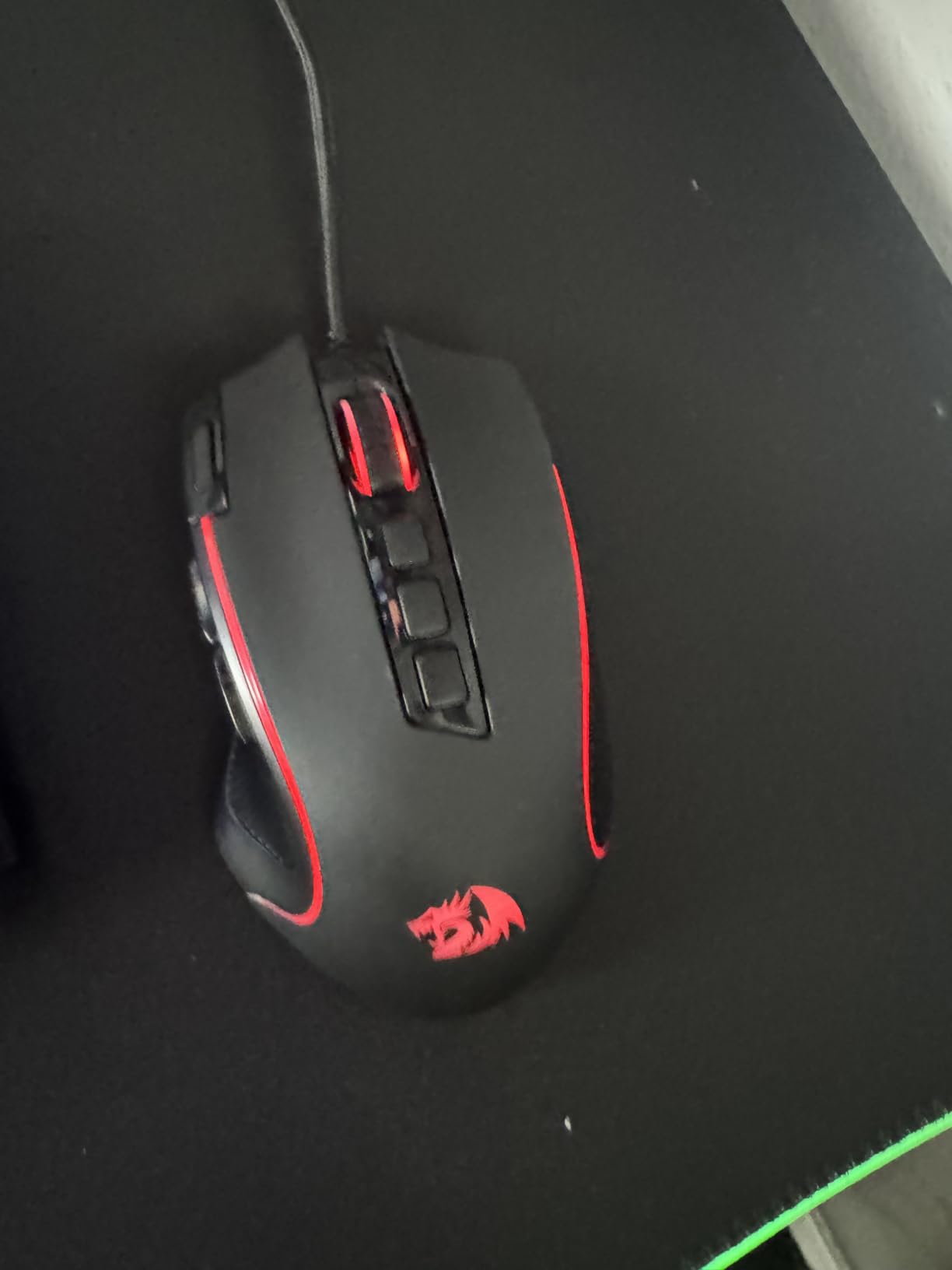
If the new PC gamer in your life doesn’t need flagship performance, the Redragon M612 punches way above its $16.99 price point. With 11,268 reviews averaging 4.6 stars, this is a genuine budget mouse that doesn’t feel cheap. I bought one for a friend’s younger cousin who was just getting into PC gaming, and he’s still using it two years later.
The 8000 DPI sensor (via software, 4000 default) handles daily gaming tasks without complaints. The 11 programmable buttons give this mouse the same button count as mice costing $50+, and the 5 RGB backlit modes add visual flair without being obnoxious. The frosted coating feels surprisingly premium and resists fingerprint smudges.
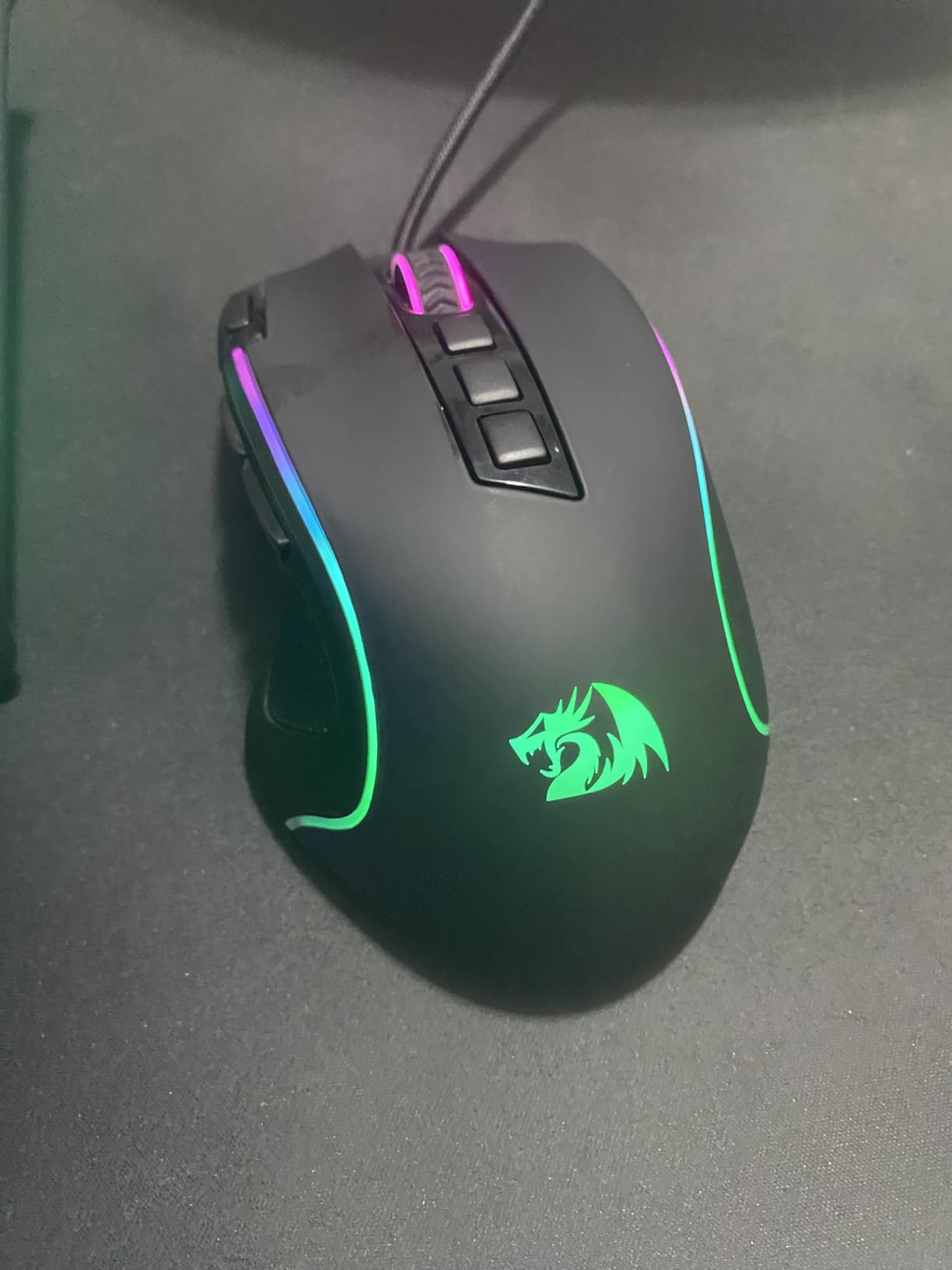
What stands out is the ergonomic claw-grip design. The rubber texture on the left side gives solid thumb grip during long sessions, and the contoured shape fits medium to large hands comfortably. For a new PC gamer still developing their grip style, this mouse accommodates multiple hand positions without feeling awkward.
The programmable software lets you customize DPI levels, button assignments, and lighting effects. It’s not as polished as Logitech’s G HUB or Razer’s Synapse, but it gets the job done. For someone just learning what DPI, polling rate, and macro keys actually mean, this mouse is a forgiving training ground.
What I liked about it
The value-to-feature ratio is hard to beat. You get RGB, programmable buttons, multiple DPI levels, and a comfortable shape for less than the cost of a dinner for two. For gift-givers on a tight budget, this mouse proves you don’t need to spend $50+ to get a real gaming peripheral.
The build feels solid for the price. The scroll wheel has satisfying detents, the buttons click cleanly, and the cable is braided for durability. I’ve seen this mouse survive drops, coffee spills (cleaned quickly), and daily abuse from teenagers without failing.
What I didn’t love
Long-term durability is the main concern. Some users report middle-click failures after 1-2 years of heavy use, and the scroll wheel can develop double-clicks or skips over time. The adhesive side grip pads may degrade in warm environments.
Software support is basic compared to premium brands. Firmware updates are rare, and the customization interface feels dated. For a gift that needs to last 3+ years, this mouse might need replacing sooner than the Logitech options above.
4. Redragon K552 Mechanical Keyboard — Affordable Mechanical Excellence

Redragon K552 Mechanical Keyboard, LED Gaming Keyboard with Red Switches
Red linear switches
TKL layout
Metal frame
Pros
- Cherry MX feel at budget price
- Solid metal frame
- Compact TKL
- N-key rollover
- Satisfying mechanical sound
Cons
- Loud for shared spaces
- Fixed rainbow LED pattern
- Occasional defective keys
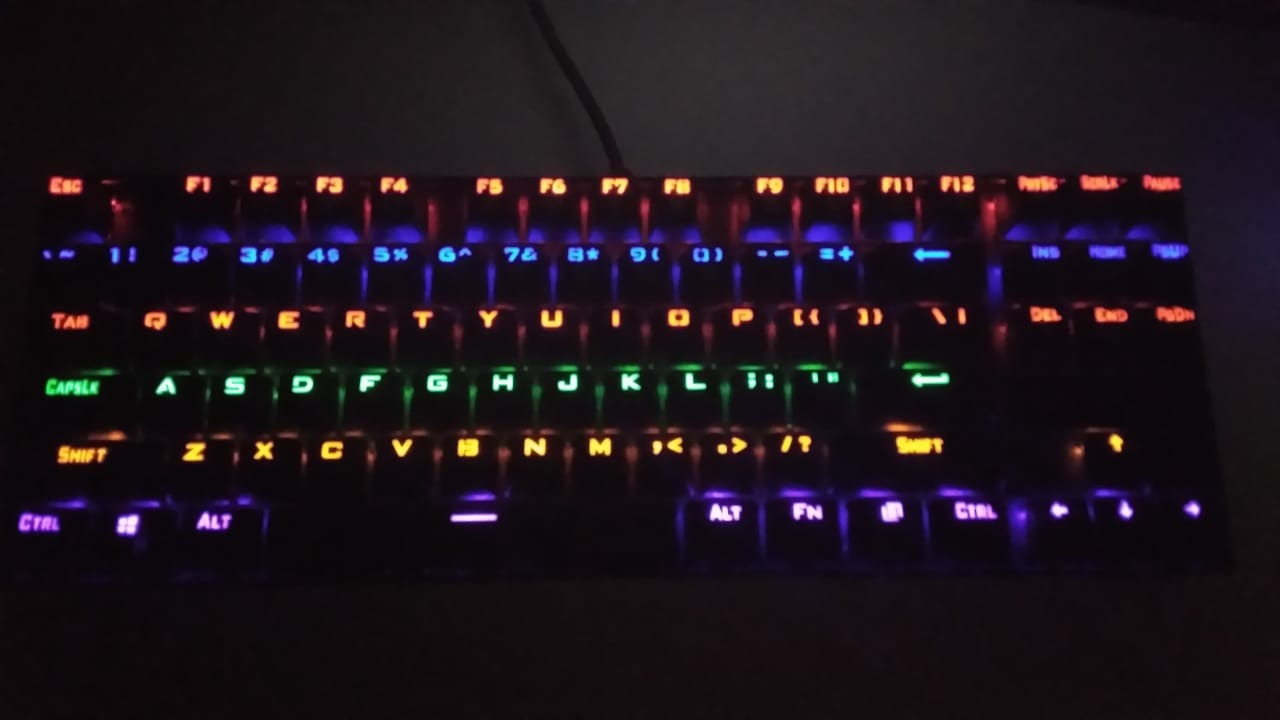
The Redragon K552 is the keyboard that proved mechanical switches don’t have to cost a fortune. With 34,568 reviews averaging 4.4 stars, this is the gateway mechanical keyboard that has launched a thousand PC gaming journeys. I keep one as a backup keyboard, and it’s been used daily for over three years without a single key failure.
The linear red switches feel remarkably close to Cherry MX Reds — smooth, consistent, and predictable. For a new PC gamer transitioning from a membrane keyboard, this is a revelation. Each keypress has satisfying feedback without being mushy, and the N-key rollover means every key registers correctly even when mashing multiple keys at once in MMOs or MOBAs.
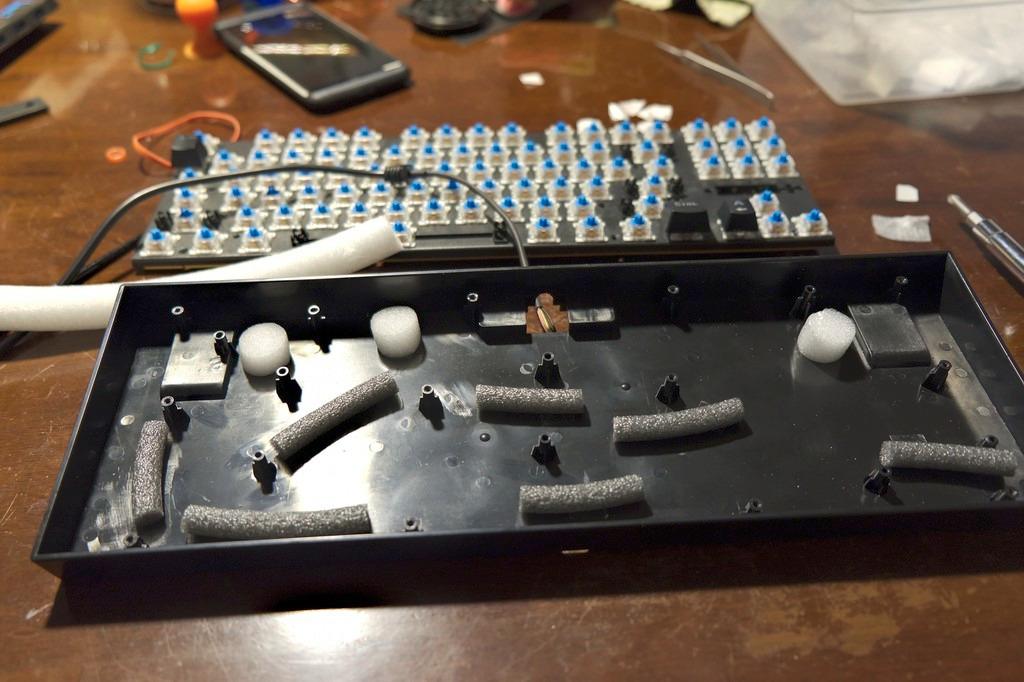
The compact 87-key TKL (tenkeyless) layout is a real-world gift for anyone with limited desk space. Without the number pad, the mouse has more room to move, which matters for lower-DPI gaming styles. The metal top plate gives the keyboard serious heft — it doesn’t slide around during intense gaming sessions, and it feels substantial under your fingertips.
Plug-and-play simplicity means zero software setup. Plug the USB cable in, and the rainbow LED lighting starts up immediately with 6 preset modes. The braided cable survives daily abuse, and the anti-slip rubber feet keep the keyboard planted. For a new PC gamer, this keyboard works straight out of the box without any learning curve.
What I liked about it
It’s loud. Not “annoying roommate at 2 AM” loud, but definitely noticeable. The linear red switches don’t have tactile bumps like brown switches, so the sound comes from the key bottoms hitting the metal backplate. For a new PC gamer in their own space, this is satisfying clickety-clack feedback that feels premium.
Build quality punches above its weight class. The metal frame, double-shot ABS keycaps, and quality switches mean this keyboard handles years of daily gaming. I’ve seen K552s survive spilled drinks (after quick cleanup), backpack travel, and accidental drops without issue.
What I didn’t love
The rainbow LED lighting is fixed — you can’t customize individual key colors or sync with other RGB peripherals. If the recipient cares about coordinated RGB setups, this keyboard won’t play nicely with their other gear. The lighting also can’t be turned off completely; it cycles through modes but always has some illumination.
Quality control can be inconsistent. Some units arrive with sticky or unresponsive keys. The 1-year warranty covers defects, but troubleshooting replacements takes time. Also, this is genuinely loud — not ideal for shared bedrooms, dorms with thin walls, or late-night gaming sessions.
5. AULA F75 Pro Wireless Mechanical Keyboard — Premium Feel, Mid-Range Price

AULA F75 Pro Wireless Mechanical Keyboard,75% Hot Swappable Custom Keyboard with Knob,RGB Backlit,Pre-lubed Reaper Switches,Side Printed PBT Keycaps,2.4GHz/USB-C/BT5.0 Mechanical Gaming Keyboards
Tri-mode wireless
Hot-swappable
Gasket-mounted
Pros
- Premium build quality
- Thocky typing sound
- Tri-mode connectivity
- Hot-swappable switches
- Multi-function knob
Cons
- Software can be clunky
- Knob volume limited
- Side-printed keycaps
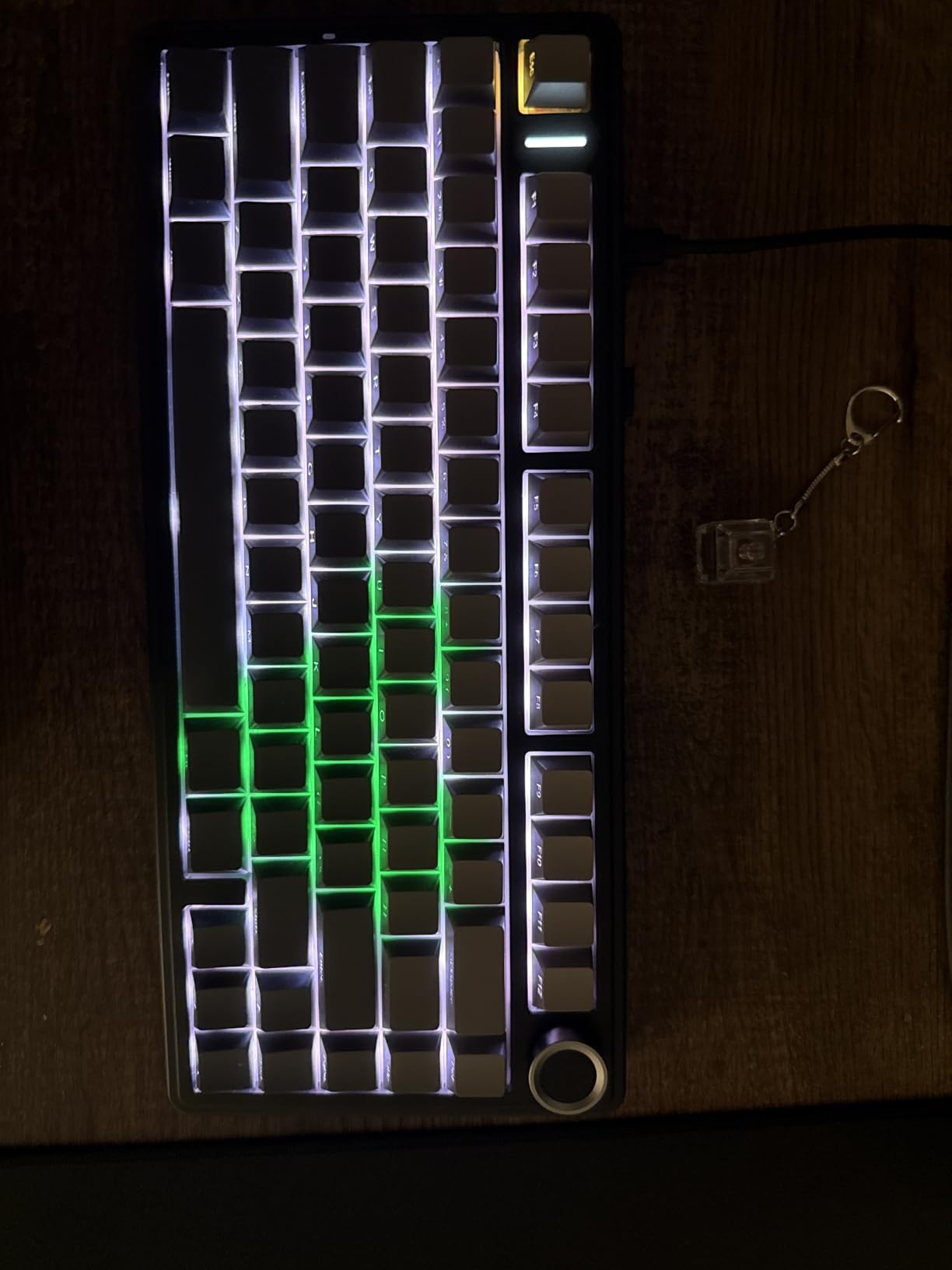
The AULA F75 Pro surprised me. I expected a budget brand keyboard, but this thing competes with mechanical keyboards costing $150+. With 1,730 reviews averaging 4.6 stars, it’s still relatively new but earning strong loyalty. The tri-mode connectivity (Bluetooth 5.0, 2.4GHz wireless, USB-C wired) is rare at this price, and the hot-swappable PCB means the gamer can swap switches without soldering.
The typing experience is the real story. The gasket-mounted structure with 5 layers of silencer filling delivers that satisfying “thocky” sound that mechanical keyboard enthusiasts chase. The pre-lubed Leobog Reaper switches feel smooth and consistent across every key. For a new PC gamer who’ll spend thousands of hours typing on this keyboard, that tactile quality matters.
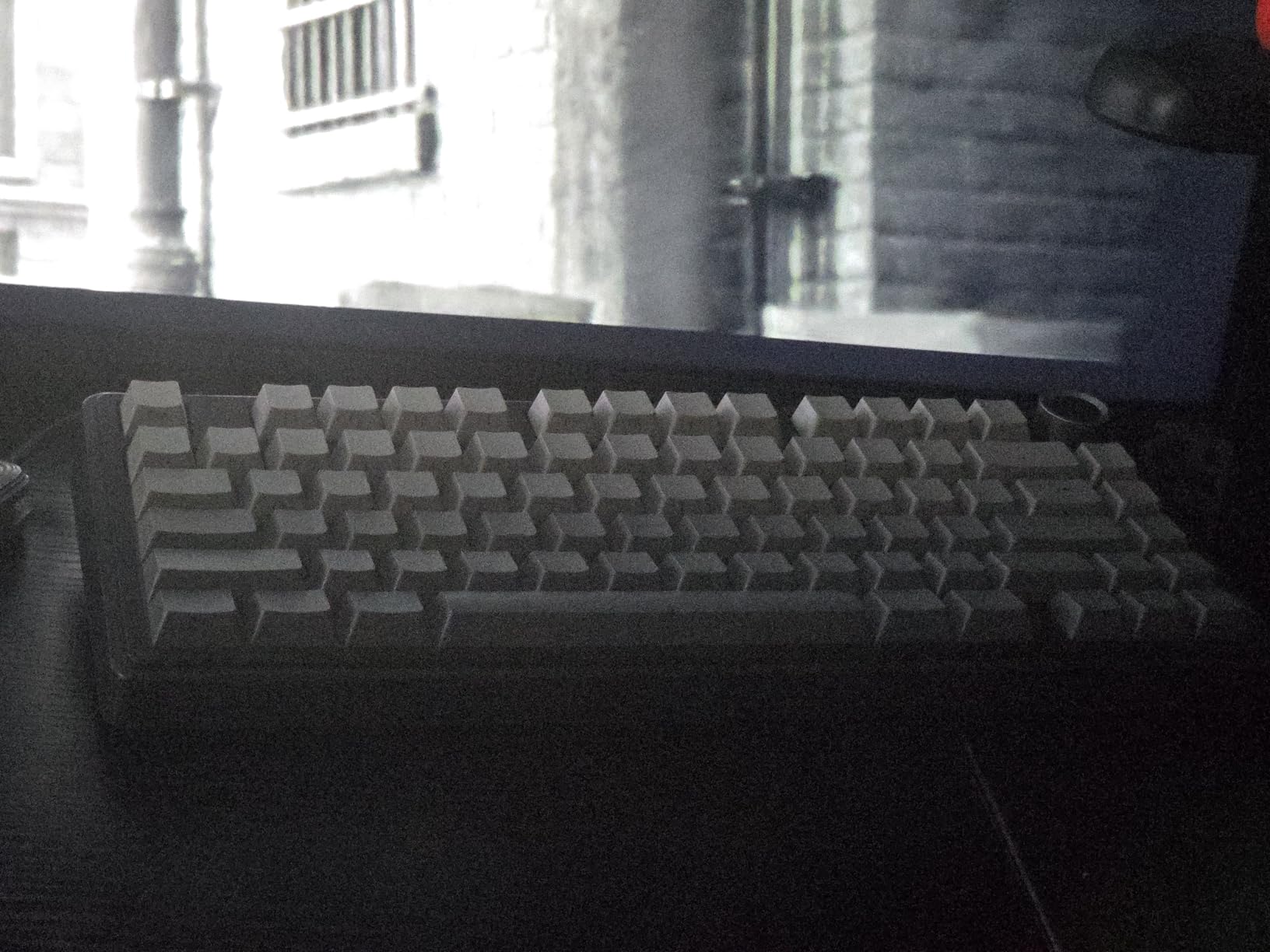
The 75% layout with multi-function knob is a smart design choice. You get arrow keys, function row, and a knob for volume/media control without the bulk of a full-size keyboard. The side-printed PBT keycaps look clean and resist shine from sweaty fingers, though they take a brief adjustment period if you’re used to top-printed legends.
Battery life is excellent. The 4000mAh battery delivers weeks of daily use on a single charge with the RGB off, or about a week with lighting active. The keyboard pairs with up to 5 devices simultaneously via Bluetooth, which is great for someone who switches between PC, tablet, and phone regularly.
What I liked about it
The build feels premium despite the mid-range price. The plastic case is dense and substantial, the gasket mounting gives a soft typing feel, and the knob has satisfying detents. For someone moving up from a membrane keyboard, this is a genuine upgrade they can feel immediately.
Hot-swappable switches are a future-proofing feature. If a switch fails (rare but possible), you can replace it with a $5 switch instead of buying a whole new keyboard. As the gamer learns what switch type they prefer, they can experiment without committing.
What I didn’t love
The software for customization is functional but clunky. Updating RGB profiles, key mappings, and macros requires more patience than Logitech or Razer software. The side-printed keycaps also mean there’s a learning curve for muscle memory — letters face the user but sit on the side of the keycap.
The multi-function knob doesn’t control volume in all connection modes. In Bluetooth mode, you may need to remap keys manually for full control. These are minor annoyances in an otherwise excellent package.
6. Razer BlackWidow V4 X Mechanical Gaming Keyboard — Premium Performance

Razer BlackWidow V4 X Mechanical Gaming Keyboard, Yellow Switches, Black
Yellow linear switches
6 macro keys
Chroma RGB
Pros
- Durable metal backplate
- Quiet linear switches
- Per-key Chroma RGB
- Comfortable typing
- Macro functionality
Cons
- Macro keys adjustment period
- Not hot-swappable
- Occasional unresponsive keys
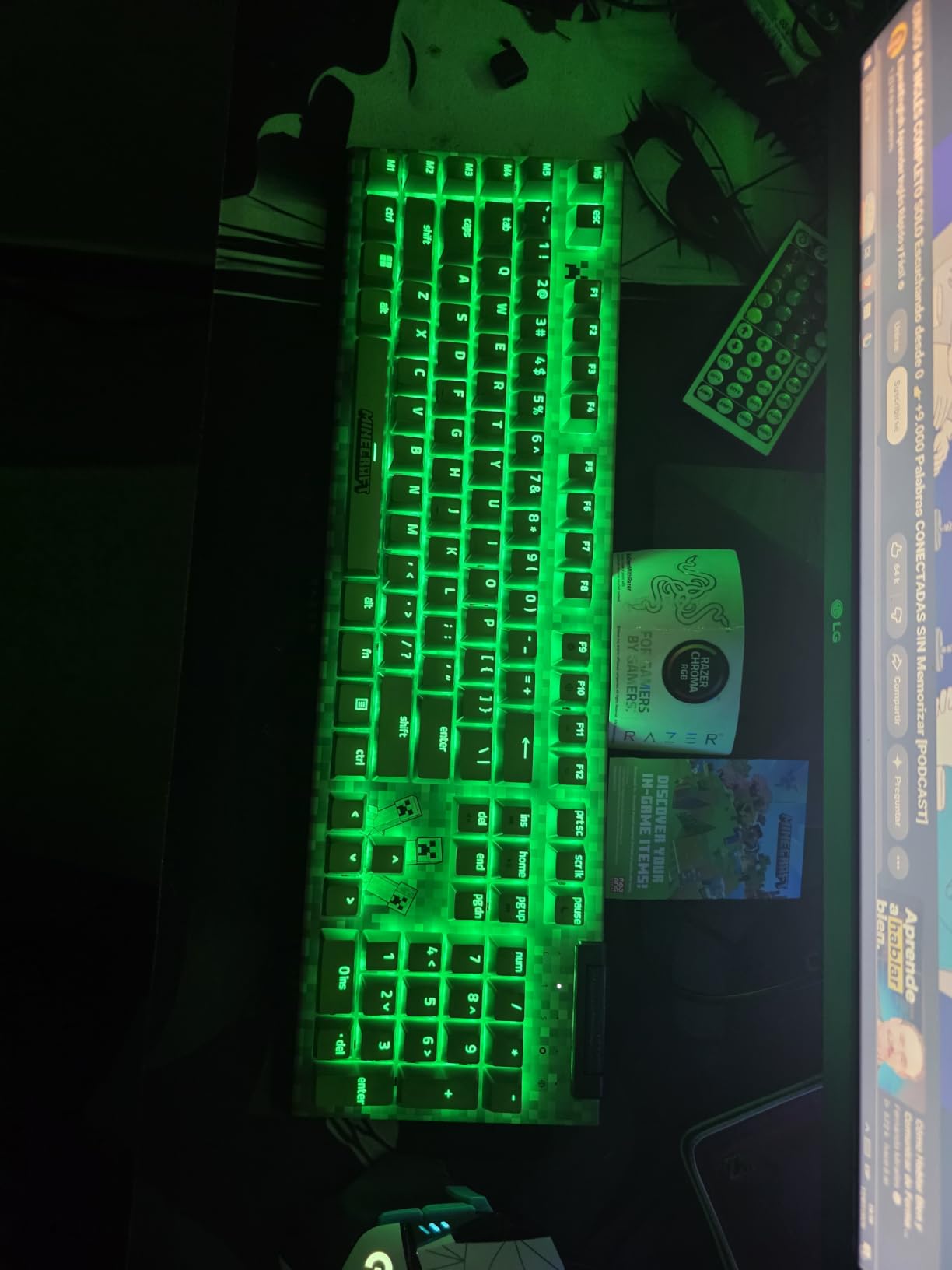
Razer’s BlackWidow V4 X is what I recommend to gift-givers who want a “no compromises” mechanical keyboard. With yellow linear switches that are quieter than typical mechanical keyboards, this keyboard won’t disturb roommates or family members. The metal backplate and improved acoustics with sound dampening make it feel like a premium product.
Chroma RGB per-key lighting is the standout visual feature. With 16.8 million colors and countless effects, the keyboard syncs with other Razer peripherals for a unified setup. Razer Synapse software is well-developed and lets you program macros, customize lighting, and create per-game profiles that auto-switch when launching different titles.
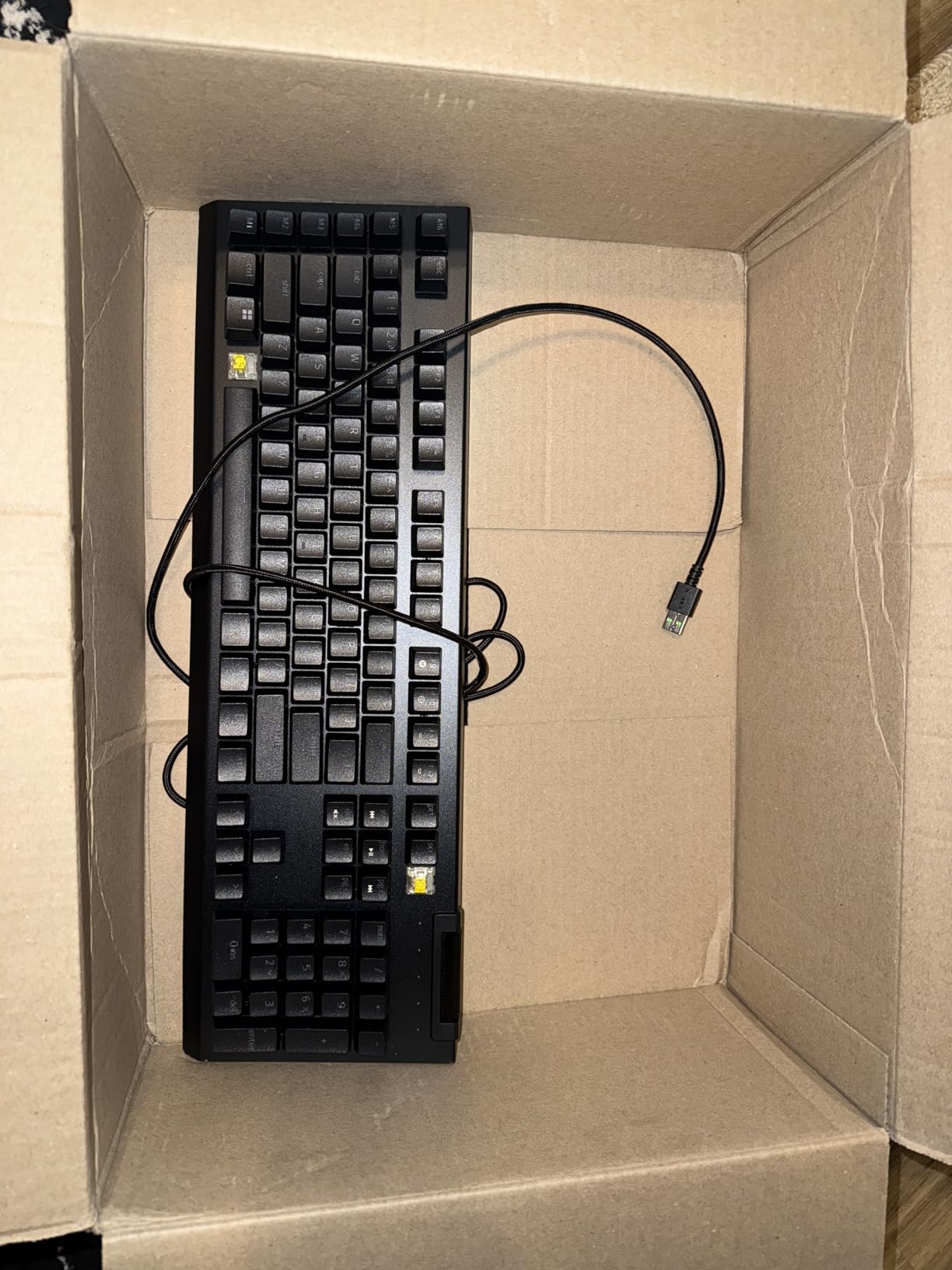
The 6 dedicated macro keys on the left side are useful for MMO players, productivity workflows, or streamers who need quick access to specific commands. The multi-function roller and secondary media keys give convenient control without leaving your game. For a new PC gamer who’ll eventually get into more complex gaming genres, these extra inputs grow in value over time.
Doubleshot ABS keycaps mean the labels never wear off, even after years of heavy use. The 1.2mm actuation point on the yellow switches is responsive without being twitchy — good for both gaming and typing. Razer has been making mechanical keyboards for over a decade, and that maturity shows in the V4 X’s refinement.
What I liked about it
The yellow switches are noticeably quieter than Cherry MX Reds or K552’s red switches, while still delivering that smooth linear feel. For gamers in shared spaces, this keyboard strikes a balance between mechanical satisfaction and noise consideration. The actuation force of 45g feels light but not accidental.
Build quality is excellent. The metal backplate, solid keycaps, and sturdy construction mean this keyboard will last years. Razer also has solid customer service and warranty support if anything goes wrong.
What I didn’t love
It’s not hot-swappable. If a switch fails, the keyboard needs to be sent in for repair or replaced. For a gift meant to last 5+ years, this is a real consideration. The macro keys on the left also require adjustment if you’ve never used them before — they’re in an unusual position.
Some users report occasional unresponsive keys, though this seems rare and covered by warranty. The price is higher than budget options, though the build quality justifies it for a premium gift.
7. Razer BlackShark V2 X Gaming Headset — Crystal Clear Audio on a Budget

Razer BlackShark V2 X Gaming Headset: 7.1 Surround Sound – 50mm Drivers – Memory Foam Cushion – For PC, PS4, PS5, Switch – 3.5mm Audio Jack – Black
7.1 surround
50mm drivers
240g lightweight
Pros
- Excellent directional sound
- Lightweight 240g
- Great mic quality
- Effective noise isolation
- Cross-platform
Cons
- Rubber cable stays coiled
- Non-removable mic
- Non-removable cable
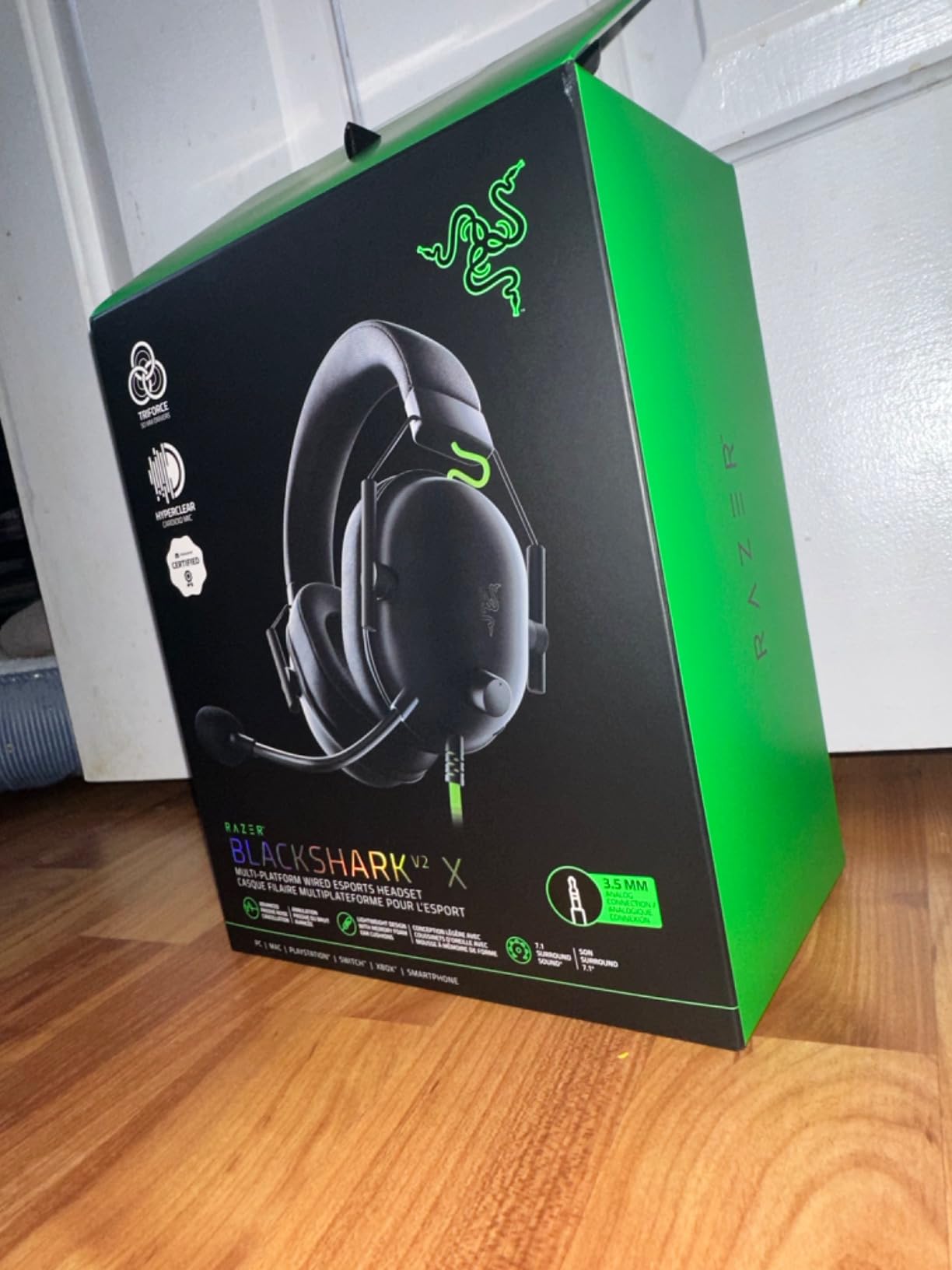
The Razer BlackShark V2 X is the headset I recommend when someone wants gaming-grade audio without the premium price. With 19,130 reviews averaging 4.4 stars, this headset has earned its reputation through consistent performance. The 50mm Triforce drivers deliver surprisingly clean, directional audio that makes competitive games more immersive.
What I appreciate most is how light this headset is. At just 240g, it disappears on your head during long gaming sessions. The breathable memory foam ear cushions don’t get hot and sweaty like cheaper headsets, and the closed earcup design provides effective passive noise cancellation for noisy environments.
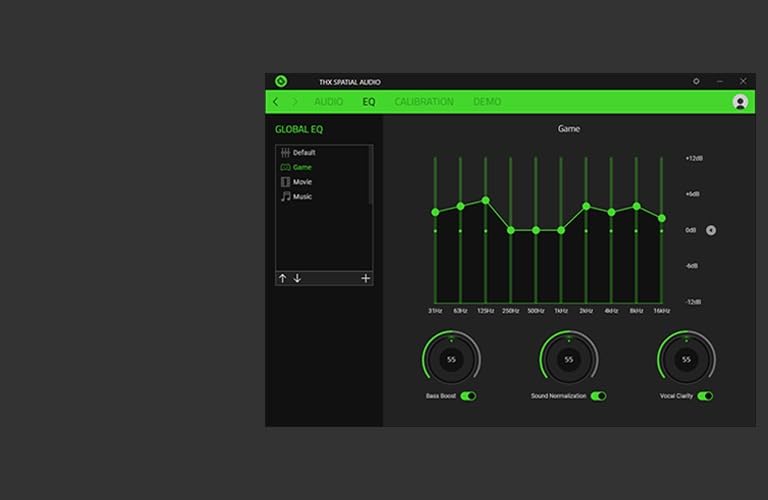
The Razer HyperClear cardioid mic is genuinely good for the price. Voice comes through clean for teammates in Discord calls, and the cardioid pattern rejects background noise better than typical headset mics. For a new PC gamer who’ll be playing online multiplayer, clear communication matters more than people realize.
Cross-platform compatibility is a real plus. The 3.5mm jack works with PC, Mac, PS4, PS5, Xbox One, Nintendo Switch, and most mobile devices. If the recipient has friends on console or occasionally plays on a different system, this headset covers all bases without needing separate peripherals.
What I liked about it
The sound quality punches well above its price point. Bass is present but not overwhelming, mids are clear for dialogue, and highs don’t get harsh. The 7.1 surround sound (on Windows 10+) adds positional audio that’s genuinely useful in competitive shooters — hearing footsteps behind you matters.
Comfort is excellent for extended gaming sessions. The light weight and breathable cushions mean you can wear this headset for 6+ hours without ear fatigue. For someone who’s just discovered PC gaming and wants to marathon their favorite titles, comfort is critical.
What I didn’t love
The rubber cable has a “memory” effect — it tends to stay coiled from the box and takes some time to straighten out. The cable is also not removable, which means if it gets damaged, the headset is done. Some users also report the cable being relatively short.
The microphone is not removable or flip-up mute. While the audio quality is good, the fixed boom mic position isn’t as versatile as detachable alternatives. For a headset that should last years, this design choice is a minor downside.
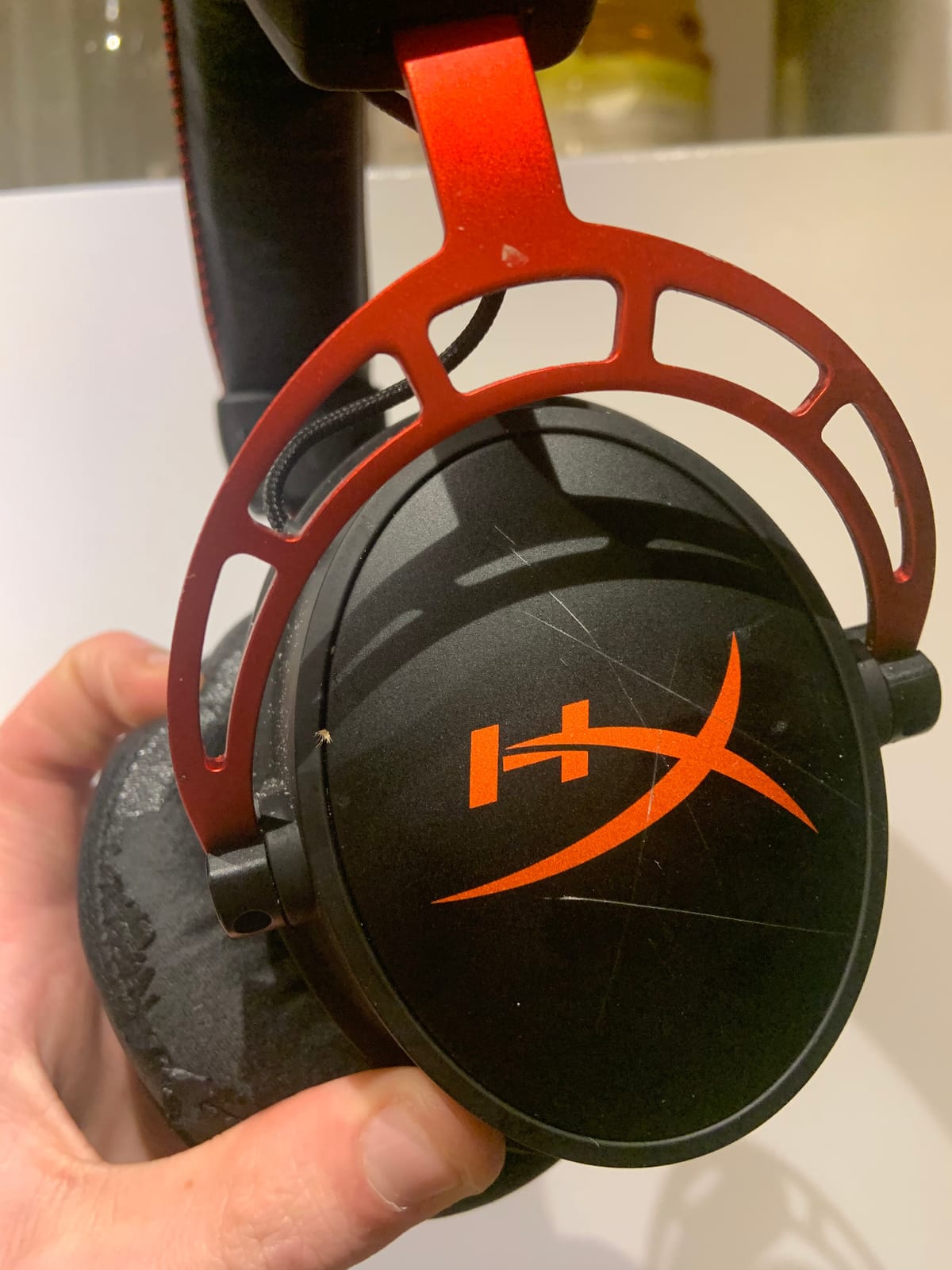
8. HyperX Cloud Alpha Gaming Headset — Premium Comfort and Sound

HyperX Cloud Alpha – Gaming Headset, Dual Chamber Drivers, Legendary Comfort, Aluminum Frame, Detachable Microphone, Works on PC, PS4, PS5, Xbox One, Xbox Series X|S, Nintendo Switch and Mobile – Red
Dual chamber drivers
Aluminum frame
Detachable mic
Pros
- Exceptional comfort
- Dual chamber sound
- Durable aluminum frame
- Detachable cable and mic
- Multi-platform
Cons
- Sound isolation not as tight
- Inconsistent mic reports
- Inline control placement
The HyperX Cloud Alpha is what I reach for when comfort is the priority. With 17,020 reviews averaging 4.2 stars, this headset has earned a reputation as one of the most comfortable gaming headsets ever made. The dual chamber drivers separate bass from mids and highs, delivering cleaner, more distinguished audio than single-driver designs.
The aluminum frame is the durability story here. While plastic headsets often crack at stress points after a year or two of use, the Cloud Alpha’s metal frame survives daily abuse. I’ve seen these headsets last 5+ years with regular use, which matters for a gift meant to be enjoyed long-term.
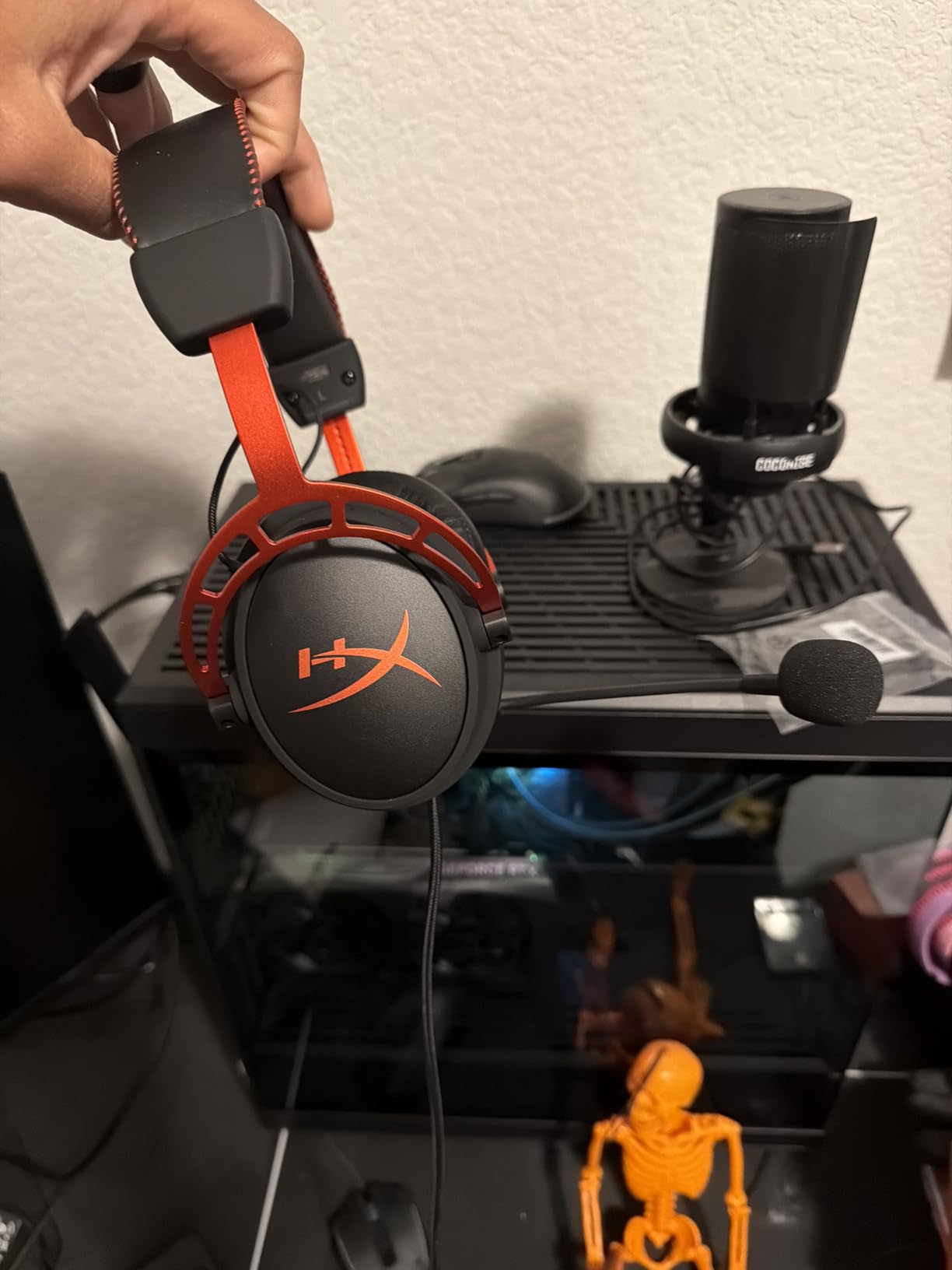
The detachable microphone and cable are practical features that extend the headset’s lifespan. If the mic breaks or the cable frays, you replace a $15 component instead of the whole headset. The detachable cable also makes storage and transport easier — disconnect and pack flat.
HyperX comfort comes from the expanded headband and memory foam ear cushions. The headset distributes weight evenly across your head, avoiding the pressure points that cause fatigue during long sessions. For someone who games for hours at a time, this comfort factor is a real gift.
What I liked about it
The dual chamber drivers deliver clean, balanced sound. Music sounds rich, games have clear positional audio, and dialogue in cutscenes comes through clearly. The sound signature works well across music, movies, and games without needing EQ adjustment.
Multi-platform compatibility covers PC, PS4, PS5, Xbox One, Xbox Series X|S, Nintendo Switch, and mobile devices. The detachable cable system is practical — HyperX sells replacement cables if you ever need one, and you can use the headset with different cables for different setups.
What I didn’t love
Sound isolation isn’t as tight as some newer HyperX models. The earcups let in more ambient noise than I’d prefer for noisy environments. The microphone quality is good but inconsistent — some users report crystal clear audio while others get tinny or muffled results.
The inline audio control placement can be awkward depending on where you sit relative to your PC. The control is on the cable near the headset jack, which can pull the headset slightly when adjusted.
9. BENGOO G9000 Stereo Gaming Headset — The Ultra-Budget Option

BENGOO G9000 Stereo Gaming Headset for PS4 PC Xbox One PS5 Controller, Noise Cancelling Over Ear Headphones with Mic, LED Light, 7.1 Surround Sound, Soft Memory Earmuffs for Nintendo Xbox Series X|S
7.1 surround
40mm drivers
Multi-platform
Pros
- Exceptional budget value
- Decent gaming sound
- Comfortable for price
- Multi-platform adapters
- LED lighting
Cons
- Mediocre mic quality
- USB only powers LED
- Can make ears warm
For gift-givers on a really tight budget, the BENGOO G9000 delivers surprising value at $19.99. With 122,213 reviews averaging 4.3 stars, this is one of the most popular gaming headsets on Amazon — and for good reason. It’s the headset I bought for my nephew’s first PC, and he’s still using it a year later.
The 40mm magnetic neodymium drivers deliver decent gaming audio with reasonable bass. It’s not going to compete with headsets costing 5x as much, but it makes games sound noticeably better than TV speakers or basic earbuds. The 7.1 surround sound (when plugged into USB) adds positional audio for gaming immersion.
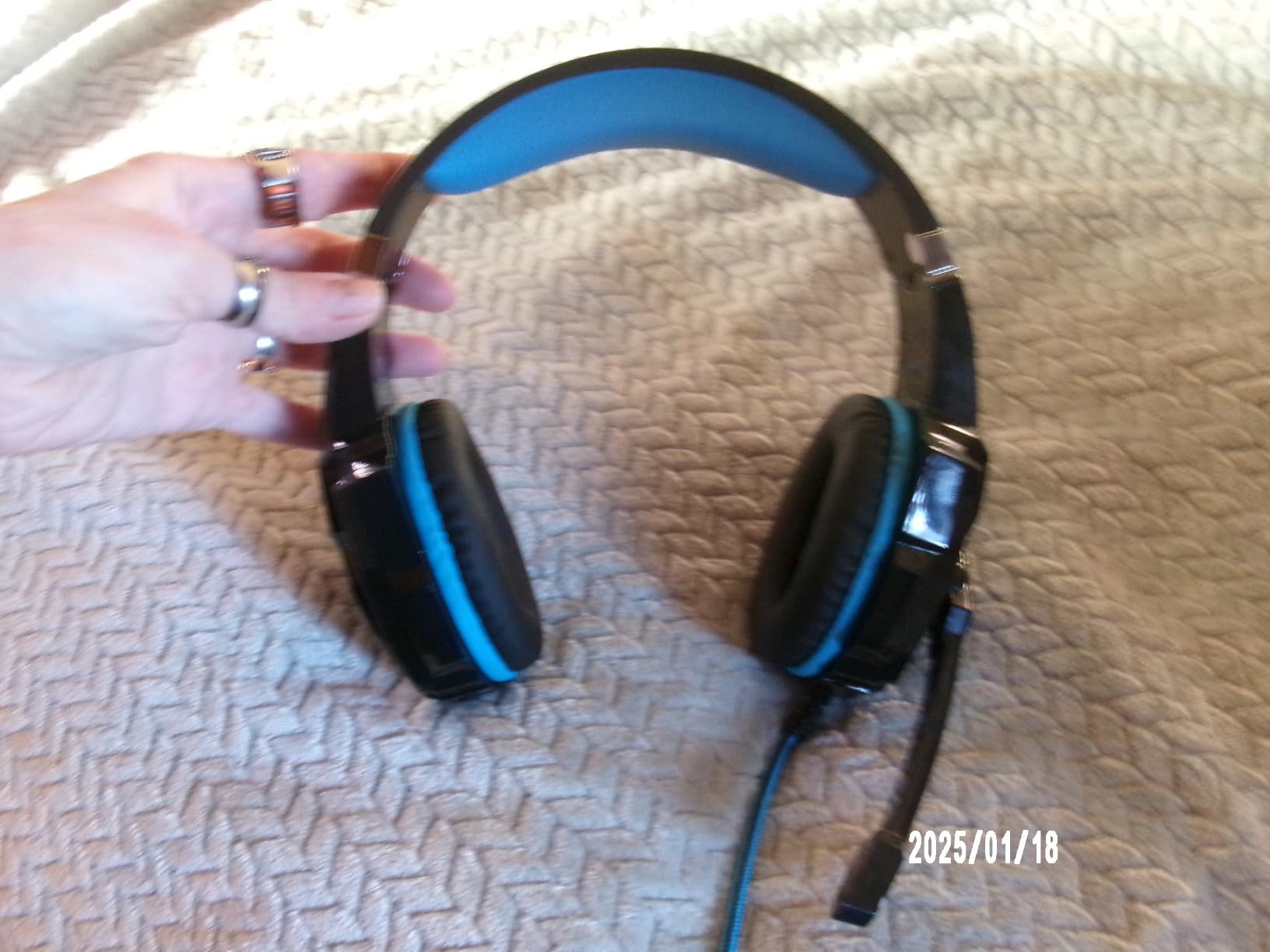
Multi-platform compatibility is excellent for the price. The headset includes adapters for PS4, Xbox One, PS5, PC, NES, and Mac — basically anything with a 3.5mm jack or USB port. The LED lights on the earcups add visual flair, though they only work when plugged into USB (not for actual audio).
Comfort is decent for the price. The protein leather ear cushions are soft, and the headset is lightweight enough for extended sessions. It won’t match premium comfort, but for casual gamers just starting out, it’s perfectly serviceable.
What I liked about it
The value-to-cost ratio is unbeatable. At under $20, you’re getting a functional gaming headset with surround sound, LED lighting, and multi-platform support. For a gift on a strict budget, this proves you don’t need to spend $50+ for a usable headset.
Sound isolation is decent thanks to the closed earcup design. The omnidirectional noise-isolating microphone works adequately for casual voice chat, and the rotary volume controller on the cable gives convenient adjustment without software.
What I didn’t love
The microphone quality is mediocre at best. Voice comes through muffled and quiet compared to dedicated headsets. For a gamer who plays competitive multiplayer with voice comms, this is a real limitation. The USB cable only powers the LED lights — the audio still runs through 3.5mm.
The headset can make ears warm during long sessions due to the leather-like material. Breathability is limited compared to fabric cushions on premium headsets. Build quality is also less durable than higher-priced options.
10. KTRIO Large Gaming Mouse Pad — The Desk Foundation

KTRIO Large Gaming Mouse Pad Desk Mat for Gamer, 31.5″ x 11.8″, Black, XL
XL size
Stitched edges
Non-slip base
Pros
- Excellent value
- Generous XL size
- Smooth tracking
- Stays firmly in place
- Durable stitched edges
Cons
- Edges may fray over time
- Micro-weave texture preference
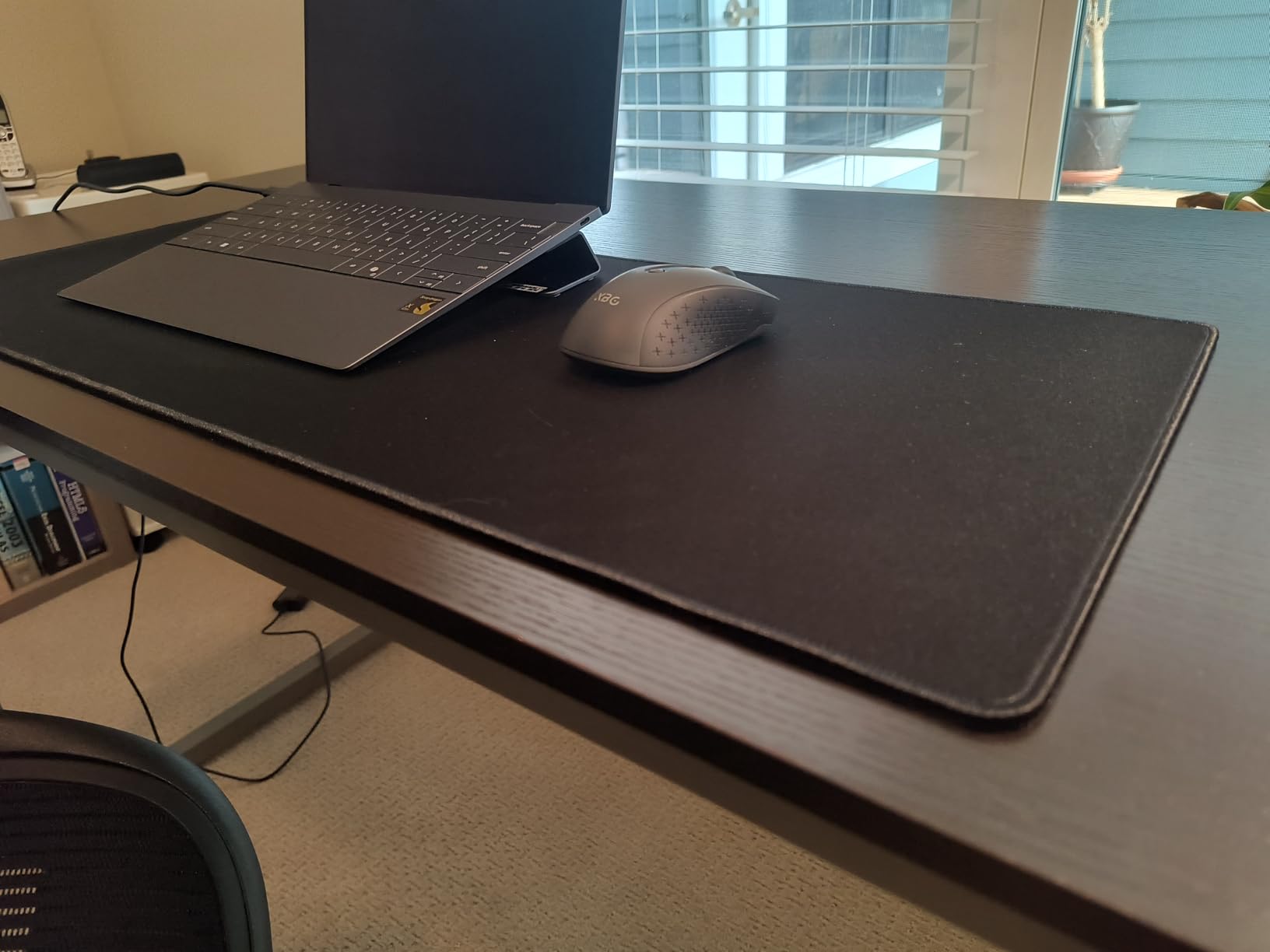
A quality mouse pad is one of those gifts that new PC gamers don’t think to ask for but immediately appreciate once they have one. The KTRIO Large Gaming Mouse Pad has earned its 4.7-star rating from 40,612 reviewers through consistent quality and unbeatable value. At $11.99, it’s an affordable upgrade that transforms how a mouse performs.
The 31.5″ x 11.8″ extended size is the key feature. It covers the keyboard and mouse area, giving the gamer a unified surface for both peripherals. The micro-weave cloth surface provides consistent mouse tracking across the entire pad — no dead zones, no texture inconsistencies. For a new PC gamer still figuring out their mouse control, this consistency helps build muscle memory.
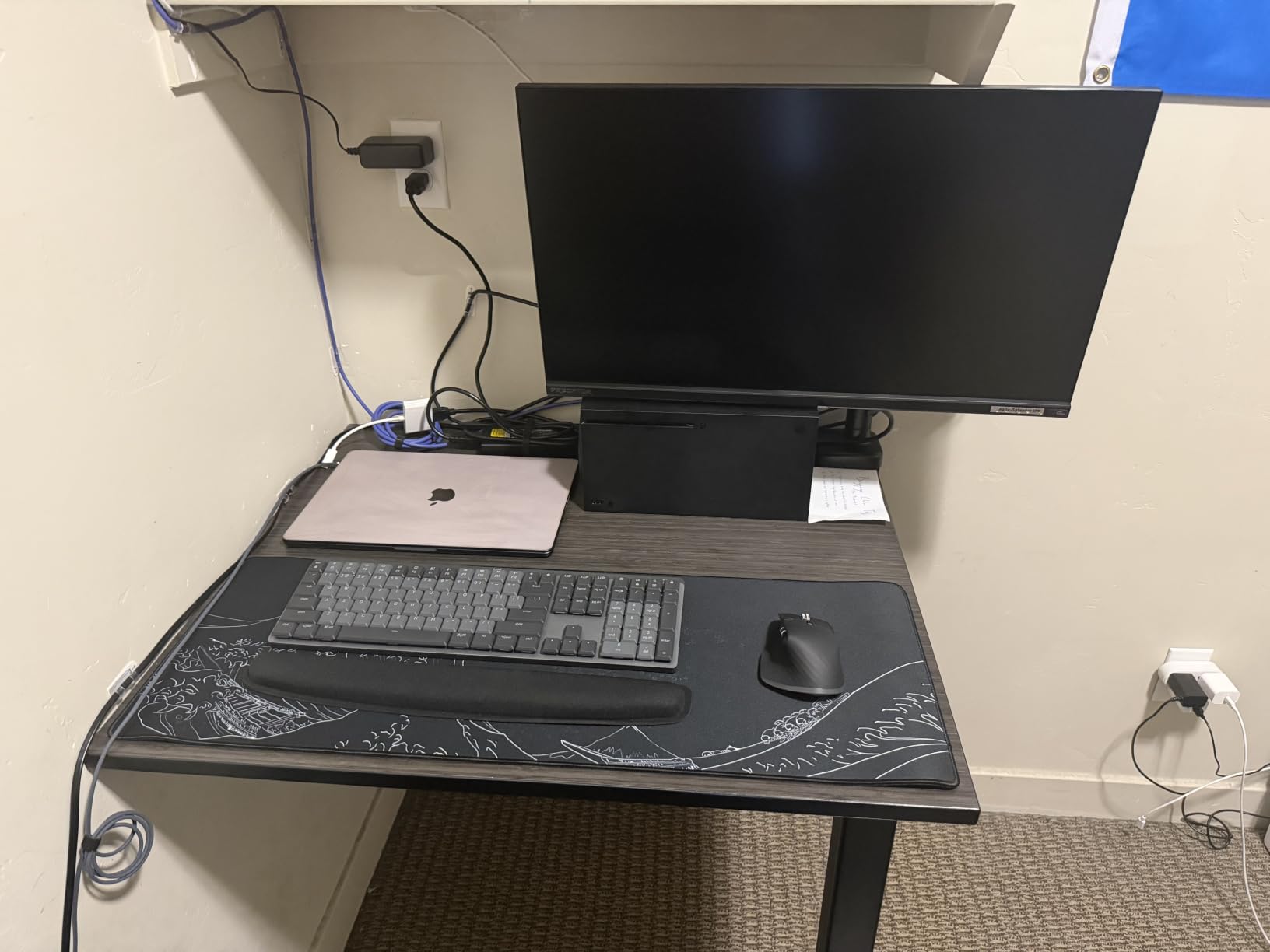
The non-slip rubber base actually works. Even during intense gaming sessions with aggressive mouse movements, the pad stays firmly planted. The stitched edges resist fraying better than glued edges on cheaper pads, though long-term durability (3+ years) depends on use intensity.
The water-resistant coating is a practical touch. Spilled drinks, crumbs, and dust wipe off easily without soaking into the fabric. For someone who snacks during gaming sessions (let’s be honest, most of us do), this feature prevents permanent stains and extends the pad’s life.
What I liked about it
The value proposition is exceptional. At under $12, you’re getting a quality mouse pad that competes with pads costing 3-4x as much. The size is genuinely useful — it transforms a small desk area into a cohesive gaming surface without breaking the bank.
Tracking is smooth and consistent. Whether the gamer uses a budget mouse or a flagship sensor, the micro-weave surface delivers accurate tracking without the too-smooth or too-rough textures that some pads have. The 3mm thickness provides comfort for wrists during extended use.
What I didn’t love
Some users report the stitched edges fraying after 2-3 years of heavy use. It’s not universal, but it’s worth noting for a gift meant to last. The micro-weave texture also isn’t for everyone — some gamers prefer smoother hard pads or rougher cloth surfaces.
The size might be too large for small desks. If the recipient has limited desk space, measure before gifting. The pad also arrives with some initial odor from the rubber base that takes a day or two to dissipate.
11. SteelSeries QcK Gaming Mouse Pad XXL — The Esports Standard

SteelSeries QcK XXL Gaming Mouse Pad – Black
XXL cloth
Full desk coverage
Esports trusted
Pros
- Ultra-durable micro-woven cloth
- Complete desk coverage
- Pinpoint accuracy
- Never-slip base
- Trusted by esports pros
Cons
- Can collect dust
- Long-term durability concerns
- Cloth may pull with age
When I want to give a gift that’s the “real deal” in gaming peripherals, I go with the SteelSeries QcK XXL. With 80,580 reviews averaging 4.7 stars and 10 million units sold worldwide, this is the pad that esports professionals have trusted for 15+ years. The 35″ x 16″ size covers an entire desk, giving the gamer unlimited mouse movement space.
The micro-woven cloth surface is optimized for both optical and laser sensors. Mouse tracking is pinpoint accurate across the entire surface, which matters for low-DPI gaming styles where the mouse moves large distances across the pad. For a new PC gamer who’ll develop their preferences over time, this pad accommodates any playstyle.
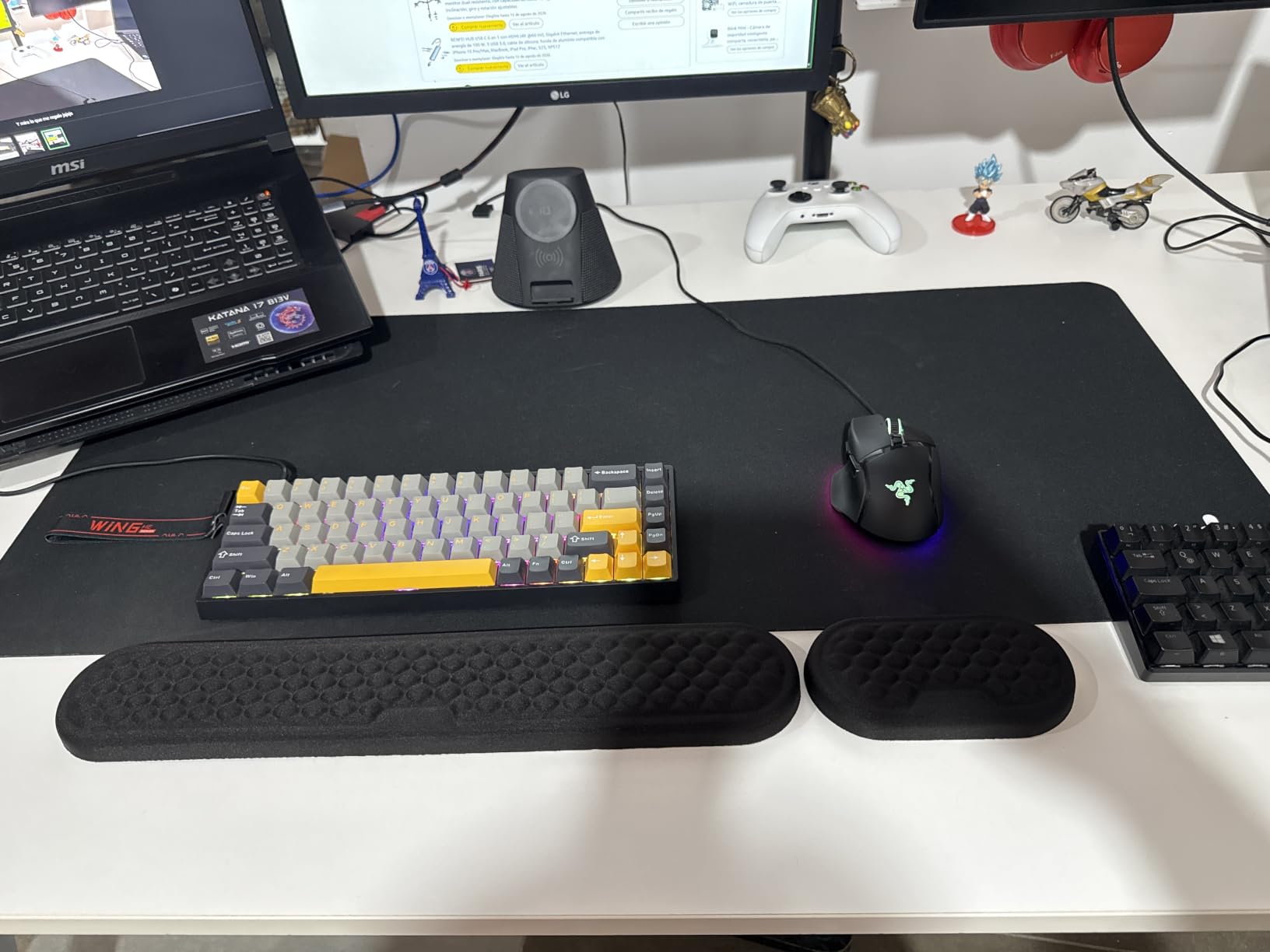
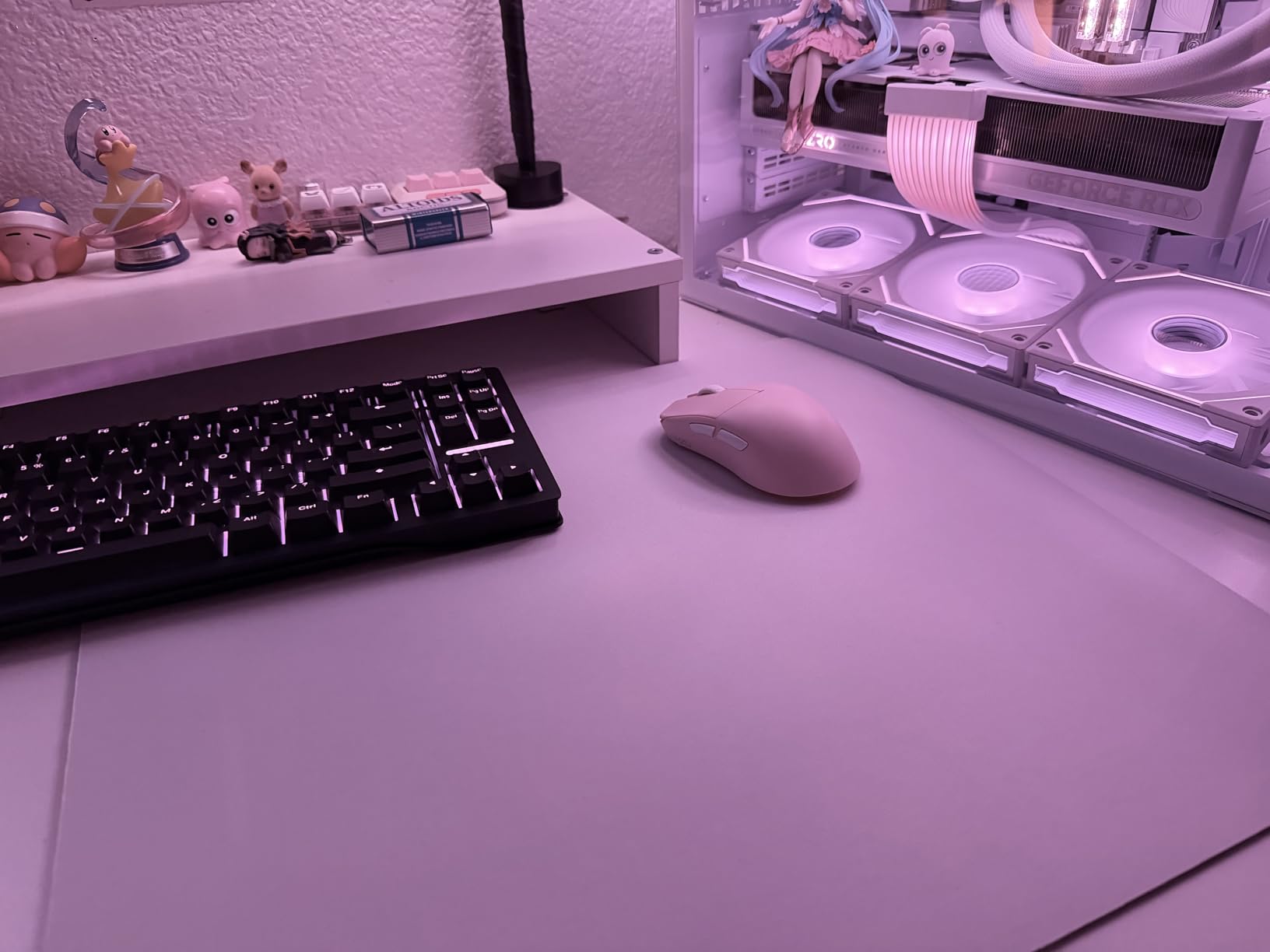
The never-slip rubber base is genuinely effective. Even during aggressive flick shots and 360-degree mouse movements, the pad stays put. The 80% 5-star rating reflects consistent user satisfaction across thousands of setups and gaming styles.
SteelSeries has been making this exact mouse pad design for over a decade. That longevity means the company has refined the materials, manufacturing, and quality control to a science. For a gift, this represents reliability — you know exactly what you’re getting, and it works.
What I liked about it
It’s the “if in doubt, get this” mouse pad. The size works for virtually any desk setup, the surface works with any mouse sensor, and the durability is proven by millions of users. For someone who might be particular about their gear, the QcK is the safe choice that won’t disappoint.
The cloth thickness (2mm) is comfortable for wrist movement during long sessions. The pad doesn’t bunch up, curl at the edges, or develop dead spots. The smooth glide feels consistent across the entire surface.
What I didn’t love
Cloth pads collect dust over time, and the QcK is no exception. Regular cleaning (a damp cloth works) keeps it fresh. Some users report the cloth pulling away from the rubber base after 3+ years of heavy use, though this depends on care and intensity of use.
The XXL size is too big for smaller desks. If the recipient has limited space, the standard QcK sizes might be better choices. The price is also higher than budget options, though the quality justifies it.
12. 8Bitdo Ultimate 2C Wireless Controller — For the Hybrid Gamer

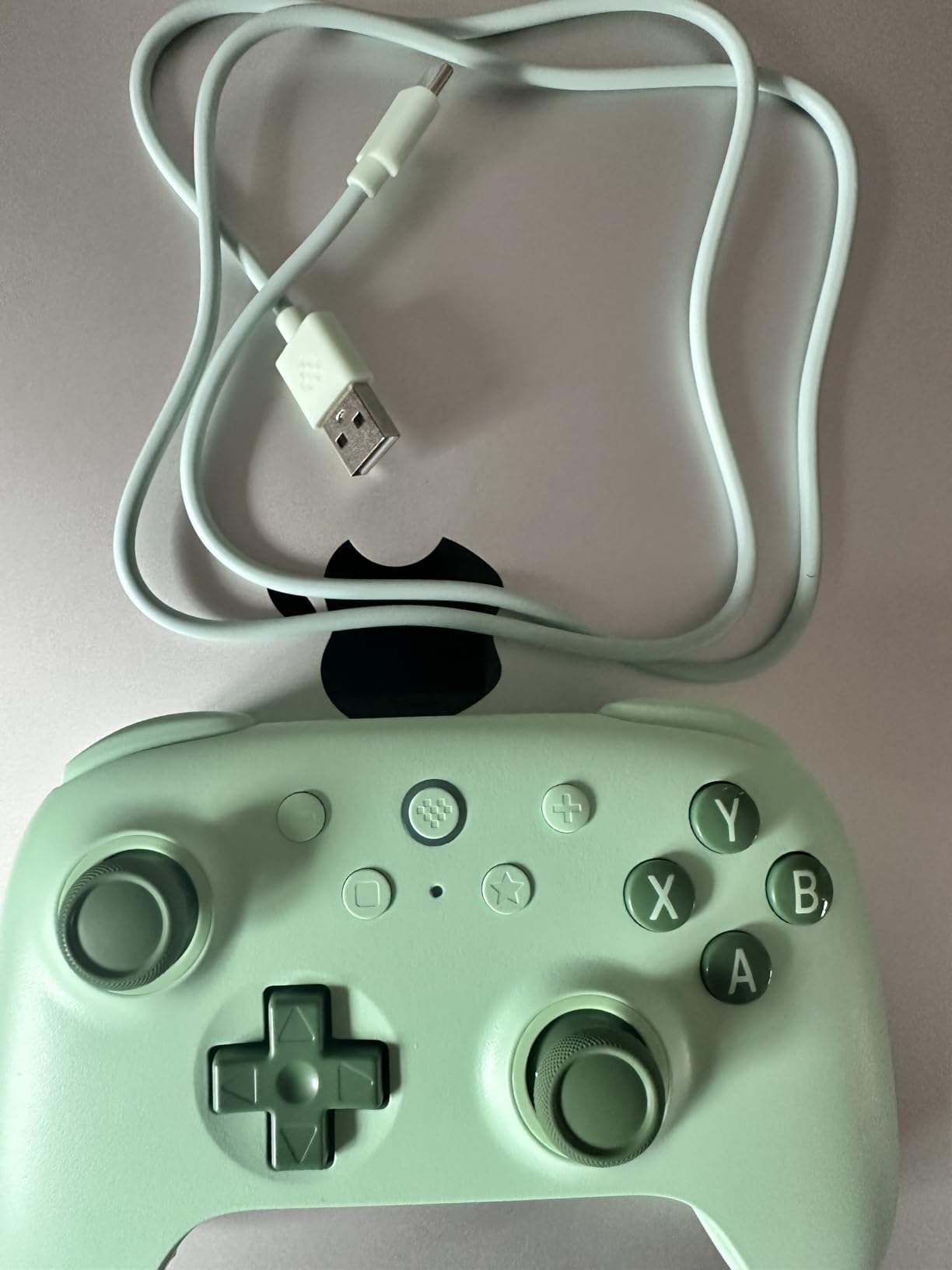
8Bitdo Ultimate 2C Wireless Controller for Windows PC and Android, with 1000 Hz Polling Rate, Hall Effect Joysticks and Triggers, and Remappable L4/R4 Bumpers (Green)
Wireless
Hall Effect sticks
1000Hz polling
Pros
- 1000Hz polling rate
- No stick drift
- Excellent wireless
- Long battery life
- Comfortable ergonomics
- Remappable bumpers
Cons
- XInput only via dongle
- Switch layout on Bluetooth
- Short charging cable
Not every PC gamer wants keyboard and mouse. Many new PC gamers come from console backgrounds and prefer a controller for certain games. The 8Bitdo Ultimate 2C delivers flagship controller features at a fraction of the price. With 7,208 reviews averaging 4.4 stars and 77% of reviewers giving it 5 stars, this controller punches way above its $29.99 price tag.
Hall Effect joysticks and triggers are the standout feature. Traditional controller joysticks use potentiometers that wear out over time, causing stick drift. Hall Effect sensors use magnetic fields, so they don’t wear out. For someone who’ll game hundreds of hours, this means the controller stays accurate for years.
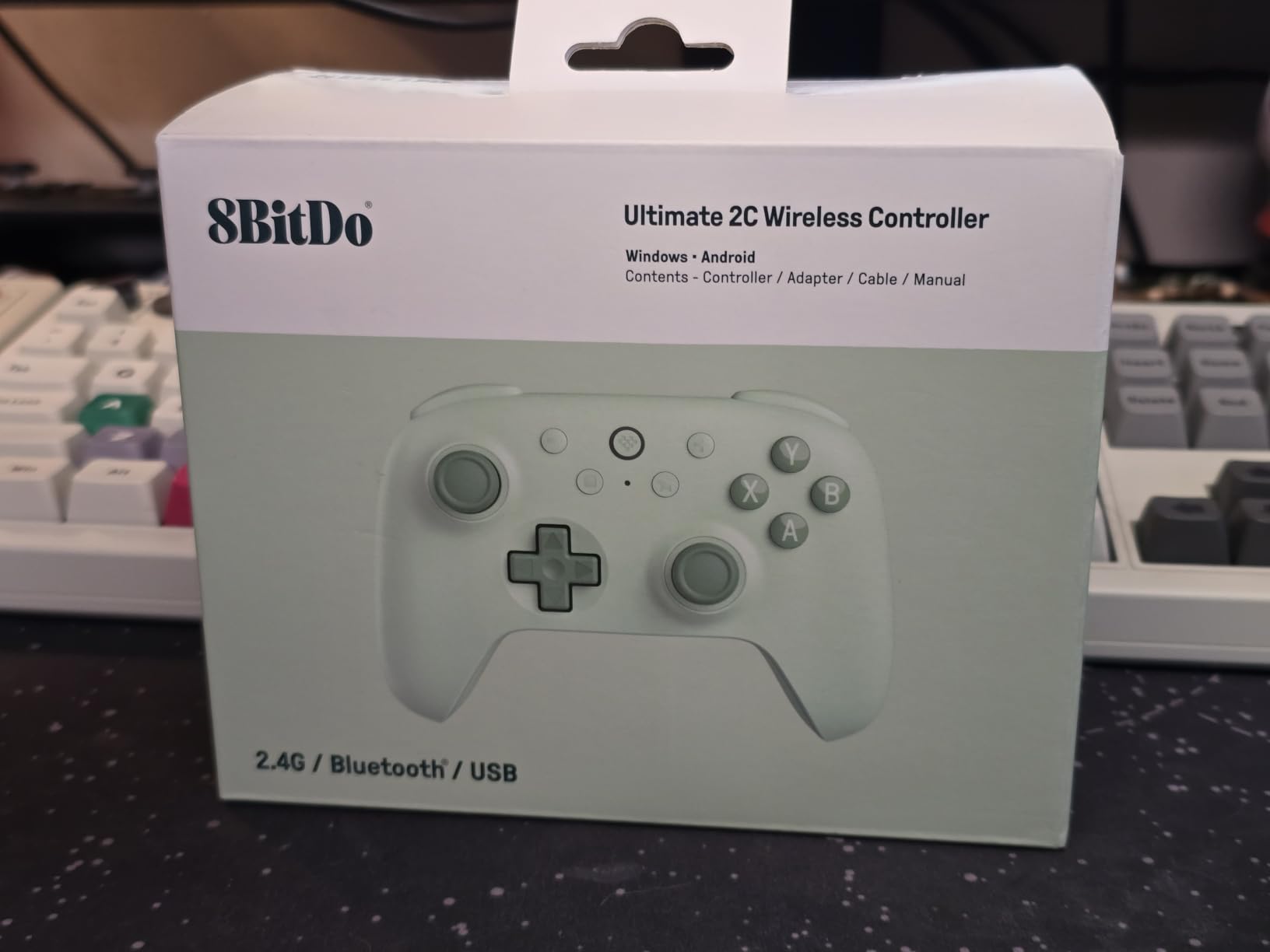
The 1000Hz polling rate (over 2.4GHz wireless) is genuinely impressive. Most controllers operate at 125Hz or 250Hz. The higher polling rate means inputs register faster, giving a competitive edge in games where split-second reactions matter. The wireless connection feels indistinguishable from wired.
Battery life is excellent. The rechargeable battery delivers 20+ hours of continuous use, and the USB-C charging (cable included, though somewhat short) tops it up quickly. The transparent casing on some color variants adds visual flair, though the green colorway shown here looks clean and understated.
What I liked about it
The build quality feels premium despite the budget price. The plastic is dense, the buttons have satisfying tactile feedback, and the triggers have a nice resistance. For a new PC gamer who wants a controller for racing games, fighting games, platformers, or third-person adventures, this controller competes with first-party options from Xbox and PlayStation.
The remappable L4/R4 bumpers give extra inputs for games that benefit from them. Steam Input compatibility means games that support controllers can be customized with the gamer’s preferred button layout. This flexibility is rare at this price point.
What I didn’t love
XInput (the standard PC controller protocol) only works via the 2.4GHz USB dongle, not Bluetooth. For someone who wants wireless freedom without using a USB port, this is limiting. The D-pad also defaults to Switch layout when using Bluetooth, which can confuse PC gamers.
The included charging cable is short. For desktop PC setups, this might require sitting closer to the PC or using a different cable. Some users also report occasional input mode confusion when switching between Bluetooth and 2.4GHz.
13. FIFINE AmpliGame A6V USB Gaming Microphone — Entry Into Streaming

FIFINE AmpliGame A6V USB Gaming Microphone, Condenser RGB Mic for Streaming
USB condenser
Quick mute
RGB
Pros
- Award-winning design
- 192kHz sampling
- Cardioid noise reduction
- Quick mute button
- Gradient RGB
- Plug and play
Cons
- RGB inactive in XLR mode (n/a for this model)
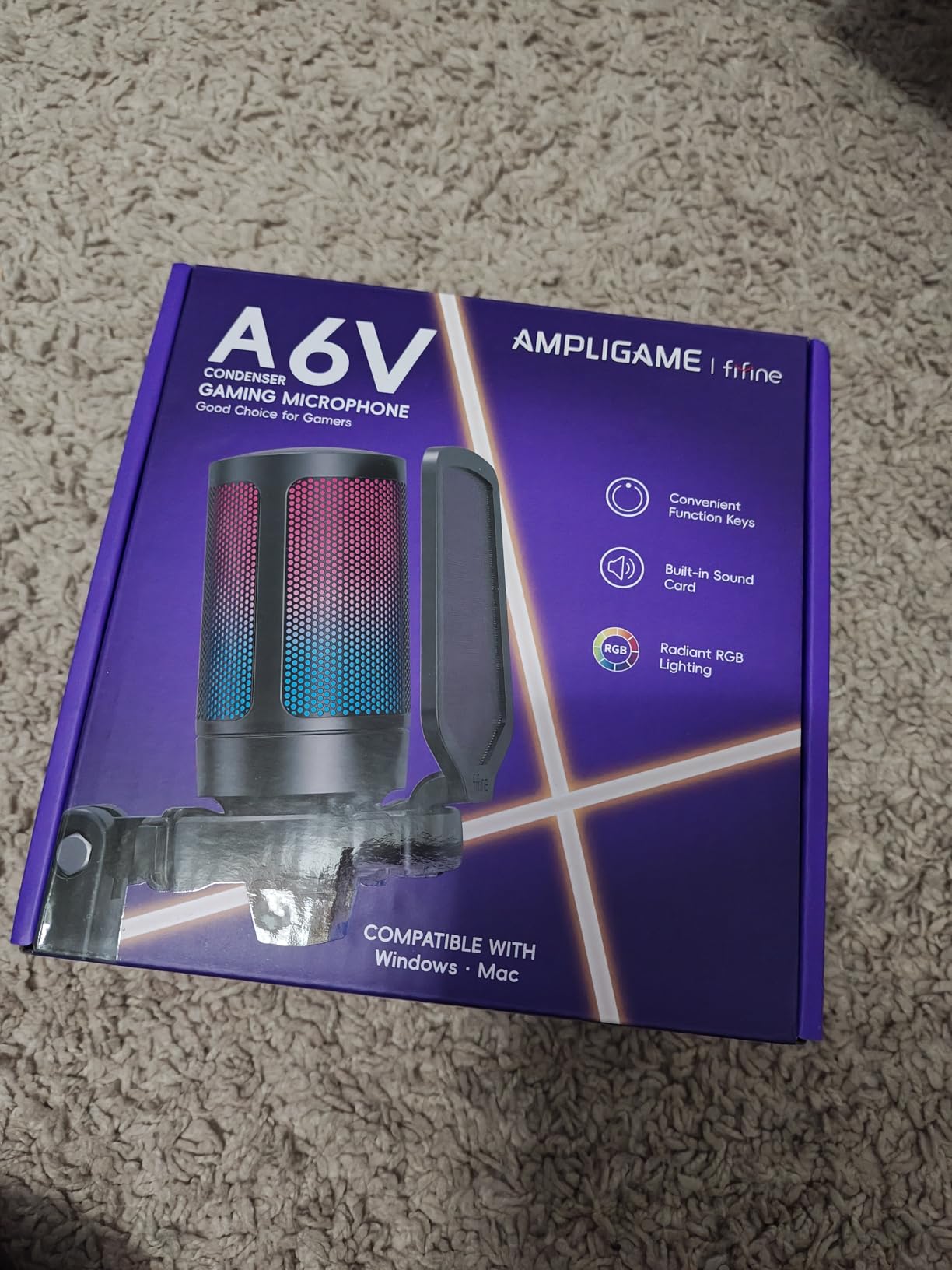
If the new PC gamer in your life has even a passing interest in streaming, Discord voice chat, or content creation, the FIFINE AmpliGame A6V is the perfect gateway microphone. With 14,501 reviews averaging 4.5 stars and an iF Design Award under its belt, this microphone delivers audio quality that embarrasses most headset microphones.
The 192kHz sampling rate captures voice with remarkable detail. Compare this to the typical 48kHz sampling of headset mics, and the difference is obvious — voices sound fuller, more natural, and clearer. The cardioid polar pattern with 70dB SNR rejects background noise effectively, so keyboard clicks and room echo don’t dominate the recording.
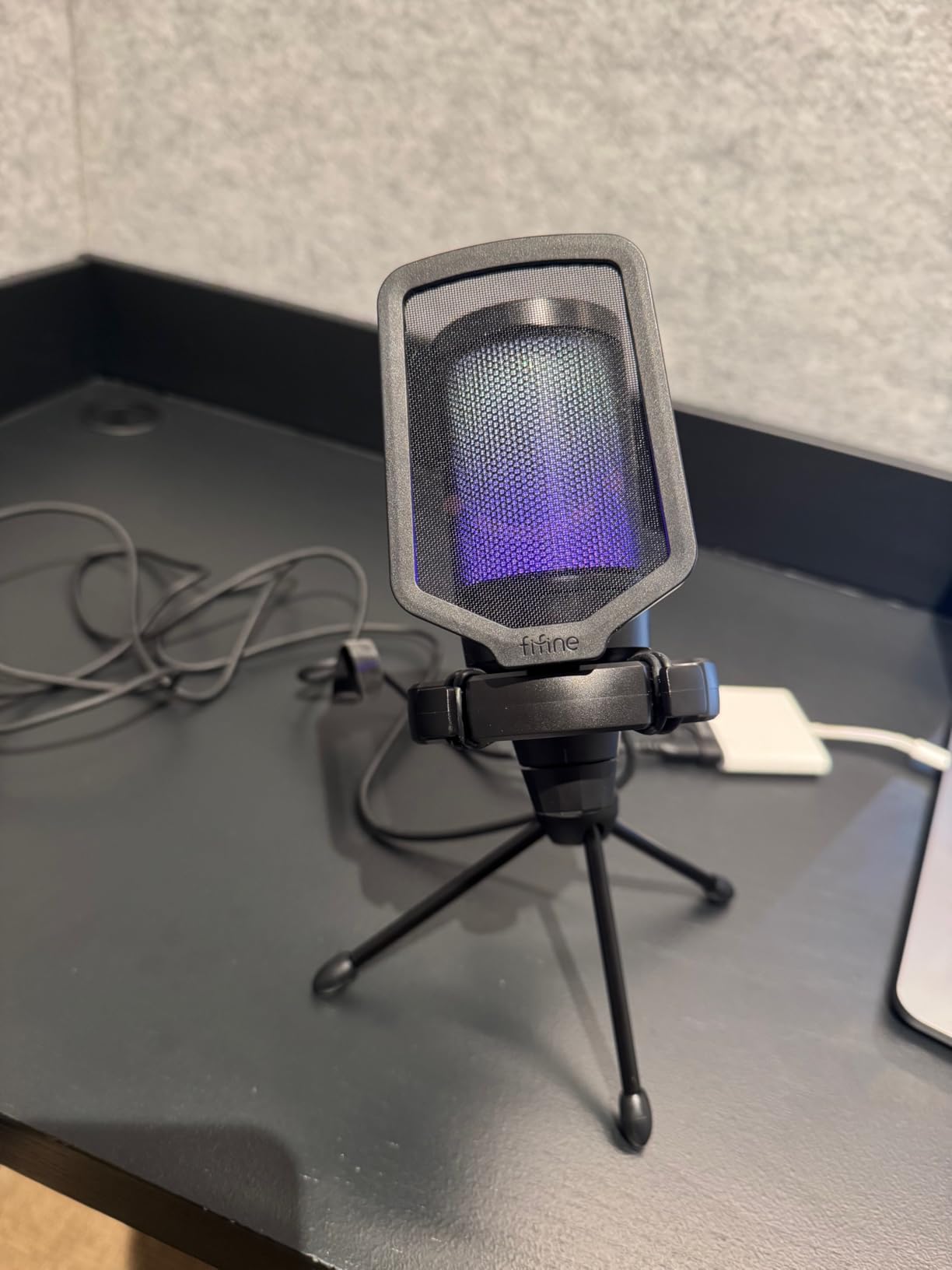
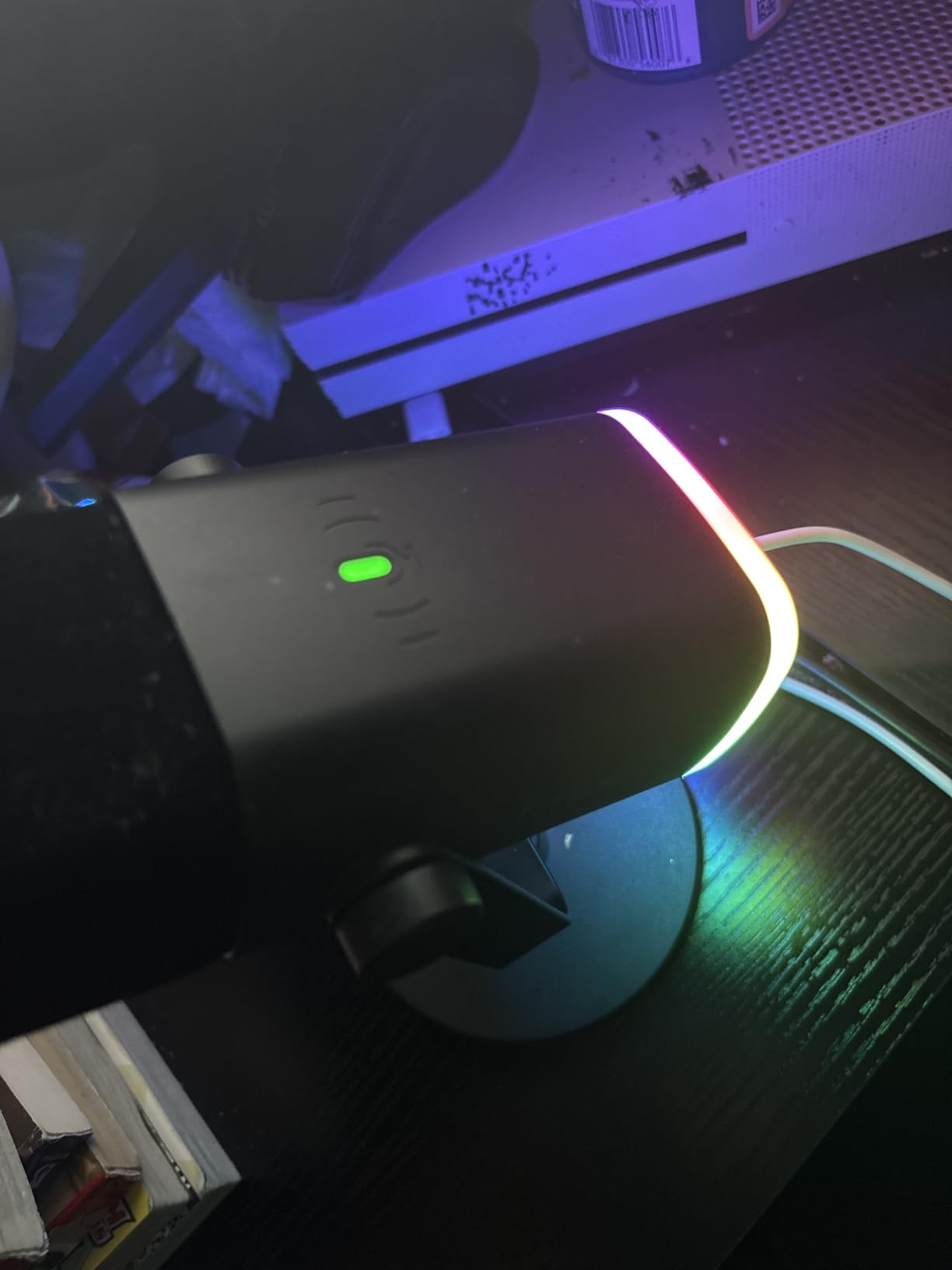
The quick mute button with RGB indicator is a streamer-friendly feature. Tap the button to instantly mute, and the RGB lighting changes to indicate status. For someone who’s new to streaming and worried about embarrassing audio moments, this is reassuring.
Plug-and-play simplicity means zero software setup. Connect the USB-C cable to the PC, and the mic works immediately with Discord, OBS, Steam Voice, and any other audio application. The included shock mount, pop filter, and tripod stand mean the recipient has everything needed to start streaming or recording.
What I liked about it
The audio quality upgrade over headset microphones is dramatic. Voices come through clear, full, and professional-sounding. For someone who plays online multiplayer with friends or wants to try streaming, this microphone instantly levels up their audio presence.
The included accessories are genuinely useful. The shock mount isolates the mic from desk vibrations, the pop filter eliminates plosive sounds (harsh “P” and “B” sounds), and the tripod stand provides a stable desktop mounting option. At $32.99, getting all of this included is exceptional value.
What I didn’t love
The RGB lighting is fixed — you can’t customize colors or sync with other RGB peripherals. For someone who cares about coordinated RGB setups, the lighting won’t match. It’s a minor aesthetic limitation, not a functional one.
As a condenser microphone, it picks up more ambient sound than dynamic microphones. In noisy environments (loud PC fans, open windows, barking dogs), some background noise will still come through. The included shock mount helps, but it’s not a studio-grade isolation solution.
14. FIFINE AmpliGame AM8 USB/XLR Dynamic Microphone — Step Up to Dynamic

FIFINE AmpliGame AM8 USB/XLR Dynamic Microphone for Gaming Streaming
USB/XLR dynamic
Headphones jack
RGB
Pros
- USB/XLR dual connectivity
- Crystal clear audio
- Dynamic noise rejection
- Tap-to-mute
- RGB with memory
- Real-time monitoring
Cons
- USB-C connection quirks
- XLR mode disables RGB
- Requires close proximity
The FIFINE AmpliGame AM8 is what I’d buy for someone who knows they’ll get serious about streaming or content creation. With USB and XLR dual connectivity, this microphone grows with the user’s setup. The dynamic microphone capsule rejects off-axis noise better than condensers, making it ideal for noisy environments.
The USB/XLR dual connectivity is a future-proofing feature. Plug into PC via USB now for plug-and-play simplicity. When the user upgrades to an audio interface or mixer, switch to XLR for professional-grade audio quality. The same microphone works for both setups, eliminating the need to replace gear as skills grow.
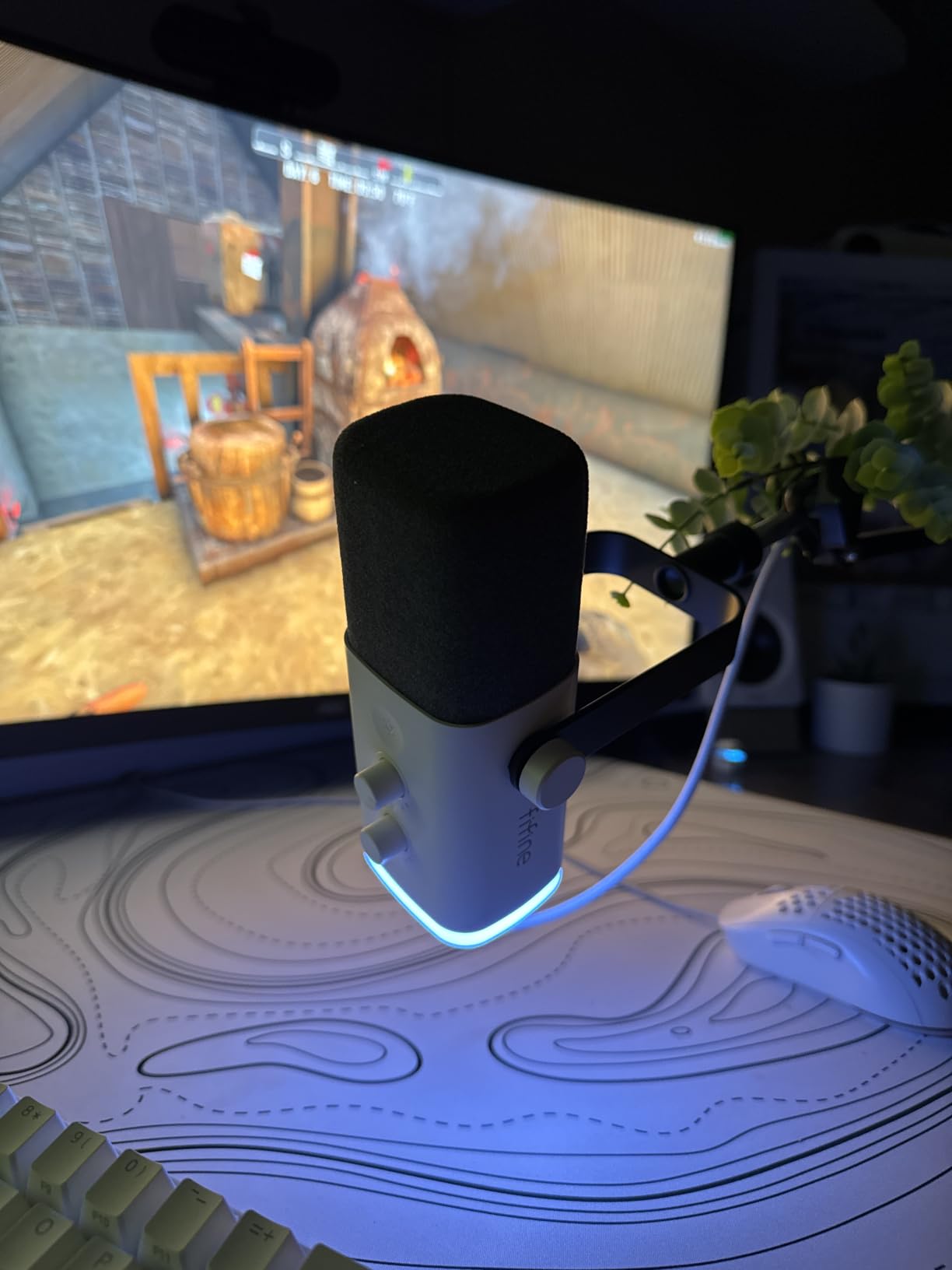
The headphones jack with monitoring volume control is a streamer essential. Real-time monitoring lets the user hear exactly what the microphone captures without audio delay. This means they can adjust their speaking volume, check for background noise, and ensure their audio sounds professional before going live.
The dynamic microphone capsule is the key technical difference from the A6V. Dynamic mics require closer proximity (2-6 inches) for optimal recording, but they reject background noise far better. For someone gaming in a noisy room or with a loud PC, dynamic is the right tool.
What I liked about it
The audio quality is genuinely professional. Voices come through clear, warm, and broadcast-ready. Compare this to a headset microphone, and there’s no contest — this is what content creators use for a reason. The tap-to-mute with LED indicator is intuitive, and the gain knob on the mic lets users adjust sensitivity on the fly.
The build quality feels substantial. The all-metal construction, weighted base, and quality components mean this microphone will last years. The included desk stand is stable, and the built-in 3/8″ and 5/8″ threads mean standard mic stands or boom arms work without adapters.
What I didn’t love
Some users report occasional USB-C connection issues that require unplugging and reconnecting. It’s not universal, but it’s worth noting. The XLR mode also disables the RGB lighting and function keys — a minor inconvenience if the user switches between USB and XLR frequently.
The dynamic capsule requires close proximity (2-6 inches) for optimal recording. This means the user needs to position the mic close to their mouth, which requires a boom arm or careful desk placement. For someone who wants to lean back during long streams, this can be limiting.
15. GTPLAYER Gaming Chair — Comfort for Long Sessions

GTPLAYER Gaming Chair, Computer Chair with Footrest and Lumbar Support, Height Adjustable Game Chair with 360°-Swivel Seat and Headrest and for Office or Gaming (Pearl White)
Footrest
Lumbar support
Height adjustable
Pros
- Comfortable headrest and lumbar pillow
- Sturdy metal frame
- Footrest for relaxation
- Padded armrests
- 360-degree swivel
- Easy assembly
Cons
- Can be noisy during movement
- Armrest durability concerns
- Footrest short for tall users
- Bolt maintenance
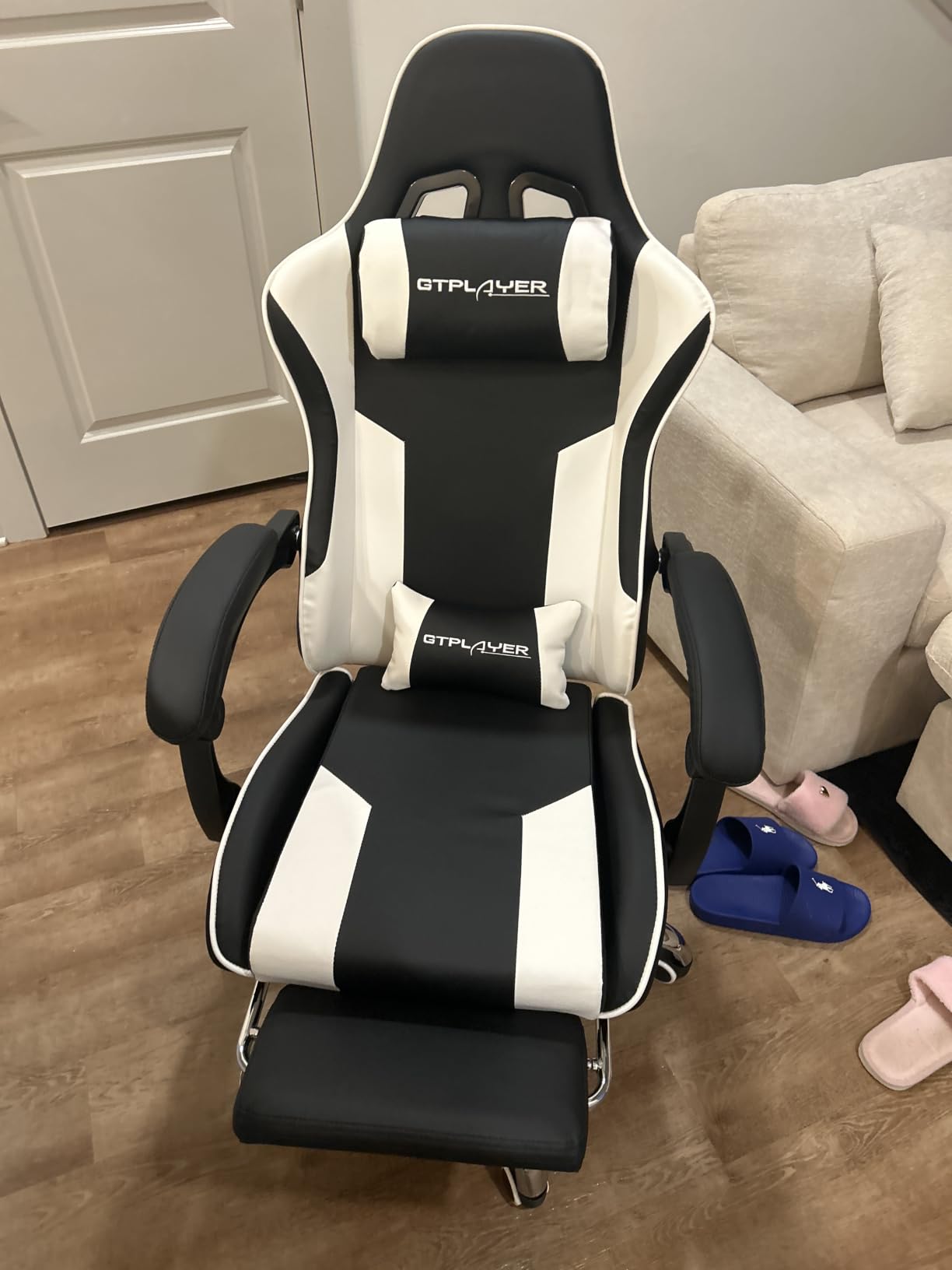
A gaming chair is the gift that keeps giving comfort. The GTPLAYER Gaming Chair has earned its 4.4-star rating from 16,481 reviewers through practical features at an accessible price. At $85.21, it delivers genuine ergonomic support without the premium price tag of “gamer” chairs from established brands.
The headrest and lumbar pillow are the immediate comfort wins. Most chairs in this price range include one or the other, but GTPLAYER includes both. The lumbar pillow even has a massaging feature, which sounds gimmicky but genuinely helps during long sessions. For a new PC gamer who’ll spend hours at their desk, this support prevents back strain.
The metal frame legs are more stable than the plastic alternatives found on cheaper gaming chairs. The chair doesn’t wobble during intense gaming moments, and the 250-pound weight capacity handles most users comfortably. The 360-degree swivel and height adjustment work smoothly.
The footrest is a feature I didn’t expect to use as much as I do. During loading screens, cutscenes, or just casual browsing, extending the footrest creates a relaxed seating position that regular office chairs can’t match. It’s not a full recliner, but it’s enough for short breaks between gaming sessions.
What I liked about it
Assembly is straightforward with clear instructions. Most users report 30-45 minutes from box to fully assembled. The faux leather is easy to clean, and the foam padding holds its form across daily use. For someone setting up their first gaming battlestation, this chair completes the look and feel of a proper gaming setup.
The value-to-feature ratio is strong. You get a footrest, lumbar support, headrest, padded armrests, and adjustable height for under $100. Comparable chairs from premium brands cost 3-4x as much. For gift-givers who want a substantial, visible gift without breaking the bank, this chair delivers.
What I didn’t love
The chair can be noisy during movement. The metal components and faux leather material can produce squeaking, clicking, or clinging sounds when shifting positions. It’s not constant, but it’s noticeable during quiet gaming moments.
Armrest durability is a common concern. Some users report the padded armrests cracking or peeling after 1-2 years of regular use. The footrest also doesn’t extend far enough for users over 6 feet tall. Bolts may require periodic tightening to prevent wobble over time.
Buying Guide: How to Choose the Right Gift?
Shopping for a new PC gamer is easier when you understand what they’re working with. Most new PC gamers own a desktop or laptop with basic peripherals — a simple mouse, keyboard, and entry-level headset that came bundled or were the cheapest options available. What they usually lack are the refined upgrades that transform a functional setup into an enjoyable one.
Budget matters, but so does thoughtfulness. A $13 KTRIO mouse pad used daily delivers more joy than a $50 generic gift that sits in a closet. The gifts on this list are chosen because they’re items a new PC gamer would buy for themselves if they had the budget, but might not prioritize when starting out.
Start with the basics they don’t have
Mouse pads are the most overlooked essential. A quality pad like the SteelSeries QcK or KTRIO makes every mouse perform better. Headsets are the second-most-skipped essential — most new PC gamers use TV speakers or basic earbuds. A dedicated gaming headset is a game-changer for online multiplayer.
If they game for hours at a time, ergonomic accessories like a gaming chair or lumbar pillow prevent long-term discomfort. These aren’t exciting gifts, but they’re the ones people appreciate most after months of wear.
Upgrade what they already own
Mechanical keyboards and gaming mice are obvious upgrades from the basic peripherals most new PC gamers start with. The Redragon K552 delivers a genuine mechanical feel at budget pricing. The Logitech G305 or G502 gives them flagship sensor performance that improves aim and control.
For someone who’s already invested in a setup, consider upgrades they might not buy themselves: a premium mouse pad, a dynamic microphone for streaming, or a Hall Effect controller that won’t develop stick drift. These show thoughtfulness about their specific hobby.
Consider their gaming style
Competitive FPS players benefit most from precision mice (G305, G502), low-latency peripherals, and quality audio for positional cues (BlackShark V2 X, Cloud Alpha). MMO and strategy gamers appreciate macro buttons and mechanical keyboards with satisfying key feedback (BlackWidow V4 X, AULA F75 Pro).
Streaming or content-creating gamers need a dedicated microphone (FIFINE A6V, FIFINE AM8) and possibly a controller for variety games (8Bitdo Ultimate 2C). Couch gamers benefit from wireless peripherals and comfortable seating (GTPLAYER chair).
Think about what NOT to buy
Avoid games unless you know their specific tastes. PC gamers often have preferences for genres and franchises that gift-givers can’t predict. Steam gift cards or platform credit is a safer alternative if you want to give gaming-related value without picking the wrong game.
Skip the flashy RGB-heavy peripherals unless you know they care about aesthetic coordination. Some gamers love RGB; others find it distracting. The Logitech G305 deliberately omits RGB, and many users appreciate that focus on function over flash.
Quality over price tags
The most expensive gift isn’t always the best one. The $17 Redragon M612 delivers genuine gaming mouse performance. The $12 KTRIO mouse pad competes with pads costing 5x as much. Spending $50-100 thoughtfully often beats spending $200+ on something they won’t use.
Look at review counts and ratings as proxies for reliability. Products with 10,000+ reviews and 4.5+ stars have proven themselves across diverse users. New products with few reviews are riskier, even from established brands.
Frequently Asked Questions
What is the best gift for a PC gamer?
The best gifts for a PC gamer are quality peripherals that improve their daily setup: a precision gaming mouse (Logitech G305 or G502), a mechanical keyboard (Redragon K552 or AULA F75 Pro), a comfortable headset (HyperX Cloud Alpha or Razer BlackShark V2 X), and a quality mouse pad (SteelSeries QcK). These items get used daily, unlike games or accessories that might sit unused.
What should I get for my first gaming PC?
For someone setting up their first gaming PC, focus on essentials that complete the experience: a gaming mouse and mouse pad (basic peripherals don’t track well), a mechanical keyboard (membrane keyboards feel mushy by comparison), a gaming headset (built-in monitor speakers are inadequate for immersive gaming), and a comfortable chair (gaming sessions can last hours). Budget $150-300 total to cover these essentials.
What to buy for a PC gamer?
Practical gifts that improve their setup work best: a quality mouse pad (SteelSeries QcK or KTRIO), a dedicated microphone for streaming (FIFINE A6V), a controller for non-mouse games (8Bitdo Ultimate 2C), or a gaming chair (GTPLAYER). Avoid buying games unless you know their exact preferences, and skip high-end GPUs or CPUs which are out of typical gift budget range.
What are some good gift ideas for gamers in 2026?
Top gift ideas for gamers in 2026 include: the Logitech G305 wireless gaming mouse (excellent wireless performance at $30), Redragon K552 mechanical keyboard (budget mechanical at $37), HyperX Cloud Alpha headset (premium comfort and durability), SteelSeries QcK mouse pad (esports-trusted quality), and FIFINE AM8 dynamic microphone (for aspiring streamers). Each addresses a common setup gap that new PC gamers face.
How much should I spend on a gaming gift?
Budget $15-30 for accessories like mouse pads and budget mice, $30-60 for mid-range peripherals like headsets and mechanical keyboards, $60-100 for premium options and gaming chairs, and $100+ for flagship peripherals or bundles. The sweet spot for most gifts is $30-60 — enough to get quality without overspending on features the recipient might not use.
Final Thoughts: The Best Gifts for a New PC Gamer in 2026
Shopping for the best gifts for a new PC gamer doesn’t have to be stressful. The 15 products covered here address the most common setup gaps that new PC enthusiasts face, from precision mice and mechanical keyboards to gaming chairs and streaming microphones. Each one delivers genuine value that the recipient will use daily.
If I had to pick just one, I’d start with the Logitech G305 wireless gaming mouse. Wireless freedom, excellent sensor performance, and outstanding battery life make it the gift that keeps performing year after year. Pair it with the SteelSeries QcK mouse pad, and you’ve given a complete mouse-and-pad upgrade that any new PC gamer would buy for themselves.
For gift-givers with more budget, the HyperX Cloud Alpha headset or FIFINE AM8 microphone delivers premium audio quality. The GTPLAYER Gaming Chair makes a substantial, visible gift that completes the battlestation aesthetic. Whatever you choose from this list, you’re giving something thoughtful that addresses a real setup need — not a generic gift that’ll end up in a drawer.