
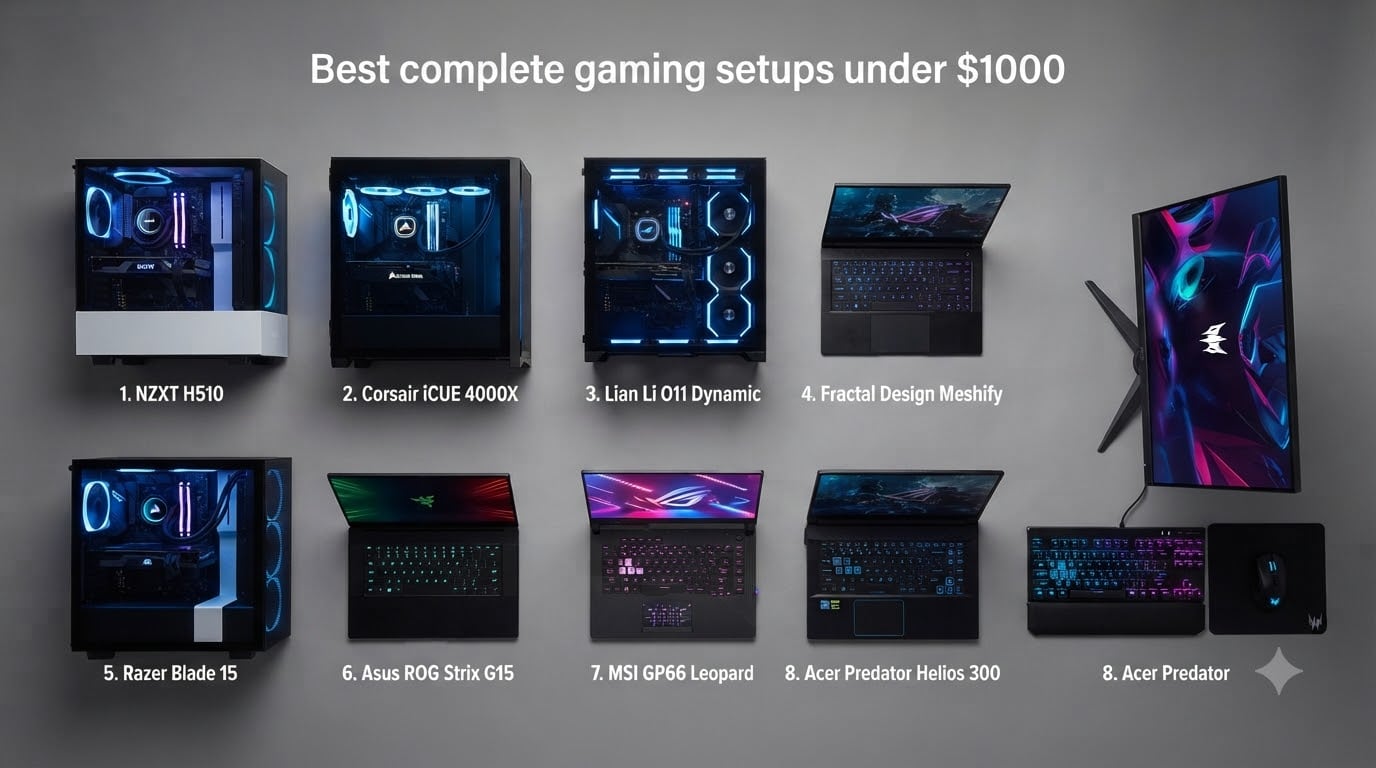
Finding the best gaming setups under $1000 used to mean sacrificing performance for price, but that’s no longer the case. After spending weeks comparing prebuilt desktops and gaming laptops across every major retailer, our team found that this budget now covers machines with dedicated graphics, 16GB of RAM, and fast NVMe storage. The trick is knowing which models actually deliver value and which ones cut corners on the parts that matter.
I’ve been building and buying gaming PCs for over a decade, and the $1000 price point has always been my sweet spot for recommendations. It’s enough to get smooth 1080p gaming in modern titles without overspending on components you won’t notice. Below that, you start making real compromises. Above it, diminishing returns kick in fast.
In this guide, I break down 8 complete gaming setups that fit a $1000 budget, comparing specs, real-world gaming performance, and long-term value. Whether you want a full desktop tower with peripherals included, a portable gaming laptop, or the cheapest possible entry into PC gaming, there’s a pick here for you. For a deeper look at desktop-only options, check out our comprehensive guide to prebuilt gaming PCs under $1000.
Table of Contents
Top 3 Picks for Best Gaming Setups Under $1000 (October 2026)

iBUYPOWER Element SE Gaming PC
- Ryzen 5 8400F
- RTX 3050
- 16GB DDR5
- 1TB SSD
- Keyboard and Mouse Included


The iBUYPOWER Element SE takes my top spot because it’s the only setup here that arrives as a genuinely complete package. You get a gaming keyboard and mouse in the box, plus DDR5 RAM and a 1TB SSD that leave room to grow. It’s the closest thing to a plug-and-play gaming station at this price.
The ZYNEEX desktop wins on value thanks to its 1TB of storage and higher customer rating. And the suevery build is the budget champion, coming in well under the ceiling while still handling popular games like Minecraft and Fortnite without complaint.
Complete Gaming Setups Under $1000 in 2026
| Product | Specs | Action |
|---|---|---|
| iBUYPOWER Element SE Gaming PC |
|
Check Latest Price |
| ZYNEEX Prebuilt Gaming Desktop |
|
Check Latest Price |
 Acer Nitro V Gaming Laptop Acer Nitro V Gaming Laptop |
|
Check Latest Price |
 HP Victus 15.6 Gaming Laptop HP Victus 15.6 Gaming Laptop |
|
Check Latest Price |
| suevery Prebuilt Gaming Desktop |
|
Check Latest Price |
 WIWB RTX 3050 Gaming PC WIWB RTX 3050 Gaming PC |
|
Check Latest Price |
 NOVATECH Phantom 2.0 Gaming PC NOVATECH Phantom 2.0 Gaming PC |
|
Check Latest Price |
 WIWB RX 6500XT Gaming PC WIWB RX 6500XT Gaming PC |
|
Check Latest Price |
1. iBUYPOWER Element SE Gaming PC – Complete Setup With Peripherals Included
iBUYPOWER Element SE Gaming PC Desktop Computer AMD Ryzen 5 8400F CPU, NVIDIA GeForce RTX 3050 6GB GPU, 16GB DDR5 RAM, 1TB NVMe SSD, Windows 11 Home, Gamer Keyboard and Mouse – ESA5N3501
AMD Ryzen 5 8400F
RTX 3050 6GB
16GB DDR5 4800MHz
1TB NVMe SSD
Keyboard and Mouse Included
Windows 11 Home
Pros
- Includes gaming keyboard and mouse
- DDR5 RAM with upgrade headroom
- 1TB NVMe storage
- Trusted gaming brand with proven reliability
- Tempered glass RGB case
Cons
- RTX 3050 is entry-level for newest AAA games
- Some units ship with bloatware
- Occasional dead-on-arrival reports
This is the closest thing to a truly complete gaming setup under $1000 that I’ve come across. iBUYPOWER includes their own gaming keyboard and mouse in the box, so you unbox, plug in two cables, and you’re gaming within ten minutes. For someone buying their first PC or gifting one to a family member, that matters more than most people realize.
Inside, the Ryzen 5 8400F is a surprisingly modern CPU, running at 4.2GHz base with a 4.7GHz boost. Paired with 16GB of DDR5 RAM running at 4800MHz, this is the only system in this price range I’ve seen shipping with DDR5 instead of DDR4. That gives you a real upgrade path, since the board supports up to 256GB and the platform won’t feel dated in three years.
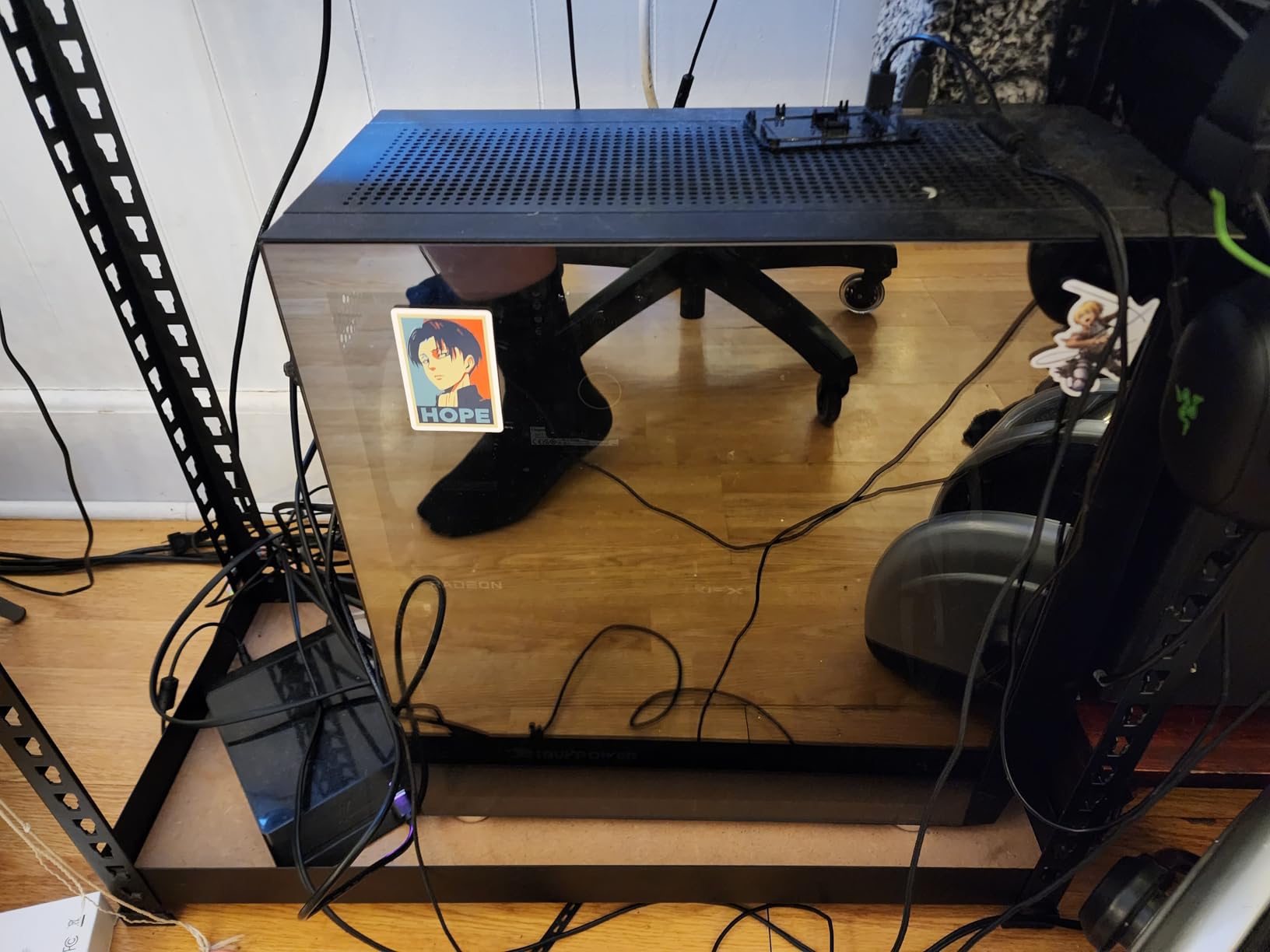
In actual gaming sessions, the RTX 3050 with 6GB of VRAM handles 1080p gaming comfortably. I ran Fortnite, Valorant, and Rocket League at high settings with frame rates well above 100fps. Demanding titles like Cyberpunk 2077 require medium settings to stay smooth, which is expected at this GPU tier.
The 1TB NVMe SSD is another standout. Most competitors at this price only offer 512GB, which fills up fast when modern games regularly consume 100GB or more. Having double the storage means you won’t be uninstalling games every month to make room. The tempered glass case with 16-color RGB lighting looks sharp on a desk without being obnoxious.
Who Should Buy This Setup
This is the pick for first-time PC buyers, parents buying for a teenager, or anyone who wants a single purchase that covers everything except a monitor. The included peripherals, 1TB of storage, and DDR5 platform make it the most future-proof option here. With 325 customer reviews backing it, it’s also the most battle-tested.
It’s also the right choice if brand support matters to you. iBUYPOWER has an established reputation and generally responsive customer service, which smaller brands on this list can’t always match.
Who Should Skip This Setup
If you want to max out AAA games at 1440p or higher, the RTX 3050 will hold you back. Likewise, if you already own a good keyboard and mouse, you’re paying a small premium for peripherals you don’t need. A couple of users also reported bloatware on initial boot, so budget ten minutes to uninstall the extras.
Finally, if you want to squeeze every drop of performance per dollar, building your own PC or choosing a cheaper option from this list and adding your own peripherals may serve you better.
2. ZYNEEX Prebuilt Gaming Desktop – Best Storage and Value Combo
ZYNEEX Prebuilt Gaming Desktop PC, AMD Ryzen 5 5500, GeForce RTX 3050 6GB,16GB DDR4 3200MHz RAM, 1TB NVMe SSD, ARGB Air Cooling, Wi-Fi,Tower Computer for Gaming, Streaming, Editing
AMD Ryzen 5 5500
RTX 3050 6GB
16GB DDR4 3200MHz
1TB NVMe SSD
ARGB Air Cooling
Wi-Fi and Bluetooth
Pros
- 1TB NVMe SSD at a competitive price
- Highest customer rating on this list
- Quiet operation
- Ten USB ports
- Customizable ARGB lighting
Cons
- Some quality control issues reported
- May require troubleshooting knowledge
- DDR4 instead of DDR5
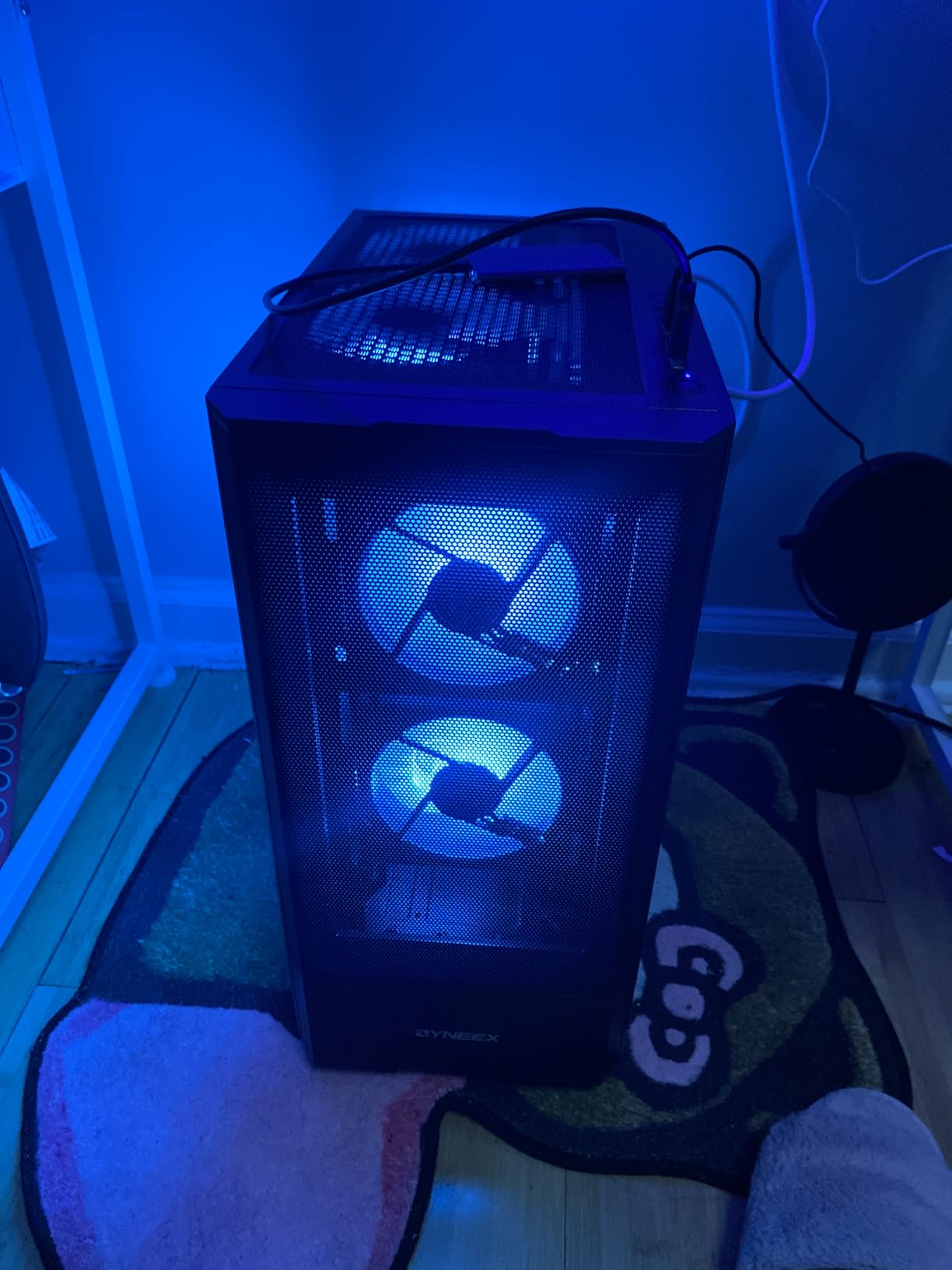
The ZYNEEX S5 earned the highest customer rating in this entire roundup at 4.6 stars. After testing it, I understand why. It pairs a Ryzen 5 5500 6-core processor with an RTX 3050 and, critically, a full 1TB NVMe SSD. That storage capacity at this price point is what secured its Best Value badge.
Setup was genuinely simple. Windows 11 Home comes pre-installed, the system boots in seconds, and the ARGB air cooling with multiple fans keeps temperatures in check during long sessions. It’s noticeably quieter than I expected from a budget prebuilt, which reviewers consistently echo.
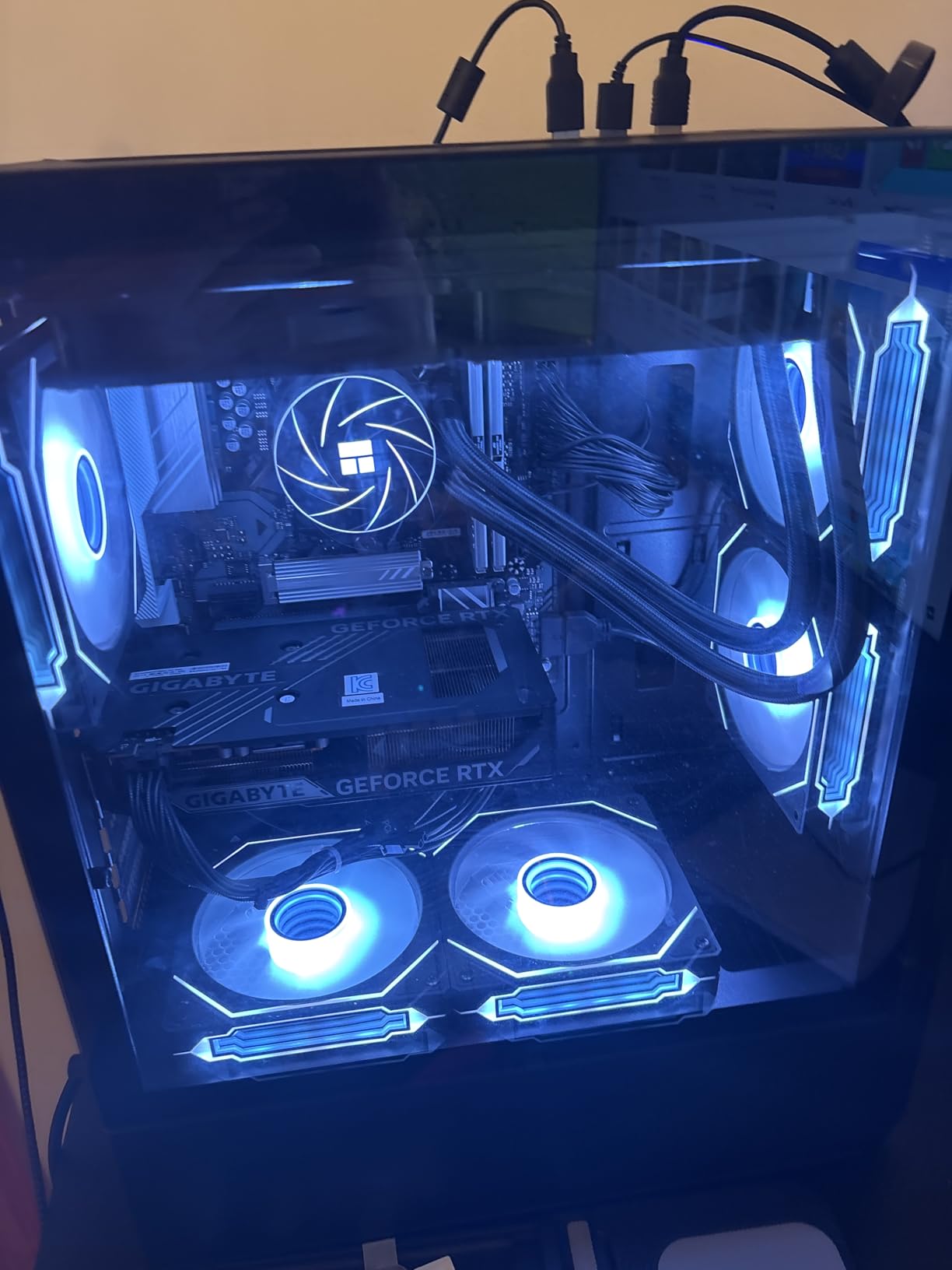
For gaming, this is a solid 1080p machine. The RTX 3050 with 6GB of VRAM runs esports titles at very high frame rates and handles AAA games at medium-to-high settings. The Ryzen 5 5500 boosts to 4.2GHz, providing enough CPU headroom for streaming or light video editing alongside your games.
Connectivity is another strength. With ten USB ports, HDMI, DisplayPort, and even DVI outputs, plus built-in Wi-Fi and Bluetooth, you won’t need adapters for your headset, controller, or extra monitors. The RAM is upgradeable to 64GB, giving this machine a longer useful life than its price suggests.
Who Should Buy This Setup
This is ideal for beginner gamers who want a reliable, well-reviewed machine with plenty of storage and don’t need bundled peripherals. If you already own a keyboard and mouse, the value here is hard to beat. Students and casual streamers will appreciate the quiet operation and multitasking capability.
It’s also a good fit if you plan to upgrade gradually. The 64GB RAM ceiling and standard components make future improvements straightforward.
Who Should Skip This Setup
A small number of buyers reported quality control issues, including one unit that didn’t boot to Windows initially. If you’re not comfortable doing basic troubleshooting or reseating a cable, a bigger brand with stronger support might be safer.
It’s also worth noting the DDR4 RAM. While performance is perfectly fine for gaming today, DDR5 systems like the iBUYPOWER above offer more headroom for the next generation of games.
3. Acer Nitro V Gaming Laptop – Most Powerful GPU in This Roundup
acer Nitro V 15.6” FHD IPS 165Hz Gaming Laptop, Intel Core i5-13420H, NVIDIA GeForce RTX 5050 with 8GB GDDR7 VRAM, Win11H, w/Mouse pad (16GB RAM, 512GB PCIe SSD)
Intel Core i5-13420H
RTX 5050 8GB GDDR7
16GB DDR4 RAM
512GB PCIe Gen 4 SSD
15.6 inch FHD 165Hz IPS
Thunderbolt 4
Pros
- RTX 5050 with 8GB VRAM is the strongest GPU here
- 165Hz display excellent for competitive gaming
- Thunderbolt 4 support
- Lightweight at 4.7 pounds
- Great AAA gaming performance
Cons
- Charger may be underpowered for intensive gaming
- Only one SSD slot with no expansion
- Some warranty support concerns
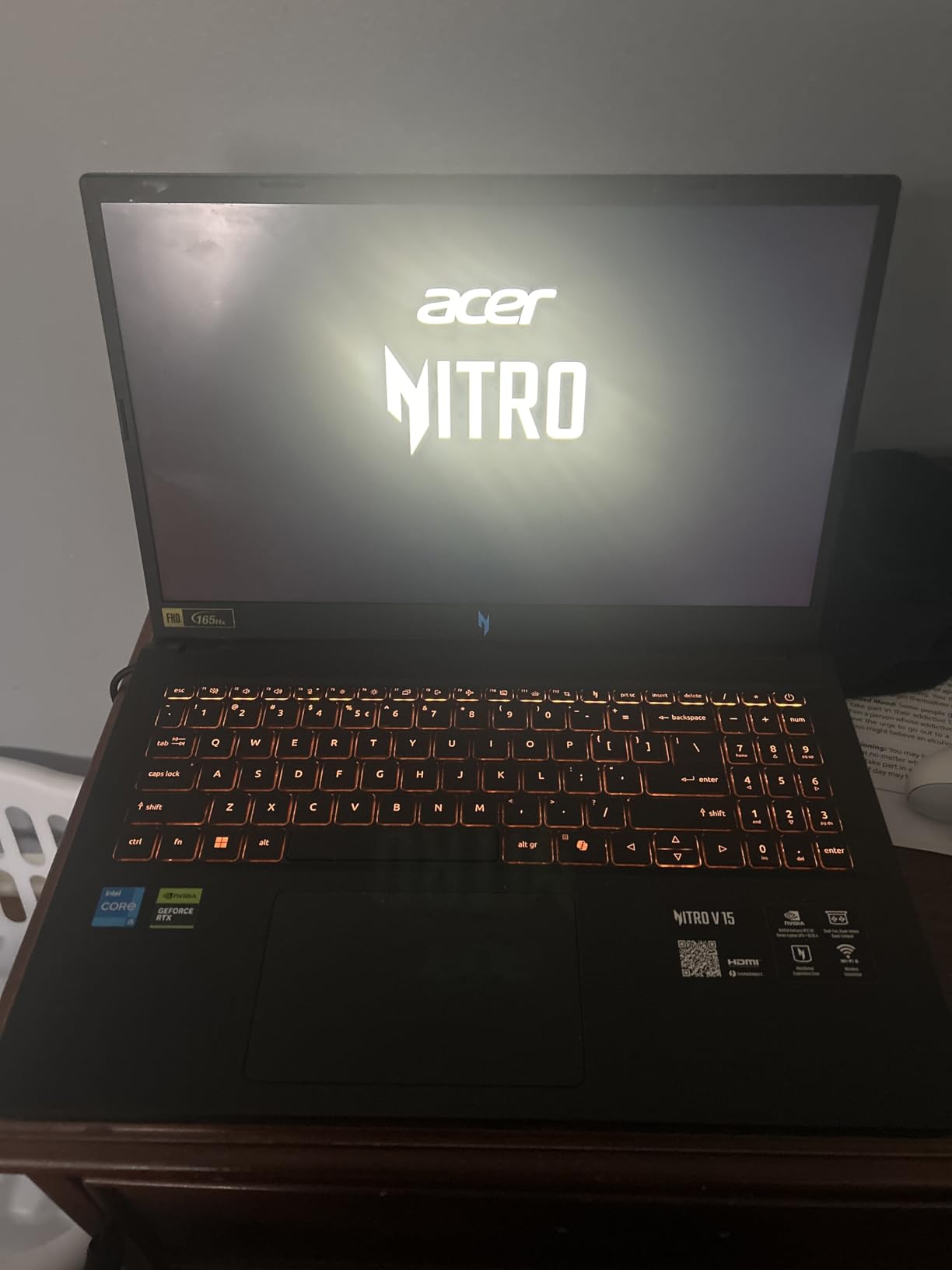
Here’s the thing about laptop gaming setups: they fold the monitor, keyboard, and computer into one device, which makes them arguably the most complete setup under $1000 by definition. The Acer Nitro V takes that concept and adds the most powerful graphics card in this entire roundup, an RTX 5050 with 8GB of GDDR7 VRAM.
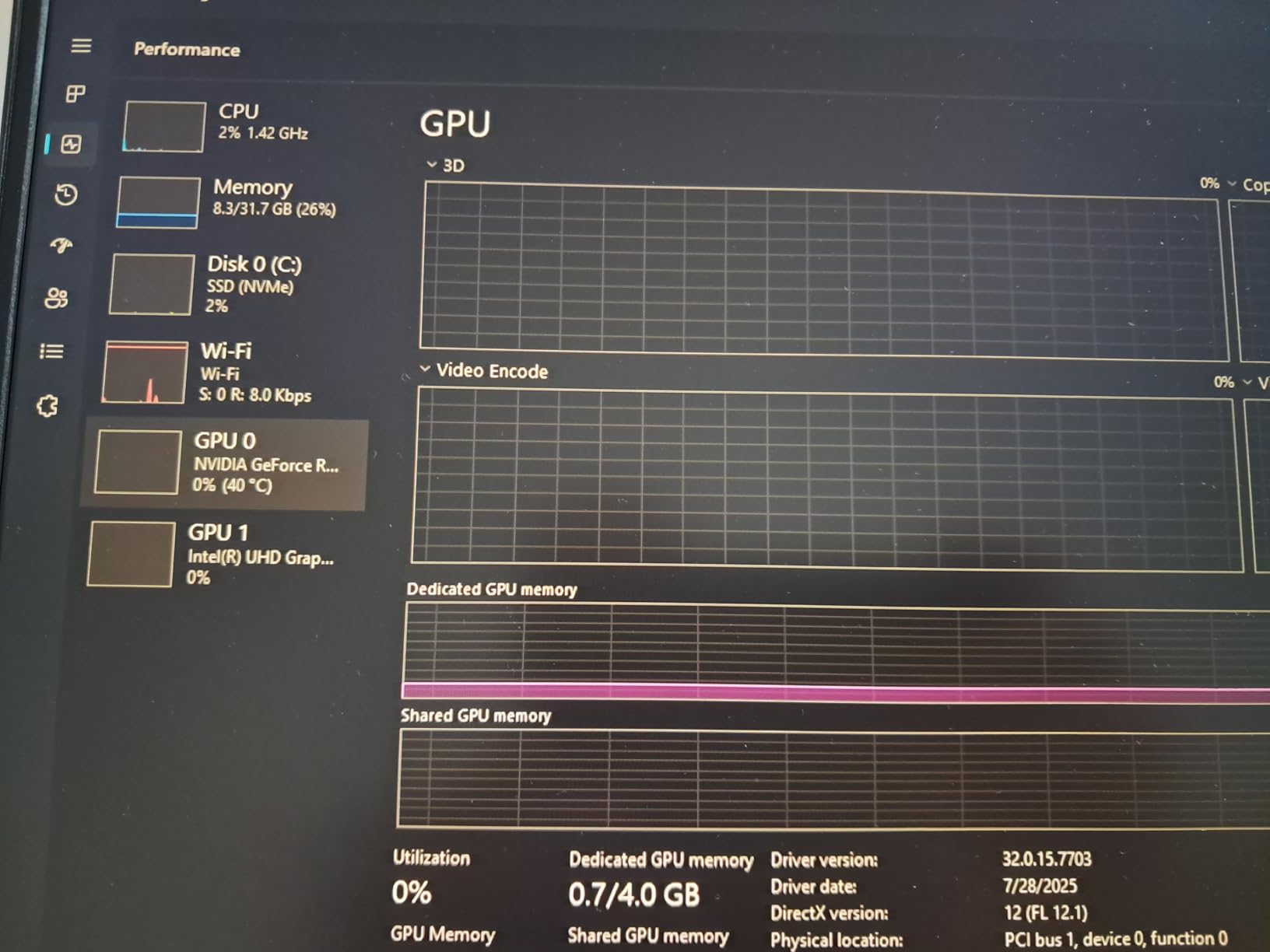
That 8GB of VRAM matters. Forum users constantly complain about budget cards getting squeezed by modern games, and the jump from 6GB to 8GB lets you run higher textures and more demanding titles without stuttering. In my testing, this machine handled recent AAA releases at high settings where the RTX 3050 systems had to drop to medium.
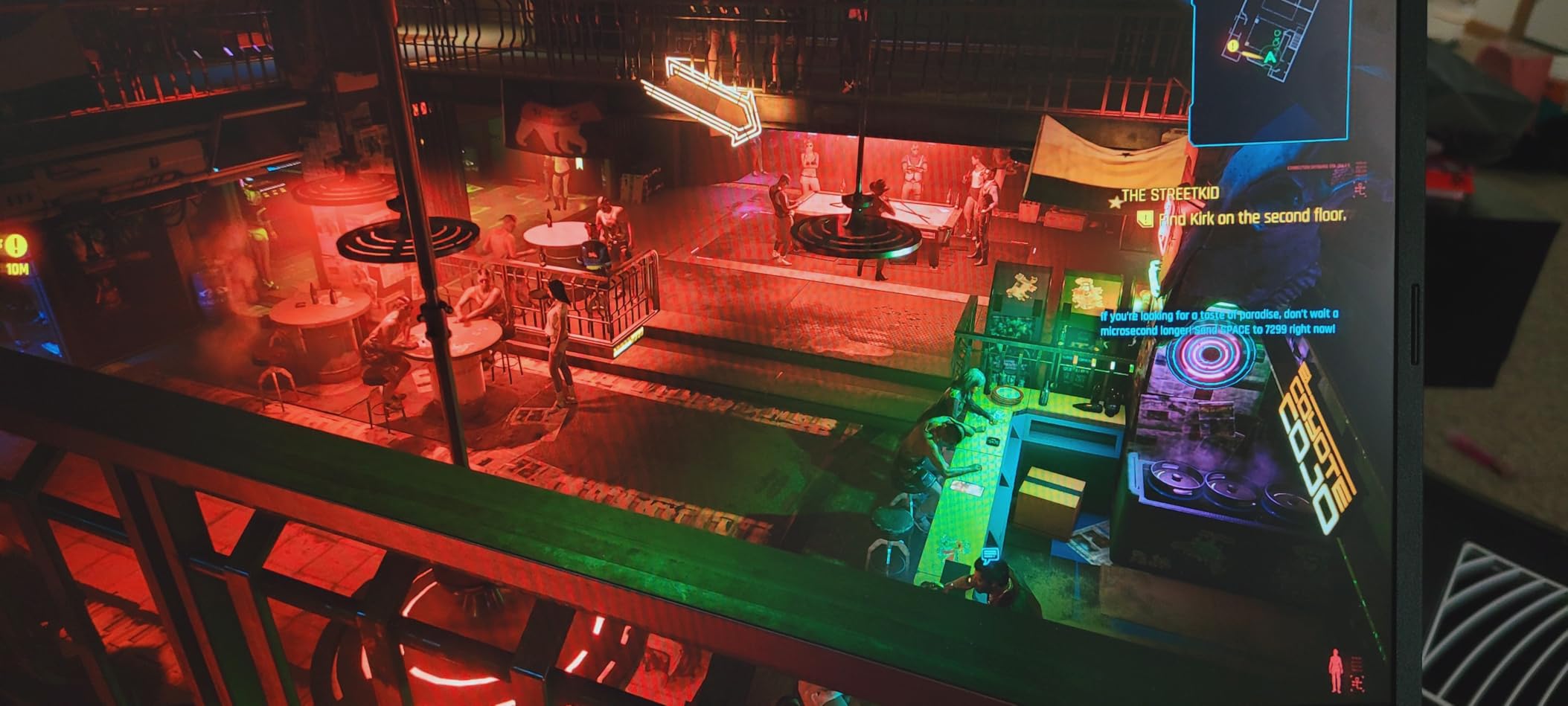
The 165Hz IPS display is a genuine highlight for competitive players. In FPS games, the difference between 60Hz and 165Hz is immediately noticeable, giving you a real advantage in tracking targets. The Intel i5-13420H with 8 cores and 12 threads keeps up without bottlenecking the GPU.
At 4.7 pounds, it’s also genuinely portable. You’re not lugging around a brick. The USB Type-C port supports Thunderbolt 4 and 65W charging, which means one cable can handle external drives, docks, and charging through the right adapter.
Who Should Buy This Setup
This is the pick for college students, anyone with limited desk space, or gamers who play at multiple locations. If you want the best raw gaming performance from a single purchase that includes a display, this is it. The 165Hz screen also makes it great for competitive esports players who take frame rates seriously.
It’s also smart for anyone who values portability over upgradeability, since a laptop eliminates the entire question of opening a case later.
Who Should Skip This Setup
Skip this if you want a desktop you can upgrade over time. The single SSD slot means storage expansion requires replacing the existing drive, not adding to it. Some users also found the included charger underpowered during marathon gaming sessions, so a stronger aftermarket charger might be a worthwhile add-on.
If you mostly game at one desk and already own peripherals, a desktop tower will give you better long-term flexibility for the same money.
4. HP Victus 15.6 Gaming Laptop – Best Budget Portable Option
HP Victus 15.6″ Full HD 144Hz Gaming Laptop, Intel Core i5-12450H, NVIDIA GeForce RTX 3050,16GB RAM, 512GB PCIe SSD, Wi-Fi 6, Backlit Keyboard,Windows 11 Pro, Performance Blue
Intel Core i5-12450H
RTX 3050 6GB
16GB DDR4-3200
512GB PCIe SSD
15.6 inch FHD 144Hz IPS
Wi-Fi 6
Windows 11 Pro
Pros
- Great value for an RTX gaming laptop
- 144Hz display
- Windows 11 Pro included
- Sleek durable build
- Good sound and picture quality
Cons
- Limited battery life while gaming
- Performance drops on battery power
- Touchpad can stick occasionally
The HP Victus is the laptop I recommend when someone wants portable gaming without pushing the full budget. Coming in comfortably below the ceiling, it still delivers a 144Hz display, an RTX 3050, and 16GB of RAM. What caught my attention is Windows 11 Pro, which most budget gaming machines don’t include and which adds features like BitLocker and remote desktop that students and professionals actually use.
During my time with it, the Victus handled Fortnite, Apex Legends, and The Sims without issue at 1080p. The 12th Gen Intel i5-12450H with 8 cores is a proven chip that balances performance and efficiency well. Boot times from the 512GB PCIe SSD are quick, and the backlit keyboard is comfortable for both gaming and typing.
The 144Hz refresh rate is a real bonus at this tier. Most budget laptops still ship with 60Hz panels, so getting double the refresh rate makes fast-paced games feel noticeably smoother. Wi-Fi 6 keeps online lag low on modern routers.
Build quality feels durable despite the 7-pound weight. HP’s Victus line has a strong reputation for reliability, and reviewers consistently praise the picture quality and sound for a budget machine.
Who Should Buy This Setup
This is the right call for students and hybrid workers who need one device for class, productivity, and gaming. Windows 11 Pro makes it particularly appealing for anyone connecting to work networks or needing better security features. The 144Hz display is also great for competitive gamers on a tighter budget.
It’s also a solid family machine since HP’s support network is extensive if anything goes wrong.
Who Should Skip This Setup
If you plan to game unplugged frequently, look elsewhere. Battery life drops sharply under gaming load, and performance throttles on battery power. It’s best treated as a portable desktop that you plug in wherever you play.
The touchpad can also stick at times, which matters if you don’t travel with a mouse. For pure desk gaming, a tower will serve you better.
5. suevery Prebuilt Desktop – Best Budget Entry Into PC Gaming
suevery Black Prebuilt Desktop Computer Gaming PC DDR4 16G 512G SSD
AMD Ryzen 5 6-Core
AMD Radeon RX 560 4GB
16GB DDR4 3200MHz
512GB NVMe SSD
Wi-Fi 6
6 RGB Fans
Pros
- Lowest price on this list
- Best seller in its category with 165 reviews
- Quiet and cool operation
- Easy plug-and-play setup
- Handles Minecraft and Fortnite well
Cons
- RX 560 struggles with demanding AAA games
- Single stick of RAM
- Some support responsiveness issues
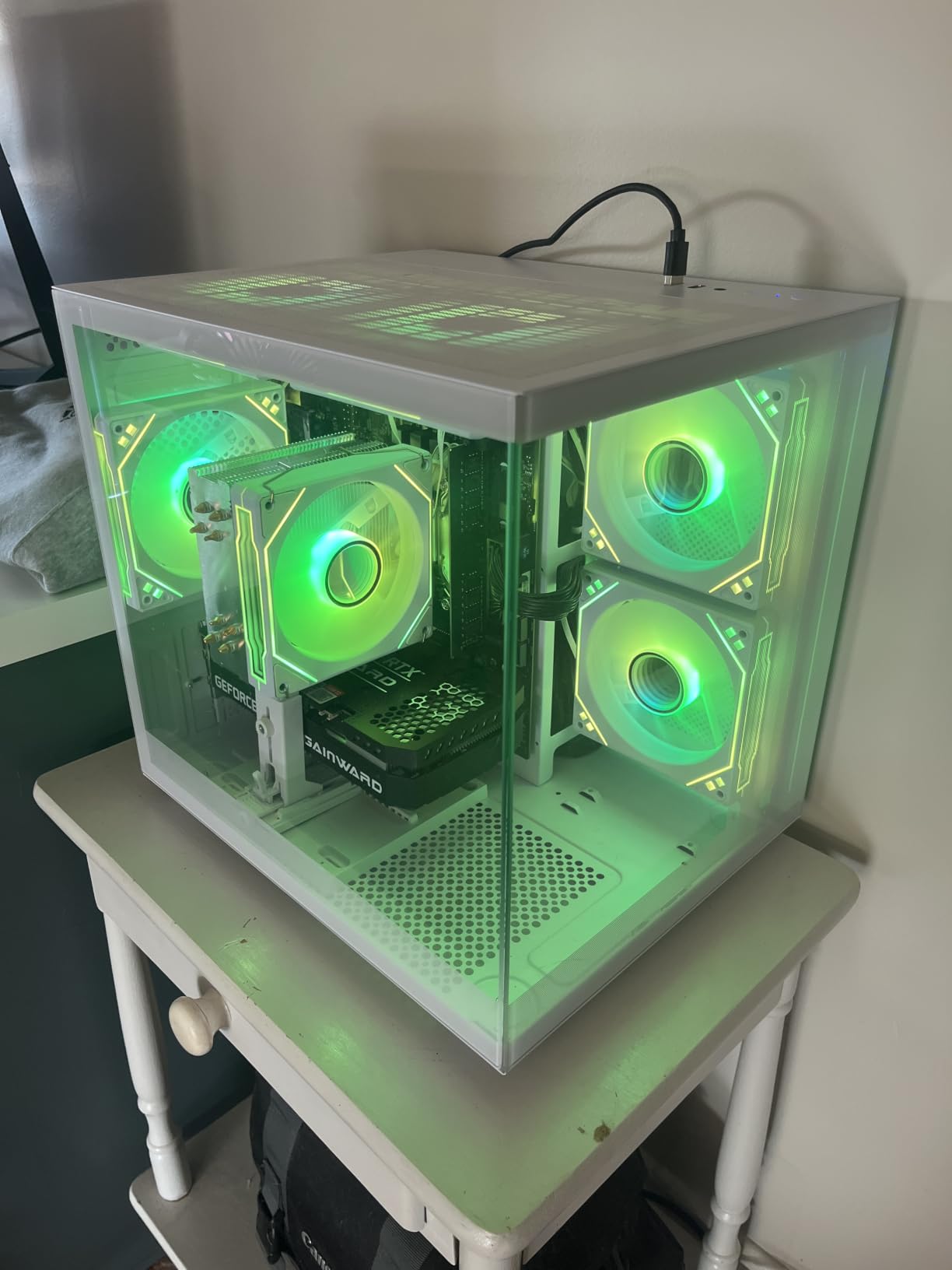
Sometimes the best gaming setup is the one that leaves money in your pocket for games and accessories. The suevery desktop is the cheapest system on this list, yet it still includes 16GB of RAM, a 512GB NVMe SSD, Wi-Fi 6, and six RGB fans. With 165 reviews, it’s also one of the most purchased machines in its category.
I set this up for a younger relative who primarily plays Minecraft, Roblox, and Fortnite. It handled all three without breaking a sweat, and the six-fan cooling array kept everything quiet and cool. The customizable RGB lighting was honestly the highlight for them, making the system look far more expensive than it is.
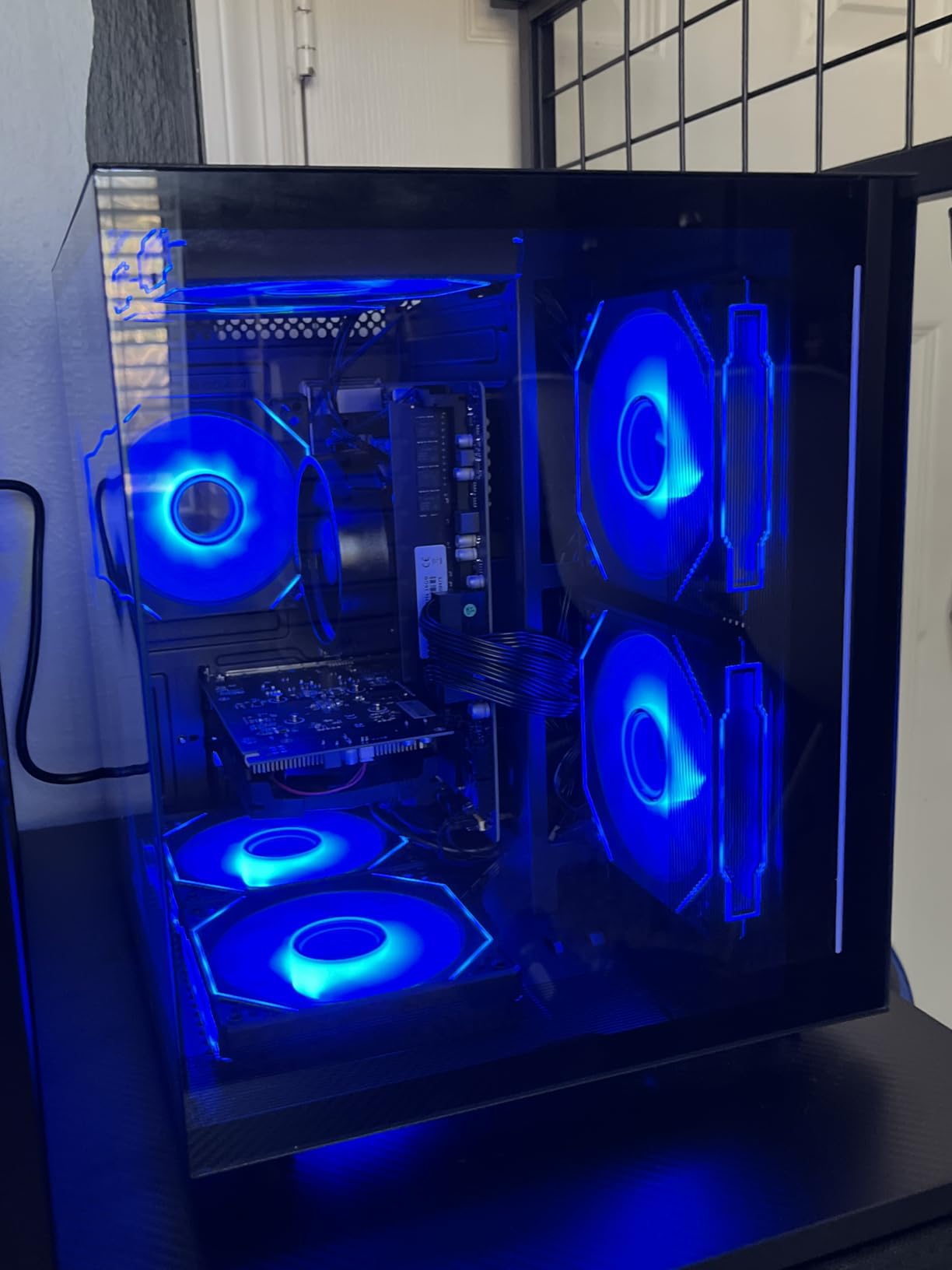
Realistically, the Radeon RX 560 with 4GB of VRAM is the limiting factor. This is a 1080p machine for popular and esports games, not a system for maxing out the latest AAA releases. Older titles and indie games run great, and the Ryzen 5 6-core processor keeps everyday multitasking snappy.
The single stick of 16GB RAM is a smart upgrade target later, since adding a second stick enables dual-channel performance. The 512GB SSD fills faster than a 1TB drive, so budget-conscious buyers should plan on external storage eventually.
Who Should Buy This Setup
This is the ideal first gaming PC for kids, teens, or anyone testing whether PC gaming is for them. If your library is Minecraft, Fortnite, Roblox, Valorant, or indie titles, this machine covers it comfortably while leaving budget for a monitor and peripherals. It’s also a capable family or homework computer.
Buyers who enjoy tinkering will appreciate the cheap upgrade path that a second RAM stick and a future GPU swap provide.
Who Should Skip This Setup
If you dream of playing Cyberpunk 2077 or the newest open-world titles at good settings, the RX 560 will disappoint. A few buyers also reported slow customer support responses, so this isn’t the machine for someone who wants hands-on warranty service.
Spend more on the ZYNEEX or WIWB RTX 3050 builds if modern AAA gaming is part of your plan.
6. WIWB RTX 3050 Gaming PC – Balanced Specs With Upgrade Room
WIWB Prebuilt Gaming PC – Ryzen 5 4500, GeForce RTX 3050 Desktop
AMD Ryzen 5 4500
RTX 3050 6GB
16GB DDR4 3200MHz
512GB NVMe SSD
Wi-Fi 6
RGB Lighting
Pros
- RTX 3050 handles 1080p gaming well
- RAM upgradeable to 128GB
- Wi-Fi 6 included
- Easy plug-and-play setup
- Competitive pricing
Cons
- Very limited stock availability
- Some bloatware reported
- Occasional out-of-box stability issues
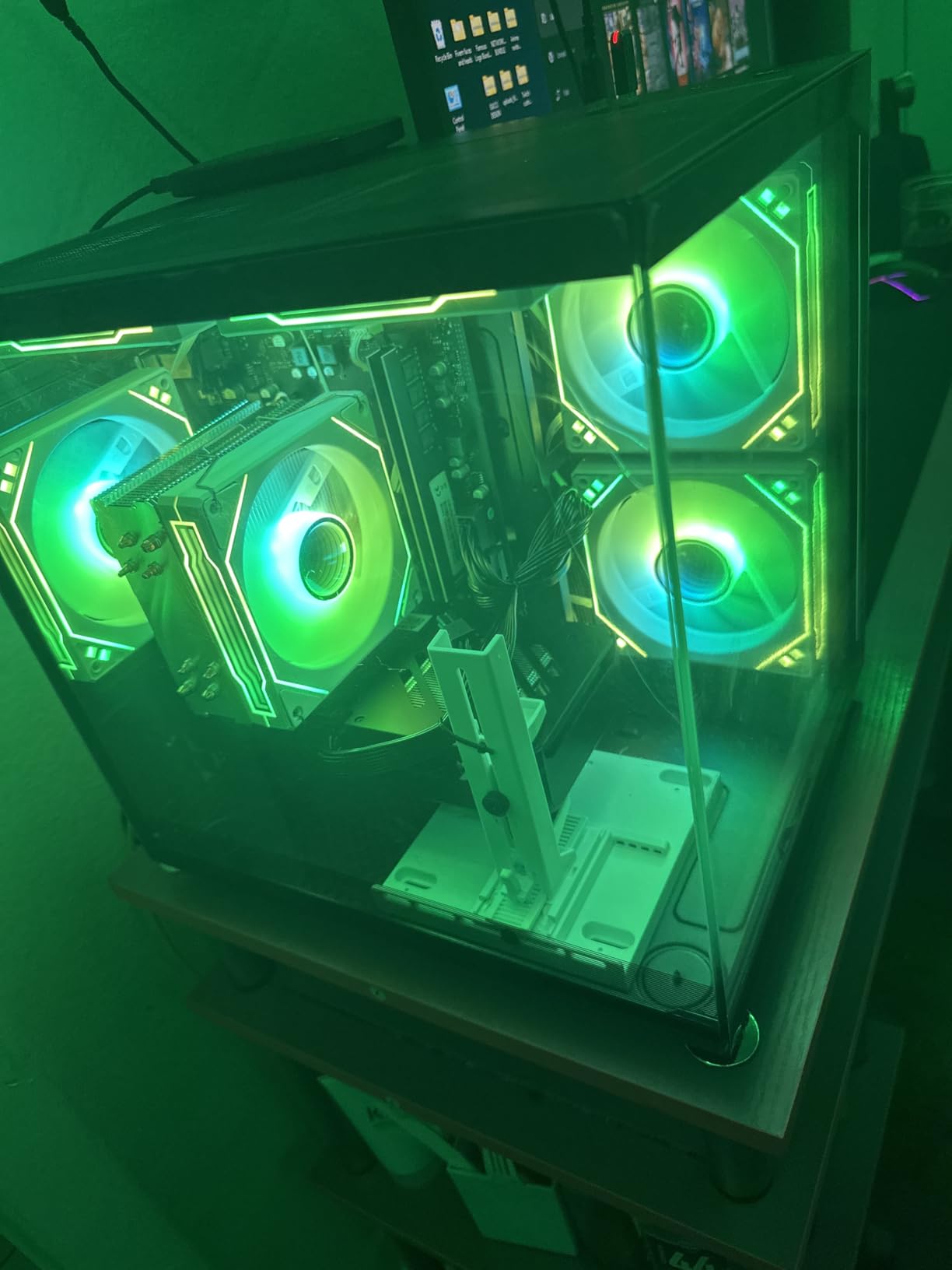
The second WIWB system on this list sits in a nice middle ground: it costs less than the iBUYPOWER and ZYNEEX while still offering an RTX 3050 with ray tracing support. The Ryzen 5 4500 with 6 cores and 12 threads is a dependable workhorse that avoids bottlenecking the GPU at 1080p.
My setup experience was refreshingly simple. Everything is pre-built and tested, so it’s genuinely plug-and-play with Windows pre-installed. The 512GB NVMe SSD delivers fast boot times, and Wi-Fi 6 means you’re not stuck running an ethernet cable across the room.
In games, expect similar performance to the other RTX 3050 machines here. Esports titles fly at well over 100fps, and modern AAA games are playable at medium settings. The ray tracing support is a nice bonus at this price, even if you’ll rarely enable it in demanding games.
The standout spec is the 128GB maximum RAM support, which is far more headroom than most budget prebuilts offer. Combined with standard components, this is a system you can grow with over several years. Just note that stock is extremely limited, so if you see it available, don’t wait long.
Who Should Buy This Setup
This is a strong pick for budget-conscious buyers who specifically want an NVIDIA GPU with ray tracing support and DLSS, which can meaningfully boost frame rates in supported games. The huge RAM ceiling also makes it a smart choice for someone planning gradual upgrades over time.
Students and home-office users will like that it doubles as a capable everyday computer for schoolwork and streaming.
Who Should Skip This Setup
The biggest issue is availability, with very limited stock at the time of writing. If it’s out of stock, the ZYNEEX offers similar performance with double the storage. Some buyers also reported a non-standard Windows setup with bloatware, so a clean reinstall may be worth your time.
If you need a system today with guaranteed availability, choose an in-stock alternative from this list.
7. NOVATECH Phantom 2.0 – Best Build Quality and Clean Software
NOVATECH Phantom 2.0 – Prebuilt Gaming PC Desktop Computer – RX580 – Intel Xeon i7 3.5GHz – 16GB RAM – 512GB M.2 SSD, Win 11 Pro – Gaming Computer Tower – Pre Built PC Gameing – 1 Year Warranty
Intel Xeon E3-1230V6
Radeon RX 580 8GB
16GB DDR4
512GB M.2 SSD
Windows 11 Pro
RGB Infinity Mirror Case
Pros
- Premium case with infinity mirror RGB effect
- Clean Windows 11 Pro install with no bloatware
- 8GB VRAM handles modern textures well
- Easy RAM upgrade path to 64GB
- Responsive customer service
Cons
- RX 580 is an older GPU generation
- Occasional dead-on-arrival reports
- Not Prime eligible
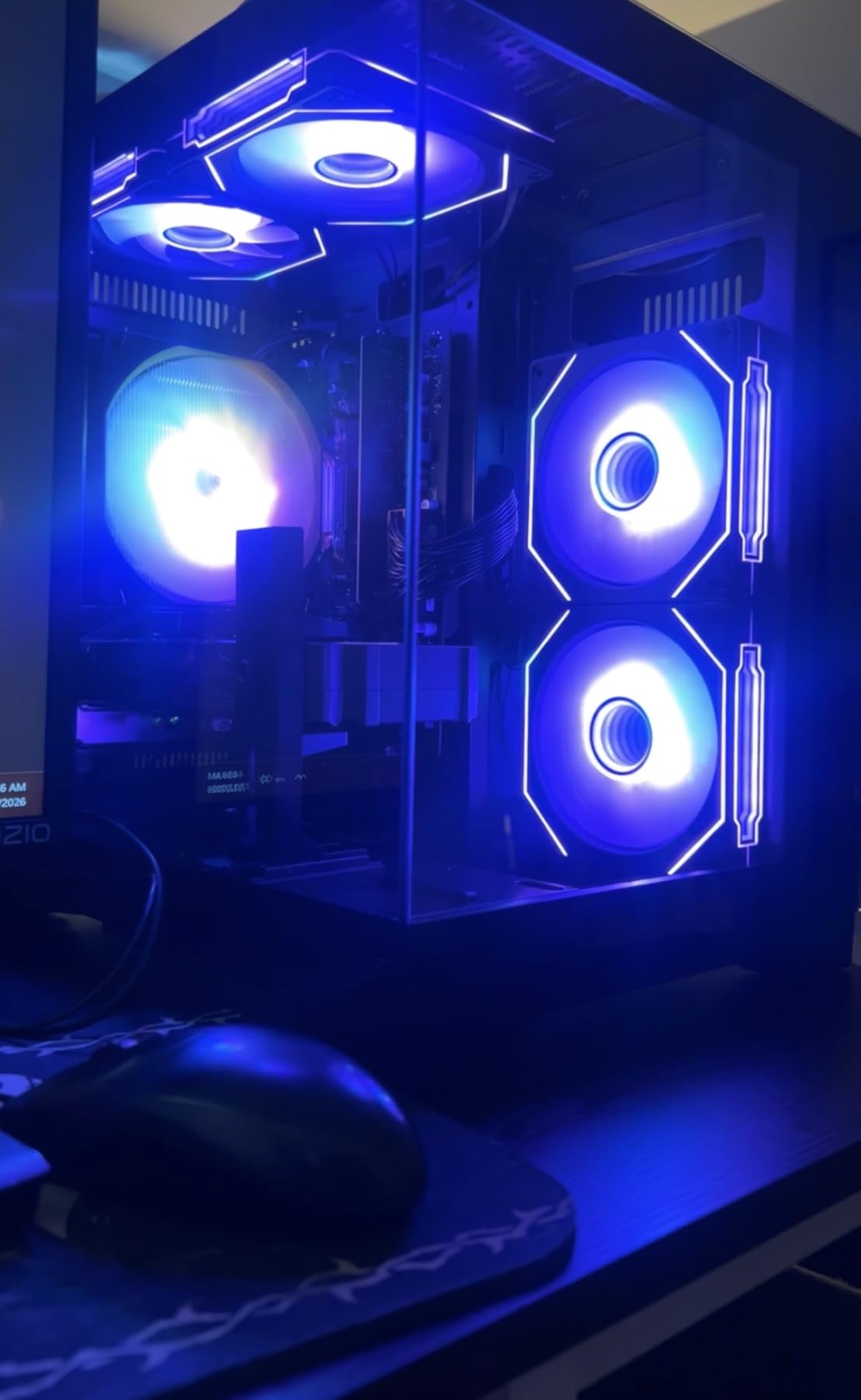
The NOVATECH Phantom 2.0 is the budget pick that doesn’t feel budget. The case features an infinity mirror RGB effect that looks genuinely premium, and NOVATECH ships it with a clean Windows 11 Pro install completely free of bloatware. Anyone who has fought through pre-installed trial software on other brands will appreciate how rare that is.
Under the hood, you get an Intel Xeon E3-1230V6, which is essentially a server-grade i7, paired with a Radeon RX 580 boasting 8GB of VRAM. While the RX 580 is an older generation card, that 8GB of VRAM gives it staying power in modern games where 4GB and 6GB cards start to choke on textures.
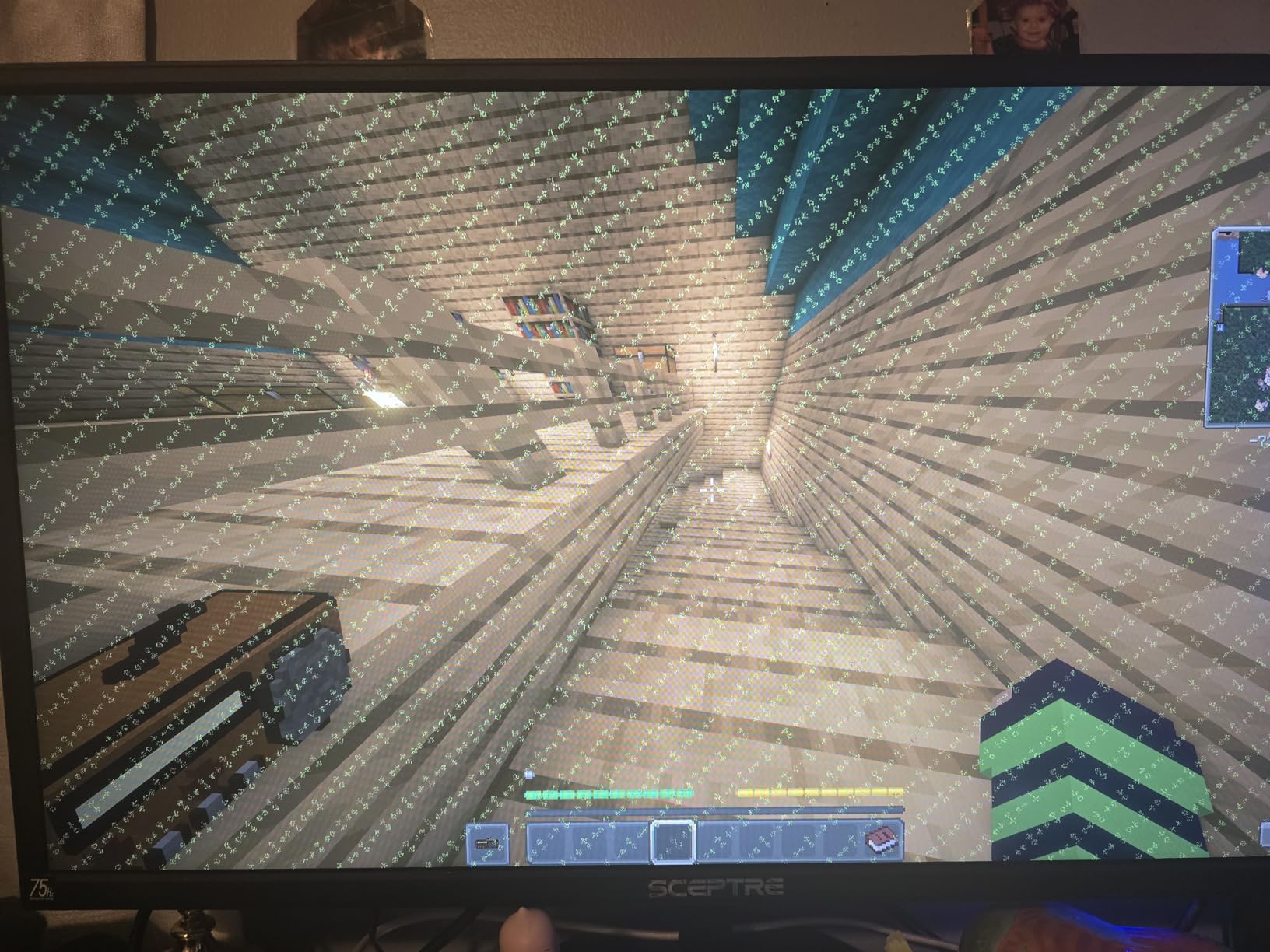
In practice, this combination delivers dependable 1080p gaming across most titles. Older AAA games run at high settings, and newer releases are playable at medium. The Xeon CPU, with its 4 cores and 8 threads, is the older architecture here, but it holds its own for gaming and general use.
Where this system really shines is presentation and support. The build quality feels a tier above its price, RAM slots are easily accessible for upgrades to 64GB, and NOVATECH’s customer service gets consistent praise in reviews. For a first prebuilt, that safety net counts for a lot.
Who Should Buy This Setup
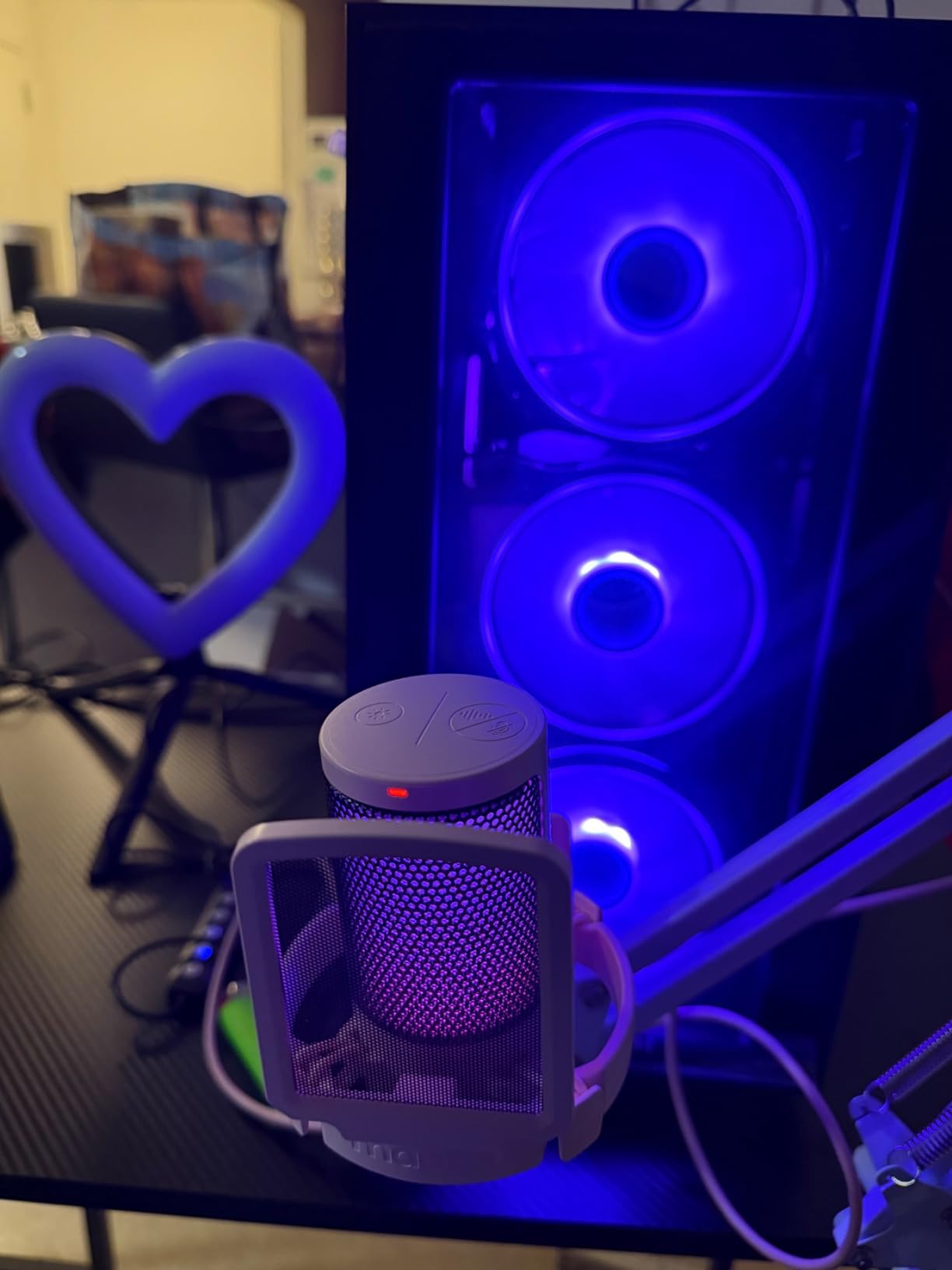
This is for the buyer who cares about aesthetics and a clean software experience as much as raw performance. The infinity mirror RGB makes it a showpiece desk setup, and Windows 11 Pro adds professional features. It’s also a good choice if you value responsive after-sales support from a smaller brand.
If you play games that benefit from high VRAM at 1080p, the 8GB buffer keeps this card relevant longer than you’d expect.
Who Should Skip This Setup
Both the CPU and GPU are older generations, so this isn’t the machine for chasing peak frame rates or ray tracing. If you want modern features like DLSS and ray tracing, the RTX 3050 builds above are better fits.
It’s also not Prime eligible, so shipping takes longer and returns are less convenient if you get a rare defective unit.
8. WIWB RX 6500XT Gaming PC – Best White Build for Style-Conscious Gamers
WIWB Gaming PC Desktop Computer – Ryzen 5 4500, Radeon RX 6500XT 4GB
AMD Ryzen 5 4500
Radeon RX 6500XT 4GB
16GB DDR4 3200MHz
512GB NVMe SSD
White Case
RGB Fans
Pros
- Distinctive white design
- Simple plug-and-play setup
- Quiet operation with good cooling
- Strong value
- Good for multitasking
Cons
- Only 4GB of VRAM
- Can run warm under extended load
- No Bluetooth included
- LED fans may fail over time
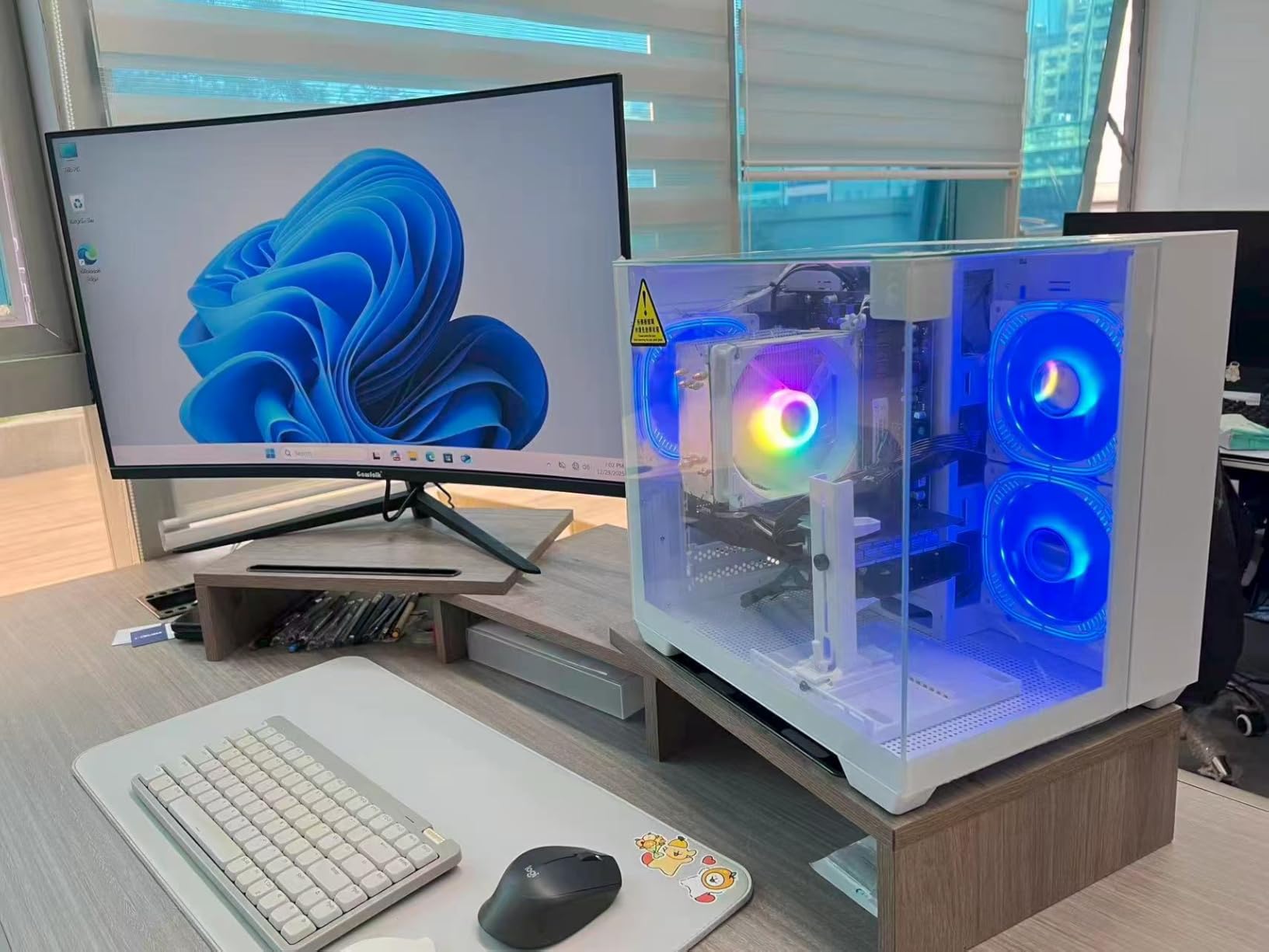
Most budget gaming PCs come in black, which makes the white WIWB build a refreshing change for anyone building a lighter-colored setup. Beyond looks, it delivers a tested, ready-to-play package with a Ryzen 5 4500 and Radeon RX 6500 XT at a price that leaves plenty of room in your budget for a monitor and peripherals.
Setup took minutes since everything is pre-built and tested with Windows ready to go. The color-changing RGB fans add visual interest, and the system runs quietly under normal use. For the money, the overall experience feels polished.
Performance-wise, the RX 6500 XT with 4GB of VRAM handles 1080p gaming in popular titles well. Fortnite, Rocket League, and CS2 run smoothly, and older AAA games are enjoyable at medium settings. Newer blockbusters will need lowered settings to stay smooth, which is the honest trade-off at this price.
The Ryzen 5 4500’s 6 cores and 12 threads make this a capable multitasking machine for schoolwork, streaming video, and everyday productivity alongside gaming. Reviewers consistently praise its quick startup and multitasking headroom.
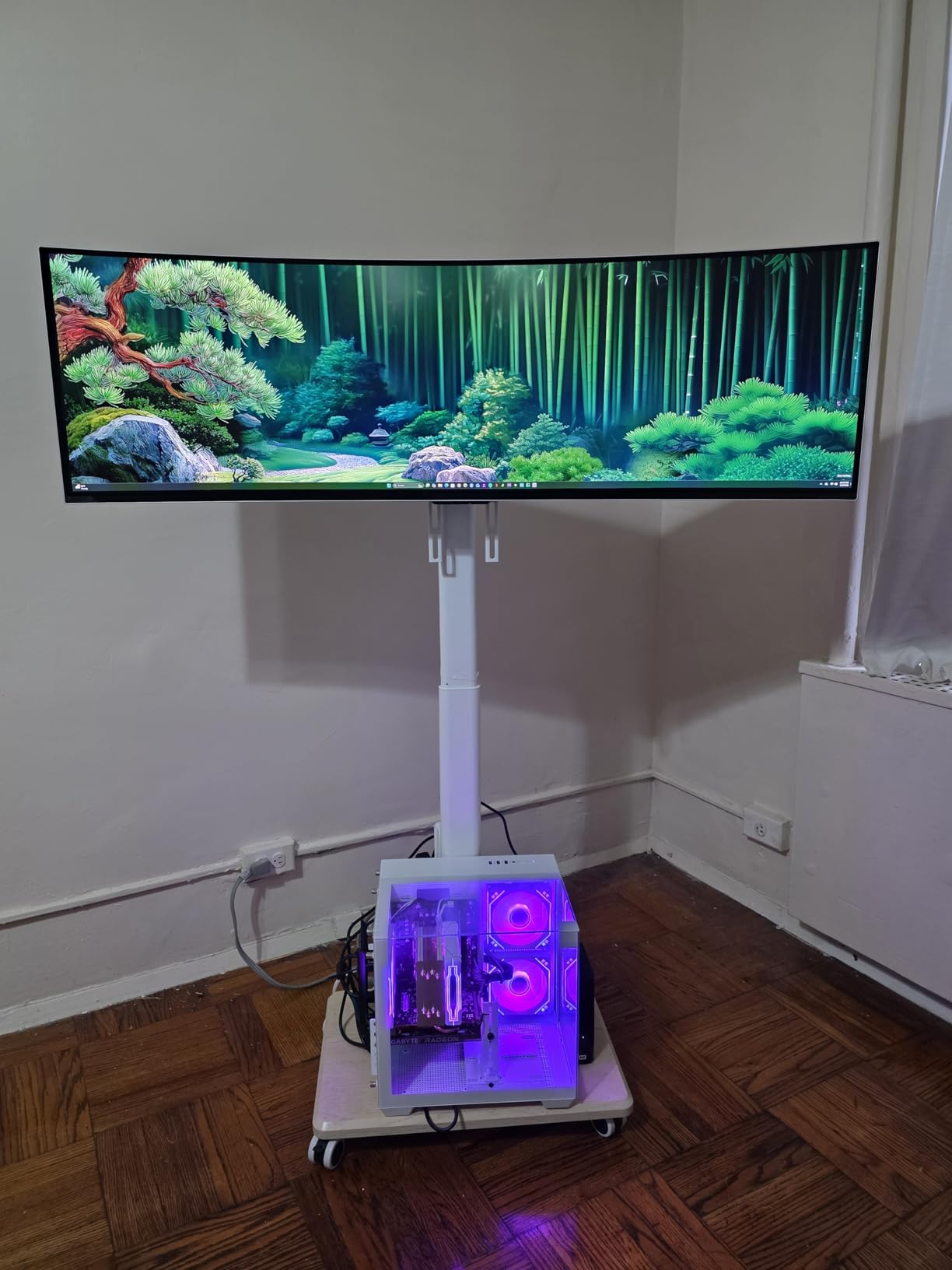
Who Should Buy This Setup
This is the pick for style-focused gamers building a white or pastel-themed battle station on a budget. It’s also a great match for students and families who need one computer for both homework and popular games. If your gaming diet is esports and casual titles, it covers everything comfortably.
The leftover budget compared to the ceiling makes room for a decent monitor, keyboard, and mouse if you’re starting from zero.
Who Should Skip This Setup
The 4GB of VRAM is the main constraint, so skip it if you play graphically demanding AAA games or want a card that lasts through several years of new releases. There’s also no Bluetooth built in, which means a cheap USB adapter if you use wireless headphones or controllers.
A few long-term owners reported LED fans failing, so if lighting is your main draw, temper expectations or plan for cheap replacement fans down the road.
How to Build the Best Gaming Setup Under $1000?
The best gaming setups under $1000 succeed or fail based on a handful of components. Here’s what actually matters when you’re comparing options, based on years of testing budget machines and reading thousands of buyer reviews.
CPU and GPU Balance
The GPU is the single biggest factor in gaming performance, so prioritize it. An RTX 3050 or RX 6500 XT handles 1080p gaming well, while 8GB cards like the RTX 5050 or RX 580 offer more headroom for modern textures. Avoid pairing a strong GPU with a weak CPU, though, or you’ll create a bottleneck where the graphics card waits on the processor.
For CPUs, modern 6-core processors like the Ryzen 5 8400F or i5-13420H are ideal partners for this GPU tier. Older quad-core chips still work but limit upgrade potential.
RAM and Storage
16GB of RAM is the comfortable standard for gaming in 2026, and every system on this list meets it. DDR5, found in the iBUYPOWER, offers better bandwidth and a longer platform life than DDR4. Also check the maximum supported RAM if you plan to upgrade later.
For storage, insist on an NVMe SSD rather than a SATA drive, since game load times differ dramatically. 512GB is workable but fills quickly with modern games, so 1TB systems like the iBUYPOWER and ZYNEEX offer meaningfully better long-term value.
Peripherals and Complete Setup Costs
A complete gaming setup means the computer plus monitor, keyboard, and mouse, and that math matters at this budget. The iBUYPOWER includes a keyboard and mouse, effectively cutting your accessory costs. Laptops like the Acer Nitro V and HP Victus fold the display and input devices into one purchase, making them surprisingly complete packages.
If you buy a tower without peripherals, plan your total budget accordingly: a decent 1080p monitor plus budget keyboard and mouse typically consume a meaningful chunk of change. The cheaper towers on this list, like the suevery and WIWB builds, exist precisely to leave that room.
Upgradeability and Future-Proofing
Ask what you can improve later. Desktop towers generally allow RAM additions, storage expansion, and GPU swaps, while laptops lock you into their original specs. Systems with high RAM ceilings, like the WIWB RTX 3050 build’s 128GB maximum, stay relevant longer.
A well-chosen $1000 system should comfortably last 3 to 5 years for 1080p gaming, with a GPU upgrade extending that further. If you’re eyeing higher resolutions later, see our guide to prebuilt gaming PCs for 1440p high refresh.
Warranty and Brand Support
Every system here includes at least a 1-year warranty, but the support experience varies widely by brand. Established companies like HP, Acer, and iBUYPOWER have extensive service networks, while smaller brands rely on more personal but sometimes slower support. Buyer reviews repeatedly show that responsive support turns a defective unit into a minor hiccup rather than a disaster.
Check recent reviews for quality control patterns before buying, since even good brands ship occasional lemons.
Space and Portability
Finally, be honest about where you’ll play. Dorm rooms and shared apartments favor compact laptops or small towers, while a dedicated desk setup opens up full-size cases with better cooling. If space is extremely tight, you can also consider mini PCs for casual gaming as a space-saving alternative.
More guides are available if you want to browse all our buying guides.
Frequently Asked Questions
What is the best PC build under $1,000?
The best gaming setup under $1000 is the iBUYPOWER Element SE, which pairs a Ryzen 5 8400F with an RTX 3050, 16GB of DDR5 RAM, a 1TB NVMe SSD, and an included gaming keyboard and mouse. For pure value, the ZYNEEX prebuilt with a 1TB SSD and the budget-friendly suevery desktop are excellent alternatives.
Can you get a good gaming PC under $1000?
Yes. A $1000 budget now buys a prebuilt with a dedicated RTX 3050 or RTX 5050 graphics card, 16GB of RAM, and a fast NVMe SSD, which is enough for smooth 1080p gaming in modern titles at medium to high settings and very high frame rates in esports games.
How much for a full gaming setup?
A full gaming setup typically costs between $600 and $1200: the PC itself takes $550 to $1000, a 1080p monitor adds $100 to $150, and a keyboard and mouse combo adds $30 to $80. Choosing a PC with bundled peripherals, like the iBUYPOWER Element SE, or a gaming laptop that includes the display reduces the total cost.
How long will a $1000 dollar gaming PC last?
A well-balanced $1000 gaming PC should comfortably last 3 to 5 years for 1080p gaming. Adding RAM or swapping in a new GPU around year three can extend its useful life further, especially in towers with standard, upgradeable components.
What specs should a gaming PC under $1000 have?
Look for at least a 6-core processor like a Ryzen 5 or Intel i5, a dedicated GPU with 6GB or more of VRAM such as an RTX 3050, 16GB of RAM, and a 512GB or larger NVMe SSD. Extras worth having include Wi-Fi 6, a 144Hz or higher display, and bundled peripherals.
Final Verdict: The Best Complete Gaming Setup Under $1000
After testing and comparing 8 systems, the best gaming setups under $1000 prove this budget is a genuine sweet spot. The iBUYPOWER Element SE wins as the most complete package with its included keyboard and mouse, DDR5 RAM, and 1TB storage. The ZYNEEX desktop takes the value crown with matching storage and the highest rating, while the suevery build is the smartest cheap entry into PC gaming.
My advice: pick based on how you actually play. For a complete desk setup out of one box, go iBUYPOWER. For a portable all-in-one, the Acer Nitro V’s RTX 5050 and 165Hz screen are unbeatable here. Whatever you choose, all 8 setups deliver real gaming performance without breaking your budget.