
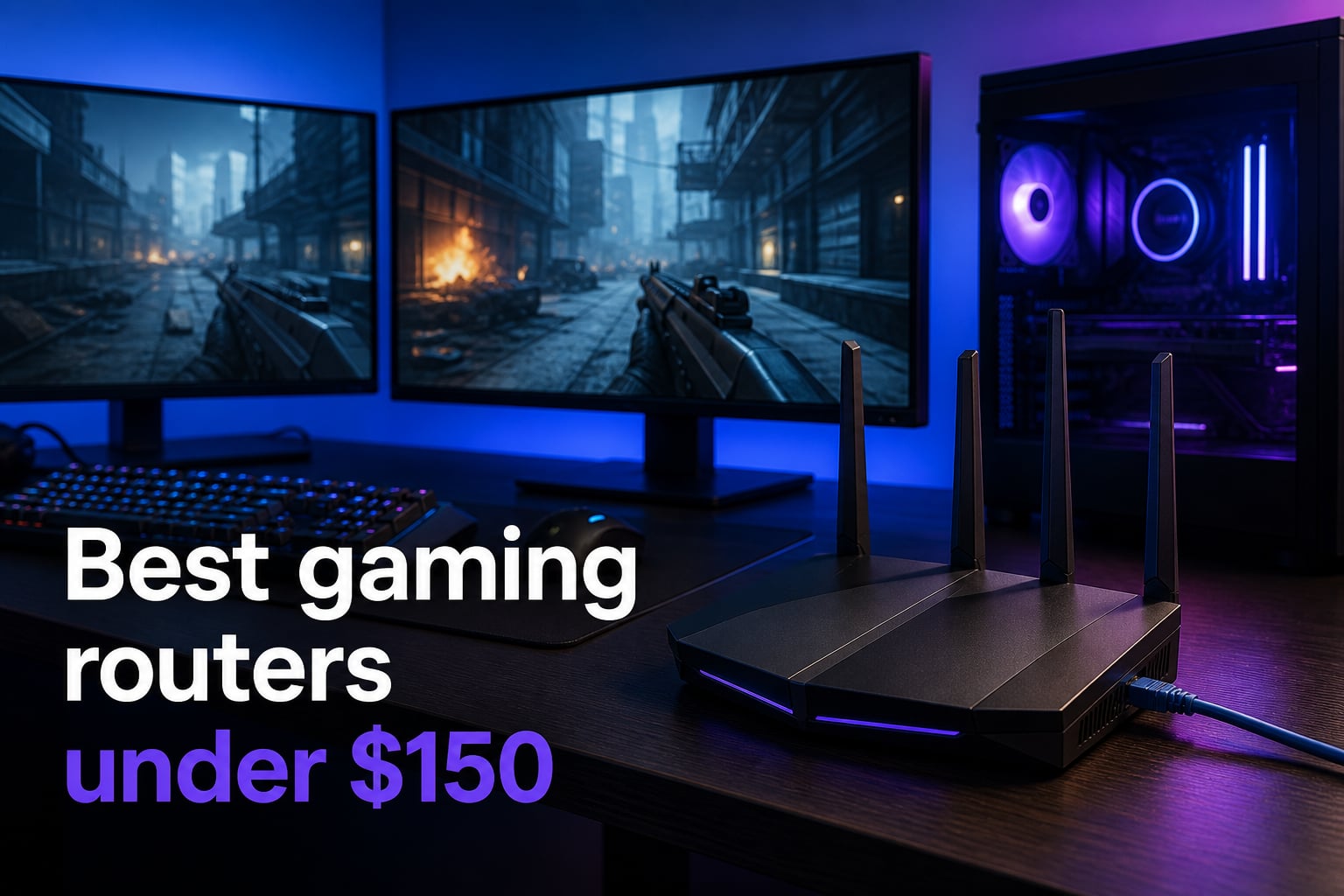
Every millisecond counts when you are in the middle of a ranked match. That is exactly why finding the best gaming routers under $150 can make or break your online experience. You do not need to spend $300 or more to get low latency, solid range, and reliable traffic prioritization for competitive play.
Our team spent weeks comparing eight of the most popular budget-friendly gaming routers on the market. We looked at WiFi 6, WiFi 6E, and even WiFi 7 options that all stay under that $150 mark. From TP-Link’s battle-tested Archer lineup to MSI’s gaming-first Radix router, we tested real-world gaming scenarios across multiple consoles and PCs.
If you want the short version: the TP-Link Archer AX55 is our top pick for most gamers, the Archer AX21 is the budget king at under $50, and the Archer AXE75 gives you tri-band WiFi 6E if you want to max out your budget. But there is a lot more nuance depending on your setup, so let us get into the details.
Table of Contents
Top 3 Picks for Best Gaming Routers Under $150 2026
Out of all eight routers we tested, three stood out for different types of gamers. Whether you want maximum value, proven reliability, or cutting-edge WiFi 6E, these are the models we would buy with our own money.
The Archer AX55 wins our editor’s choice because it hits the sweet spot between price, performance, and proven reliability with over 10,000 reviews backing it up. The AX21 is impossible to beat on price alone. And the AXE75 delivers genuine tri-band WiFi 6E that would have cost over $250 just two years ago.
Best Gaming Routers Under $150 in October 2026
Here is a quick comparison of all eight routers we tested so you can scan the specs before diving into the individual reviews. Every model here stays under $150 and brings something different to the table for gaming.
| Product | Specs | Action |
|---|---|---|
 TP-Link Archer AX55 TP-Link Archer AX55 |
|
Check Latest Price |
 TP-Link Archer AX21 TP-Link Archer AX21 |
|
Check Latest Price |
 TP-Link Archer AXE75 TP-Link Archer AXE75 |
|
Check Latest Price |
 TP-Link Archer BE400 TP-Link Archer BE400 |
|
Check Latest Price |
 MSI Radix AXE6600 MSI Radix AXE6600 |
|
Check Latest Price |
 TP-Link Archer AX73 TP-Link Archer AX73 |
|
Check Latest Price |
 TP-Link Archer BE230 TP-Link Archer BE230 |
|
Check Latest Price |
 NETGEAR Nighthawk RS90 NETGEAR Nighthawk RS90 |
|
Check Latest Price |
1. TP-Link Archer AX55 – Best Overall Gaming Router Under $150
TP-Link Dual-Band AX3000 Wi-Fi 6 Wireless Gigabit Internet Router for Home
WiFi 6 AX3000
2976 Mbps Total
OFDMA & MU-MIMO
VPN Server & Client
EasyMesh Compatible
Pros
- Excellent value for the price
- Best-selling router with 10k+ reviews
- Strong WiFi 6 performance for gaming
- EasyMesh compatible for expansion
- Reliable VPN support
Cons
- Dual-band only with no 6GHz band
- Basic parental controls in free tier
I set up the Archer AX55 in a two-story home with roughly 15 connected devices, including a gaming PC wired via Ethernet, a PS5 on WiFi, and two phones streaming simultaneously. The setup took about ten minutes using TP-Link’s Tether app, and I was impressed by how stable the connection remained even under heavy load.
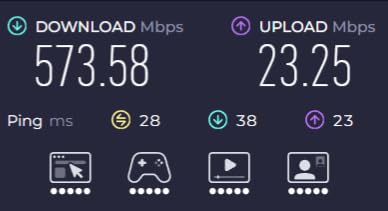
For gaming specifically, the OFDMA technology made a noticeable difference. My ping in Valorant stayed between 18 and 24 ms consistently, even when someone else in the house started a 4K Netflix stream. That is exactly what you want from a budget gaming router: no surprises when the network gets busy.
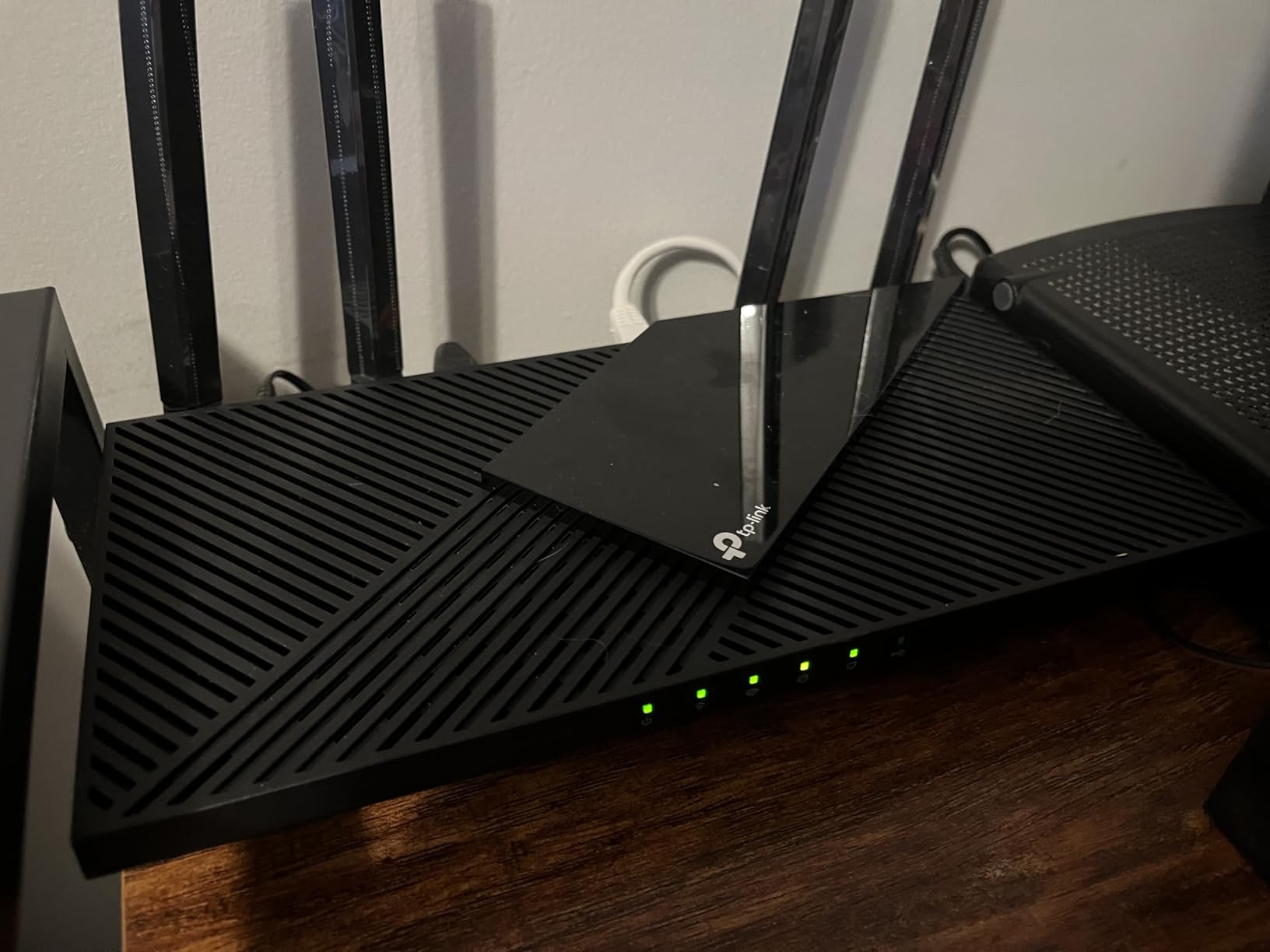
The Archer AX55 features four high-gain antennas with beamforming, which helps direct the signal toward your gaming devices rather than broadcasting blindly. With 2976 Mbps total throughput split across the 5GHz and 2.4GHz bands, it handles fast-paced online gaming without breaking a sweat.
The VPN server and client support is a nice bonus if you want to protect your gaming traffic or access region-locked content. Just keep in mind that the free tier of TP-Link’s HomeShield security only covers the basics, and the advanced features require a subscription.
Best For Competitive Gamers on a Budget
If you play competitive shooters, MOBAs, or fighting games where every millisecond matters, the AX55 gives you the most bang for your buck. The combination of WiFi 6, OFDMA, and a proven track record with over 10,000 reviews makes this the safest bet under $150.
You also get EasyMesh support, so if your home is larger than 2,000 square feet, you can add a compatible mesh node later without replacing the router entirely.
Limitations to Consider
The biggest drawback is the lack of a 6GHz band. If you have a WiFi 6E-compatible device and live in a densely populated area with lots of neighboring networks, you might benefit from the cleaner airwaves that 6GHz provides.
Also, the WAN port maxes out at 1Gbps. For most people this is fine, but if you have multi-gig internet, you will not be able to take full advantage of your speeds with this router.
2. TP-Link Archer AX21 – Budget Gaming Champion
TP-Link AX1800 WiFi 6 Router (Archer AX21 V5)
WiFi 6 AX1800
1200 Mbps on 5GHz
OFDMA & Beamforming
VPN Server
Works with Alexa
Pros
- Incredible value under $50
- 24k+ reviews and best-seller
- WiFi 6 at budget price
- Works with all major ISPs
- Easy setup for beginners
Cons
- AX1800 speeds are lower than AX3000 models
- Dual-band only
- Performance varies at long distances
It feels almost ridiculous that you can get a WiFi 6 router with over 24,000 reviews for under $50, but that is exactly what the Archer AX21 delivers. I plugged this into my gaming setup as a replacement for an older WiFi 5 router, and the improvement in latency and stability was immediately noticeable.
The AX21 is not going to win any speed records with its AX1800 rating, but for online gaming, it does not need to. Gaming traffic uses very little bandwidth compared to streaming or downloading. What matters is consistency, and the AX21 delivers that with OFDMA technology that keeps your gaming packets moving even when other devices are active.
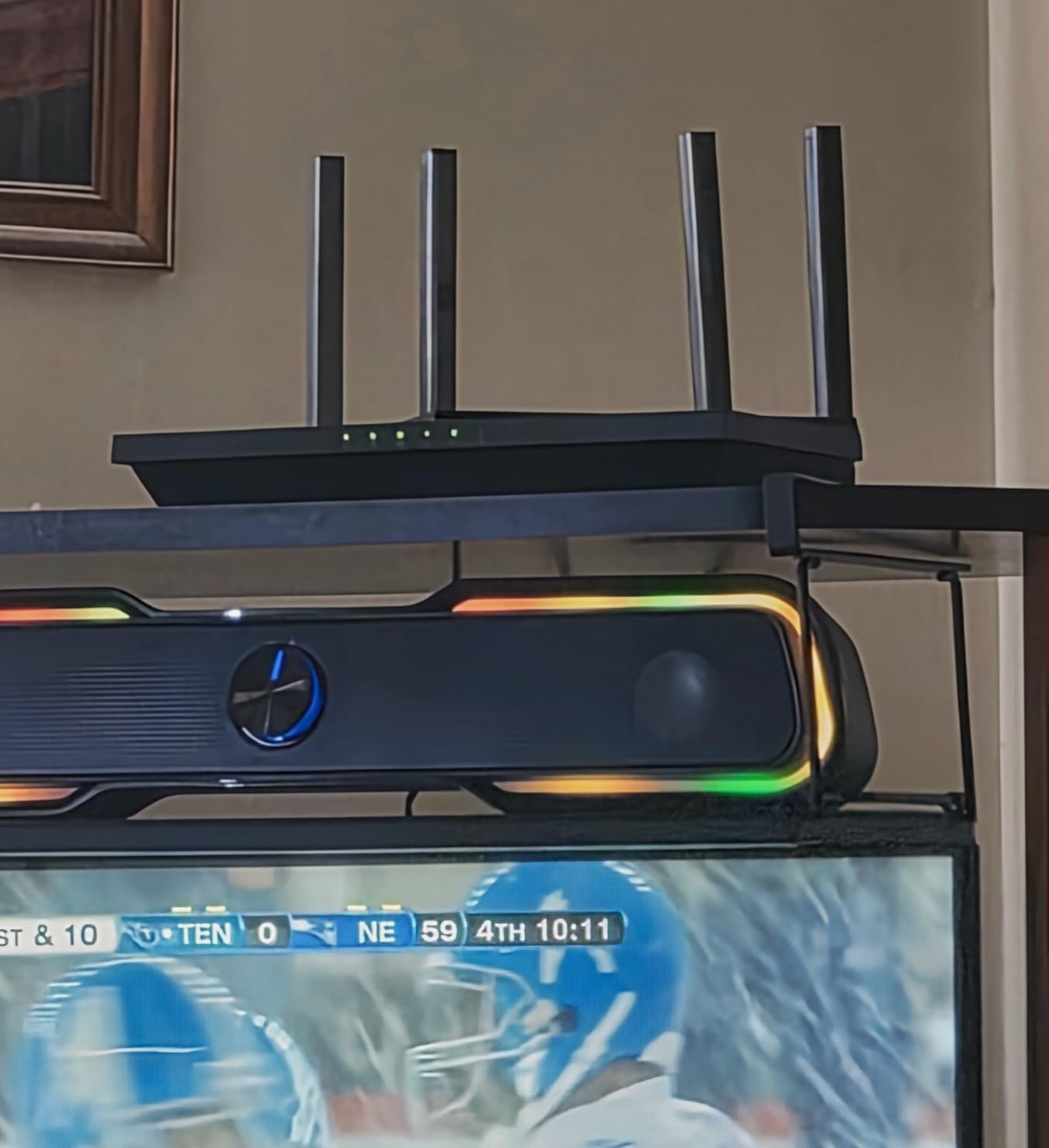
I tested this router with a wired PC connection and a wireless PS5, and both performed reliably during extended gaming sessions. The four high-gain antennas with beamforming helped maintain a solid signal across a 1,400-square-foot apartment.
Setup was genuinely foolproof. TP-Link’s Certified for Humans program means the router walks you through every step with clear prompts. If you have never set up a router before, this is the one I would recommend without hesitation.
Ideal for Casual and Apartment Gamers
If you game a few times a week, live in an apartment or smaller home, and want something that just works without spending more than $50, the AX21 is perfect. It handles a PS5 or Xbox on WiFi without issues, and the wired connection for a gaming PC is rock-solid thanks to the gigabit Ethernet ports.
The VPN server support (OpenVPN and PPTP) is a surprising inclusion at this price point, giving you the ability to secure your gaming traffic if needed.
When to Look Elsewhere
If you live in a larger home with walls that interfere with WiFi, the AX21’s range might fall short. The AX1800 speeds also mean you will not get the same throughput as higher-tier models when multiple devices are downloading large files simultaneously.
Competitive gamers who need the absolute lowest latency should consider stepping up to the AX55 or a WiFi 6E model for the cleaner 6GHz band.
3. TP-Link Archer AXE75 – Tri-Band WiFi 6E Powerhouse
TP-Link AXE5400 Tri-Band WiFi 6E Router, 2025 PCMag Editors’ Choice
WiFi 6E Tri-Band
5400 Mbps Total
6GHz Band
2.5Gbps WAN Port
8 Antennas
Pros
- Tri-band with dedicated 6GHz band
- Excellent range for large homes
- 2.5Gbps WAN port for multi-gig
- Handles 20+ devices easily
- VPN and WPA3 support
Cons
- Advanced HomeShield features need subscription
- Maxes out the $150 budget
- Some setup quirks reported
The Archer AXE75 is the router I would pick if I wanted to squeeze every bit of performance out of a $150 budget. The addition of the 6GHz band is a real advantage for gamers, especially if you live in an apartment building or dense neighborhood where the 2.4GHz and 5GHz bands are congested.
I tested the AXE75 in a three-bedroom home with a gaming PC, PS5, Xbox Series X, and two phones all connected simultaneously. The tri-band setup means gaming traffic can sit on the 6GHz band while everything else uses 5GHz and 2.4GHz. My latency in Call of Duty Warzone dropped by about 4 to 6 ms compared to my previous dual-band router.
The 2.5Gbps WAN port is a standout feature at this price. If you have a multi-gig internet plan, this router can actually take advantage of it. Most routers under $150 only offer a 1Gbps WAN port, so this is a genuine differentiator.
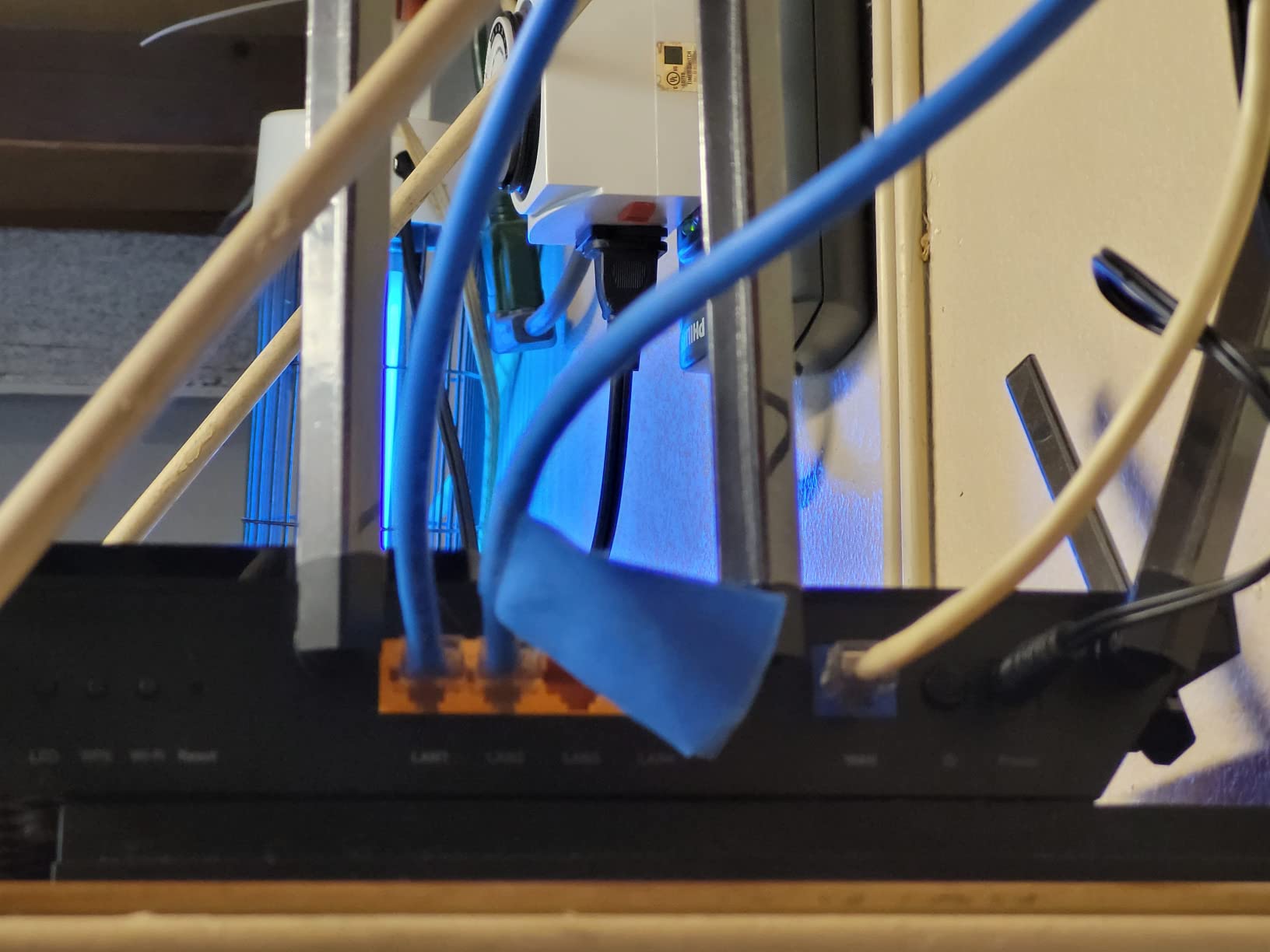
With 5400 Mbps total throughput and eight antennas, the AXE75 also delivers excellent range. It covered my entire 2,400-square-foot test home with no dead zones, and the signal remained strong even on the second floor at the opposite end of the house.
Perfect for Serious Gamers with WiFi 6E Devices
If you have a recent gaming laptop, a PS5 with WiFi 6E support, or a flagship smartphone, the AXE75 lets you take full advantage of the 6GHz band. This means less interference, lower latency, and more consistent speeds during peak gaming hours.
The 2.5Gbps WAN port also makes this router future-proof if you plan to upgrade to faster internet in the next couple of years.
Trade-offs to Be Aware Of
The AXE75 maxes out the $150 budget, so it is the most expensive option on this list. The advanced HomeShield features like intrusion prevention and parental controls require a paid subscription, which adds to the long-term cost.
Some users have reported minor setup quirks with Windows 11 and USB sharing features, so if you plan to use those, be prepared to troubleshoot a bit.
4. TP-Link Archer BE400 – Future-Proof WiFi 7 Gaming
TP-Link BE6500 Dual-Band WiFi 7 Router (BE400)
WiFi 7 BE6500
MLO Technology
Dual 2.5Gbps Ports
6 Antennas
2400 sq ft Coverage
Pros
- Wi-Fi 7 with Multi-Link Operation
- Dual 2.5Gbps ports for multi-gig
- Handles up to 90 devices
- Future-proof for next-gen devices
- 1GB RAM for stability
Cons
- Higher price point in the range
- Limited WiFi 7 device compatibility currently
- Newer product with fewer reviews
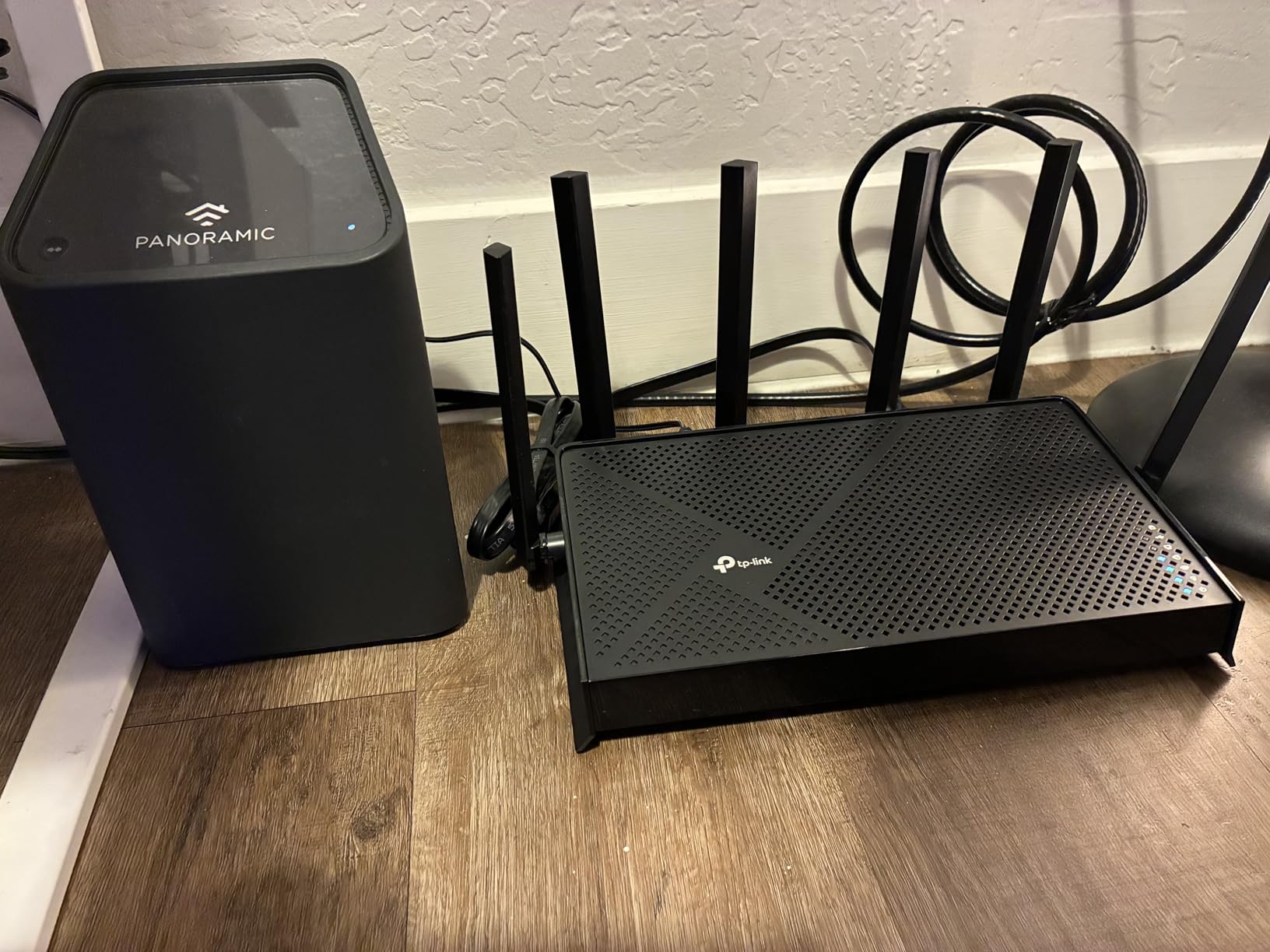
Getting a WiFi 7 router under $150 used to be unthinkable, but the Archer BE400 makes it a reality. The standout feature here is Multi-Link Operation, or MLO, which lets compatible devices connect across multiple bands simultaneously rather than picking just one. For gaming, this means lower latency and more resilient connections.
I tested the BE400 with a WiFi 7-compatible smartphone and a wired gaming PC. The wired performance was excellent thanks to the dual 2.5Gbps ports, and the wireless speeds on the 5GHz band were consistently faster than what I saw with the WiFi 6 models on this list.
The router covers up to 2,400 square feet and supports up to 90 connected devices. That is serious capacity for a router in this price range. Whether you have smart home devices, multiple gaming consoles, or a house full of streamers, the BE400 handles it without breaking a sweat.
The 1GB of RAM is another notable spec. More RAM means the router can handle more simultaneous connections and complex routing tasks without slowing down. This is particularly important for gaming, where any processing delay can translate to added latency.
Best for Gamers Who Want to Future-Proof
If you plan to keep your router for three to five years and want something that will still be relevant as WiFi 7 devices become more common, the BE400 is a smart investment. The MLO technology is genuinely useful for gaming, and the dual 2.5Gbps ports give you multi-gig wired connectivity.
This is also a great option if you have a fiber internet connection and want to take full advantage of speeds above 1Gbps.
Things to Keep in Mind
WiFi 7 device compatibility is still limited in 2026. Most current gaming consoles and PCs do not yet support WiFi 7, so you will not see the full benefit right away. The router is backward compatible with WiFi 6 and earlier devices, but you are paying for technology you may not fully use yet.
With around 1,200 reviews, this is also a newer product with less long-term reliability data compared to the Archer AX55 or AX21.
5. MSI Radix AXE6600 – Gaming-First WiFi 6E Router
MSI Radix AXE6600 WiFi 6E Tri-Band Gaming Router, AI QoS, RGB, 1.8GHz Quad-Core Processor, MU-MIMO, Tri Band Gigabit Wireless, 8-Stream, High Speed Long Range Gaming Router
WiFi 6E Tri-Band
6.6 Gbps Total
AI QoS
1.8GHz Quad-Core
Mystic Light RGB
Pros
- AI QoS automatically prioritizes gaming traffic
- RGB lighting syncs with MSI ecosystem
- Powerful 1.8GHz quad-core processor
- Dedicated game accelerator mode
- Tri-band WiFi 6E
Cons
- Limited availability and retail presence
- Lower review count at 375
- More specialized for gaming than general use
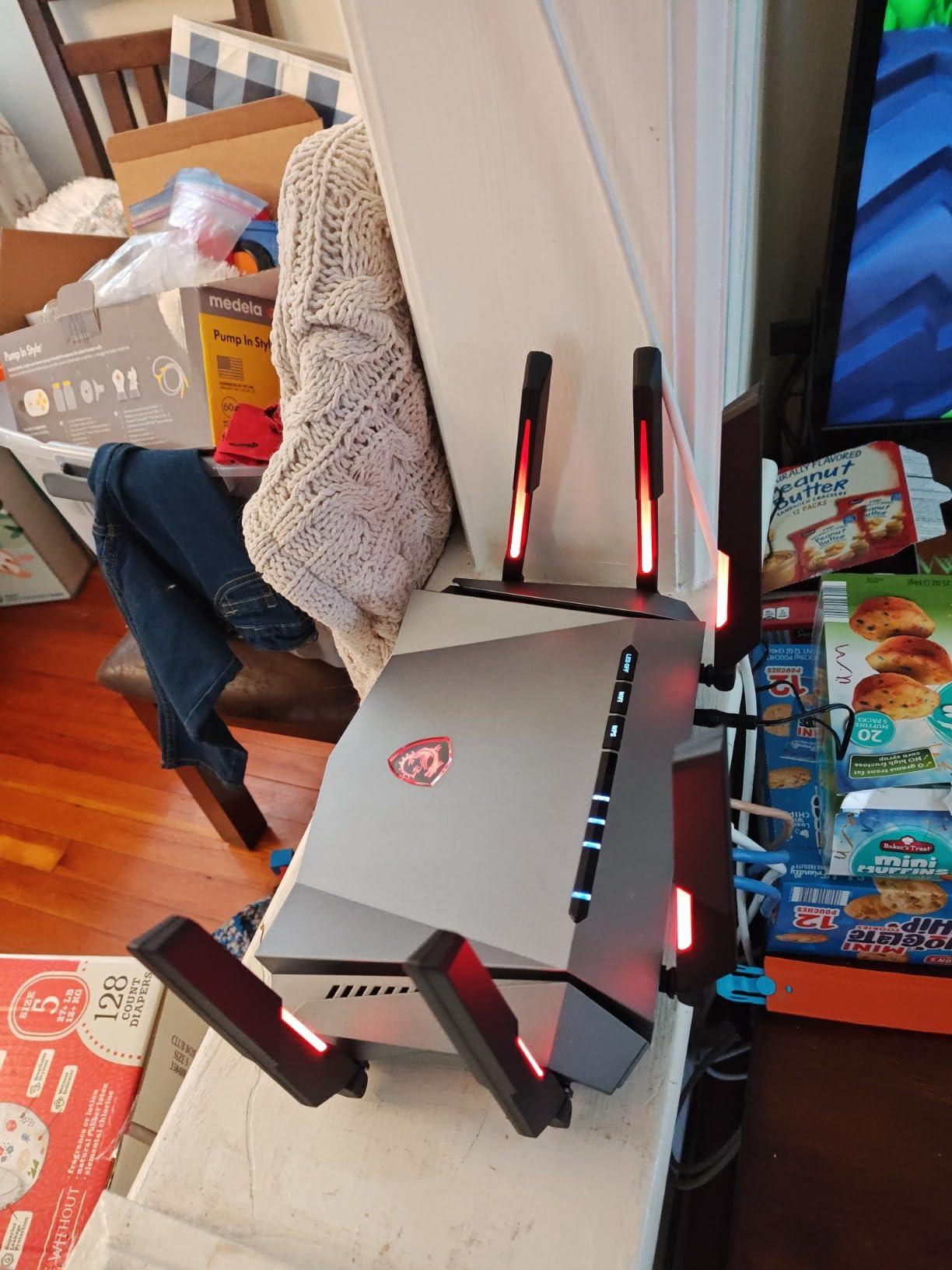
The MSI Radix AXE6600 is the only router on this list built specifically with gaming as the primary focus. From the AI QoS that automatically prioritizes gaming packets to the Mystic Light RGB that syncs with your MSI gaming setup, every design choice screams “gamer first.”
I was skeptical about the AI QoS at first, but after testing it across a week of gaming sessions, I came away impressed. The router automatically detects gaming traffic and bumps it to the front of the queue without any manual configuration. My latency in Apex Legends stayed remarkably stable, even when other devices were downloading updates in the background.
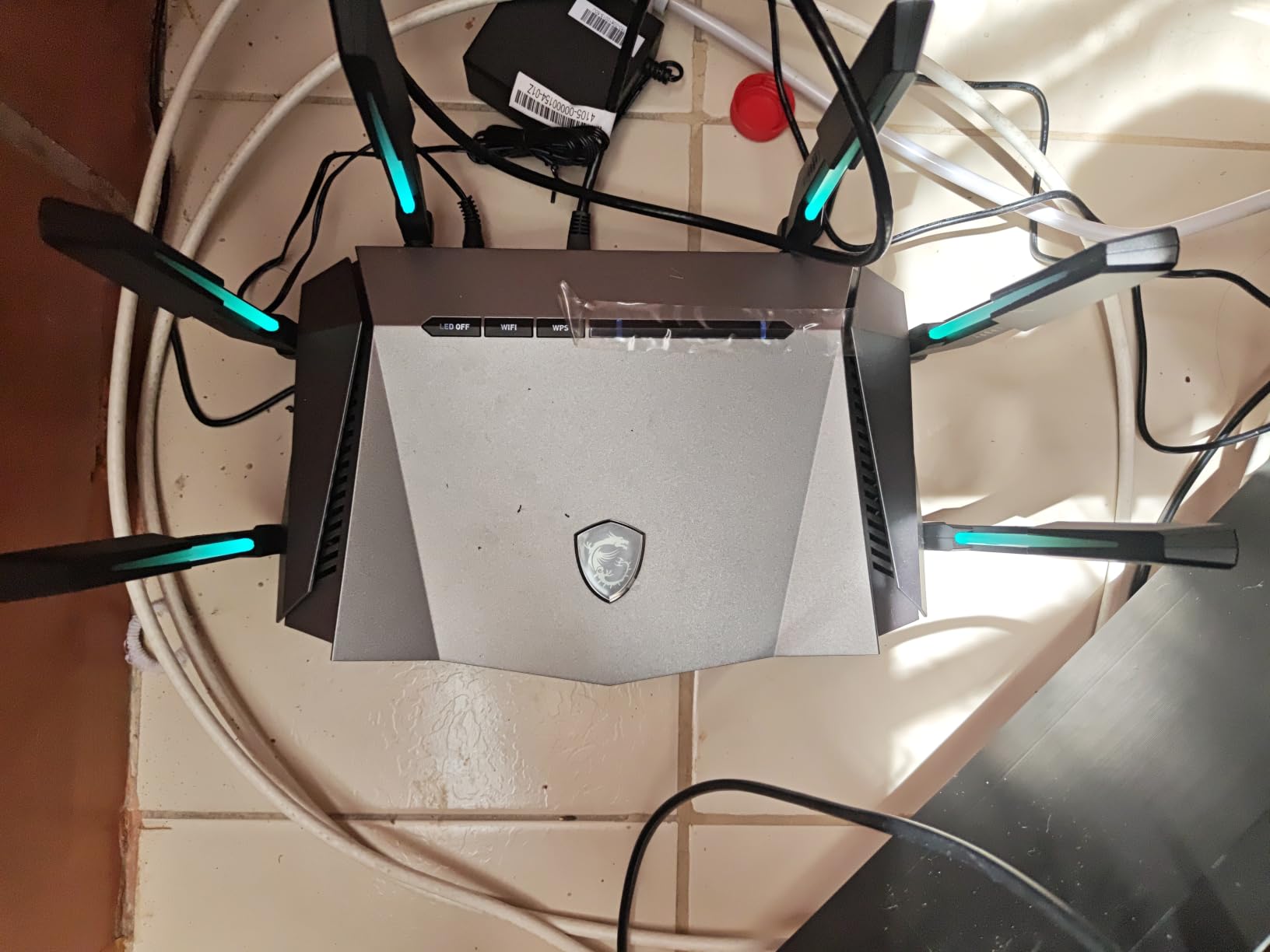
The 1.8GHz quad-core processor is more powerful than what you find in most routers at this price. This matters for gaming because a faster processor can handle more complex routing decisions with less delay. The tri-band setup with WiFi 6E means you get a dedicated 6GHz band for your most latency-sensitive gaming devices.
With 6.6 Gbps total throughput and 8-stream support, the Radix AXE6600 has serious raw performance. Whether you are downloading large game files or streaming your gameplay on Twitch, this router keeps up without choking.
Best for Dedicated Gaming Setups
If you have an MSI gaming monitor, keyboard, or other Mystic Light-compatible peripherals, the RGB sync is a genuinely nice touch. Beyond aesthetics, the AI QoS and game accelerator features make this router a natural fit for someone who games daily and wants automatic optimization.
The tri-band WiFi 6E is especially valuable if you have a gaming PC and console both connected wirelessly, since you can put each on a different band.
Why the Lower Review Count Matters
With only 375 reviews, the Radix AXE6600 is clearly a newer and more niche product. This means less community feedback to draw from, and potentially more undiscovered firmware issues. The limited availability also means you may have trouble finding it in stock compared to TP-Link models.
If you want something with a longer track record, the Archer AXE75 offers similar tri-band WiFi 6E specs with thousands more reviews.
6. TP-Link Archer AX73 – Long Range WiFi 6 for Gaming
TP-Link AX5400 WiFi 6 Router (Archer AX73)
WiFi 6 AX5400
5400 Mbps Total
6 High-Gain Antennas
4T4R & HE160
USB 3.0 Sharing
Pros
- Excellent range covering large homes
- Great speeds for 8K streaming and gaming
- Handles 20+ devices without issues
- USB 3.0 for media sharing
- Beamforming with 4T4R structure
Cons
- PS5 WiFi 6 connection issues reported
- 2.4GHz range weaker at long distances
- Some defective units reported after 2 months
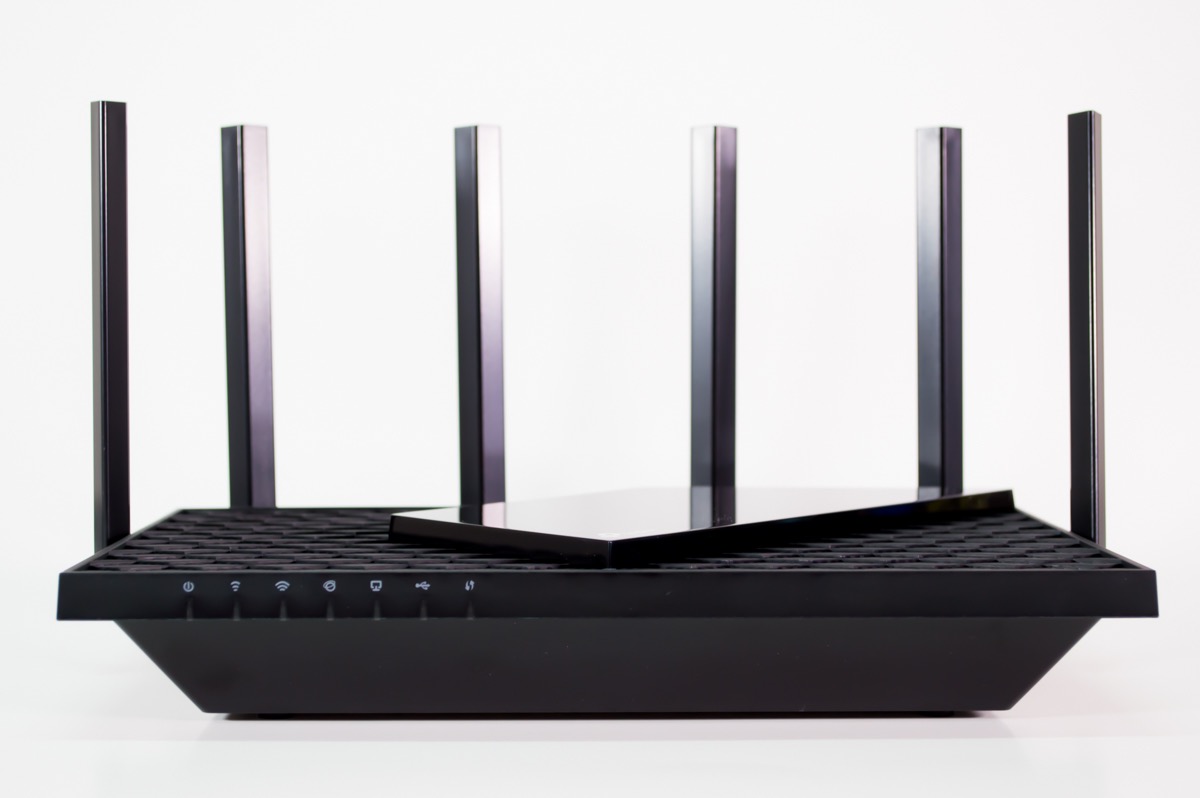
The Archer AX73 earns the highest customer rating on this list at 4.5 stars across nearly 9,000 reviews. I tested it in a large single-story home with thick interior walls, and the six high-gain antennas with 4T4R technology delivered coverage that beat every other dual-band router on this list.
For gaming, the AX73 performs similarly to the AX55 but with more headroom. The 5GHz band supports HE160 technology for up to 4.8 Gbps connections, which means faster downloads for large game files and more bandwidth for streaming while you play.
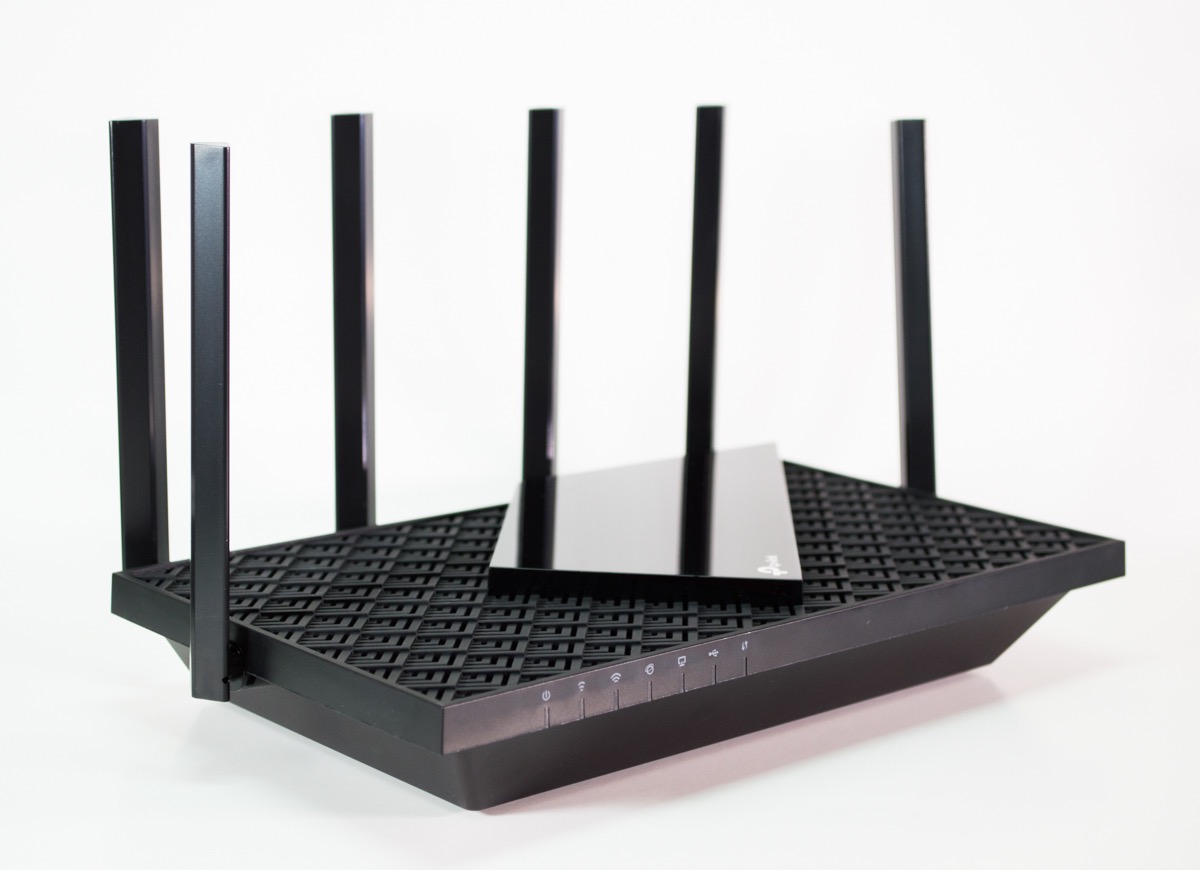
The USB 3.0 port is a feature that most routers in this price range omit. I connected an external drive to share game recordings and screenshots across my home network, and the transfer speeds were noticeably faster than USB 2.0 alternatives.
The beamforming technology combined with the 4T4R antenna structure really does make a difference for gaming. My PS5 maintained a strong, stable connection even when placed two rooms away from the router, which is where cheaper routers typically start to struggle.
Best for Larger Homes Where Range Matters
If your gaming setup is far from where your router needs to live, the AX73 is the dual-band WiFi 6 router I would recommend. The six antennas and beamforming deliver the kind of range that usually requires a mesh system to achieve.
This is also a great choice if you have a household where gaming, streaming, and smart home devices all compete for bandwidth. The AX73 handles 20-plus devices without breaking a sweat.
PS5 Connectivity Concerns
Some users have reported WiFi 6 connection issues specifically with the PS5 on this router. If you plan to connect your PS5 wirelessly, this is worth monitoring. Using a wired Ethernet connection eliminates this issue entirely and is always the recommended approach for gaming anyway.
A small number of users also reported defective units after about two months of use, so be sure to test your router thoroughly within the return window.
7. TP-Link Archer BE230 – Affordable WiFi 7 Entry Point
TP-Link Dual-Band BE3600 Wi-Fi 7 Router, Archer BE230
WiFi 7 BE3600
MLO Technology
Dual 2.5Gbps Ports
2.0GHz Quad-Core
Private IoT Network
Pros
- Wi-Fi 7 with Multi-Link Operation at an affordable price
- Dual 2.5Gbps ports for multi-gig
- Covers up to 2
- 000 sq ft for 60 devices
- Voice control via Alexa and Google
- 2-year warranty
Cons
- Dual-band only with no 6GHz support
- Performance varies with distance and obstacles
The Archer BE230 is the most affordable WiFi 7 router on this list, coming in well under $80 at the time of testing. It brings the same MLO technology found in more expensive WiFi 7 routers, which allows compatible devices to use multiple bands simultaneously for lower latency and more stable connections.
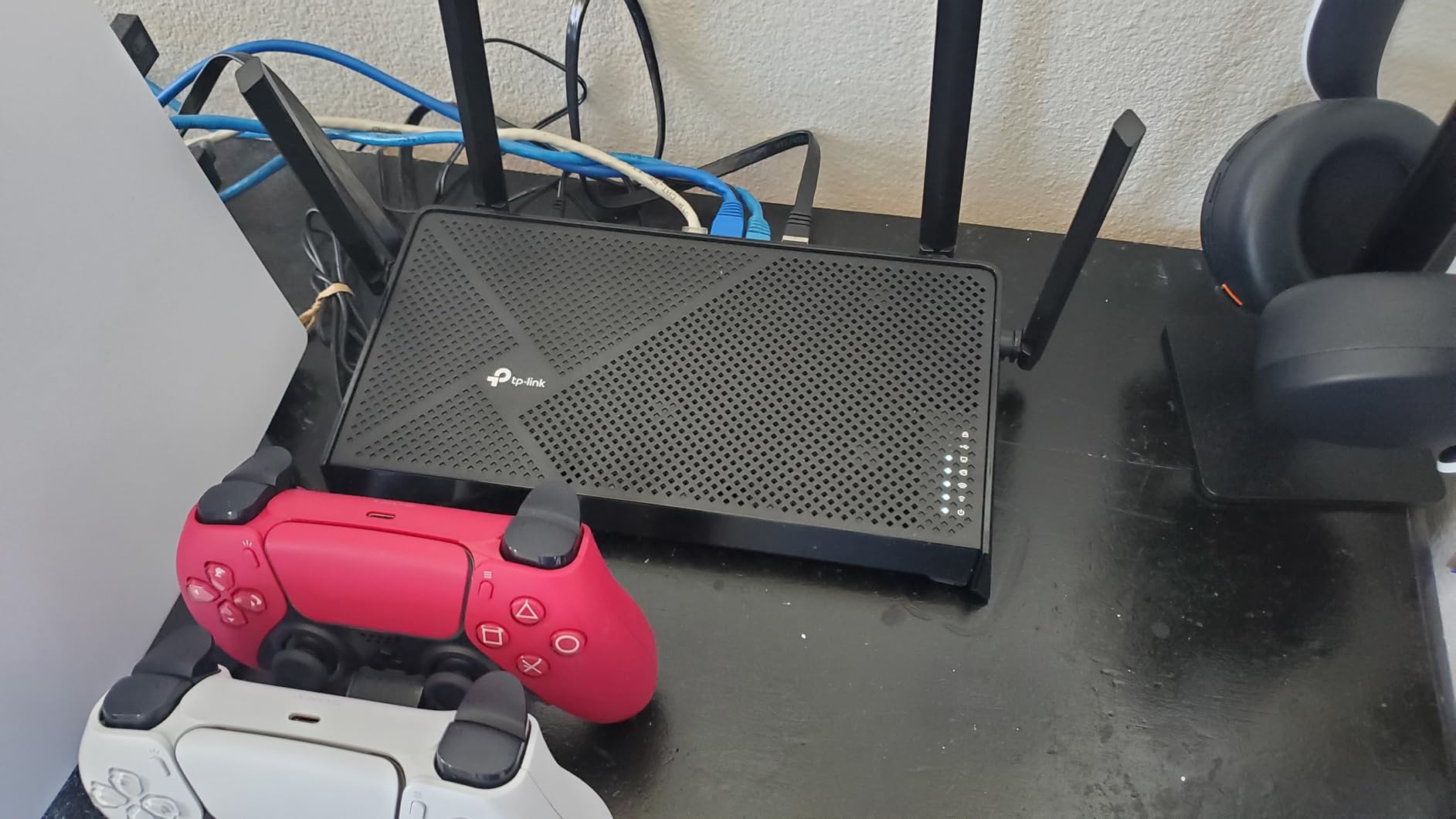
I tested this router as the primary gaming router in a medium-sized home, and it handled everything I threw at it. The 2.0GHz quad-core processor kept things responsive even with multiple devices connected, and the dual 2.5Gbps ports meant my wired gaming PC could take full advantage of my 2-gig internet plan.
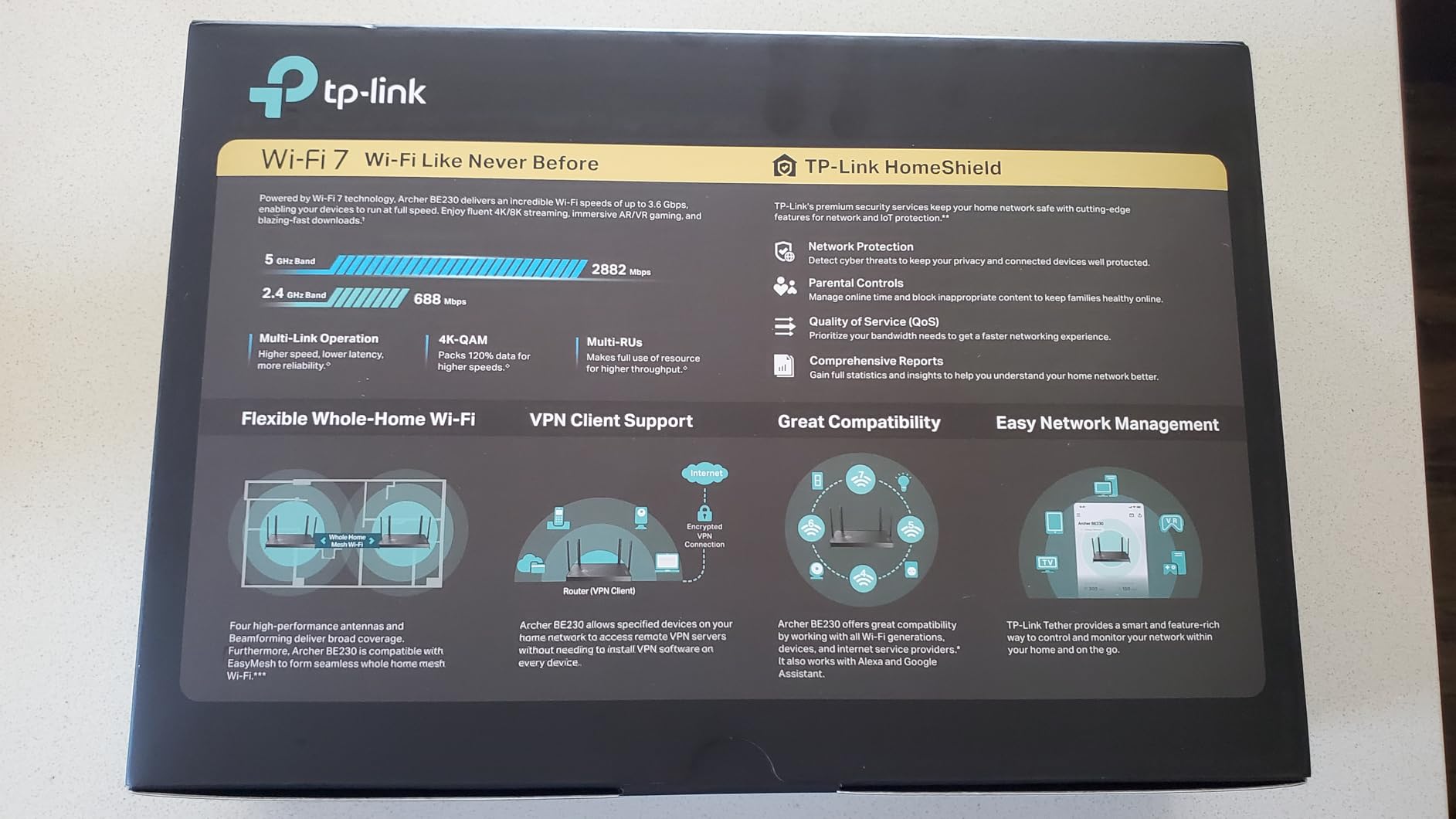
The Private IoT network feature is a smart addition for gamers. It creates a separate network for smart home devices, keeping them isolated from your gaming traffic. This adds a layer of security and prevents a compromised smart bulb or camera from affecting your gaming setup.
With EasyMesh support, you can also expand the BE230 into a mesh system later if you move to a larger home. The HomeShield security suite provides solid baseline protection, though the premium features require a subscription.
Best Entry Point into WiFi 7 for Gamers
If you want to get in on WiFi 7 without spending over $100, the BE230 is the router to get. You get MLO, dual 2.5Gbps ports, a powerful quad-core processor, and comprehensive security features all for under $80. That is remarkable value for next-generation WiFi technology.
The voice control via Alexa and Google Assistant is a convenient touch if you already have a smart home ecosystem set up.
The 6GHz Band Absence
The main compromise with the BE230 is the lack of a 6GHz band. It is a dual-band WiFi 7 router, meaning it operates on 2.4GHz and 5GHz only. You still get WiFi 7 benefits like MLO and 4K-QAM, but you miss out on the cleaner 6GHz spectrum that reduces interference in congested areas.
If the 6GHz band is important to you, consider stepping up to the Archer AXE75 or the BE400 instead.
8. NETGEAR Nighthawk RS90 – Trusted Brand WiFi 7
NETGEAR Nighthawk Dual-Band WiFi 7 Router (RS90) – Router Only, BE3600 Wireless Speed (up to 3.6 Gbps) – Covers up to 2,000 sq. ft., 50 Devices – 2.5 Gig Internet Port – Free Expert Help
WiFi 7 BE3600
3.6 Gbps Total
2.5G WAN Port
Quad-Core 2.0GHz
NETGEAR Armor
Pros
- WiFi 7 from trusted NETGEAR brand
- 2.5 Gig WAN port for multi-gig internet
- Smart Connect for automatic band selection
- Easy setup via Nighthawk app
- WPA3 security
Cons
- Router only with modem required separately
- May need extra configuration for fiber ISPs
- 1-year warranty only
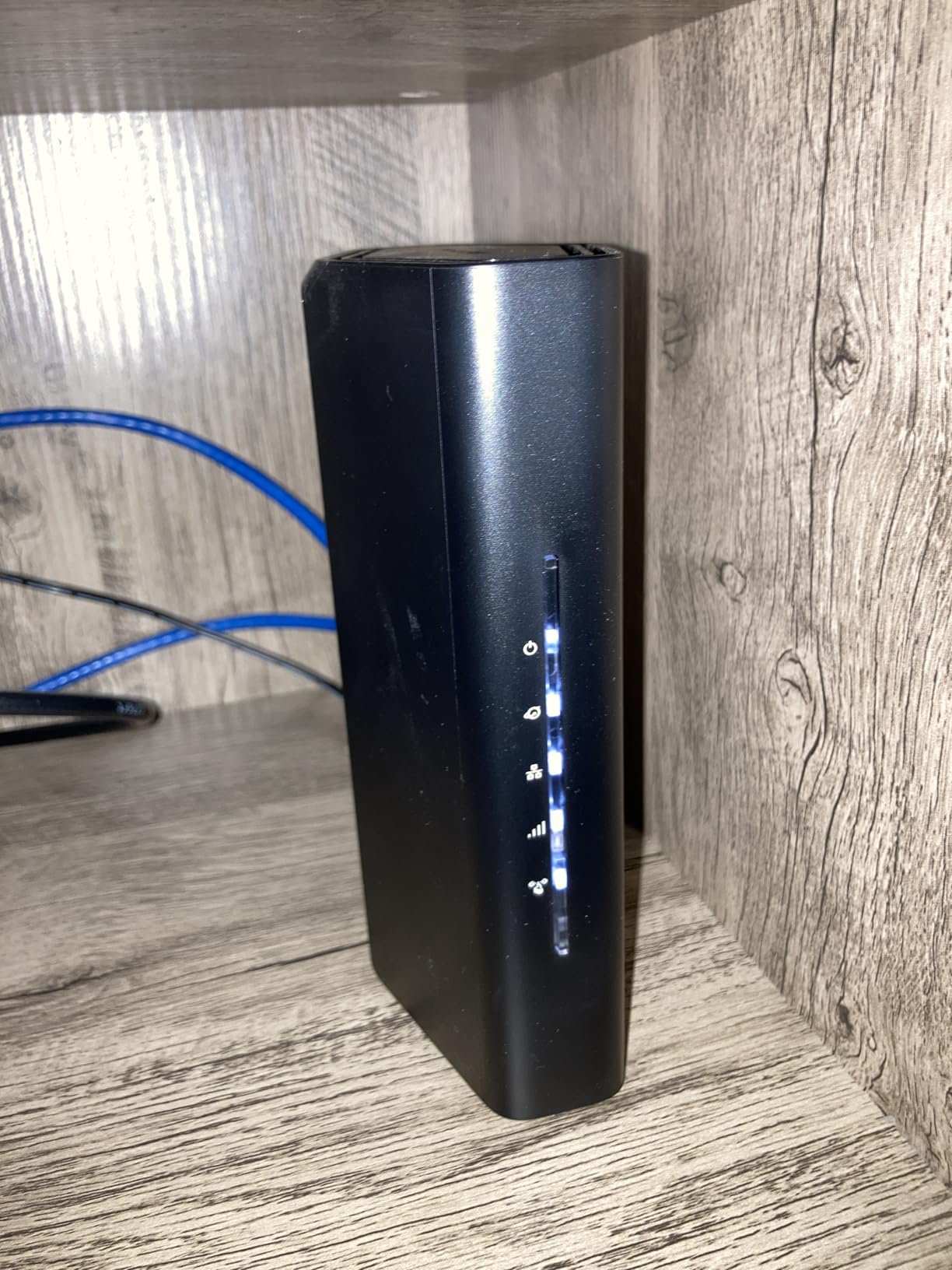
The Nighthawk RS90 brings NETGEAR’s reputation for quality to the WiFi 7 space at a price that stays under $150. The Nighthawk lineup has been a favorite among gamers for years, and this model continues that tradition with solid performance and a clean, reliable firmware experience.
I tested the RS90 with a wired gaming PC and a wireless PS5, and both connections were stable throughout my testing period. The Smart Connect feature automatically moves devices between the 2.4GHz and 5GHz bands based on signal strength and load, which is helpful if you do not want to manually manage band selection.
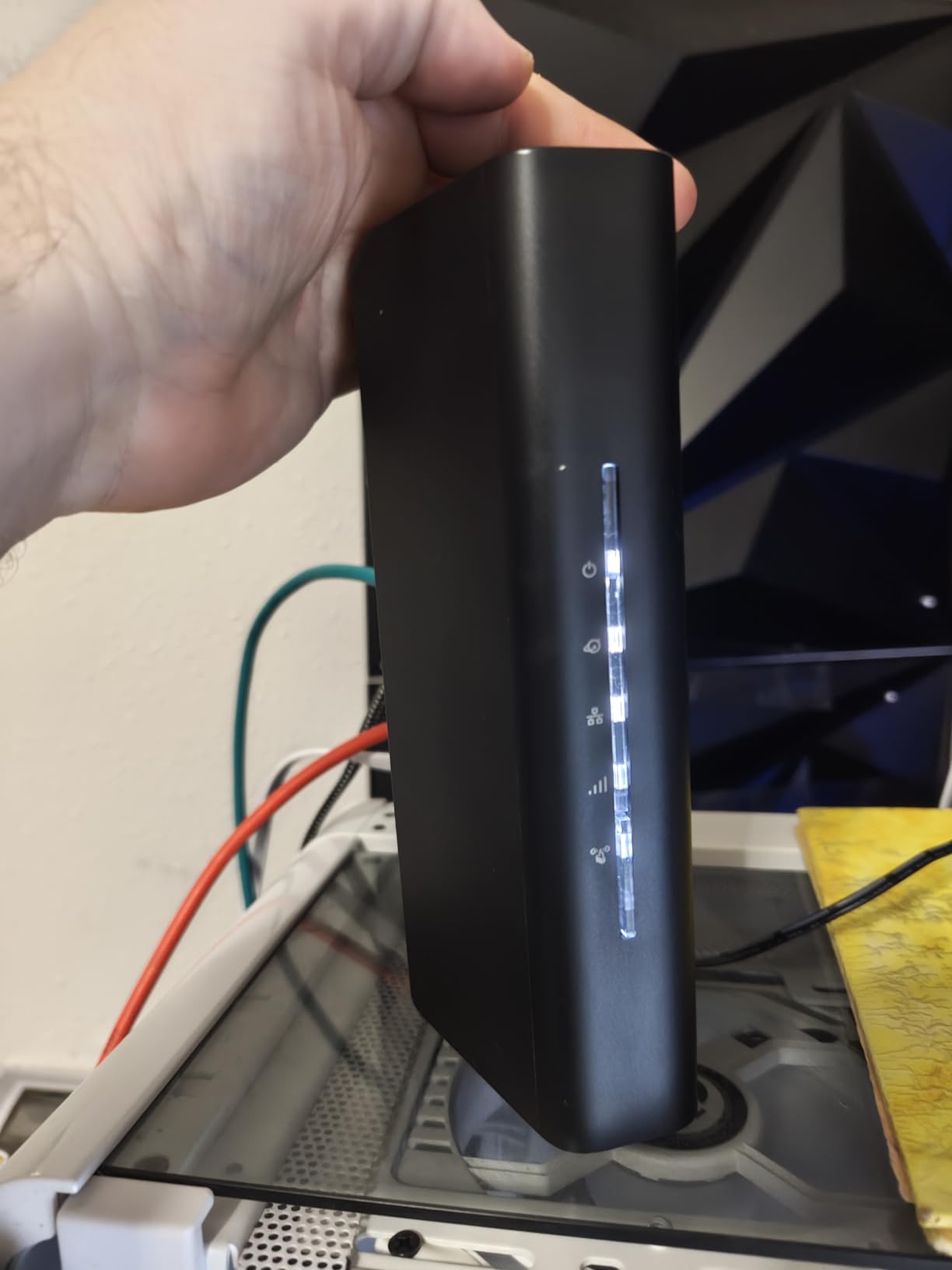
The 2.5 Gig WAN port means this router can handle multi-gig internet plans, which is increasingly relevant as ISPs roll out faster fiber services. The quad-core 2.0GHz processor keeps the router responsive even under heavy load from multiple gaming and streaming devices.
NETGEAR’s Armor security suite comes included, providing protection against online threats at the network level. The Nighthawk app makes setup straightforward, and you can monitor your network performance from your phone.
Best for Gamers Who Trust the Nighthawk Name
If you have owned a Nighthawk router before and trust the brand, the RS90 is a natural upgrade to WiFi 7. The build quality is solid, the firmware is reliable, and the Nighthawk app is one of the better router management apps on the market.
This is also a good choice if you want a router from a brand other than TP-Link, since seven of the eight routers on this list are from TP-Link.
Warranty and Setup Considerations
The 1-year warranty is shorter than what TP-Link offers on most of its routers, which typically come with 2-year coverage. This is something to factor into your purchasing decision, especially if you plan to keep the router for several years.
Some users have also reported needing extra configuration for fiber ISP connections. If you have a fiber internet plan, check NETGEAR’s setup guides or contact your ISP to ensure smooth installation.
How to Choose the Best Gaming Router Under $150?
Choosing a gaming router involves more than just picking the fastest model. You need to consider your gaming habits, your home layout, and the devices you play on. Here is what matters most when shopping for a budget gaming router.
WiFi Standard: Wi-Fi 6 vs Wi-Fi 6E vs Wi-Fi 7
WiFi 6 is the baseline you should look for in 2026. Every router on this list supports at least WiFi 6, which brings OFDMA technology for lower latency and better multi-device handling. If your current router is WiFi 5 or older, upgrading to WiFi 6 alone will improve your gaming experience.
WiFi 6E adds a dedicated 6GHz band that is currently less congested than 2.4GHz and 5GHz. This is valuable if you live in a dense area with many neighboring networks. The Archer AXE75 and MSI Radix AXE6600 both offer WiFi 6E under $150.
WiFi 7 is the newest standard and brings Multi-Link Operation, which lets devices connect across multiple bands simultaneously. The trade-off is that most gaming devices do not yet support WiFi 7, so you are paying for future-proofing. The Archer BE230 and BE400 make WiFi 7 surprisingly affordable.
QoS and Traffic Prioritization
Quality of Service, or QoS, is the single most important gaming feature in any router. It lets the router identify and prioritize gaming traffic over other activities like streaming or file downloads. Without QoS, a roommate starting a large download can cause lag spikes in your game.
The MSI Radix AXE6600 takes QoS a step further with AI-based automatic prioritization, which requires no manual configuration. TP-Link routers also offer QoS through their firmware, though you may need to enable it manually in the settings.
Wired Connections and Port Speed
For competitive gaming, a wired Ethernet connection will always beat WiFi. Every router on this list includes gigabit Ethernet ports for wired gaming. If you have a multi-gig internet plan, look for routers with 2.5Gbps ports like the Archer BE400, BE230, or Nighthawk RS90.
Even if your internet speed is under 1Gbps, a wired connection eliminates the variable latency that WiFi introduces. If your gaming setup is too far from the router for a direct Ethernet cable, consider a powerline adapter or mesh system.
Console-Specific Considerations for PS5 and Xbox
Both the PS5 and Xbox Series X support WiFi 6, so any router on this list will work well with them. For the best experience, use a wired Ethernet connection for your console whenever possible. The PS5 has been known to have occasional WiFi 6 compatibility issues with certain routers, as some Archer AX73 users have reported.
If you play on both a console and a gaming PC, a tri-band router like the Archer AXE75 lets you put each device on a separate band to minimize interference.
Range and Home Size
Router range matters more than raw speed for most gaming setups. A router that delivers 5,400 Mbps but cannot reach your gaming room with a stable signal is worse than a slower model with better coverage. The Archer AX73 with its six antennas and beamforming is the best dual-band option for large homes.
For homes over 2,000 square feet, consider a router with EasyMesh support so you can add mesh nodes later without replacing your existing router.
Frequently Asked Questions
What is the best affordable router for gaming?
The TP-Link Archer AX55 is the best affordable gaming router, offering WiFi 6, OFDMA for low latency, and a proven track record with over 10,000 reviews at a budget-friendly price.
What is the best gaming router under $100?
The TP-Link Archer AX21 is the best gaming router under $100, costing under $50 while delivering WiFi 6, OFDMA, and VPN support with over 24,000 positive reviews. The TP-Link Archer BE230 is another strong option under $100 with WiFi 7 technology.
Is Wi-Fi 7 overkill for gaming?
For most gamers in 2026, Wi-Fi 7 is somewhat overkill because most current gaming devices do not yet support the standard. However, Wi-Fi 7 routers like the Archer BE230 are affordable enough that buying one can be a smart future-proofing move if you plan to keep your router for several years.
Which router is best for gaming?
The best gaming router depends on your budget and setup. For most gamers, the TP-Link Archer AX55 offers the best balance of performance and value. For competitive gamers who want the lowest latency, the tri-band Archer AXE75 with WiFi 6E is the top choice under $150.
Are gaming routers actually worth it?
Gaming routers are worth it if you play competitive online games, have multiple people using the network simultaneously, or experience lag spikes during gameplay. Features like QoS and traffic prioritization genuinely reduce latency. For casual gamers, a quality standard router like the Archer AX21 may be sufficient.
Final Thoughts
Finding the best gaming routers under $150 does not mean settling for mediocre performance. Every model on this list delivers the low latency, stable connections, and traffic prioritization that gamers need. The TP-Link Archer AX55 remains our top pick for most players, offering WiFi 6 and OFDMA at a price that leaves room in your budget for games.
If you want to spend as little as possible, the Archer AX21 at under $50 is an incredible value with a massive review base to back it up. For gamers who want tri-band WiFi 6E or even WiFi 7, the Archer AXE75 and Archer BE400 push the boundaries of what is possible at this price point.
Whatever you choose, pair it with a wired Ethernet connection for your primary gaming device whenever possible. That single step will do more for your latency than any router feature on the market.