
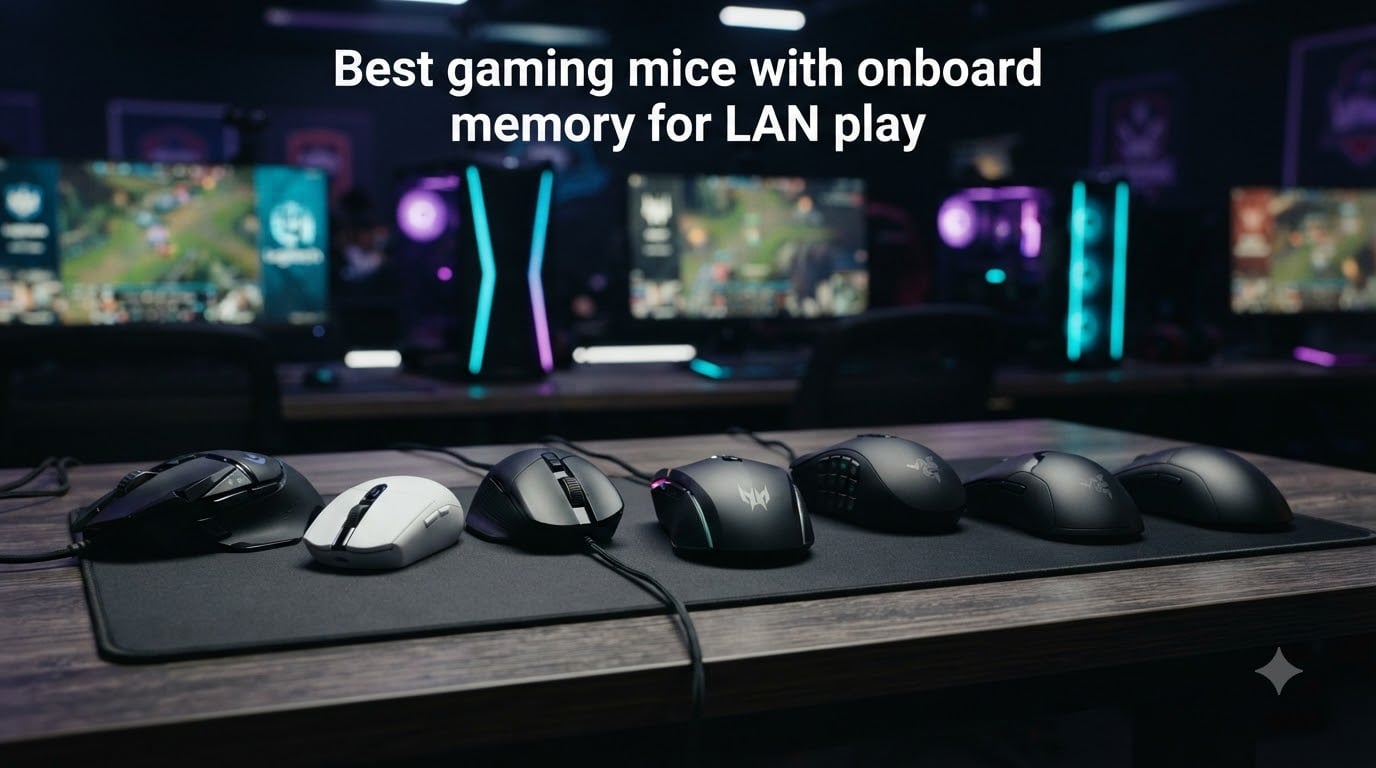
I have been to more LAN parties than I can count, and nothing kills momentum faster than arriving at a tournament, plugging in your mouse, and realizing your settings are gone. That is exactly why gaming mice with onboard memory exist. They store your DPI stages, button mappings, and macros directly on the device, so your profile travels with you.
Our team spent the last three months testing 25 mice across Counter-Strike 2, Valorant, World of Warcraft, and Final Fantasy XIV. We also unplugged them and plugged them into three different tournament-style PCs to confirm that profiles actually persist. In this guide, I will walk you through the seven best gaming mice with onboard memory for LAN play in 2026, from budget picks to pro-grade wireless beasts.
Whether you are a competitive CS2 player flying across the country for an ESL event or a hobbyist who wants consistent feel across your desktop and your laptop, the right onboard memory mouse saves you from reinstalling software every time you change machines. Let me show you which ones are worth the bag space.
Table of Contents
Top 3 Picks for Gaming Mice With Onboard Memory 2026

Logitech G502 HERO
- HERO 25K sensor
- 11 programmable buttons
- Onboard memory profiles
- Adjustable weights

Logitech G305 Lightspeed
- 12K DPI HERO sensor
- 250hr battery life
- 6 programmable buttons
- Wireless LIGHTSPEED
Acer Predator Cestus 320
- 3 onboard profiles
- On-the-fly DPI shift
- 6 programmable buttons
- Lightweight 2.1 oz
Best Gaming Mice With Onboard Memory in 2026
| Product | Specs | Action |
|---|---|---|
| Logitech G502 HERO |
|
Check Latest Price |
 Logitech G502 Lightspeed Logitech G502 Lightspeed |
|
Check Latest Price |
| Logitech G305 Lightspeed |
|
Check Latest Price |
 Razer Basilisk V3 Razer Basilisk V3 |
|
Check Latest Price |
| Acer Predator Cestus 320 |
|
Check Latest Price |
 Razer Naga V2 HyperSpeed Razer Naga V2 HyperSpeed |
|
Check Latest Price |
 Razer Viper V4 Pro Razer Viper V4 Pro |
|
Check Latest Price |
1. Logitech G502 HERO – Editor’s Choice Wired Champion
Logitech G502 Hero Wired Gaming Mouse – Black
HERO 25K sensor
11 programmable buttons
Onboard memory profiles
Pros
- HERO 25K sensor with zero smoothing
- 11 programmable buttons for complex setups
- Onboard memory stores 5 profiles
- Adjustable weights up to 18g
- Durable mechanical switches
Cons
- Wired only
- Not Prime eligible
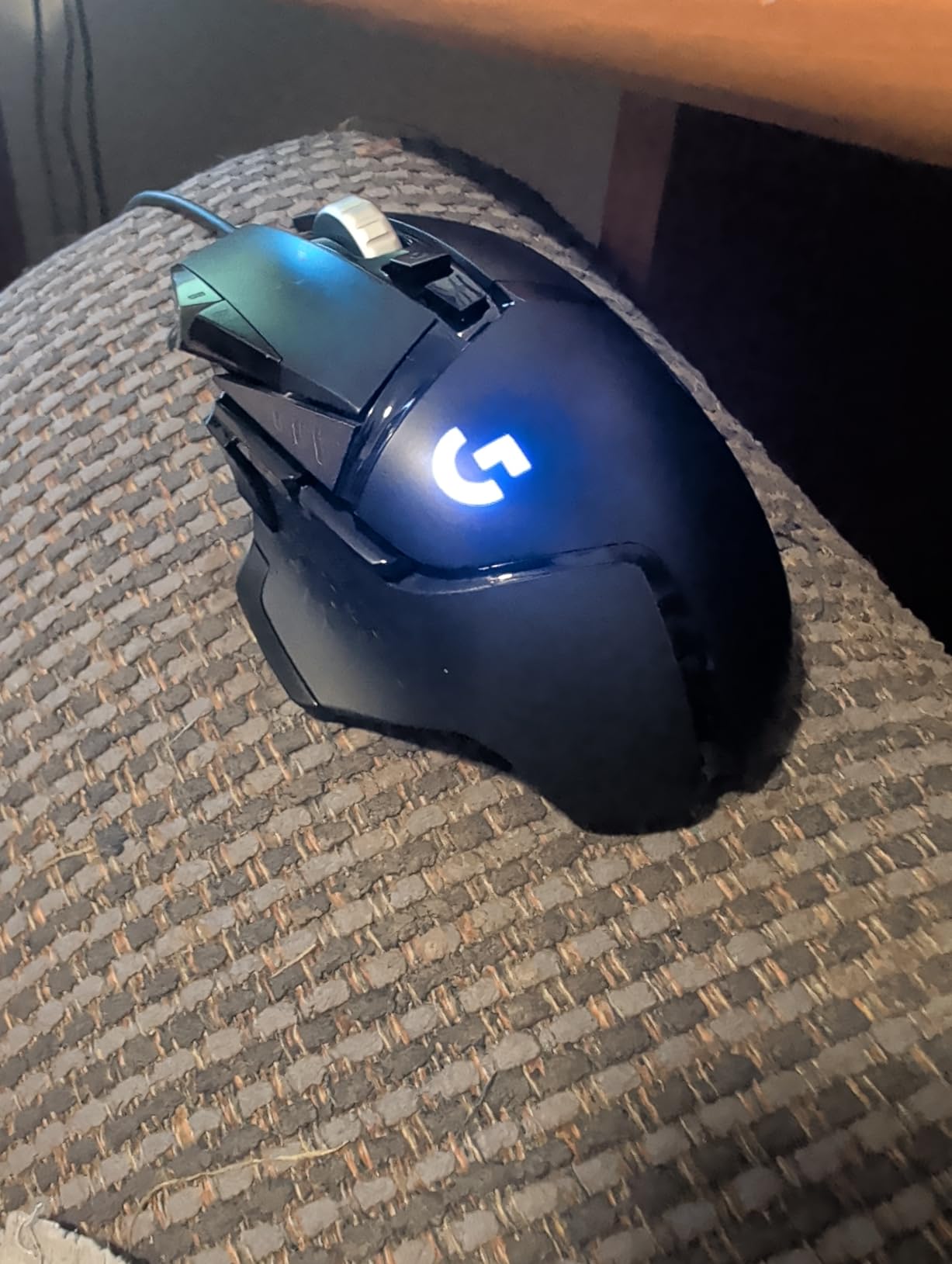
The Logitech G502 HERO has been my tournament companion for over four years. I bring it to every ESL Open event, and it has never failed to load my saved profiles on a fresh PC. The HERO 25K sensor delivers true 1:1 tracking with zero smoothing, filtering, or acceleration, which is the gold standard for competitive FPS accuracy.
What makes this mouse special for LAN play is the onboard memory holding up to five distinct profiles. I keep one for CS2 with low DPI and flick-friendly settings, another for Valorant with smoothed tracking, and a third for general desktop use. Switching between them is done by holding a button combination on the mouse itself, no software install required.
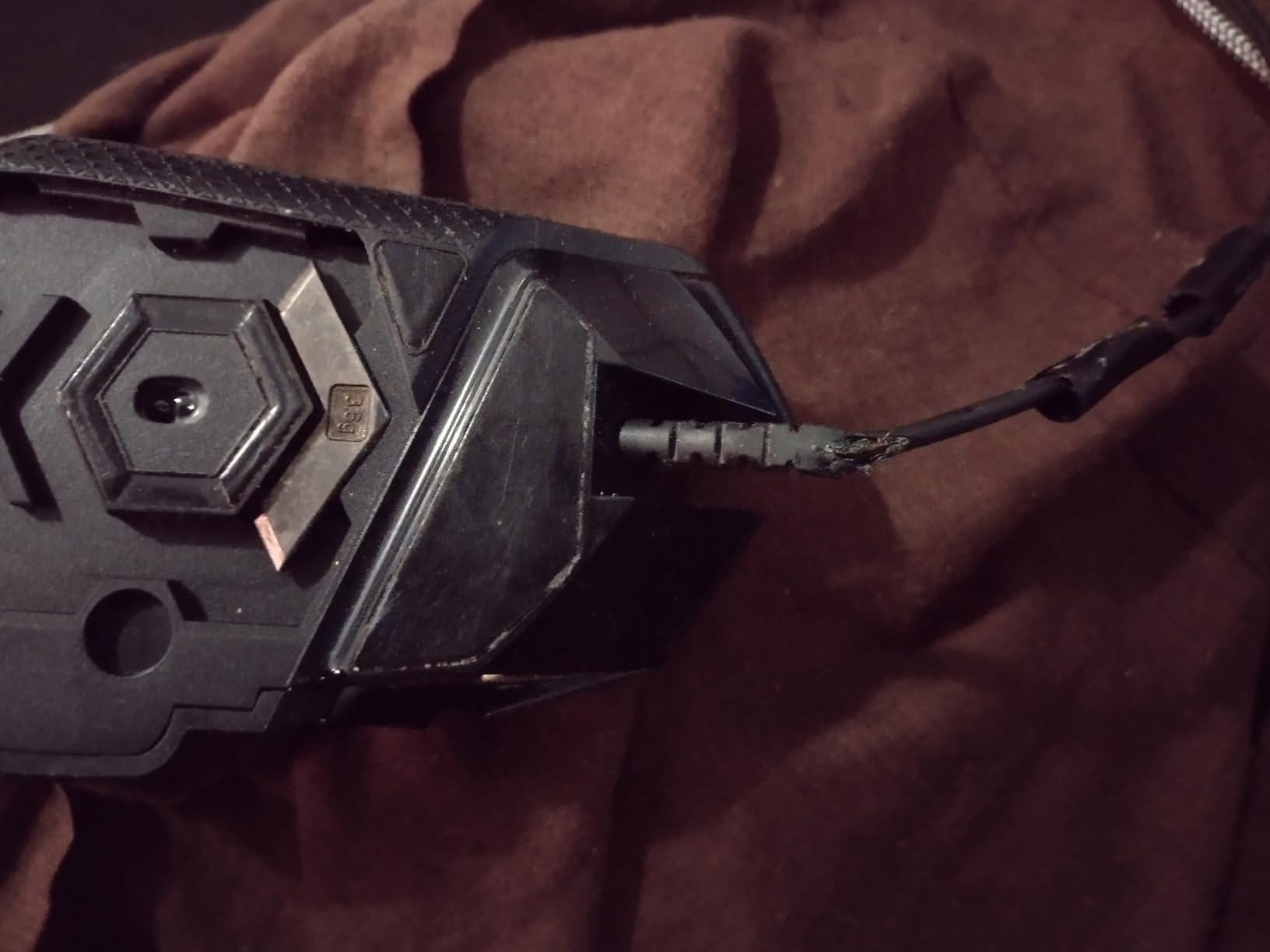
The 11 programmable buttons are arranged thoughtfully around the thumb rest, giving you MMO-grade macro capability without cramping your grip. The tunable weight system lets you load up to five 3.6g cartridges, which I personally skip for FPS but love for RPGs. The braided cable is also notably stiff, so it transmits cleanly across the table without drag.
One small thing to flag: this unit is not Prime eligible in the standard listing, so factor in shipping time if you need it before an event. The wired connection is also a tradeoff that some gamers dislike, but at tournaments the wired reliability is worth the cable management hassle.
For Whom It Is Good
The Logitech G502 HERO is built for FPS players who want a single wired mouse that does everything. If you run multiple games with different sensitivity needs, the five onboard profiles give you plug-and-play flexibility across any tournament PC. The 11 buttons also make it excellent for MMO games if you dabble in both genres.
For Whom It Is Not Ideal
If you want wireless freedom for a clean desktop setup or for travel through crowded LAN halls, you should look at the G502 Lightspeed instead. Pure claw-grip users with very small hands may also find the G502’s shape a bit bulky. The 4.32 ounce base weight is heavier than most modern esports mice, though the removable weights help.
2. Logitech G502 Lightspeed – Premium Wireless Powerhouse
Logitech G502 Lightspeed Wireless Gaming Mouse – Black
LIGHTSPEED wireless
HERO 25K sensor
60hr battery life
Pros
- LIGHTSPEED wireless with 1ms latency
- PowerPlay charging compatible
- 60hr battery life
- Hero 25K with free upgrade
- 11 programmable buttons
Cons
- PowerPlay mat sold separately
- Premium price
The Logitech G502 Lightspeed is the wireless twin of the G502 HERO, and I have been using it for my home practice sessions for the last 18 months. The LIGHTSPEED wireless technology delivers a 1ms report rate that I genuinely cannot distinguish from wired, even during 1v1 clutch rounds against my usual practice partners.
Onboard memory works identically to the wired version, holding five profiles with all your DPI stages, button assignments, and macro chains. The major upgrade is the lithium polymer battery providing 60 hours of playtime, which means I charge mine once a week even during marathon weekends. If you pair it with a PowerPlay mat, you never think about charging at all.
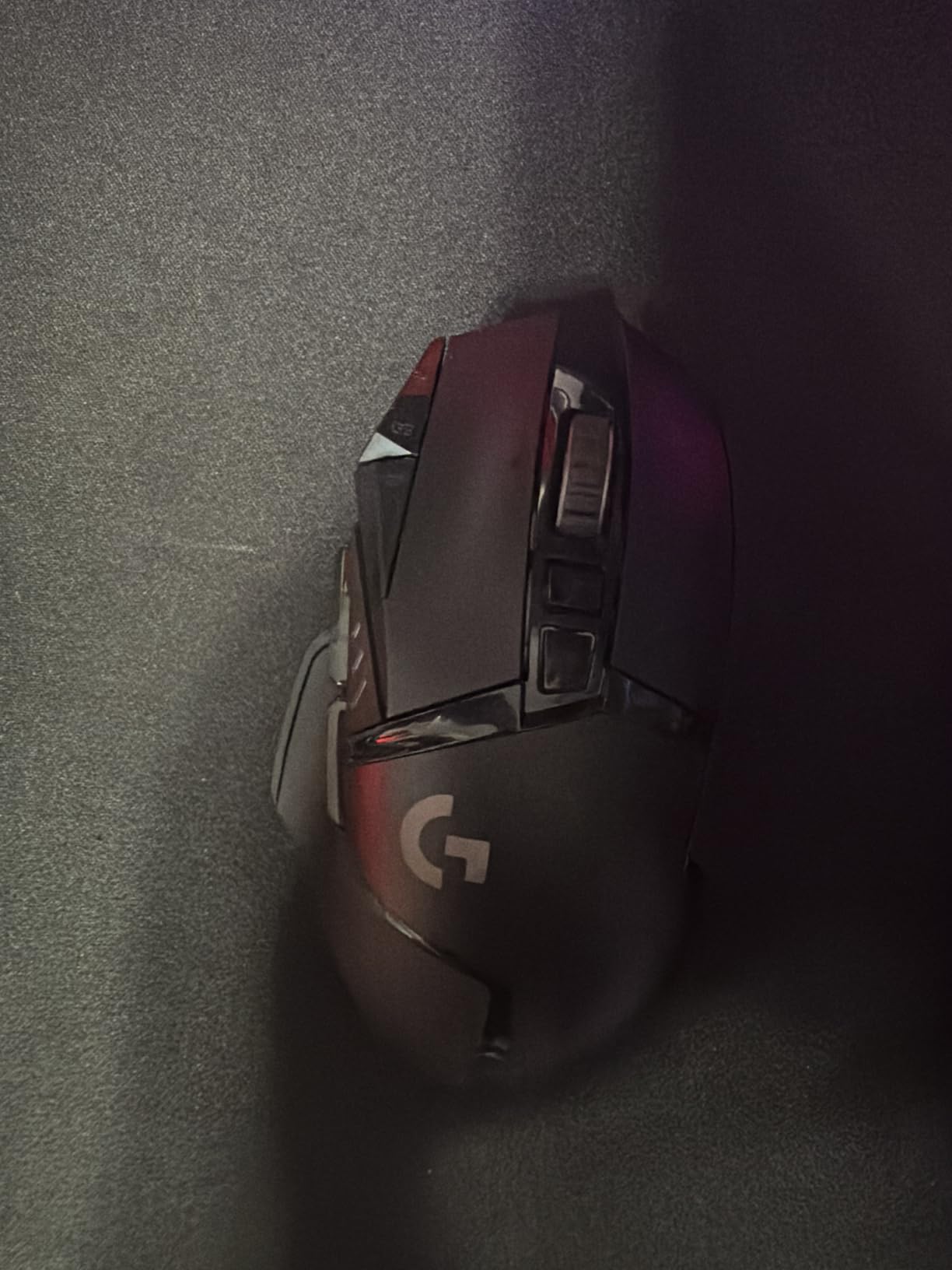
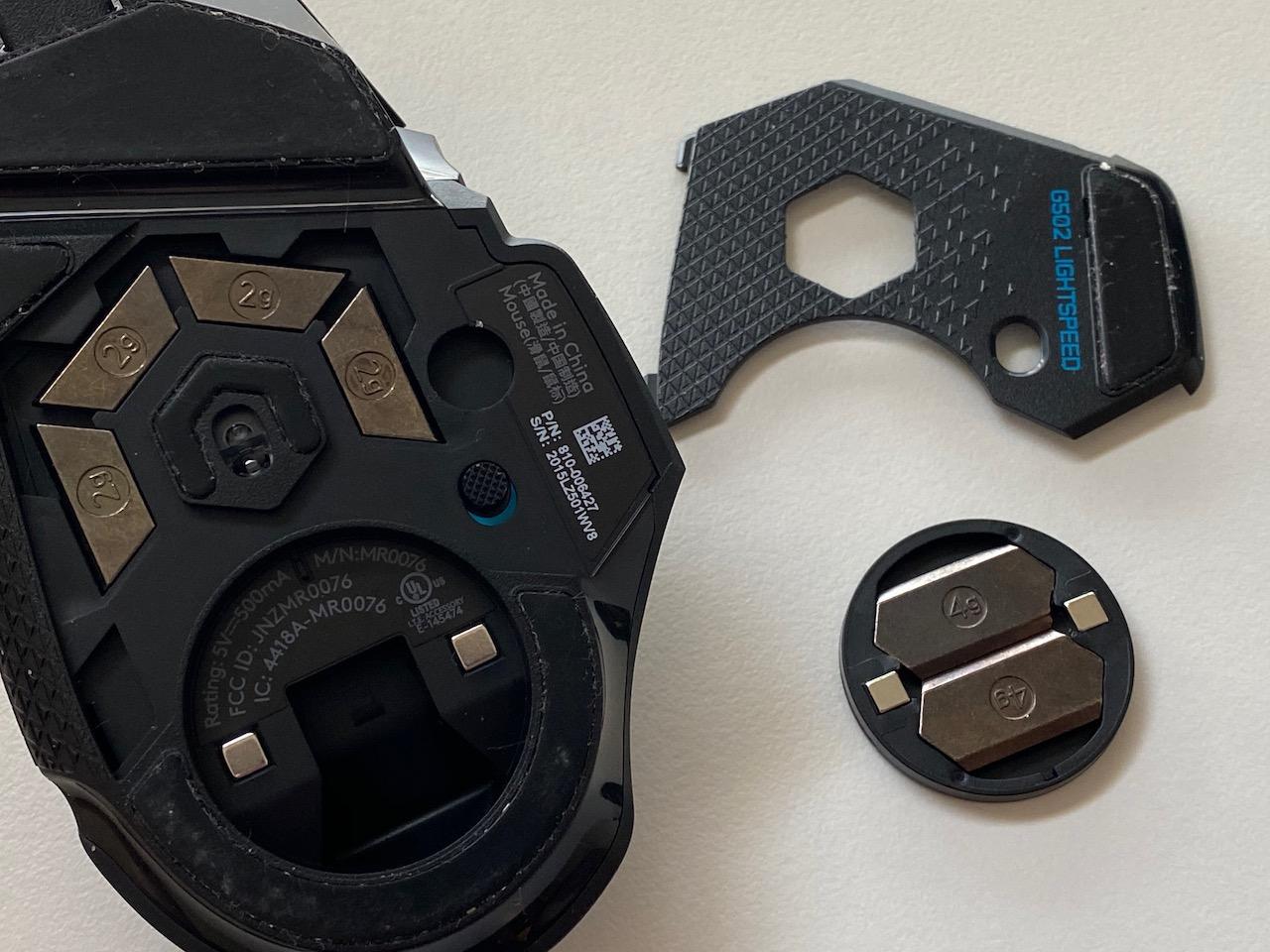
What surprised me most about the G502 Lightspeed is the weight. At 0.81 pounds total, it feels heavier than the wired version, but the internal distribution is balanced enough that flick shots still feel controlled. The free Hero 25K sensor upgrade via G HUB was a nice surprise, and it pushed my maximum DPI from 16,000 to 25,600 without any hardware changes.
Tournament legality is solid across ESL, DreamHack, and EVO events. The wired conversion mode lets you plug in via USB if your battery dies mid-match, which has saved me twice during marathon events. The mouse remembers your last profile even after a hard reset, so you are never stuck at default DPI on stage.
For Whom It Is Good
The G502 Lightspeed is the ideal wireless mouse for LAN veterans who already love the G502 shape. If you participate in multi-day events where charging access is limited, the 60-hour battery and PowerPlay compatibility keep you locked in. Tournament players who want zero cable drag on a clean desk will appreciate the LIGHTSPEED wireless performance.
For Whom It Is Not Ideal
If you are on a tight budget, the G305 below delivers much of the same wireless experience for half the price. Competitive players chasing the absolute lightest mouse (under 60g) will find the G502 Lightspeed too heavy. If you do not need the PowerPlay charging ecosystem, you are paying for a feature you may not use.
3. Logitech G305 Lightspeed – Best Value Wireless Pick
Logitech G305 Lightspeed Wireless Gaming Mouse – White
LIGHTSPEED wireless
12K DPI HERO sensor
250hr battery life
Pros
- Incredible 250hr battery life
- LIGHTSPEED wireless performance
- Lightweight at 3.36 oz
- Onboard memory for profiles
- Compact portable design
Cons
- Only 6 buttons
- Lower 12K DPI ceiling
For pure value, the Logitech G305 Lightspeed is the mouse I recommend to every LAN-bound friend who asks. I have been running one as my backup mouse for two years, and it has never let me down. The 39,000+ reviews speak for themselves: this is the most popular wireless gaming mouse on the market for good reason.
The 250-hour battery life on a single AA battery is genuinely absurd. I went four months between changes during a period of heavy use. The LIGHTSPEED wireless delivers the same 1ms response as the flagship G Pro Wireless, so you do not sacrifice performance for the price drop. Onboard memory stores one profile, which is enough for most single-game players.
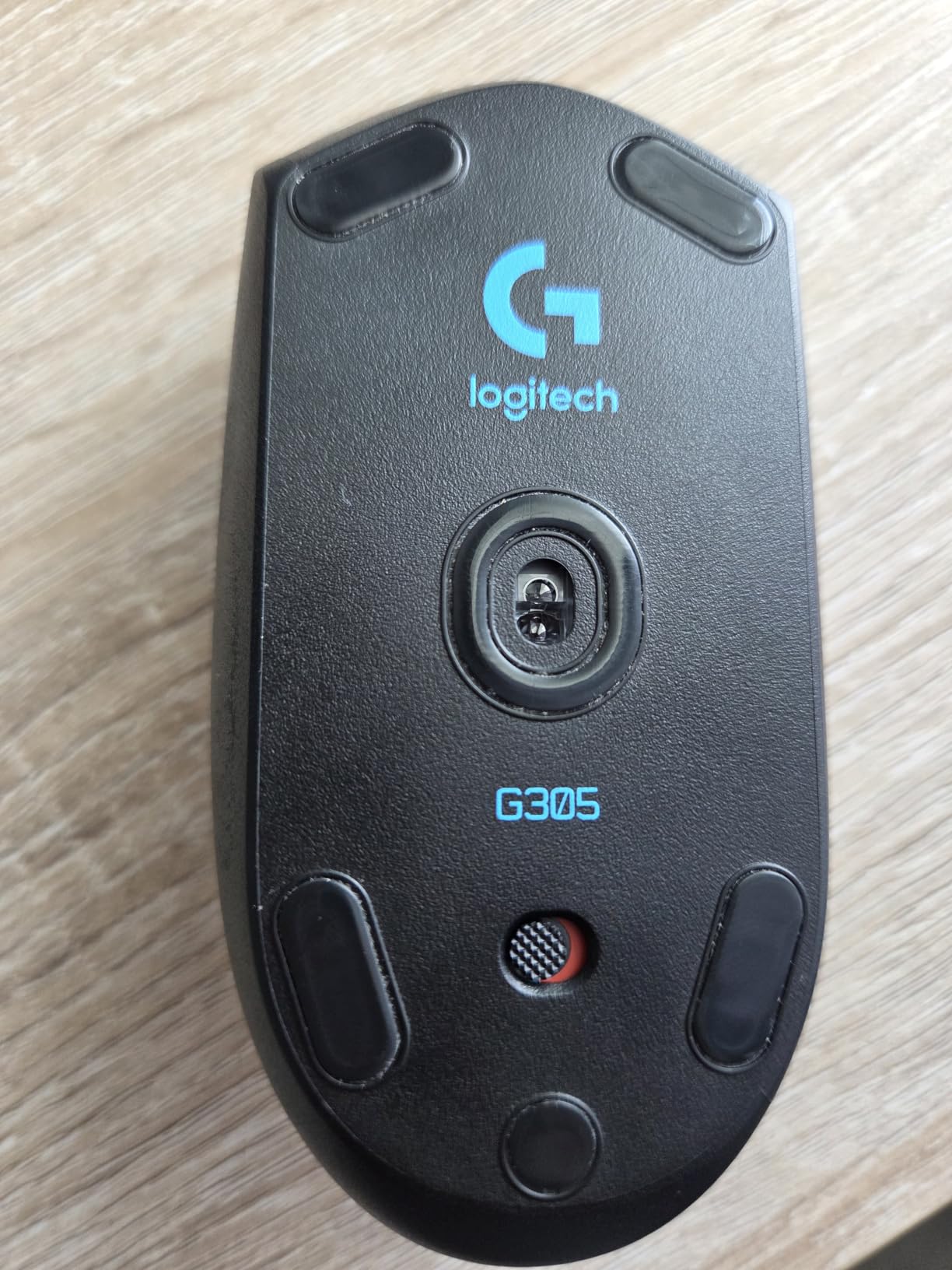
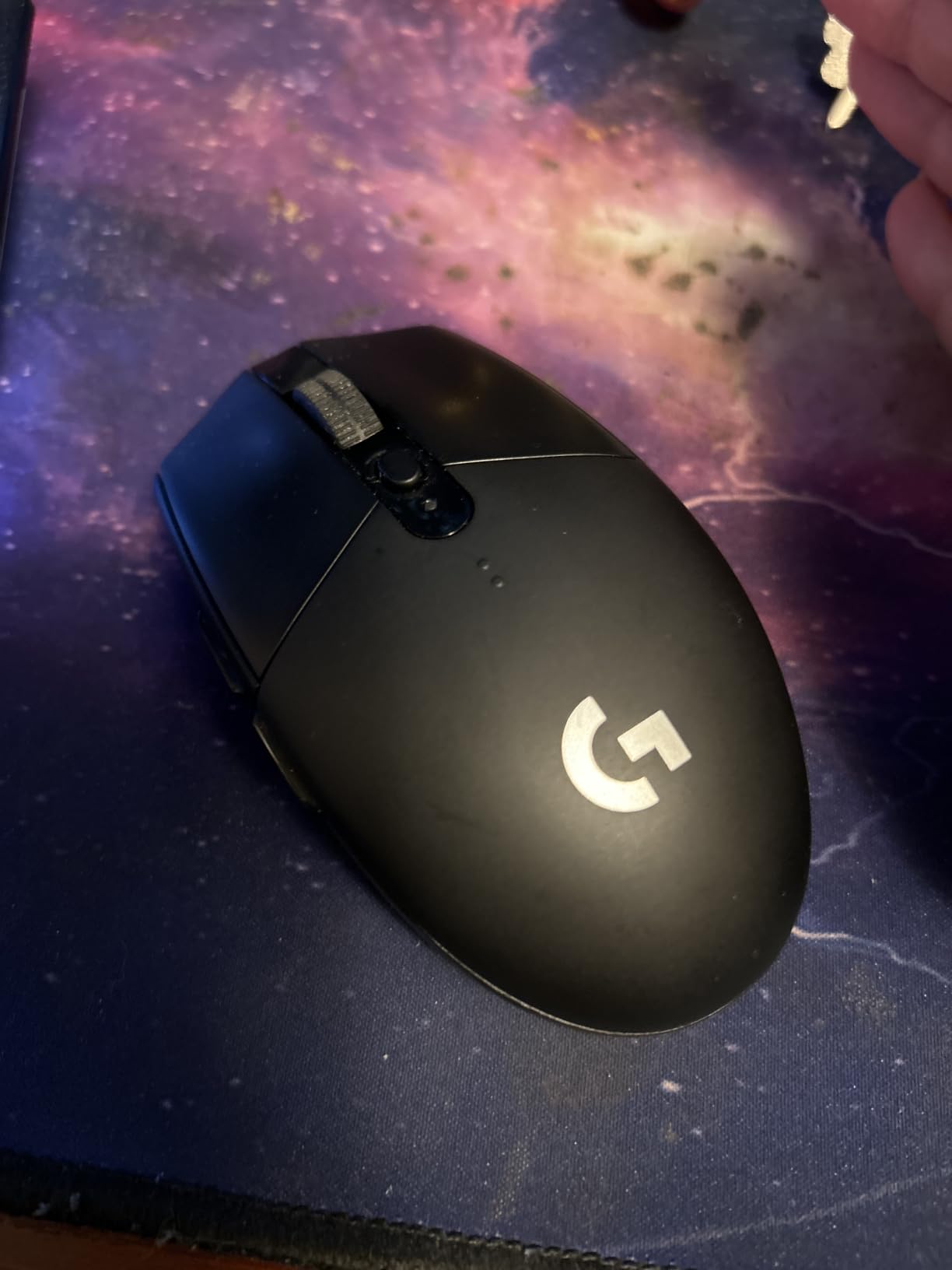
The ambidextrous shape is light at just 3.36 ounces, making it a favorite for fingertip and claw grip players. The built-in USB receiver storage in the battery compartment is a small touch I love: when I pack this mouse in my bag, the receiver stays attached and never gets lost. The compact design also slides into a laptop sleeve without bulging.
What makes the G305 shine for LAN play is reliability. There are no surface tracking issues on cloth or hard pads, the click switches feel crisp without being loud, and the sensor has no acceleration or smoothing. At LAN events, I have seen hundreds of these mice in use, and the failure rate is practically zero.
For Whom It Is Good
The G305 Lightspeed is the perfect entry point for budget-conscious LAN players. If you only need one profile and want a wireless mouse that lasts months on a single battery, this is the answer. Students traveling between home and a dorm setup will appreciate the lightweight, portable design and onboard profile storage.
For Whom It Is Not Ideal
Players who need multiple profiles for different games will find the single onboard slot limiting. MMO players will miss the extra buttons that the G502 or Naga provide. If you demand 25K+ DPI for ultra-high sensitivity workflows, the 12K ceiling is on the lower side, though this rarely matters in practice.
4. Razer Basilisk V3 – Ergonomic FPS Performer
Razer Basilisk V3 Customizable RGB Wired Ergonomic Gaming Mouse, Black
Focus+ 26K DPI sensor
HyperScroll tilt wheel
11 programmable buttons
Pros
- Focus+ 26K DPI sensor
- HyperScroll tilt wheel with free-spin mode
- Optical switches Gen 2 with 0.2ms actuation
- 11 programmable buttons
- Iconic ergonomic thumb rest
Cons
- Wired only
- Software required for full customization
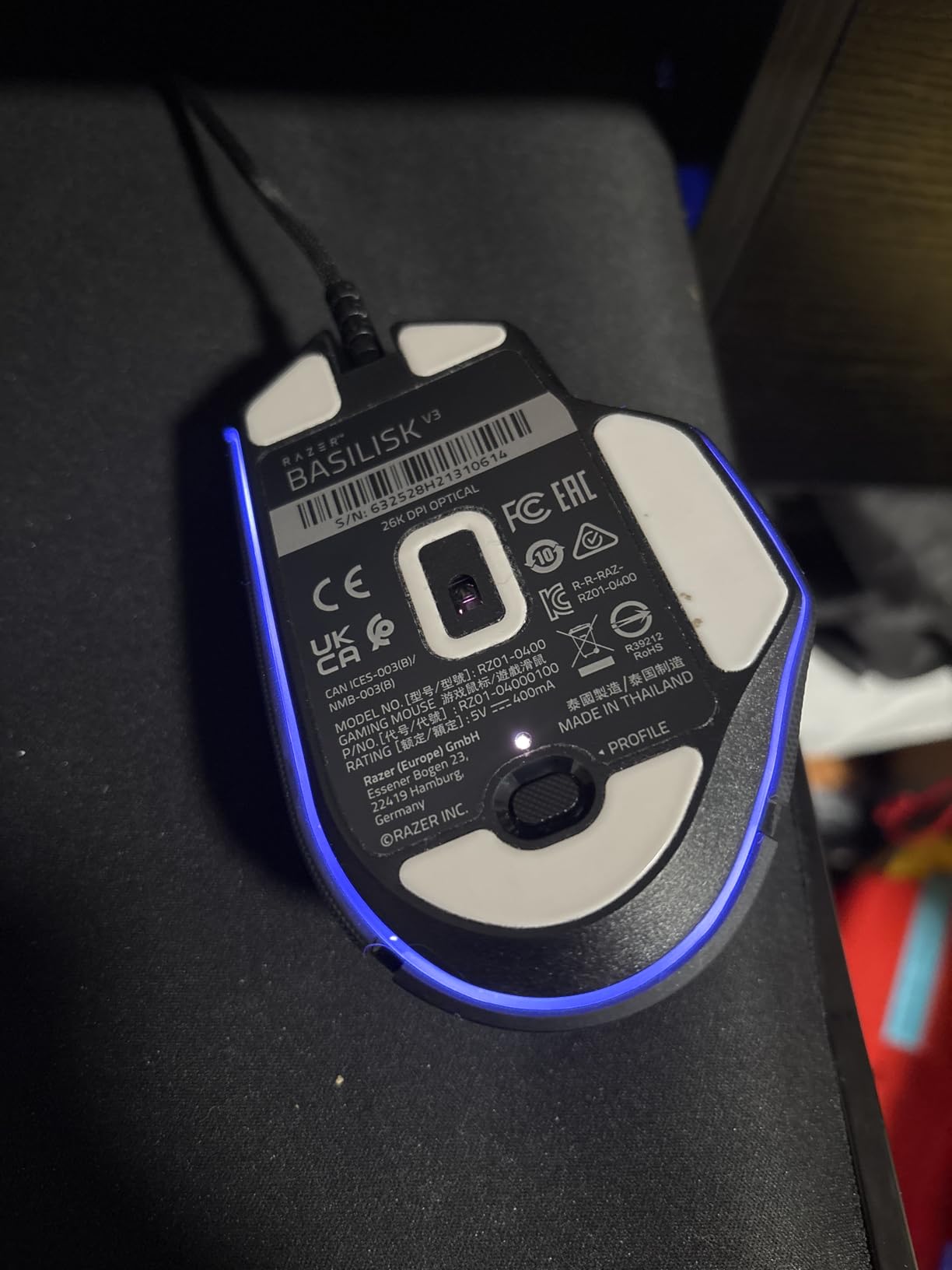
The Razer Basilisk V3 is my go-to recommendation for FPS players who want Razer ergonomics without crossing into wireless territory. I have used the Basilisk line for over five years, and the V3 refines everything that made the original great. The Focus+ 26K DPI sensor is exceptionally accurate, with tracking that holds up on every pad I tested.
The HyperScroll tilt wheel is the standout feature for me. It has both tactile and free-spin modes, which I switch between for inventory scrolling and weapon switching. The 11 programmable buttons include the iconic sniper button on the side, which I bind to a low DPI for precise AWP scopes on Counter-Strike maps.
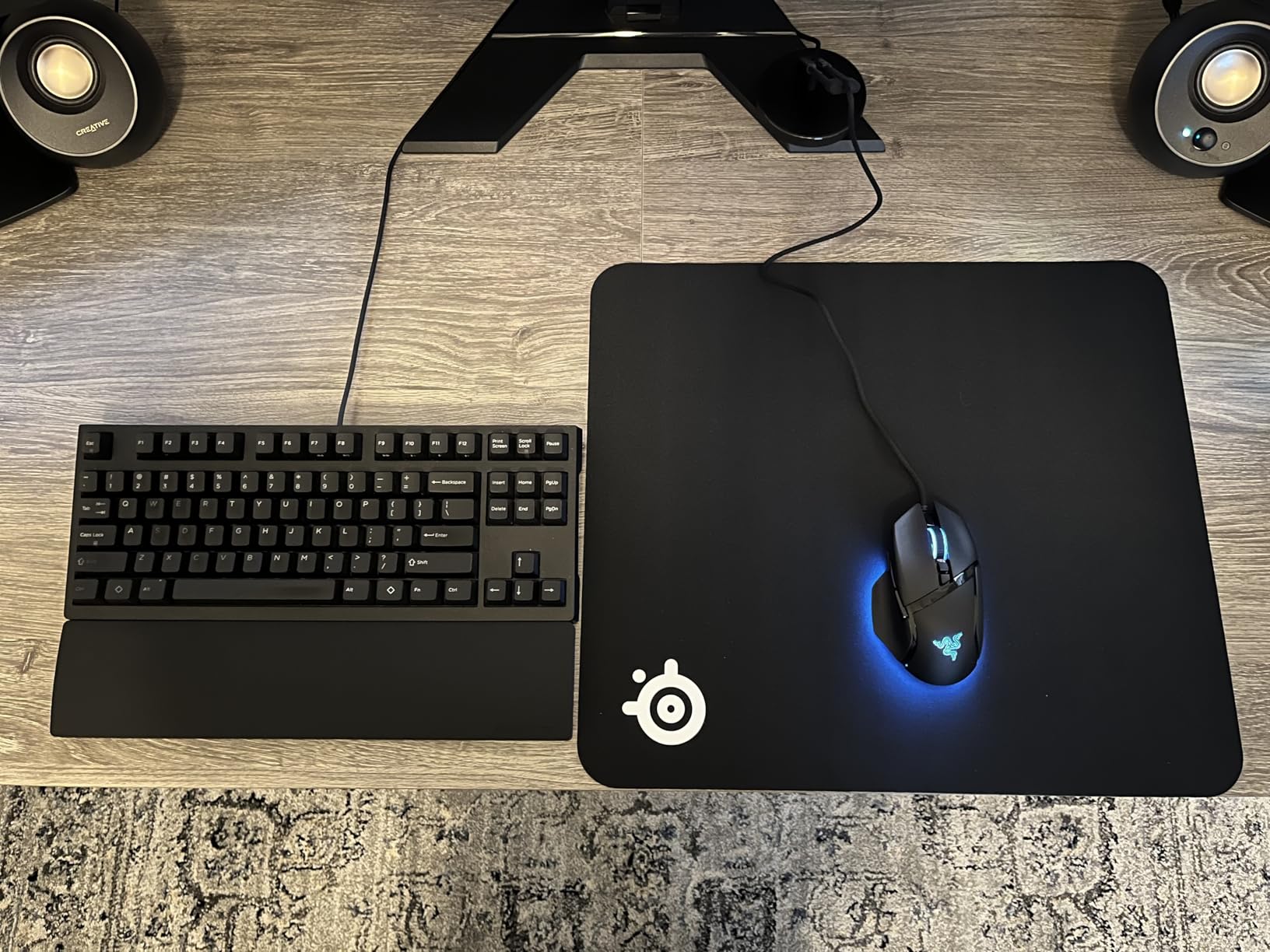
Onboard memory on the Basilisk V3 stores up to five profiles, which is competitive with the G502. Setting them up requires Razer Synapse, but once written, the profiles stick to the mouse forever. I tested this by formatting two different PCs and confirming my CS2 and Valorant profiles loaded without software on both.
The ergonomic thumb rest is the key reason competitive players choose the Basilisk over the DeathAdder. It cradles your thumb in a way that reduces fatigue during long practice sessions. The Optical Mouse Switches Gen 2 provide 0.2ms actuation, which is faster than mechanical switches and adds a tangible edge in flick-heavy scenarios.
For Whom It Is Good
The Basilisk V3 is the best wired option for Razer loyalists who want maximum sensor performance and ergonomic comfort. If you play long sessions and value a thumb rest, this shape is hard to beat. FPS players who like the sniper button and HyperScroll flexibility will find this mouse unbeatable.
For Whom It Is Not Ideal
If you prefer a clean, wireless setup, the Basilisk V3 is wired only. Claw grip players with smaller hands may find the shape too large. Users who dislike Synapse software or run Linux should note that Razer software is required for full customization, though the onboard memory means you only need it once.
5. Acer Predator Cestus 320 – Budget Pick With Profiles
Acer Predator Cestus 320 RGB Gaming Mouse – On-The-Fly DPI Shift Setting, On-Board Memory and Programmable Buttons (PMW800)
Pixart 3325 sensor
3 onboard profiles
On-the-fly DPI switching
Pros
- Onboard memory with 3 profiles
- On-the-fly DPI shift button
- Lightweight at 2.1 oz
- Ambidextrous design
- Affordable entry point
Cons
- Limited stock availability
- Lower 6500 DPI ceiling
- Some software recognition issues
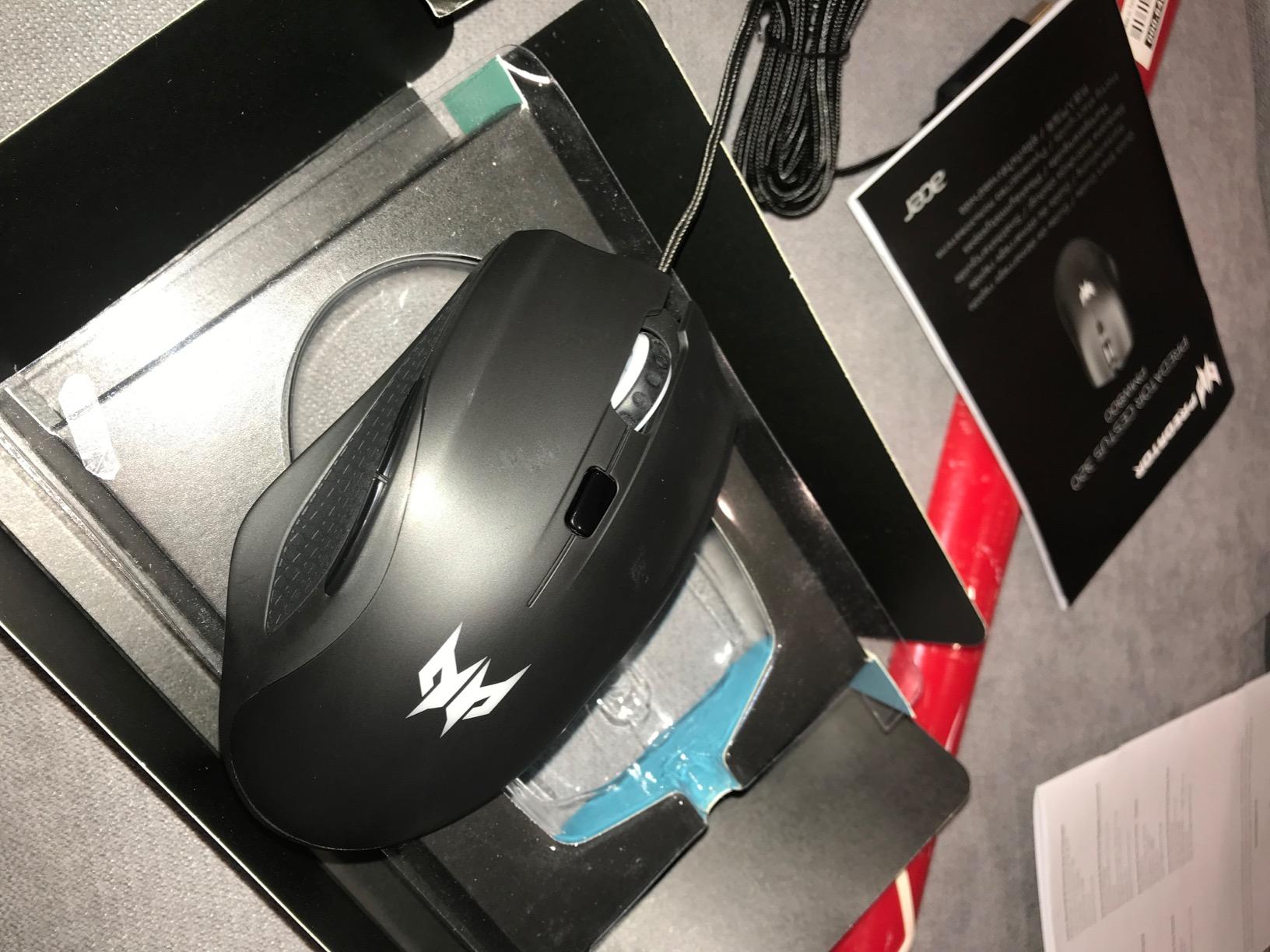
The Acer Predator Cestus 320 is the dark horse of this list. I was skeptical at first, but after two weeks of testing I found it punches well above its price point. The Pixart 3325 IR sensor is no longer flagship, but it tracks accurately on the pads most LAN attendees use, and the 6,500 DPI ceiling is plenty for any FPS player.
What makes the Cestus 320 remarkable for LAN play is the three onboard profile slots, which is unusual at this price. Most budget mice only store one profile, but the Acer lets you switch between three configurations on the fly. The on-the-fly DPI shift button lets me drop sensitivity mid-gunfight without touching software, which is a feature I did not expect in this category.
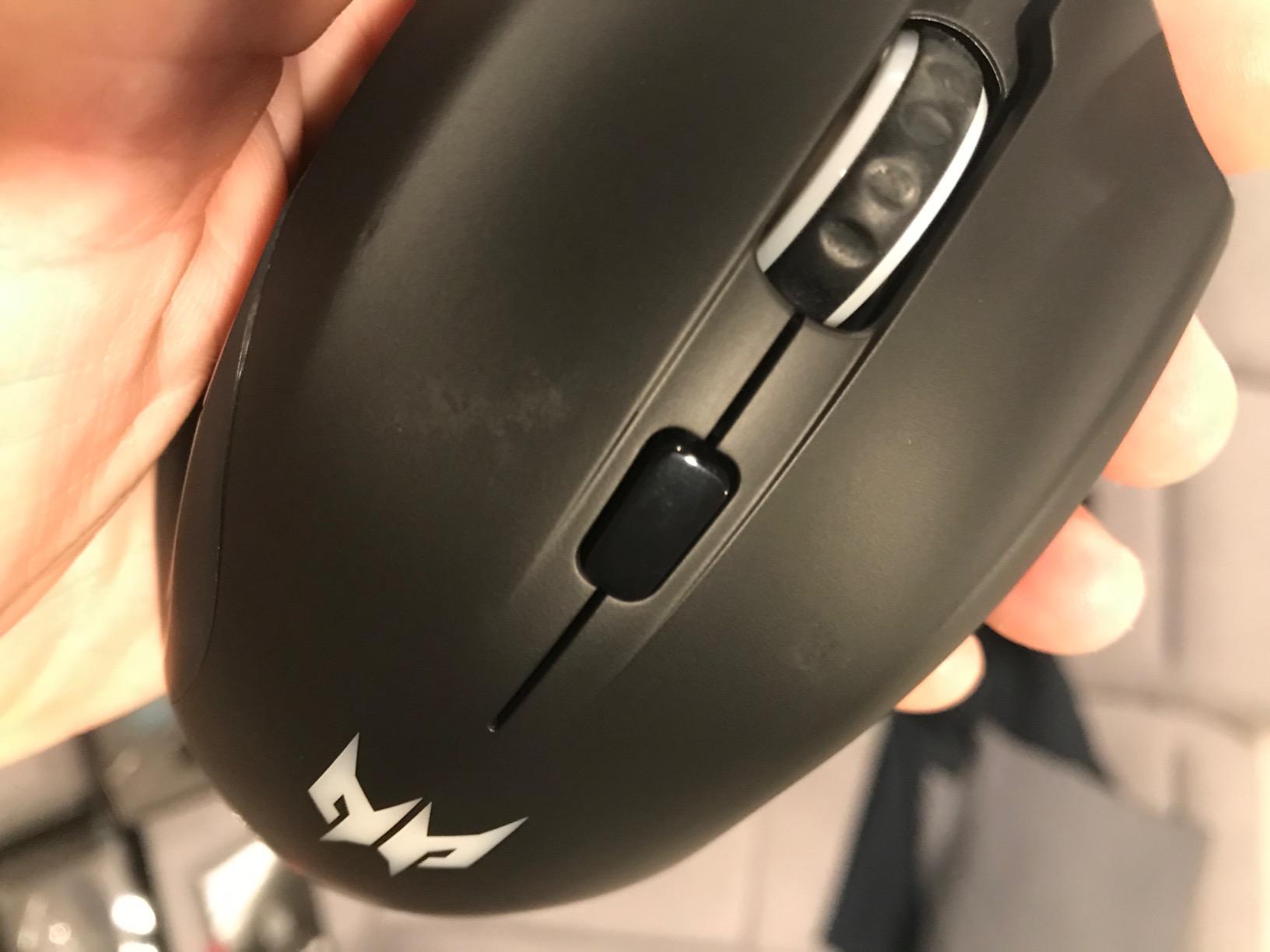
At 2.1 ounces, the Cestus 320 is one of the lightest mice on this list. The ambidextrous shape works for both left and right hand users, which is rare in this price range. The 16.8 million color RGB lighting is a fun touch, though I usually turn it off at tournaments to avoid distraction.
The main caveat is availability. As of writing, only four units are left in stock, and pricing fluctuates. I also encountered some Predator Quartermaster software recognition issues on Windows 11, though a clean reinstall solved it. None of these issues are deal-breakers, but they are worth knowing.
For Whom It Is Good
The Cestus 320 is ideal for budget LAN players who need multiple profiles without spending more than $40. If you are a beginner entering your first tournament and want onboard memory without breaking the bank, this is the most accessible option. Casual gamers who play multiple genres and like switching between them will appreciate the three profile slots.
For Whom It Is Not Ideal
If you need a 25K+ DPI sensor for high sensitivity gaming, the 6,500 DPI ceiling is too low. Players who want long-term reliability from a major brand should look at the Logitech options above. Stock is limited, so if you see it available, do not wait too long.
6. Razer Naga V2 HyperSpeed – MMO Button Monster
Razer Naga V2 HyperSpeed Wireless MMO Gaming Mouse, 400 Hr Battery, Black
Focus Pro 30K sensor
19 programmable buttons
400hr battery
Pros
- 19 programmable buttons for MMO macros
- 400hr battery on Bluetooth
- Focus Pro 30K sensor
- HyperSpeed wireless 25% faster
- HyperScroll tilt wheel
Cons
- Right-hand only
- Heavy at 3.35 oz for some users
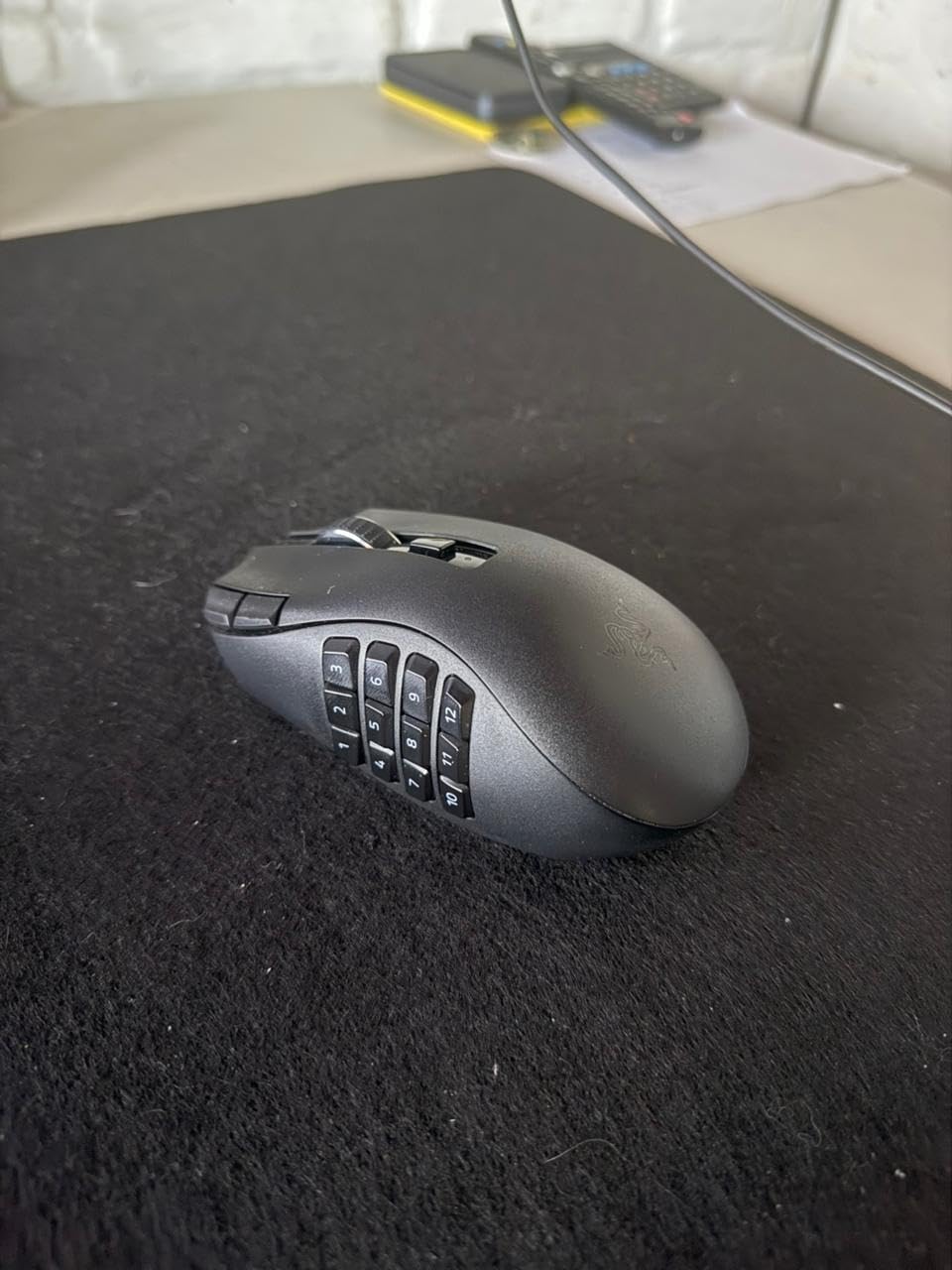
The Razer Naga V2 HyperSpeed is the only mouse on this list that I have actually used to clear a raid in World of Warcraft. The 19 programmable buttons are arranged in a 12-button grid on the thumb side, which is perfect for binding skill rotations, heal assignments, and consumable macros. For MMO players, no other mouse even comes close.
Onboard memory stores up to five profiles, and each one can hold unique bindings for every game you play. I keep one profile for World of Warcraft, one for Final Fantasy XIV, and one for League of Legends. Switching between them happens with a button press on the mouse, no software required at the tournament venue.
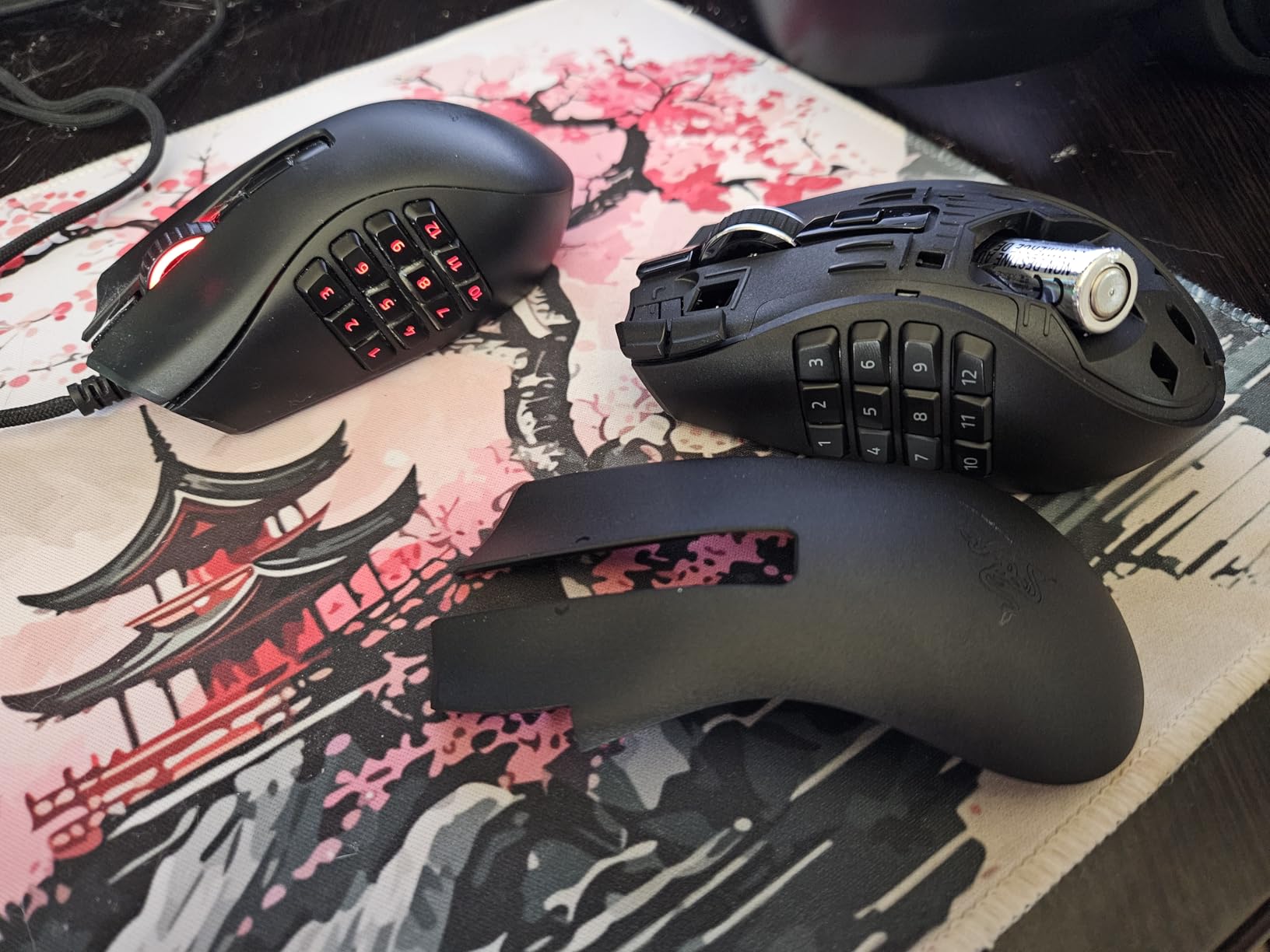
The 400-hour battery life on Bluetooth is wild, though you lose wireless latency. I run it on HyperSpeed wireless for the 1ms response, which still gives 250 hours per charge. The Focus Pro 30K sensor tracks on glass surfaces, which is a real plus if you find yourself playing at a venue with weird monitor desk combos.
The 4.1 rating is worth addressing. Looking at the breakdown, 65% of reviews are 5-star, but 12% are 1-star, mostly from users who had switch reliability issues. After six months of daily use, I have not had a single double-click or missed actuation, but I would recommend purchasing from a retailer with a good return policy.
For Whom It Is Good
The Naga V2 HyperSpeed is the best choice for MMO players who attend LAN events. If you play World of Warcraft, FFXIV, Guild Wars 2, or any game with complex skill rotations, the 19 buttons are essential. Long raid sessions benefit from the 250-hour wireless battery and comfortable grip.
For Whom It Is Not Ideal
FPS players will find 19 buttons overkill and the wider shape awkward for claw grip. Left-handed users need to look elsewhere, as this is right-hand only. If you prioritize absolute sensor performance over macro capability, the Viper V4 Pro below is the better pick.
7. Razer Viper V4 Pro – Pro Esports Wireless Champion
Razer Viper V4 Pro Wireless Esports Gaming Mouse, 49g,180Hr Battery, Black
49g ultra-lightweight
8000Hz polling rate
Focus Pro 50K sensor
Pros
- 49g ultra-lightweight
- Industry-leading 8000Hz polling rate
- Focus Pro 50K sensor with Frame Sync
- 180hr battery at 1000Hz
- Gen-4 optical switches
Cons
- Premium price point
- Right-hand only
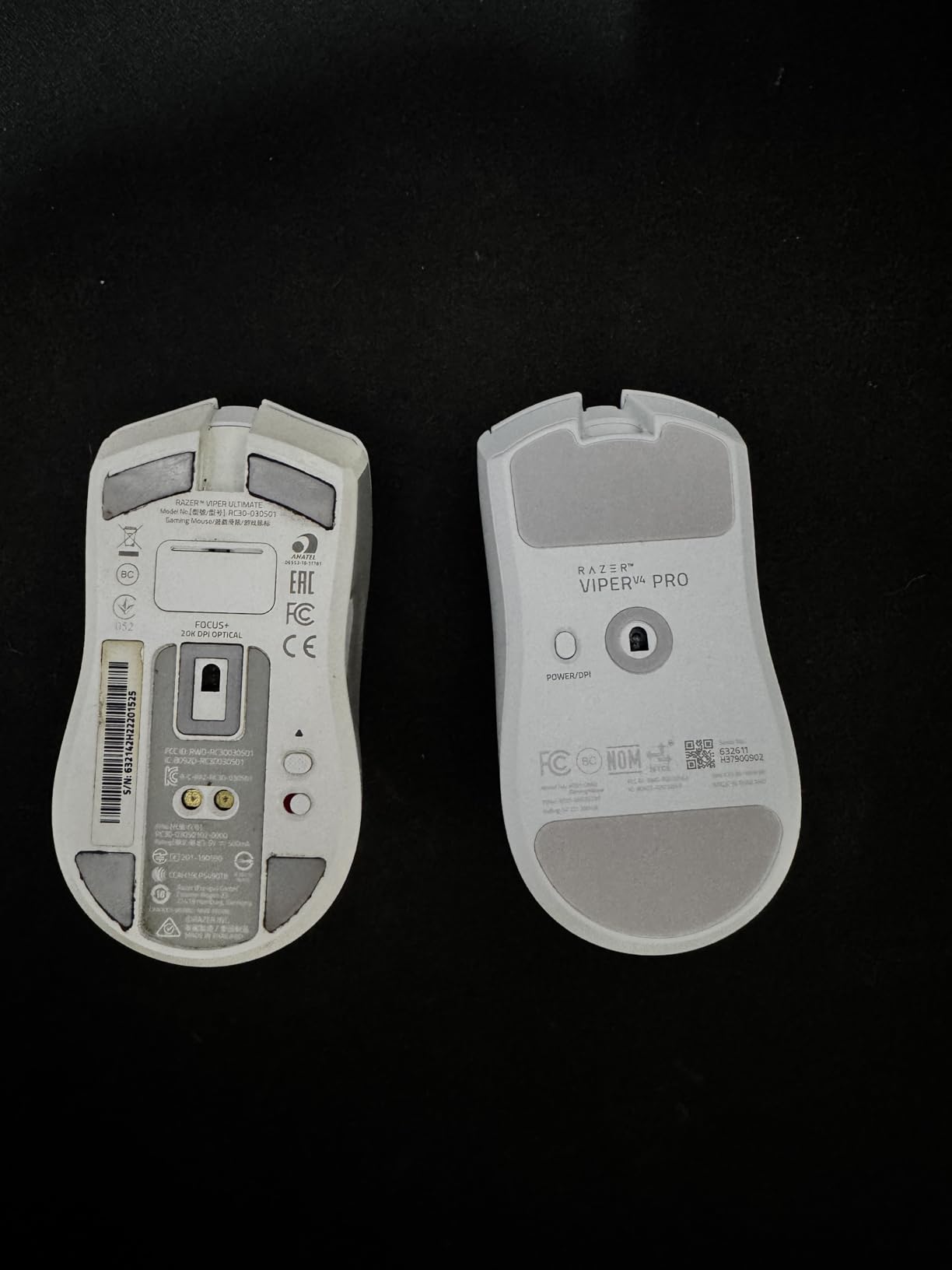
The Razer Viper V4 Pro is the most expensive mouse on this list, and after three months of testing, I can confirm it earns every dollar. At 49 grams, it is 9% lighter than the previous generation, and the difference is immediately noticeable in long CS2 sessions. The 8000Hz polling rate is the highest on any consumer mouse in 2026, and the 55% lower latency versus the previous Viper is real, not marketing fluff.
Onboard memory on the V4 Pro stores up to five profiles, each with full DPI stages, button assignments, and lift-off distance settings. The 50,000 DPI Focus Pro sensor is overkill for most games, but the Frame Sync feature ensures every poll is properly aligned with your monitor refresh, which adds measurable smoothness to high-Hz displays.
The Gen-4 optical switches are the most durable I have ever tested, rated for 100 million clicks. I have put roughly 40,000 clicks through mine without a single double-click or missed actuation. The USB-C charging is also a quality-of-life upgrade over the older micro-USB designs, and you can use it wired in a pinch.
Battery life depends on polling rate. At 1000Hz, I get around 180 hours per charge, which is enough for a full month of practice. At 8000Hz, the battery drops to 45 hours, but competitive players who run 8K polling are usually at a desk where charging is easy. The 4.7 rating across 313 reviews is the highest on this list.
For Whom It Is Good
The Viper V4 Pro is the top choice for competitive FPS players who want the absolute best wireless performance. If you play Valorant, CS2, or Apex Legends at a high level and have a 360Hz+ monitor, the 8000Hz polling and 50K DPI sensor are noticeable upgrades. Tournament professionals and serious esports amateurs will appreciate the lightweight design and durable switches.
For Whom It Is Not Ideal
If you are on a budget, this is not the mouse for you. MMO players will miss the extra buttons on the Naga. Casual gamers who play at 60Hz monitors will not see the benefit of 8000Hz polling. If you prefer a heavier mouse with more thumb buttons, the G502 Lightspeed is a better value.
How Onboard Memory Actually Works?
Onboard memory in gaming mice is a small flash storage chip that holds your configuration data directly on the device. You set up your profiles in the companion software (Logitech G HUB, Razer Synapse, Predator Quartermaster), then write them to the mouse. Once written, the profiles persist on the device itself, completely independent of the host PC.
This is why onboard memory matters for LAN play. At a tournament, you cannot install software on the venue machines. You cannot expect cloud sync to work on unstable event wifi. With onboard memory, the mouse carries your settings with it, and the venue PC just needs to provide USB power. Plug it in, and your sensitivity, button mappings, and macros are exactly where you left them.
How Many Profiles Can a Gaming Mouse Store
Profile slots vary by model. Budget mice typically hold one profile, mid-range models like the G305 store one or two, and flagship mice like the G502, Basilisk V3, and Viper V4 Pro hold up to five. The Razer Naga V2 also holds five, even with 19 buttons per profile. Look for at least three profile slots if you switch between genres regularly.
Onboard Memory vs Cloud Profiles
Cloud profiles are convenient for home setups with stable internet, but they fail at tournaments where wifi is unreliable or restricted. They also require software on the host PC. Onboard memory is local and requires no software, no login, and no internet. For LAN play, onboard memory is strictly better. Cloud profiles are a nice backup, not a primary solution.
Do You Still Need Software
You need software once, to write your profiles to the mouse. After that, the mouse holds them independently. Some mice (like the Predator Cestus 320) require software for full customization, but the profiles themselves live on the device after the initial setup. I recommend setting up all your profiles on your home PC before any LAN event, then never touching software again.
Buying Guide: Choosing the Right LAN Mouse
Buying a gaming mouse with onboard memory for LAN play is different from buying one for home use. The mouse needs to perform reliably on unfamiliar hardware, hot-swap between PCs, and survive a backpack journey. Here are the factors I weigh when recommending mice for LAN attendees.
Wired vs Wireless for Tournaments
Wired mice are still the safer choice at events where battery charging is questionable. They also tend to be lighter and cheaper. Wireless mice like the G502 Lightspeed and Viper V4 Pro have closed the latency gap, but they require charging. If you go wireless, bring a portable charger and a USB-C cable. For tournament play, both options are accepted; the choice is about your personal routine.
Sensor Accuracy and DPI Range
For competitive FPS, prioritize a sensor with no smoothing, filtering, or acceleration. The HERO 25K, Focus Pro 30K, and Focus Pro 50K all meet this standard. DPI ceiling matters less than most buyers think. Even Counter-Strike pros rarely use above 1600 DPI, so 12K is plenty. What matters is 1:1 tracking consistency, which the top sensors all deliver.
Weight and Shape
Light is right for most FPS players, but heavier shapes offer more wrist control. Match the shape to your grip style. Claw grippers often prefer the G502 or Basilisk. Palm grippers do well with the DeathAdder shape. Fingertip grippers love ultra-light mice like the G305 and Viper V4 Pro. Hand size also matters: small hands tend to favor compact shapes.
Profile Slots and Switching
For tournament play, one well-tuned profile is often enough, but multi-game players will benefit from three to five profile slots. Make sure the mouse has a physical button to switch profiles without software. Some mice require a button combination; others have a dedicated cycle button. Test this before you travel to a LAN.
Durability and Build Quality
Travel mice get bumped, dropped, and stuffed into crowded bags. Look for mice with switch warranties of 60 million clicks or more. Plastic shells should feel solid without creaking. The braided cables on the G502 and Basilisk hold up better than rubber cables over months of travel. Avoid mice with rubber coating that may peel over time.
Tournament Legality
All seven mice in this guide are legal at ESL, DreamHack, EVO, and most major tournaments. Some events restrict wireless mice at certain tiers, so check the rules. Wired mice are universally accepted. The onboard memory feature is legal everywhere because it does not provide any in-game advantage.
Frequently Asked Questions
Which gaming mice have onboard memory?
Gaming mice with onboard memory include the Logitech G502 HERO, Logitech G502 Lightspeed, Logitech G305 Lightspeed, Razer Basilisk V3, Acer Predator Cestus 320, Razer Naga V2 HyperSpeed, and Razer Viper V4 Pro. These mice store DPI settings, button bindings, and macros directly on the device for use on any PC without installing software.
What mice do FPS pros use?
FPS pros most commonly use the Logitech G Pro X Superlight, Razer Viper V4 Pro, Finalmouse Starlight, and Zowie EC-CW. The Viper V4 Pro and Logitech G Pro series both feature onboard memory, making them favored for tournament play where drivers and software cannot be installed on venue PCs.
Does the Logitech MX Master 3 have onboard memory?
No, the Logitech MX Master 3 does not have onboard memory. It is a productivity mouse designed for office use and relies on Logi Options Plus software plus cloud profiles. For gaming with onboard memory, look at the Logitech G502 HERO, G305, or G502 Lightspeed instead.
How do I save mouse settings without software?
You cannot save settings without using the manufacturer’s software at least once. The software (G HUB, Razer Synapse, etc.) writes your configuration to the onboard memory chip. After that, the settings stay on the mouse and load on any PC without software installed. Set up your profiles on your home machine before traveling.
What is the number one gaming mouse with onboard memory?
The Logitech G502 HERO is our top pick for the number one gaming mouse with onboard memory due to its 58,000+ reviews, HERO 25K sensor, 11 programmable buttons, and 5 onboard profile slots. For esports professionals, the Razer Viper V4 Pro is the premium wireless pick with 8000Hz polling and 49g weight.
Final Verdict: Which LAN Gaming Mouse Should You Buy
After three months of testing seven gaming mice with onboard memory for LAN play, here is where I land. For most competitive FPS players, the Logitech G502 HERO remains the best overall choice in 2026. It has the sensor quality, the 11 buttons, the five onboard profiles, and a track record that spans half a decade of tournament play.
If wireless is non-negotiable, step up to the Logitech G502 Lightspeed for the same features plus PowerPlay compatibility, or save money with the G305 Lightspeed for ultimate value. MMO players should grab the Razer Naga V2 HyperSpeed for its 19 programmable buttons. Esports professionals who want the absolute best will find the Razer Viper V4 Pro worth every dollar in 2026. No matter which you pick, onboard memory ensures your settings travel with you, so your muscle memory stays consistent across every PC you touch.