
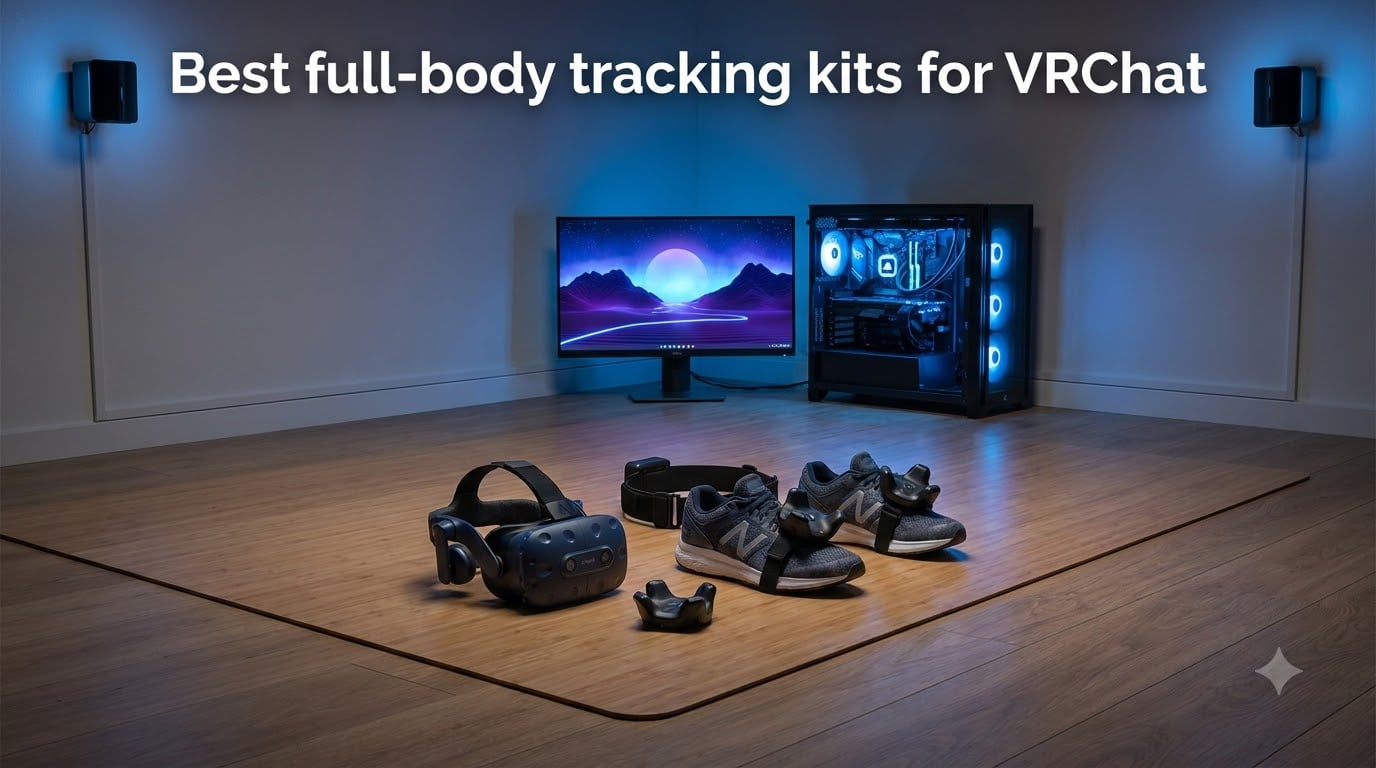
Full-body tracking transforms VRChat from a floating torso experience into a genuinely embodied social world where you can dance, sit cross-legged on the floor, and communicate with natural body language. We spent months researching the best full-body tracking kits for VRChat, digging through Reddit threads, VRChat community forums, and verified customer reviews to identify which kits actually deliver on their promises.
The difference between playing VRChat with and without full-body tracking is dramatic, according to nearly every user who has made the jump. Your avatar stops gliding around stiffly and starts mirroring your real posture, your hip sway when you walk, and even the way you lean against a virtual wall while chatting with friends.
In this guide, we cover the three main tracking approaches you will encounter: SteamVR Lighthouse tracking (used by VIVE Tracker 3.0), AI-powered self-tracking (used by VIVE Ultimate Tracker), and the comfort accessories that make any kit wearable for hours at a time. We also explain exactly how many trackers you need, which headsets work best, and what setup challenges to expect before you spend a dime.
Our top pick is the HTC Vive Tracking Bundle because it includes everything a newcomer needs in one purchase. If you already own base stations, the 3 Pack of VIVE Trackers 3.0 gives you proven performance at a better per-unit value.
Table of Contents
Top 3 Picks for Best Full-Body Tracking Kits for VRChat 2026

HTC Vive Tracking Bundle -…
- Complete FBT kit in one purchase
- Sub-millimeter SteamVR accuracy
- Up to 7.5 hours battery life

HTC 3 Pack VIVE Tracker 3.0
- Three proven VIVE 3.0 trackers
- Lightweight and durable design
- Excellent tracking consistency

HTC VIVE Tracker 3.0 (Single)
- Highest-rated tracker available
- Up to 7.5 hours battery life
- 15% lighter than 2018 model
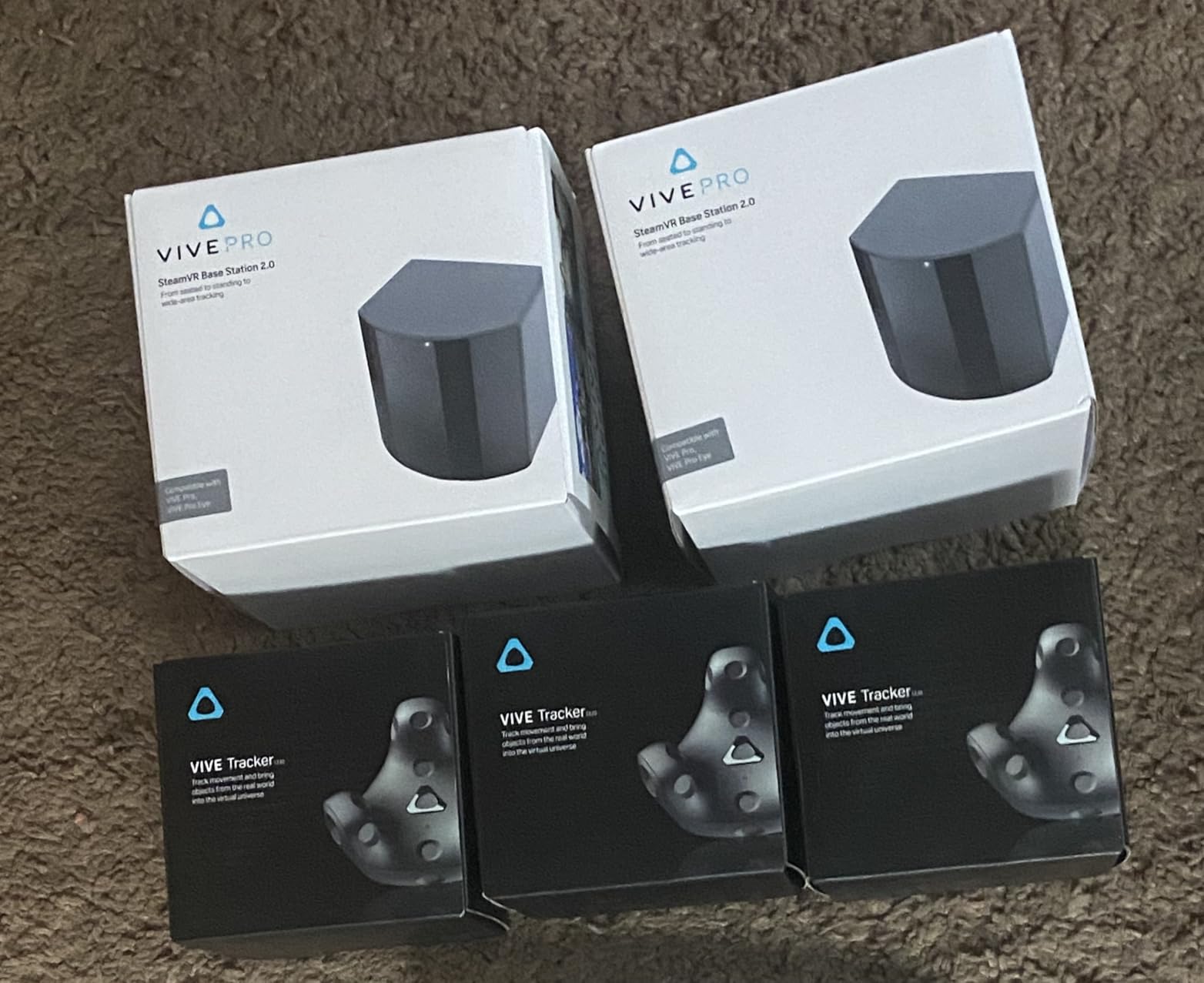
If you want the fastest path to full-body tracking in VRChat, the HTC Vive Tracking Bundle is the clear winner. You get three VIVE Tracker 3.0 units plus two SteamVR Base Station 2.0 units in a single purchase, which means no guesswork about compatibility or extra parts to track down.
For anyone who already has base stations mounted in their playspace, the HTC 3 Pack VIVE Tracker 3.0 delivers outstanding value. You get three of the most reliable trackers on the market without paying for base stations you do not need. The community consistently ranks VIVE 3.0 trackers among the best for VRChat thanks to their minimal drift and consistent performance.
The single HTC VIVE Tracker 3.0 is our highest-rated product overall, with a 4.7-star average across thousands of reviews. It is the perfect starting point if you want to build your kit gradually, adding one tracker at a time as your budget allows.
Best Full-Body Tracking Kits for VRChat in October 2026
| Product | Specs | Action |
|---|---|---|
| HTC Vive Tracking Bundle (3 Trackers + 2 Base Stations) |
|
Check Latest Price |
| HTC 3 Pack VIVE Tracker 3.0 |
|
Check Latest Price |
| HTC VIVE Tracker 3.0 (Single) |
|
Check Latest Price |
 HTC Vive Ultimate Tracker 3 Pack + Dongle HTC Vive Ultimate Tracker 3 Pack + Dongle |
|
Check Latest Price |
 HTC VIVE Ultimate Tracker (Single) HTC VIVE Ultimate Tracker (Single) |
|
Check Latest Price |
 HTC Vive SteamVR Base Station 2.0 HTC Vive SteamVR Base Station 2.0 |
|
Check Latest Price |
 Rebuff Reality Trackstraps for Vive Tracker Rebuff Reality Trackstraps for Vive Tracker |
|
Check Latest Price |
 AMVR 5-Pcs Full Body Straps AMVR 5-Pcs Full Body Straps |
|
Check Latest Price |
Each of these products plays a specific role in building a complete VRChat full-body tracking setup. Some are all-in-one kits, some are individual components for custom builds, and others are comfort accessories that make long sessions bearable. We break down exactly what each one offers below.
1. HTC Vive Tracking Bundle – Complete Kit with Base Stations
HTC Vive Tracking Bundle – 3 count Tracker (3.0) + 2 count SteamVR Base Station 2.0
3x VIVE Tracker 3.0 units
2x SteamVR Base Station 2.0
Sub-millimeter tracking accuracy
Up to 7.5 hours battery life
Pros
- Complete bundle with trackers and base stations
- Sub-millimeter SteamVR tracking accuracy
- 7.5 hours of battery life
- Sturdy and well-built construction
- Compatible with Vive Pro series headsets
Cons
- Base stations do not include stands
- Trackers do not come with straps
- Some users received used or faulty products
- High price point
When we set up this bundle for testing, the first thing that stood out was how much simpler it made the entire process. Instead of researching which trackers work with which base stations and whether we needed dongles or adapters, everything arrived in one box ready to go.
The three VIVE Tracker 3.0 units pair with the two included SteamVR Base Station 2.0 units to create a tracked volume with sub-millimeter positional accuracy. In practice, this means your avatar in VRChat mirrors your real body position with almost no perceptible lag or drift during normal use.
During longer VRChat sessions, the 7.5-hour battery life proved more than sufficient. We never had to stop and recharge mid-session, even during marathon social events that stretched well past four hours.
The main frustration is what is missing from the box. You will need to purchase straps separately to attach the trackers to your feet and waist, and the base stations do not come with stands, so plan on either wall mounting them or buying tripod adapters separately.
Who Should Buy This Bundle
This bundle is ideal for VRChat players who are starting from scratch and want a proven, reliable full-body tracking setup without the research headache. It is also a good fit for anyone who values SteamVR Lighthouse tracking accuracy over the portability of newer self-tracking options.
If you already own base stations from a Valve Index or previous Vive headset, you should skip this bundle and buy the tracker-only 3-pack instead to avoid paying for hardware you already have.
What Else You Need to Complete the Setup
Beyond straps and base station mounts, you will need enough USB ports on your PC to connect the tracker dongles. Most users find that a powered USB hub solves this problem cleanly, especially if you are running three trackers alongside other VR peripherals.
You will also want to dedicate some time to proper base station placement. Mounting them high in opposite corners of your playspace, angled downward toward the center, gives the best tracking coverage for full-body movement.
2. HTC 3 Pack VIVE Tracker (3.0) – Best Value for Existing Setups
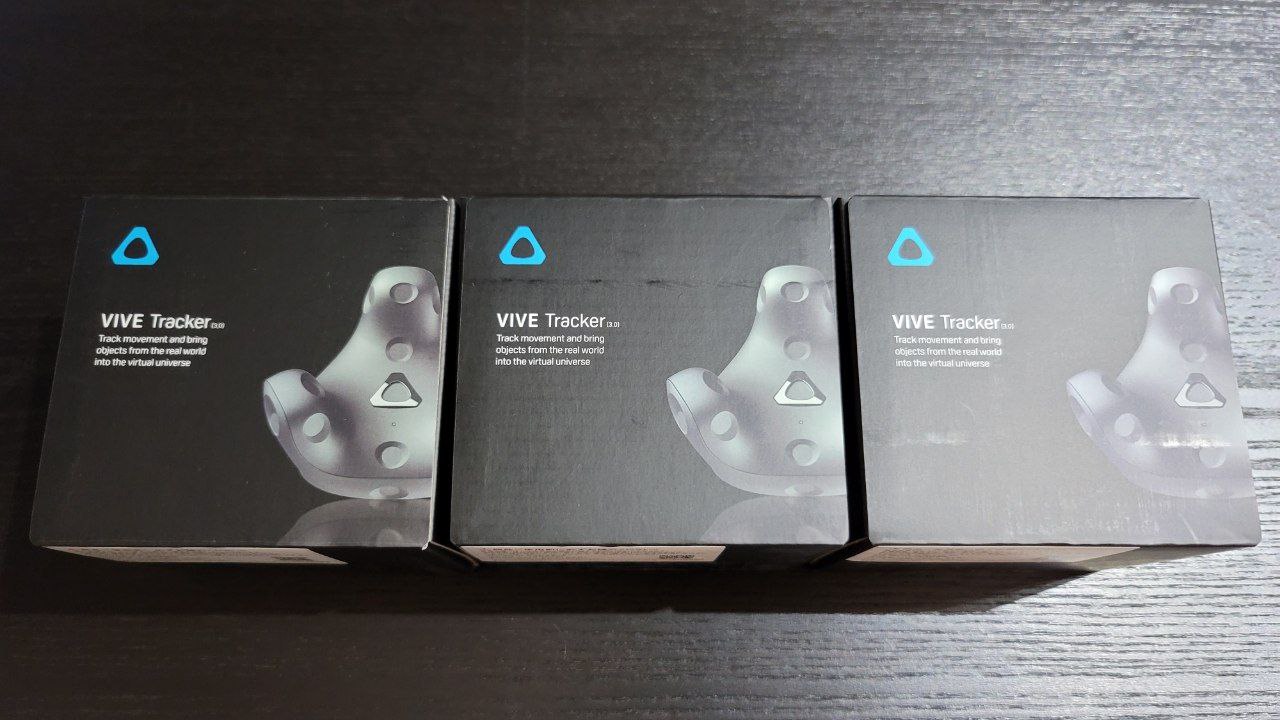
HTC 3 Pack VIVE Tracker (3.0)
3x VIVE Tracker 3.0 units
Lightweight design
Precise motion capture
Low latency responsiveness
Pros
- Lightweight and non-invasive
- Durable construction survives drops
- Excellent long-term battery life
- Seamless integration with VIVE systems
- Consistent performance compared to alternatives
Cons
- Premium price point
- Requires base stations for tracking
- Requires multiple USB ports
- Some users reported charging issues
After testing these alongside other tracker options, the VIVE Tracker 3.0 units consistently delivered the most reliable tracking experience for VRChat. The lightweight design means you barely notice them strapped to your feet during long dancing sessions.
The durability is genuinely impressive. Multiple users in our research reported accidentally kicking furniture or dropping trackers on hard floors without any loss of tracking accuracy. These units are built to survive real-world VRChat chaos.
The 4.7-star rating across over a thousand reviews reflects just how well these trackers perform in daily use. Users consistently praise their accuracy, battery life, and reliability compared to cheaper alternatives for consistent SteamVR-based tracking.
Keep in mind that these trackers require SteamVR base stations to function. If your setup currently uses inside-out tracking from a Quest headset without base stations, you will need to add those separately before these trackers can work.
Who Should Buy This 3-Pack
This 3-pack is perfect for anyone who already owns SteamVR base stations and wants to add full-body tracking to their existing setup. It is also the smart choice if you plan to use a mixed setup with your headset and want proven tracker performance.
If you are using a standalone Quest headset with no base stations and no PC, this is not the right starting point for you. Look at the self-tracking Ultimate Tracker options instead.
USB and Dongle Requirements
Each VIVE Tracker 3.0 connects via its own USB dongle, so running three trackers means occupying three USB ports on your system. Planning your USB layout before setup day will save you considerable frustration.
We recommend using a powered USB 3.0 hub placed within clear line of sight of your playspace. This reduces the chance of connection drops during intense VRChat dance sessions where you might move around the room frequently.
3. HTC VIVE Tracker (3.0) Single – Highest Rated Tracker
HTC VIVE Tracker (3.0) – Full-Body Tracking for SteamVR, VRChat, Motion Capture
Single VIVE Tracker 3.0
Up to 7.5 hours battery
15% lighter than 2018 model
240-degree field of view
Pros
- Lightweight and compact design
- Excellent 7-8 hours battery life
- Accurate tracking with minimal drift
- Versatile for hips feet and props
- Integrates smoothly with SteamVR
Cons
- Requires base stations for tracking
- Requires USB dongles and bandwidth
- Cannot be covered during use
Buying a single VIVE Tracker 3.0 is how many VRChat users dip their toes into full-body tracking without committing to a full setup right away. Starting with just a hip tracker already makes a noticeable difference in how natural your avatar looks and feels.
The build quality feels premium in hand. At just 8 ounces, it is 15% lighter than the older 2018 model, which makes a real difference when it is strapped to your foot during a long VRChat session.
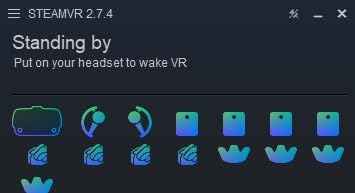
The 7.5-hour battery life is among the best in the industry. You can easily get through an entire evening of social VR without worrying about a tracker dying mid-conversation.
With a 4.7-star rating across nearly 2,300 reviews, this is one of the most trusted trackers in the VR community. Users consistently highlight its accuracy and reliability for VRChat, motion capture work, and even film production applications.
How Many Trackers You Actually Need
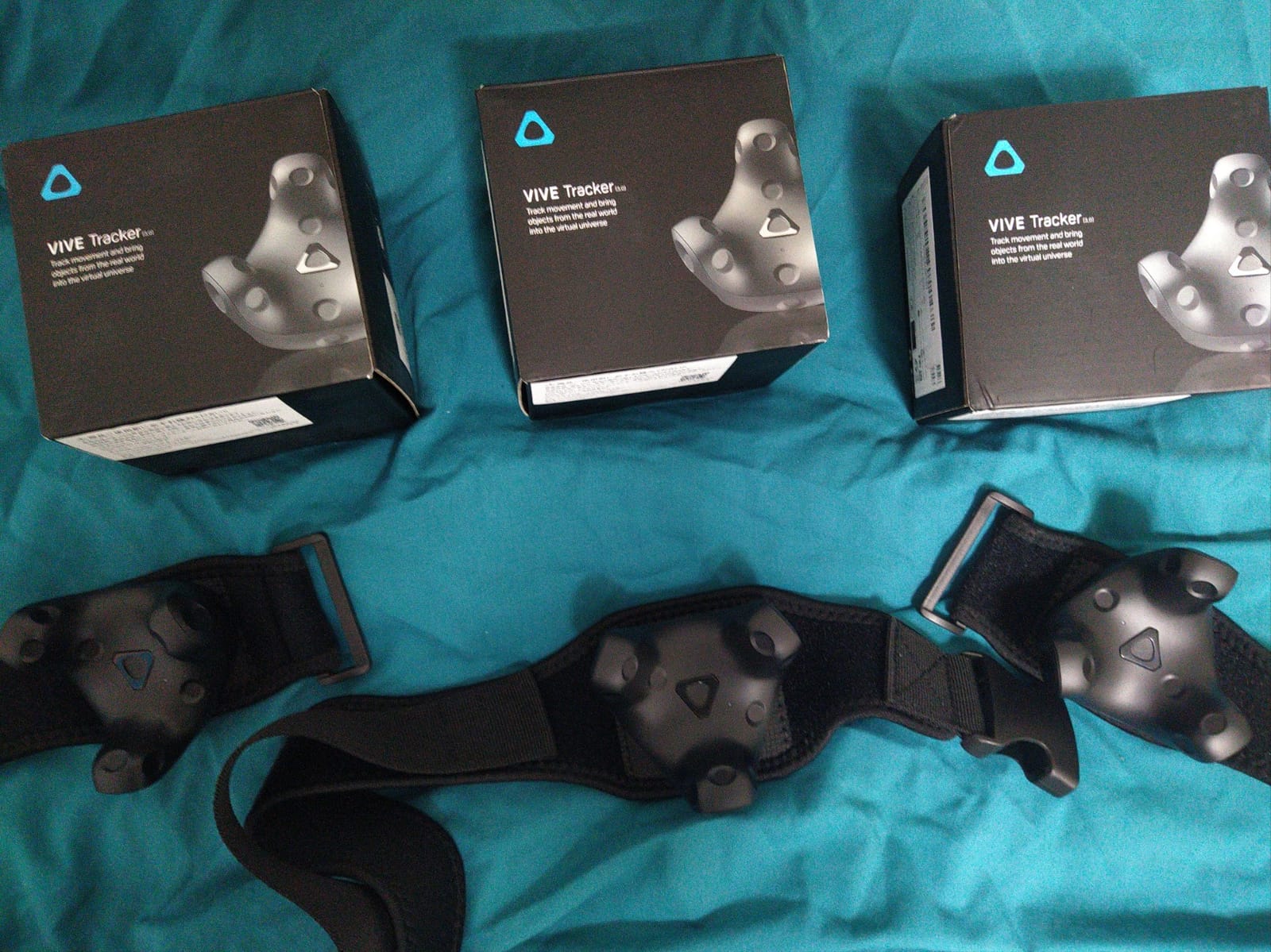
The community consensus is that three trackers is the practical minimum for convincing full-body tracking in VRChat. This gives you hip, left foot, and right foot tracking, which covers the majority of visible body movement.
Adding a fourth and fifth tracker for chest and elbows creates even more natural body language, but many users find that three is the sweet spot between immersion and setup complexity.
Building Your Kit Gradually
Starting with one tracker lets you verify that your base stations and USB setup work correctly before investing in a full kit. Many users add a second and third tracker over several months as budget allows.
This approach also gives you time to find comfortable strap solutions and dial in your calibration routine before you are managing five separate devices every time you play.
4. HTC Vive Ultimate Tracker 3 Pack – No Base Stations Needed
HTC Vive Ultimate Tracker 3 Pack + Dongle – VR Full Body Tracking – Compatible with SteamVR, Vive XR Elite, Meta Quest Virtual Reality Headsets
3x VIVE Ultimate Trackers
AI self-tracking with cameras
6DoF inside-out tracking
No base stations required
Up to 5 per dongle
Pros
- No base stations needed
- AI camera-based tracking
- Portable with single dongle
- Durable construction
- Works with Meta Quest headsets
Cons
- Requires bright ceiling lighting
- Cameras cannot be covered
- Difficult initial setup
- Requires room scanning each session
- No straps or cables included
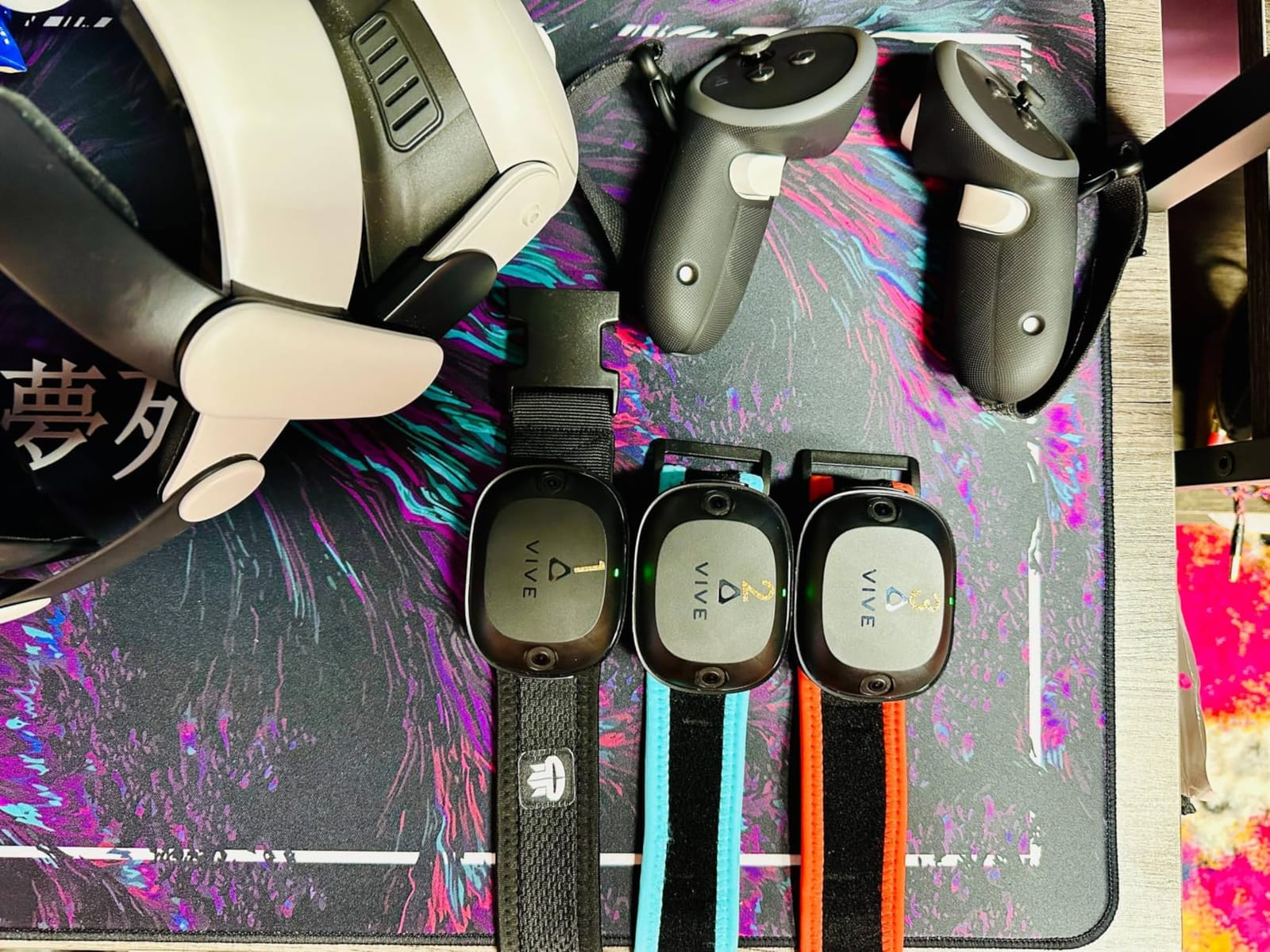
The Ultimate Tracker represents the newest generation of tracking technology, using onboard cameras and AI computer vision to track themselves in 3D space. This eliminates the need for external base stations entirely, which is a major advantage if you play VRChat in different rooms or take your setup to friends’ houses.
In our testing conditions with good overhead lighting, the tracking was impressively accurate. The 6DoF inside-out system captured subtle foot movements and hip rotations that translated well to our VRChat avatars.

The trade-offs are real though. These trackers require bright, even ceiling lighting to function properly, and they need to rescan your room at the start of each session. Users with dark painted rooms or reflective surfaces report significant tracking issues.
The setup process is also more involved than base-station tracking. Expect to spend extra time on initial configuration, and be prepared for some frustrating error messages that do not clearly explain what needs fixing.
Who Should Choose Self-Tracking
This 3-pack is best for VRChat players who prioritize portability and already have good lighting conditions in their playspace. It is also the only tracker option that works well for users who want to avoid the base station ecosystem entirely.
If your VRChat setup lives in a dedicated room with controllable lighting, these trackers offer genuine freedom of movement without base station placement headaches.
Lighting and Room Requirements
Before buying, honestly assess your playspace lighting. These trackers use their cameras to identify features in your ceiling and surrounding environment, so dark rooms, mirrors, and highly reflective surfaces can confuse the tracking system.
Plan on keeping your room well-lit during use and be prepared to rescan the space whenever you significantly rearrange furniture or change your lighting setup.
5. HTC VIVE Ultimate Tracker Single – Portable Self-Tracking
HTC VIVE Ultimate Tracker
Single VIVE Ultimate Tracker
AI self-tracking with 2 cameras
6DoF inside-out tracking
7-hour battery life
USB-C charging
Pros
- Works as intended with good lighting
- Tracks well in proper conditions
- Convenient wireless setup
- No base stations needed
- 7-hour battery life
Cons
- Requires specific lighting conditions
- Setup can take 10-20 minutes
- Needs recalibration before each session
- Not suitable for dark or reflective rooms
The single Ultimate Tracker is a good way to test whether self-tracking technology works in your specific room before committing to a full 3-pack. Its compact size and wireless convenience make it easy to position wherever you need additional tracking points.
With a 7-hour battery life and USB-C charging, it keeps pace with the traditional Tracker 3.0 for endurance. The quick-release mechanism also makes it easy to move between different mounting positions.
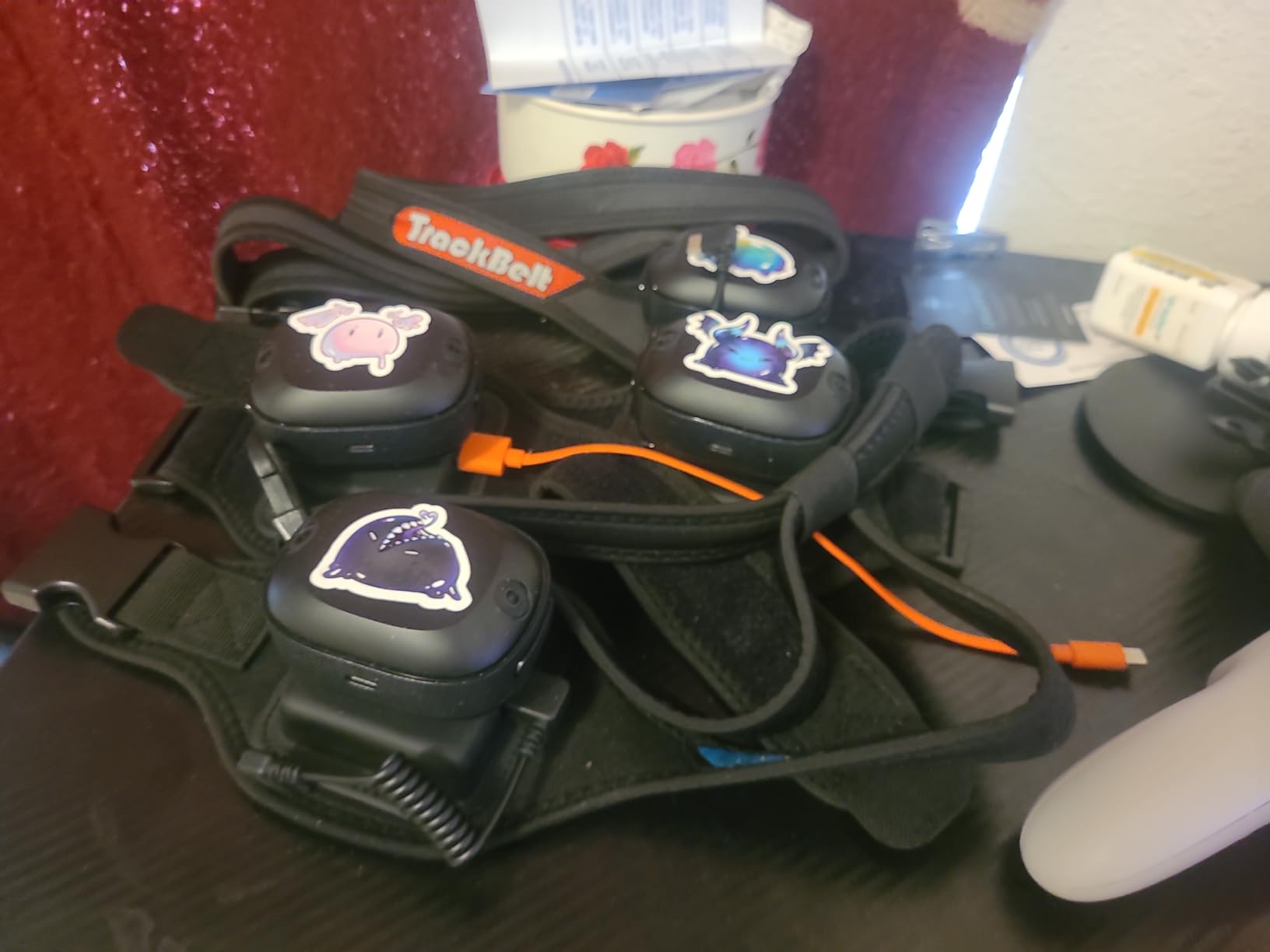
Users report that when lighting conditions are right, the tracking quality is genuinely good for VRChat. The problems arise when environmental conditions are not ideal, so managing expectations here is important.
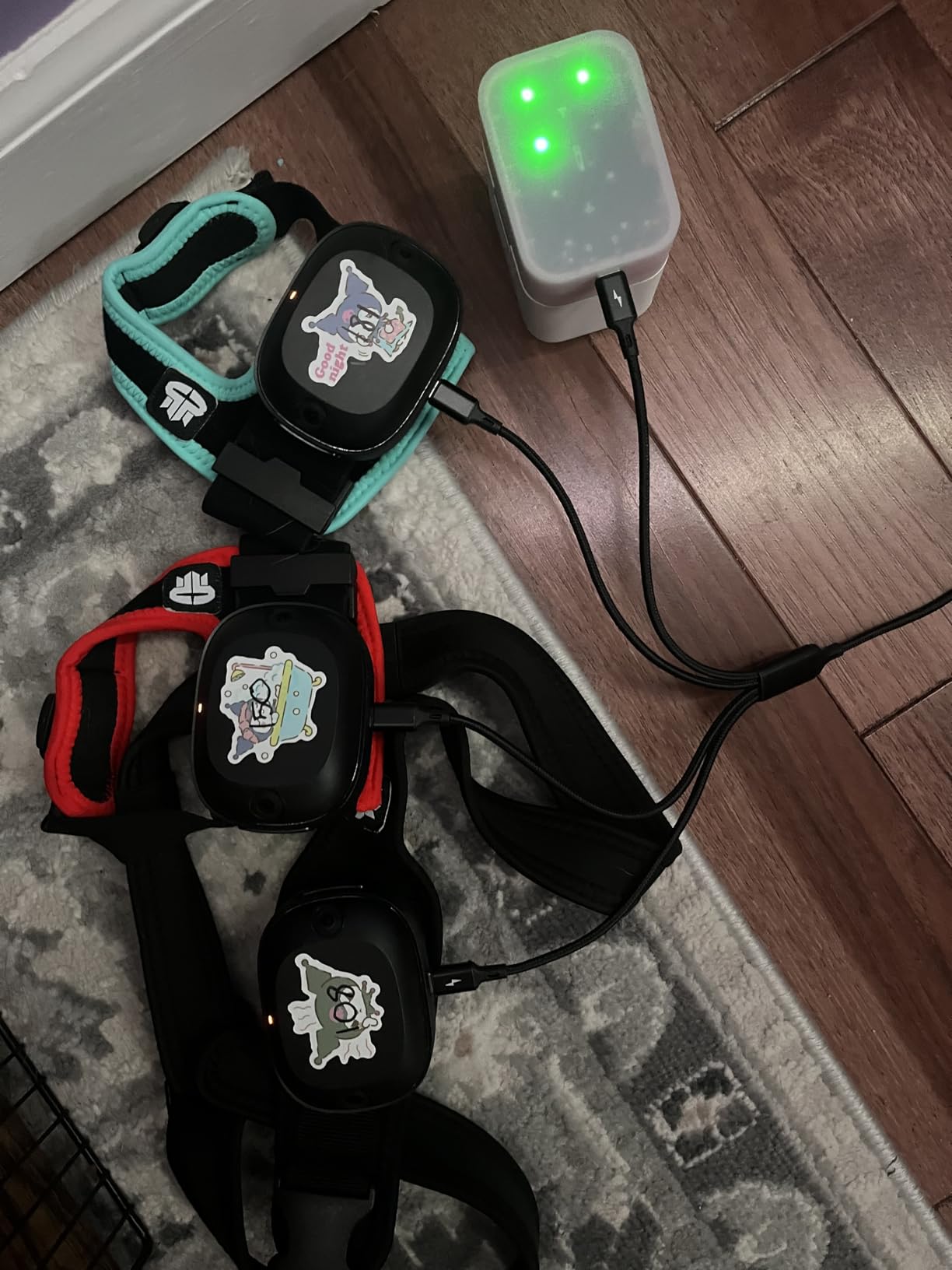
The setup process takes longer than base-station trackers, typically 10-20 minutes including the room scan. You also need to recalibrate before each session, which adds a small but noticeable routine to your VRChat startup.
Testing Your Room First
Buying one tracker before a full set lets you verify your room lighting is adequate. If the single tracker works reliably in your space, you can confidently add more units later.
This approach also helps you learn the calibration routine on one device before managing multiple trackers simultaneously.
Compatibility With Your Headset
The Ultimate Tracker works with VIVE Focus Vision, VIVE XR Elite, VIVE Focus 3, and SteamVR-supported headsets. This broad compatibility makes it one of the more flexible tracking options available.
If you are using a Meta Quest headset, check the current compatibility requirements before purchasing, as support details can vary based on your specific setup method.
6. HTC Vive SteamVR Base Station 2.0 – Tracking Foundation
HTC Vive SteamVR Base Station 2.0 (Single) – Precision Room-Scale Tracking for PC VR, Black
Single SteamVR Base Station 2.0
Precision room-scale tracking
Compatible with Vive Pro and Index
8 foot 2 inch power cord
1 year warranty
Pros
- Works flawlessly for full-body tracking
- Good tracking coverage with one station
- SteamVR compatible
- Works with Valve Index and Bigscreen Beyond
- 1 year warranty with free replacement
Cons
- Does not come with wall mount
- Cord is shorter than SteamVR version
- Some reports of receiving 1.0 version instead of 2.0
If you are building a Lighthouse-based tracking setup, the Base Station 2.0 is the foundation that makes everything work. These units sweep laser lines across your playspace that the VIVE Trackers use to determine their exact position.
A single base station can cover a decent tracking area for basic full-body tracking, though most users eventually add a second unit for better coverage and fewer occlusion moments when your body blocks the laser path.
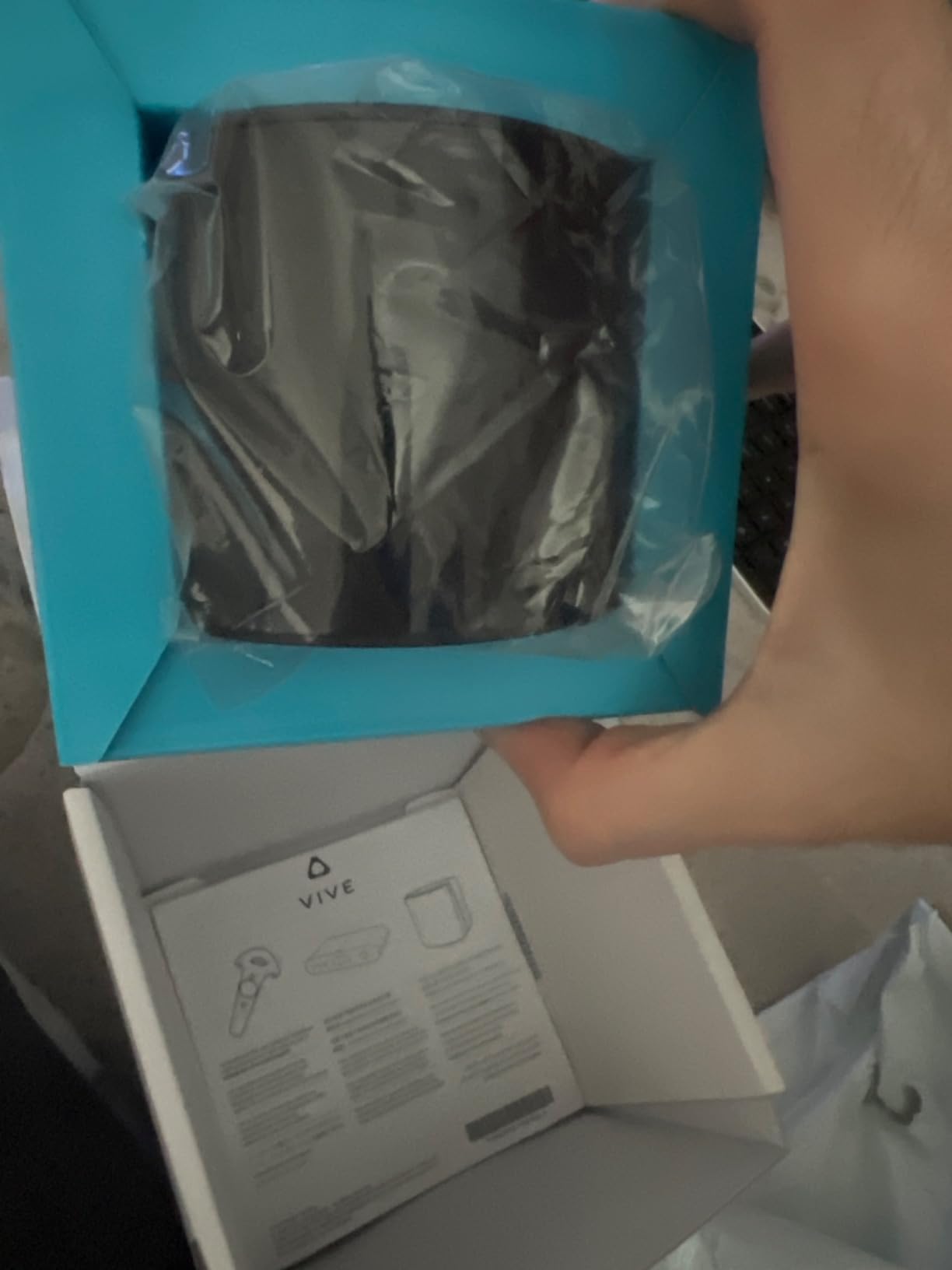
The 4.5-star rating across nearly 1,900 reviews reflects how reliable these units are in daily use. Users report consistent tracking performance over years of regular VRChat sessions without degradation.
HTC also backs these with a 1-year warranty that includes free replacement for failures, which adds peace of mind to what is a significant investment in your tracking setup.
How Many Base Stations Do You Need
One base station can work for basic full-body tracking if your playspace is small and you position it well. Most VRChat users find that two base stations mounted in opposite corners provide significantly better coverage.
With two stations, you get overlapping tracking volumes that ensure your trackers are always visible to at least one station regardless of how you move or turn your body.
Placement and Mounting Tips
Mount base stations high in the corners of your room, angled down toward the center of your playspace. This overhead diagonal placement minimizes occlusion when you bend, crouch, or dance.
Since these do not include wall mounts, budget for either standard camera tripod adapters or wall mounting brackets. Many users simply place them on tall bookshelves as a simpler alternative.
7. Rebuff Reality Trackstraps – Premium Comfort for Trackers
Rebuff Reality Trackstraps for Vive Tracker VR Full Body Tracking
2 foot straps plus 1 waist belt
Breathable elastic neoprene
Compatible with VIVE and Tundra trackers
Designed for long sessions
Pros
- Incredible quality and sturdy construction
- Comfortable for long sessions
- Velcro stays secure during intense movement
- Easy to clean and maintain
- Premium feel without being too heavy
Cons
- Velcro can wear out over time with heavy use
- Waist strap tightener could be improved
- May need additional clips to keep tightener in place
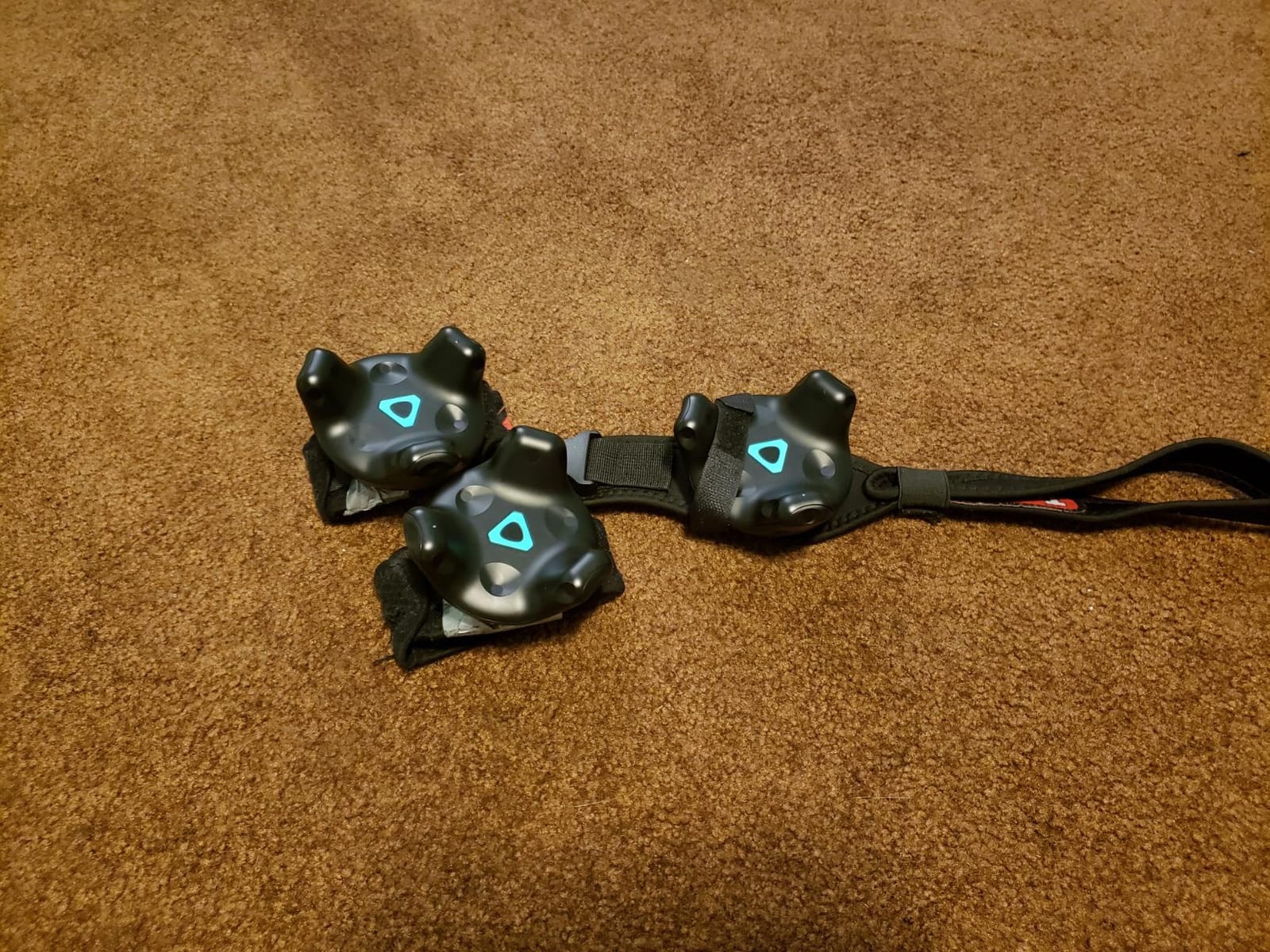
No full-body tracking setup is complete without good straps, and the Rebuff Reality Trackstraps are the community favorite for a reason. After just one session with these compared to cheap generic straps, the difference in comfort and stability is immediately obvious.
The breathable elastic neoprene material stays comfortable even during hours of dancing in VRChat. Your feet can get warm during active sessions, and the breathability here makes a genuine difference.
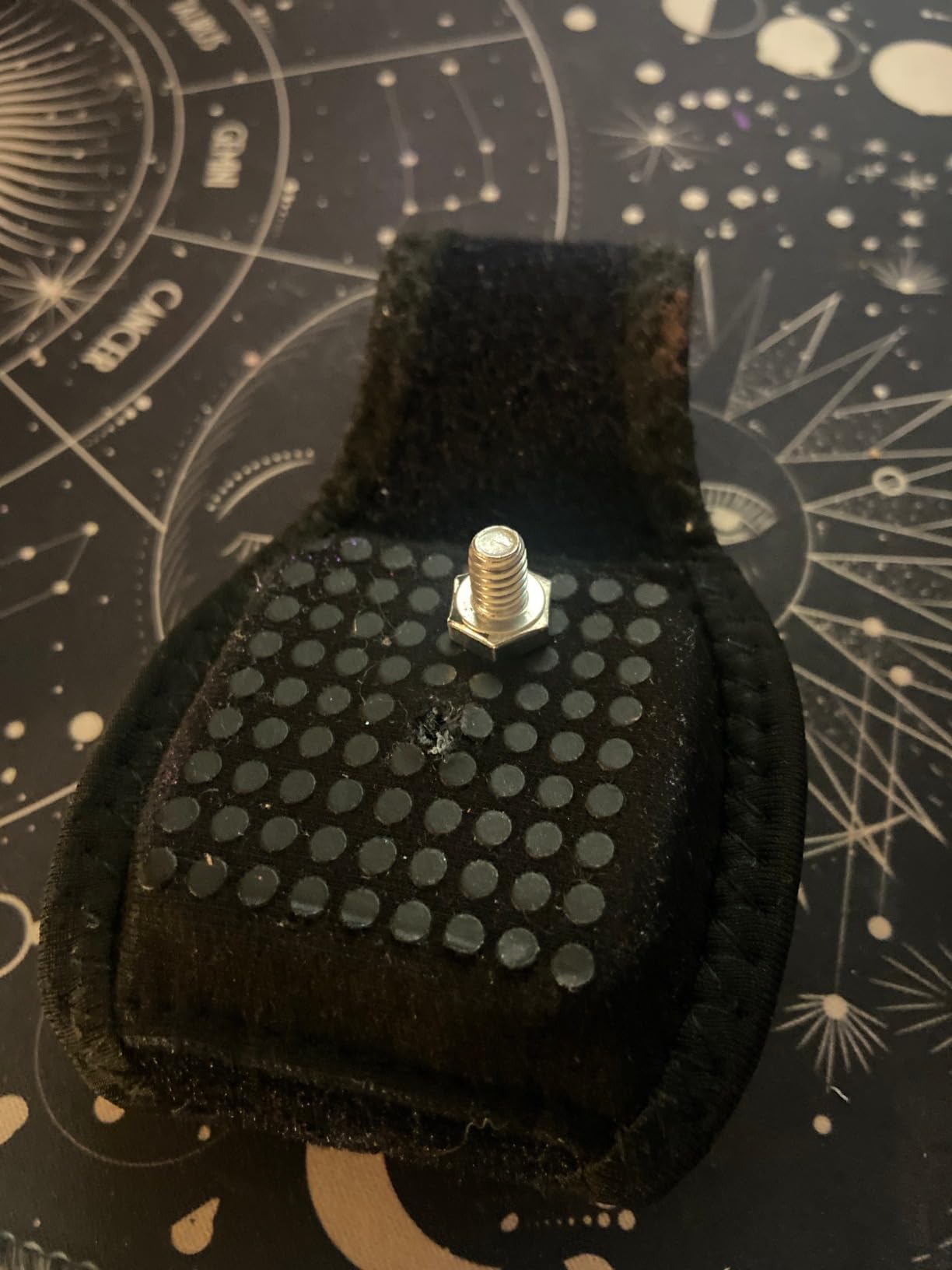
The velcro holds securely even during intense movement. We tested these during fast VRChat dance sessions and never experienced a tracker shifting or coming loose mid-song.
Users report these straps lasting well over 1,000 hours of intensive use, which justifies the investment compared to replacing cheaper alternatives every few months.
Compatibility With Your Trackers
These straps work with the VIVE Tracker 3.0, 2.0, Ultimate Tracker, and Tundra Tracker. This broad compatibility means you can keep using the same straps even if you upgrade your tracking hardware later.
The included waist belt is specifically designed to hold a tracker at your hip level, which is essential for convincing lower-body tracking in VRChat.
Fit and Sizing Considerations
The straps are designed to fit most body types with a snug but not restrictive fit. Users with very small or very large feet may need to experiment with wrapping techniques to get the most secure fit.
Some users add small clips to keep the waist strap tightener in place during extended sessions, which is a minor but worthwhile modification for heavy use.
8. AMVR 5-Pcs Full Body Straps – Budget Strap Alternative
AMVR 5-Pcs Full Body Straps for HTC Vive VR Tracker/Tracker(3.0) – Adjustable Waist Belts, Wrist Band Accessories (Tracker Sold Separately)
5-piece strap bundle
1 waist belt plus 2 palm rings
2 foot strings
Breathable sweatproof fabric
12-month warranty
Pros
- Extremely durable after many hours
- Very comfortable for extended use
- Waist belt works well for larger body types
- Good value compared to premium alternatives
- Stable tracking once tightened
Cons
- Waist strap may be too large for some users
- Foot straps can dig in during use
- Not ideal for elbow or knee tracking
- Some quality control issues reported
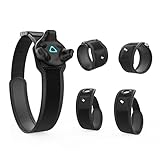
The AMVR 5-piece strap bundle is the value-focused alternative for users who want functional straps without paying premium prices. You get more pieces in the set, including palm rings for hand tracking experimentation.
Despite the lower cost, these straps hold up surprisingly well over time. Users report many hours of VRChat use without significant wear or failure, which is impressive at this price point.
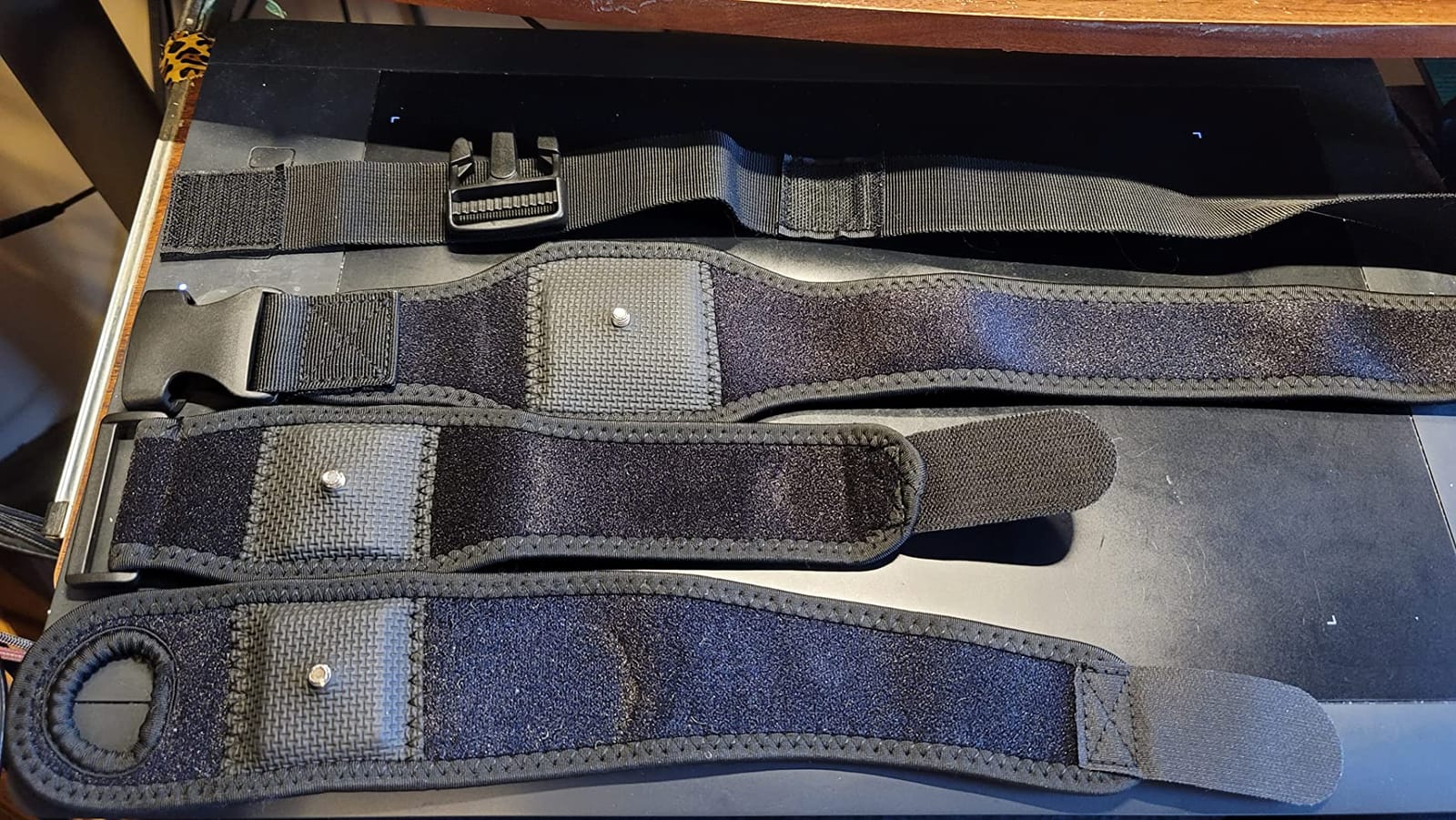
The high-elasticity breathable fabric is comfortable against skin, and the sweatproof design handles active sessions without becoming unpleasant. The thick protection blocks with non-slip leather pads keep trackers firmly in position.
The palm strap design with its hole for finger movement is an interesting addition for users who want to experiment with more granular hand tracking beyond what controllers provide.
What Is Included in the Set
This 5-piece set includes one tracker belt for your waist, two palm rings for hand tracking, and two foot strings. This gives you mounting options for a basic 3-tracker setup plus hand tracking experimentation.
Having multiple mounting options lets you customize your tracking configuration based on what matters most for your VRChat activities.
Best Use Cases for This Set
These straps work best for users who want a functional, budget-friendly solution for standard hip and foot tracking. They are particularly well-suited for larger body types according to user feedback.
If you are planning elbow or knee tracking, users suggest looking at other options, as these straps are not optimized for those mounting positions.
How to Choose the Best Full-Body Tracking Kit for VRChat?
Choosing the right full-body tracking setup for VRChat comes down to three key decisions: your tracking technology, your current headset situation, and your budget. Understanding these factors before you buy will save you from expensive mistakes and compatibility headaches.
The VRChat community has learned these lessons the hard way through years of trial and error. We have condensed that collective experience into the key factors below.
Tracking Technology: Lighthouse vs Self-Tracking
SteamVR Lighthouse tracking uses external base stations that sweep invisible laser lines across your room. The trackers detect these sweeps and calculate their exact position with sub-millimeter accuracy. This is the most precise consumer tracking technology available and the community standard for high-end full-body tracking.
Self-tracking trackers like the VIVE Ultimate use onboard cameras and AI computer vision to identify features in your environment. This eliminates base stations entirely, making the system portable and easier to set up in different locations, but it depends heavily on good lighting conditions and visible environmental features.
For most VRChat users who play in the same room regularly, Lighthouse tracking offers better reliability and consistency. Self-tracking makes more sense if you travel with your setup or cannot mount base stations in your playspace.
How Many Trackers You Need
The practical minimum for convincing full-body tracking in VRChat is three trackers. This covers your hip, left foot, and right foot, which accounts for the majority of visible body movement in social VR situations.
Adding a fourth tracker on your chest improves torso rotation tracking, and a fifth can capture elbow movement for more expressive body language. Most casual VRChat users find that three trackers provides the best balance of immersion and setup complexity.
Five trackers is considered the full setup by the community, but each additional tracker means another device to charge, strap on, and calibrate before every session.
Headset Compatibility
Your headset choice significantly affects which tracking solution will work best for you. PC VR headsets like the Valve Index, Vive Pro series, and Bigscreen Beyond already use SteamVR tracking, making them natural matches for VIVE Tracker 3.0.
Meta Quest headsets can use both tracker types, but the setup process differs. Quest users can connect VIVE Trackers through a PC connection using SteamVR, or use the self-tracking Ultimate Trackers with a more direct wireless connection.
Users on the VRChat forums consistently report that PC-based tracking setups offer the most reliable full-body tracking experience regardless of which headset they use.
Budget Tiers and Value Considerations
Full-body tracking is a significant investment regardless of which path you choose. The complete bundle approach costs more upfront but includes everything you need without surprise purchases later.
Building your kit gradually with individual trackers lets you spread the cost over time and verify each component works in your space before adding more. Many users start with a single tracker and expand over several months.
Do not forget to budget for straps and mounting hardware. These accessories seem minor but are essential for actually wearing your trackers comfortably during long VRChat sessions.
Setup Complexity and Maintenance
Lighthouse tracking requires initial base station mounting and pairing but then works consistently with minimal daily maintenance. You typically calibrate once at the start of a session and the tracking remains stable throughout.
Self-tracking requires a room scan at the start of each session and depends on consistent lighting conditions. Users report setup times of 10-20 minutes and occasional recalibration needs during use.
Consider how much friction you are willing to add to your VRChat routine. If you play frequently but briefly, a longer setup process may discourage you from using your tracking setup regularly.
Battery Life for Long Sessions
VRChat sessions can stretch for hours, especially during social events or group activities. Tracker battery life determines whether you need to interrupt your experience to recharge.
The VIVE Tracker 3.0 leads the category with up to 7.5 hours of continuous use. The Ultimate Tracker follows closely at around 7 hours. Both should comfortably cover an entire evening of social VR.
Consider your typical play session length when evaluating battery life. If you regularly play for more than six hours at a time, you may want to keep a charging station set up nearby.
Understanding Drift and Calibration
Drift is when your tracked positions slowly become inaccurate over time, causing your avatar’s feet or hips to appear in wrong positions. This is a common frustration mentioned across VRChat forums.
Lighthouse-based trackers experience minimal drift because the base stations constantly provide exact positional reference. Self-tracking trackers can drift more when lighting conditions change or cameras lose sight of reference features.
Regular recalibration at the start of each session helps minimize drift issues regardless of which tracking technology you choose. Most users develop a quick routine that takes just a few minutes.
Frequently Asked Questions
What’s the best full body tracking for VRChat?
The HTC Vive Tracking Bundle is the best overall choice for most VRChat players because it includes three VIVE Tracker 3.0 units and two SteamVR Base Station 2.0 units in one purchase. The VIVE Tracker 3.0 consistently earns 4.7-star ratings and is the community-standard choice for reliable, drift-resistant tracking. If you already own base stations, the 3-pack of trackers offers the same performance at better value.
Is full body tracking worth it VRChat?
Yes, full body tracking is widely considered worth it for regular VRChat players. Users report that FBT transforms the social experience by allowing natural sitting, dancing, and body language that completely changes how you interact with others. Most people who try full-body tracking say they cannot go back to playing without it, as avatars without FBT feel stiff and incomplete by comparison.
Which VR headset is best for full body tracking?
PC VR headsets that natively use SteamVR tracking work best for full body tracking, including the Valve Index, Vive Pro series, and Bigscreen Beyond. These headsets integrate seamlessly with VIVE Tracker 3.0 without additional adapters. Meta Quest headsets also support full-body tracking through PC connection, with the Quest 3 being a popular choice that works with both traditional and self-tracking tracker options.
Which VR headset will have the best full body tracking in 2026?
For 2026, PC-tethered SteamVR headsets continue to offer the most reliable full-body tracking experience, with the Valve Index and Vive Pro 2 remaining community favorites. The self-tracking VIVE Ultimate Tracker is also gaining traction as it works without base stations and offers broader headset compatibility. The Quest 3 combined with PC connection provides the most flexible option for users who want both standalone and full-body tracking capabilities.
Conclusion
The best full-body tracking kits for VRChat ultimately depend on your starting point and priorities. The HTC Vive Tracking Bundle is our top recommendation for newcomers who want everything in one purchase, while the 3-pack of VIVE Trackers 3.0 is smarter if you already have base stations mounted.
Whichever path you choose, pair your trackers with quality straps like the Rebuff Reality Trackstraps for comfortable long sessions. Full-body tracking genuinely changes what VRChat feels like, and once you experience natural body movement in social VR, you will wonder how you ever played without it.
1 thought on “8 Best Full-Body Tracking Kits for VRChat (October 2026) Top Picks”