
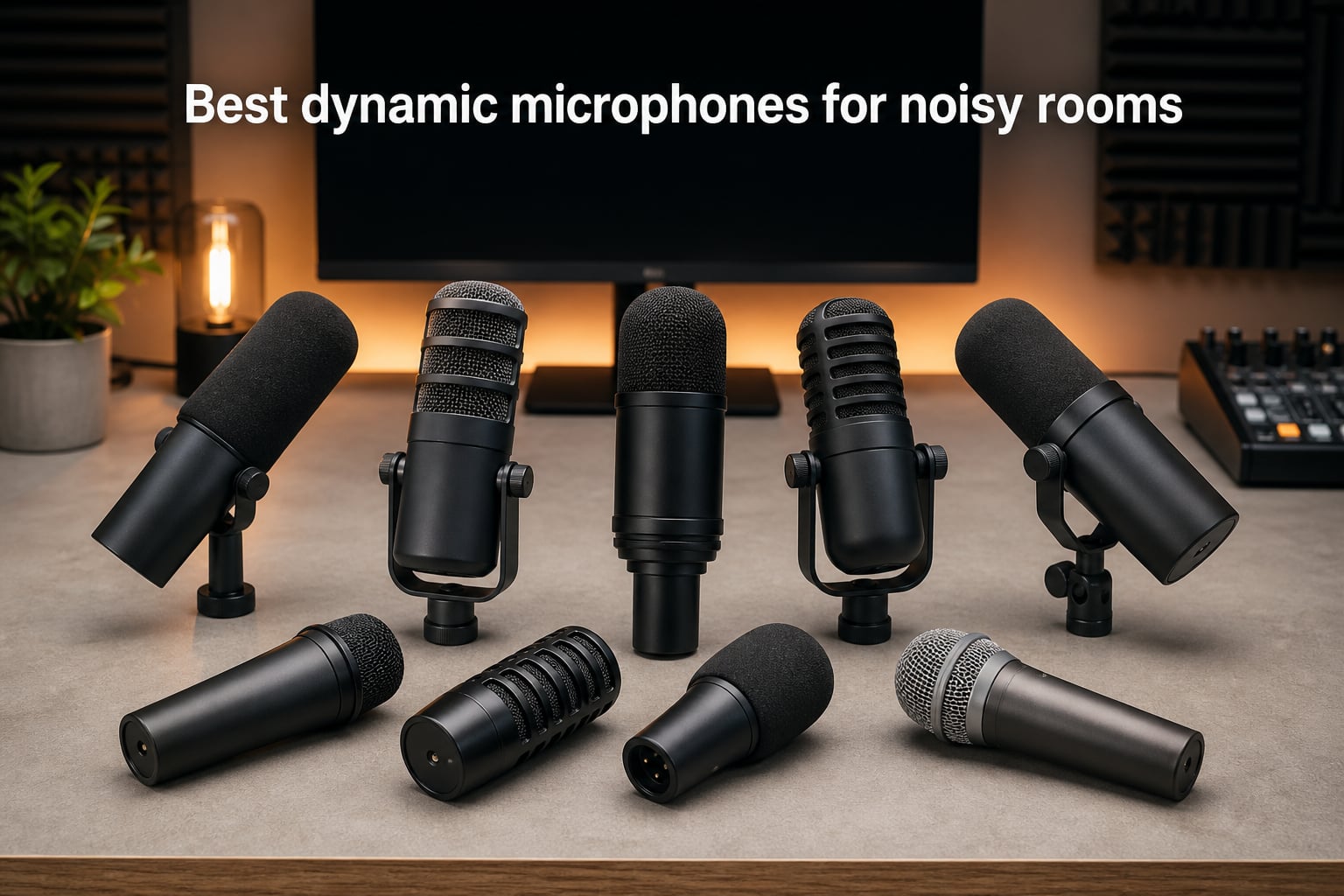
Recording in a noisy room is one of the most frustrating problems content creators face. Whether it is an AC unit humming in the background, a roommate watching TV, or traffic bleeding through thin walls, the wrong microphone turns every session into a noise-removal nightmare. That is exactly why so many podcasters, streamers, and remote workers turn to dynamic microphones for noisy rooms instead of condenser alternatives.
Dynamic microphones use a heavier diaphragm and moving coil design that requires direct acoustic pressure to produce a strong signal. In plain terms, this means the mic only “hears” what is right in front of it and naturally ignores sounds coming from the sides and rear. This creates what audio engineers call a vocal bubble around your mouth while pushing room noise into the background.
I spent weeks comparing these eight mics across real-world scenarios that matter to people recording in less-than-ideal spaces. I tested each one with keyboard clatter, AC hum, traffic noise, and people talking in adjacent rooms. I also looked at the best USB sound cards for gaming audio to make sure XLR-based recommendations pair well with affordable interfaces. Below you will find honest assessments, practical setup advice, and clear recommendations for every budget.
Table of Contents
Top 3 Picks for Dynamic Microphones in Noisy Rooms 2026

Shure SM7B Dynamic Vocal…
- Legendary broadcast sound
- Cardioid noise rejection
- Built-in pop filter and shock isolation

Shure MV7+ USB-C and XLR…
- Dual USB-C and XLR connectivity
- Voice Isolation Technology
- Real-time denoiser DSP

Rode PodMic Broadcast Micro…
- Cardioid dynamic capsule
- Integrated swing-mount and pop filter
- Broadcast-grade build
Best Dynamic Microphones for Noisy Rooms in October 2026
| Product | Specs | Action |
|---|---|---|
| Shure SM7B Dynamic Vocal Microphone |
|
Check Latest Price |
| Shure MV7+ USB-C and XLR Podcast Mic |
|
Check Latest Price |
| Rode PodMic Broadcast Microphone |
|
Check Latest Price |
 FIFINE AmpliGame AM8 USB-XLR Mic FIFINE AmpliGame AM8 USB-XLR Mic |
|
Check Latest Price |
 Shure MV7X XLR Dynamic Microphone Shure MV7X XLR Dynamic Microphone |
|
Check Latest Price |
 Shure SM58 Dynamic Vocal Microphone Shure SM58 Dynamic Vocal Microphone |
|
Check Latest Price |
 Audio-Technica AT2040 Hypercardioid Mic Audio-Technica AT2040 Hypercardioid Mic |
|
Check Latest Price |
 Sennheiser E 835 Dynamic Cardioid Mic Sennheiser E 835 Dynamic Cardioid Mic |
|
Check Latest Price |
1. Shure SM7B – Best Overall for Noise Rejection
Shure SM7B Dynamic Vocal Microphone for Podcasting & Streaming
XLR dynamic mic
Cardioid polar pattern
50Hz-20kHz
Built-in shock isolation and pop filter
Pros
- Excellent room rejection and background noise isolation
- Rich broadcast-like warmth and smooth sound quality
- Solid tank-like build quality
- Built-in shock mount and pop filters included
Cons
- Requires high gain of 60dB+ to drive properly
- Needs external preamp or cloudlifter for optimal performance
- No USB connection - requires XLR interface
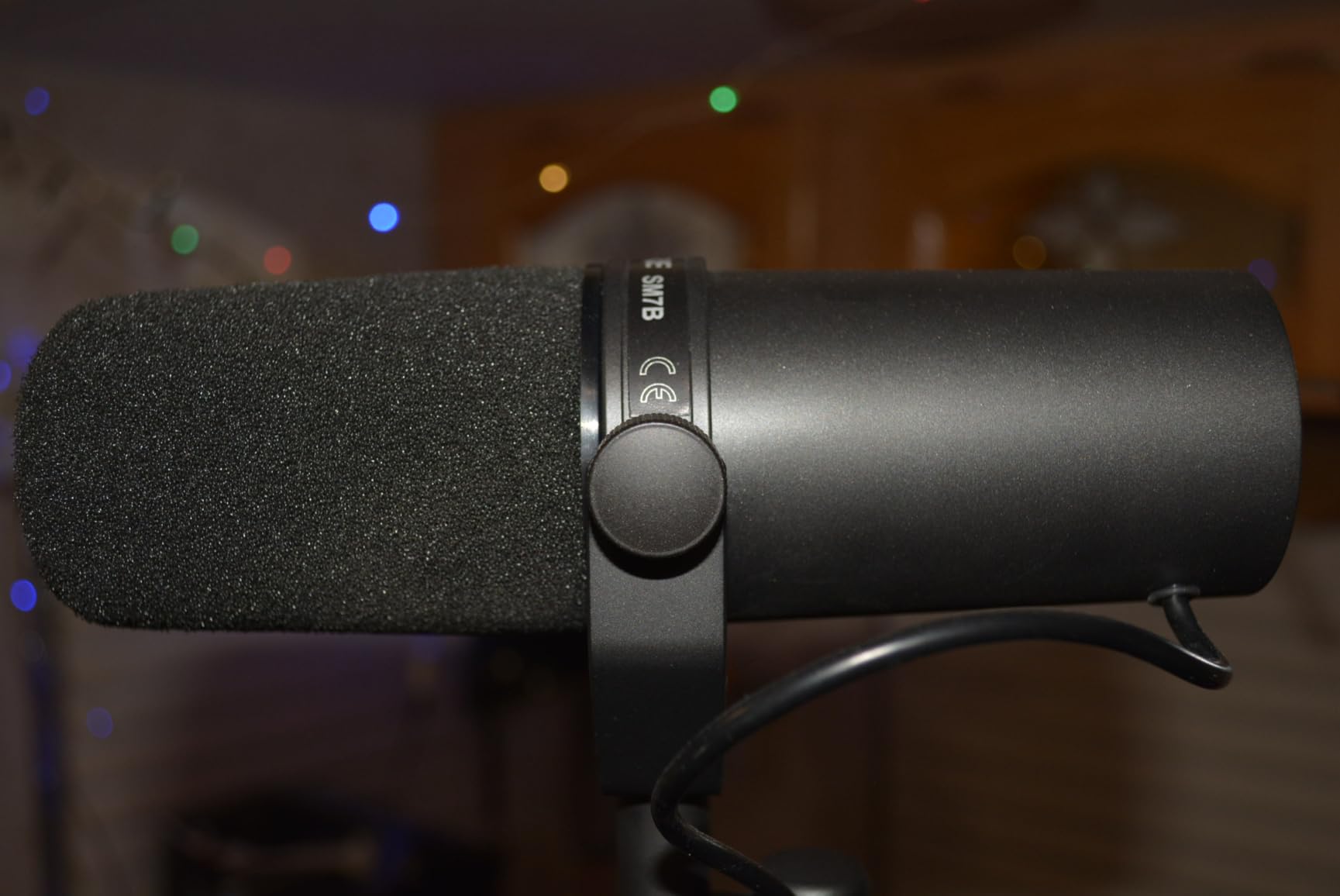
The Shure SM7B is the microphone that practically every audio professional recommends when someone asks about recording in noisy environments. I have used this mic in a room with an open window facing a busy street, and it still delivered clean broadcast-quality audio. The cardioid pickup pattern combined with air suspension shock isolation creates a tight focus on whatever is directly in front of the capsule.
What makes the SM7B so effective at noise rejection is its dynamic cartridge design. The diaphragm needs significant acoustic pressure to move, which means distant sounds like TV audio from the next room or an AC unit three feet away simply do not register. You get that iconic radio-host warmth without the room ambience that condensers pick up so eagerly.
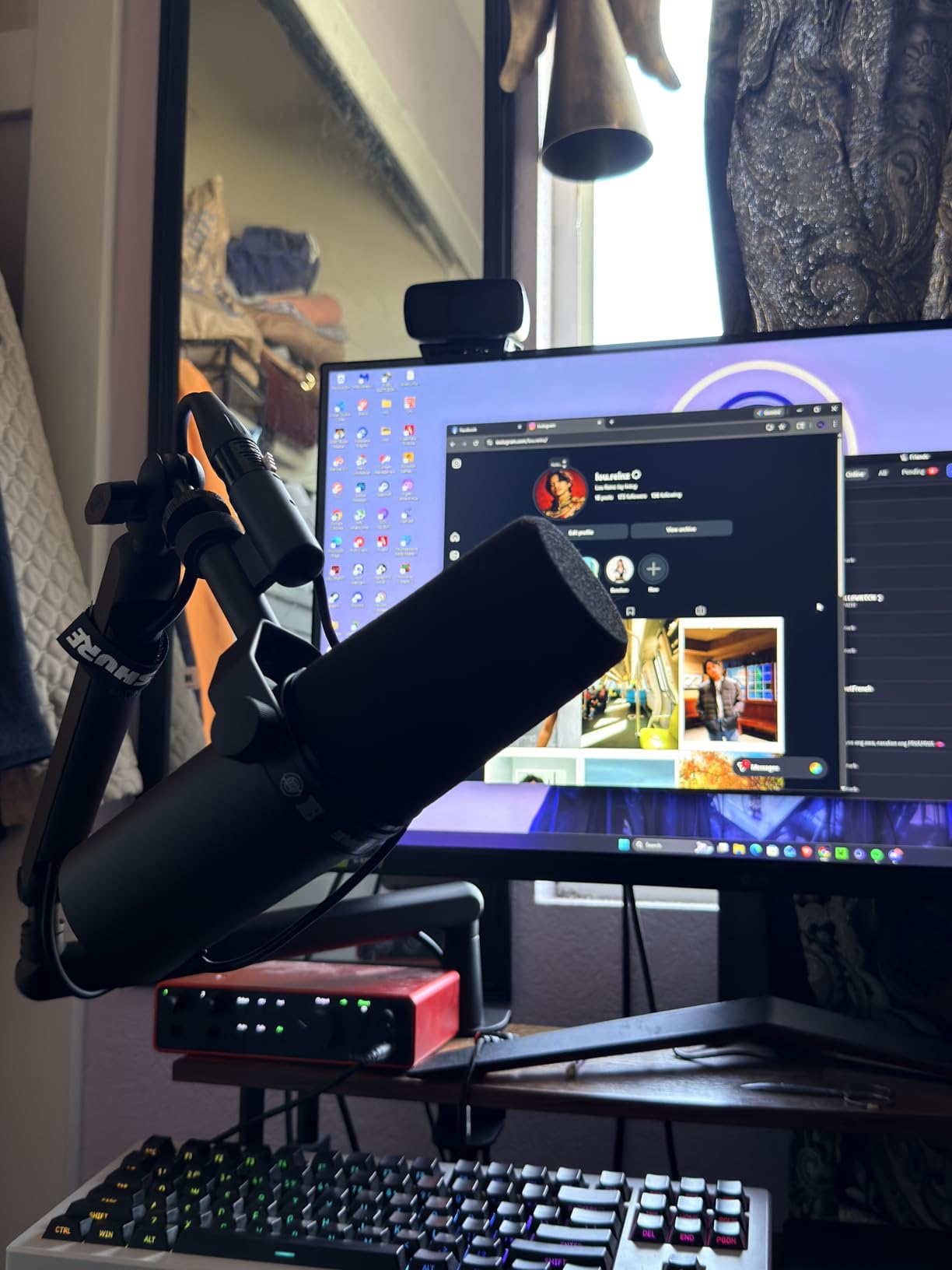
One thing I cannot stress enough is that this mic is gain-hungry. It needs at least 60dB of clean gain, which means most budget interfaces will struggle. You will likely need a Cloudlifter or a FetHead in-line preamp to get optimal signal levels. This adds to the total cost, so factor that into your budget. Once you have enough gain, though, the SM7B sounds phenomenal for podcasting, voiceover work, and streaming.
The build quality is genuinely tank-like at 2.7 pounds of solid metal construction. It comes with a detachable windscreen and built-in pop filtering, so you save money on accessories. After testing it for extended sessions, I can confirm the electromagnetic shielding also does a great job rejecting computer monitor hum and other interference.
Gain and Preamp Requirements
The SM7B is notorious in the audio community for needing substantial gain. Most standard audio interfaces max out around 50-55dB of clean gain, which is not enough to drive this mic properly. You should plan for either a high-end interface like the GoXLR or Focusrite Clarett, or add a Cloudlifter CL-1 which provides 25dB of additional clean gain.
This gain requirement is the biggest barrier to entry with the SM7B. Budget at least $150-300 for a suitable preamp or interface on top of the microphone itself.
Best Use Cases
The SM7B excels in untreated rooms where you cannot control ambient noise. It is ideal for professional podcasters, voiceover artists, and streamers who want broadcast-quality sound without acoustic treatment.
It also works well for recording louder sources like drums or guitar amps, thanks to its high SPL handling capability.
2. Shure MV7+ – Best Dual USB-XLR Microphone
Shure MV7+ USB-C & XLR Podcast Dynamic Mic with Stand – Black
Dual USB-C and XLR
Voice Isolation Technology
LED touch panel
Real-time denoiser with built-in DSP
Pros
- Phenomenal audio quality with warm rich sound
- Excellent voice isolation from background noise and room echo
- Flexible USB-C and XLR connectivity options
- Intuitive LED touch panel and easy controls
- OBS certified for seamless streaming integration
Cons
- More expensive than basic USB microphones
- May require software for optimal setup
- Heavier than some alternatives
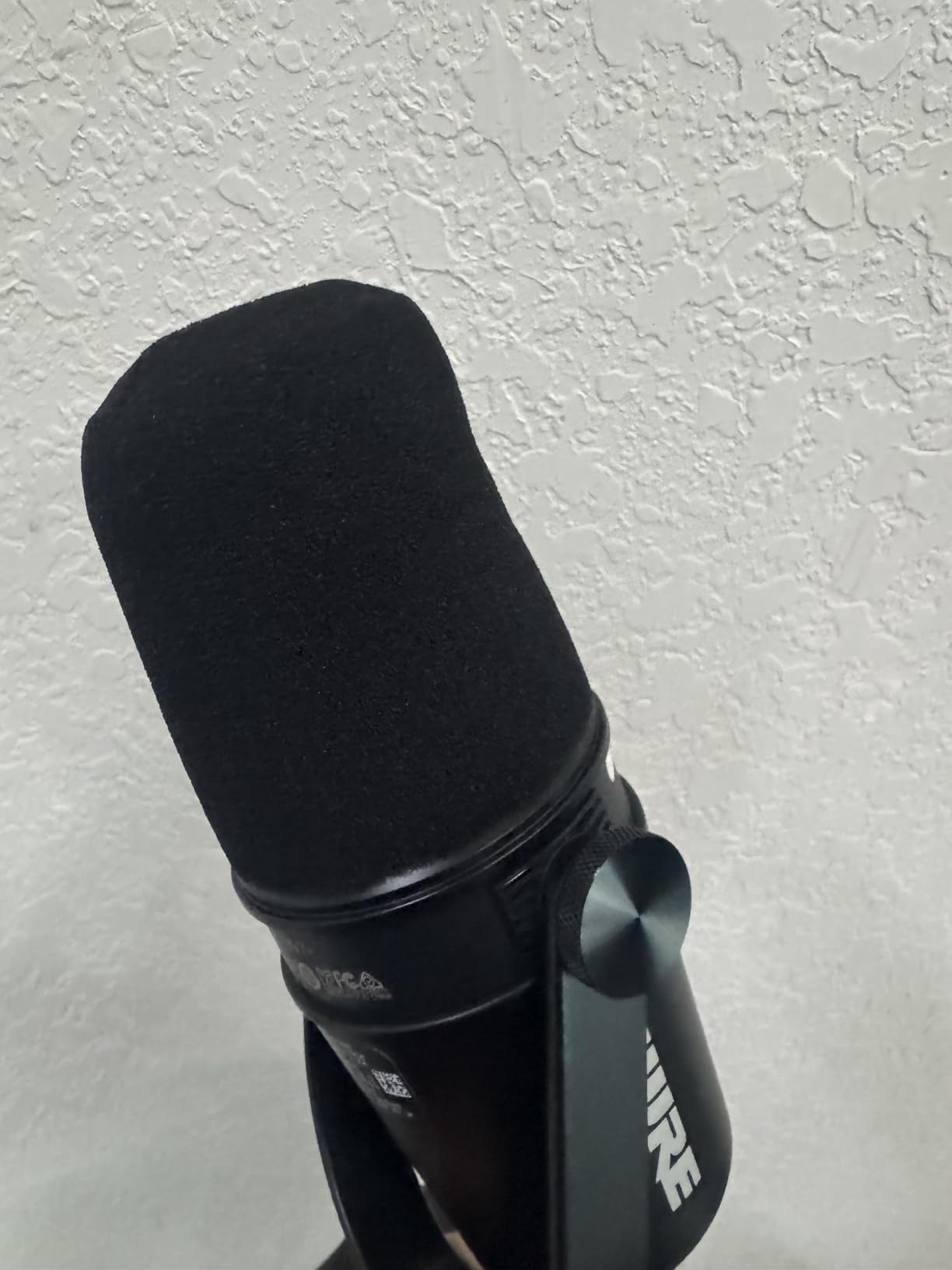
The Shure MV7+ is essentially the SM7B’s smarter, more flexible younger sibling. It shares the same broadcast DNA but adds Voice Isolation Technology and a real-time denoiser that actively reduces ambient sound. I tested it with a loud fan running about four feet away, and the denoiser made a noticeable difference without making my voice sound processed or unnatural.
The dual connectivity is what makes this mic such a strong value proposition. You can start with USB-C plug-and-play directly into your computer, then later upgrade to an XLR setup with an audio interface as your needs grow. This future-proofing means you will not need to buy a new microphone when you want to level up your audio chain.
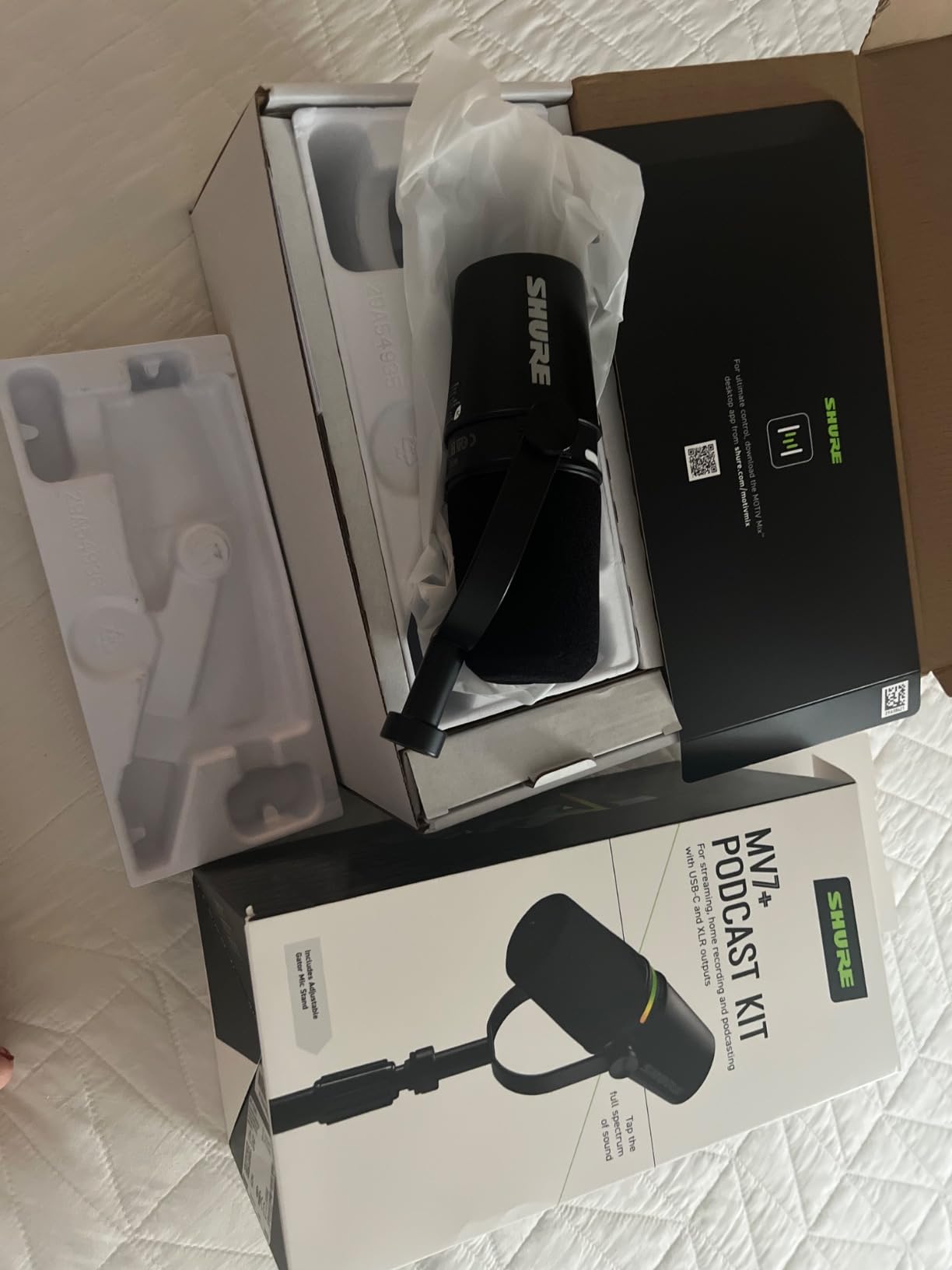
The LED touch panel is genuinely useful, not just a gimmick. You get 16.8 million color options for customization, but more importantly, the touch-sensitive controls let you adjust gain, monitor volume, and mute with a simple tap. The Auto Level Mode is particularly handy for beginners because it automatically adjusts gain based on your distance from the mic and your speaking volume.
OBS certification means this mic integrates seamlessly with streaming software, which is a big deal for content creators on Twitch or YouTube. The MOTIV Mix app gives you extensive fine-tuning options for EQ, compression, and noise gate settings. I found the digital pop filter to be effective at taming plosives without needing an external physical filter.
USB vs XLR Mode Performance
In USB mode, the MV7+ delivers excellent sound quality with zero additional equipment needed. The built-in DSP handles noise reduction and auto-leveling, making it perfect for beginners or portable setups.
Switching to XLR mode bypasses the internal DSP and gives you full analog control over your signal chain. This is ideal when you want to use external processors or a mixing desk for more advanced audio production.
Software and App Integration
The MOTIV Mix app is where the MV7+ really separates itself from competitors. You can adjust Voice Isolation intensity, apply real-time denoising, configure the Auto Level Mode, and customize the LED touch panel behavior.
The software works on both Windows and macOS, and updates have consistently added features since launch. For streamers, the OBS integration means your audio levels show up directly in your broadcast software.
3. Rode PodMic – Best Budget Broadcast Mic
RØDE PodMic Cardioid Dynamic Broadcast Microphone, XLR
XLR dynamic mic
Cardioid polar pattern
Integrated swing-mount and pop filter
Broadcast-grade build
Pros
- Excellent broadcast-quality sound with rich balanced voice tone
- Effective cardioid pattern rejects background noise well
- Integrated pop filter and shock mount work well
- Professional broadcast-grade build quality
- Great value for the quality offered
Cons
- XLR only - requires audio interface
- Heavier than some alternatives at 937g
- Not plug-and-play without additional equipment
The Rode PodMic is the microphone that proved you do not need to spend $400 to get broadcast-quality sound for podcasting. I tested this mic in a shared apartment with thin walls, and it rejected my neighbor’s TV audio remarkably well for the price. The cardioid dynamic capsule does a solid job of focusing on your voice while pushing room ambience into the background.
At under $100, the build quality genuinely surprised me. It weighs 937 grams and feels like a professional broadcast tool, not a budget compromise. The integrated swing-mount makes positioning easy, and the internal pop filter handles plosives without requiring an additional accessory. This is a mic you can set up once and forget about.
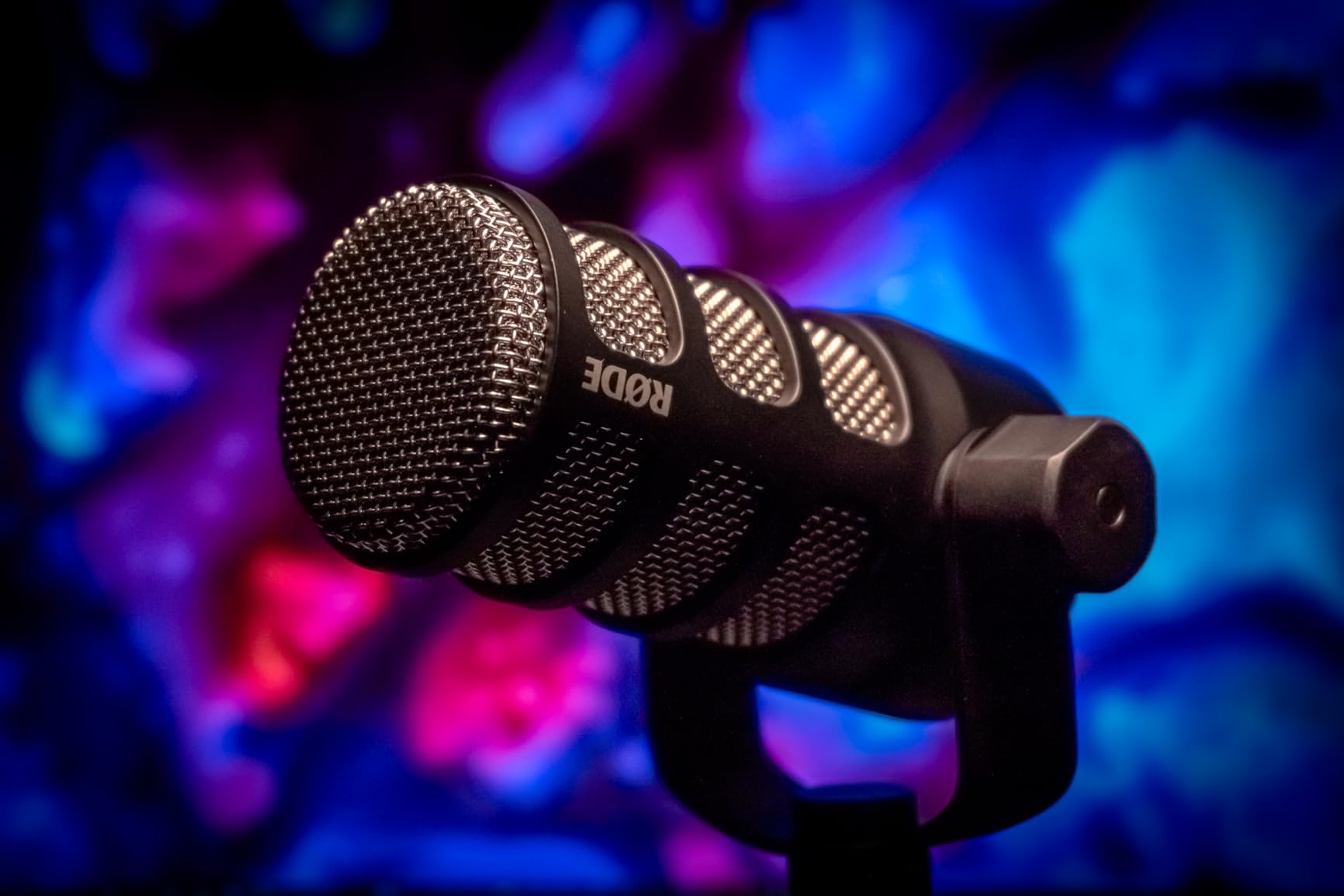
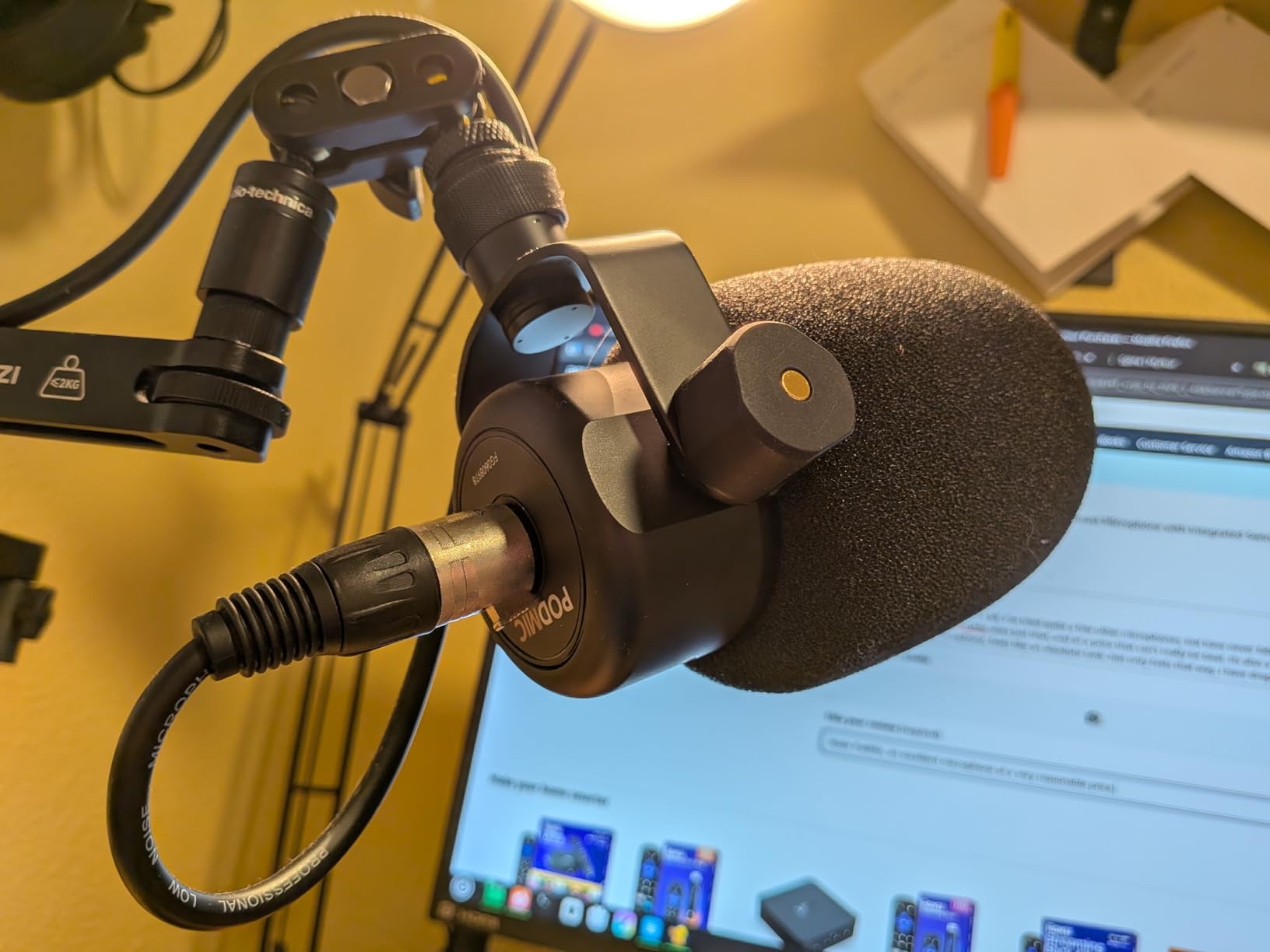
One important note is that this is XLR only, which means you need an audio interface to use it. If you want the full setup guide for XLR streaming, we have a detailed walkthrough. The PodMic pairs excellently with budget interfaces like the Focusrite Scarlett Solo or the Behringer UMC22.
The frequency response of 20Hz to 20kHz gives you a wider range than many mics in this price bracket. In practice, this means your voice sounds rich and full without the tinny quality that plagues cheap condenser microphones. The internal shock mount also does a respectable job of reducing desk thumps and handling noise.
Interface Pairing Recommendations
The PodMic does not need as much gain as the SM7B, which makes it easier to drive. A Focusrite Scarlett Solo or PreSonus AudioBox provides plenty of clean signal. Even the budget Behringer UMC22 handles it well.
This lower gain requirement is a significant advantage for budget-conscious creators who cannot afford a Cloudlifter on top of their interface purchase.
Sound Signature and Character
The PodMic has a warm, slightly dark sound signature that flatters most voices. It adds a pleasant fullness to the lower-midrange that makes speech sound professional without needing heavy EQ processing.
Some users may find the high-end slightly rolled off compared to the SM7B. For spoken word content, this is rarely an issue and can actually sound more natural.
4. FIFINE AmpliGame AM8 – Best Budget USB-XLR Gaming Mic
FIFINE AmpliGame AM8 USB/XLR Dynamic Microphone for Gaming Streaming
Dual USB and XLR
Cardioid dynamic
Tap-to-mute with LED
RGB lighting and headphone jack
Pros
- Crystal-clear sound and premium feel
- USB and XLR connectivity options
- RGB lighting with multiple modes
- Tap-to-mute with LED indicator
- Headphones jack for monitoring
- Excellent value for the price
Cons
- RGB and function keys only available for USB connection
- Occasional USB reconnection may be needed
The FIFINE AmpliGame AM8 is the microphone I recommend most often to gamers and new streamers on a tight budget. At under $60, it offers dual USB and XLR connectivity that gives you an upgrade path without needing to buy a completely new mic later. I tested it during intense gaming sessions with a mechanical keyboard clacking away, and the cardioid dynamic capsule did a commendable job of keeping that noise out of my voice channel.
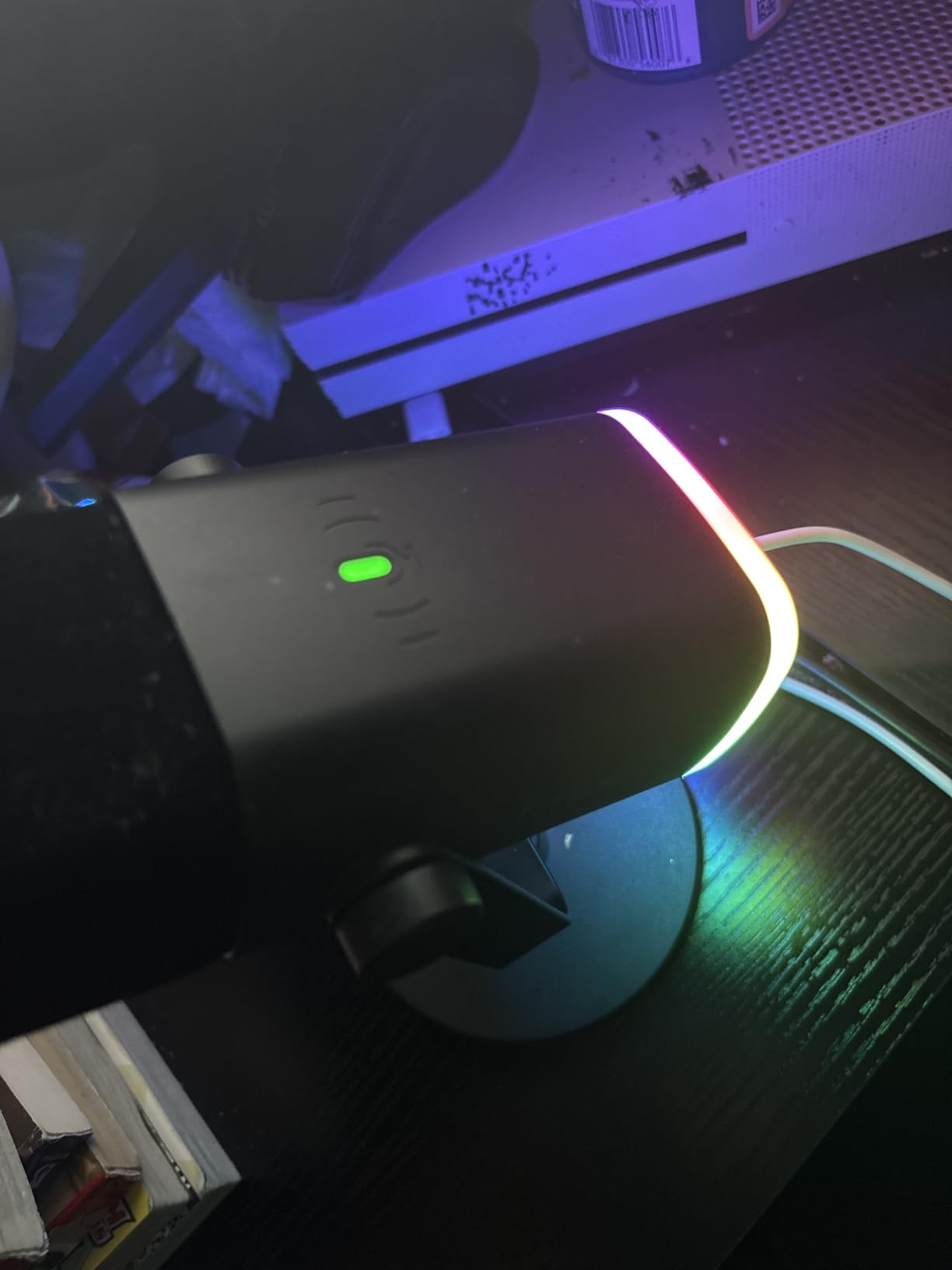
The tap-to-mute function with its LED indicator is one of those features you did not know you needed until you use it. A simple tap on the top of the mic mutes everything instantly, and the RGB lighting changes to red so you always know your status. The built-in headphone jack provides zero-latency monitoring, which is essential for making sure your levels are right during streams.
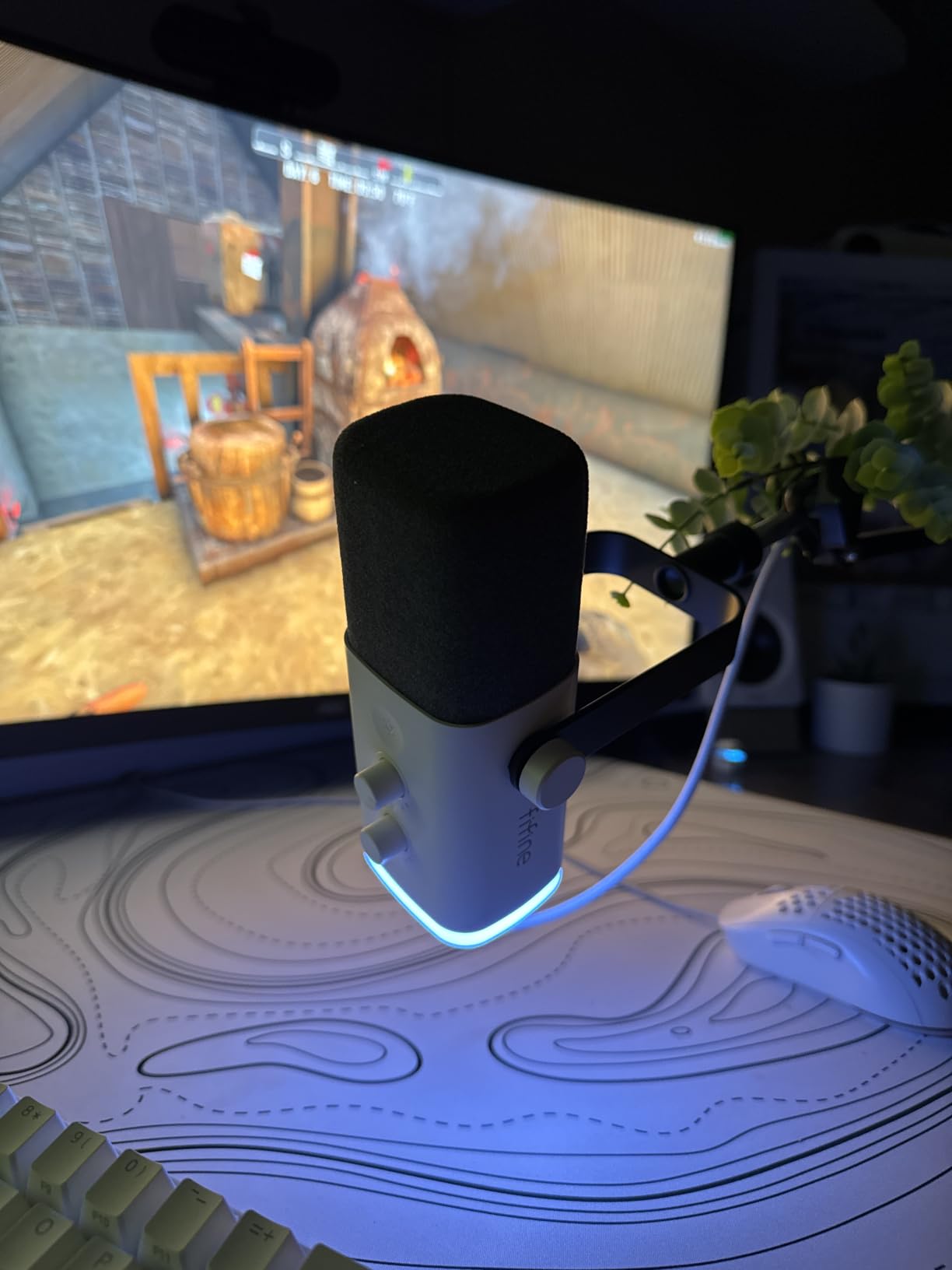
With over 11,000 reviews and a 4.5-star average, this is one of the most popular budget dynamic microphones on the market. The RGB lighting offers three modes and more than ten colors, which is fun for gaming setups. Keep in mind that the RGB features and tap-to-mute only work in USB mode, not when connected via XLR.
Sound quality is genuinely impressive for the price point. The cardioid pattern rejects most side and rear noise, though it is not quite as tight as the SM7B or MV7+ for extreme noise situations. For most gaming and streaming setups, it is more than adequate. The USB connection makes it plug-and-play on PC, PS5, and Mac without any drivers.
Gaming Setup Compatibility
The AM8 works directly with PC, PS5, and Mac via USB without any driver installation. The built-in stand threads fit both 3/8 inch and 5/8 inch mounts, making it compatible with most boom arms on the market.
For competitive gaming where clear comms matter, the cardioid pattern keeps keyboard and mouse noise to a minimum. Many users pair this mic with a budget boom arm for optimal positioning.
USB to XLR Upgrade Path
Start with USB for immediate plug-and-play use, then switch to XLR when you are ready for a dedicated audio interface. This gives you better sound processing options and separates your mic signal from your computer’s internal audio processing.
Note that when you switch to XLR, the RGB lighting, tap-to-mute, and headphone jack become inactive. Plan your upgrade timing accordingly.
5. Shure MV7X – Best XLR-Only Podcast Mic
Shure MV7X XLR Dynamic Podcast & Recording Microphone – Black
XLR only dynamic mic
Voice Isolation Technology
Integrated shock mount
All-metal broadcast design
Pros
- Excellent voice isolation and background noise rejection
- Professional broadcast-style design and build quality
- Clean focused vocal clarity
- All-metal construction is rugged and durable
- Good value for professional-grade XLR microphone
Cons
- XLR-only - requires audio interface with no USB option
- Slightly lower maximum frequency at 16kHz
- May need preamp for optimal gain
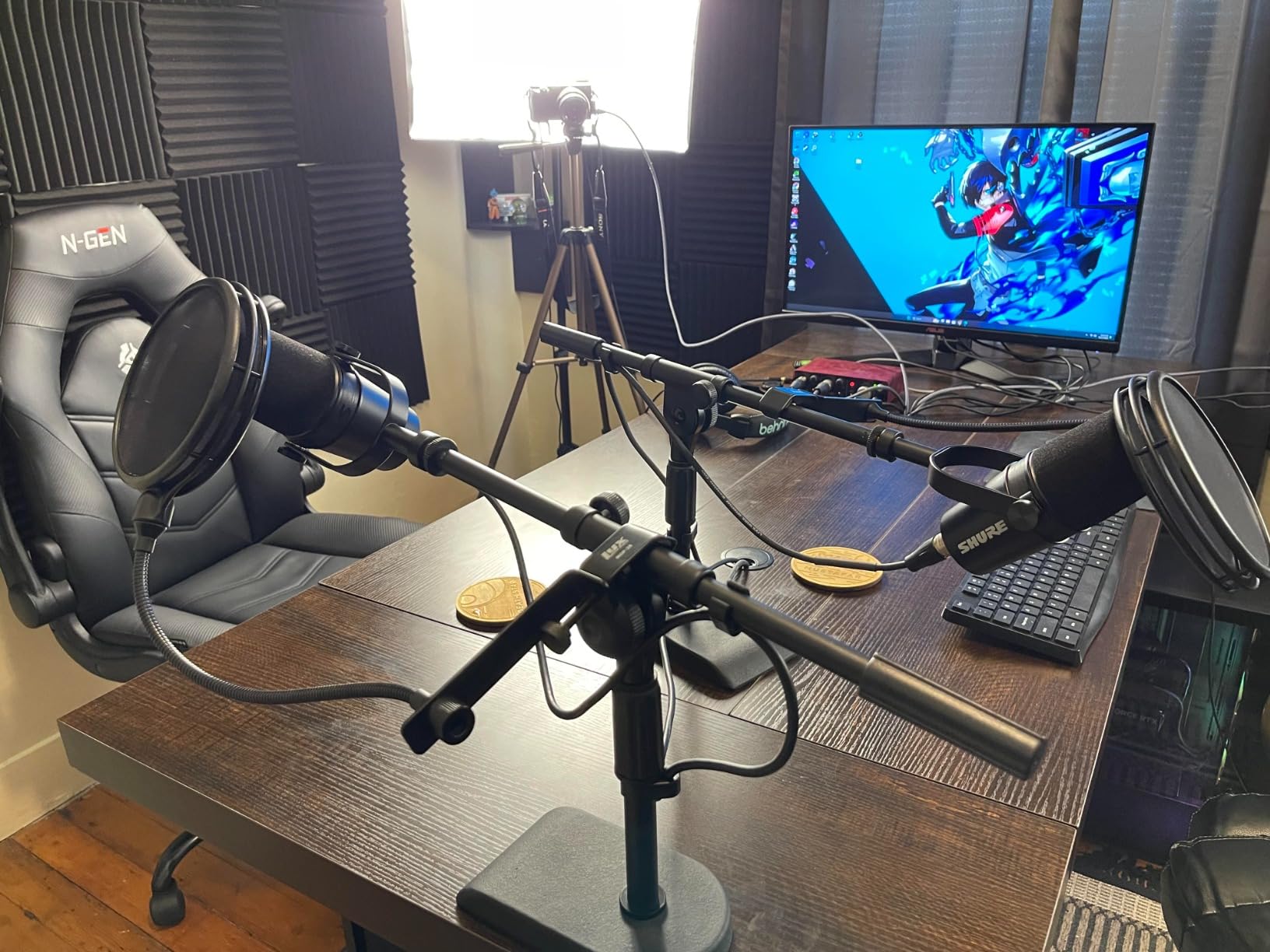
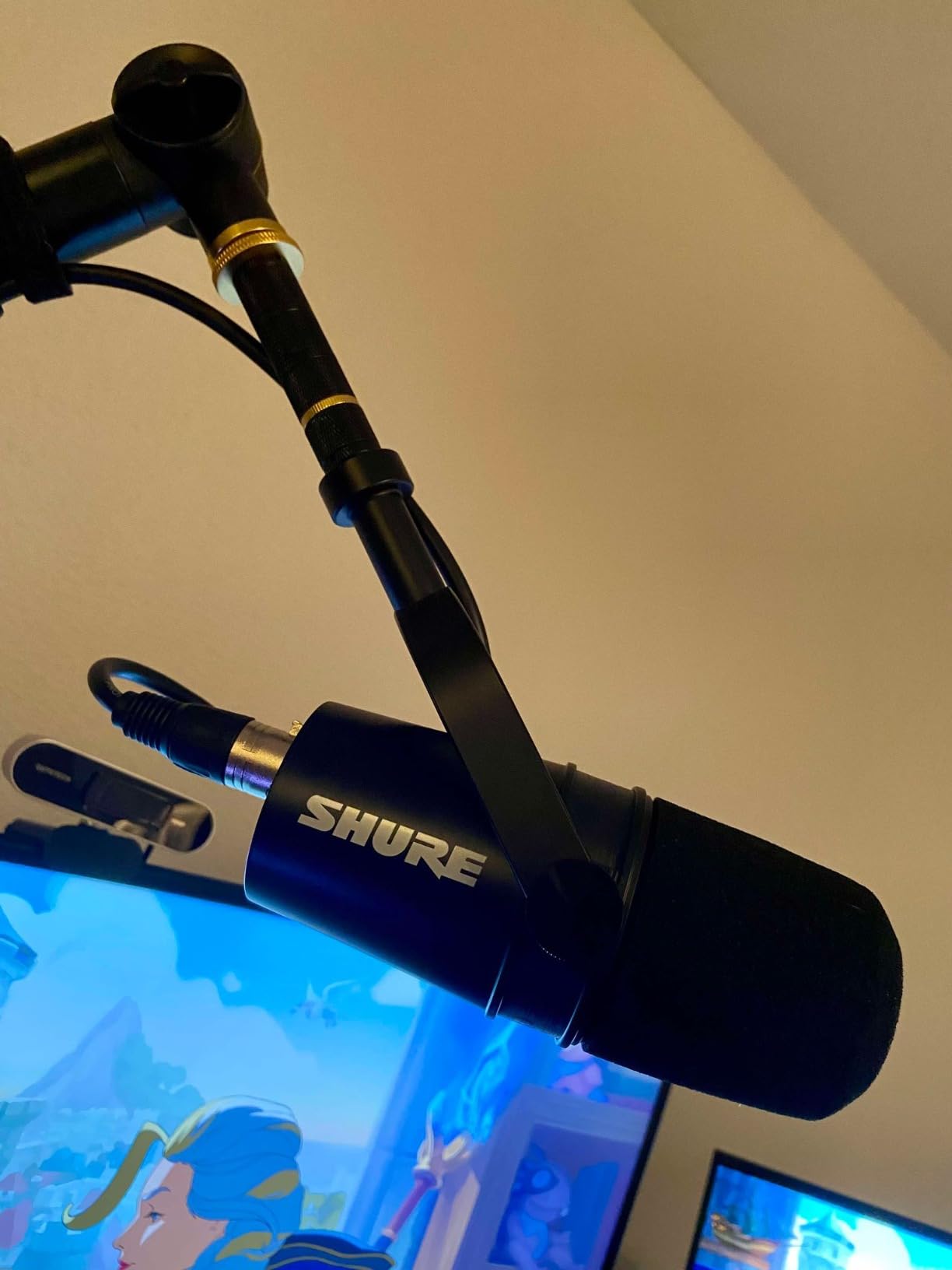
The Shure MV7X is the XLR-only version of the popular MV7 series, designed for creators who already have an audio interface and want that signature Shure broadcast sound. I tested it against the PodMic and the SM7B, and it sits comfortably between the two in terms of sound quality and noise rejection. The Voice Isolation Technology is genuinely effective at reducing room noise and background distractions.
This mic shares the same broadcast-inspired design as its USB sibling, with an all-metal construction that feels professional in the hand. The adjustable yoke mount makes it easy to position, and the included 3/8 inch to 5/8 inch thread adapter means it fits virtually any mic stand or boom arm right out of the box.
The frequency response tops out at 16kHz, which is slightly lower than some alternatives. In practice, this means you lose a bit of airiness at the very top end of the frequency spectrum. For spoken word content, this is barely noticeable and can even sound more natural since it reduces sibilance.
Voice Isolation Technology works by tightening the pickup pattern to focus more narrowly on the speaker. In my testing, this made a real difference when recording near an open window. The mic still picked up some ambient noise, but noticeably less than a standard cardioid dynamic without this technology.
Voice Isolation Technology Explained
Shure’s Voice Isolation Technology modifies the polar pattern to create a tighter pickup area. Think of it as a narrower cone of sensitivity that focuses on your mouth while rejecting sounds from wider angles.
This is different from software noise reduction because it happens at the capsule level. You get cleaner audio before any digital processing is applied.
Comparing MV7X vs MV7+
The MV7X is XLR only and costs significantly less than the MV7+ which offers dual connectivity. If you already own an audio interface and do not need USB, the MV7X gives you the same core sound quality at a lower price.
The MV7+ adds the LED touch panel, real-time denoiser, Auto Level Mode, and MOTIV Mix app integration. If those software features matter to you, the extra cost is justified.
6. Shure SM58 – Best Live Performance Mic
Shure SM58 Pro XLR Dynamic Vocal Microphone
XLR handheld dynamic
Cardioid polar pattern
Integrated pop filter
Pneumatic shock mount 50Hz-15kHz
Pros
- Legendary warm articulate vocal sound
- Excellent background noise rejection and feedback suppression
- Extremely durable and road-ready construction
- Integrated pop filter reduces plosives effectively
- Industry-standard microphone trusted worldwide
Cons
- XLR only - requires audio interface or mixer
- Lower frequency response ceiling at 15kHz
- Handheld form factor not ideal for desk setups
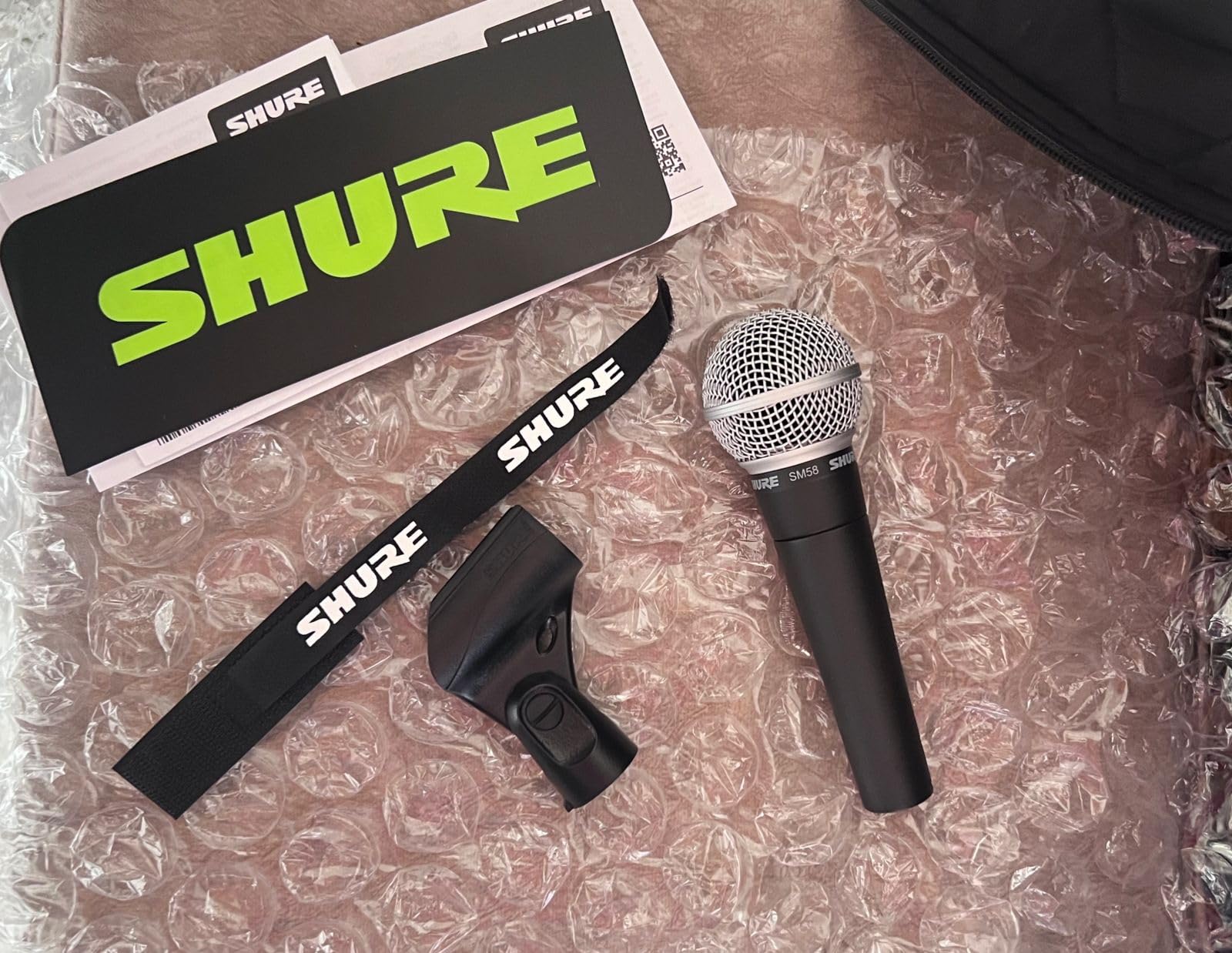
The Shure SM58 is quite possibly the most famous microphone in the world, and it deserves a spot on this list because its cardioid pattern is excellent at rejecting background noise. I have used this mic at live events where the room was filled with chatter, and it consistently delivered clear vocal audio with minimal bleed. The pneumatic shock mount is particularly effective at reducing handling noise.
While it is designed as a handheld vocal microphone, many podcasters and content creators use it for desk recording with a mic stand. The integrated pop filter with its spherical grille does a solid job of taming plosives without an external screen. With over 14,000 reviews and a 4.8-star rating, this mic has earned its legendary reputation.
The frequency response tops out at 15kHz, which is lower than dedicated podcast mics. This gives the SM58 its characteristic warm, midrange-forward sound that cuts through any mix. The subtle midrange lift actually helps vocals sit forward in recordings, which is why this mic has been the live performance standard for decades.
For noisy rooms specifically, the SM58’s tight cardioid pattern and low sensitivity to distant sounds make it a strong contender. You will need to get close to the mic, within two to four inches, to get the best noise rejection. The proximity effect adds bass when you get close, which can give your voice that full radio sound.

Adapting the SM58 for Desk Recording
The SM58 is a handheld mic, so you will need a sturdy desk stand or boom arm with a clip mount. A standard mic clip works fine, but you may want to add a foam windscreen for additional plosive protection in close-mic scenarios.
The proximity effect means your bass response increases as you get closer. Experiment with distance to find the sweet spot for your voice.
Durability and Longevity
The SM58 is famous for surviving drops, spills, and decades of abuse on the road. Many users report owning the same SM58 for 20-plus years without any degradation in sound quality.
This durability factor makes it a smart long-term investment. Even if your needs change, this mic will always have a place in your audio toolkit.
7. Audio-Technica AT2040 – Best Hypercardioid Podcast Mic
Audio-Technica AT2040 Hypercardioid Dynamic Podcast Microphone
XLR dynamic mic
Hypercardioid pattern
Large diaphragm
Integrated shock mount with multistage pop filter
Pros
- Warm assertive broadcast sound perfect for podcasting
- Large diaphragm for smooth natural sound and low noise
- Superior internal pop filtering
- Integrated shock mount
- Maximum vocal isolation with hypercardioid pattern
Cons
- XLR connectivity requires additional equipment
- Nonstandard battery batteries required
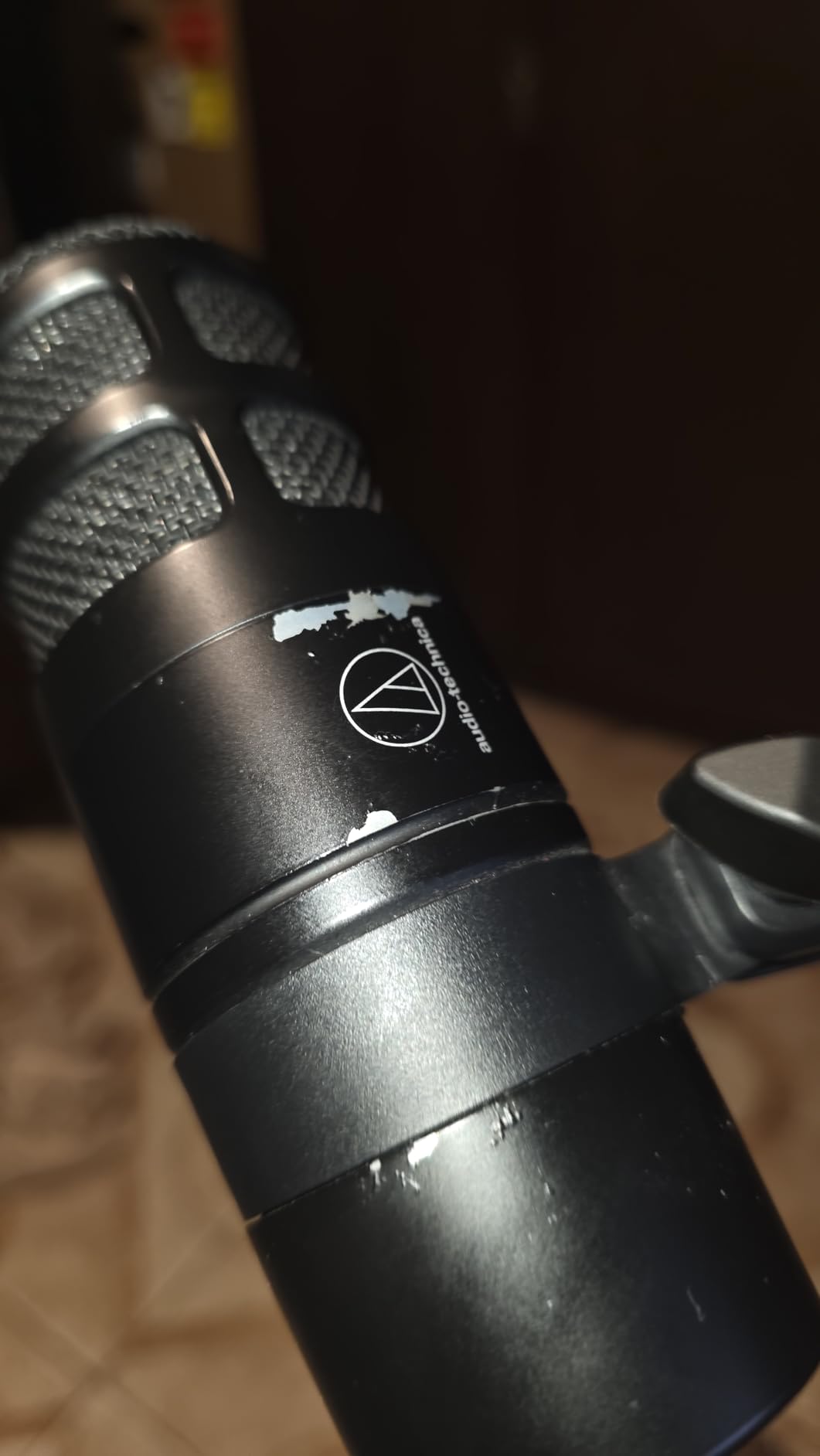
The Audio-Technica AT2040 stands out from the crowd with its hypercardioid polar pattern, which is even more focused than standard cardioid. This tighter pickup pattern rejects side noise more aggressively, making it one of the best dynamic microphones for noisy rooms. I tested it next to a window with traffic noise, and the rejection was impressive for a mic at this price point.
The large diaphragm design gives the AT2040 a smooth, natural sound that is well-suited for podcasting and voiceover work. The multistage foam mesh windscreen provides excellent internal pop filtering, which means you may not need an external pop filter. The integrated shock mount attenuates desk vibrations and handling noise effectively.
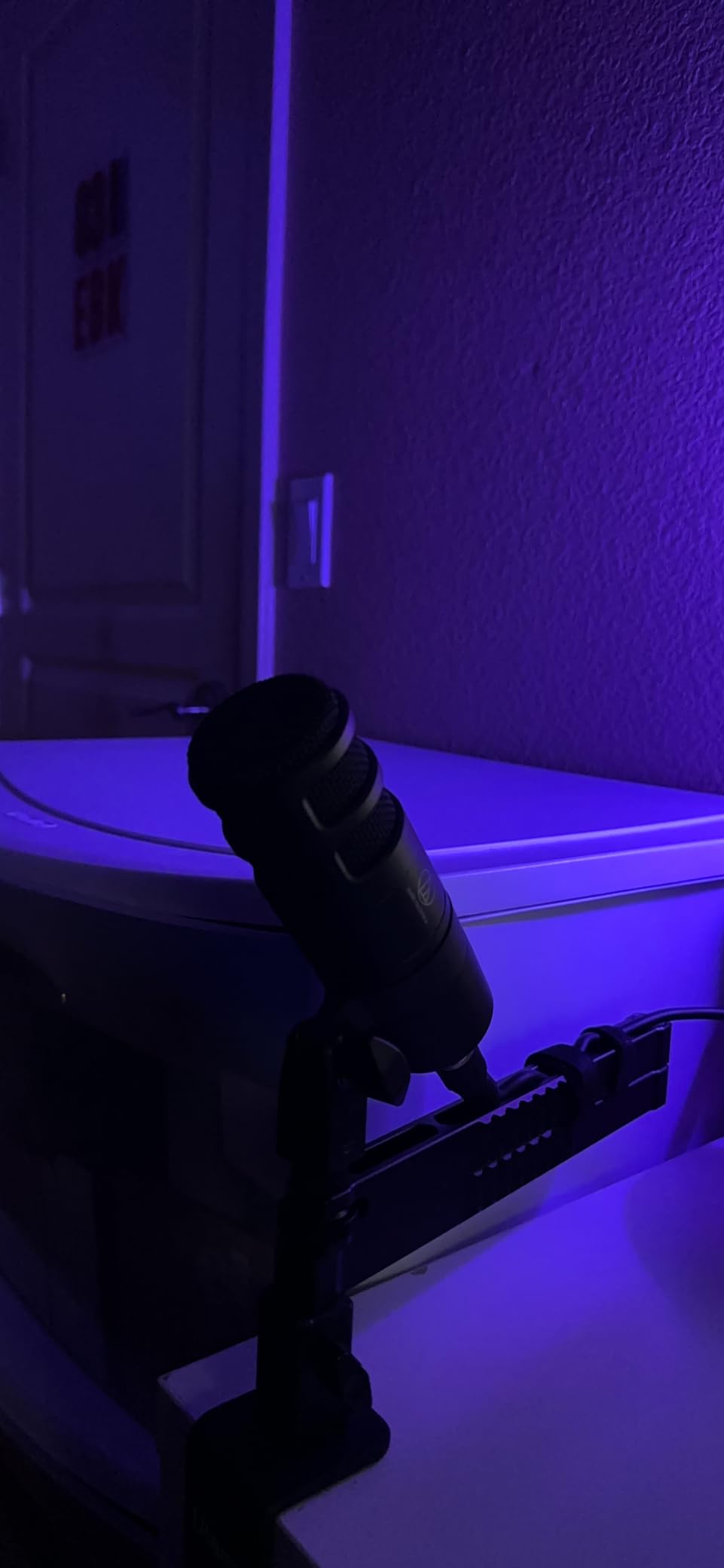
Hypercardioid patterns have a small rear pickup lobe, which means you should position the back of the mic away from noise sources. Once you get the positioning right, the noise rejection is excellent. The warm, assertive sound character adds a professional broadcast quality to spoken word content.
The AT2040 comes with a pivoting stand mount, threaded adapter, and a soft protective pouch. The pivoting mount is convenient because it lets you adjust the angle without loosening the boom arm. At around $109, this mic offers excellent value for the audio quality and noise rejection it provides.
Hypercardioid vs Cardioid Noise Rejection
Hypercardioid patterns have a narrower front pickup area than standard cardioid, which means they reject more sound from the sides. This makes them better for very noisy environments where side noise is the main problem.
The trade-off is a small rear pickup lobe. Position the rear of the mic away from noise sources for best results. A cardioid mic rejects rear sound completely but picks up more from the sides.
Best Positioning for Maximum Isolation
Place the AT2040 about two to four inches from your mouth, slightly off-axis to reduce plosives. Angle the rear of the mic toward an absorptive surface like a wall with acoustic panels or a bookshelf rather than toward a window or door.
The pivoting stand mount helps you dial in the perfect angle. Take time to experiment with positioning before recording to maximize noise rejection.
8. Sennheiser E 835 – Best Value Vocal Mic
Sennheiser Professional E 835 Dynamic Cardioid Vocal Microphone
XLR handheld dynamic
Cardioid polar pattern
Minimal proximity effect
Rugged metal construction with internal damping
Pros
- Excellent vocal clarity and projection
- Good signal isolation and feedback rejection
- Consistent performance when moving on and off axis
- Minimal proximity effect
- Rugged metal construction with internal damping
Cons
- Not Prime eligible
- XLR connectivity requires additional equipment
- Requires lithium ion batteries
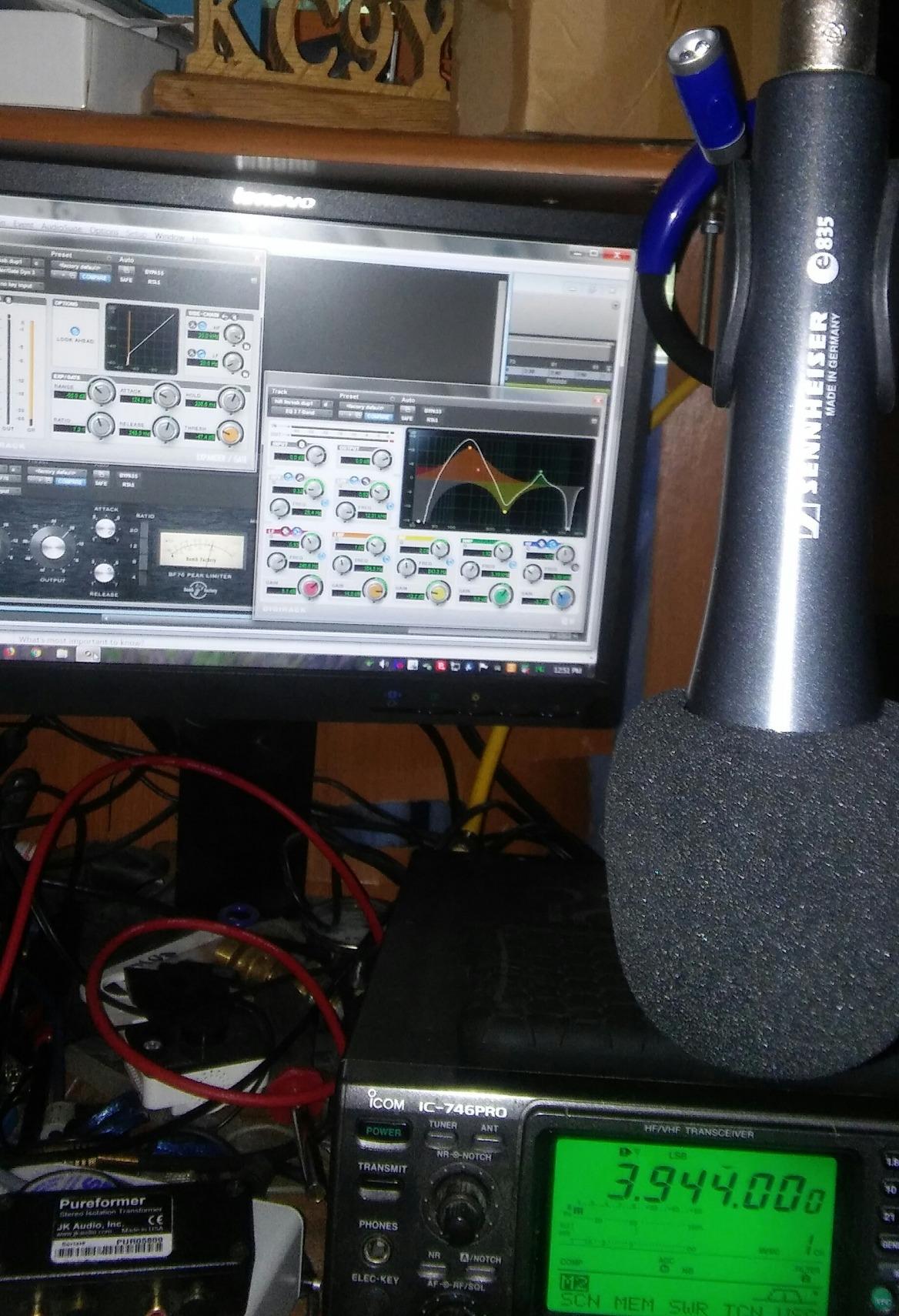
The Sennheiser E 835 is a handheld vocal microphone that rivals the SM58 in performance while offering a slightly different sound character. I found its cardioid pickup pattern to be excellent at isolating the voice from background noise, with a gentle presence boost that enhances vocal clarity and projection. The balanced frequency response maintains signal quality even as you move on and off axis.
One thing that sets the E 835 apart is its minimal proximity effect. Most dynamic mics add significant bass when you get close, but the E 835 maintains a more consistent low-end response. This makes it easier to work with because your tone stays consistent regardless of minor distance changes during recording or performance.
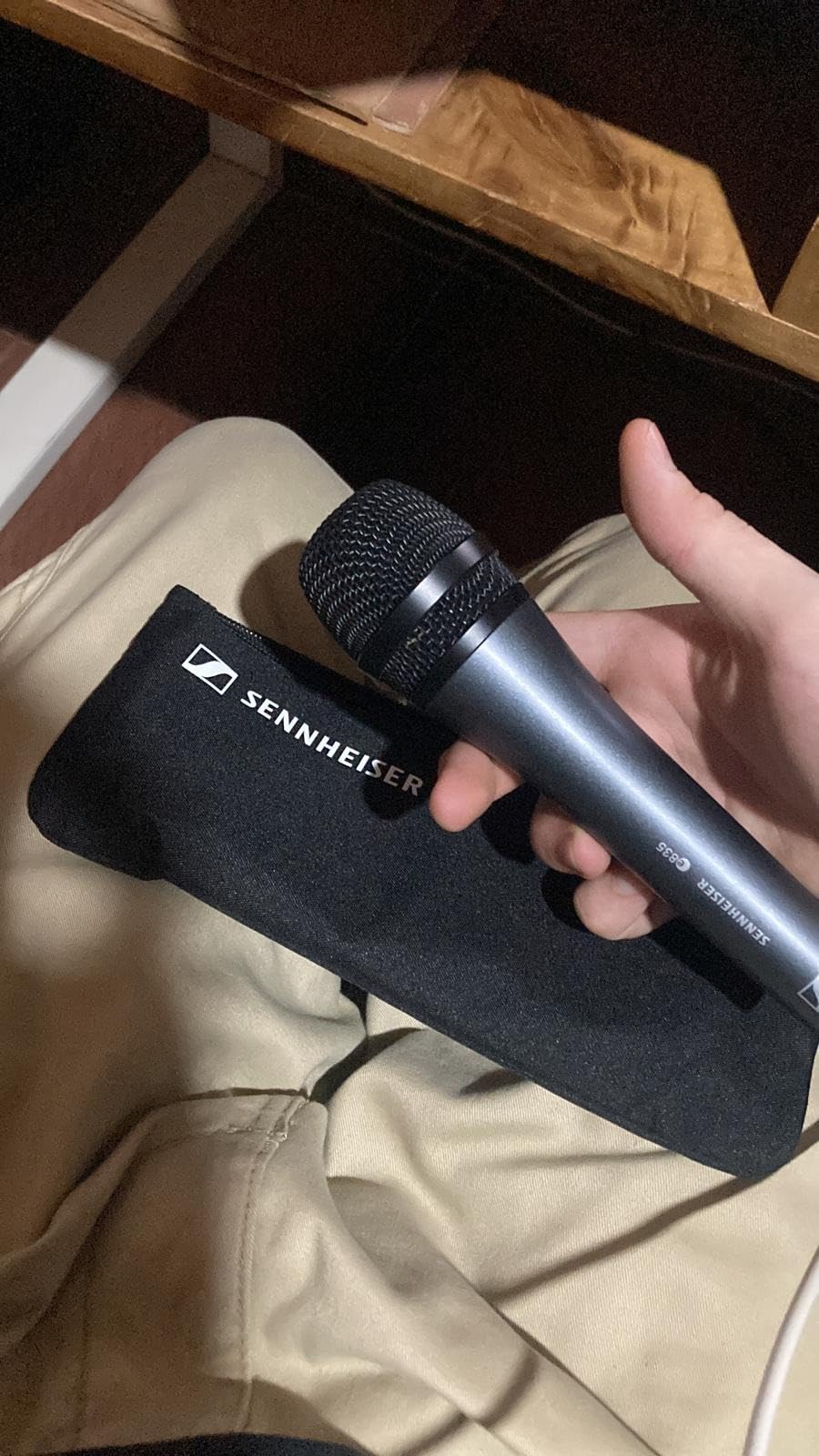
The rugged metal construction with internal damping does a good job of isolating handling noise. At just 11.6 ounces, this is one of the lightest mics on this list, which makes it comfortable for handheld use over extended periods. The included MZQ 800 clip and carrying pouch add value to the package.
For noisy room recording, the E 835’s feedback rejection and signal isolation make it a solid choice. Like other handheld dynamics, you need to get close to the mic for the best noise rejection. The gentle presence boost in the upper-midrange helps your voice cut through without sounding harsh or fatiguing.
Vocal Clarity and Presence Boost
The E 835 has a gentle presence boost in the upper frequencies that enhances vocal intelligibility. This means your words come through clearly even in less-than-ideal acoustic environments.
Compared to the SM58, the E 835 sounds slightly brighter and more open in the high end. Some voices pair better with one over the other, so consider your natural vocal tone when choosing.
Proximity Effect Consistency
The minimal proximity effect means your bass response does not change dramatically when you move closer or farther from the mic. This is an advantage for podcasters and streamers who may shift position during long sessions.
For creators who want consistent sound without constantly managing mic distance, the E 835 is easier to work with than mics with stronger proximity effects.
Buying Guide: Choosing the Right Dynamic Mic for Noisy Rooms
Choosing the right dynamic microphone for a noisy environment comes down to understanding a few key factors. The most important considerations are polar pattern, connectivity, gain requirements, and how the mic handles your specific noise sources. Let me break down each factor so you can make an informed decision.
Polar pattern is arguably the most critical spec for noise rejection. Cardioid patterns focus on sound from the front while rejecting rear and side noise. Hypercardioid patterns go even further, creating a narrower front pickup zone with better side rejection. For most noisy room scenarios, either pattern works well, but hypercardioid has a slight edge when side noise is your main problem.
Connectivity determines your setup complexity and upgrade path. USB mics are plug-and-play, perfect for beginners and portable setups. XLR mics require an audio interface but offer better sound processing options and professional signal chain control. Dual USB-XLR mics like the MV7+ and AM8 give you the best of both worlds.
Gain requirements are a common pain point that forum users frequently mention. The SM7B needs 60dB or more of clean gain, which means you need a powerful interface or an in-line preamp like a Cloudlifter. The Rode PodMic and FIFINE AM8 are much easier to drive, making them better choices if you are using a budget interface.
Close-mic technique is essential for maximizing noise rejection with any dynamic microphone. The rule is simple: the closer you are to the mic, the less room noise it picks up relative to your voice. Aim for two to four inches between your mouth and the capsule. This is not always comfortable, but it makes a dramatic difference in audio quality.
The 3 to 1 rule is an important microphone placement principle that helps minimize noise bleed. When using a single mic, the sound source should be no more than one-third of the distance from the mic compared to the nearest reflective surface or noise source. For example, if your mic is 6 inches from your mouth, the nearest wall should be at least 18 inches away. This reduces reflections and ambient noise pickup significantly.
USB vs XLR for noisy rooms: The transducer type matters more than the connection for noise rejection. A dynamic capsule rejects noise the same whether connected via USB or XLR. However, XLR setups let you add hardware noise gates, compressors, and better preamps that can further clean up your signal. For the best possible noise performance, XLR with a quality interface is the way to go.
Budget considerations: Factor in the total cost of your setup, not just the microphone. XLR mics need an audio interface ($50-200), cables ($15-30), and possibly a boom arm ($30-60). USB mics need nothing extra but limit your future upgrade options. Dual connectivity mics are the smart middle ground if you are unsure about your long-term needs.
Frequently Asked Questions
What is the best microphone for noisy environments?
Dynamic microphones with cardioid or hypercardioid polar patterns are the best choice for noisy environments. The Shure SM7B is the top overall pick for its exceptional noise rejection and broadcast-quality sound, while the Rode PodMic offers the best value under $100. Dynamic mics naturally reject off-axis sounds because their heavier diaphragm requires direct acoustic pressure to produce a strong signal.
What is the 3 to 1 rule for microphones?
The 3 to 1 rule states that the distance between your microphone and the nearest reflective surface or noise source should be at least three times the distance between the microphone and your sound source. If your mic is 4 inches from your mouth, the nearest wall should be at least 12 inches away. Following this rule minimizes reflections and ambient noise pickup.
How do I stop room noise on my microphone?
Use a dynamic microphone with a cardioid pattern, position it 2 to 4 inches from your mouth, point the rear of the mic toward your main noise source, use a noise gate in your software, add acoustic treatment like foam panels or heavy curtains, turn off fans and AC during recording, and follow the 3 to 1 placement rule. A combination of these techniques dramatically reduces room noise on recordings.
What kind of mic picks up the whole room?
Condenser microphones, especially omnidirectional ones, pick up the whole room because they have highly sensitive diaphragms that respond to sounds from all directions. This makes them great for studio recording in treated spaces but poor for noisy environments. Dynamic microphones with cardioid patterns are the opposite, focusing on close sounds while rejecting distant room noise.
Conclusion
Finding the right dynamic microphone for noisy rooms comes down to matching the mic to your specific situation and budget. The Shure SM7B remains the gold standard for noise rejection and broadcast sound, though its gain requirements and price mean it is best for serious creators. The Shure MV7+ is my top recommendation for most people because its dual USB-XLR connectivity and built-in Voice Isolation Technology deliver professional results without the complexity.
For budget-conscious creators, the Rode PodMic and FIFINE AM8 both punch well above their price class. The PodMic gives you broadcast sound for under $100, while the AM8 offers dual connectivity and gaming-friendly features at an unbeatable price. Whatever you choose, remember that close-mic technique and proper placement matter as much as the microphone itself.
Invest in a decent boom arm, get the mic within two to four inches of your mouth, and point the rear toward your noisiest neighbor. Those three steps will improve your audio more than any software noise reduction ever could. All eight mics on this list will serve you well in 2026 and beyond, as long as you set them up correctly.