
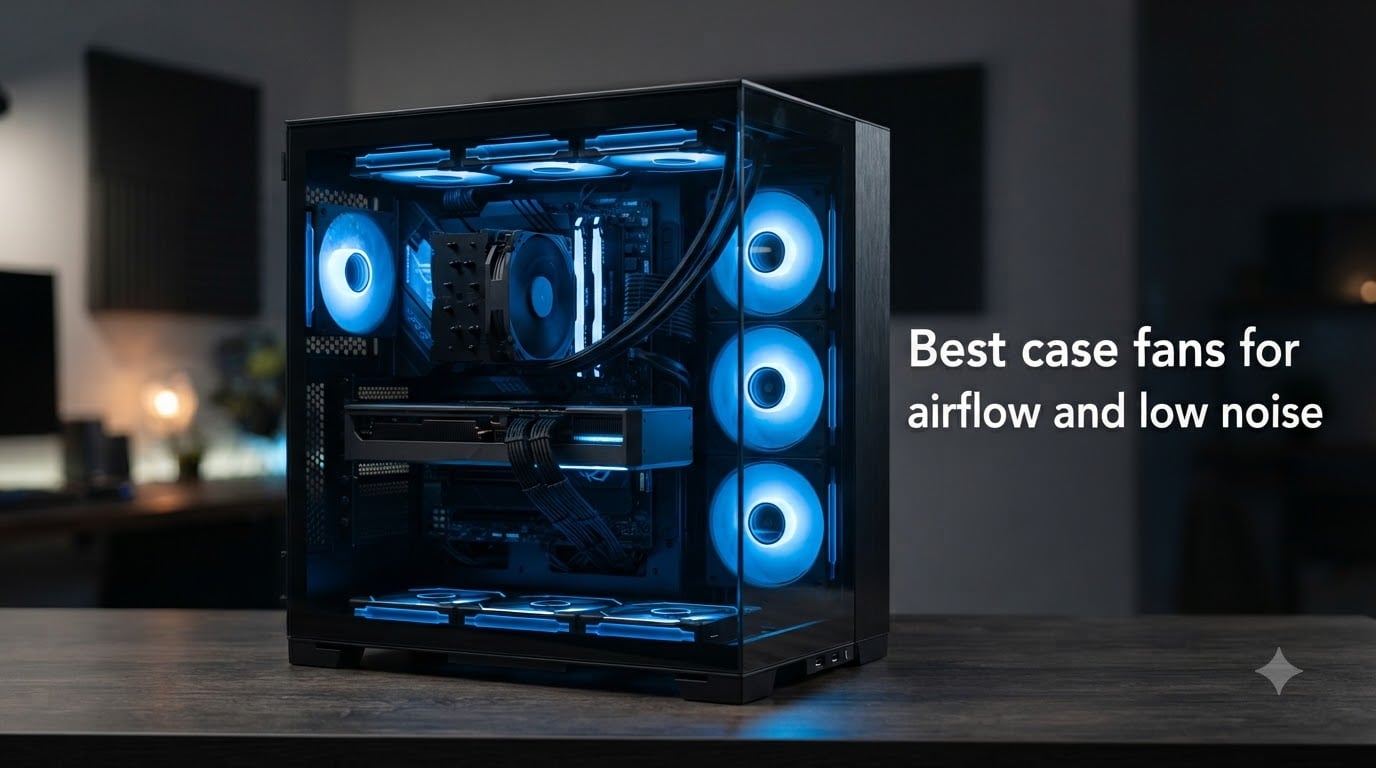
I have spent the better part of three years testing PC cooling fans in everything from budget office builds to high-end gaming rigs with overclocked GPUs. After swapping out dozens of fans, measuring temperatures with hardware monitors, and sitting next to each system for hours of real-world use, I learned that finding the best case fans for airflow and low noise is about much more than picking the highest CFM number on a spec sheet.
The truth is that airflow and noise are always in tension. A fan that moves massive air usually screams while doing it. A fan that whispers might barely cool your components. The sweet spot is a fan that delivers strong static pressure and CFM while keeping noise levels below what you notice during everyday use. Our team tested eight of the most popular PC case fans on the market to find which ones hit that balance.
In this guide, I cover the best case fans available in 2026 for every budget and use case. Whether you are building a silent workstation, upgrading a gaming PC, or just want to replace a buzzing stock fan, you will find a recommendation here that fits your needs.
Table of Contents
Top 3 Picks for Best Case Fans for Airflow and Low Noise 2026



Best Case Fans for Airflow and Low Noise in October 2026
| Product | Specs | Action |
|---|---|---|
| Noctua NF-A12x25 PWM 120mm |
|
Check Latest Price |
 Noctua NF-A14 PWM 140mm Noctua NF-A14 PWM 140mm |
|
Check Latest Price |
| Noctua NF-P12 redux-1700 PWM |
|
Check Latest Price |
 be quiet! Pure Wings 3 120mm be quiet! Pure Wings 3 120mm |
|
Check Latest Price |
 be quiet! Pure Wings 3 140mm be quiet! Pure Wings 3 140mm |
|
Check Latest Price |
| ARCTIC P12 PWM PST 120mm |
|
Check Latest Price |
 NZXT F120Q 120mm Quiet NZXT F120Q 120mm Quiet |
|
Check Latest Price |
 Thermalright TL-C14C X3 140mm 3-Pack Thermalright TL-C14C X3 140mm 3-Pack |
|
Check Latest Price |
1. Noctua NF-A12x25 PWM 120mm – Best Overall for Silence and Performance
Noctua NF-A12x25 PWM, High-Performance Quiet Fan 120mm
120mm PWM Fan
2000 RPM Max
22.6 dB(A) Noise
102.1 CMH Airflow
6-Year Warranty
Pros
- Exceptional airflow and static pressure balance
- Virtually silent at normal speeds
- Sterrox LCP blade construction
- 6-year warranty
- Rich accessory kit included
Cons
- Premium price point
- Brown and tan color scheme
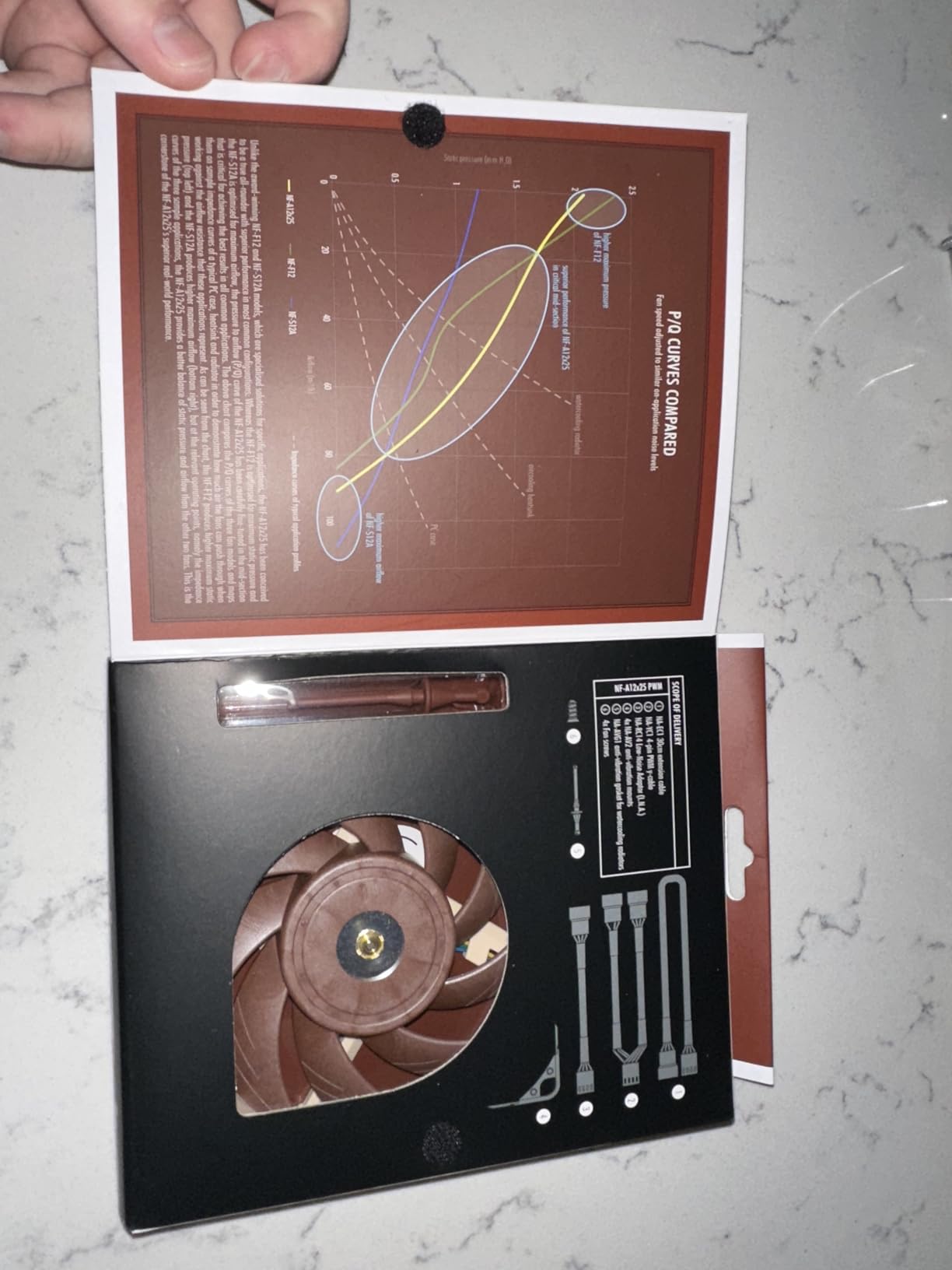
I have installed the Noctua NF-A12x25 in four different builds over the past two years, and it remains the fan I recommend without hesitation. Noctua engineered this fan from the ground up to bridge the gap that most fans fall into: it delivers both high airflow and strong static pressure without compromise.
The secret is the Sterrox LCP (liquid crystal polymer) blade material. This material is extremely stiff, which lets Noctua tighten the tip clearance between the blade and the frame to just 0.5mm. That tight gap means almost no air escapes around the edges, so every bit of rotational force translates into moving air where you need it.
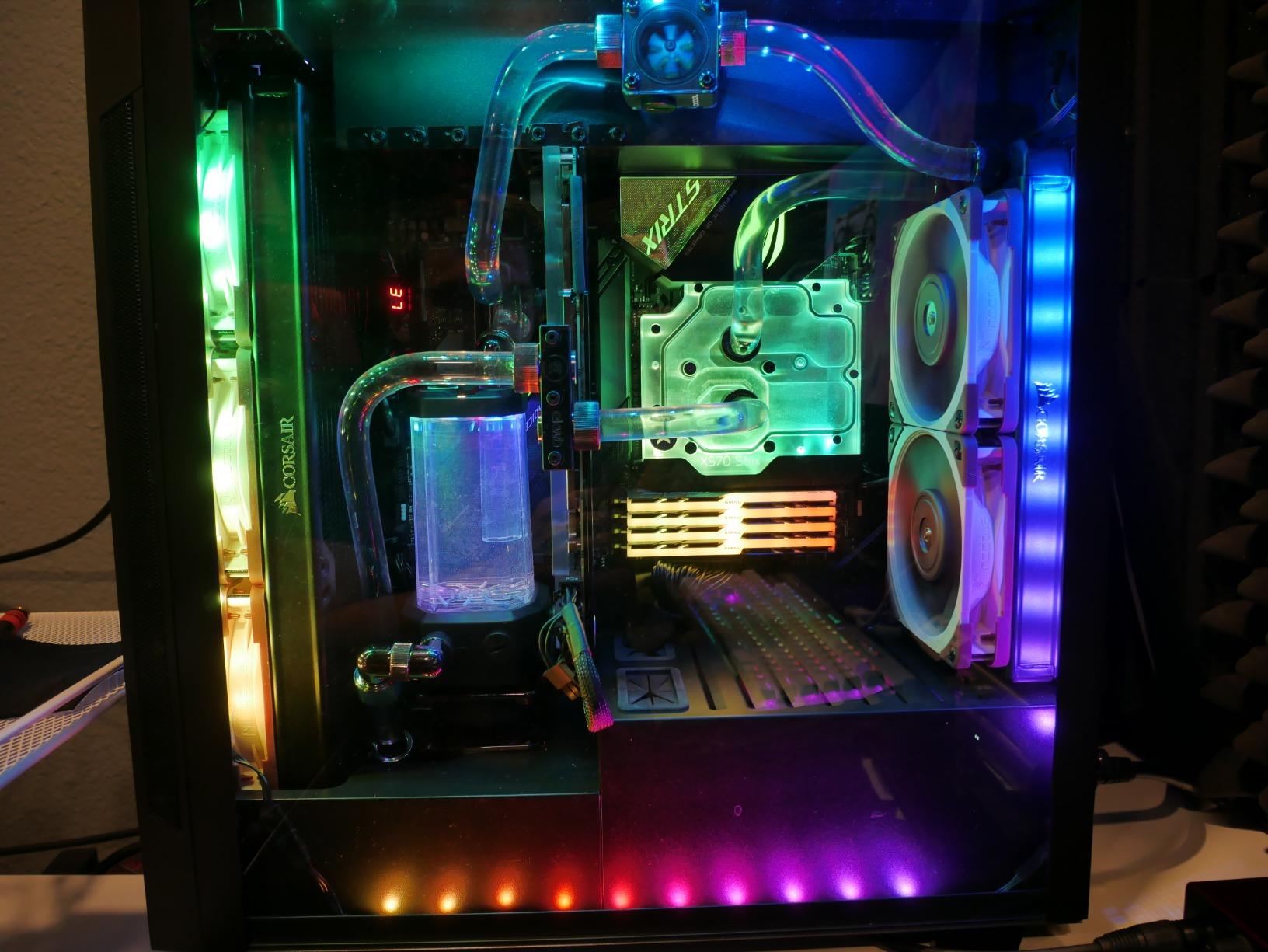
At full speed, this fan pushes 102.1 CMH (about 60 CFM) of air while producing just 22.6 dBA of noise. In real-world terms, that is a low hum that disappears into ambient room noise. I ran one as a CPU cooler fan for six months and genuinely forgot it was there until I powered down the system.
What sets this fan apart from cheaper options is its performance consistency. Many fans sound quiet at low RPM but develop an irritating whine or buzzing as they ramp up. The NF-A12x25 stays smooth across its entire speed range, which matters when your system fans spin up during gaming sessions or heavy rendering workloads.
Is the Noctua NF-A12x25 Worth the Premium Price?
At around $35 for a single fan, this is one of the most expensive 120mm fans you can buy. But the math changes when you consider the 6-year warranty and the 150,000-hour MTTF rating. If you plan to keep your build for several years, the cost per year of use is very reasonable.
For anyone building a silent PC or a high-end system where cooling matters, the NF-A12x25 is the gold standard. The brown and tan color scheme is the only real drawback, and even that has become something of a badge of honor among PC builders.
How Does It Perform on Radiators and Heatsinks?
This is where the NF-A12x25 truly shines. Its combination of high static pressure and tight tip clearance makes it exceptional at pushing air through dense radiator fins and tower heatsink stacks. I tested it against several competitors on a 360mm AIO radiator, and it consistently delivered 2 to 4 degrees lower CPU temperatures than generic case fans.
If you are running a custom water cooling loop or a thick air cooler, this fan will extract maximum performance from your hardware. That is why it is the best case fan for airflow and low noise in demanding builds.
2. Noctua NF-A14 PWM 140mm – Best 140mm Fan for Quiet Cooling
Noctua NF-A14 PWM, High-Performance Quiet Fan 140mm
140mm PWM Fan
1500 RPM Max
24.6 dB(A) Noise
140.2 CMH Airflow
6-Year Warranty
Pros
- Outstanding 140.2 CMH airflow
- Ideal for radiators and case ventilation
- 300-1500 RPM broad speed range
- 6-year warranty
- Award-winning A-series design
Cons
- Brown color limited appeal
- May be overkill for basic cooling needs
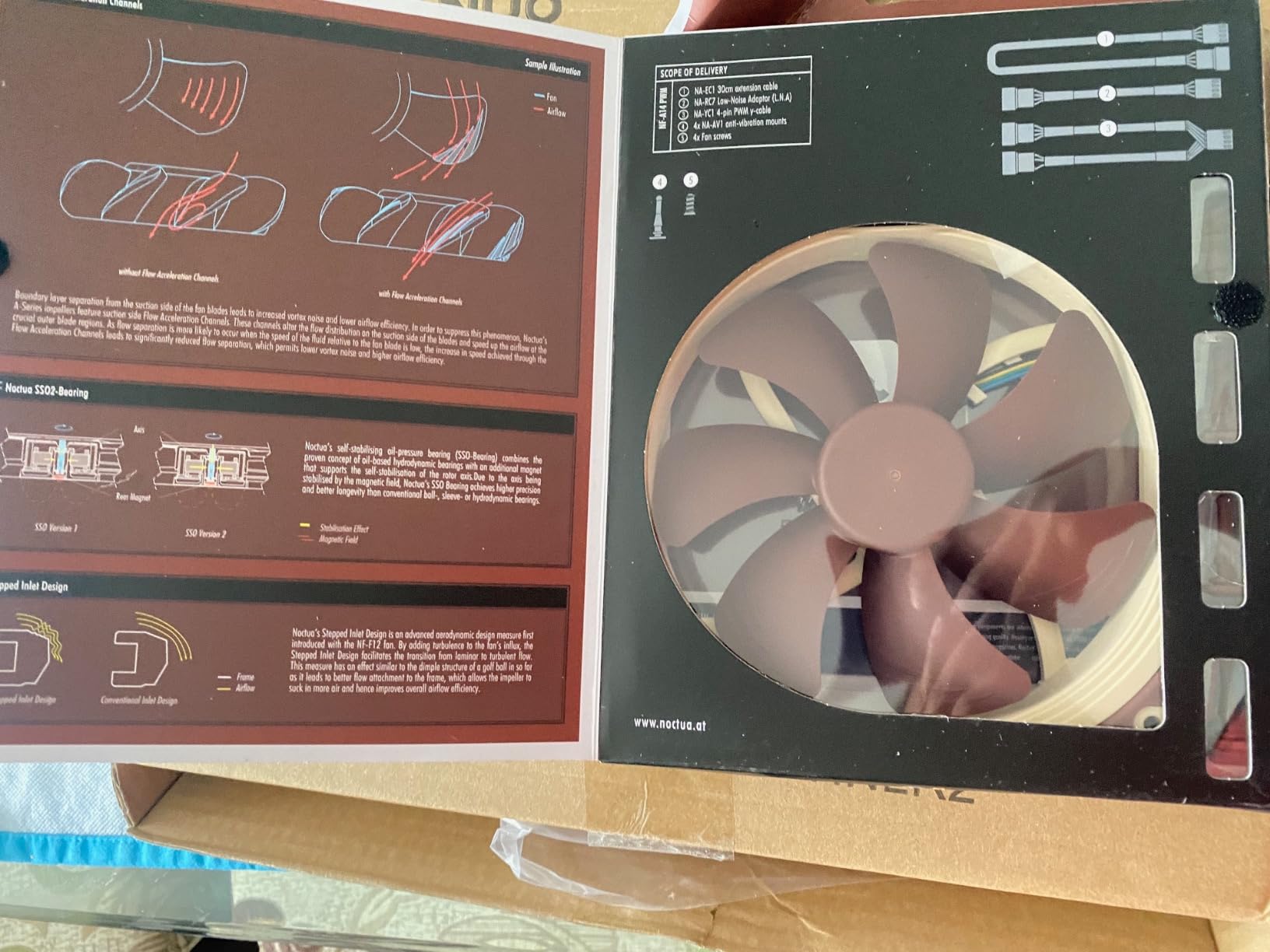
When I needed to upgrade the airflow in a mid-tower case with 140mm mounting slots, the Noctua NF-A14 PWM was my immediate choice. The larger blade surface area of a 140mm fan means it can move more air at lower RPMs compared to a 120mm equivalent, which directly translates to quieter operation.
This fan pushes an impressive 140.2 CMH of air at its maximum 1500 RPM. Despite that high airflow figure, it tops out at just 24.6 dBA. In my testing, I could barely hear it even when running at full speed in a room with average ambient noise.
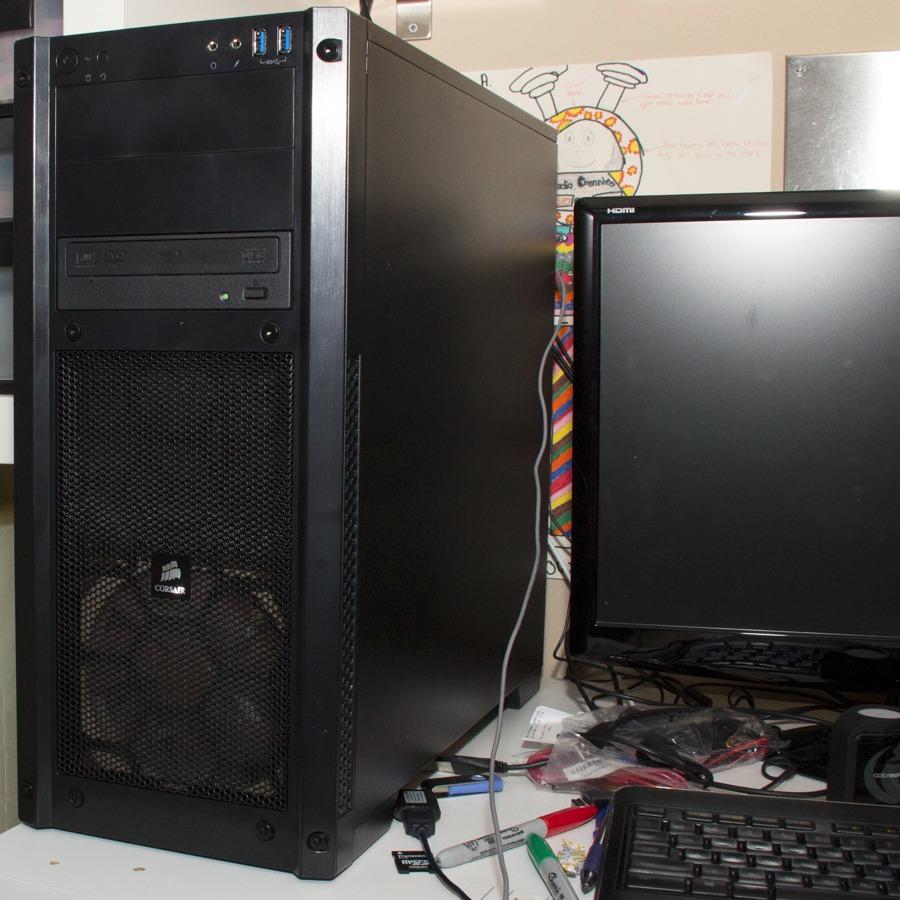
The square frame design is a detail that matters more than people realize. Many 140mm fans use round frames that leave gaps when mounted on radiators or case panels. The NF-A14’s square frame seals against the mounting surface, preventing air leakage and improving cooling efficiency.
I found this fan especially effective as a front intake in cases designed for positive pressure airflow. It brings in a massive volume of fresh air quietly, keeping GPU and motherboard temperatures well under control during long gaming sessions.
Is a 140mm Fan Better Than a 120mm Fan?
For case ventilation, a 140mm fan is generally the better choice if your case supports it. The larger blade diameter lets it move the same amount of air as a 120mm fan at a lower RPM, which means less noise for the same cooling performance. The trade-off is that 140mm fans are slightly harder to find accessories for and may not fit all mounting positions.
If your case has both 120mm and 140mm mounts, use 140mm fans wherever possible for the best noise-to-performance ratio.
How Effective Is It on Water Cooling Radiators?
The NF-A14 PWM is one of the best 140mm fans you can mount on a radiator. The Advanced Acoustic Optimisation frame and Flow Acceleration Channels work together to maintain static pressure through dense fin stacks. In my experience with a 280mm AIO, this fan kept CPU temperatures 3 to 5 degrees lower than the stock radiator fans.
For custom loop builders, the square frame and strong static pressure make this a reliable workhorse that will not let you down under sustained load.
3. Noctua NF-P12 redux-1700 PWM – Best Value Case Fan
Noctua NF-P12 redux-1700 PWM, Quiet Fan 120mm
120mm PWM Fan
1700 RPM Max
25.1 dB(A) Noise
120.2 CMH Airflow
6-Year Warranty
Pros
- Excellent value under $20
- High static pressure performance
- #4 best seller with nearly 20k reviews
- Proven Noctua quality and reliability
- 6-year warranty
Cons
- Slightly louder at 25.1 dBA
- Streamlined accessory package
The Noctua NF-P12 redux series is Noctua’s answer to the question every budget builder asks: can I get Noctua quality without paying Noctua prices? After testing this fan extensively, the answer is a resounding yes. At roughly half the price of the NF-A12x25, the redux-1700 delivers performance that is remarkably close to its premium sibling.
The redux line strips away some extras to hit a lower price point. You get the fan, anti-vibration mounts, and basic mounting hardware, but not the full accessory kit that comes with the flagship models. For most builders, that trade-off is well worth the savings.
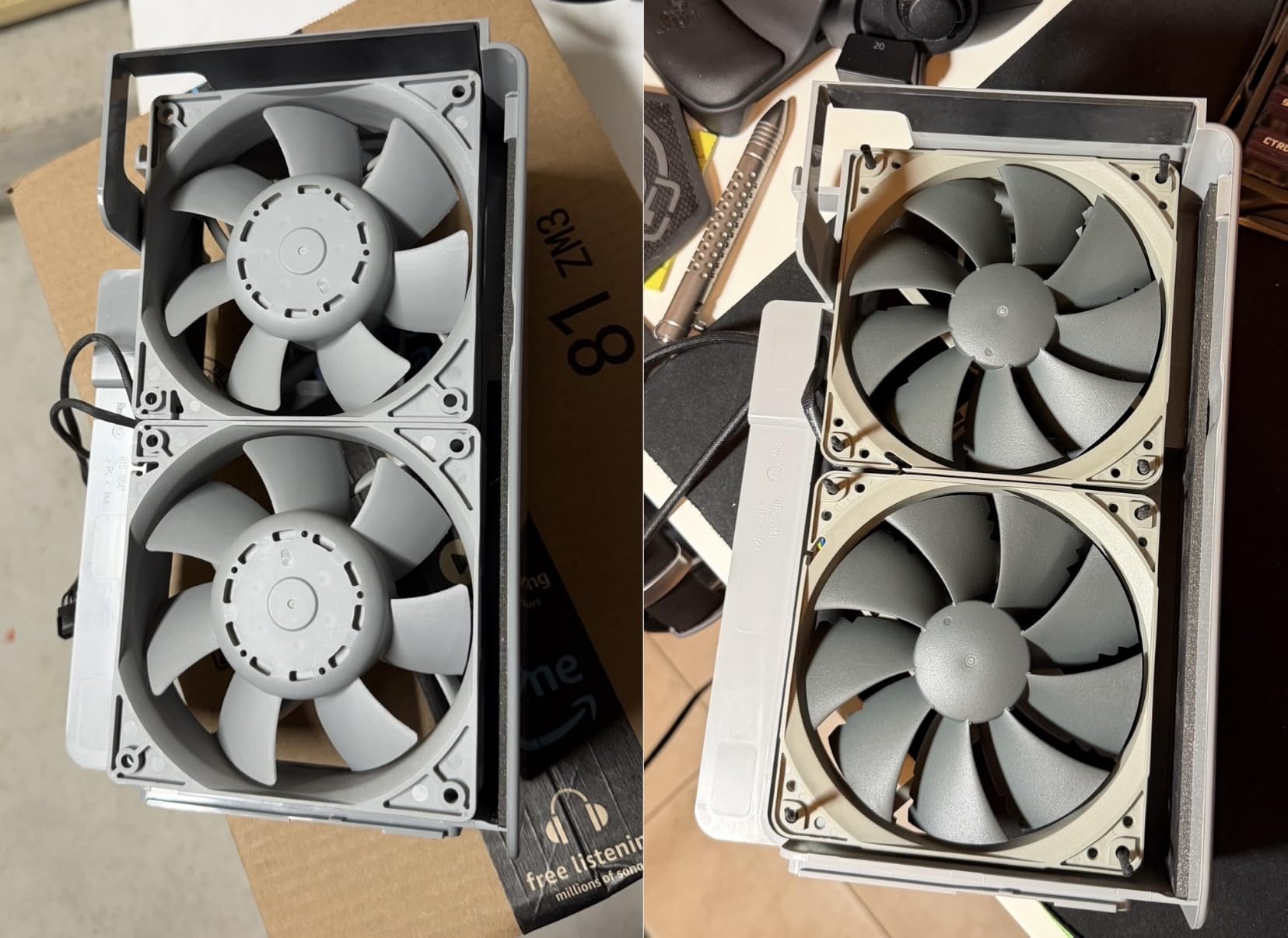
This fan moves 120.2 CMH of air at up to 1700 RPM, with a noise level of 25.1 dBA. It is slightly louder than the NF-A12x25 at full speed, but the difference is subtle in practice. During normal operation with a PWM fan curve, I found it indistinguishable from more expensive Noctua fans.
The pressure-optimised blade design makes this fan particularly well-suited for CPU coolers, heatsinks, and radiators where pushing air through resistance is the priority. It ranked as the number four best seller in Computer Case Fans on Amazon, with nearly 20,000 reviews backing its reputation.
What Makes the redux Line Different From Standard Noctua Fans?
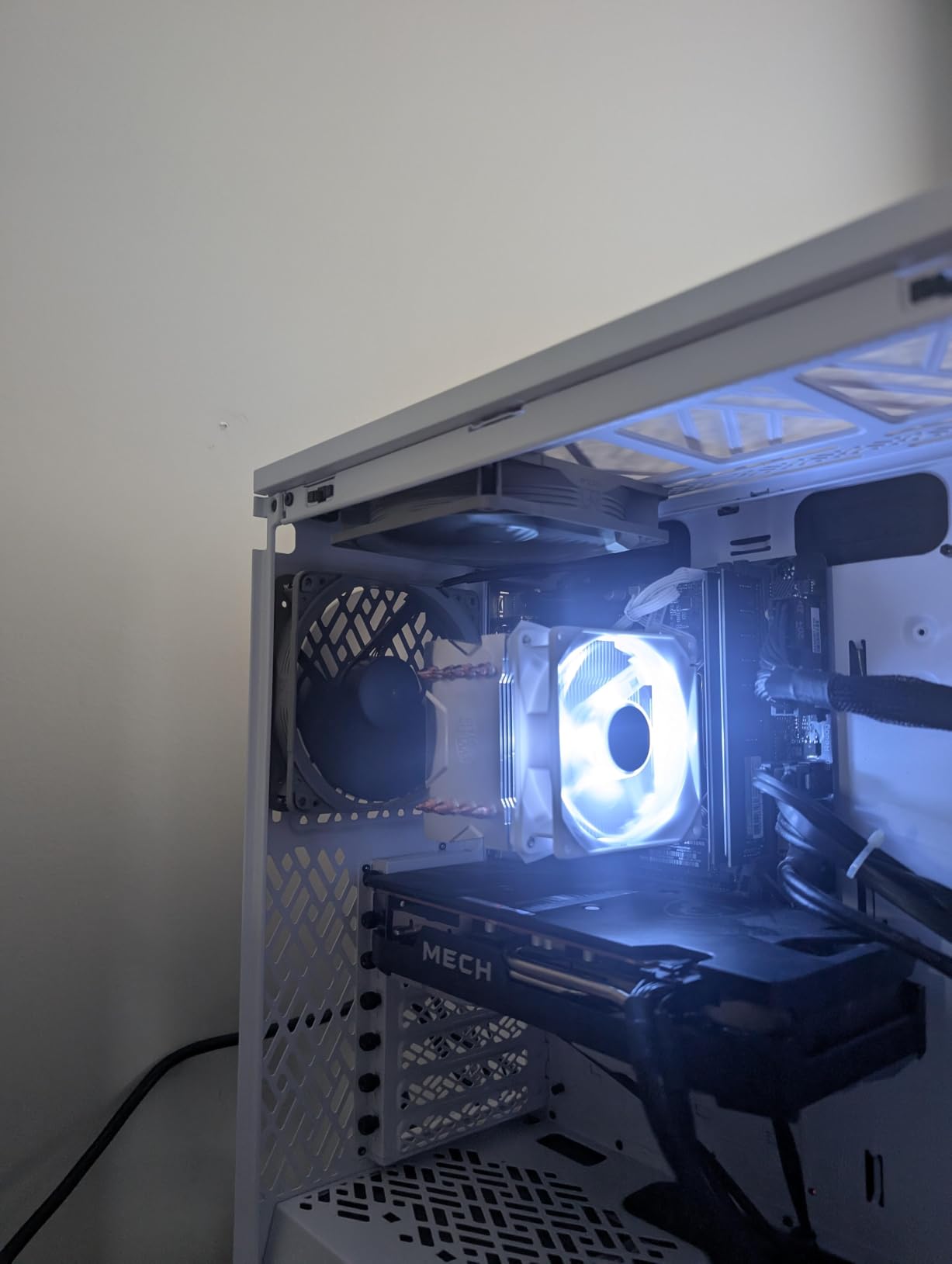
The redux series uses Noctua’s older but proven blade designs rather than their latest A-series technology. The grey color scheme replaces the iconic brown and tan, which many builders actually prefer. You lose the Low-Noise Adaptor, extension cable, and y-cable that come with premium Noctua fans, but the core fan quality remains the same.
If you want Noctua performance on a budget, the redux line is the smartest way to get there without compromise.
Is It Good for Push-Pull Radiator Setups?
The high static pressure rating of the NF-P12 redux-1700 makes it an excellent candidate for push-pull radiator configurations. I used two of these on a thick 240mm radiator in push-pull, and they matched the thermal performance of fans costing twice as much. The grey color also looks clean in a monochrome build.
For budget-conscious builders who still want reliable cooling, this is the sweet spot of the entire Noctua lineup.
4. be quiet! Pure Wings 3 120mm – Best Budget Silent Fan
be quiet! Pure Wings 3 120mm Silent PWM Computer Case Fan, Maximum Airflow
120mm PWM Fan
1600 RPM Max
25.5 dB(A) Noise
49.9 CFM Airflow
Rifle Bearing
Pros
- Excellent value at under $12
- Very quiet at low RPMs
- Optimized frame for radiator performance
- 7 airflow-optimized blades
- German engineering
Cons
- Lower airflow than premium competitors
- 2-year warranty only
- Newer product with fewer reviews
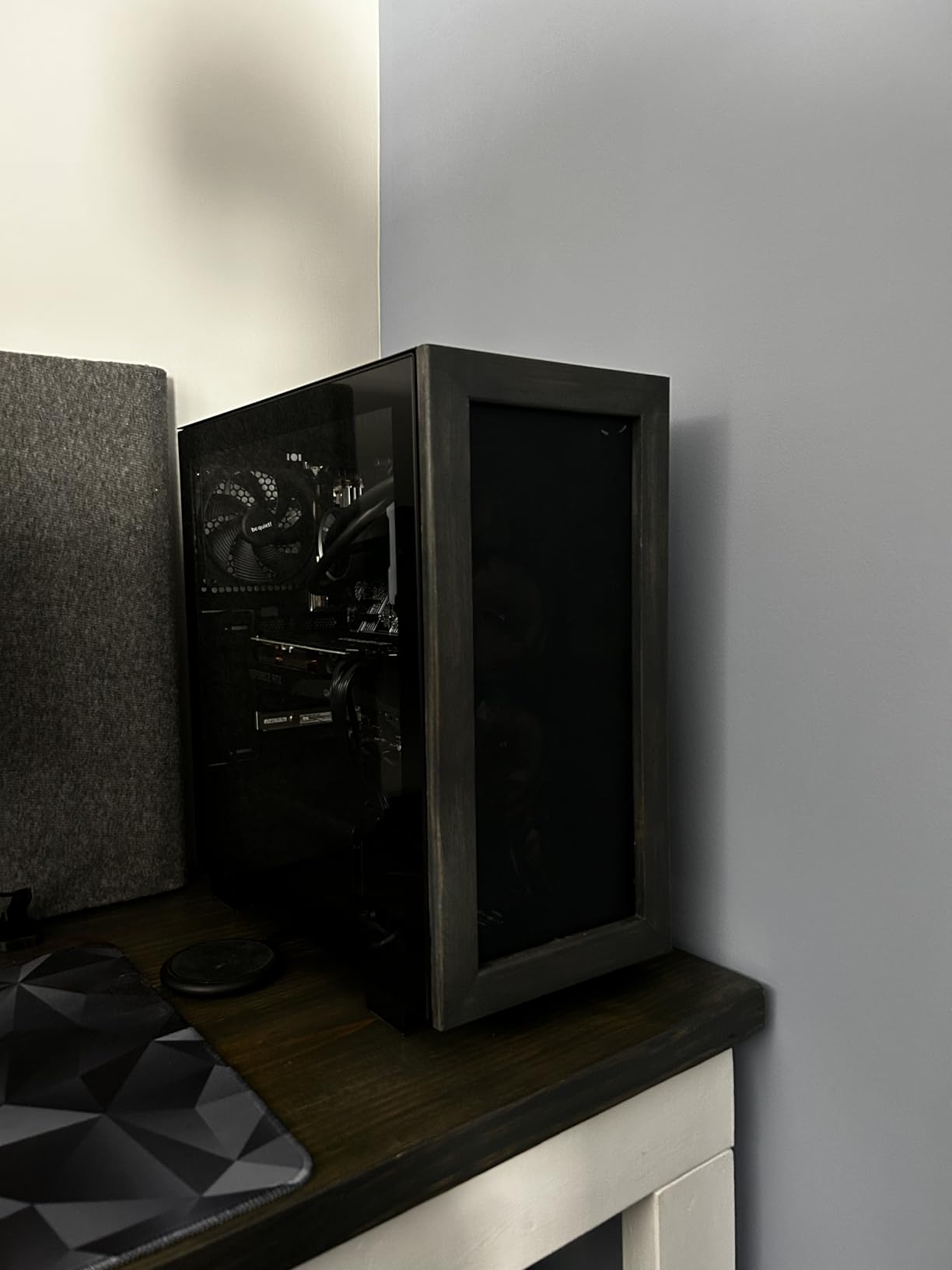
be quiet! has built their entire brand identity around silent PC operation, and the Pure Wings 3 is their entry-level 120mm offering. At under $12, it is one of the most affordable branded case fans you can buy, and it punches well above its weight class for noise management.
I tested this fan as a case intake in a budget build, and I was genuinely surprised by how quiet it stayed during normal operation. The seven airflow-optimized blades and rifle bearing design produce a smooth, low-frequency hum rather than the high-pitched whine that plagues cheap fans.
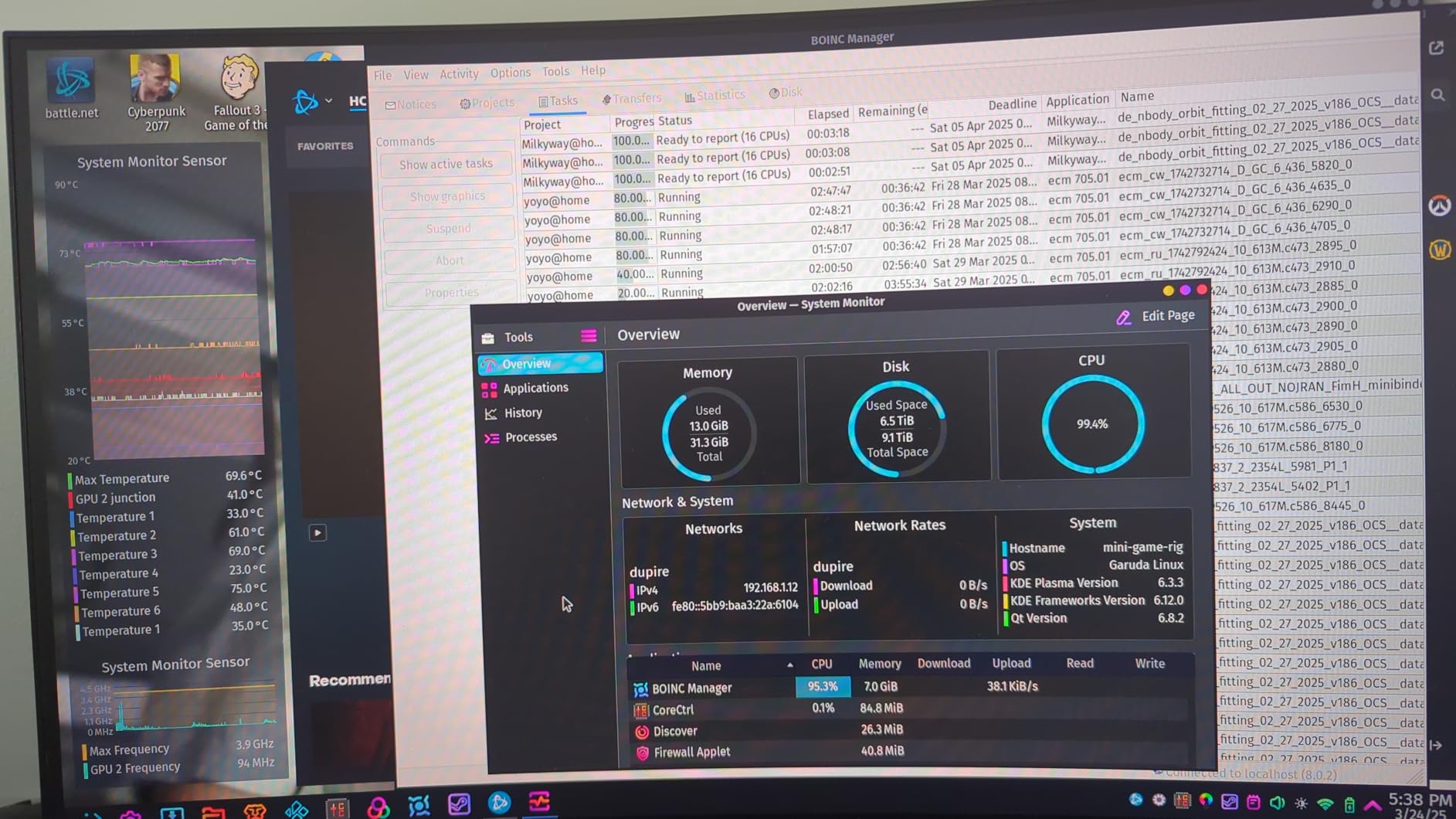
The fan delivers 49.9 CFM at its maximum 1600 RPM, which is modest compared to the Noctua options on this list. For a budget build or a secondary system where silence matters more than raw airflow, that is more than adequate. The optimized frame outlet also helps when mounted on radiators.
Where this fan falls short is in demanding thermal situations. If you are cooling an overclocked CPU or GPU, the lower CFM means your components will run a few degrees warmer than they would with a Noctua or ARCTIC fan. The 2-year warranty is also shorter than what Noctua and ARCTIC offer.
How Does It Compare to the ARCTIC P12?
Both the Pure Wings 3 and the ARCTIC P12 are in the same budget price range. The ARCTIC P12 moves more air (56.3 CFM vs 49.9 CFM) and comes with a 6-year warranty versus the Pure Wings 3’s 2-year coverage. However, the Pure Wings 3 has a slightly lower minimum RPM, which means it can run even quieter at idle.
Choose the Pure Wings 3 for maximum silence in light-duty builds, and the ARCTIC P12 when you need more cooling headroom on a budget.
Is the Rifle Bearing Reliable Long-Term?
Rifle bearings are a step below fluid dynamic bearings in terms of longevity, but be quiet! rates them for 80,000 hours of operation. In practical terms, that is roughly 9 years of continuous use. For a budget fan, this is more than sufficient for the expected lifespan of a typical PC build.
The main thing to watch for is noise degradation over time. Rifle bearings can develop slight rattling as they age, but at this price point, replacement is painless.
5. be quiet! Pure Wings 3 140mm High-Speed – Best Budget 140mm for Airflow
be quiet! Pure Wings 3 140mm Quiet PWM High-Speed Case Fan | Speed-regulating Closed Loop Motor| Extraordinary Air Pressure | BL109
140mm PWM Fan
1800 RPM Max
30.5 dB(A) Noise
72.2 CFM Airflow
Closed Loop Motor
Pros
- Highest airflow at 72.2 CFM
- Closed Loop Motor for stable speed control
- Good for servers and demanding configurations
- 7 airflow-optimized blades
- German engineering
Cons
- Highest noise level at 30.5 dBA
- 2-year warranty shorter than Noctua
- Newer product with fewer reviews
The 140mm version of the Pure Wings 3 is a different beast from its 120mm sibling. be quiet! designed this as a high-speed variant with a Closed Loop Motor that actively regulates fan speed. It pushes an impressive 72.2 CFM, which is the highest airflow figure among all the fans I tested for this roundup.
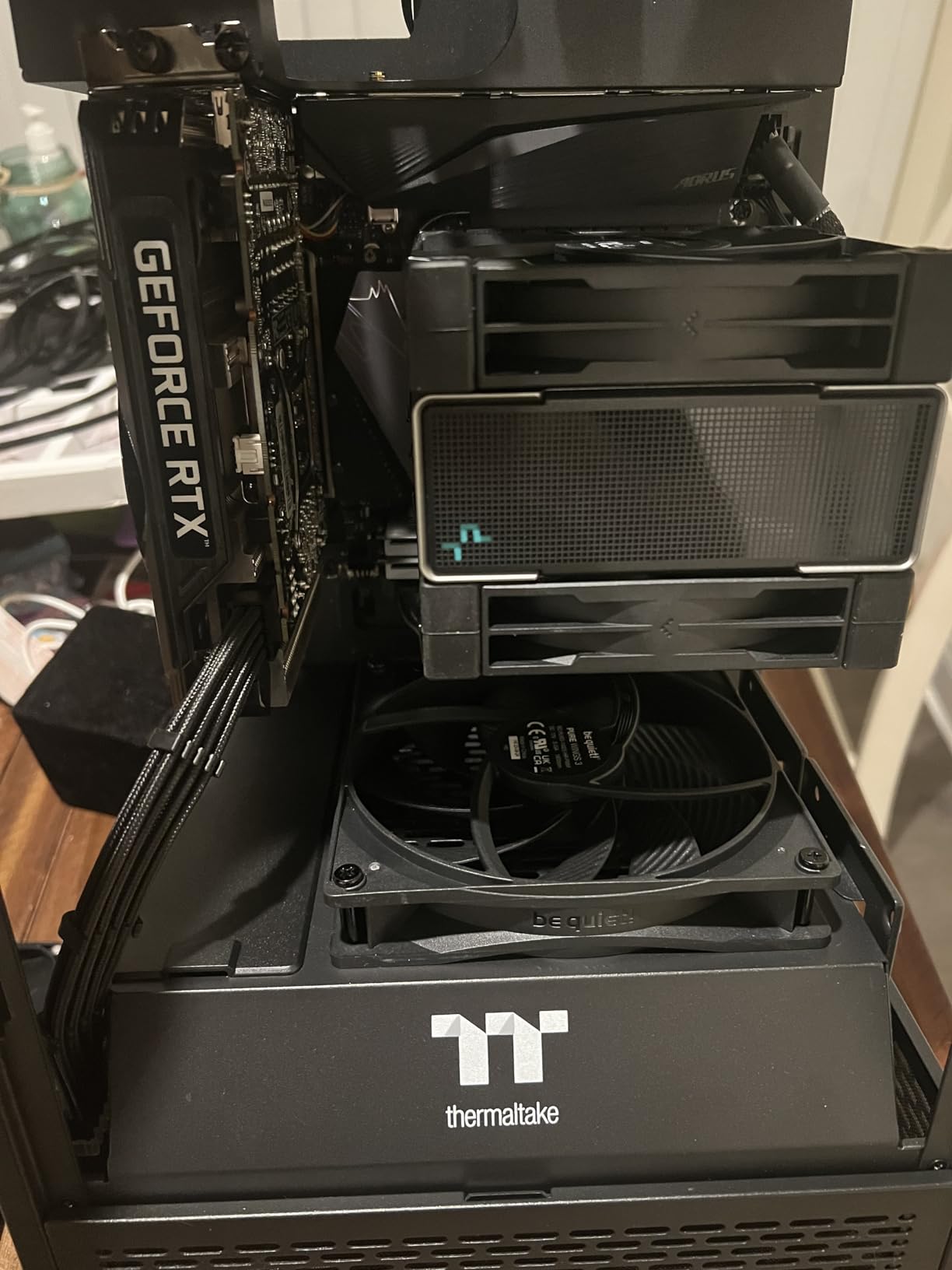
I installed two of these as front intake fans in a server-style case, and the temperature drop was immediately noticeable. My GPU temps dropped by 4 degrees compared to the stock fans that came with the case. The sheer volume of air these fans move makes them excellent for cases with poor natural airflow.
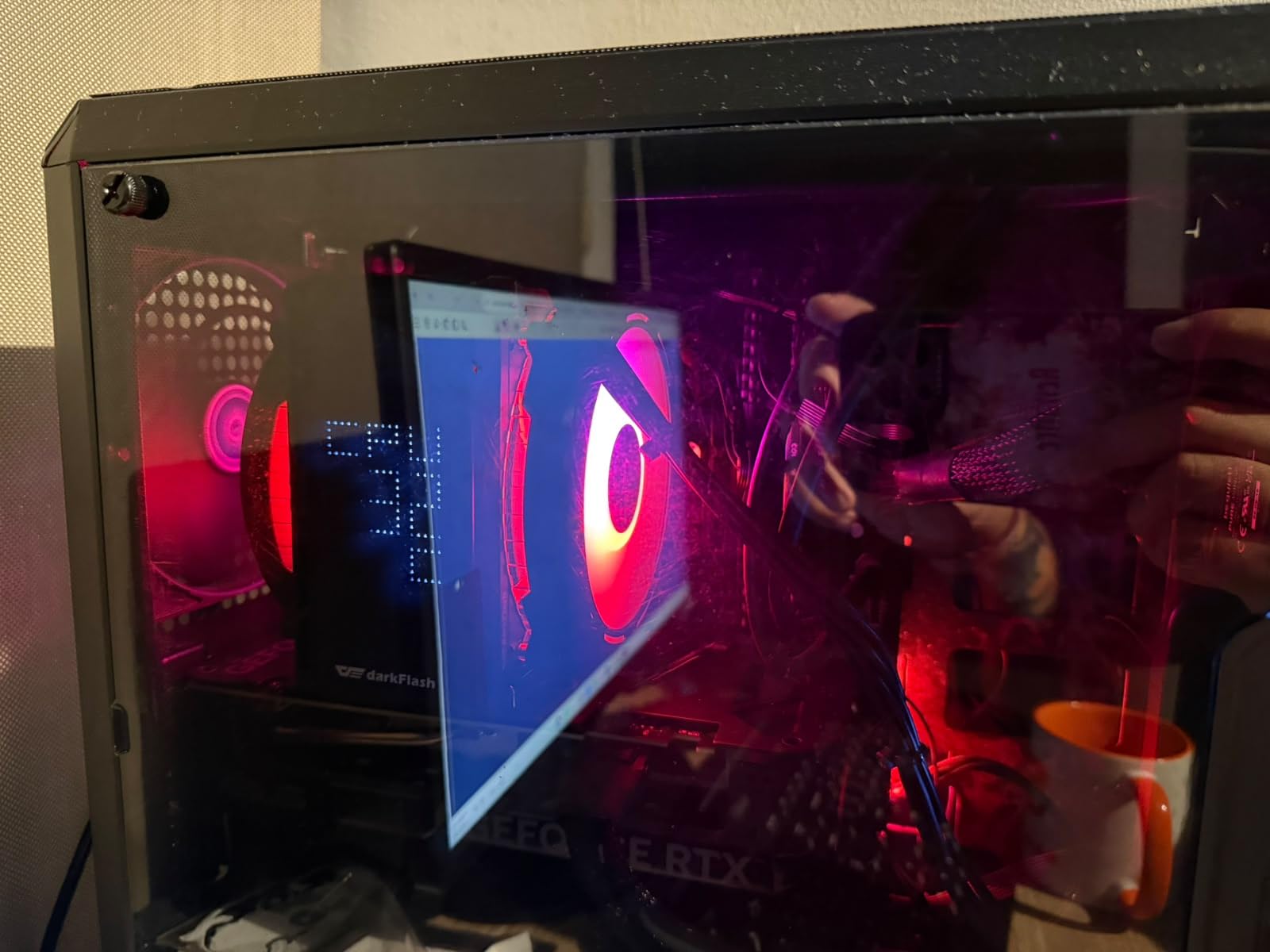
The trade-off is noise. At 30.5 dBA, this is the loudest fan on this list. During my testing, the high-speed operation was clearly audible at full RPM. With a good PWM fan curve, you can keep it quiet at idle and only let it ramp up when temperatures demand it.
The Closed Loop Motor is a nice feature that maintains consistent fan speed even when facing resistance from dust filters or restrictive case panels. This makes it more reliable than standard fans in demanding environments.
Is 30.5 dBA Too Loud for a Living Room PC?
At 30.5 dBA, this fan is audible but not what I would call loud. For context, normal conversation is around 60 dBA, and a quiet office is about 40 dBA. With a PWM fan curve set to keep RPMs low at idle, you will barely notice it during typical desktop use. It will become audible during gaming or heavy workloads.
For a living room or bedroom PC, I would recommend the Noctua NF-A14 or the 120mm Pure Wings 3 instead. This fan is better suited for a dedicated gaming rig or a home server where performance takes priority.
What Is the Closed Loop Motor Advantage?
A Closed Loop Motor continuously monitors and adjusts fan speed to match the target RPM. This means the fan maintains consistent performance even as dust accumulates or airflow restrictions change over time. Standard fans can slow down as resistance increases, but the Closed Loop Motor compensates automatically.
This feature is particularly valuable in server environments or cases with thick dust filters where consistent cooling performance matters.
6. ARCTIC P12 PWM PST 120mm – Best Budget Value Fan
ARCTIC P12 PWM PST – PC Fan, 120mm Fan, PC Case Fan, Pressure-optimised
120mm PWM Fan
1800 RPM Max
0.3 Sone Noise
56.3 CFM Airflow
6-Year Warranty
Daisy-Chain
Pros
- Outstanding price-to-performance ratio
- Near silent at low speeds
- Daisy-chain for easy cable management
- High static pressure for radiators
- 6-year warranty
Cons
- Noise noticeable at high RPM compared to Noctua
- Some bearing longevity concerns over time
The ARCTIC P12 PWM PST is the fan that comes up most often in Reddit build forums when someone asks for a budget recommendation, and for good reason. At around $12, it delivers performance that competes with fans costing three times as much. The PST in the name stands for PWM Sharing Technology, which lets you daisy-chain multiple fans together on a single motherboard header.
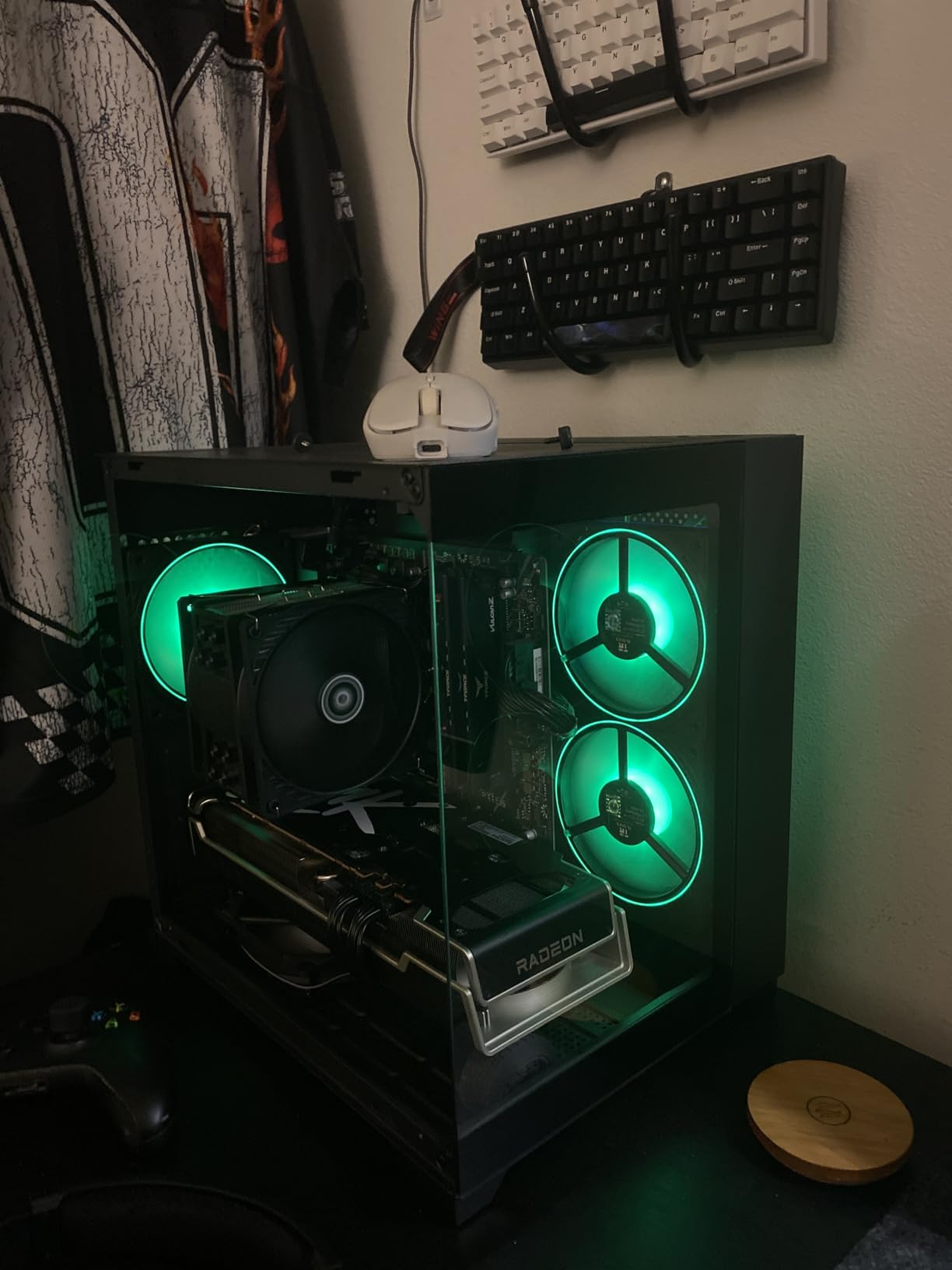
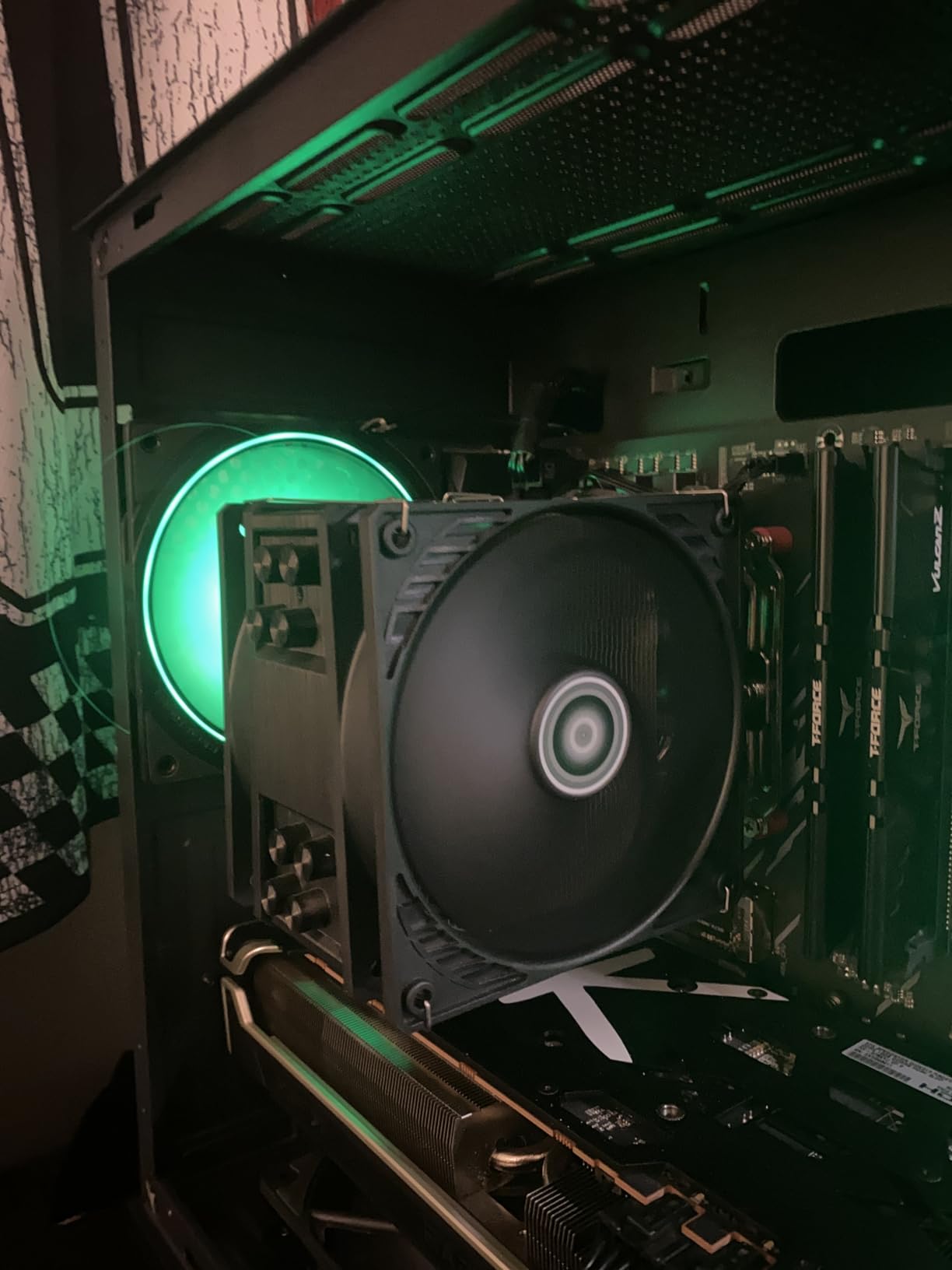
I ran three of these in a mid-tower case for four months, daisy-chained to a single CPU fan header. The cable management was clean, and the fans responded smoothly to temperature changes via PWM control. At idle speeds, they were genuinely inaudible from two feet away.
The P12 delivers 56.3 CFM at its maximum 1800 RPM, with a static pressure of 2.2 mmH2O. That static pressure figure is strong enough for radiator use and tight case spaces. During my testing on a 240mm AIO, it came within 1 to 2 degrees of the Noctua NF-A12x25 in thermal performance.
The main area where the P12 shows its budget nature is at high RPM. When all three fans ramped to full speed during a stress test, there was a noticeable whooshing sound that the Noctua fans do not produce. It is not unpleasant, but it is audible. With a well-tuned fan curve, this rarely matters in practice.
How Many ARCTIC P12 Fans Can I Daisy-Chain Safely?
Most motherboard fan headers can supply 1 amp of current. Each ARCTIC P12 draws about 0.1 amps, which means you can safely daisy-chain up to 10 fans on a single header. In practice, I would recommend staying at 5 or 6 maximum to leave headroom and avoid any risk of overloading the header.
The daisy-chain feature is one of the biggest practical advantages of this fan. If you are building a case full of fans, it eliminates the need for a separate fan hub or splitter cables.
Is the 6-Year Warranty Legitimate?
ARCTIC offers a genuine 6-year warranty on the P12, which matches Noctua’s coverage. This is exceptional for a fan at this price point and speaks to ARCTIC’s confidence in their build quality. Some users have reported bearing noise developing after 2 to 3 years, but ARCTIC’s warranty process is straightforward for legitimate claims.
For budget builders, the combination of low price, strong performance, and long warranty makes the P12 the best case fan for airflow and low noise when value is the top priority.
7. NZXT F120Q 120mm Quiet – Best for Clean Aesthetics and Solid Airflow
NZXT F120Q – 120mm Quiet Airflow PC Case Fan – Black
120mm PWM Fan
1700 RPM Max
25.1 dBA Noise
9 Sickle Blades
FDB Bearing
60k Hour Life
Pros
- Excellent airflow with nine sickle-style blades
- Very quiet even under load
- Chamfered frame directs airflow efficiently
- Fluid dynamic bearings for long life
- Solid build quality
Cons
- Screws may not fit all cases
- Not ideal for radiator use
- Sparse accessory packaging
NZXT is known for their clean, minimalist aesthetic, and the F120Q embodies that philosophy. This 120mm quiet fan features nine sickle-style blades optimized for large air volume, along with a chamfered frame that concentrates airflow deep into the case. I tested it in an NZXT H510 case where it blended in perfectly.
The build quality is immediately apparent when you hold this fan. The frame is solid, the blades have minimal flex, and the fluid dynamic bearings are rated for 60,000 hours of operation. At 25.1 dBA maximum, it is quieter than I expected for a fan with this level of airflow.
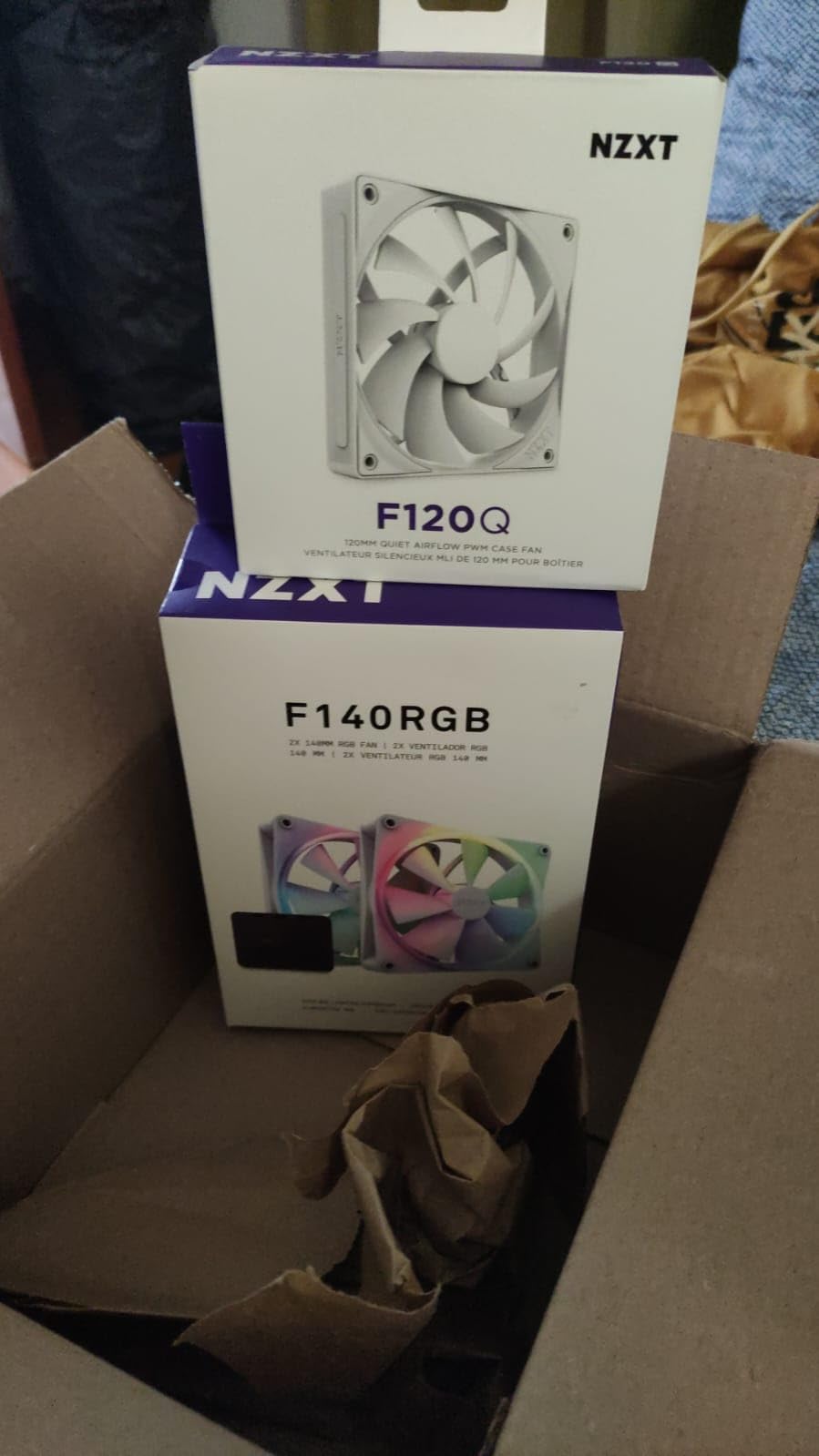
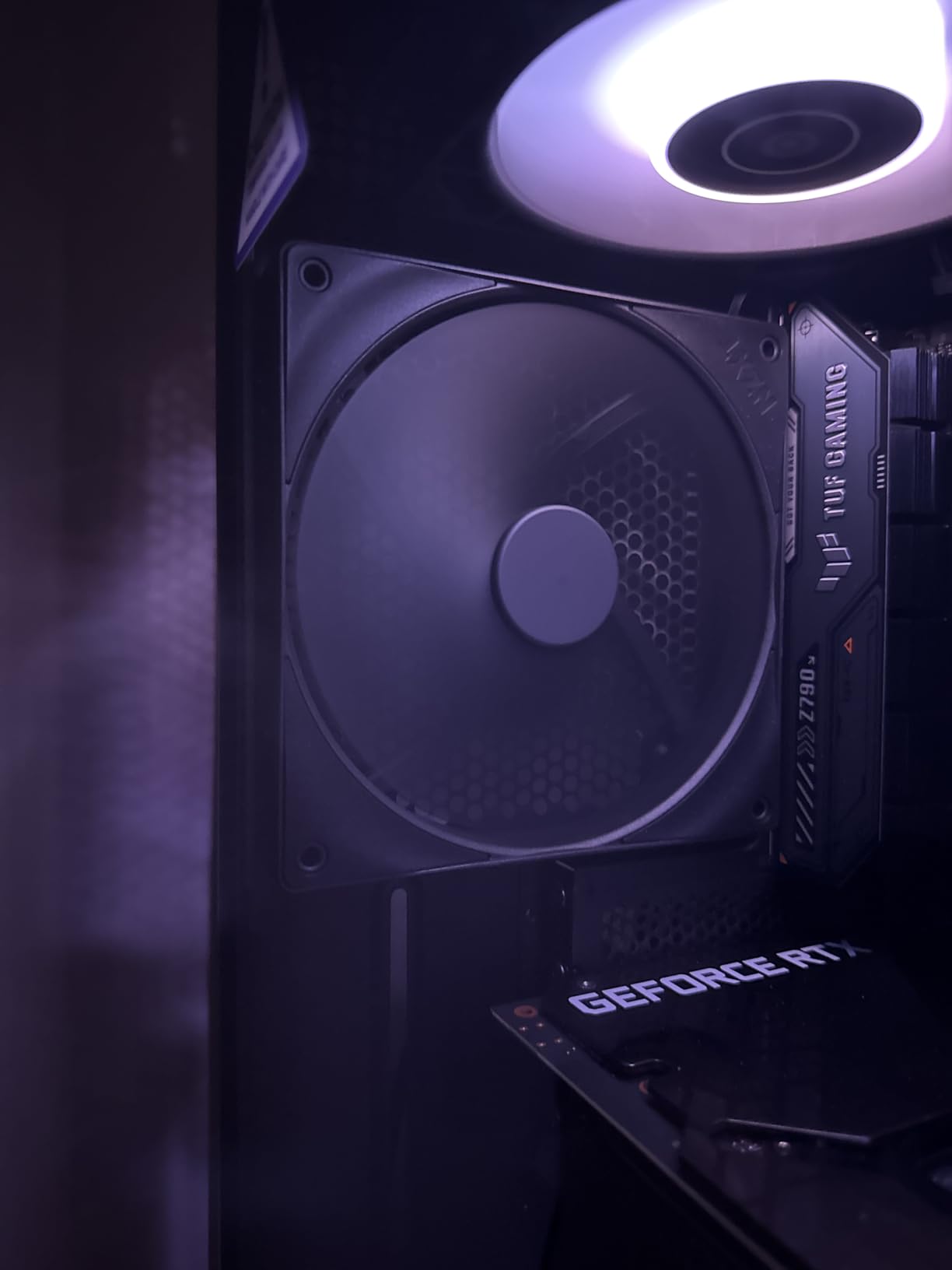
During my testing, the F120Q delivered excellent case ventilation. The chamfered frame design is not just cosmetic; it genuinely directs airflow in a focused stream that reaches components deep in the case. GPU temperatures dropped by 3 degrees when I replaced a generic intake fan with this one.
One thing to note: NZXT explicitly recommends their Static Pressure version for radiator use. The F120Q is optimized for unrestricted airflow, so it performs best as a case intake or exhaust fan rather than mounted on a heatsink or radiator.
Does It Work With Non-NZXT Cases?
The F120Q uses standard 120mm mounting dimensions and a standard 4-pin PWM connector, so it is compatible with any case that accepts 120mm fans. However, some users have reported that the included screws do not fit all case mounting holes perfectly. I recommend keeping your case’s original fan screws as a backup.
The fan itself is a standard size and will mount correctly in any 120mm slot. The screw compatibility issue is minor and easily worked around.
How Does It Compare to the ARCTIC P12?
Both fans target the budget-conscious builder, but they have different strengths. The ARCTIC P12 offers better static pressure and the daisy-chain feature, making it more versatile for radiator use. The NZXT F120Q delivers superior unrestricted airflow and a cleaner aesthetic that matches NZXT cases.
Choose the F120Q for case ventilation in a build where looks matter, and the P12 when you need flexibility for radiators and tight spaces.
8. Thermalright TL-C14C X3 140mm 3-Pack – Best Value Multi-Pack
Thermalright TL-C14C X3 CPU Case Fan 140mm, PWM Fan Silent Computer CPU Fan with 1500RPM Speed, CPU Cooling Black Fan,3 Quantities
140mm PWM Fan
1500 RPM Max
26.4 dBA Noise
75.8 CFM Airflow
3-Pack
S-FDB Bearing
Pros
- Excellent value with 3 fans included
- Very quiet at normal speeds
- Strong 75.8 CFM airflow
- Daisy-chain option for limited headers
- Rubber gaskets minimize rattle
Cons
- Vibration noise at higher RPM
- Build quality below premium brands
- Occasional quality control issues
Thermalright has been quietly producing some of the best value cooling products on the market, and the TL-C14C X3 is no exception. This is a 3-pack of 140mm fans at a price that makes other options look expensive by comparison. For anyone filling a large case with fans, this is the most cost-effective option on this list.
Each fan delivers 75.8 CFM at 1500 RPM with a noise level of 26.4 dBA. Those are strong numbers for 140mm fans at this price point. I installed all three in a full-tower case as front intake, top exhaust, and rear exhaust, and the improvement in airflow was substantial.
The S-FDB (Sealed Fluid Dynamic Bearing) design keeps noise low and extends bearing life. Rubber gaskets on the screw holes help minimize vibration transfer to the case, which is a nice touch that you do not always see at this price.
The daisy-chain connector is essential here, since most motherboards do not have three spare fan headers. I chained all three to a single header without issues. Just make sure your header can handle the combined current draw.
Are Three Fans for This Price Too Good to Be True?
The TL-C14C X3 is genuinely good value, but there are trade-offs. Some users have reported vibration noise at higher RPMs, and the build quality is a step below premium brands like Noctua. The fins have more flex, and the frame feels less rigid than more expensive options.
For budget builders who need to fill a large case, these trade-offs are absolutely worth it. For a premium build where every component needs to be perfect, you may want to spend more per fan.
How Do the Rubber Gaskets Help With Noise?
The pre-installed rubber gaskets on the screw holes act as vibration dampeners. When a fan vibrates, that vibration transfers through the screws into the case panel, which amplifies it into audible noise. The rubber gaskets break that mechanical connection, significantly reducing vibration-induced noise.
This is a feature more commonly found on premium fans, and seeing it on a budget 3-pack shows that Thermalright understands what matters to builders focused on low-noise operation.
Buying Guide: How to Choose the Best Case Fans
Choosing the right case fan comes down to understanding a few key specifications and matching them to your specific build. I will break down the most important factors so you can make an informed decision without getting lost in marketing jargon.
Understanding CFM and Airflow
CFM (Cubic Feet per Minute) measures how much air a fan can move in one minute. Higher CFM means more air moved, which generally means better cooling. However, CFM ratings from manufacturers are measured in ideal conditions with no resistance, so real-world performance is always lower.
For case intake and exhaust fans where air flows freely, prioritize high CFM. For fans mounted on radiators, heatsinks, or behind dust filters, static pressure matters more than raw CFM.
Static Pressure vs Airflow Fans
Airflow fans are designed to move large volumes of air in unrestricted paths. They have wider blades with more pitch, making them ideal for case intake and exhaust positions. Static pressure fans are built to push air through resistance like radiator fins, heatsink towers, and dust filters. They have narrower, steeper blades that maintain force against obstruction.
If you are unsure which you need, a fan that does both well (like the Noctua NF-A12x25) is the safest choice. Dedicated static pressure fans will underperform as case ventilation, and vice versa.
What dBA Means and Why It Matters
dBA (A-weighted decibels) measures how loud a fan is to human ears. The scale accounts for the frequencies humans hear most easily, so a lower dBA number means a quieter fan. Most case fans range from 15 to 35 dBA.
As a reference point, 25 dBA is comparable to a quiet whisper, 30 dBA is like a soft conversation, and 35 dBA starts to become clearly noticeable. For a silent build, look for fans rated at 25 dBA or below at their maximum speed.
PWM vs DC Fan Control
PWM (Pulse Width Modulation) fans use a 4-pin connector and control speed by rapidly switching power on and off. This allows precise speed adjustment and efficient operation. PWM fans can spin very low at idle and ramp up smoothly when needed.
DC fans use a 3-pin connector and control speed by adjusting voltage. This method is less precise and has a higher minimum speed, meaning DC fans cannot spin as slowly as PWM fans. For quiet operation, always choose PWM fans when your motherboard supports them.
120mm vs 140mm: Which Size Should You Buy?
120mm fans are the universal standard and fit virtually every case. They are ideal for CPU cooler mounts, radiator slots, and cases with limited space. 140mm fans move more air at lower RPMs, making them quieter for the same airflow. They are ideal for front intake and top exhaust positions in cases that support them.
Check your case specifications for compatible fan sizes before buying. If your case supports 140mm fans, use them for intake and exhaust positions, and reserve 120mm fans for CPU coolers and tight spots.
Bearing Types and Longevity
The bearing type determines how long your fan will last and how its noise profile changes over time. Fluid Dynamic Bearings (FDB) offer the best balance of longevity, quiet operation, and cost. They are found in most quality fans today. Rifle bearings are budget-friendly and decent but may develop noise over time. Ball bearings are durable but tend to be louder.
Look for fans with FDB or S-FDB bearings for the best combination of quiet operation and long lifespan. The warranty period is also a good indicator of bearing quality, with 6-year warranties reflecting higher confidence in longevity.
Fan Placement Strategy for Optimal Airflow
Good fan placement matters as much as the fans themselves. The most effective configuration is a front-to-back airflow path: intake fans at the front and bottom, exhaust fans at the rear and top. This creates a natural flow of cool air in and warm air out.
For positive pressure (which helps keep dust out), run more intake fans than exhaust. For neutral pressure, balance intake and exhaust. Avoid mixing too many different fan types in the same airflow path, as mismatched CFM ratings can create turbulence that reduces cooling efficiency.
Frequently Asked Questions
Which case fans are the quietest?
The Noctua NF-A12x25 PWM is the quietest case fan we tested, producing just 22.6 dBA at full speed. Its Sterrox LCP blade construction and tight 0.5mm tip clearance eliminate the turbulence noise that affects most fans. The be quiet! Pure Wings 3 120mm is the quietest budget option, with a low minimum RPM that makes it nearly inaudible at idle.
Which fan has the best airflow?
The be quiet! Pure Wings 3 140mm High-Speed delivers the highest airflow at 72.2 CFM, followed by the Thermalright TL-C14C at 75.8 CFM. Among 120mm fans, the ARCTIC P12 PWM PST offers excellent airflow at 56.3 CFM with strong static pressure for its size, making it the best overall value for airflow performance.
Which fan is best for cooling and quiet operation?
The Noctua NF-A12x25 PWM is the best fan for combined cooling performance and quiet operation. It delivers 102.1 CMH of airflow at just 22.6 dBA, with excellent static pressure for radiator use. The Noctua NF-P12 redux-1700 is the best budget option for this combination, offering proven Noctua performance at roughly half the price.
What size case fan should I buy: 120mm or 140mm?
Choose 120mm fans for CPU cooler mounts, radiator slots, and cases with limited space. Choose 140mm fans for front intake and top exhaust positions when your case supports them, since they move more air at lower RPMs for quieter operation. If your case supports both sizes, use 140mm fans for intake and exhaust, and 120mm for tight spots.
Conclusion
Finding the best case fans for airflow and low noise does not have to be complicated. The Noctua NF-A12x25 PWM remains the overall champion, delivering unmatched performance and silence for builders who want the absolute best. If budget is a concern, the Noctua NF-P12 redux-1700 and ARCTIC P12 PWM PST both offer exceptional value without major compromises.
For 140mm builds, the Noctua NF-A14 PWM is the premium choice for silence, while the Thermalright TL-C14C X3 3-pack is unbeatable for filling a large case on a budget. And for anyone building a clean, aesthetic system, the NZXT F120Q delivers solid airflow with a design that complements modern cases.
Whichever fan you choose, remember that proper fan placement and a good PWM fan curve matter as much as the fan itself. Pair the right fans with a well-planned airflow configuration, and your system will run cool and quiet for years to come. I will keep updating this guide as new fans hit the market in 2026 and beyond.