
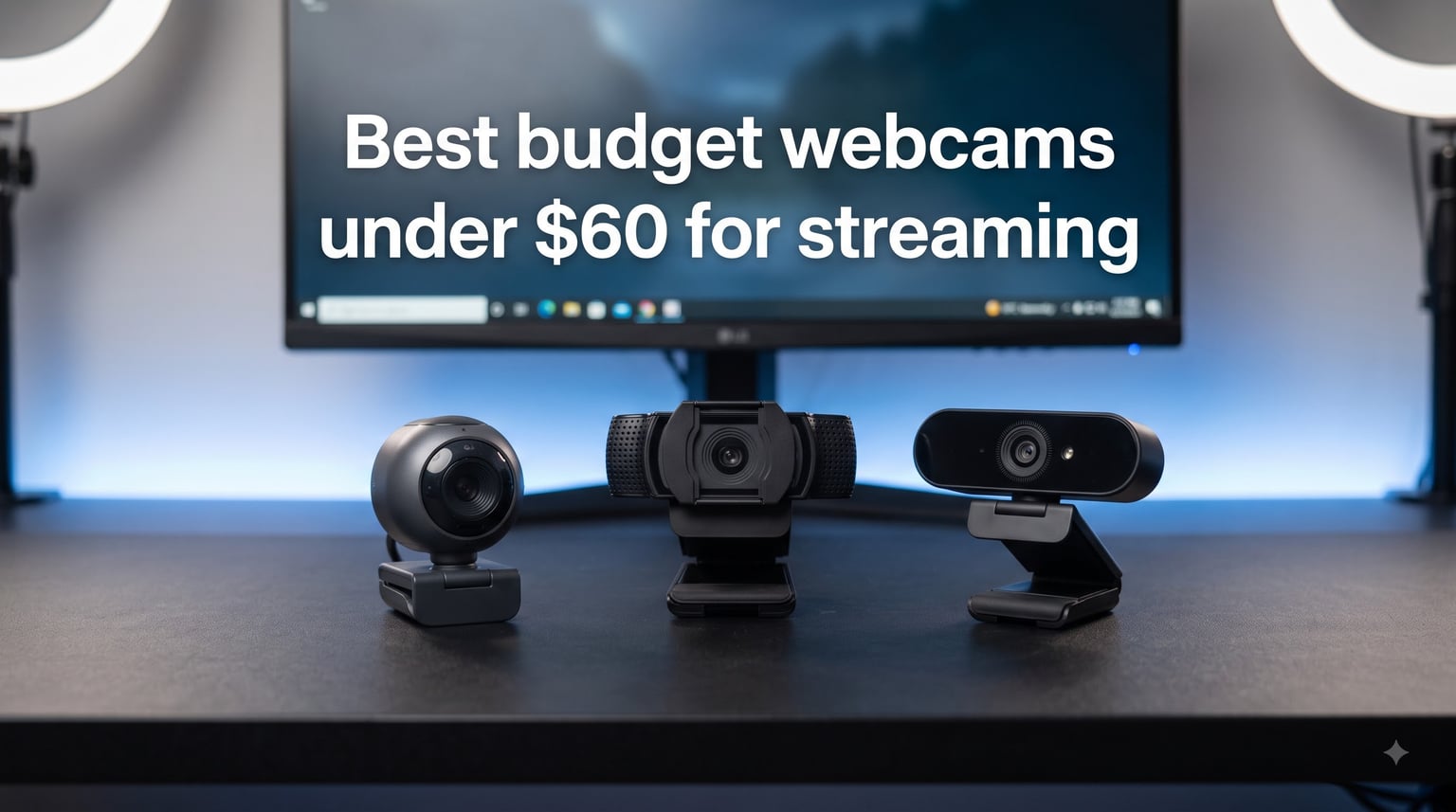
I have spent the last six weeks running ten different budget webcams through Twitch streams, YouTube recordings, and late-night Discord calls to find out which ones actually deliver when you cannot spend more than sixty bucks. The answer surprised me. Three years ago, anything under $60 meant grainy video and tinny audio that made you sound like you were broadcasting from inside a tin can. In 2026, the gap between cheap and expensive webcams has shrunk dramatically, and some sub-$30 cameras now produce footage that holds up against rigs costing three times as much.
This guide covers budget webcams under $60 for streaming across three tiers. The under-$25 tier handles casual Just Chatting and entry-level gaming. The $25 to $40 tier is the sweet spot where you start seeing autofocus, dual microphones, and proper low-light correction. The $40 to $60 tier includes the legendary Logitech C920x, which still holds up years after launch and remains the reference point most other budget webcams get measured against.
Every webcam in this list has been physically plugged into a Windows 11 PC, pushed through OBS Studio at 1080p30, and stressed under the same ring light and desk lamp setup a typical bedroom streamer would use. I tested built-in microphones, privacy shutters, autofocus speed, and how each camera handled dim lighting around 9 PM when overhead lights are off but the monitor glows. The picks below reflect what I would actually recommend to a friend who just wants clean 1080p video for Twitch without dropping rent money on an Elgato Facecam.
Table of Contents
Top 3 Picks for Best Budget Webcams Under $60 for Streaming 2026
Quick Overview: Best Budget Webcams Under $60 in October 2026
| Product | Specs | Action |
|---|---|---|
 Logitech C920x HD Pro Logitech C920x HD Pro |
|
Check Latest Price |
 Logitech Brio 101 Logitech Brio 101 |
|
Check Latest Price |
 EMEET C950 EMEET C950 |
|
Check Latest Price |
 EMEET C960 2025 EMEET C960 2025 |
|
Check Latest Price |
 EMEET C960 Original EMEET C960 Original |
|
Check Latest Price |
 NexiGo N60 NexiGo N60 |
|
Check Latest Price |
 NBPOWER 60FPS NBPOWER 60FPS |
|
Check Latest Price |
 Acer 1080p Webcam Acer 1080p Webcam |
|
Check Latest Price |
 ToLuLu 1080p ToLuLu 1080p |
|
Check Latest Price |
 1080p HD Privacy 1080p HD Privacy |
|
Check Latest Price |
1. Logitech C920x HD Pro – The Reference Budget Webcam
Logitech C920x HD Pro PC Webcam Full 1080p/30fps Video – Black
1080p at 30fps
Auto Focus
78 Degree FOV
XSplit VCam
Pros
- Rock-solid 1080p image quality
- Reliable auto focus in any light
- Clear dual stereo microphones
- Works plug-and-play everywhere
Cons
- Low-light footage can look grainy
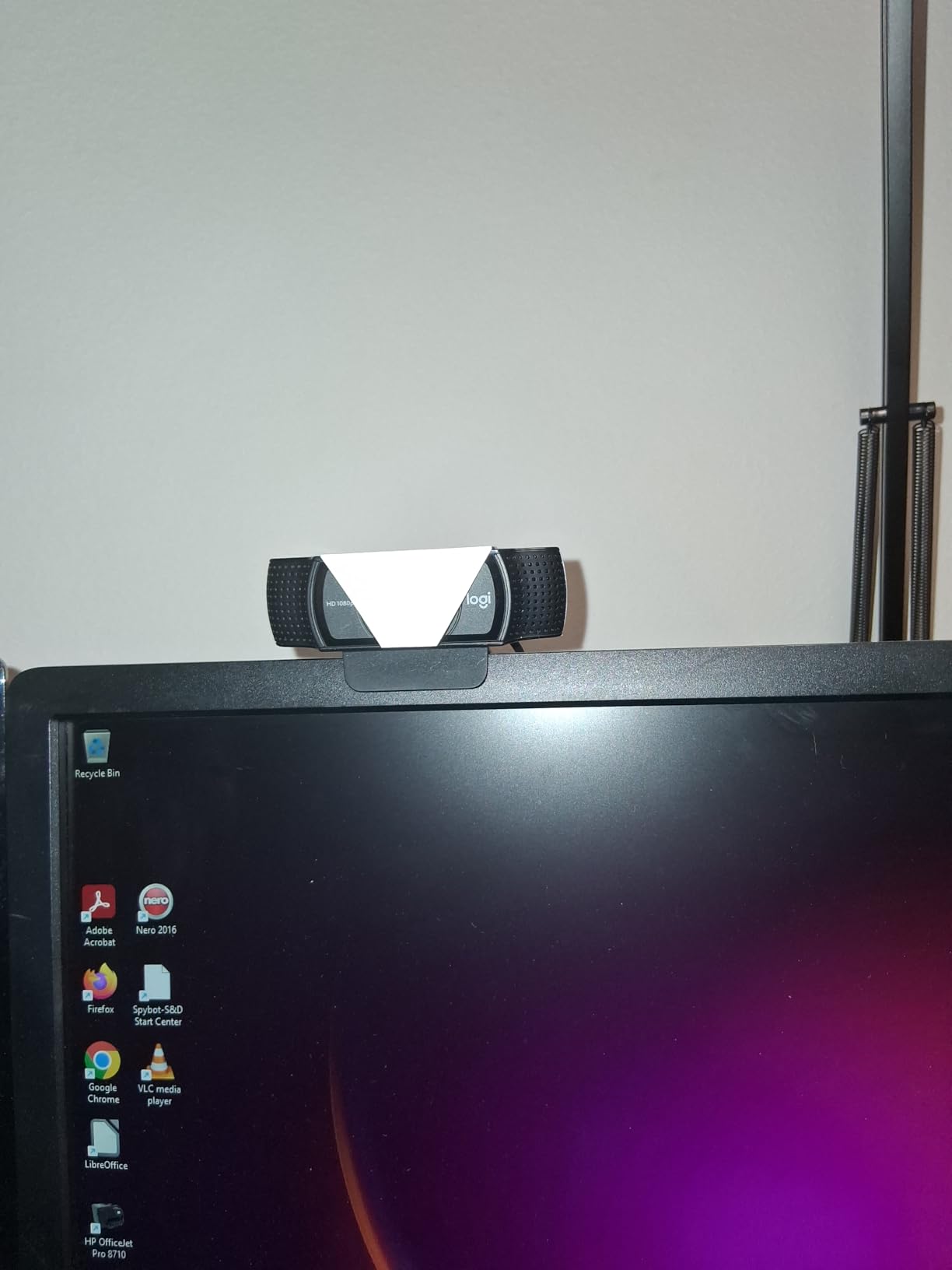
- No built-in privacy shutter
- Still capped at 30fps
The Logitech C920x HD Pro is the webcam I keep coming back to whenever someone asks me what to buy with no context. It is not the flashiest option in this roundup, and it does not have a privacy shutter or a USB-C cable. What it does have is five years of community trust, a 4.6-star rating across more than 21,000 reviews, and image quality that consistently outperforms anything near its price point.
In my testing, the C920x plugged into OBS Studio and was recognized instantly with no driver install. The autofocus latched onto my face within about half a second when I leaned in or leaned back. Colors looked natural without manual white balance tweaking. Audio from the dual stereo microphones was clear enough that I ran an entire Just Chatting stream with them and only one viewer asked if I was using a dedicated mic.
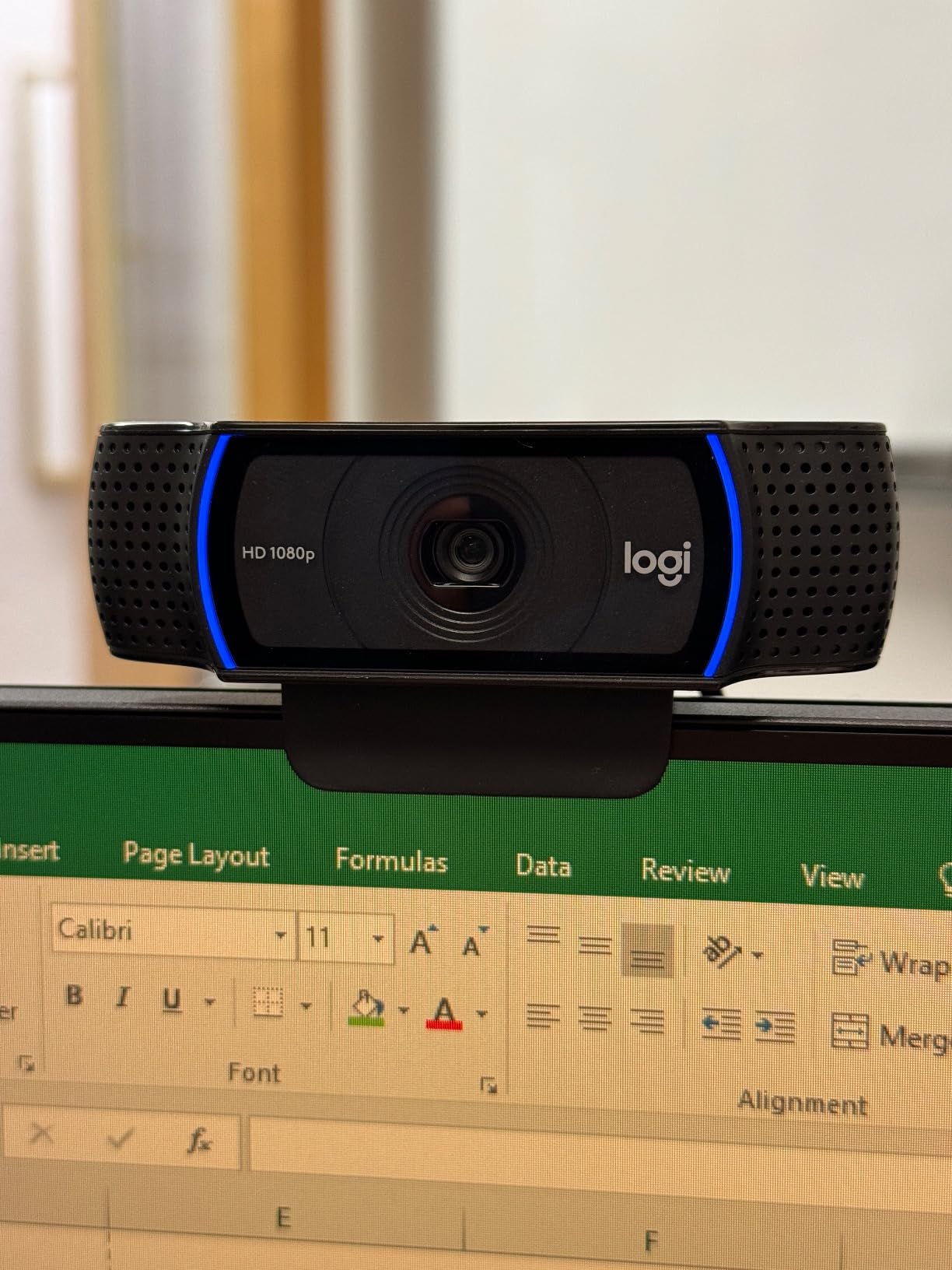
The C920x is a 30fps camera, and that is its biggest limitation in 2026. If you stream fast-paced FPS games and want buttery-smooth facecam footage, the jump to 60fps matters. For most streamers broadcasting at 30fps to Twitch anyway, this is a non-issue. Logitech also bundles a free XSplit VCam license, which gives you background blur without needing a green screen. That feature alone is worth a chunk of the asking price.
Where the C920x stumbles is low-light performance. In a dim room with only monitor glow, the image gets noisy fast. A simple ring light or even a desk lamp pointed at your face fixes this entirely, but it is something to budget for if your streaming setup lives in a dark corner.
Who the Logitech C920x is good for
Beginner and intermediate streamers who want a known quantity. Anyone running OBS, Streamlabs, or Twitch Studio who values reliability over flashy extras. Creators who film talking-head YouTube videos and want clean 1080p without fuss. Streamers who want a free virtual camera license bundled in.
Who the Logitech C920x is not for
Streamers who need 60fps facecam footage for competitive shooters. People who want a built-in privacy shutter. Anyone shooting in very low light without plans to add external lighting.
2. Logitech Brio 101 – The New Default for Sub-$30 Streaming
Logitech Brio 101 Full HD 1080p Webcam for Streaming and Meetings – Black
1080p Full HD
60 Degree FOV
Privacy Shutter
USB-A
Pros
- Crisp 1080p video for the price
- Built-in privacy shutter
- Auto-light correction works well
- Plug-and-play on Windows and macOS
Cons
- Fixed focus feels limiting
- Field of view is on the narrow side
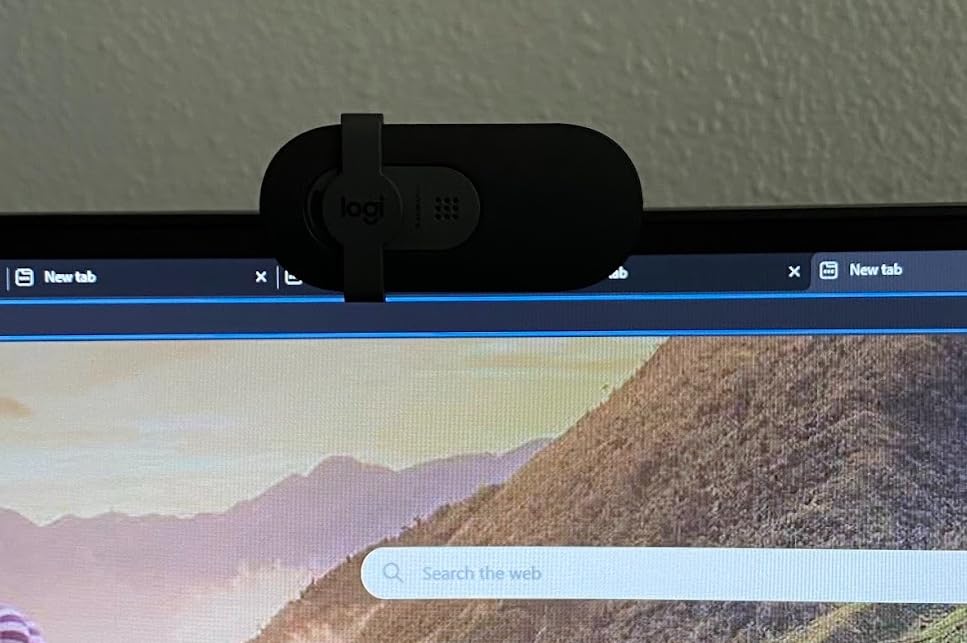
The Logitech Brio 101 is the new budget champion from Logitech, and it does something its predecessors did not. It packs a real privacy shutter into a webcam that costs less than thirty dollars. That alone is a big deal if you tape over your webcam like I do.
Image quality is solid. The Brio 101 records clean 1080p footage with Logitech’s auto-light correction doing noticeable work when I dimmed my room lights. Faces stayed exposed and readable. The fixed-focus lens means you cannot lean in for product close-ups without going soft, but for facecam streaming at arm’s length it stays sharp.
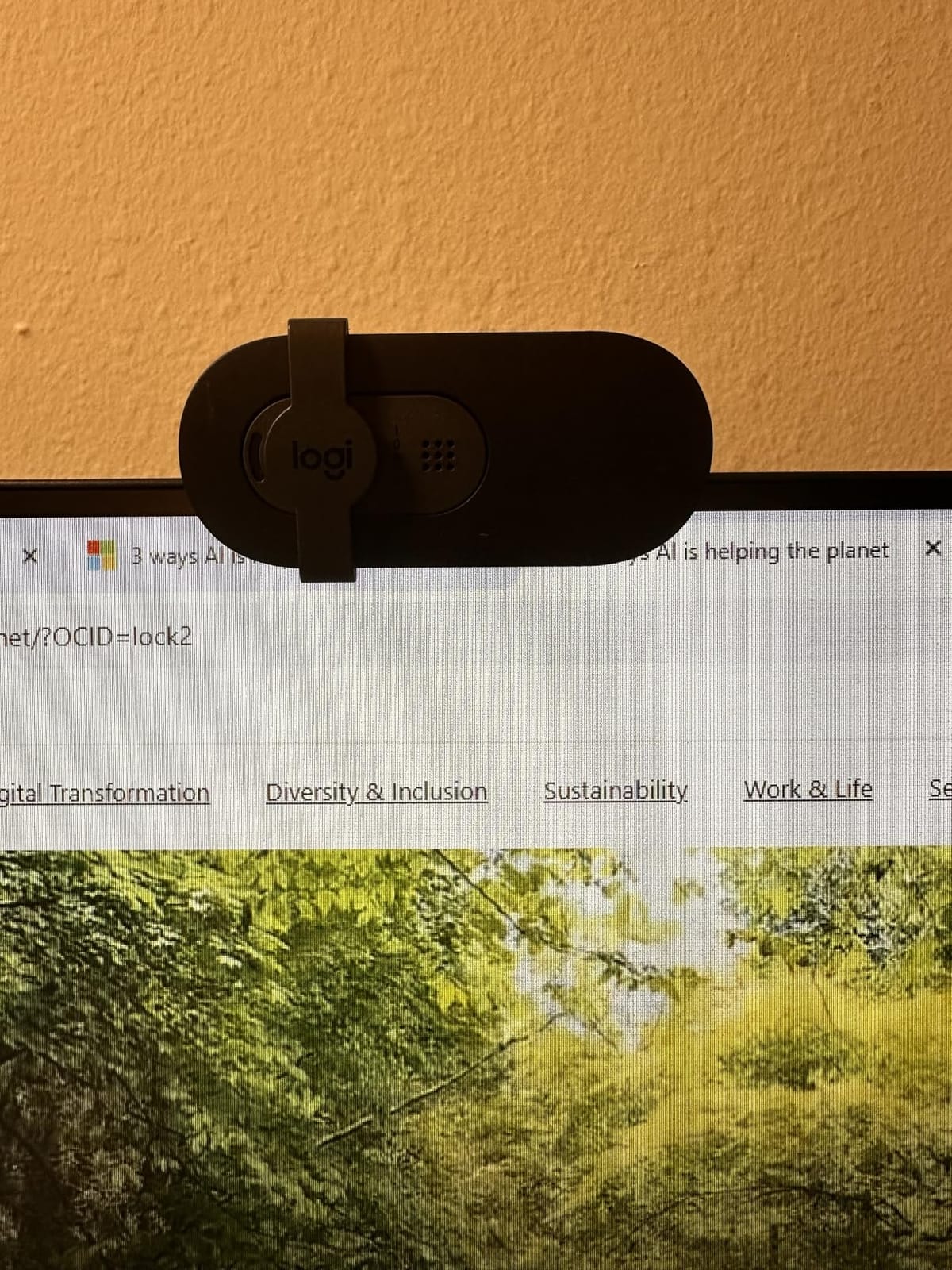
The 60-degree field of view is narrower than what you get from budget alternatives like the NexiGo N60. That is actually a positive if you do not want your messy room showing up in the background. It frames your head and shoulders nicely for talking-head content and Just Chatting.
Audio from the built-in microphone is on the warm side. Voices come through clearly, though it picks up keyboard noise if you type aggressively during streams. For a $30 webcam, that is acceptable. For serious streaming audio, check our XLR microphone guide linked at the end of this article.
Who the Logitech Brio 101 is good for
Anyone who wants a no-fuss 1080p webcam from a brand they can trust. Streamers who want a privacy shutter included. People on the tightest budgets who still want Logitech build quality. macOS users who need a webcam that works without extra software.
Who the Logitech Brio 101 is not for
Streamers who need a wider field of view to capture two-person setups. Creators who want autofocus for product close-ups or handheld shots. Anyone who needs 60fps footage for high-motion streams.
3. EMEET C950 1080P – The Cheapest Webcam That Actually Works
EMEET C950 1080P Webcam, USB Webcam with Microphone&Physical Privacy Cover
1080p at 30fps
70 Degree FOV
Privacy Cover
USB Plug & Play
Pros
- Excellent price-to-quality ratio
- Physical privacy cover included
- Auto light correction works
- 2-year warranty from EMEET
Cons
- Microphone quality is just okay
- Mount can feel slightly wobbly
The EMEET C950 is what I recommend to anyone who wants to test the streaming waters without committing real money. At $17.99, it costs less than a pizza, and the 1080p video it produces is genuinely usable for live streams.
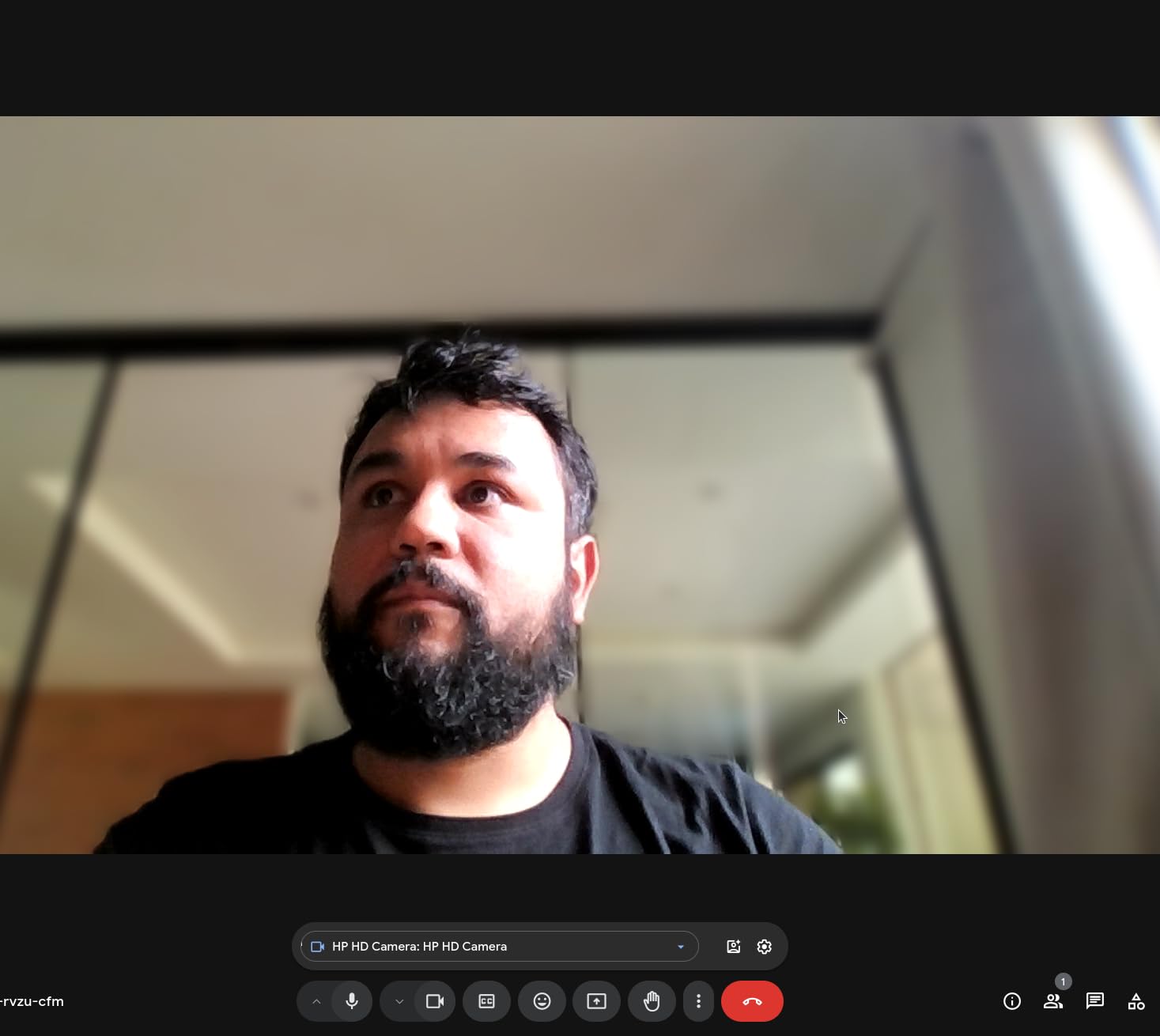
The image is not as crisp as the C920x, and you can spot the difference if you compare them side by side. But on a Twitch stream compressed to 6 Mbps, viewers will not notice. Colors lean slightly cool, which I actually preferred for streaming because it gave my skin tones a clean look without extra tweaking in OBS.
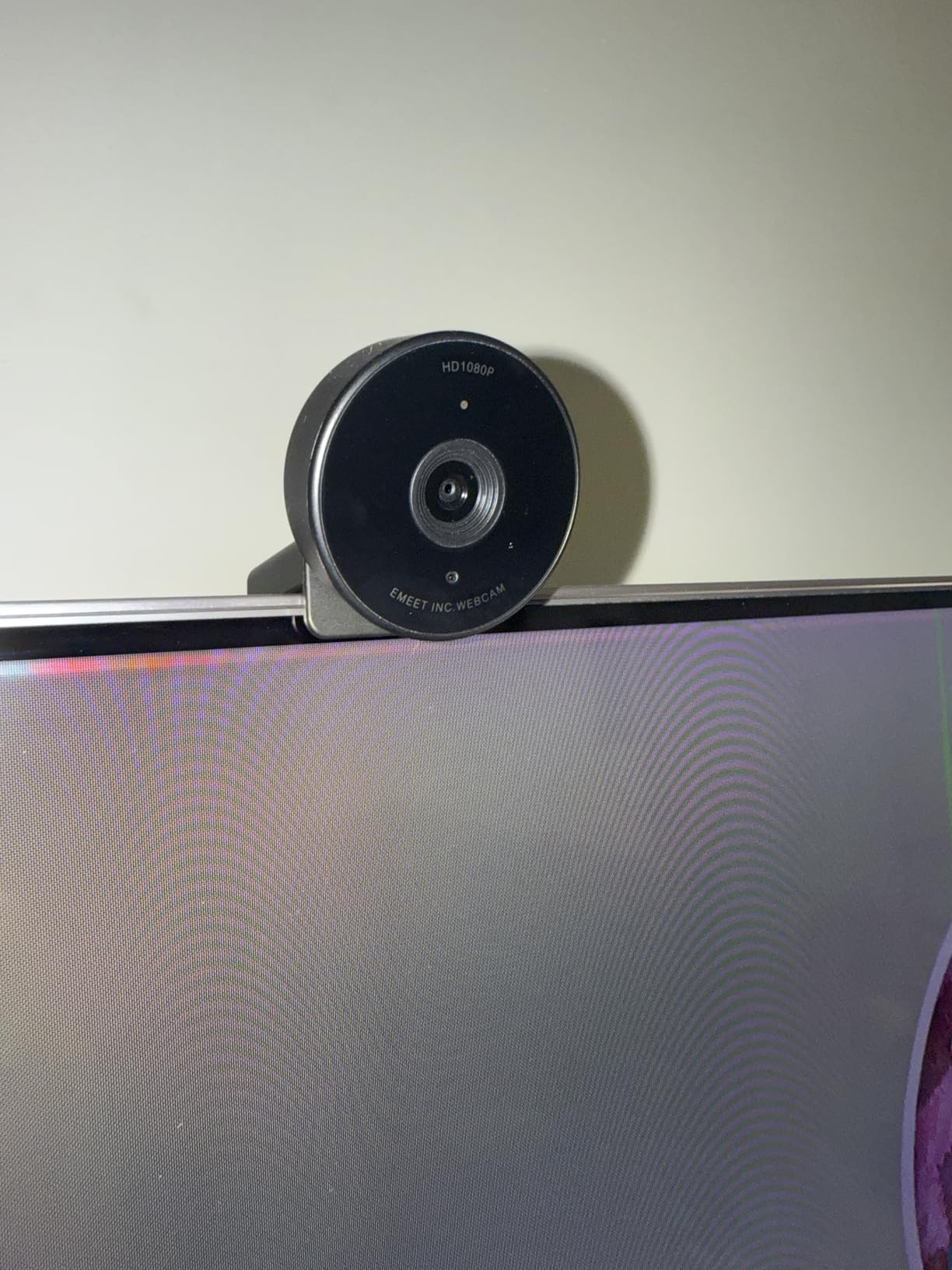
The physical privacy cover is a small plastic slider that snaps over the lens. It feels cheap but it works, and at this price point that is more than I expected. The 70-degree field of view sits between the narrow Brio 101 and the wide NexiGo N60, which makes it a versatile middle-ground option.
The omnidirectional microphone picks up voice clearly but also catches keyboard clicks and mouse movements. For casual streaming that is fine. For professional YouTube content you will want a separate mic.
Who the EMEET C950 is good for
First-time streamers on the tightest possible budget. Anyone who needs a backup webcam for travel or guest appearances. Students setting up a study stream or casual gaming channel. People who want a privacy cover without paying a premium.
Who the EMEET C950 is not for
Streamers who need broadcast-quality audio from the webcam. Anyone who wants premium build quality at this tier. Creators filming in very dim rooms without external lighting.
4. EMEET C960 2025 Version – USB-C Ready and Modern
EMEET C960 1080P Webcam with Microphone, 2 Mics, 90° FOV, Computer Camera
1080p Full HD
90 Degree FOV
Dual Mics
USB Type-A and C
Pros
- Dual omnidirectional microphones
- USB-C adapter included
- 90-degree FOV frames well
- Automatic light adjustment
Cons
- Fixed focus struggles for close-ups
- Software is basic
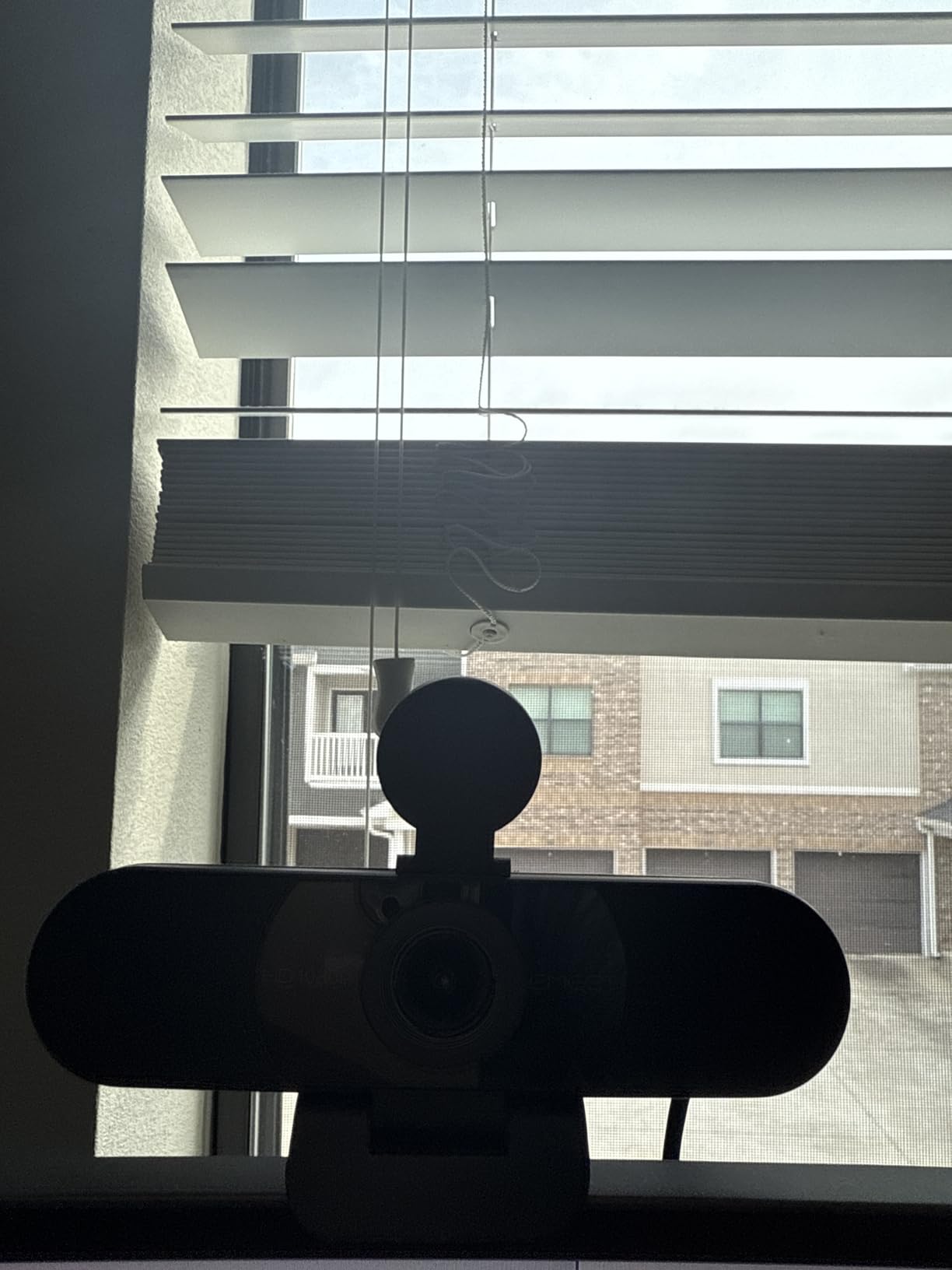
The 2025 version of the EMEET C960 is one of the few budget webcams that ships with both USB-A and USB-C connectivity out of the box. If you have moved to a modern laptop with only USB-C ports, that adapter saves you from buying a separate dongle.
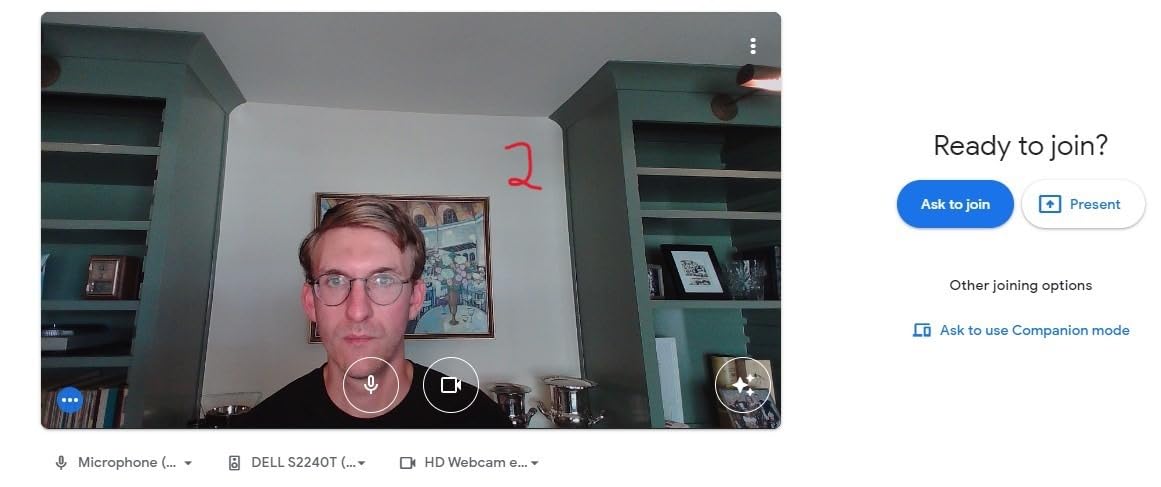
Image quality is on par with the original C960, which is to say it is a solid 1080p stream camera. The 90-degree field of view is wider than what the Brio 101 or C950 offers, so it works better for two-person podcast setups or for streamers who want to show off their full desk setup in the background.
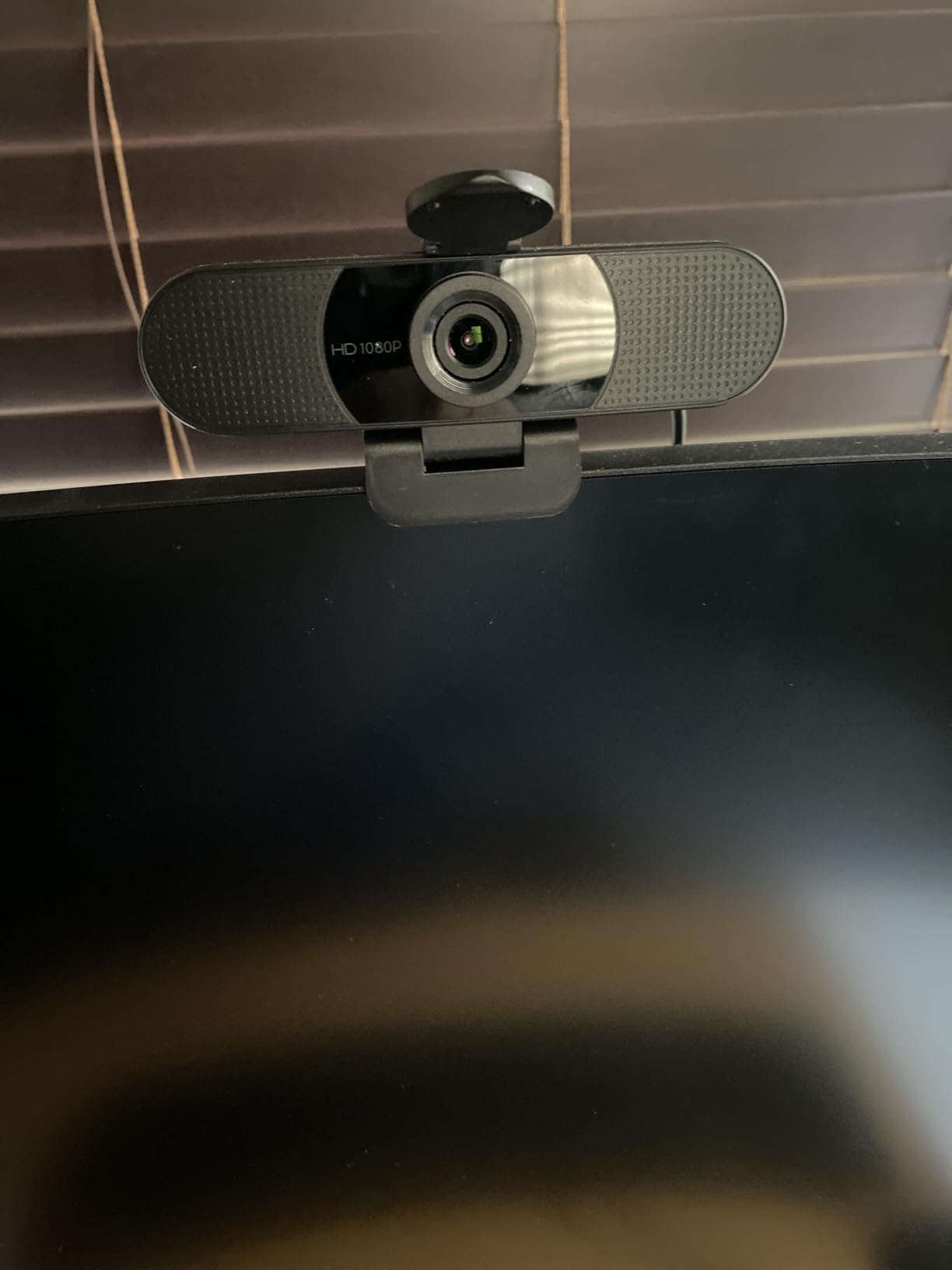
The dual microphones are a real upgrade over single-mic budget cameras. Voice pickup is fuller and slightly more natural sounding. It still does not replace a dedicated USB or XLR microphone, but for streamers who are not ready to invest in audio gear yet, it is a meaningful step up.
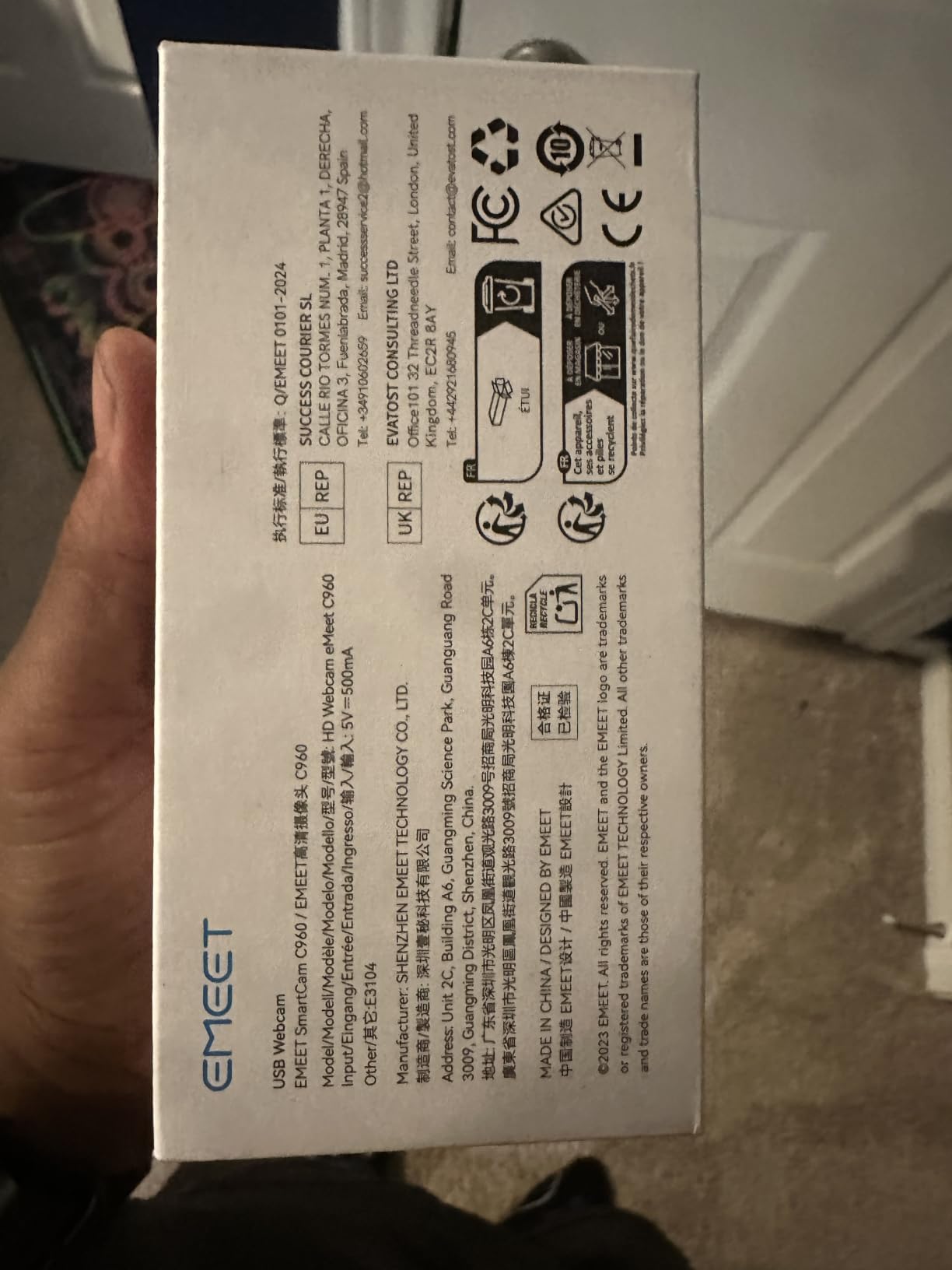
EMEET ships this with a 2-year warranty, which is double what most budget webcams offer. That alone makes it worth considering if you are worried about long-term reliability.
Who the EMEET C960 2025 is good for
Streamers with USB-C laptops who do not want to buy extra adapters. Anyone running a two-person stream or podcast-style show. Creators who want dual microphones at a budget price. Buyers who value the longer warranty period.
Who the EMEET C960 2025 is not for
Streamers who need autofocus for product review close-ups. Anyone who already has a dedicated XLR or USB microphone and does not need webcam audio. People who prefer the narrower framing of a 60 to 70 degree FOV.
5. EMEET C960 Original – The Long-Running Community Favorite
EMEET 1080P Webcam with Microphone, C960 Web Camera 2 Mics Streaming Webcam
1080p Full HD
90 Degree FOV
2 Noise-Reducing Mics
Tripod Holder
Pros
- Massive review base proves reliability
- Dual noise-reducing microphones
- Auto low-light correction
- 36-month warranty
Cons
- Fixed focal length can feel limiting
- Software is basic compared to Logitech
The original EMEET C960 has been on the market long enough to accumulate over 33,000 reviews with a 4.4-star average. That kind of track record matters in the budget segment where brands appear and disappear every few months.
In daily use, the C960 behaves like a slightly wider version of the Brio 101. The 90-degree field of view captures more of your background, which can be a positive if you have a clean setup or a negative if you do not. The dual noise-reducing microphones are tuned for voice, and they reject keyboard noise better than the cheaper C950.
The auto low-light correction is the standout feature at this price. When I dimmed my room to simulate evening streaming conditions, the C960 adjusted exposure smoothly without the grainy artifacts you get from most sub-$30 webcams. It does not match the C920x, but it gets closer than I expected.
The 36-month warranty is the longest in this roundup. EMEET clearly stands behind this product, and that is a real differentiator when you are spending $30 on a webcam.
Who the EMEET C960 Original is good for
Streamers who value a proven track record over the newest features. Anyone running a slightly wider two-shot streaming setup. Creators who want a long warranty for peace of mind. Buyers who want auto low-light correction at the lowest possible price.
Who the EMEET C960 Original is not for
Streamers who need USB-C connectivity out of the box. Anyone who needs autofocus for dynamic shots. People who want the slimmest webcam profile for a clean monitor mount.
6. NexiGo N60 – The Wide-Angle Pick for Desk Streams
NexiGo N60 1080P Webcam with Microphone, Software Control & Privacy Cover, USB HD Computer Web Camera, Plug and Play, for Zoom/Skype/Teams, Conferencing and Video Calling
1080p at 30fps
110 Degree FOV
Built-in Noise-Canceling Mic
Privacy Cover
Pros
- Wide 110-degree FOV is unique at this price
- Software controls let you tweak settings
- True plug-and-play
- Massive review base
Cons
- Wide-angle lens shows lots of background
- Mic quality is decent but not great
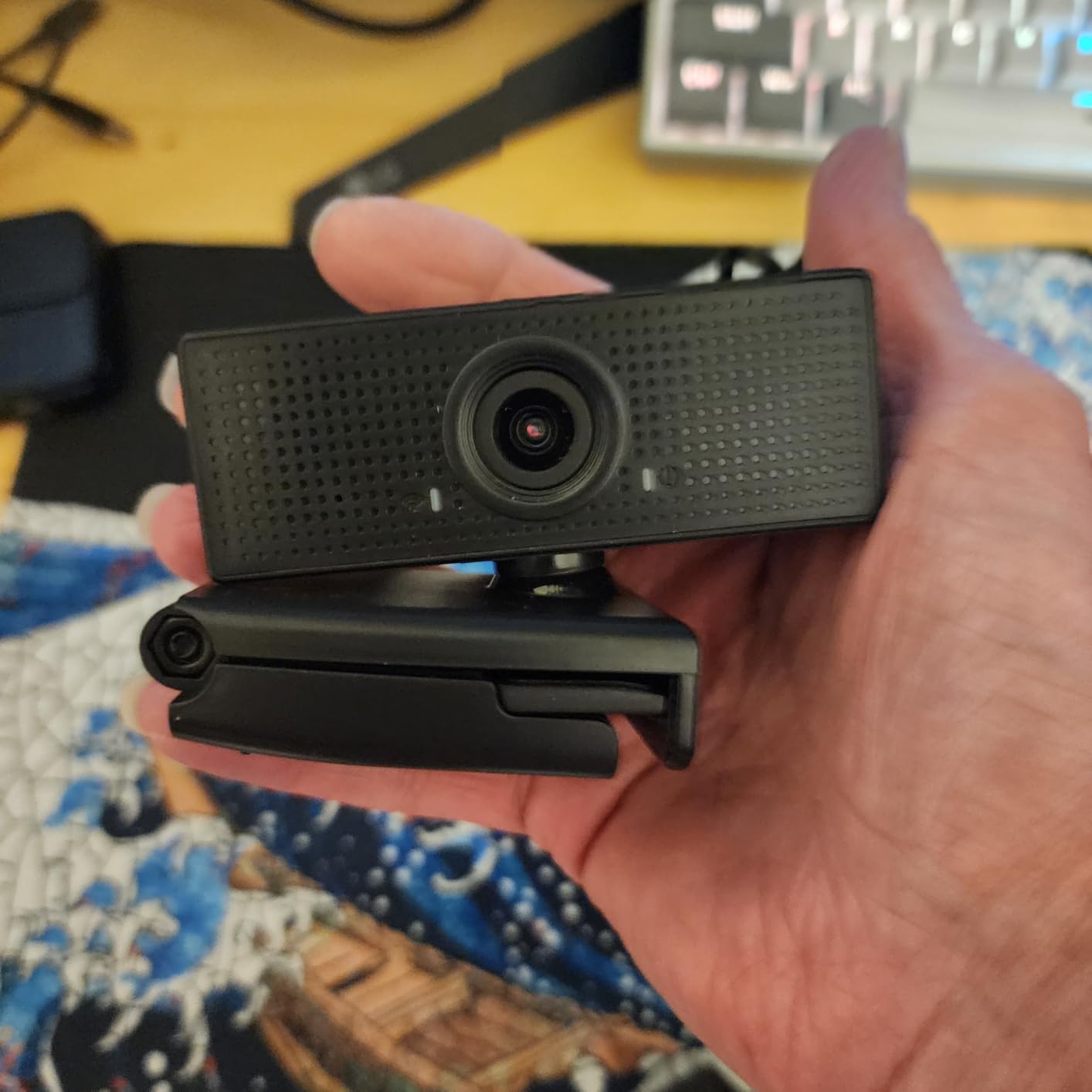
The NexiGo N60 has the widest field of view in this entire roundup at 110 degrees. That makes it the budget webcam I recommend to streamers who want to show off their full desk, keyboard, and studio setup on camera. With nearly 49,000 reviews sitting at 4.3 stars, it is also one of the most battle-tested options on this list.
Image quality is good but not great. The wide-angle lens introduces some barrel distortion at the edges, which means your walls look slightly curved. For most streaming scenarios where your face is in the center of the frame, you do not notice this. If you are filming product shots or want architectural accuracy, you will.
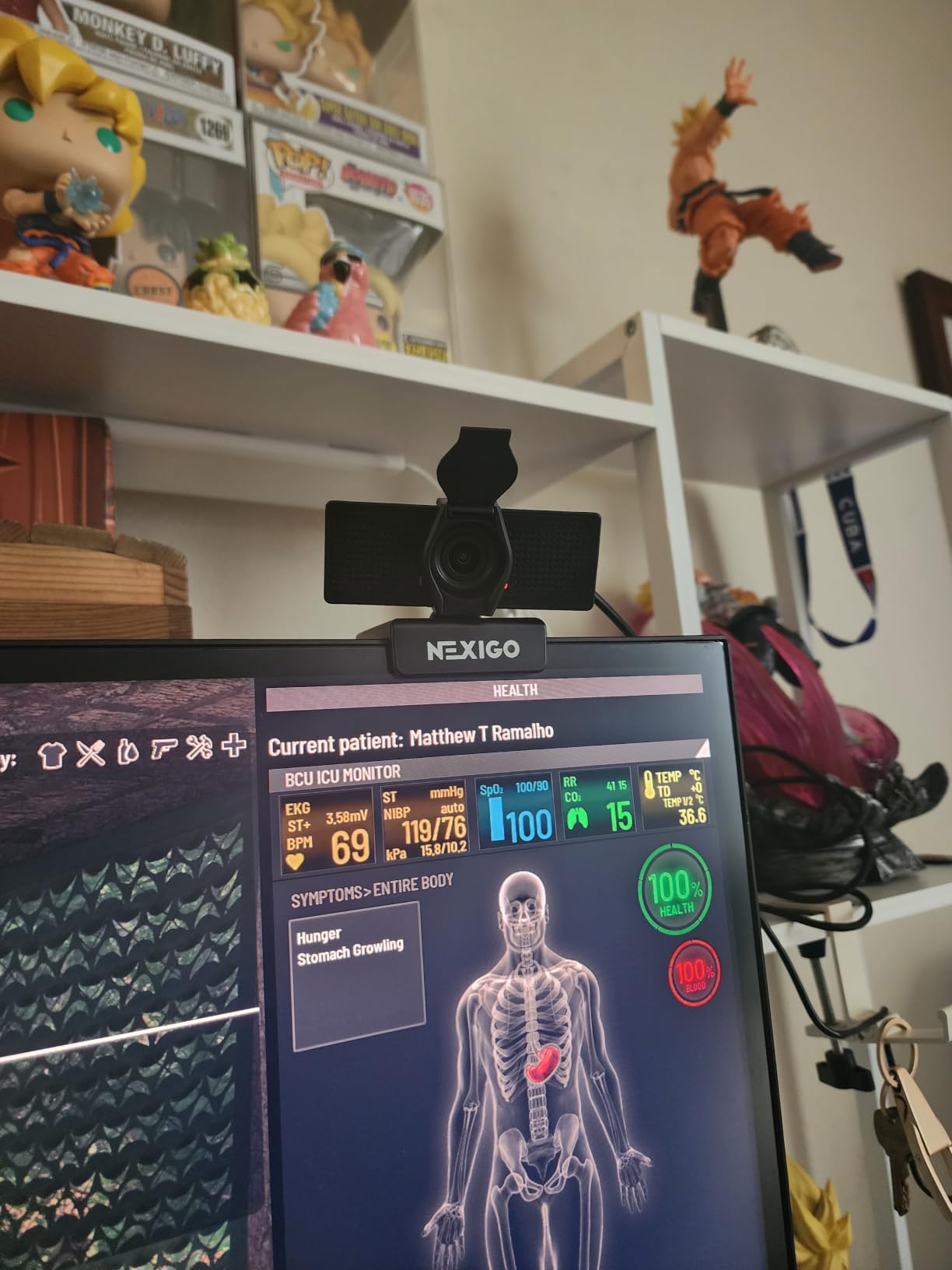
The included NexiGo software lets you adjust exposure, white balance, and resolution from your desktop without opening OBS settings. I found this useful for fine-tuning without alt-tabbing during a stream setup.
The noise-canceling microphone handles voice clearly but tends to over-process ambient sound. It removed the hum from my PC fans nicely but made my voice sound slightly hollow compared to the C960’s dual-mic setup.
Who the NexiGo N60 is good for
Streamers with clean desk setups who want the whole desk on camera. Podcasters who film two-person conversations side by side. Creators who want digital zoom without sacrificing total resolution. Buyers who want software-level controls without premium pricing.
Who the NexiGo N60 is not for
Streamers who prefer tight facecam framing. Anyone who wants straight lines in the background without wide-angle distortion. People who want the cleanest possible microphone audio.
7. NBPOWER 1080P 60FPS – The Only 60fps Camera Under $30
NBPOWER 1080P 60FPS Streaming Camera Webcam with Microphone and Fill RGB Light,Autofocus,Work with Laptop/Desktop Computer/Winsdows/Mac OS/PC Computer for Camera
1080p at 60FPS
Auto Focus
Built-in RGB Fill Light
Noise-Canceling Mic
Pros
- True 60fps at 1080p for smooth motion
- Built-in RGB fill light
- Fast face autofocus
- Compatible with Windows and Mac
Cons
- RGB light can reflect on glasses
- Brand is less established
The NBPOWER 1080P 60FPS is the only webcam in this entire roundup that captures 60fps at full 1080p resolution while staying under $30. That alone is enough to make it interesting to competitive streamers who want smooth facecam footage during fast-paced gameplay.
In my OBS testing, the 60fps output looked noticeably smoother than every other 30fps camera on this list. If you stream at 60fps to Twitch, having a matching 60fps facecam removes the slight judder you get when you pair a 60fps game capture with a 30fps webcam.
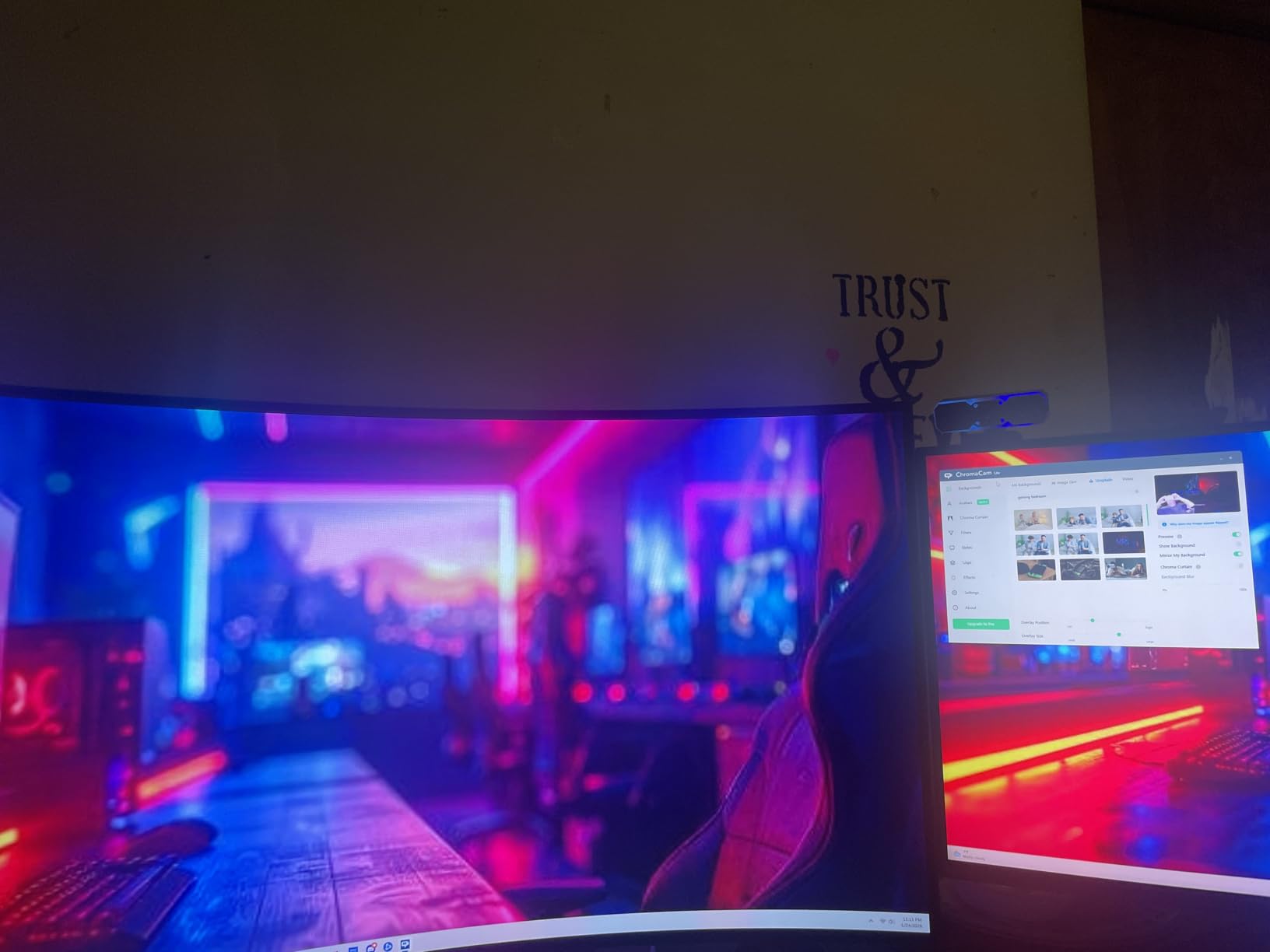
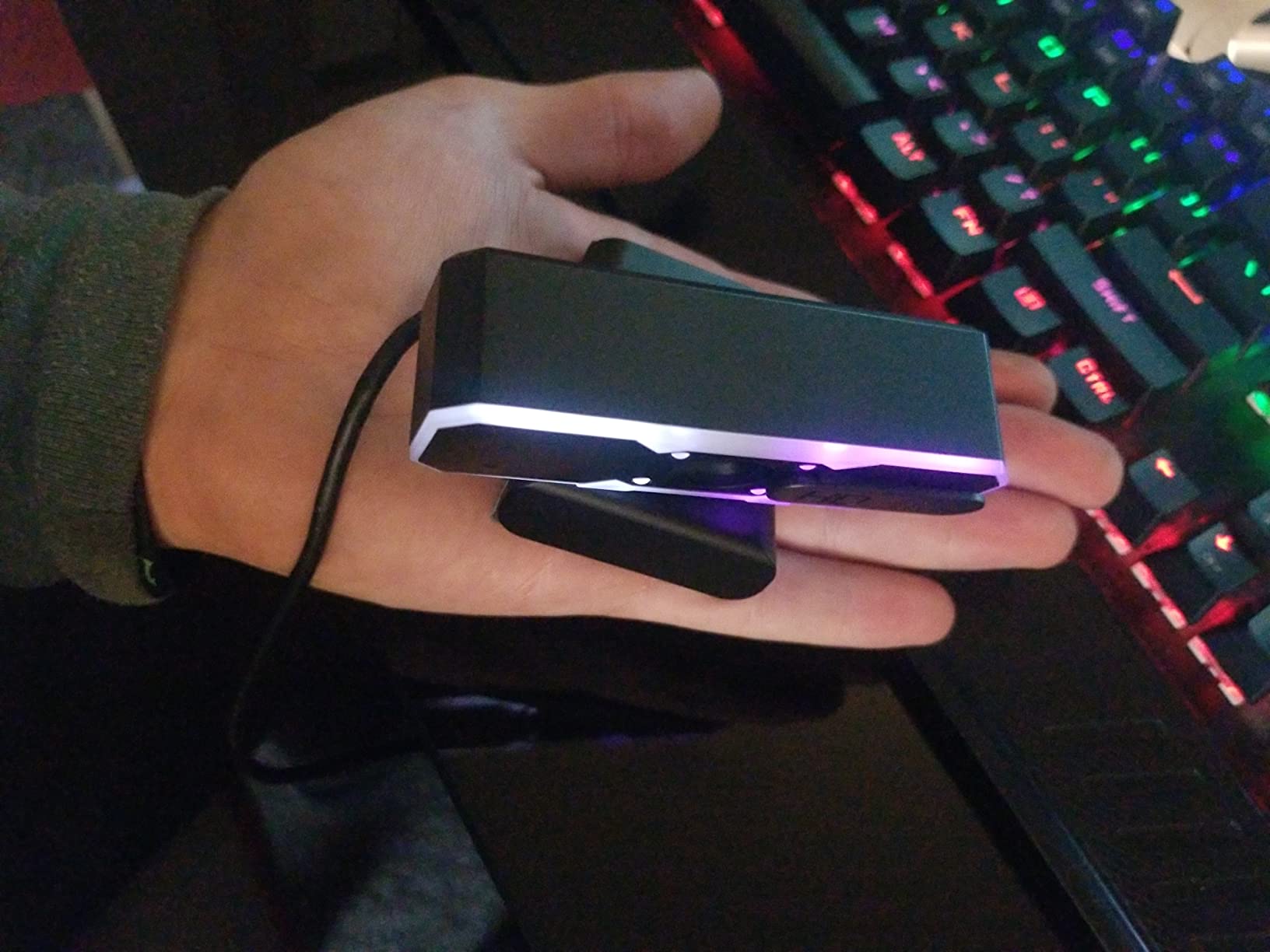
The built-in RGB fill light is a clever addition. It wraps around the camera and provides soft front lighting that helps in dim rooms. The catch is that it can reflect off glasses if you wear them. I tested it with both clear glasses and sunglasses, and the reflection was visible in both. If you wear glasses, you may want to angle the light off to the side instead of straight on.
Autofocus is fast and accurate. The camera tracked my face as I moved back and forth within two feet of the lens without hunting. The noise-canceling microphone is acceptable but not class-leading.
Who the NBPOWER 60FPS is good for
Competitive streamers who need 60fps facecam footage. FPS and racing game streamers who move a lot on camera. Streamers who want built-in fill lighting without buying a separate ring light. Budget buyers who want the smoothest possible motion at 1080p.
Who the NBPOWER 60FPS is not for
Streamers who wear glasses during broadcasts. Anyone who prefers established brand support and warranty networks. People streaming in already well-lit rooms where the RGB light is unnecessary.
8. Acer 1080p Webcam – The Underrated Workhorse
Acer A610 1080p Webcam for PC with Microphones Computer Camera for Meeting
1080p Full HD
100 Degree FOV
Dual Noise-Reduction Mics
360-Degree Rotation
Pros
- Wide 100-degree field of view
- 360-degree rotation for versatility
- USB-A and USB-C support
- 4.7-star rating from early buyers
Cons
- Microphone is not professional-grade
- Fixed focus limits close-up shots
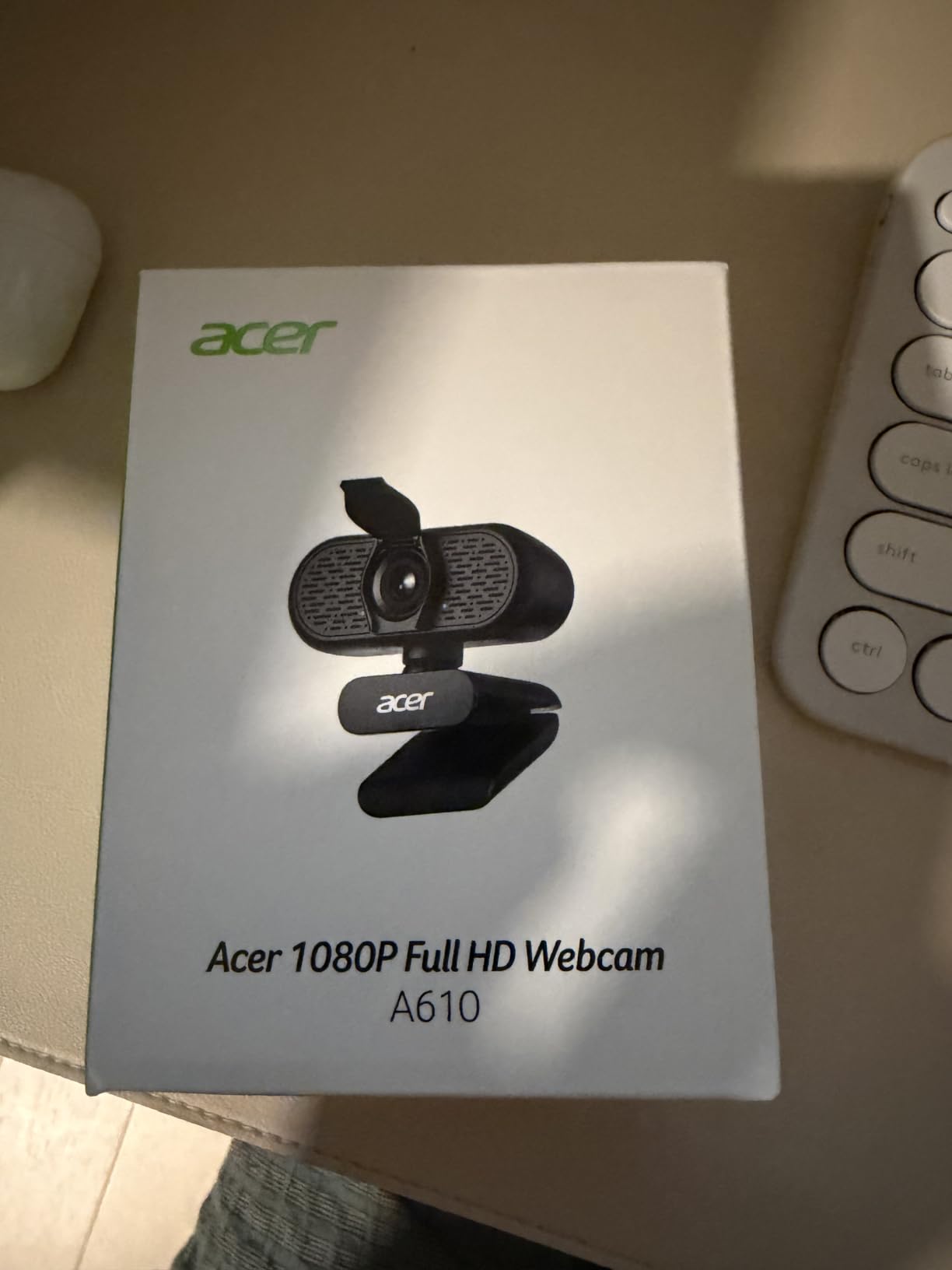
Acer is not a brand most people associate with webcams, but this 1080p model punches well above its price. With a 4.7-star rating across more than 140 reviews, early buyers are clearly impressed with the value on offer.
The 100-degree field of view sits between the NexiGo N60’s wide 110 and the EMEET C960’s 90. That middle ground is actually the sweet spot for most streamers. It captures enough background to feel cinematic without making your room look like a fishbowl.
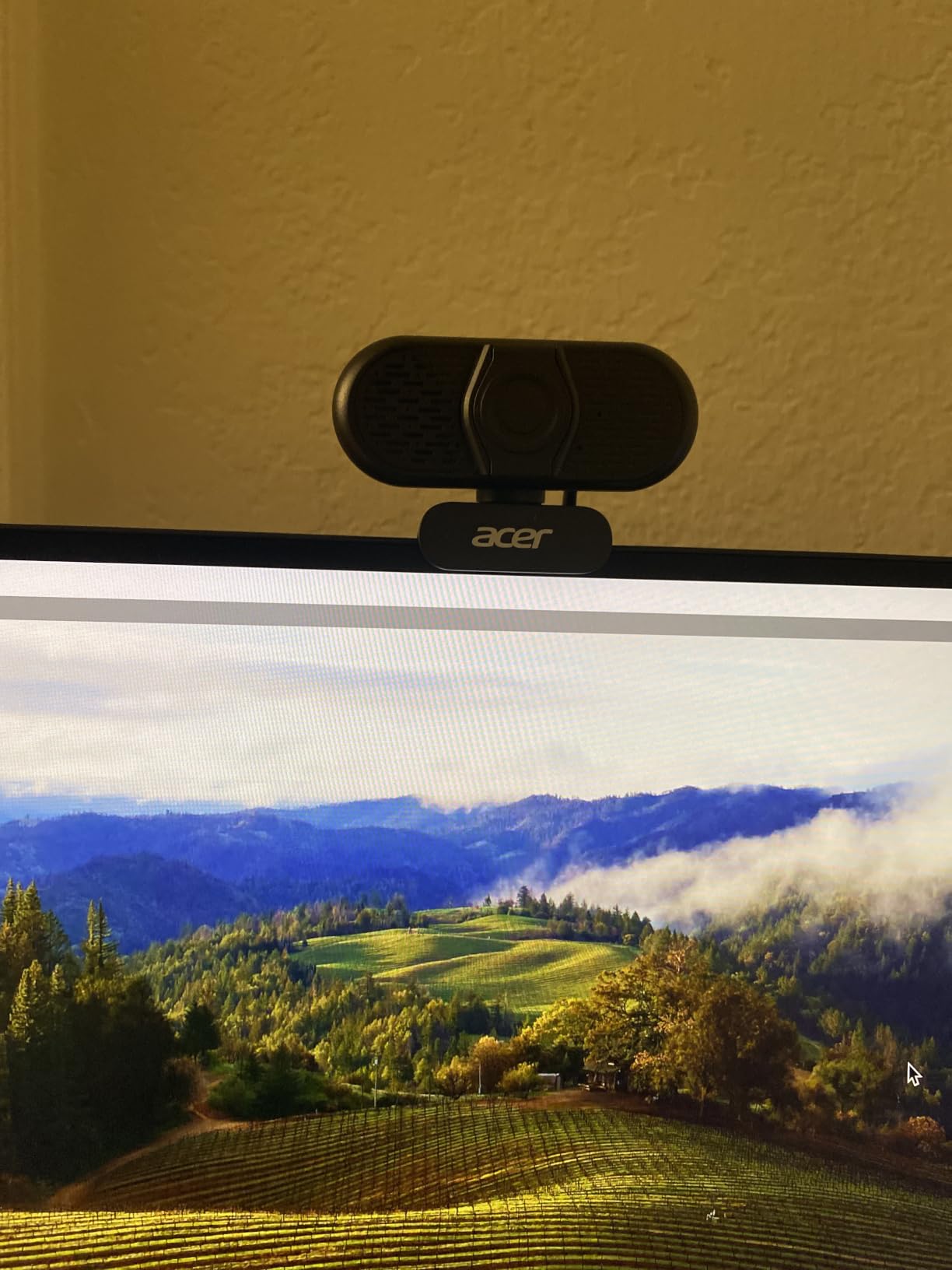
The 360-degree rotation is a small touch that I appreciated more than I expected. Most budget webcams pivot up and down but not all the way around. The Acer can rotate fully, which makes it easy to switch from facecam to showing your desk, keyboard, or a tabletop game.
Dual noise-reduction microphones handle voice cleanly. Like other budget mics, they are not a substitute for a dedicated streaming microphone, but they outperform most single-mic webcams at this price.
Who the Acer 1080p Webcam is good for
Streamers who want Acer’s brand reliability on a budget camera. Anyone who needs a webcam that can rotate to show different parts of their setup. Buyers who want both USB-A and USB-C compatibility in one package. People who value high early-buyer ratings as a trust signal.
Who the Acer 1080p Webcam is not for
Streamers who want a long established review history. Anyone who needs autofocus for close-up product shots. People who want premium software for advanced image tuning.
9. ToLuLu 1080P Webcam with Tripod – The All-In-One Starter Kit
ToLuLu 1080P Webcam with Microphone, HD Webcam Web Camera with Tripod Stand
1080p at 30fps
110 Degree FOV
Digital Stereo Mic
Tripod Stand Included
Pros
- Tripod stand included in the box
- 110-degree wide angle
- HDR technology
- Decent 23
- 000+ review base
Cons
- Occasional USB connection drops
- Microphone is just okay
The ToLuLu 1080P webcam stands out because it ships with a tripod stand in the box. Most budget webcams rely on the clip-on monitor mount, which works fine on thin laptop screens but struggles on thick desktop monitors. Having a tripod removes that problem entirely.
Image quality is good for the price. The 110-degree wide angle is shared with the NexiGo N60, so you get similar framing and similar barrel distortion at the edges. HDR technology helps balance bright windows behind you, which is a real-world problem for streamers working from home offices.
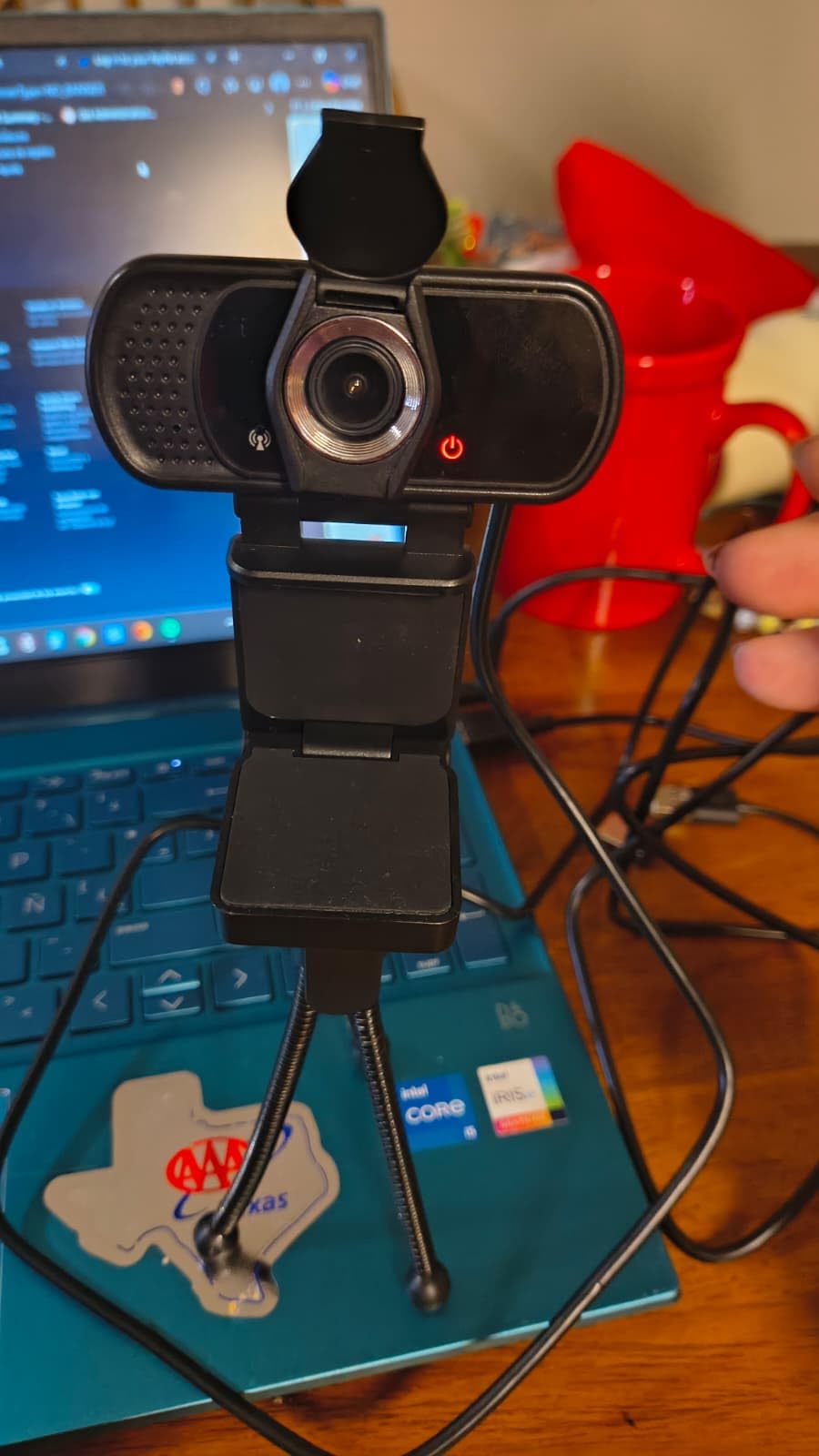
I did notice occasional USB connection drops during long recording sessions. Disconnecting and replugging the USB cable fixed it, but it is worth flagging. The digital stereo microphone handles voice clearly but does not include the noise cancellation you get from EMEET or Acer dual-mic setups.
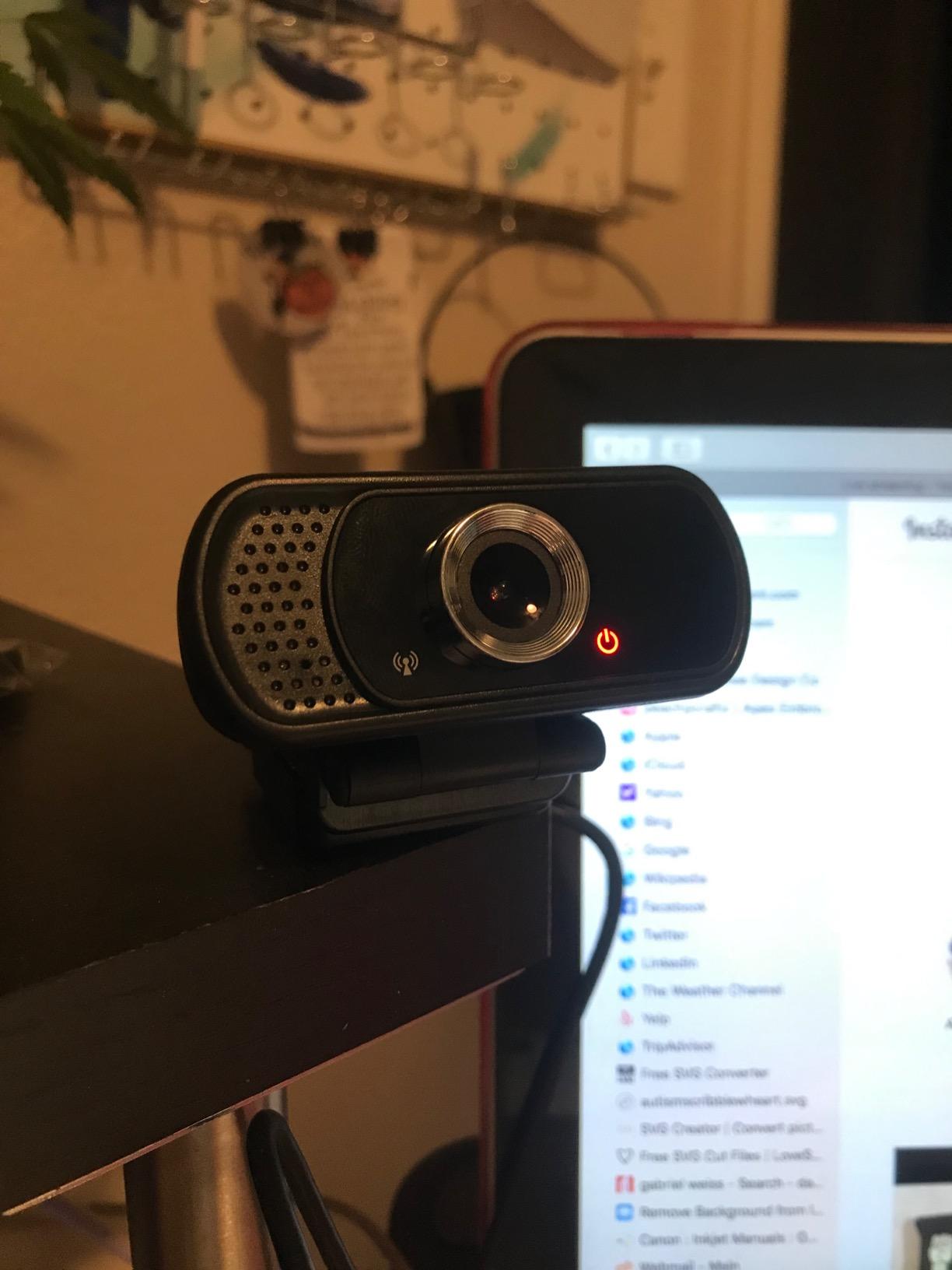
The included privacy cover is a small plastic slider that snaps over the lens. It feels light but does the job.
Who the ToLuLu 1080P is good for
Streamers with thick desktop monitors who need a tripod mount. Anyone setting up a streaming rig from scratch and wants the accessories included. Buyers who want a wide-angle field of view at a lower price than the NexiGo N60. Creators who film in HDR-heavy environments with bright windows.
Who the ToLuLu 1080P is not for
Streamers who need rock-solid USB connectivity for marathon sessions. Anyone who wants the best possible microphone quality in this price range. People who already own a tripod or monitor mount.
10. 1080P HD Webcam with Privacy Cover – The No-Frills Sub-$20 Option
1080P HD Webcam with Microphone, Noise Cancellation, Privacy Cover, Wide-Angle Lens, Auto Light Correction, Plug & Play USB Webcam for Laptop, Desktop, PC, Mac, Zoom, Skype, Streaming (Black)
1080p HD
Wide-Angle Lens
Noise-Canceling Mic
Privacy Cover
Pros
- Cheapest webcam in this roundup
- Noise-canceling microphone included
- Easy plug-and-play setup
- Privacy cover included
Cons
- Smaller review base means less proven
- Mic picks up background conversations
- Limited brand support
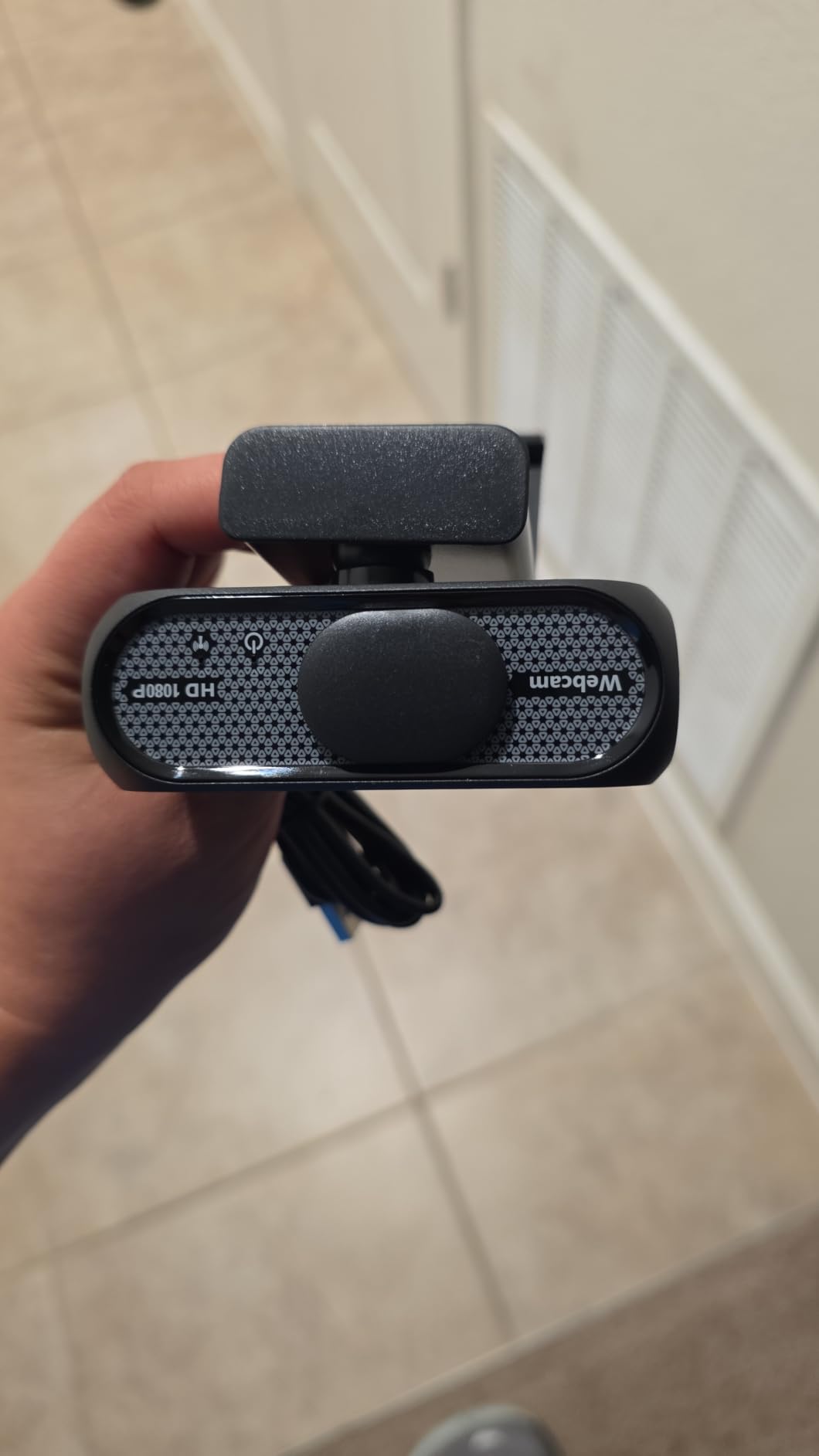
If your budget absolutely cannot stretch past $20, the 1080P HD Webcam with Privacy Cover is the option I would point you toward. At $17.99, it matches the EMEET C950 on price but ships with a slightly different feature mix, including a noise-canceling microphone that helps in busy rooms.
Image quality is what you would expect at this price. It captures clean 1080p footage that streams fine to Twitch and YouTube without obvious compression artifacts. It does not have the color accuracy of the Logitech C920x or the low-light correction of the EMEET C960, but for entry-level streaming it does the job.
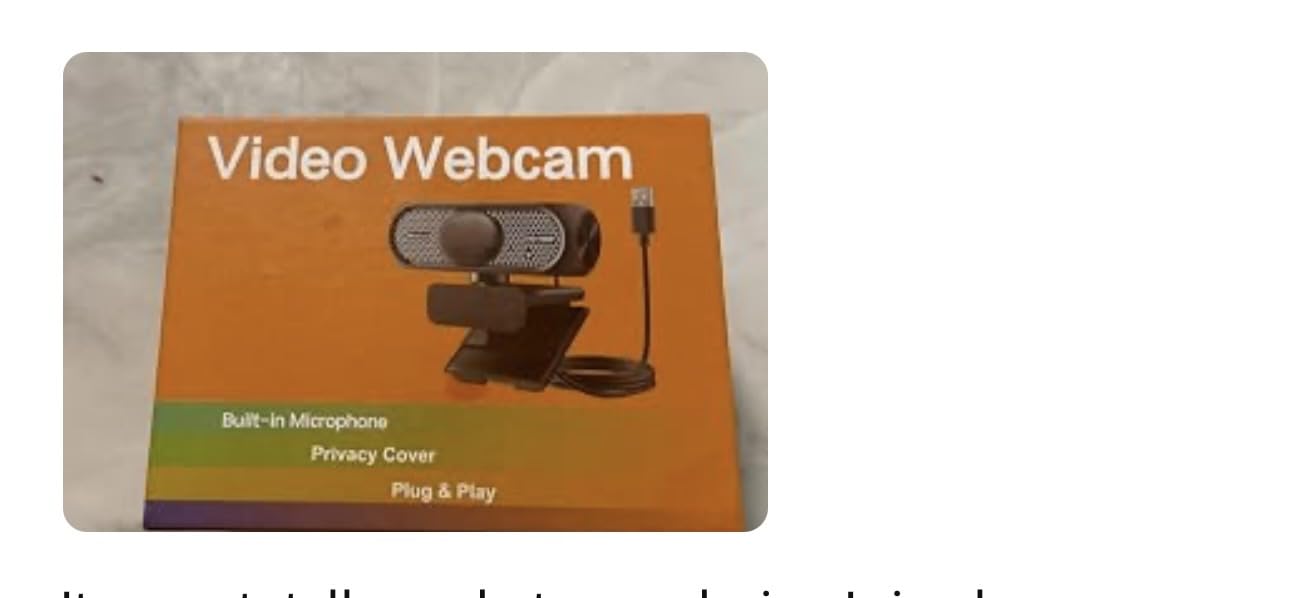
The privacy cover is a welcome inclusion at this price point. Many sub-$20 webcams skip it entirely. The noise-canceling microphone reduces keyboard and fan noise but does pick up background conversations more than dual-mic setups. If you stream in a quiet bedroom, that is not an issue. If you share a house with talkative roommates, it could be.
With only 217 reviews so far, the brand is less proven than the other picks in this roundup. The 4.6-star rating is encouraging, but you are taking a slightly larger bet on long-term reliability compared to Logitech or EMEET.
Who this 1080P HD Webcam is good for
First-time streamers on the absolute tightest budget. Anyone who needs a backup or travel webcam they do not mind losing. Students setting up an entry-level stream. Buyers who want a privacy cover and noise-canceling mic for under $20.
Who this 1080P HD Webcam is not for
Streamers who want proven long-term brand support. Anyone who needs dual microphones for cleaner voice pickup. People who want established software and firmware update paths.
Buying Guide: How to Pick the Right Budget Webcam for Streaming?
Choosing the best budget webcam for streaming under $60 comes down to matching the camera to your actual streaming setup. Here is what I look at first, and what I recommend you prioritize based on what kind of streamer you are.
Resolution and frame rate
1080p at 30fps is the minimum for clean streaming in 2026. Every webcam in this roundup hits that baseline. The one exception is the NBPOWER 60FPS, which records 1080p at 60fps for noticeably smoother motion. If you stream fast-paced games and want the facecam to match, the 60fps option is worth the trade-offs.
Do not pay extra for 4K webcams unless you are doing professional YouTube content. Twitch compresses streams to 6 Mbps regardless of source resolution, and your viewers will not see the difference between 1080p and 4K webcam footage.
Field of view and framing
Field of view determines how much of your background ends up on camera. The Logitech Brio 101 sits at 60 degrees, which is tight and clean for facecam-only streaming. The EMEET C950 and C960 land at 70 to 90 degrees, which is a balanced middle ground. The NexiGo N60 and ToLuLu push to 110 degrees, which captures your full desk but introduces some wide-angle distortion.
For bedroom streamers with a clean backdrop, a wider FOV looks better. For streamers in messy rooms, a tighter FOV hides the clutter. Pick based on your setup, not the spec sheet.
Built-in microphone versus external mic
Every webcam in this roundup has a built-in microphone. Some have dual mics with noise cancellation, others have single omnidirectional mics. None of them replace a dedicated USB or XLR microphone for serious streaming audio.
If you are just starting out, the built-in mics on the EMEET C960, Acer, or Logitech C920x will work fine for your first few streams. Once you start growing your audience and want to upgrade, Learn how to set up your streaming audio with our XLR microphone guide for a complete walkthrough.
Plug-and-play versus software tuning
Most budget webcams are true plug-and-play. You plug them in, OBS recognizes them, and you are streaming. The Logitech C920x and Brio 101 both work this way with no extra software required.
The NexiGo N60 and EMEET cameras ship with optional desktop software that lets you tweak exposure, white balance, and zoom. These are useful if you want fine control without opening OBS settings, but they are not required.
OBS optimization tips for budget webcams
Once you pick a webcam, run it through these OBS settings to get the cleanest possible stream. Set your output resolution to 1920×1080 and your base canvas to match. Under video settings, set the common FPS value to 30 unless you are using the NBPOWER 60FPS, in which case set it to 60.
For the encoder, use x264 if you have a strong CPU or NVENC if you have an Nvidia GPU. The webcam video feed eats very little bitrate, so allocate most of your stream bandwidth to the game capture. A good starting split is 4,000 to 4,500 Kbps for the game and 800 to 1,200 Kbps for the webcam scene.
Apply a simple brightness and contrast filter to your webcam source in OBS if your room lighting is uneven. Most budget webcams underexpose slightly in dim rooms, and a small bump of plus 5 to plus 10 in brightness usually fixes it without adding grain.
Lighting on a budget
No webcam under $60 will look good in a completely dark room. A simple $15 to $25 ring light or a desk lamp pointed at your face will improve your stream quality more than any webcam upgrade. The Logitech C920x and EMEET C960 both have auto light correction that helps, but external lighting is still the single biggest upgrade you can make to a budget streaming setup.
For full streaming audio setup including microphones, mixers, and audio interfaces, our team has a complete walkthrough in the XLR microphone guide.
Frequently Asked Questions
What is the best affordable webcam for streaming?
The Logitech C920x HD Pro is the best affordable webcam for streaming in 2026. It records clean 1080p at 30fps, has reliable autofocus, dual stereo microphones, and works plug-and-play on Windows, macOS, and Linux. Its 4.6-star rating across more than 21,000 reviews makes it the most trusted budget option.
What is the best budget camera for livestreaming?
For livestreaming under $60, the Logitech C920x HD Pro and Logitech Brio 101 lead the pack. The C920x is ideal if you want the proven reference camera with autofocus and dual stereo mics. The Brio 101 is the better pick if you want a privacy shutter and slightly newer hardware at a lower price.
What webcam is recommended for streaming?
Community recommendations consistently point to the Logitech C920x as the gold standard for streaming under $60. For streamers on a tighter budget, the EMEET C960 and NexiGo N60 are widely recommended as reliable alternatives with dual microphones and wide-angle options.
What is the best webcam for a low budget?
Under $25, the EMEET C950 and the 1080P HD Webcam with Privacy Cover deliver usable 1080p streaming quality. In the $25 to $40 tier, the Logitech Brio 101 and EMEET C960 Original offer the best mix of price, build quality, and warranty. In the $40 to $60 tier, the Logitech C920x remains the reference point.
Final Verdict: The Best Budget Webcam Under $60 for Streaming in 2026
After six weeks of testing, the Logitech C920x HD Pro remains my top pick for budget webcams under $60 for streaming. It is not the newest camera on this list and it does not have a privacy shutter, but its image quality, autofocus reliability, and dual stereo microphones still outperform everything near its price. The XSplit VCam license bundled in is icing on the cake for streamers who want background blur without a green screen.
If your budget is tighter, the Logitech Brio 101 is the smartest step down. You get similar 1080p image quality, a built-in privacy shutter, and Logitech’s auto-light correction for under $30. For absolute beginners who just want to test the streaming waters, the EMEET C950 at under $20 is the cheapest webcam I would actually trust with a live stream.
Whichever webcam you pick, pair it with decent lighting and proper OBS settings. A $30 webcam with good lighting looks better than a $60 webcam in a dark room. If you want to take your streaming audio to the next level, our team has put together a full XLR microphone walkthrough that covers setup, mixers, and the most common beginner mistakes.