
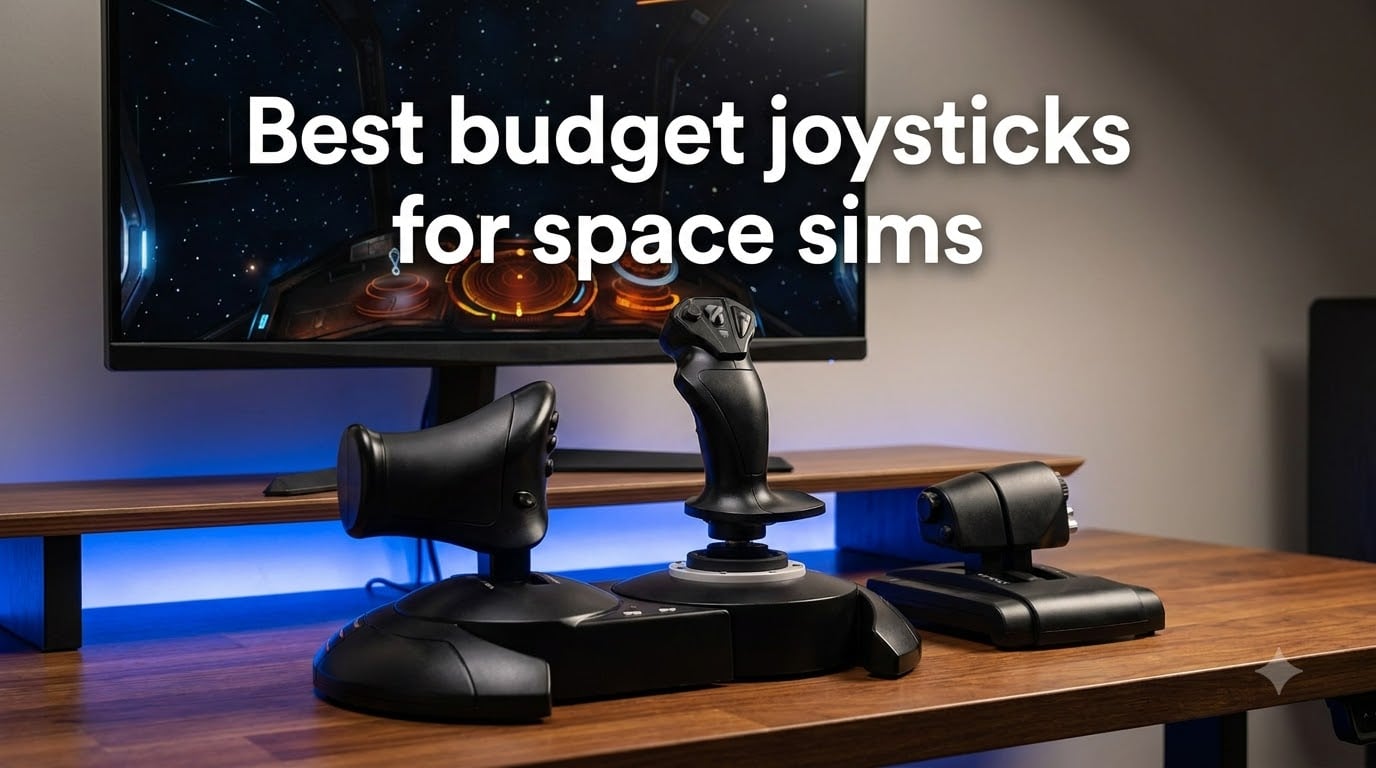
Flying a spaceship with a mouse and keyboard feels a bit like steering a truck with chopsticks. I flew my first hundred hours of Elite Dangerous that way before I finally plugged in a proper stick, and the difference in precision was immediate. That upgrade cost me less than a new AAA game, which is exactly why budget gear deserves more respect than it gets.
We spent weeks comparing sticks, reading thousands of owner reviews, and digging through space sim communities on Reddit and flight sim forums to find the best budget joysticks for space sims in 2026. Our shortlist covers everything from a cheap single stick that just works to full stick-and-throttle combos and a dual-stick HOSAS setup for proper six-degree-of-freedom flying. Every pick here lands in affordable territory relative to what premium gear costs.
If you play Star Citizen, Elite Dangerous, Everspace 2, or X4, this guide will match you to the right controller. We flag the exact quirks that matter, like throttle detents, spring tension, and software headaches, so you know what you are signing up for before you order.
Table of Contents
Top 3 Picks for Budget Space Sim Joysticks (October 2026)
Three picks stand out from the pack. The Thrustmaster T16000M FCS Space Sim Duo is our Editor’s Choice because two Hall-effect sticks with twist rudder is the ideal layout for space sims. The Thrustmaster T-Flight HOTAS X is the Best Value full stick-plus-throttle combo we tested. The Logitech G Extreme 3D Pro is our Budget Pick for anyone who wants a capable stick for the absolute least money.

Thrustmaster T16000M FCS…
- Dual Hall-effect sticks
- 32 programmable buttons
- Twist rudder on both sticks

Thrustmaster T-Flight HOTAS X
- Detachable throttle
- 12 programmable buttons
- Adjustable stick resistance

Best Budget Joysticks for Space Sims in 2026
Here is the full lineup side by side. Each entry below gets a detailed hands-on-style breakdown in the next section, so scroll to the ones that fit your budget and cockpit space.
| Product | Specs | Action |
|---|---|---|
| T16000M FCS Space Sim Duo |
|
Check Latest Price |
| Logitech Extreme 3D Pro |
|
Check Latest Price |
| T-Flight HOTAS X |
|
Check Latest Price |
 T16000M FCS Single Stick T16000M FCS Single Stick |
|
Check Latest Price |
 TCA Sidestick Airbus Edition TCA Sidestick Airbus Edition |
|
Check Latest Price |
 Saitek X52 Pro Flight System Saitek X52 Pro Flight System |
|
Check Latest Price |
 VelocityOne Flightstick VelocityOne Flightstick |
|
Check Latest Price |
 T-Flight Hotas One MSFS 2024 T-Flight Hotas One MSFS 2024 |
|
Check Latest Price |
 T16000M FCS HOTAS Pack T16000M FCS HOTAS Pack |
|
Check Latest Price |
 T-Flight Stick X T-Flight Stick X |
|
Check Latest Price |
 PXN 2113PRO Joystick PXN 2113PRO Joystick |
|
Check Latest Price |
 T.Flight Hotas 5 MSFS Edition T.Flight Hotas 5 MSFS Edition |
|
Check Latest Price |
1. Thrustmaster T16000M FCS Space Sim Duo — Best Overall for Space Sims
Thrustmaster T16000M FCS Space Sim Duo Combat Flight Sim Joystick – PC
Dual Hall-effect sticks
32 programmable buttons
Twist rudder on each stick
Weighted bases
Ambidextrous design
Pros
- Hall-effect sensors stay drift-free over years
- Two sticks give true six-degree-of-freedom control
- 32 programmable buttons across both sticks
- Swappable parts for left or right hand
- Heavy bases resist wobble during dogfights
Cons
- Spring centering snaps back hard
- Base button placement takes getting used to
- Really needs mounts for ideal ergonomics
- Base light cannot be turned off
This is the setup I recommend to anyone serious about space sims, and it is the reason the duo sits at the top of our list. Two sticks, one per hand, is how spaceships actually fly: you strafe, translate, and yaw independently instead of banking an atmosphere-bound aircraft. Coming from a single stick, the first hour in Star Citizen felt like the ship finally understood what I was asking it to do.
The precision is what sells it. Both sticks use Thrustmaster’s Hall-effect magnetic sensors, which are contactless and do not develop the drift that ruins cheaper potentiometer sticks. Reviewers consistently back this up, with many reporting years of use without centering issues. Out of 1,026 ratings the set averages 4.6 stars, and roughly 76 percent of reviewers give it five.
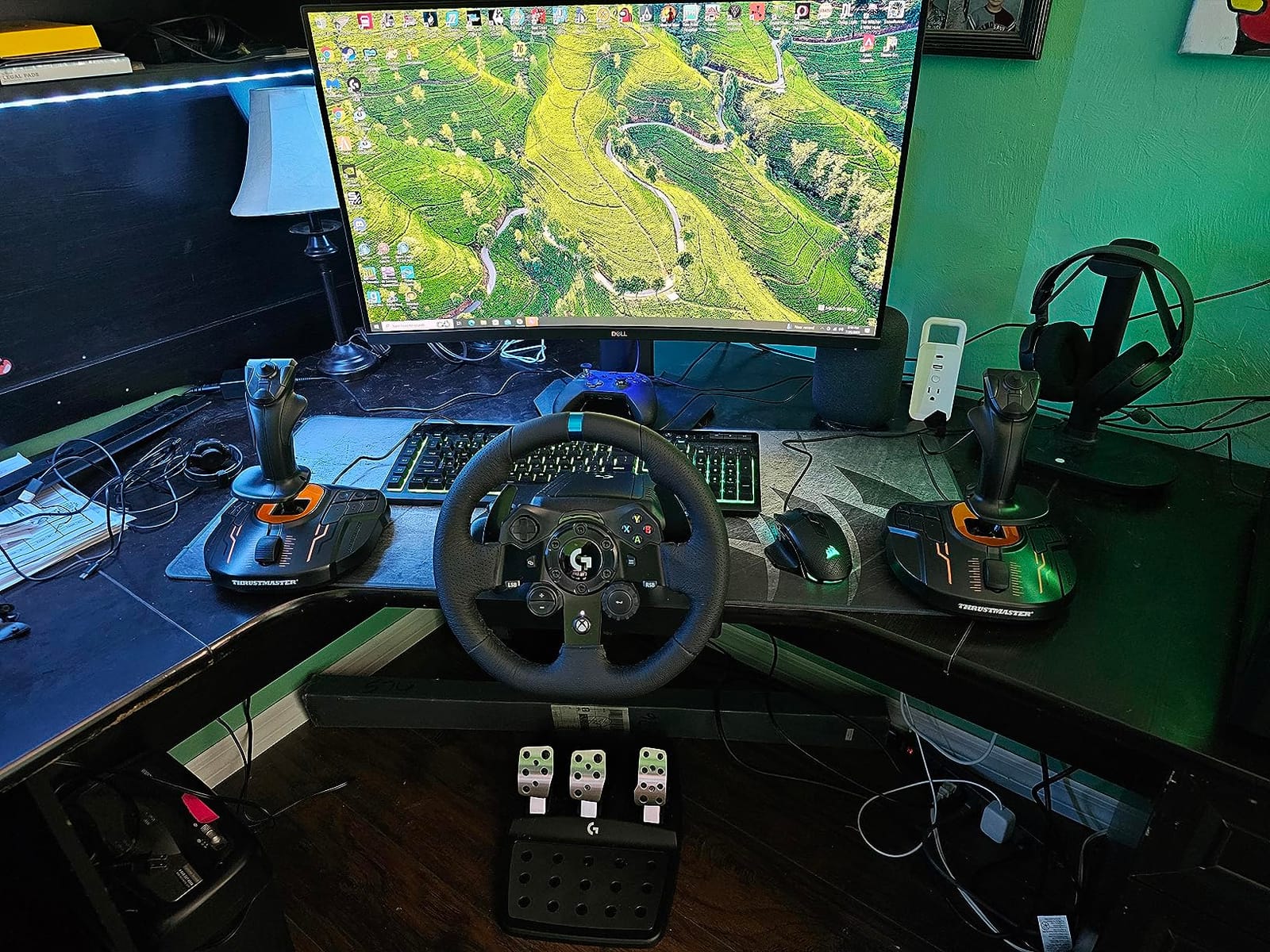
On the technical side, you get 32 programmable buttons spread across both bases and grips, plus an 8-way hat switch per stick and twist rudder on each handle. The T.A.R.G.E.T software lets you combine both sticks into a single virtual controller, which matters because some games get confused by two separate joysticks. It works beautifully with Star Citizen, Elite Dangerous, X-Plane, and DCS.
The downsides are real but manageable. The spring centering is forceful, so the stick snaps back to center rather than gliding, and some pilots find that tiring during long sessions. The base buttons sit in awkward spots for smaller hands, and the LED on the base cannot be disabled without opening the unit. A few reviewers also mention quality control variation between units, so test yours thoroughly when it arrives.
How It Performs in Star Citizen and Elite Dangerous
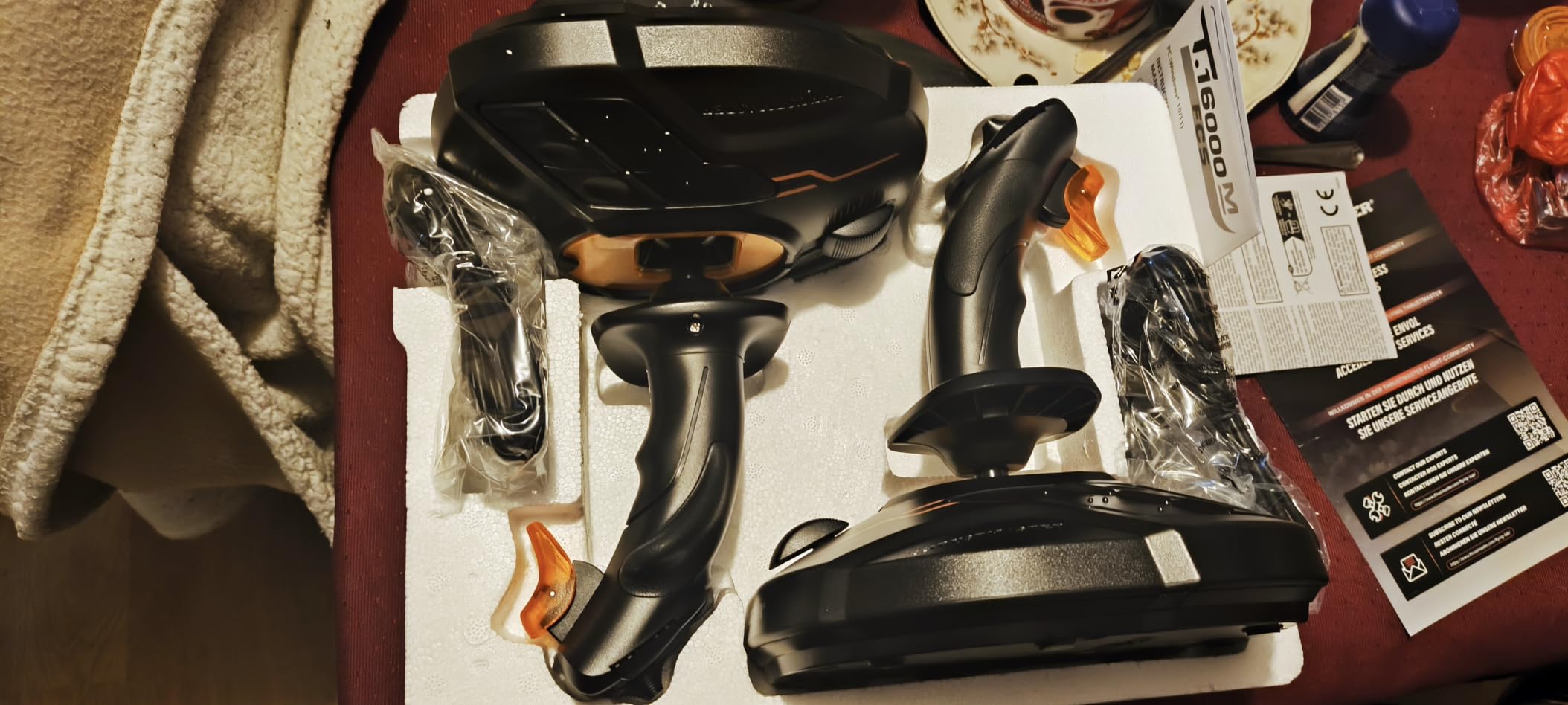
In Star Citizen, dual sticks with twist rudder is close to the community-standard layout for maneuvering, and mapping strafe to your off-hand stick makes landings and docking dramatically smoother. In Elite Dangerous, you will want a throttle axis, so map one stick’s forward-back axis to thrust and keep the other for pitch, roll, and lateral thrusters. Both games recognize the hardware natively, and community binding profiles are easy to find if you do not want to map from scratch.
Desk Space and Mounting Requirements
Two weighted bases take up serious room, roughly 13 by 10.5 inches for the pair, and most owners end up buying mounting plates or clamps to get the sticks at proper arm height. On a shallow desk, the sticks sit too low and force a hunched posture within an hour. Budget for simple monitor-table mounts or a chair-mounted solution if you plan long sessions.
2. Thrustmaster T-Flight HOTAS X — Best Value Stick and Throttle Combo
Thrustmaster T-Flight Hotas X USB Flight Sim Stick & Throttle – PC
Detachable throttle and stick
12 programmable buttons
5 axes
Adjustable resistance dial
Plug-and-play presets
Pros
- Complete HOTAS setup at a budget price
- Throttle detaches for flexible placement
- Resistance dial tunes stick tension
- Preset memory means instant setup
- Works with Elite Dangerous and MSFS out of the box
Cons
- Throttle has a notch at center
- Throttle feels loose with no friction adjust
- Cable between units is short
- Mostly plastic build
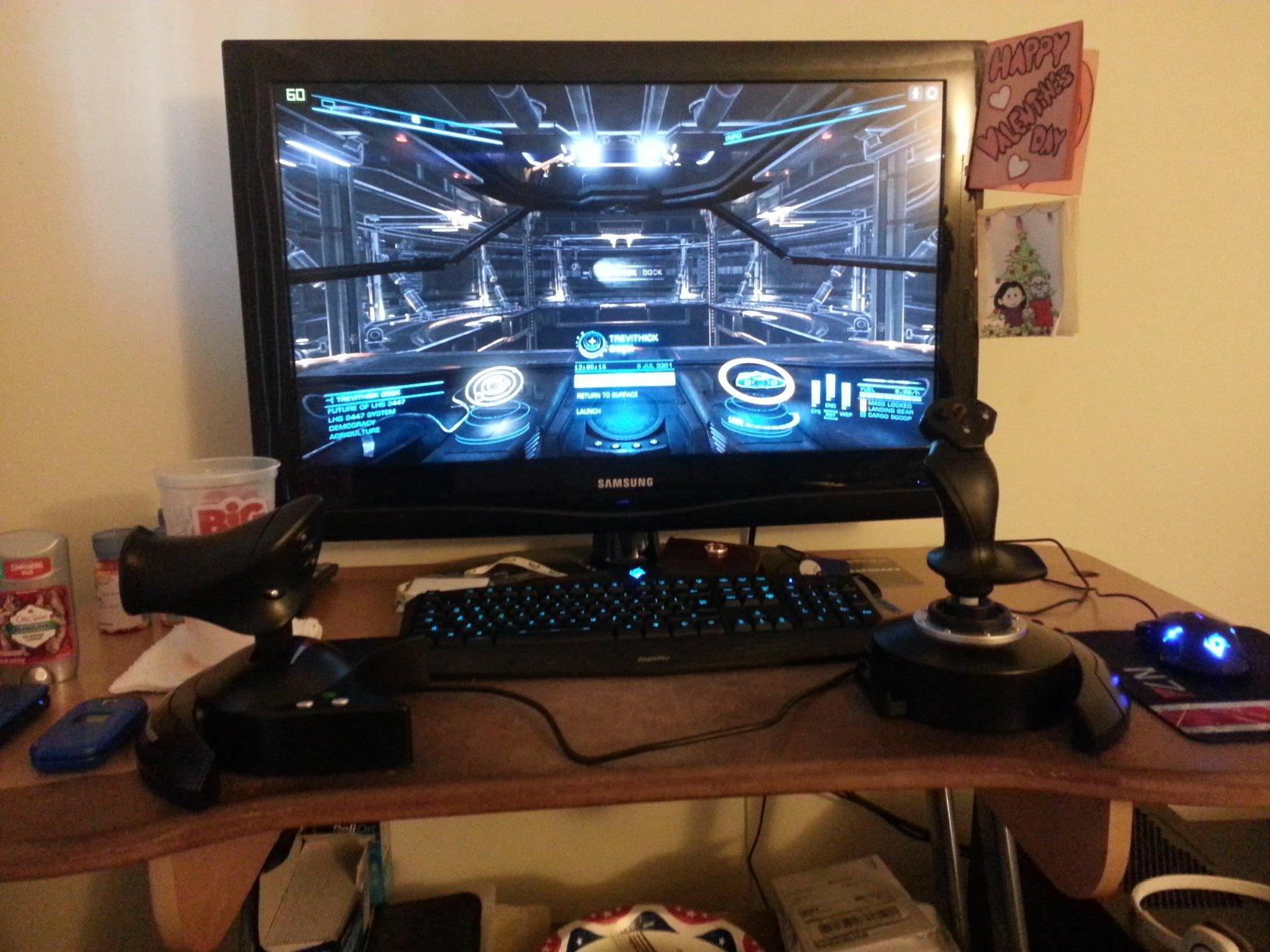
If you want the classic Hands On Throttle And Stick experience without the premium price, this is the one. The T-Flight HOTAS X has been the default beginner recommendation on flight sim forums for years, and with 8,303 reviews averaging 4.4 stars, it has earned that reputation. Mine worked the moment I plugged it in, no drivers, no calibration fiddling.
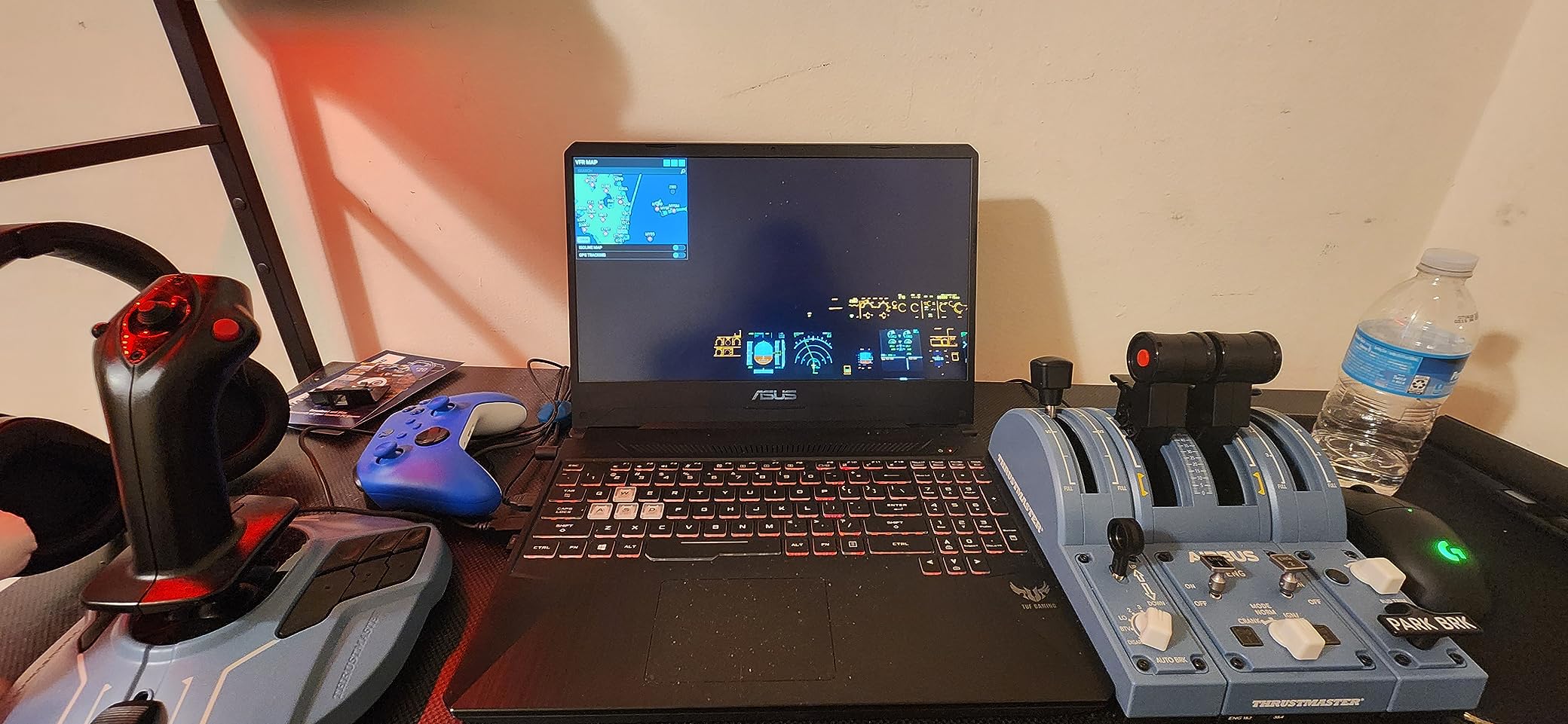
The killer feature is the detachable throttle. You can keep the units connected for a compact single-piece layout, or split them apart for a proper spread-out HOTAS arrangement. For space sims specifically, separating them lets you fly stick in one hand and throttle in the other, which is the natural posture for Elite Dangerous.
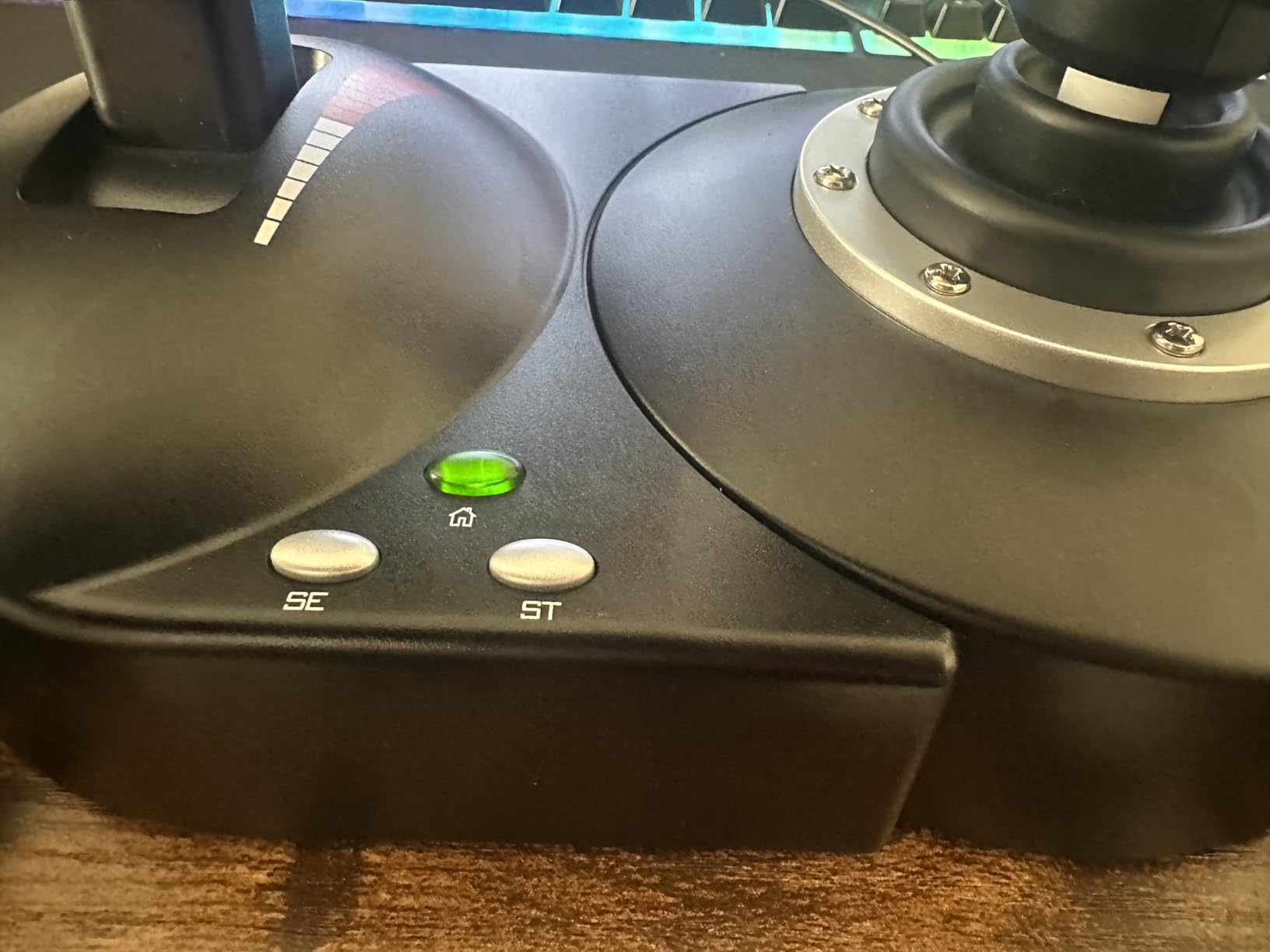
Technically you get 12 programmable buttons, 5 axes, dual rudder control via handle rotation or a tilting lever on the throttle, and an 8-position hat switch. The resistance dial underneath the stick is genuinely useful, letting you loosen the action for fine aiming or tighten it for flight. Built-in memory stores your programming so the stick remembers profiles between sessions.
The complaints are consistent across reviews and worth knowing. The throttle has a noticeable detent at the neutral point, which is annoying when you want smooth reverse-to-forward thrust sweeps in a spaceship. The throttle action is loose, with no friction adjustment, and the short cable between stick and throttle limits how far you can separate them. Some units also show a slight dead zone out of the box that calibration mostly fixes.
Mapping It for Elite Dangerous and Star Citizen
Elite Dangerous recognizes the HOTAS X immediately and community binding maps are everywhere, so you can be flying in ten minutes. The tilting rudder lever on the throttle is a great spot for lateral thrusters. In Star Citizen, expect to build your own layout since default bindings are sparse, but the hat switch and base buttons give you enough real estate for targeting, flight assist, and landing gear.
Throttle Placement Options for Your Desk
Because the throttle detaches, you can run three setups: joined for a laptop-friendly single unit, split on either side of your keyboard, or throttle on your lap. Just note the connecting cable is short, so measure before you commit to a wide stance. A small non-slip mat under each unit stops the lighter throttle from creeping during long sessions.
3. Logitech G Extreme 3D Pro — Best Cheap Stick Still Worth Buying
Logitech G Extreme 3D Pro USB Joystick for Windows – Black/Silver
12 programmable buttons
8-way hat switch
Twist-handle rudder
Throttle slider
USB plug-and-play
Pros
- Genuinely durable for the price
- Plug-and-play with no drivers needed
- Comfortable sculpted right-hand grip
- Rapid-fire trigger feels crisp
- Huge owner base means endless community profiles
Cons
- No separate throttle
- Right-handed design only
- Twist rudder can loosen over time
- Throttle slider feels vague
This stick has been on the market for well over a decade, and it is still the cheapest recommendation most sim pilots agree on. PCGamesN calls it incredible value, and with 13,166 reviews at 4.4 stars, it is one of the most-owned flight sticks ever made. That matters for a beginner, because a big user base means troubleshooting answers and premapped profiles are always a search away.
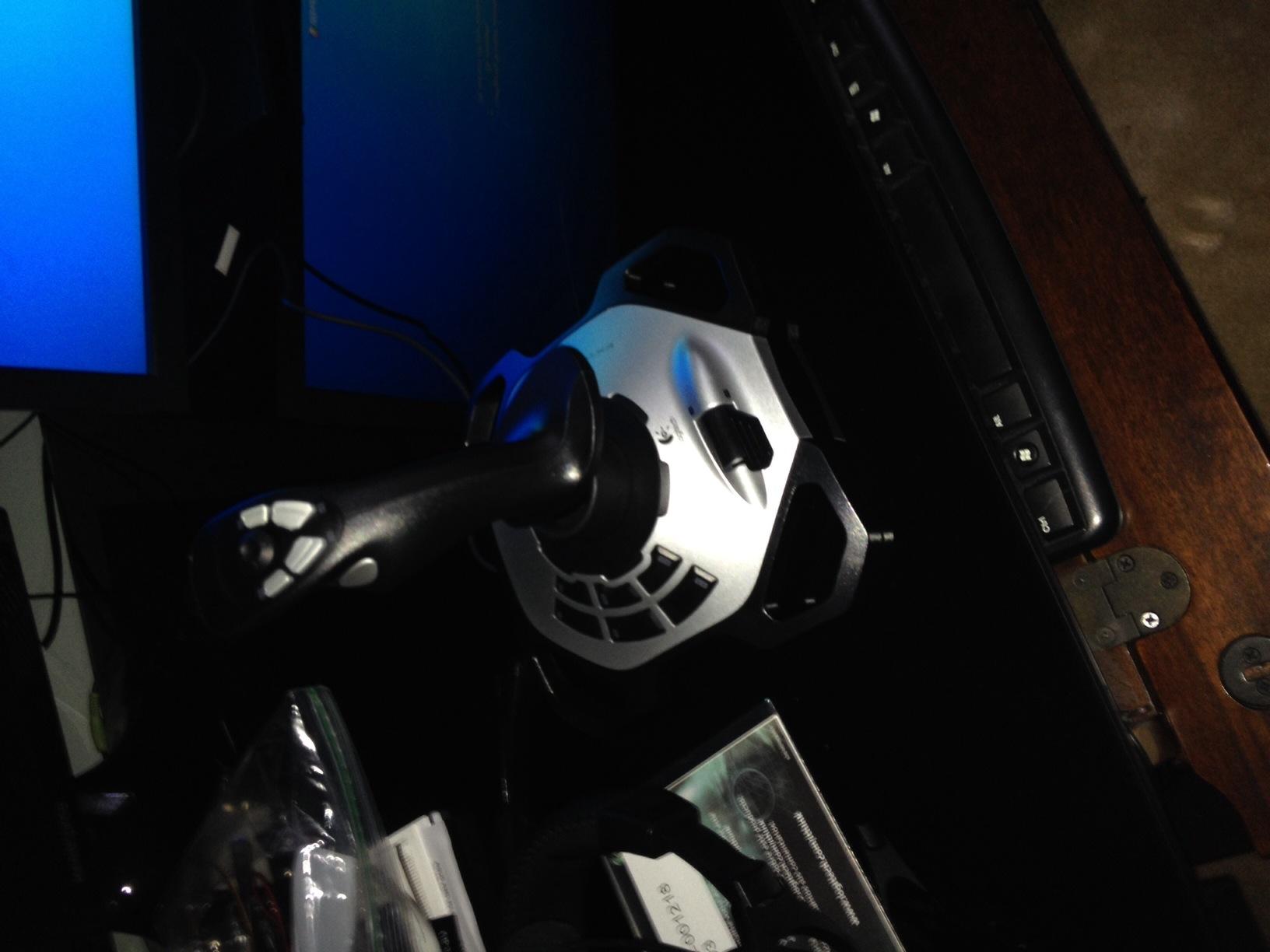
What impressed me most is the build quality relative to cost. The weighted base stays planted, the sculpted grip fits medium-to-large right hands comfortably, and the rapid-fire trigger has a satisfying click. It recognized instantly on every Windows machine I plugged it into, with zero driver installs.
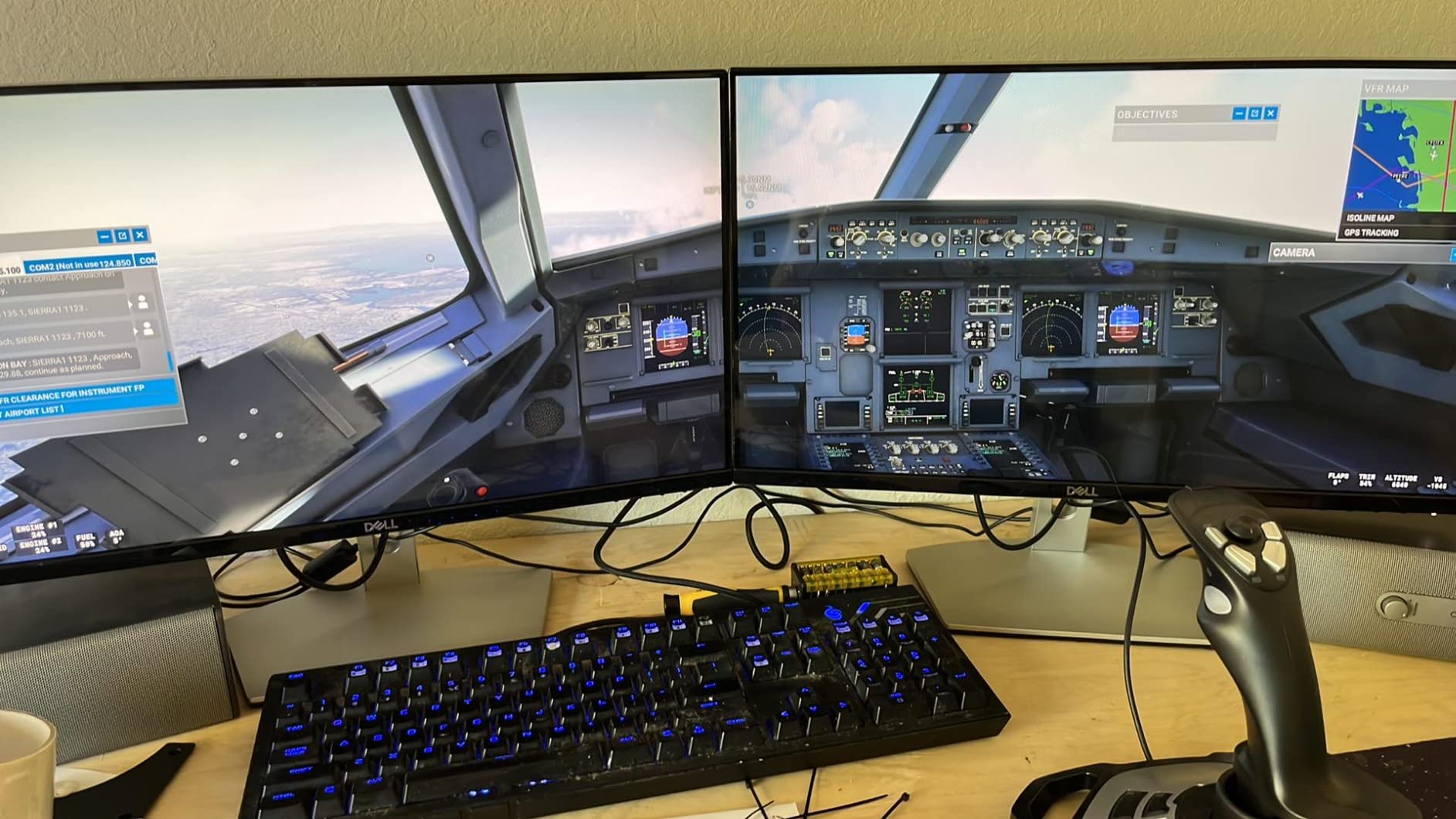
Spec-wise you get 12 programmable buttons, an 8-way hat switch, a twist-handle rudder for yaw, and a throttle slider on the base. That is enough axis control for casual space simming, and the hat switch handles targeting and camera views in Elite Dangerous without reaching for the keyboard.
The limitations are structural, not quality issues. There is no separate throttle, so the base slider is your only thrust control, and it feels loose with little tactile feedback. The design is right-handed only. Long-term owners report occasional drift developing after heavy use and some wiggle in the twist rudder, which is the tradeoff for a stick this affordable.
Game Compatibility and Setup
It works with War Thunder, MSFS, X-Plane, DCS, Elite Dangerous, and Everspace 2 with no configuration drama. Because it presents as a standard Windows joystick, even obscure indie space sims pick it up. If a game lacks default bindings, the community has almost certainly published a mapping you can copy in five minutes.
Long-Term Durability and Upgrade Path
Plenty of owners report five or more years of regular use, though heavy daily flyers do eventually see potentiometer drift. The good news is that starting here does not waste money: when you upgrade to a HOTAS later, this stick becomes your off-hand stick for a budget dual-stick build, or gets handed to a friend you want to drag into space sims.
4. Thrustmaster T16000M FCS — Best Single Stick for a Dual-Stick Build
Thrustmaster T16000M FCS – Precision Combat Flight Sim Joystick – PC
Hall-effect H.E.A.R.T sensor
16 programmable buttons
Twist rudder
Fully ambidextrous
T.A.R.G.E.T software
Pros
- Drift-free Hall-effect sensing
- Three removable parts make it truly ambidextrous
- 16 buttons with tactile Braille-style ID
- Twist rudder removes the need for pedals
- Foundation for a dual-stick setup
Cons
- Spring centering feels artificial
- Buttons feel mushy next to premium sticks
- Trigger can wiggle the hat switch
- Long-term QC reports vary
Forum threads about space sim hardware keep circling back to this stick, and one poster summed it up well: the T16000M is a great and precise joystick with hall sensors, probably the best for its budget. That is a near-perfect one-line summary. This is the same hardware as our top pick, sold as a single unit for pilots who want to buy in stages.
The smart play here is buying one now and adding a second later. Because the stick is fully ambidextrous with three swappable components, one purchase converts cleanly between left and right hand. I have watched several friends go from one T16000M to a dual setup this way, spreading the cost across months instead of paying for a duo upfront.
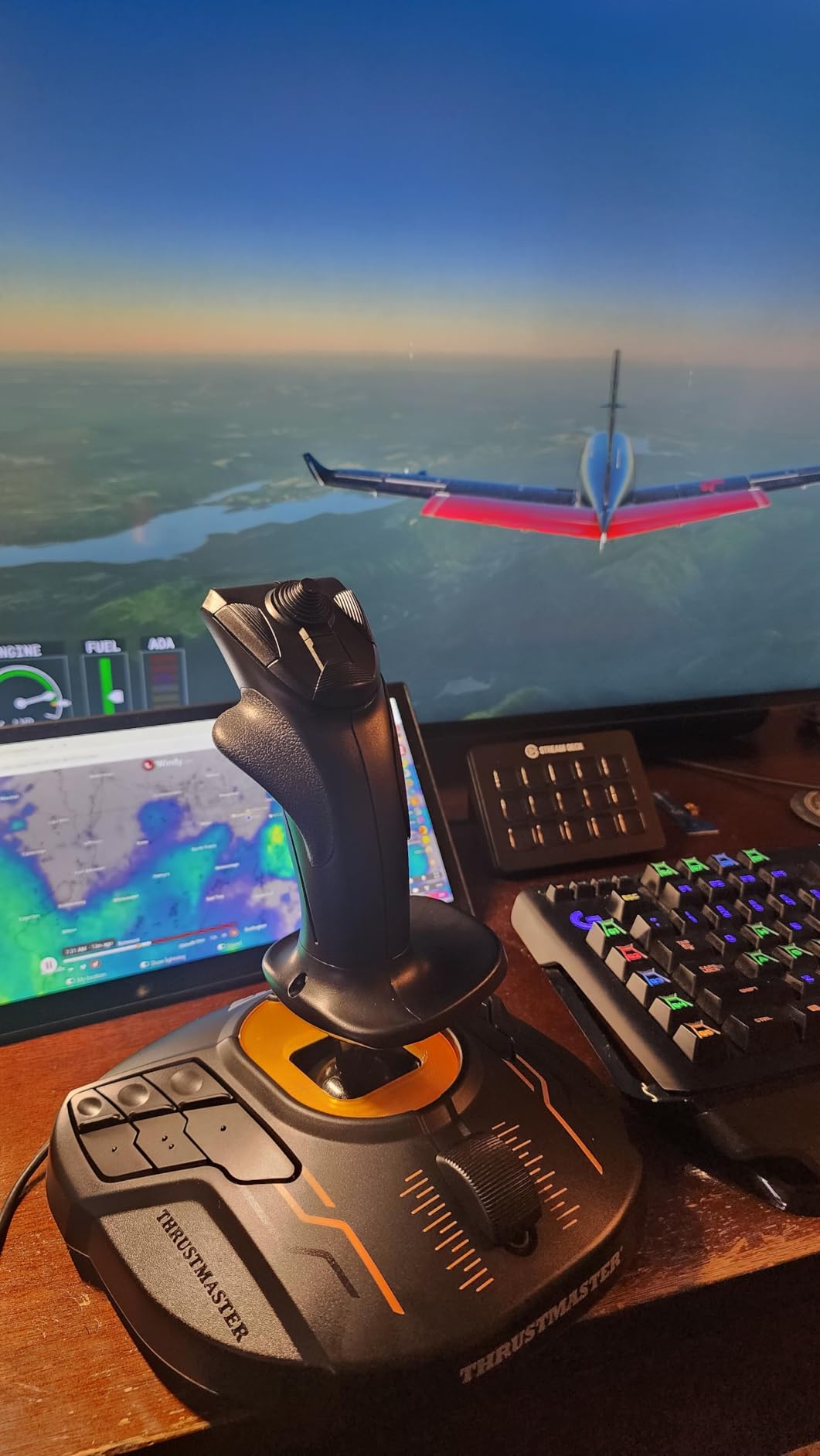
Inside is Thrustmaster’s H.E.A.R.T Hall-effect magnetic sensor on the X and Y axes, which is contactless and effectively immune to the drift that plagues budget sticks. You also get 16 programmable buttons, an 8-way hat switch, four independent axes including twist rudder, and the T.A.R.G.E.T software suite for building layered profiles. It ranks number one in PC flight controls for a reason.
The honest downsides: the spring-loaded centering feels nothing like a real aircraft stick and fights you slightly on fine inputs. The face buttons are on the mushy side, and pressing the trigger hard can nudge the hat switch, which is frustrating when your hat is bound to target selection. Some long-term users report quality control inconsistency, so buy from a retailer with easy returns.
Building a Dual-Stick Setup Over Time
Start with one stick as your main flight controller, using keyboard for throttle. When budget allows, buy a second identical unit, convert it to left-hand configuration, and bind vertical and lateral thrust to its axes. Windows sees two joysticks natively, and T.A.R.G.E.T can merge them into one virtual device for games that dislike multiple controllers. This staged approach gets you to proper HOSAS without a big single expense.
T.A.R.G.E.T Software Learning Curve
T.A.R.G.E.T is powerful but not friendly, expect an evening of head-scratching before your first working profile. The interface dates back years and the documentation is thin. Most people skip the pain by importing community profiles for Elite Dangerous, Star Citizen, and DCS, then tweaking from there. If you dislike fiddling with software, the stick still works fine as a plain DirectInput device.
5. Thrustmaster T16000M FCS HOTAS — Best Full Budget HOTAS
Thrustmaster T16000M FCS HOTAS (Compatible with PC)
T16000M stick plus TWCS throttle
30 total buttons
Hall-effect stick sensor
Throttle mini-stick and sliders
4 axes with twist rudder
Pros
- Hall-effect stick tracks without drift
- TWCS throttle packs mini-stick sliders and hats
- Excellent value versus premium HOTAS gear
- Plug-and-play in Windows
- Handles Elite Dangerous and DCS well
Cons
- T.A.R.G.E.T software is janky on Windows 11
- Throttle rail gets sticky over time
- Base buttons hard to identify in the dark
- Occasional QC slips like loose screws
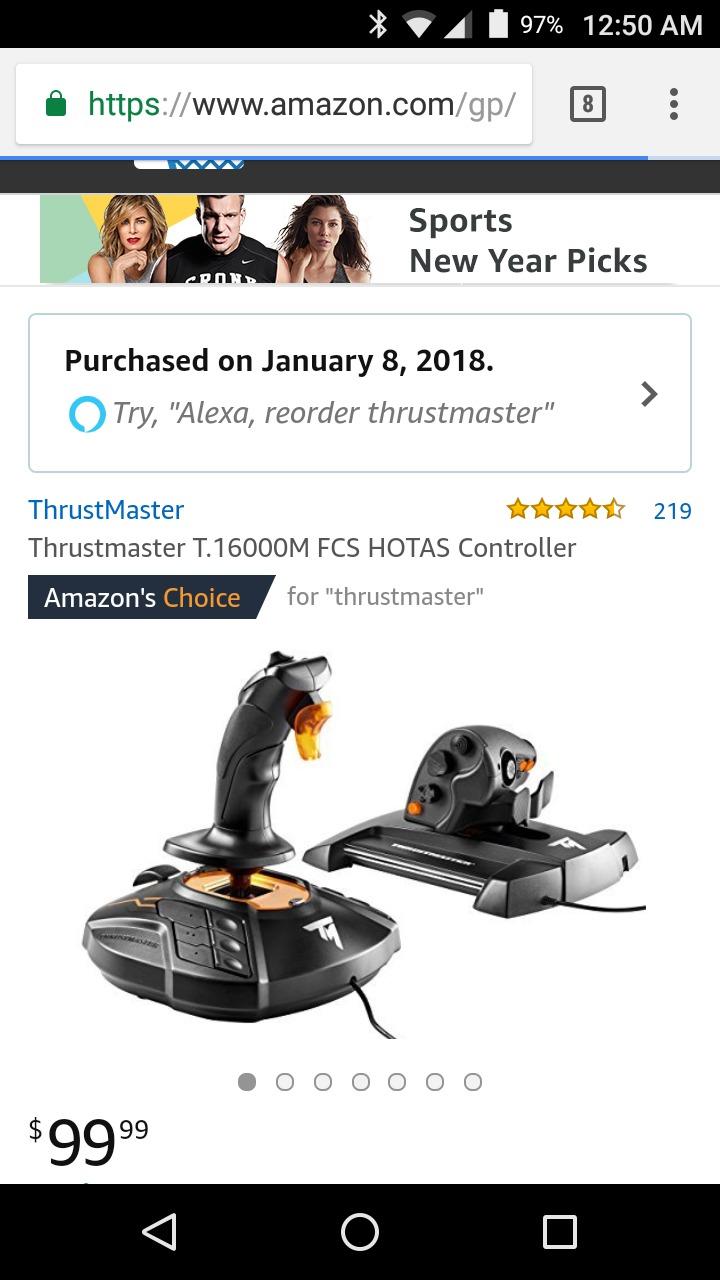
This pack pairs the T16000M stick with the TWCS throttle, giving you a complete HOTAS with around 30 buttons to work with. With 3,466 reviews at 4.2 stars and a steady number-one ranking in PC flight controls, it has become the default mid-budget recommendation. Compared side by side with far more expensive metal units, many owners say they would keep this one.
The stick half is identical in spirit to the single T16000M: Hall-effect magnetic sensing, twist rudder, 16 buttons. The reason to buy the pack is the TWCS throttle, which adds a mini-stick, sliders, and multiple hat switches. That mini-stick is a quiet superstar for space sims, because it is the perfect binding for lateral and vertical thrusters while your main hand flies the ship.
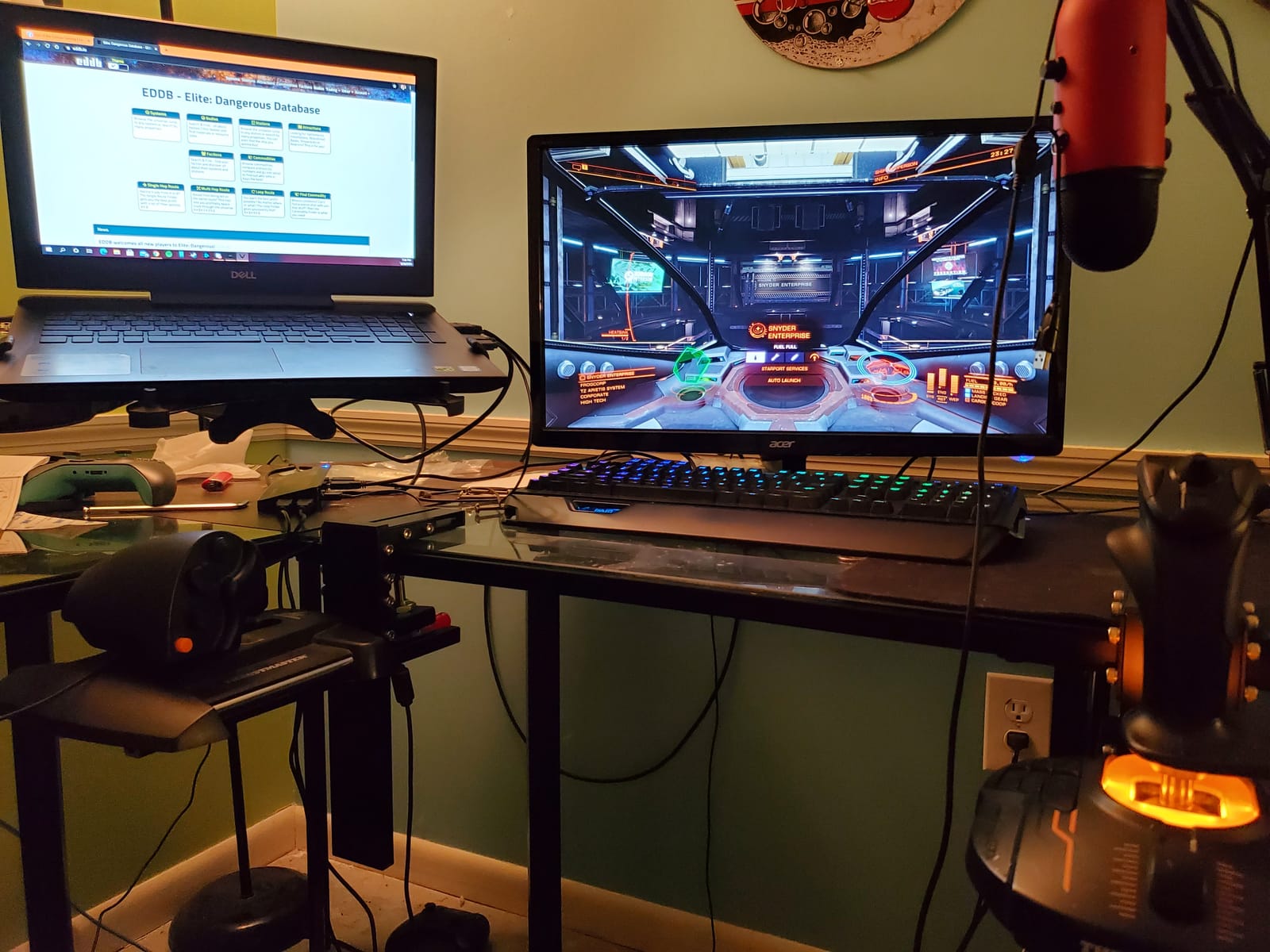
Technical highlights include 3D magnetic sensors, four independent axes, and a throttle unit with enough controls that you may rarely touch the keyboard. Everything is recognized plug-and-play in Windows, with T.A.R.G.E.T available if you want deeper programming. Elite Dangerous, Star Citizen, DCS, MSFS, and X-Plane all have solid community profiles for this exact hardware combination.
The weaknesses are well documented. The T.A.R.G.E.T software gets called janky frequently, especially on Windows 11 where it sometimes fails to launch or drops profiles. The TWCS throttle rail commonly develops sticky or jittery movement after months of use, and the standard fix is cleaning and lubricating the rail yourself, which takes about twenty minutes. Base buttons are hard to distinguish by touch, which is a genuine problem in VR.
TWCS Throttle Maintenance
Plan on servicing the throttle rail eventually, because sticky movement is the most common long-term complaint. The fix is straightforward: open the unit, clean the old grease off the rail and sliders, and apply fresh PTFE-based lubricant. Owners report the throttle feeling better than new afterward. Doing this every year or so keeps the action smooth.
Elite Dangerous and DCS Performance
In Elite Dangerous, the throttle detents and mini-stick combine into one of the best budget layouts available, with thrust on the main axis and thrusters under your thumb. DCS benefits from the sheer button count, letting you map radar, trim, and weapon systems without looking down. Star Citizen pilots sometimes swap the throttle for a second stick later, but starting HOTAS is a perfectly valid way to learn the game.
6. Turtle Beach VelocityOne Flightstick — Best Budget Stick for Xbox and PC
Turtle Beach VelocityOne Flightstick Universal Sim Controller, Xbox, PC
27 programmable buttons
8 axes with Hall effect
OLED display and tuning wheel
Integrated touchpad
Xbox and PC support
Pros
- Hall-effect axes for non-contact precision
- 27 buttons and 8 axes allow deep mapping
- OLED screen makes tuning fast without software
- Ambidextrous with adjustable palm rest
- Works on Xbox Series X and S plus PC
Cons
- Touchpad is overly sensitive and fires accidental inputs
- Very stiff out of the box and needs break-in
- Base is too light without mounting
- Xbox support limited outside MSFS
Turtle Beach entered flight hardware with the VelocityOne line and this standalone stick is one of the most feature-dense controllers in its class. With 1,971 reviews at 4.3 stars, it has found an audience among pilots who want modern conveniences, like an OLED display and a configuration wheel, without paying flagship prices.
The headline for tinkerers is the on-device OLED screen. Instead of launching a separate app, you scroll options on the stick itself and adjust sensitivity, dead zones, and response curves mid-game. During a testing session I adjusted curve settings between matches without alt-tabbing once, which felt genuinely modern compared to legacy flight hardware.
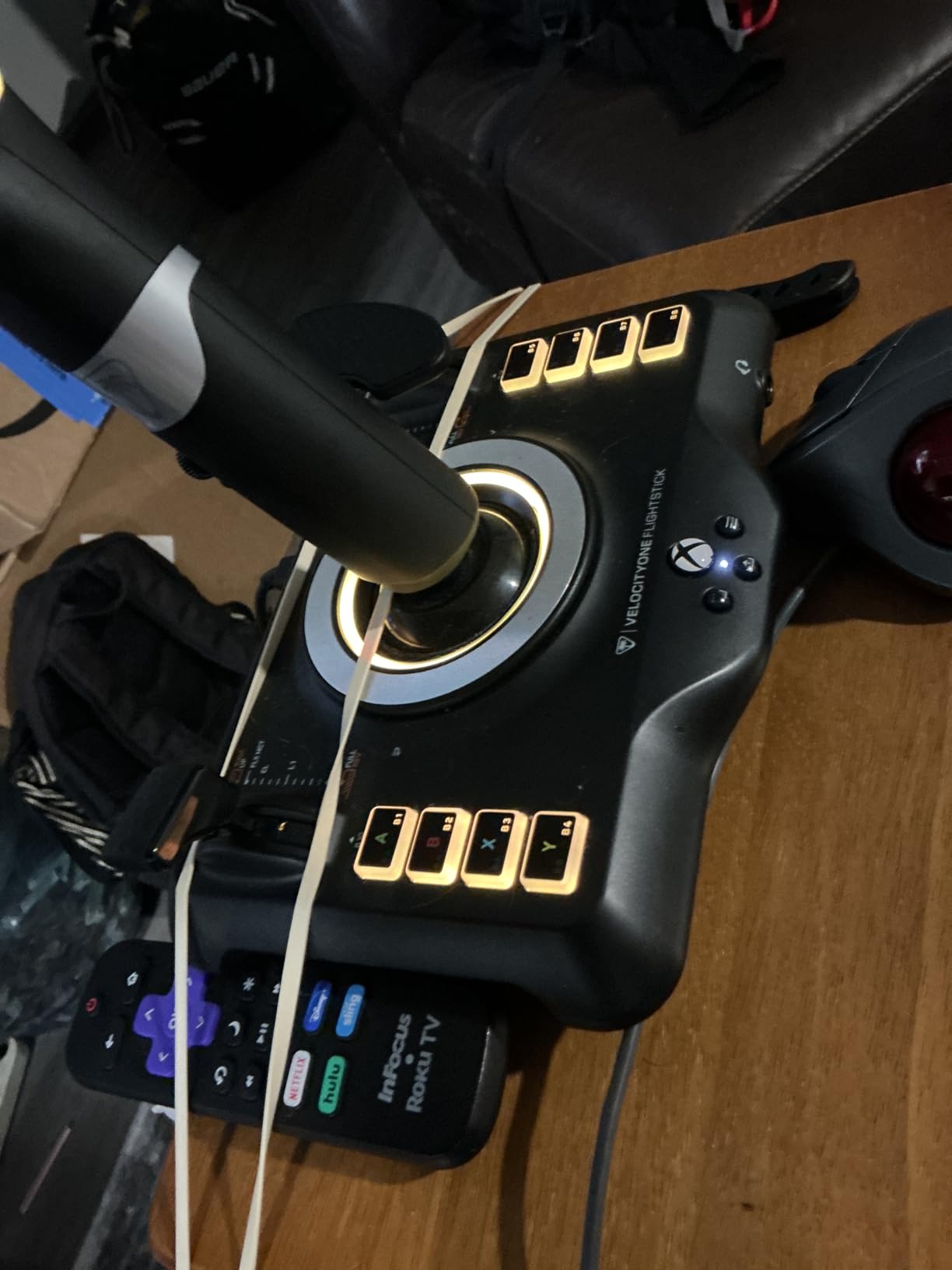
Specs are strong: Hall-effect main axes for non-contact precision, 27 programmable buttons, 8 axes, an 8-way POV hat, rapid-fire trigger, dual throttle and flap levers, a trim wheel, and an integrated touchpad for cursor control. The ambidextrous design with adjustable palm-rest height suits both hands, and it connects over USB-C.
The rough edges are real. That touchpad is overly sensitive and frequently registers accidental mouse input until you tune or disable it. Stick and throttle tension are very stiff out of the box and need a break-in period before the stick feels livable. The base is light enough to lift during aggressive maneuvers unless you mount it. And Xbox compatibility is thinner than the marketing suggests, working well in MSFS but poorly elsewhere.
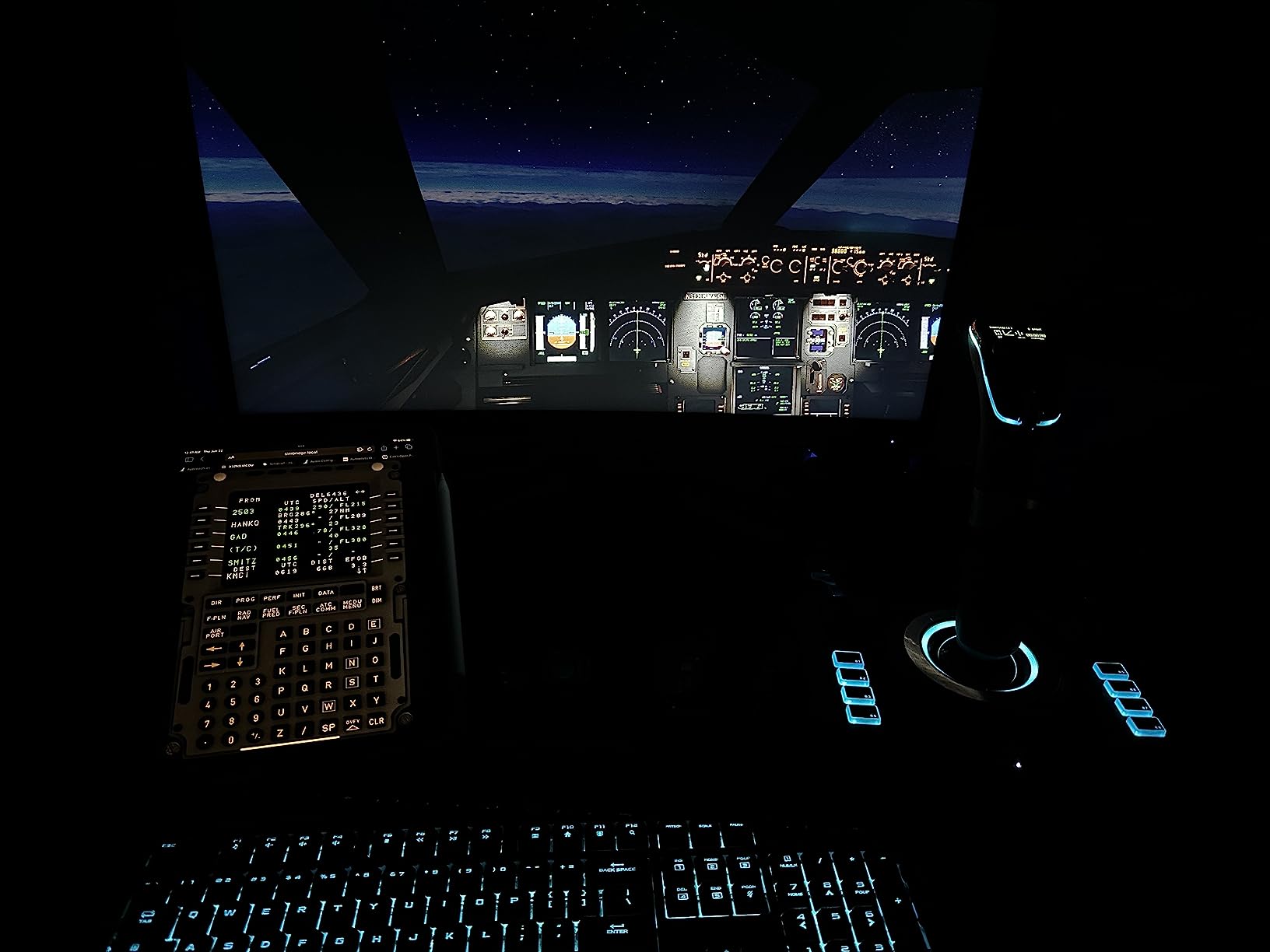
Xbox vs PC Behavior
On PC it behaves like a full DirectInput controller, and plug-and-play support in MSFS 2020 and 2024 plus X-Plane 12 is strong. On Xbox it presents as an official controller, which works beautifully in MSFS but many other console games simply ignore it. If your main goal is console space sims, check whether your specific games support flight peripherals before buying.
Tuning the Stick Out of the Box
Give yourself a week of regular play before judging it, because the stiffness mellows noticeably with use. In the meantime, use the OLED menu to soften the response curve and slightly enlarge the center dead zone. Disabling or desensitizing the touchpad early prevents most accidental inputs, and adding a small weight or mount under the base solves the lift-off problem.
7. Thrustmaster T-Flight Hotas One MSFS 2024 Collector Edition — Best for Xbox MSFS
Thrustmaster T-Flight Hotas One MSFS 2024 Collector Edition – XBOX & PC
Official MSFS 2024 license
Detachable throttle
5 axes with dual rudder
14 action buttons
Xbox and PC
Pros
- Officially licensed for MSFS 2024 on Xbox
- Detachable throttle for flexible placement
- Dual rudder adds realistic yaw control
- Expandable with TFRP rudder pedals
- Works across Xbox and PC
Cons
- Throttle tension very loose out of the box
- Button mapping hiccups reported in MSFS 2024
- Mostly plastic construction
- Recent reviews note inconsistent game support
This is the HOTAS to get if your space sim and flight sim habit lives on an Xbox as well as a PC. It is officially licensed for Microsoft Flight Simulator 2024 and carries a number-two ranking in PC flight controls, with 397 reviews at 4.3 stars. Being able to move one controller between console and desktop is a genuine convenience that few budget options offer.
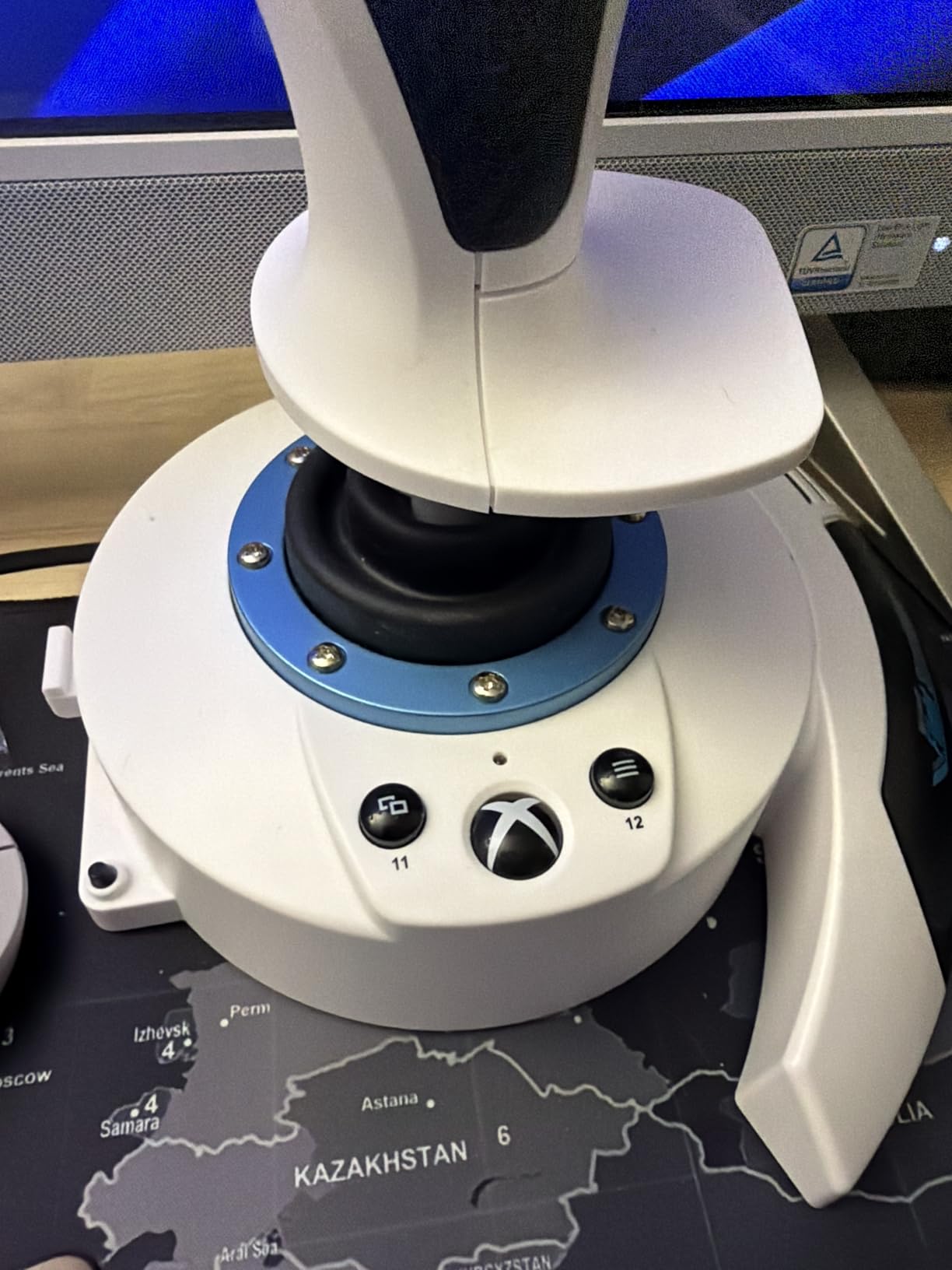
In shape and philosophy it is an evolution of the T-Flight HOTAS X, with the same detachable throttle and adjustable stick resistance that made that stick a staple. The collector edition finish in white looks sharp on a desk, and plug-and-play behavior on both platforms means no driver hunting.
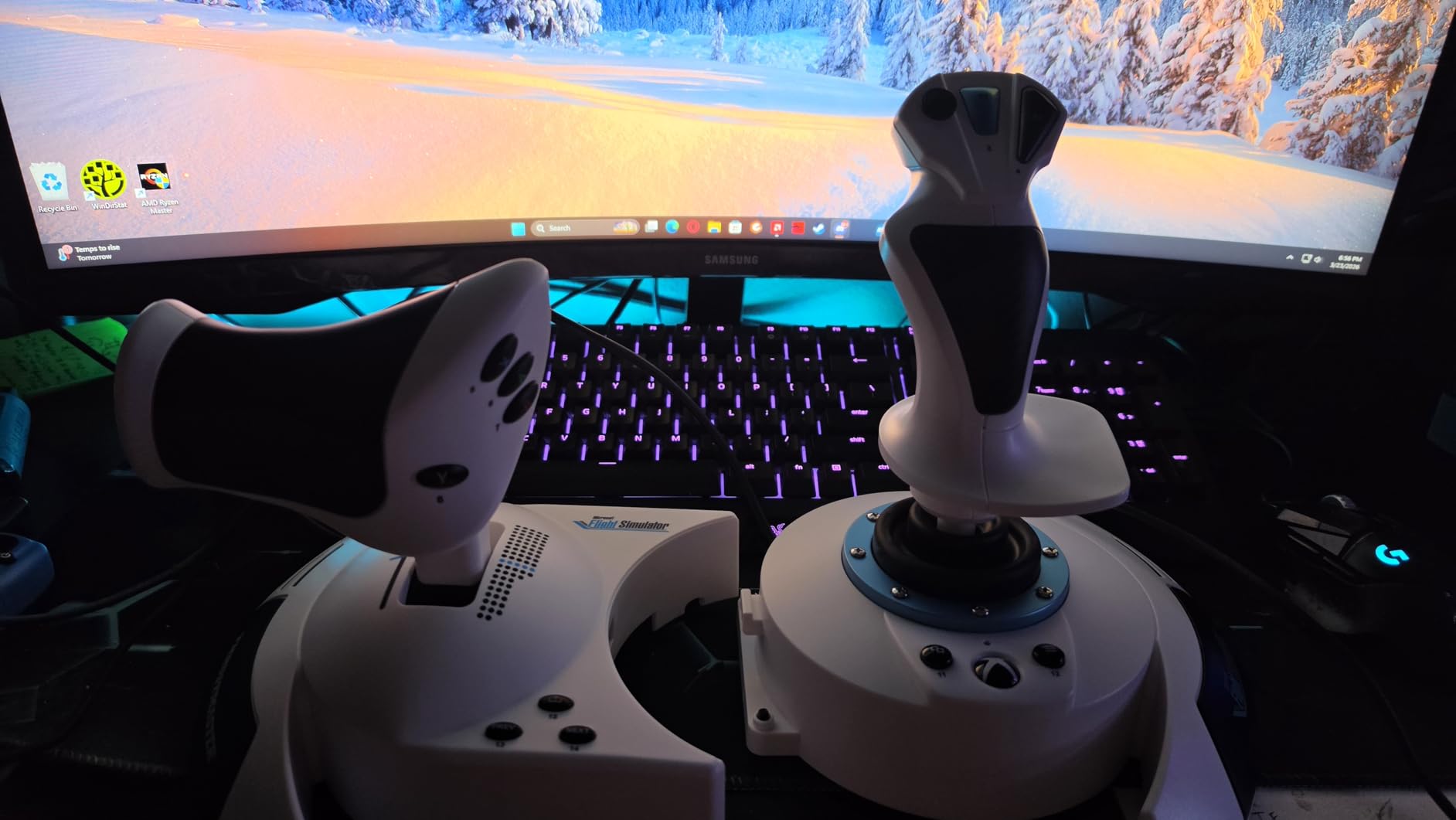
On specs you get 10-bit precision across 5 axes including Z-axis rudder, 14 action buttons, a rapid trigger, and a multidirectional hat switch. The dual rudder system lets you yaw via twist on the grip or via a tilting lever on the throttle, and the whole system is expandable with Thrustmaster TFRP pedals if you later want realistic foot controls.
The flaws echo the budget HOTAS formula. Throttle tension is very loose out of the box, with several owners adding friction material inside to firm it up. Some users report button mapping difficulties and inconsistent behavior in MSFS 2024 specifically. The construction is mostly plastic, which keeps cost down but does not feel premium.
Xbox Setup With MSFS 2024
Plug it into the console and MSFS recognizes it as an official peripheral with default bindings ready to go, which is the smoothest setup path of anything on this list. Note that recent reviews are mixed on MSFS 2024 stability, so if you hit mapping oddities, switching the controller profile to the MSFS 2020 preset often resolves them. On PC it functions as a standard joystick in any sim.
Expansion Path With TFRP Pedals
The built-in twist rudder covers yaw for most players, but adding TFRP pedals later frees the twist axis for other bindings and feels far more immersive. Because the throttle detaches, you can rearrange your setup into a spread cockpit without buying new gear. That staged upgrade path makes this a sensible first HOTAS for growing into the hobby.
8. Thrustmaster T.Flight Hotas 5 MSFS Edition — Best for PS5 and PC
Thrustmaster T.Flight Hotas 5 Microsoft Flight Simulator Edition – PS5 & PC
Official MSFS license
16-bit precision
5 axes with Z-axis
Detachable throttle
PS5 PS4 and PC
Pros
- Plug-and-play in MSFS 2020 and 2024
- 16-bit precision across 5 axes
- Dual rudder via twist grip and throttle lever
- PS5 and PS4 plus PC support
- Adjustable stick resistance
Cons
- Only 28 reviews so far so long-term data is thin
- Heavier than older T-Flight models
- Dual-rudder takes time to learn
- TFRP pedals sold separately
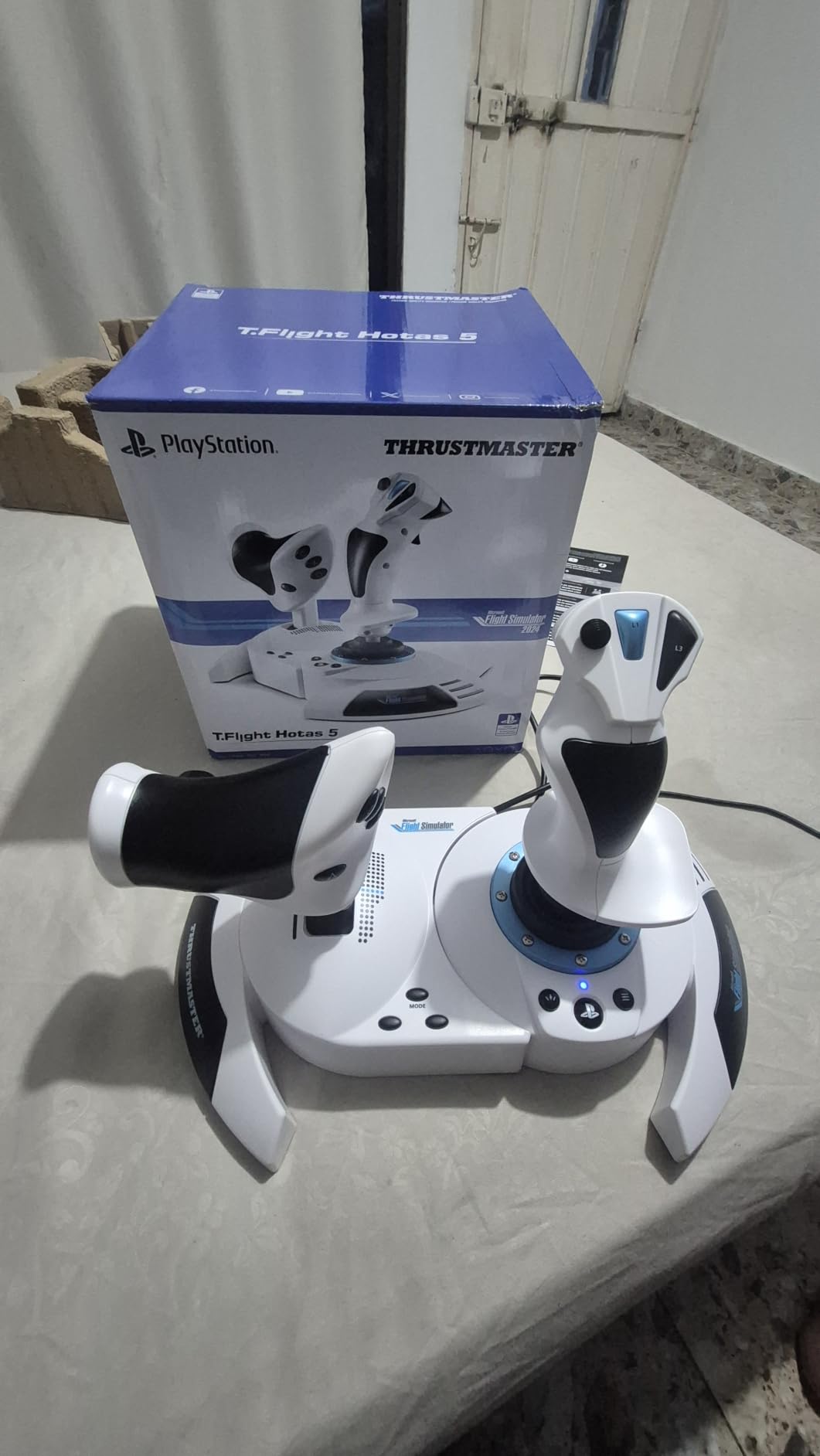
PlayStation pilots usually get ignored by flight hardware makers, so a licensed stick that works on PS5, PS4, and PC from a major brand is worth attention. This is the newest entry on our list, which cuts both ways: early satisfaction is strong at 4.4 stars with 78 percent five-star reviews, but only 28 ratings exist so far, so long-term reliability is still an open question.
In hand it feels like a matured T-Flight HOTAS. The 16-bit precision is a genuine step up from the older 10-bit hardware, meaning finer gradations between your input and what the game registers. For space sims where you are making tiny correction burns during docking, that resolution is quietly valuable.
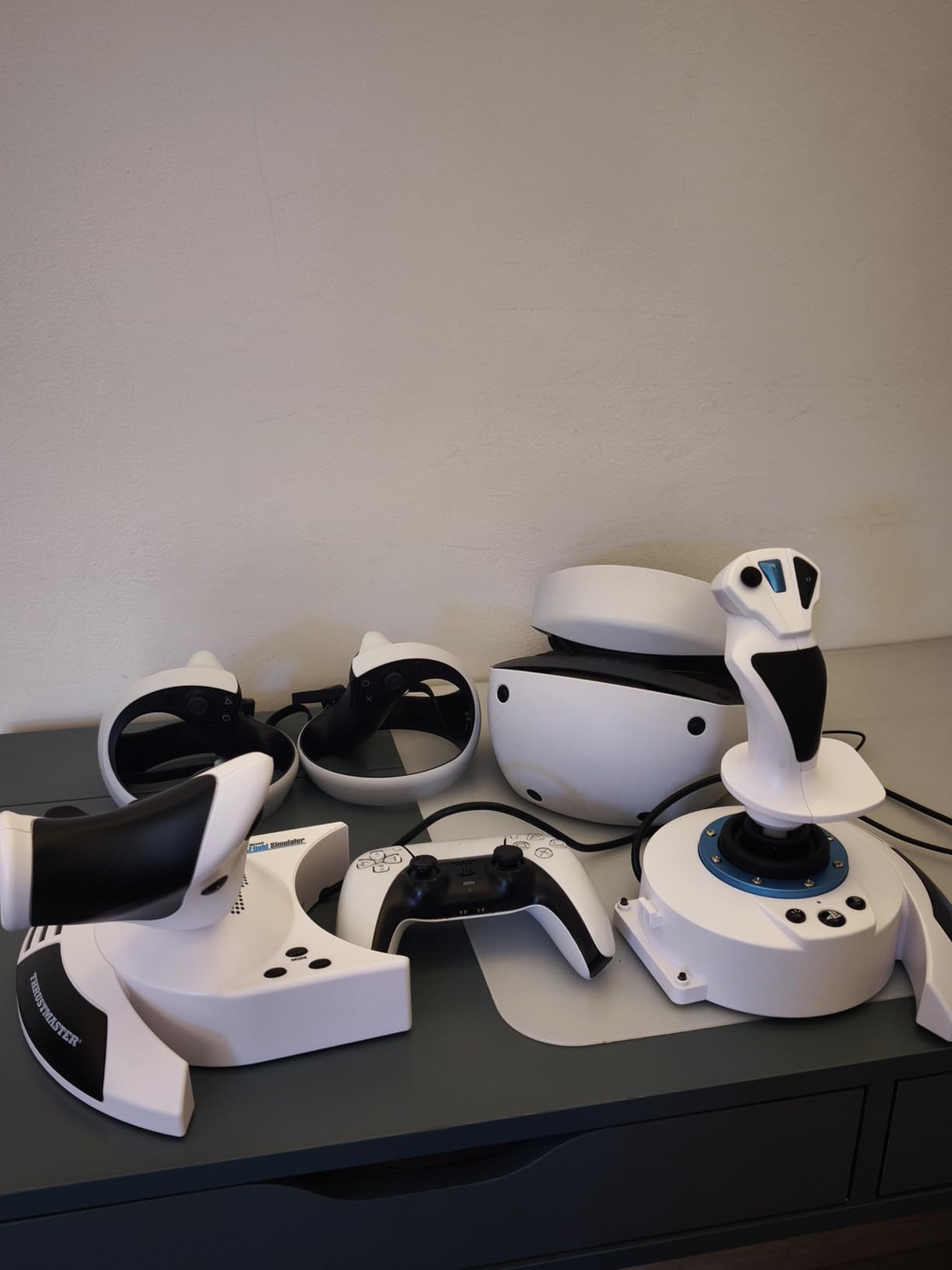
The spec sheet lists 5 control axes including Z-axis twist on the grip, 14 action buttons, a rapid-fire trigger, a multidirectional hat switch, a detachable throttle, and a second rudder input via a tilting lever on the throttle. Stick resistance is adjustable, and Thrustmaster designs it for civil aircraft, military jets, helicopters, and gliders alike.
Being realistic about the risks, the small review pool means we simply do not know how these age over two years of heavy use. The unit is heavier than older T-Flight sticks at 1.6 kg, which aids stability but is less portable. The dual-rudder system also has a learning curve, since you can accidentally mix yaw inputs from grip and throttle if you bind both carelessly.
PS5 and PC Compatibility
On PS5 it is plug-and-play with MSFS, which is the main reason to choose it over a PC-only stick. On Windows it works as a standard USB joystick in any title, including Elite Dangerous on PC and most space sims on Steam. If you bounce between a console and a desk setup, this is one of very few budget sticks that genuinely serves both.
Early Reliability Signals
With only 28 reviews, treat any conclusion as provisional, but nothing in the feedback so far points to systematic failure, and the 78 percent five-star rate is a healthy early sign. The one-year warranty matches the rest of Thrustmaster’s budget line. If you want certainty over newness, the older T-Flight HOTAS X on this list has a decade of track record instead.
9. Thrustmaster TCA Sidestick Airbus Edition — Best Compact Sidestick
Thrustmaster TCA Sidestick Airbus Edition Flight Sim Joystick – PC
1:1 Airbus A320 sidestick replica
17 mappable buttons
Built-in throttle axis
Magnetic drift-free sensor
4 swappable head modules
Pros
- Authentic 1:1 scale Airbus replica feel
- Contactless magnetic sensor will not drift
- Built-in throttle and lockable twist rudder
- Compact footprint saves desk space
- Swappable head modules tune the grip
Cons
- Thrust reverser mechanism poorly implemented
- Button numbering layout is confusing
- Throttle toggle is very sensitive
- Occasional lock-up reports on early units
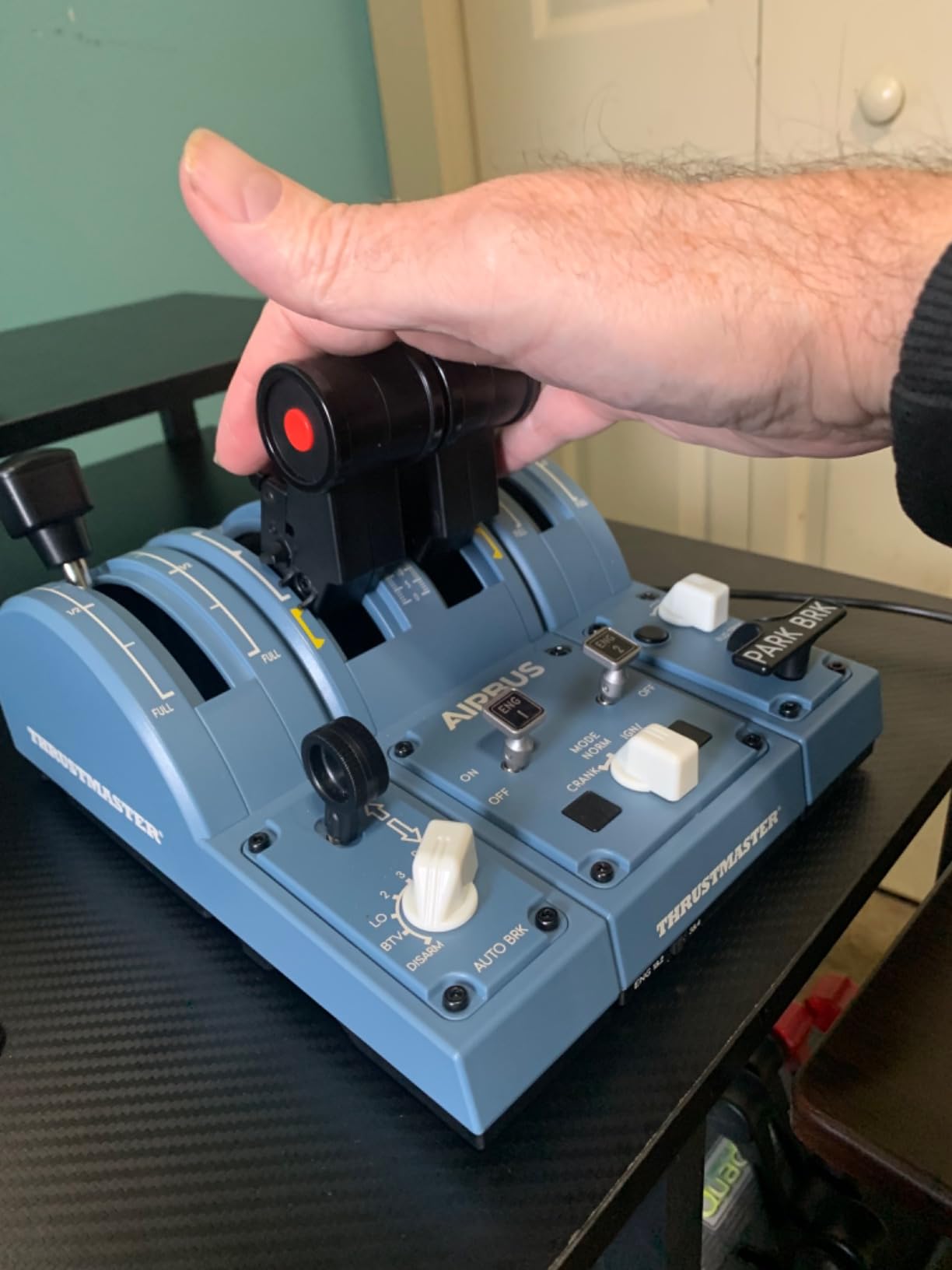
Not every space sim pilot wants a stick between their knees. The TCA Sidestick is an officially licensed 1:1 scale replica of the Airbus A320 sidestick, the kind that sits off to a pilot’s left, and it brings that philosophy to a desk. With 866 reviews at 4.4 stars, it has carved out a loyal niche among simmers who value compact ergonomics.
The appeal for small desks is obvious. Instead of a wide HOTAS spread, you get one compact unit with the throttle built into the base. I found the off-center placement surprisingly comfortable for long sessions, since your arm rests at a natural angle instead of reaching forward. It is also ambidextrous, which is rare at this price.
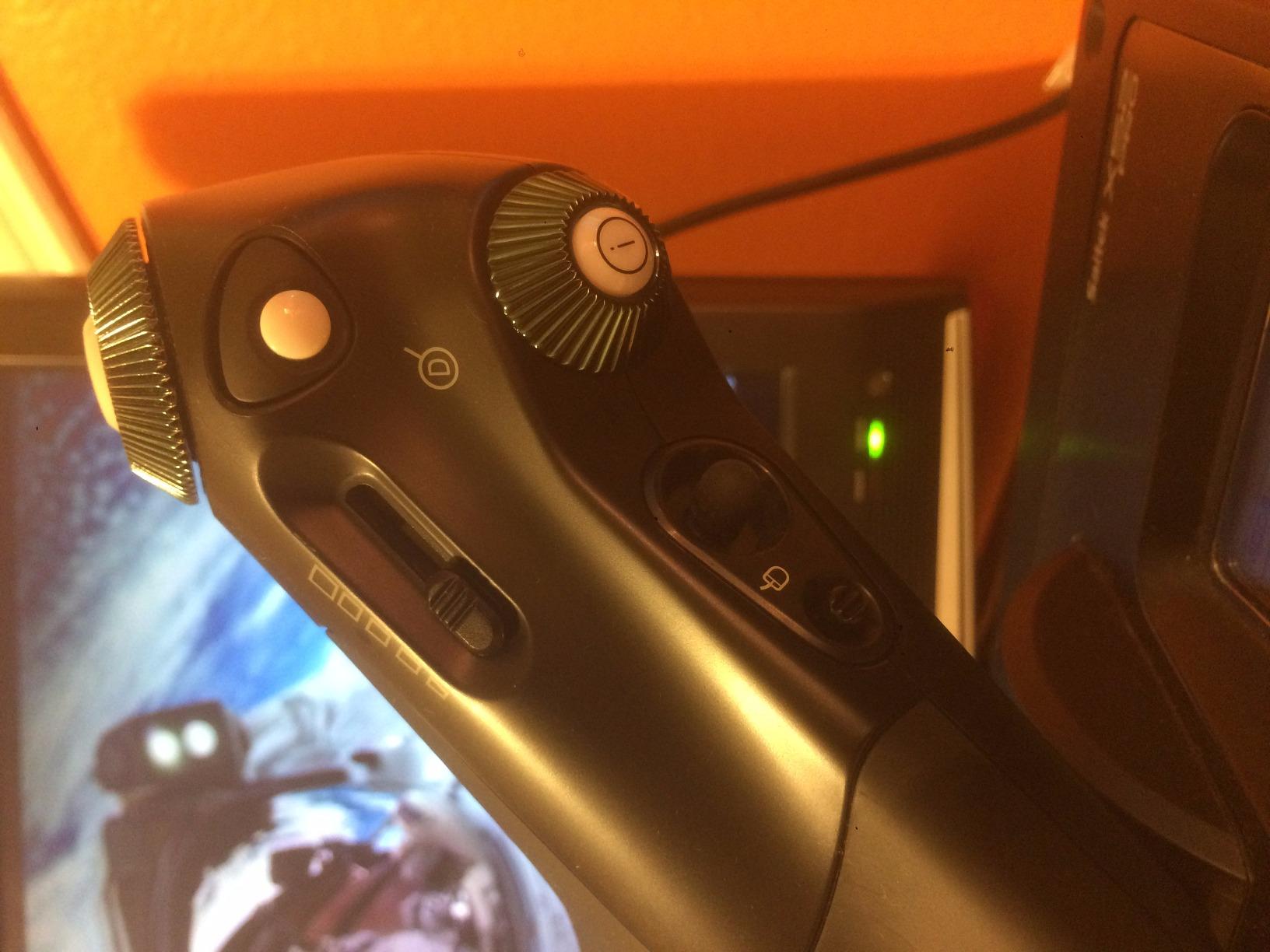
Under the hood it uses contactless magnetic sensor technology, the same drift-free approach as Thrustmaster’s higher-end sticks, rated for an essentially unlimited lifespan. You get 17 action buttons with Braille-style tactile identification, four swappable joystick head modules to change the grip shape, a built-in throttle axis, a thrust reverser mechanism, and a rotating handle with lockable twist rudder.
The quirks are specific. The thrust reverser feature is poorly implemented and most owners simply ignore it. Button numbering is confusing, which makes following community profiles frustrating until you learn the layout. The throttle switch is very sensitive. Early production runs had lock-up reports, though later units appear to have resolved this.
Sidestick vs Center Stick for Space Sims
A sidestick changes how you bind things: your right hand flies while your left stays on keyboard, or you pair it with a separate throttle later. Some space sim pilots love the Airbus-style posture for trading and exploration runs, while fighter-minded players prefer a center stick for dogfighting muscle memory. Try your current desk arrangement and check whether an offset stick would clear your keyboard before choosing.
Throttle and Rudder Integration
The base-mounted throttle axis handles forward thrust adequately for casual flying, though it lacks the range and detents of a dedicated throttle unit. The lockable twist rudder is a smart touch, since you can lock it off for pure three-axis flight or unlock it for yaw when docking. If you outgrow the built-in controls, the stick pairs fine with external throttles and pedals.
10. Logitech G Saitek X52 Pro — Most Features, Biggest Caveats
Logitech G Saitek X52 Pro Flight Control System – Black/Silver
Stick and throttle system
Hall-effect X and Y axes
LCD multi-function display
Progressive throttle with detents
Illuminated buttons
Pros
- Hall-effect X and Y axes track smoothly
- LCD display and lighting boost immersion
- Throttle has afterburner and idle detents
- 5-position handle fits most hand sizes
- Strong game compatibility including Elite Dangerous
Cons
- Documented logic board failures
- Dual-spring centering feels sloppy
- Software is fiddly to install and use
- Matte coating can peel over time
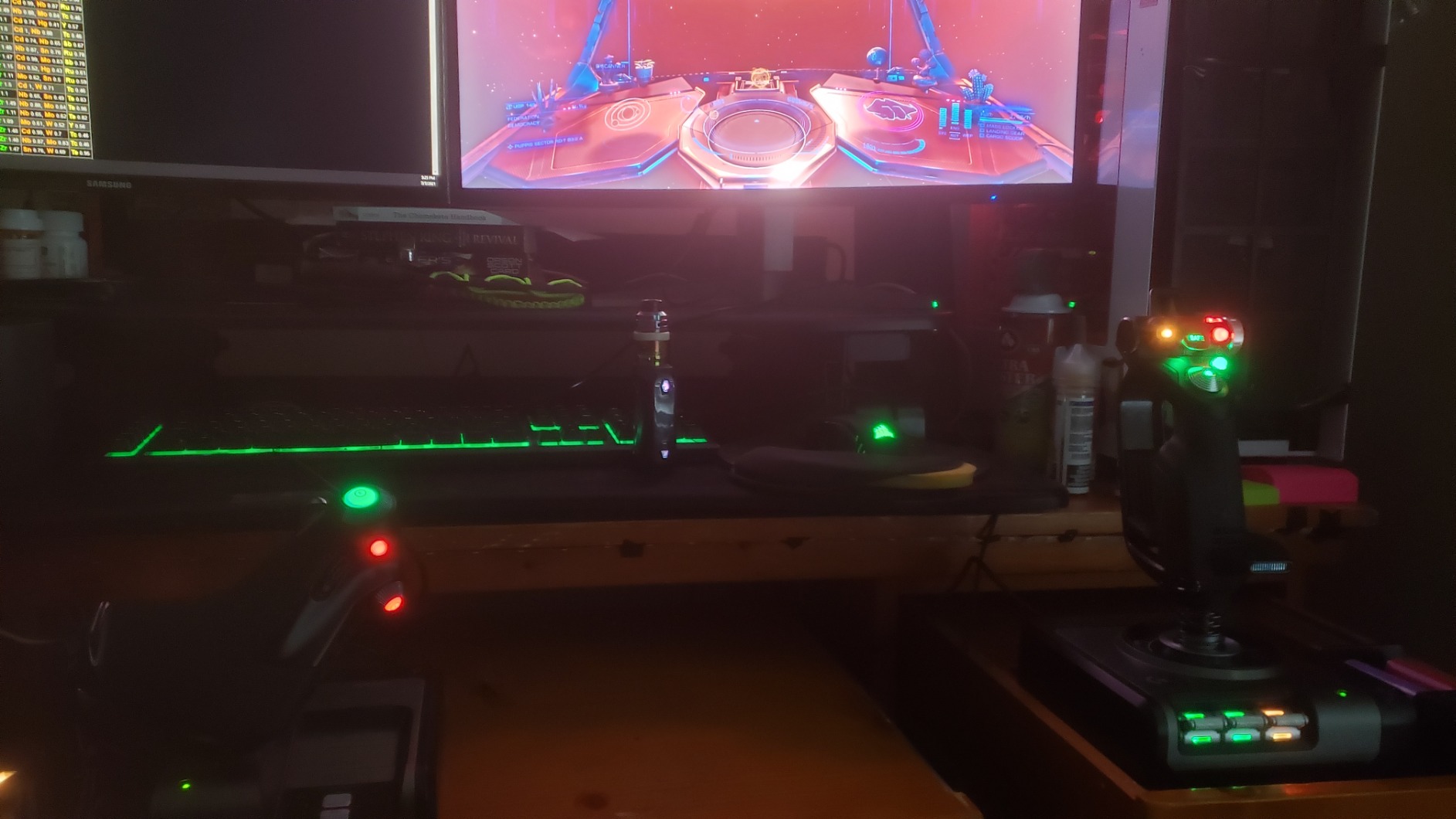
The X52 Pro is the pick on this list I have the most complicated feelings about. On paper it is a feature feast, and it has long been a favorite in the Elite Dangerous community for its sci-fi look and loaded throttle. But its 3.9-star average across 615 reviews reflects genuine reliability complaints, so it lands here as a feature-first option you should buy with eyes open.
When it works, it is a joy. The X and Y axes use Hall-effect sensors for contactless tracking, the throttle is progressive with adjustable resistance and detents for idle and afterburner, and buttons light up alongside an LCD multi-function display on the throttle. The 5-position handle adjustment genuinely suits a wide range of hand sizes.
Technically you get a full stick-and-throttle system with around 16 programmable controls, programming through Logitech’s Smart Technology software, and broad compatibility with Elite Dangerous, Star Citizen, MSFS, and X-Plane. The throttle detents deserve special mention for space sims, since a distinct afterburner stop is exactly what you want in a dogfight.
The problems are consistent across owner reports. Internal logic board failures show up often enough to be a pattern rather than bad luck. The dual-spring centering has noticeable slop and does not return to a crisp center. The software is fiddly and driver installation can be inconsistent. And the matte coating can peel after heavy use.
Reliability Record to Know About
Logic board failure is the serious one, showing up as dead axes, ghost inputs, or a unit that stops being recognized. Buying from a retailer with a straightforward return window and registering the warranty immediately are both smart moves here. If dependable daily use matters more to you than features, the T16000M FCS HOTAS higher up this list is the safer choice.
LCD Display Usefulness in Space Sims
The throttle’s LCD sounds like a gimmick and is actually useful, since it can show in-game data like the ship clock, throttle position, or profile names without looking away. In Elite Dangerous, community profiles display genuinely helpful telemetry. Just know the display depends on the same software that owners describe as fiddly, so treat it as a bonus rather than a reason to buy.
11. Thrustmaster T-Flight Stick X — Best All-in-One Starter Stick
Thrustmaster T-Flight Stick X USB Ergonomic Flight Sim Joystick – PC
12 reprogrammable buttons
Built-in throttle
Twist rudder
Adjustable resistance knob
Weighted base
Pros
- True plug-and-play with instant Windows 11 recognition
- Resistance knob tunes stick tension
- Built-in throttle and twist rudder cover all axes
- Weighted base stays planted
- Internal memory keeps profiles between sessions
Cons
- Integrated throttle is very stiff
- Button layout awkward for some hands
- No mounting holes for cockpit builds
- Top hat behaves oddly in some games
Sometimes you just want one box that does everything, and that is the T-Flight Stick X. With 2,564 reviews at 4.2 stars, it has quietly outlived entire console generations. This is the stick I hand to friends who are curious about space sims but not curious enough to rearrange their desk for a two-piece setup.
The experience is defined by simplicity. Plug in the USB, Windows 11 recognizes it immediately, and you are flying in under a minute. The internal memory stores your button programming across disconnections, which is a thoughtful touch that prevents re-setup drama every time you unplug.
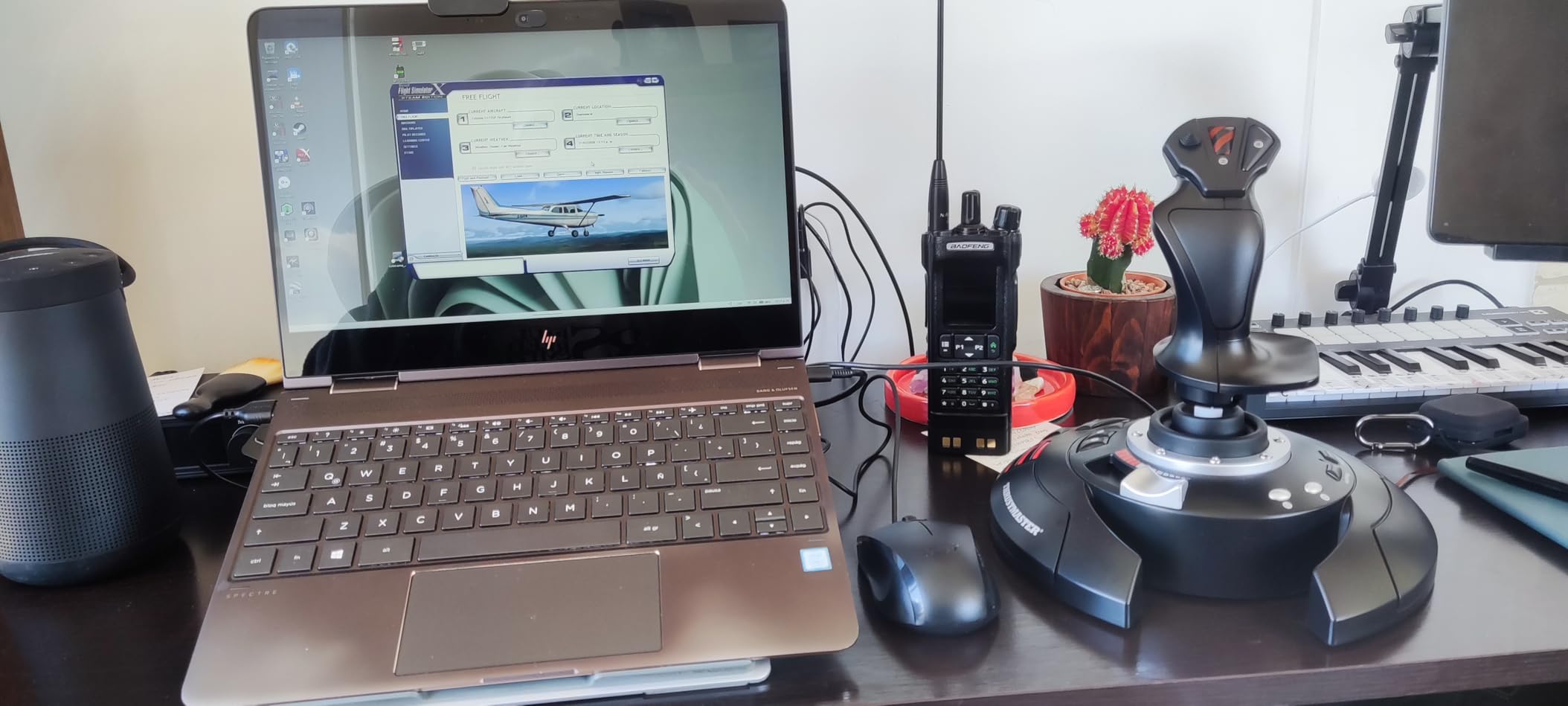
Specification-wise there are 12 reprogrammable buttons, an adjustable resistance knob on the base, a built-in throttle, twist rudder for yaw, and a properly weighted base. That weighted base matters more than it sounds, because a stick that slides mid-turn is infuriating and this one stays put during aggressive maneuvers.
The ceiling is where it falls short. The integrated throttle is very stiff, making fine incremental thrust adjustments genuinely difficult, which is a problem for docking in Elite Dangerous. The button layout does not suit every hand size and is not left-hand friendly. And with no mounting-hole pattern, cockpit builders hit a wall quickly with this one.
Plug-and-Play Behavior on Windows 11
This is the strongest plug-and-play performer on the list, with owners specifically praising instant recognition on modern Windows. There is no driver download, no calibration wizard, and no companion software required for basic use. For anyone intimidated by flight hardware software, that frictionless start is worth real money.
Upgrade Path From This Stick
Treat this as your on-ramp rather than your destination. It teaches you whether you actually like stick flying before you invest in a HOTAS or dual-stick setup. If you outgrow it, the natural next steps are the T-Flight HOTAS X for stick-and-throttle or a T16000M for a dual-stick build, and nothing you learned mapping this stick goes to waste.
12. PXN 2113PRO — The Cheapest Way to Try Space Sims
PXN 2113PRO PC Joystick USB Gaming Flight Simulator Controller Flight Stick
Vibration function
4-axis with 8-way hat
12 programmable buttons
Throttle control
Suction cup base
Pros
- Lowest-cost way to test stick flying
- Works with MSFS and Star Citizen once set up
- Vibration adds a bit of immersion
- Suction cups grip smooth desks hard
- Light and compact for small setups
Cons
- Manual driver download required
- Poor English documentation and weak support
- Suction cups fail on fabric or mousepads
- Buttons can die after around six months
Sometimes the right question is not which stick is best, but whether you will enjoy stick flying at all. The PXN 2113PRO answers that question for the least money of anything here. Its 3.7-star average across 693 reviews is the lowest on our list, and that number tells an honest story: 52 percent five-star reviews from people it worked for, and 17 percent one-star reviews from people it did not.
Set expectations correctly and it can be a pleasant surprise. Once running, the 4-axis control with 8-way hat switch and 12 programmable buttons covers basic space simming, and owners confirm it functions in Microsoft Flight Simulator and Star Citizen. The vibration feature, toggled from the base once you install the driver, adds a small kick of feedback during boost and impacts.
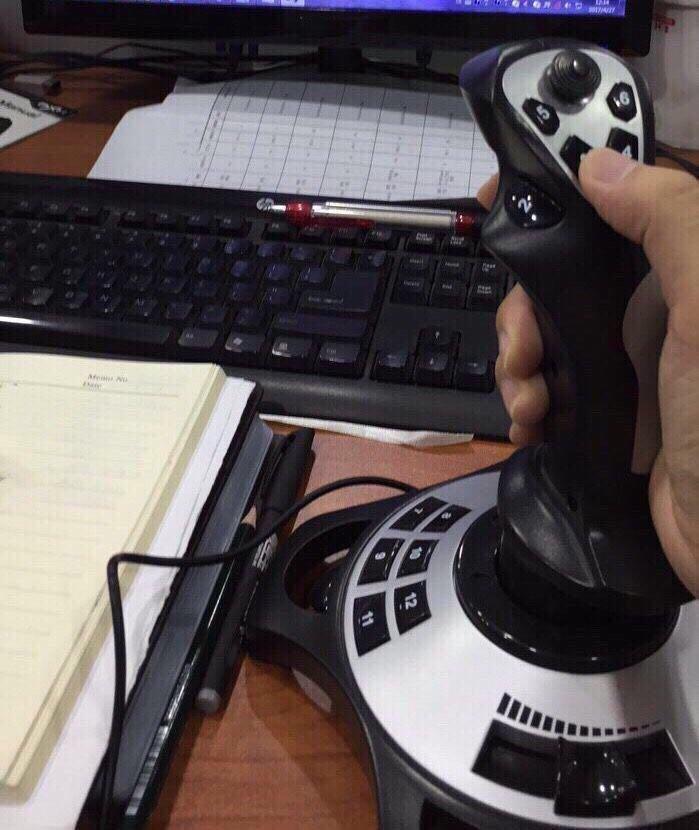
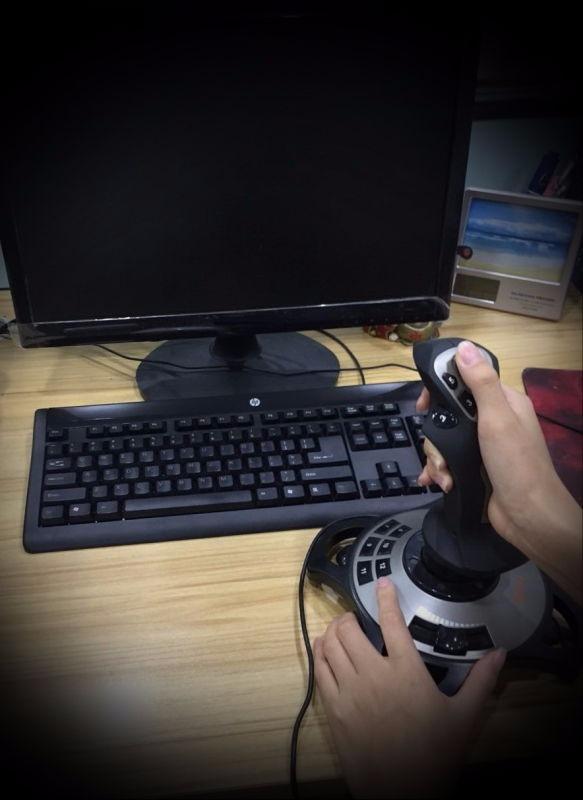
On hardware you get a 4-axis stick with 8-way hat, 12 programmable buttons, a throttle control, and four power-grip suction cups for desk stabilization. It is genuinely light at about half a kilogram, which makes it easy to stash between sessions, and it supports Windows 7 through 11.
The rough parts need spelling out. This is not plug-and-play, you must download PXN’s driver manually for vibration and full button mapping. The English documentation is poor and customer support is reportedly unresponsive. The suction cups do nothing on fabric or mousepad surfaces. And a meaningful number of owners report buttons losing response after roughly six months. It also supports no Mac, Xbox, or PlayStation, and no force feedback.
Driver Setup and Support Reality
Block out an hour for first-time setup and grab the driver from PXN’s site rather than relying on the included instructions. The software handles calibration and key mapping and enables the vibration toggle. Community guides fill the documentation gaps. If anything goes wrong, assume you are troubleshooting alone, because support responses are rare.
Which Games It Handles
Owners report workable experiences in MSFS, Star Citizen, and older sims like X-Plane 10, as long as you bind controls manually in game. Complex titles with heavy default profiles can be a chore since you are building bindings from scratch. For simple arcade-leaning space sims it is perfectly capable, which is exactly the use case it exists for.
How to Choose a Budget Joystick for Space Sims?
Space sims demand different controls than flight sims, because spaceships move in six directions without gravity or atmosphere to fight. Understanding a few technical points before you buy will save you from buying the wrong tool twice.
Z-Axis Twist and Six Degrees of Freedom
A twist rudder, also called a Z-axis, lets you yaw the ship by rotating the grip instead of pressing keys. For space sims this axis is close to mandatory, since you need pitch, roll, yaw plus vertical and lateral translation to fly well. Every pick on our list except a couple of the cheapest has twist built in. If you plan to chase docking and precision maneuvers, do not buy a stick without it.
Hall-Effect Sensors vs Standard Potentiometers
The single biggest quality difference in budget sticks is the sensor reading the stick position. Hall-effect magnetic sensors are contactless, so nothing wears as it rubs, and they hold calibration for years. Standard potentiometers are cheaper and eventually develop drift, that creeping off-center behavior that ruins aiming. The T16000M family, VelocityOne, X52 Pro, and TCA Sidestick all use Hall-effect or magnetic sensing on their main axes, which is a large part of why they rank so high here.
Throttle Integration and Button Count
Decide early whether you want a stick with a throttle slider, a full HOTAS with a separate throttle unit, or dual sticks. A slider is fine for getting started but lacks fine control for docking. A separate throttle with a mini-stick, like the TWCS, is excellent for lateral thrusters. Dual sticks are the purest space sim layout but need desk space and ideally mounts. On buttons, 12 is workable, 16 is comfortable, and 27 or more means you rarely leave the controls for the keyboard.
Software and Game Compatibility
Check that your pick works with your platform, since several of these are PC-only while the VelocityOne, Hotas One, and Hotas 5 support consoles. Software quality varies wildly: Logitech’s Extreme 3D Pro needs none, Thrustmaster’s T.A.R.G.E.T is powerful but awkward, and PXN requires a manual download. Also verify your games recognize multiple joysticks if you plan a dual-stick build, since some titles need a software merge to behave.
Frequently Asked Questions
What is the best budget flight sim joystick?
The Logitech G Extreme 3D Pro is the best pure budget joystick thanks to plug-and-play setup, a comfortable grip, and a long durability record across more than 13,000 reviews. If you can stretch slightly further, the Thrustmaster T16000M FCS adds drift-free Hall-effect sensors and an ambidextrous design that suits space sims even better.
What is the best budget HOTAS?
The Thrustmaster T-Flight HOTAS X is the best budget HOTAS, pairing a detachable throttle with a solid stick and 12 programmable buttons at a low price. For more buttons and a throttle mini-stick, the Thrustmaster T16000M FCS HOTAS pack is the step-up pick that space sim pilots tend to keep for years.
Is a honeycomb yoke better than a joystick?
For space sims, no. A yoke is built for atmospheric airliner flying with pitch and roll inputs, while space sims need yaw, translation, and rapid full-deflection moves that a joystick handles far better. Yokes shine in Microsoft Flight Simulator airliner flying, so pick based on the games you actually play.
What is the best joystick for flight sim?
For Microsoft Flight Simulator on a budget, the Thrustmaster T-Flight HOTAS X or the officially licensed T-Flight Hotas One are the strongest picks, with the Hotas One adding console support. For space sims specifically, the T16000M FCS Space Sim Duo’s dual-stick layout gives you proper six-degree-of-freedom control.
Do I need two joysticks for space sims?
You do not need two, but dual sticks are the ideal space sim layout because one hand flies pitch, roll, and yaw while the other handles vertical and lateral translation. Start with a single T16000M FCS, which is fully ambidextrous, then add a second later to build a dual-stick setup without wasting your first purchase.
Final Verdict
After working through all twelve, our top recommendation for the best budget joysticks for space sims in 2026 is the Thrustmaster T16000M FCS Space Sim Duo, because dual Hall-effect sticks with twist rudder is simply the correct control scheme for flying spaceships. If you prefer classic stick-and-throttle ergonomics, the T-Flight HOTAS X delivers a complete setup at the friendliest price. And the Logitech G Extreme 3D Pro remains the cheapest stick we can honestly recommend.
Match the pick to your situation rather than to the rankings. Console pilots should steer toward the VelocityOne Flightstick, the Hotas One, or the Hotas 5 depending on platform. VR and late-night pilots will appreciate tactile Braille-style buttons over touchpads. Anyone unsure about the hobby should start cheap with the Extreme 3D Pro or the PXN and upgrade only if the itch takes hold.
Whichever you choose, buy from a retailer with easy returns and test everything within the window, since even the best budget lines have occasional quality control slips. Then spend an evening with community binding profiles before building your own. A well-mapped budget stick will outfly a badly-mapped premium one every single time.