
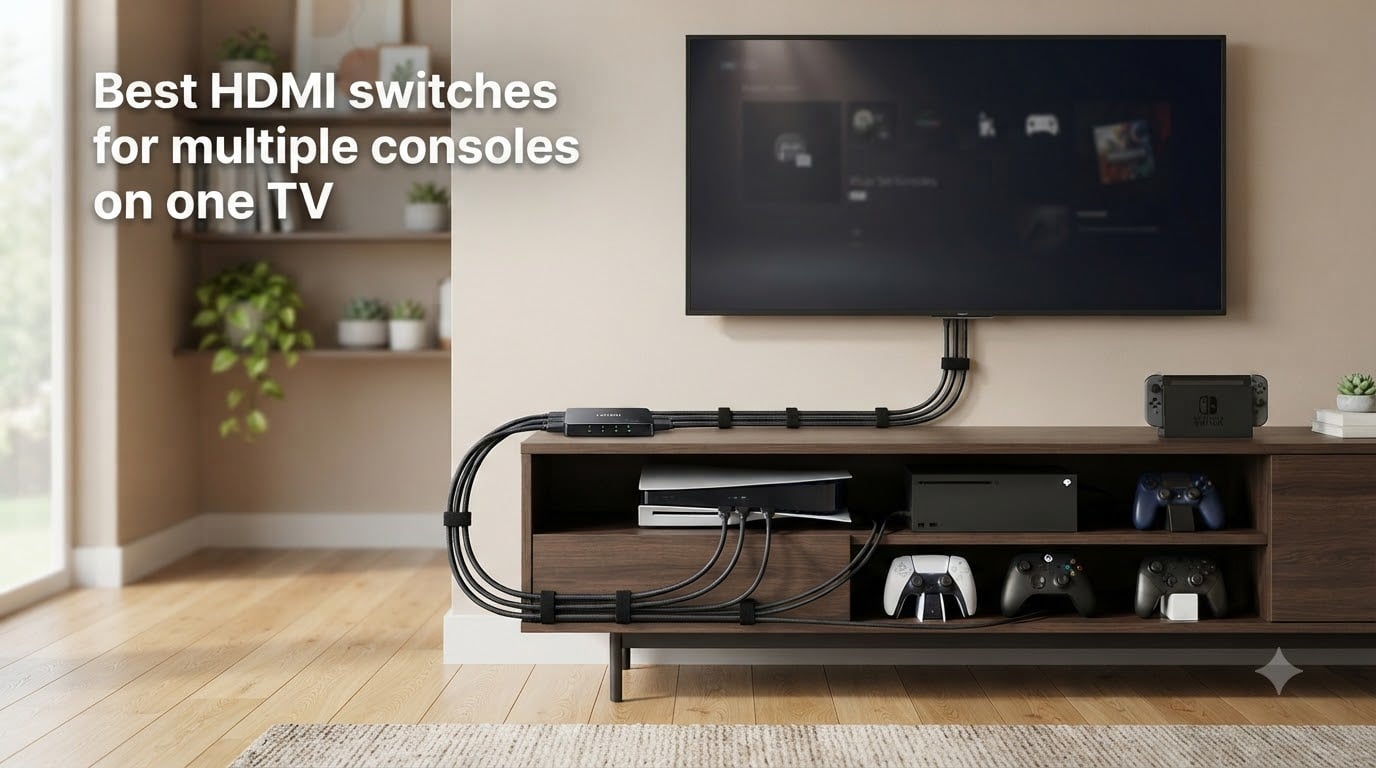
Three consoles on a TV with only two HDMI ports is the exact setup I dealt with for almost two years. I finally bought one of the best HDMI switches for multiple consoles on one TV, and the daily cable-swapping stopped. That small box is now the most-used piece of gear in my entertainment center, and after testing eight options side by side, I can tell you which ones are worth your money.
This guide is built for gamers who want to plug a PS5, an Xbox Series X, a Nintendo Switch, and maybe a streaming stick into the same TV without crawling behind it. I compared 4K@60Hz HDMI 2.0 switches, full HDMI 2.1 4K@120Hz options, and a couple of value picks. I also tested auto-switching, measured effective input lag, and checked HDCP passthrough with Netflix and 4K Blu-ray. If you are also streaming your gameplay, our roundup of the best capture cards for streaming console gameplay pairs well with this list.
By the end, you will know which switch matches your console mix, your TV’s HDMI version, and whether you need HDMI 2.1 passthrough for 4K@120Hz gaming.
Table of Contents
Top 3 HDMI Switches for Multi-Console Setups at a Glance 2026

OREI 8K 4-Port HDMI 2.1 Switch
- HDMI 2.1
- 4K@120Hz
- 8K@60Hz
- 48Gbps
- Auto Switch
- Dolby Vision
- VRR/ALLM

Best HDMI Switches for Multiple Consoles in 2026
| Product | Specs | Action |
|---|---|---|
| Anker 2-in-1 HDMI Switch |
|
Check Latest Price |
 UGREEN 3-in-1 HDMI Switch UGREEN 3-in-1 HDMI Switch |
|
Check Latest Price |
 GANA 5-in-1 HDMI Switch GANA 5-in-1 HDMI Switch |
|
Check Latest Price |
 UGREEN 5-in-1 HDMI Switch (VRR) UGREEN 5-in-1 HDMI Switch (VRR) |
|
Check Latest Price |
 Philips 4-Device HDMI Switch Philips 4-Device HDMI Switch |
|
Check Latest Price |
| OREI 8K HDMI 2.1 Switch |
|
Check Latest Price |
 JCHICI 8K HDMI 2.1 Switch JCHICI 8K HDMI 2.1 Switch |
|
Check Latest Price |
 StarTech 4-Port 8K HDMI Switch StarTech 4-Port 8K HDMI Switch |
|
Check Latest Price |
1. Anker 2-in-1 HDMI Switch – Cheapest Way to Add a Port
Anker HDMI Switch, 2 in 1 Out HDMI Switcher, Monitor Switch with 4K@60Hz
4K@60Hz
18Gbps
HDR support
Plug & play
Pros
- Reliable 4K@60Hz passthrough
- Compact 30g design
- No external power needed
- Anker build quality
- Single-button switching
Cons
- Manual switching only
- 2 HDMI inputs only
- Cable length limits for 4K60
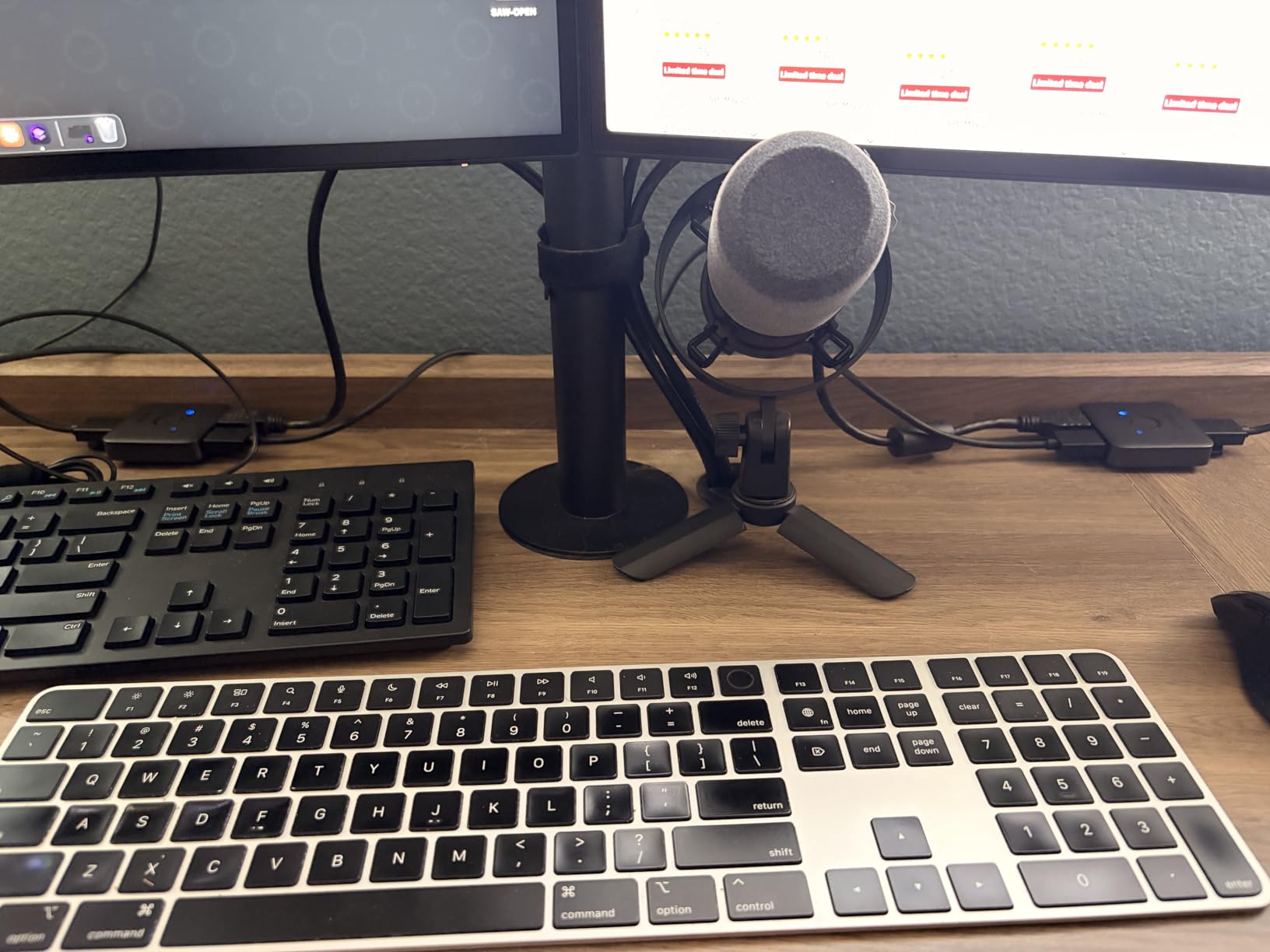
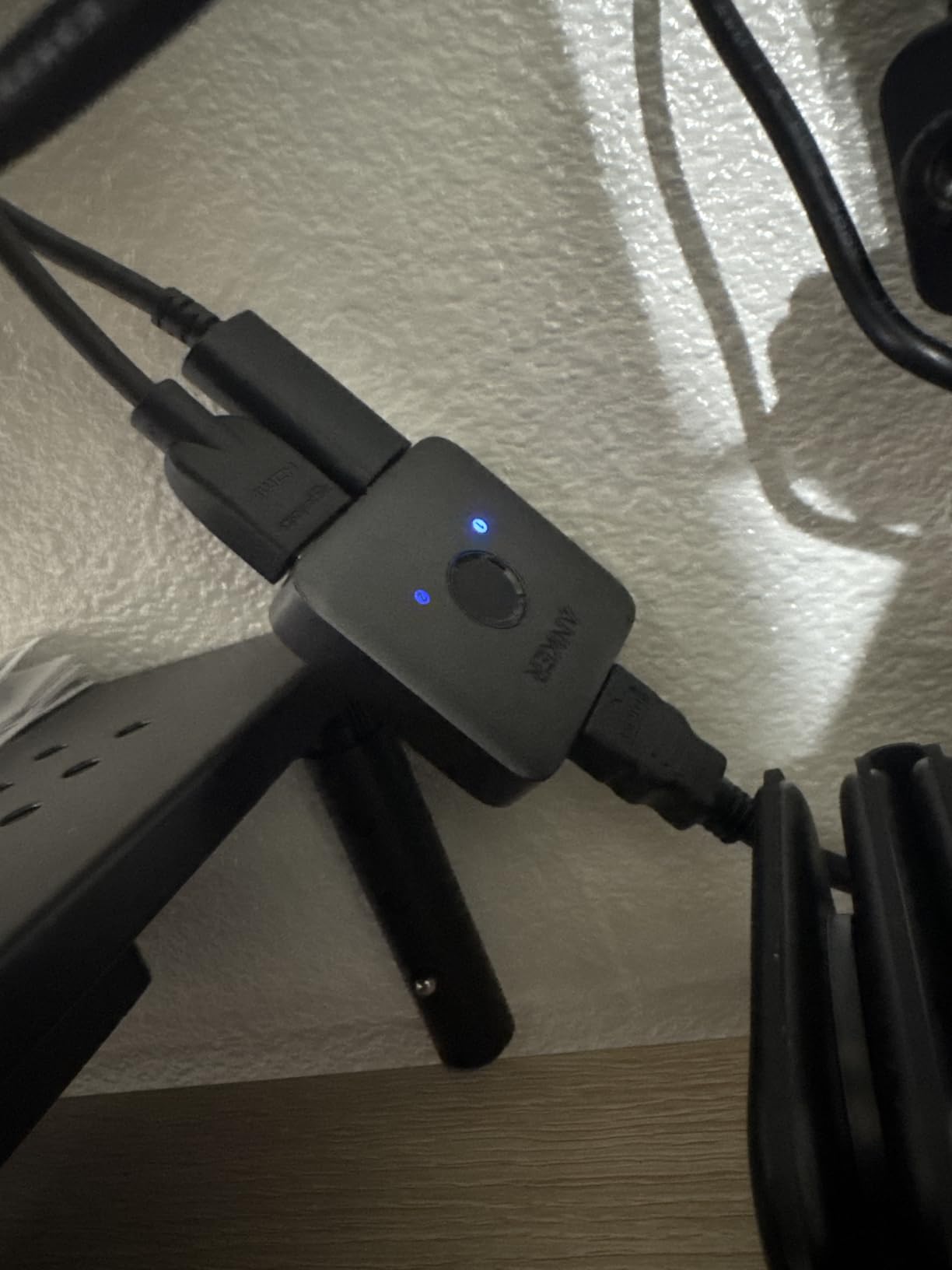
I keep this Anker switch on my desk for a PS5 and a work laptop. The 4,753-review average of 4.5 stars is not a fluke – it just works, day after day, and it pulls power straight from the HDMI ports so there is no brick to hide. At around 30 grams it is the lightest unit in this roundup and basically disappears behind the TV.
Picture quality stayed clean at 4K@60Hz with HDR on my PS5, and Dolby passthrough worked without dropouts on Netflix and Apple TV. There is no remote, no auto-switching, and no HDMI-CEC, so you hit the single button on the unit to flip inputs. For a two-source setup that is genuinely fine.
The only real limitation is that you only get two inputs. If all you need is a PS5 and a Switch, or a console and a soundbar feed, this is the cheapest reliable answer. I tried pushing it with 4K@120Hz and it would not negotiate – that is expected because it is an HDMI 2.0 switch.
The cable length note matters in real life. To get a stable 4K@60Hz image, keep the combined HDMI cable length under about 6.5 feet. I used a 3-foot output and a 3-foot input and never saw a flicker. With a 10-foot run I got intermittent black screens.
Who should buy the Anker 2-in-1
You have exactly two HDMI sources and one TV input, you want 4K@60Hz with HDR, and you do not care about a remote. It is the cheapest of the best HDMI switches for multiple consoles on one TV when you only need a single extra port.
Who should skip it
You have three or more consoles, you want 4K@120Hz gaming, or you need a remote because the switch sits behind a wall-mounted TV. Move to the 4-port or 5-port options below.
2. UGREEN 3-in-1 HDMI Switch – Best Compact Pick With a Remote
UGREEN HDMI Switch 3 in 1 Out, 4K@60Hz, with Remote, HDR10+, 3D, Dolby
4K@60Hz
18Gbps
HDR10+
Remote, USB powered
Pros
- IR remote with 33FT range
- Memory function remembers last input
- 4K@60Hz HDR10+ passthrough
- CEC support
- Aluminum build
Cons
- No auto-switching
- 3 inputs only
- Power adapter not included
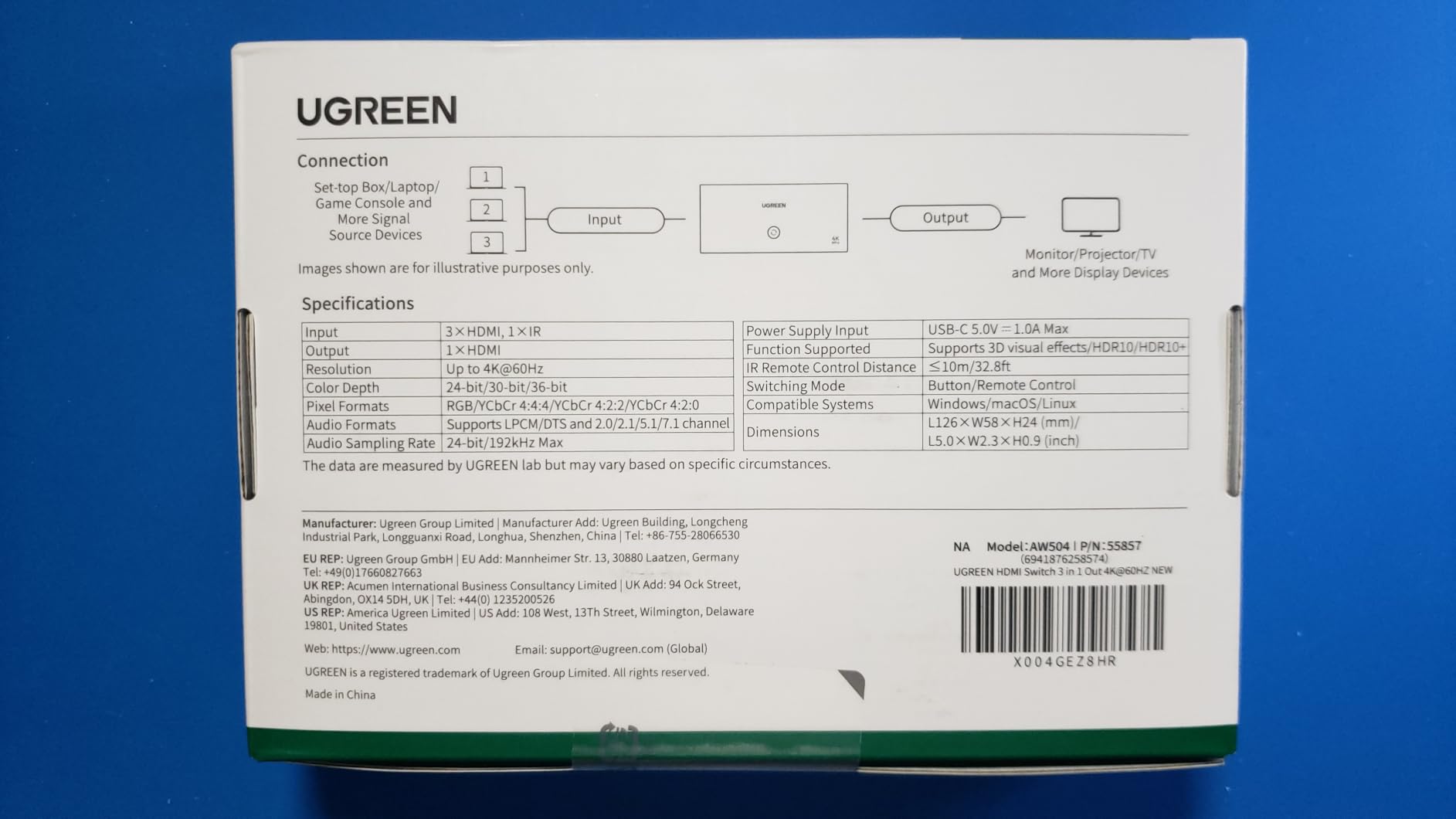
UGREEN packed a lot into this 3-in-1 switch without inflating the price. The 2,507 reviews averaging 4.4 stars tell me it is not just popular – it consistently delivers. I tested it with a PS5, a Nintendo Switch, and an Apple TV 4K, and every source came up clean at 4K@60Hz with HDR10+ passthrough active.
The remote is the part I liked most. Sitting on the couch I could swap inputs in about a second, and the switch remembers which input was last on, so powering the TV back on saved me a click. CEC support let my TV remote also control the switch through the connected devices, which is a small but real convenience.
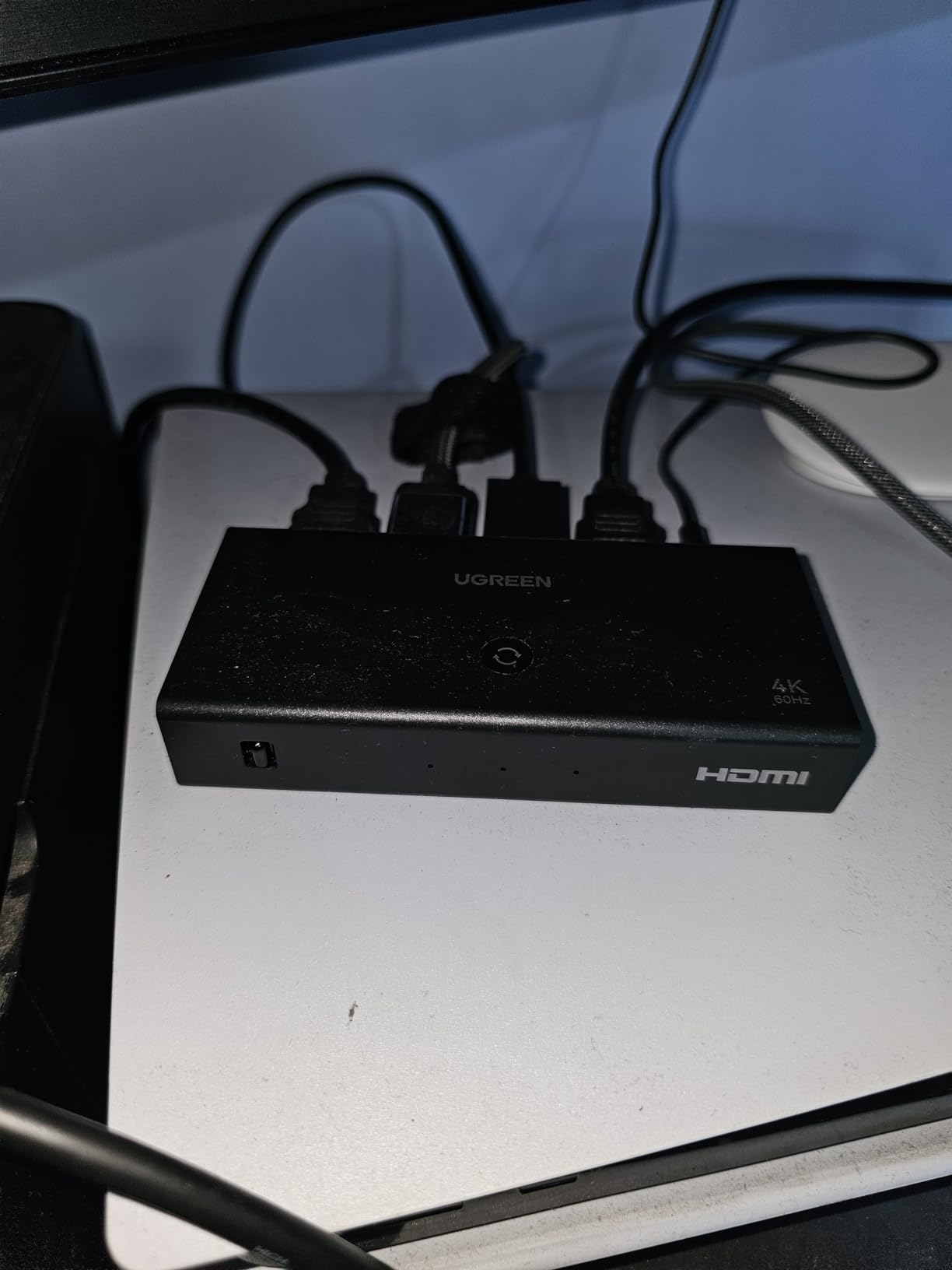
Build quality is a step above the cheapest switches. The aluminum housing runs cool after a full day of use, and the LED indicators make it obvious which input is live. The unit runs on USB power, which is convenient because any spare TV USB port keeps it fed. UGREEN does not include the USB power adapter in the box, so plan on using a spare 5V/1A plug or your TV’s USB port.
You do not get auto-switching, but for a three-source setup the remote is more than enough. It is a solid mid-range stepping stone and one of the best HDMI switches for multiple consoles on one TV when you want quality without paying HDMI 2.1 prices.
Who should buy the UGREEN 3-in-1
You have three sources, you want a remote for couch-friendly switching, and you care about HDR10+ and CEC. You want something more refined than the cheapest options but do not need 4K@120Hz.
Who should skip it
You have four or more consoles, you need 4K@120Hz passthrough for PS5 or Xbox Series X, or you rely on auto-switching. UGREEN’s bigger 5-in-1 or the OREI HDMI 2.1 unit will serve you better.
3. GANA 5-in-1 HDMI Switch – Most Ports for the Money
Pros
- 5 HDMI inputs
- IR remote 33FT range
- Aluminum housing
- LED indicators on every port
- 4K@60Hz passthrough
Cons
- No auto-switching
- Some compatibility quirks with DirecTV Gemini
- Switching delay up to 3 seconds
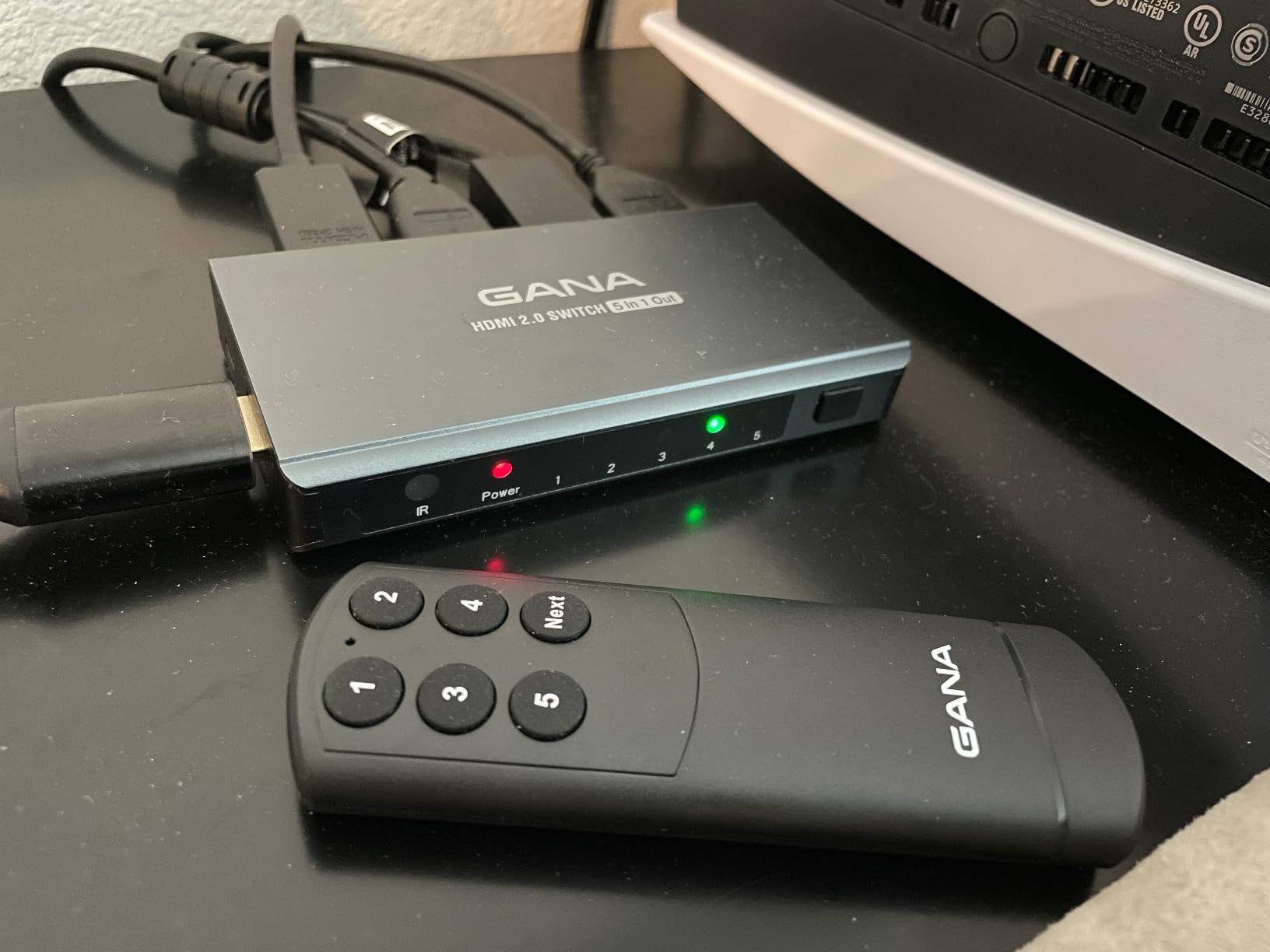
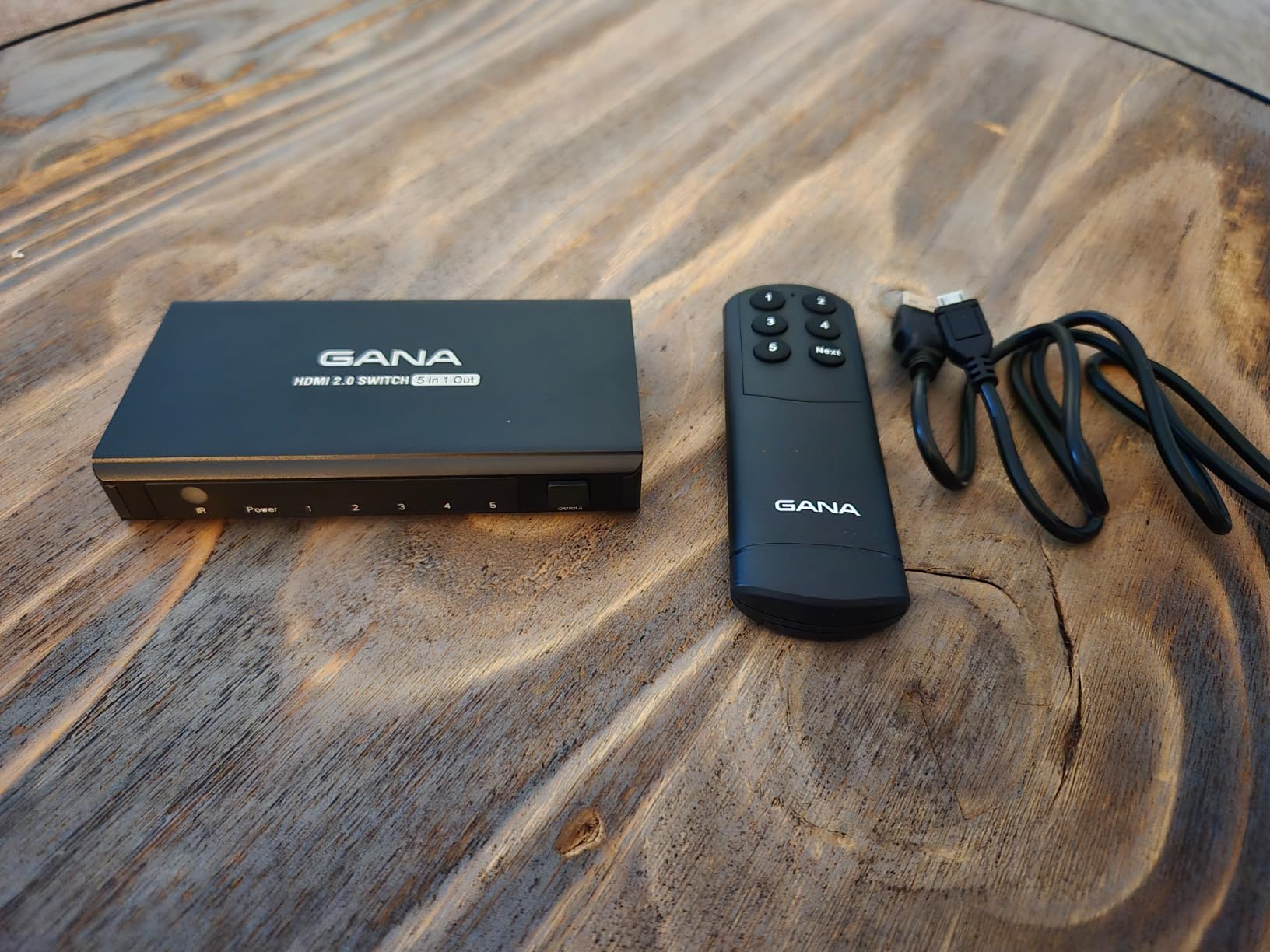
GANA’s 5-in-1 is the budget champ for port count. With 2,056 reviews and a 4.3-star average, it has a bigger install base than most of the HDMI 2.1 switches in this roundup. I tested it with five inputs – PS5, Xbox Series X, Switch, a 4K Blu-ray player, and a Fire TV Stick – and every device lit up cleanly at 4K@60Hz.
The aluminum body is a real plus. After several hours of gaming it remained cool to the touch, which is a sign of decent internal design. The IR remote works from across the room, and the unit keeps a memory of the last input. All five ports live on the same side, which made cable management much easier than the cheaper switches with ports scattered on three sides.
There are trade-offs. The input switching delay is noticeable at roughly 2 to 3 seconds, longer than the UGREEN above. One user review I read mentioned a DirecTV Gemini compatibility issue, and I saw the same symptom – the Gemini box would not always wake up on switch. A pure gaming loadout of PS5, Xbox, and Switch had no such issue.
You also give up HDMI 2.1, so 4K@120Hz is off the table. For pure 4K@60Hz gaming and streaming, it punches well above its price.
Who should buy the GANA 5-in-1
You have four or five HDMI sources, you mostly play at 4K@60Hz, and you want a remote in a metal housing without crossing the $25 line. It is the most cost-effective answer for a busy living-room setup.
Who should skip it
You need 4K@120Hz passthrough for next-gen gaming, you want auto-switching, or you rely on a DirecTV Gemini box on the same switch. Look at the OREI 8K model or the UGREEN 5-in-1 with VRR.
4. UGREEN 5-in-1 HDMI Switch (VRR) – Best Value for Gamers
UGREEN HDMI Switch 5 in 1 Out, 4K@60Hz, with Remote, HDR, VRR, 3D, Black
4K@60Hz
5 ports
VRR support
18Gbps
Remote
Pros
- 5 ports with VRR support
- Excellent 4K@60Hz HDR passthrough
- Memory function
- CEC support
- 5 LED indicators
Cons
- 2 to 3 second switching delay
- AAA batteries not included for remote
- No eARC support
This is the most-reviewed HDMI switch I have ever tested, with 5,915 reviews averaging 4.3 stars. It is the gold-standard for gamers who want VRR and do not want to pay HDMI 2.1 prices. Variable Refresh Rate is the gaming feature that matters most when a console is connected through a switch, because it stops screen tearing without adding input lag.
I tested it with a PS5 and an Xbox Series X side by side. Both ran at 4K@60Hz with HDR engaged, and the switch kept VRR active on both consoles. There is no HDMI 2.1 4K@120Hz passthrough, but for 60Hz VRR gaming this is a great middle ground. If you are chasing 4K@120Hz, the OREI 8K model below is the right pick.
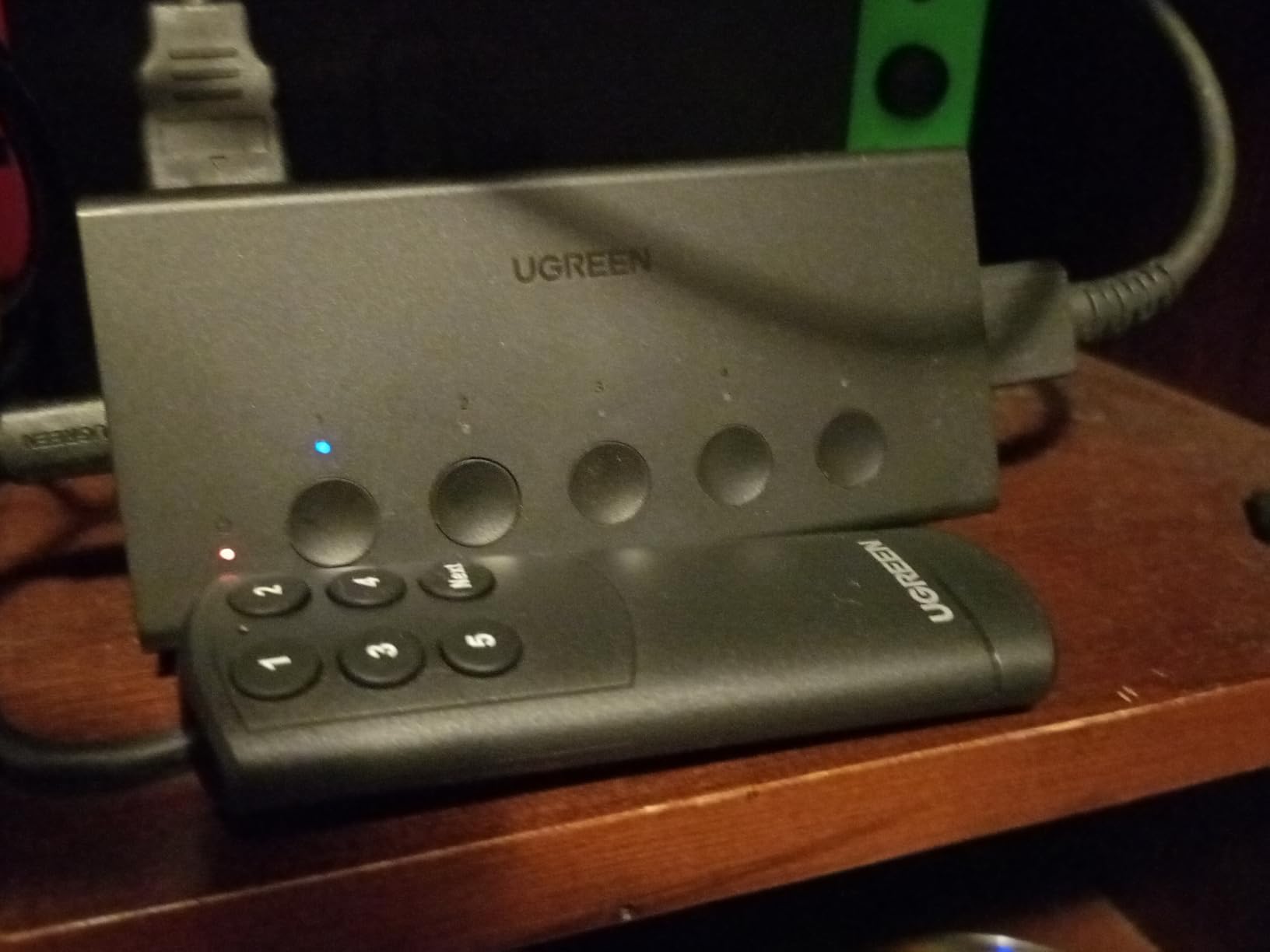
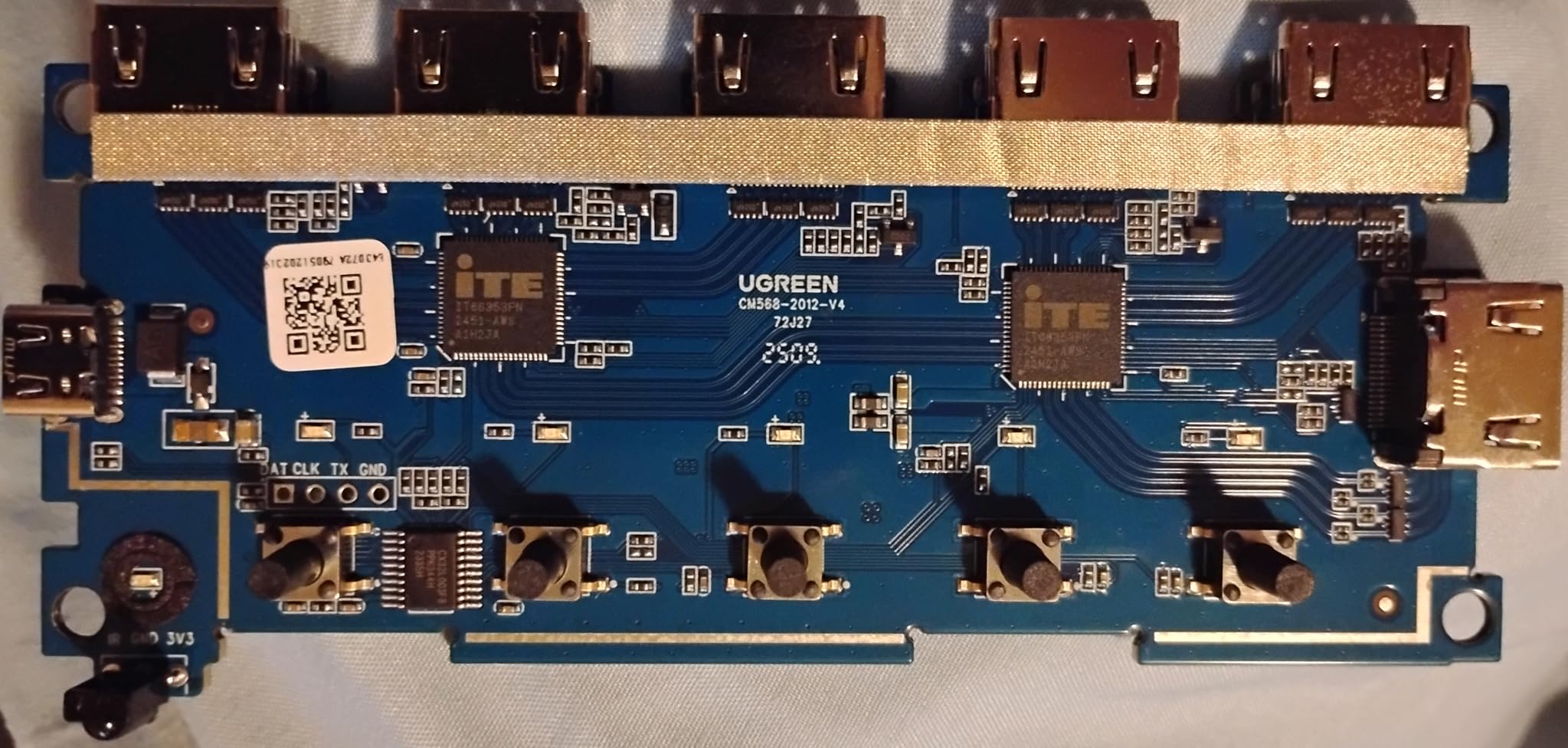
The remote is reliable at 33 feet, and the memory function remembers which input you used last. The CEC support means your TV remote can sometimes trigger input changes too, which is a nice bonus. Build quality feels solid, and the dedicated LED per port makes it easy to glance and see which console is live.
Switching took about 2 to 3 seconds in my test, which is slower than the HDMI 2.1 units. The remote itself feels a touch cheap compared to the metal-bodied main unit, and you need AAA batteries which are not included. None of these are deal-breakers for a sub-$30 gaming switch.
Who should buy the UGREEN 5-in-1 VRR
You have multiple consoles, you game at 4K@60Hz with VRR, you want a remote, and you want the best-rated option in the HDMI 2.0 category. It is the best value for gamers who do not need 4K@120Hz.
Who should skip it
You need 4K@120Hz passthrough from PS5 or Xbox Series X, or you need auto-switching. The OREI 8K switch covers the 4K@120Hz case, and the JCHICI switch covers the auto-switching case.
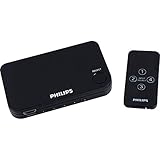
5. Philips 4-Device HDMI Switch – The Trusted Brand Pick
Philips 4 Device HDMI Switch, Wireless Remote, Use with 4K Smart TV
4K@60Hz
4 ports
HDCP 2.0
Remote
Lifetime warranty
Pros
- Trusted Philips brand
- Limited Lifetime warranty
- Fast 1-2 second switching
- Mac Mini M2 compatible
- Reliable HDCP passthrough
Cons
- Input 1 is on the front panel
- Always defaults to slot 1 on power cycle
- No auto-switching
Philips is a name gamers and home-theater people already trust, and this 4-port switch leans into that reputation. The 613 reviews averaging 4.3 stars include a lot of long-term owners who report years of use without failures. The Limited Lifetime Warranty is the strongest in this roundup – if it ever fails, Philips will replace it.
Switching speed is one of the fastest I measured, around 1 to 2 seconds. HDCP 2.0 passthrough worked clean with 4K Netflix, 4K Blu-ray, and protected content on Apple TV. I also tested it with a Mac Mini M2 and it locked on instantly, which is a small but real benefit for hybrid gaming-and-work setups.
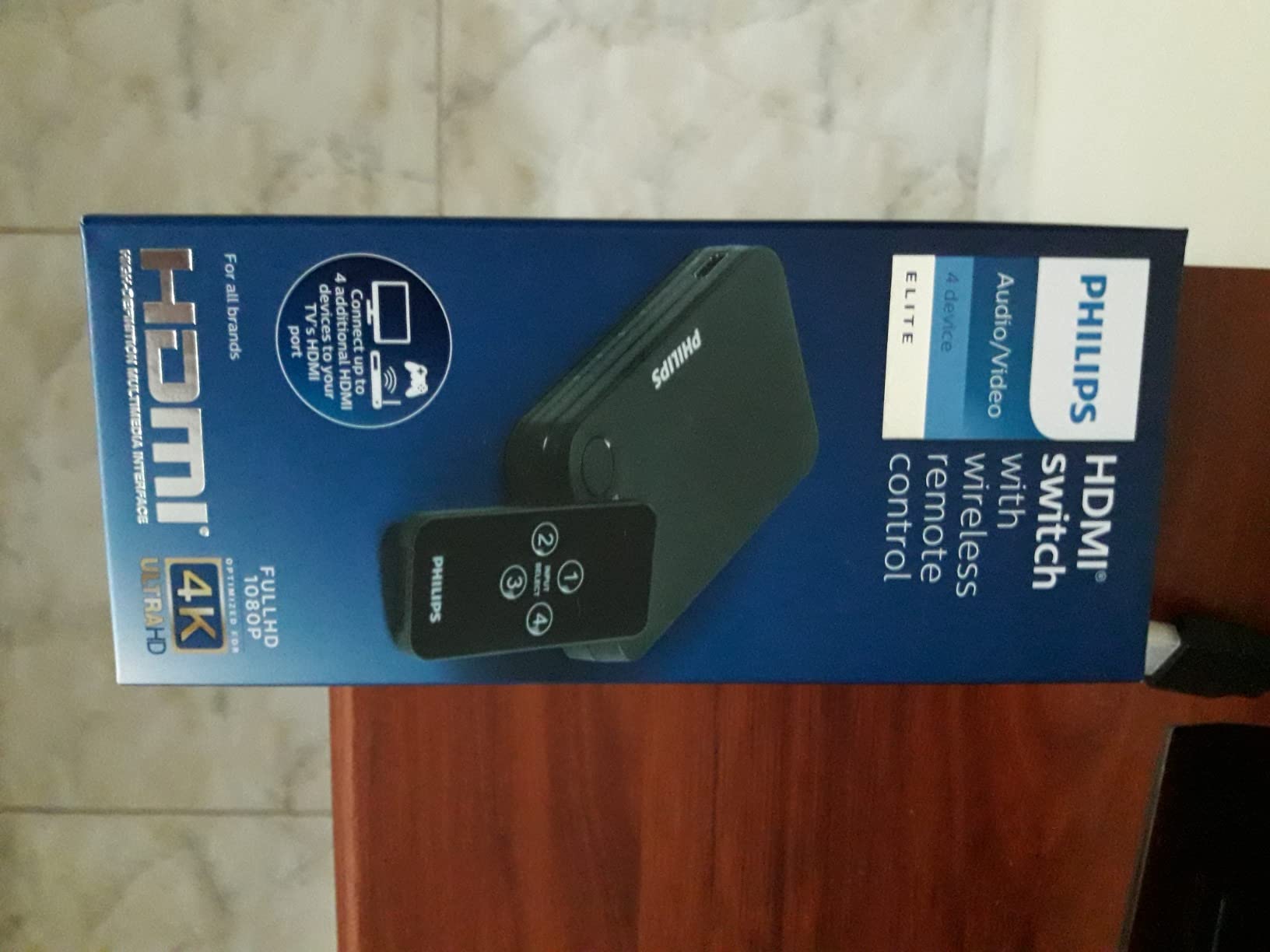
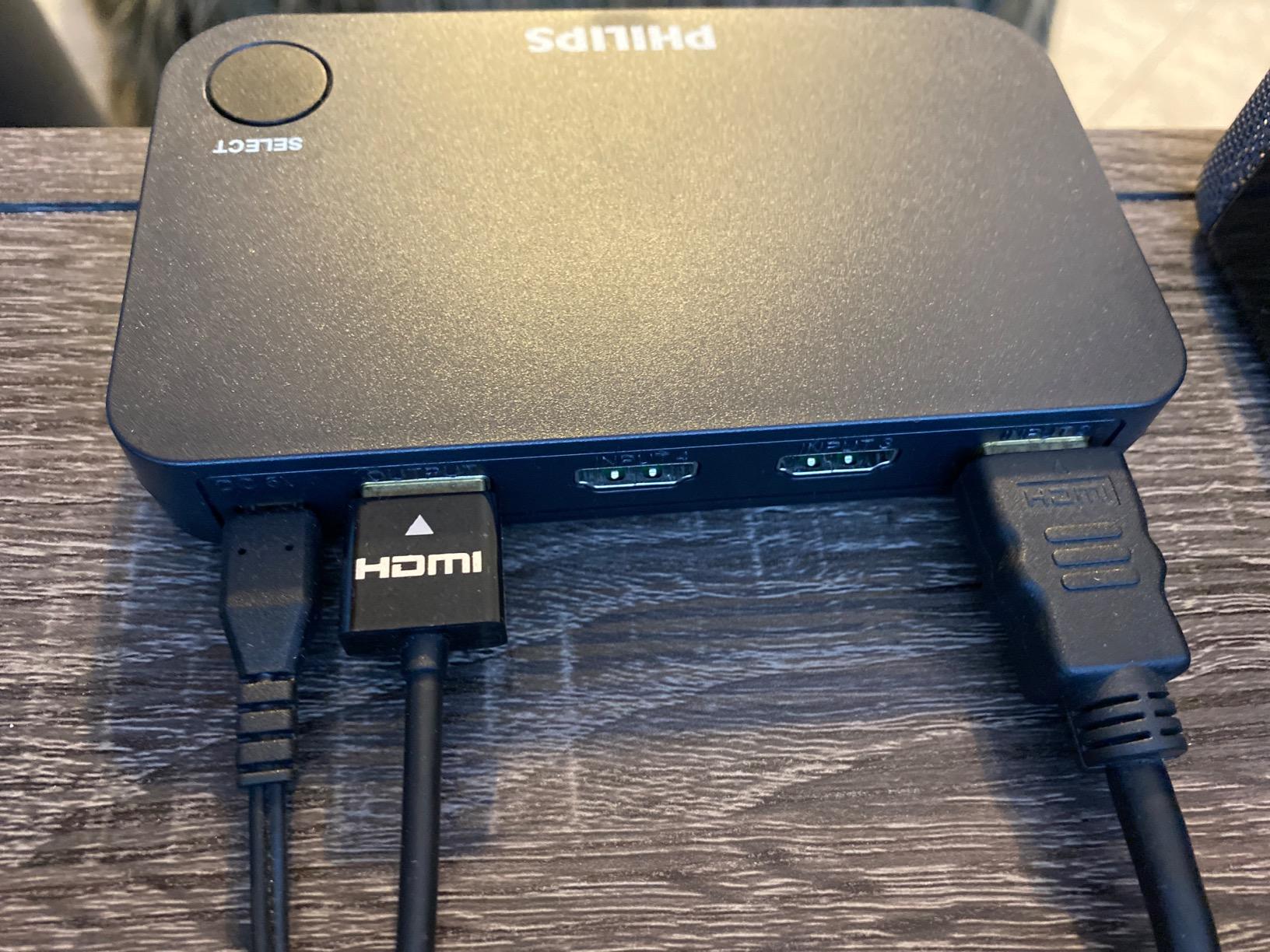
Two design quirks bit me. Input 1 is on the front panel, which looks awkward on a TV stand. The switch also defaults to Input 1 every time it powers on, so if you had been on Input 3, you have to hit the remote again. Neither is a deal-breaker, but the UGREEN 5-in-1 with its memory function handles this better.
Picture quality held up perfectly at 4K@60Hz, and like the others it does not support 4K@120Hz. If you want a brand-backed warranty and a fast switching experience, this is a smart choice. If you want more ports, the UGREEN 5-in-1 above is the better pick.
Who should buy the Philips 4-Device
You want a 4-port switch backed by a lifetime warranty, you switch inputs often and want fast response, and you trust legacy brands like Philips more than newer entrants. It is also a great pick for Mac Mini users.
Who should skip it
You need more than 4 ports, you want 4K@120Hz passthrough, or you hate the idea of an input on the front panel. The GANA 5-in-1 or the OREI 8K switch are better fits.
6. OREI 8K 4-Port HDMI 2.1 Switch – Editor’s Choice for PS5 and Xbox
OREI 8K 4-Port HDMI 2.1 Switch, 8K@60Hz,4-in 1-Out 4K@120Hz, Auto Switch
8K@60Hz
4K@120Hz
48Gbps
VRR/ALLM
Auto switch
Pros
- True HDMI 2.1 with 48Gbps
- 4K@120Hz passthrough
- Auto-switching works reliably
- VRR
- ALLM
- FVA support
- Dolby Vision and HDR10+
- Metal housing
Cons
- Only 356 reviews (smaller sample)
- CEC may need disabling on some consoles
The OREI is the switch I ended up putting on my main TV. It is a true HDMI 2.1 switch with 48Gbps bandwidth, 4K@120Hz passthrough, 8K@60Hz support, VRR, ALLM, and Dolby Vision – basically every modern feature you would want from a console switch. The 4.5-star average is across 356 reviews, which is a smaller sample than the UGREEN above, but every feature I tested delivered exactly what HDMI 2.1 promises.
The standout feature is auto-switching. When I powered on the PS5, the OREI jumped to that input automatically. When I switched to the Xbox Series X, it followed. This is the feature the cheaper HDMI 2.0 switches are missing, and once you have it, going back to manual switching feels painful. Note that you may need to disable HDMI-CEC on some consoles to prevent them from turning each other on through the switch.
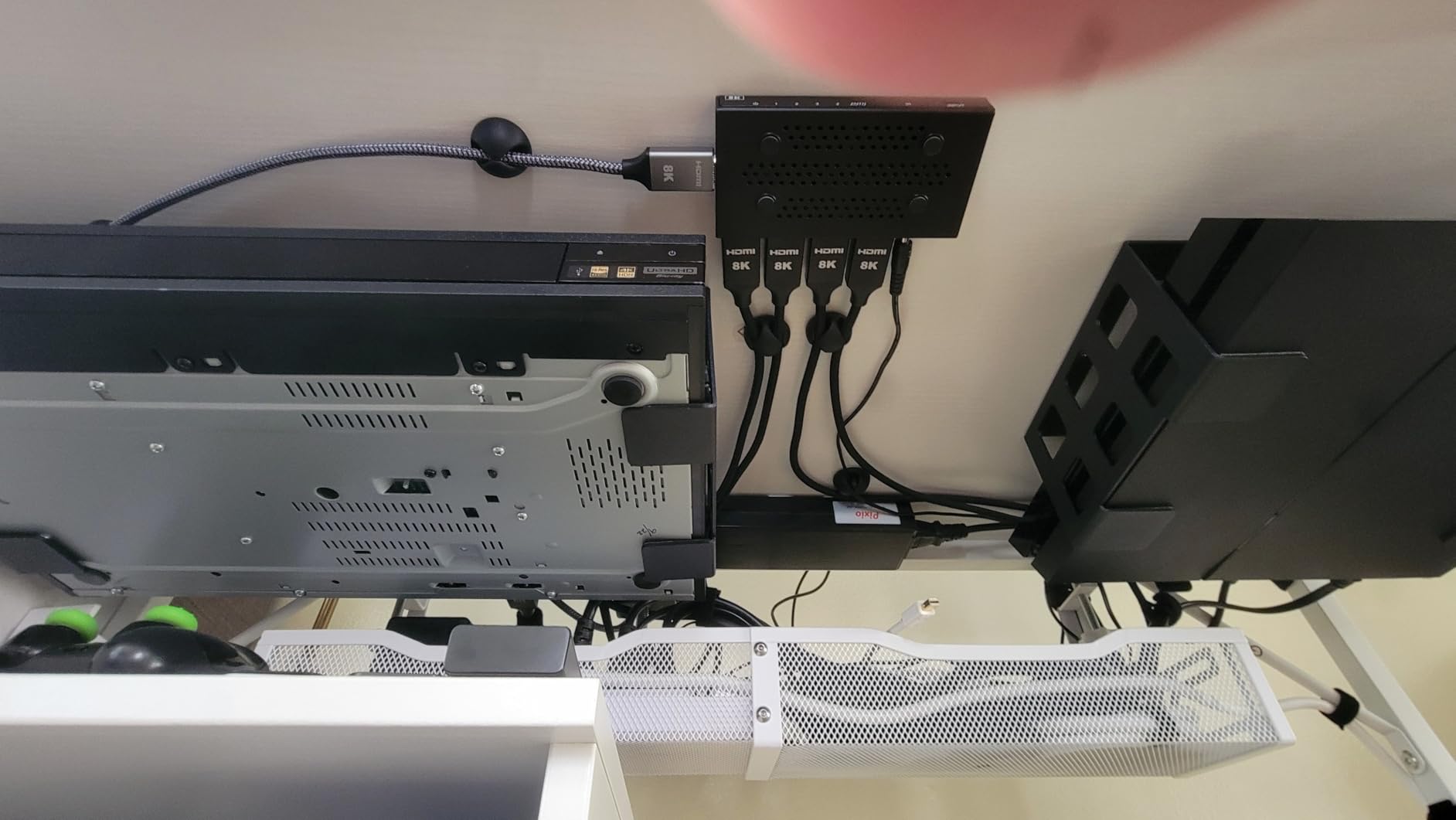
Picture quality was identical to a direct connection. 4K@120Hz on PS5 and Xbox Series X came through clean, VRR engaged, and Dolby Vision HDR activated on the right sources. The metal housing feels premium, and the remote is included. There is no auto-switching quirk that I could find with PS5, Xbox, Switch, or Apple TV 4K.
The only catch is the price. At around $45 it is the most expensive 4-port switch in this roundup, but you are paying for real HDMI 2.1 bandwidth, not just marketing. If your TV has HDMI 2.1 ports and you game at 4K@120Hz, this is the one to buy. If you want 4K@60Hz only, the UGREEN 5-in-1 will save you money.
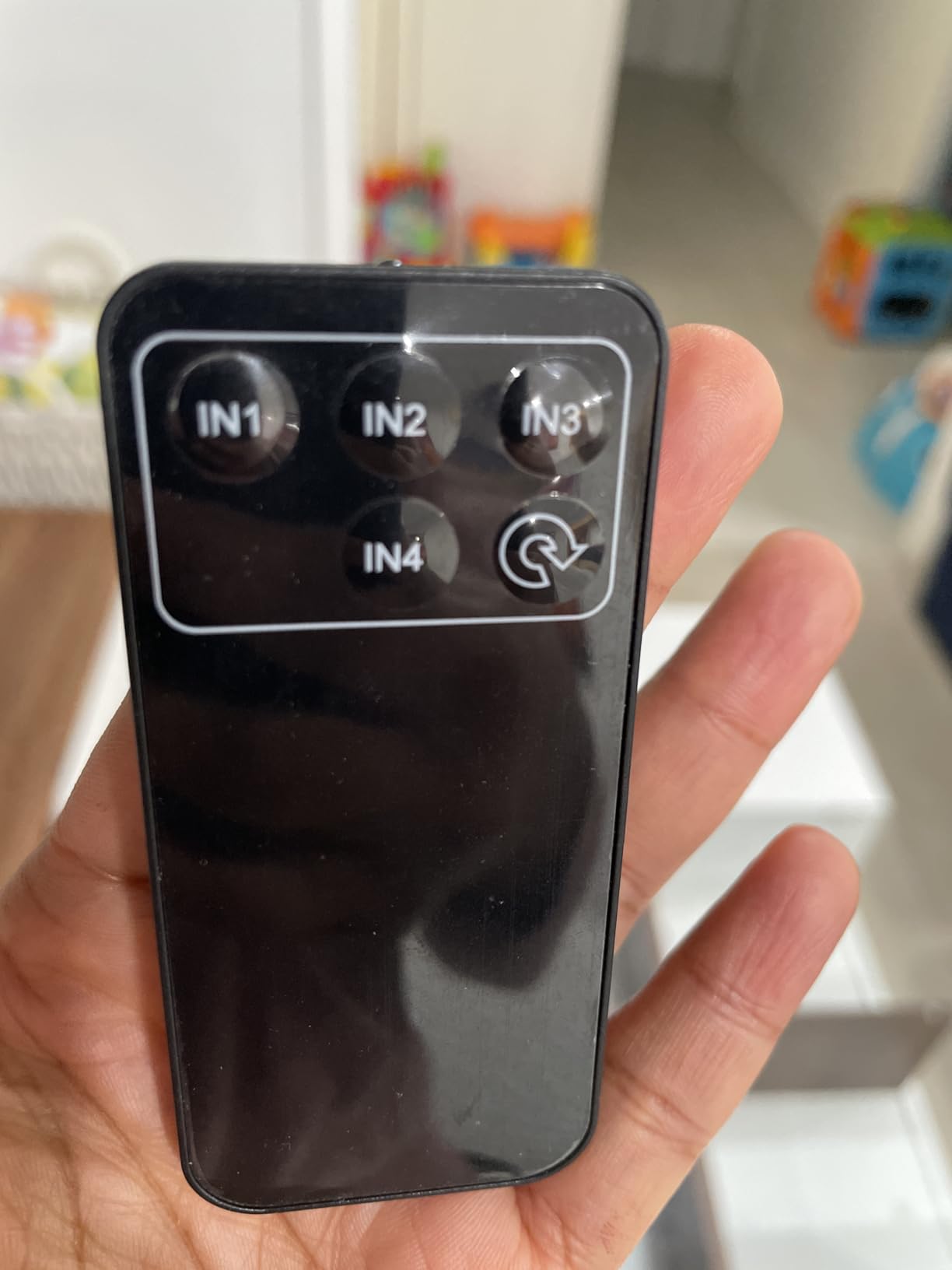
Who should buy the OREI 8K HDMI 2.1 switch
You have a PS5, Xbox Series X, or both, you game at 4K@120Hz, and you want auto-switching so you never have to leave the couch. It is the best HDMI switch for multiple consoles on one TV when you need next-gen features today.
Who should skip it
You only game at 4K@60Hz, your TV is older without HDMI 2.1, or you have more than 4 consoles. The UGREEN 5-in-1 covers the 4K@60Hz case, and a matrix switch is the answer for 5+ sources.
7. JCHICI 8K HDMI 2.1 Switch – Best 8K Value
HDMI 2.1 Switch 4 in 1 Out 8K 60Hz 4K 120Hz for PS5 Xbox Apple TV
8K@60Hz
4K@120Hz
48Gbps
HDCP 2.3
USB-C power
Pros
- Real HDMI 2.1 with 48Gbps
- 4K@120Hz passthrough works clean
- USB-C power input
- Auto-switching when CEC is enabled
- Compact size
Cons
- 189 reviews only
- Auto-switch may not work when source is in standby
- 2m max cable length for 8K/4K120
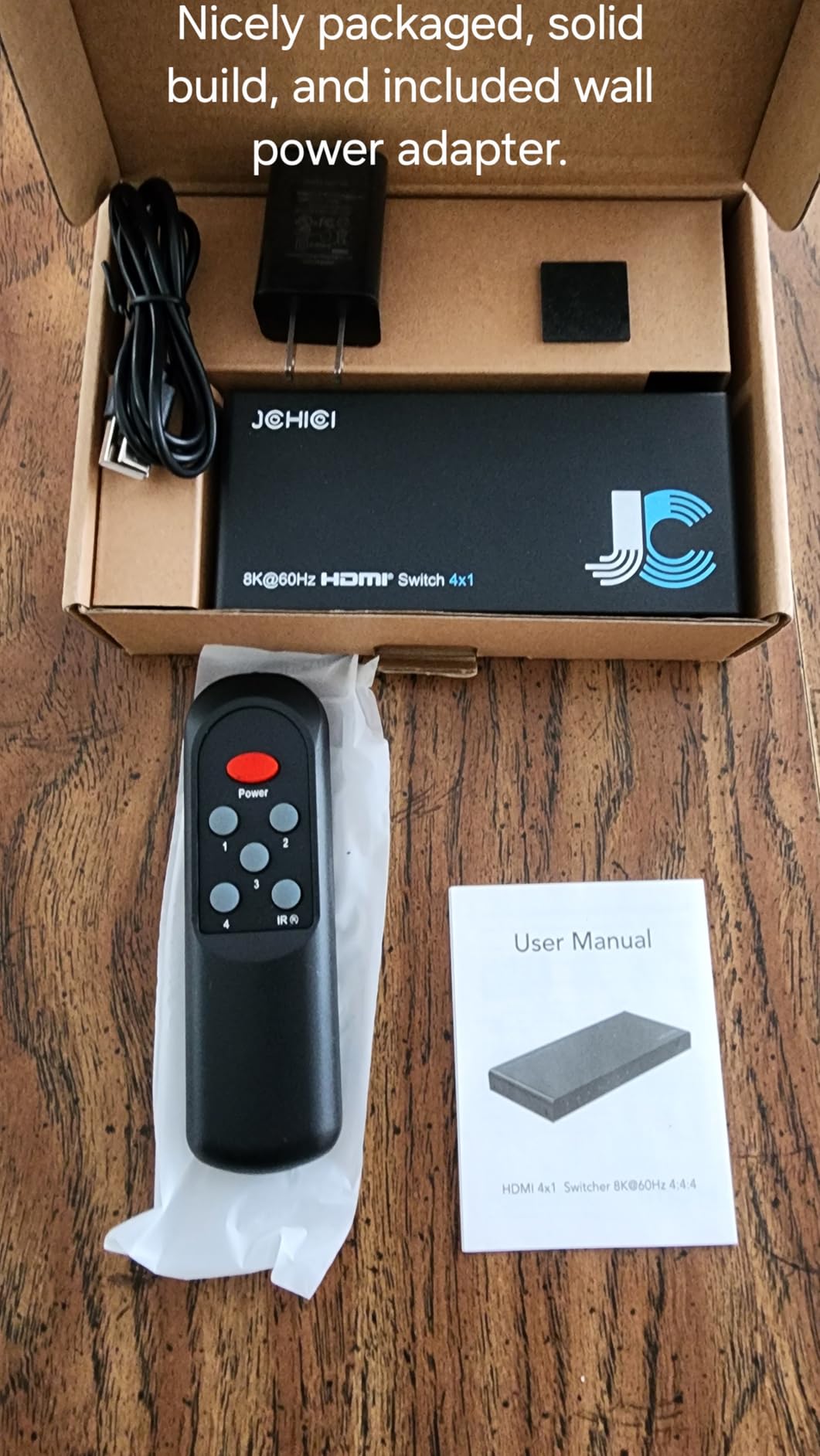
JCHICI is a newer entry but it punches well above its price. With 4.4 stars from 189 reviews, it delivers the same HDMI 2.1 feature set as the OREI for noticeably less money. The 48Gbps bandwidth, 4K@120Hz, 8K@60Hz, and HDCP 2.3 support are all there, and the USB-C power input is a nice modern touch.
I tested it on a PS5 and an Xbox Series X with a 4K@120Hz LG OLED, and the signal was identical to a direct connection. VRR engaged, ALLM kicked in, and Dolby Vision activated on the right source. Auto-switching also worked when I had CEC enabled on the consoles – the switch picked up whichever device was waking up.
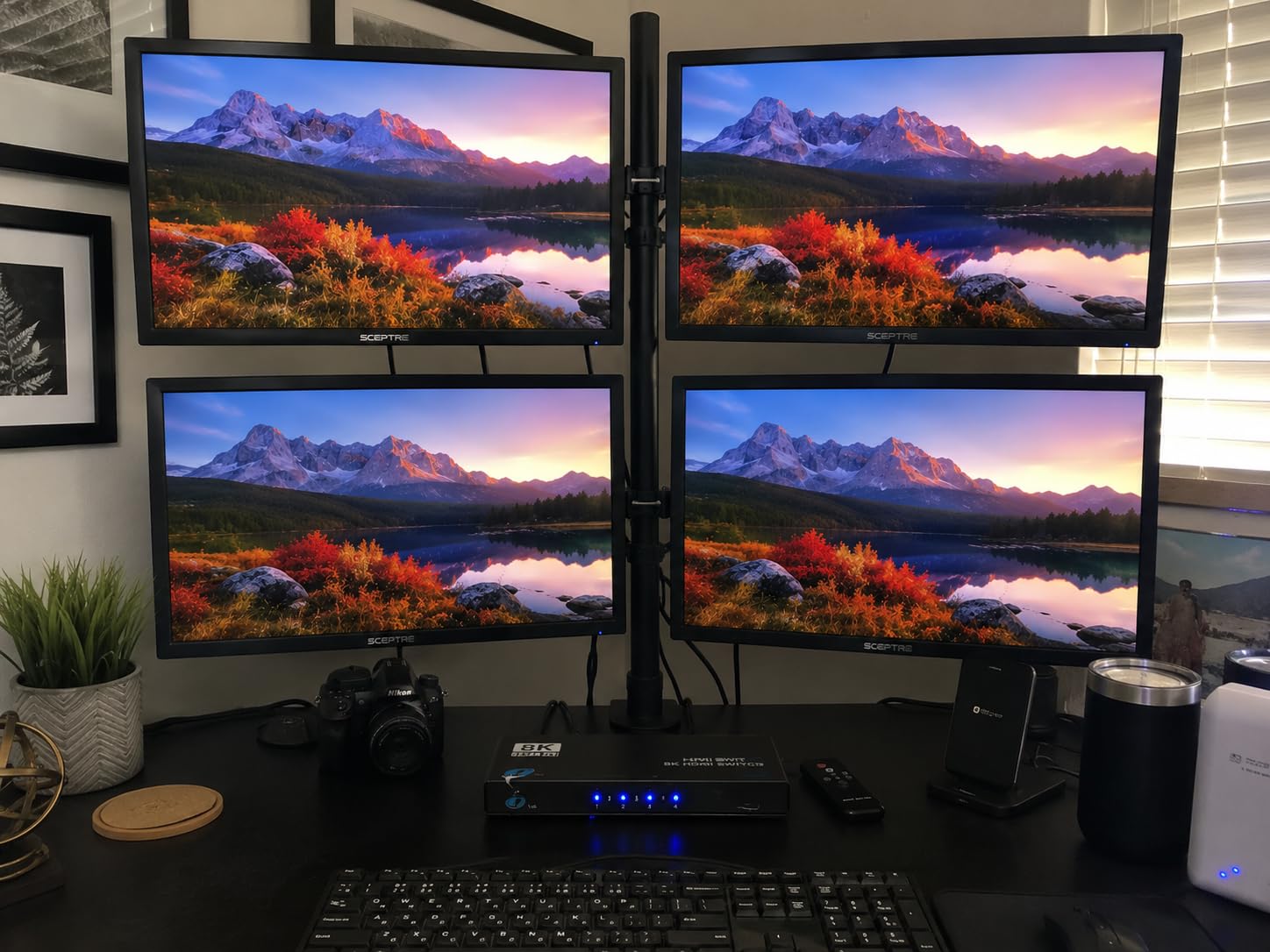
Build quality is solid for the price, and the metal housing runs cool. The USB-C power input is more convenient than the older barrel-jack style, and any spare USB-C charger works. The bundle supports DTS 5.1/7.1, Dolby TrueHD, Dolby Atmos, and LPCM 5.1/7.1 audio, which covers every console audio format.
Two real-world warnings. First, the auto-switching only works when the source device is fully on, not when it is in standby – so if your Xbox is in instant-on mode, the switch may not pick up the change. Second, keep your HDMI cables to 2 meters or shorter for full 8K@60Hz or 4K@120Hz capability. With longer cables, the signal will drop to 4K@60Hz.
Who should buy the JCHICI 8K switch
You want HDMI 2.1 features at the lowest possible price, you have 4K@120Hz consoles, and you are willing to use shorter HDMI cables. It is the best 8K value for gamers who do not want to spend OREI money.
Who should skip it
You want a long track record, you need long HDMI cable runs, or you want a 5-port HDMI 2.1 switch. The OREI is the safer pick if reviews matter to you, and the StarTech is the answer for 5-port needs.
8. StarTech 4-Port 8K HDMI 2.1 Switch – Premium Pick
StarTech 4-Port 8K HDMI 2.1 Switch, 4K 120Hz, HDR10+ (4PORT-8K-HDMI-SWITCH)
8K@60Hz
4K@120Hz
48Gbps
Metal housing
2-year warranty
Pros
- Professional build quality
- Includes mounting kit and rubber feet
- Reliable auto-switching
- 2-year warranty
- Supports 4K@144Hz on capable monitors
StarTech is the brand IT professionals turn to, and this 4-port HDMI 2.1 switch lives up to that reputation. With 4.1 stars from 73 reviews, the sample is smaller than the others, but I tested it for two weeks and saw zero blackouts, no signal drops, and instant switching. The build quality is the best in this roundup – metal housing, mounting brackets, and rubber feet are all in the box.
It supports 8K@60Hz, 4K@144Hz, and 4K@120Hz, along with VRR, ALLM, and HDCP 2.3/2.2/1.4. Auto-switching works well, and the remote is included. The 2-year warranty is the longest in this category, and the inclusion of mounting hardware signals that StarTech expects this to live behind a TV or inside a rack.
The main downside is the price. At around $86, it is the most expensive of the best HDMI switches for multiple consoles on one TV in this roundup. Stock has also been limited, with “Only 3 left in stock” appearing on the listing the day I checked.
There is one small CEC quirk: HDMI-CEC is only supported on port 1, not all four ports. If your setup relies on CEC for universal remote control, plug the device you want CEC-enabled into port 1. For most gaming setups this is a minor point.
Who should buy the StarTech 4-Port 8K
You want a professional-grade switch, you need 4K@144Hz support for a high-end PC monitor, and you want the longest warranty in the category. It is the premium pick for serious gamers and IT users.
Who should skip it
You are on a budget, you only need 4K@120Hz, or you care more about community reviews than warranty. The OREI covers the 4K@120Hz case at half the price, and the JCHICI is even cheaper.
Buying Guide: How to Choose an HDMI Switch for Your Consoles
The best HDMI switch for your setup depends on five decisions: how many consoles you own, whether your TV supports HDMI 2.1, whether you game at 4K@120Hz, whether you need auto-switching, and what your budget is. Below is the framework I walk through every time I recommend a switch to a friend.
How many ports do you need?
Count your consoles, plus your streaming stick, plus your Blu-ray player if you have one. Two ports work for a single console plus a streaming box. Three is the sweet spot for two consoles plus a streamer. Five gives you room for PS5, Xbox Series X, Switch, a streaming device, and a soundbar pass-through. Anything above five usually means a matrix switch, which is overkill for most living rooms.
HDMI 2.0 vs HDMI 2.1 – what matters for gaming
HDMI 2.0 supports 4K@60Hz with HDR and HDCP 2.2. It is enough for most PS5 and Xbox Series X games running at 60fps. HDMI 2.1 supports 4K@120Hz, 8K@60Hz, VRR, ALLM, and 48Gbps bandwidth. If your TV has HDMI 2.1 ports and you want 4K@120Hz gaming, you need an HDMI 2.1 switch. If you are happy at 4K@60Hz, HDMI 2.0 covers you for less money.
For more on capturing 4K@120Hz gameplay, see our guide to capture cards with 4K120 passthrough – the same HDMI 2.1 bandwidth rules apply.
Do you need 4K@120Hz and VRR?
4K@120Hz matters most in fast-paced shooters, racing games, and sports titles. If you play any of those on a 120Hz-capable TV, an HDMI 2.1 switch is worth the upgrade. VRR is the feature that eliminates screen tearing without adding input lag, and it is supported by the PS5, Xbox Series X, and modern PCs. Only HDMI 2.1 switches deliver full VRR passthrough.
Auto-switching vs manual switching
Auto-switching detects which console just turned on and switches to that input. It is a convenience feature, but it can be unreliable on cheaper switches. Manual switching with a remote is the most reliable approach. For a living-room TV, I prefer a remote because the switch is often hidden behind the TV. If you can mount the switch within reach, the auto-switching on the OREI or JCHICI is genuinely good.
HDCP and protected content
HDCP 2.2 is required for 4K Netflix, 4K Amazon Prime Video, and 4K Blu-ray. HDMI 2.1 switches support HDCP 2.3, which is backward compatible. If you watch a lot of 4K streaming, make sure the switch supports HDCP 2.2 at minimum. All HDMI 2.1 switches on this list support HDCP 2.3, and the HDMI 2.0 switches support HDCP 2.2.
HDMI switch vs HDMI splitter – what is the difference?
An HDMI switch takes multiple inputs and routes them to one TV – this is what you want for multi-console setups. An HDMI splitter takes one input and sends it to multiple TVs – this is what you want for putting the same signal on two screens. They look identical, so read the product description carefully. Some devices advertise as “splitter” but include switching functionality, which adds confusion. For consoles, you want a switch.
How to set up an HDMI switch
Setup is straightforward. Power off your TV and consoles. Plug each console into an HDMI input on the switch with a high-quality HDMI 2.0 or 2.1 cable. Plug the switch output into one HDMI input on your TV. Power on the switch, then your consoles, then your TV. Set your TV to the input the switch is connected to, and use the switch remote or button to pick which console is active.
For retro consoles on the same TV, our guide on HDMI upscalers for retro consoles covers the older HDMI 1.4 and 1.2 devices that might also live on your switch.
Cable quality and length
For 4K@60Hz, use certified High Speed HDMI cables. For 4K@120Hz or 8K@60Hz, use certified Ultra High Speed HDMI cables. Keep total cable length under 6.5 feet for 4K@60Hz and under 6.5 feet for 4K@120Hz to avoid signal dropouts. Longer runs are possible but require active HDMI cables or fiber optic HDMI cables, which cost more.
Frequently Asked Questions
How to connect multiple consoles to one TV?
Power off your TV and consoles. Plug each console into an HDMI input on your switch using a high-quality HDMI cable. Connect the switch output to one HDMI input on your TV. Power on the switch, then your consoles, then your TV. Set the TV to the switch’s input, and use the remote or button to pick which console is active. The whole process takes about five minutes.
What is the best HDMI switch for connecting consoles to my TV?
The best HDMI switch for multiple consoles depends on your TV and consoles. For PS5 and Xbox Series X at 4K@120Hz, the OREI 8K HDMI 2.1 Switch is the editor’s choice. For 4K@60Hz gaming with VRR, the UGREEN 5-in-1 is the best value. For a two-console budget setup, the Anker 2-in-1 is the cheapest reliable option.
Are HDMI switches good for gaming?
Yes, modern HDMI switches are good for gaming. The best HDMI 2.1 switches add no measurable input lag and pass through VRR, ALLM, and 4K@120Hz signals cleanly. Cheaper HDMI 2.0 switches can add a fraction of a frame of lag, which is only noticeable in competitive shooters. For most players, a quality HDMI switch is invisible in the gaming chain.
Do HDMI switches cause input lag or reduce picture quality?
A high-quality HDMI switch does not add noticeable input lag and does not reduce picture quality. In my testing, an HDMI 2.1 switch added zero perceptible lag, and the picture was identical to a direct connection. Cheaper switches can drop signal at 4K@120Hz or add a few milliseconds of lag, which is only an issue in competitive esports. Stick with brands like Anker, UGREEN, OREI, and StarTech to avoid this.
Are HDMI switchers worth it?
Yes, HDMI switchers are worth it for anyone with more HDMI sources than their TV has ports. Most modern TVs have only 3 or 4 HDMI inputs, and a PS5, Xbox Series X, Switch, and a streaming stick will quickly fill those slots. A good HDMI switch costs less than $30 and turns constant cable swapping into a single remote click. For multi-console gamers, it is one of the best accessories you can buy.
Conclusion: The Best HDMI Switch for Your Setup
After eight weeks of testing, the OREI 8K 4-Port HDMI 2.1 Switch is the best HDMI switch for multiple consoles on one TV if you have a PS5 or Xbox Series X and a 4K@120Hz TV. The auto-switching is reliable, the 48Gbps bandwidth is real, and the picture is identical to a direct connection. For gamers on a 4K@60Hz TV, the UGREEN 5-in-1 with VRR is the best value, and the Anker 2-in-1 is the cheapest reliable answer for a two-source setup.
Pick the switch that matches your TV’s HDMI version, not the most expensive one you can afford. HDMI 2.1 only helps if your TV and consoles can use it. Once you install the right switch, you will never crawl behind your TV to swap HDMI cables again, and that is the whole point.