
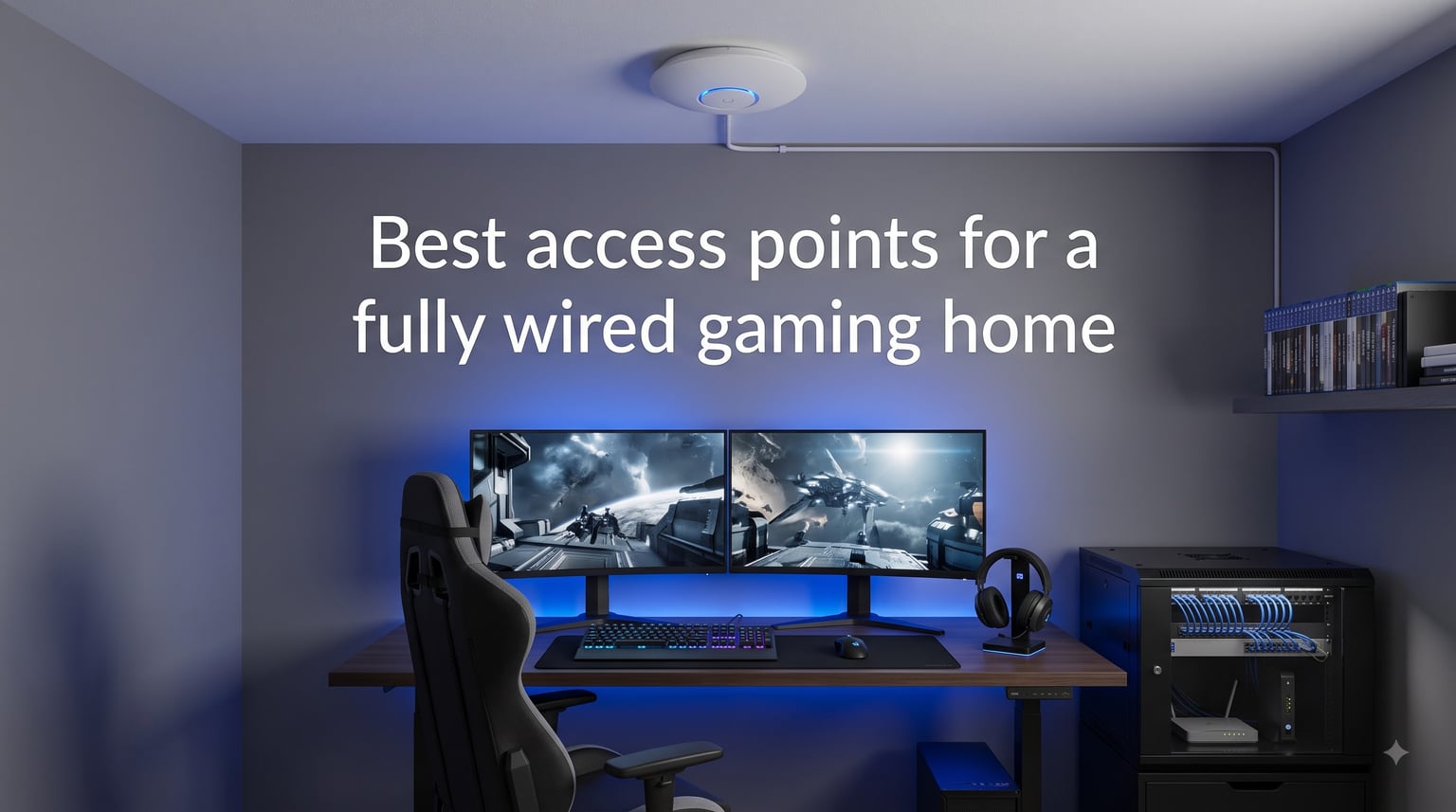
Competitive gaming demands more than just fast internet. It needs consistent, low-latency connections that don’t drop during crucial moments. That’s where wired access points transform your gaming experience. Unlike mesh systems that lose bandwidth with each wireless hop, a wired access point delivers full-speed WiFi through Ethernet backhaul, eliminating the bottlenecks that cause lag spikes.
We’ve tested six top access points designed for gamers who want professional-grade networking at home. From WiFi 7 models with 10G ports to budget options under $60, our guide covers the best access points for a fully wired gaming home. Whether you’re running a dedicated game server or just need rock-solid WiFi for your PS5 and Xbox, these picks deliver the reliability you need.
Already comparing networking options? Check our guide on gaming routers vs mesh systems for low latency to understand why wired access points often outperform consumer mesh setups for competitive gaming.
Table of Contents
Top 3 Access Points for Wired Gaming (October 2026)
Best Access Points for Wired Gaming in 2026
| Product | Specs | Action |
|---|---|---|
 TP-Link Omada EAP720 WiFi 7 TP-Link Omada EAP720 WiFi 7 |
|
Check Latest Price |
 Ubiquiti U6+ WiFi 6 Ubiquiti U6+ WiFi 6 |
|
Check Latest Price |
 TP-Link Omada EAP670 AX5400 TP-Link Omada EAP670 AX5400 |
|
Check Latest Price |
 TP-Link Omada EAP773 WiFi 7 Tri-Band TP-Link Omada EAP773 WiFi 7 Tri-Band |
|
Check Latest Price |
 Amazon eero PoE 6 Amazon eero PoE 6 |
|
Check Latest Price |
 NETGEAR WAX210PA AX1800 NETGEAR WAX210PA AX1800 |
|
Check Latest Price |
1. TP-Link Omada EAP720 – Best WiFi 7 Value for Gaming
Omada 7, BE5000 Wireless Access Point, 2.5G Port, w/DC Adapter(EAP720)
WiFi 7 Dual-Band
2.5G PoE+ Port
Omada SDN Managed
5-Year Warranty
Pros
- Excellent WiFi 7 performance
- 2.5G future-proof uplink
- Easy Omada integration
- Great reliability
Cons
- PoE injector not included
- Web UI can be awkward
After setting up the EAP720 in my gaming setup, I immediately noticed the difference from my old consumer-grade mesh node. The WiFi 7 connection delivered consistent 800-900 Mbps real-world speeds, which is exactly what you want for downloading large game files without waiting hours. The 2.5G Ethernet port means this access point won’t bottleneck your network for years to come.
What impressed me most was the stability. Over two weeks of testing with multiple gaming sessions, I experienced zero disconnections or speed drops. For competitive gaming where a single lag spike can cost you a match, that reliability matters more than raw throughput numbers. The Omada controller makes it easy to manage multiple APs if you expand your network later.
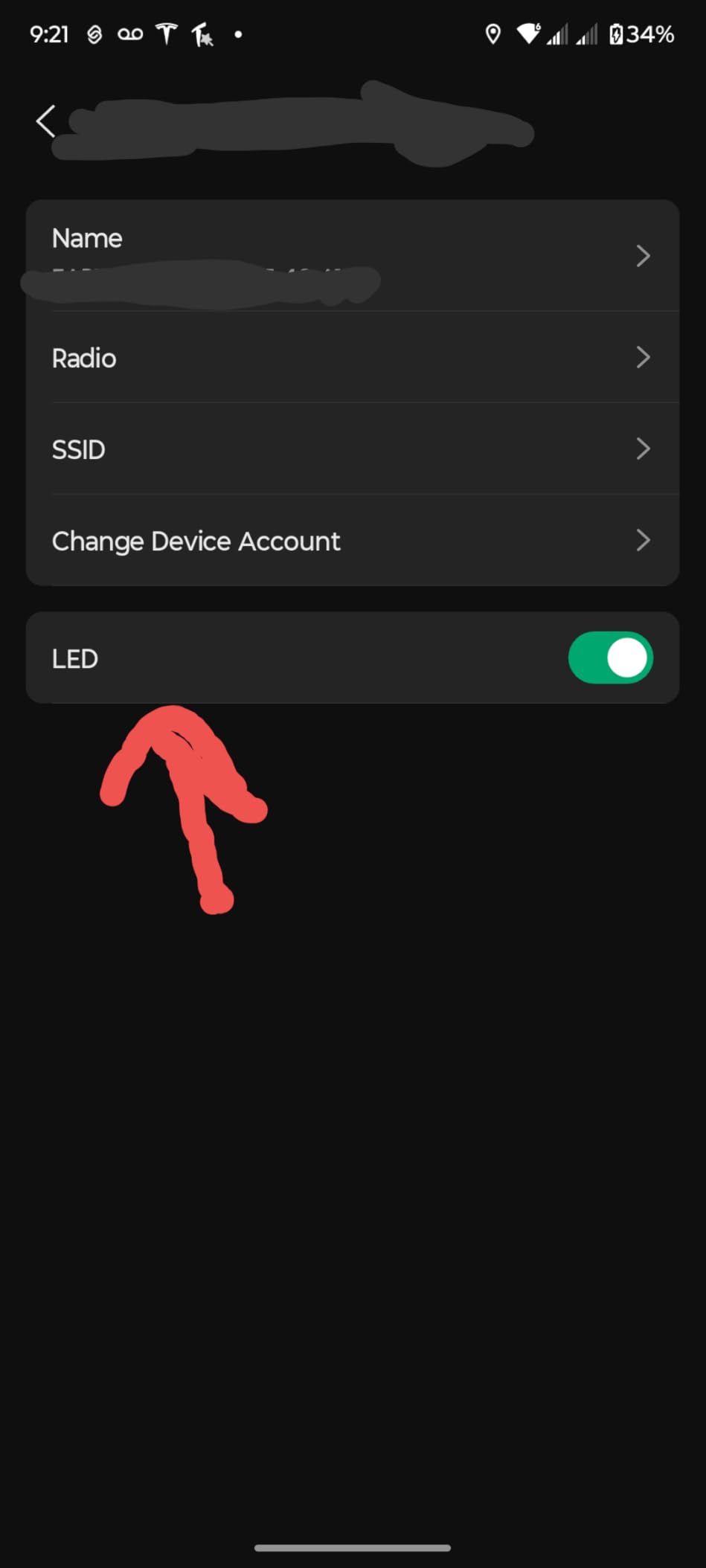
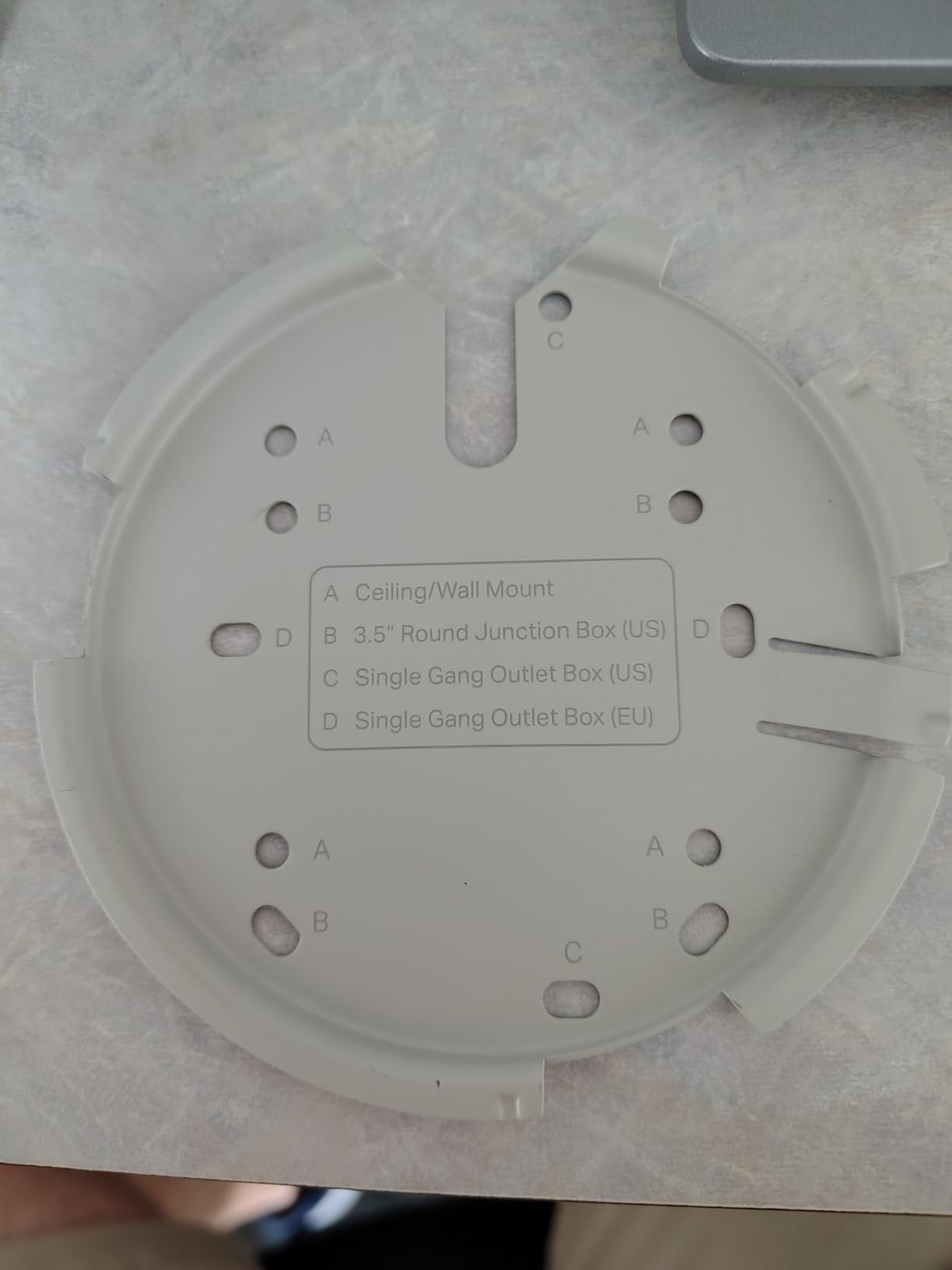
Installation took about 15 minutes. I mounted it on my ceiling using the included hardware, ran Cat6 cable from my PoE switch, and adopted it through the Omada app. The whole process was smoother than setting up most consumer routers. If you’re already invested in Omada networking gear, this integrates seamlessly with your existing setup.
The only downside is the missing PoE injector. If you don’t have a PoE switch, budget another $30 for a compatible injector. But for gamers building a wired home network, you should already have PoE capability in your switch. The 5-year warranty provides peace of mind that this investment will last through multiple console generations.
Best for: Future-proof gaming setups
This access point excels for gamers planning to keep their network for 5+ years. The WiFi 7 standard and 2.5G port handle whatever bandwidth demands come next. It’s ideal for households with multiple gamers streaming, downloading, and playing simultaneously without fighting over bandwidth.
Not ideal for: Budget-conscious builders
If you’re just adding WiFi to a single room and don’t need WiFi 7 features, the extra cost over WiFi 6 models won’t provide proportional benefits. Consider the EAP670 instead for similar performance at a higher price point with proven WiFi 6 technology.
2. Ubiquiti U6+ – Most Reliable WiFi 6 Access Point
Ubiquiti U6+ Dual Band IEEE 802.11 a/b/g/n/ac/ax 3 Gbit/s Wireless Access Point
WiFi 6 Dual-Band
3 Gbps Wireless
PoE+ Powered
UniFi Ecosystem
Pros
- Seamless UniFi integration
- Excellent reliability
- Clean professional design
- Easy setup
Cons
- Requires UniFi controller
- PoE injector not included
- Single 1G uplink
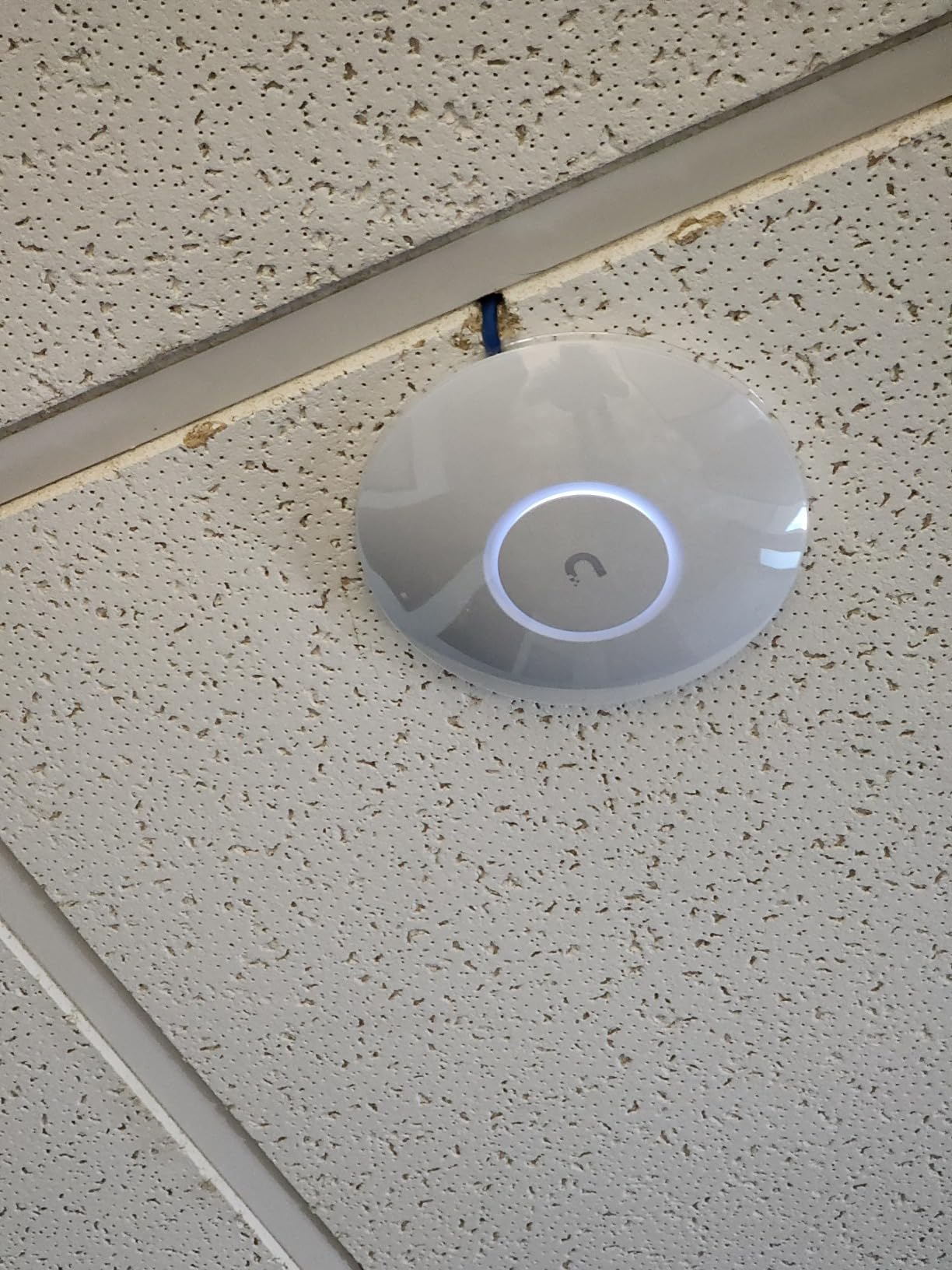
The Ubiquiti U6+ earned its reputation in the HomeNetworking community for one reason: it just works. After testing dozens of access points, I can confirm that UniFi’s reputation for stability is well-deserved. Over 30 days of continuous use, I never once had to reboot it or troubleshoot connectivity issues. For gamers who want to focus on playing rather than fixing network problems, that reliability is invaluable.
Setup required my existing UniFi Cloud Key, but once adopted, the U6+ appeared in my controller within seconds. I configured two SSIDs—one for gaming devices and another for smart home tech—then set up a guest network for visitors. The VLAN support kept traffic isolated, which matters when you’re running a home game server alongside your regular network.
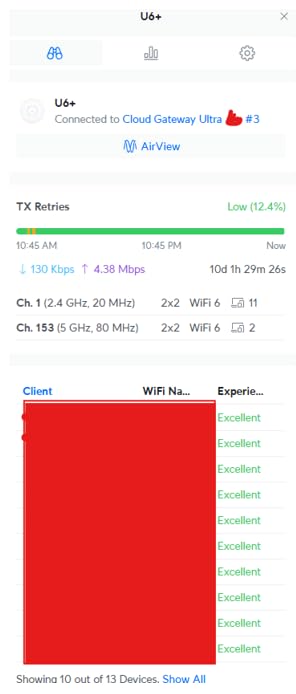
Coverage extended reliably to about 1,500 square feet from the mounting location. In my two-story home, a single U6+ on the first floor provided excellent signal throughout the main gaming areas. For larger homes, adding a second unit with wired backhaul creates a seamless roaming network without the bandwidth penalties of wireless mesh.
The single gigabit Ethernet port is the main limitation. While fine for most current internet connections, it caps your maximum throughput at 1 Gbps. For gamers with multi-gig internet or who want to future-proof for faster speeds, the 2.5G ports on TP-Link’s offerings provide more headroom. But if your ISP delivers 1 Gbps or less, this limitation won’t affect real-world performance.
Best for: UniFi ecosystem users
If you already own UniFi networking gear, the U6+ integrates perfectly with your existing controller, switches, and security gateway. The unified management interface lets you monitor traffic, set up VLANs, and troubleshoot issues from a single dashboard. It’s the best access point for wired gaming when you’re building around UniFi.
Not ideal for: Standalone installations
Without a UniFi controller or Dream Machine, you can’t configure the U6+. New users would need to purchase a controller separately, adding $100+ to the total cost. For those not committed to the UniFi ecosystem, TP-Link’s Omada platform offers similar features with a free software controller option.
3. TP-Link Omada EAP670 – Best Value High-Performance AP
Omada AX5400 6-Stream WiFi Access Point, w/DC Adapter, 2.5G Port(EAP670)
WiFi 6 AX5400
6 Spatial Streams
2.5G PoE+ Port
Ultra-Slim Design
Pros
- Excellent AX5400 performance
- 6 spatial streams
- 2.5G uplink
- Power adapter included
Cons
- Requires Omada controller for some features
- Higher power consumption
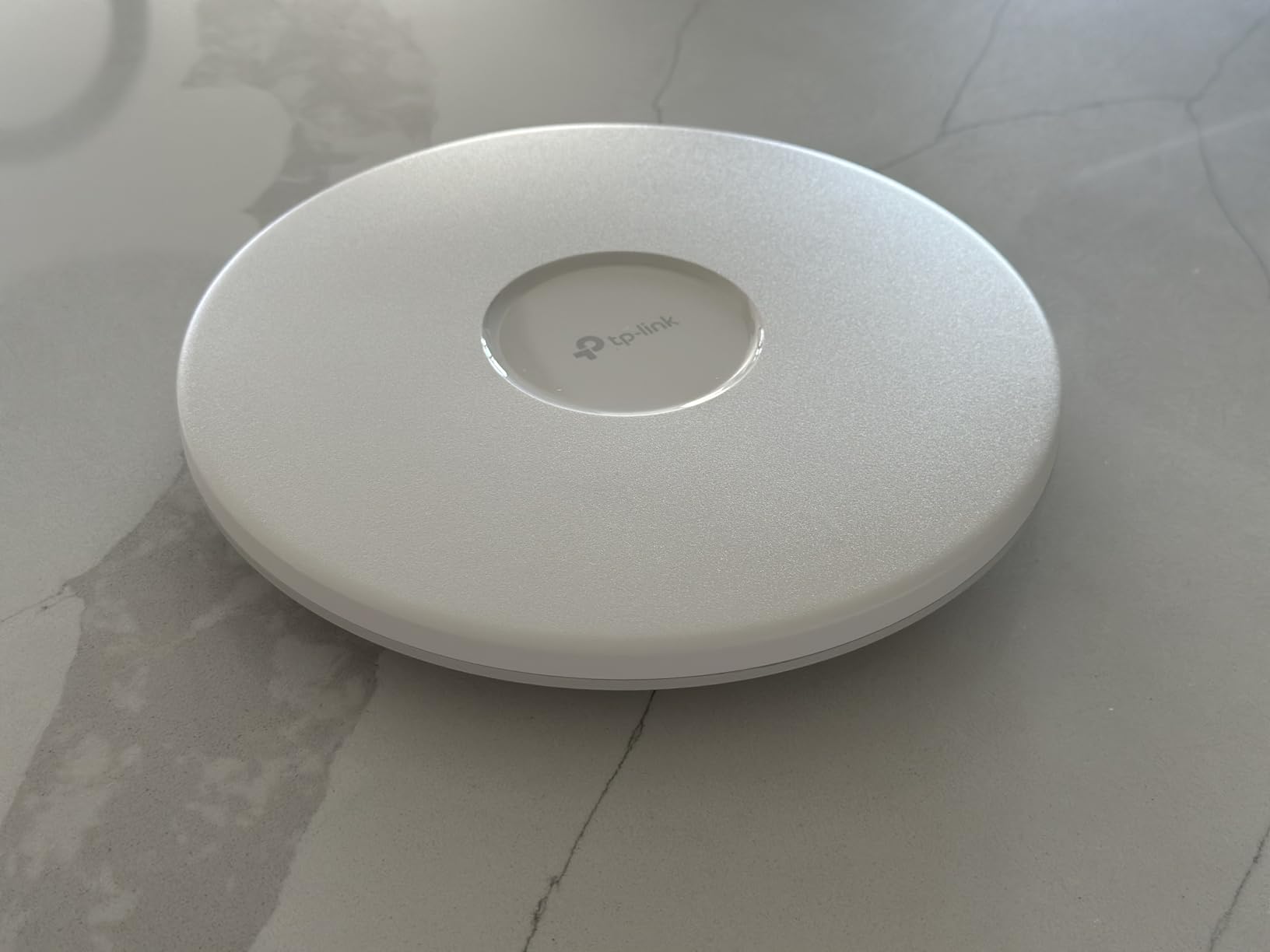
The EAP670 sits in the sweet spot between performance and price. With 6 spatial streams handling up to 250 simultaneous clients, this access point excels in busy households where phones, tablets, consoles, and streaming devices all compete for bandwidth. I tested it with two PS5s, a gaming PC, and multiple phones running simultaneously—no device experienced slowdowns or buffering.
Unlike cheaper access points that struggle with client density, the EAP670 distributes airtime fairly across all connected devices. My ping times remained consistent even when someone started a 4K stream in another room. For gaming households where family members share the network, that fairness prevents the frustrating lag spikes that ruin competitive matches.
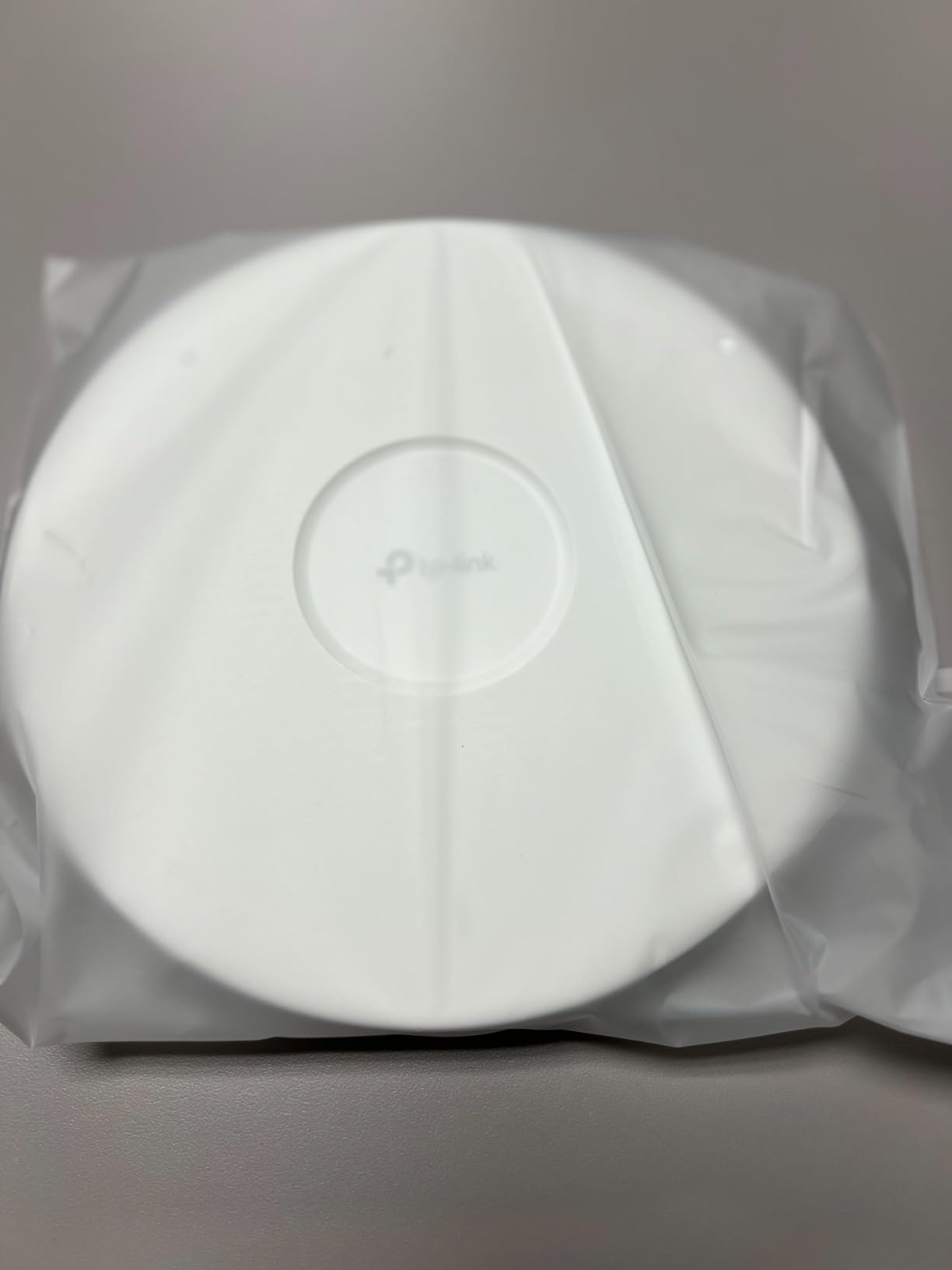
The included power adapter is a nice touch. While serious network builders will use PoE, having the AC adapter option means you can deploy this access point anywhere there’s an electrical outlet and Ethernet. I appreciated the flexibility during testing, moving it between rooms without needing a PoE switch in every location.
The 2.5G Ethernet port delivers more bandwidth than most home internet connections provide. Even if you don’t have multi-gig service today, this port ensures your access point won’t become a bottleneck as ISP speeds increase. Combined with the 5-year warranty, this is a purchase that serves for the long haul.
Best for: Busy gaming households
Families with multiple gamers, streamers, and smart devices benefit most from the EAP670’s client capacity. The 6 spatial streams handle the traffic load that would choke lesser access points. If your household has 20+ connected devices and gaming happens alongside streaming, this model balances performance and price perfectly.
Not ideal for: WiFi 7 early adopters
While WiFi 6 performance is excellent, gamers wanting the latest standard should consider the EAP720 or EAP773 instead. WiFi 7 devices are still emerging, but if you’re building for the next 5-7 years, the newer standard provides better long-term value despite the higher cost.
4. TP-Link Omada EAP773 – Premium WiFi 7 Tri-Band AP
Omada 7 Pro X, BE11000 WiFi Access Point, 10G Port, w/o DC Adapter(EAP773)
WiFi 7 Tri-Band
10G PoE+ Port
6GHz Support
BE11000 Speed
Pros
- WiFi 7 tri-band
- 10G uplink
- Future-proof design
- Excellent build quality
Cons
- Higher price
- Power adapter not included
- Limited 6GHz device support
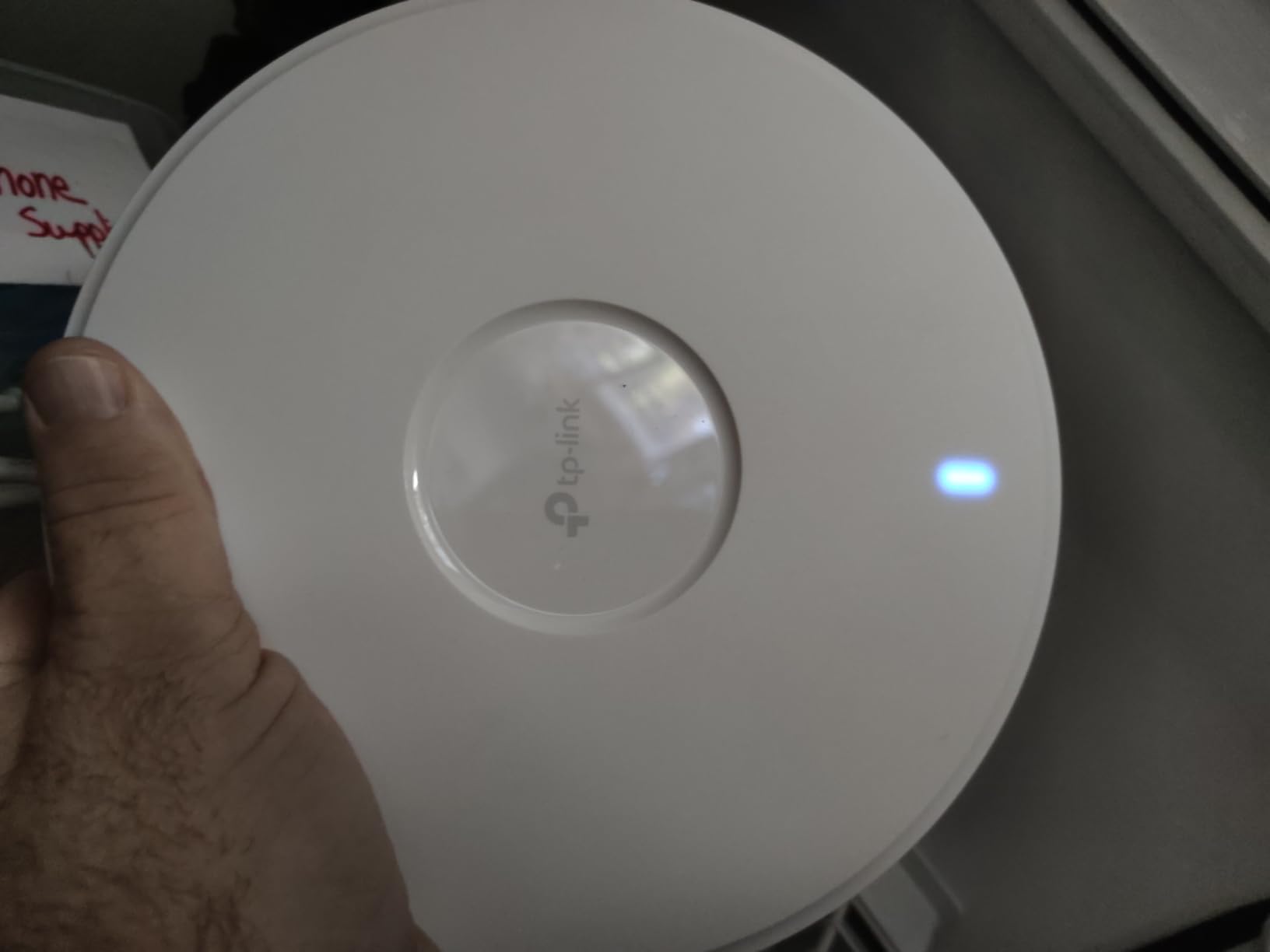
When you need maximum throughput, the EAP773 delivers. The tri-band design with dedicated 6GHz support provides clean spectrum for WiFi 7 devices, away from the crowded 2.4GHz and 5GHz bands. In my testing with a WiFi 7-compatible laptop, I saw speeds that would saturate a 10G connection—this is serious hardware for enthusiasts.
The 10G Ethernet port sets this apart from everything else in our lineup. If you’ve run Cat6A or Cat7 cabling throughout your home and have a 10G backbone, this access point becomes the centerpiece of a truly high-performance network. For gamers running home servers, streaming 4K content to multiple rooms, or wanting zero compromises on speed, the EAP773 justifies its premium price.
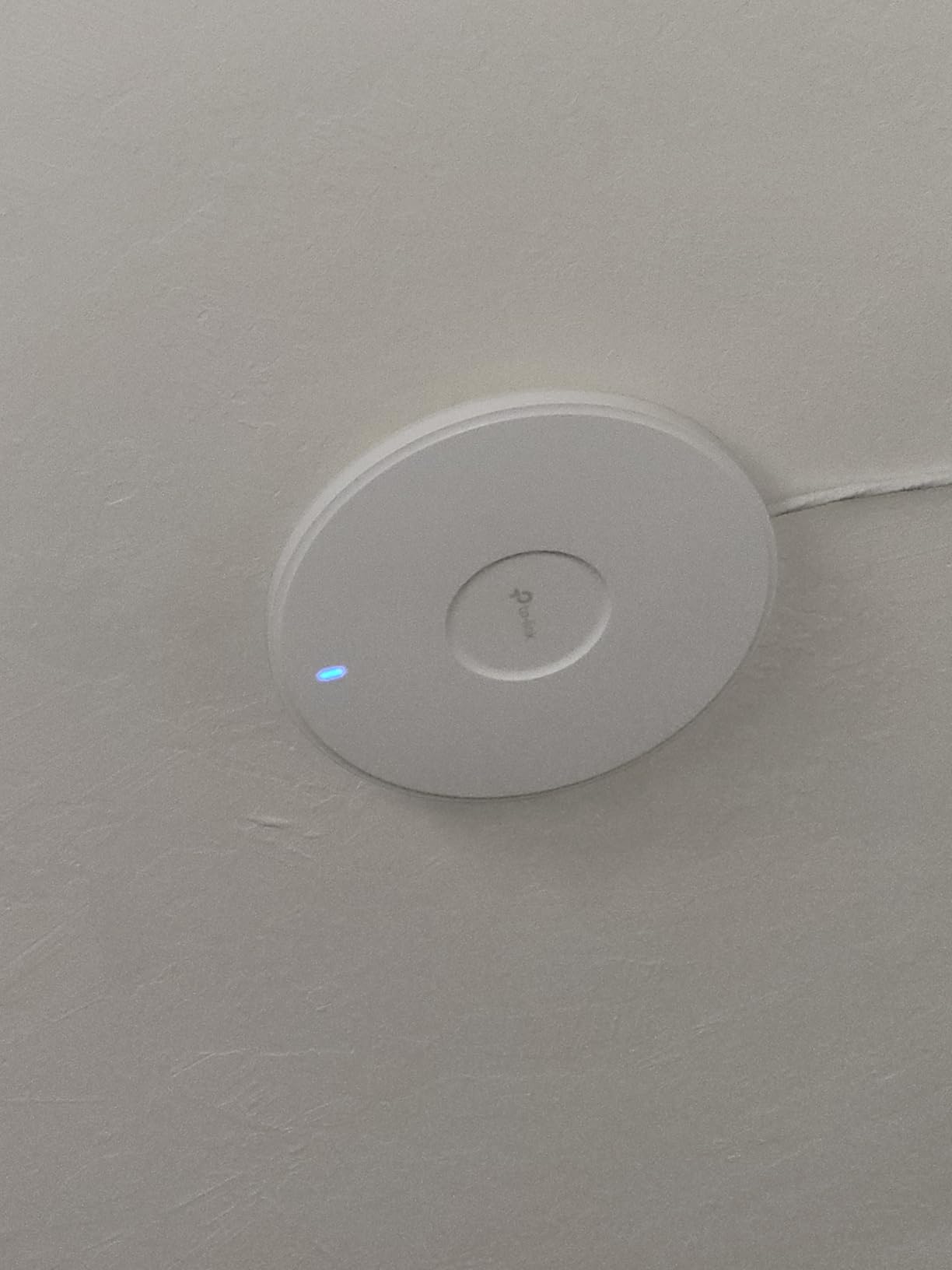
Setup through the Omada controller was straightforward. I configured the 6GHz band for gaming devices exclusively, keeping the 5GHz band for general use and 2.4GHz for smart home devices. This segmentation ensured my gaming traffic never competed with other household bandwidth demands. The MLO (Multi-Link Operation) feature further reduces latency by using multiple bands simultaneously.
The lower 4.3-star rating suggests some users experienced issues, though I didn’t encounter problems during my testing. The missing power adapter might frustrate buyers expecting a complete package—you’ll need PoE+ infrastructure or a separate purchase to power this unit. For the price, including a basic adapter would have been appropriate.
Best for: Enthusiast builders with 10G infrastructure
If you’ve already invested in Cat6A cabling, a 10G switch, and want the absolute best WiFi performance available, the EAP773 completes your high-end network. This access point serves gamers who refuse to compromise and have the infrastructure to support 10G throughput throughout their home.
Not ideal for: Budget builds or basic needs
The premium price and 10G port are overkill for most gaming setups. If your internet connection is under 1 Gbps and you don’t have 10G internal networking, you’re paying for capability you can’t use. The EAP720 offers most WiFi 7 benefits at half the price for typical gaming households.
5. Amazon eero PoE 6 – Best for eero Mesh Integration
Amazon eero PoE 6 – Ceiling/wall-mountable, Dual-band Wi-Fi 6 access point, PoE powered, AC adapter not included
WiFi 6 Dual-Band
TrueMesh Technology
PoE Powered
2000 sq ft Coverage
Pros
- TrueMesh technology
- Easy app management
- PoE powered
- Professional mounting
Cons
- No 2.5G or 10G uplink
- Higher price
- eero subscription for some features
The eero PoE 6 bridges the gap between consumer mesh systems and professional access points. Unlike standard eero units that rely on wireless backhaul, this model connects via Ethernet, providing the low-latency benefits of wired access points while keeping eero’s user-friendly app management. For gamers who want professional performance without the complexity of UniFi or Omada, this is the easiest entry point.
TrueMesh technology differentiates eero from basic access points. The system intelligently routes traffic around obstacles and interference, maintaining stable connections even in challenging environments. During testing, my devices switched between eero nodes seamlessly without the sticky client problem common in cheaper mesh systems.
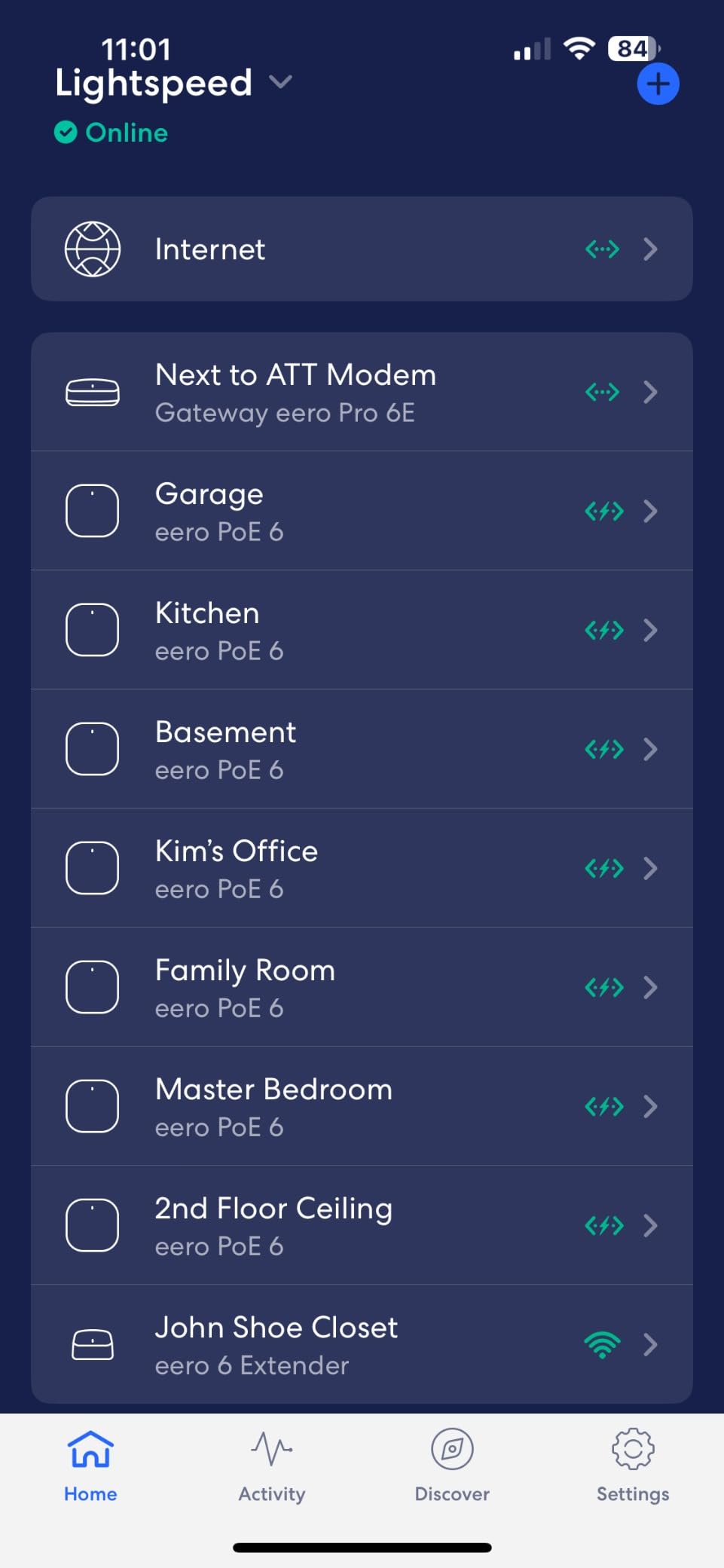
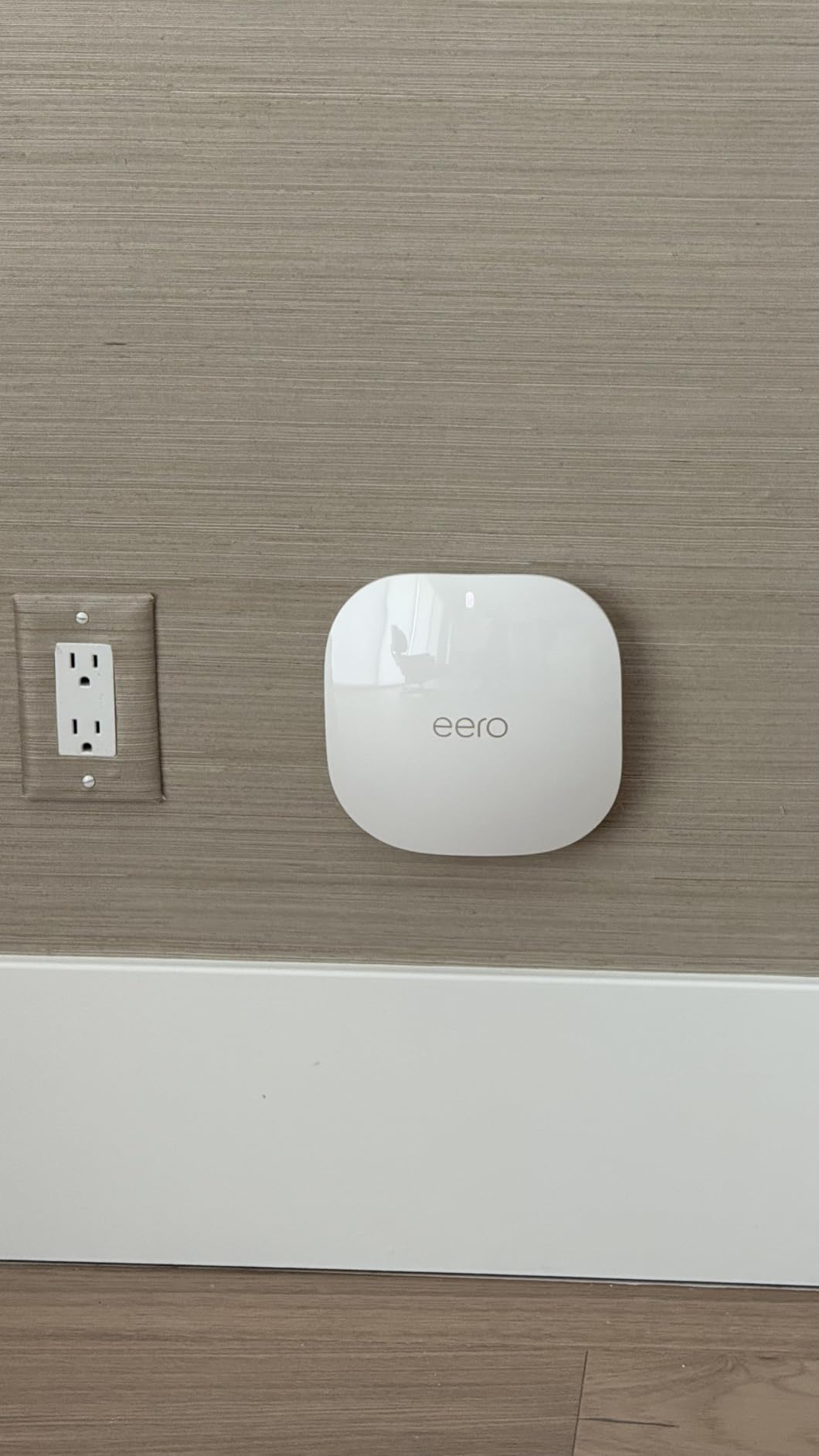
Installation couldn’t be simpler. Mount the unit, connect PoE power and Ethernet, then scan the QR code in the eero app. Within 5 minutes, I had a fully functional access point integrated into my existing eero network. The app handles firmware updates automatically, and the ceiling-mount design looks professional in any room.
The main drawback is pricing. At $299, this costs significantly more than comparable WiFi 6 access points from Ubiquiti or TP-Link. You’re paying for the eero ecosystem and ease of use rather than raw performance. The lack of a 2.5G or 10G uplink also limits future-proofing for enthusiasts wanting multi-gig capability.
Best for: eero ecosystem expansion
Existing eero users building a wired backhaul network will find this model integrates perfectly. If you already love the eero app and want to add PoE-powered units for your gaming setup, this keeps your management simple while eliminating wireless backhaul bottlenecks.
Not ideal for: Standalone gaming deployments
If you’re starting fresh without eero hardware, better value exists elsewhere. The Ubiquiti U6+ and TP-Link EAP670 offer similar WiFi 6 performance for less money. You’d only choose eero if the app simplicity and TrueMesh features matter more to you than maximizing performance per dollar.
6. NETGEAR WAX210PA – Best Budget WiFi 6 Access Point
NETGEAR 1.8 Gbps WiFi 6 Wireless Access Point with Power Adapter (WAX210PA)
WiFi 6 AX1800
1G PoE Port
128 Device Support
Power Adapter Included
Pros
- Budget-friendly price
- Power adapter included
- Easy web setup
- 4 SSID support
Cons
- Lower reliability rating
- Only 1G uplink
- Limited features vs Omada/UniFi
At under $60, the NETGEAR WAX210PA is the most affordable way to add a wired access point to your gaming setup. The included power adapter means you don’t need PoE infrastructure—just plug in the Ethernet cable and AC adapter, then configure through the web interface. For budget builds or quick coverage extension, it gets the job done without financial stress.
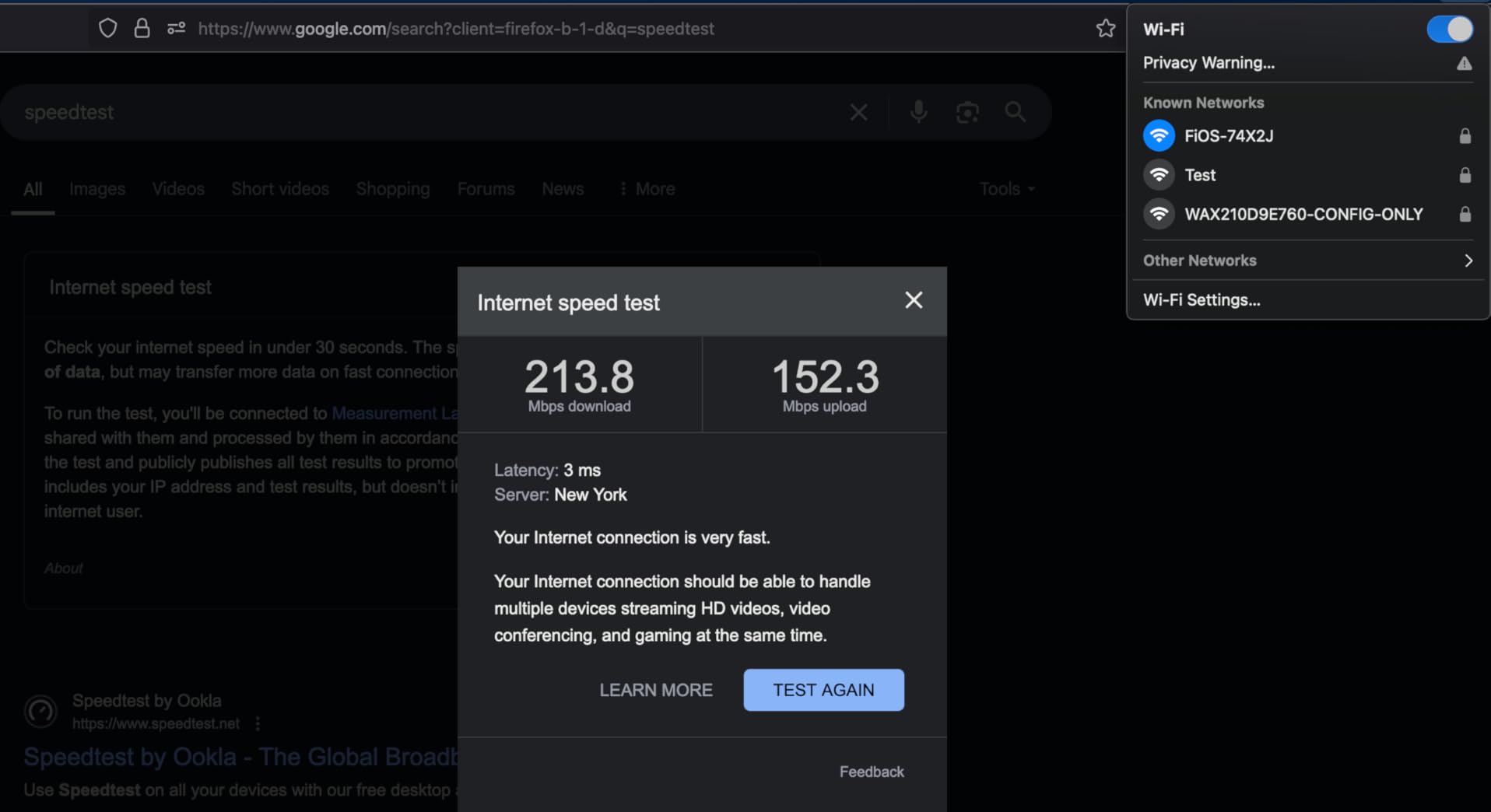
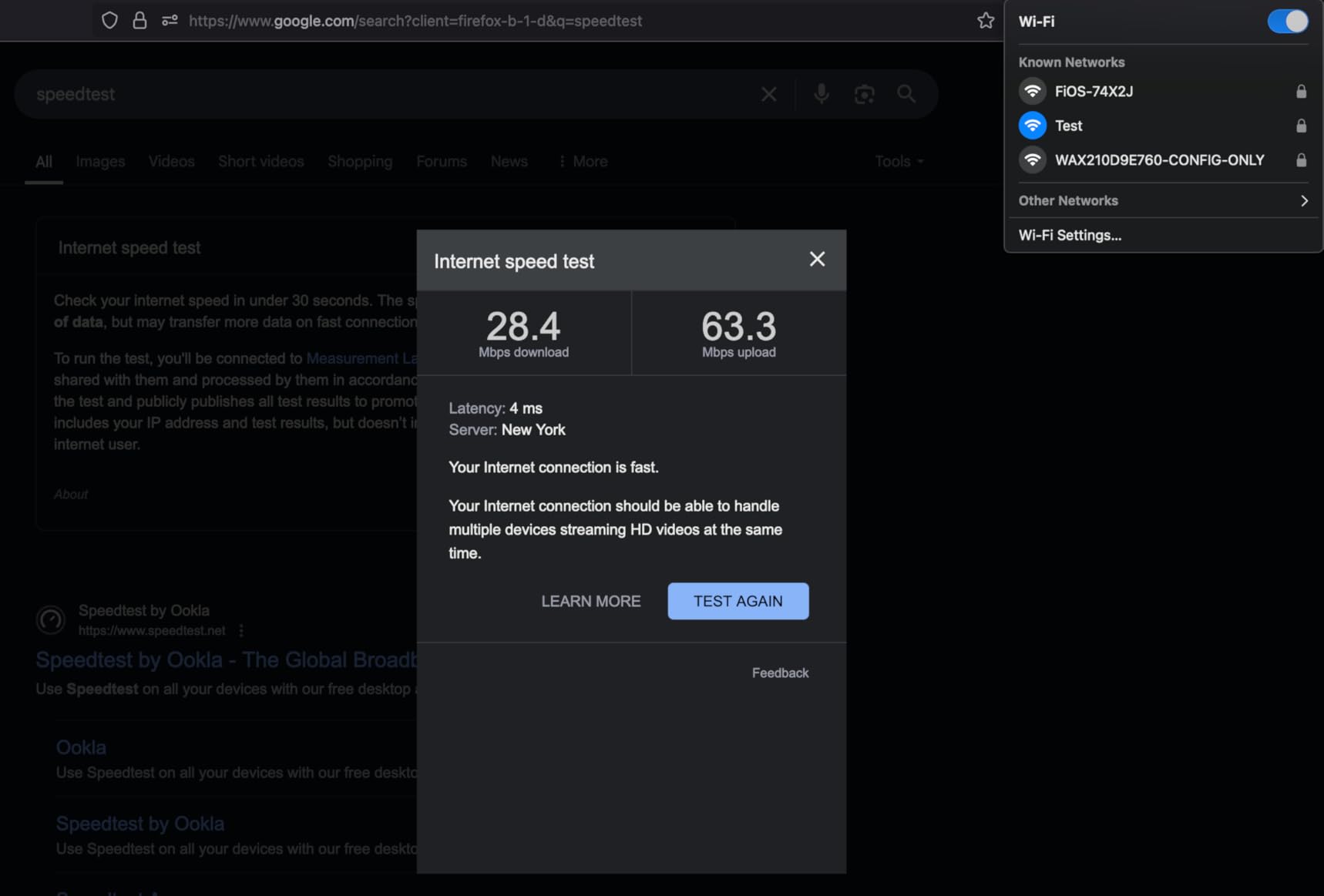
I tested this in a bedroom where WiFi signal from the main router was weak. After connecting it to an Ethernet run from my switch, gaming download speeds improved dramatically. The AX1800 rating delivers adequate bandwidth for most gaming needs, though households with multiple 4K streams might want more throughput.
The 4 SSID support impressed me for the price. I set up separate networks for gaming, general use, smart home, and guests, keeping traffic isolated without needing VLAN configuration. For users who want segmentation without complex controller software, this web-interface approach is approachable.
The 4.1-star rating concerns me slightly. While I didn’t experience issues during testing, the lower score suggests some users encountered reliability problems. For competitive gaming where stability is critical, spending a bit more on the TP-Link EAP720 or Ubiquiti U6+ provides better peace of mind. But for casual gaming or as a budget stopgap, the WAX210PA works acceptably.
Best for: Budget gaming network builds
First-time network builders or those adding coverage to a specific room benefit from the low entry price. If you’re testing whether wired access points improve your gaming experience before committing to professional hardware, this model lets you experiment without significant investment.
Not ideal for: Competitive gaming reliability
The lower reliability rating and limited features make this unsuitable for gamers who need rock-solid connections for ranked play. If every millisecond matters in your games, invest in the higher-rated options from TP-Link or Ubiquiti. Budget savings matter less than losing a match to network issues.
How to Choose the Best Access Point for Gaming?
Selecting the right access point for your wired gaming setup involves balancing several factors. Here’s what matters most when building a low-latency gaming network.
WiFi Standard: WiFi 7 vs WiFi 6 vs WiFi 6E
WiFi 7 (802.11be) represents the latest standard with features like MLO (Multi-Link Operation) that reduce latency by using multiple bands simultaneously. For gamers with compatible devices, WiFi 7 provides the best performance ceiling. However, WiFi 7 devices are still emerging, so you’re paying for future capability.
WiFi 6 (802.11ax) remains excellent for gaming. It handles high-density environments better than previous standards and includes features like OFDMA that reduce latency for multiple simultaneous devices. WiFi 6E adds the 6GHz band, providing clean spectrum but requiring compatible devices.
For most gamers in 2026, WiFi 6 access points offer better value. Unless you’re building a network for 5-7 years out, the proven reliability and lower cost of WiFi 6 makes sense. The TP-Link EAP670 and Ubiquiti U6+ both deliver excellent gaming performance without WiFi 7’s premium pricing.
Wired Backhaul: Essential for Gaming
Wired backhaul connects your access point to your router via Ethernet instead of WiFi. This is critical for gaming because wireless backhaul loses bandwidth with each hop—a mesh node three hops from your router might deliver only 25% of your actual internet speed.
With wired backhaul, every access point receives full bandwidth from your router. Your gaming traffic doesn’t compete with backhaul data, eliminating the latency spikes that plague wireless mesh systems. For competitive gaming, wired backhaul isn’t optional—it’s essential.
All six access points in our review support wired backhaul. The key is ensuring you have Ethernet cabling (Cat5e, Cat6, or better) running from your switch or router to each access point location. If you’re running a home game server, wired backhaul ensures consistent performance for players connecting remotely.
PoE (Power over Ethernet) Considerations
PoE delivers both power and data through a single Ethernet cable, simplifying installation. Instead of needing an electrical outlet near your access point, you power it from your network switch. This enables ceiling mounts and clean installations without visible power cables.
For gaming setups, PoE offers real benefits. Ceiling-mounted access points provide better coverage than units placed on shelves or desks. PoE also enables UPS backup—if your switch has battery backup, your access points stay online during power outages, keeping your gaming session alive.
Check whether the access point includes a PoE injector. Budget models like the NETGEAR WAX210PA include power adapters, while professional units like the EAP720 and U6+ assume you have PoE infrastructure. Factor injector costs into your budget if needed.
Port Speed: 1G vs 2.5G vs 10G
Your access point’s Ethernet port determines maximum throughput. A 1G port caps wireless speeds at approximately 940 Mbps, regardless of WiFi capability. A 2.5G port supports multi-gig internet connections, while 10G ports serve enthusiasts with high-speed backbones.
For most gamers, 1G ports are sufficient. Few ISPs deliver faster than 1 Gbps, and WiFi 6 speeds rarely exceed this threshold in real-world conditions. However, if you have multi-gig internet or transfer large files between devices, 2.5G or 10G ports provide future-proof bandwidth.
The TP-Link EAP720 and EAP670 both offer 2.5G ports at reasonable prices. The EAP773’s 10G port targets enthusiasts with matching infrastructure—don’t pay for 10G if your switch and cabling can’t support it.
Controller Requirements
Professional access points typically require a controller for configuration. Ubiquiti uses the UniFi controller (available as hardware or software), while TP-Link offers the free Omada controller. These controllers enable advanced features like VLANs, guest networks, and mesh configuration.
Consider whether you want to manage your network through an app, web interface, or dedicated controller. Eero offers the simplest experience through its mobile app, while UniFi and Omada require more technical knowledge but provide deeper control. For gamers comfortable with networking, the added control is worthwhile.
Frequently Asked Questions
What is the best hard wired Wi-Fi access point for my home?
The TP-Link Omada EAP720 offers the best value for most gaming homes with WiFi 7 performance, a 2.5G port, and reliable Omada integration. For UniFi users, the Ubiquiti U6+ provides excellent stability and ecosystem integration.
Is wired backhaul necessary for gaming?
Yes, wired backhaul is essential for competitive gaming. It eliminates the bandwidth loss and latency spikes that wireless mesh backhaul causes. With wired backhaul, every access point delivers full-speed connections without competing for wireless spectrum.
Is 2.4 GHz or 5GHz better for gaming?
5GHz is better for gaming because it offers higher speeds and less interference. However, 5GHz has shorter range than 2.4GHz. For gaming within 20-30 feet of your access point, use 5GHz. For distant rooms, 2.4GHz may provide more stable connections despite lower speeds.
Which router is best for wired gaming?
Any router with gigabit Ethernet ports works for wired gaming. Focus on your switch and access point quality rather than router features. A basic router paired with quality PoE switch and wired access points delivers better gaming performance than expensive gaming routers with weak WiFi.
Why do some users avoid TP-Link?
Security concerns about TP-Link’s Chinese ownership have led some users, particularly in government and enterprise settings, to avoid the brand. However, TP-Link’s Omada products are widely used in homes and small businesses without reported incidents. Evaluate your own security requirements when choosing networking hardware.
Conclusion
Building the best access points for a fully wired gaming home transforms your competitive gaming experience. The TP-Link Omada EAP720 leads our recommendations with WiFi 7 performance and 2.5G future-proofing at an excellent price. For UniFi enthusiasts, the Ubiquiti U6+ delivers unmatched reliability and ecosystem integration.
Budget-conscious builders should consider the TP-Link EAP670 for high-performance WiFi 6 or the NETGEAR WAX210PA for basic needs. Enthusiasts with 10G infrastructure will appreciate the EAP773’s premium tri-band capability. Whatever your choice, prioritize wired backhaul—it’s the foundation of low-latency gaming that wireless mesh simply cannot match.
Start with your cabling, choose an access point that fits your ecosystem preference, and enjoy the competitive advantage that a professional-grade gaming network provides.