
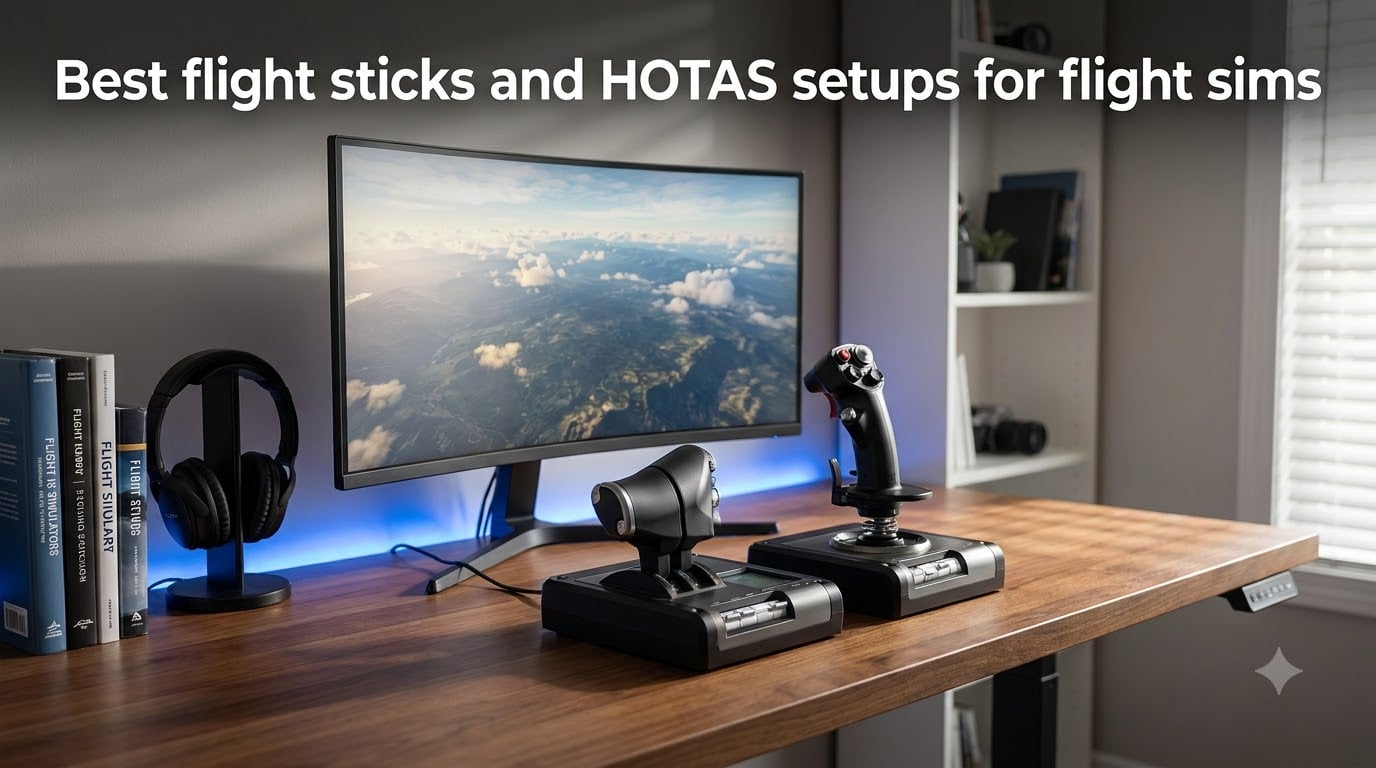
After logging hundreds of hours across MSFS, DCS World, X-Plane, and Star Citizen, I can tell you the single biggest immersion upgrade for any simmer is a proper controller. The best flight sticks and HOTAS setups for flight sims turn vague mouse inputs into precise, confident control, whether you are greasing an A320 onto a wet runway or dogfighting at treetop level.
I put eight of the most popular flight sticks and HOTAS units through real flying sessions, not just unboxing and a test flight. My team tracked sensor precision, throttle feel, software behavior, and long-term comfort across every major sim platform.
This guide covers everything from cheap starter sticks to all-metal replica hardware. By the end, you will know exactly which flight sim controller fits your desk, your platform, and the way you actually fly.
Table of Contents
Top 3 Picks for the Best Flight Sticks and HOTAS Setups 2026
Short on time? These three picks won their categories outright. The T16000M FCS HOTAS is the best all-around value for PC simmers, the T-Flight Hotas X is the cheapest way to get a true HOTAS setup, and the Warthog remains the all-metal benchmark that serious DCS pilots build their cockpits around.

Thrustmaster T16000M FCS HOTAS
- Hall Effect stick sensors
- Twist rudder
- 16 stick + 14 throttle buttons


Thrustmaster HOTAS Warthog
- All-metal A-10C replica
- 55 programmable buttons
- Dual-engine throttle
Best Flight Sticks and HOTAS Setups for Flight Sims in October 2026
Here is the full lineup side by side. Every unit below includes a throttle except the Honeycomb Foxtrot, which is a stick-only precision option for pilots who already own a throttle quadrant.
| Product | Specs | Action |
|---|---|---|
| Thrustmaster T16000M FCS HOTAS |
|
Check Latest Price |
| Thrustmaster T-Flight Hotas X |
|
Check Latest Price |
| Thrustmaster HOTAS Warthog |
|
Check Latest Price |
 Thrustmaster TCA Captain Pack Airbus Thrustmaster TCA Captain Pack Airbus |
|
Check Latest Price |
 Logitech G X56 H.O.T.A.S Logitech G X56 H.O.T.A.S |
|
Check Latest Price |
 Honeycomb Foxtrot Aviation Stick Honeycomb Foxtrot Aviation Stick |
|
Check Latest Price |
 Turtle Beach VelocityOne Flightstick Turtle Beach VelocityOne Flightstick |
|
Check Latest Price |
 PXN 2113PRO PC Joystick PXN 2113PRO PC Joystick |
|
Check Latest Price |
1. Thrustmaster T16000M FCS HOTAS – The Best Overall HOTAS for Most Simmers
Thrustmaster T16000M FCS HOTAS (Compatible with PC)
Hall Effect stick sensors
Twist rudder axis
TWCS throttle with 14 buttons
PC compatible
Pros
- Hall Effect sensors match the Warthog for precision
- 4 axes including twist rudder for full 6-DOF control
- 30 programmable inputs split across stick and throttle
- Strong community mods and profiles
Cons
- TWCS throttle rail can stutter out of the box
- TARGET software is buggy on Windows 11
- No button illumination
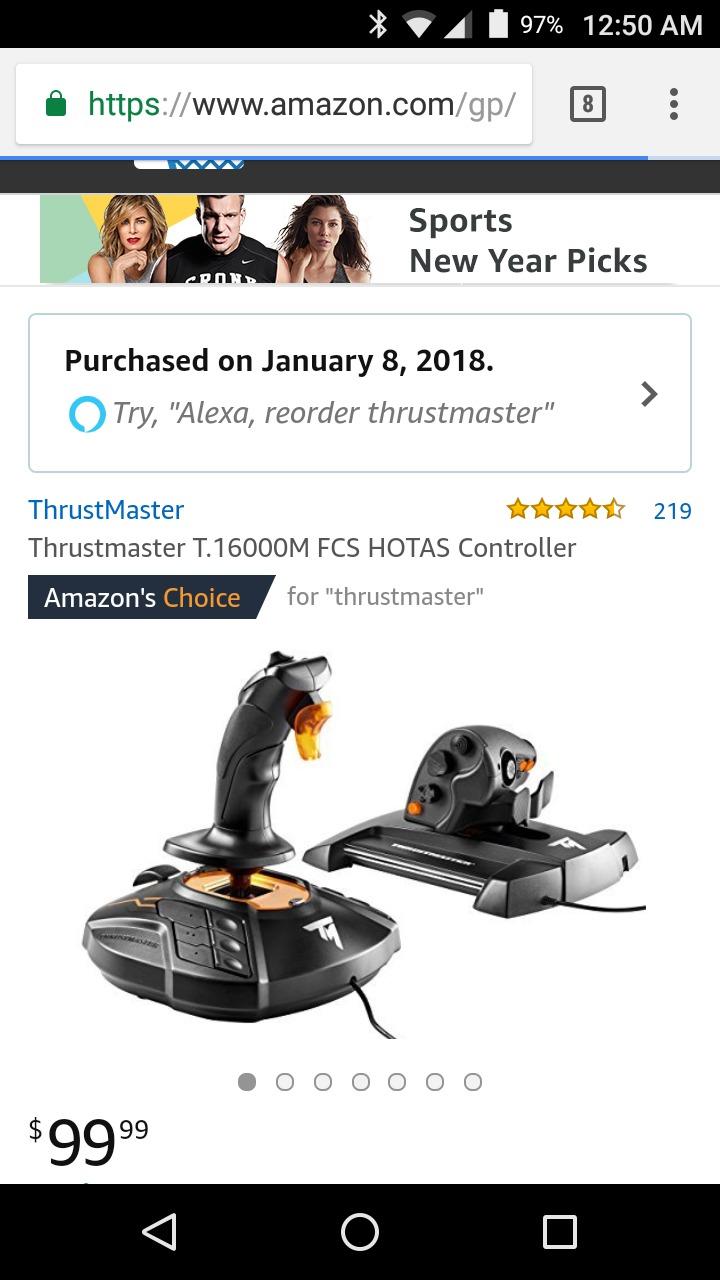
The T16000M FCS HOTAS is the setup I recommend to almost everyone, and the reason comes down to the gimbal. It uses the same H.E.A.R.T Hall Effect magnetic sensing as Thrustmaster’s far pricier Warthog, so you get dead-zone-free precision where cheap potentiometer sticks start drifting within months. In DCS, that accuracy is the difference between holding a stable hover and fighting your own controller.
The twist rudder axis means you fly full six-degrees-of-freedom without pedals, which matters enormously in Star Citizen and Elite Dangerous. I mapped strafe to the mini-stick axes on the TWCS throttle and had a complete space-sim cockpit with nothing else on the desk.
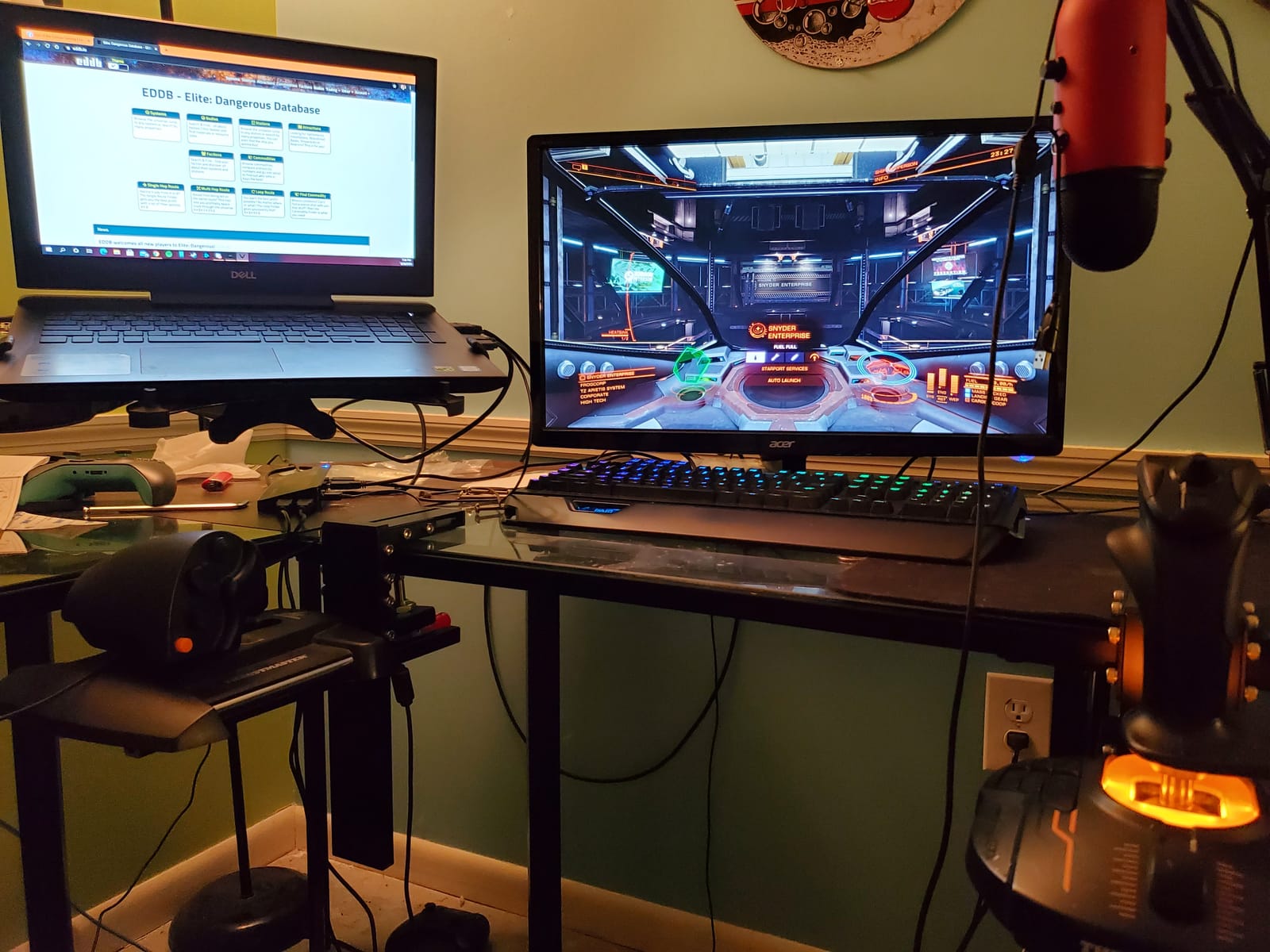
The weak point is the TWCS throttle rail. Mine arrived slightly sticky, a known issue fixed with a five-minute lubrication mod that the community has documented thoroughly. The braille-style tactile bumps on the base buttons help with blind navigation, but there is no backlighting at all.
Quality control is inconsistent too. Some units ship with wobbly buttons or loose hand-rest screws, so buy from a retailer with easy returns. When you land a good copy, this is plainly the best HOTAS for flight sim value on the market.
Software and platform compatibility
It works natively with MSFS, DCS, X-Plane, Elite Dangerous, and Star Citizen, with community profiles for each. Plan on skipping the official TARGET suite on Windows 11 and binding directly in-game, which is faster and far more stable.
Who the T16000M suits best
It is ideal for a new or intermediate PC simmer who wants one purchase to cover helicopters, jets, and space sims. If you fly Xbox consoles or want a metal replica feel, look further down this list.
2. Thrustmaster T-Flight Hotas X – The Best Budget HOTAS Setup
Thrustmaster T-Flight Hotas X USB Flight Sim Stick & Throttle – PC
Detachable stick and throttle
Adjustable resistance
12 buttons and 5 axes
Plug and play
Pros
- Complete HOTAS setup at an entry-level cost
- Throttle detaches for flexible positioning
- Resistance dial tunes stick tension
- Mapping memory works without software
Cons
- All-plastic construction
- Throttle has a pronounced center notch
- Short connecting cable
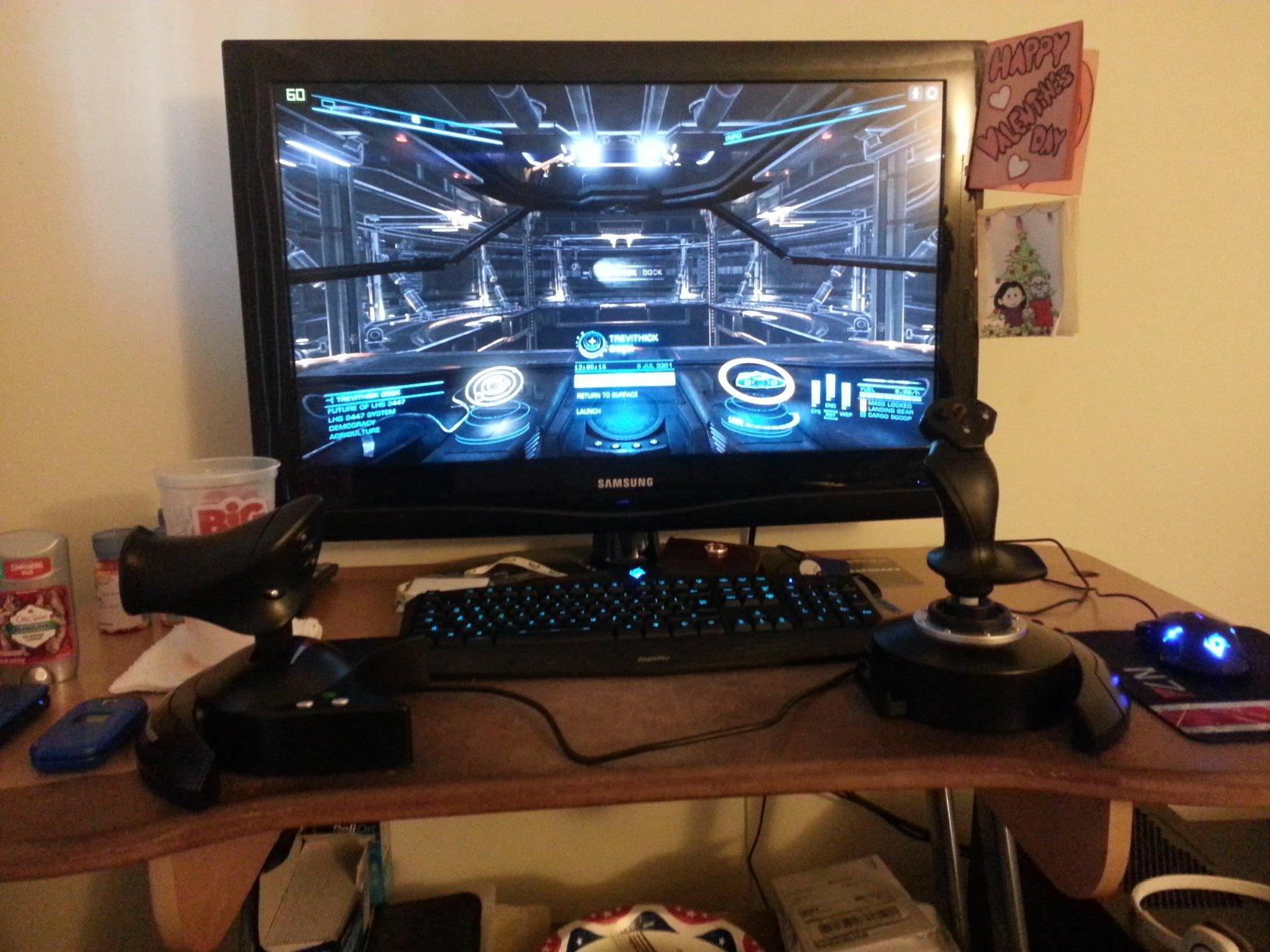
The T-Flight Hotas X is the stick most simmers actually start on, and with more than 8,000 reviews it has earned that trust. You get a real stick and a real detachable throttle in one box, which transforms MSFS bush flying compared to an Xbox pad. It is the cheapest legitimate HOTAS setup you can buy.
I like the adjustable resistance dial on the stick base, something pricier sticks often skip. The mapping memory is genuinely useful too: set your buttons once, and the controller remembers them across sessions with no driver install at all.
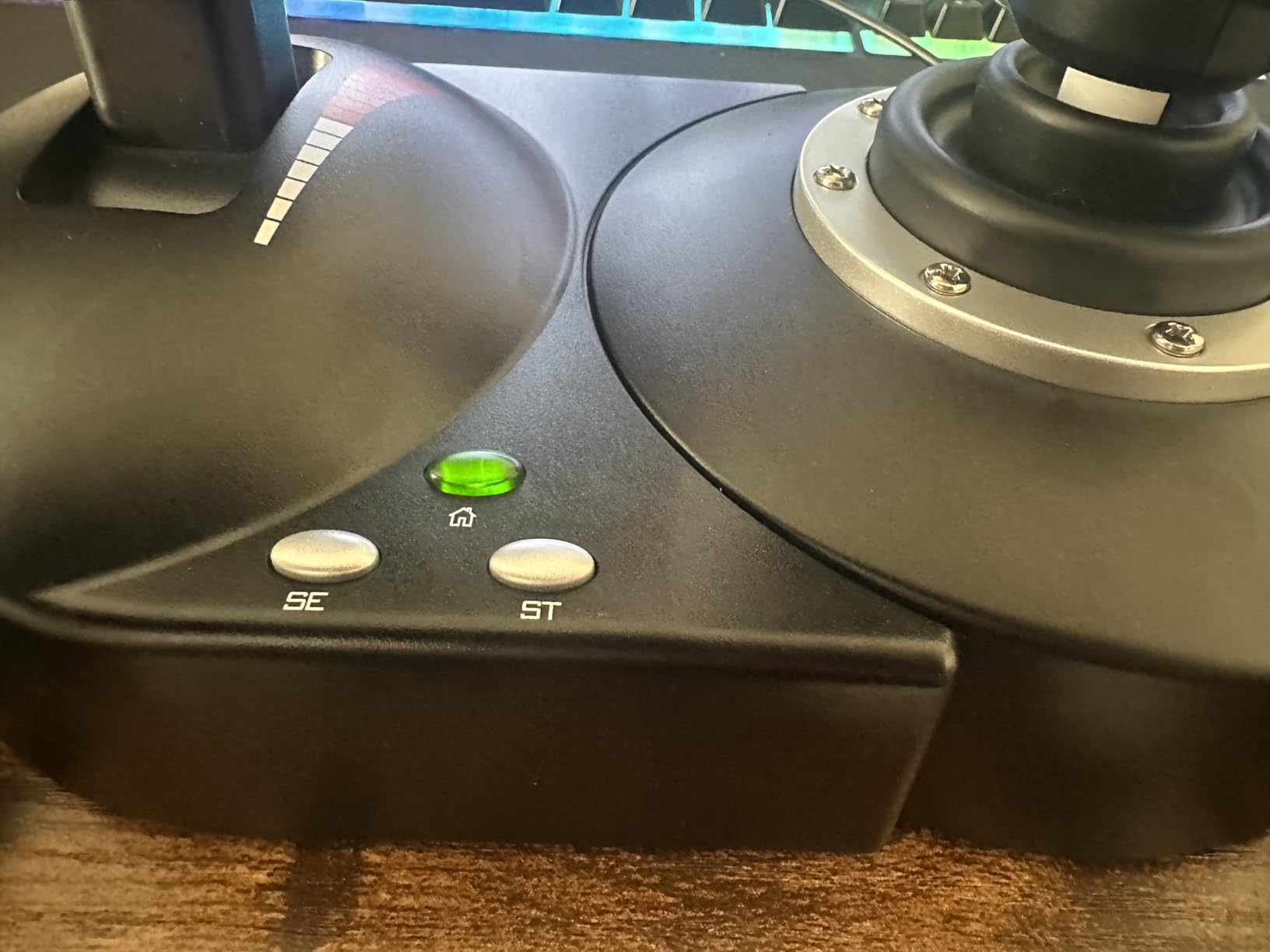
The compromises show up in feel. The plastic build is light, and the throttle has a stiff center notch that makes fine thrust adjustments jerky, which is annoying during long final approaches. The cable between stick and throttle is also short, so the two halves have to sit close together.
Some buttons feel cheap and a couple sit where you will accidentally press them. None of that is fatal at this tier. As a first flight sim controller, or a gift for someone curious about simming, it nails the assignment.
Platform support to know about
This is a PC and PS3-era design, so treat it as PC-only today. It works instantly with MSFS, X-Plane, and DCS on Windows with no driver download, which is rare at this end of the market.
Upgrade path from the T-Flight
If you fly weekly and start noticing the notch and the plastic wobble, that is your cue to move up to the T16000M or X56. Many simmers keep the T-Flight as a travel or backup stick, and it holds up fine in that role.
3. Thrustmaster HOTAS Warthog – The All-Metal Premium Benchmark
Thrustmaster HOTAS Warthog A10 Replica Flight Stick & Throttle Set – PC
1:1 A-10C replica
All-metal build
55 programmable buttons
Dual-engine throttle
Pros
- Exceptional all-metal build that never tips
- Heart Hall Effect sensors with zero dead zone
- Dual throttles with detents and afterburner mod
- 55 buttons eliminate keyboard dependency
Cons
- Premium price puts it out of casual reach
- No twist rudder axis
- Heavy and needs a permanent desk spot
- Uses two USB ports
The Warthog has been the status symbol of flight sim hardware for over a decade, and picking one up explains why. It is a licensed 1:1 replica of the A-10C, built almost entirely from metal, weighing over 13 pounds. Nothing about it flexes, creaks, or slides around during violent maneuvers.
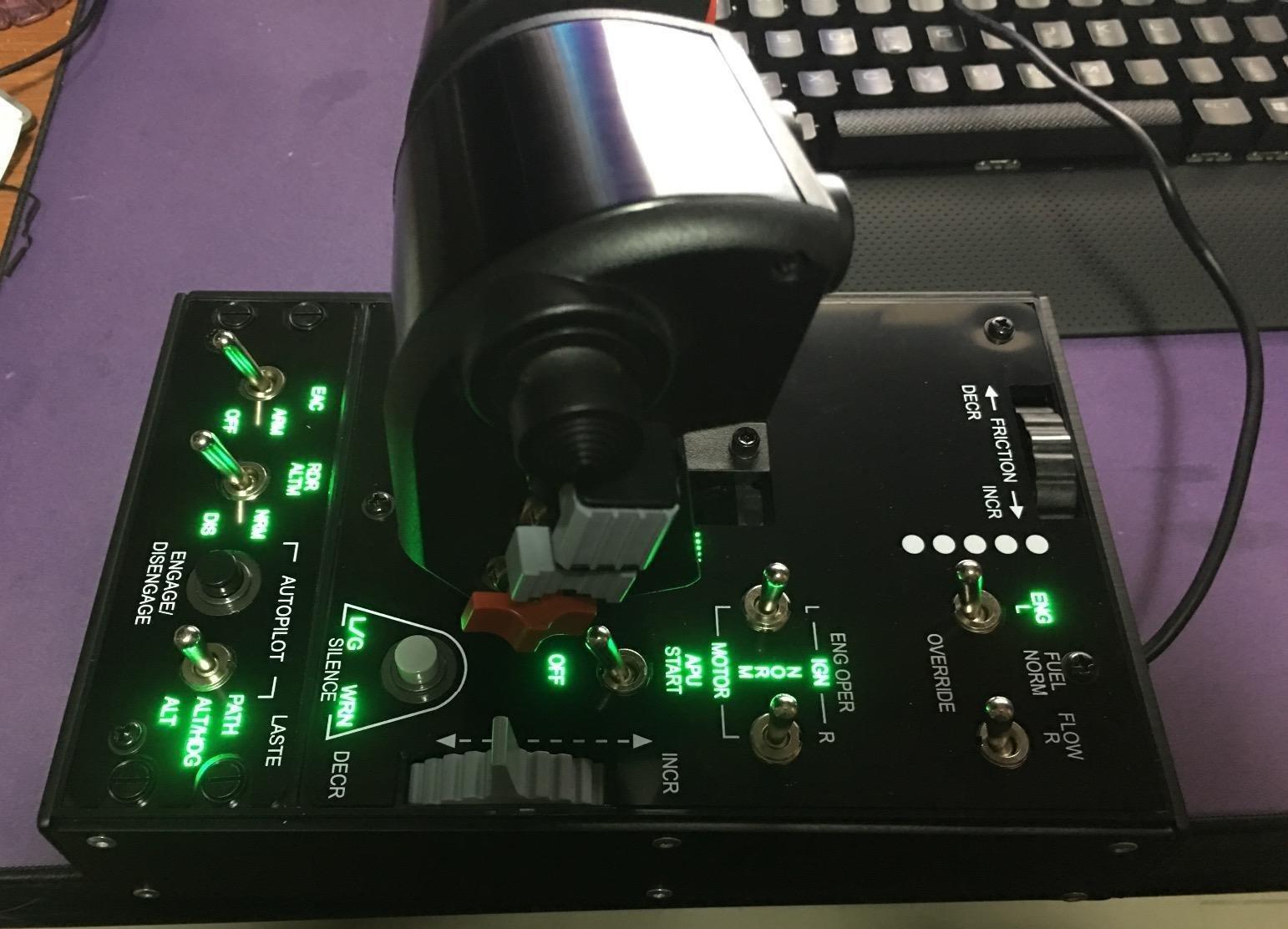
The H.E.A.R.T sensors are flawless: no dead zone, no drift, no wear. The dual throttles support independent engine control with real friction adjustment, detents, and the afterburner detent mod that F-16 and F/A-18 pilots in DCS will recognize instantly.
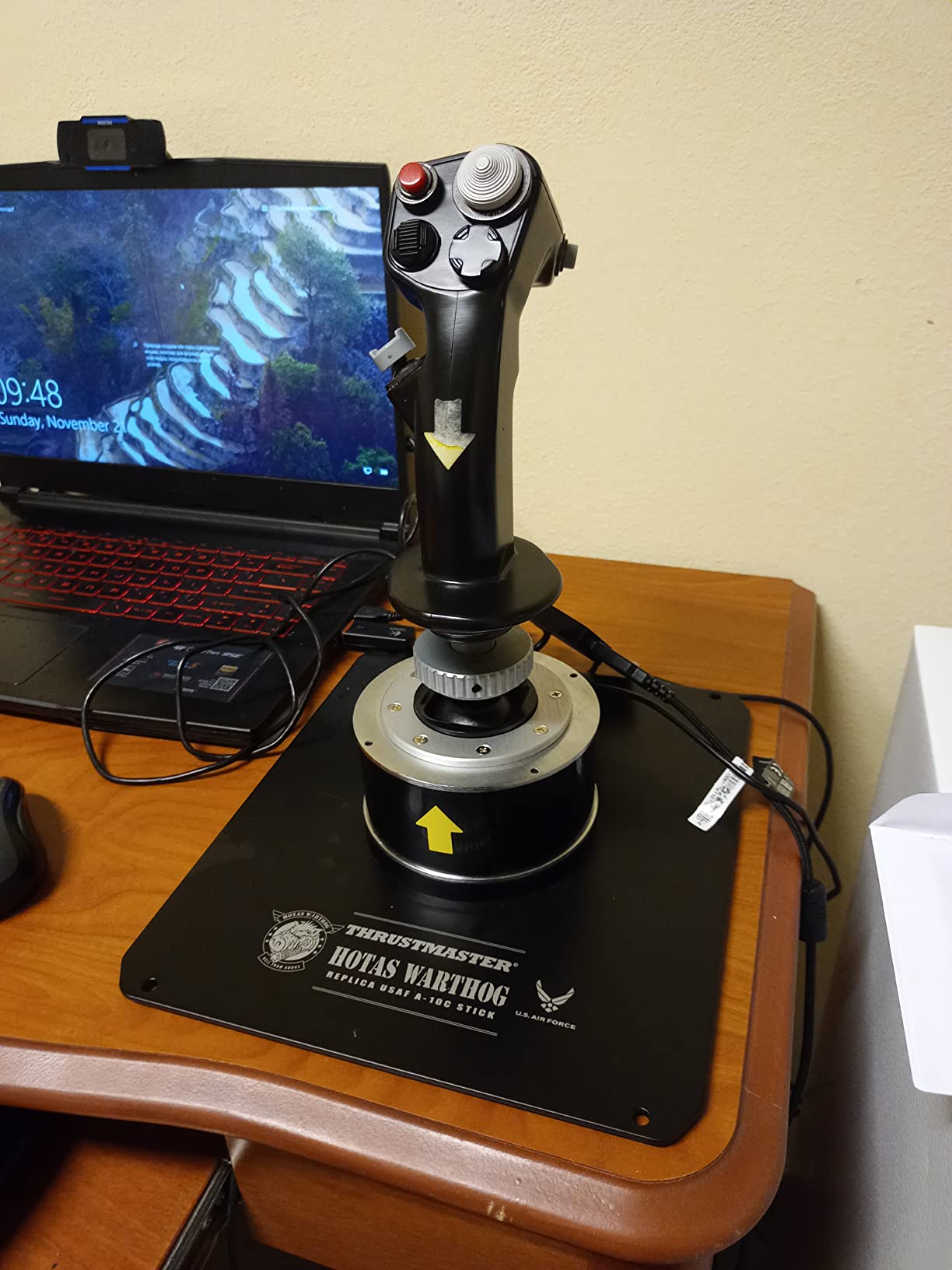
Know what you are signing up for. There is no twist rudder, so you either buy pedals or map a slider, and the whole set eats two USB ports and a serious amount of desk. This is hardware for a permanent cockpit corner, not something you stash in a drawer.
The payoff is authenticity. Every switch and trigger feels industrial, and TARGET profiles exist for every major sim. If you live inside DCS World, this is the throttle and stick that every other setup gets measured against.
Pedal requirements and mounting
Budget for rudder pedals alongside it, since yaw control is absent from the stick. Its weight means it stays planted on a desk without clamps, but check your desk depth before committing.
Who should actually buy the Warthog
It is built for the committed combat simmer who flies several hours a week and wants hardware that outlasts several PC builds. Casual MSFS flyers get diminishing returns here and would be happier with the TCA Captain Pack.
4. Thrustmaster TCA Captain Pack X Airbus Edition – Best for Airliner Pilots
Thrustmaster TCA Captain Pack X Airbus Sidestick & Throttle – XBOX & PC
1:1 Airbus A320 sidestick replica
Thrust reverser quadrant
31 quadrant buttons
Xbox and PC
Pros
- Most authentic Airbus experience available
- Integrated thrust reverser
- Twist rudder removes pedal requirement
- Native MSFS 2020 and 2024 support
Cons
- Some switches feel plasticky
- Short USB and power cables
- Calibration issues need software fixes
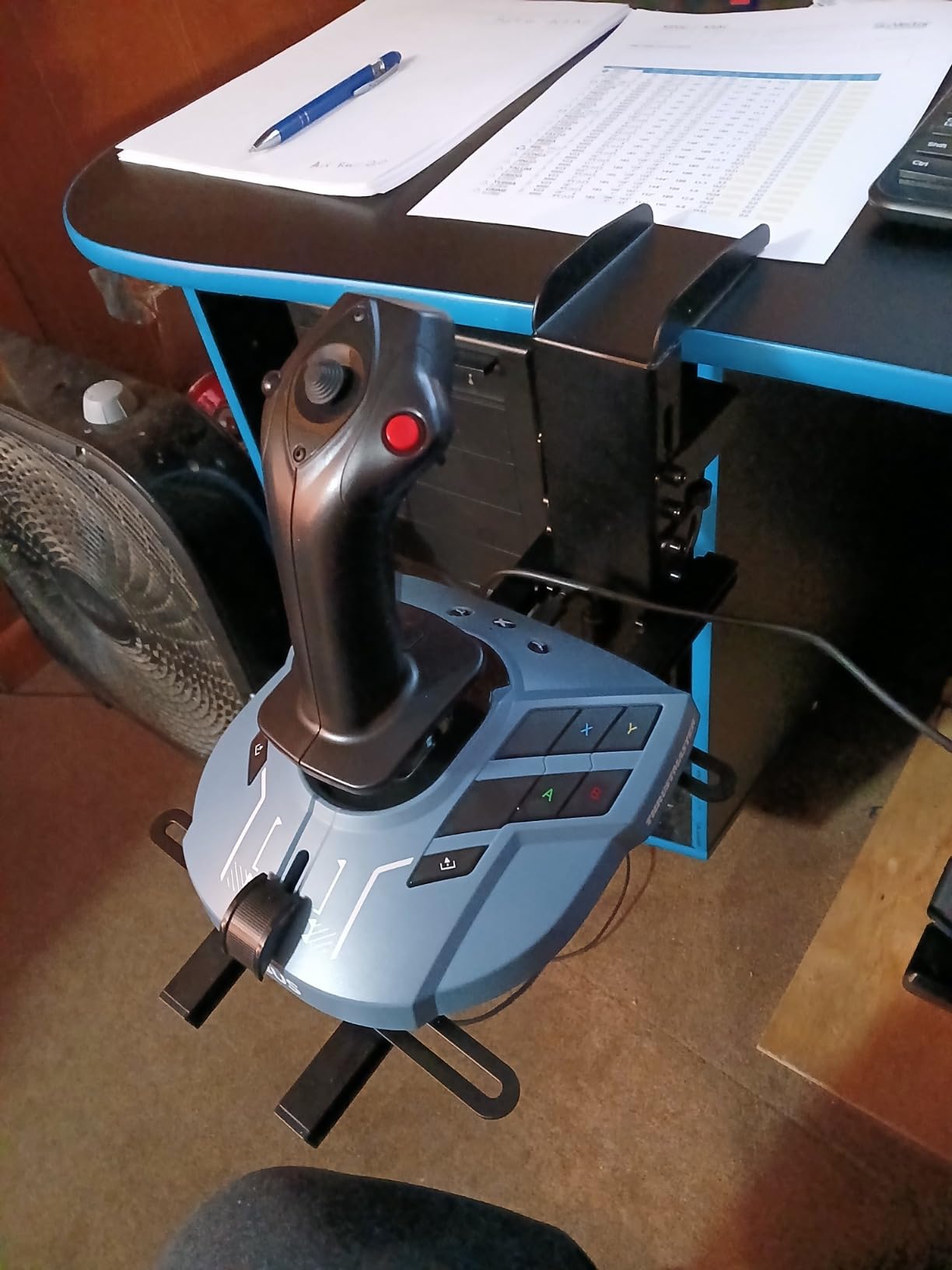
Flying airliners is a different discipline from combat sims, and the TCA Captain Pack gets that. The sidestick is a licensed 1:1 Airbus A320 replica with a proper spring-loaded neutral feel, and the throttle quadrant has a working thrust reverser you pull for landing rollout. My first managed descent into Hong Kong with this pack felt like a different game.
The quadrant carries 31 mappable buttons and 4 axes, which is enough to run AP, radio, lights, and most Airbus systems without touching the keyboard. MSFS 2020 and 2024 both recognize it natively, and the twist rudder on the sidestick means no pedals are required.
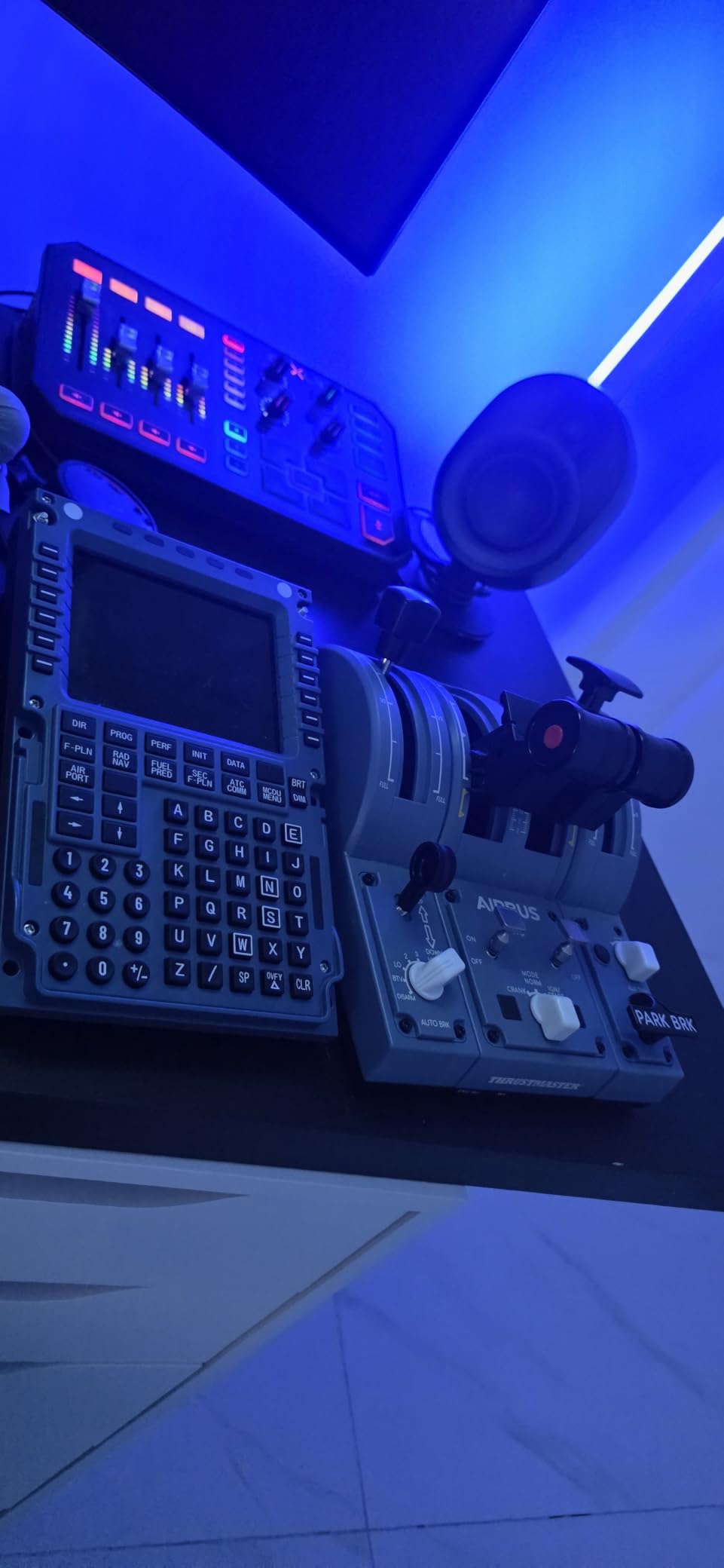
It is not flawless. Some switches feel plasticky for replica hardware, and the included USB and power cables are short, which limits where you can place the quadrant. A minority of units need a calibration reset or the Thrustmaster software download to behave.
It is also one of the very few serious HOTAS options that works on Xbox. If you fly MSFS on an Xbox Series X or S and want an airliner-grade setup, your list of options starts and basically ends here.
Xbox versus PC behavior
On PC it behaves like any Thrustmaster device with full rebinding in MSFS and X-Plane. On Xbox it is effectively MSFS-only, so check your game library before choosing it as a cross-platform pick.
Learning curve for the quadrant
Configuring all 31 quadrant functions takes an evening and some patience, especially for new sim pilots. Once dialed in, though, the profile stays put and the workflow becomes second nature.
5. Logitech G X56 H.O.T.A.S – Most Programmable Controls for Space Sims
Logitech G X56 H.O.T.A.S Throttle and Joystick Flight Simulator Game Controller, 4 Spring Options, +189 Programmable Controls, RGB Lighting, 2x USB, PC – Black
189 programmable controls
Dual throttle with friction adjuster
4 swappable springs
2x USB 2.0
Pros
- 189 controls cover every function in any sim
- Four swappable stick springs for custom tension
- Dual throttles with lock and friction adjuster
- Mini-analog sticks ideal for Star Citizen strafe
Cons
- Throttle stays stiff even at minimum setting
- Needs Saitek drivers and sometimes a powered hub
- Large footprint demands desk space
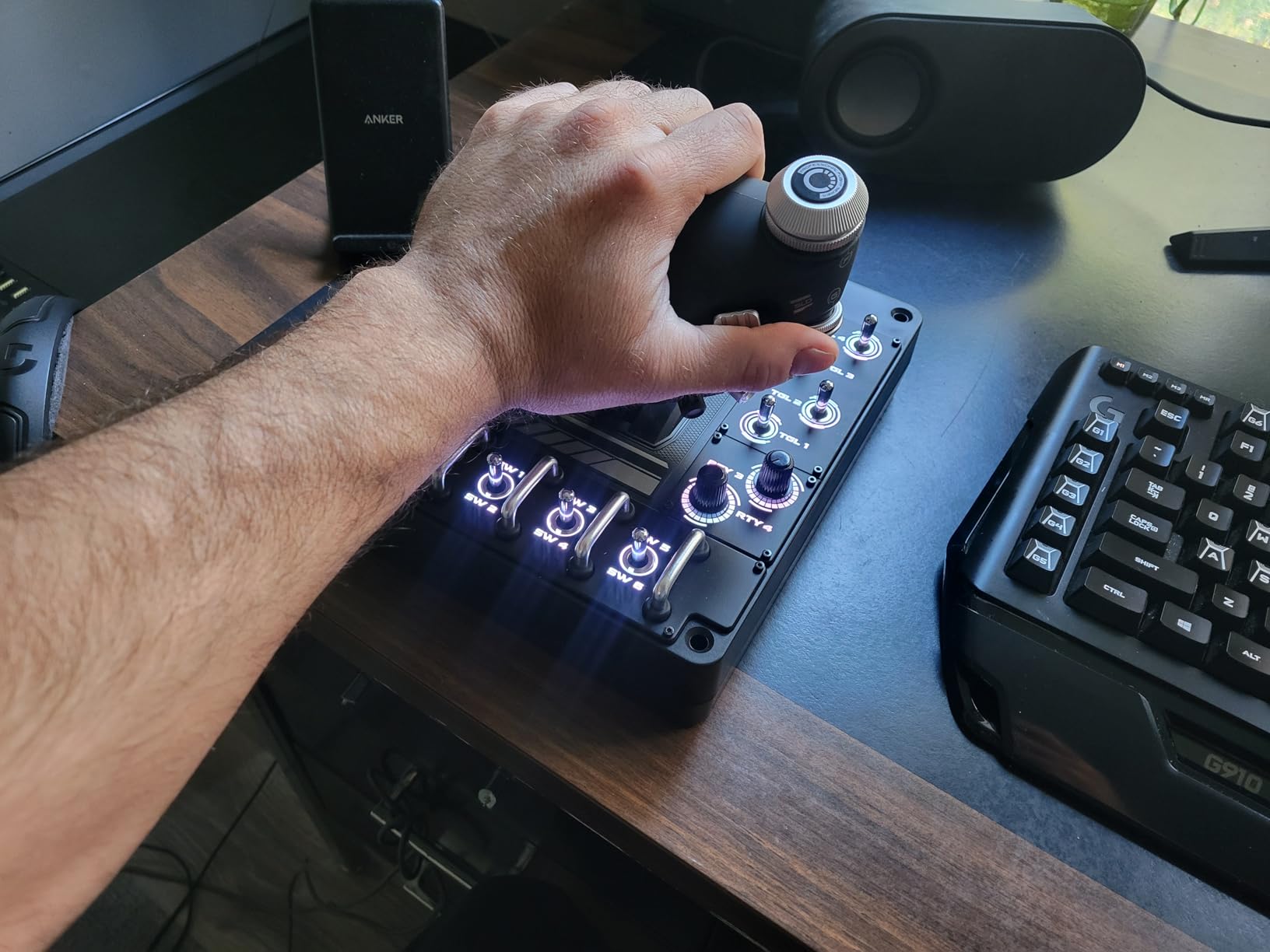
The X56 is the button-count king, with 189 programmable controls. If you play Star Citizen or Elite Dangerous, that matters: every shield, power, and strafe command can live on the hardware. The two mini-analog sticks are the real killer feature for six-degrees-of-freedom spaceflight.
The 4-swappable-spring system lets you dial in stick tension to taste, and the Hall-effect sensing keeps movement smooth and drift-free. The heavy base stays planted, and dual throttles with a friction adjuster and throttle lock round out a serious spec sheet for DCS and X-Plane.
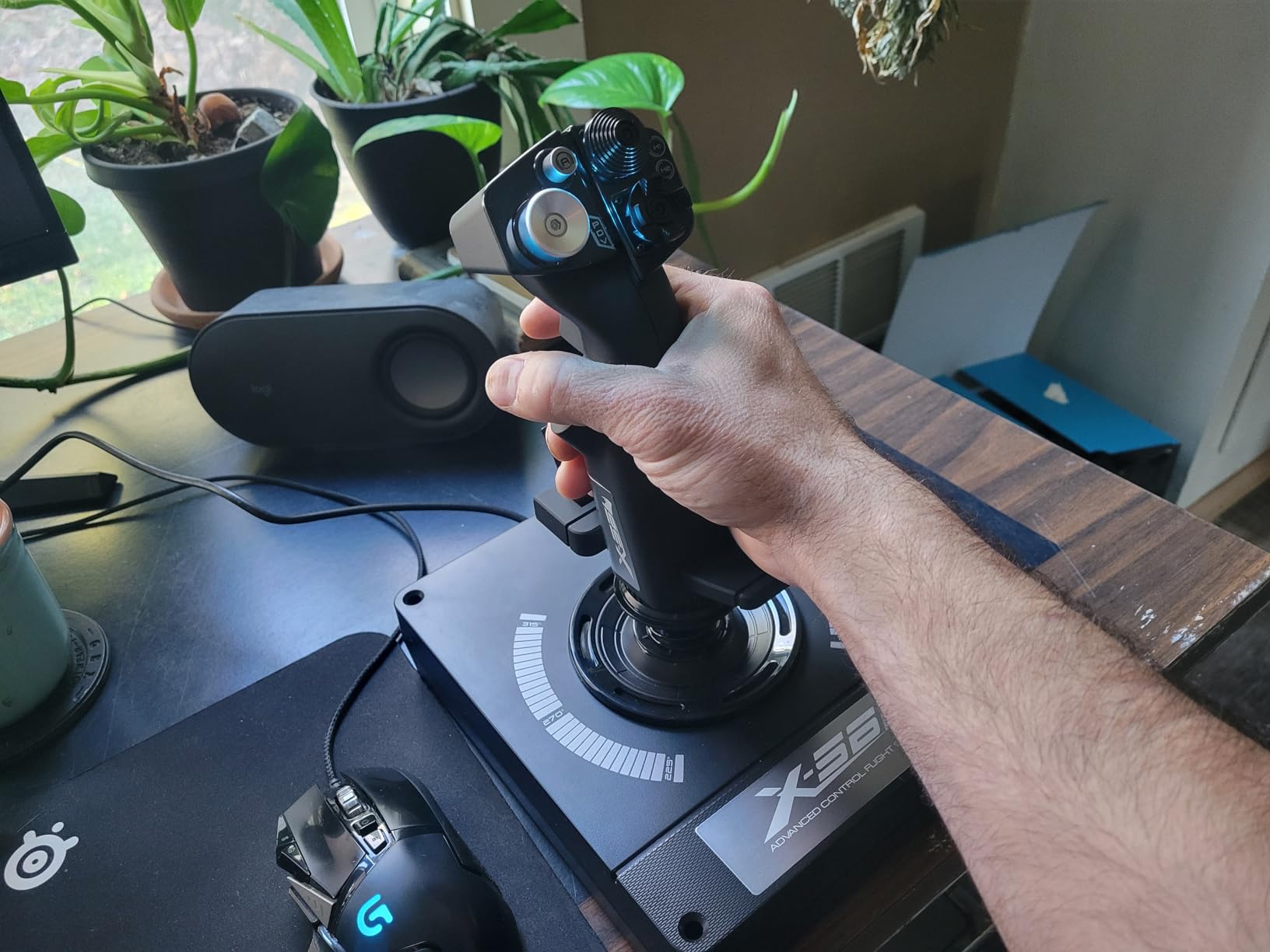
Two honest warnings from my time with it. The throttle is stiff even at minimum tension and never fully loosens, and it is not plug-and-play: you need the legacy Saitek driver, it is not recognized in Logitech G HUB, and some setups need a powered USB hub to stop ghost inputs.
It also has a thick, wide footprint that swallows desk space, and smaller hands may find some switch placements a stretch. For space simmers who want everything mapped, those trade-offs are worth it.
Driver setup before first flight
Install the Saitek software before plugging in, and avoid USB 3.0 ports if you see resets. An externally powered hub solves most ghost-input reports outright.
X56 versus T16000M
Choose the X56 for space sims and sheer control count; choose the T16000M for a smoother throttle and simpler setup. Combat jets with many systems also favor the X56’s switch panels.
6. Honeycomb Foxtrot Aviation Stick – Best Stick-Only Precision
Honeycomb Foxtrot Aviation Stick
16-bit Hall Effect sensors
Aluminum gimbal
Ambidextrous design
PC and Mac
Pros
- Premium aluminum and glass-fiber gimbal
- 16-bit Hall sensors for pinpoint accuracy
- Twist rudder and adjustable gimbal resistance
- Ambidextrous for left or right hand
Cons
- No throttle included
- Only a handful of reviews so far
- Long-term durability unproven
- Weak value for casual simmers
The Foxtrot is Honeycomb’s first stick, and the gimbal is the story here: aluminum and glass-fiber reinforced, with 16-bit Hall Effect sensing. In practice that means tiny, repeatable inputs, which shows up most on crosswind landings and slow aerobatics in X-Plane.
I also rate the ambidextrous design, rare outside budget sticks. Left-handed simmers usually get ignored, and this stick takes that seriously with a mirrorable grip and adjustable resistance on the gimbal itself.
The catch is simple: there is no throttle. You either keep keyboard throttle, map a slider, or pair it with Honeycomb’s Bravo throttle quadrant later. The switch panel, radio rotary, and autopilot encoder on the base partially make up for it in civilian flying.
It is also a new product with under 30 reviews at analysis time, so long-term durability is an open question. Honeycomb’s yokes have a strong reliability record, which is a reasonable sign, but early adopters are taking some risk.
Throttle pairing options
The natural partner is the Honeycomb Bravo quadrant, which together creates a full civilian cockpit. Budget alternates like the T-Flight throttle or dedicated USB throttle sliders also work fine on PC.
Who the Foxtrot suits
It fits the GA and airliner pilot who values precision over button count and plans a two-piece setup. Pure combat simmers who need dozens of hat switches will prefer the X56 or Warthog.
7. Turtle Beach VelocityOne Flightstick – Best for Xbox and PC
Turtle Beach VelocityOne Flightstick Universal Sim Controller, Xbox, PC
OLED display for calibration
Dual throttle levers
Hall-effect axes
Xbox and PC
Pros
- On-device OLED calibration and profiles
- Hall-effect axes resist drift
- Dual throttle levers with flap controls
- True Xbox Series X|S
- Xbox One and PC support
Cons
- Oversensitive touchpad sensor
- Firmware and axis-drift reports
- Xbox support limited mainly to MSFS
- Light base lifts during aggressive flying
The VelocityOne Flightstick is the most interesting console-compatible stick on the market. The built-in OLED display lets you calibrate axes, set trim, and switch profiles on the device itself, no software needed. Console simmers have never really had that before.
The dual throttle levers with flap controls and a center trim wheel give it genuine airliner utility, and Hall-effect axes should keep drift away long term. The ambidextrous shell with an adjustable palm rest is more comfortable than it has any right to be at this size.
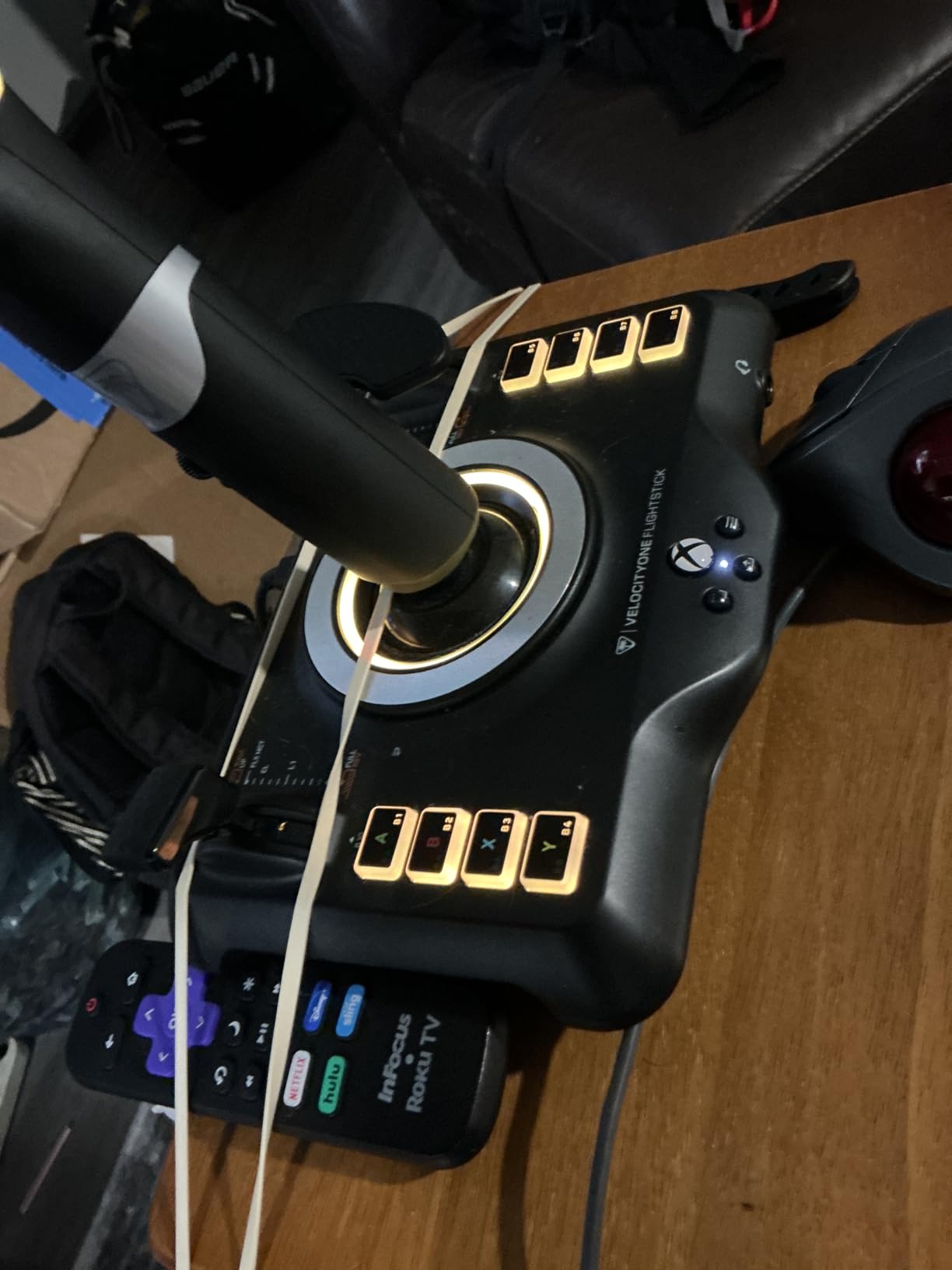
Temper your Xbox expectations. It works properly with MSFS on console, but titles like War Thunder behave poorly or not at all, so verify your games before buying. The touchpad-style navigation sensor is oversensitive and largely unusable for cursor duty.
Some units arrive with axis drift or firmware quirks that need an update to fix, and the 1.8-pound base lifts during aggressive stick work unless you mount it. When it behaves, it is the best single-box option for a console simmer.
Console versus PC setup experience
On PC it enumerates cleanly and binds in MSFS and X-Plane like any joystick. On Xbox, profile switching through the OLED is genuinely faster than menu-diving with a pad.
Mounting considerations
Plan on velcro, clamps, or a mounting plate for energetic flying. On a flat desk used gently, the suction-free base is adequate but not rock solid.
8. PXN 2113PRO – The Cheapest Way to Start Flying
PXN 2113PRO PC Joystick USB Gaming Flight Simulator Controller Flight Stick
Vibration feedback
4-axis stick with 8-way hat
Suction-cup mounting
Windows PC only
Pros
- Lowest-cost way to try flight sims
- Vibration adds some immersion
- 4 axes with twist rudder and hat switch
- Suction cups hold on smooth desks
Cons
- Driver download required before use
- Windows-only compatibility
- Build quality shows wear within months
- Vibration feature is unreliable
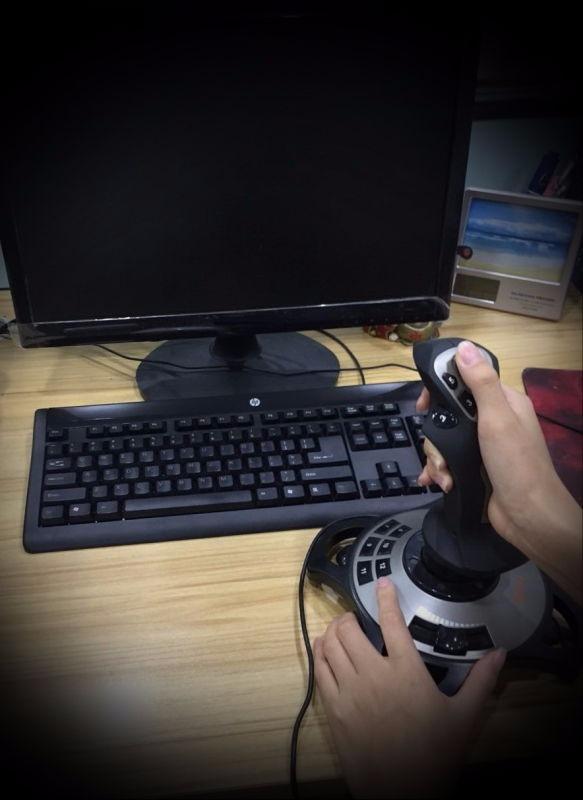
Sometimes you just want to know whether flight sims are for you before spending real money. The PXN 2113PRO answers that question. You get a stick, a throttle lever, 12 buttons, an 8-way hat, and a twist rudder axis in one cheap package.
It handles MSFS, X-Plane 10, and War Thunder on Windows, and the four suction cups genuinely anchor it to a smooth desk. For casual sightseeing flights over your hometown, it does the job a gamepad cannot.
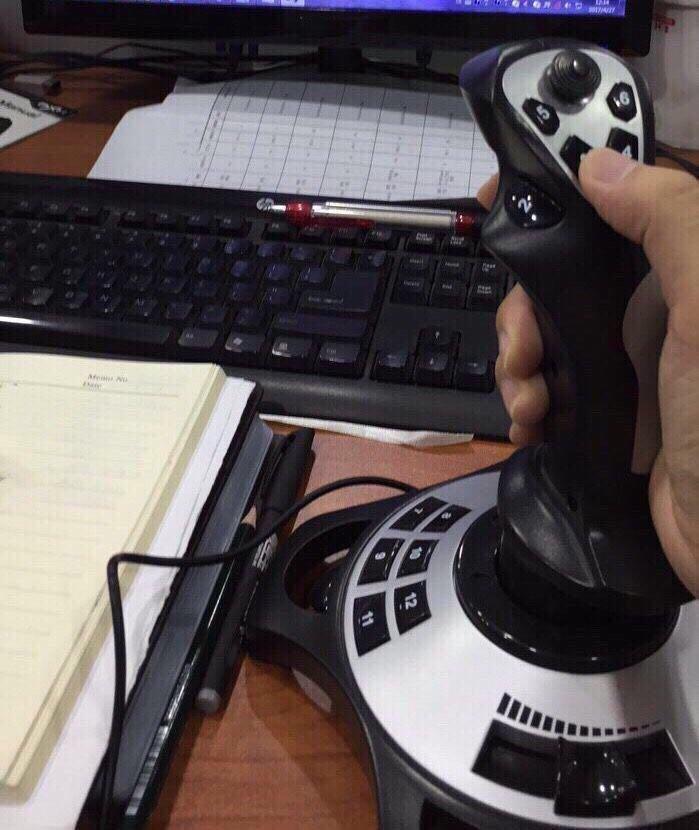
Manage your expectations on everything else. It needs a driver download from PXN’s website before it works properly, the vibration feature is hit-or-miss even when configured, and there is no Mac or console support at all.
Long-term, the build gives up first. Buttons can lose response after months of regular use, which is the real cost of entry-level hardware. As a trial stick or a spare for a second desk, that trade is acceptable.
First-day setup checklist
Download the PXN driver first, then calibrate in Windows before launching your sim. Skipping those two steps causes most of the negative reviews you will read.
When to upgrade from the PXN
If you are still flying after 30 days, upgrade to the T-Flight Hotas X or T16000M. The jump in throttle feel and sensor quality is the largest per-dollar improvement in this entire hobby.
How to Choose the Right Flight Stick or HOTAS Setup?
Picking the best HOTAS for flight sim use comes down to six practical questions, and answering them honestly will point you at one product on this list.
Sensor type first. Hall Effect magnetic sensors, found in the T16000M, X56, Warthog, VelocityOne, and Foxtrot, never wear out or develop dead zones the way older potentiometers do. On a stick you plan to keep for years, this is the spec that matters most.
Count the axes, not just buttons. A twist rudder axis, present on the T16000M, TCA sidestick, Foxtrot, and PXN, removes the immediate need for pedals. The Warthog skips it entirely, so pedal cost belongs in its budget.
Throttle behavior separates good HOTAS units from great ones. The Warthog’s dual throttles with detents are the gold standard, the X56 offers friction adjust and lock, while the T-Flight’s center notch is the main frustration at the budget end.
Match hardware to your platform before anything else. Xbox simmers have exactly two realistic options here, the TCA Captain Pack and the VelocityOne. Everyone else should assume PC and choose freely. Mac users are limited to the Foxtrot among these picks.
Be realistic about desk space and mounting. The Warthog and X56 demand permanent, deep desks, while the VelocityOne and PXN need mounts or suction to stay planted. Measure before you buy, not after.
Budget for the second purchase. Most simmers eventually add rudder pedals, a throttle quadrant, or a mount. A stick-only pick like the Foxtrot assumes that future purchase; an all-in-one like the T-Flight Hotas X delays it.
Frequently Asked Questions
What is the best HOTAS for Microsoft Flight Simulator?
For PC, the Thrustmaster T16000M FCS HOTAS is the best value, while the TCA Captain Pack X Airbus Edition is ideal for airliner flying and the only serious option that also works on Xbox.
Do I need rudder pedals with a flight stick?
Not if your stick has a twist rudder axis, like the T16000M, TCA sidestick, Foxtrot, or PXN. The Warthog has no twist axis, so pedals or a slider mapping are required for yaw control.
Is a HOTAS better than a standalone joystick?
A HOTAS keeps both hands on controls with a physical throttle, which is faster and more immersive in combat and space sims. A standalone stick is fine for casual civilian flying and easier to store.
Which flight stick works best for DCS World and Star Citizen?
For DCS, the Warthog is the premium benchmark and the T16000M the value pick. For Star Citizen, the X56 wins thanks to 189 programmable controls and mini-analog sticks for six-degrees-of-freedom strafe.
Final Verdict
If you want one answer, buy the Thrustmaster T16000M FCS HOTAS. Hall Effect sensors, a twist rudder, and 30 programmable inputs cover every major sim for a mid-range outlay, which is why it takes our editor’s choice for the best flight sticks and HOTAS setups for flight sims in 2026.
Strictly watching your spending? The T-Flight Hotas X is the classic first HOTAS and still the safest cheap buy. Building a forever cockpit for DCS? The all-metal Warthog justifies its cult following. Airliner devotees should grab the TCA Captain Pack, space simmers the X56, and Xbox pilots the VelocityOne.
Whichever you choose, buy for the sims you actually fly today and leave room to grow. Check current availability with the buttons above, and I’ll see you in the pattern.