
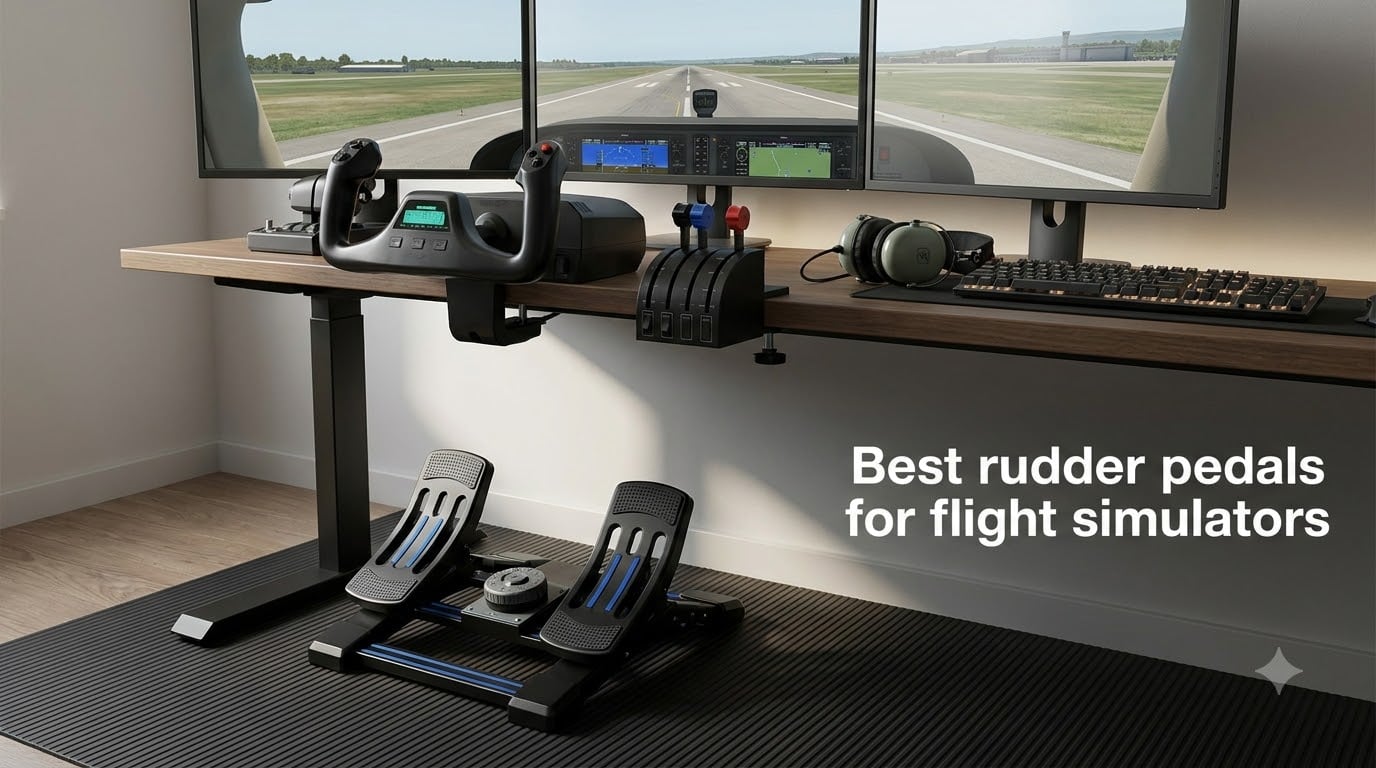
I spent three months sliding around the pattern in MSFS with twist-grip yaw and wondering why my landings kept drifting left off the centerline. The day I bolted a proper set of pedals under the desk, crosswind landings finally made sense. Rudder is half the airplane, and no stick or yoke reproduces it well.
Our team ran seven pedal sets through Microsoft Flight Simulator, DCS, and X-Plane on both PC and Xbox to find the best rudder pedals for flight simulators in 2026. We tracked smoothness around center, toe brake feel, floor stability, and how each set held up across multi-hour sessions. Every unit here earned its place with something specific it does better than the rest.
Below you will find quick picks, a full comparison table, deep dives on each set, a buying guide, and answers to the questions sim pilots ask most. If you fly general aviation, airliners, or fighter jets, there is a set here that fits your setup and your floor.
Table of Contents
Top 3 Picks for Flight Sim Rudder Pedals (October 2026)
Thrustmaster TPR Rudder Pedals
- Pendular suspended mechanism
- H.E.A.R.T magnetic sensors
- Adjustable spring resistance

Logitech G Pro Flight Rudde…
- Self-centering pedals
- Adjustable tension dial
- Aircraft-spaced foot rests

Thrustmaster TFRP Pedals
- PS5 Xbox and PC compatible
- Four aluminum rails
- Differential toe brakes
The TPR is the set I reach for when I want pedals that feel like the real aircraft. The Logitech G Pro set is the smart middle pick for most home cockpits. The TFRP gets you solid yaw control on any platform for the least money.
Best Rudder Pedals for Flight Simulators in 2026
| Product | Specs | Action |
|---|---|---|
| Thrustmaster TPR Rudder Pedals |
|
Check Latest Price |
 Logitech G Pro Yoke + Pedals Logitech G Pro Yoke + Pedals |
|
Check Latest Price |
| Logitech G Pro Flight Rudder |
|
Check Latest Price |
| Thrustmaster TFRP Pedals |
|
Check Latest Price |
 Turtle Beach VelocityOne Turtle Beach VelocityOne |
|
Check Latest Price |
 Thrustmaster T-Flight Full Kit Thrustmaster T-Flight Full Kit |
|
Check Latest Price |
 Honeycomb Charlie Pedals Honeycomb Charlie Pedals |
|
Check Latest Price |
Two quick notes before the reviews. Console players should read the compatibility lines carefully, because only three of these sets work on Xbox and one works on PlayStation. Everyone else can focus purely on mechanism and feel.
1. Thrustmaster TPR Rudder Pedals – Best Premium Pendular Pedals
Thrustmaster TPR Rudder Pedals, Flight Simulator Rudder Control – PC
Pendular suspended mechanism
H.E.A.R.T magnetic sensors
Adjustable spring resistance
PC via USB
Pros
- Pendular mechanism replicates real aircraft pedal motion
- HallEffect sensors with no mechanical wear
- Accurate differential braking praised by real pilots
- Adjustable springs for combat
- airline or GA flying
- All-metal build that stays quiet
Cons
- Expensive investment
- 20 pound unit can slide without anchoring
- Connector wire placement could be better
I came to the TPR from a set of plastic slide pedals, and the first hour felt like switching from a rental car to a service vehicle. The pendular suspended mechanism swings each pedal on an arc instead of sliding them along a rail, so your feet trace the same path they would in a real cockpit. Taxiing the A320 felt natural for the first time ever.
What sold me was the H.E.A.R.T HallEffect magnetic sensor system. There is no potentiometer to scratch or drift, and the axis stayed perfectly centered through six weeks of daily flying. Real airline pilots in the review section confirm the differential braking feel, and I had the same experience feathering brakes on a short runway in the Fenix.
The adjustable spring resistance is where the TPR earns its keep across aircraft types. Two springs and multiple mounting positions let you firm things up for combat jet work or soften them for long general aviation cruises. I ran the softer setting for a four-hour airliner leg and my ankles never complained.
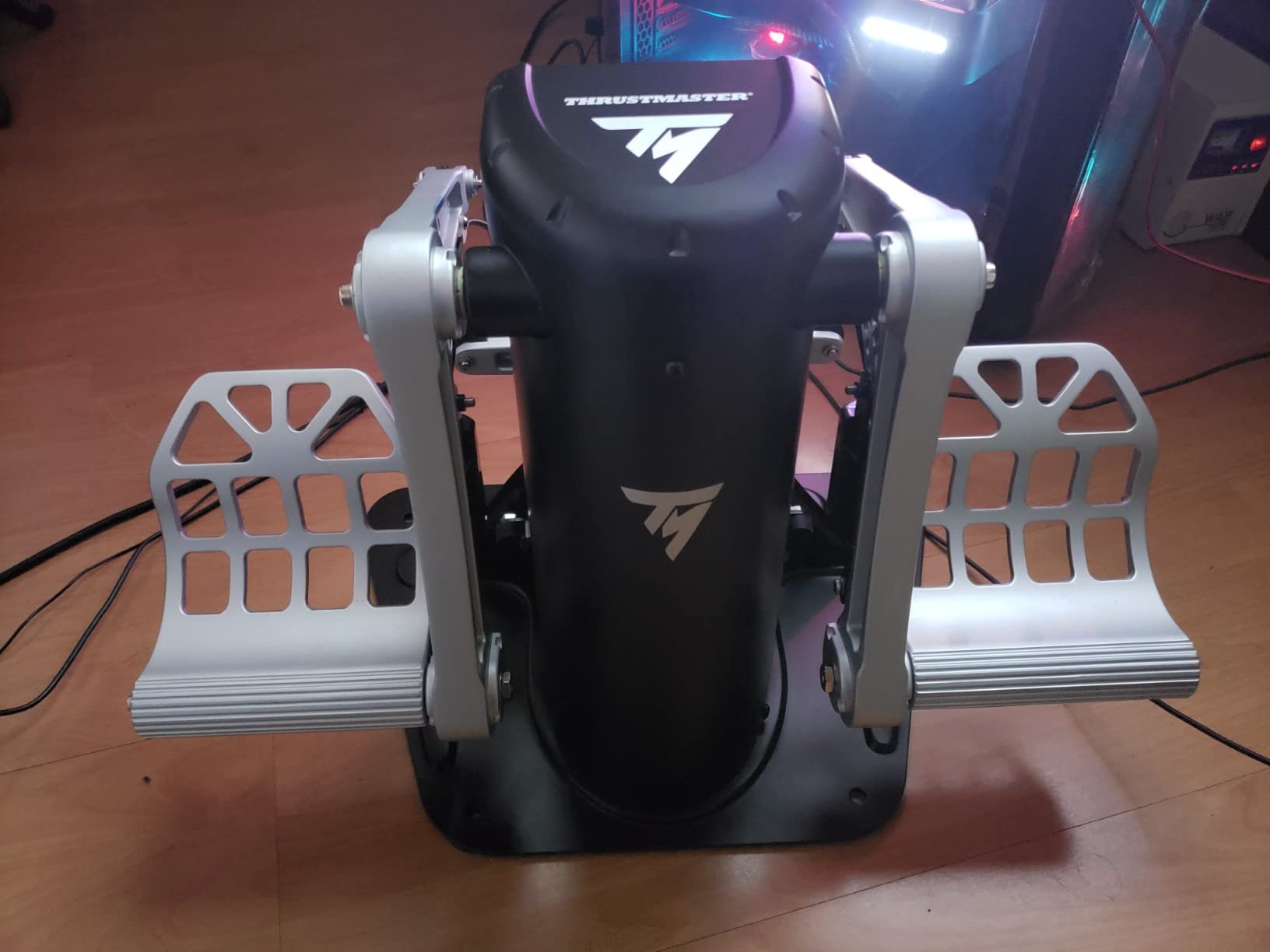
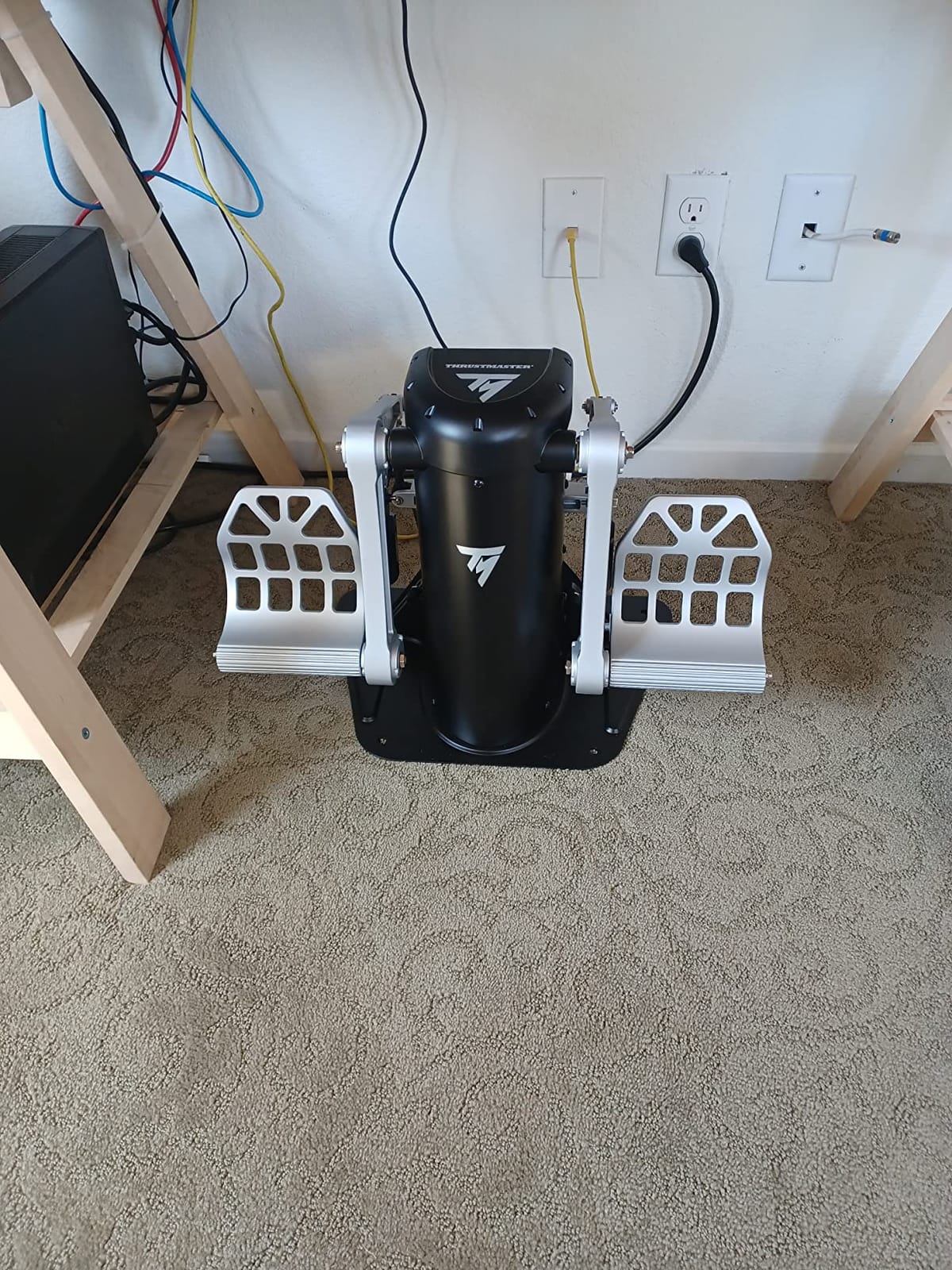
On the technical side, the all-metal construction is the reason this thing weighs 20.2 pounds. That mass keeps it planted on carpet, but on hardwood I still needed a strip of anti-slip mat under the front edge. It runs quiet with zero squeaks, which matters when you fly at 2 AM like I do.
Setup was genuinely plug-and-play in DCS and MSFS on my Windows PC. The unit appeared as a standard USB controller, both toe brake axes mapped on the first try, and I never touched a driver. Just know that this is a PC-only device with no console support at all.
The weak points are minor but real. The connector wire exits in a spot that is easy to kick, and a few owners mention the same annoyance. At this price it costs more than many complete HOTAS setups, which is the single biggest barrier for most simmers.
Is the TPR worth it over the Crosswind-class competition?
If you fly airliners or warbirds regularly and want the closest thing to real aircraft pedal motion, yes, and nothing else in this list matches its arc travel. If you fly casual GA trips once a week, the money is better spent elsewhere in your cockpit. The TPR is a buy-it-once purchase backed by a one-year warranty.
Consider your floor and your desk before ordering. The 18.8 x 18 x 14.1 inch footprint and pendular design need clearance that slide pedals do not. Measure your legroom first, because the pedal arc extends upward and forward at the same time.
How much maintenance does the pendular mechanism need?
In six weeks of daily use mine needed nothing beyond an occasional wipe-down. The magnetic sensors are non-contact, so there are no wear parts in the sensing path the way potentiometers have. Thrustmaster rates the same H.E.A.R.T system for millions of cycles in their high-end lines.
The only thing to watch is floor creep on smooth surfaces. A rubber mat or the anchoring options solve it completely. Once anchored, mine has not moved a millimeter.
2. Logitech G Pro Flight Yoke System + Rudder Pedals Bundle – Best Complete Starter Setup
Logitech G Pro Flight Yoke System + Pro Flight Rudder Pedals Bundle
Yoke plus rudder pedal bundle
54 programmable controls
Differential toe brakes
Windows via USB
Pros
- Full yoke and pedal cockpit in one purchase
- Self-centering pedals with toe brakes
- 54 plus programmable controls
- Adjustable non-slip foot rests
- Plug-and-play in MSFS
Cons
- Noticeable friction in the yoke band
- Plastic build feels less premium
- Trim wheel travel takes getting used to
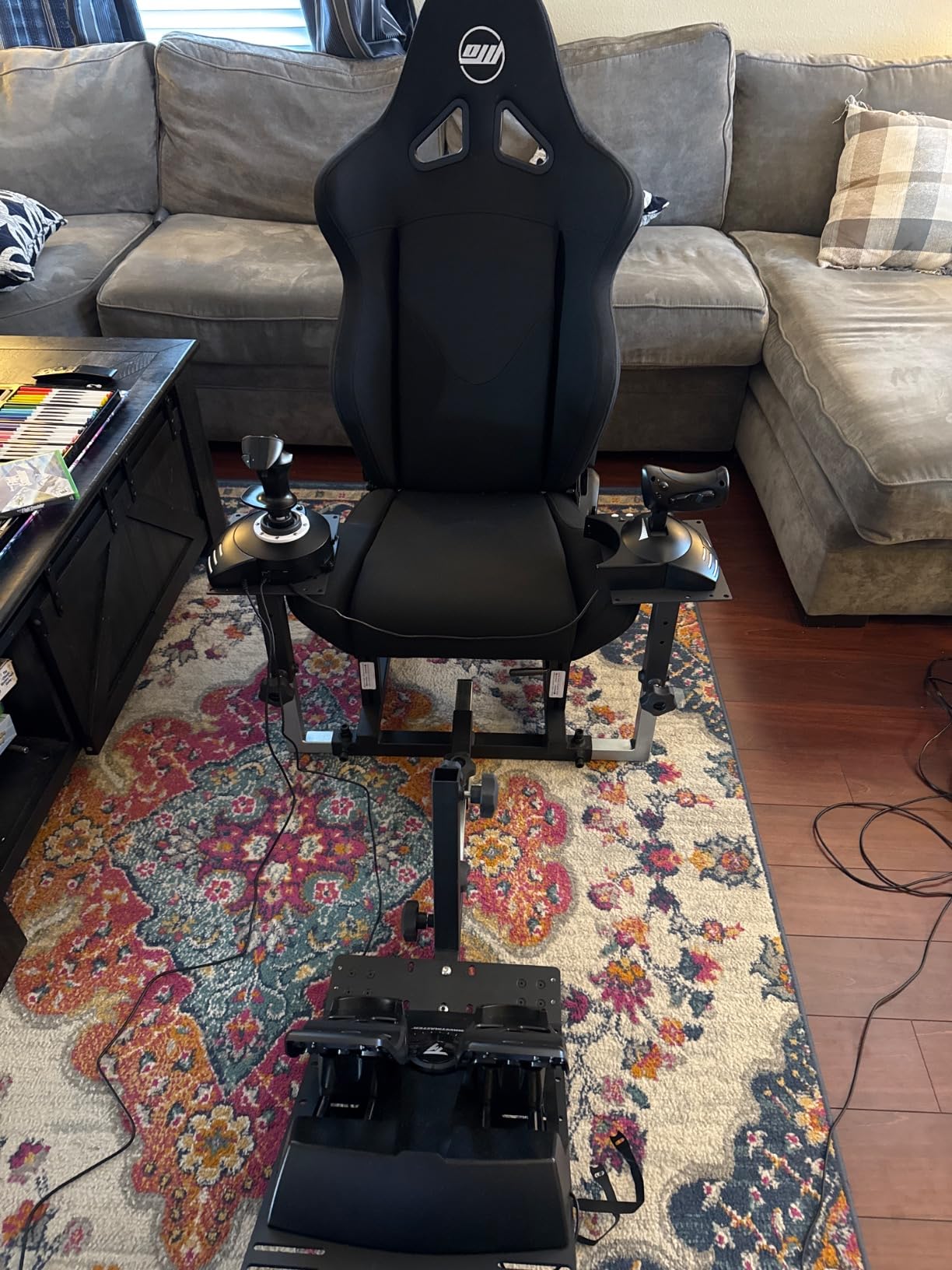
This is the bundle I recommend to friends starting from zero, because it solves three problems with one box. You get a two-axis yoke with a throttle quadrant, a full set of self-centering rudder pedals, and the reassurance that everything is designed to work together. My first general aviation cockpit was almost exactly this configuration.
The pedals themselves are the familiar Logitech G Pro design, spaced apart like real aircraft pedals rather than crammed together. Self-centering is smooth, and the differential toe brakes respond progressively enough for soft-field work. MSFS recognized the whole setup the moment I plugged it in.
The yoke side is where the value concentrates. A POV hat, 14 buttons, and a 3-position mode switch give you more than 54 programmable controls once you factor in the quadrant. I mapped flaps, trim, gear, and view controls without ever touching the keyboard during a flight.
Now the honest part. The yoke headband has significant friction out of the box, and rolling into a turn takes more effort than it should. Some of that smooths out with use, and a little dry PTFE lube helps, but it never fully disappears. The mostly plastic construction also reminds you what you paid.
Trim sensitivity is the other learning curve. The yoke axis needs a fair amount of roll input before the sim registers movement, so precise bank angles take practice. Several owners also report the package feels best in Microsoft Flight Simulator and less polished in X-Plane, which matched my experience with bindings.
Pedal stability follows the Logitech pattern. The non-slip foot rests hold your shoes well, but the base itself will creep on bare hardwood, so plan on a mat or Velcro strips. On carpet, it stayed put for me without any help.
Who should buy the bundle instead of separate pieces?
Anyone who currently flies with a mouse and keyboard, or with a joystick only, gets the most from this package. Buying yoke and pedals together here costs far less than sourcing them separately, and compatibility is guaranteed. It is the fastest path from nothing to a working general aviation cockpit.
If you already own a decent stick or yoke, skip this and buy the standalone Logitech pedals lower on this list. Duplicating hardware you like is wasted budget that could go toward better pedals.
Will it work with X-Plane and other sims?
On Windows, yes, both units register as standard USB devices and X-Plane sees them fine with manual binding. The plug-and-play auto-binding experience is noticeably smoother in MSFS. DCS works too, though you will spend a few minutes mapping axes by hand.
There is no console support here. This is a Windows-only bundle, so Xbox and PlayStation pilots should look at the Turtle Beach or Thrustmaster console options instead.
3. Logitech G Pro Flight Rudder Pedals – Best Value for Most Pilots
Logitech G Pro Flight Rudder Pedals
Self-centering pedals
Adjustable tension dial
Adjustable pedal length
USB 2.0 for Windows
Pros
- Best under $200 according to many owners
- Pedals spaced like a real aircraft
- Twist-dial tension adjustment
- Plug-and-play in MSFS
- Long USB cable
Cons
- Mostly plastic construction
- Tends to slide on smooth floors
- Slight pedal wobble
- No daisy chain USB port
This is the set that lives under my main desk, and with 2800 reviews behind it, it is the default recommendation I give most people hunting the best flight sim pedals without going premium. The pedals sit properly spaced apart like a real Cessna, not squeezed onto one narrow rail. My feet found home position instantly.
The tension adjustment is a simple twist dial, and it works exactly the way you want it to. I tightened it for helicopter work in DCS and loosened it for a lazy cross-country in the Cub. Pedal length also adjusts via a spring-loaded button, so tall and short pilots both get a comfortable stance.
Setup was the easiest of any unit I tested. Windows and MSFS picked up the axes with no driver installation, and the bindings loaded automatically the first time I launched a flight. It has worked just as cleanly in DCS and X-Plane.
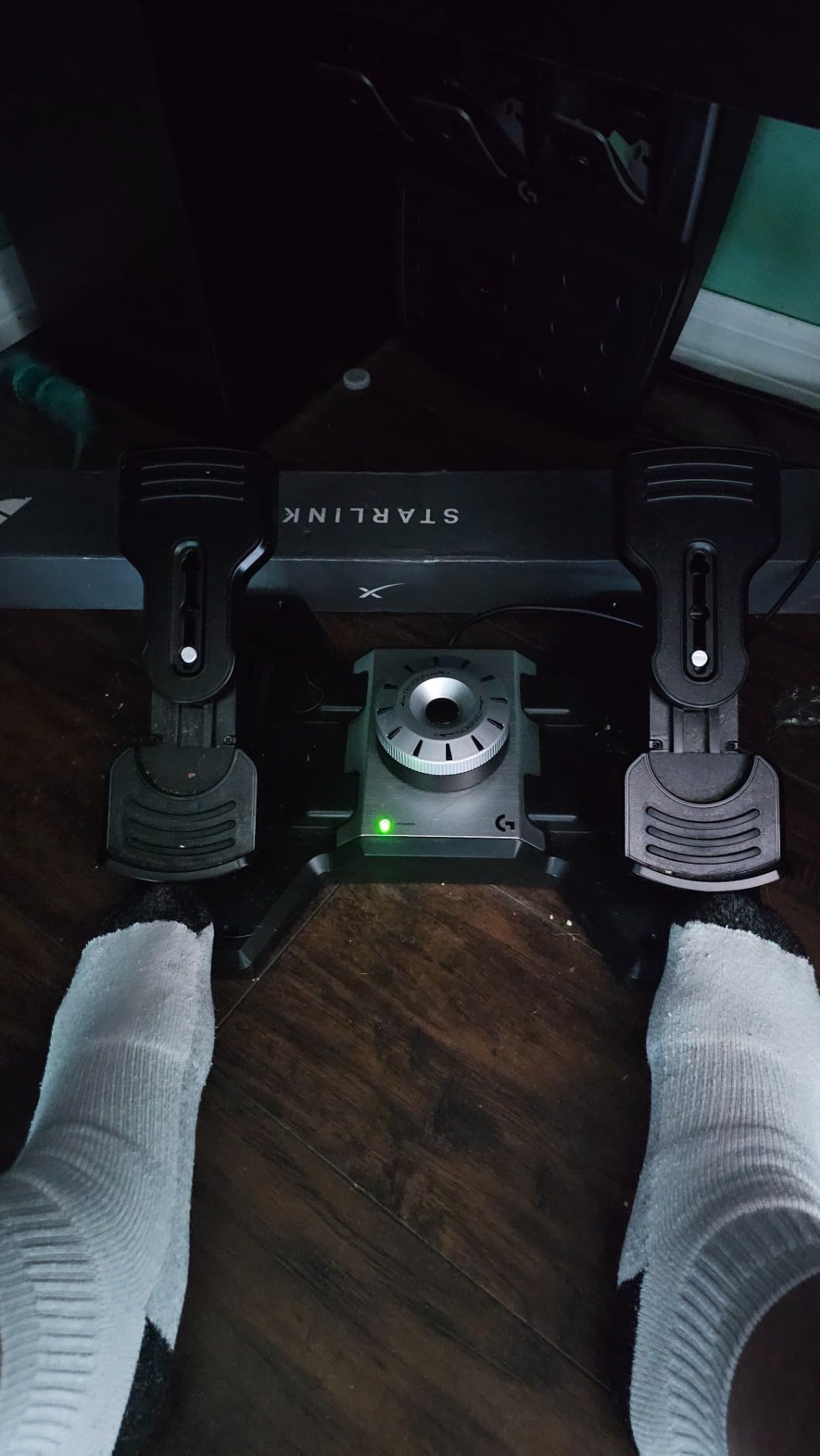
Technically, you get a 9-bit rudder axis and 7-bit toe brake axes, which is standard at this price and plenty for smooth flying once calibrated. Part-metal construction keeps the frame rigid where it matters. The 5.1 pound weight is both a feature and a flaw depending on your floor.
That flaw is floor grip. On hardwood, mine skated backward during aggressive taxi turns until I added a rubber mat and a strip of Velcro. On carpet it stayed planted with no help. Some users also note a slight wobble in the pedals under hard pressure, and I felt a trace of it too, though never during normal flying.
Two smaller gripes are worth knowing. The sensitivity knob has a limited effective range, so expect to fine-tune response curves in your sim rather than on the unit. And there is no daisy chain USB output, so this will occupy its own port on your PC.
Do these pedals pair well with a yoke setup?
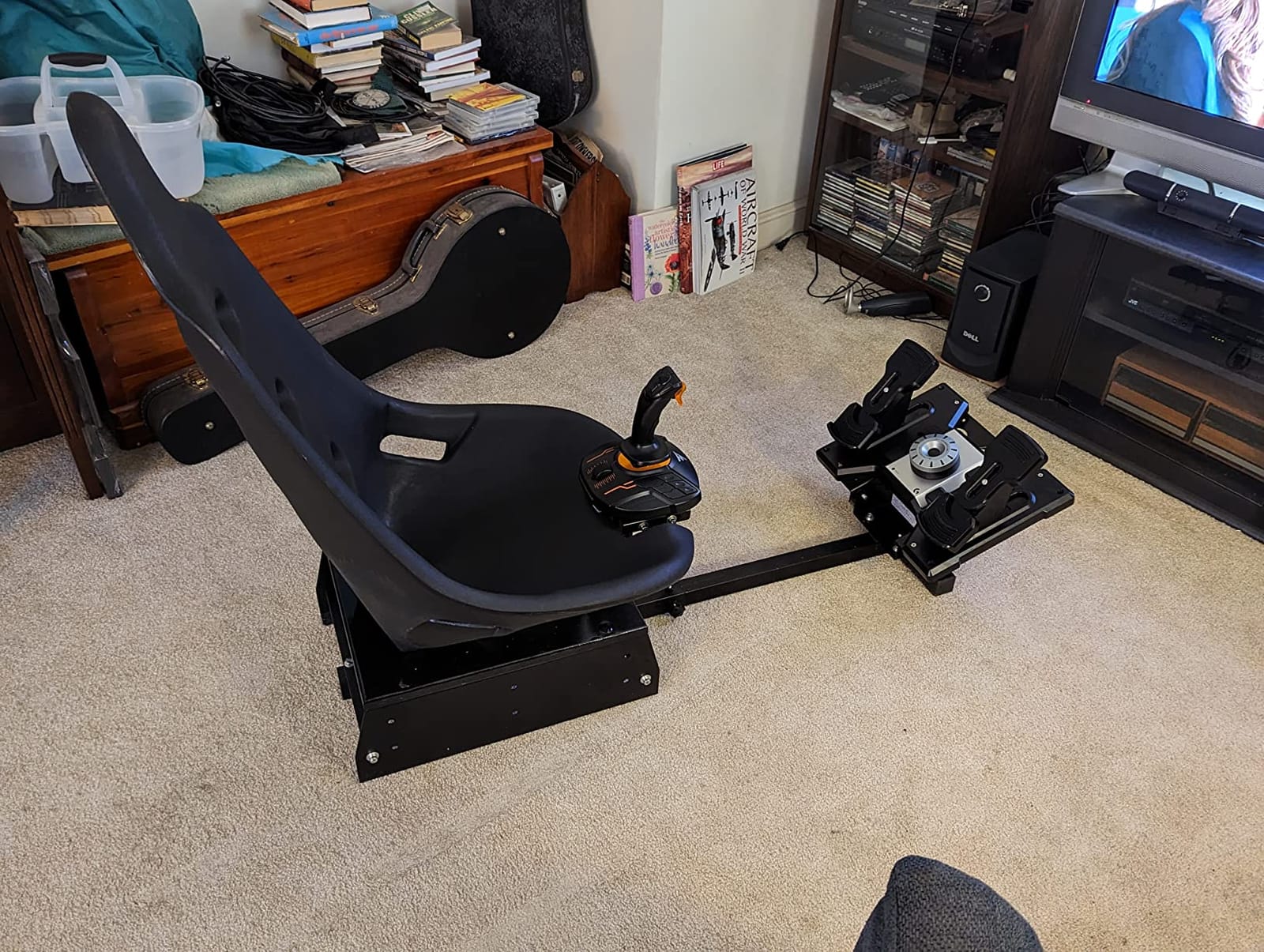
Yes, that is exactly the use case they were designed for. Pair them with the Logitech yoke, a Honeycomb Alpha, or any yoke you like and you have full three-axis control. Mixed-brand setups work fine too, since the pedals show up as their own USB device.
My testing included running them alongside a Thrustmaster stick with no conflicts. Windows handles multiple controllers cleanly, and MSFS lets you assign yaw to pedals while the stick keeps roll and pitch.
How do they hold up over long sessions?
I have logged multi-hour flights on these with no discomfort and no mechanical change in feel. The plastic has not developed any creaks after months of use. Just anchor the base first, because fatigue sets in faster when you are subconsciously chasing a sliding pedal set with your feet.
The long USB cable is a genuine plus here. It reaches a tower under the desk without an extension. That saves you the hub-related headaches that plague some other sets on this list.
4. Thrustmaster TFRP Precision Flight Sim Rudder Pedals – Best Budget Pick
Thrustmaster TFRP Precision Flight Sim Rudder Pedals – PS5, XBOX & PC
PS5, Xbox and PC compatible
S.M.A.R.T rail system
Four aluminum rails
Differential toe brakes
Pros
- Works on PS5
- Xbox Series and PC
- Smooth aluminum rail sliding system
- Long pedal travel for precision
- Plug-and-play with no driver hunting
- Telephone plug link to Thrustmaster throttles
Cons
- Mostly plastic build
- Lightweight and slides on hardwood
- No adjustable resistance
- Touchy near center without calibration
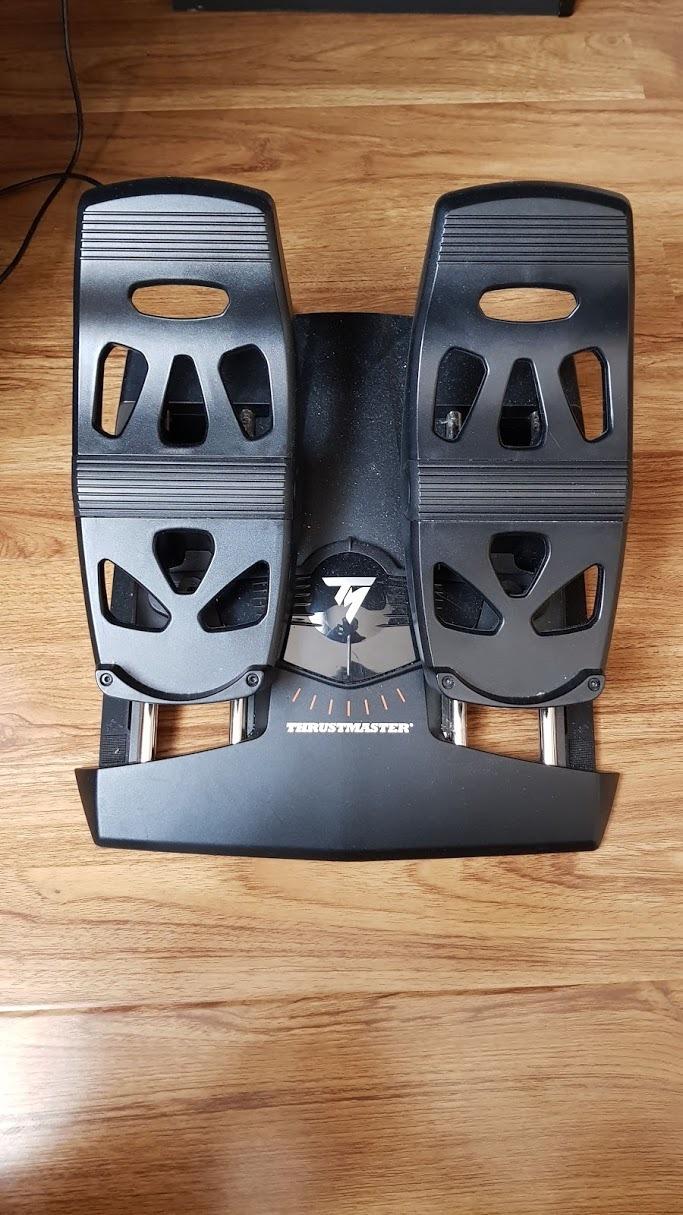
For pure value, nothing here touches the TFRP, and it is the cheapest way into yaw control on a console. The S.M.A.R.T rail sliding system runs the pedals on four real aluminum rails, and the motion is smoother than the price suggests. First impressions genuinely surprised me.
The compatibility list is the standout feature. These pedals work with PC, PlayStation 4, PlayStation 5, Xbox One, Xbox Series X, and Xbox Series S, which is a combination nothing else in this roundup matches. If your flying happens on a console, this and the Turtle Beach are your realistic choices.
Pedal travel is long, and that is a good thing. Long travel means fine control inputs around center, which is exactly where rudder work lives. Taxiing a taildragger in X-Plane felt far more manageable than I expected at this price.
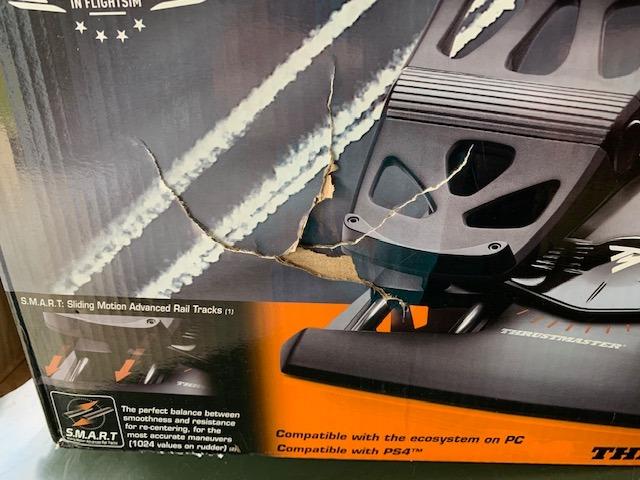
The compromises start with the build. At 4.9 pounds and mostly plastic, the TFRP will slide on hardwood unless you put a mat under it, same story as the Logitech set. On carpet it behaved well for me. There is no adjustable resistance either, so the pedal feel is what it is.
Calibration is the real work you need to do. The axis is somewhat sensitive near center, so a non-linear response curve in your sim settings makes the feel much more realistic. A few owners report needing extensive tweaking to get clean axes, and I spent about twenty minutes in Windows calibration tools before mine was dialed in.
One clever feature deserves mention. A telephone-style plug lets you connect the pedals to a Thrustmaster throttle, so both appear to the sim as a single controller. That tidies up device management in MSFS considerably if you run a Thrustmaster HOTAS.
Are the TFRP pedals good for beginners?
They are arguably the best first set, because the price makes the experiment low-risk and the long travel teaches smooth inputs from day one. Beginners also benefit from the plug-and-play setup on every platform. You may outgrow the sensitivity quirks, but by then you will know exactly what you want next.
The trade-off is that you might eventually want adjustable tension and metal construction. Owners who upgrade usually move to the TPR or the Honeycomb Charlie. Plenty of pilots never feel the need.
Which consoles and sims are actually supported?
PC, PS4, PS5, Xbox One, and Xbox Series X and S are all supported over USB. On Xbox, you are limited to flight sims that accept peripheral input, with Microsoft Flight Simulator being the main one. On PC, everything from MSFS to DCS to X-Plane works.
PlayStation support makes this the only real option on this list for PS5 pilots. Nothing else here connects to a PlayStation. If that is your platform, the decision is already made.
5. Turtle Beach VelocityOne Universal Rudder Pedals – Best for Xbox and PC
Turtle Beach VelocityOne Universal Rudder Pedals for Windows 10 & 11 PCs, Xbox Series X, Xbox Series S, and Xbox One Featuring Smooth Rudder Axis, Adjustable Brakes and Pedal Width – Black
PC and Xbox compatible
Hall-effect all axes
Two swappable pedal sets
Adjustable width and tension
Pros
- Works on Windows PC and Xbox consoles
- Hall-effect sensors in every axis
- Swappable commercial and GA pedal faces
- Adjustable pedal width and brake tension
- Heavy non-slip base that stays put
Cons
- Needs replug after some PC reboots
- Struggles with USB hubs
- Tall height may need a seat cushion
- Expensive for a pedal-only purchase
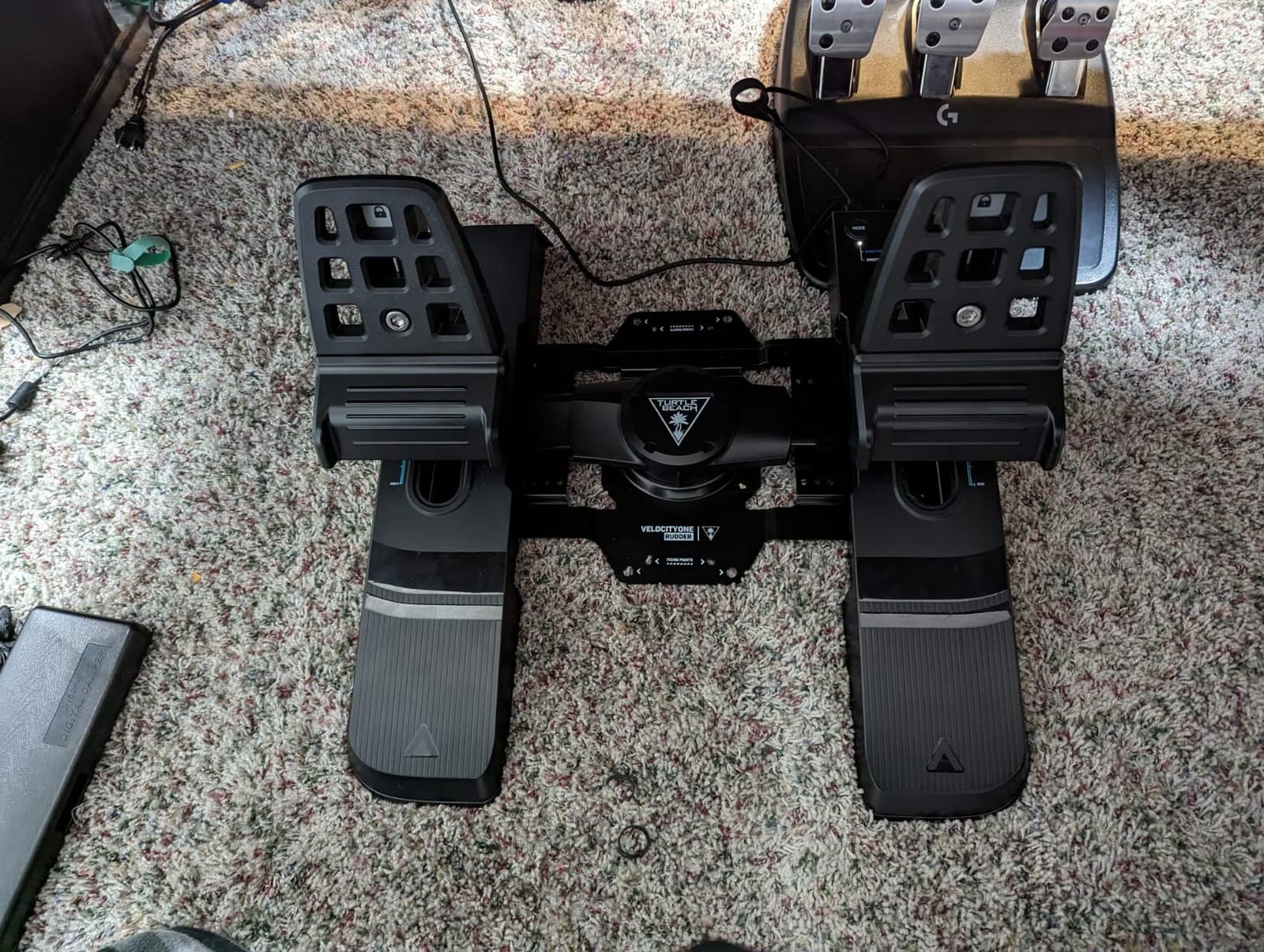
The VelocityOne is the premium console option, and the one I suggest to Xbox pilots who want to skip the budget tier entirely. Hall-effect sensors in all three axes mean no drift and no potentiometer wear, which is rare at any price and nearly unheard of for console peripherals. Mine have stayed dead-center accurate through weeks of testing.
The killer feature is the two sets of swappable pedal faces. Snap on the long commercial pedals for airliner flying, or the short general aviation set for a Cub or a Cirrus. I swap between them depending on the night’s flying, and it genuinely changes the feel of the cockpit.
Adjustability goes deep. Pedal width adjusts for your stance, brake tension adjusts independently, and swappable springs change rudder stiffness. At 13.3 pounds on a non-slip base, this is also one of the few sets that never moved an inch on my hardwood floor.
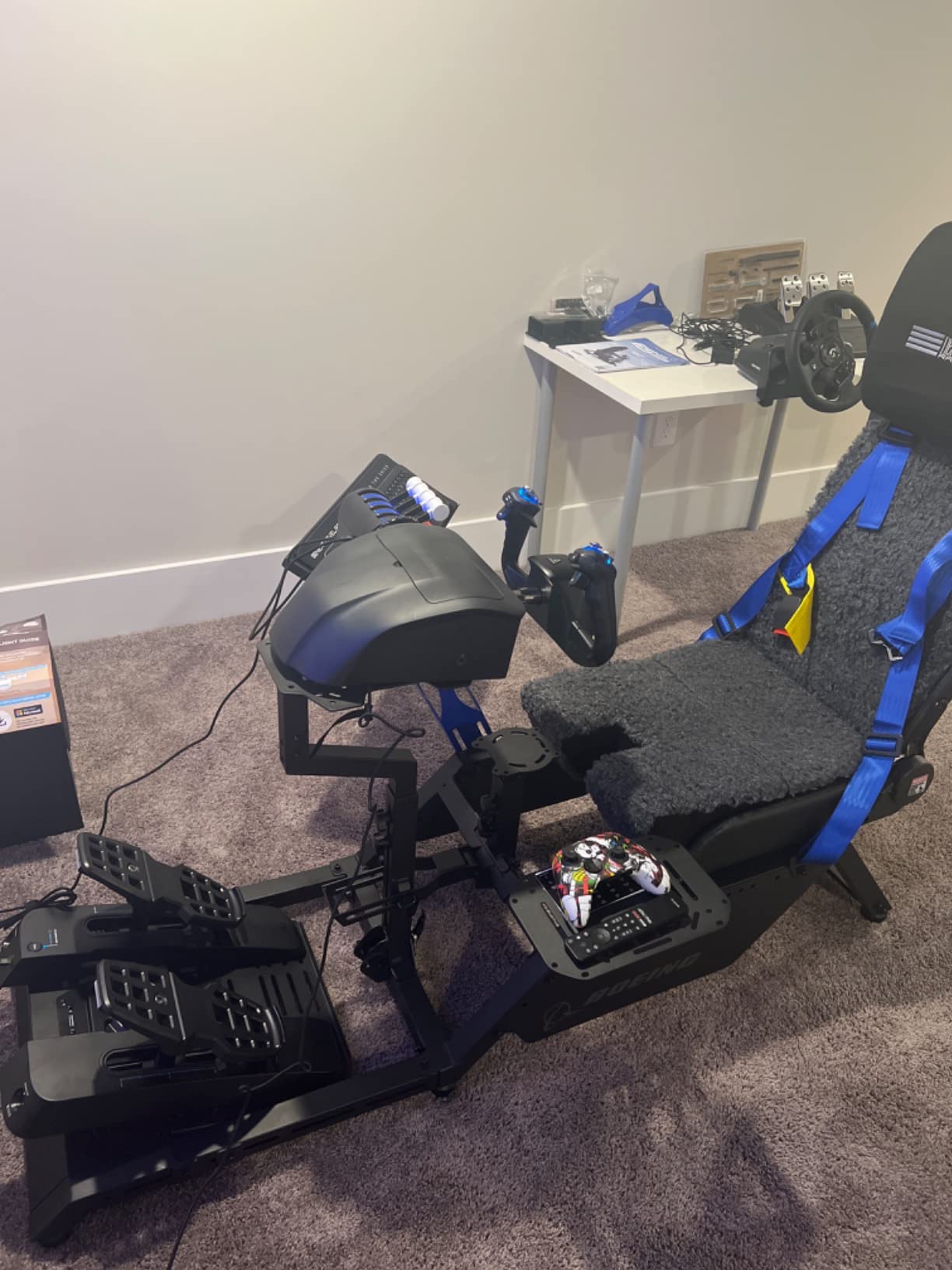
Technically, the unit connects over USB-A to USB-C or USB-C pass-through, and both cables ship in the box. The axes report cleanly in Windows game controllers and on Xbox. Rudder actuation is smooth and precise with no dead zone worth mentioning.
The annoyances are firmware-related rather than mechanical. Several owners, me included on one occasion, found the pedals needed an unplug-replug after a PC reboot to register properly. The firmware update installer has also been reported stalling at zero percent, so update with patience and a wired connection.
Direct USB connection is required, and hubs cause problems, so plan your port layout. The pedal height is taller than most, which some pilots fix with a cushion or booster on the seat. Toe brakes run light, which is fine for GA but soft if you like stiff airliner brakes.
Is the VelocityOne worth it over the TFRP for Xbox?
If Xbox is your main platform and you fly often, yes. Hall-effect sensors, swappable pedal faces, and the rock-solid base are real upgrades over the TFRP. You are paying roughly double for hardware that should outlast plastic rail pedals.
Casual Xbox flyers should save the money and take the TFRP. The TFRP covers basic yaw and braking well enough for occasional sessions. Step up when you know you are hooked.
How fussy is the USB situation really?
Plan on a direct port on the back of your PC or console and you will have no trouble. A hub introduced lag and detection dropouts during my testing, which matches owner reports. The replug-after-reboot quirk is infrequent but real on Windows.
Xbox operation was completely clean for me. Plug in, fly, no firmware drama. PC owners should do the firmware update once, carefully, and then leave it alone.
6. Thrustmaster T-Flight Full Kit HOTAS with Rudder Pedals – Best All-in-One Starter Kit
Thrustmaster T-Flight Full Kit HOTAS with Rudder Pedals – XBOX & PC
HOTAS plus rudder pedal kit
Xbox and PC
Hall-effect joystick sensor
14 mappable buttons
Pros
- Complete stick
- throttle and pedal kit for one price
- Official Xbox integration with Guide and Menu buttons
- S.M.A.R.T slide rails on the pedals
- Removable heel rests cut fatigue
- Adjustable stick resistance
Cons
- Pedals have no self-centering springs
- Throttle has near-zero resistance
- Short stick-to-throttle cable
- Plastic build feels basic
This is the box I put a friend’s kid in front of when he wanted to try flight simming, and it is the cheapest way to buy stick, throttle, and pedals together. Official Xbox integration means the Guide, View, and Menu buttons are right on the stick, so you never need a controller handy to start a flight. On PC it works just as directly.
The Hall-effect joystick sensor is genuinely good for the money, with smooth, precise input and no jitter in my testing. Fourteen mappable buttons plus a rapid-fire trigger and a multidirectional hat switch cover the essentials for combat and civil flying. The throttle quadrant detaches, and stick resistance adjusts via a dial underneath.
The pedals use the same S.M.A.R.T slide rail system as the TFRP, and yaw control is smooth and precise. Full-foot pedal plates with removable heel rests kept my legs comfortable through a two-hour session, which is more than I expected at this price.
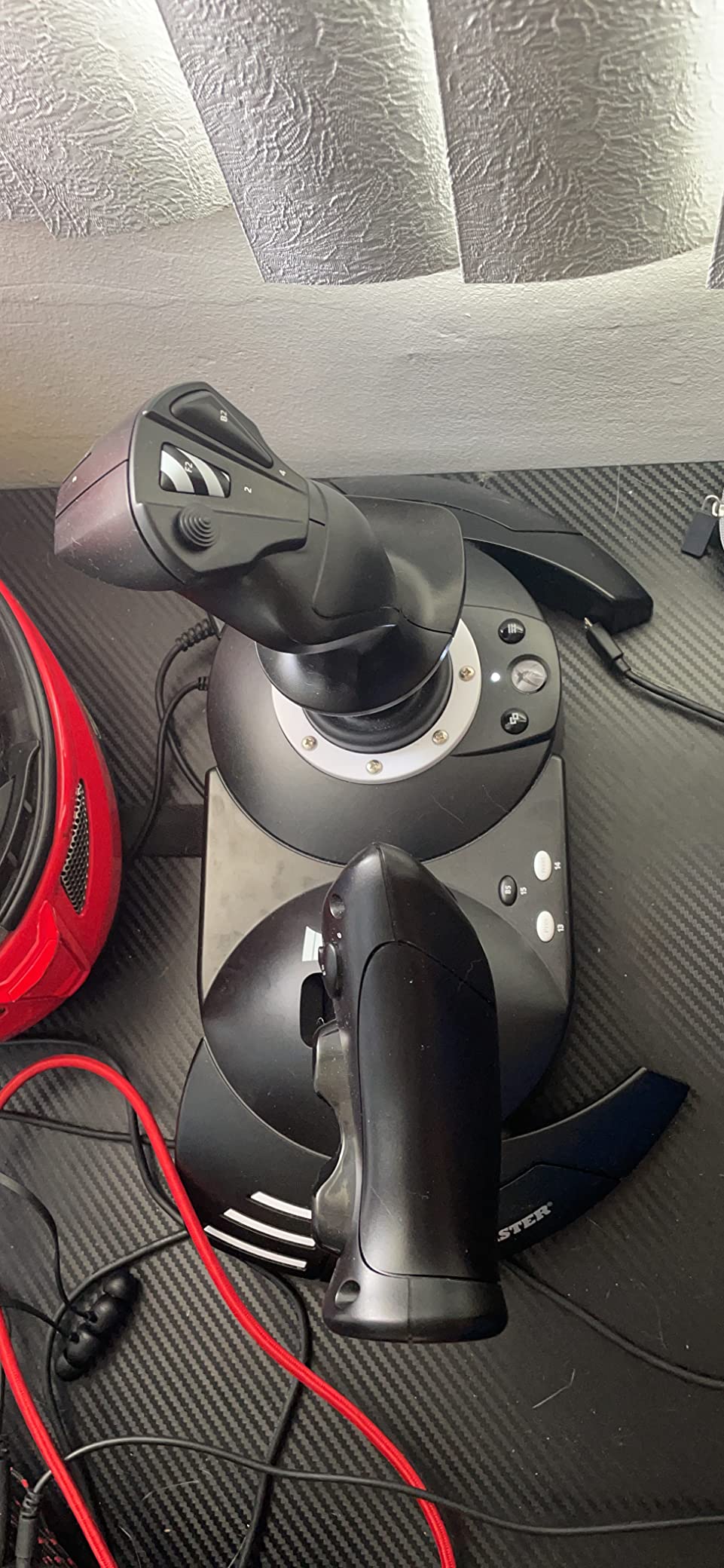
The catch, and it is a big one, is that the pedals have zero return tension. There are no self-centering springs, so whatever rudder position you leave stays there until you move it back. I adapted within a few flights, but pilots used to self-centering pedals will need an evening to adjust.
The throttle also has near-zero resistance with a neutral zone that pushes back toward center, which hurts precision. Hold a specific power setting in a climb and you will find yourself making constant small corrections. The cable between stick and throttle is short too, which limits how you can arrange them on a desk.
Compatibility notes matter here. This kit targets PC, Xbox Series X, and Xbox Series S, with known issues on Xbox One and certain titles like Project Wingman. The firmware update process is also confusing for new users, so have a patient friend or a good guide handy.
Is the T-Flight Full Kit a good first flight sim setup?
For an absolute beginner on Xbox or PC, it is the single best-value entry point into proper three-axis flying. You get every control you need in one purchase, and the price per axis is unbeatable. Kids and casual pilots get a complete experience without any research homework.
Enthusiasts will outgrow it, particularly the throttle and the non-centering pedals. Think of it as a training platform that tells you what to upgrade next, not a lifetime purchase.
How does it compare to buying the TFRP and a stick separately?
Buying separately gets you the self-centering Logitech pedals or the standalone TFRP with better feel, plus a stick of your choice, usually for somewhat more money. The kit wins on price and guaranteed compatibility. Separate components win on quality and upgrade path.
My rule is simple. If the person flying is under 16 or brand new, buy the kit. If they already know they will fly for years, buy components.
7. Honeycomb Aeronautical Charlie Rudder Pedals – Best for General Aviation
Honeycomb Aeronautical Charlie Rudder Pedals – PC- Realistic and Immersive Flight Experience – Left and Right Toe Brake Axis – Adjustable Feet Angles
Belt drive system
Hall Effect sensors
Adjustable pedal angles
Carpet spikes included
Pros
- Belt drive for smooth quiet operation
- Adjustable pedal angles for different aircraft
- Realistic fluid-damped toe brakes
- Carpet spikes and friction strips hold position
- Matches Honeycomb Alpha and Bravo
Cons
- Rear USB-C port prone to cable stress
- Narrow brackets limit rig mounting
- Bulky footprint
- Needs Xbox Hub for console use
The Charlie is the set I recommend to general aviation pilots who want their sim to feel like the aircraft they actually rent. Toe brake resistance is fluid-damped in a way that closely matches a real Cirrus or Cessna, and that single detail transforms taxi and landing practice. My short-field work got noticeably better within a week.
Honeycomb built this around a belt drive system rather than gears or slides, and the result is silent, smooth operation with no lash. Magnetic Hall Effect sensors read every axis without contact, so there is nothing to wear out in the sensing path. Input is precise with almost no correction needed in calibration.
Pedal angle adjusts on each pedal independently via a mechanism on the unit, which lets you set a flat airliner stance or an angled GA stance. Combined with the adjustable resistance knob on the back, I found a configuration that matched my memory of a 172 within an evening.
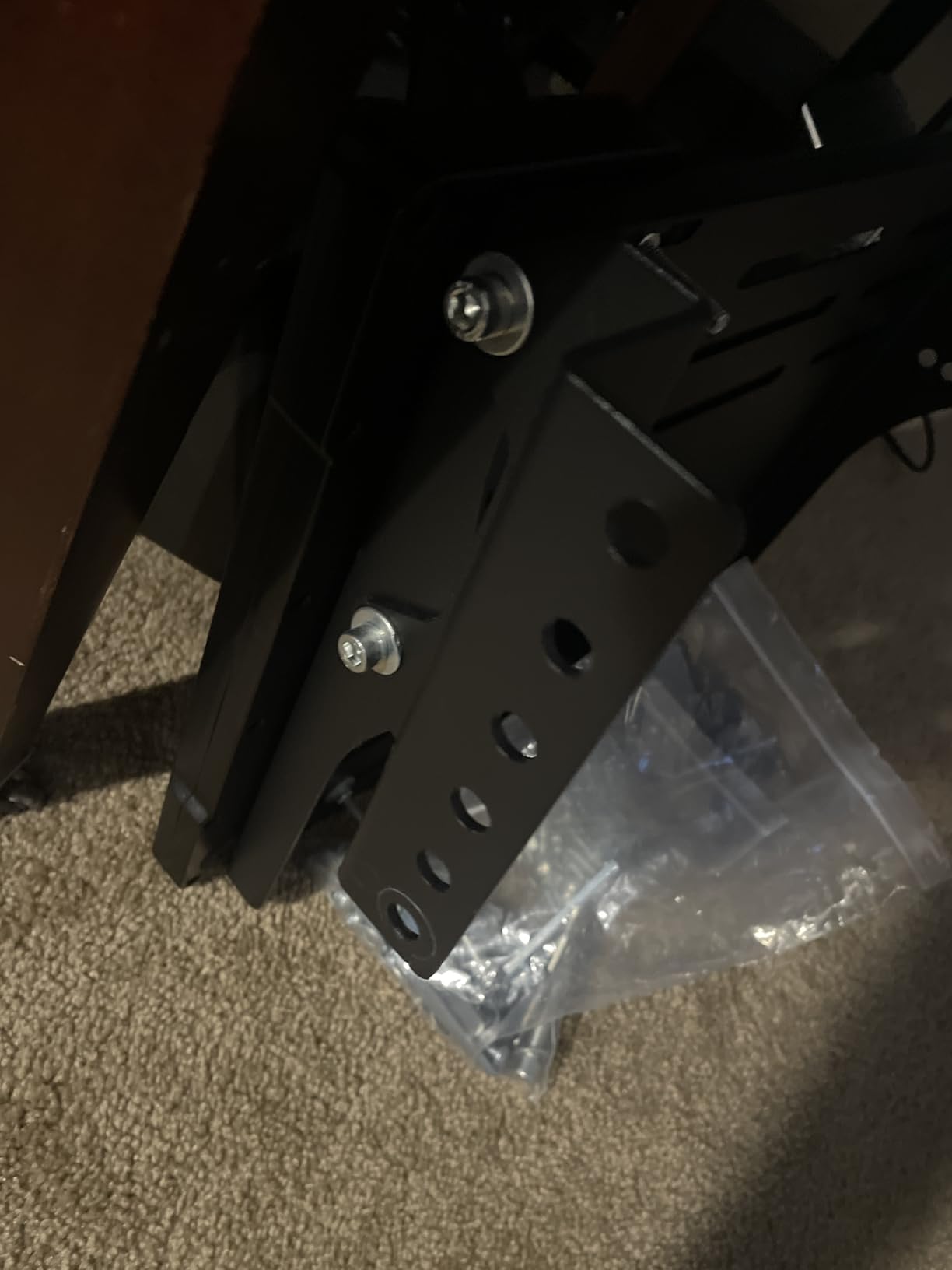
On stability, Honeycomb thought harder about floors than anyone else here. High-friction surface strips plus deployable carpet spikes kept mine planted on both carpet and hardwood. That is a level of attention other manufacturers skip entirely.
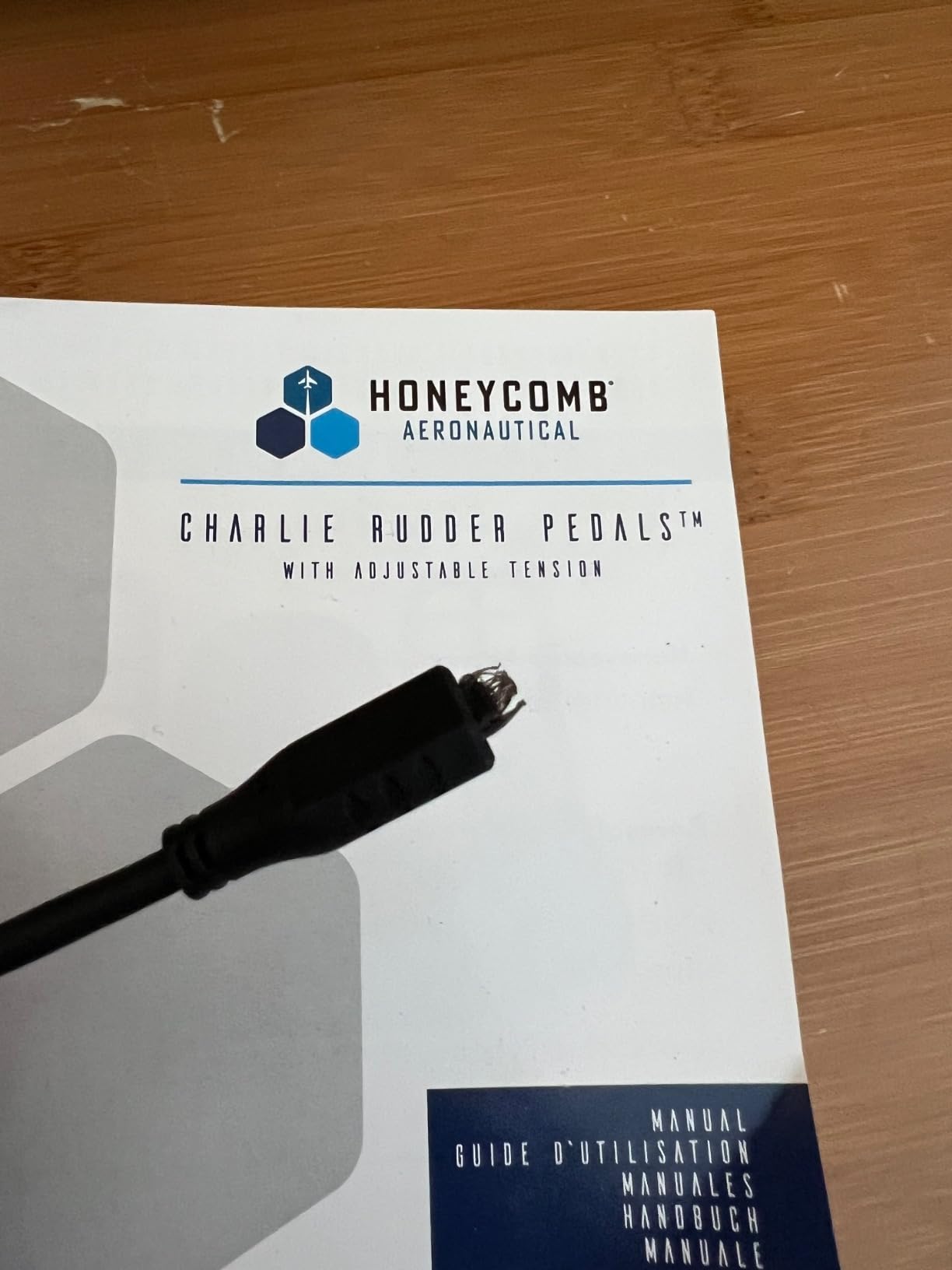
The problems are mostly physical design. The USB-C port lives on the back of the unit, so butting the pedals against a wall stresses the cable, and some owners report the internal port failing over time. A right-angle adapter solved the stress for me. Pedal platform brackets are also narrow for many standard sim rig mounting solutions, which matters if you fly from a rig rather than a desk.
At 19.17 x 19.45 x 8.07 inches, the footprint is bulkier than most competitors, and some owners would prefer more metal and less plastic in the frame. Xbox use requires buying the separate Honeycomb Xbox Hub. The two-year warranty, double most of the list, softens those complaints.
Do the Charlie pedals fit a Honeycomb Alpha and Bravo setup?
That is exactly the cockpit they were designed for, and it is the strongest reason to choose them. Alpha yoke, Bravo throttle quadrant, and Charlie pedals together give you a general aviation cockpit with no brand mixing. Software assignment in MSFS is straightforward across all three.
They work equally well with other brands over USB on PC and Mac. Compatibility covers MSFS, X-Plane 12, and Prepar3D. Just do not expect console support without the extra hub purchase.
How do the Charlie pedals handle long-haul sessions?
The belt drive and damped brakes mean no squeaks, no stick-slip, and no fatigue from fighting the hardware. I ran a five-hour airliner leg with them and the pedals felt identical at the end. For pilots who fly long routes, that consistency matters more than raw spec numbers.
Two caveats for marathon sessions. The anti-slip pads on flat surfaces are less effective than the carpet spikes, so add a mat on hardwood. And the bulk means you need real floor space, so measure before buying.
Buying Guide: How to Choose Flight Sim Rudder Pedals
Picking the right set comes down to five decisions, and getting the first one right eliminates half the options instantly. Here is what actually matters, based on what I learned testing all seven.
Sensor type is the biggest quality dividing line. Potentiometer pedals are cheaper but scratch and drift over time, while Hall-effect magnetic sensors are contactless and never drift. The TPR, VelocityOne, and Charlie all use magnetic sensors, and it shows in their long-term precision. If you fly for years, this is the spec worth paying for.
Mechanism changes the feel more than any spec sheet suggests. Slide rails, like the TFRP and T-Flight, move pedals forward and back and feel familiar to most people. Pendular designs, like the TPR, swing pedals in an arc that better matches real aircraft. Belt drive systems, like the Charlie, trade absolute realism for silence and smoothness.
Platform compatibility is non-negotiable. Only the TFRP covers PlayStation, and only the TFRP, VelocityOne, T-Flight kit, and Charlie-with-hub work on Xbox. Everything else is PC only. Check twice before you buy, because no adapter fixes this.
Adjustability decides whether pedals survive an upgrade. Tension adjustment, pedal spacing, pedal length, and swappable faces all extend the life of your purchase. The VelocityOne and Charlie offer the deepest adjustment, the Logitech G Pro covers the essentials, and the TFRP offers almost none.
Your floor matters more than you think. Every lightweight set on this list slides on hardwood without a mat, and every owner group complains about it. Budget for a rubber mat, Velcro strips, or carpet spikes regardless of which set you buy. Anchoring costs almost nothing and fixes the most common complaint in flight sim pedal reviews.
Two factors almost no one covers: durability over long-haul sessions and VR use. For long sessions, prioritize self-centering pedals with adjustable tension, because fighting non-centering pedals for five hours is exhausting, as I learned on the T-Flight kit. For VR, choose pedals with strong center detents and consistent tension, since you cannot glance down to check foot position with a headset on.
Frequently Asked Questions
Are rudder pedals worth it for flight sim?
Yes, if you fly more than a few hours a month. Pedals give you precise yaw control for crosswind landings, taxiing, slips, and taildragger work that a twist stick cannot reproduce. Pilots who mainly fly airliners on autopilot can wait; everyone else improves immediately.
What rudder pedals do professional pilots use?
Most professional simmers and training setups use high-end sets like the Thrustmaster TPR, MFG Crosswind, or Slaw Device pedals, all featuring contactless sensors and adjustable resistance. Real airline pilots reviewing the TPR specifically praise its pendular motion and differential braking realism.
Do you need rudder pedals for MSFS 2020?
No, MSFS 2020 lets you assign yaw to a twist stick, a joystick axis, or auto-rudder, and casual flying works fine that way. Pedals become valuable for tailwheel aircraft, helicopters, crosswind landings, and aerobatics. Most owners describe pedals as the single biggest realism upgrade they made.
What is the difference between toe brakes and rudder pedals?
Rudder pedals control yaw by sliding forward and back as a pair. Toe brakes are the second function, where tilting the top of each pedal independently brakes the left or right main gear, enabling differential steering. Most mid-range and premium sets include differential toe brakes on both pedals.
Can you use flight sim rudder pedals on Xbox?
Only specific models work: the Thrustmaster TFRP, the Turtle Beach VelocityOne, the Thrustmaster T-Flight Full Kit, and the Honeycomb Charlie when paired with the Honeycomb Xbox Hub. Standard PC-only pedals like the Logitech G Pro set and the Thrustmaster TPR will not connect to a console.
Final Verdict
After three months and seven sets, my picks are clear. The Thrustmaster TPR is the best rudder pedals for flight simulators if budget allows, because its pendular mechanism and contactless sensors are the closest thing to real aircraft pedals at retail. The Logitech G Pro Flight Rudder Pedals are the smart buy for most home cockpits, hitting the price-to-feel sweet spot with 2800 reviews of validation behind them.
Console pilots should choose the Thrustmaster TFRP for the best value or the Turtle Beach VelocityOne for Hall-effect precision and swappable pedal faces. New pilots starting from nothing get everything they need in the T-Flight Full Kit or the Logitech yoke bundle, and general aviation pilots flying Honeycomb cockpits will love the Charlie.
Whichever set you pick, put a mat under it on day one and calibrate the axes before your first flight. Those two free steps fix the majority of complaints in every owner forum I read. Add proper pedals to your setup in 2026 and your crosswind landings will thank you by the weekend.