
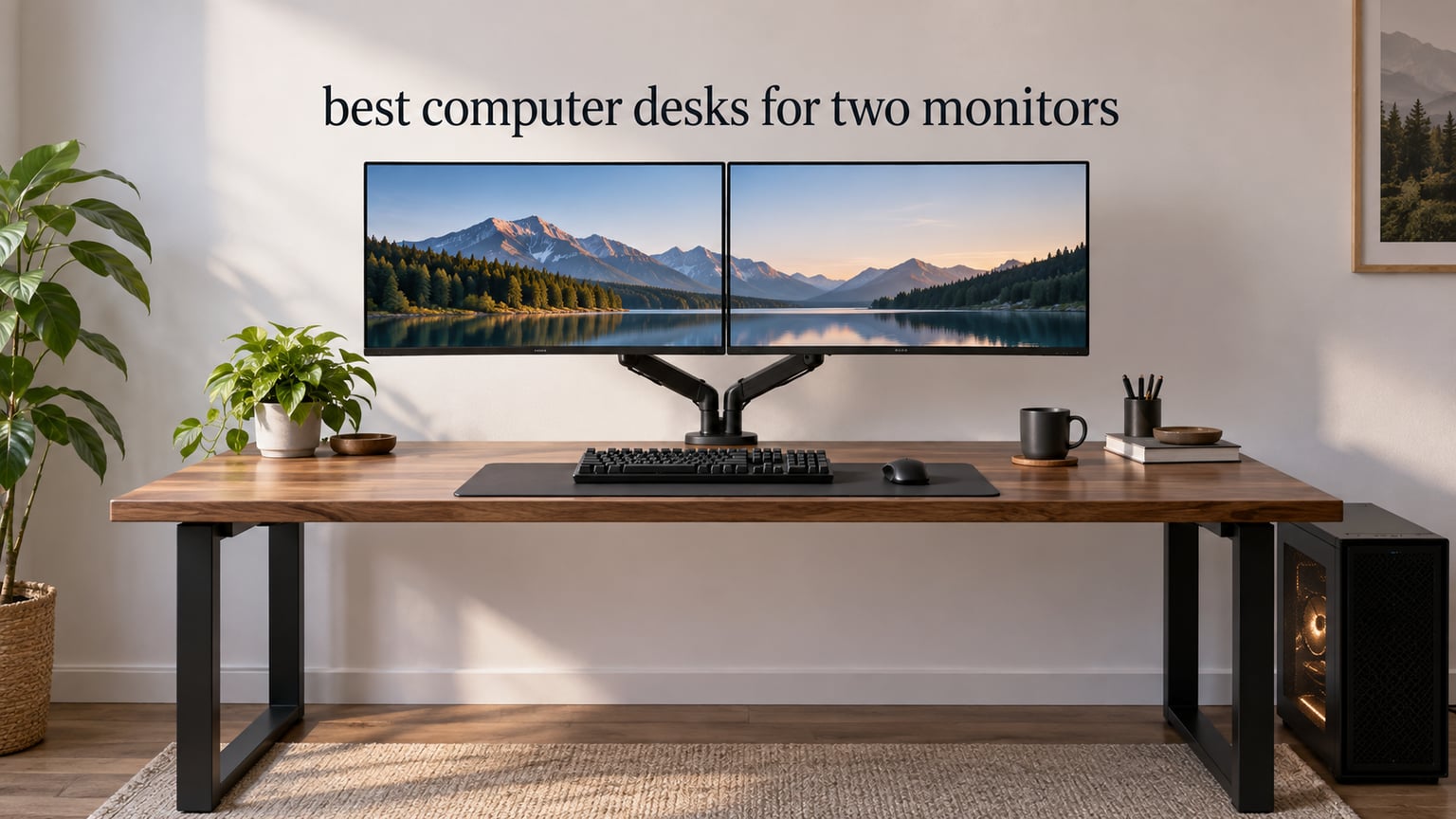
Two 27-inch monitors need a desk at least 55 to 60 inches wide and 28 to 30 inches deep. That single measurement explains why most standard 48-inch desks feel wrong the moment you set them up: the screens either overlap, or you angle them inward hard enough to wreck your neck by lunchtime. I measured and compared 12 of the widest dual-monitor desks available in 2026 to find the ones that hold two screens, a keyboard, a mouse and a PC tower without fighting you for room.
Size is only the first filter. The second is weight, because two monitors plus two arms plus a tower adds up faster than most people expect, and a desk rated below your total load sags or wobbles. The third is depth, and it changes completely depending on whether your screens sit on stands or hang from monitor arms. Everything below is built around those three numbers, because they decide almost everything else.
I have been living with dual-monitor desks for years, swapping between fixed-height and sit-stand frames, and this is the guide I wish I had before buying my first one. If you want the short answer, jump to the quick overview table, then read the sizing section before you commit to anything.
Table of Contents
Top 3 Picks for Dual Monitor Desks in 2026

SHW Mission 55 Inch Desk
- 55 inch top
- 24 inch deep
- 110 lb capacity
- Powder coated steel frame

SHW 55 x 28 Electric Standi…
- Electric lift
- 55 x 28 inch top
- 110 lb capacity
- 4 memory presets

The SHW Mission wins this roundup because it does the simplest thing well: a genuinely 55-inch surface, a steel frame that does not shake, and a 110-pound rating that comfortably covers a two-monitor load plus a tower. The electric SHW is the same width with a lift column added, which is what you want if you alternate between sitting and standing. The Veken is the pick if capacity is your worry, since its 154-pound rating is the highest among the electric desks in this list.
All 12 Dual Monitor Desks at a Glance in 2026
| Product | Specs | Action |
|---|---|---|
| SHW Mission 55-Inch Home Office Computer Desk |
|
Check Latest Price |
| SHW 55 x 28 Electric Height Adjustable Standing Desk |
|
Check Latest Price |
 ErGear 48 X 24 Inch Electric Standing Desk ErGear 48 X 24 Inch Electric Standing Desk |
|
Check Latest Price |
 Bestier 42-Inch L-Shaped Computer Desk Bestier 42-Inch L-Shaped Computer Desk |
|
Check Latest Price |
 Huuger 55 Inch Home Office Desk Huuger 55 Inch Home Office Desk |
|
Check Latest Price |
| Veken 55 Inch Electric Standing Desk |
|
Check Latest Price |
 Furologee 66 Inch L Shaped Desk Furologee 66 Inch L Shaped Desk |
|
Check Latest Price |
 Coleshome 71 Inch Computer Desk Coleshome 71 Inch Computer Desk |
|
Check Latest Price |
 ODK 53 Inch L Shaped Gaming Desk ODK 53 Inch L Shaped Gaming Desk |
|
Check Latest Price |
 Korfile 47 Inch Gaming Computer Desk Korfile 47 Inch Gaming Computer Desk |
|
Check Latest Price |
 AODK 55 Inch Standing Desk AODK 55 Inch Standing Desk |
|
Check Latest Price |
 Lufeiya 55 Inch Desk with Monitor Stand Lufeiya 55 Inch Desk with Monitor Stand |
|
Check Latest Price |
Several desks in this table look ideal on width alone and then fail on depth. The Huuger gives you 54 inches across but only 19.7 inches front to back, which is not enough room for a monitor stand plus keyboard. Read the depth number before you fall for a width figure.
1. SHW Mission 55-Inch Home Office Computer Desk – Best Overall
SHW Mission 55-Inch Home Office Computer Desk, Espresso
24 inch deep x 55 inch wide
110 lb capacity
29.9 lb desk weight
5-year warranty
Pros
- 55 inch top holds a PC plus two monitors with room to spare
- Powder-coated steel frame feels solid with no shaking or bending
- One person can assemble it in about 20 minutes
- Backed by a 5-year limited warranty
Cons
- Fixed 28 inch height is tight for users around 5 foot 5 or taller
- Desk trim is wide so C-clamp monitor mounts do not grip properly
- Engineered wood top can be marked or chipped
This is the desk I recommend to anyone who just wants a large surface and a frame that does not dance when they type. The top measures 24 inches deep by 55 inches wide, and that width is the whole point: two 24-inch or 27-inch panels sit side by side with the bezels nearly touching and a full-size keyboard still in front of them.
Reviewers consistently describe it as simple and sturdy, and that matches what I found. The powder-coated steel frame carries the 110-pound rating comfortably, and the open legroom underneath means you can slide a tower or a rolling drawer unit in without hitting a crossbar. Assembly takes about 20 minutes for one person, with the hardware bagged by step.
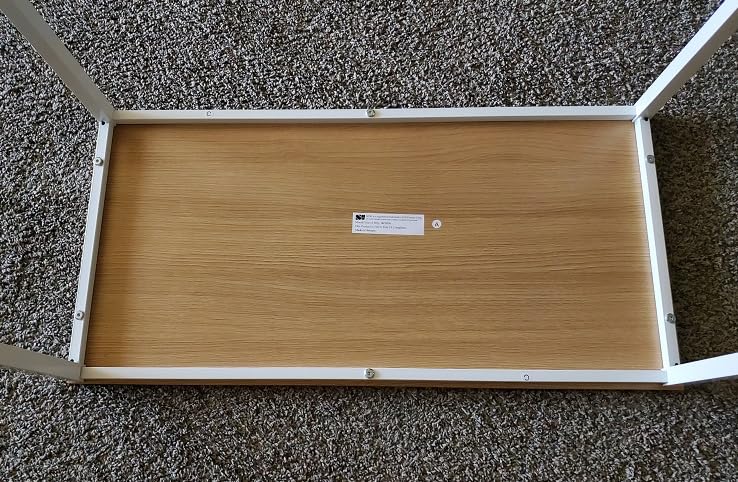
The main thing to plan around is height. At a fixed 28 inches, this desk suits shorter users well and leaves taller users flexing their knees under the keyboard. If you are around 5 foot 5 or taller and plan to sit for long stretches, test it in a store first or add a footrest rather than assuming it will work.
The second quirk is the wide trim along the desk edge, which means a C-clamp monitor arm often will not find purchase on this top. If you want arms, verify the arm’s clamp range against the trim width before you commit. That is the single most common reason people end up on grommet mounts instead.

Check the height before anything else
A 28-inch fixed height is comfortable for a 5 foot 3 to 5 foot 7 user sitting in a standard chair. Taller users tend to raise the chair, which pushes elbows above the surface and creates shoulder tension over a full day. A monitor riser or a footrest can claw back an inch or two of the gap.
Plan your monitor mount before delivery
If your setup uses arms rather than stands, the trim on this desk is the deciding factor. Owners who bought it expecting C-clamps report the clamp slides or simply will not close on the wide edge. Grommet mounts sidestep the issue entirely, so decide which route you want before the desk arrives.
2. SHW 55 x 28 Electric Height Adjustable Standing Desk – Best Standing Desk
SHW 55 x 28 Electric Height Adjustable Standing Desk w/Drawer, White
28 inch deep x 55 inch wide,28-45 inch lift range
110 lb capacity
0.6 inch top
1 drawer
Pros
- 55 inch surface designed for dual monitors
- Quiet motor with four memory height presets
- Sturdy at full extension with no wobble
- Integrated drawer and cable tray with grommets
Cons
- Thin desktop laminate can peel under adhesive tape
- Motor runs slower than premium sit-stand desks
- Loose power cabling and an easy-to-kick adapter tray
This is the same 55-inch footprint as our top pick, but the frame lifts from 28 inches to 45 inches, which is the full sitting-to-standing range most home setups need. For dual-monitor work, that matters more than it sounds: standing changes your viewing distance, and a fixed desk forces you to accept whatever eye height you were given.
The feature list here is unusually complete for this category. You get a storage drawer, a cable management tray, desktop grommets and integrated hooks for headphones or bags. Those grommets matter more than the marketing suggests, because they are the clean way to mount arms and run cables without a clamp biting into the surface.
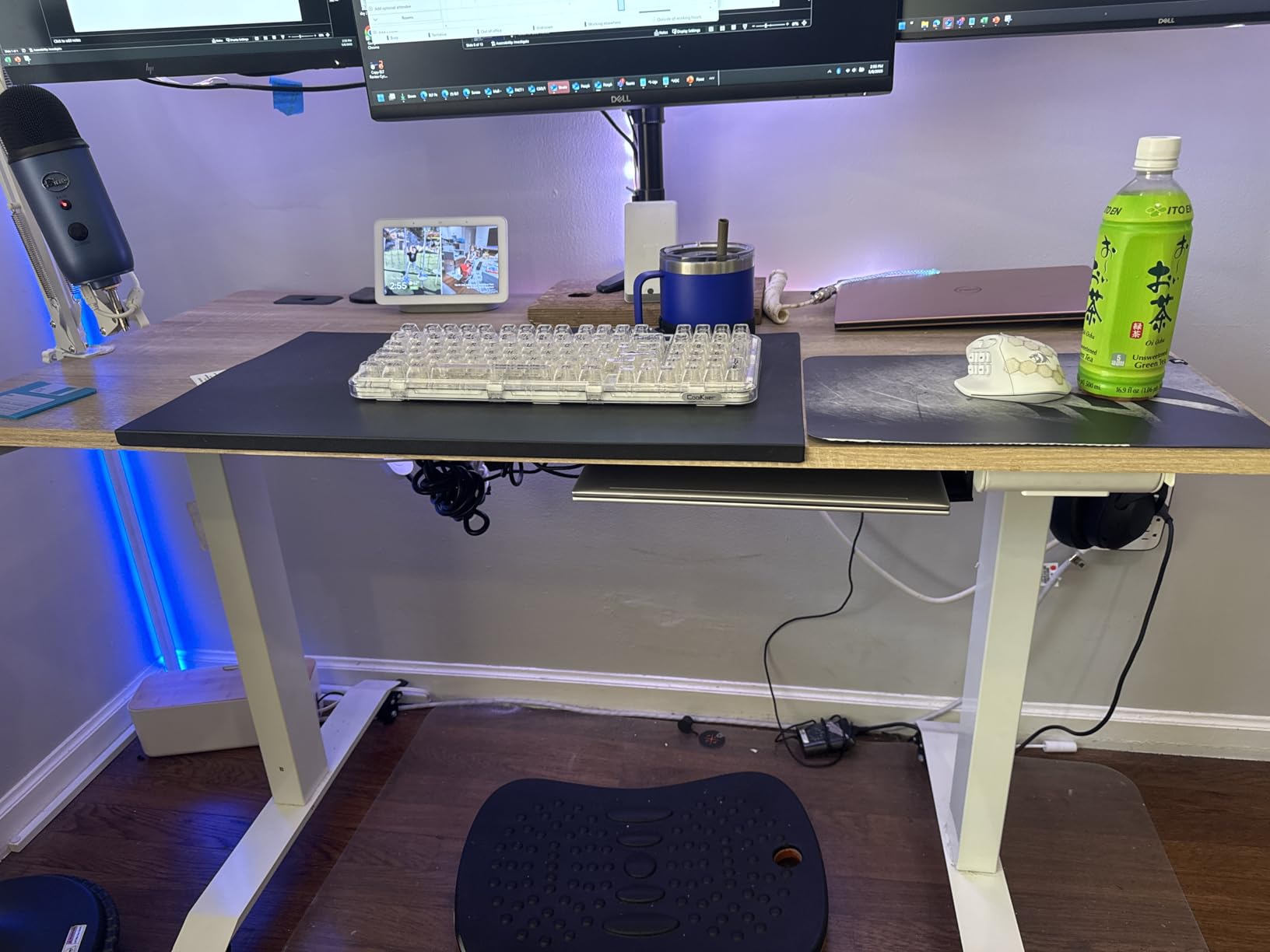
Stability is the surprise here. Most owners report the desk feels planted at full extension, which is exactly what you want with two heavy panels and arms on top. Long-term owners also report the motor still running after five years, which is a good sign for a unit in this class.
The weak point is the 0.6-inch top. That thin laminate is why adhesive tape lifts the veneer rather than sticking to it, and it is also why I would avoid clamping an arm to this desk. Use the grommets. The motor is also slower than premium sit-stand frames, so plan on a 15-second adjustment rather than a 5-second one.
When the standing range is actually useful
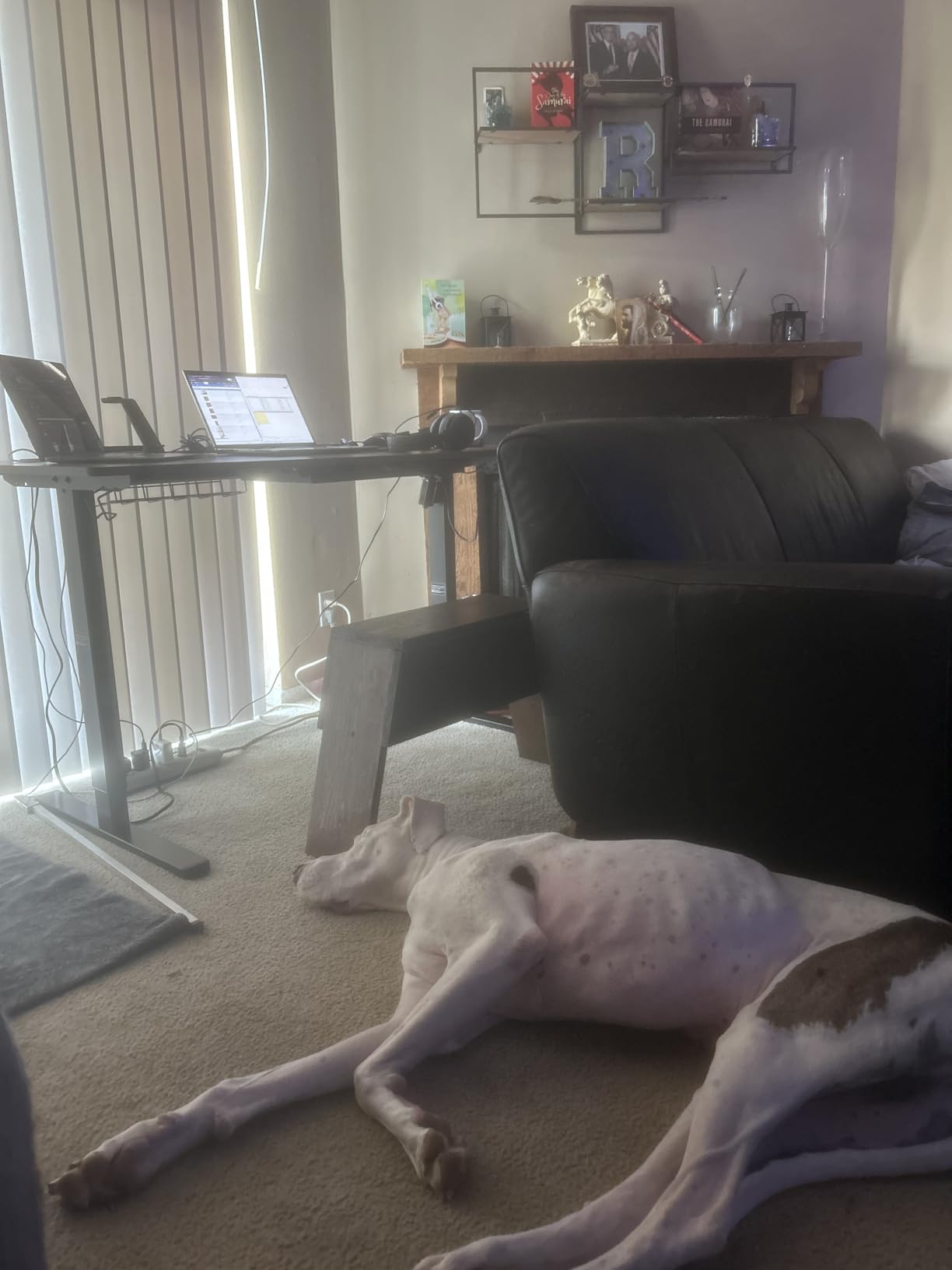
Alternating between sitting and standing is the entire reason this desk exists. Harvard Health notes that switching positions through the day helps reduce the back and hip stiffness that comes from long sitting. This desk gives you a 17-inch range, enough for a seated position around 28 inches and a standing position near 45.
Why the grommets matter more than the drawer
The drawer is nice, but the grommets change how the desk functions. Two grommets let you mount a dual arm without clamping, and they give cables a clean path down the back instead of trailing across the floor. On a 0.6-inch top, that is the difference between a clean setup and a dented one.
3. ErGear 48 X 24 Inch Electric Standing Desk – Most Versatile for Tight Rooms
ErGear 48 X 24 Inch Height Adjustable Electric Standing Desk, Black
23.6 inch deep x 47.2 inch wide
28.35 to 46.46 inch lift range
176 lb capacity
43.8 lb desk weight
Pros
- Alloy steel frame stays stable at maximum height
- 176 lb capacity leaves plenty of load headroom
- Quiet lift motor with 4 saved height presets
Cons
- 48 inch width is tight for two large side-by-side monitors
- 24 inch depth is shallow for a keyboard and mouse
- A screwdriver is needed for assembly and is not supplied
I want to be straight about this one: 48 inches is under the sizing standard I opened with, and you will feel it. Two 24-inch panels fit. Two 27-inch panels are a squeeze. If your room genuinely cannot take a 55-inch top, this is a sensible compromise rather than a mistake.
What you gain is a 176 pound load rating, which is more headroom than most frames in this roundup give you, plus a solid alloy steel frame that reviewers say stays planted at maximum extension. The lift motor is quiet and holds four height presets, and the columns are tested for 100000 cycles, which is a meaningful durability claim for an electric frame.
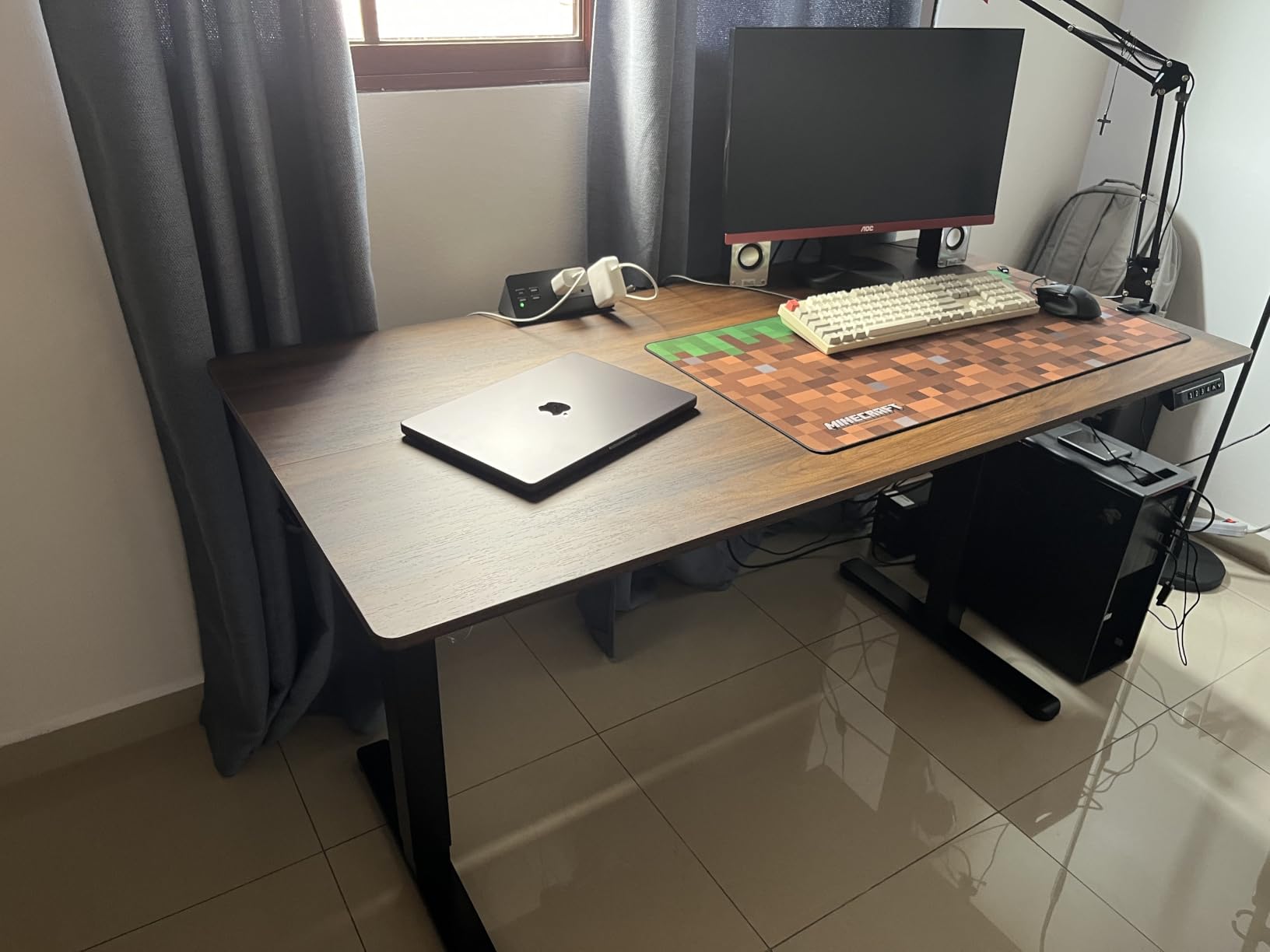
At 43.8 pounds the desk is heavy enough to feel solid but light enough to move between rooms. Assembly uses included tools and low-VOC materials, though you will need your own screwdriver for part of it.
The 24-inch depth is the real limitation for dual monitors. On stands, your monitors sit back and eat most of that depth, leaving barely room for a keyboard and mouse. On arms, the screens can sit back over the desk and free up front-to-back room, which is the only configuration I would recommend here.
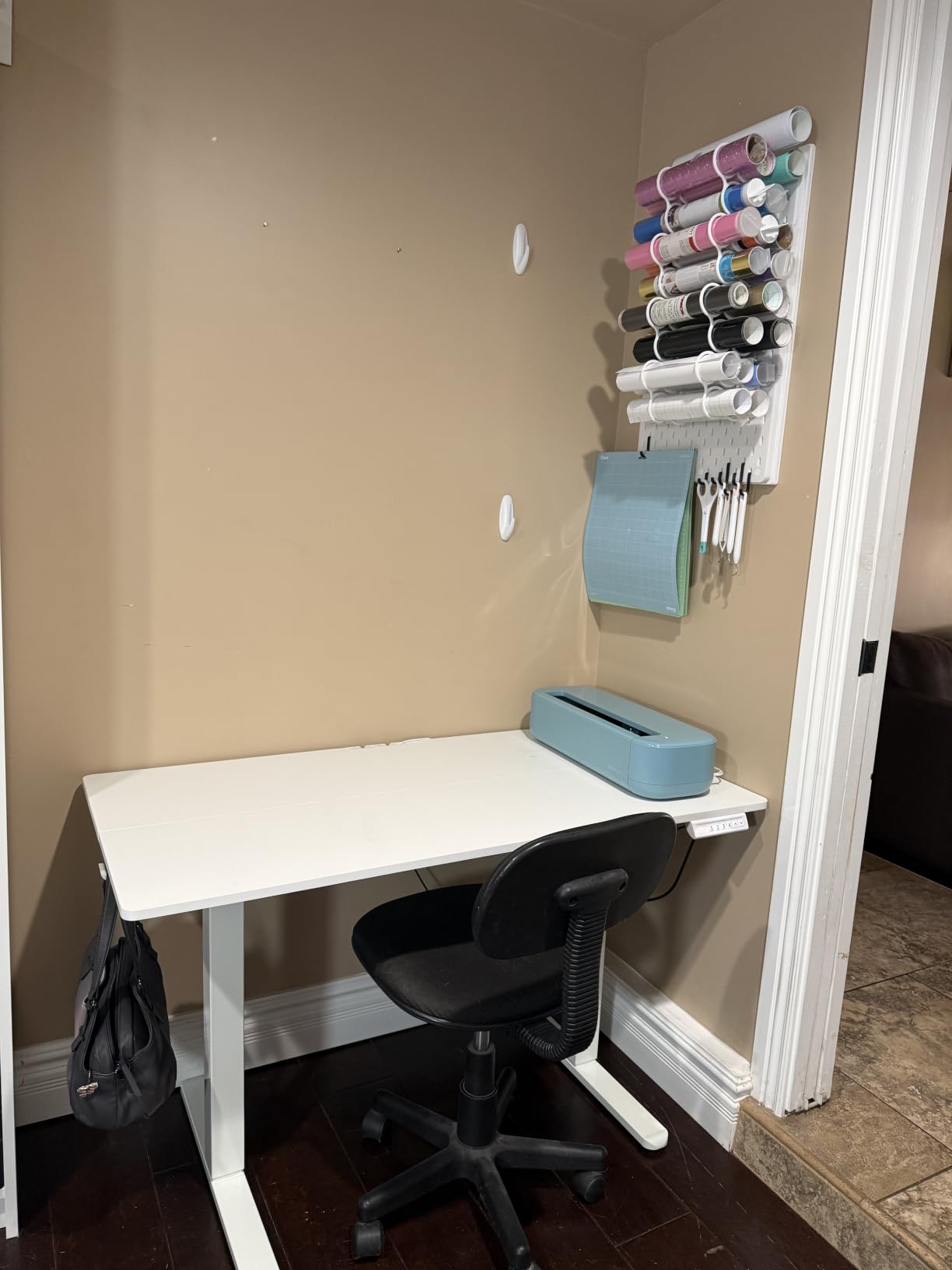
The only configuration that works well
Buy this desk for a dual-monitor setup on arms, not on stands. Arms let the panels move rearward over the surface, which compensates for the shallow depth and keeps the keyboard in a usable position. With factory stands, two monitors on this desk will crowd you from the first minute.
Why the capacity rating is worth the trade
Most competing desks in this price class stop around 110 pounds. At 176 pounds you can add a tower, a dual arm, speakers and a laptop dock without coming close to the limit. For a small room where desk real estate is the constraint, buying a shorter desk that will not sag beats buying a longer one you cannot fit.
4. Bestier 42-Inch L-Shaped Computer Desk – Best for Small Rooms
Bestier 42-Inch L-Shaped Computer Desk with Charging & LED, Black
32.28 inch deep x 41.93 inch wide
0.75 inch top
32.6 lb desk weight
4 shelves
Pros
- Built-in power strip with 2 AC outlets
- USB and Type-C removes cable clutter
- Integrated LED strip adds usable task and ambient lighting
- Compact L-shape makes good use of a corner
- Reversible shelves and 2-in-1 monitor stand
Cons
- 42 inch main surface is small for two full-size monitors plus a keyboard
- Shelf monitor stand is built for a single screen rather than a dual mount
- Two adults are recommended for assembly
This is the pick when square footage is the binding constraint and you are willing to rethink what a dual-monitor setup looks like. The 42-inch L-shape wraps into a corner, so the desk occupies floor area a 55-inch rectangle would not. The main surface is 41.93 inches wide, which fits one monitor properly rather than two awkwardly.
The built-in electronics are the differentiator. A two-outlet power strip with USB and Type-C sits in the desk, and an LED strip runs under the upper shelf for task lighting. Owners like the tidy result: fewer adapters on the floor, and light where your hands are working at night.
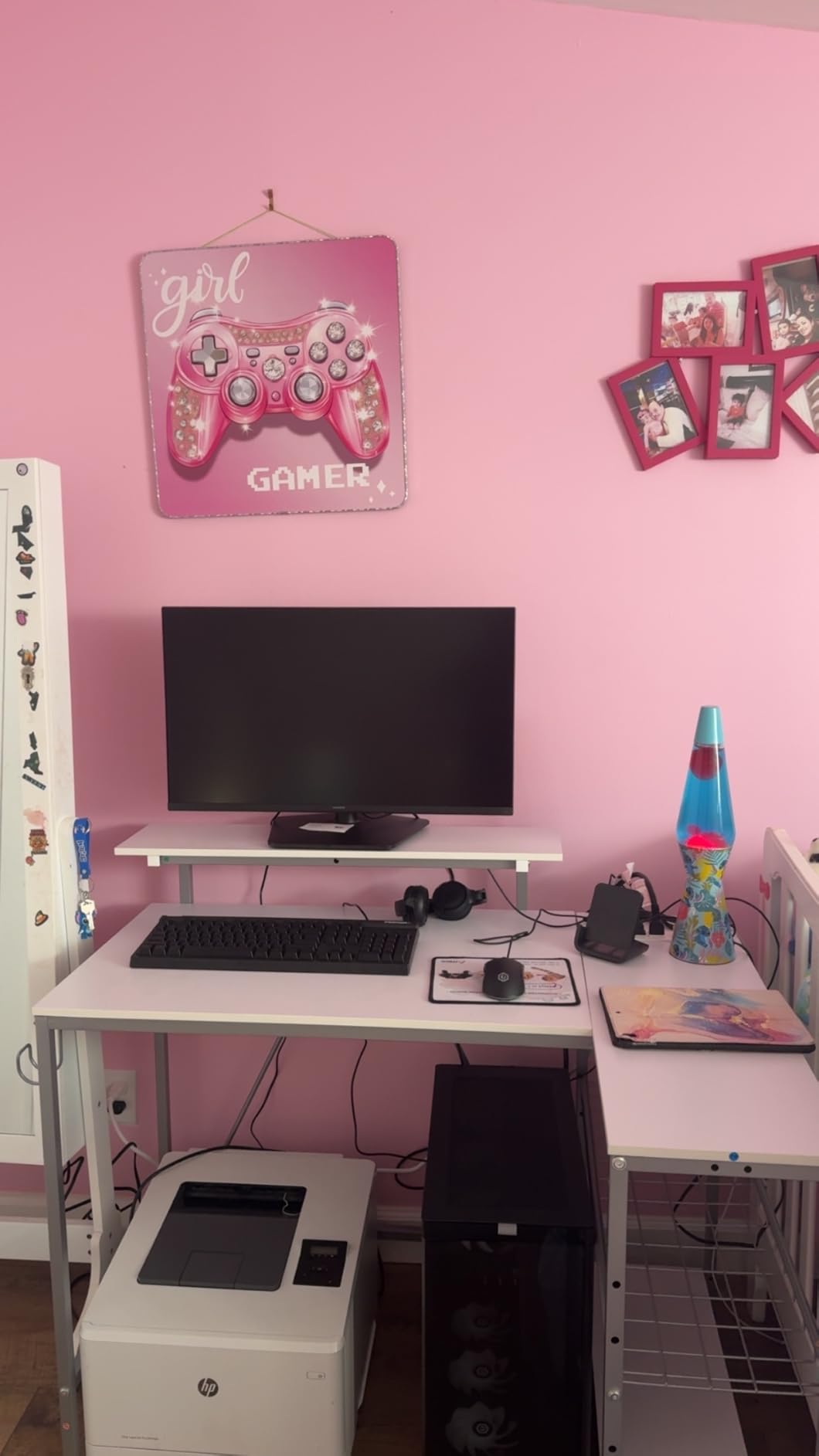
The 2-in-1 shelf works as a monitor stand or as a display shelf, and the side shelves install in either direction so the layout can follow your room. There is also a hook for headphones or a backpack, which keeps the surface clear.
Be realistic about the arrangement: this is a one-monitor-plus-laptop desk, or a two-monitor desk with a 24-inch and a smaller secondary panel angled inward. The shelf stand is designed around a single screen, so two full-size panels on the top surface will crowd the keyboard. Two adults are recommended for assembly because several steps are fiddly.
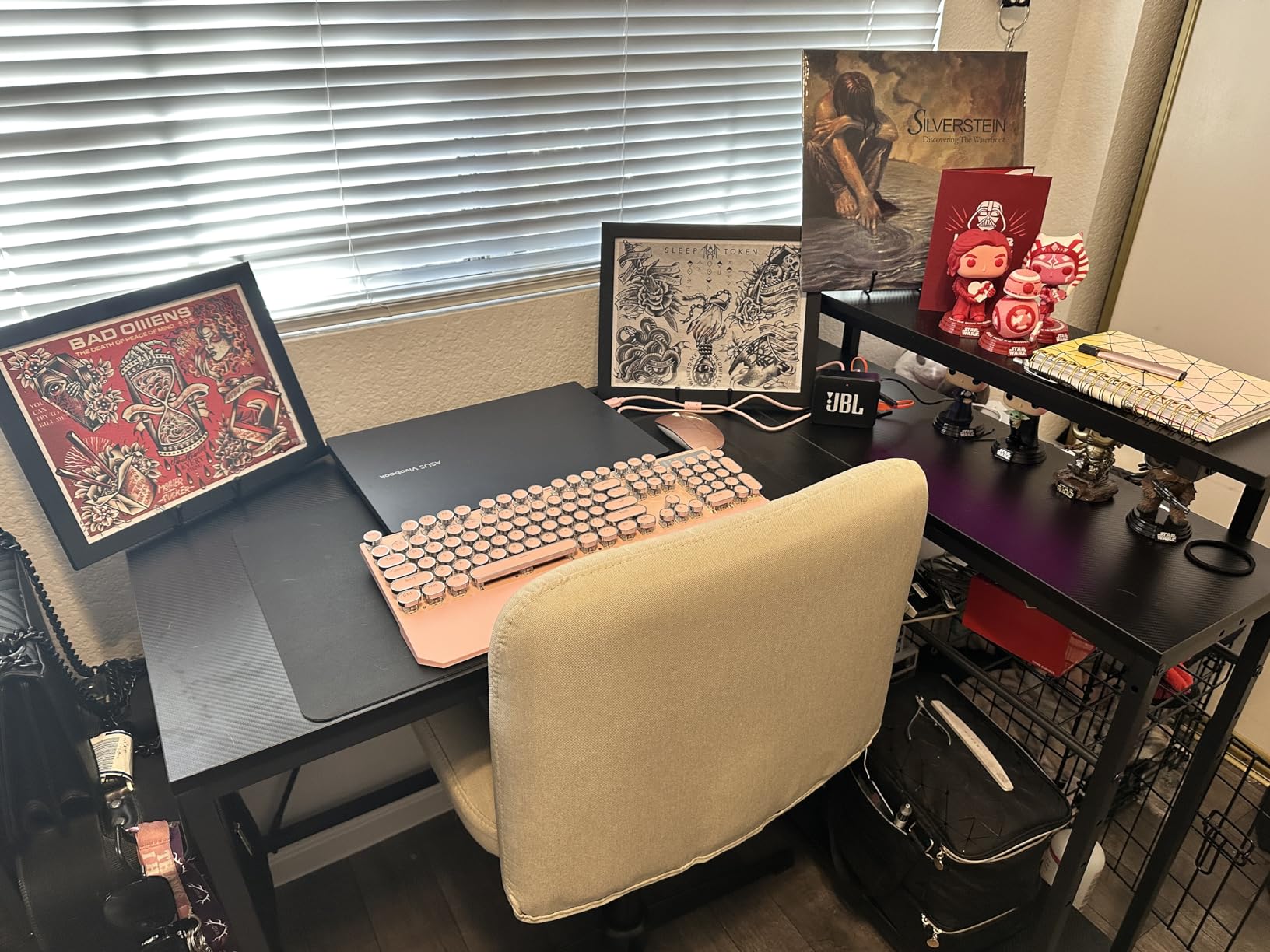
When corner space beats screen width
An L-shape in a corner gives you two usable surfaces without needing a wall to sit against. The main run holds your keyboard and primary monitor, and the return holds a laptop, a second panel or a printer. In a bedroom office where a 55-inch desk will not physically fit, this is the realistic answer.
Why the built-in power strip is worth more than it looks
Every monitor, arm and dock adds a cable that wants a wall outlet. In a corner setup, running an extension cord behind furniture is awkward. Having 2 AC outlets plus USB and Type-C built into the desk removes the extension cord entirely, which owners consistently call out as the feature they notice daily.
5. Huuger 55 Inch Home Office Desk – Best Lightweight Option
Huuger Computer Desk, 55 Inch Home Office Desk, Gaming Writing Work from Home Study Desk, Large Legroom, Sturdy Metal Frame, Modern Simple, Rustic Brown
19.7 inch deep x 54 inch wide
21 lb total weight
0.75 inch top
Steel tube frame
Pros
- 54 inch width gives room for two monitors side by side
- Reinforced particleboard top on thick steel tubes with under-top struts
- Very light at 21 pounds so it is easy to reposition
- Includes a keyboard tray and monitor arm among the parts
- Assembles in under 40 minutes with included tools
Cons
- 19.7 inch depth is shallow for a dual-monitor plus keyboard setup
- Particleboard top is less durable than solid wood or metal
- Only about 5 colors and a limited set of sizes
- Fixed 29.5 inch height with no adjustment range
Twenty-one pounds is the number that makes this desk unusual. Most wide desks land between 40 and 65 pounds, which is fine until you move apartments or want to reposition against a wall for a video call. This one is light enough for a single person to carry, and it still has a 54-inch surface.
The frame is thick steel tube with reinforcement struts under the top, which is more structure than a typical particleboard desk at this width. Owners report it going together in under 40 minutes with the included tools, and the box includes a keyboard tray and a monitor arm, which is a genuine bonus for a dual-monitor build.
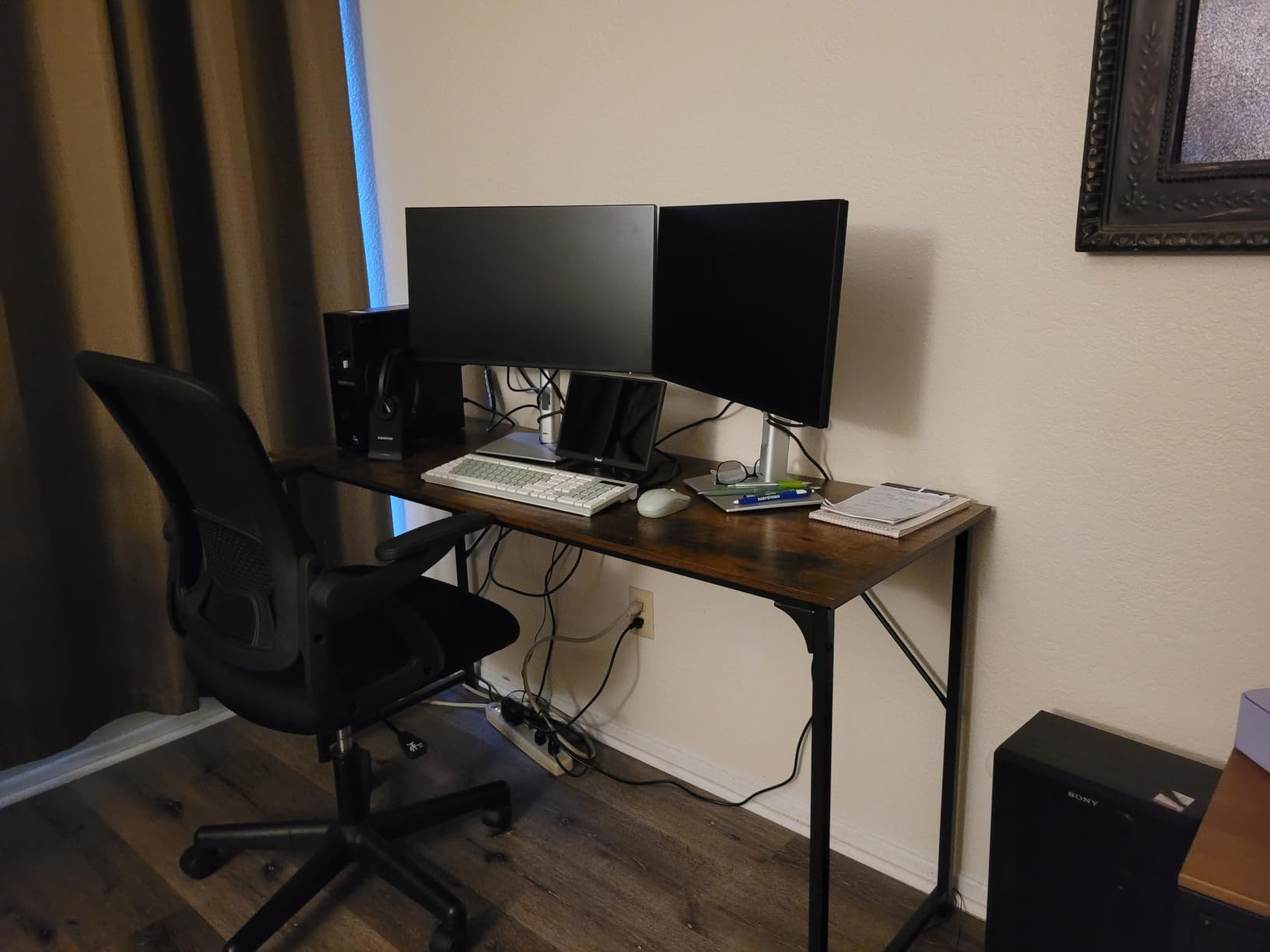
The framing problem here is depth. At 19.7 inches, monitors on factory stands will sit right at the front edge, and the keyboard will overlap the monitor base. This desk is built for arms, not stands, and the included arm is a strong hint of the intended setup.
The particleboard top is the other tradeoff. It is adequate and it holds screws well enough for a grommet mount, but it will mark and chip more readily than laminate over MDF or a metal top. The 29.5-inch fixed height suits mid-height users, and there is no adjustment to compensate.
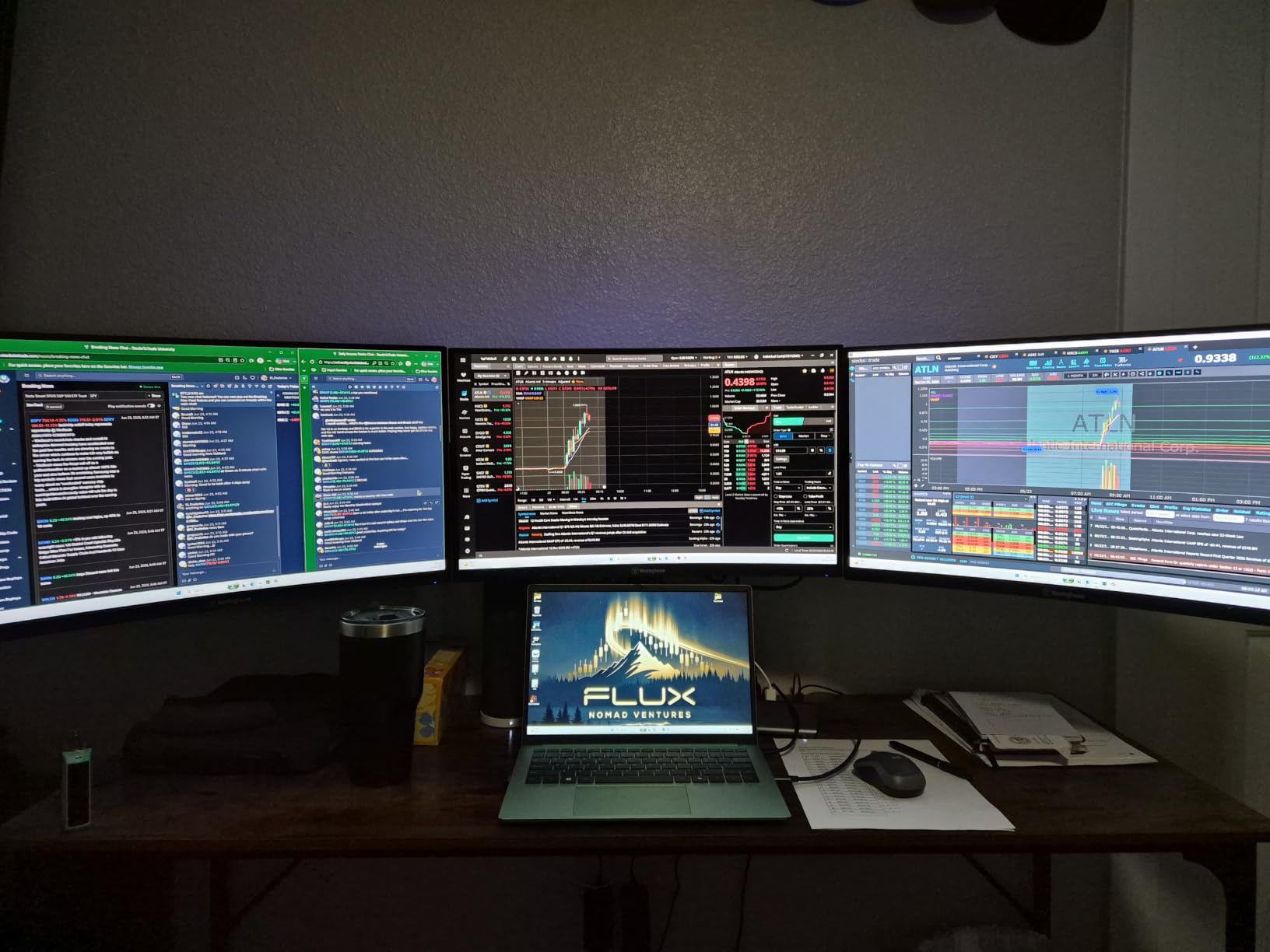
Built for monitor arms, not monitor stands
With 19.7 inches of depth, factory stands leave almost no keyboard room. The included monitor arm solves that by letting the panels float back over the surface. Treat the included arm as the intended configuration, and this desk handles two 27-inch monitors more gracefully than the depth number suggests.
When 21 pounds is the deciding factor
If you move, rent, or share a room where a desk gets repositioned often, weight becomes a real criterion. You can lift this one alone, flip it against a wall, and set it back. The heavier L-shaped options in this roundup are firmly two-person jobs, and this is the counterweight to all of them.
6. Veken 55 Inch Electric Standing Desk – Best Value
Veken 55 Inch Large Electric Standing Desk, Gaming Table, White
23.64 inch deep x 55.12 inch wide
Lifts 28.3 to 46.5 inches
154 lb capacity
42.1 lb desk weight
Pros
- 55 inch surface explicitly sized to fit multiple monitors
- Quiet motor under 52 dB with memory presets
- Steel frame rated for 154 lb which leaves plenty of headroom
- Built-in cable management keeps cords tidy
- Two headphone hooks and a cable clip included
Cons
- Desktop is made of two boards which creates a visible seam
- Only 23.6 inches deep which is shallow for a dual-monitor arm setup
- Top surface is thin at 0.6 inches
Among the electric desks here, this one gives you the most load headroom for the money. At 154 pounds rated, you have room for two monitors, two arms, a tower and peripherals without getting near the limit, and the steel frame is reported stable even at full extension.
The motor is specified at under 52 dB, which in practice means it will not drown out a video call. It runs from 28.3 to 46.5 inches and holds memory presets, so your sit and stand heights are one button press away rather than a manual hunt.
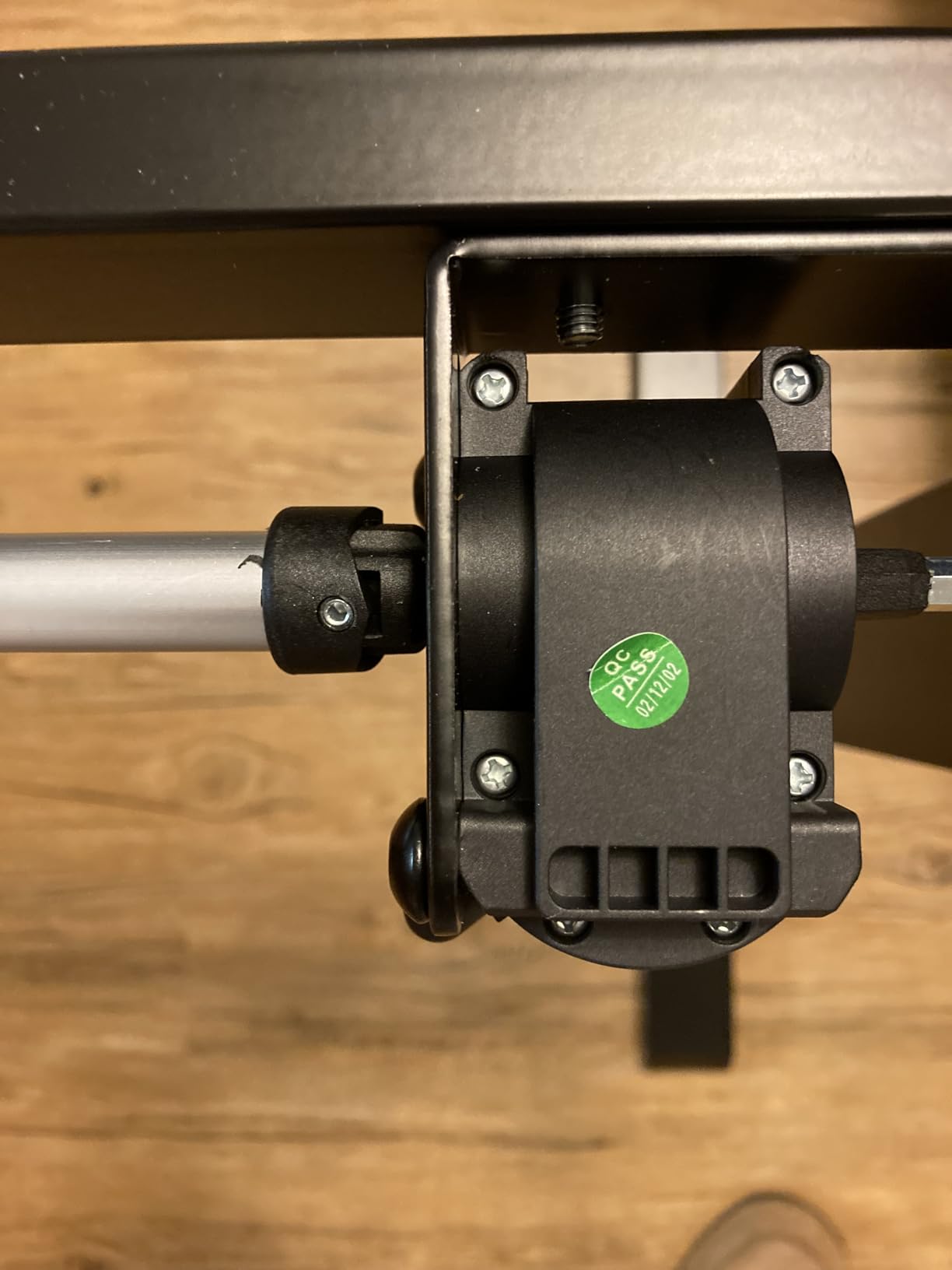
Cable management is built in rather than sold separately, and there are two headphone hooks plus a cable clip. Owners consistently call the value good for an electric sit-stand desk with presets, which is exactly the feature set people assume requires a much larger spend.
Two things to know. The desktop is made of two boards joined in the middle, and that seam is visible under a desk mat or in raking light. At 23.6 inches of depth it is also shallower than ideal, so again this is an arms-not-stands desk. Assembly takes 10 to 30 minutes with clear instructions.
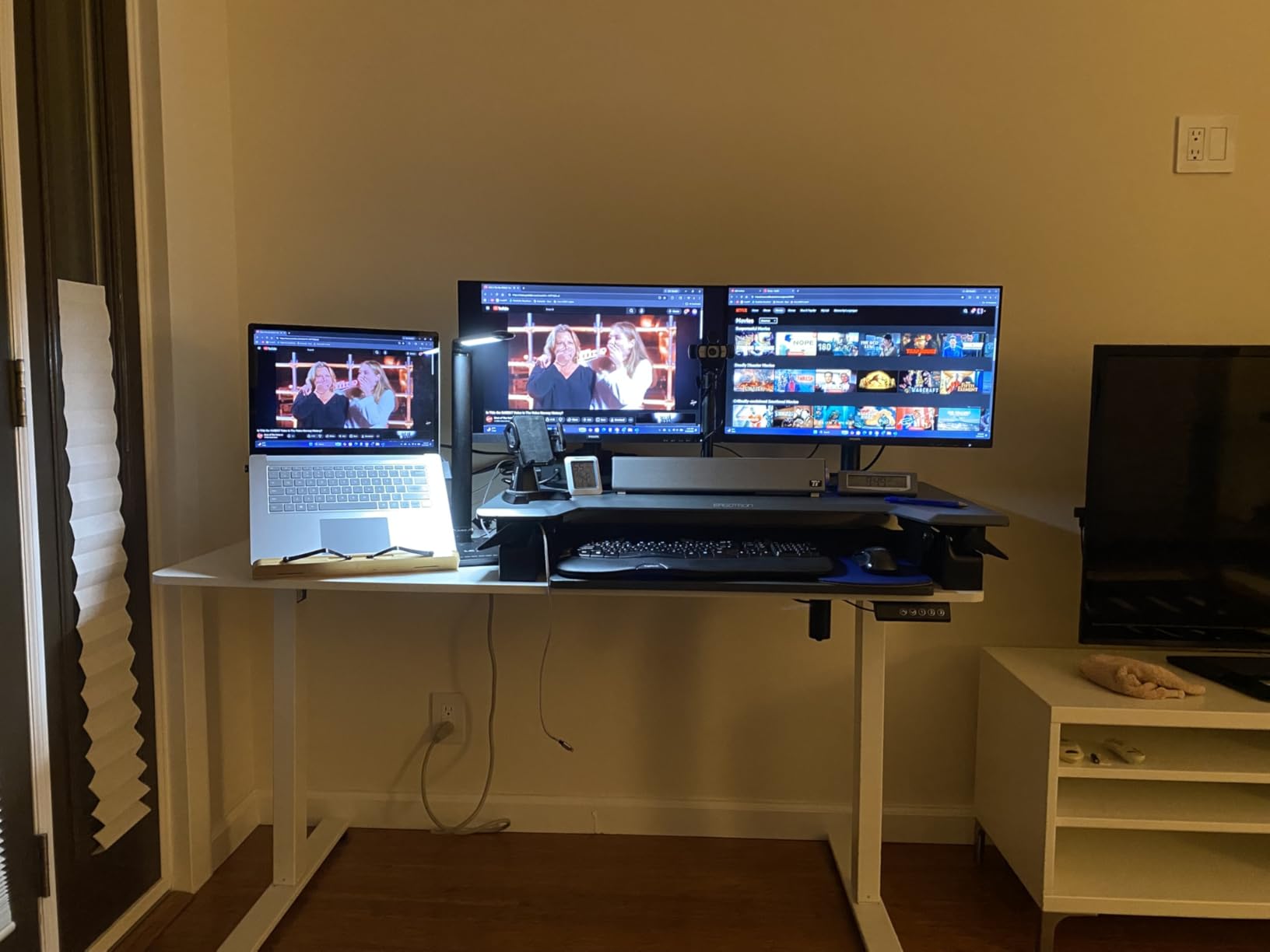
Headroom is the reason to pick this one
Do the load math before choosing any electric desk. Two 27-inch monitors with arms can add 40 pounds or more before you add a tower, and a 110-pound rating leaves less margin than buyers expect. At 154 pounds, this desk absorbs a heavy load and still has room for a third screen later.
What the two-board top means in practice
A desktop made of two joined boards is cheaper to ship and manufacture, and the seam sits roughly at the center of the desk. Under a large desk mat you will not notice it. If you prefer a clean wood surface, the electric SHW on this list is the one to compare against.
7. Furologee 66 Inch L Shaped Desk – Best L-Shaped Desk
Furologee 66” L Shaped Desk with Power Outlet and 2 Drawers, Rustic Brown
18.11 inch deep x 65.35 inch wide x 29.52 inch high
180 lb load capacity
2 movable monitor stands
2 drawers plus 2 shelves
Pros
- Two movable monitor stands make a dual-monitor setup straightforward
- Extra-long 66 inch L-shaped surface gives plenty of room for two displays
- Built-in 3 outlets and 2 USB ports for charging at the desk
- Reversible layout puts the file drawer on either side
- 180 lb load capacity with adjustable feet
Cons
- 18.1 inch desktop depth is shallow for monitors and keyboard together
- Fabric drawers suit light items and files rather than heavy gear
- At 54.3 pounds the desk is difficult to move without help
- Two-person assembly is expected
At 66 inches of total surface, this L-shape gives you more usable area than any rectangular desk in this roundup, and the two included movable monitor stands mean you can set a dual-monitor layout up without buying risers. The 180-pound rating is the highest static load figure here.
Owners highlight the long surface and the movable stands together, which makes sense for video editing and streaming setups where the second screen sits slightly lower or angled. The charging station, with 3 AC outlets and 2 USB ports, sits within reach rather than under the desk.
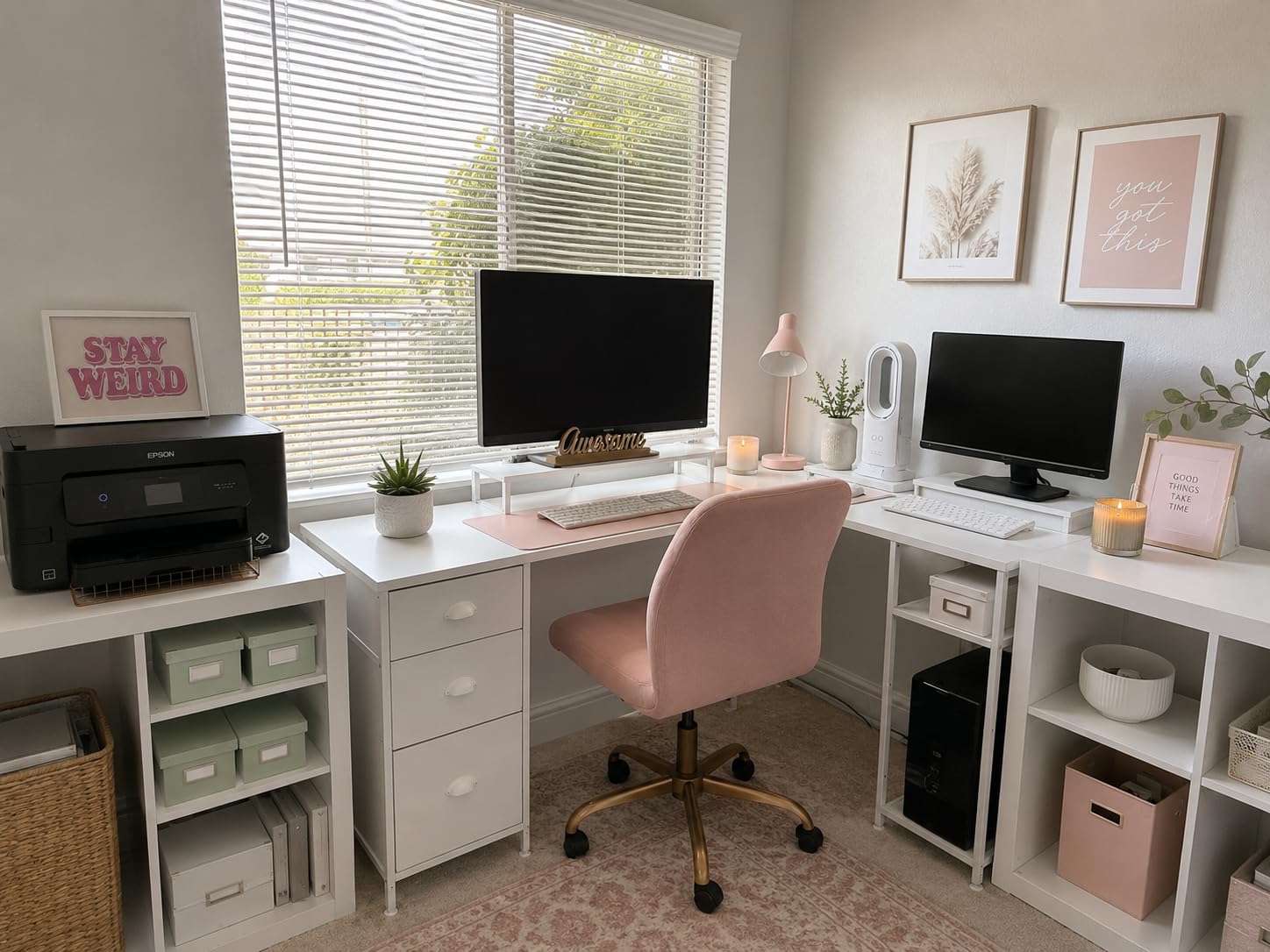
The adjustable shelves on the side can be raised to clear a computer tower, which answers the most common forum question about L-shaped desks. The whole layout reverses, so the file drawer can go on either side depending on where the corner sits in your room.
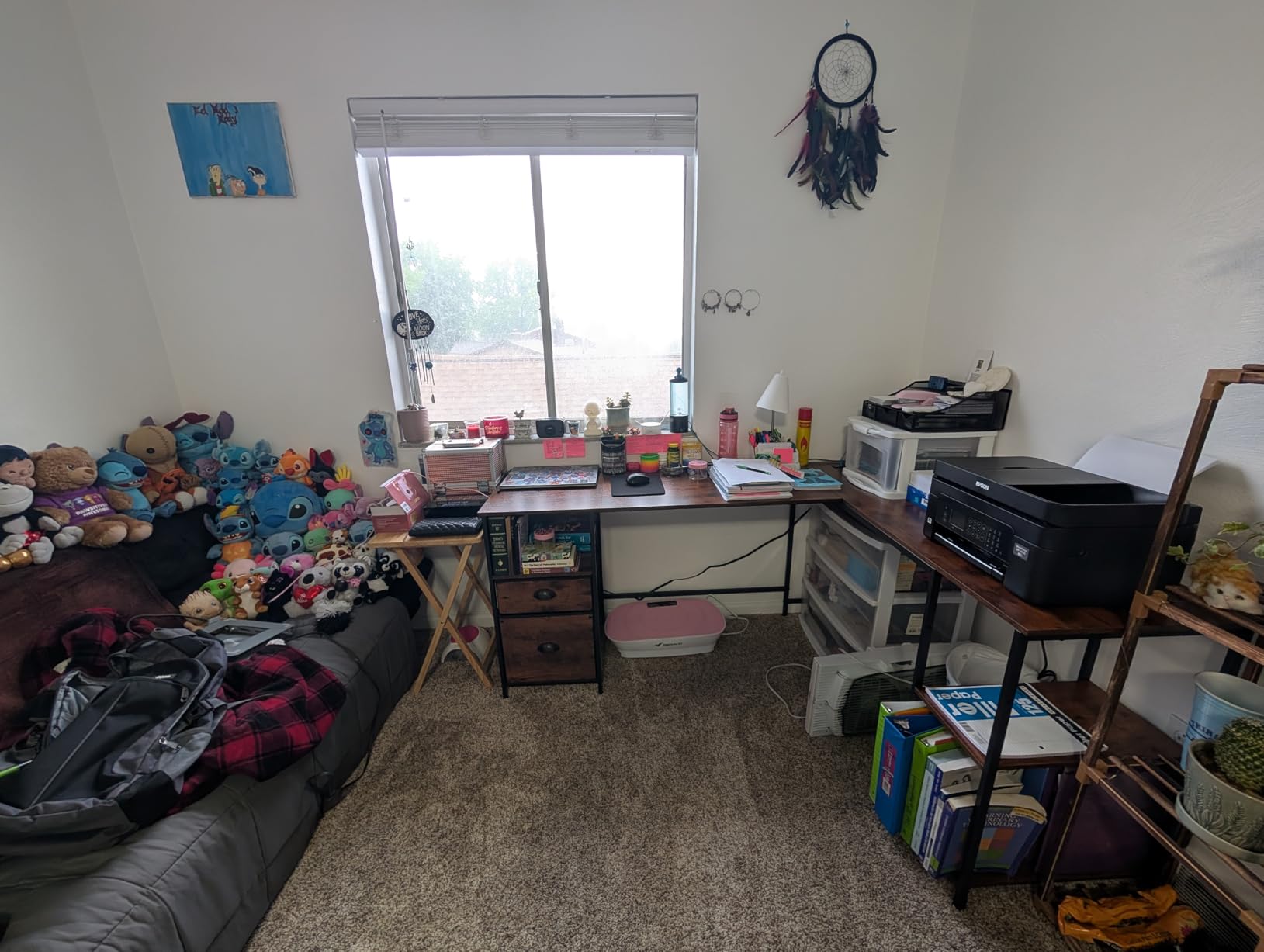
Depth is the constraint, at 18.11 inches. That is workable for a dual-monitor setup only if you use the included stands to lift screens and accept a shallow keyboard position, or if you mount arms. At 54.3 pounds with two-person assembly, plan the delivery and the setup day accordingly.
Why length beats depth for some setups
If your second screen is a laptop, a tablet or a small panel, a long shallow L beats a shorter deep rectangle. You get a wide main run for the primary monitor and keyboard, and a long return that swallows paper, notebooks and peripherals without pushing your screens out of reach.
Plan for a two-person delivery
At 54.3 pounds with a 66-inch top and 18 inches of depth, this is not a solo assembly job. The instructions say two people are recommended. Set aside an afternoon, and make sure the corner where it will live is measured before the box arrives, not after.
8. Coleshome 71 Inch Computer Desk – Widest Work Surface
Coleshome 71 Inch Computer Desk with USB Ports, Large Office Desk, Long Study Student Writing Desk, Rustic Brown
23.6 inch deep x 70.9 inch wide x 29 inch high
3 outlets, 1 USB and 1 Type-C port
Powder-coated steel frame
About 30 minute assembly
Pros
- Extra-long 70.9 inch surface fits multiple monitors and a printer
- Built-in 3 outlets plus USB and Type-C charging ports
- Powder-coated steel frame with triangle-structure support under the panel
- One-person assembly in about 30 minutes with all tools included
- One-year warranty with support responding within 24 hours
Cons
- 23.6 inch depth is shallow for a multi-monitor arm configuration
- Fixed 29 inch height with no sit-stand adjustment
- No drawer or shelving storage included
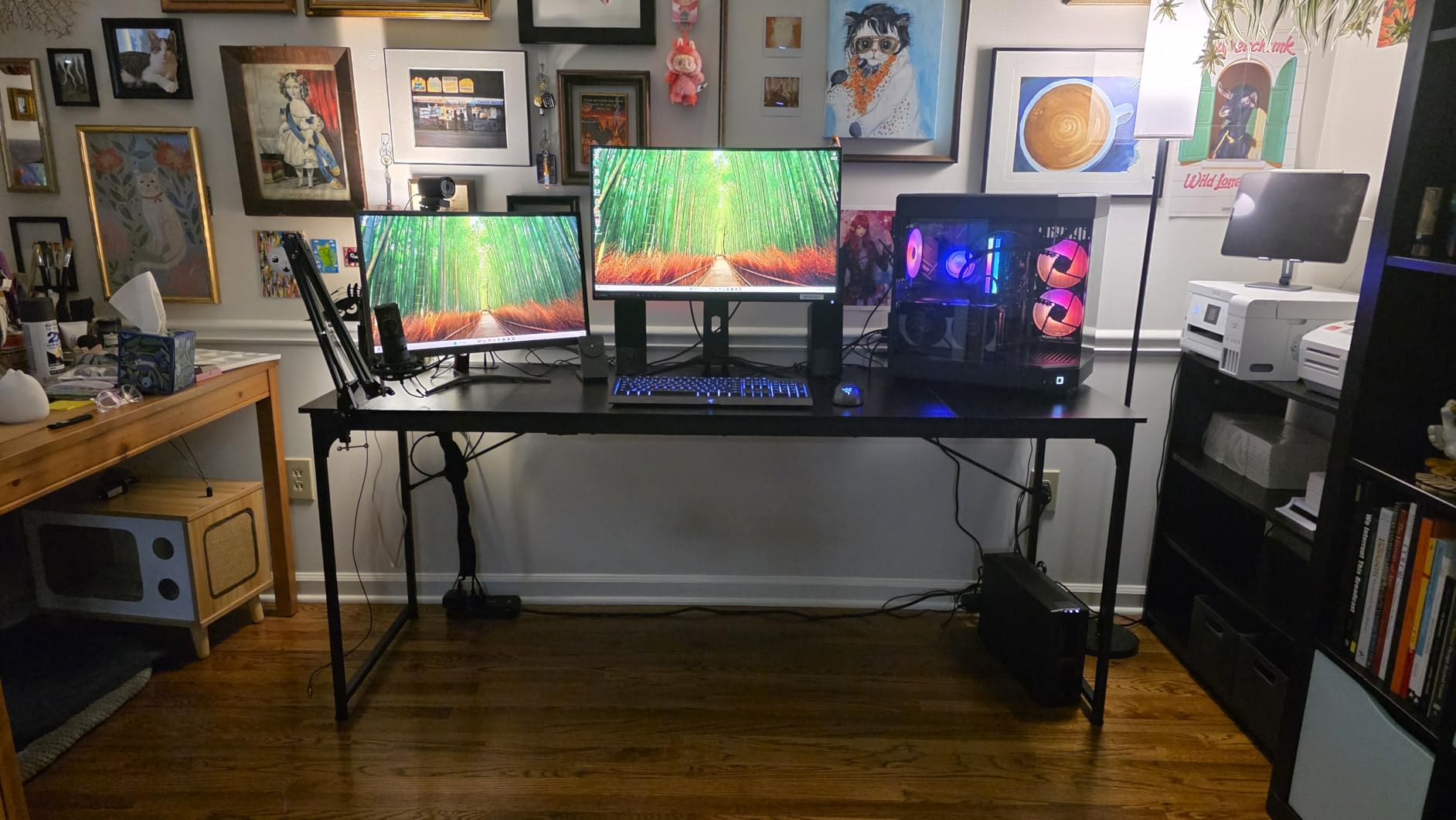
This is the widest single surface in the roundup at 70.9 inches, and it is built for people who spread out. Owners use it for multiple screens plus a printer, or as a shared two-person workstation where each person needs roughly 35 inches. For two monitors, the extra width becomes breathing room rather than necessity.
The power integration is unusually generous for a desk at this size: 3 AC outlets, 1 USB charging port and 1 Type-C port, all built in. With a dual-monitor setup you are running at least three cables per screen plus a tower, and having outlets on the desk removes a power strip from the floor.
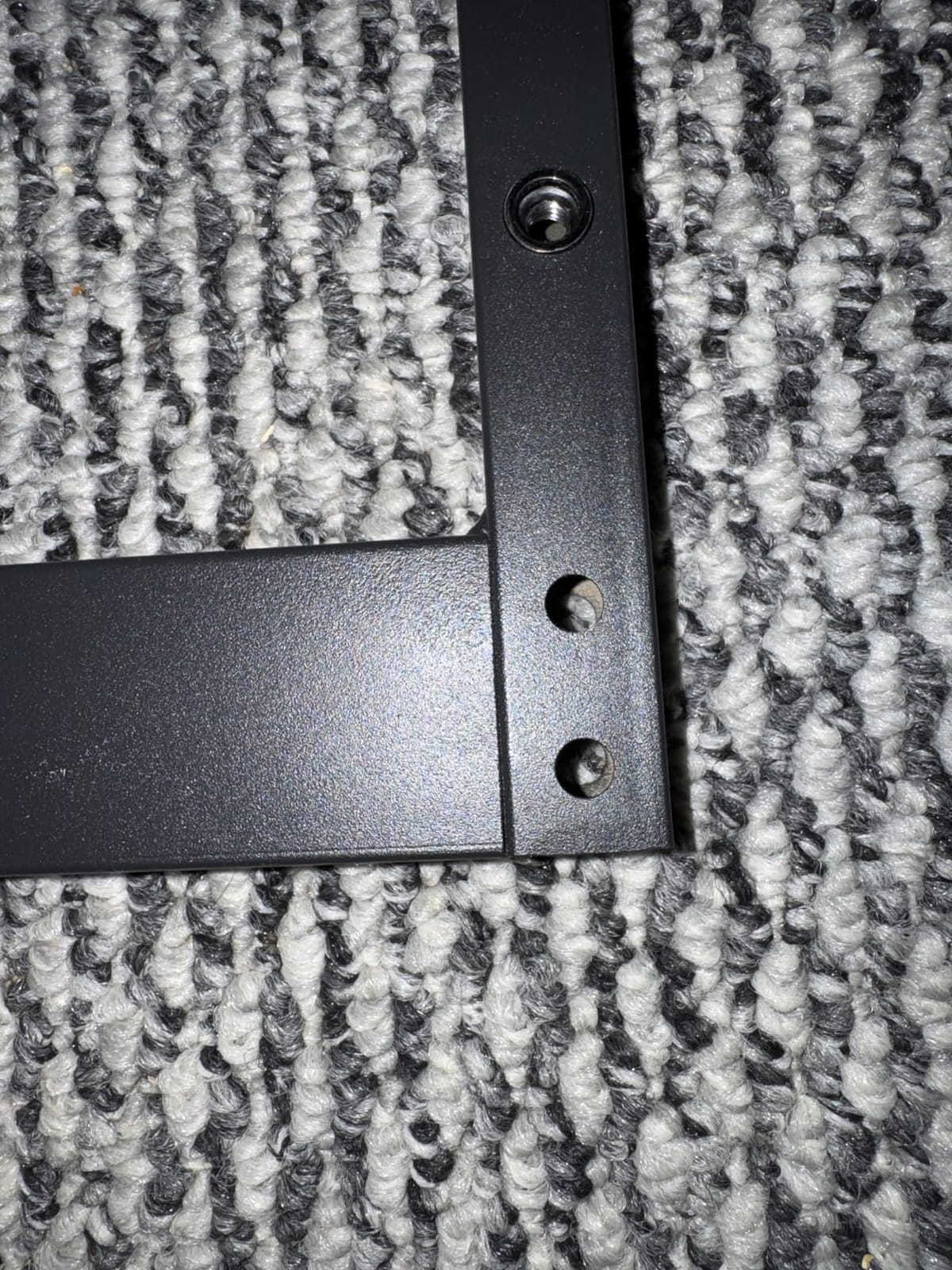
Underneath, a powder-coated steel frame with triangle-structure bracing carries the load, and foot pads help it sit flat on uneven floors. Assembly is about 30 minutes for one person with all tools included, which is faster than most desks in this roundup.
The depth of 23.6 inches is the trade for the length. It is workable for a dual-monitor arm setup and fine for stands with smaller panels, but it is not a deep drafting surface. The height is fixed at 29 inches with no lift mechanism at all, so this is a sit-down desk and nothing else.
Built for sharing more than for sitting and standing
At 70.9 inches, two people can each take 35 inches, which is enough for a 27-inch monitor, a keyboard and a mouse. If you share a desk, that is the argument for a wide fixed top over two smaller adjustable desks. There is no lift mechanism here, so treat it as a permanent install.
Measure the wall before you order
A 71-inch top needs a wall or a room corner that can genuinely take it. Measure the clear span between doorways, radiators and skirting boards, not just the wall length. If it fits with a few inches to spare, the extra width pays for itself every time you add equipment.
9. ODK 53 Inch L Shaped Gaming Desk – Best for RGB Setups
ODK 53″ L Shaped Gaming Desk with Shelves, LED & Outlets, Black
29.8 inch high x 53 inch wide x 18.9 inch deep
X-shaped alloy steel frame
3 AC outlets and 2 USB ports
RGB LED strip with 10 presets
Pros
- Highest rated desk in this roundup at 4.7 stars
- 53 inch desktop marketed and sized for dual monitor configurations
- X-shaped alloy steel frame with adjustable foot pads for stability
- Built-in 3 AC outlets
- 2 USB ports and cable channels
- RGB LED strip with 10 color presets
- 8 brightness levels and a memory function
Cons
- 18.9 inch depth is narrow for side-by-side monitors and a full-size keyboard
- Not height adjustable
- 1 inch-thick top and a heavy 46 lb build make it hard to reposition
For a gaming and streaming rig, this is the most complete package here. The 53-inch L-shaped surface is described by the manufacturer as sized for dual monitor configurations, and the RGB strip offers 10 color presets, 8 brightness grades, 10 dynamic modes and a memory function so it recalls your last setting.
Structurally, the X-shaped alloy steel frame and adjustable foot pads are the reason it holds steady with two panels mounted. Reviewers also value the storage package, which includes dual shelves, a CPU stand, an accessory hook and a tool bag, plus 3 AC outlets, 2 USB ports and cable management channels.
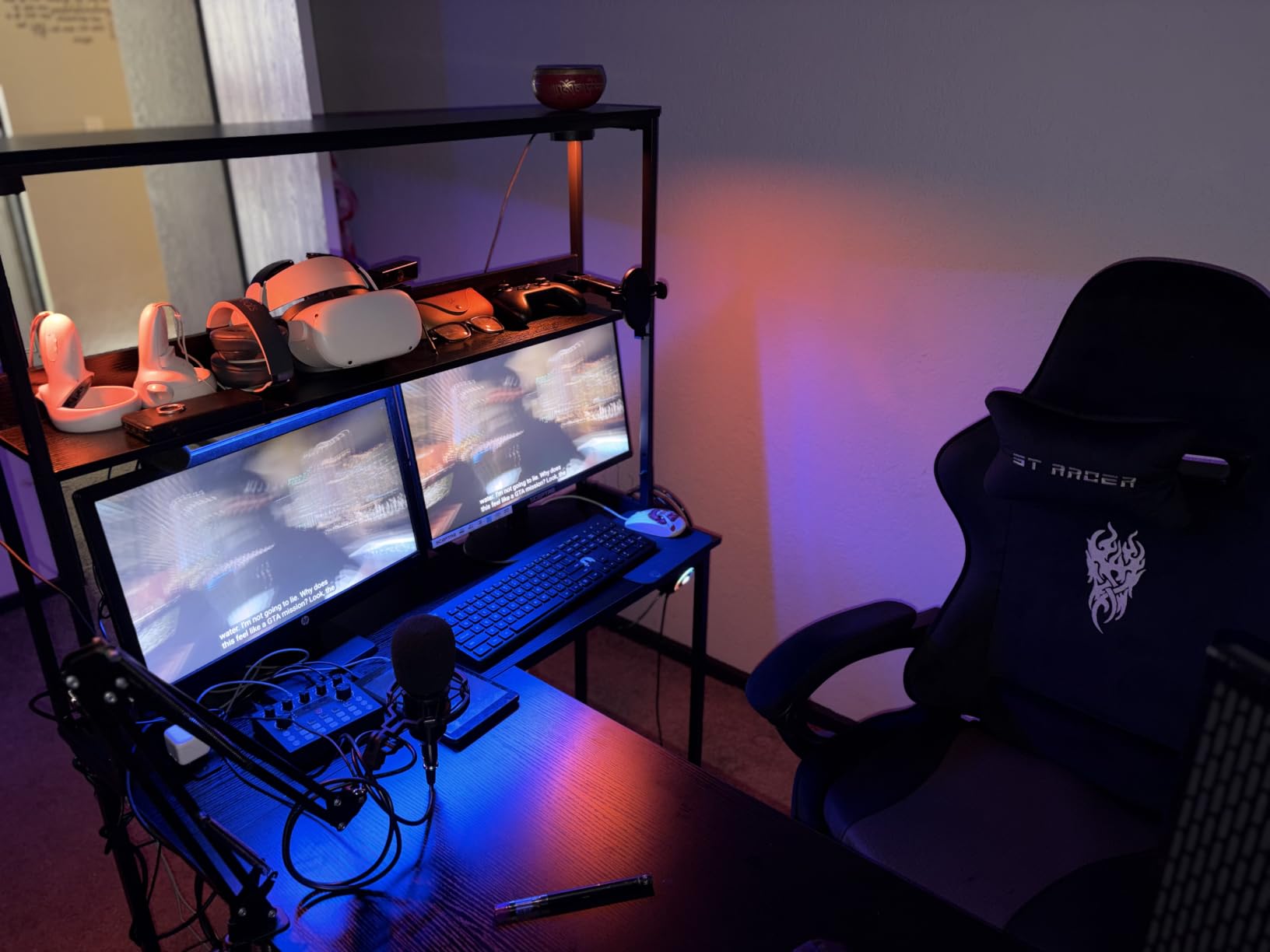
The 1-inch-thick top is the thickest in this roundup, which is reassuring if you plan to clamp monitor arms to it. Reversible side modules let you put the storage on whichever side faces the room.
The trade-offs are structural. At 18.9 inches deep, a side-by-side monitor pair and a full-size keyboard will feel crowded, and there is no height adjustment. At 46 pounds, moving it is a two-person job unless you have dollies. For a dedicated gaming corner that never moves, that is an acceptable bargain.
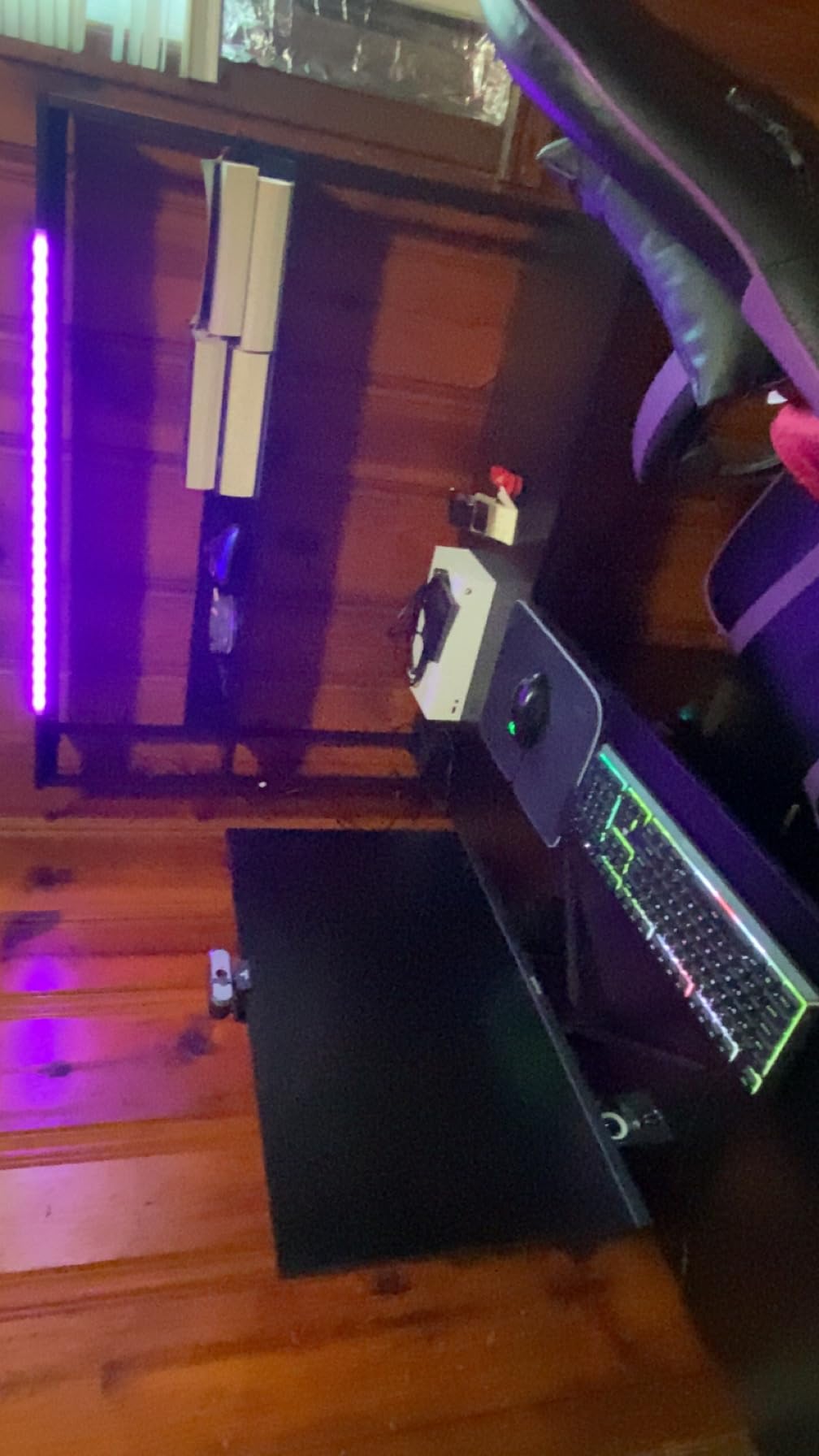
Where the RGB and memory function earn their place
A gaming desk with a lighting strip is common. A strip with 10 presets, 8 brightness levels, 10 dynamic modes and a memory function is not. Owners note the memory setting in particular, since it means the desk returns to your preferred look without cycling through menus each time.
Why a 1 inch top matters for arm mounts
Most clamp mounts specify a maximum and minimum desktop thickness. At 1 inch, this top sits comfortably inside the range of nearly any clamp, so you can mount a dual arm without grommets and without worrying about denting the surface. On thinner tops in this roundup, that same clamp is a gamble.
10. Korfile 47 Inch Gaming Computer Desk – Best Drawer Storage
Korfile 47 Inch Gaming Computer Desk with Power Outlets,LED,5 Drawers,Black
18.5 inch deep x 47.2 inch wide x 35 inch high
5 fabric drawers
200 lb maximum weight recommendation
Powder-coated steel frame
Pros
- Five fabric drawers give real storage for a 47 inch desk
- Reversible drawer layout with 4 mounting configurations
- Built-in 3 AC outlets and 2 USB charging ports
- RGB LED strip with 22 lighting effects and a remote
- Powder-coated steel frame with crossbar support once tightened
Cons
- 18.5 inch depth is narrow and the 35 inch height is high for shorter users
- Fabric drawer bottoms can sag under heavy items
- Standard monitor arm desk mounts do not fit because of the upper shelf
- LED strip glue adhesion is weak
The storage is the argument for this desk. Five non-woven fabric drawers in four mounting configurations, a monitor stand, 3 AC outlets, 2 USB charging ports and an RGB strip with 22 lighting effects, all on a powder-coated steel frame with crossbar support. Owners consistently note that the desk is sturdy once every bolt is properly tightened.
It is a 47-inch top with a 35-inch overall height, which means the integrated monitor mount raises screens well above the work surface. That is genuinely useful for eye level, and it is why the desk feels larger than its width suggests.
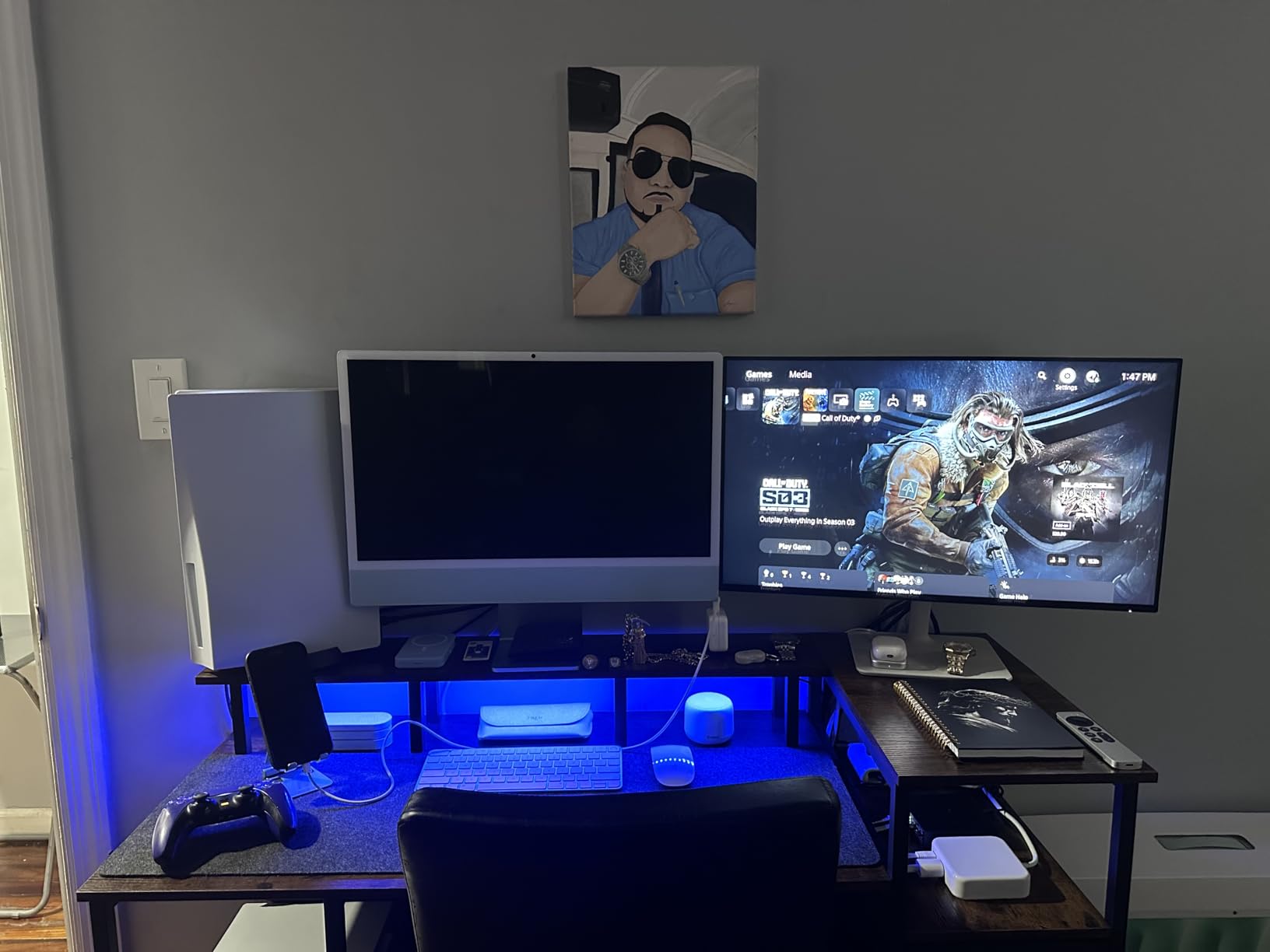
There is a catch that matters for this roundup specifically. Because of the upper shelf, standard monitor arm desk mounts do not fit, so you are limited to the built-in mount or a pole clamp. If dual monitors on adjustable arms is a requirement, rule this desk out.
The 18.5-inch depth and 35-inch total height also make it a poor fit for shorter users, and the fabric drawer bottoms sag if you load them with heavy gear. All tools and hardware are included, and some units arrive with missing or duplicate parts worth checking on delivery.
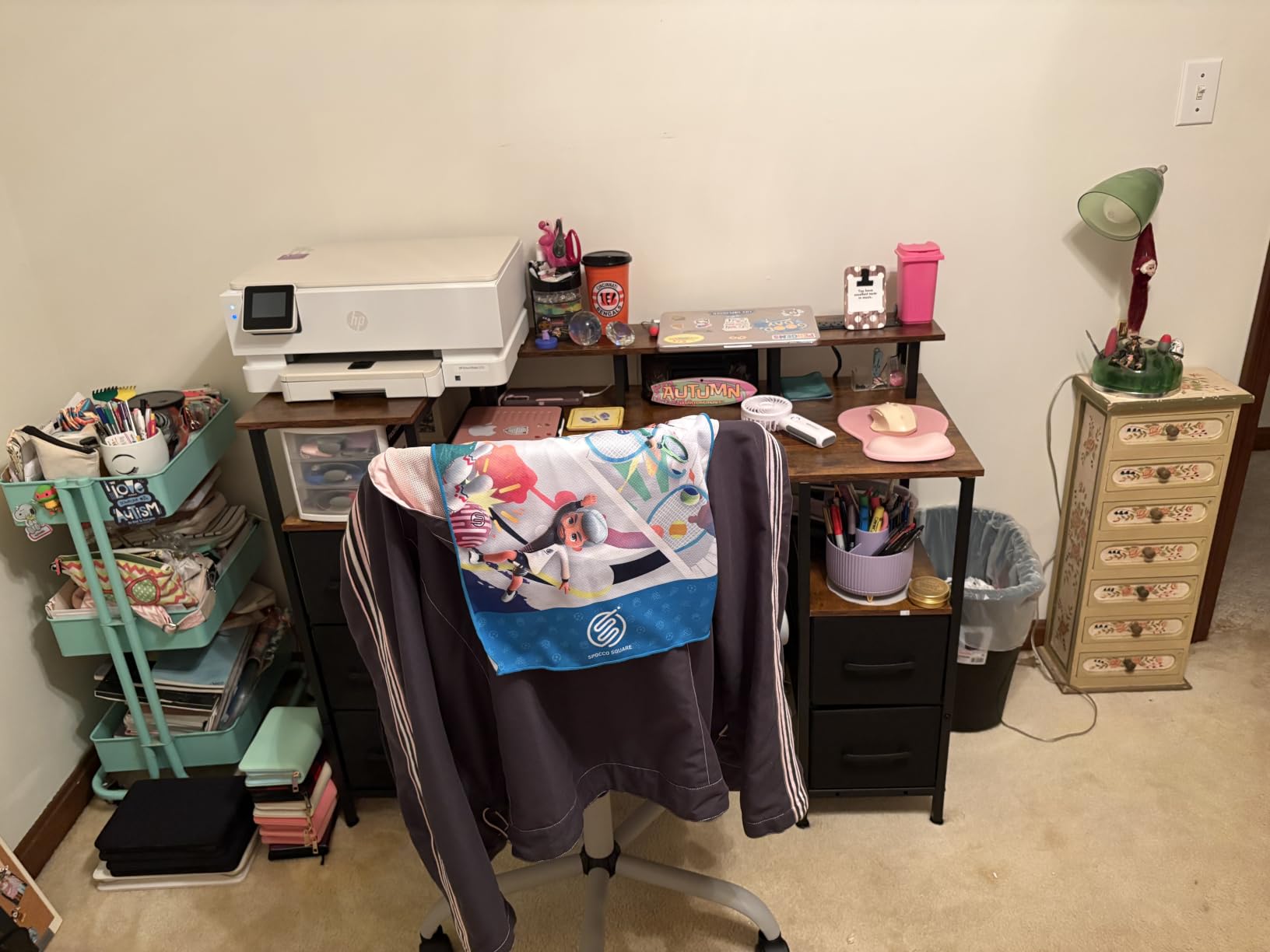
Storage density is what you are really buying
At 47 inches wide, you cannot fit two large panels side by side without crowding. What you get instead is five drawers in a footprint most people would fill entirely. For someone whose pain is clutter rather than screen real estate, that trade is worth taking deliberately rather than reluctantly.
Check the arm mount exclusion first
The upper shelf blocks standard monitor arm desk mounts, which is the single biggest compatibility issue in this roundup. If your plan is two arms on a single pole clamp, verify the pole fits the shelf spacing before ordering. If you are content with the built-in mount, this is a tidy, feature-rich setup.
11. AODK 55 Inch Standing Desk with Drawers – Best With Monitor Shelf
AODK 55 Inch Standing Desk with Drawers & Keyboard Tray, Rustic Brown
21.25 inch deep x 55 inch wide x 30.9 inch high
Lifts 29.9 to 46.1 inches
Full-length elevated monitor shelf
2 drawers and keyboard tray
Pros
- 55 inch surface with an elevated full-length monitor shelf that adds storage
- Very quiet motor with smooth non-jumping adjustment
- 3 memory presets plus a hidden rear cable tray
- Built-in 3 outlets
- 2 USB ports and 20-mode LED lighting
- Assembly holes line up as described
Cons
- 21.25 inch depth puts monitors close to the edge
- Keyboard tray is tight and too small for keyboard plus mouse
- Some wobble appears at full standing height
- Maximum height of 46.1 inches is short for users over 6 feet
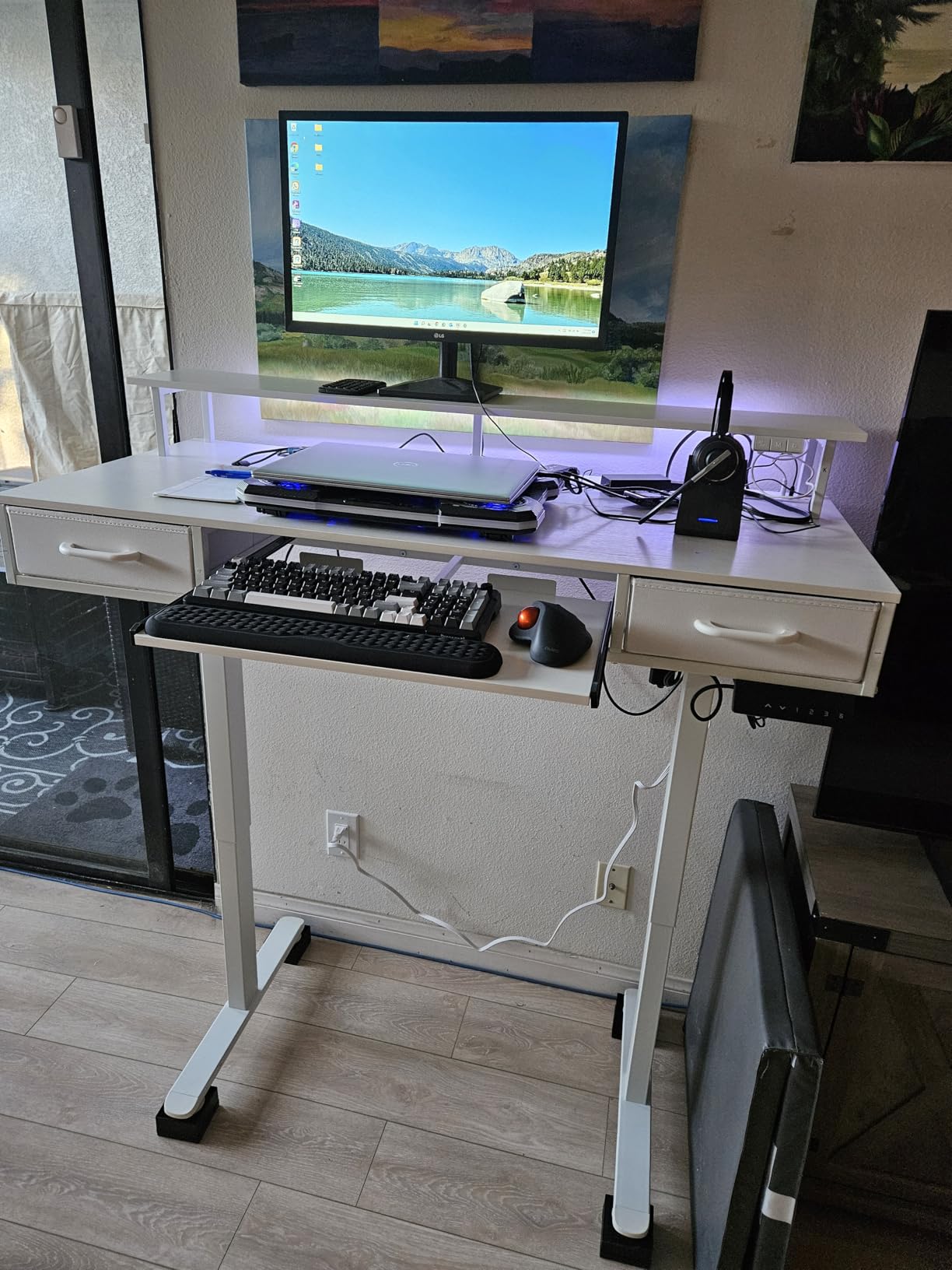
The idea here is vertical space rather than horizontal. A full-length elevated monitor shelf runs the width of the desk, raising both screens to eye level and creating a storage shelf underneath. That frees the desktop for a keyboard, a laptop or writing space, which is the opposite trade from most wide desks.
Owners report a very quiet motor with smooth, non-jumping movement, three memory presets, and a hidden rear cable tray that keeps wiring out of sight. Reviewers also note it comfortably holds a 32-inch and a 24-inch monitor at the same time, which is a useful data point if you are mixing panel sizes.
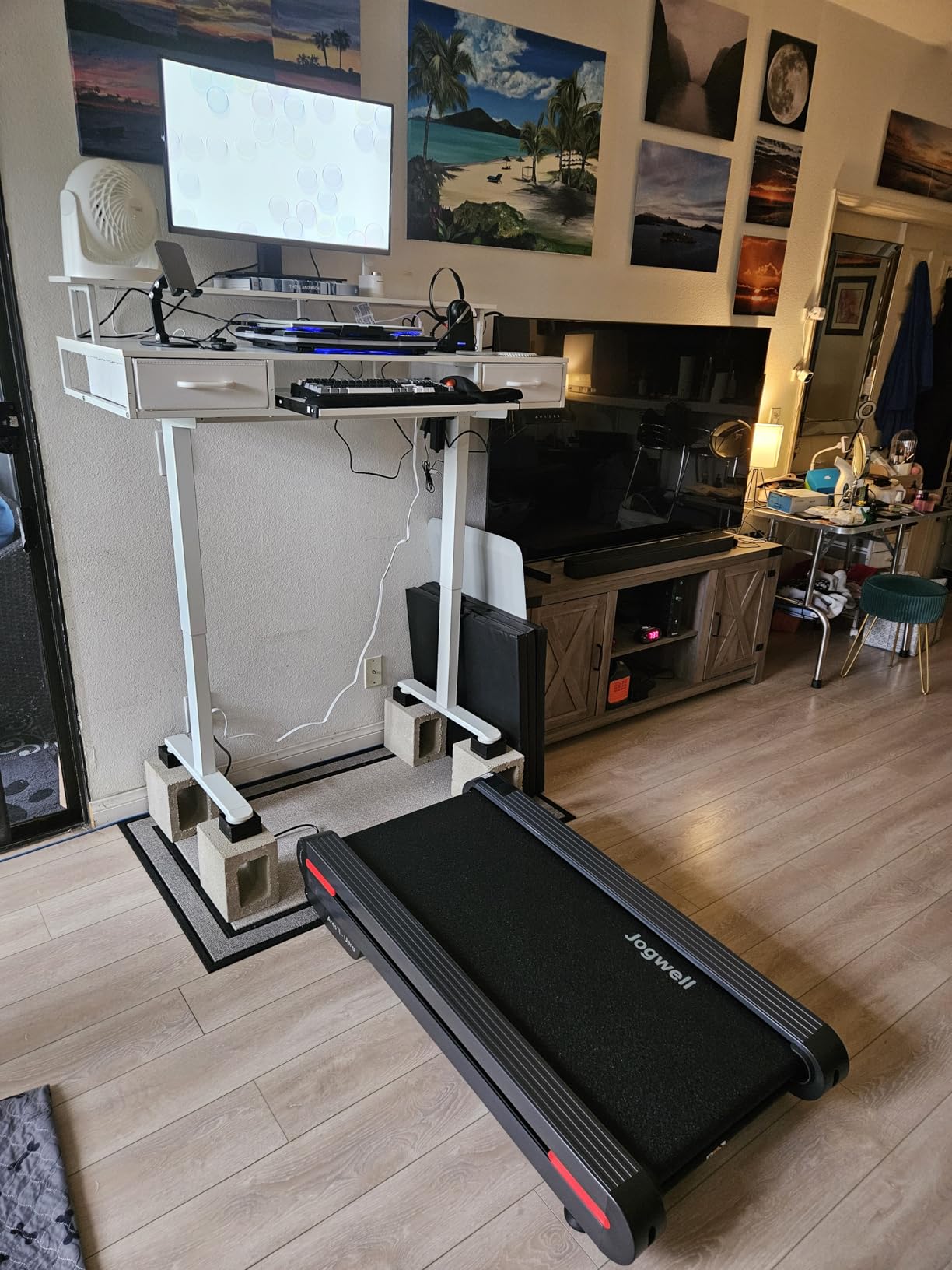
Power and lighting are integrated, with 3 AC outlets, 2 USB ports and LED lighting across 20 modes. The two fabric drawers on iron frames cut the assembly steps considerably, and the predrilled holes line up as described, which is rarer than it should be.
There are real limits. Depth is 21.25 inches, so screens sit close to the front edge. The keyboard tray is tight and too small for a keyboard and mouse together. Owners also report some wobble at full standing height, and the 46.1-inch maximum is short for users over 6 feet. At 65.1 pounds, assembly takes 2 to 3 hours.
When a monitor shelf beats a wider top
If your screens are on stands anyway, an elevated shelf gives you the same eye height plus a second storage surface. That is the right trade when depth is limited and desk width is plentiful, which is exactly the case on this 55-inch model with only 21.25 inches of depth.
Wobble at standing height is the honest flaw
Several owners report a small amount of wobble when the desk is fully raised. This is the classic dual-monitor complaint, and it is worth resolving before you load up. Check that all frame bolts are tight, level the feet, and keep the tower off the top so the load stays centred.
12. Lufeiya 55 Inch Desk with Monitor Stand – Best for File Storage
Lufeiya Gaming Desks with Led Lights and Power Outlets, 55 Inch Study Writing Computer Desk with Fabric File Drawers Cabinet for Bedroom, Home Office Desk with Shelves Monitor Stand, Rustic Brown
0.75 inch thick FSC-certified wood top
Monitor stand sized for 2 monitors
3 fabric file drawers plus file cabinet
41.3 lb desk weight
Pros
- 55 inch desk with a monitor stand sized to hold two monitors or laptops at eye level
- Three fabric file drawers plus a dedicated file cabinet for letter or legal size folders
- Built-in 3 outlets and 2 USB charging ports
- App-controlled LED strips with color
- brightness and music modes
- FSC-certified wood top with a frame that does not wobble once assembled
Cons
- 18.8 inch depth is shallow for a two-monitor plus keyboard layout
- Small screws and many parts make assembly lengthy
- LED strip can detach from the surface during use
- One drawer sometimes arrives without pre-drilled handle holes
This is the one in the roundup built specifically for a dual-monitor layout. The integrated monitor stand is explicitly sized to hold 2 monitors or laptops at eye level, which removes the need to buy separate risers, and the 55-inch top gives each screen its own space.
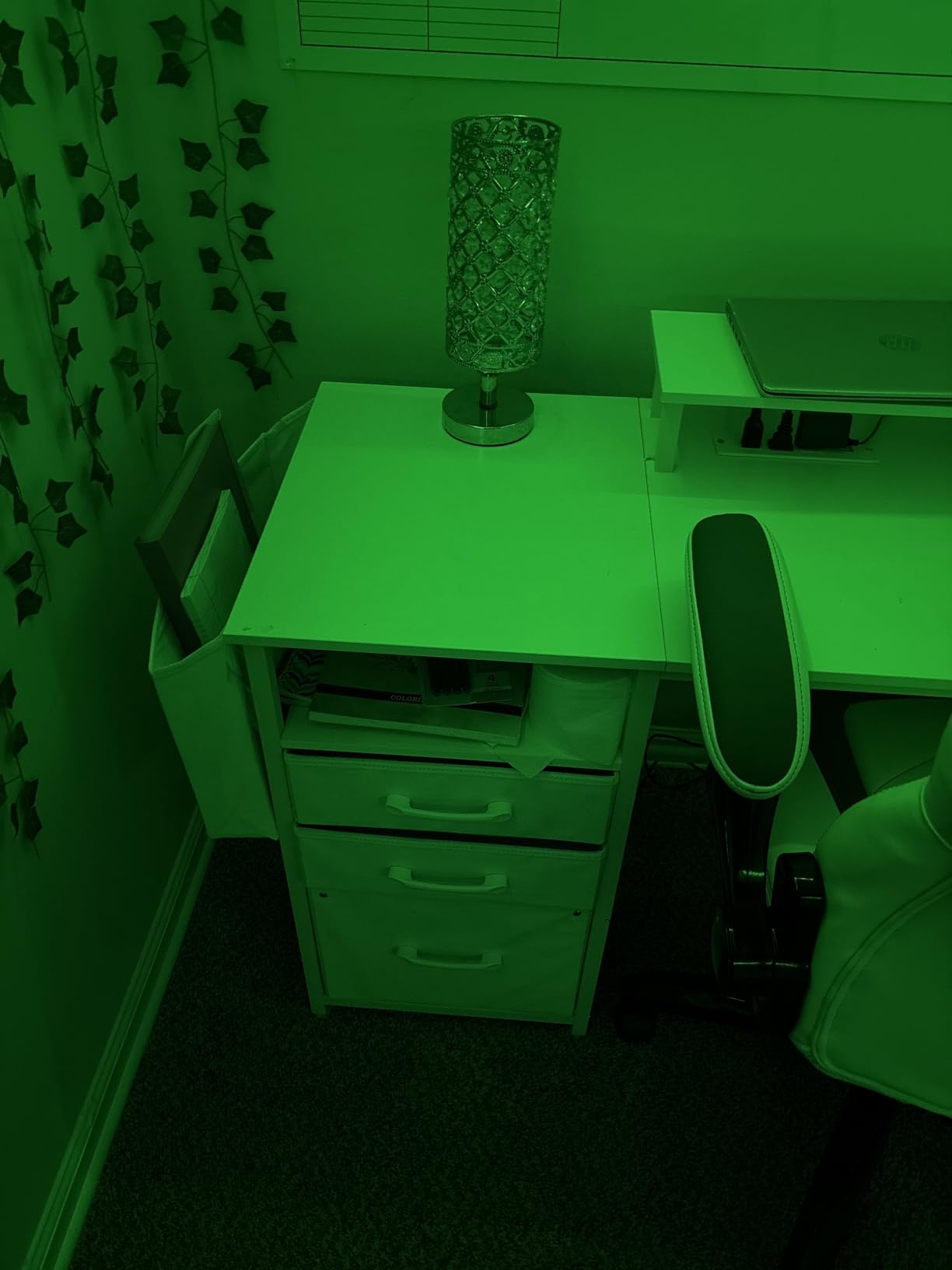
Storage is the other half of the appeal: 3 fabric file drawers plus a file cabinet that takes letter or legal size folders, and two-tier adjustable shelves that create space for a computer tower. The built-in power strip provides 3 AC outlets and 2 USB charging ports, including one at mid-desk height.
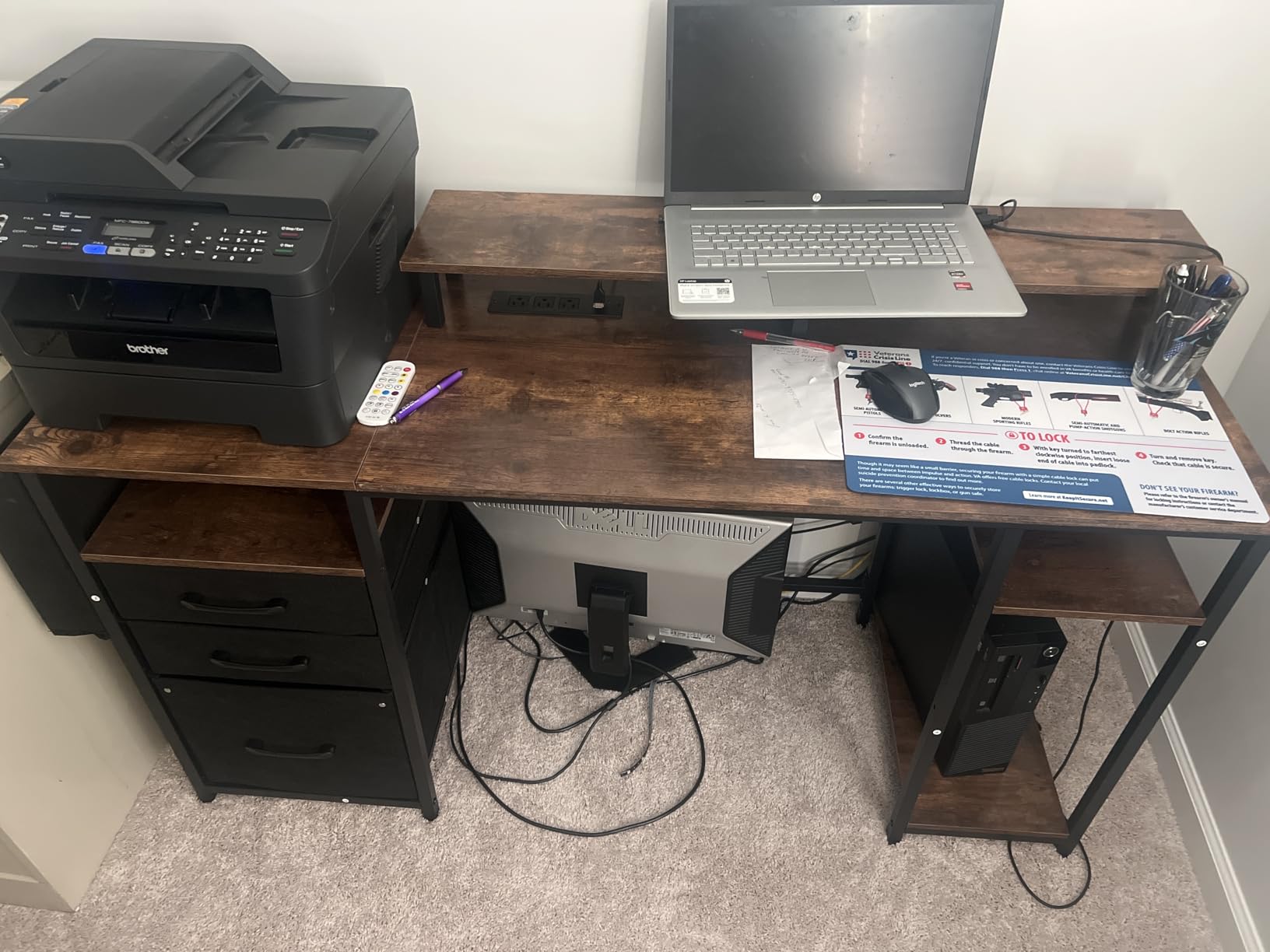
The top is FSC-certified wood, which is a genuine differentiator in this category, and owners report the frame holds steady once assembled. Concealed fasteners give it a clean finished look, and the LED strips are app-controlled with color temperature and music-synced modes.
The 18.8-inch depth is the compromise, and assembly is genuinely fiddly with many small screws, so plan for two people. Minor quality issues recur: a drawer arriving without predrilled handle holes and an LED strip that can detach. Neither is dangerous, and both are worth checking on arrival.
The only desk here with a two-monitor stand built in
Most desks in this roundup make you buy risers or arms separately. This one ships with a stand designed for 2 monitors, which removes both the cost and the depth problem that risers create. It is the cleanest path to a dual-monitor setup if you want screens elevated rather than clamped.
File storage decides whether this fits your workflow
The three fabric drawers and the file cabinet are for paper, not equipment. If you work from printed documents, contracts or archived material, this is the most capable desk here. If your storage needs are purely electronic, the money is better spent on a wider top or a proper dual arm.
What Size Desk Do I Need for Two Monitors?
For two 24 to 27 inch monitors you want a desk at least 55 to 60 inches wide and 28 to 30 inches deep. Two 24-inch monitors need a 48-inch minimum, two 27-inch monitors need 55 inches, and two 32-inch monitors need 60 inches or more. That sizing disagreement you may have seen online comes down to whether the source assumes monitor stands or monitor arms.
Dual 24-inch monitors: 48 inch minimum width, 55 to 60 inch comfortable width, 28 to 30 inch depth with stands or 24 to 26 inch with arms.
Dual 27-inch monitors: 55 inch minimum width, 60 inch or wider comfortable width, 28 to 30 inch depth with stands or 24 to 26 inch with arms.
Dual 32-inch monitors: 60 inch minimum width, 65 inch or wider comfortable width, around 30 inch depth with stands.
Mixed sizes, such as 32 inch plus 24 inch: 55 to 60 inch width, 28 inch depth minimum.
Two people sharing a desk: 78 inches or more so each person has 39 inches.
Depth splits cleanly by mounting method, and this is the detail most guides skip. On factory stands, monitors need 28 to 30 inches of depth to sit behind the keyboard without the panels blocking your wrist. On monitor arms, the screens float back over the surface, so 24 to 26 inches works fine. Several desks in this roundup are shallow by design and only make sense on arms.
A 60-inch desk is not too big for a normal room. It is roughly the width of a standard door plus its frame, and it needs a clear span on one wall or an L-shape in a corner. The desks that feel oversized are usually the deep ones, not the wide ones, so prioritize width over depth when choosing between similar options.
As for a 47-inch desk, it works for two 24-inch monitors on stands and for two 27-inch monitors on arms. Anything larger than 27 inches on each side needs 55 inches or more, and you will feel the difference in neck strain within a week. If you want more guidance on fitting screens to a compact surface, our picks for gaming monitors for small desks cover the display side of the same problem.
How to Choose a Desk for Two Monitors
Width gets the attention, but load capacity is what keeps the desk flat. Work out your total before you buy: two monitors with their stands or arms, plus a tower or laptop, plus peripherals, plus a large desk mat if you use one. Then compare that figure against the rated capacity, not the recommended maximum. A 110-pound desk with a 70-pound load is fine; a 110-pound desk with a 105-pound load is not.
Stability deserves its own test. Type hard on a candidate desk with both monitors mounted and watch whether the panels rock. Monitor wobble on a desk is frequently the frame or the loose screws between the monitor and its arm, not the arm itself, so swapping a clamp for a grommet rarely fixes it. A desk with a powder-coated steel frame and a crossbar will outlast a lighter one every time.
Surface material changes how you can mount things. Engineered wood holds grommets and screws acceptably, particleboard marks and chips more easily, and a thin laminate top is the first thing to fail if a clamp bites into it. If you plan arms, prioritize desks with grommets or a top thick enough for your clamp. Our large gaming desks for dual monitors guide goes deeper on frames built for heavy loads.
Where the PC tower goes is the question that comes up most often in dual-monitor threads, and the answer is straightforward. Put it under the desk or on a side shelf, not on the top, because a tower on the surface eats 8 to 9 inches of width that your monitors need. Several desks here, including the Furologee and the ODK, include a CPU stand or adjustable shelves for exactly this reason.
Two smaller details are worth checking. Built-in outlets matter more than they look, since every monitor and dock wants a plug, and models with 3 AC outlets plus USB and Type-C remove the extension cord entirely. Grommets matter if you use arms, because they are the clean route to mounting without damaging the desktop.
Monitor Arms and Desk Compatibility
A grommet mount passes a bolt and pole through a hole cut in the desktop, so the arm sits directly above the surface and all of the weight goes into the desk. A clamp mount grips the edge from below, so the load is carried by the tabletop and the arm is free to move. Grommets are stronger and cleaner; clamps are the only option when a desk has no holes.
Clamps have two requirements that trip people up. First, a maximum desktop thickness, often around 1 to 3 inches, and a desk with a wide trim edge may not fit the jaw at all. Second, a minimum thickness, because a very thin top can be crushed. Clamps also dent and scratch, which is the single most common complaint owners have with them.
For wobble, tighten the screws between the monitor and the arm first. One owner on r/StandingDesk described the same diagnosis: the problem was either the arm or the screws at the monitor-to-arm joint. If that is already correct, suspect the desk legs or frame, and swapping to a grommet will not change the result.
Do You Need a Standing Desk for Two Monitors?
Not always. A fixed desk is perfectly adequate for dual-monitor work, and many of the desks in this roundup are fixed. Standing changes your viewing distance and lets you alternate positions, which Harvard Health links to reduced back and hip stiffness over a long day. It is a comfort feature, not a requirement.
Electric sit-stand is the category worth paying for, because the presets let you switch between your two heights in seconds and the frame handles a heavy load without flexing. Manual crank and gas-spring converters are cheaper and lighter to buy, but a converter that sits on top of an existing desk eats depth you need for two monitors, and it can be heavy to move.
The practical argument for going electric is stability under load. A 154-pound or 176-pound rated frame stays planted at full extension with two monitors mounted. A converter rated around 35 pounds will sag or wobble the moment you add a second panel, which is the most common complaint about that category.
How to Set Up Two Monitors Ergonomically
Place both screens at roughly an arm’s length, about 22 to 30 inches from your eyes, and tilt each one inward by 15 to 30 degrees so the pair forms a shallow V. The top edge of each screen should sit at or just below eye level, and the screens should be angled so you turn your head rather than your eyes.
Sit about an arm’s length back with your elbows at 90 to 110 degrees, and let the top of the monitor shelf or riser set the eye height rather than the desk. CDC guidance on computer workstations is straightforward: the screen should be roughly at or below eye level, centred on your body, and free of glare from windows or overhead lighting.
Give your eyes breaks. The 20-20-20 rule, widely recommended in ergonomic guidance, is simple: every 20 minutes, look at something 20 feet away for 20 seconds. On a dual-monitor setup you are not obliged to stare at the same screen, so use the far monitor as your distance target.
If you are setting up a streaming or video-call corner, position the second monitor at a slight angle rather than flat, and keep the camera in your eyeline. Our video lighting guide for a two-person setup covers the lighting side of that corner.
Frequently Asked Questions
What size computer desk for 2 monitors?
For two 24 to 27 inch monitors you want a desk at least 55 to 60 inches wide and 28 to 30 inches deep. Two 24-inch monitors need a 48-inch minimum, two 27-inch monitors need 55 inches, and two 32-inch monitors need 60 inches or more.
Is a 60-inch desk too big?
A 60-inch desk is not too big for a normal room. It is roughly the width of a standard door and its frame, and it needs a clear span on one wall or a corner for an L-shape. Desks that feel oversized are usually deep rather than wide, so prioritise width when choosing.
Is a 47 inch desk big enough for two monitors?
A 47-inch desk works for two 24-inch monitors on stands, and for two 27-inch monitors on monitor arms. Anything larger than 27 inches on each side needs 55 inches or more. With stands on a 47-inch top, the panels will sit close together and force an inward angle.
Why do my monitors wobble on my desk?
Most wobble comes from loose screws at the monitor-to-arm joint or from a light desk frame, not from the arm mount itself. Tighten every bolt at the VESA plate first. If the wobble persists at full standing height, the legs or frame are the likely cause, and switching from a clamp to a grommet will not fix it.
Do I need a standing desk for two monitors?
No. A fixed desk handles two monitors perfectly well. An electric sit-stand desk is a comfort option that lets you alternate between sitting and standing. It matters more than usual here because a heavier load on a lighter frame is what causes wobble, so choose a frame rated well above your total load.
Final Verdict: The Best Computer Desks for Two Monitors in 2026
The SHW Mission 55-Inch desk is the best computer desk for two monitors overall, because it pairs a genuinely wide top with a steel frame rated to 110 pounds and a 20-minute assembly. It is the desk I would put in a room without overthinking it. Add the electric SHW if you want to sit and stand, and consider the Veken if load capacity is your main worry.
Beyond the width question, remember the three numbers that decide everything: 55 to 60 inches of width, 24 to 30 inches of depth depending on your mount, and a load rating comfortably above your combined monitors, arms and tower. Measure your wall first, then pick from the roundups above. We update these picks every year as new models land.