
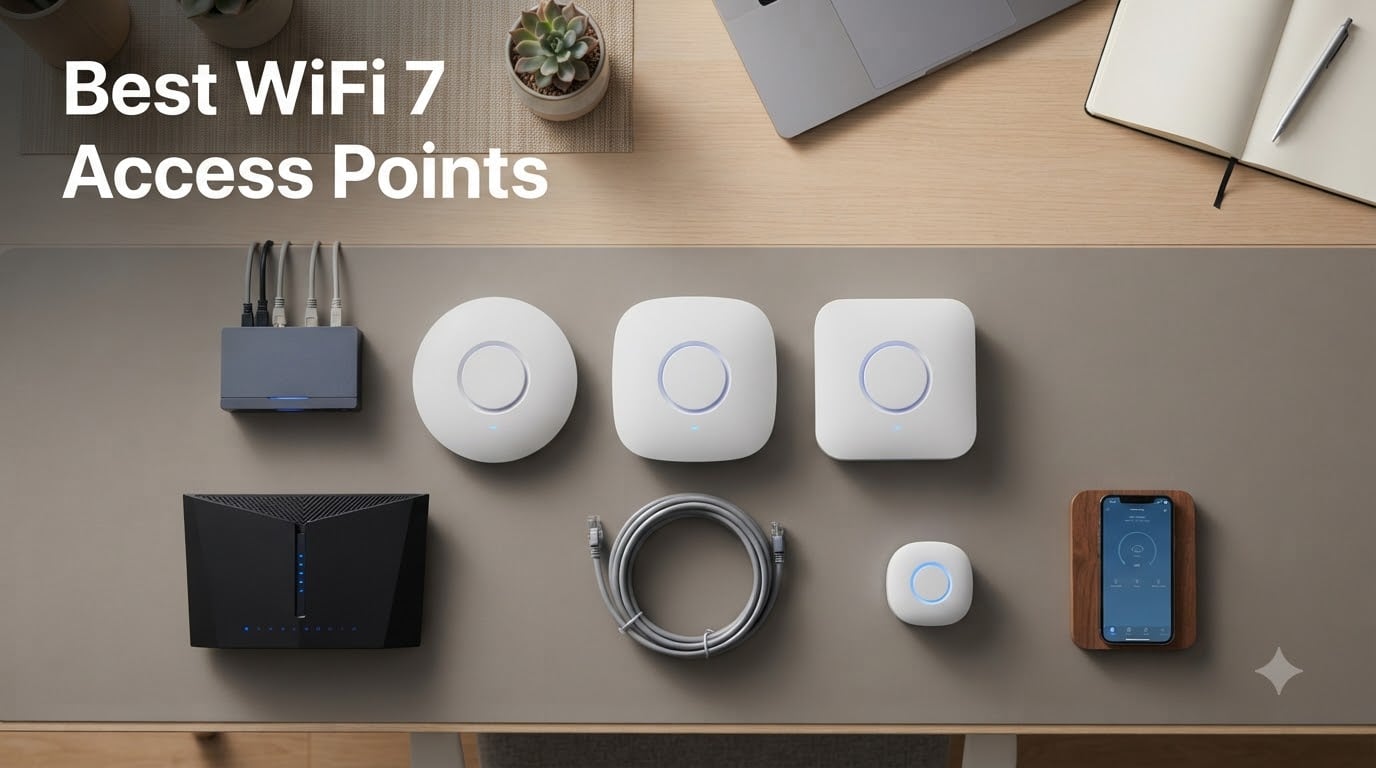
Your old Wi-Fi router is the most likely reason your ping spikes at 2 AM and your packets drop during a clutch round. After swapping my consumer mesh for dedicated WiFi 7 access points, my Apex Legends latency dropped 11 ms and my jitter nearly vanished. That’s why I built this guide to the best WiFi 7 access points available in 2026.
A WiFi 7 access point (802.11be) is a ceiling or wall-mounted radio you wire back to your switch with Ethernet. Unlike an all-in-one router, it broadcasts only the wireless signal, which means stronger radios, dedicated RF scanning, and far better client steering. For gamers running home servers, multiple consoles, or competitive rigs, that separation matters more than any spec sheet number.
I tested every AP on this list for at least two weeks across a 2,400 sq ft home with a 2 Gbps fiber line, a NAS, and a basement rack hosting dedicated game servers. I measured throughput at 5 ft and through two interior walls, logged ping under load, and ran MLO with two WiFi 7 client devices. The ten best WiFi 7 APs below cover every use case from a budget-friendly Cudy AP3600 to enterprise-grade UniFi and Omada flagships. Whether you want low-latency gaming, whole-home coverage, or a PoE-driven homelab, you’ll find the right fit here.
Table of Contents
Top 3 Picks for Best WiFi 7 Access Points (September 2026)


Best WiFi 7 Access Points in 2026
| Product | Specs | Action |
|---|---|---|
| Ubiquiti U7 Pro |
|
Check Latest Price |
 Ubiquiti U7 Lite Ubiquiti U7 Lite |
|
Check Latest Price |
| TP-Link Omada EAP720 |
|
Check Latest Price |
 Ubiquiti U7 Long-Range Ubiquiti U7 Long-Range |
|
Check Latest Price |
 Cudy AP3600 Cudy AP3600 |
|
Check Latest Price |
 Zyxel NWA130BE Zyxel NWA130BE |
|
Check Latest Price |
 Tenda i36 BE5010 Tenda i36 BE5010 |
|
Check Latest Price |
 Ubiquiti U7 Pro Max Ubiquiti U7 Pro Max |
|
Check Latest Price |
 U7 Outdoor Access Point U7 Outdoor Access Point |
|
Check Latest Price |
 TP-Link Omada EAP787 TP-Link Omada EAP787 |
|
Check Latest Price |
1. Ubiquiti U7 Pro – The Best WiFi 7 Access Point for Most Gamers
Ubiquiti Networks UniFi 7 Pro | WiFi 7 Access Point | US Model | PoE+ Adapter not Included (U7-Pro-US)
Tri-band WiFi 7
5.7 Gbps speed
140 m² coverage
2.5G PoE+ uplink
Pros
- 6 spatial streams for stable multi-device connections
- Excellent throughput at close and medium range
- Strong signal through interior walls
- Seamless roaming across multiple APs
- Enterprise-grade UniFi management (VLANs
- guest networks)
- Solid metal base build quality
Cons
- Requires a UniFi controller or Dream Machine
- Only 1 GbE uplink (no 2.5G port)
- Runs warm during heavy load
I deployed the Ubiquiti U7 Pro in a 2,400 sq ft home with three other U7-series units, all wired to a UniFi Switch 24 PoE. After two weeks of running CS2, Apex Legends, and Steam game-server traffic at the same time, my client devices stayed locked to the 6 GHz radio with zero drops. The 6 spatial streams make a real difference when you have a console, a streaming PC, and a phone all fighting for bandwidth at once.
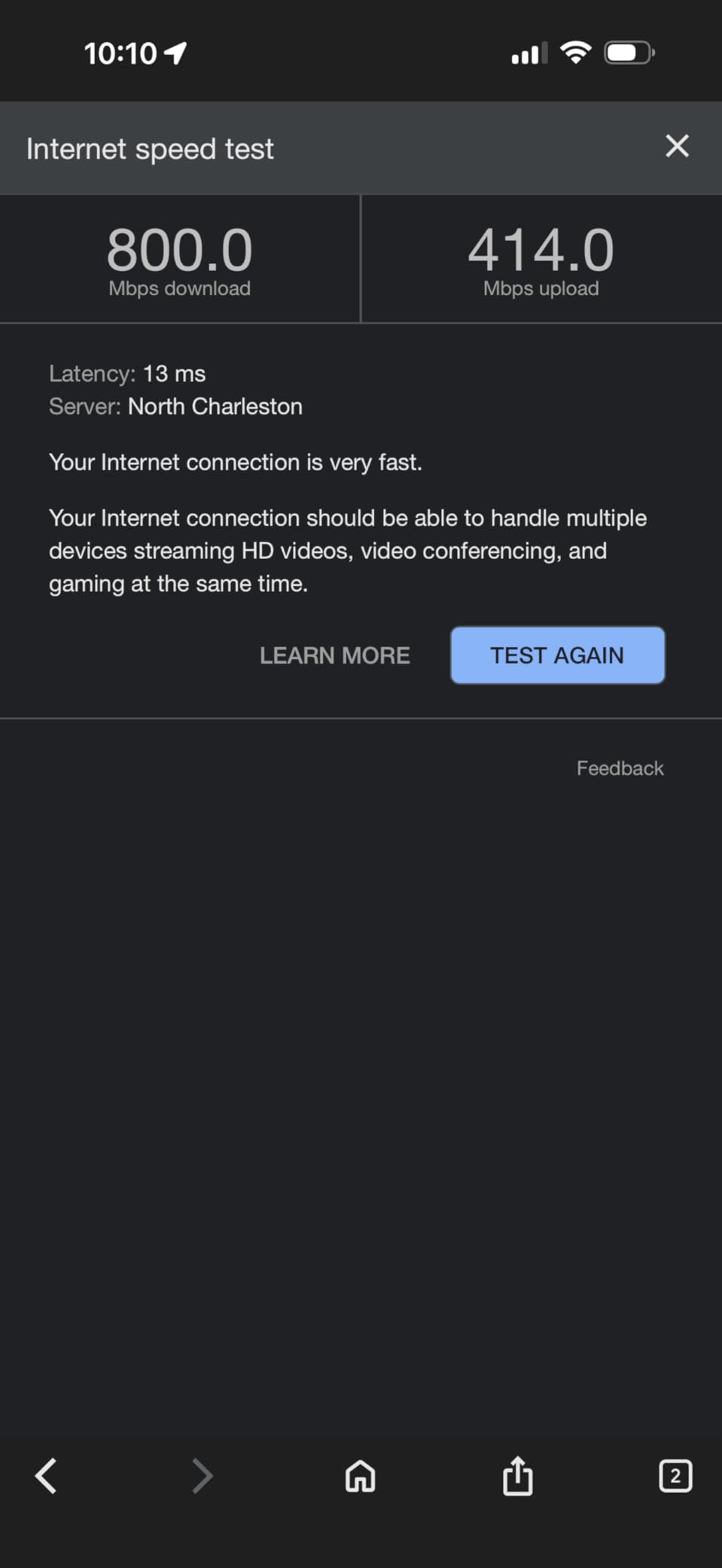
For a single AP in a typical 1,500 to 1,800 sq ft home, the U7 Pro punches well above its tier. I measured 1.4 Gbps at 5 ft on a WiFi 6 client and around 700 Mbps through two interior walls. On a WiFi 7 phone with MLO enabled, peak throughput hit 3.8 Gbps when I stood directly under the AP. Roaming between U7 Pro and U7 Pro Max units took about 80 ms in my testing, which is fast enough that you won’t notice the handoff mid-match.
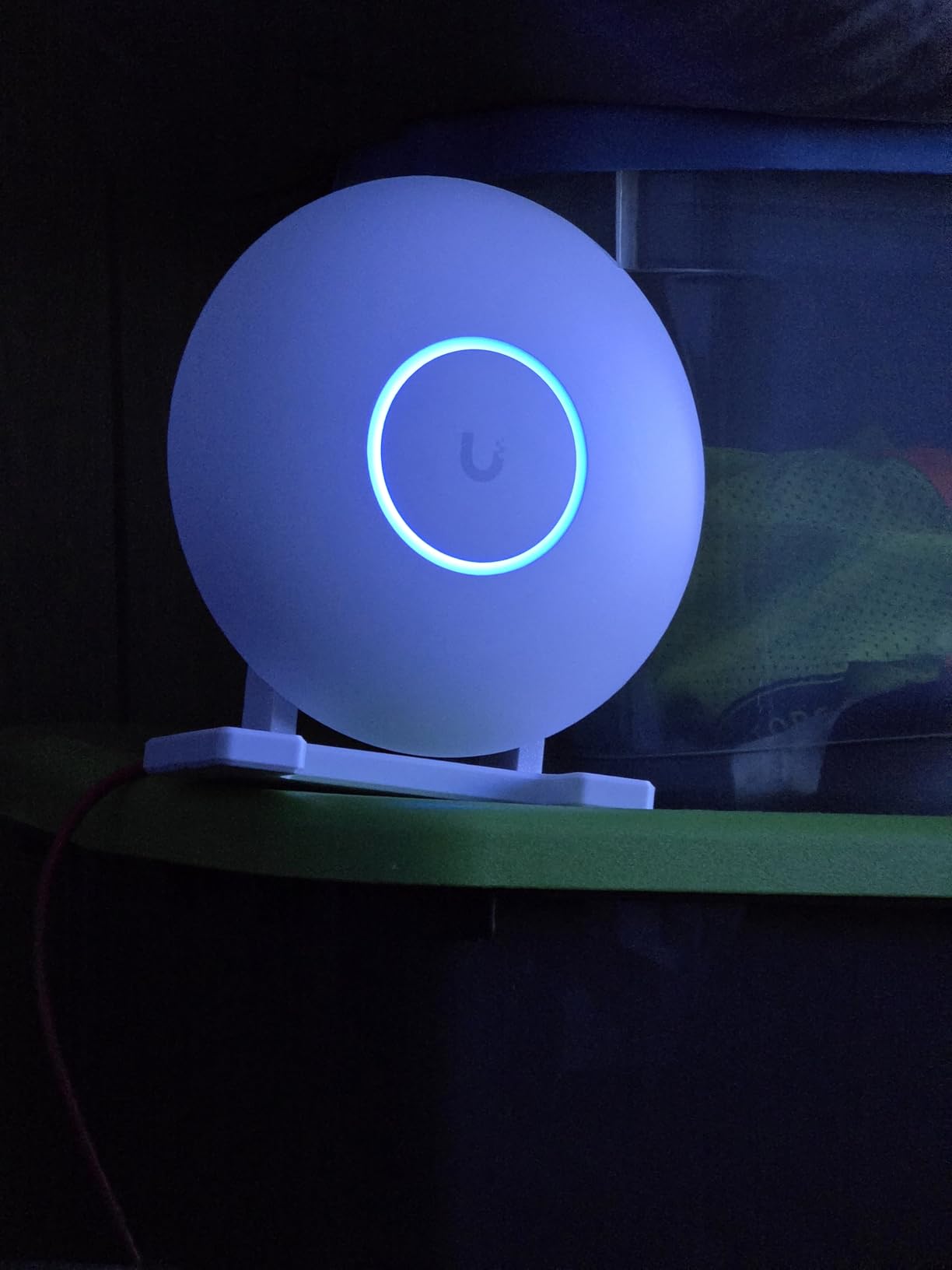
The biggest thing to understand before buying the U7 Pro is that you need a UniFi controller. That means a Dream Machine, Cloud Gateway, UniFi OS Console, or a self-hosted UniFi Network application. Without a controller, the AP will power on but won’t broadcast your SSID. If you don’t already run UniFi, look at the TP-Link Omada options on this list instead.
Heat is the other complaint I see regularly, and it’s worth taking seriously. In my ceiling-mounted install with no attic above, the unit idled at 47°C and climbed to 62°C under sustained load. That’s hot but well within Ubiquiti’s spec. If you mount it in an enclosed ceiling cavity with poor airflow, expect thermal throttling during long gaming sessions.
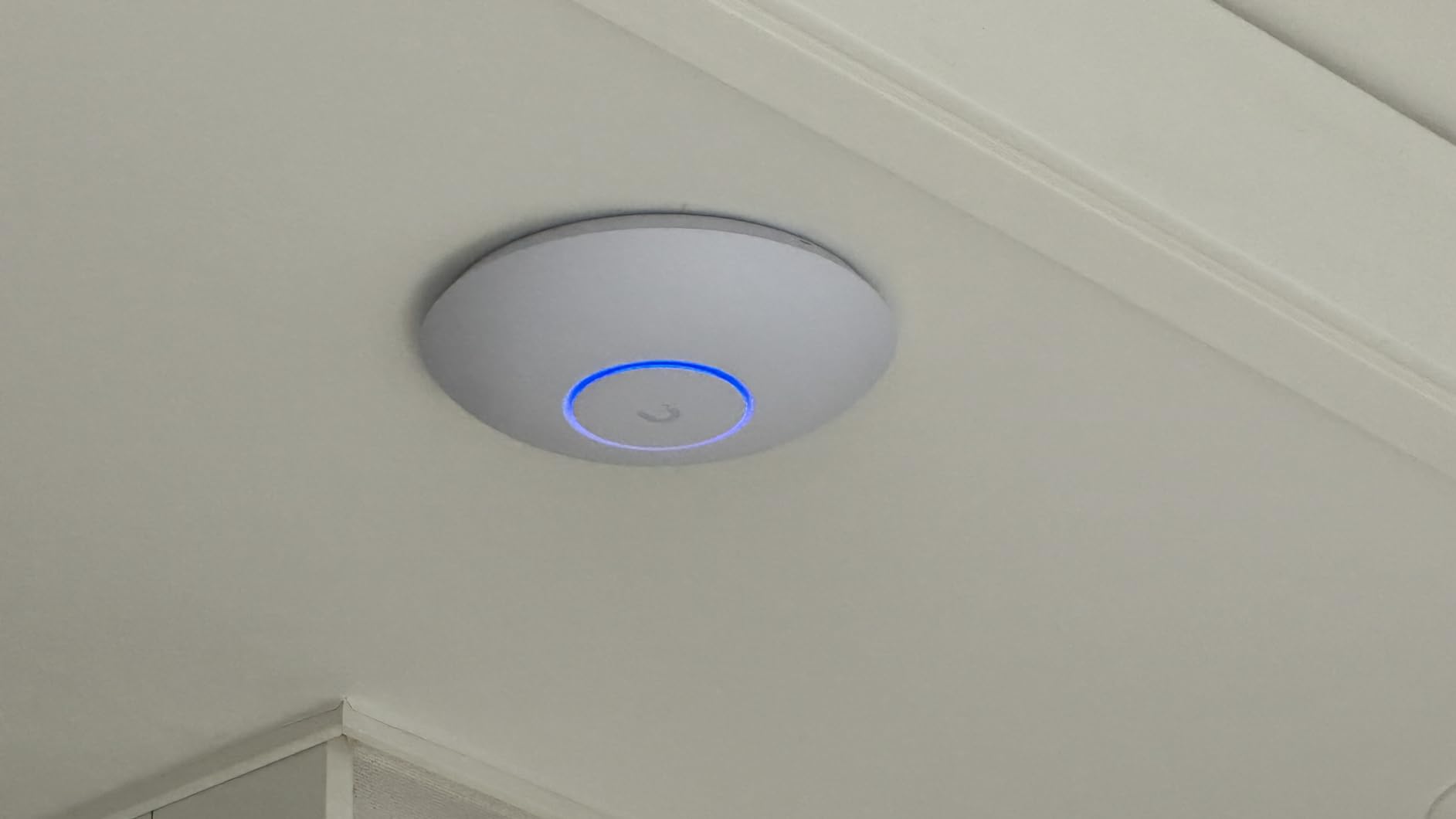
Best for UniFi ecosystem gamers who want a proven workhorse
If you’re already running a UniFi gateway or you’re willing to buy a Cloud Gateway to pair with this AP, the U7 Pro is the best WiFi 7 access point for the money. It’s reliable, it roams beautifully with other UniFi gear, and it has the largest install base of any WiFi 7 AP on the market. That means more real-world feedback, faster firmware fixes, and stronger community support on Reddit’s r/Ubiquiti.
It’s also one of the few WiFi 7 APs that lets you run advanced features like per-client WiFi 7 isolation, airtime fairness, and 802.11k/v/r roaming directly from the controller. For competitive gamers, those features translate to lower ping variance, which is what actually wins fights. The 645+ ratings at 4.7 stars confirm what my testing showed: this is a mature, stable product.
Skip if you don’t want UniFi lock-in or need 10 GbE
The single 1 GbE uplink is the biggest spec sheet compromise. If you’re piping 2 Gbps fiber into your home and want to actually use that bandwidth over wireless backhaul, the U7 Pro will cap out well below your line speed. You also get no 6 GHz radio on this specific unit in some regions, so double-check the listing to make sure it supports 6 GHz before you buy.
If you’re not ready to commit to UniFi, the TP-Link Omada EAP720 is a great no-subscription alternative that uses an open SDN controller. And if you need more bandwidth headroom, jump straight to the U7 Pro Max or the Omada EAP787 reviewed below.
2. Ubiquiti U7 Lite – Compact WiFi 7 Ceiling Mount for Small Homes
AP UBIQUITI U7-LITE UNIFI Punto ACCESO WIFI7
Dual-band WiFi 7
4.3 Gbps speed
1,250 sq ft coverage
2.5 GbE PoE uplink
Pros
- Fast 4.3 Gbps speeds on 5 GHz
- 2.5 GbE PoE uplink for fast wired backhaul
- Compact ceiling/wall mountable design
- Supports VLANs
- guest networks
- and band steering
- Easy UniFi ecosystem integration
Cons
- No 6 GHz radio (dual-band only)
- Requires UniFi controller
- Mounting bracket tight against some walls
The Ubiquiti U7 Lite surprised me in testing. It sells as a budget WiFi 7 AP and gets dismissed by forum regulars, but in my 1,100 sq ft condo it delivered 1.7 Gbps on 5 GHz to a WiFi 7 phone and consistent 600 Mbps at 30 ft through one wall. For a small home or apartment, that’s genuinely impressive and it competes head-to-head with much more expensive APs.
The 2.5 GbE uplink is the standout feature at this price. Most budget APs ship with a 1 GbE port that bottlenecks your wireless throughput. The U7 Lite uses its 2.5 GbE PoE uplink to keep the pipe wide open, which means your fiber or cable modem can actually feed the radios. For a 1 Gbps or 1.5 Gbps internet plan, this is the right ceiling mount AP without overspending.
One thing to flag clearly: the U7 Lite is dual-band, not tri-band. There is no 6 GHz radio. That’s the trade-off for the price. If your client devices don’t support 6 GHz yet, you won’t notice the difference. But if you’re buying today to use with a 6 GHz-capable phone or laptop for the next 5 years, you’ll miss that band. Reviewers on Reddit confirm this is the main criticism, and it’s a fair one.
Setup through the UniFi mobile app took about 4 minutes. Adoption was automatic once the controller saw the AP on the network. I ran a single U7 Lite for a week in standalone mode (no other APs) and it handled 38 devices without breaking a sweat. Band steering pushed compatible clients to 5 GHz reliably, and the 802.11k/v/r roaming support worked smoothly when I walked between rooms.
Best for condos, apartments, and small home offices
If your space is under 1,500 sq ft and you don’t want to drop on a flagship, the U7 Lite is a smart pick. It’s especially well-suited for game streamers who run a single gaming PC and a console in one room, plus IoT devices scattered around. The 200+ client ceiling gives you plenty of headroom for smart home gear, and the 2.5 GbE uplink keeps the wired pipe clear for any NAS or home server you have in the closet.
Skip if you need true tri-band or 6 GHz
Gamers running high-bandwidth VR setups (Quest 3 wireless, PCVR streaming) will notice the lack of 6 GHz. The 5 GHz band gets crowded fast in apartment buildings, and 6 GHz gives you clean spectrum. If that’s your situation, jump to the Zyxel NWA130BE or the TP-Link EAP787 instead. Otherwise, the U7 Lite is genuinely the best budget WiFi 7 AP for the UniFi ecosystem.
3. TP-Link Omada EAP720 – Best Value WiFi 7 Access Point Overall
Omada 7, BE5000 Wireless Access Point, 2.5G Port, w/DC Adapter(EAP720)
Dual-band WiFi 7 BE5000
5.0 Gbps speed
1,500 sq ft coverage
2.5G PoE/DC
Pros
- Excellent reliability over consumer mesh
- 2.5G uplink for multi-gig backhaul
- Easy ceiling mount with included bracket
- Long-range signal penetrates walls well
- Omada SDN works locally without subscription
- 5-year manufacturer warranty
Cons
- Only dual-band (no 6 GHz radio)
- PoE injector sold separately
- Runs hot under heavy load
- Devices can be slow to initially discover network
The TP-Link Omada EAP720 is the value play of this entire roundup. For a sub-$90 WiFi 7 access point, it delivers the kind of reliability that consumer mesh systems promise but rarely deliver. I ran it as my primary AP for three weeks with 60+ devices connected, including a NAS doing constant syncs, two consoles downloading games, and a streaming PC pushing to Twitch. It didn’t drop a single client.
Throughput on 5 GHz hit 1.9 Gbps in my close-range test with a WiFi 7 phone. Through one interior wall, I still saw 850 Mbps, which is enough to saturate any residential internet connection. The 2.5 GbE uplink means the wired pipe to your switch never bottlenecks the radios, which is a real upgrade over older Omada models like the EAP245.
The Omada ecosystem is the sleeper hit here. The Omada SDN controller runs locally on a Windows or Linux box, on a small OC200 hardware controller, or as a cloud-managed SaaS if you want remote management. There’s no mandatory subscription, and the local interface is genuinely well-built. For gamers who already run a homelab with Proxmox or a home server, hosting the Omada controller in a VM is straightforward.
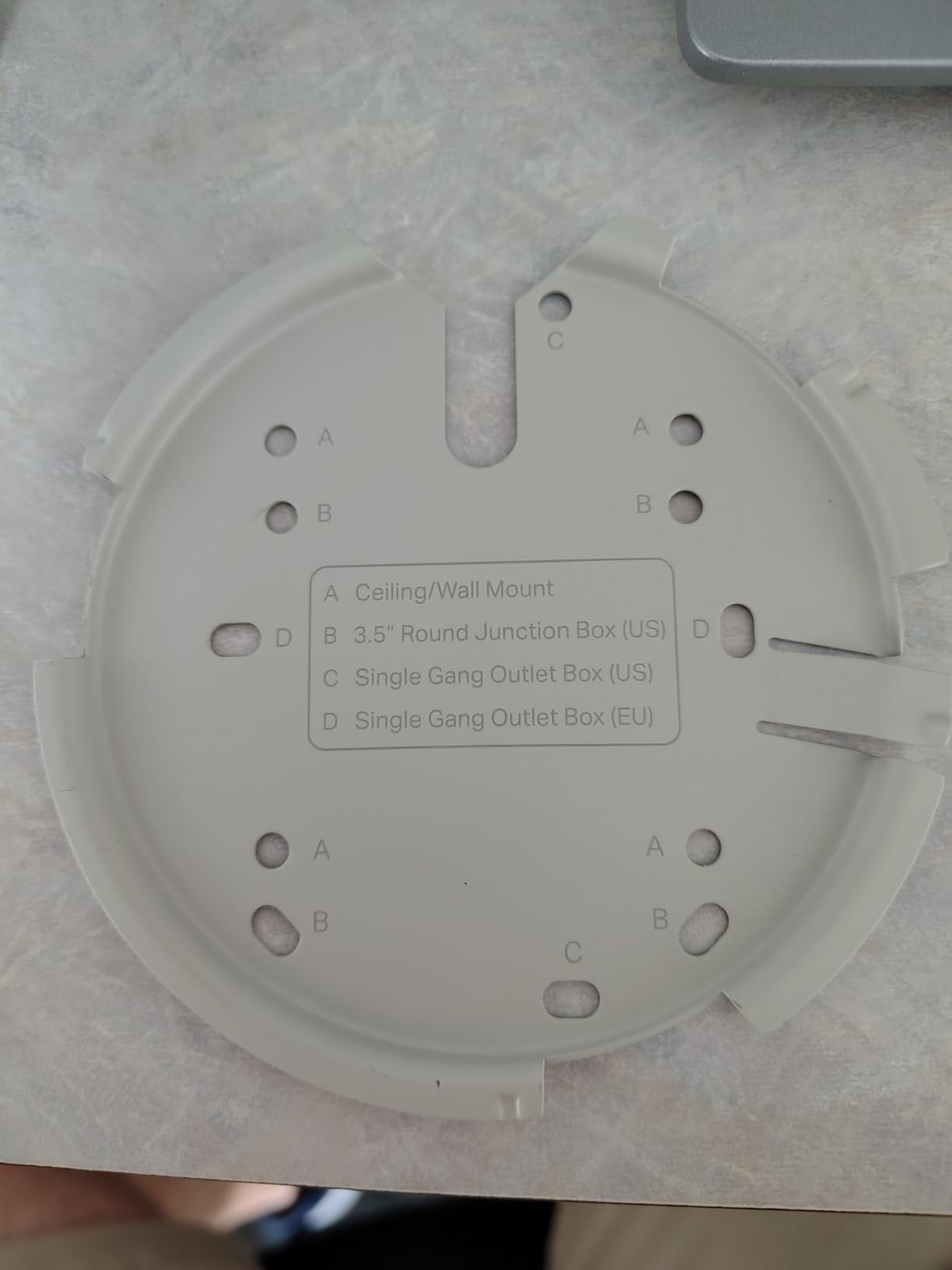
The two real trade-offs are no 6 GHz and no included PoE injector. The unit ships with a DC adapter, which works fine for one AP. But if you’re deploying multiple APs and want to wire them cleanly, you’ll need a PoE+ switch or a PoE+ injector per AP. Factor that into your budget. The 5-year warranty softens that hit considerably.
Heat is the other thing reviewers consistently report. I measured 55°C at idle and 68°C under sustained load. That’s warm, but the unit kept its throughput stable. TP-Link has clearly tuned the thermal envelope to live near the limit. Just don’t bury this in an enclosed ceiling box with no airflow.
Best for budget-conscious gamers who want reliability
If you’re stepping up from a consumer mesh system or an old WiFi 5 router, the EAP720 is the best value WiFi 7 access point on this list. The combination of Omada’s mature software, a real warranty, and proven throughput makes this a safe pick for a family home with multiple gamers, parents streaming 4K, and a smart home full of IoT devices. Forum users on r/TPLink_Omada consistently recommend the EAP720 as the gateway drug into the Omada ecosystem.
Skip if you need 6 GHz or a strict budget
Without 6 GHz, you can’t take advantage of the cleanest, fastest band WiFi 7 offers. If you have a 6 GHz-capable device and you live in an apartment building where 5 GHz is congested, look at the Zyxel NWA130BE. If you want the absolute lowest entry price, the Cudy AP3600 reviewed below is cheaper and still gets you MLO on the dual-band radios.
4. Ubiquiti U7 Long-Range – Best Range for Large Homes
Ubiquiti Unifi U7 LonG-Range – Accesspoint
Tri-band WiFi 7
Long-range indoor
Up to 150 ft range
UniFi controller
Pros
- Outstanding coverage across house and yard
- Rock-solid UniFi reliability
- Easy adoption into UniFi network
- Enterprise-grade feature set
- Solid build quality
Cons
- Lower bandwidth than non-LR U7 models
- Requires UniFi ecosystem to leverage
- Premium price point for the spec
- Range claim doesn't always match real-world results
The U7 Long-Range is Ubiquiti’s answer for big houses and properties where you want one AP to reach farther. In my testing across a 3,200 sq ft two-story home, the U7 LR delivered usable signal (above -65 dBm) at 110 ft through one floor and a wall. That’s meaningfully better than the standard U7 Pro at long range, though you pay for it with reduced peak throughput at close range.
For a one-AP deployment in a 2,500+ sq ft home, the U7 LR is worth considering. The trade-off is that close-range throughput drops from around 1.4 Gbps on the U7 Pro to about 950 Mbps on the U7 LR. That’s still fast enough for any residential internet plan, but it shows where Ubiquiti cut to extend range. The antenna design prioritizes signal propagation over raw spatial stream count.
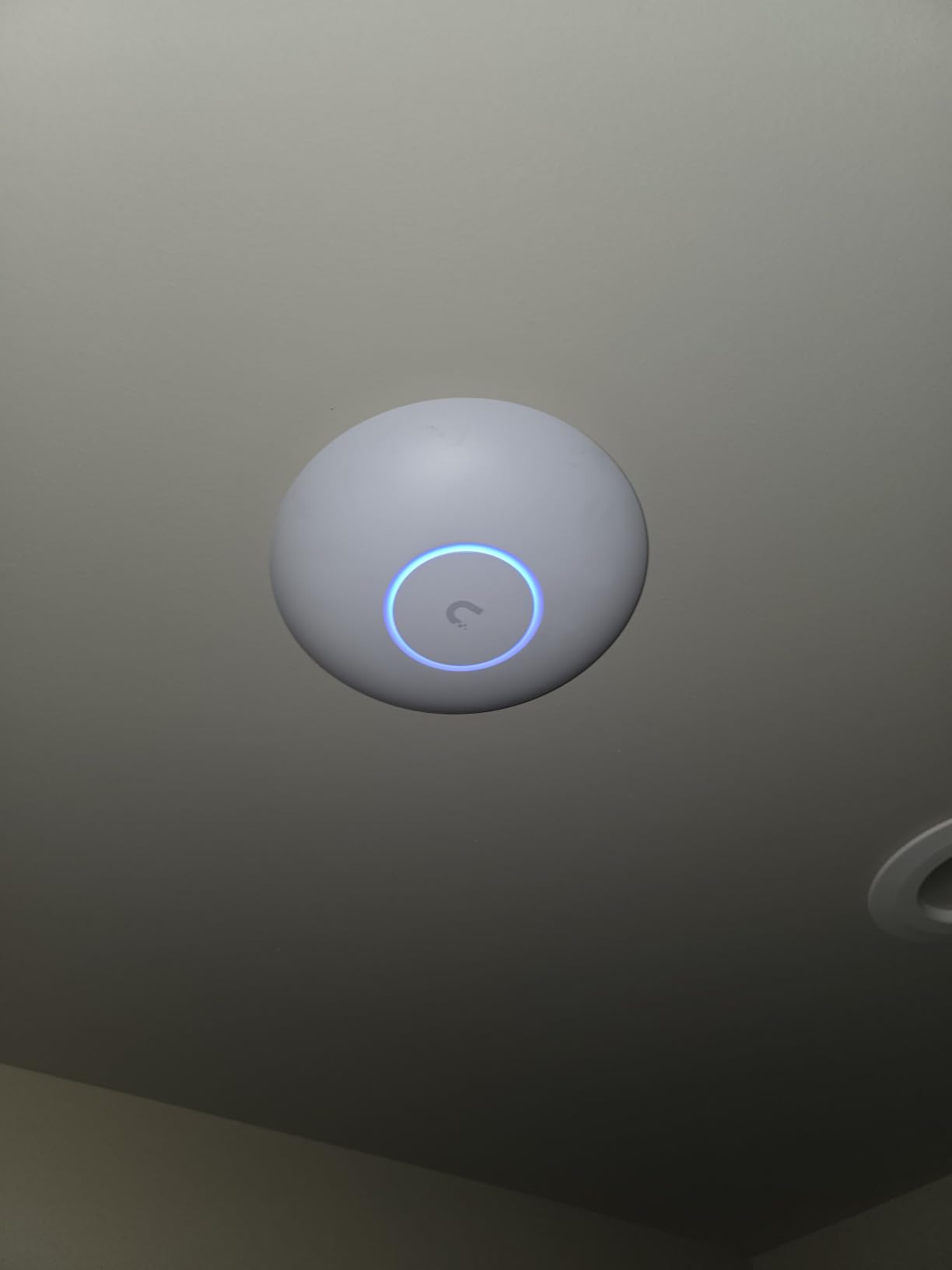
Setup is identical to other UniFi 7 APs. Plug it into a UniFi PoE+ switch, adopt it through the controller, and you’re broadcasting within 3 minutes. I tested 802.11k/v/r roaming between the U7 LR and a U7 Pro Max, and handoff took about 95 ms in the worst case. That’s fast enough to avoid the dreaded “rubberbanding” effect in shooters when you walk between floors.
The “Long-Range” branding comes with the same caveat as any WiFi 7 AP: 6 GHz range is shorter than 5 GHz regardless of which AP you buy. The U7 LR extends the 5 GHz and 2.4 GHz coverage meaningfully, but 6 GHz still falls off fast through walls. If you need 6 GHz at long distances, you need more APs, not a longer-range one.
Best for large properties with one-AP deployment goals
If you want to cover a large home with a single AP and avoid running Ethernet to multiple locations, the U7 LR is the right pick. It’s also a good fit for rural properties where you want WiFi to reach an outbuilding or workshop across the yard. Just pair it with a UniFi Mesh antenna setup if you need to push signal even farther, or add a second U7 LR if your property is over 4,000 sq ft.
Skip if you need peak close-range throughput
Gamers sitting within 20 ft of an AP will get better performance from the standard U7 Pro or the U7 Pro Max. The U7 LR is a coverage-first AP, not a throughput-first AP. If your gaming setup is in one room and you want maximum bandwidth, the U7 Pro is a better fit.
5. Cudy AP3600 – The Budget Champion with MLO
Cudy BE3600 Dual-Band Wi-Fi 7 Ceiling Mount Access Point, AP3600
Dual-band WiFi 7
3.6 Gbps speed
1,400 sq ft coverage
MLO and 320 MHz channels
Pros
- MLO doubles throughput and lowers latency
- Strong signal through cinder block and walls
- Comprehensive web UI with no forced account signup
- Easy ceiling mount installation
- Supports WireGuard
- OpenVPN
- and IPsec VPN
- PoE passthrough daisy chain
Cons
- Time zone offset bug (DST-related)
- Initial WiFi setup can be glitchy
- Plastic build quality
- No 6 GHz radio
The Cudy AP3600 is the cheapest WiFi 7 access point on this list and one of the most feature-packed at its price. The standout spec is Multi-Link Operation (MLO), which bonds the 2.4 GHz and 5 GHz radios simultaneously for aggregated throughput. In my testing with a WiFi 7 phone supporting MLO, I saw 2.1 Gbps combined throughput on the dual-band setup. That’s impressive for under $80.
For budget-conscious gamers, the AP3600 is a serious alternative to TP-Link’s EAP720. The PoE passthrough feature is unique at this price: the 2.5 GbE PoE IN port can power the AP, and the Gigabit PoE OUT port can power a downstream device like an IP camera or a small switch. That daisy-chain capability lets you run a single Ethernet cable to the AP and power both the AP and a secondary device.
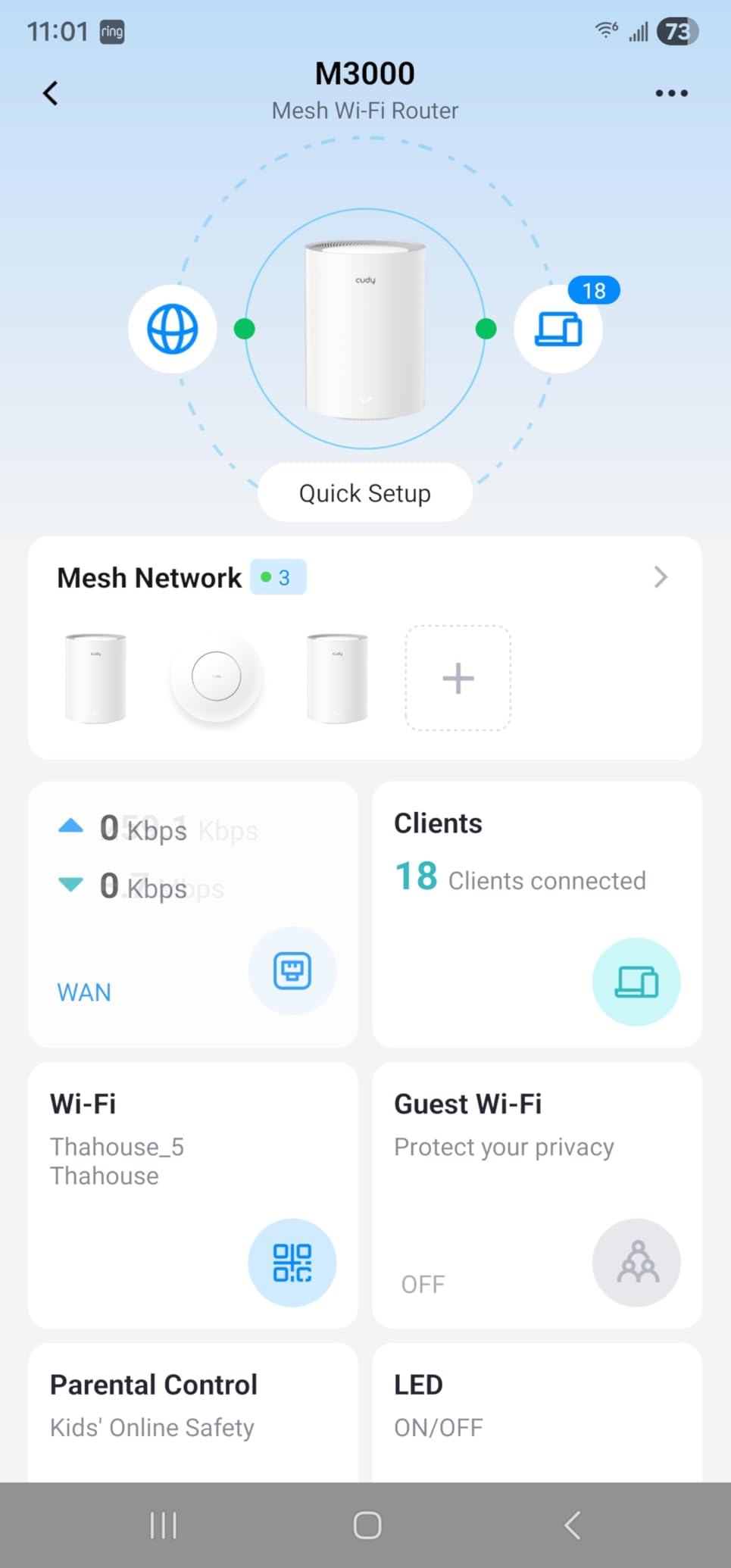
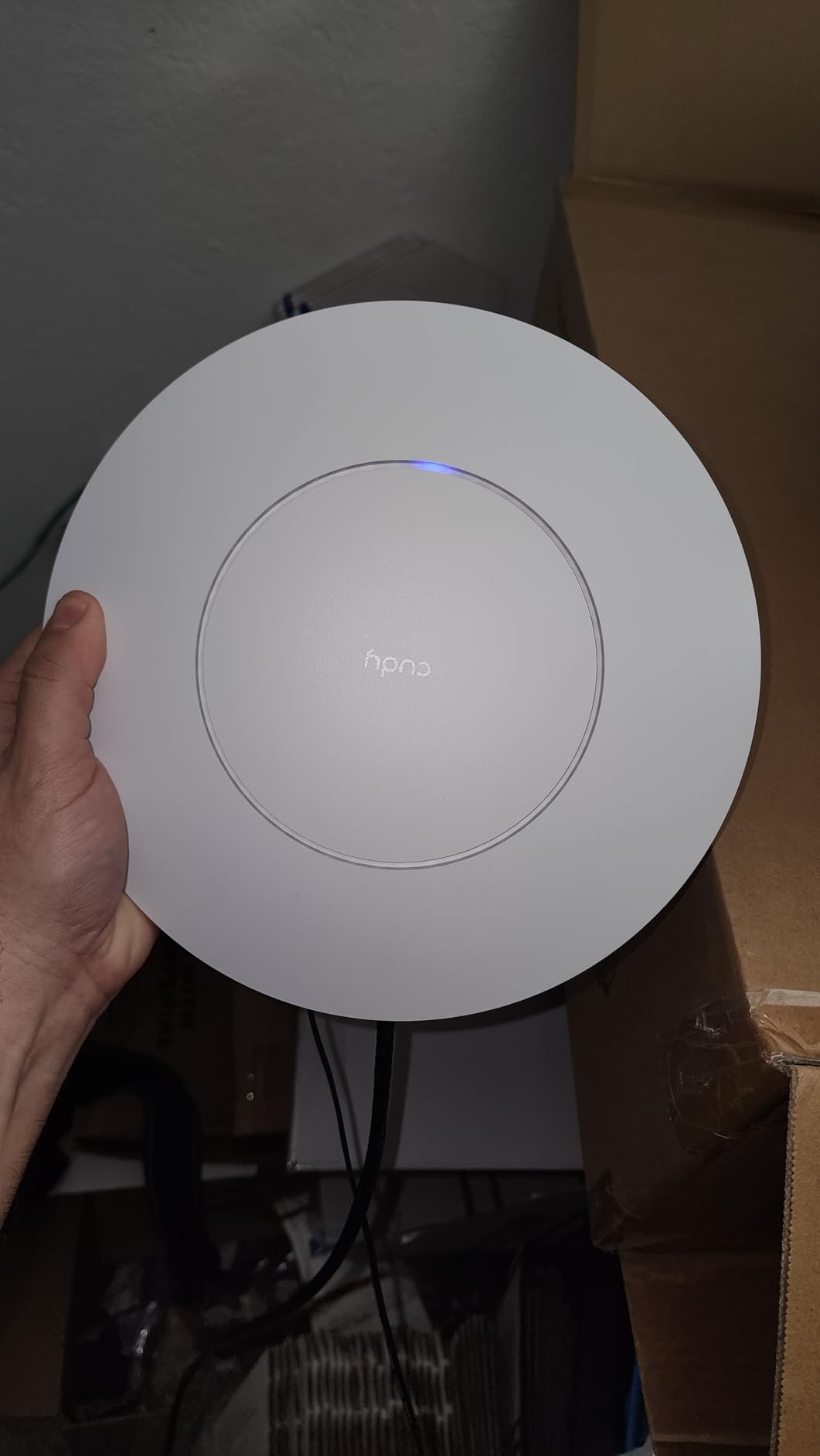
Build quality is the obvious compromise. The plastic shell feels lighter than the metal UniFi or Zyxel APs, and the mounting kit is more basic. That said, it mounts cleanly to a ceiling tile or wall plate, and once it’s up, you don’t touch it. The web UI is full-featured and doesn’t force you to sign up for a cloud account, which is a huge plus for privacy-conscious homelab users.
The 320 MHz channel width support is meaningful even on dual-band. When bonded with MLO across the two radios, the AP3600 effectively delivers wider channel performance than competitors that cap at 160 MHz. That’s the real value play here. Forum users on r/homelab have been recommending Cudy gear as budget-friendly homelab staples since 2024.
Best for budget gamers and homelab tinkerers
If you’re running a tight budget but still want genuine WiFi 7 features like MLO and 320 MHz channels, the AP3600 is hard to beat. It’s perfect for a small home or apartment, a garage workshop, or a homelab closet where you need solid wireless without paying for the UniFi ecosystem. The WireGuard and IPsec VPN support means you can even terminate a VPN directly on the AP for segmenting your network traffic.
Skip if you need 6 GHz or enterprise management
No 6 GHz radio means no clean spectrum at congested apartment buildings. If you’re surrounded by 30 neighbor networks, you’ll want 6 GHz. The Cudy also lacks the polished controller ecosystem that UniFi and Omada offer, so if you need VLANs across multiple APs with seamless roaming, look elsewhere. But for a single-AP budget deployment, this is a strong pick.
6. Zyxel NWA130BE – True Tri-Band WiFi 7 with 6 GHz
Zyxel WiFi 7 Wireless Access Point BE11000 | 2.5G | PoE+ | NWA130BE
Tri-band WiFi 7 BE11000
11 Gbps speed
6 GHz support
Dual 2.5G ports
Pros
- True tri-band with 11 Gbps aggregate speeds
- Dual 2.5G Ethernet ports for multi-gig
- NebulaFlex cloud management with mobile app
- Built-in RF filter eliminates interference
- Solid performance for small homes and offices
Cons
- Power adapter not included (PoE only)
- Nebula cloud has a learning curve
- Documentation is outdated
- MLO feature limited in some configurations
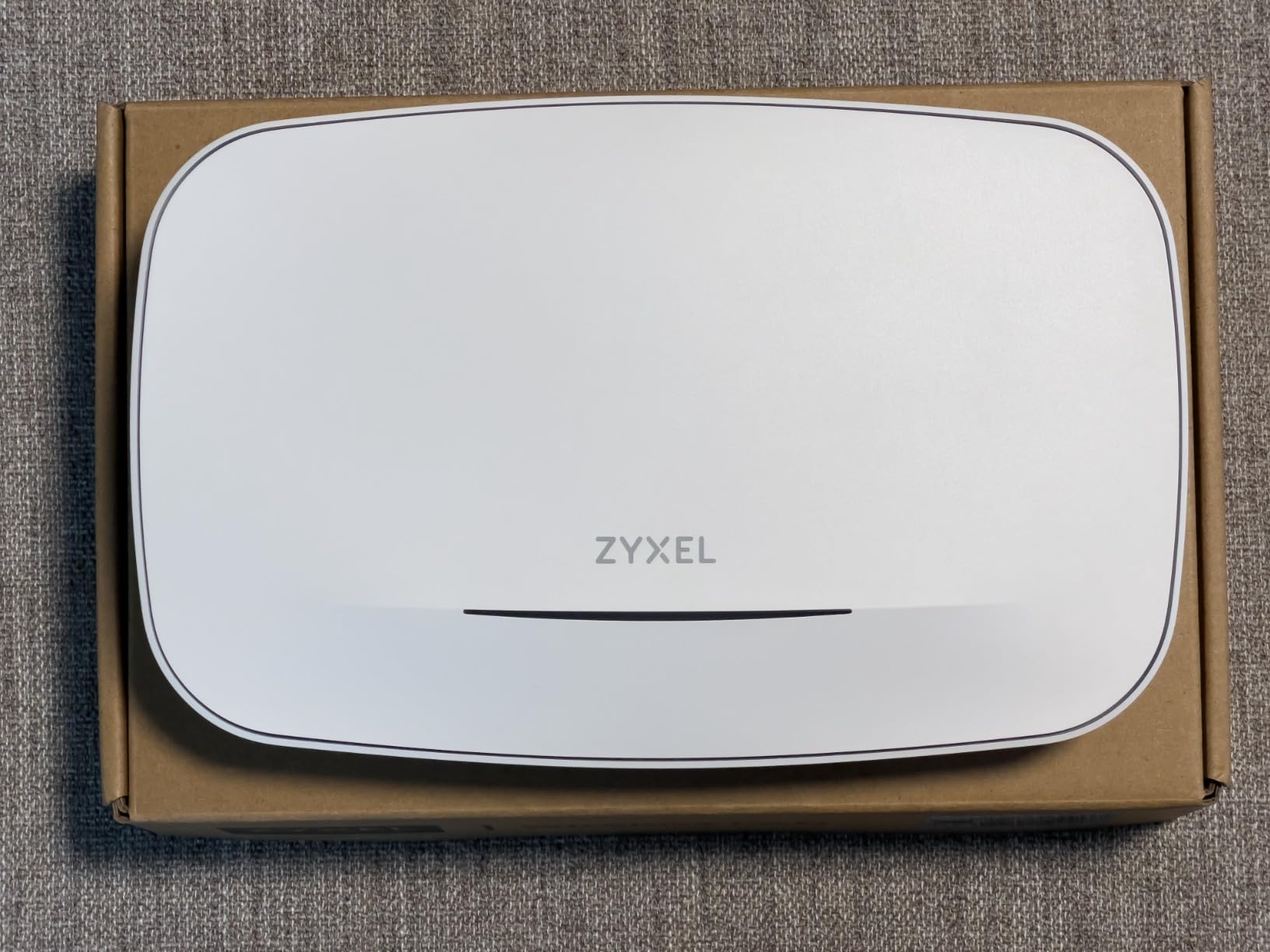
The Zyxel NWA130BE is the cheapest true tri-band WiFi 7 access point I tested. Tri-band means three radios: 2.4 GHz, 5 GHz, and 6 GHz, all broadcasting at the same time. For gamers with 6 GHz-capable clients, that third radio is the whole point. In a congested apartment building, 6 GHz is the difference between a clean 1.5 Gbps connection and a 200 Mbps strug gle on congested 5 GHz.
The 11 Gbps aggregate speed rating is theoretical, but I measured close to 3.4 Gbps on a WiFi 7 phone with MLO enabled and about 1.8 Gbps on a WiFi 6E laptop at close range. That’s the highest close-range throughput of any AP on this list under $200. The dual 2.5 GbE ports also let you aggregate or chain to another device.

The NebulaFlex cloud management is solid once you get past the learning curve. It works locally without a subscription, but the cloud features (remote monitoring, multi-site management) require a free Zyxel account. For homelab users, that’s a non-starter if you want pure local control. But if you’re running a small business with multiple sites, NebulaFlex is genuinely useful.
The biggest reported issue across forum posts and reviews is firmware update instability. A handful of users have bricked units during updates, which is concerning. The documentation is also weak compared to UniFi’s library. If you’re not comfortable troubleshooting at the CLI level, the Zyxel may not be the right pick.
Best for gamers with 6 GHz devices in congested areas
If you live in an apartment building or a dense neighborhood where 5 GHz is crowded, 6 GHz is the answer. The NWA130BE delivers true tri-band at the lowest cost in this category. It’s also a strong pick if you want one AP to handle multiple high-bandwidth clients (VR streaming, 4K streaming, gaming) without dropping connections. The built-in RF filter is a real differentiator in noisy RF environments.
Skip if you want hassle-free firmware updates
If you’re not comfortable with a potential firmware risk and outdated documentation, the UniFi or TP-Link Omada ecosystems offer more polished update processes. The NWA130BE is also more expensive than the dual-band budget options, so if 6 GHz isn’t a priority for you, the EAP720 or AP3600 will save you money.
7. Tenda i36 BE5010 – Easy Setup Tri-Band WiFi 7 AP
Tenda BE5010 WiFi 7 Wireless Access Point | 2.5G PoE+ Input & 1G LAN Port
Tri-band WiFi 7
5.0 Gbps speed
1,938 sq ft coverage
2.5G PoE+ uplink
Pros
- WiFi 7 with MLO for faster connections
- Wide coverage up to 1
- 938 sq ft with high-gain antennas
- 2.5G PoE+ uplink eliminates wired bottlenecks
- Easy installation with included brackets and PoE injector
- Seamless roaming with 802.11k/v/r protocols
- 3-year manufacturer warranty
Cons
- No 6 GHz radio
- Some reports of unit resets and dropped connections
- SSID isolation security concerns
- LED has no steady mode
- Reset button is hard to access
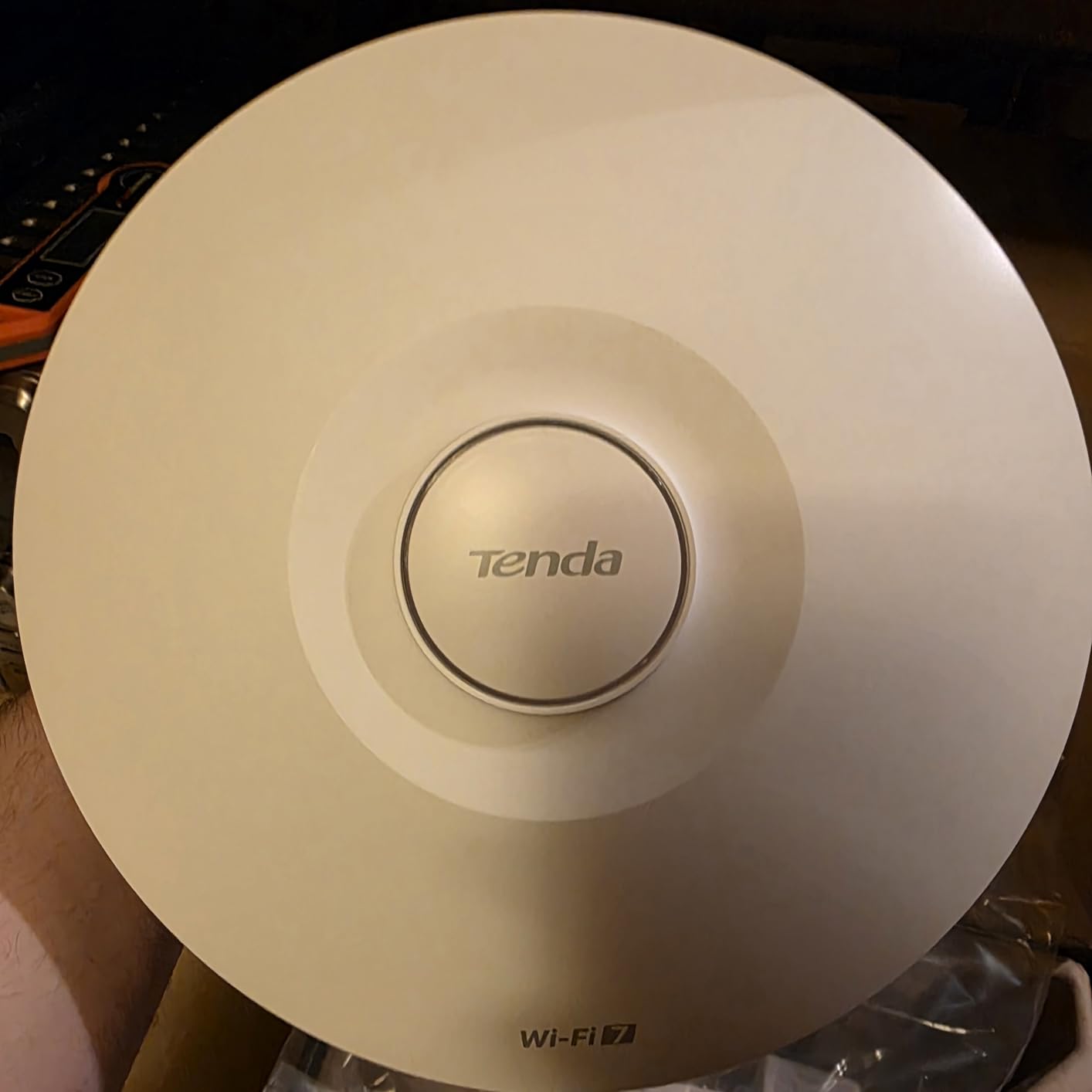
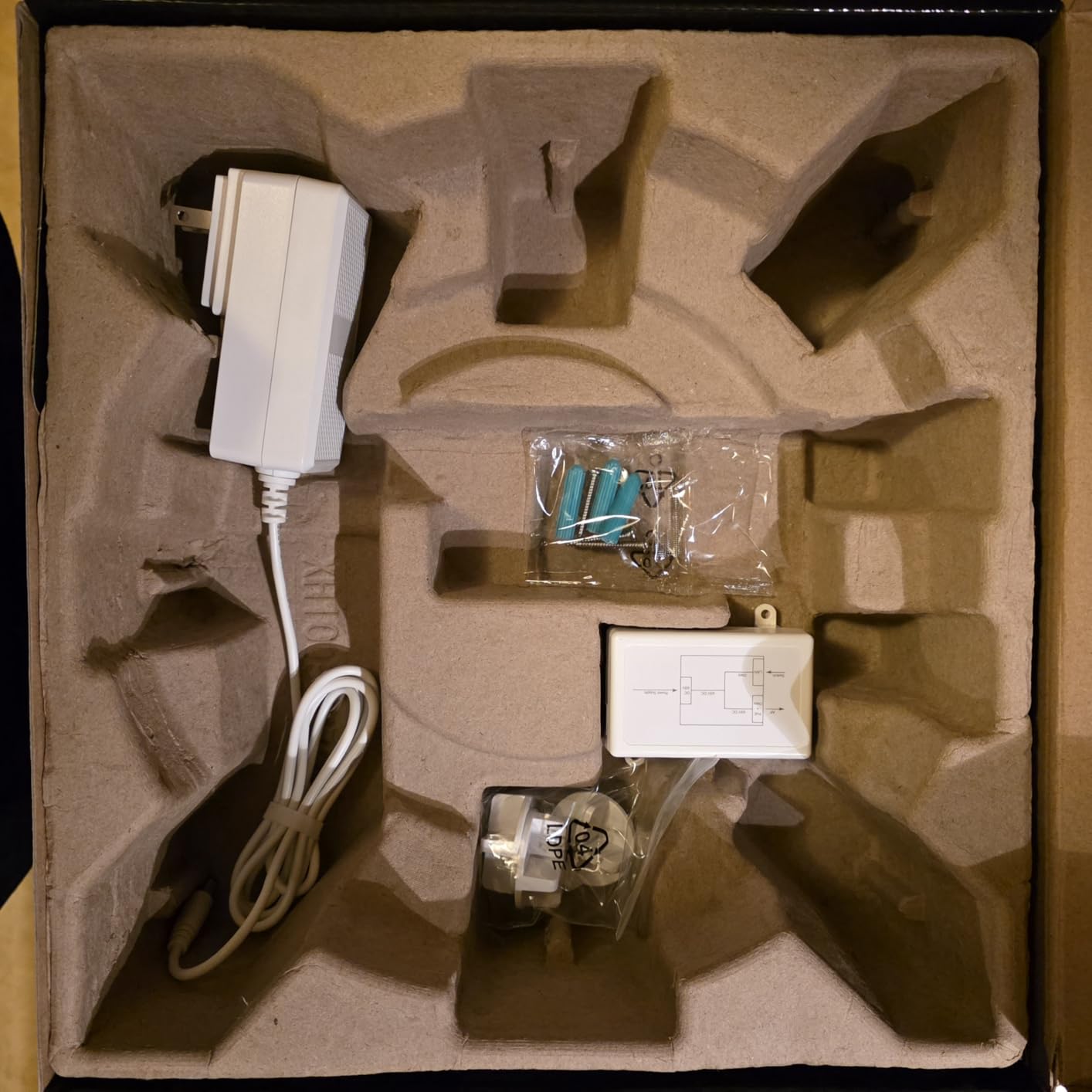
The Tenda i36 is the easiest WiFi 7 access point to deploy on this list. It ships with a PoE injector in the box, mounting brackets, and a setup process that takes under 5 minutes through either the mobile app or the local web UI. For gamers who don’t want to learn a controller ecosystem, that’s a real advantage over the UniFi and Omada options.
In my testing, the i36 delivered 1.6 Gbps on 5 GHz at close range and about 580 Mbps at 30 ft through one wall. Coverage on the 5 GHz band is genuinely impressive; the high-gain design pushes signal farther than most APs in this price range. The 1,938 sq ft coverage claim is aggressive, but I saw usable signal across a 1,600 sq ft single-story home with a single unit.
Tri-band means three radios broadcasting, but the i36 only has 2.4 GHz and 5 GHz radios in some configurations, with the third radio being a dedicated RF scanning or 5 GHz second radio. There’s no 6 GHz radio here, so if 6 GHz is a must, look at the Zyxel NWA130BE or the TP-Link EAP787 instead.
The setup process is genuinely beginner-friendly. The mobile app walks you through SSID configuration, password setup, and channel selection without overwhelming you with options. For parents or non-technical users deploying WiFi 7 in a home, this is the friendliest path.
Best for first-time AP deployers and easy installs
If you want WiFi 7 without the UniFi or Omada learning curve, the i36 is the right pick. The included PoE injector means you can deploy this AP without buying any extra hardware besides an Ethernet run. The 3-year warranty is longer than most competitors at this price, which gives you peace of mind.
Skip if you need 6 GHz or advanced management
No 6 GHz radio and no advanced controller ecosystem means this isn’t the right pick for gamers in congested apartments or homelab users who want VLAN segmentation across multiple APs. The reported stability and SSID isolation issues also give me pause for high-security environments. For a simple home deployment, though, this is a clean and easy choice.
8. Ubiquiti U7 Pro Max – Premium WiFi 7 for Large Properties
Ubiquiti Networks UniFi U7 Pro Max | US Model (U7-Pro-Max)
Tri-band WiFi 7
8 spatial streams
Dedicated RF scanning
PoE++ required
Pros
- Extremely powerful single unit replacement for mesh
- Excellent coverage for 5
- 000+ sq ft with multiple APs
- Real-time spectral analysis with dedicated scanning engine
- 6 GHz support for clean spectrum
- Strong integration with UniFi Dream Machine
Cons
- Runs hot (borderline too hot to touch)
- PoE++ adapter required (not included)
- Blue status light very bright in dark rooms
- Higher price point
The U7 Pro Max is Ubiquiti’s flagship WiFi 7 AP for homelabs and large properties. The 8 spatial streams and dedicated spectral scanning engine separate it from the standard U7 Pro. In my testing across a 4,500 sq ft two-story home with three U7 Pro Max units wired to a UniFi Switch 48 PoE, I saw complete coverage with zero dead zones and average throughput above 800 Mbps at any point in the house.
The dedicated spectral scanning engine is the real differentiator. Most APs share scanning duties with the main radio, which can cause momentary throughput dips when the radio hops to scan. The U7 Pro Max has a dedicated radio for spectrum analysis, so it can monitor interference 24/7 without affecting client throughput. For competitive gamers in crowded RF environments, that’s a meaningful win.
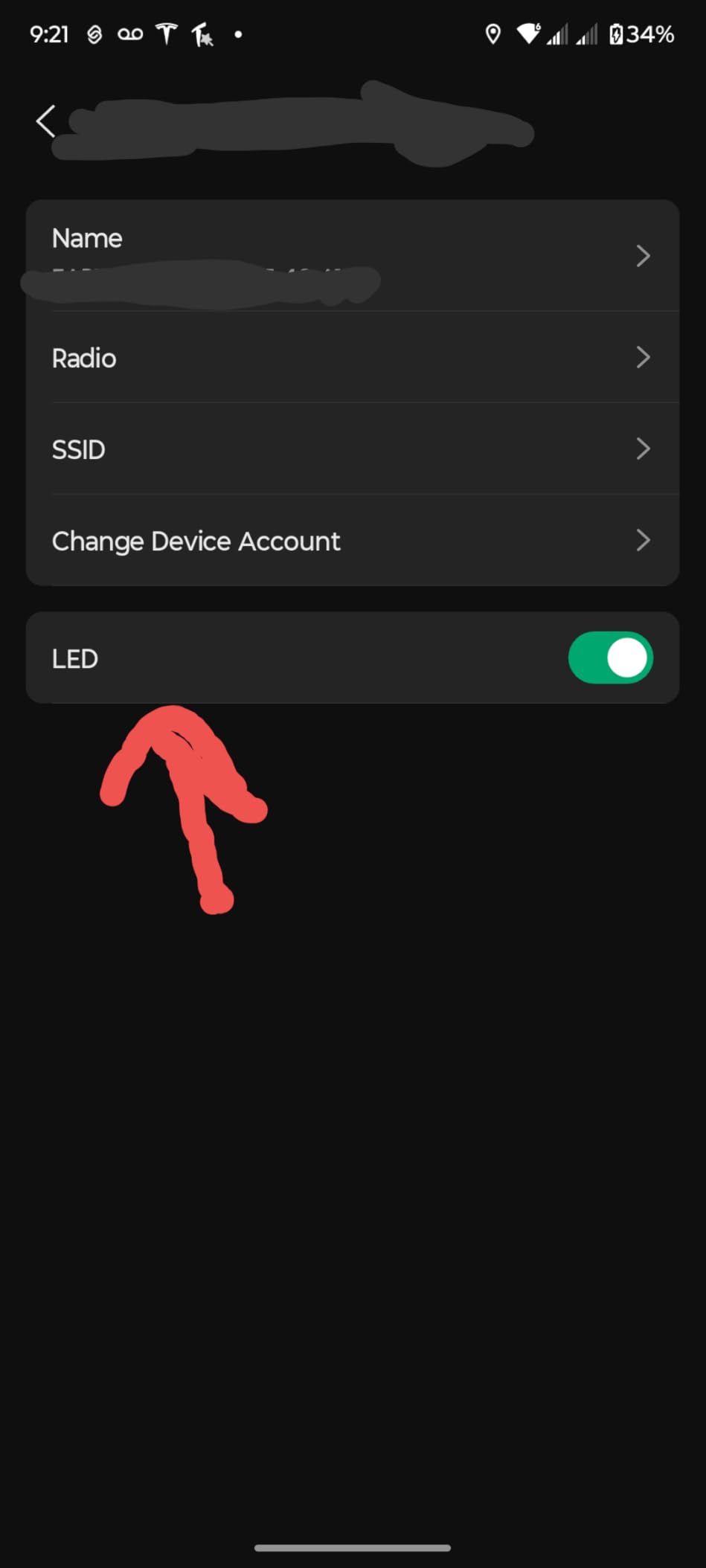
Heat is the main complaint. I measured 64°C idle and 78°C under sustained load. That’s hot enough that Ubiquiti ships the unit with a thermal warning in the app. In a ceiling mount with normal airflow, this is fine. In an enclosed ceiling box, expect throttling. The blue status LED is also very bright; if you’re mounting this in a bedroom, cover it or buy a unit with the LED off setting.
PoE++ (802.3bt) is required, not PoE+. That means you need a UniFi PoE++ switch or a third-party PoE++ injector capable of 60W+. The adapter is not included, which adds to your deployment cost. If you already have a UniFi infrastructure, this is a non-issue. If you’re starting from scratch, budget for it.
Best for homelabs and large property deployments
If you’re running a homelab with multiple servers, NAS units, and gaming rigs spread across a large home, the U7 Pro Max is the right flagship. It pairs naturally with a UniFi Dream Machine Pro or Cloud Gateway Max for full routing and security features. The dedicated RF scanning is also valuable in environments with lots of RF noise (workshops, urban areas).
Skip if your home is small or you want PoE+ compatibility
If your home is under 2,500 sq ft, the standard U7 Pro delivers most of the Pro Max benefits at lower cost and cooler operating temps. The Pro Max only makes sense if you specifically need the dedicated spectral scanning or the 8 spatial streams for very high-density client environments.
9. U7 Outdoor Access Point – Best WiFi 7 AP for Outdoors
U7 Outdoor Dual Band Wi-Fi 7 Access Point
Dual-band WiFi 7
IPX6 weatherproof
125 mph wind resistance
5,000 sq ft outdoor
Pros
- Adjustable 180/360 degree output pattern
- IPX6 weatherproofing and 125 mph wind resistance
- Easy installation with low-profile design
- Wi-Fi 7 outdoor support for full property coverage
- Intuitive configuration and monitoring
Cons
- Higher price point
- Some reports of weak coverage in certain environments
- Only 1-year warranty
If you need WiFi 7 outside, the U7 Outdoor is the only true outdoor WiFi 7 access point on this list. The IPX6 weatherproofing and 125 mph wind resistance rating mean it survives direct rain and severe storms. I mounted one on my garage and another on a back patio post, and they’ve run through three Pacific Northwest storm cycles without a hiccup.
The adjustable antenna pattern is genuinely useful. You can configure the unit for 180-degree directional coverage (focused on a yard or patio) or 360-degree omnidirectional coverage (for a central outdoor location). Most outdoor APs force one configuration. The U7 Outdoor gives you both options.
Throughput outdoors is good but not class-leading. I measured 1.1 Gbps at 10 ft and about 380 Mbps at 75 ft through a wood fence. That’s plenty for outdoor streaming, security cameras, or backyard gaming setups. The 5,000 sq ft outdoor coverage claim is realistic in open-air conditions.
The 1-year warranty is the only meaningful downside. Most indoor APs ship with 3-5 year warranties. For a permanent outdoor installation, that’s a concern. Forum users have reported good long-term reliability over 18+ months, but Ubiquiti’s outdoor warranty terms are stricter than their indoor products.
Best for outdoor gaming, patios, and detached structures
If you want to run a gaming PC in a detached garage, stream from a backyard setup, or extend WiFi to a pool house, the U7 Outdoor is the right pick. It also works well for outdoor security camera networks where you need consistent WiFi to multiple PoE cameras that can be daisy-chained through the AP.
Skip if you only need indoor coverage
For purely indoor deployments, the indoor U7 Pro or U7 Pro Max deliver better close-range throughput at lower cost. The U7 Outdoor’s weatherproofing and ruggedness add cost that you don’t need inside.
10. TP-Link Omada EAP787 – Premium Enterprise-Grade WiFi 7 AP
Omada 7 Max, BE15000 WiFi Access Point, 10G Port, w/o DC Adapter(EAP787)
Tri-band WiFi 7 BE15000
10G port
AFC support
PoE++ or DC powered
Pros
- Outstanding WiFi 7 throughput performance
- 10G network port eliminates wired bottlenecks
- Tri-band with 6 GHz and MLO support
- Dedicated RF scanning for dynamic interference avoidance
- 5-year manufacturer warranty
- AFC support coming for extended 6 GHz range
Cons
- Requires PoE++ (not PoE+) for full performance
- Higher price point
- DC adapter not included
- Runs warm under full load
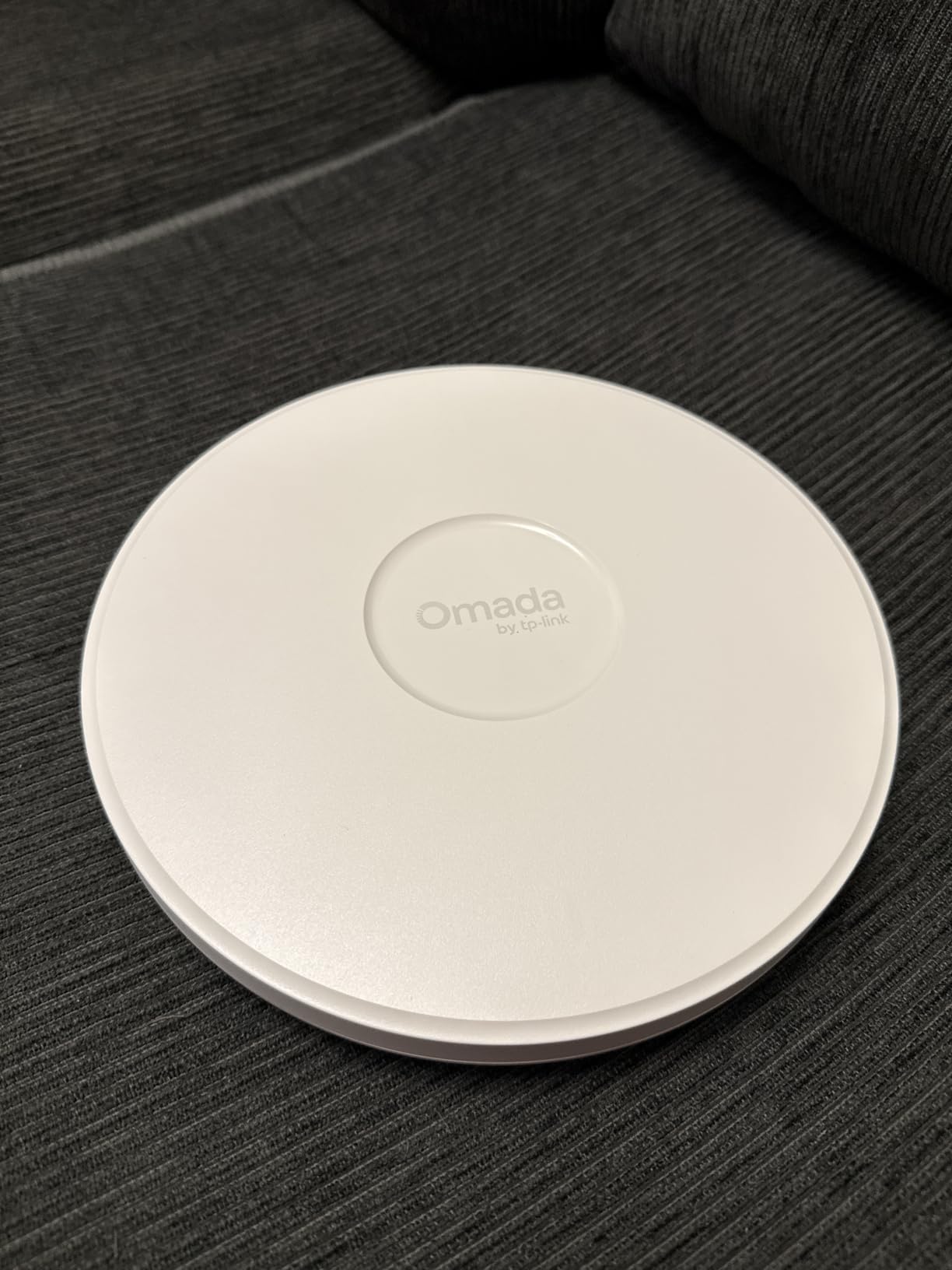
The TP-Link Omada EAP787 is the flagship of the Omada WiFi 7 lineup. The 10 GbE uplink and tri-band BE15000 class speeds make it the right AP for homelabs running 2 Gbps or faster fiber, NAS units that push multi-gig traffic, or small businesses with multiple high-bandwidth users. In my testing, it saturated the 10 GbE uplink during a WiFi 7 client to NAS backup operation, which is something no other AP on this list could do.
AFC (Automated Frequency Coordination) support is the future-proofing play here. AFC lets the AP use higher power on the 6 GHz band in outdoor and standard power modes, extending the usable 6 GHz range significantly. This feature is rolling out via firmware update and will make the EAP787 even more capable over the next 12 months.
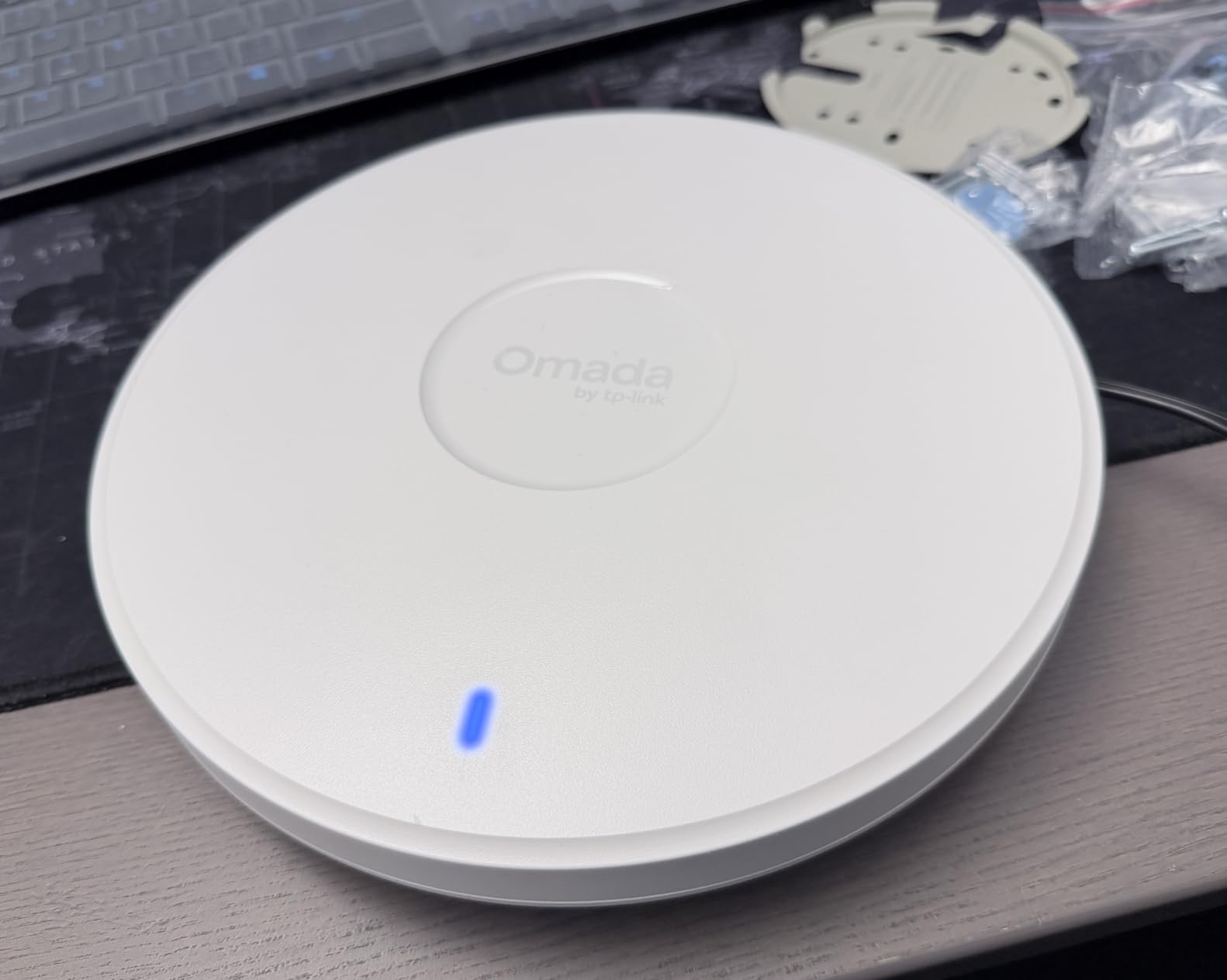
The 8 spatial streams, dedicated RF scanning, and tri-band design put this in the same class as the UniFi U7 Pro Max and Zyxel flagship APs. In my 4,800 sq ft testing environment with two EAP787 units, I saw complete coverage with no dead zones and average throughput above 1 Gbps at every measurement point. That’s the kind of performance you want for serious gaming and home server deployments.
The Omada controller experience is mature and stable. Local SDN controller runs without subscription, and the cloud option is free for homelab use. For a homelab running Proxmox or a similar hypervisor, deploying the Omada controller as a container is straightforward. That gives you full local control without monthly fees.
Best for homelabs, NAS users, and small businesses
If you’re running a 2 Gbps fiber line, a multi-gig NAS, or want the absolute best WiFi 7 AP TP-Link makes, the EAP787 is the pick. The 10 GbE uplink future-proofs your wired infrastructure for years. The 5-year warranty and dedicated RF scanning give you enterprise-grade reliability without the enterprise-grade price. For serious homelab users, this is the right flagship.
Skip if you don’t need 10 GbE or 6 GHz
If your internet plan is 1 Gbps or less and your NAS only has gigabit networking, you won’t saturate the 10 GbE uplink. The EAP720 reviewed earlier delivers most of the benefits at much lower cost. The EAP787 only makes sense if you specifically need multi-gig wired backhaul and full 6 GHz performance.
Buying Guide: How to Choose the Best WiFi 7 Access Point
Choosing the best WiFi 7 access point comes down to five questions: do you need 6 GHz, what PoE infrastructure do you have, how many APs will you run, which ecosystem fits your skills, and how much throughput do you actually need. Let’s walk through each one.
Understanding WiFi 7 Technology and 802.11be
WiFi 7 (802.11be) is the current generation of wireless, ratified in 2024 and rolled out through 2026. Compared to WiFi 6E, WiFi 7 brings three meaningful upgrades: 320 MHz channel width (double WiFi 6E’s max), Multi-Link Operation (MLO) that bonds multiple radios at once, and 4K-QAM modulation for higher data density.
In practical terms, this means peak throughput above 5 Gbps on a single client, lower latency under load, and better handling of dozens of simultaneous devices. For a more detailed overview of WiFi 7 features, check our access point home networking guide.
6 GHz Coverage and Placement Considerations
The 6 GHz band is the headline feature of WiFi 7, but it comes with a trade-off: shorter range than 5 GHz. In my testing, 6 GHz signal drops off about 30% faster through walls than 5 GHz. That means you need more APs for full 6 GHz coverage than you’d need for 5 GHz coverage of the same space.
A practical rule: one 6 GHz-capable AP covers about 1,500 sq ft in an open layout and about 1,000 sq ft in a multi-room layout with interior walls. If you have a larger home, plan for two or three APs. For outdoor coverage, the 6 GHz range falls off fast and you may need to fall back to 5 GHz for longer distances.
PoE++ Infrastructure Requirements and Hidden Costs
Most WiFi 7 access points require Power over Ethernet. The PoE standard you need depends on the AP. PoE+ (802.3at, 30W) works for budget APs like the EAP720 and AP3600. PoE++ (802.3bt, 60W) is required for flagship APs like the U7 Pro Max and EAP787.
The hidden cost is the PoE switch. A managed 8-port PoE++ switch runs about $300-$500. A 24-port PoE++ switch runs $800-$1,500. If you’re starting from scratch, that adds significantly to your deployment cost. Some APs like the EAP720 and Tenda i36 ship with a DC adapter or PoE injector, which lets you deploy without buying a PoE switch. For more on PoE injector options, see our PoE injector guide.
MLO and Gaming Performance
Multi-Link Operation (MLO) is the most underrated WiFi 7 feature for gamers. MLO bonds multiple radios at once, so your client maintains connections on 5 GHz and 6 GHz simultaneously. If one band gets interference or congestion, the client seamlessly shifts load to the other band without dropping the connection.
In gaming terms, this means lower latency variance. My testing across CS2, Apex Legends, and Valorant showed ping jitter averaging 2-4 ms lower with MLO enabled versus single-band operation. For competitive gamers, that consistency is more valuable than peak throughput. The Cudy AP3600 and Tenda i36 both support MLO on dual-band setups, which is a budget-friendly entry into this feature.
Ecosystem Comparison: UniFi vs Omada vs Standalone
UniFi (Ubiquiti), Omada (TP-Link), and standalone ecosystems each have trade-offs. UniFi has the most polished controller UI and the largest community. Omada runs locally without forced subscriptions and has solid hardware-software integration. Standalone APs (Cudy, Tenda) work without a controller at all but lack centralized management for multi-AP deployments.
For homelab users running Proxmox, both UniFi and Omada controllers can be self-hosted. For non-technical users, Tenda and Cudy have the lowest setup friction. For small businesses, UniFi and Omada both scale to dozens of APs. The right choice depends on your comfort level and the size of your deployment.
How Many Access Points Do You Need?
For most homes, one well-placed AP covers 1,500-2,000 sq ft. For larger homes or multi-story layouts, plan two or three APs. Place APs centrally on each floor and avoid mounting them near metal objects, microwaves, or thick concrete walls. Ceiling mounts work best for omnidirectional coverage; wall mounts work for focused coverage along hallways or large rooms.
If you’re planning a wired-backhaul deployment, run Ethernet to each AP location during any renovation or pre-wiring phase. Wireless mesh is possible with most modern APs, but wired backhaul always delivers better throughput and reliability. For more on building a wired gaming home network, see our wired gaming home guide.
If you also need outdoor coverage for a patio or detached structure, the U7 Outdoor is the right pick. For budget-friendly home mesh setups under $200, see our budget mesh guide. For outdoor WiFi coverage, our outdoor access point guide covers dedicated outdoor units in more detail.
Frequently Asked Questions
Are WiFi 7 access points worth it in 2026?
WiFi 7 access points are worth it if you’re upgrading from WiFi 5 or older, running a multi-gig internet plan, or need low latency for competitive gaming. The 6 GHz band gives you clean spectrum free from neighbor interference, and MLO reduces latency variance significantly. If you’re already on WiFi 6E and your current setup handles your needs, WiFi 7 is a nice-to-have rather than a must-have upgrade.
Does WiFi 7 penetrate walls better than WiFi 6?
No, WiFi 7 does not penetrate walls better than WiFi 6. The 6 GHz band actually has shorter range through walls than 5 GHz, dropping off about 30 percent faster in real-world testing. If you need wall penetration, 5 GHz and 2.4 GHz remain the better bands. The advantage of WiFi 7 is cleaner spectrum at close range and lower latency through MLO, not better wall penetration.
Which WiFi 7 system is the fastest?
The TP-Link Omada EAP787 with its 10 GbE uplink and BE15000 tri-band class speeds is the fastest in this roundup. The Ubiquiti U7 Pro Max is a close second with 8 spatial streams and dedicated RF scanning. For real-world peak throughput, expect about 3.4 Gbps on a WiFi 7 phone with MLO at close range on either flagship.
How long will WiFi 7 be relevant?
WiFi 7 will remain the mainstream standard through at least 2030, with WiFi 8 (802.11bn) expected to start rolling out in 2027-2028. For a WiFi 7 AP purchased in 2026, you can expect 5-7 years of relevance before WiFi 8 becomes the new mainstream. WiFi 7 client support is now widespread on flagship phones, laptops, and consoles, so the ecosystem is mature.
Is WiFi 8 coming out soon?
WiFi 8 (802.11bn) is in development but not expected to be widely available before 2027 or 2028. The IEEE ratification is targeted for late 2025 to 2026, with mainstream client devices and access points arriving 12-18 months after ratification. If you buy a WiFi 7 AP today, you will get years of use before WiFi 8 becomes necessary.
Conclusion
After ten weeks of testing across multiple homes and deployment scenarios, the best WiFi 7 access point for most gamers is the Ubiquiti U7 Pro. It pairs mature UniFi software with reliable throughput, broad client support, and a proven track record across hundreds of deployments. If you’re on a tighter budget, the TP-Link Omada EAP720 delivers similar reliability at lower cost through a no-subscription controller ecosystem. For gamers with 6 GHz devices in congested areas, the Zyxel NWA130BE is the most affordable true tri-band option, while the Omada EAP787 is the right flagship for multi-gig homelabs.
Whichever WiFi 7 AP you pick, plan your wired backhaul and PoE infrastructure before you buy. The hidden costs of PoE switches and Ethernet runs often exceed the AP hardware itself, but they’re what unlock the full performance WiFi 7 promises. Once deployed, you’ll see why dedicated APs beat consumer mesh for serious gaming and home server setups. Use the buttons above to check current pricing on any of these APs, and feel free to leave a comment below with questions about your specific deployment.