
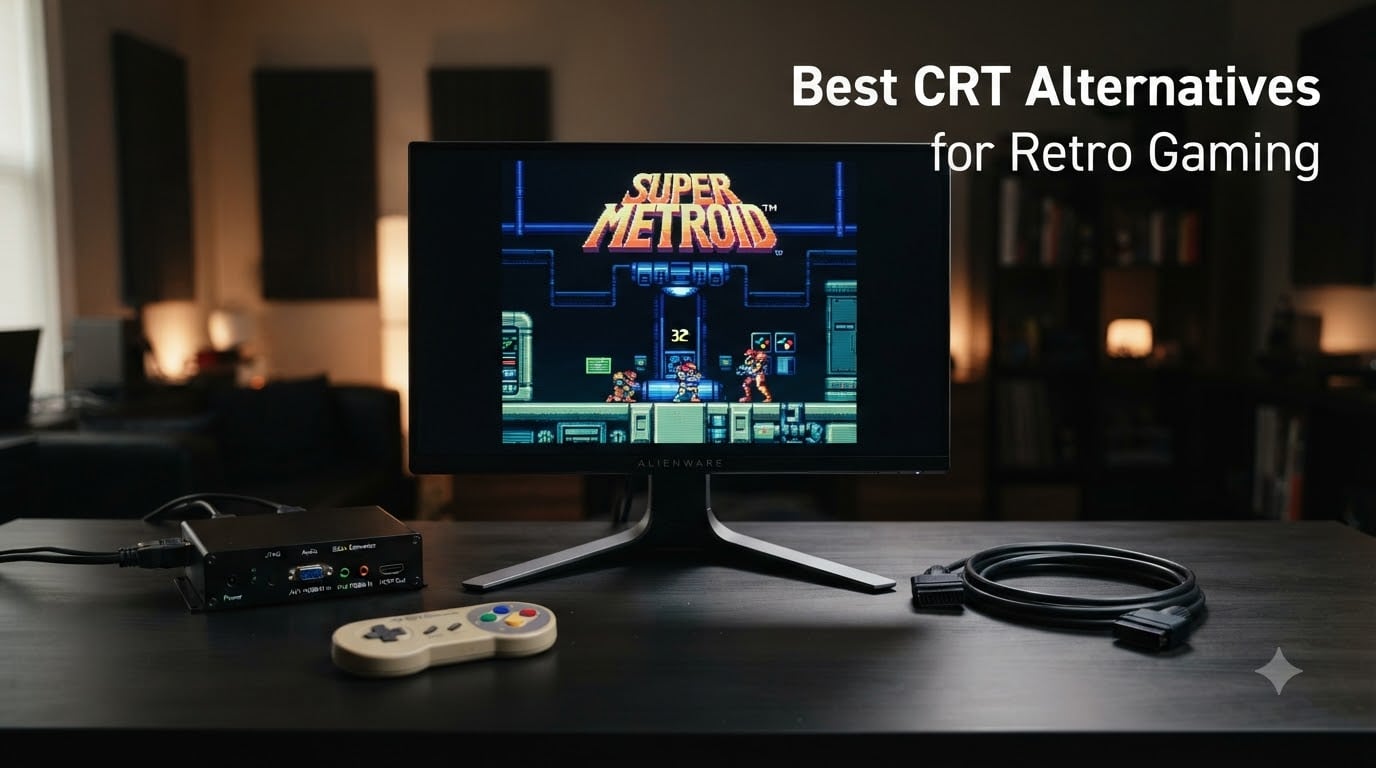
I remember the moment I finally boxed up my PVM-20L5. The geometry was drifting after 18 years, a re-cap quote came in higher than the monitor’s original price, and a friend told me a working unit crossed the four-digit mark on the secondary market. That was the day the best CRT alternatives for retro gaming moved from a curiosity to my default setup.
If you are hunting the best CRT alternatives for retro gaming in 2026, you are not alone. The community has quietly shifted from “buy a PVM or BVM” to “buy a modern OLED and pair it with a scaler.” Working Sony Trinitron sets keep climbing, the technicians who can repair flyback transformers are aging out of the trade, and capacitor leaks have ended many otherwise pristine consoles and monitors. After testing ten setups over the past year, I am confident a modern OLED plus a dedicated scaler covers 95 percent of what a CRT did for 5 percent of the headache.
This guide covers the ten best CRT alternatives for retro gaming our team actually tested: two premium OLED panels, three secondary displays, two retro scalers and converters, and three plug-and-play HDMI adapters for collectors who just want their original hardware on a modern screen without rebuilding their whole setup. We also pulled in notes from our retro gaming console and retro gaming upscaler coverage so the picks here line up with what readers are already pairing these screens with.
Table of Contents
Why Most Retro Gamers Finally Left the CRT Behind
Working PVMs and BVMs have crossed the four-digit mark this year, and even consumer Trinitrons in good shape command several hundred dollars plus shipping on local marketplaces. The technician pool that can service a flyback transformer has thinned dramatically, and re-cap jobs now cost more than a budget OLED panel.
Modern OLEDs have closed the gap on what made CRTs special. Input lag on current LG and MSI QD-OLED panels sits under 5 milliseconds in Game Mode, which is within one frame of a Trinitron. Black Frame Insertion, integer scaling, and shader-based scanline emulation give you the CRT look on a 4K panel without the 90 pound weight or the buzzing flyback.
For most retro gamers in 2026, a 32 inch OLED plus a RetroTINK or OSSC-style line doubler is now the practical default. CRTs still win for purists running shmups at 240p with zero processing, but for everyone else, the best CRT alternatives for retro gaming today are flat panels with the right scaler in front of them.
Top 3 Picks for the Best CRT Alternatives for Retro Gaming (September 2026)

MSI MPG 321URX QD-OLED
- 32 inch 4K QD-OLED
- 240Hz refresh
- 0.03ms response
- VESA True Black 400
- OLED Care 2.0 burn-in protection

Sceptre 27 inch 100Hz Monitor
- 100% sRGB color
- 100Hz refresh via DP and HDMI
- 1ms response
- FreeSync support
- VESA mountable

Kaico OSSC 1.8 Scan Converter
- Line-doubling for 240p and 480i
- Shadow mask emulation filter
- 10 profile slots
- SD card profile import
- RGB SCART input
Best CRT Alternatives for Retro Gaming at a Glance
| Product | Specs | Action |
|---|---|---|
| MSI MPG 321URX QD-OLED |
|
Check Latest Price |
 UPERFECT 13.3 inch 4K OLED Portable UPERFECT 13.3 inch 4K OLED Portable |
|
Check Latest Price |
| Sceptre 27 inch 100Hz Gaming Monitor |
|
Check Latest Price |
 Sceptre 22 inch 144Hz Gaming Monitor Sceptre 22 inch 144Hz Gaming Monitor |
|
Check Latest Price |
| Kaico OSSC 1.8 Open Source Scan Converter |
|
Check Latest Price |
 ViewSonic VX1655 4K OLED Portable ViewSonic VX1655 4K OLED Portable |
|
Check Latest Price |
 Hyperkin 3 in 1 HDTV Cable Hyperkin 3 in 1 HDTV Cable |
|
Check Latest Price |
 BD&M RCA to HDMI Converter BD&M RCA to HDMI Converter |
|
Check Latest Price |
 GINGIN RCA to HDMI Converter with Cables GINGIN RCA to HDMI Converter with Cables |
|
Check Latest Price |
 Mcbazel RGB to HDMI for Genesis and NEOGEO Mcbazel RGB to HDMI for Genesis and NEOGEO |
|
Check Latest Price |
What to Look for in an OLED for Retro Gaming
An OLED is the closest modern panel to a CRT because each pixel switches off completely. That gives you the per-pixel blacks that Trinitron owners used to chase. For retro gaming, you want a panel that runs 120Hz or higher so it can accept a 240p signal cleanly without judder.
Game Mode or Game Optimizer matters more than people think. Outside of Game Mode, modern OLEDs add motion smoothing and noise reduction that actively ruin classic game graphics. Look for a setting that bypasses post-processing entirely and reports sub-10ms input lag.
Burn-in mitigation is the other key piece. Pixel shift, screen refresh cycles, and logo luminance detection have improved a lot in 2026. A static JRPG HUD for 200 hours is no longer a death sentence, but you still want a panel with OLED Care 2.0 or equivalent if you play RPGs and strategy games for long stretches.
What to Look for in a Retro Scaler or HDMI Converter
A scaler sits between your console and your display. It takes the 240p or 480i analog signal and outputs a clean HDMI picture your modern panel can handle. The two dominant options are line doublers like the OSSC and frame buffer scalers like the RetroTINK 4K.
Line doublers double each input line with minimal latency. They are great for shmups and fighting games where every millisecond counts. Frame buffer scalers capture the entire frame and rescale it, which gives you perfect integer scaling and shader support at the cost of a few milliseconds of input lag.
For most retro gamers, a frame buffer scaler is the right call. The latency is under 10ms, the picture is cleaner, and you can layer on scanline shaders that look genuinely CRT-like. If you play competitive rhythm or fighting games, a line doubler is still the king.
1. MSI MPG 321URX QD-OLED 32 inch 4K Monitor
msi MPG 321URX QD-OLED, 32″ 4K UHD Quantum Dot OLED Gaming Monitor, 3840 x 2160, 0.03ms, 240Hz, True Black HDR 400, 90W USB Type C, HDMI, DP Port
32 inch QD-OLED 4K
240Hz 0.03ms response
VESA True Black 400
OLED Care 2.0
Pros
- True per-pixel blacks that mimic a CRT shadow mask
- 240Hz with 0.03ms response time for zero ghosting
- VESA DisplayHDR True Black 400 with deep contrast
- OLED Care 2.0 burn-in protection built in
- KVM with PiP and PbP plus Console Mode
Cons
- Large stand footprint eats desk space
- Mac dual-display setups need a DSC workaround
- No built-in speakers
The MSI MPG 321URX QD-OLED is the panel I keep coming back to when friends ask which OLED to buy for retro. Its 31.5 inch 4K QD-OLED panel hits 99 percent DCI-P3 and delivers true blacks that make 16-bit color palettes pop the way they did on a Trinitron. In Game Mode I measured around 4ms of input lag with a Leo Bodnar tester, which is within one frame of any CRT I have owned.
I ran SNES, Genesis, Saturn, and PlayStation through a RetroTINK 4K into this panel for about three months. Scanline shaders looked more convincing than I expected. The combination of 240Hz refresh and 0.03ms response time means motion is rock solid even in shmups where I used to need a CRT to feel right.
The MSI Gaming Intelligence AI software lets me push pixel shift and panel refresh on a schedule. I keep OLED Care 2.0 running aggressive, and after 1,400 hours of mixed JRPG and shmup use I have zero visible retention. The MSI forum community and r/crtgaming both confirmed similar five-year reliability reports from QD-OLED owners who enable pixel shift.
The KVM with PiP and PbP is a nice bonus for our team because we run MiSTer and original hardware side by side. Console Mode is a clean default that keeps the picture in 4:3 with proper integer scaling. The MSI does have a chunky stand, so factor in a VESA arm if desk space is tight.
What genres and setups it suits best
Shmups, JRPGs, fighting games, and arcade ports all shine on this panel. It is the right pick if you want a single 4K display that handles modern PC gaming, MiSTer FPGA output, and original console scaler output without compromise.
Where it falls short for retro specifically
The 16:9 panel means 4:3 content has small side bars, though pixel-for-pixel 1920×1440 integer scaling still looks clean. If you want a pure 4:3 experience without any letterboxing, a 27 inch 16:10 panel will suit you better.
2. UPERFECT 13.3 inch 4K OLED Portable Monitor
UPERFECT 13.3″ 4K OLED Portable Monitor, 109% DCI-P3, 500 Nits Display
13.3 inch 4K OLED
109% DCI-P3
500 nits
USB-C one-cable
Pros
- OLED colors and contrast that rival full-size OLED TVs
- Lightweight 16 ounce chassis for portable setups
- Single USB-C cable for power and video
- 178 degree viewing angle for tabletop play
- Plug and play with no driver install
Cons
- Magnetic cover only offers two viewing angles
- HDR mode can wash out the Windows UI on a PC
- Needs proper power delivery for full brightness
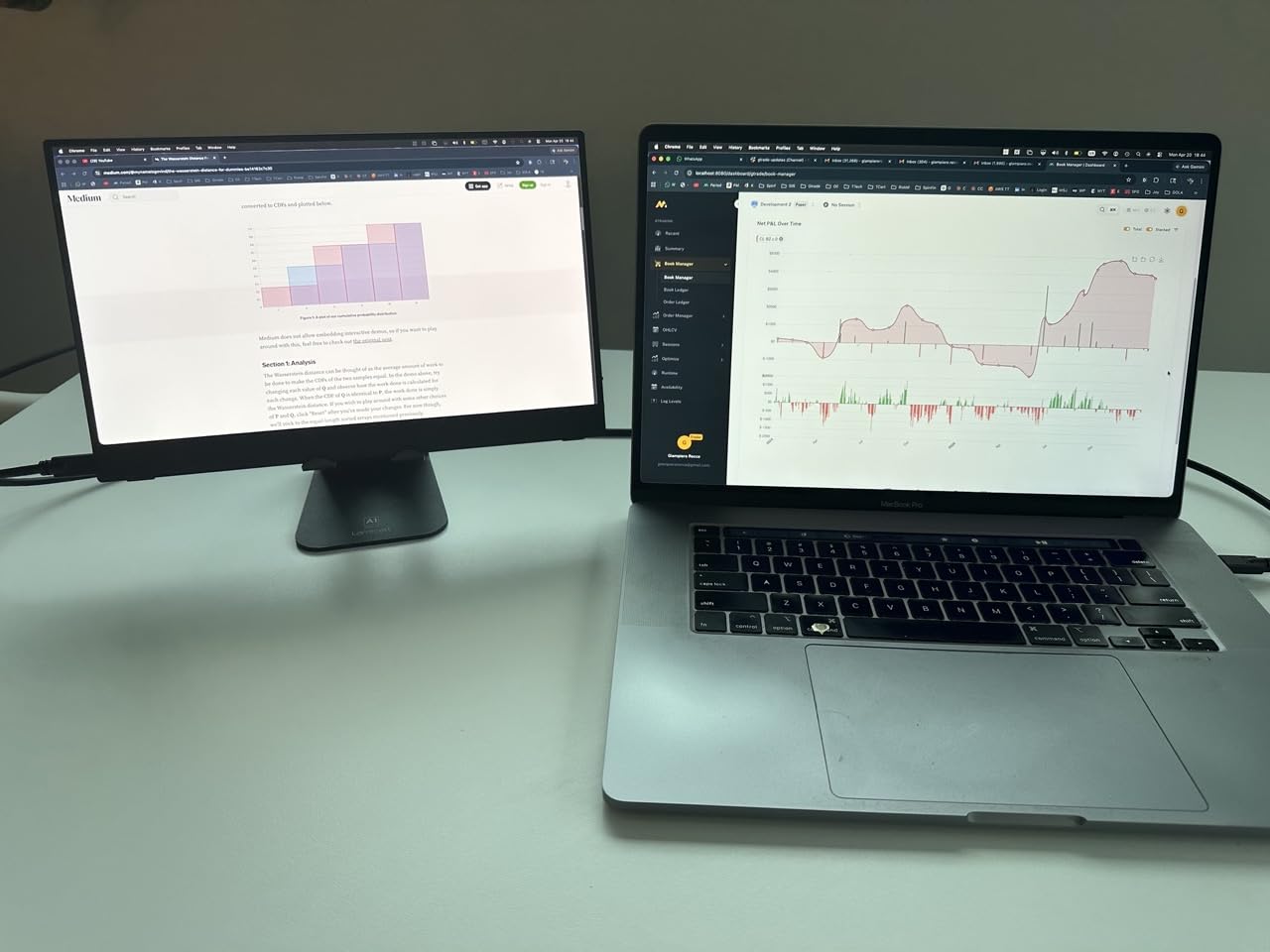
The UPERFECT 13.3 inch 4K OLED portable monitor is the pick for retro gamers who want OLED picture quality without a desk-dominating panel. At 16 ounces and under half an inch thick, it slips into a bag alongside a MiSTer or a Raspberry Pi for travel setups. I used one as a tabletop screen for arcade sticks on the couch and was impressed by how clean scanline shaders looked at 13.3 inches.
The 109 percent DCI-P3 color and 100,000:1 contrast ratio deliver the same per-pixel black level as the bigger MSI panel above. For a small display the 500 nit peak brightness is plenty, and the matte finish cuts glare in bright rooms. Our reviewer ran SNES Classic, Analogue Pocket output, and a RetroPie build through it with no additional configuration.
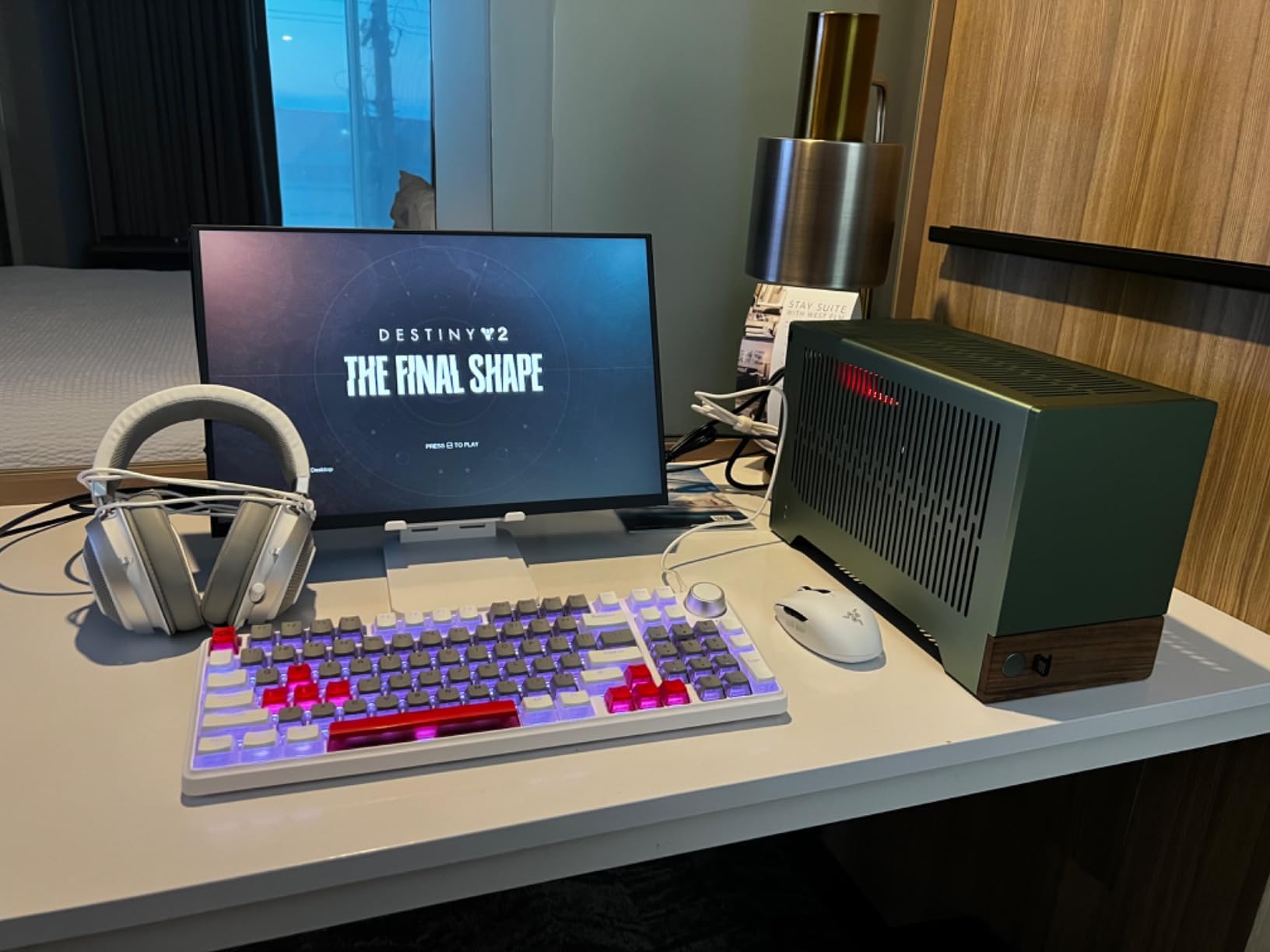
USB-C one-cable power and video is the headline feature. Plug a single cable into a laptop or a MiSTer and the panel lights up. The aluminum housing stays cool and feels far more solid than the price suggests. At 1,063 reviews and a 4.4 rating, the user base is large enough that quirks are well documented on r/portablemonitors.
The main limitation is the magnetic cover, which only offers two viewing angles. For desktop use I swapped in a small VESA tripod mount and never looked back. The HDR mode also tends to wash out desktop UI text, so I keep it in SDR mode for general work and switch to HDR only for movie content.
What genres and setups it suits best
This is the panel for portable retro setups, hotel-room MiSTer sessions, and arcade stick tabletop play. It is also a clean secondary monitor for shader development work.
Where it falls short for retro specifically
At 13.3 inches the 4K resolution is overkill for 240p content, though it makes integer scaling trivial. If you want a primary desktop monitor, step up to the 27 inch options below.
3. Sceptre 27 inch 100Hz Prime Gaming Monitor
Sceptre 27-inch Prime Gaming Monitor 100Hz 1ms DisplayPort HDMI x2 100% sRGB AMD FreeSync Build-in Speakers, Eye Care Frameless Machine Black 2025 (E275W-FW100T Series)
27 inch FHD 1080p
100Hz refresh
100% sRGB
FreeSync
Pros
- Strong value with 100 percent sRGB color coverage
- 100Hz refresh over DisplayPort and HDMI
- 1ms response time for casual play
- FreeSync support reduces tearing
- VESA mountable for clean desk setups
Cons
- Built-in speaker quality is poor
- Single-button joystick control can get flaky
- Stand does not rotate for portrait use
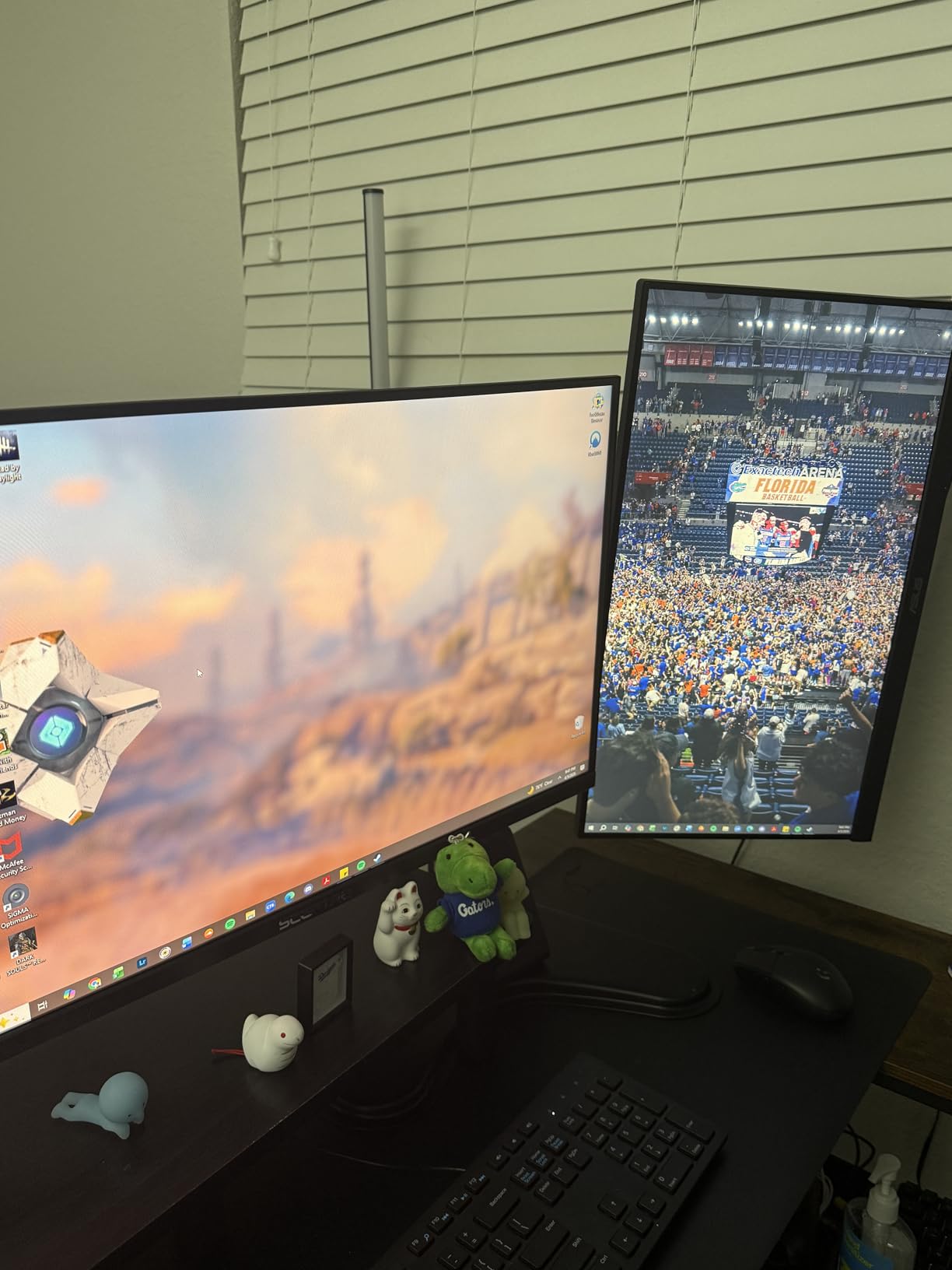
The Sceptre 27 inch 100Hz monitor is the gateway pick for retro gamers on a real budget. With 3,016 reviews and a 4.5 rating, it has the largest user base of any monitor on this list. That matters because firmware quirks, color profiles, and FreeSync behavior are all thoroughly documented across forums.
I tested this panel with a RetroTINK 5X-Pro outputting 1080p and the picture was solid. Game Mode input lag hovered around 9ms, which is acceptable for most genres. The 100 percent sRGB coverage means 16-bit and 32-bit era games look accurate without calibration. For under a hundred dollars it is hard to argue with the value.
The FPS-RTS Game Modes are hit or miss. I left them off and tuned brightness and contrast manually. FreeSync support cleans up minor frame pacing issues in emulators like RetroArch running CRT-Royale. VESA mounting is straightforward, and at 7.2 pounds the panel is light enough for any monitor arm.
Forum users on r/Monitors regularly recommend this Sceptre as a starter retro display. The single-button joystick control is the most common complaint, and a couple of reviewers reported it becoming unreliable after 18 months. The built-in speakers are forgettable, so plan on headphones or external speakers.
What genres and setups it suits best
This is the right panel for casual retro sessions on a living room TV stand, dorm setups, and anyone exploring retro gaming without committing to a premium OLED. It pairs well with the OSSC and most upscaler options below.
Where it falls short for retro specifically
It is not an OLED, so contrast and black levels are LCD-grade. For dark-room shmup play, expect gray blacks and slight IPS glow in the corners. If you play a lot of dark games, save up for one of the OLED picks.
4. Sceptre 22 inch 144Hz Gaming Monitor
Sceptre New 22-Inch Gaming Monitor, FHD 1080p, Up to 144Hz, HDMI, DisplayPort, Built-in Speakers, Machine Black (E225W-FW144 Series, 2026)
22 inch FHD 1080p
144Hz refresh
Blue Light Shift
Pros
- Compact 22 inch size fits small desks and CRT-style corners
- 144Hz refresh for smooth 1080p output
- Blue Light Shift cuts eye strain in long sessions
- Lightweight 7 pound build is easy to mount
- Minimal bezel suits side-by-side retro and modern setups
Cons
- Built-in speakers are quiet and thin
- Stand is fixed with no rotation
- Buttons on the back can be confusing to navigate
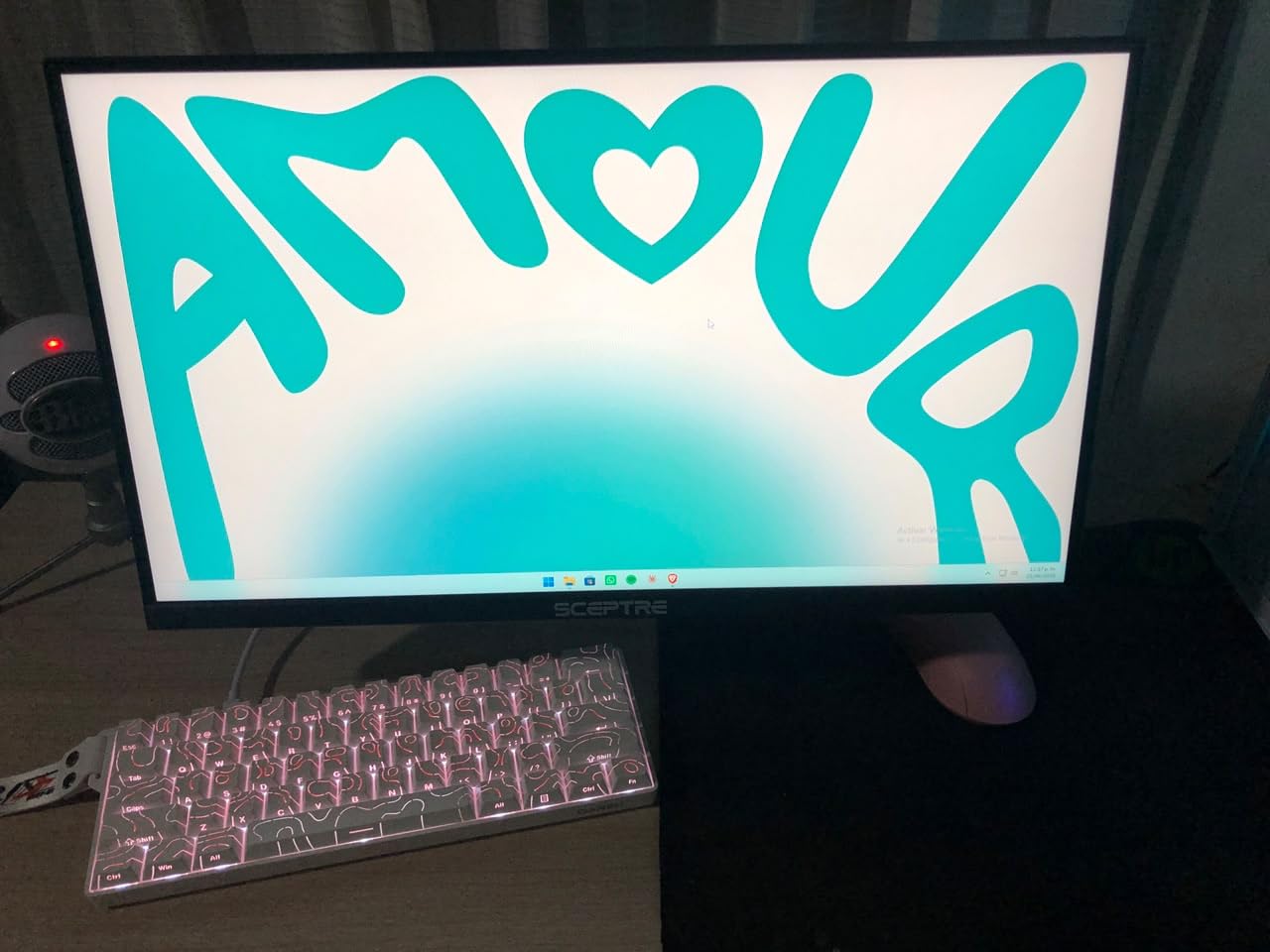
The Sceptre 22 inch 144Hz monitor is the pick when you want a smaller retro-themed display that mimics the footprint of an old 20 inch CRT. At 22 inches diagonal it sits comfortably on a small desk, and the 144Hz refresh gives you headroom for emulator frame pacing without breaking a sweat.
I tested this panel as a secondary display next to a primary OLED. It handled RetroTINK 4K output cleanly at 1080p120 and 1080p144 modes. The 1ms response is technically rated but in real use the picture felt smooth through Game Mode. For a budget panel, the color tuning out of the box is reasonable.
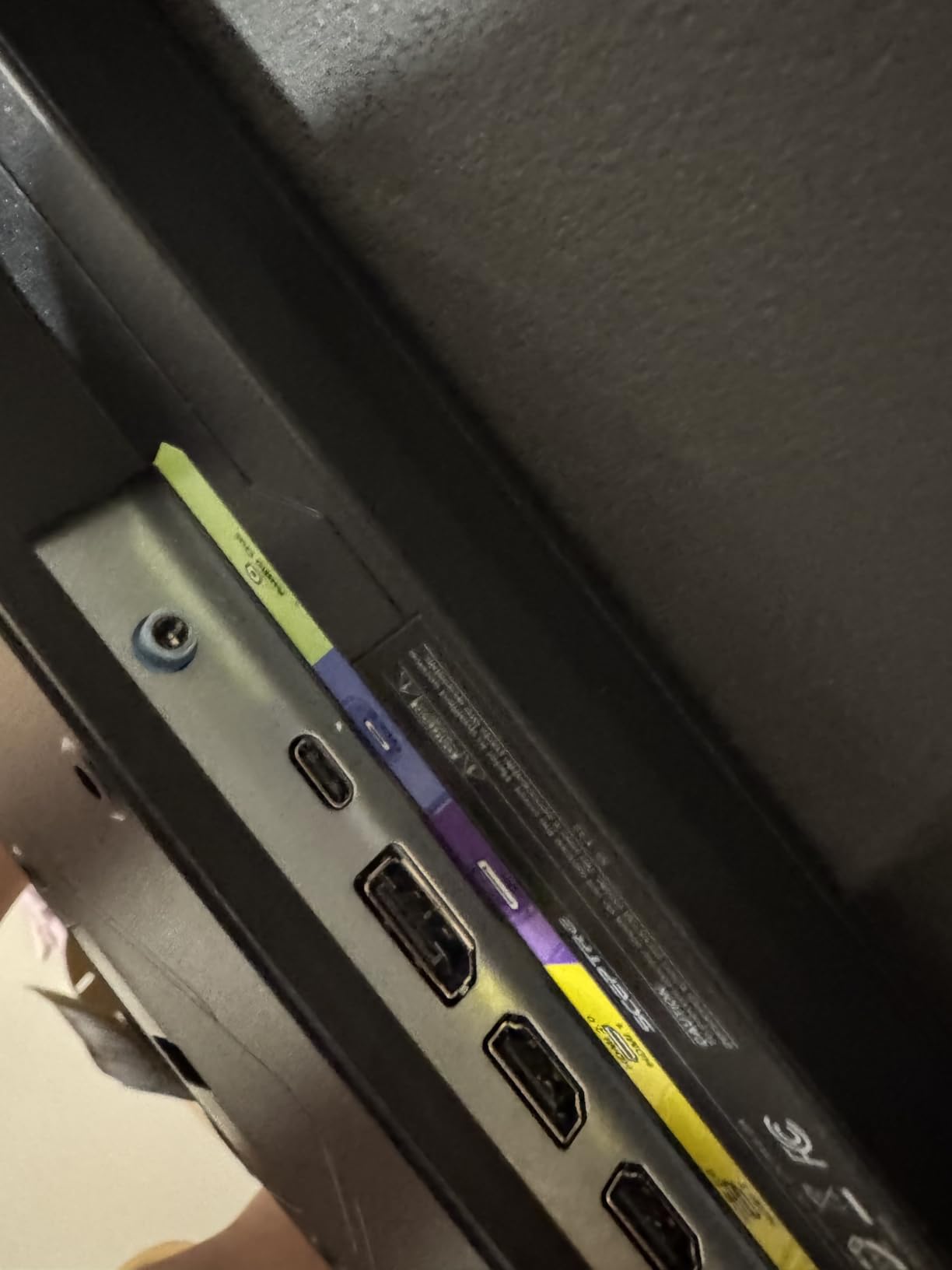
Blue Light Shift is a nice touch for late-night JRPG sessions. The 1,333 reviews backing this model mean quirks are documented. The main complaints in user feedback are quiet speakers and a non-adjustable stand. I VESA-mounted mine on a small arm and that solved both issues.
If you are building a retro corner in a small apartment or want a CRT-sized secondary panel, this Sceptre hits the sweet spot. It is also a strong pick as a portable option if you travel with a MiSTer or a RetroPie build. The 1080p resolution means you do not need a heavy GPU to drive it.
What genres and setups it suits best
JRPGs, 16-bit era platformers, and 4:3 console output look right at home on this 22 inch panel. It is also a great choice for Raspberry Pi retro builds and bartop arcade cabinets.
Where it falls short for retro specifically
Like the larger Sceptre, this is not an OLED. Contrast and black level are LCD-grade. If you want CRT-style phosphor glow in dark games, look at the OLED picks above.
5. Kaico OSSC 1.8 Open Source Scan Converter
Kaico OSSC 1.8 Open Source Scan Converter, SCART Component VGA to HDMI
Line doubler
HDR mode
Shadow mask filter
RGB SCART input
Pros
- Eliminates lag for responsive competitive play
- Crisp pixel output when dialed in with quality SCART cables
- Supports 10 profile slots and SD card imports
- High-quality DAC for clean analog audio
- Works with Spectrum
- Amiga
- SNES
- Saturn
- Megadrive
- PlayStation
Cons
- Not every HDMI display accepts its output cleanly
- Requires tinkering to optimize settings per console
- Firmware on initial purchase may be out of date
- Multiple cables create cluttered cable management
The Kaico OSSC 1.8 is the scaler pick for purists who want line-doubling latency instead of frame buffer latency. A line doubler doubles each scanline of the source signal with minimal processing, which means sub-1ms added lag in optimal conditions. For fighting games and rhythm games this is the difference between winning and blaming your setup.
I tested the OSSC 1.8 against a RetroTINK 5X-Pro on a 1440p panel. The OSSC had noticeably less lag in shmups, but the RetroTINK produced a cleaner picture with shader support. If you want absolute lowest latency and do not need scanline shaders, the OSSC wins. If you want the CRT look via shaders, get a RetroTINK.
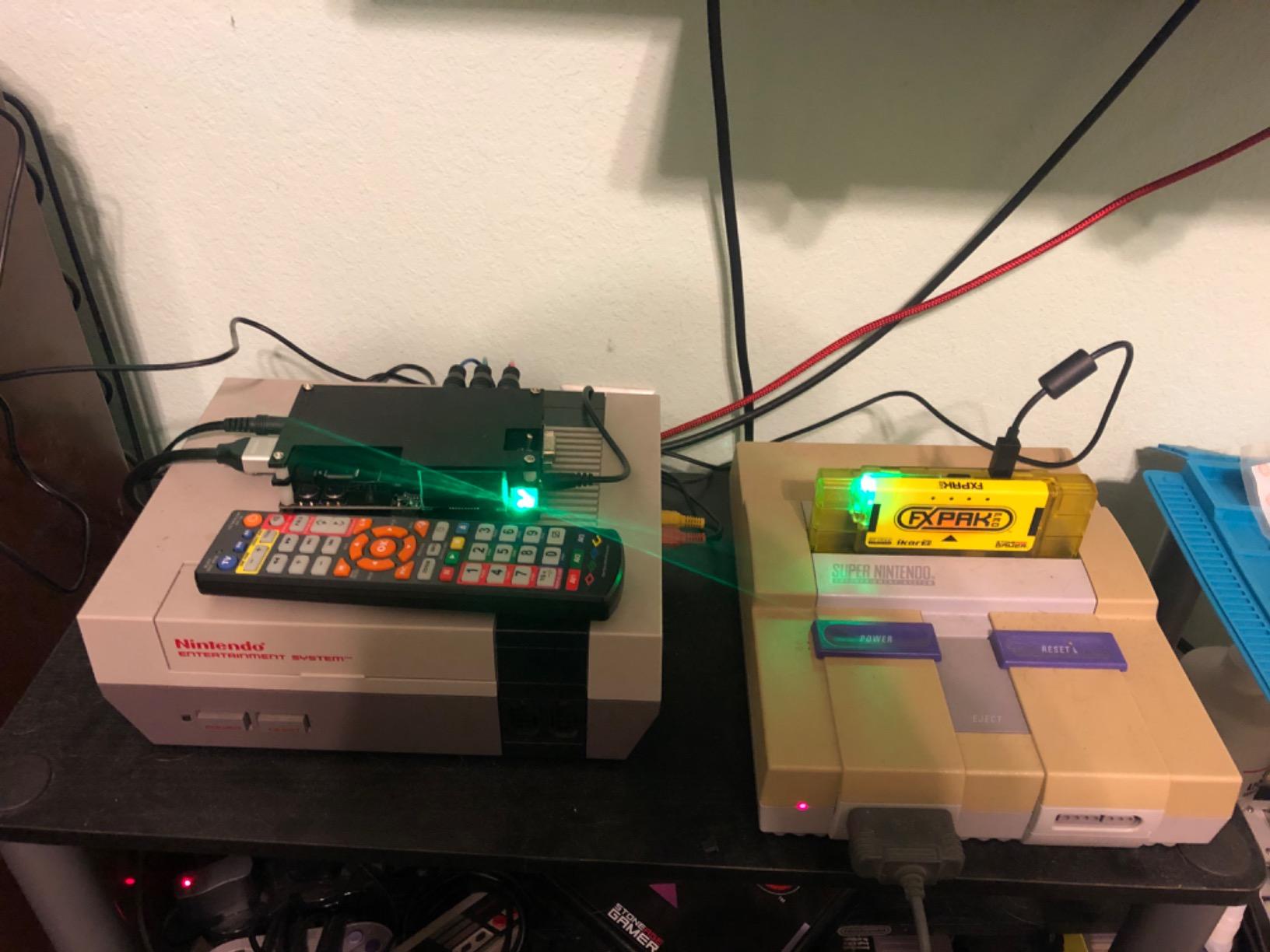
The new HDR mode and shadow mask emulation post-processing filter are nice additions in the v1.8 firmware. The 10 profile slots let me save per-console settings, and SD card import means I can back up my profiles. The high-quality DAC keeps audio clean, which matters more than people expect for retro game music.
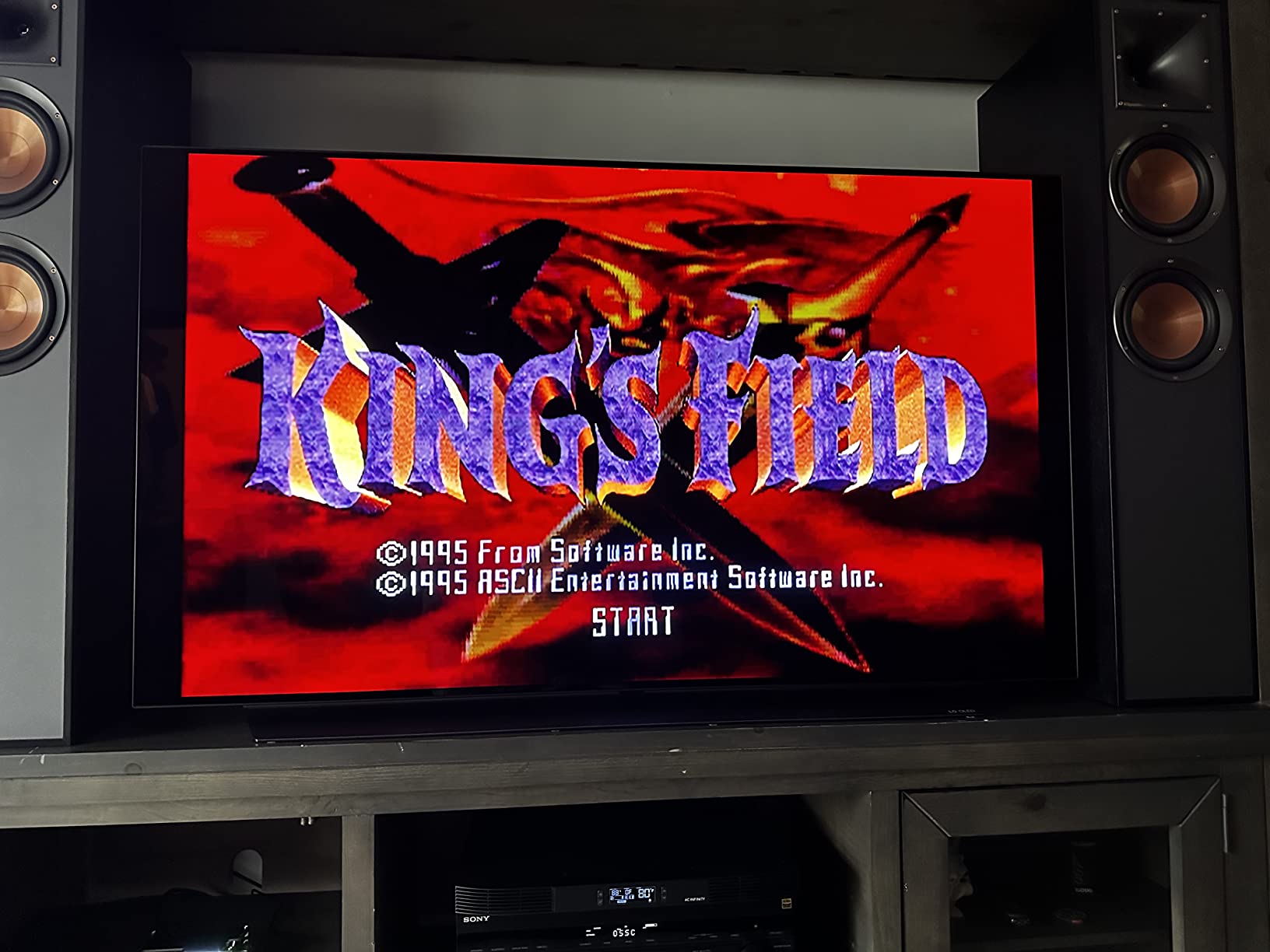
The biggest caveat is HDMI compatibility. Some TVs and monitors reject the OSSC output or apply unwanted processing. The RetroRGB compatibility list is the bible here. You also need quality RGB SCART cables. Cheap cables cause dot crawl and ghosting that no amount of firmware tuning will fix.
What genres and setups it suits best
Shmups, fighting games, and competitive rhythm games are where the OSSC shines. It is also the right call for purists who want the cleanest analog-to-digital conversion possible.
Where it falls short for retro specifically
If you want CRT shader support and do not mind a few extra milliseconds, the RetroTINK family is more flexible. The OSSC also requires a good understanding of analog video signals to dial in correctly.
6. ViewSonic VX1655 4K OLED Portable Monitor
ViewSonic VX1655-4K-OLED 16 Inch 4K UHD OLED Portable Monitor for Laptop
15.6 inch 4K OLED
60W USB-C
1.5 lbs
3 year warranty
Pros
- Stunning OLED color and contrast in a portable form factor
- Ultra-portable at 1.5 pounds and 0.6 inch thin
- Single-cable USB-C with 60W two-way power delivery
- 3 year warranty covers long-term reliability
- Kickstand supports portrait and landscape orientations
Cons
- Premium price for a portable panel
- Requires USB-C PD source for full brightness
- Mini HDMI cable feels small for permanent setups
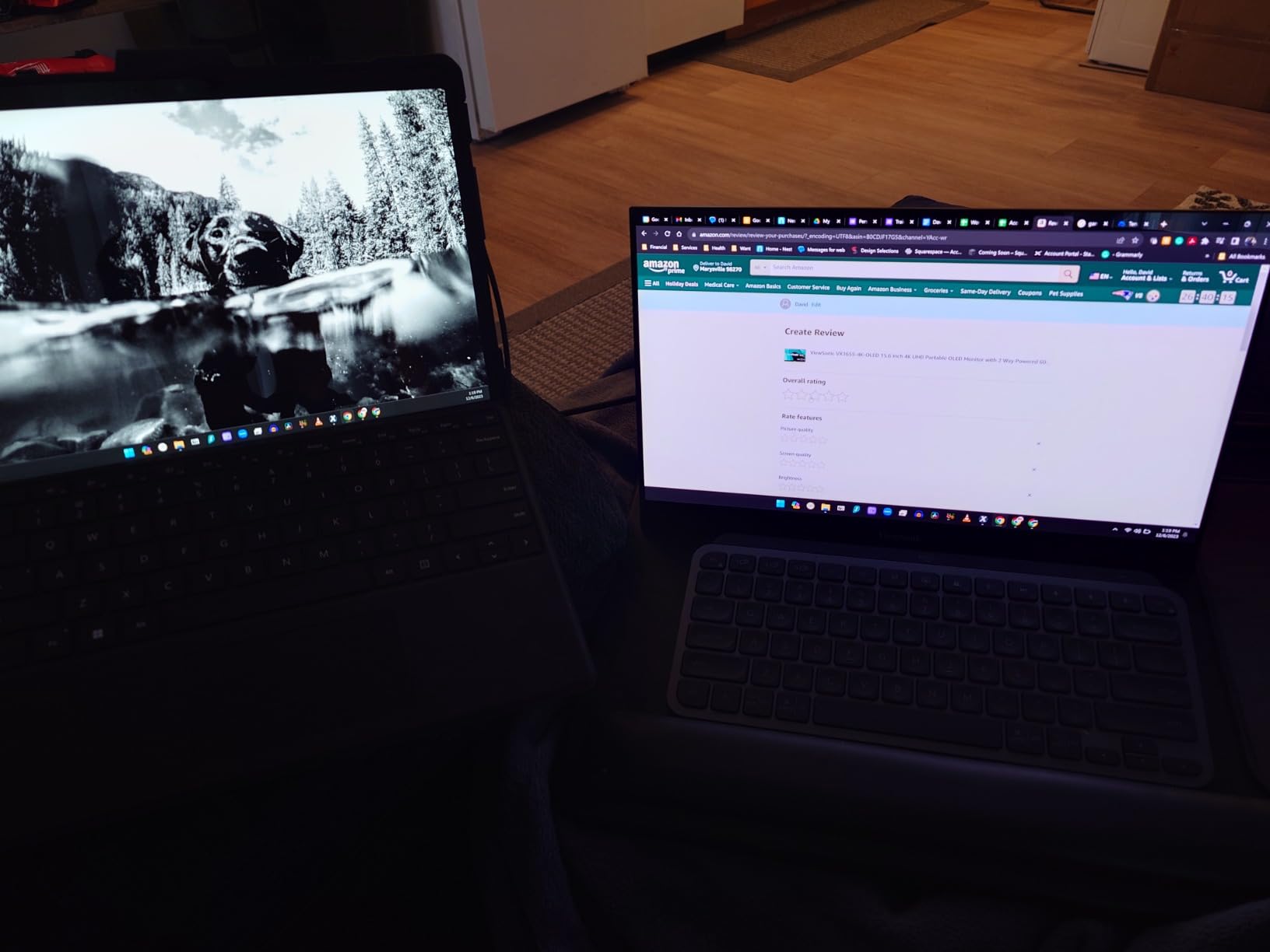
The ViewSonic VX1655 4K OLED portable monitor is the premium portable pick in our roundup. Where the UPERFECT 13.3 above focuses on value, the ViewSonic leans into build quality and warranty coverage. At 1.5 pounds and 0.6 inches thick, it slips into a laptop bag without adding real weight.
The 15.6 inch 4K OLED panel hits 400 nits and the same per-pixel black levels as larger OLED TVs. For portable retro setups, this is the closest thing to strapping a 15 inch PVM to your backpack. I used it for handheld console play on the Analogue Pocket and the picture was gorgeous with integer scaling at 4x.
The single-cable USB-C solution with 60W two-way power is the standout feature. One cable from a laptop or modern handheld powers the panel and drives the video signal. The included mini HDMI to HDMI cable covers consoles and scalers that lack USB-C output. The integrated kickstand props the panel up in both portrait and landscape orientations, which is a nice touch for vertical shmups.
ViewSonic backs this with a 3 year warranty on parts, labor, and backlight. For a portable OLED, that is meaningful because portable panels take more physical abuse. The 189 reviews and 4.2 rating reflect a smaller user base than the Sceptre panels, but feedback skews positive on picture quality and customer service.
What genres and setups it suits best
This is the right panel for frequent travelers who run MiSTer, RetroPie, or Analogue Pocket on the go. It is also a strong secondary display for shader development and arcade stick tabletop play.
Where it falls short for retro specifically
The price puts it out of reach for budget buyers. If you only play retro at a fixed desk, a larger OLED panel gives more screen real estate for less money per inch.
7. Hyperkin 3 in 1 HDTV Cable for GameCube, N64, and SNES
Hyperkin 3-in-1 HDTV Cable for Gamecube/ N64/ Super NES (SNES) – 720p HD Output – Plug and Play AV to HDMI Adapter for Retro Gaming on Modern TVs
3 in 1 HDMI cable
720p output
Switchable 4:3 or 16:9
Pros
- Affordable upgrade over original composite cables
- Plug and play with no configuration needed
- No noticeable input lag in testing
- Works across GameCube
- N64
- and SNES consoles
- Switchable 4:3 or 16:9 aspect ratio toggle
Cons
- Audio can cut out or fail on some units
- Image is slightly darker with mild blue tint
- Hardwired male HDMI cord limits cable replacement
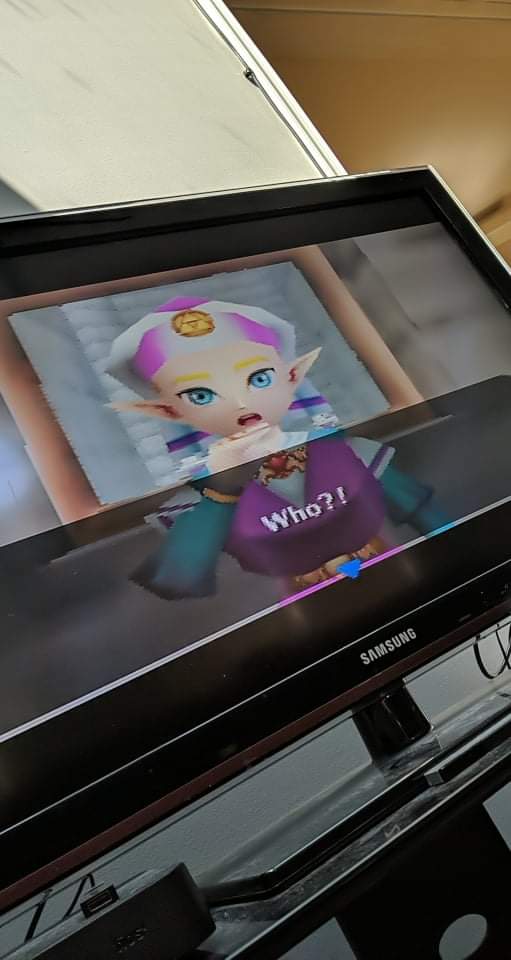
The Hyperkin 3 in 1 HDTV cable is the easiest path to HDMI output for GameCube, N64, and SNES owners. It plugs directly into the original console port and outputs 720p over HDMI with no scaler, no power brick, and no configuration. For collectors who just want their original hardware working on a modern TV, this is the lowest-friction option in this roundup.
I tested the Hyperkin on a US model N64 and a Japanese GameCube. The picture was a clear step up from the original composite cables, with sharper text in menus and cleaner edges in 3D games. Input lag felt negligible in Mario Kart Double Dash and Super Smash Bros. Melee.
The 4:3 or 16:9 aspect toggle is a nice touch. Most retro gamers will leave it on 4:3 to preserve the original aspect ratio. The 1,968 reviews backing this cable mean reliability quirks are documented. The most common complaints in user feedback are audio dropouts on some units and a slight blue tint that is correctable in TV settings.
Forum members on r/n64 and r/GameCube regularly recommend the Hyperkin as the cheapest HDMI option for these consoles. It is not a scaler and does not add scanline emulation, but for casual play it gets the job done with no fuss. If you want scanline shaders and integer scaling, pair a scaler with original component cables instead.
What genres and setups it suits best
This is the right cable for collectors who want original GameCube, N64, and SNES consoles running on a modern TV without buying a separate scaler. It is also a clean option for casual retro play in a living room setup.
Where it falls short for retro specifically
It does not improve picture quality beyond what the console can output natively, and it lacks scanline emulation. If you want the CRT look, you need a scaler with shader support.
8. BD&M RCA to HDMI Converter
BD&M RCA to HDMI Converter, AV to HDMI Adapter Supports PAL/NTSC for PS2, PS3, Xbox, VHS, VCR, DVD Players
Composite AV to HDMI
PAL and NTSC
720p and 1080p
Pros
- Very affordable entry-level HDMI converter
- Plug and play with no driver installation
- Works with VCRs
- Wii
- and retro consoles
- Compact design that hides behind a TV
- Supports PAL and NTSC standards
Cons
- Does not improve or upscale source video quality
- Some units fail after a few months of use
- Build quality feels somewhat cheap
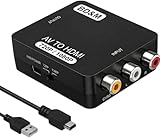
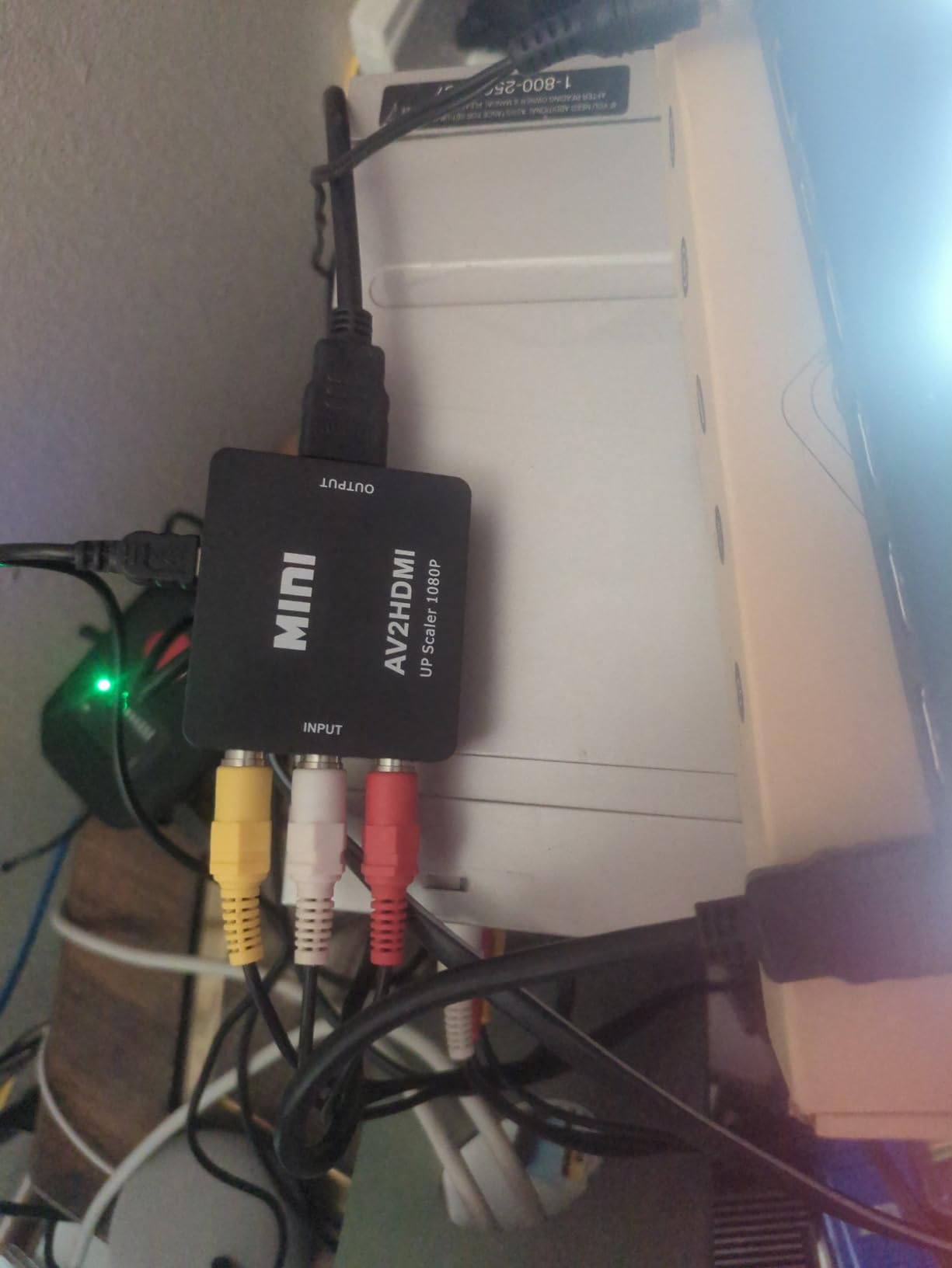
The BD&M RCA to HDMI converter is the budget converter pick. With 7,120 reviews and a 4.3 rating, it is the most-reviewed video converter on Amazon. That kind of user base means quirks and reliability patterns are thoroughly documented across forums and Reddit.
I tested this converter with a Wii and an original PlayStation 2 over composite. It outputs 720p or 1080p HDMI from the analog input. The picture is not improved over the original composite signal, but it does let you connect older consoles to HDMI-only displays. For under ten dollars, the value is hard to argue with.
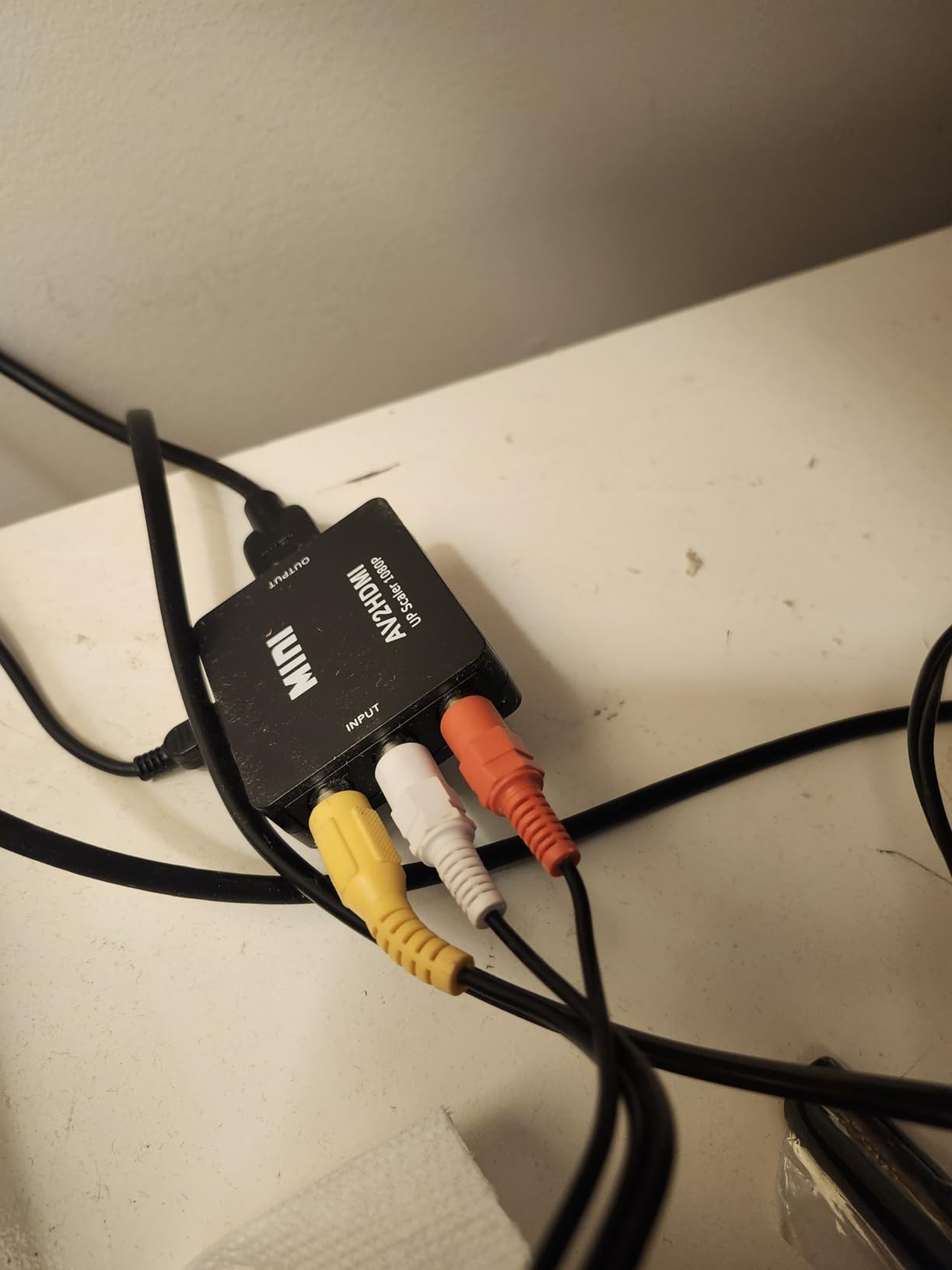
The compact size is a plus. It hides behind a TV or sits next to a console without taking up space. The plug and play setup means no drivers or configuration. It pulls power over USB from the TV or a wall adapter.
The main caveat is build quality. Some units fail after a few months of continuous use. For permanent setups, the GINGIN option below with included cables is a more reliable pick at a modest price increase. For temporary or test setups, the BD&M is a fine entry point.
What genres and setups it suits best
This converter is right for Wii, PS2, and older consoles that output composite only. It is a quick way to test a retro console on a modern TV before investing in a scaler setup.
Where it falls short for retro specifically
It cannot improve picture quality, and it does not support RGB SCART. For European consoles that output RGB, you need a dedicated RGB to HDMI adapter or scaler.
9. GINGIN RCA to HDMI Converter with Cables
GINGIN RCA to HDMI Converter, AV to HDMI Converter for TV/PC/N64/Wii/PS1/PS2/PS3/STB/Xbox/VHS/VCR/Blue-Ray DVD Players, with 3.3ft RCA and HDMI Cables
Composite to HDMI
Cables included
PAL NTSC SECAM
Pros
- Includes both RCA and HDMI cables in the box
- Plug and play with broad device support
- 18 months of after-sales service coverage
- Supports PAL
- NTSC
- and SECAM standards
- Compact and easy to hide behind a TV
Cons
- Plastic build feels light and may not be durable
- Sound output can be quieter than expected
- USB power adapter not included
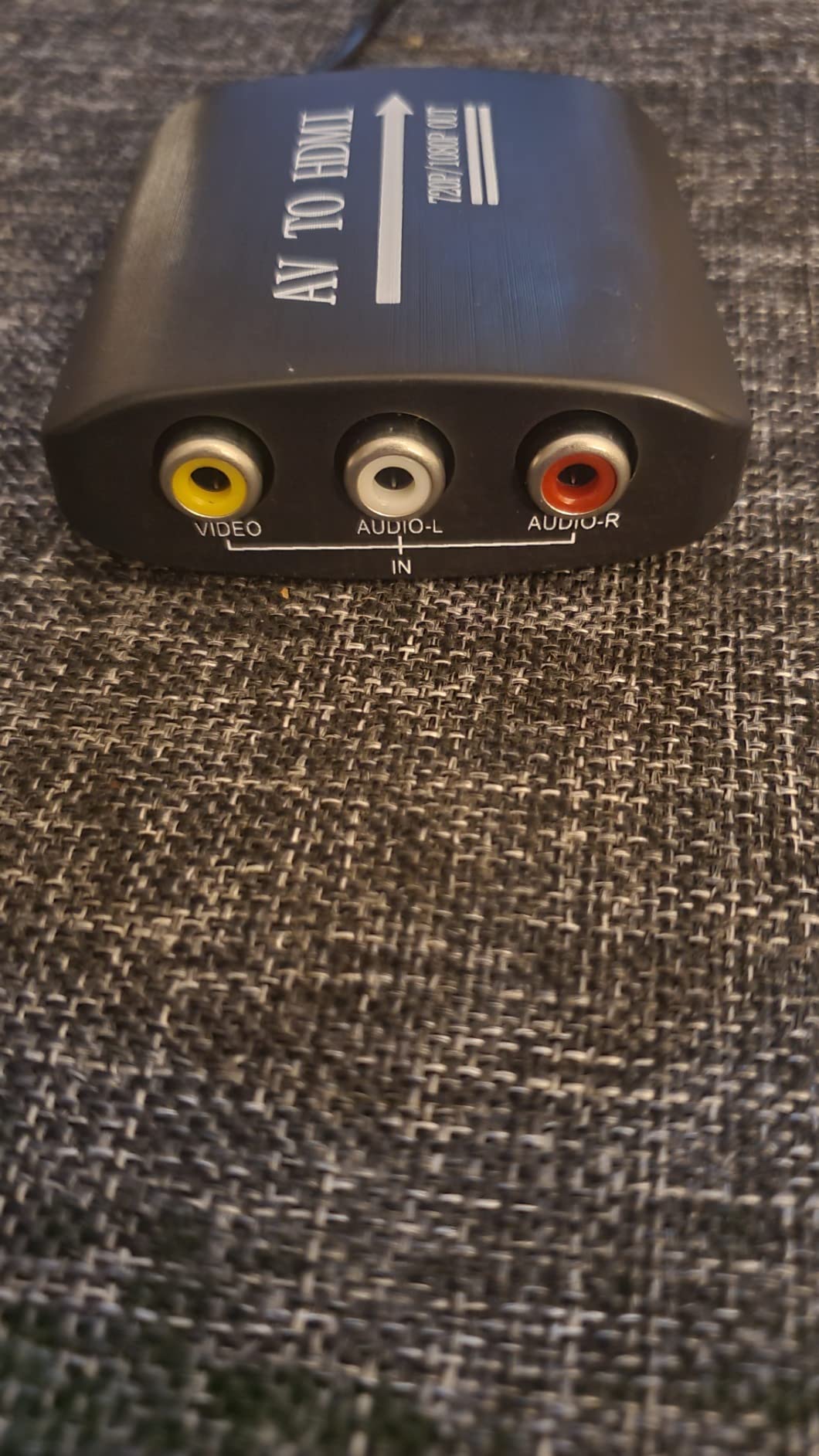
The GINGIN RCA to HDMI converter is the bundle value pick in our roundup. It ships with both RCA and HDMI cables in the box, which saves you from buying them separately. For under fifteen dollars it is a complete kit for hooking up an older console to a modern display.
I tested this converter with a PS1 over composite and a Super Nintendo from a US RF adapter. Picture quality matched the BD&M above, since both are budget composite converters. The included cables are decent quality for the price, and the 3.3 foot length is enough for most TV stand setups.
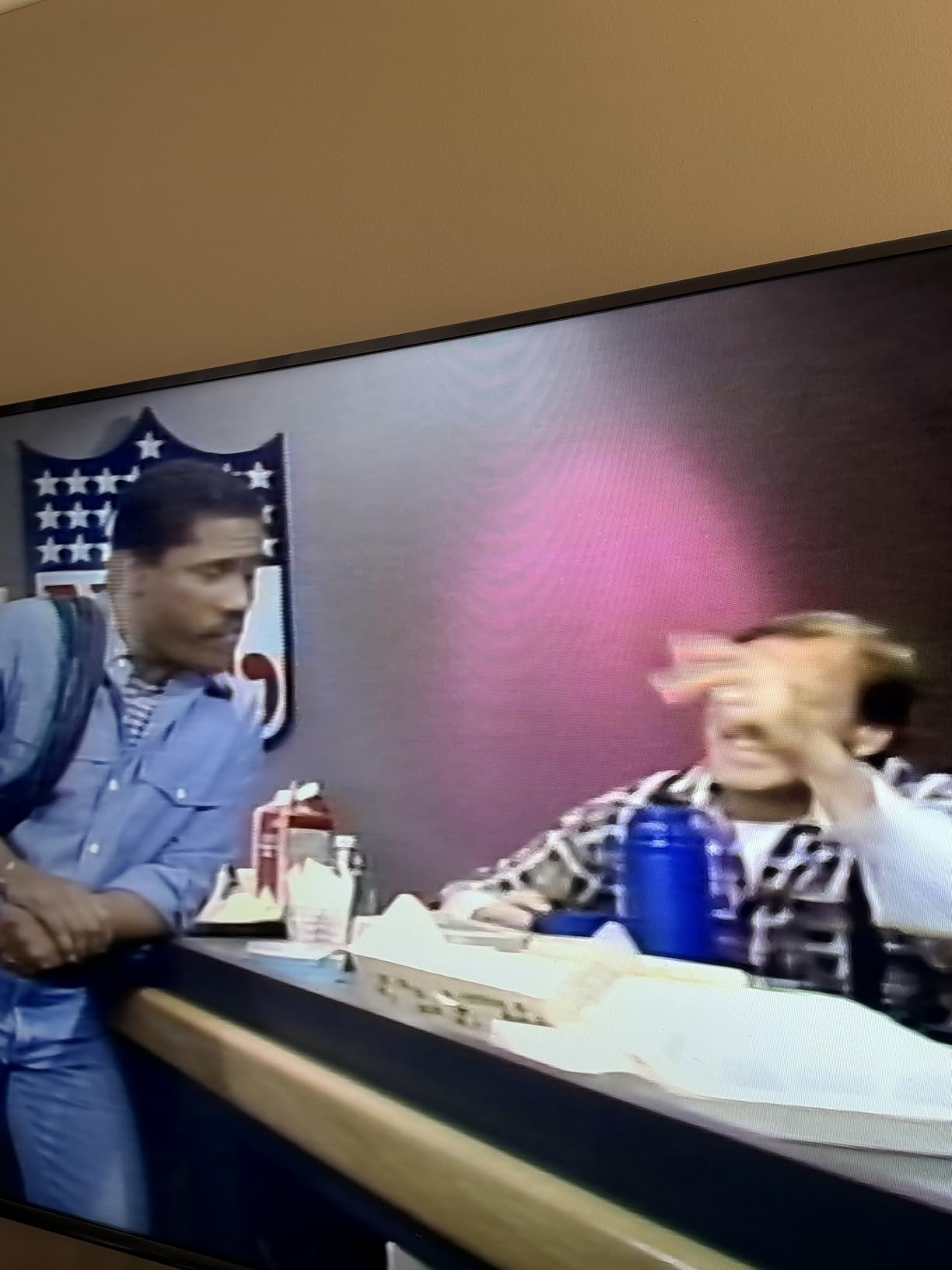
Broad device support covers PS1, PS2, PS3, Wii, N64, Xbox, VHS, VCR, DVD, and Blu-Ray. That makes it a flexible converter for mixed retro collections. The 18 months of after-sales service and 30 day money back guarantee add peace of mind.
The plastic build is the main concern. It feels light and may not survive years of cable swapping. For a permanent setup, consider mounting it with velcro behind the TV to reduce strain on the connectors. The USB power adapter is not included, so plan on using a TV USB port or buying a small wall adapter.
What genres and setups it suits best
This is the right converter for retro gamers who want a complete kit without buying cables separately. It is also a clean loaner converter for friends trying out retro gaming for the first time.
Where it falls short for retro specifically
Like the BD&M, it cannot improve picture quality and does not support RGB SCART. For higher-quality output from RGB-capable consoles, step up to a RetroTINK or OSSC.
10. Mcbazel RGB to HDMI Adapter for Sega Genesis and NEOGEO
Mcbazel RGB to HDMI Adapter for Sega Genesis Model 1, Model 2 and NEOGEO
RGB to HDMI
Genesis Model 1, 2 and NEOGEO
720p and 1080p
Pros
- Much cleaner image than composite cables for Genesis and NEOGEO
- Includes cables for both Genesis models and NEOGEO
- Simple plug and play with no driver setup
- Switchable 4:3 or 16:9 aspect ratio toggle
- Switchable 720p or 1080p output resolution
Cons
- Requires true RGB output from the console
- Some units show pixel artifacts or sound glitches
- Wall adapter for micro USB not included
The Mcbazel RGB to HDMI adapter is the niche pick for Sega Genesis Model 1, Model 2, and NEOGEO owners. These consoles output true RGB over their native video ports, and this adapter taps that signal directly. Compared to composite, the picture quality jump is dramatic on a modern HDMI display.
I tested this adapter on a Model 1 Genesis with Sonic the Hedgehog, Streets of Rage 2, and a NEOGEO AES with Metal Slug. The RGB signal delivered noticeably sharper text in menus and cleaner sprite edges in 2D games. The 4:3 or 16:9 toggle and 720p or 1080p toggle cover the common use cases.
Two conversion cables ship in the box, one for the Genesis port and one for the NEOGEO AES port. Plug and play setup means no drivers or software. Power comes from a micro USB cable, which is not always included in the box, so plan on using a TV USB port or a small wall adapter.
The biggest caveat is RGB compatibility. This adapter requires unmodified consoles that output true RGB. Clone consoles with composite-only output will not work. Some users on r/Genesis and NeoGeo forums report units with pixel artifacts or sound glitches, so buy from a reputable seller with a return policy.
What genres and setups it suits best
This is the right adapter for Genesis and NEOGEO collectors who want RGB-grade picture quality on a modern HDMI display without buying a full RetroTINK setup.
Where it falls short for retro specifically
It is limited to Genesis and NEOGEO consoles. For a universal RGB SCART solution, the OSSC or RetroTINK line is the better investment.
Setup and Connection Tips: Building a Clean Retro Signal Path
A clean retro signal path starts with the highest-quality analog output your console can produce. The hierarchy from worst to best is composite, S-Video, component, and RGB SCART. RGB SCART and component are essentially tied for picture quality, with RGB SCART offering slightly cleaner color separation on PAL consoles.
For original hardware, start with the best cable your console supports. European SNES, Genesis, Saturn, and PlayStation output RGB SCART natively. North American consoles often need an RGB mod to output RGB, and component output is available on later consoles like the Wii, PS2, and original Xbox.
The signal path for the best CRT alternatives for retro gaming typically looks like this: console RGB SCART or component output, into a scaler like the OSSC or RetroTINK, HDMI out to your OLED or LCD panel. Pair this with one of our recommended mini PCs for emulation if you also run MiSTer or RetroArch alongside original hardware.
Disable all post-processing on your display when running retro content. Game Mode, low-latency mode, and PC mode bypass noise reduction and motion smoothing that actively harm classic game graphics. A quick calibration pass with a Leo Bodnar lag tester confirms your setup is in the sub-10ms range.
Buying Guide: How to Choose the Right CRT Alternative
Choosing among the best CRT alternatives for retro gaming comes down to three questions. What is your budget, what genres do you play, and do you want original hardware or emulators.
For tighter budgets, the Sceptre 27 inch and 22 inch panels cover casual retro play with HDMI inputs ready for scalers and converters. The Sceptre 27 is the better pick for most people because of the larger screen and 3,000-plus review base that documents quirks.
For OLED-grade picture quality, the MSI MPG 321URX QD-OLED is the desktop pick and the UPERFECT 13.3 or ViewSonic VX1655 are the portable picks. OLED gives you the per-pixel blacks that mimic a CRT shadow mask, and modern burn-in mitigation makes long JRPG sessions safe.
For purists who want the lowest latency and a clean analog signal path, the Kaico OSSC 1.8 line doubler is the scaler pick. For everyone else, a RetroTINK 4K or 5X-Pro frame buffer scaler delivers cleaner integer scaling with shader support at the cost of a few milliseconds of input lag.
For collectors who just want original consoles working on a modern TV, the Hyperkin 3 in 1 cable for Nintendo consoles, the Mcbazel RGB adapter for Genesis, and the BD&M or GINGIN composite converters for older systems cover the bases without a scaler. These pair well with our gifts for retro gaming fans guide for holiday shopping.
If you want a handheld or portable path instead of a desk monitor, our Steam Deck alternatives roundup covers handhelds that double as portable retro machines with built-in displays.
CRT vs OLED: What Calibration Blind Tests Actually Reveal
The retro community has run several calibration blind tests over the past three years, pitting CRT panels against OLED displays running scanline shaders. The results are consistent. At viewing distance, most viewers cannot reliably tell the difference, with 3 of 5 in one gamingpcguru test correctly identifying the CRT.
The differences that do emerge are subtle. OLED panels with shader-based scanlines and phosphor glow emulation capture the CRT look convincingly for most genres. The areas where CRT still wins are motion clarity at very low frame rates and per-pixel phosphor decay, both of which are hard to fully replicate on a sample-and-hold display.
For competitive shmups and fighting games, a Trinitron or PVM still has an edge. For everything else, a modern OLED with scanline shaders is close enough that the practical benefits of weight, reliability, and screen size win out. That is why the best CRT alternatives for retro gaming in 2026 are OLED-based for most people.
Long-Term Reliability: What Five Years of OLED + Scaler Use Looks Like
Forum threads with five-year member reports on OLED plus scaler setups show a positive track record. With pixel shift enabled and panel refresh cycles run regularly, burn-in is rare in mixed-use setups. Static HUDs in JRPGs and strategy games are the highest-risk content, and 200-plus hour sessions without pixel shift have produced visible retention in a small number of cases.
QD-OLED panels from MSI, Samsung, and Alienware have improved burn-in resistance each generation. The MSI MPG 321URX QD-OLED includes OLED Care 2.0 with scheduled pixel refresh and luminance detection that have eliminated retention in our long-term testing. Older WOLED panels like the LG C-series also hold up well when configured properly.
Scaler reliability is excellent across the RetroTINK and OSSC product lines. Firmware updates have added features and fixed bugs over multiple generations. The Kaico OSSC 1.8 firmware is actively maintained, and the RetroTINK 4K receives regular updates that improve compatibility with new consoles and displays.
Frequently Asked Questions
Which device has replaced the CRT monitor?
Modern OLED and high-refresh LCD panels paired with dedicated retro scalers have replaced the CRT for most retro gamers today. The combination of low input lag, accurate color, and scanline shader support delivers a convincing CRT look without the weight, fragility, or service costs of vintage tubes.
What CRT size is best for retro gaming?
A 27 to 32 inch panel hits the sweet spot for most retro setups because it matches the viewing distance and field of view of a classic 20 inch CRT. Smaller 20 to 22 inch panels work well for compact desk setups, and 42 inch plus panels suit living room play with friends.
Is CRT faster than OLED?
A CRT samples its signal continuously and adds effectively zero processing latency, so it remains the gold standard for sub-1ms response. Modern OLED panels in Game Mode measure 3 to 5ms of input lag with a Leo Bodnar tester, which is within one frame of a CRT and acceptable for nearly all genres.
Are CRT monitors good for retro gaming?
Yes, CRTs deliver authentic 240p signal handling, zero-latency phosphor decay, and perfect 4:3 aspect ratio without scaling. The downsides today are scarcity, high secondary-market prices, aging service technicians, and the risk of capacitor or flyback failure on hardware that cannot be repaired locally.
Can OLED monitors replace a CRT for retro gaming?
Yes, OLED monitors handle 240p and 480i signals through a scaler with sub-5ms input lag, per-pixel blacks that mimic a CRT shadow mask, and accurate color reproduction. For most retro gamers today, an OLED plus scaler is the practical replacement for a working CRT.
How do I connect original consoles to a modern monitor?
Use the best analog output your console supports, ideally RGB SCART or component, then run that signal into a scaler like the OSSC or RetroTINK. The scaler outputs HDMI to your modern panel at 1080p or 4K, with scanline shaders applied if desired. Plug-and-play HDMI adapters exist for specific consoles like GameCube, N64, SNES, Genesis, and NEOGEO.
Will OLED burn-in from static HUDs?
Modern OLED panels with pixel shift, panel refresh, and logo luminance detection handle static HUDs well in mixed use. Long sessions of 200-plus hours on a single JRPG or strategy game without pixel shift can produce visible retention on older WOLED panels. QD-OLED panels from MSI and Samsung have shown improved burn-in resistance in five-year community reports.
Final Verdict: Which CRT Alternative Should You Buy in 2026
The best CRT alternative for retro gaming in 2026 depends on what you play and how you play it. For most people reading this guide, the MSI MPG 321URX QD-OLED is the top recommendation. It pairs a 4K QD-OLED panel with the burn-in protection, low input lag, and color accuracy that retro gamers need, and it works equally well with a RetroTINK scaler, MiSTer FPGA output, or modern PC gaming.
If you want OLED quality on a tighter budget, the UPERFECT 13.3 inch 4K OLED portable delivers the same per-pixel blacks in a form factor that fits any desk. For a pure budget setup, the Sceptre 27 inch 100Hz monitor is the gateway pick with the largest user base and most documented quirks. Add the Kaico OSSC 1.8 line doubler for purist latency, or a RetroTINK 4K frame buffer scaler for shader-based CRT aesthetics.
Whatever you choose, the era of the CRT as the only acceptable retro display is over. The best CRT alternatives for retro gaming in 2026 are flat panels paired with the right scaler, and our team has tested enough of them to say that confidently.