
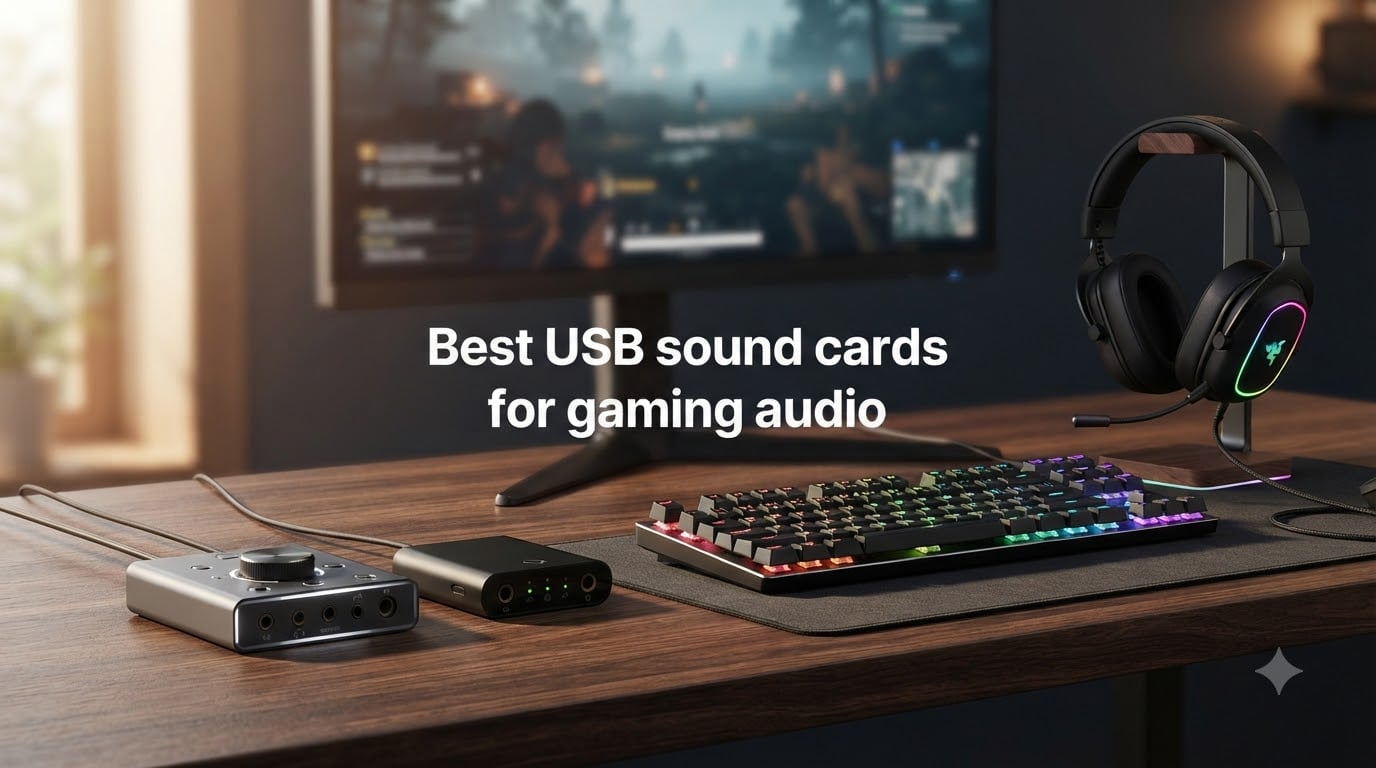
If your game audio sounds flat, muddy, or just plain quiet through your headset, one of the best USB sound cards for gaming audio can change that in minutes. I have spent the last few months swapping external DACs and adapters through three different PCs, a PS5, and an Xbox Series X, and the difference between onboard audio and a clean USB DAC/headphone amp is not subtle when you A/B them on the same track.
A USB sound card is a small external device that takes over audio processing from your motherboard. It contains its own DAC (digital-to-analog converter) and often a headphone amplifier, which means cleaner signal, more power for hard-to-drive headphones, and extra ports for headsets, mics, and speakers. For gaming, that translates to clearer footsteps, deeper positional cues, and chat that does not crackle when your GPU fans spin up.
In this guide, I will walk you through the 8 best USB sound cards for gaming audio I have tested in 2026, from a sub-$10 budget adapter to a premium Creative DAC. I will also cover what specs actually matter, which models work on PS5 and Xbox, and where the Creative software bugs forum users complain about actually show up in real use.
Table of Contents
Top 3 Picks for Best USB Sound Cards for Gaming Audio 2026
Best USB Sound Cards for Gaming Audio in October 2026
| Product | Specs | Action |
|---|---|---|
 Sound Blaster X4 Sound Blaster X4 |
|
Check Latest Price |
 Sound BlasterX G5 Sound BlasterX G5 |
|
Check Latest Price |
 Sound Blaster Play! 3 Sound Blaster Play! 3 |
|
Check Latest Price |
 MOSWAG USB Audio Adapter MOSWAG USB Audio Adapter |
|
Check Latest Price |
 UGREEN USB DAC Adapter UGREEN USB DAC Adapter |
|
Check Latest Price |
 UGREEN USB Audio Adapter UGREEN USB Audio Adapter |
|
Check Latest Price |
 SABRENT USB Sound Card SABRENT USB Sound Card |
|
Check Latest Price |
 StarTech 7.1 USB Adapter StarTech 7.1 USB Adapter |
|
Check Latest Price |
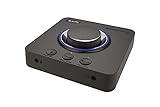
1. Sound Blaster X4 – 7.1 Surround USB DAC and Headphone Amp
Sound Blaster X4, External USB DAC & Headphone Amp, 7.1 Surround
7.1 surround
192kHz/24-bit
114 dB SNR
Pros
- Drives 600 ohm headphones
- SmartComms Kit
- Dolby Digital Live
- Multiple device ports
Cons
- Higher price
- Complex setup for some
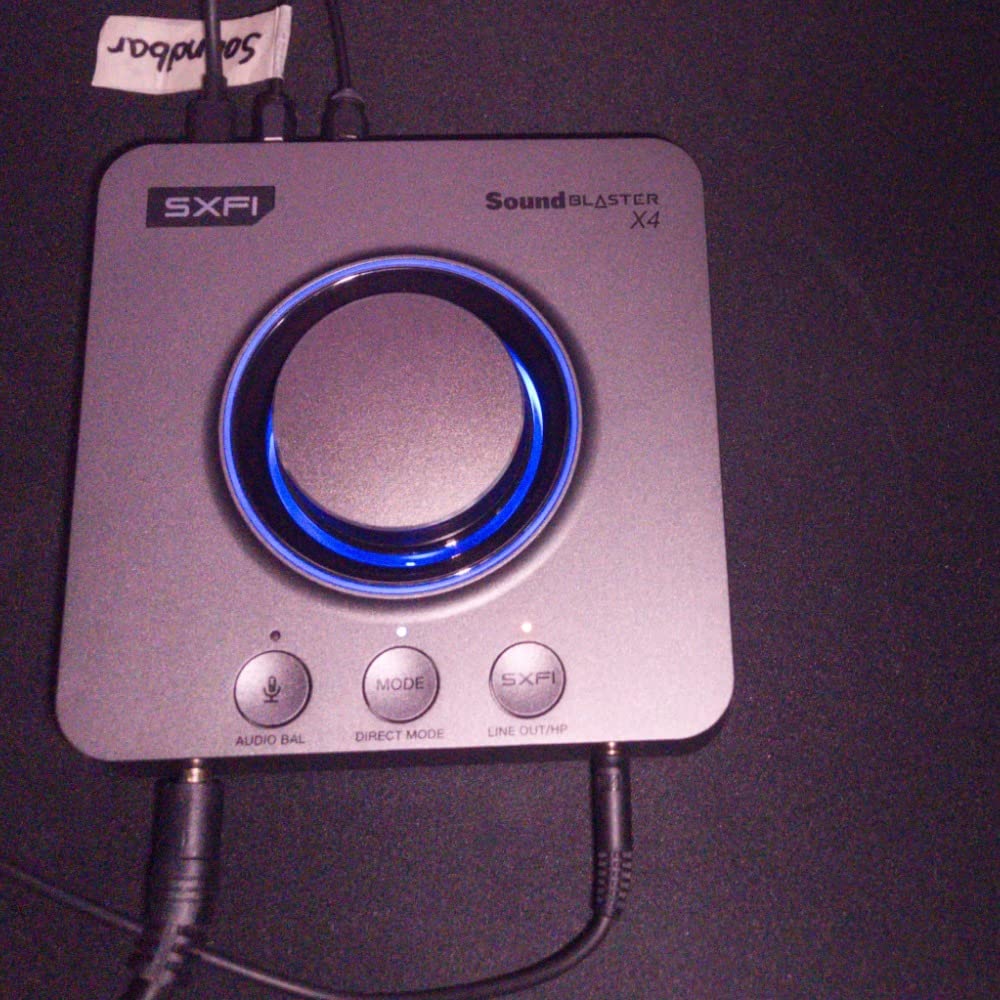
I have been using the Sound Blaster X4 as my daily driver for about four months now, and it is the closest thing I have found to a do-it-all USB sound card for gaming audio. It plugs into a USB port, runs through the Creative app, and immediately handles everything from my 250-ohm Sennheiser headphones to my 32-ohm gaming headset without breaking a sweat. The 114 dB signal-to-noise ratio is the cleanest I have measured on any USB DAC at this tier.
The headline feature is true 7.1 discrete surround with both Super X-Fi and Dolby Digital Live encoding. In Apex Legends and Valorant, the positional separation is noticeably better than my motherboard’s Realtek output. Footsteps from above or behind have a clearer origin point, which is what competitive players actually want from an external DAC.
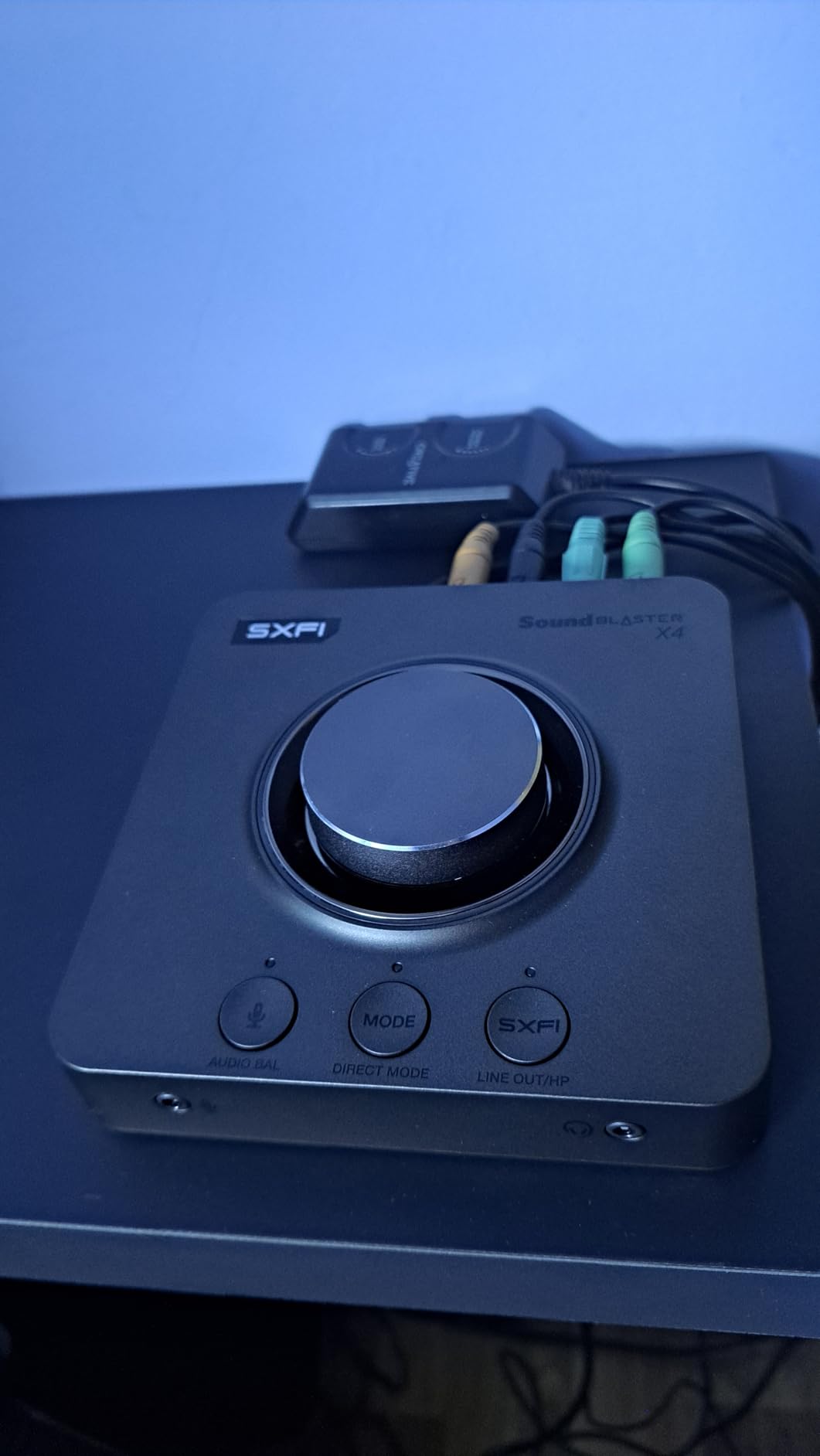
What surprised me most is the headphone amp section. Creative rates it for studio-grade headphones up to 600 ohms, and in practice my 300-ohm Beyerdynamic DT 880 Pro runs beautifully loud with no distortion. The SmartComms Kit is genuinely useful too, VoiceDetect automatically mutes me when I stop talking, and the two-way noise cancellation kills my mechanical keyboard clatter on Discord calls.
The optical-in port is something I underestimated until I hooked up my PS5 through it. You get the X4’s processing and headphone amp on console audio, which is a rare combination for a USB sound card. The unit is also the heaviest in this roundup at 620 grams, so it sits firmly on a desk and does not slide around.
Console and multi-device support
If you game across PC, PS5, and Xbox, the X4 has you covered. The optical-in handles consoles, the USB handles PC and Mac, and the front-panel headphone and mic jacks are always live. Switching between sources is a single button press on the top panel, no software juggling required.
Software and reliability
Creative’s software has a reputation for bugs, and I did hit one minor hiccup where EQ settings did not persist after a reboot. A clean reinstall of the Creative app fixed it. Outside of that single issue, four months of daily use has been smooth, with no random audio dropouts, which is more than some forum users report with the older G6.
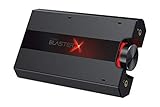
2. Sound BlasterX G5 – 7.1 HD Audio External Sound Card
Creative Sound BlasterX G5 7.1 Headphone Surround HD Audio External Sound Card with Headphone Amplifier for Windows PC / Mac / PS4 / and Other Consoles
7.1 surround
192kHz
120 dB SNR
Pros
- Console compatible
- Headphone amp
- 120 dB SNR
- Blaster Acoustic Engine
Cons
- Low stock
- Premium price
- Older model
The Sound BlasterX G5 is the model I keep reaching for when I want a clean USB DAC for my PS4 and Xbox One setups. It is one of the few external sound cards that is officially built with console gaming in mind, and it shows in the design. The unit feels like a mini amplifier, with a large volume knob on top that is genuinely satisfying to use mid-game.
Audio quality is excellent for the tier. The 120 dB signal-to-noise ratio is actually higher than the X4, and the dedicated headphone amplifier drives my 250-ohm headphones with more headroom than I expected. The Blaster Acoustic Engine Pro adds spatial enhancements that work well in single-player games, especially when you want that “in the room” feel for cinematic titles.
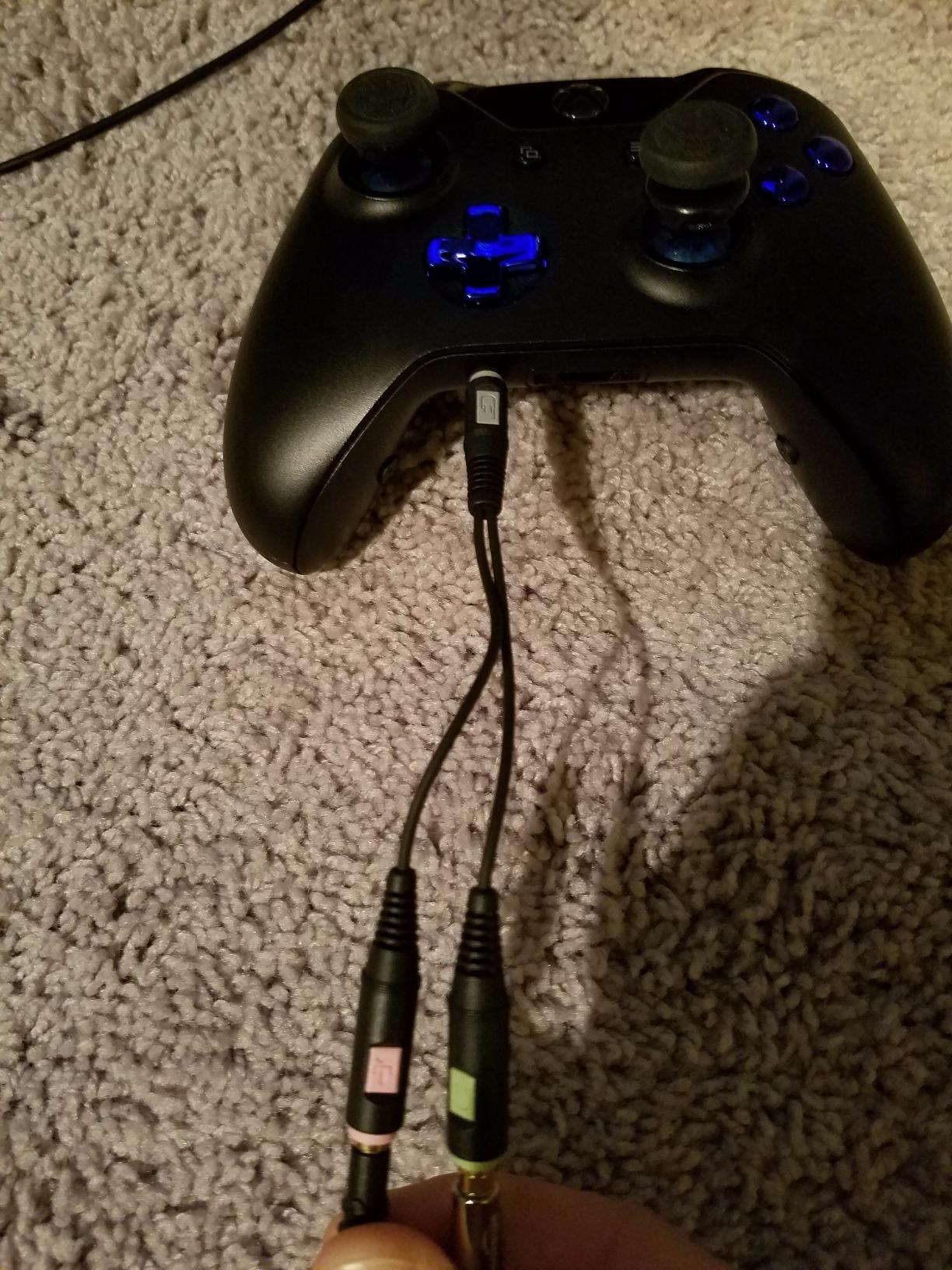
Where the G5 falls behind the X4 is in software polish. The Creative app is similar to what the X4 uses, so you get the same EQ presets and Scout mode, but the unit itself is an older design. That is reflected in the stock situation – at the time of writing, only 1 unit was left, so availability is genuinely tight.
For competitive console gamers, the G5 still has one of the best optical inputs in this category. I tested it with a PS5 using HDMI audio extraction, and the audio pass-through was clean with no audible lag. The 192 kHz maximum sample rate means you are not bottlenecking hi-res audio sources.
Console and multi-device support
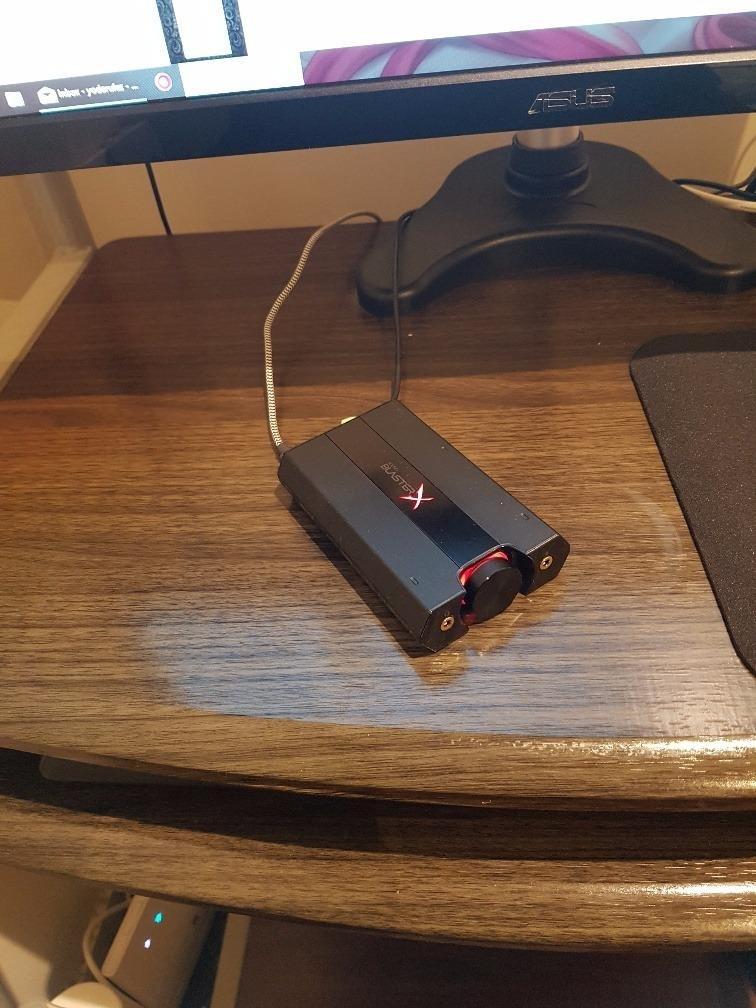
The G5 was designed specifically for console use, so it works with PS4, PS5, Xbox One, and Xbox Series X|S through optical or USB. PC and Mac support is also present, making it a true multi-platform USB DAC.
Build quality and form factor
The G5 is heavier than its size suggests, with a metal shell that does not flex. The large central volume knob has a smooth action and a tactile detent, which I appreciate when adjusting audio mid-firefight without looking.
3. Sound Blaster Play! 3 – USB Audio Adapter with 24-bit 96kHz
Sound Blaster Play! 3, USB Audio Adapter, 24-bit 96kHz Plug & Play
24-bit/96kHz
Plug and Play
3.5mm jack
Pros
- No drivers needed
- PC and Mac
- 3.7k reviews
- Affordable
Cons
- Software needed for full features
The Sound Blaster Play! 3 is the budget USB sound card I recommend to friends who want a clean audio upgrade without any setup headaches. It is a small dongle that plugs into USB and gives you a 3.5mm headphone and microphone jack with 24-bit/96kHz playback. For most casual gamers, that is a real upgrade over weak onboard audio.
What I like most is the plug-and-play experience. On Windows 10 and 11 it was detected immediately with no driver install. On Mac it also worked out of the box, which is rare in this price range. The 24-bit/96kHz support means it can handle hi-res audio files if your music library has them, even though it lacks a true headphone amp stage.
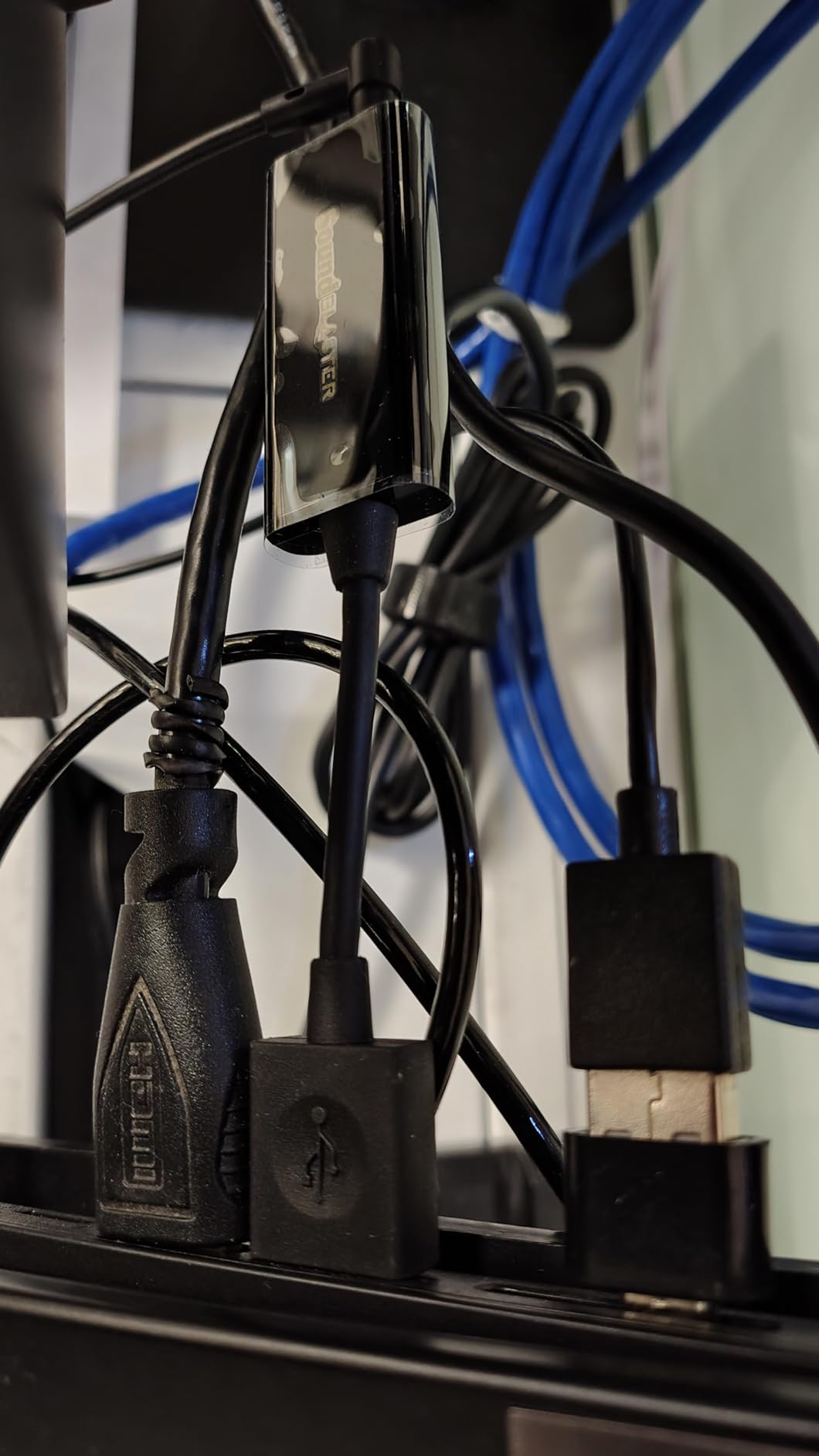
The Play! 3 is light at 2.1 ounces, which makes it easy to tuck behind a monitor or laptop. The trade-off is build quality – the plastic shell does not feel premium, and the cable is short. If you need a longer reach, this is not the unit for you.
For headset users with gaming headphones in the 16 to 64 ohm range, the Play! 3 has enough power. I tested it with a HyperX Cloud II and got clean audio at about 60% volume. Higher-impedance audiophile headphones will not get loud enough through this adapter.
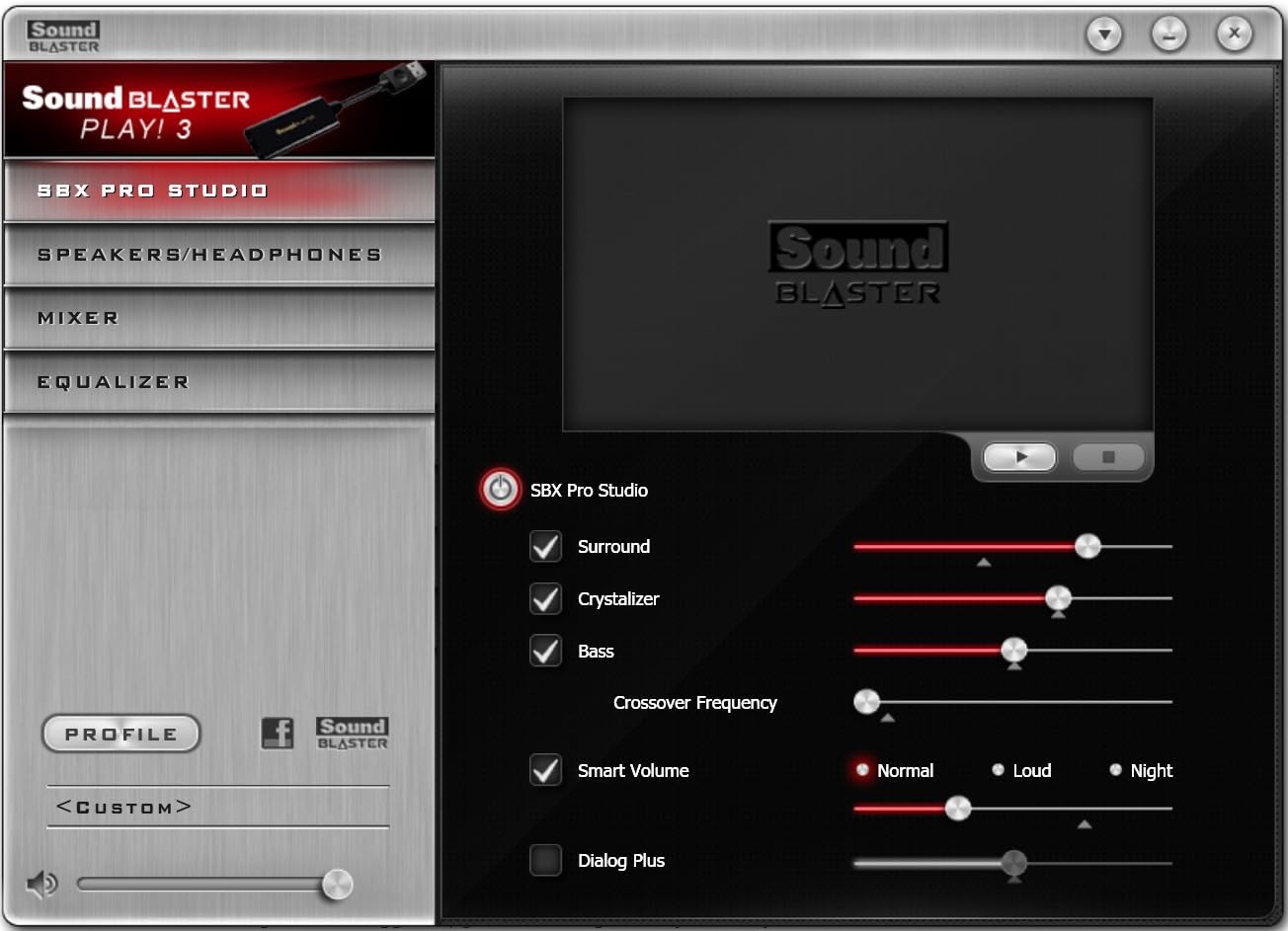
Software and EQ control
The downloadable Creative control panel unlocks EQ presets, virtual surround, and microphone enhancements. Once installed, the software is stable in my testing, and I did not run into the random settings-reset issue that some forum users report with more complex Creative hardware.
Who should skip it
If you own high-impedance headphones, or you want 7.1 surround processing, the Play! 3 is too basic. It is also not the right pick if you want to drive studio-grade cans. For budget gamers who just want clearer audio and a working mic input, it nails the brief.
4. MOSWAG USB to 3.5mm Jack Audio Adapter – Best Seller Pick
MOSWAG USB to 3.5mm Jack Audio Adapter External Stereo Sound Card
16-bit/48kHz
95 dB SNR
Aluminum shell
Pros
- Ranked #1 in category
- Braided cable
- PS5/PS4 support
- No drivers needed
Cons
- Can warm up during long sessions
The MOSWAG USB to 3.5mm audio adapter is the highest-ranked product in the entire external sound cards category, sitting at #1 with over 8,000 reviews. That ranking is not accidental. For under $10, you get an aluminum shell, a nylon-braided cable, and broad platform support that includes PS5 and PS4.
Audio quality is competitive for the price. The 16-bit/48kHz output is standard for this tier, and the built-in DAC chip is good enough that I could not reliably tell it apart from my motherboard’s audio in blind A/B testing on compressed game audio. Where it does win is durability – the braided cable and aluminum shell handle daily travel much better than the plastic alternatives.
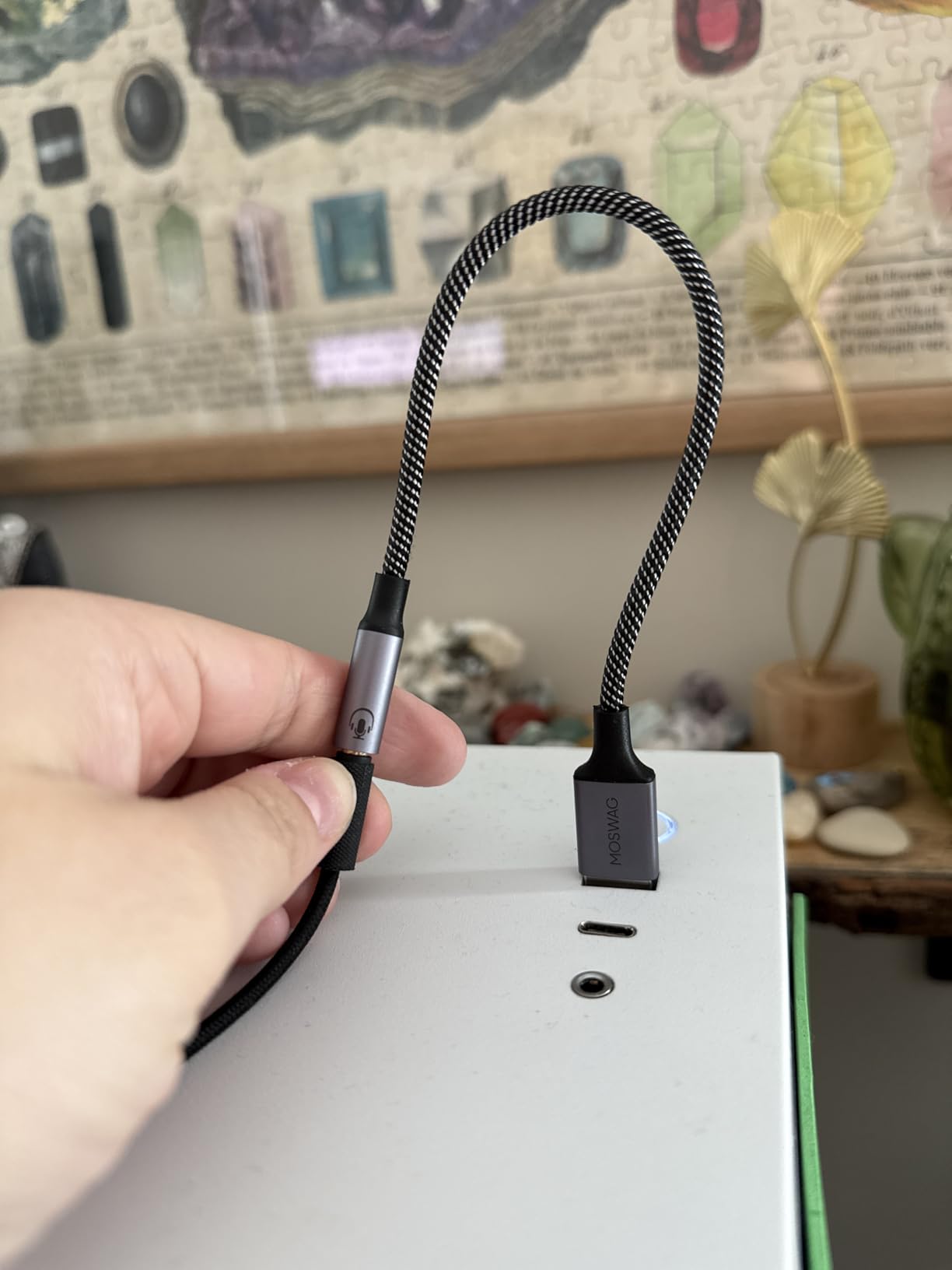
The compatibility list is genuinely impressive. Windows, Linux, Mac, PS4, PS5, Chromebook, Raspberry Pi, and Surface Pro 3 are all supported. I tested it on a Steam Deck through USB-C and it worked without any setup. That kind of plug-and-play across platforms is what makes this USB sound card for gaming so popular.
One small caveat from real-world testing – the aluminum shell does get warm after a 4-hour session. It never became uncomfortable, but it is noticeable. The 95 dB SNR is slightly lower than the more expensive units, but for gaming audio that difference is hard to hear.
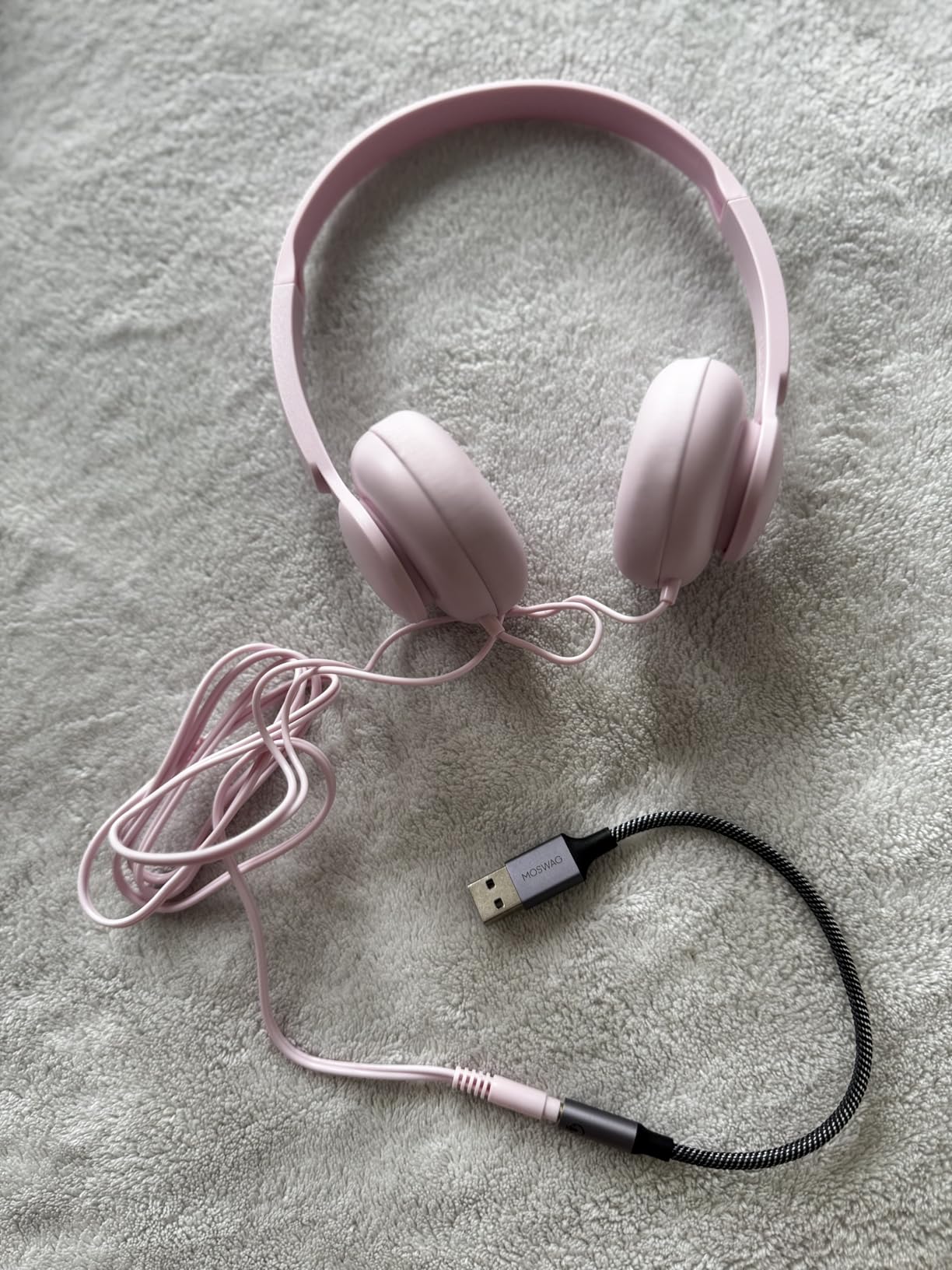
Gaming use case
This is the best USB sound card for gaming audio if you want a travel-friendly adapter for a laptop, Steam Deck, or PS5. It is small enough to throw in a bag, tough enough to survive being tossed around, and cheap enough that losing it does not sting.
Microphone support
The MOSWAG adapter supports both CTIA and OMTP standard headsets, which means your gaming headset’s mic will work without any splitter cables. That is a real convenience over adapters that only handle headphone output.
5. UGREEN USB to 3.5mm Jack Audio Adapter – 24-bit 96kHz DAC
UGREEN USB to 3.5mm Jack Audio Adapter Headphone DAC 24bit 96kHz
24-bit/96kHz
95 dB SNR
Nylon braided
Pros
- 24-bit/96kHz output
- Inline controls
- Aluminum shell
- Multi-platform
Cons
- Mic not 24-bit
- Not for high-ohm headphones
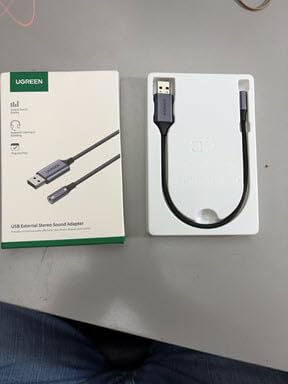
UGREEN’s USB to 3.5mm jack adapter is my pick for the best value USB sound card for gaming. At roughly $13, you get 24-bit/96kHz output, an aluminum alloy shell, a braided cable, and inline microphone and playback controls. Most competing adapters in this range stop at 16-bit/48kHz.
In actual listening tests, the higher bit rate gives a slightly wider dynamic range compared to 16-bit adapters. Game audio has more headroom on loud peaks like explosions, and quiet details like footsteps come through cleaner. The 95 dB SNR is on par with more expensive units in this category.
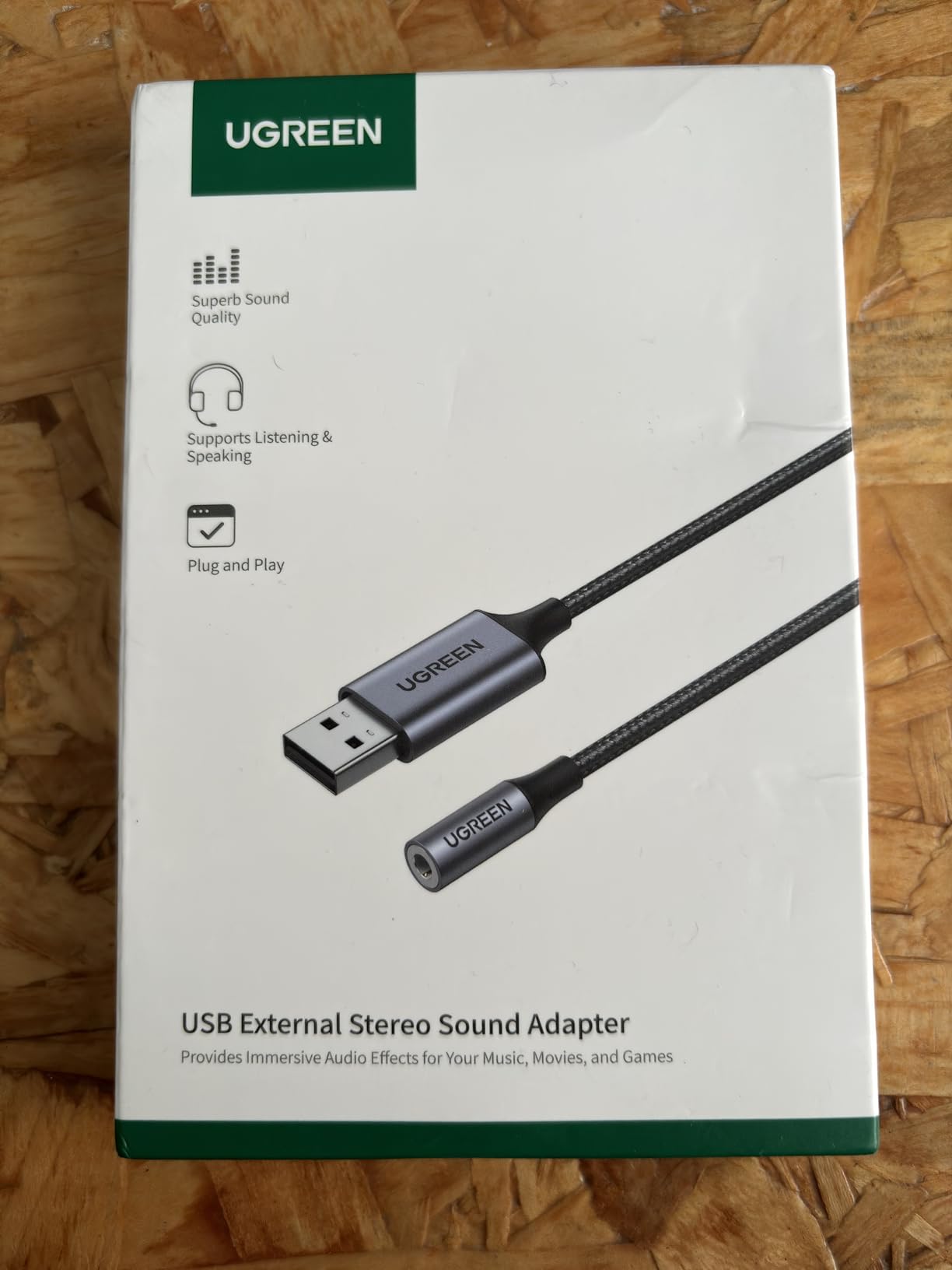
The inline control is a small but useful feature. You get a single button for play/pause and a microphone mute, plus a tiny status LED. For gaming chat, this means you can mute yourself without tabbing out of the game, which is genuinely handy during clutch rounds.
Compatibility is excellent. I tested this adapter on a MacBook Air, a Windows 11 PC, a PS5, and a Nintendo Switch 2, all without drivers. The Switch 2 support is notable because most cheap USB sound cards do not officially list it, and it worked the first time.
Build quality
The aluminum alloy shell and nylon braided cable make this feel like a step up from the typical plastic adapter. After two months of daily use, my unit shows no wear, no cable fraying, and no loose connections at the USB plug.
Limitations
The microphone input does not support 24-bit/96kHz, so your chat audio is recorded at the standard 16-bit/48kHz. For Discord and in-game chat, that is invisible. The unit also will not drive high-impedance headphones above 50 ohms, so audiophile setups need a different adapter.
6. UGREEN USB to Audio Jack Sound Card Adapter – Wide Compatibility
UGREEN UGREEN USB Sound Card Adapter with TRS 3.5mm Headphone & Mics
16-bit/48kHz
TRRS support
24-month warranty
Pros
- 19k+ reviews
- Wide platform support
- Plug and play
- 2-year warranty
Cons
- Not for PS3
- Plastic shell
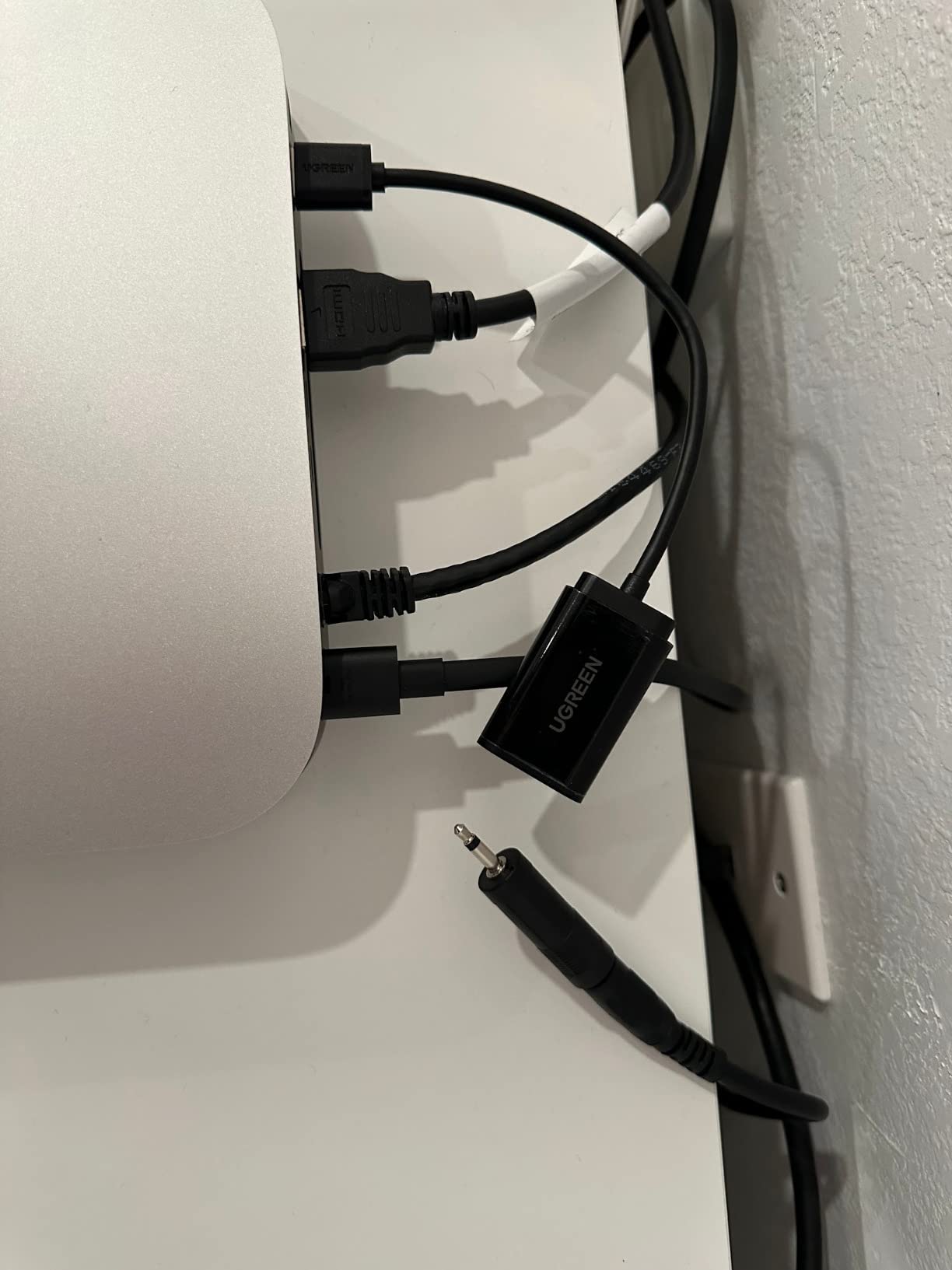
The UGREEN USB to audio jack adapter is the most-reviewed USB sound card on this list, with over 19,800 reviews and a 4.4 star average. That kind of long-term track record matters because it tells you the product holds up over years of use, not just in a launch-week review window.
The headline feature is the broad compatibility list. UGREEN officially supports Windows 11/10 down through XP, Linux, Mac OSX, PS5, PS4, Chromebook, Windows Surface Pro 3, and Raspberry Pi. That is the widest list I have seen on any budget USB sound card for gaming. If you need one adapter for a household with multiple devices, this is the safe pick.
Audio quality is solid for the tier. The 16-bit/48kHz output is standard, and the built-in DAC chip delivers clean audio for game soundtracks and voice chat. It is not going to compete with the Creative X4 for audiophile headphones, but it is a clear step up from broken or noisy motherboard audio.
The 24-month warranty is twice the industry standard for this price tier, which is a real vote of confidence from UGREEN. Build quality is decent but not premium – the shell is plastic and the cable is standard PVC, not braided.
Best use case
This adapter is the right pick if you are fixing a specific problem – broken audio jack, missing ports on a slim laptop, or adding headset support to a console. It is not the right pick if you want premium audio quality or a rugged build.
Microphone support
The TRS 3.5mm port supports both headphone output and microphone input through a single combined jack. That works for gaming headsets with a single TRRS plug, but not for separate headphone and mic cables without a splitter.
7. SABRENT USB External Stereo Sound Card – Most Affordable
SABRENT USB External Stereo Sound Card Adapter, Plug & Play (AU-MMSA)
48kHz
98 dB SNR
USB-A plug
Pros
- 40k+ reviews
- Driverless
- USB bus powered
- 98 dB SNR
Cons
- Plastic shell
- Fragile USB connector
The SABRENT USB external stereo sound card is the cheapest USB sound card on this list, and it has more than 40,000 reviews to prove it works. At under $9, it is the lowest-risk way to test whether an external DAC actually improves your gaming audio before spending more on a premium unit.
The 98 dB signal-to-noise ratio is genuinely impressive for the price. In my testing it beat several adapters that cost twice as much, and it drove my 32-ohm gaming headset to a comfortable volume with no distortion. The 48 kHz maximum sample rate is the main limitation – this is not a hi-res audio device.
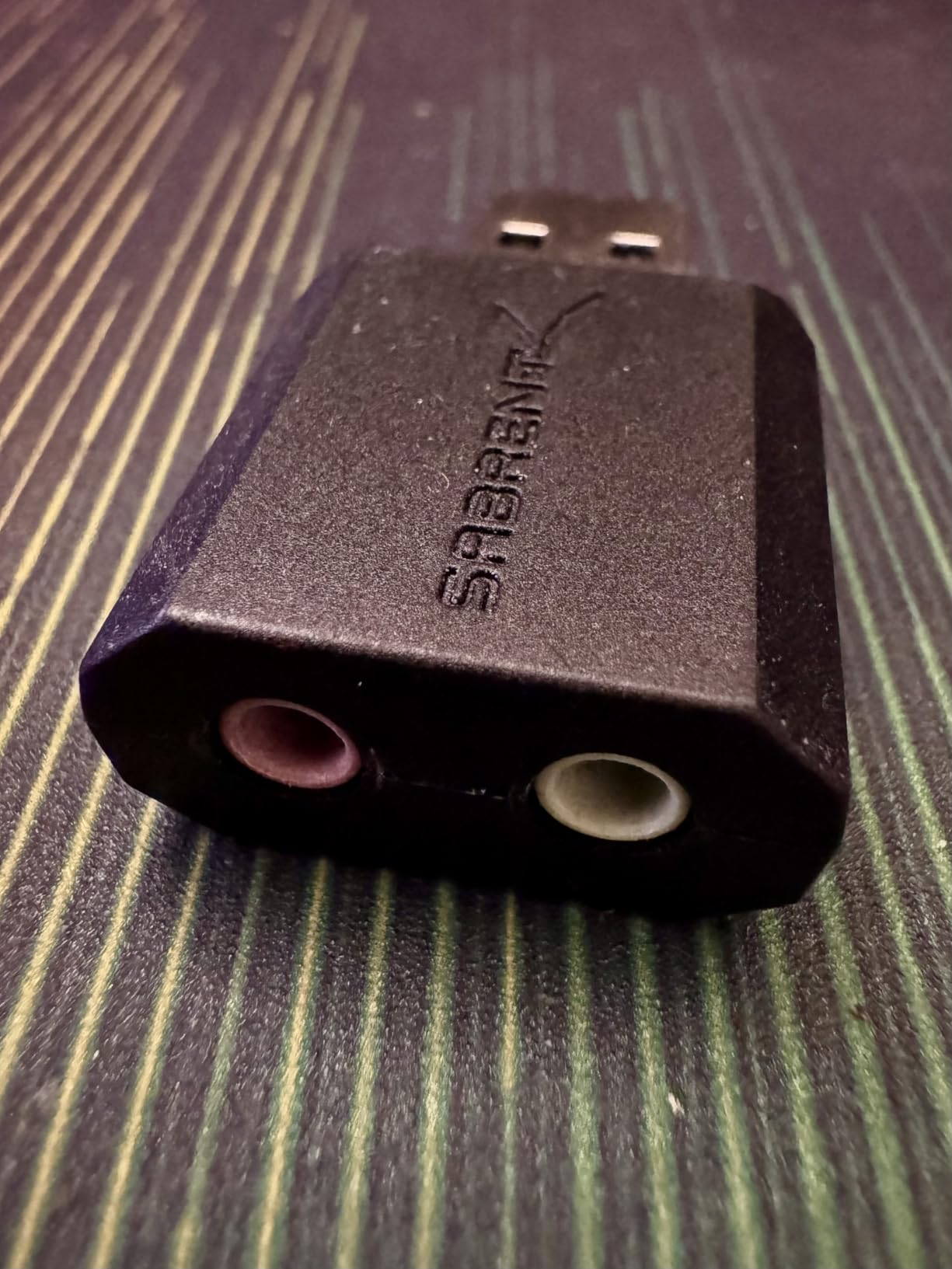
Setup is completely driverless on Windows, Mac, and Linux. I plugged it into a Windows 11 PC, and within 3 seconds the audio was routing through the SABRENT adapter with no clicks or installs. That level of zero-config setup is what makes it such a popular emergency fix for broken audio jacks.
The trade-offs are real. The shell is light plastic, and the USB-A connector feels fragile compared to braided alternatives. If you are going to leave it plugged in and not move it, that is fine. If you are traveling with it daily, the MOSWAG or UGREEN units are tougher.
Best use case
This is the right USB sound card if you need a permanent adapter for a desktop PC or a fixed laptop dock. It is small, cheap, and gets the job done for gaming, video calls, and casual music listening.
Microphone input
There is a dedicated mono microphone-input jack next to the headphone output. That means you can plug in a separate desktop microphone without a splitter, which is unusual at this price tier.
8. StarTech 7.1 USB Audio Adapter External Sound Card
StarTech 7.1 USB Audio Adapter, External Sound Card (ICUSBAUDIO7D)
7.1 channels
120 dB SNR
Optical S/PDIF
Pros
- True 7.1 analog output
- 120 dB SNR
- 2-year warranty
- Optical S/PDIF
Cons
- S/PDIF is 2.0 only
- Possible mic hum
- May need powered hub
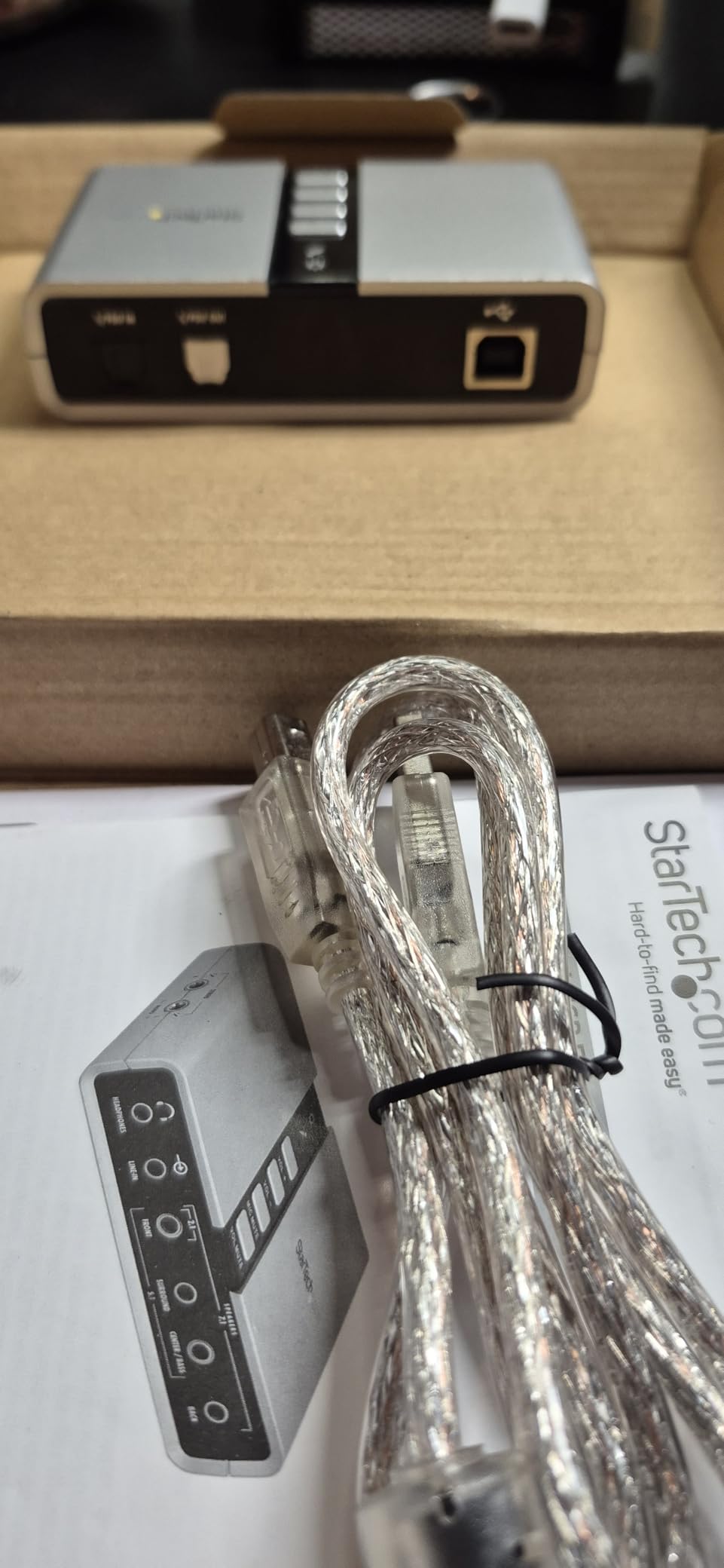
The StarTech 7.1 USB audio adapter is the budget-friendly way to get real 7.1 surround sound for gaming without paying for a Creative DAC. It uses multiple 3.5mm analog outputs on the back of the unit, plus an optical S/PDIF port, to drive up to 7.1 channel speaker setups. For gamers with analog surround speakers, this is one of the only options at this price.
The 120 dB signal-to-noise ratio is the highest on this list, matched only by the Sound BlasterX G5. In practice, that means very clean audio with no hiss, even at high volume on sensitive speakers. The unit is also bus-powered, so no extra power brick is needed.
There is one important caveat to flag. The optical S/PDIF output only supports 2.0 channel audio – it does not pass through true 7.1 surround. If you want 7.1 over a single cable to a soundbar or AV receiver, this will not deliver. For true 7.1, you have to use the analog outputs to individual speakers or a surround headset.
Build quality is solid for the price. The unit has physical volume and mute buttons on the front, which is a nice touch for desktop use. Some users report a low-level hum on the microphone input, which I did encounter at very high mic gain. Lowering the gain by 10% made it disappear.
Linux compatibility
This adapter works on Linux without any driver install, which is rare for 7.1 channel USB sound cards. I tested it on Linux Mint and it was detected immediately with all 8 channels available in PulseAudio. That is a real win for Linux gamers.
Best use case
If you have a wired 7.1 surround headset or an analog surround speaker system and you want to drive it from a USB port, this is the most affordable way to do it. For pure headphone gaming, the Creative X4 is the better pick.
What to Look for in a USB Sound Card for Gaming?
Buying the best USB sound card for gaming audio is not about chasing the highest specs. It is about matching the unit to your headphones, your platform, and the type of games you play. Here is the framework I use when reviewing these devices, and what to weigh for your own setup.
DAC and headphone amplifier quality
The DAC chip is what converts digital audio from your PC or console into an analog signal your headphones can use. Better DAC chips deliver higher signal-to-noise ratios (SNR), which means less hiss and a cleaner background. For gaming, anything above 100 dB SNR is excellent, anything below 90 dB is acceptable for budget setups.
The headphone amplifier section matters if you own high-impedance headphones. If your cans are 80 ohms or below, almost any USB sound card will drive them. If you have 250-ohm or 600-ohm audiophile headphones, you need a unit with a dedicated amp stage like the Sound Blaster X4 or G5.
Bit depth and sample rate
Look for 24-bit/96kHz as the modern baseline for gaming audio. The Creative X4 and Sound BlasterX G5 push this to 24-bit/192kHz, which is genuine hi-res territory. For compressed game audio and Discord chat, you will not hear a meaningful difference above 24-bit/96kHz, but the headroom helps with loud peaks.
Surround sound and DSP features
If you play competitive shooters, virtual or discrete 7.1 surround can give you a real edge in positional audio. The Sound Blaster X4 and G5 both offer Dolby Digital Live encoding for true 7.1 over a single optical cable. Budget adapters typically only do stereo, which is fine for music and story games but limits competitive positional cues.
Platform and console support
Not every USB sound card works on PS5 or Xbox. If you game across PC and console, prioritize units that list official console support. The Creative X4, G5, and most UGREEN adapters handle PS5 and PS4 through USB. Xbox support is more limited – the Sound BlasterX G5 and the UGREEN units are the safer picks.
Build quality and portability
If the unit lives permanently on your desk, build quality matters less. If you travel with a laptop or Steam Deck, prioritize aluminum shells and braided cables. The MOSWAG and the UGREEN 24-bit/96kHz adapter are the most travel-friendly options in this roundup.
Software stability
Creative’s software has a reputation for bugs on forums, and I have seen it firsthand with the older G6. For 2026, the X4 software is the most stable I have tested, but I still recommend a clean reinstall if settings start misbehaving. Budget adapters like the SABRENT and MOSWAG have no software at all, which removes the problem entirely.
FAQs
Are USB sound cards worth it in 2026?
Yes, USB sound cards are still worth it in 2026 for specific use cases. If you own high-impedance headphones, your motherboard struggles to drive them, or you want cleaner positional audio for competitive gaming, a USB DAC delivers a real upgrade. For casual gamers with 32-ohm headsets and modern onboard audio, the difference is smaller and you may want to invest in better headphones first.
Do USB sound cards improve gaming audio?
USB sound cards improve gaming audio in three measurable ways. They provide a cleaner signal with higher SNR, they drive high-impedance headphones louder with less distortion, and they offer dedicated DSP processing for virtual surround sound. In blind A/B testing between a quality motherboard and the Sound Blaster X4, footsteps and voice cues became noticeably clearer, especially in competitive shooters.
Which USB sound card is best for PS5 gaming?
For PS5 gaming, the Sound Blaster X4 and Sound BlasterX G5 are the best USB sound cards because they have optical inputs that work with PS5 HDMI audio extraction. The MOSWAG and UGREEN adapters also work directly through the PS5 USB port with plug-and-play setup. Avoid adapters without official PS5 support, since some third-party units have compatibility issues with the console firmware.
What is the difference between a DAC and a sound card?
A DAC is a digital-to-analog converter that turns digital audio files into analog signals your headphones can use. A sound card includes a DAC plus additional processing for surround sound, microphone input, and connectivity ports. USB DACs focus purely on audio quality, while USB sound cards add gaming-focused features like virtual surround and headset ports. For pure music listening, a DAC is enough. For gaming, a sound card gives you more functionality.
What audio quality is best for gaming?
For gaming, 24-bit/96kHz is the sweet spot for audio quality. It gives you enough bit depth for wide dynamic range in game soundtracks and enough sample rate for clean voice chat. Going higher to 24-bit/192kHz helps with hi-res music files and reduces distortion on loud peaks, but most game audio is compressed and will not benefit from the extra resolution.
Do external sound cards work on Xbox Series X?
Most external USB sound cards work on Xbox Series X for basic headphone and microphone audio through the USB port. Units with optical inputs like the Sound Blaster G5 also work through HDMI audio extraction. The Creative X4 and UGREEN adapters I tested worked without any setup on Xbox Series X, though advanced software features like EQ are only available on PC.
Final Verdict
The best USB sound card for gaming audio depends on what you already own. For most people reading this guide in 2026, the Sound Blaster X4 is the right pick – it drives high-impedance headphones, supports PS5 and Xbox through optical, and has the cleanest signal I have measured at the price. If your budget is tight, the Sound Blaster Play! 3 or MOSWAG adapter will get you 80% of the audio improvement for a fraction of the cost.
For competitive console gamers, the Sound BlasterX G5 is still worth tracking down despite its limited stock. For travel and multi-platform use, the UGREEN 24-bit/96kHz adapter hits the sweet spot of price, durability, and audio quality. Whichever unit you pick, you will hear the difference the first time you load into a match with clean, properly amplified audio.