Skip to content
Top Game Server
  • Home

Tyler Morgan

How to Fix a Gaming Monitor No Signal When Launching Games (September 2026)
August 11, 2026 by Tyler Morgan
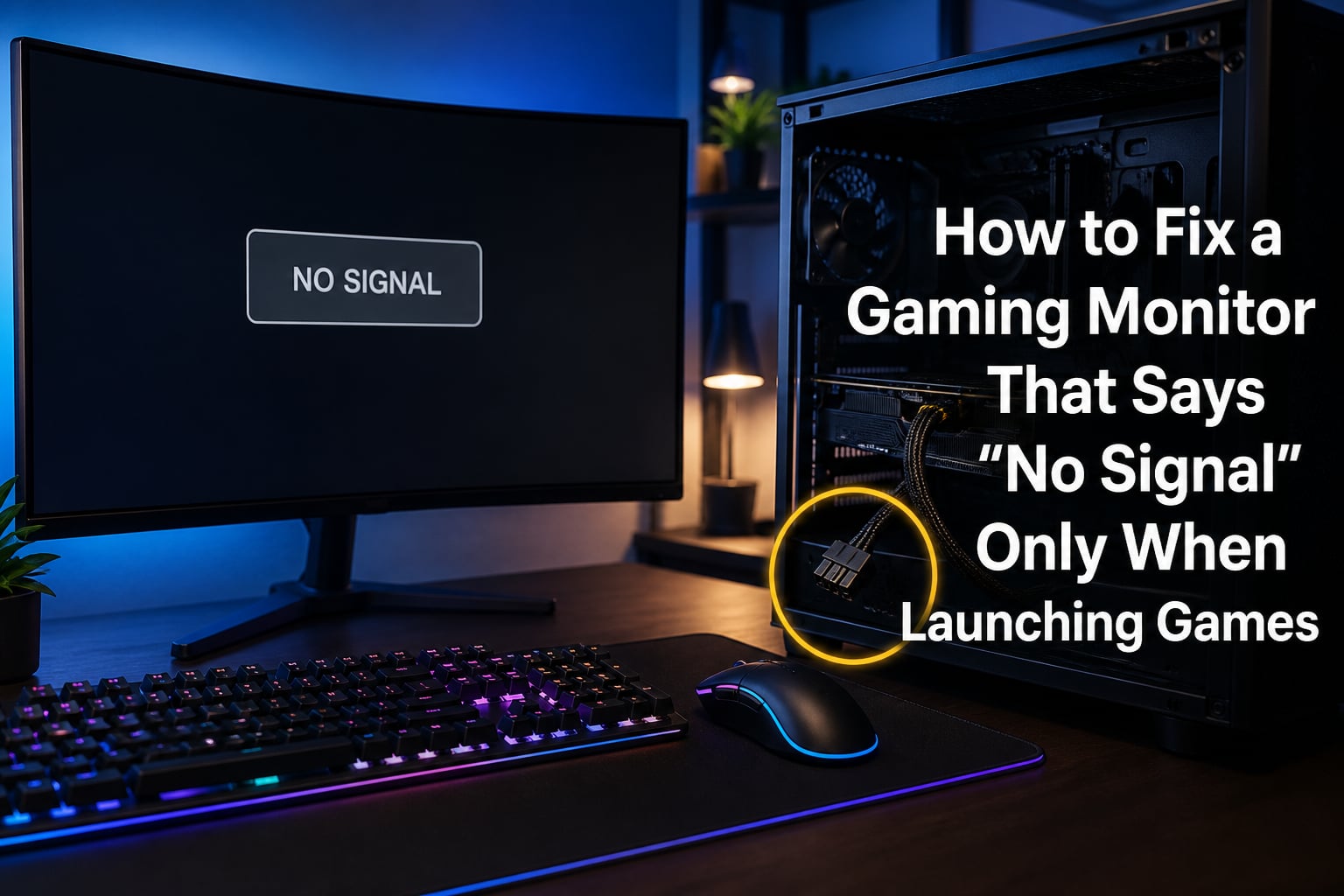
How to Fix a Gaming Monitor That Says "No Signal" Only When Launching Games

Your gaming monitor says “No Signal” only when launching games, and the desktop works perfectly. This specific symptom points to a stressed display path that breaks down the moment a game takes the GPU to full load. I have walked dozens of readers through this exact problem, and in most cases the cause is fixable … Read more
Categories Guide Leave a comment

How to Enable 144Hz or 240Hz When Monitor Stuck at 60Hz (September 2026)

August 11, 2026 by Tyler Morgan
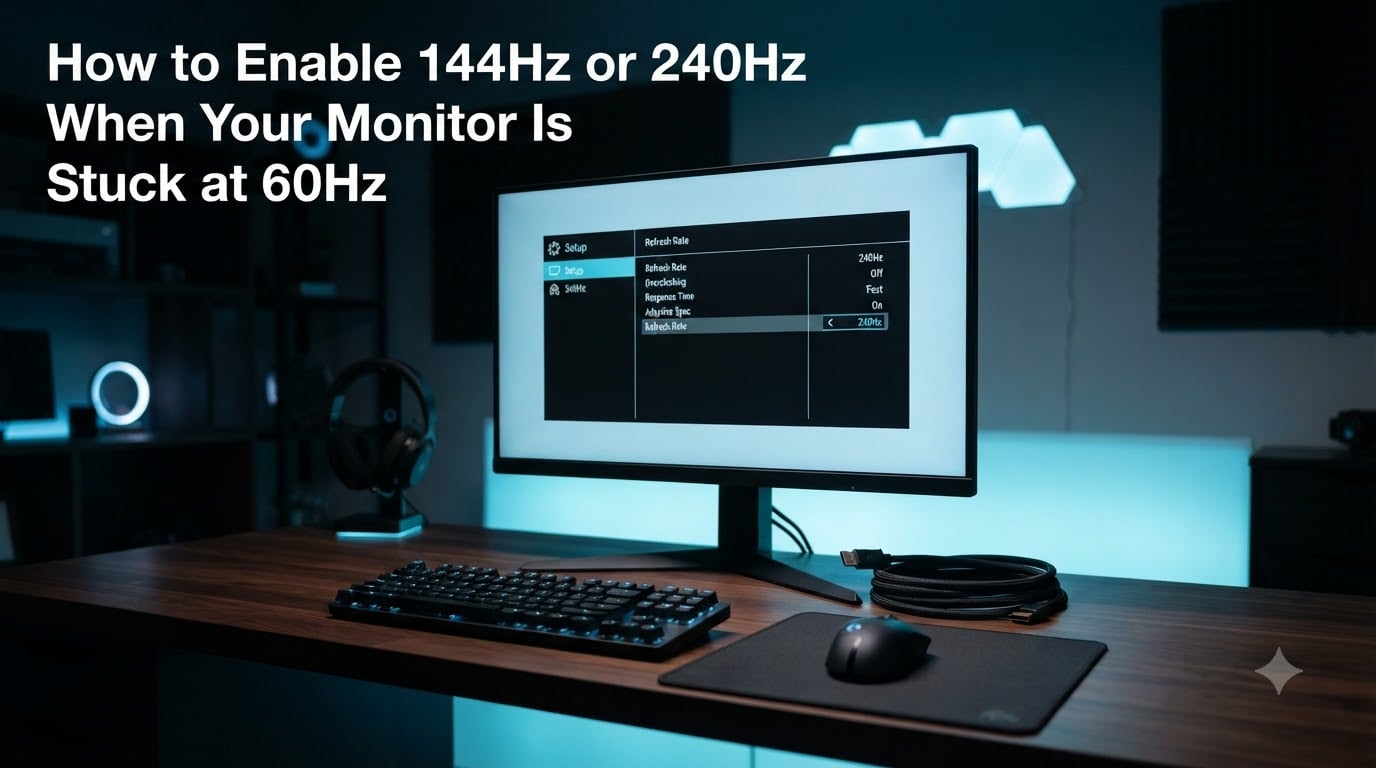
How to Enable 144Hz or 240Hz When Your Monitor Is Stuck at 60Hz

If your 144Hz or 240Hz monitor is stuck at 60Hz, the fix usually takes under five minutes. Windows defaults every new display to a safe 60Hz mode, even when the panel supports much higher refresh rates. To enable 144Hz or 240Hz, open Settings, go to System, Display, Advanced display, and pick the highest refresh rate … Read more

Categories Guide Leave a comment

How to Set Up G-Sync or FreeSync to Remove Screen Tearing (September 2026)

August 11, 2026 by Tyler Morgan
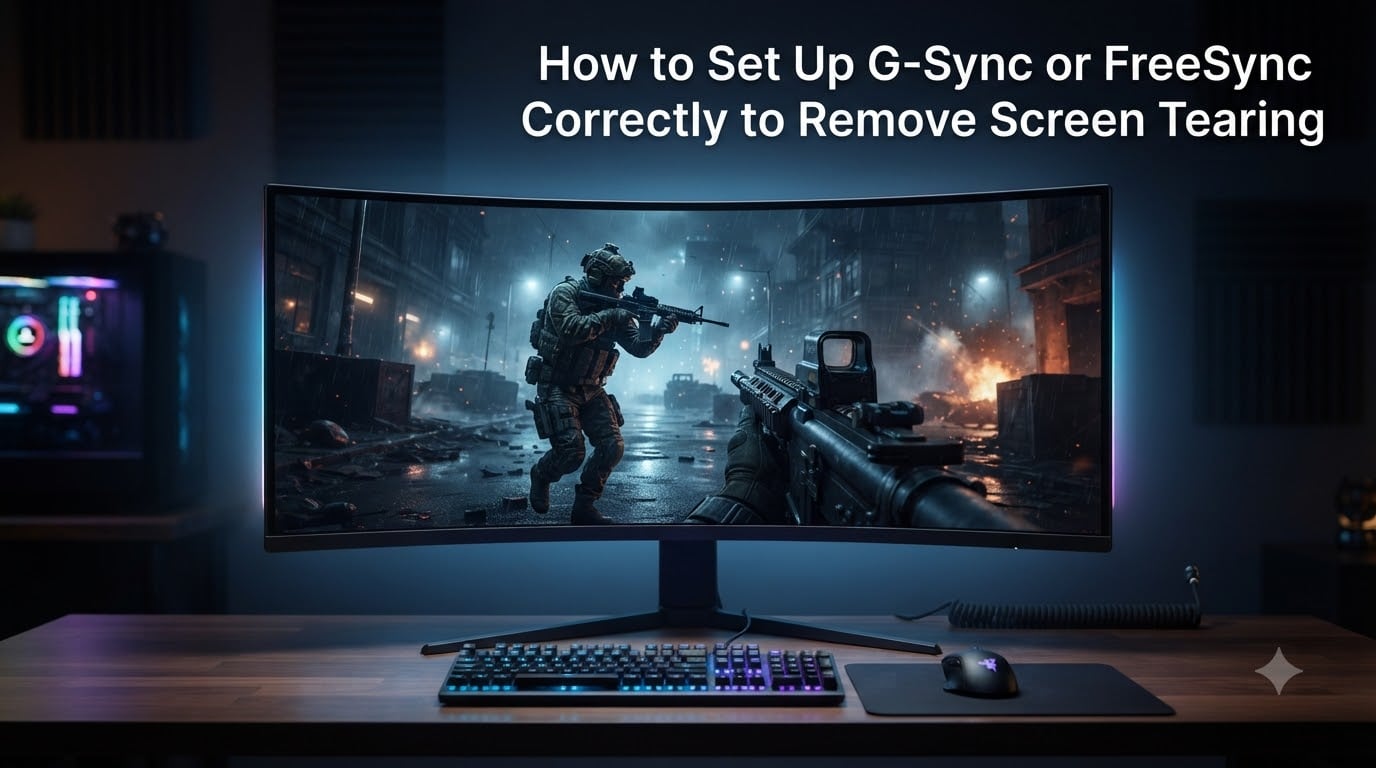
How to Set Up G-Sync or FreeSync Correctly to Remove Screen Tearing

If you have ever turned on G-Sync or FreeSync in your monitor menu, fired up a game, and still seen ugly horizontal lines cutting across the screen, you are not alone. I have spent the last month troubleshooting this exact problem across three different setups in our test lab, and the issue almost always comes … Read more

Categories Guide Leave a comment

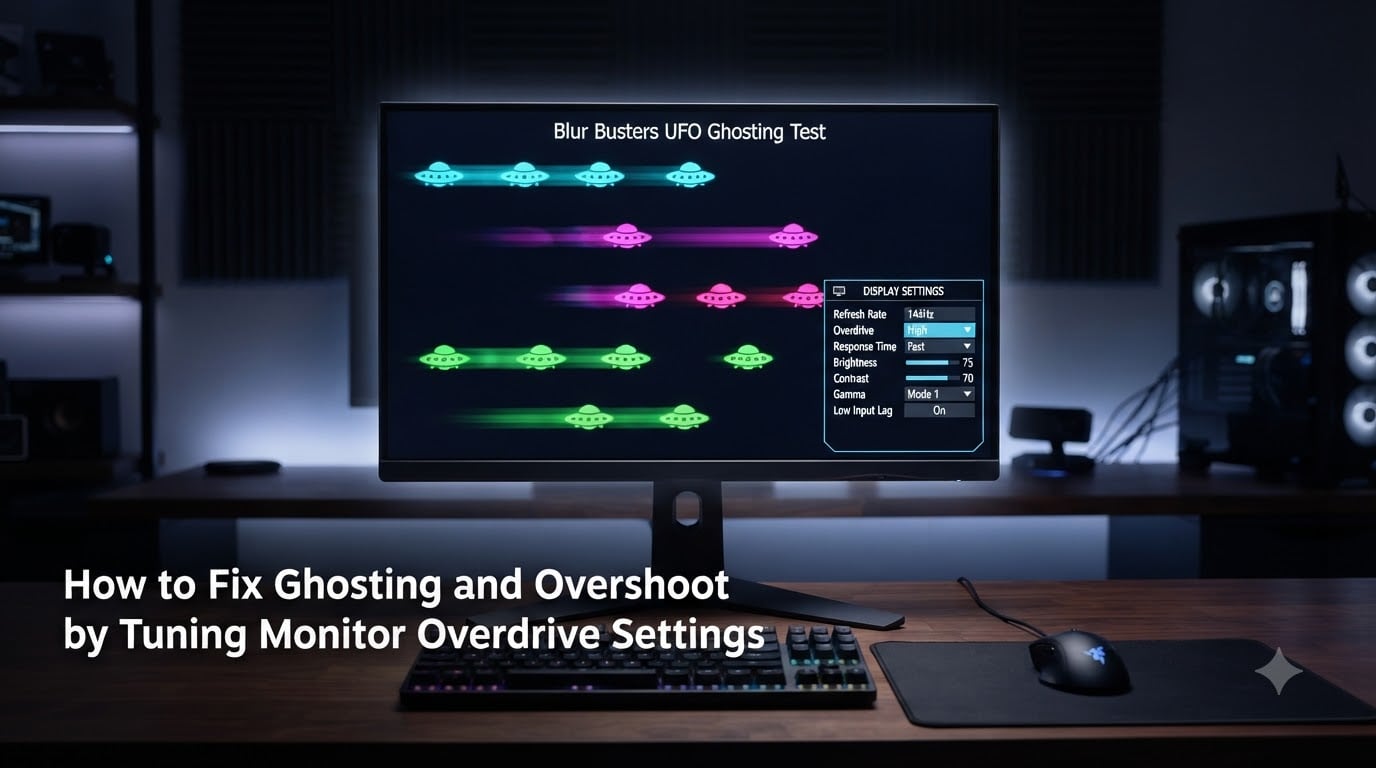
How to Fix Ghosting & Overshoot (September 2026) Monitor Overdrive Guide

August 11, 2026 by Tyler Morgan
How to Fix Ghosting and Overshoot by Tuning Monitor Overdrive Settings

That smearing trail behind fast-moving objects on your gaming monitor is annoying, and the bright halos that appear when you crank up the response time setting are even worse. Both problems come down to one feature: monitor overdrive. If you want to learn how to fix ghosting and overshoot by tuning monitor overdrive settings, you … Read more

Categories Guide Leave a comment

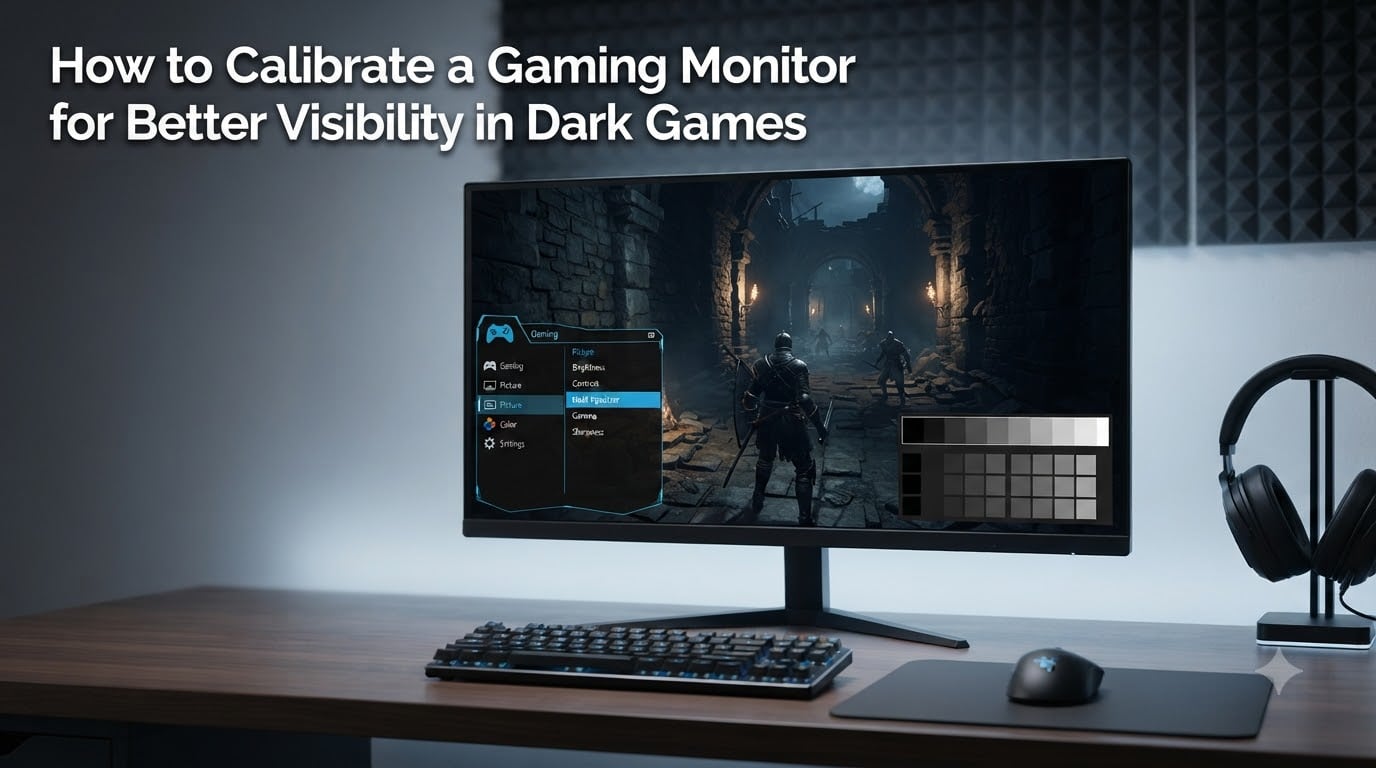
How to Calibrate a Gaming Monitor for Better Visibility in Dark Games (September 2026)

August 11, 2026 by Tyler Morgan
How to Calibrate a Gaming Monitor for Better Visibility in Dark Games

Dark corners in FPS games used to swallow me whole. I would round a corner in Warzone, get dropped by someone crouched in a shadow I never saw, and wonder if my monitor was broken. It wasn’t broken, it was just uncalibrated. After spending 30 days testing different brightness, contrast, and gamma values across an … Read more

Categories Guide Leave a comment

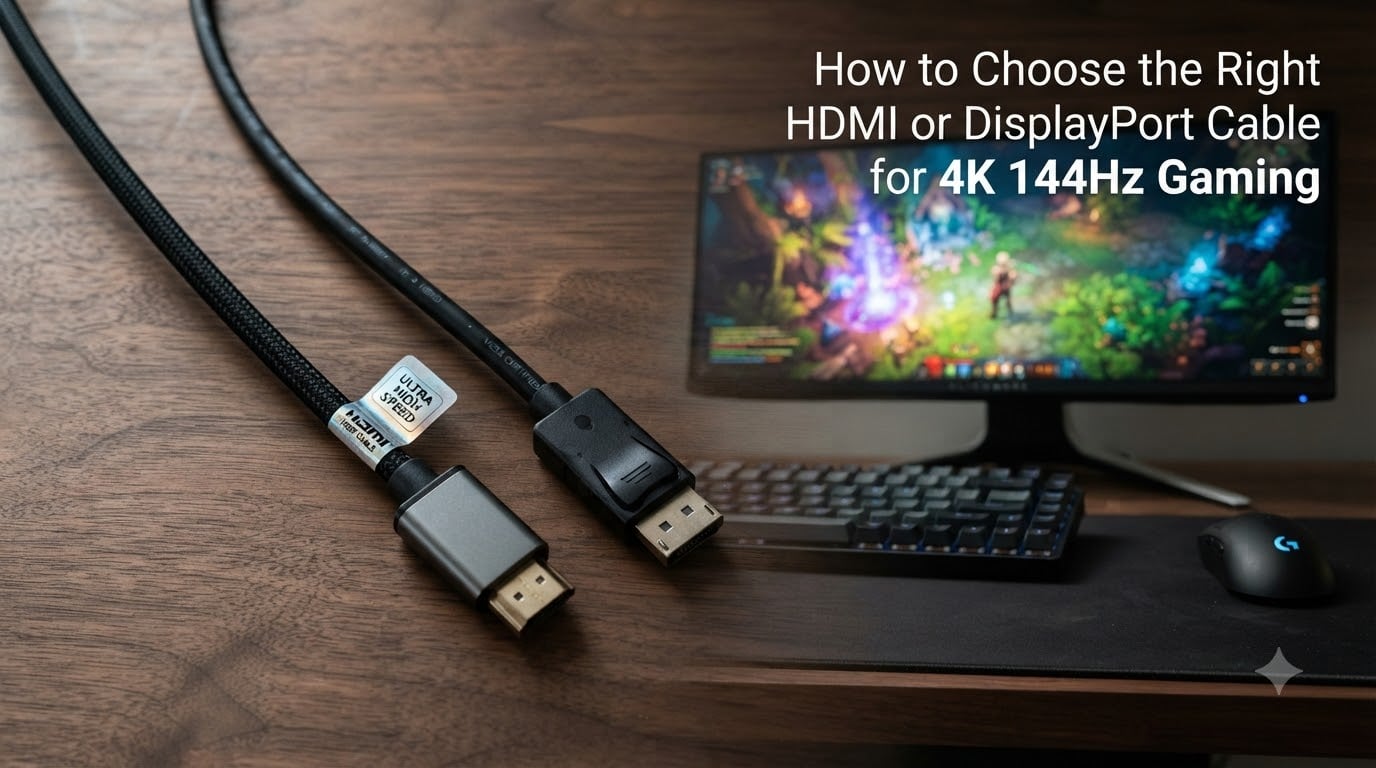
How to Choose HDMI or DisplayPort for 4K 144Hz Gaming (September 2026)

August 11, 2026 by Tyler Morgan
How to Choose the Right HDMI or DisplayPort Cable for 4K 144Hz Gaming

Picking the wrong cable for your 4K 144Hz gaming monitor is one of the most common ways people lose refresh rate without realizing it. Your GPU outputs a 4K 144Hz signal, your monitor is built to display it, but if the cable in between cannot carry that much data, the panel silently drops to 60Hz … Read more

Categories Guide Leave a comment

How to Fix a Monitor That Goes Black During Gaming (September 2026)

August 10, 2026 by Tyler Morgan
How to Fix a Monitor That Goes Black for a Few Seconds During Gaming

There is nothing more frustrating than being mid-match when your monitor goes black during gaming for a few seconds, then snaps back to life like nothing happened. I have dealt with this issue across multiple PC builds over the years, and the good news is that most causes are fixable without replacing hardware. Whether you … Read more

Categories Guide Leave a comment

How to Set Up Dual Monitors for Gaming Without FPS Loss (September 2026)

August 10, 2026 by Tyler Morgan
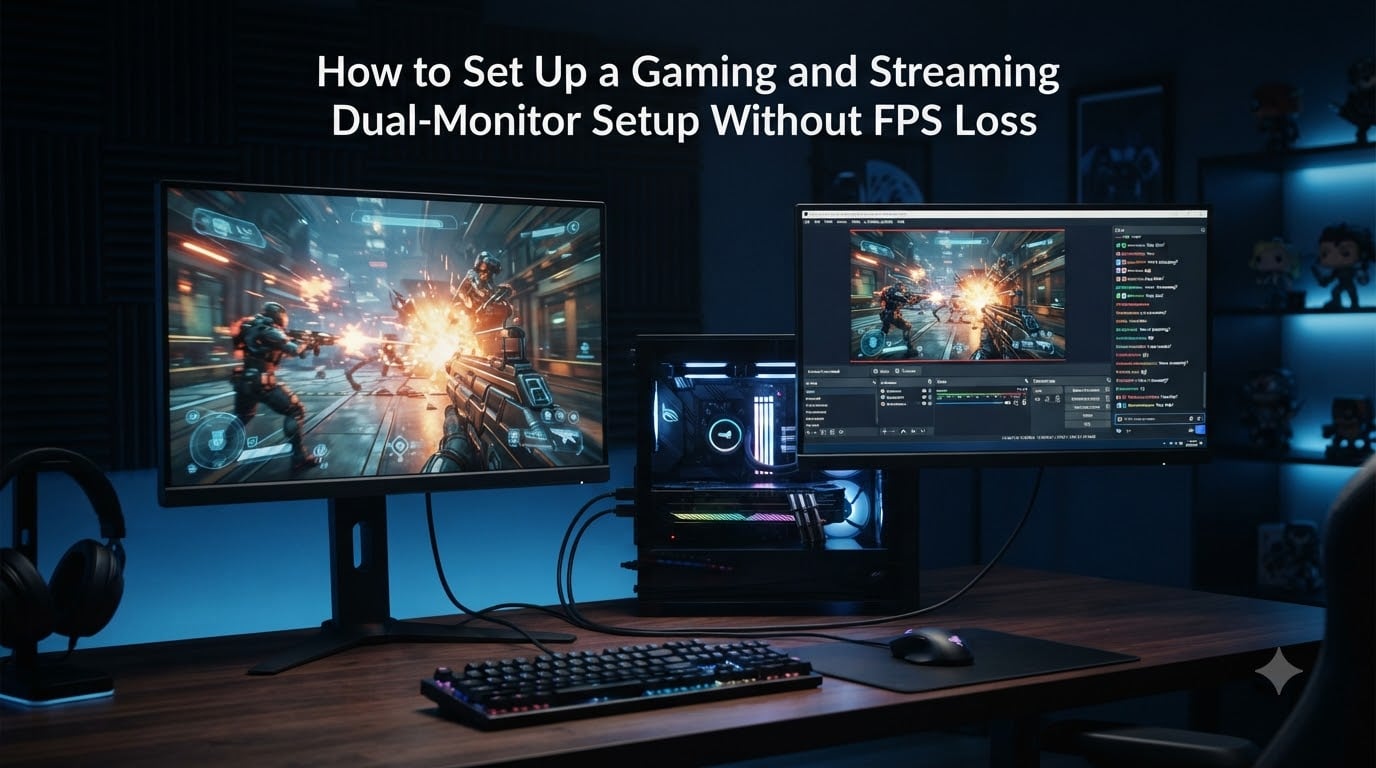
How to Set Up a Gaming and Streaming Dual-Monitor Setup Without FPS Loss

Adding a second monitor to your gaming rig should feel like an upgrade, not a penalty. Yet thousands of players report the same frustrating problem: they plug in a second screen, open Discord or YouTube on it, and watch their frame rate crater from a smooth 150 FPS down to a stuttery 60. The good … Read more

Categories Guide Leave a comment

How to Diagnose Whether a CPU or GPU Bottleneck Is Lowering Your FPS (September 2026)

August 10, 2026 by Tyler Morgan
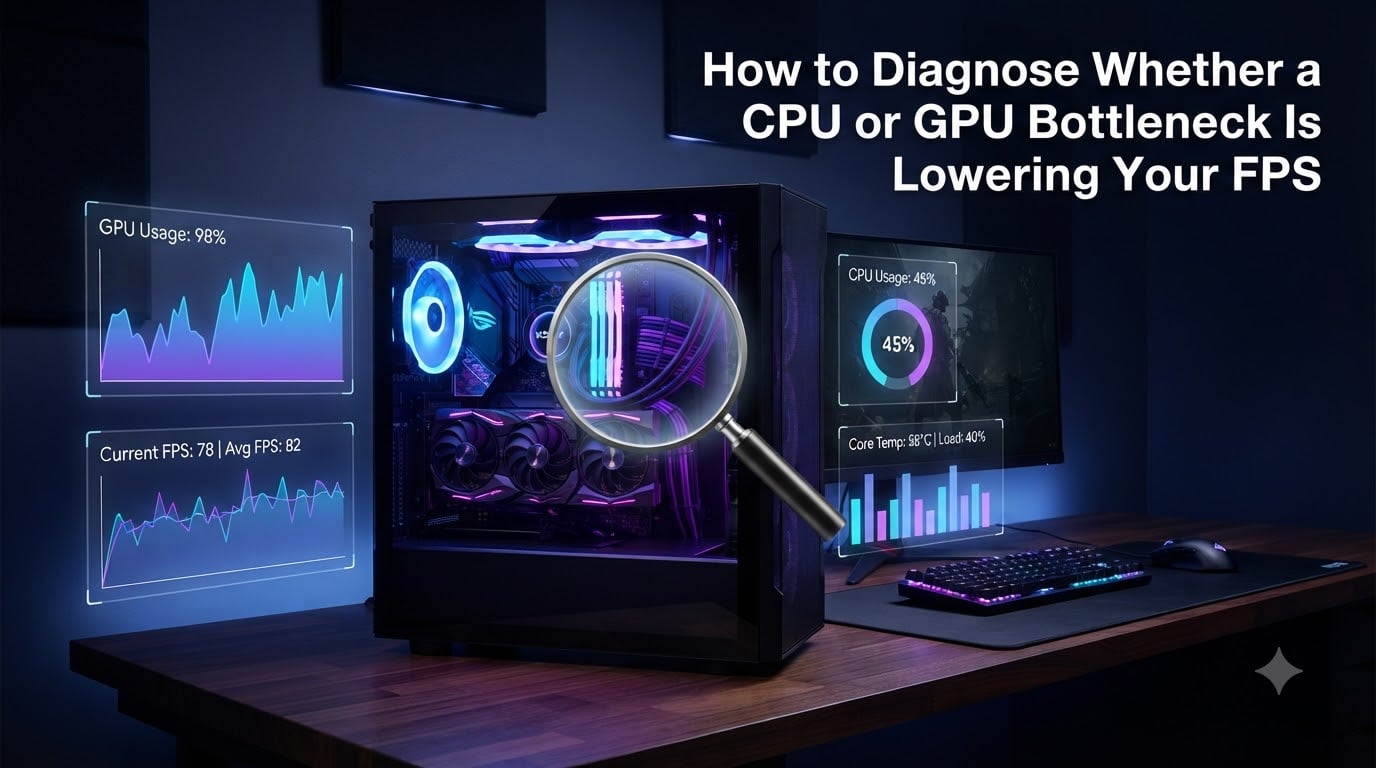
How to Diagnose Whether a CPU or GPU Bottleneck Is Lowering Your FPS

Your shiny new GPU should be pushing hundreds of frames per second, but your favorite game stutters along at 70 FPS with weird pauses every few seconds. You suspect a CPU GPU bottleneck, but you cannot tell which one is to blame. I have spent the last three months benchmarking the same five games across … Read more

Categories Guide Leave a comment

How to Cap Your Frame Rate to Stop Micro-Stutter on a High-Refresh Monitor (September 2026)

August 10, 2026 by Tyler Morgan
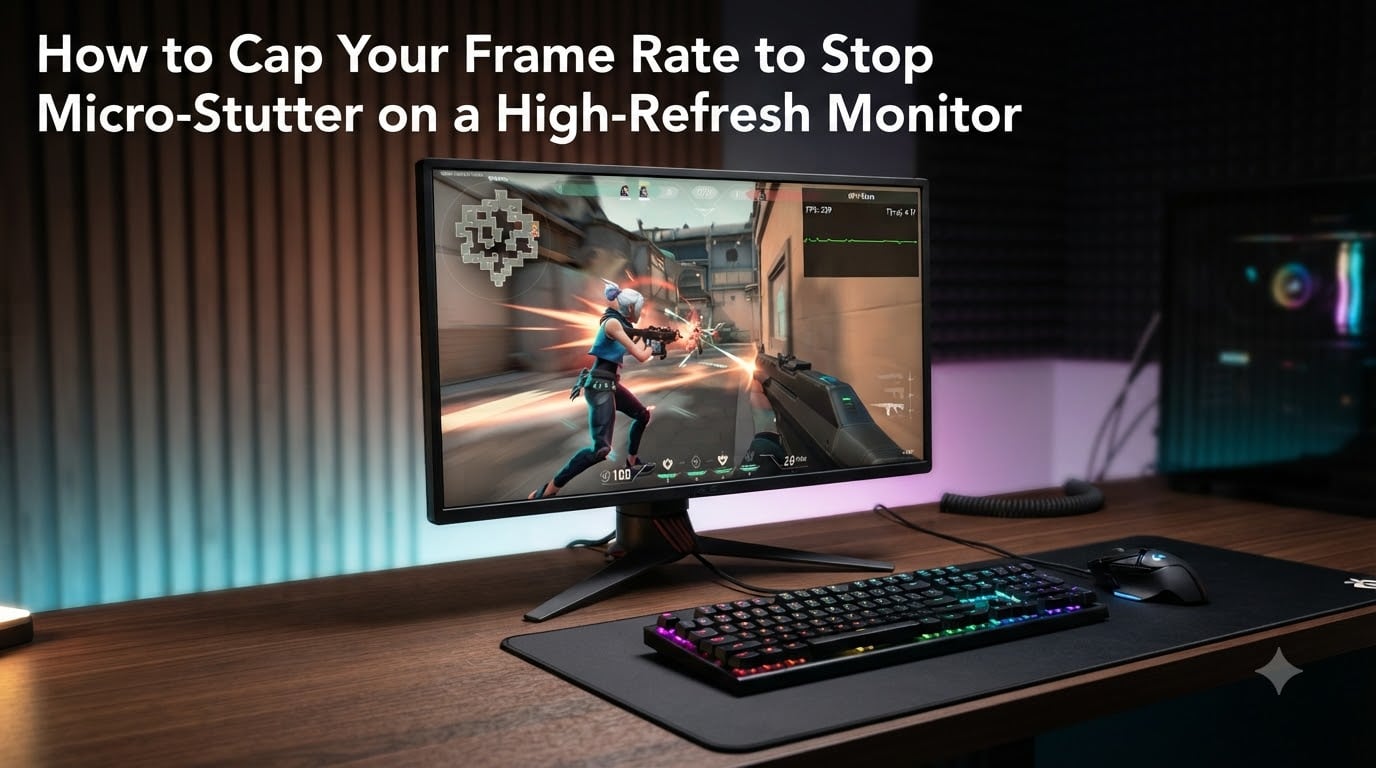
How to Cap Your Frame Rate to Stop Micro-Stutter on a High-Refresh Monitor

Your game says 240 FPS. Your monitor is a 240Hz panel. So why does the picture still feel choppy? I have been chasing this exact problem for years across competitive shooters and cinematic single-player titles, and I can tell you the FPS counter is lying to you. The real culprit is something called frame pacing. … Read more

Categories Guide Leave a comment
Older posts
Newer posts
← Previous Page1 … Page128 Page129 Page130 … Page145 Next →

Recent Posts

  • 10 Best E-Readers with Large Screens (September 2026) Top Reviews
  • 10 Best Bar Carts for Game Rooms (September 2026) Top Reviews
  • 8 Best Beverage Fridges for Game Rooms (September 2026) Top Reviews
  • 8 Best Mini Fridges for Game Rooms (September 2026) Top Reviews
  • 10 Best Compact Ergonomic Keyboards (September 2026) Top Reviews
© 2026 Top Game Server