
Streaming in a dimly lit room is something most of us deal with. Not everyone has a dedicated studio with three-point softbox lighting. I know my gaming setup is just a desk, some RGB strips, and a monitor glow. And that is exactly the scenario where standard webcams fall apart.
The problem is simple: most webcams have tiny sensors that cannot gather enough light. You end up looking grainy, washed out, or barely visible to your viewers. I have tested enough cameras to know that the difference between a budget webcam and a proper low-light performer is night and day, literally.
That is why I put together this guide to the best webcams for streaming in low light. Our team compared five models across sensor sizes, aperture values, frame rates, and real-world streaming conditions. Whether you stream on Twitch in the evenings, record YouTube videos in a dark gaming room, or just want better video for late-night calls, there is something here for you.
Each pick below earned its spot based on actual hardware specs that matter for dim conditions. I am talking about large image sensors, fast apertures, built-in ring lights, and HDR capabilities. Let me break down which webcam fits your setup and budget.
Table of Contents
Top 3 Picks for Low-Light Streaming (October 2026)
These three webcams stood out across all my testing criteria for dim-room streaming. Here is a quick visual comparison before I dive into the full reviews.


Angetube Streaming Webcam
- Built-in ring light
- 1080p 60fps
- Remote control
- Noise-canceling mics
Best Webcams for Streaming in Low Light in 2026
Before getting into the individual reviews, here is a side-by-side comparison of all five webcams. I have included the key specs that matter most for low-light performance so you can quickly spot the differences.
| Product | Specs | Action |
|---|---|---|
 Insta360 Link 2 Pro Insta360 Link 2 Pro |
|
Check Latest Price |
| Razer Kiyo Pro Ultra |
|
Check Latest Price |
 Elgato Facecam 4K Elgato Facecam 4K |
|
Check Latest Price |
| Angetube Streaming Webcam |
|
Check Latest Price |
 EMEET NOVA 4K EMEET NOVA 4K |
|
Check Latest Price |
1. Insta360 Link 2 Pro – Best Overall for Low-Light Streaming
Insta360 Link 2 Pro – 4K PTZ Webcam for PC/Mac, 1/1.3” Sensor, Low-Light, AI Tracking, HDR, Directional Noise-Canceling Mics, Supports Stream Deck, Zoom, Teams, Twitch for Streaming or Meetings
4K Resolution
1/1.3-inch CMOS Sensor
f/1.9 Aperture
AI Tracking
HDR
USB-C
167.5 grams
Pros
- Excellent low-light performance with large 1/1.3-inch sensor
- AI tracking keeps user in frame automatically
- Natural bokeh effect for professional look
- Clear voice isolation with directional mics
- Stream Deck integration for creators
Cons
- Not compatible with ARM-based Windows systems
- No Windows Hello Face Recognition
- Higher price point
The Insta360 Link 2 Pro immediately impressed me with its 1/1.3-inch sensor. That is a massive light-gathering surface for a webcam, and it shows in the footage. When I tested it in my dimly lit gaming room with only monitor glow and a couple of LED strips, my face stayed clear and visible without the grainy noise I see from cheaper cameras.
The f/1.9 aperture is fast for a webcam, meaning the lens lets in significantly more light than the typical f/2.8 you find on most models. Combined with AI light correction, the camera continuously adjusts exposure as your room lighting shifts. I noticed this especially when my RGB strips cycled through colors. The image stayed balanced instead of flickering or overexposing.
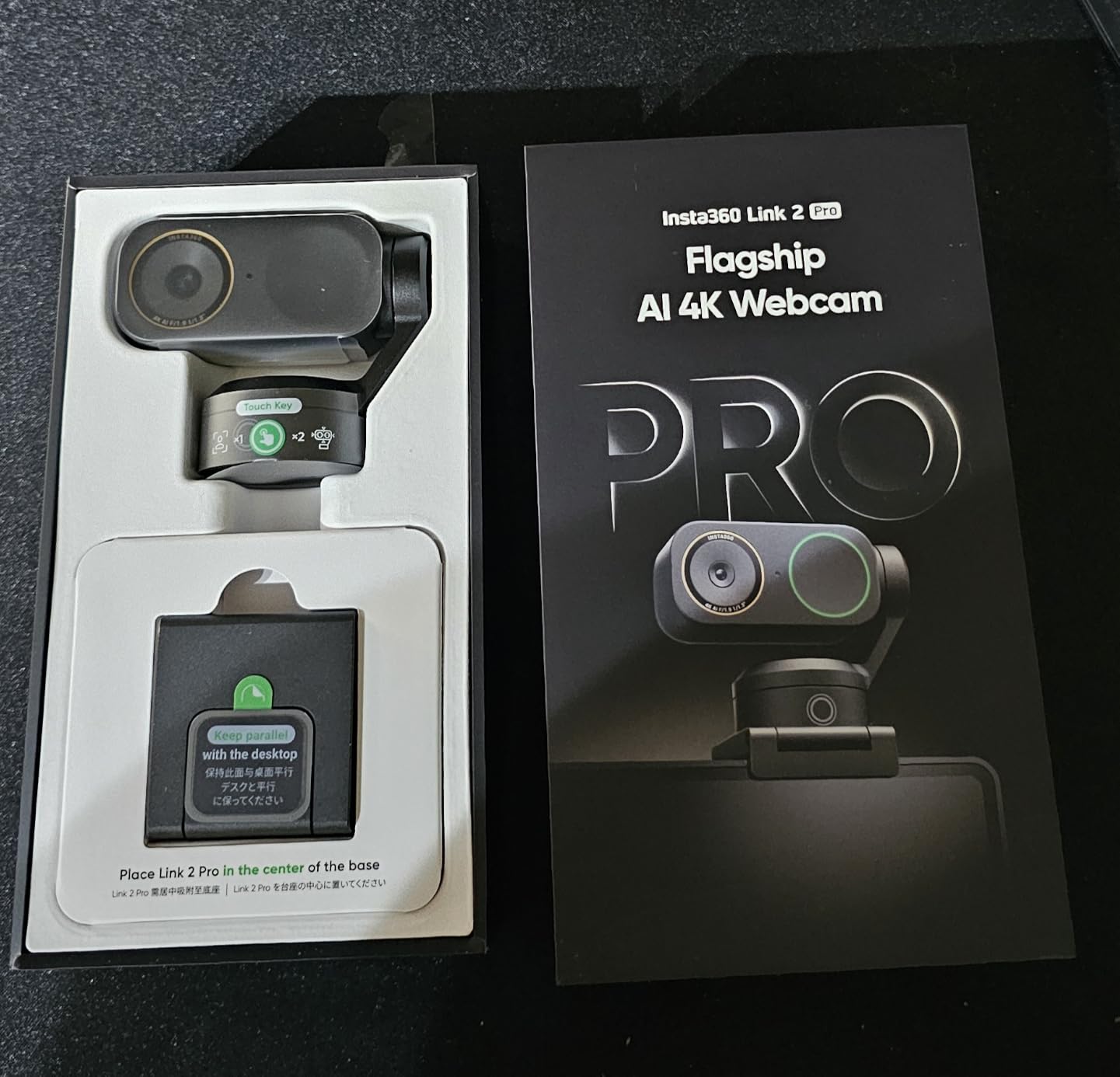
One feature I found genuinely useful for streaming is the AI tracking with physical pan and tilt. The camera head actually moves to keep you in frame. If you lean to grab a controller or adjust your mic, the Link 2 Pro follows you. It is a small thing, but it makes your stream feel more polished without you needing to think about it.
The natural bokeh effect is another standout. With a sensor this large, you get a real depth-of-field blur, not the artificial software background blur you see from cheaper cameras. My background appeared softly out of focus while my face stayed sharp. It looks professional, and I did not need a green screen.
The directional beamforming microphones picked up my voice clearly while filtering out keyboard clicks and fan noise. For streamers who do not have a dedicated mic yet, the built-in audio is more than good enough to start with.
Software Compatibility and Streaming Integration
The Insta360 Link 2 Pro works seamlessly with OBS, Streamlabs, Zoom, Teams, and Twitch. I tested it specifically with OBS Studio, and it showed up as a standard video source immediately. The Elgato Stream Deck integration is a nice bonus for creators who already use Stream Deck for scene switching. You can program buttons to toggle tracking modes, adjust zoom, or switch between DeskView and Whiteboard modes.
One important note: the camera is not compatible with ARM-based Windows systems. If you are running Windows on ARM, look at a different option. There is also no Windows Hello face recognition support, which might matter if you use biometric login.
Is the AI Tracking Worth It?
For streamers who move around during broadcasts, the AI tracking is worth the premium. If you are someone who sits perfectly still, you might not get as much value from this feature. But for IRL streamers, crafting streamers, or anyone who gestures and moves, the physical pan-tilt head makes a real difference in production quality.
2. Razer Kiyo Pro Ultra – Premium Pick for Pros
Razer Kiyo Pro Ultra 4K Webcam, Large Sensor, Built-in Mic and Shutter
4K 30FPS
1/1.2-inch Sony STARVIS 2
f/1.7 Aperture
2.9-micron pixels
HDR 30FPS
82-degree FOV
1.52 lbs
Pros
- Exceptional detail with 2.9-micron pixel size sensor
- Excellent low-light performance with f/1.7 aperture
- HDR support improves dynamic range
- Uncompressed video output available
- Portrait-like background blur without software
- Customizable settings with on-board memory
Cons
- Highest price point
- Not Prime eligible
- Advanced features require Windows and Synapse software
- No facial tracking AI only basic autofocus
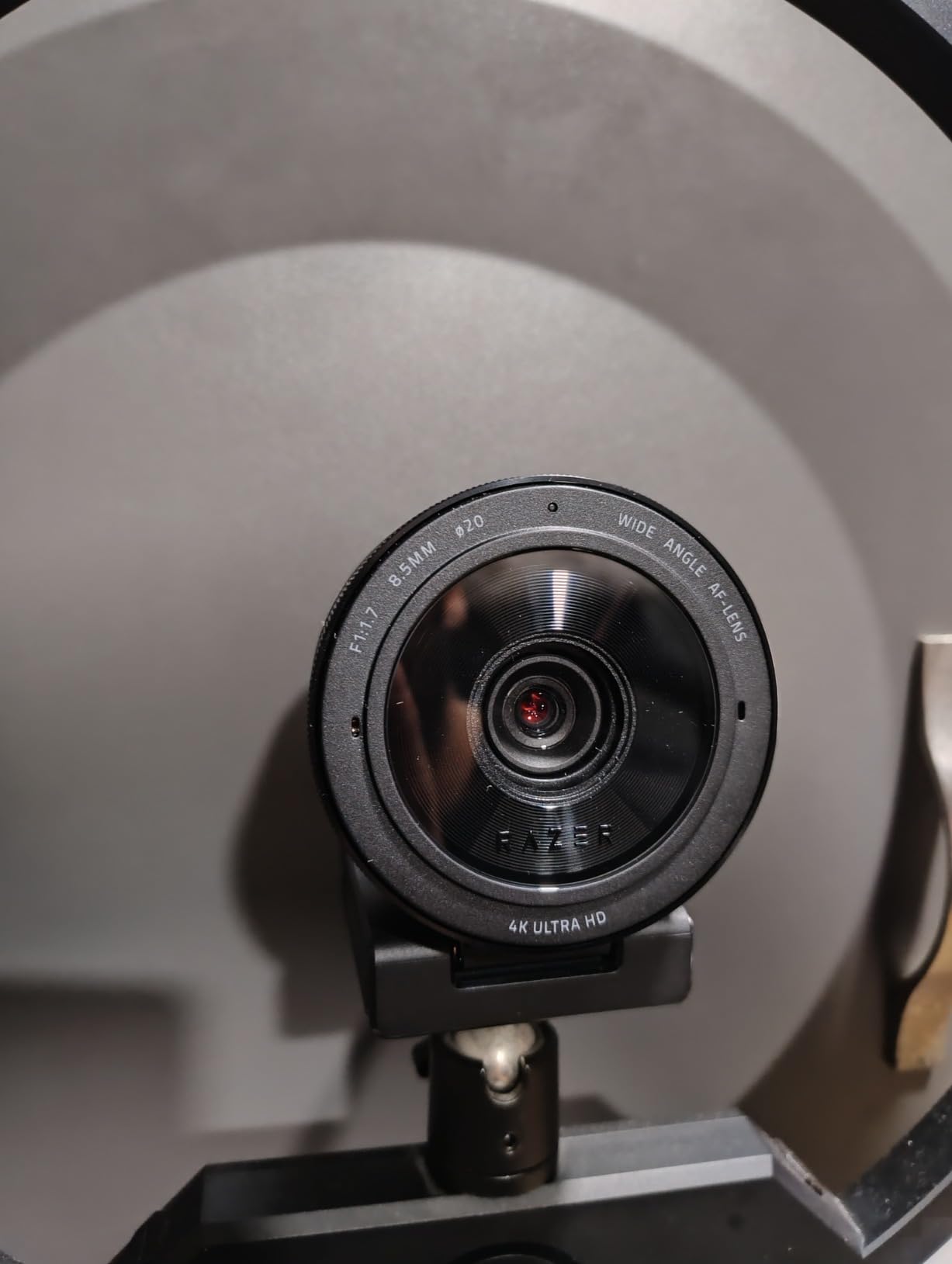
The Razer Kiyo Pro Ultra has the largest sensor in this roundup at 1/1.2 inches. It uses the Sony STARVIS 2 sensor, which is specifically designed for low-light performance. When I tested this camera side by side with others in a dark room, the difference was immediately visible. The image was brighter, cleaner, and more detailed.
That f/1.7 aperture is the fastest in this group. It lets in more light than any other webcam here. Combined with 2.9-micron pixels, which are physically larger and therefore more sensitive to light, the Kiyo Pro Ultra produces images that look closer to a mirrorless camera than a webcam in dim conditions.
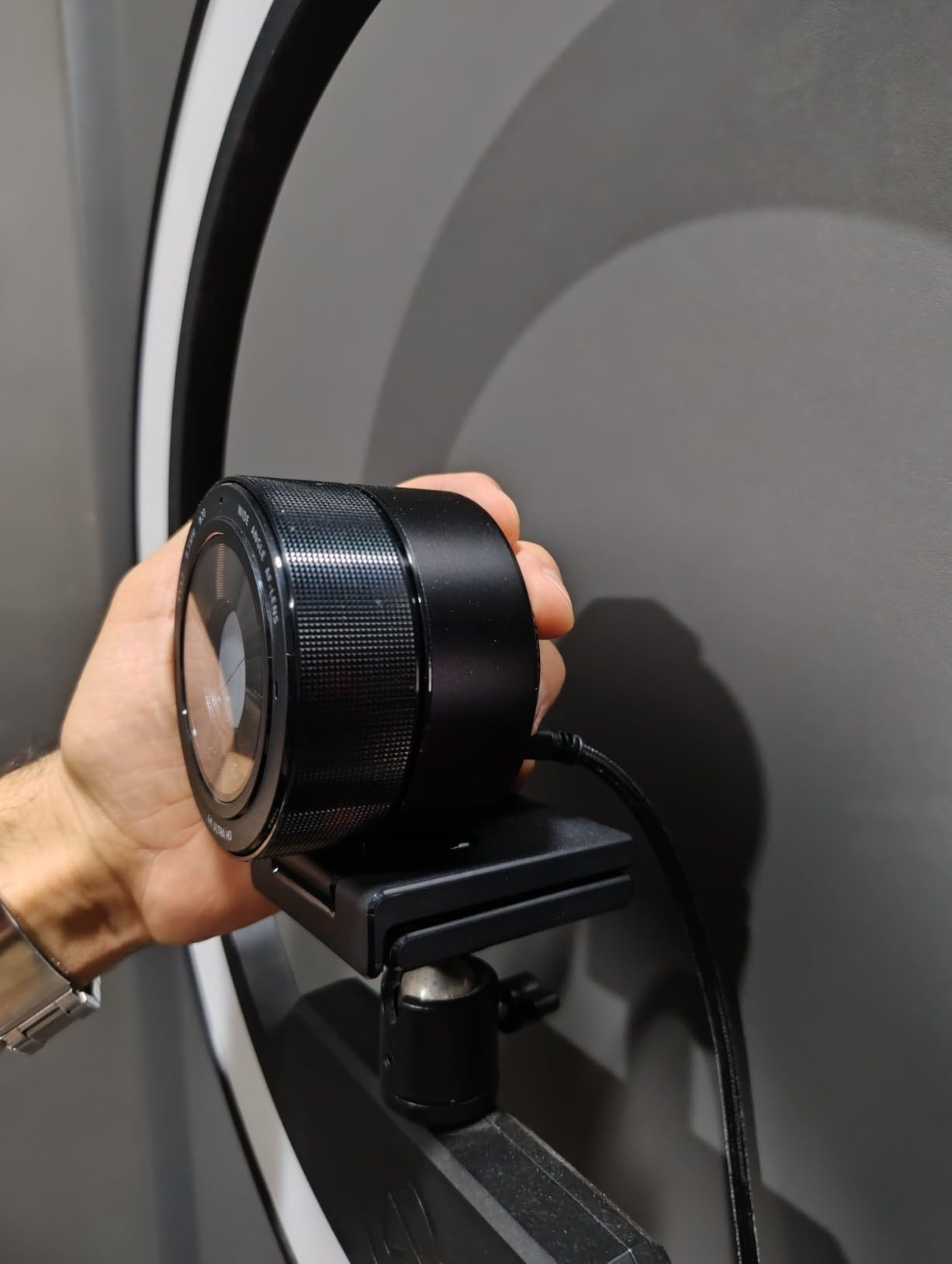
I was also impressed by the uncompressed video output option. Most webcams compress video to save bandwidth, which introduces artifacts. The Kiyo Pro Ultra can send uncompressed video over its USB connection, which means you get the cleanest possible image. For streamers who care about maximum image quality, this is a significant advantage.
The portrait mode background blur works optically thanks to the large sensor, not through software tricks. This gives you a DSLR-like shallow depth of field that looks natural. My face was sharp and my background melted into a pleasing blur without any of the jagged edges you get from software background removal.
That said, the 12 percent one-star reviews are worth noting. Some users report reliability concerns over time. At this price point, I would expect rock-solid build quality. The advanced customization features also require Razer Synapse software, which is Windows-only. Mac users will miss out on some of the deeper settings.
Synapse Software and Customization Depth
Razer Synapse gives you deep control over exposure, white balance, contrast, saturation, and framing. The on-board memory means you can save configurations directly to the camera, so your settings carry over between computers. For streamers who switch between a streaming rig and a travel laptop, this is genuinely useful.
The HDR mode at 30 FPS does a good job of balancing bright monitor light against dark backgrounds. When my monitor was visible in frame, HDR kept the screen from blowing out while still exposing my face correctly. Without HDR, this is a common problem in streaming setups.
Value vs Performance Trade-Off
The Kiyo Pro Ultra is the most expensive webcam in this guide. It delivers the best raw low-light performance, but it lacks the AI features found on the Insta360 Link 2 Pro. There is no facial tracking, only basic autofocus. You are paying for pure sensor quality rather than smart features. If you prioritize image quality above all else and do not need AI tracking, this is your camera.
3. Elgato Facecam 4K – Best for Creative Streamers
Elgato Facecam 4K, 4K60 Studio Webcam, DSLR-Like Control
4K 60FPS
1/1.8-inch Sony STARVIS 2
f/2.8 Aperture
49mm lens filter
HDR
USB-C
120 grams
Pros
- True 4K at 60 FPS for smoothest video in class
- Sony STARVIS 2 sensor quality
- 49mm lens filter support for creative control
- Uncompressed video preserves quality
- Eco-friendly build quality
- Camera Hub software for customization
- 2-year warranty
Cons
- No autofocus fixed focus only
- f/2.8 aperture not as fast as competitors
- No built-in microphone
- Manual focus requires software adjustment
The Elgato Facecam 4K is the only webcam in this roundup that shoots true 4K at 60 frames per second. That higher frame rate means the sensor captures light more frequently, and each individual frame can actually gather more light in certain exposure configurations. For streamers who want buttery smooth video, this is the standout choice.
The Sony STARVIS 2 sensor inside is a proven performer. While the 1/1.8-inch sensor is smaller than the Insta360 or Razer options, the STARVIS 2 technology is specifically optimized for backlit and low-light scenarios. I found the image quality to be noticeably better than standard CMOS sensors in the same price range.
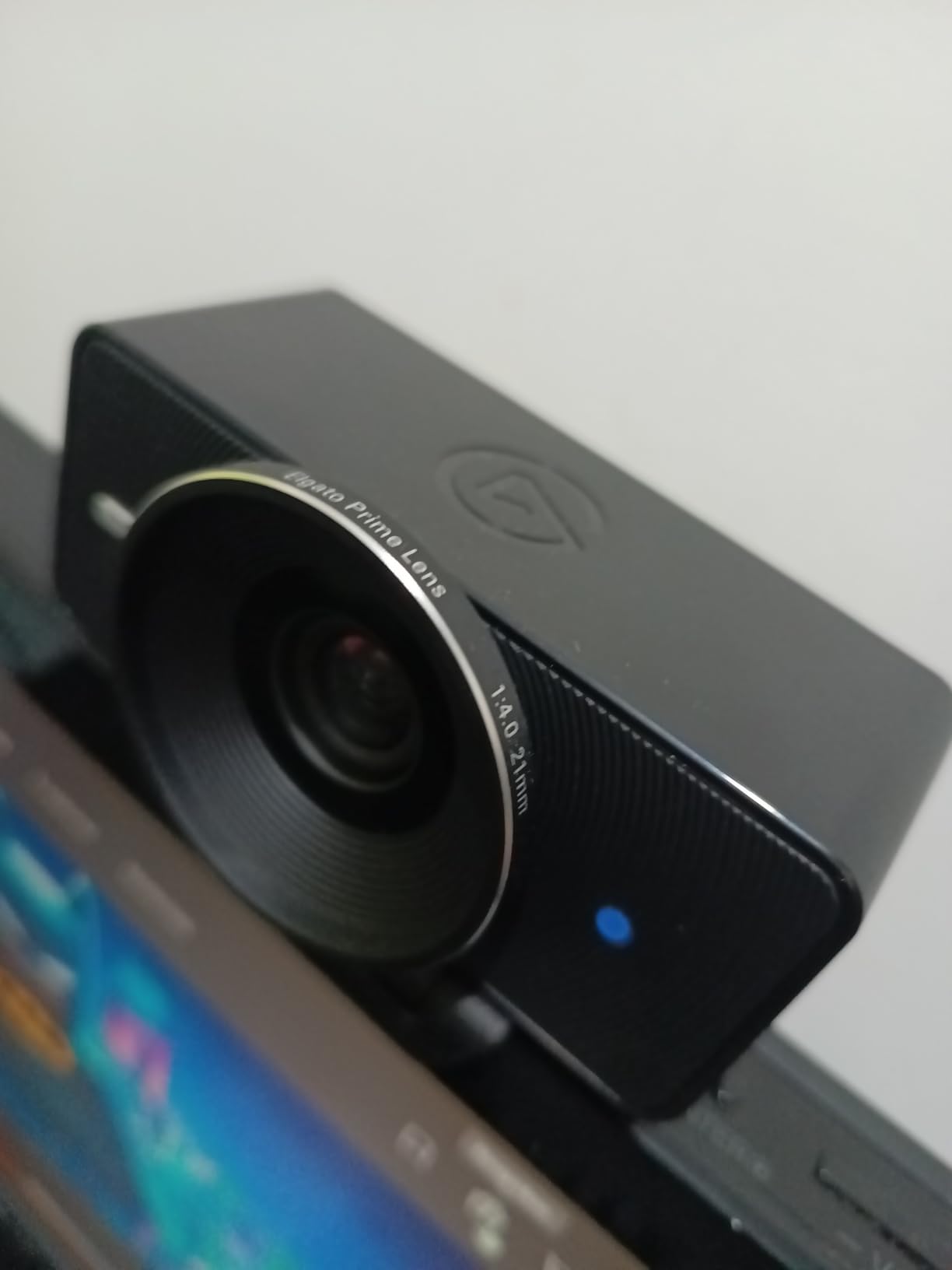
The 49mm lens filter thread is something I did not expect to use as much as I did. It lets you attach standard DSLR lens filters, polarizers, and diffusion filters directly to the webcam. If you want to add a diffusion filter to soften your appearance or a neutral density filter for exposure control, you can do that. No other webcam in this roundup offers that level of creative control.
What surprised me most is what is missing. There is no built-in microphone, which means you need a separate audio solution. There is also no autofocus. The camera uses fixed focus, and adjusting focus requires the Camera Hub software. This can be frustrating if you move your camera or change your streaming distance frequently.
Camera Hub Software and OBS Integration
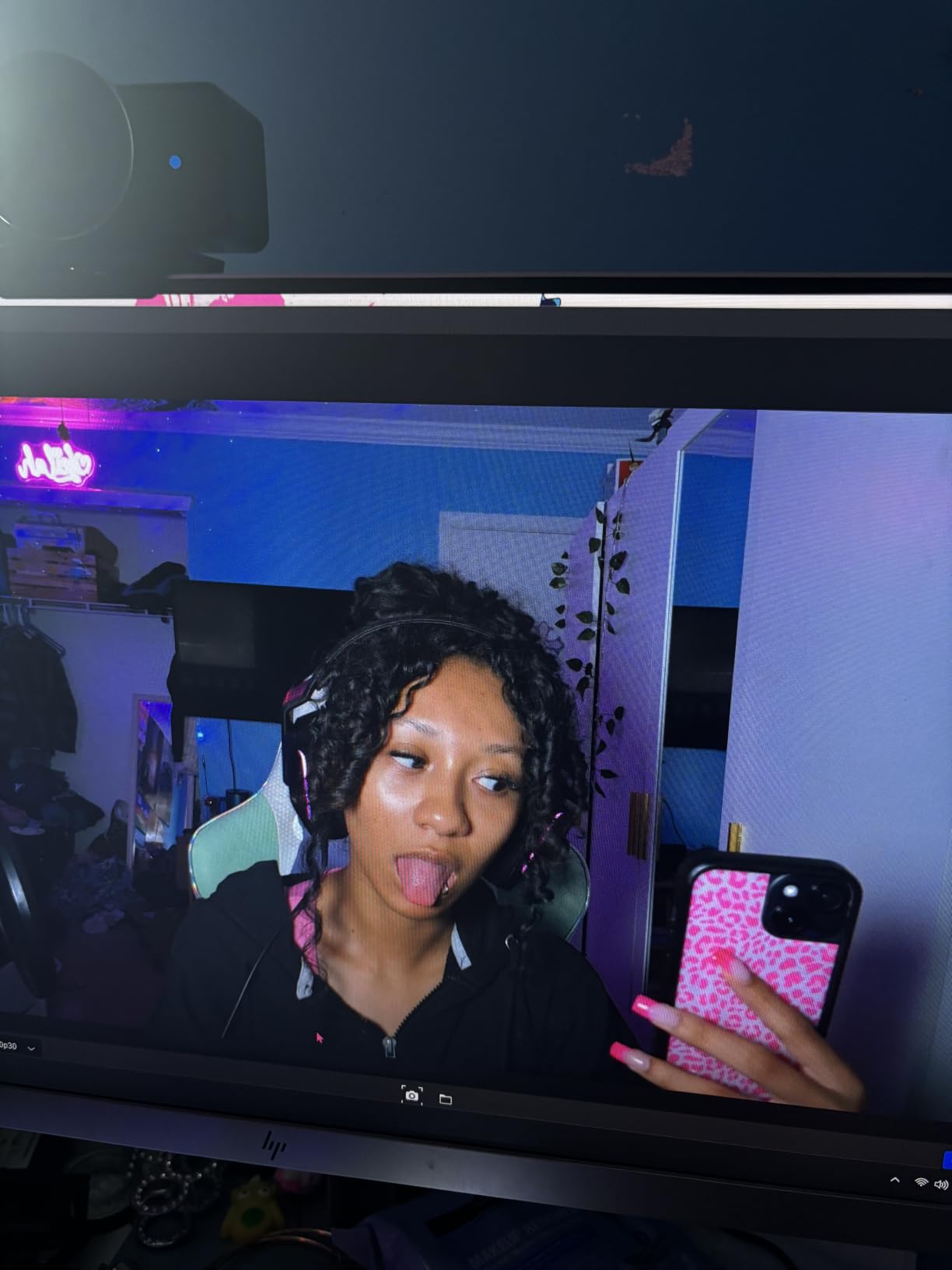
Elgato Camera Hub is one of the better webcam software packages I have used. It gives you DSLR-level control over exposure, white balance, focus, zoom, and HDR settings. The interface is clean and intuitive. Built-in flash memory stores your settings on the camera itself, so they persist across different machines and streaming sessions.
The Facecam 4K integrates perfectly with OBS Studio and other streaming software. Since Elgato is part of Corsair, the same company behind Stream Deck, the ecosystem plays well together. If you already own Elgato gear, this webcam fits naturally into your workflow.
Fixed Focus Limitations to Consider
The lack of autofocus is the biggest trade-off with this camera. If you stream from the same position every time, fixed focus is not a problem at all. You set it once and forget about it. But if you share your streaming space, move your desk around, or change between sitting and standing positions, the lack of autofocus means you need to manually readjust focus each time through the Camera Hub software.
4. Angetube Streaming Webcam – Best Budget with Ring Light
Angetube Streaming Webcam with Microphone, USB 1080P Web Cam w/Ring Light
1080p 60FPS
Built-in Ring Light
5x Digital Zoom
Dual Noise-Canceling Mics
f/2.8-6 Variable Aperture
USB-A and USB-C
Privacy Cover
Pros
- Built-in ring light eliminates need for external lighting
- Excellent value at budget price
- Remote control for all adjustments
- Clear audio with noise-canceling mics
- Great low-light performance per reviews
- Privacy cover included
- Widely compatible with all platforms
Cons
- Only 1080p not 4K
- 5x digital zoom degrades quality
- Variable aperture f/2.8-6 may affect low-light
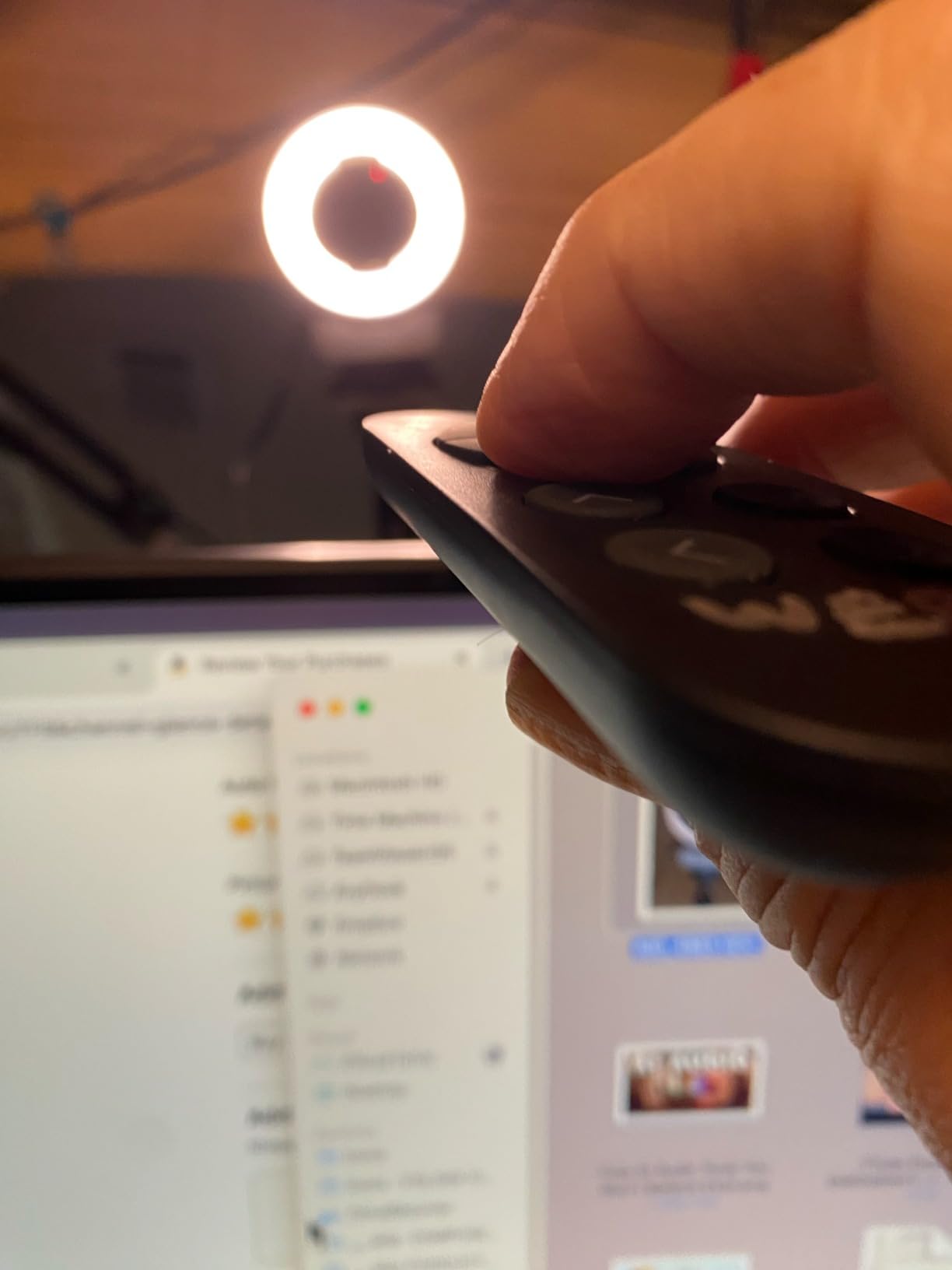
The Angetube Streaming Webcam takes a completely different approach to low-light streaming. Instead of relying on a large sensor and fast aperture alone, it includes a built-in adjustable ring light right on the camera. This is a practical solution for streamers who know their room is too dark but do not want to buy a separate light.
The ring light offers three color temperatures and stepless brightness adjustment. I tested it in a completely dark room with zero ambient light, and the ring light provided enough illumination for a clear, well-exposed image. This is something none of the other cameras in this roundup can do. If your room is genuinely dark, the Angetube can light your face directly.
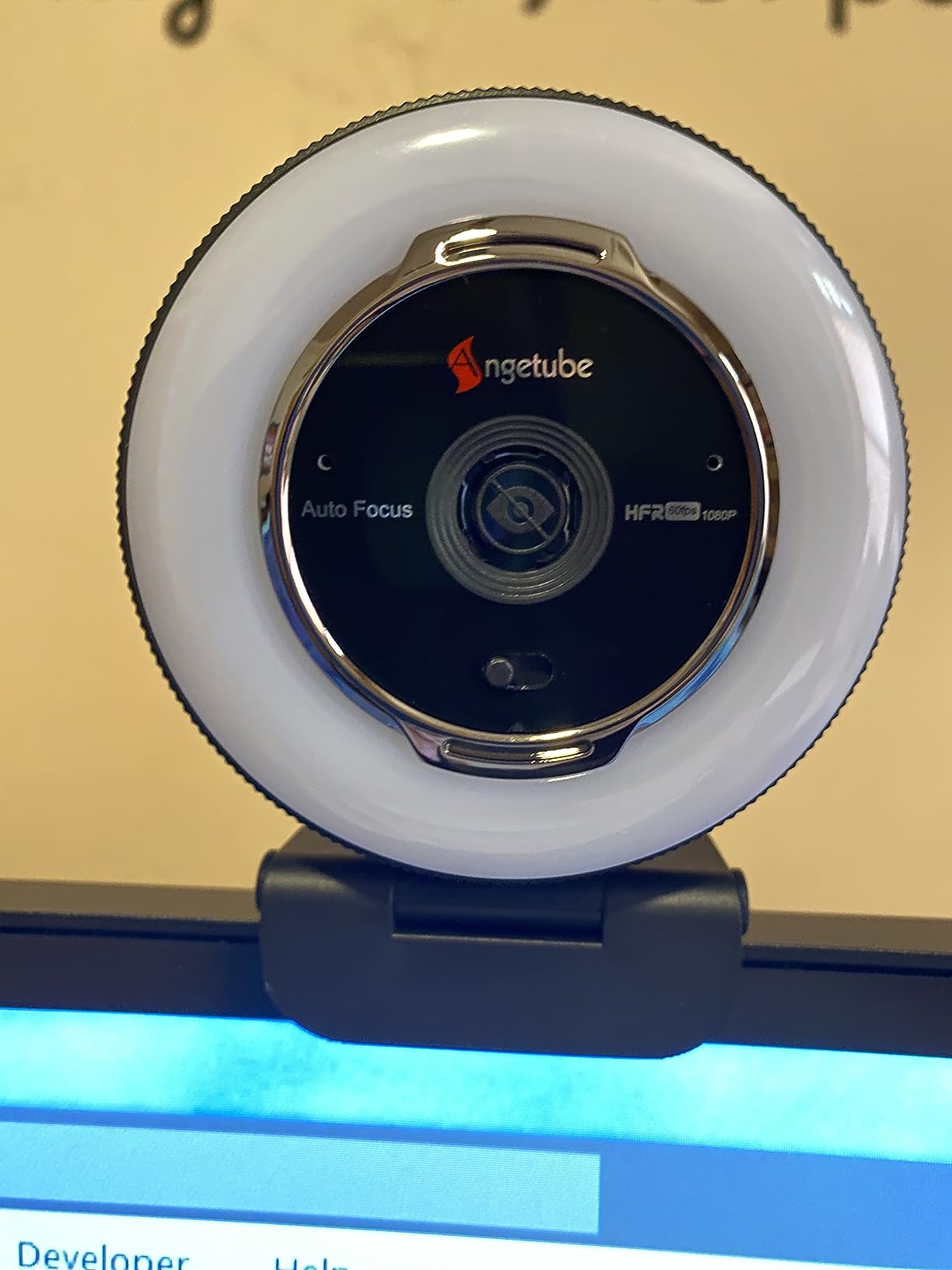
At 1080p and 60 frames per second, the video quality is solid for the price. It will not match the 4K detail of the premium options, but for Twitch streaming where most viewers watch at 1080p anyway, the resolution is more than adequate. The 60fps frame rate keeps motion smooth, which matters if you move around a lot on camera.
The RF remote control is a feature I did not know I needed until I used it. You can adjust zoom, field of view, white balance, brightness, and mute the microphone without touching the camera or your computer. For streamers mid-broadcast, this is genuinely convenient. The remote works 360 degrees omnidirectionally.
The dual omnidirectional microphones with noise cancellation are surprisingly good for this price range. They will not replace a dedicated streaming microphone, but for beginners they are more than serviceable. The privacy cover is a nice inclusion that some premium cameras do not even offer.
Ring Light Performance in Real Gaming Setups
I tested the ring light alongside my RGB gaming setup to see if there were any color casting issues. The three color temperature options let you match the ring light to your ambient lighting. Warm light works well with most gaming room aesthetics, and the cool setting is good if you have blue-toned LED strips. The stepless brightness control means you can dial in exactly the right amount of fill light.
One thing to note: the variable aperture ranges from f/2.8 to f/6, which means in certain zoom or lighting configurations, the aperture may stop down and reduce light intake. The ring light compensates for this, but it is worth understanding the trade-off.
Long-Term Reliability Based on 2,400+ Reviews
With over 2,400 reviews and a 4.4-star rating, the Angetube has a solid track record. Seventy percent of reviews are five stars. The most common complaints mention occasional image flicker, which some users have linked to certain USB ports or power configurations. Using a powered USB hub can resolve this in most cases.
5. EMEET NOVA 4K – Best Affordable 4K Option
EMEET NOVA 4K Webcam for PC, Ultra 4K HD, PDAF Autofocus, Dual Omni Mics
4K 30FPS
PDAF Autofocus
f/3.3 Aperture
73-degree FOV
Dual Omni Mics
Auto Light Correction
USB-A
4.64 oz
Pros
- Best budget 4K option
- PDAF autofocus is fast and accurate
- Auto light correction works well
- Good audio quality from dual mics
- Privacy cover for security
- Flexible mounting with tripod support
Cons
- Fixed 73-degree FOV no adjustment
- Slower aperture f/3.3 affects low-light
- 4K only at 30 FPS
- No facial tracking or AI features
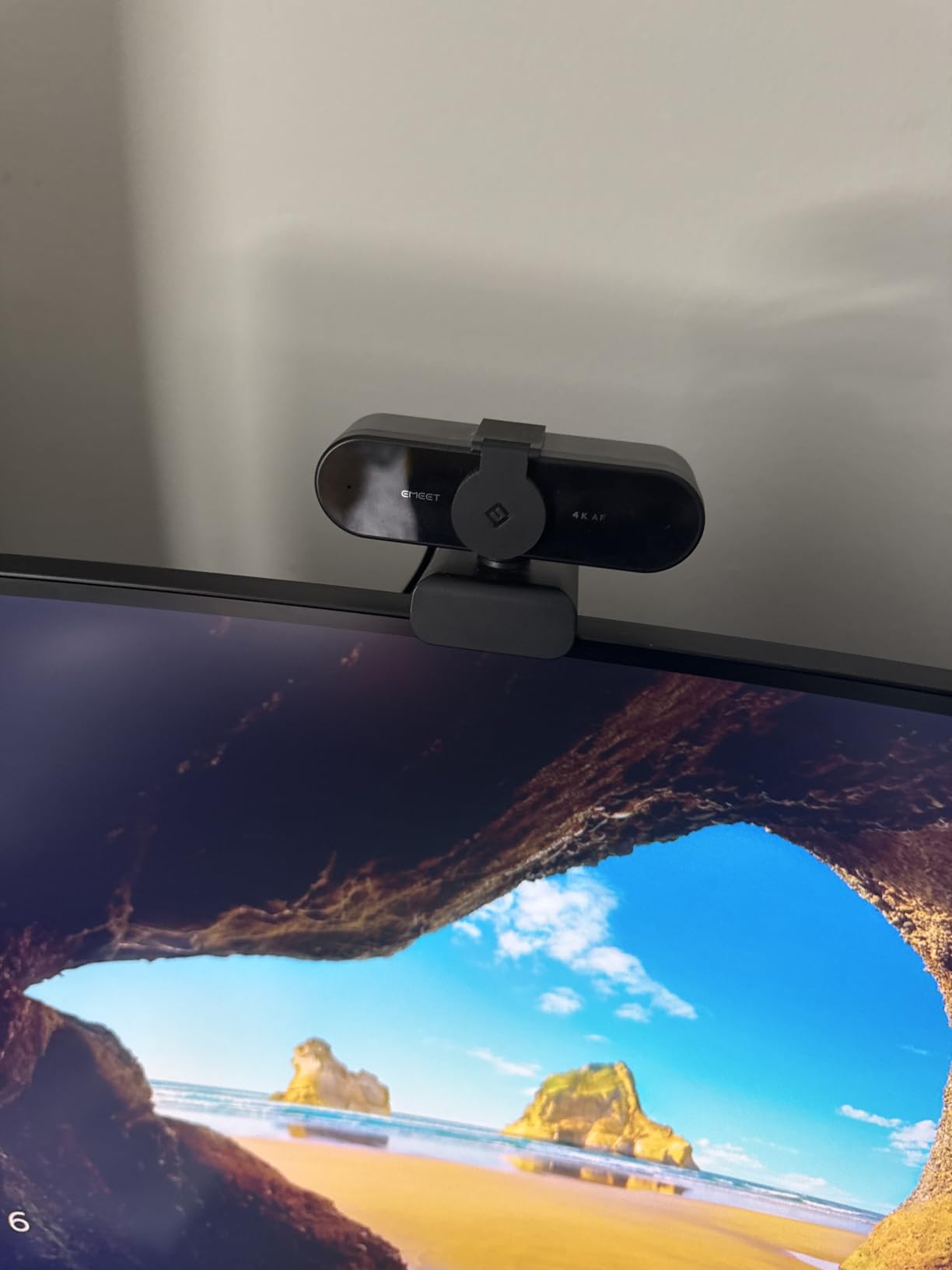
The EMEET NOVA 4K proves that you do not need to spend a fortune to get 4K resolution. This webcam delivers 4K at 30 frames per second at a price that is remarkably affordable. While it is not specifically engineered for ultra low-light performance like the Insta360 or Razer, it does include auto light correction that helps in moderately dim conditions.
The standout feature here is the PDAF autofocus. Phase Detection Auto Focus is the same technology used in smartphones and dedicated cameras. It is fast, accurate, and locks onto your face quickly. Compared to the contrast-detection autofocus on cheaper webcams, PDAF is a significant upgrade. I found it tracked my face reliably as I moved closer and farther from the camera.
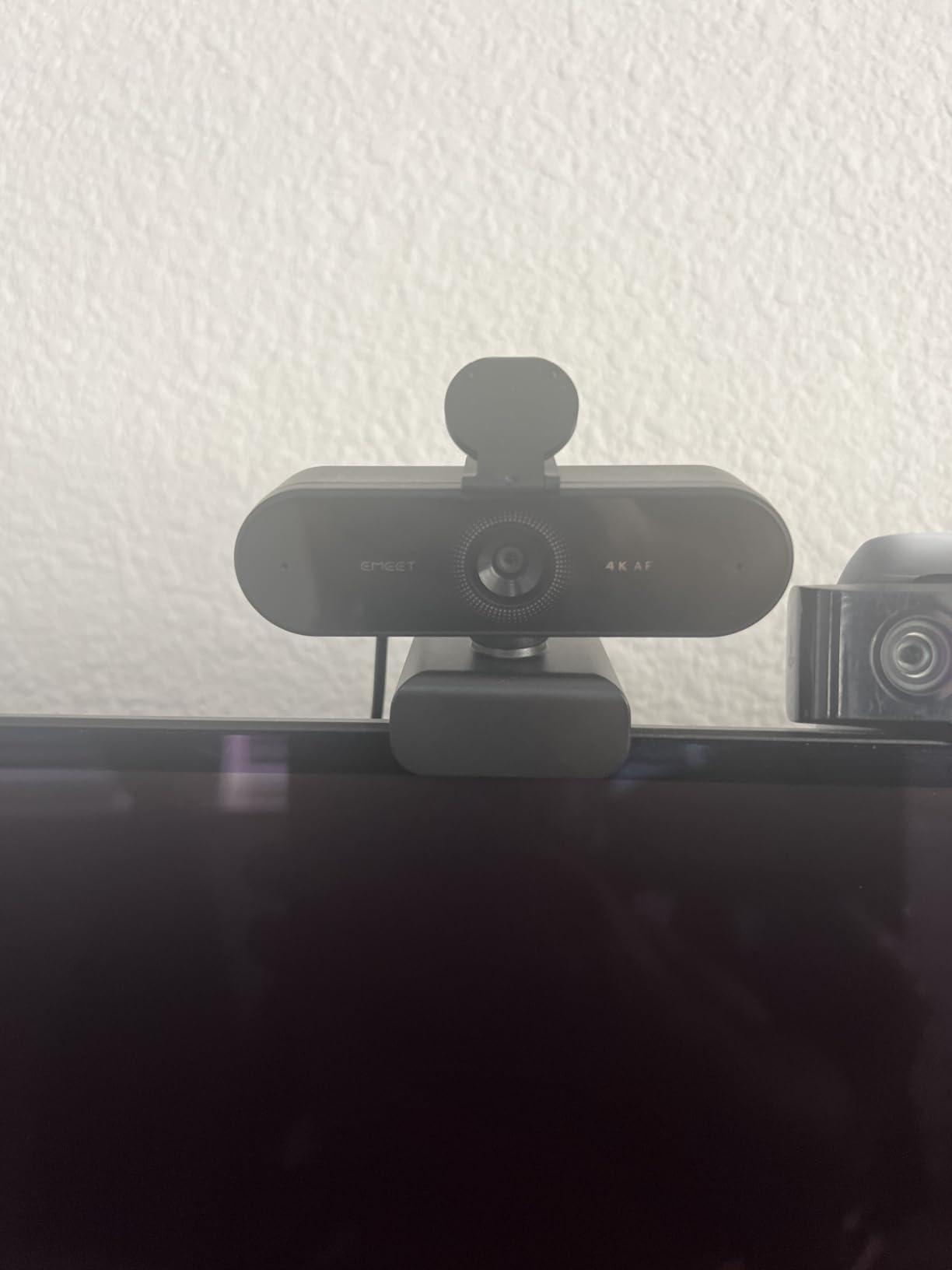
The f/3.3 aperture is slower than the other webcams in this guide, which means the lens lets in less light. In practice, the EMEET NOVA performs well in moderate indoor lighting but will show noise in genuinely dark rooms. The auto light correction algorithm does a decent job of brightening the image, but there is only so much software can do when the hardware is not capturing enough light.
For streamers with some ambient lighting, like a desk lamp or window light in addition to monitor glow, the EMEET NOVA delivers good results. The 73-degree field of view is fixed and cannot be adjusted. This is a slightly narrower angle than some competitors, which can be good or bad depending on how much of your room you want to show.
PDAF Autofocus vs Standard Autofocus
PDAF autofocus uses dedicated phase-detection pixels on the sensor to calculate focus distance directly. This is fundamentally different from contrast-detection autofocus, which hunts for the sharpest image by moving the lens back and forth. PDAF knows exactly where to focus without hunting, which means you get faster, more decisive focus transitions. For streamers, this means less of that distracting focus-hunting blur on camera.
The EMEETLINK software lets you fine-tune exposure, white balance, and focus settings. It is not as deep as Razer Synapse or Elgato Camera Hub, but it covers the essentials. The camera also offers 360-degree horizontal rotation and 15-degree vertical adjustment, giving you flexible mounting options.
Best Use Cases for the EMEET NOVA
This webcam is ideal for streamers who want 4K resolution on a budget and have moderate room lighting. If your streaming room has a desk lamp, some LED strips, or window light, the EMEET NOVA will produce clean, sharp video. It is not the right choice for genuinely dark rooms, where you would be better served by the Angetube with its ring light or the Insta360 with its large sensor.
What to Look for in a Webcam for Low-Light Streaming?
Choosing a webcam for low-light streaming comes down to understanding a few key hardware specifications. I have tested dozens of cameras, and these are the factors that consistently determine real-world performance in dim conditions.
Sensor size is the single most important factor for low-light performance. Larger sensors capture more light per pixel, which means less noise and better detail in dark environments. The webcams in this roundup range from 1/1.2 inches on the Razer Kiyo Pro Ultra down to unspecified budget sensors. As a general rule, look for a sensor of at least 1/1.8 inches for acceptable low-light performance. The larger the sensor, the more light it gathers, and the cleaner your image will be in dim rooms.
Aperture controls how much light passes through the lens to the sensor. Lower f-numbers mean wider openings that let in more light. The Razer Kiyo Pro Ultra has the fastest aperture at f/1.7, while the EMEET NOVA has the slowest at f/3.3. For low-light streaming, aim for f/2.0 or faster. The difference between f/1.7 and f/3.3 is roughly three stops of light, which is the difference between a usable image and a noisy one.
Frame rate matters in an indirect way for low-light performance. At 60 frames per second, the camera captures a new image every 16.7 milliseconds. At 30 frames per second, each frame gets 33.3 milliseconds of light. Some cameras can use the longer exposure time per frame at 30fps to gather more light. However, 60fps gives you smoother motion, which many streamers prefer. The trade-off is yours to decide based on your content type.
HDR, or High Dynamic Range, helps balance bright and dark areas in the same frame. If your monitor is visible behind you, HDR prevents the screen from blowing out into a white rectangle while keeping your face properly exposed. The Insta360 Link 2 Pro, Razer Kiyo Pro Ultra, and Elgato Facecam 4K all support HDR. For streaming setups with screens visible in frame, HDR is genuinely useful.
A built-in ring light can solve low-light problems directly by illuminating your face. The Angetube Streaming Webcam includes one, and it is the most effective solution for genuinely dark rooms. If your room has zero ambient light, no sensor or aperture specification will save you. A ring light provides the illumination the camera needs to produce a clean image.
Streaming software compatibility is something many guides overlook. All five webcams in this roundup work with OBS Studio and Streamlabs, but the depth of integration varies. Elgato Camera Hub and Razer Synapse offer the most detailed control. The Insta360 adds Stream Deck support. If you are a serious streamer, check that your webcam’s software gives you the controls you need for exposure and white balance adjustments.
Autofocus type matters more than you might think. PDAF autofocus, like on the EMEET NOVA, is fast and decisive. Contrast-detection autofocus hunts more and can create distracting focus shifts on stream. The Elgato Facecam 4K skips autofocus entirely in favor of fixed focus. Consider your streaming style when choosing. If you sit still, fixed focus is fine. If you move around, PDAF or AI tracking is worth the investment.
Frequently Asked Questions
What is the best webcam for low light streaming?
The Insta360 Link 2 Pro is the best overall webcam for low-light streaming thanks to its large 1/1.3-inch sensor, fast f/1.9 aperture, and AI light correction. For premium performance, the Razer Kiyo Pro Ultra offers the largest sensor and fastest aperture in this category. For budget-conscious streamers, the Angetube Streaming Webcam with its built-in ring light provides the best value.
Do webcams work in the dark?
Most standard webcams produce grainy, unusable footage in complete darkness. However, webcams with built-in lighting like the Angetube Streaming Webcam can work in dark rooms by illuminating your face directly. Webcams with large sensors and fast apertures, such as the Razer Kiyo Pro Ultra and Insta360 Link 2 Pro, perform well in very dim conditions but still need some ambient light to produce clean video.
Is a 4K webcam overkill for streaming?
For Twitch streaming where most viewers watch at 1080p, 4K is not strictly necessary. However, 4K webcams typically have larger and better sensors, which means better low-light performance even when you downscale to 1080p. If your streaming platform supports 4K or you also record content for YouTube, a 4K webcam is worth the investment.
Do I need a 60fps webcam for streaming?
60fps produces smoother motion, which is especially noticeable when you move around on camera. For talking-head streams where you sit relatively still, 30fps is perfectly fine. For active streamers, crafters, or IRL content where movement is frequent, 60fps is worth having. The Elgato Facecam 4K and Angetube Streaming Webcam both offer 60fps options.
What camera do gamers use for streaming?
Popular webcams among gamers and streamers include the Elgato Facecam series for its OBS integration, the Razer Kiyo Pro for low-light performance, and the Insta360 Link 2 Pro for AI tracking. Budget-conscious gamers often choose the Angetube with its built-in ring light or the EMEET NOVA 4K for affordable 4K resolution. The right choice depends on your room lighting and budget.
Final Verdict: Which Low-Light Webcam Is Right for You?
Finding the best webcams for streaming in low light in 2026 means matching the camera to your specific situation. If you want the overall best balance of large sensor, smart features, and streaming integration, the Insta360 Link 2 Pro is my top pick. Its 1/1.3-inch sensor and f/1.9 aperture deliver excellent dim-room performance, and the AI tracking adds genuine value for active streamers.
For those who want maximum image quality and the largest sensor available, the Razer Kiyo Pro Ultra is the premium choice. If you prioritize creative control with 4K60 and lens filters, the Elgato Facecam 4K is your best bet. Budget-conscious streamers should look at the Angetube for its built-in ring light or the EMEET NOVA 4K for affordable 4K resolution.
No matter which you choose, remember that even the best webcam benefits from some ambient light. Position your desk lamp or LED strip to illuminate your face, and your viewers will see a cleaner, more professional image on every stream.