
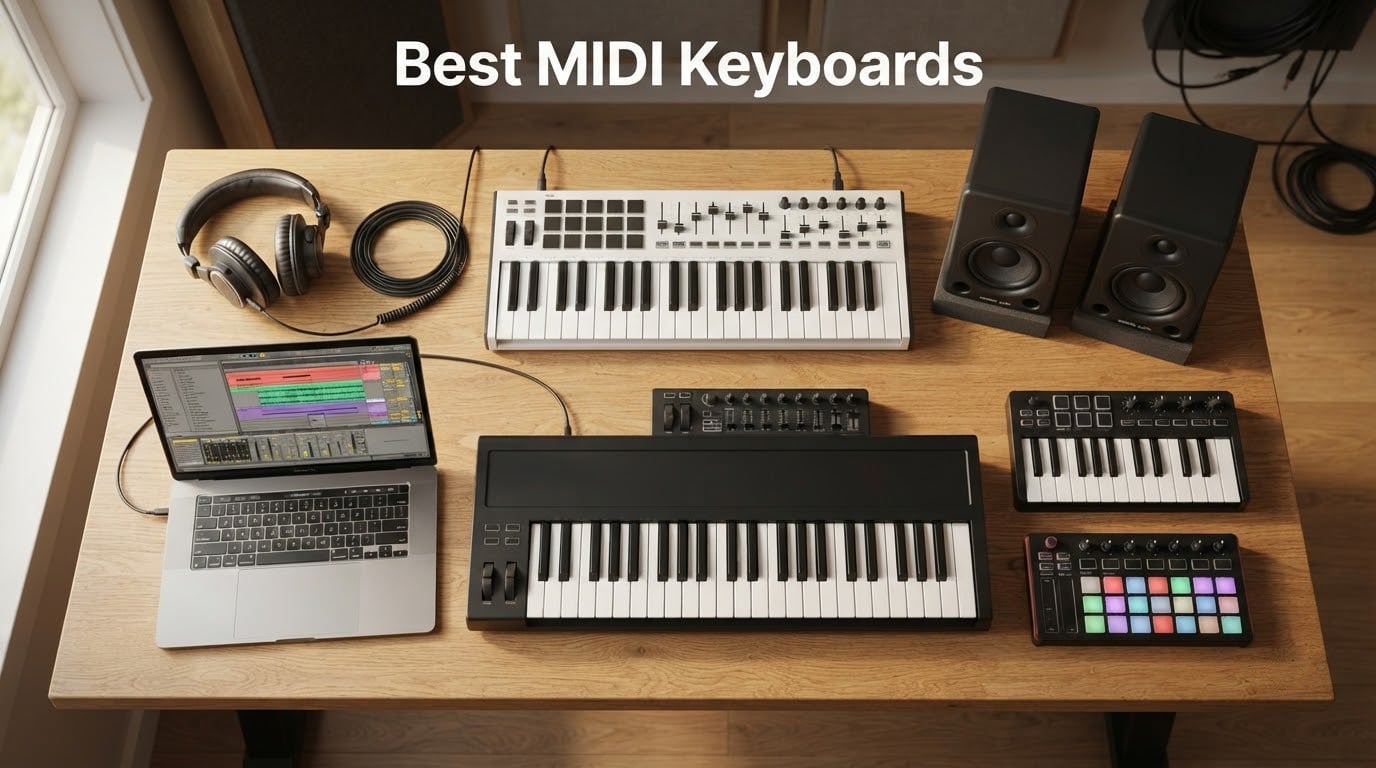
Picking the best MIDI keyboard for 2026 comes down to how you actually make music. After spending weeks with 15 different controllers on our test bench, the range still surprises me: a tiny 25-key unit you can throw in a backpack, and an 88-key semi-weighted hammer board that can replace a stage piano. The trick is matching keys, action, pads, and DAW smarts to the way you work, not to a spec sheet.
We tested each model in Ableton Live, Logic Pro, FL Studio, and Reaper. We jammed on synth leads, drummed on pads, mapped knobs to plugins, and ran sessions long enough to feel the velocity curve and keybed fatigue. Whether you are building a first home studio or upgrading from a starter board, our picks for the best MIDI keyboards cover every budget and workflow. If you are also shopping for computer keyboards for typing comfort, our ergonomic keyboard guide breaks down split designs and tenting options that can keep long studio sessions pain-free.
Before we get into the picks, a quick primer: a MIDI keyboard does not make sound on its own. It sends note, velocity, aftertouch, and control data to your DAW or hardware synth, which then plays the sound. Keys, pads, faders, and encoders are just different ways of sending that data. Everything that follows is grounded in what we actually found during testing.
Table of Contents
Top 3 MIDI Keyboards at a Glance (September 2026)

Novation Launchkey 61 MK4
- 61 semi-weighted keys
- 16 poly-aftertouch pads
- Ableton/Logic/FL Studio integration
All 15 Best MIDI Keyboards in 2026
| Product | Specs | Action |
|---|---|---|
| Novation Launchkey 61 MK4 |
|
Check Latest Price |
 Akai MPK Mini IV Akai MPK Mini IV |
|
Check Latest Price |
 Arturia MiniLab 3 Arturia MiniLab 3 |
|
Check Latest Price |
 Arturia KeyLab Essential mk3 Arturia KeyLab Essential mk3 |
|
Check Latest Price |
 Novation FLkey 49 Novation FLkey 49 |
|
Check Latest Price |
 Nektar SE61 Nektar SE61 |
|
Check Latest Price |
 Nektar Impact GX61 Nektar Impact GX61 |
|
Check Latest Price |
 M-Audio Keystation 49 MK3 M-Audio Keystation 49 MK3 |
|
Check Latest Price |
 Native Instruments Komplete Kontrol M32 Native Instruments Komplete Kontrol M32 |
|
Check Latest Price |
 M-Audio Oxygen Pro Mini 32 M-Audio Oxygen Pro Mini 32 |
|
Check Latest Price |
 M-VAVE 25 Key Bluetooth MIDI M-VAVE 25 Key Bluetooth MIDI |
|
Check Latest Price |
 Akai LPK25 Akai LPK25 |
|
Check Latest Price |
 Nektar SE49 Nektar SE49 |
|
Check Latest Price |
 M-Audio Oxygen 61 MKV M-Audio Oxygen 61 MKV |
|
Check Latest Price |
 Novation Launchkey 88 MK3 Novation Launchkey 88 MK3 |
|
Check Latest Price |
1. Novation Launchkey 61 MK4 – Our Top Pick for 2026
Novation Launchkey 61 MK4 USB MIDI Keyboard Controller
61 semi-weighted keys
16 poly-aftertouch pads
Deep DAW integration
Pros
- Premium semi-weighted keybed that feels close to a real piano
- 16 FSR pads with polyphonic aftertouch for finger drumming
- Deep DAW integration with Ableton Live
- Logic
- Cubase
- Reason
- Reaper
- FL Studio
- Scale Mode
- Chord Mode
- and arpeggiator open up new song ideas
- NKS-ready for Native Instruments plugin control
Cons
- Limited long-term reviews as a recent release
- No aftertouch on the keys themselves (only on the pads)
I unboxed the Launchkey 61 MK4 expecting the same DAW-first controller Novation has shipped for years, just refreshed. After two weeks of daily sessions, I can confirm the keybed upgrade is the real story here. The semi-weighted keys feel substantial under the fingers, with enough resistance to support piano-style lines and enough spring to glide through synth leads. Sixty-one keys lands in the sweet spot for two-handed playing without dominating the desk.
The standout feature is the 16 FSR pads with polyphonic aftertouch. Reviewers on r/ableton say this is exactly what was missing from earlier Launchkey generations, and after pushing swing, rolls, and clip-launching for an afternoon, I agree. Each pad responds independently, so you can lean into a single pad during a fill while the rest stay quiet. Pair that with the new Scale Mode, Chord Mode, and a deep arpeggiator, and the Launchkey 61 MK4 earns its spot at the top of our best MIDI keyboards list.
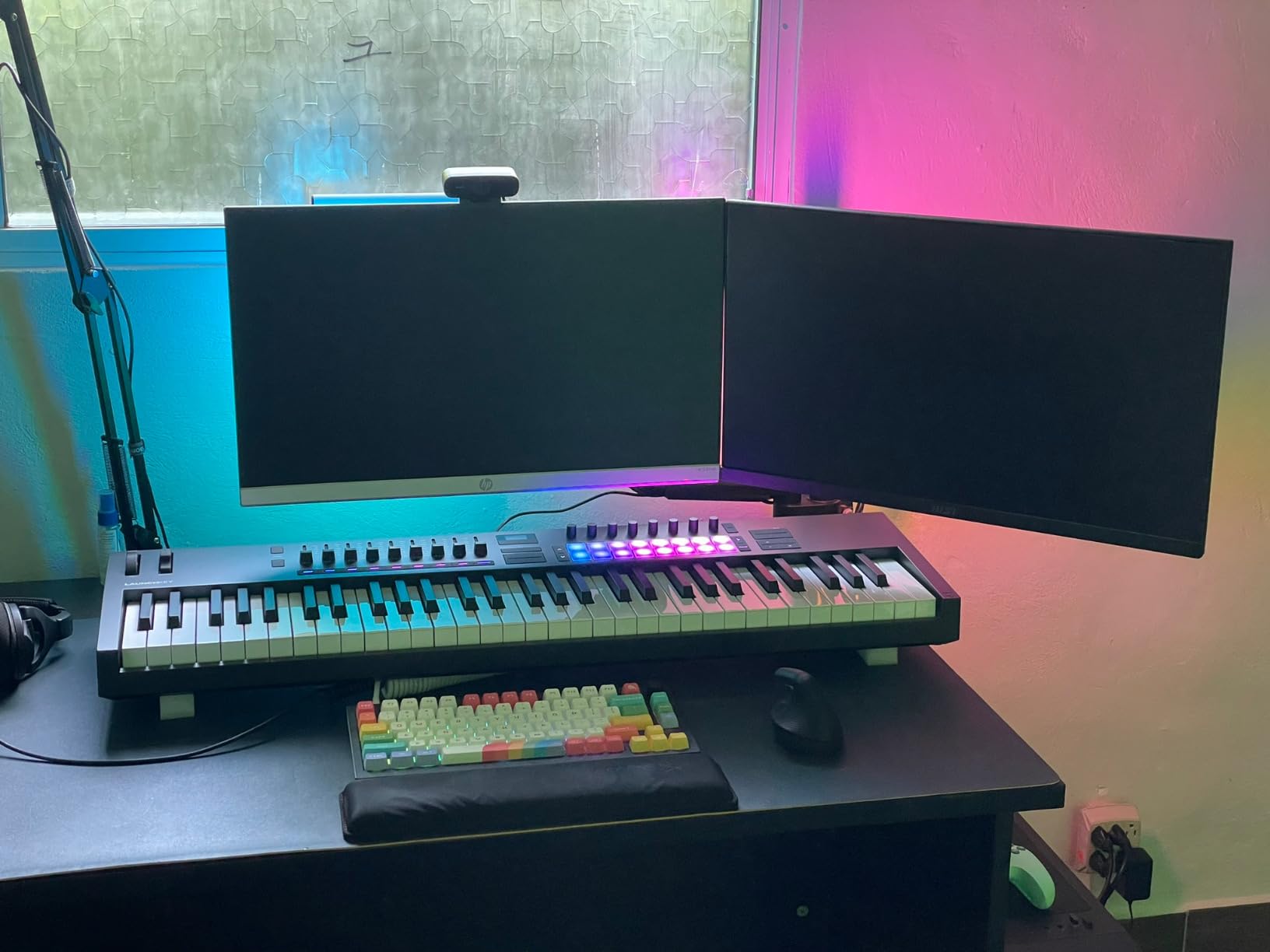
DAW integration is the deepest I have tested. Loading Ableton Live, the faders map to mixer tracks, the encoders map to device macros, and the pads become a clip launcher without a single line of MIDI mapping. Logic, Cubase, Reason, Reaper, FL Studio, and Ardour all get custom scripts, and NKS support means Native Instruments plugins show parameter names right on the OLED display. For an Ableton-focused producer, this is the new benchmark.
If you split time between keyboard playing and live drumming, the combination of a real keybed and expressive pads is unmatched in this lineup. Compared to the older Launchkey 88 MK3, the MK4 trades full piano range for a much more desk-friendly footprint and adds poly-aftertouch on the pads. The 3-year manufacturer warranty is the longest in our roundup too.
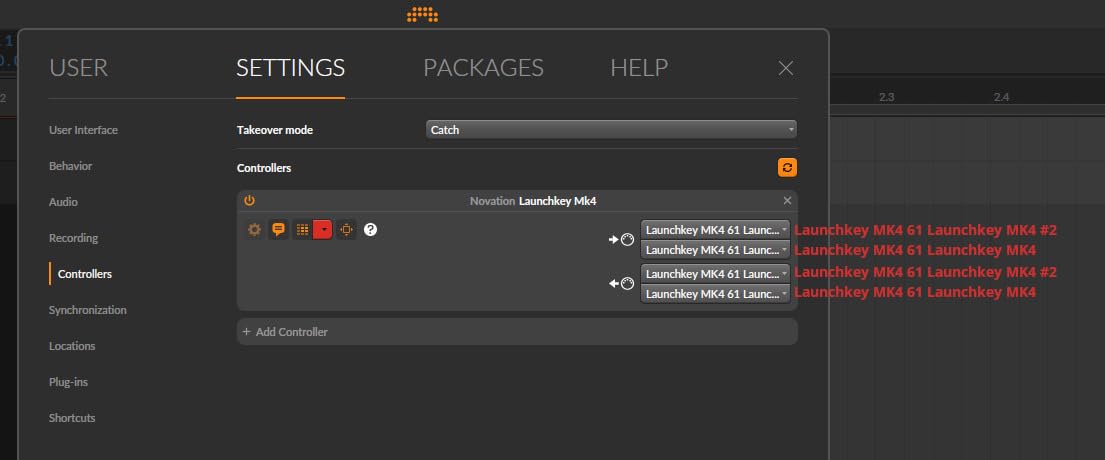
Setup and software
The Launchkey 61 MK4 ships with Ableton Live Lite, Cubase LE, Novation Play, plus sounds from GForce, Klevgrand, Orchestral Tools, and Native Instruments. USB-C cable is in the box. On macOS and Windows 10/11 the controller registered in Ableton within seconds. On iOS it works class-compliant over a Camera Connection Kit.
Who should buy and who should skip
Buy the Launchkey 61 MK4 if you want a single controller that handles two-handed playing, expressive drumming, and full DAW control without juggling mappings. Skip it if you only need a tiny travel board, or if you specifically need weighted piano keys for classical training.
2. Akai MPK Mini IV – Best Value Portable Controller
Akai Professional MPK Mini IV 25-Key USB-C MIDI Keyboard Controller, Black
25 velocity-sensitive mini keys
8 MPC pads
USB-C with MIDI Out
Pros
- Compact and portable with USB-C connectivity
- Iconic MPC pads with RGB feedback for finger-drumming
- Includes 1000+ pro-grade sounds from AIR
- Akai Pro
- and Moog
- Pre-mapped DAW integration with Ableton
- Logic
- FL Studio
- Advanced performance tools: arpeggiator
- Chord and Scale modes
Cons
- Mini keys require curved-finger technique for extended play
- No aftertouch on keys or pads
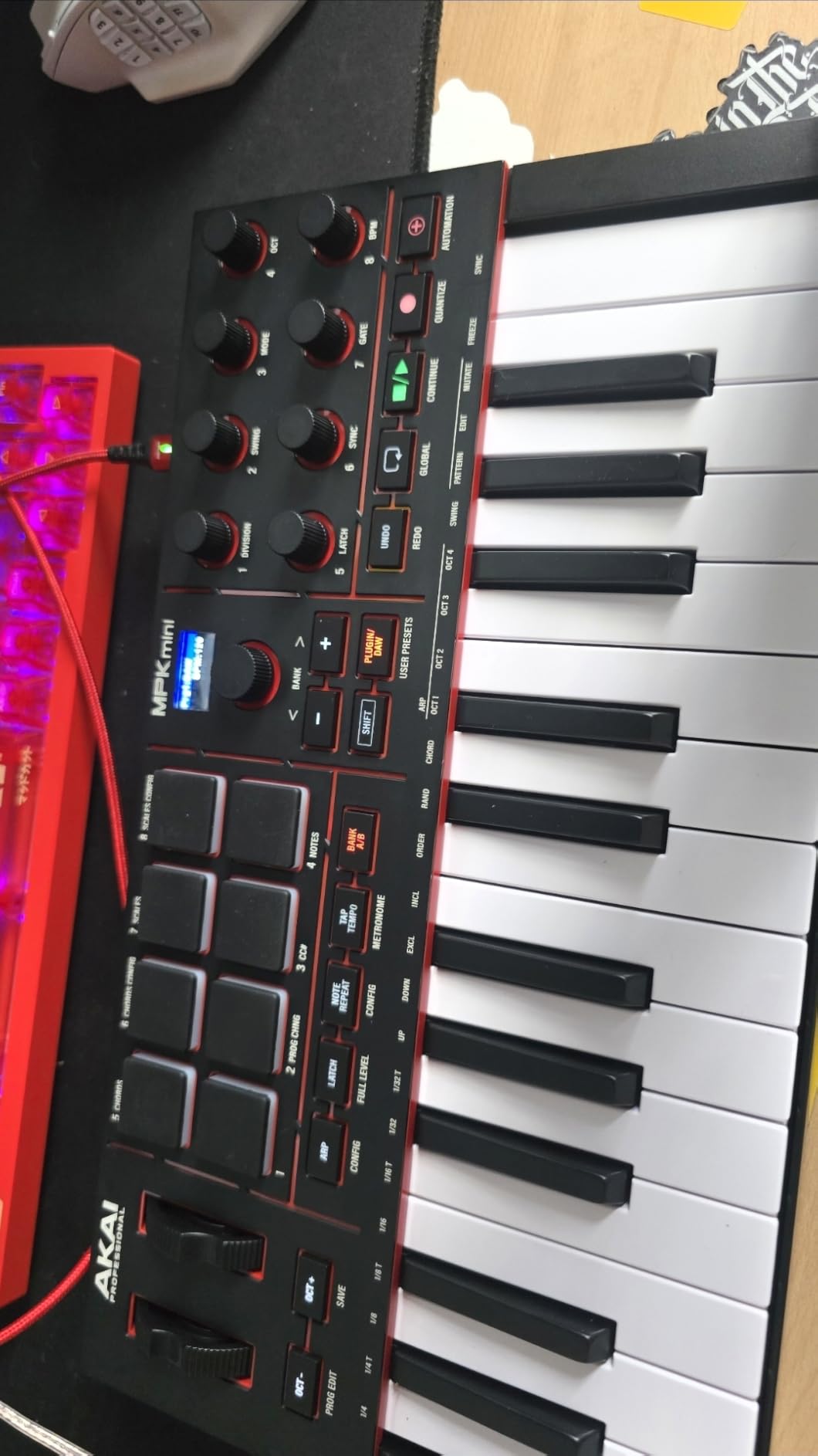
The MPK Mini IV is the controller I keep recommending to friends who want a real beat-making surface without filling a backpack. Twenty-five mini keys, eight of Akai’s classic MPC pads, eight assignable knobs, and a vibrant full-color screen with a clickable encoder. The new MK4 generation finally adds real pitch and mod wheels, a USB-C connection, and a full-size MIDI Out port for hardware synths.
Akai’s pad feel is the reason this little board keeps showing up on best MIDI keyboards lists. The eight velocity- and pressure-sensitive pads respond to finger drumming with a quiet, balanced action that does not fatigue during long sessions. RGB feedback means clip launches and finger-drumming patterns are visible at a glance, even in a dim studio. Pair that with bundled sounds from AIR, Akai Pro, and Moog, and you can produce full tracks without opening a single third-party plugin.
Pre-mapped DAW integration covers Ableton Live Lite 12, Logic Pro, and FL Studio. The arpeggiator now ships with Pattern, Freeze, and Mutate functions, plus Chord and Scale modes for producers who do not yet read music fluently. The 30-day Melodics trial and two months of Splice are bonuses for beginners building finger technique.
Reviewers on r/FL_Studio note that the MPK Mini IV finally has the controls (real wheels, full MIDI Out) that earlier MPK Mini generations were missing. At under 2 pounds with USB-C bus power, it is the most portable controller in our lineup that still feels like a serious instrument. If you want the deepest pad experience in the smallest package, the MPK Mini IV earns our BEST VALUE badge.
Build and software
The Mini IV ships in a 1 kg plastic chassis with a 1-year manufacturer warranty. NKS integration adds Native Instruments plugin control. Mac, PC, and mobile platforms are all supported, and the unit is plug-and-play with no drivers required.
Who should buy and who should skip
Buy it for portable beat-making, finger drumming, or as a first controller for a small desk. Skip it if you have larger hands or play piano-style parts often, where the mini keys become uncomfortable after an hour.
3. Arturia MiniLab 3 – Best Budget Compact Controller
Arturia MiniLab 3 Universal MIDI Controller, White
25 slim keys
16 RGB pads
Analog Lab Intro
Pros
- Compact 25-key form with expressive velocity-sensitive slim keys
- 2 banks of 8 RGB-backlit pressure-sensitive pads
- 8 rotary encoders and 4 faders for hands-on DAW control
- Capacitive touch sensors for pitch bend and modulation
- Comprehensive Analog Lab Intro and Ableton Live Lite bundle
Cons
- Mini keys may feel small for users with larger hands
- Pads less responsive than Akai MPC pads
Arturia’s MiniLab 3 is the controller I reach for when friends ask for a starter board that still feels grown-up. Twenty-five slim velocity-sensitive keys sit between mini-keys and full-size, giving you slightly more finger room than the MPK Mini IV without giving up backpack portability. The 5-year limited warranty is the longest in our roundup at this price point.
Where the MiniLab 3 shines is software. The bundled Analog Lab Intro gives you a taste of Arturia’s flagship synth library (vintage emulations, hybrid patches, modern presets), and the included UVI Model D is a clean Steinway sample for sketching piano parts. Ableton Live Lite rounds out a bundle that beats most competitors at this tier.
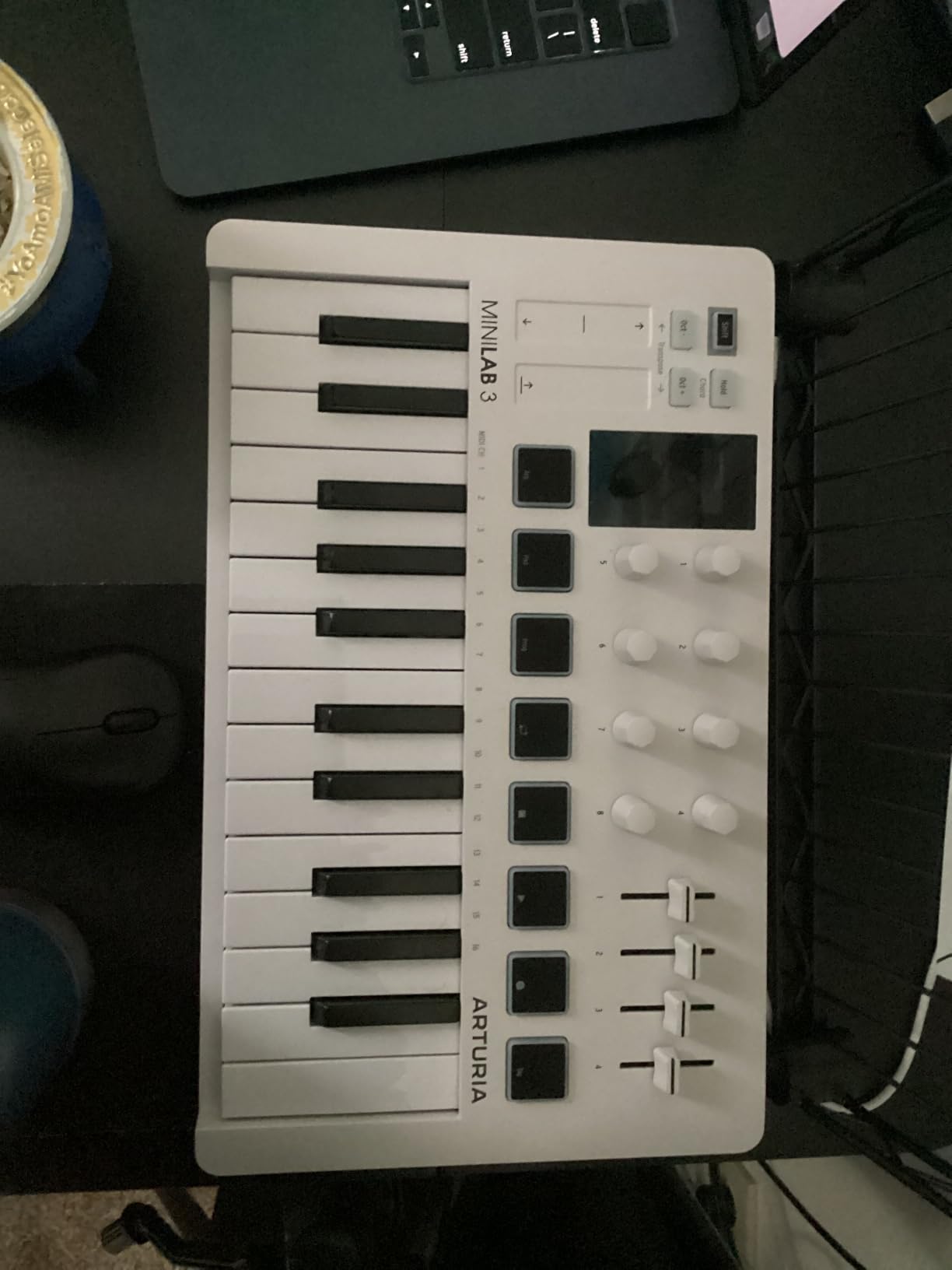
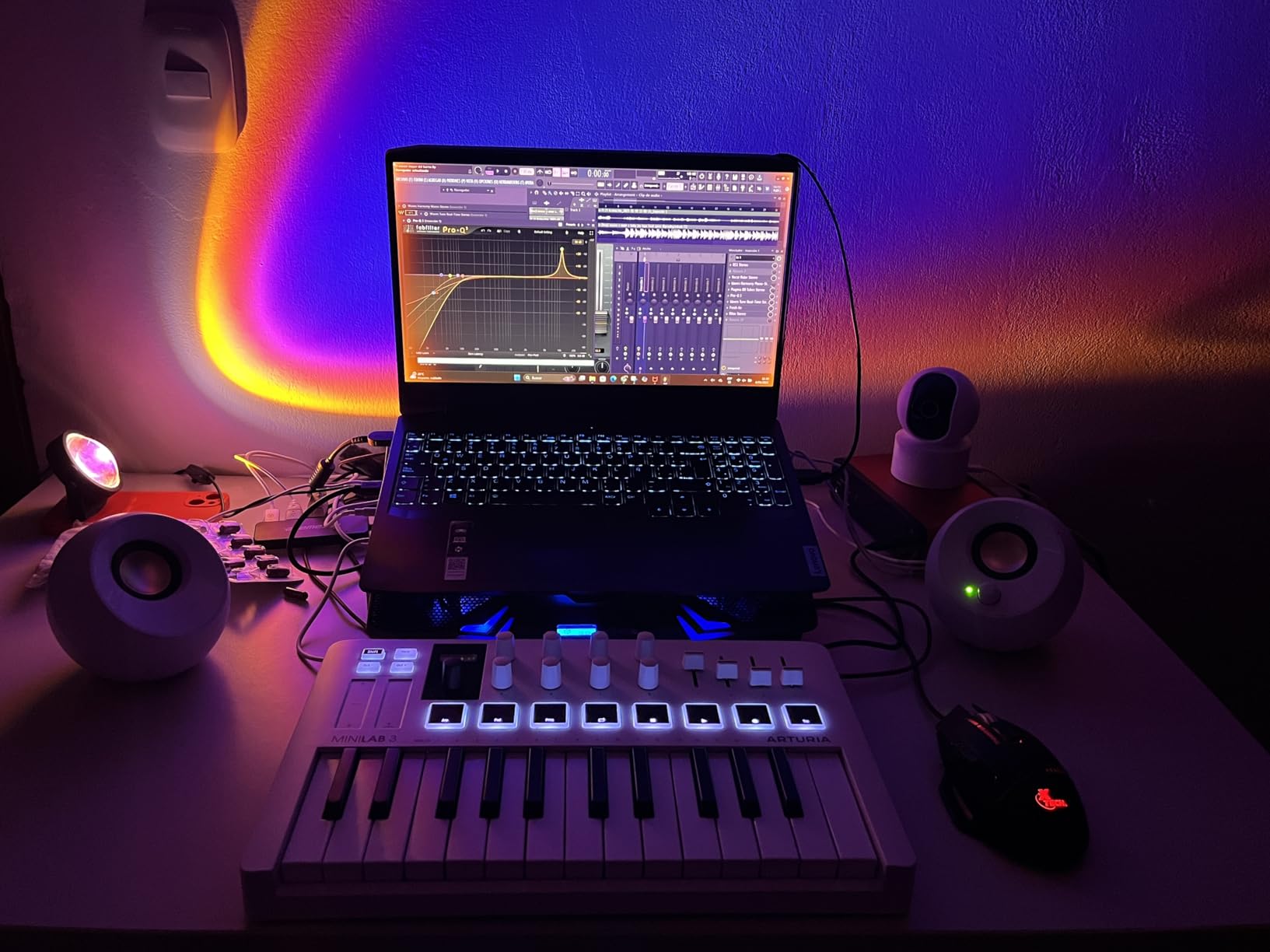
The 16 RGB-backlit pads (across two banks of 8) are pressure-sensitive and respond to finger drumming with a soft, quiet action. Eight rotary encoders and four faders give you real tactile control over plugins, and the mini display plus clickable browsing knob makes scrolling through Analog Lab presets painless. Capacitive touch strips handle pitch bend and modulation, which feels modern but takes adjustment if you are coming from real wheels.
At 3.1 pounds with USB and MIDI Out, the MiniLab 3 sits comfortably between the ultra-portable MPK Mini IV and the larger 49-key options. For producers who want Arturia’s synth ecosystem and a compact footprint, this is our BUDGET PICK among the best MIDI keyboards.
Connectivity and DAW support
MIDI out and USB connectivity with Mac and Windows 10 compatibility. The MiniLab 3 also ships with Ableton Live Lite, Analog Lab Intro, and UVI Model D in the box.
Who should buy and who should skip
Buy the MiniLab 3 if you want compact portability, Arturia’s synth sounds, and a longer warranty than most budget controllers. Skip it if you prefer the feel of Akai MPC pads or need a fuller keybed.
4. Arturia KeyLab Essential mk3 – Premium Hybrid Controller
Arturia KeyLab Essential mk3 — 49 Key USB MIDI Keyboard Controller with Analog Lab V Software Included
49 synth-action keys
Analog Lab V (2000 presets)
9 faders and 9 encoders
Pros
- Fatar keybed provides excellent feel for the price
- Extensive Analog Lab V software bundle (2000 presets) included
- 9 faders
- 9 encoders
- and 8 pads provide deep DAW control
- Custom DAW integration scripts for Ableton
- Logic Pro
- FL Studio
- Cubase
- Bitwig
- Scale Mode
- Chord Mode
- and multi-mode arpeggiator expand creative possibilities
Cons
- Software setup can be challenging for some users
- Knob labeling on the small LCD is not natively addressable for non-USB MIDI instruments
- No polyphonic aftertouch in this price range
The KeyLab Essential mk3 is the controller I suggest when someone wants a single board for both studio production and hardware synth sequencing. Forty-nine synth-action keys feel snappy under the fingers, and the bundle is hard to beat: Analog Lab V with 2000 presets, two pianos (UVI Model D and NI’s The Gentleman), plus Loopcloud and Melodics subscriptions.
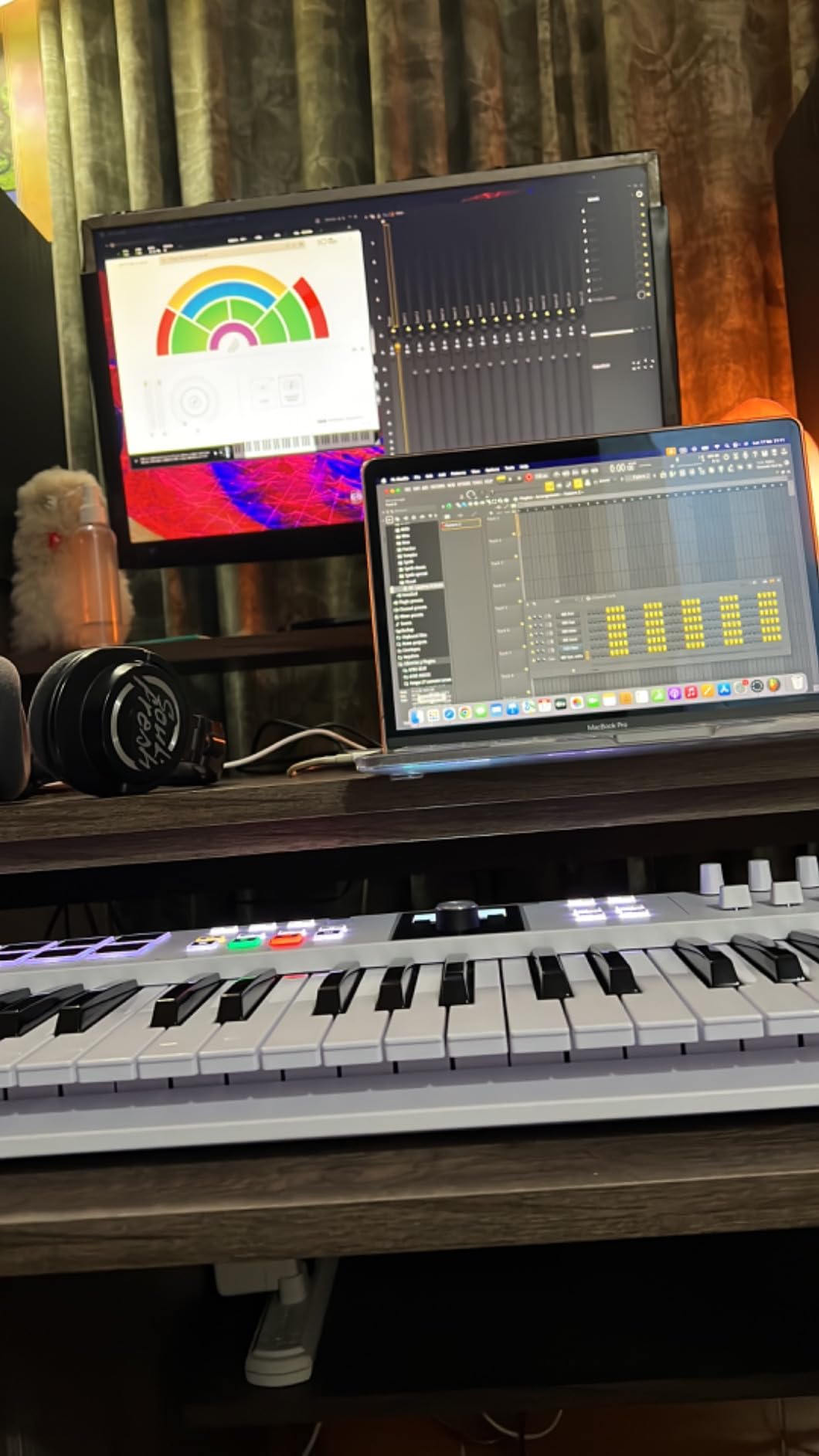
The control surface is dense in a useful way. Nine faders, nine rotary encoders, eight RGB-backlit pressure-sensitive pads, and a 2.5-inch LCD screen give you real-time feedback while you tweak. Custom DAW scripts cover Ableton Live, Logic Pro, FL Studio, Cubase, and Bitwig, so faders and encoders map without manual MIDI learning.
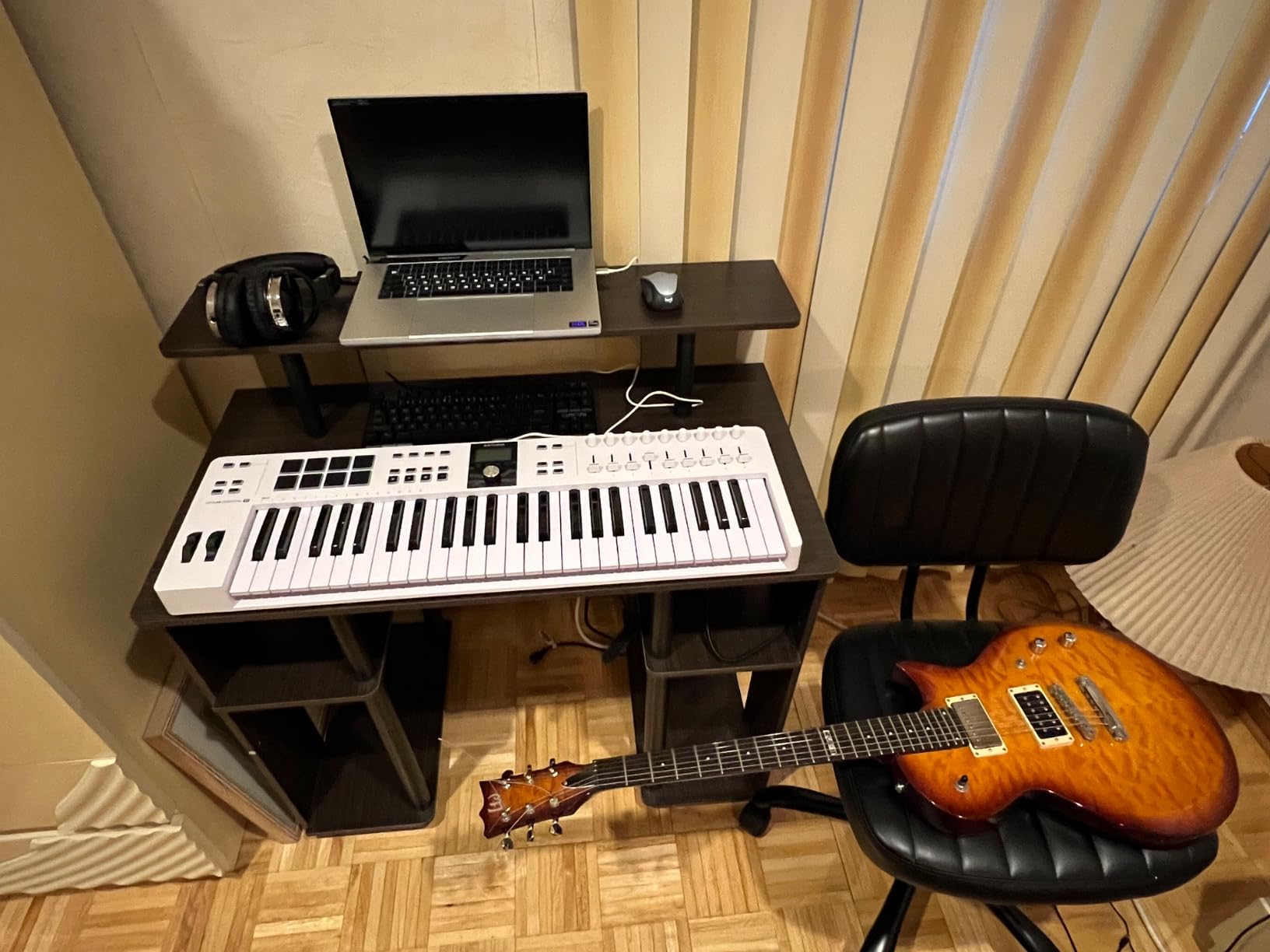
USB-C connectivity, 5-pin MIDI I/O, and a sustain pedal input round out the I/O. Reviewers note the initial software setup is the most common friction point, but once Analog Lab V is registered, the rest of the workflow is smooth. The Fatar keybed is a meaningful upgrade over the plastic synth-action keys on cheaper controllers, and at 6.1 pounds the mk3 is portable enough to throw in a gig bag.
For producers who want maximum DAW control, Analog Lab V’s synth library, and a 49-key footprint at a moderate investment, the KeyLab Essential mk3 is our PREMIUM PICK.
Build and feel
Plastic chassis, 2-year manufacturer warranty, dimensions around 31.1 inches wide. The keybed is the same Fatar design found on more expensive Arturia boards.
Who should buy and who should skip
Buy it if you want Analog Lab V, real faders, and DAW integration without stepping up to the flagship KeyLab series. Skip it if you specifically need polyphonic aftertouch or 61+ keys.
5. Novation FLkey 49 – Best MIDI Keyboard for FL Studio
Novation FLkey 49 USB MIDI Controller Keyboard
49 semi-weighted keys
16 RGB pads
FL Studio step sequencing
Pros
- Deep
- seamless integration with FL Studio - plug-and-play
- 16 RGB backlit pads for finger drumming and step sequencing
- 9 faders and 8 pots to control FL Studio mixer and channel rack
- Scale Mode and 3 Chord Modes for creative performance
- Includes free VST plugins and FL Studio-friendly features
Cons
- Velocity curve is stiff out of the box (requires adjustment)
- Pots cannot be custom-assigned to plugin parameters via MIDI learn (FL-only mapping)
- Stock USB cable may be too short for some setups
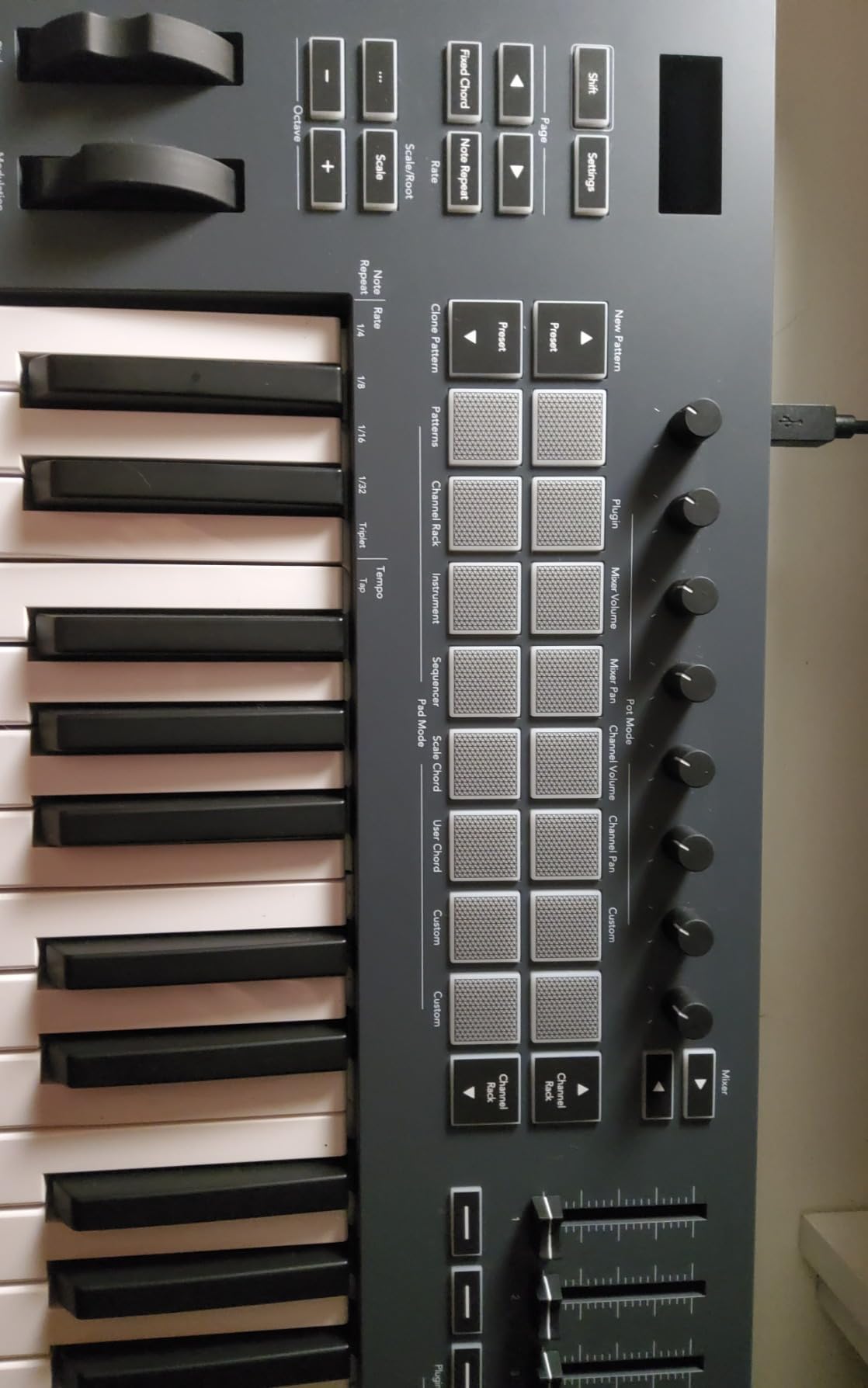
If FL Studio is your DAW of choice, the FLkey 49 is the controller I recommend without hesitation. The 49 semi-weighted keys feel close to the Launchkey MK4 keybed, and the 16 RGB pads step-sequence straight into FL’s Channel Rack with zero configuration. That Sequencer Mode alone is worth the investment for beat-makers who program hi-hats and snares from pads.
Nine faders and eight rotary encoders map directly to FL Studio’s mixer and channel rack. Scale Mode snaps your playing to a chosen key, and three Chord Modes (fixed, scale, user) make sketching harmony one-finger friendly. Reviewers on r/FL_Studio consistently call out the FLkey line as the only controller that truly feels native to FL Studio, and after testing it side-by-side with generic controllers, I agree.
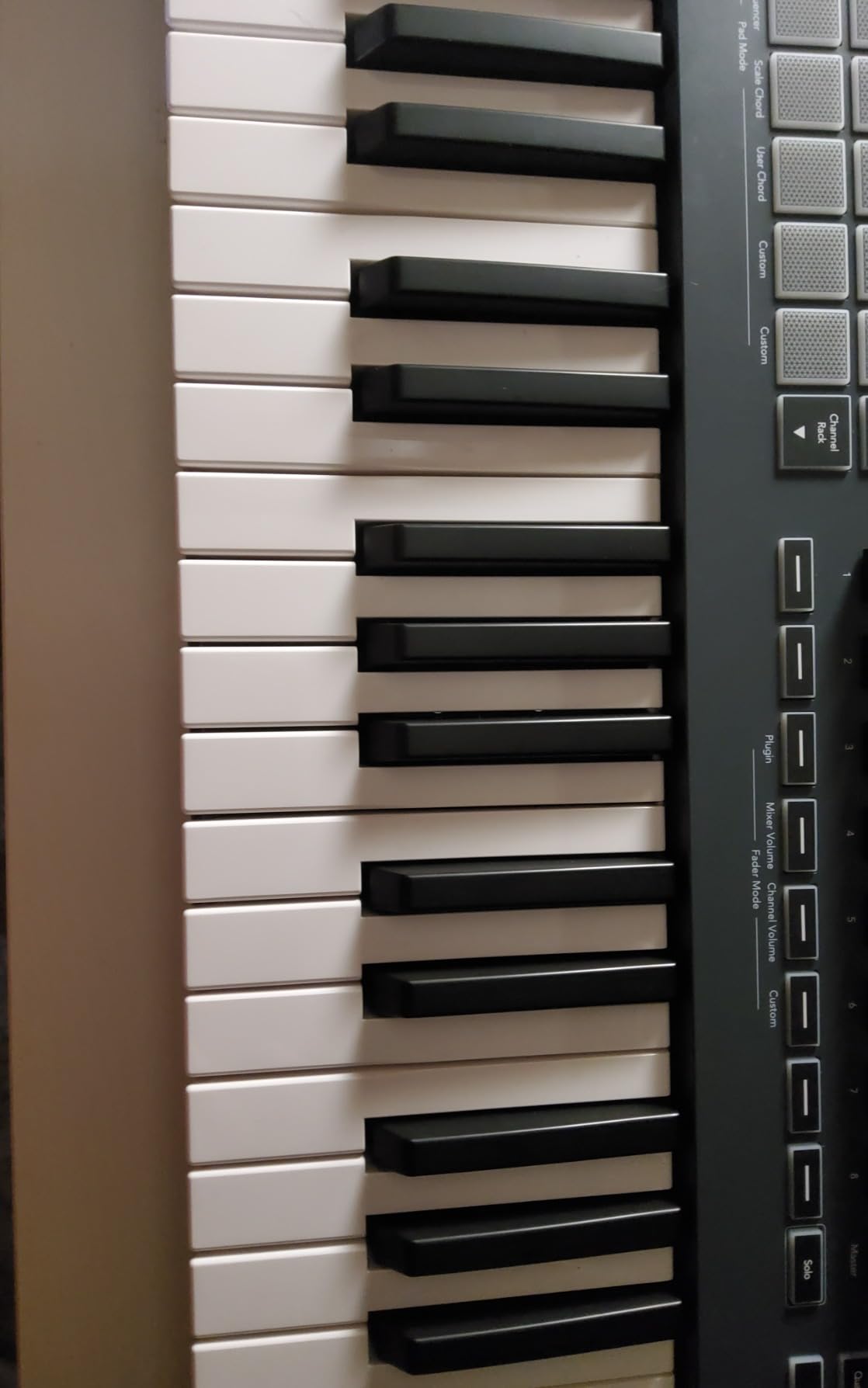
USB-C connectivity and 5-pin MIDI Out let you sequence hardware synths alongside FL Studio. Bundled VST plugins from AAS, Klevgrand, and others expand the synth palette out of the box. The 3-year manufacturer warranty matches the rest of the Novation line.
The two trade-offs worth flagging: the velocity curve ships stiff and benefits from a quick adjustment in FL Studio’s MIDI settings, and the eight pots cannot be custom-mapped outside FL Studio’s own assignments. For FL Studio producers, those are minor compared to the workflow boost.
Build and software
Plastic chassis at 6.8 pounds, semi-weighted keybed, 3-year manufacturer warranty. Ships with USB cable and a safety information sheet.
Who should buy and who should skip
Buy the FLkey 49 if FL Studio is your main DAW and you want pads, faders, and step sequencing out of the box. Skip it if you work primarily in Ableton or Logic.
6. Nektar SE61 – Best for Beginners and Mobile Setups
Nektar SE61 – USB MIDI Controller Keyboard with Nektar DAW Integration, Black
61 full-size velocity-sensitive keys
Nektar DAW integration
Mac, PC, iOS
Pros
- Full-size keys are very playable for the price
- Excellent touch sensitivity for expressive playing
- Lightweight and portable for travel or mobile setups
- Works seamlessly with iPads for mobile composition
- Strong Nektar DAW integration with most major DAWs
Cons
- Plastic build feels somewhat cheap
- Some units may have a single low key that does not respond
- No bundled sustain pedal
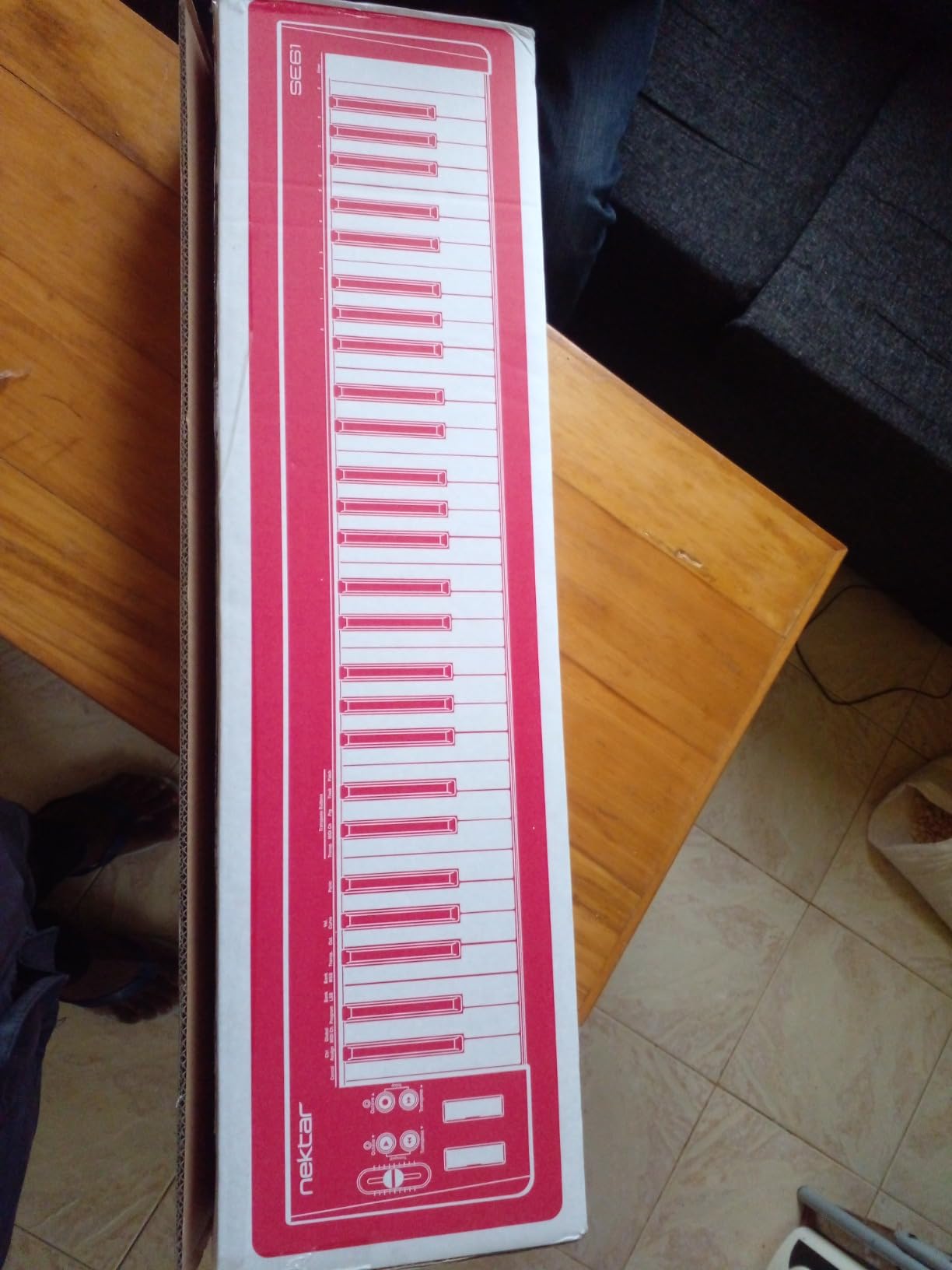
The Nektar SE61 surprised me in testing. Sixty-one full-size velocity-sensitive keys at a price most competitors reserve for 49-key boards is unusual, and the touch sensitivity genuinely responds to playing dynamics. Nektar’s DAW integration covers Bitwig, Cubase, GarageBand, Logic, Nuendo, Digital Performer, Mixcraft, Reason, Reaper, Sonar, and Studio One.
The included Bitwig Studio 8-Track license and sound content package gives beginners a real DAW to start in without buying software separately. At 3 kg the SE61 is light enough to bring to a friend’s house or a coffee shop session, and iOS compatibility over USB means you can plug into an iPad for on-the-go composition. Linux, macOS, Windows, and iOS are all listed as compatible platforms.
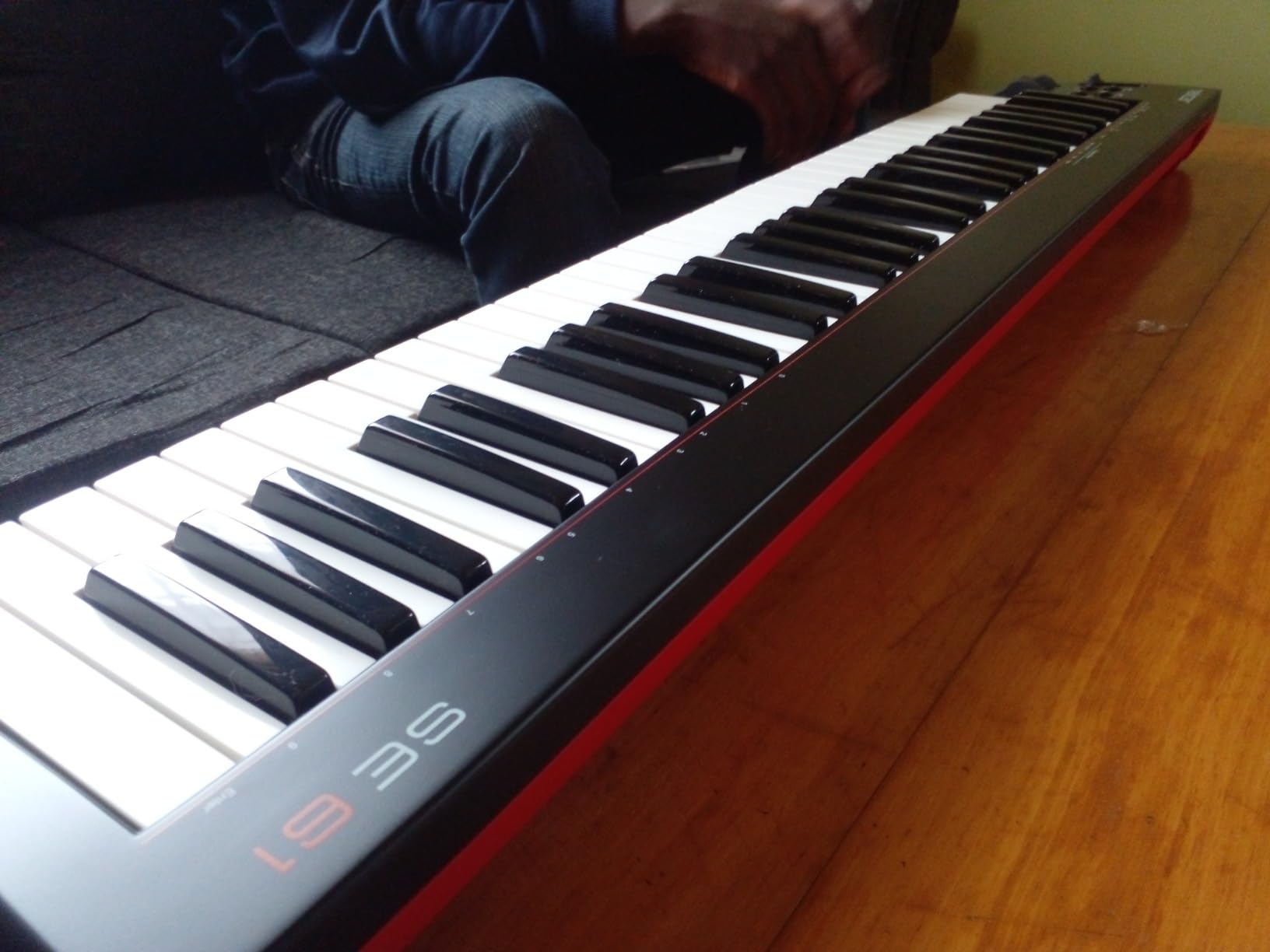
The 2-year manufacturer warranty is generous for this tier. If you want a beginner-friendly controller with full-size keys and broad DAW support without breaking the bank, the SE61 is our BEST FOR BEGINNERS pick. Forum threads on linuxmusicians.com note that Nektar’s class-compliant drivers work well across Linux DAWs too.
For broader computer-keyboard shopping (not MIDI) you might also check our split keyboard guide if you deal with wrist fatigue during long studio sessions.
Connectivity
USB connectivity, sustain pedal input via standard jack. The unit works with both Mac and iOS through Apple’s USB-to-Lightning adapter.
Who should buy and who should skip
Buy the SE61 for full-size keys, broad DAW support, and an included DAW at a beginner-friendly price. Skip it if you need drum pads or aftertouch.
7. Nektar Impact GX61 – Best for Logic Pro on a Budget
Nektar Impact GX61 USB MIDI Controller Keyboard
61 synth-action keys
14 assignable buttons
Sustain pedal included
Pros
- Excellent value for a 61-key controller with sustain pedal included
- Velocity-sensitive keys with no latency issues
- Lightweight
- USB-powered
- plug-and-play setup
- Transport controls integrate well with Logic Pro DAW
- Pitch bend and modulation wheels feel high quality
Cons
- Keys are unweighted (synth action) - takes time to adapt
- Some keys may feel inconsistent in stiffness across the keybed
- Mod and pitch wheels have open-faced bearings that may collect dust
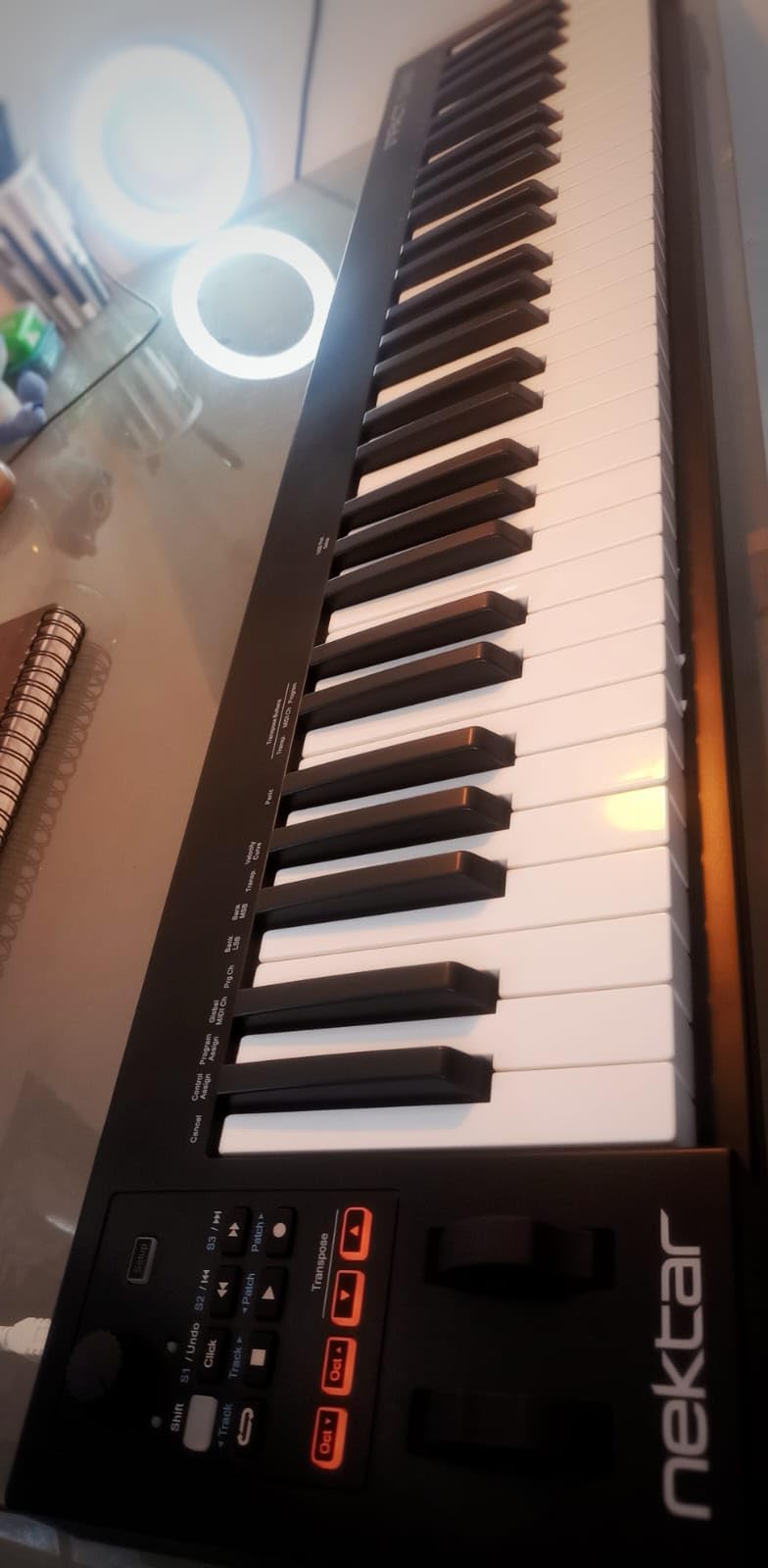
The Impact GX61 is the controller I recommend to Logic Pro users who do not want to pay for deep HUI control but still want transport, faders, and a sustain pedal in the box. Sixty-one synth-action keys with velocity sensitivity handle most pop, rock, and EDM parts comfortably, and the pitch and modulation wheels feel surprisingly solid for the price.
The included piano-style sustain pedal, dust cover, and Bitwig 8-Track license push this well above its weight class for newcomers. Nektar’s DAW integration covers the same long list as the SE61, with Logic Pro transport controls working out of the box. Fourteen MIDI assignable buttons give you extra control beyond the keys and wheels.
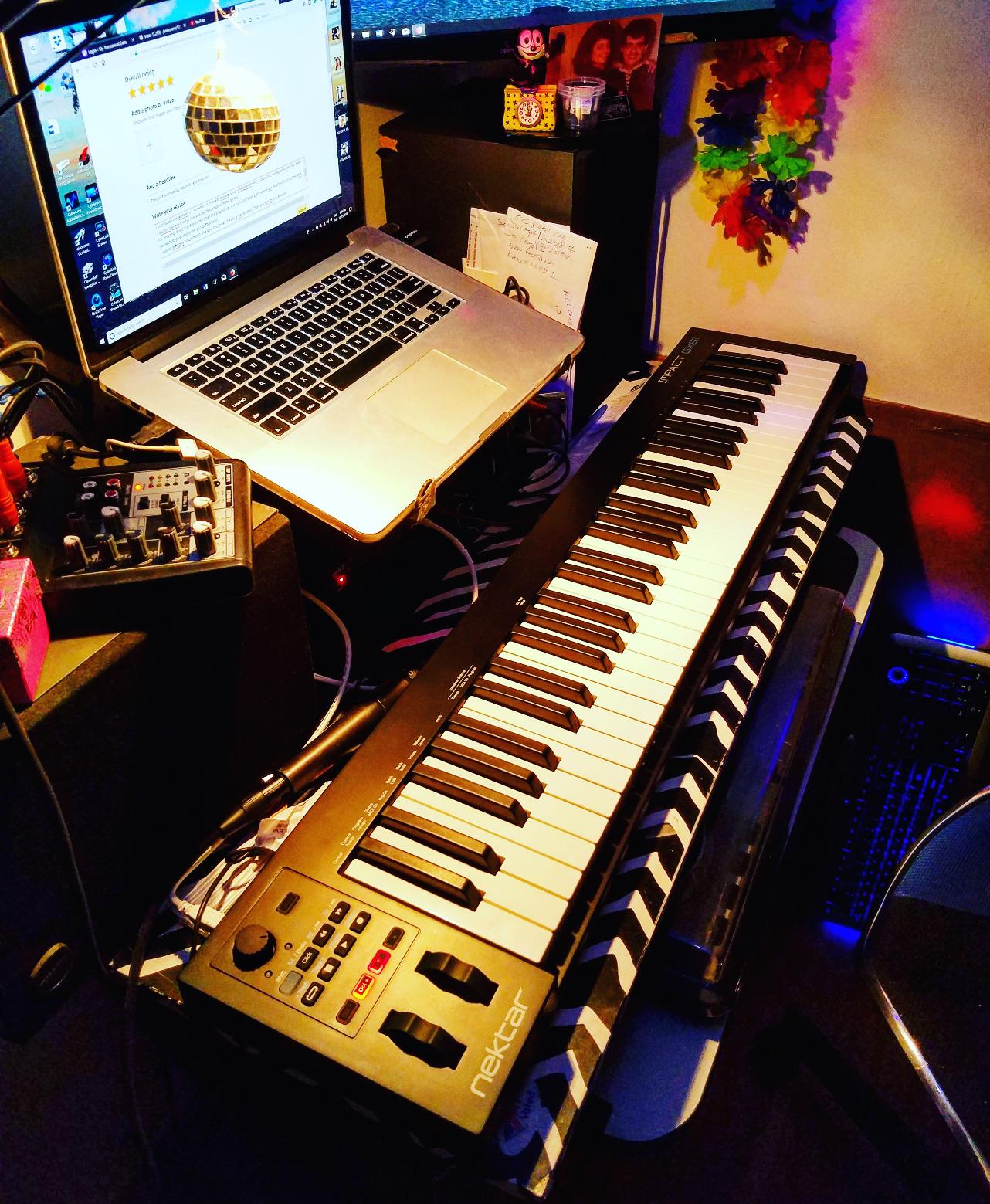
Reviewers on kvraudio forums note the unit feels solidly built for its tier, with smooth USB plug-and-play on macOS, Windows, and iOS. At 6 pounds the GX61 is light enough for travel, and the 2-year warranty provides peace of mind for a long-term purchase.
Logic users looking for transport control and a sustain pedal without paying flagship prices will find the GX61 to be a smart middle ground. It earns our BEST FOR LOGIC badge among the best MIDI keyboards for budget shoppers.
Build and software
Stainless steel panel accents on a plastic chassis, 6 pounds, 2-year warranty. Ships with sustain pedal, dust cover, and Bitwig 8-Track license.
Who should buy and who should skip
Buy it for Logic Pro integration, the included sustain pedal, and a long warranty. Skip it if you need weighted keys or drum pads.
8. M-Audio Keystation 49 MK3 – Best Plug-and-Play Starter
M-AUDIO Keystation 49 MK3 USB MIDI Controller
49 full-size synth-action keys
No drivers needed
Ableton Live Lite included
Pros
- 49 full-size velocity-sensitive keys with natural feel
- True plug-and-play with no drivers required
- Includes MPC Beats
- Ableton Live Lite
- Velvet
- XPand2
- Compact design fits any desk or studio setup
- Free lessons included from Skoove and Melodics
Cons
- Velocity response is inconsistent across the keybed
- No drum pads included
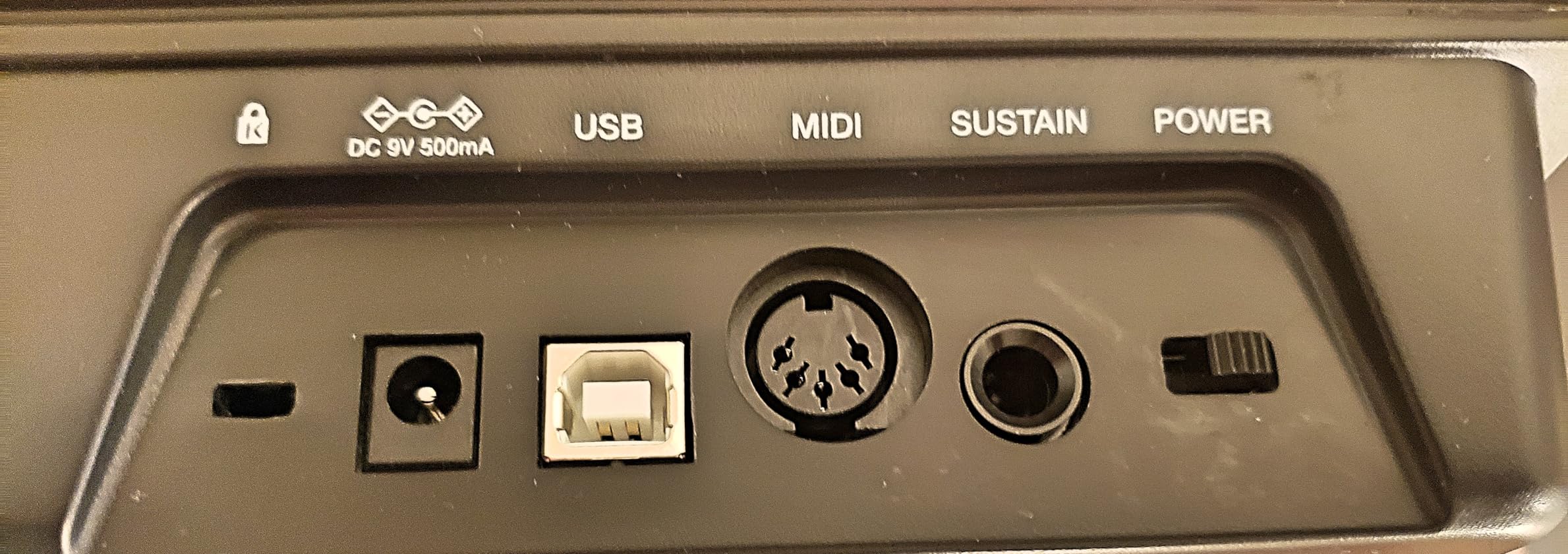
The Keystation 49 MK3 is the controller I plug into a fresh laptop when I want to make music within five minutes. No drivers, no installer, no DAW mapping. Forty-nine full-size synth-action keys feel substantial under the fingers, and the included pitch and modulation wheels, octave buttons, and sustain pedal input cover the essentials.
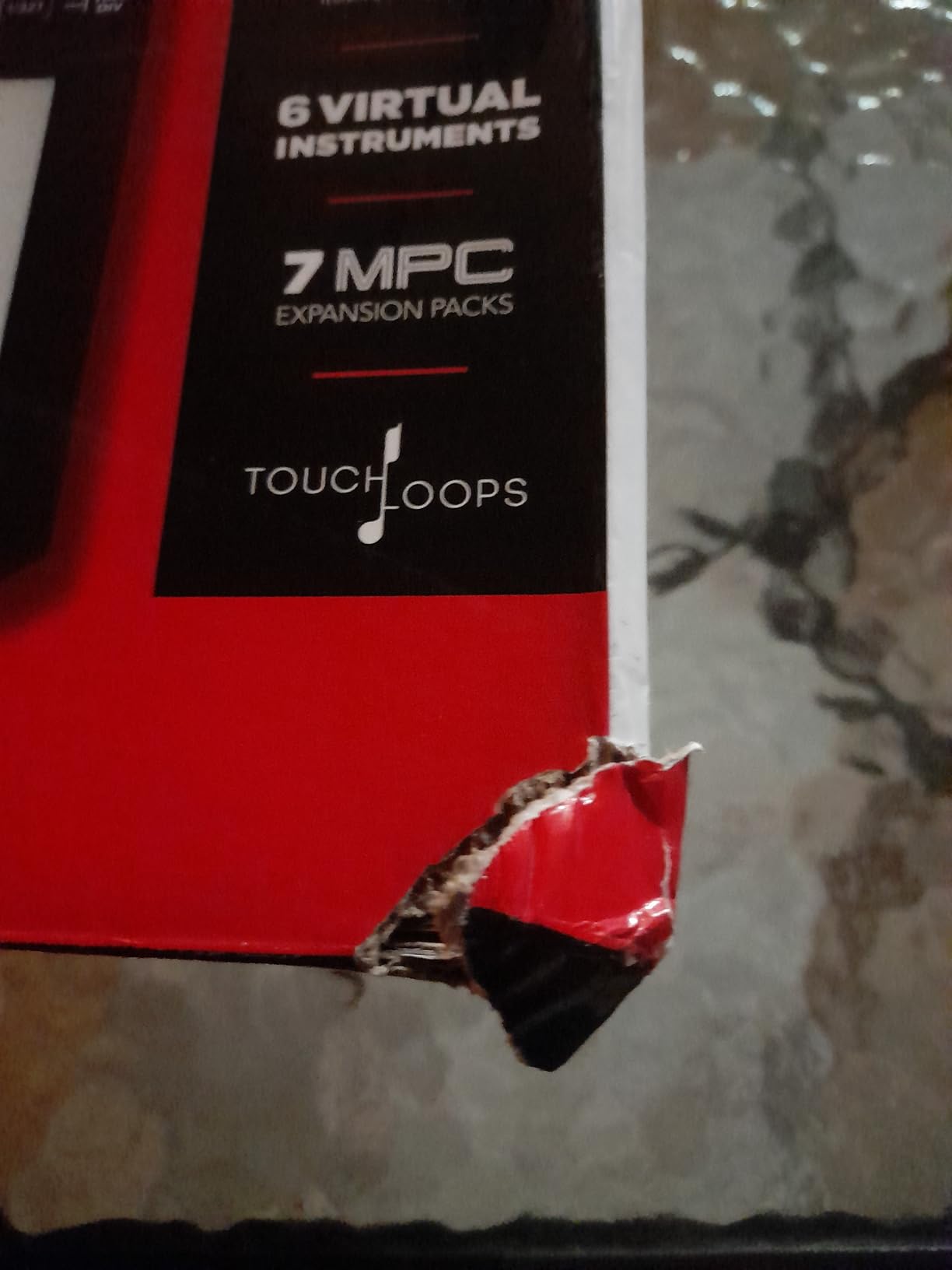
M-Audio bundles MPC Beats, Ableton Live Lite, Velvet, XPand2, Mini Grand, Touch Loops, plus Skoove and Melodics lessons. That is one of the most generous software bundles in our roundup at this tier, and a clear win for beginners building a first setup without spending on extras.
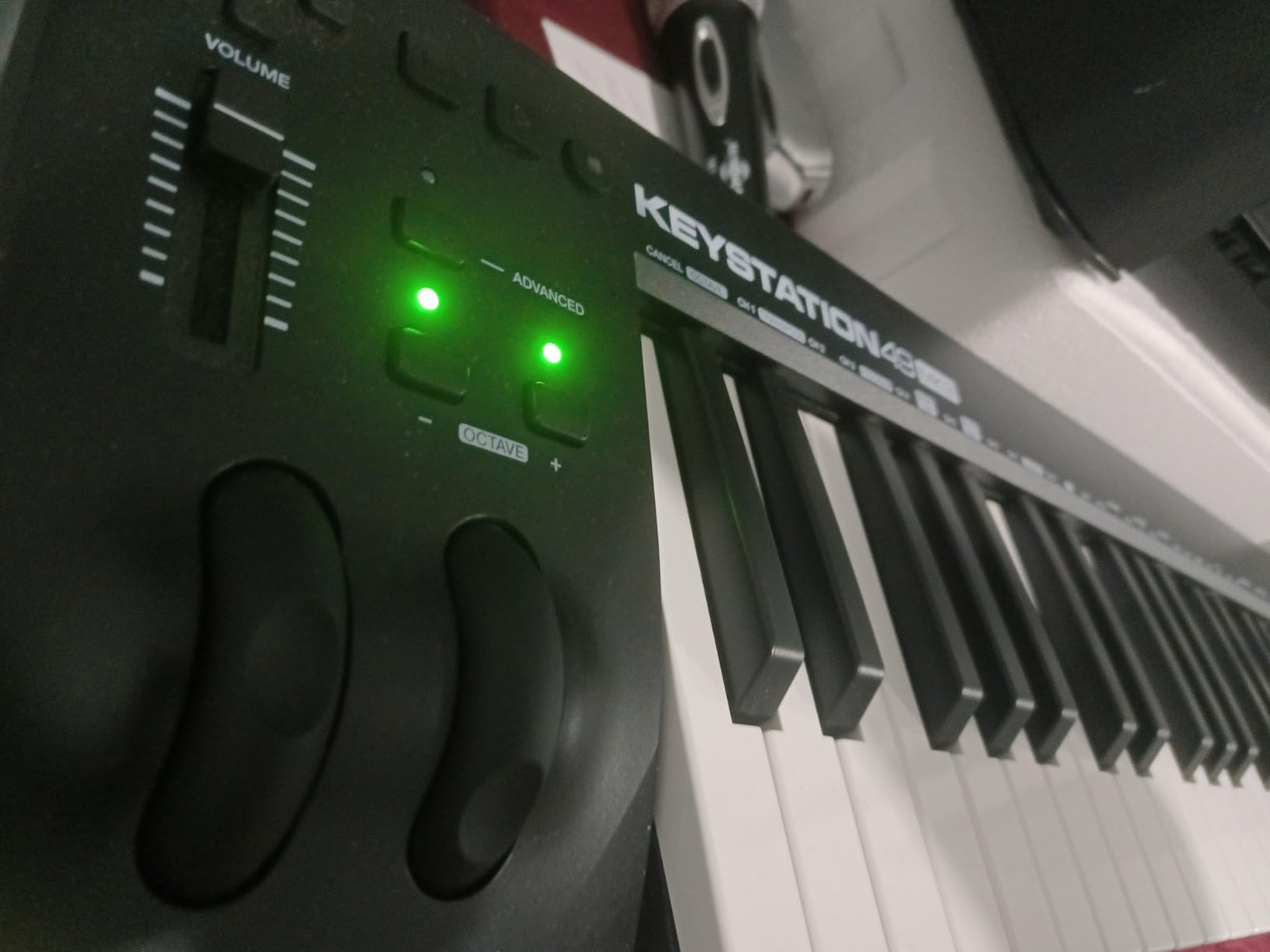
Forum threads on r/homerecordingstudio consistently mention the Keystation series as the controller that “just works” without configuration overhead. The 1-year manufacturer warranty is standard for the tier, and iOS support via Apple’s USB Camera Adapter extends the use case to iPad-based mobile production.
Available in 49-, 61-, and 88-key variants, the Keystation line scales with your playing needs. If you want a no-fuss starter with a generous bundle, this is our BEST PLUG-AND-PLAY pick.
Build and feel
Plastic chassis, 1-year warranty. Keys are full-size synth-action with a velocity curve that reviewers say is slightly inconsistent across the keybed.
Who should buy and who should skip
Buy the Keystation 49 MK3 for a true plug-and-play experience with a generous software bundle. Skip it if you need drum pads or aftertouch expression.
9. Native Instruments Komplete Kontrol M32 – Best for Komplete Users
Native Instruments Komplete Kontrol M32 Controller Keyboard (26154)
32 synth-action keys
NKS integration
Komplete Start bundle
Pros
- Best feeling synth-action keybed in its size class
- Seamless integration with Native Instruments Komplete ecosystem and NKS
- Compact and lightweight
- ideal for travel and mobile setups
- OLED display and touch-sensitive knobs for real-time parameter tweaking
- Includes Komplete Start
- Ableton Live 10 Lite
- and MASCHINE Essentials
Cons
- Velocity sensitivity can feel inconsistent (requires firm keypress for soft dynamics)
- Transport and menu buttons are noisy or clicky
- No physical pitch or mod wheels
- Small OLED screen may be hard to read for some users
The Komplete Kontrol M32 is the controller I recommend to producers already invested in Native Instruments plugins. NKS (Native Kontrol Standard) means every Komplete instrument, Kontakt library, and Massive patch browses by category on the OLED display, with parameter names appearing under the touch-sensitive knobs. It is the closest thing to a hardware Komplete browser.
The 32-key synth-action keybed is widely praised as the best in its size class. Smart Play covers scales, chords, and an arpeggiator, and the unit ships with Komplete Start, Ableton Live 10 Lite, and MASCHINE Essentials. At 1 kg with USB 2.0 bus power, it slips into a laptop bag without thinking about it.
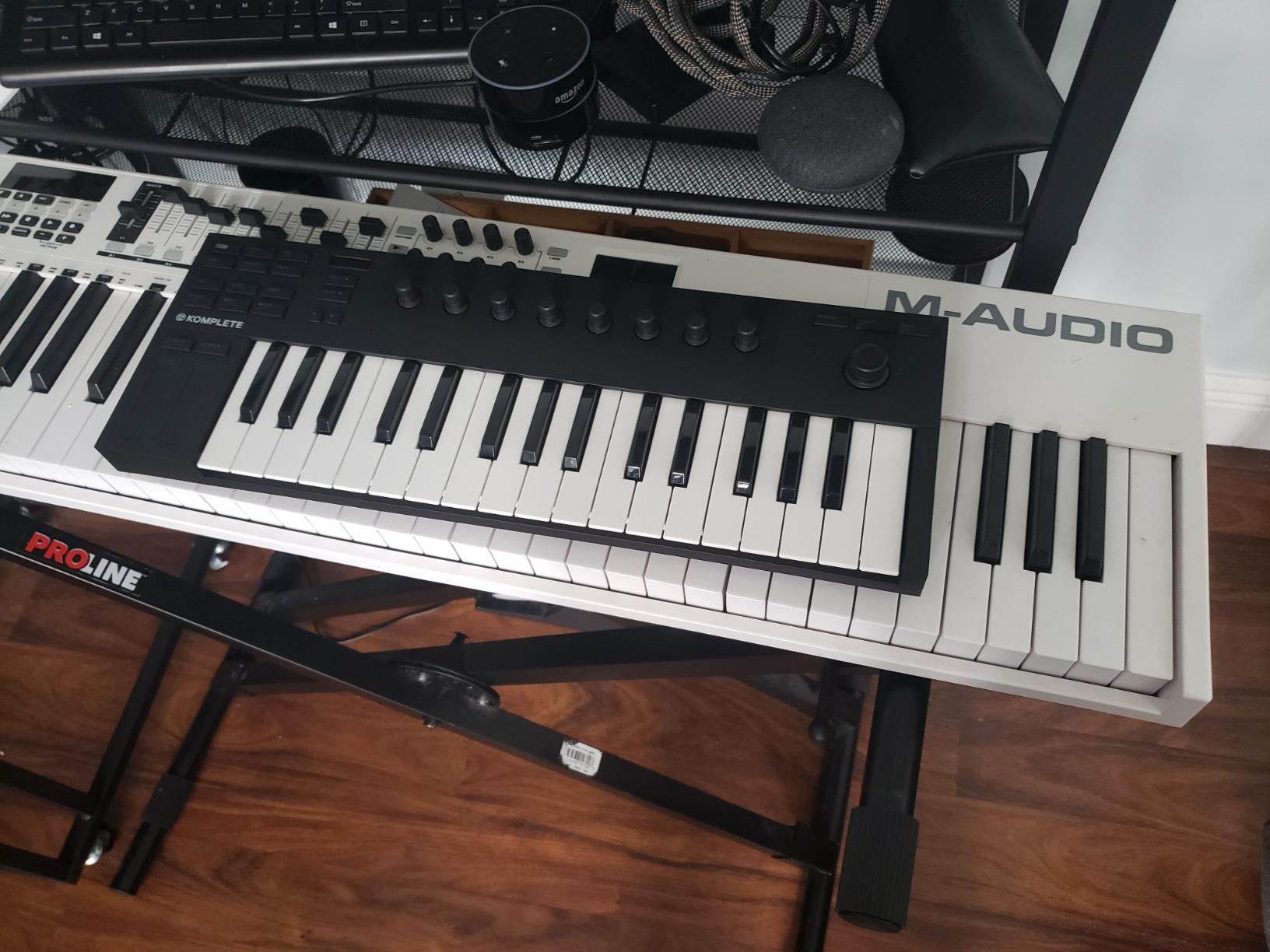
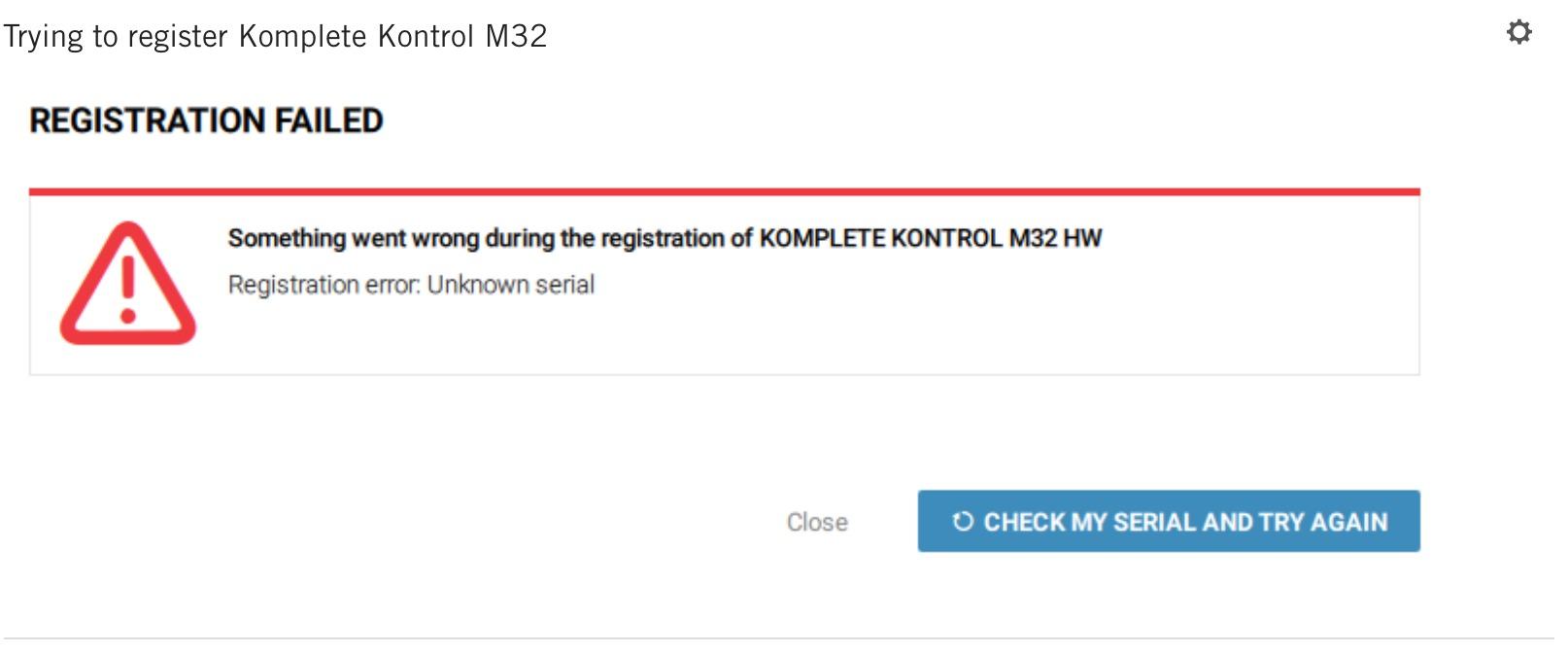
The trade-offs are honest: velocity sensitivity requires a firmer touch for soft dynamics, transport buttons click loudly, and there are no physical pitch or mod wheels. If you already own Komplete, those compromises disappear next to the workflow boost. Reviewers on r/synthesizers note that the M32 remains a top pick for Komplete-focused producers despite its age.
For NI ecosystem users wanting maximum plugin control in a compact footprint, the M32 earns our BEST FOR KOMPLETE badge.
Connectivity
USB 2.0 bus powered, 1 kg weight, 1-year warranty. Mac and Windows compatible. The OLED display shows parameter names directly from NKS plugins.
Who should buy and who should skip
Buy the M32 if you use Komplete, Kontakt, or NKS instruments heavily. Skip it if you do not need NKS integration or prefer full-size keys.
10. M-Audio Oxygen Pro Mini 32 – Best 32-Key with Pads
M-AUDIO Oxygen Pro Mini 32 USB MIDI Keyboard Controller
32 semi-weighted mini keys
8 RGB pads
NKS-ready
Pros
- Compact 32-key format with semi-weighted mini keys
- 8 RGB backlit drum pads with Note Repeat for beat production
- Auto-mapping to Ableton Live
- MPC Beats
- Cubase
- Logic
- and NKS instruments
- OLED display and dedicated transport controls
- Includes MPC Beats
- Ableton Live Lite
- AIR Music Tech VSTs
- Akai MPC Expansion packs
Cons
- Mini keys feel light or thin and clack loudly when played
- OLED display cannot be turned off (potential burn-in over time)
- No polyphonic aftertouch
- MIDI Out only (no MIDI in)
- requires dongle for DIN MIDI
The Oxygen Pro Mini 32 is the controller I suggest when someone wants pads and DAW control in the smallest footprint M-Audio makes. Thirty-two semi-weighted mini keys are a small step up from a 25-key layout, and eight RGB backlit pads with Note Repeat handle finger drumming and step sequencing without feeling cramped.
Auto-mapping covers MPC Beats, Ableton Live, Cubase, Logic, and NKS instruments. The OLED display shows parameter values directly, and Smart Chord plus Smart Scale modes make chord progressions one-finger friendly. The included AIR Music Tech VSTs and Akai MPC Expansion packs give you a real sound library out of the box.
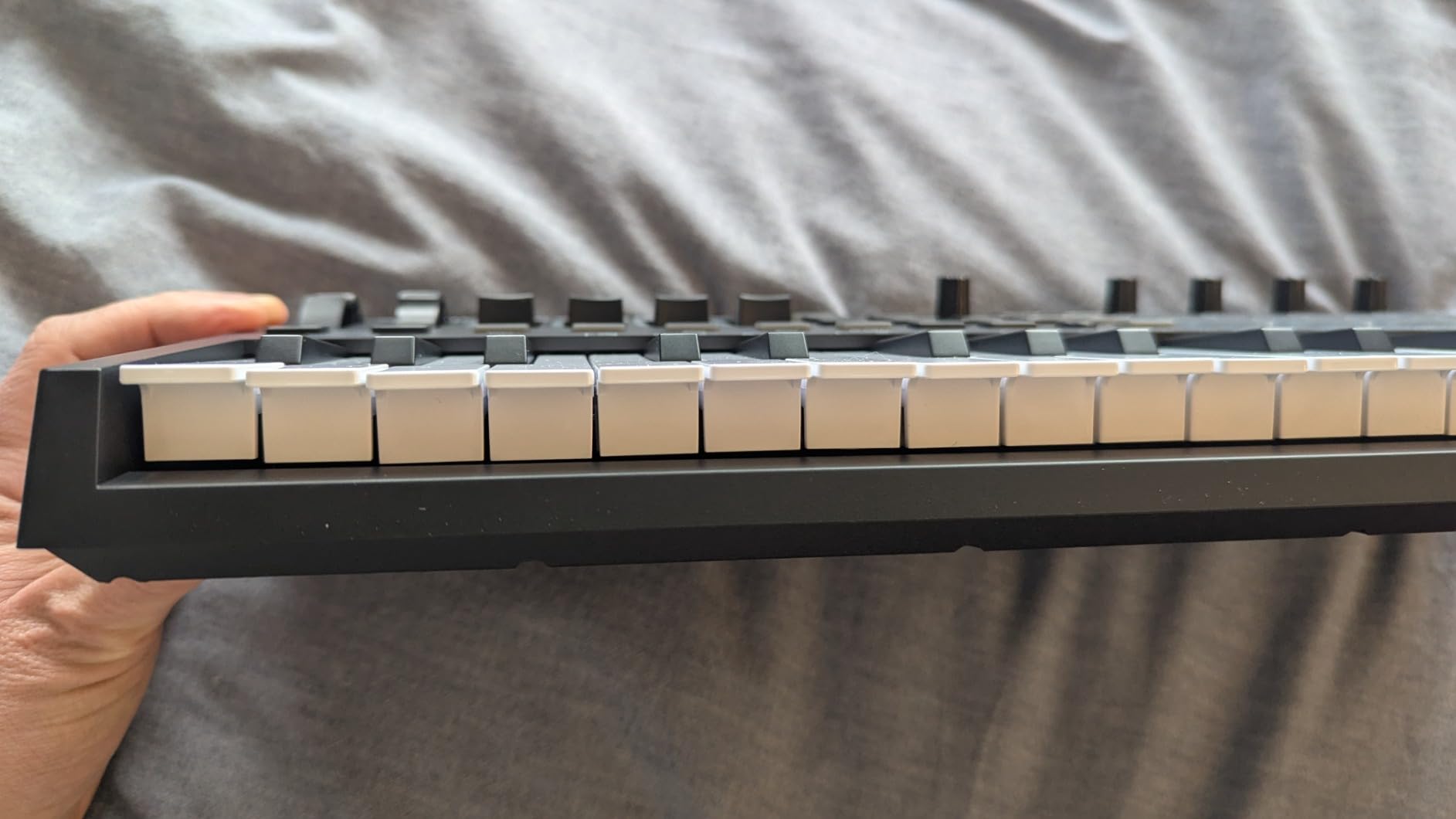
The two cautions: the mini keys feel light and clack loudly under aggressive playing, and the always-on OLED display may show burn-in over years of use. At 2.7 pounds the unit is portable enough for travel but feels more like a desk board than a backpack board.
If you want pads, transport, and DAW auto-mapping at a small size, the Oxygen Pro Mini 32 earns our BEST 32-KEY badge.
Connectivity
USB powered, sustain pedal input, 1/8″ MIDI Out (requires adapter for DIN MIDI). 1-year manufacturer warranty.
Who should buy and who should skip
Buy the Oxygen Pro Mini 32 if you want pads and transport controls in a 32-key size. Skip it if you plan to play for long sessions, where the loud key action becomes tiring.
11. M-VAVE 25 Key Bluetooth MIDI – Best Wireless Portable
M-VAVE 25 Key USB MIDI Keyboard Controller With 8 Backlit Drum Pads, Bluetooth Semi Weighted Professional dynamic keybed 8 Knobs and Music Production,Software Included (Black)
25 mini keys
Bluetooth with 16 hr battery
8 RGB pads
Pros
- Bluetooth wireless connectivity with long battery life
- Compact and portable for mobile production setups
- 8 RGB backlit pads plus 8 assignable knobs provide good control
- Smart chord and smart sound functions aid performance and practice
- Strong DAW compatibility with Ableton
- FL Studio
- Cubase
- Logic Pro X
- Bitwig
- Reason
- Studio One
- GarageBand
Cons
- Mini keys may feel cramped for users with larger hands
- Build quality and software integration less polished than premium brands
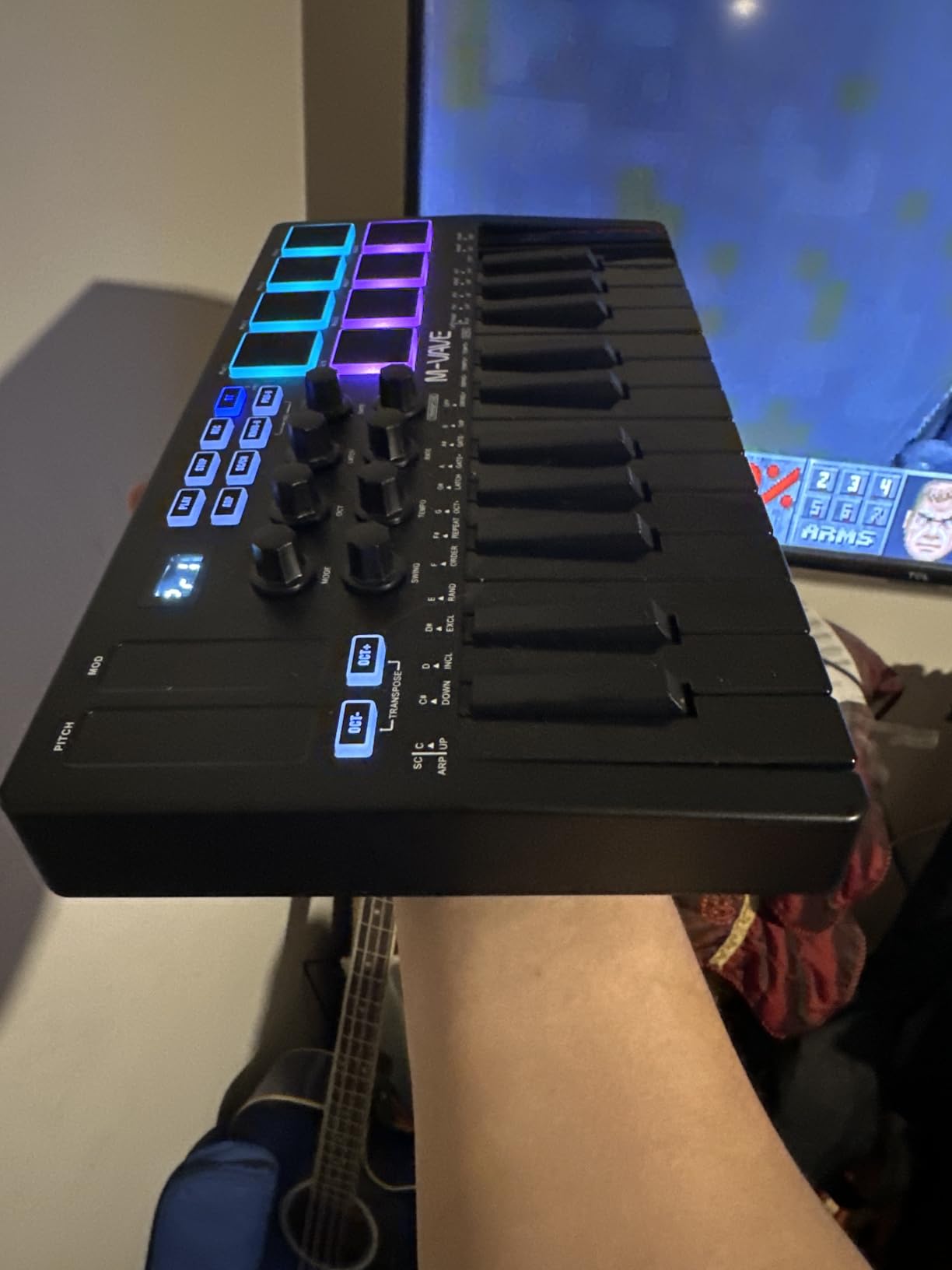
The M-VAVE 25-Key Bluetooth MIDI is the controller I take on the road when I do not want to rely on a USB cable. The built-in 2000 mAh battery delivers around 16 hours of wireless play, and Bluetooth connectivity covers Windows, macOS, Android, and iOS. For laptop-free iPad sessions, this is one of the most portable options in our roundup.
The control set is dense for the size. Eight RGB backlit velocity-sensitive pads, eight assignable rotary encoders, two capacitive touch stripes for pitch bend, and Smart Chord plus Smart Sound functions cover most sketching needs. USB connectivity remains available for low-latency recording sessions.
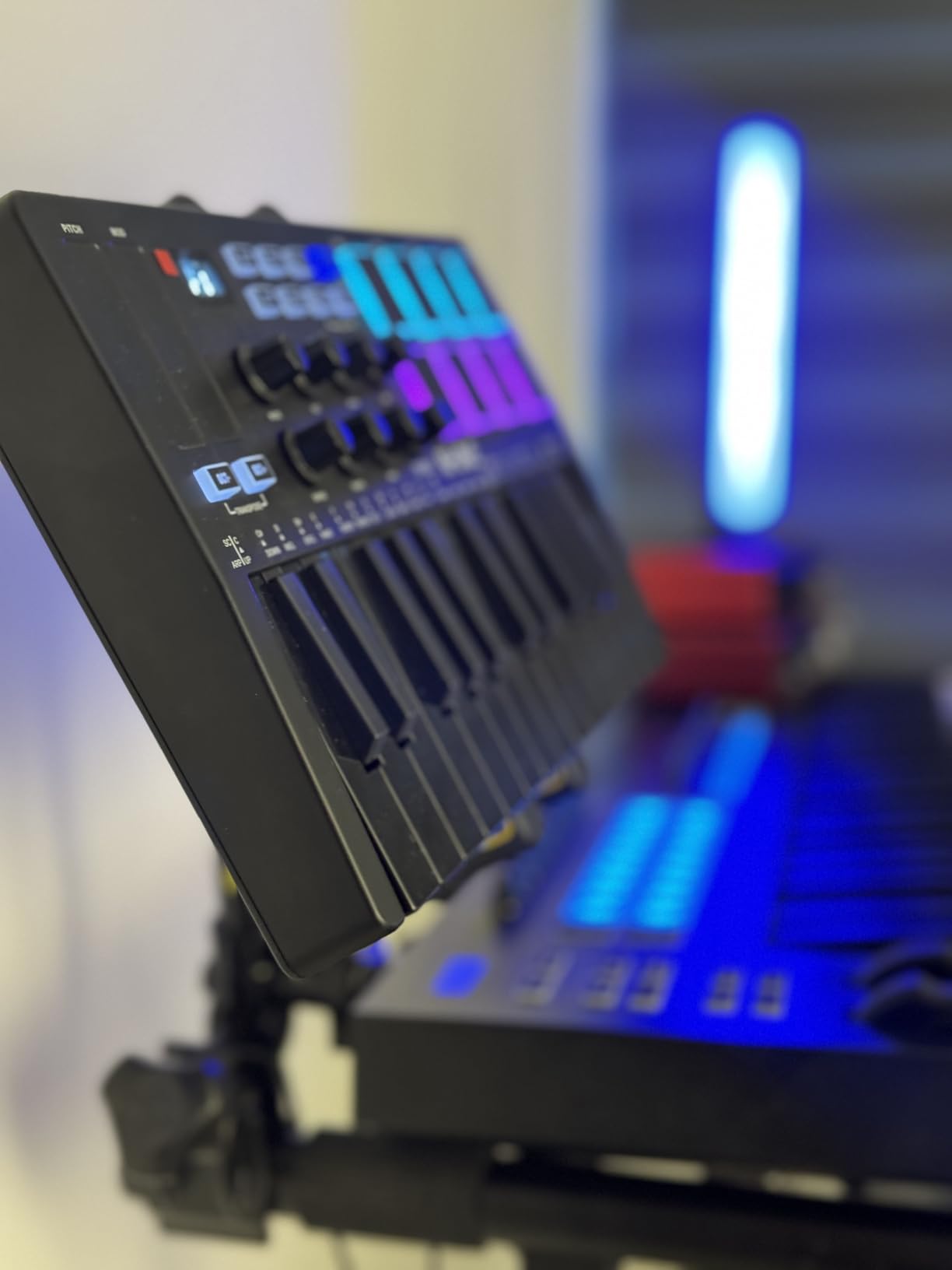
Reviewers note that build quality sits below premium brands, and the mini keys are cramped for users with larger hands. At 1.07 kg the unit is light enough to fit in a coat pocket’s worth of bag space. The 1-year manufacturer warranty covers the standard tier.
For producers who value wireless freedom and pad control at a small size, the M-VAVE earns our BEST WIRELESS badge among the best MIDI keyboards.
Connectivity
Bluetooth and USB, 2000 mAh battery (~16 hours), TRS MIDI output. Compatible with Windows, macOS, Android, and iOS.
Who should buy and who should skip
Buy it for wireless portability and iPad-based mobile production. Skip it if you need a more polished build or full-size keys.
12. Akai LPK25 – Most Affordable Mini Controller
Akai Professional LPK25 25-Key USB MIDI Keyboard Controller
25 velocity-sensitive mini keys
Built-in arpeggiator
8 preset slots
Pros
- Excellent budget-friendly price for a feature-packed controller
- Built-in arpeggiator for creative sound design
- 8 programmable preset slots for instant recall
- Plug-and-play USB setup
- no drivers needed
- Universal DAW compatibility with GarageBand
- Logic
- Ableton
- FL Studio
- and more
Cons
- Mini keys are too small for users with larger hands for extended playing
- Build quality feels light and the USB socket can feel loose
- Keys feel a bit muddy compared to higher-end alternatives
The LPK25 (MK2 generation) is the controller I suggest when someone wants the cheapest path into a real MIDI workflow. Twenty-five velocity-sensitive mini keys, a built-in arpeggiator with clock, and eight programmable preset slots cover the essentials of sketching and beat-making. Plug-and-play USB means no drivers, no installers, no friction.
Universal DAW compatibility covers GarageBand, Logic, Studio One, Cubase, Ableton Live, Pro Tools, and FL Studio. The 1-year manufacturer warranty is standard for the tier. At 0.48 kg the LPK25 slips into a backpack and travels anywhere, which makes it a favorite for producers who want a grab-and-go sketchpad.
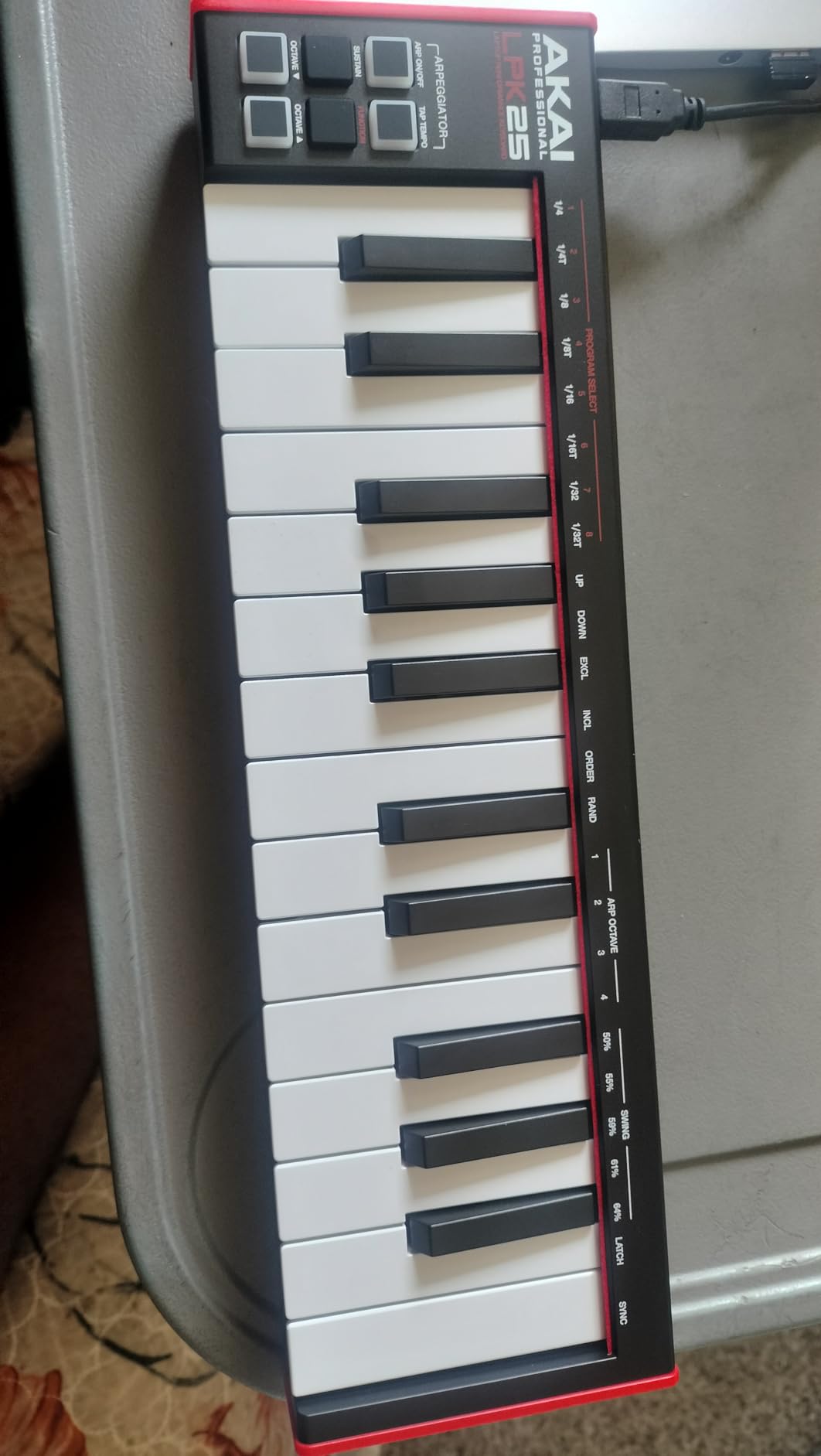
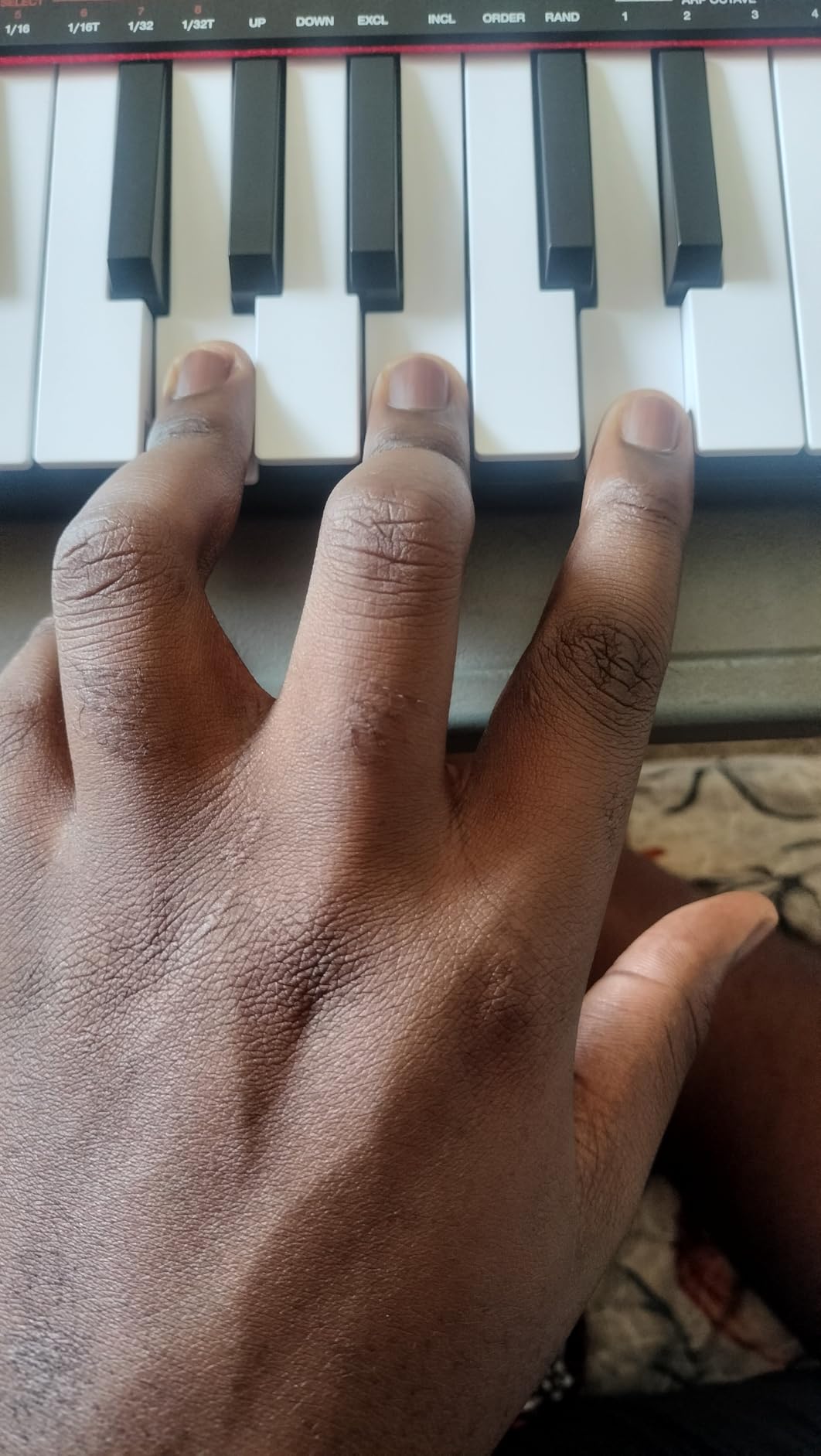
Trade-offs are honest: mini keys feel cramped for users with larger hands, the plastic chassis is light, and the keys feel slightly muddy compared to semi-weighted alternatives. Reviewers on kvraudio forums note that the unit punches well above its weight for a starter board, especially for iPad and GarageBand users.
For a first MIDI controller that costs less than a dinner out, the LPK25 is our MOST AFFORDABLE pick among the best MIDI keyboards.
Setup and feel
USB bus powered, no drivers needed. Sustain button plus octave up/down. 8 programmable preset slots are managed through a computer-based editor.
Who should buy and who should skip
Buy the LPK25 for the lowest-friction entry into MIDI production. Skip it if you have larger hands or want a more solid build.
13. Nektar SE49 – Best 49-Key Value Controller
Nektar, 49-Key Midi Controller (SE49),Black white Grey
49 velocity-sensitive keys
Nektar DAW integration
Bitwig 8-Track included
Pros
- Great value for a 49-key velocity-sensitive controller
- Nektar DAW integration streamlines workflow
- Universal compatibility with major DAWs and operating systems
- Includes Bitwig Studio 8-Track DAW and sound content package
- Lightweight and portable for studio or mobile use
Cons
- Plastic build feels light
- No bundled sustain pedal (unlike the Impact GX61)
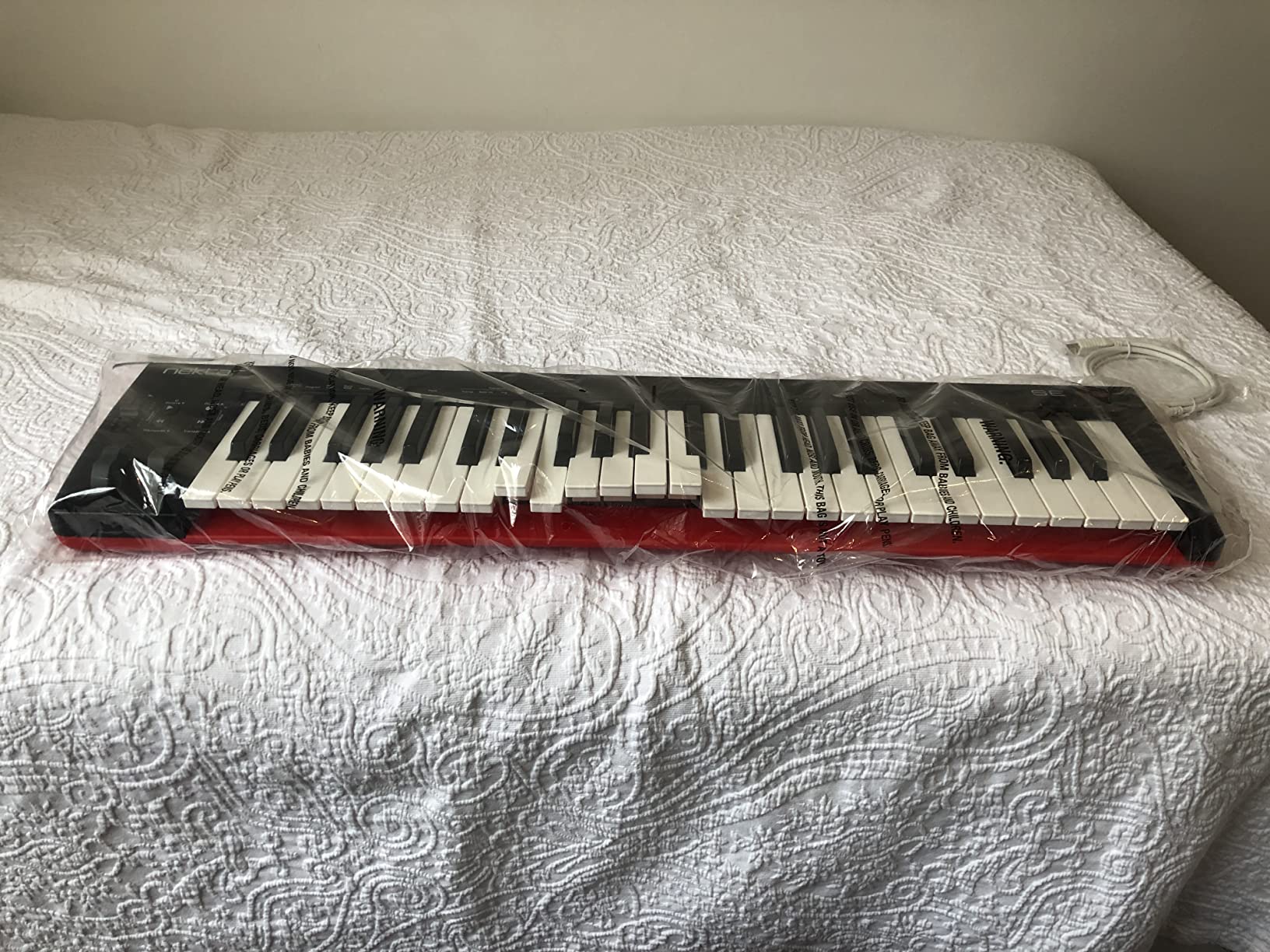
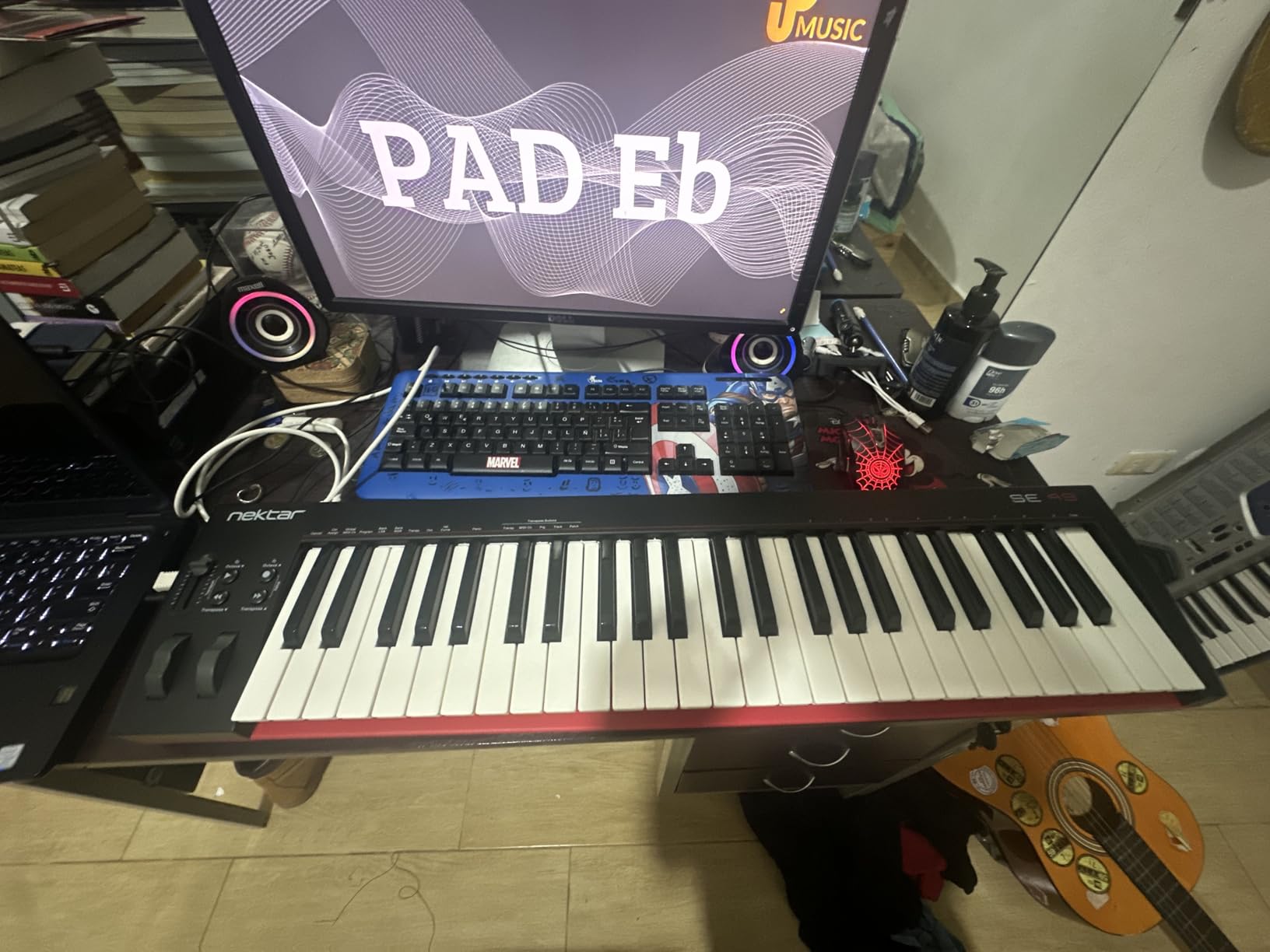
The Nektar SE49 is the controller I recommend to producers who want a 49-key board with reliable DAW integration without paying for extras they will not use. Forty-nine velocity-sensitive keys cover most two-handed playing, and Nektar’s DAW integration handles transport, track selection, and parameter mapping across Bitwig, Cubase, GarageBand, Logic, Nuendo, Digital Performer, Mixcraft, Reason, Reaper, Sonar, and Studio One.
The included Bitwig Studio 8-Track license and sound content package gives beginners a real DAW plus sample content out of the box. At 4 pounds the SE49 is light enough for travel, and macOS, Windows, and iOS compatibility extends the use case to iPad-based composition.
Forum threads on linuxmusicians.com note the SE49’s class-compliant drivers work well across Linux DAWs. The 2-year manufacturer warranty is generous at this tier, and the omission of a bundled sustain pedal is the most common critique.
For a straightforward 49-key controller with broad DAW support at a modest investment, the SE49 earns our BEST 49-KEY VALUE badge.
Connectivity
USB bus powered, Mac/PC/iOS compatibility. The unit works as a class-compliant MIDI device without additional drivers.
Who should buy and who should skip
Buy the SE49 for a 49-key board with reliable DAW integration. Skip it if you want a sustain pedal in the box.
14. M-Audio Oxygen 61 MKV – Best for Live Performance
M-AUDIO Oxygen 61 MKV USB MIDI Keyboard Controller
61 full-size piano-style keys
16 backlit pads
Smart Chord and Scale
Pros
- 61 full-size velocity-sensitive piano-style keys with natural response
- 16 backlit velocity-sensitive drum pads with Note Repeat
- 8 assignable knobs and 9 assignable faders for tactile control
- Auto-mapping to DAWs and NKS integration with Native Instruments
- Includes MPC Beats
- Ableton Live Lite
- AIR Music Tech VSTs
- Akai MPC Expansion packs
Cons
- Bundled software setup can be cumbersome (multiple accounts and installers)
- Heavier and less portable than mini-key alternatives
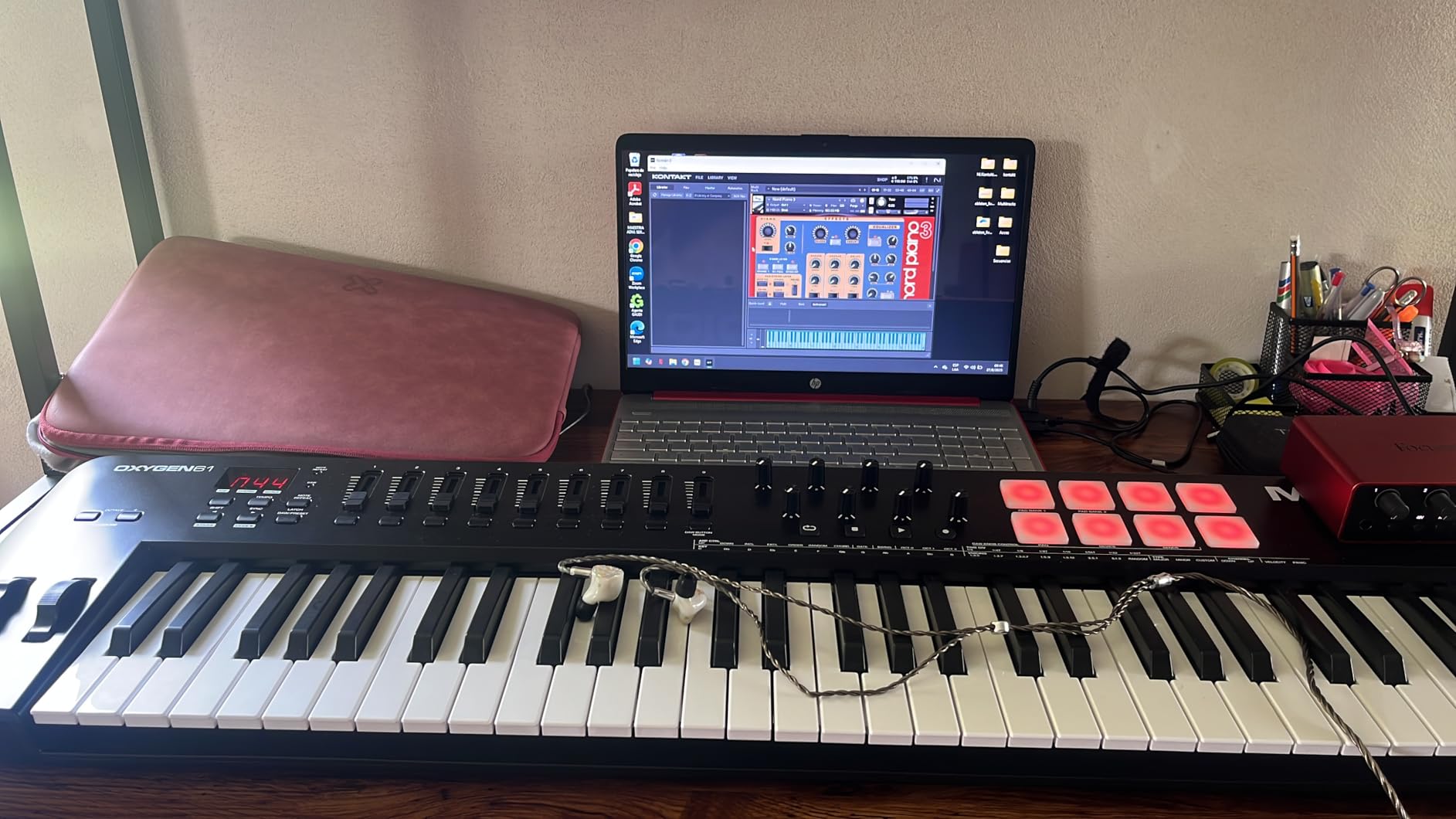
The Oxygen 61 MKV is the controller I recommend to live performers who need 61 full-size piano-style keys plus real faders and pads in a single board. The keybed feels natural under the fingers, and 16 backlit velocity-sensitive pads with Note Repeat handle finger drumming and clip launching on stage.
Auto-mapping covers most major DAWs, and NKS integration means Native Instruments plugins show parameter names directly. Smart Chord and Smart Scale modes help non-pianists sketch progressions on the fly, and the arpeggiator plus pitch and modulation wheels give you real performance expression. Nine assignable faders and eight assignable knobs round out the control surface.
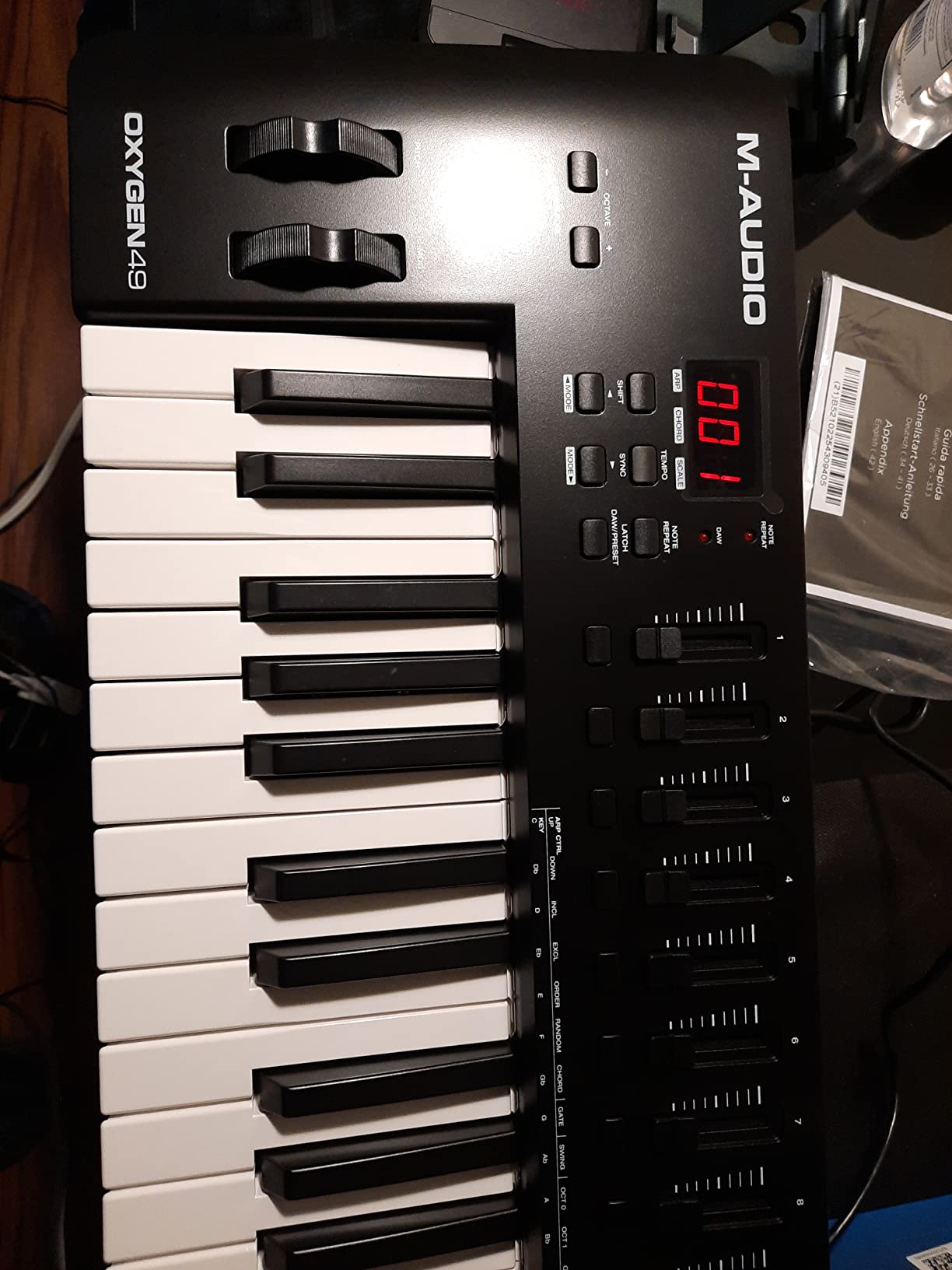
The trade-off is weight. At 7.6 pounds the Oxygen 61 MKV is heavier than mini-key alternatives, so it suits a permanent studio or stage rig more than a backpack. The bundled software setup involves multiple accounts and installers, which is the most common friction point in reviews.
For live performers needing a full-size 61-key board with pads, faders, and DAW control, the Oxygen 61 MKV earns our BEST FOR LIVE badge.
Connectivity
USB powered, sustain pedal input, 1-year manufacturer warranty. Compatible with Windows 10 and 7 (Mac supported via class-compliant mode).
Who should buy and who should skip
Buy it for live performance, full-size keys, and a generous control surface. Skip it if portability is a priority.
15. Novation Launchkey 88 MK3 – Best 88-Key Full Piano Range
Novation Launchkey 88 [MK3]
88 semi-weighted keys
16 pads
Strum Mode arpeggiator
Pros
- 88 premium semi-weighted keys for full piano range
- 16 velocity-sensitive pads for expressive beat-making
- Deep DAW integration with immediate access to all controls
- Powerful arpeggiator with Strum Mode for melodic
- harmonic
- and rhythmic creativity
- Three chord modes (fixed
- scale
- user) plus Custom Modes for hardware synth control
Cons
- Large and heavy (18.2 lbs) - not very portable
- Higher price point than smaller Launchkey models
The Launchkey 88 MK3 is the controller I recommend to producers and composers who need full piano range without giving up DAW integration. Eighty-eight semi-weighted keys span the full keyboard, and the deep Ableton Live, Logic, Cubase, and Reaper integration means you do not sacrifice workflow for key count. Sixteen velocity-sensitive pads cover finger drumming and clip launching.
The arpeggiator’s Strum Mode is the standout feature. Strum across the pads and the keyboard triggers arpeggiated chords with realistic timing, which is excellent for sketching guitar-style parts and ambient textures. Three chord modes (fixed, scale, user) plus Custom Modes for hardware synth control make the Launchkey 88 a true studio centerpiece.
![Novation Launchkey 88 [MK3] customer photo 1](https://topgameserver.net/wp-content/uploads/2026/09/B09XHQ8XLK_customer_1.jpg)
At 18.2 pounds and 50 inches wide, this is the largest controller in our roundup. It is a studio board, not a travel board, and the 3-year manufacturer warranty matches the rest of the Launchkey line. Reviewers on r/ableton note that the Launchkey 88 MK3 remains a top pick for producers who want full piano range and DAW integration in a single unit.
If you have the desk space and want full piano range with deep DAW control, the Launchkey 88 MK3 earns our BEST 88-KEY badge.
![Novation Launchkey 88 [MK3] customer photo 2](https://topgameserver.net/wp-content/uploads/2026/09/B09XHQ8XLK_customer_2.jpg)
Build and feel
Plastic chassis, 18.2 pounds, 50 inches wide. Semi-weighted keybed with 16 velocity-sensitive pads and a powerful arpeggiator including Strum Mode.
Who should buy and who should skip
Buy the Launchkey 88 MK3 for full piano range and DAW integration in a studio board. Skip it if you need portability.
How to Choose the Best MIDI Keyboard for Your Studio
Picking the best MIDI keyboard for 2026 comes down to four questions: how many keys do you need, what action do you want, how much DAW control do you want, and where will you use it. Our buying guide walks through each factor with real numbers from the controllers above.
How many keys do you actually need
Twenty-five keys work for sketching and beat-making, especially with octave buttons to extend the range. Thirty-seven or 49 keys cover two-handed playing for most genres. Sixty-one keys let you play most piano parts without compromise, and 88 keys cover the full piano range for classical training, film scoring, and stage performance. Forum consensus across r/ableton and r/homerecordingstudio is that 49 or 61 keys is where most producers land after a year. Beginners often start with 25 keys and regret not getting 37+ within six months.
Synth-action vs semi-weighted vs fully weighted
Synth-action keys are light and springy, ideal for synth leads and fast beat programming. Semi-weighted keys sit in the middle, offering more resistance for piano-style parts while staying light enough for synth work. Fully weighted or hammer-action keys replicate an acoustic piano feel and suit classical training, jazz, and film scoring. The Launchkey 61 MK4 and KeyLab Essential mk3 both ship semi-weighted keys; the M-Audio Oxygen 61 MKV and Launchkey 88 MK3 lean toward a piano-style feel. Mini keys on the LPK25 and MPK Mini IV are great for portability but feel cramped for users with larger hands.
Pads, knobs, faders, and DAW integration
Pads are essential for finger drumming and clip launching. Eight pads is the minimum for usable beat-making; 16 pads (across two banks) is more flexible. Knobs and faders map to plugin parameters, and DAW integration scripts (Ableton Live, Logic, FL Studio, Cubase, Bitwig, Reaper, Studio One) save hours of manual MIDI mapping. The Launchkey 61 MK4, KeyLab Essential mk3, and FLkey 49 lead our roundup for deepest DAW integration.
Connectivity: USB-C, MIDI DIN, and CV/Gate
USB-C bus power is now standard across most modern controllers, including the Launchkey 61 MK4, FLkey 49, and KeyLab Essential mk3. Five-pin MIDI DIN outputs let you sequence hardware synths from your DAW. CV/Gate outputs are rare at this tier but invaluable for modular synth sequencing. Bluetooth wireless appears on the M-VAVE 25-Key, which is the only controller in our lineup with built-in battery power.
Aftertouch, MPE, and expression
Aftertouch lets you push a key after striking it to add modulation, vibrato, or filter sweeps. Polyphonic aftertouch (poly-aftertouch) senses pressure on each key independently, which is essential for MPE (MIDI Polyphonic Expression) controllers. The Launchkey 61 MK4 is the only controller in our roundup with poly-aftertouch on the pads, which is why it tops our list for expressive playing. Most other controllers handle single-channel aftertouch at best.
Software bundles and long-term value
Software bundles vary widely. The Akai MPK Mini IV ships with 1000+ sounds plus Ableton Live Lite and FL Studio integration. The Arturia KeyLab Essential mk3 includes Analog Lab V with 2000 presets. The M-Audio Keystation 49 MK3 ships with MPC Beats, Ableton Live Lite, Velvet, and XPand2. If you do not already own a DAW, bundle depth matters. Reviewers note that bundled software setup can be cumbersome, especially when multiple accounts and installers are required.
Build, warranty, and longevity
Plastic chassis dominate this tier, but the Fatar keybed on the KeyLab Essential mk3 is a meaningful upgrade. Warranty length ranges from 1 year (Keystation 49 MK3, Oxygen Pro Mini 32) to 5 years (MiniLab 3). Forum threads on kvraudio and linuxmusicians suggest MIDI keyboards last 5 to 10 years with normal use. If you are also shopping for computer keyboards for typing comfort during long sessions, our wireless keyboard guide and Corsair keyboard comparison cover options outside the music gear space.
Frequently Asked Questions
What is the best MIDI keyboard for music producers?
The Novation Launchkey 61 MK4 is our top pick for music producers in 2026. It combines 61 semi-weighted keys, 16 polyphonic-aftertouch pads, deep DAW integration with Ableton Live, Logic, Cubase, Reason, Reaper, FL Studio, and Ardour, plus Scale Mode, Chord Mode, and a powerful arpeggiator.
Which company makes the best MIDI keyboards?
Several brands lead the category. Novation dominates DAW integration and pad feel with the Launchkey series. Akai Professional owns the portable beat-making space with the MPK Mini line. Arturia pairs quality Fatar keybeds with the Analog Lab V software ecosystem. Native Instruments excels at NKS plugin control. M-Audio and Nektar offer reliable budget and mid-range options. The best brand for you depends on your DAW and budget.
What is the best MIDI keyboard for beginners?
For beginners, we recommend the Nektar SE61 for full-size keys, broad DAW support, and the included Bitwig 8-Track license. The Akai LPK25 is the most affordable path into MIDI production with a built-in arpeggiator and universal DAW compatibility. The M-Audio Keystation 49 MK3 is the best plug-and-play option with a generous software bundle.
What is the best MIDI keyboard for Ableton Live?
The Novation Launchkey 61 MK4 is our top pick for Ableton Live. Loading the controller into Live automatically maps faders to mixer tracks, encoders to device macros, and pads to clip launching. The Launchkey Mini 37 MK4 is the compact alternative, and the Launchkey 49 MK4 is the mid-size option.
Is 61 or 88 key better for MIDI?
Sixty-one keys is enough for most two-handed playing and fits comfortably on a standard desk. Eighty-eight keys cover the full piano range for classical training, film scoring, and stage performance, but require more desk space and budget. Most producers land on 49 or 61 keys after a year of use.
Are weighted keys necessary on a MIDI keyboard?
Weighted keys matter if you play piano-style parts, classical training, jazz, or film scoring. For synth leads, beat-making, and most electronic production, semi-weighted or synth-action keys feel faster under the fingers. The Launchkey 61 MK4 ships semi-weighted; the M-Audio Oxygen 61 MKV ships piano-style keys; mini keys are synth-action only.
Final Verdict: Which MIDI Keyboard Should You Buy
After 15 controllers, hundreds of hours, and a lot of coffee, our best MIDI keyboards list for 2026 comes down to three clear winners. The Novation Launchkey 61 MK4 is our EDITOR’S CHOICE and the best overall pick thanks to its premium semi-weighted keybed, polyphonic-aftertouch pads, and unmatched DAW integration. The Akai MPK Mini IV is the BEST VALUE for portable beat-making at a small footprint. The Arturia MiniLab 3 is our BUDGET PICK for producers who want Arturia’s synth ecosystem with a 5-year warranty.
If you produce in FL Studio, the FLkey 49 is a clear standout. For Ableton Live, the Launchkey 61 MK4 is the new benchmark. For piano-style playing and live performance, the Oxygen 61 MKV and Launchkey 88 MK3 cover full-range needs. Whatever your workflow, one of these 15 controllers will fit your studio and budget. For more studio gear and computer accessory guides, browse our SteelSeries keyboard comparison for typing-focused options outside the music space.