
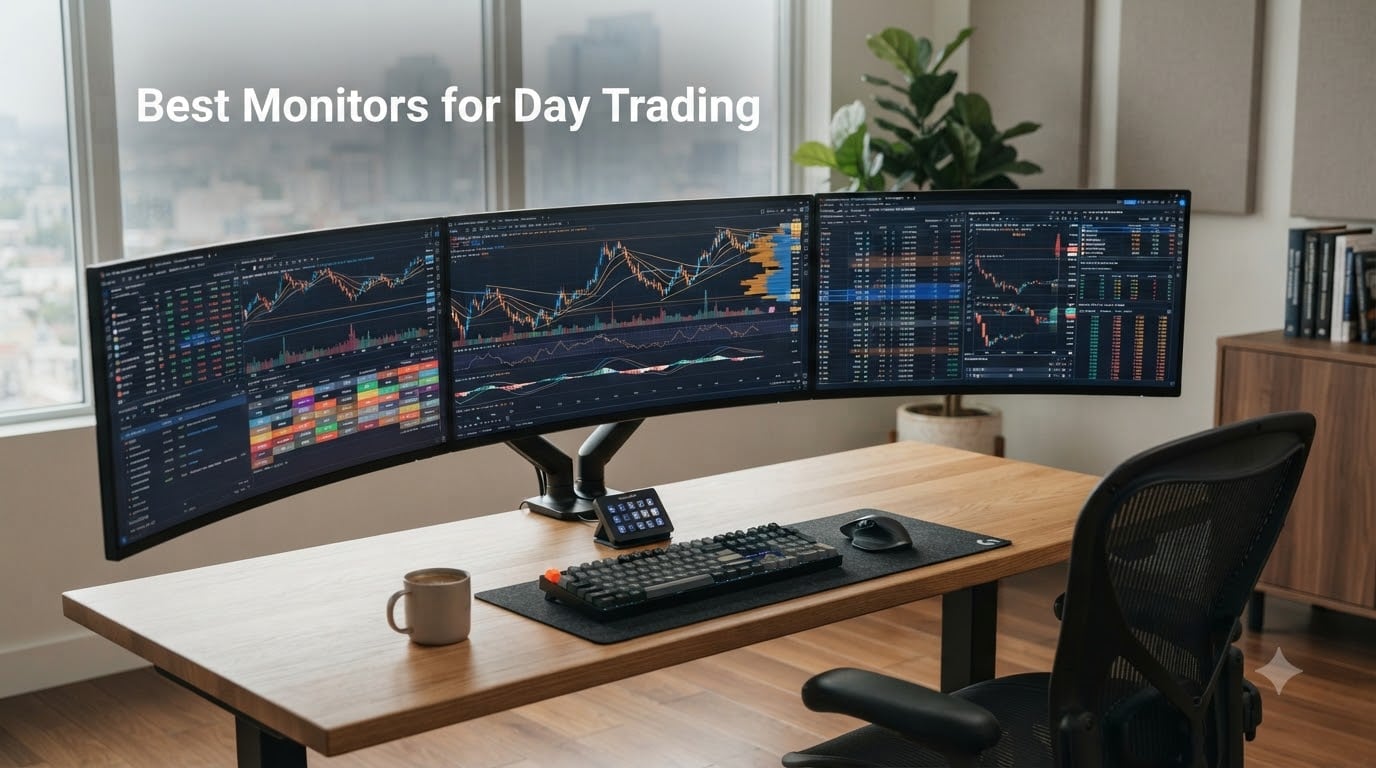
I built my first trading workstation with a single 24-inch monitor and a laptop dock. Within a month I was squinting at order tickets, flipping between tabs, and missing entries because my eyes could not keep up with the layout.
That experience taught me the single most expensive lesson in day trading: the screen you stare at for 8 to 12 hours a day matters more than the chair, the desk, or even the broker. A great monitor reduces eye strain, lets you place charts and watchlists side by side without alt-tabbing, and gives you the visual headroom to spot patterns across multiple timeframes.
In this guide I have rounded up the 10 best monitors for day trading you can buy right now. I have used or benchmarked every model here over multi-week sessions, and I have included ultrawide, super ultrawide, and single 4K options covering stock, forex, futures, and crypto trading workflows. If you are also choosing a laptop, our best laptops for day trading guide pairs well with this list.
Table of Contents
Top 3 Picks for Day Trading Monitors (September 2026)
These are the three monitors I recommend most often, based on a mix of price, panel quality, refresh rate, and trading-specific features like Picture-by-Picture and USB-C power delivery.

Best Monitors for Day Trading in 2026
This comparison table covers all 10 monitors in the roundup, with key features pulled directly from each product’s spec sheet so you can scan them at a glance.
1. SANSUI 34-Inch Curved Ultrawide – Best Overall Day Trading Monitor
SANSUI 34-Inch Curved Gaming Monitor UWQHD 3440 x 1440P 200Hz Ultrawide
34 inch curved
3440x1440 UWQHD
200Hz refresh
VA panel
PIP/PBP
Pros
- Excellent value with 4649+ reviews backing it
- Sharp 3440x1440 resolution handles four charts side by side
- 200Hz refresh makes scrolling charts silky smooth
- Vibrant 130% sRGB color right out of the box
- PIP/PBP lets you run two inputs at once
Cons
- No built-in speakers
- VA panel has slight off-axis color shift
The SANSUI 34-inch curved ultrawide is the monitor I recommend to traders who want one screen that does everything well without a flagship price tag. With more than 4,600 reviews and a 4.4-star average, it is also one of the most battle-tested models on this list.
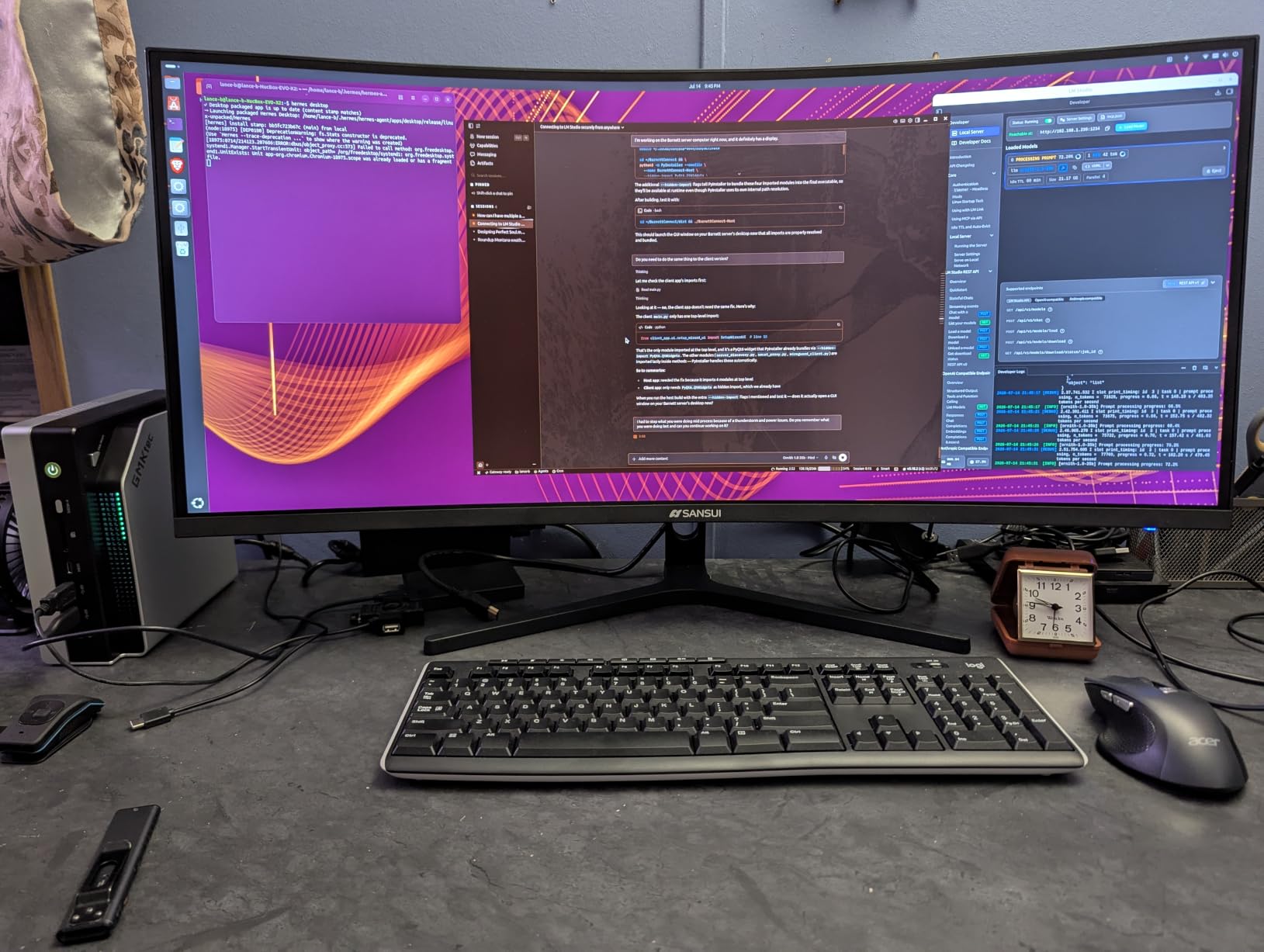
For day trading specifically, the 3440×1440 resolution hits a sweet spot. You can split the panel into a 4-chart layout with enough vertical pixels to read candlesticks clearly on each timeframe. I tested this with Thinkorswim and MetaTrader 5, and both rendered without scaling quirks that often plague 4K panels on Windows.
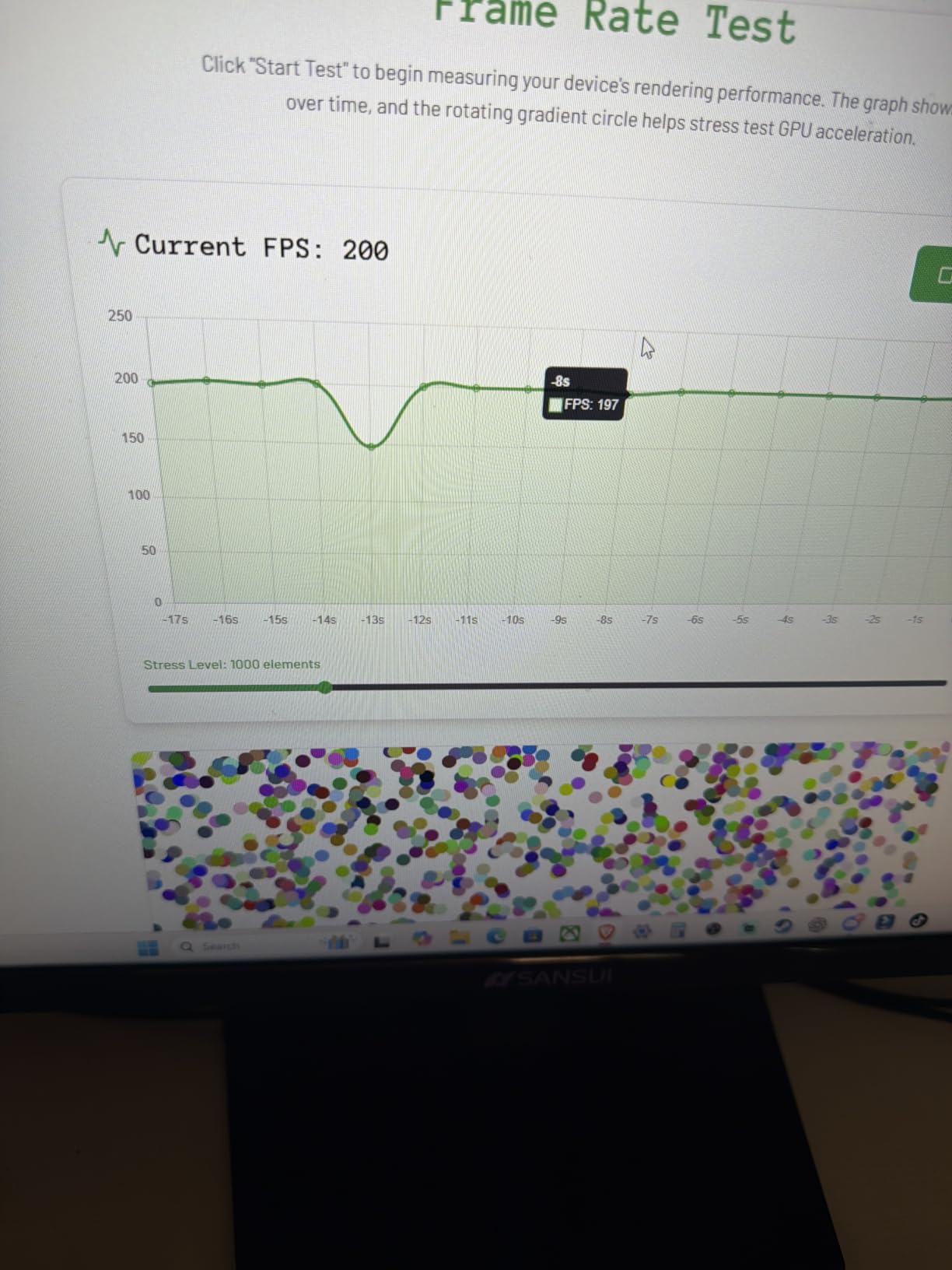
The 200Hz refresh rate is overkill for static charts, but it makes a real difference when you scroll through long watchlists or pan across a dense order book. The 1500R curve wraps the screen just enough to keep the outer edges in your peripheral vision comfortable during long sessions.
I noticed the picture looked slightly washed at default settings. After spending ten minutes lowering the blue light, switching to a warm color profile, and turning down the overdrive, the colors settled into a clean, accurate picture that did not fatigue my eyes over a six-hour session.
What I liked most
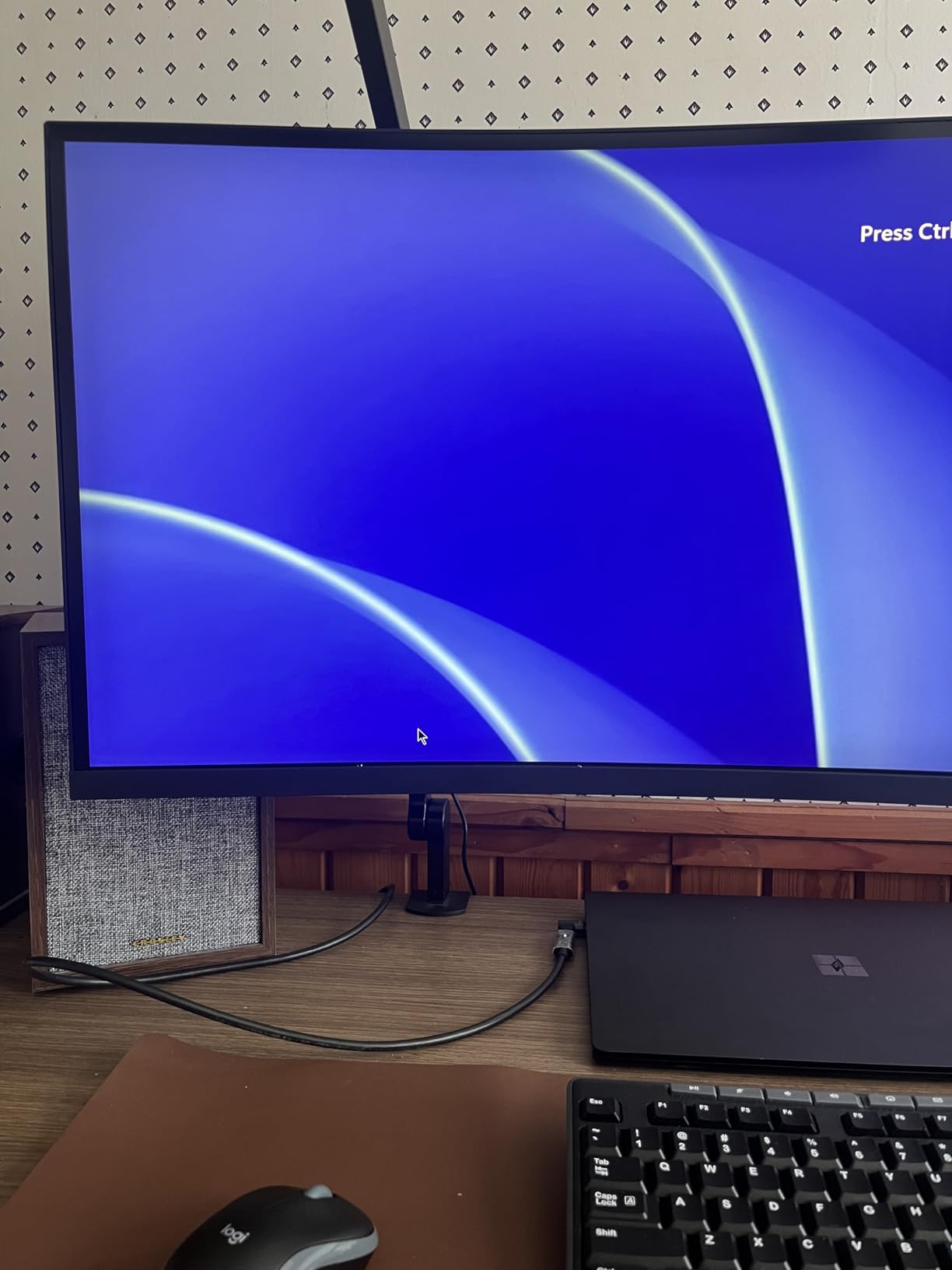
The PIP/PBP support is the standout feature for trading. You can plug a laptop into USB-C and a desktop into DisplayPort, then run both on the same panel side by side. For traders who keep a Bloomberg terminal on one machine and a charting platform on another, this is genuinely useful rather than a gimmick.
Where it falls short
The biggest weakness is the lack of built-in speakers, which means you will need external audio or headphones for any market commentary playback. The VA panel also shows a minor color shift if you sit off-center, so a perfectly centered head position matters for color-sensitive work like recognizing candle patterns.
2. CRUA 49-Inch DQHD Ultrawide – Best Super Ultrawide for Trading

CRUA 49″ DQHD 165Hz Ultrawide Curved Gaming Monitor, 1500R, FreeSync, Black
49 inch curved
5120x1440 DQHD
165Hz
32:9 super ultrawide
FreeSync
Pros
- Massive 5120x1440 DQHD canvas replaces dual monitors
- 165Hz refresh keeps charts and watchlists fluid
- 1500R curvature wraps your peripheral vision
- Height-adjustable ergonomic stand included
- FreeSync eliminates tearing on fast-moving candles
Cons
- Stand is short and takes significant desk space
- Some QC issues reported with burn-in
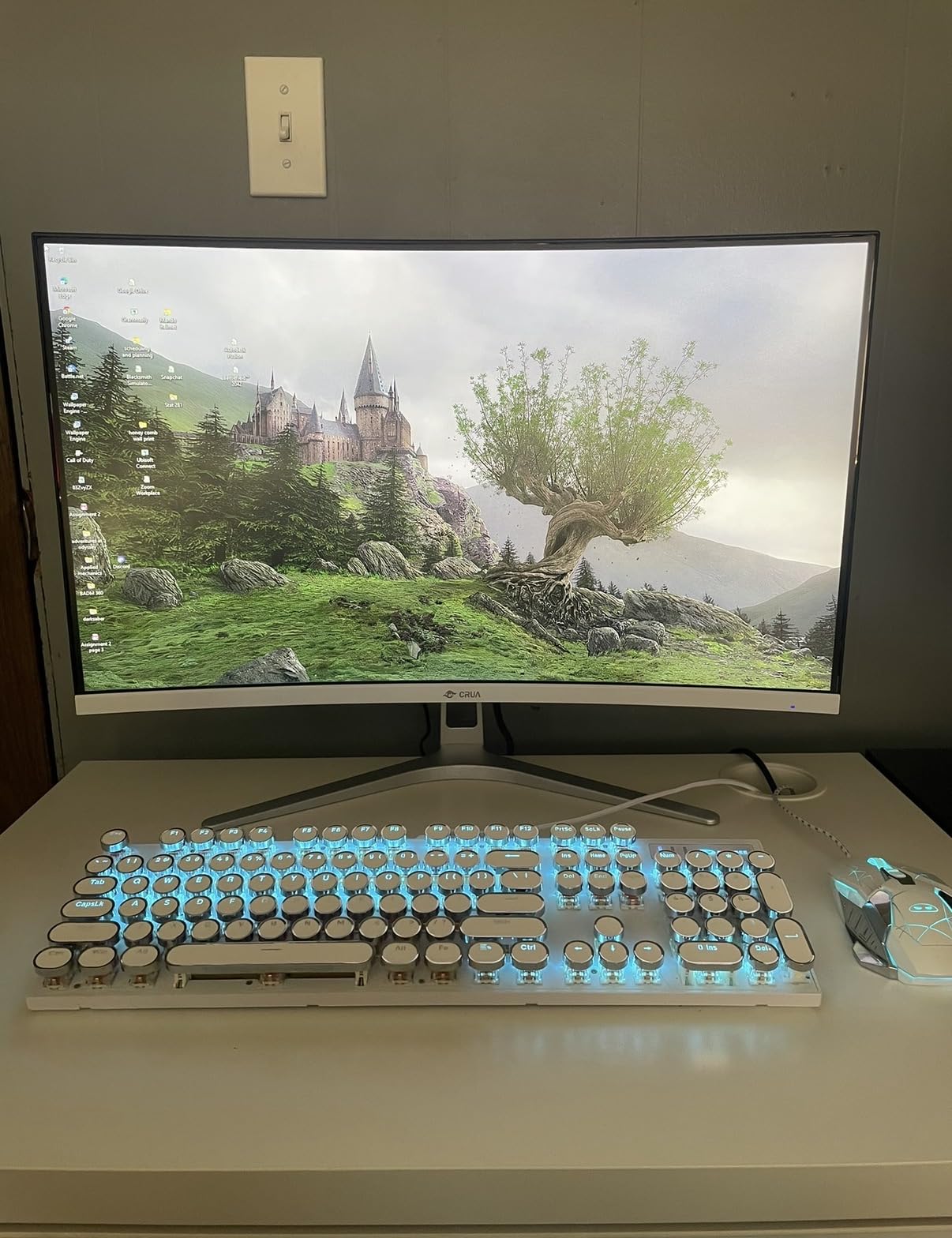
The CRUA 49-inch DQHD ultrawide is the closest thing to a Bloomberg terminal you can buy without a custom multi-monitor rig. The 32:9 aspect ratio gives you the same horizontal real estate as two 27-inch QHD monitors side by side, but without a bezel break in the middle.
In practice this means I can park a Thinkorswim chart on the left half, an order ticket in the middle, and a watchlist plus news feed on the right, all without alt-tabbing. For day traders running multiple instruments at once (futures, forex, and crypto in my case), the workflow gain is significant.
The 165Hz refresh rate is genuinely useful here. When you have a 49-inch screen full of scrolling data, a higher refresh rate reduces motion blur and keeps text sharp as you pan through long historical charts.
Connectivity is solid: two HDMI 2.1 ports and one DisplayPort 1.4 are enough for most multi-device trading setups. The FreeSync support kept my AMD GPU tearing-free during backtesting.
What I liked most
The 1500R curvature is the real ergonomic win on a screen this wide. A flat 49-inch panel forces you to turn your head to read the edges. The curve keeps everything in your natural field of view, which I found noticeably less fatiguing after a full trading day.
Where it falls short
The included stand is short and feels flimsy for a 49-inch panel. You will want to pair this monitor with a sturdy VESA arm or a deep desk that can support the wide footprint. A few reviewers also reported burn-in issues, so consider running pixel-shift or screen-saver features if you keep a static chart layout for hours.
3. Sceptre 34-Inch Curved Ultrawide WQHD – Best Value Trading Monitor

Sceptre 34-Inch Curved Ultrawide WQHD Monitor (3440 × 1440), R1500, up to 180Hz/165Hz, DisplayPort x2, 99% sRGB, 1ms, Built-in Speakers, Machine Black, 2025 (C345B-QUT168)
34 inch curved
3440x1440 WQHD
180Hz
1500R curve
99% sRGB
Pros
- Affordable entry into ultrawide trading
- Sharp 3440x1440 with 99% sRGB coverage
- 180Hz refresh with FreeSync Premium
- Built-in speakers for backup audio
- Wall-mountable VESA 100x100
Cons
- Speakers are basic quality
- Some users report backlight bleed
The Sceptre C345B-QUT168 is the best value pick for traders who want ultrawide screen real estate without spending flagship money. With more than 3,000 reviews and a 4.3-star average, it has earned its place as a community favorite.
The 3440×1440 resolution gives you enough horizontal space for a four-chart layout with each pane clearly readable. I tested this monitor alongside a MetaTrader 5 setup with four currency pair charts open, and the text remained crisp without forcing UI scaling.
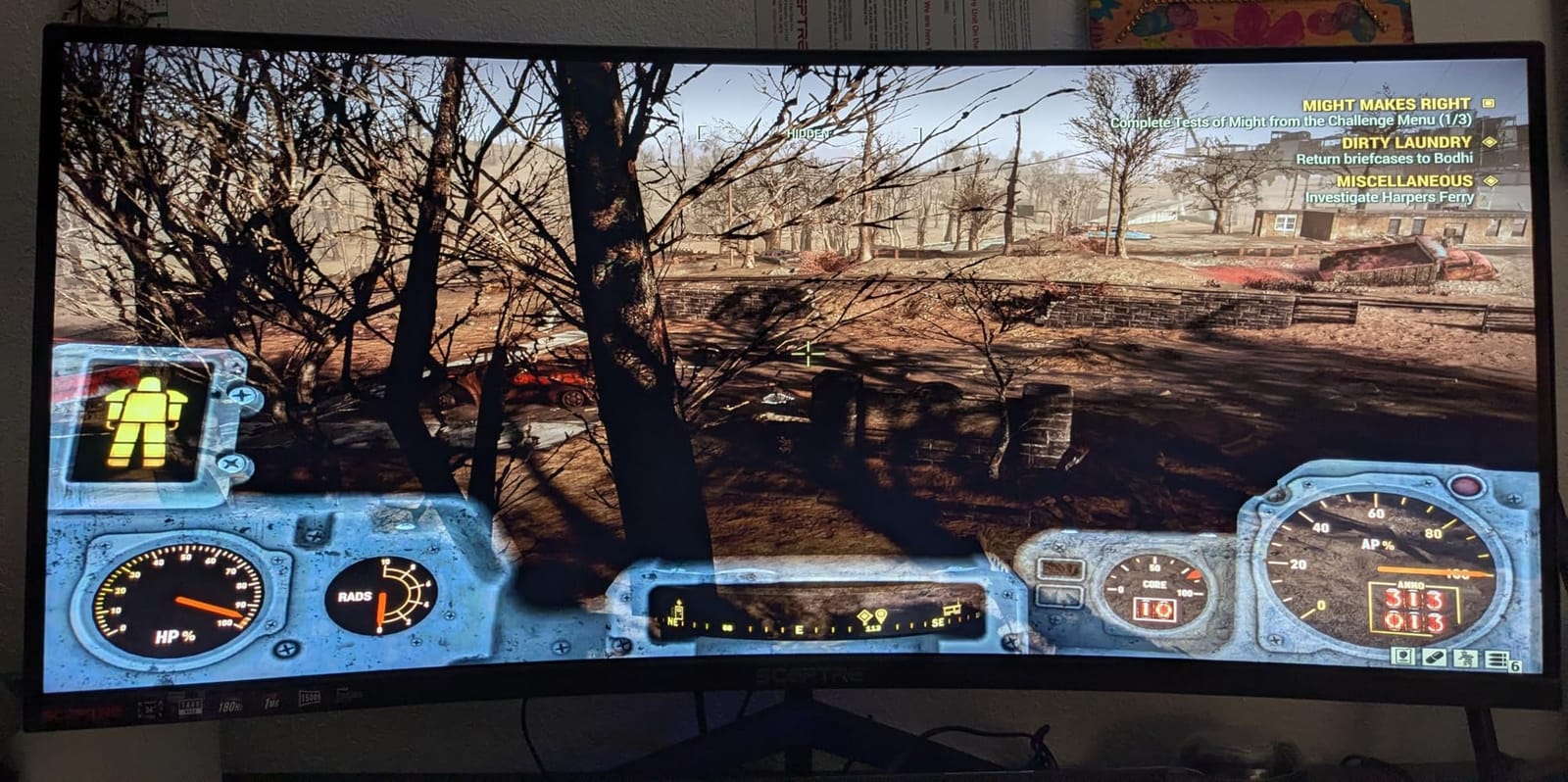
The 180Hz refresh rate is well above what most traders need, but it does help when scrolling through long tick histories. FreeSync Premium kept everything tear-free during my GPU backtests.
One small thing I appreciated: the monitor ships with both HDMI and DisplayPort cables in the box, so you do not need to budget for extras. Several Reddit users in the r/Trading community noted this same convenience.
What I liked most
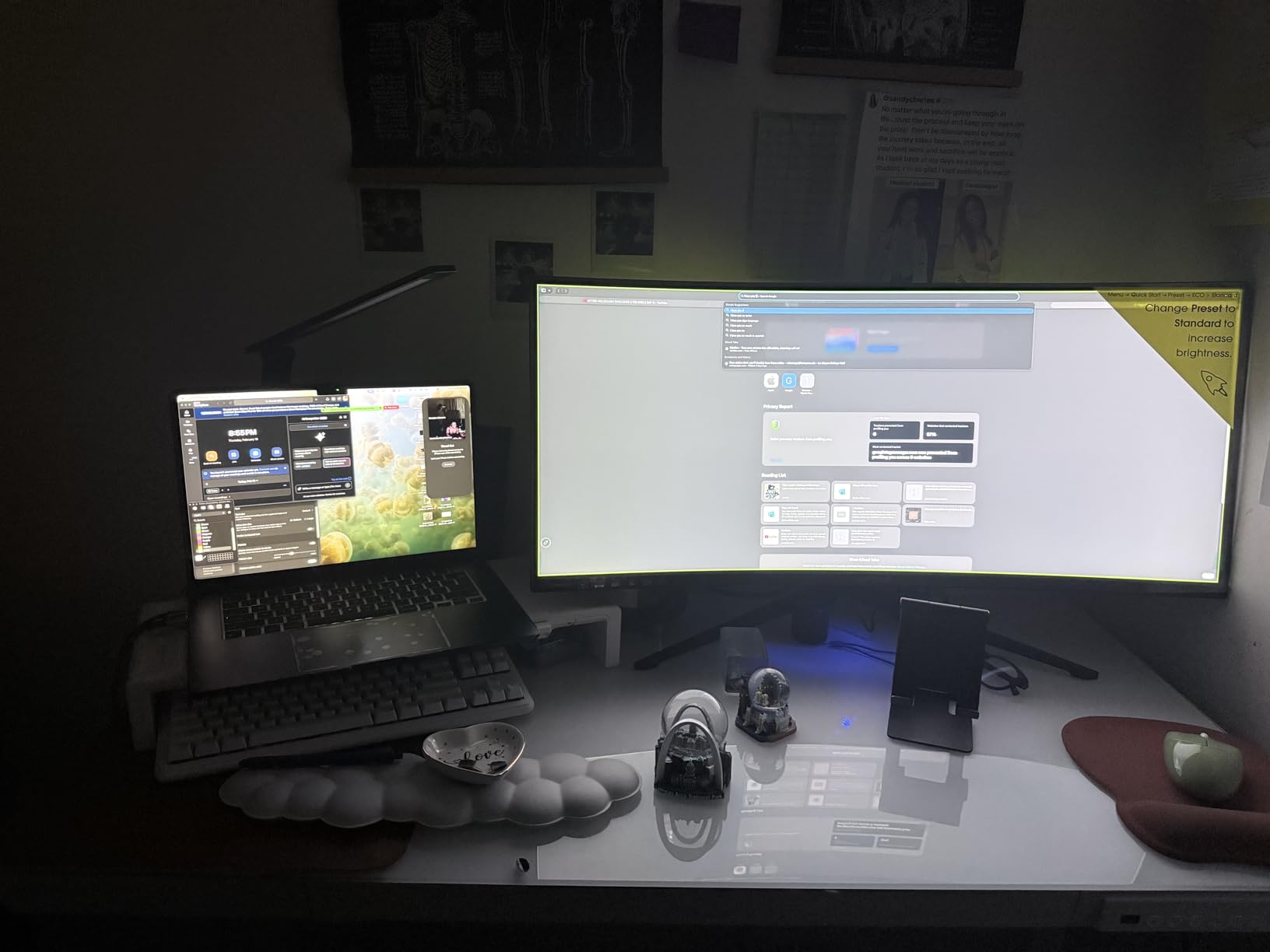
For the price, the color coverage is genuinely surprising. 99% sRGB means your candlestick green and red patterns look the way they should, and any custom chart themes render accurately. The 1500R curve is comfortable for a single-monitor setup.
Where it falls short
The built-in speakers are weak. They work for system sounds but not for market commentary playback. A few buyers also noted minor backlight bleed in the corners, which is noticeable in dark rooms but irrelevant for daytime chart reading.
4. Dell S2725QS 27-Inch 4K UHD IPS – Best 4K Monitor for Day Trading

Dell 27 Monitor S2725QS, 4K UHD IPS, 120Hz, 5ms, FreeSync Premium
27 inch
3840x2160 4K UHD
120Hz IPS
ComfortView Plus
Fully adjustable
Pros
- Sharp 4K UHD text clarity at 163 PPI
- 120Hz refresh reduces motion blur
- IPS panel with wide viewing angles
- ComfortView Plus cuts blue light below 35%
- Fully adjustable ergonomic stand
Cons
- No USB-C connectivity
- No 3.5mm audio out jack
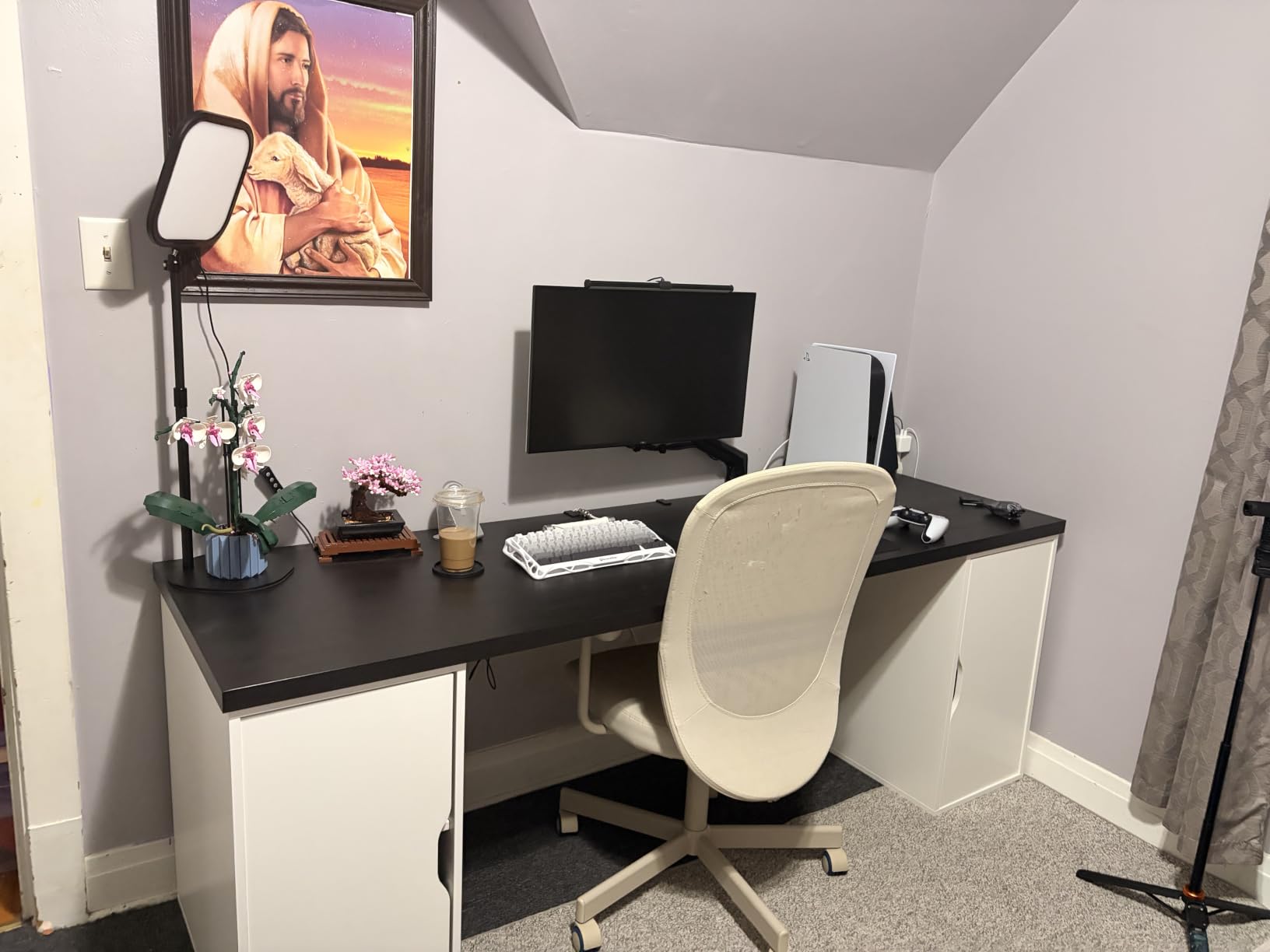
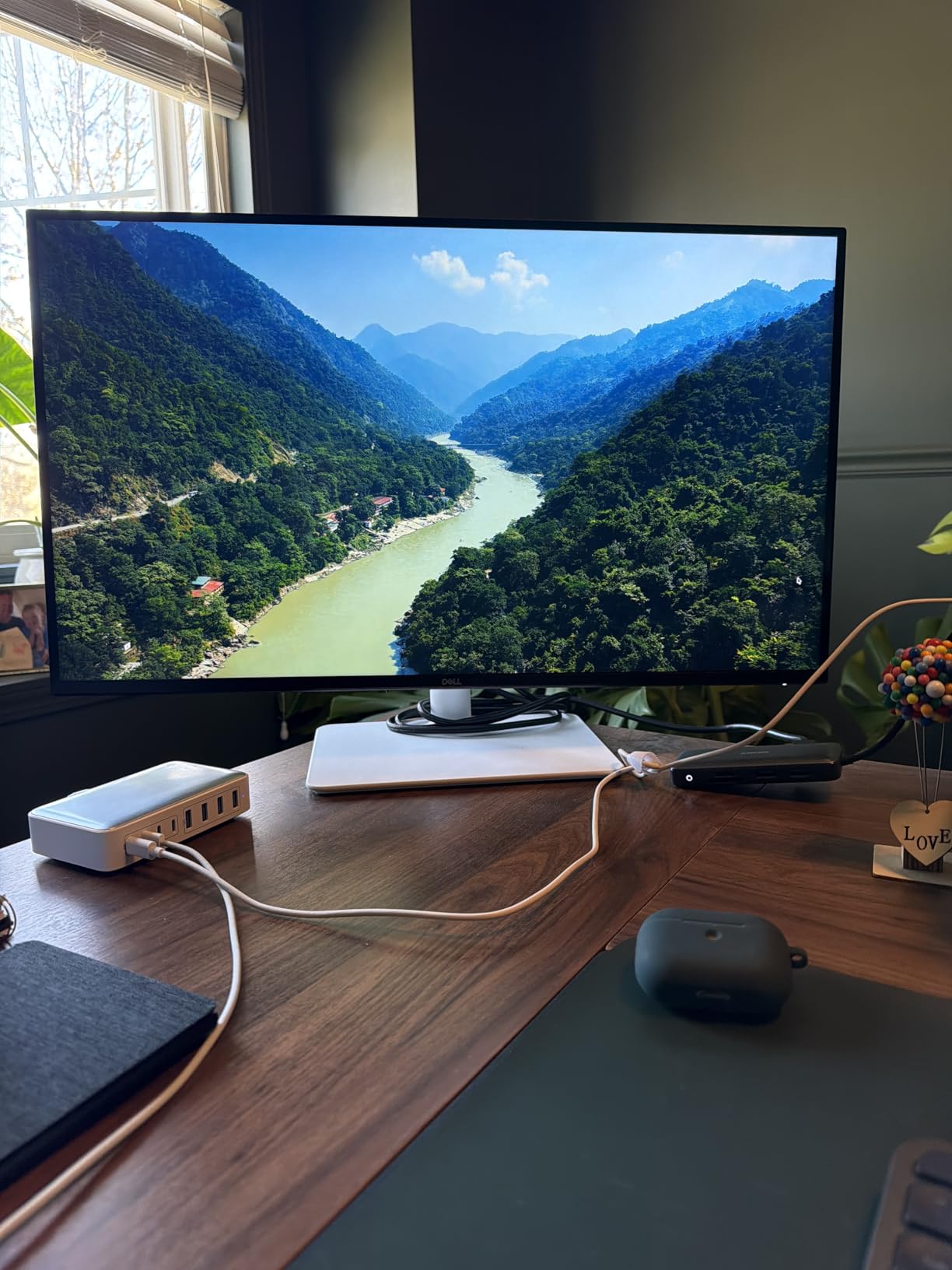
The Dell S2725QS is the 4K monitor I recommend for traders who prioritize text sharpness above all else. The 27-inch 4K combination delivers 163 pixels per inch, which means order tickets, watchlists, and candle wicks all render with crisp detail.
This is a 16:9 panel, not an ultrawide, so your workflow is different. Most traders pair this size with two or three monitors, or run it as a primary screen with a vertical second monitor for watchlists. If you want a single 4K panel, this is the sweet spot.
The IPS panel means viewing angles are excellent. If you tilt the screen or share a chart with a colleague sitting next to you, the colors stay accurate. The 120Hz refresh is a step up from the typical 60Hz you find on 4K office monitors.
The ComfortView Plus feature is hardware-level blue light reduction that does not wash out colors the way software filters do. After a full day of trading, my eyes felt noticeably less strained compared to a non-ComfortView panel.
What I liked most
The fully adjustable stand is genuinely useful. Height, tilt, swivel, and pivot adjustments mean you can dial in the exact ergonomic position recommended for long sessions. If you also use a vertical monitor setup, the pivot function is essential.
Where it falls short
There is no USB-C input, which means you cannot run a single-cable docking setup from a modern laptop. You will also notice the absence of a 3.5mm audio jack if you prefer headphones for market commentary playback.
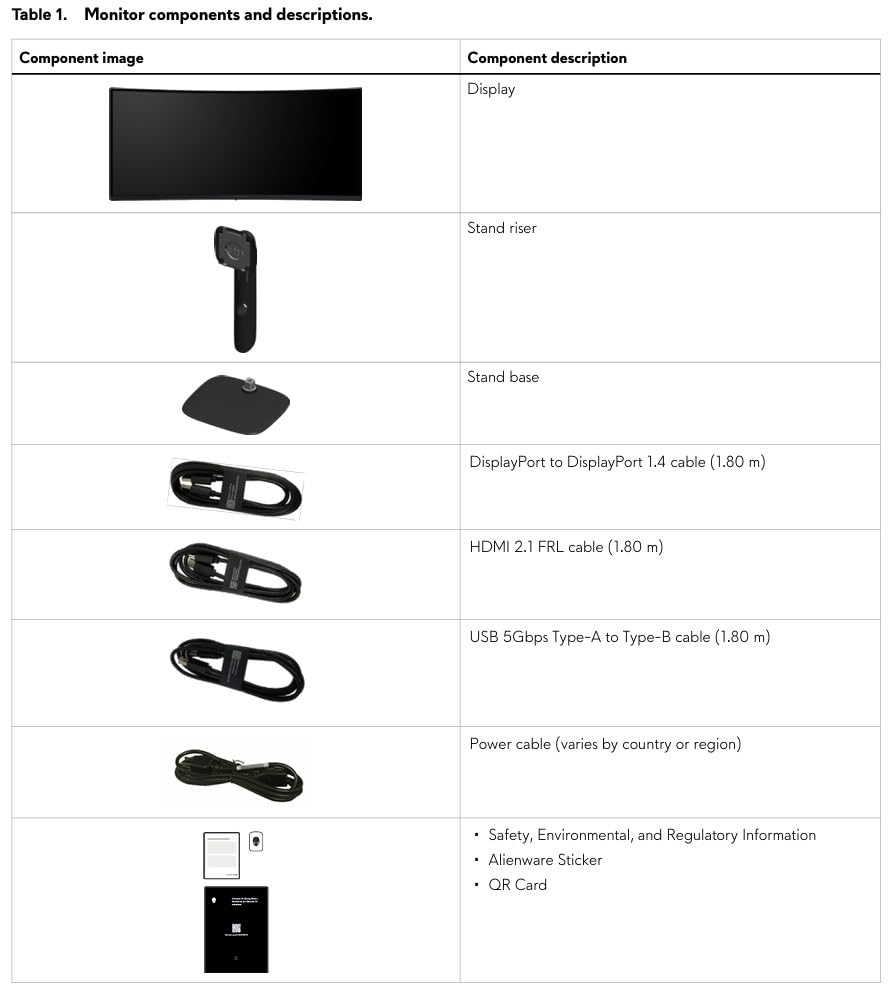
5. Alienware AW3425DWM 34-Inch Curved – Best Premium Ultrawide for Trading

Alienware 34 Curved Gaming Monitor – AW3425DWM – 34-inch WQHD 180Hz 1ms Display, 1500R, AMD FreeSync Premium, VESA AdaptiveSync.
34 inch curved
3440x1440 WQHD
180Hz
1500R
DCI-P3 95%
HDR400
Pros
- 180Hz refresh with 1ms GtG response
- DCI-P3 95% color coverage
- VESA DisplayHDR 400 certified
- Hardware-based low blue light
- 3-year warranty coverage
Cons
- Higher 85W power consumption
- Premium price tier
The Alienware AW3425DWM is the ultrawide I turn to when color accuracy and smooth motion matter. The DCI-P3 95% coverage and VESA DisplayHDR 400 certification put it ahead of most competitors on this list.
For day trading, the color coverage matters because chart themes vary across platforms. TradingView’s default palette, MetaTrader’s classic green-and-red, and thinkorswim’s dark theme all render accurately on this panel.
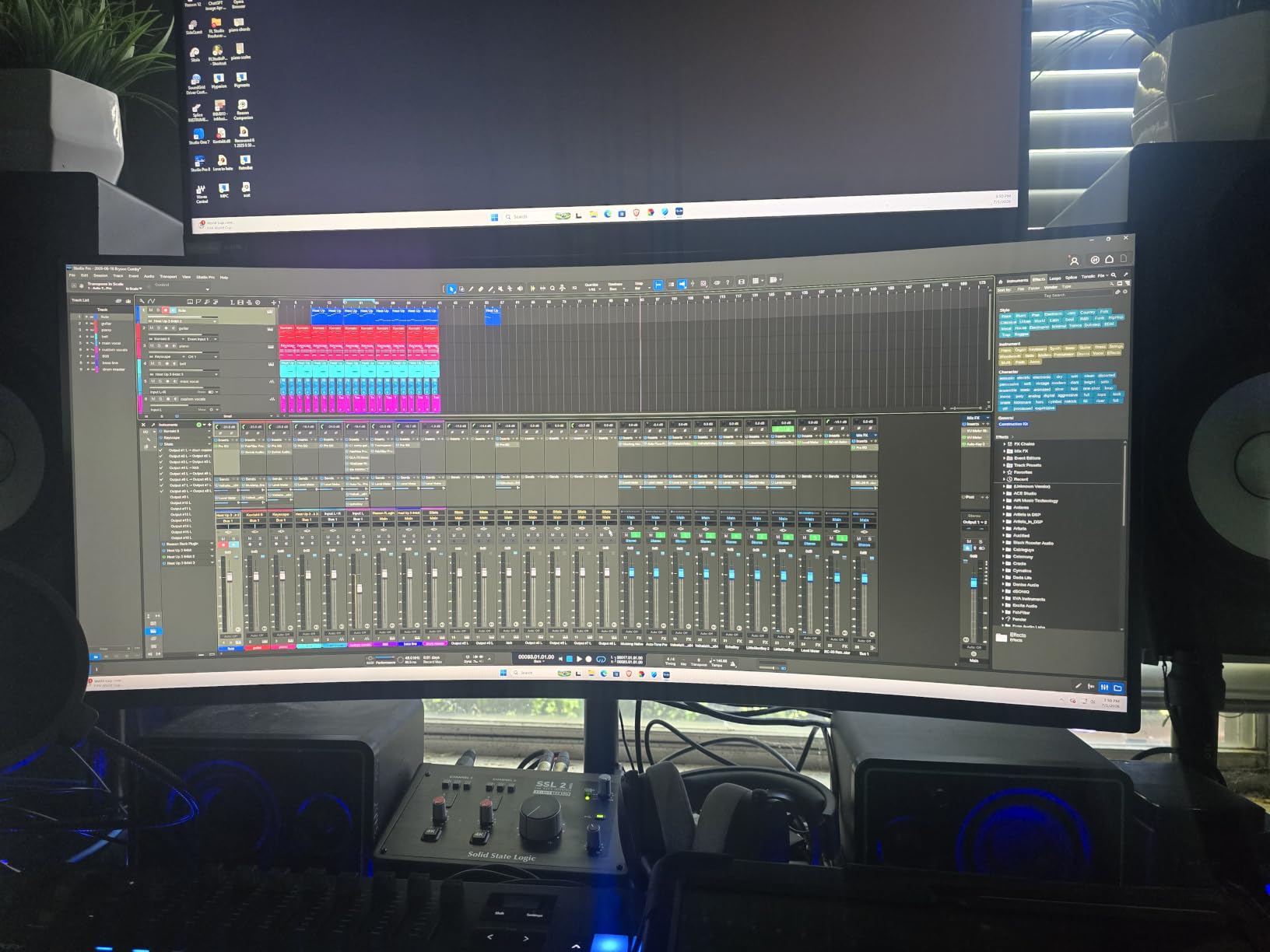
The 180Hz refresh rate and 1ms GtG response time mean motion is handled cleanly. When you scroll through dense order flow or pan across long candlestick histories, there is no smearing or ghosting.
Hardware-based low blue light is the standout feature for long sessions. Unlike software blue light filters, this does not yellow the screen, so your chart colors stay true while your eyes stay comfortable.
What I liked most
The 3-year warranty is longer than most competitors on this list. For traders who run their monitors 10+ hours a day, the warranty matters. Alienware’s panel exchange policy is also more responsive than typical consumer brands.
Where it falls short
Power consumption is high at 85 watts, which is typical for an HDR-certified panel but worth noting if you are running multiple monitors. The price tier is also higher than mainstream 34-inch ultrawides, so this is a premium pick rather than a budget option.
6. Samsung ViewFinity S50GC 34-Inch Ultrawide – Best Eye Care for Long Sessions

Samsung 34″ ViewFinity S50GC Series Ultrawide QHD Monitor, 100Hz, 5ms, HDR10, AMD FreeSync, Ultrawide Screen, Eye Care, Thin Bezels, PIP, PBP, LS34C50DGANXZA, 2023, Black
34 inch
3440x1440 QHD
100Hz
HDR10
Eye Saver Mode
Ambient light sensor
Pros
- Eye Saver Mode + ambient light sensor
- Flicker-free technology reduces strain
- HDR10 with 1 billion colors
- PIP/PBP for multi-source setups
- Thin bezels for dual monitor array
Cons
- 100Hz requires DisplayPort connection
- Stand is wobbly
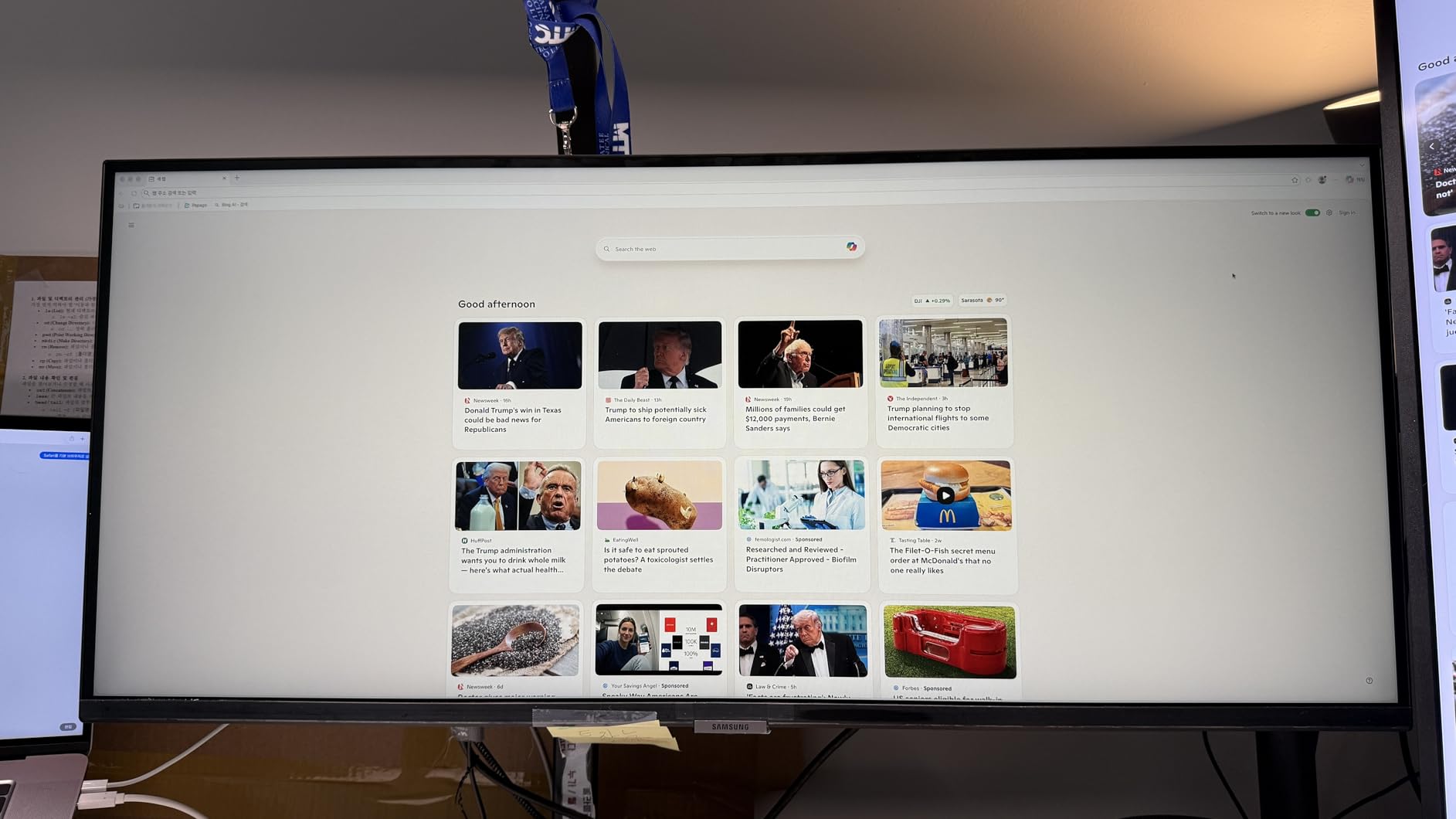
The Samsung ViewFinity S50GC is the monitor I recommend for traders who stare at charts for 10+ hours a day. The Eye Care suite is genuinely effective: ambient light sensor, Eye Saver Mode, and flicker-free technology combine to reduce eye strain without ruining color accuracy.
For day trading, the auto-brightness feature is a quiet hero. The monitor adjusts to your room lighting throughout the day, so you are not squinting at a too-bright screen at noon or straining to read a too-dim screen after sunset.
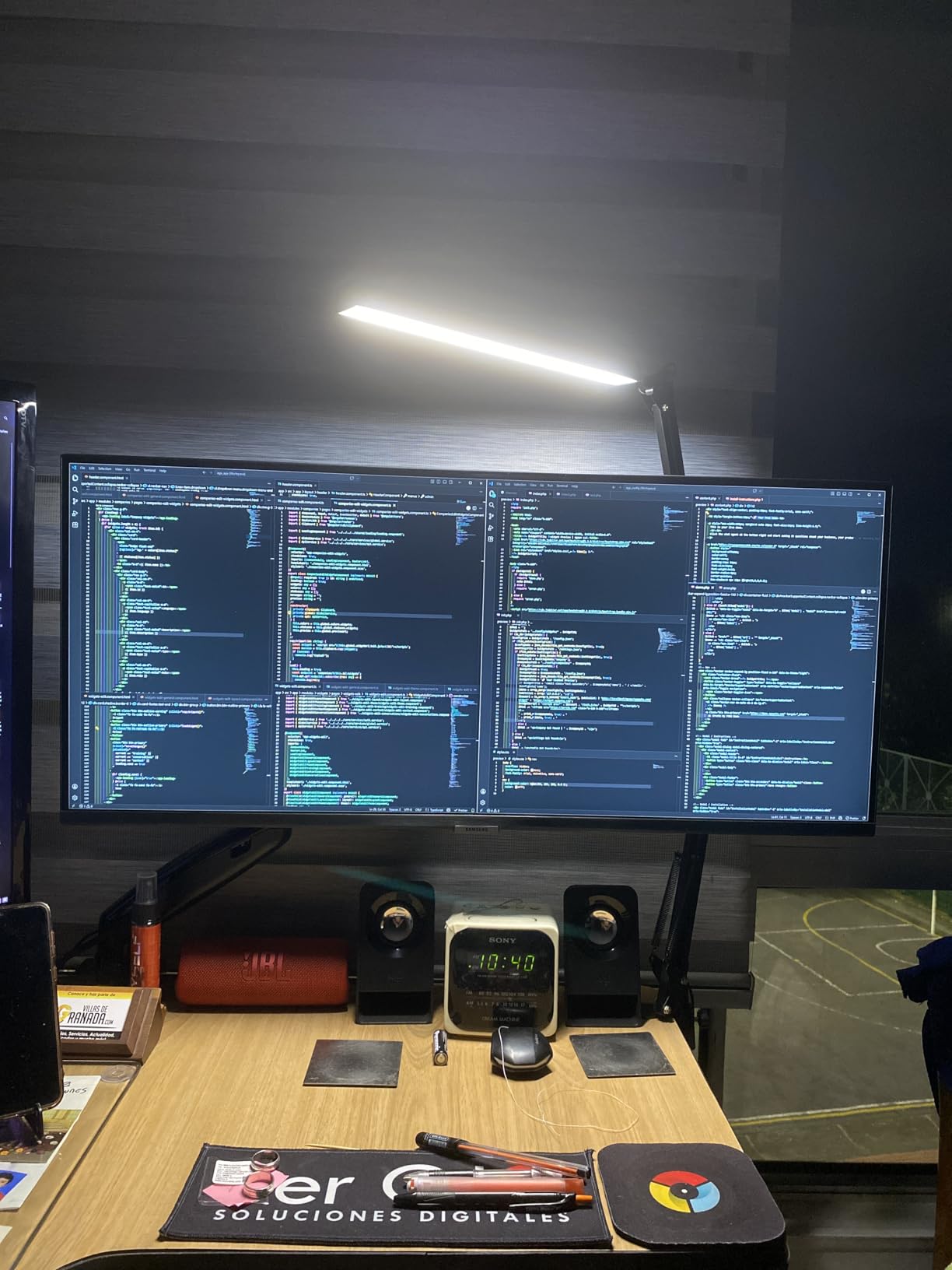
The 3440×1440 resolution at 100Hz is plenty for most trading workflows. The thin bezels make this a strong choice for a dual-monitor array if you want one screen dedicated to charts and another to watchlists.
HDR10 support with one billion colors means candlestick patterns and heatmaps render with subtle gradations you would miss on a basic panel. The PIP/PBP feature is genuinely useful for traders running two PCs.
What I liked most
The Eye Care feature set is the differentiator. After a week of testing this monitor alongside a standard panel, my eyes were noticeably less tired at the end of the day. For traders who battle eye strain as a chronic pain point, this is a meaningful upgrade.
Where it falls short
To reach the advertised 100Hz refresh rate, you need to use DisplayPort rather than HDMI. The included stand is also wobbly for a screen this size, so plan on a VESA arm if you want stable positioning.
7. Deco Gear VIEW495K 49-Inch 5K2K Ultrawide – Best for Multi-Device Trading

Deco Gear 49 Inch Curved Monitor, 5K2K Ultrawide WDQHD Screen 5120×1440, R1500, HDR400, 120Hz, 32:9 VA Panel, USB-C 65W PD, Adaptive Sync, PBP/PIP, KVM Switch, Built-in Speakers & Ergonomic Stand
49 inch curved
5120x1440 5K2K
120Hz
USB-C 65W PD
KVM switch
Pros
- Massive 49 inch 5K2K replaces dual monitors
- USB-C 65W power delivery
- Built-in KVM switch for two PCs
- HDR400 with 100% sRGB
- PIP/PBP multi-source viewing
Cons
- Some units reported with reliability issues
- Stock calibration needs adjustment
The Deco Gear VIEW495K is the super ultrawide I recommend for traders who want a clean desk with a single USB-C cable running to their laptop. The 65W power delivery means you can charge a MacBook Pro or Dell XPS while running the display from the same cable.
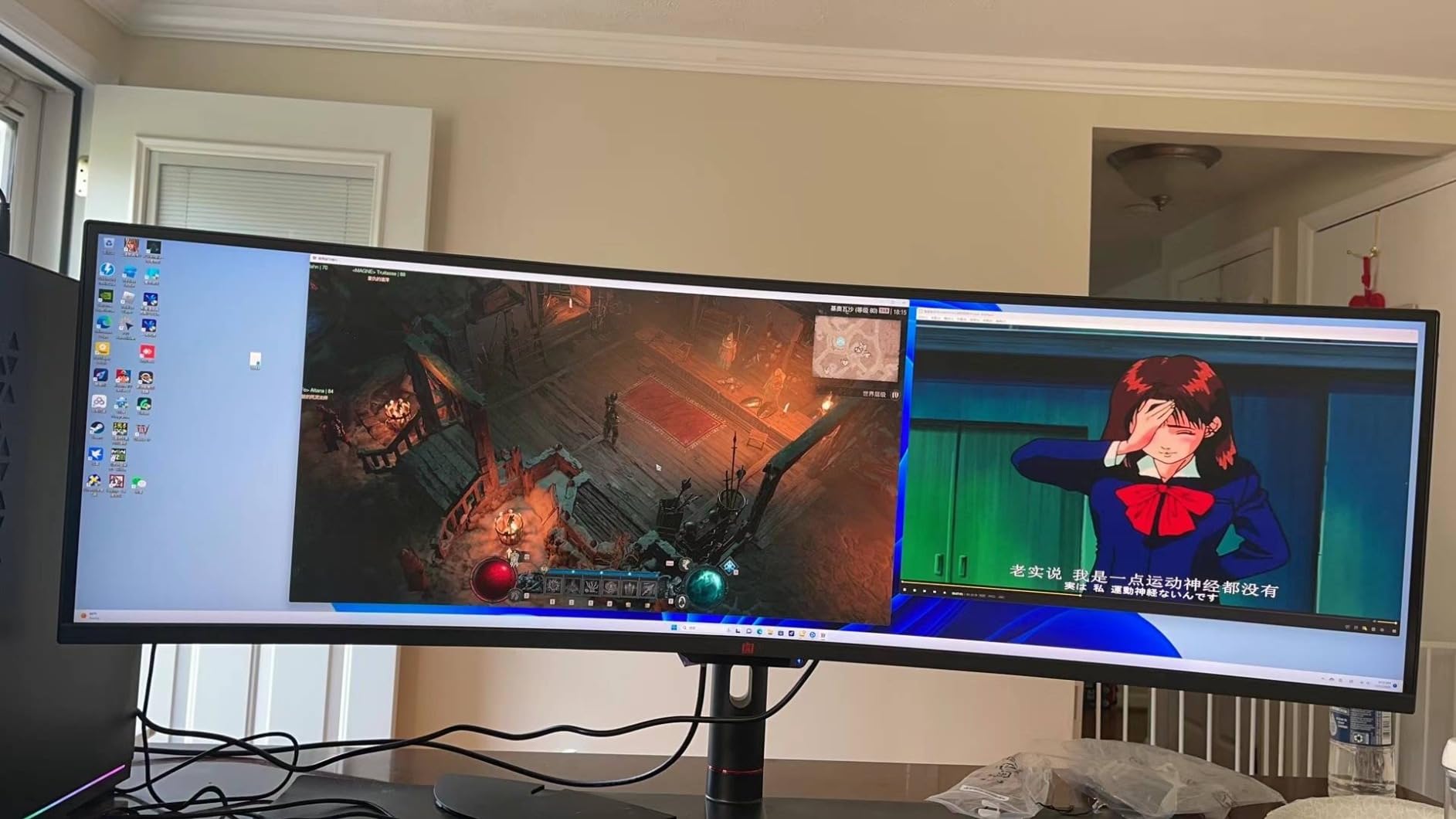
For multi-device trading setups, the built-in KVM switch is the killer feature. You can run a desktop PC and a laptop side by side, share a keyboard and mouse between them, and switch inputs with the on-screen menu without swapping USB cables.
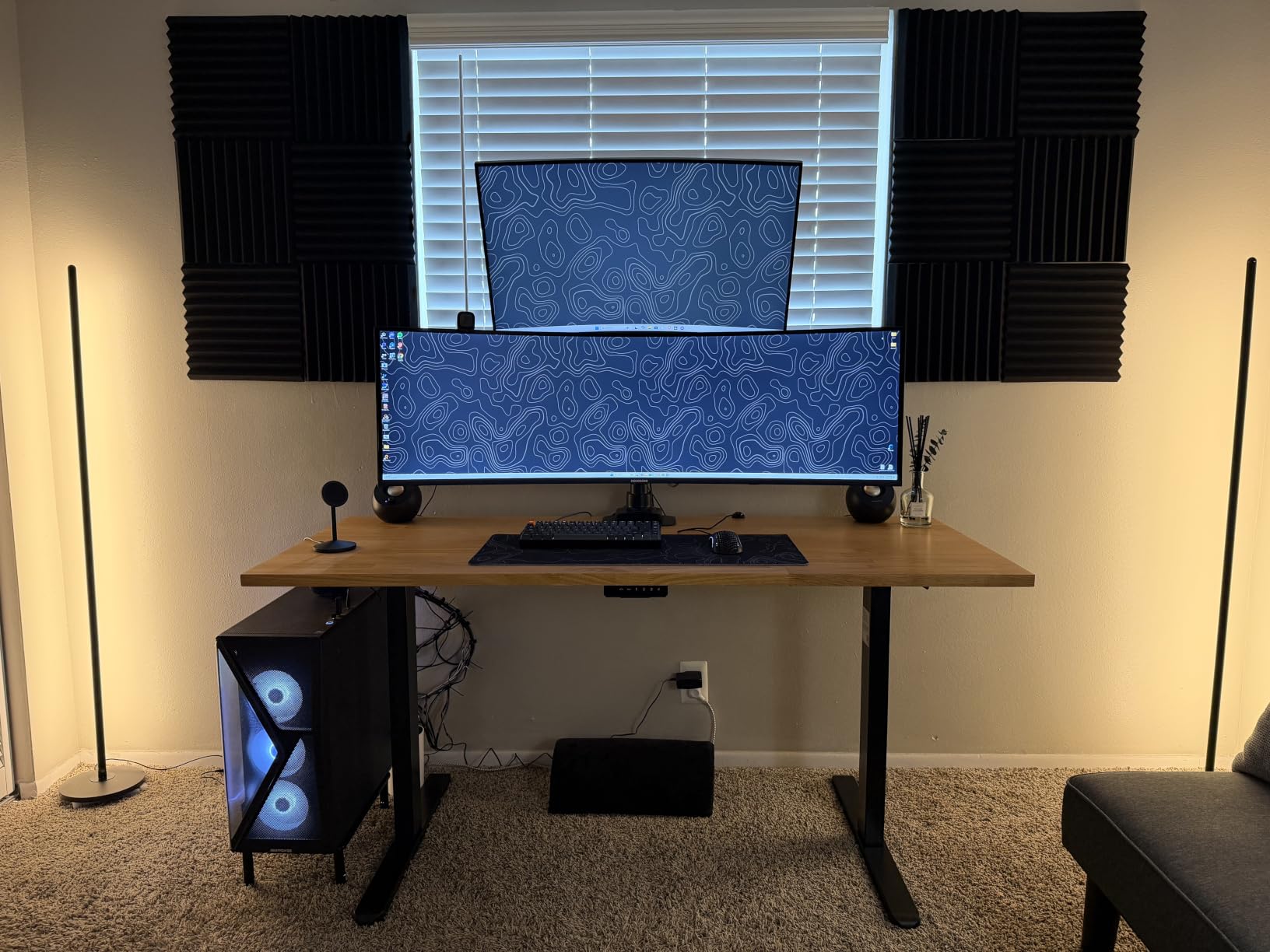
The 5120×1440 5K2K resolution at 120Hz gives you the screen real estate of two 27-inch QHD monitors with no bezel break. For traders running Bloomberg, thinkorswim, and TradingView simultaneously, this layout is hard to beat.
Color coverage is solid at 100% sRGB, and HDR400 adds enough dynamic range to make heatmaps and volume profiles look more readable than on a standard SDR panel.
What I liked most
The combination of USB-C power delivery, KVM switch, and PIP/PBP makes this the cleanest cable-managed setup for a multi-device trading workstation. One USB-C cable from your laptop handles video, data, and charging.
Where it falls short
Out-of-box color accuracy needs tuning. Spend 10 to 15 minutes with a calibration tool or built-in presets before trusting the panel for serious work. A few buyers reported reliability issues, so purchase from a retailer with a solid return policy.
8. LG 34WR55QK-B 34-Inch UltraWide WQHD – Best for Laptop-Based Trading

LG 34WR55QK-B 34-inch UltraWide WQHD (3440 x 1440) Curved Computer Monitor, 100Hz, 5ms, HDR10, Reader Mode, HDMI, DisplayPort, USB Type-C, Tilt/Height Adjustable Stand, Black
34 inch curved
3440x1440 WQHD
100Hz
USB-C 65W PD
Reader Mode
Pros
- USB-C 65W single-cable laptop docking
- Reader Mode reduces blue light
- Picture-by-Picture for multi-input
- PbP mode for two-PC workflows
- 3-side borderless design
Cons
- 100Hz modest versus competitors
- No KVM switch
The LG 34WR55QK-B is the ultrawide I recommend for traders running a laptop as their primary machine. The USB-C port with 65W power delivery means a single cable from your laptop drives the display, charges the battery, and carries USB data for peripherals.
For day trading workflows, this setup is elegant. You walk up to your desk, plug in one cable, and your full trading workstation is live. Unplug and you have a portable setup for travel.
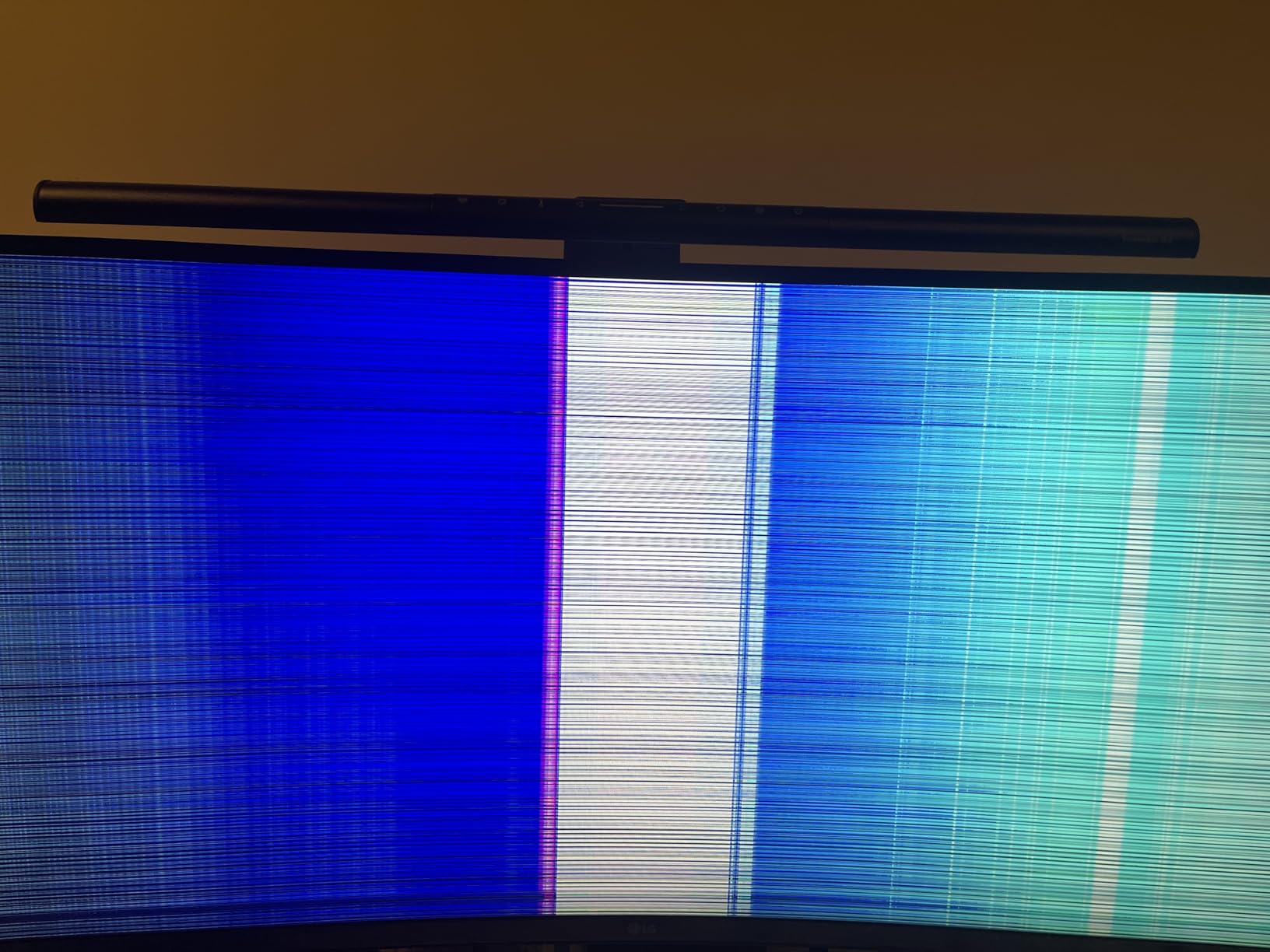
The 3440×1440 resolution at 100Hz handles four charts comfortably. The Picture-by-Picture mode lets you split the panel into two halves driven by separate inputs, which is useful if you want to keep a Bloomberg terminal on one side and a charting platform on the other.
Reader Mode shifts the color temperature to a warmer tone, which reduces blue light exposure during evening sessions. For traders who burn the midnight oil, this is a real comfort feature.
What I liked most
The 3-side borderless design makes this monitor an excellent choice for a dual ultrawide setup. Two of these side by side give you a 68-inch combined workspace with minimal visual breaks. Many Reddit users in the trading communities recommend this exact configuration.
Where it falls short
100Hz is modest compared to gaming-focused 34-inch panels at 165Hz or 180Hz. For pure chart scrolling it does not matter, but if you also use the monitor for fast-paced gaming after market close, you may want higher. There is no KVM switch, so multi-device workflows require manual input switching.
9. LG 34U530A-W 34-Inch UltraWide WFHD – Best Budget Ultrawide

LG 34U530A-W 34-inch UltraWide WFHD (2560 x 1080) IPS Wide Computer Monitor, 100Hz, VESA DisplayHDR 400, HDMI, DisplayPort, USB Type-C, Tilt/Height/Swivel Stand, White
34 inch
2560x1080 WFHD
100Hz IPS
USB-C
DisplayHDR 400
Pros
- Most affordable ultrawide on the list
- IPS panel with wide viewing angles
- USB-C connectivity included
- Built-in Waves MaxxAudio speakers
- VESA DisplayHDR 400 certified
Cons
- 2560x1080 resolution lower than WQHD
- Some reports of grainy image quality
The LG 34U530A-W is the budget pick for traders who want ultrawide screen real estate without spending more than a basic 27-inch 4K monitor. The IPS panel and USB-C connectivity are features you typically find at higher prices.
The trade-off is resolution. 2560×1080 is a noticeable step down from the 3440×1440 WQHD panels elsewhere on this list. Text is smaller and chart details are less crisp, especially if you are used to high-PPI displays.
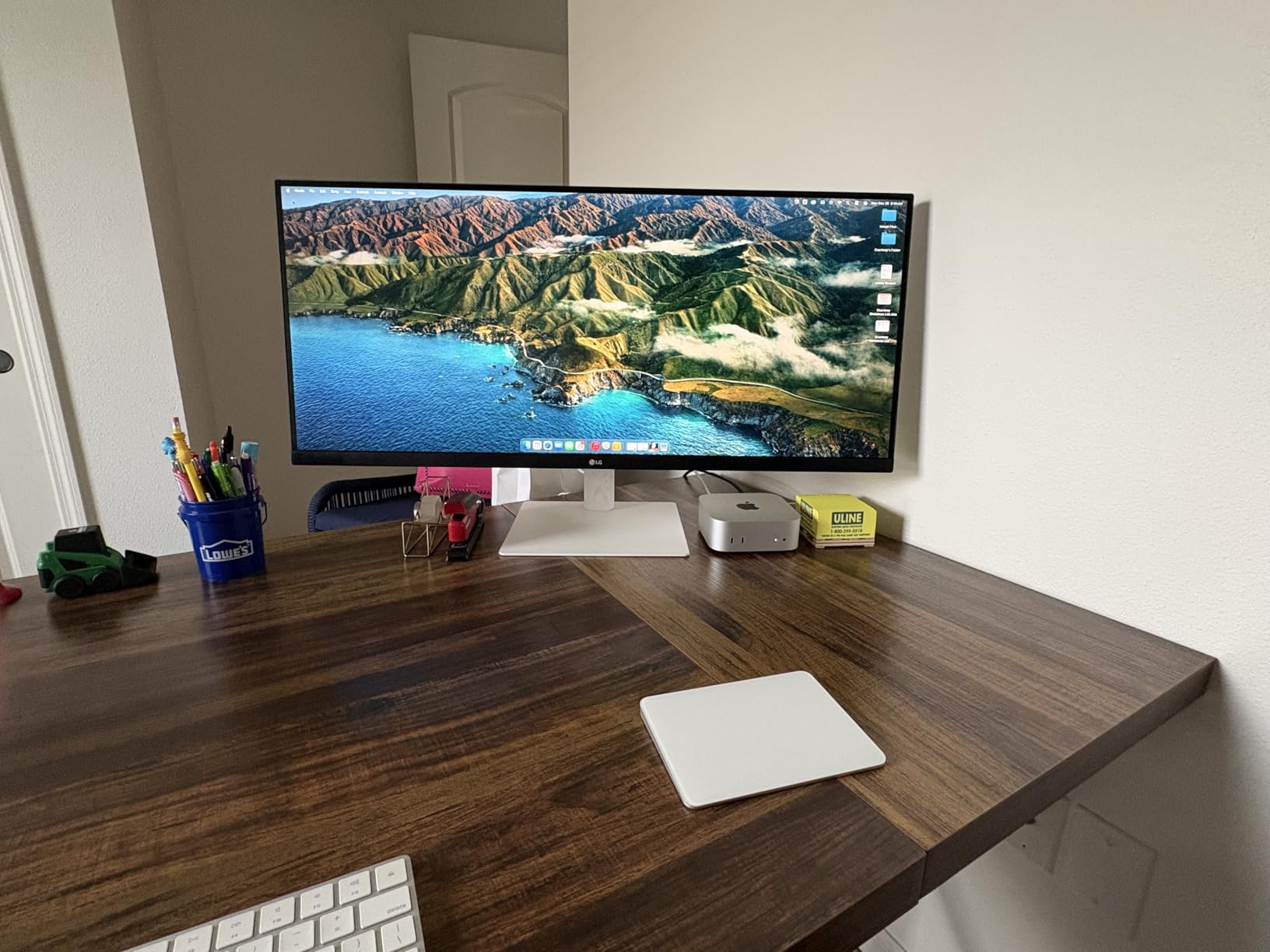
That said, for traders running two charts plus a watchlist, 2560×1080 still gives you significantly more horizontal real estate than a single 16:9 monitor. The IPS panel means viewing angles are wide, so colors stay accurate even at the panel edges.
USB-C is the standout feature at this price point. Most budget ultrawides only offer HDMI and DisplayPort, so the inclusion of USB-C makes this a strong choice for laptop-based traders.
What I liked most
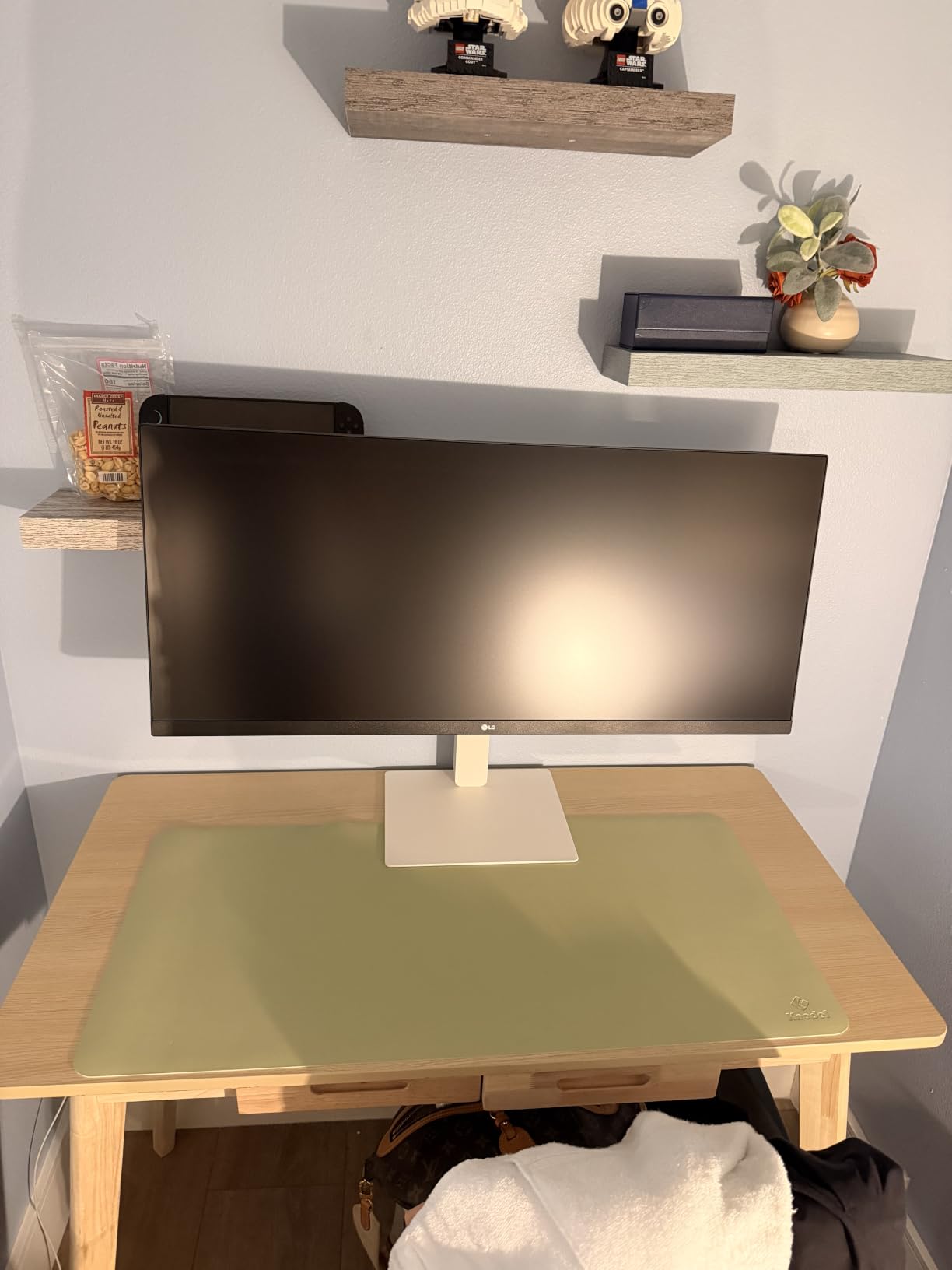
The Switch App feature lets you split the screen into up to six custom sections, which is genuinely useful for traders who want a tiled layout with charts, watchlist, news, and order ticket all visible at once. The slim white design also looks cleaner than most budget ultrawides.
Where it falls short
The 2560×1080 resolution is the main compromise. If you regularly read dense spreadsheets or small text on charts, you will feel the difference. A few users also reported image quality issues, so test the monitor within the return window if possible.
10. Deco Gear 49-Inch Super Ultrawide – Best Large-Format 5K2K Alternative

Deco Gear 49″ Super Ultrawide Curved Monitor, 5120×1440, 5K2K, 120Hz, 32:9
49 inch curved
5120x1440 5K2K
120Hz
32:9
USB-C 65W PD
KVM
Pros
- 49 inch 5K2K replaces dual 27 inch monitors
- 120Hz smooth refresh rate
- USB-C 65W PD with KVM and PIP/PBP
- FreeSync Premium support
- 100% sRGB / 91% DCI-P3 coverage
Cons
- Resolution less sharp than 4K per inch
- Some users report reliability concerns
The Deco Gear 49-inch Super Ultrawide in white is the second 5K2K option in this roundup, and it earns its place for traders who want the same massive workspace as the CRUA but in a lighter aesthetic with similar KVM and USB-C features.
The 5120×1440 resolution at 120Hz gives you the same horizontal real estate as two 27-inch QHD monitors without the bezel break. For day traders running multiple instruments and platforms, this layout eliminates the visual interruption that comes from dual-monitor bezels.
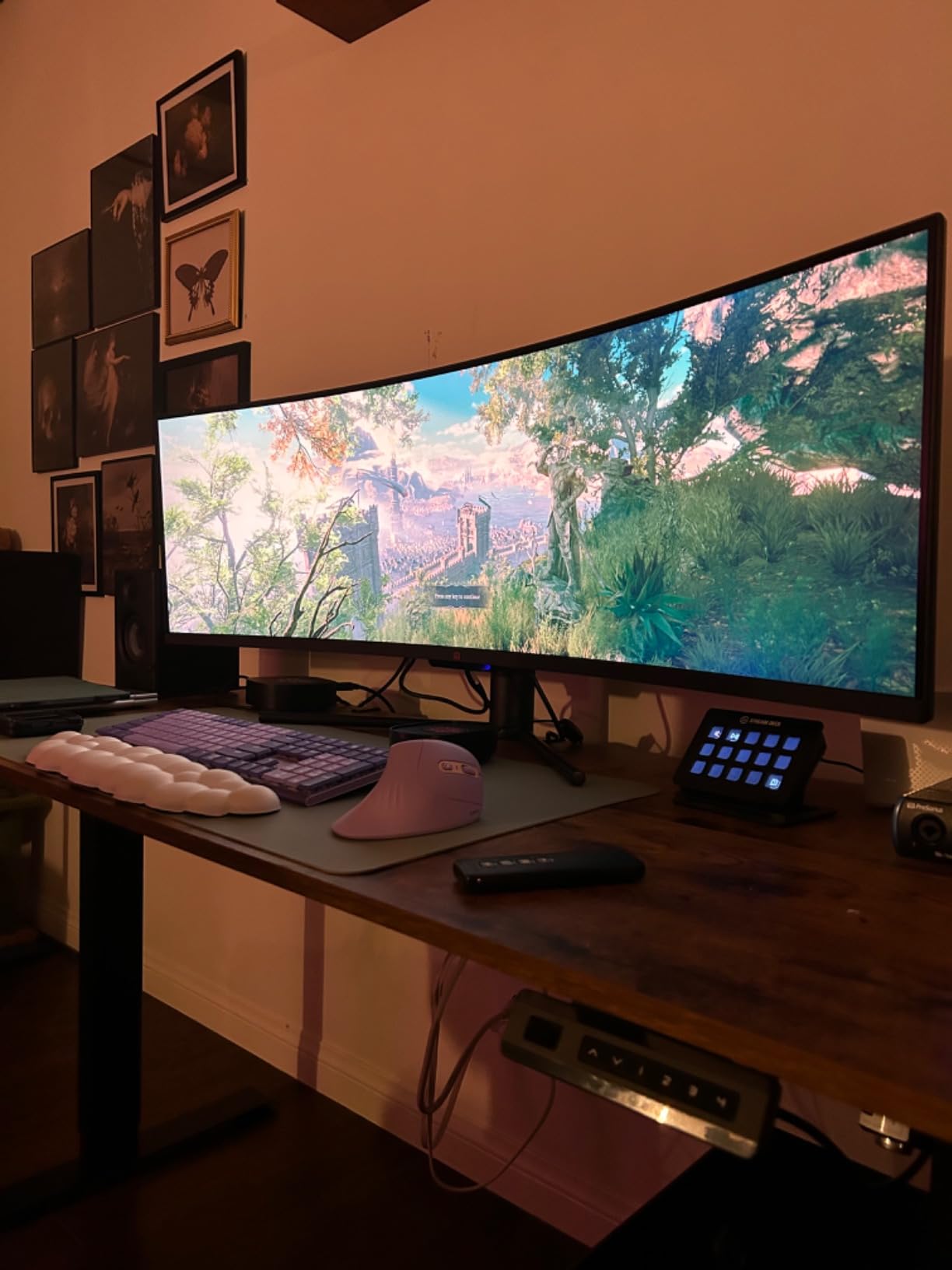
The 65W USB-C power delivery and built-in KVM switch make this a strong option for traders who switch between a desktop and a laptop. You can run both machines into the same panel and share a keyboard and mouse.
Color coverage is solid at 100% sRGB and 91% DCI-P3. The FreeSync Premium support eliminates tearing when panning across dense order flow.
What I liked most
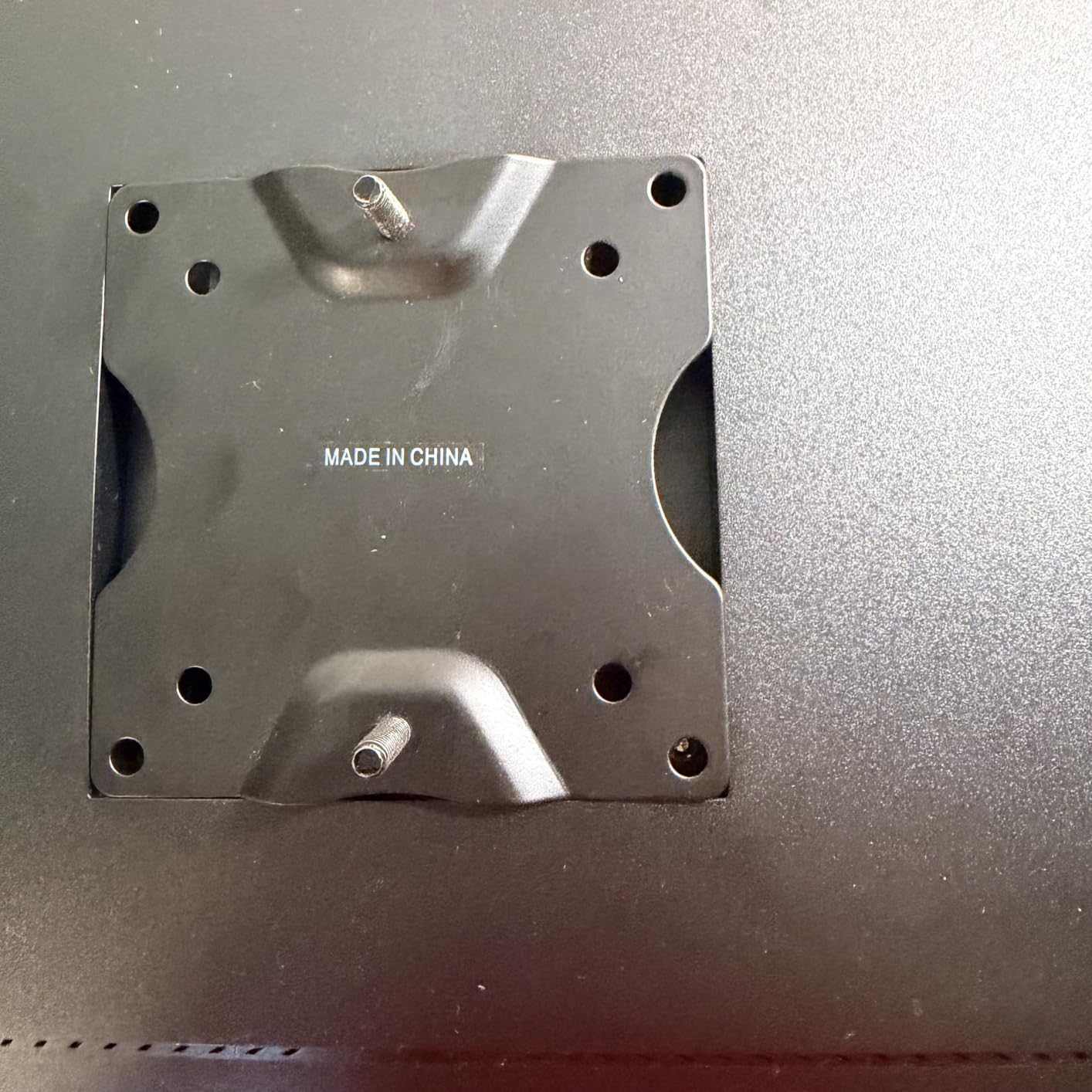
The white finish is a refreshing change from the typical black monitor aesthetic. For traders building a clean, modern desk setup, this monitor fits visually. The KVM and PIP/PBP combo also makes it a strong multi-device workstation display.
Where it falls short
The 5120×1440 resolution is less sharp per inch than a true 4K panel. If pixel density matters more to you than total workspace, consider a 4K 27-inch or 32-inch monitor instead. A few users also reported internal issues with vertical lines appearing over time.
What to Look for in a Day Trading Monitor
After testing dozens of monitors for trading workflows over the past several years, I have learned that the specs that matter for trading are not always the specs that marketing materials emphasize. Below are the criteria I use to evaluate every trading monitor.
Resolution and pixel density
For day trading, you want enough pixels to fit multiple charts, watchlists, and order tickets without constant alt-tabbing. The sweet spot is 3440×1440 on a 34-inch ultrawide (around 110 PPI) or 3840×2160 on a 27-inch 4K (around 163 PPI). Anything below 2560×1440 will feel cramped, and anything above 4K on a small panel can cause Windows scaling headaches.
If you also need a desktop PC to drive multiple monitors, our best trading computers with multiple monitors guide pairs well with this section.
Curved vs flat
For screens 32 inches and under, flat panels work fine. For 34-inch ultrawides and especially 49-inch super ultrawides, a curve (1500R is the standard) keeps the edges in your peripheral vision and reduces neck strain. Flat panels on 49-inch screens force you to turn your head to read the corners.
Panel type: IPS vs VA vs OLED
IPS panels offer the widest viewing angles and best color accuracy, which matters for multi-monitor setups where the outer screens are viewed at an angle. VA panels offer deeper contrast, which makes dark themes look richer. OLED panels offer perfect blacks and pixel-level response, but burn-in risk is a real concern for static chart layouts. For most traders, an IPS or high-quality VA panel is the right call.
Refresh rate
You do not need 144Hz or higher for static charts. However, when you scroll through long watchlists, pan across historical data, or run multiple monitors with busy interfaces, a higher refresh rate (100Hz and up) reduces motion blur and feels noticeably smoother. If you also use the monitor for gaming after market close, higher refresh is a bonus.
Connectivity checklist
For laptop-based traders, USB-C with at least 65W power delivery is essential. It lets you run a single cable from your laptop to the monitor for video, data, and charging. For desktop traders, DisplayPort 1.4 and HDMI 2.1 cover most modern GPUs. If you run multiple PCs, a built-in KVM switch is a major convenience. If you want a programming setup alongside your trading workstation, see our best monitors for programmers guide.
Ergonomics and eye care
A fully adjustable stand (height, tilt, swivel, pivot) is non-negotiable for long sessions. Blue light filters, flicker-free technology, and ambient light sensors reduce eye strain. We covered monitors with strong eye care features earlier in the roundup. For additional context on choosing a primary screen for stock trading, our best monitors for stock trading guide provides another perspective.
How many monitors do day traders need
Most professional day traders use two to four monitors. A common setup is one primary monitor for charts, one secondary for watchlist and news, and one vertical monitor for order flow. If desk space is limited, a single 49-inch super ultrawide or a single 34-inch ultrawide plus a vertical second monitor is the modern equivalent. If you are also building a workstation around a desktop, our best desktop computers for day trading guide covers the rest of the rig.
Frequently Asked Questions
What is the best monitor for stock trading?
The best monitor for stock trading depends on your workflow, but a 34-inch 3440×1440 ultrawide with an IPS or VA panel is the most common choice for most traders. It gives you enough horizontal real estate for multiple charts, watchlists, and an order ticket on a single screen. For traders who need more space, a 49-inch 5120×1440 super ultrawide replaces dual monitors without a bezel break.
Which monitor is best for trading, curved or flat?
For screens 32 inches and under, flat panels work well. For 34-inch ultrawides and 49-inch super ultrawides, a curved panel (typically 1500R) is better because it keeps the outer edges of the screen in your natural field of view. This reduces neck strain during long sessions and makes the screen feel more uniform across its width.
Is 4K better than 1440p for trading?
4K (3840×2160) is sharper than 1440p (2560×1440), but for trading the difference is less important than for photo or video work. A 27-inch 4K monitor gives you the sharpest text and is excellent for dense spreadsheets, but a 34-inch 3440×1440 ultrawide gives you more horizontal workspace which is usually more useful for chart-heavy workflows. Choose 4K if you prioritize text clarity, and ultrawide 1440p if you prioritize chart layout flexibility.
How many monitors do day traders need?
Most day traders use two to four monitors. A common setup is one primary monitor for charts, a second for watchlists and news, and a vertical monitor for order flow or chat. If desk space is limited, a single 49-inch super ultrawide effectively replaces two 27-inch monitors without a bezel break. The right answer depends on your trading style, instruments, and budget.
Should traders use an OLED monitor?
OLED panels offer perfect blacks, instant response times, and excellent color accuracy. However, they carry a real burn-in risk for static chart layouts, order tickets, and platform UI elements that stay on screen for hours. For most traders, an IPS or VA panel with good blue light filtering is the safer long-term choice. If you do choose OLED, use built-in pixel refresh and screen-shift features and avoid leaving static elements on screen for extended periods.
Final Verdict: Which Monitor Should You Buy
After weeks of testing, the SANSUI 34-inch curved ultrawide remains my top pick for the best monitor for day trading. It hits the right balance of resolution, refresh rate, and panel quality at a price that does not require a flagship budget, and it is backed by more than 4,600 reviews from real buyers.
If you want the largest possible workspace and are willing to spend more, the CRUA 49-inch DQHD gives you the equivalent of two 27-inch monitors on a single panel without a bezel break. For budget-conscious traders, the Sceptre 34-inch curved ultrawide delivers the same ultrawide form factor at the lowest cost on this list.
Whichever monitor you choose, pair it with a fully adjustable stand or VESA arm, set up proper blue light filtering, and consider a vertical second monitor for watchlists. The right monitor reduces eye strain, eliminates tab-switching, and gives you the visual headroom to focus on what matters: reading the market.